Skip to content
50% off this one-time $1.99 pack with HALFOFF — or unlimited with Pro.HALFOFF
Premium

Free Balance Sheet Templates (Excel, PDF)
Statements
silviacruz by silviacruz
Updated 0 downloads 2 community comments

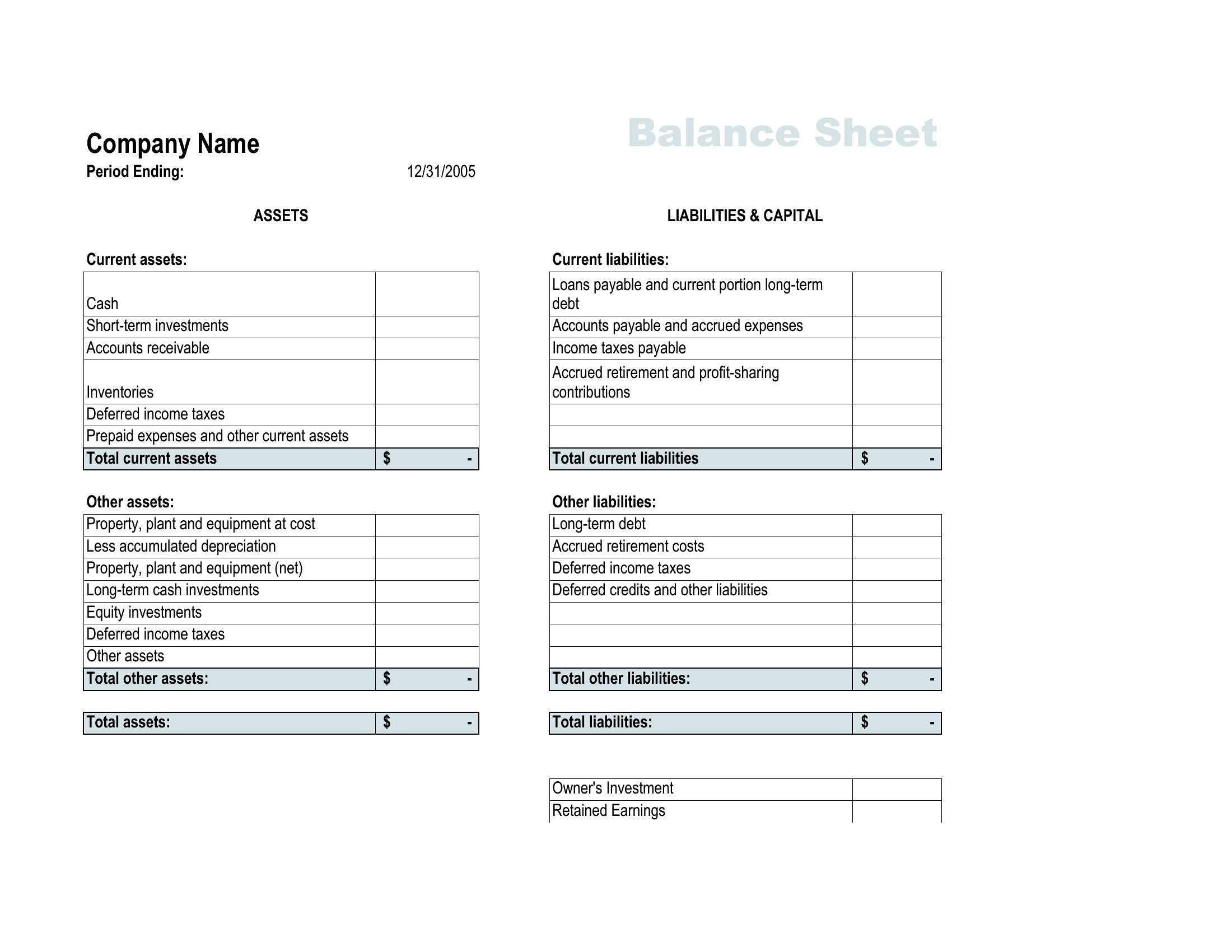
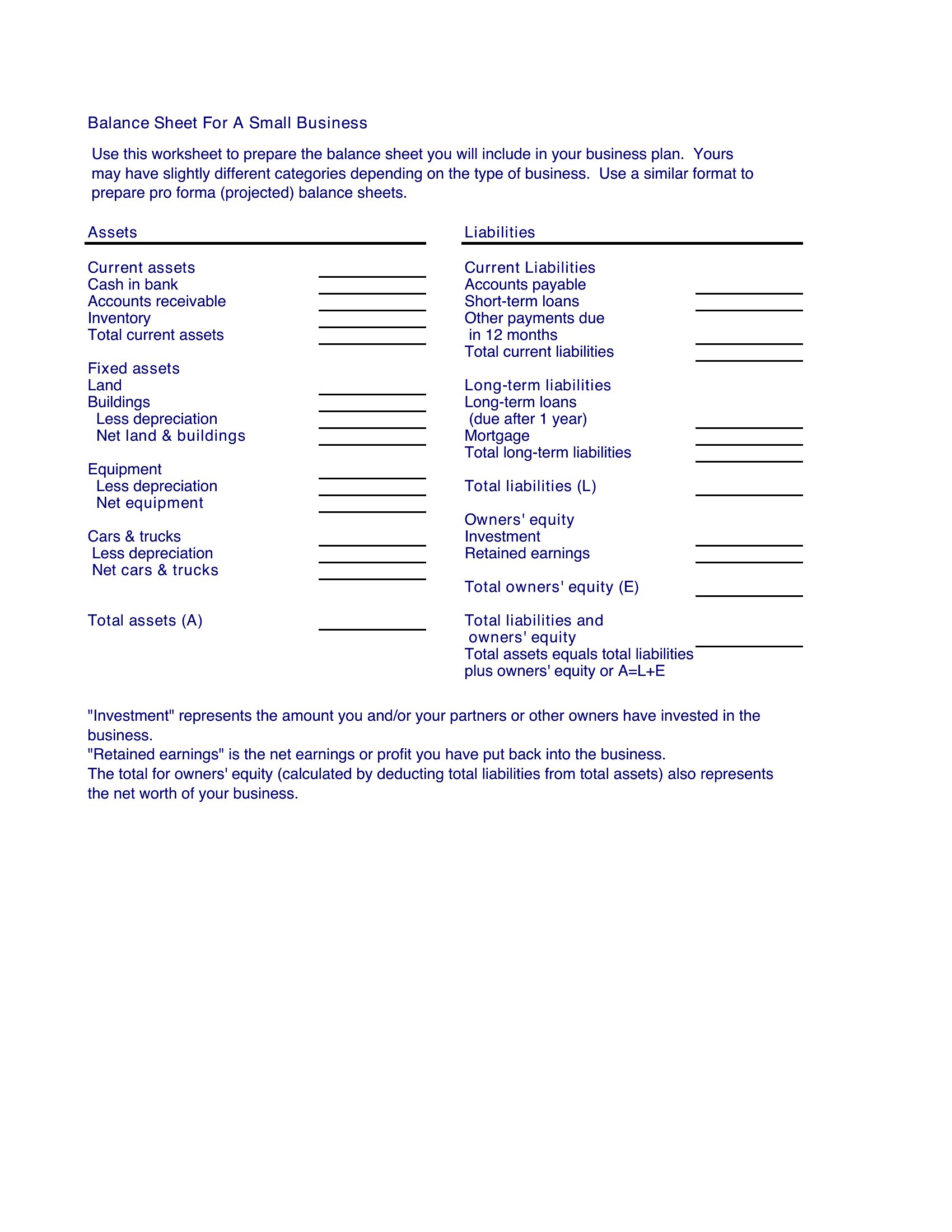
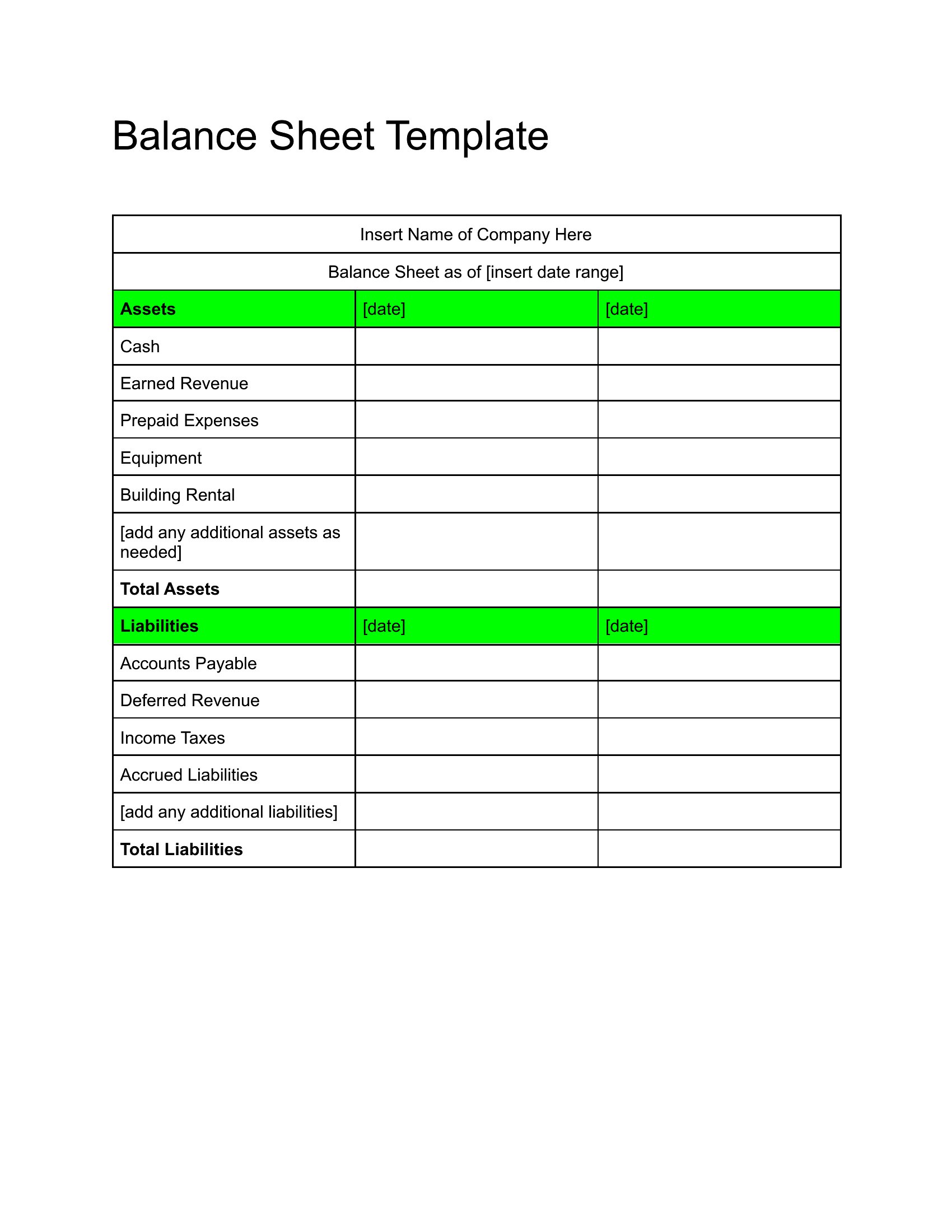
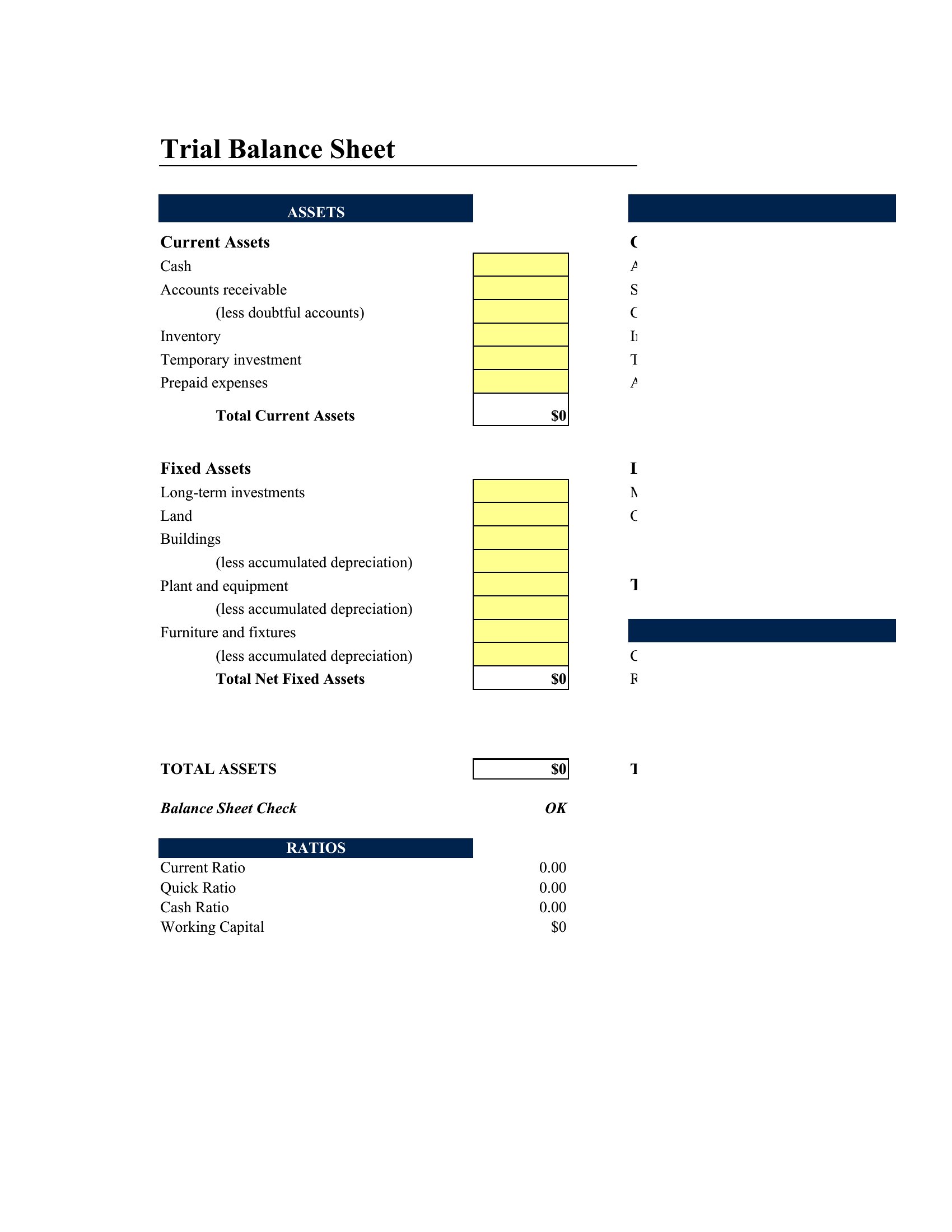
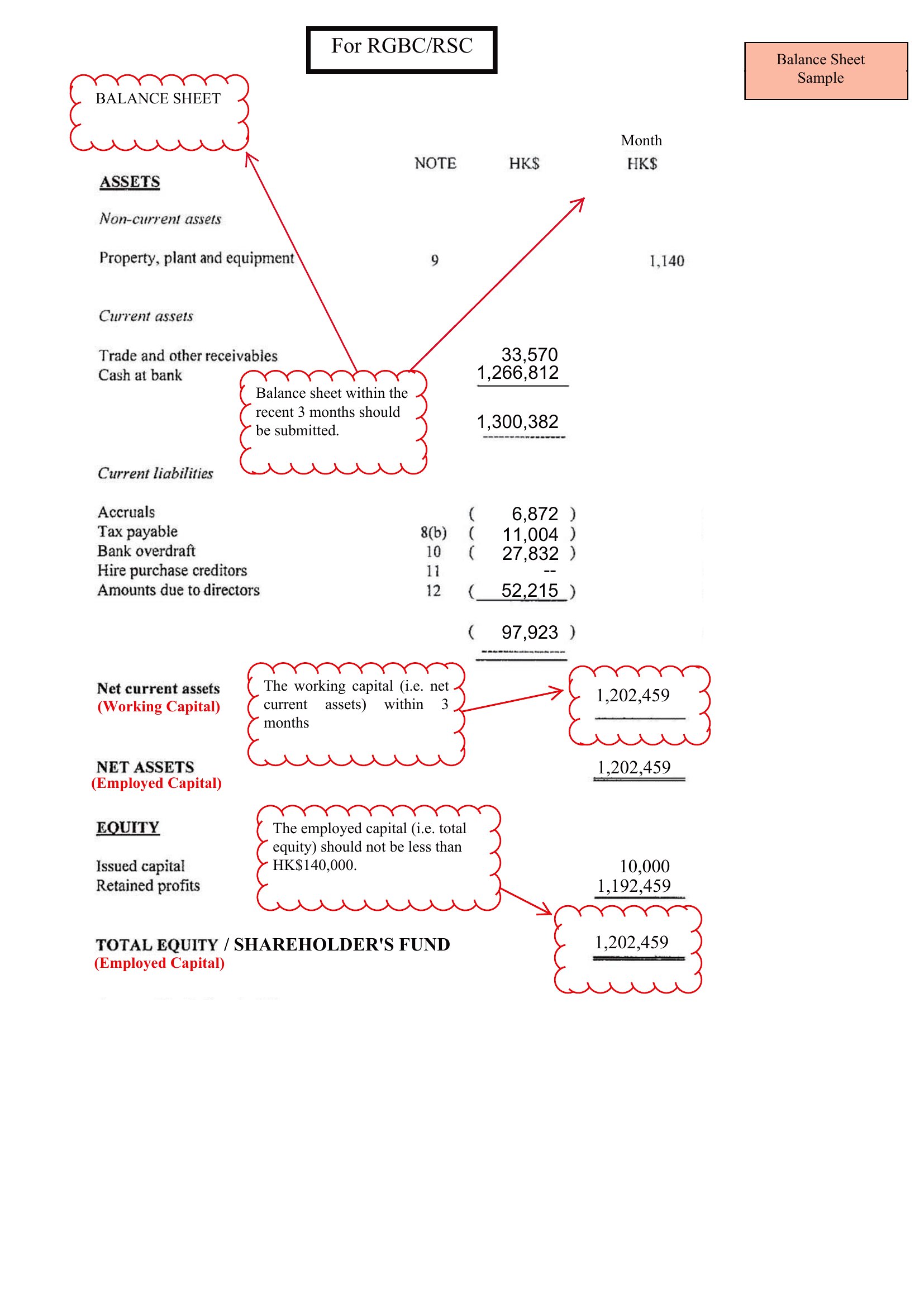
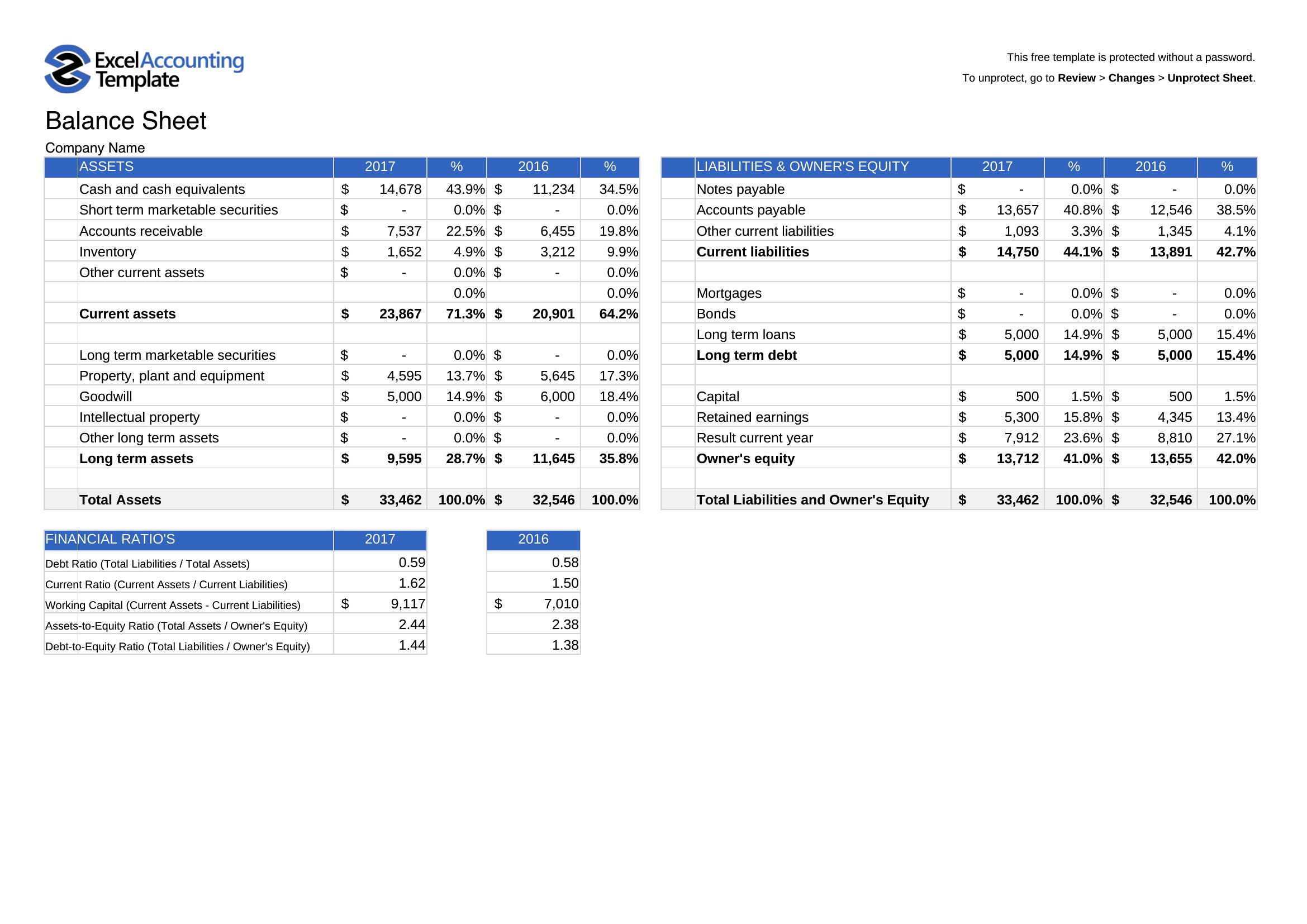
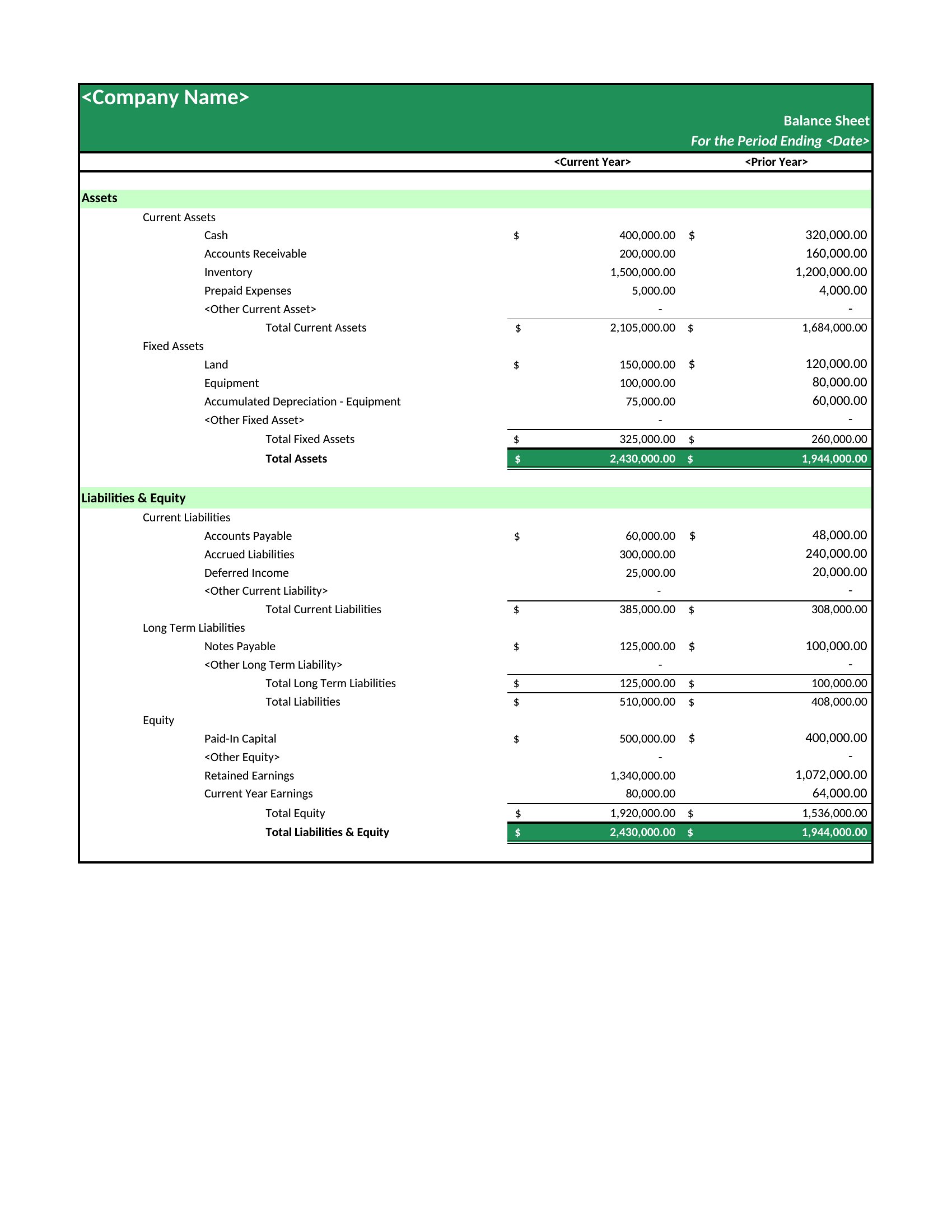
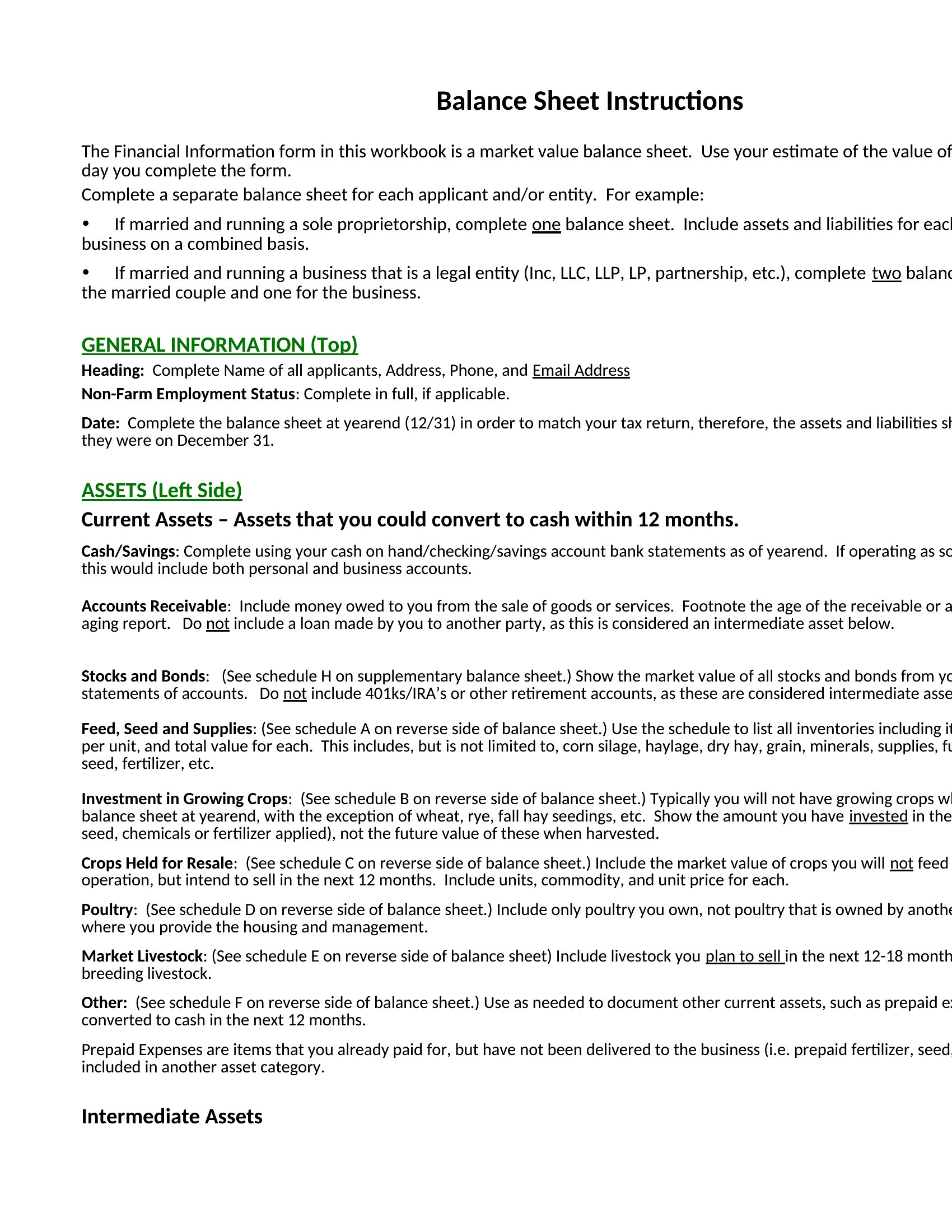
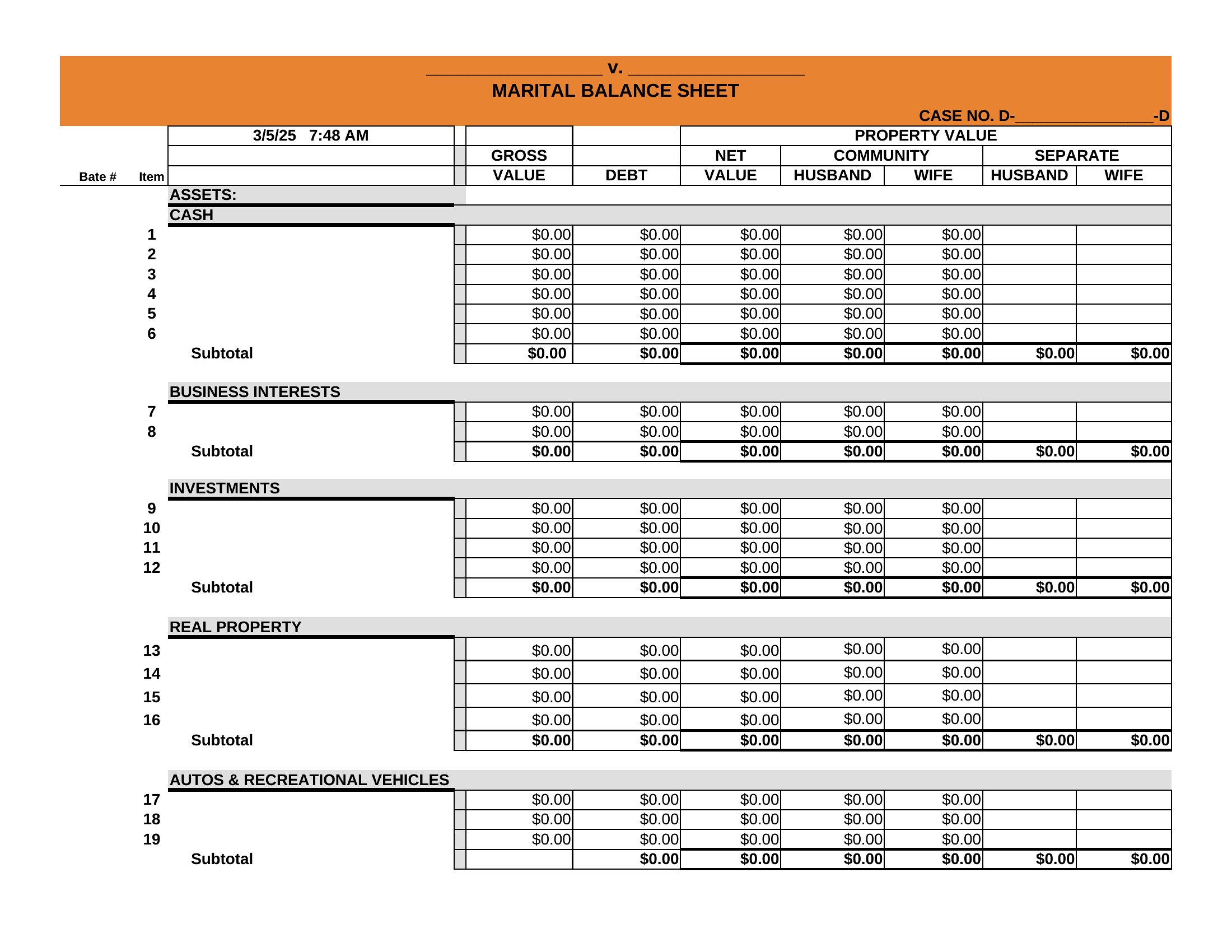
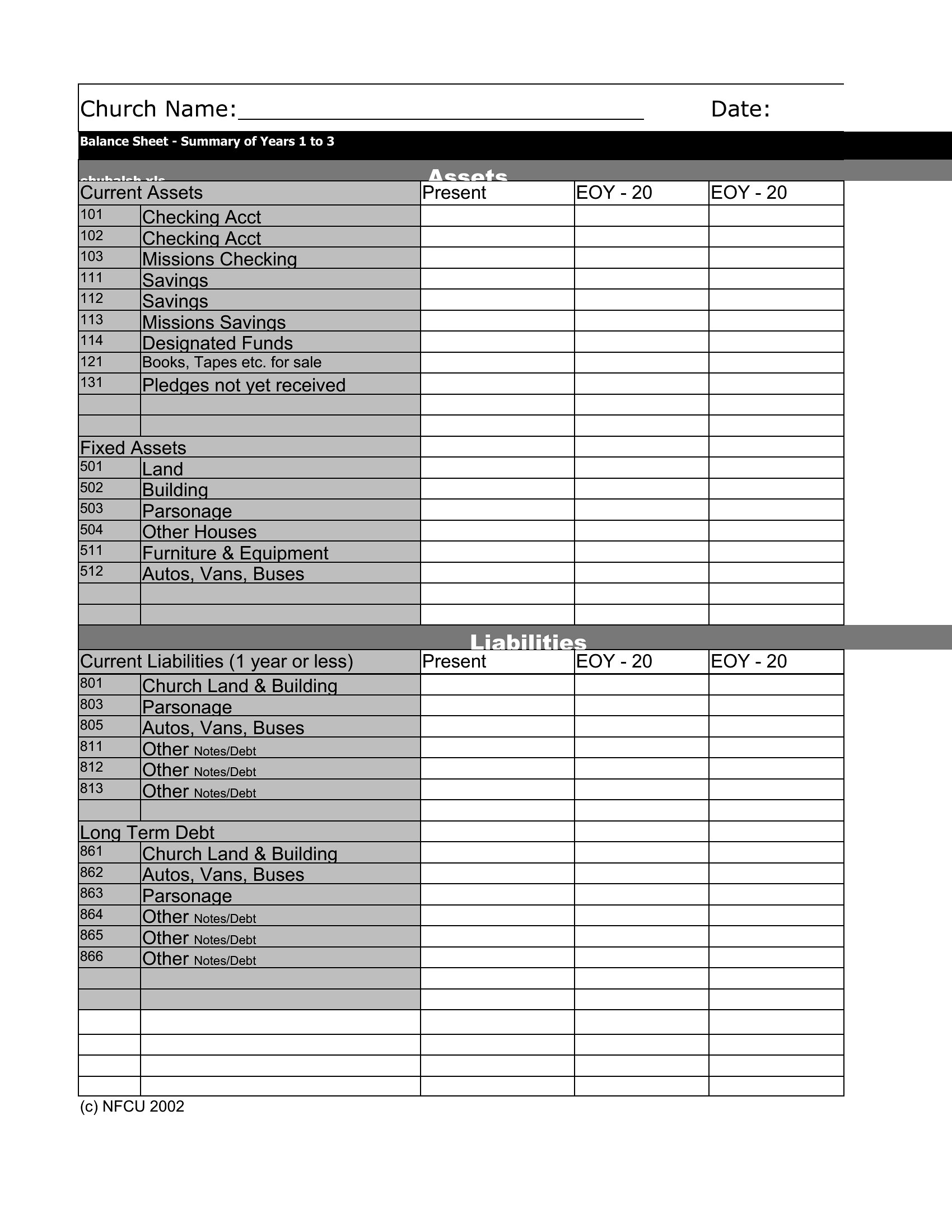
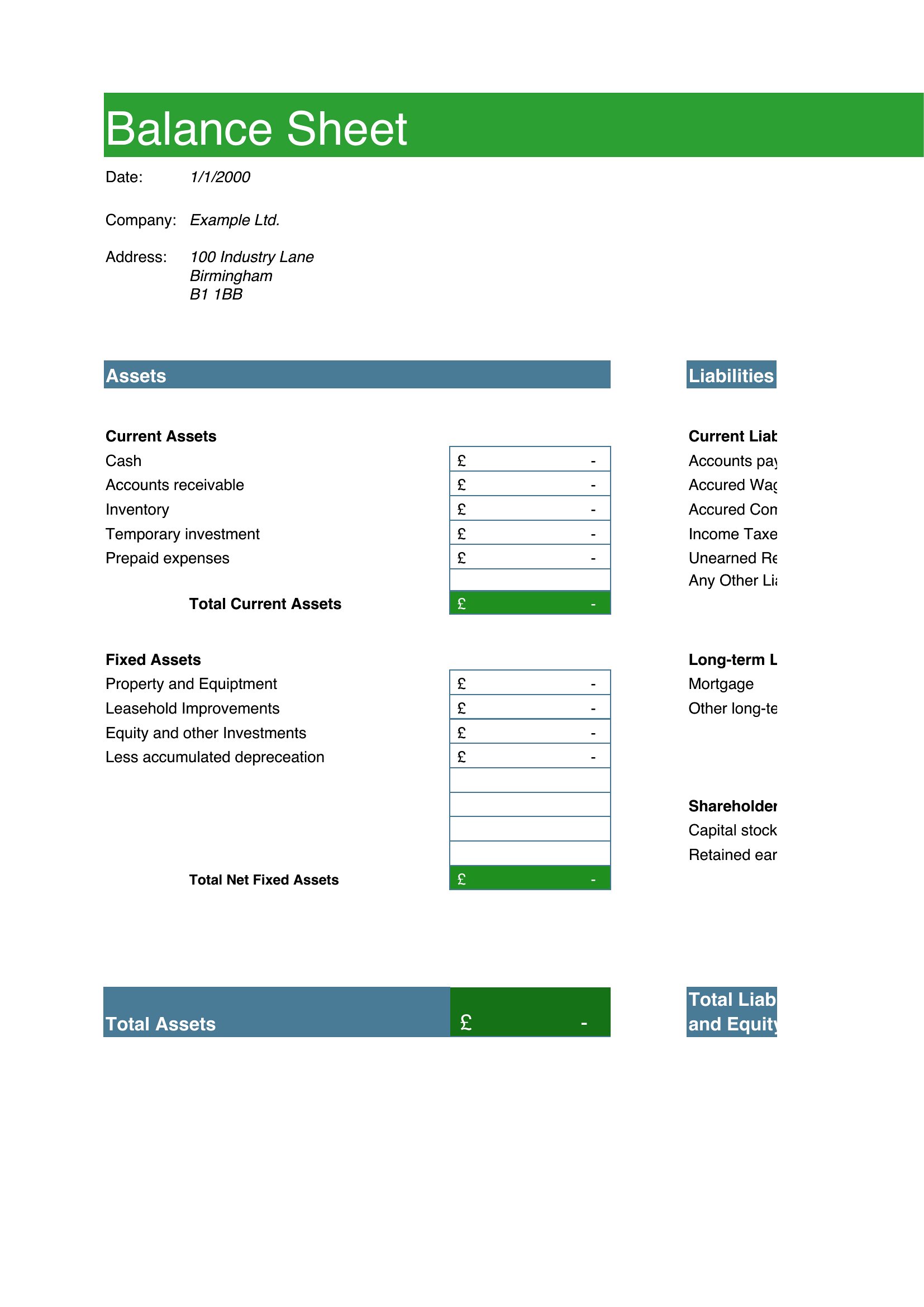
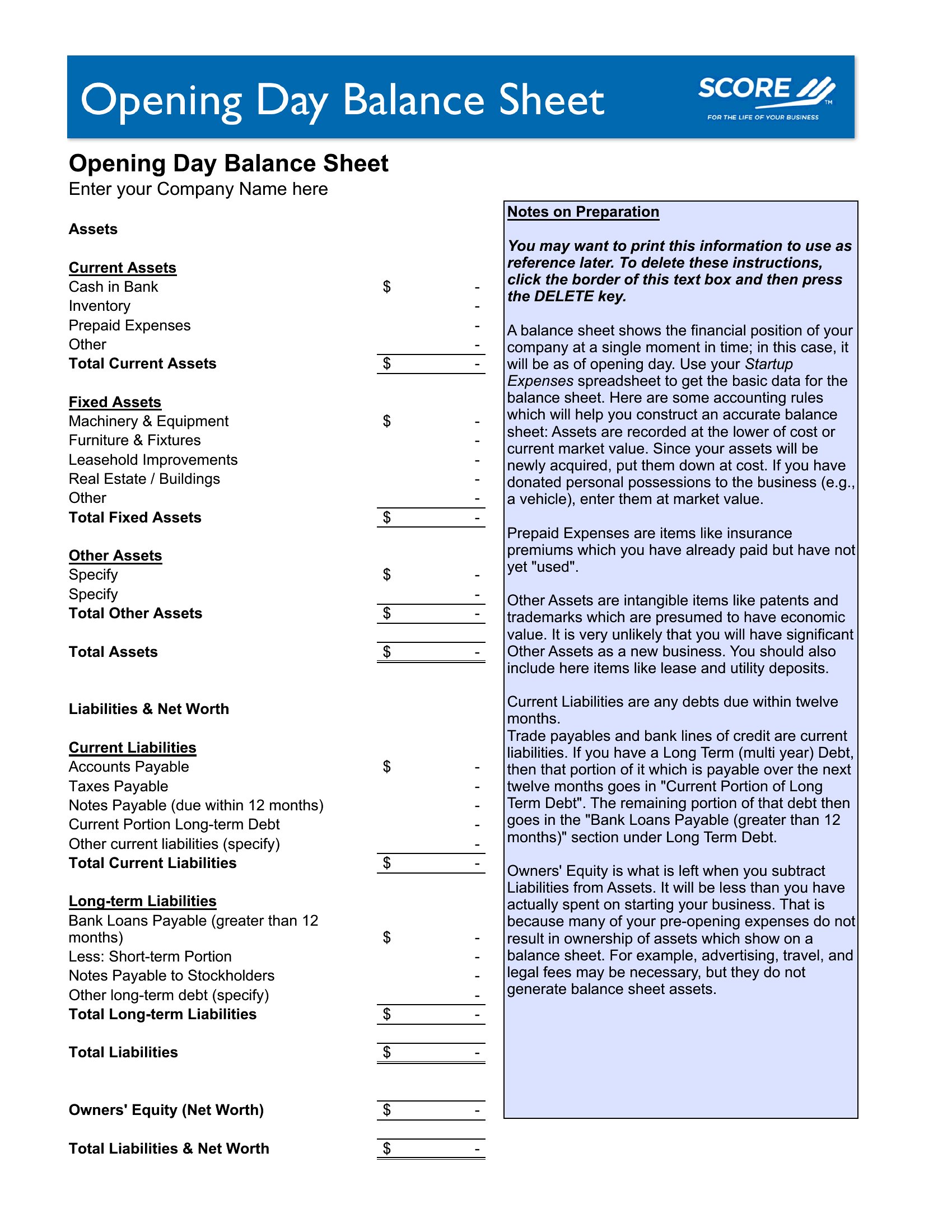
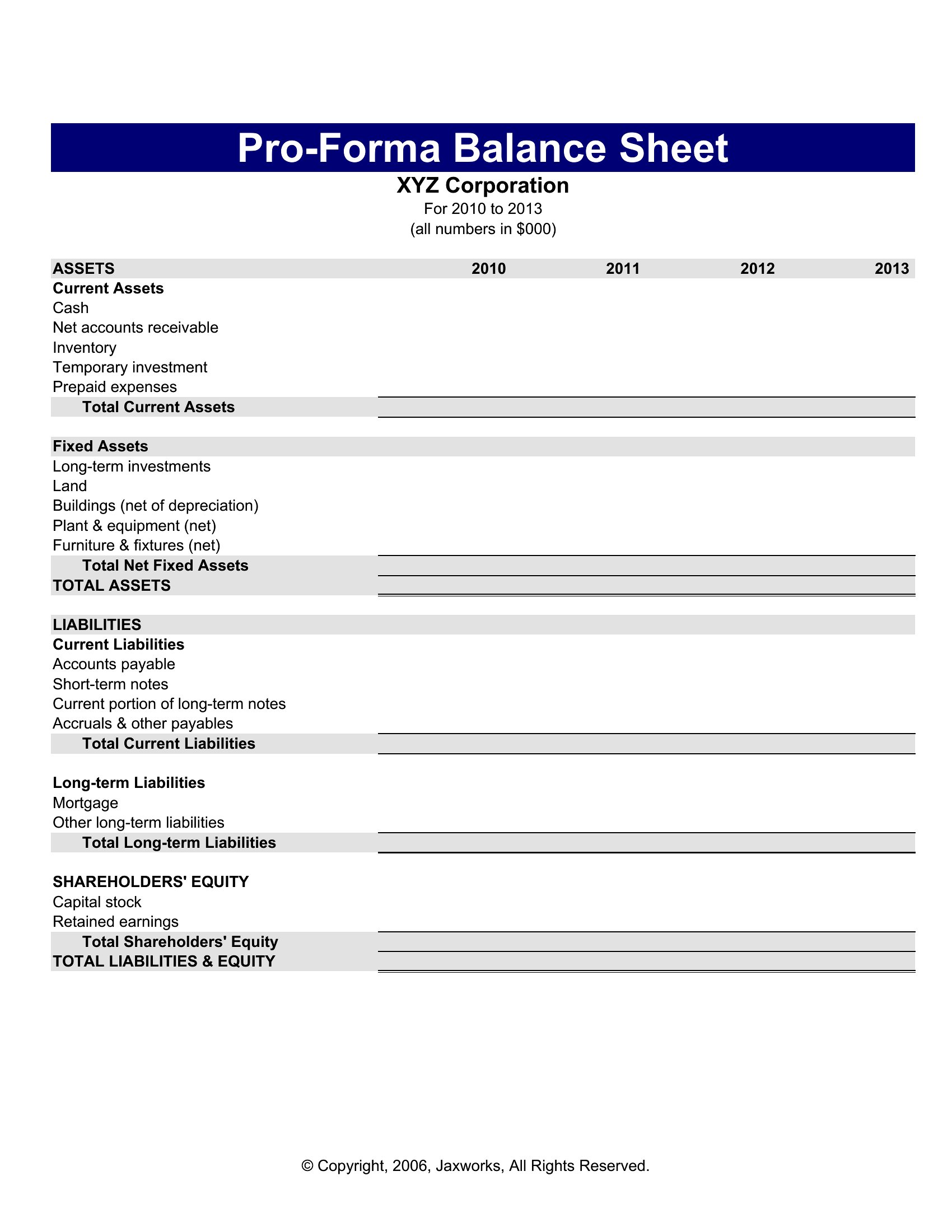
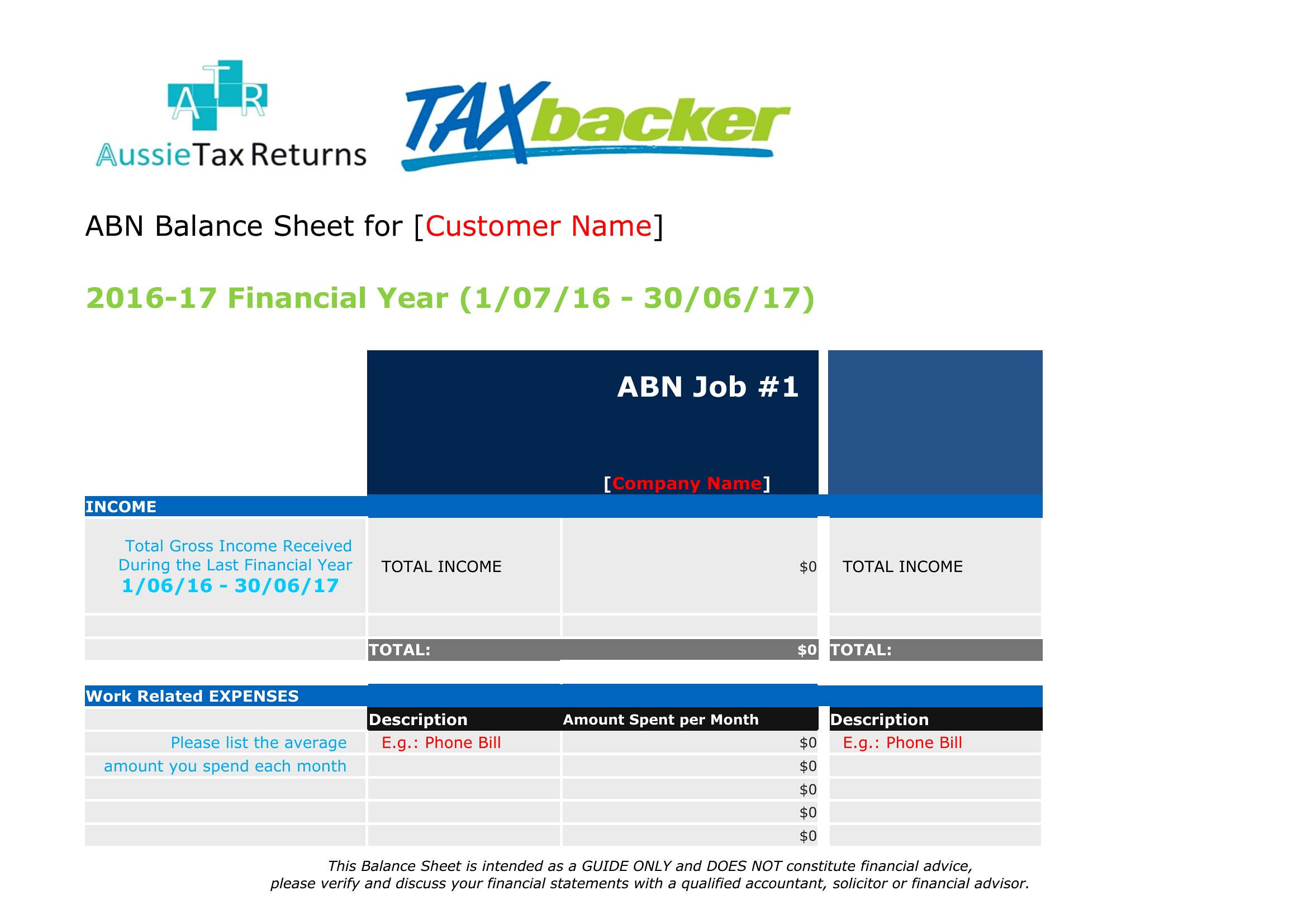
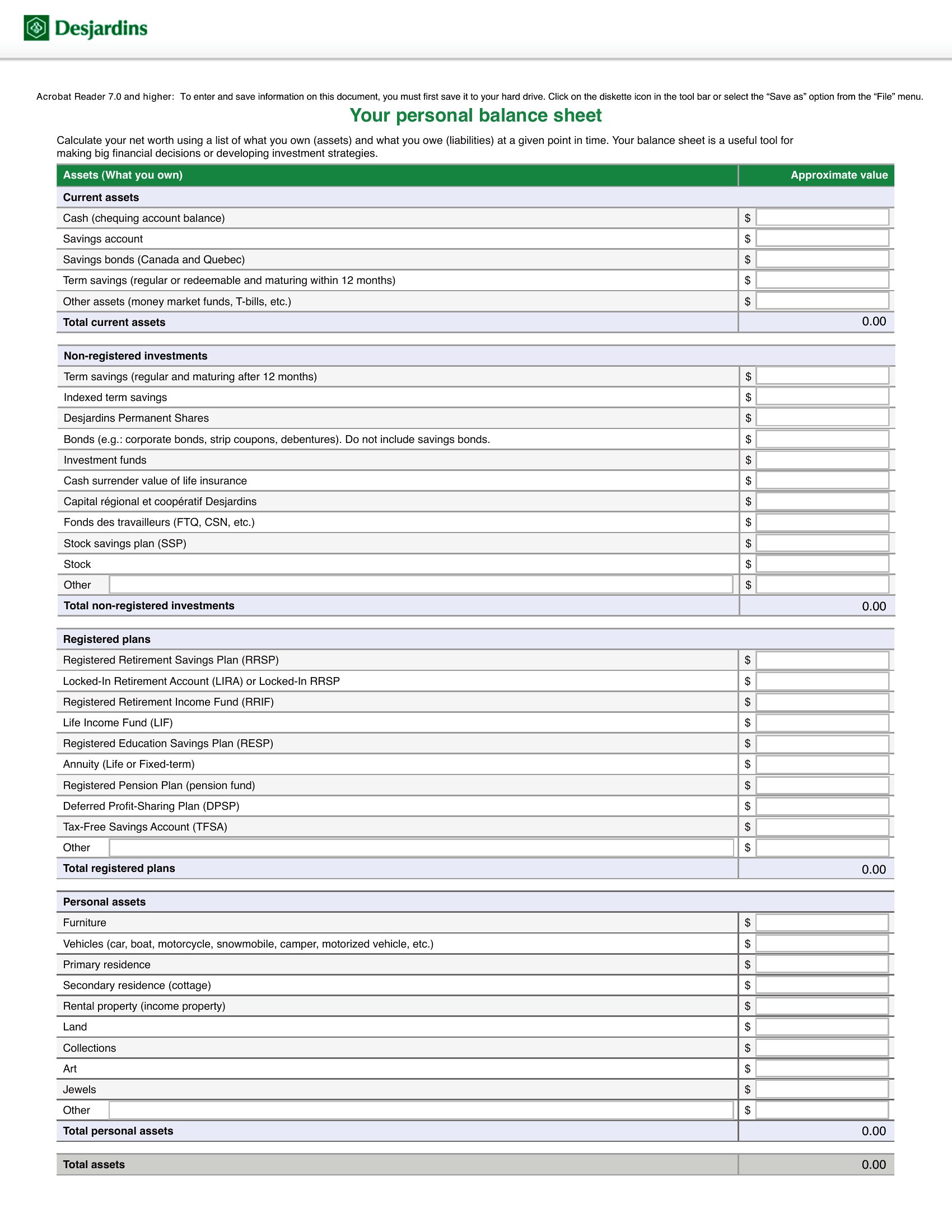
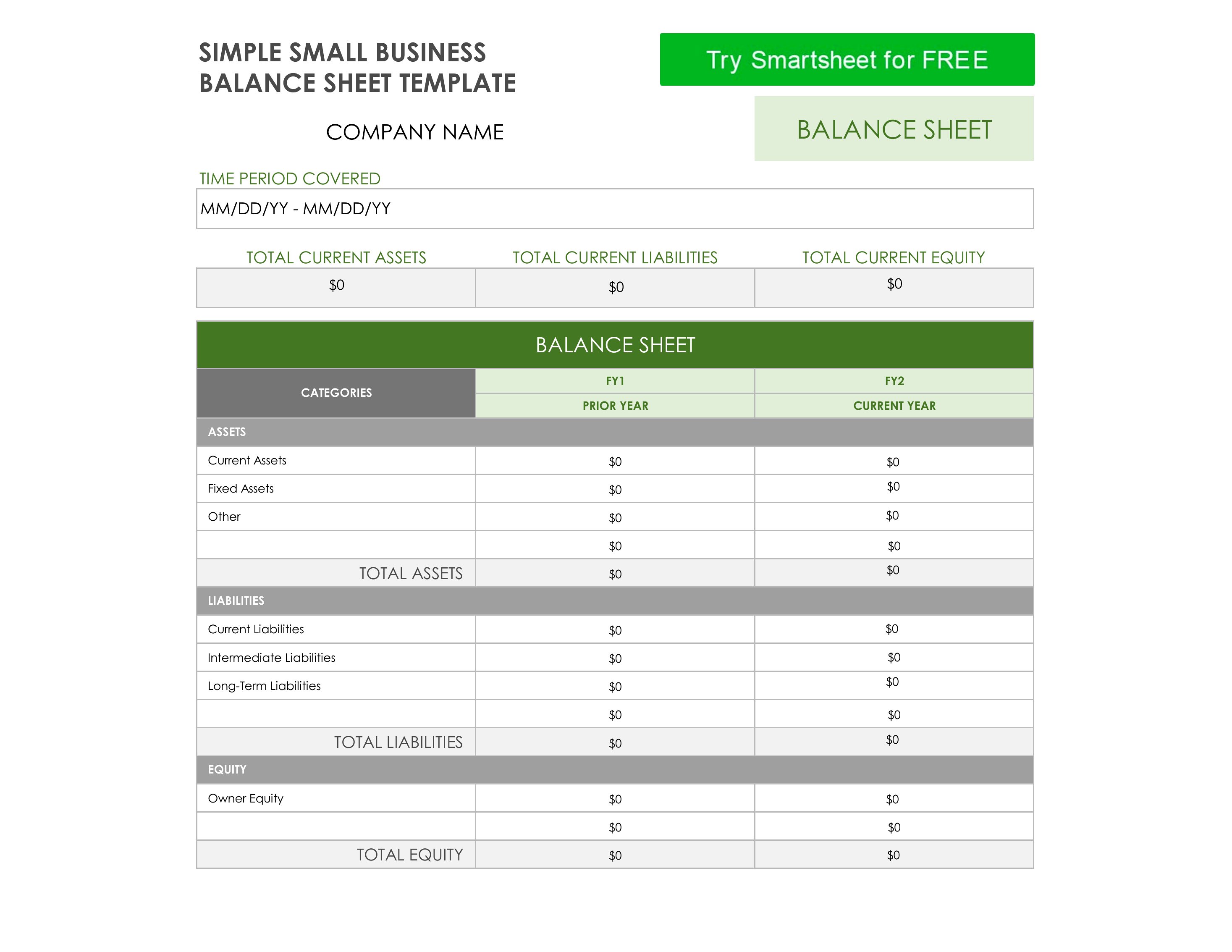
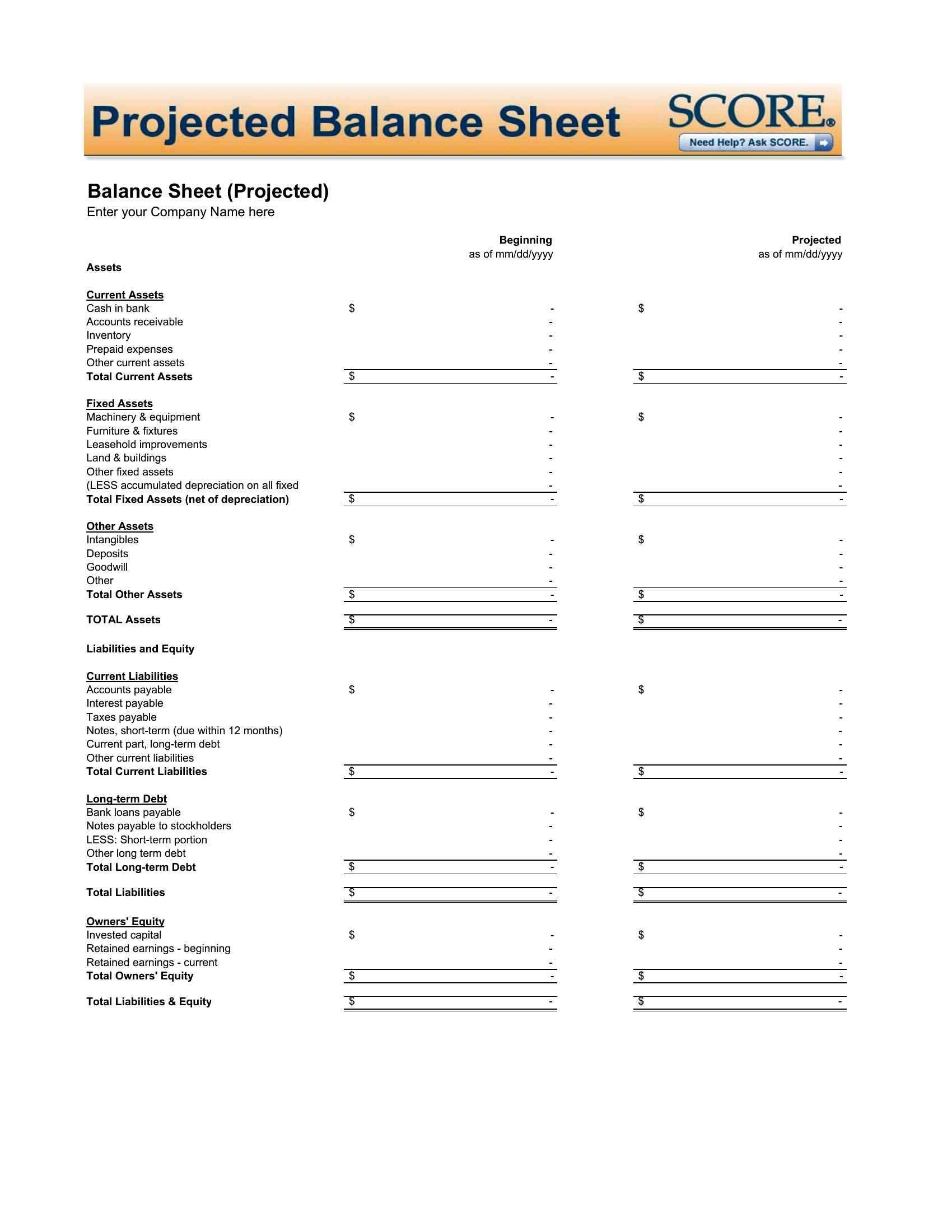
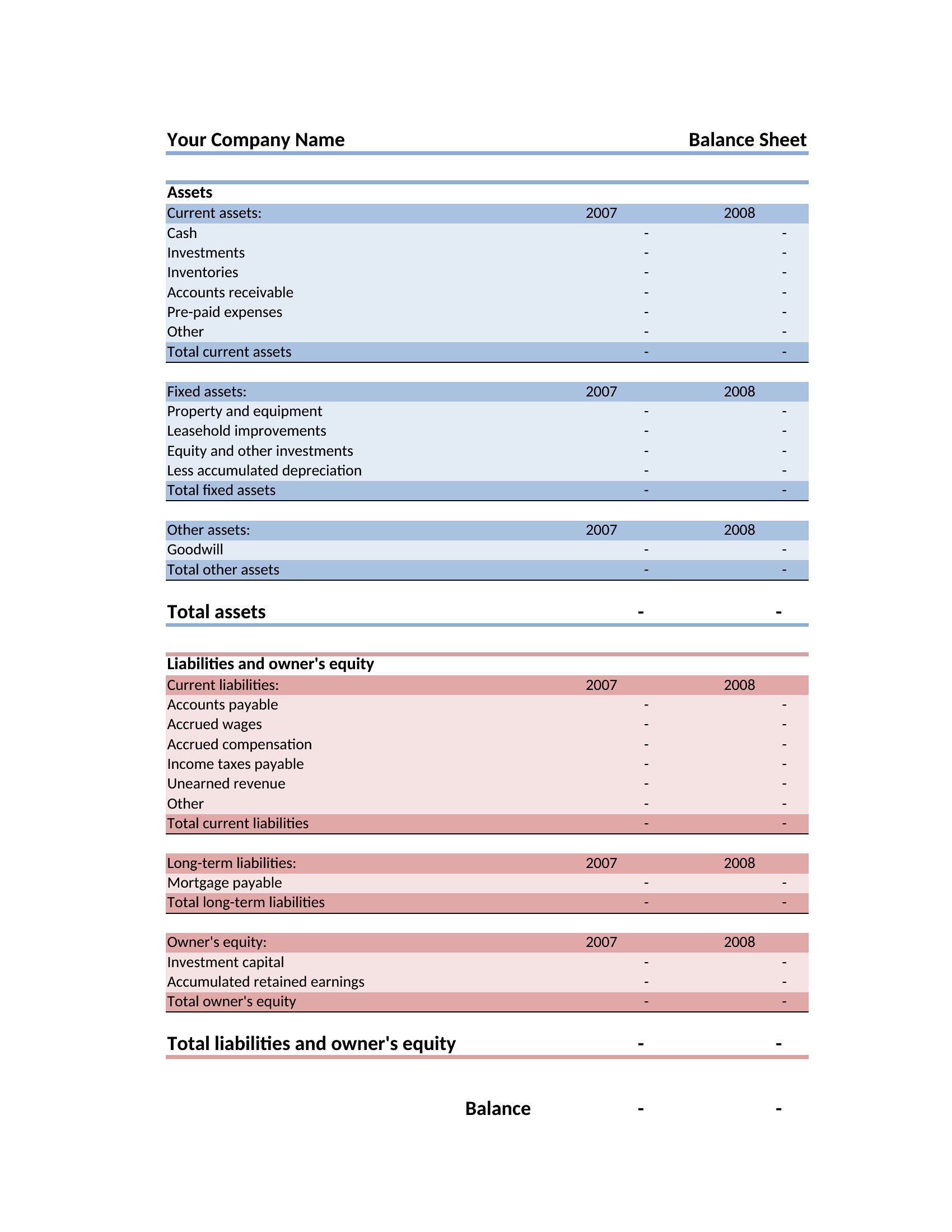
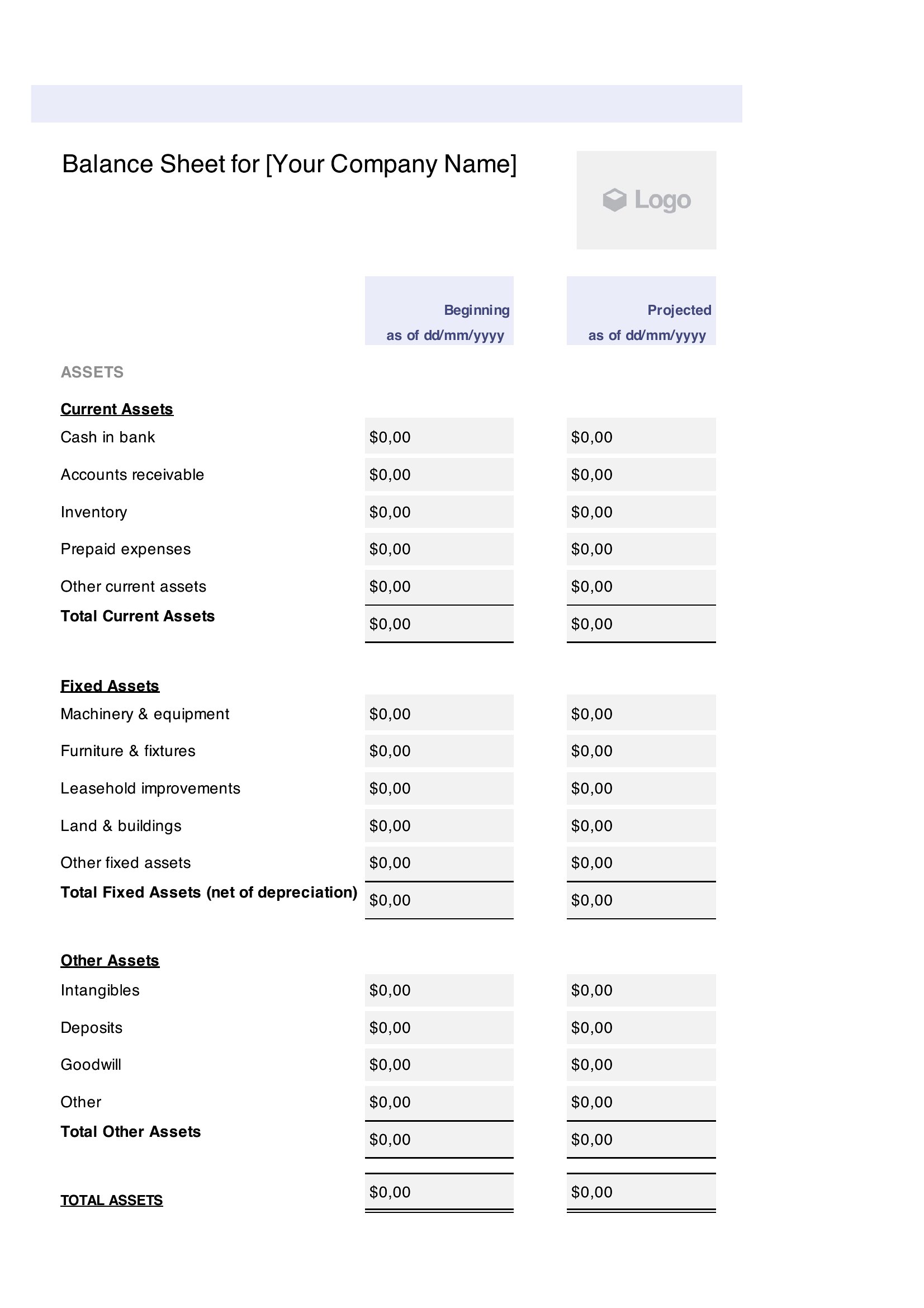
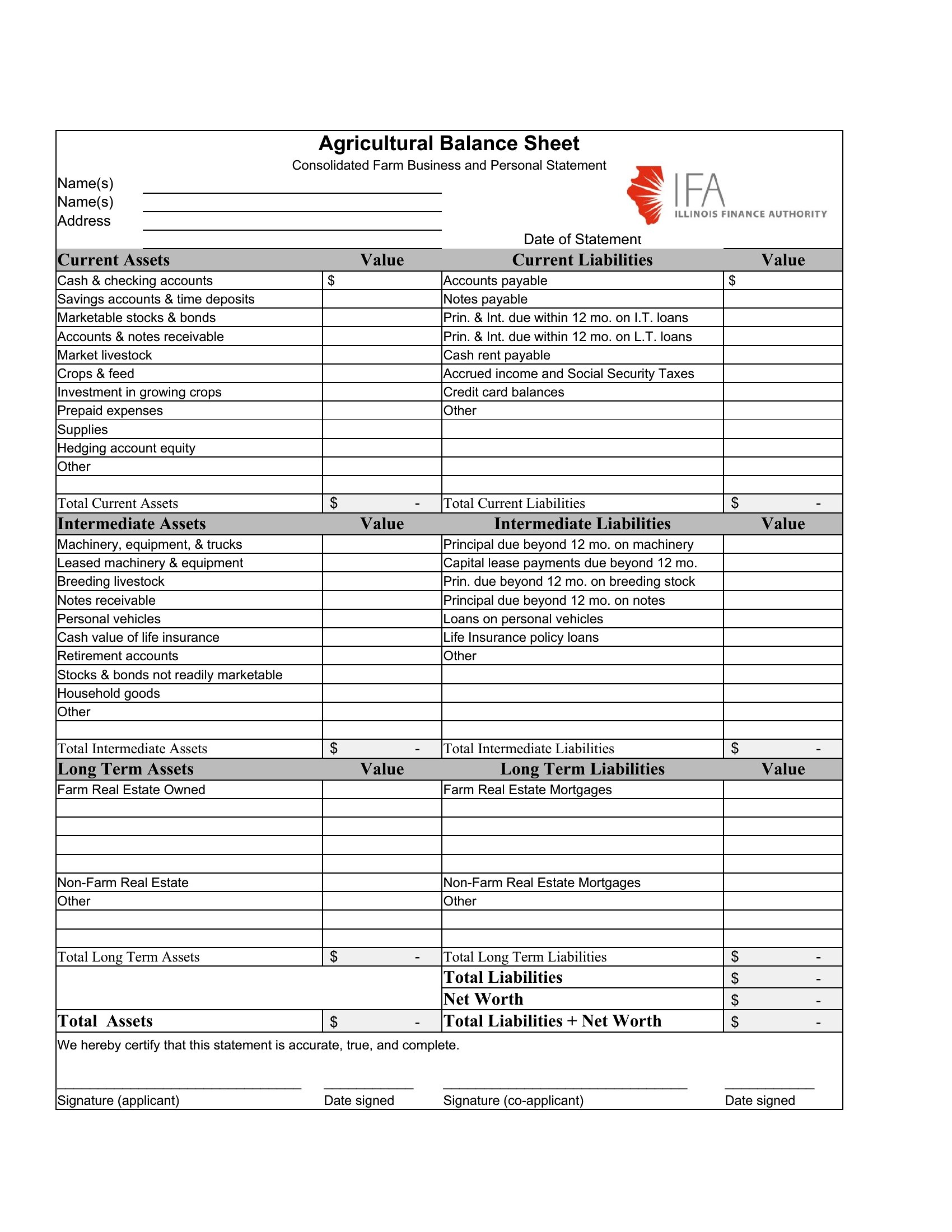
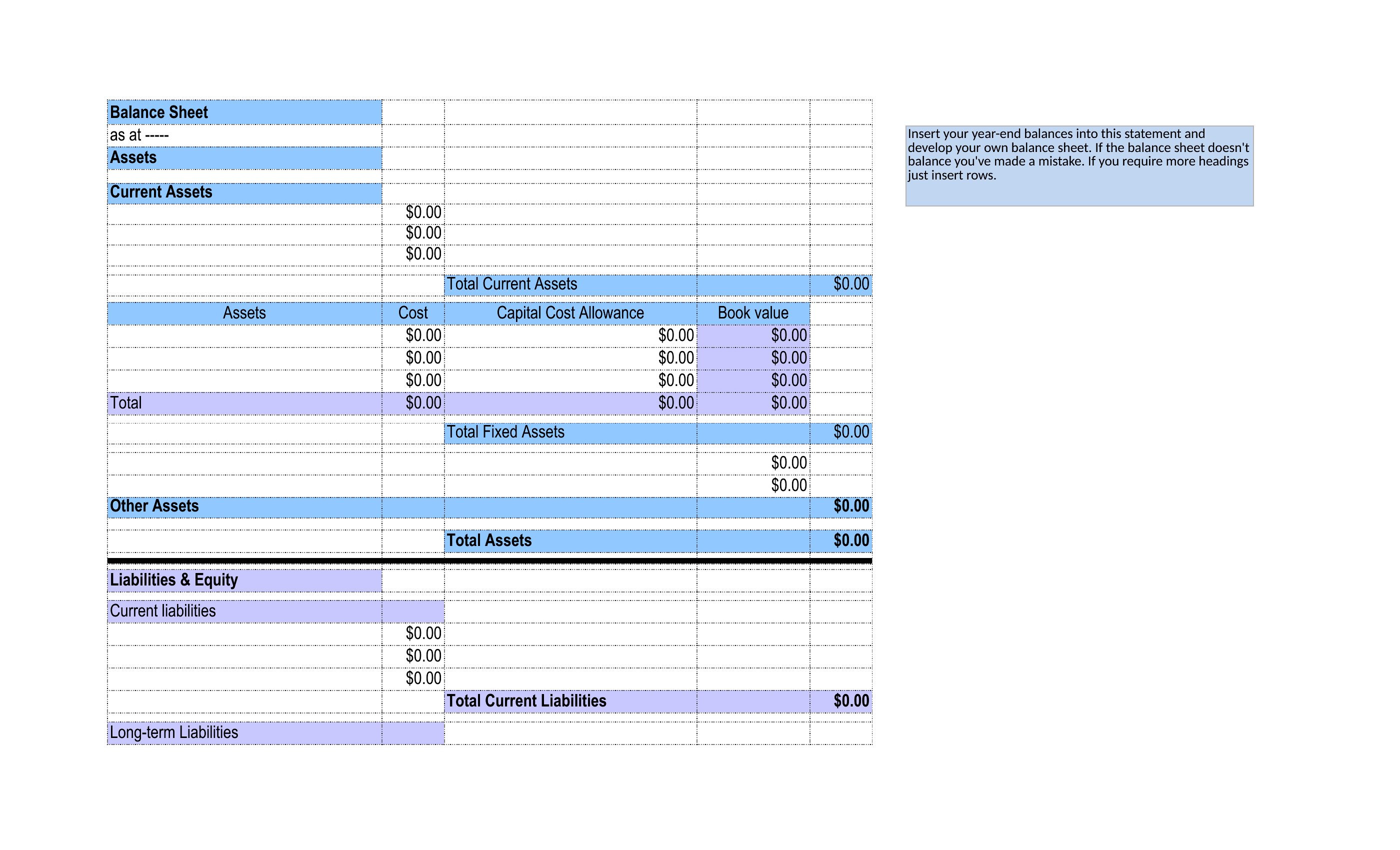
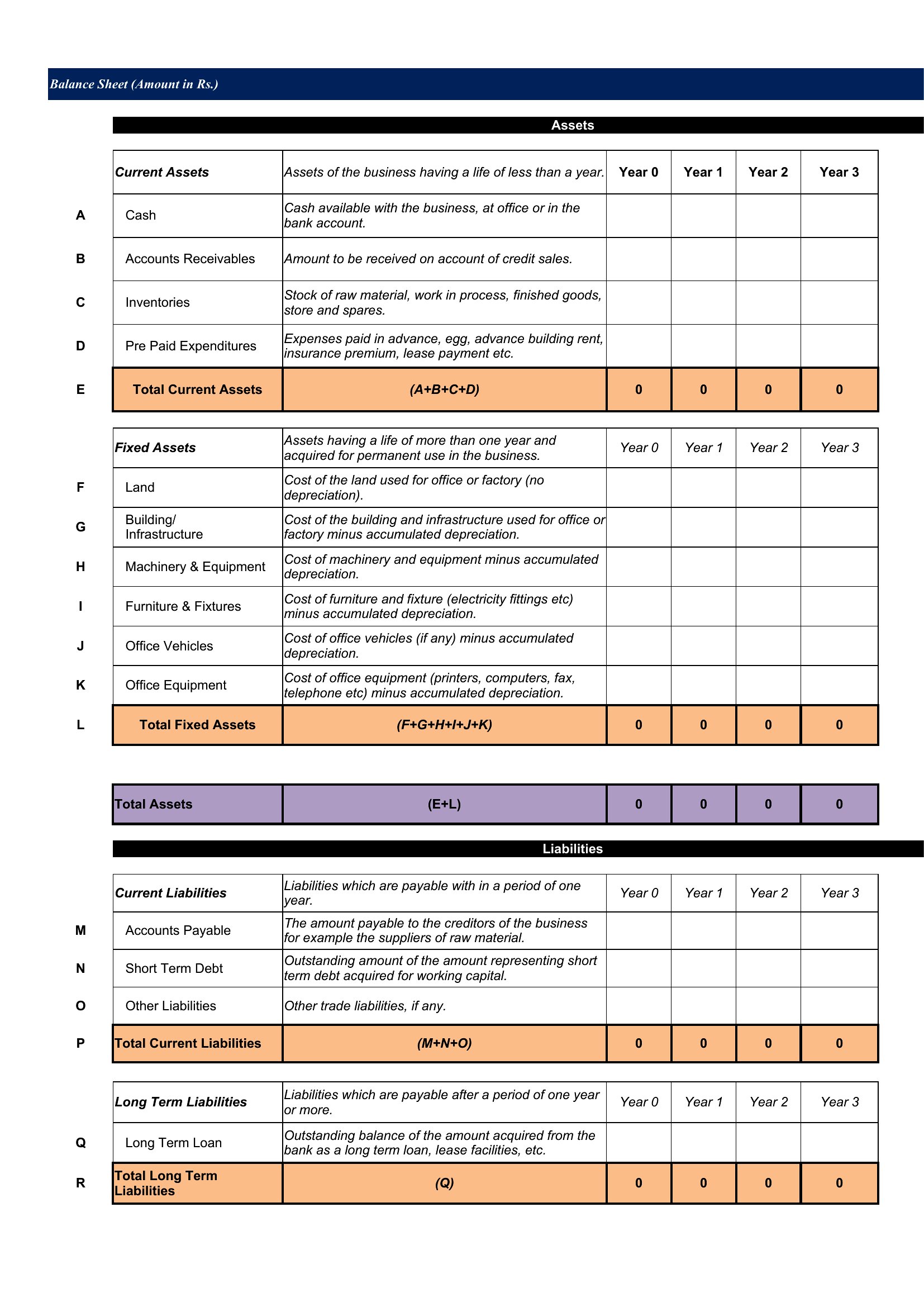
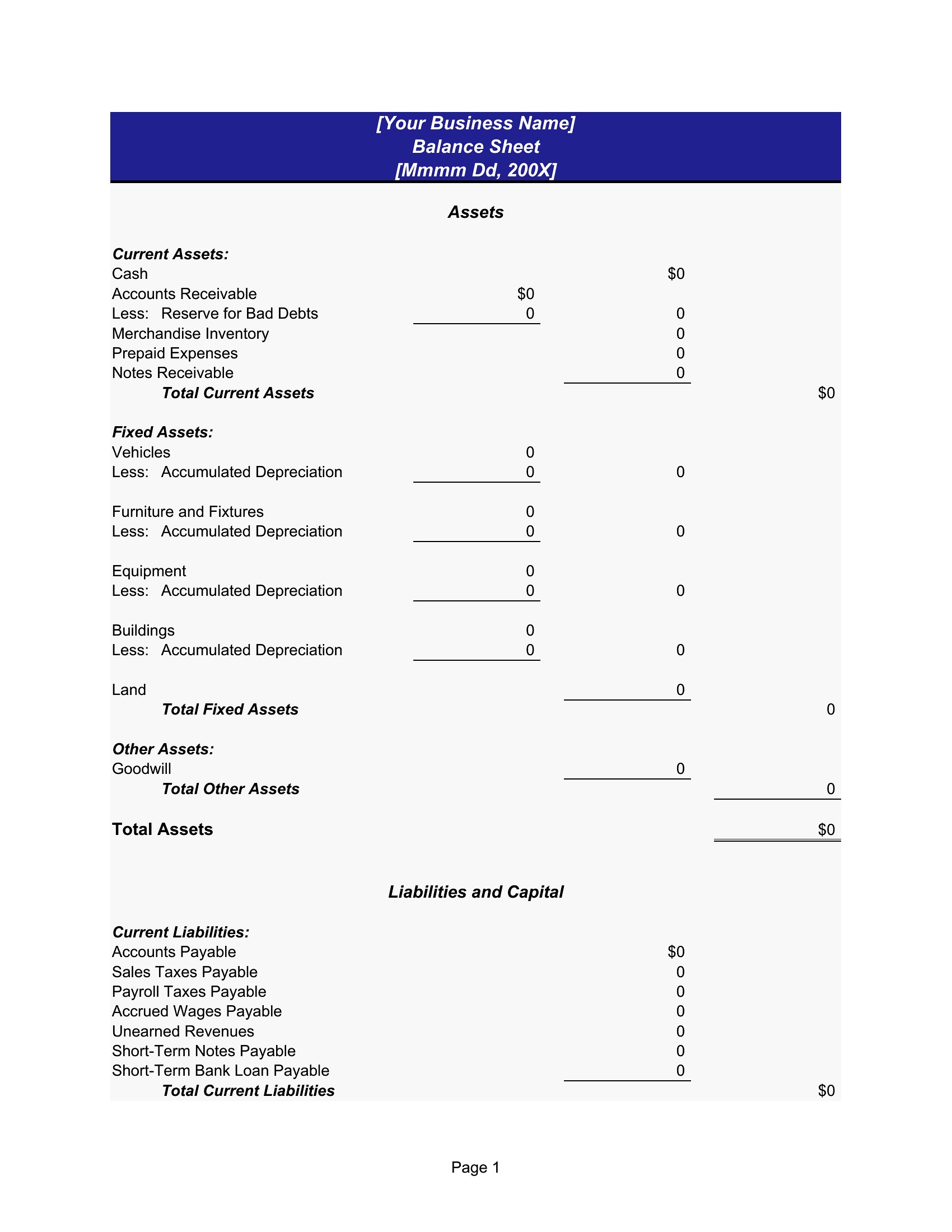
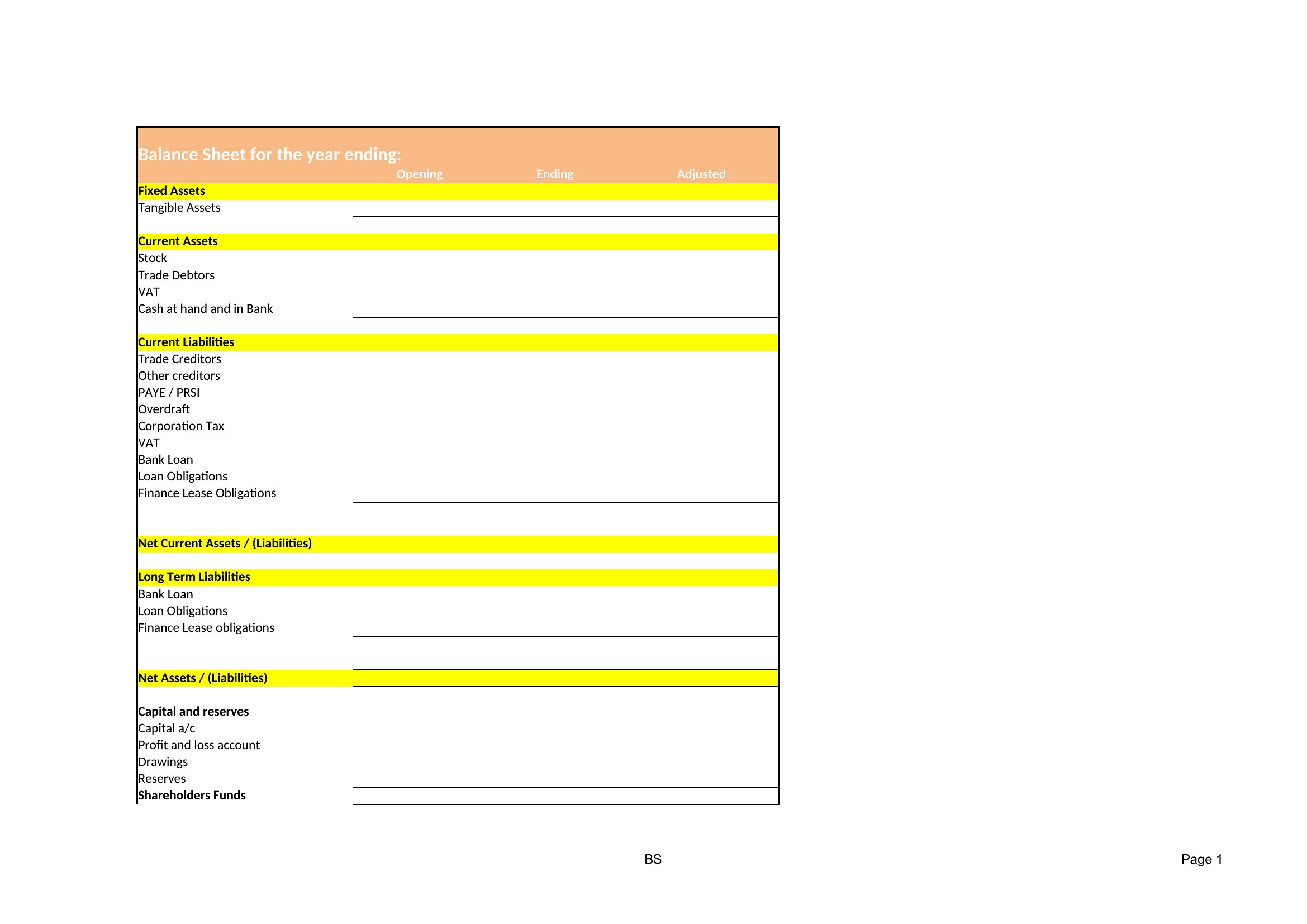
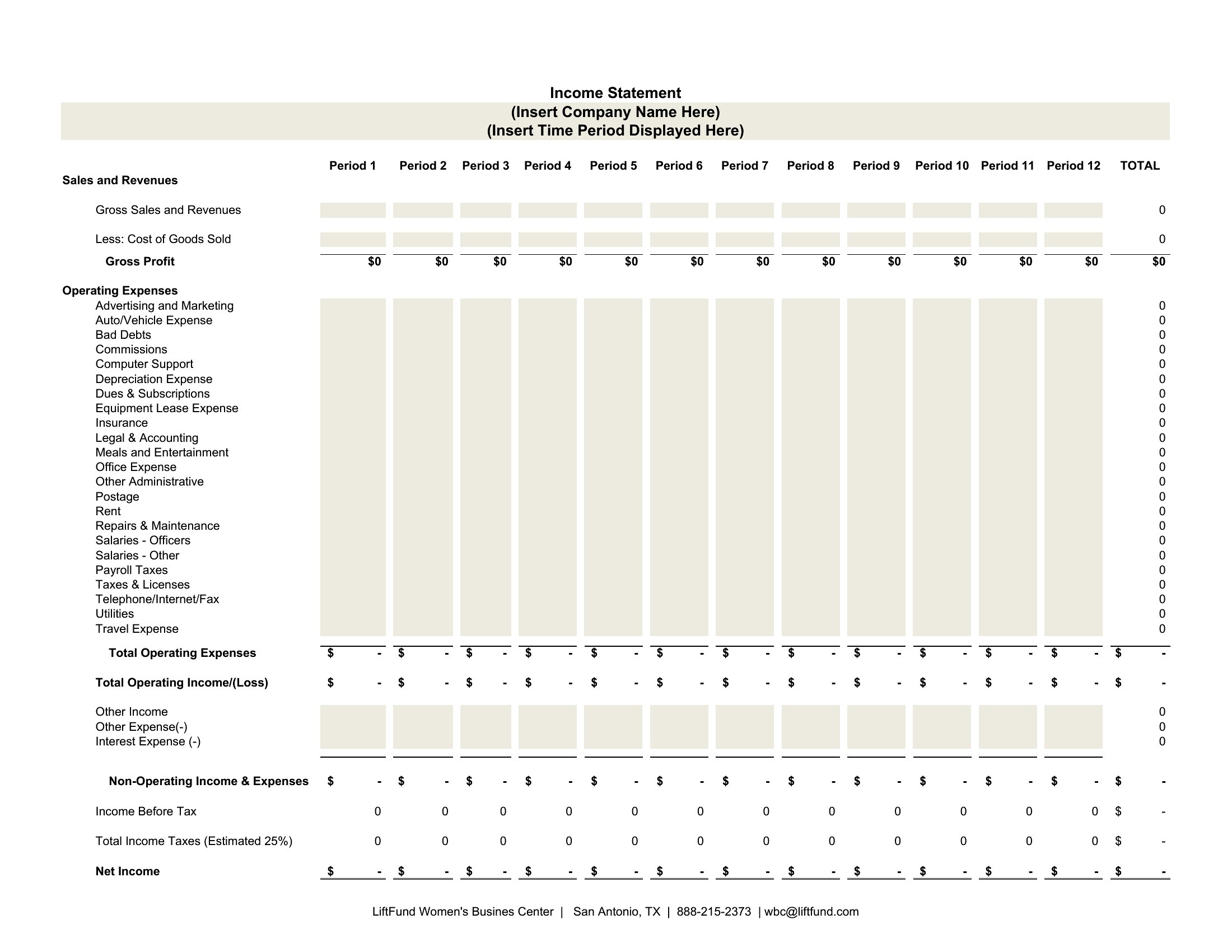
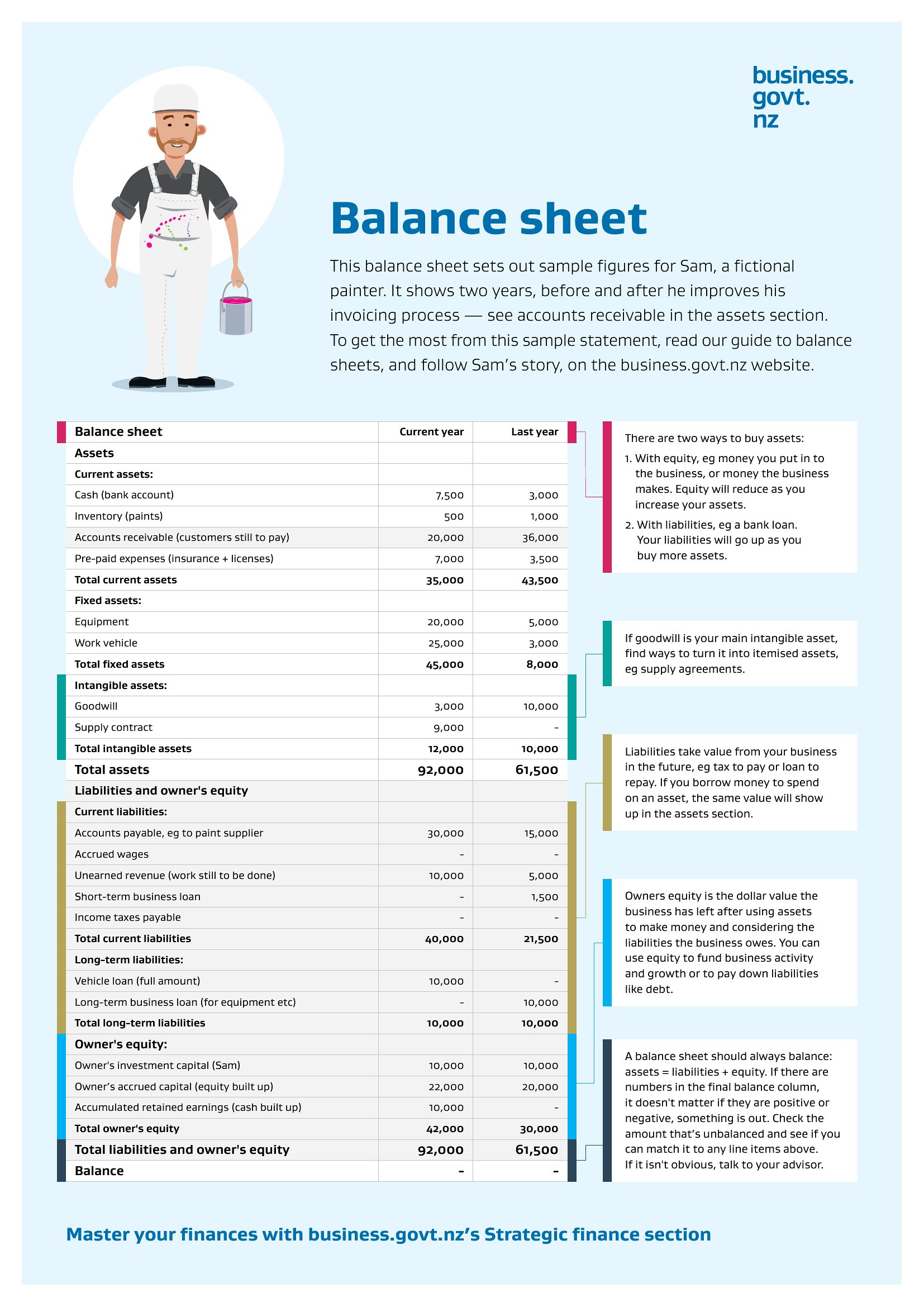
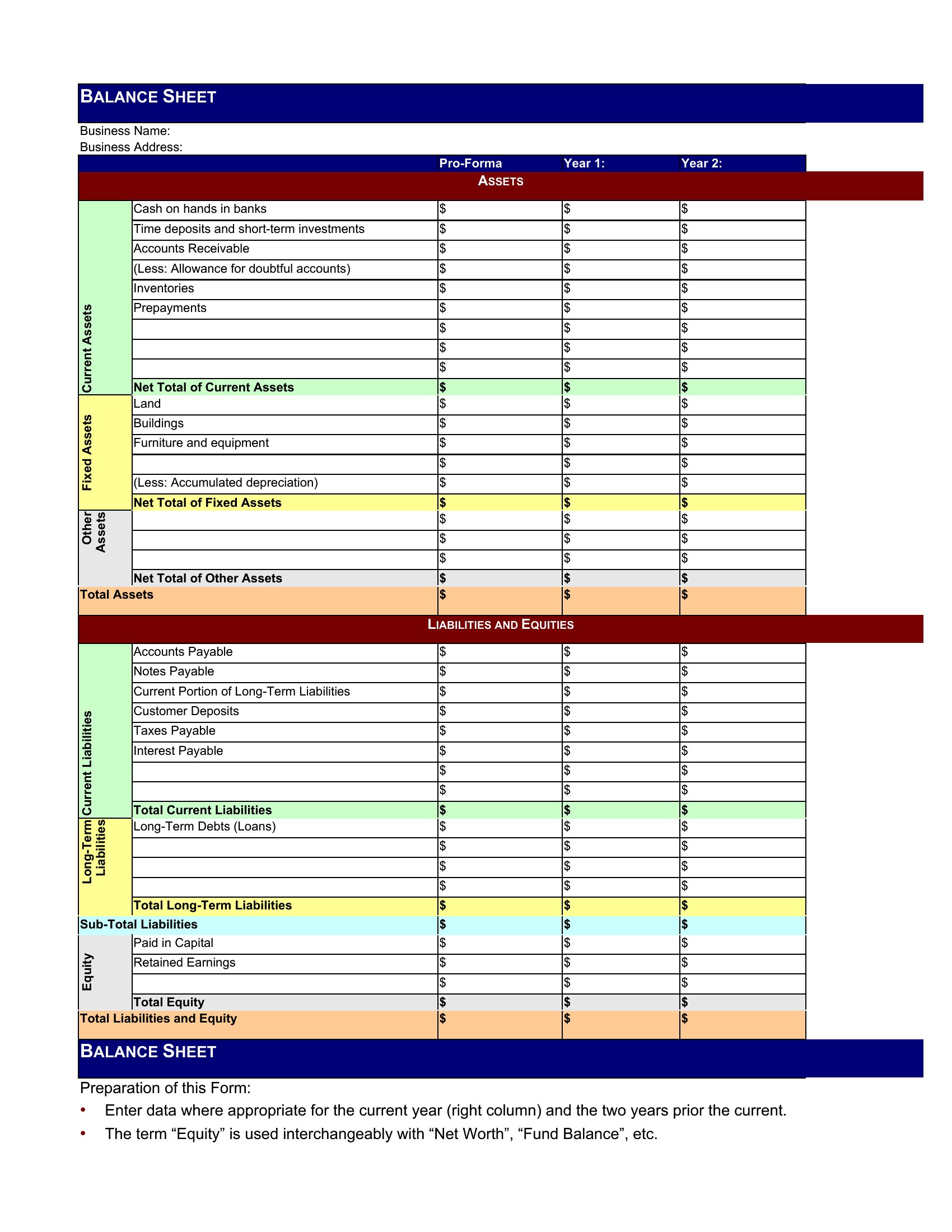
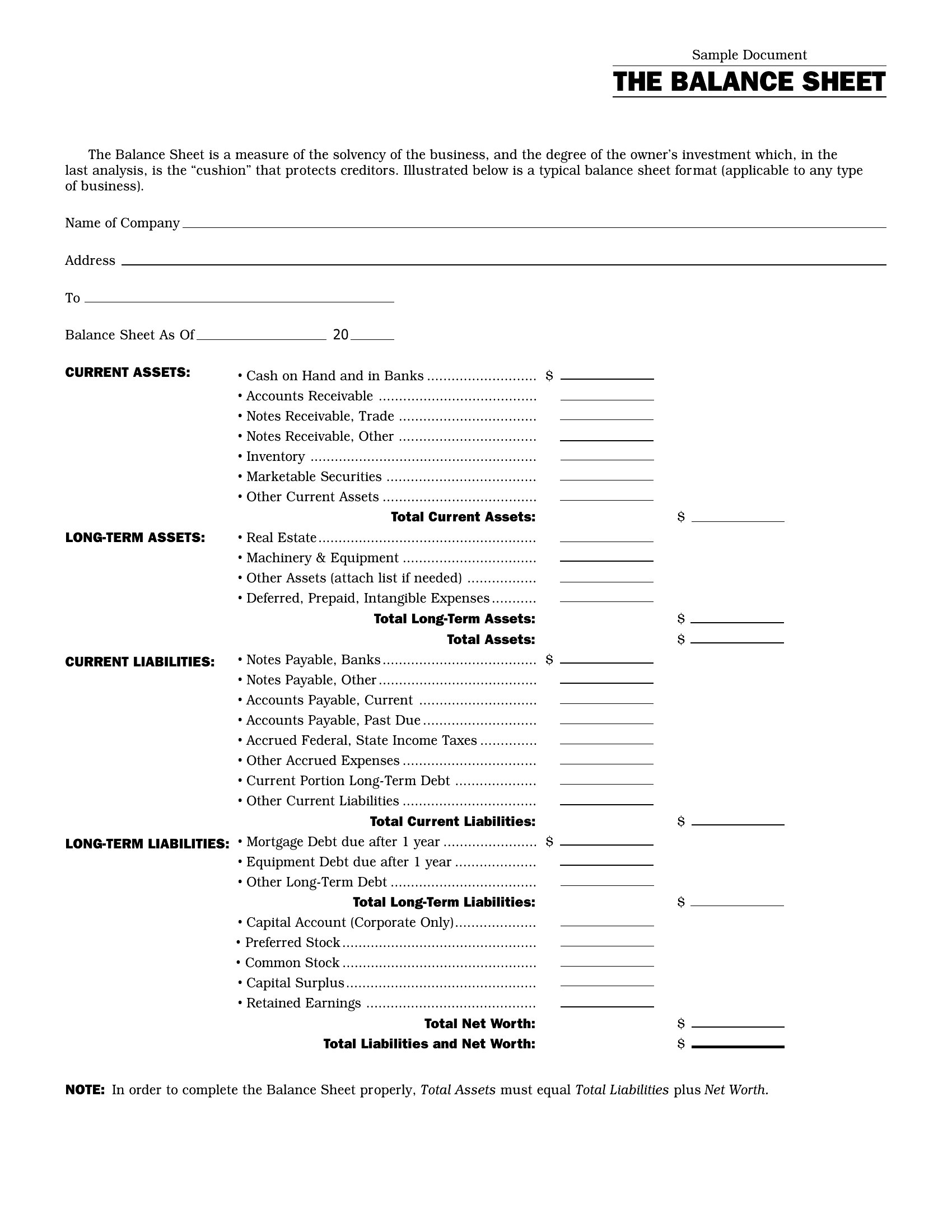
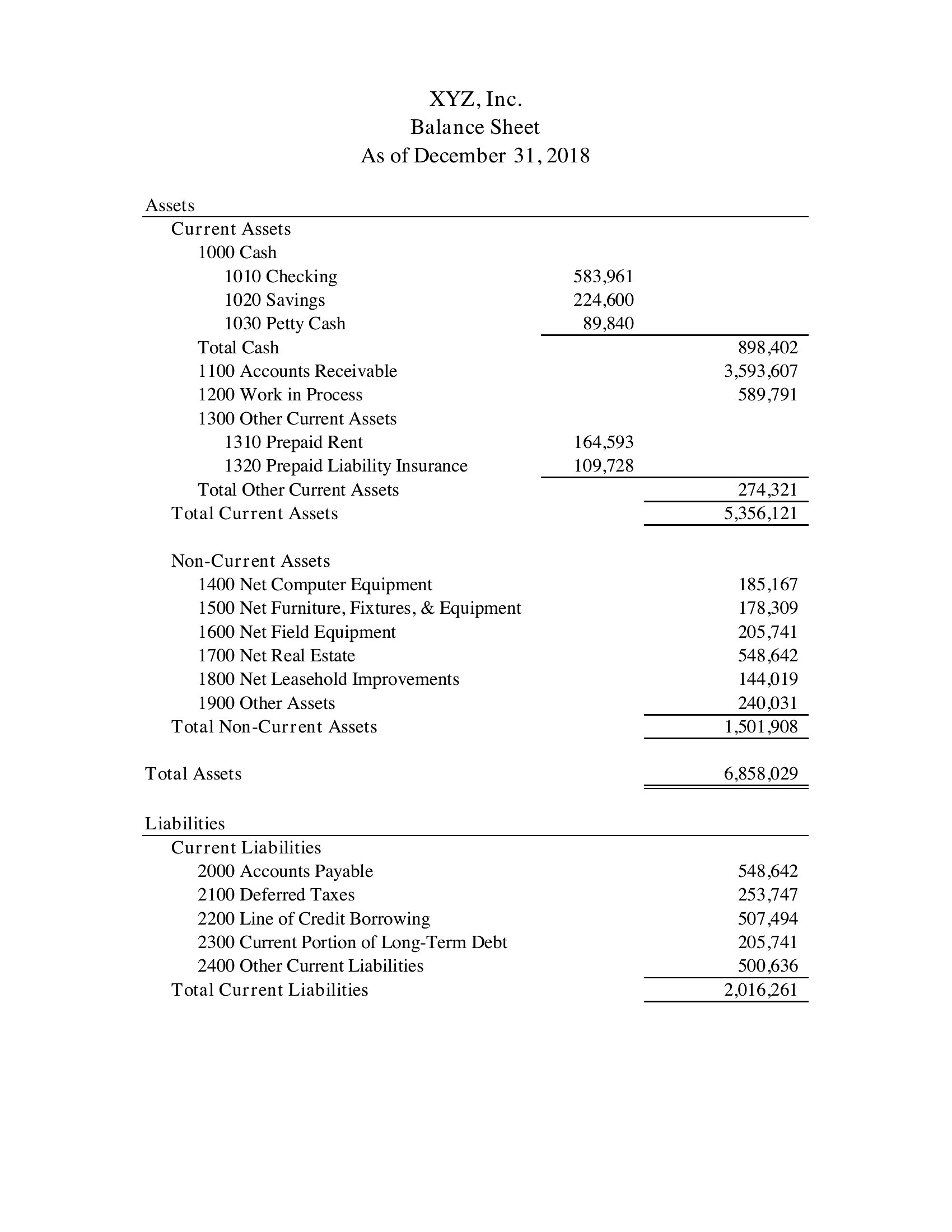
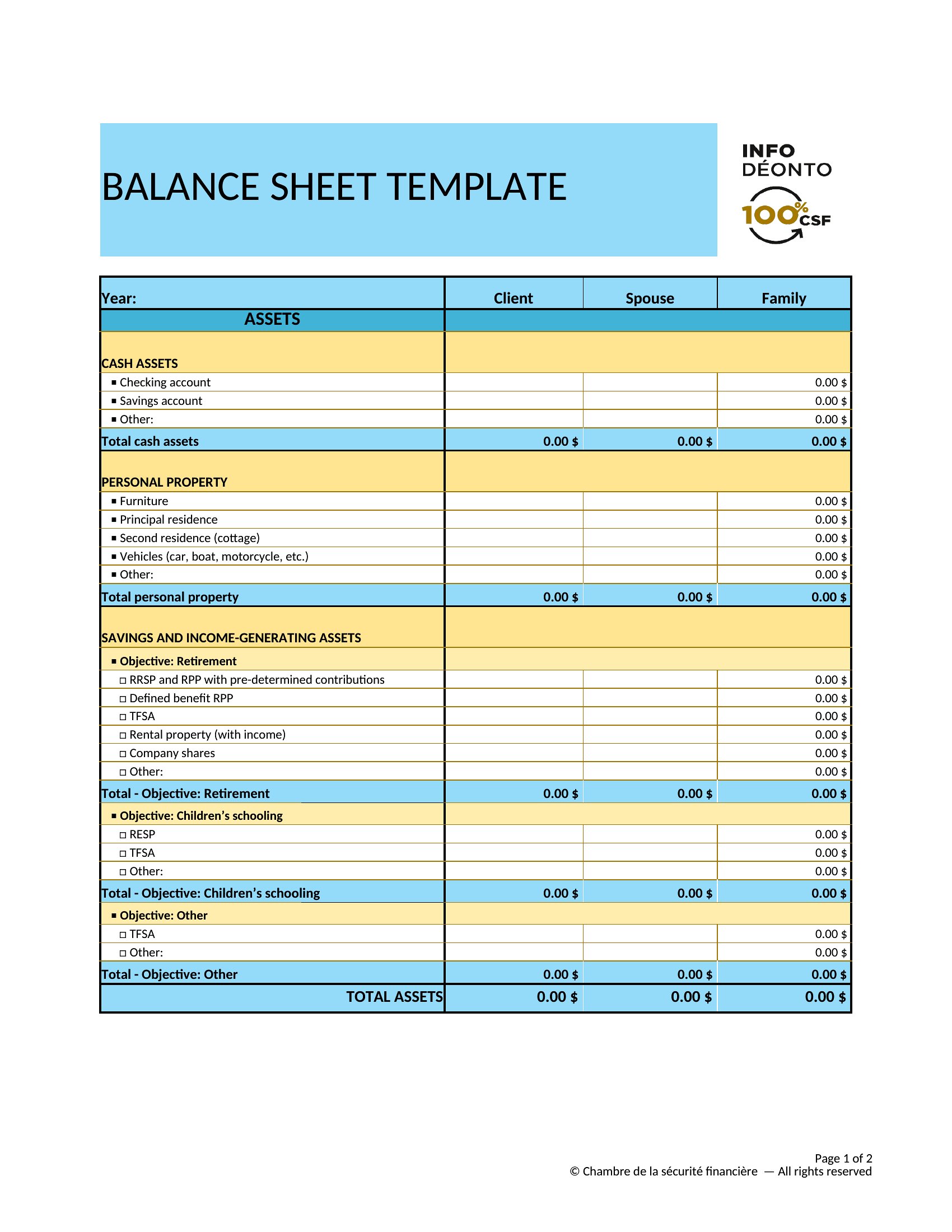
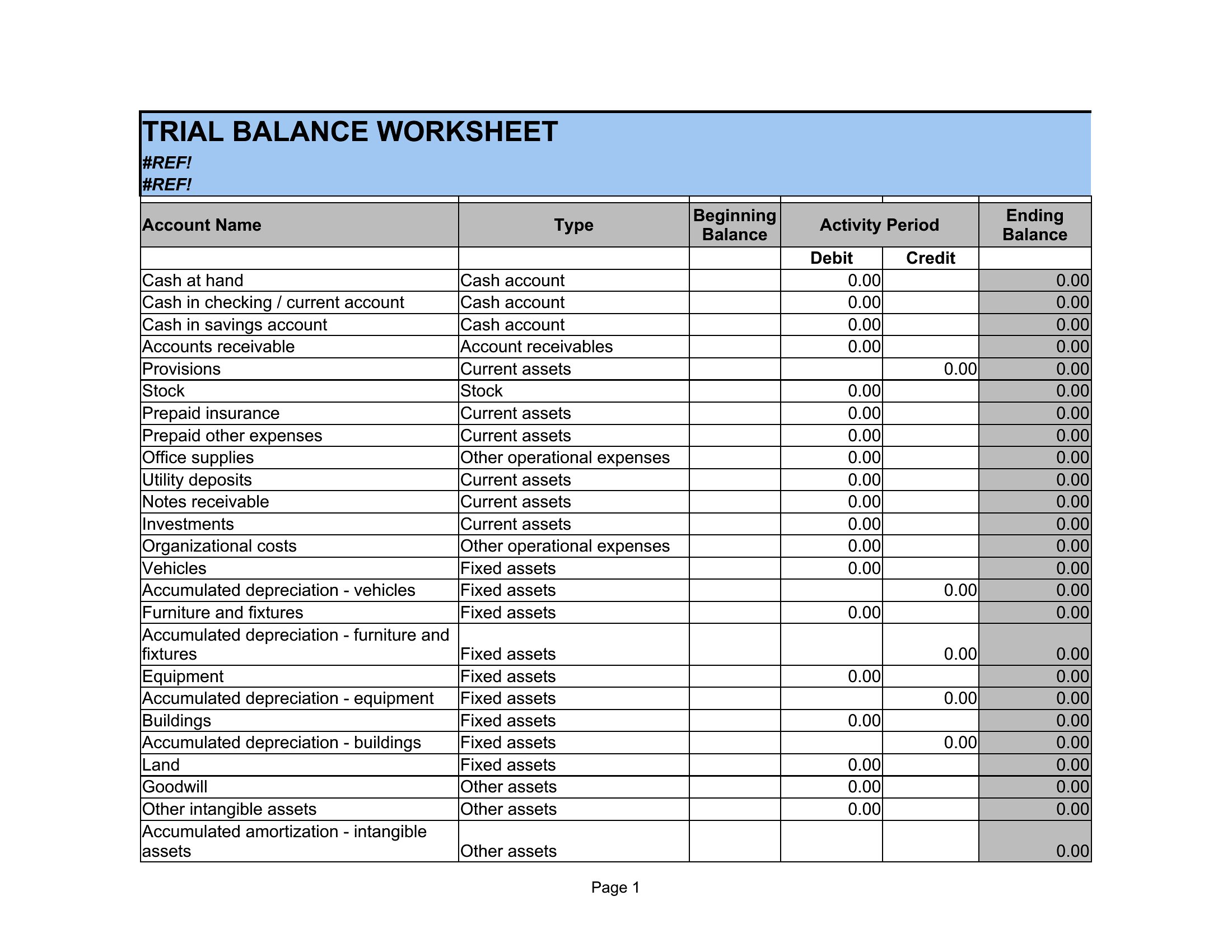
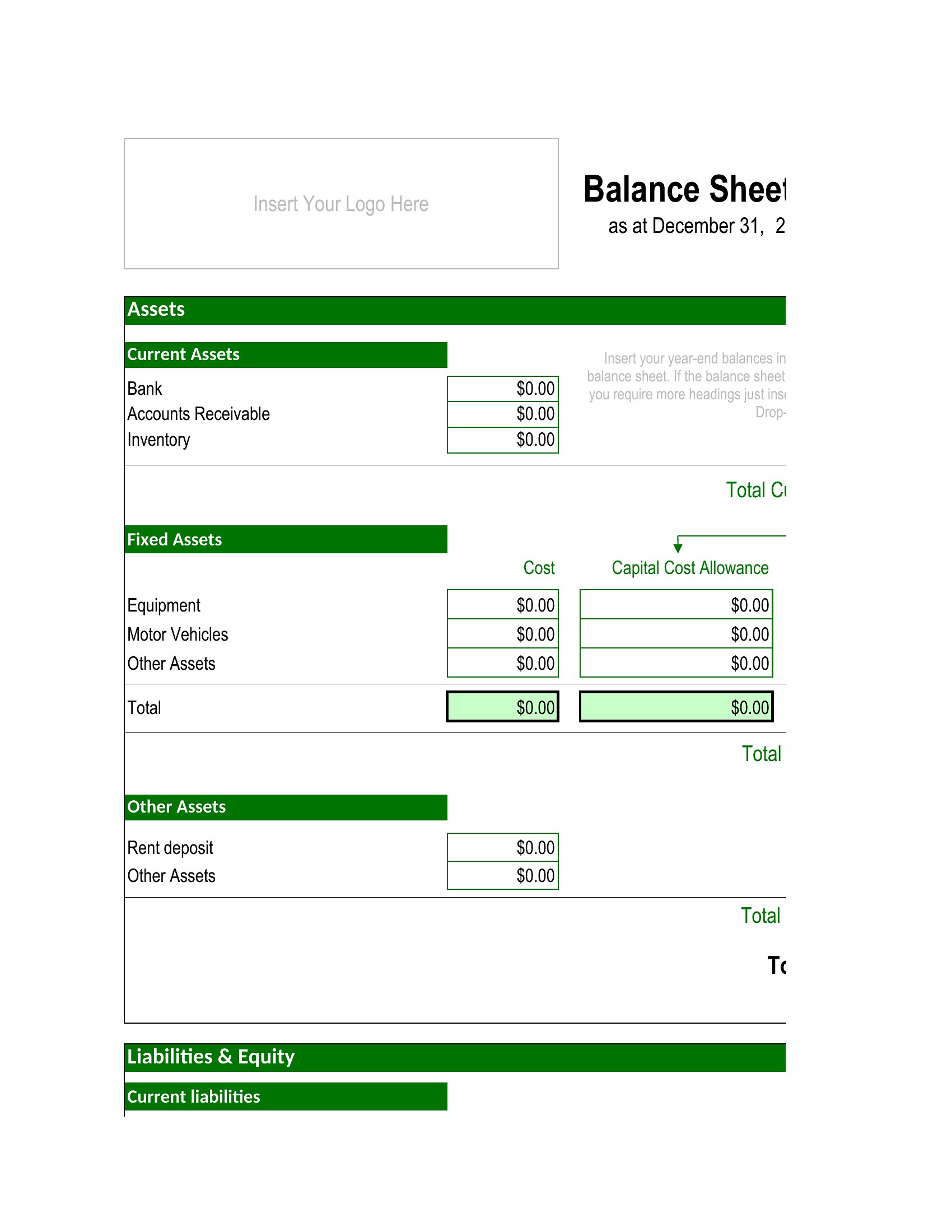
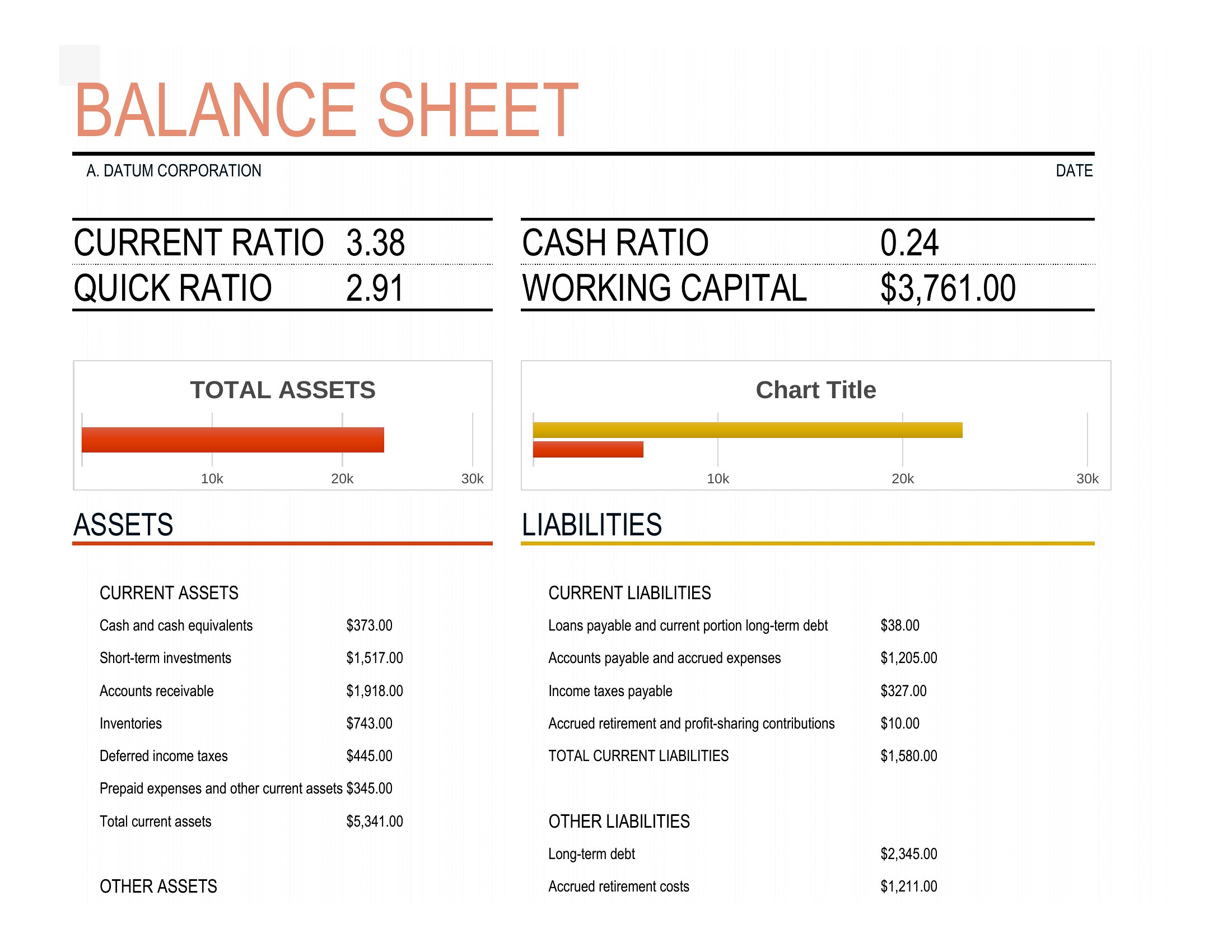
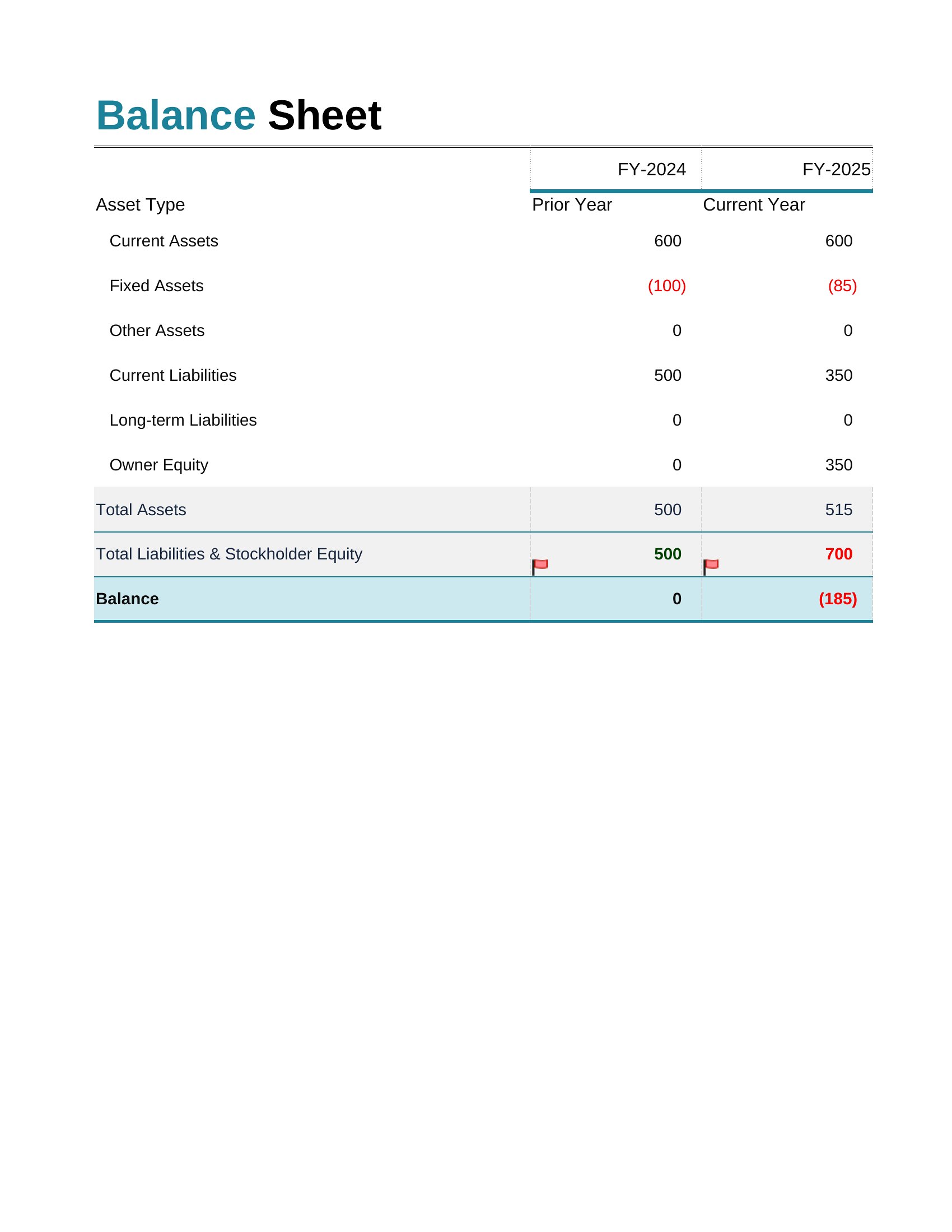
A balance sheet shows what a business owns and owes on a single date, which is why lenders and owners reach for one before any big decision. This set of 44 templates lays out assets, liabilities, and equity in the standard order so small-business owners, students, and bookkeepers can see where the numbers land. Each version keeps the totals balanced so mistakes stand out.
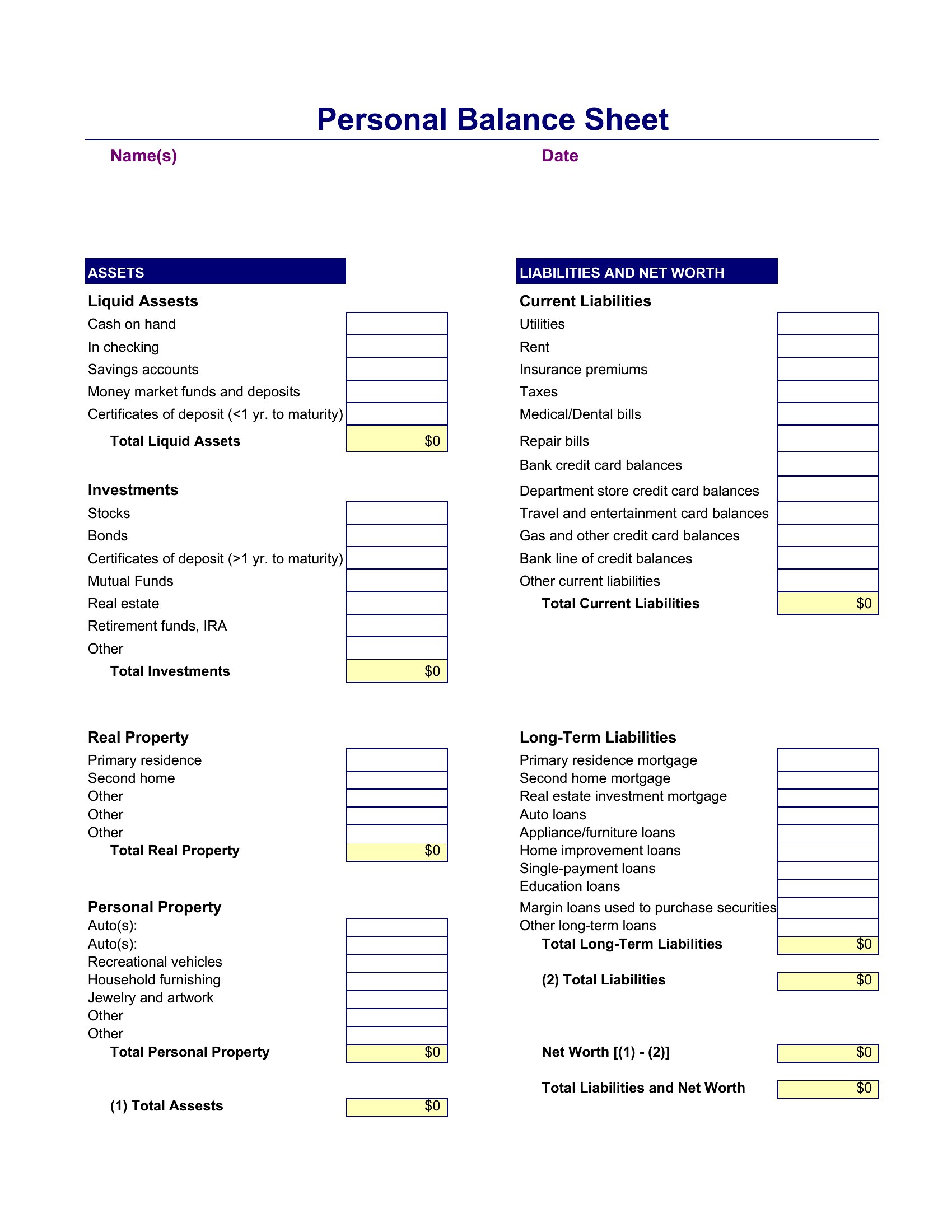
The Excel sheets add up each column and flag when the two sides don't match, while the PDFs give you a tidy copy to print or attach to a loan application. Enter your figures, label the line items to fit your business, and you've got a snapshot ready to share. Accounting rules vary, so check with a professional before filing anything official. Download the format that suits you and start plugging in numbers.

When to use this Balance Sheet template

  • A freelance accountant reviewing a client’s end-of-year finances needs a clean, error-free balance sheet to verify asset-liability alignment before filing tax documents.
  • A startup founder pitching investors must present a concise PDF balance sheet to demonstrate liquidity and debt levels without overwhelming them with spreadsheets.
  • A bookkeeping student practicing GAAP compliance uses Excel balance sheet templates to manually input sample transactions and track how adjustments affect equity.
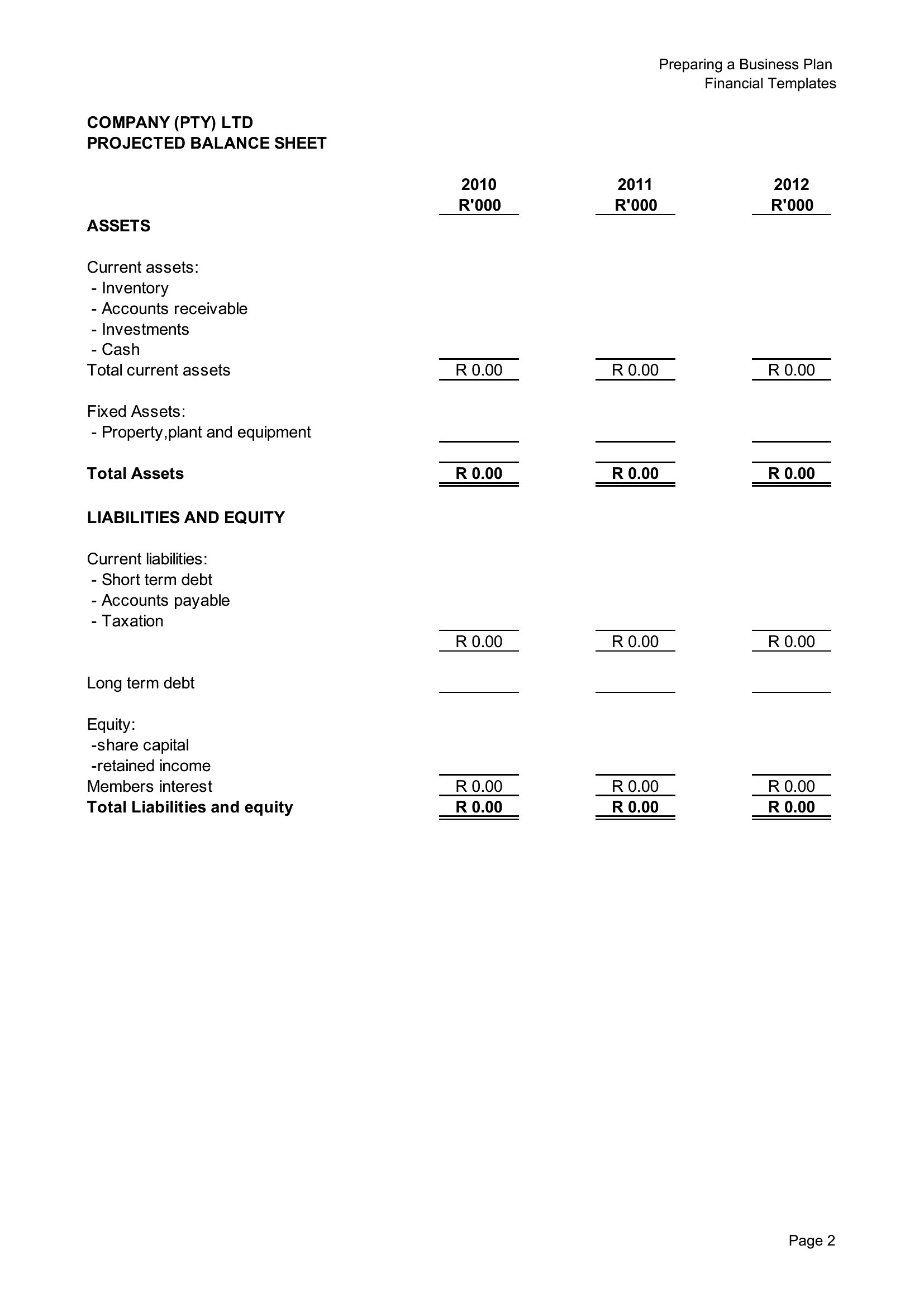
  • A small business owner with no accounting software prepares a printable PDF balance sheet for their banker to review during a loan approval meeting.

Which format should I download?

ExcelPDF

Choose Excel when you need formulas to auto-sum accounts receivable, payable, or equity—ideal for monthly reconciliations or adjusting figures dynamically. Opt for PDF if you’re sharing a snapshot of financial health with stakeholders who don’t use spreadsheets, ensuring the layout stays intact and formulas don’t break. The PDFs here also work best for printing or embedding in reports where editing isn’t required.

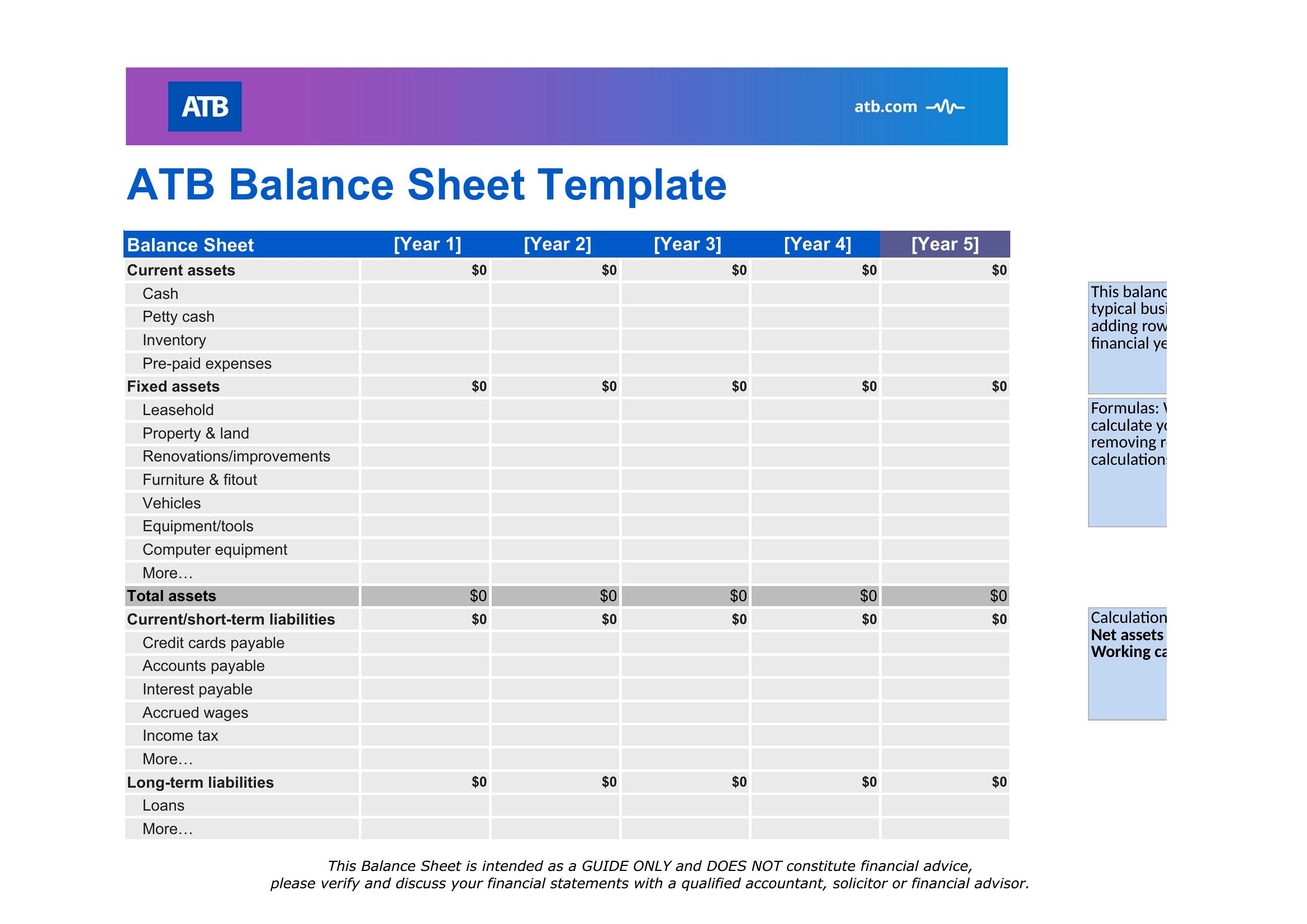
Choose from 44 Balance Sheet Templates
How to use this Balance Sheet template

How do these balance sheets handle fixed assets like equipment or property?

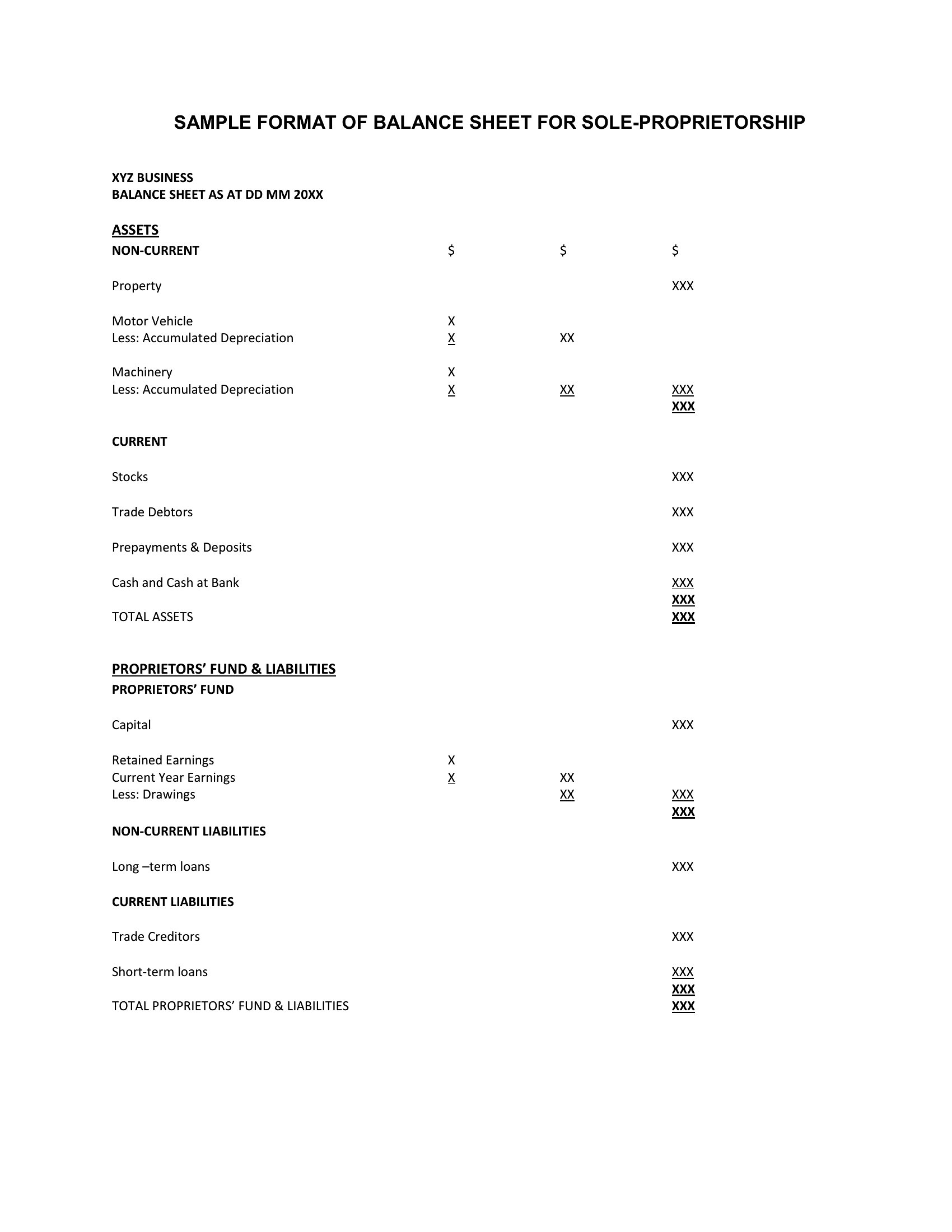
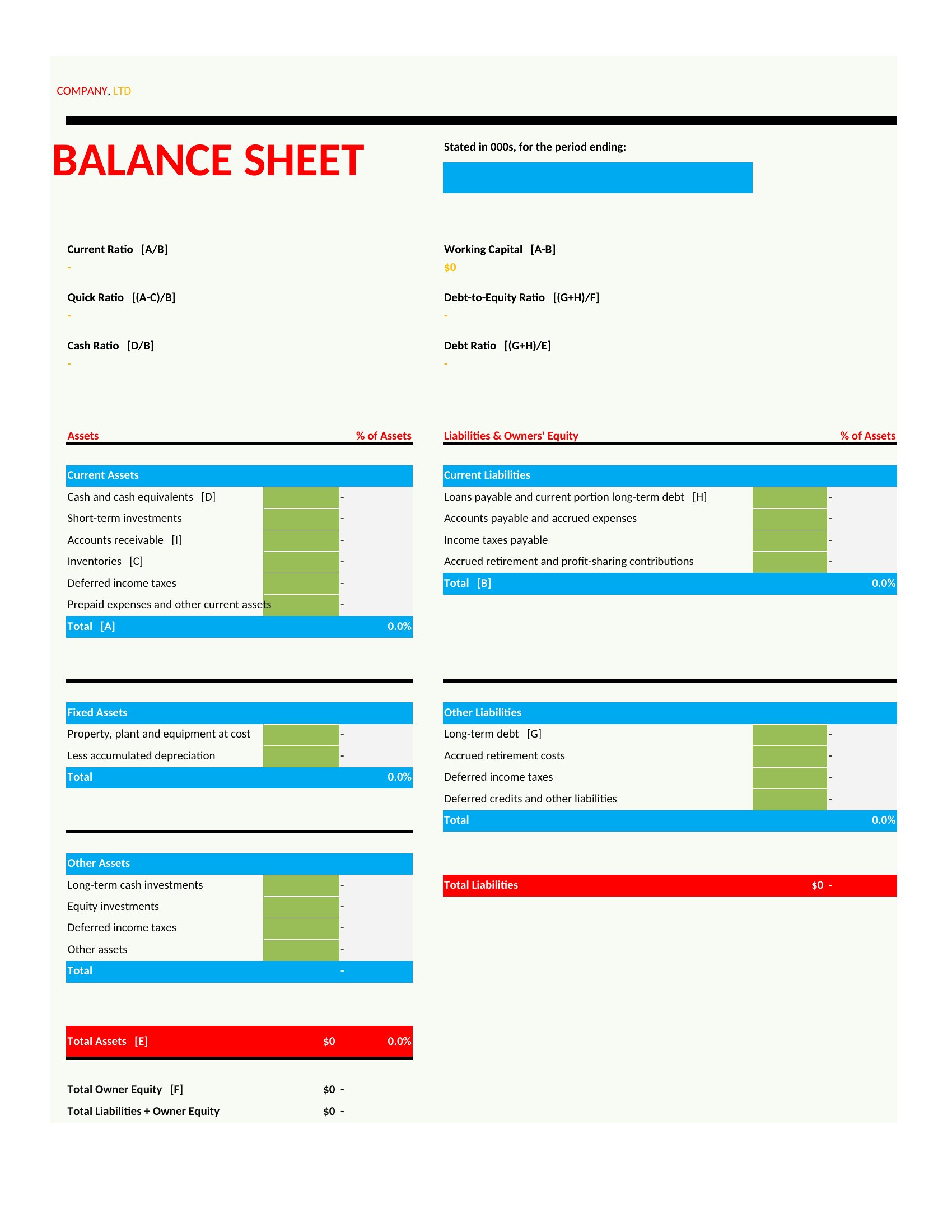
All templates separate fixed assets into a distinct category with fields for depreciation schedules, useful for businesses tracking long-term investments or amortization. Excel versions often include helper columns for depreciation calculations, while PDFs list these as static line items.
Can I use these templates if my business has multiple currencies or foreign liabilities?
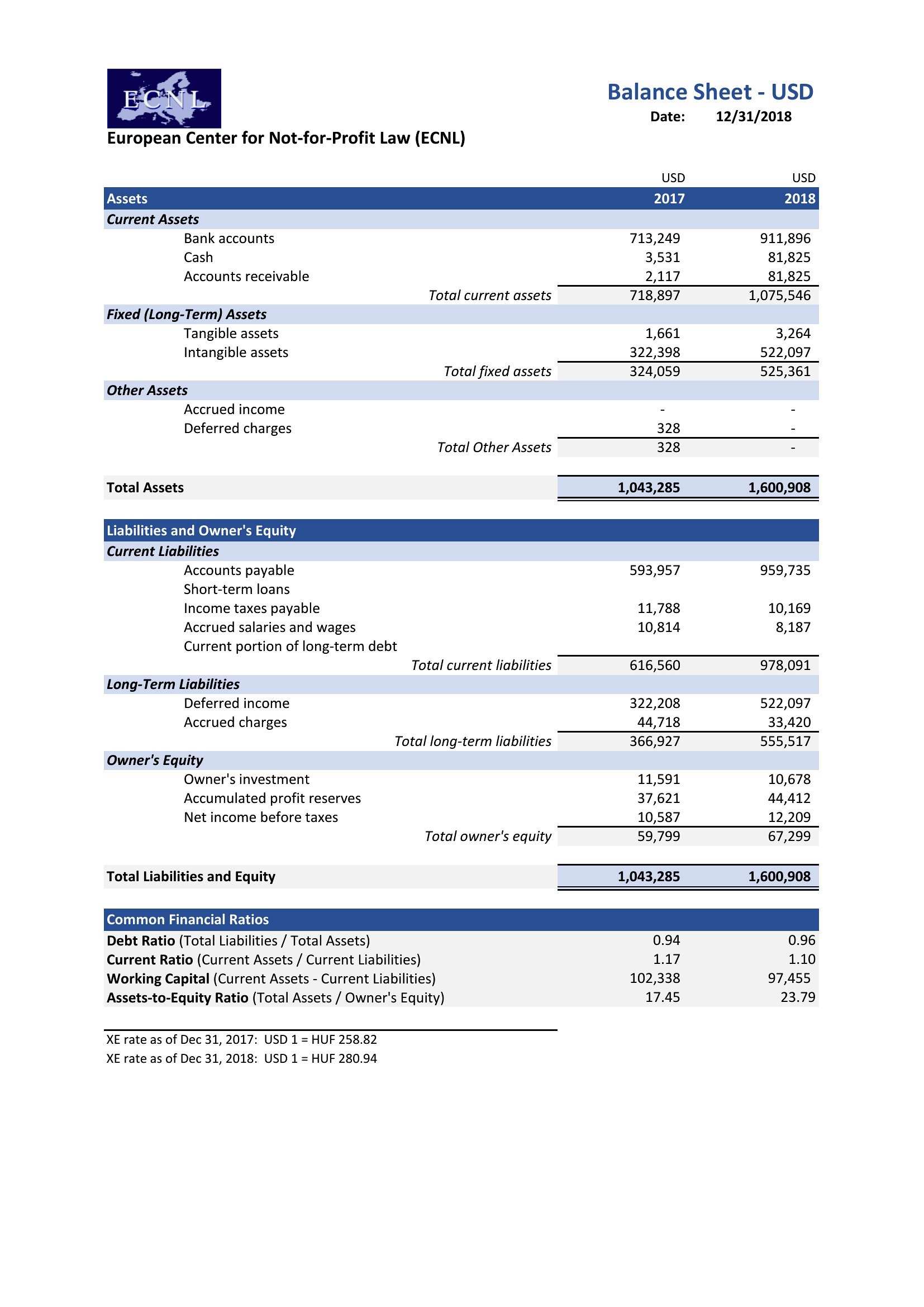
The Excel templates support currency columns, letting you label transactions in USD, EUR, or others. For PDFs, manually list amounts in local currency with a note for conversion rates—but consult a CPA for multi-currency compliance. No built-in conversion tools exist in either format.
What’s the difference between the ‘fillable’ PDFs and standard PDFs?

Fillable PDFs let you type directly into text fields (like account names or amounts) and save changes, while standard PDFs are static snapshots. Use fillable versions for quick updates; standard PDFs are better for finalized reports where no changes are needed.
Comments

Join the conversation

Sign in to share your thoughts and leave a comment on this resource.

Newsletter

Get Weekly Design Updates

Join our community to receive curated resources and inspiration.

Weekly Tips Resources Early Access

We respect your privacy. Confirmation email required. Privacy Policy