Free Balance Sheet Templates (Excel, PDF)
StatementsTemplates
FAQ
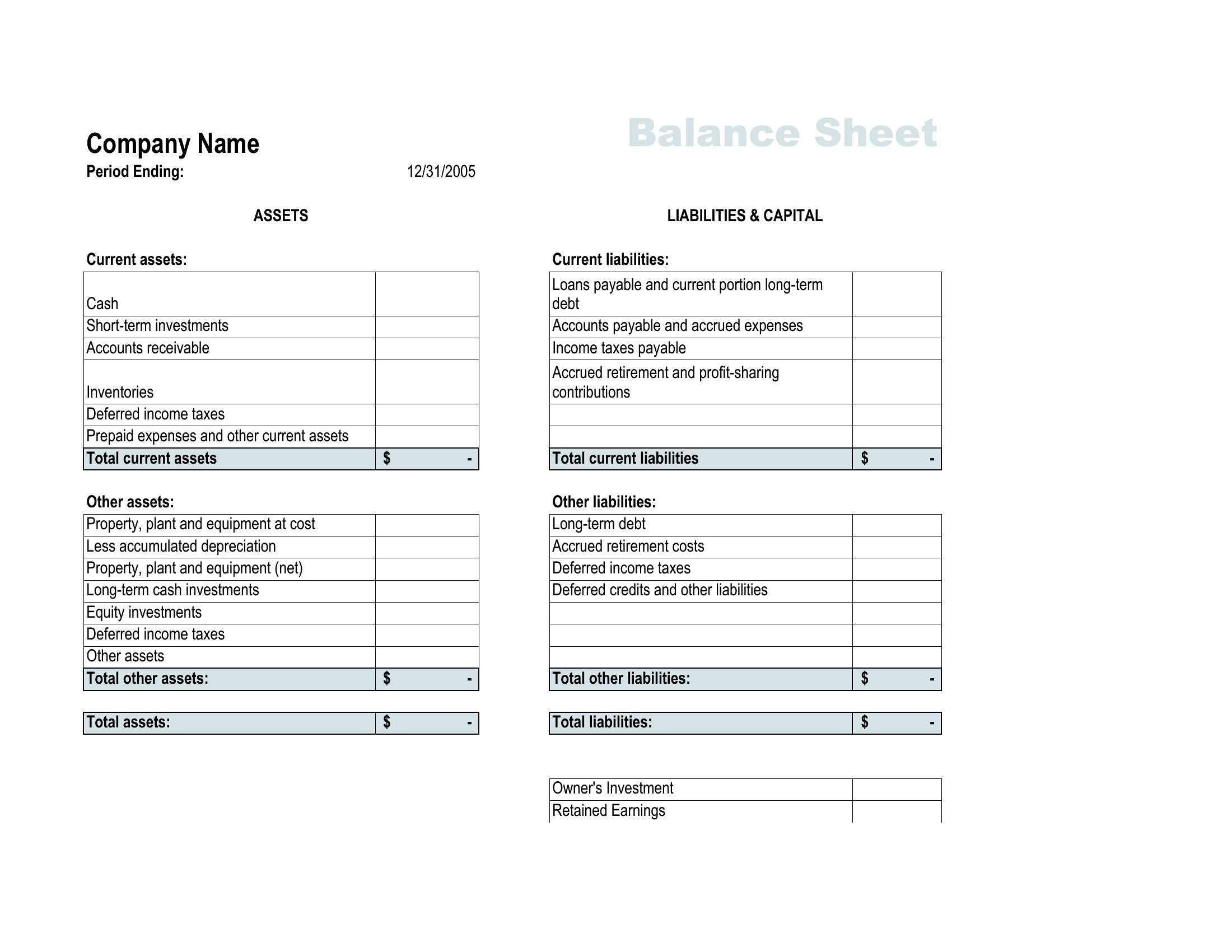
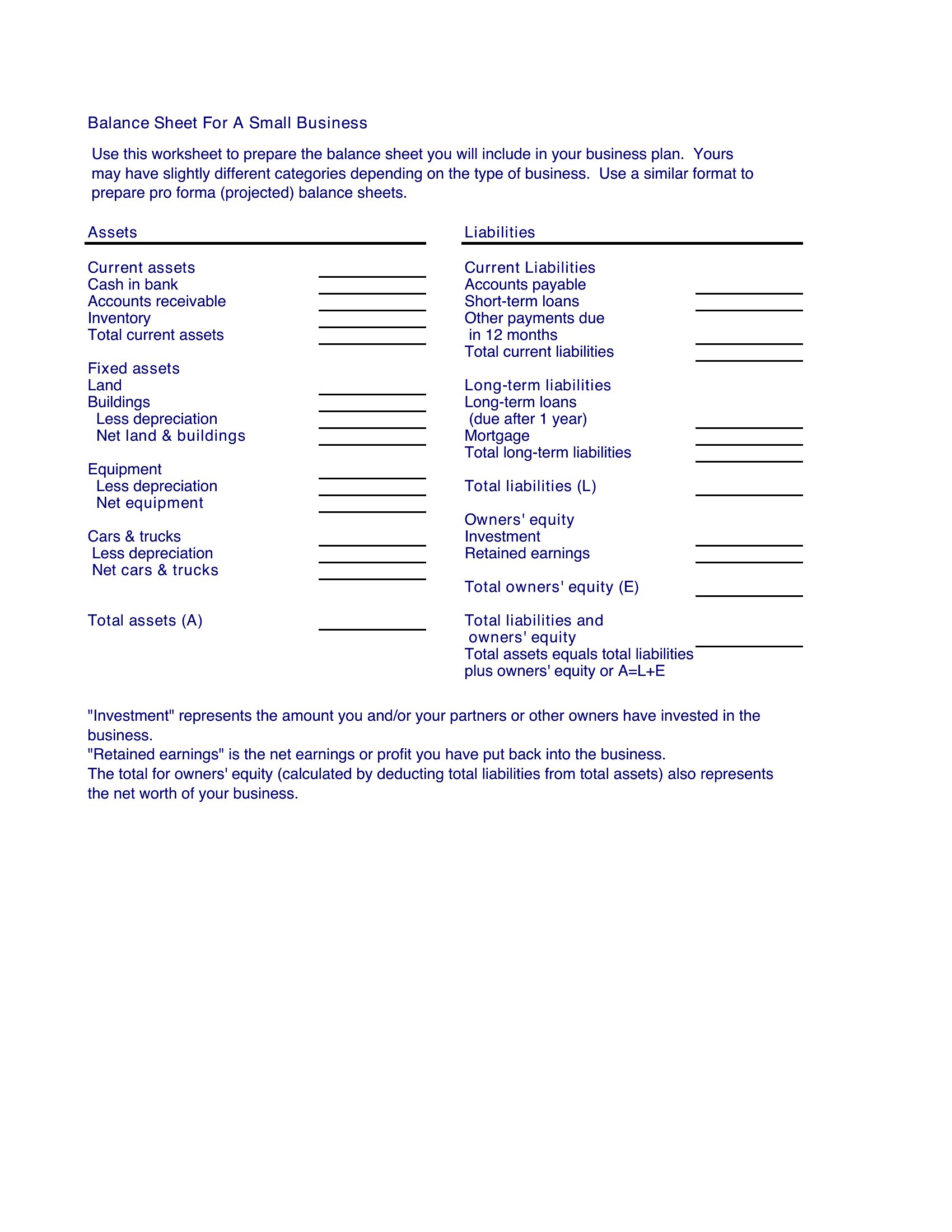
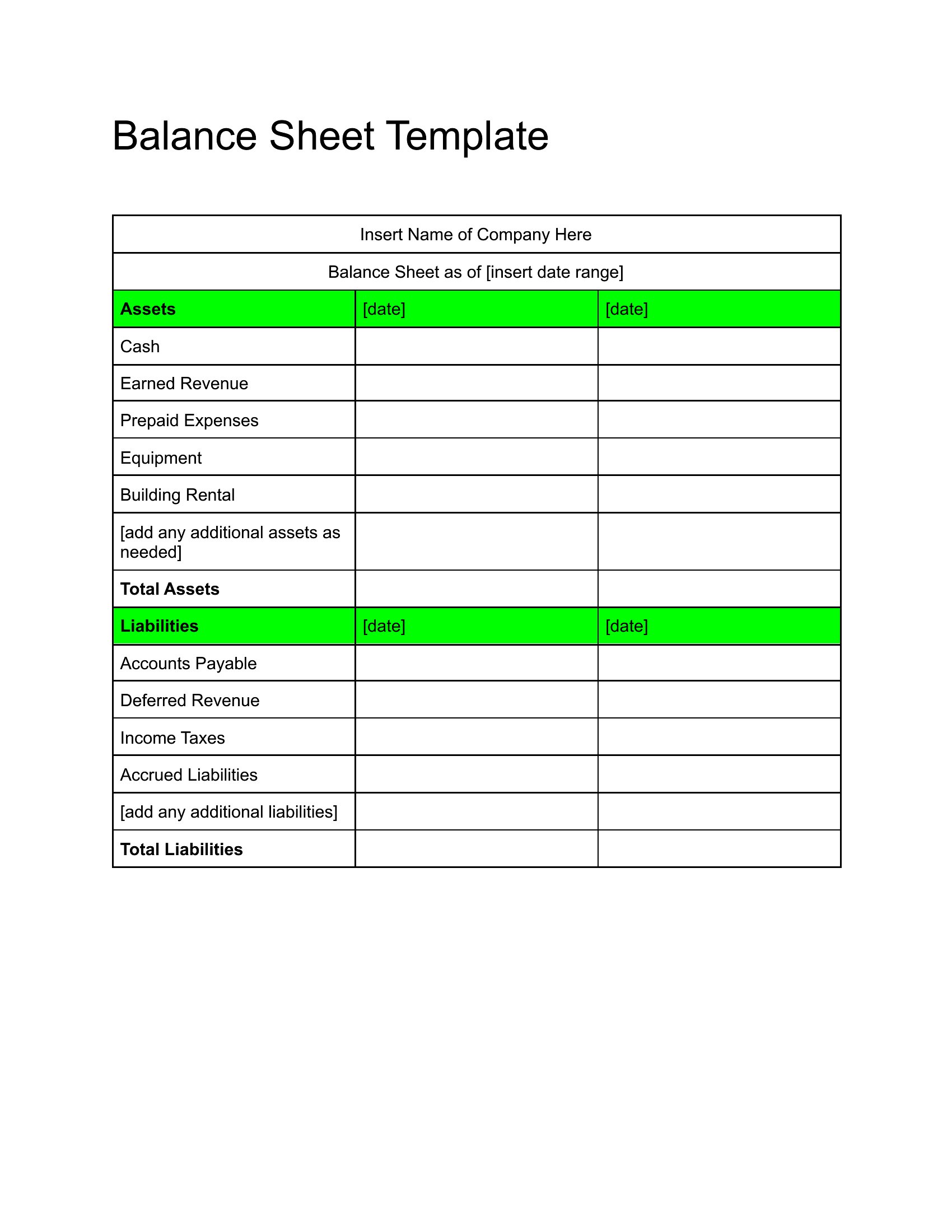
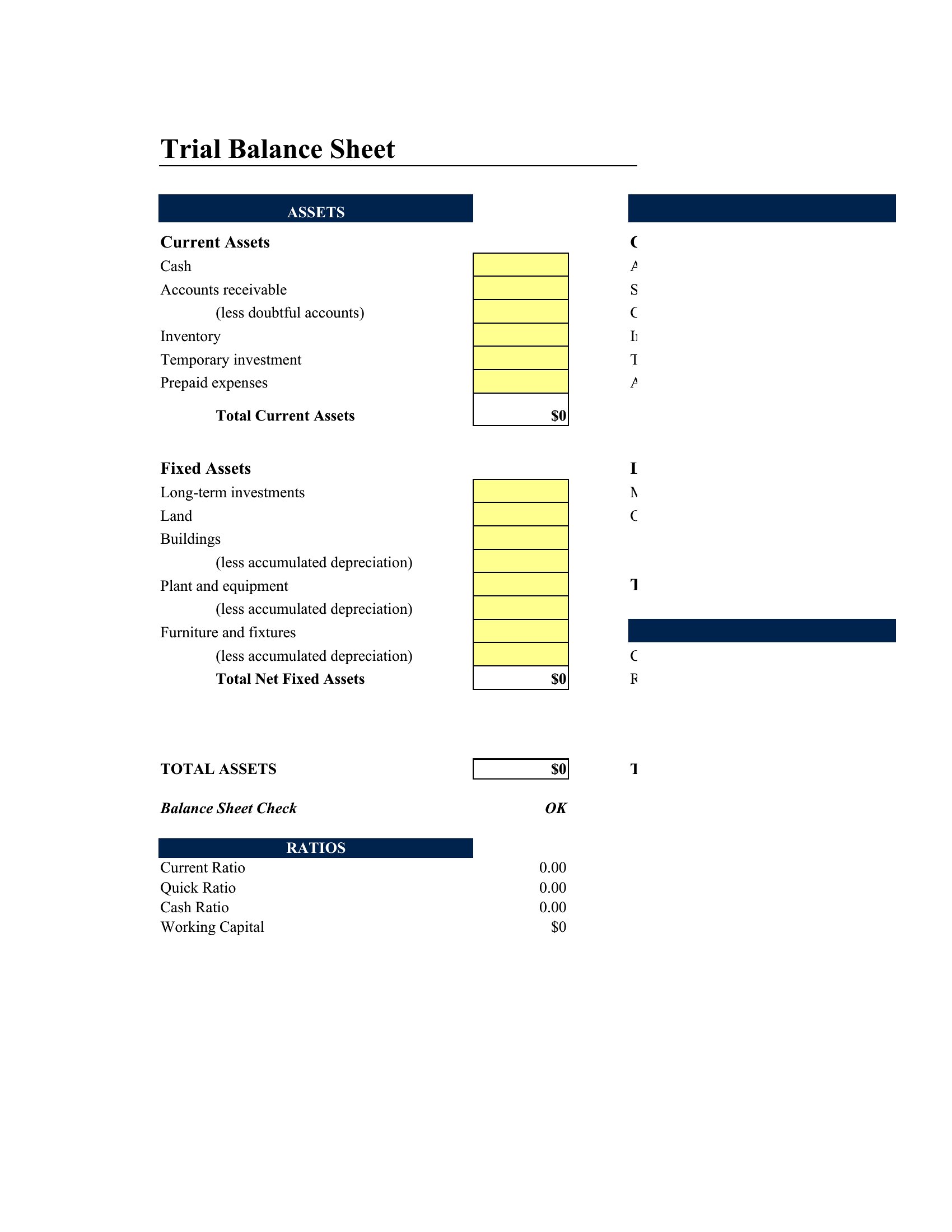
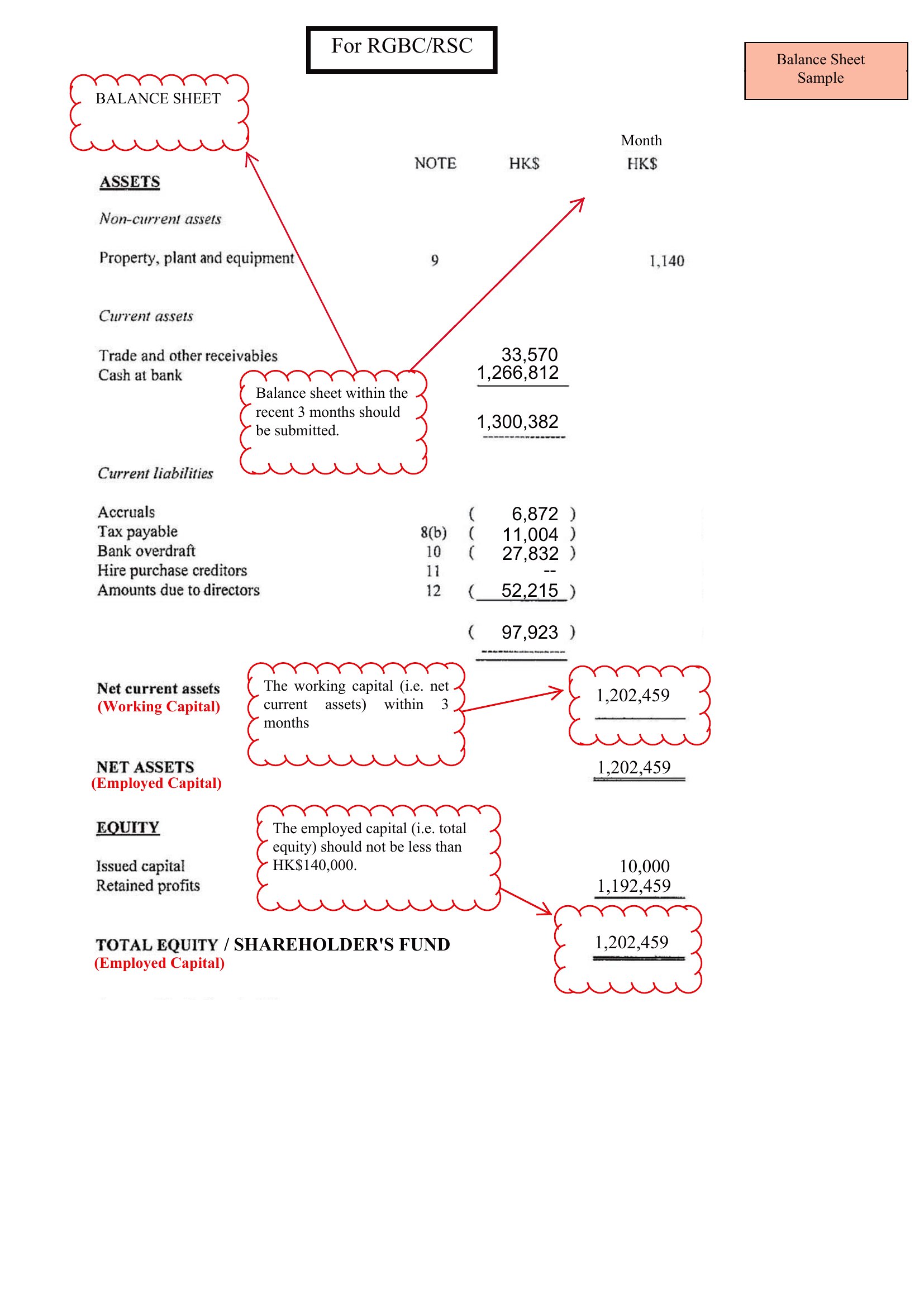
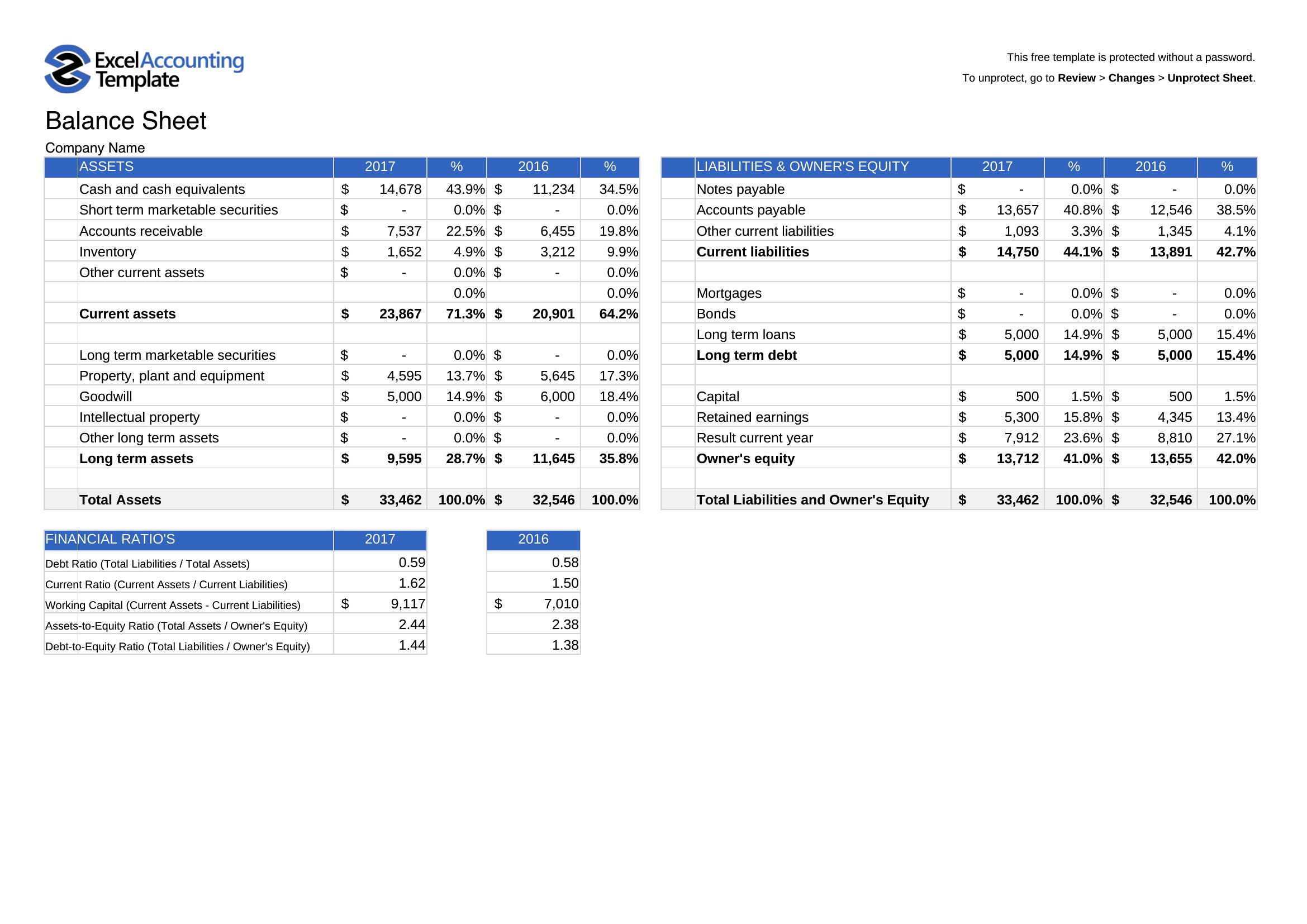
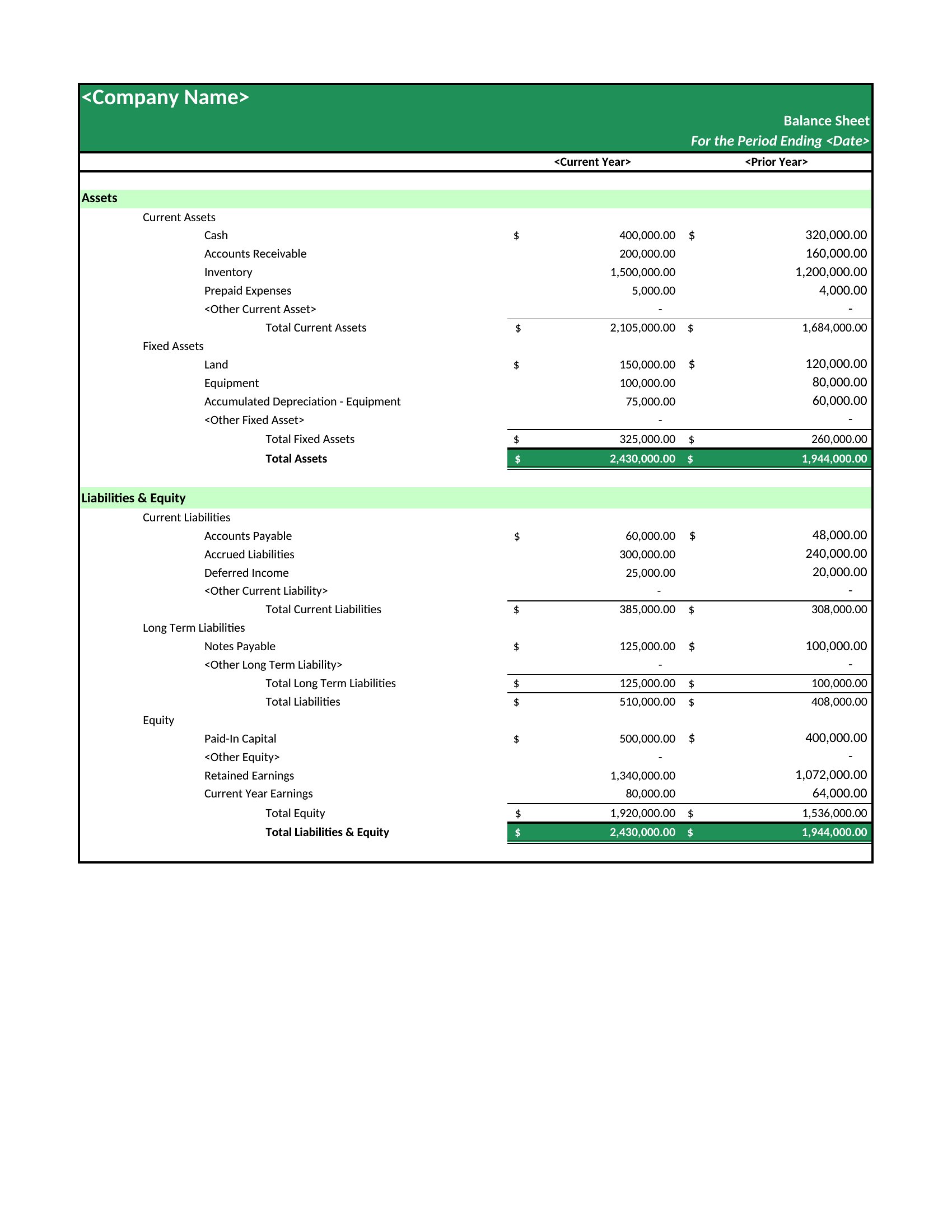
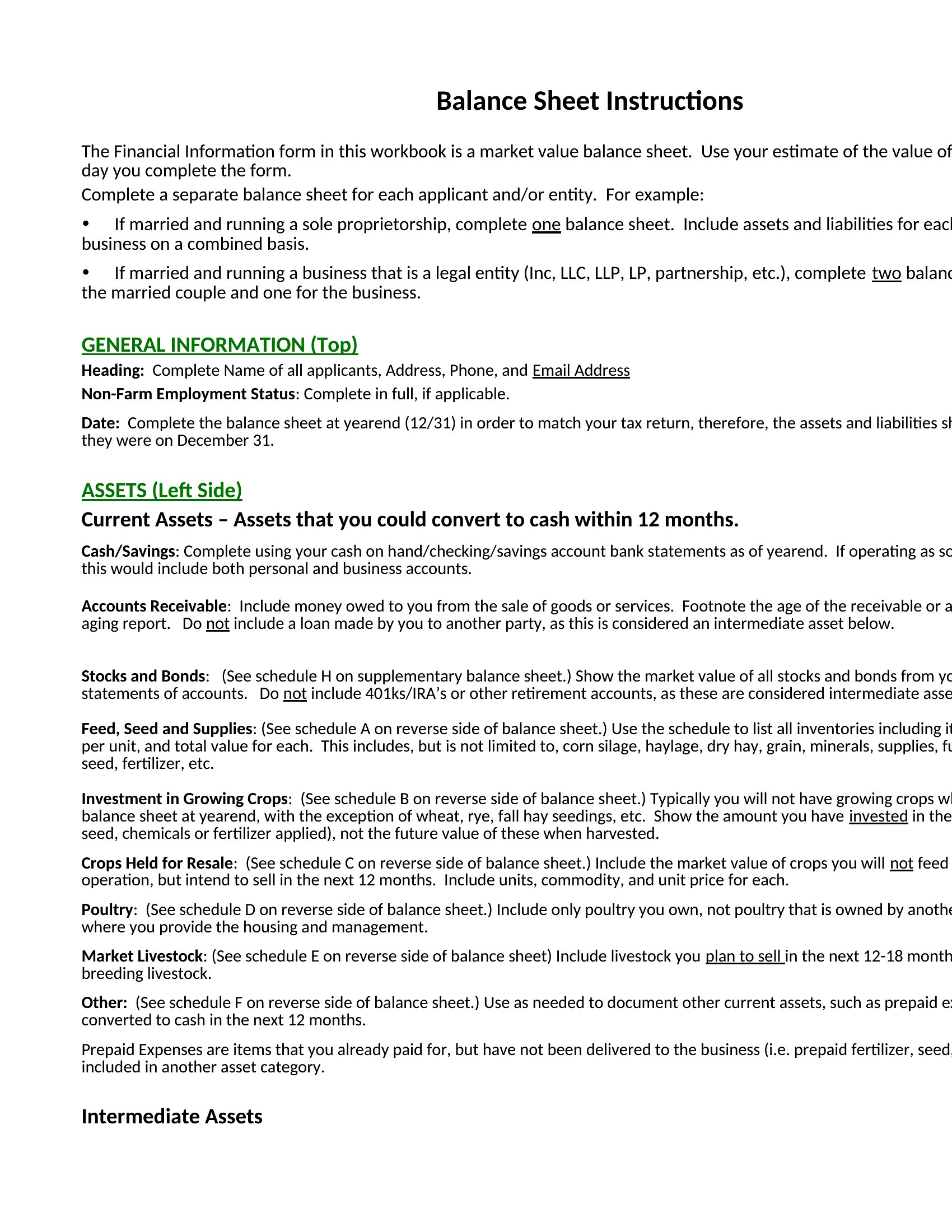
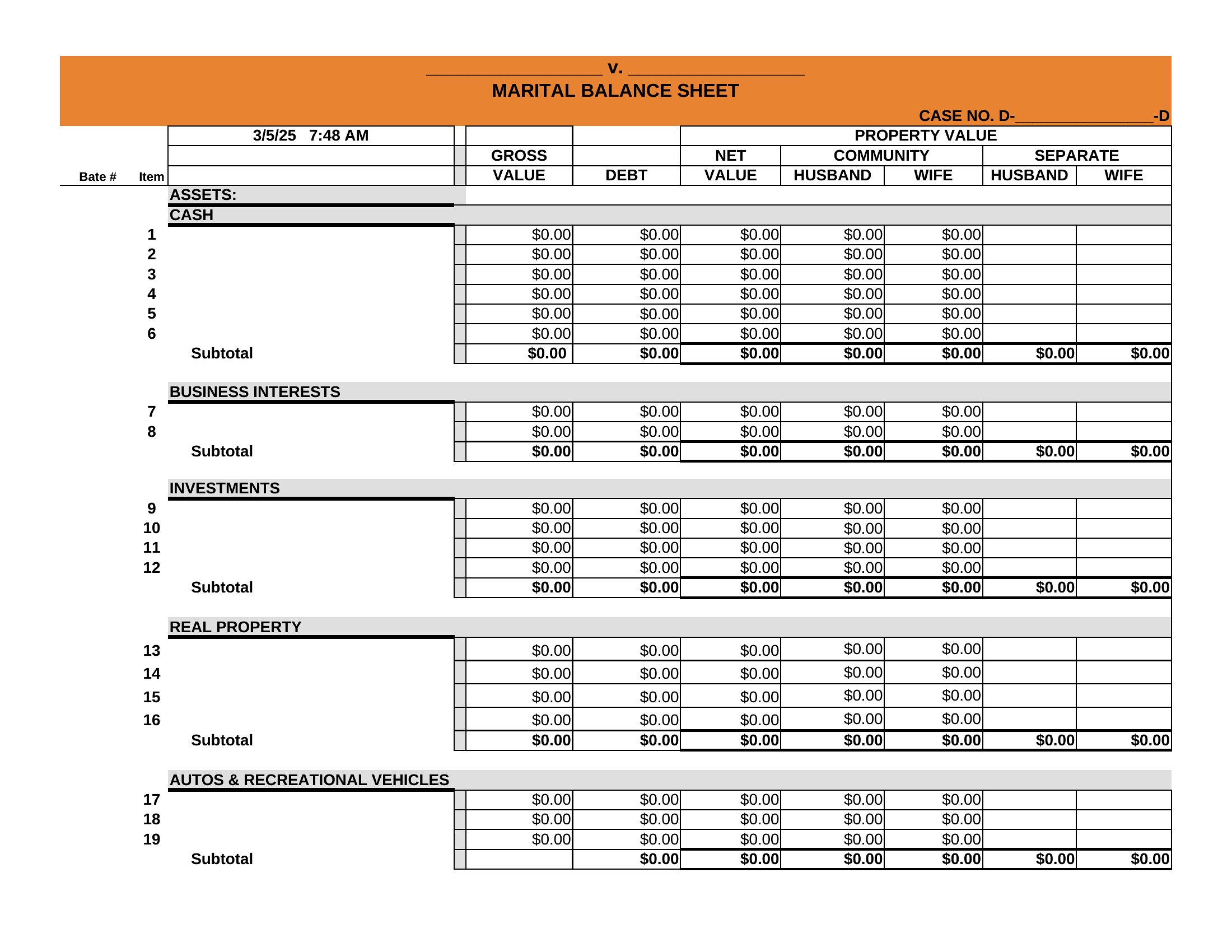
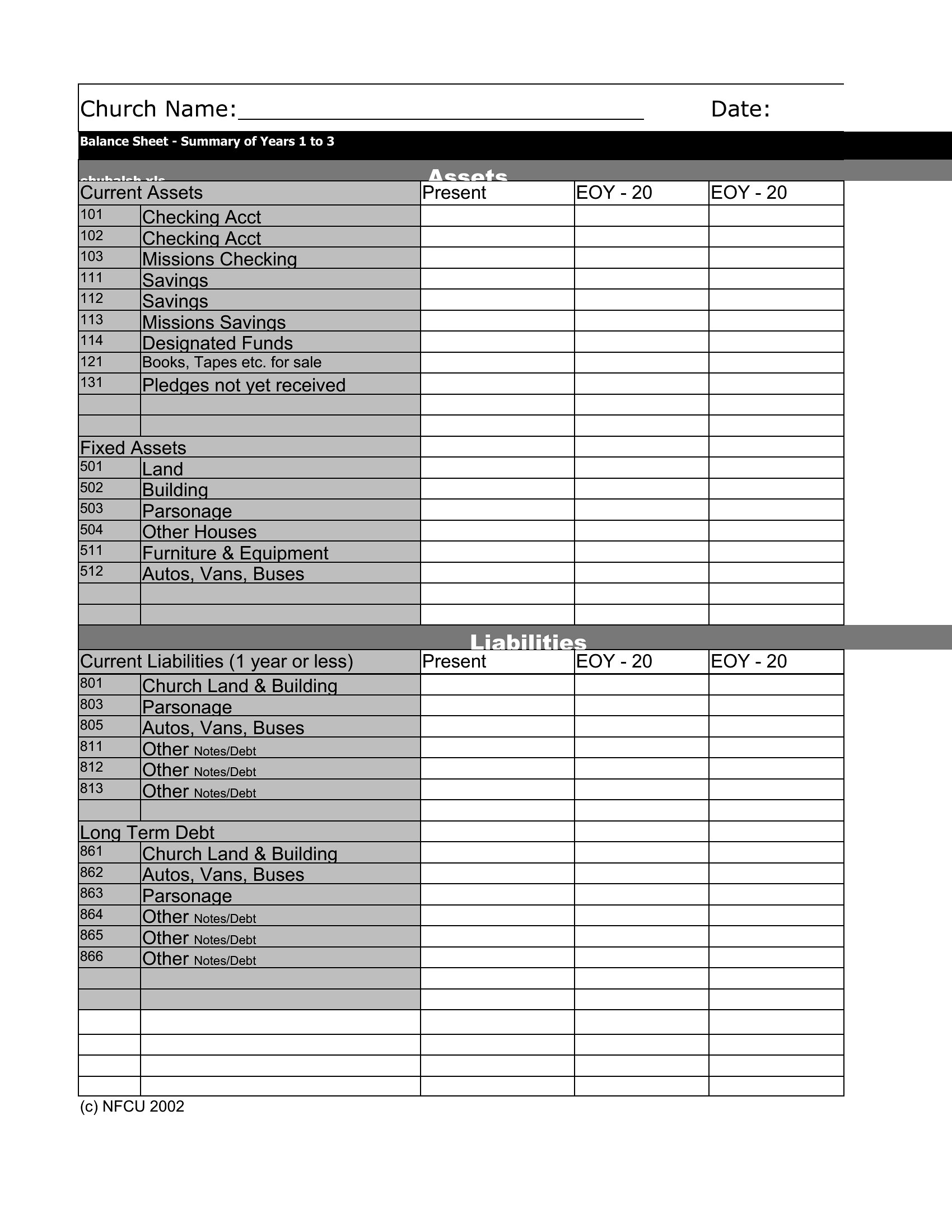
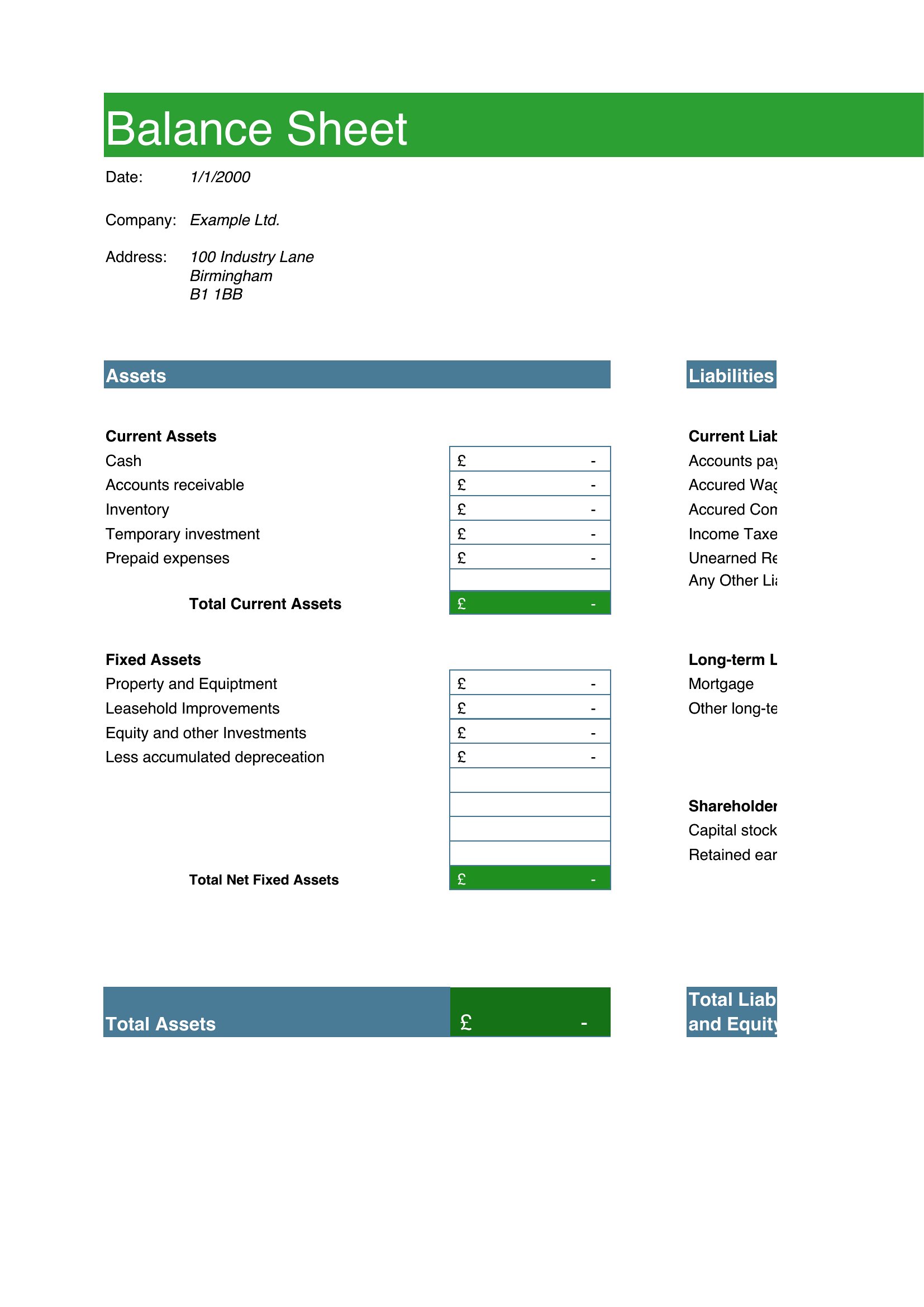
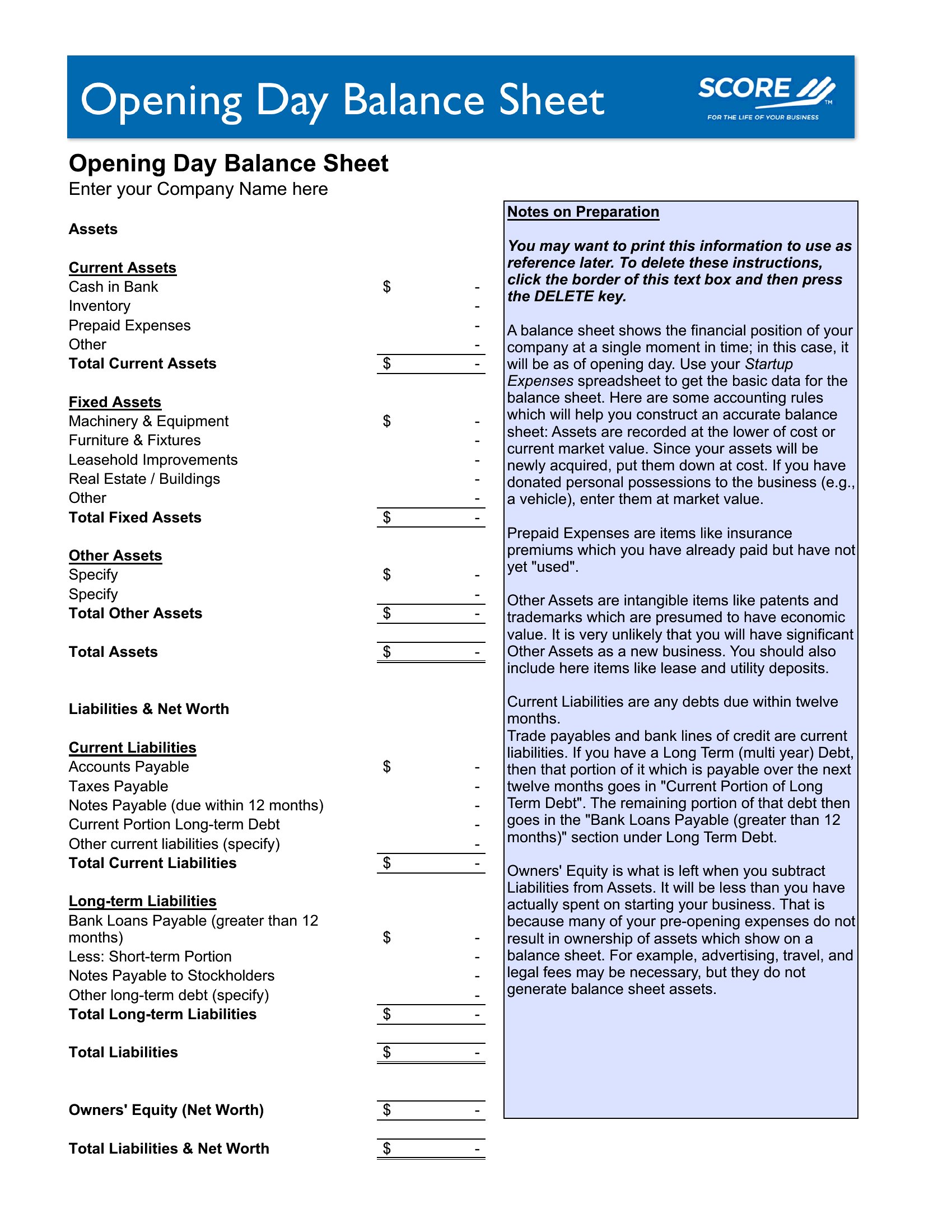
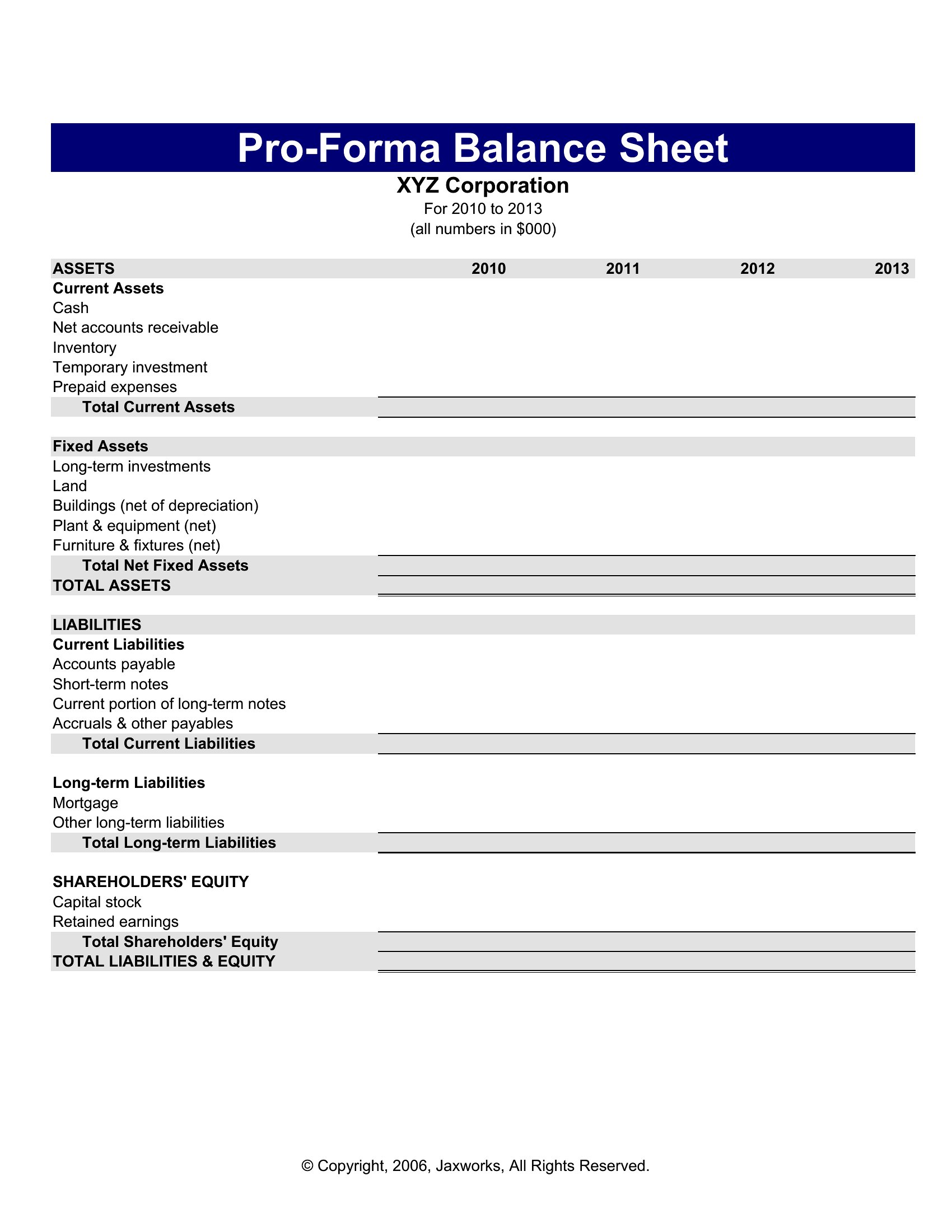
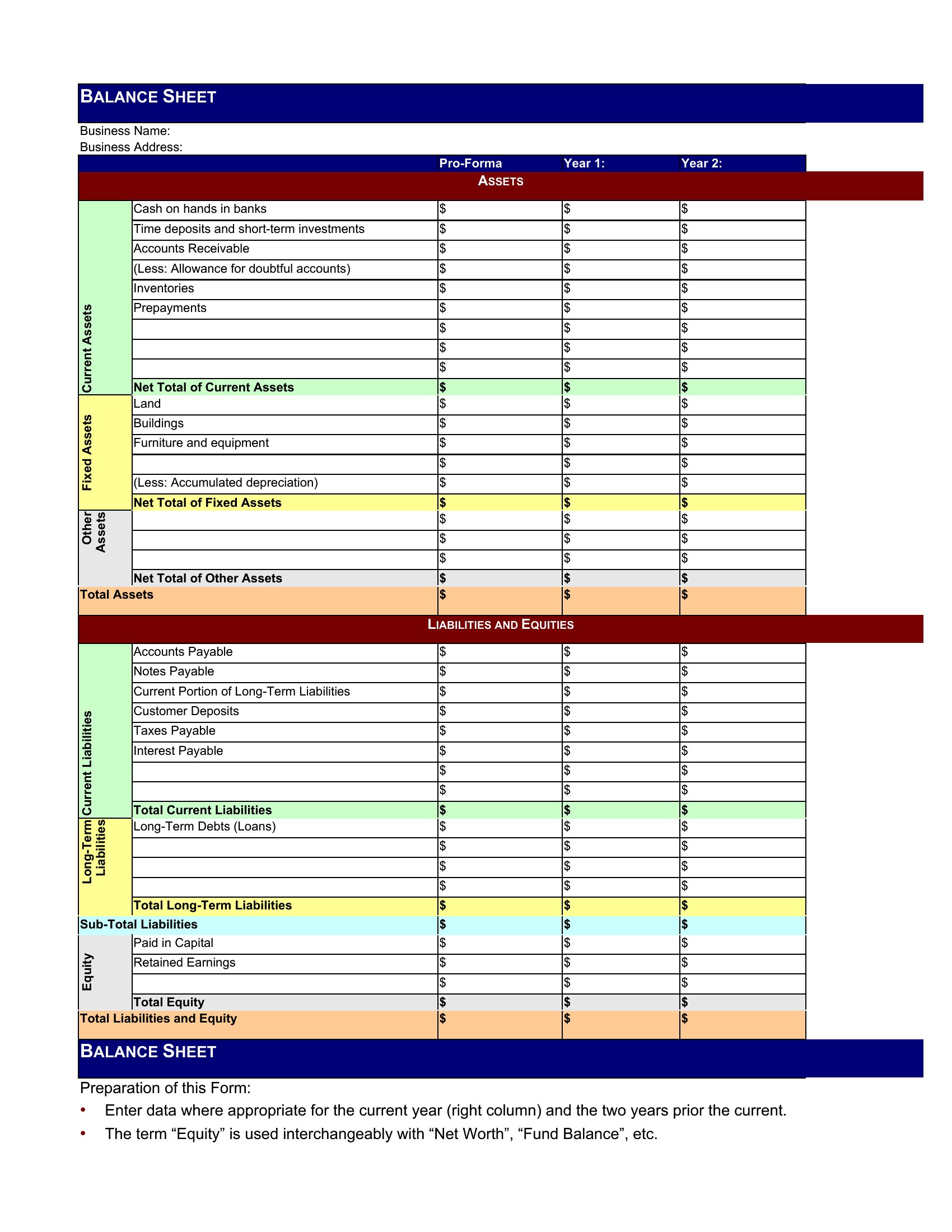
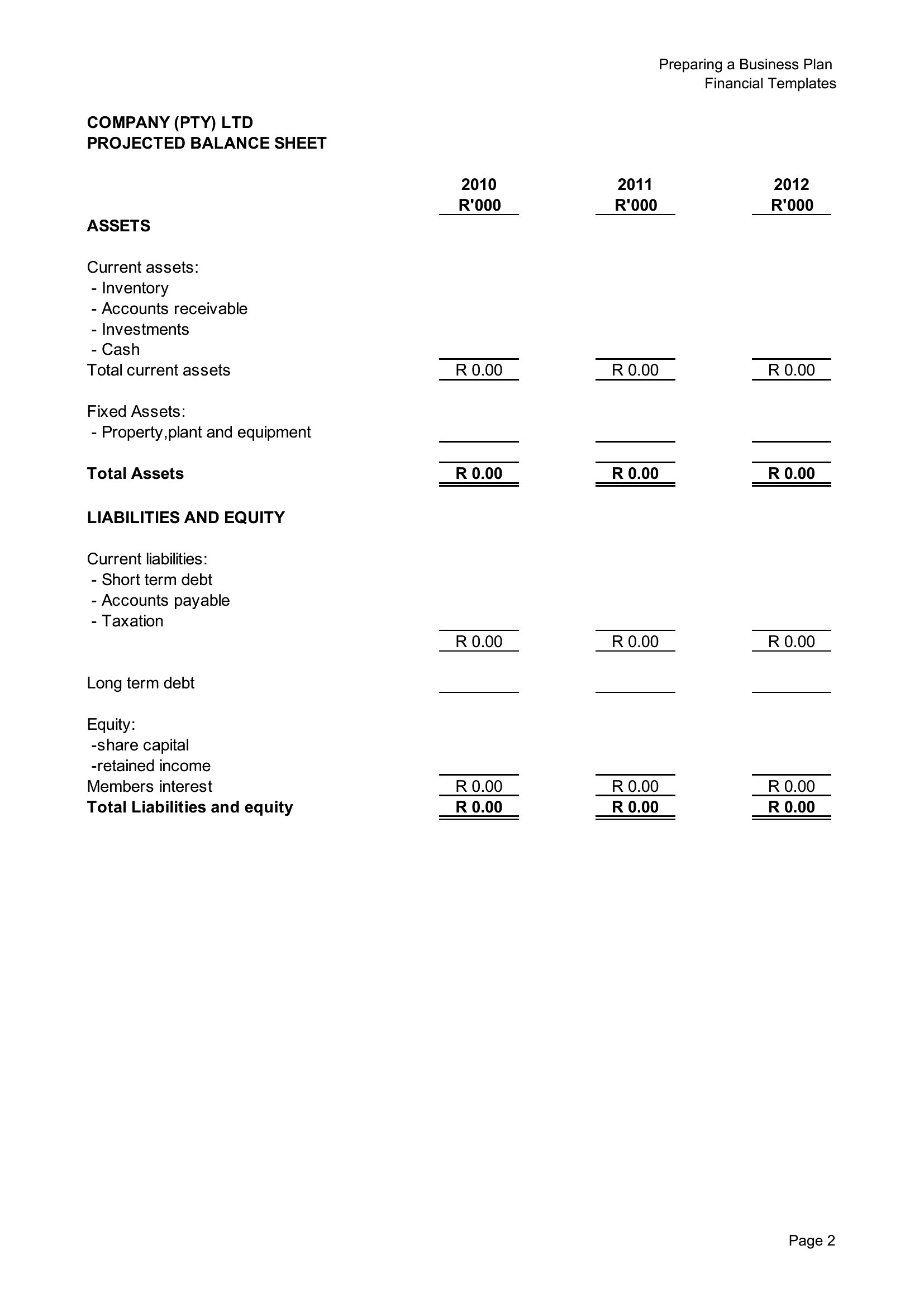
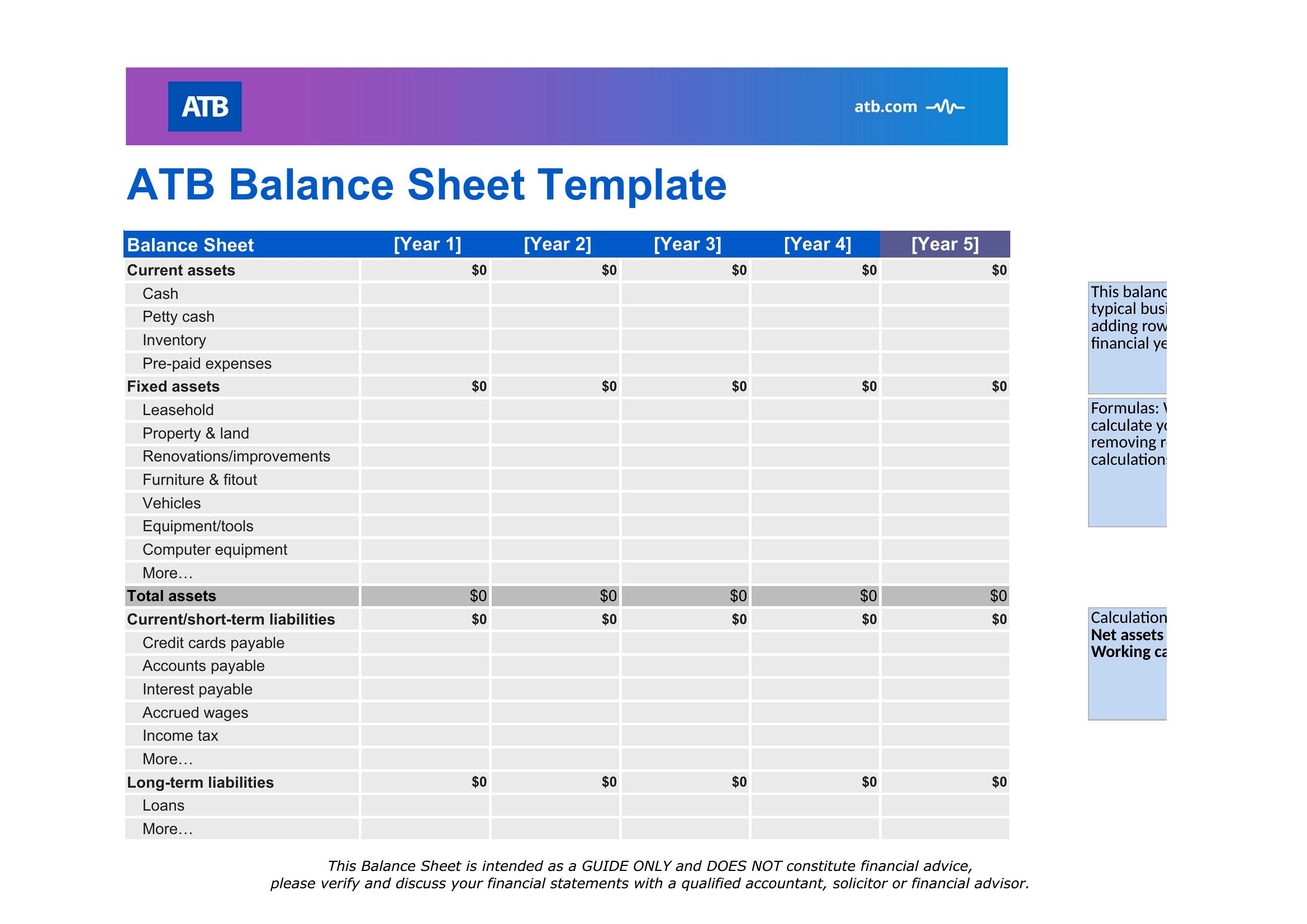
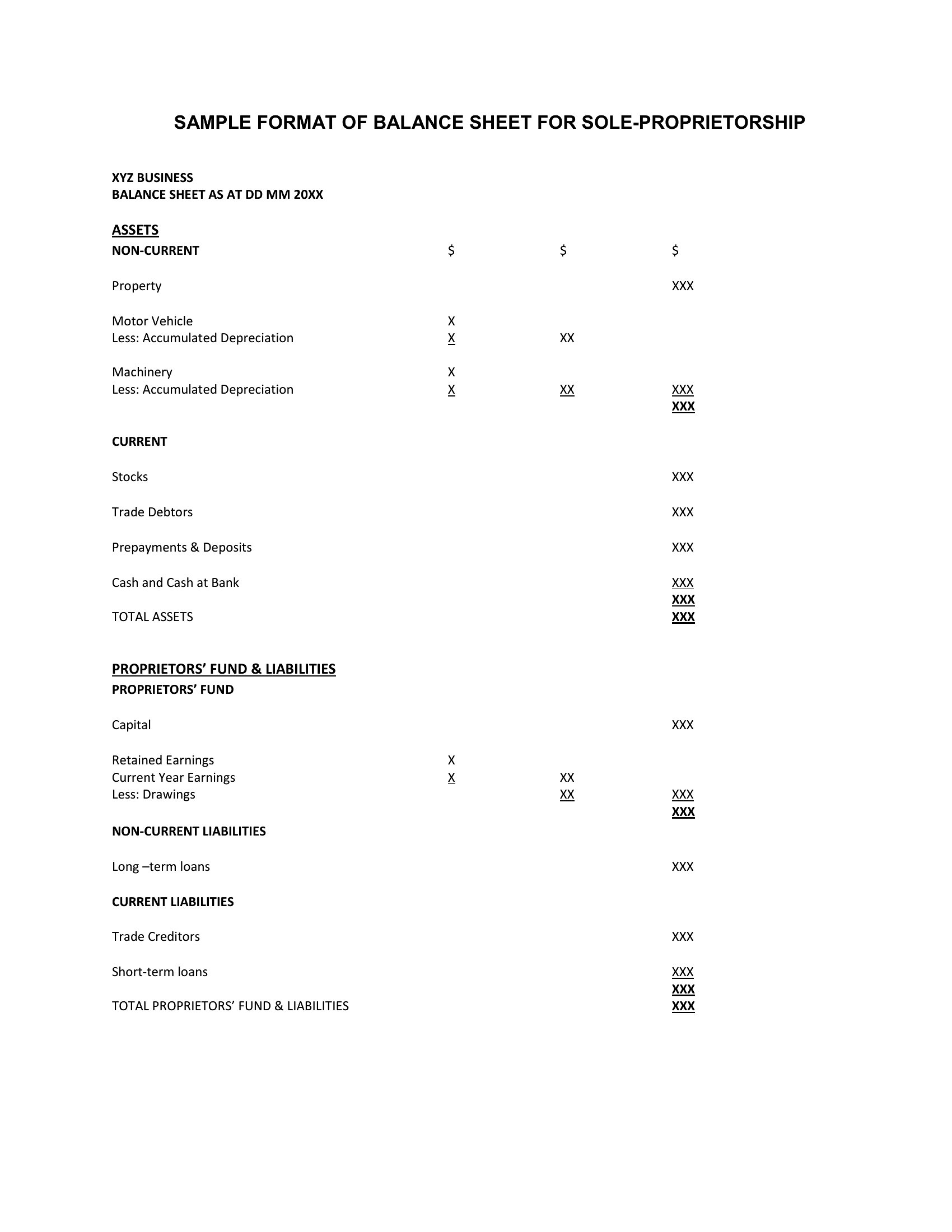
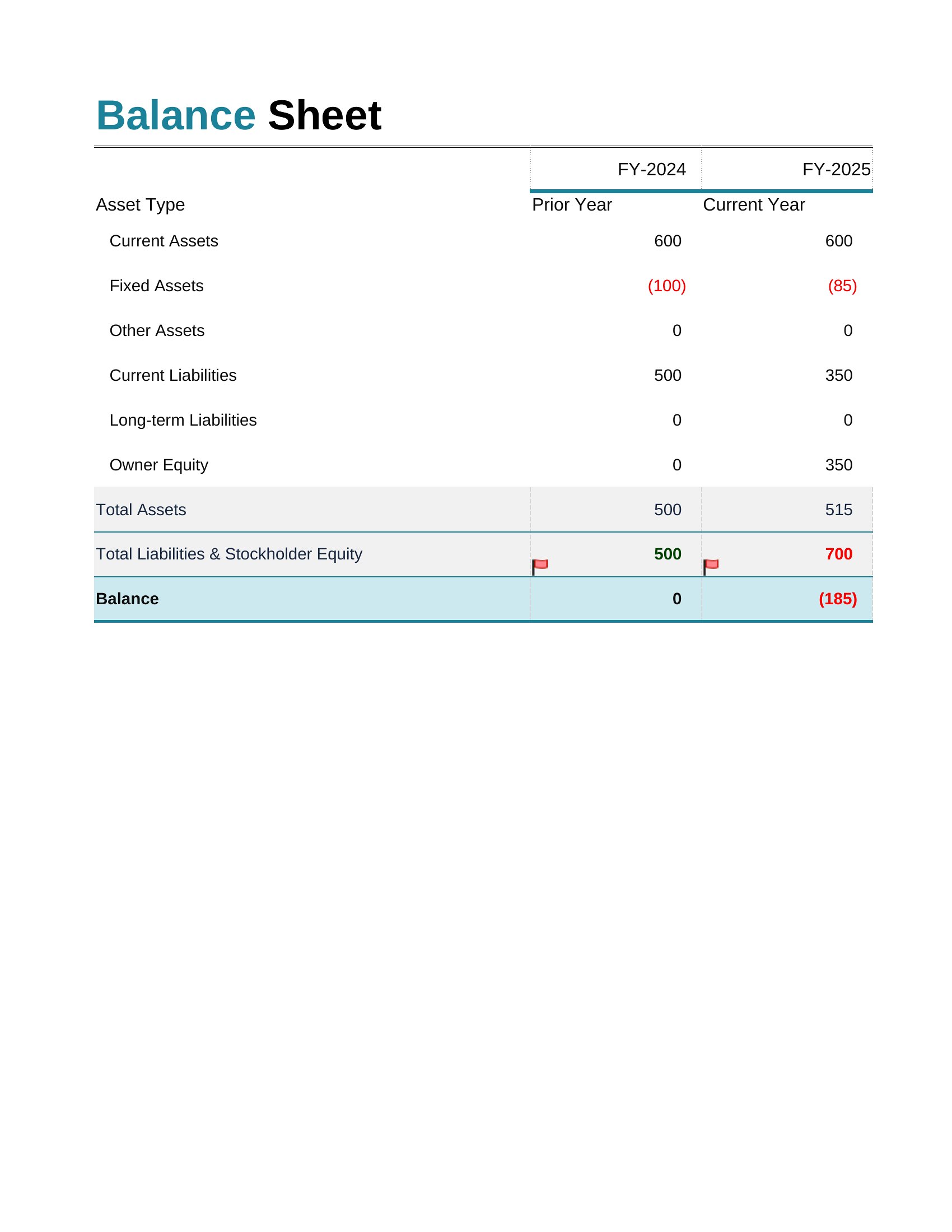
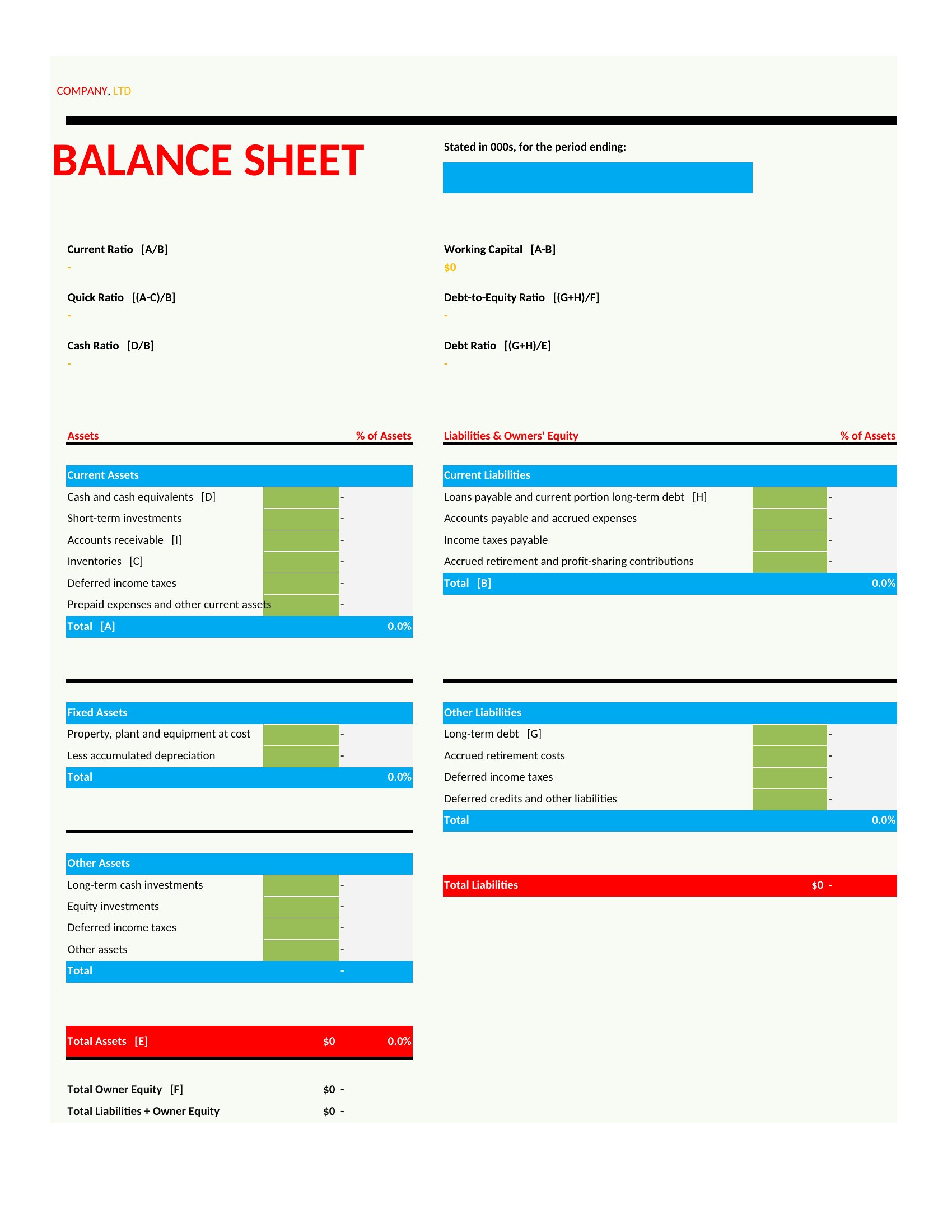
How do these balance sheets handle fixed assets like equipment or property?
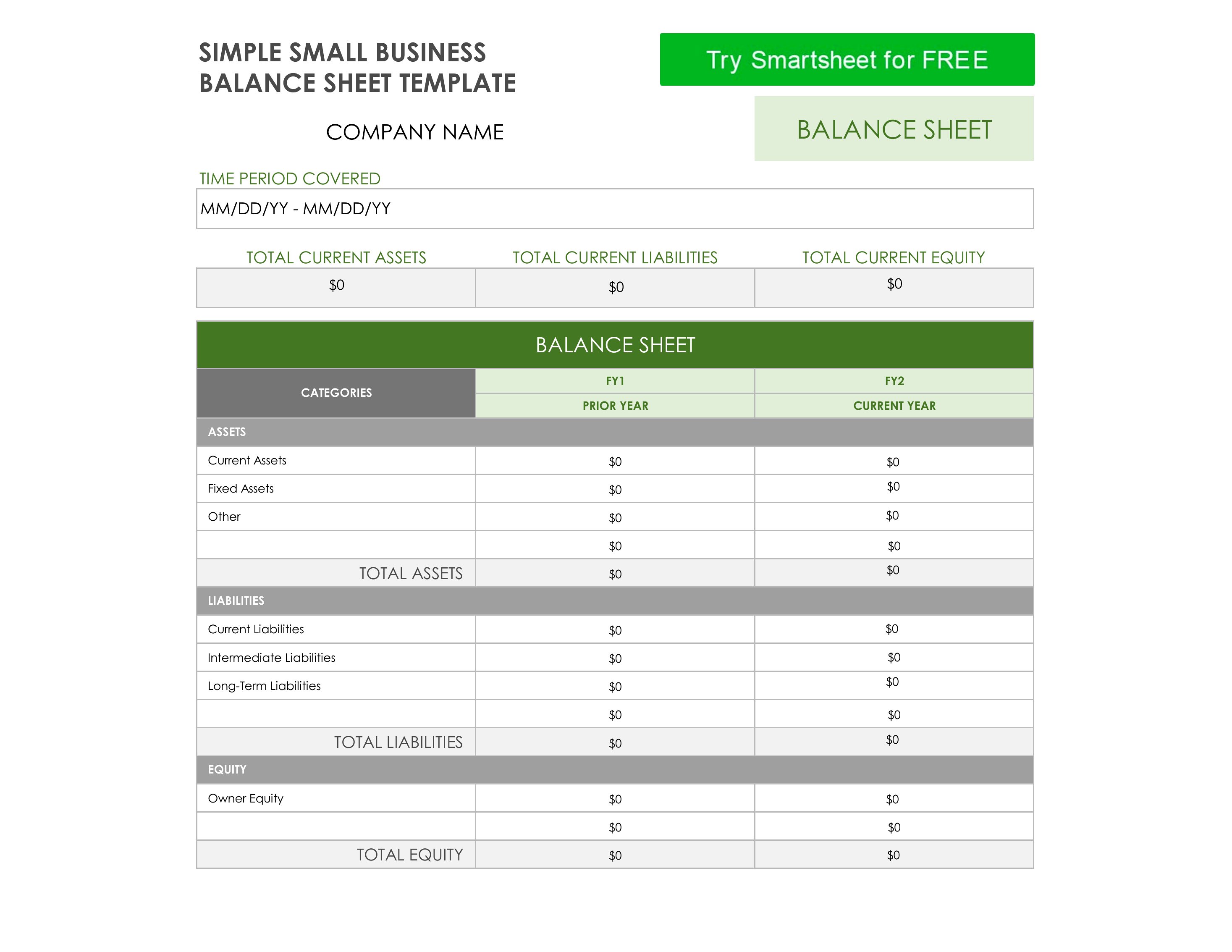
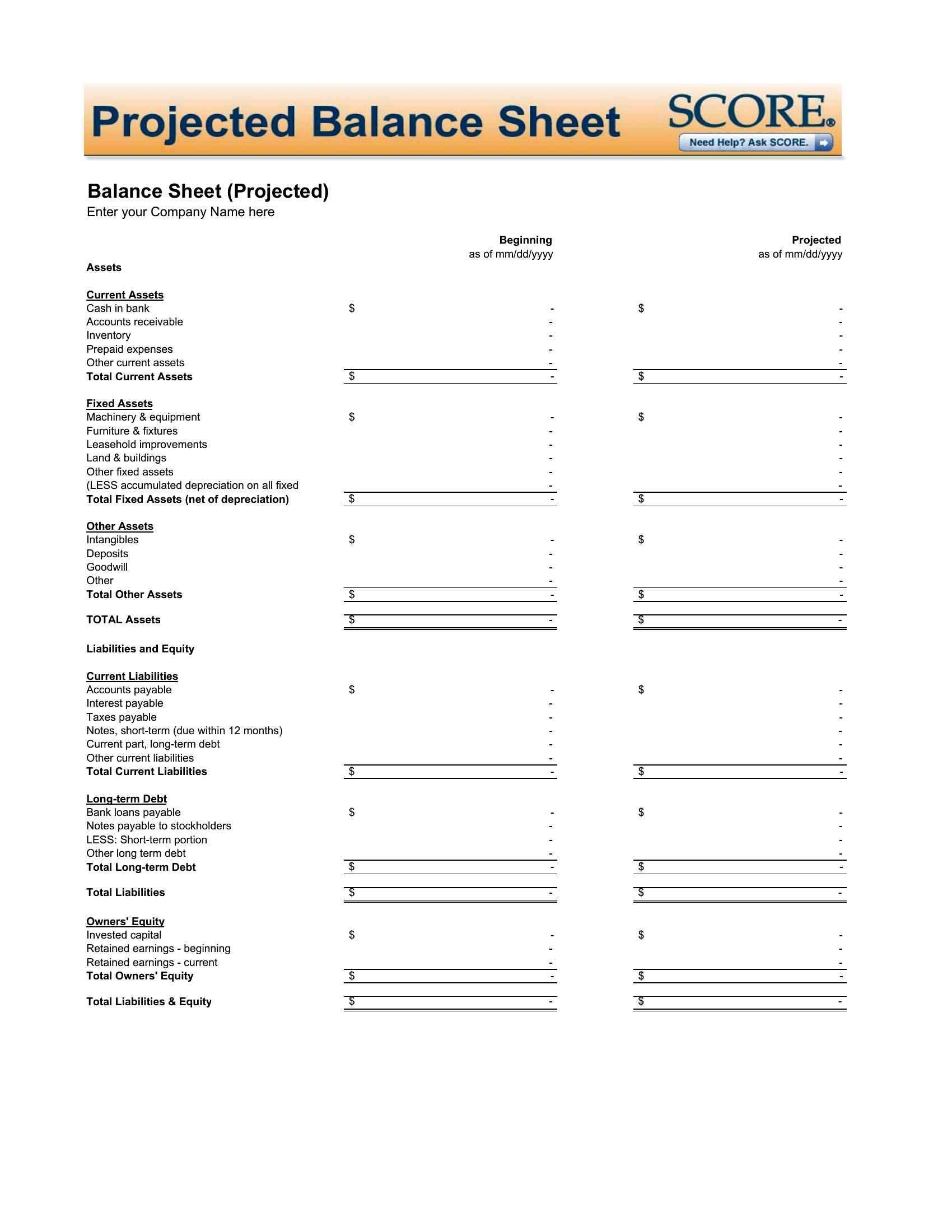
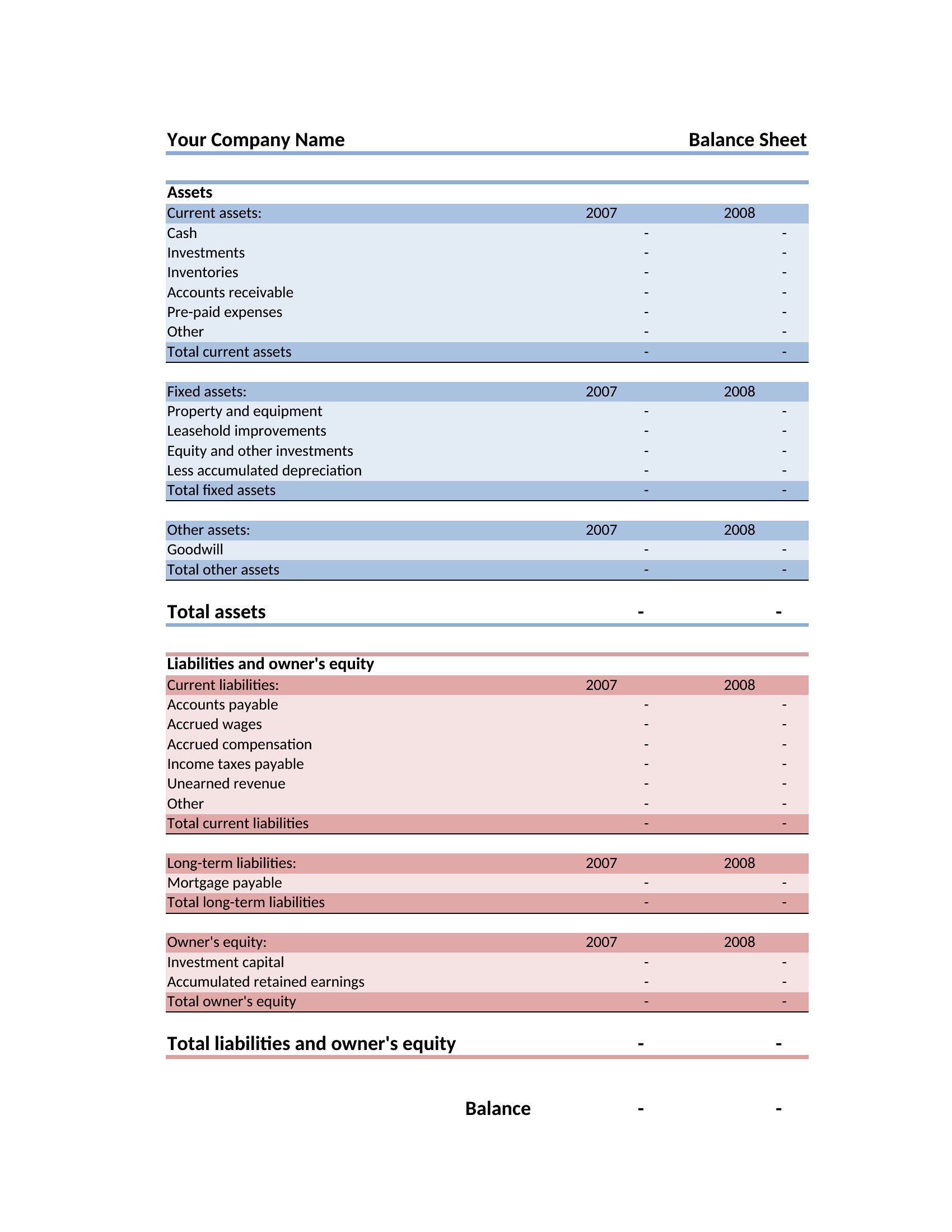
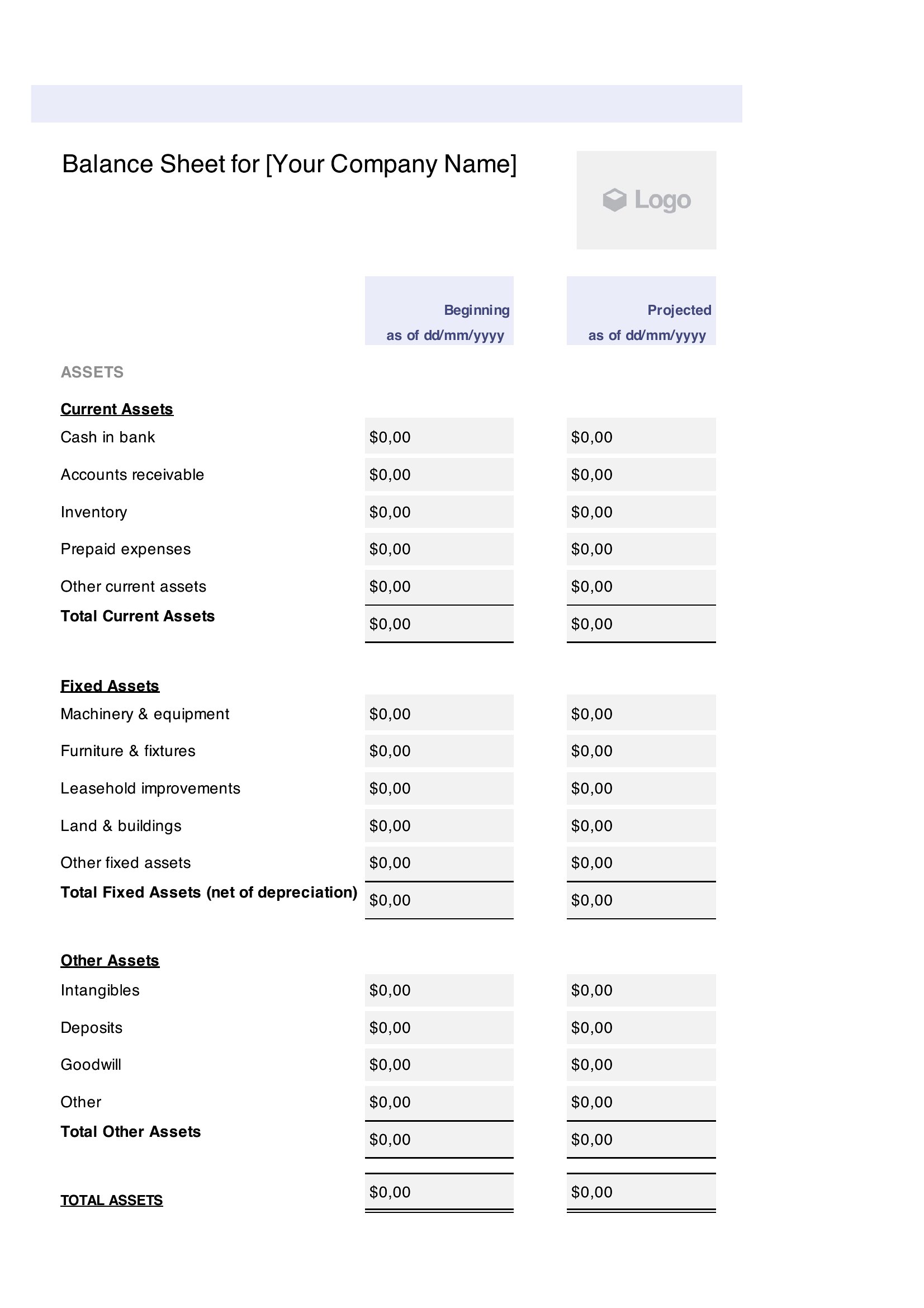
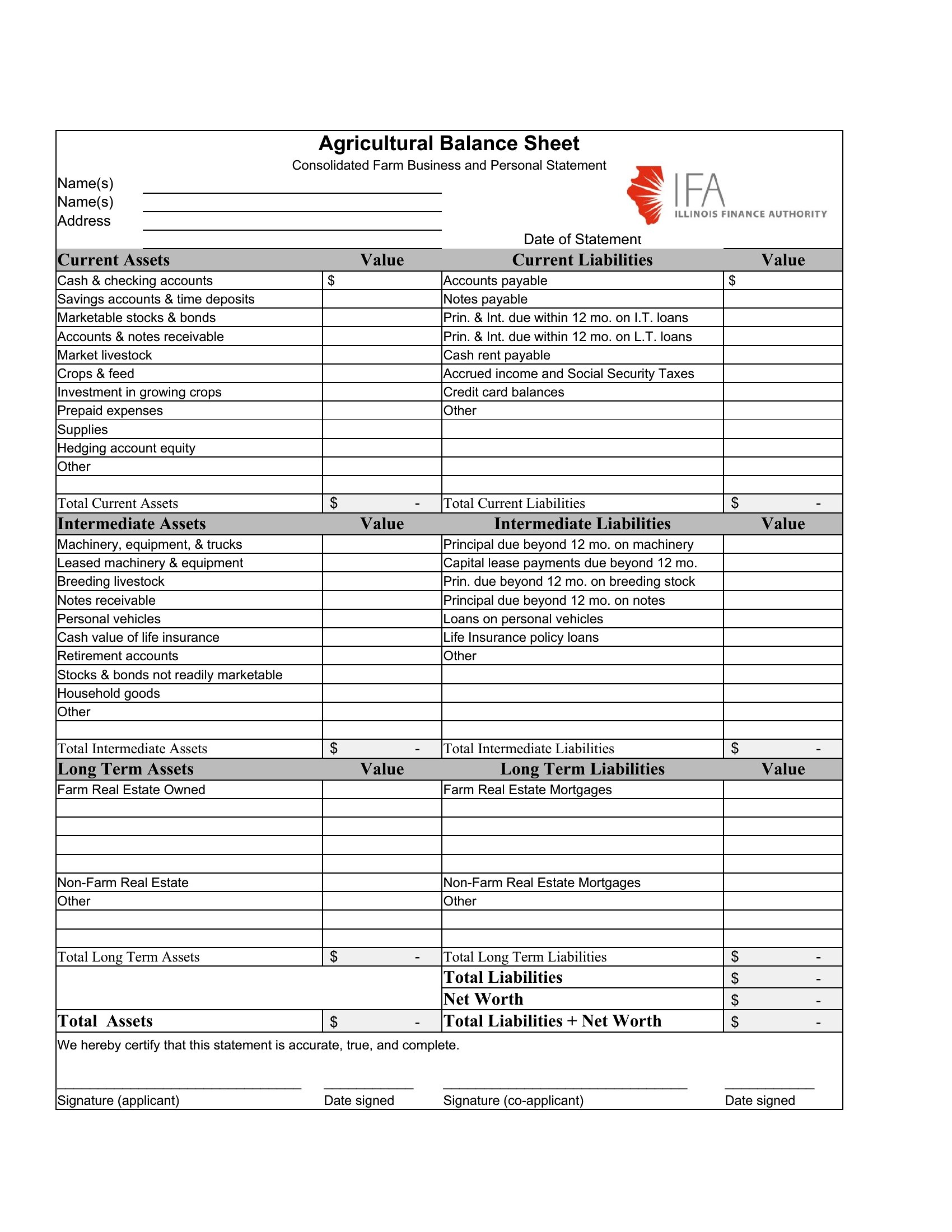
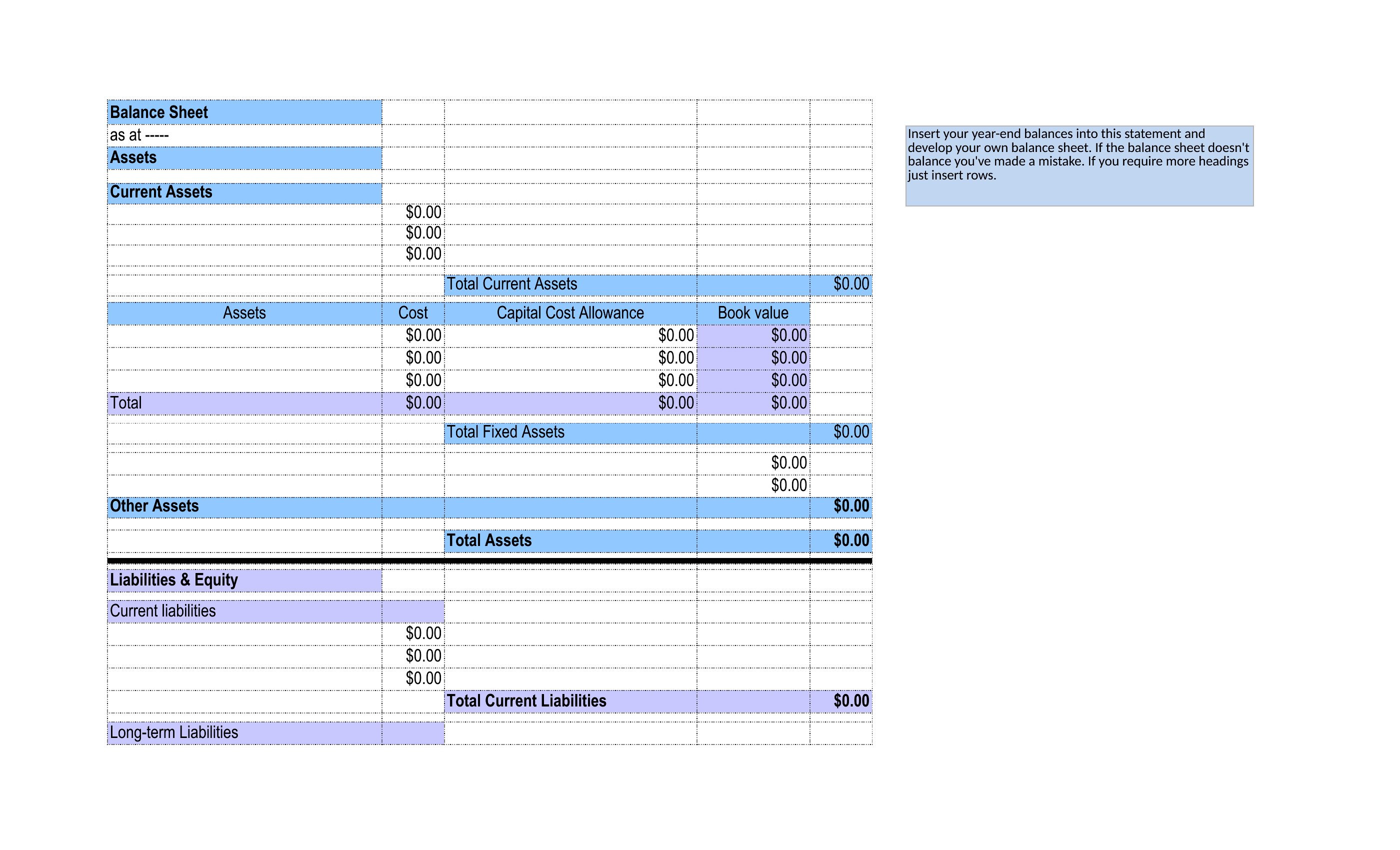
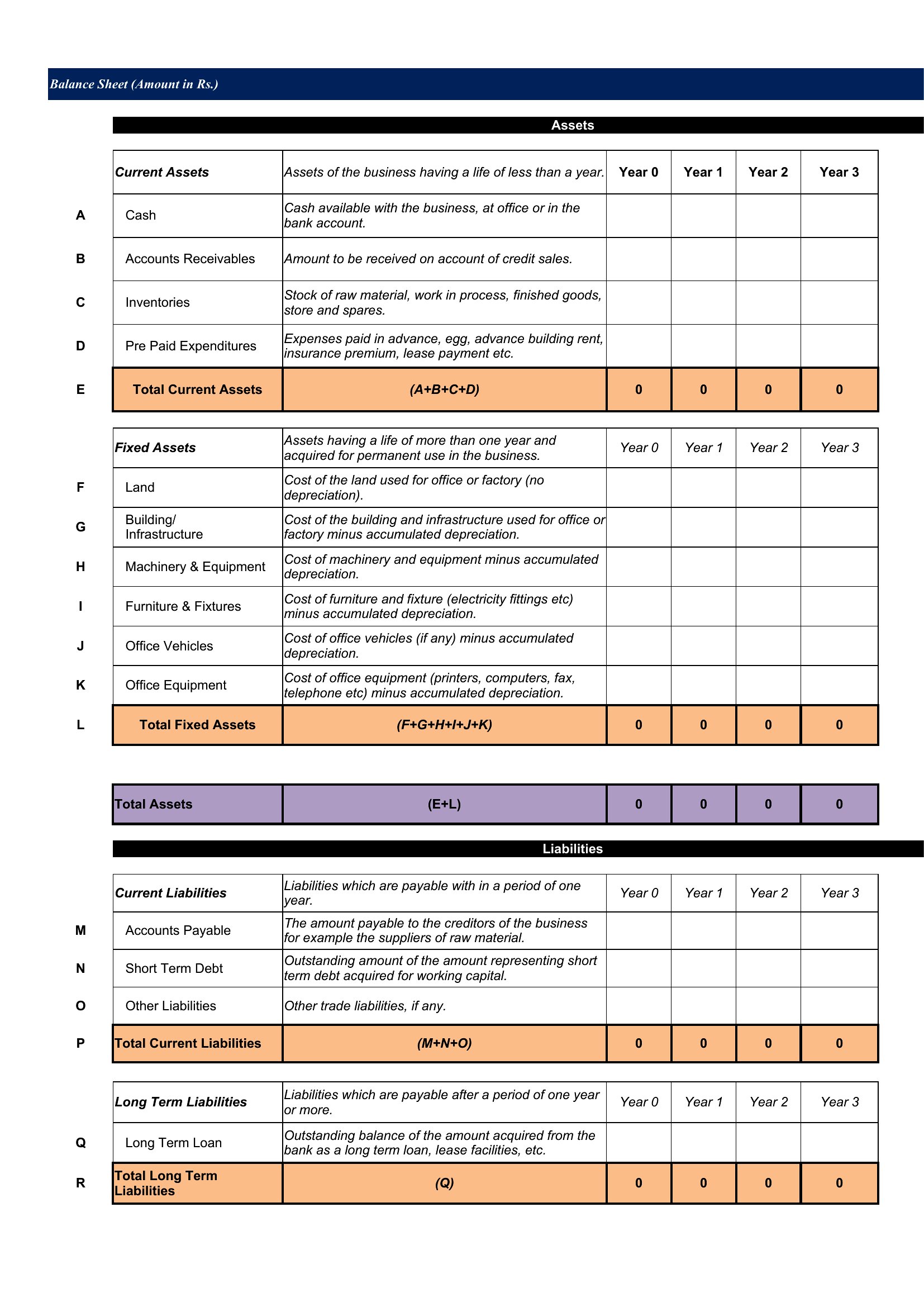
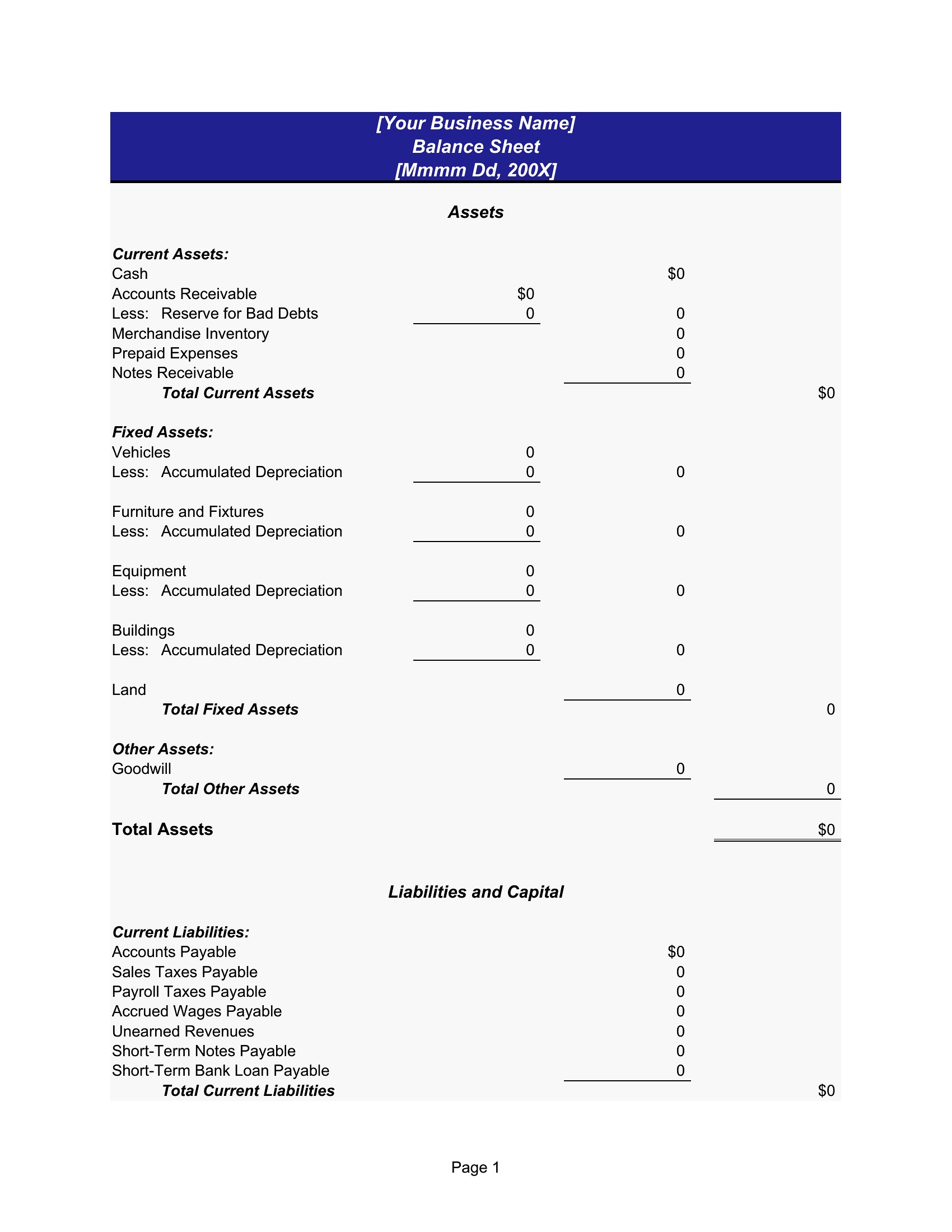
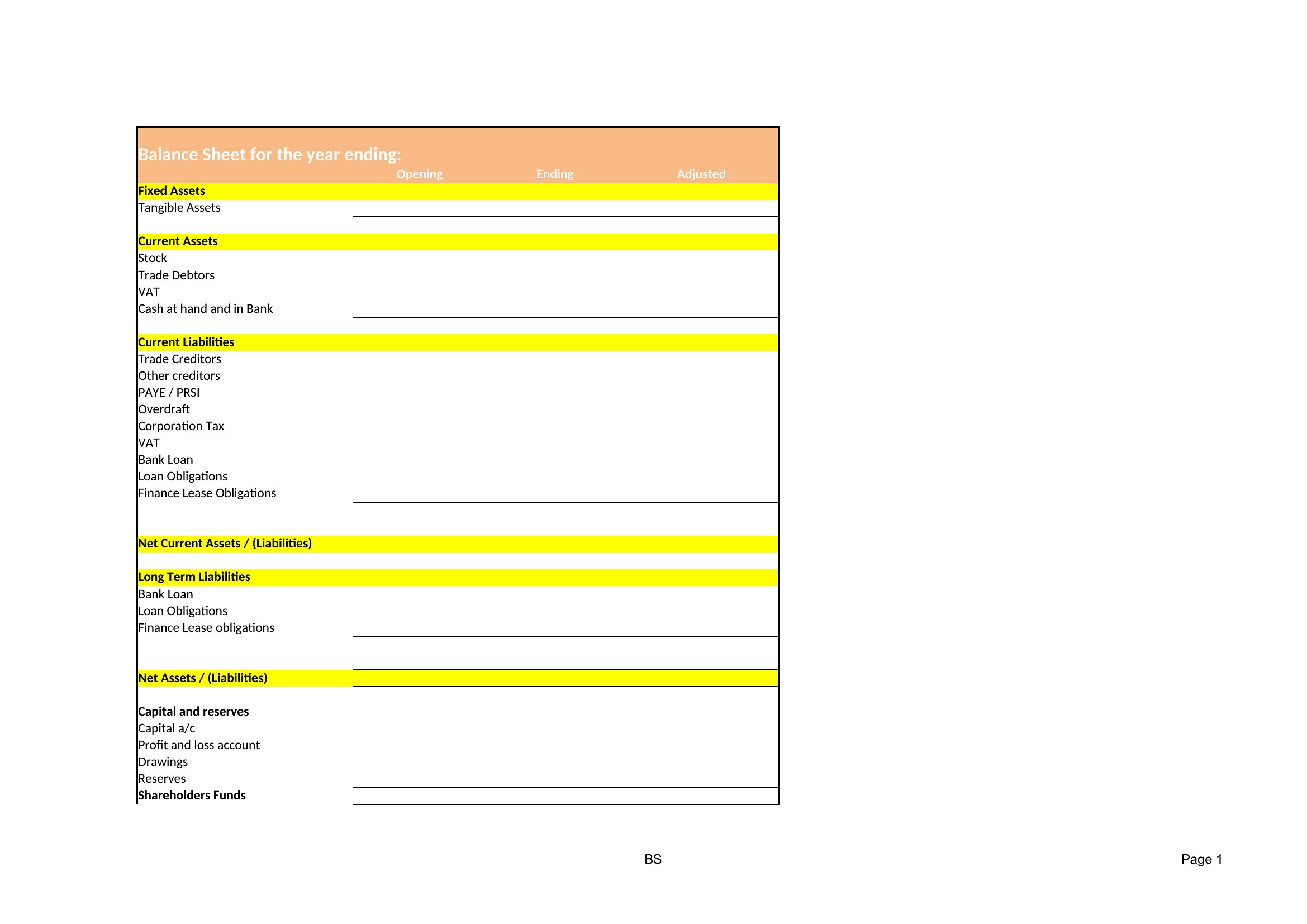
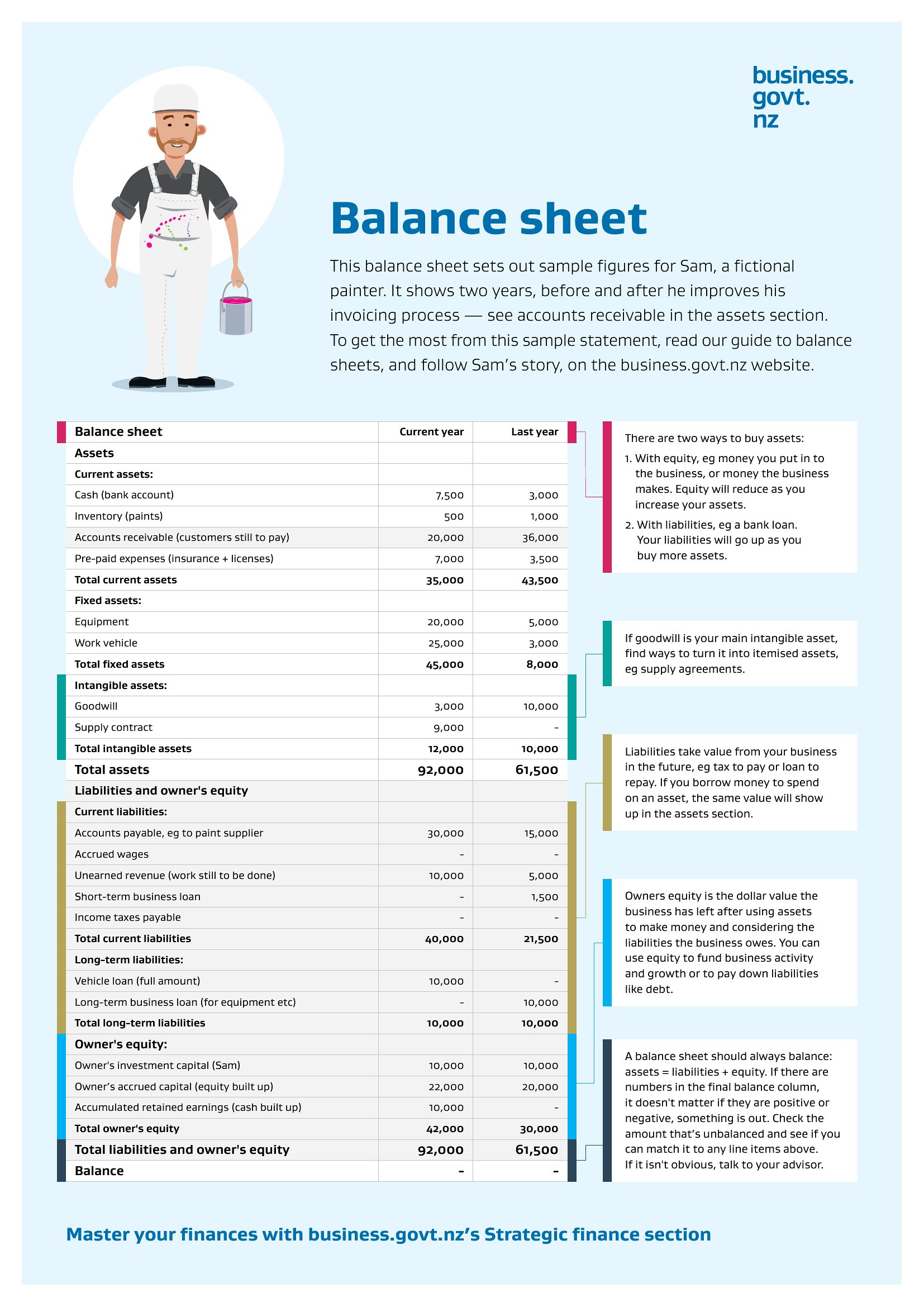
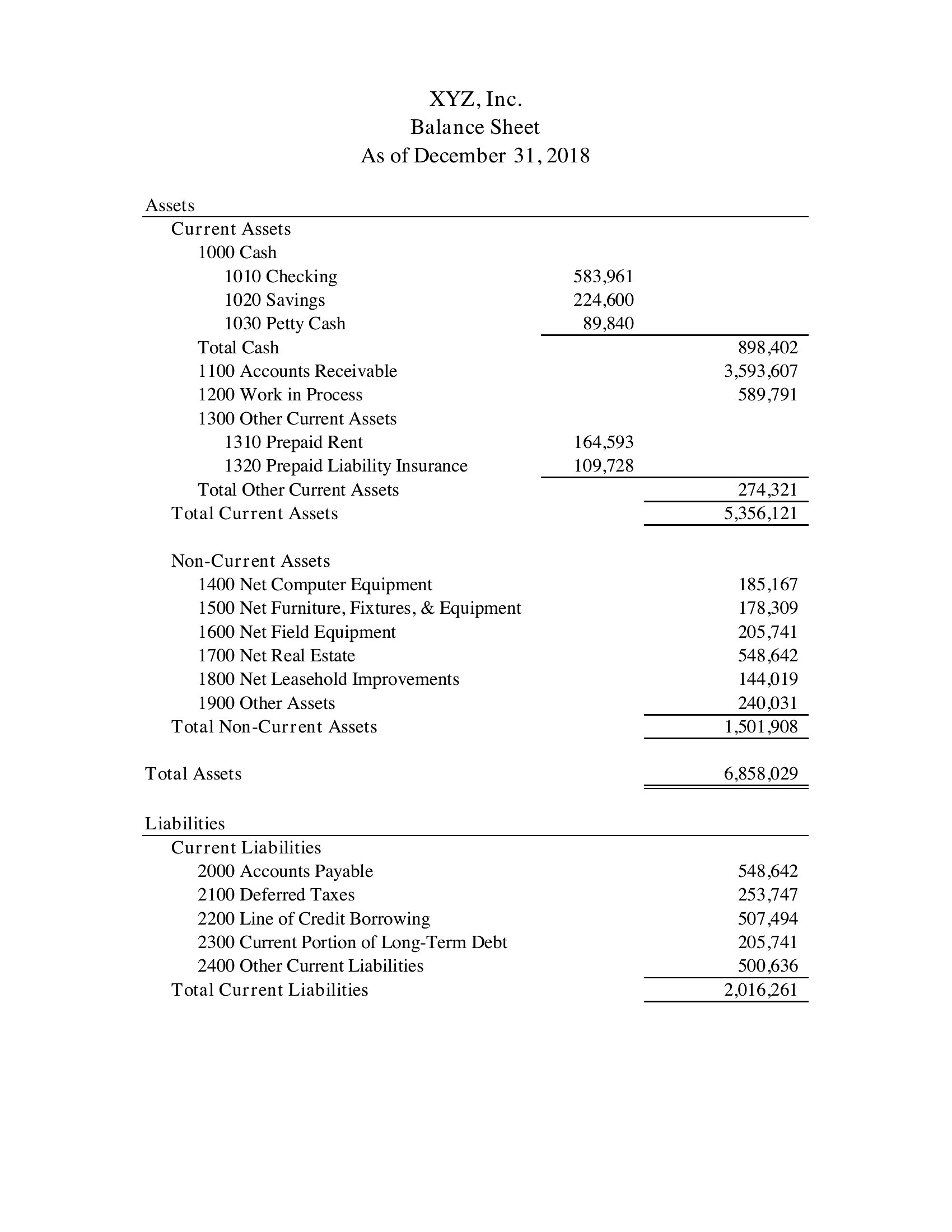
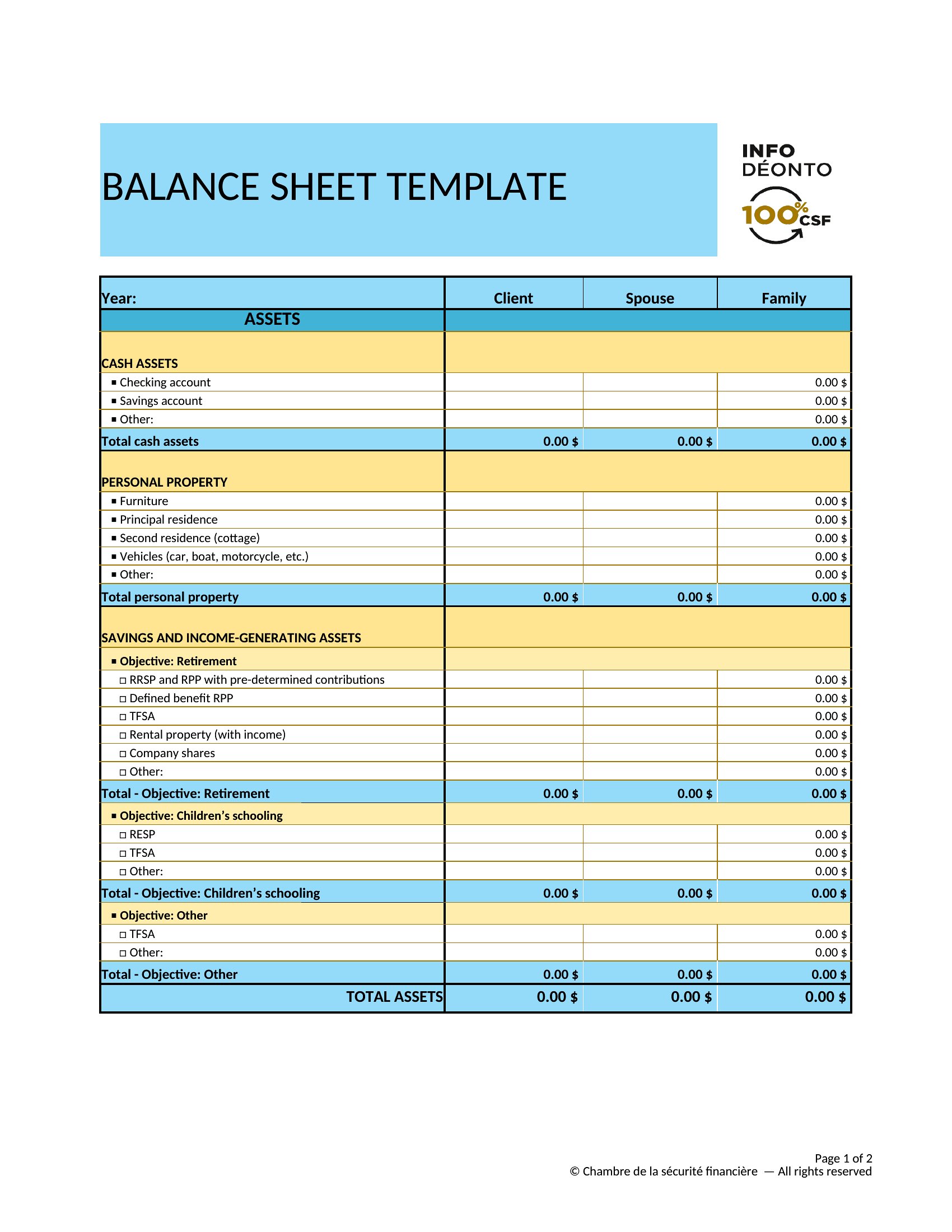
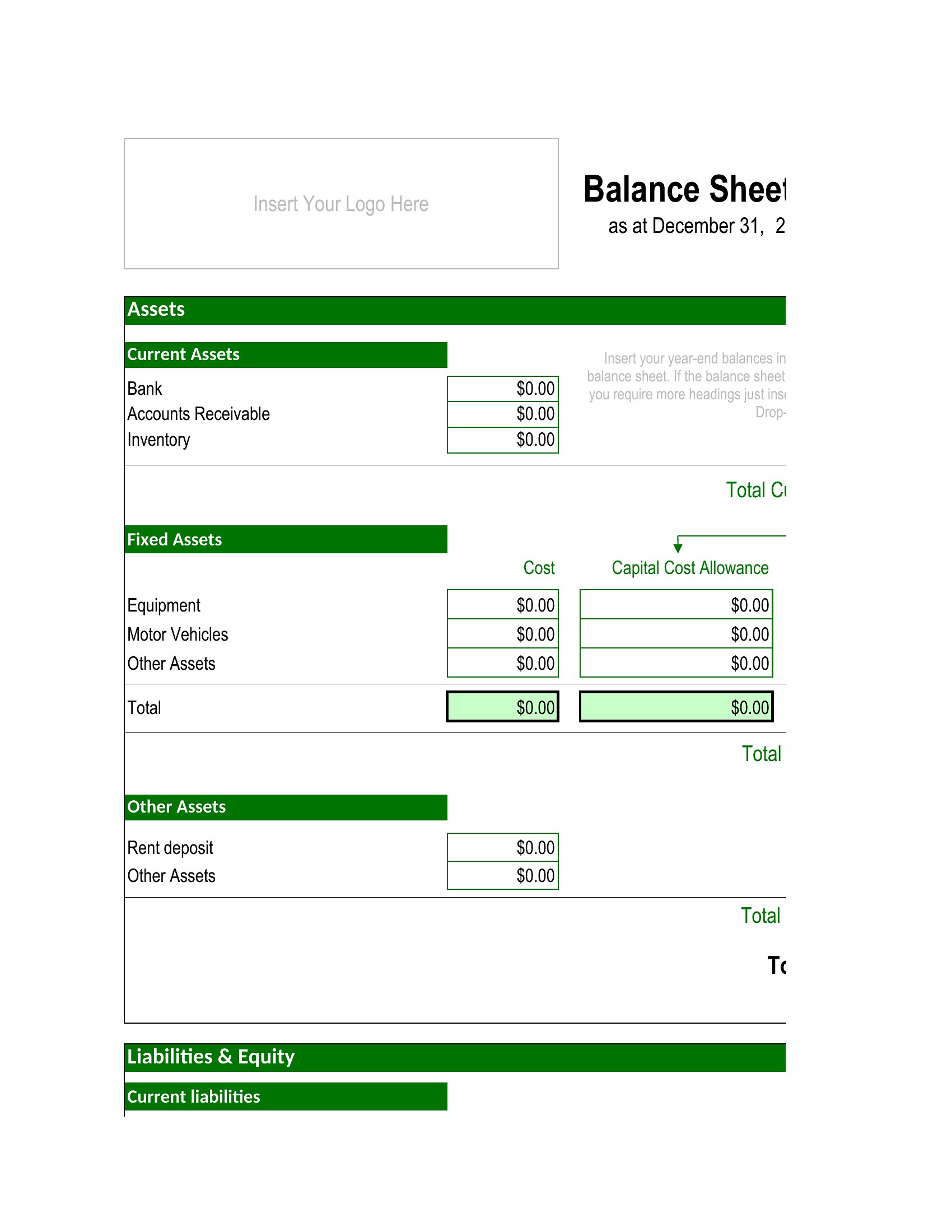
All templates separate fixed assets into a distinct category with fields for depreciation schedules, useful for businesses tracking long-term investments or amortization. Excel versions often include helper columns for depreciation calculations, while PDFs list these as static line items.
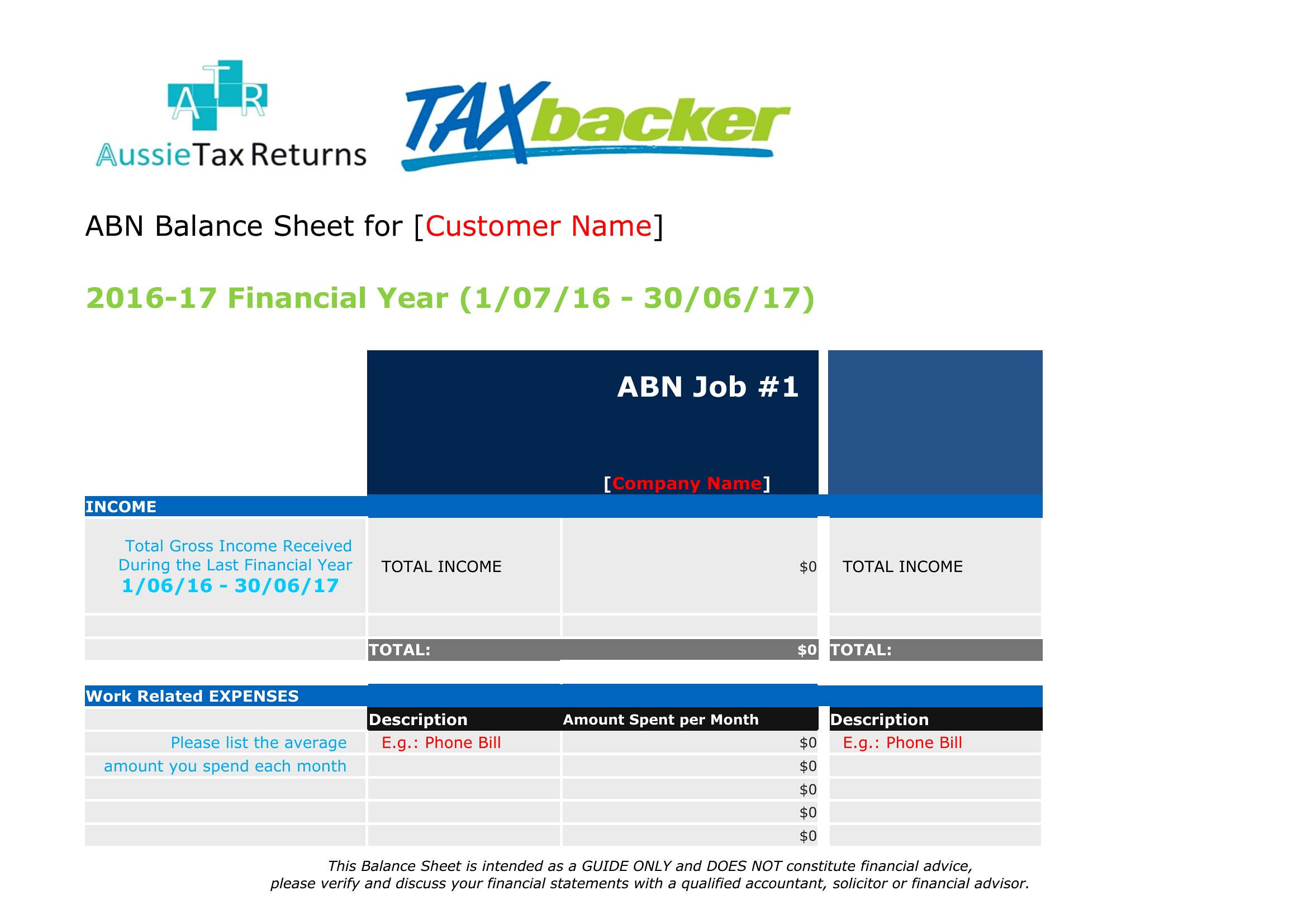
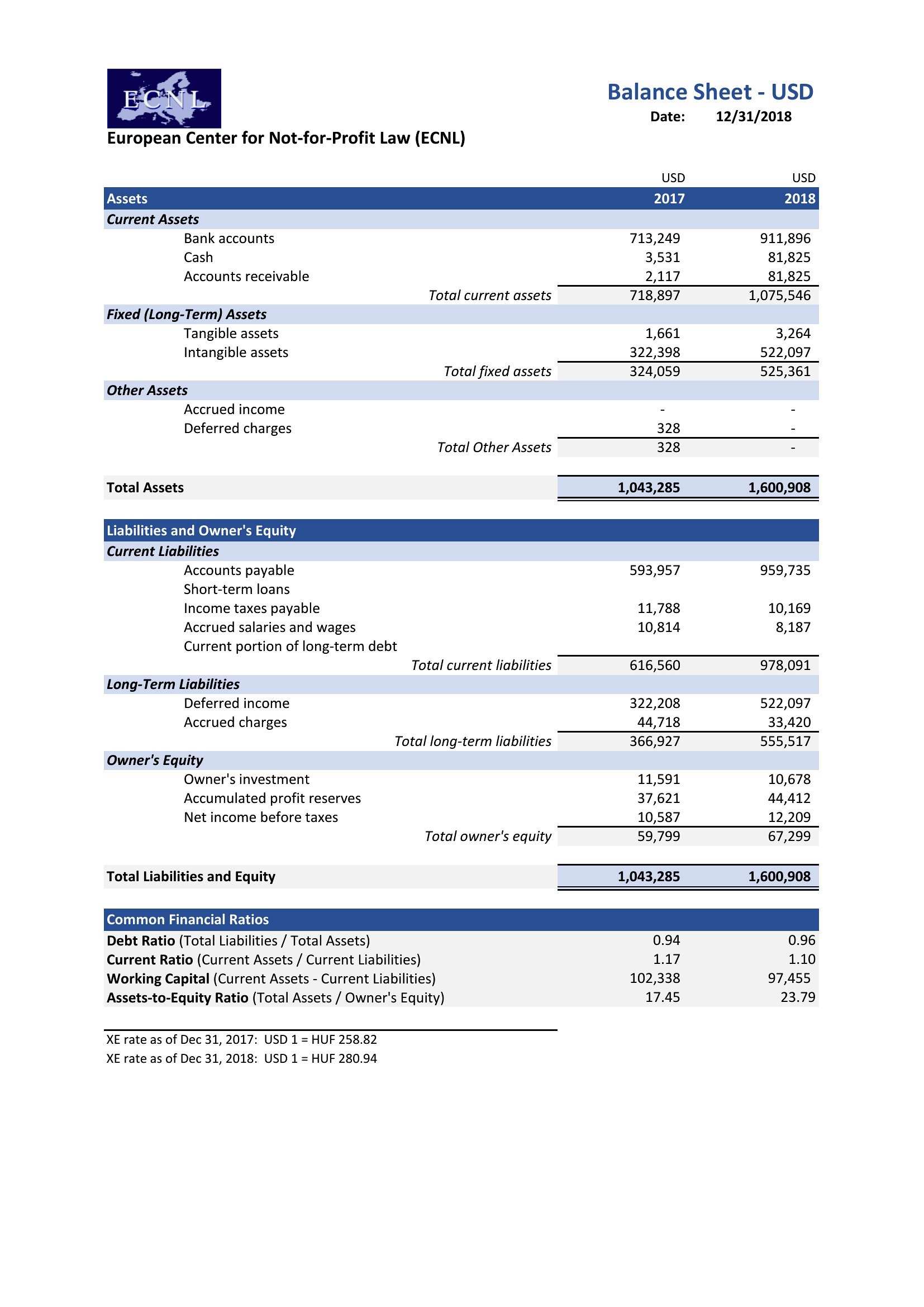
Can I use these templates if my business has multiple currencies or foreign liabilities?
The Excel templates support currency columns, letting you label transactions in USD, EUR, or others. For PDFs, manually list amounts in local currency with a note for conversion rates—but consult a CPA for multi-currency compliance. No built-in conversion tools exist in either format.
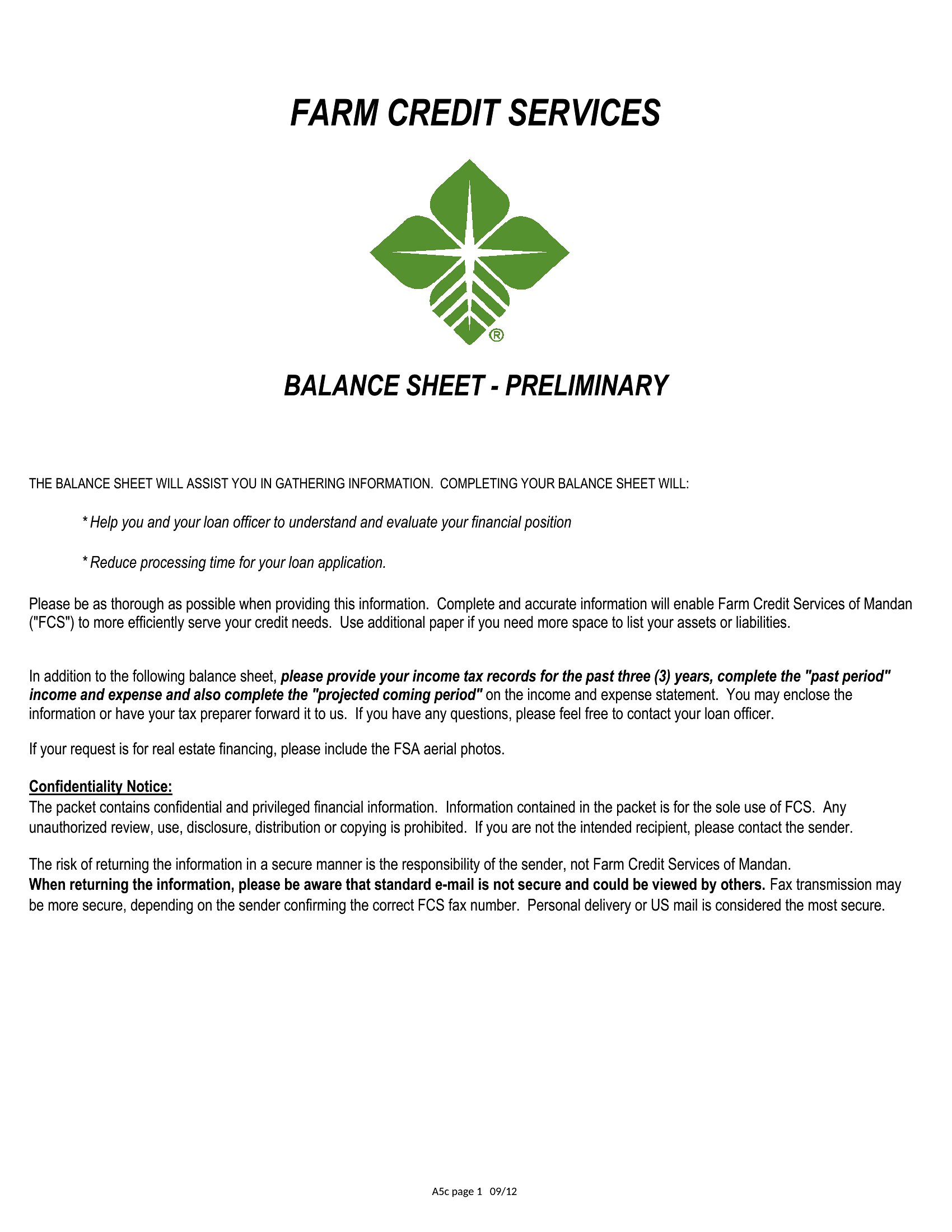
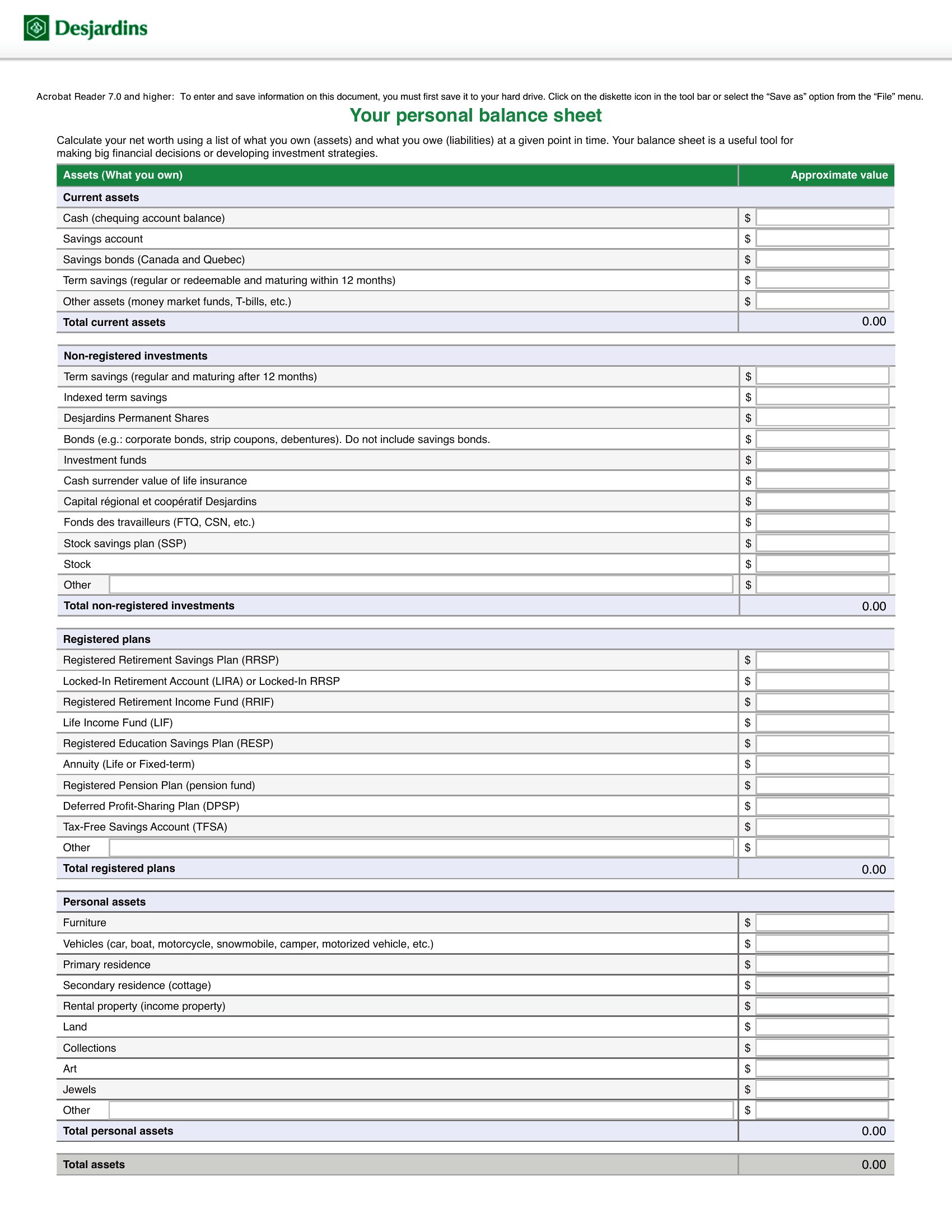
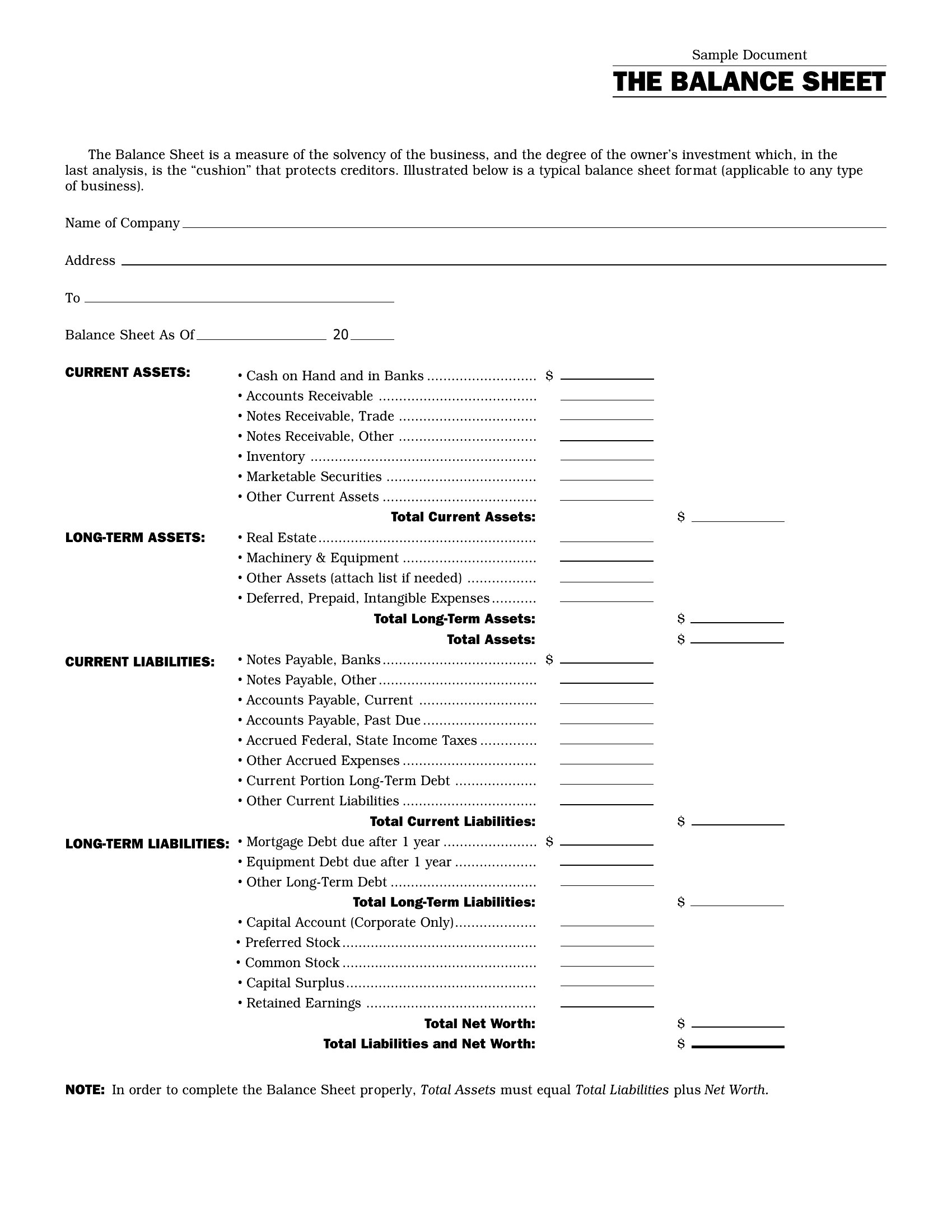
What’s the difference between the ‘fillable’ PDFs and standard PDFs?
Fillable PDFs let you type directly into text fields (like account names or amounts) and save changes, while standard PDFs are static snapshots. Use fillable versions for quick updates; standard PDFs are better for finalized reports where no changes are needed.
Comments
Join the conversation
Sign in to share your thoughts and leave a comment on this resource.