Free Payroll Spreadsheet Templates (Word, Excel, PDF)
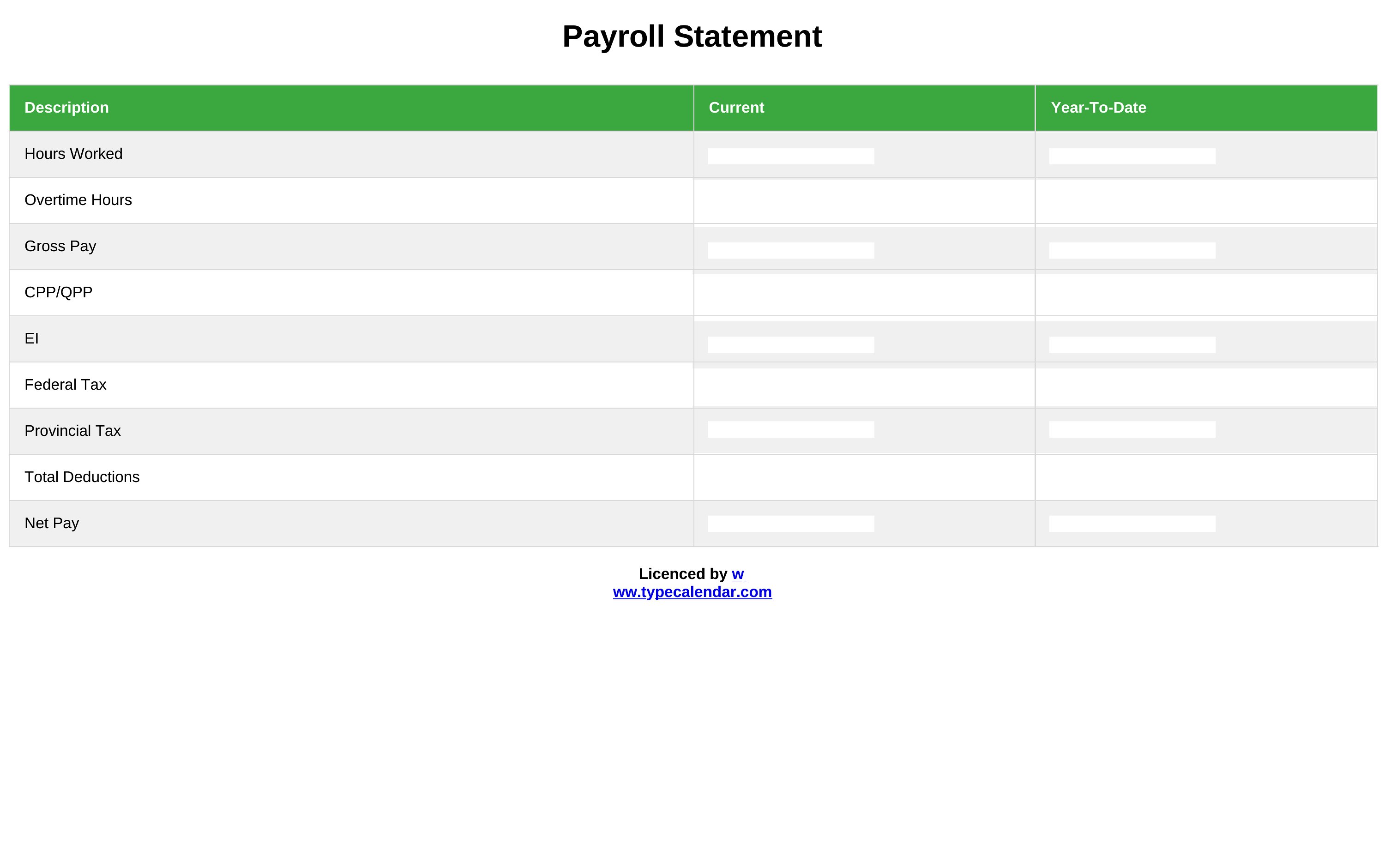
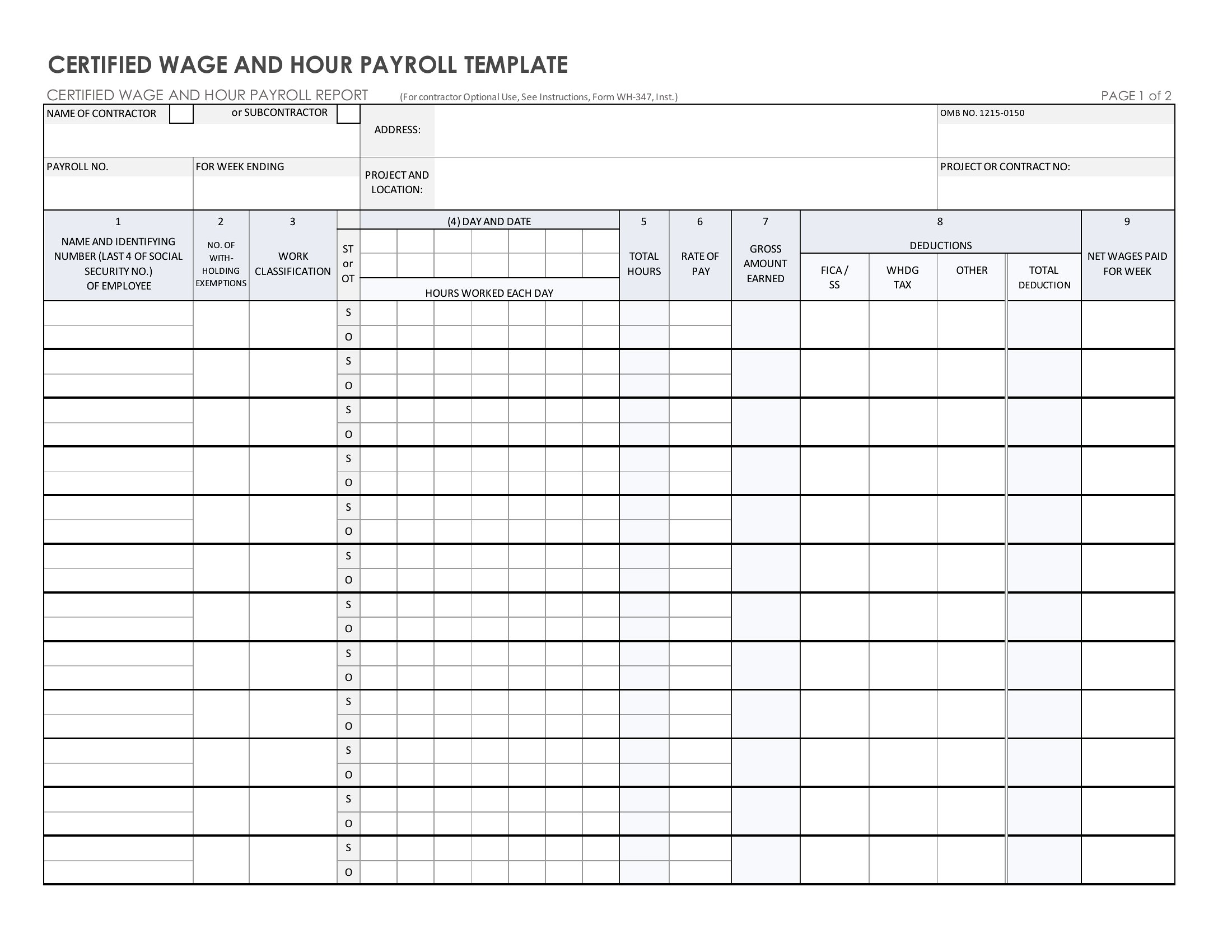
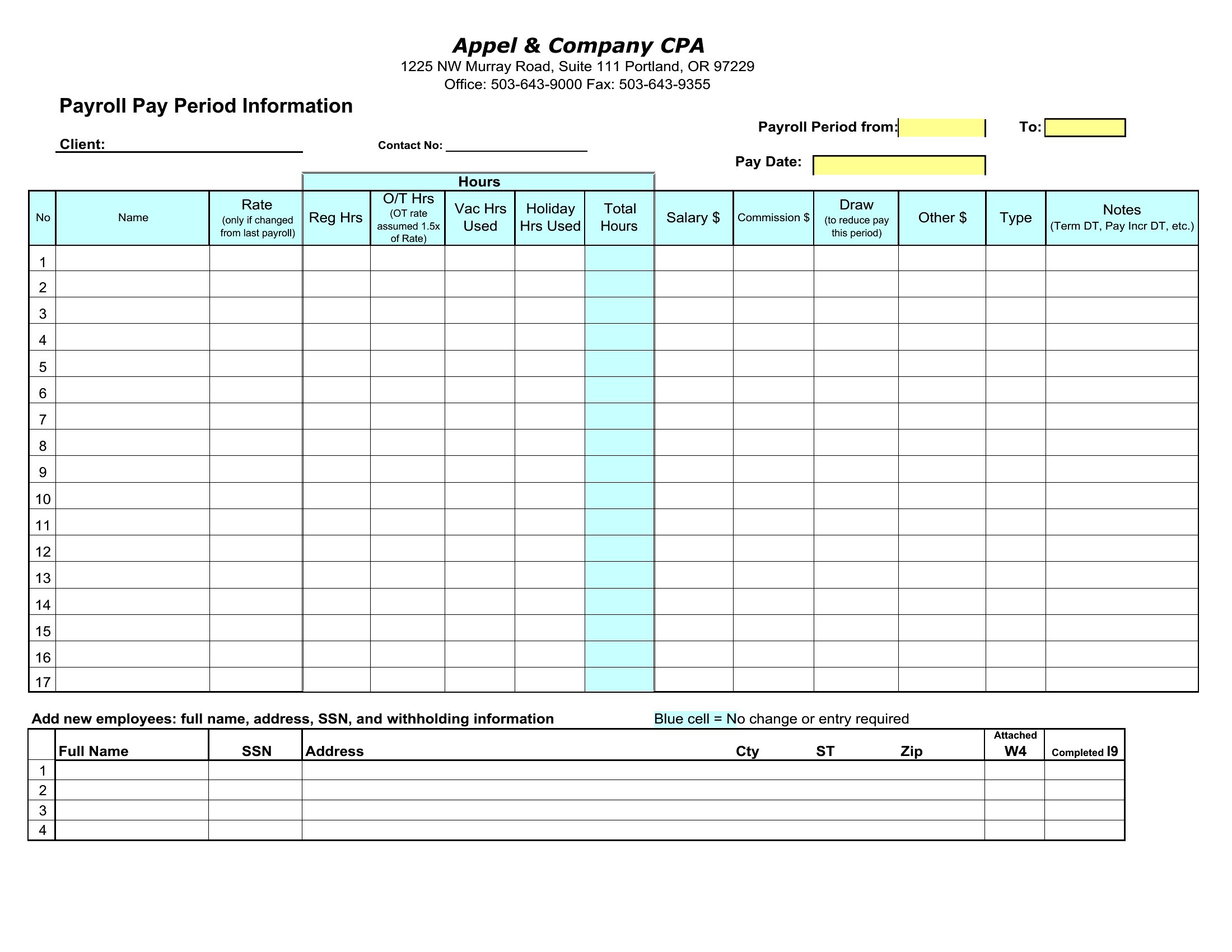
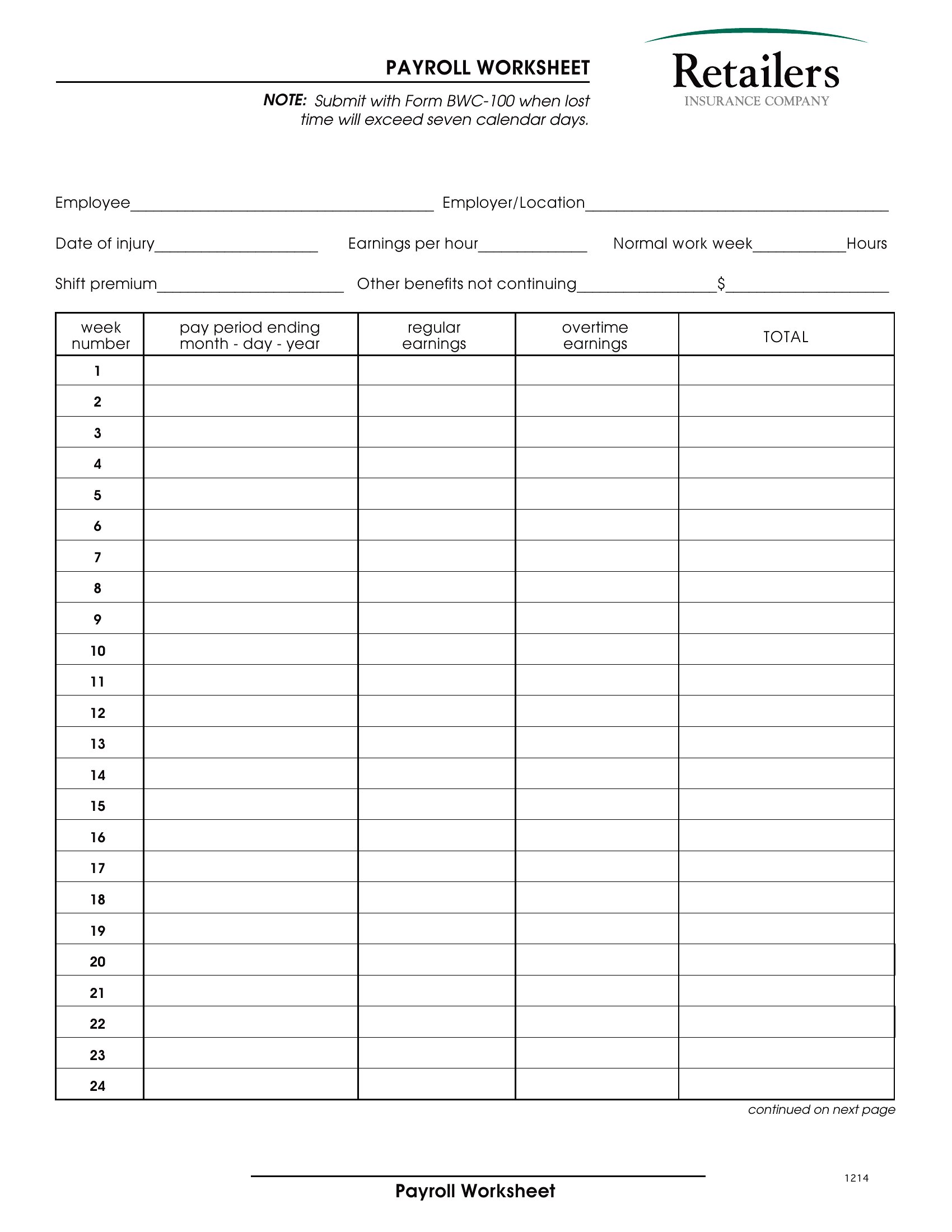
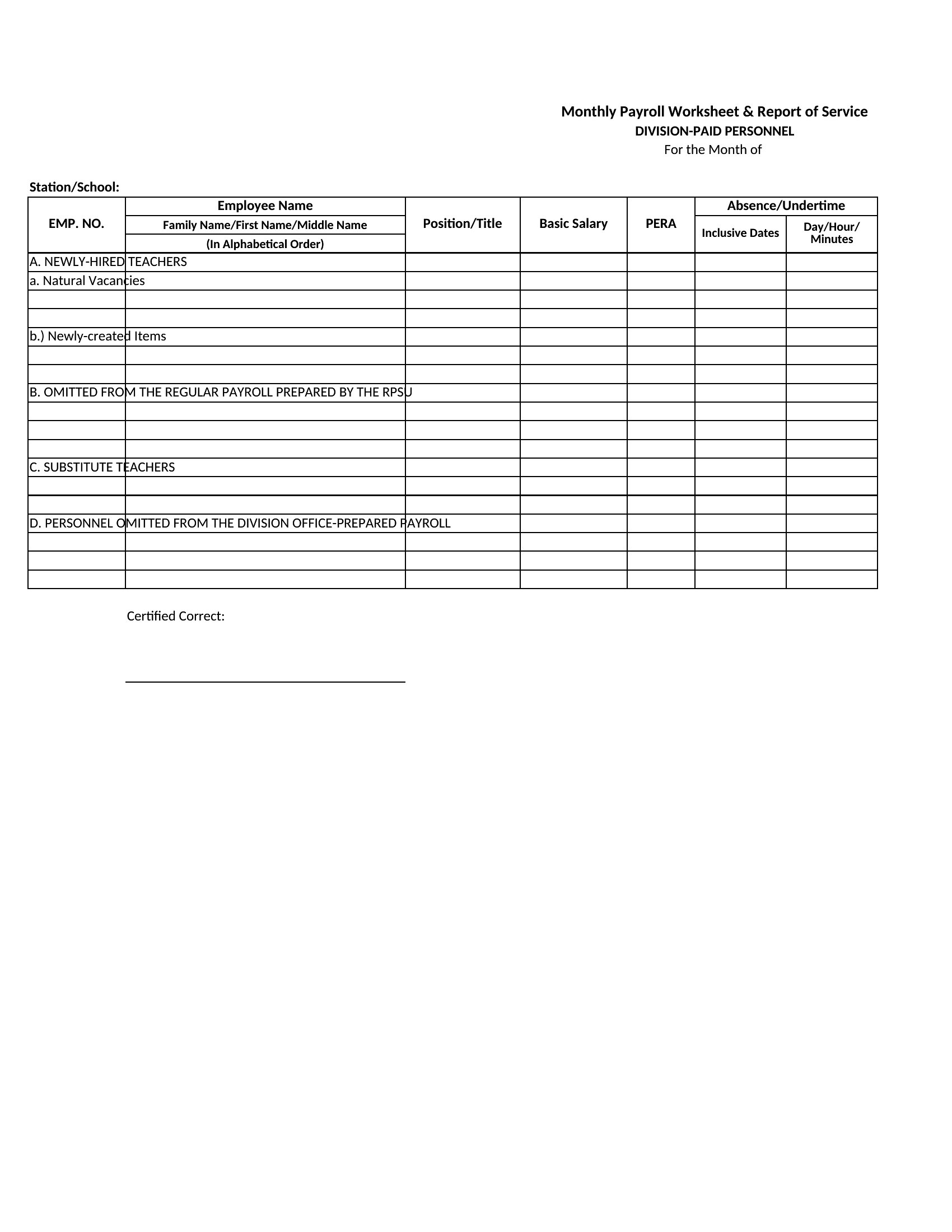
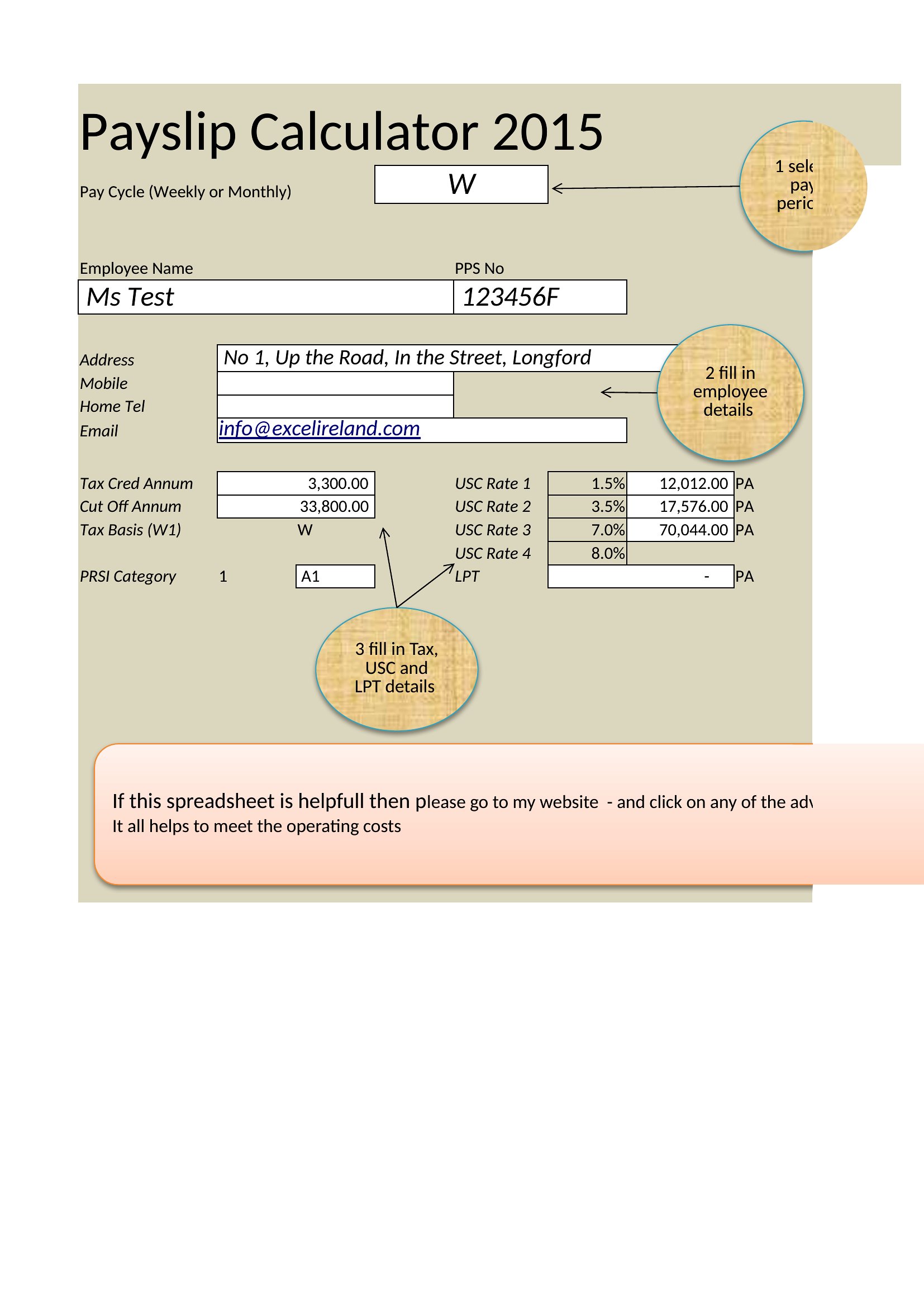
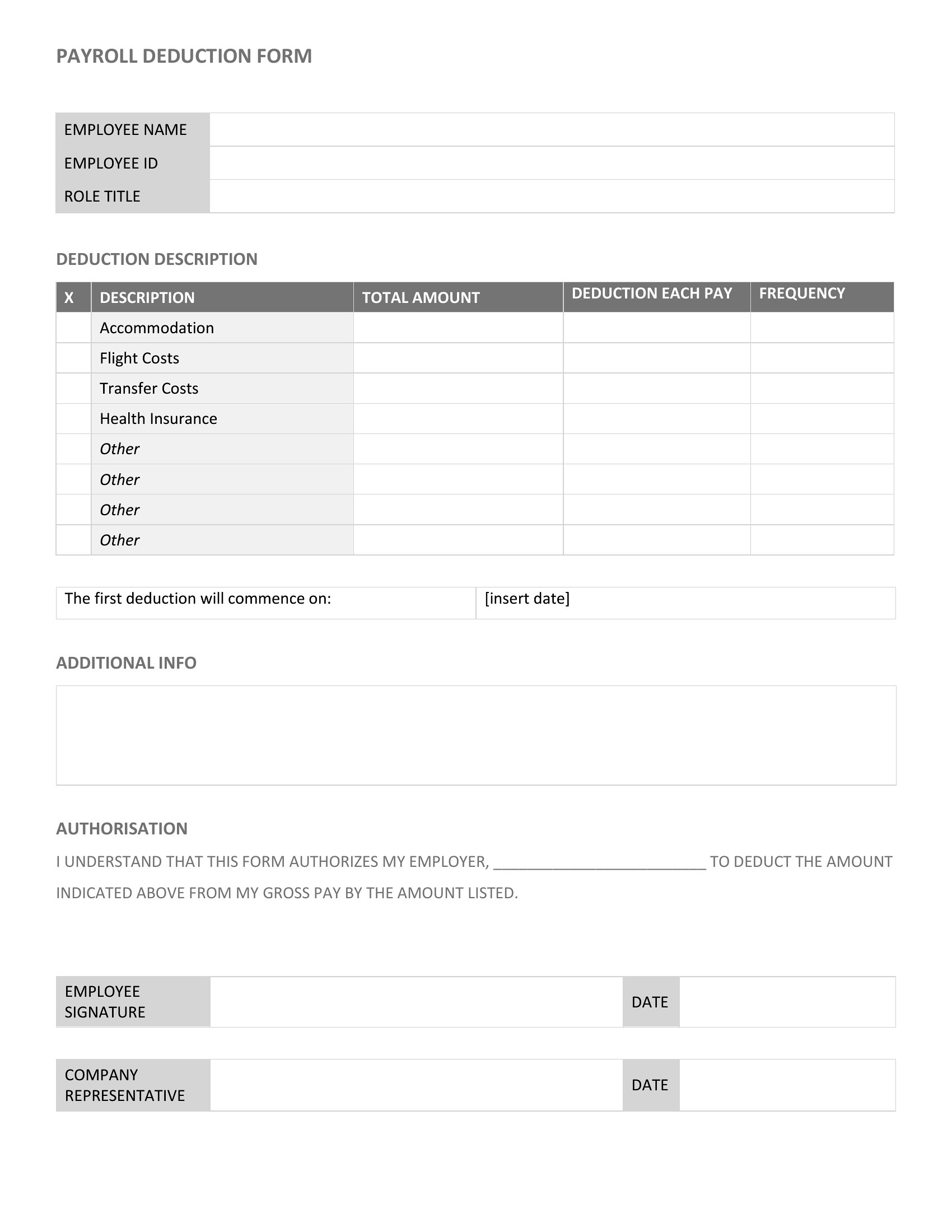
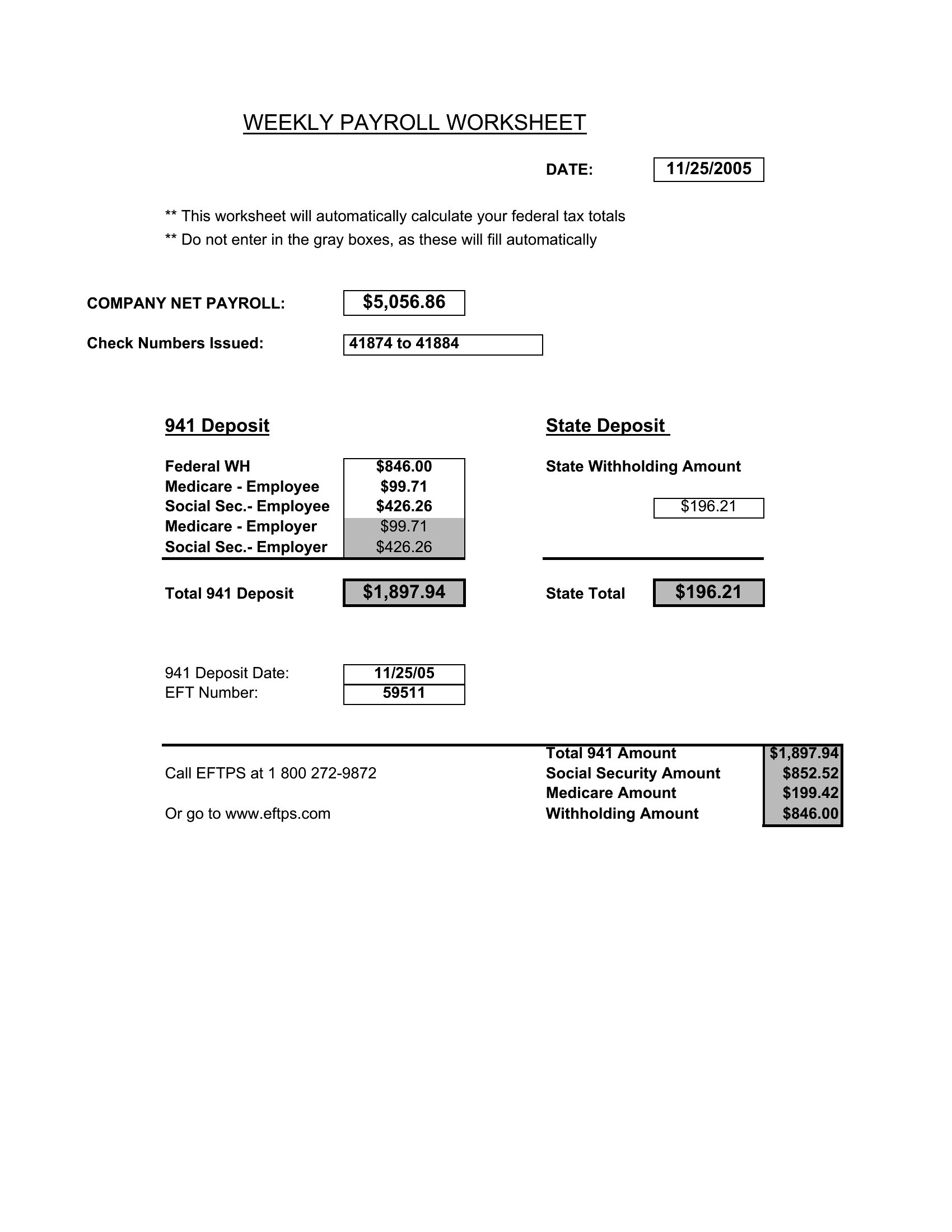
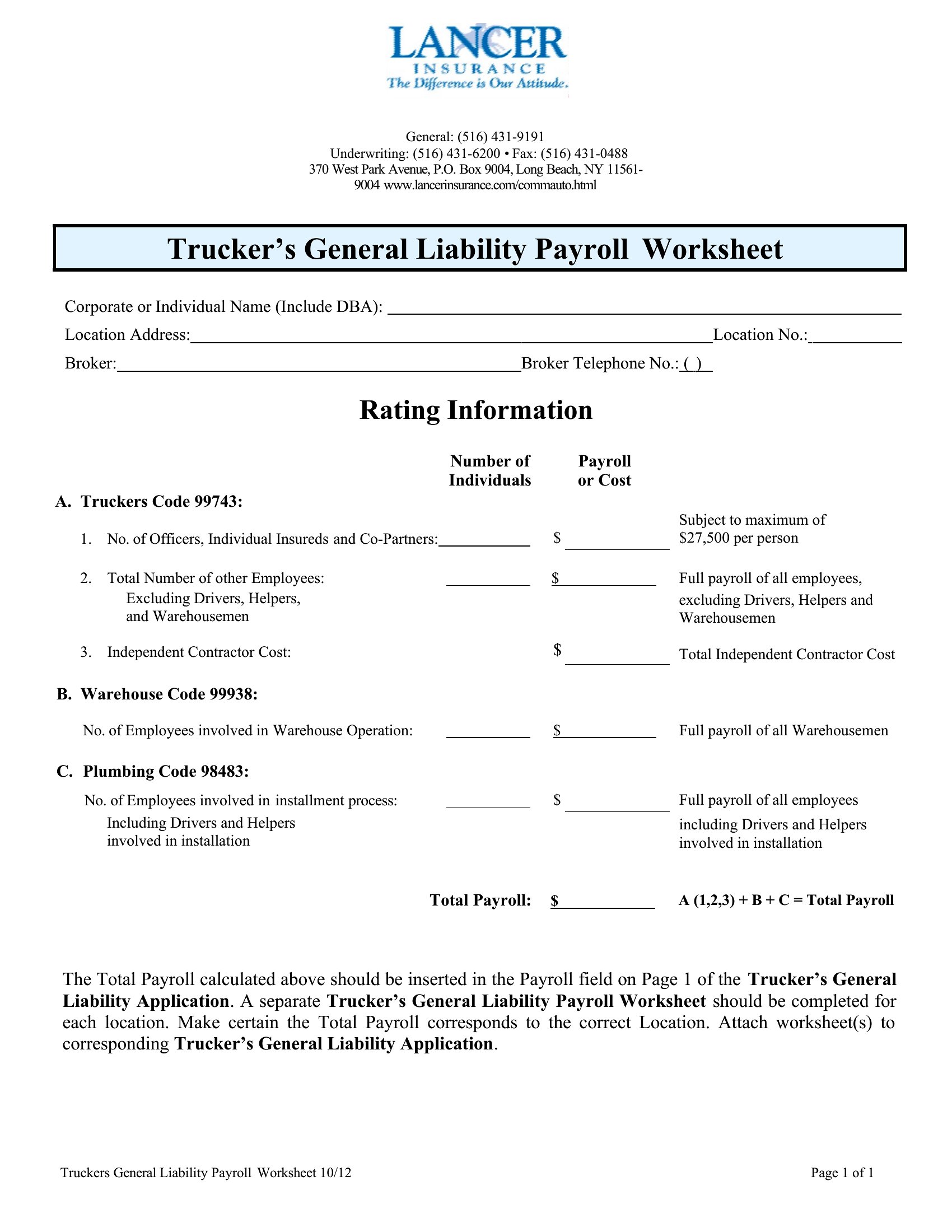
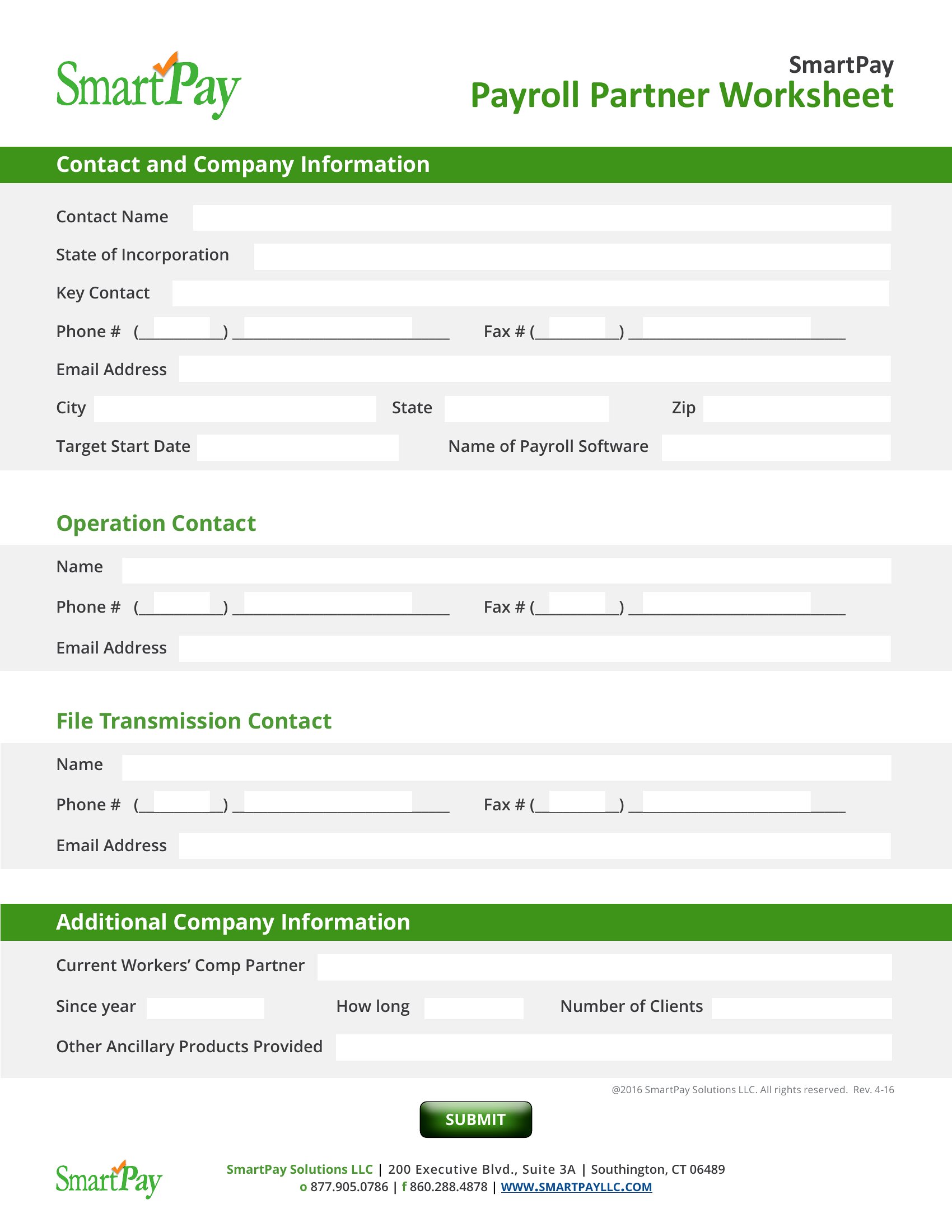
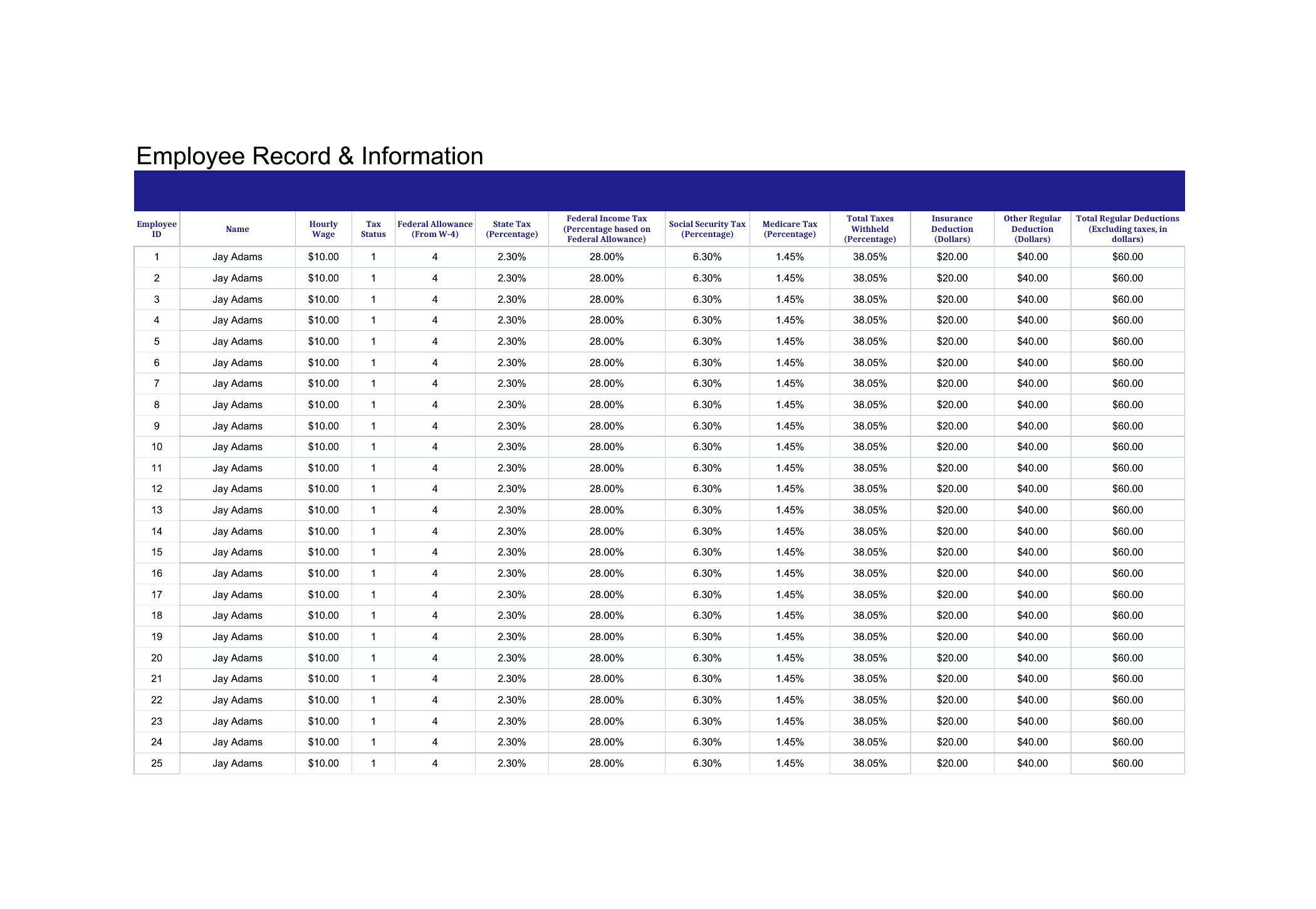
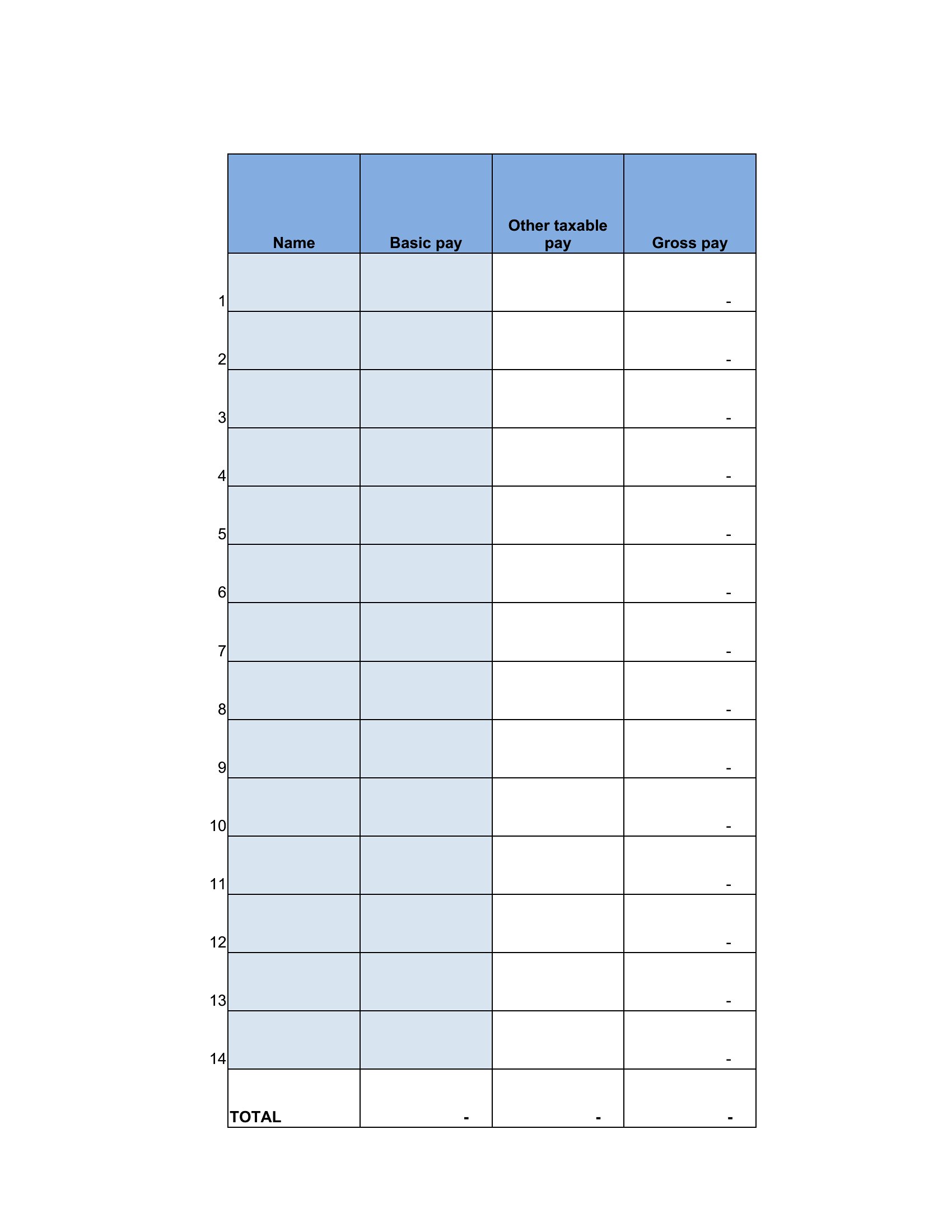
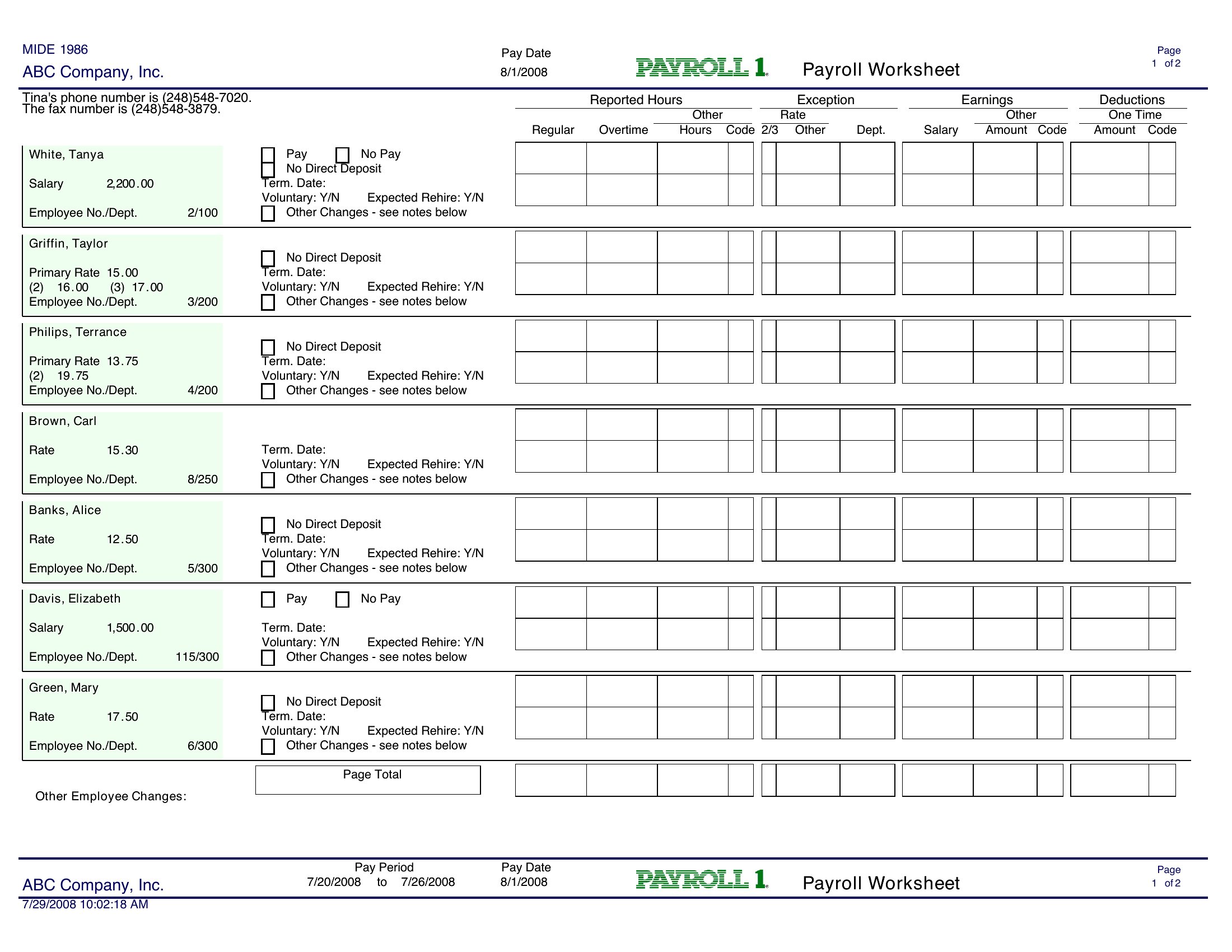
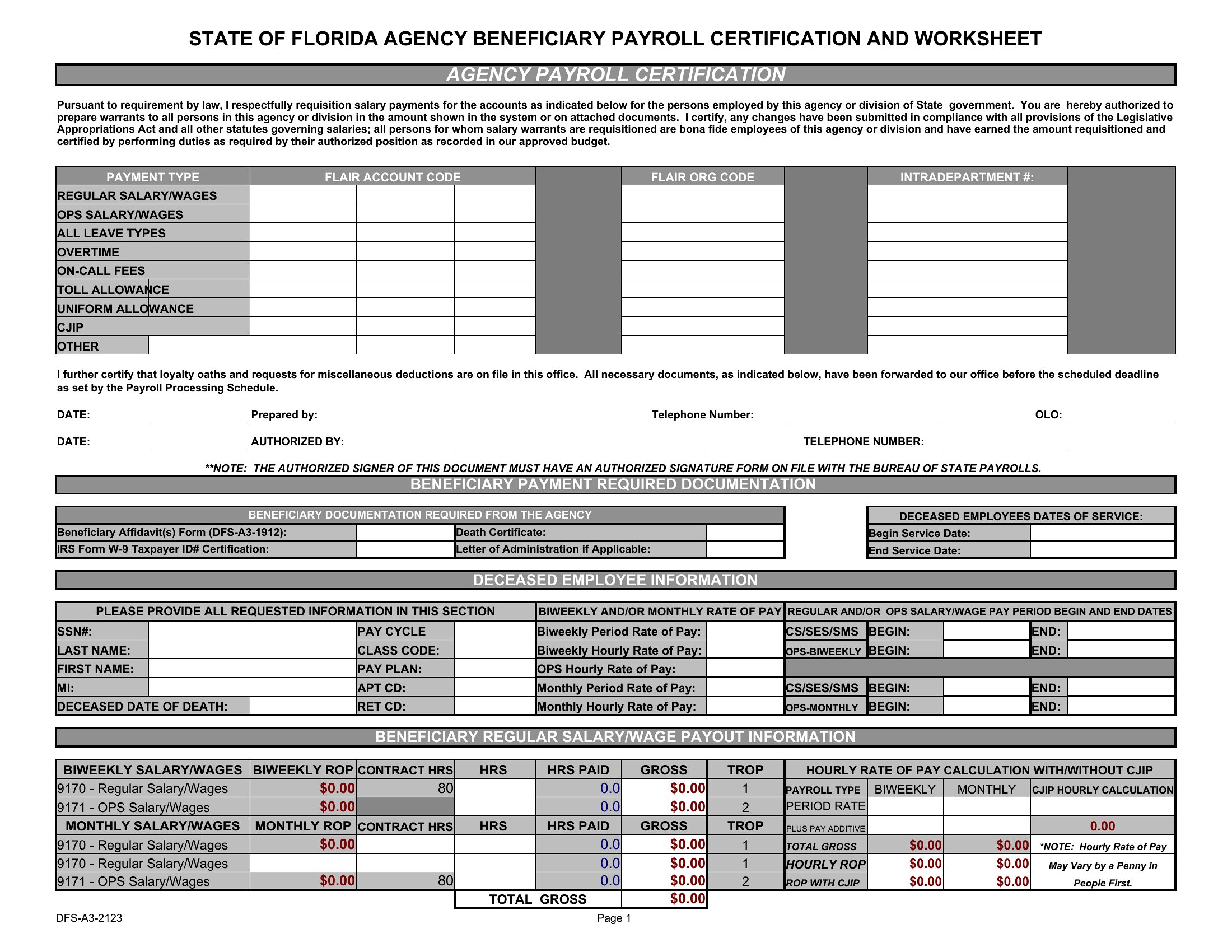
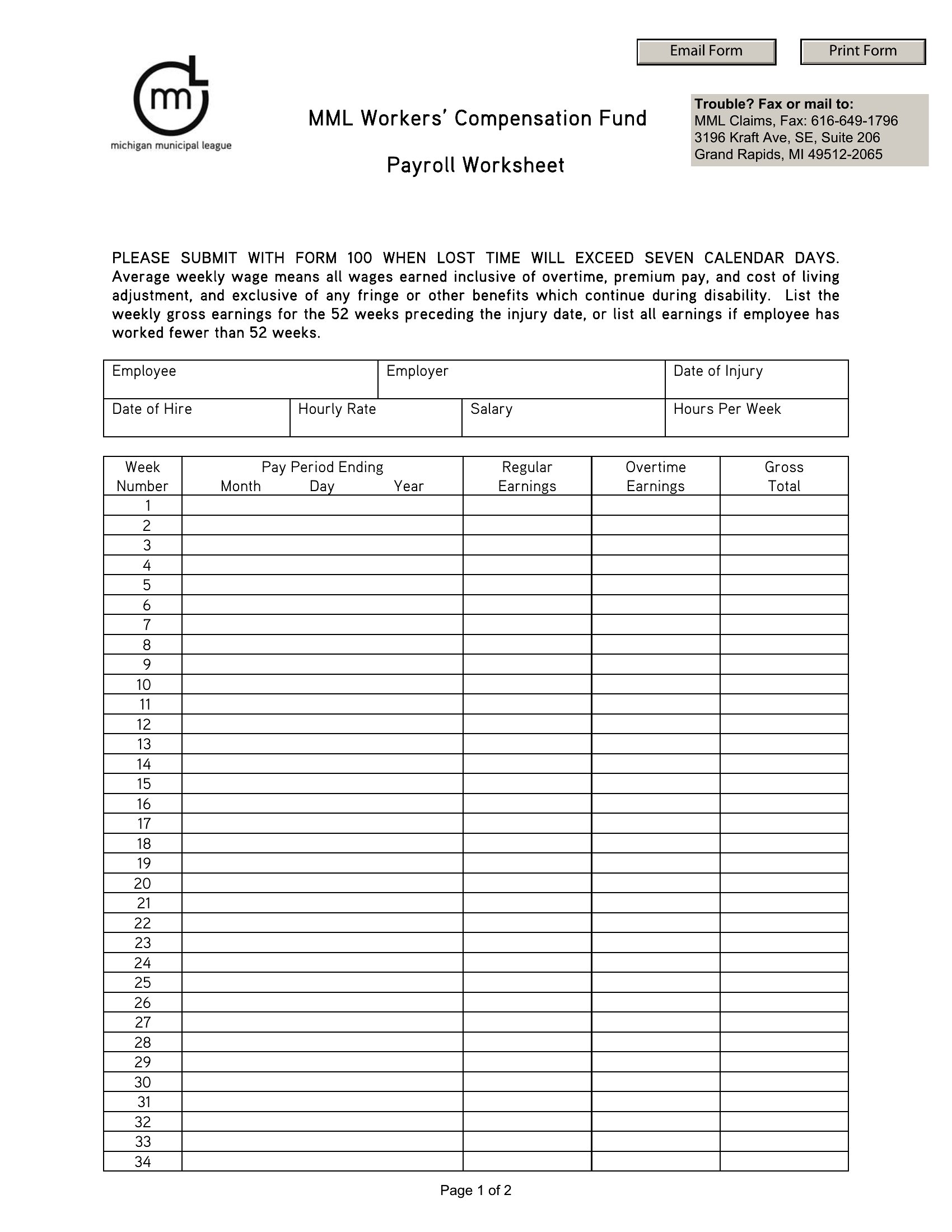
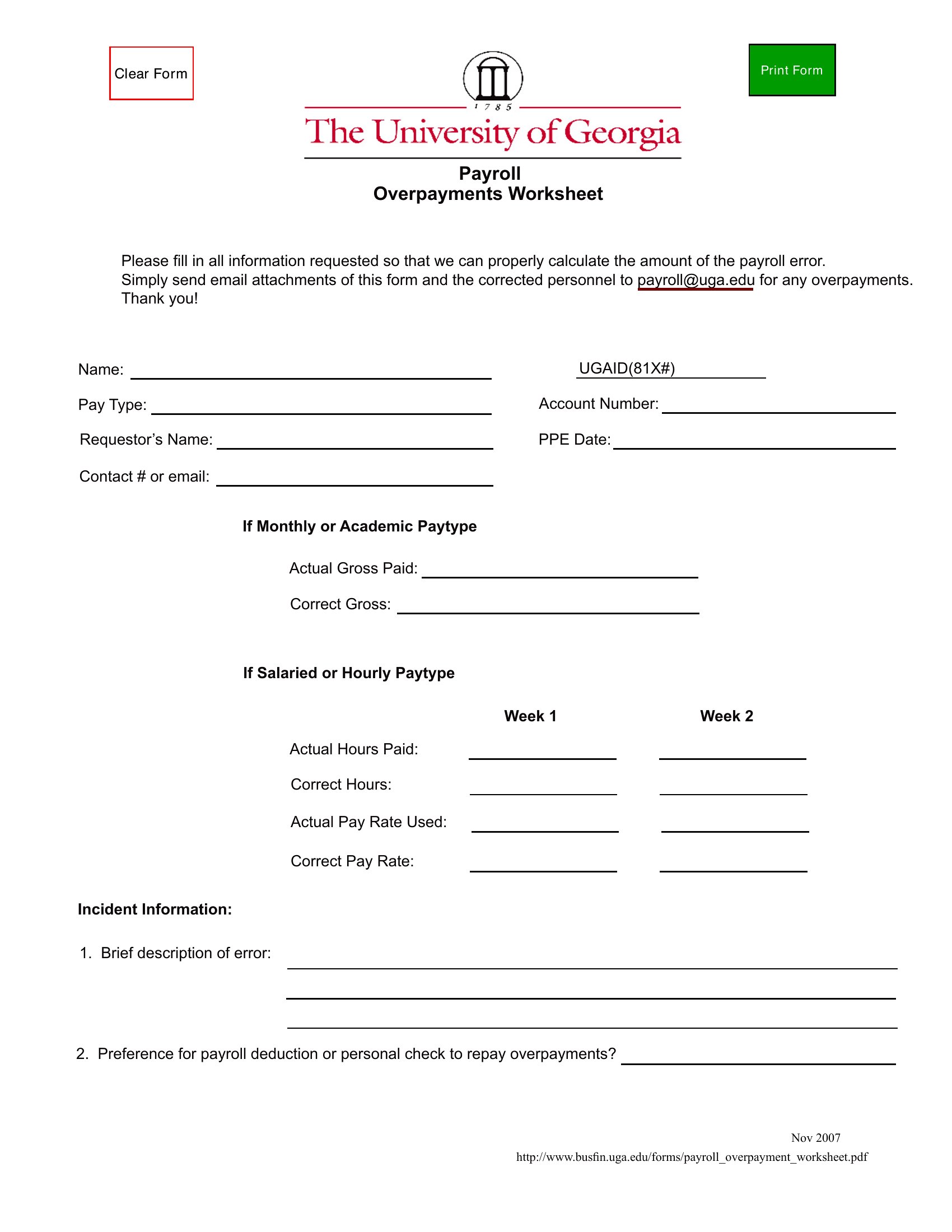
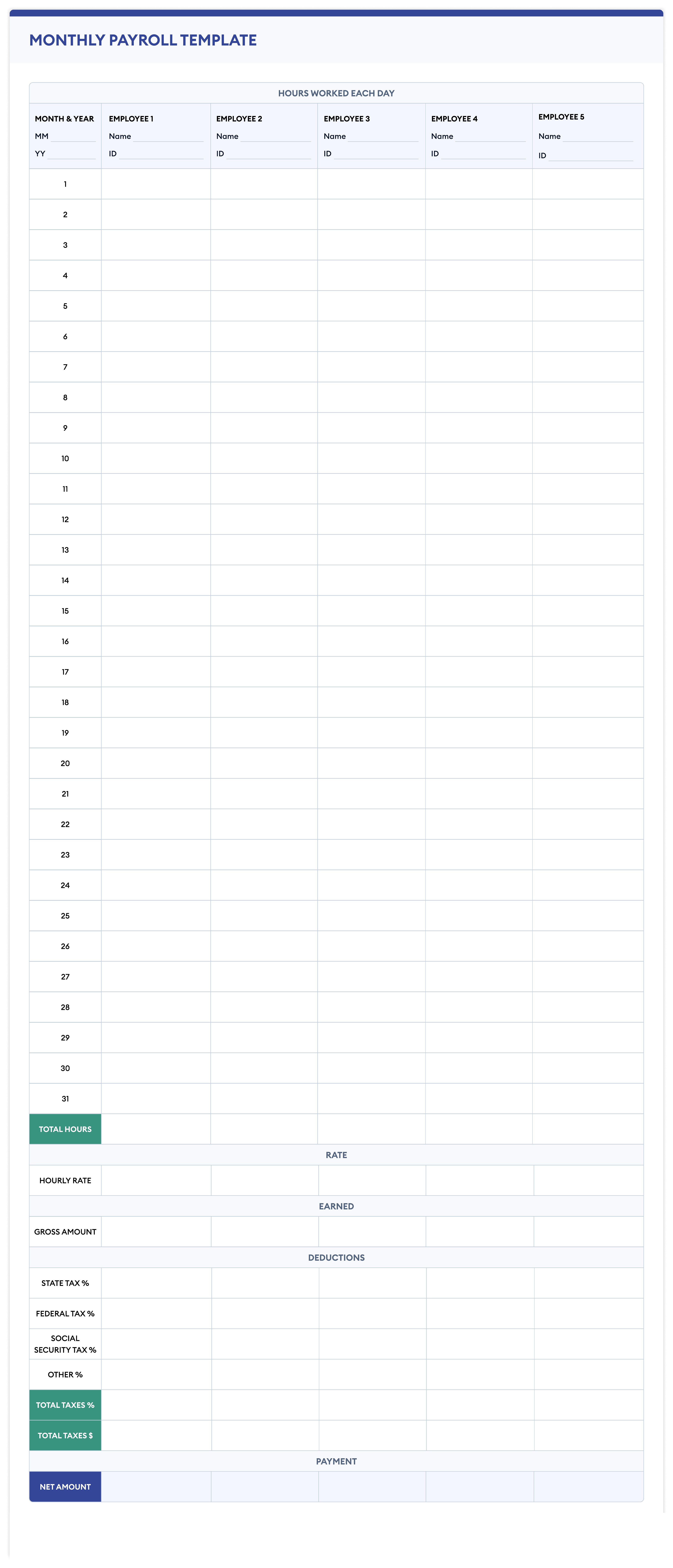
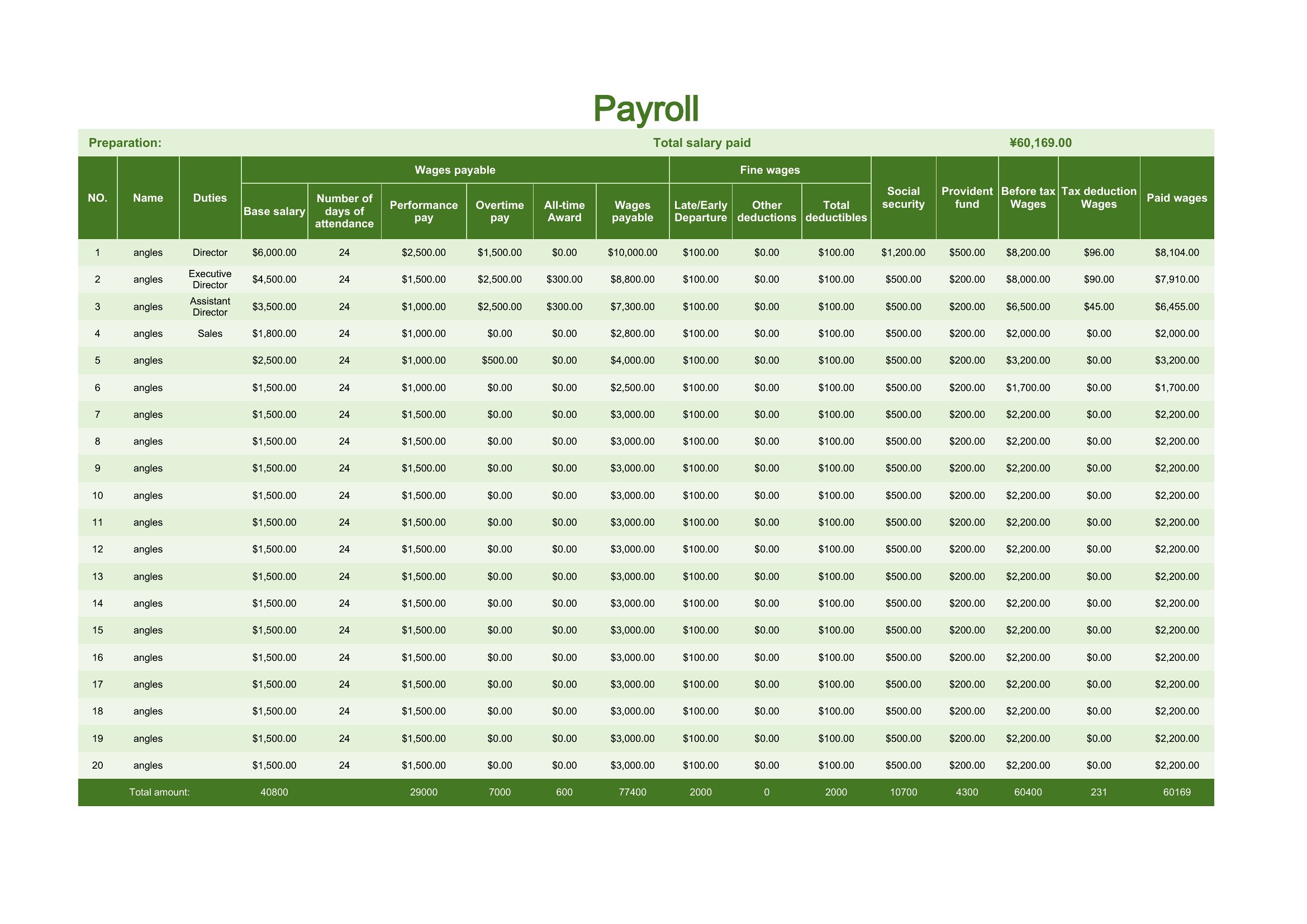
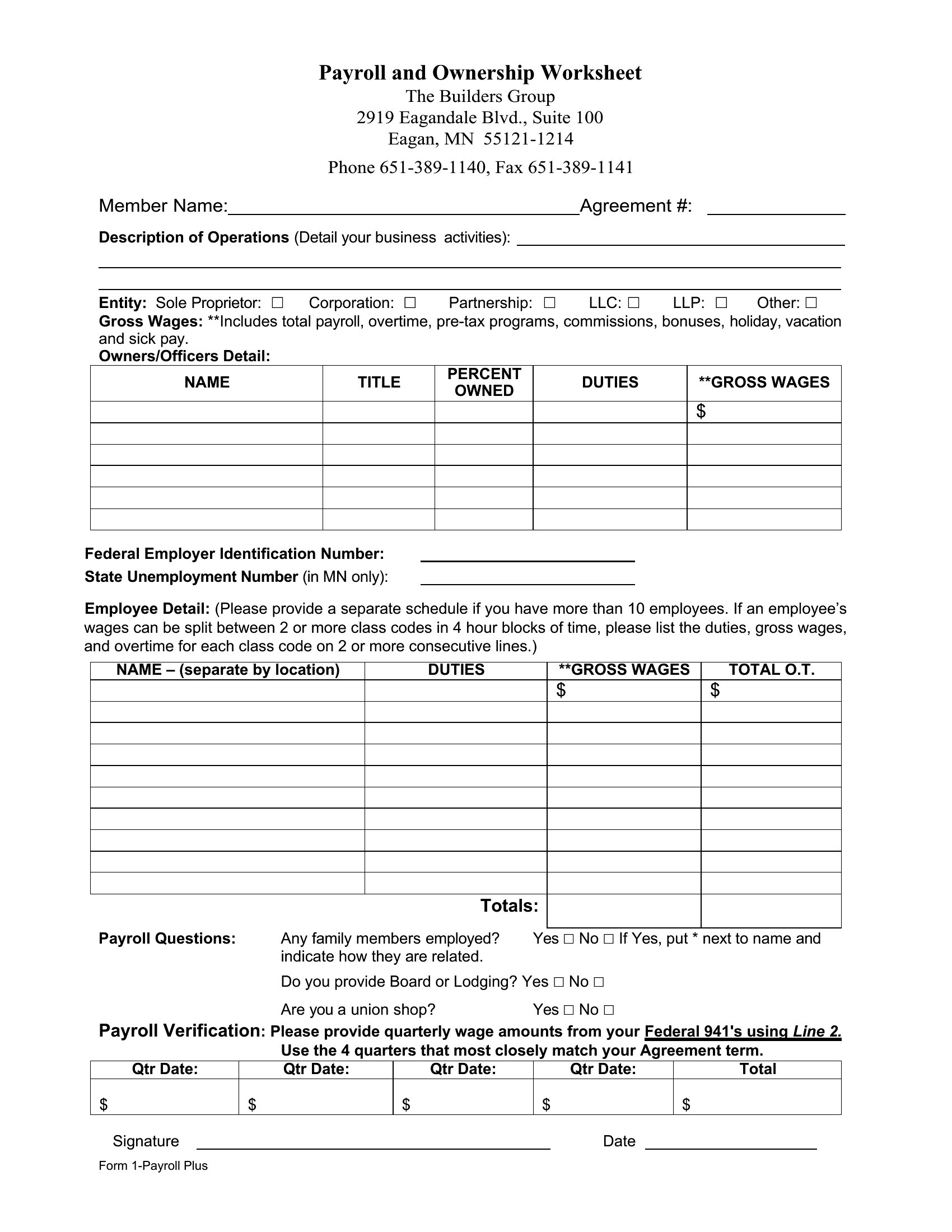
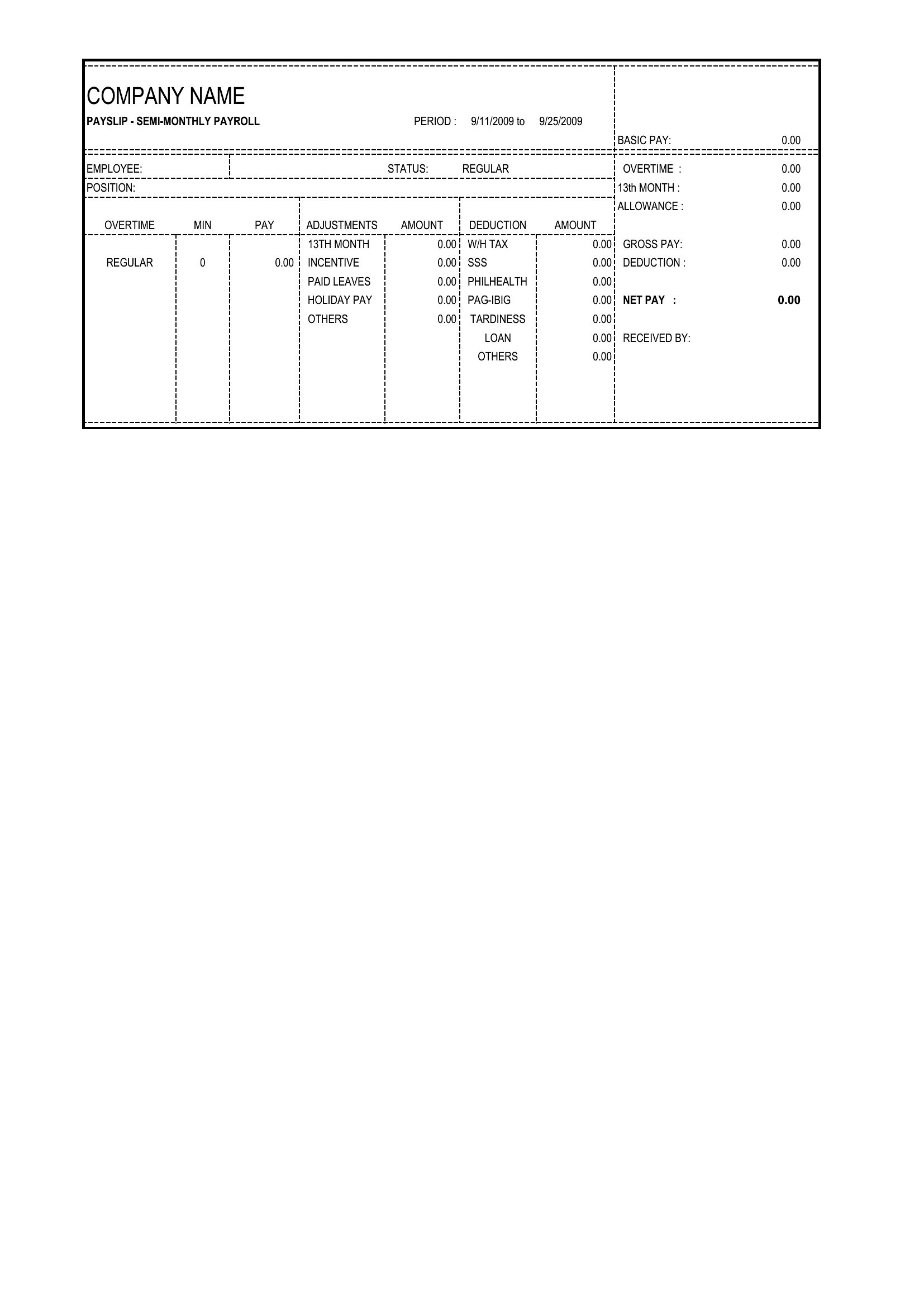
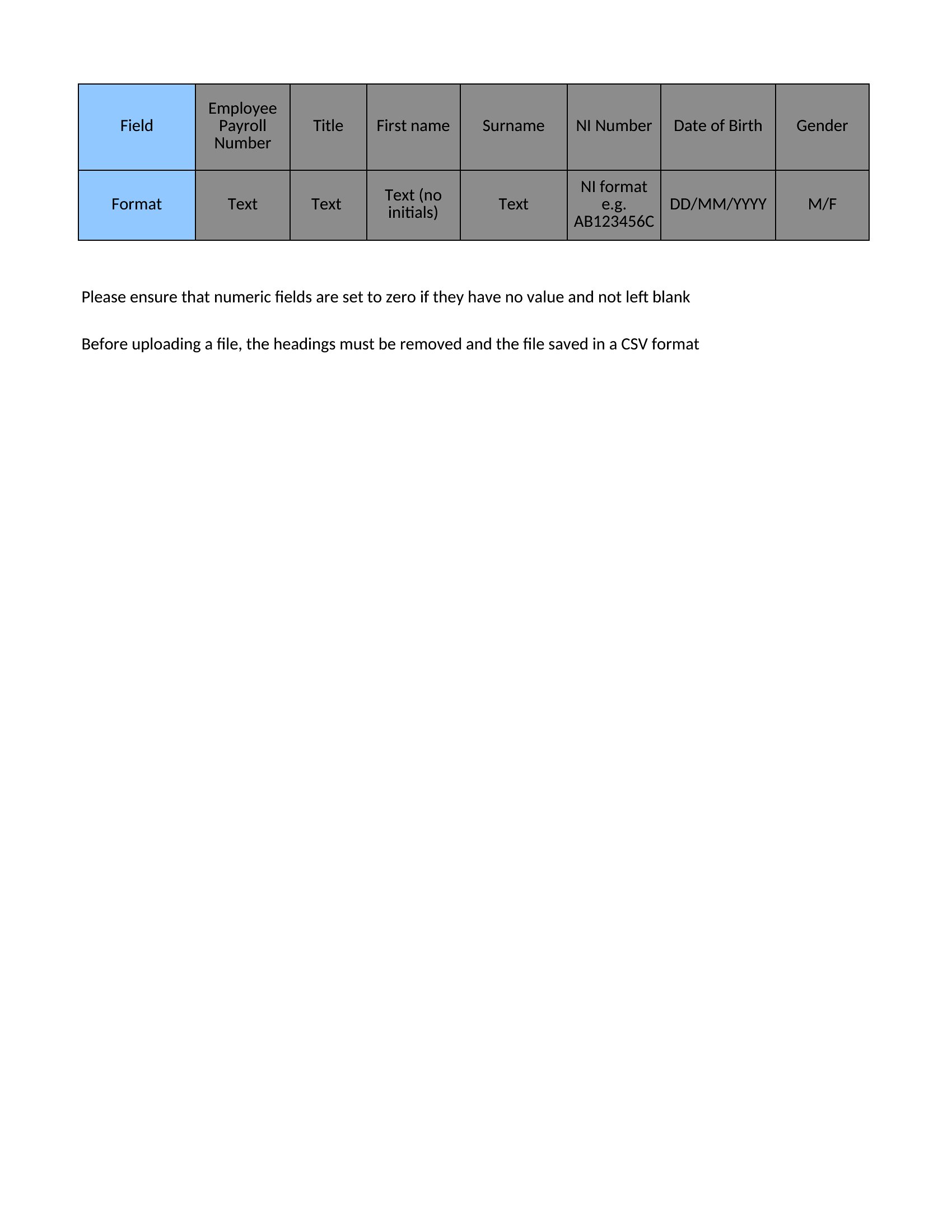
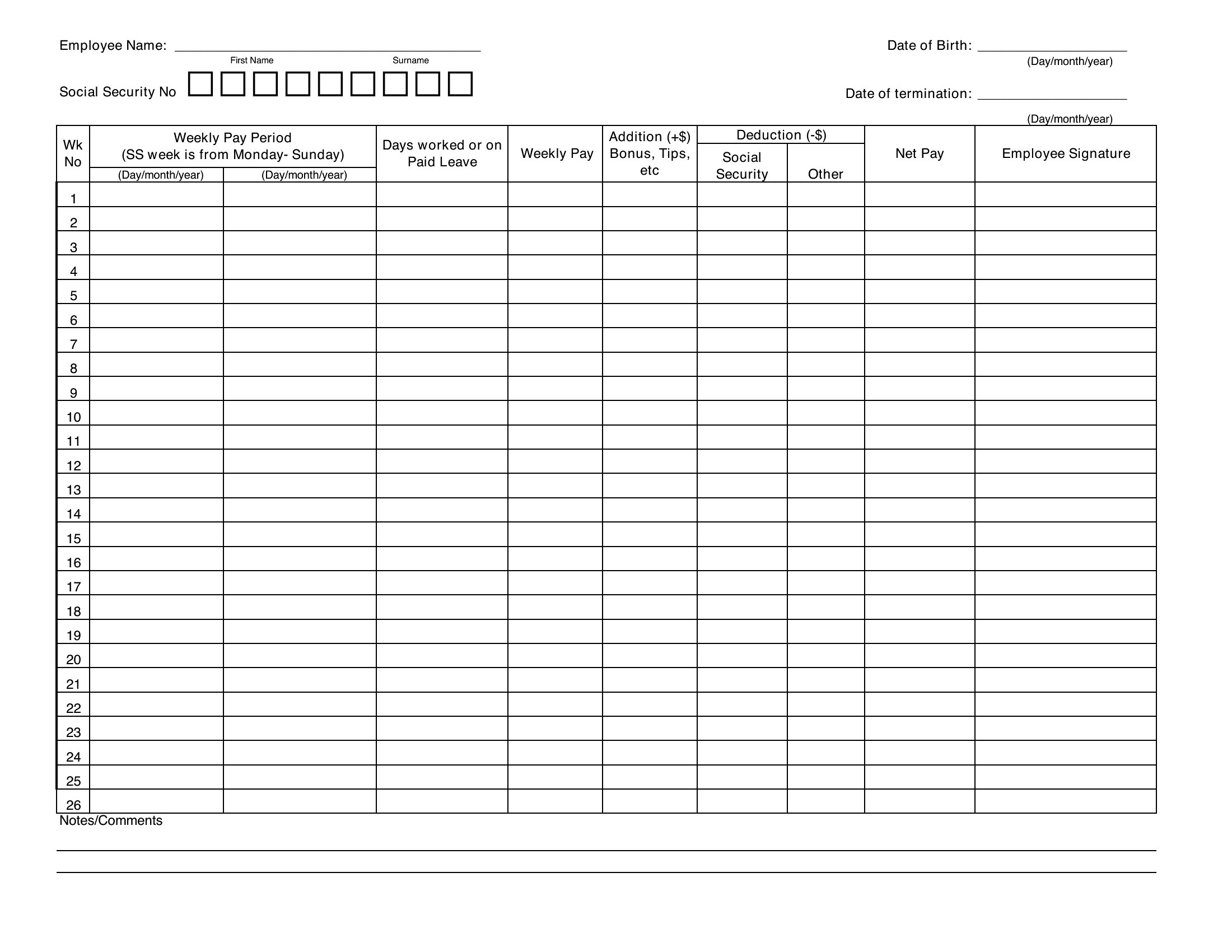
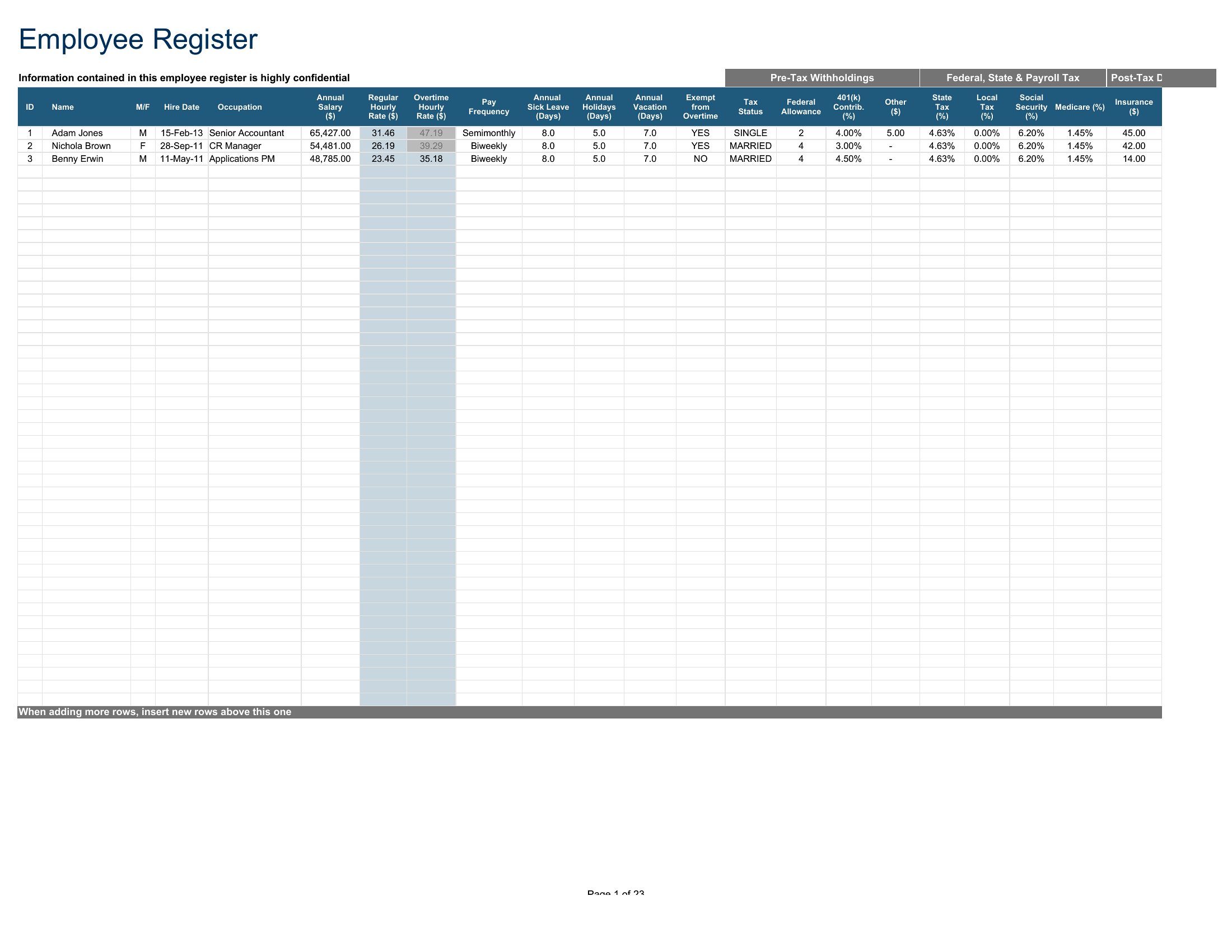
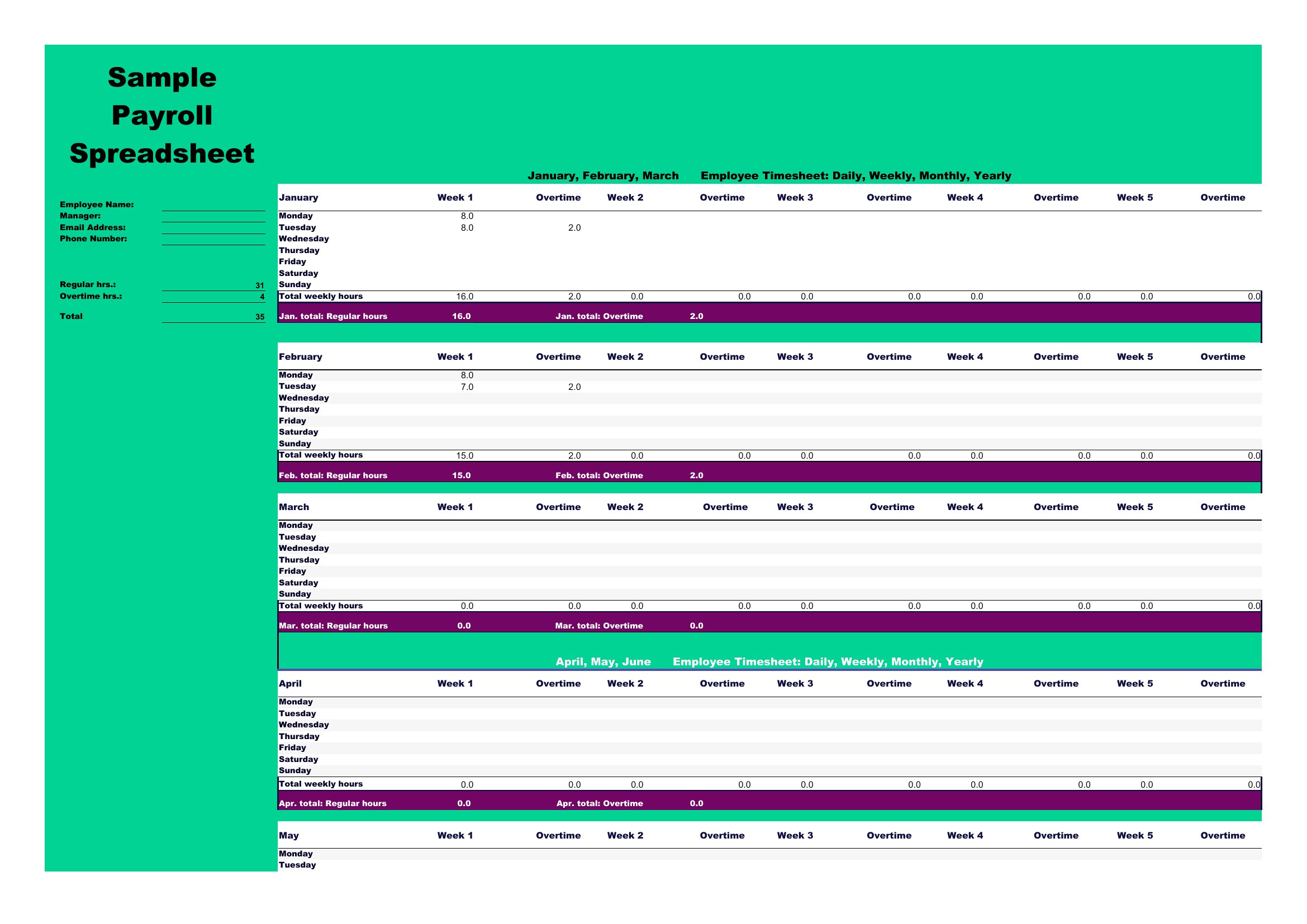
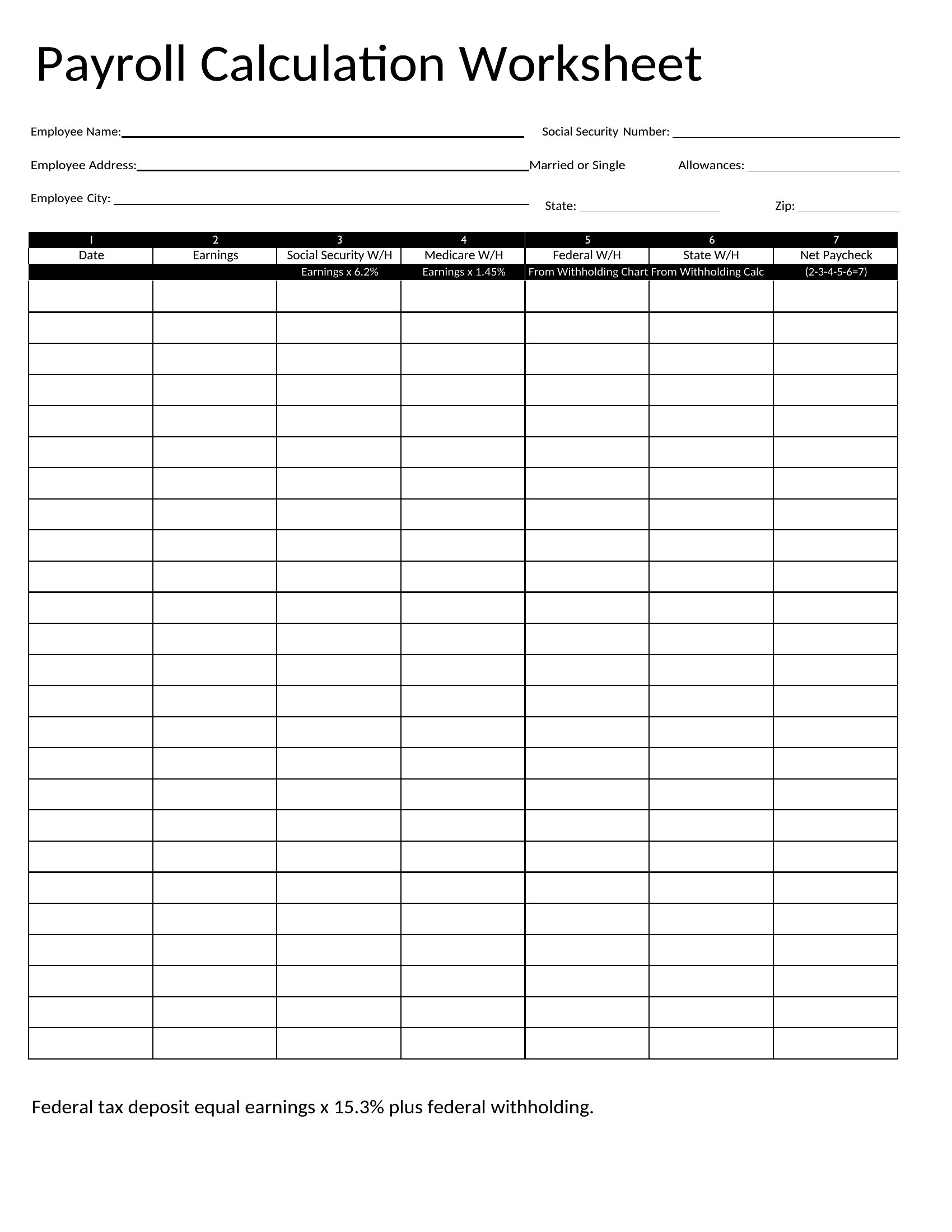
StatementsRunning payroll means tracking hours, rates, taxes, and deductions without dropping a digit, and this set of 45 templates gives small employers a reliable place to do it. Layouts cover weekly and biweekly pay periods, pay stubs, and summary sheets for the books. Small-business owners, office managers, and bookkeepers can pick the format that matches their team.
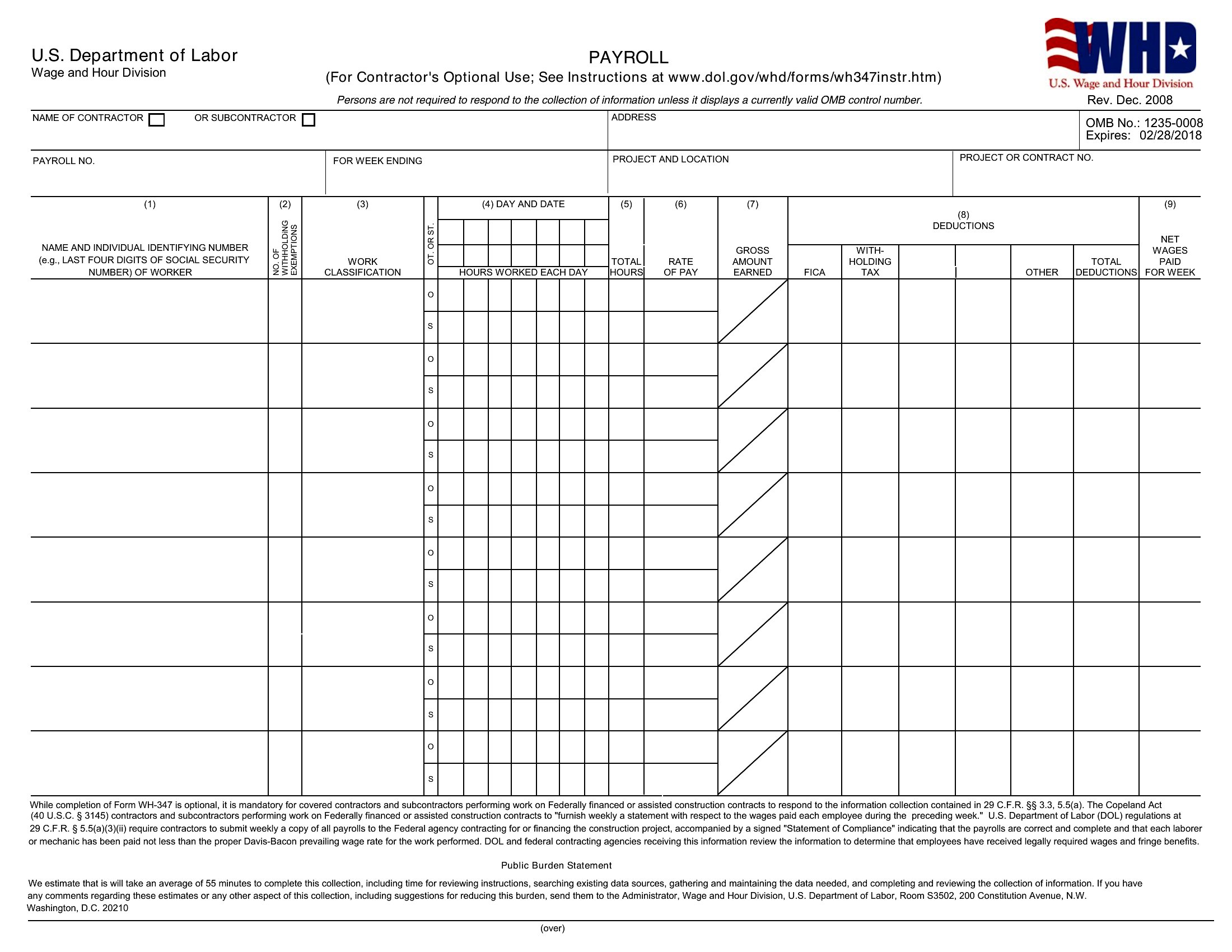
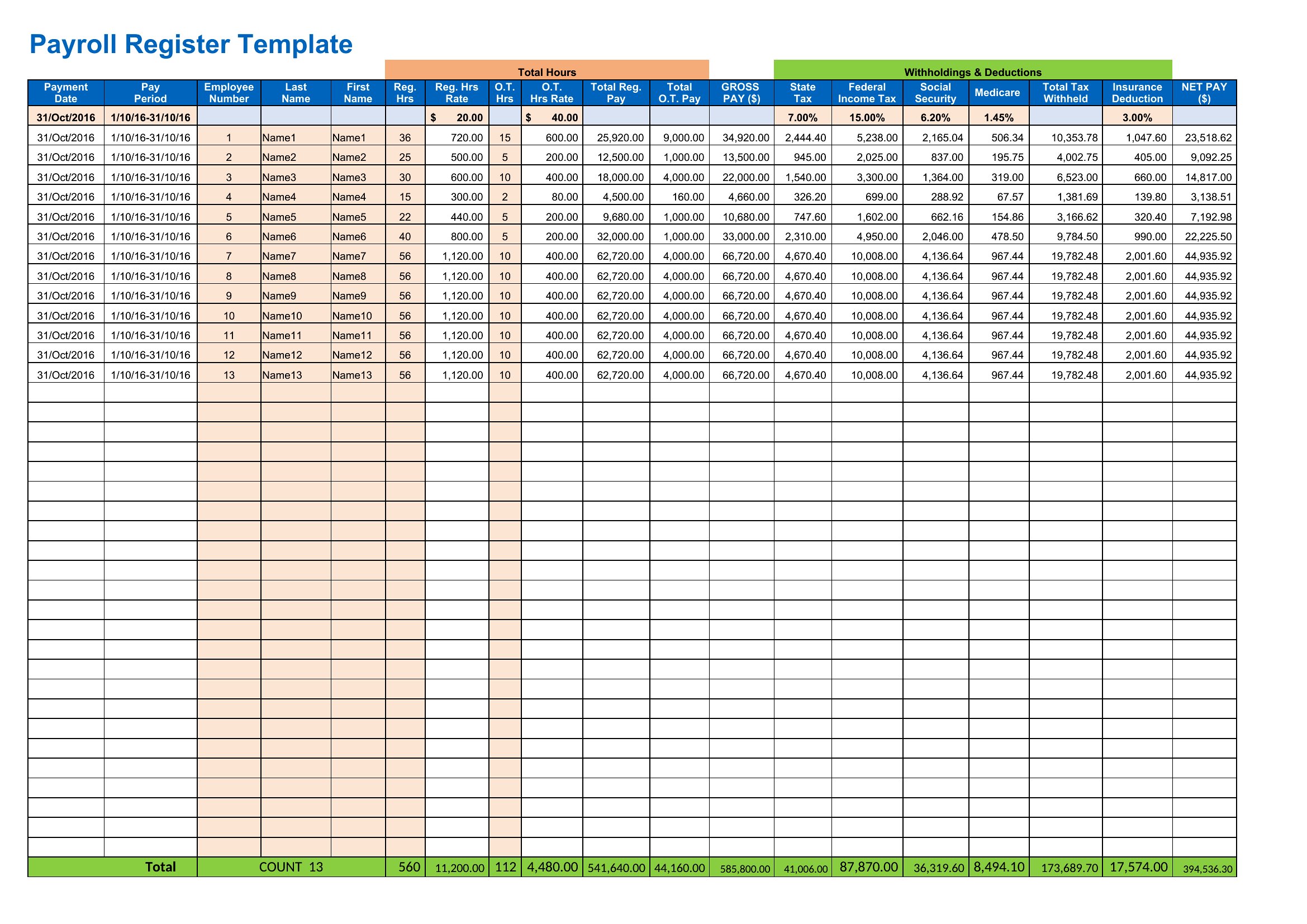
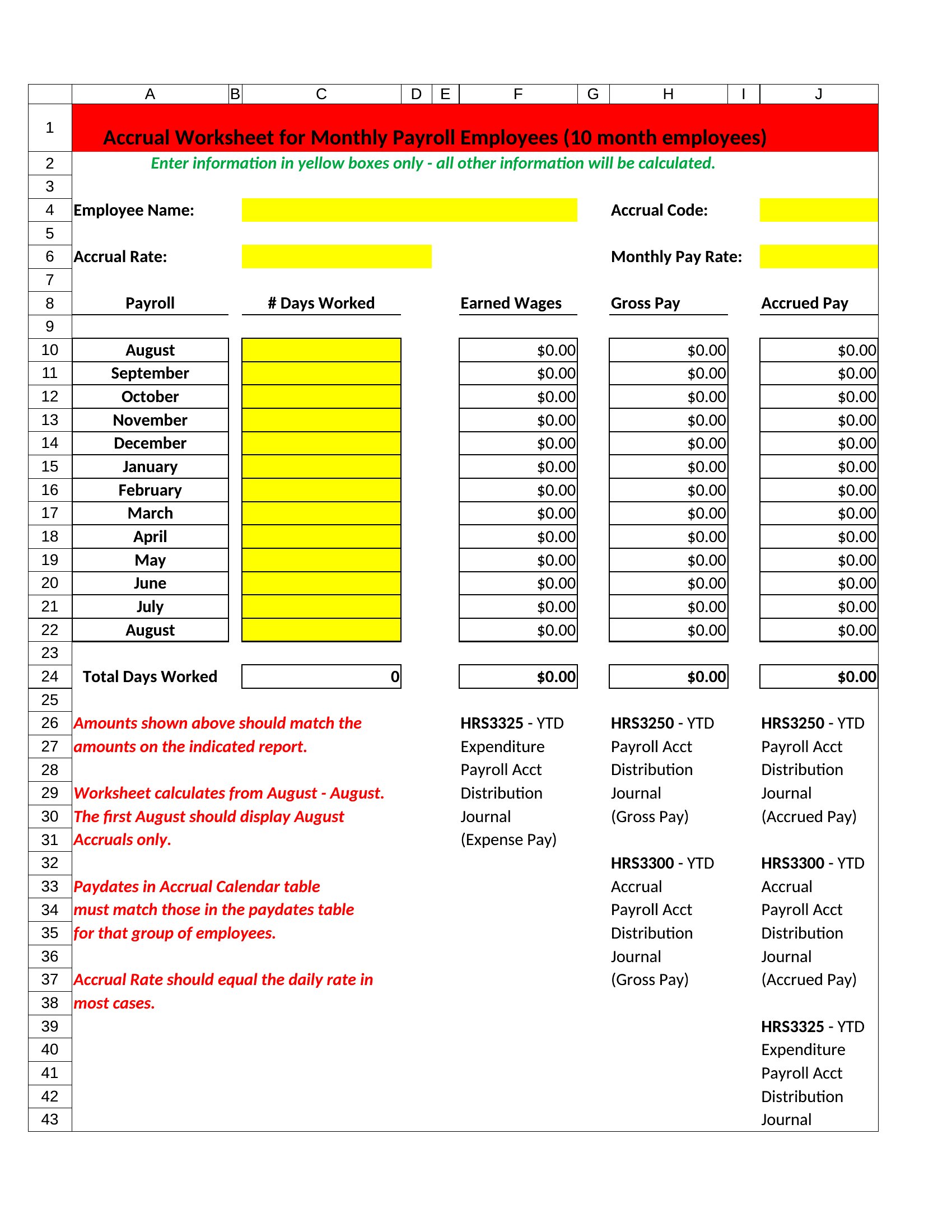
Excel versions total wages and withholdings as you type, while Word and PDF options work for stubs and printed records. Plug in employee details, hours, and rates to see net pay calculated for you. Tax rates and filing rules change and differ by state, so verify current figures with a payroll professional or the IRS. Download the sheet that fits and keep your records straight.
When to use this Payroll template
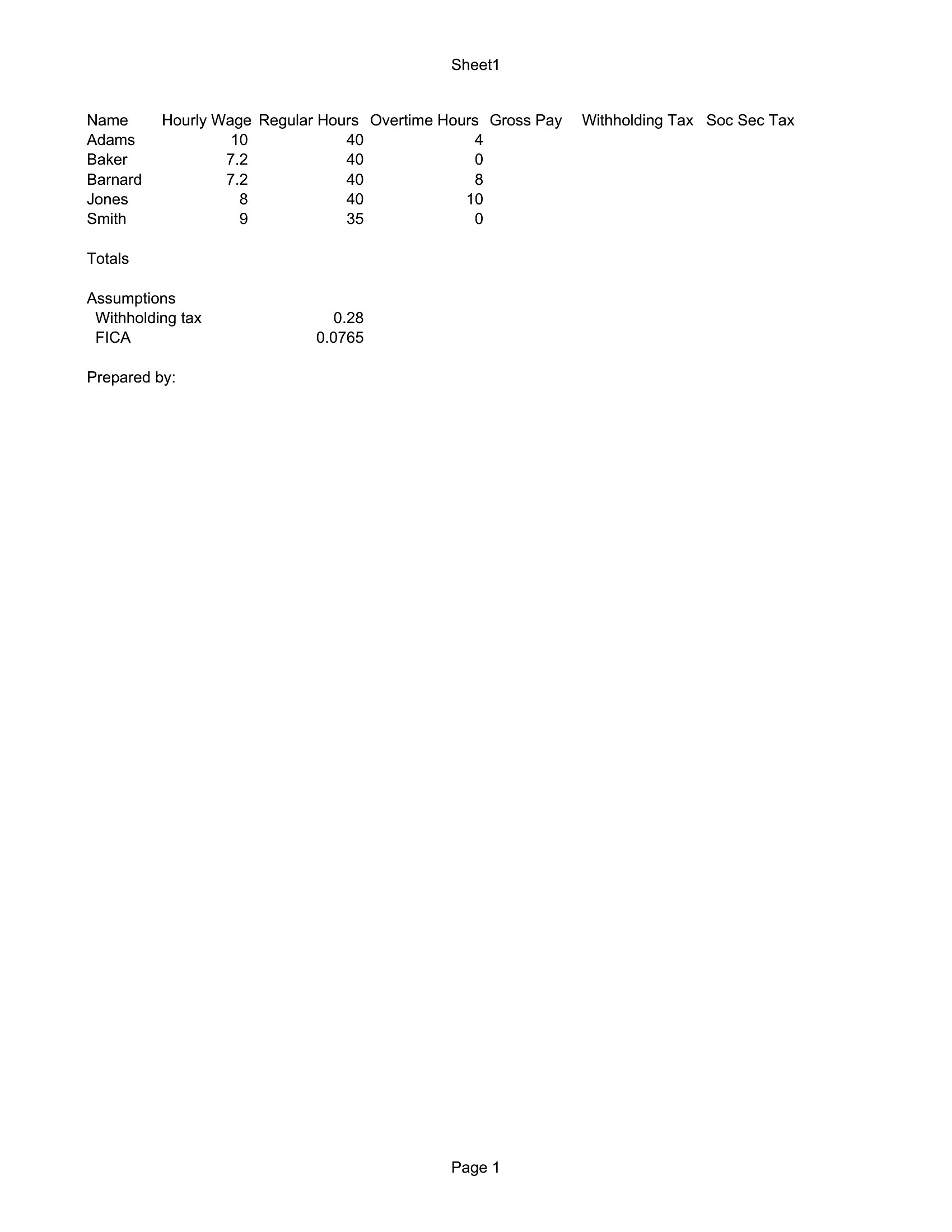
- A startup owner with 10 employees needs to calculate weekly payroll for hourly workers, including overtime and state-specific tax deductions, before handing off to their accountant.
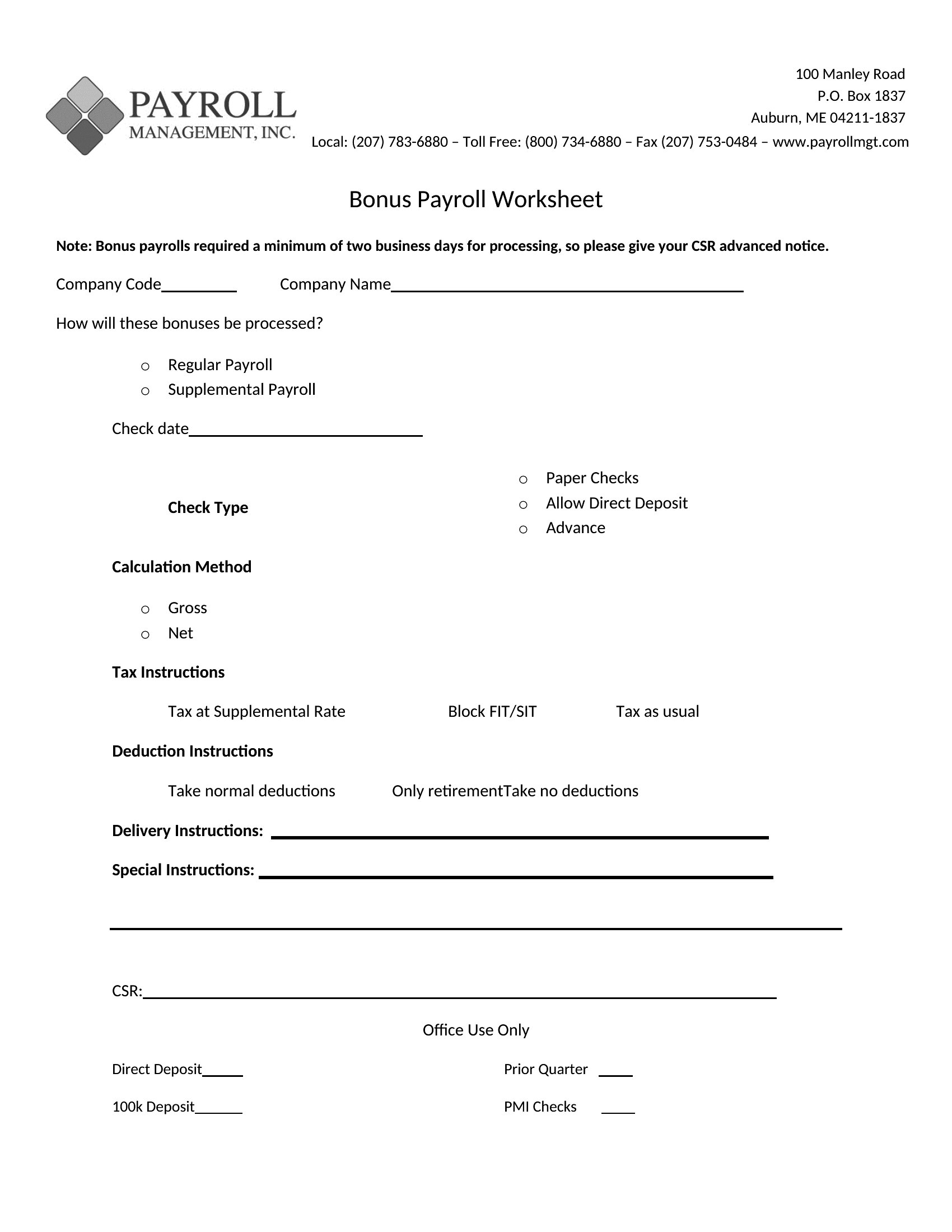
- An office manager at a small law firm must generate biweekly payroll reports, including reimbursements and bonus payouts, to ensure compliance with local labor laws.
- A bookkeeper for a retail store requires a template to reconcile payroll expenses against monthly payroll tax filings while keeping track of year-to-date wages for W-2 reporting.
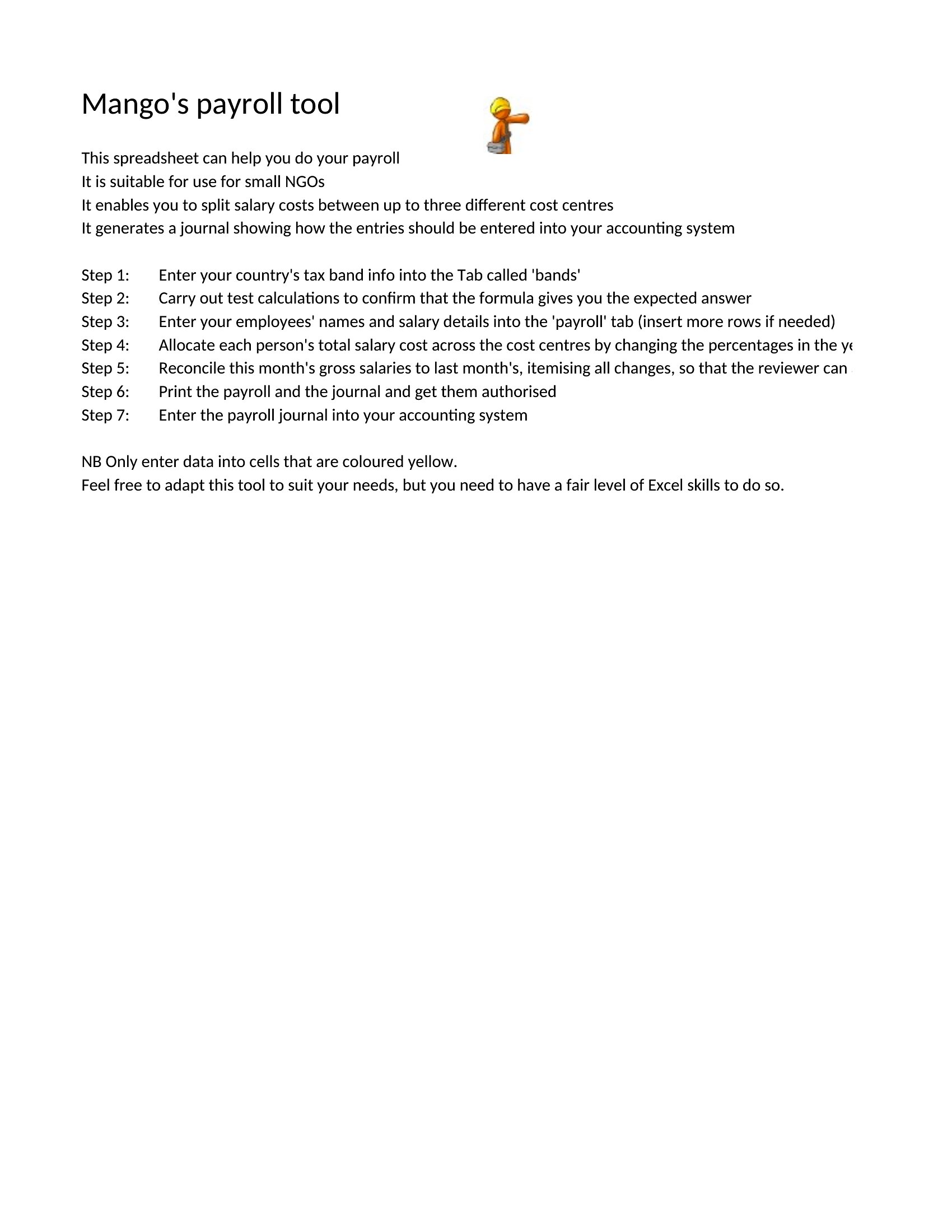
- A nonprofit coordinator overseeing volunteers and part-time staff searches for a simple payroll summary template to allocate stipends fairly while documenting hours worked.
Which format should I download?
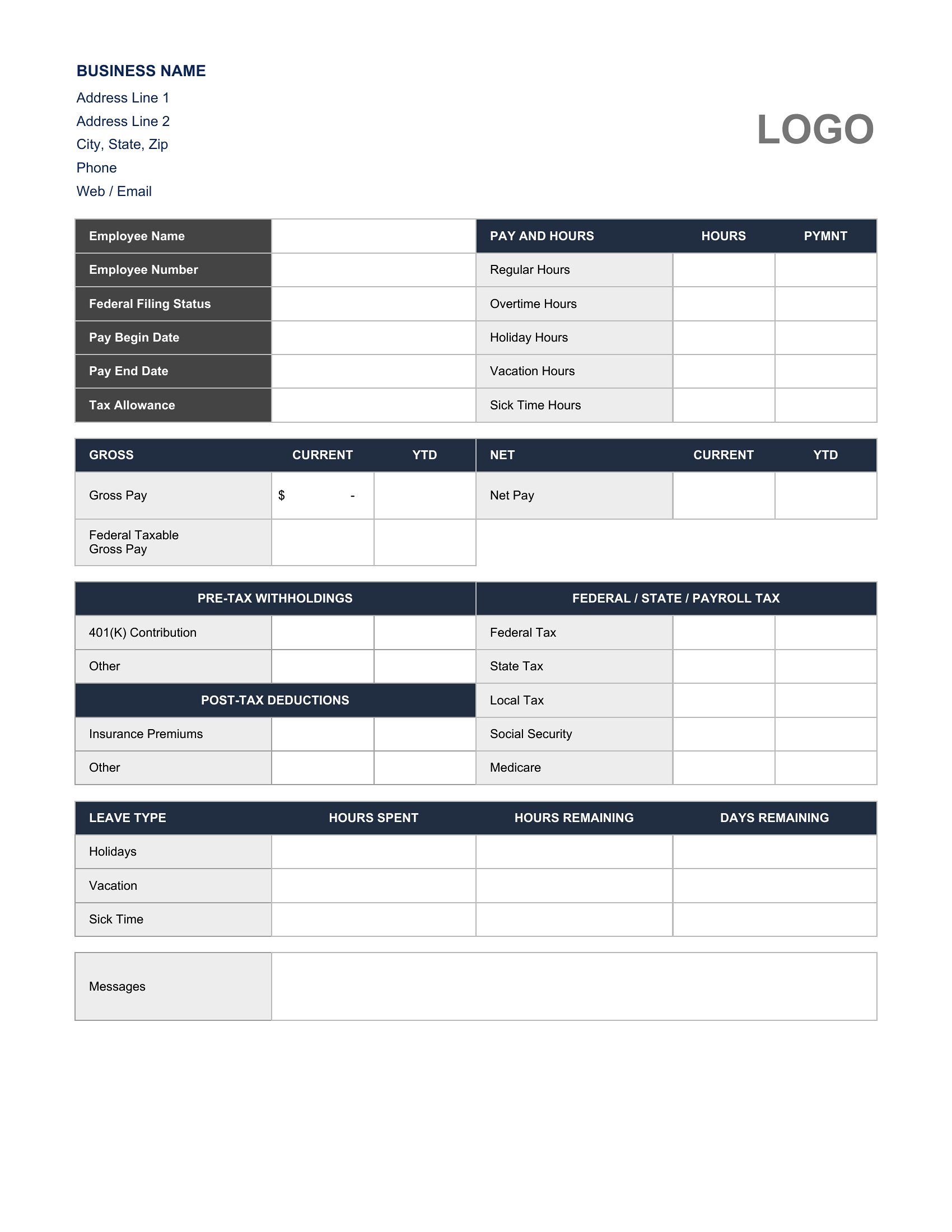
Use Excel when you need automated calculations for gross pay, tax withholdings, or deductions that update as you input new data—ideal for high-frequency payroll. Choose Word if you prefer a polished, print-ready pay stub or summary letter for employee records, especially when customizing text (like company policies) alongside figures. Opt for PDF if you’re sharing finalized payroll sheets with employees, accountants, or tax preparers who need an uneditable, professional-looking document to avoid errors during review.
Choose from 45 Payroll Templates
How to use this Payroll template
Can I use these templates to calculate payroll taxes for multiple states or countries?
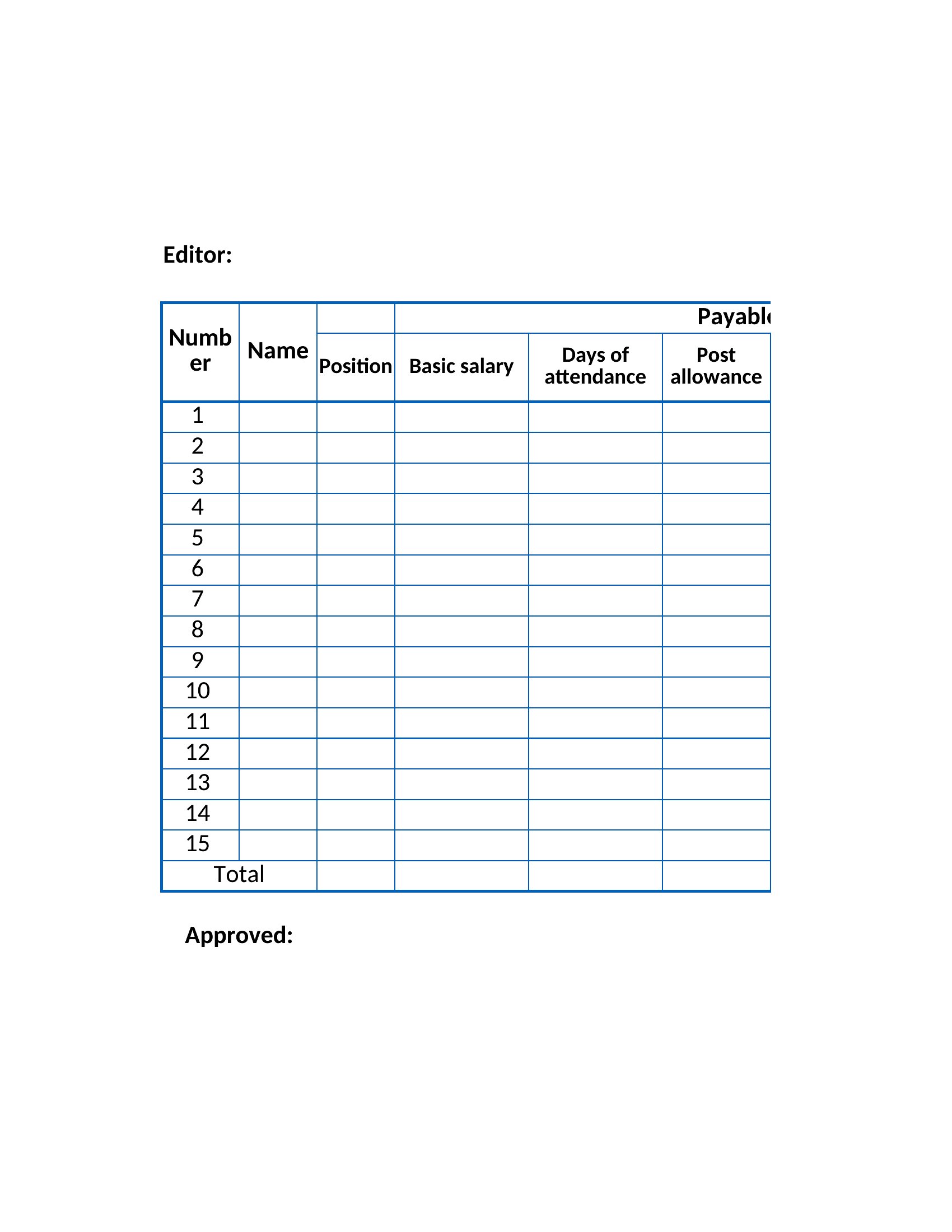
These templates provide the structure to log wages, deductions, and withholdings, but tax rates and rules vary by jurisdiction. Double-check with a local payroll service or tax professional to ensure compliance. You may need to adjust formulas or add columns based on your area’s specific requirements.
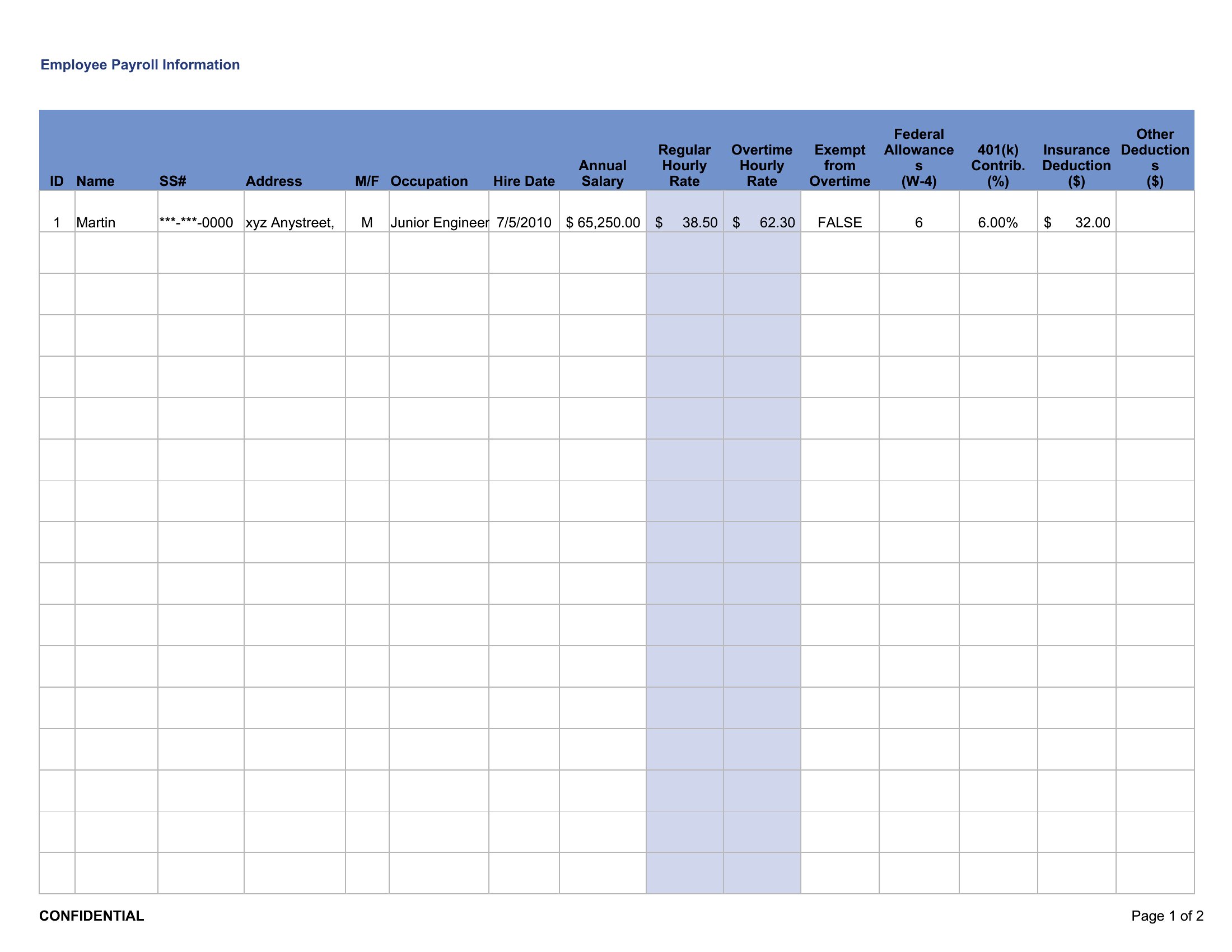
What if my team has varying pay rates, like hourly employees and salaried staff?
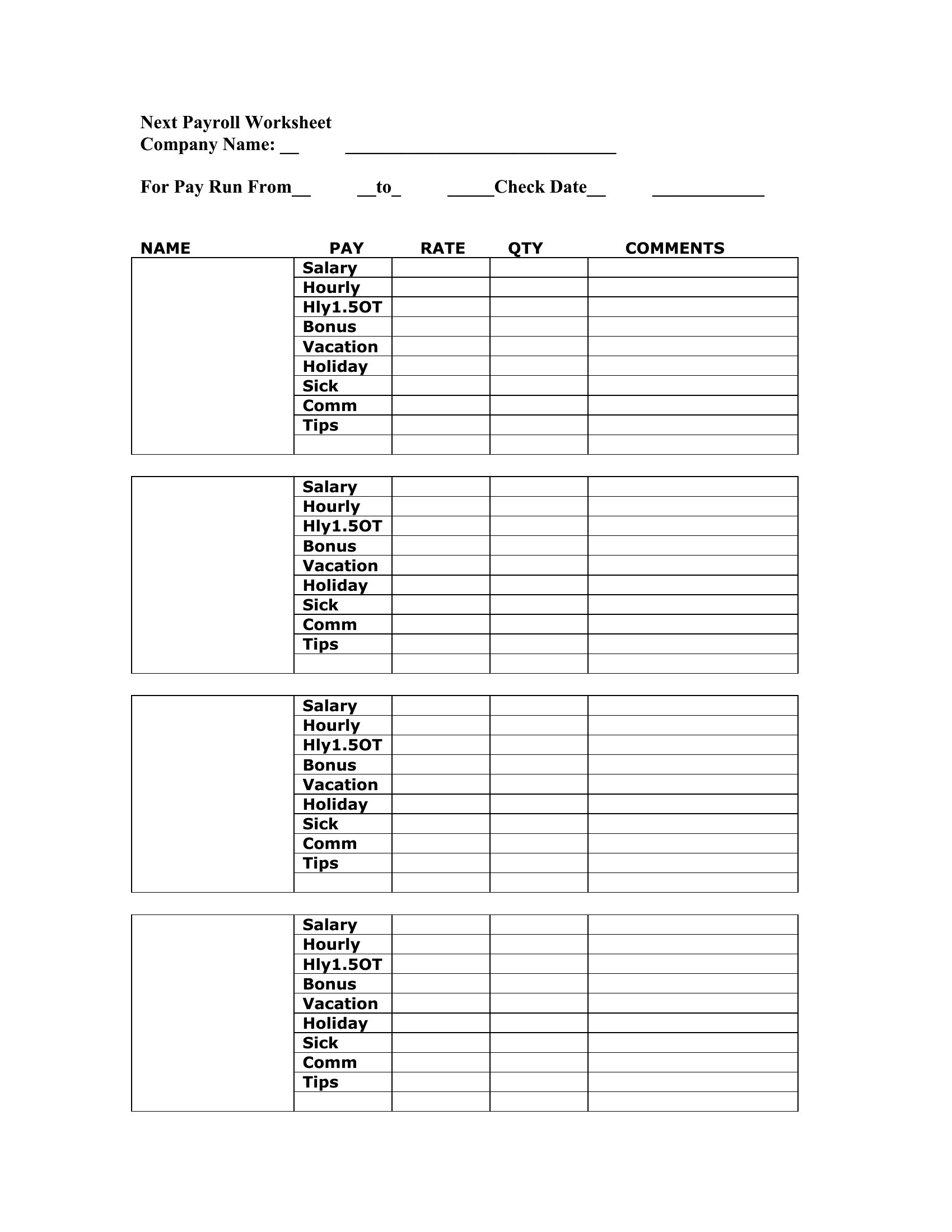
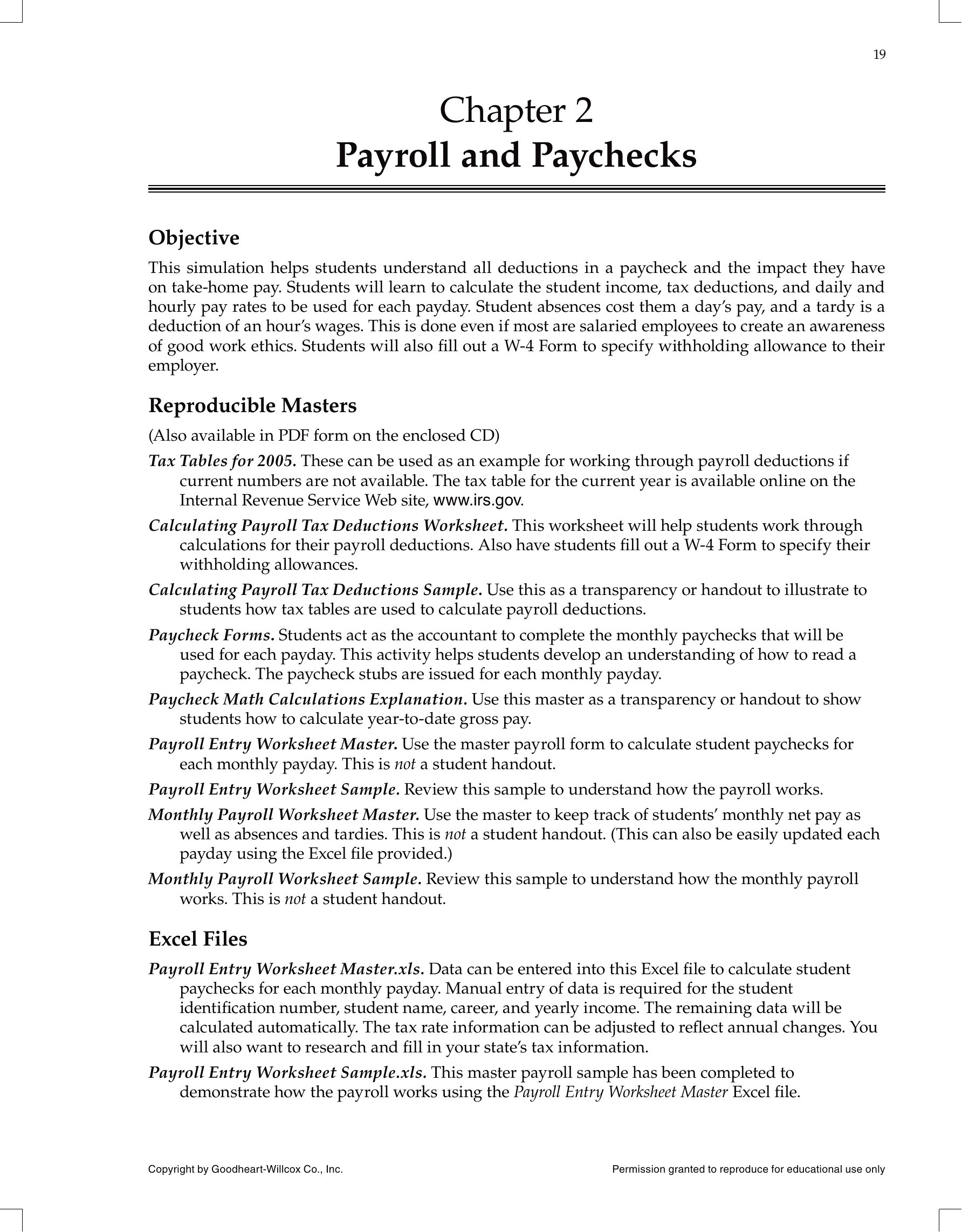
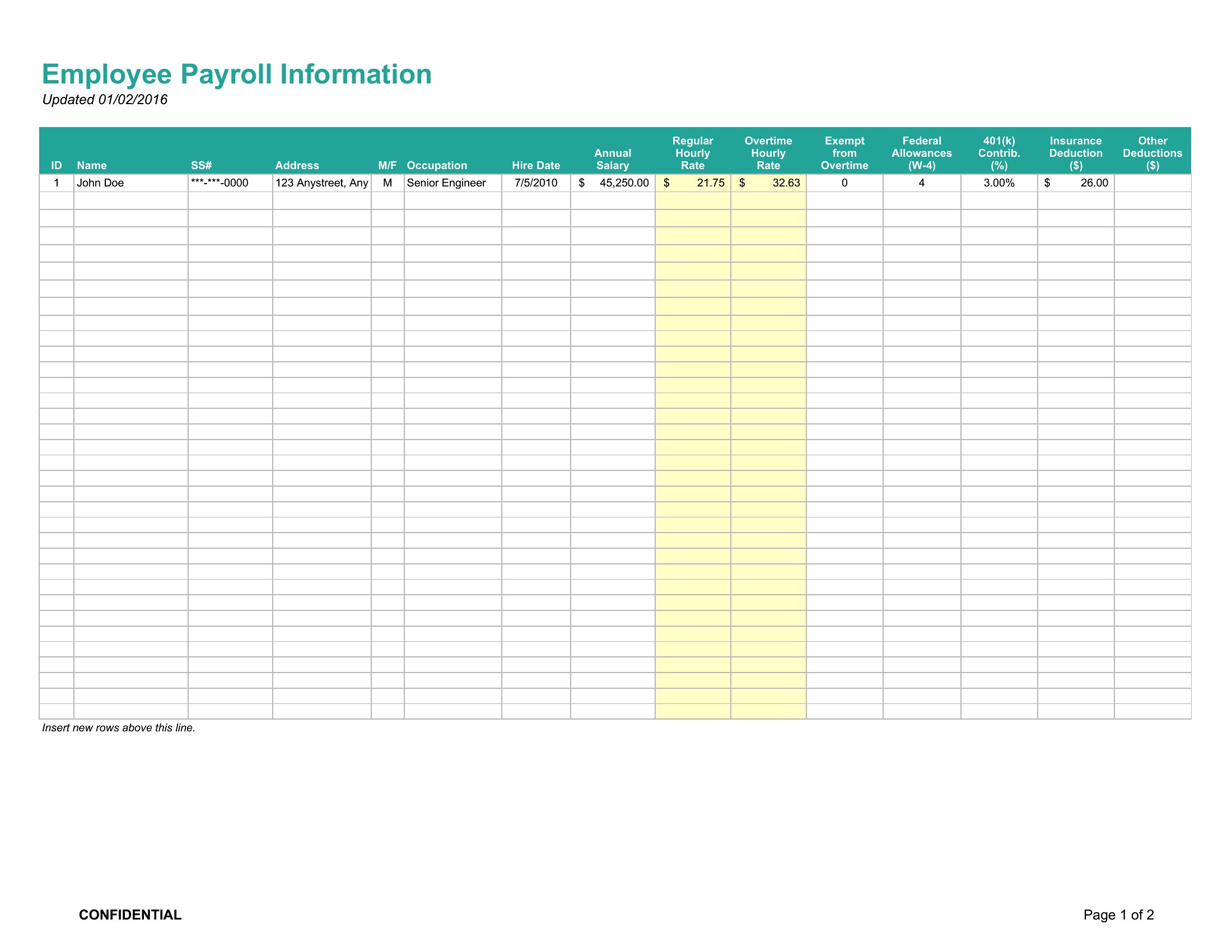
Most templates in this collection include sections for both hourly and salaried pay—look for fields labeled ‘rate’ and ‘hours worked’ alongside flat salary columns. Some Excel versions even have dropdowns to toggle between pay types. For mixed teams, use the summary sheet to compile totals by department or pay category.
Are these templates suitable for tracking bonuses, commissions, or reimbursements alongside regular pay?
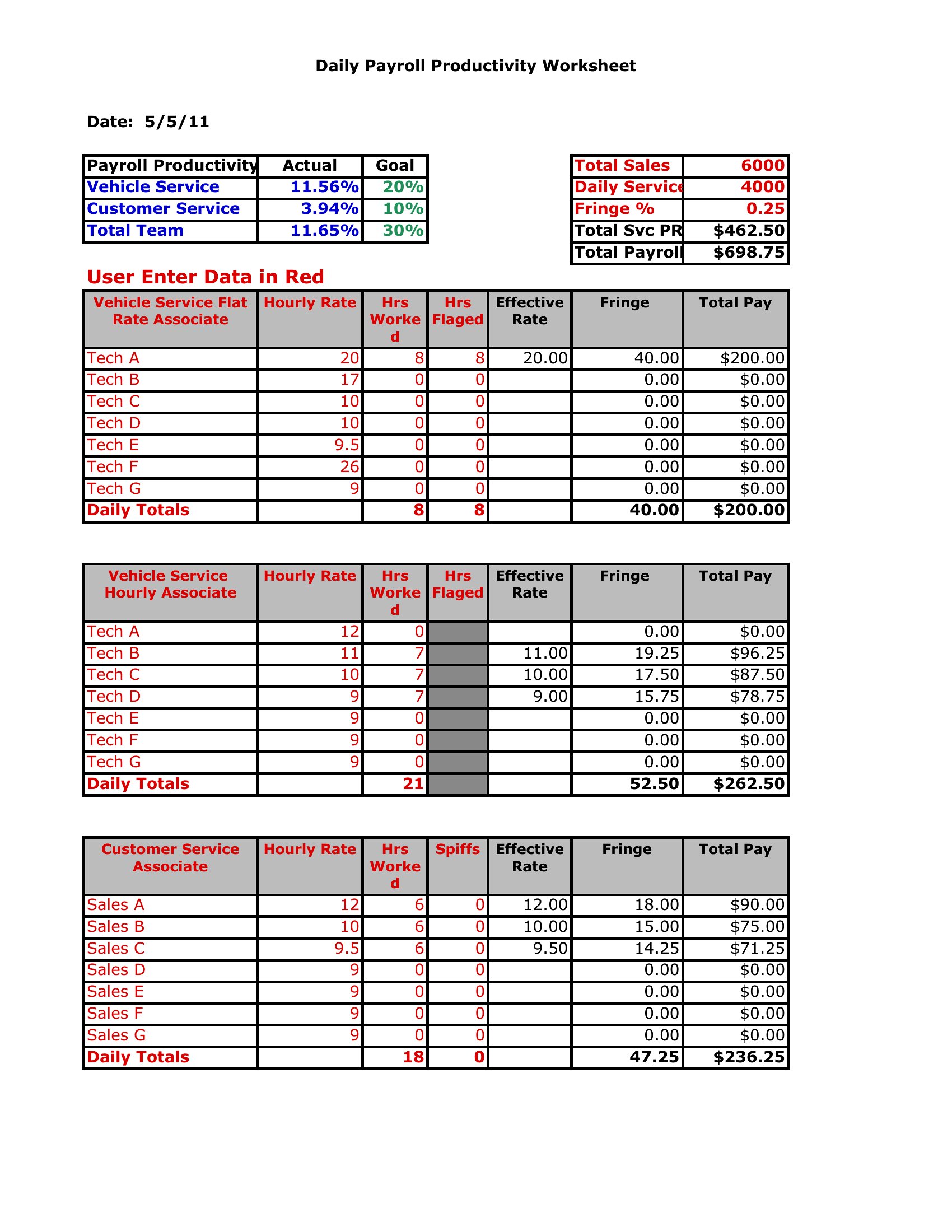
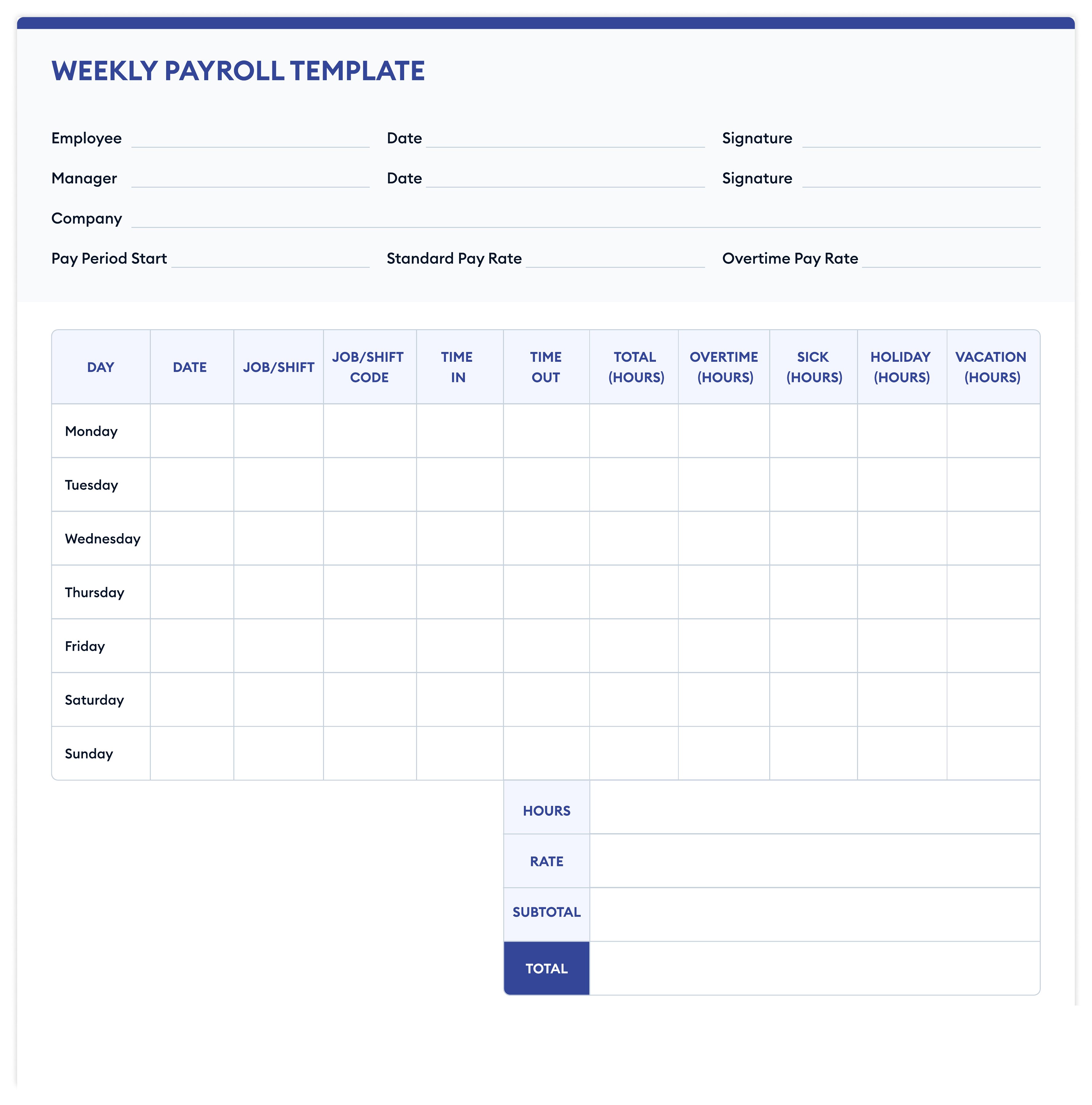
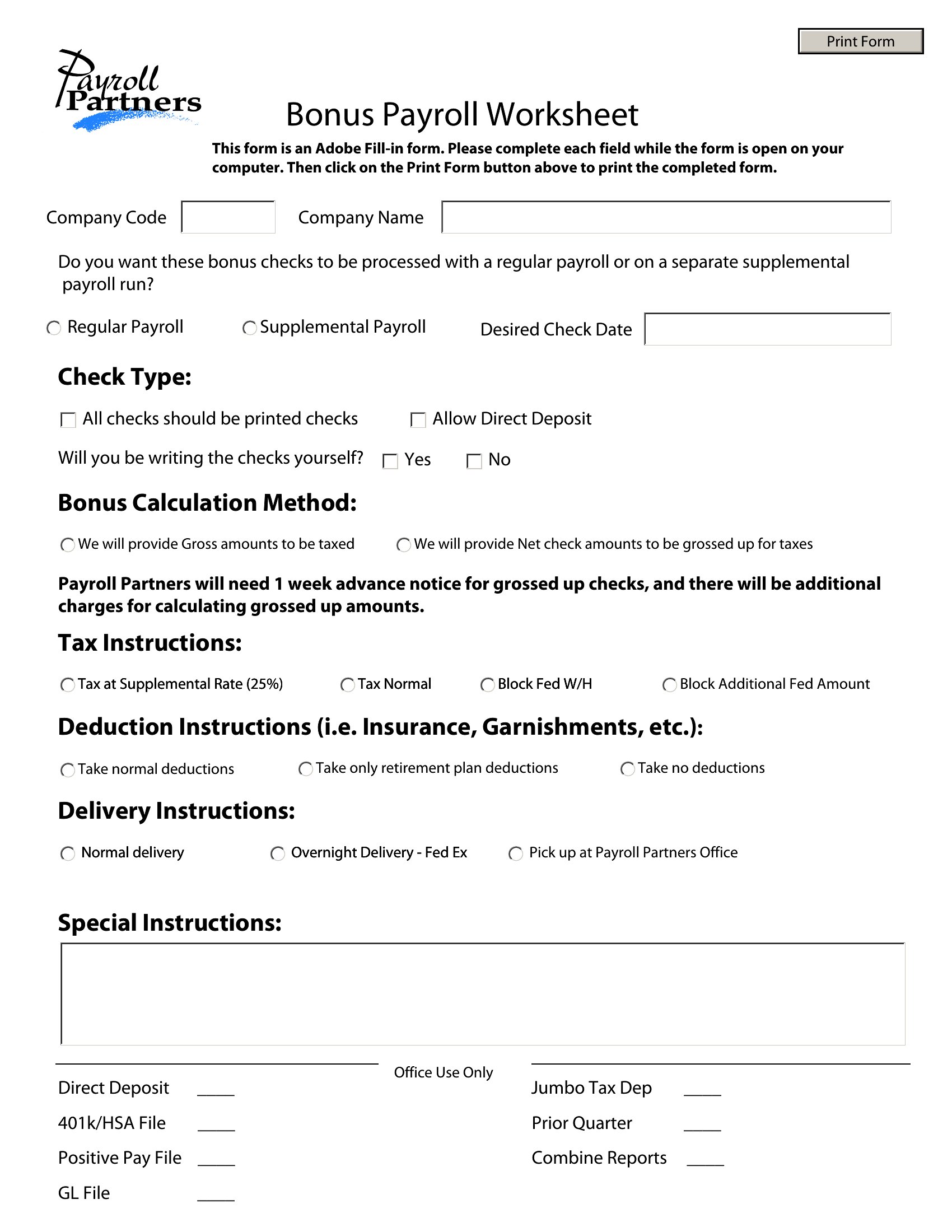
Yes, several templates feature additional columns for one-time payments like bonuses or commissions. Reimbursement tracking is often included in the deductions section. If you need a more detailed breakdown, combine a payroll summary sheet with a separate expense tracker to log receipts and categories.
Comments
Join the conversation
Sign in to share your thoughts and leave a comment on this resource.