Free Printable Coupon Templates (Word)
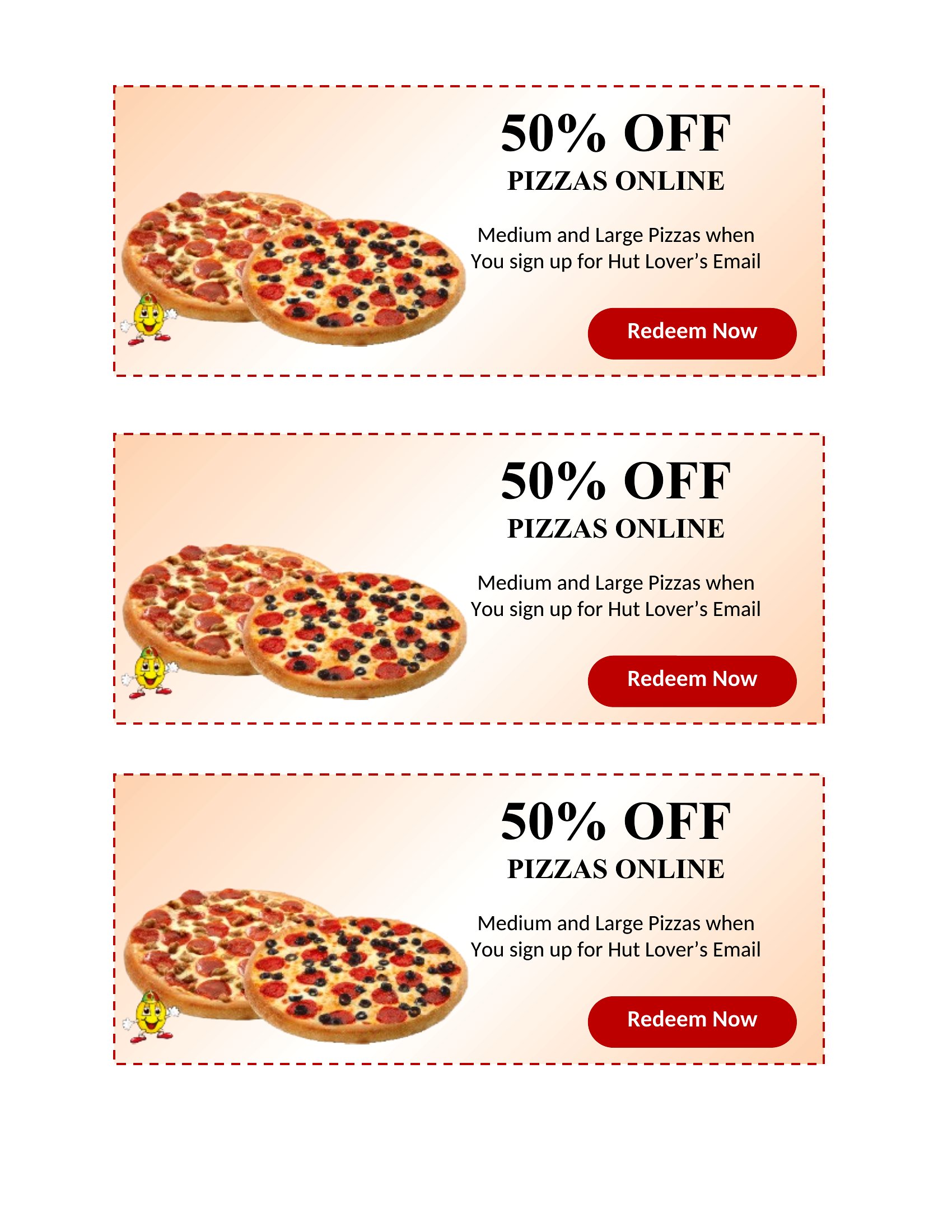
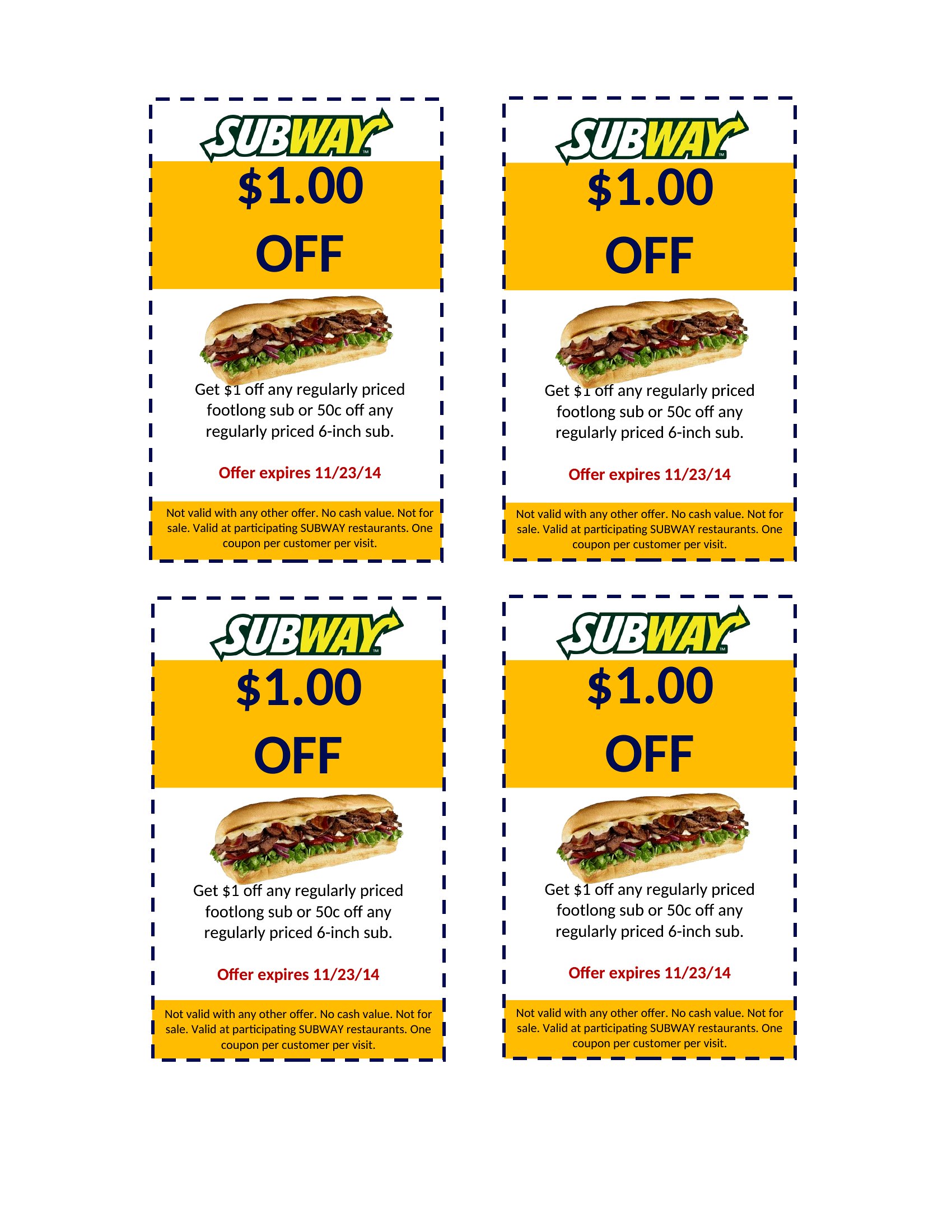
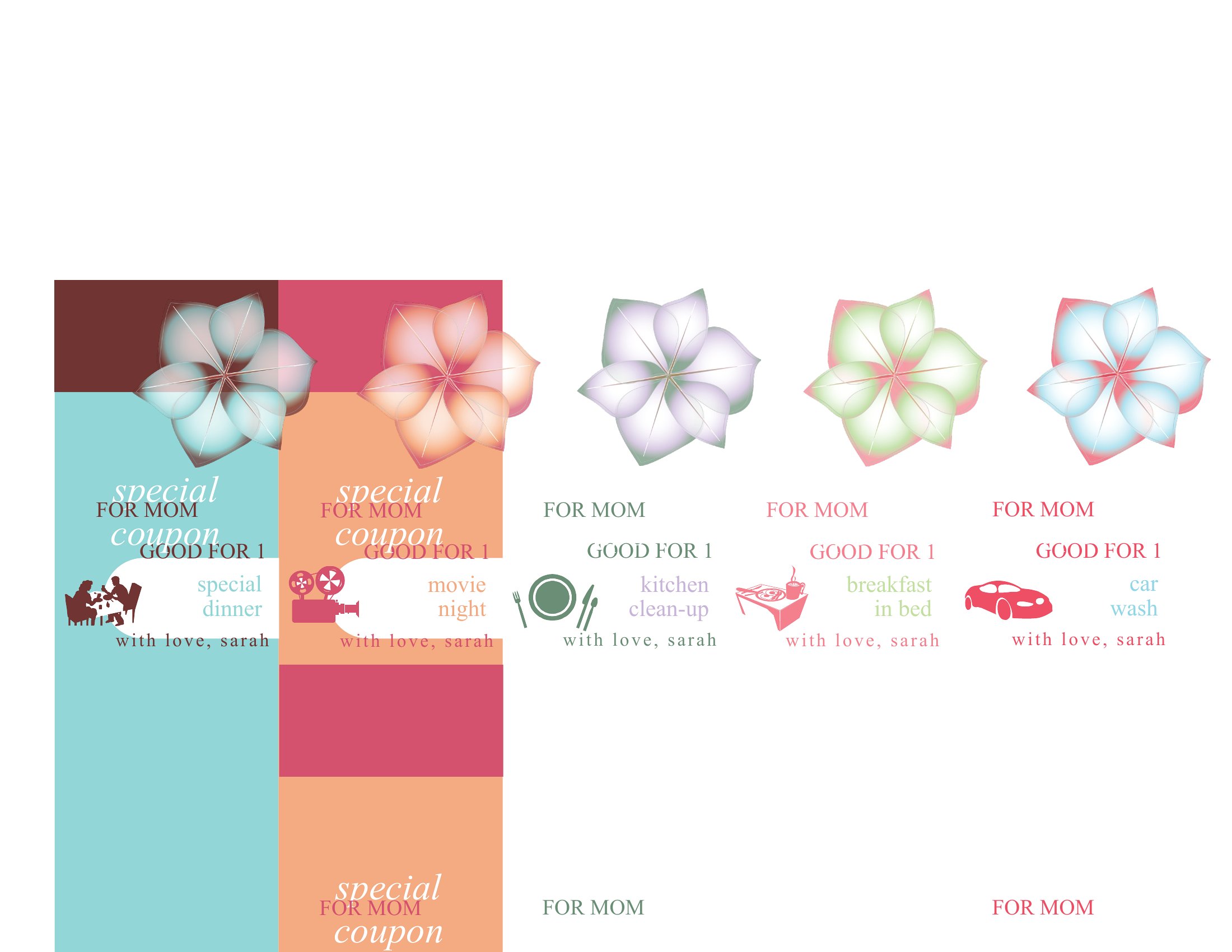
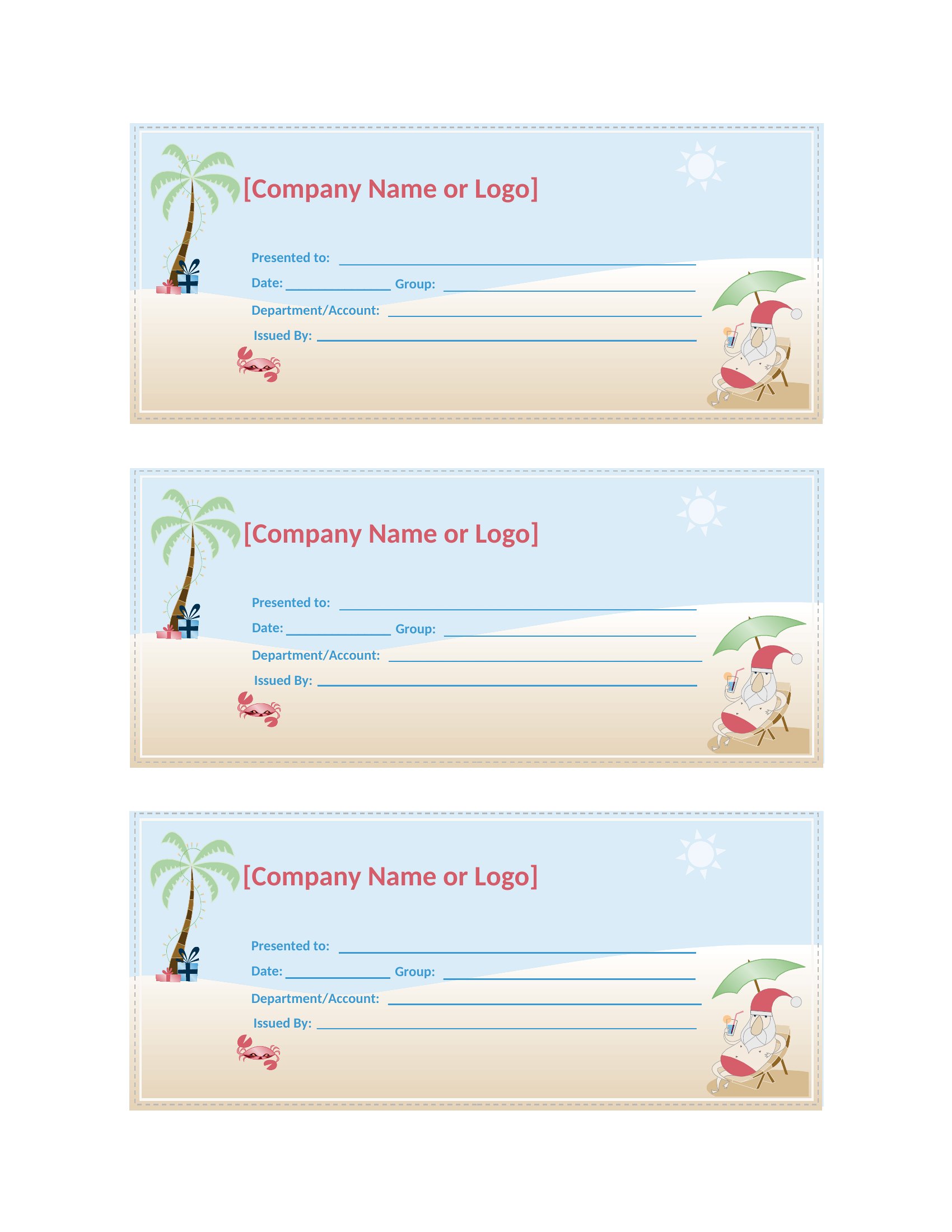
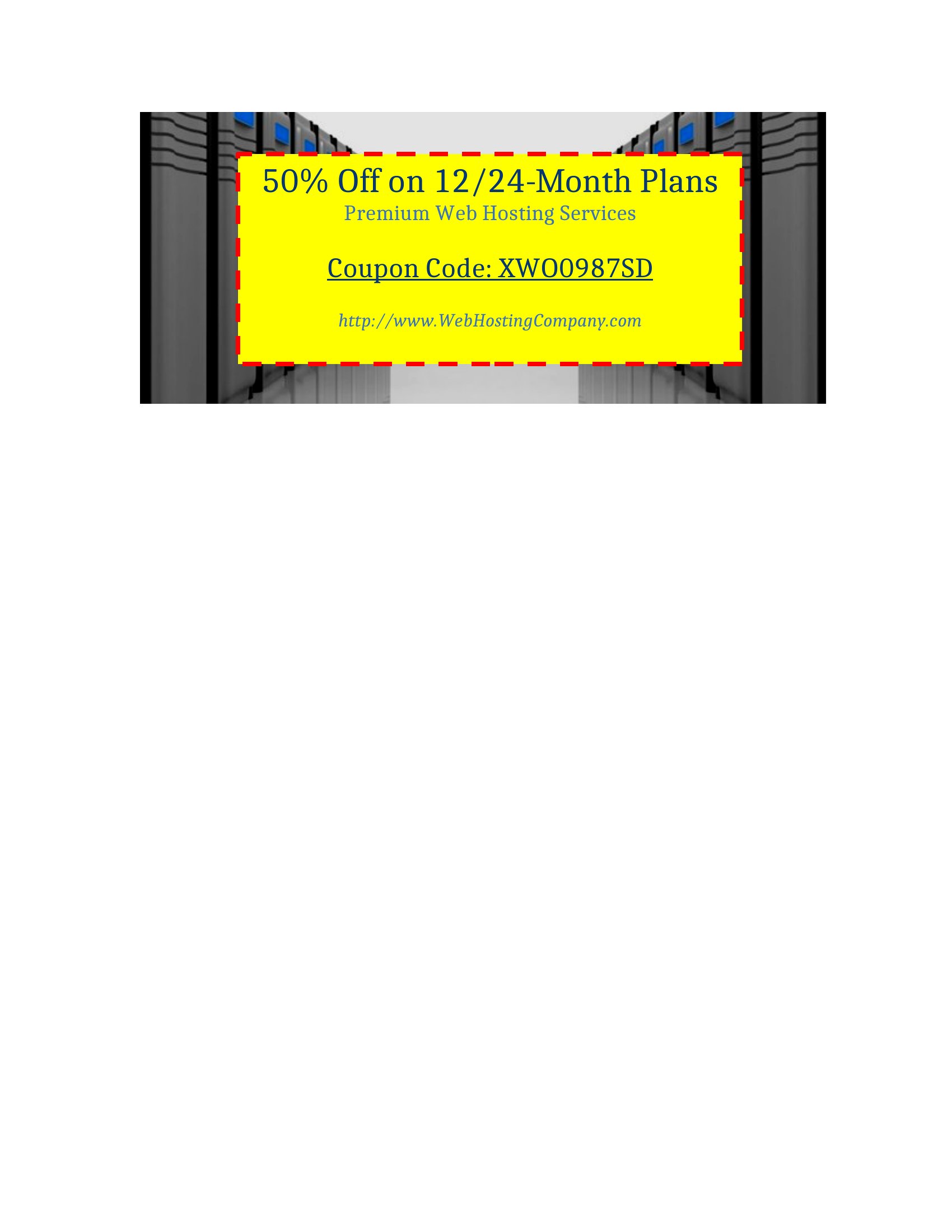
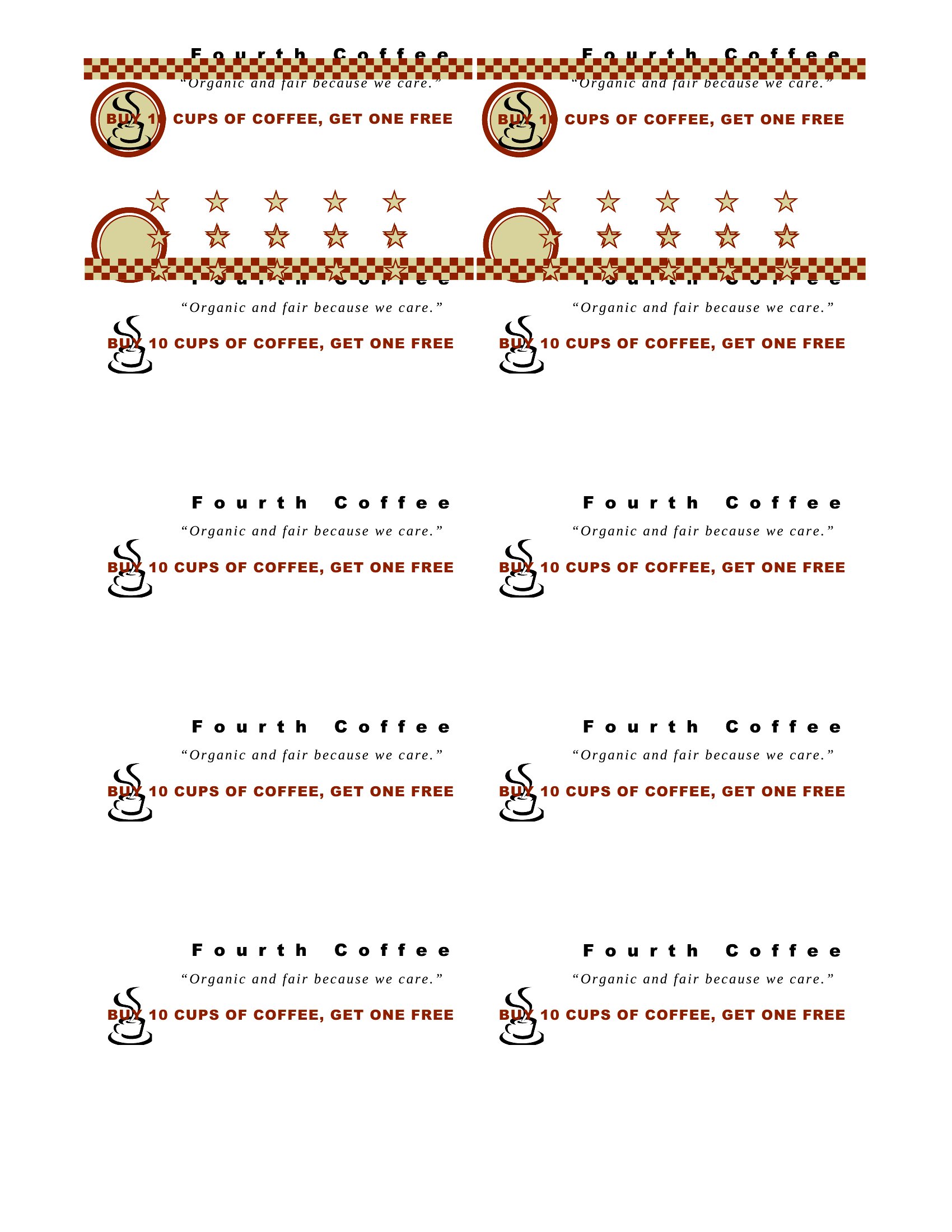
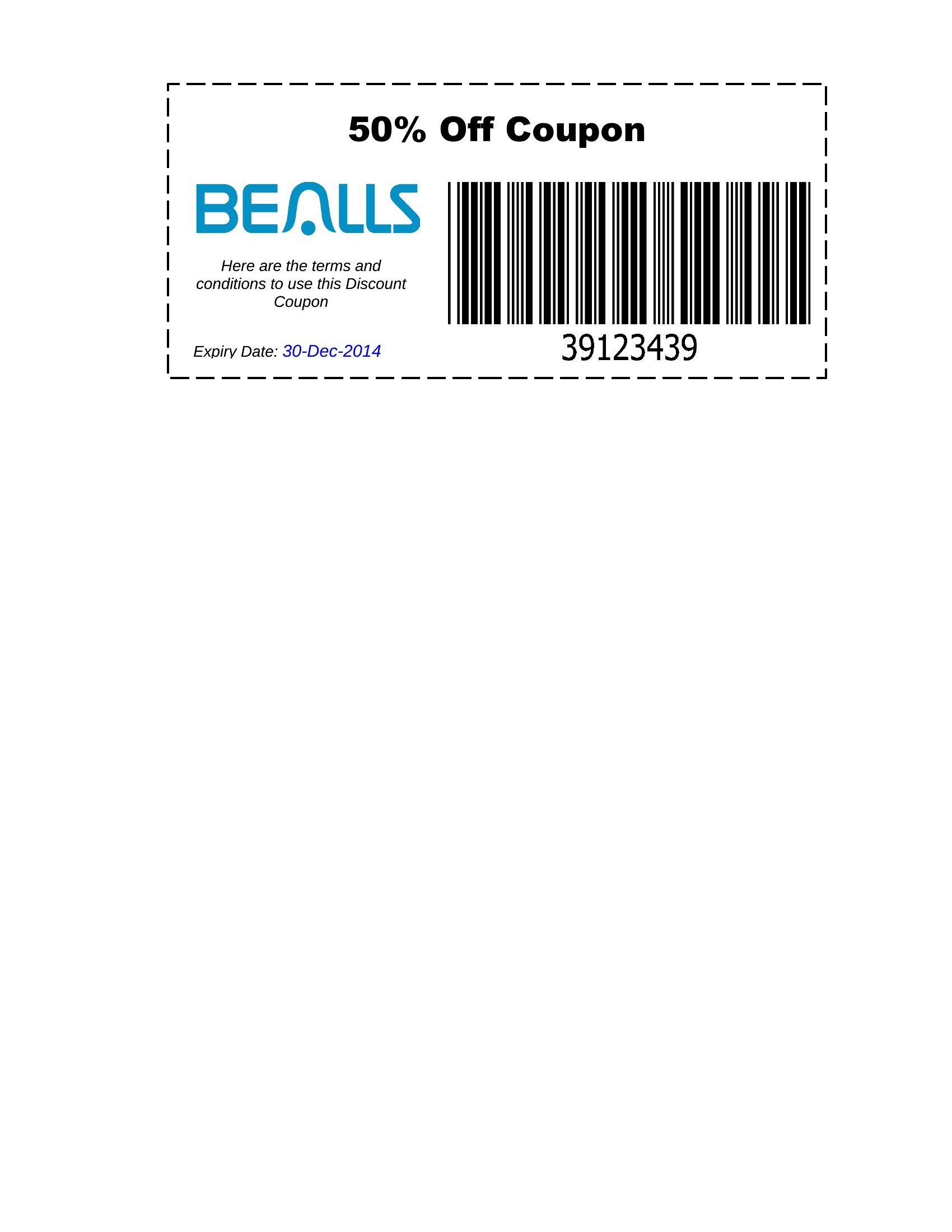
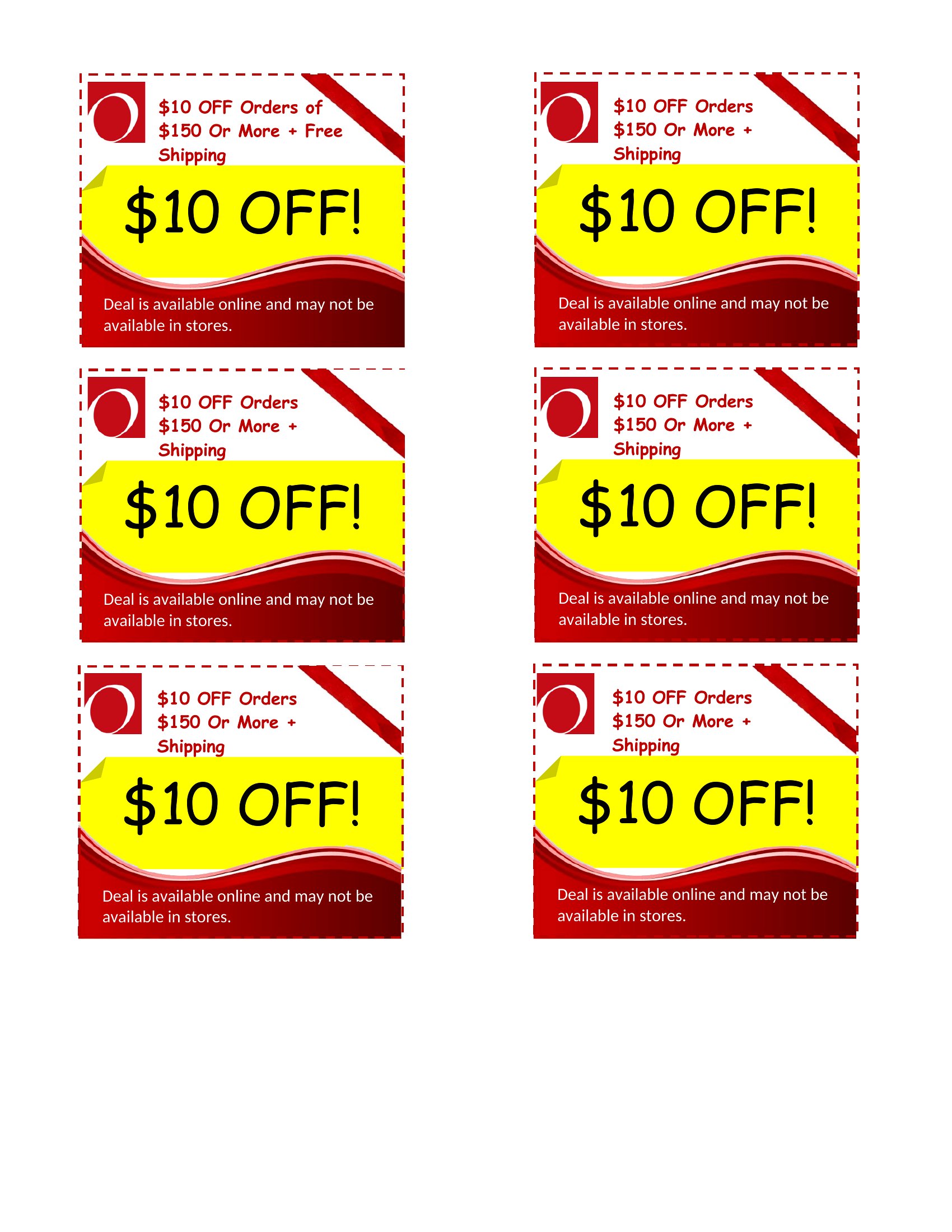
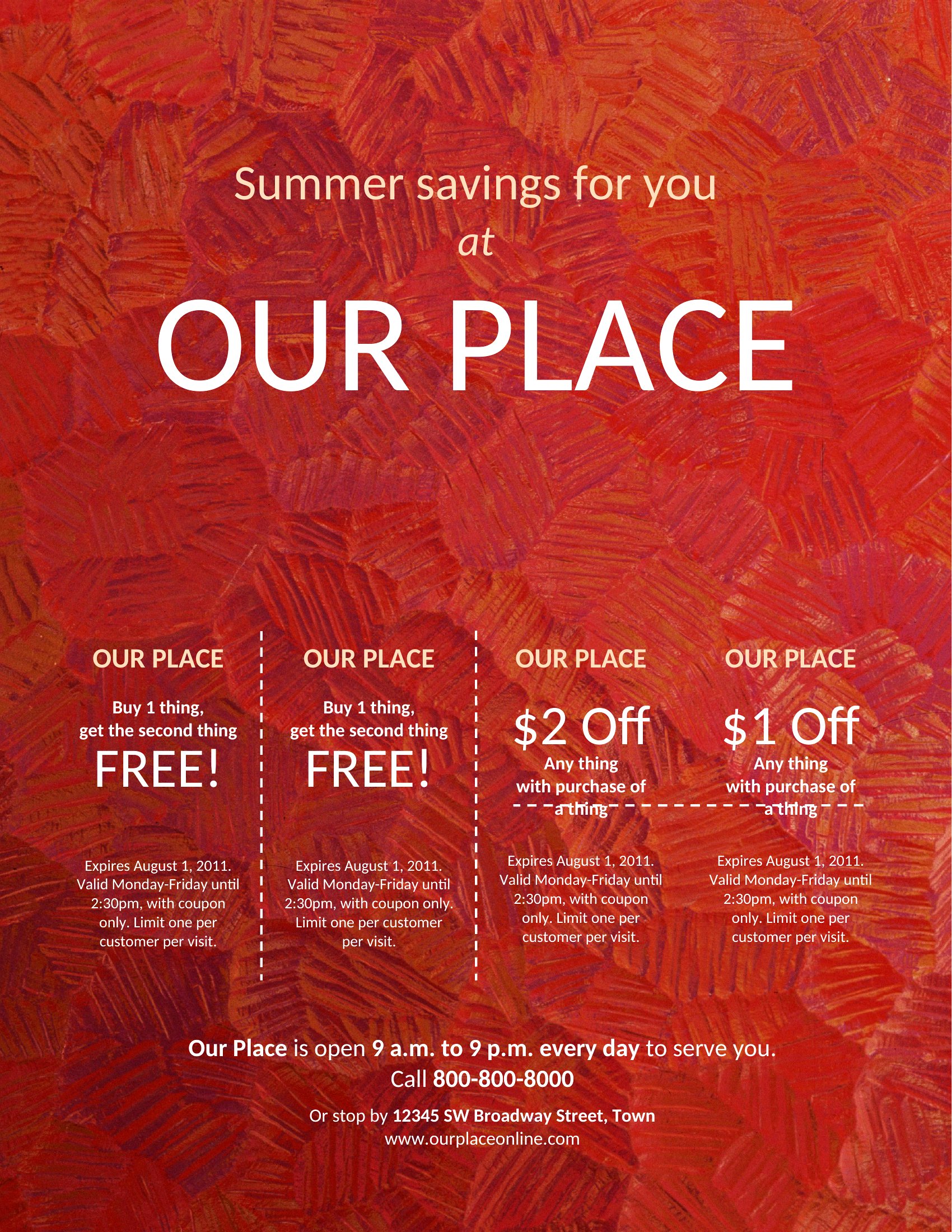
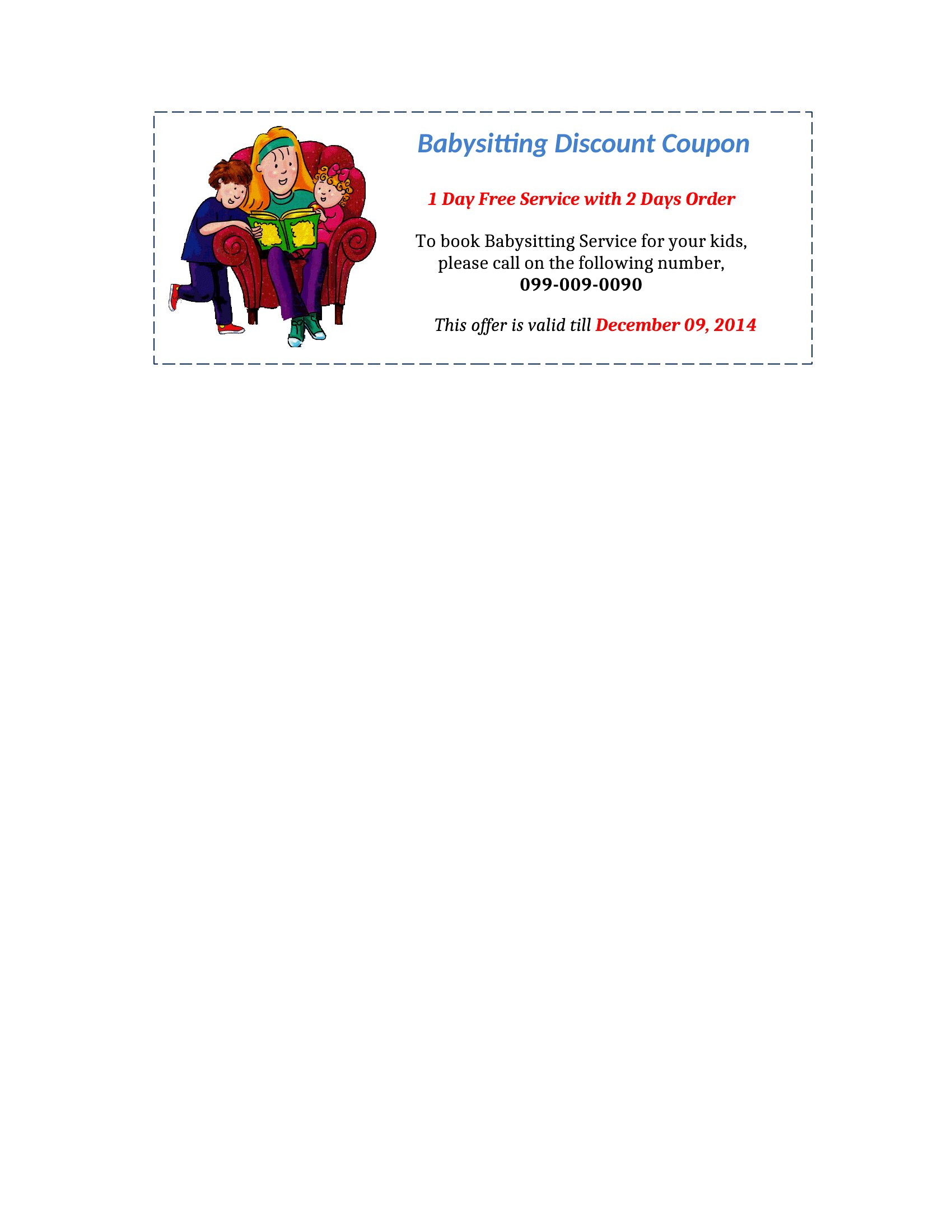
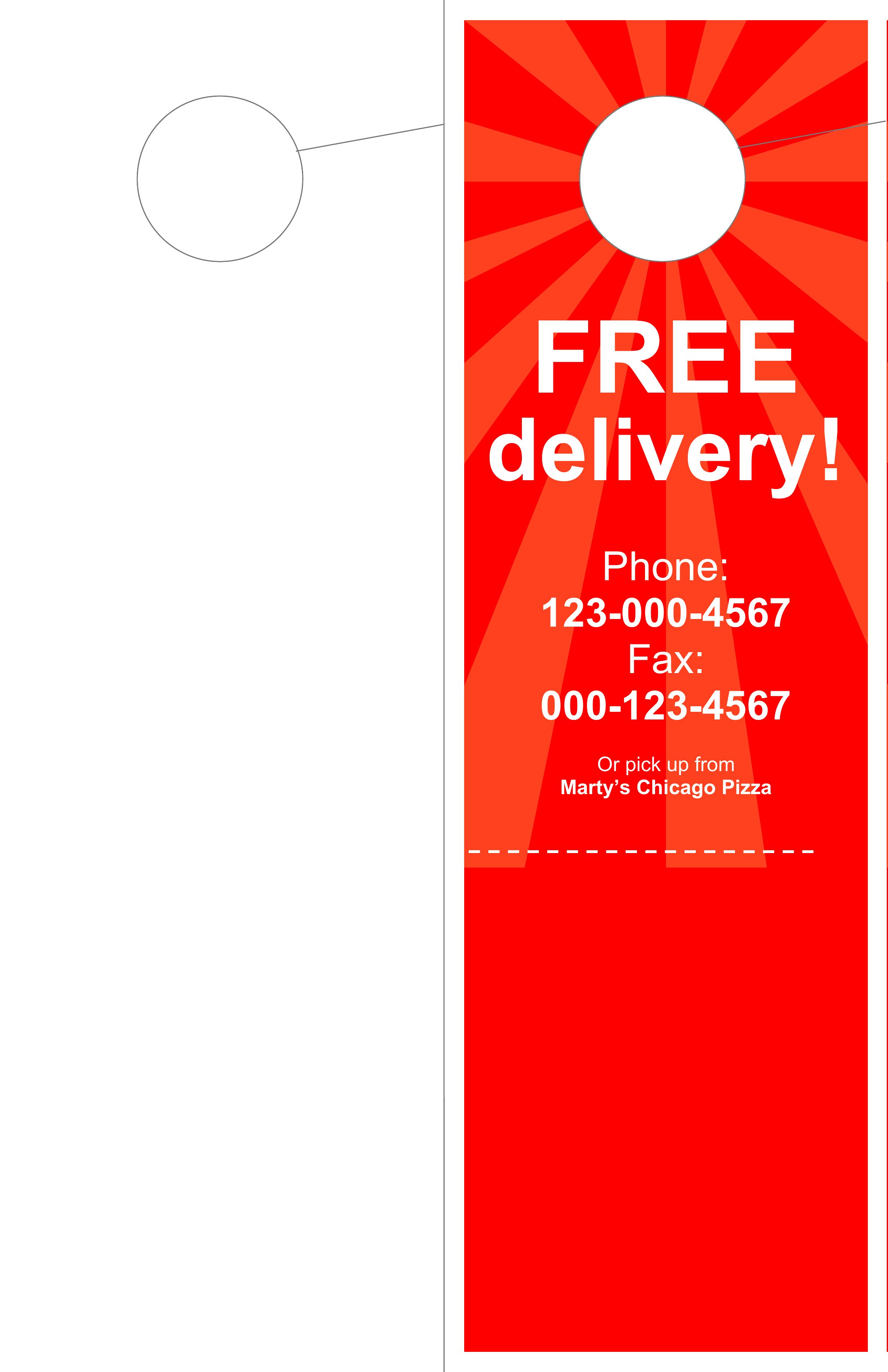
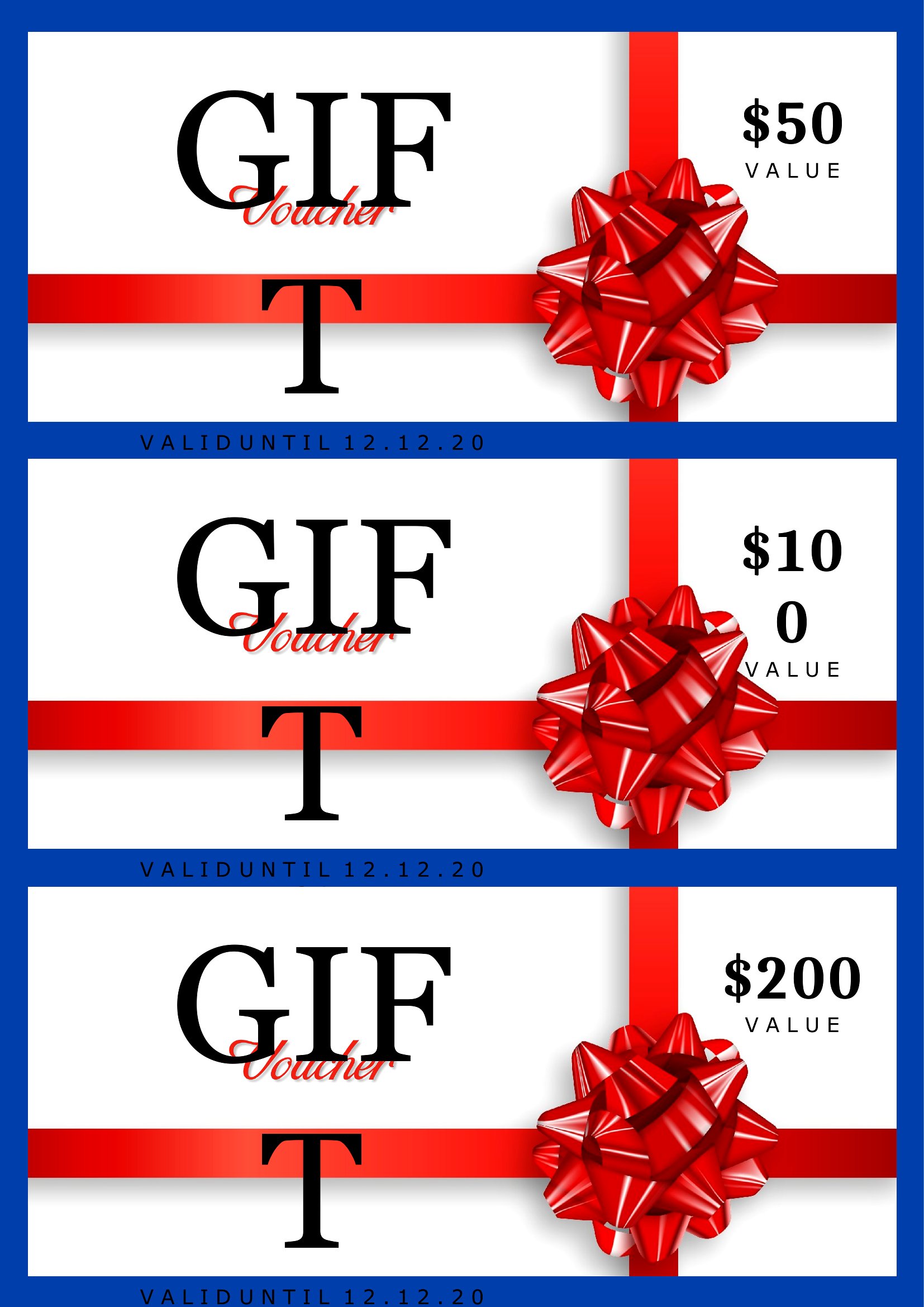
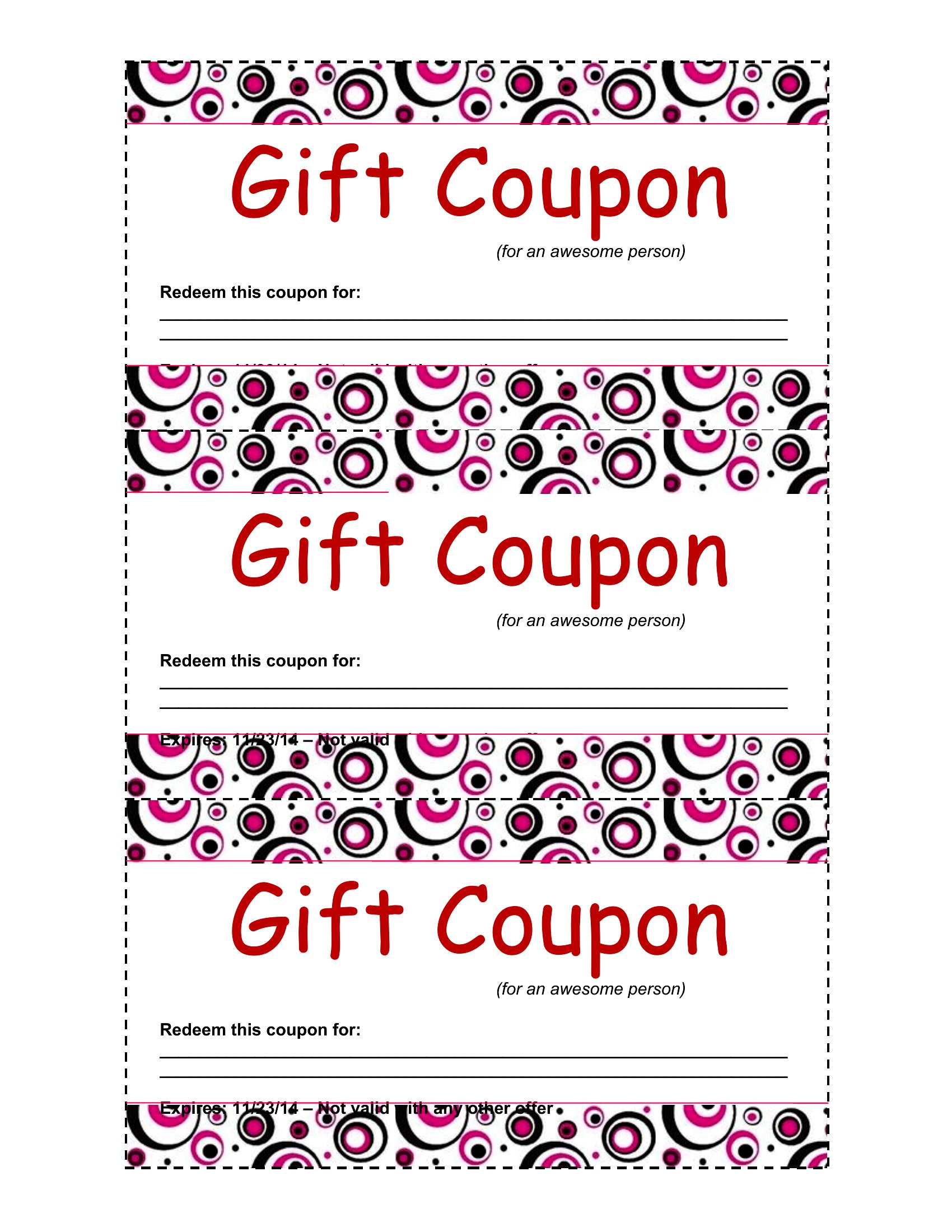
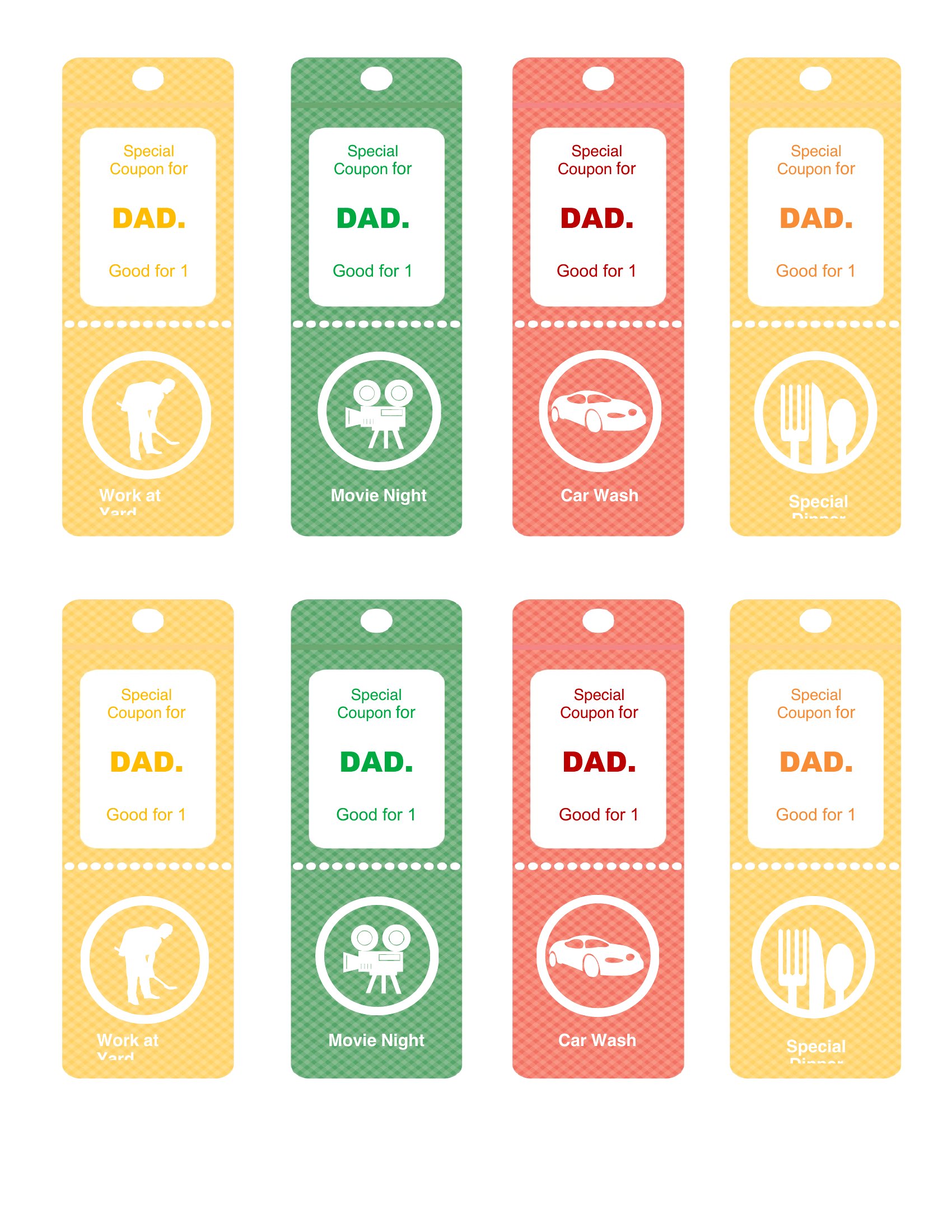
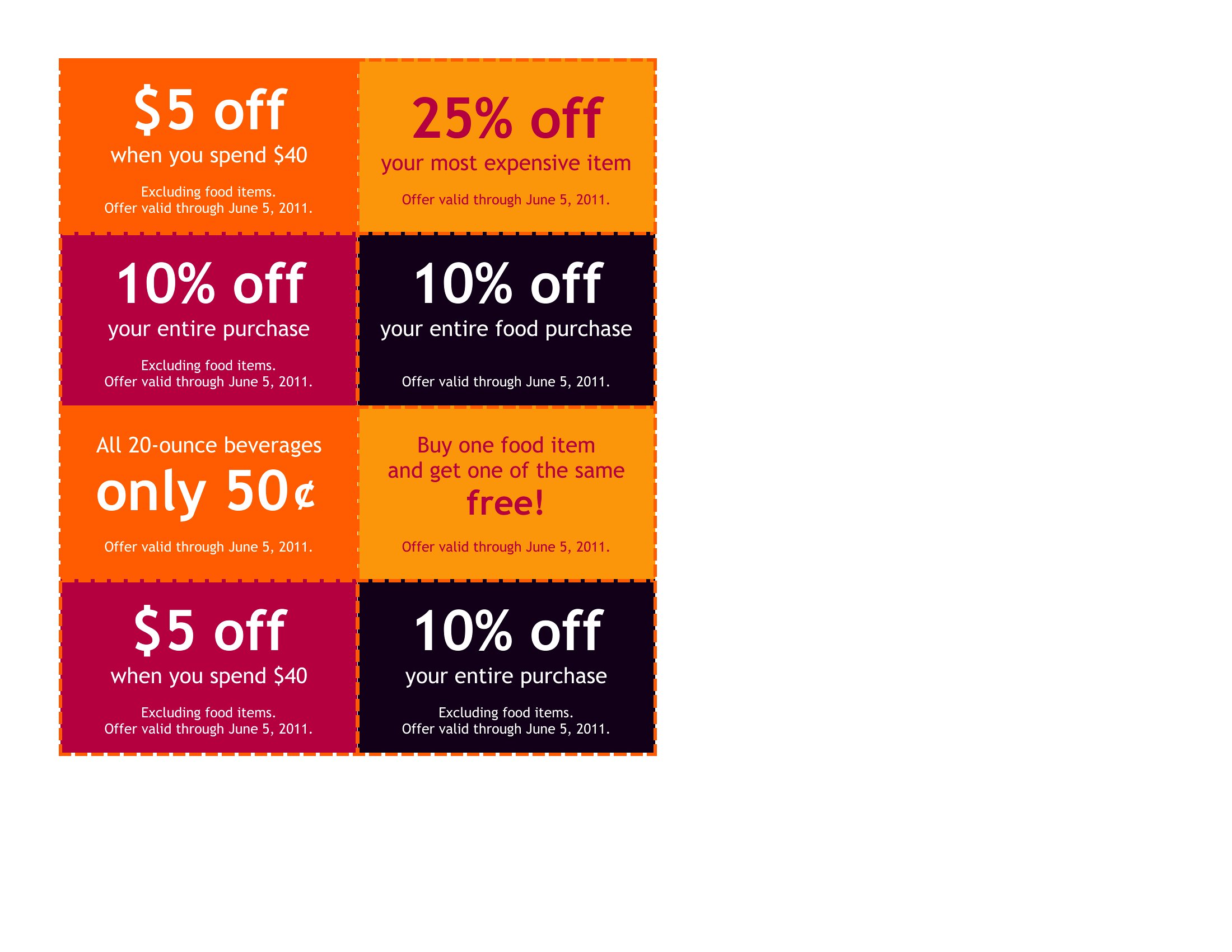
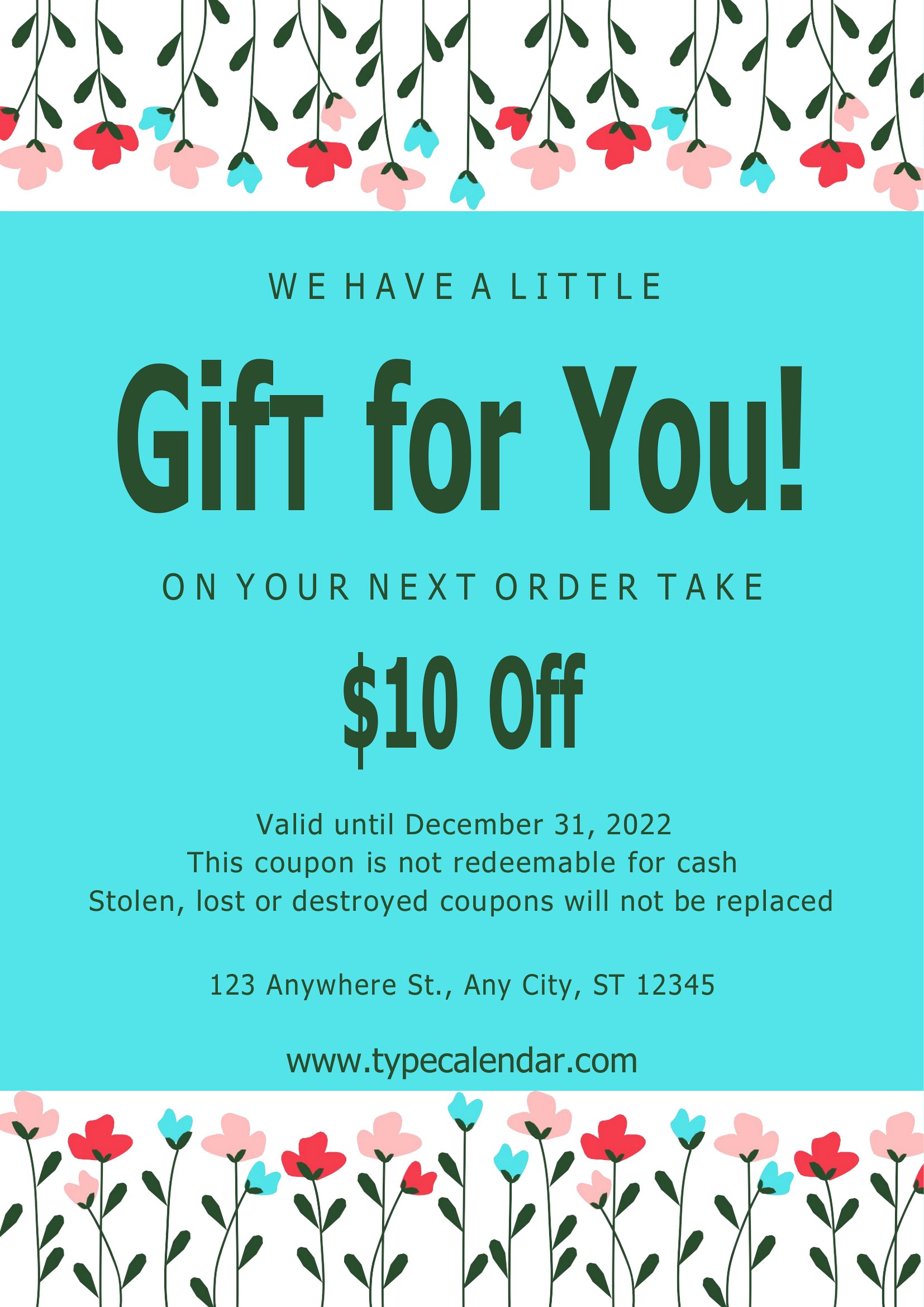
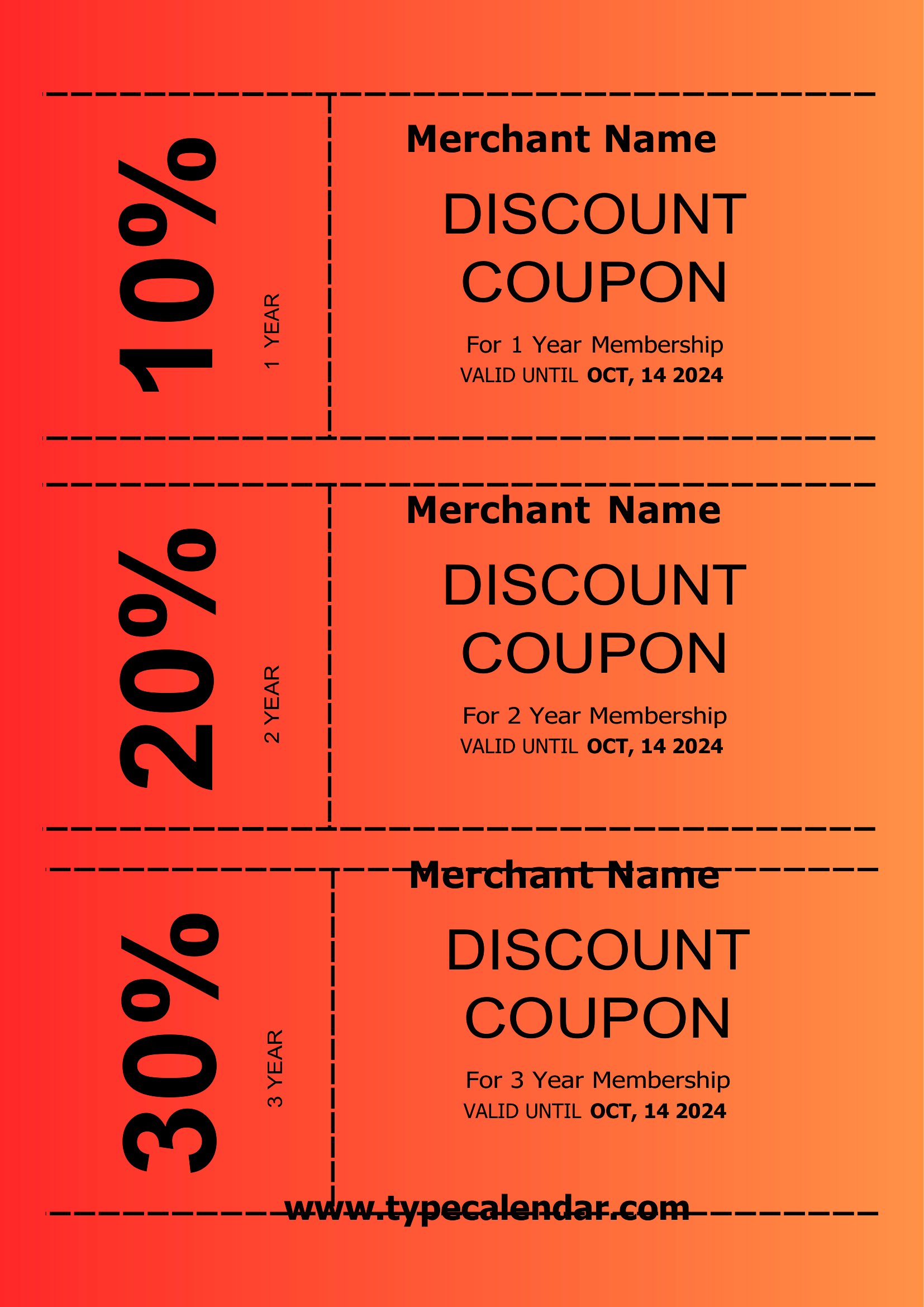
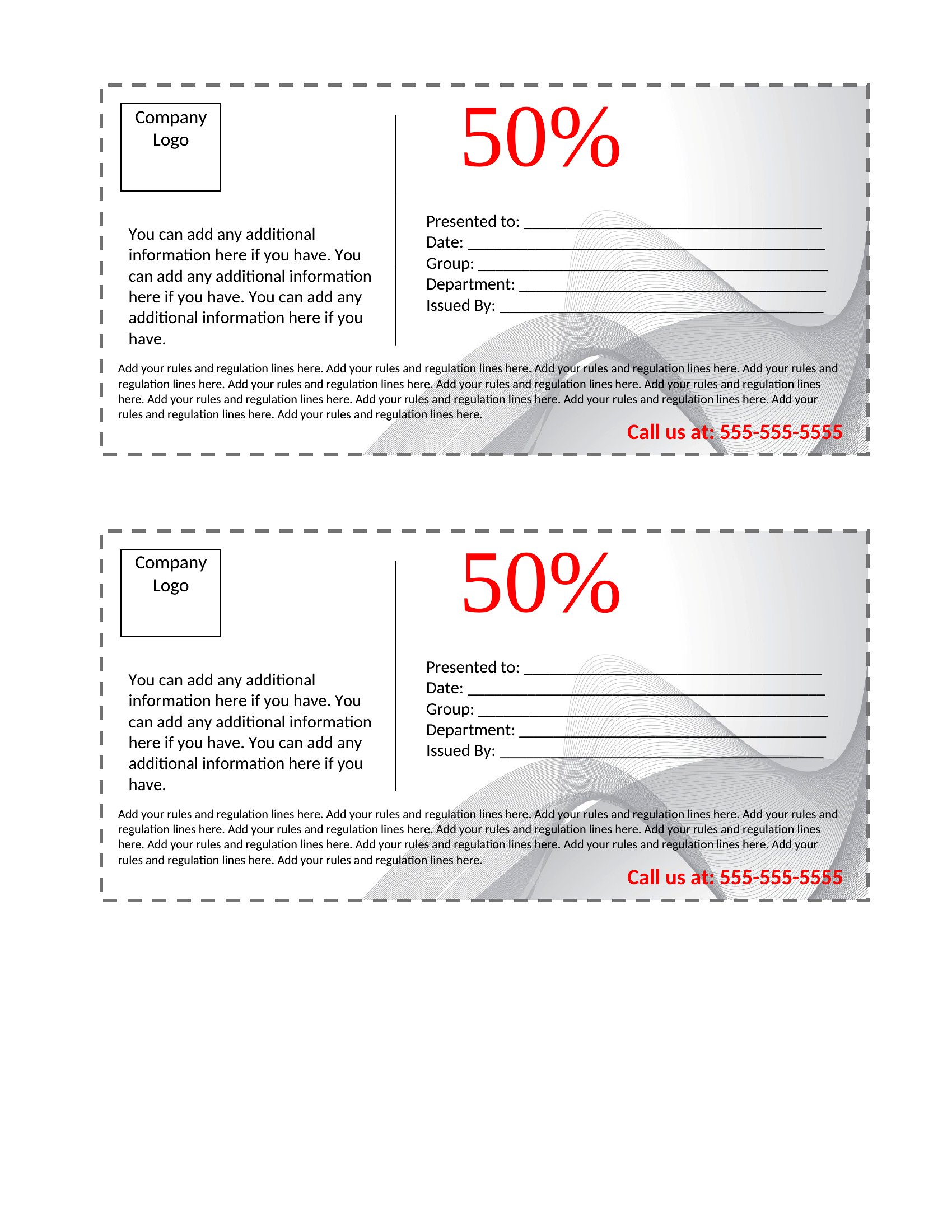
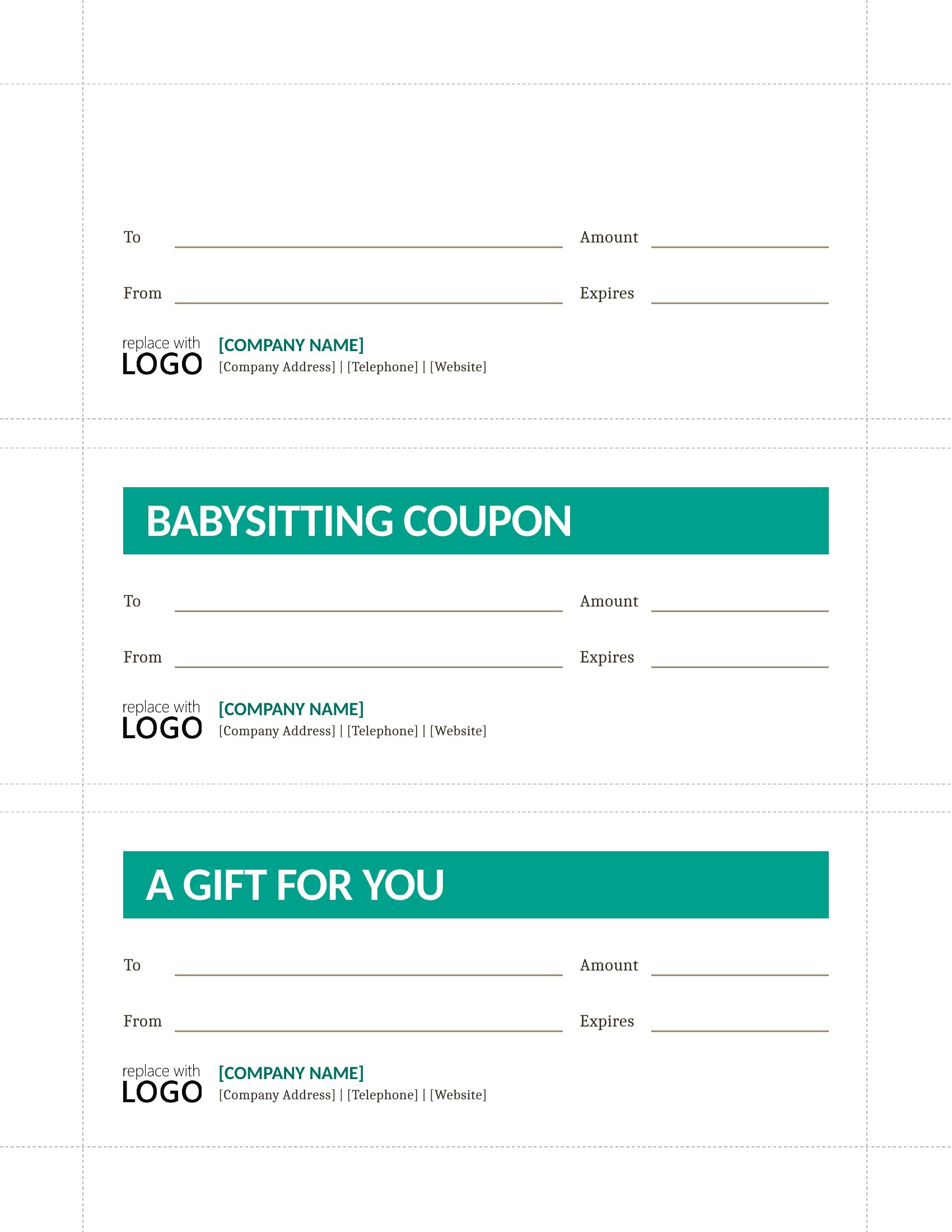
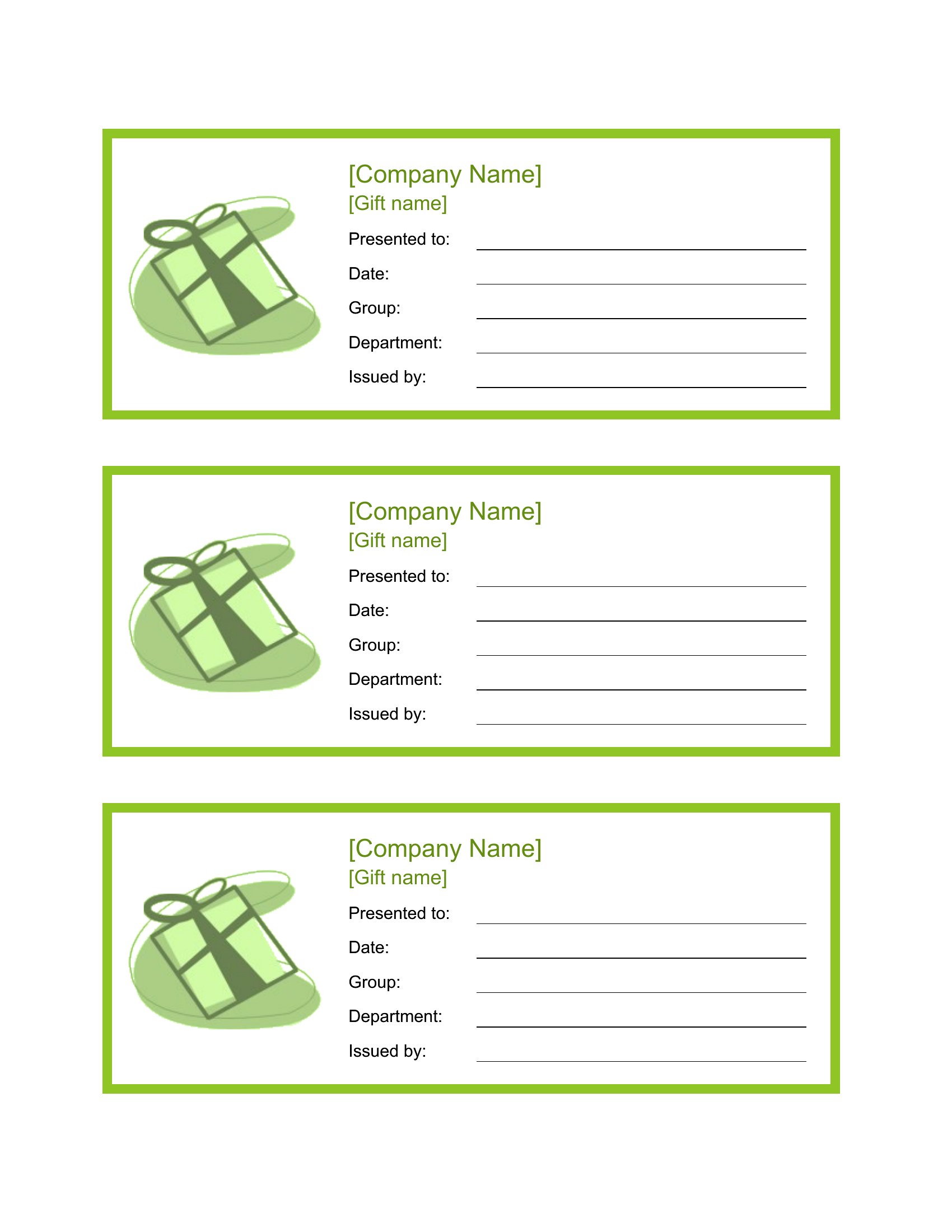
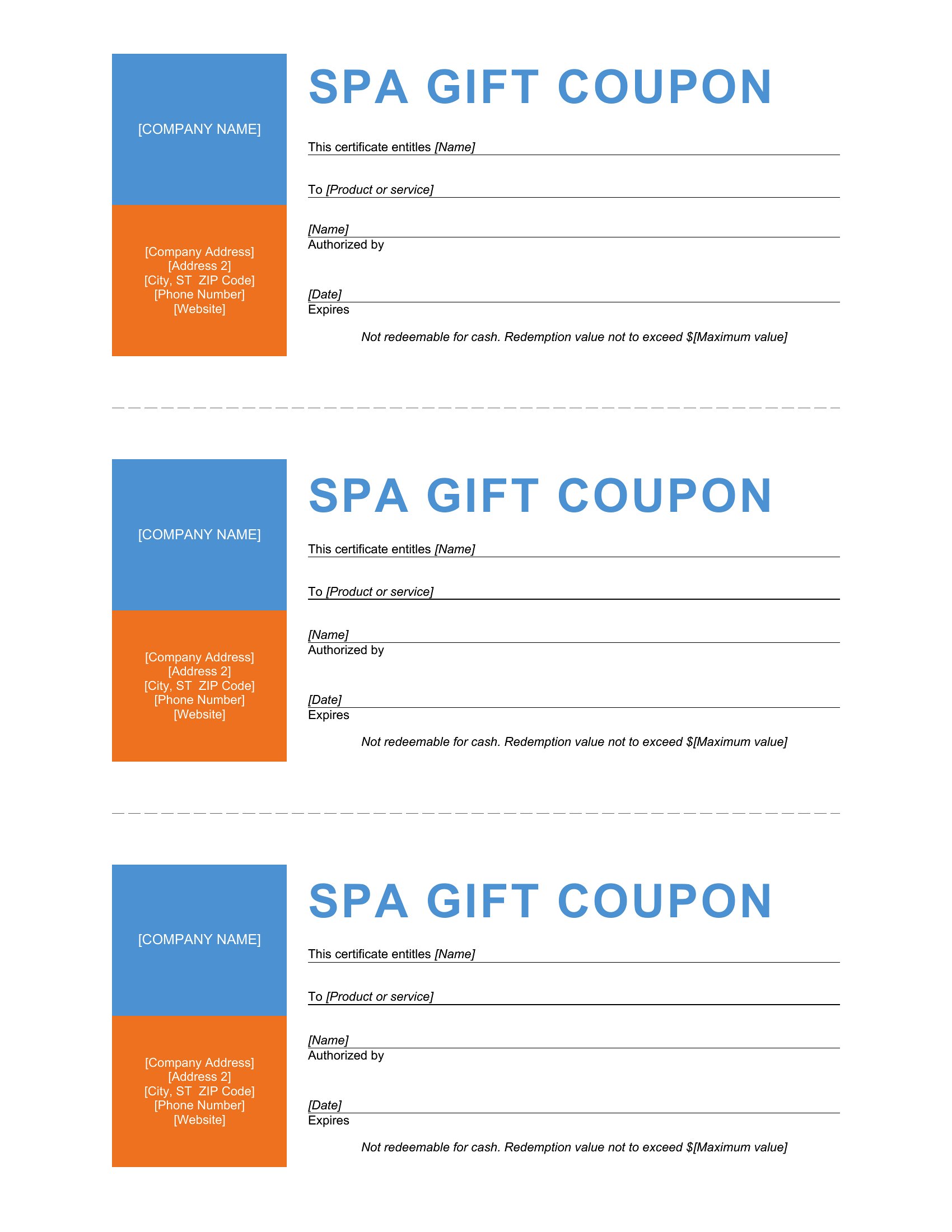
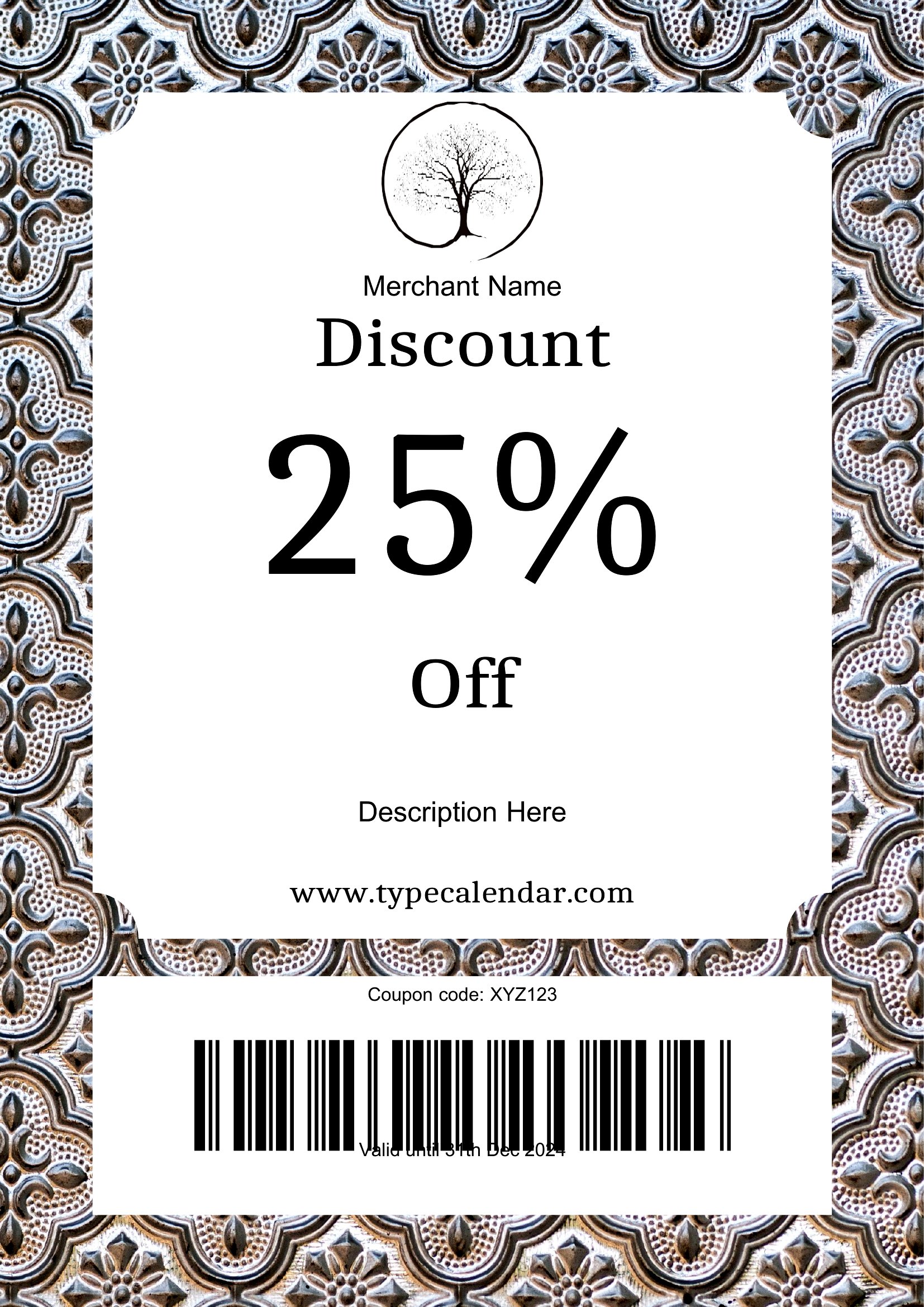
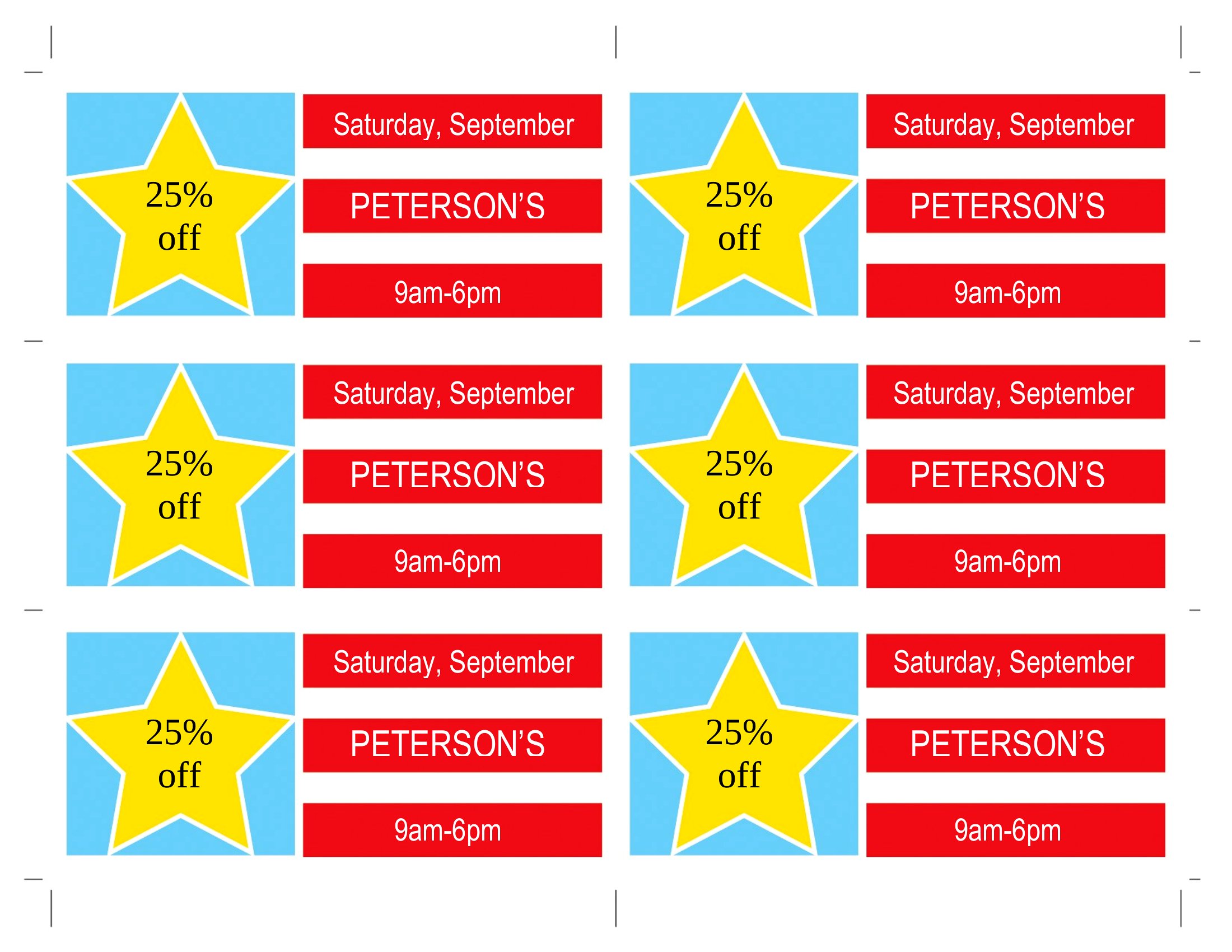
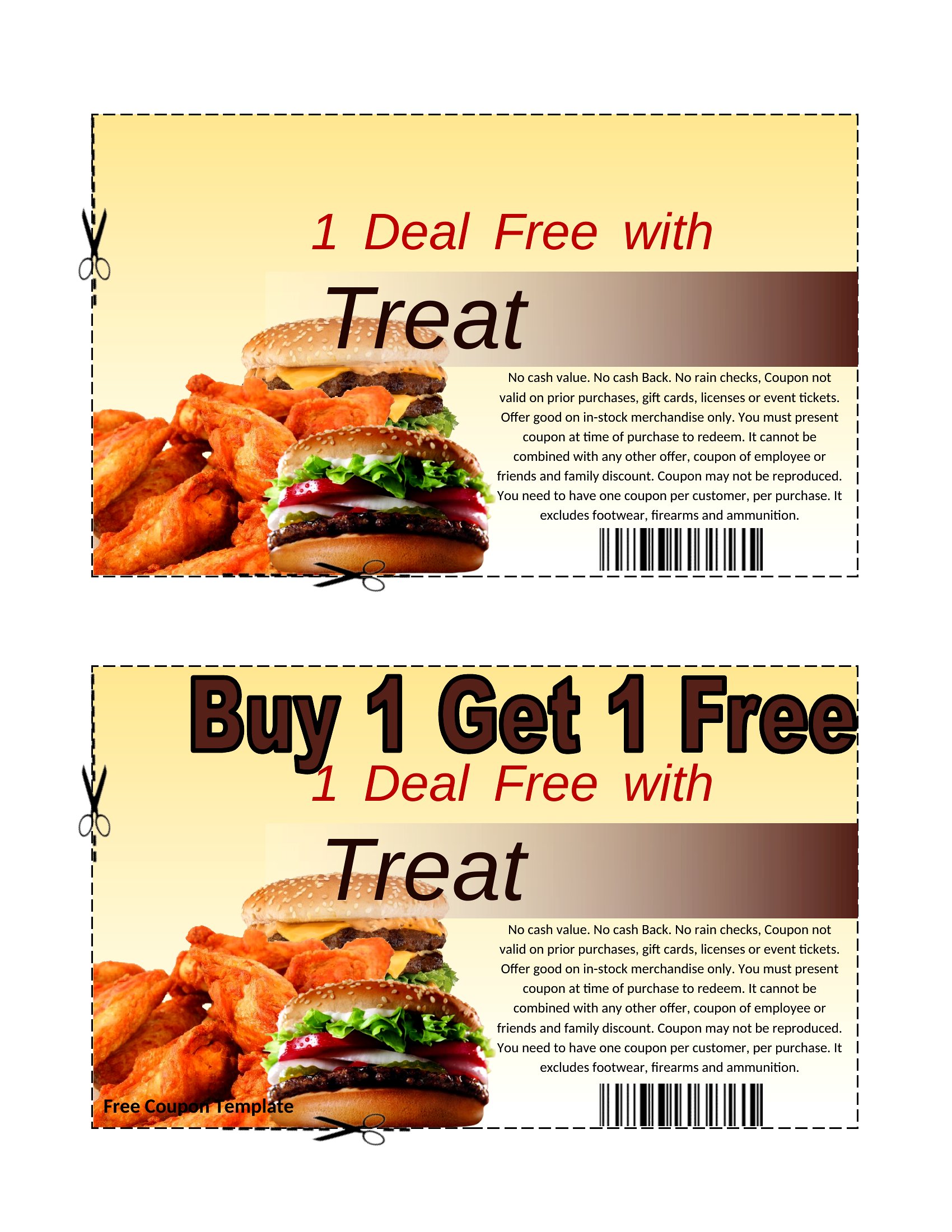
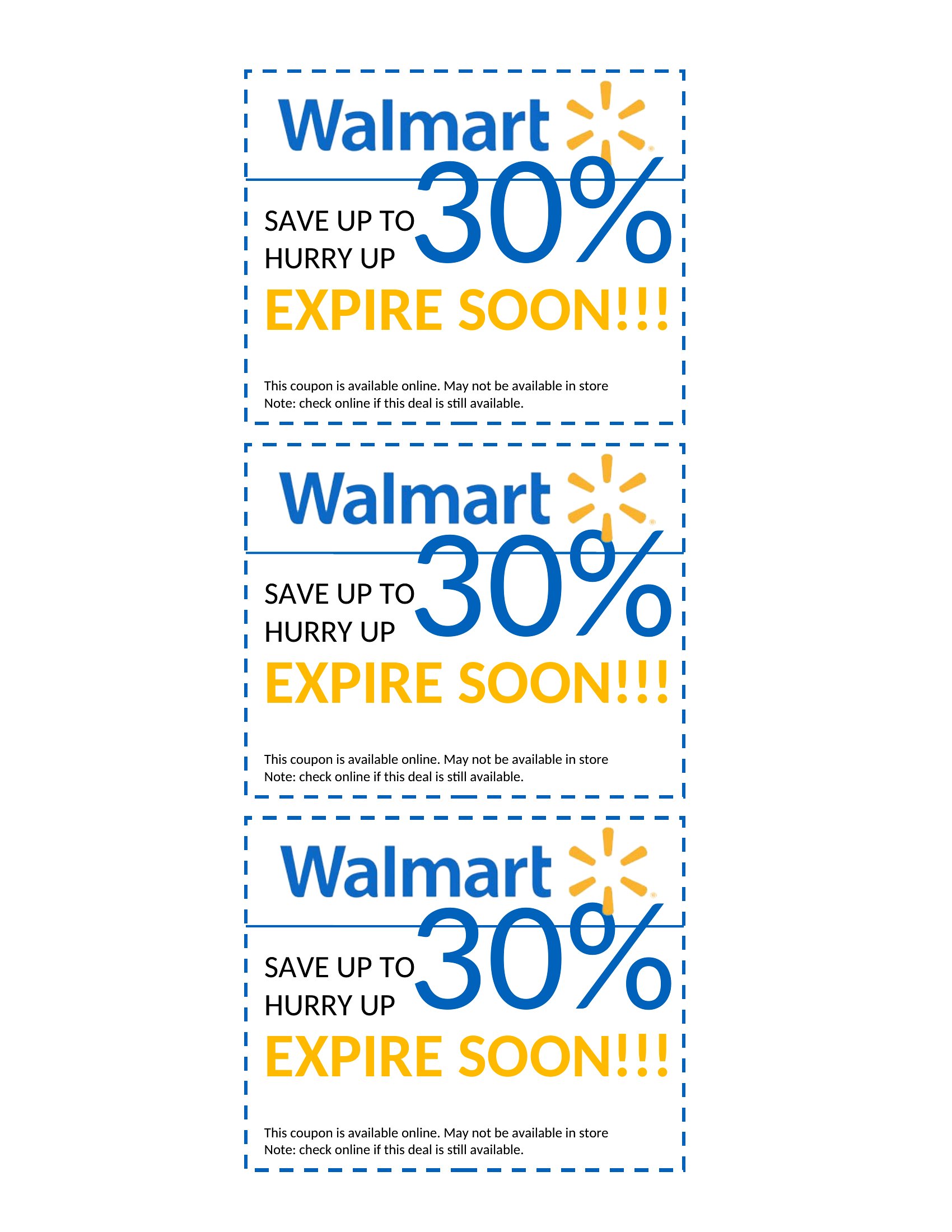
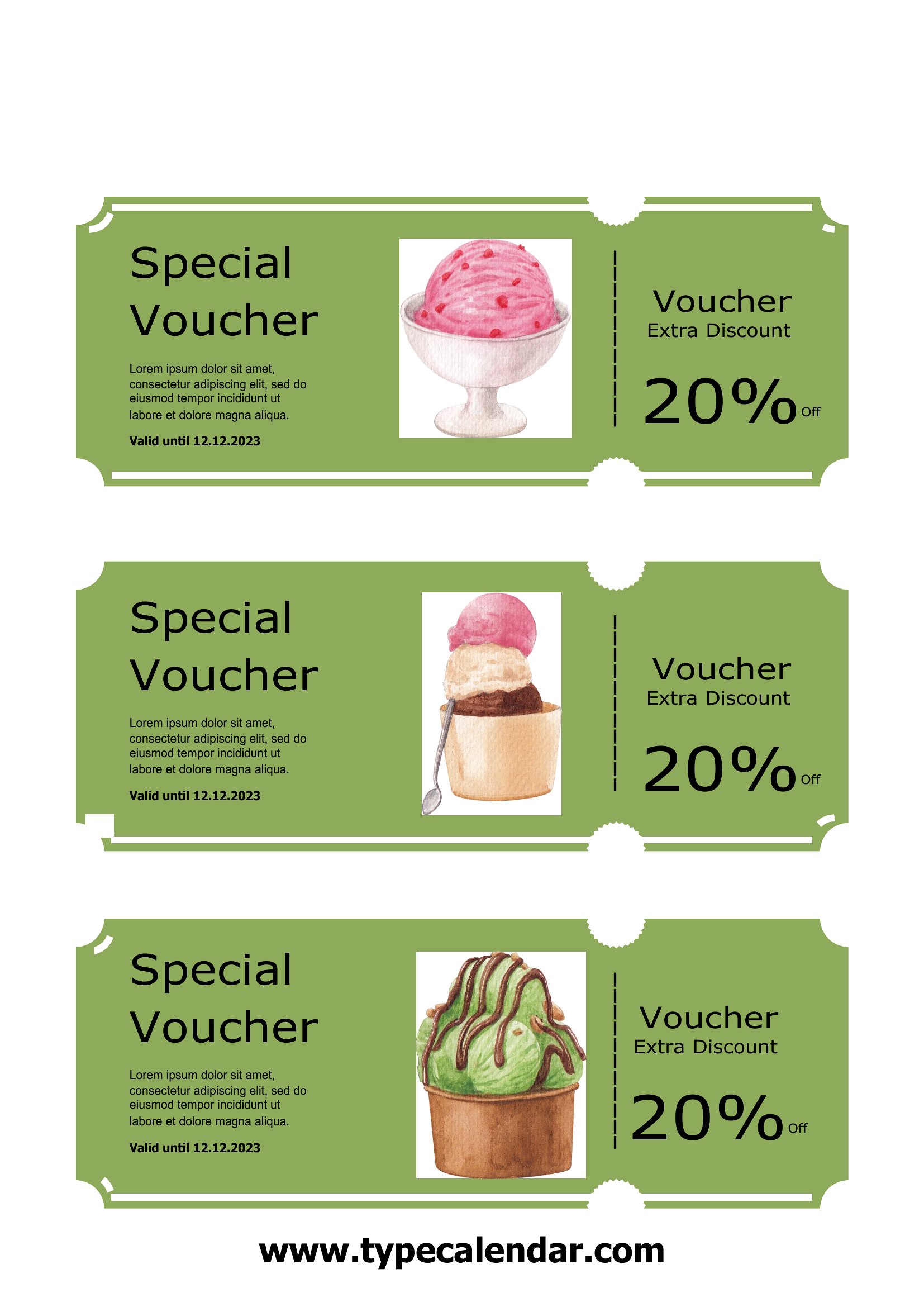
LifeA homemade coupon adds a personal touch to a gift or a nudge to a small-business promotion, and this set of 39 templates gives you blank designs ready to fill with any offer. Use them for a birthday book of favors, a free-chore card for the kids, or a discount at your shop. Parents, teachers, and small sellers all find a style that works.
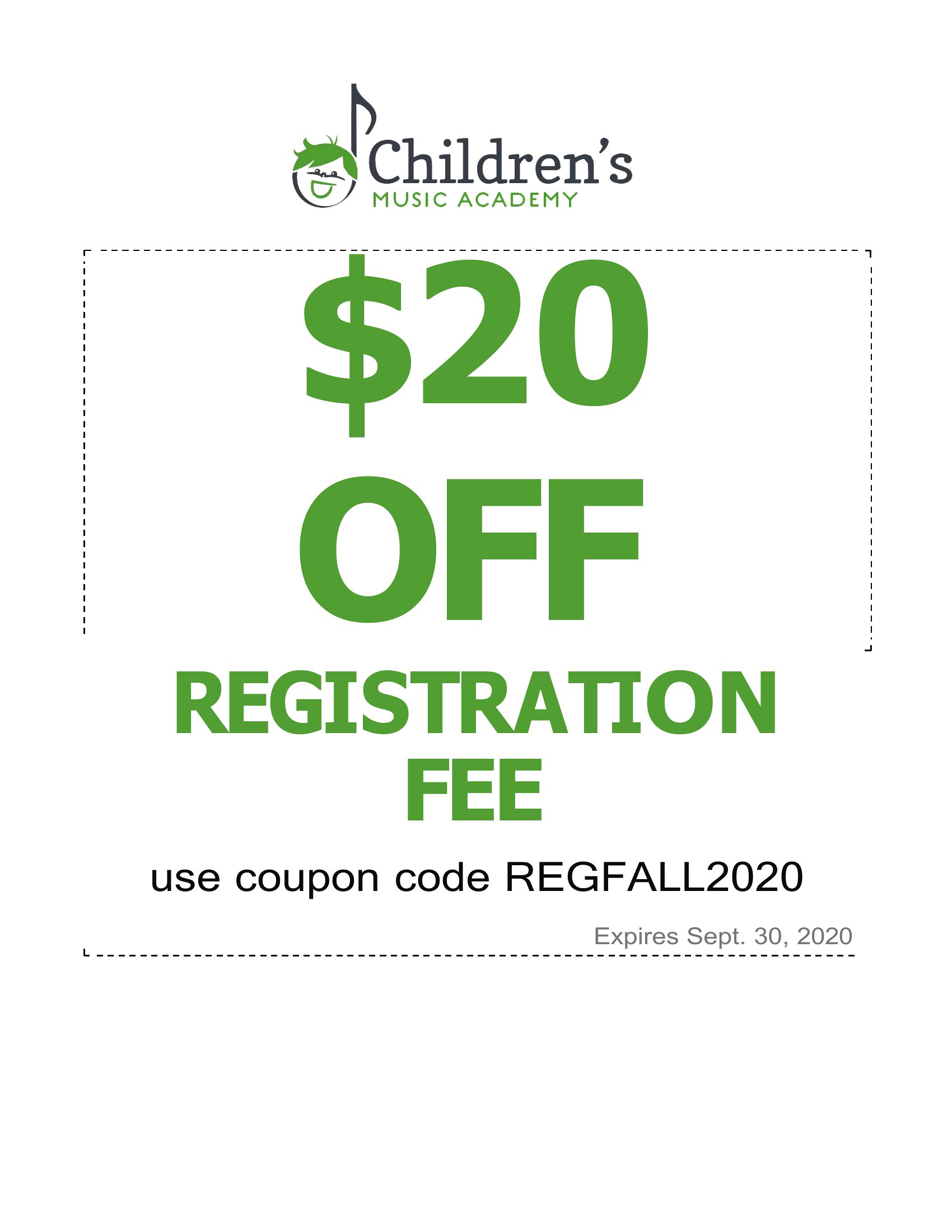
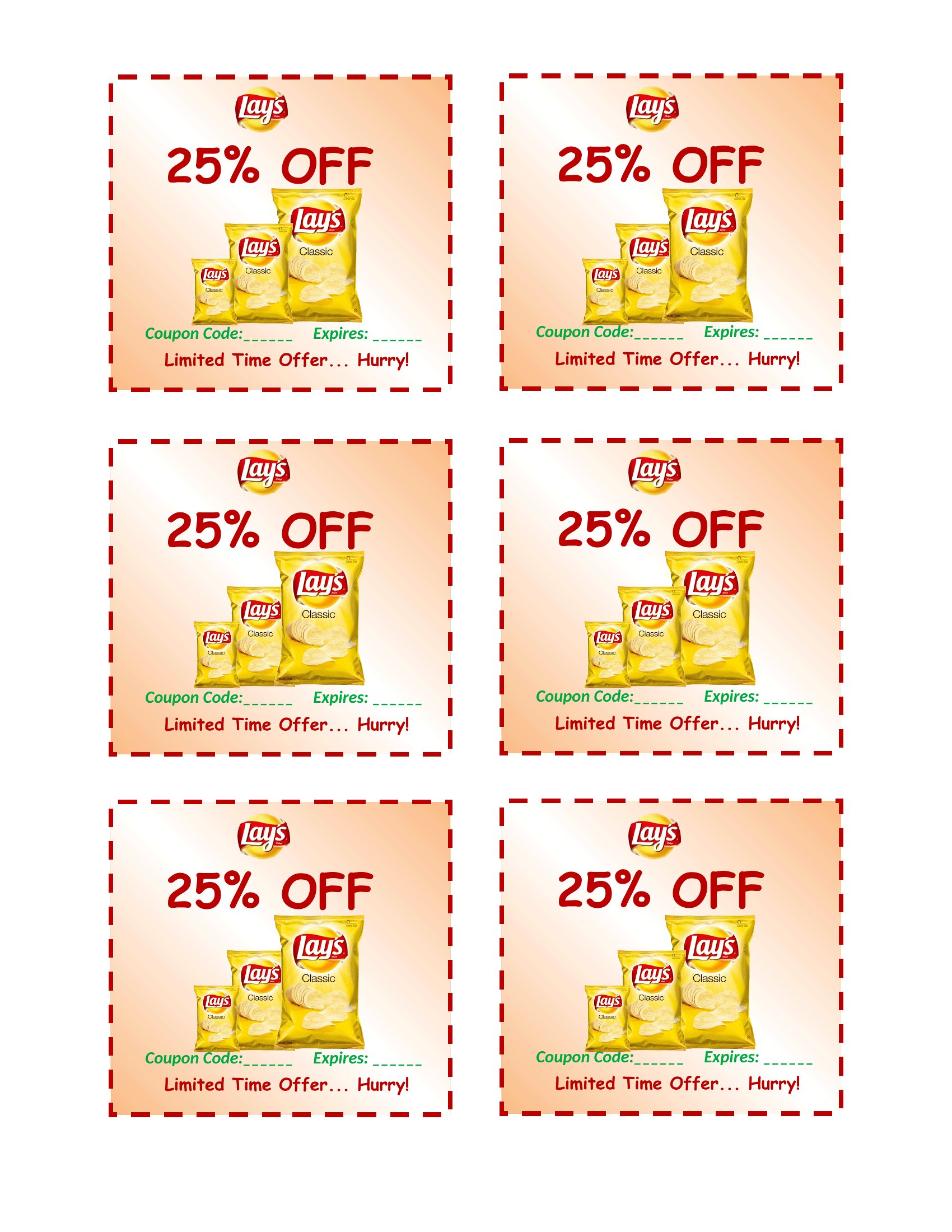
Each coupon is editable in Word, so you can type the offer, expiration date, and any fine print, then print a sheet and cut them apart. Adjust the colors to match an occasion or a brand, and run them on regular paper or cardstock. Choose a design, add your wording, and print as many as you need.
When to use this Coupon template
- Parents organizing a birthday party can print custom coupons for kids to redeem small rewards like extra dessert or a bedtime story, making the celebration feel more interactive and personal.
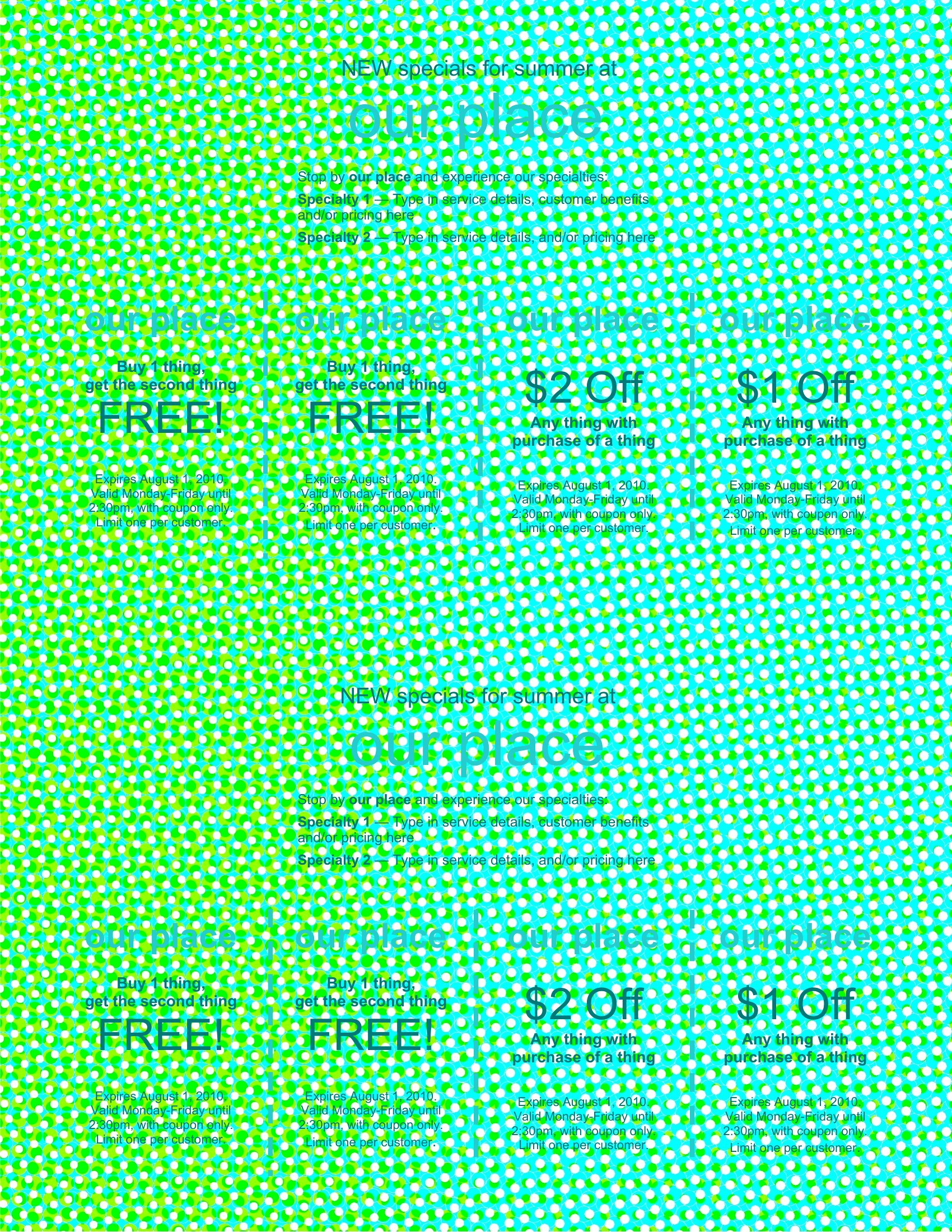
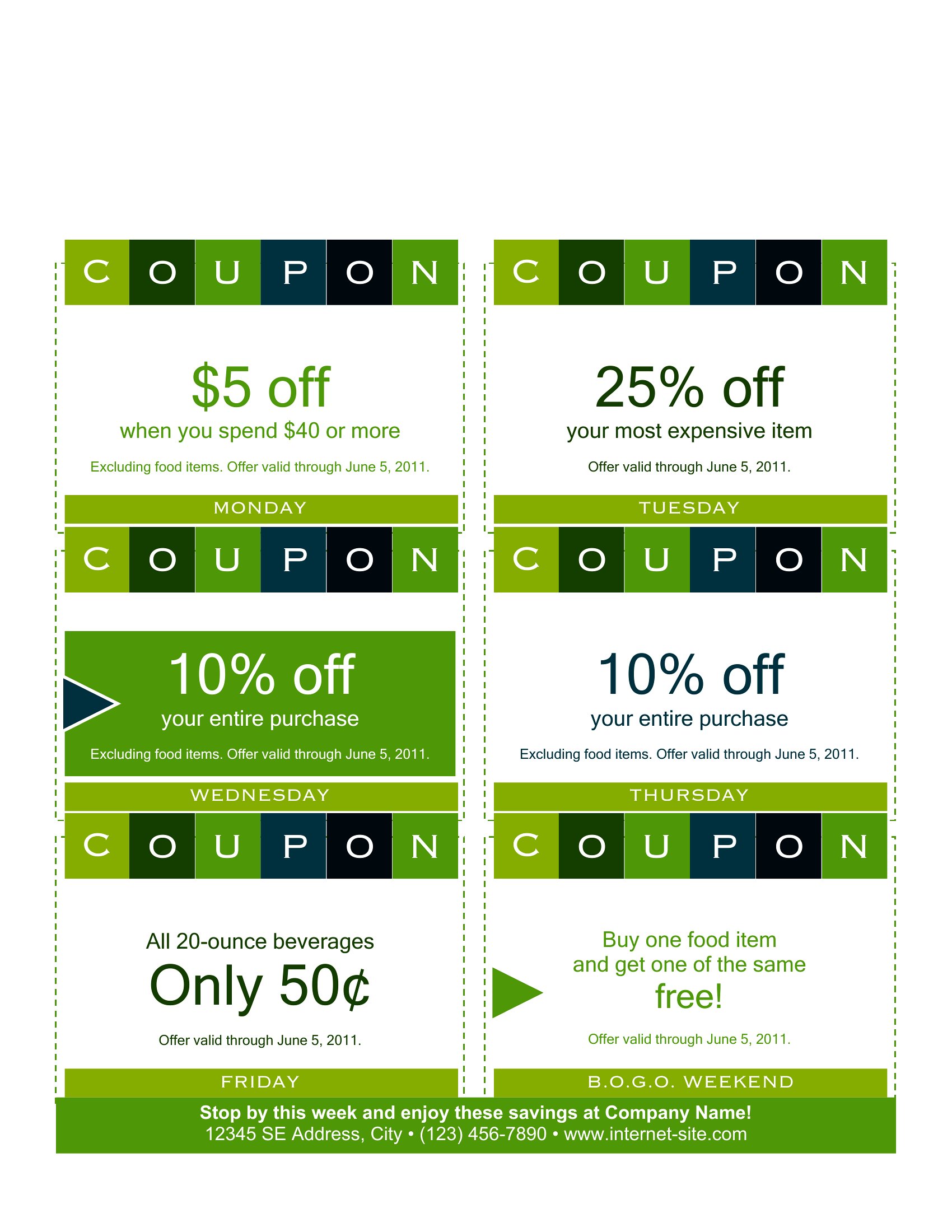
- Small business owners promoting seasonal sales can create visually consistent coupons in Word to hand out at local markets or include in customer emails, reinforcing brand recognition.
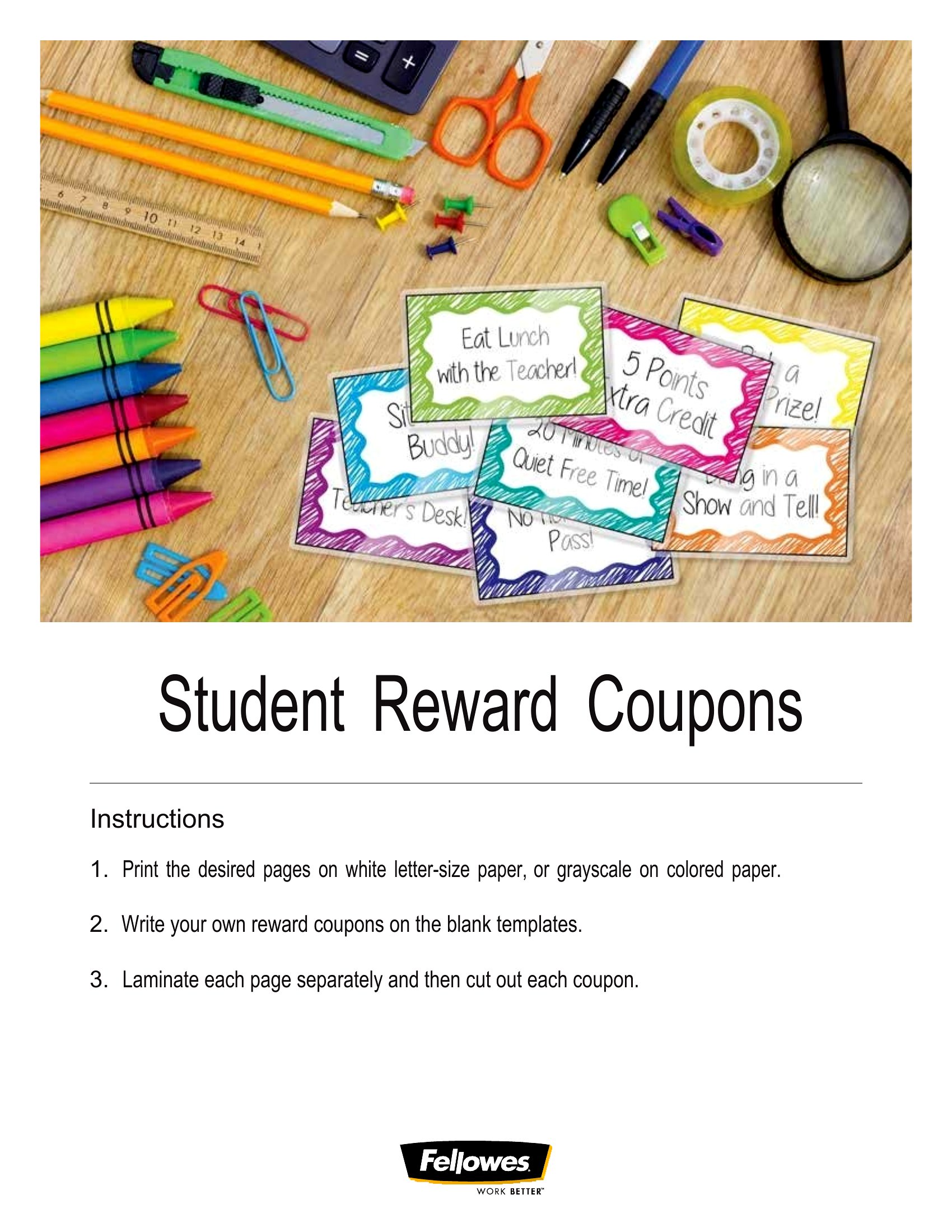
- Teachers running a classroom reward system can design printable coupons for good behavior, allowing students to trade them for privileges like choosing the class activity or a homework pass.
- Local artisans or crafters selling handmade goods at fairs can offer limited-time discounts via coupons, encouraging repeat visits and word-of-mouth referrals from satisfied customers.
Which format should I download?
All 39 templates in this collection are available exclusively in Word format, which is ideal for users who need flexibility to edit text, adjust layouts, or customize details before printing. Choose Word because it’s widely compatible with most home and office setups, allowing you to save changes for future use or share the editable file with collaborators. If you only need to print once without further edits, Word’s preview tools help ensure the final output matches your vision before committing to paper.
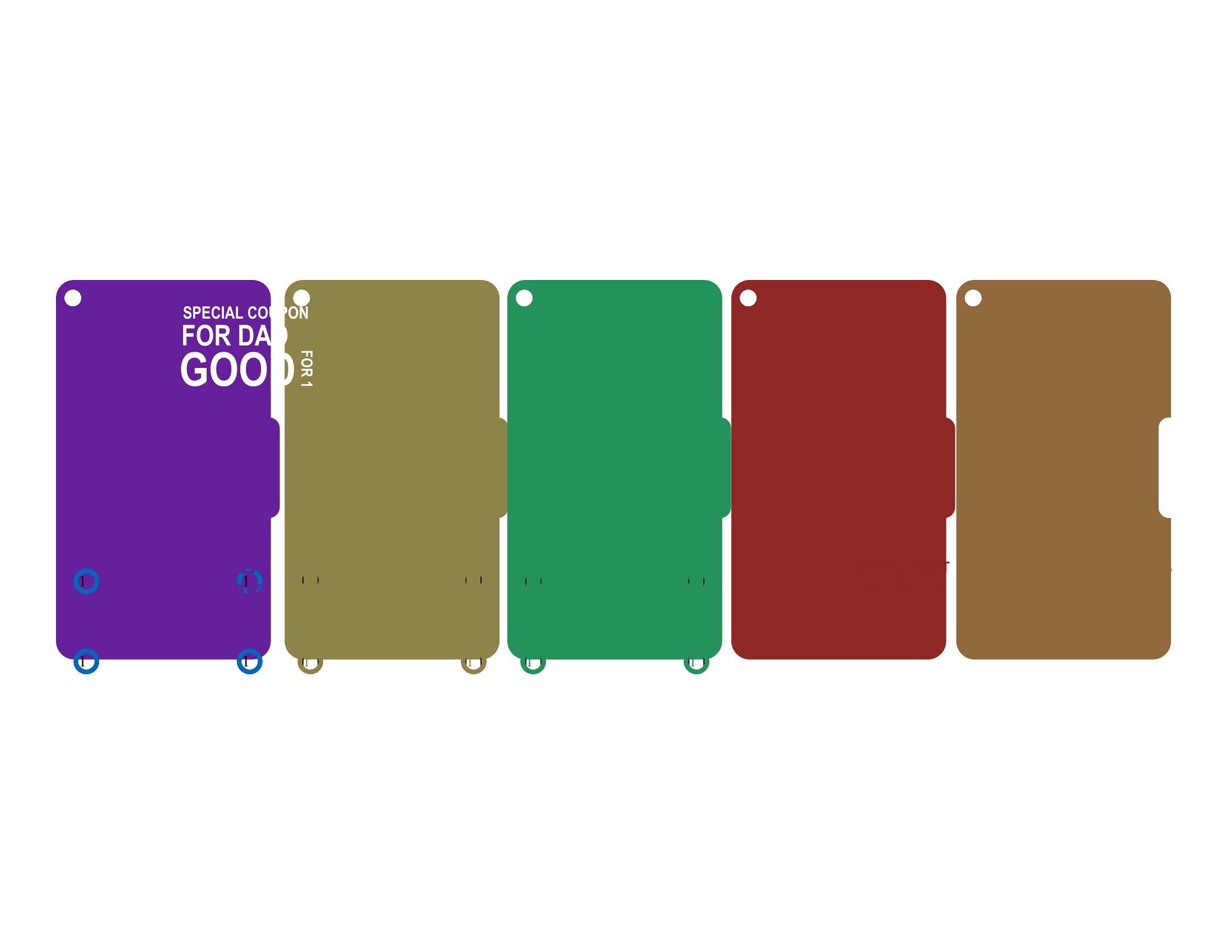
Choose from 39 Coupon Templates
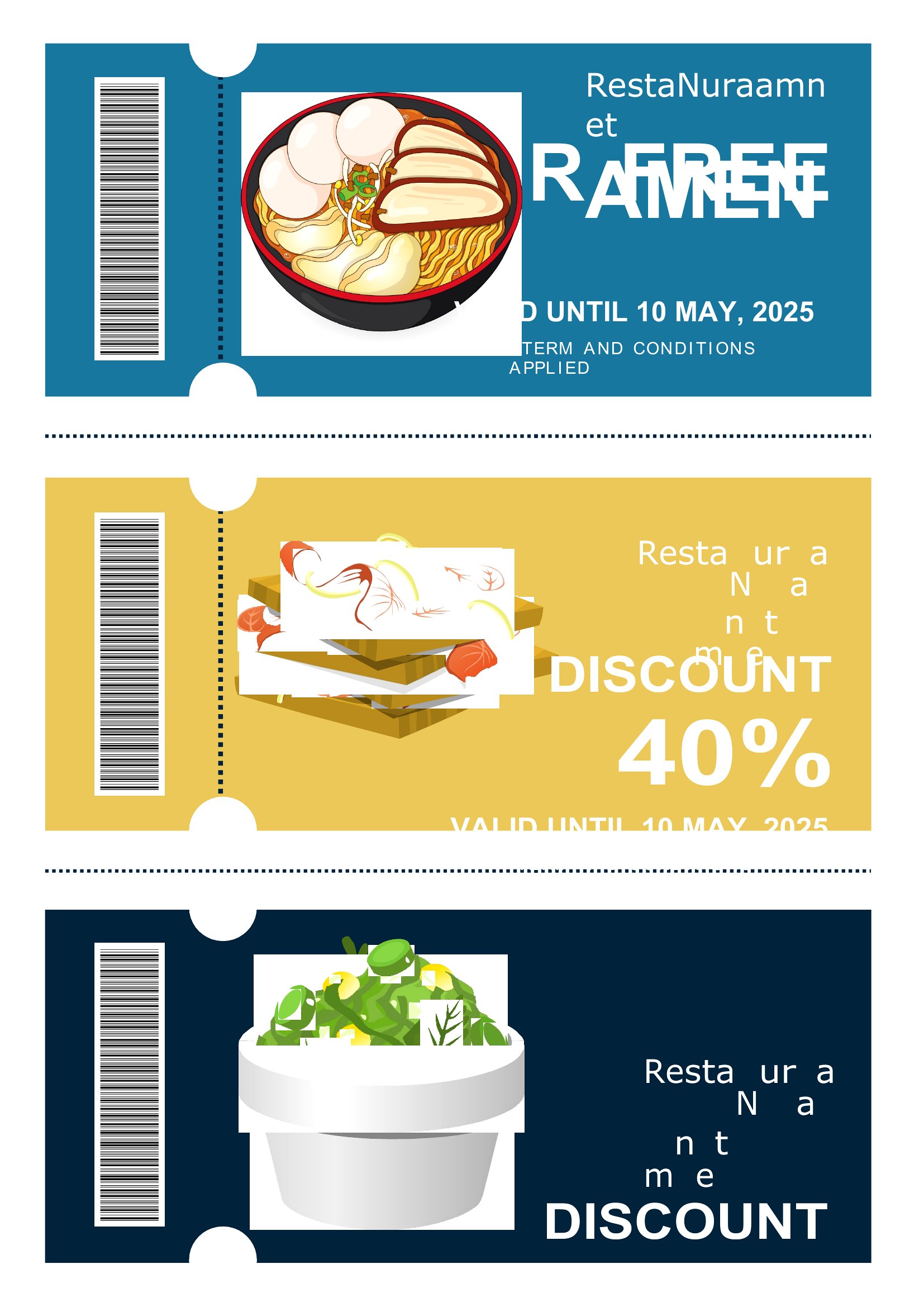
How to use this Coupon template
Can I adjust the coupon designs to match my brand colors or party theme?
Yes, the Word format lets you easily modify colors, fonts, and graphics to align with your brand or event theme. Simply open the template, use the design tools to update the color scheme, and replace placeholder images if needed. This ensures your coupons feel cohesive with your overall presentation or marketing materials.
Are there templates suitable for digital distribution, like email or social media?
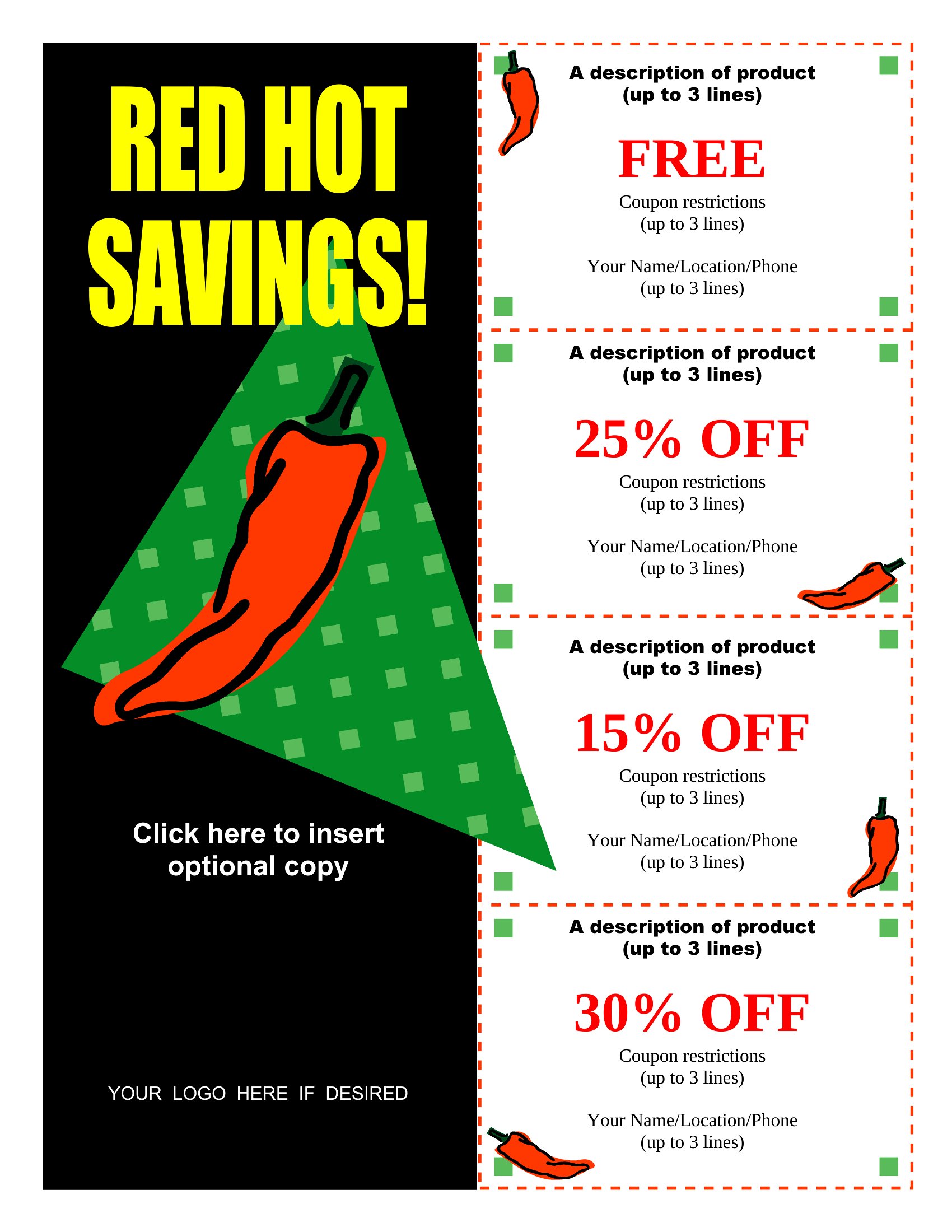
While these templates are optimized for print, you can adapt them for digital use by saving them as PDFs or images after editing in Word. For email or social media, consider simplifying the design to ensure clarity on smaller screens. Avoid overly complex layouts that may not translate well when viewed digitally.
How do I ensure the coupons are easy to read when printed at home?
To maintain readability, use a standard font size (10–12pt) and avoid overly dense text blocks. Print a test copy on plain paper first to check for legibility, and adjust margins or line spacing in Word if needed. For coupons with fine details, consider using a higher-quality printer or a local print shop for the best results.
Comments
Join the conversation
Sign in to share your thoughts and leave a comment on this resource.