Free Place Card Templates (Word)
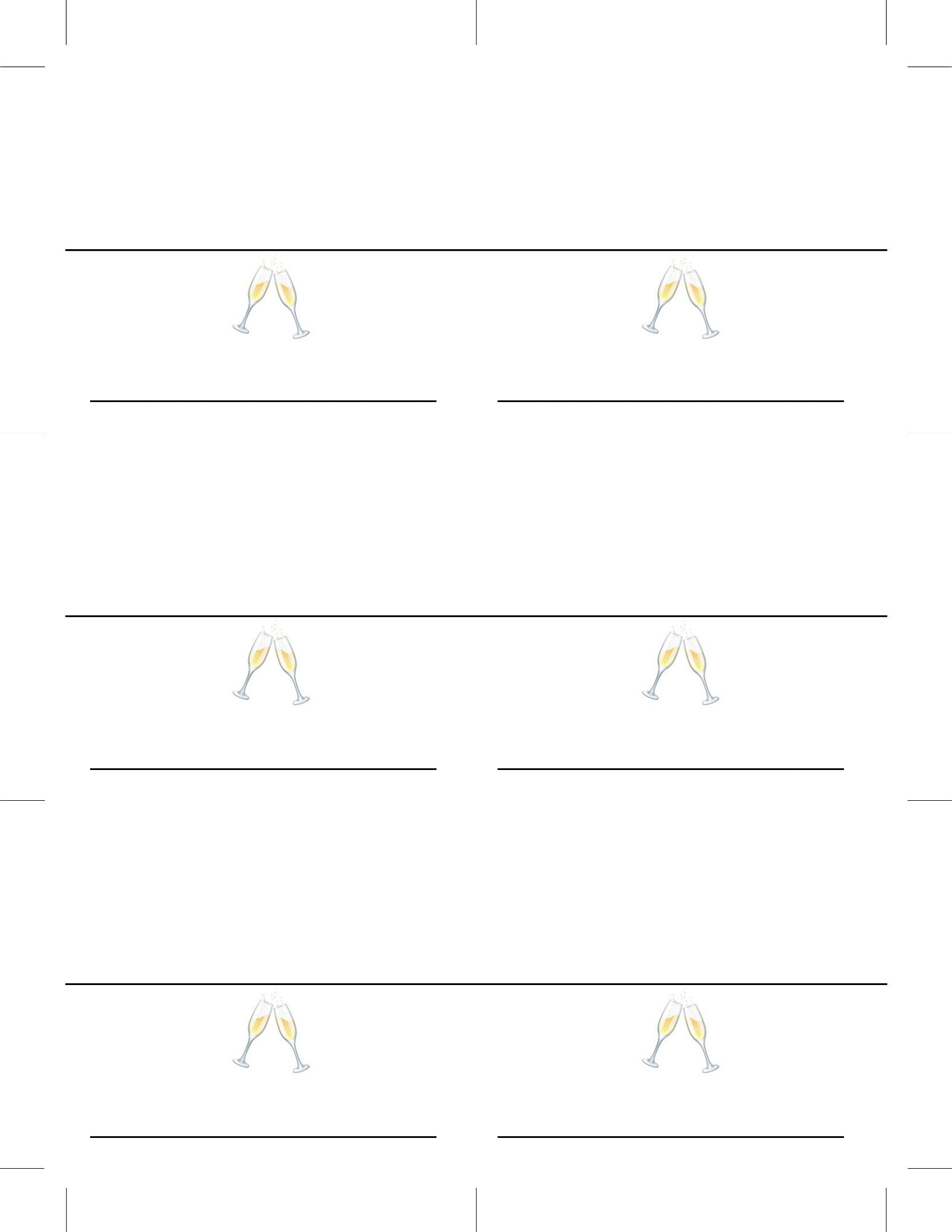
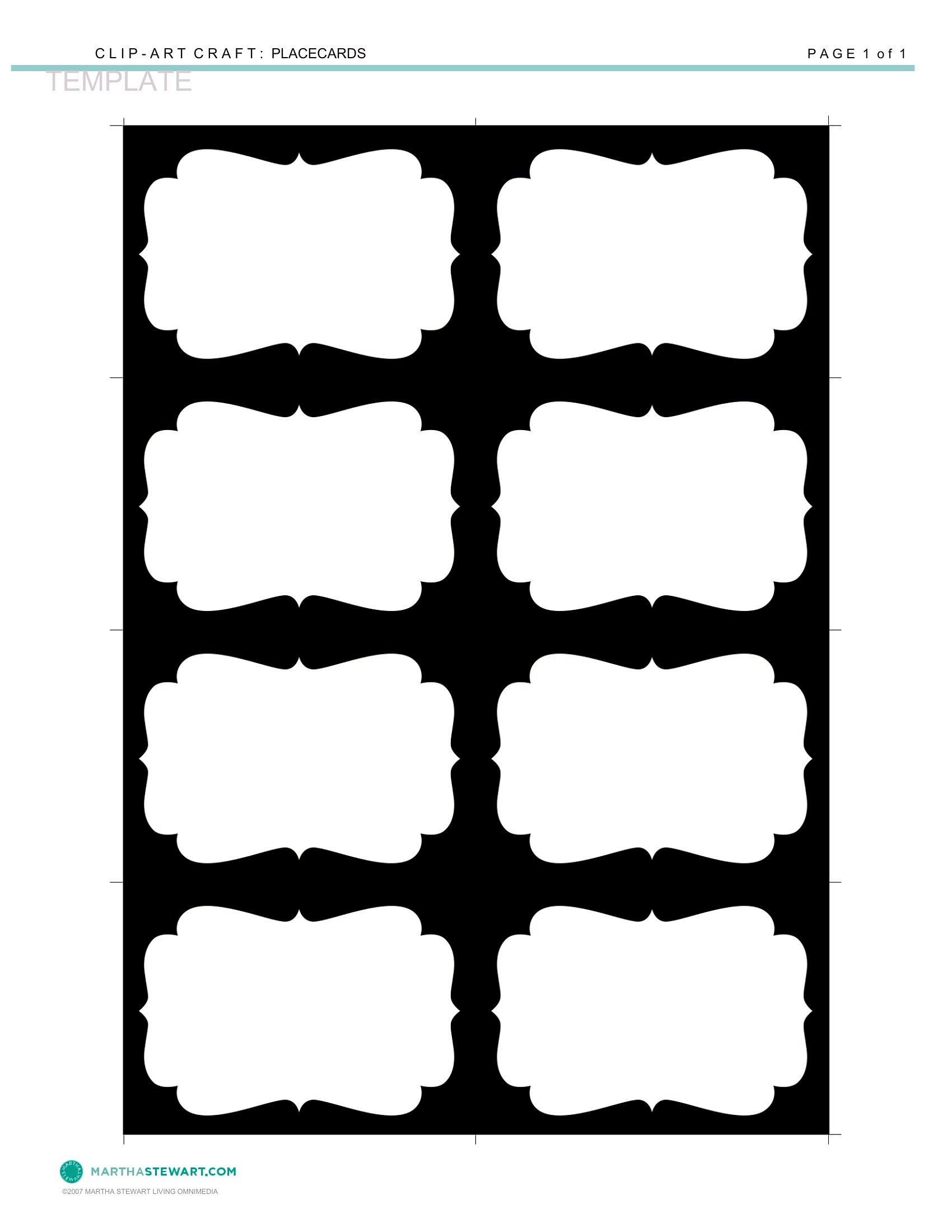
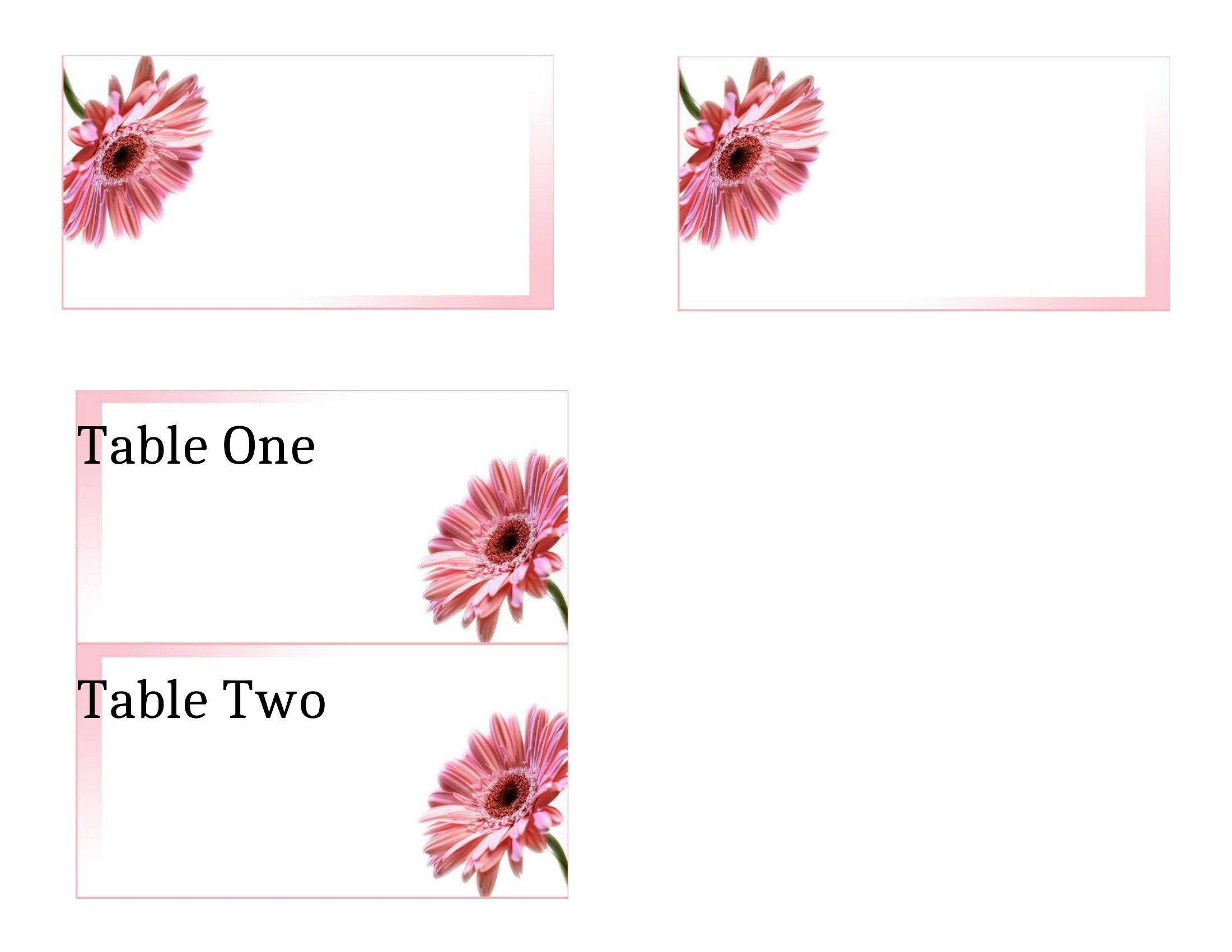
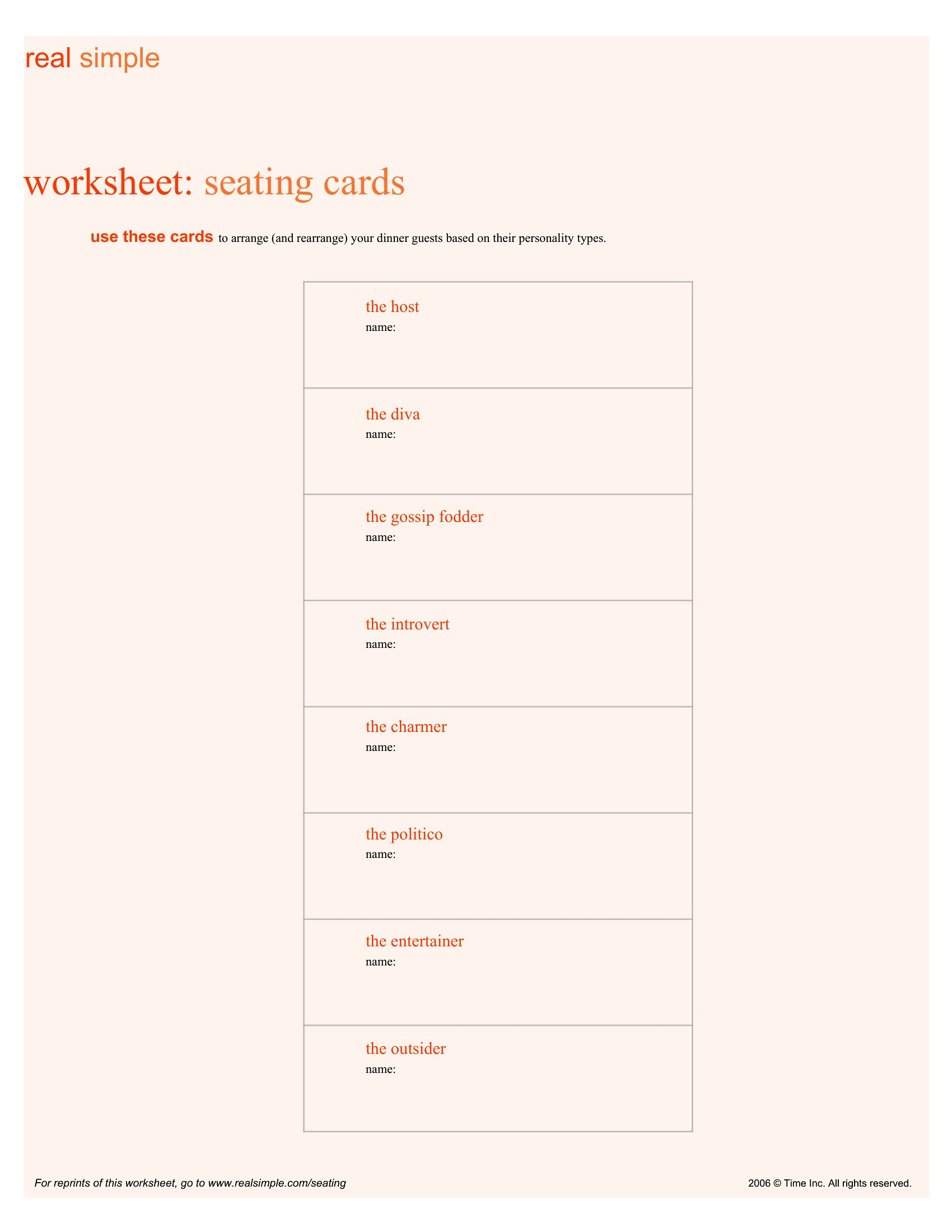
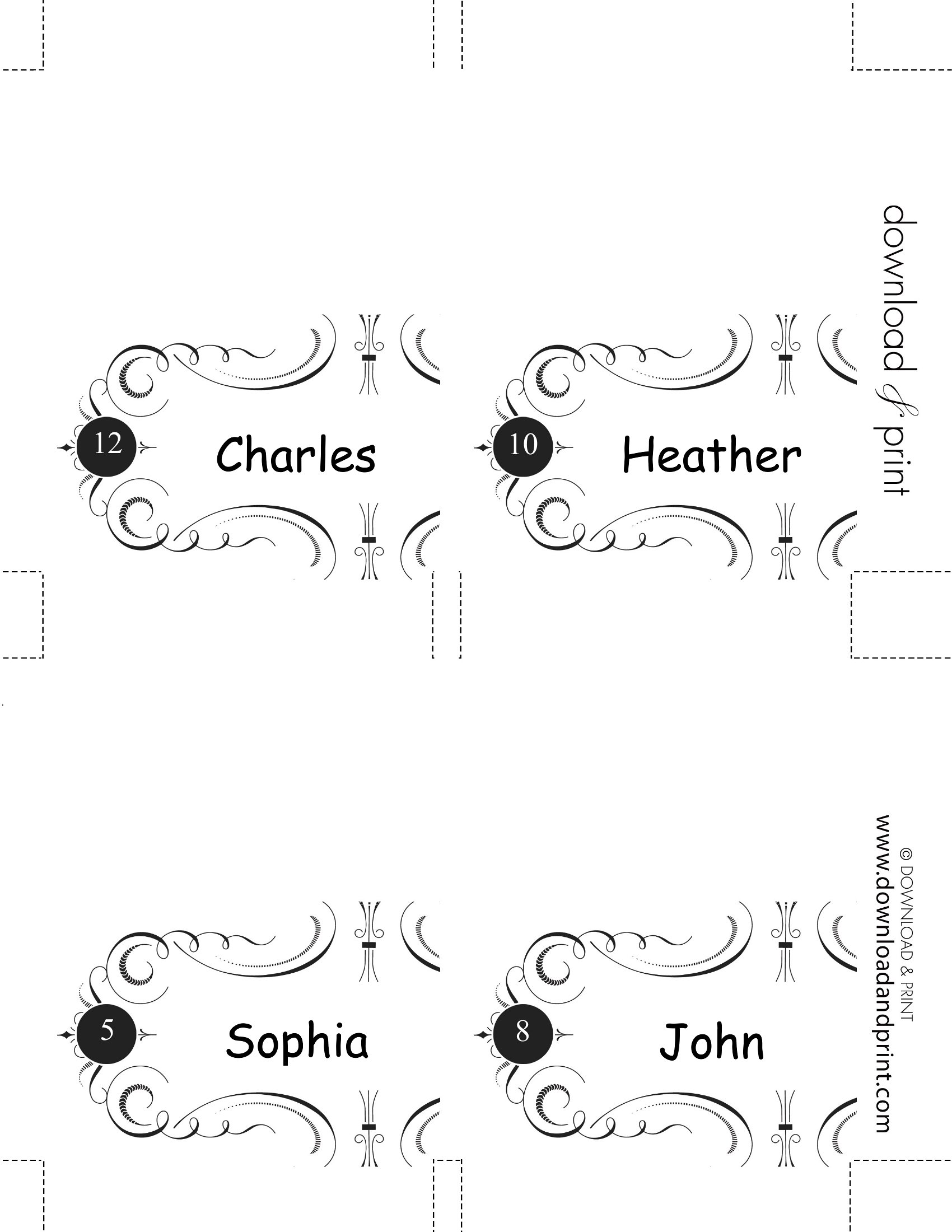
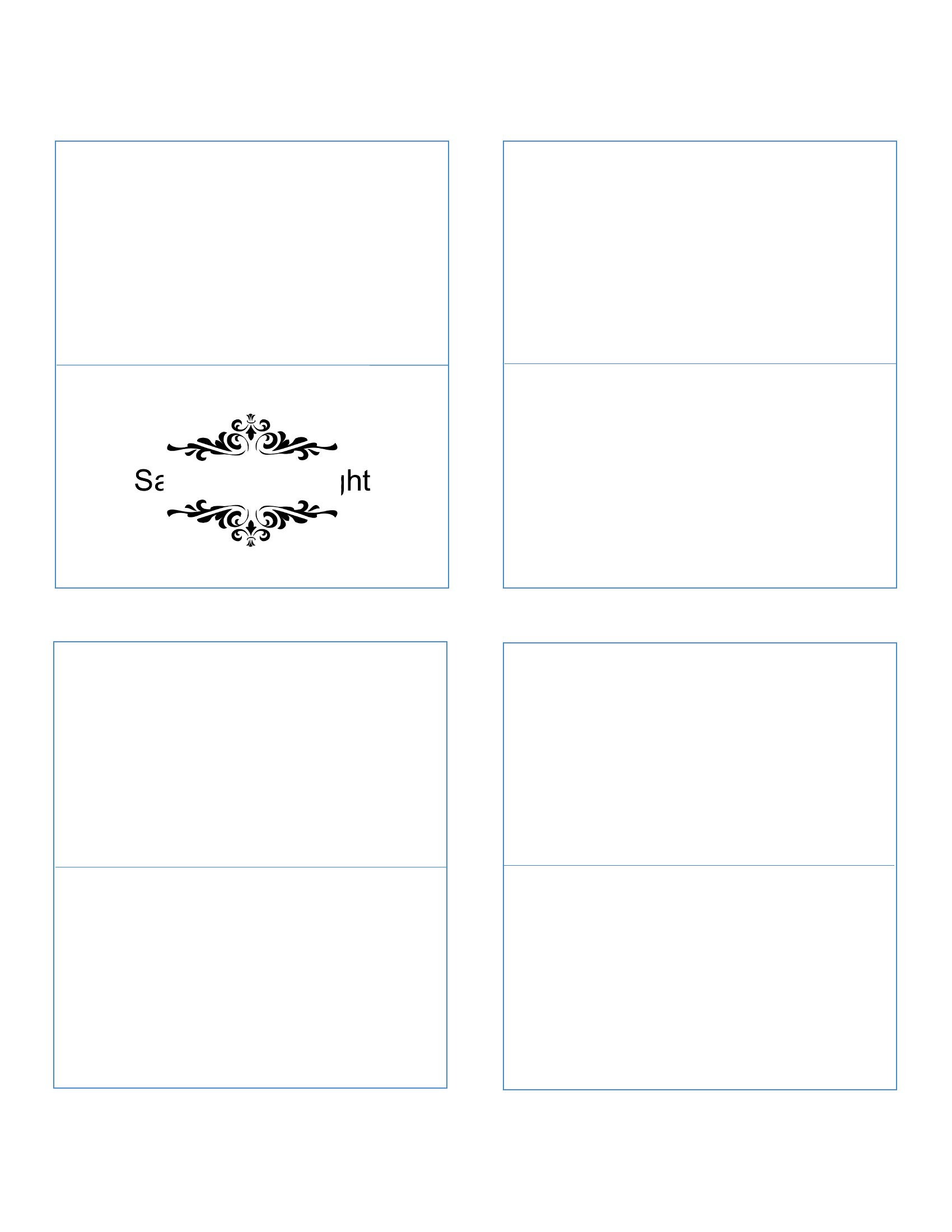
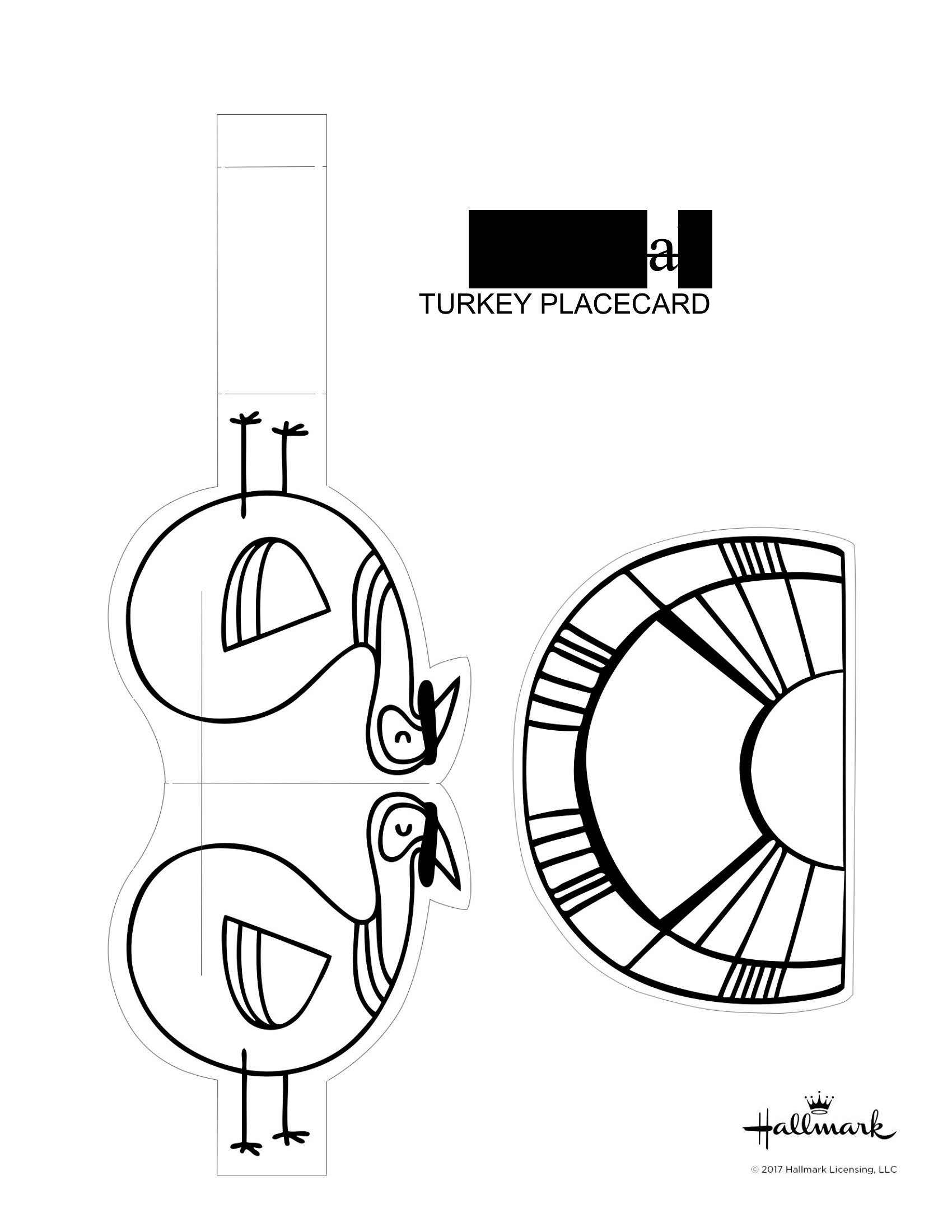
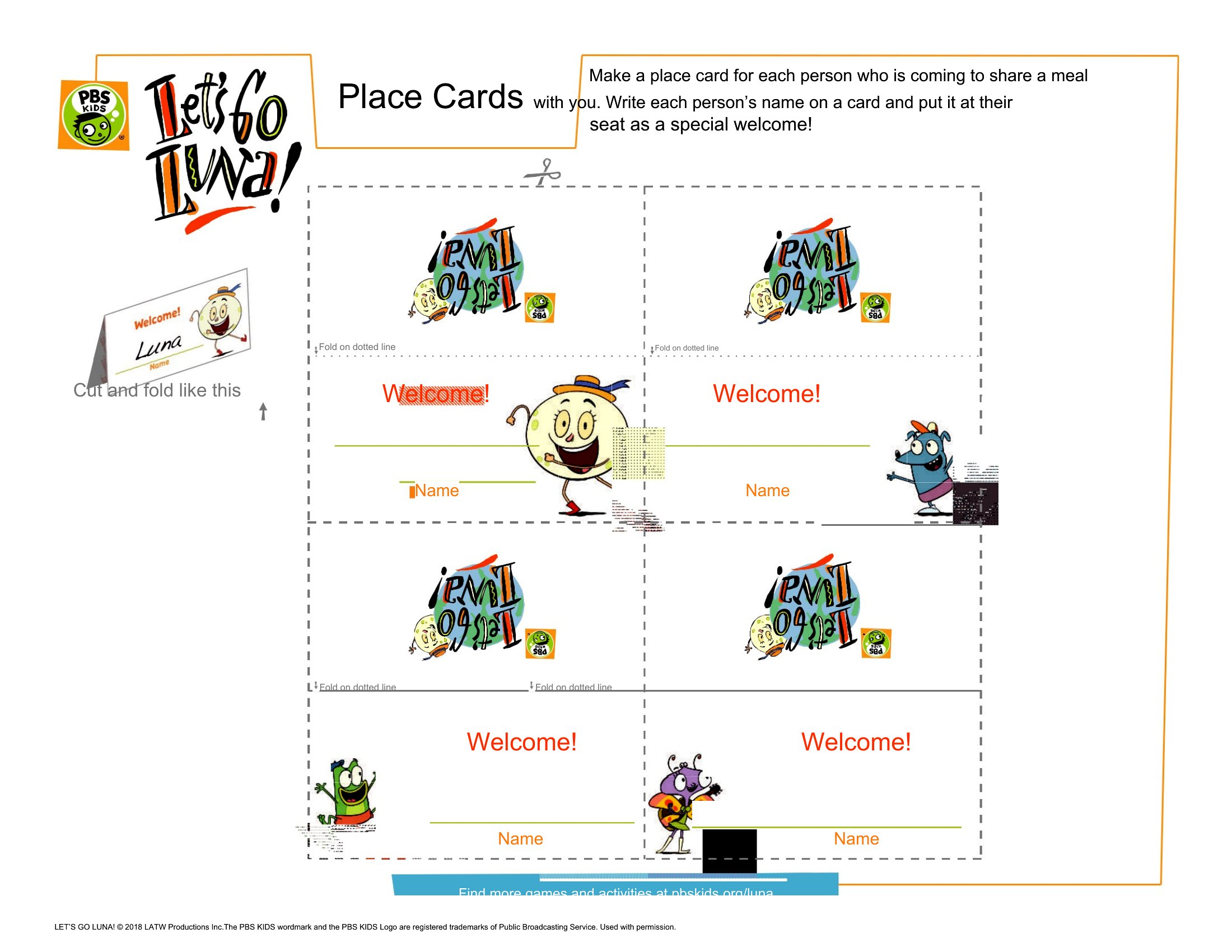
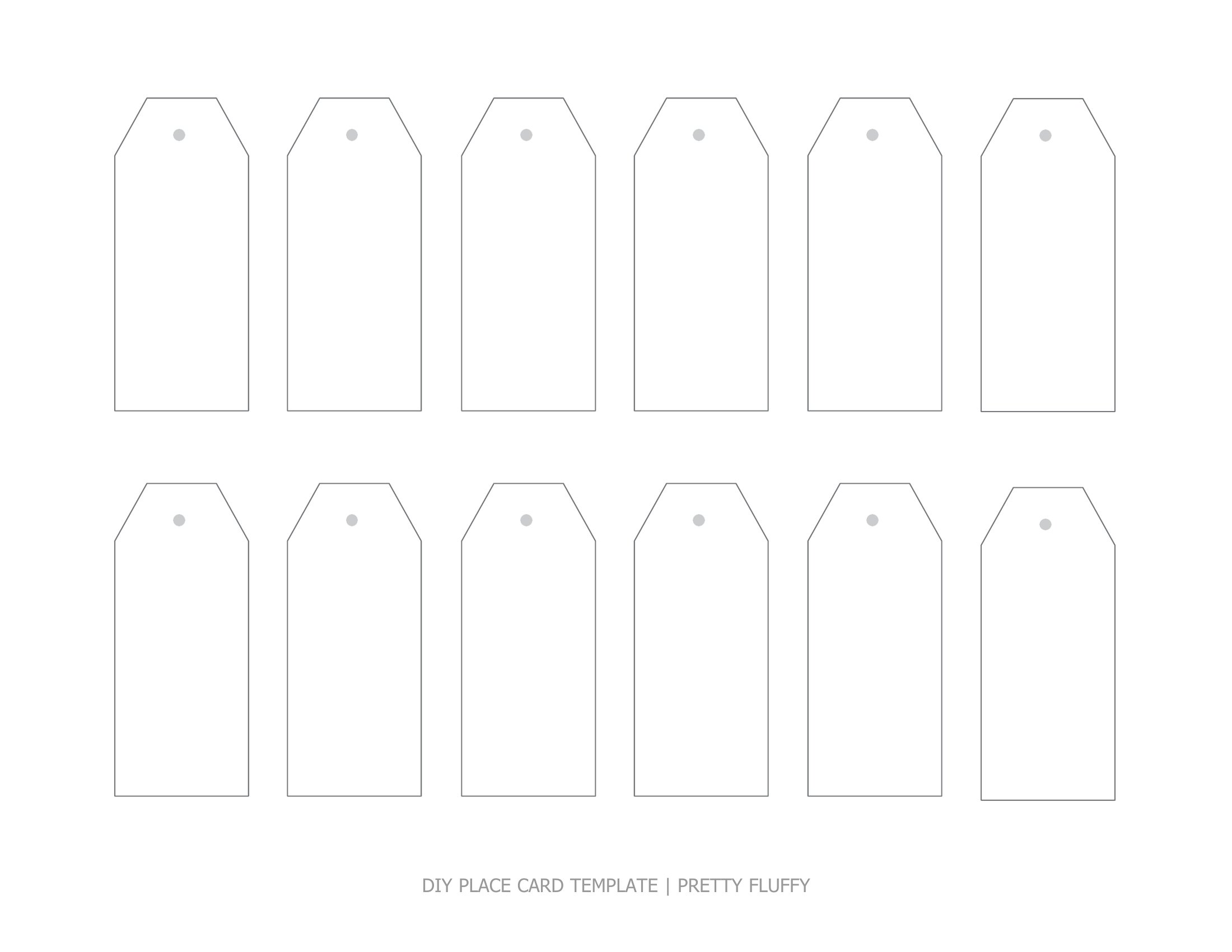
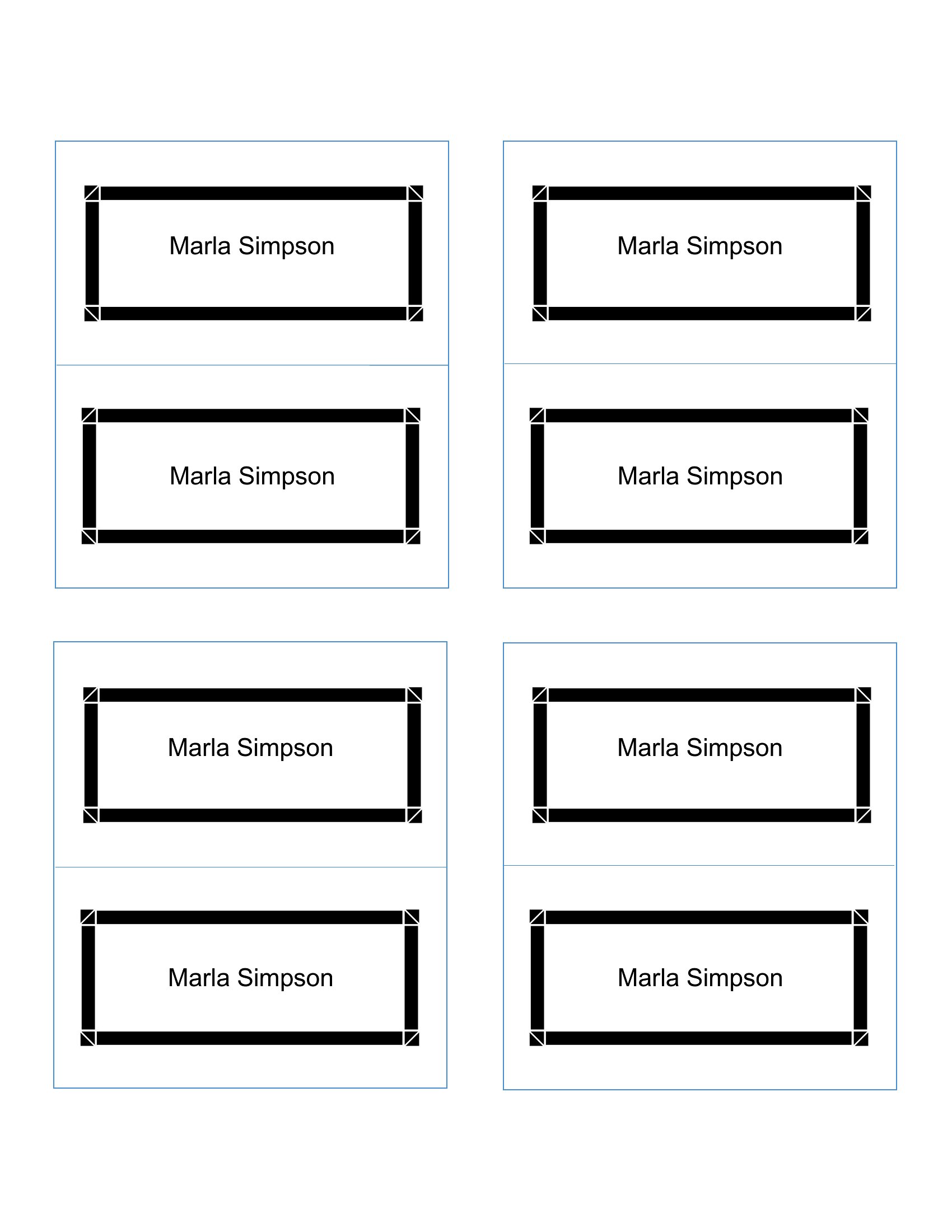
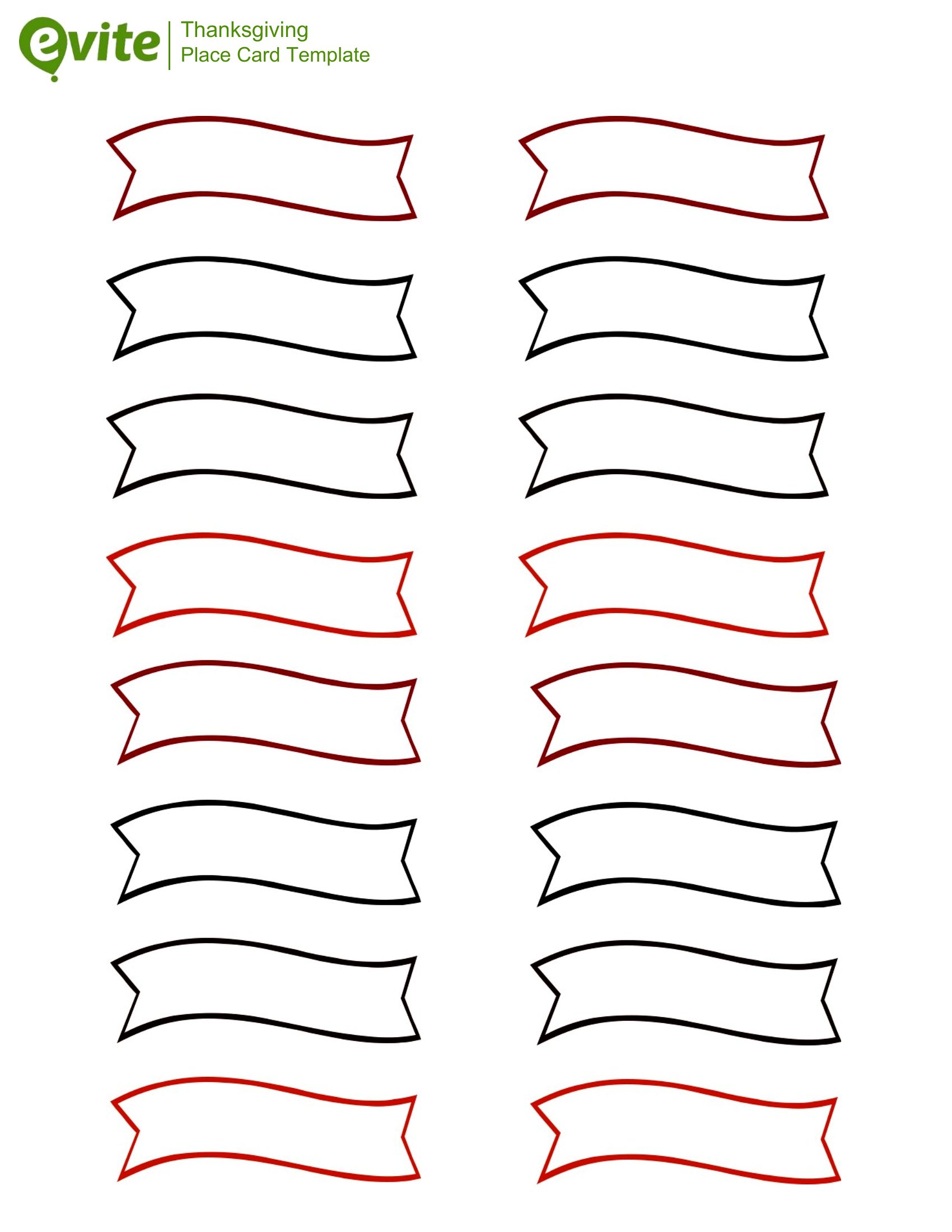
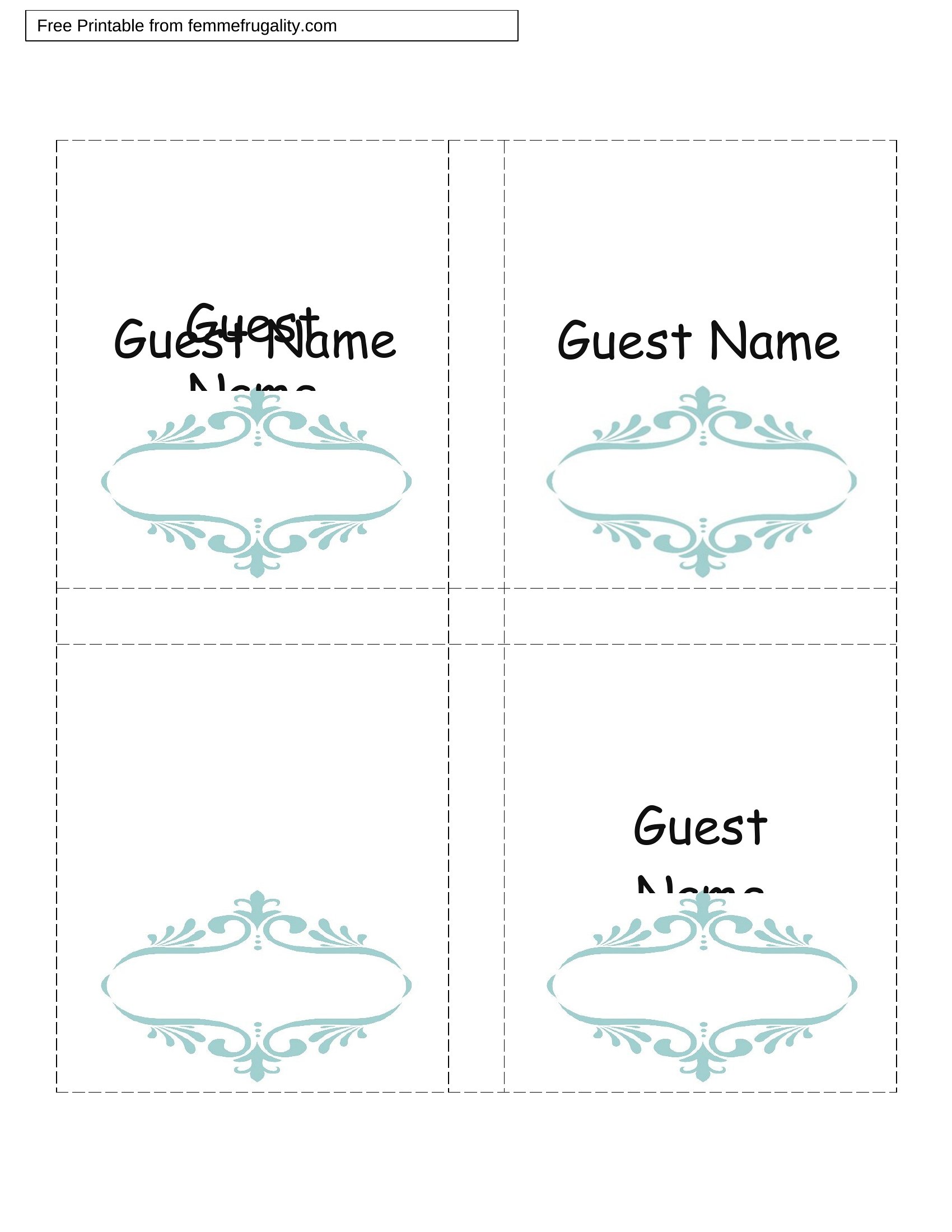
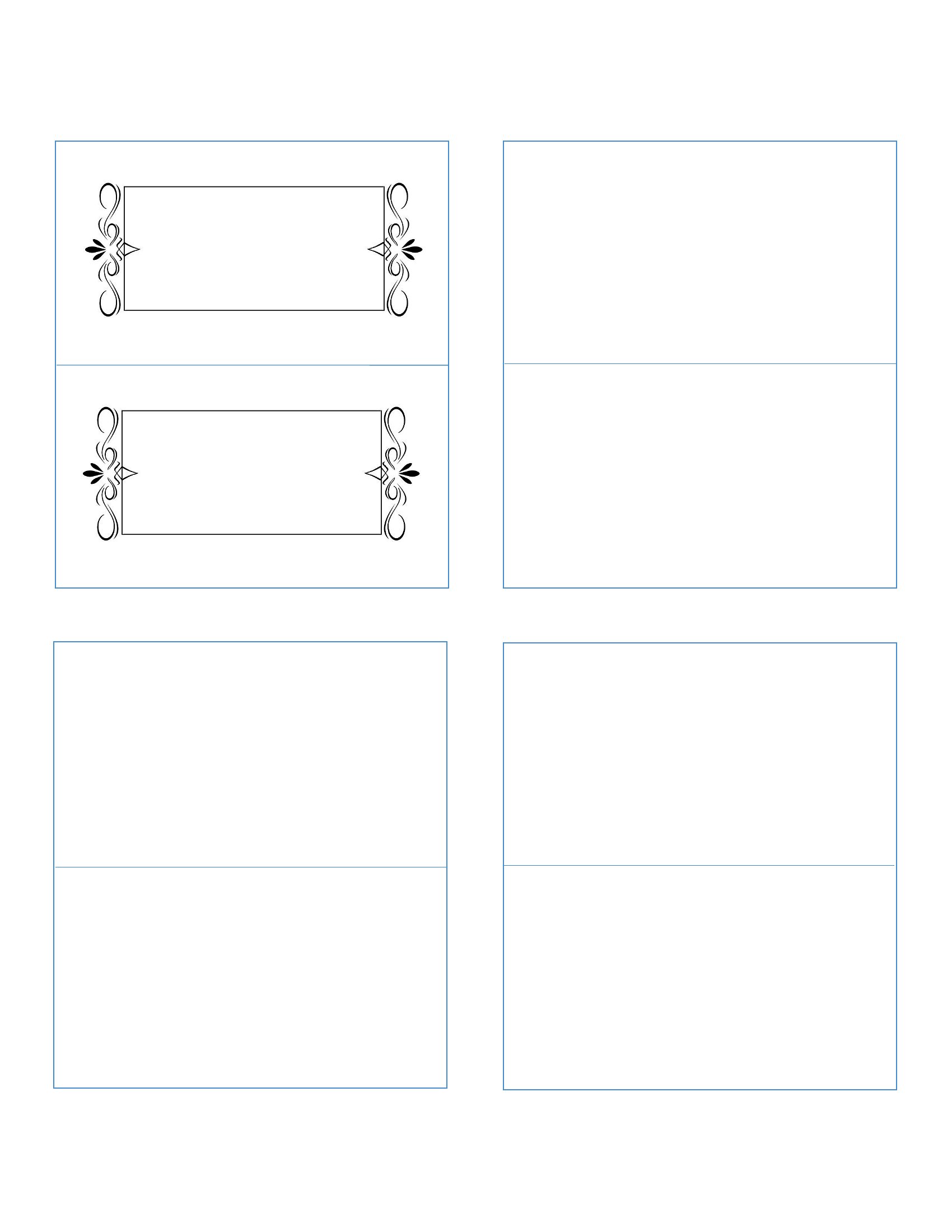
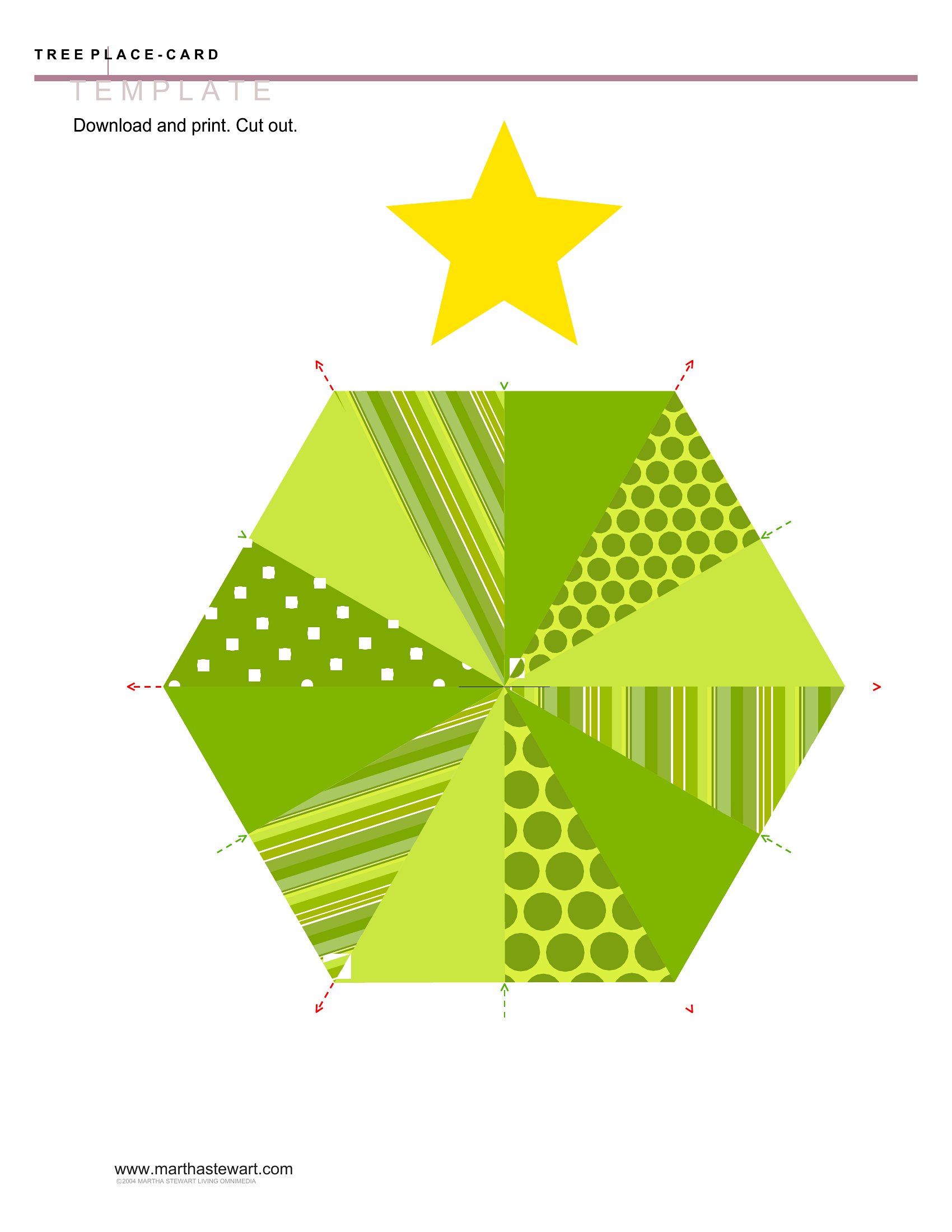
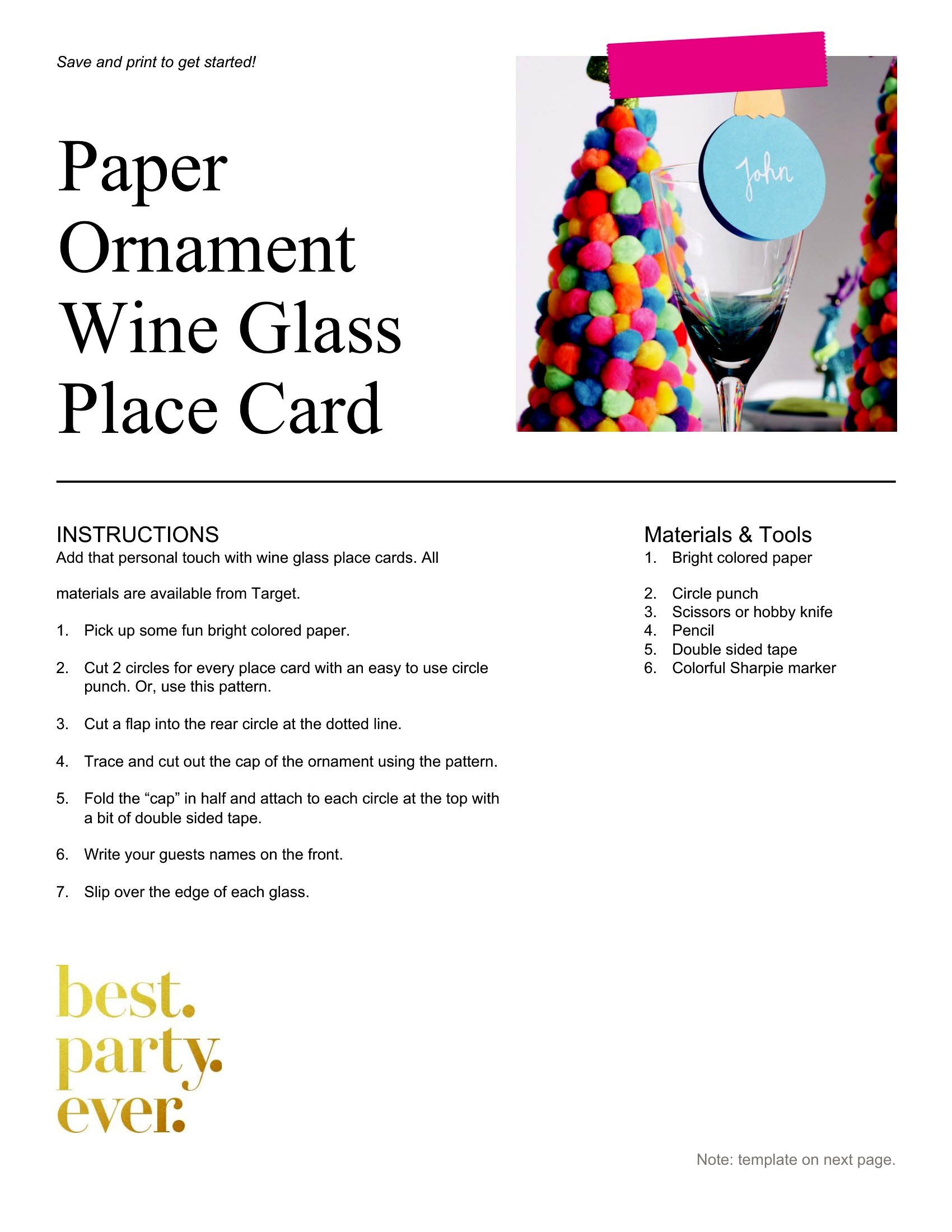
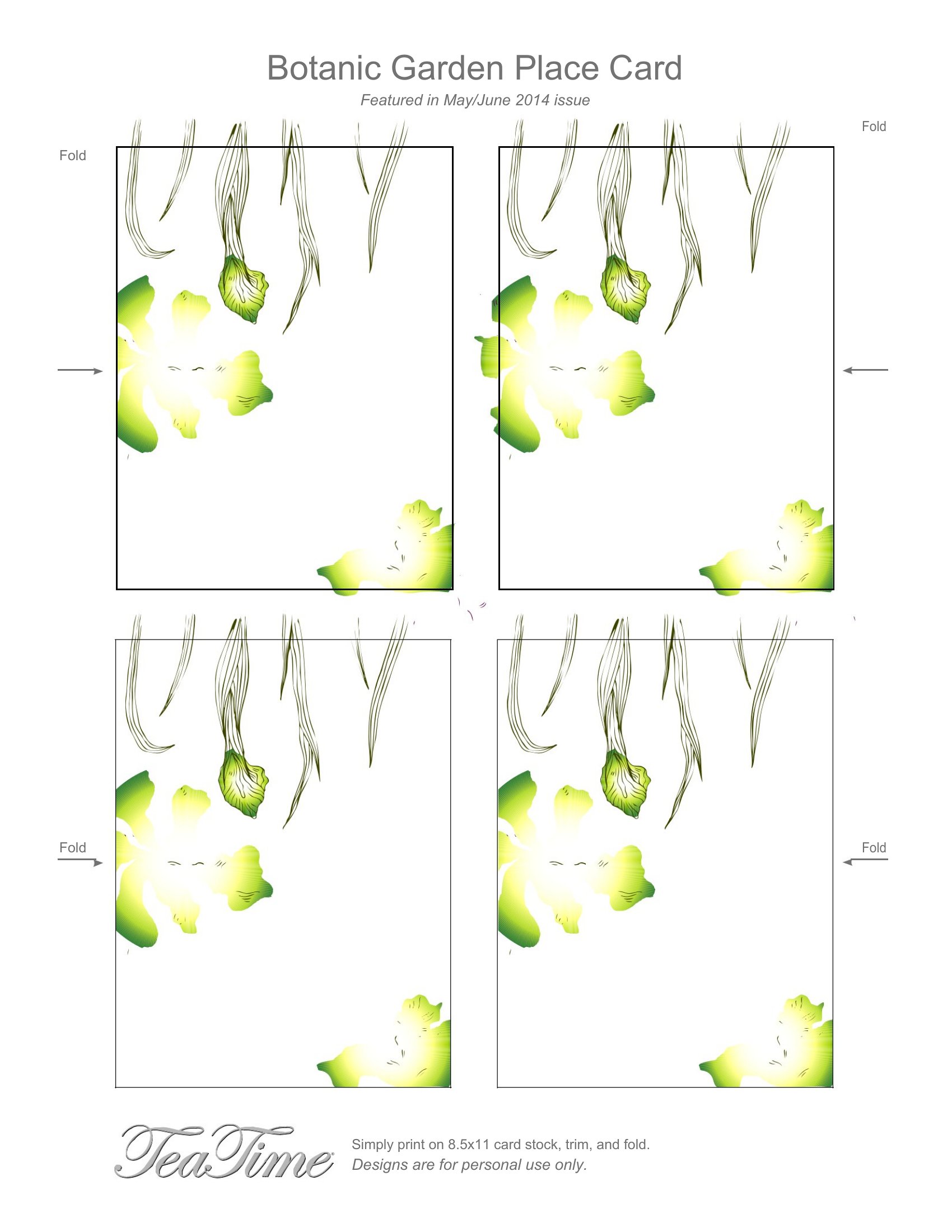
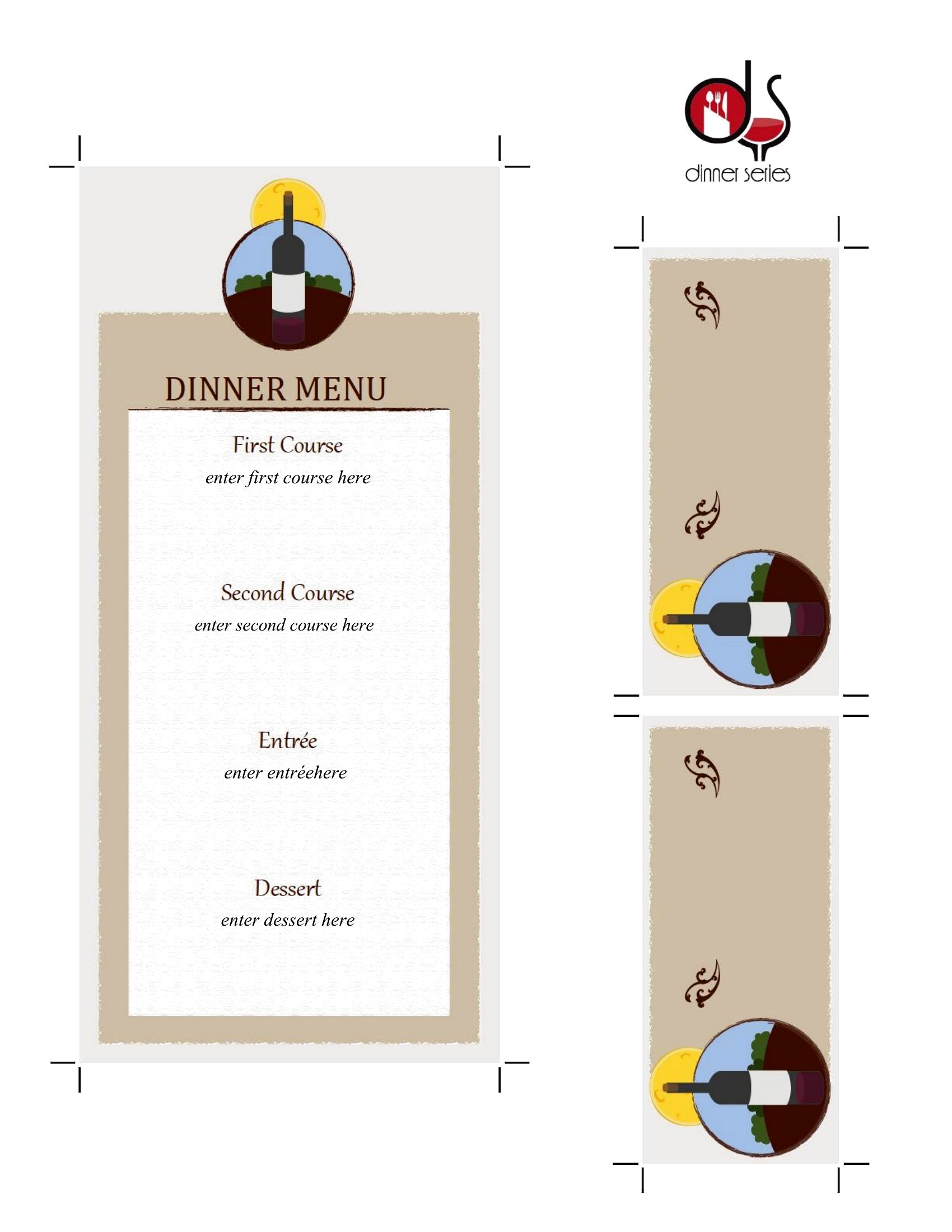
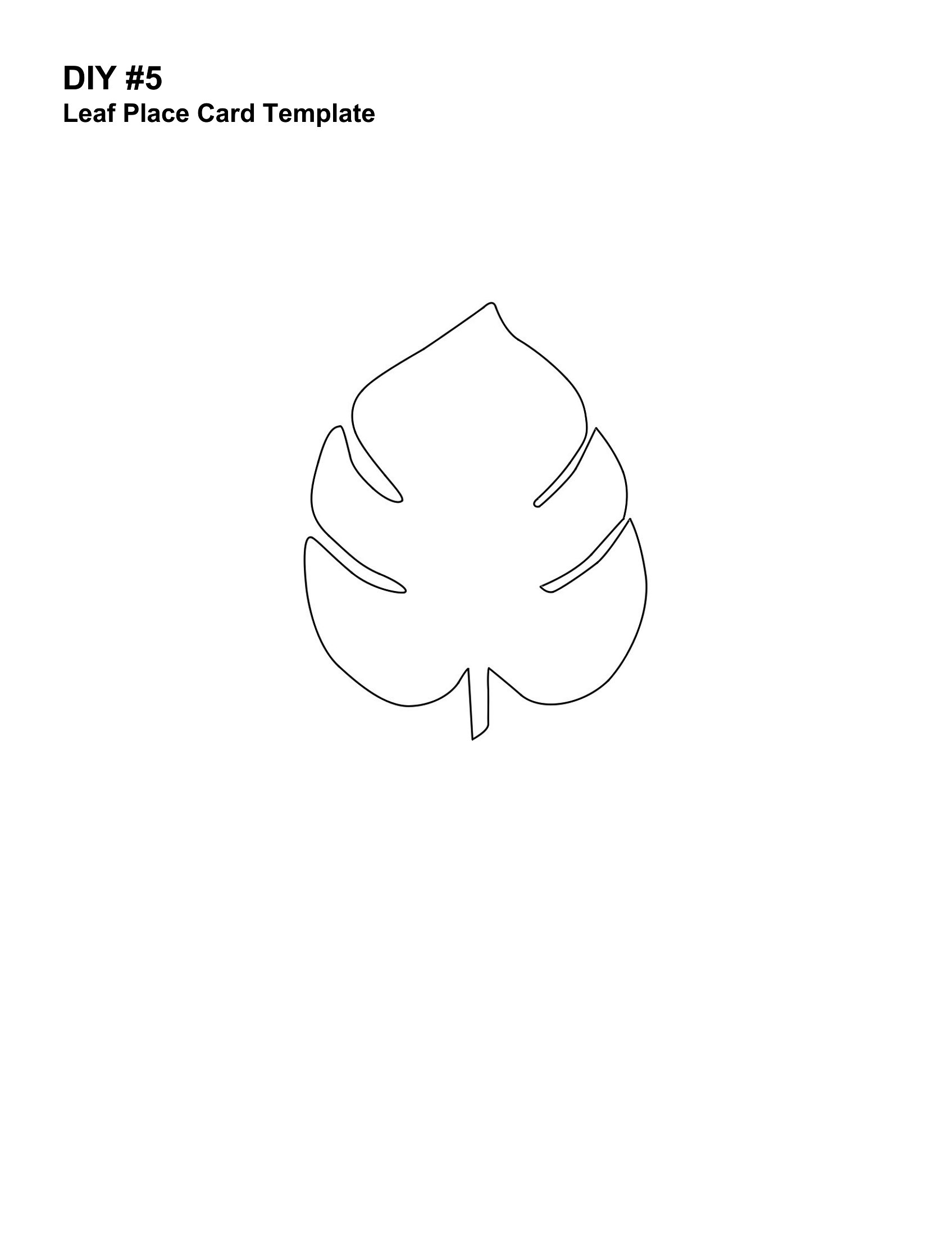
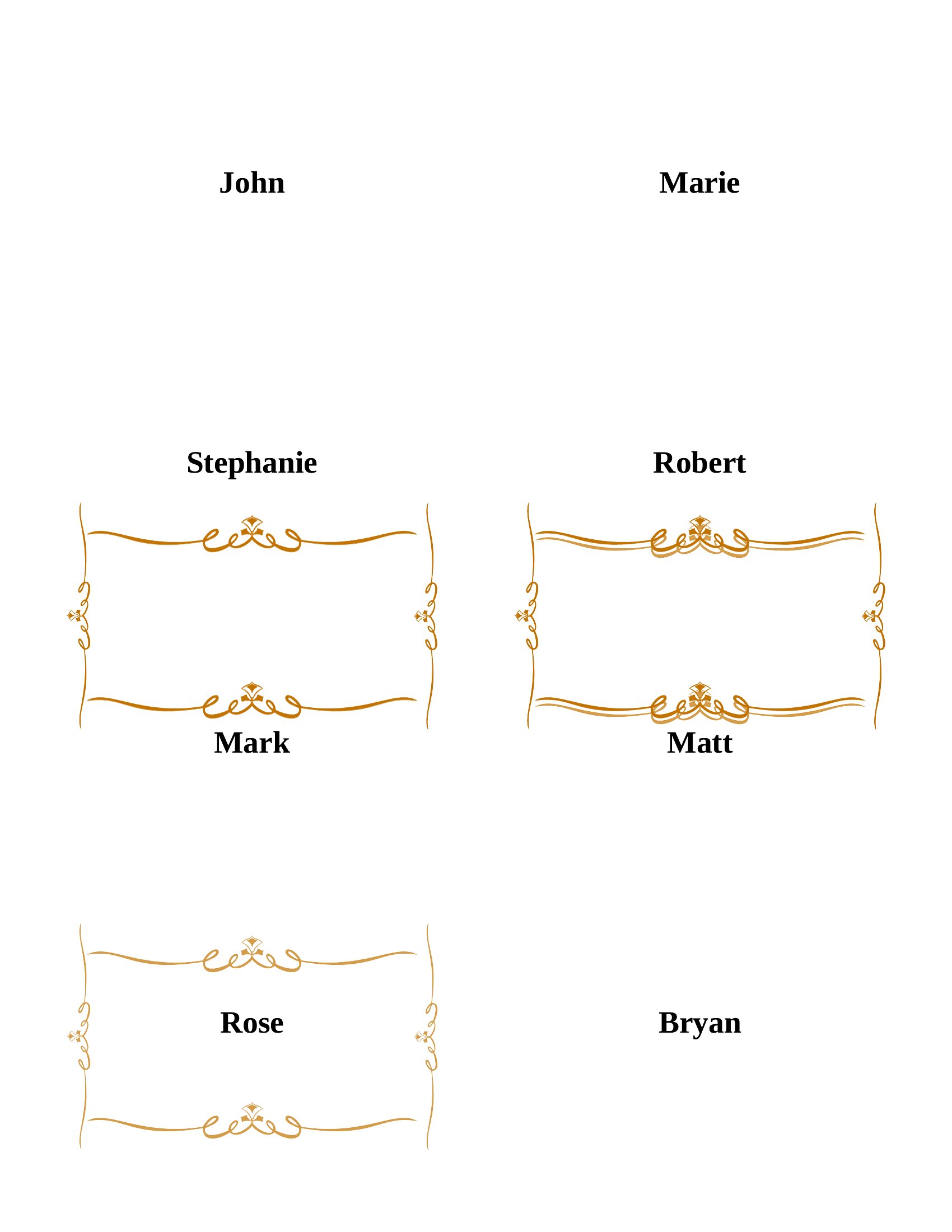
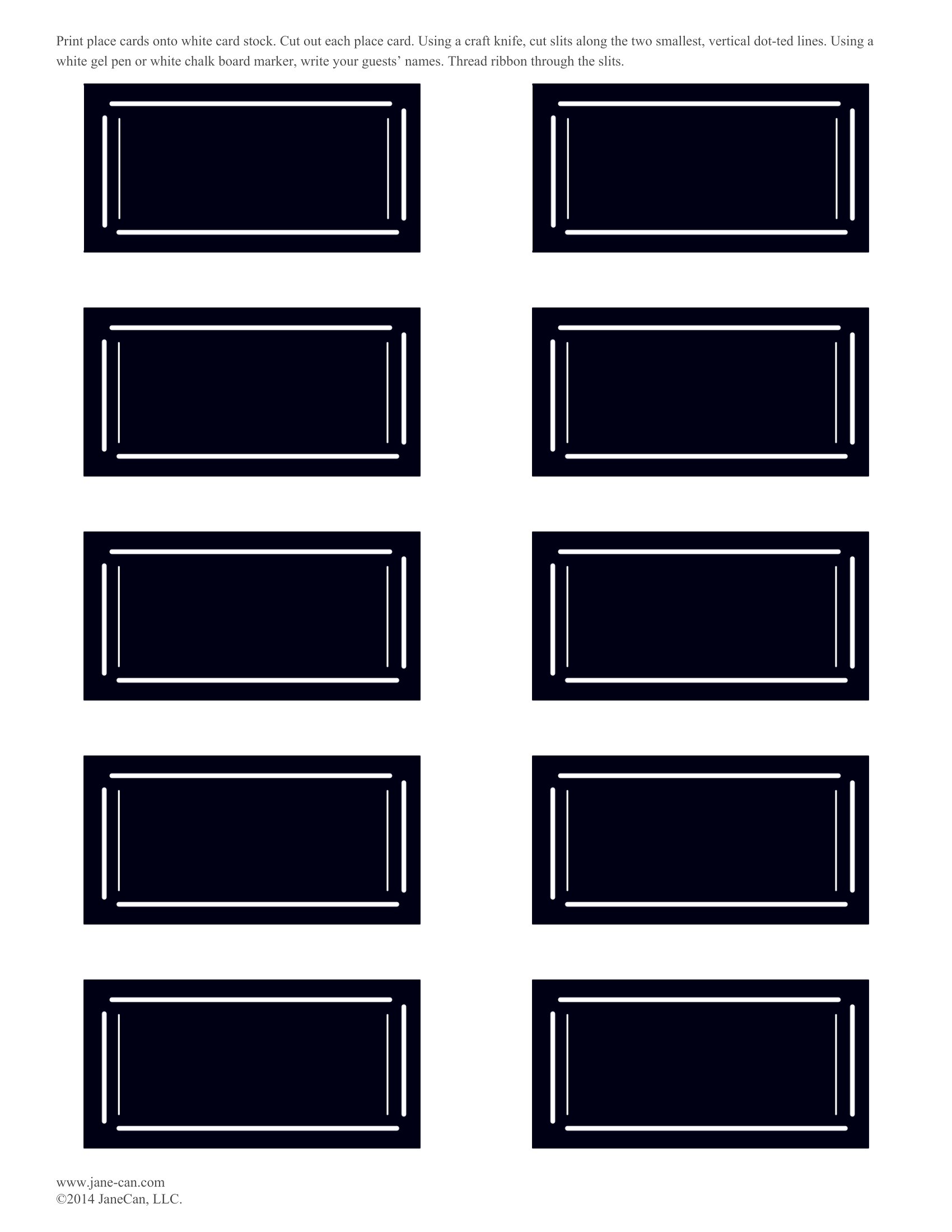
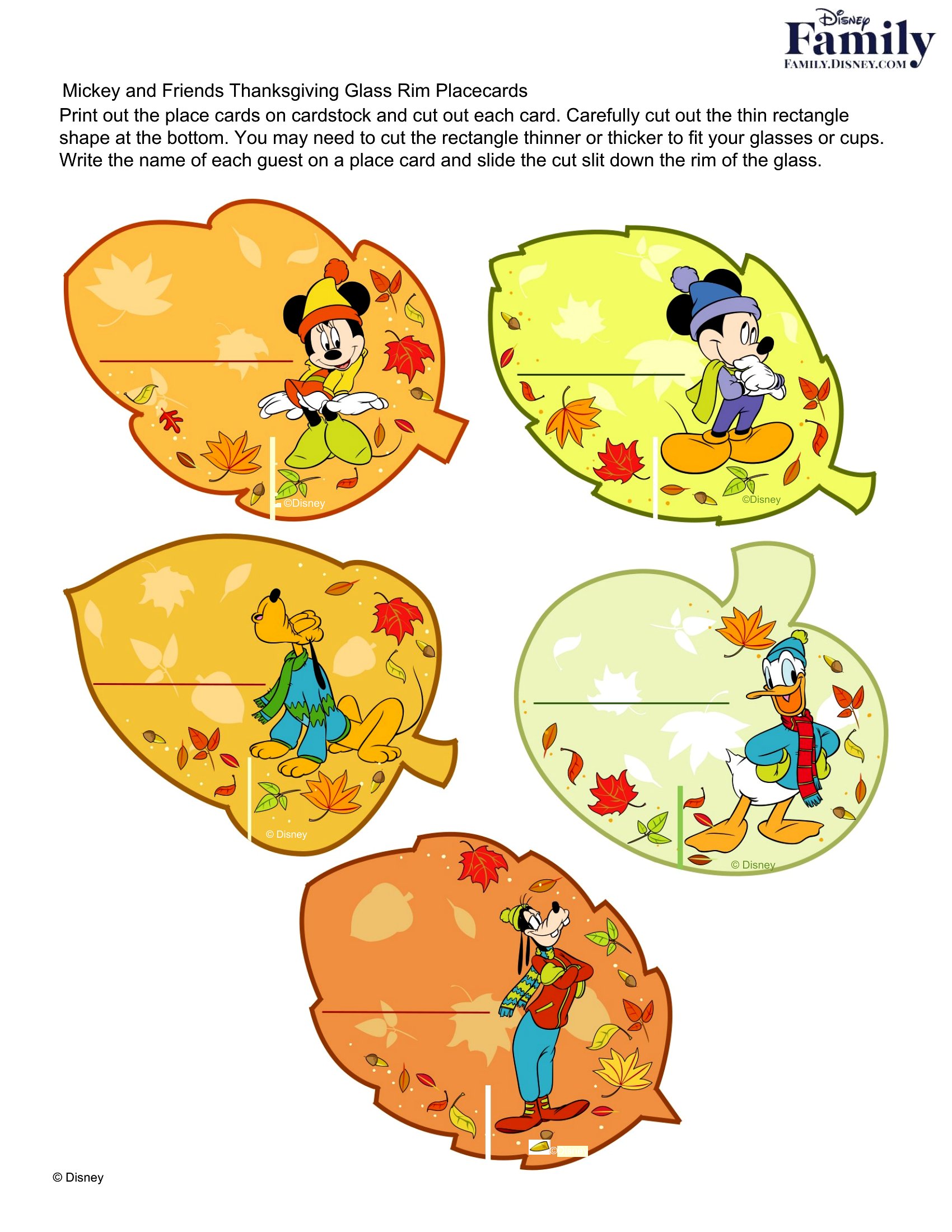
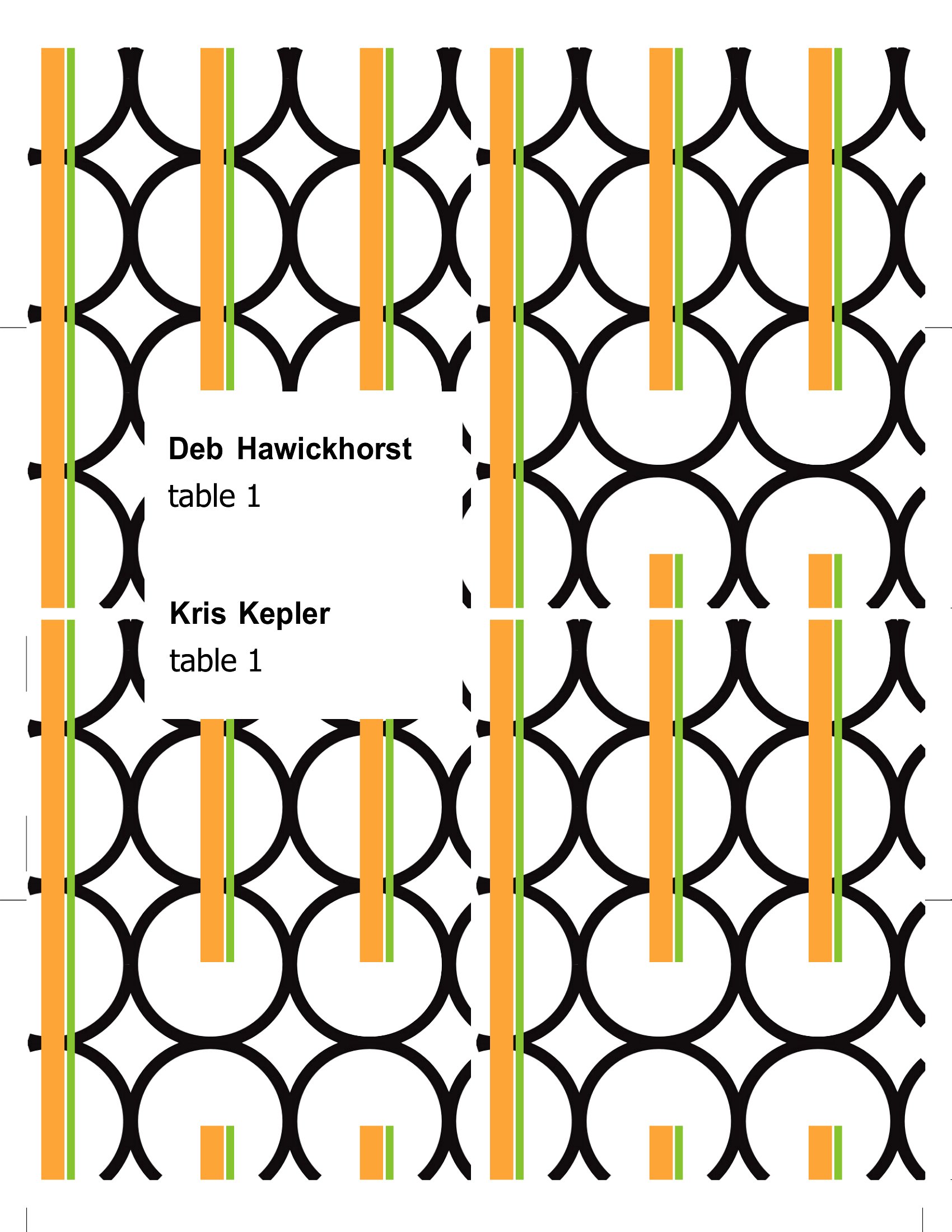
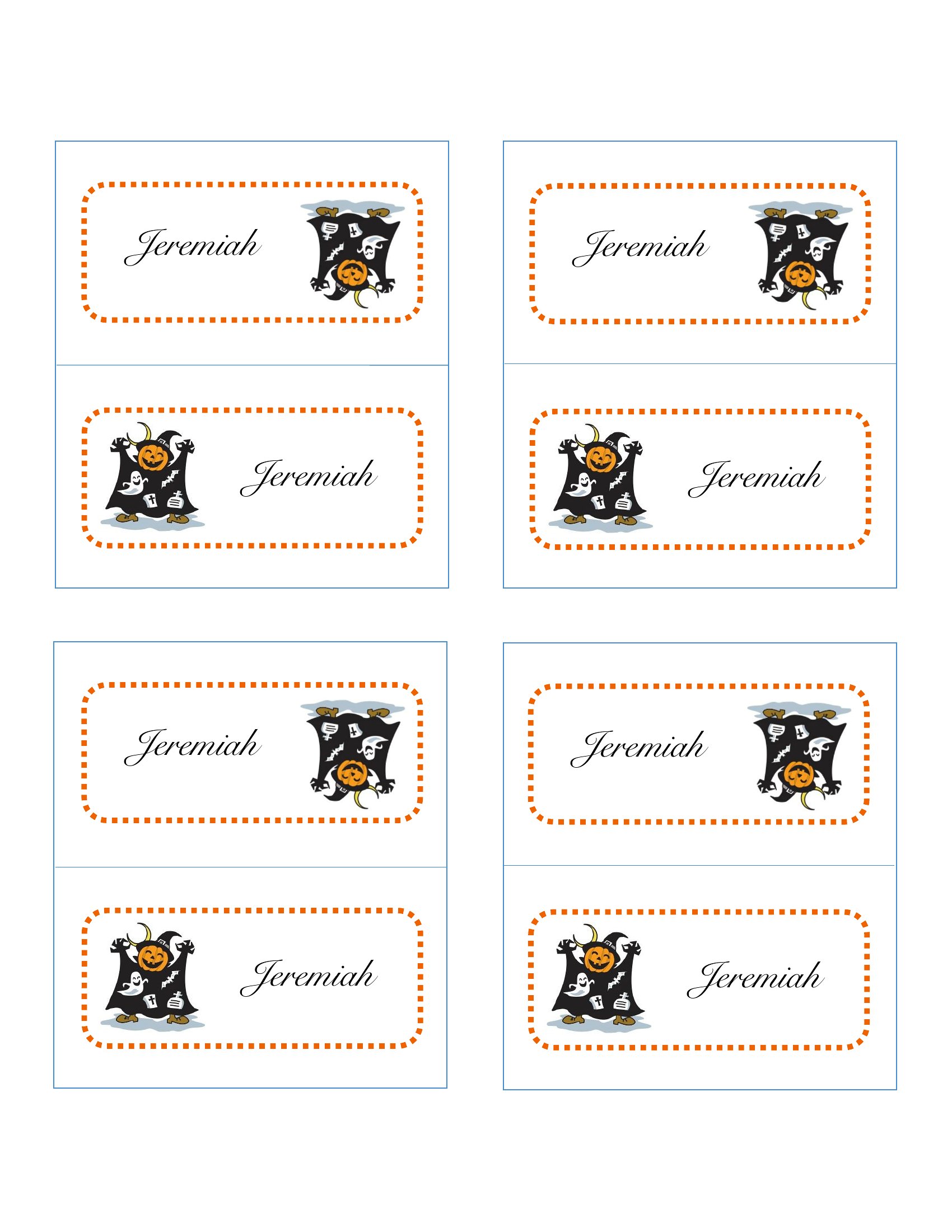
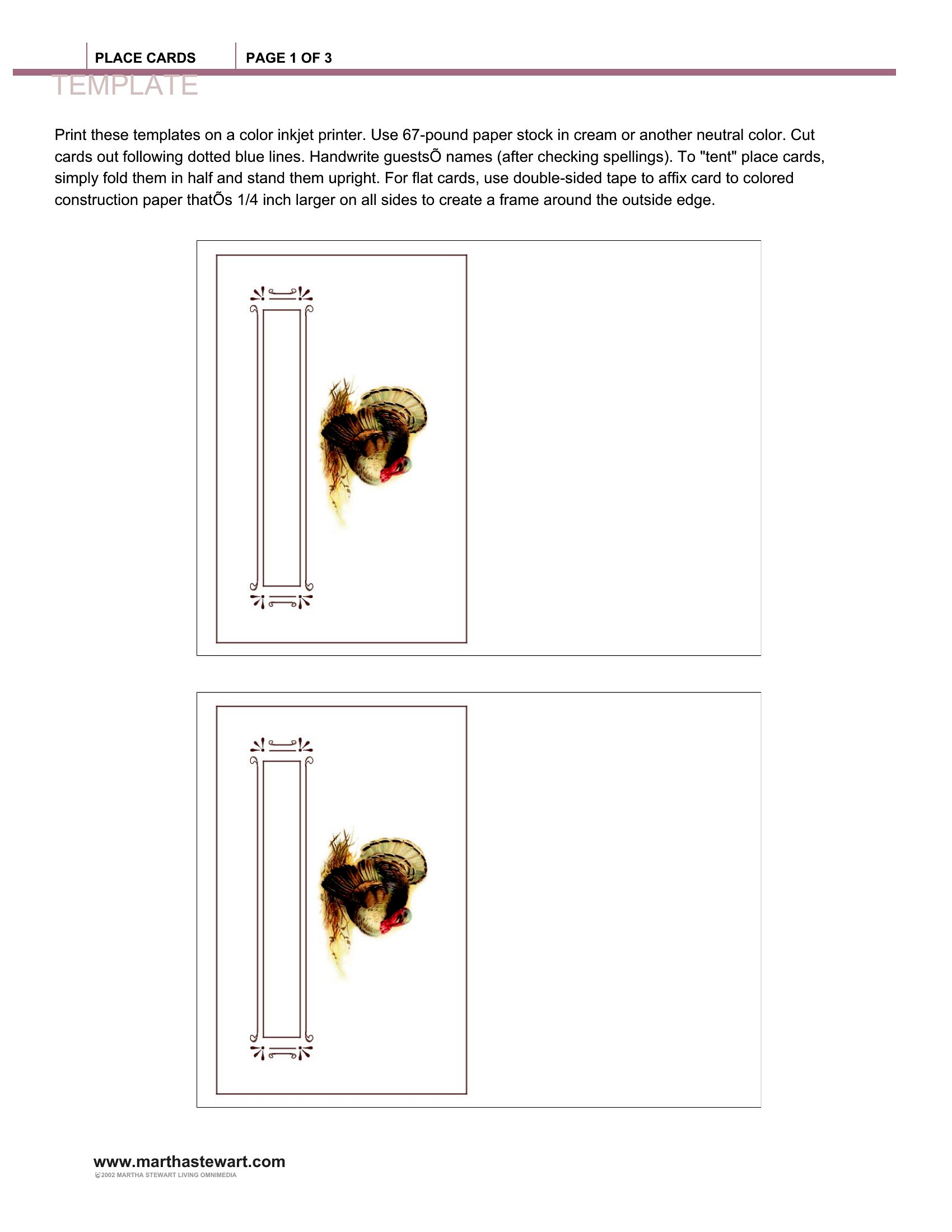
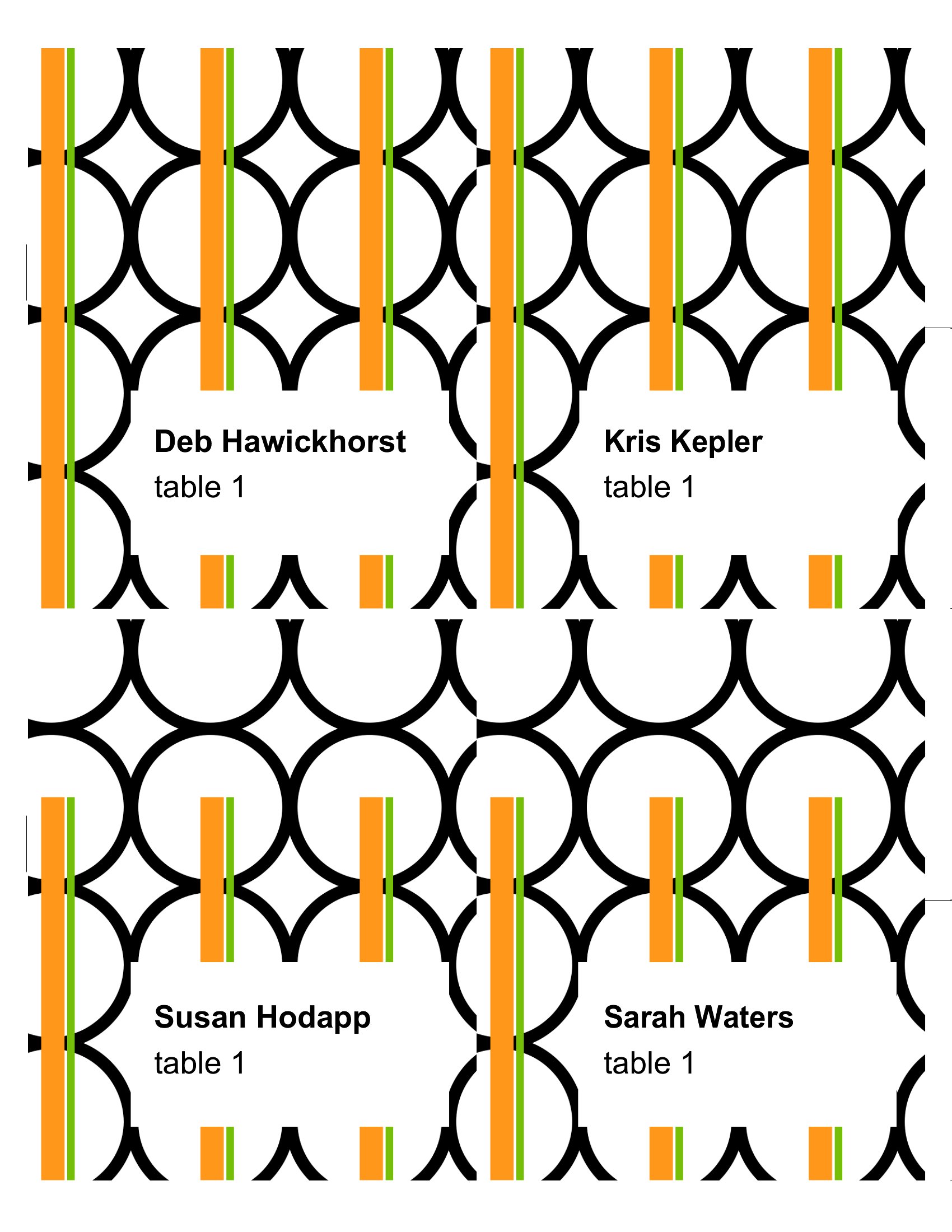
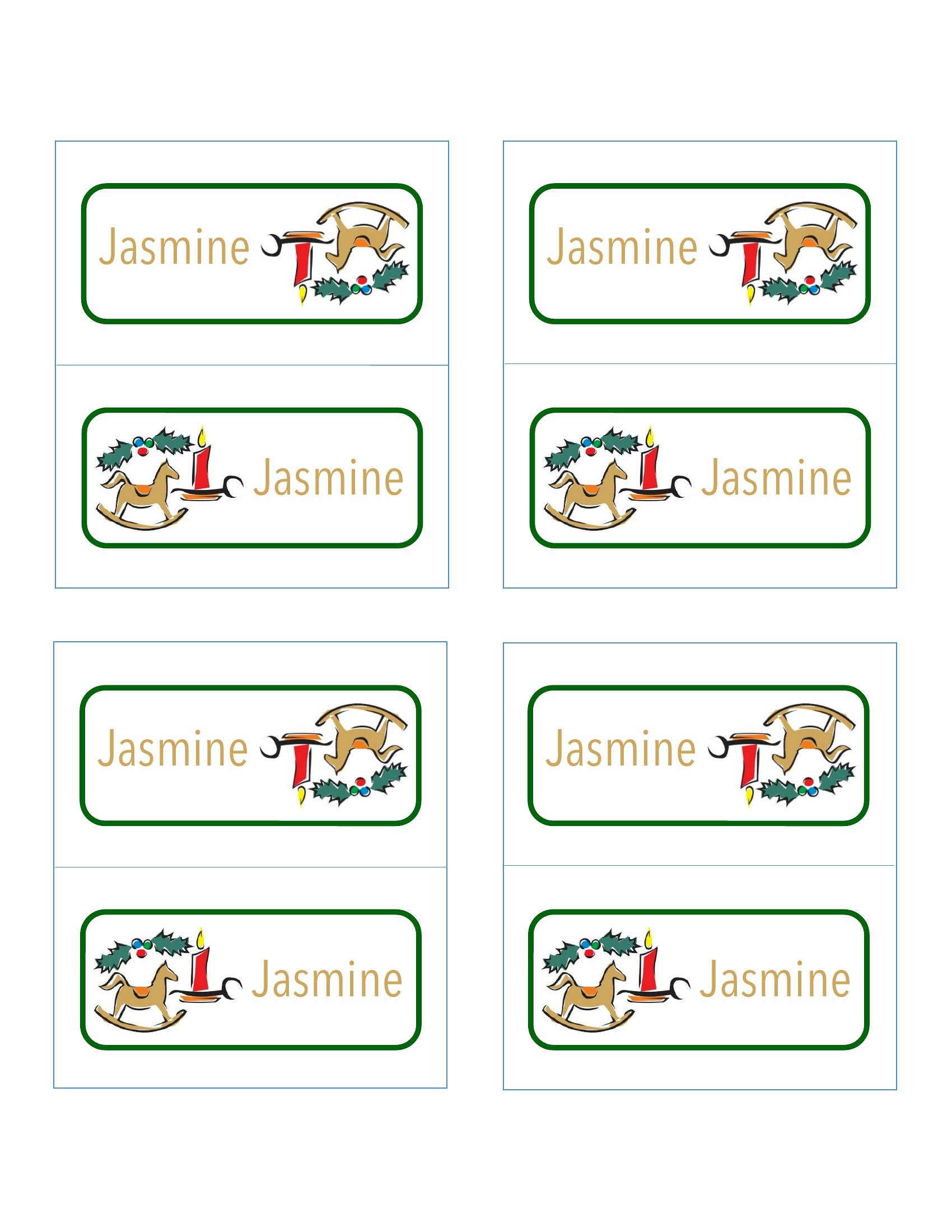
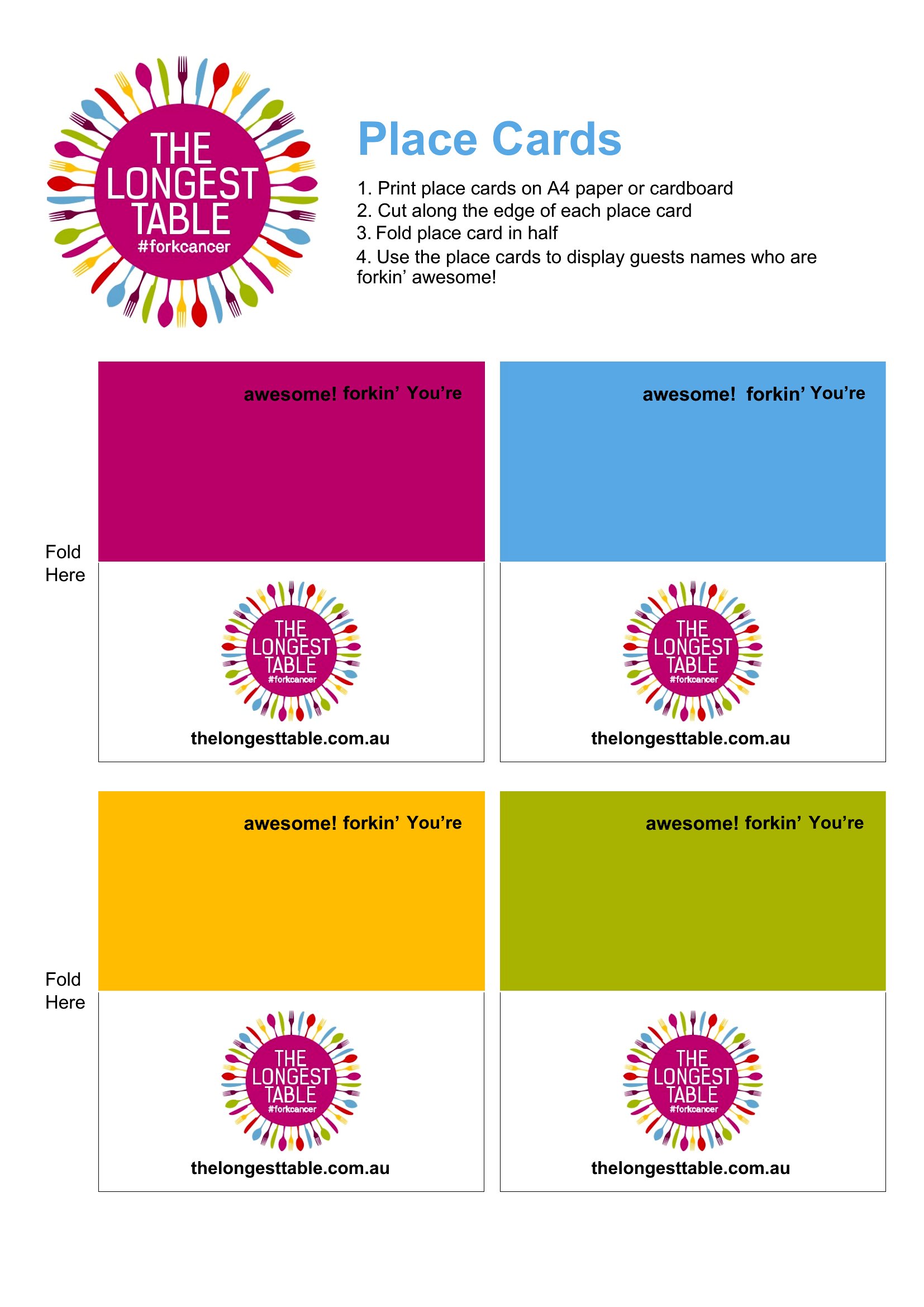
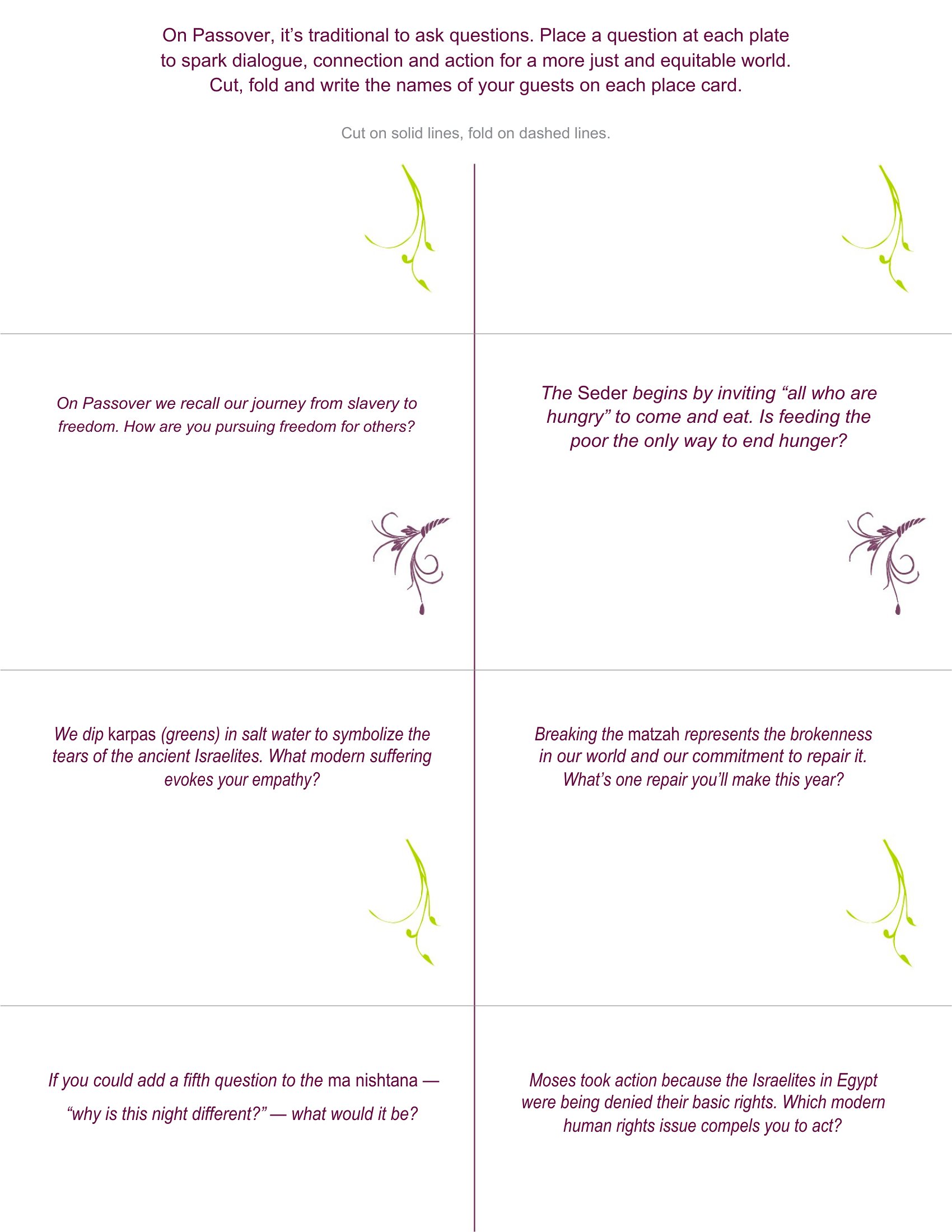
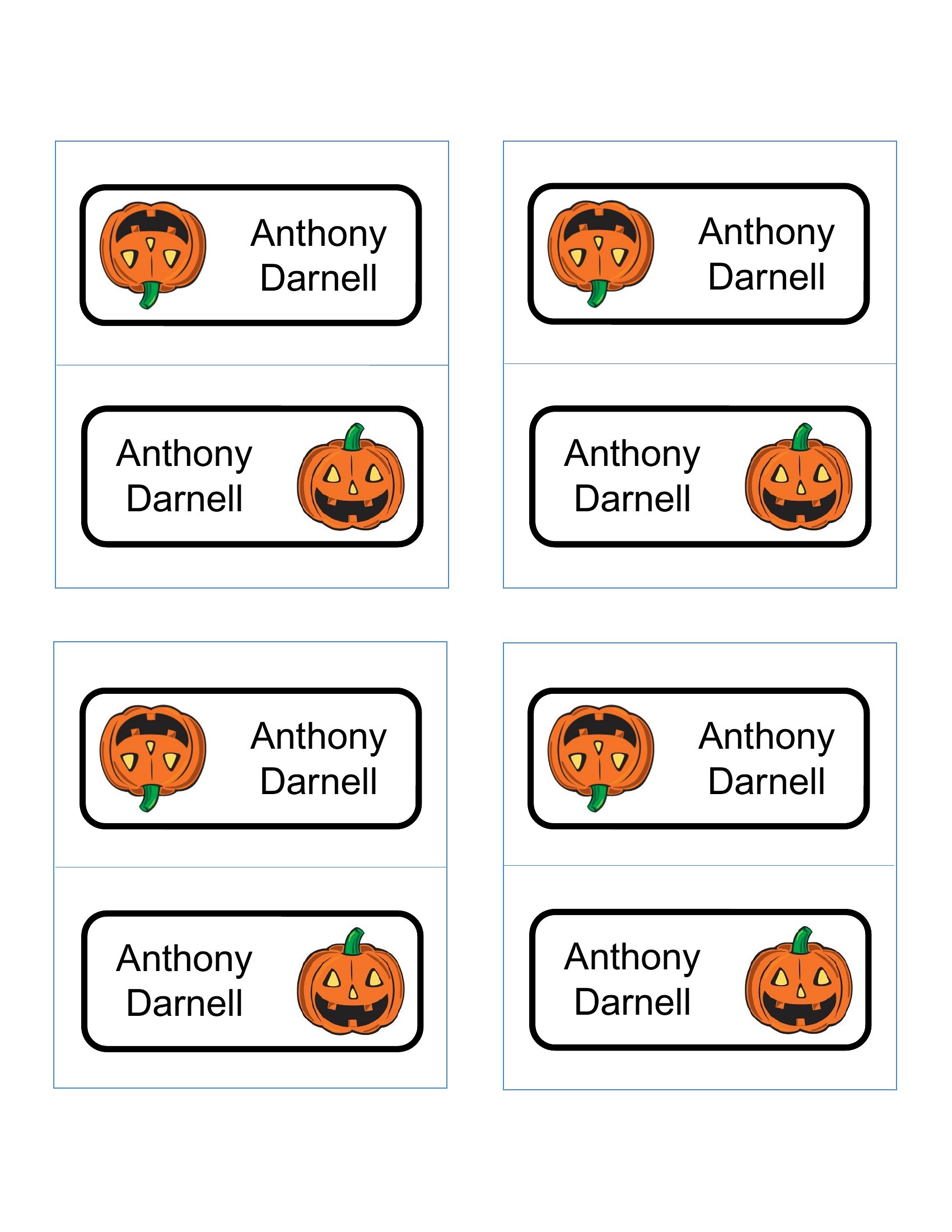
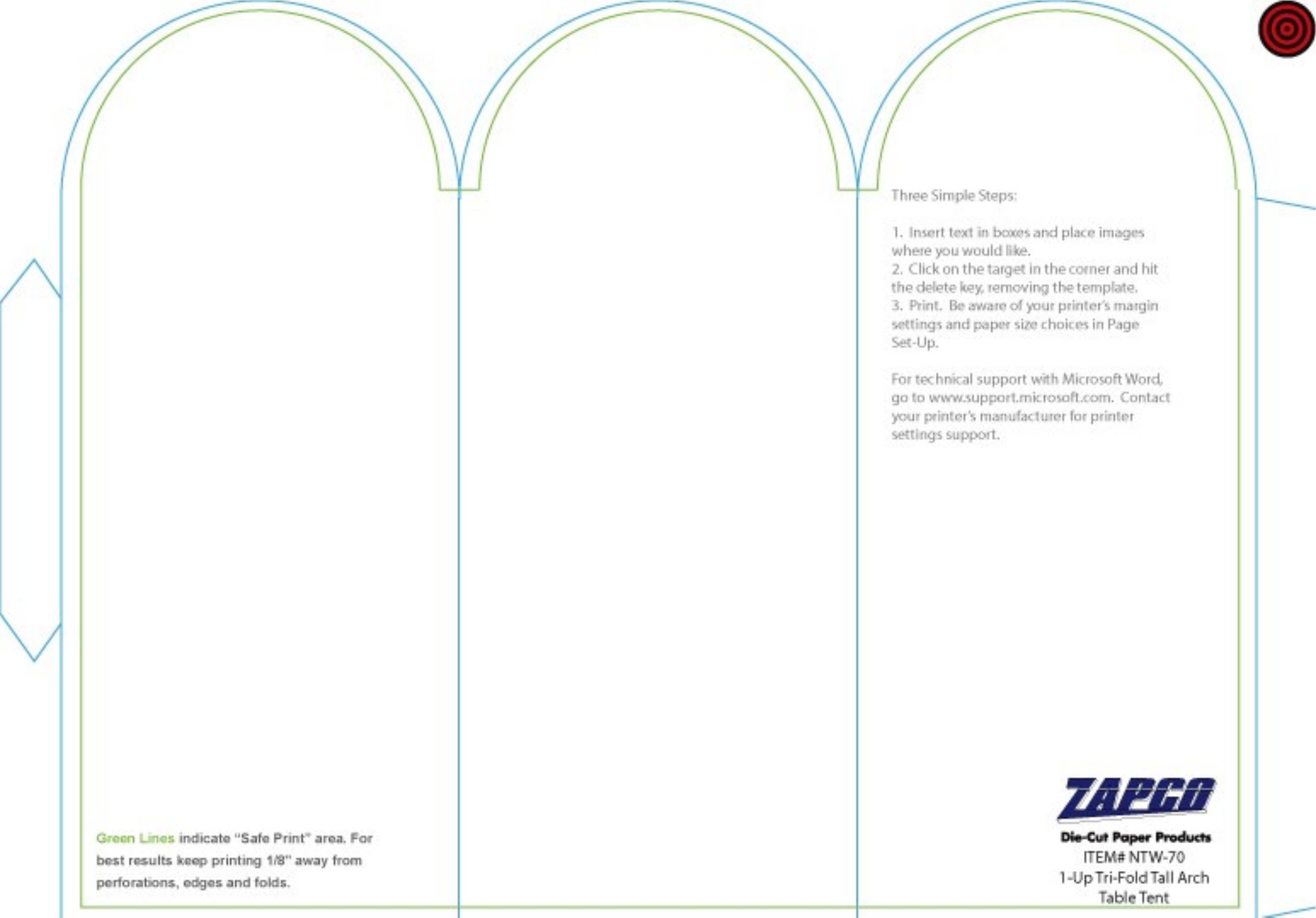
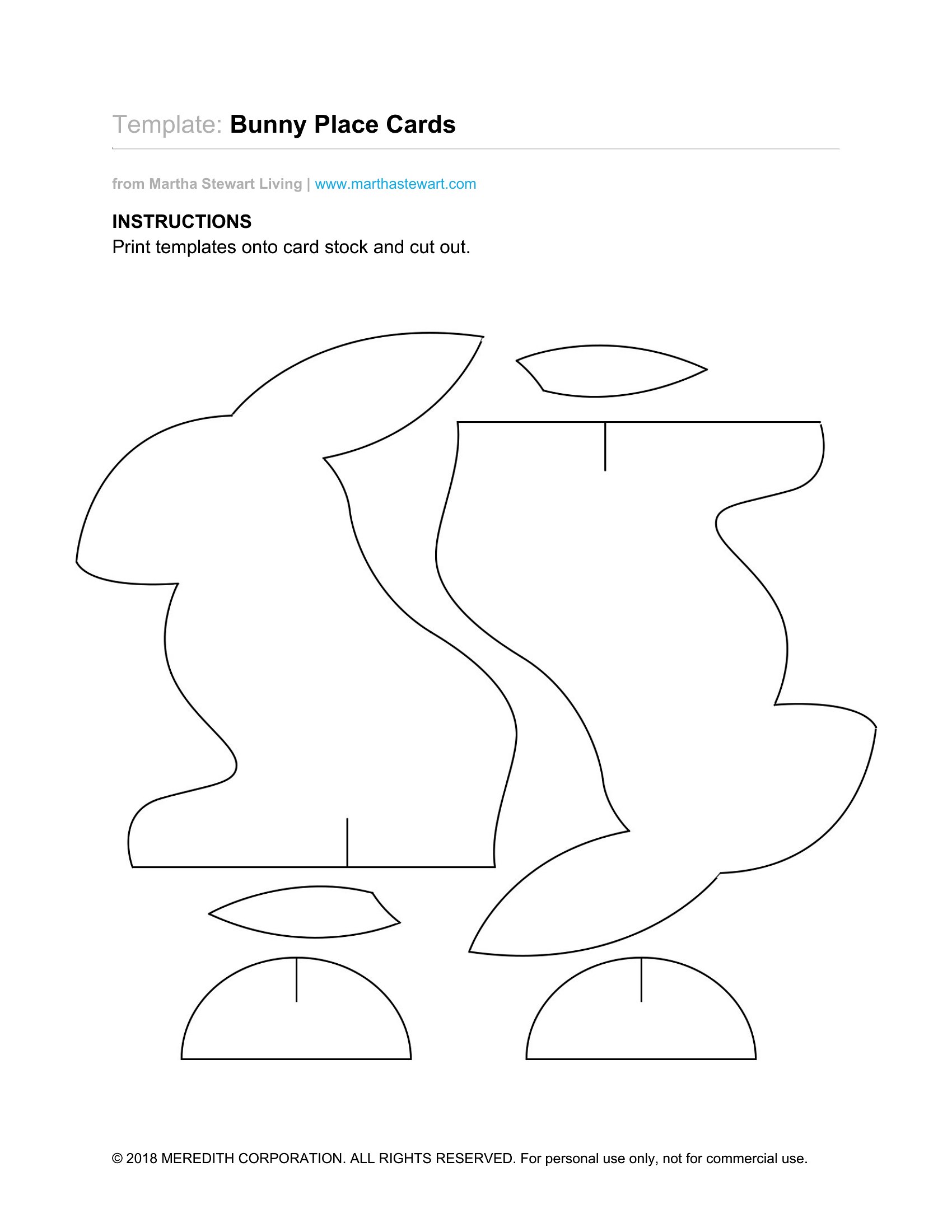
LifePlace cards do quiet work at any seated event, guiding guests to their spots and keeping a dinner or reception running smoothly. This collection of 48 designs covers flat and foldable tent styles for weddings, holiday meals, banquets, and showers. Hosts, event planners, and couples finalizing a seating chart can pick a look that suits the table.
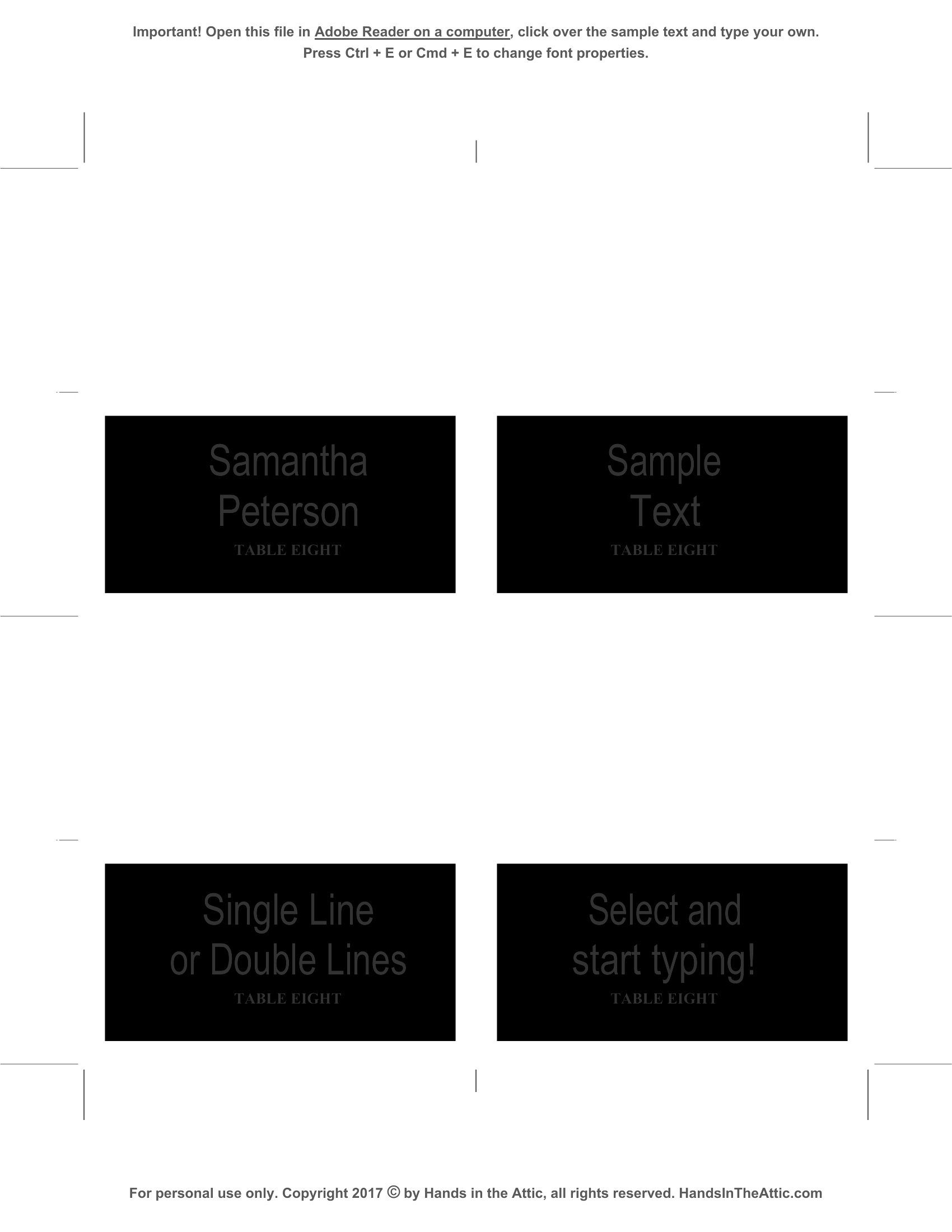
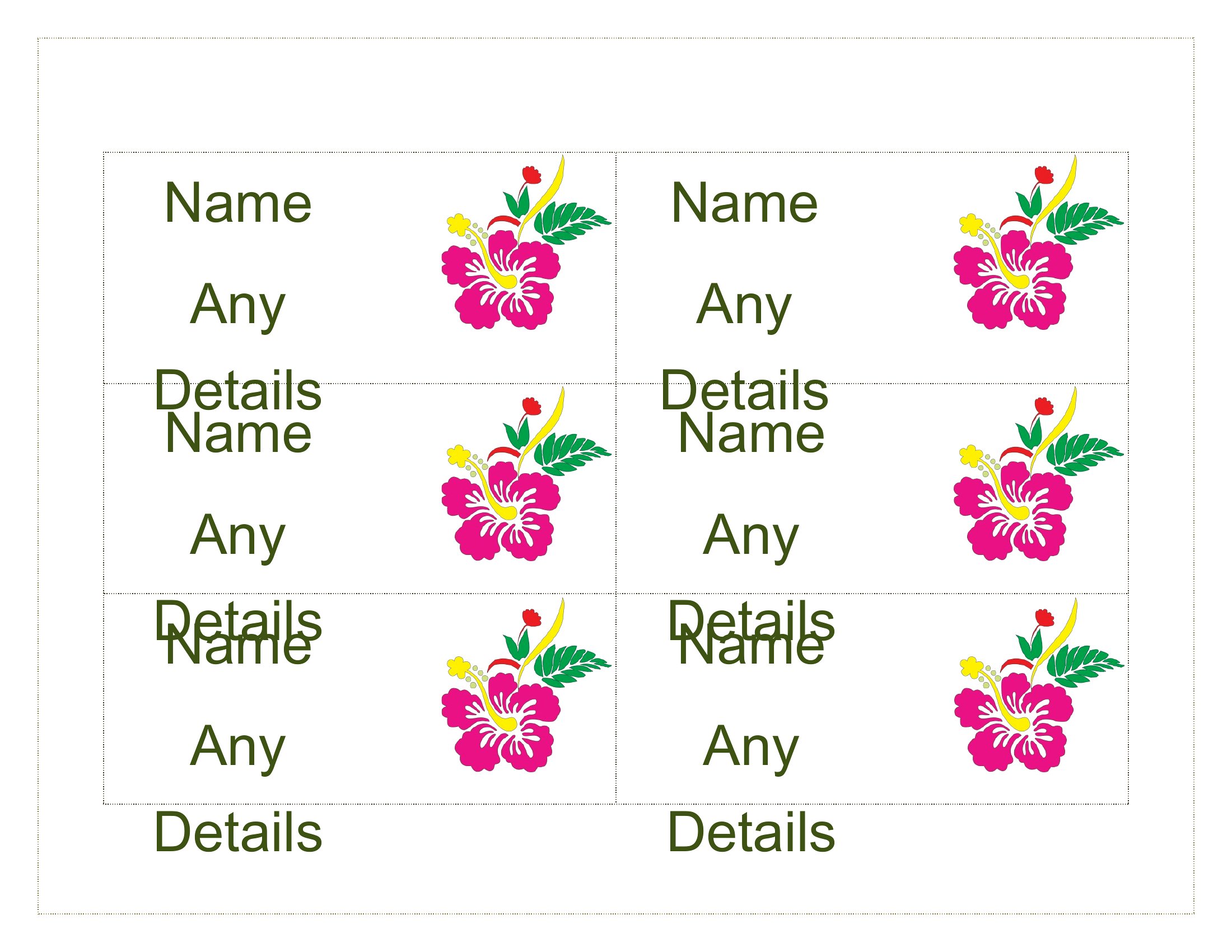
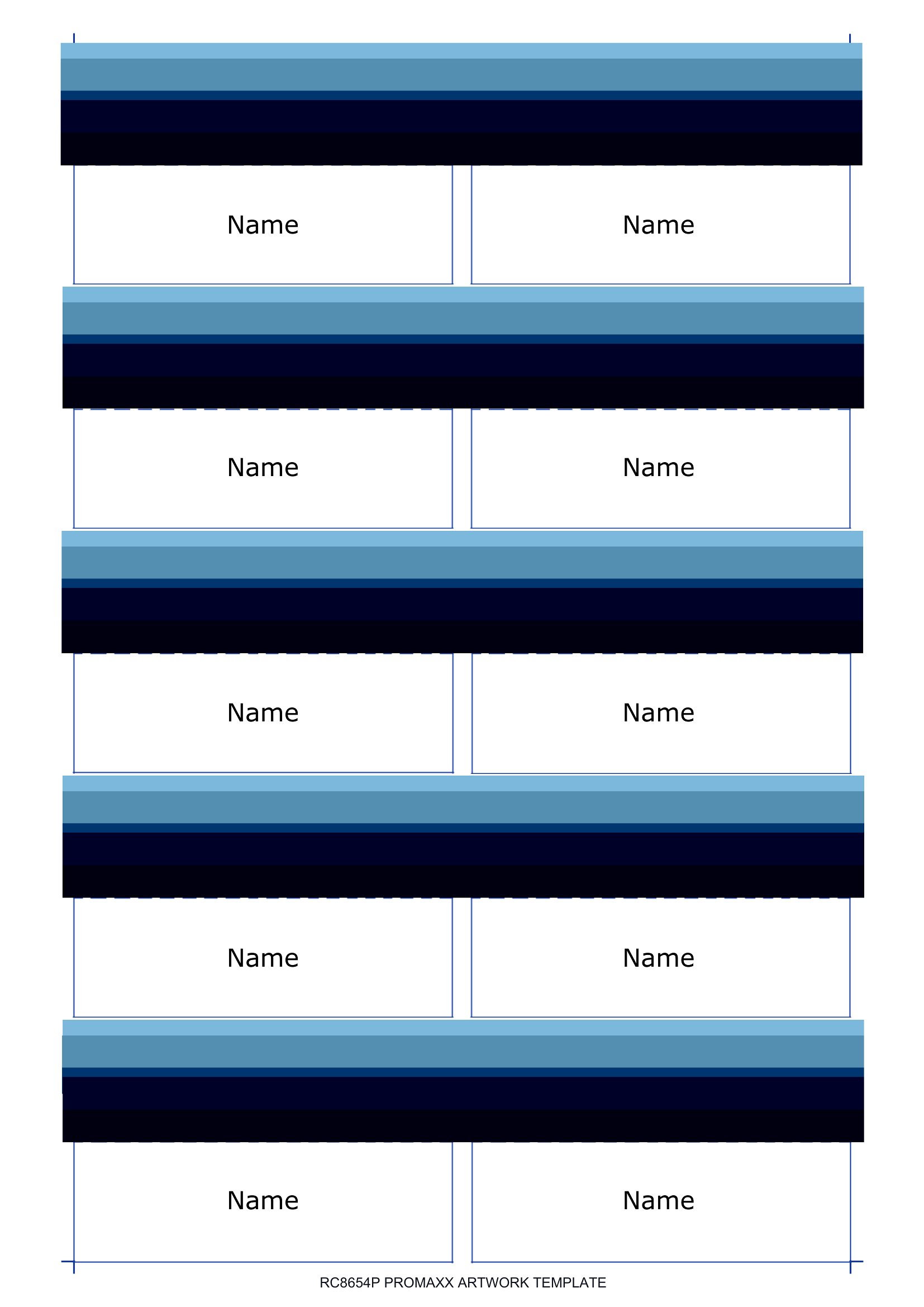
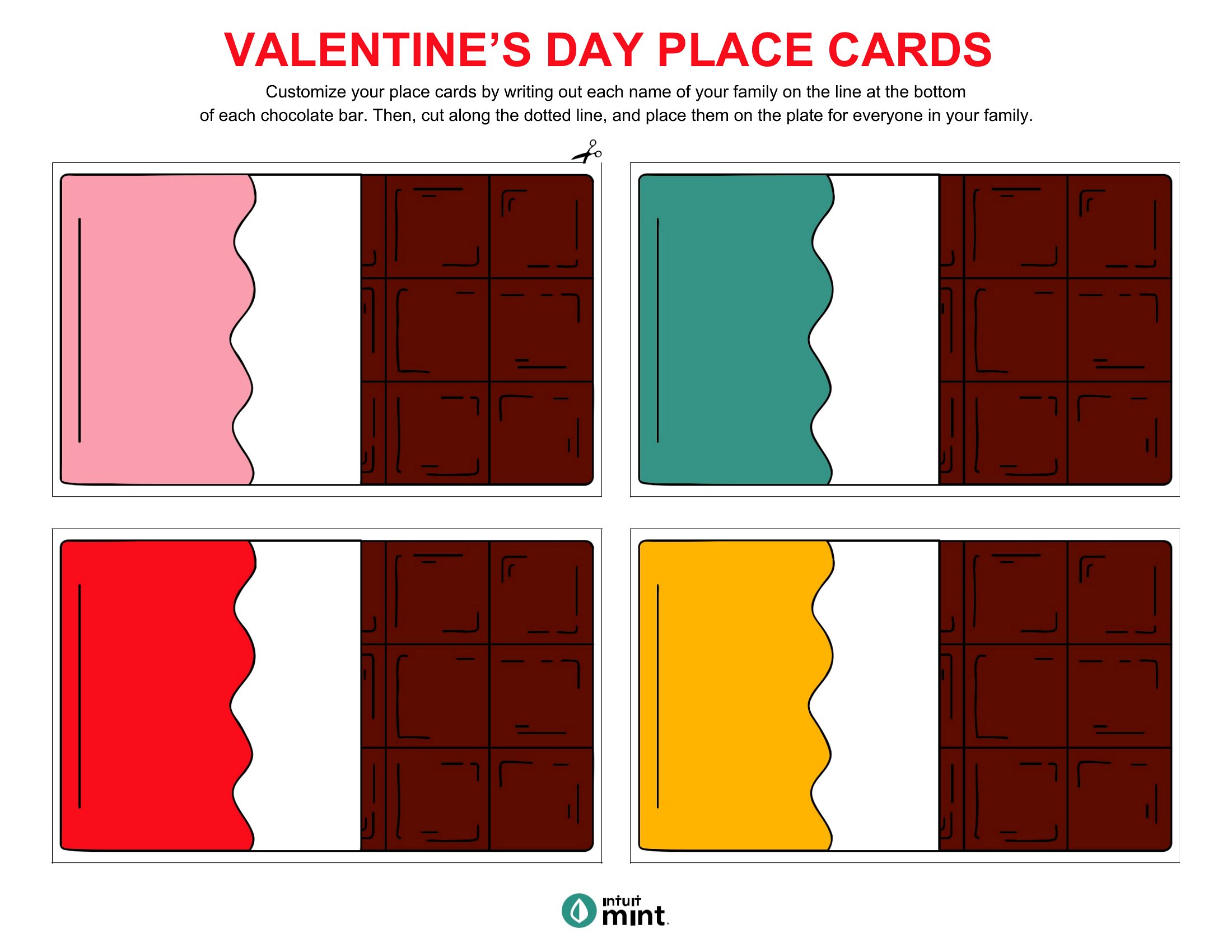
Each card is editable in Word, sized to print several per sheet so you can fill in names and trim them out fast. Match the font to your theme, add a small graphic if you like, and run them on cardstock for a crisp finish. Settle on a style, type your guest list, and print the set.
When to use this Place Card template
- A newlywed couple planning their wedding reception needs elegant place cards that match their color scheme and can be easily updated for last-minute seating changes. They want a polished look without hiring a designer.
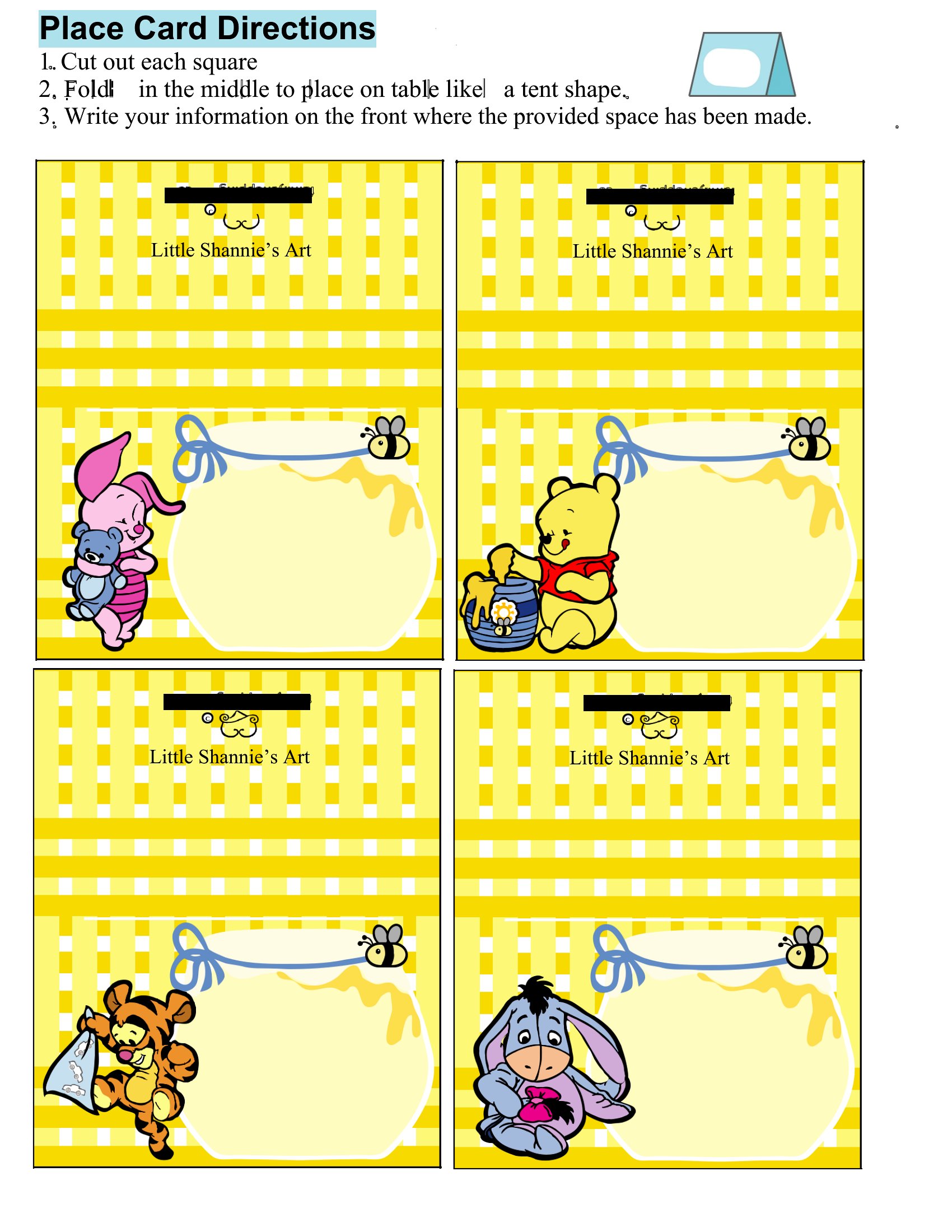
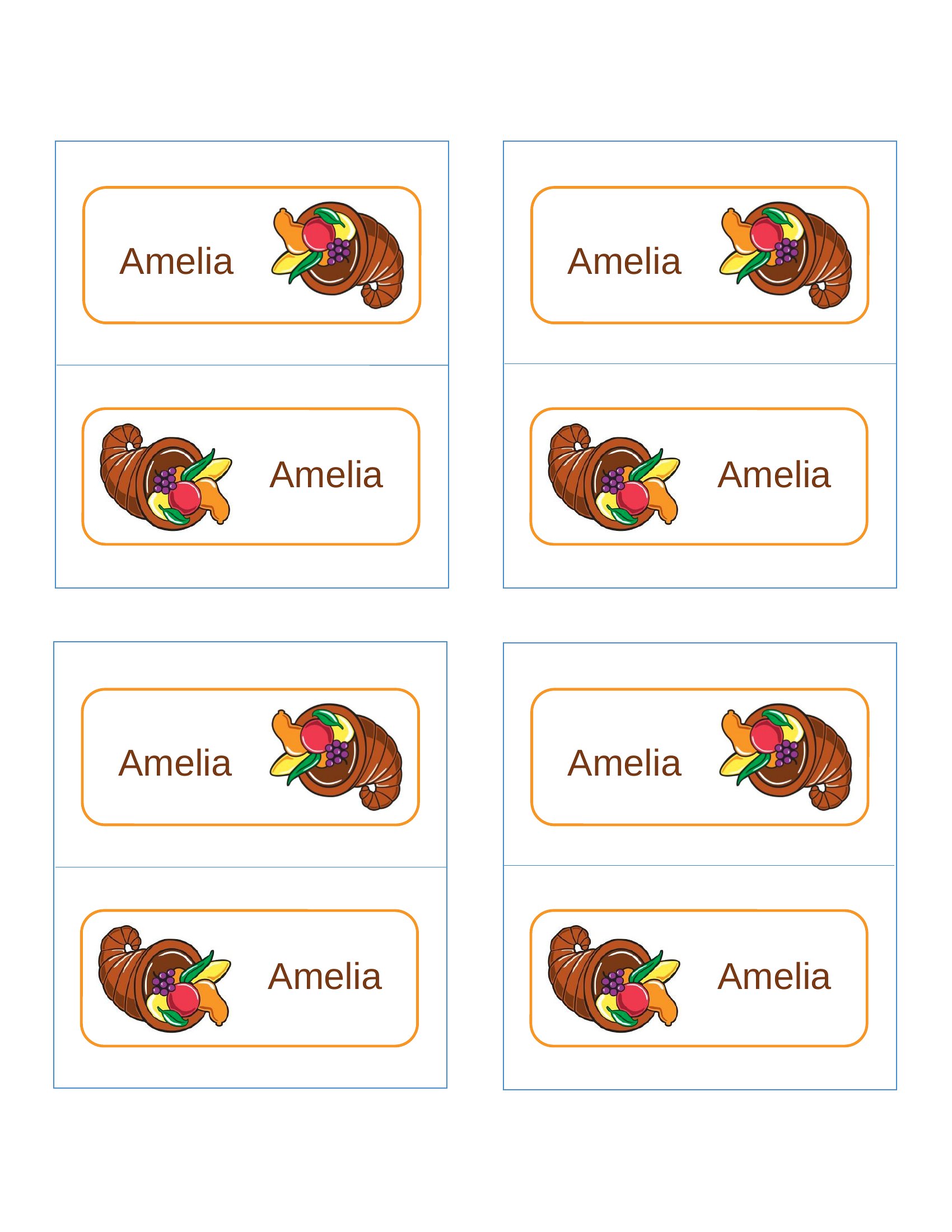
- A holiday host organizing a multi-course dinner for 12 guests wants foldable place cards that double as a seating guide and a subtle reminder of the menu’s theme (e.g., 'Mistletoe Table').
- An event planner coordinating a corporate banquet must create professional place cards quickly to accommodate VIP guests and dietary restrictions, all while keeping branding consistent.
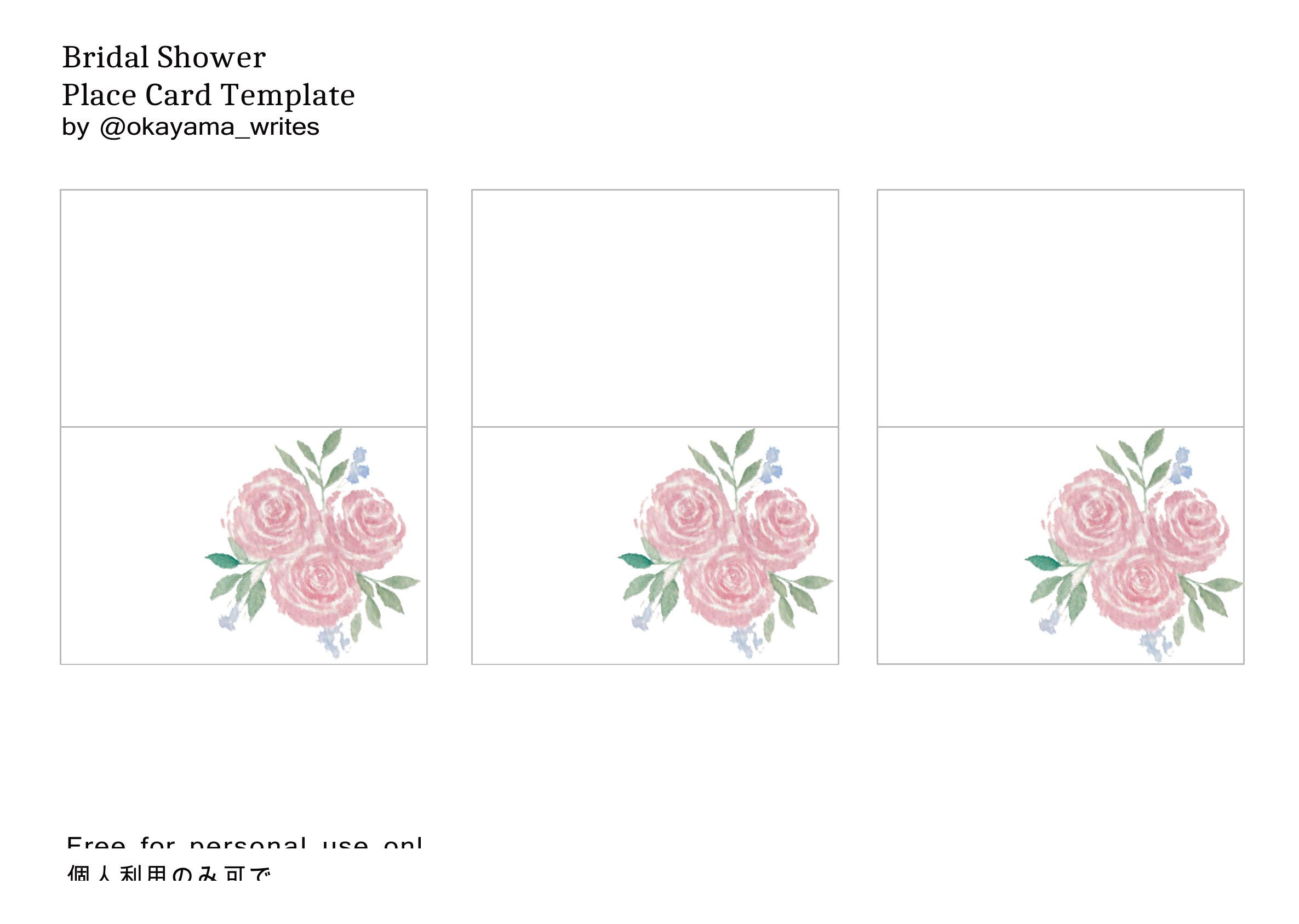
- A bridal shower organizer wants playful yet chic place cards that include small favors (like mini succulents) and can be printed at home without requiring specialty paper.
Which format should I download?
Word is the ideal format here because it lets you edit text, fonts, and layouts directly—critical for adjusting names, adding personal touches, or tweaking designs to match invitations. Choose this format when you need flexibility for last-minute changes or branding consistency across multiple cards. Since all templates are editable in Word, there’s no need for design software unless you’re customizing graphics.
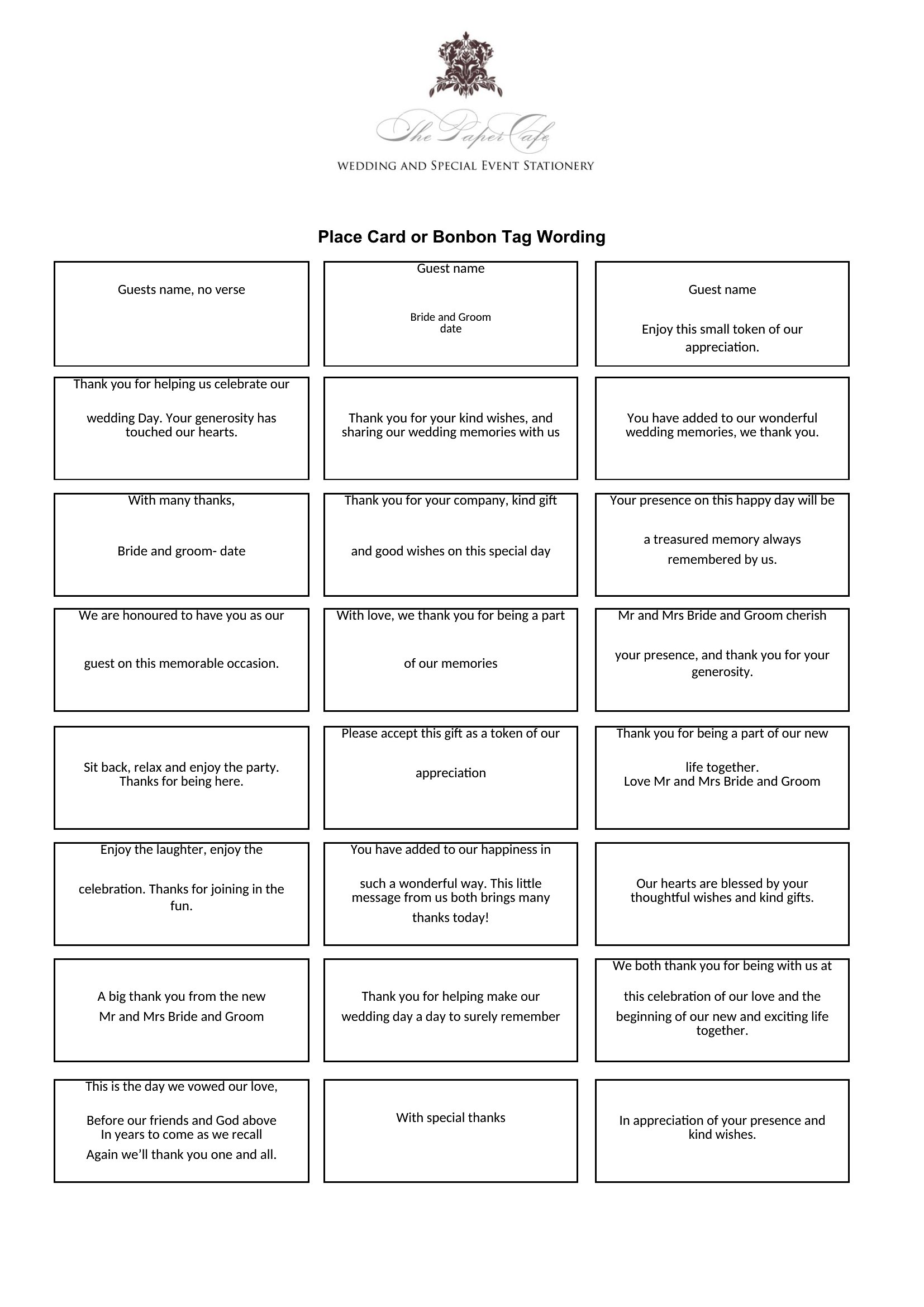
Choose from 48 Place Card Templates
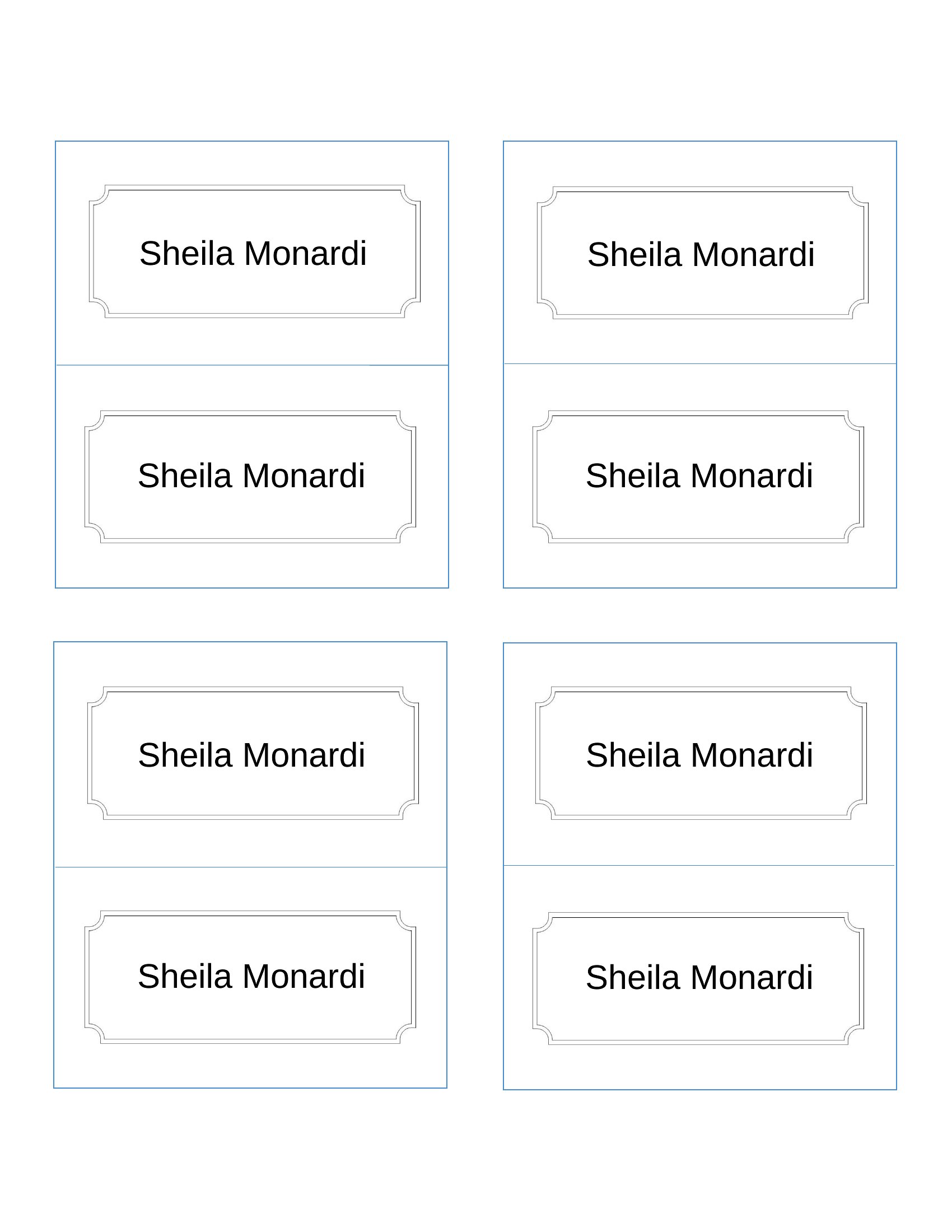
How to use this Place Card template
Can I add a small illustration or icon (like a fork and knife for a formal dinner) to the place cards without losing editability?
Yes, most Word templates allow you to insert simple icons or clipart directly into the design. For more detailed illustrations, save the file as a PDF after editing to preserve the graphics. Avoid complex images that might distort when printed at home.
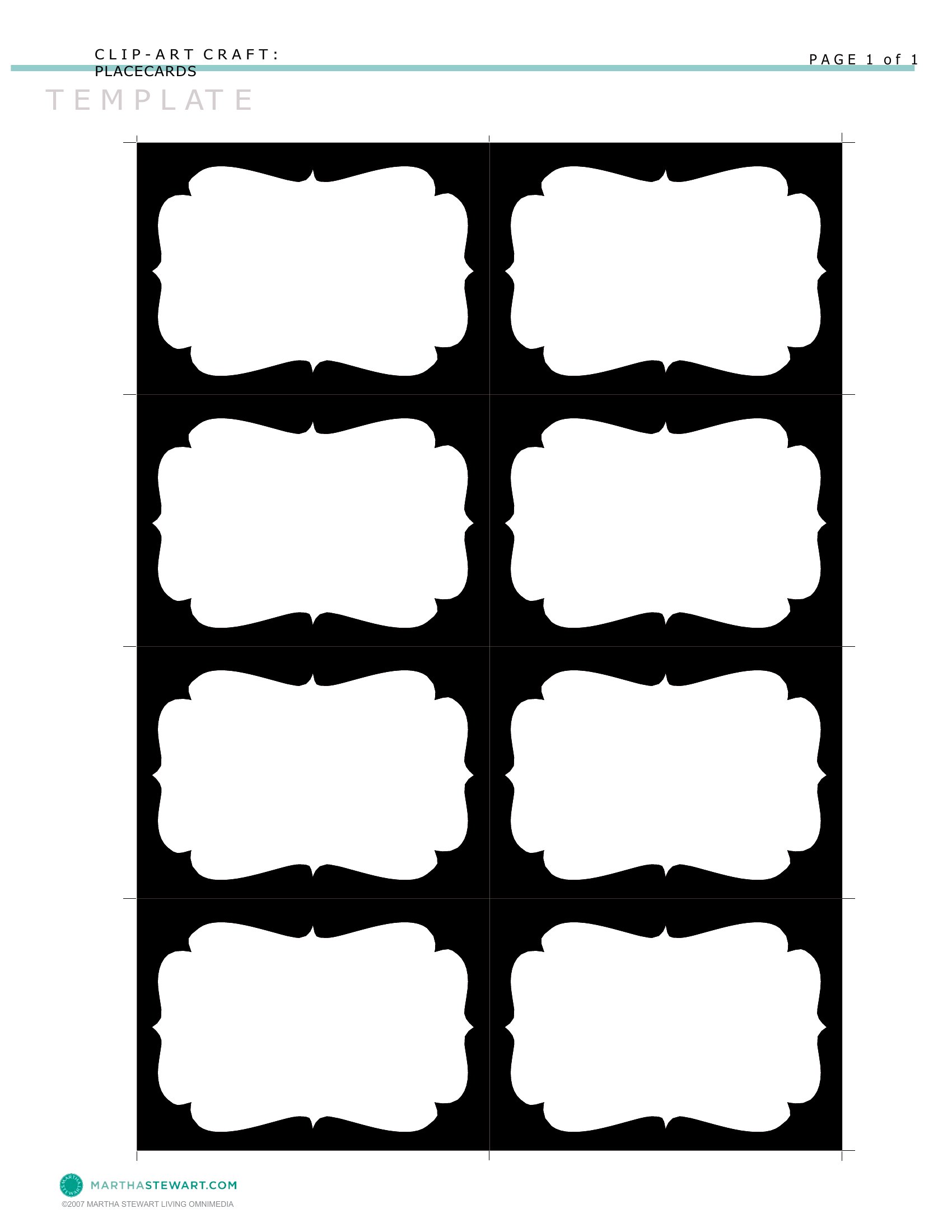
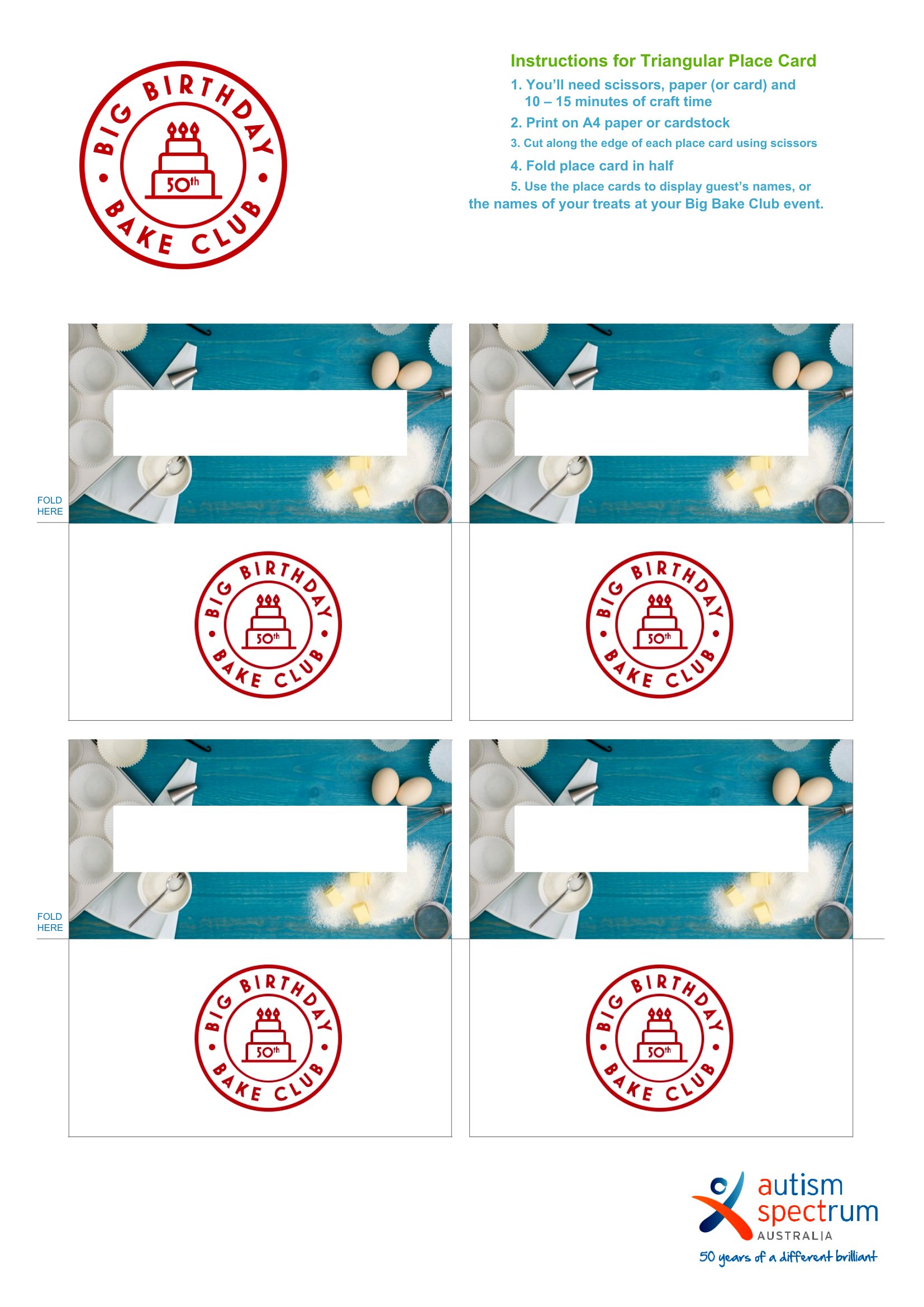
How do I ensure the foldable place cards print correctly at home, especially if I’m using a standard printer?
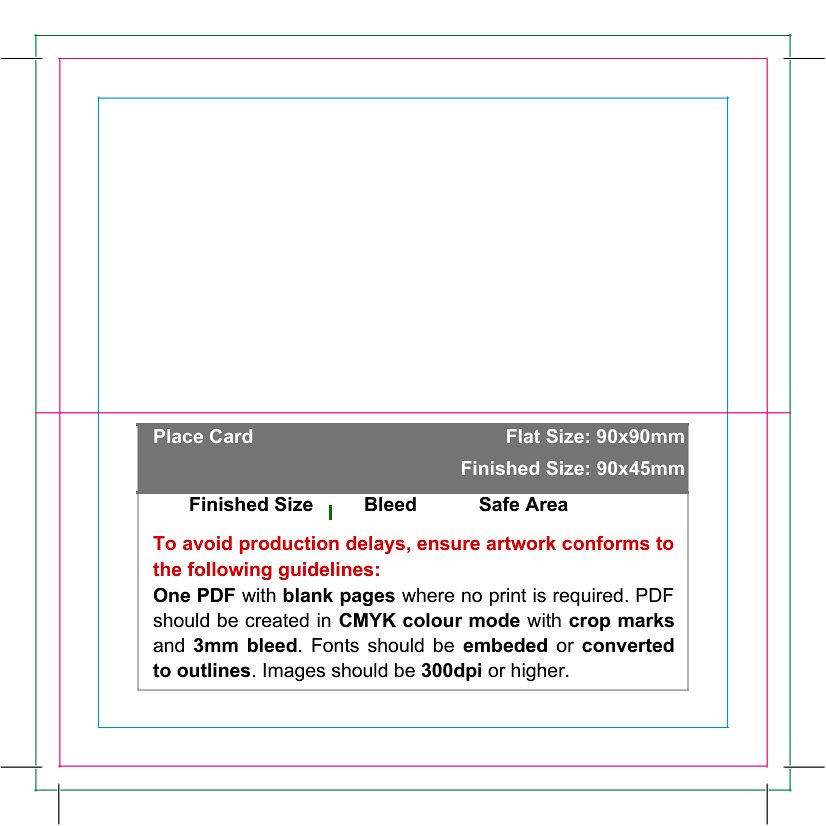
Print a test copy on plain paper first to check alignment and scaling. Use the template’s bleed settings if available, and print on cardstock for durability. If the fold lines don’t align, adjust the margins in Word before printing. For precise folds, consider printing on 8.5x11-inch paper and trimming afterward.
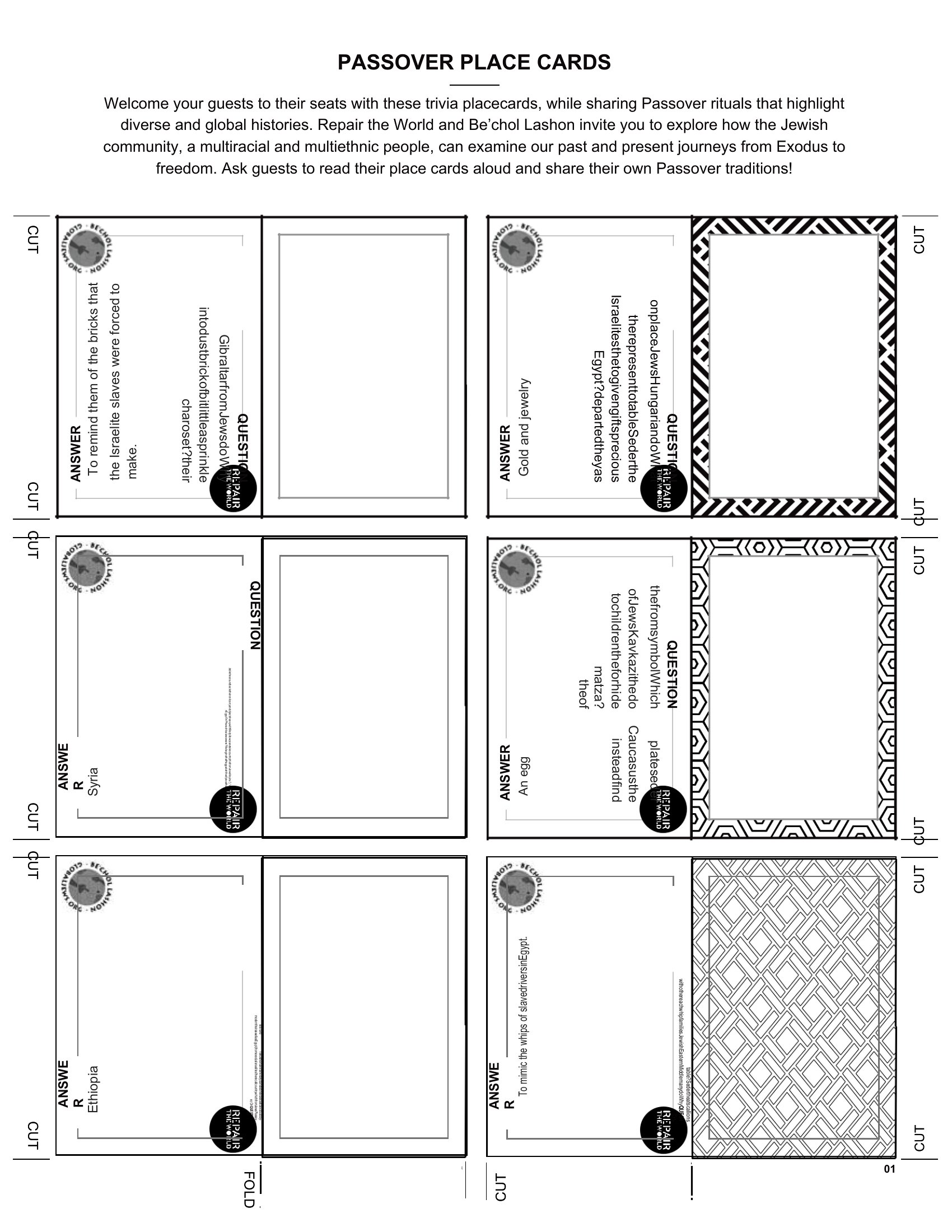
Are these templates suitable for non-traditional events like a baby shower or retirement party where place cards might include gifts or activities?
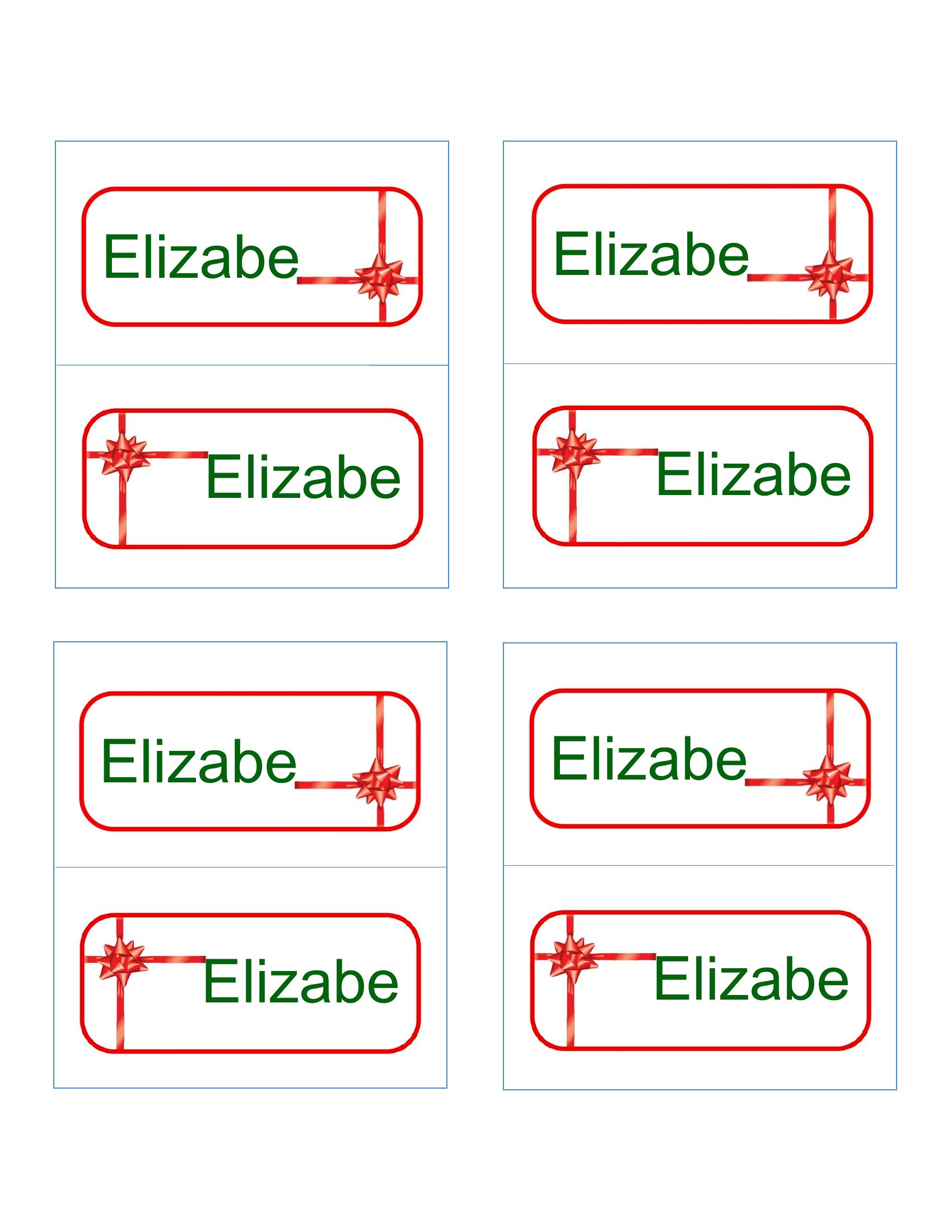
Absolutely. Many templates in this collection are versatile enough for themed events—look for designs with space for notes (e.g., ‘Bring a stuffed animal’ or ‘Seating Chart Level 2’). For activities, add a small sticker or washi tape to the back of the card to attach instructions or tags.
Comments
Join the conversation
Sign in to share your thoughts and leave a comment on this resource.