Free Place Card Templates (Word)
LifeTemplates

FAQ
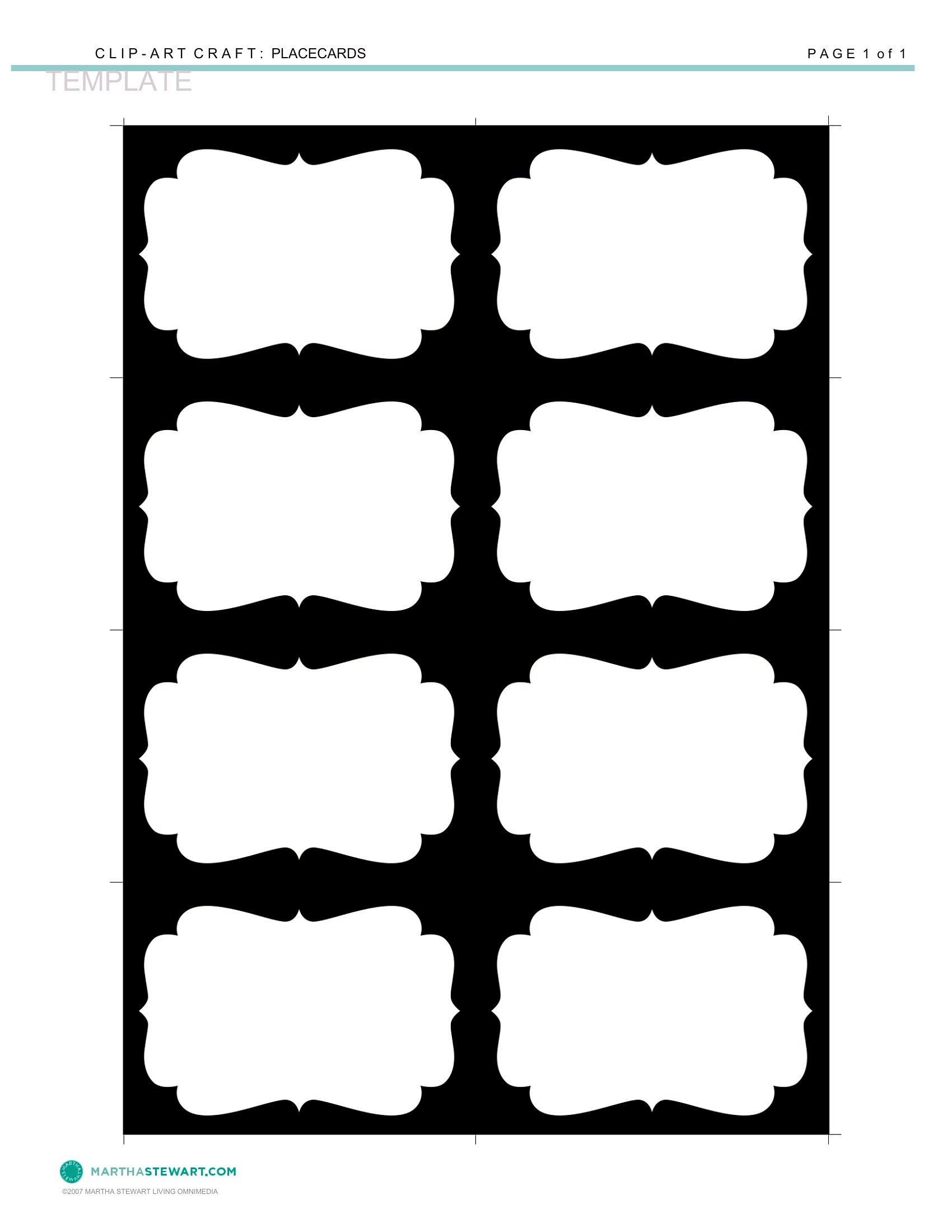
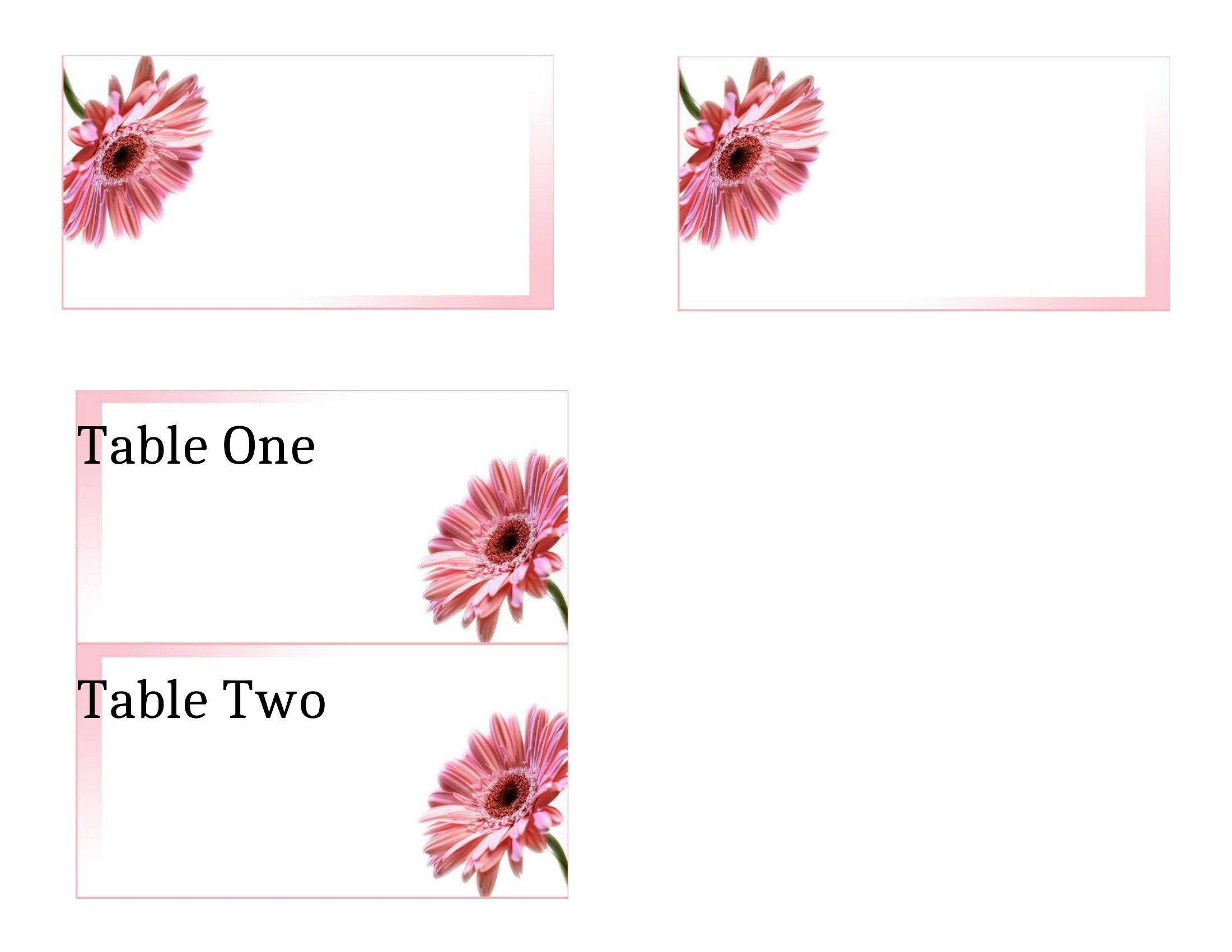
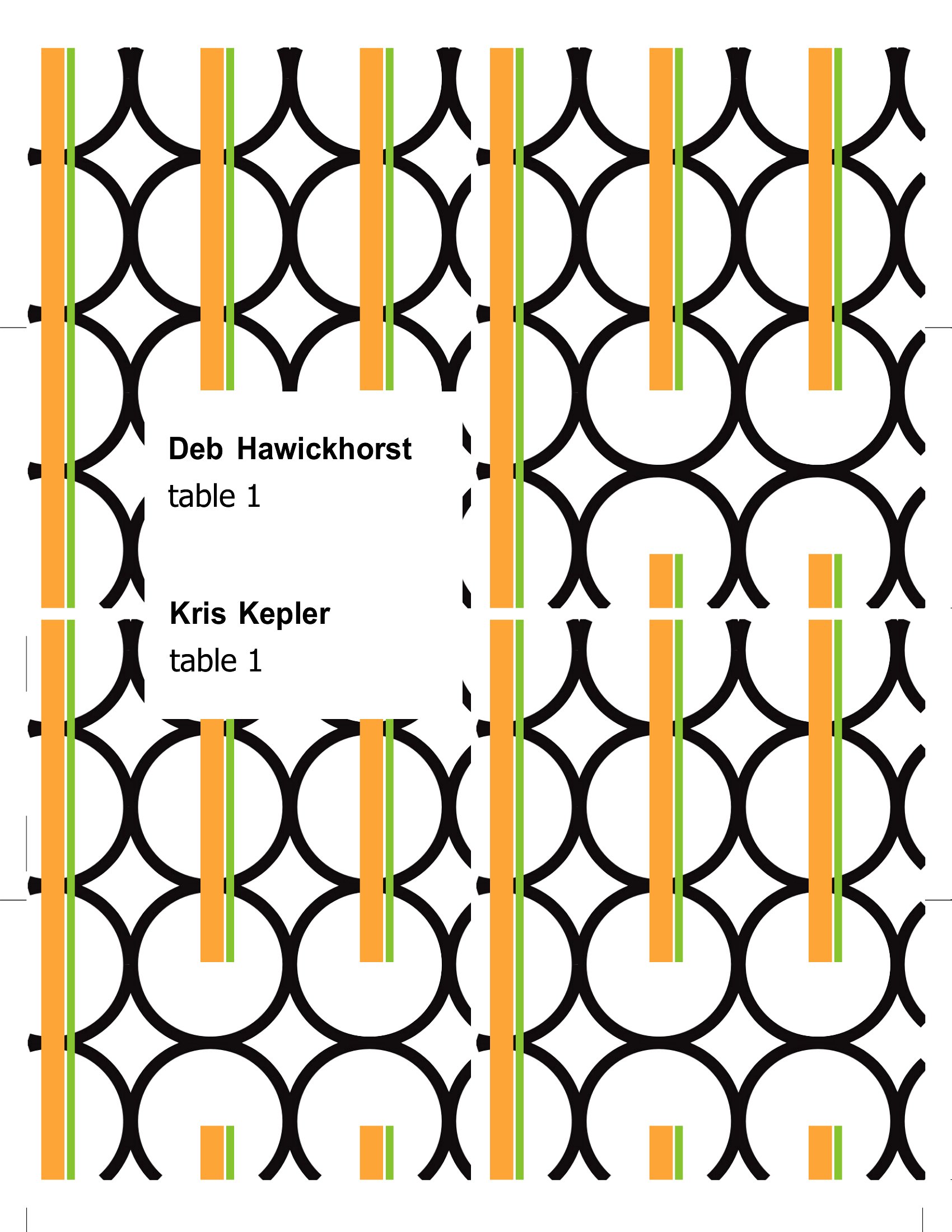
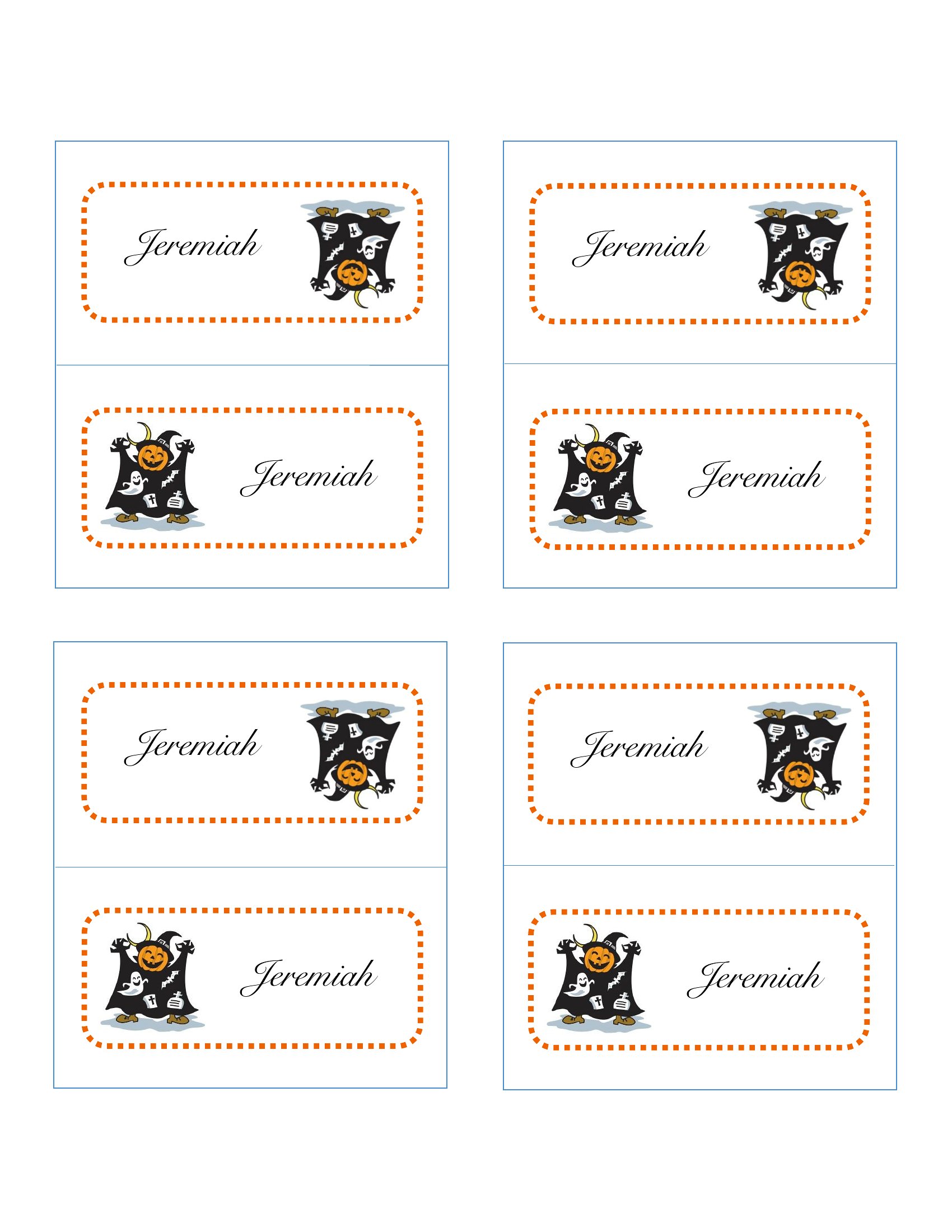
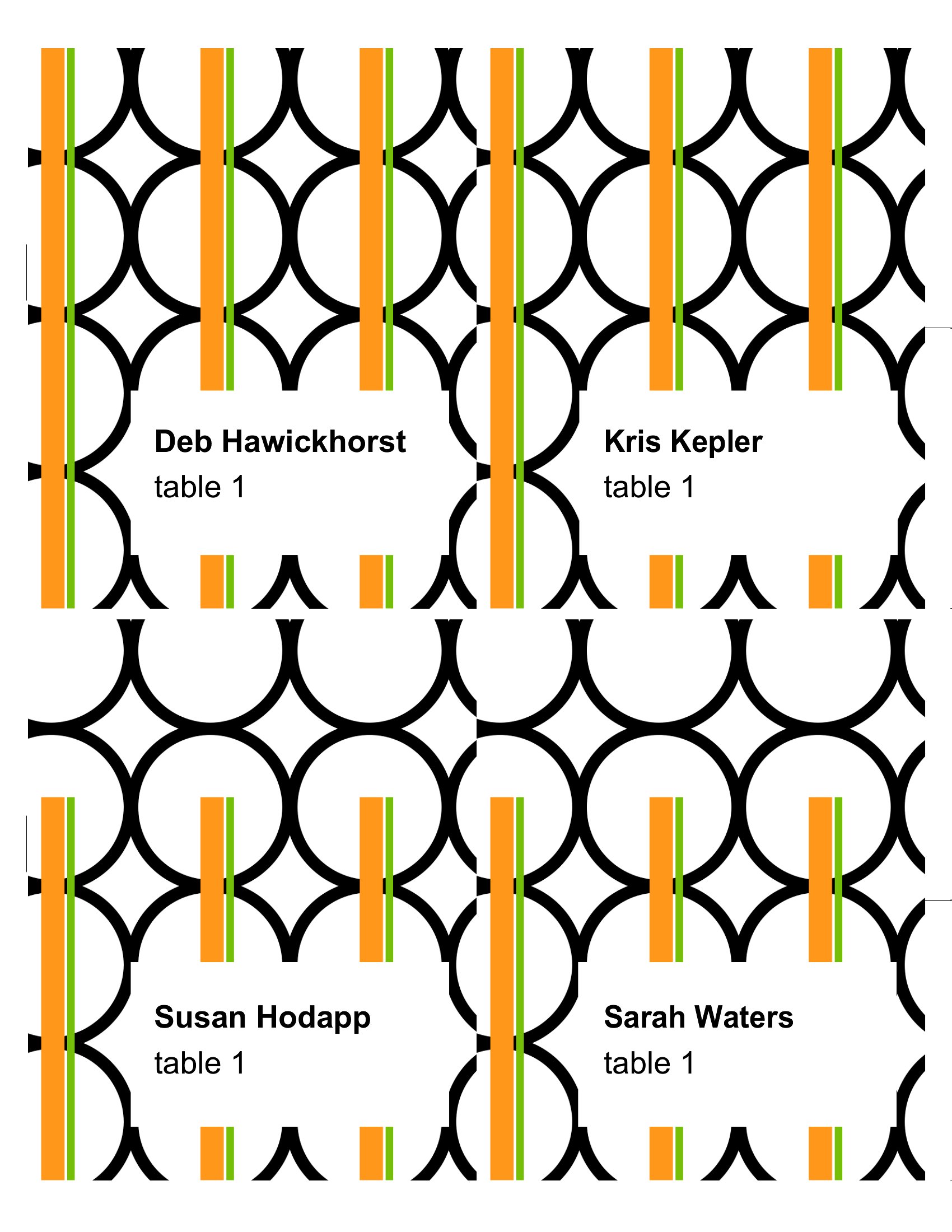
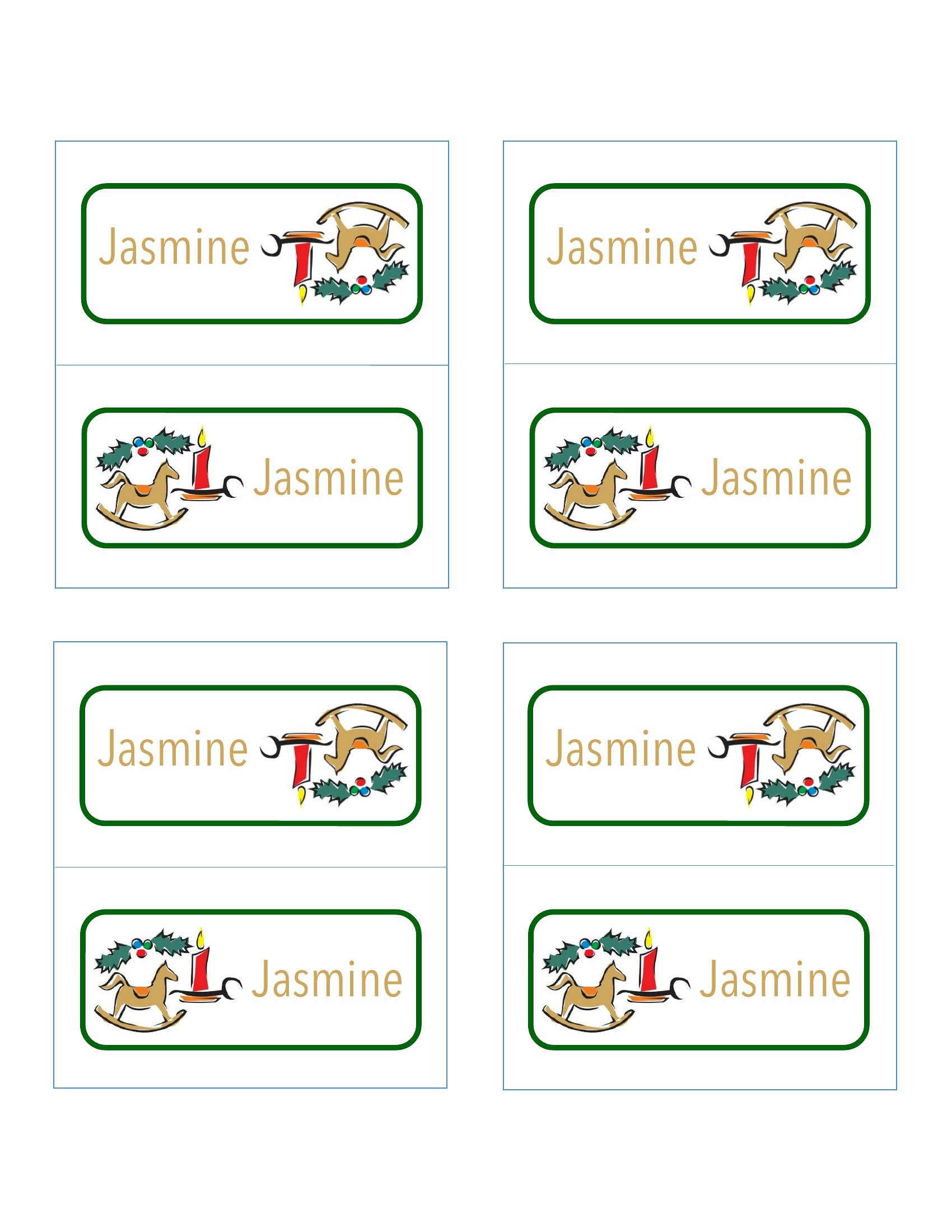
Can I add a small illustration or icon (like a fork and knife for a formal dinner) to the place cards without losing editability?
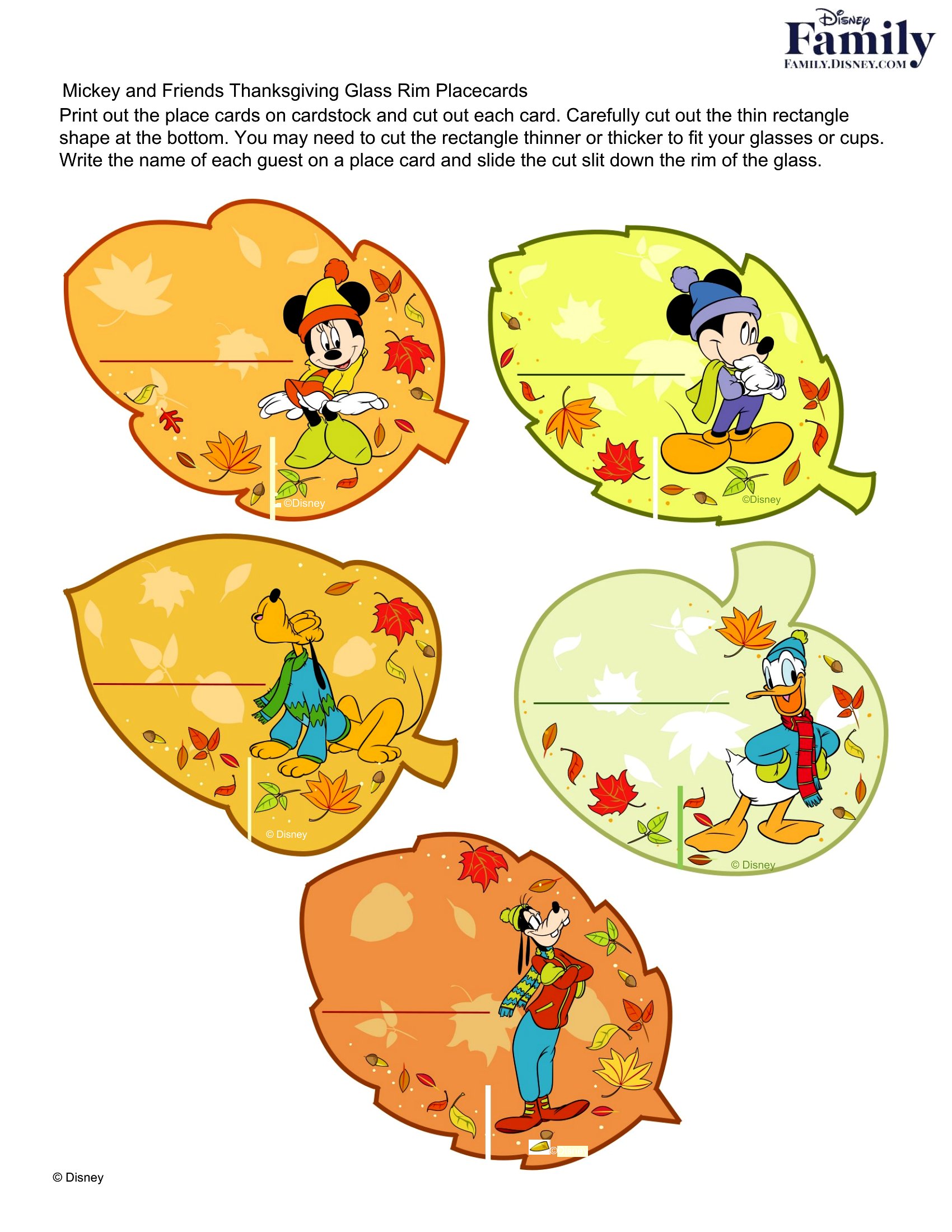
Yes, most Word templates allow you to insert simple icons or clipart directly into the design. For more detailed illustrations, save the file as a PDF after editing to preserve the graphics. Avoid complex images that might distort when printed at home.
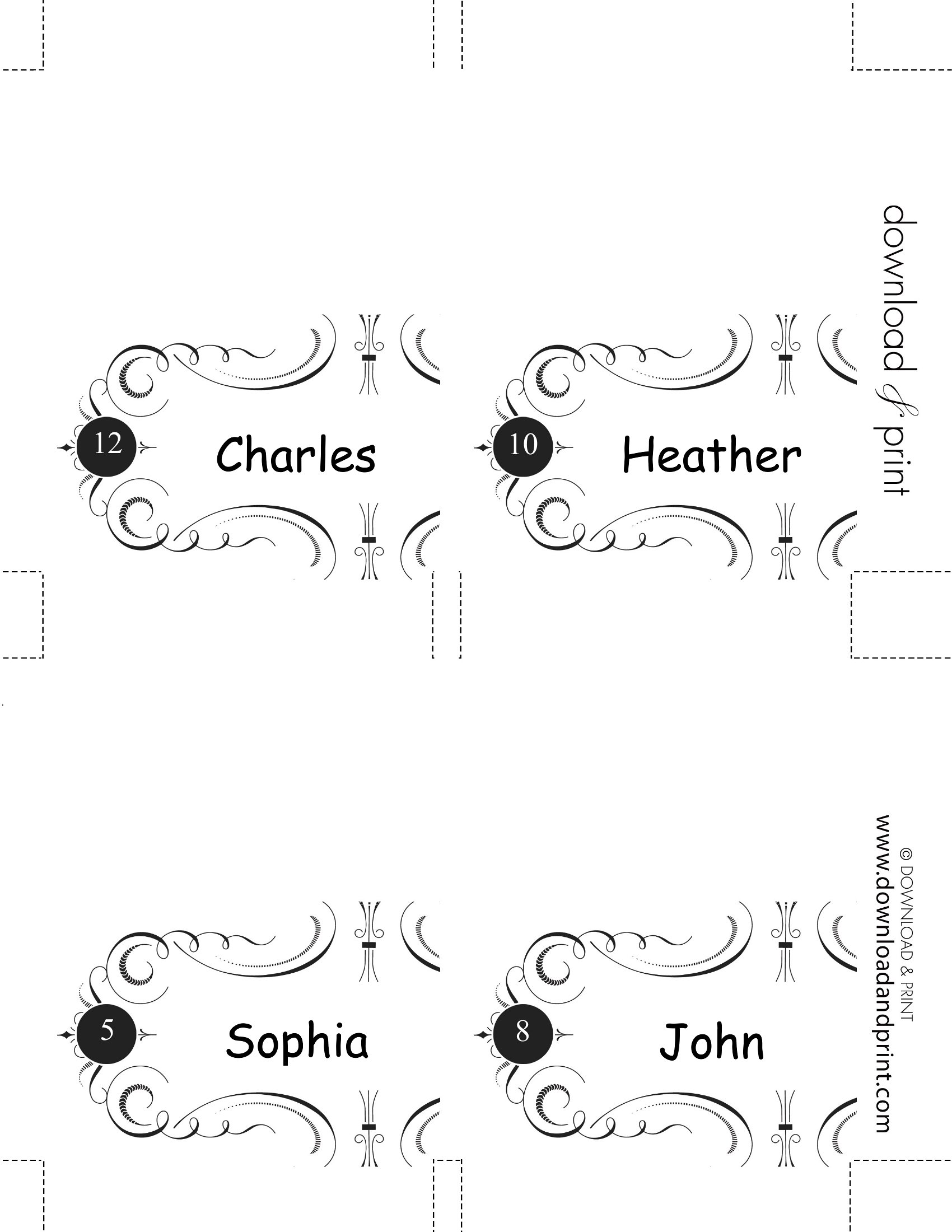
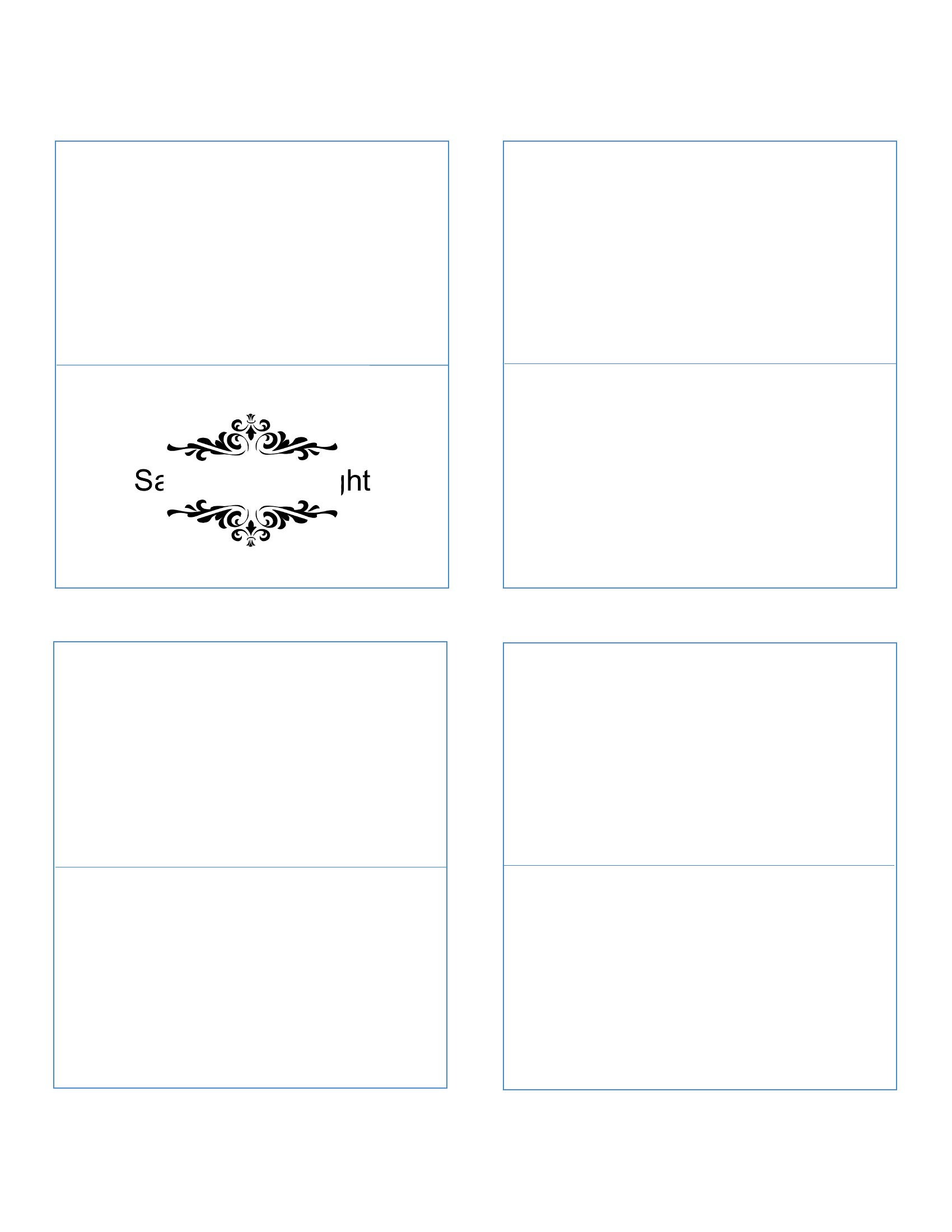
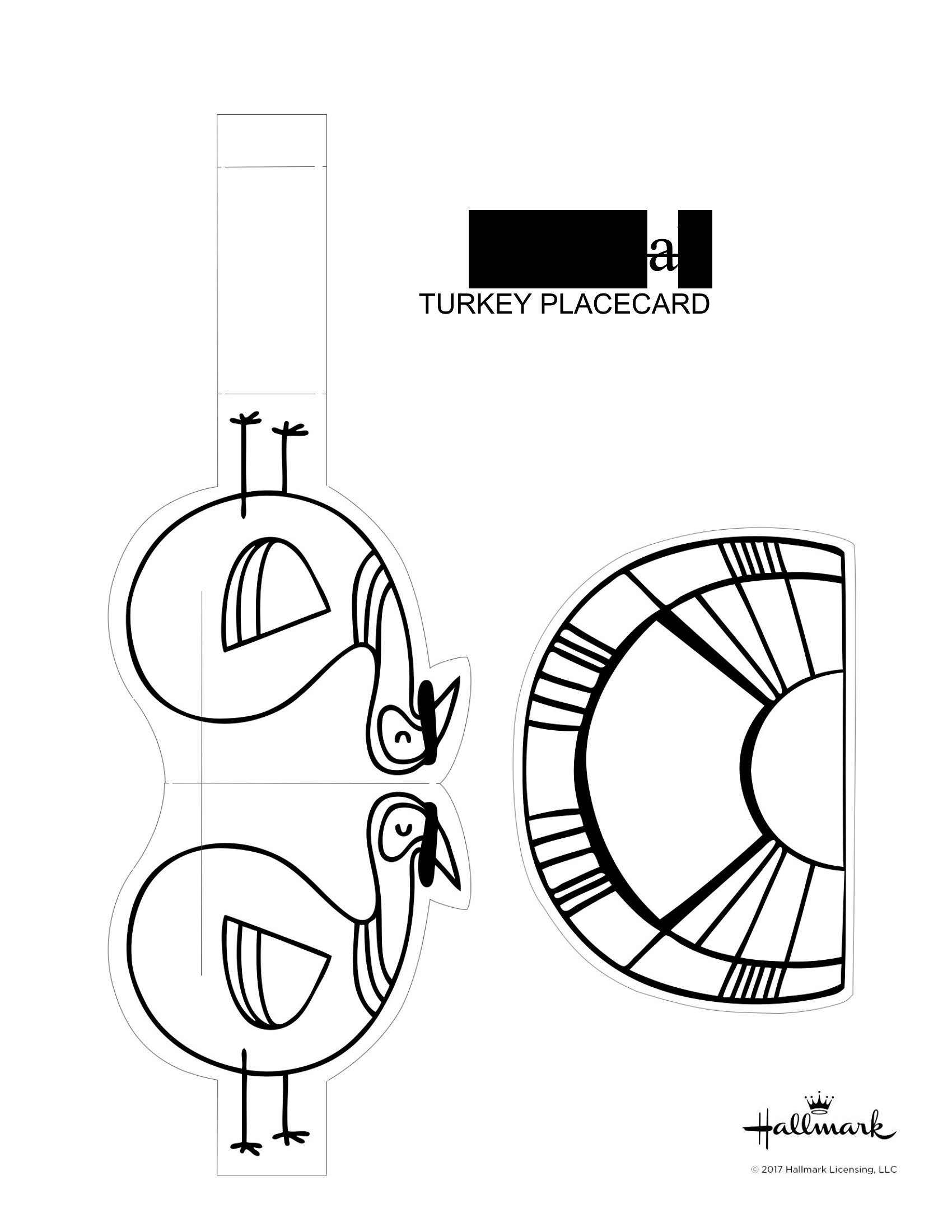
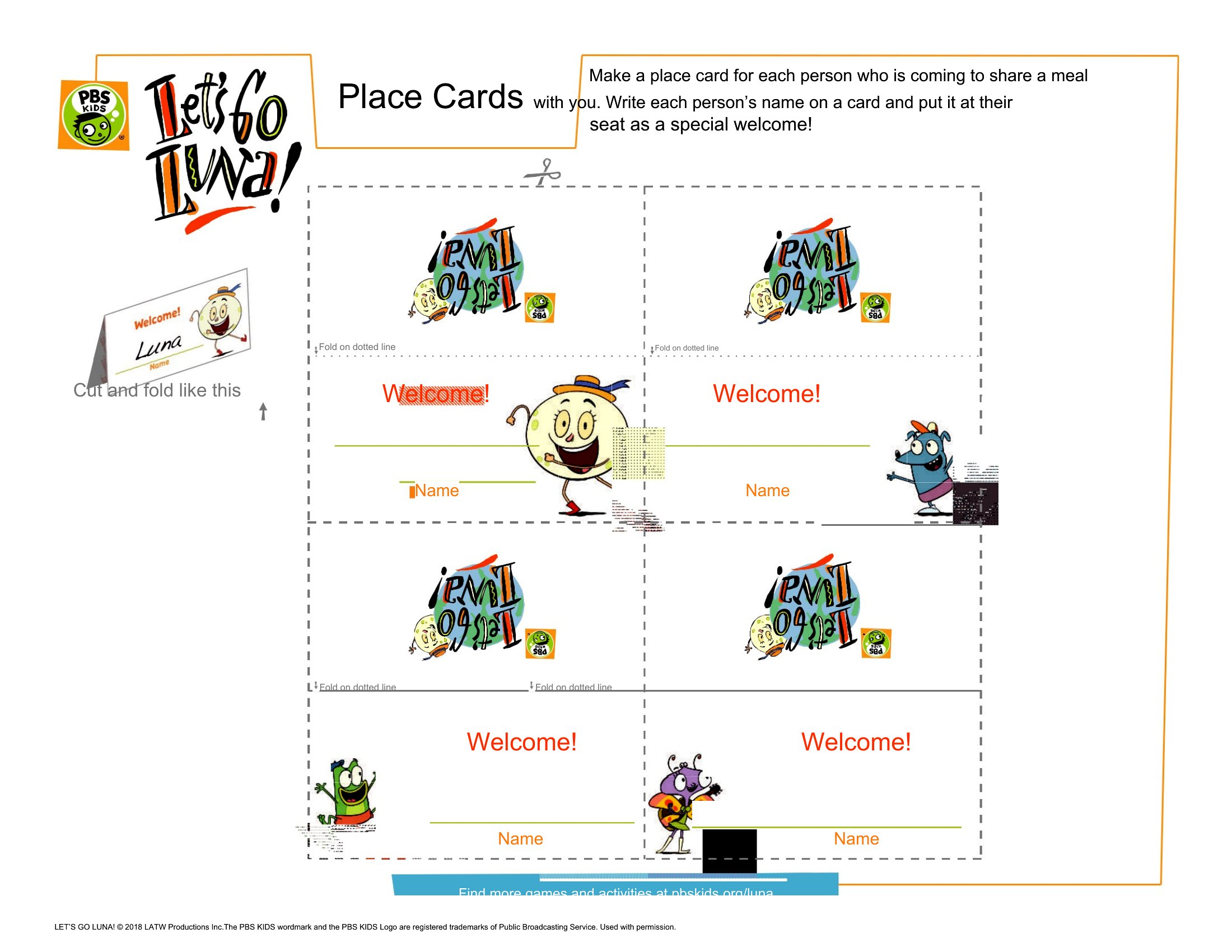
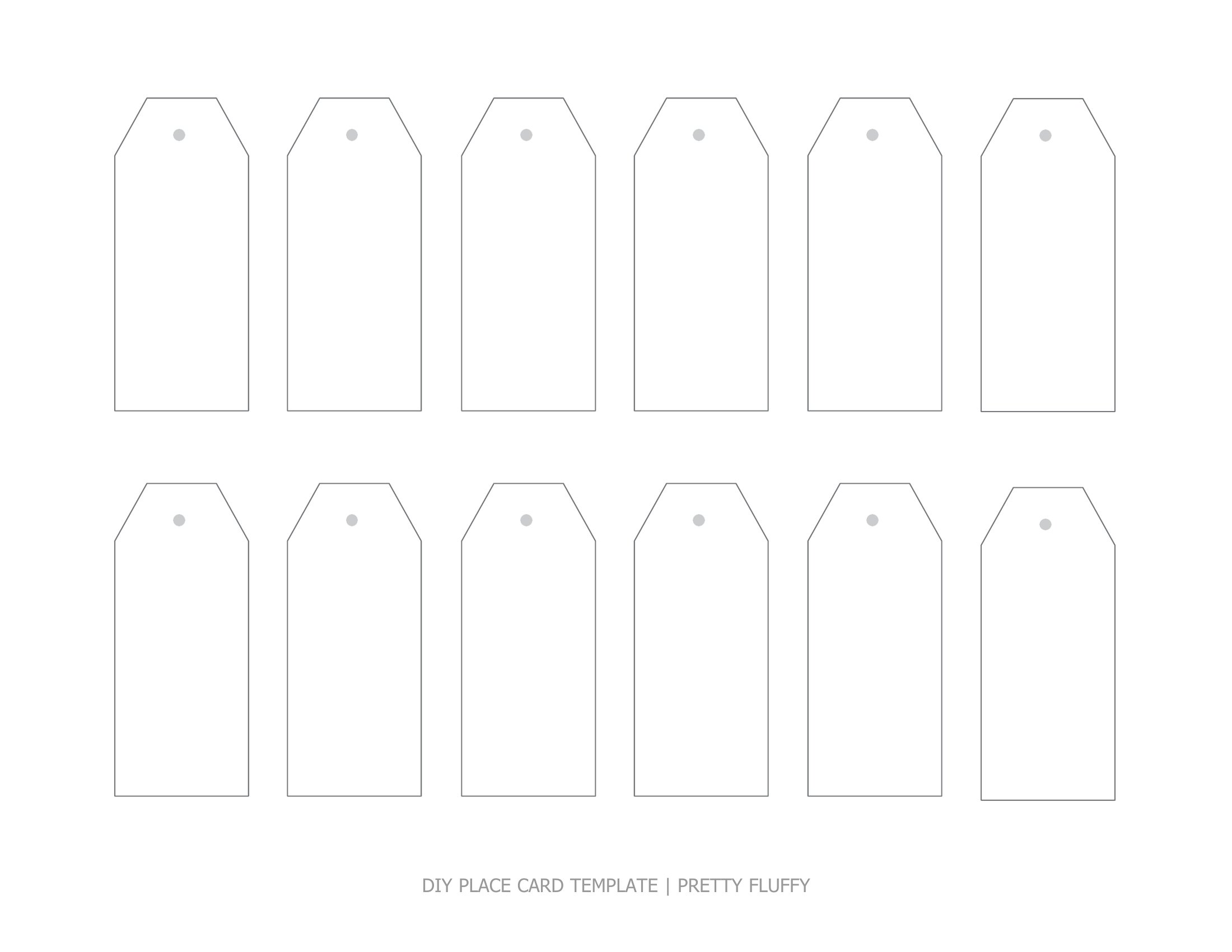
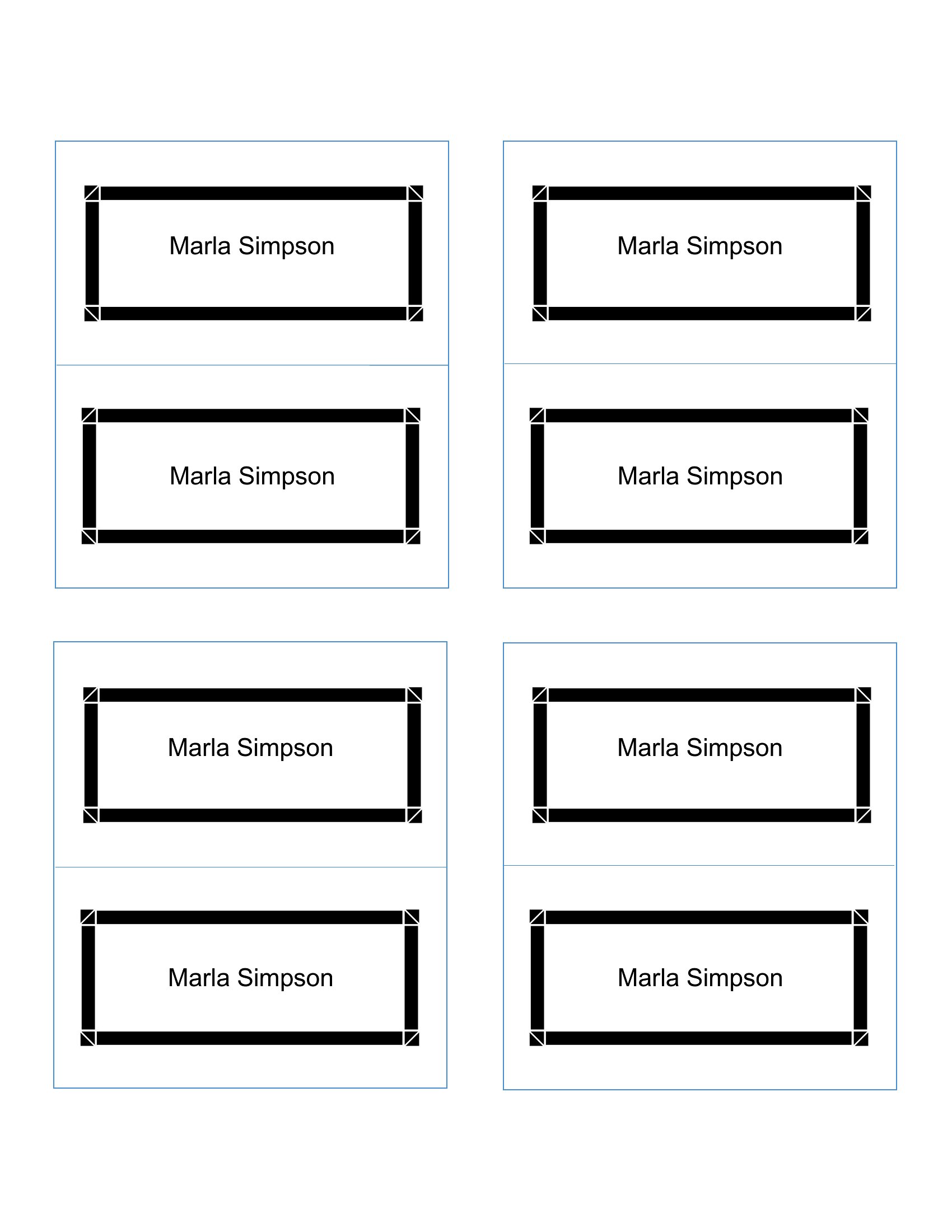
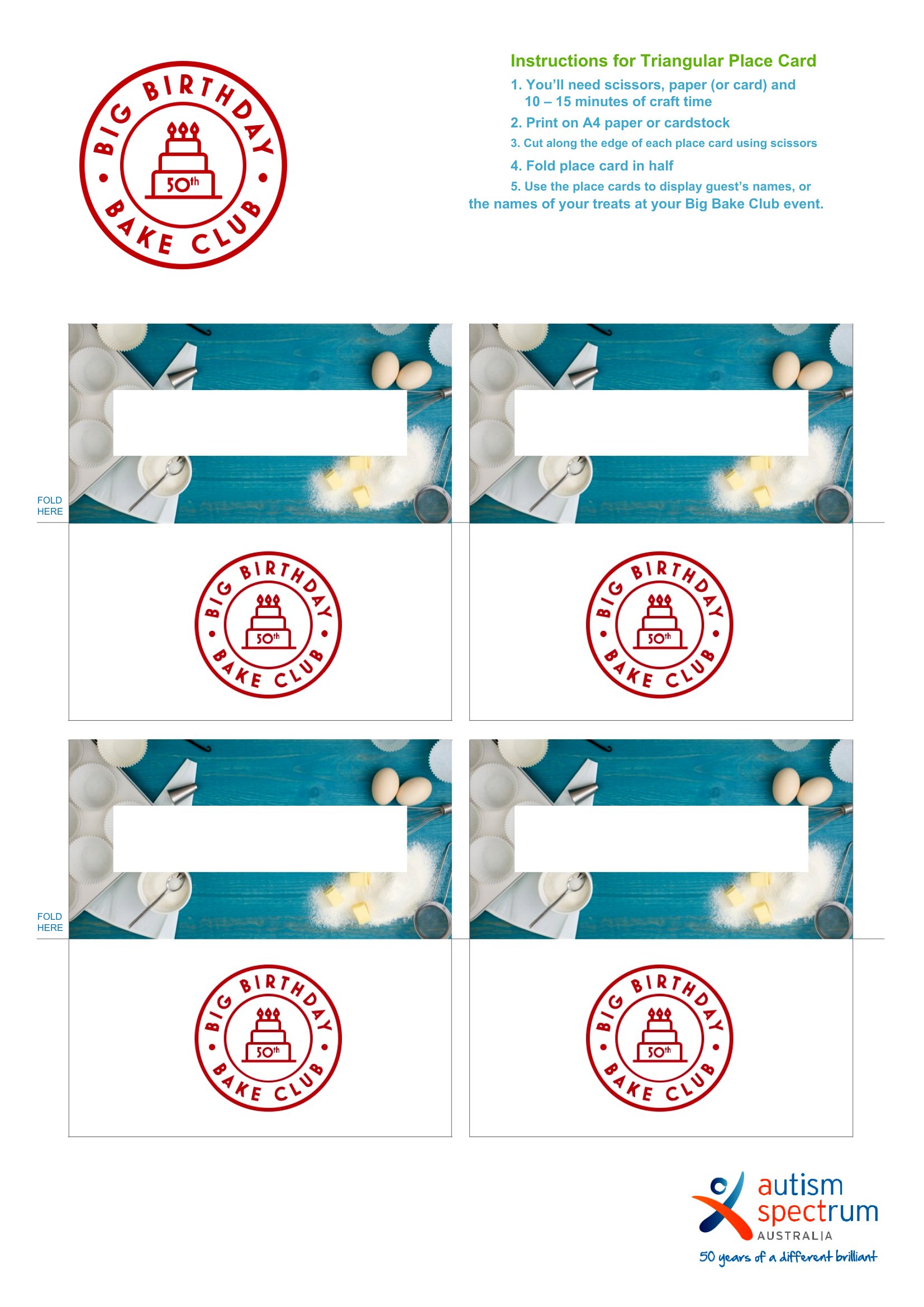
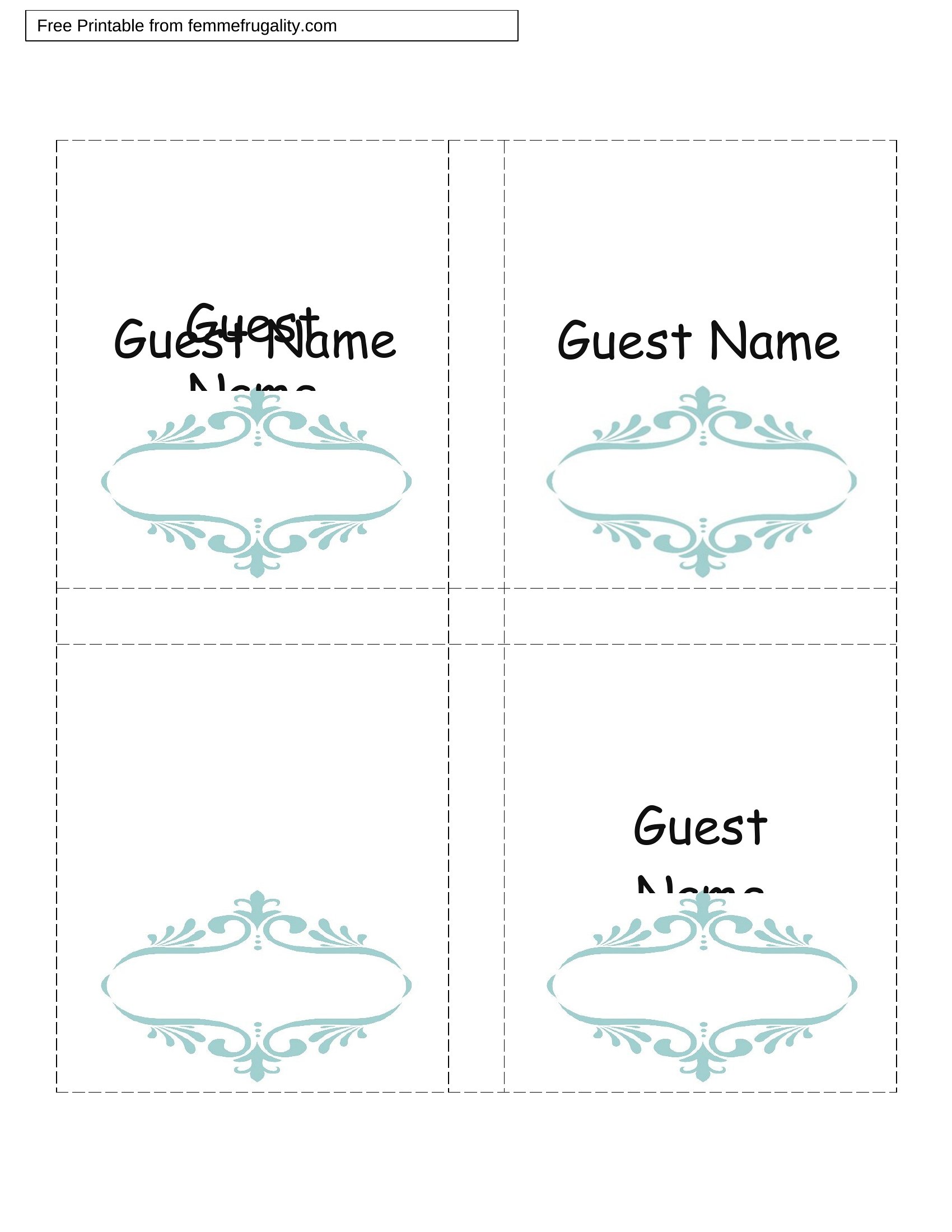
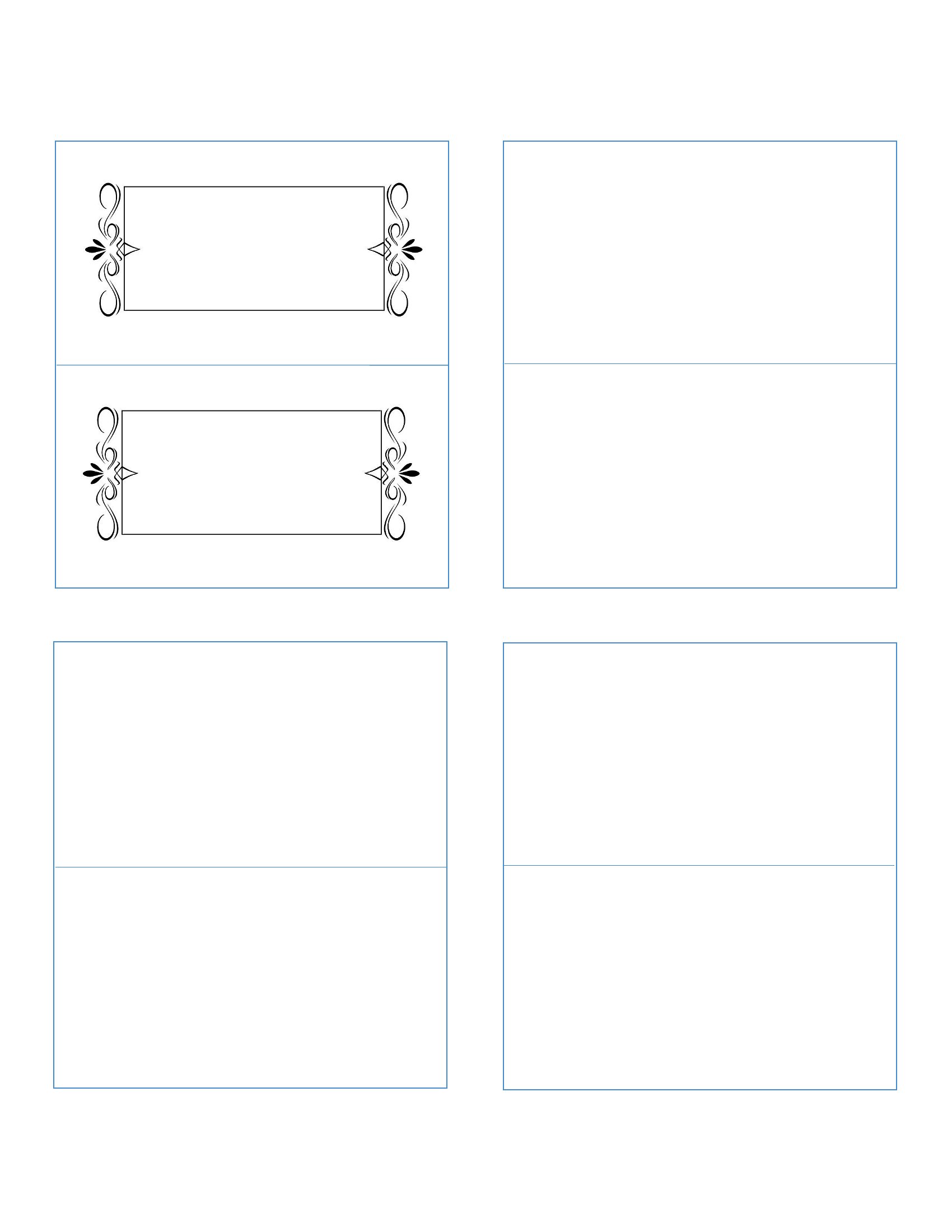
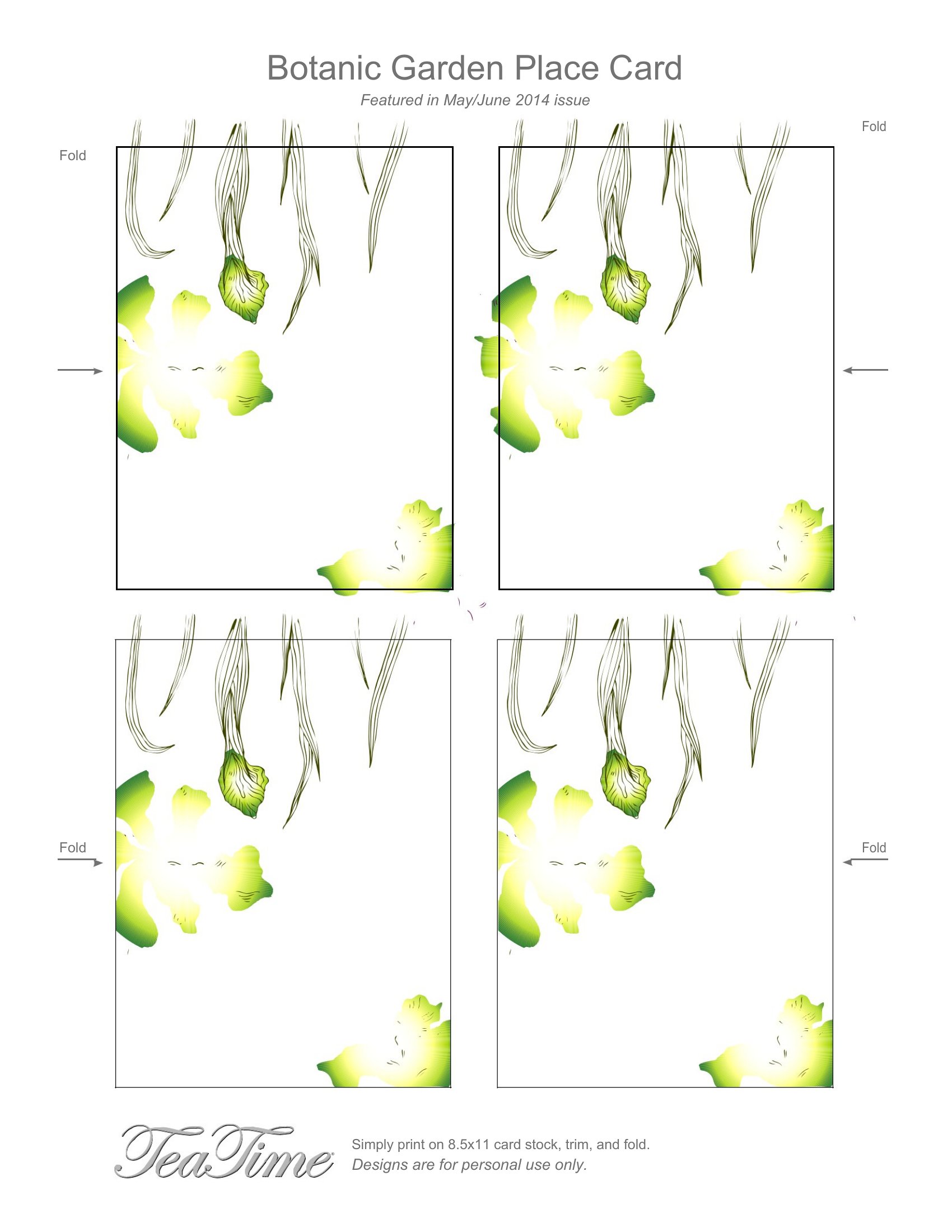
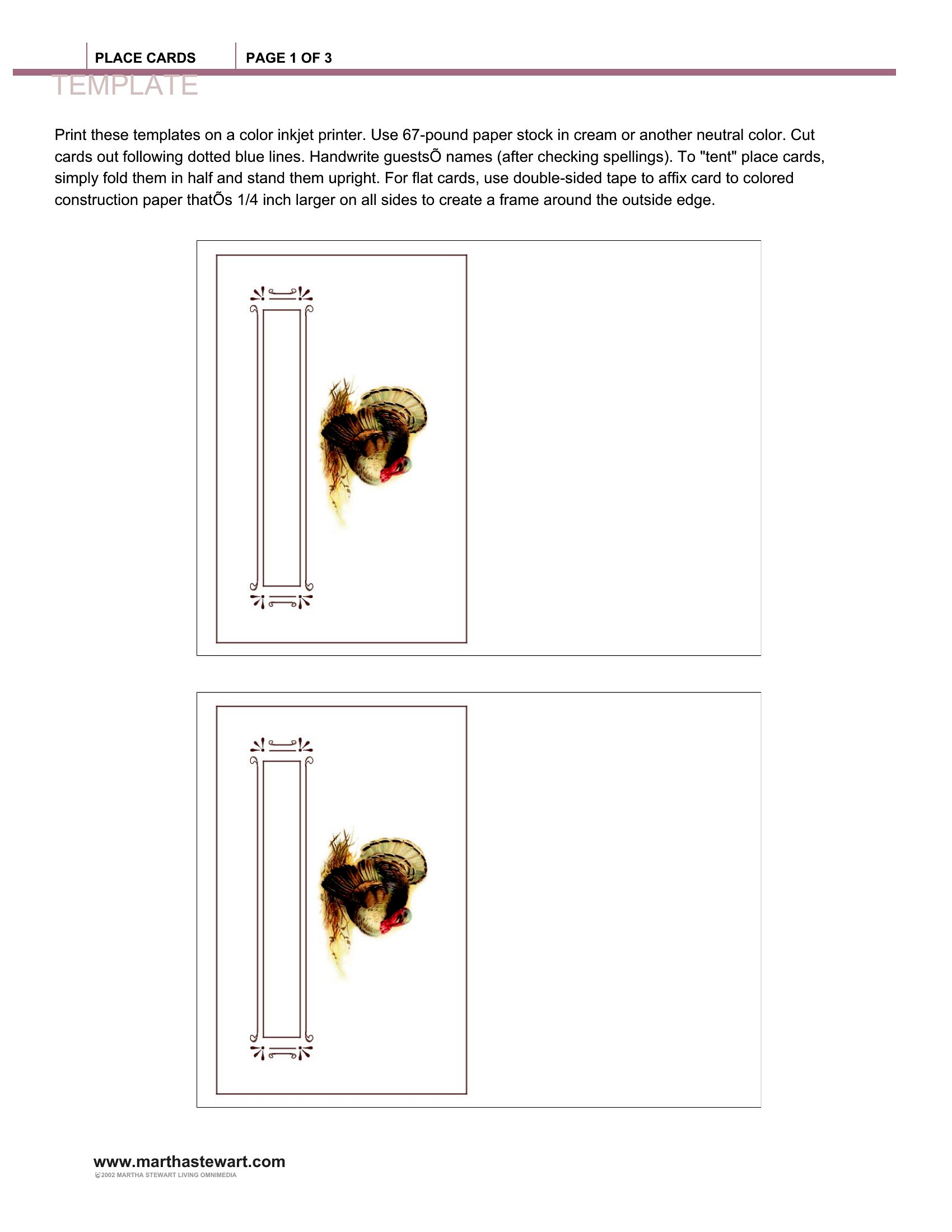
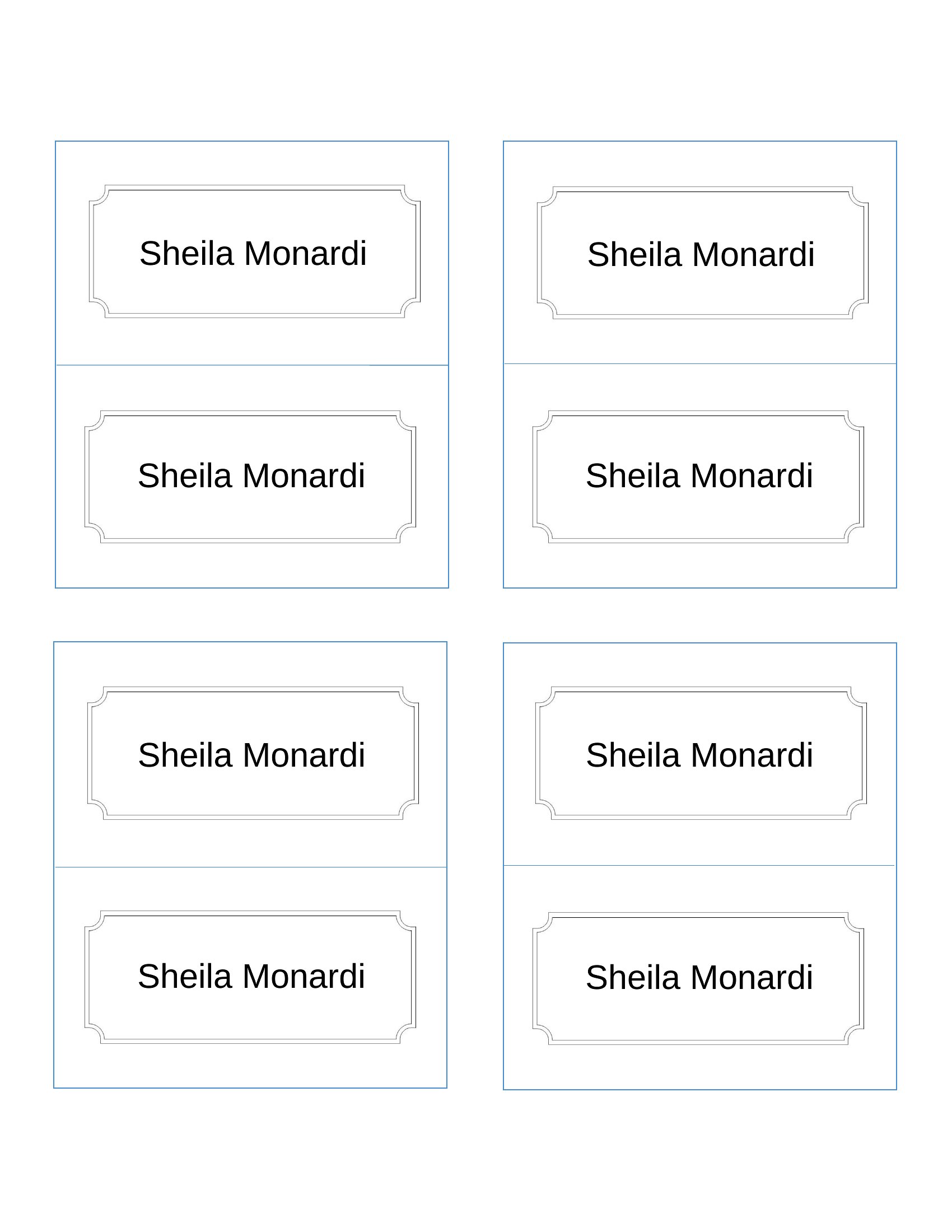
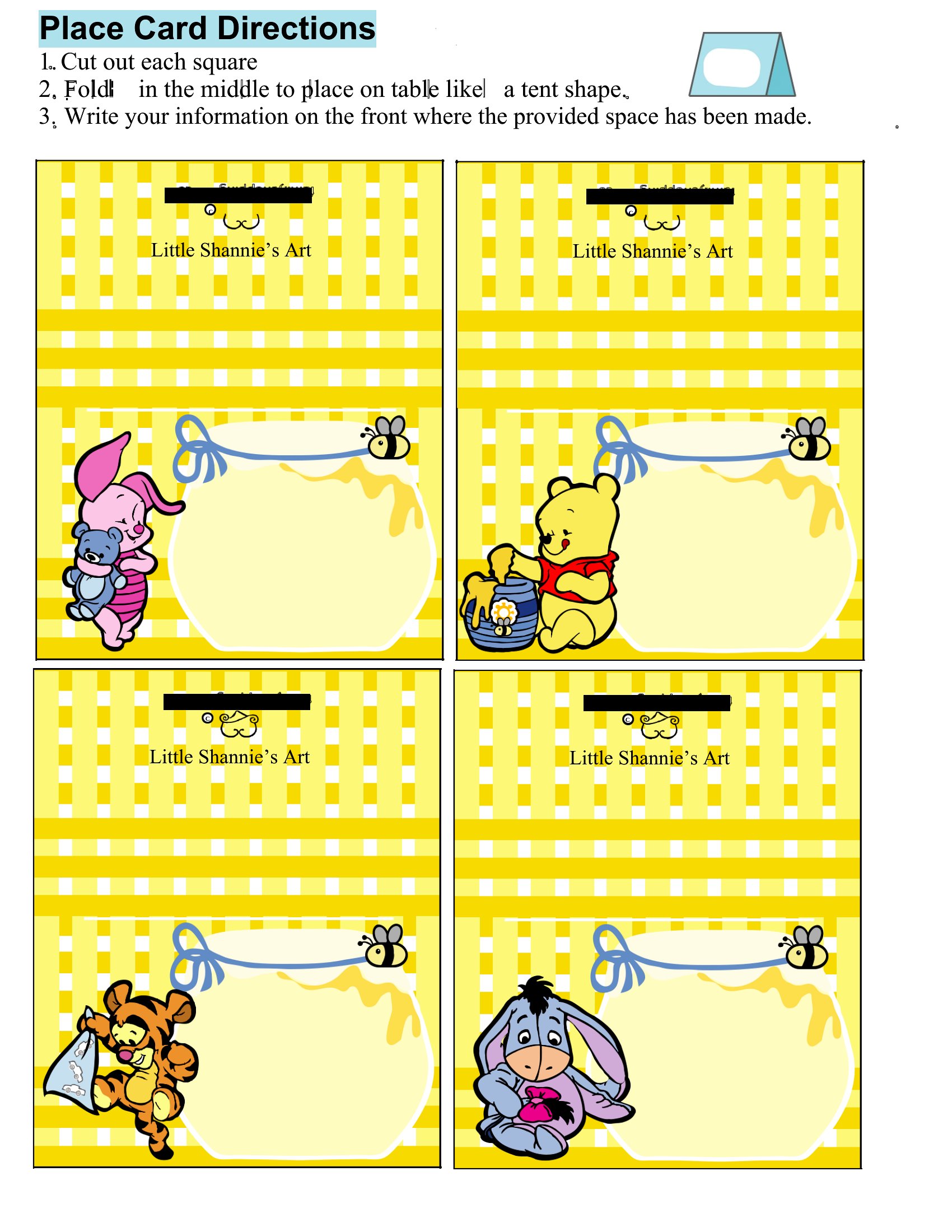
How do I ensure the foldable place cards print correctly at home, especially if I’m using a standard printer?
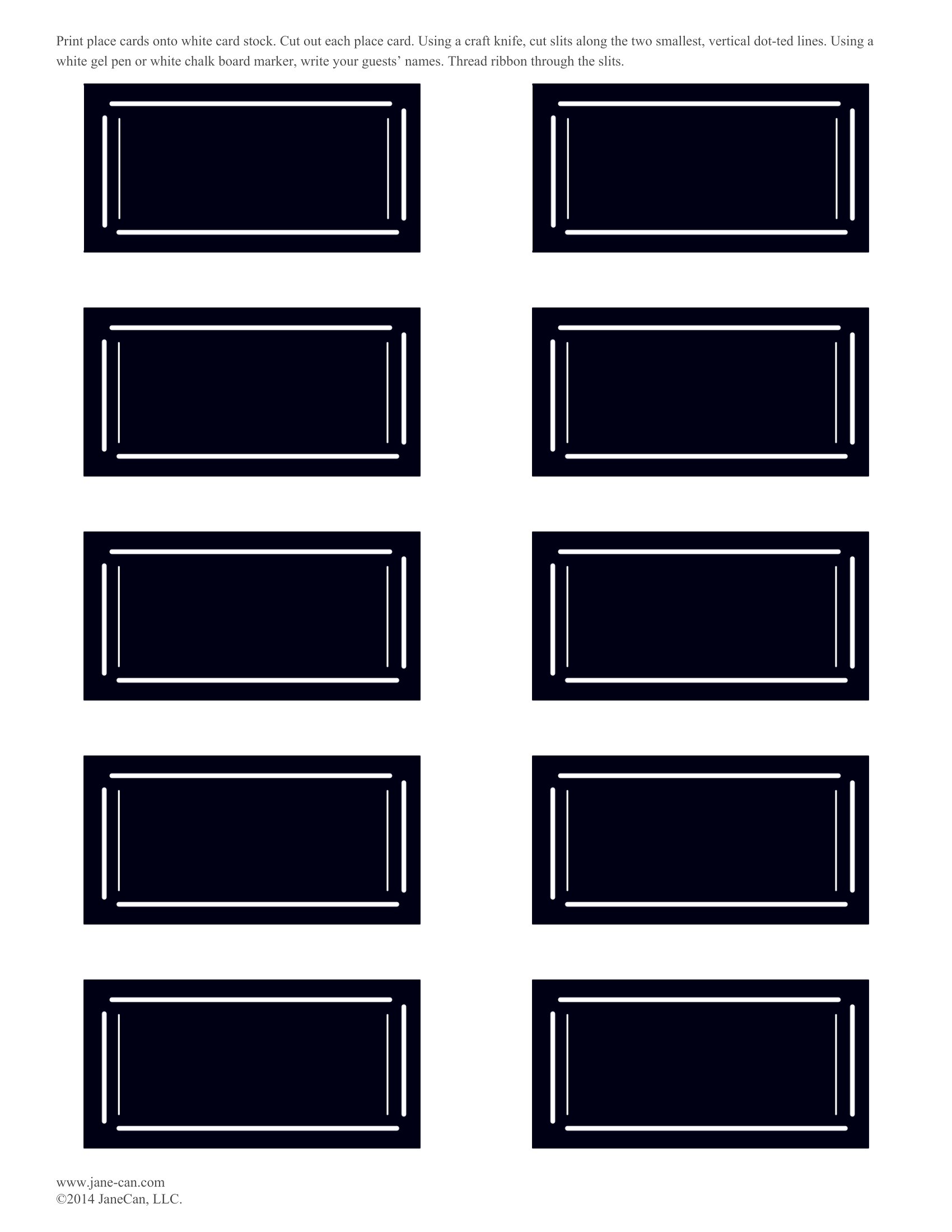
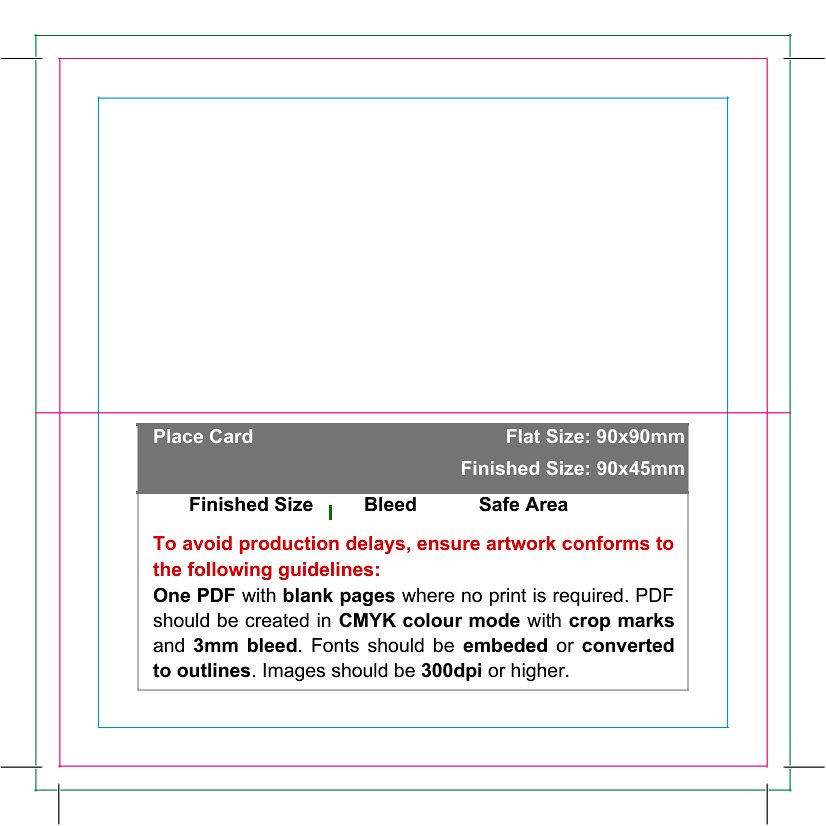
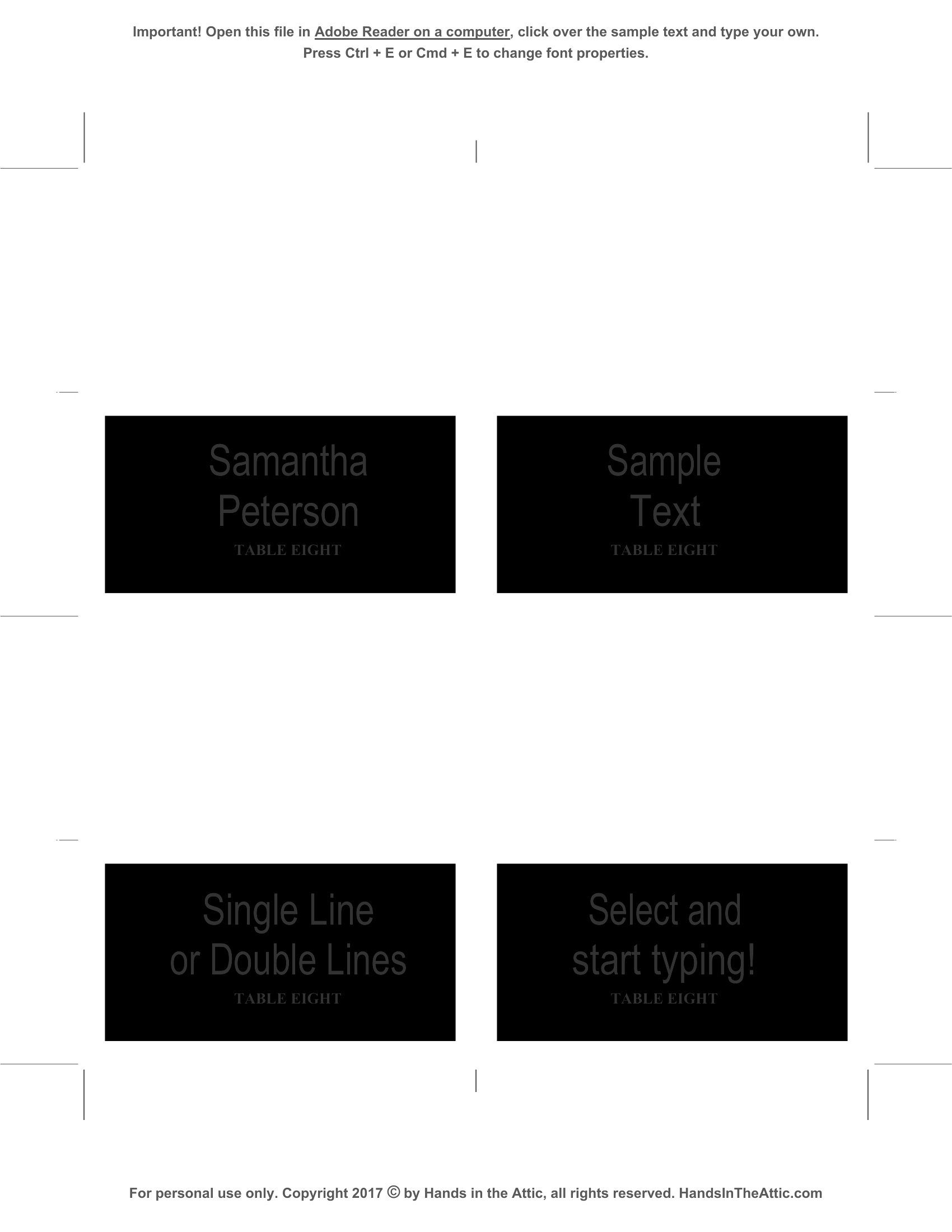
Print a test copy on plain paper first to check alignment and scaling. Use the template’s bleed settings if available, and print on cardstock for durability. If the fold lines don’t align, adjust the margins in Word before printing. For precise folds, consider printing on 8.5x11-inch paper and trimming afterward.
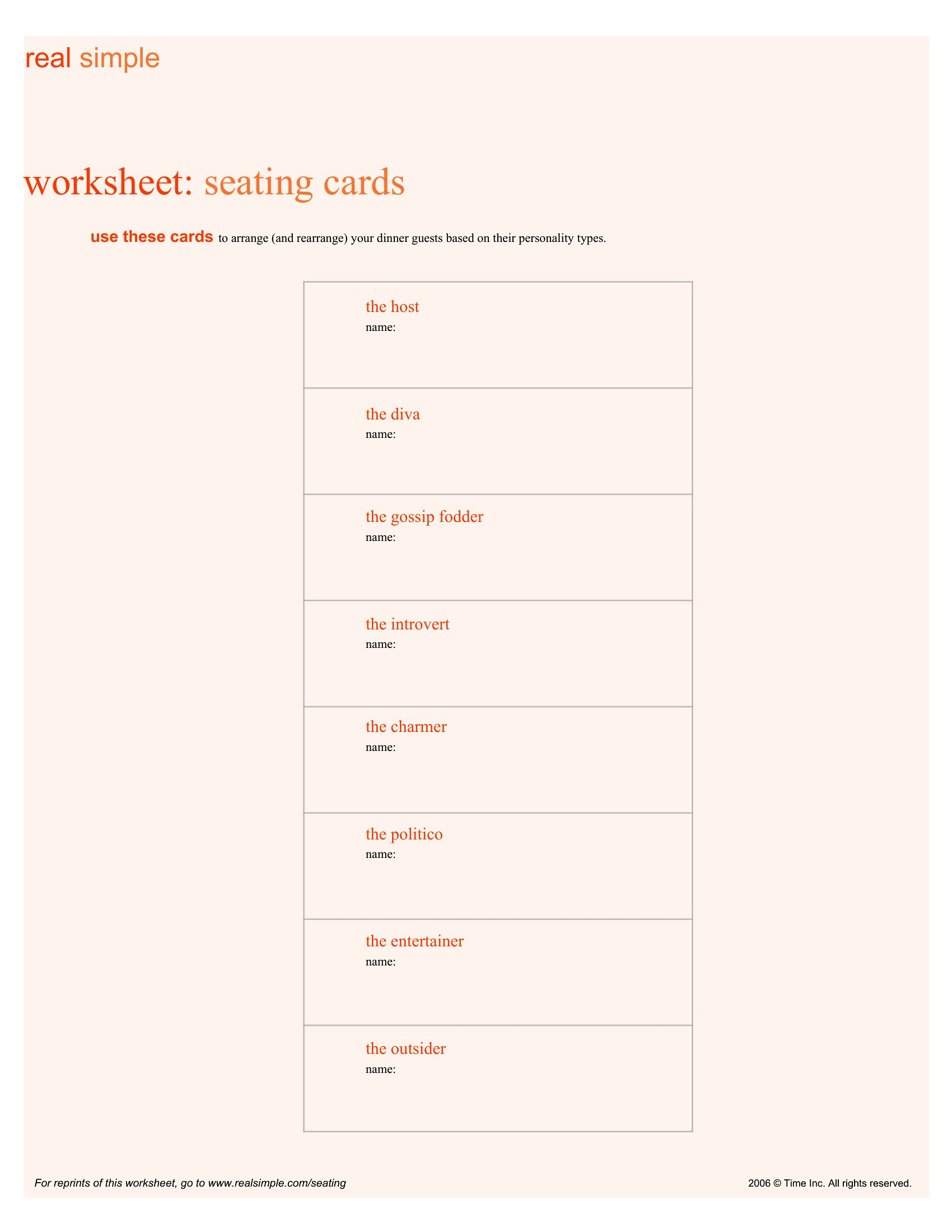
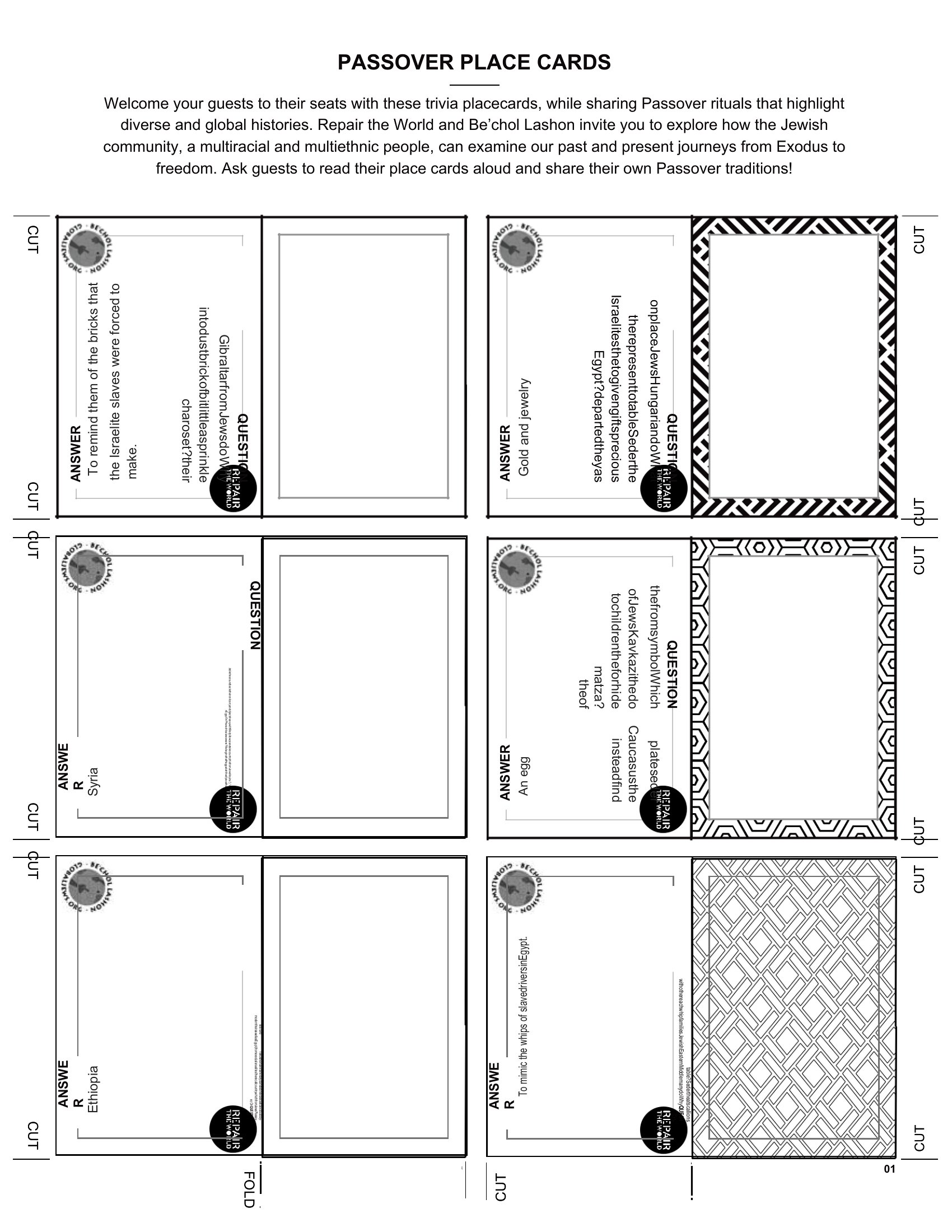
Are these templates suitable for non-traditional events like a baby shower or retirement party where place cards might include gifts or activities?
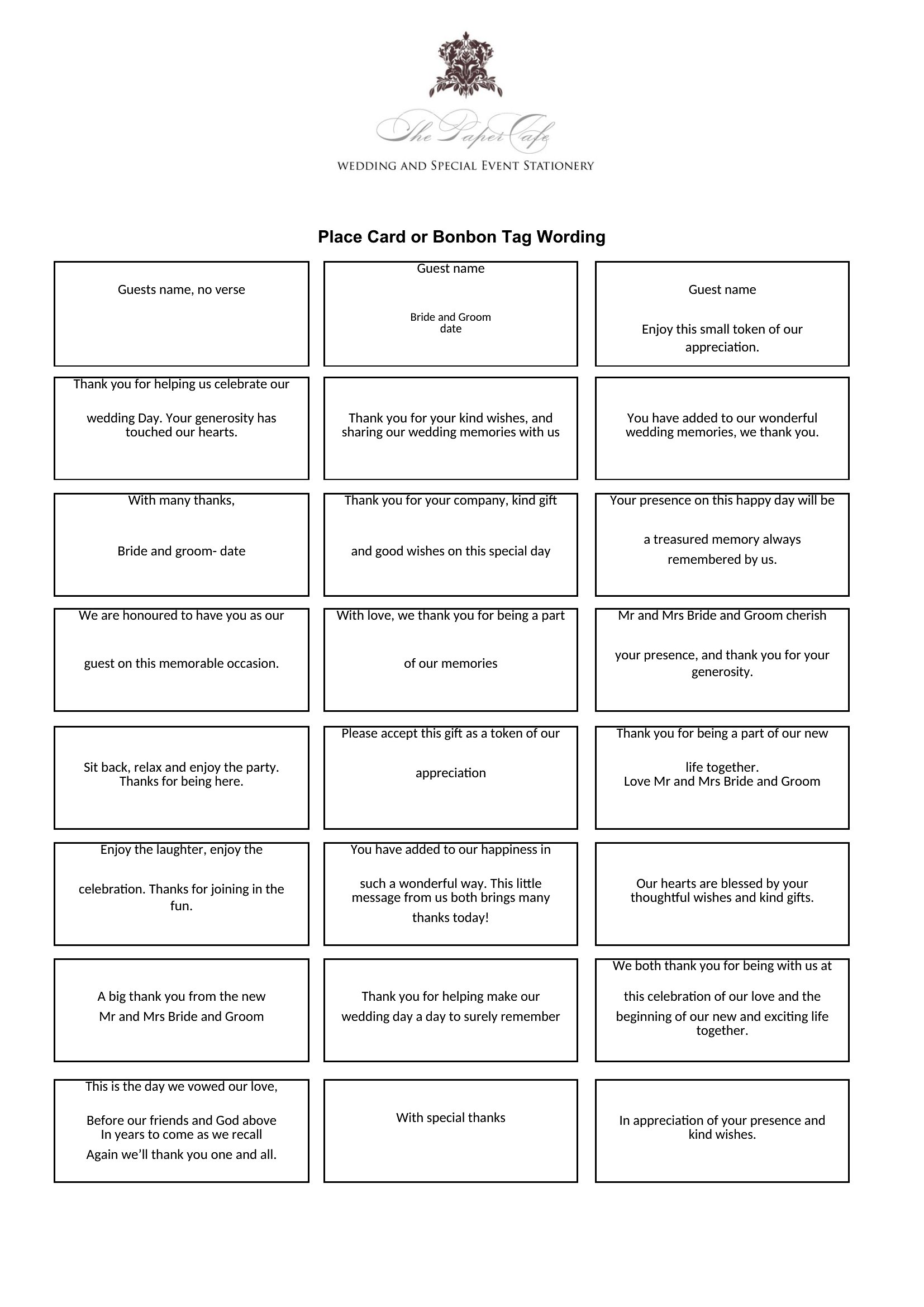
Absolutely. Many templates in this collection are versatile enough for themed events—look for designs with space for notes (e.g., ‘Bring a stuffed animal’ or ‘Seating Chart Level 2’). For activities, add a small sticker or washi tape to the back of the card to attach instructions or tags.
Comments
Join the conversation
Sign in to share your thoughts and leave a comment on this resource.