


































FAQ
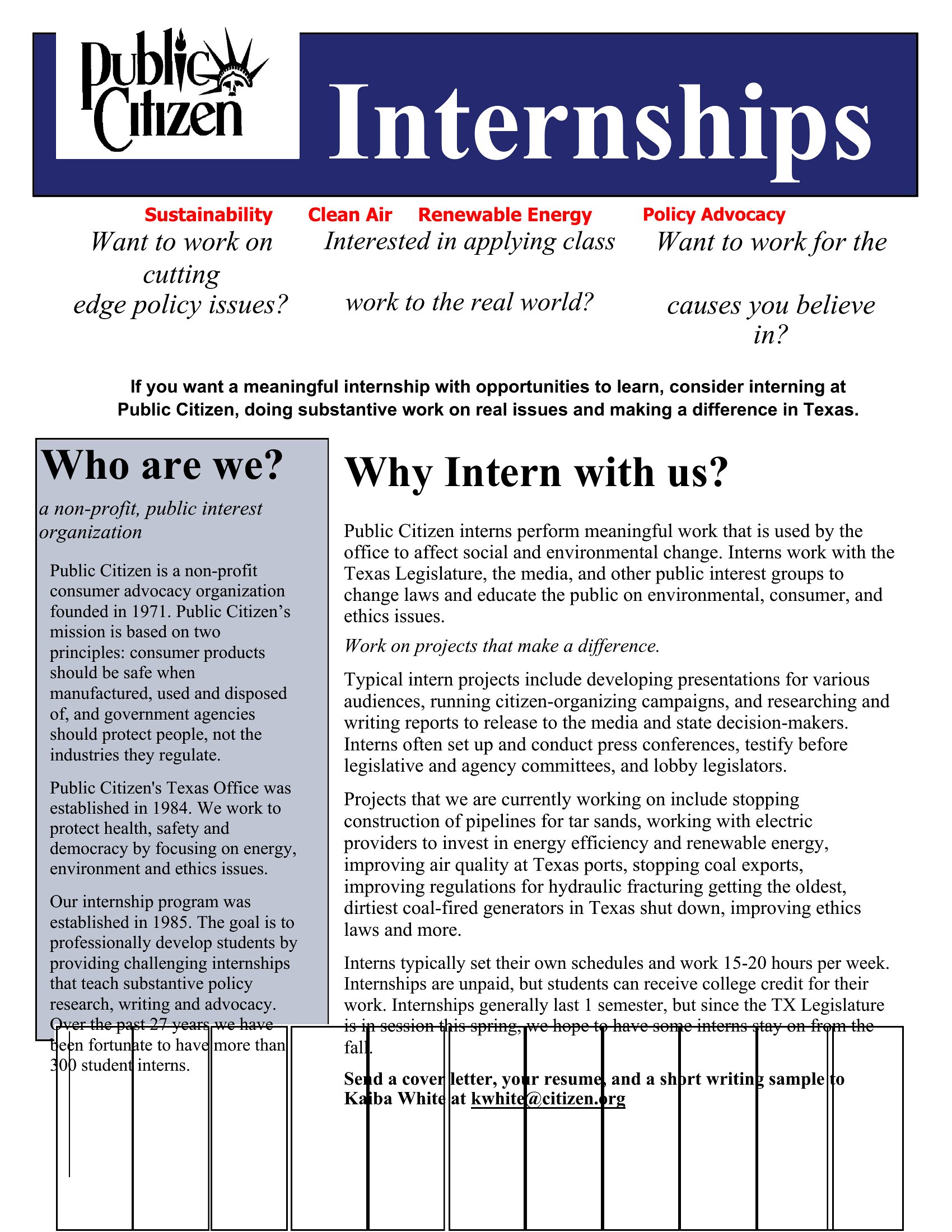
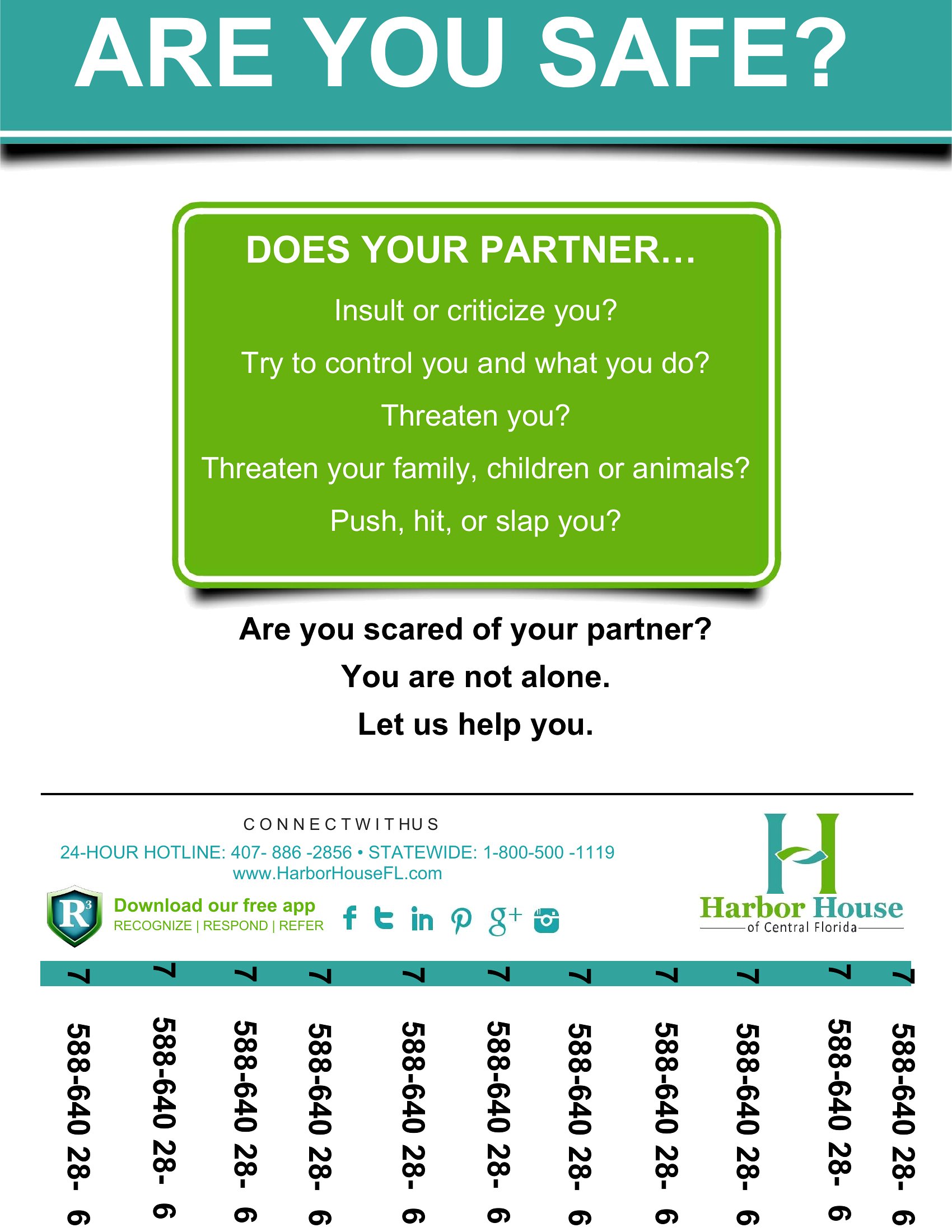
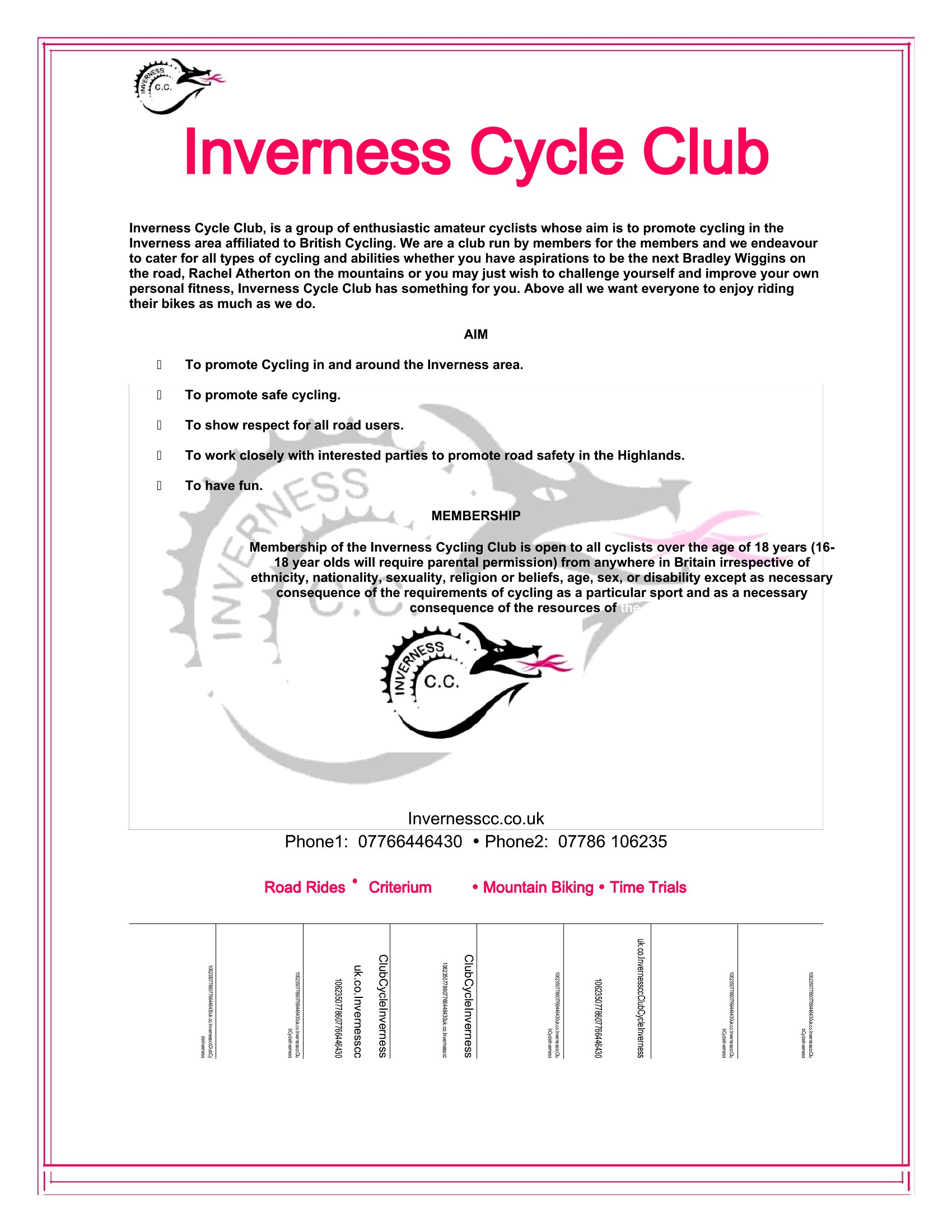
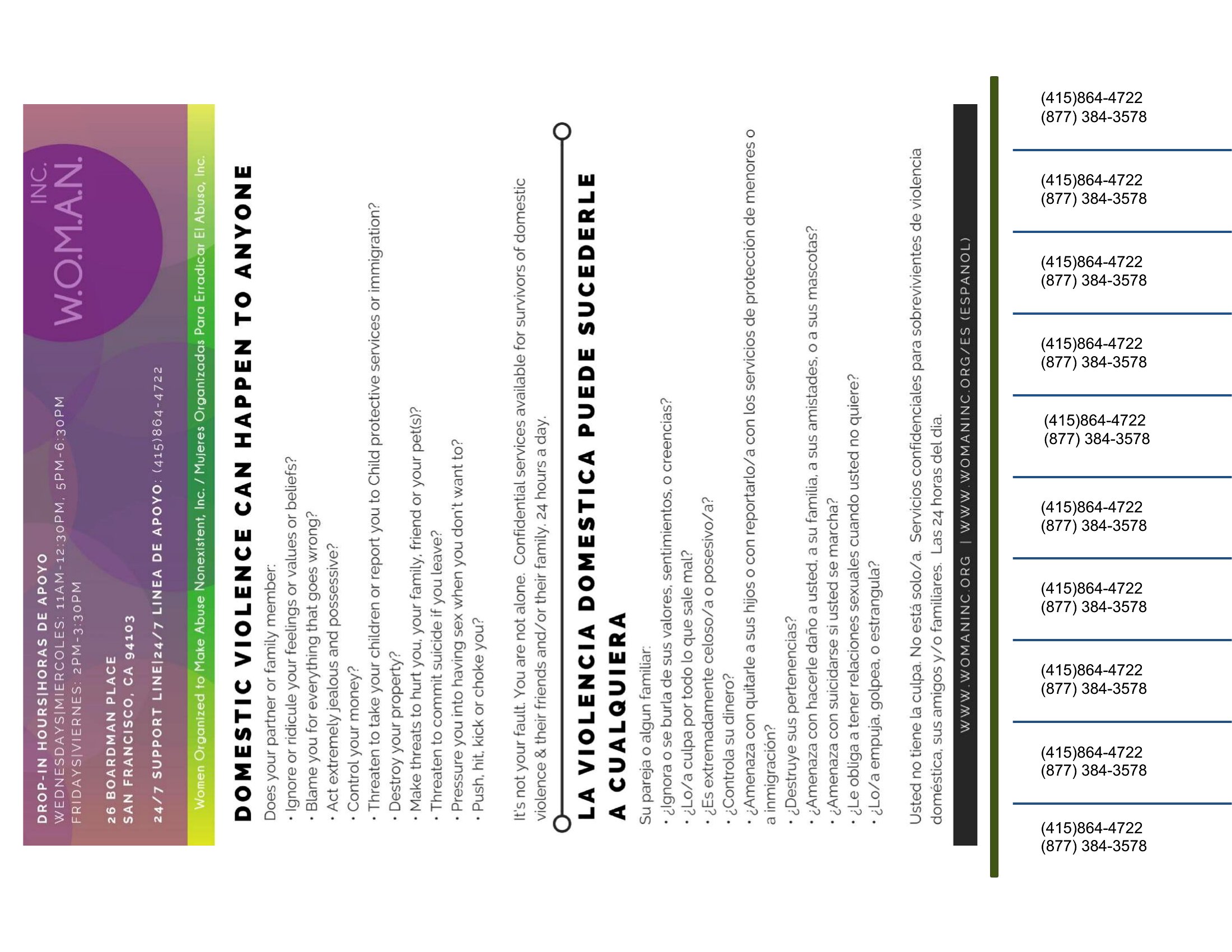
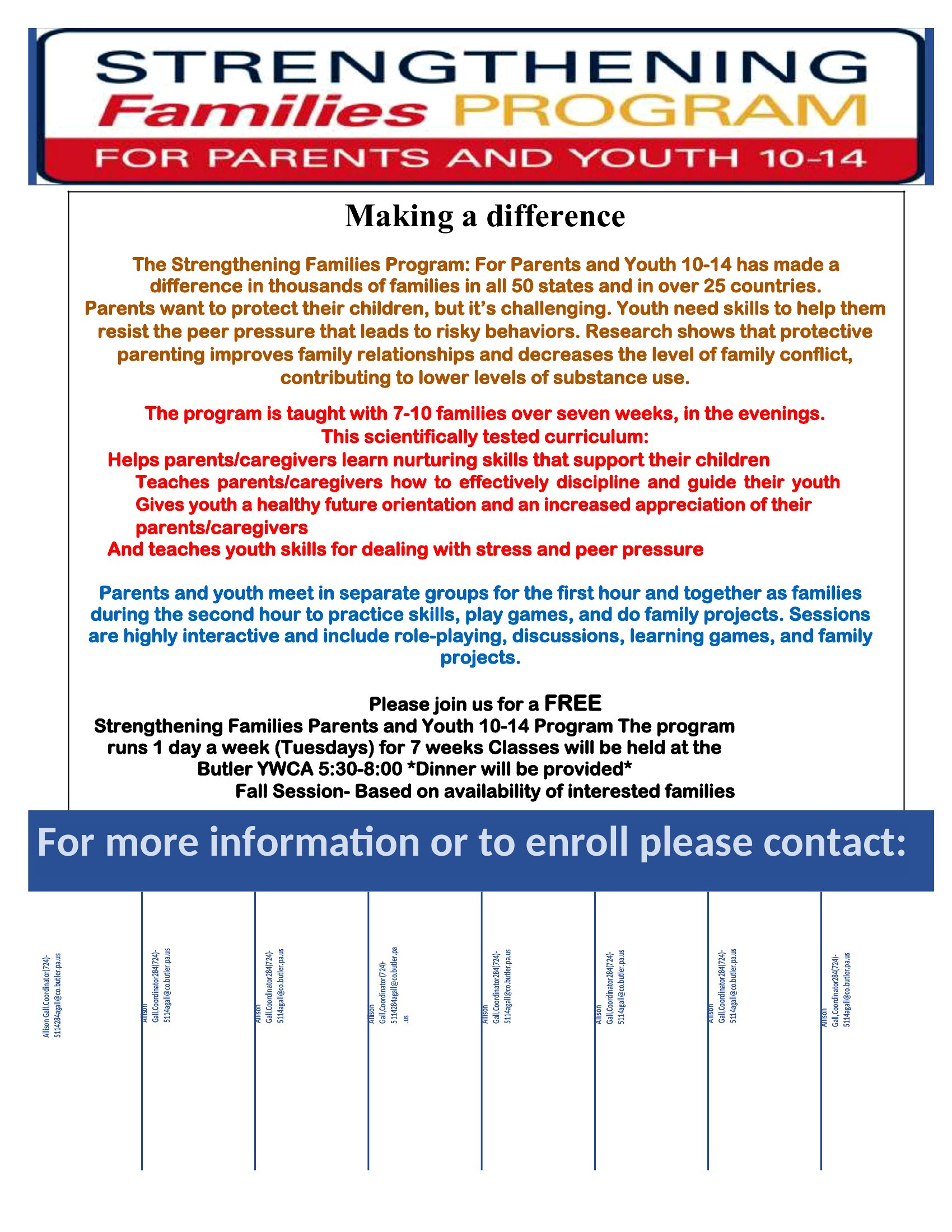
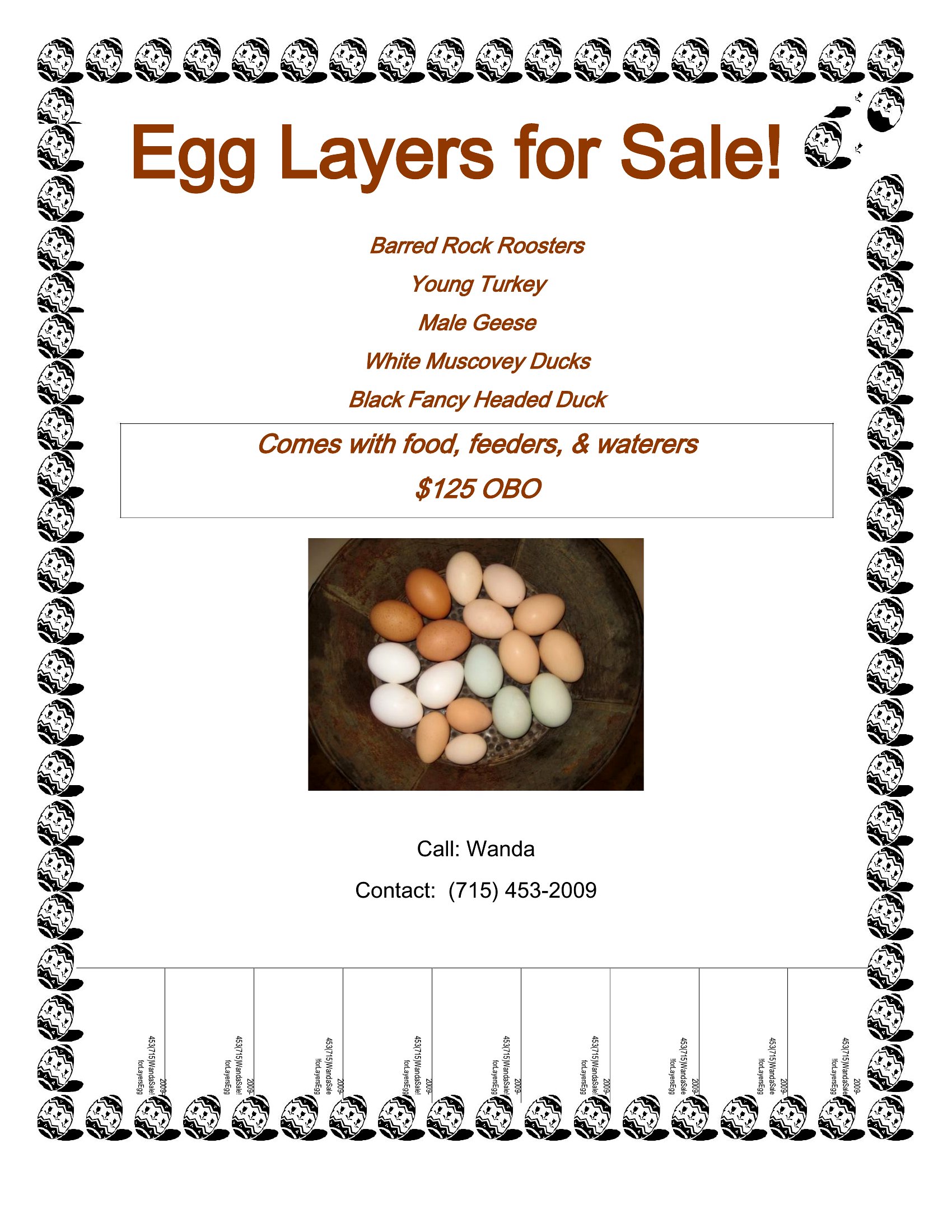
How do I ensure the tear-off strips on my flyer are the right size for easy detachment?
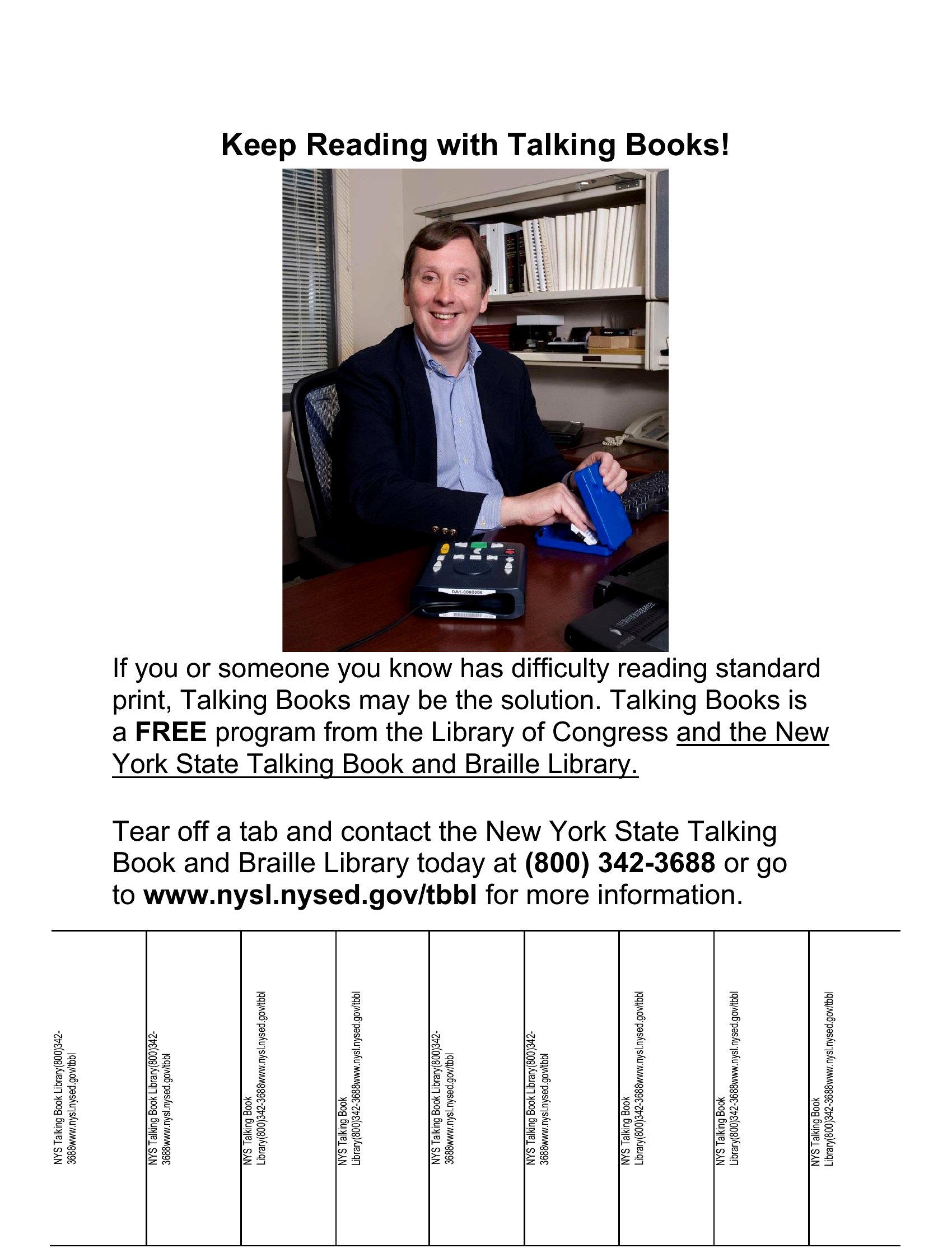
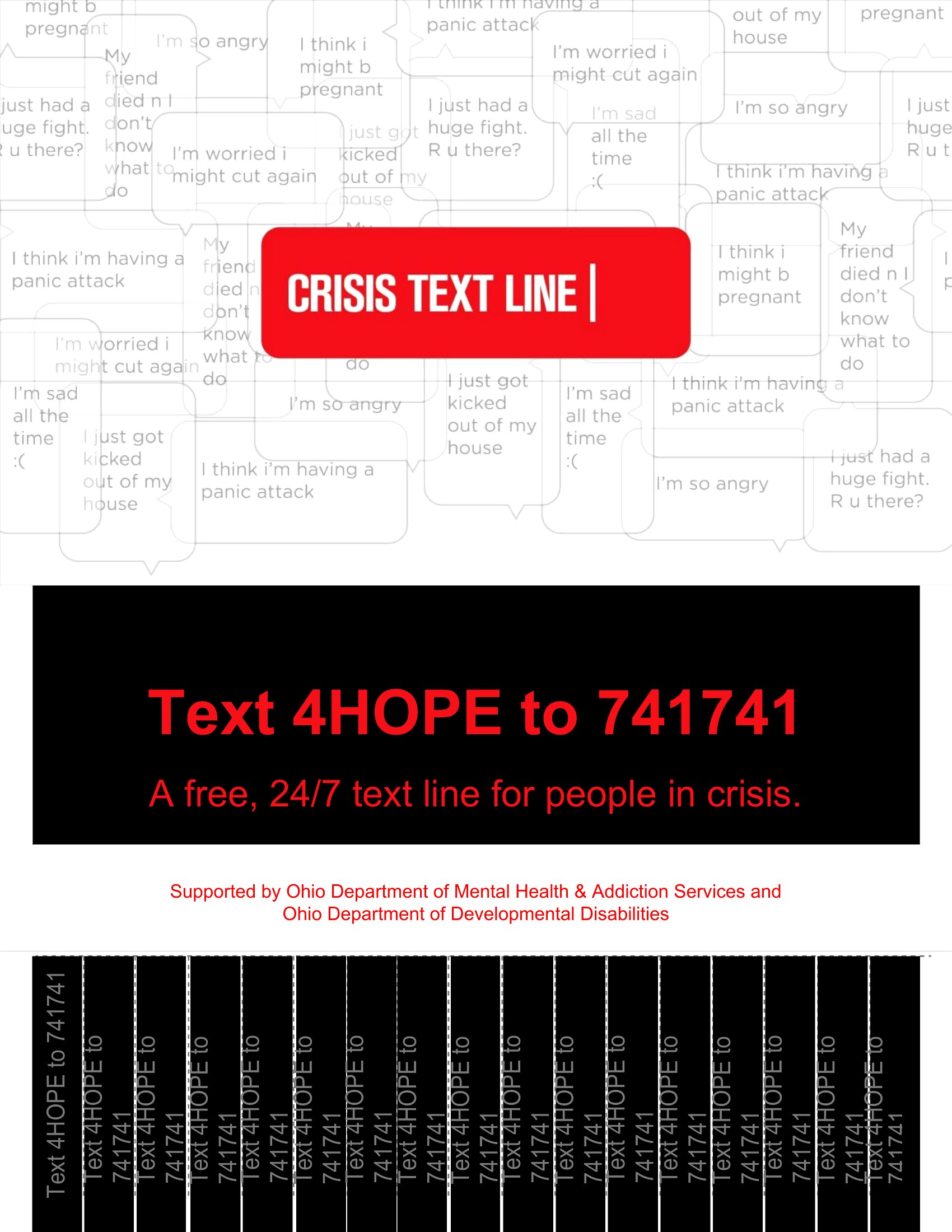
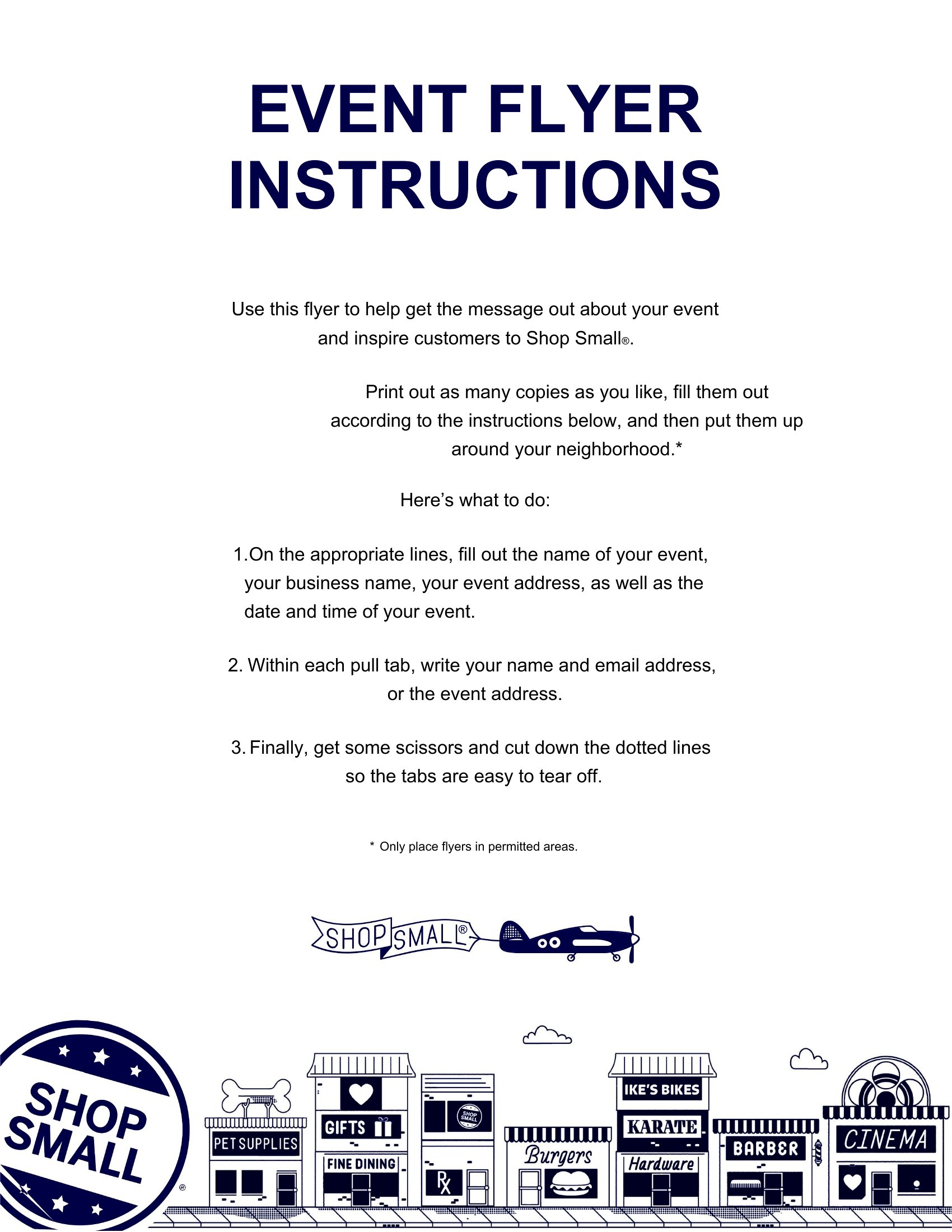
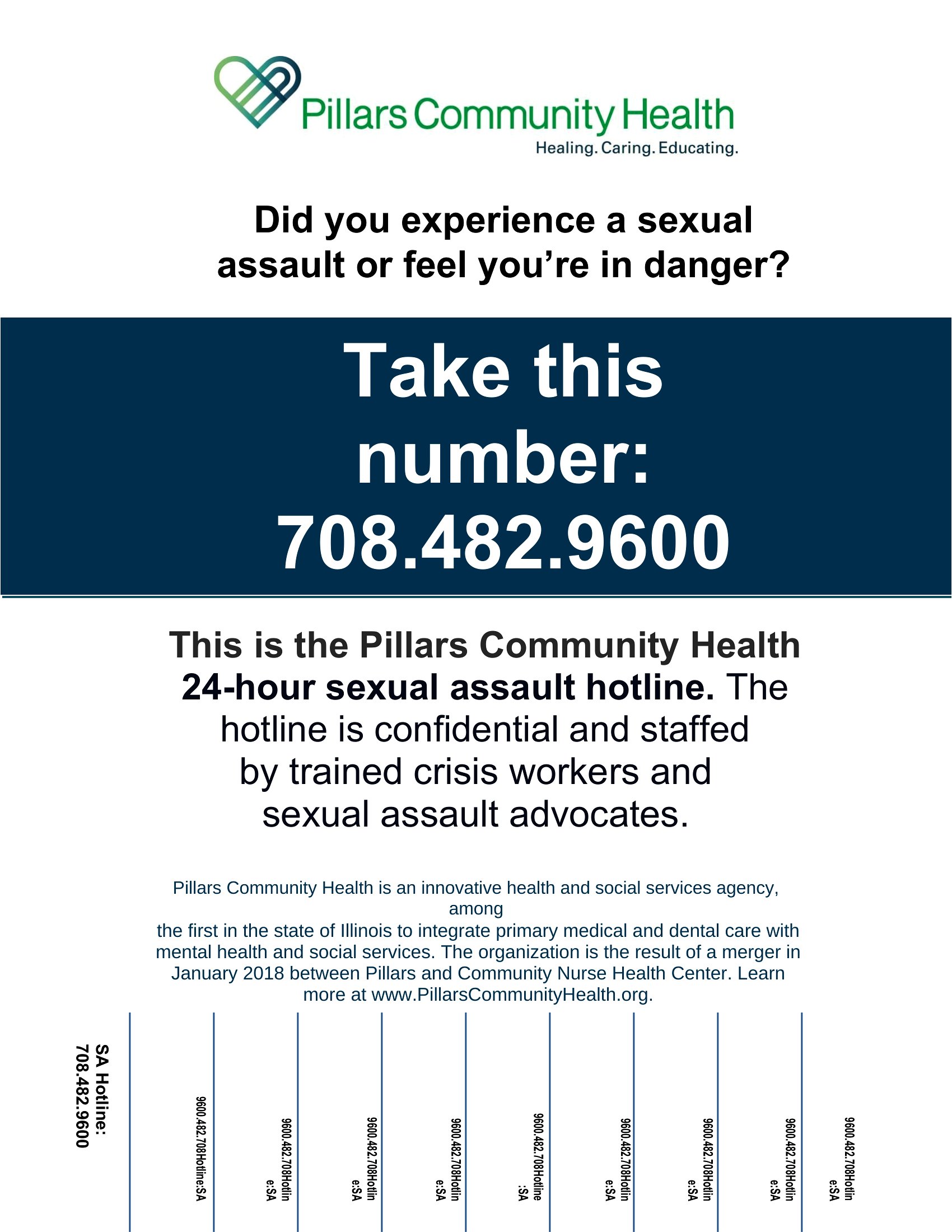
Most templates in this collection include pre-sized tear-off strips designed to fit standard flyer dimensions. If you need adjustments, open the Word document and use the ruler tool to resize the strips evenly. For best results, keep them between 1 and 1.5 inches wide to ensure they tear cleanly without ripping the rest of the flyer.
Can I add a QR code to my tear-off flyer for quick contact or booking?
Yes, you can include a QR code linking to your contact info, booking page, or website. In Word, insert the QR code as an image or use a QR code generator tool to create one, then resize it to fit neatly beside the tear-off strips. Keep the code large enough to scan easily but avoid covering critical contact details.
What’s the best way to print these flyers at home for a professional look?
For a polished finish, use a good-quality printer with at least 300 DPI resolution and matte or glossy photo paper. Print on a slightly heavier weight (80–100 lb) to prevent tearing when detaching the strips. If possible, use a printer with bleed settings to ensure clean edges, especially if your flyer includes full-bleed graphics.
Comments
Join the conversation
Sign in to share your thoughts and leave a comment on this resource.