Free Membership Card Templates (Word)
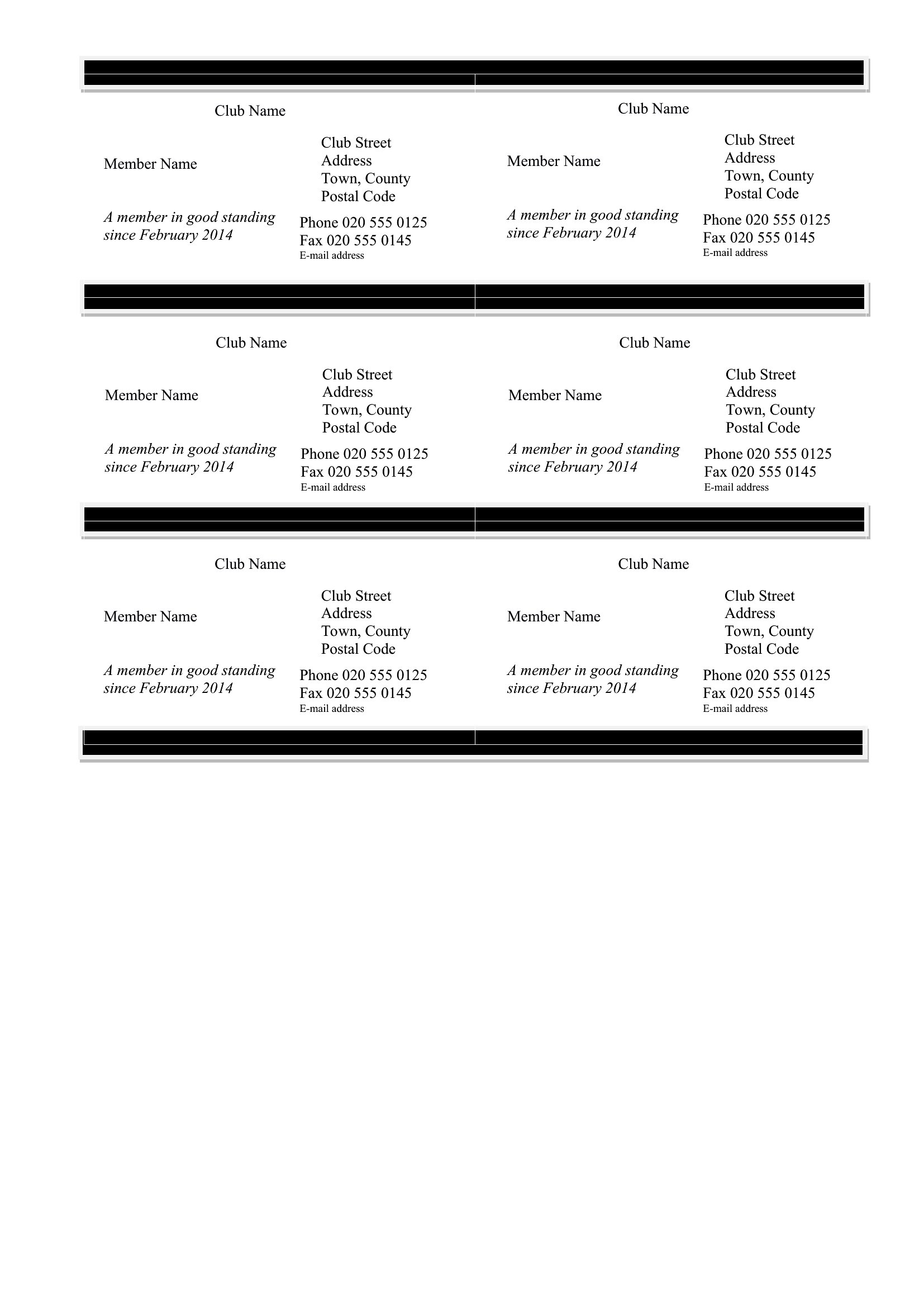
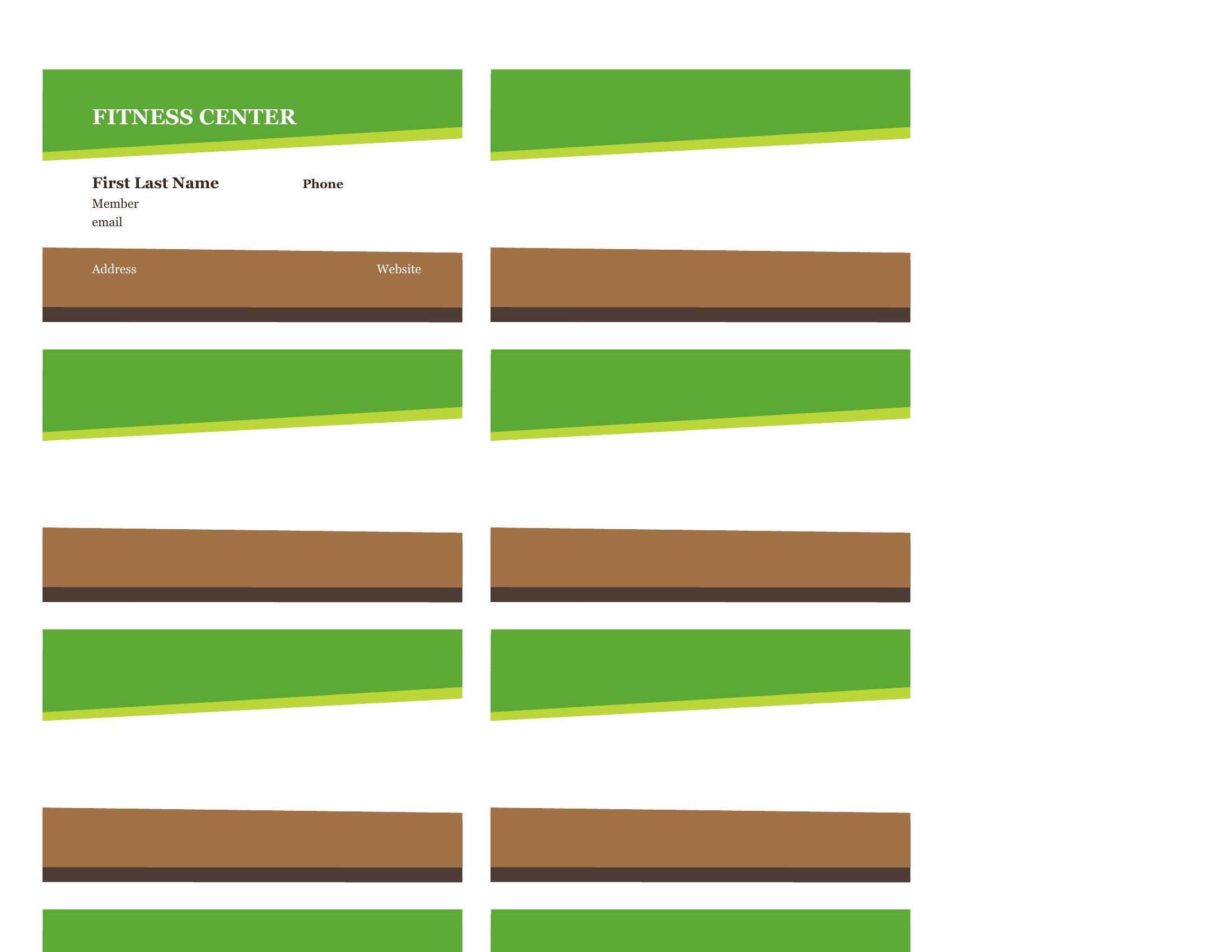
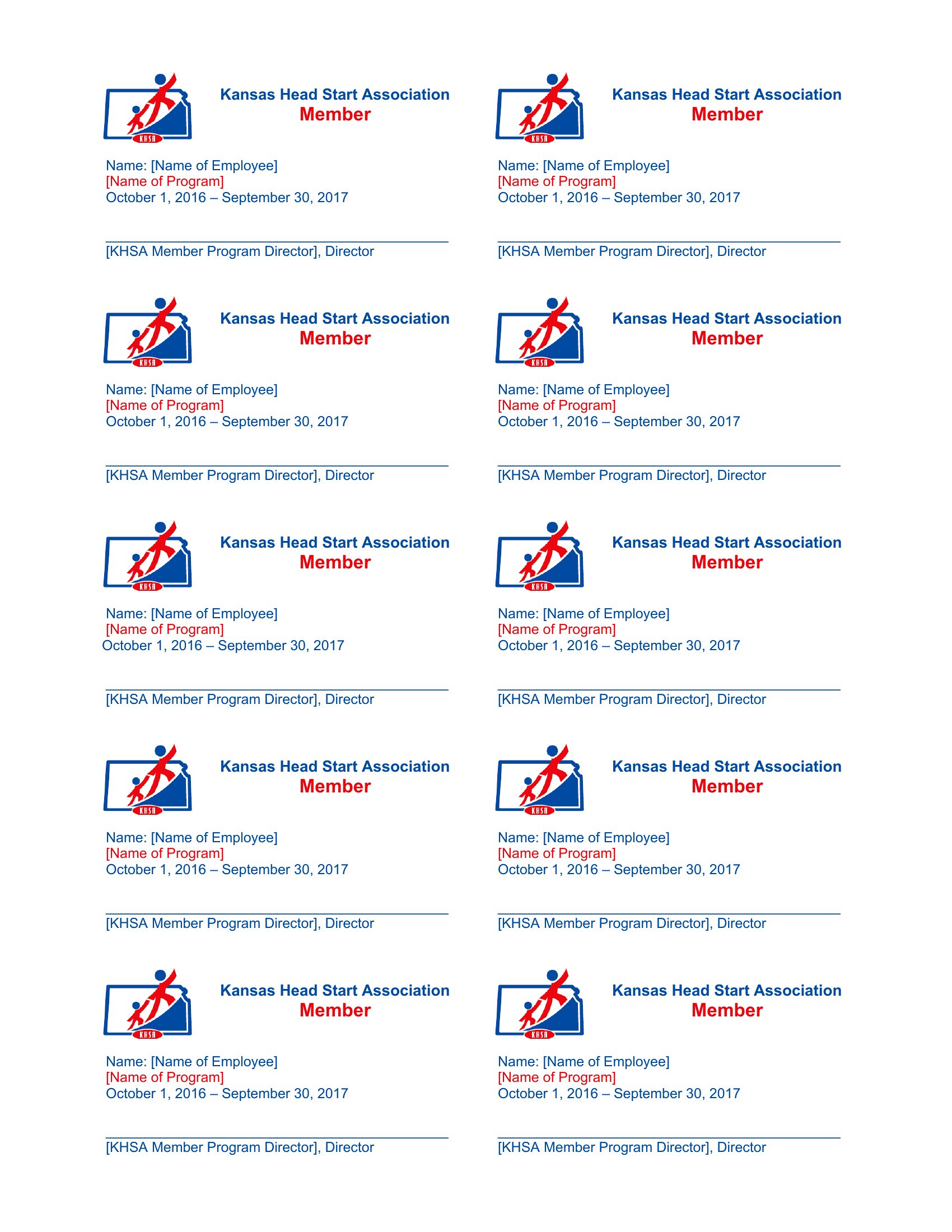
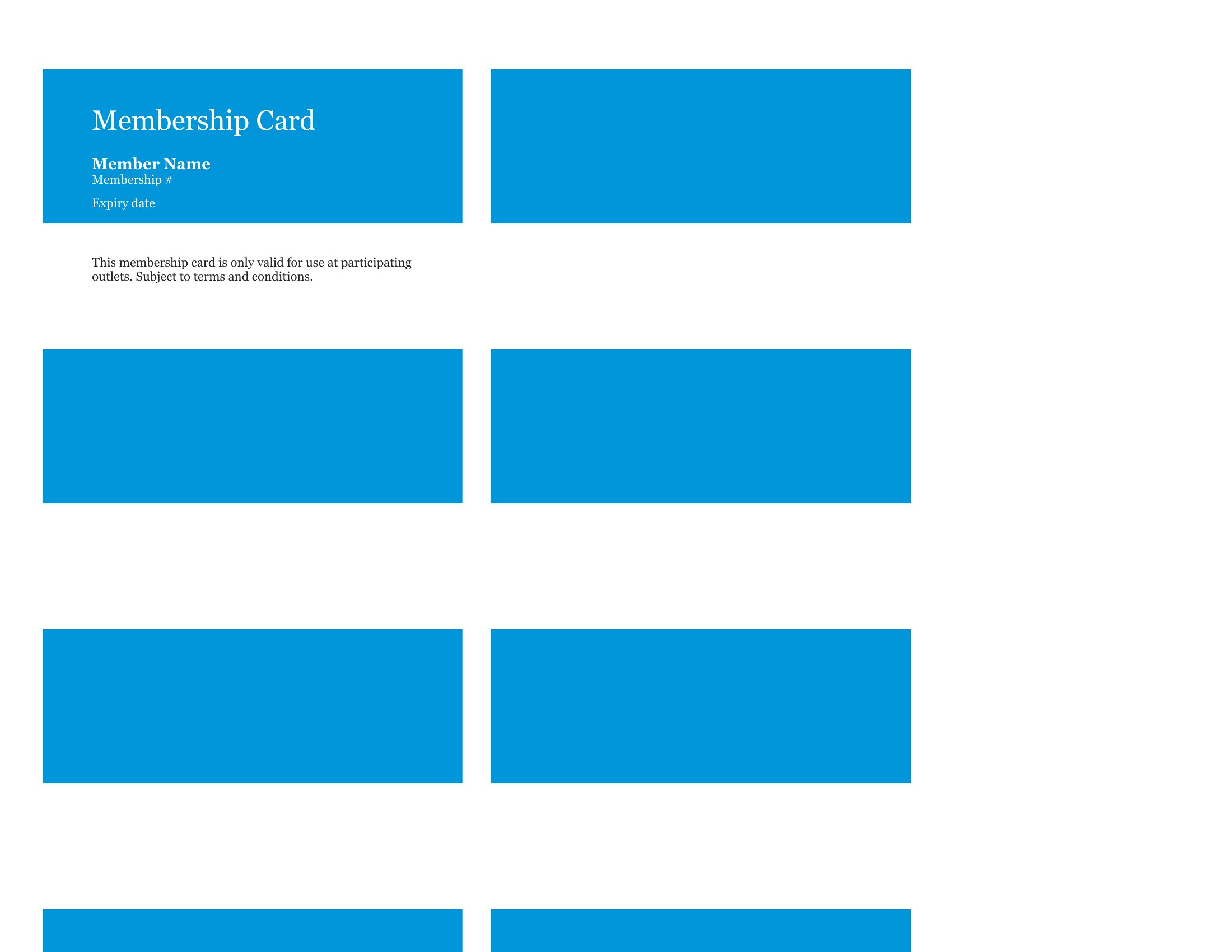
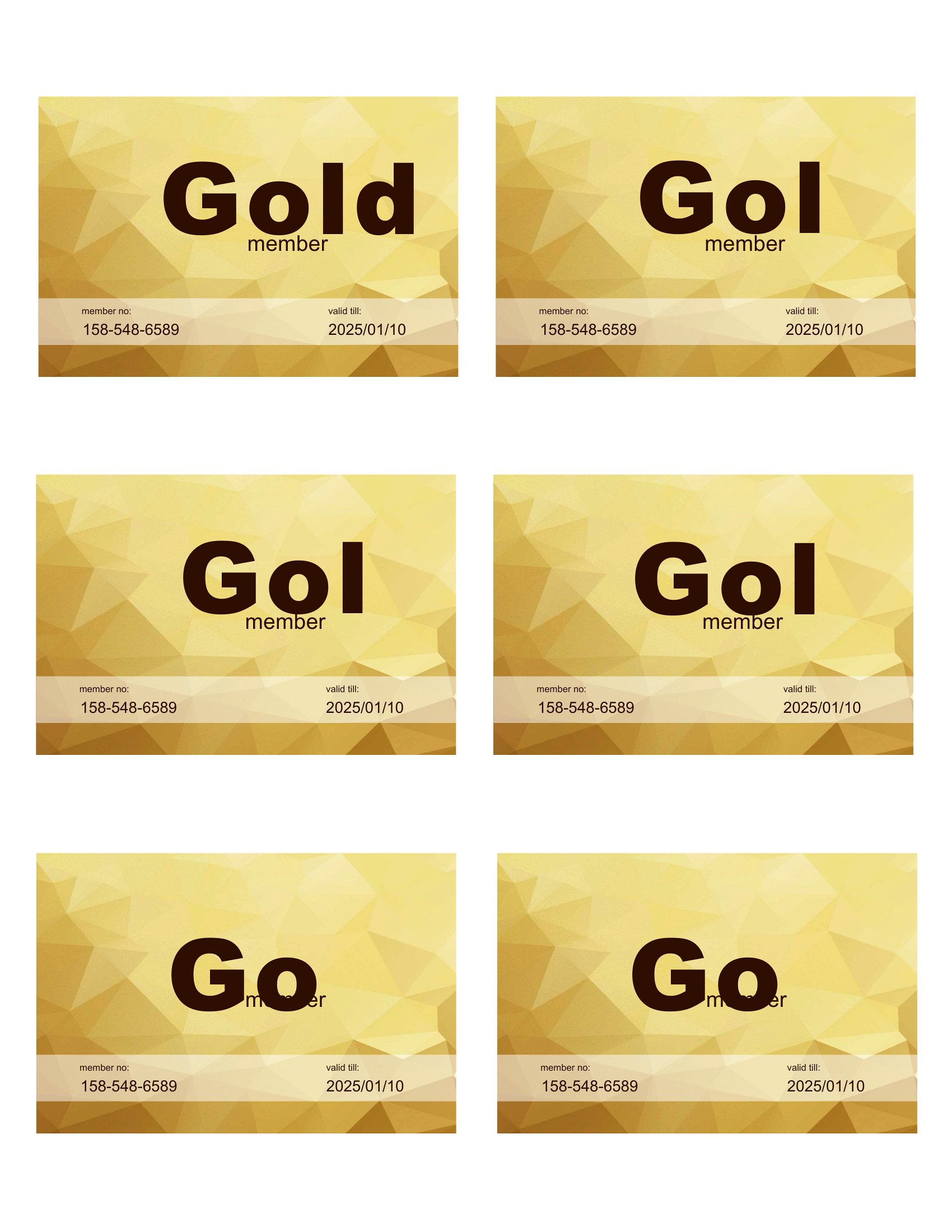
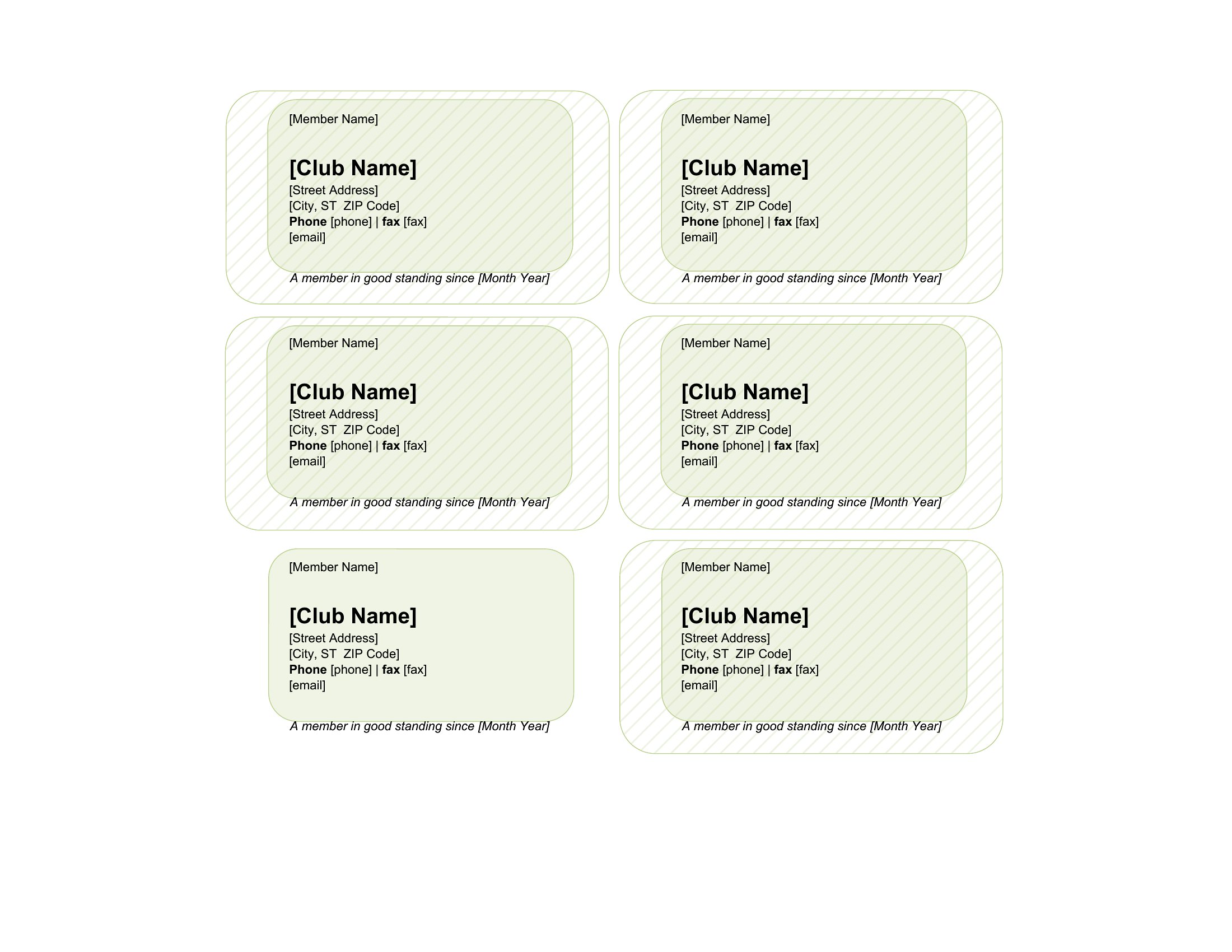
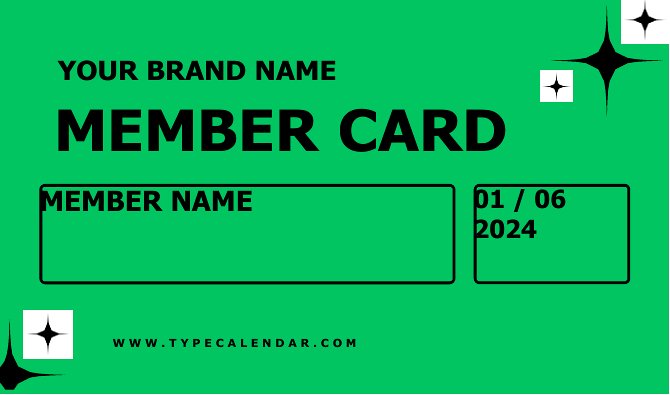
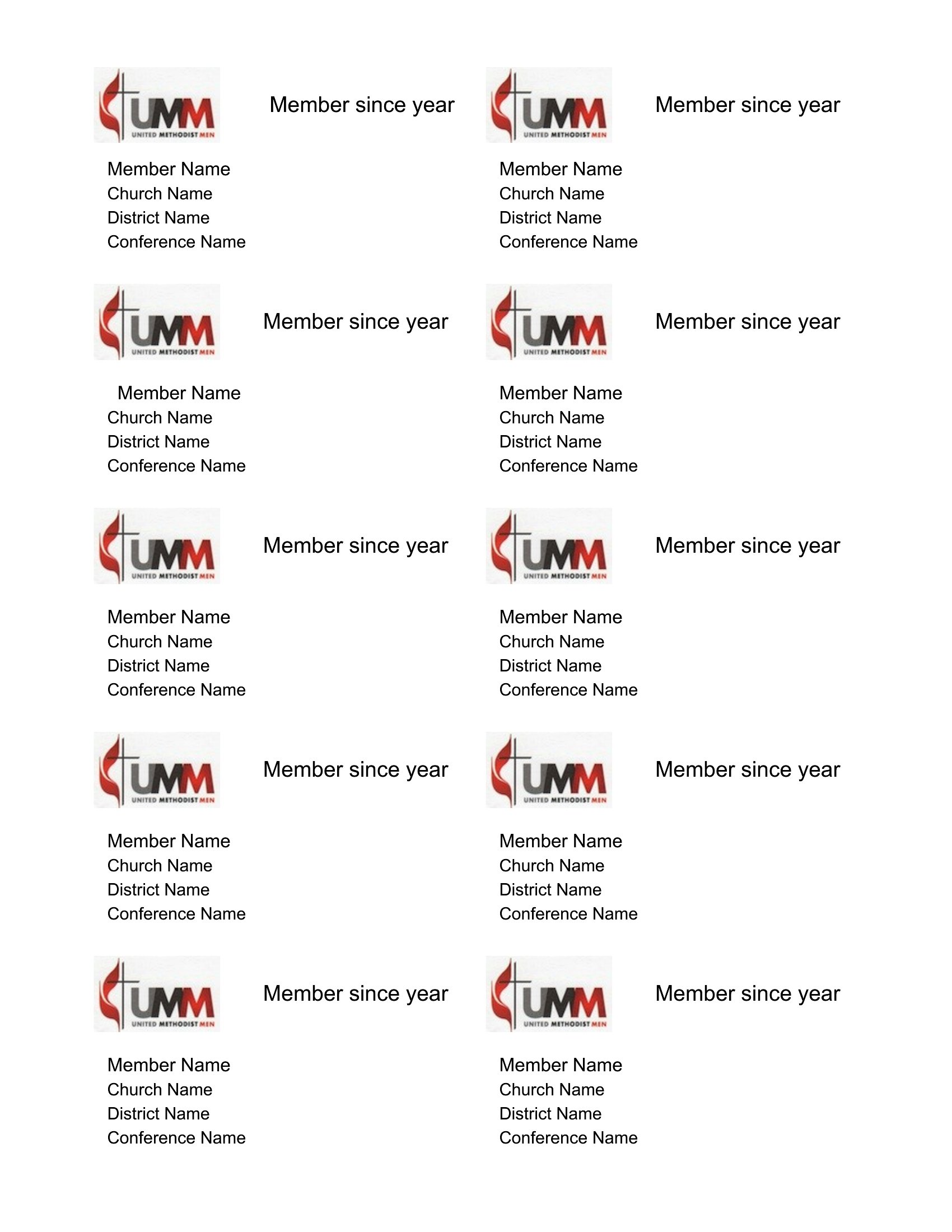
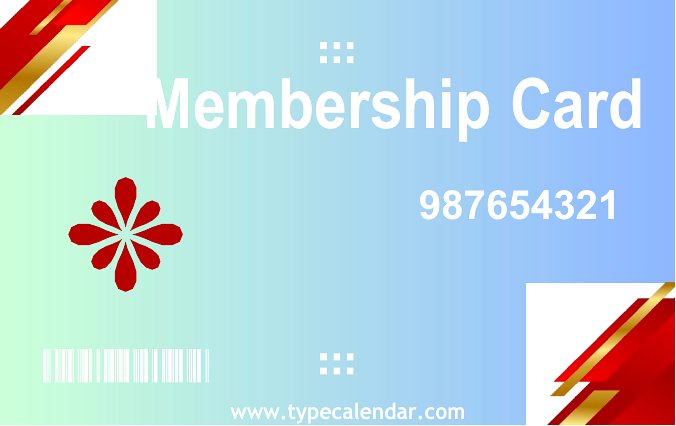
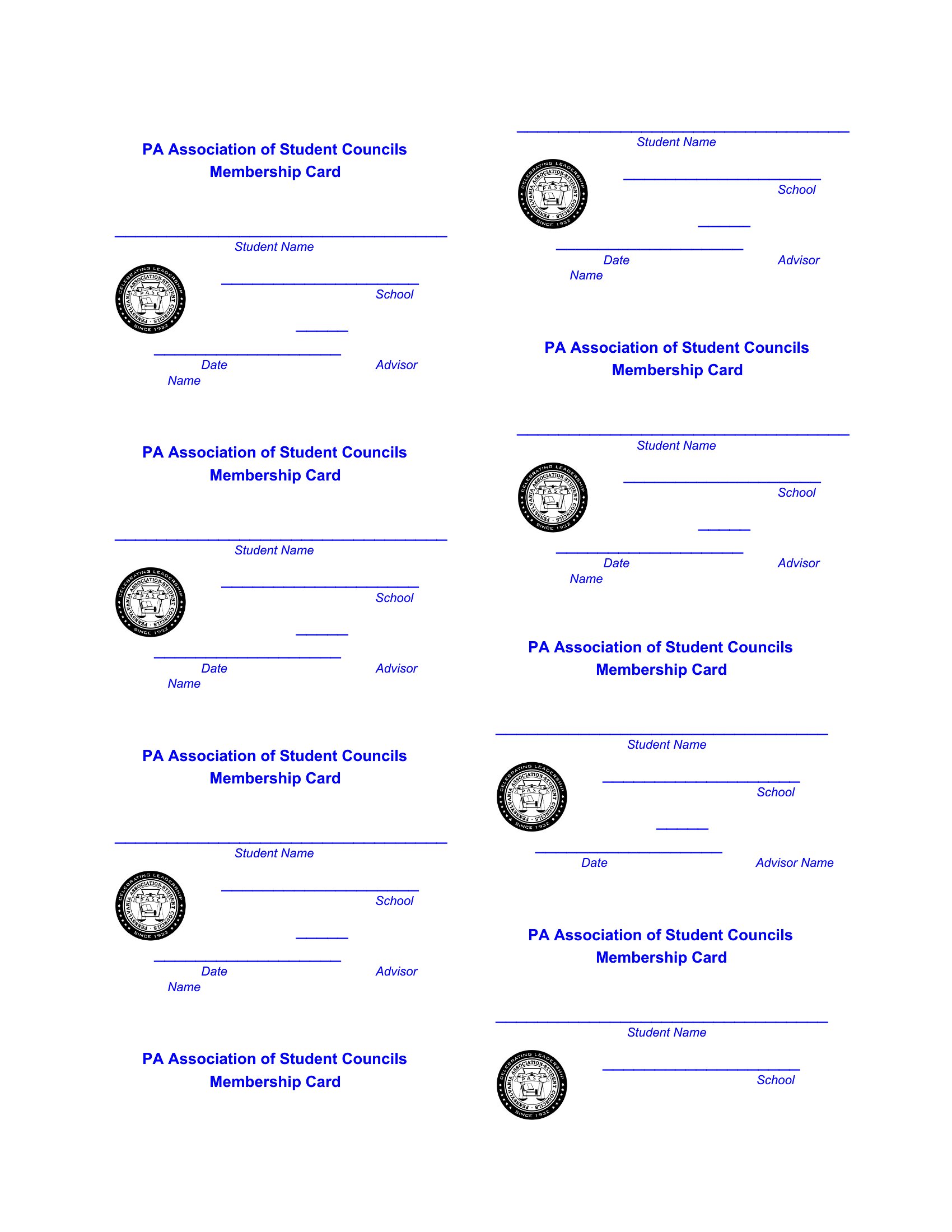
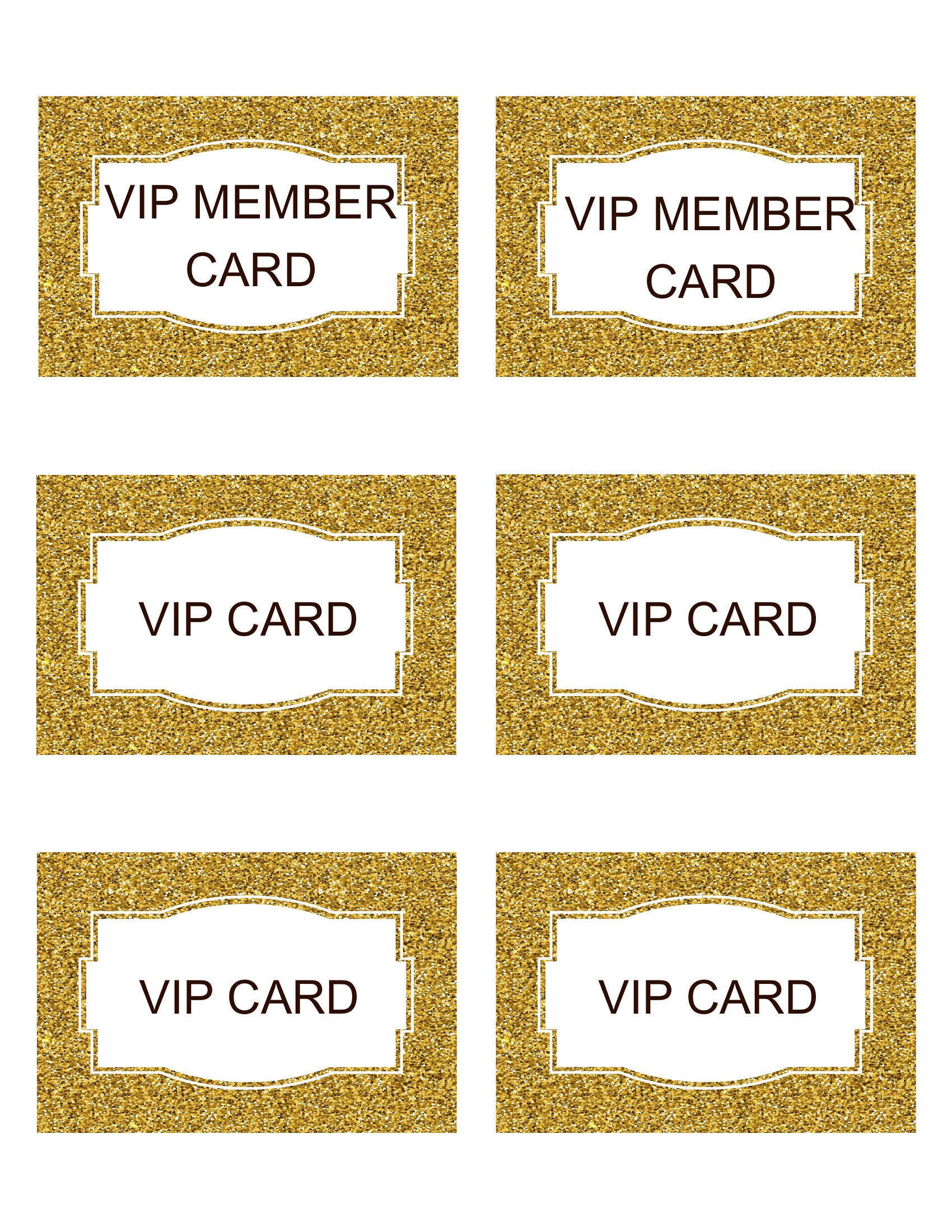
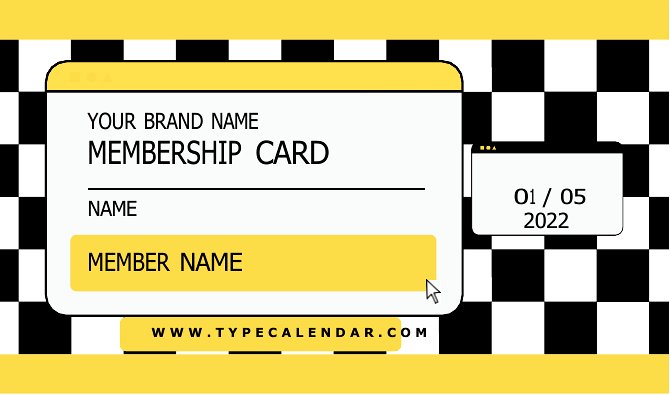
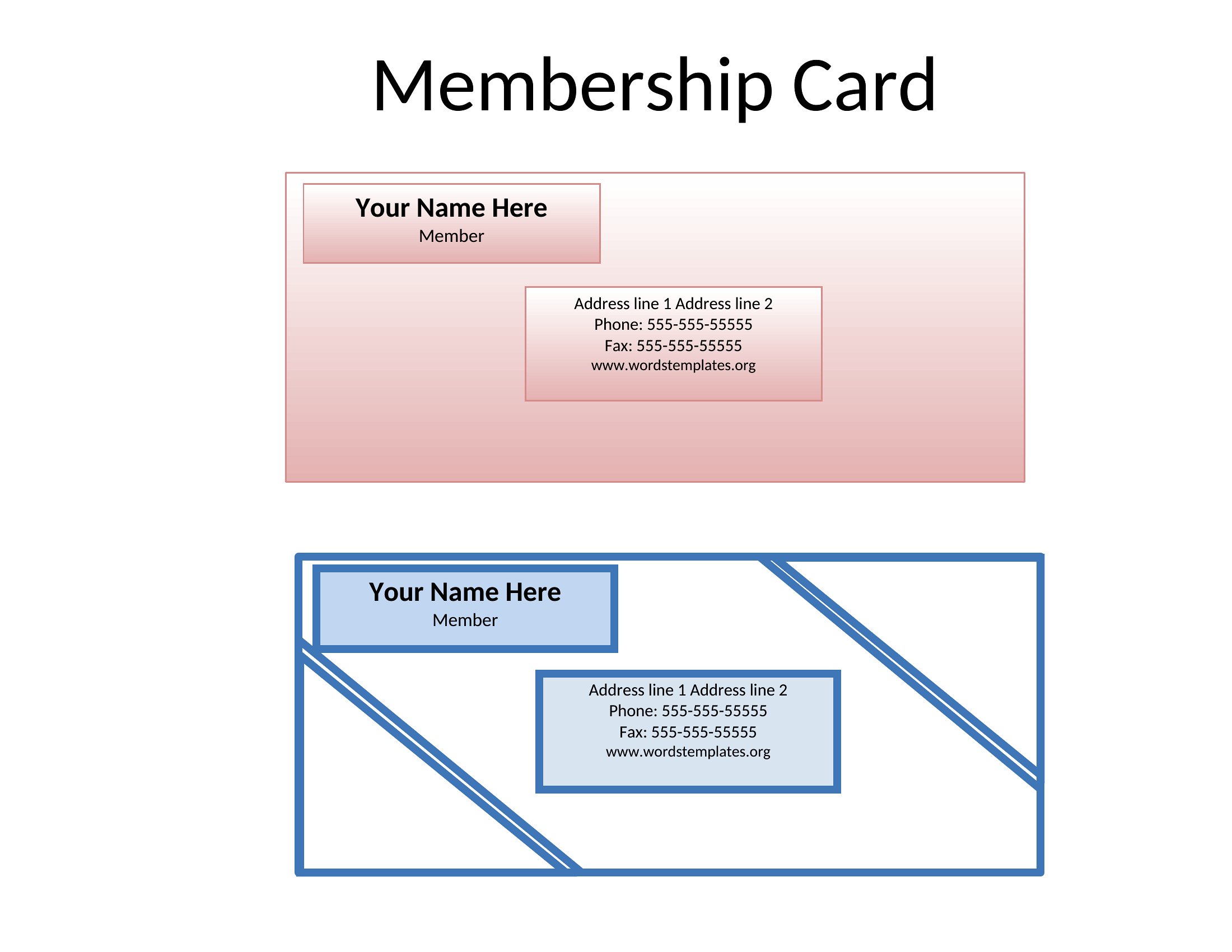
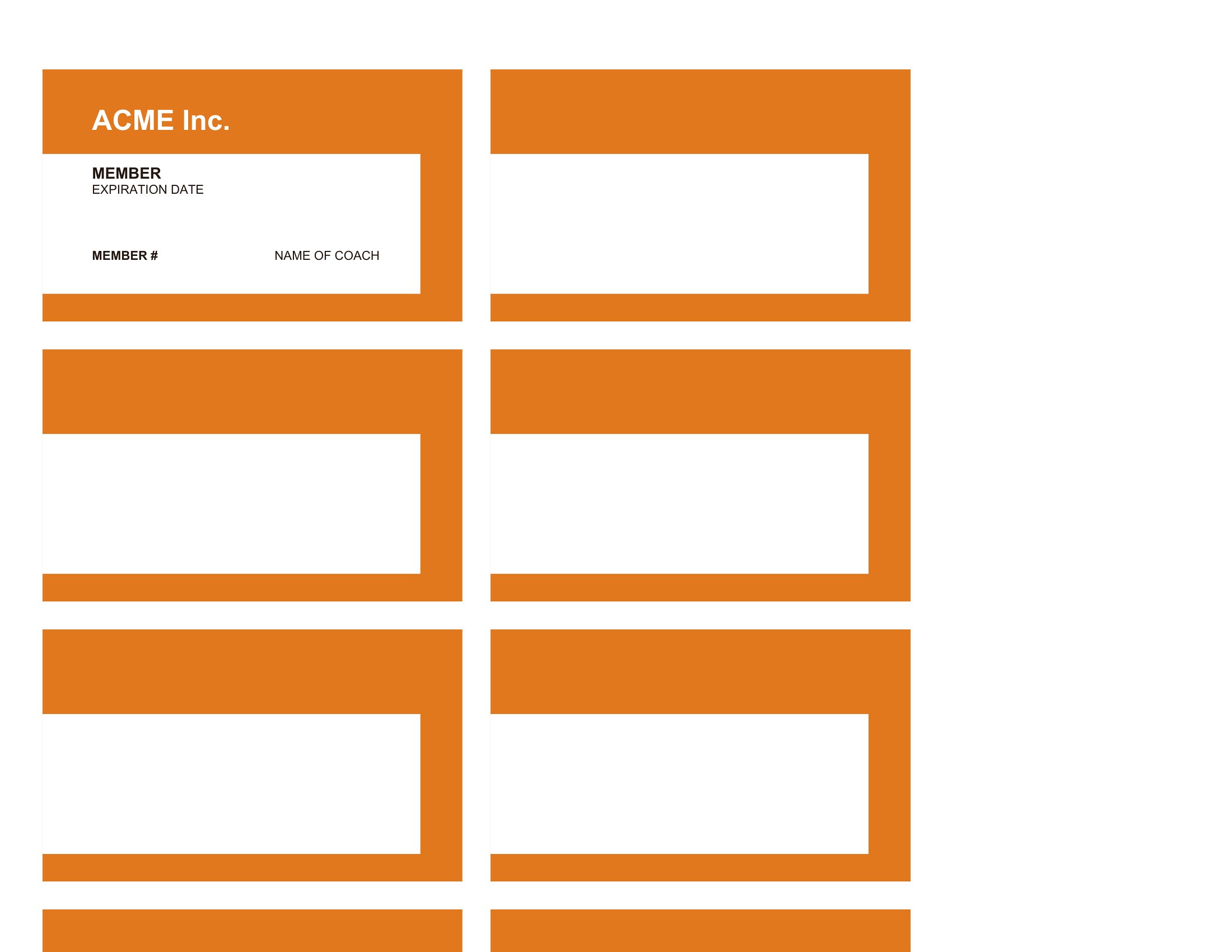
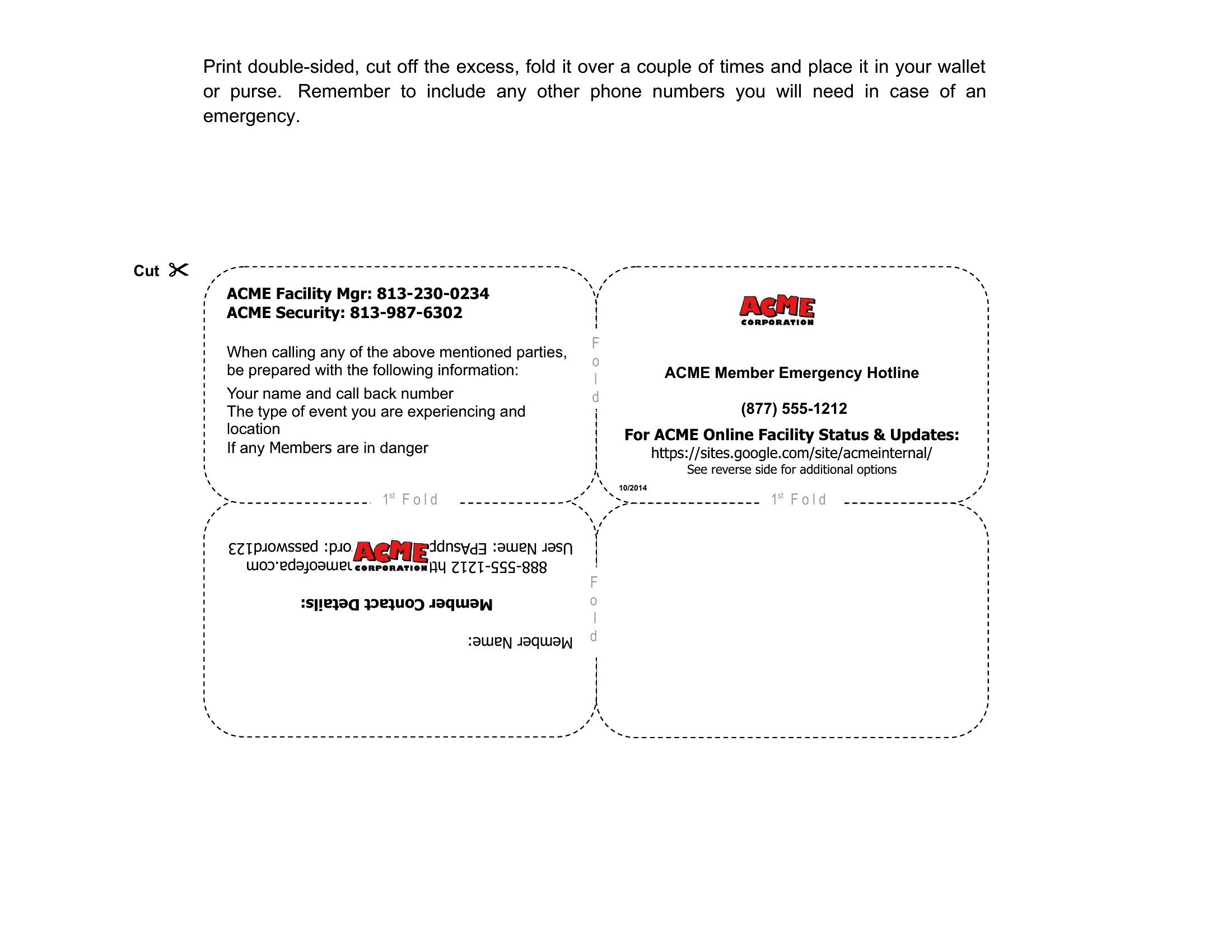
LifeA pocket-sized membership card makes a club, gym, or loyalty program feel official the moment someone joins. These 32 templates give organizers and small businesses a quick way to produce cards with a logo, member name, and ID number, no graphic designer required. Styles run from simple bordered cards to bolder designs you can match to your brand colors.
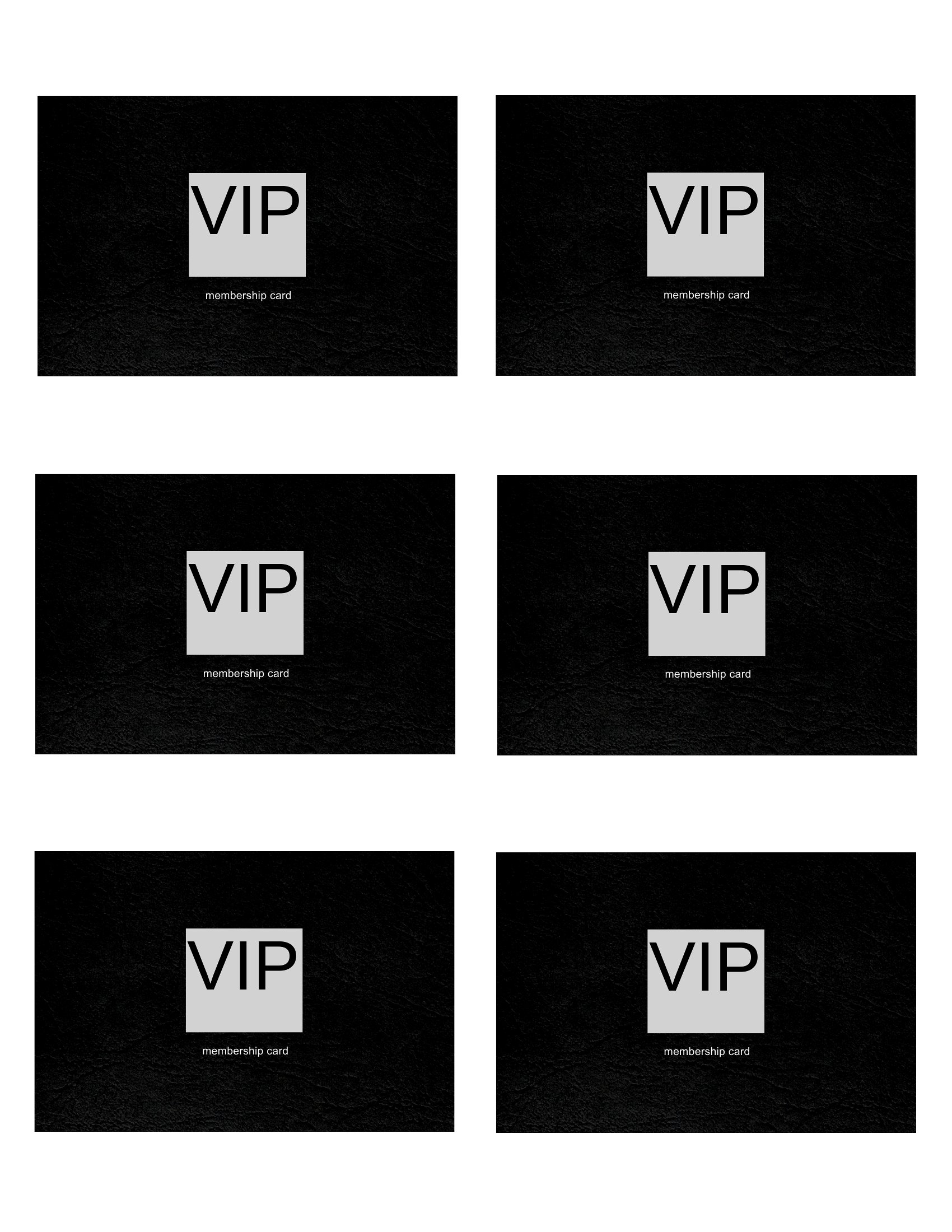
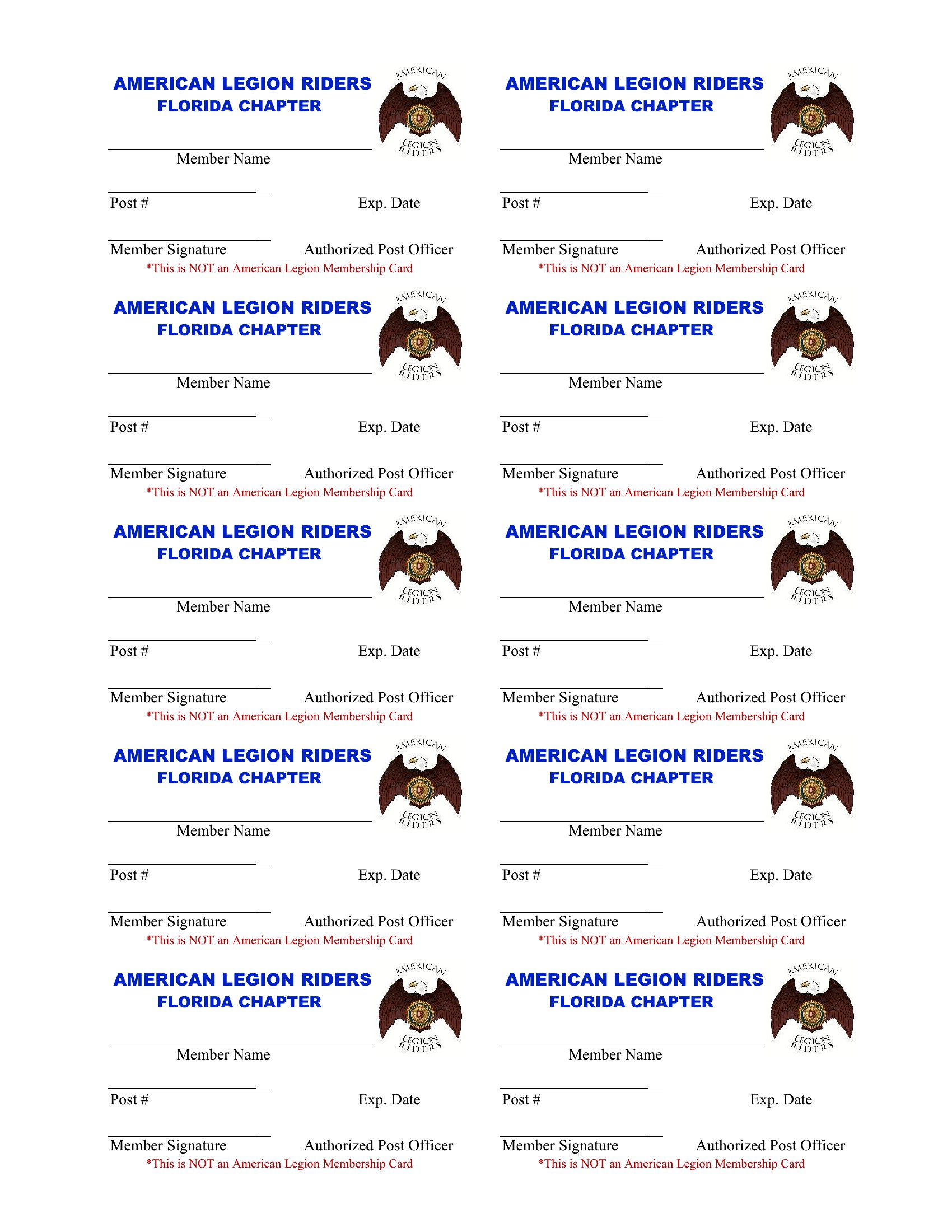
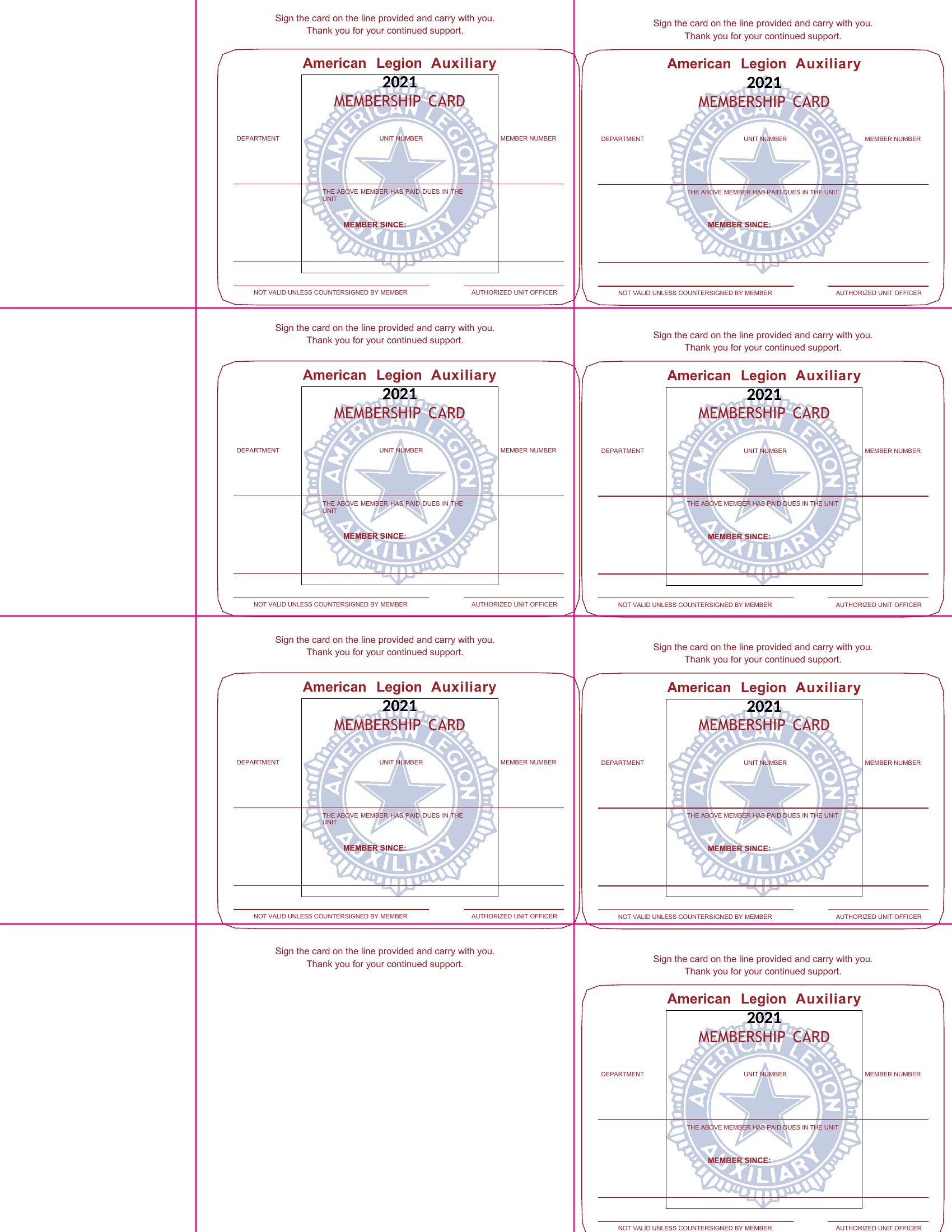
Open any layout in Microsoft Word, type in the member details, drop in your logo, and print several to a page on cardstock. Trim them out and you've got cards ready to laminate or hand over at sign-up. Download the design that fits your group and roll out a tidy membership program this week.
When to use this Membership Card template
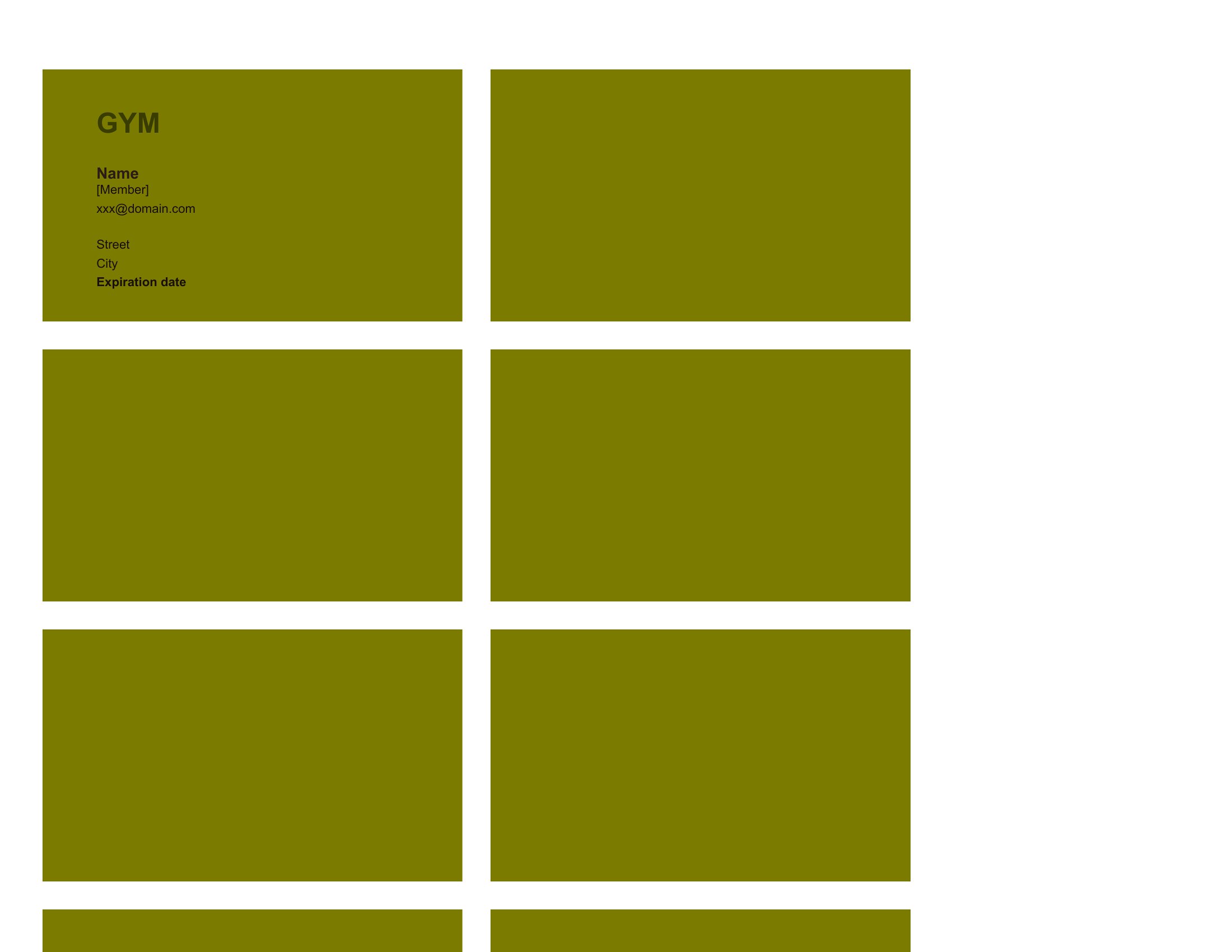
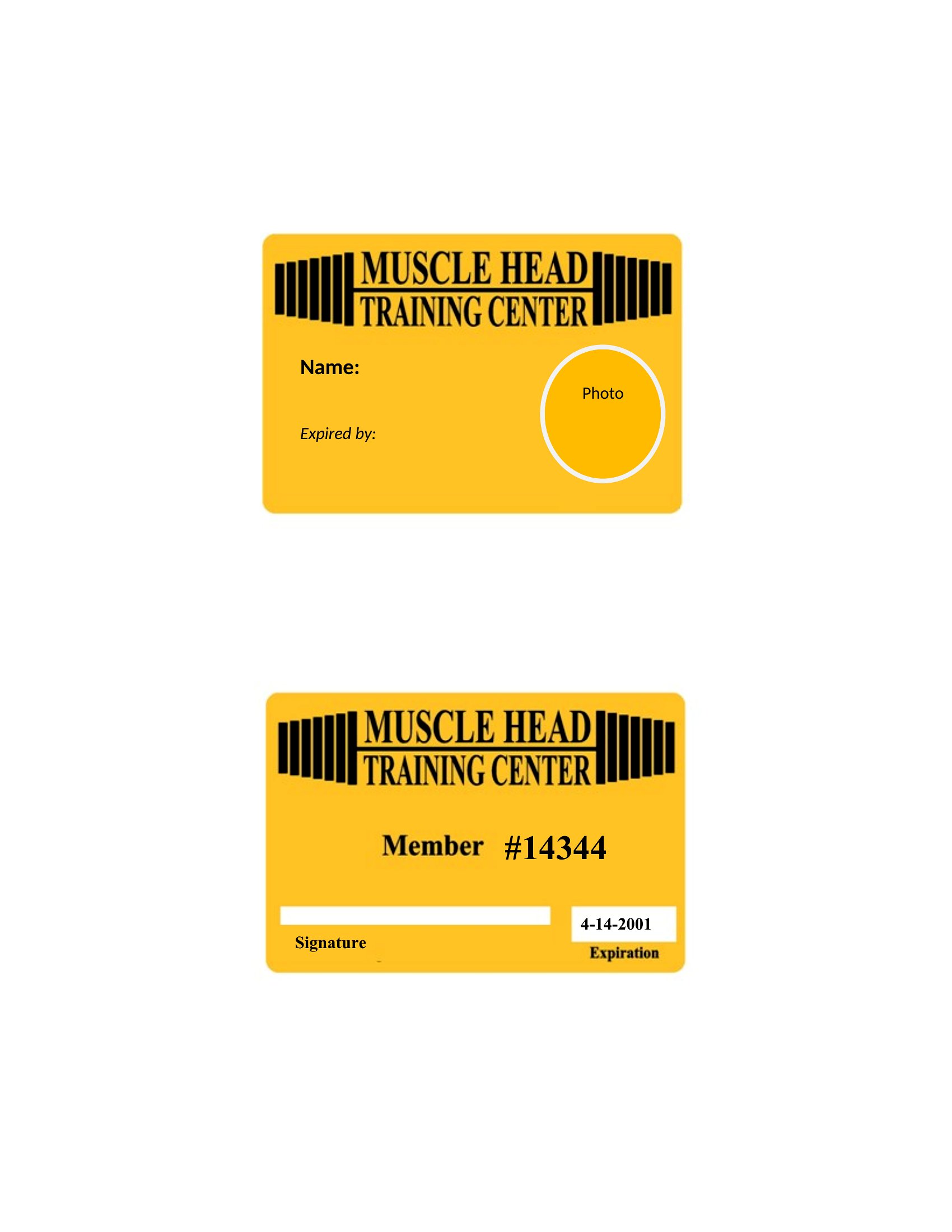
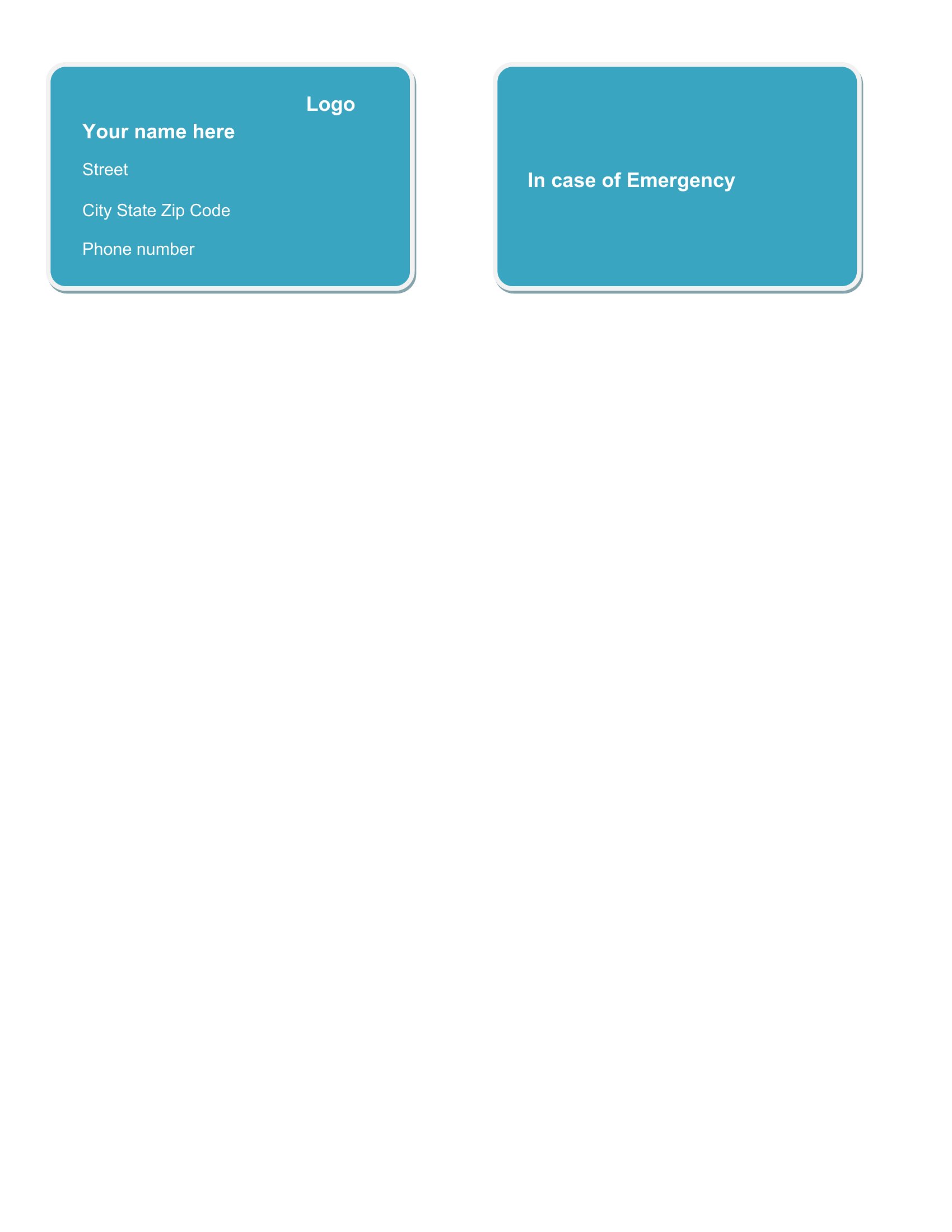
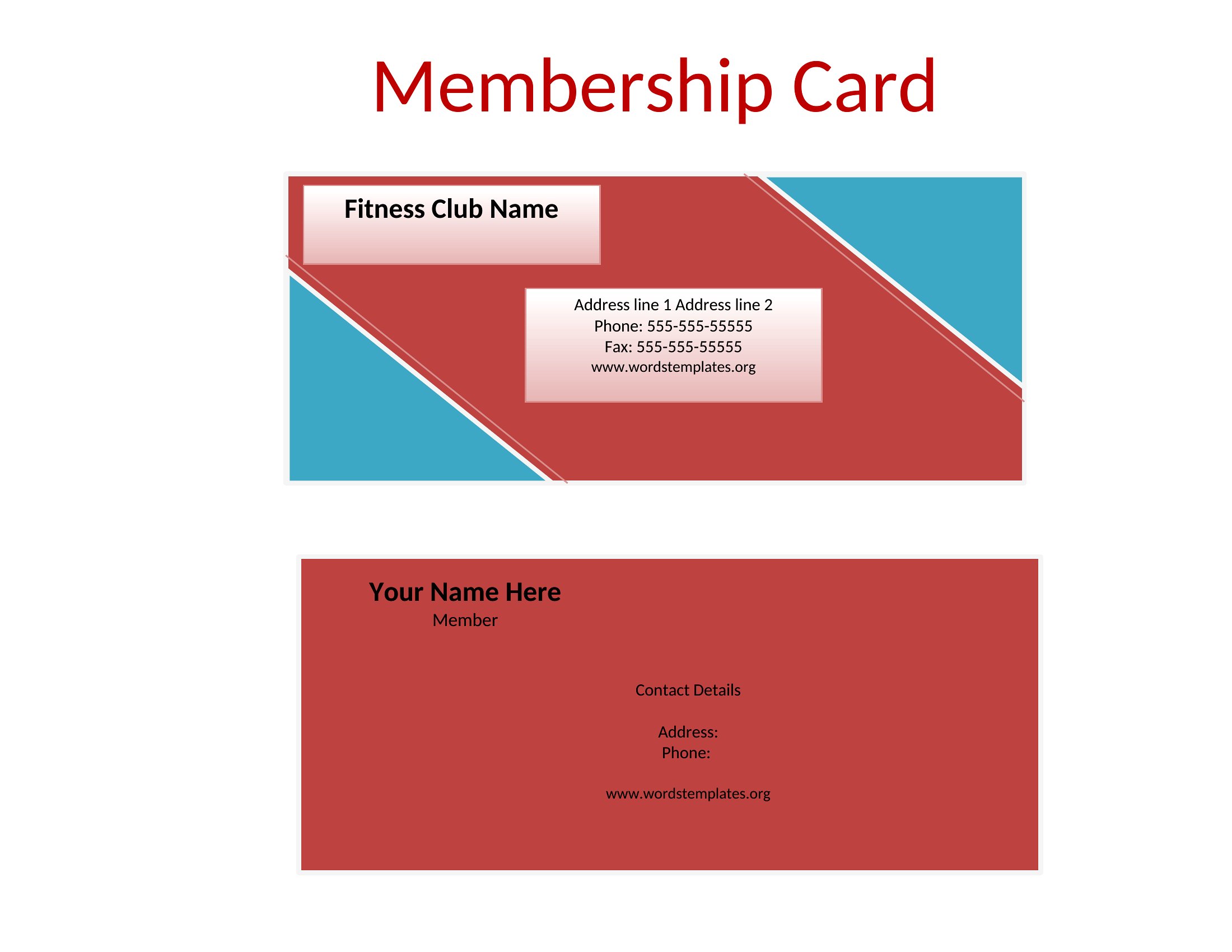
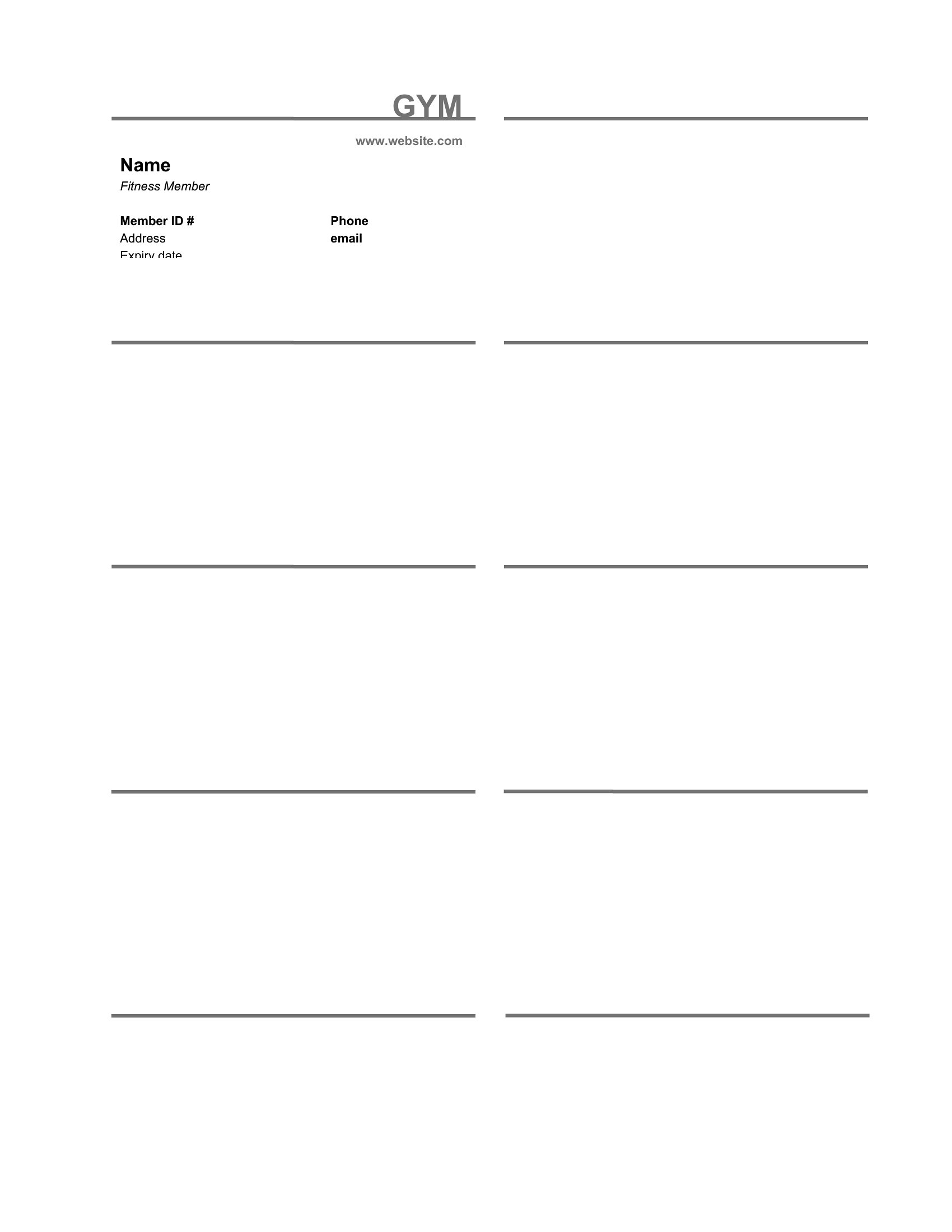
- A small local gym owner in need of professional-looking cards for new members to display at the front desk. Each card should feature the gym’s logo, member name, and expiration date for easy scanning during check-ins.
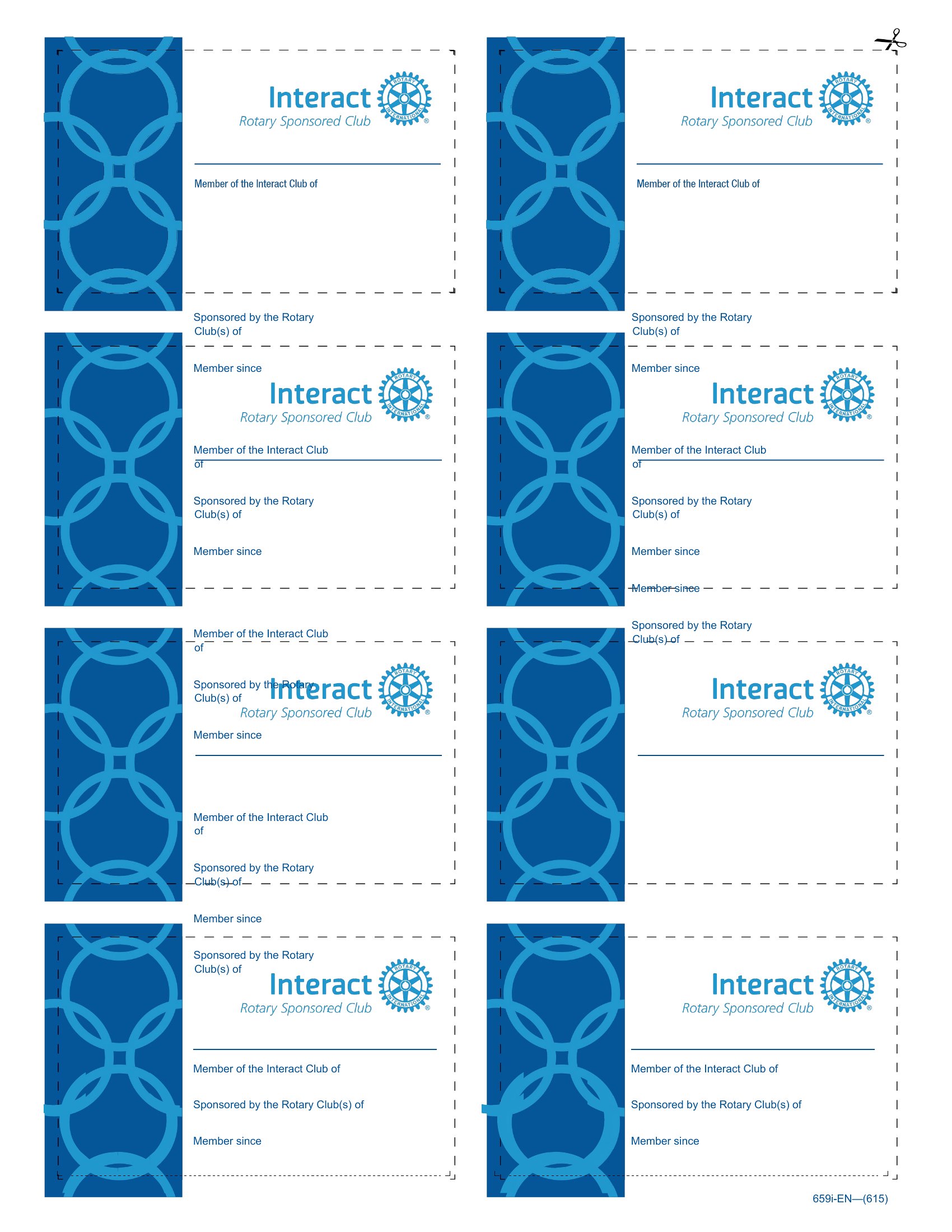
- A community gardening club coordinator who wants to issue membership cards to volunteers and plot holders. The cards should include a simple design with the club’s name, member photo, and plot number for quick identification.
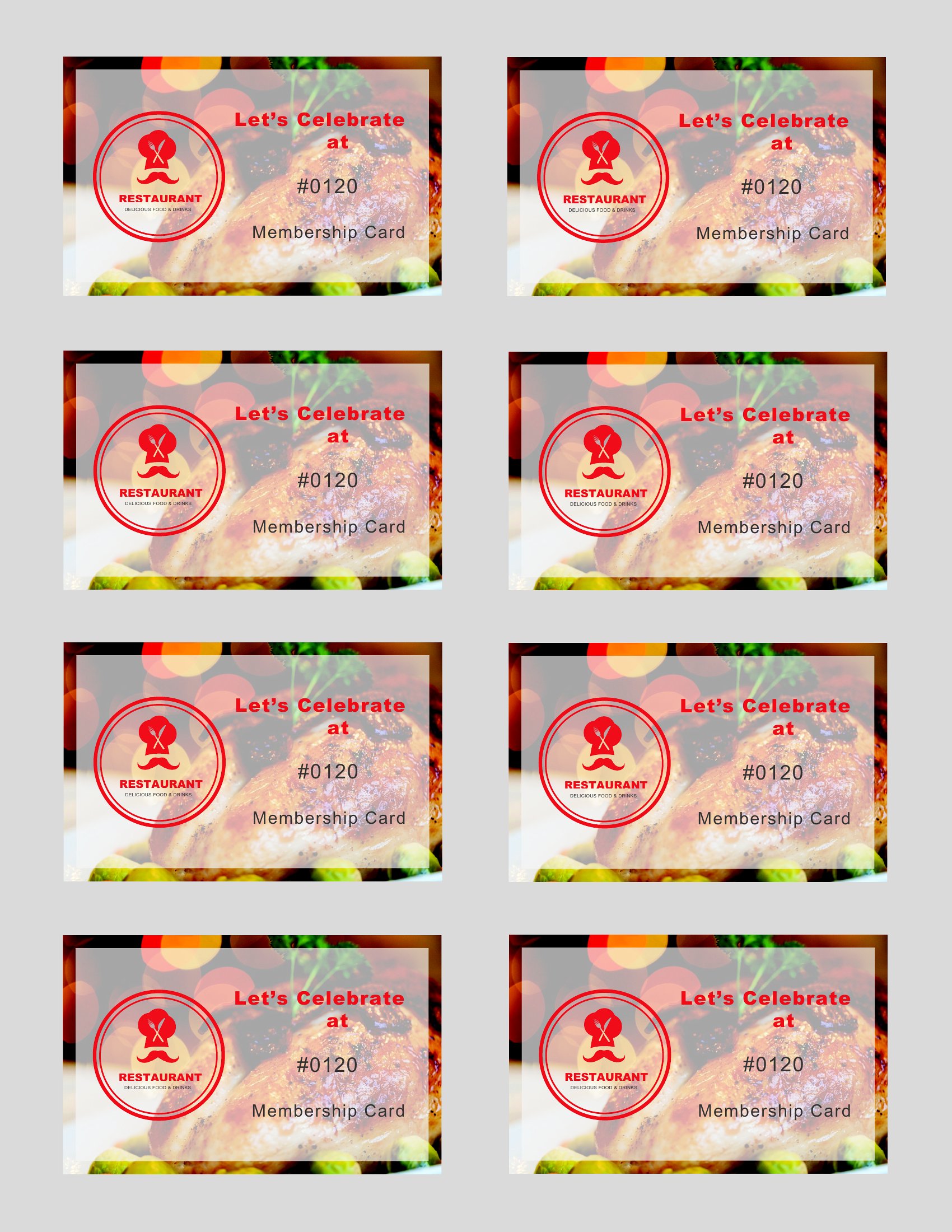
- A boutique coffee shop launching a loyalty program for regular customers. The cards need to feature the shop’s branding, a barcode for tracking purchases, and space for manually stamping visits or digital scans.
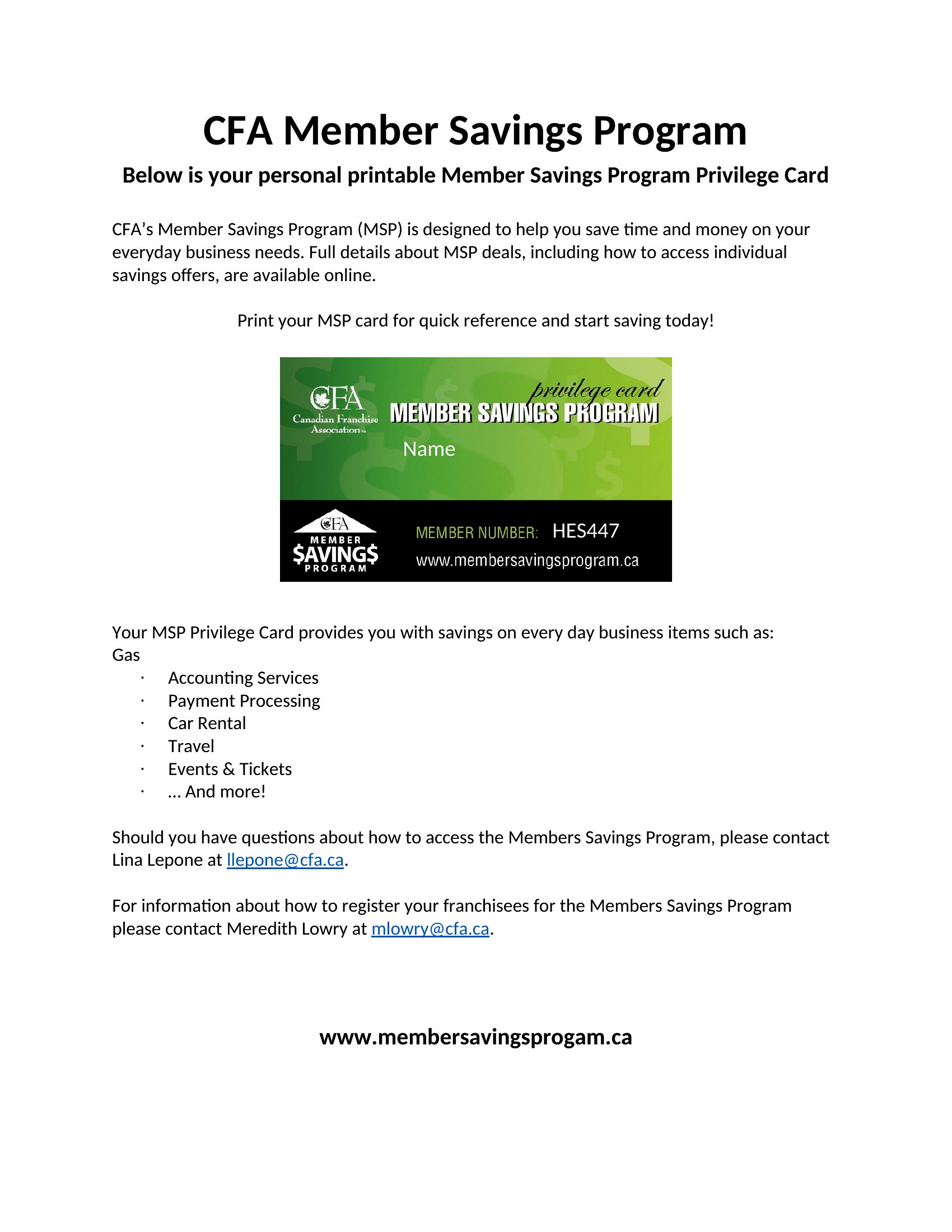
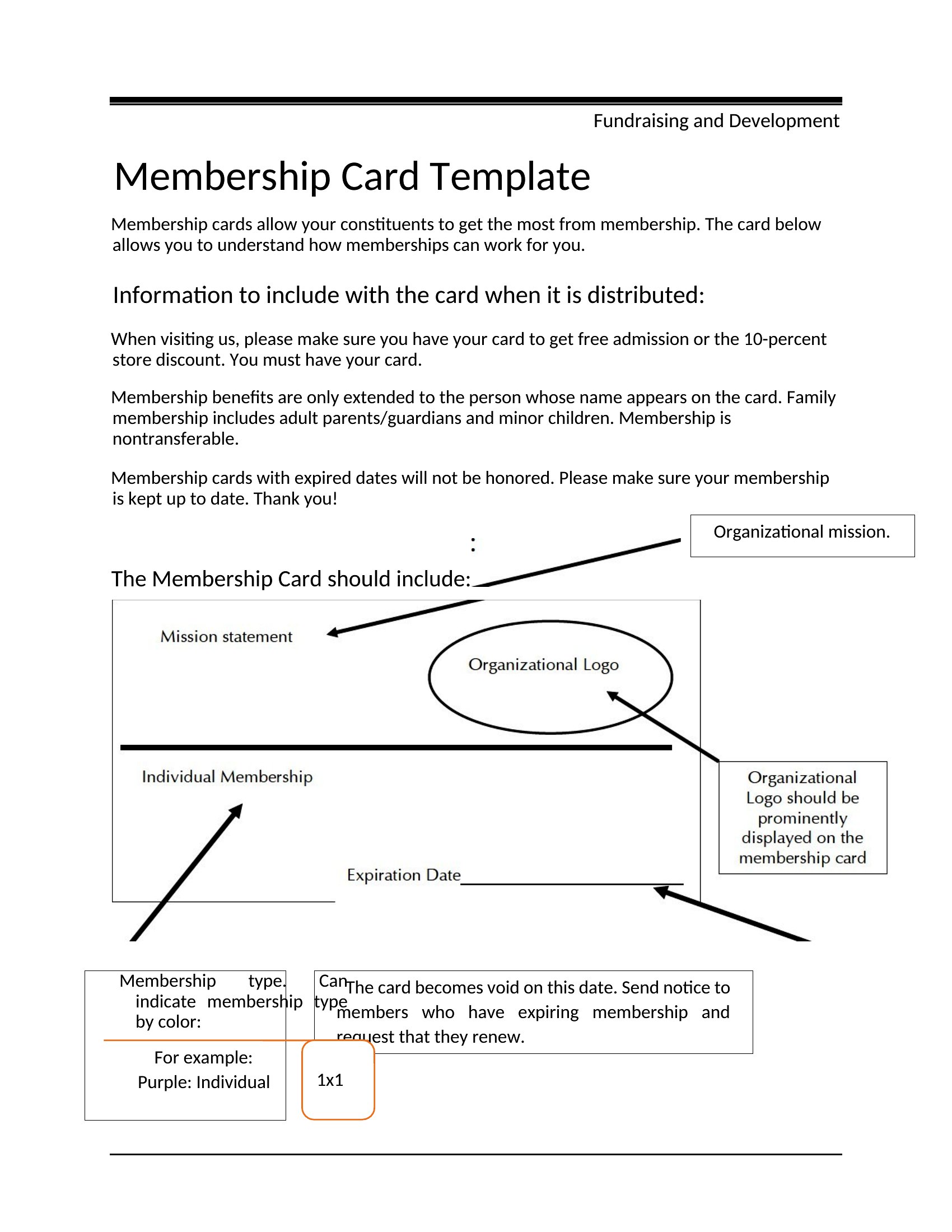
- A non-profit organization distributing membership cards to donors and event volunteers. The cards should include a clean layout with the organization’s logo, contact information, and a brief tagline to reinforce their mission.
Which format should I download?
The Word format is ideal for this collection because it’s the most accessible and customizable option for most users. Since these templates are designed for one-time or small-batch printing, Word allows you to easily edit text, adjust fonts, and insert logos without needing advanced design software. It’s perfect if you plan to print cards in-house or send the file to a local print shop for professional finishing. Word’s compatibility with Microsoft 365 and earlier versions ensures broad usability across devices and operating systems.
Choose from 32 Membership Card Templates
How to use this Membership Card template
Can I include a photo or signature field on these membership cards?
Yes, each template in Word allows you to insert photos or designated fields for signatures. Simply open the template, locate the placeholder for the photo or signature, and add it manually. For signatures, you can print the card, have members sign in ink, or add a digital signature field if distributing electronically. Keep in mind that scanned or printed signatures may not be legally binding in all contexts.
How do I ensure the membership card design matches my brand colors?
Open the template in Word, then go to the Design tab to access the color palette tools. Replace the default colors with your brand’s hex codes or use the eyedropper tool to match existing brand assets. For consistency, save your brand colors as a custom theme so you can reuse them across other documents. If needed, preview the card in print mode to check color accuracy before finalizing.
Are these templates suitable for creating membership cards with magnetic strips or RFID chips?
These Word templates are designed for standard printable cards and do not include features for magnetic strips or RFID technology. They are best suited for visual identification, such as displaying a member’s name, ID number, or logo. If you need embedded technology, you’ll need to work with a specialized print provider or template that supports those features, often requiring additional design considerations.
Comments
Join the conversation
Sign in to share your thoughts and leave a comment on this resource.