Free Membership Card Templates (Word)
LifeTemplates








FAQ
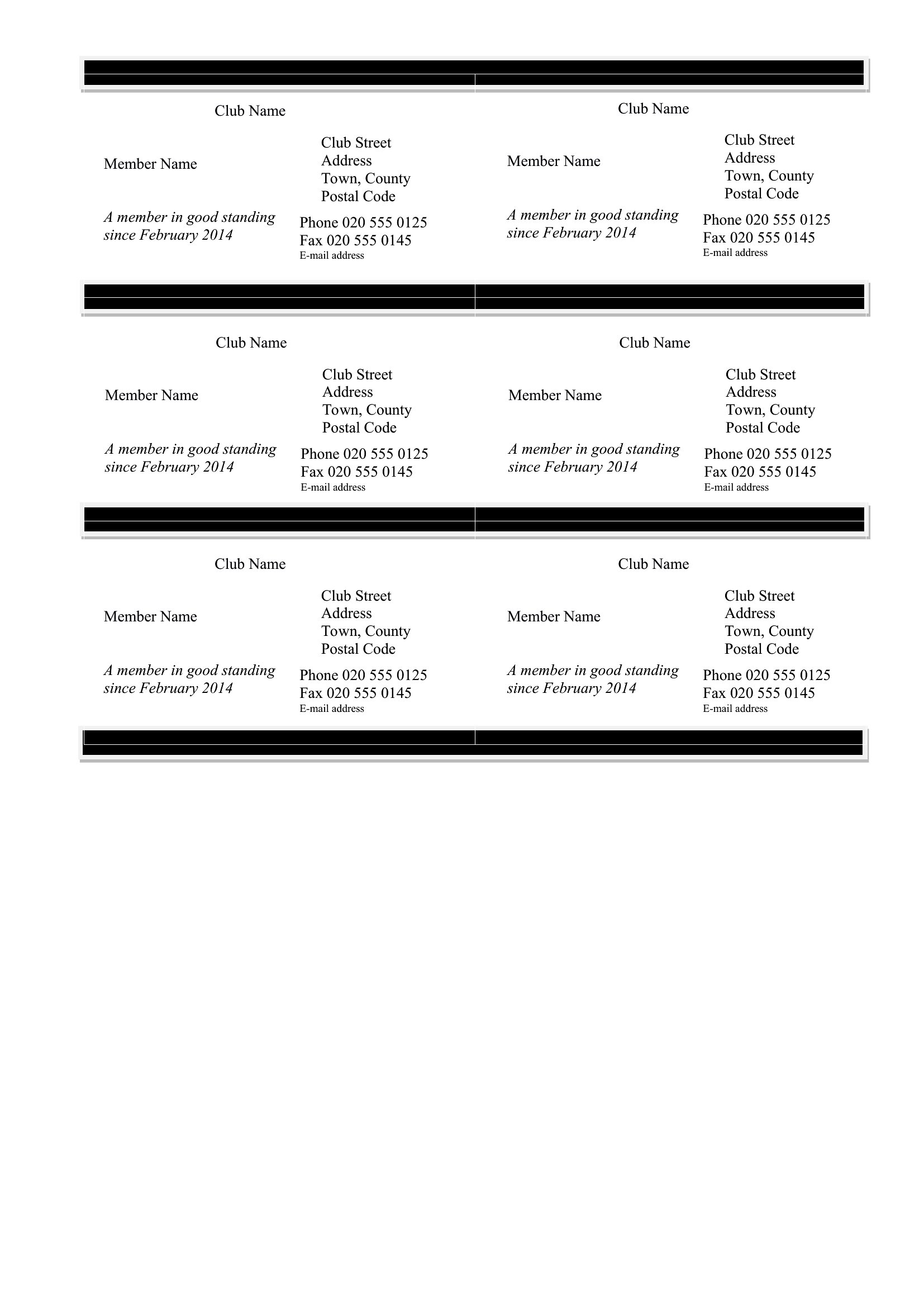
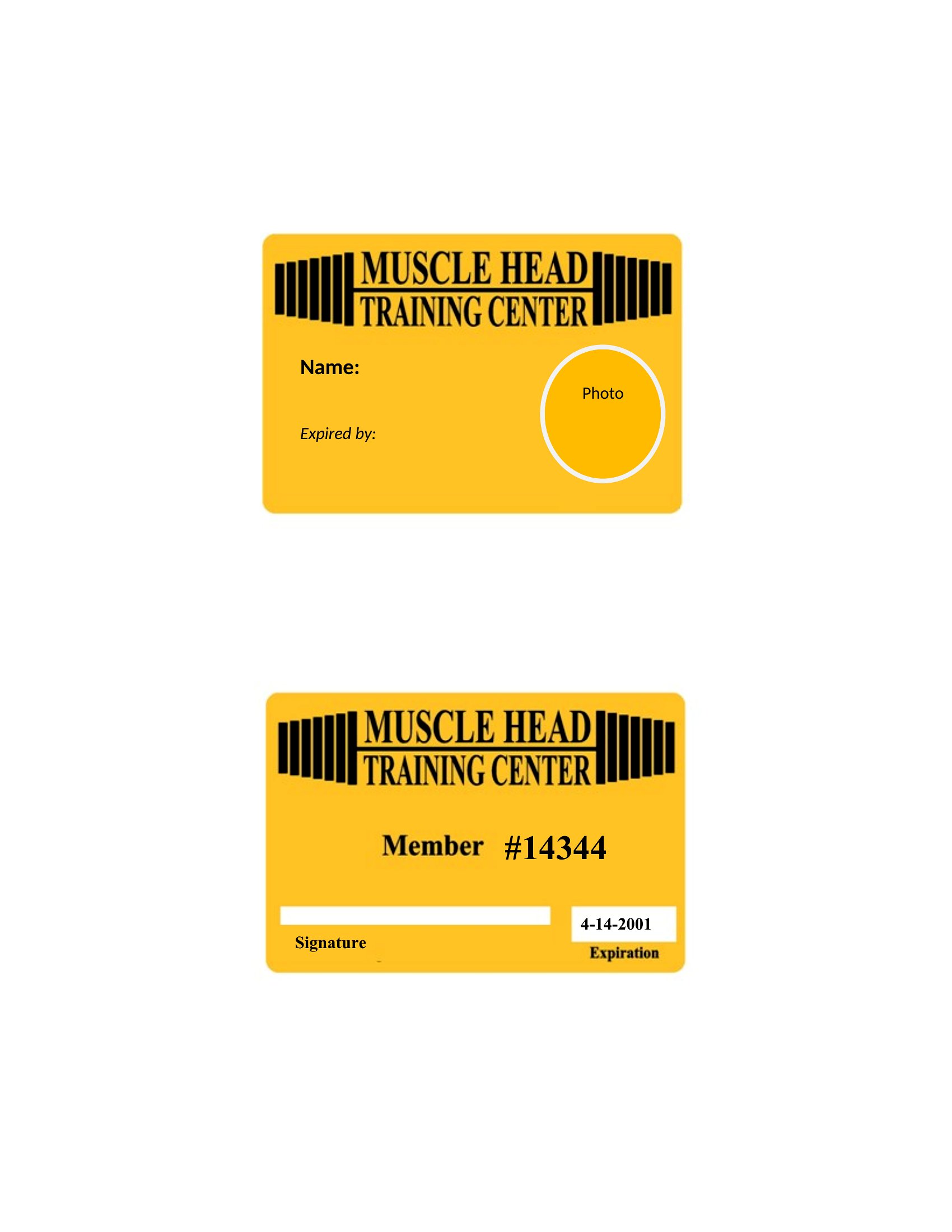
Can I include a photo or signature field on these membership cards?
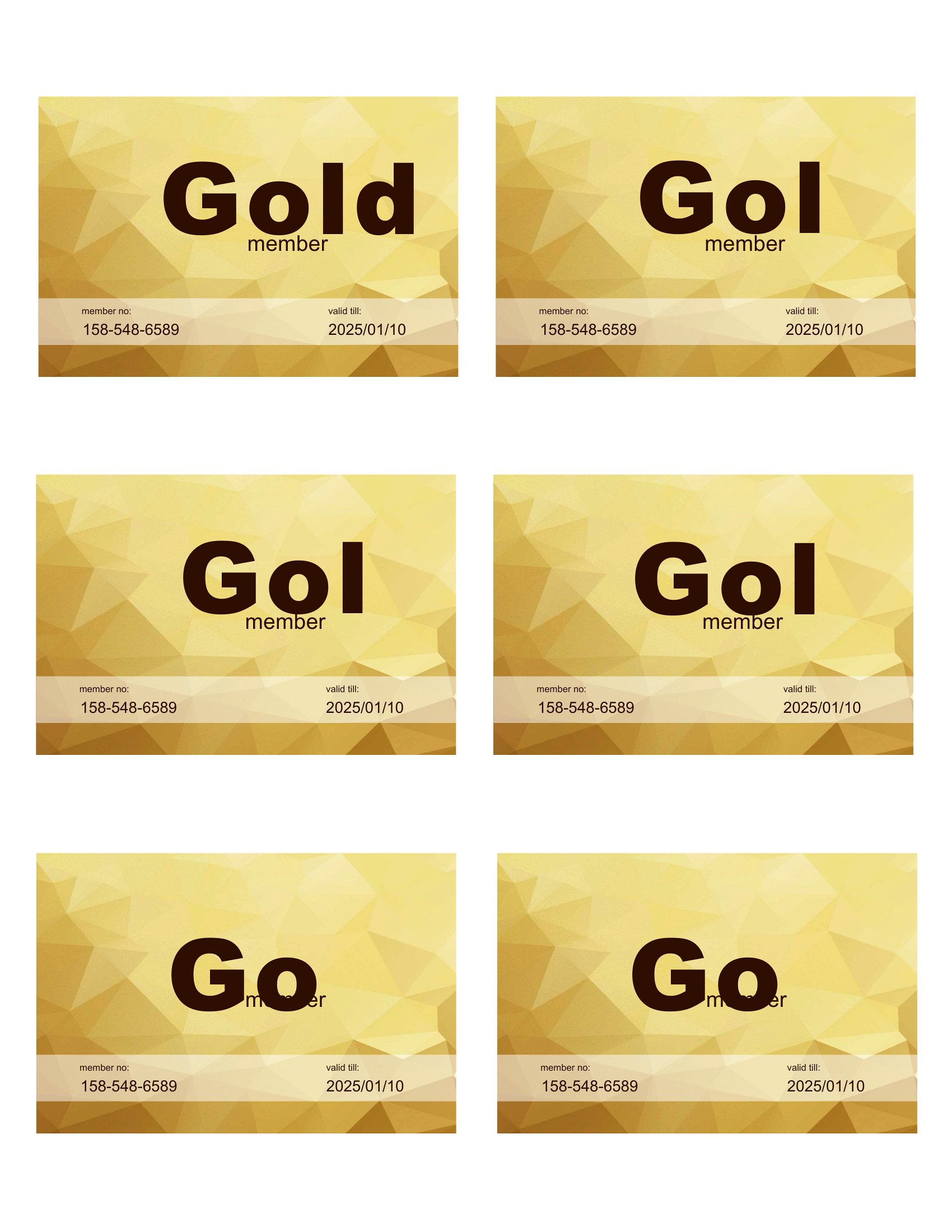
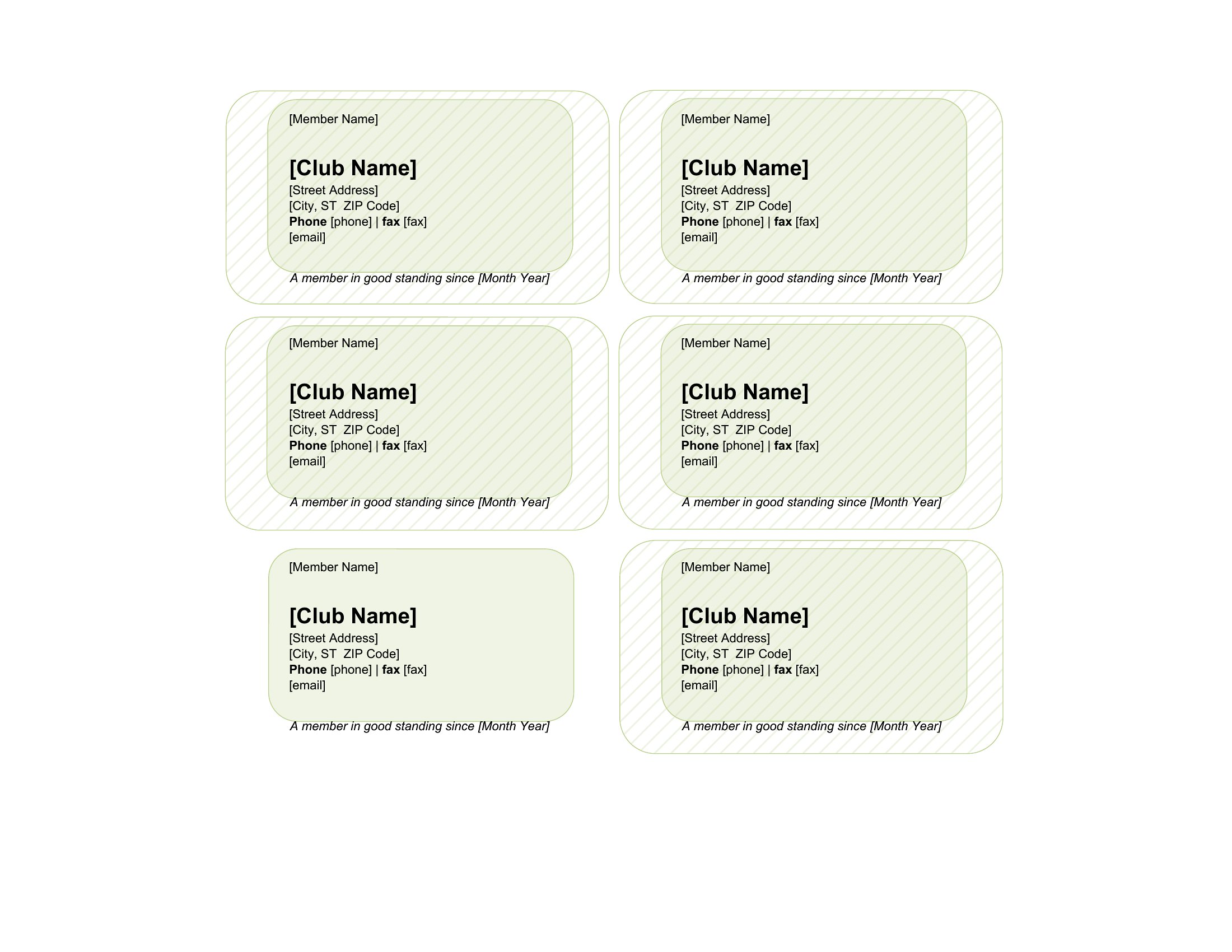
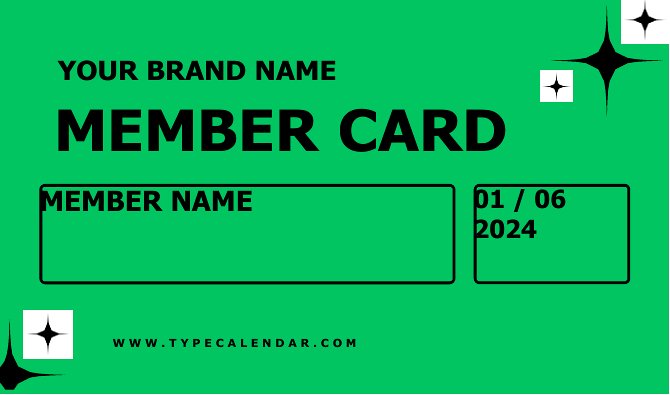
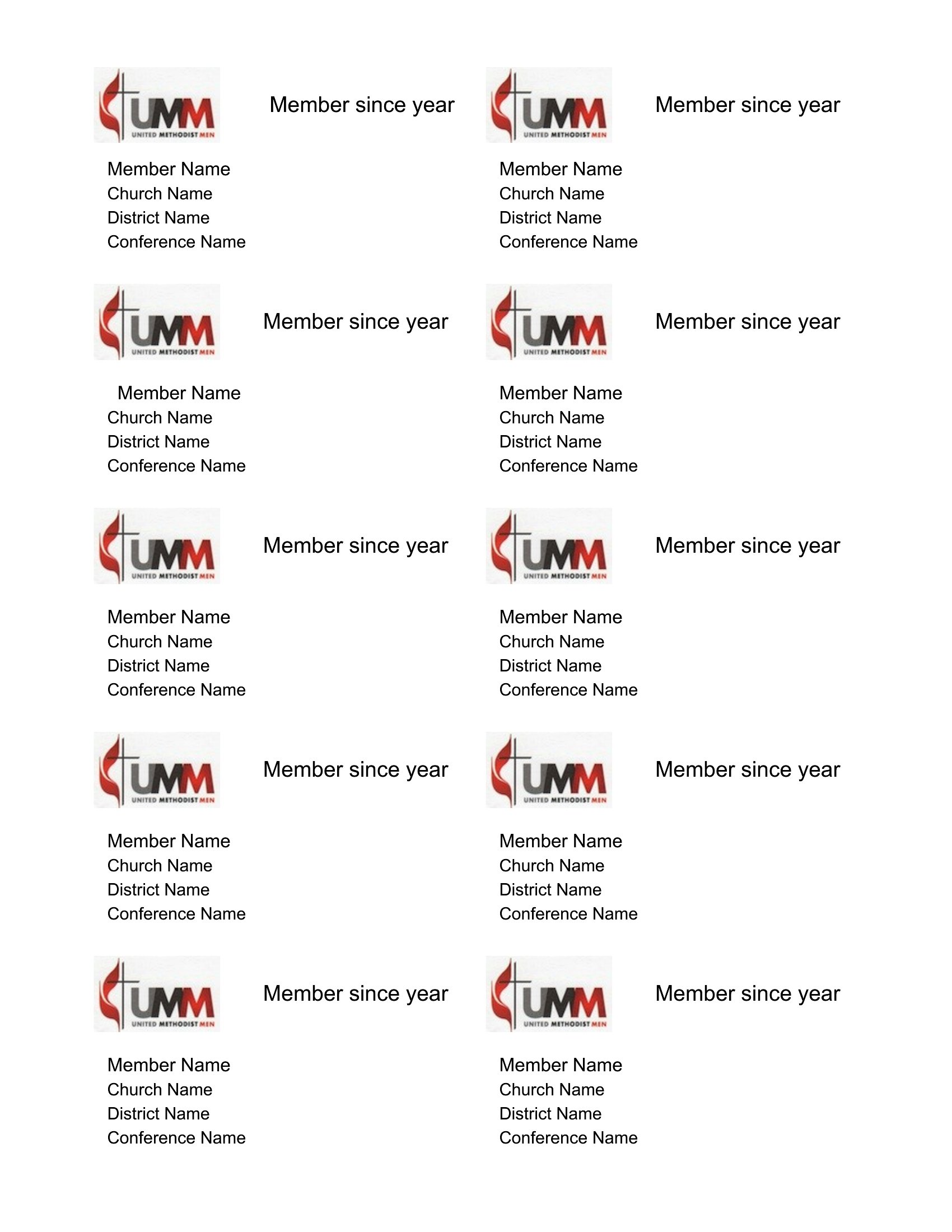
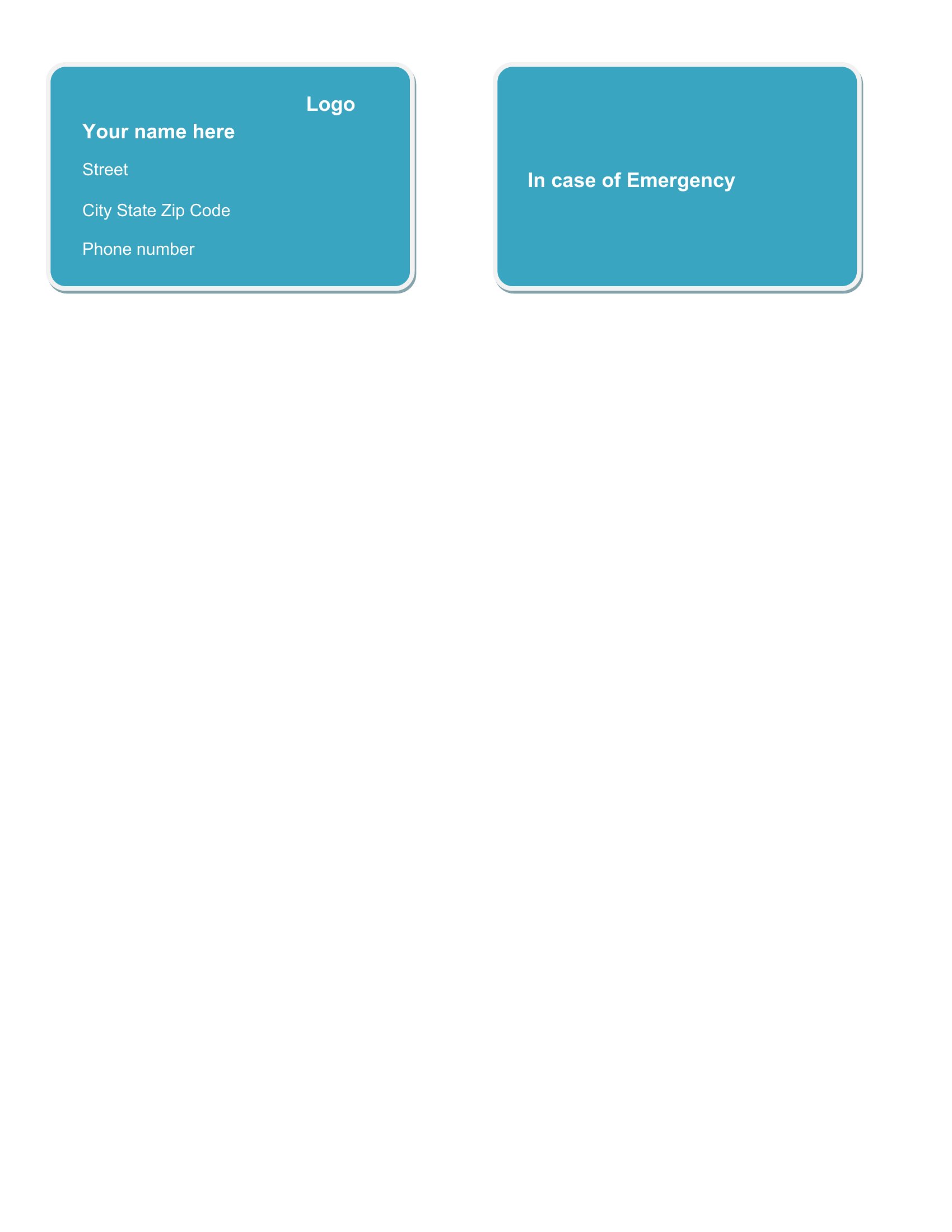
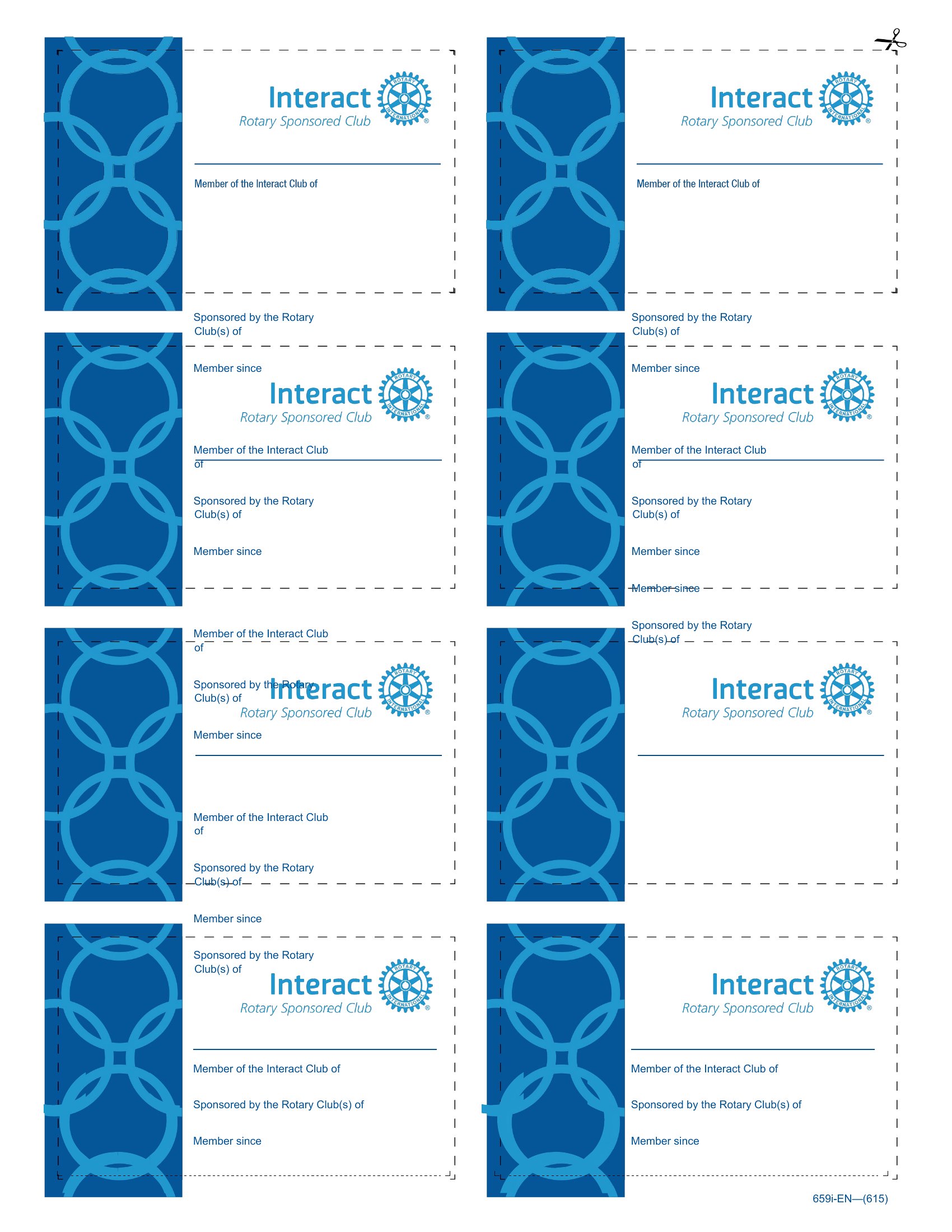
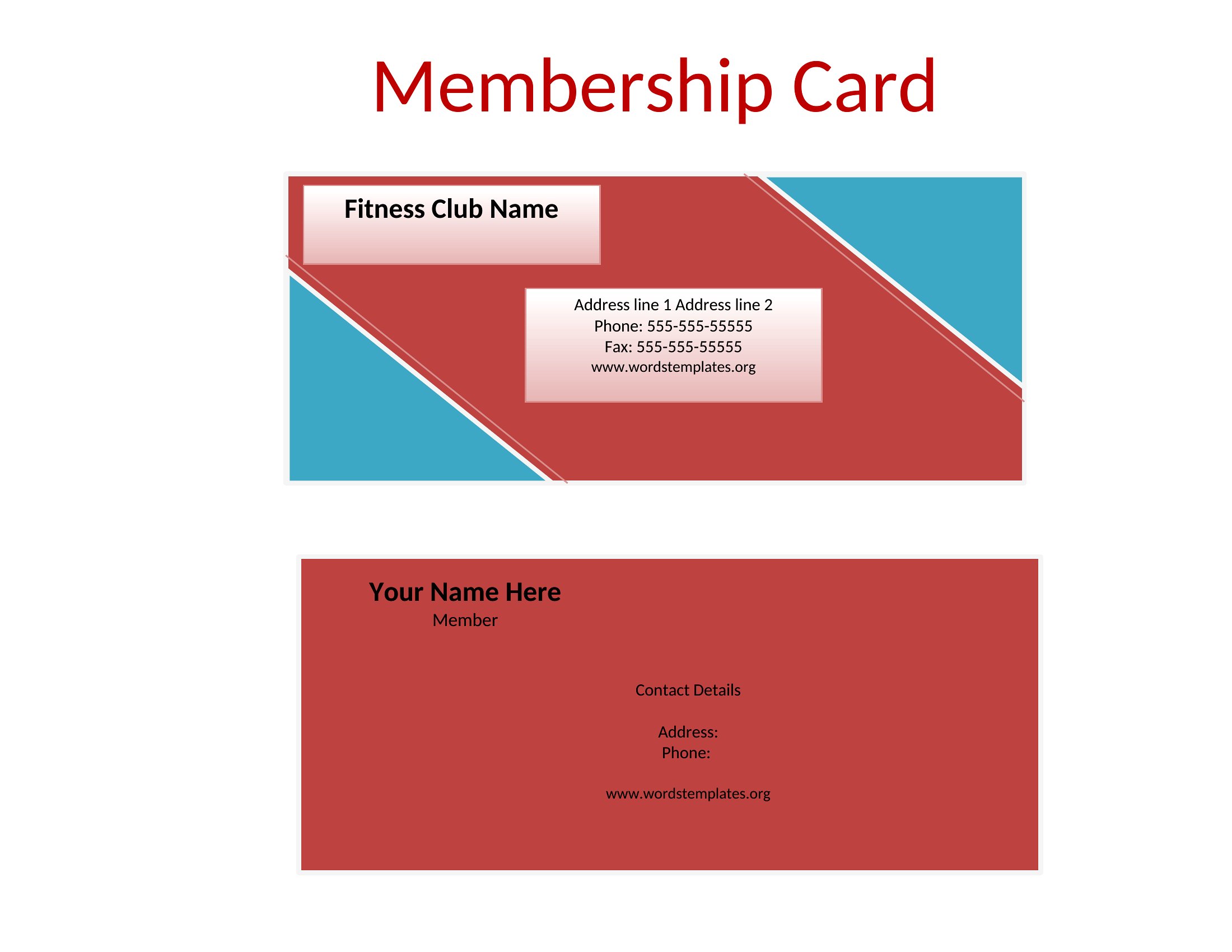
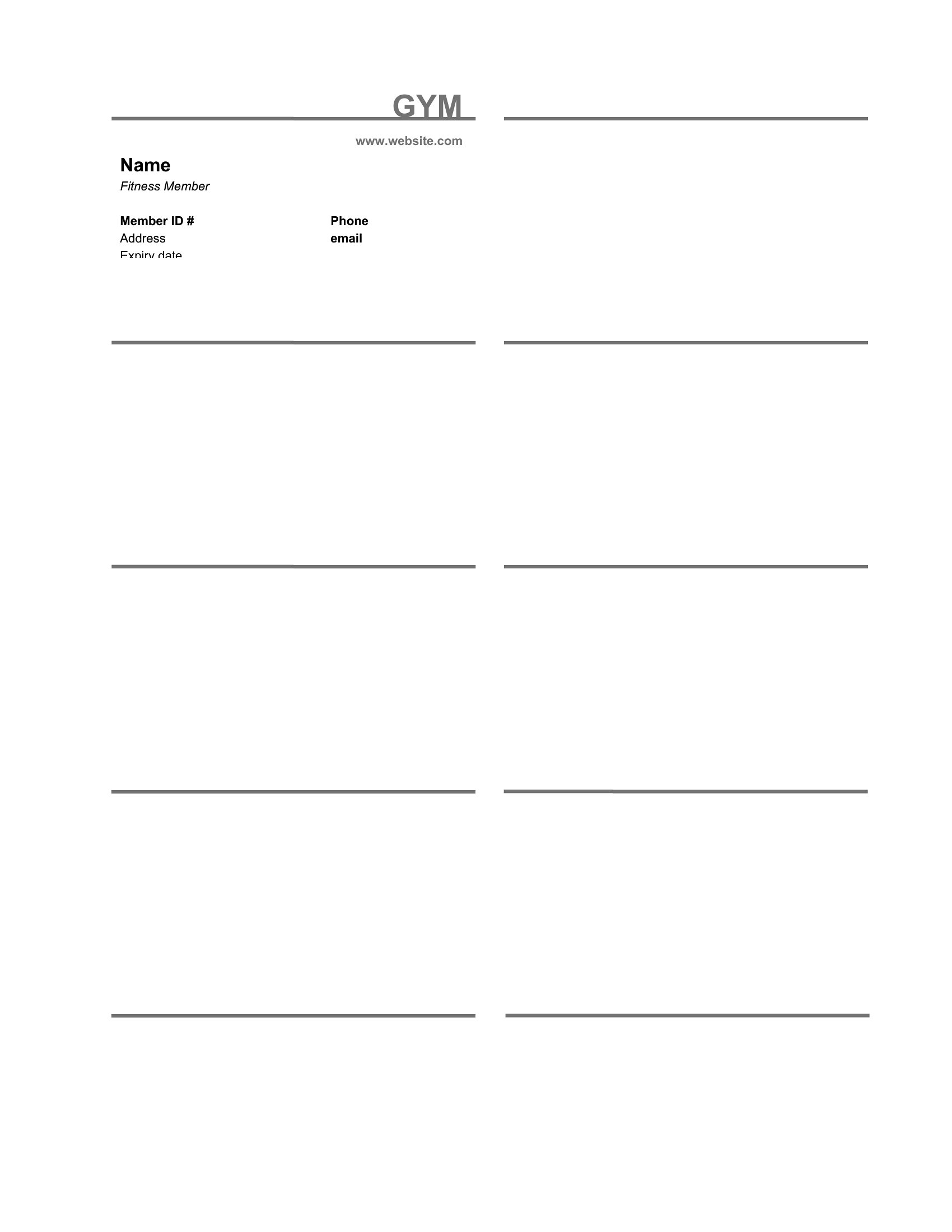
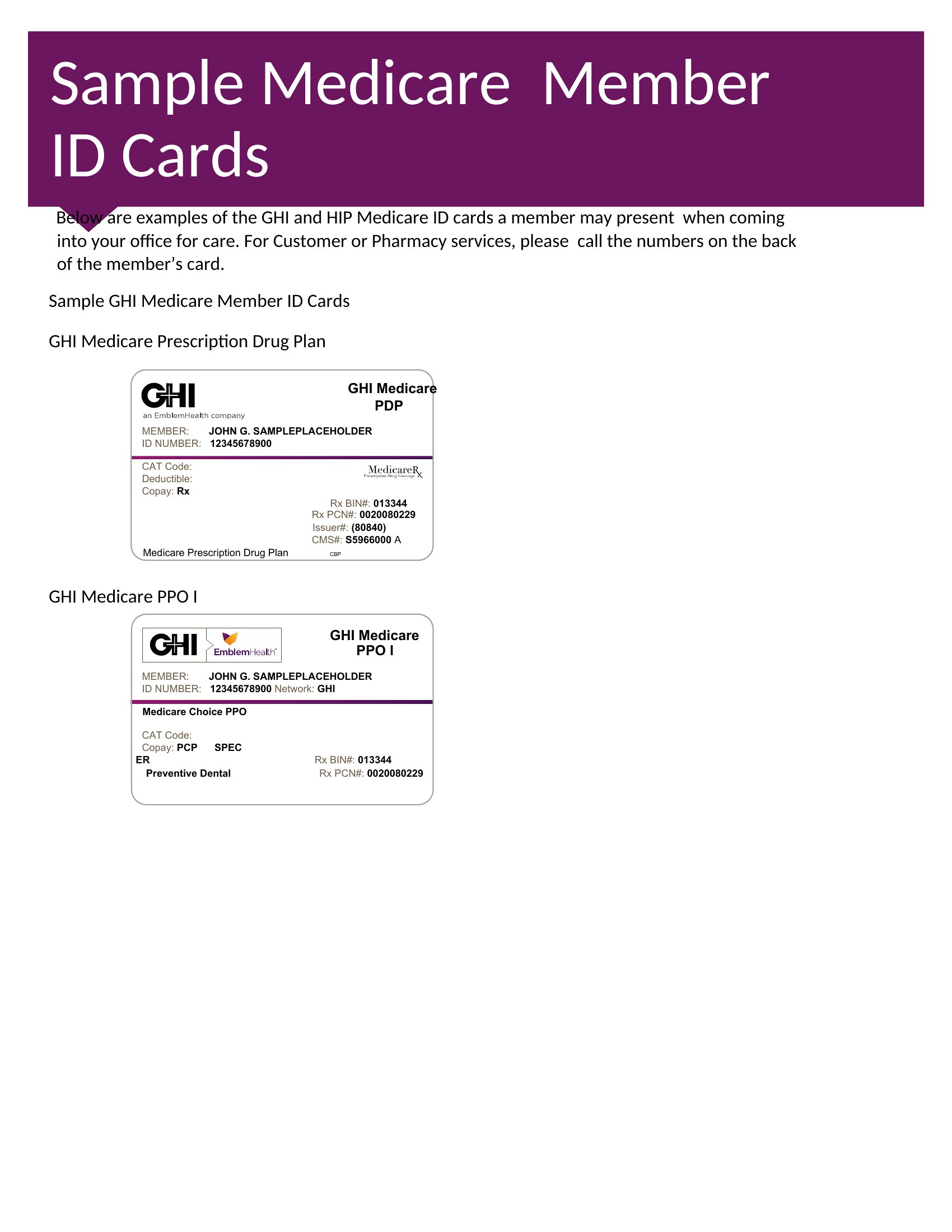
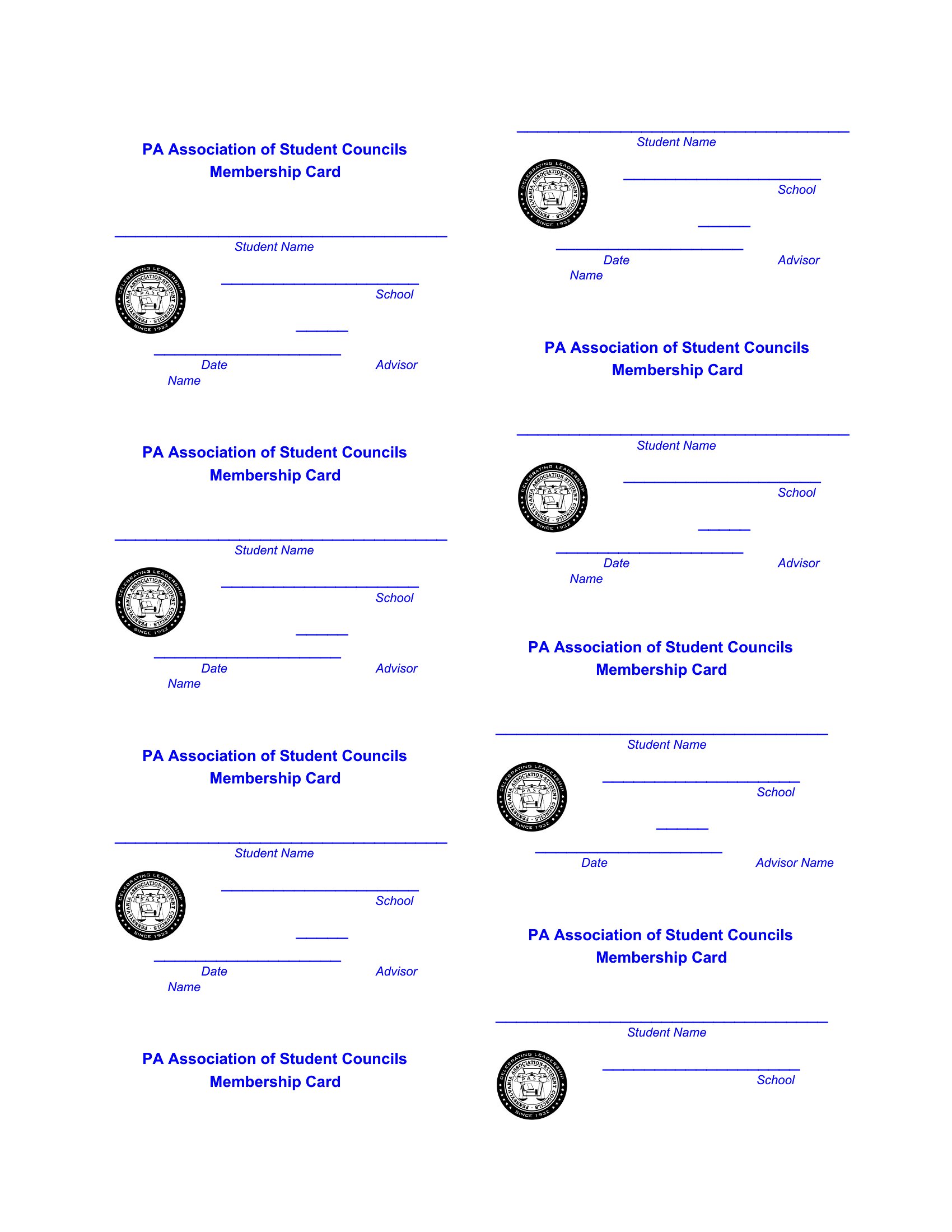
Yes, each template in Word allows you to insert photos or designated fields for signatures. Simply open the template, locate the placeholder for the photo or signature, and add it manually. For signatures, you can print the card, have members sign in ink, or add a digital signature field if distributing electronically. Keep in mind that scanned or printed signatures may not be legally binding in all contexts.
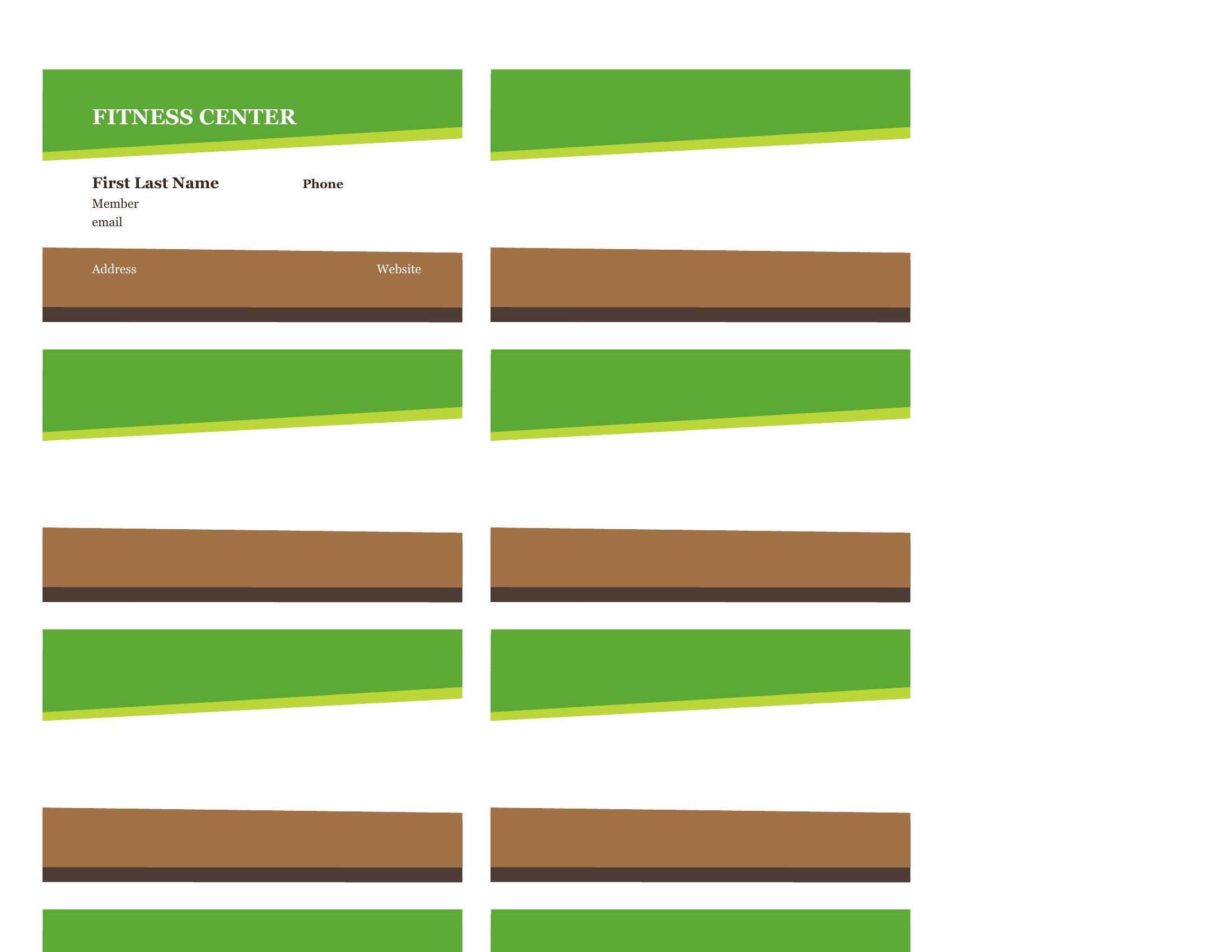
How do I ensure the membership card design matches my brand colors?
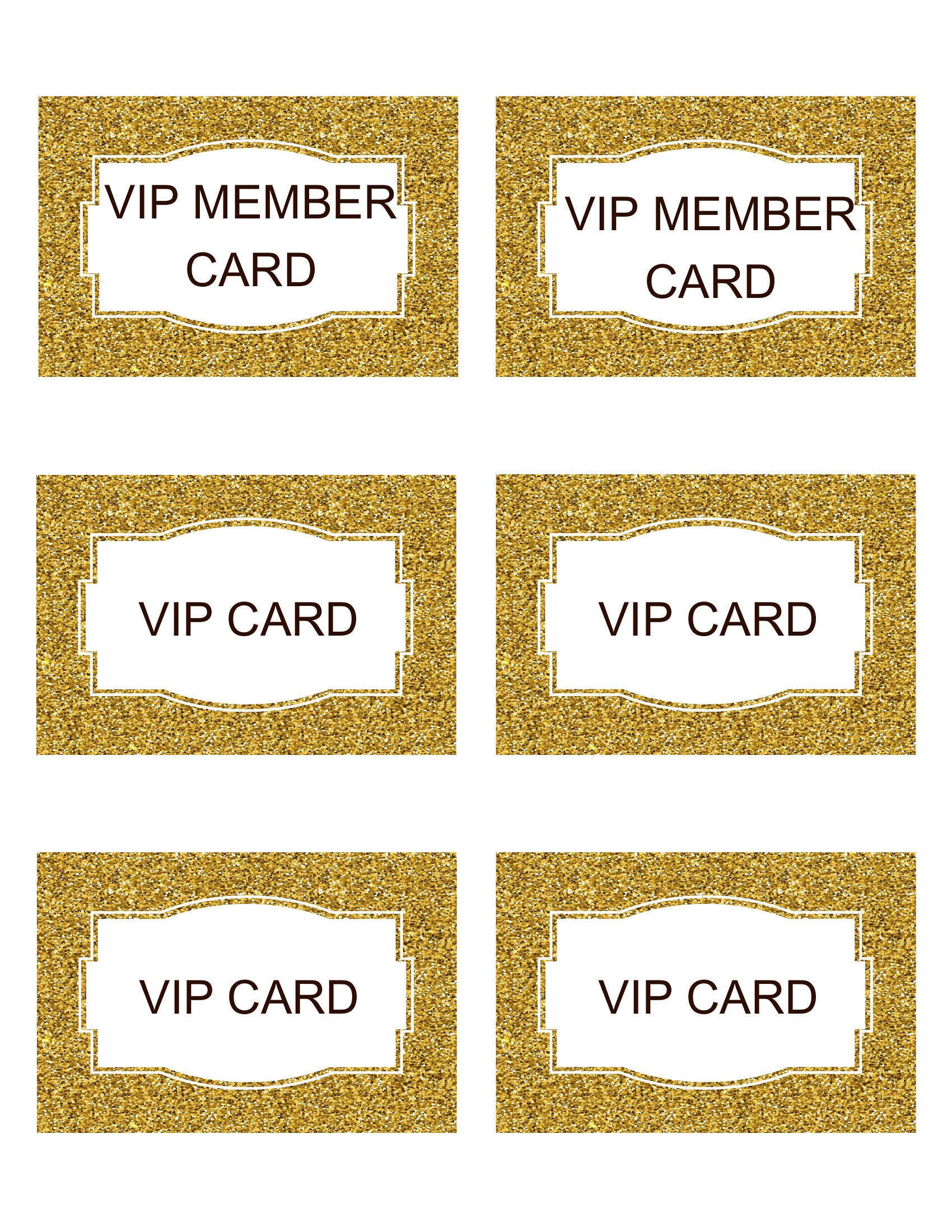
Open the template in Word, then go to the Design tab to access the color palette tools. Replace the default colors with your brand’s hex codes or use the eyedropper tool to match existing brand assets. For consistency, save your brand colors as a custom theme so you can reuse them across other documents. If needed, preview the card in print mode to check color accuracy before finalizing.
Are these templates suitable for creating membership cards with magnetic strips or RFID chips?
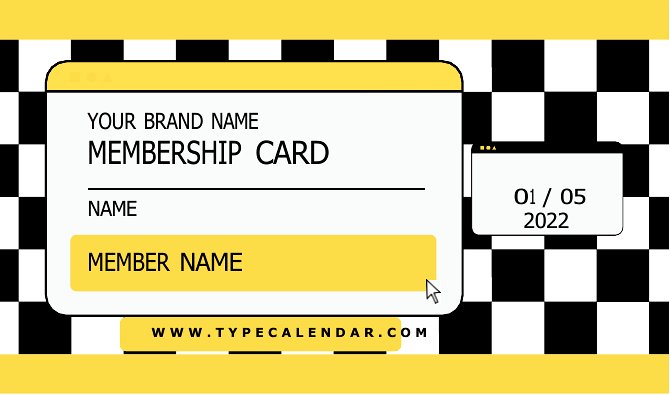
These Word templates are designed for standard printable cards and do not include features for magnetic strips or RFID technology. They are best suited for visual identification, such as displaying a member’s name, ID number, or logo. If you need embedded technology, you’ll need to work with a specialized print provider or template that supports those features, often requiring additional design considerations.
Comments
Join the conversation
Sign in to share your thoughts and leave a comment on this resource.