Skip to content
50% off this one-time $1.99 pack with HALFOFF — or unlimited with Pro.HALFOFF
Premium

Free Newspaper Templates (Word)
Life
melvinbowman by melvinbowman
Updated 0 downloads Quality-checked template

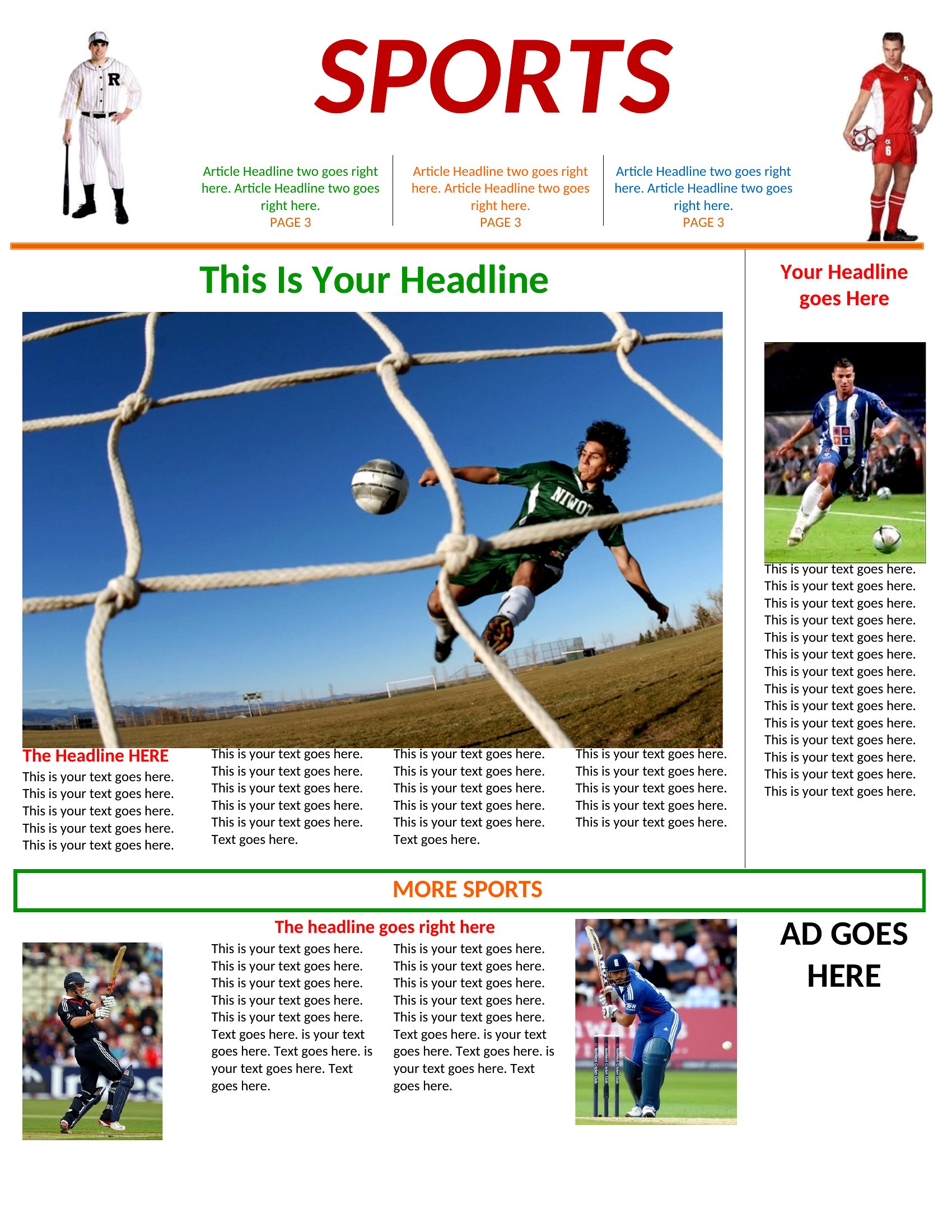
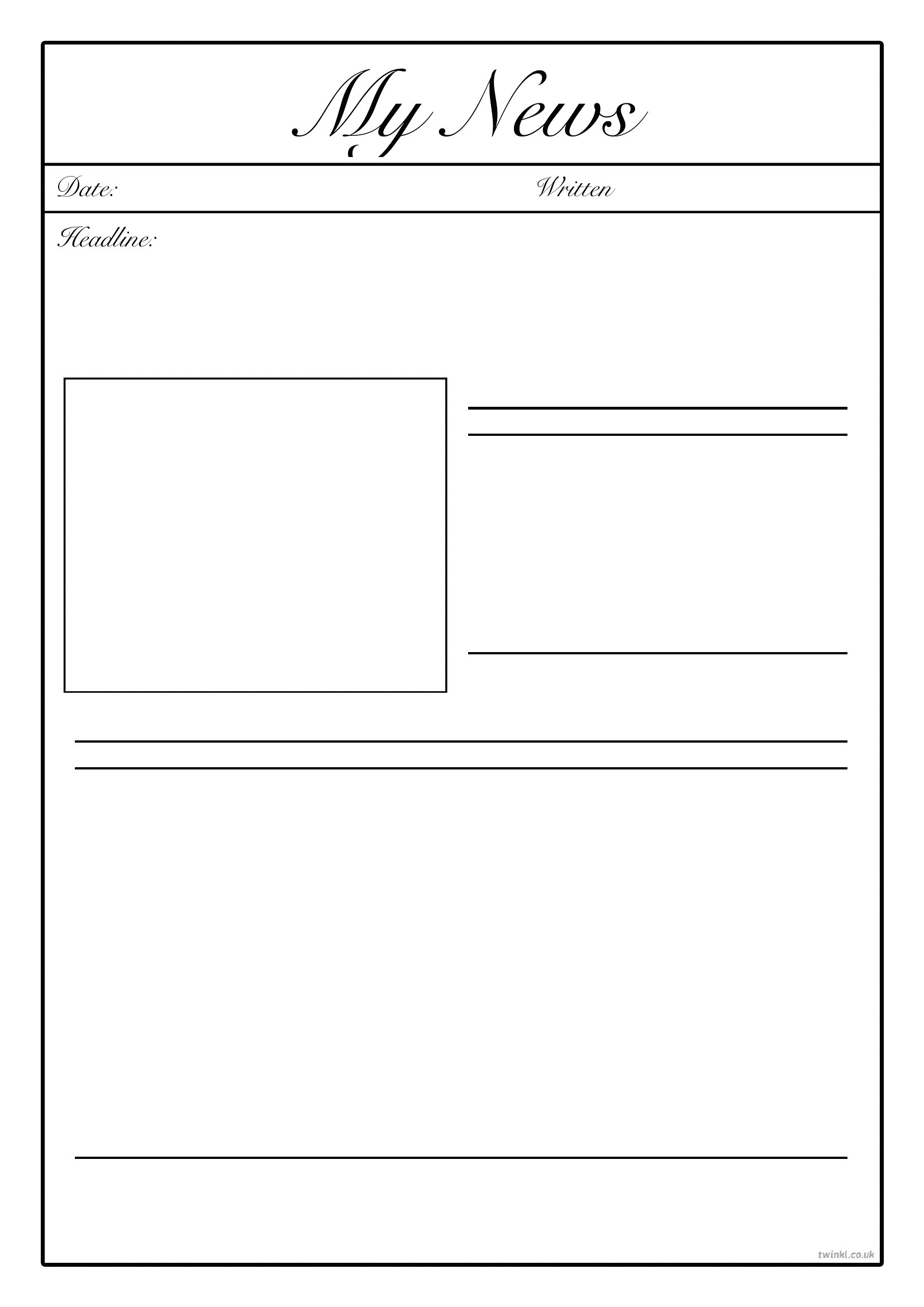
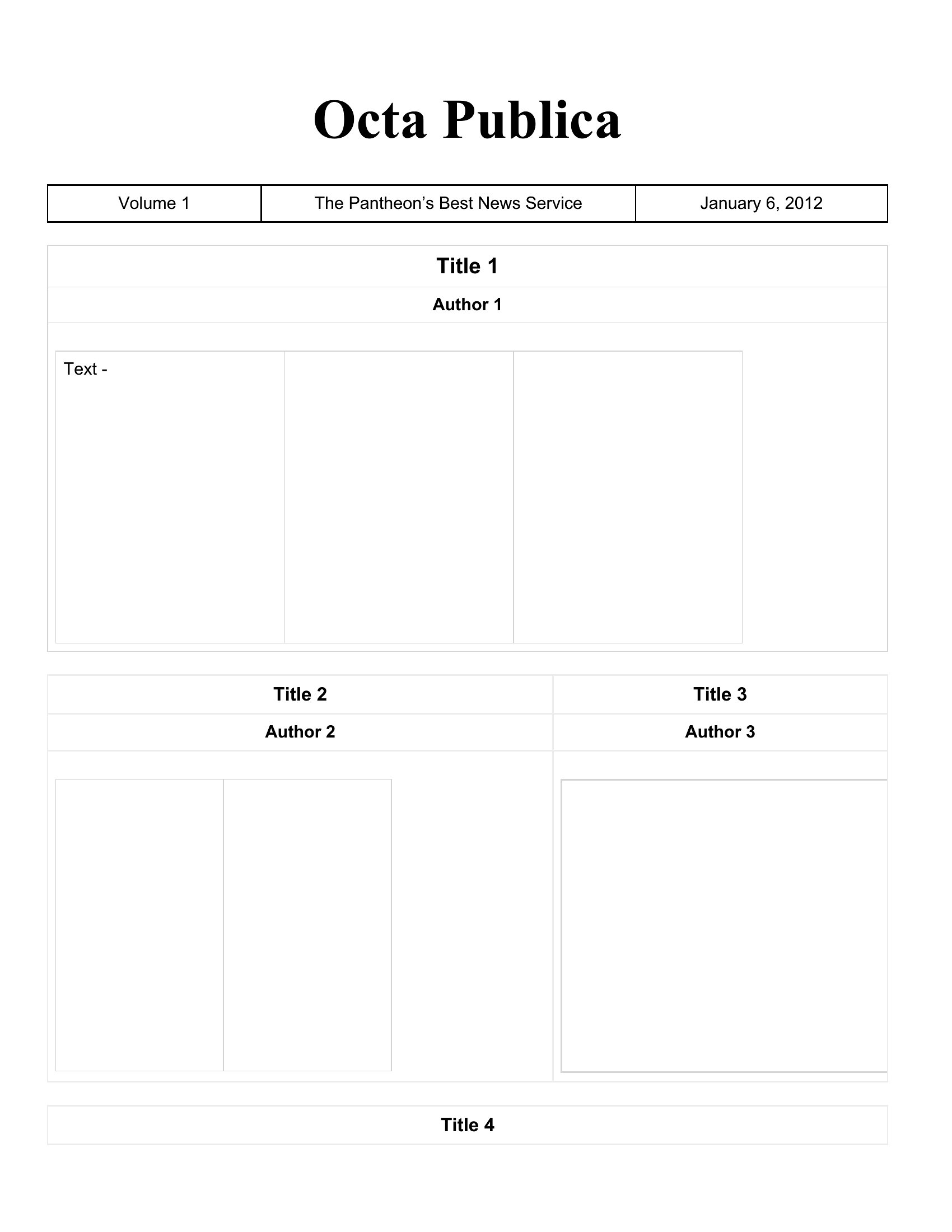
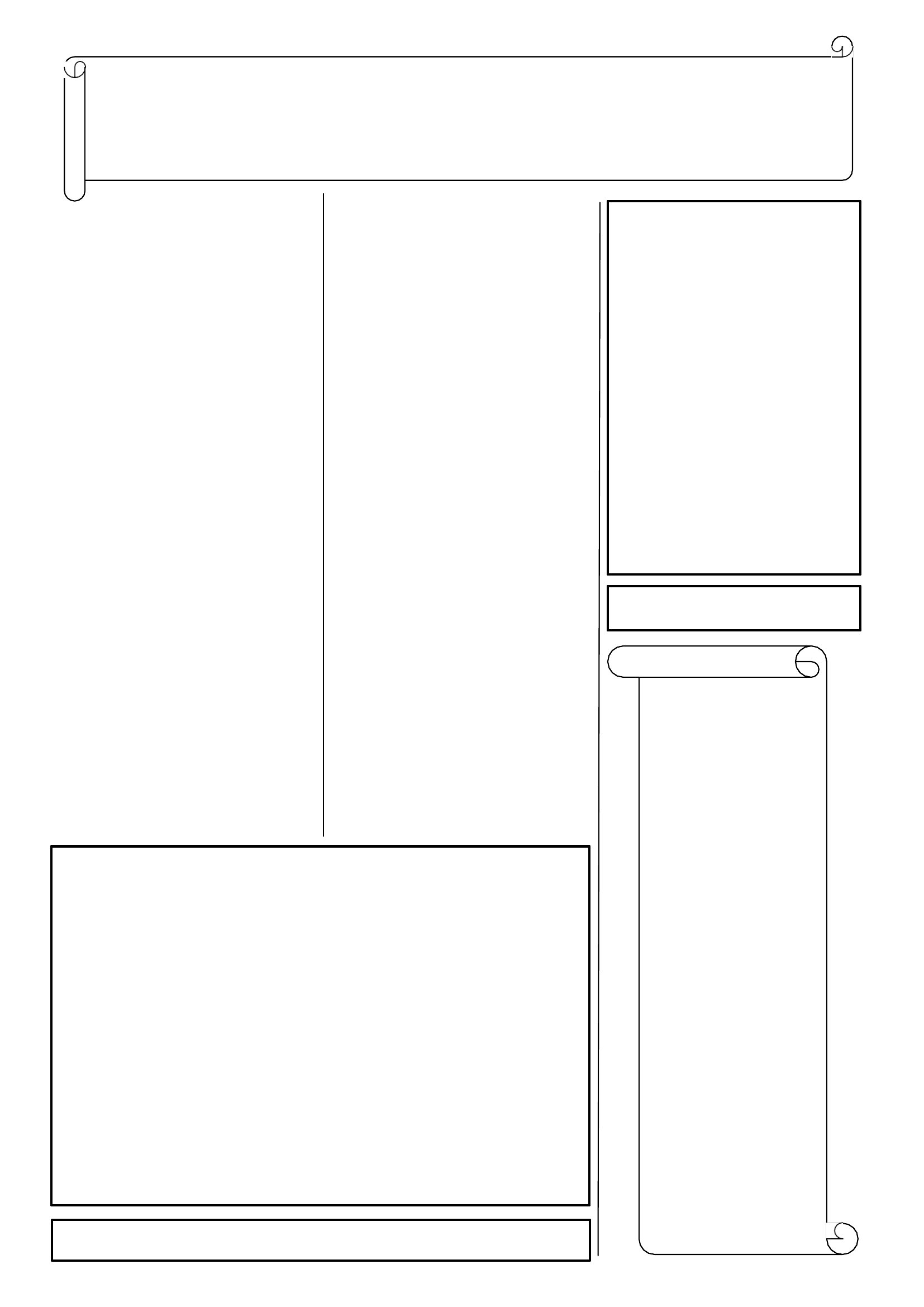
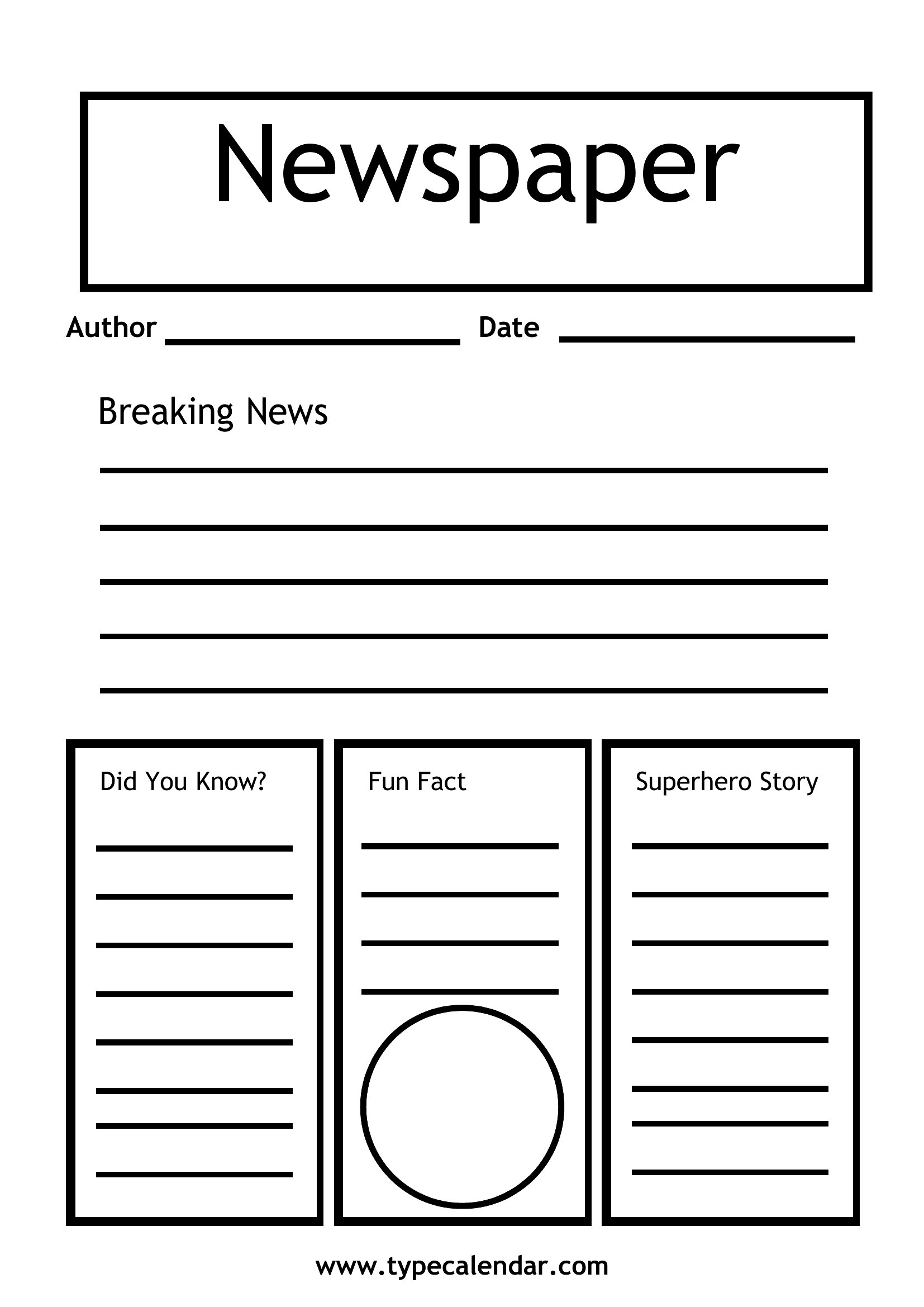
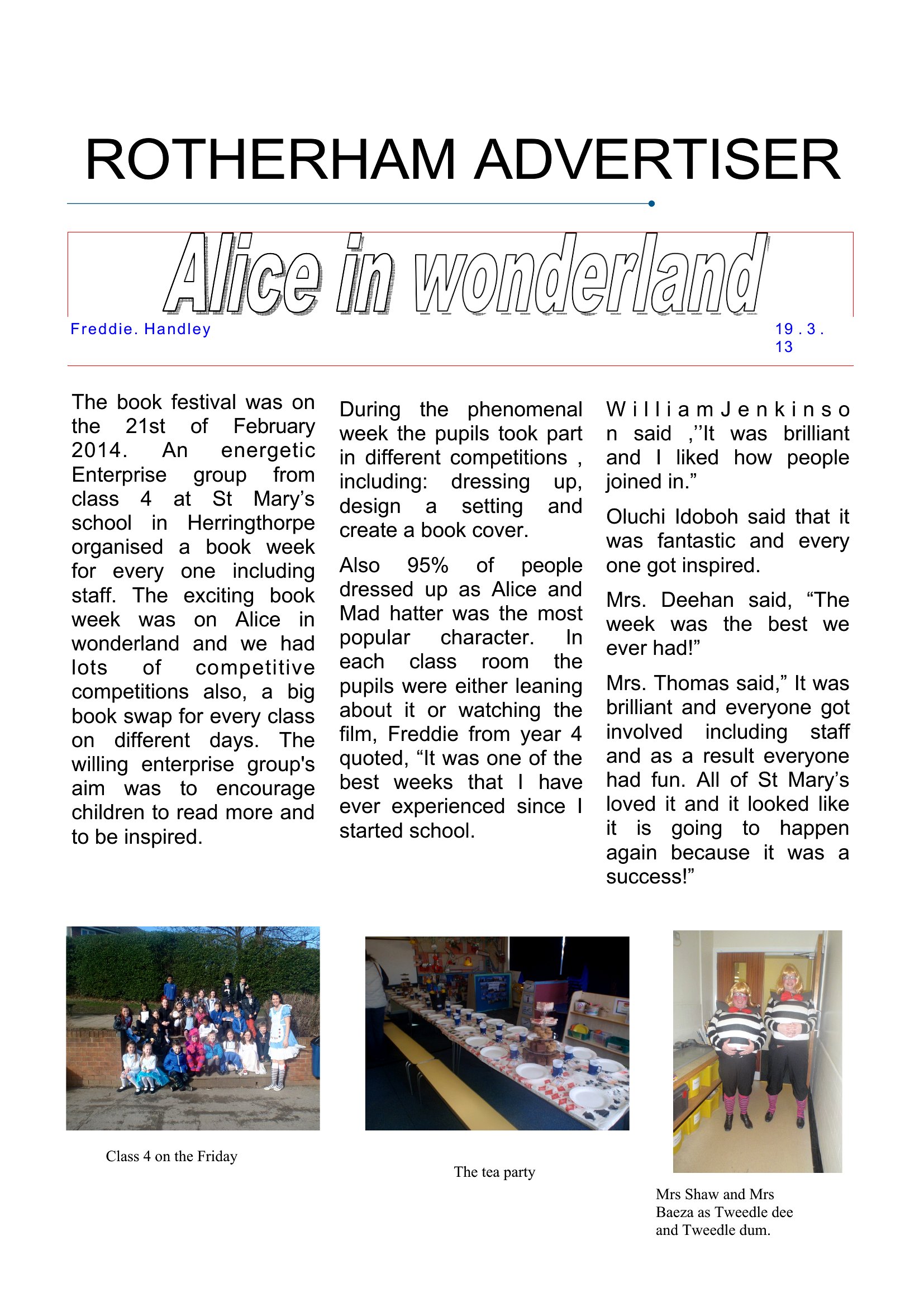
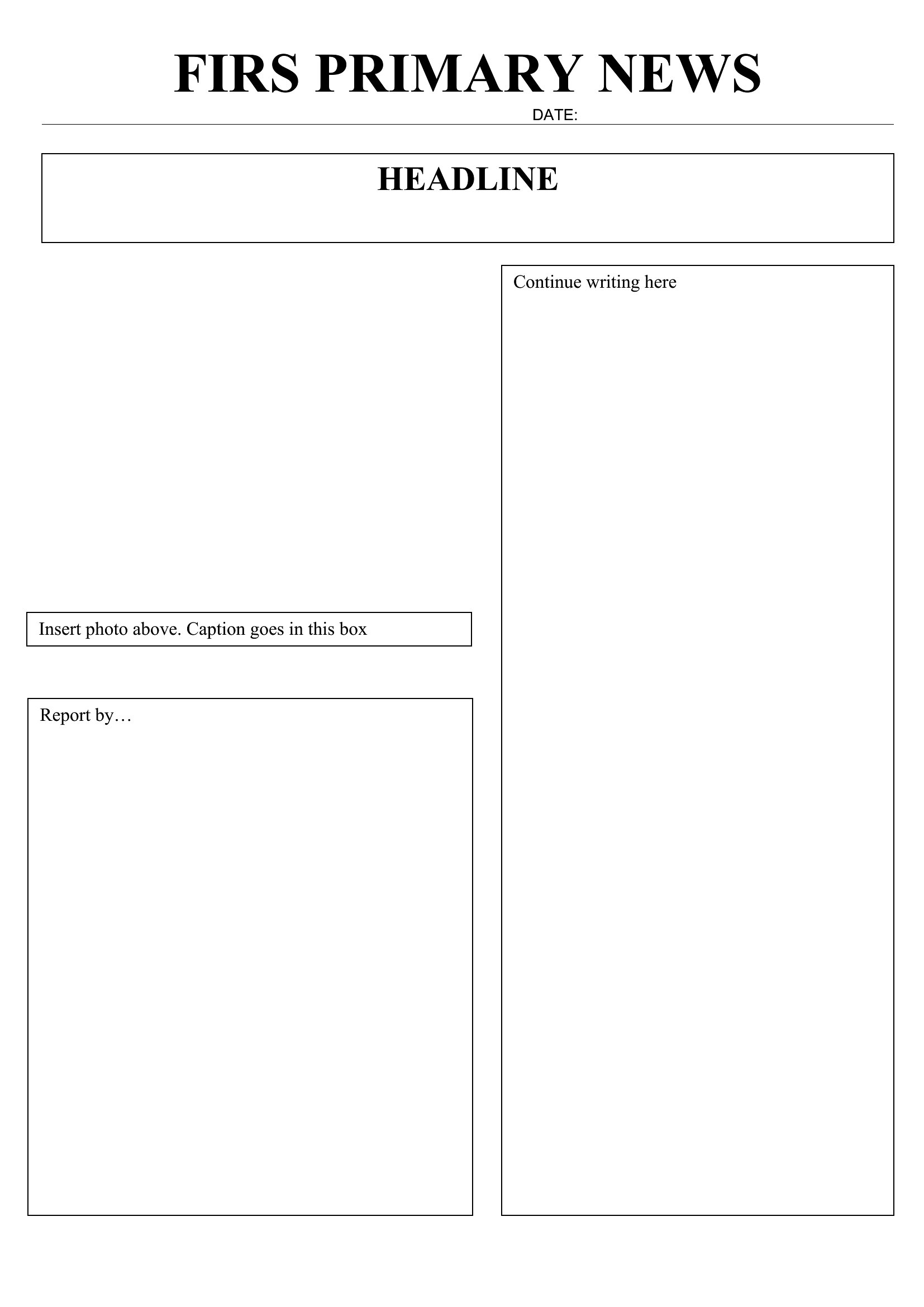
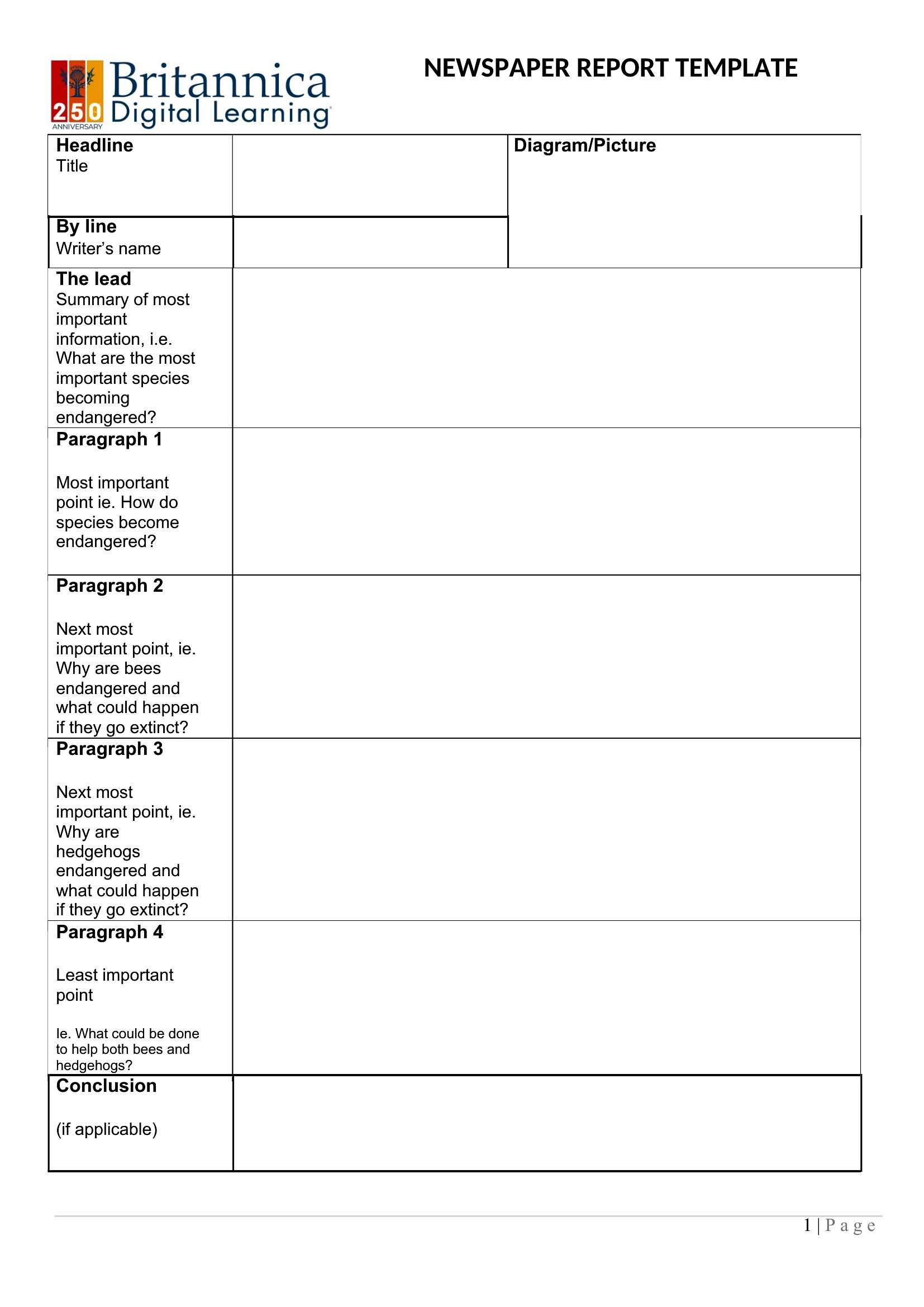
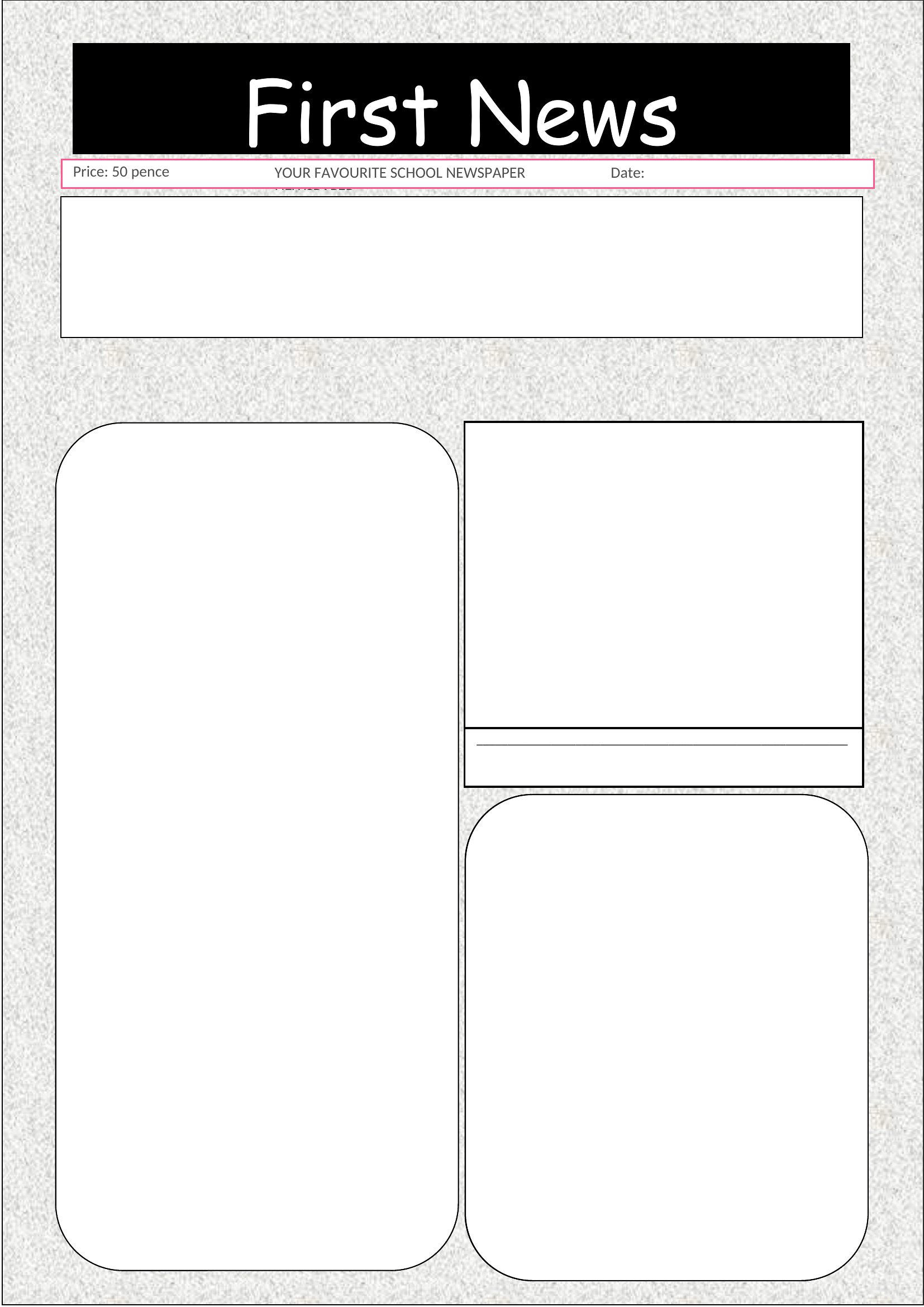
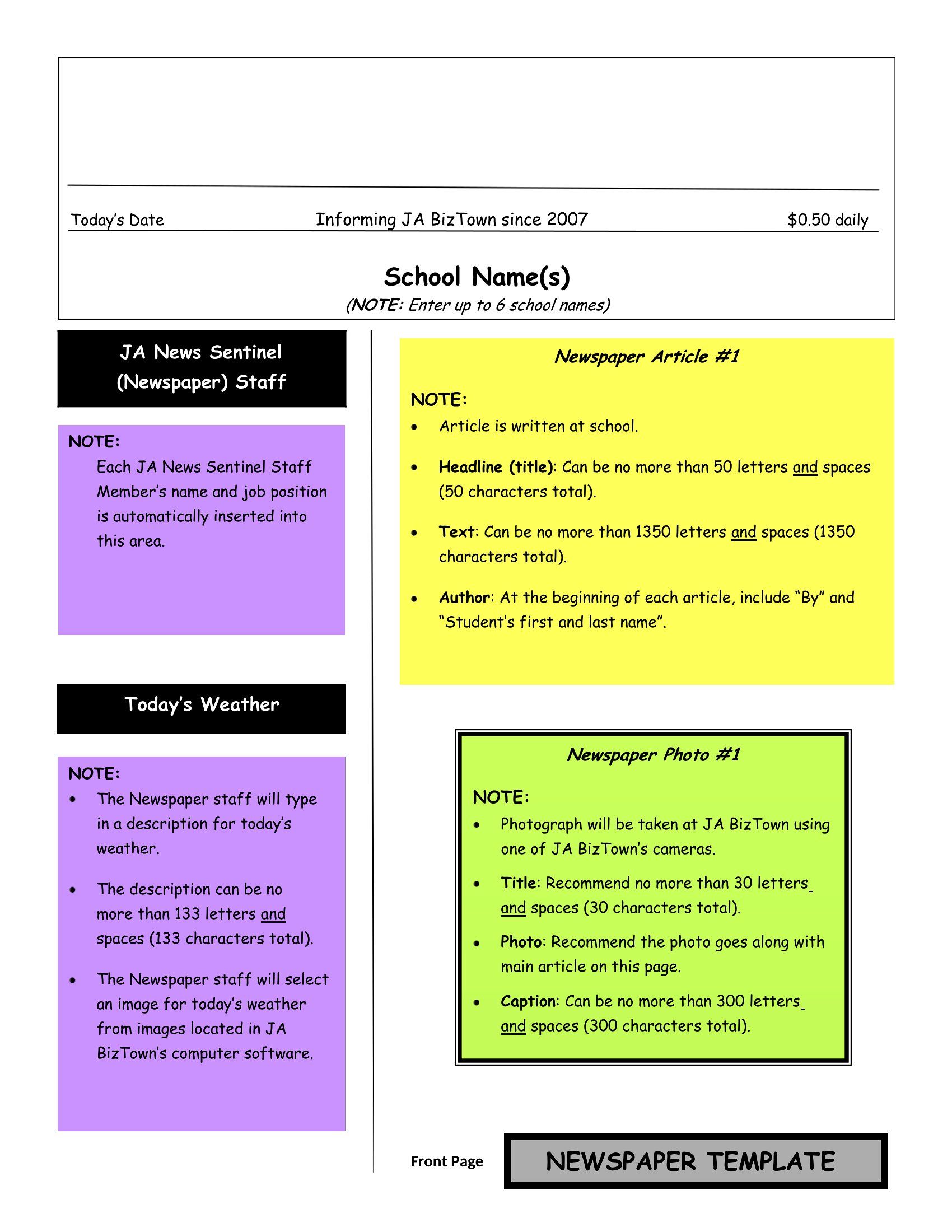
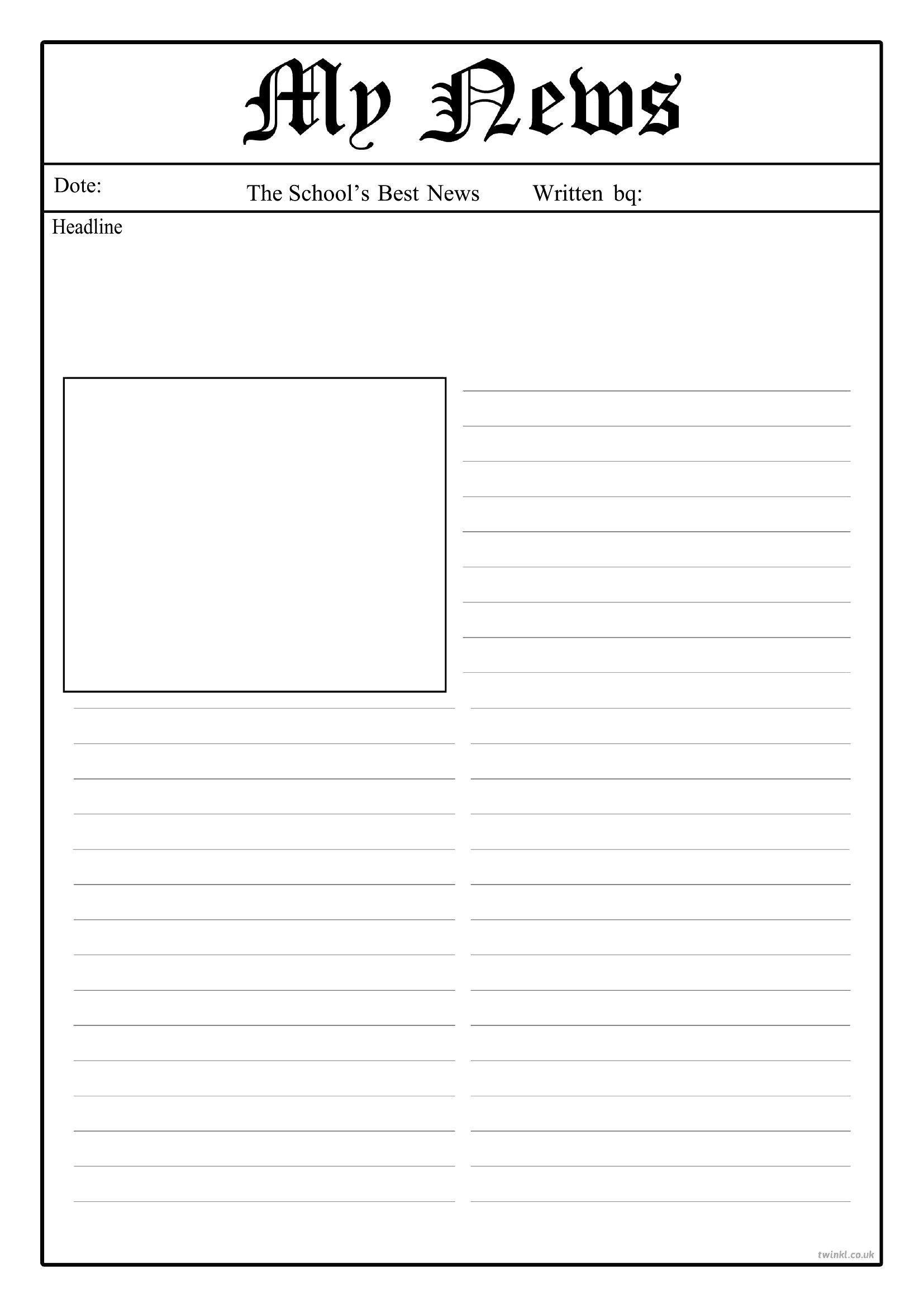
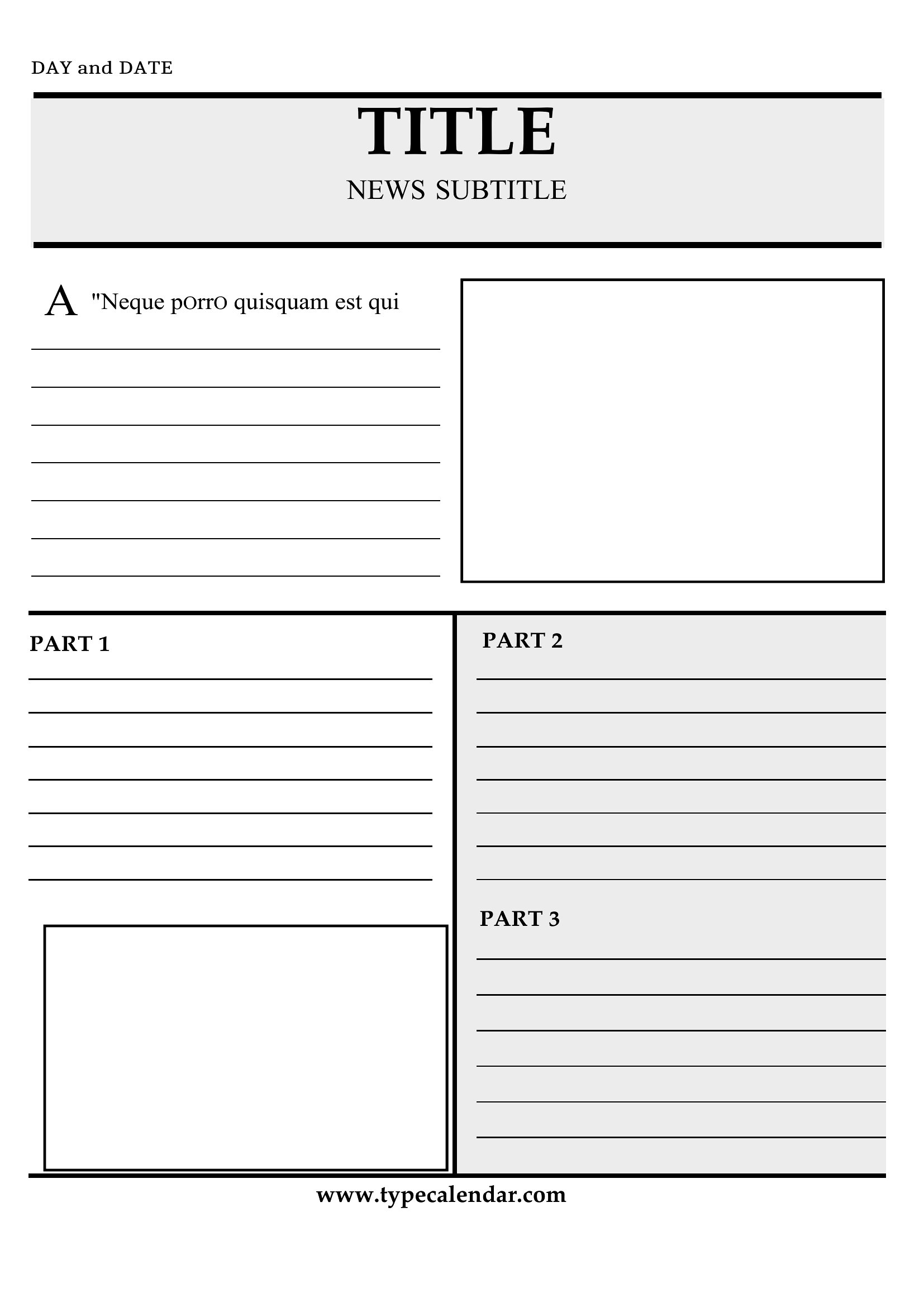
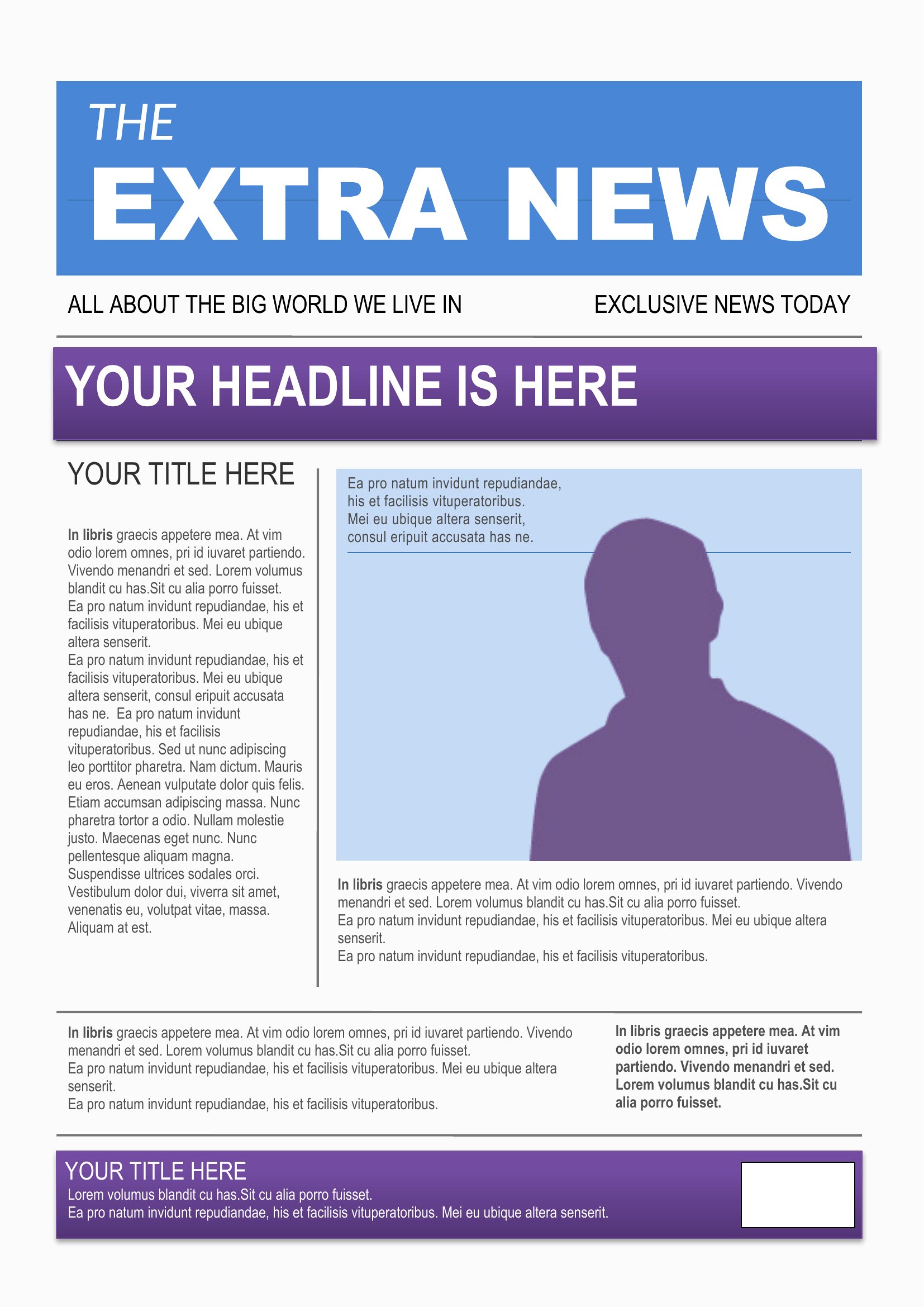
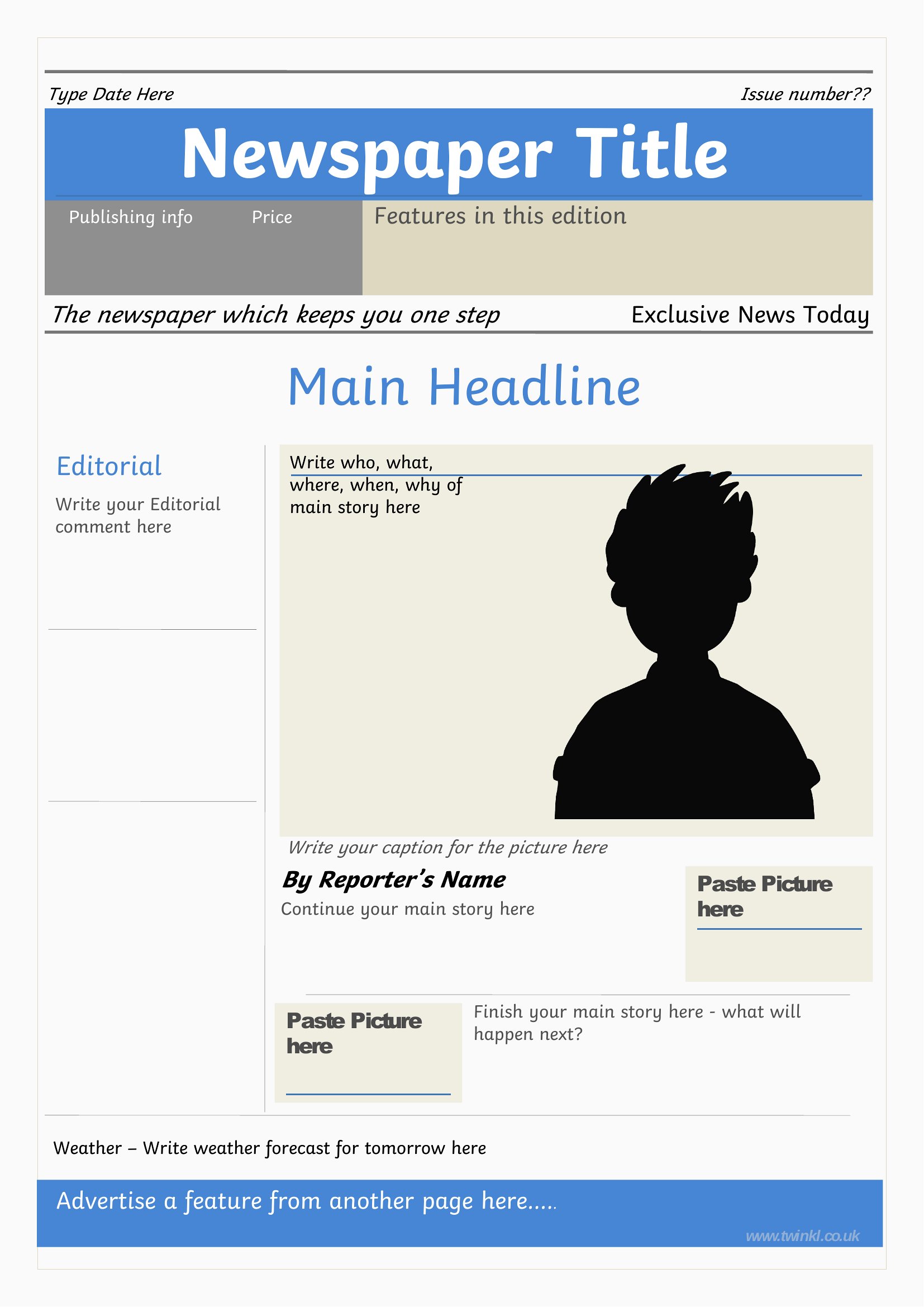
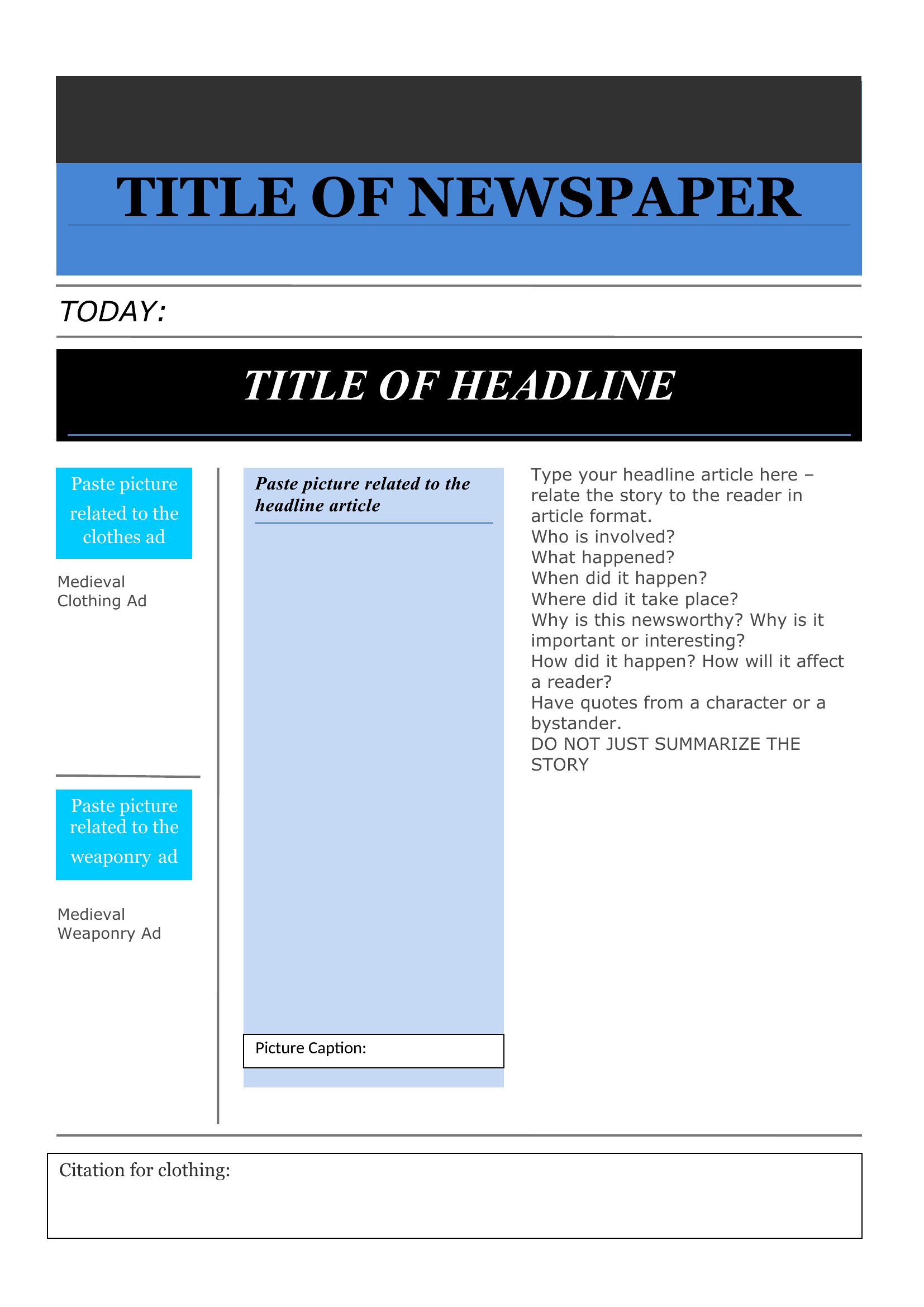
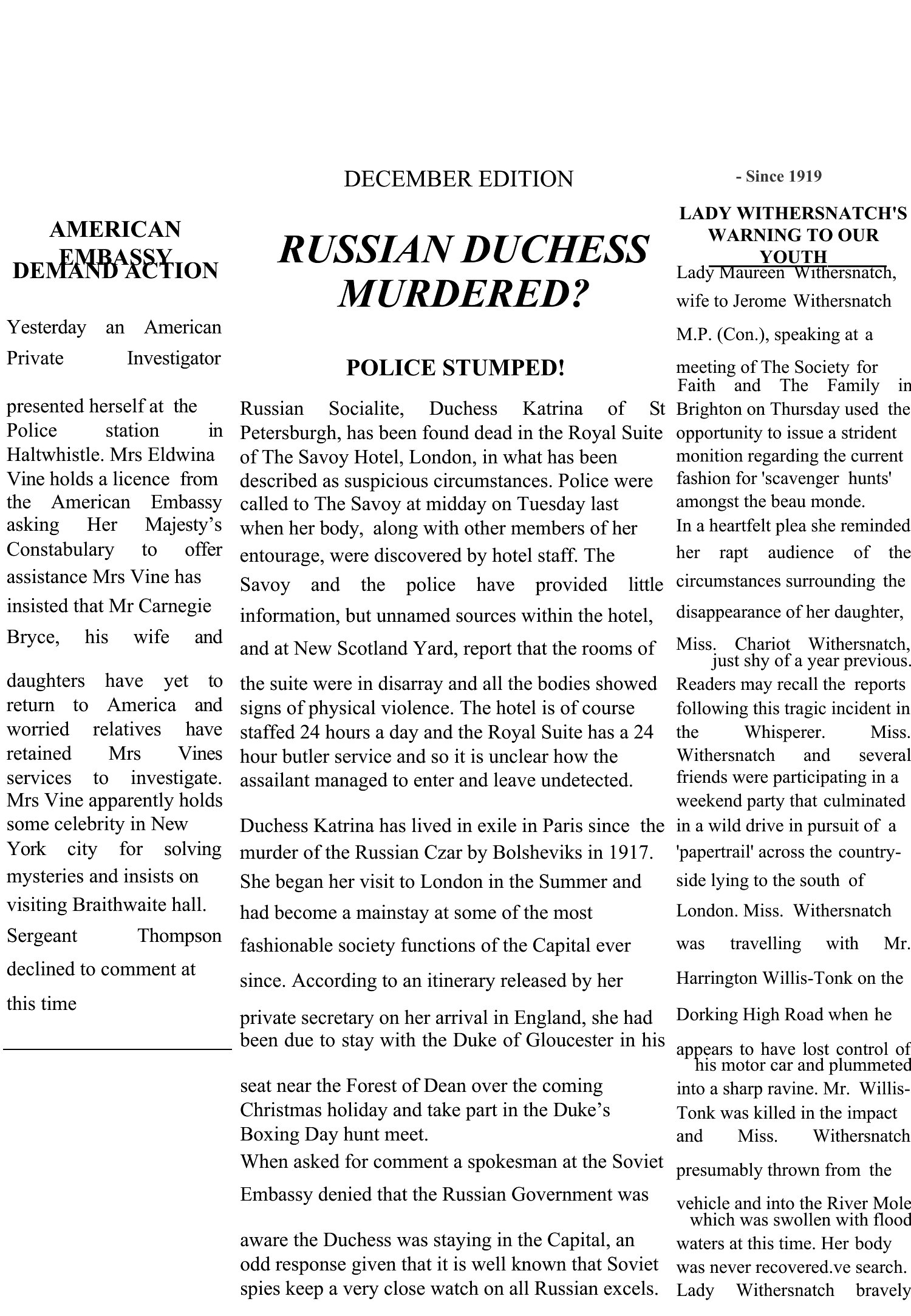
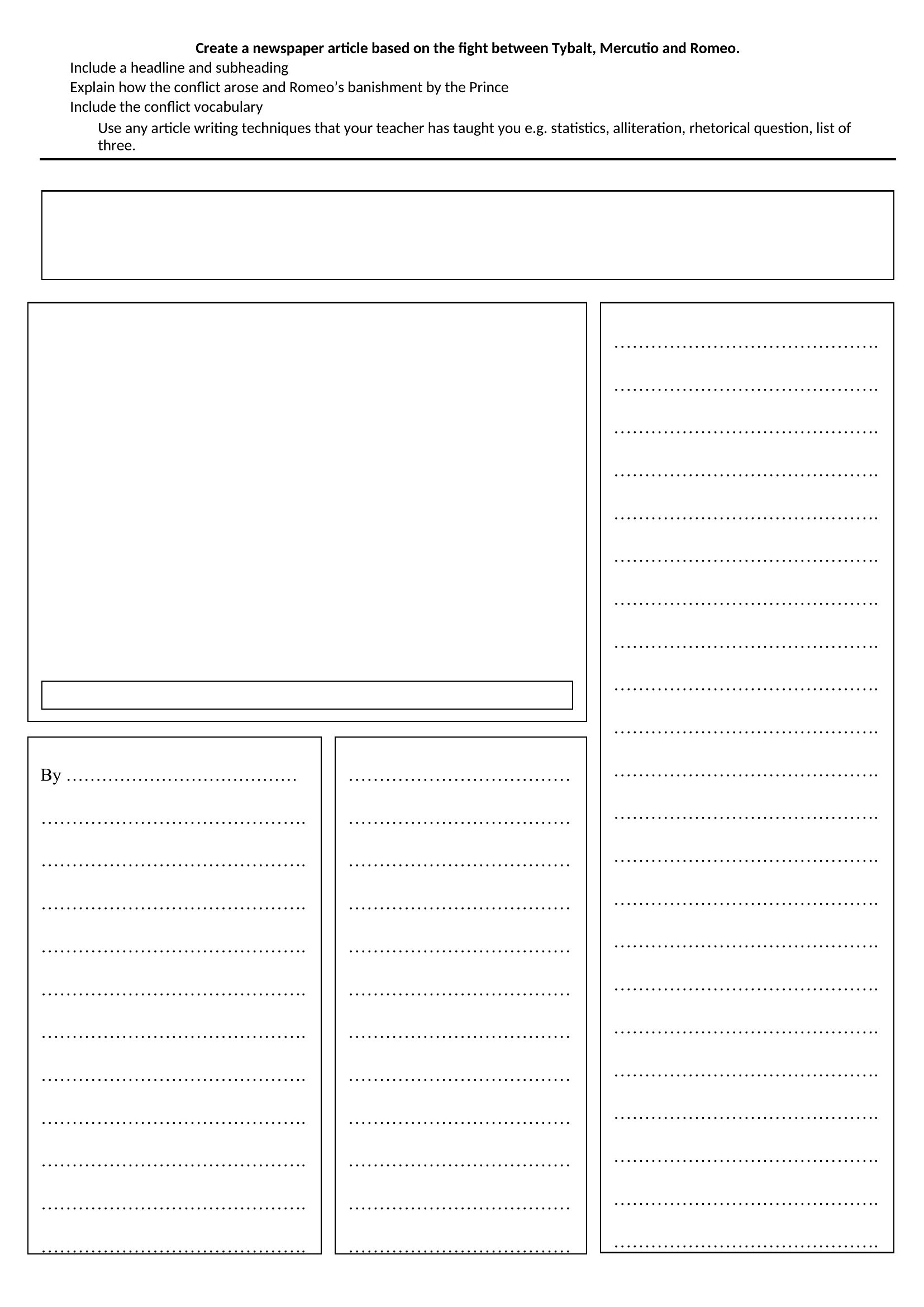
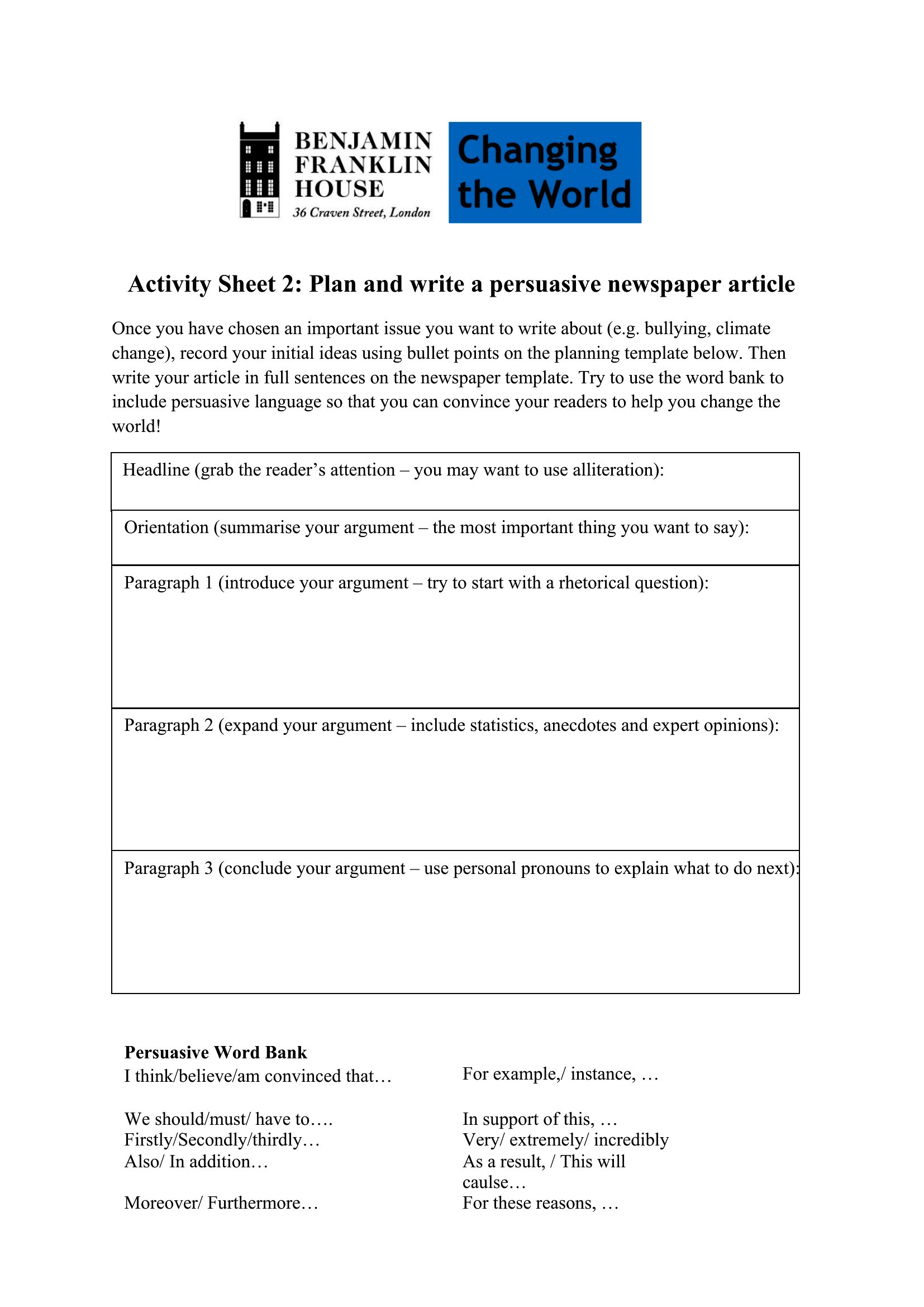
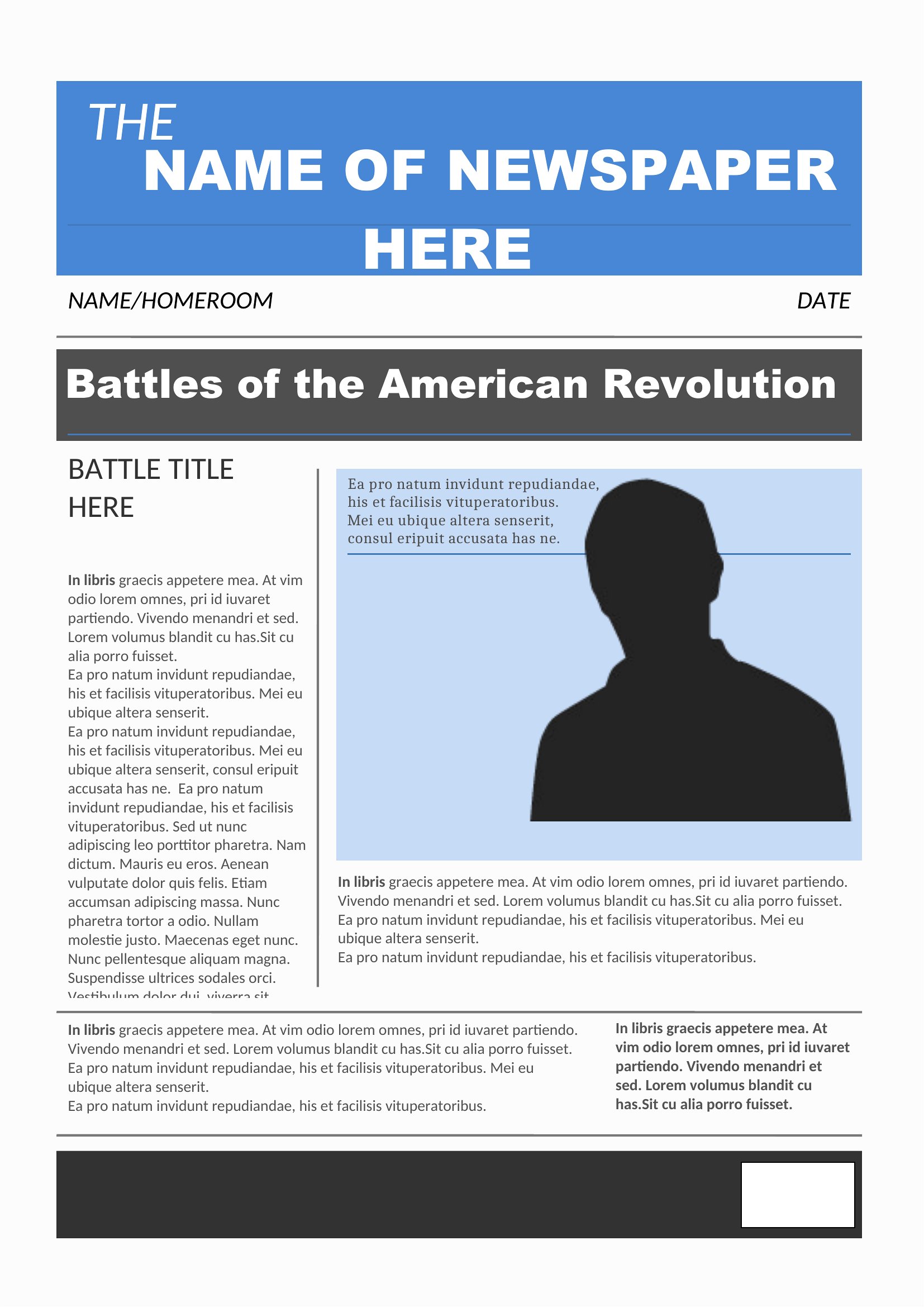
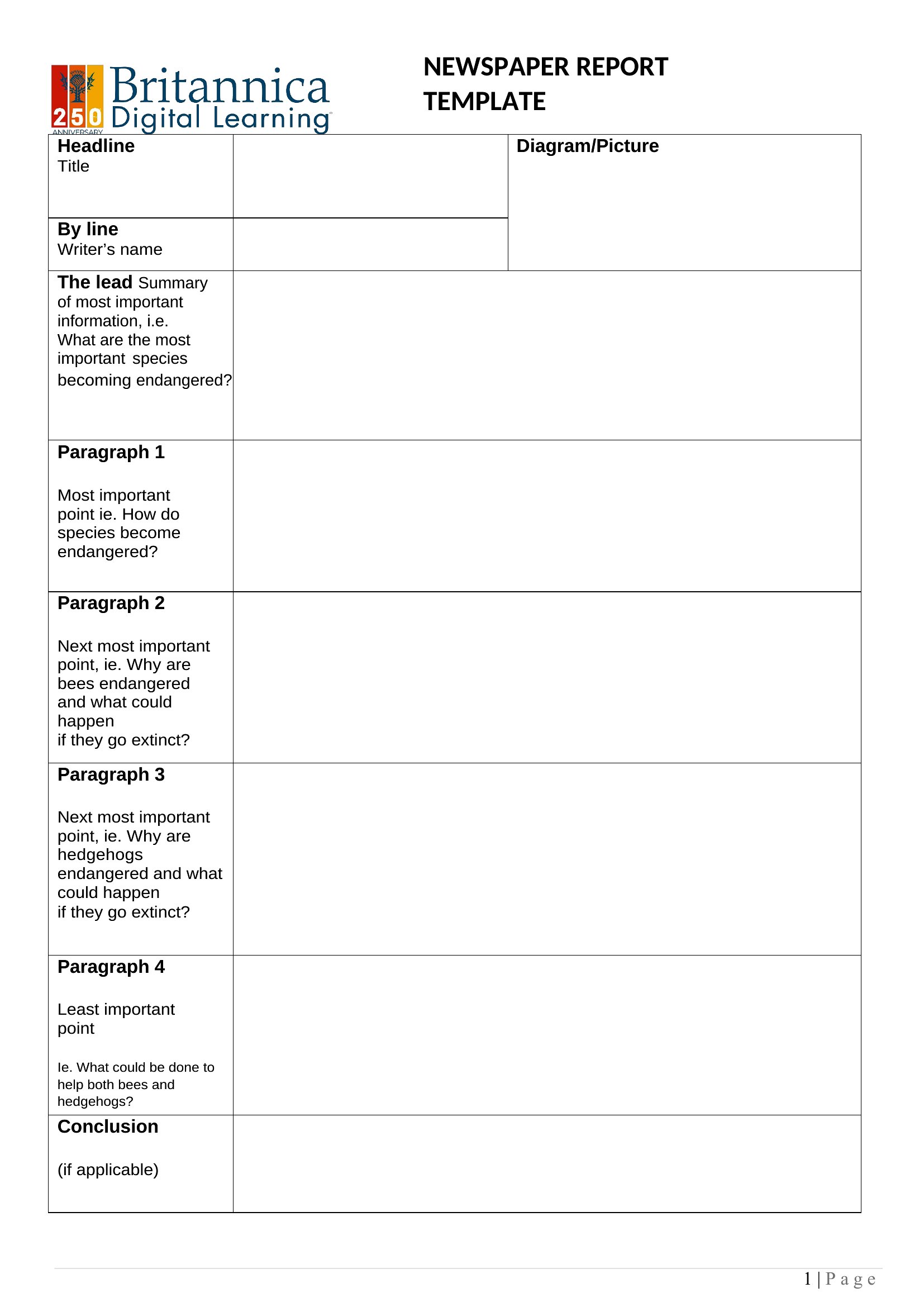
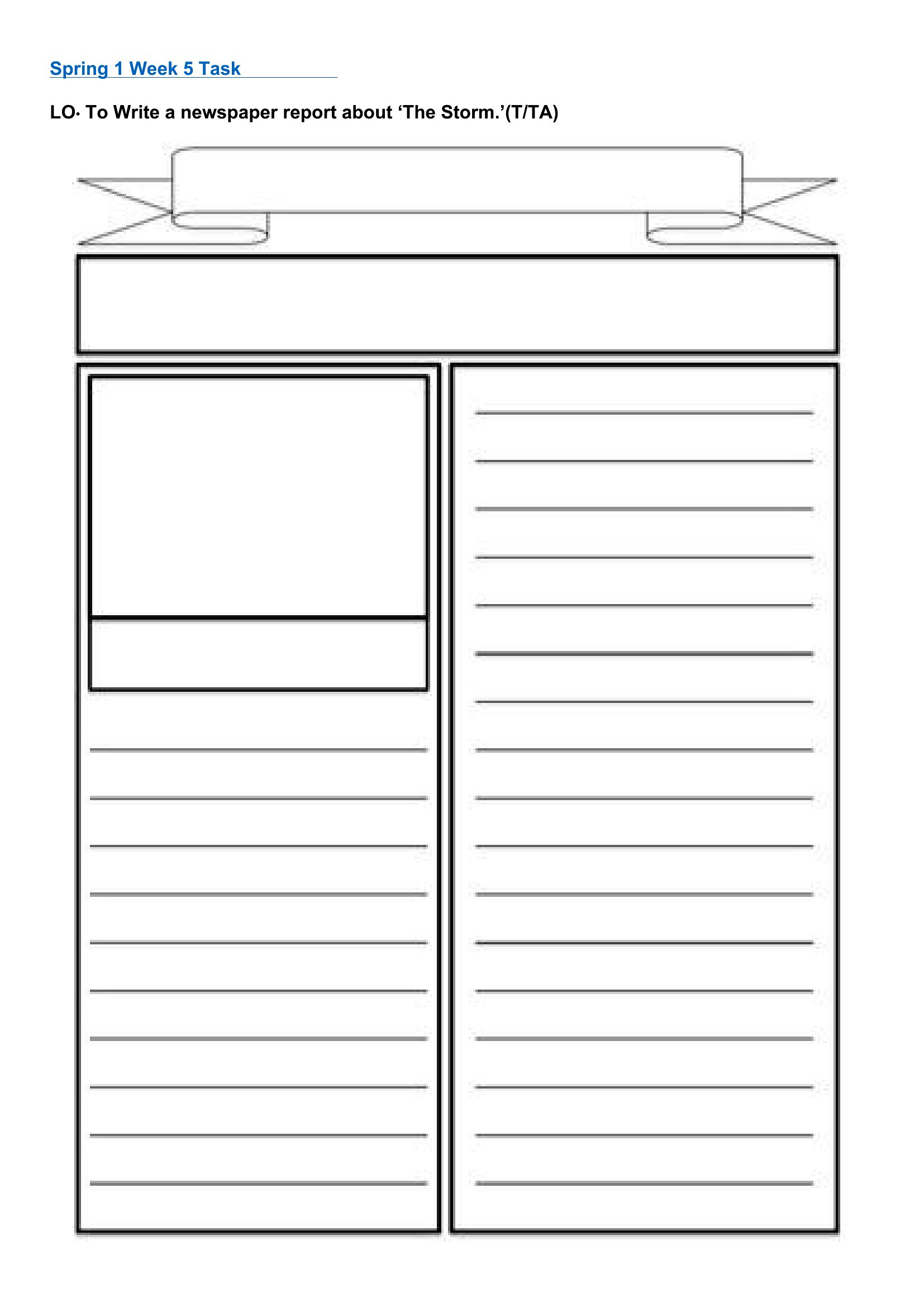
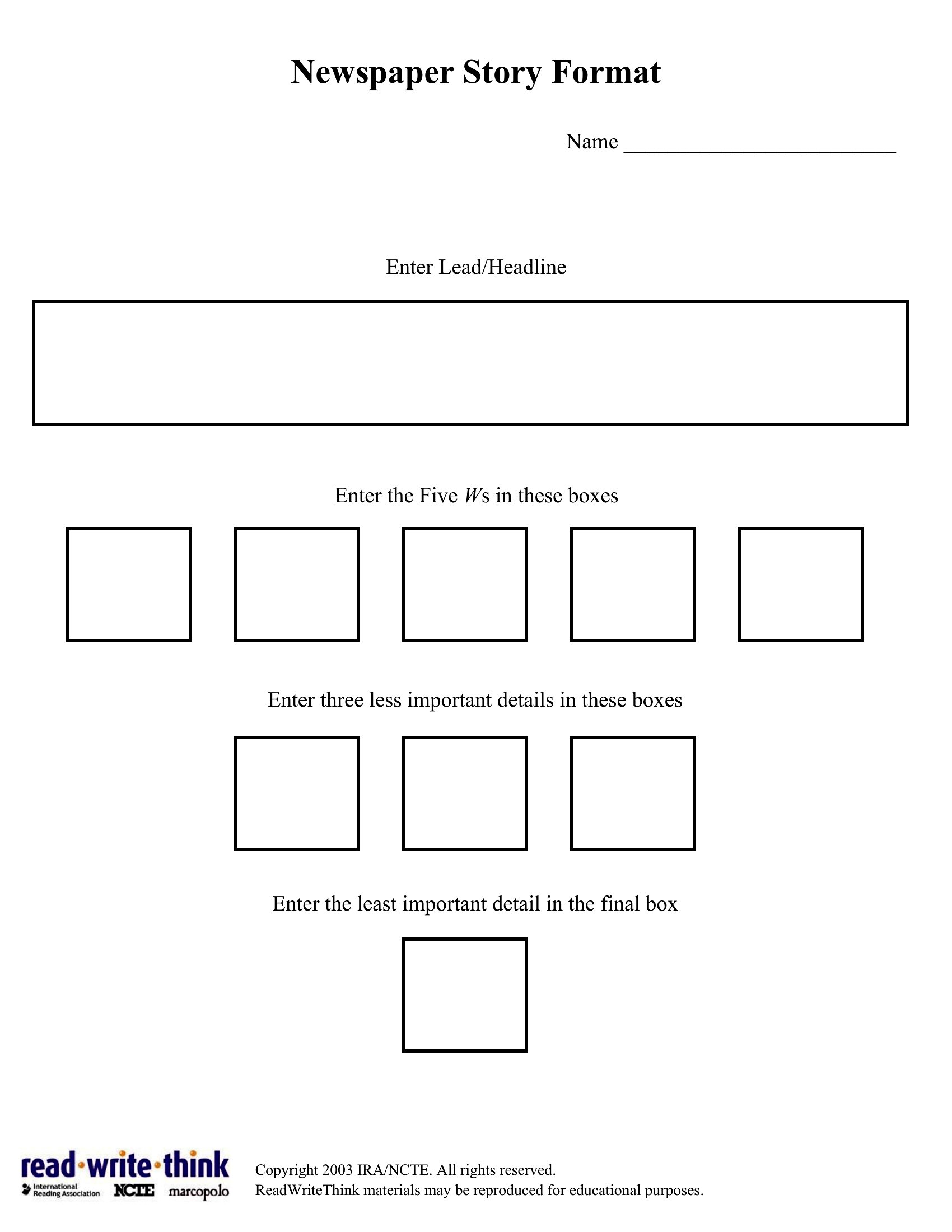
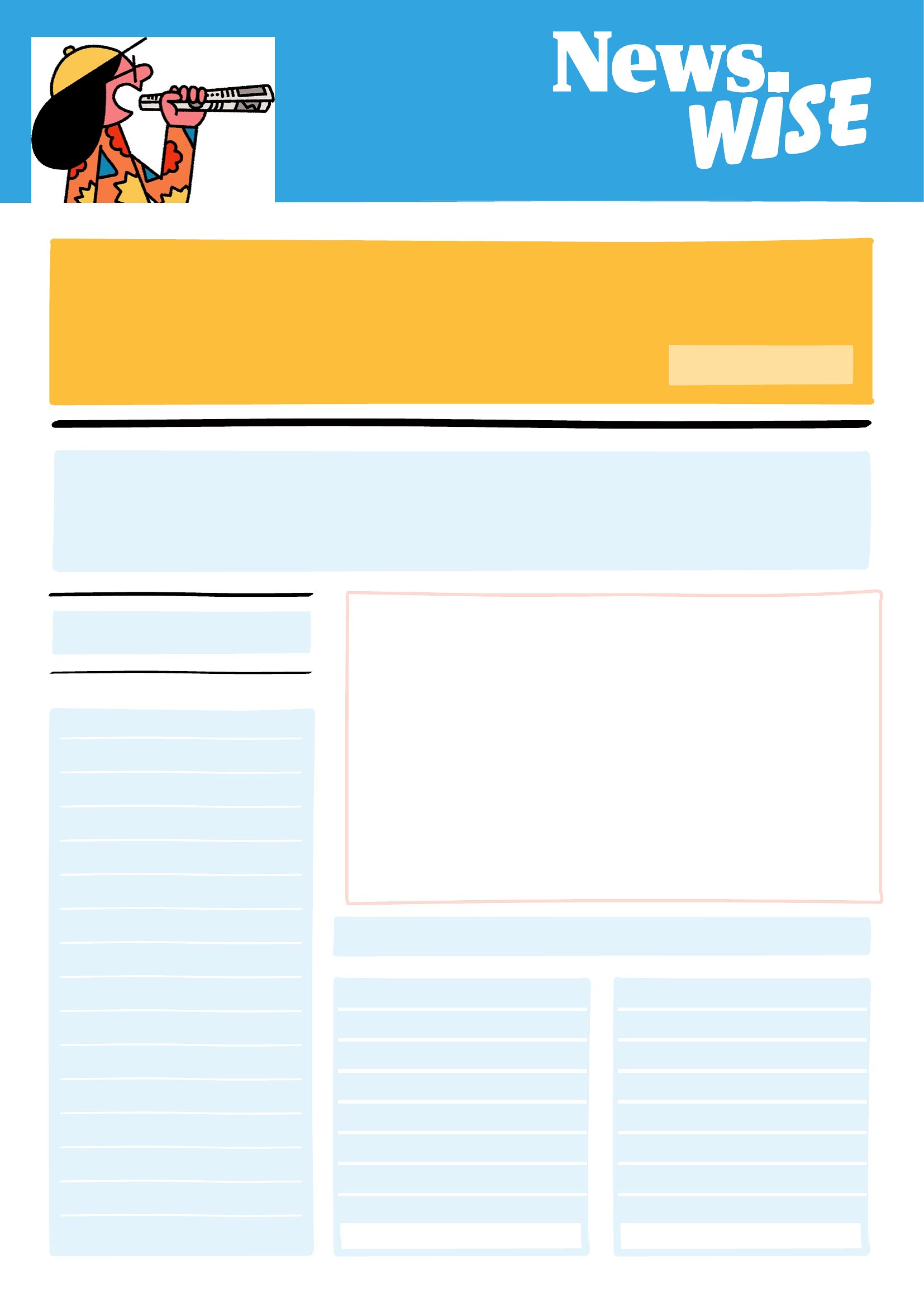
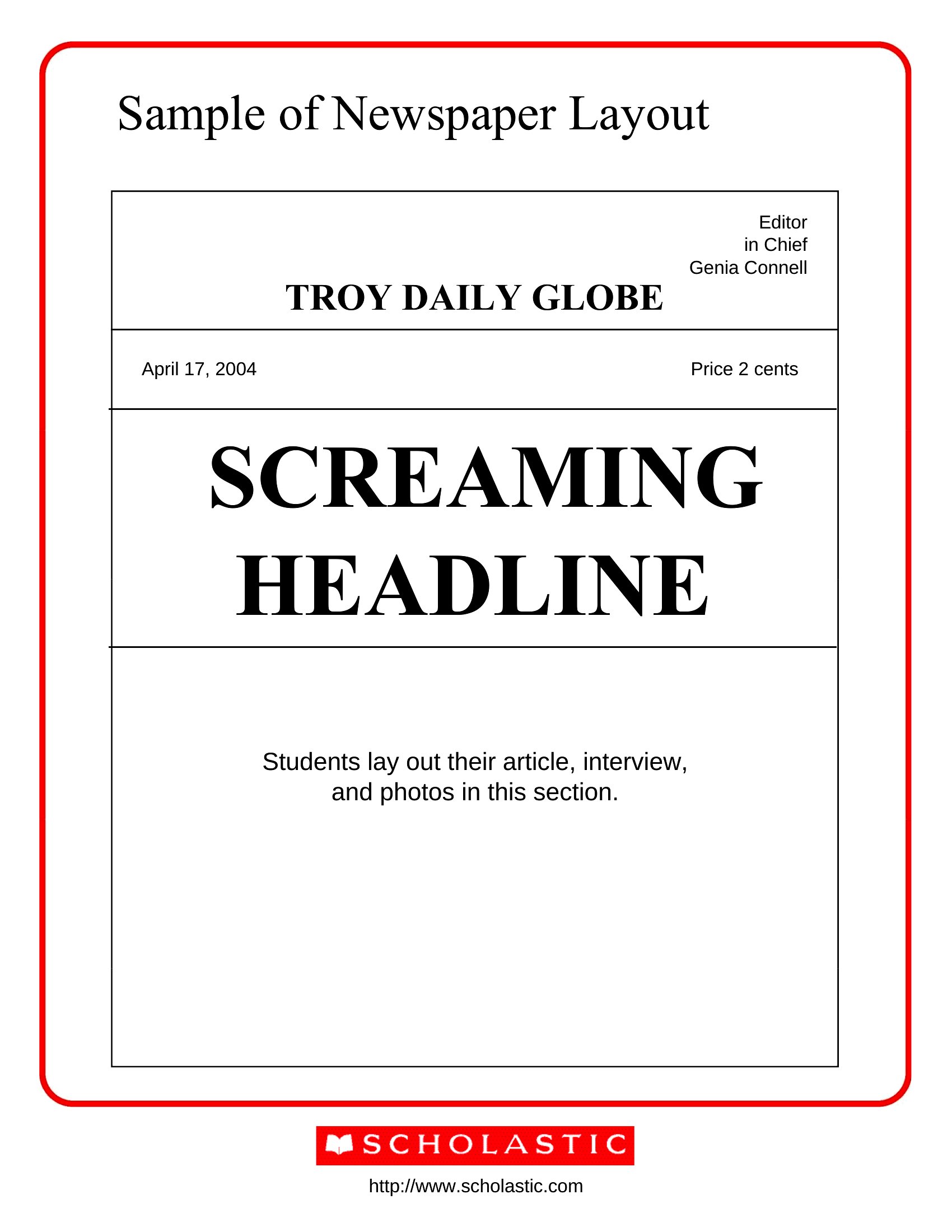
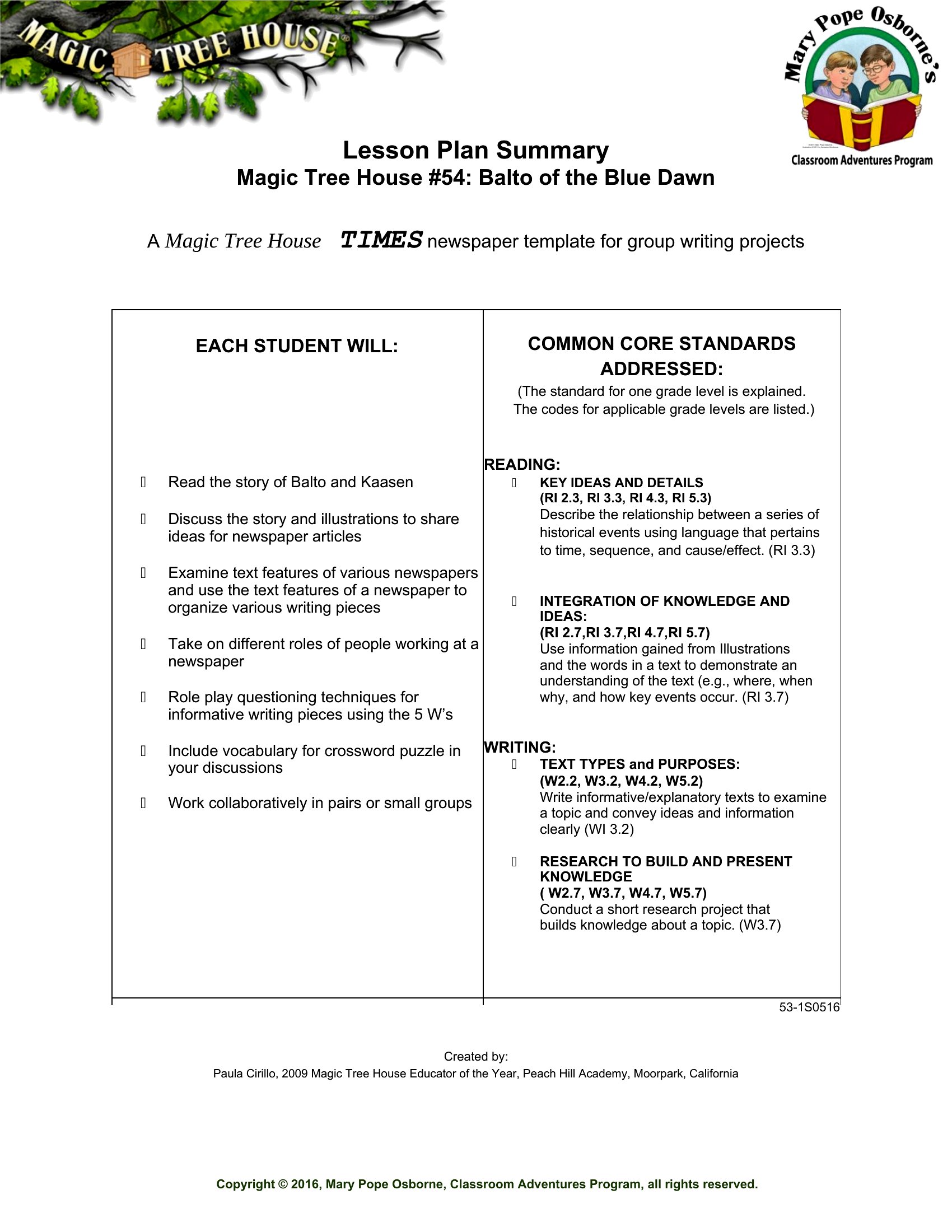
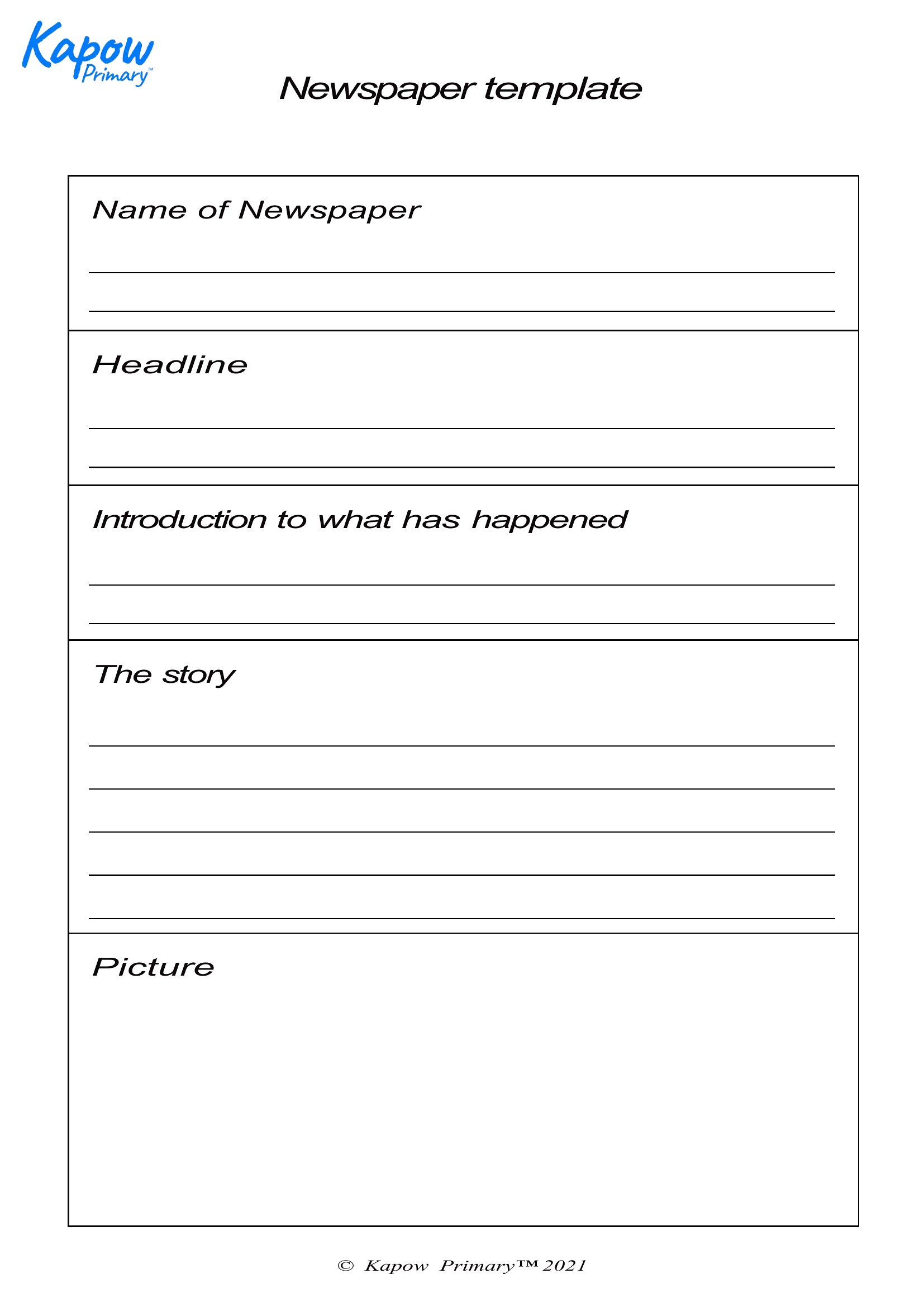
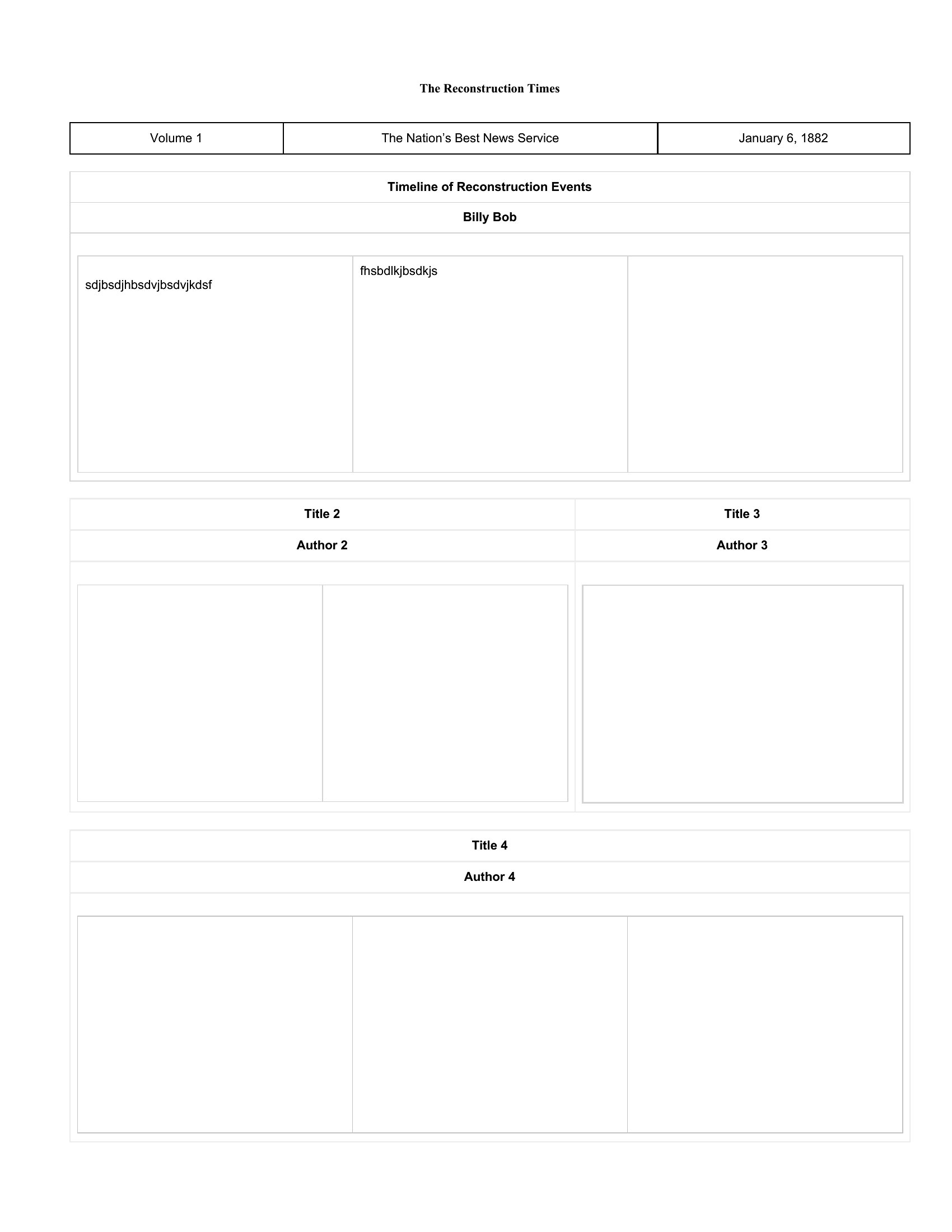
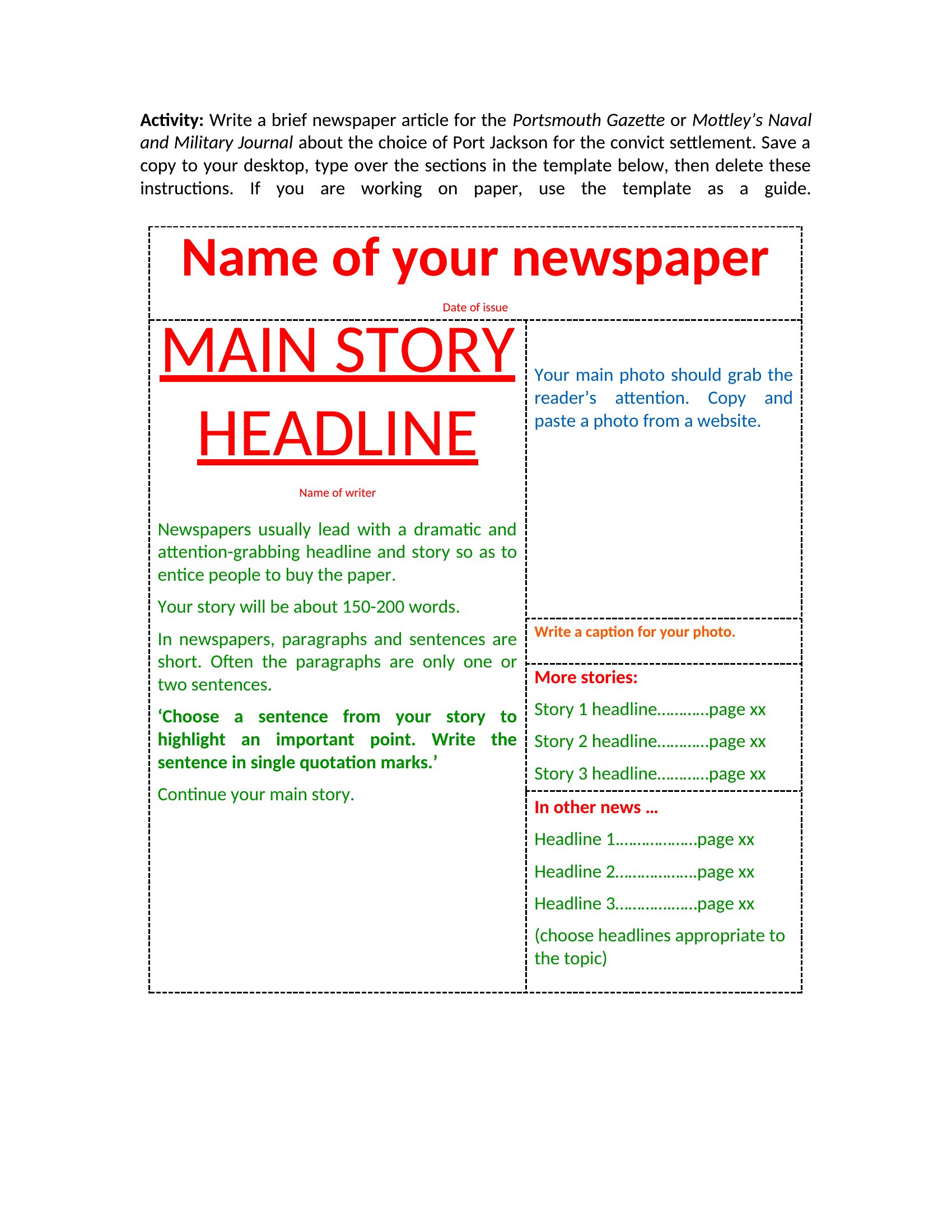
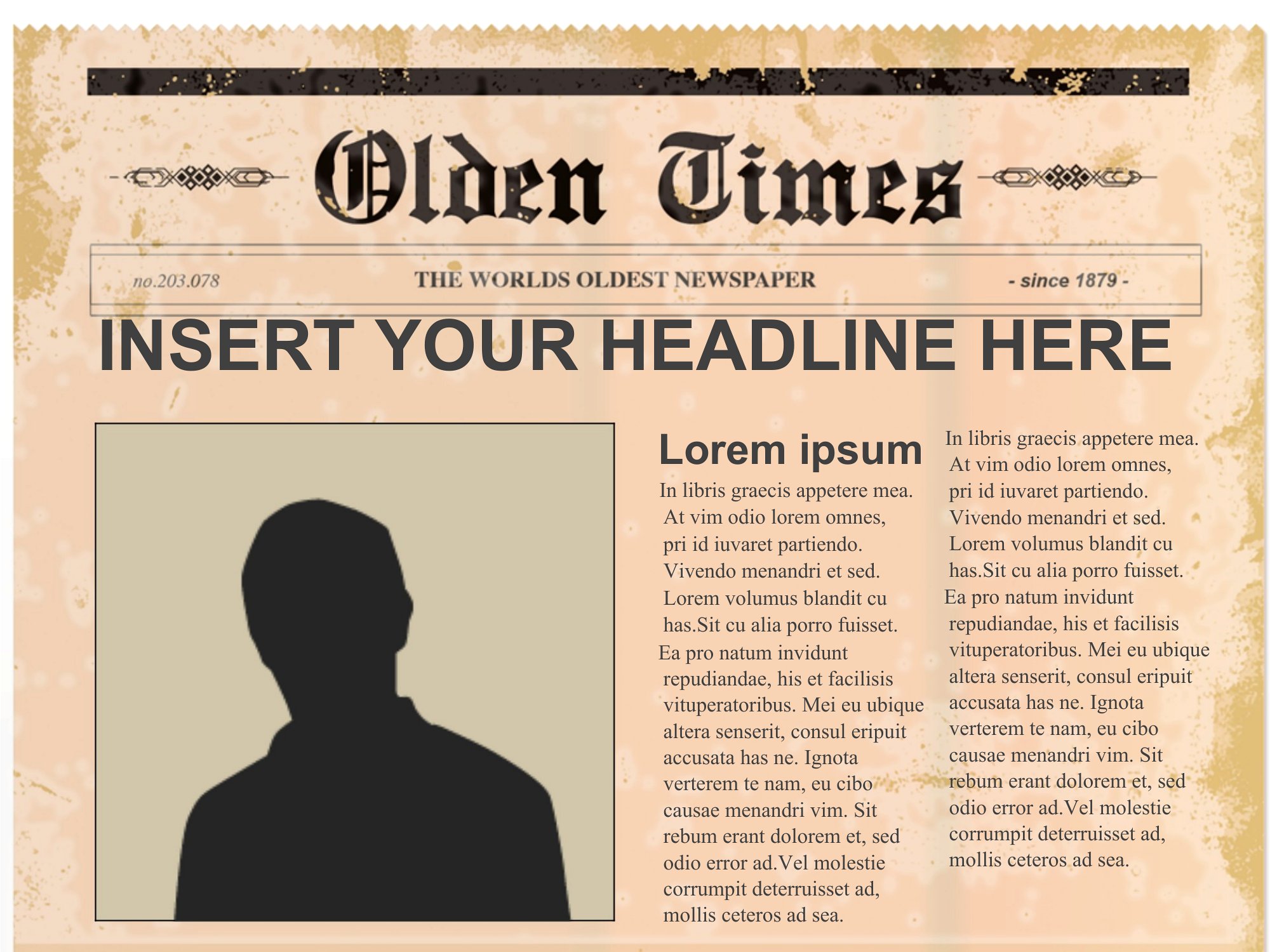
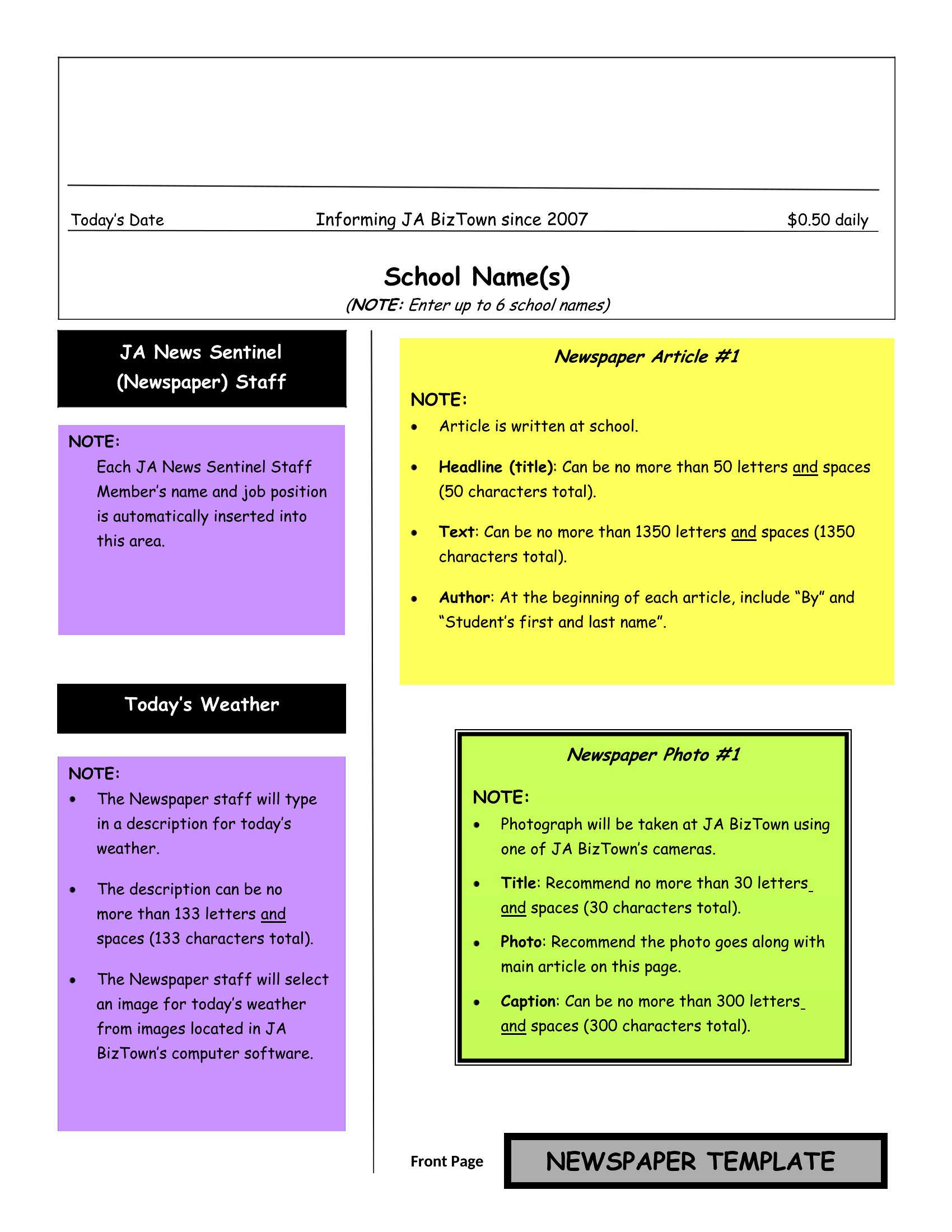
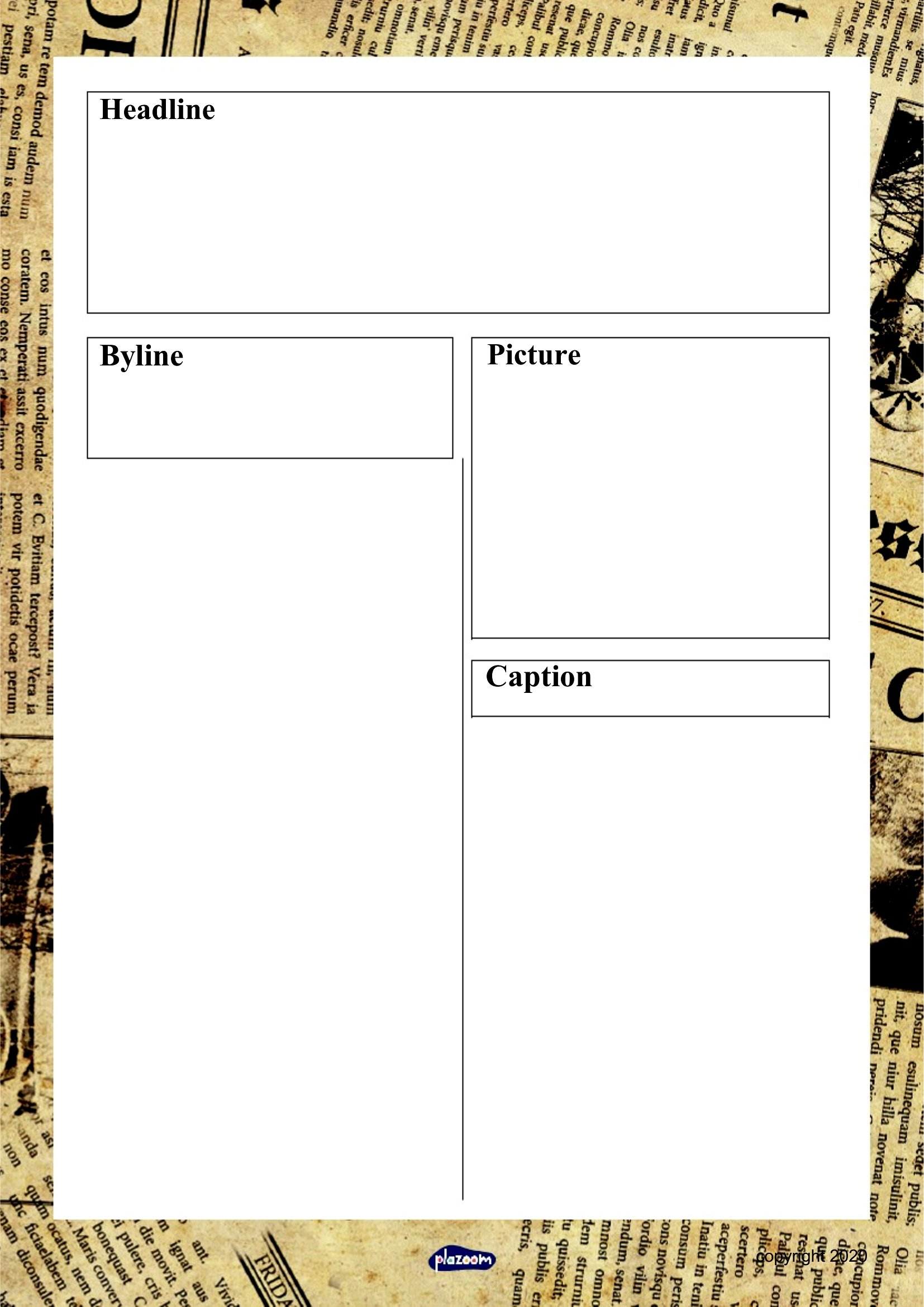
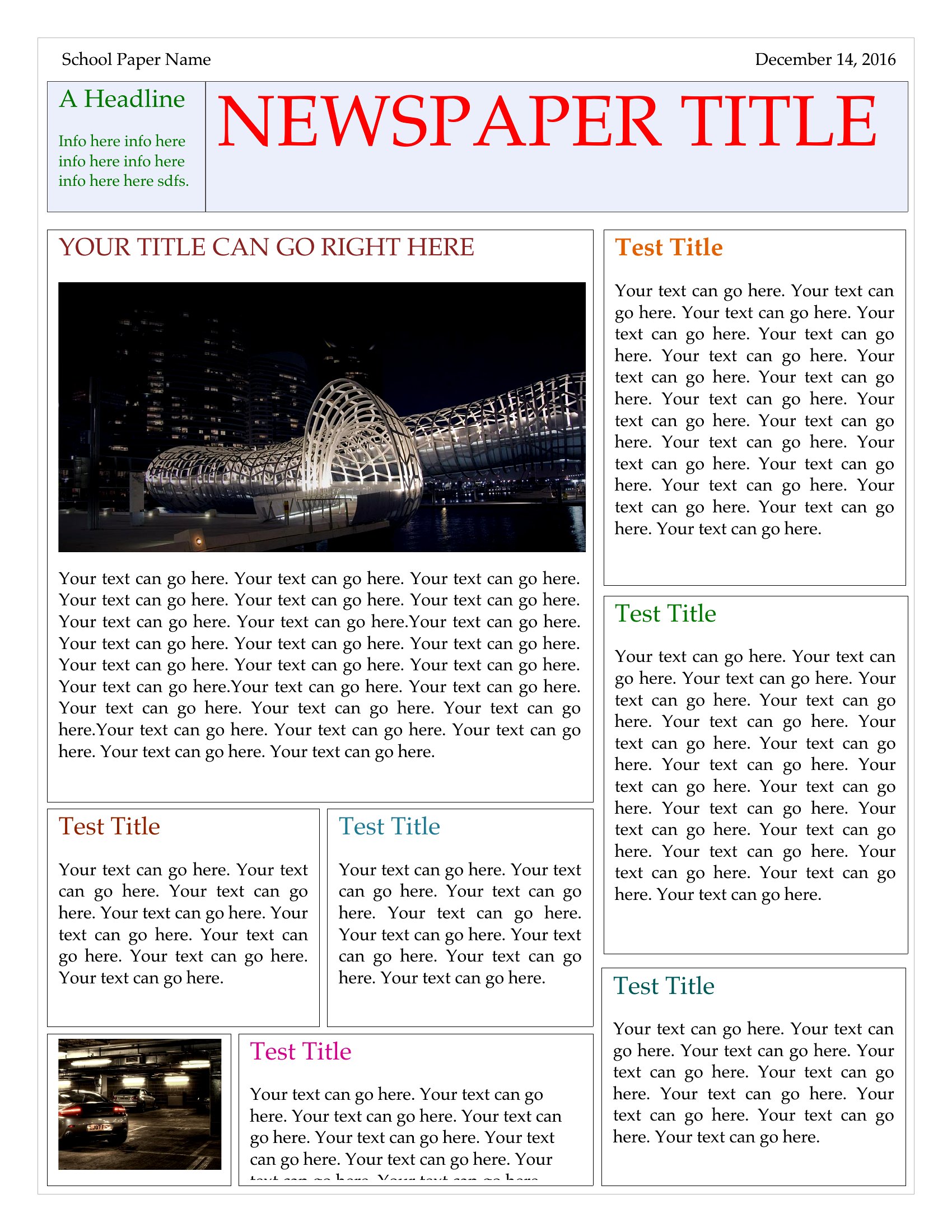
Making a class newspaper or a family newsletter is half the fun and half the formatting headache, and these 48 newspaper templates handle the layout so you can focus on the stories. Teachers, students, and hobby editors can drop in headlines, columns, and photos to mock up anything from a school front page to a wedding announcement spoof. The designs mimic real broadsheet and tabloid styles with mastheads and multi-column text.
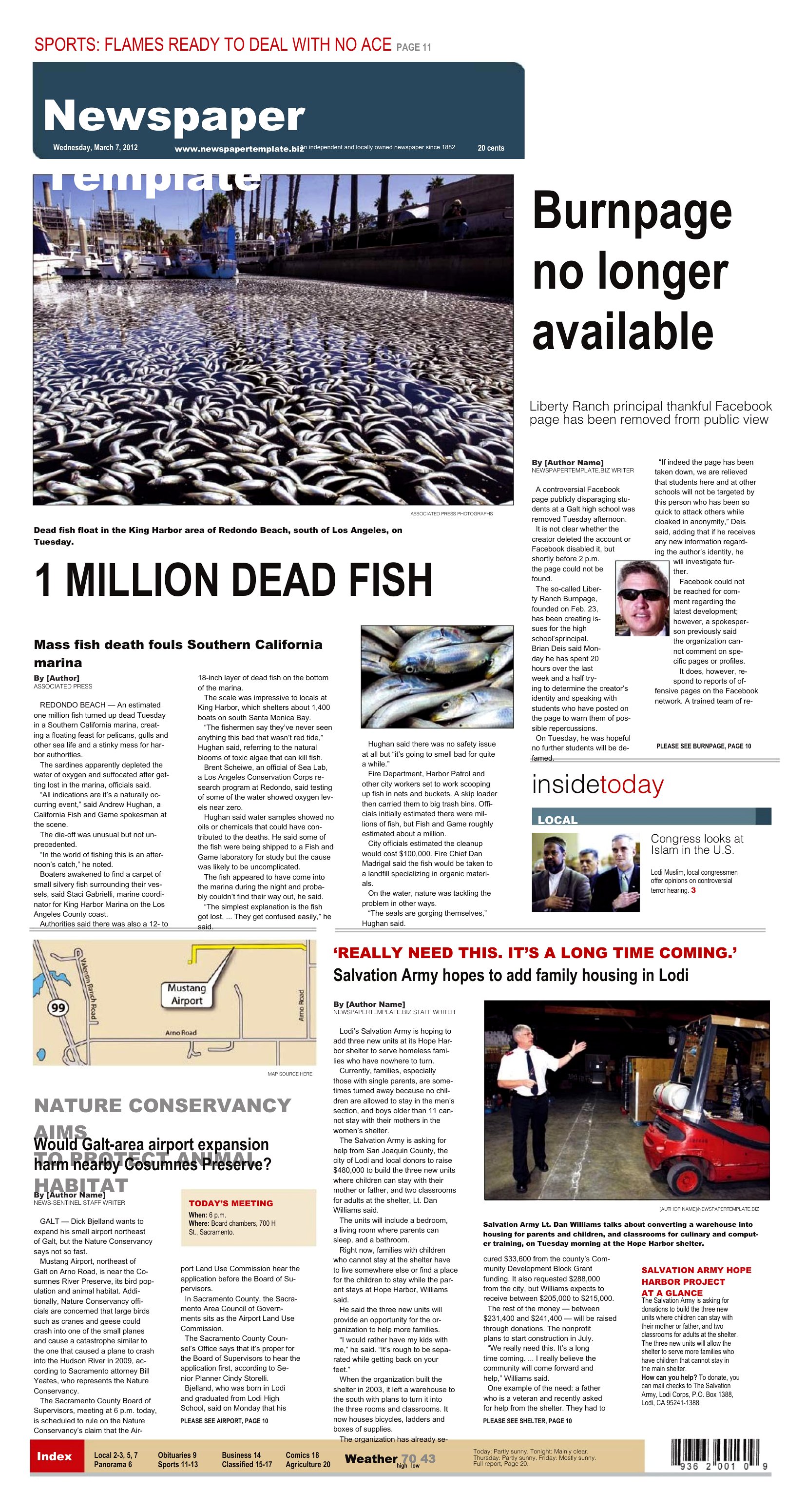
Every layout opens in Microsoft Word, so you type over the placeholder text, resize the photo boxes, and print when you're happy. There's no special software to learn and nothing to buy. Download the style that suits your project and start writing the headlines your readers will actually want to read.

When to use this Newspaper template

  • A high school journalism club needs a polished front page for their quarterly publication, complete with a masthead, bylines, and space for student-written articles—these templates provide professional layouts that align with print magazine standards.
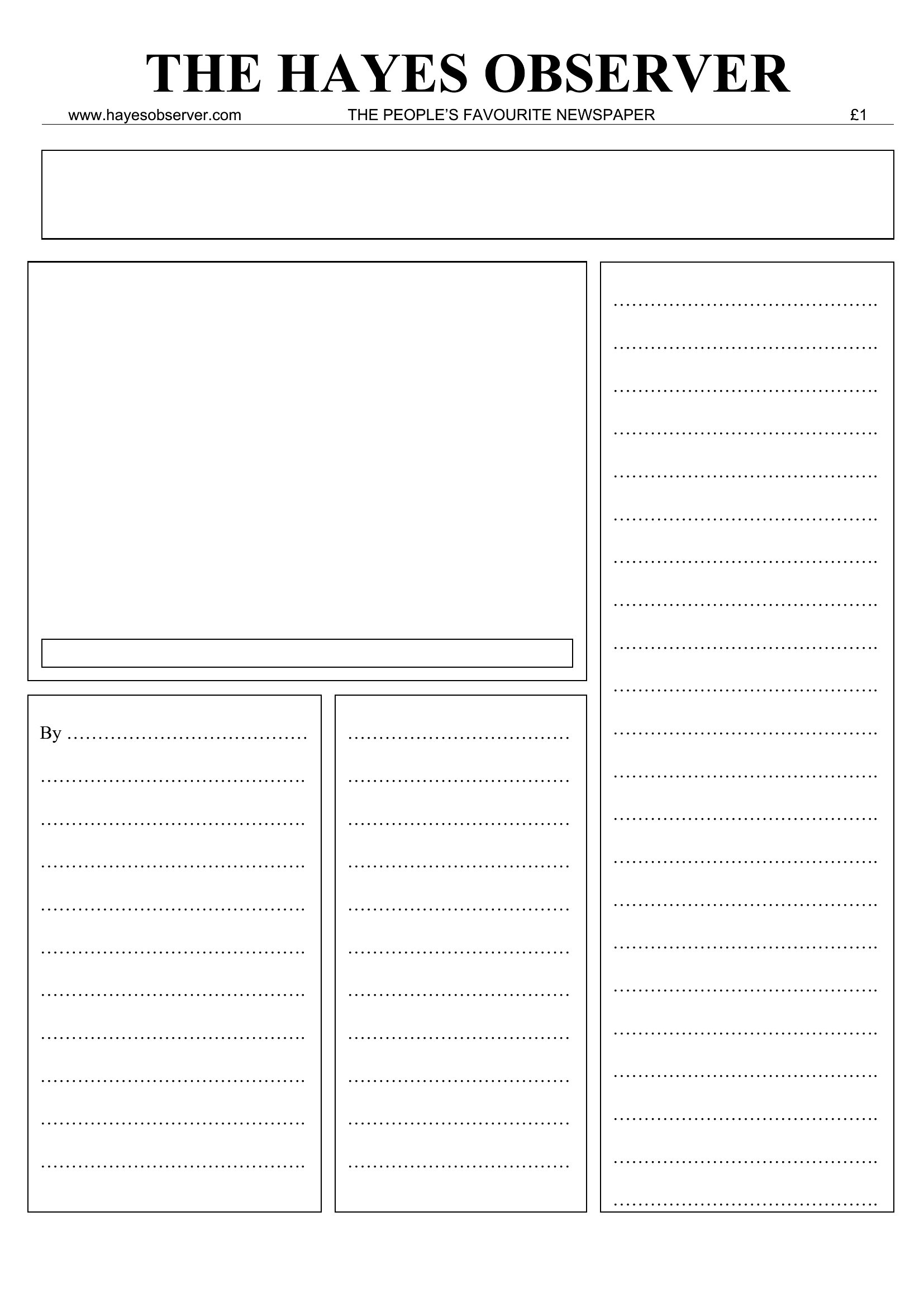
  • A community center organizer wants to create a monthly newsletter featuring event updates, volunteer spotlights, and local news, but lacks design skills—these Word templates offer easy-to-customize sections for text, images, and ads.
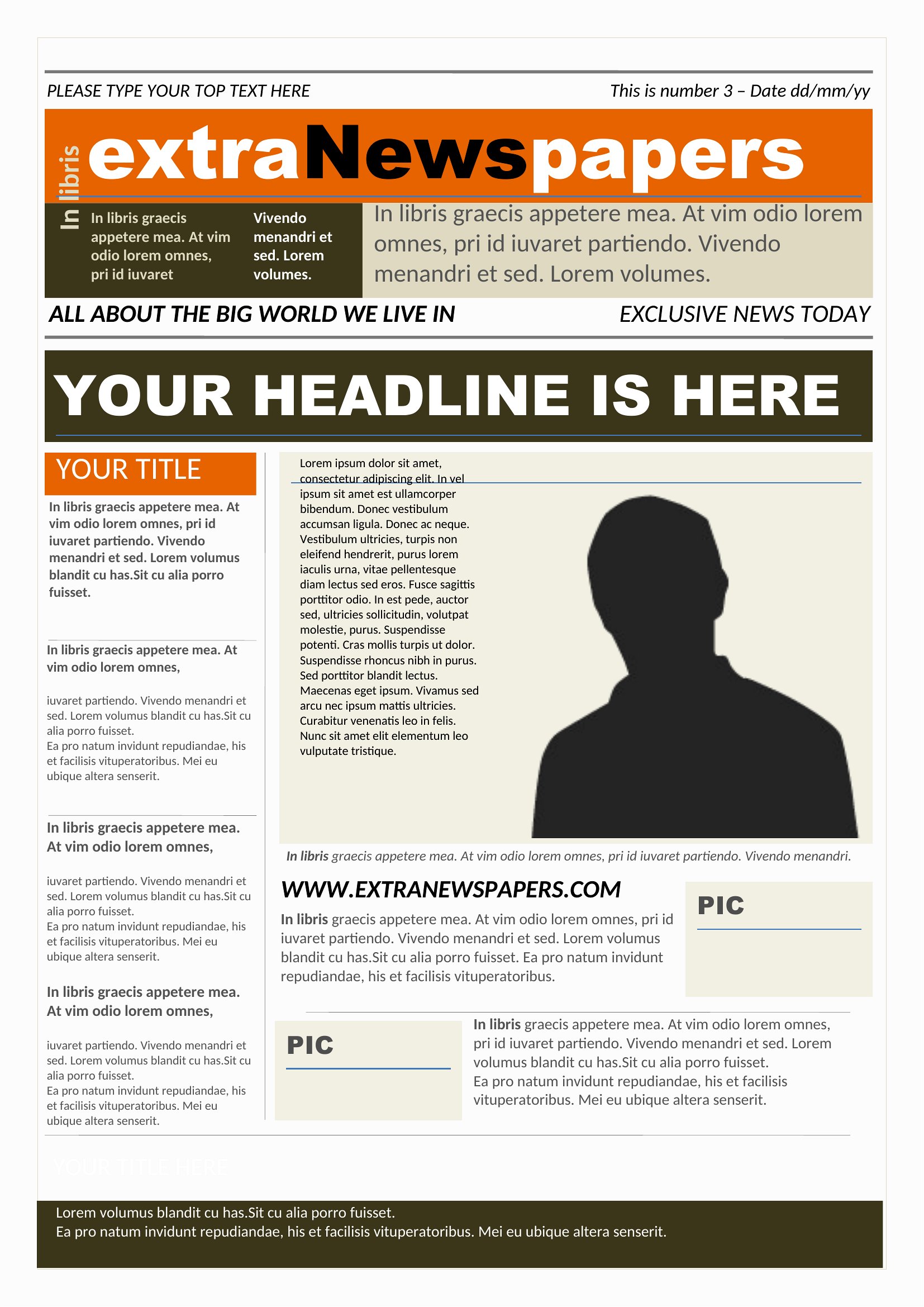
  • A parent is planning a family reunion and wants to print a keepsake newspaper-style program with announcements, schedules, and a mock obituary for a humorous tribute—these designs include space for photos and playful headlines.
  • A teacher designing a mock newspaper unit for their 8th-grade language arts class needs pre-formatted templates to teach layout, editing, and publication ethics—these provide consistent structures for students to practice professional journalism skills.
Which format should I download?

Word

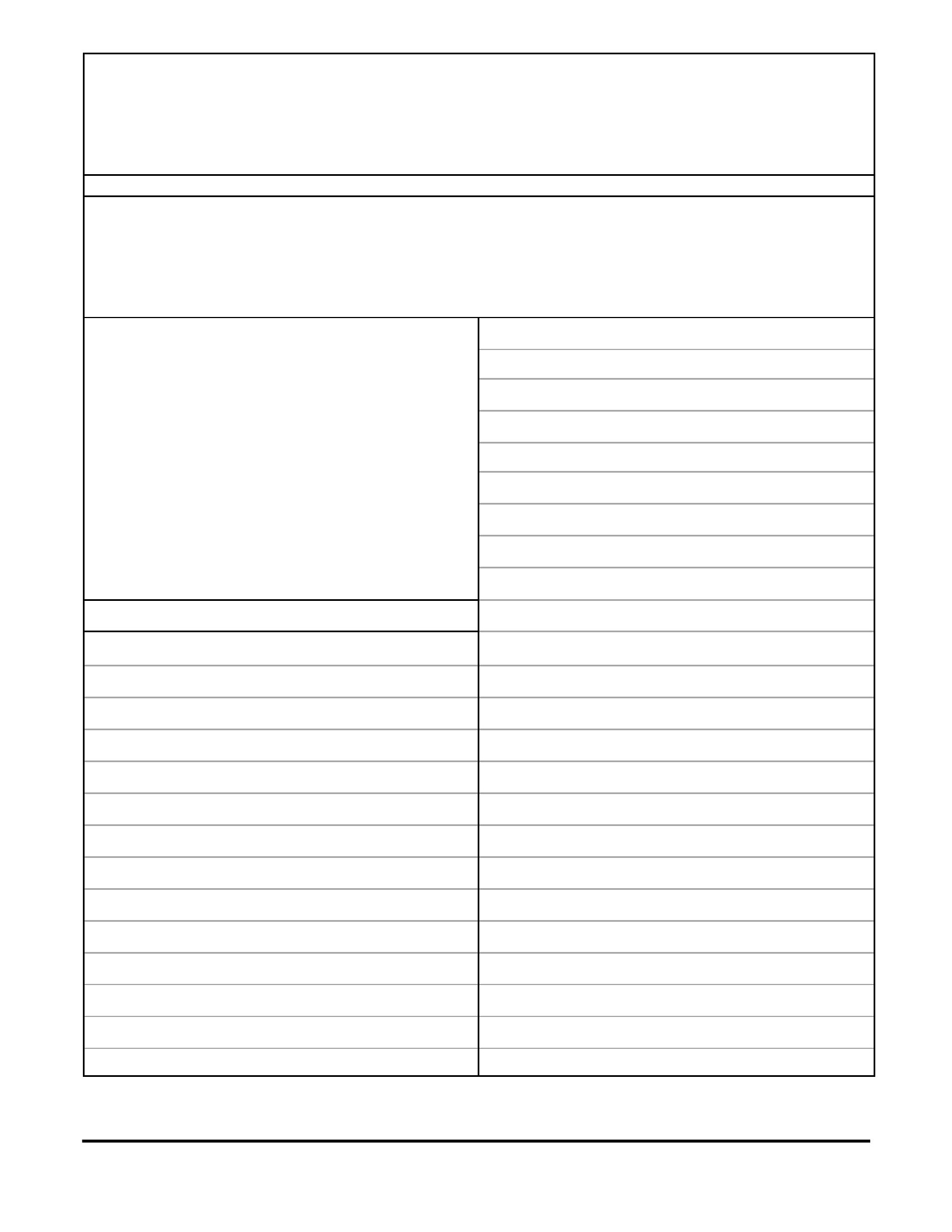
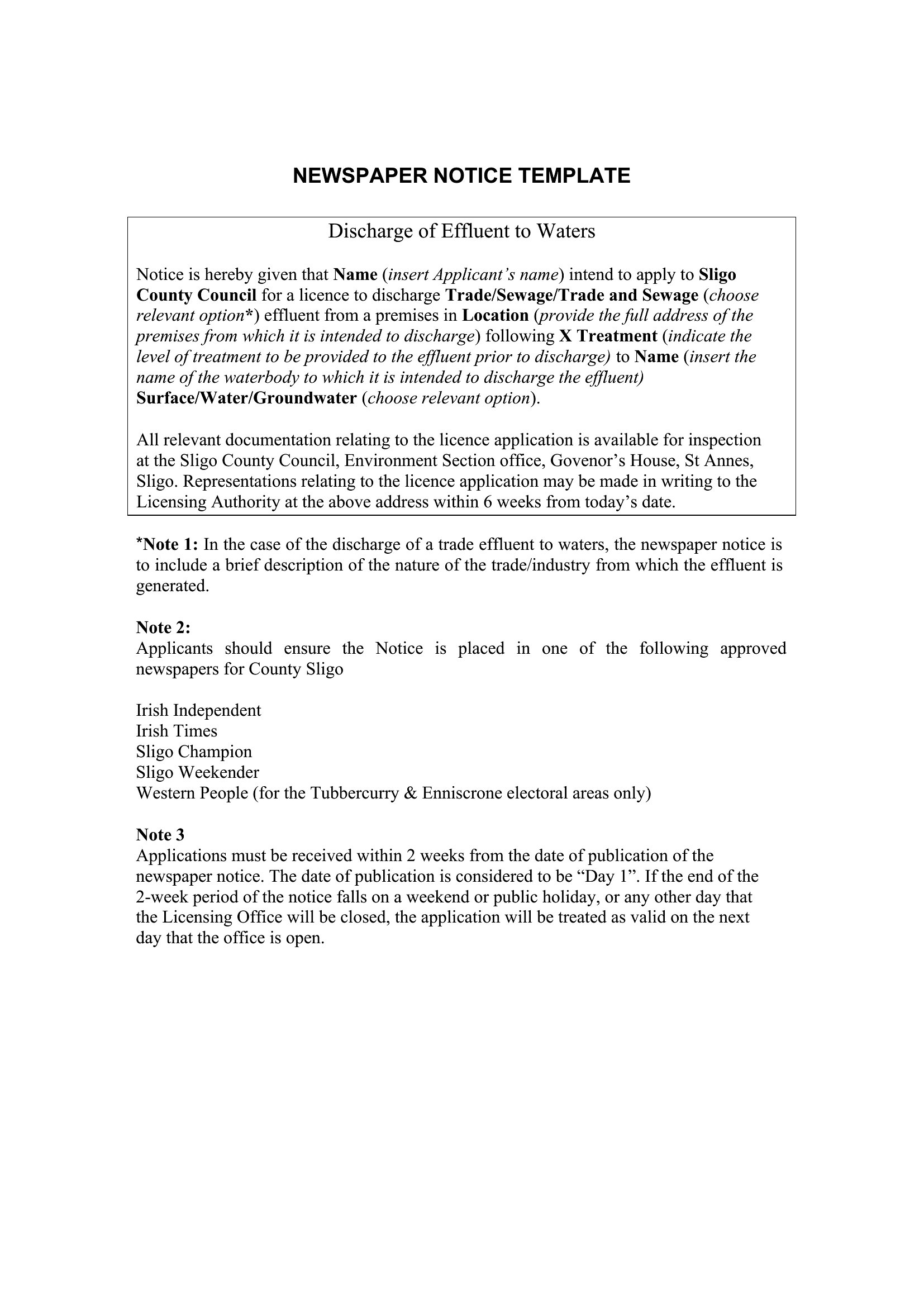
Word is the only format here because it balances ease of editing with design flexibility. Use it when you need to quickly adjust text, headlines, or images before printing or sharing digitally. The templates include placeholders for columns, ads, and photos, making them ideal for projects where content changes often—like school newspapers or event programs.
Choose from 48 Newspaper Templates
How to use this Newspaper template

Can I add my school or organization’s logo to these templates?

Yes, these templates include space for logos in the masthead or header sections. Simply insert your logo file into the designated area in Word, then resize it to fit without distorting the layout. Avoid placing it over critical text or images to maintain readability.
How do I ensure my newspaper layout looks consistent across multiple pages?

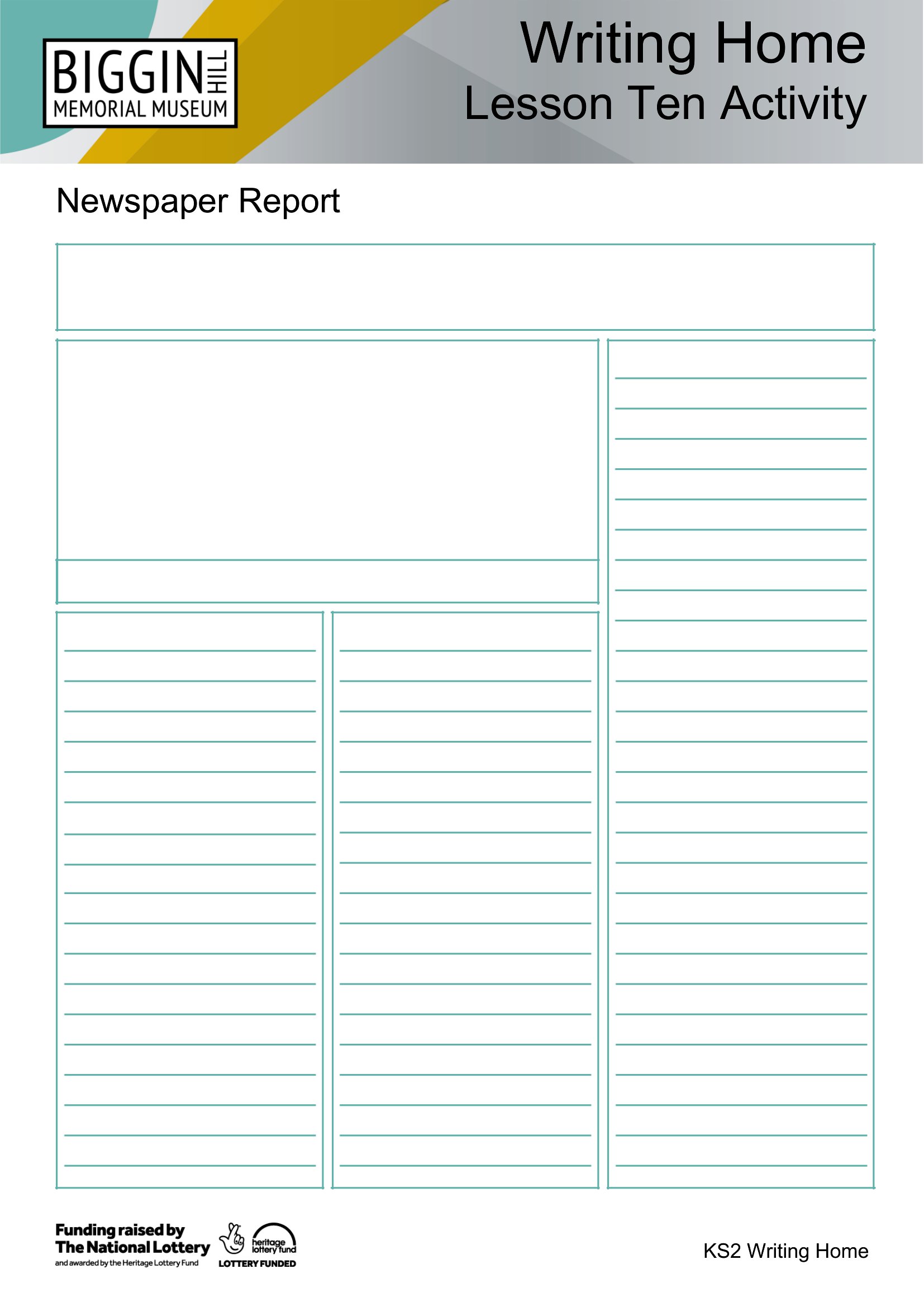
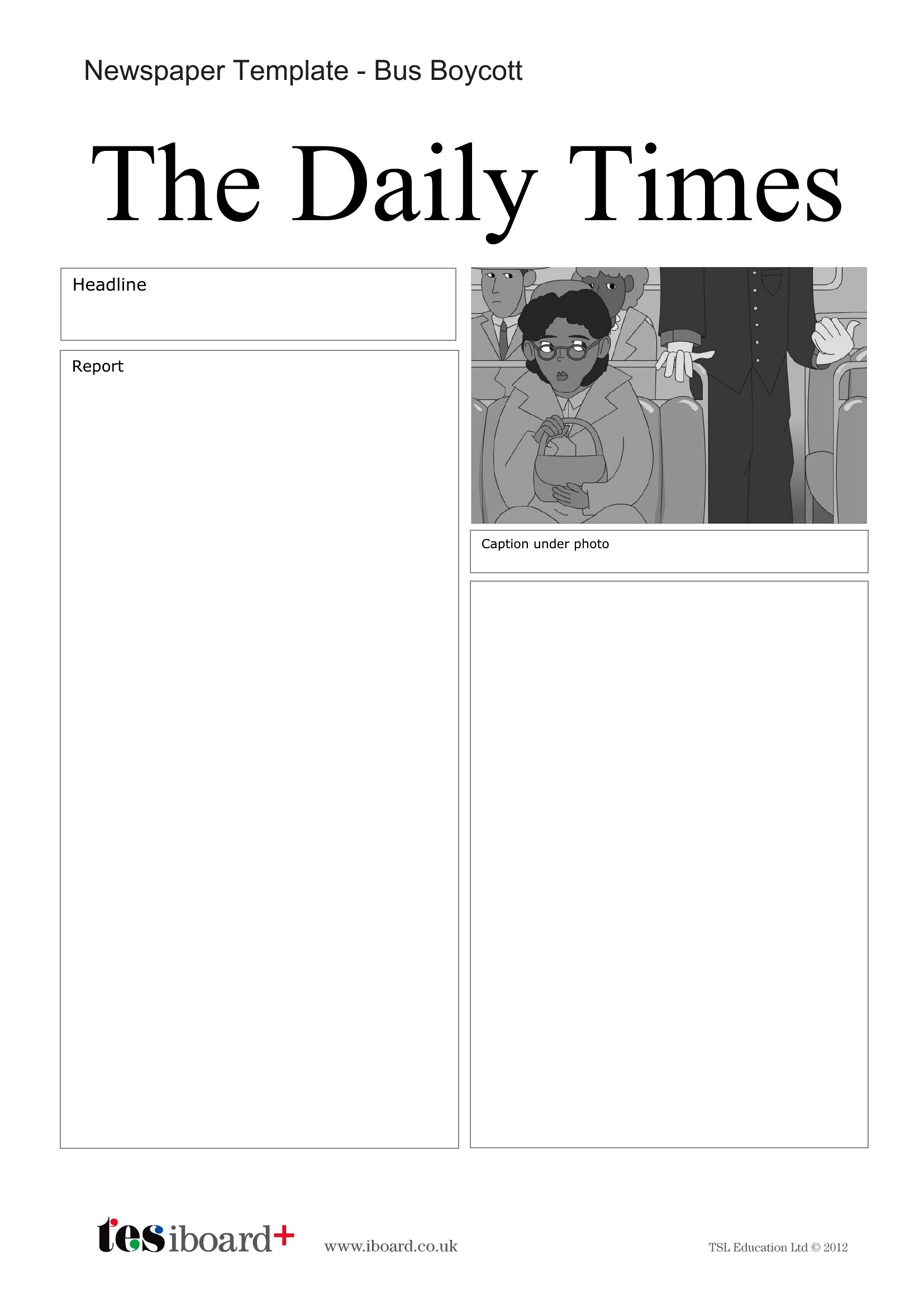
Use the ‘Section Breaks’ feature in Word to separate pages, then replicate the header/footer (including page numbers) on each page. For alignment, set consistent margins and column widths across all templates in the collection. Preview in print layout mode to catch spacing issues before finalizing.

Are these templates suitable for bilingual newspapers, like English and Spanish sections?

Yes, the column-based designs work well for bilingual layouts. Place English content in one column and Spanish in another, or dedicate separate pages to each language. Adjust font sizes slightly if needed to balance visual weight, but avoid mixing languages in a single column to maintain clarity.

Comments

Join the conversation

Sign in to share your thoughts and leave a comment on this resource.

Newsletter

Get Weekly Design Updates

Join our community to receive curated resources and inspiration.

Weekly Tips Resources Early Access

We respect your privacy. Confirmation email required. Privacy Policy