FAQ
How do I set up categories in the Excel petty cash logs to match my company’s expense types?
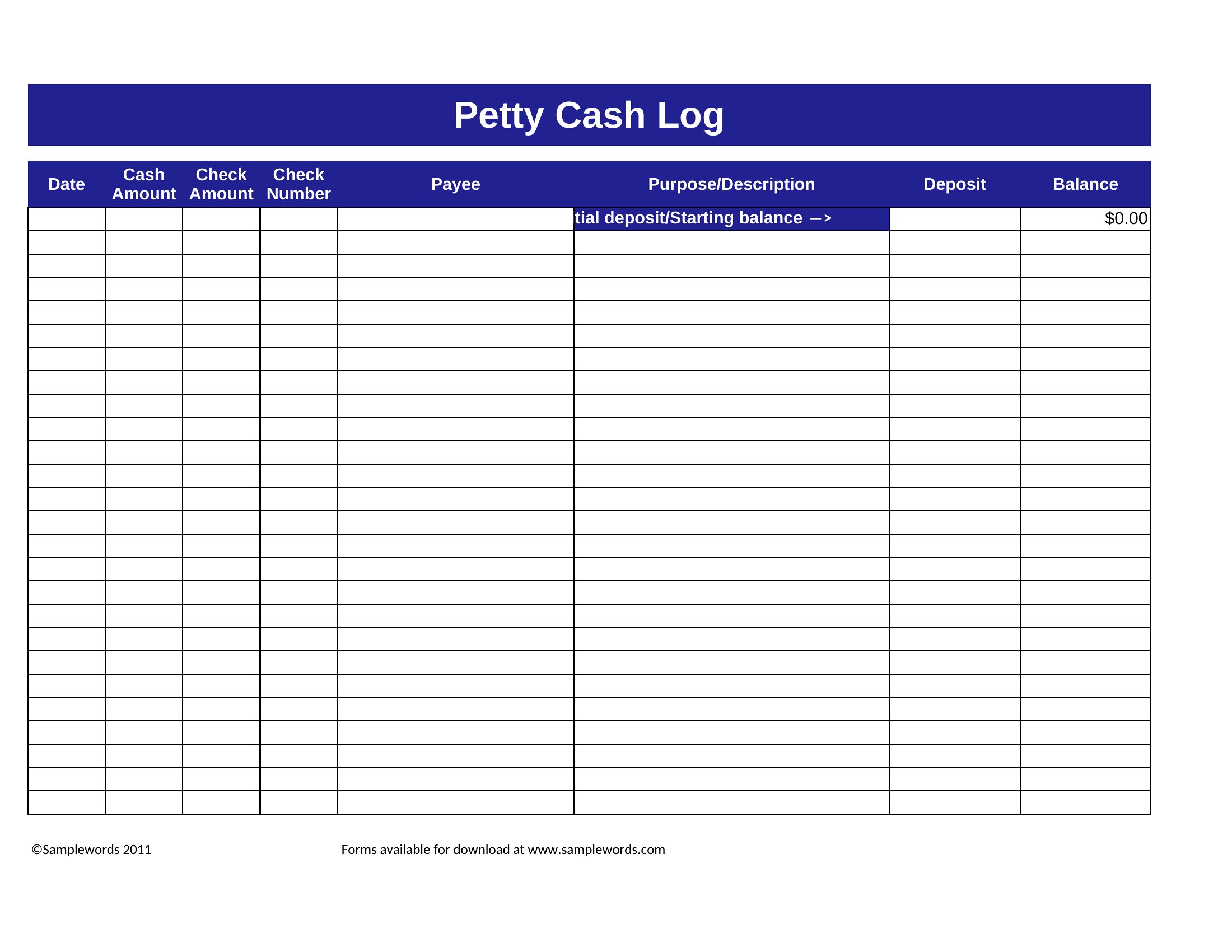
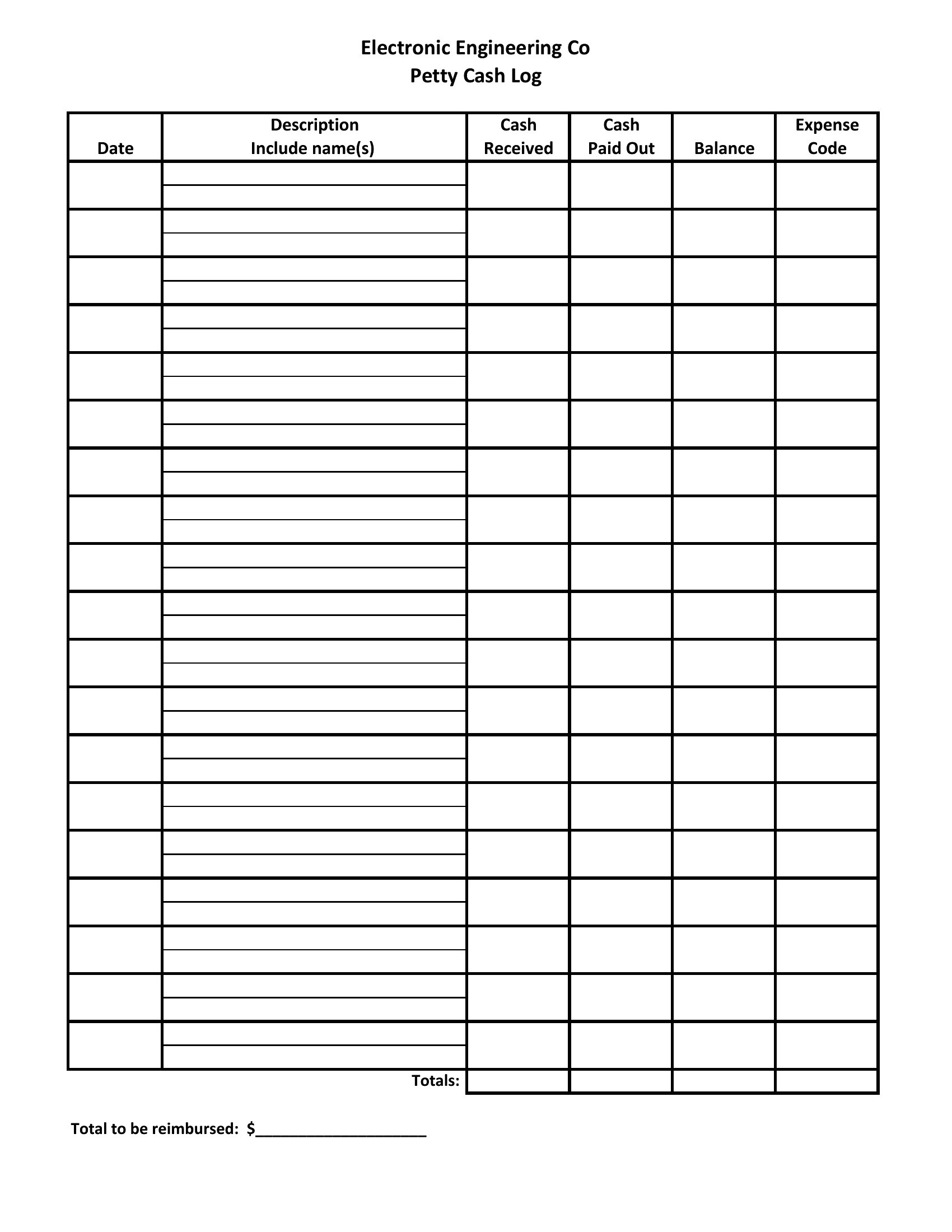
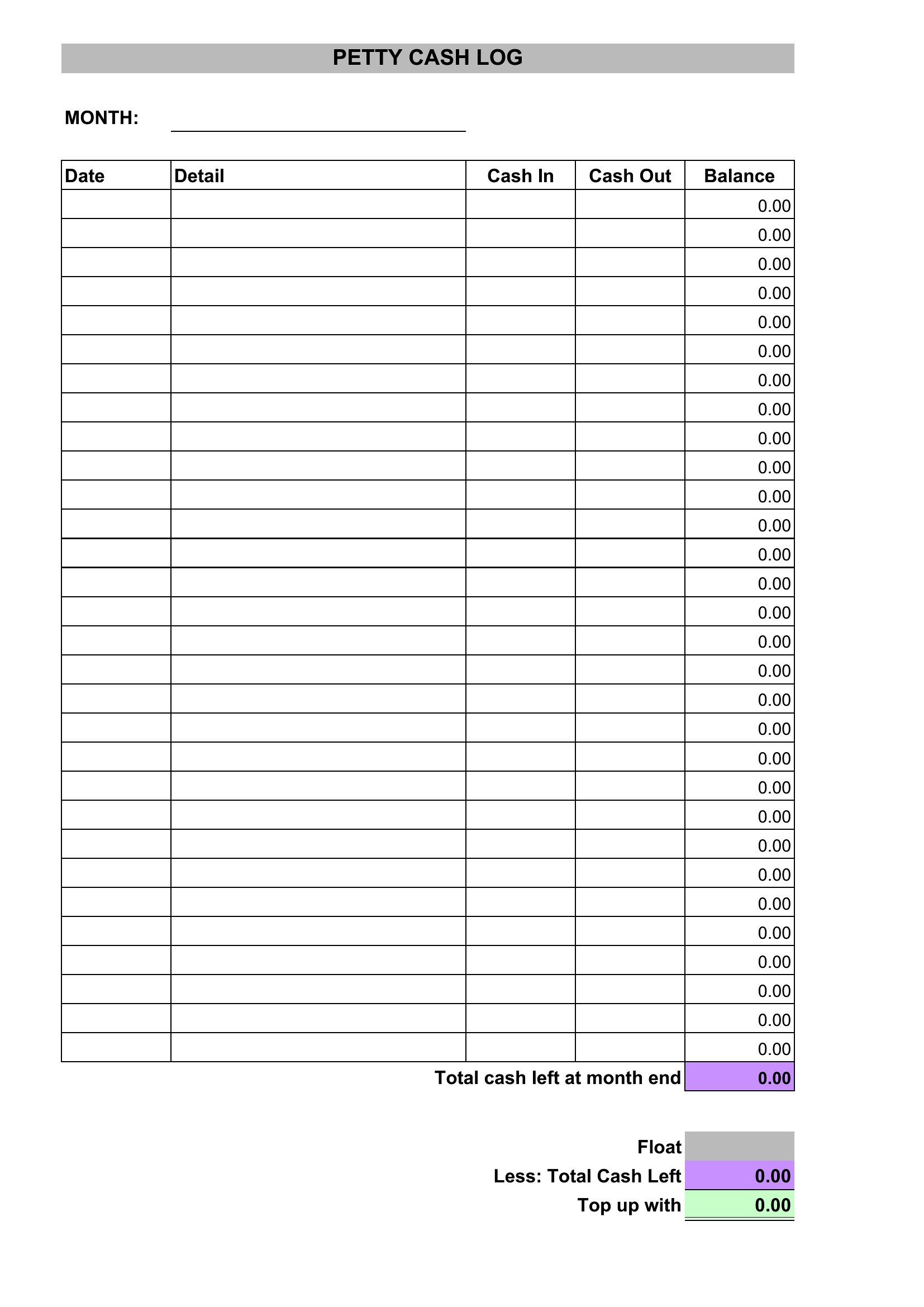
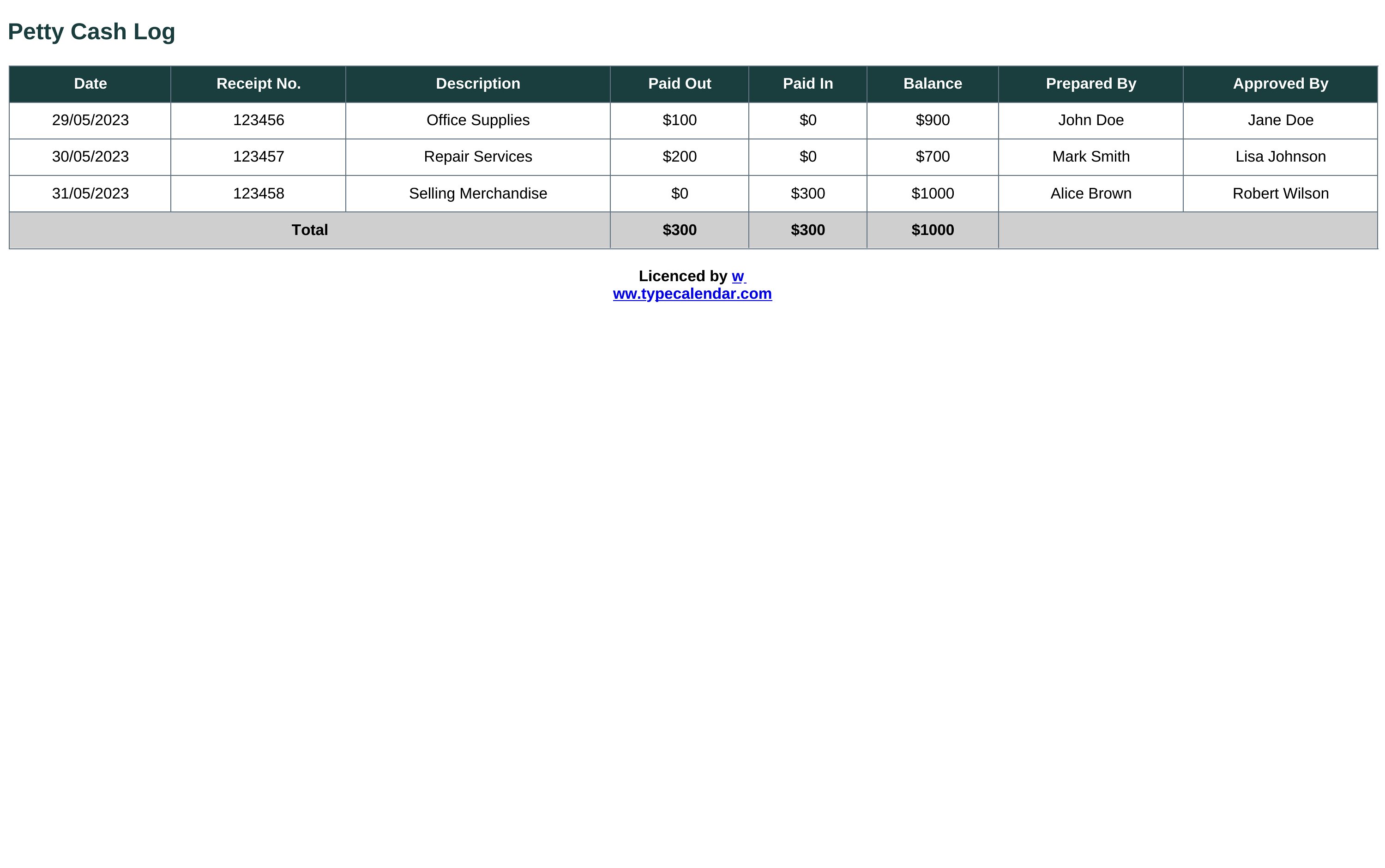
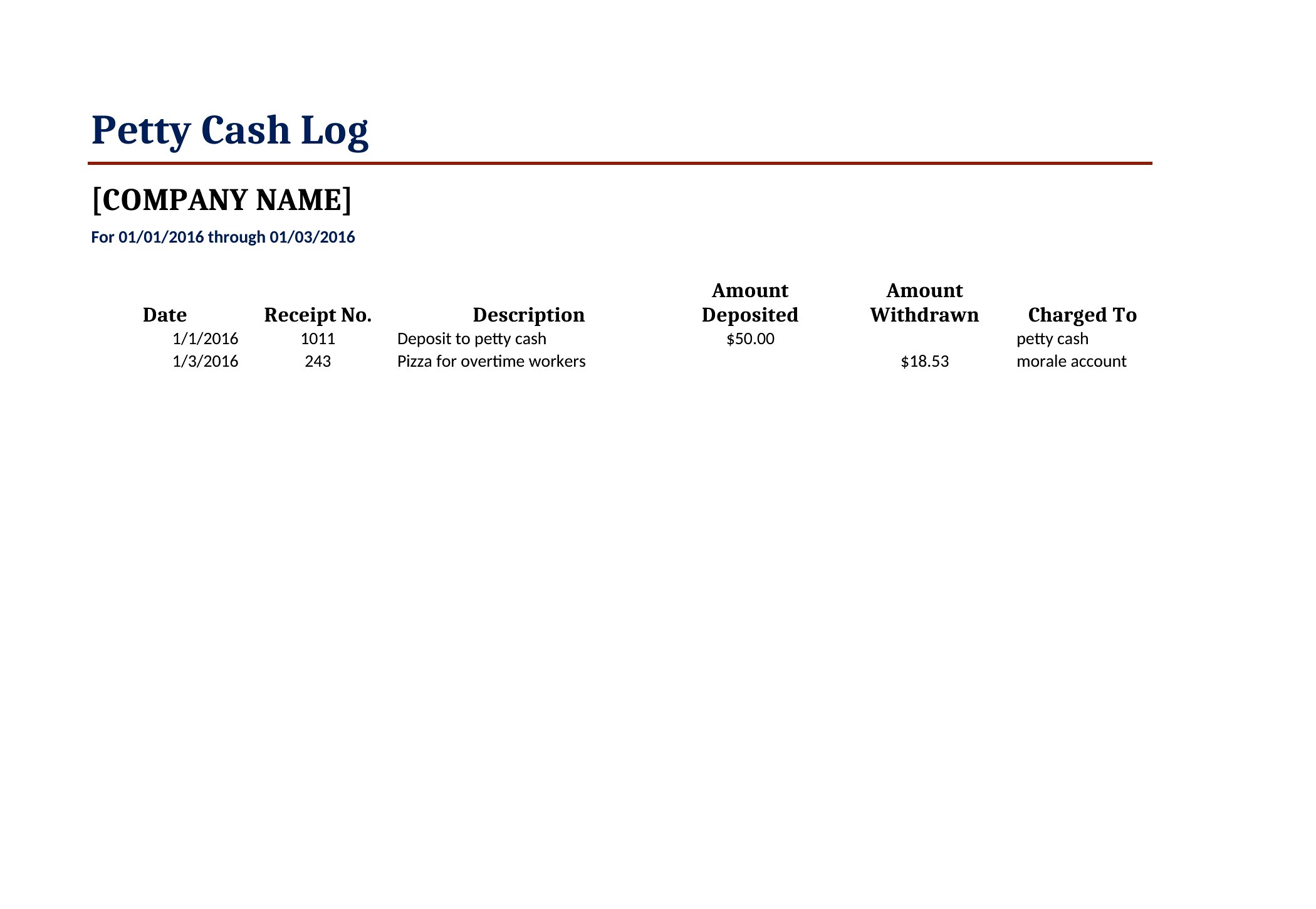
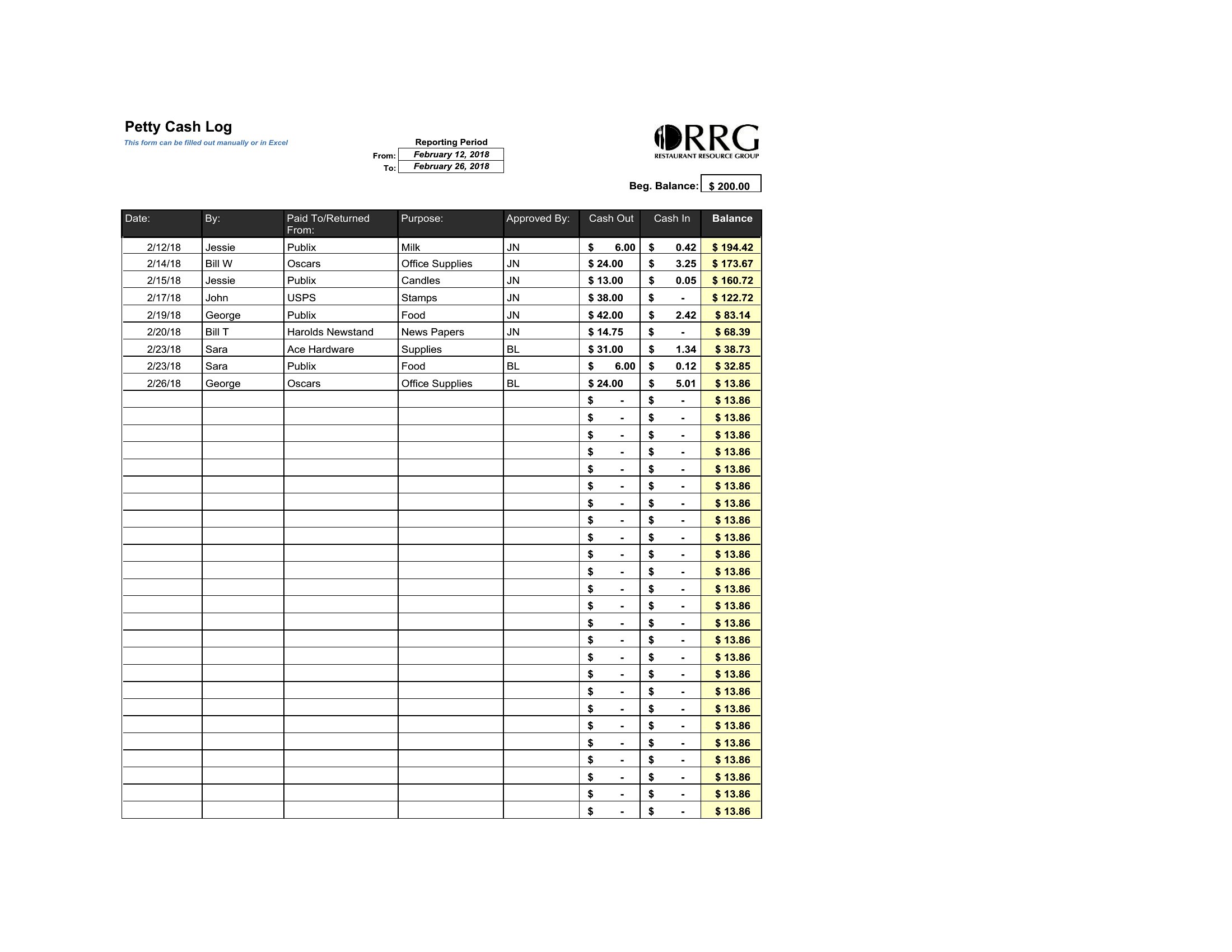
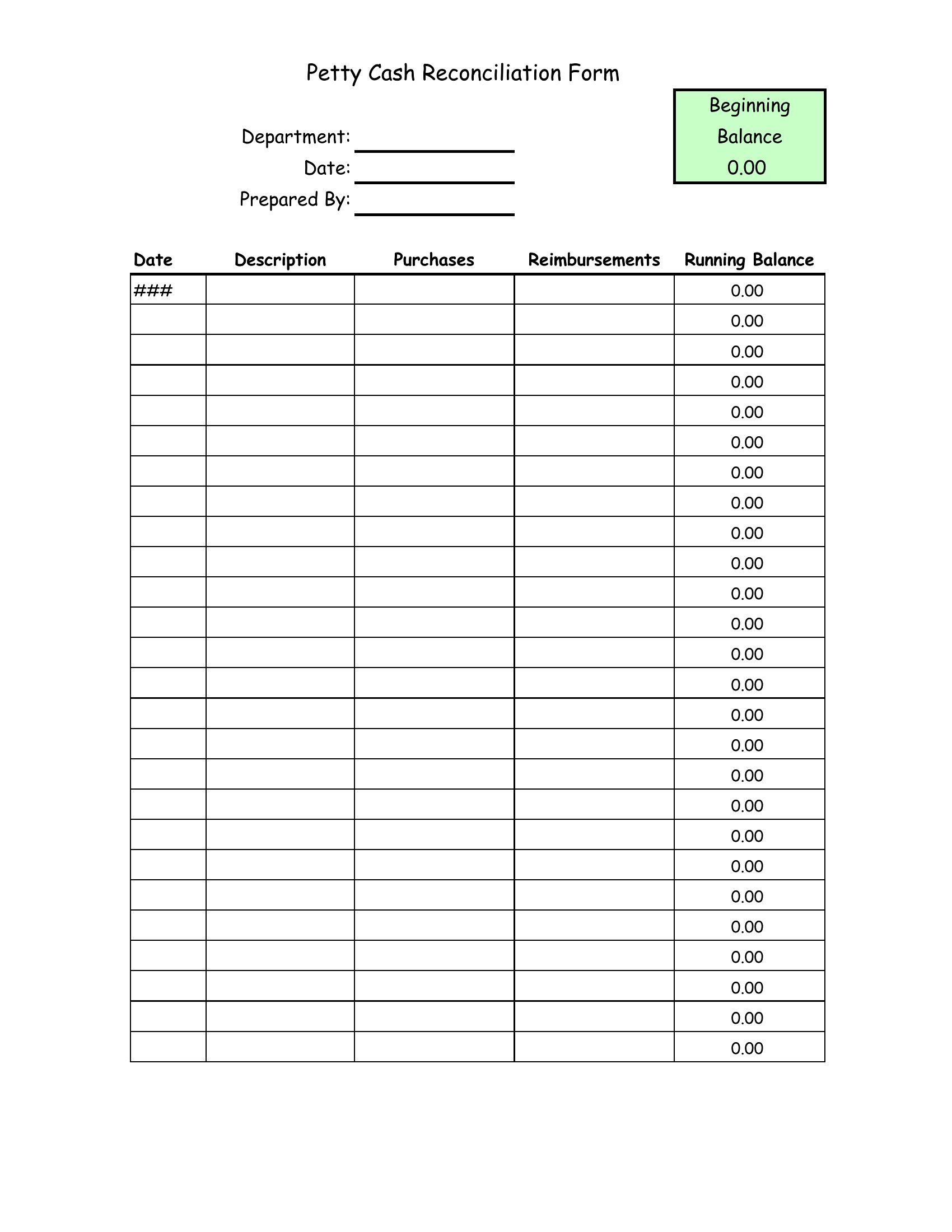
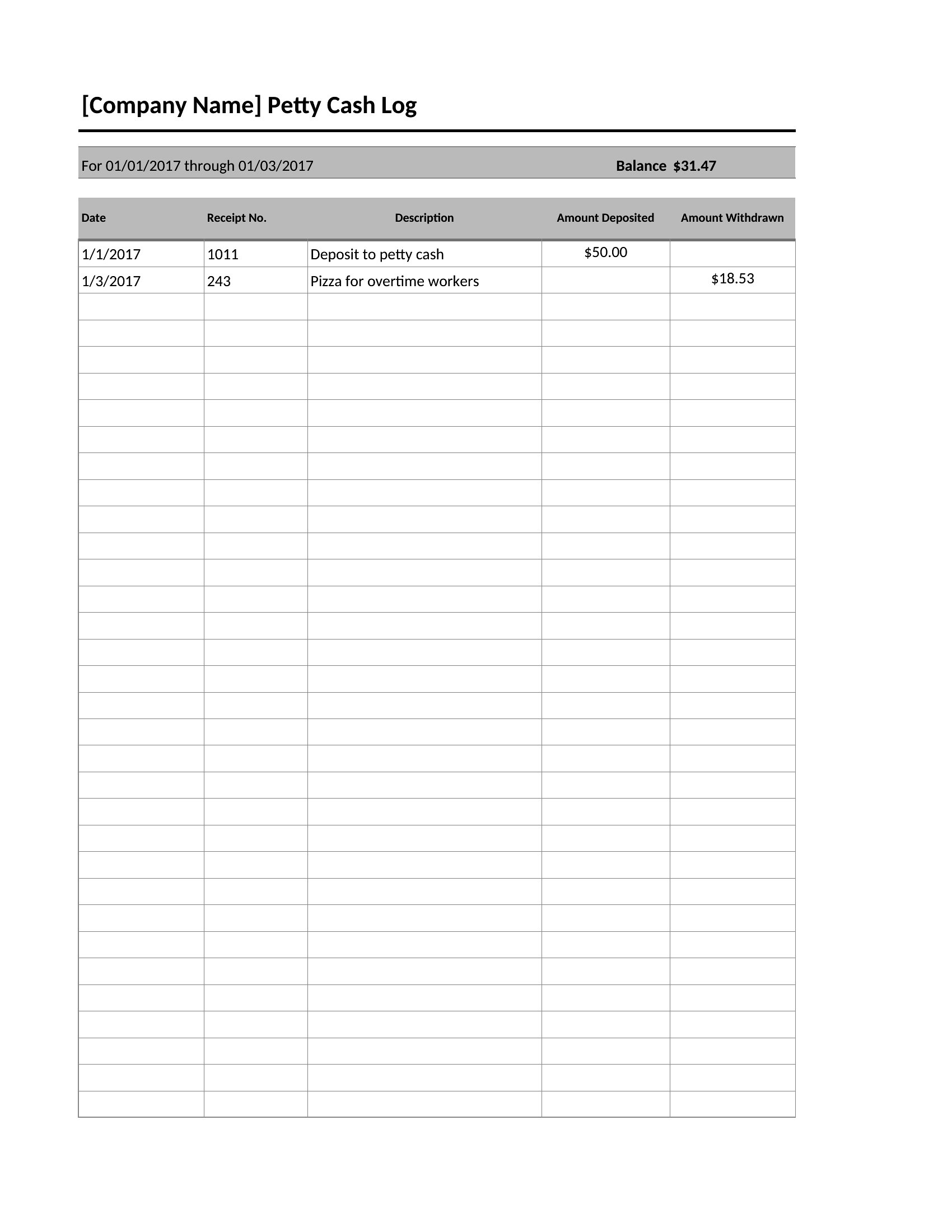
Most Excel templates include a dropdown menu feature for categories. Start by listing your common expense types (e.g., ‘Office Supplies,’ ‘Client Meals,’ ‘Travel’) in the first row of the category column. Use ‘Data Validation’ in Excel to create dropdown lists for each cell, ensuring consistency. For advanced setups, some templates allow you to link categories to budget limits for better oversight.
Can I use a petty cash log to track reimbursements for employees who submit receipts later?
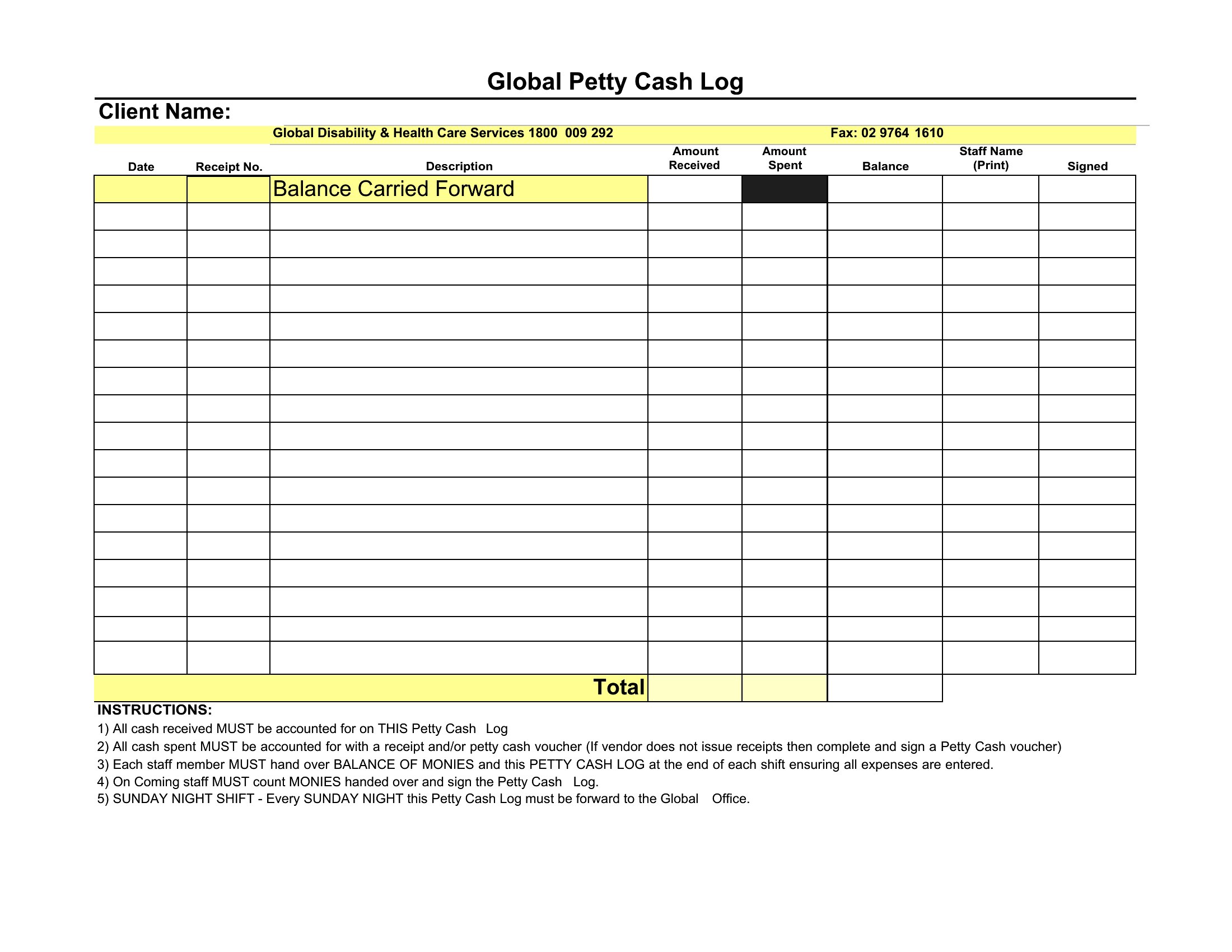
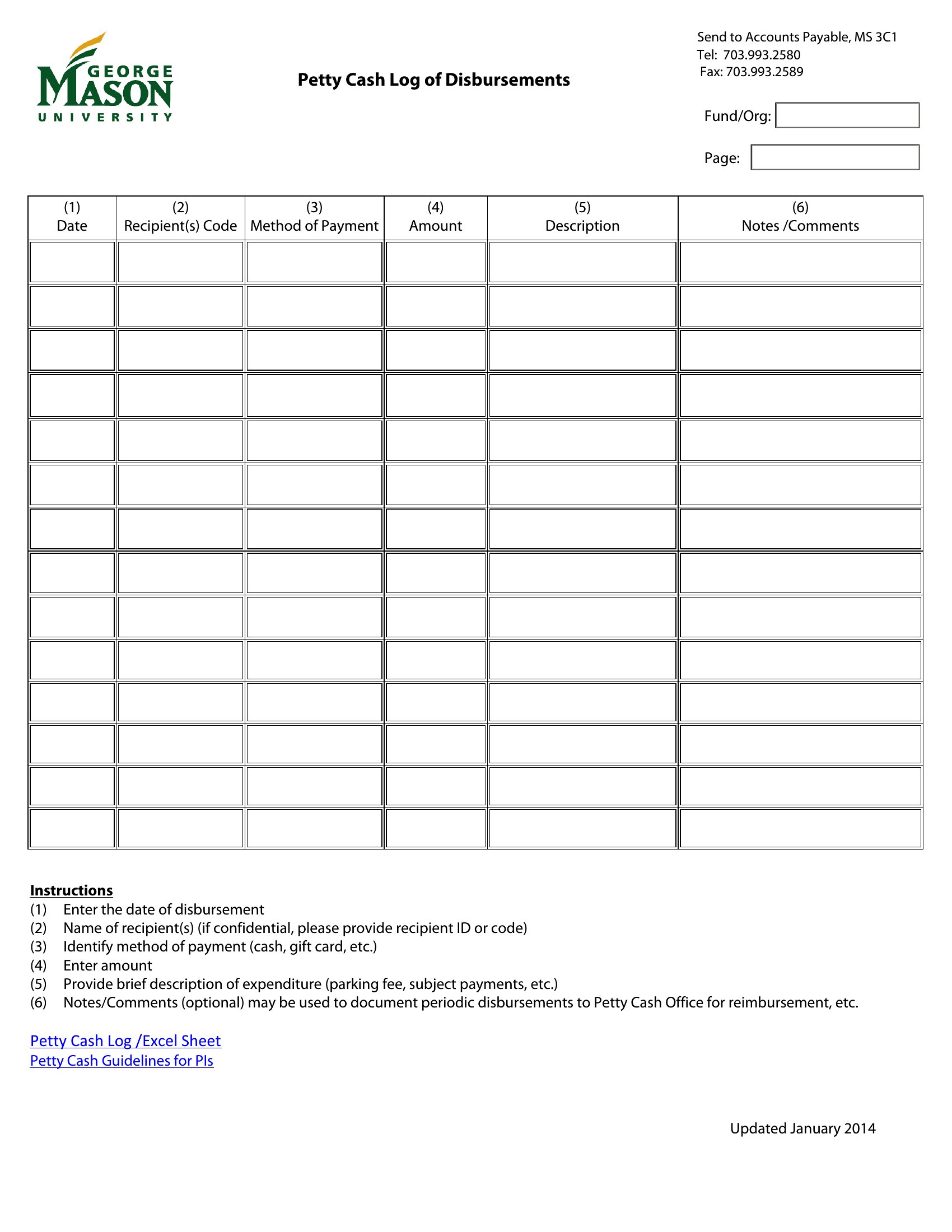
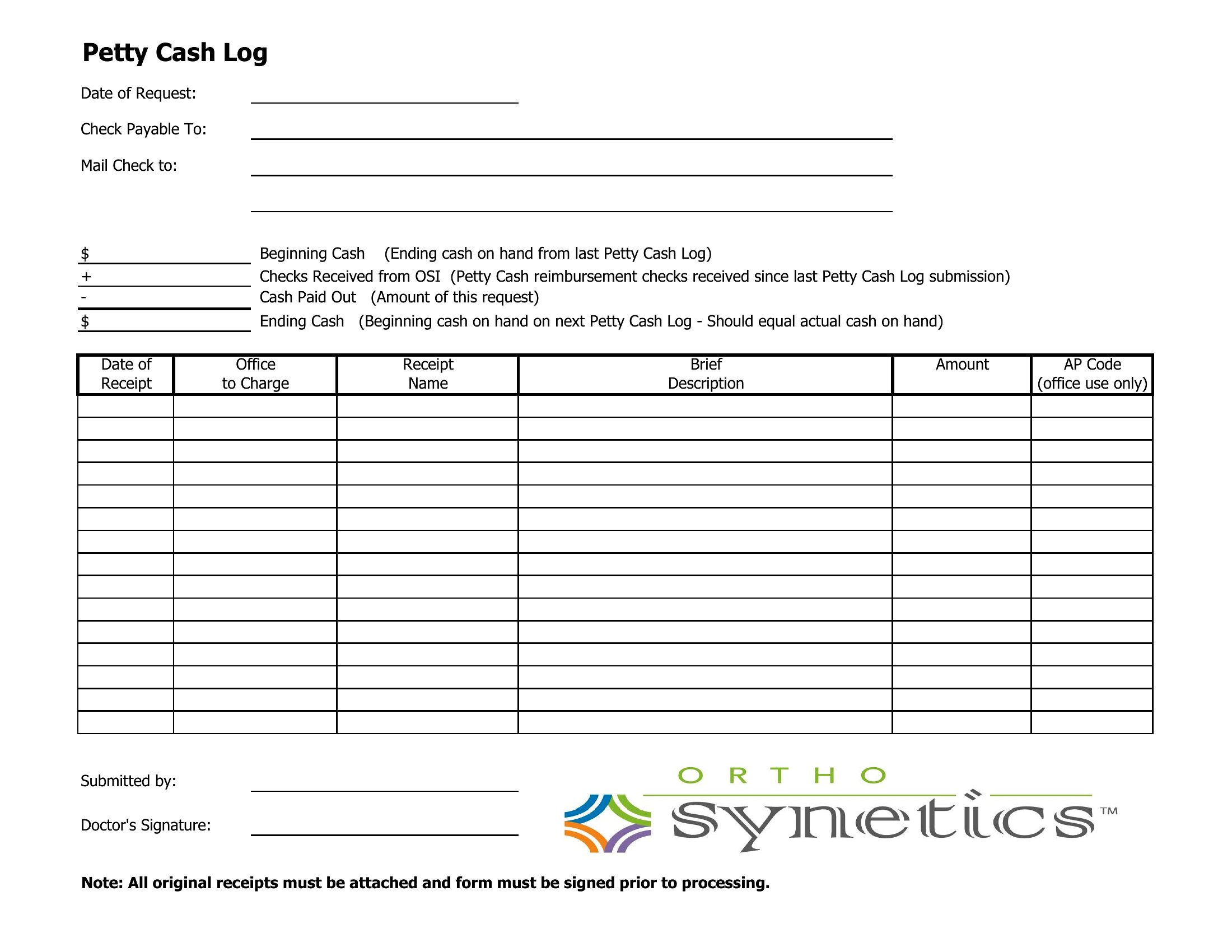
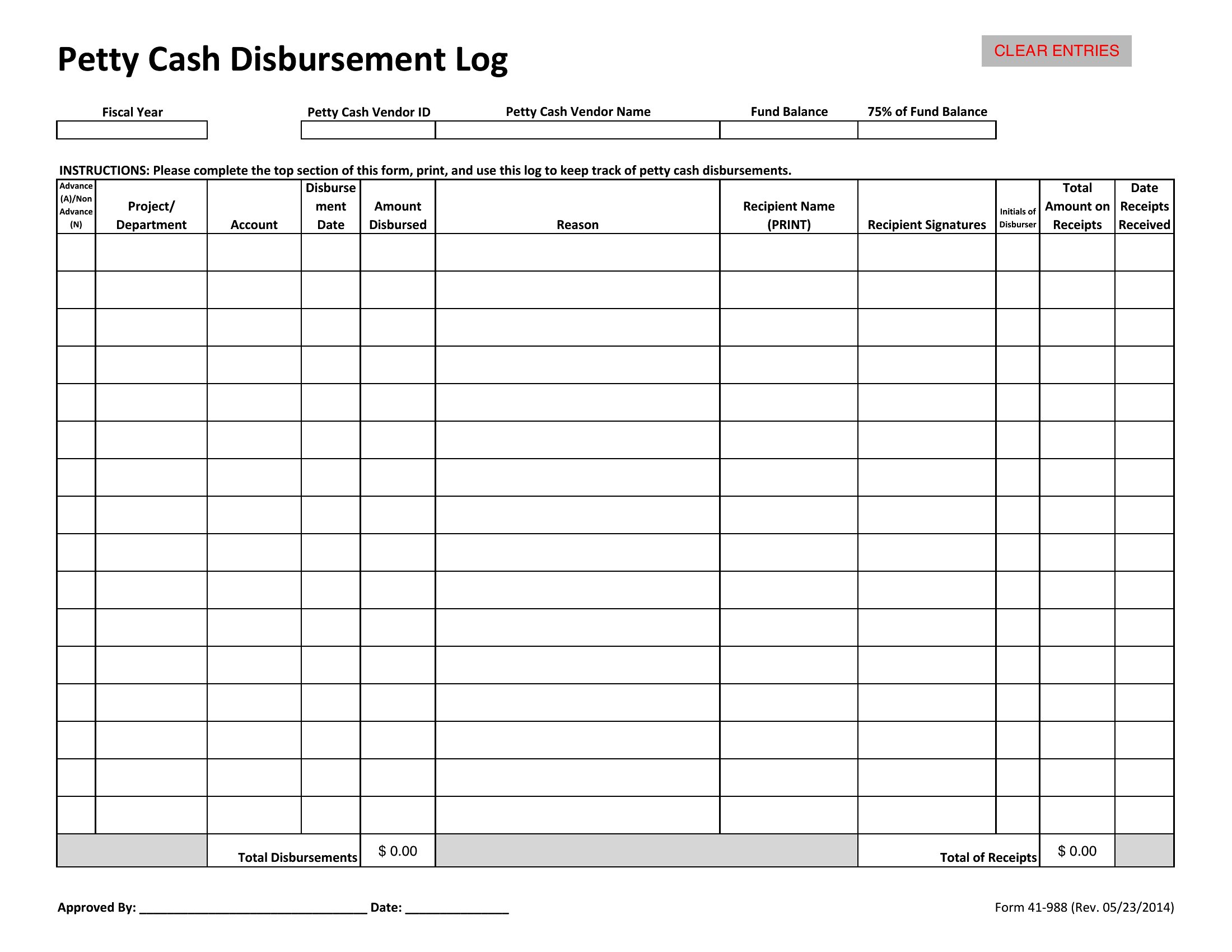
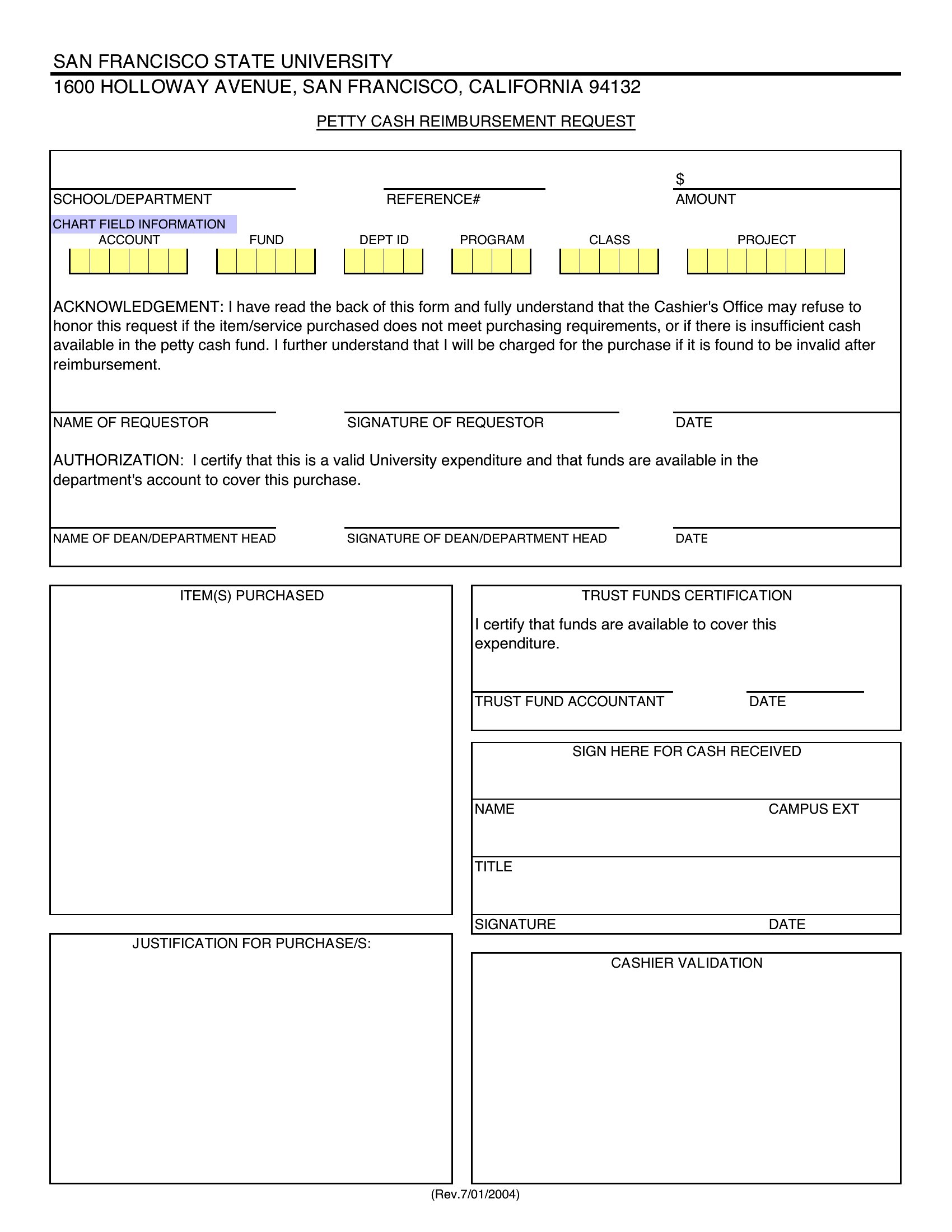
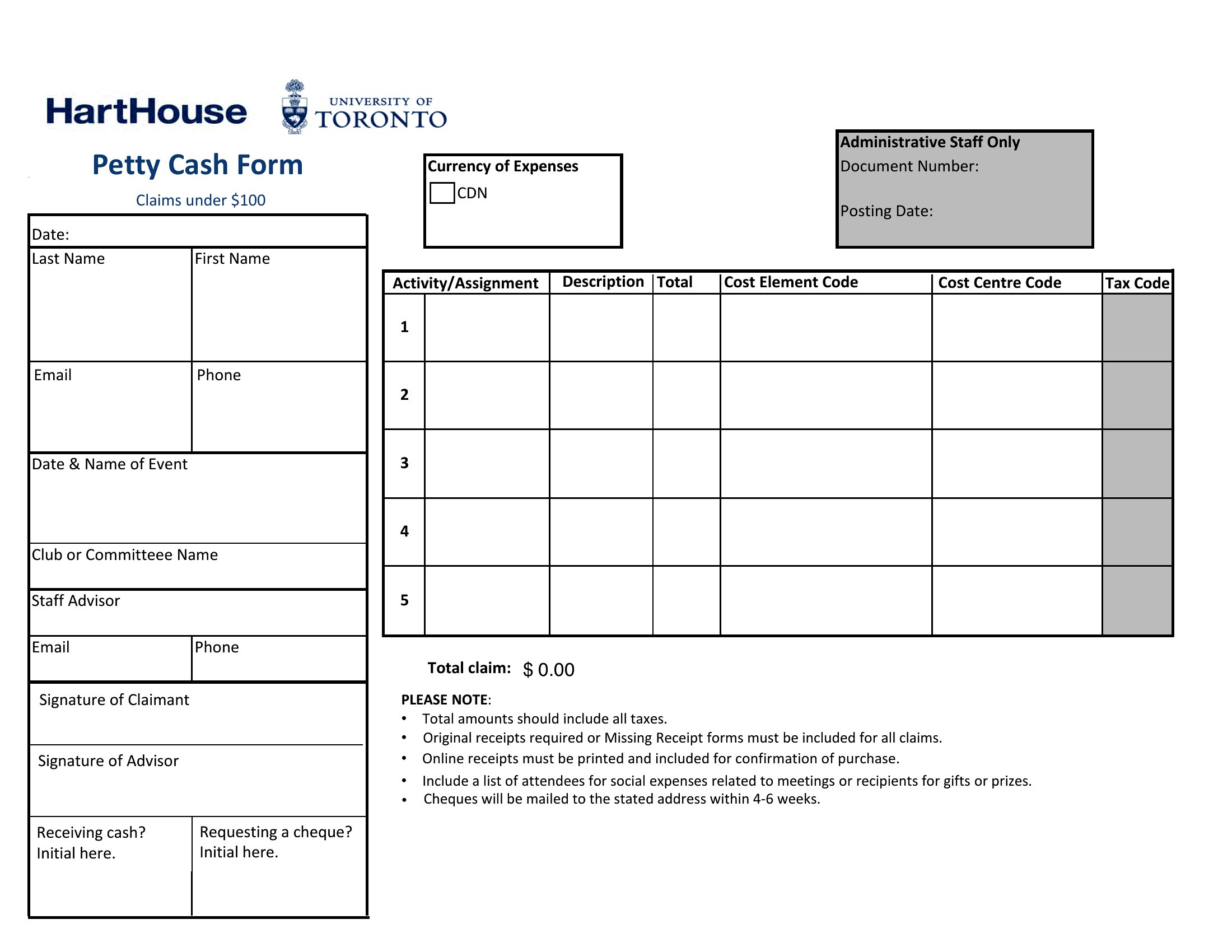
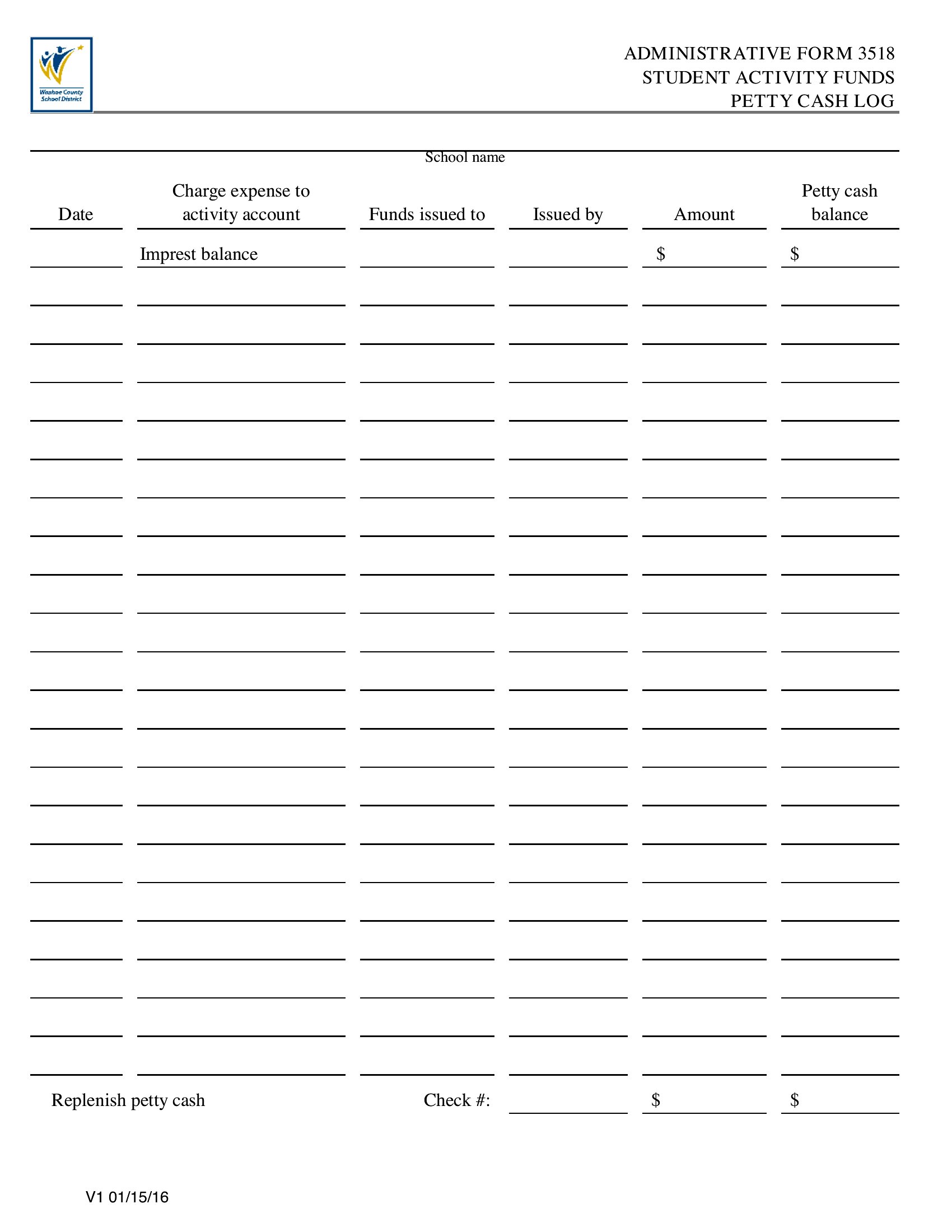
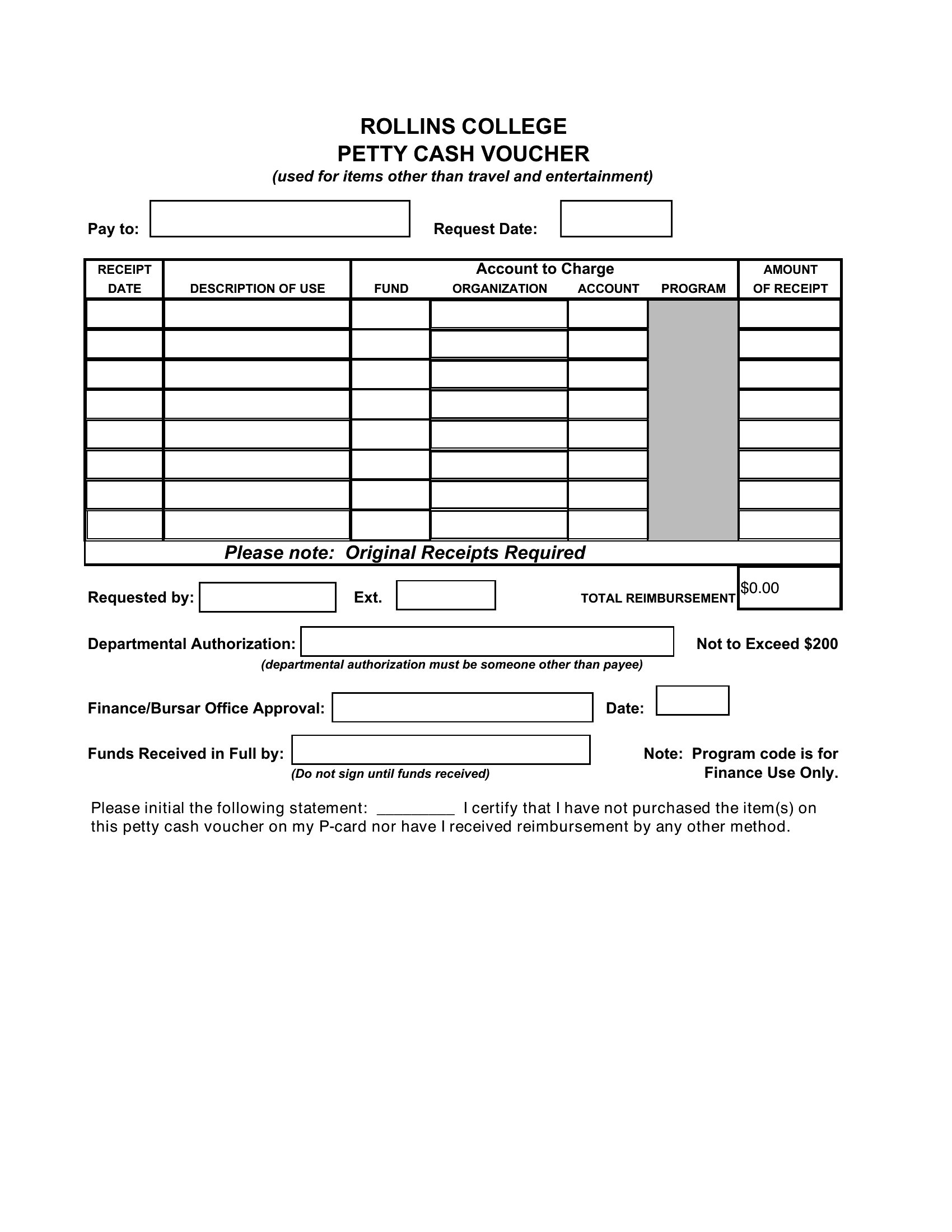
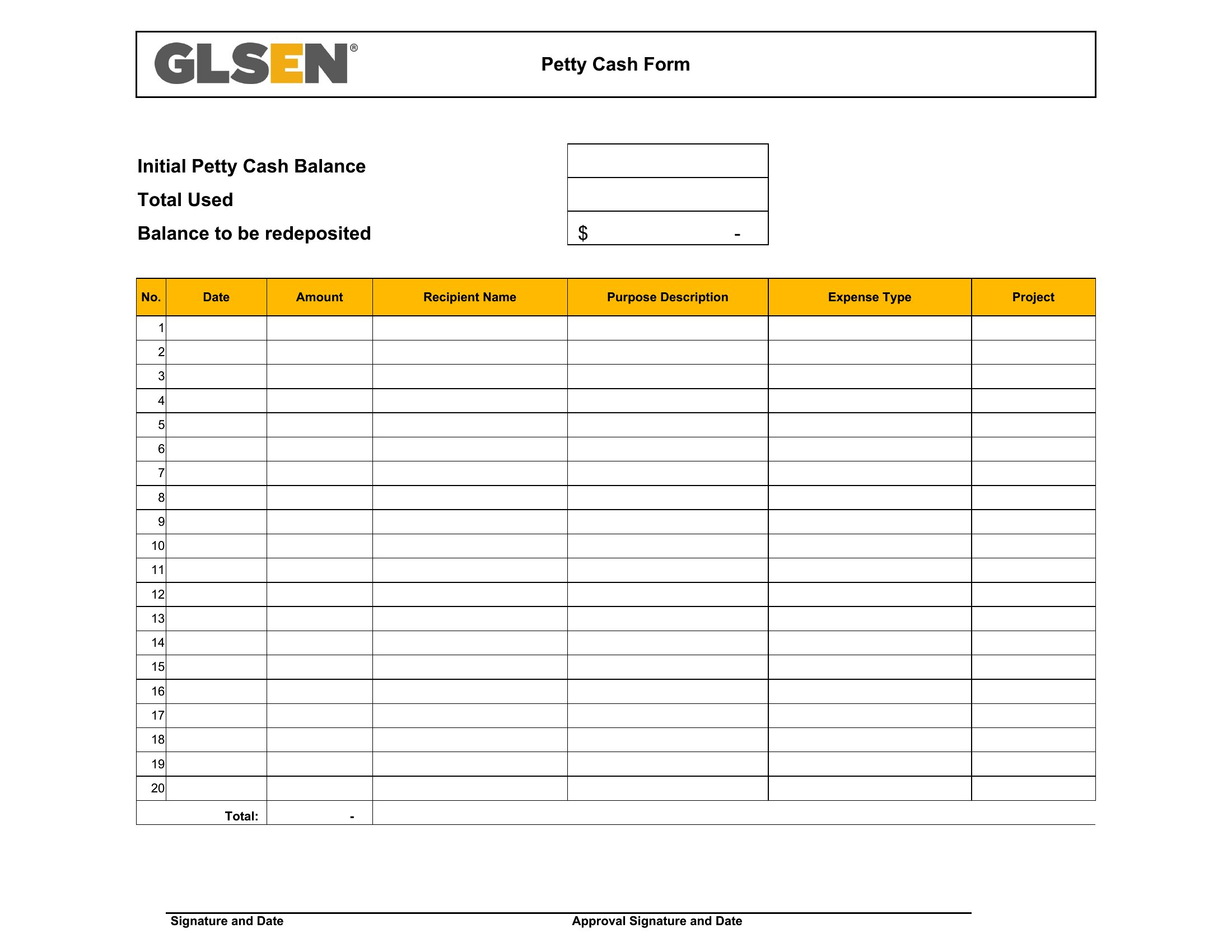
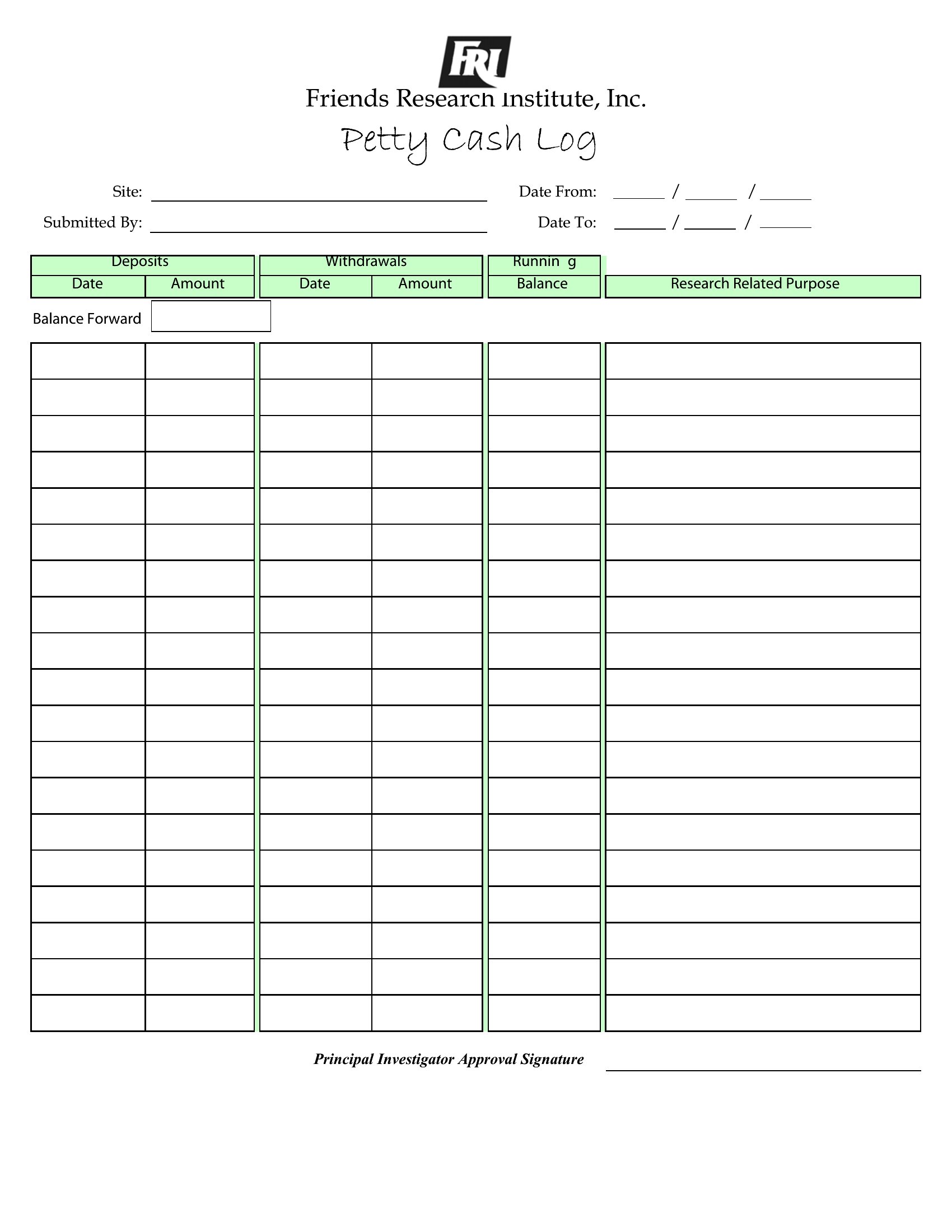
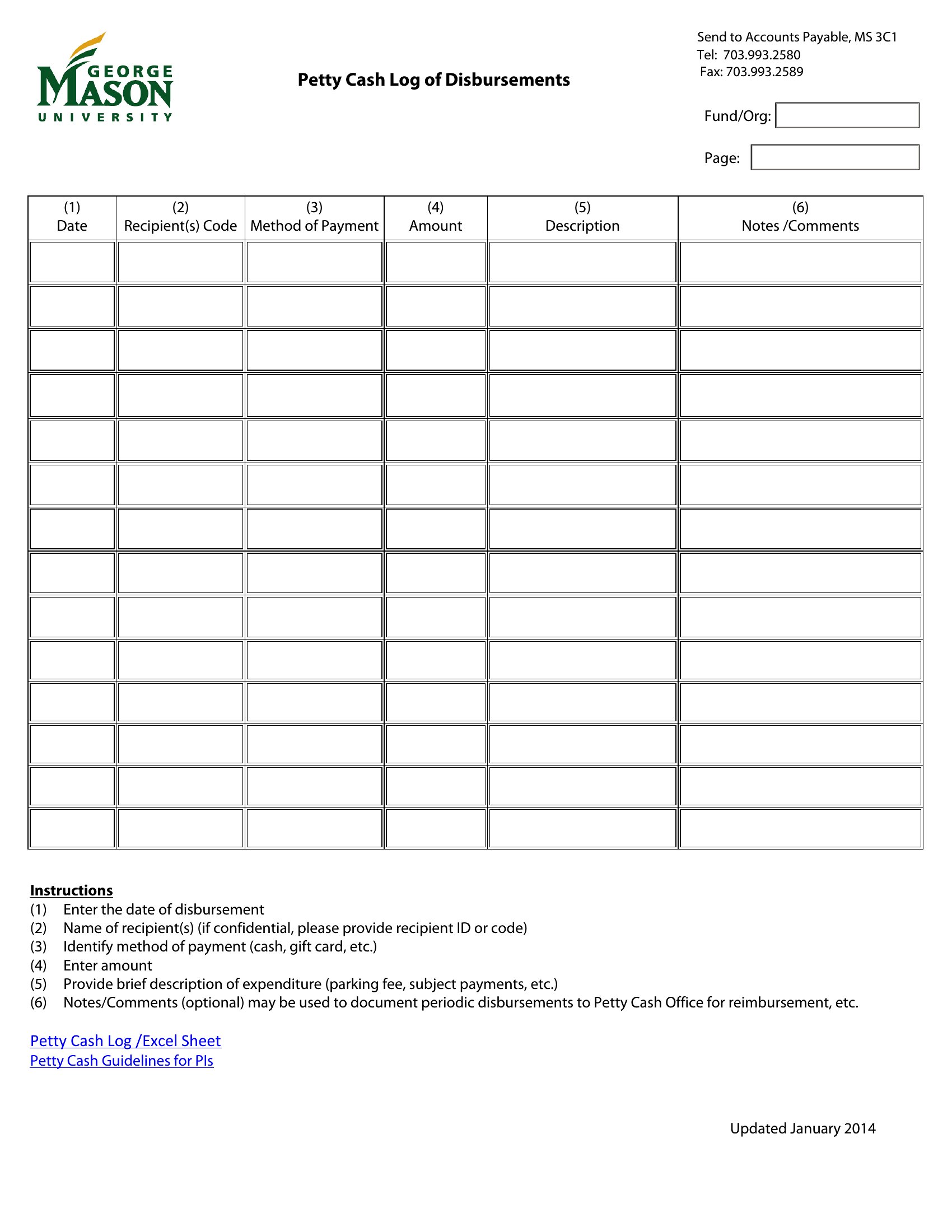
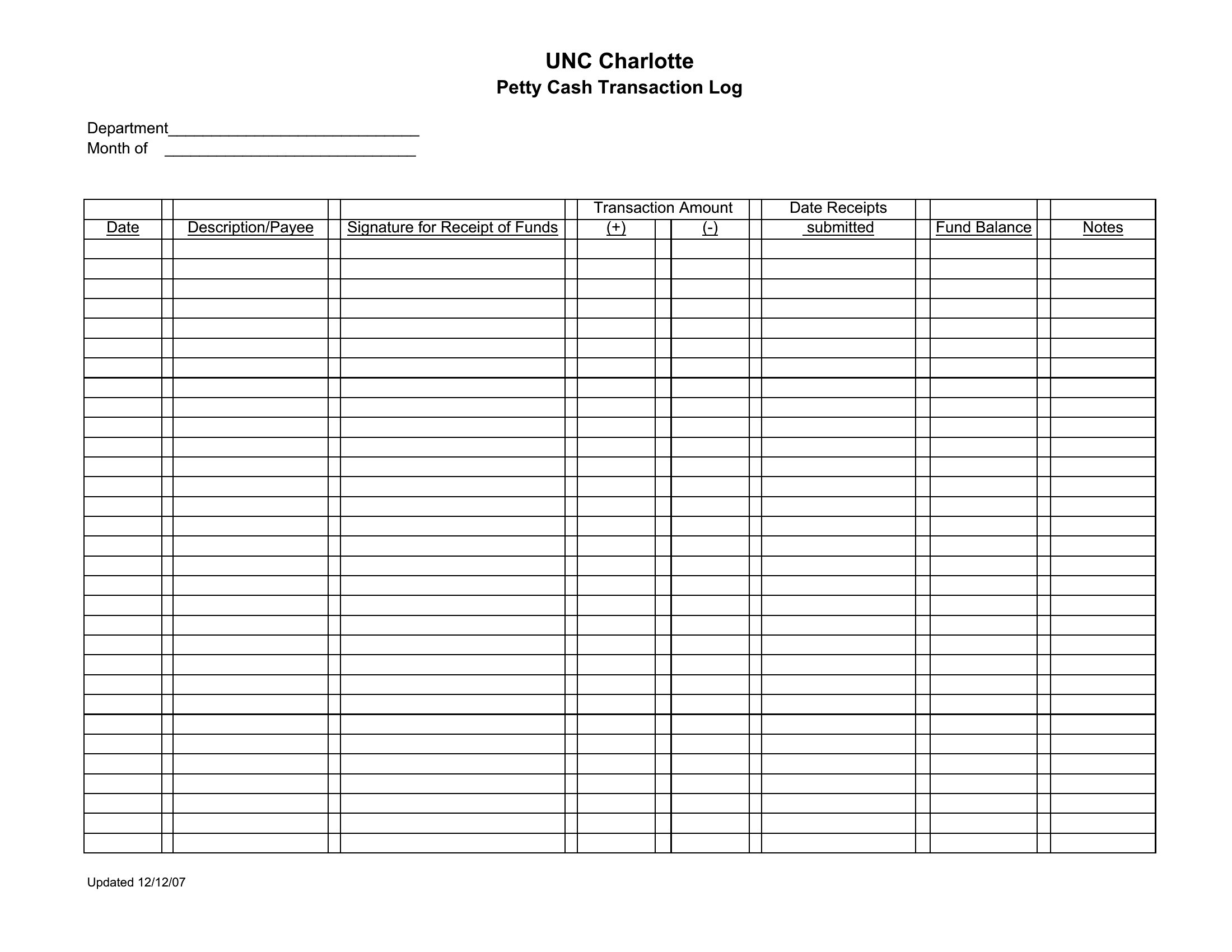
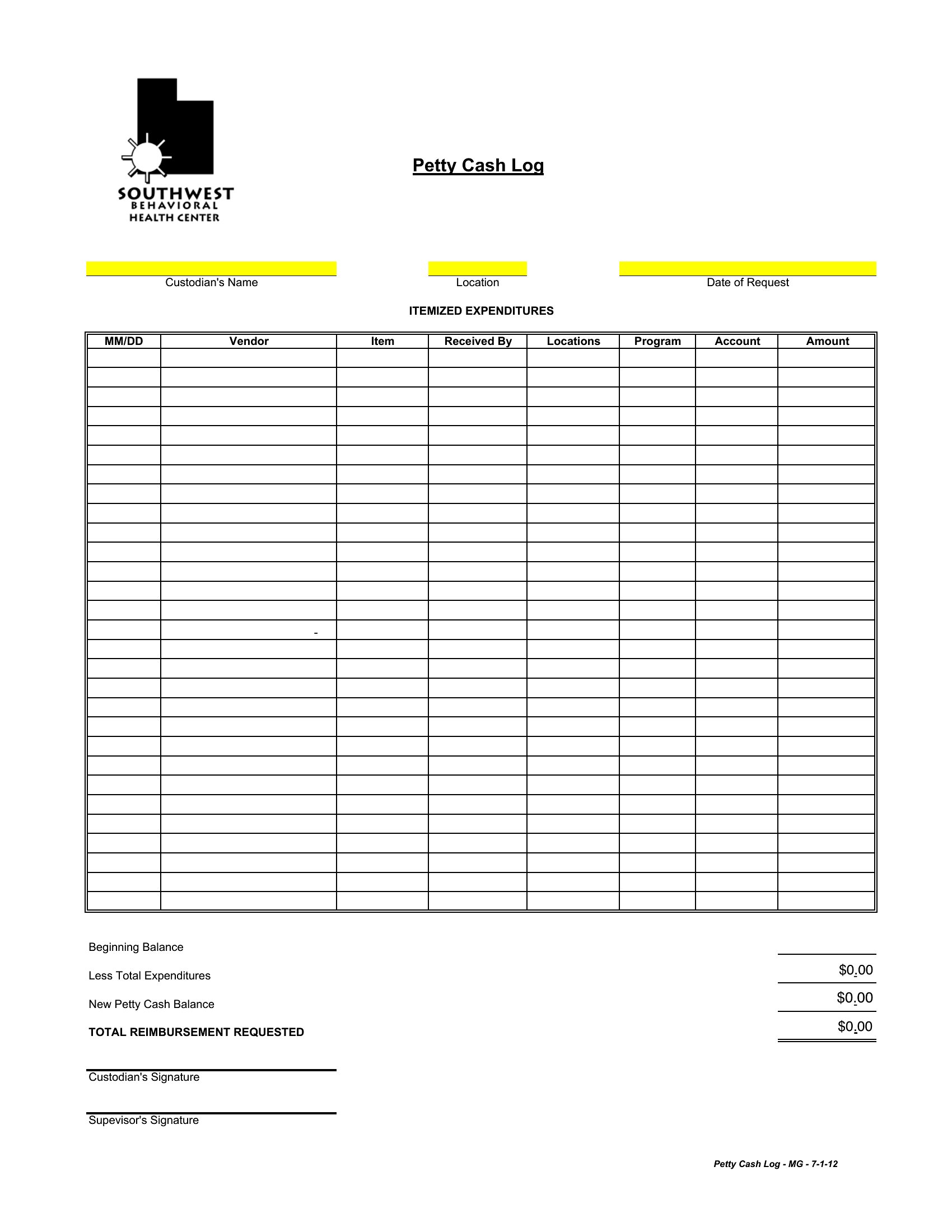
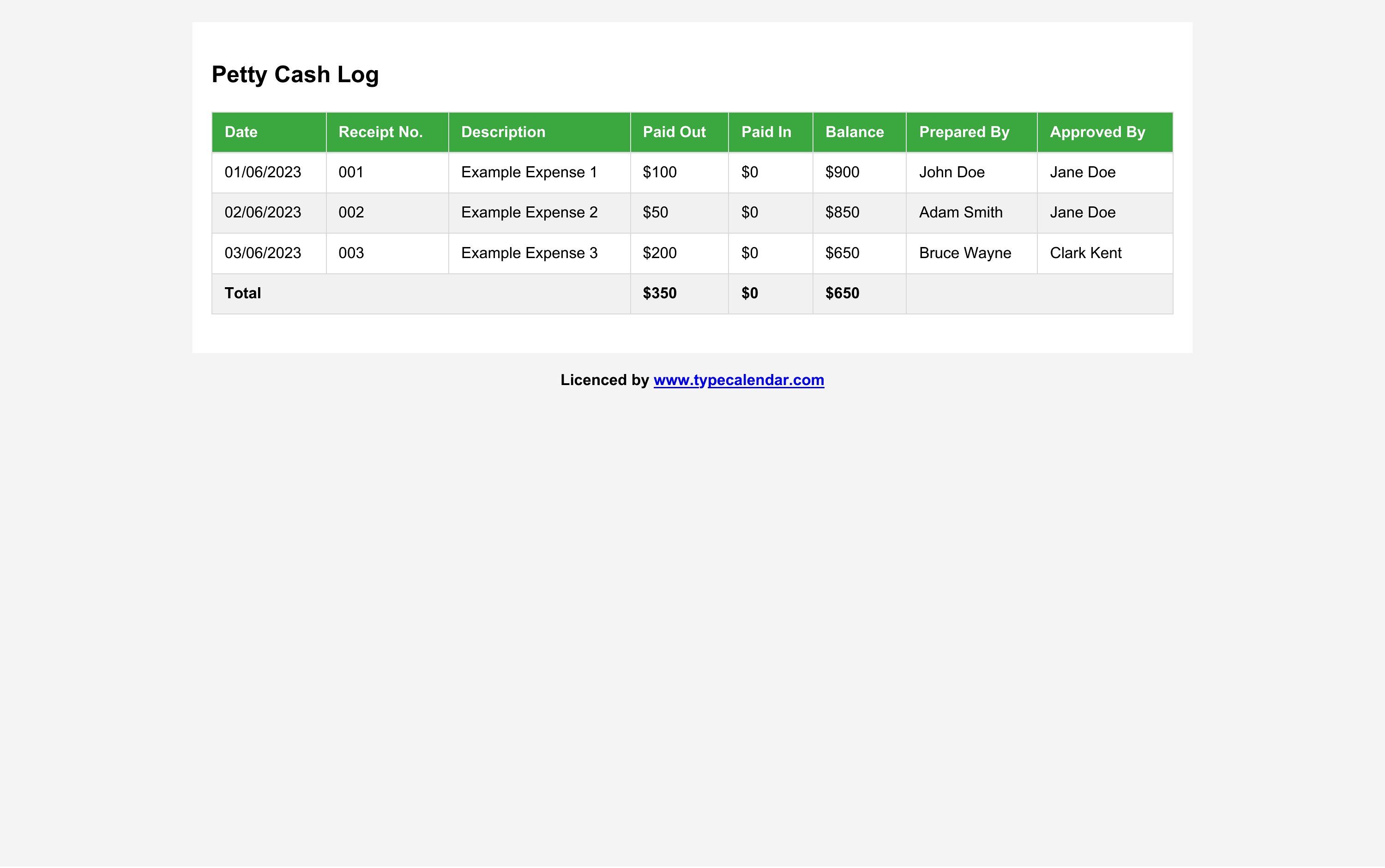
Yes, but include columns for receipt numbers, submission dates, and approver initials. A two-part log—one for initial withdrawals and another for receipt submissions—works well. Use conditional formatting in Excel to highlight overdue receipts or flag missing documentation. For Word or PDF, add a separate ‘Pending Receipts’ section at the bottom of the sheet.
What’s the best way to handle petty cash when multiple people need access to the logbook at the same time?
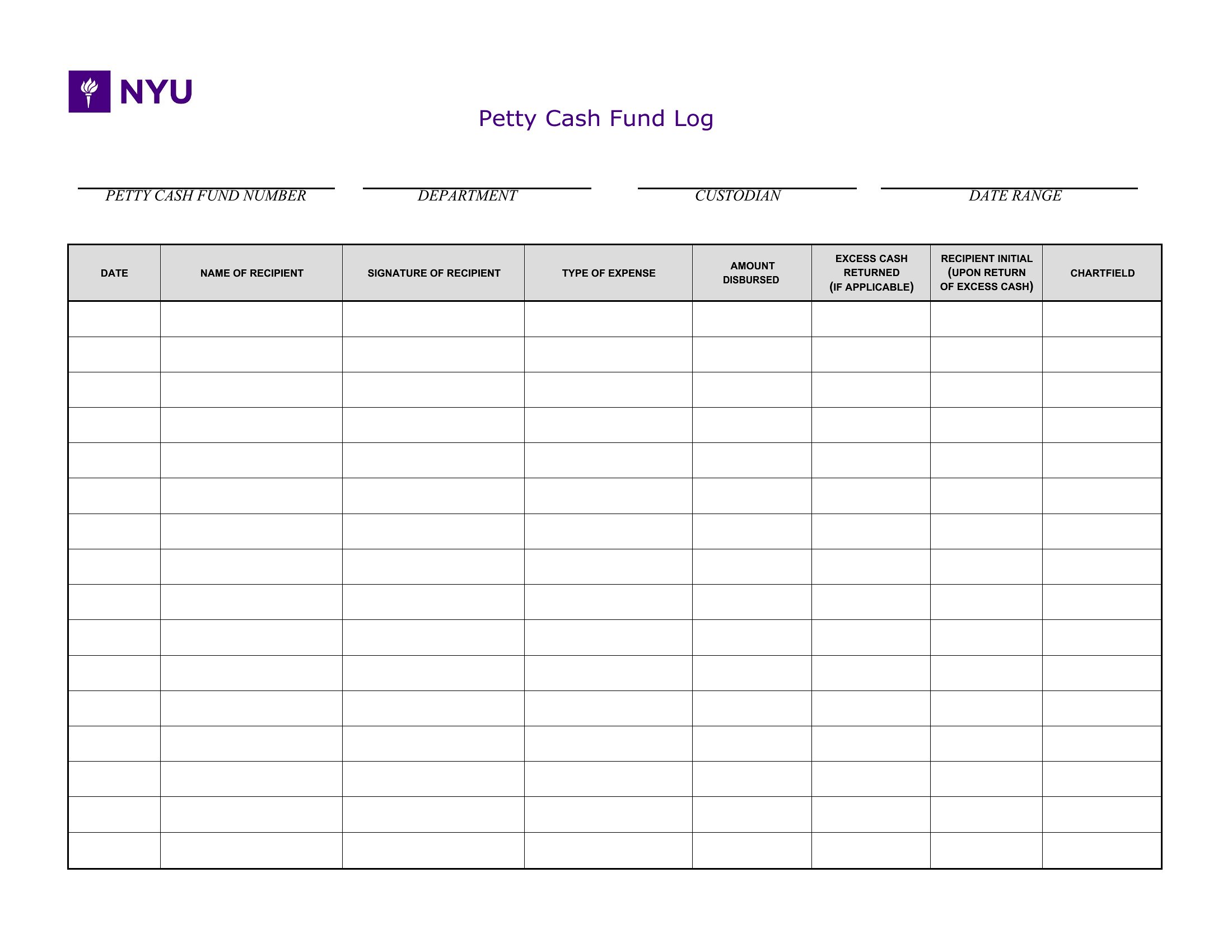
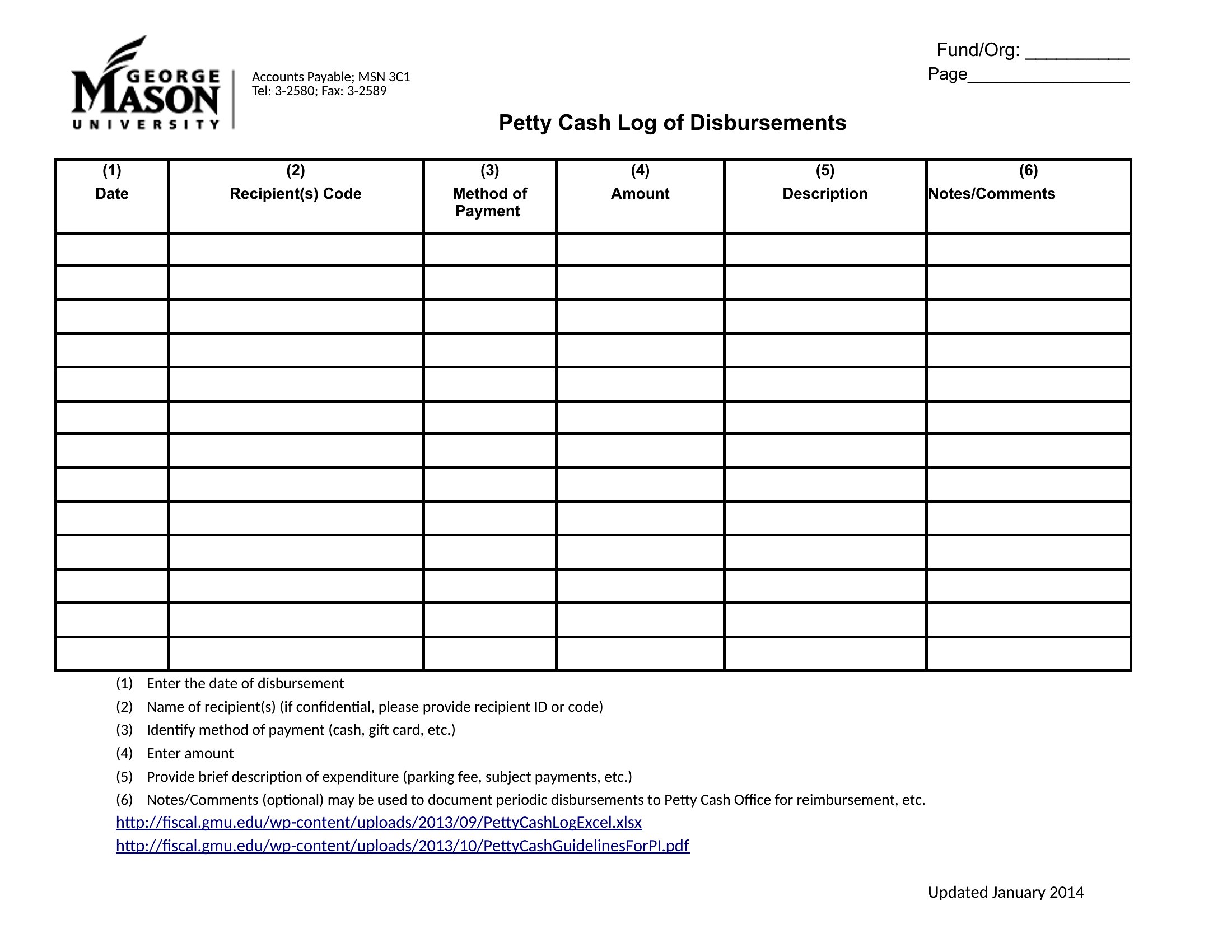
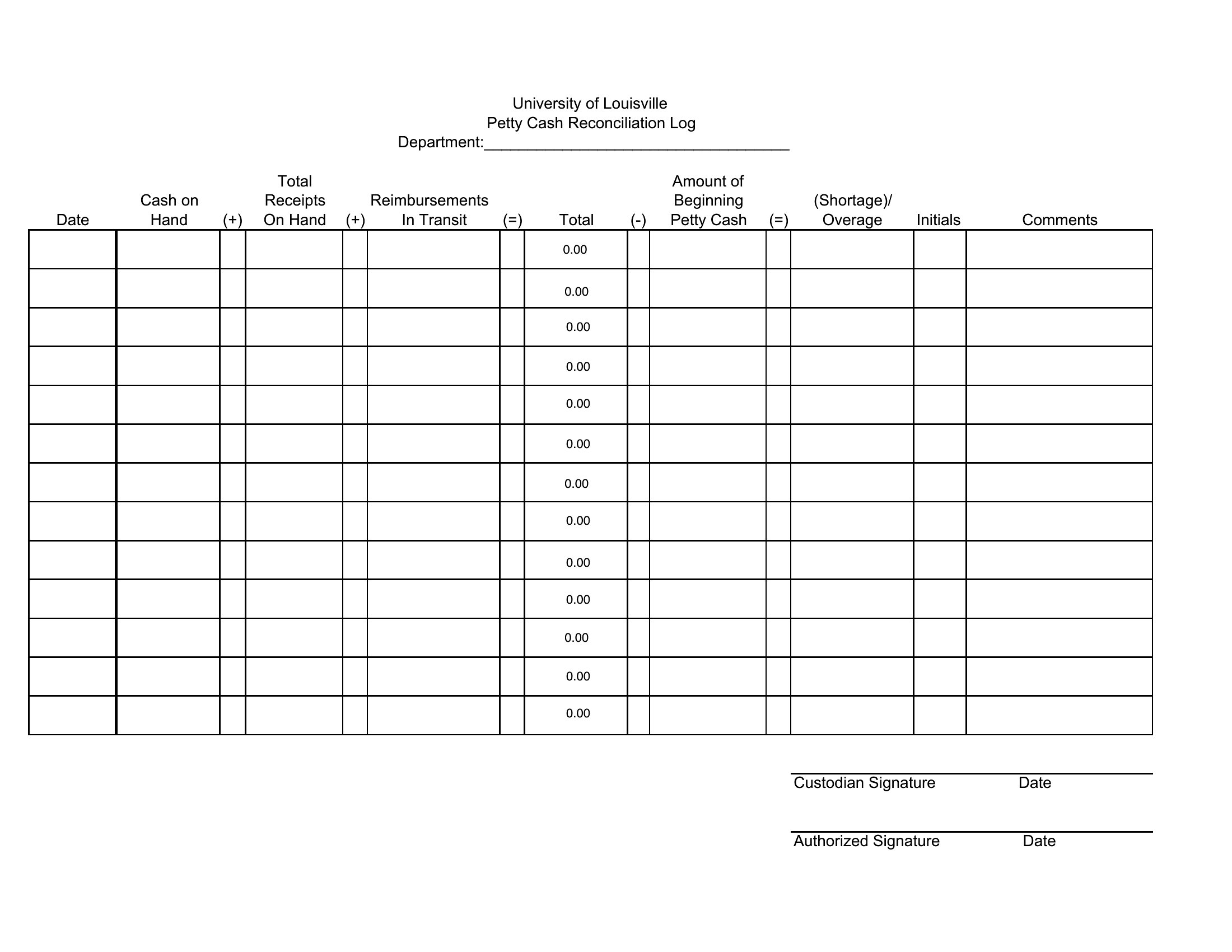
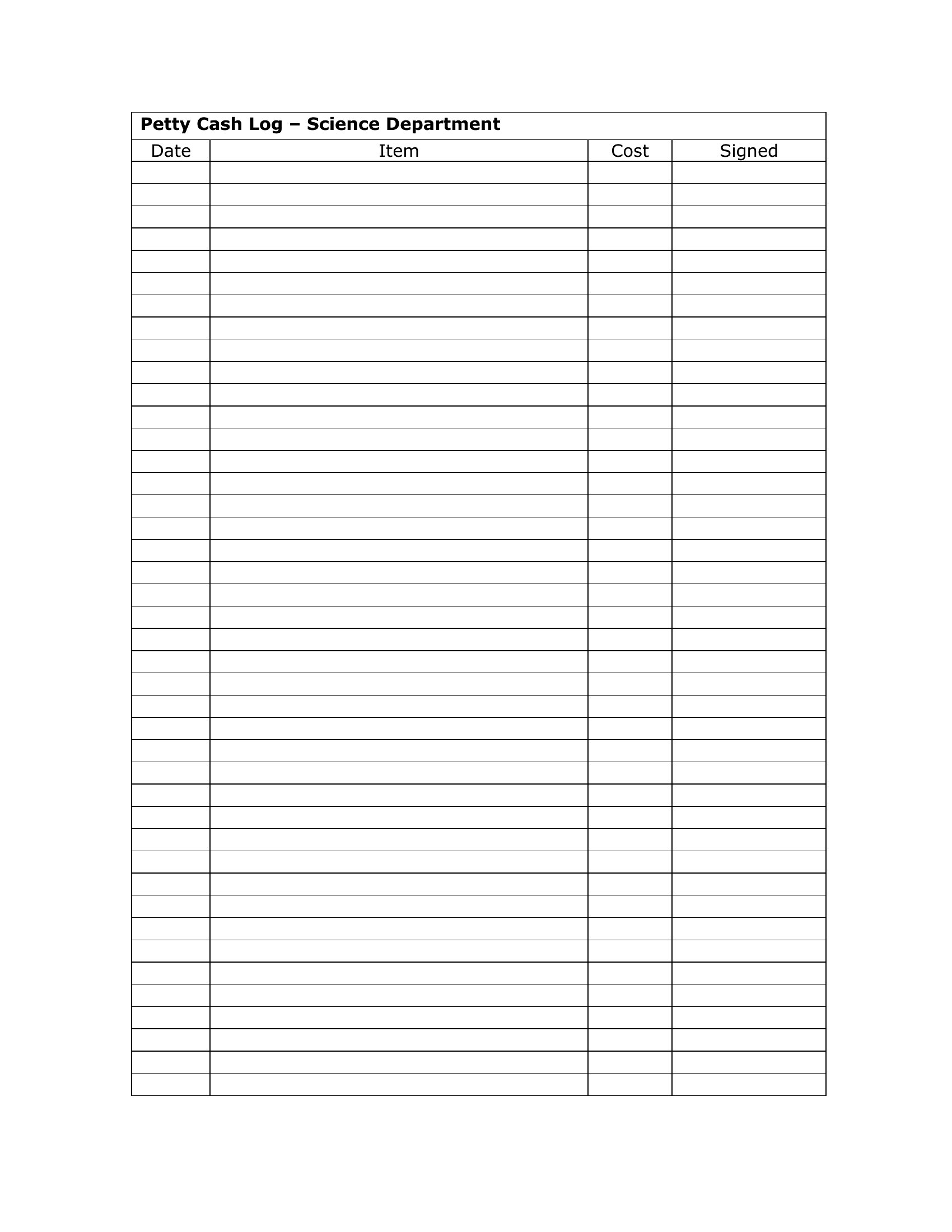
Digitize the log in Excel or a shared cloud tool like Google Sheets to allow simultaneous access. Assign each person a unique color or initials for their entries. For physical logs, keep a master copy in a secure location and use a second, identical log for daily use. Monthly, cross-check both to ensure no entries are missed. PDF logs can be emailed for approvals but aren’t ideal for real-time updates.
Comments
Join the conversation
Sign in to share your thoughts and leave a comment on this resource.