Skip to content
50% off this one-time $1.99 pack with HALFOFF — or unlimited with Pro.HALFOFF
Premium

Free Petty Cash Log Templates (Word, Excel, PDF)

Statements
williamjorgensen by williamjorgensen
Updated 0 downloads Quality-checked template

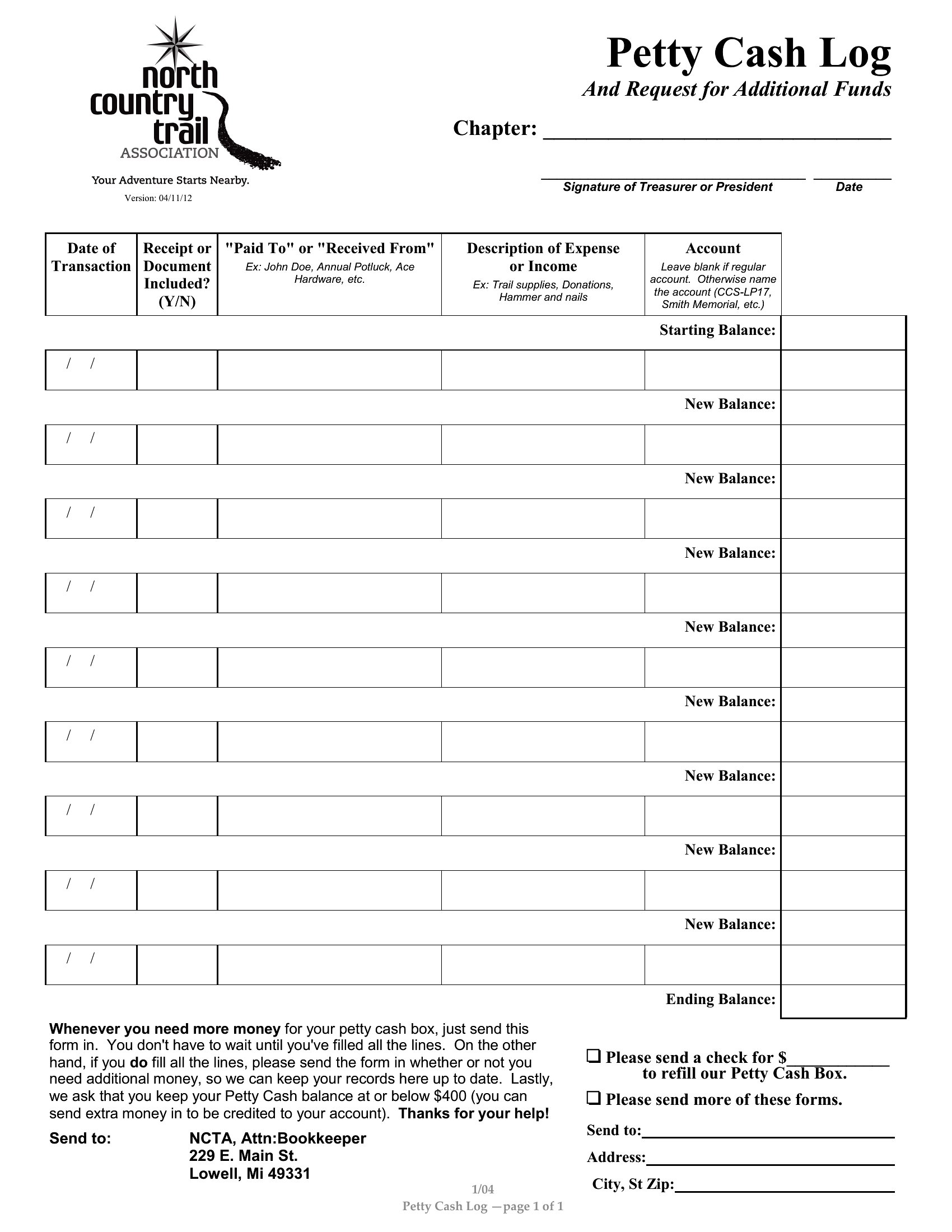
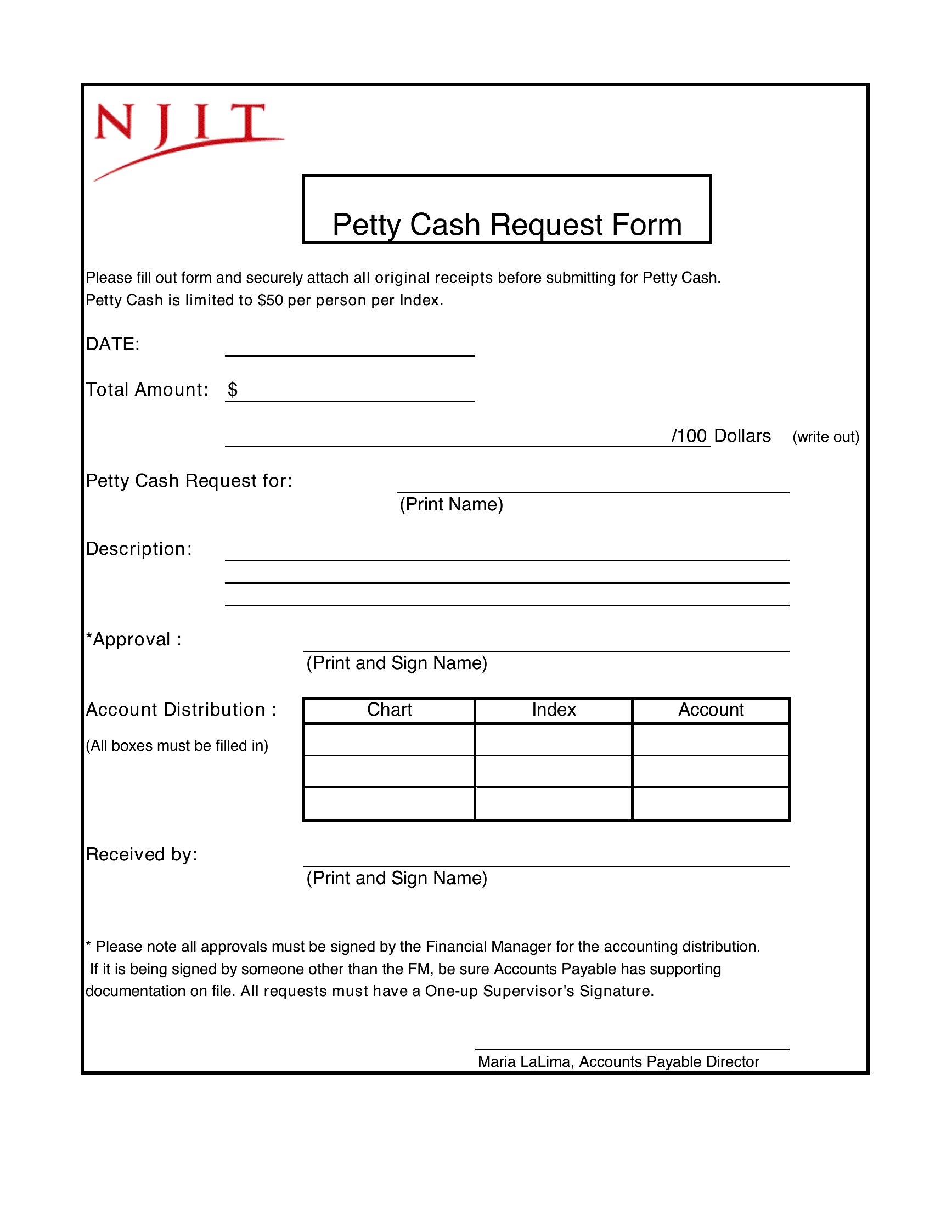
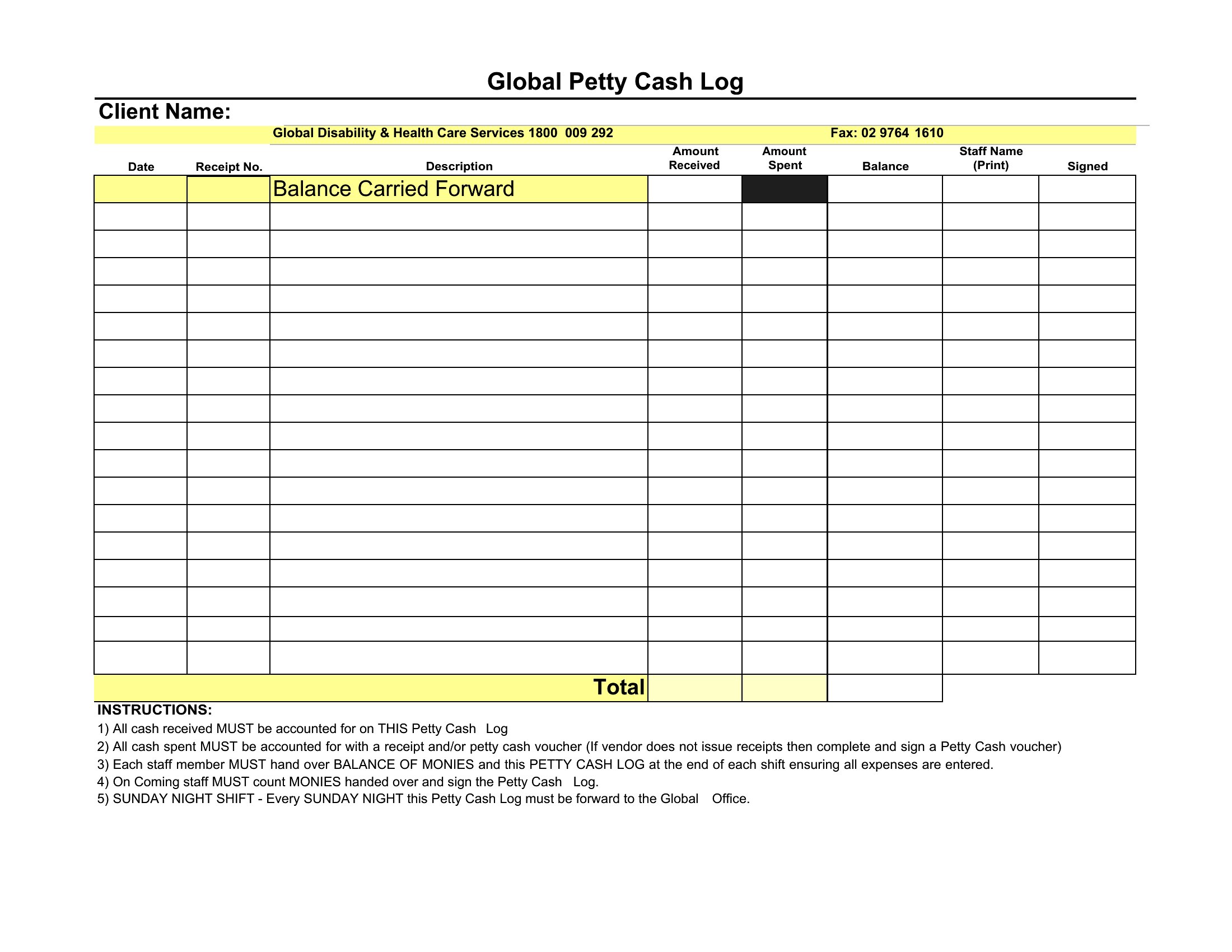
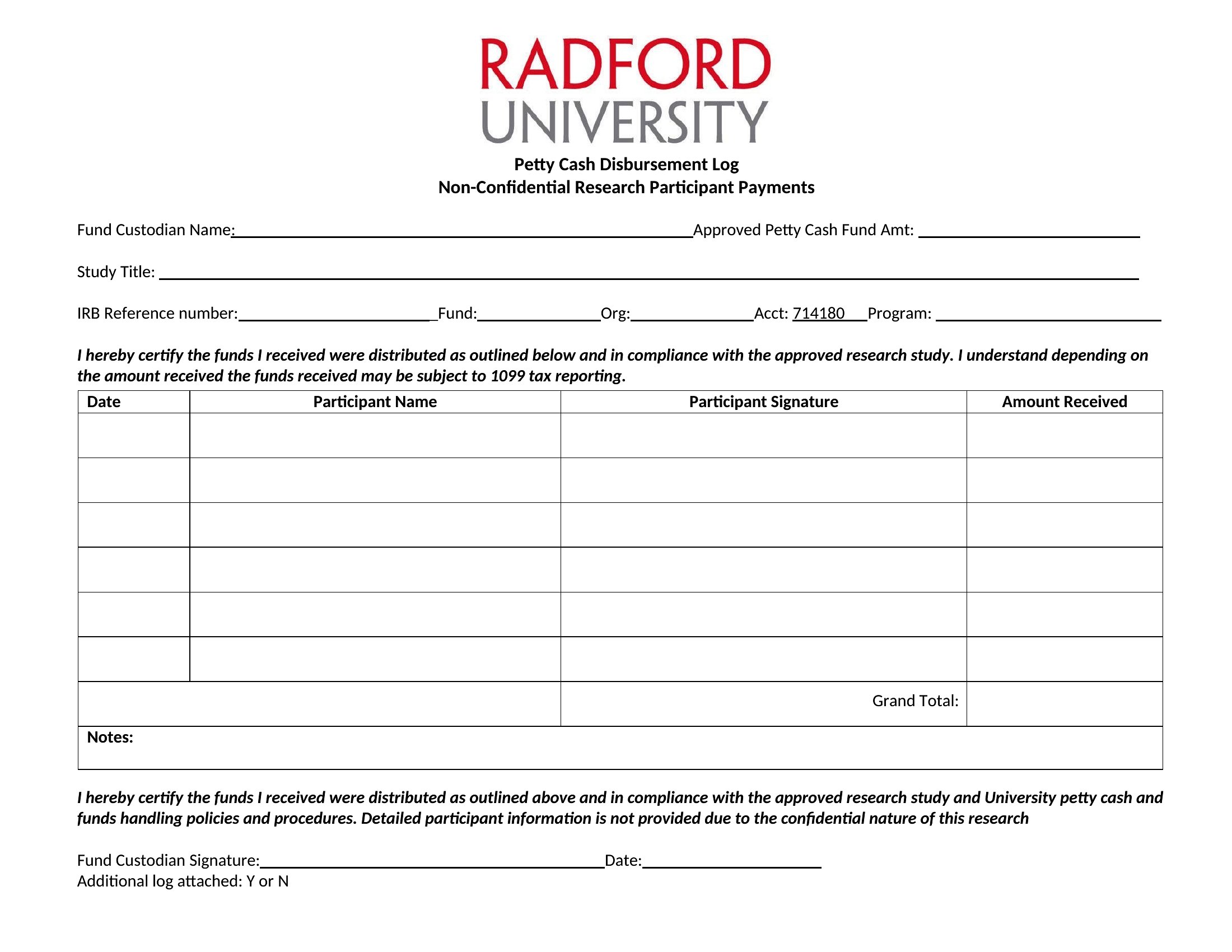
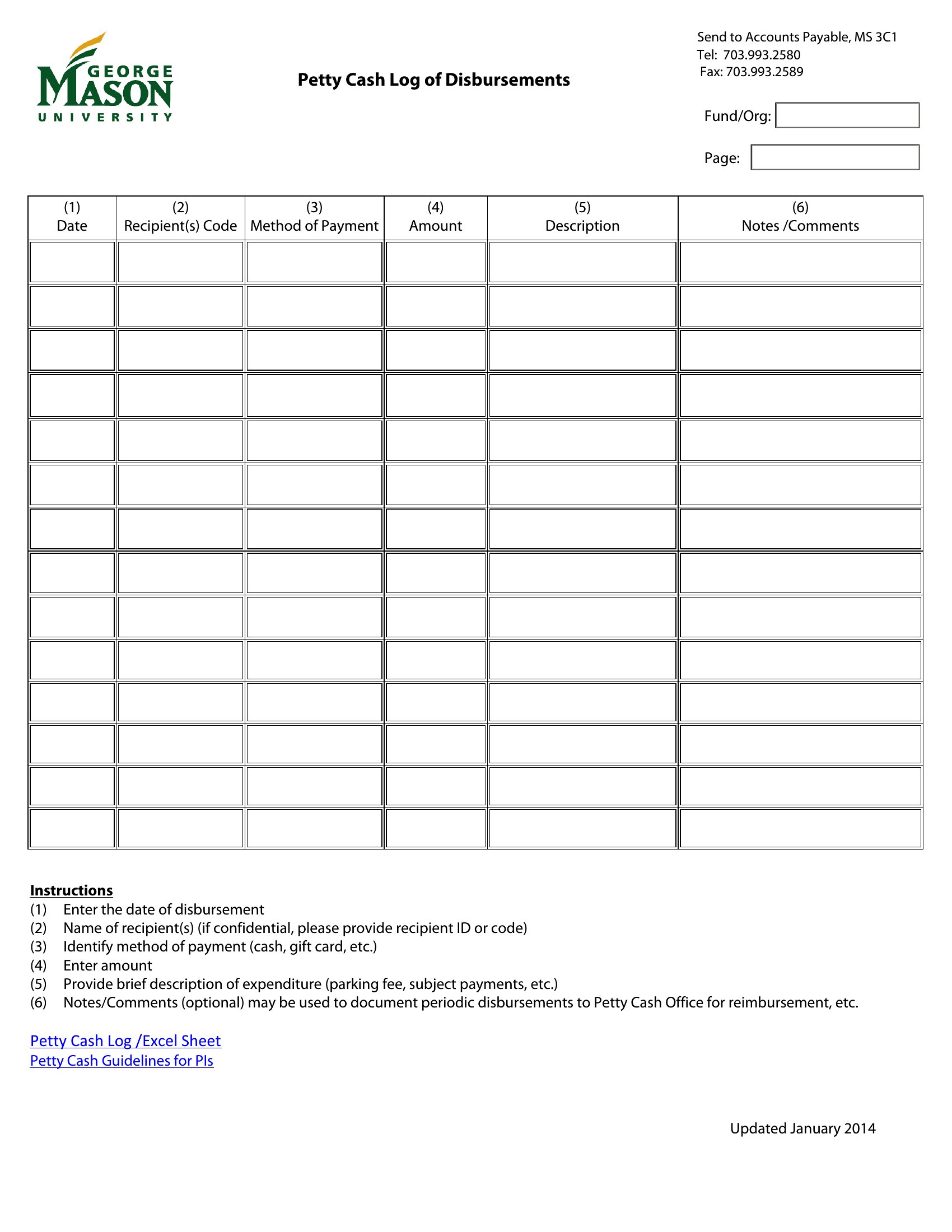
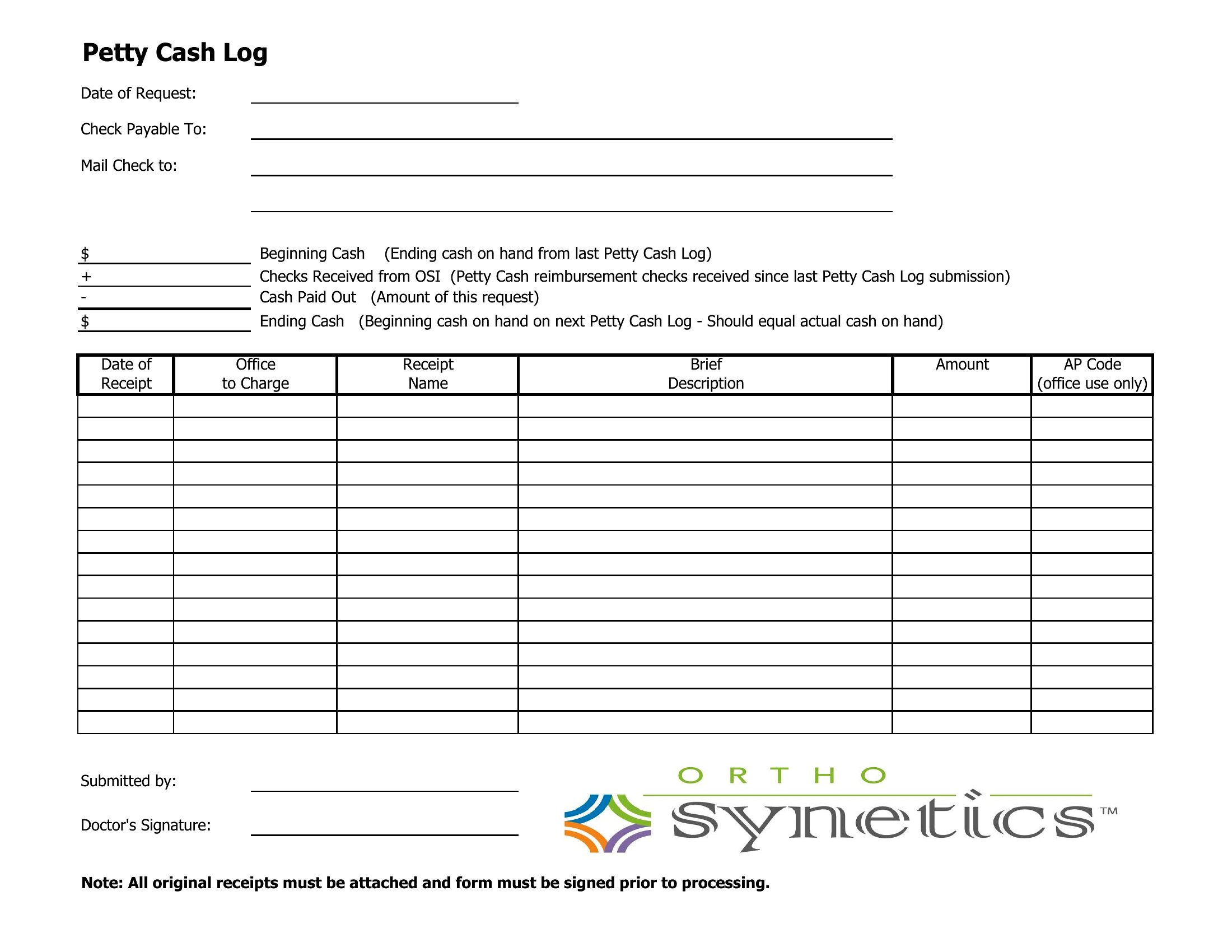
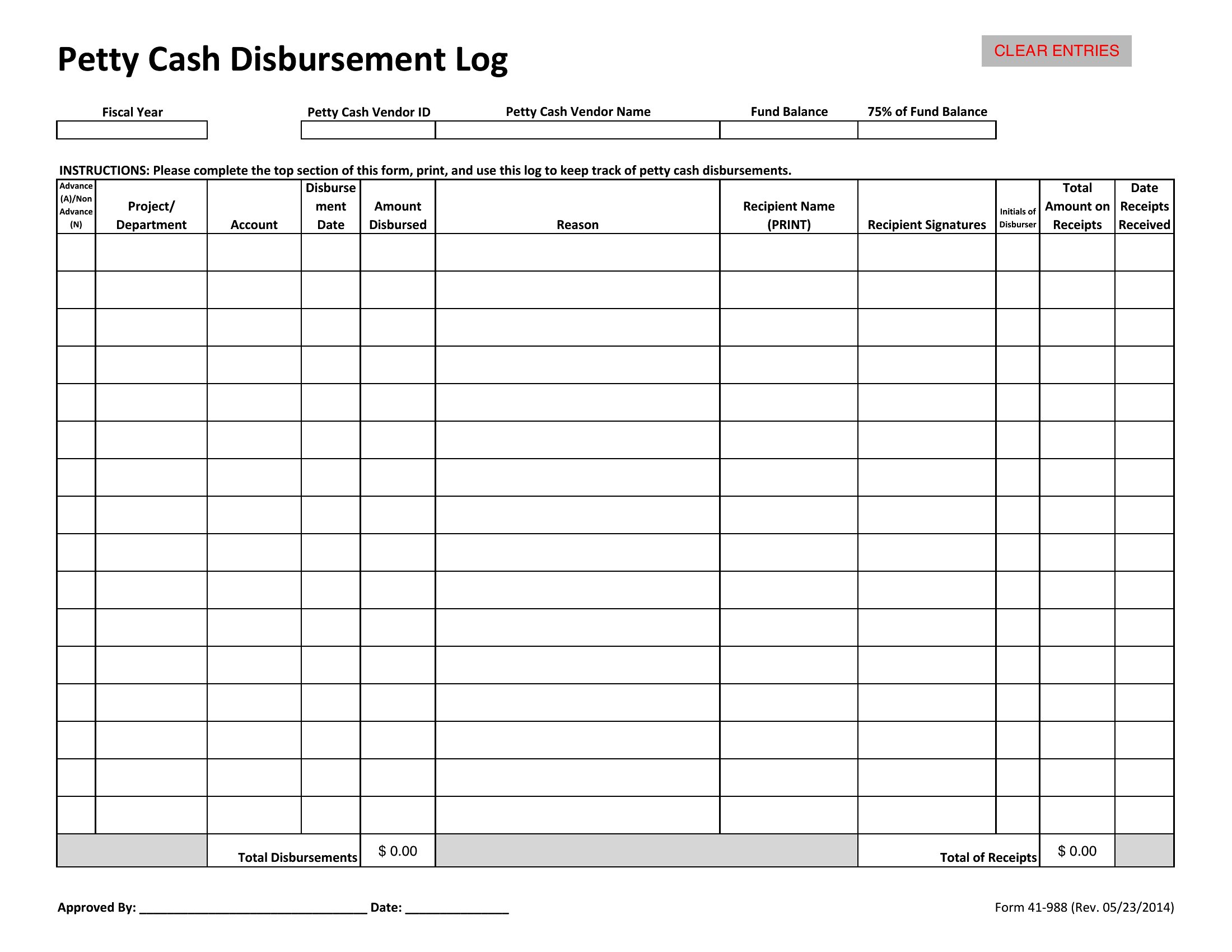
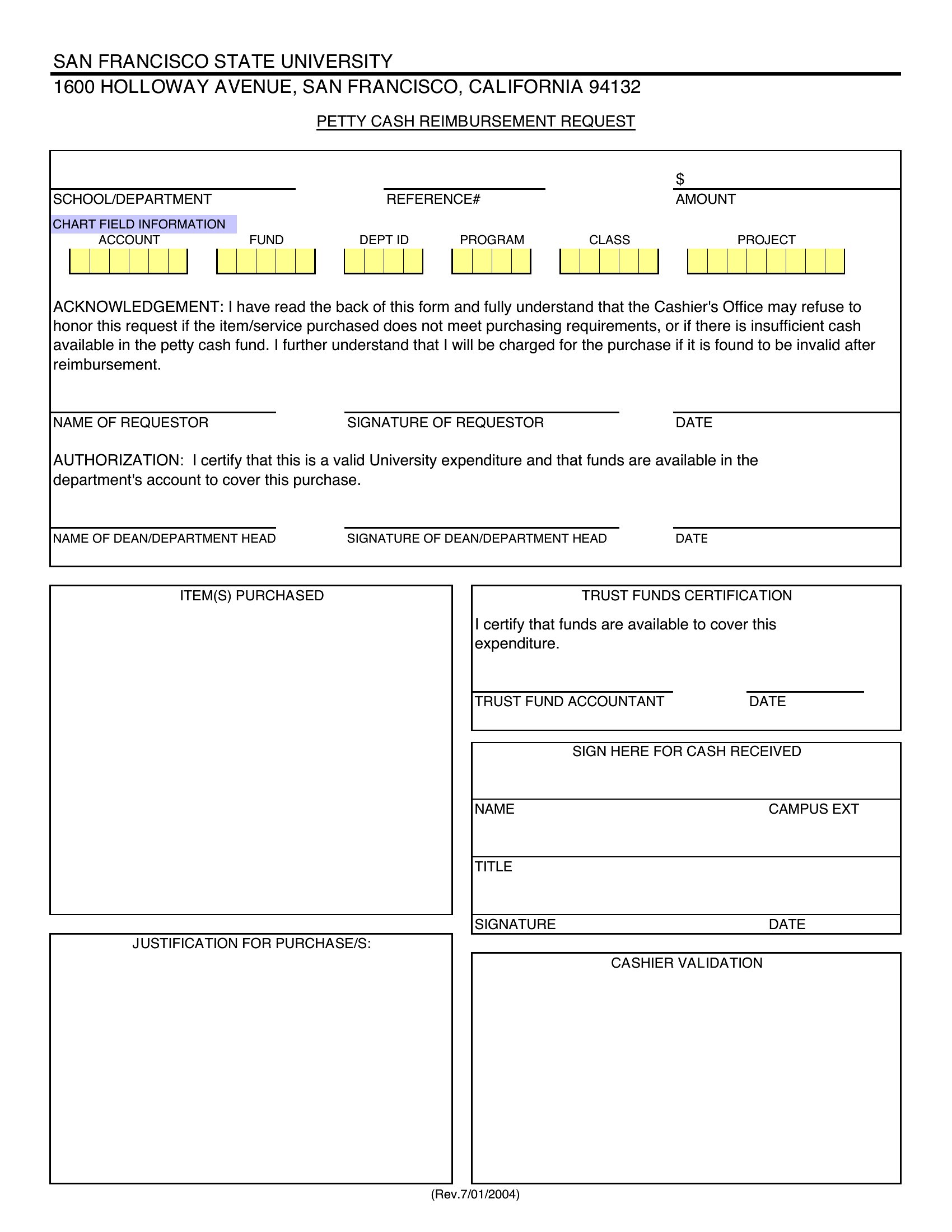
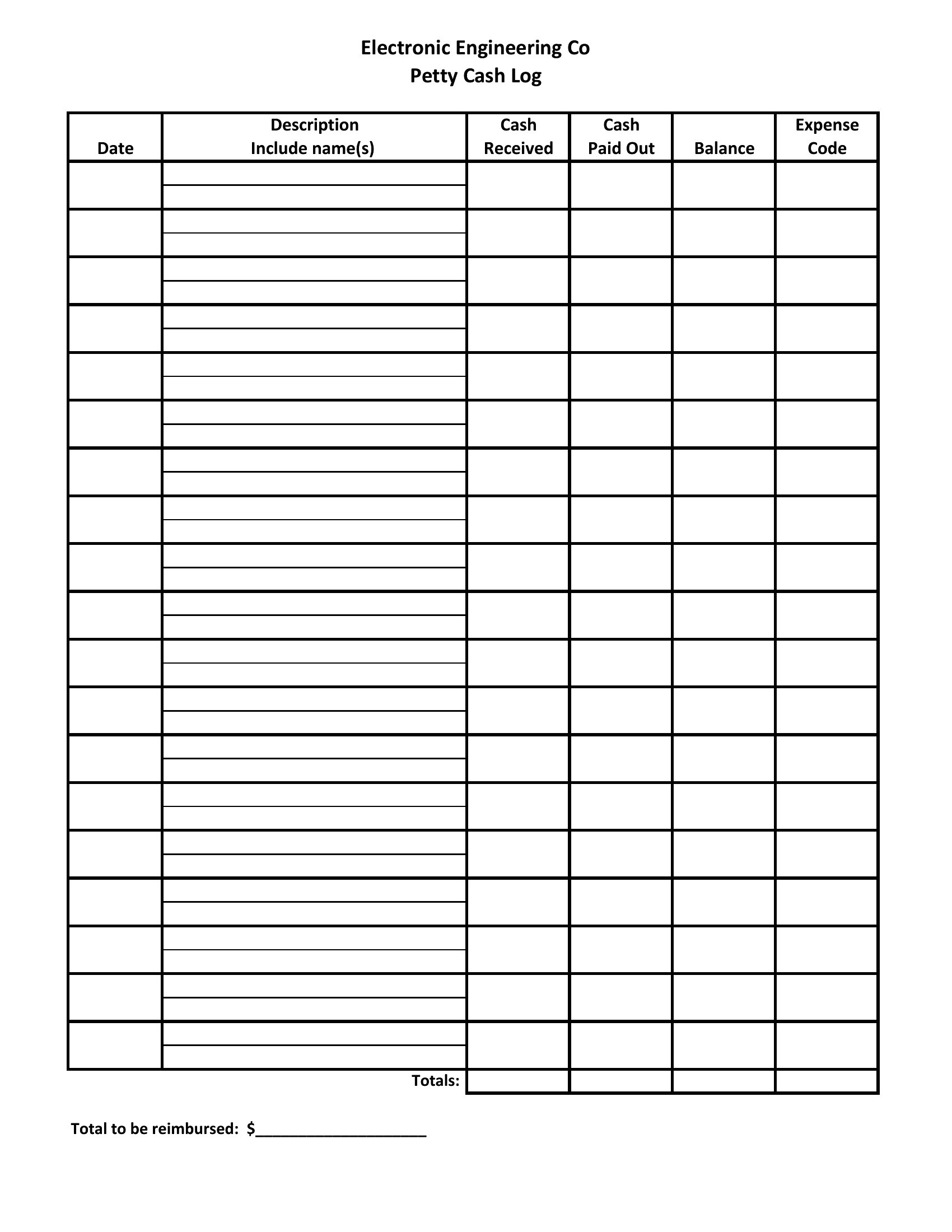
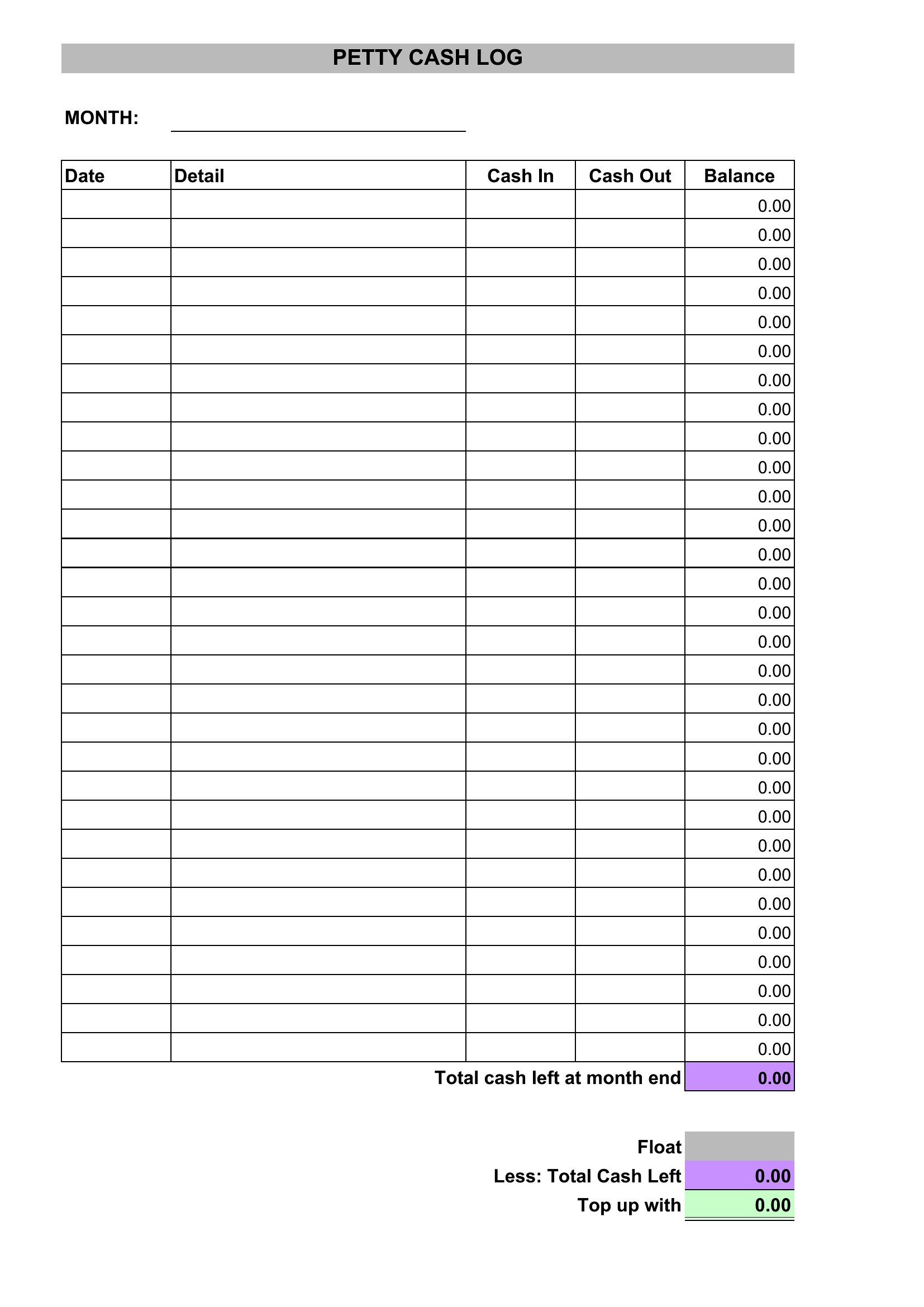
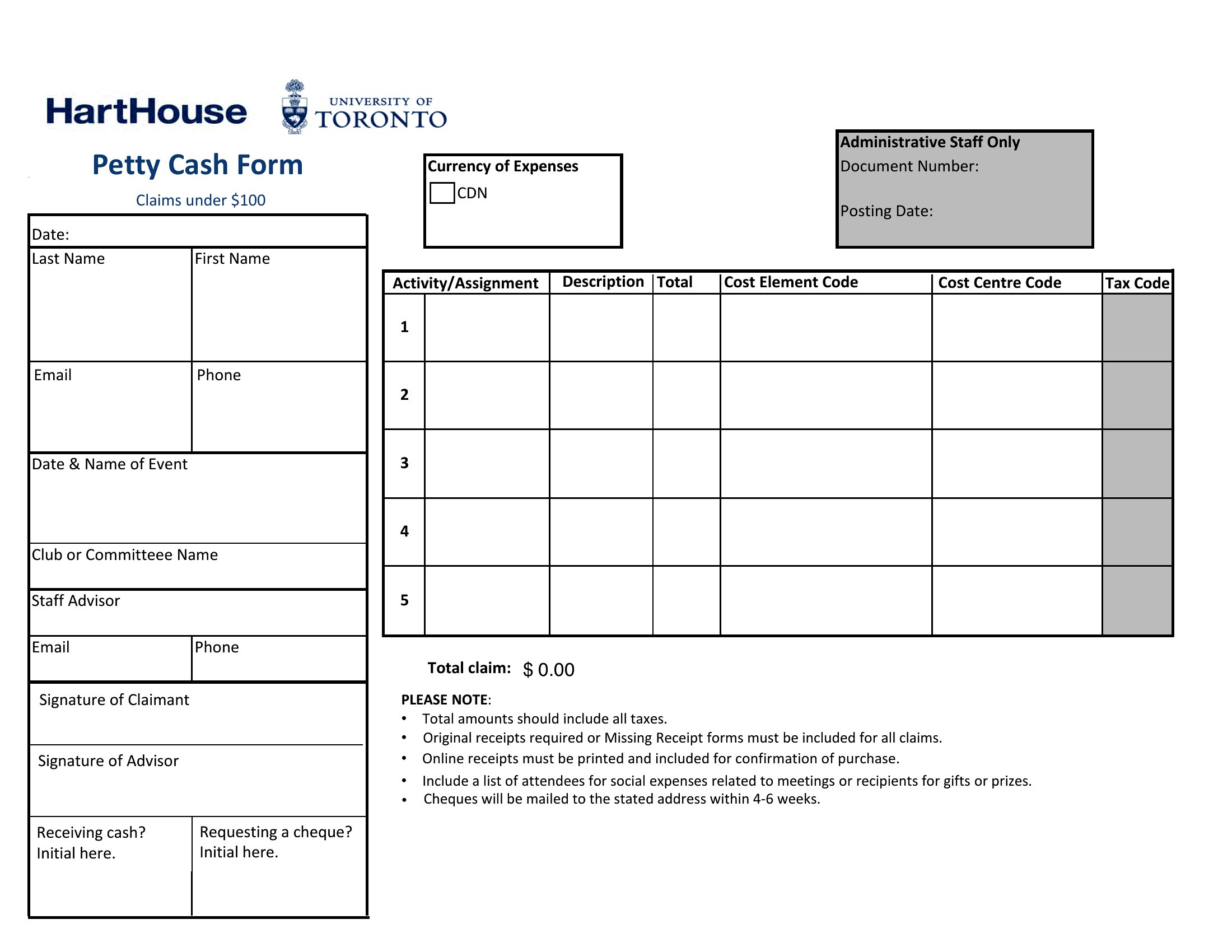
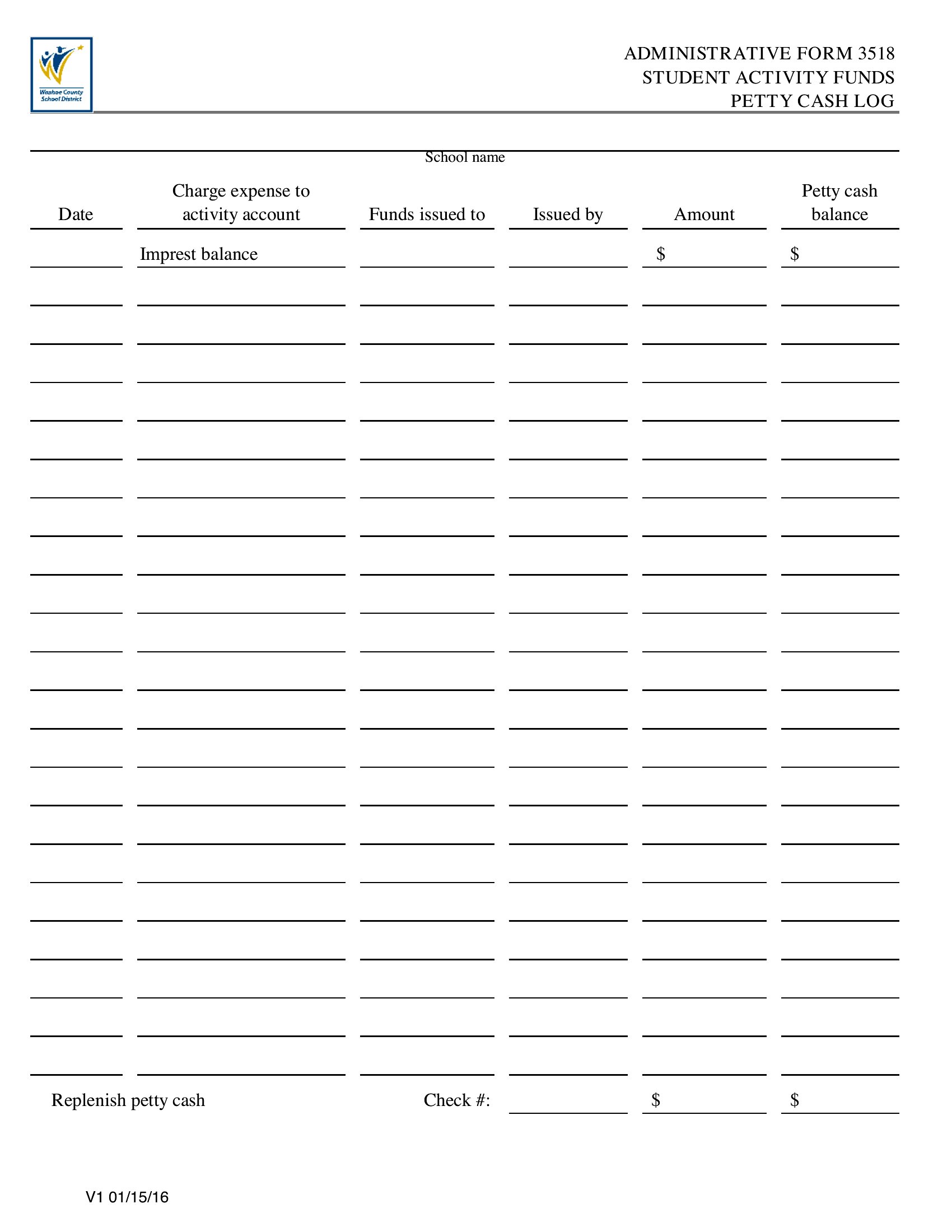
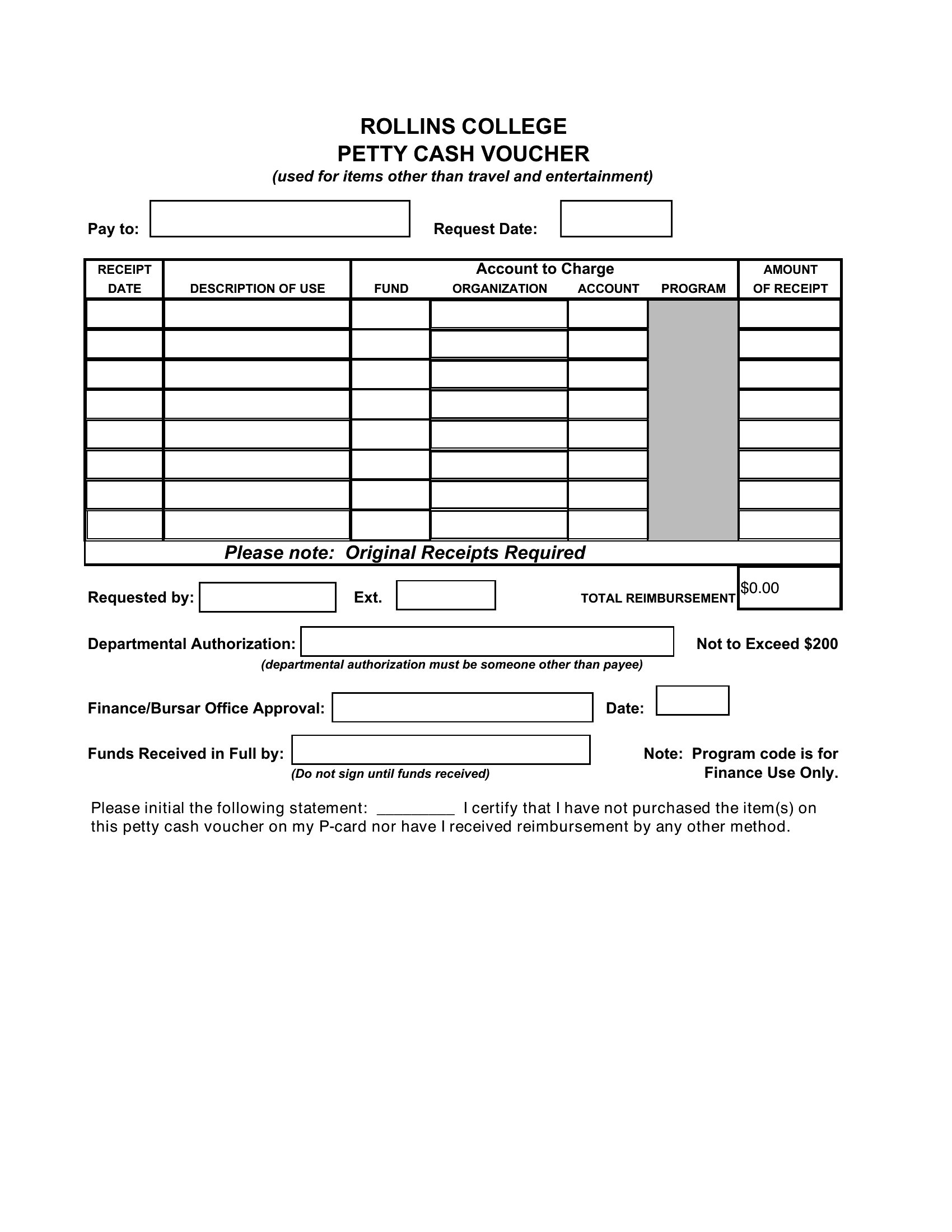
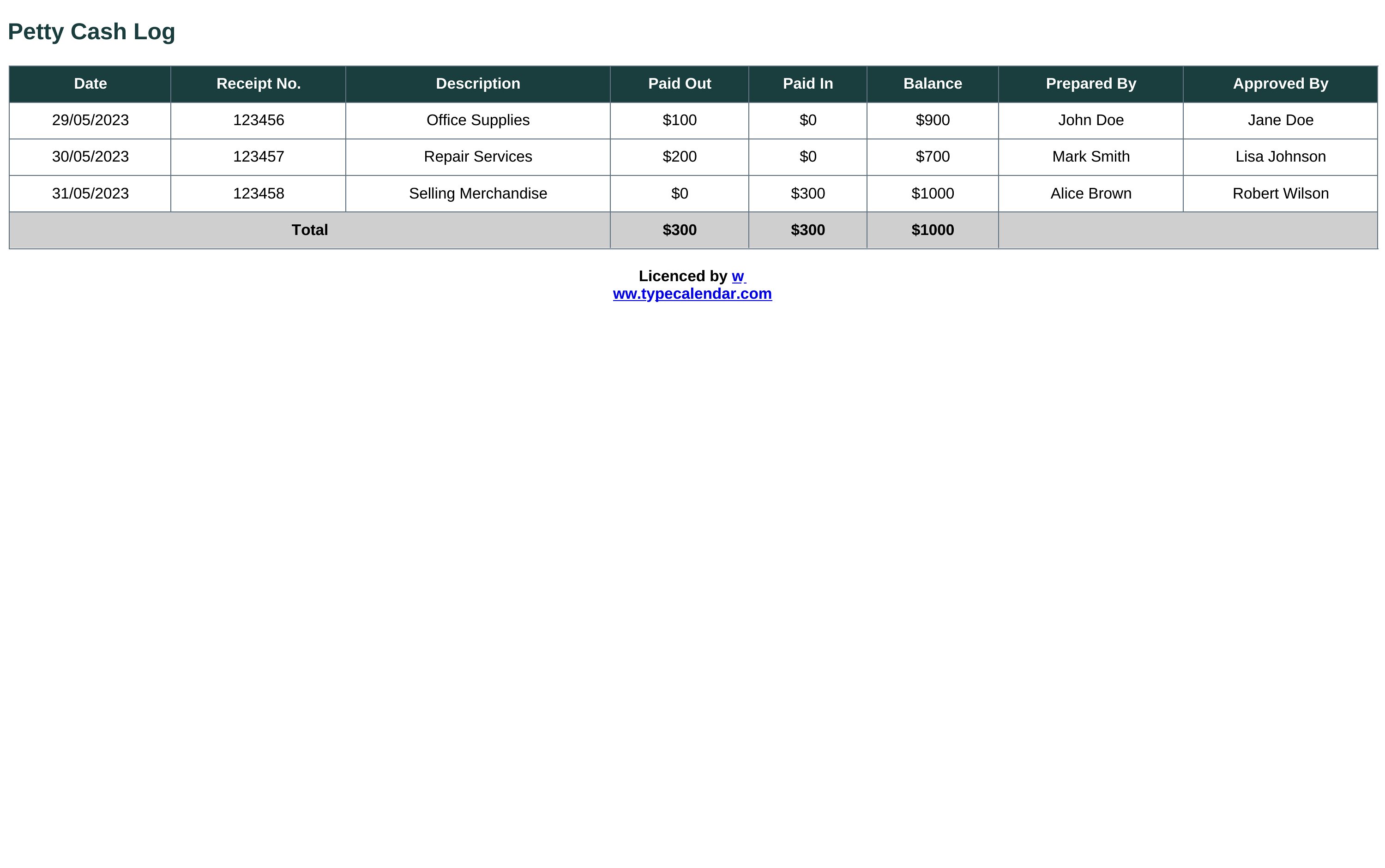
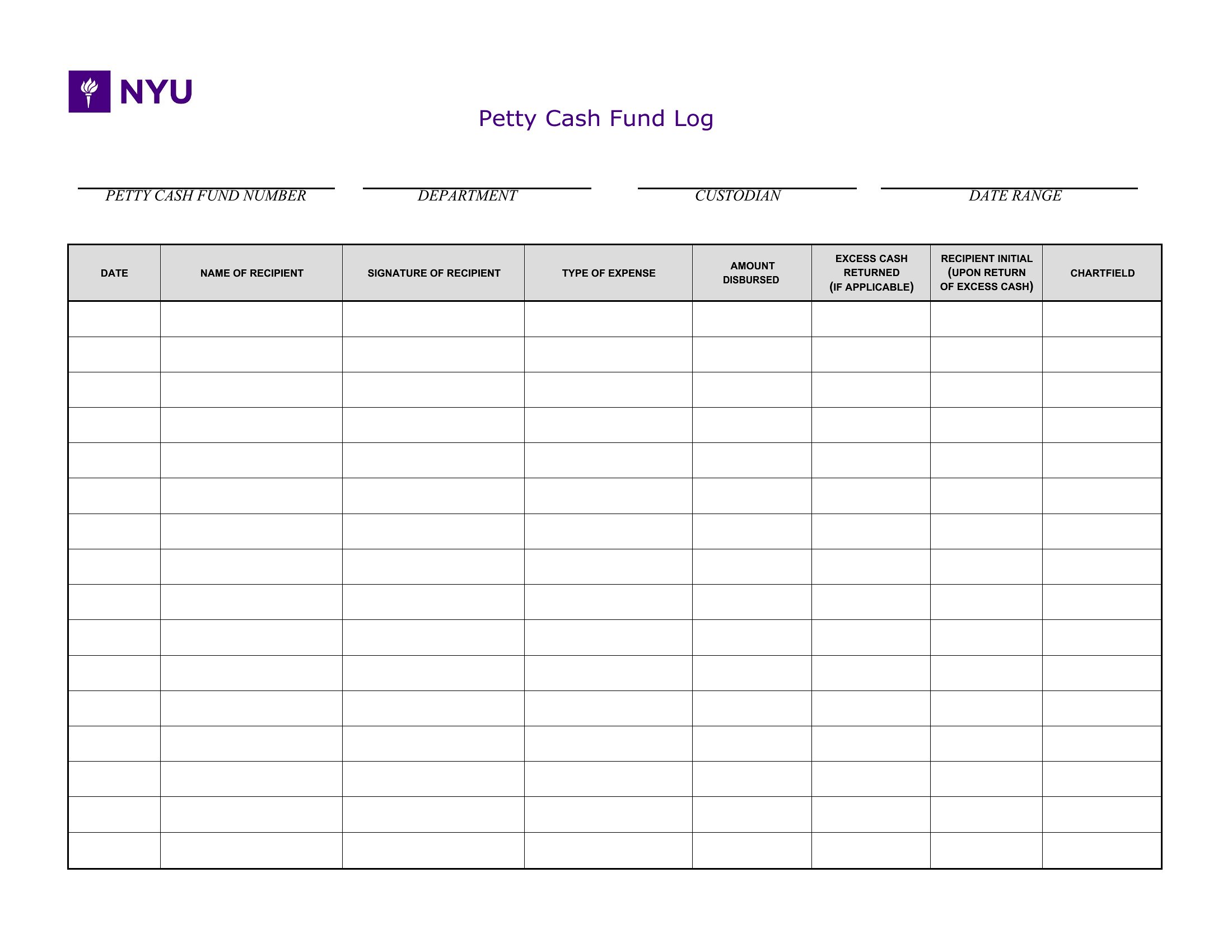
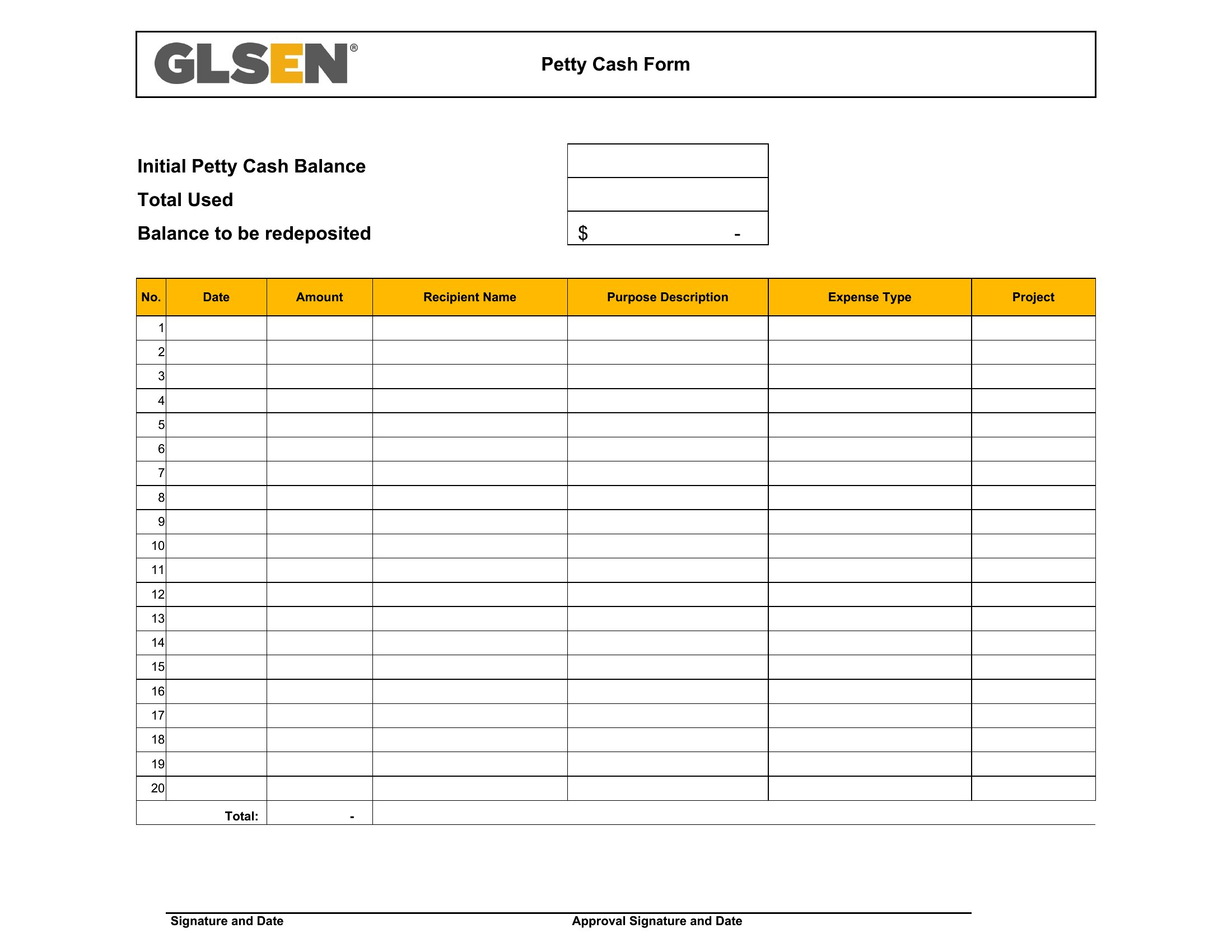
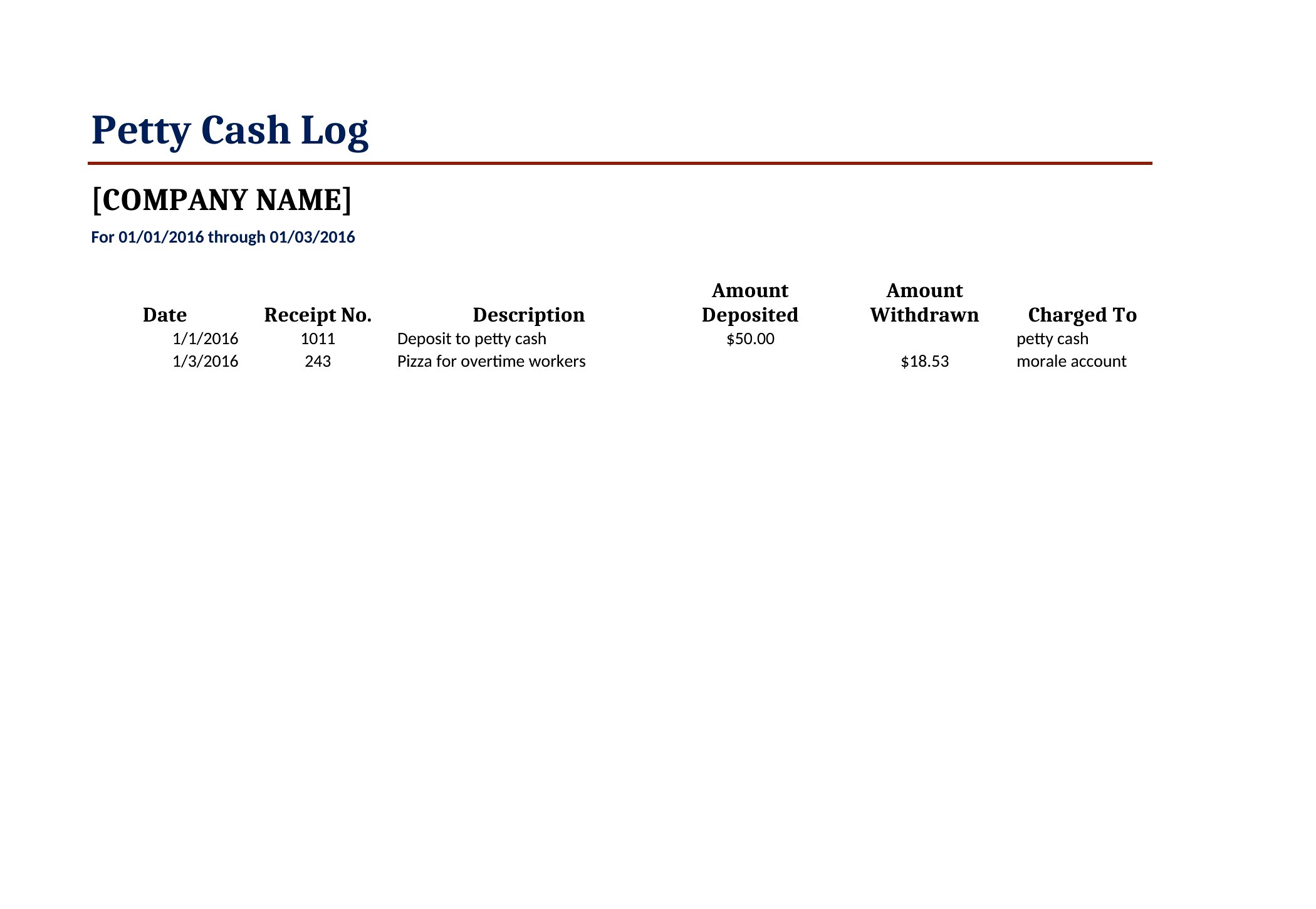
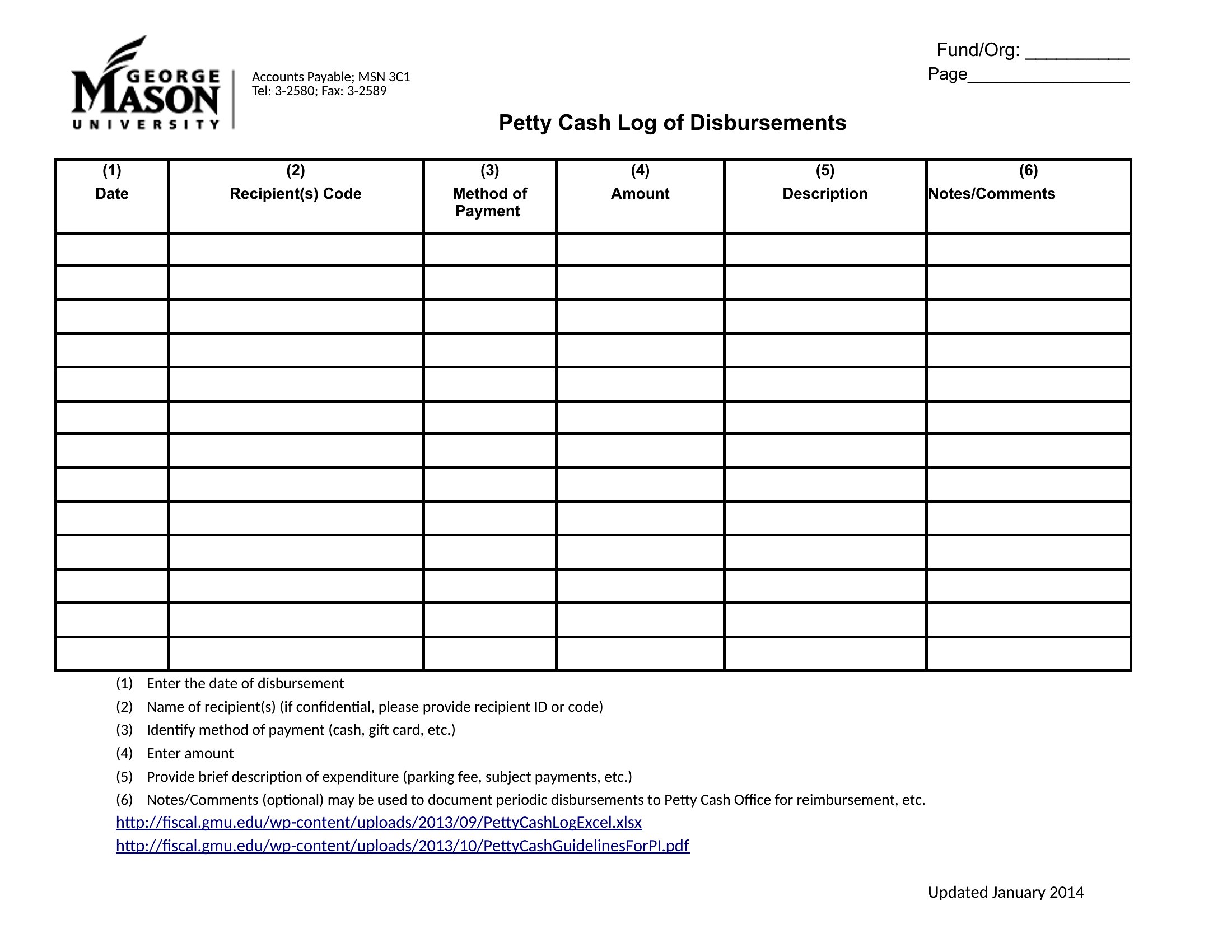
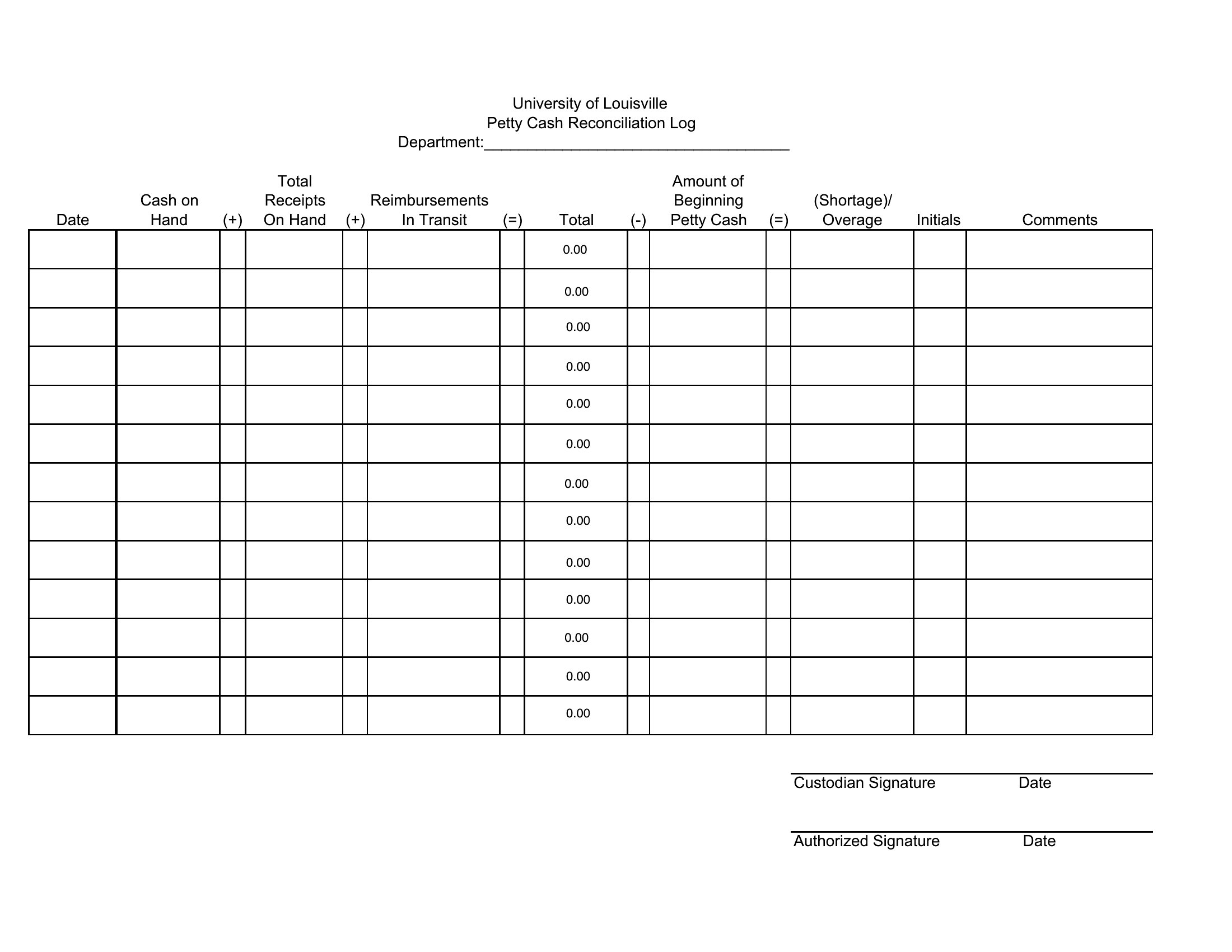
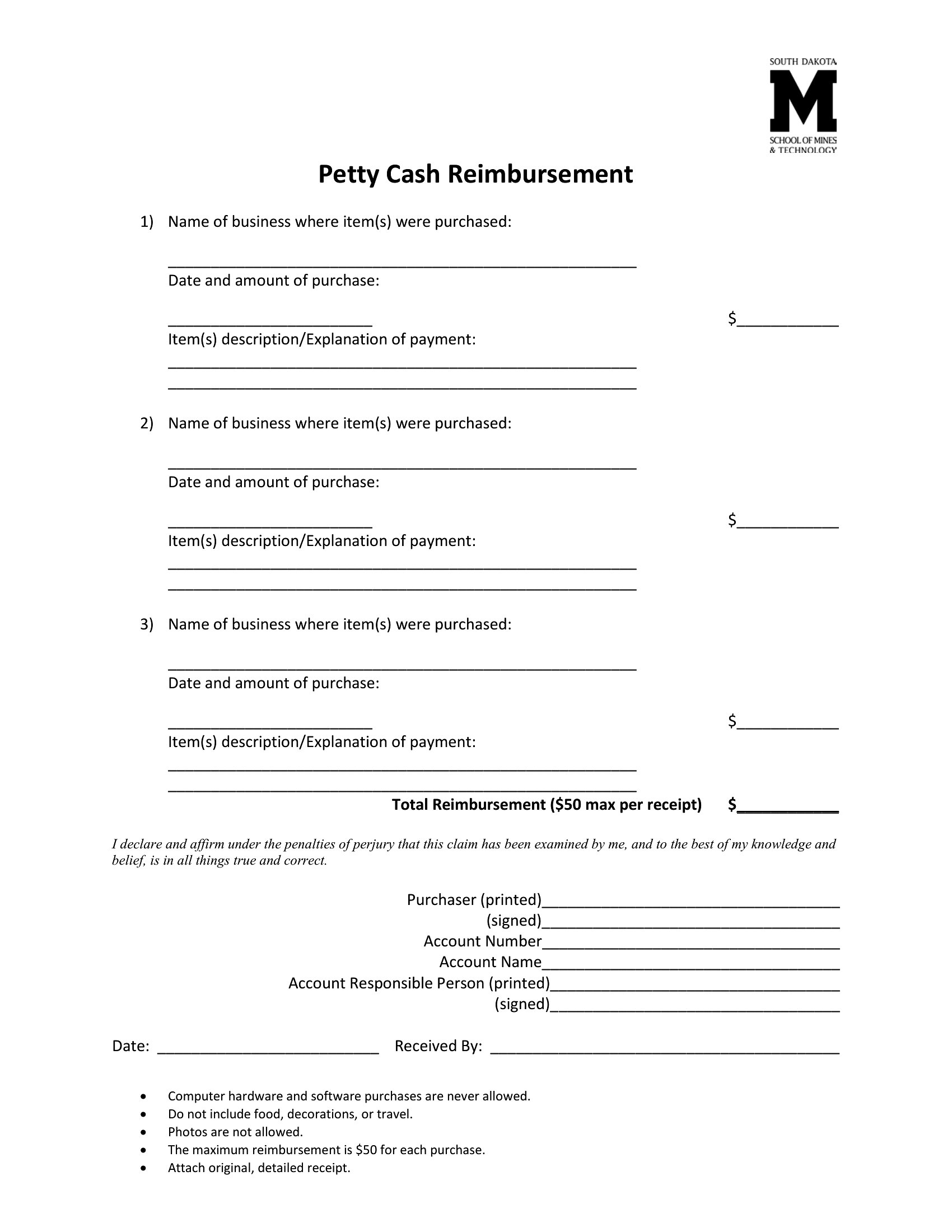
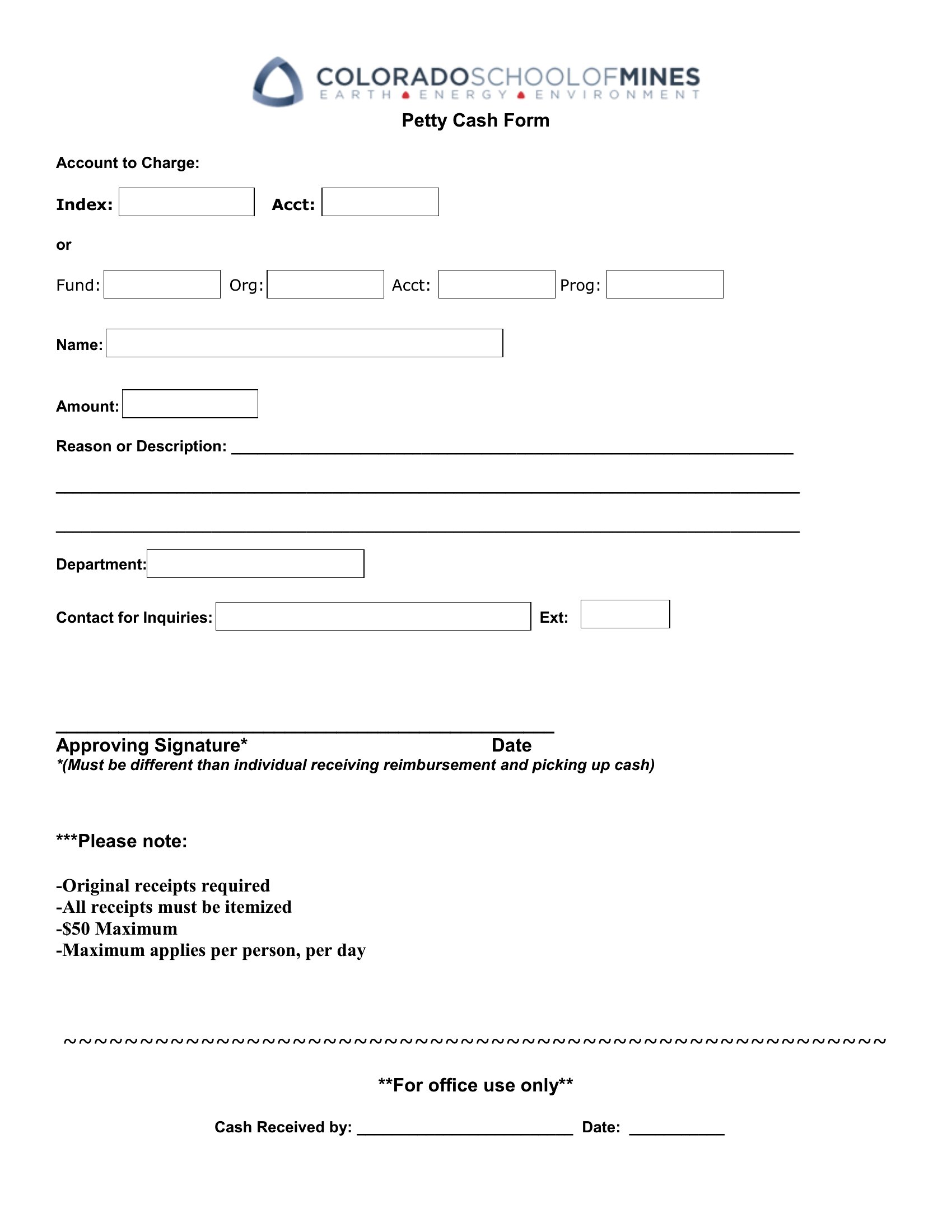
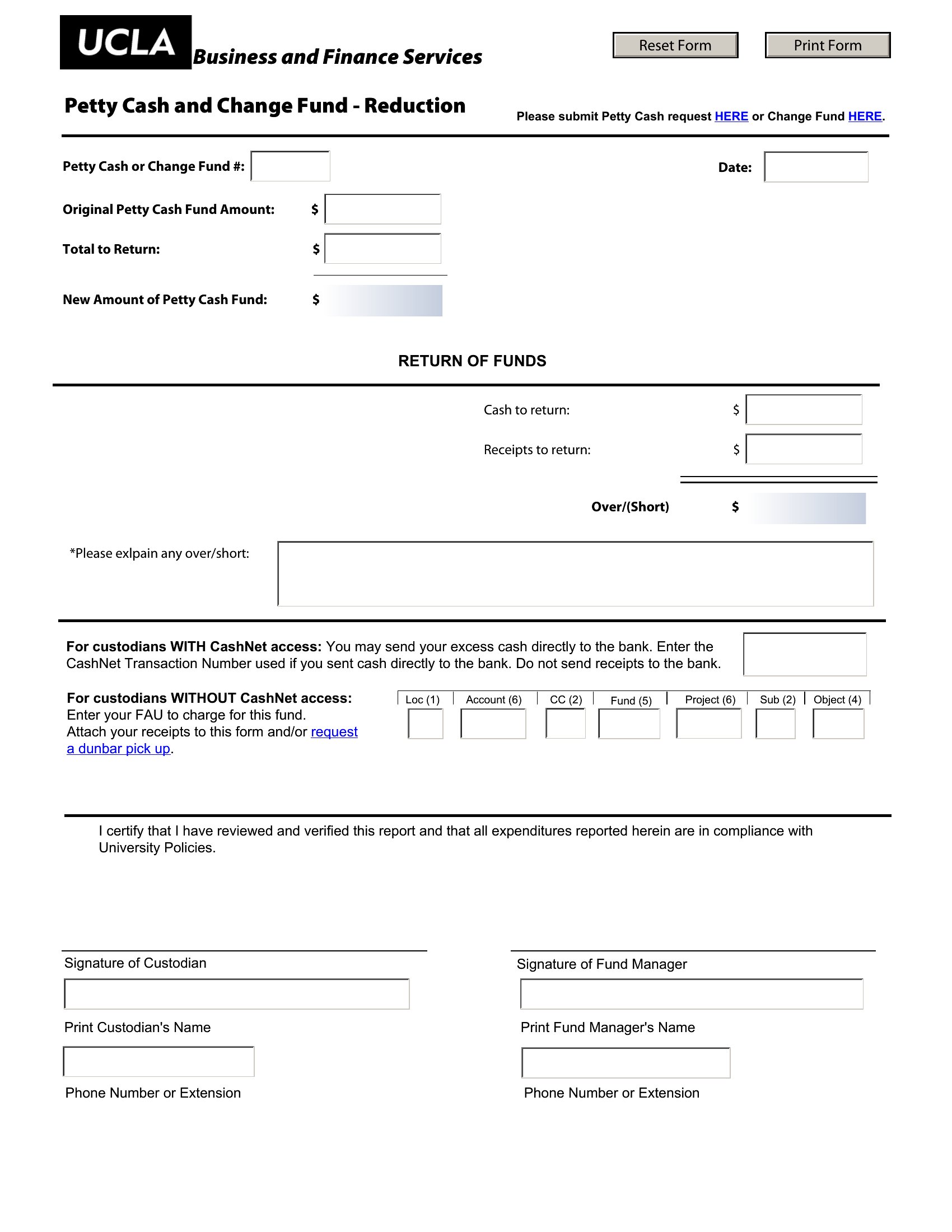
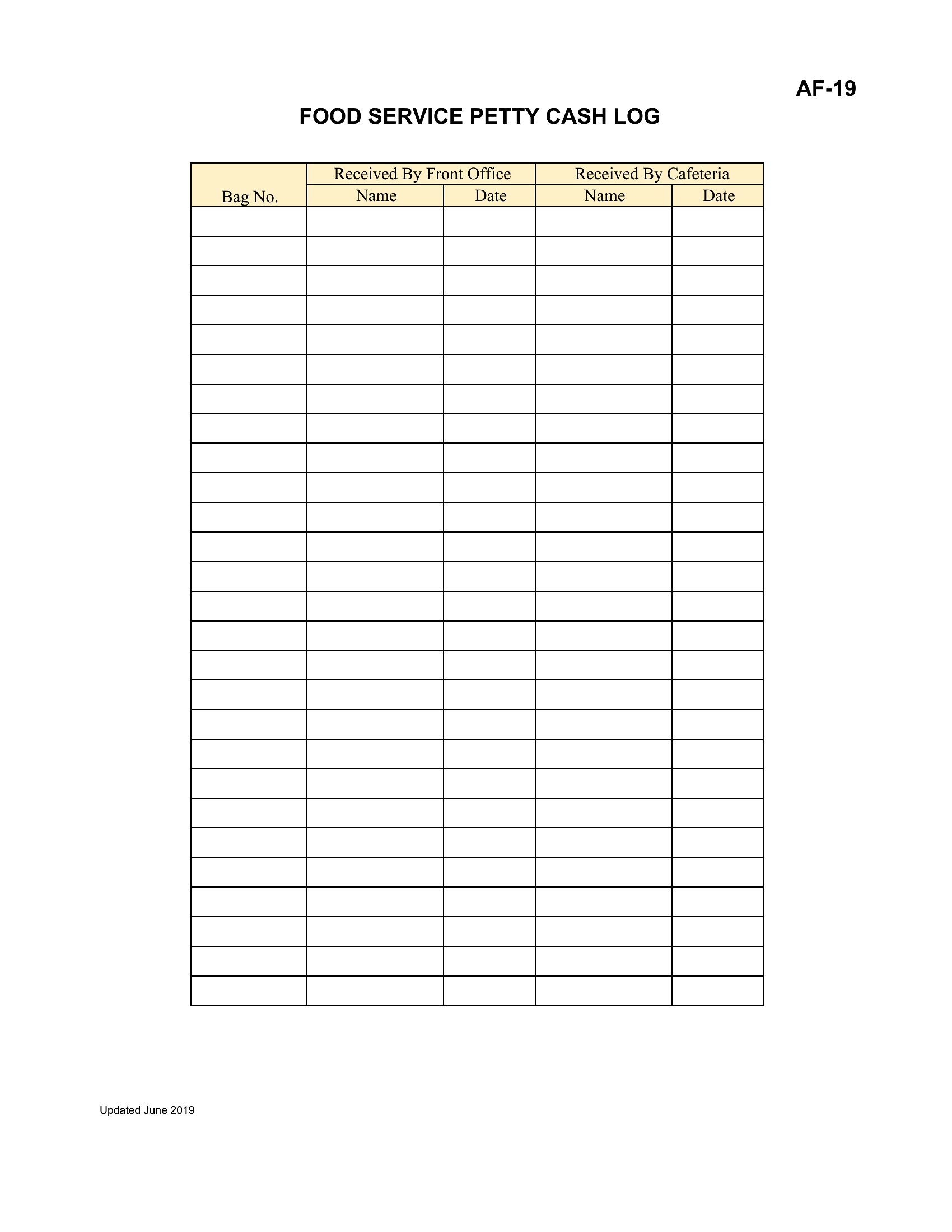
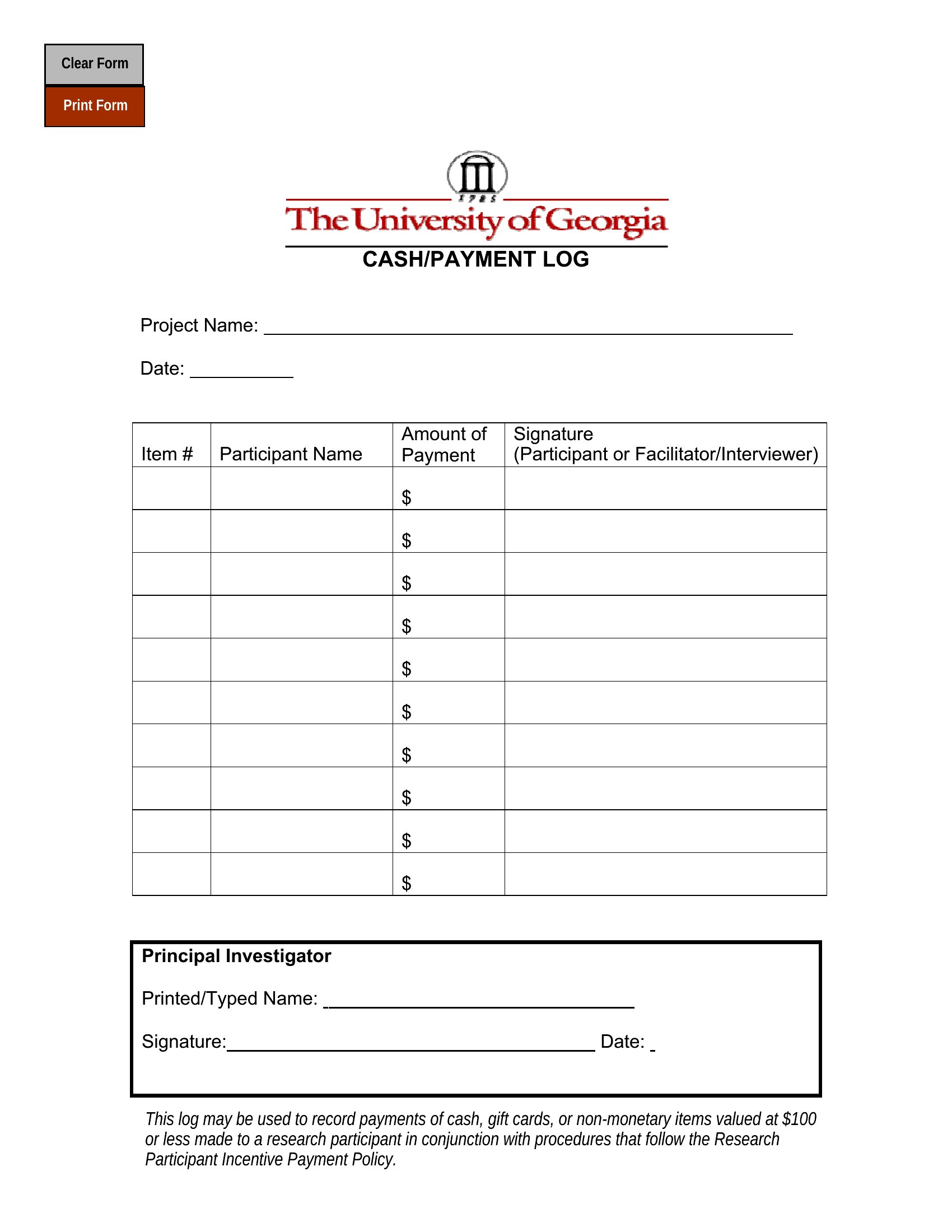
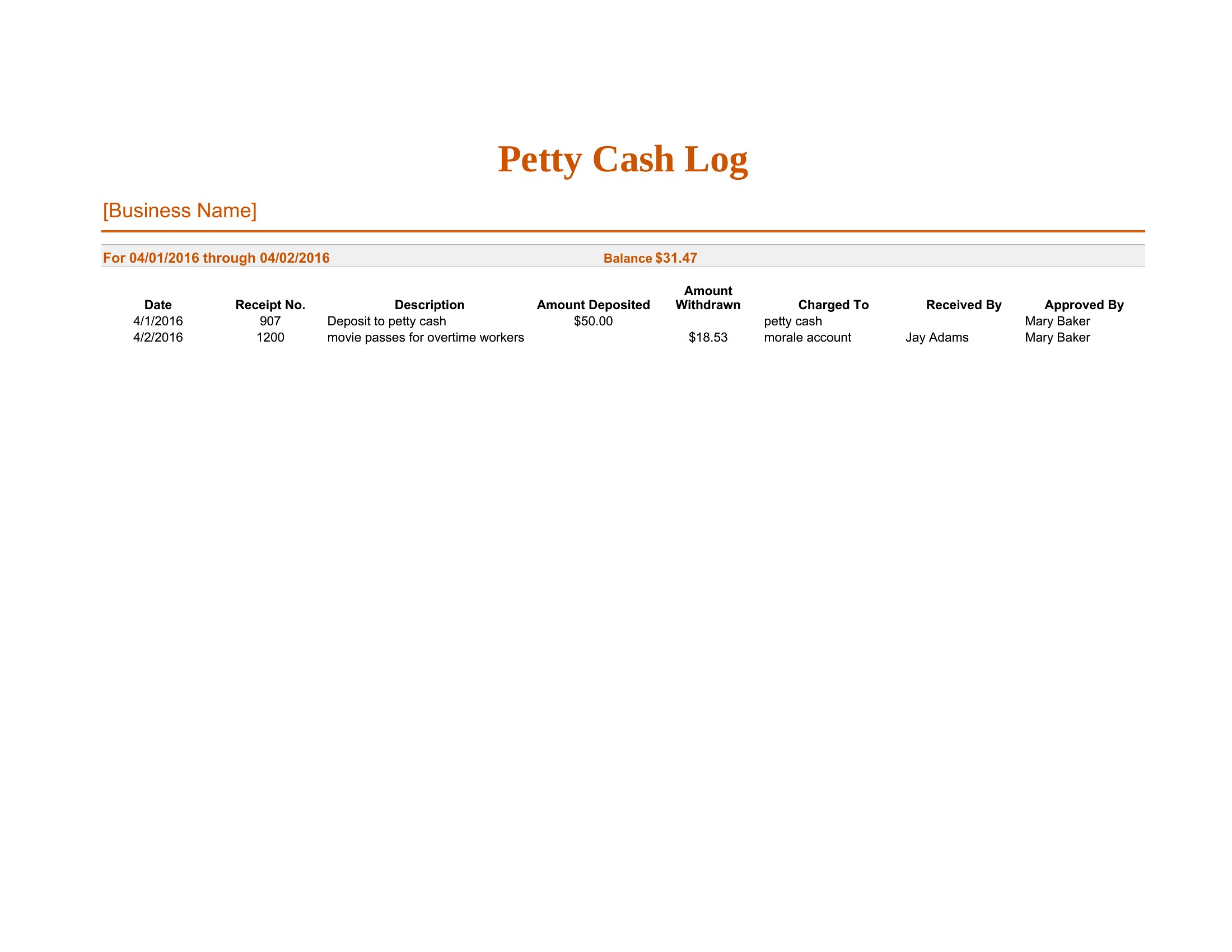
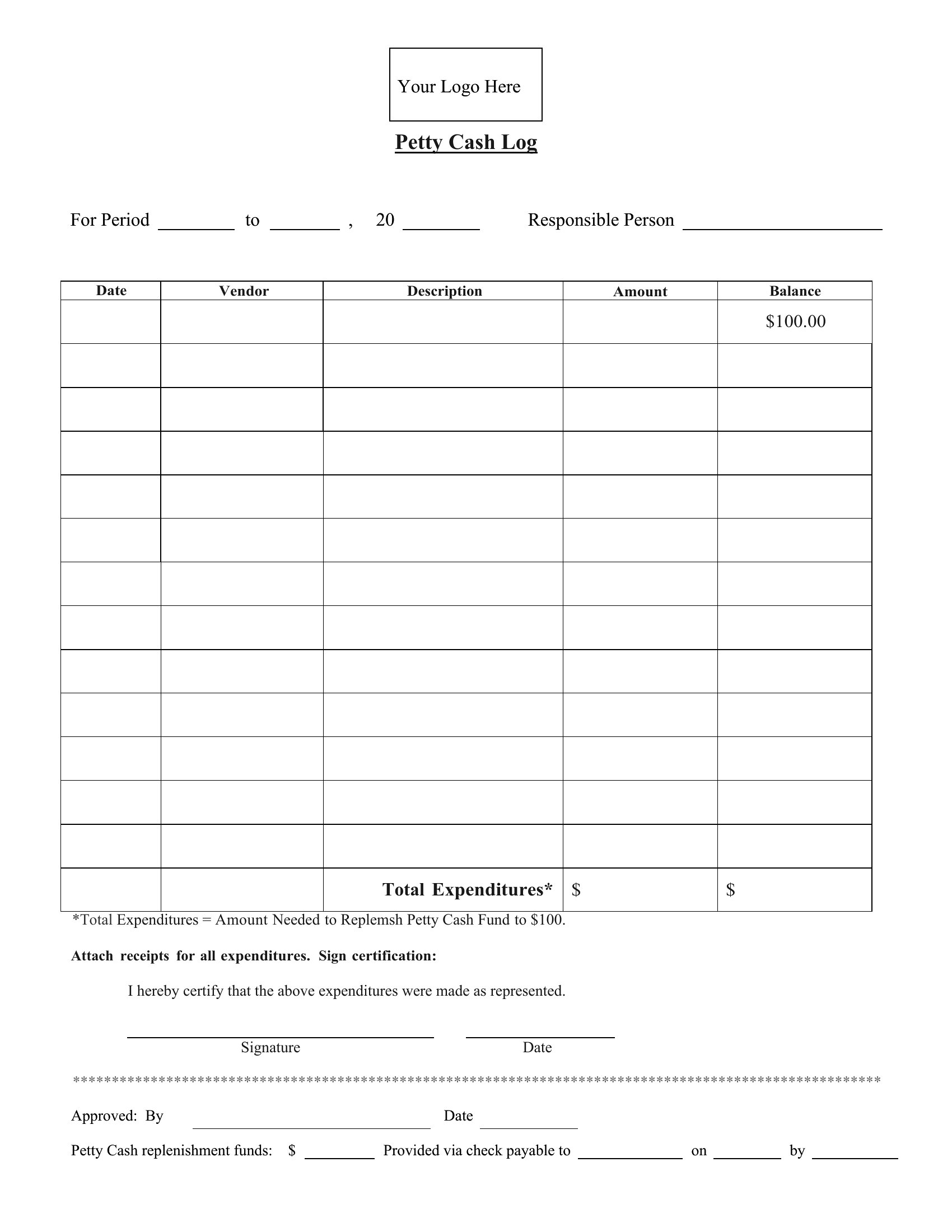
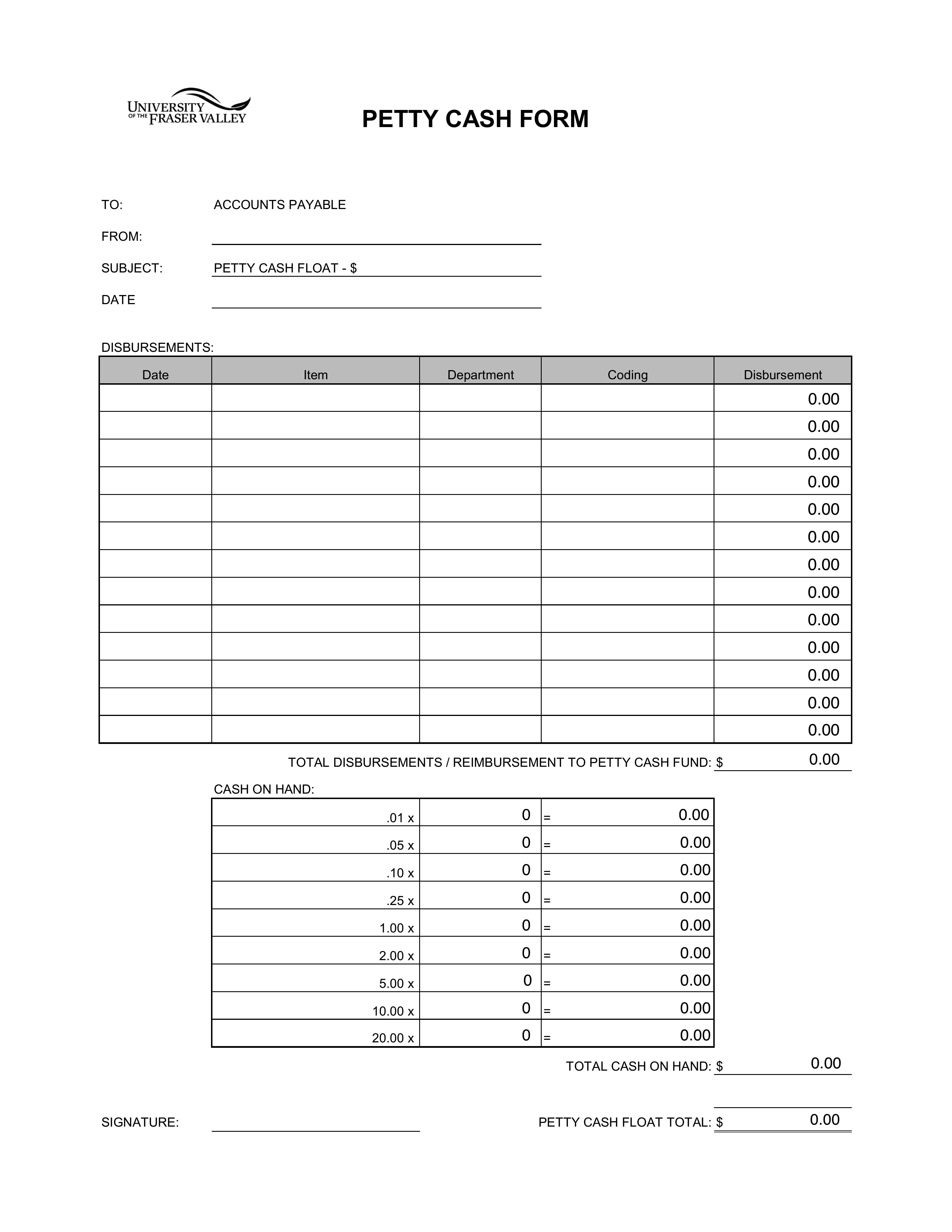
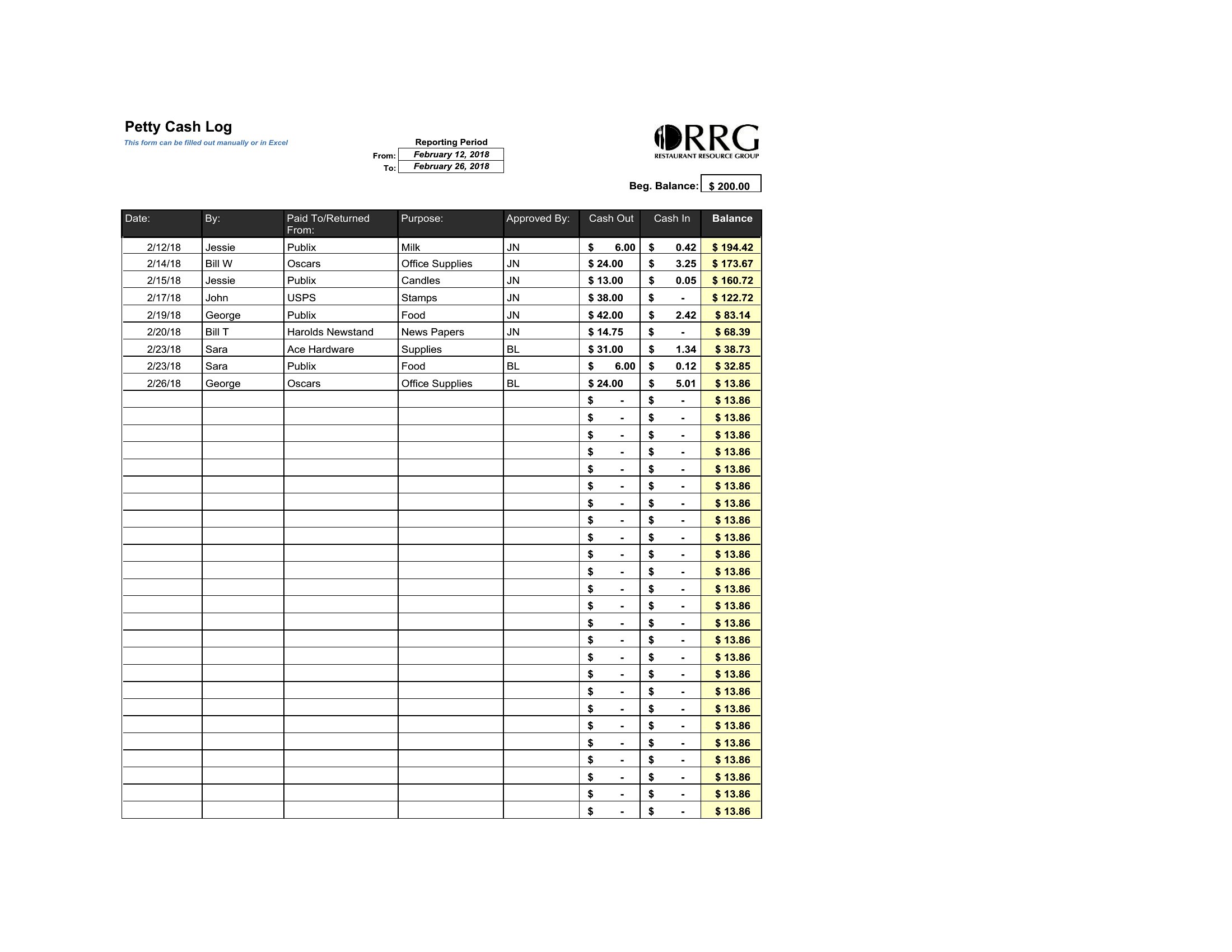
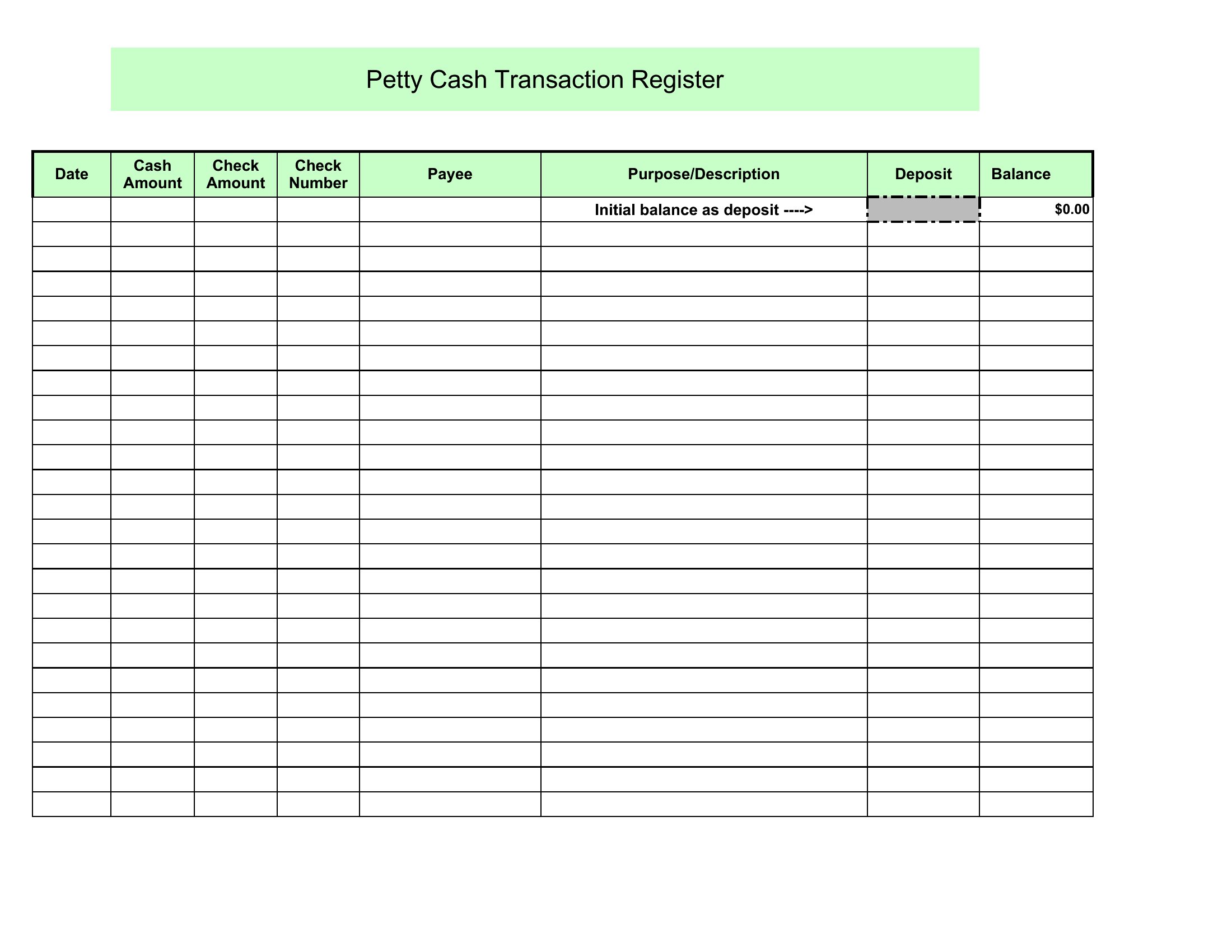
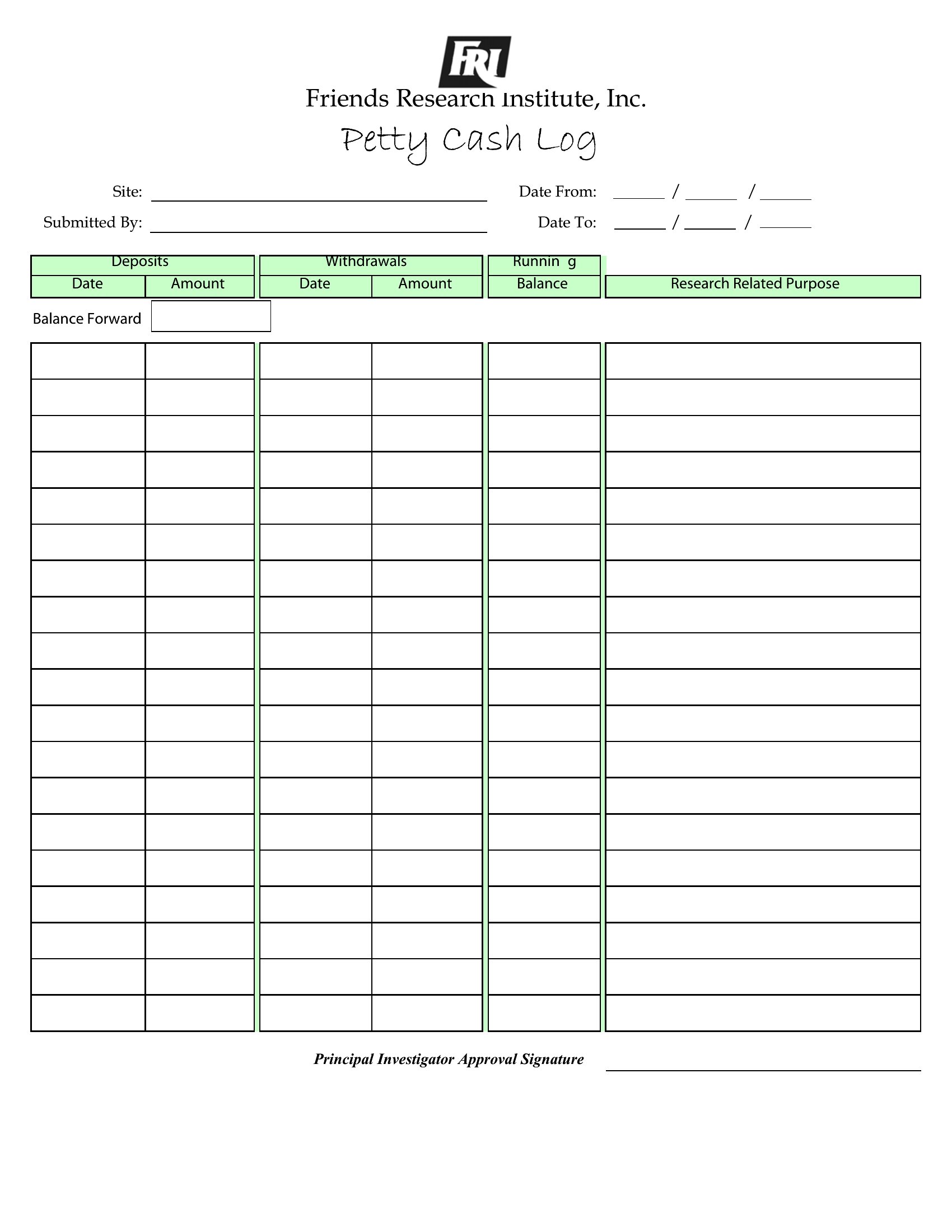
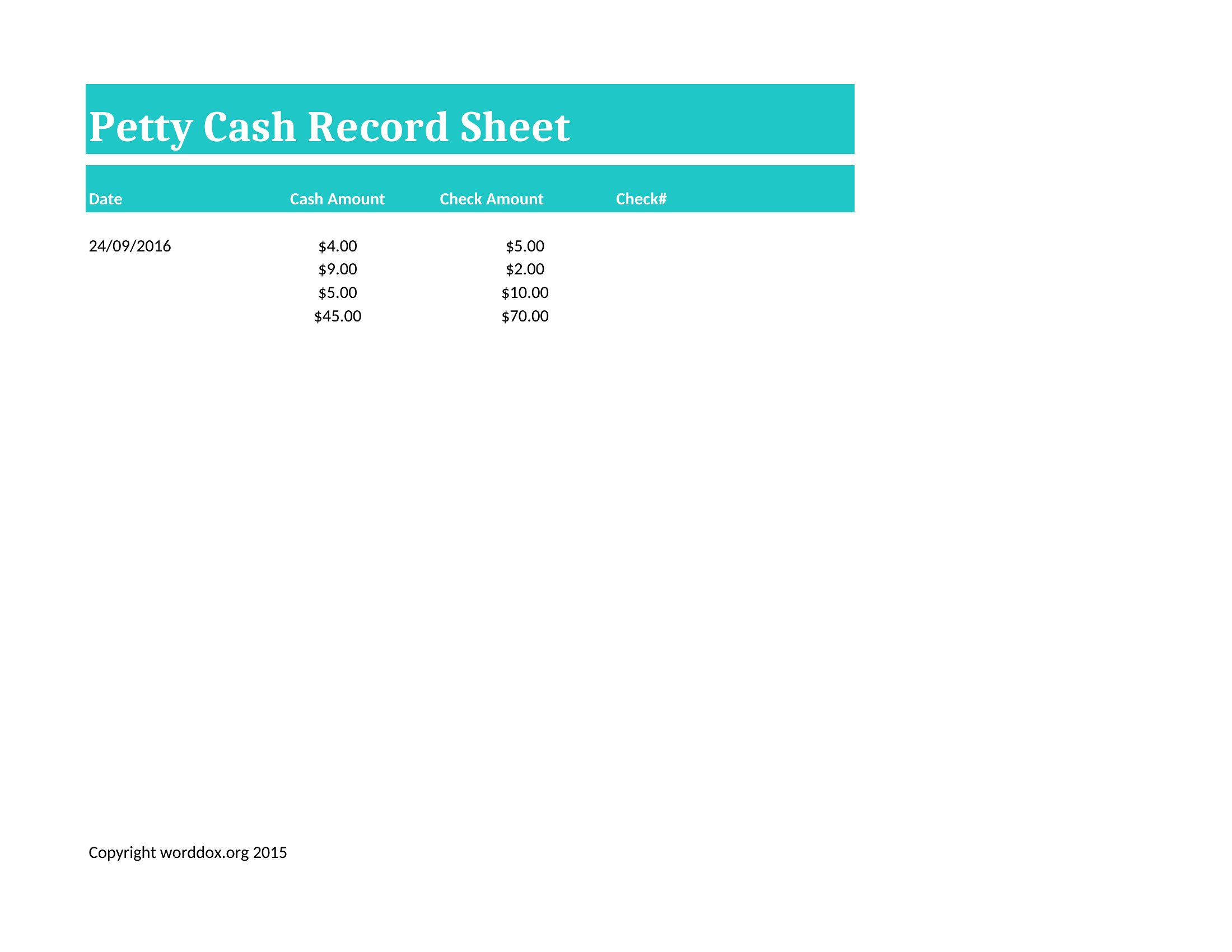
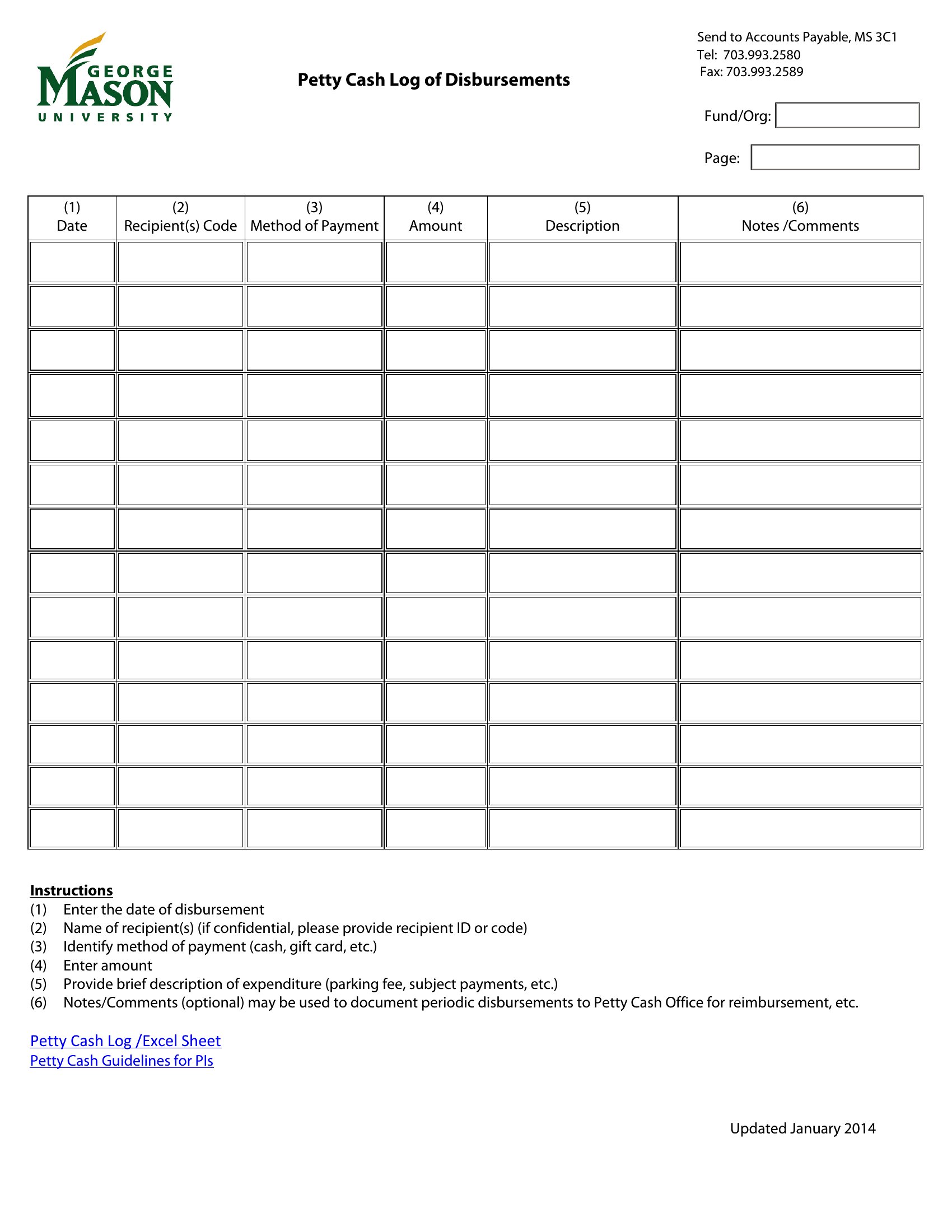
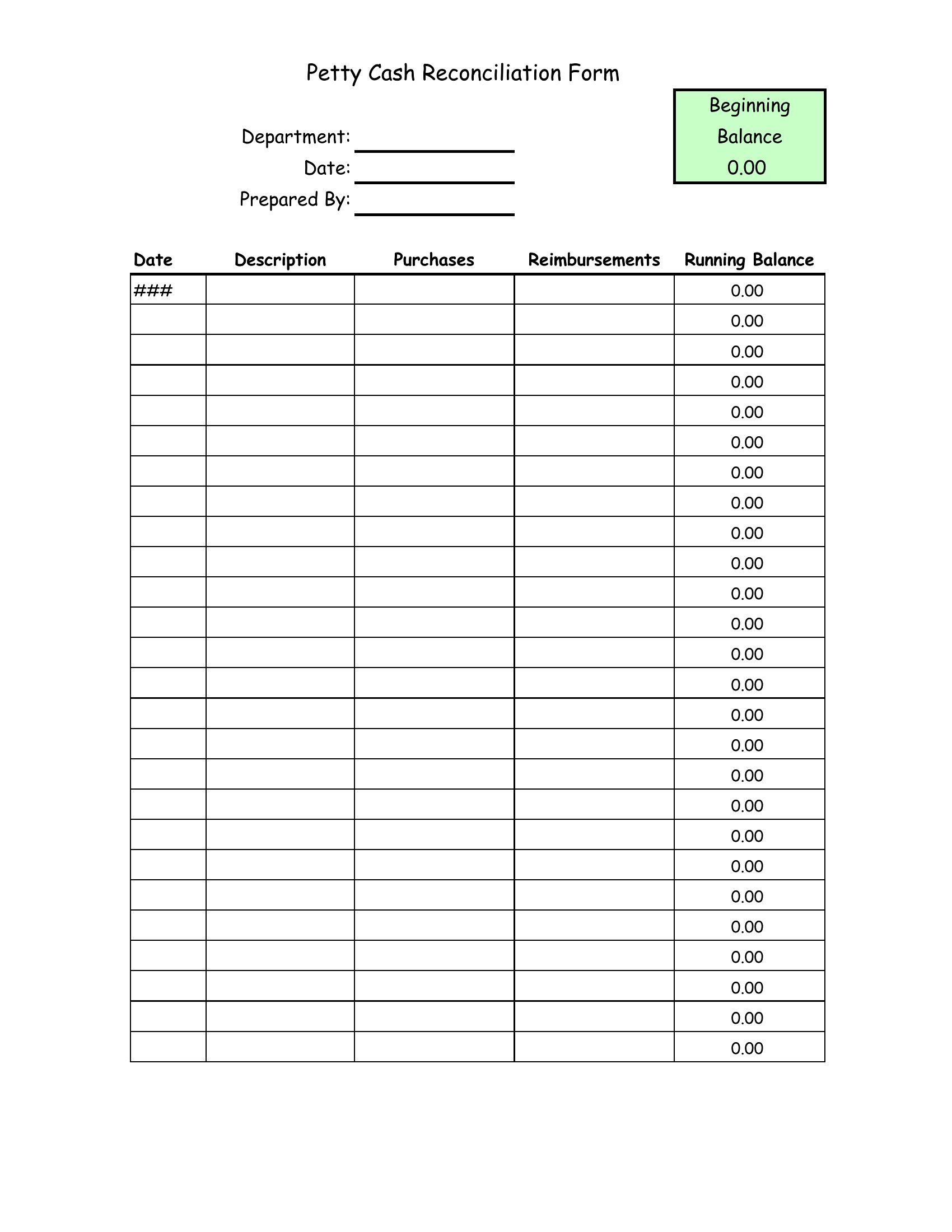
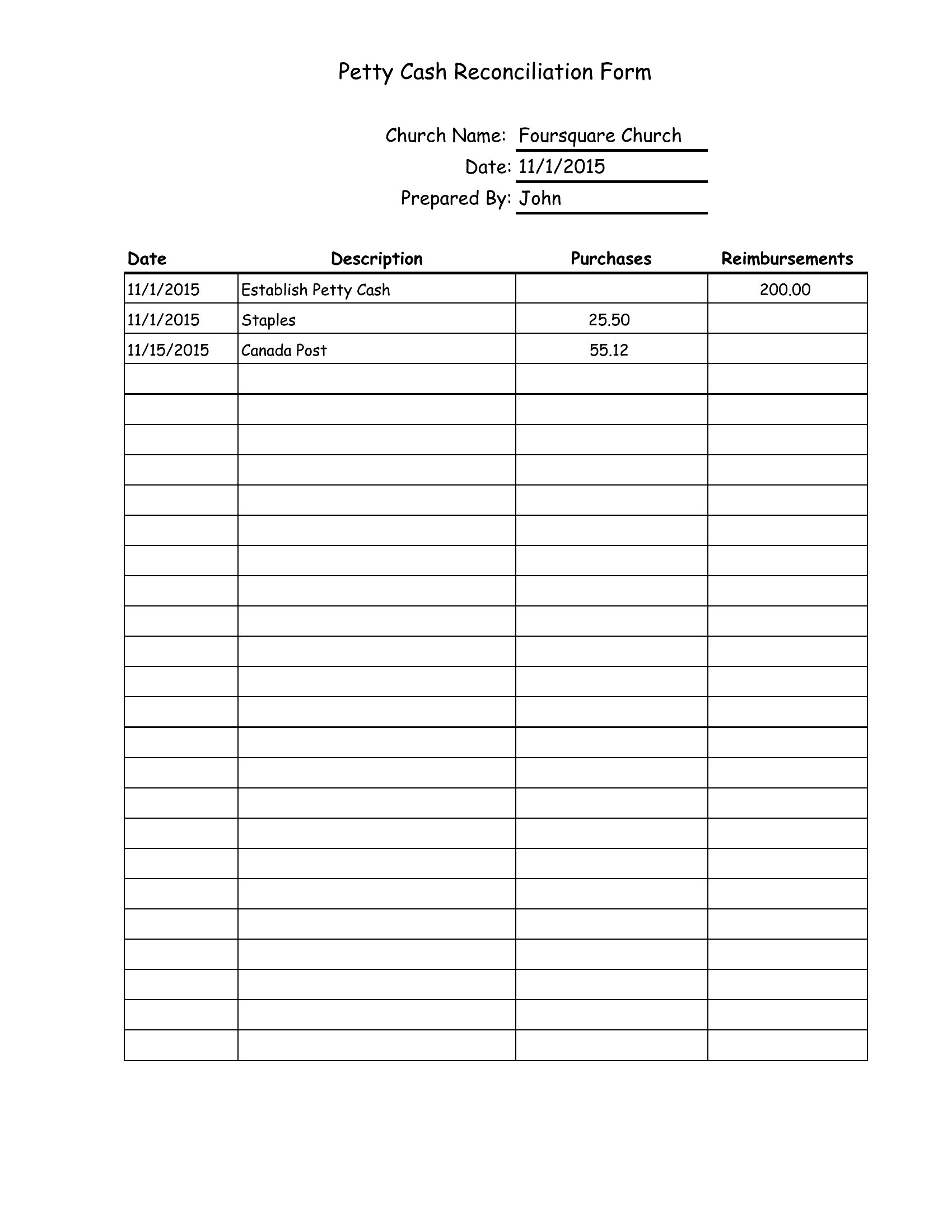
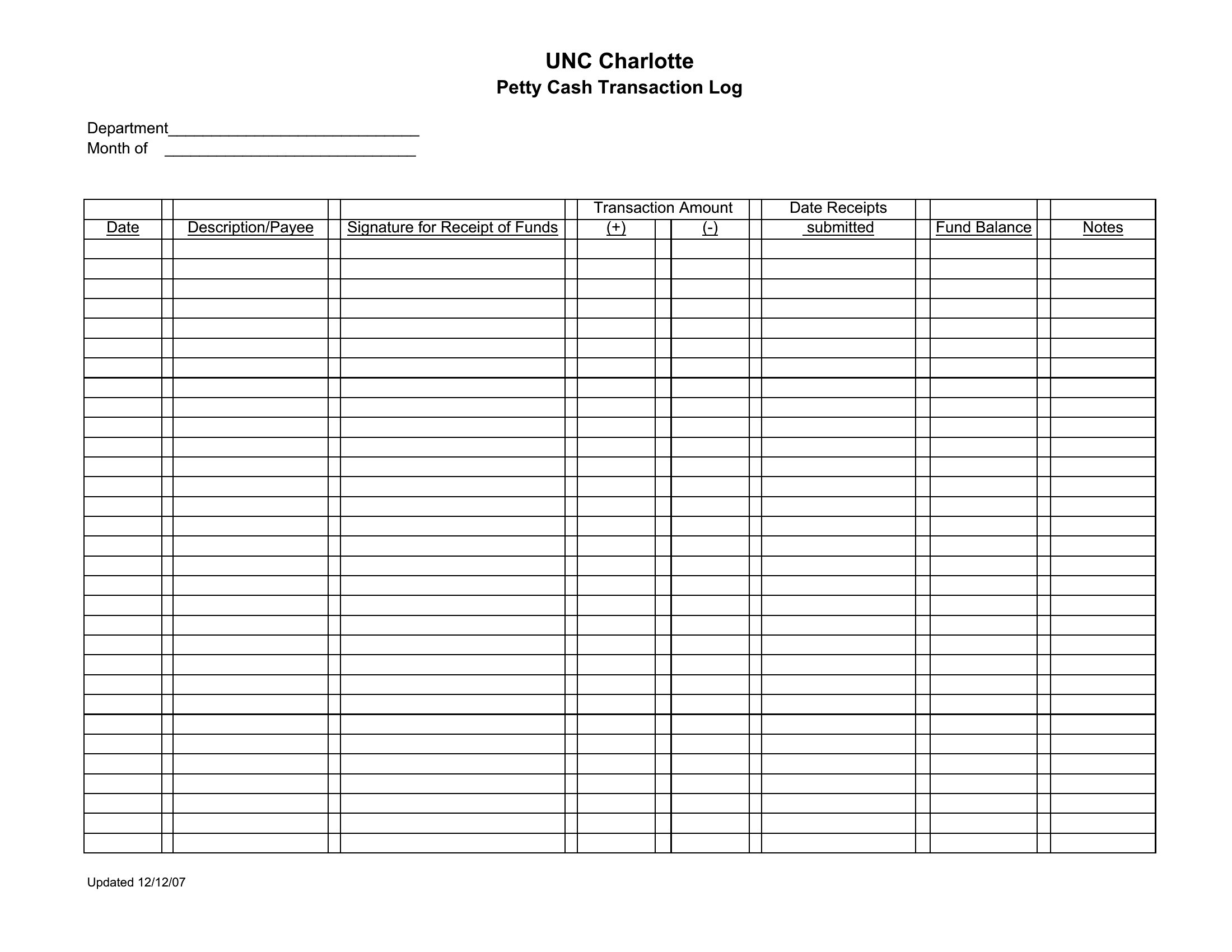
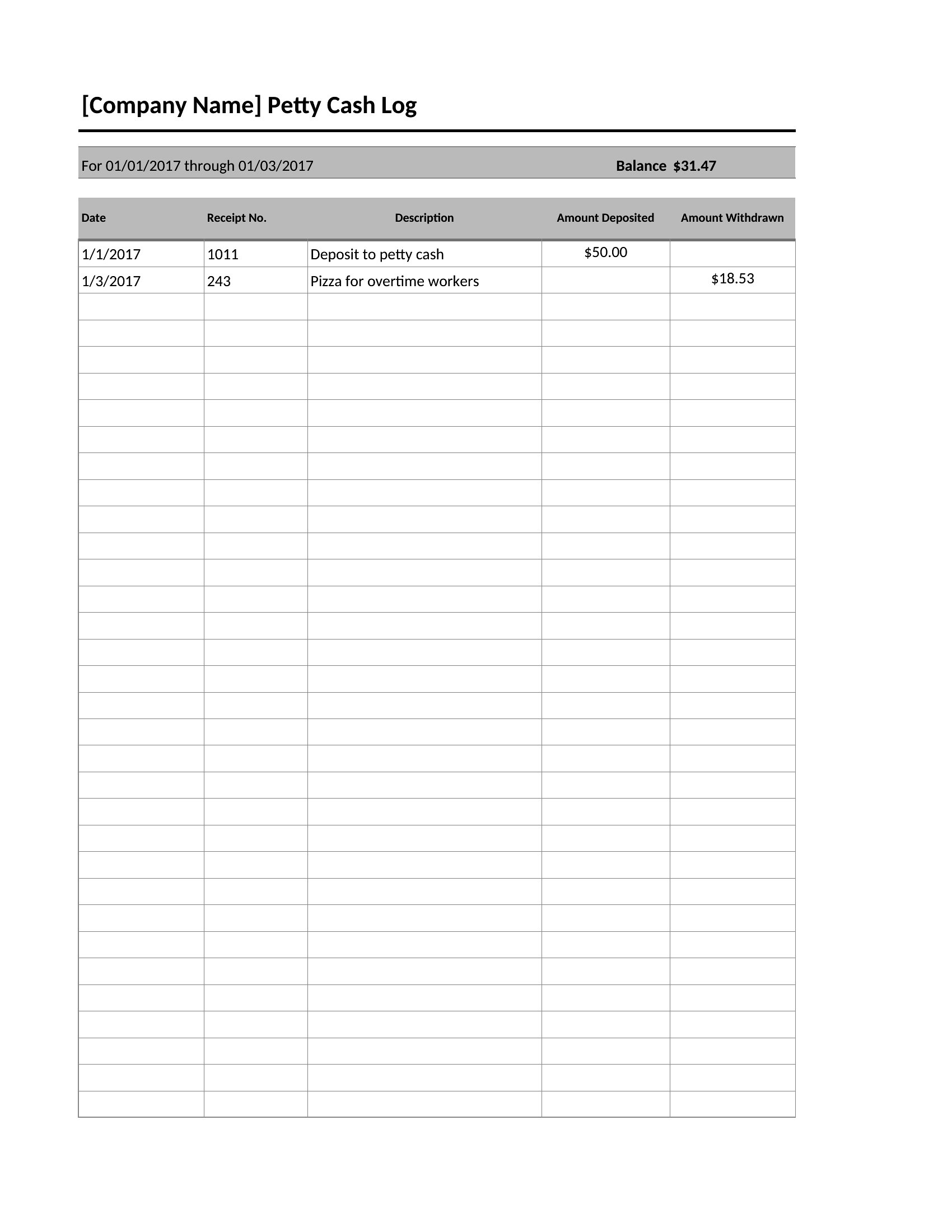
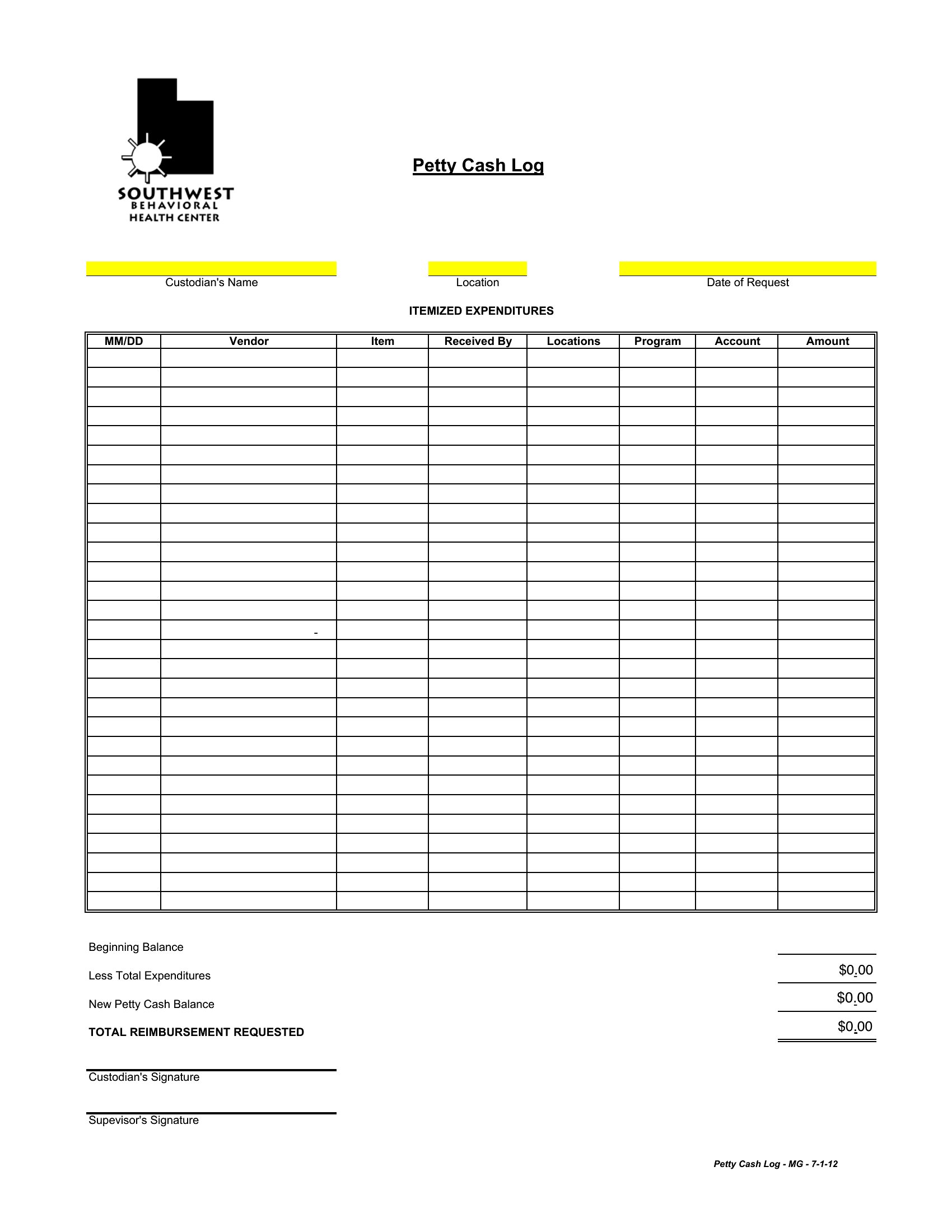
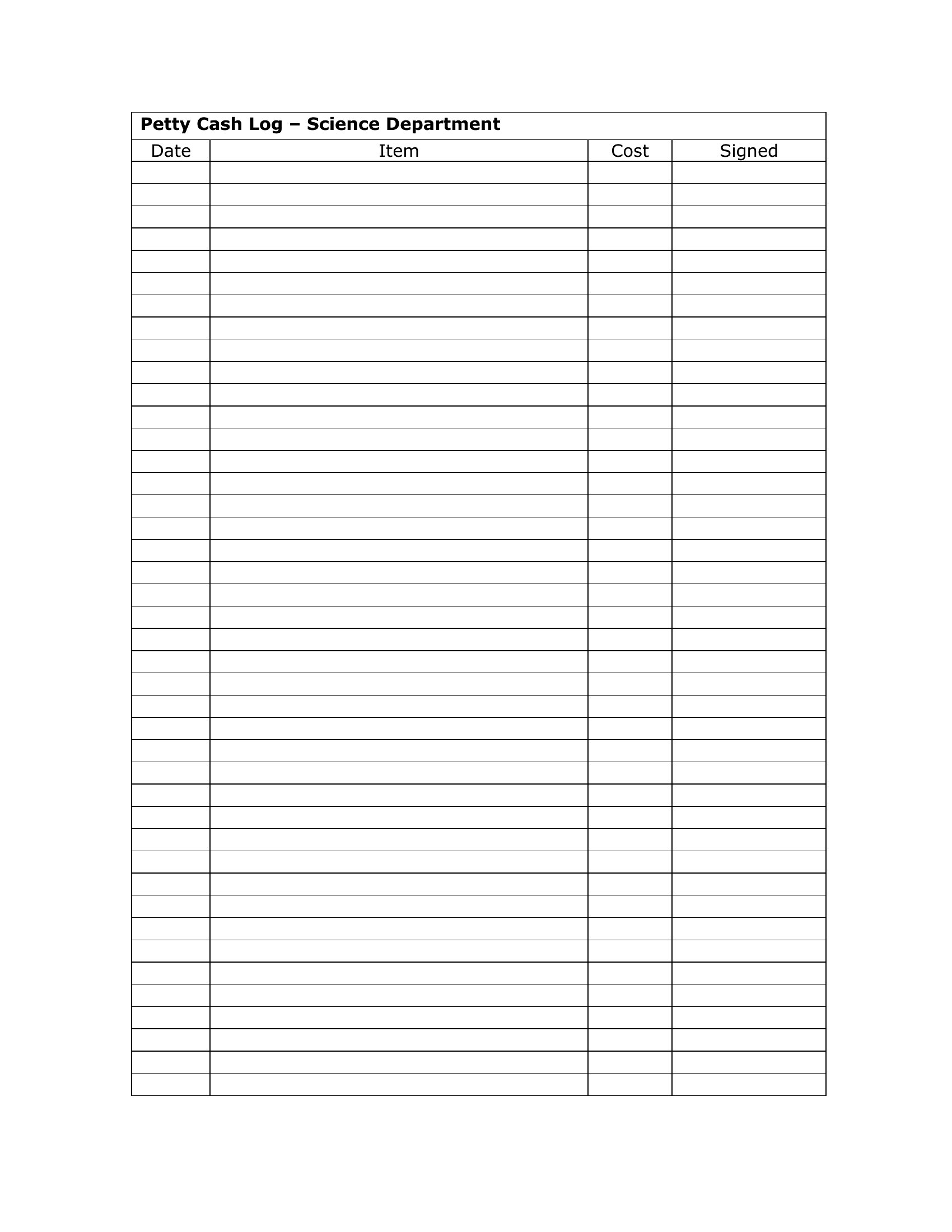
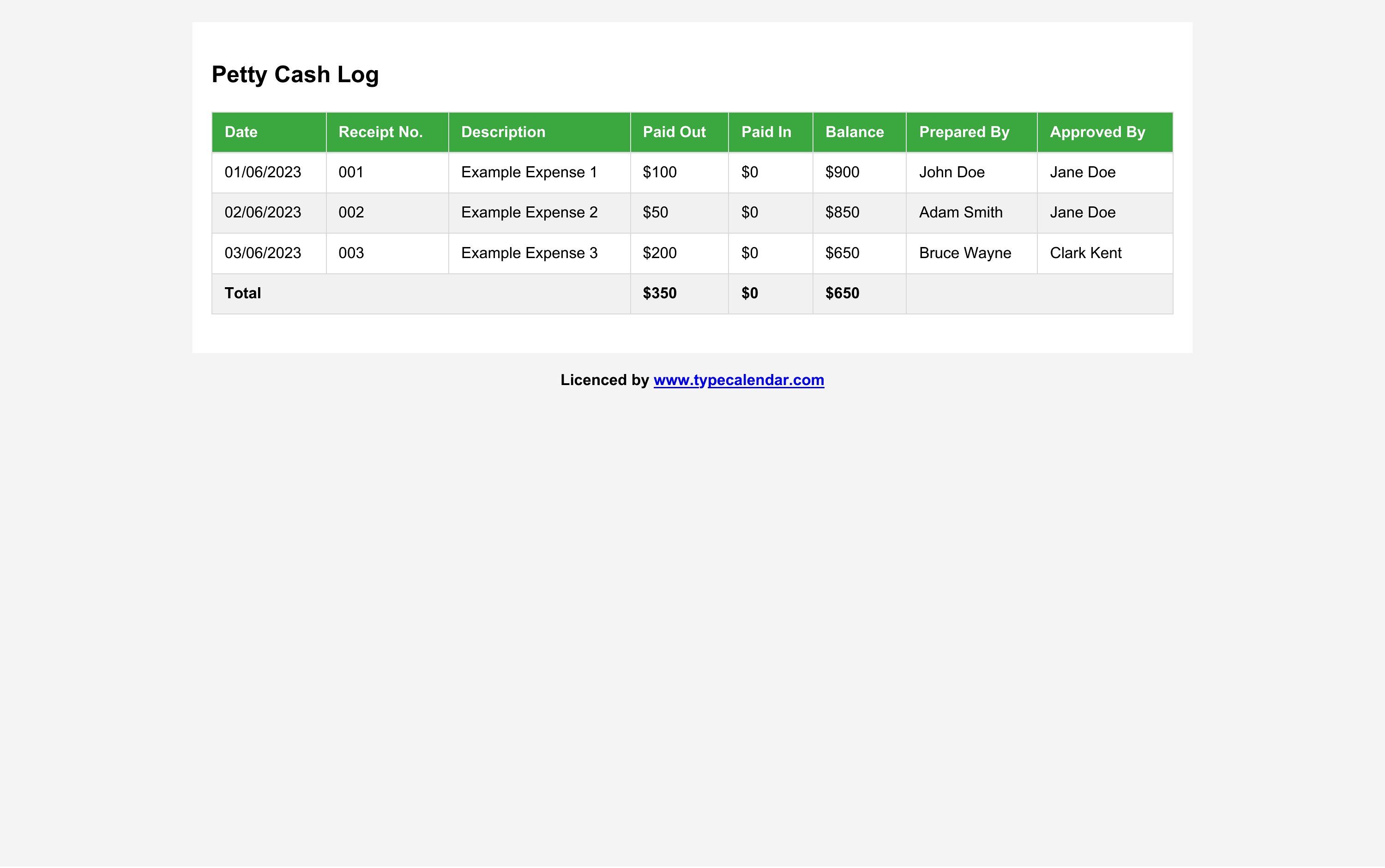
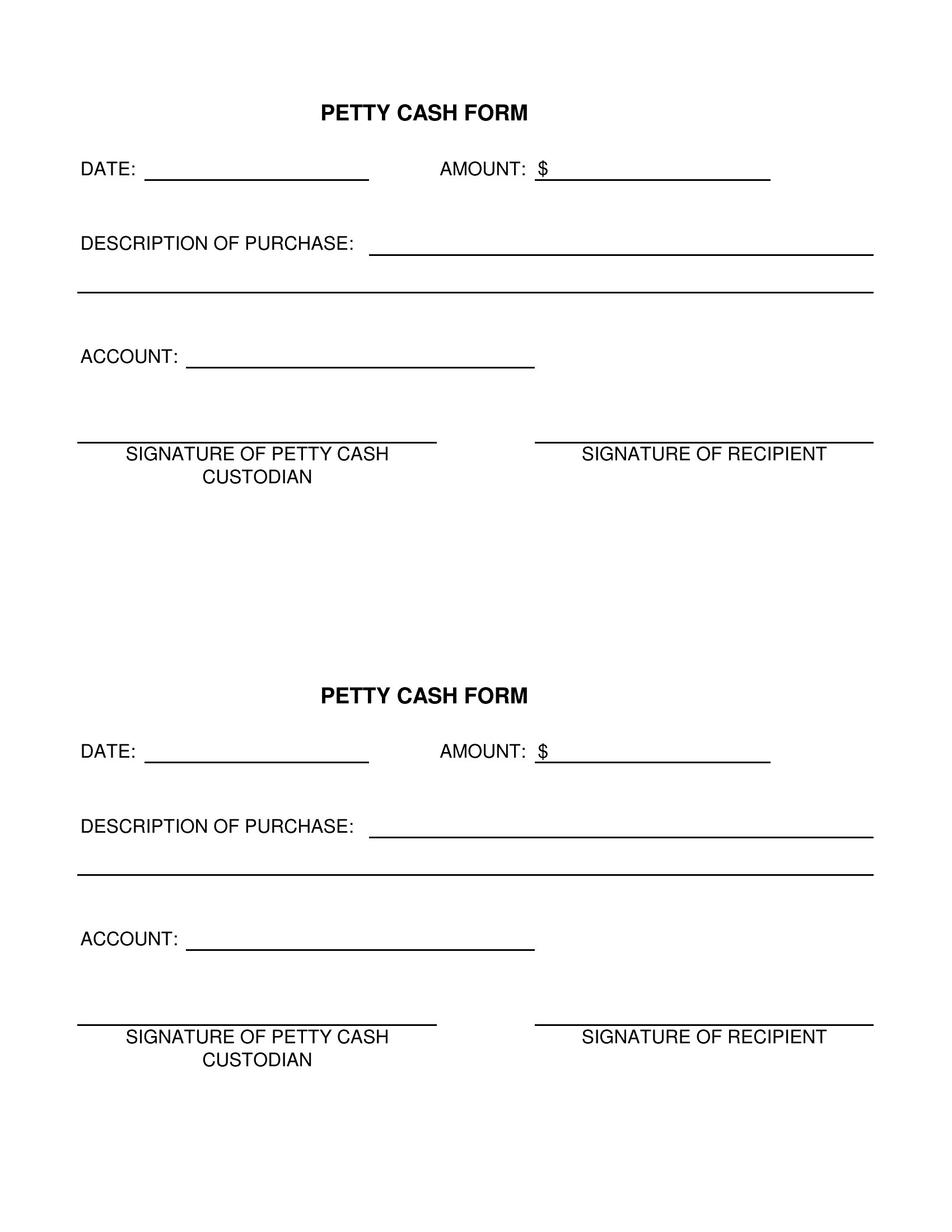
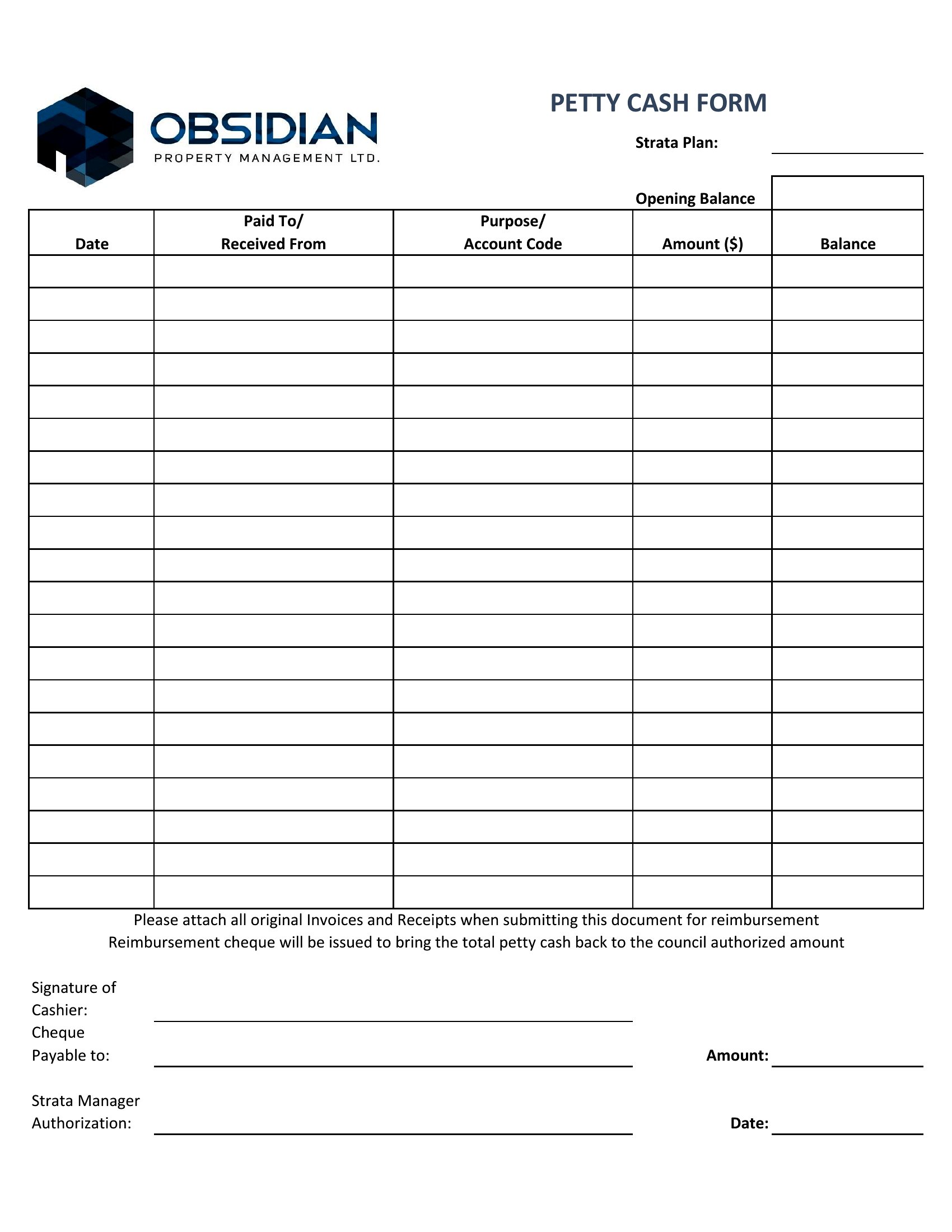
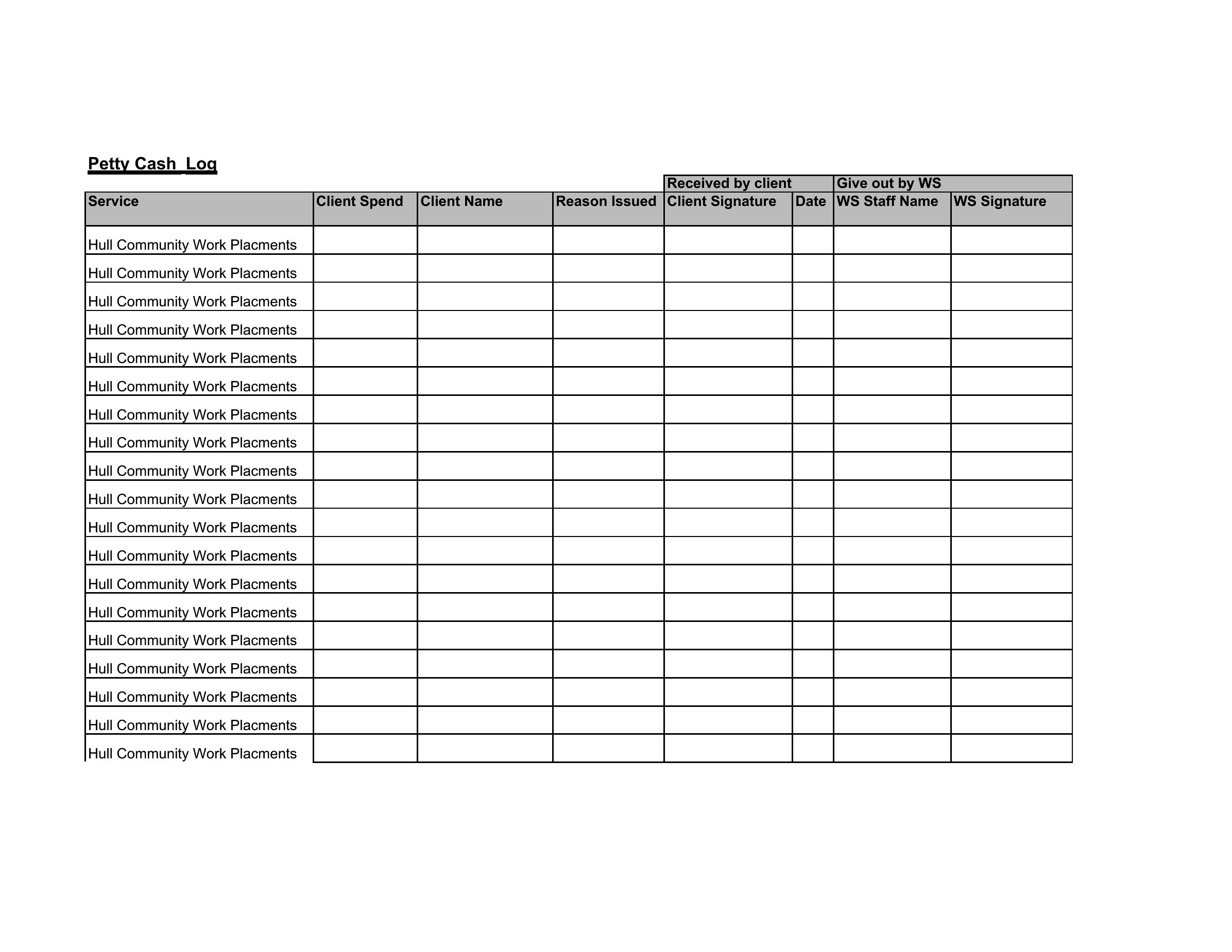
Keeping track of the office cash box gets messy fast without a running record of who took what and why. These 43 petty cash logs give bookkeepers, office managers, and small-business owners a clear way to note each withdrawal, the purpose, and the balance left over. Layouts cover single-sheet logs, monthly summaries, and detailed sheets with categories for receipts.

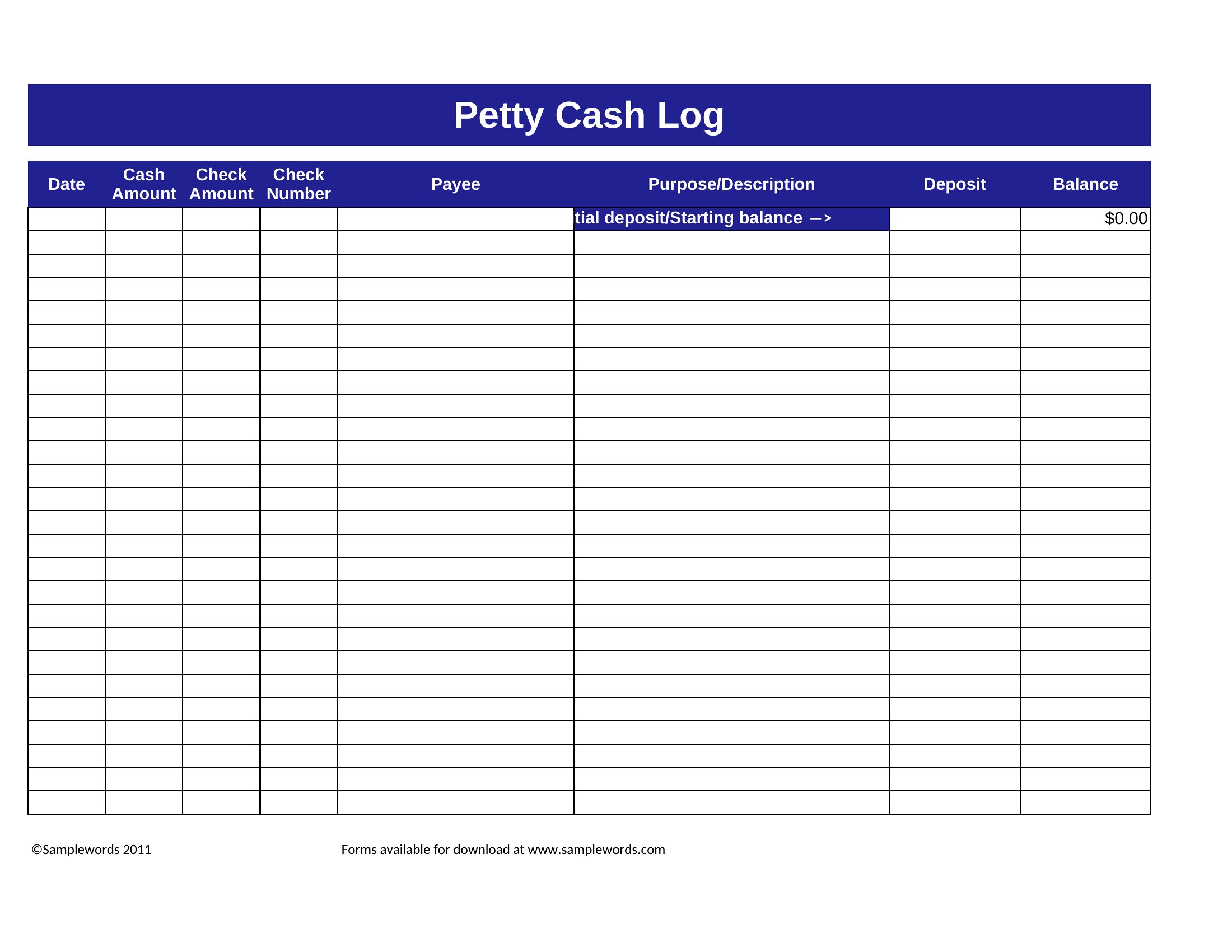
Excel versions tally your running balance automatically as you enter amounts, Word files let you adjust the columns, and PDFs print clean for a clipboard by the cash drawer. Reconcile against your receipts at the end of each period and you'll always know where the money went. Download the layout that matches your books and keep your small-cash spending easy to audit.

When to use this Petty Cash Log template

  • Small business owners need to document daily petty cash disbursements for reimbursements, ensuring clarity for accountants during month-end reconciliations. Use these logs to list employee names, amounts, reasons, and receipt numbers in one place. The Excel versions auto-sum balances for quick oversight.
  • Office managers in shared workspaces track team members’ petty cash withdrawals for coffee breaks, office supplies, or client gifts. A categorized log helps justify expenses later and prevents disputes over who spent what. Choose a printable PDF for quick approvals from department heads.
  • Bookkeepers managing multiple petty cash boxes across departments require logs that separate entries by vendor, date, and purpose. Detailed Excel sheets with dropdown menus for categories streamline data entry and flag irregularities. Monthly summary templates help cross-check against bank statements.
  • Nonprofit coordinators handling petty cash for event volunteers or community outreach programs use logs to ensure transparency. A Word template with space for donor receipts or program codes keeps records organized for auditors. Printable formats work well for on-site approvals during cash distributions.

Which format should I download?

WordExcelPDF

Excel is ideal for teams needing automated totals, formulas, and data sorting. Pick it when you track frequent transactions or need to filter expenses by category—like marketing vs. office supplies. Word works best for one-time or ad-hoc logs where formatting flexibility matters, such as adding notes or approval signatures. PDF is the right choice for finalized logs that need to be shared securely or printed for compliance records, as it locks in formatting and prevents accidental edits.

Choose from 43 Petty Cash Log Templates

How to use this Petty Cash Log template

How do I set up categories in the Excel petty cash logs to match my company’s expense types?

Most Excel templates include a dropdown menu feature for categories. Start by listing your common expense types (e.g., ‘Office Supplies,’ ‘Client Meals,’ ‘Travel’) in the first row of the category column. Use ‘Data Validation’ in Excel to create dropdown lists for each cell, ensuring consistency. For advanced setups, some templates allow you to link categories to budget limits for better oversight.

Can I use a petty cash log to track reimbursements for employees who submit receipts later?

Yes, but include columns for receipt numbers, submission dates, and approver initials. A two-part log—one for initial withdrawals and another for receipt submissions—works well. Use conditional formatting in Excel to highlight overdue receipts or flag missing documentation. For Word or PDF, add a separate ‘Pending Receipts’ section at the bottom of the sheet.

What’s the best way to handle petty cash when multiple people need access to the logbook at the same time?

Digitize the log in Excel or a shared cloud tool like Google Sheets to allow simultaneous access. Assign each person a unique color or initials for their entries. For physical logs, keep a master copy in a secure location and use a second, identical log for daily use. Monthly, cross-check both to ensure no entries are missed. PDF logs can be emailed for approvals but aren’t ideal for real-time updates.

Comments

Join the conversation

Sign in to share your thoughts and leave a comment on this resource.

Newsletter

Get Weekly Design Updates

Join our community to receive curated resources and inspiration.

Weekly Tips Resources Early Access

We respect your privacy. Confirmation email required. Privacy Policy