Skip to content
50% off this one-time $1.99 pack with HALFOFF — or unlimited with Pro.HALFOFF
Premium

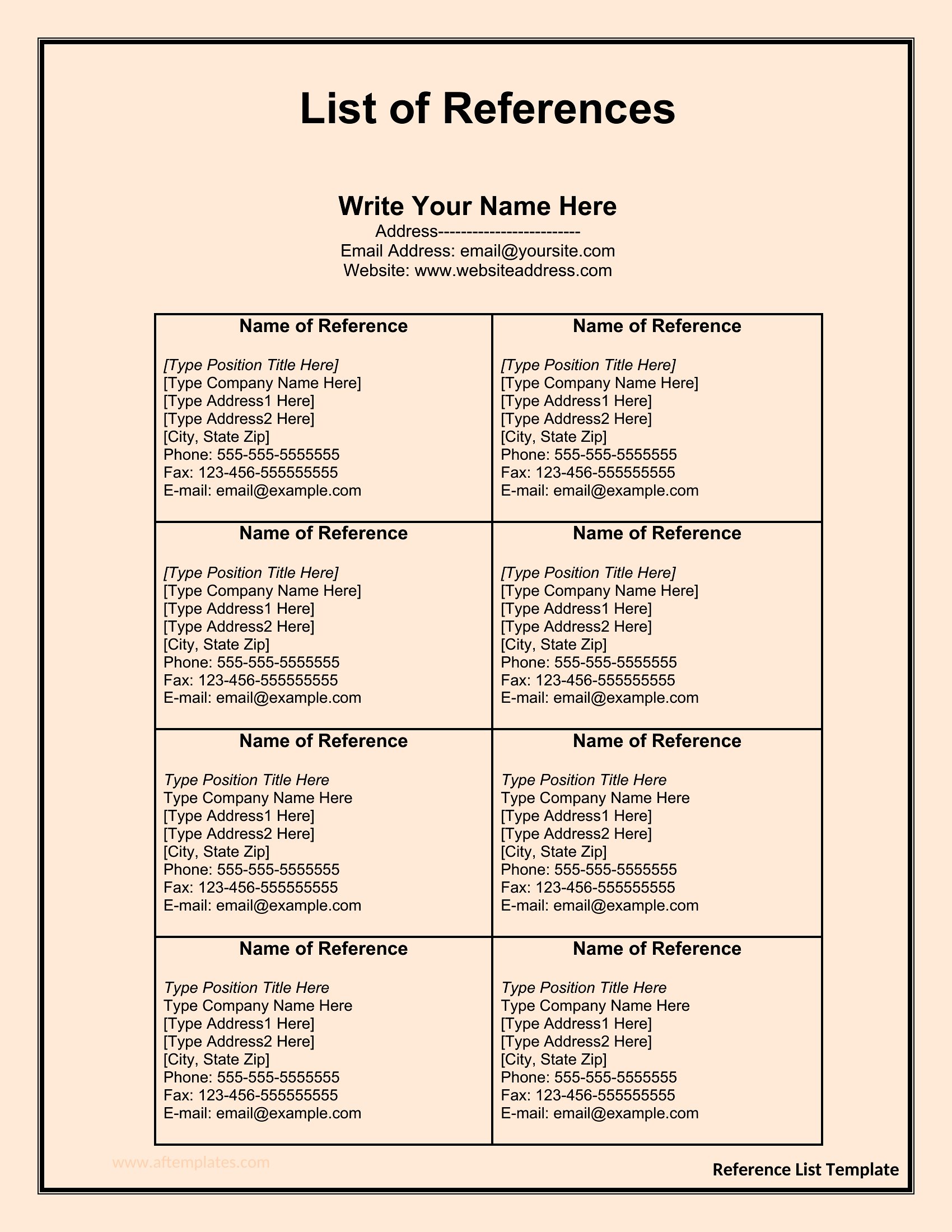
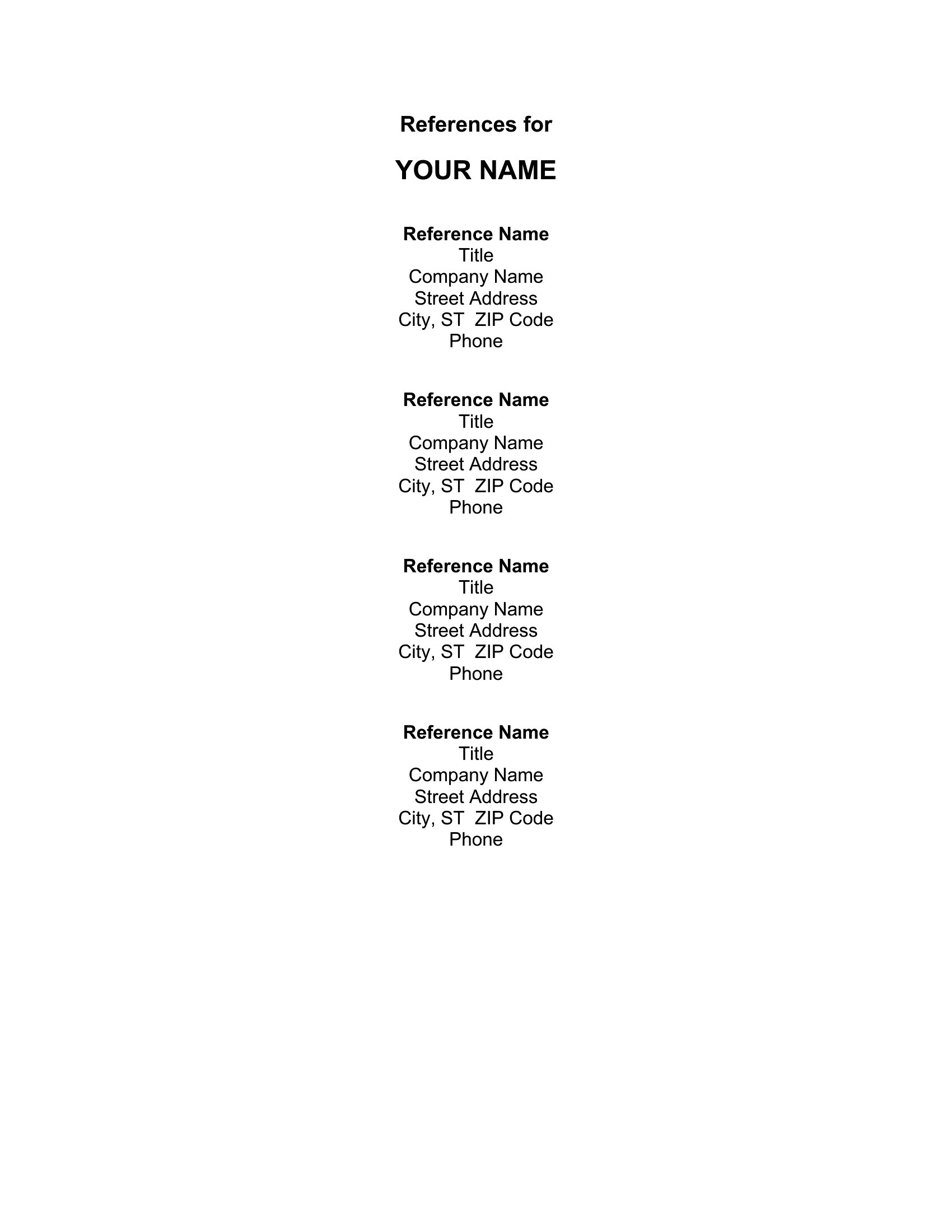
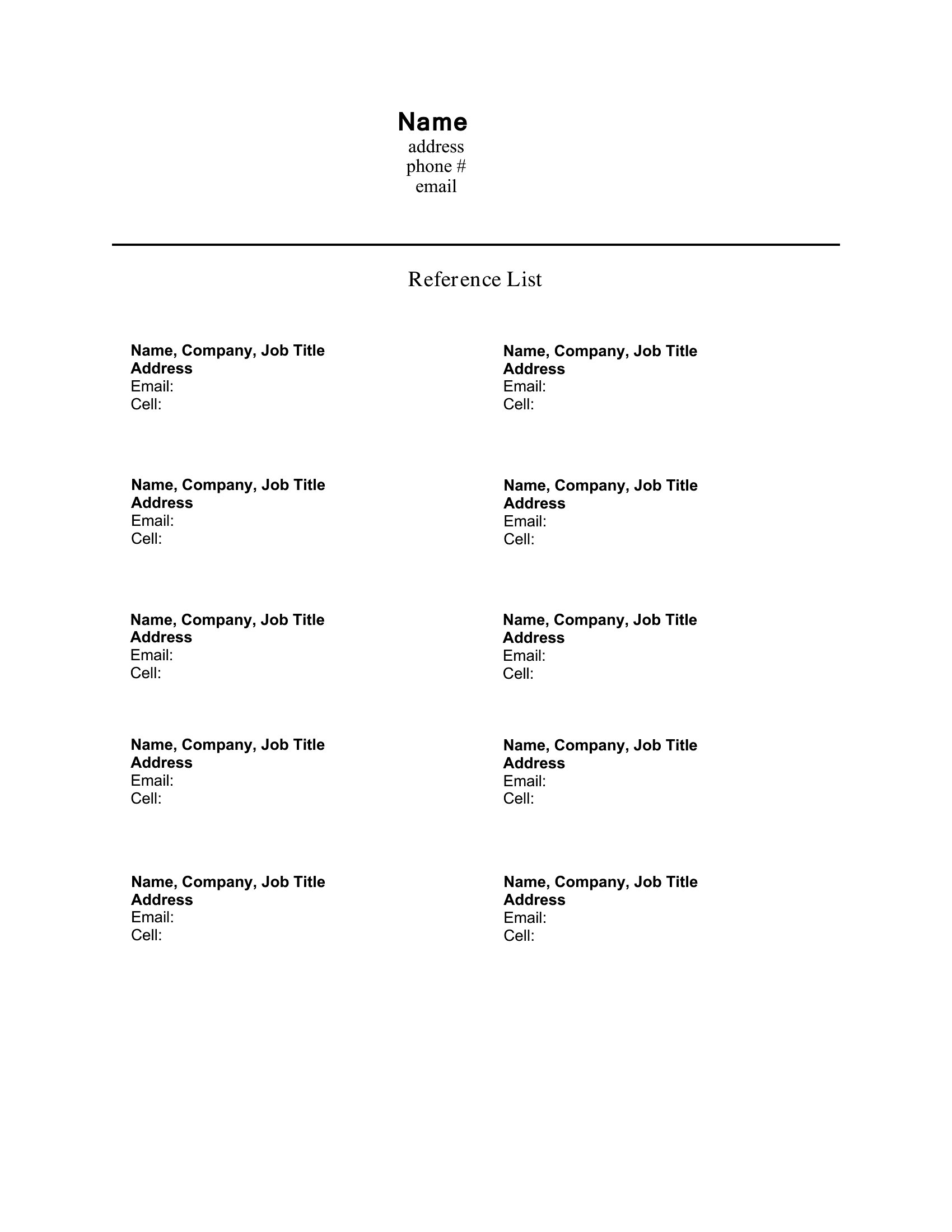
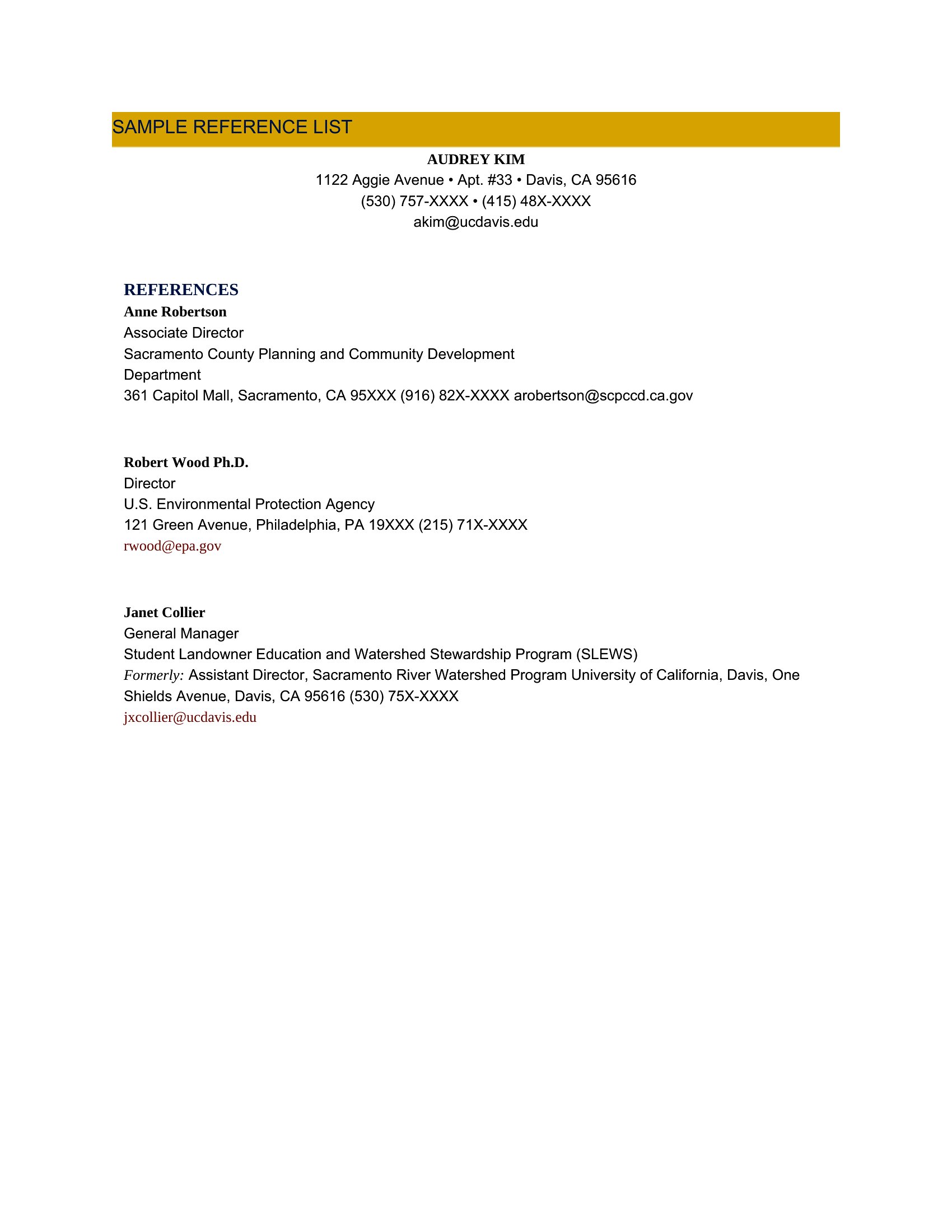
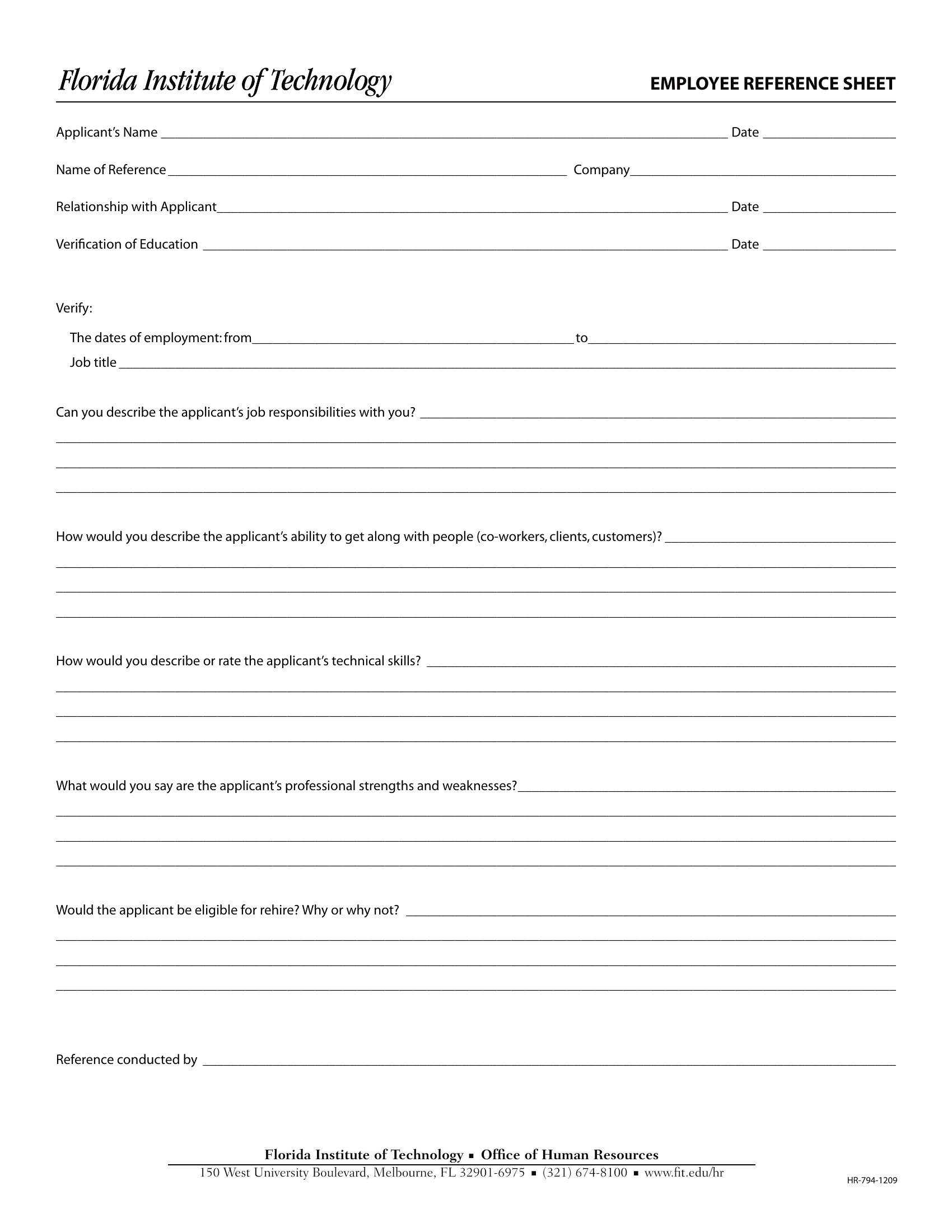
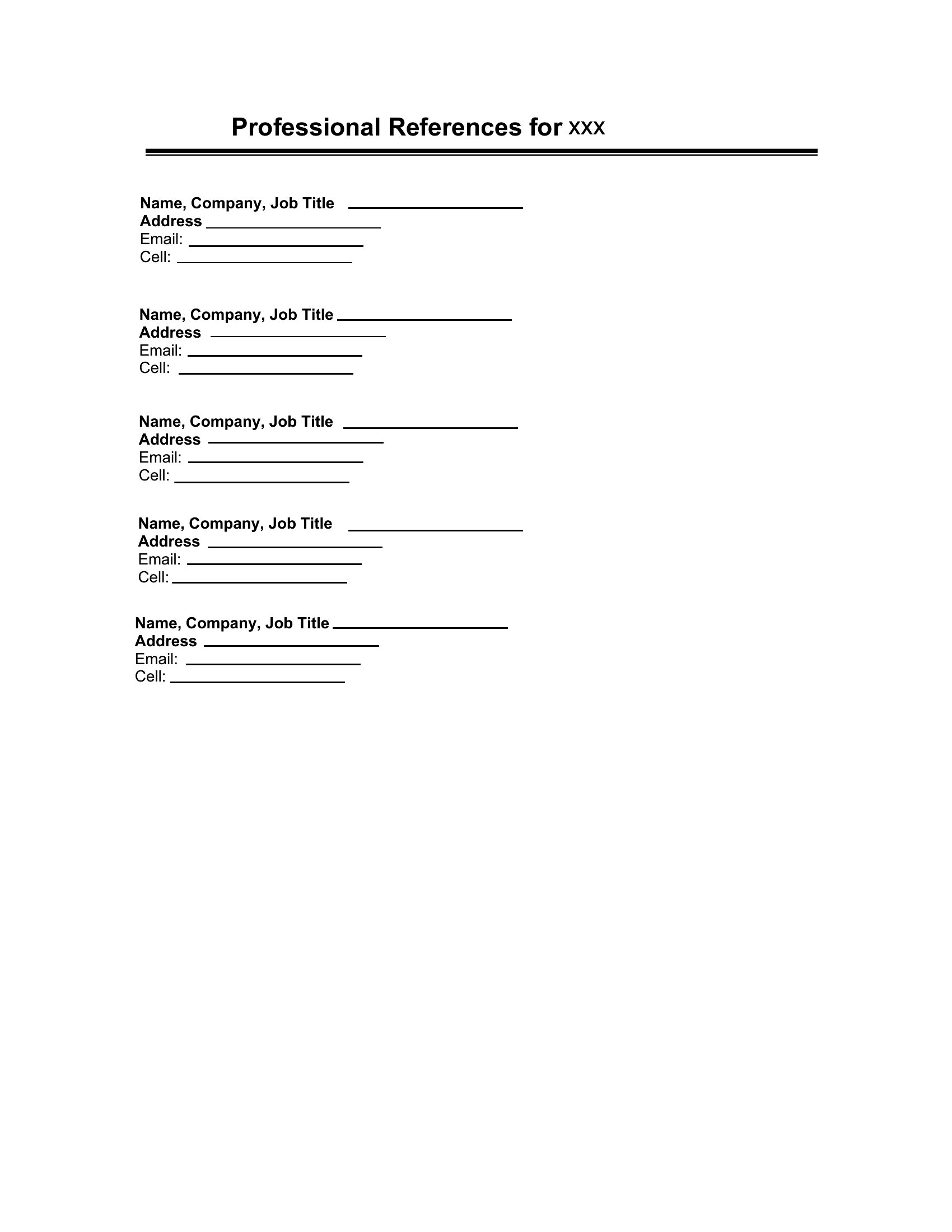
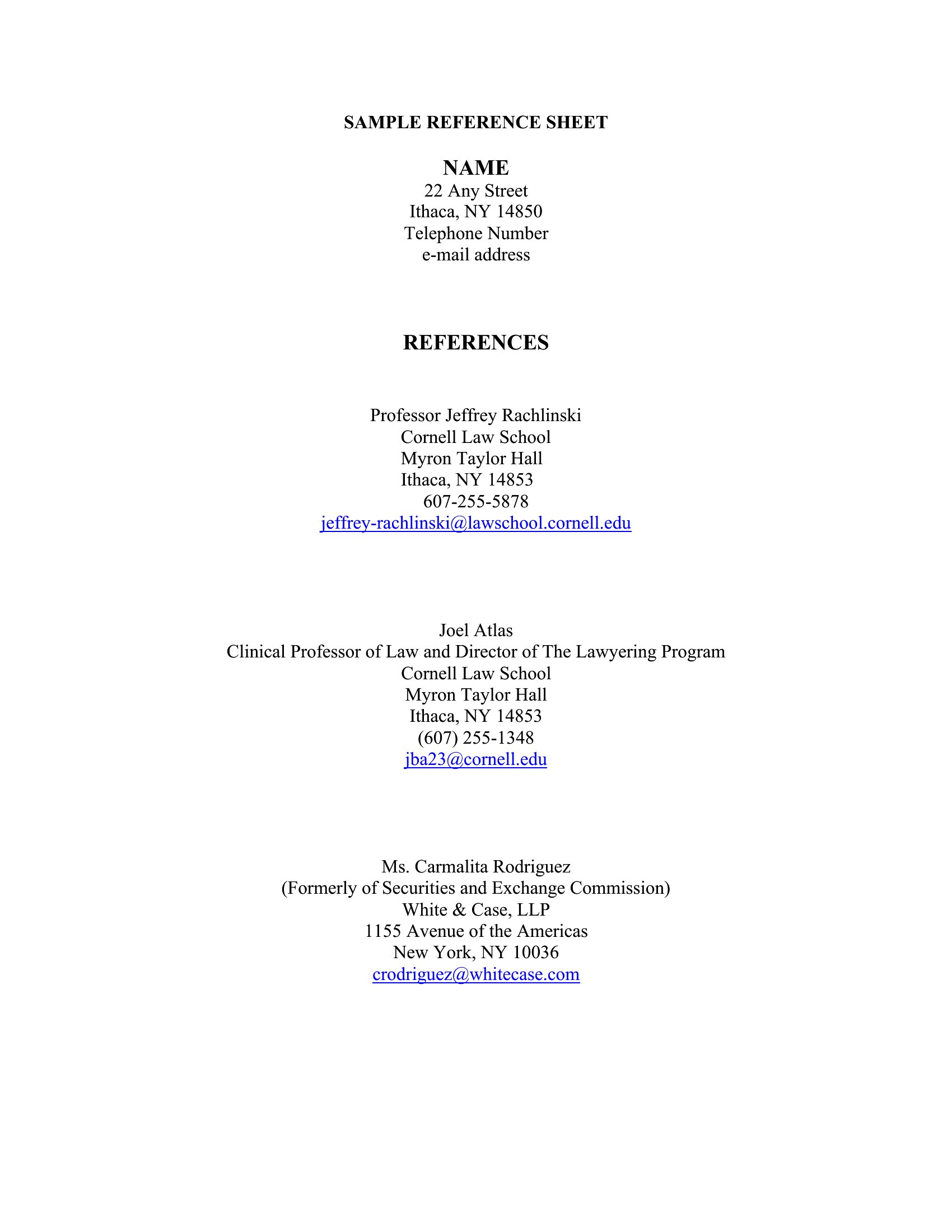
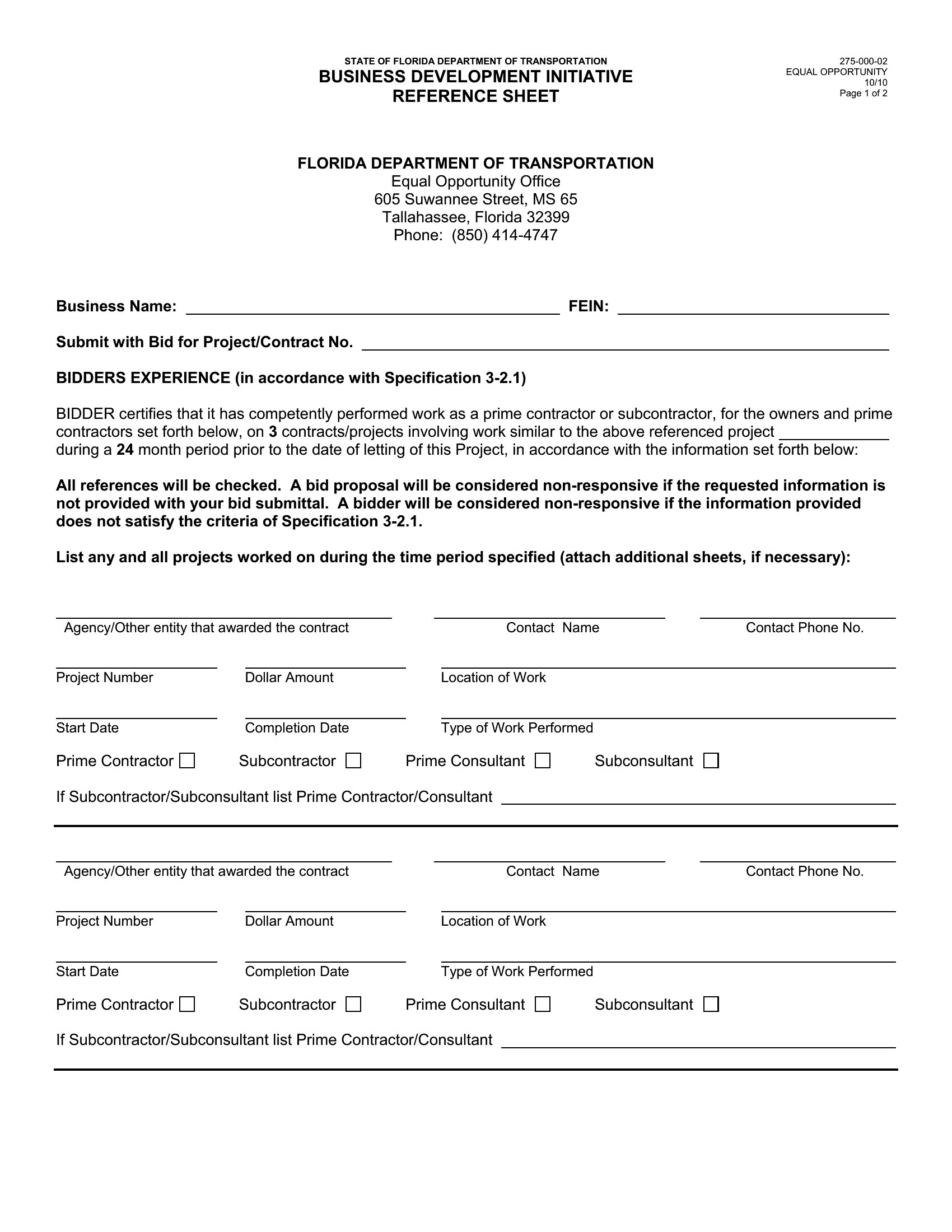
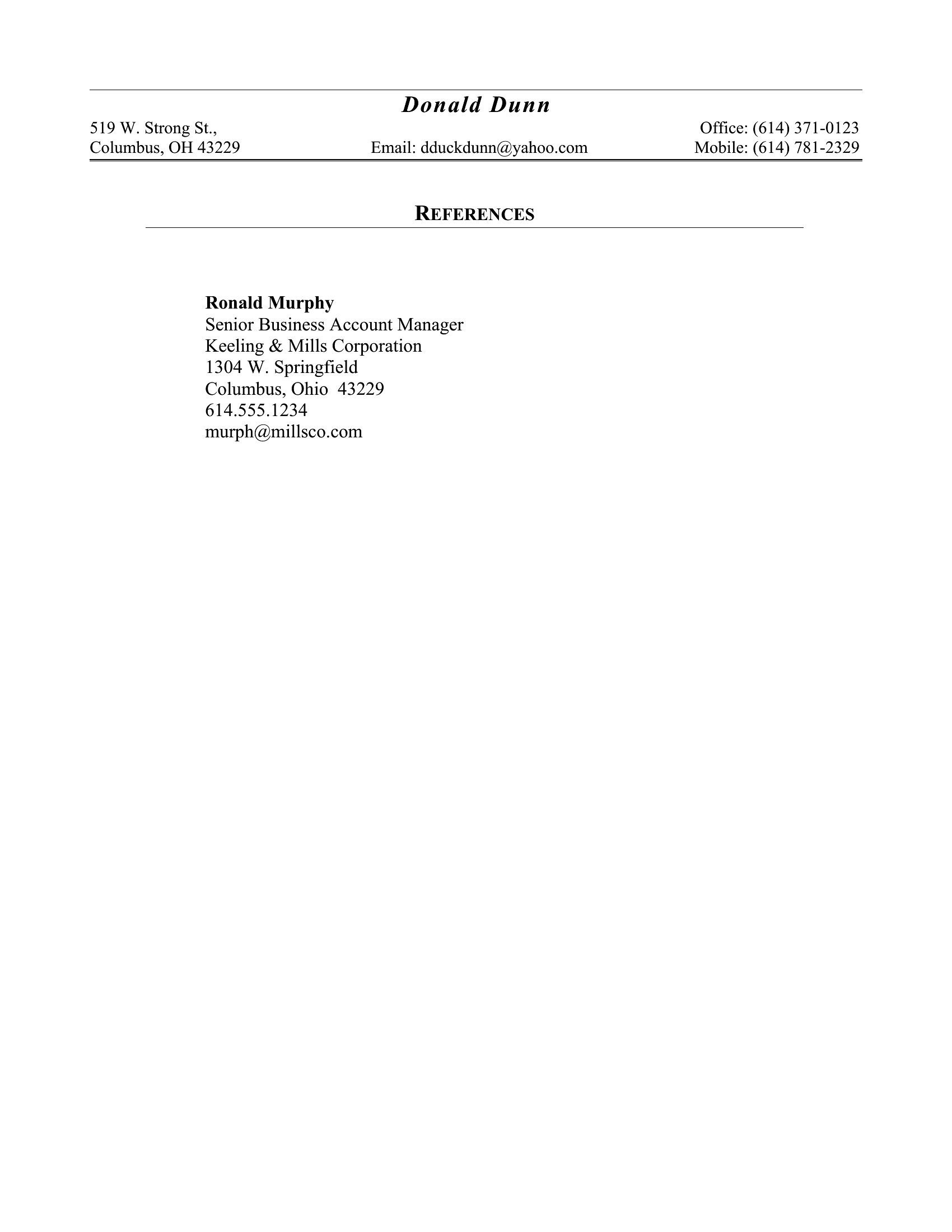
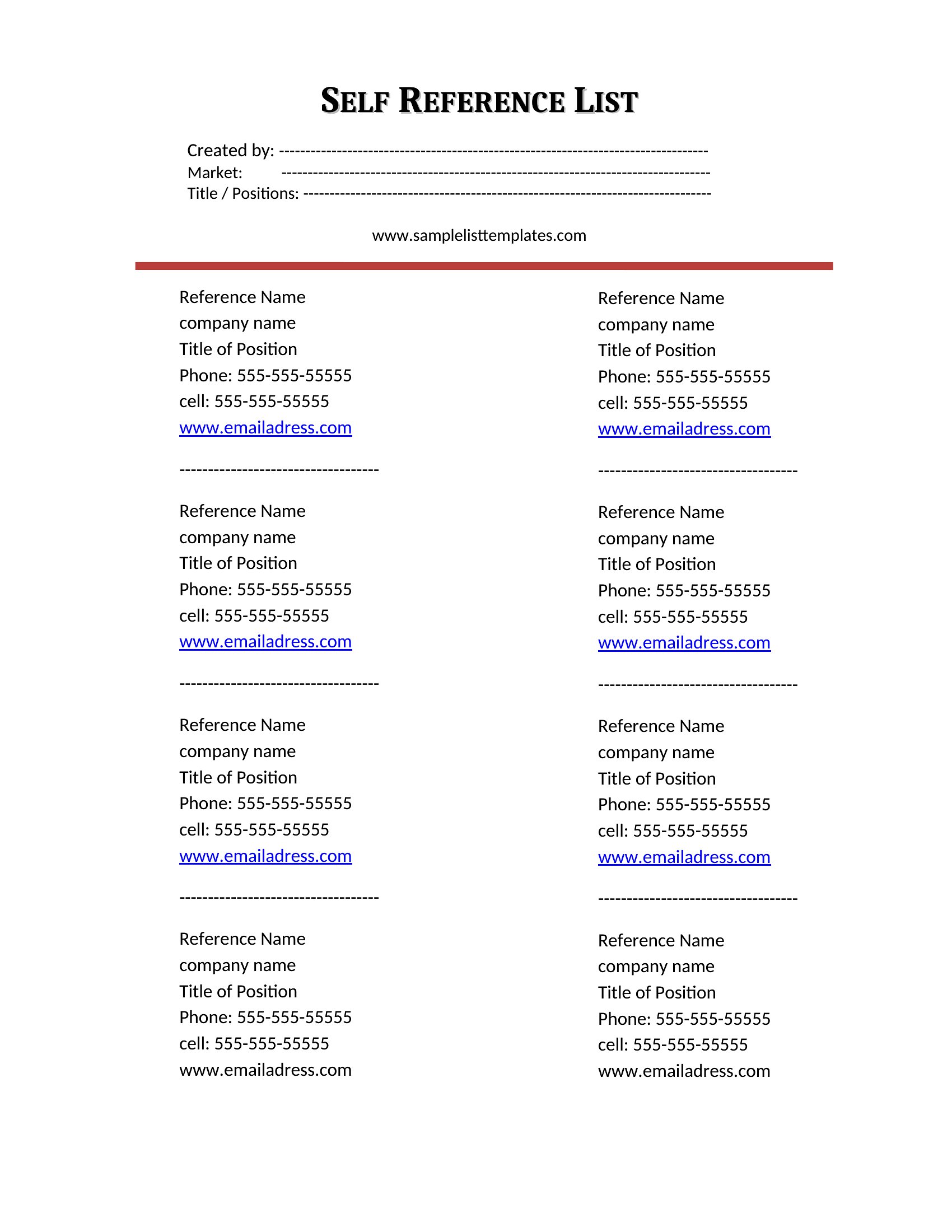
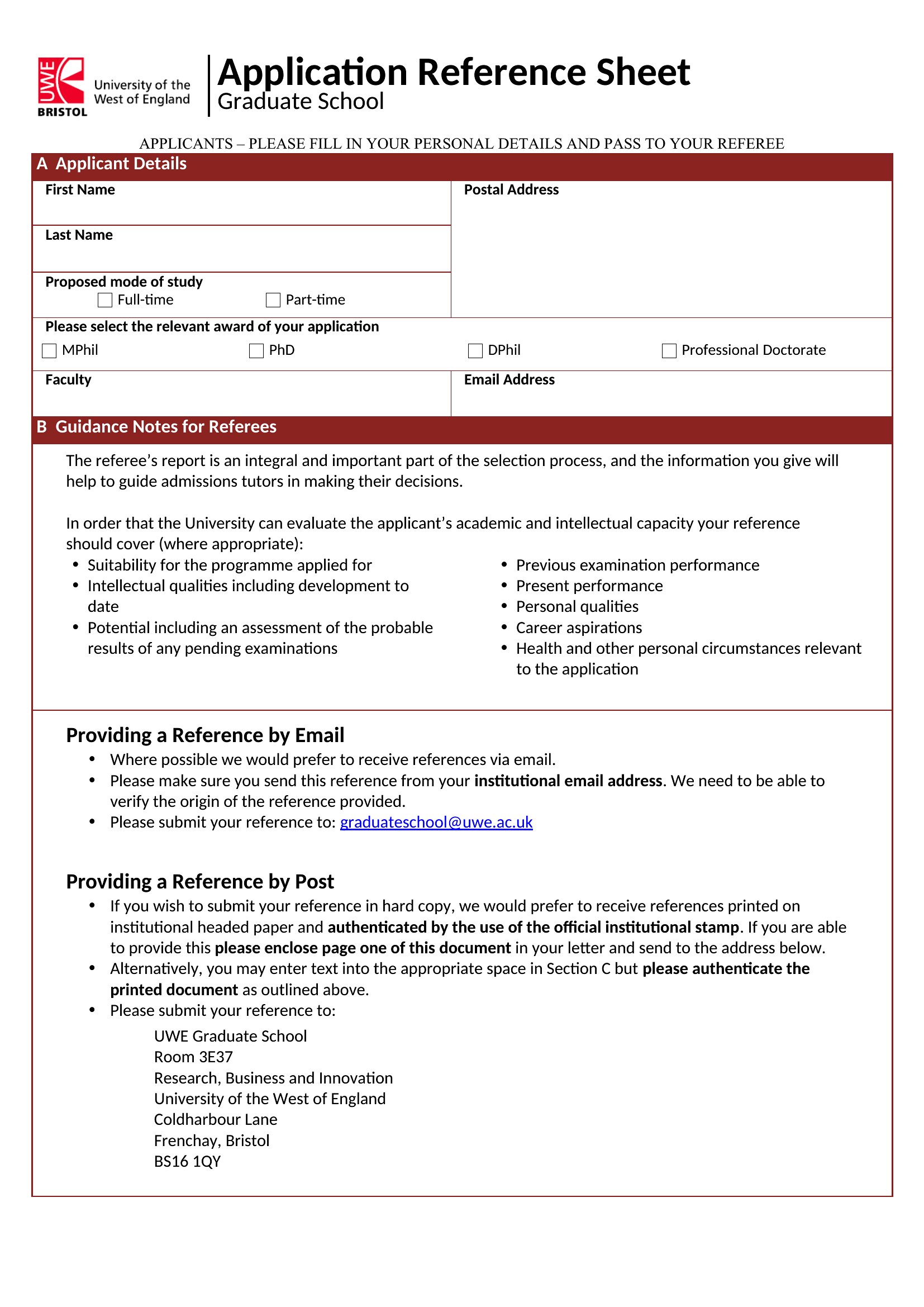
Free Reference Page Templates (Word, PDF)

Research
planlar by planlar
Updated 0 downloads Quality-checked template

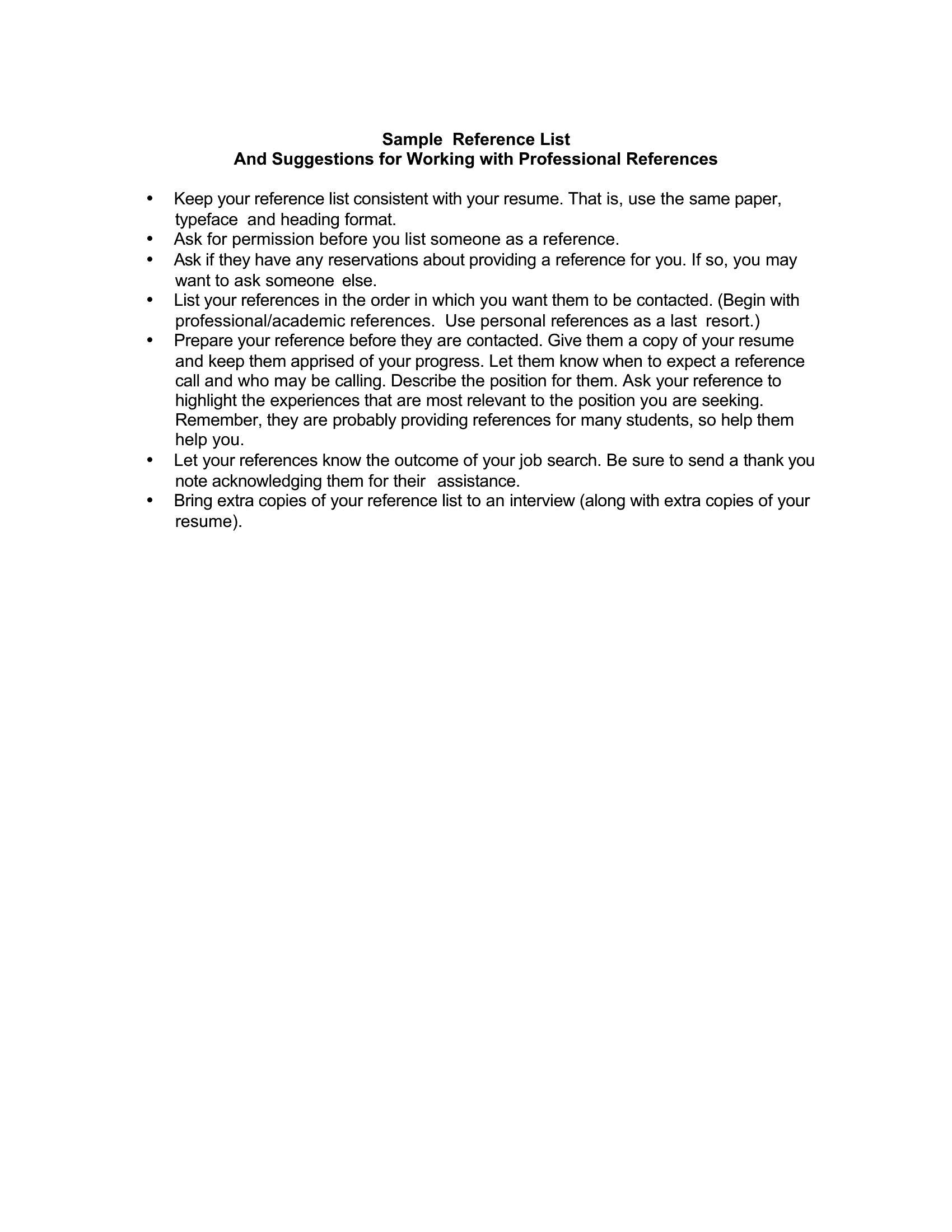
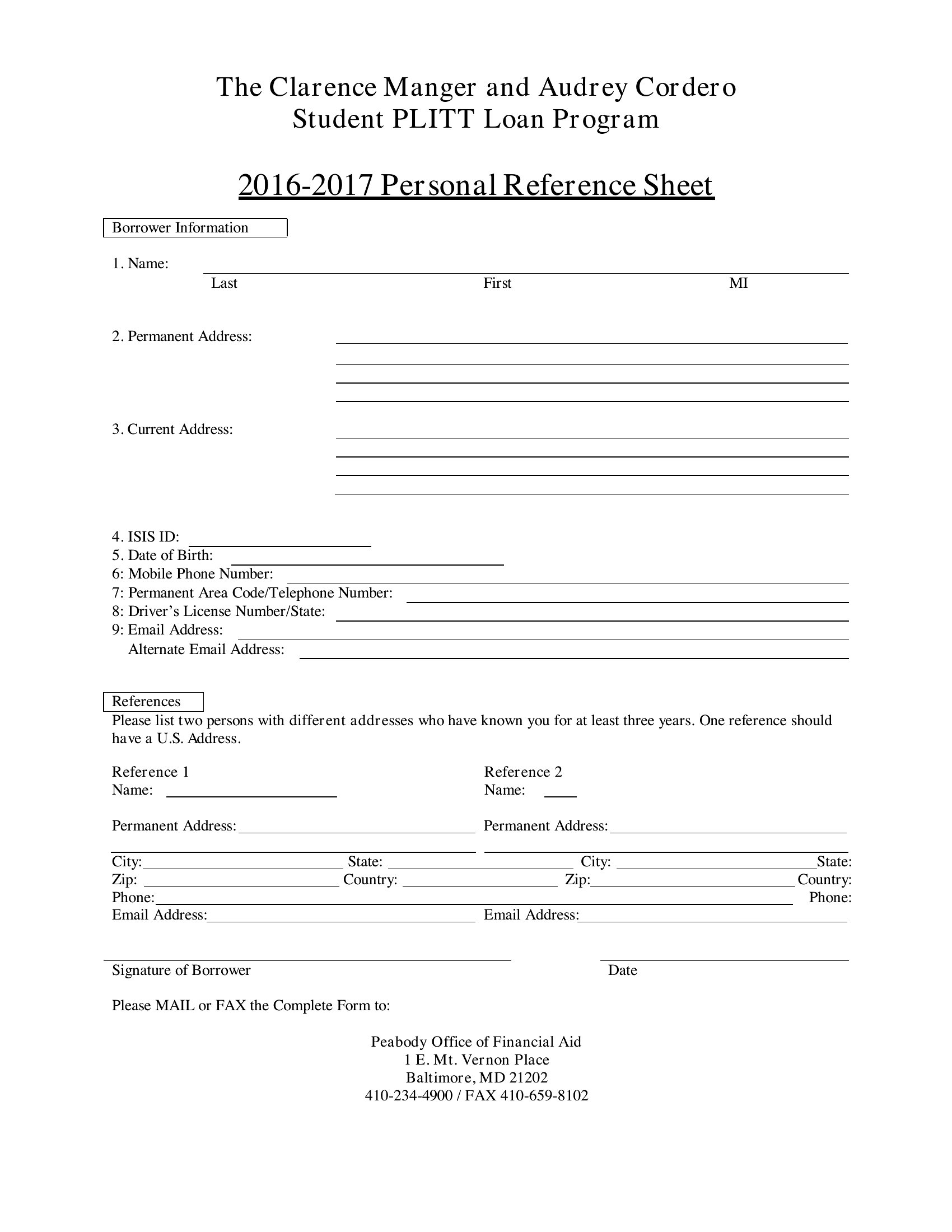
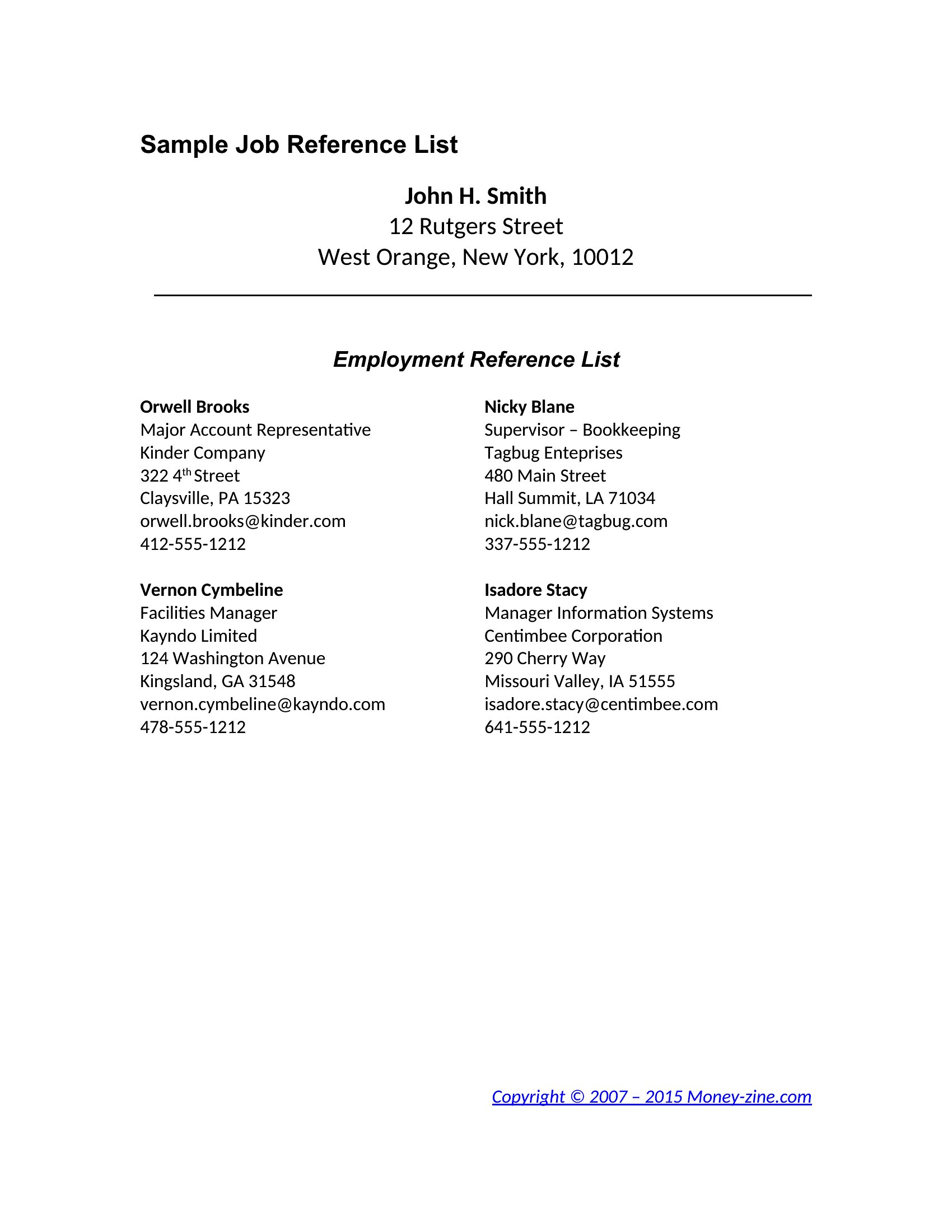
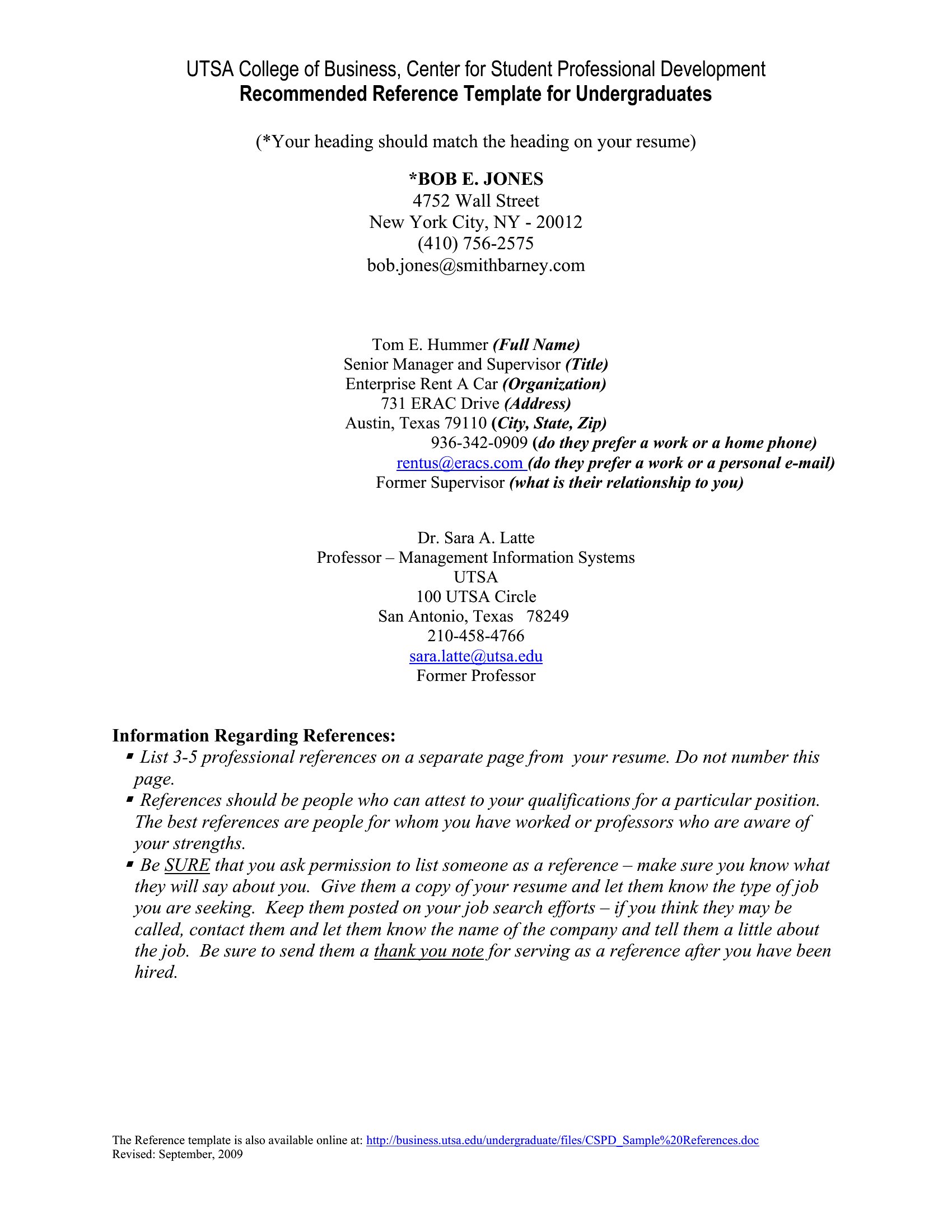
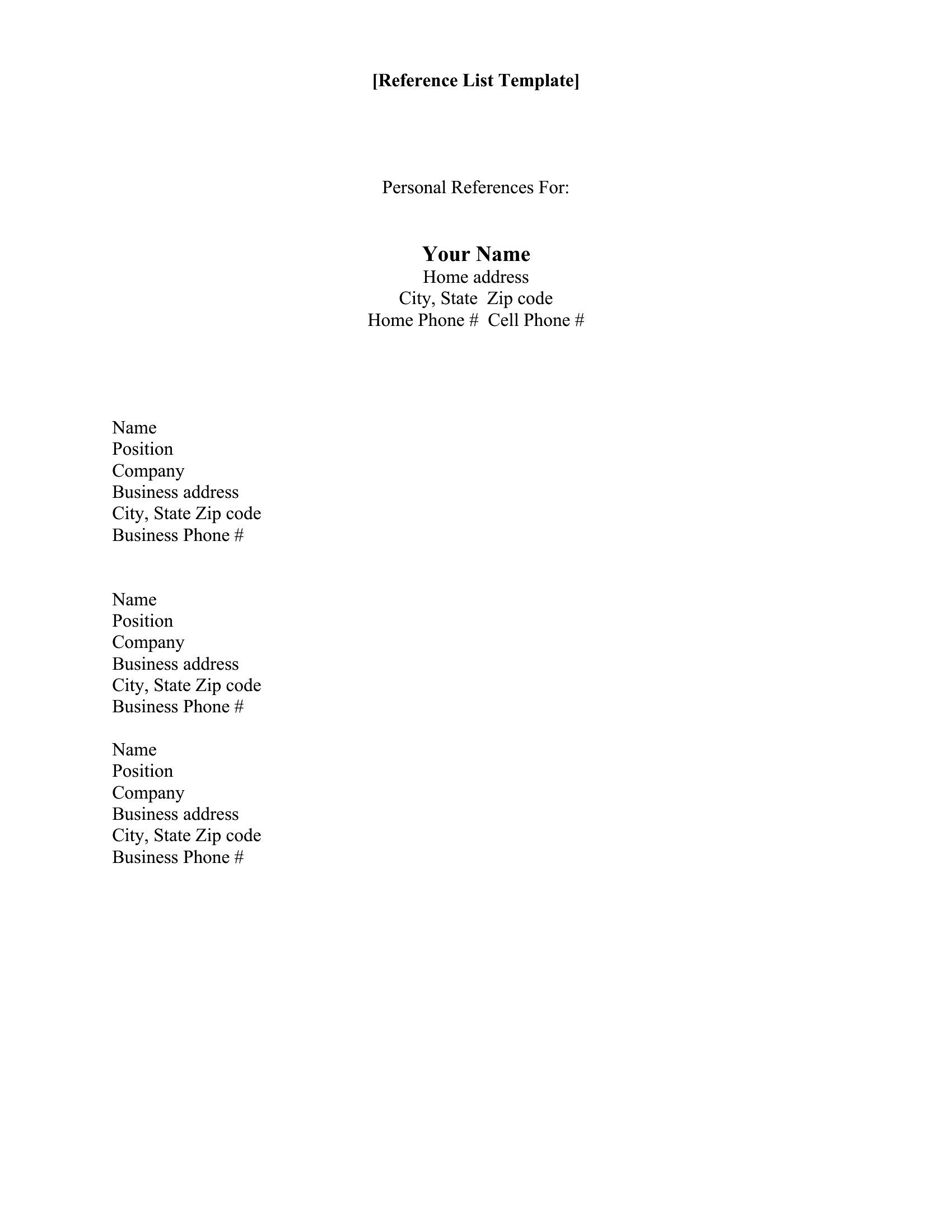
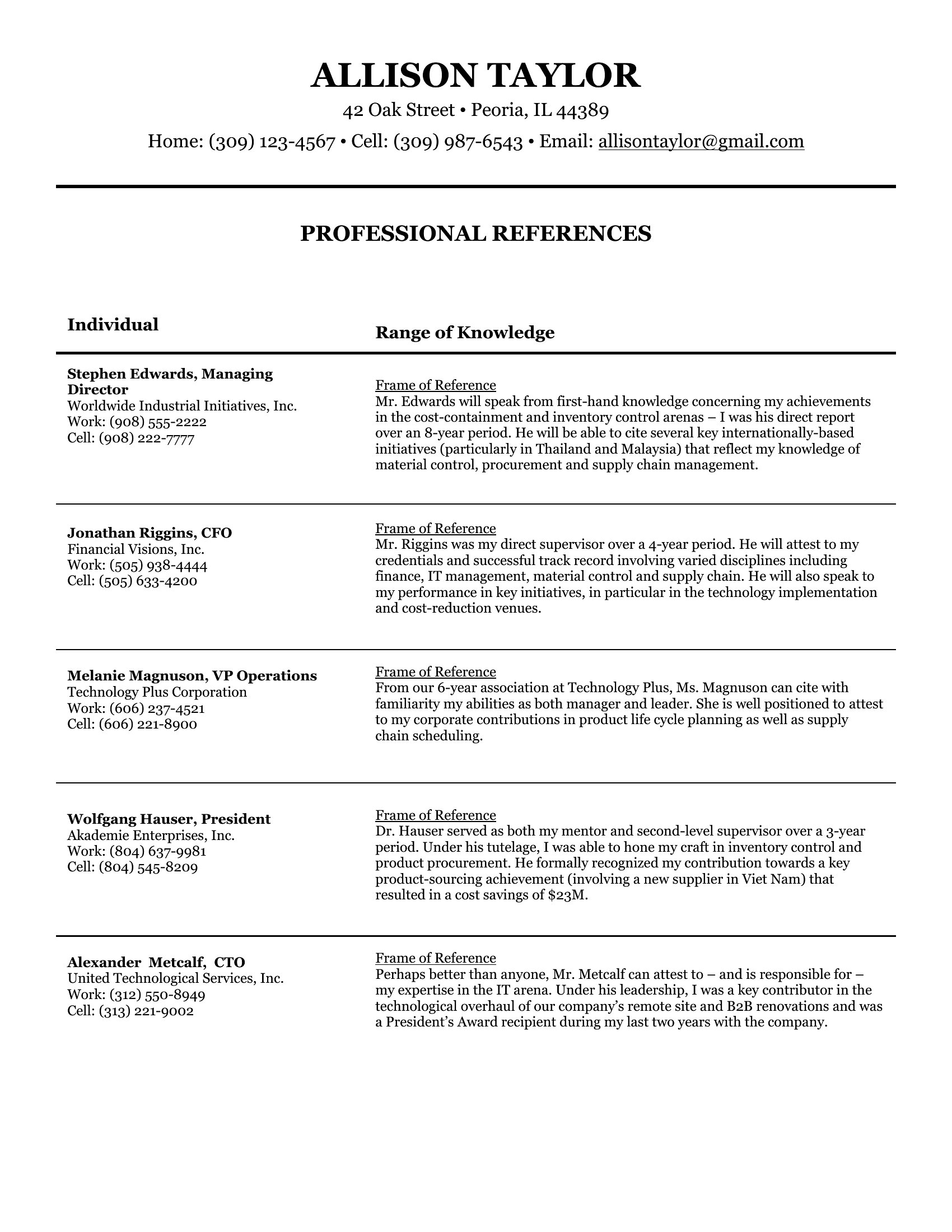
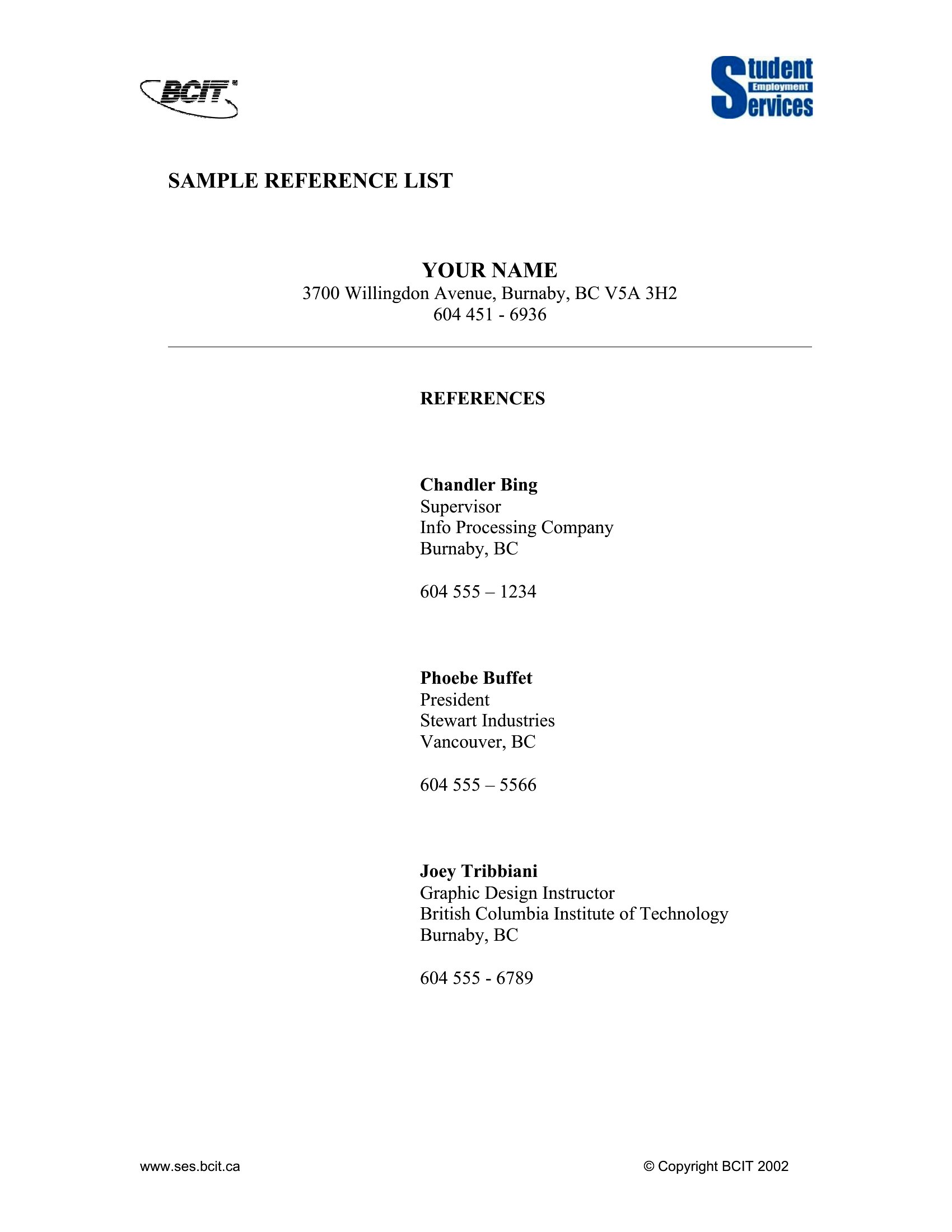
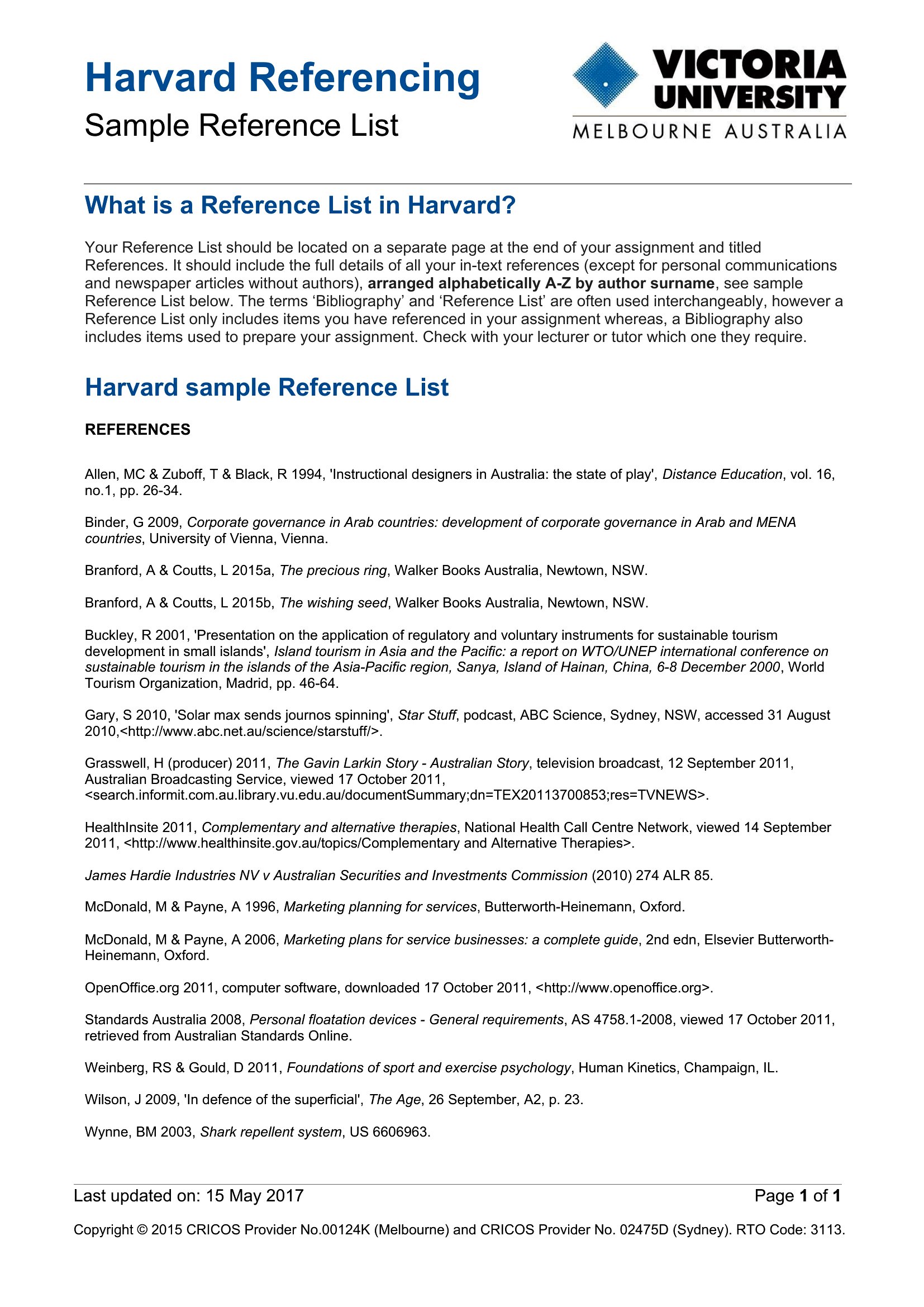
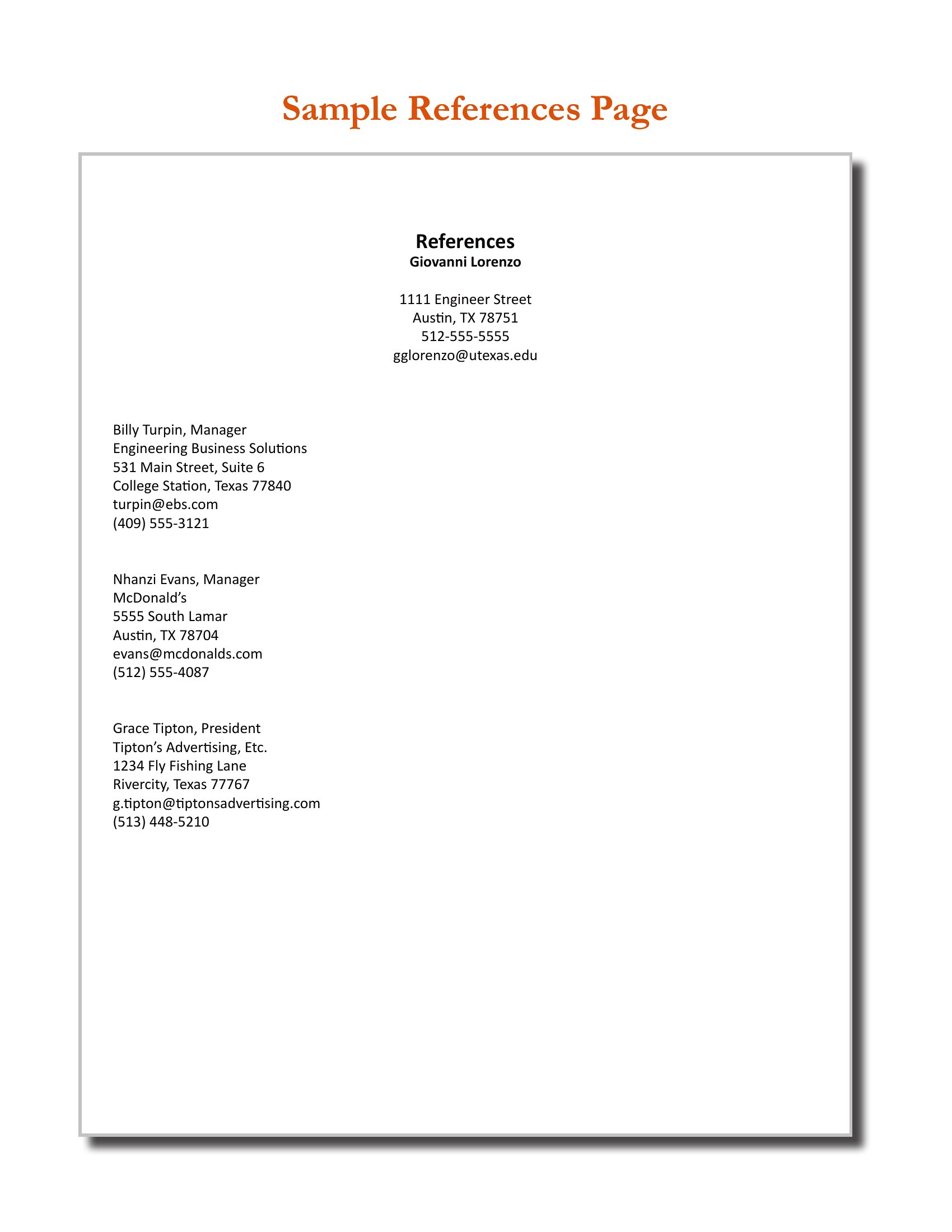
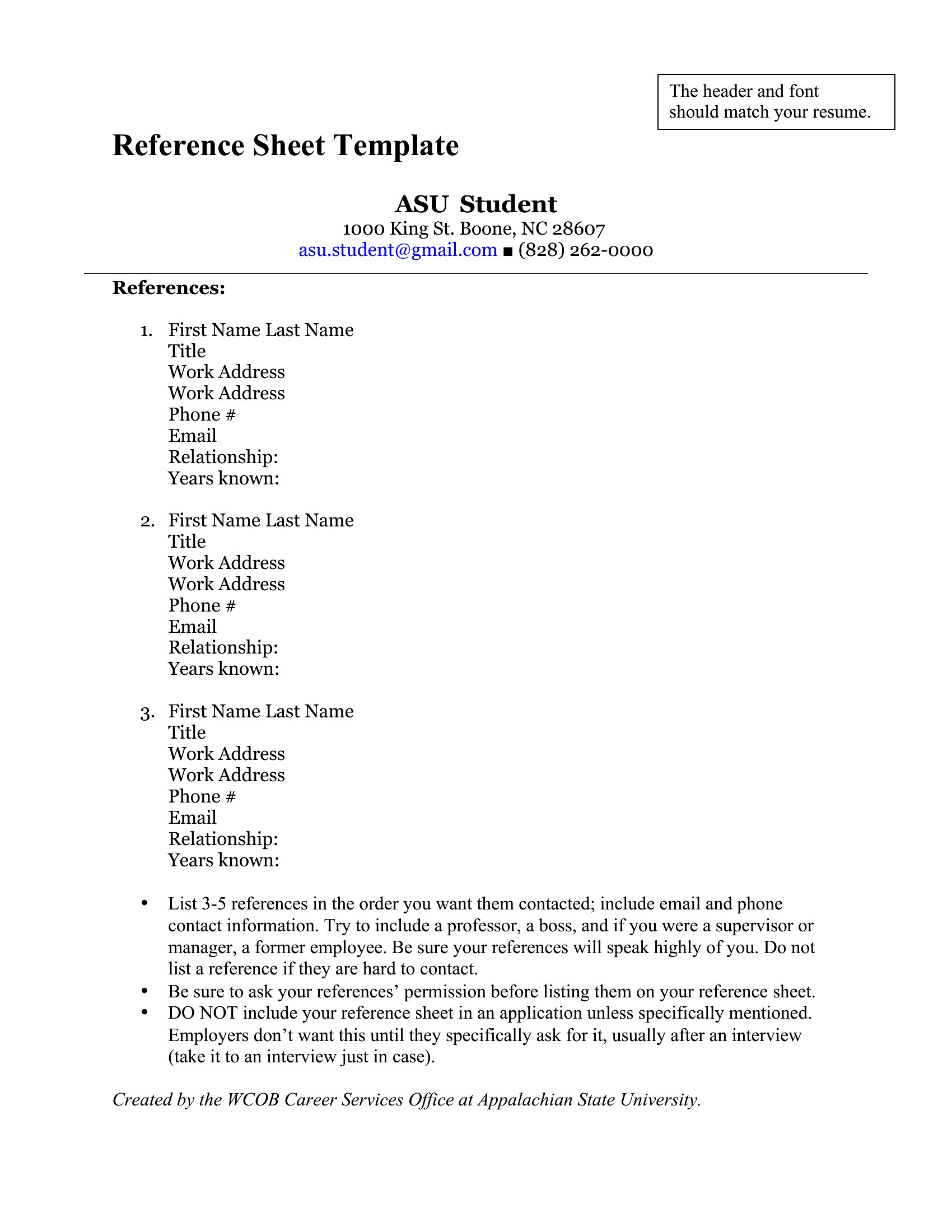
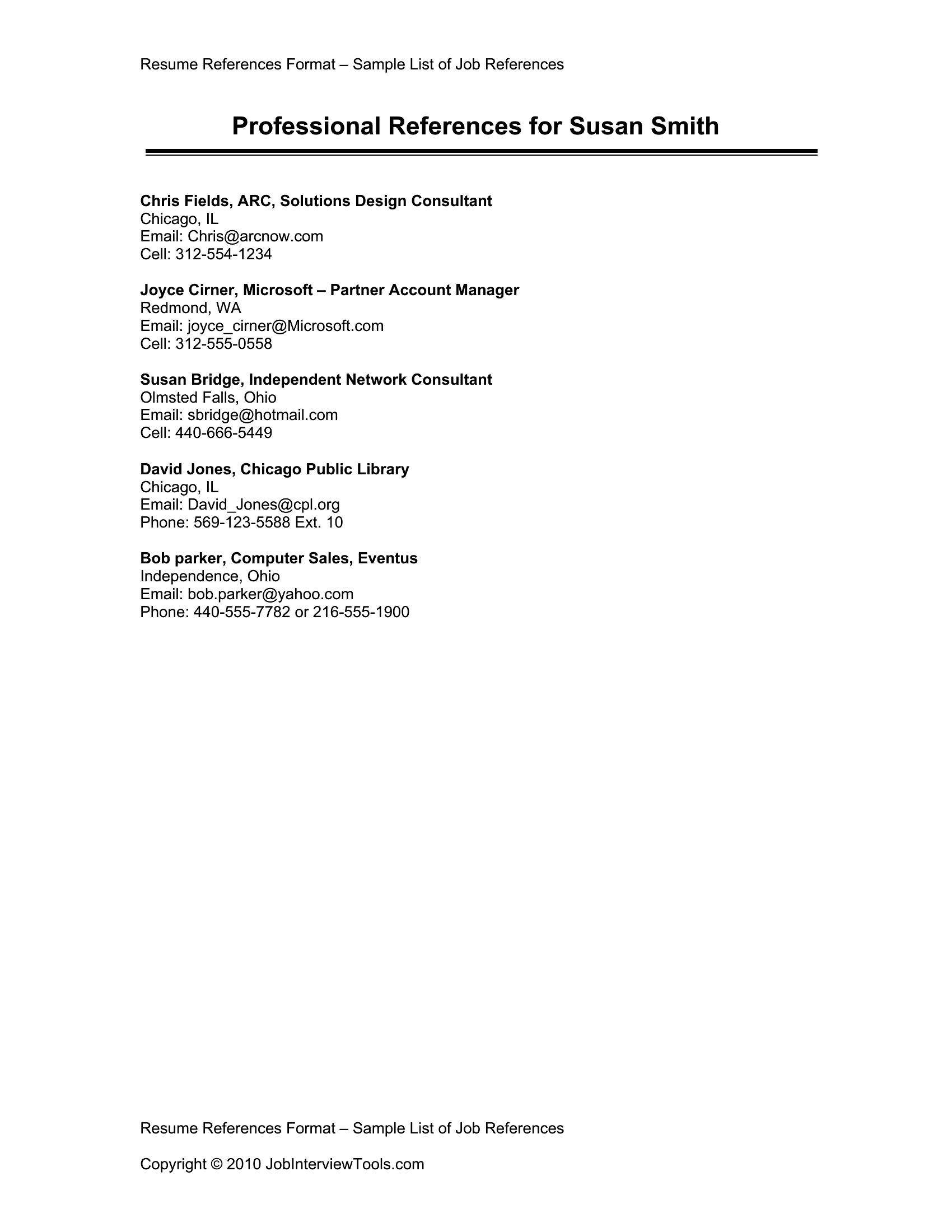
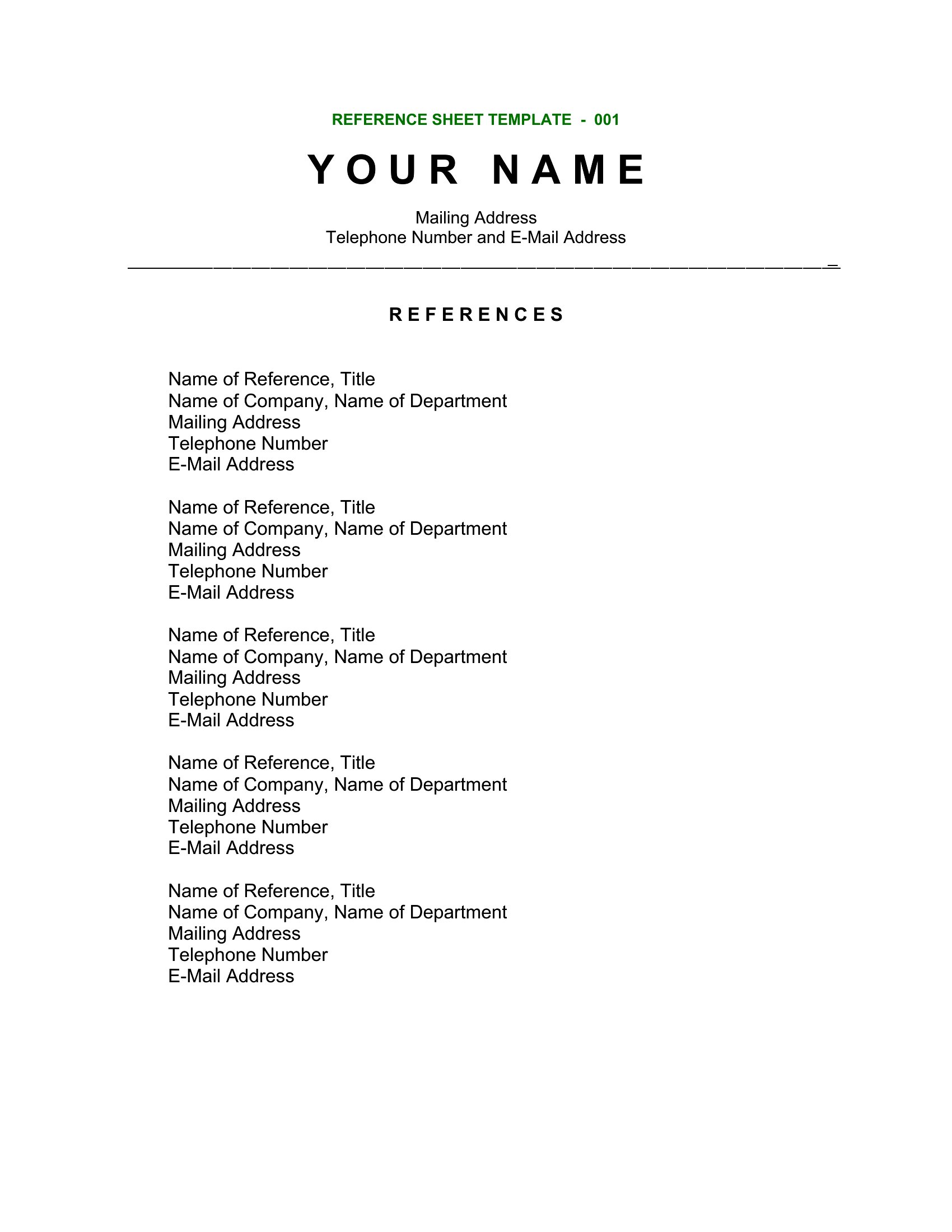
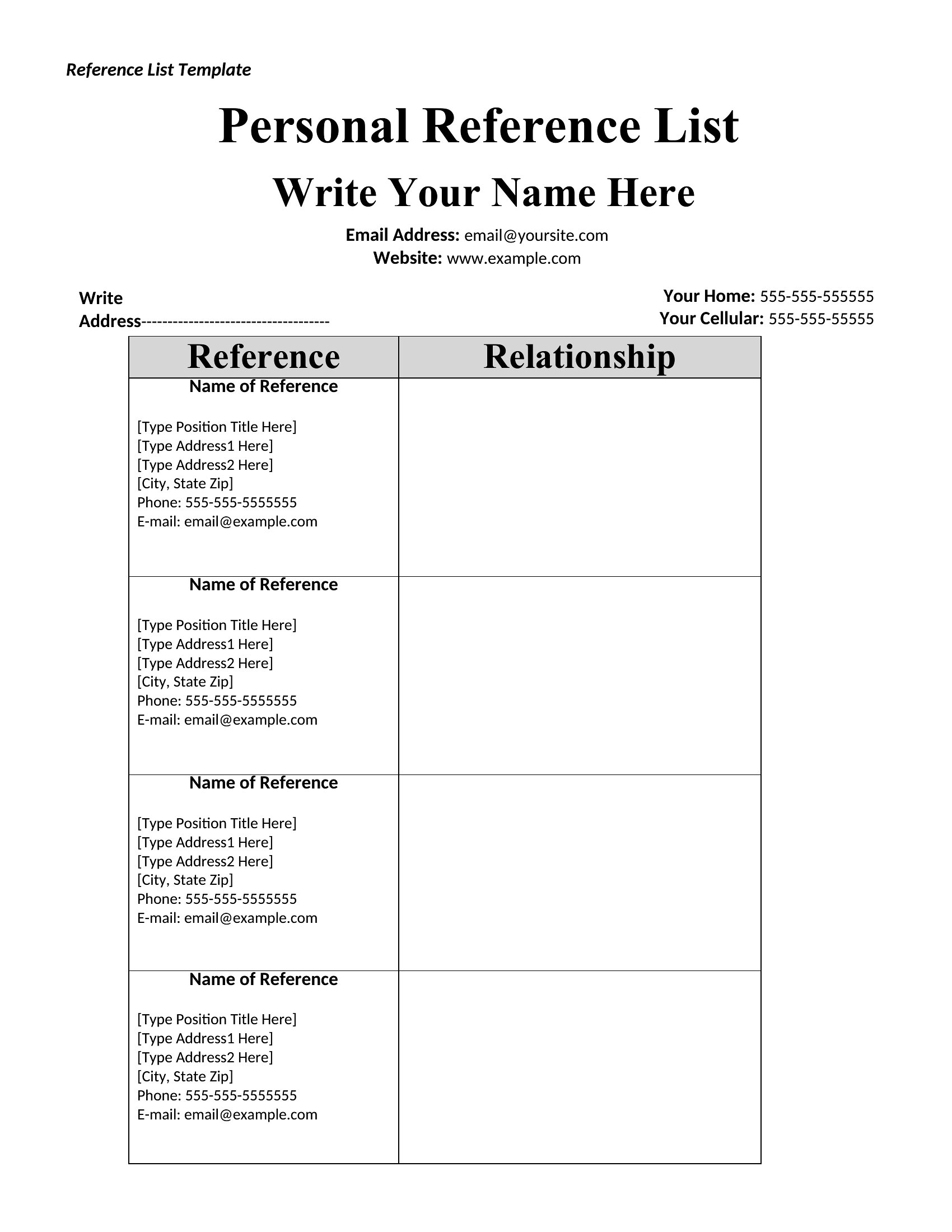
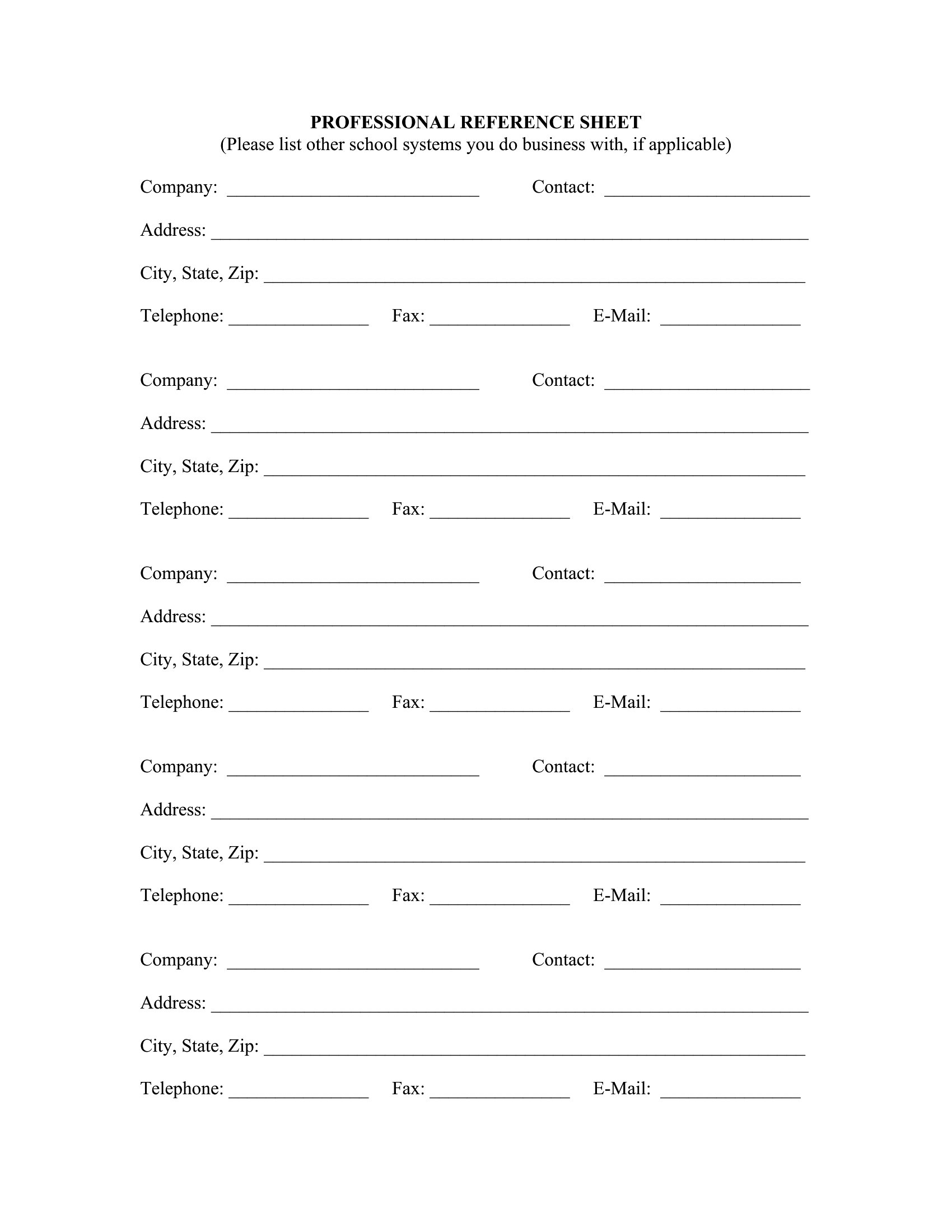
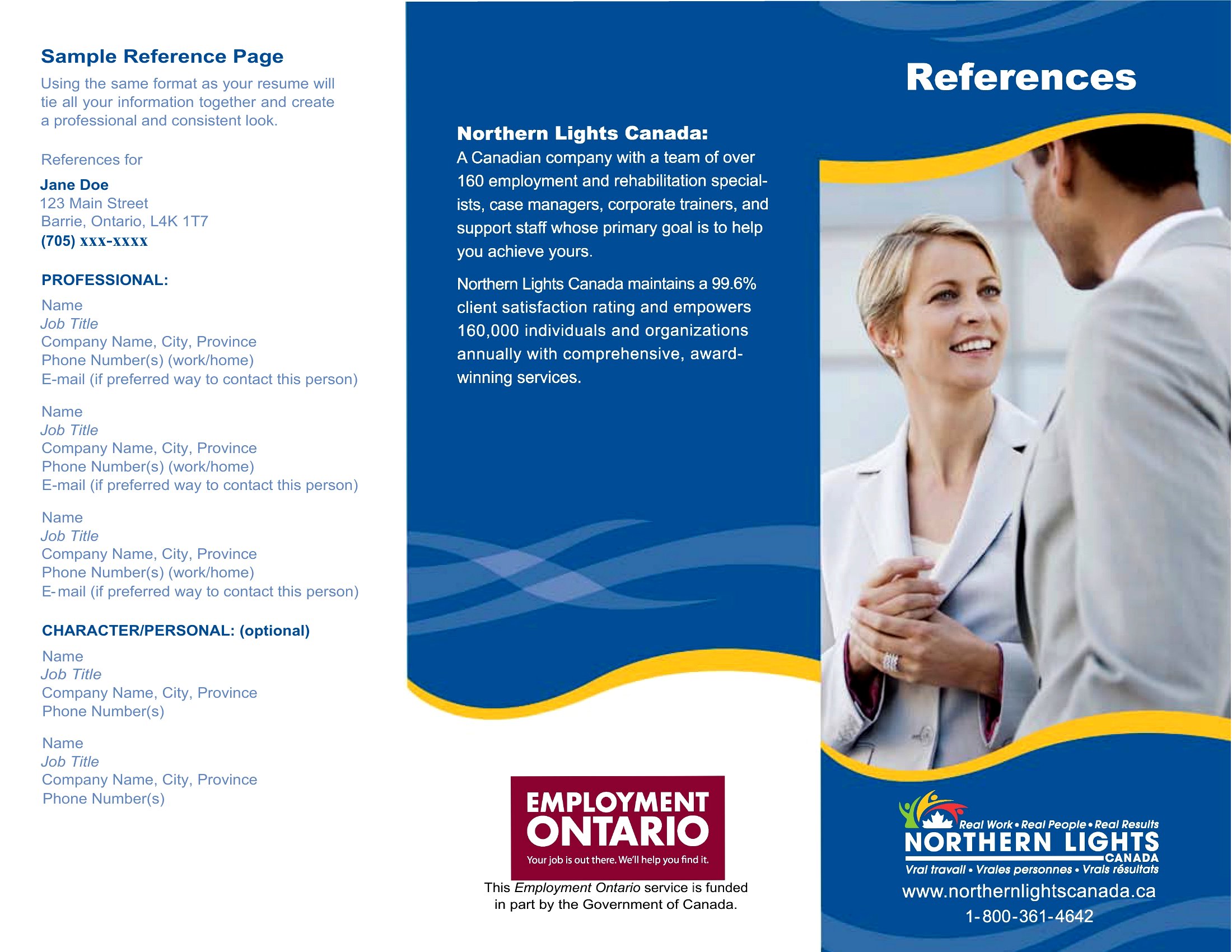
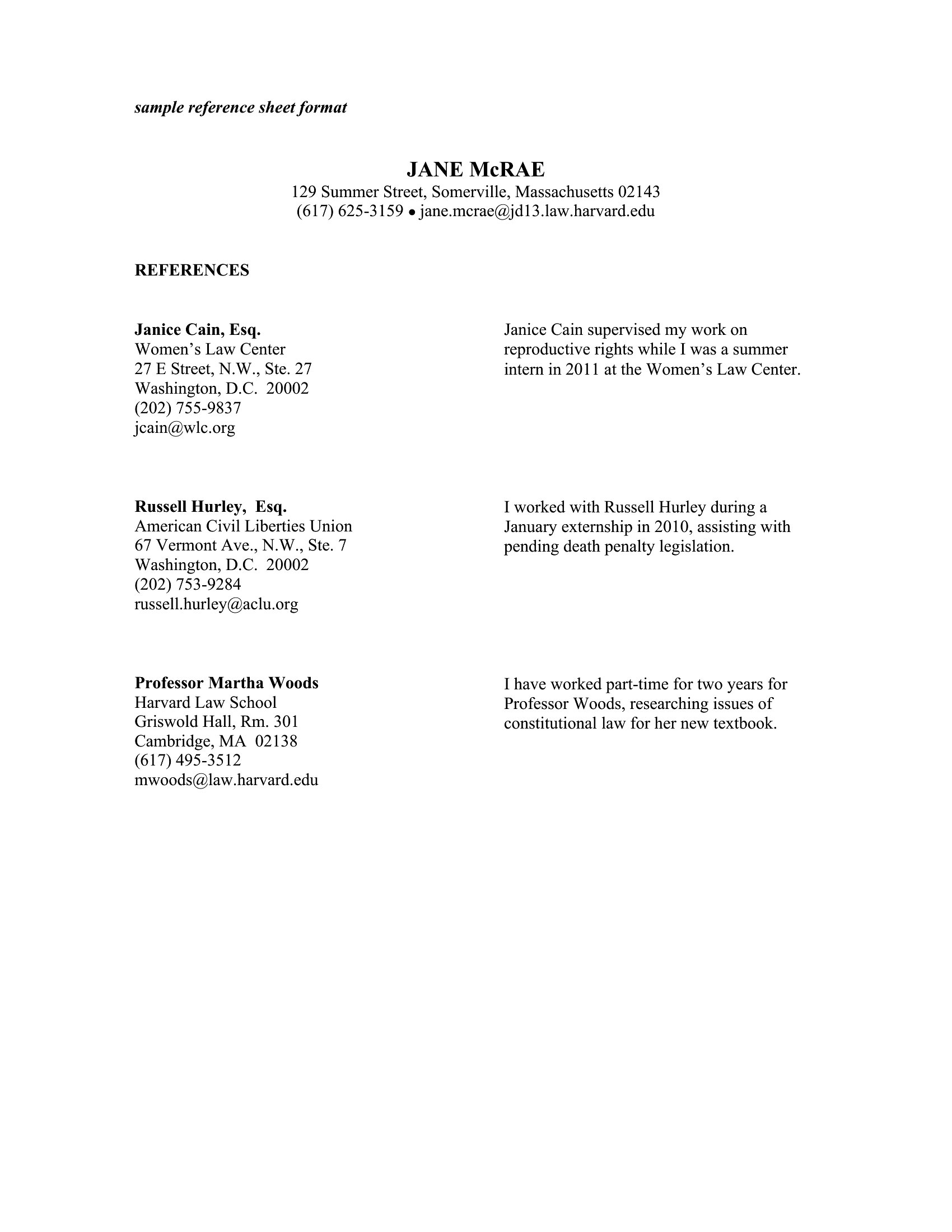
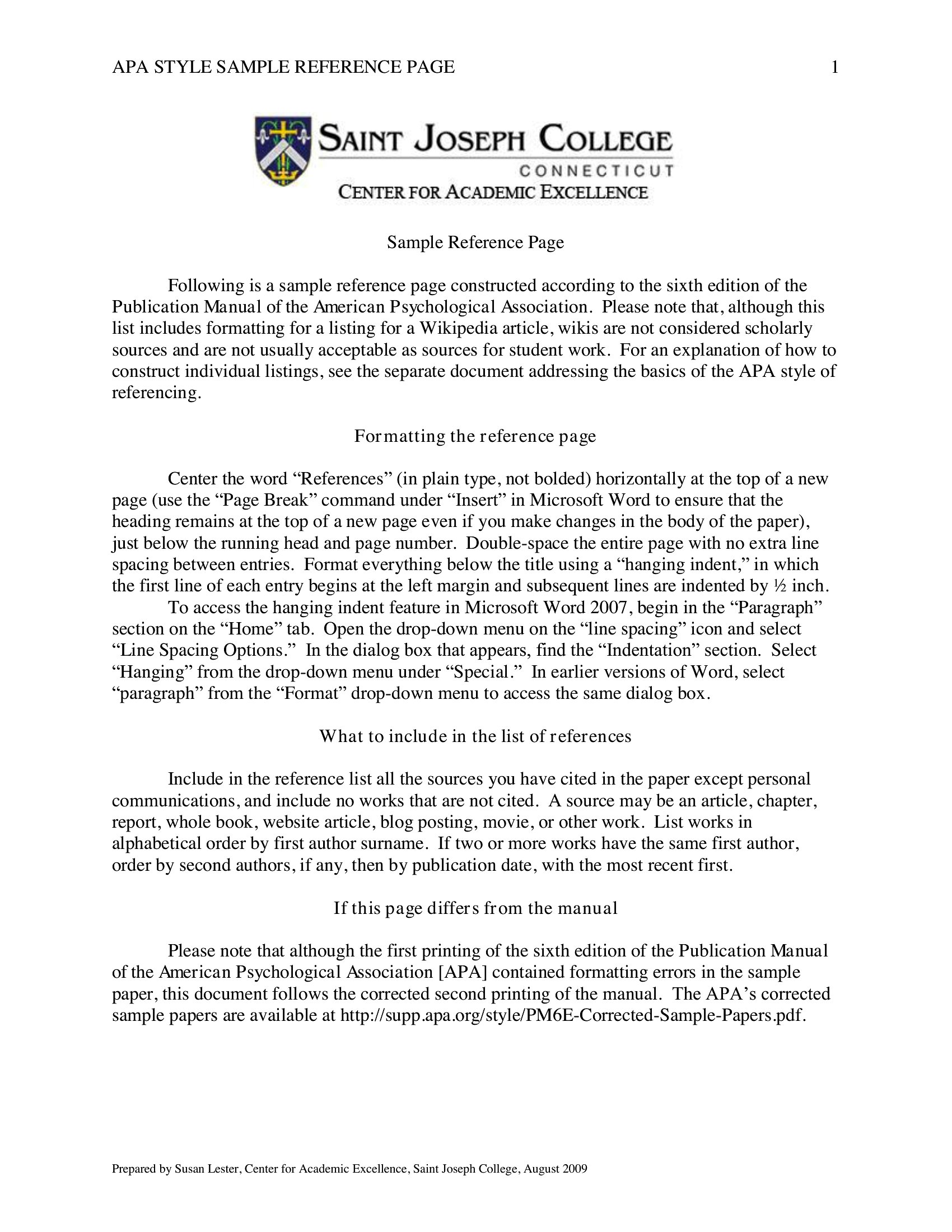
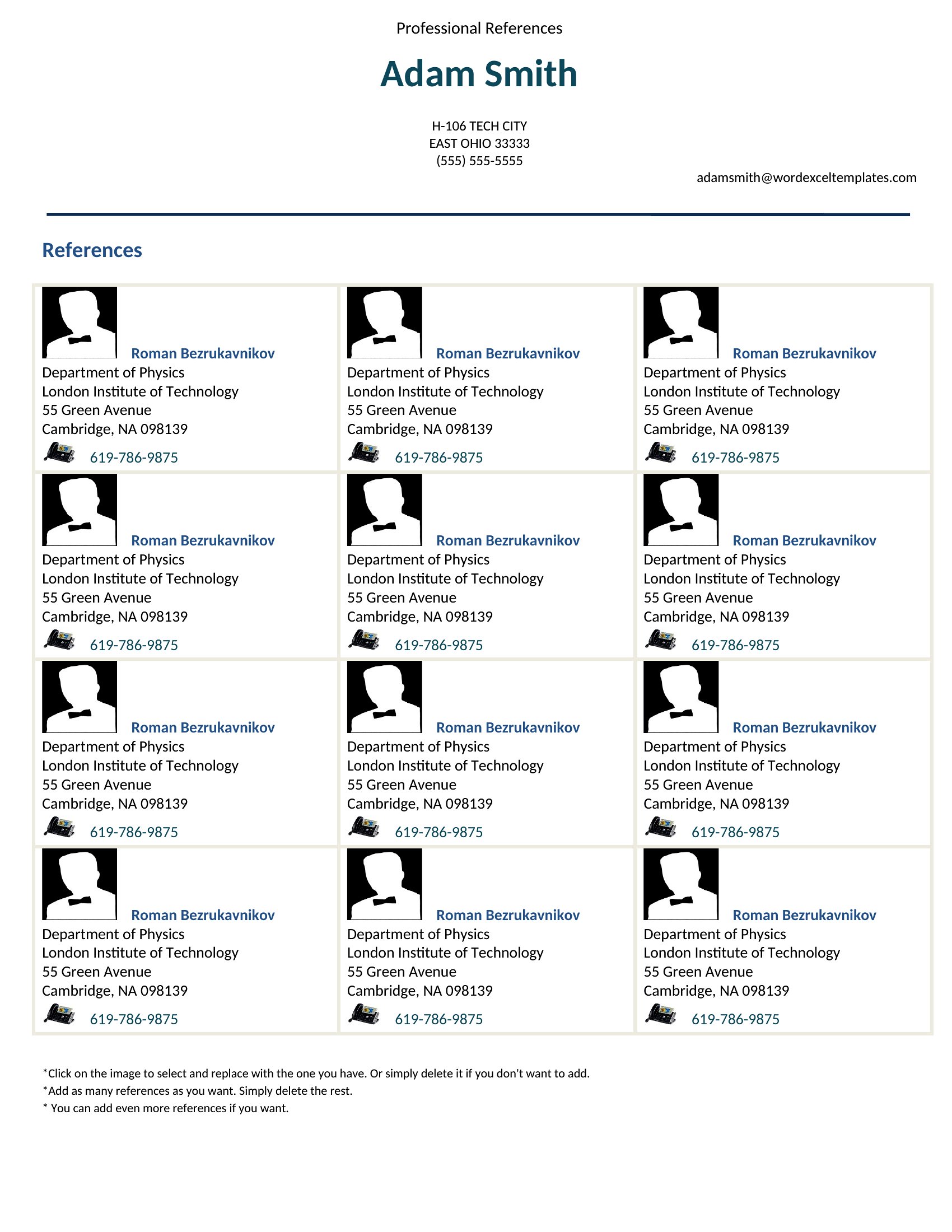
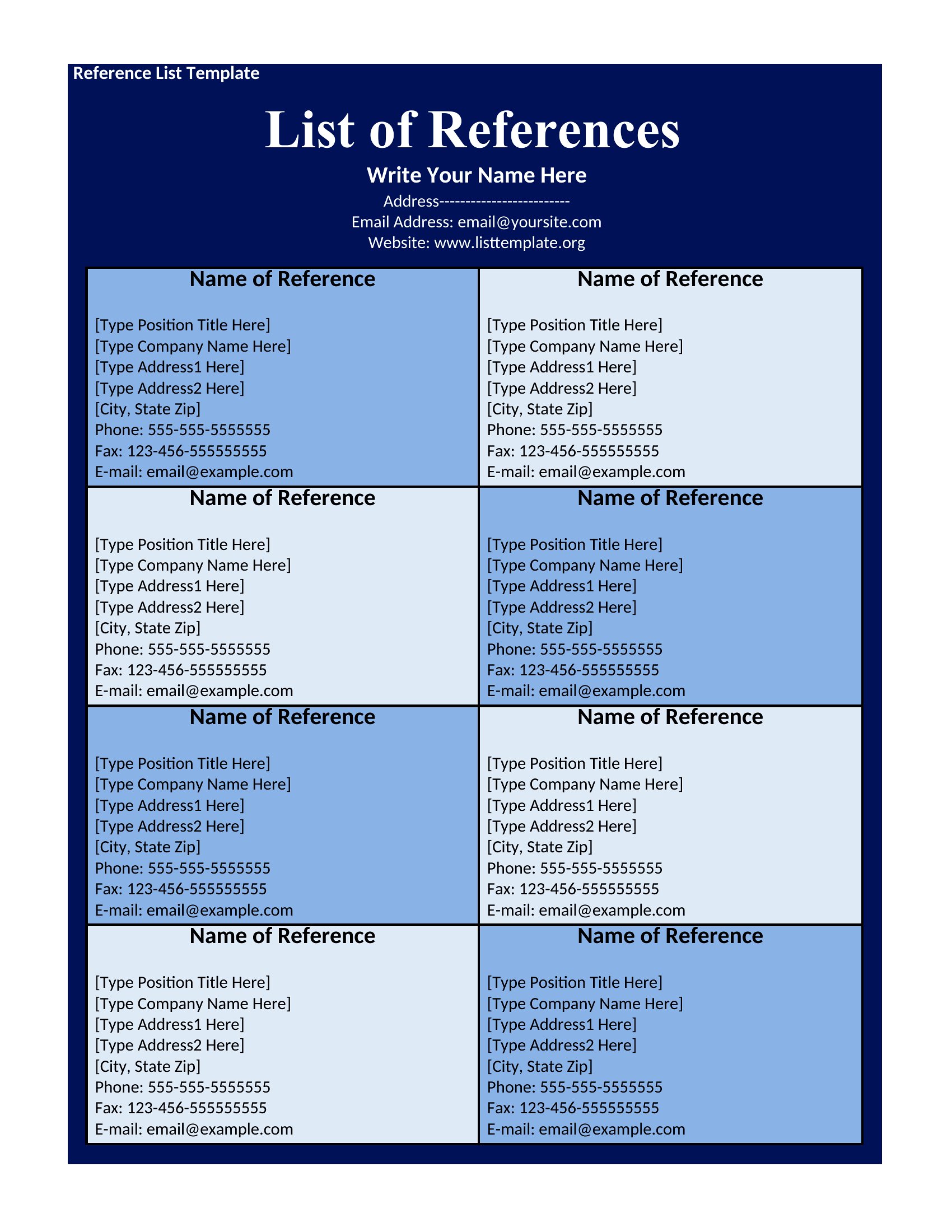
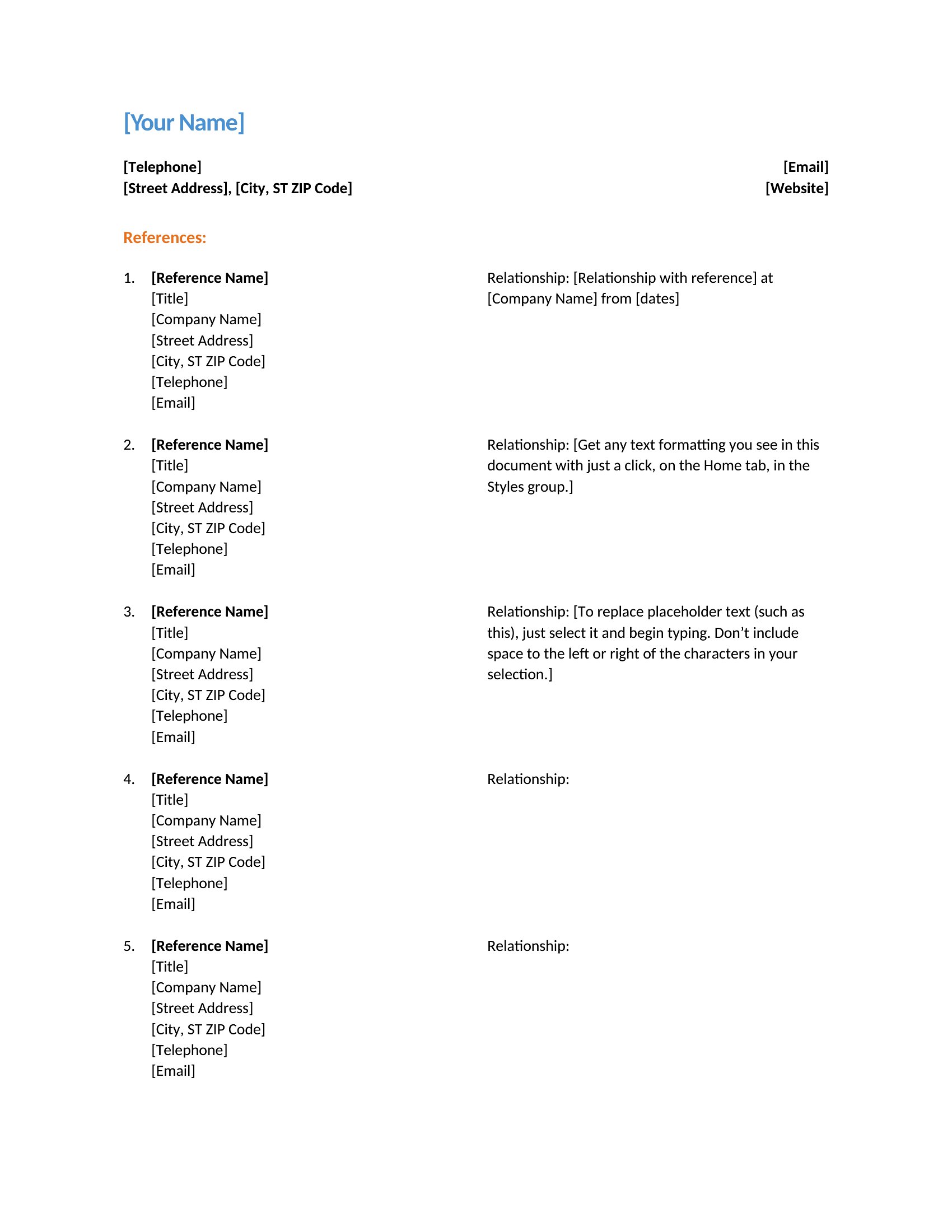
A clean reference page is what ties a research paper together, listing every source in a consistent style so readers can trace your work. This set of 40 templates covers the formatting students and writers wrestle with most, from hanging indents to alphabetized entries in APA, MLA, and Chicago layouts. Grab one that matches your assignment and you can drop in author names, titles, and dates without fighting your word processor's spacing.

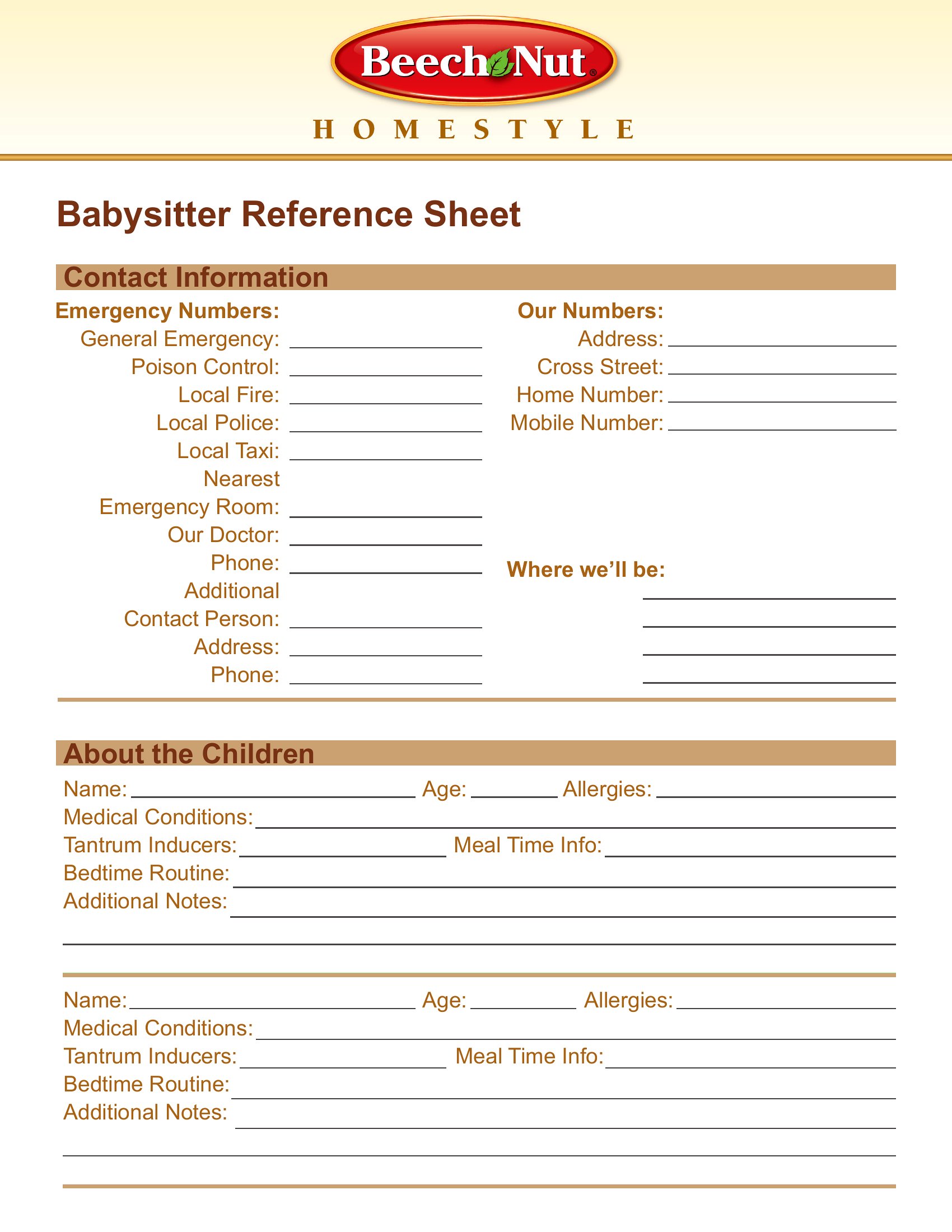
You'll find editable Word files for building your list as you write, plus print-ready PDFs when you just need a blank sheet to fill by hand. Each one keeps the margins and indents already set, so your citations line up the way instructors expect. Download the version your class requires and spend your energy on the writing instead of the formatting.

When to use this Reference Page / Sheet template

  • A college student working on a term paper for a literature class needs to format citations in MLA style, ensuring proper hanging indents and alphabetical order for 15 sources before submission.
  • A grad student in history is preparing a bibliography for a dissertation chapter and requires a Chicago-style reference page with footnotes, struggling to balance consistency across 30+ sources.
  • A researcher compiling a conference presentation needs a clean APA reference list to include in their handout, with hanging indents and proper spacing for 12 academic journal articles.
  • A high school teacher is helping students draft a research project and needs a pre-formatted reference sheet that matches the school’s citation guide, ready to distribute as a class handout.

Which format should I download?

WordPDF

For these reference templates, Word is the best choice if you need to edit individual entries (like correcting author names or adding new sources) before finalizing your document. Once your citations are perfect, convert to PDF to preserve formatting—ideal for submissions where only the final layout matters. PDFs also work well for static reference pages that won’t change, like handouts or published materials.

Choose from 40 Reference Page / Sheet Templates

How to use this Reference Page / Sheet template

How do I adjust the hanging indent in these templates to match my citation style?

Open the Word template, select all citations, then use the ruler or 'Paragraph' settings in the Home tab to apply a 0.5-inch hanging indent. If using PDFs, export from Word first to ensure the style transfers correctly.

Can I mix different citation styles (e.g., APA for some sources, MLA for others) in one reference page?

These templates follow a single style per document, so you’ll need separate pages for each style. Use Word’s 'Insert' > 'Page Break' to keep them organized. Consult your assignment guidelines for preferred formatting.

What’s the best way to alphabetize sources if I’ve added them in a random order?

In Word, use the 'Sort' option under the 'Home' tab (highlight your citations first). For PDFs, recreate the list in Word, sort, then re-export. Some templates include numbered placeholders—insert sources in alphabetical order directly.

Comments

Join the conversation

Sign in to share your thoughts and leave a comment on this resource.

Newsletter

Get Weekly Design Updates

Join our community to receive curated resources and inspiration.

Weekly Tips Resources Early Access

We respect your privacy. Confirmation email required. Privacy Policy