Free Sell Sheet Templates (Word, Excel)
BusinessTemplates
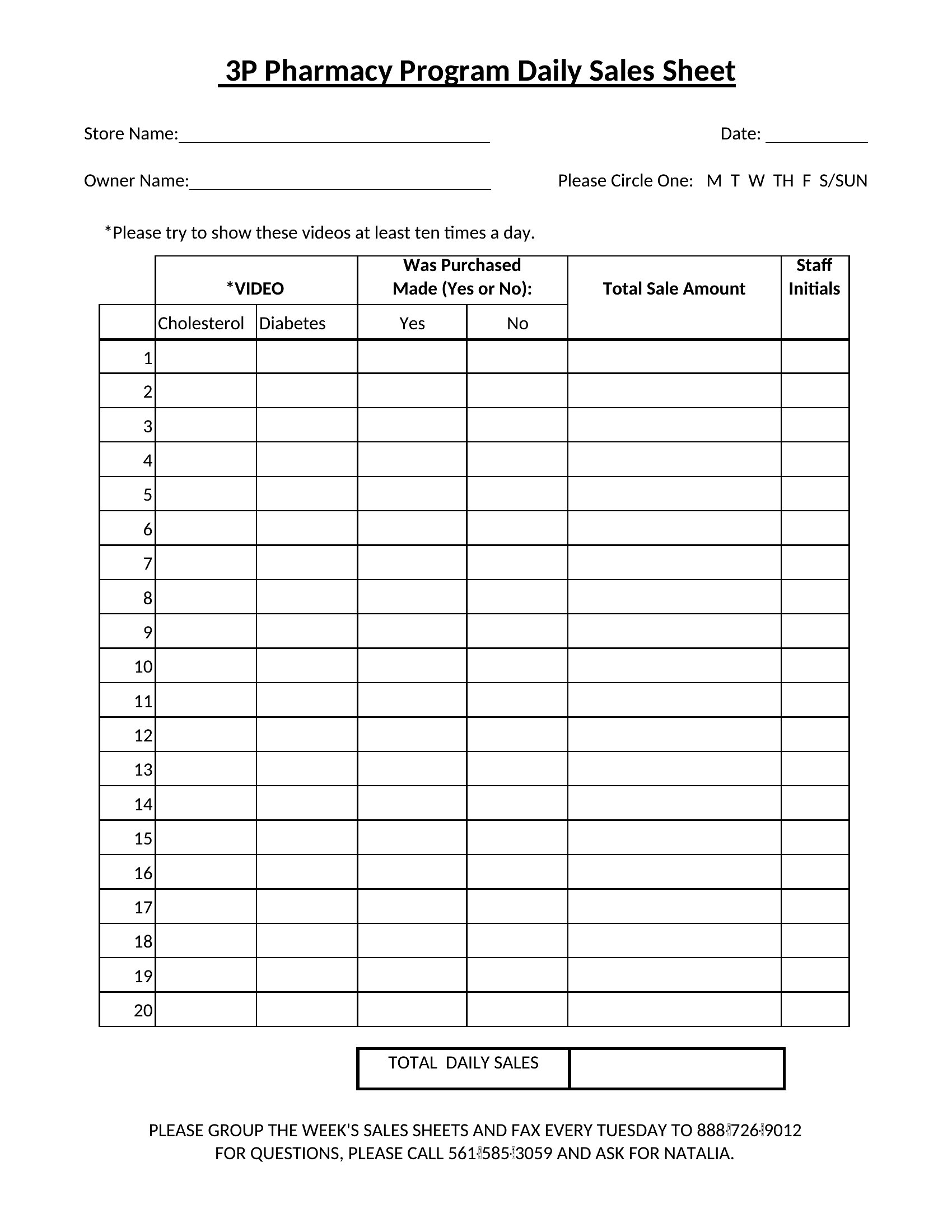
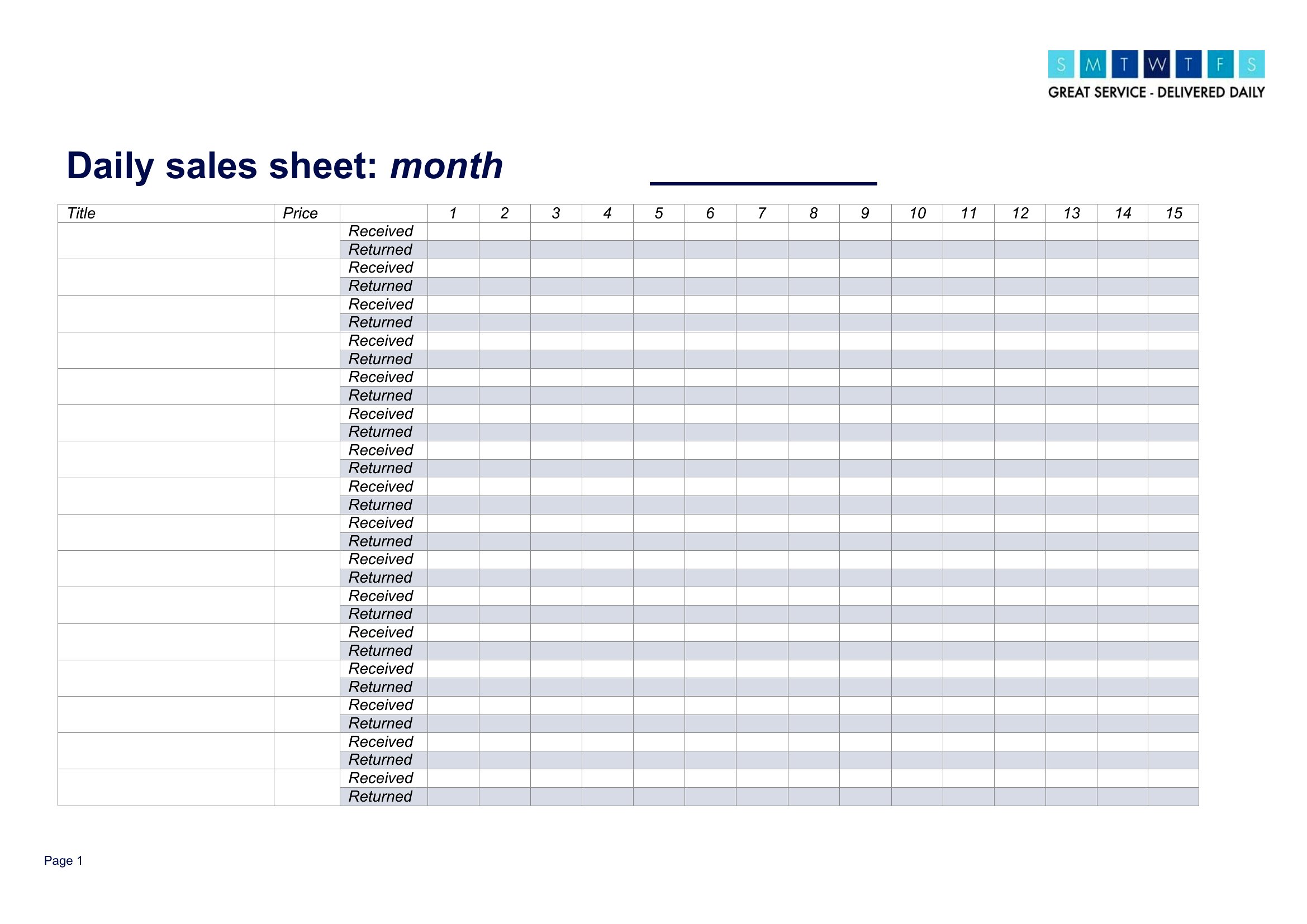
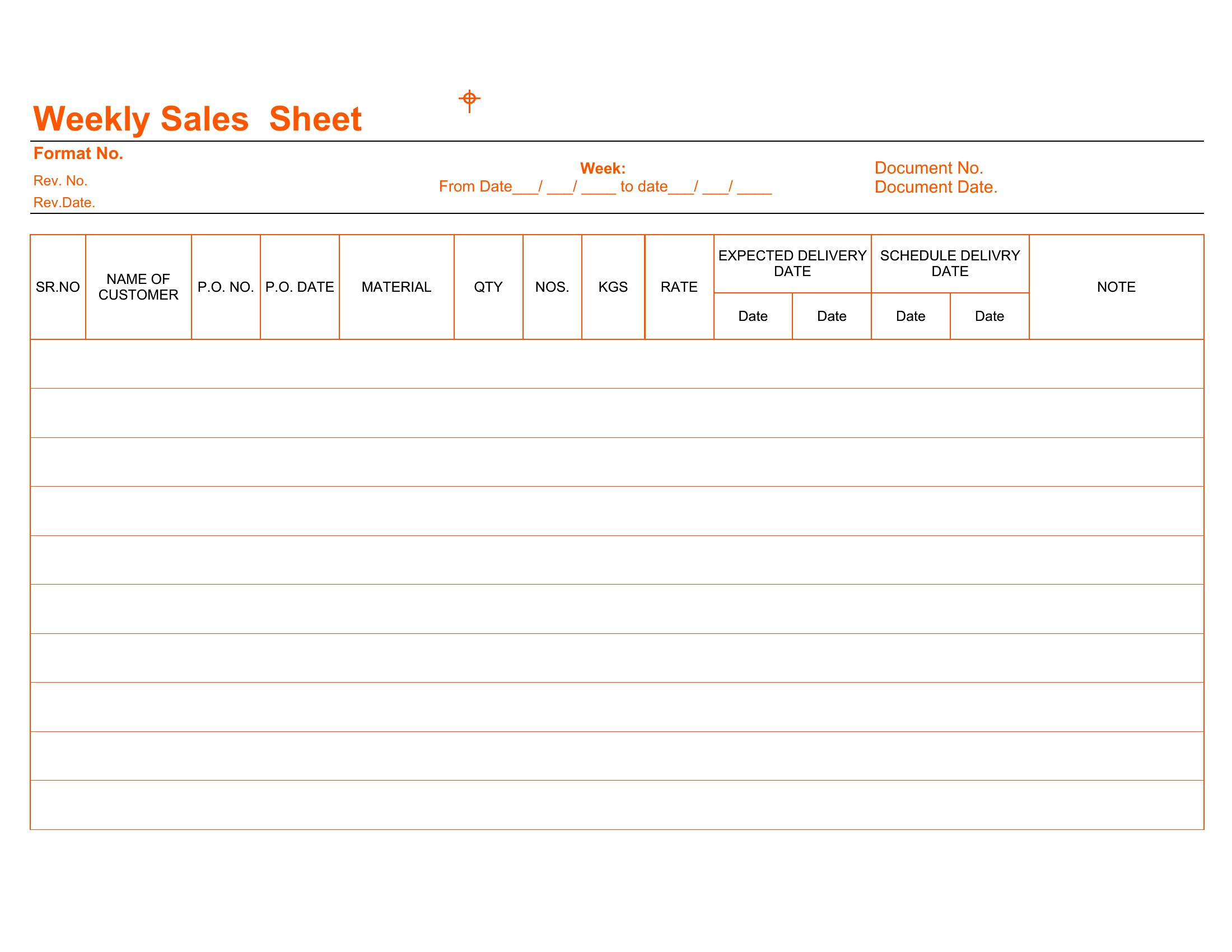
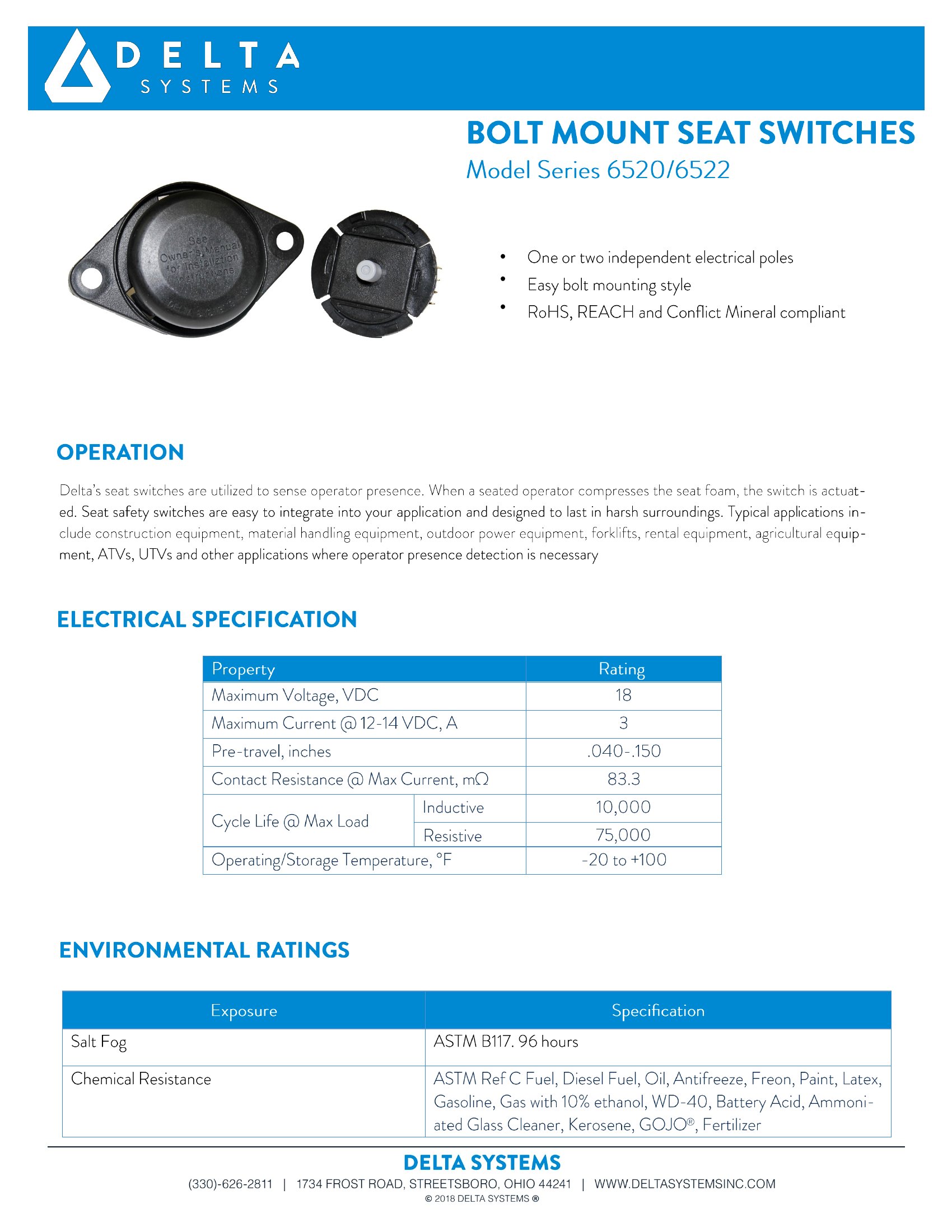
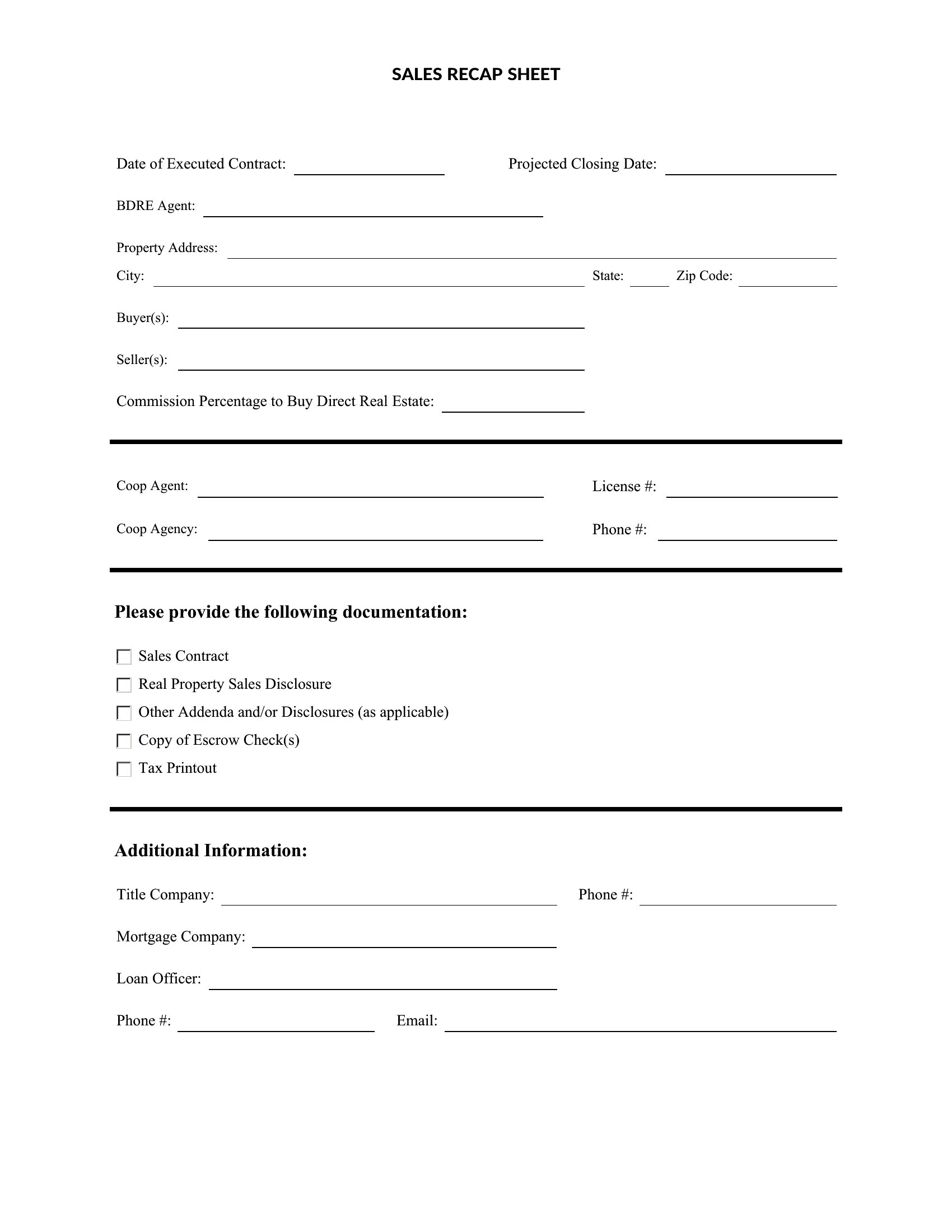
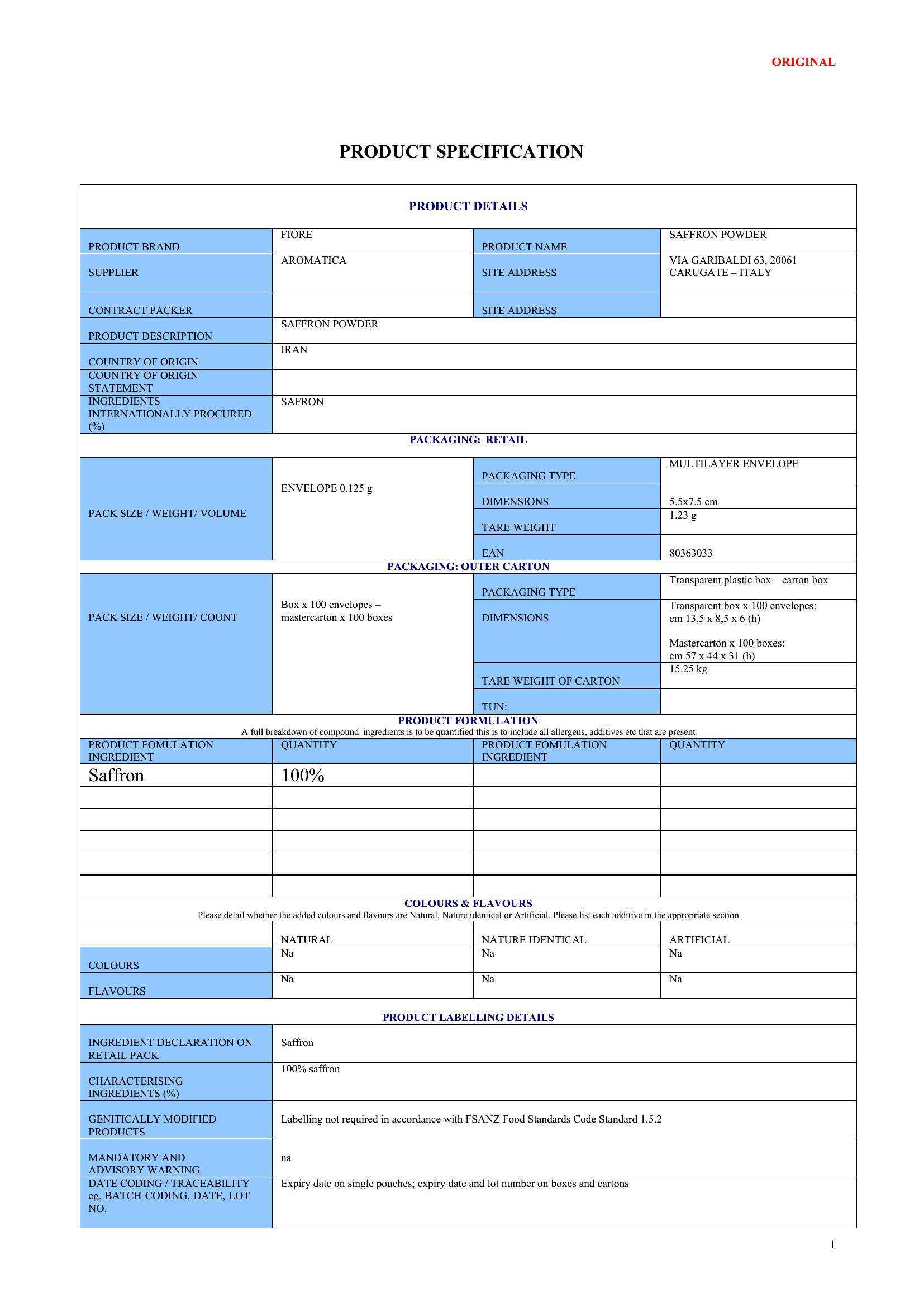
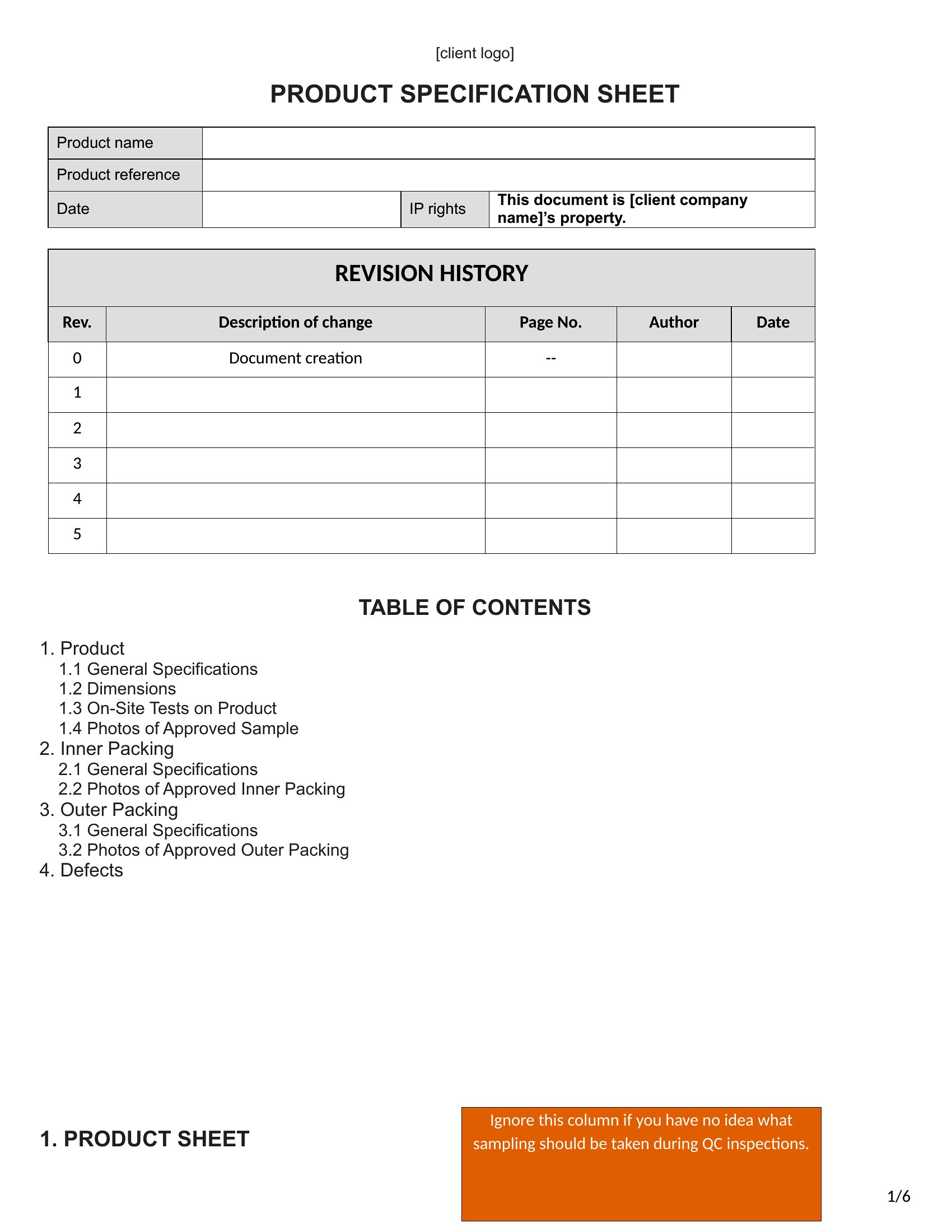
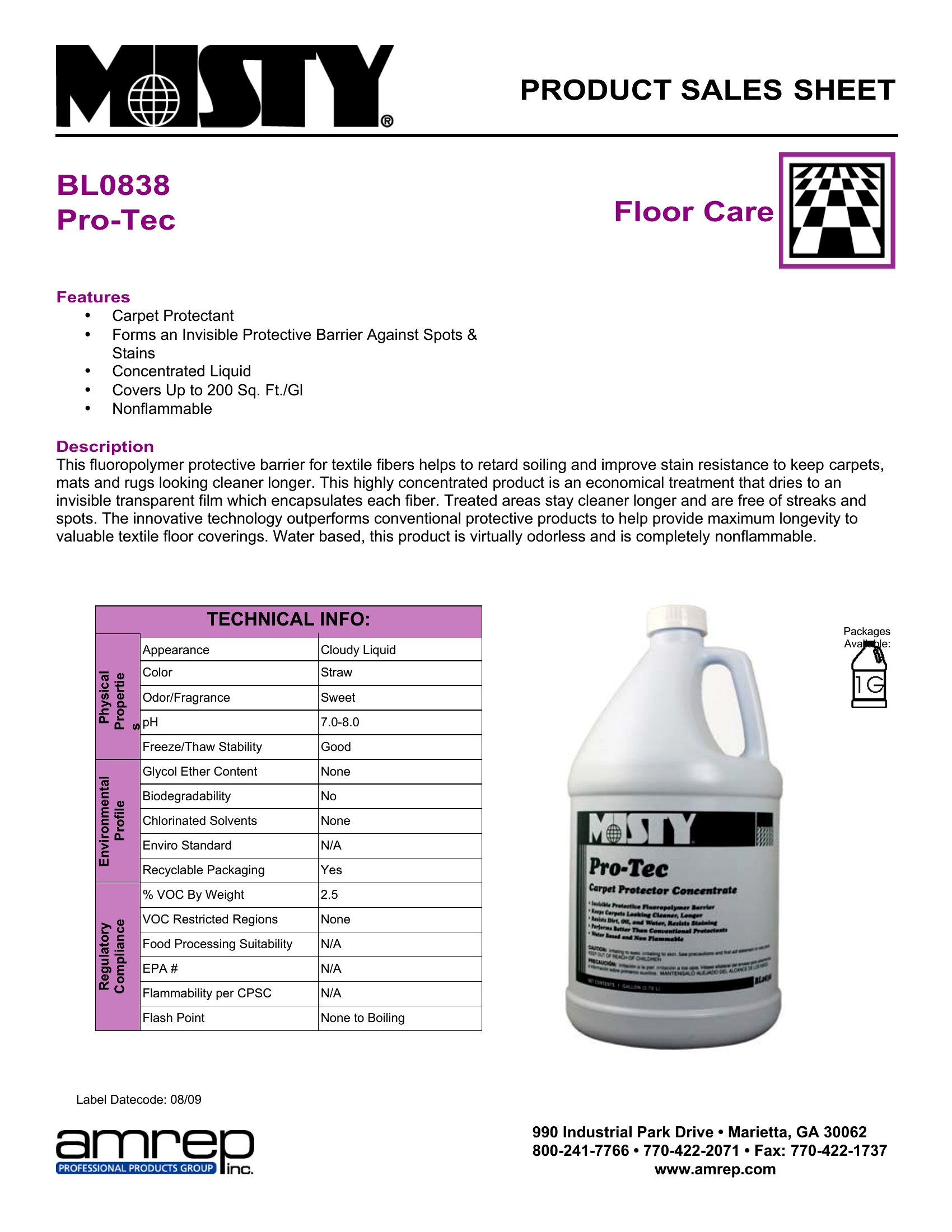
FAQ
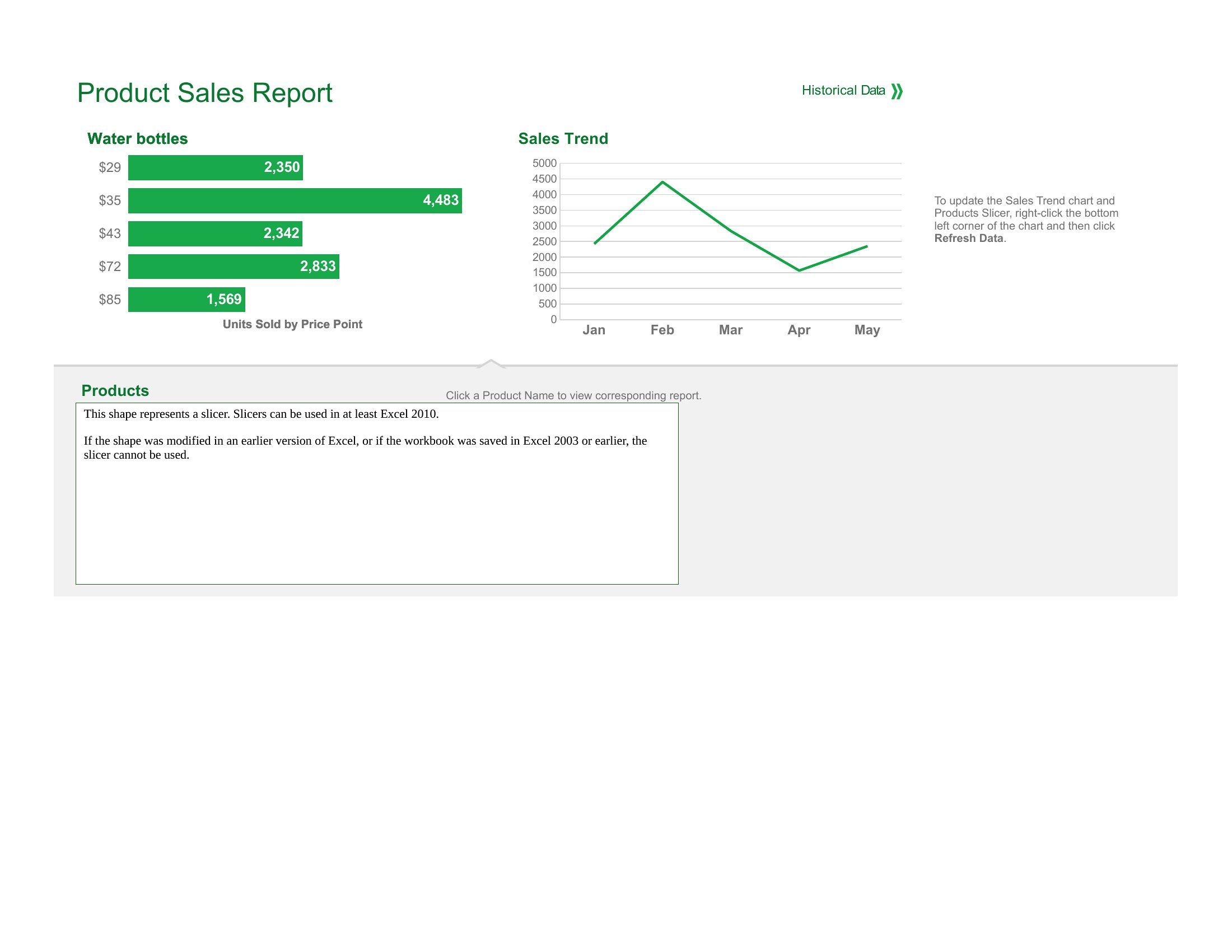
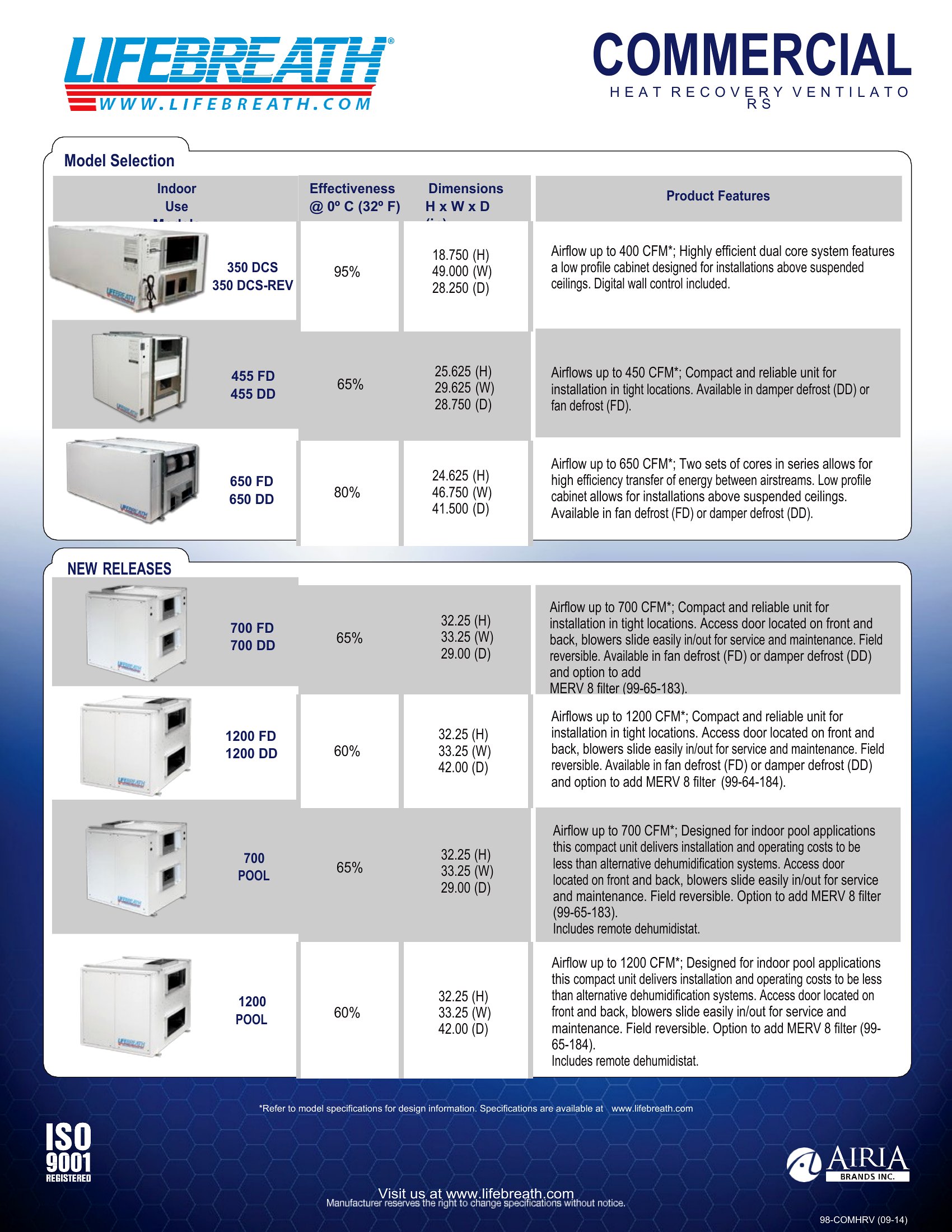
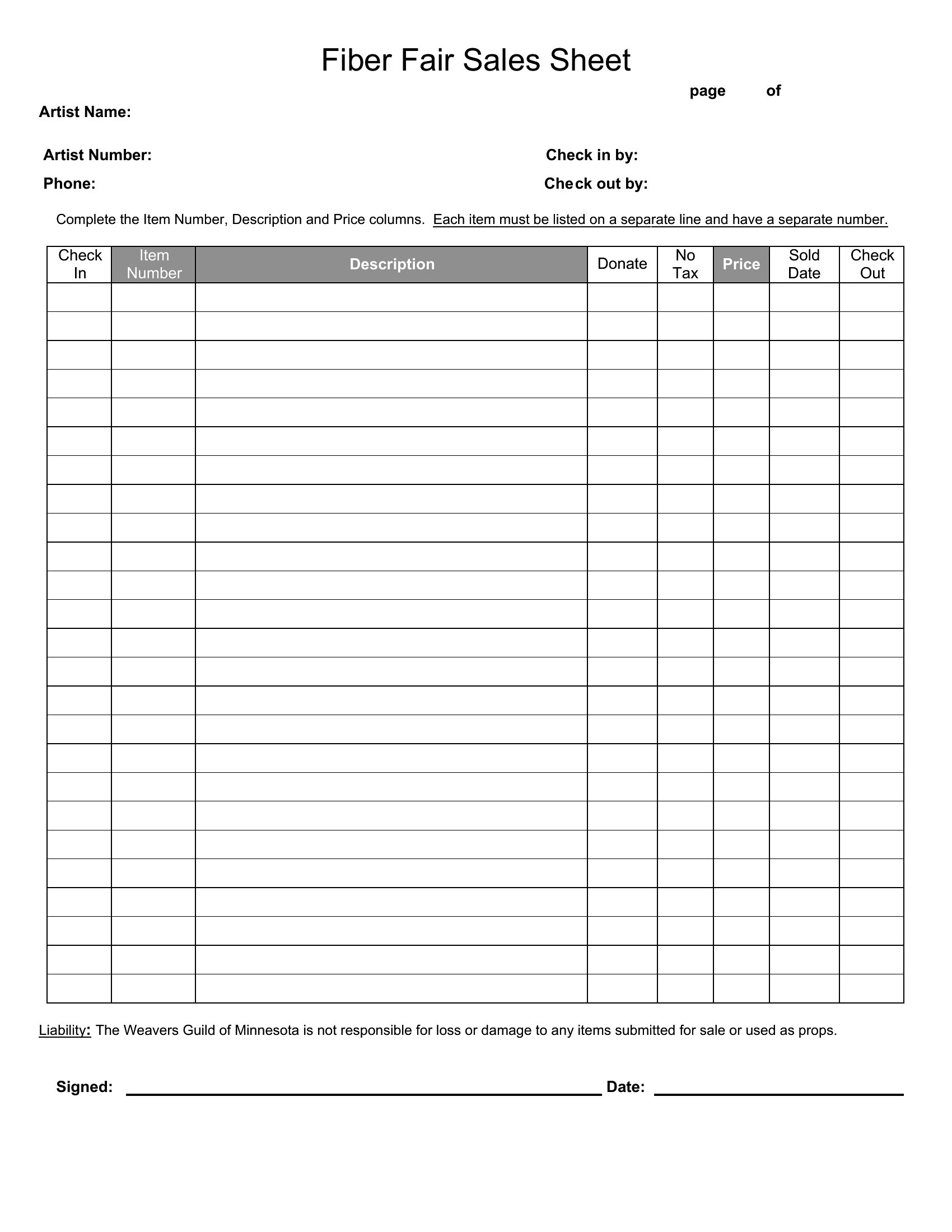
How can I ensure my sell sheet stands out to buyers who receive dozens daily?
Prioritize clarity by using bold headers for key sections (e.g., ‘Key Benefits,’ ‘Pricing’), limit text to bullet points, and include one high-quality product image. Buyers skim—highlight your unique value (e.g., ‘Exclusive distributor for X region’) in a distinct color or larger font. Avoid jargon; focus on outcomes (e.g., ‘Increases shelf appeal by 30%’).
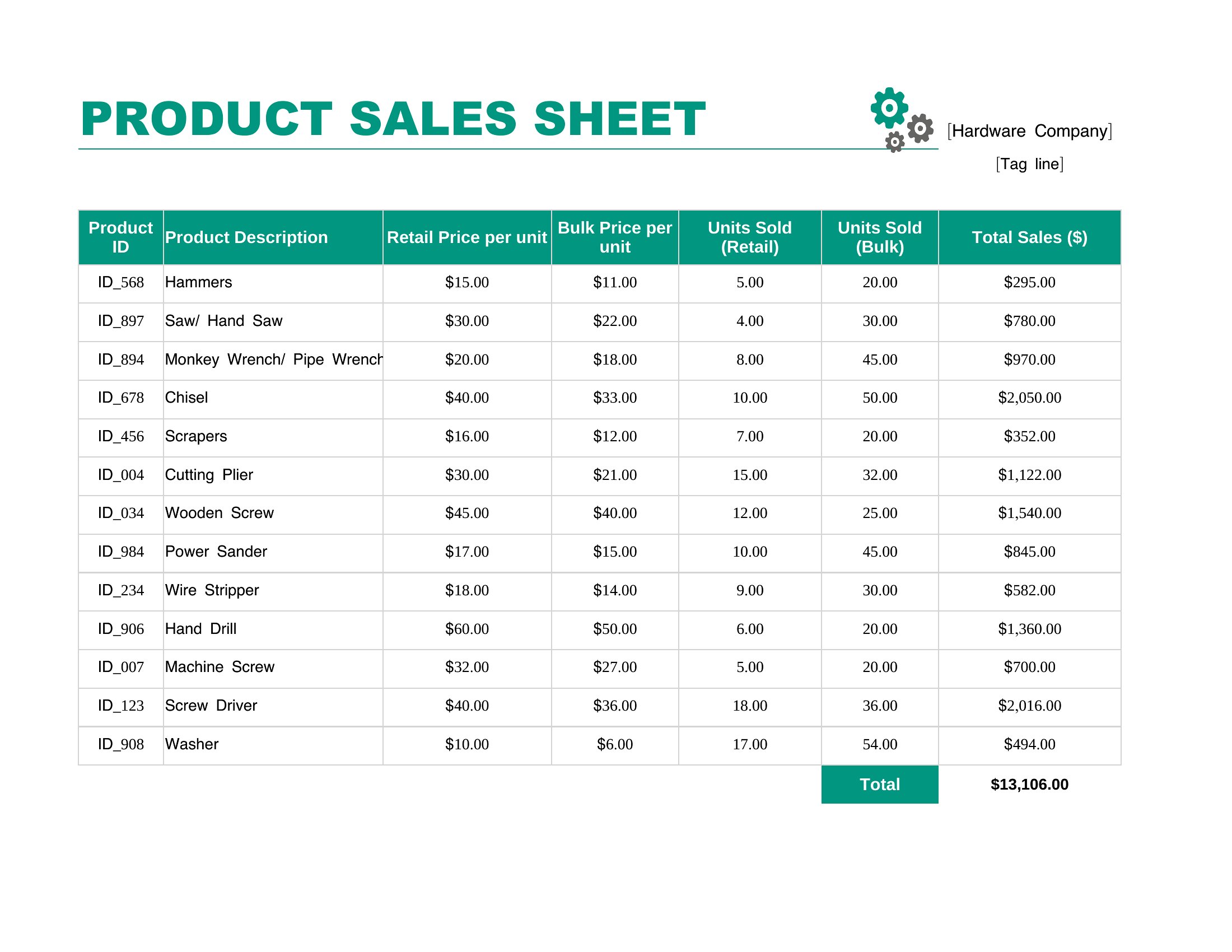
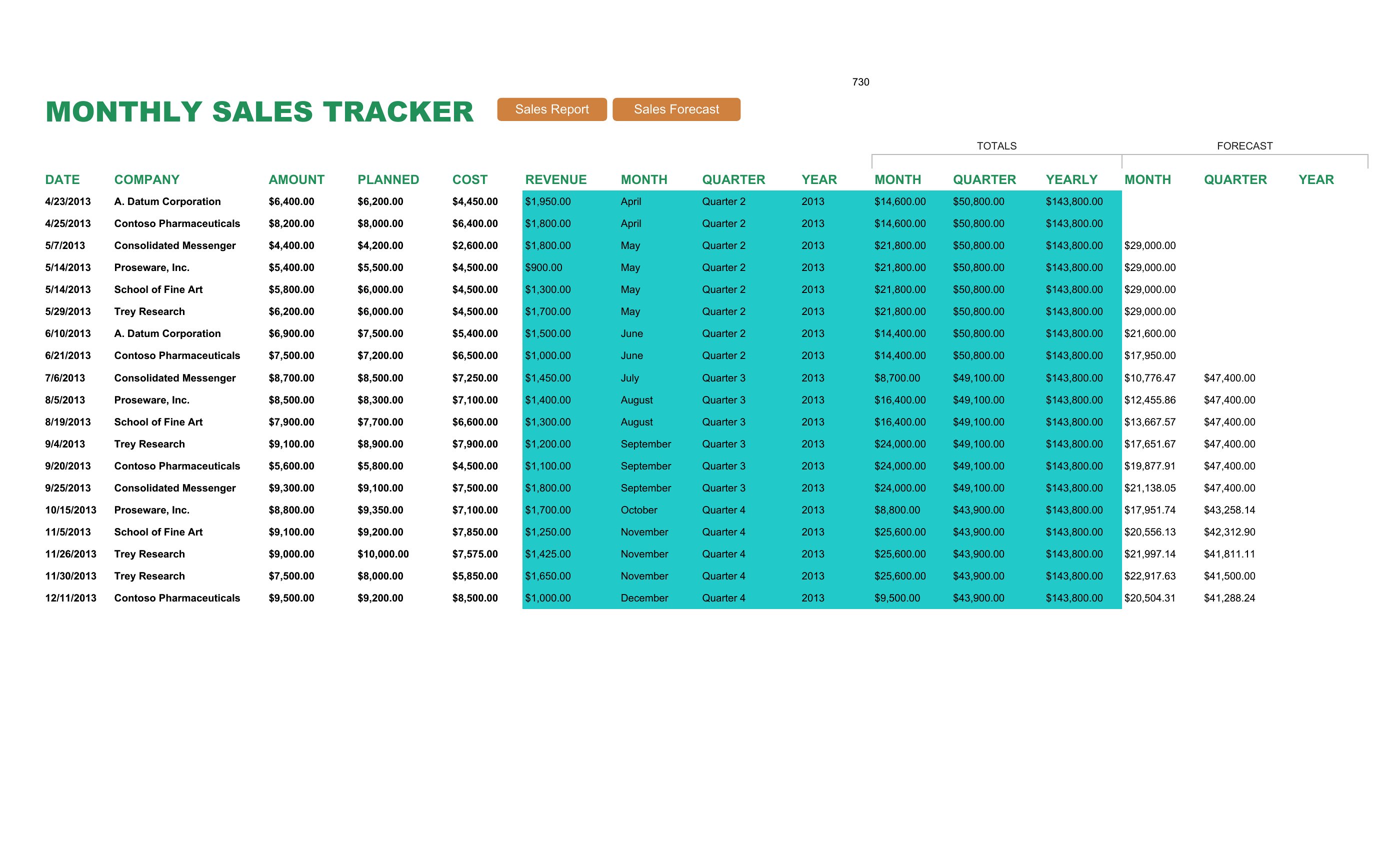
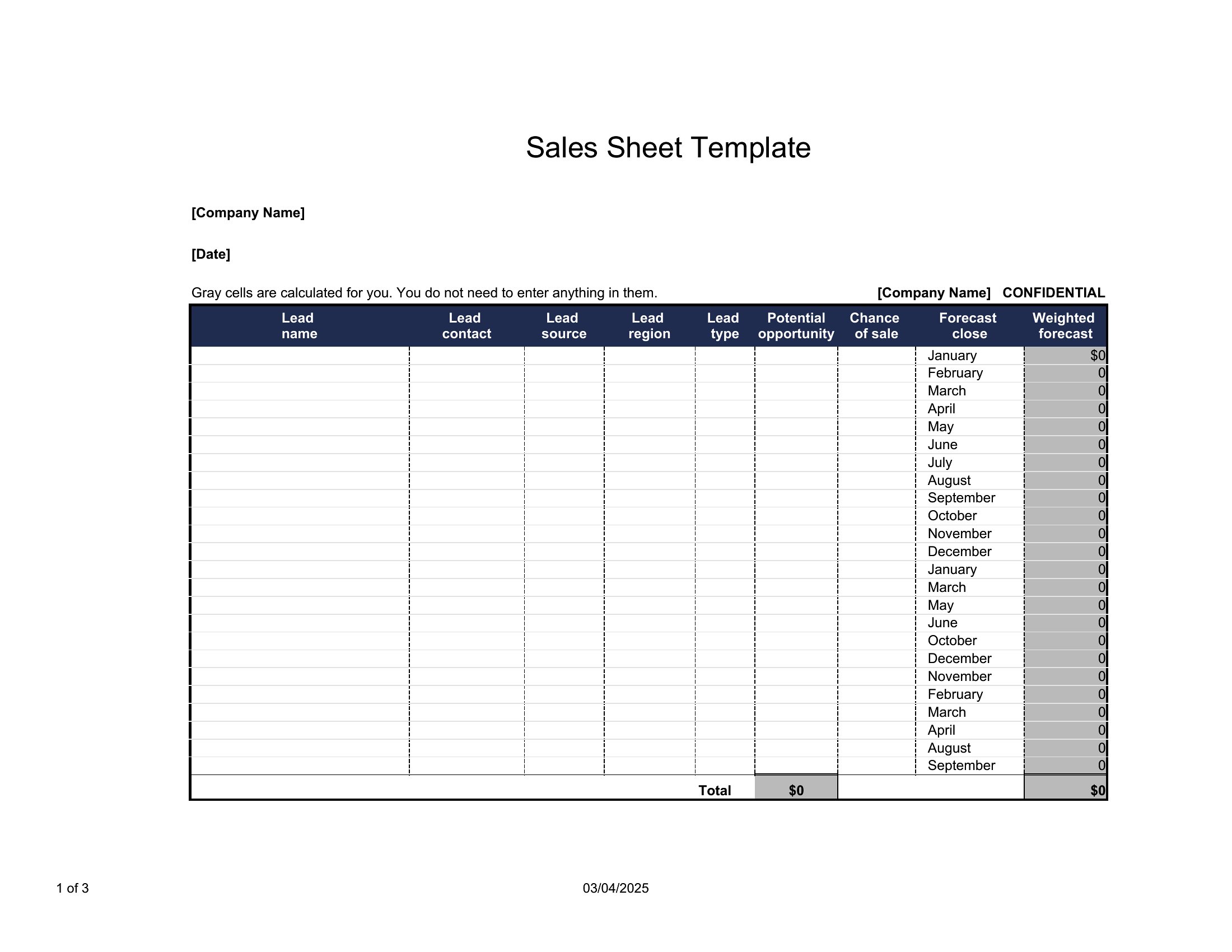
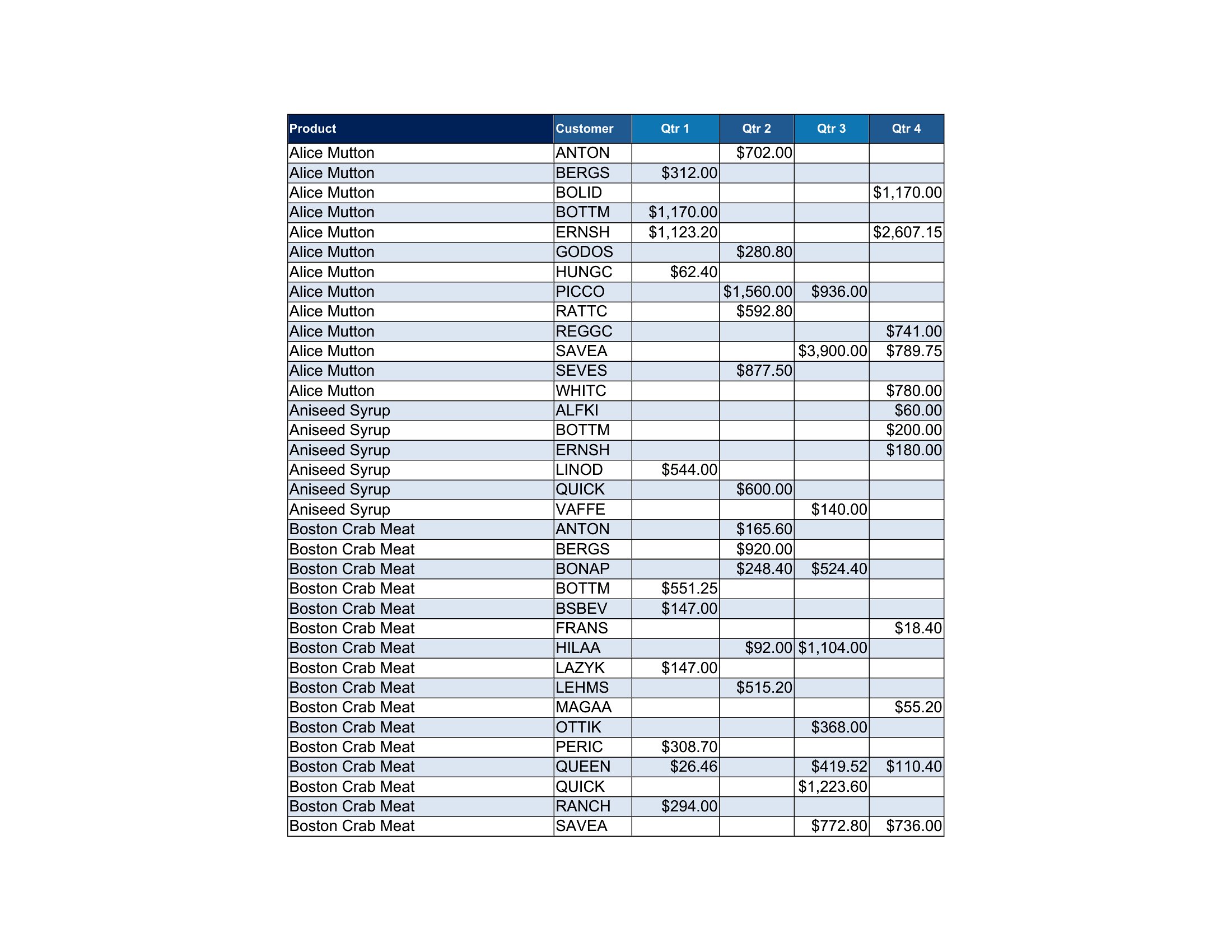
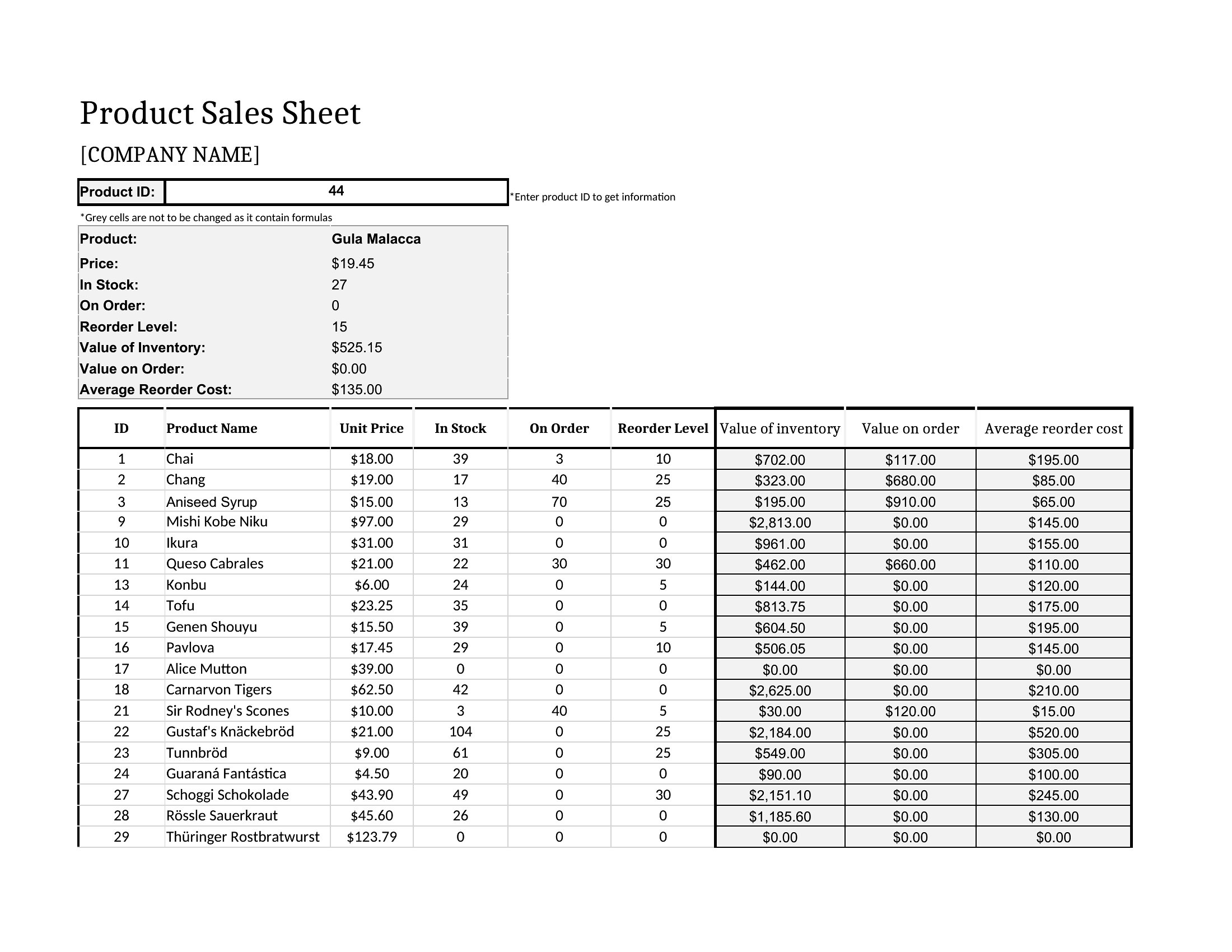
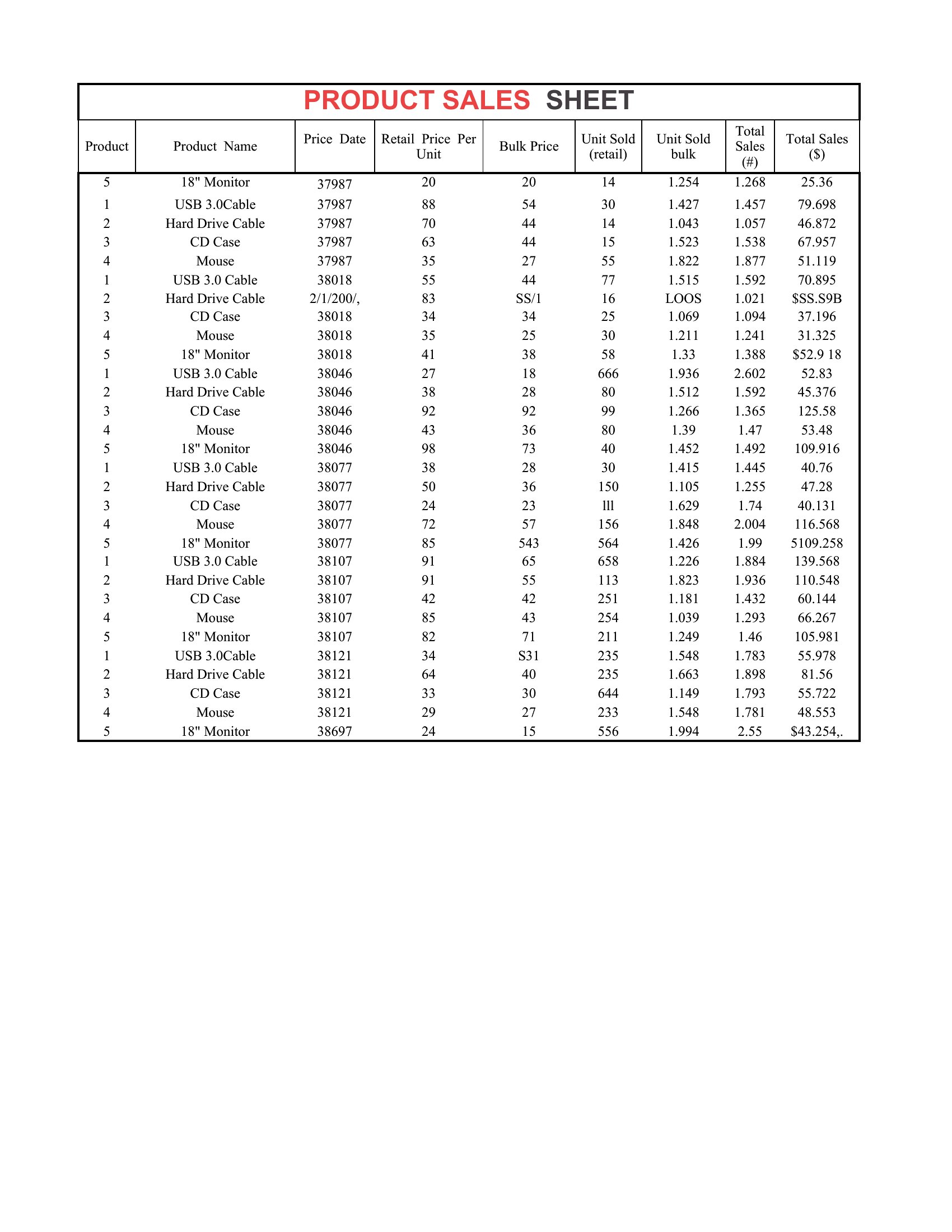
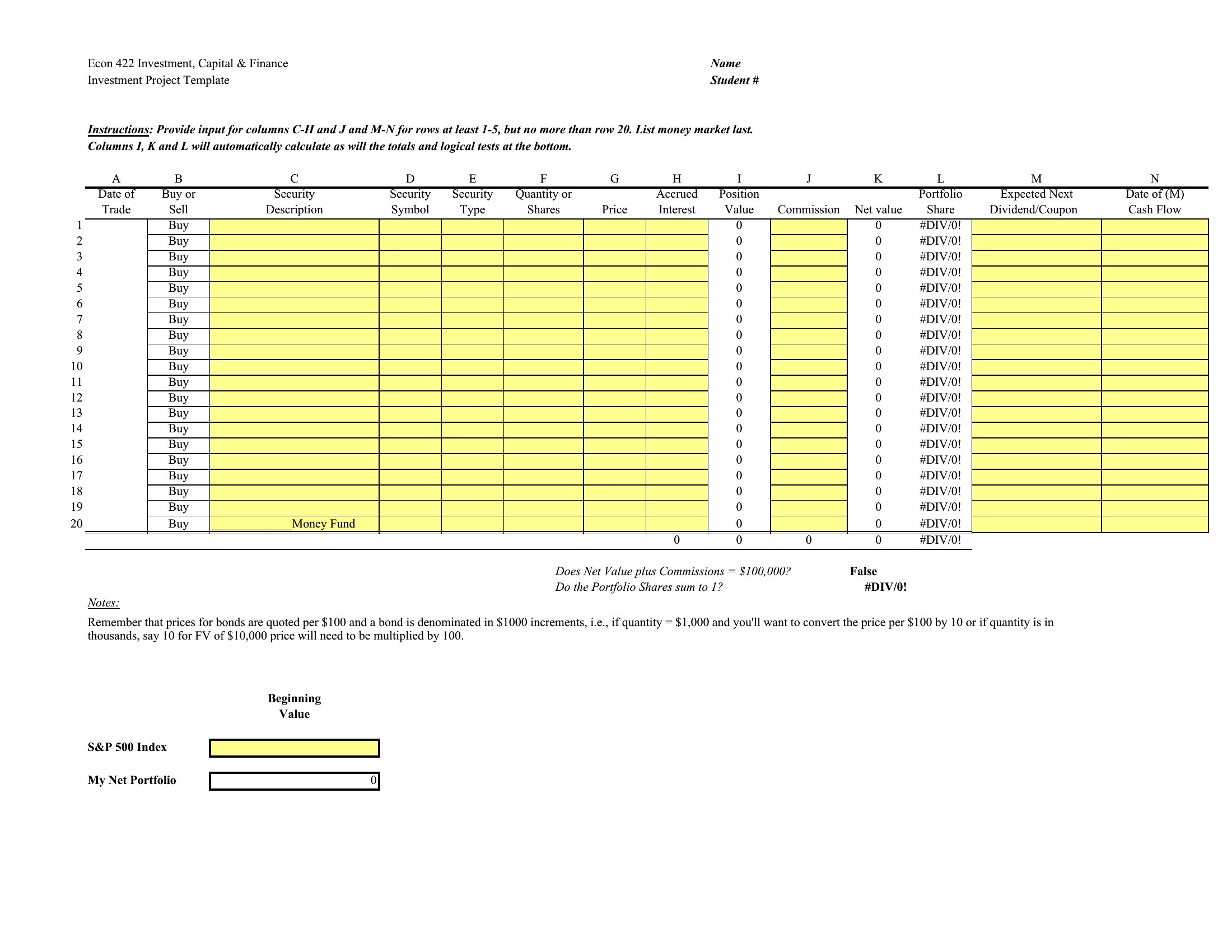
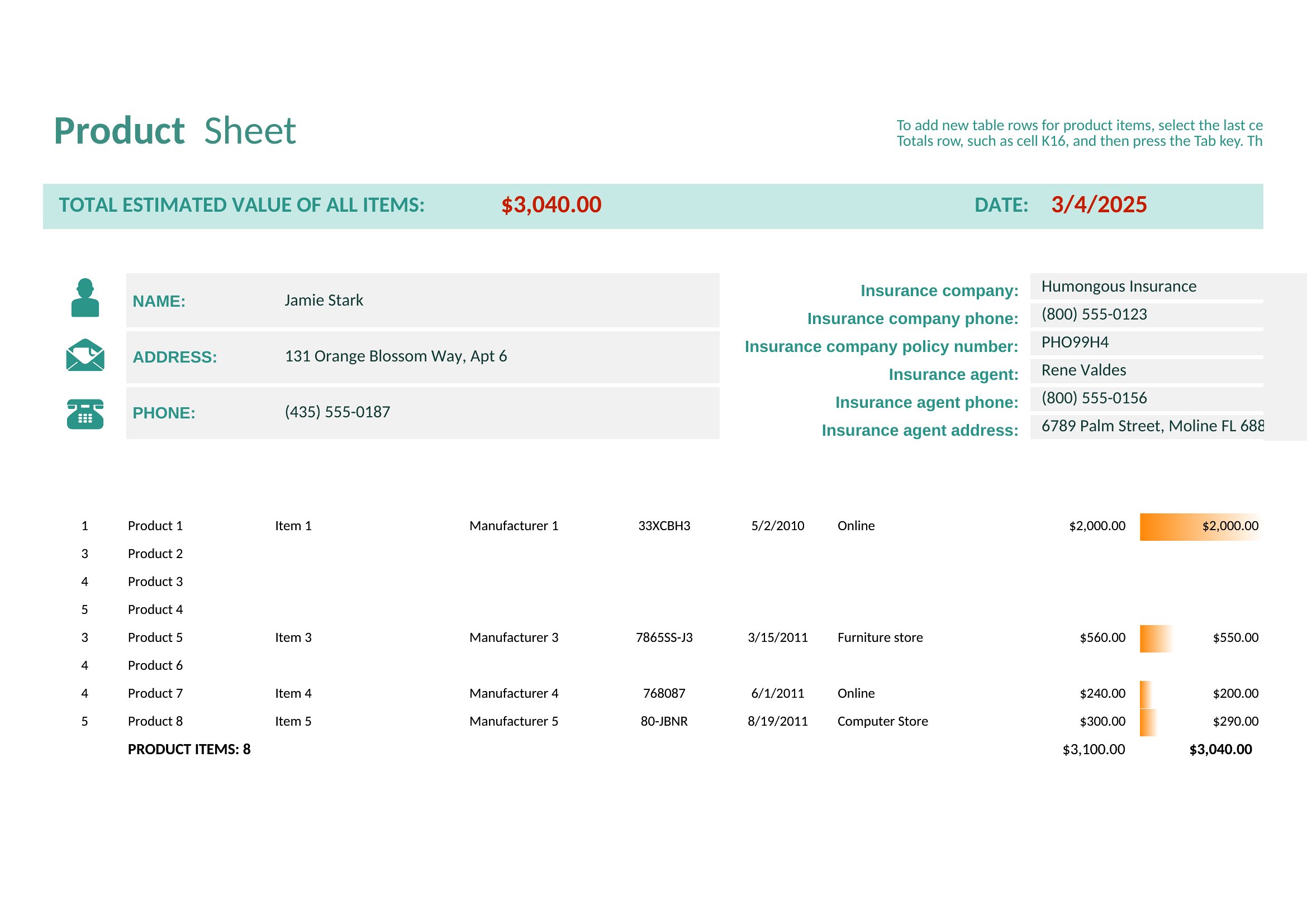
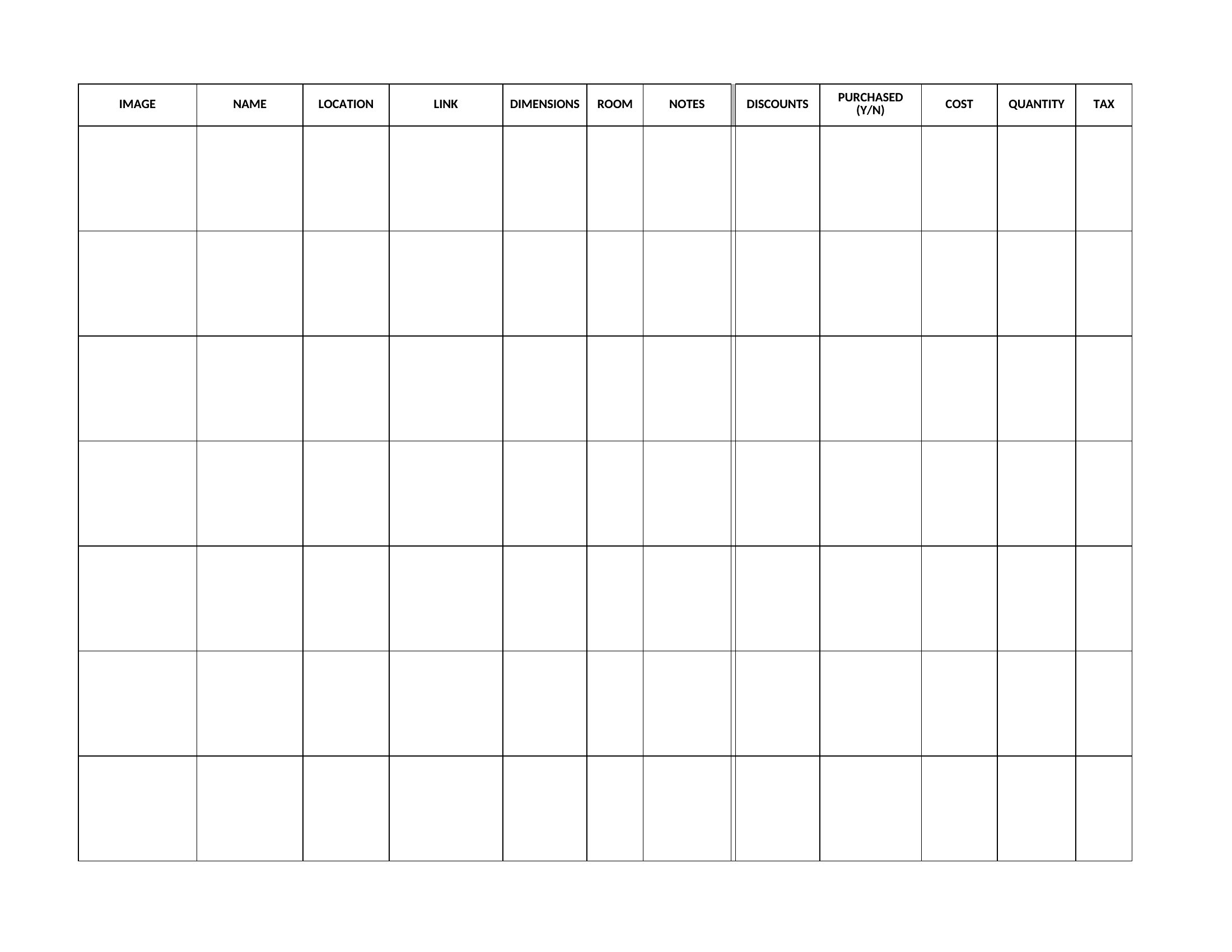
Can I use these templates to compare multiple products side-by-side in an Excel sell sheet?
Yes, Excel templates are designed for comparative analysis. Use merged cells for product names across the top row, and columns for specs (e.g., dimensions, weight) or pricing. Add a ‘Recommended for’ row to segment buyers (e.g., ‘Retail,’ ‘Wholesale’) for clarity. Protect critical cells (like formulas) to prevent accidental edits during sharing.
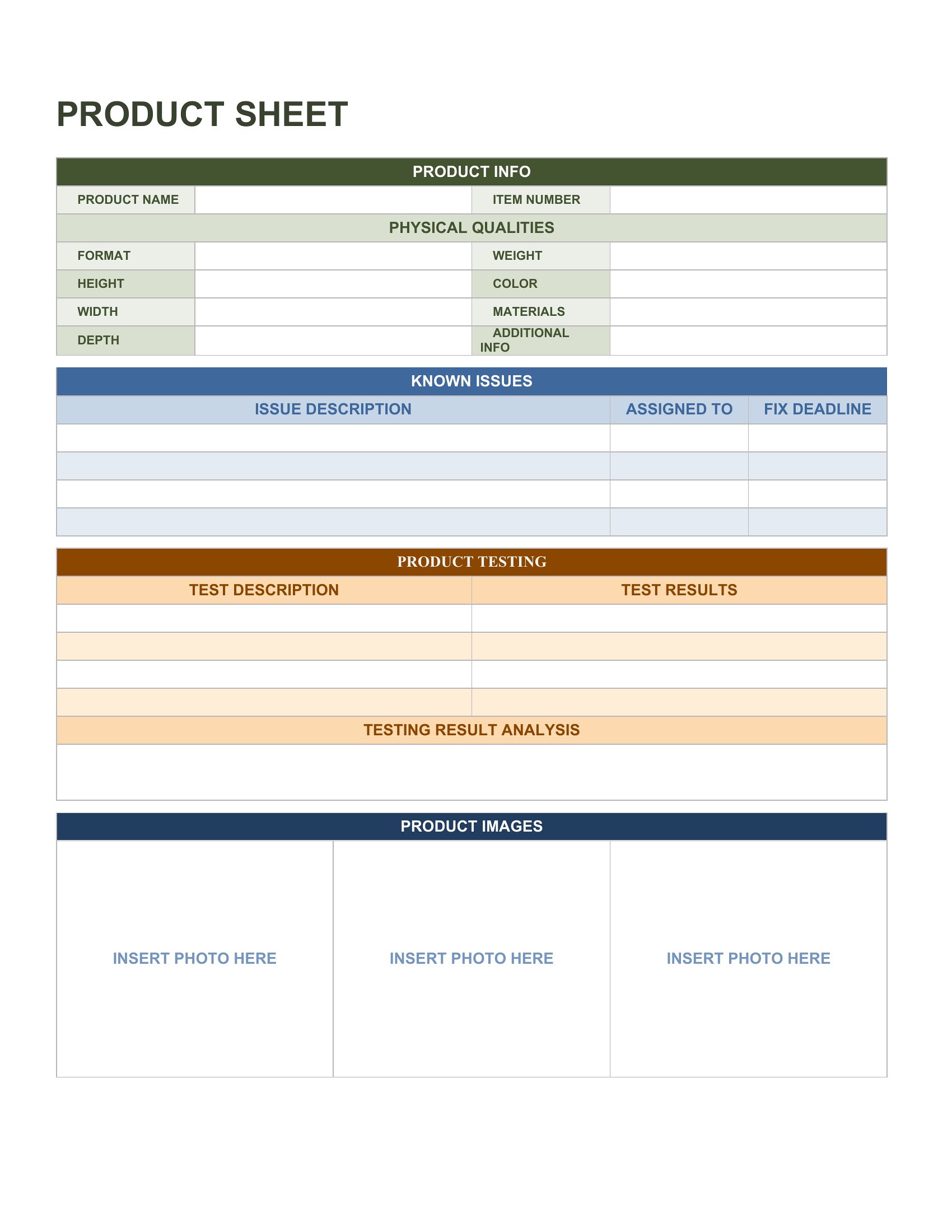
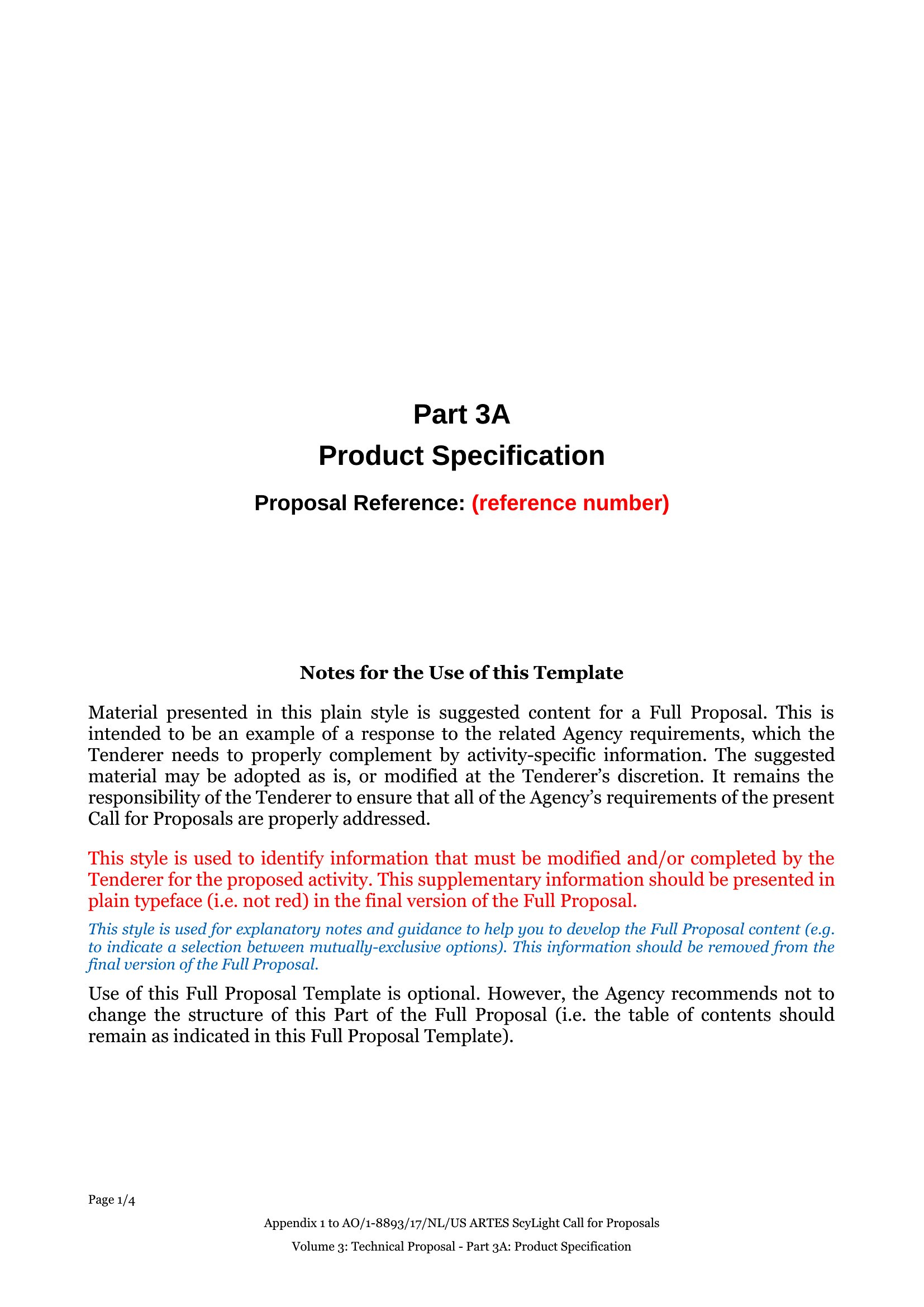
What’s the best way to tailor a Word sell sheet if my product has no physical sample to photograph?
Replace a product photo with a high-quality illustration or icon representing your item (e.g., a stylized coffee bean for a roaster). Describe textures or materials in the copy (e.g., ‘Hand-dyed cotton with 10% recycled fibers’) and include a mockup of the product in use. Use screenshots of your website or packaging if available. Keep the focus on benefits, not just features.
Comments
Join the conversation
Sign in to share your thoughts and leave a comment on this resource.