Free Sell Sheet Templates (Word, Excel)
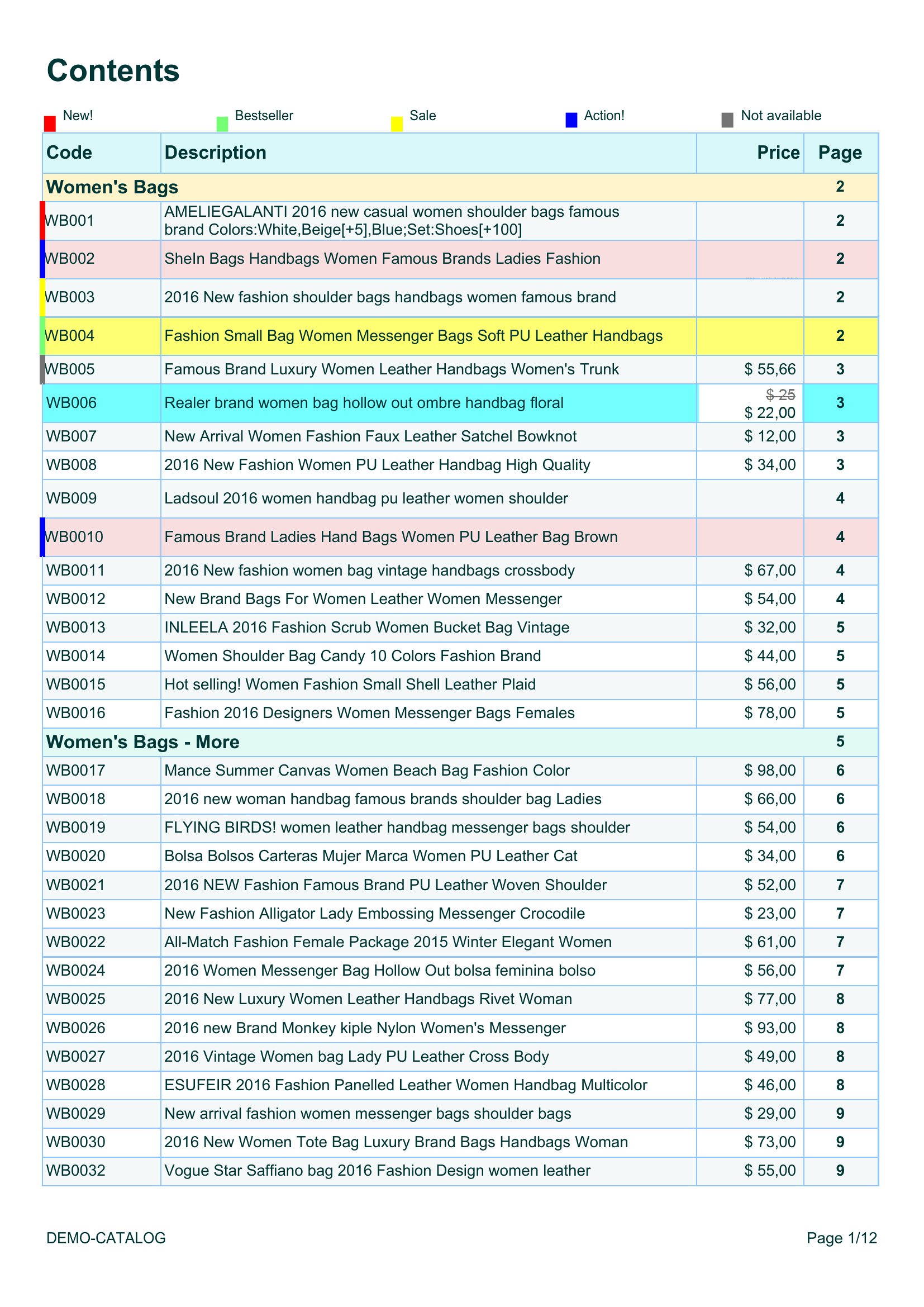
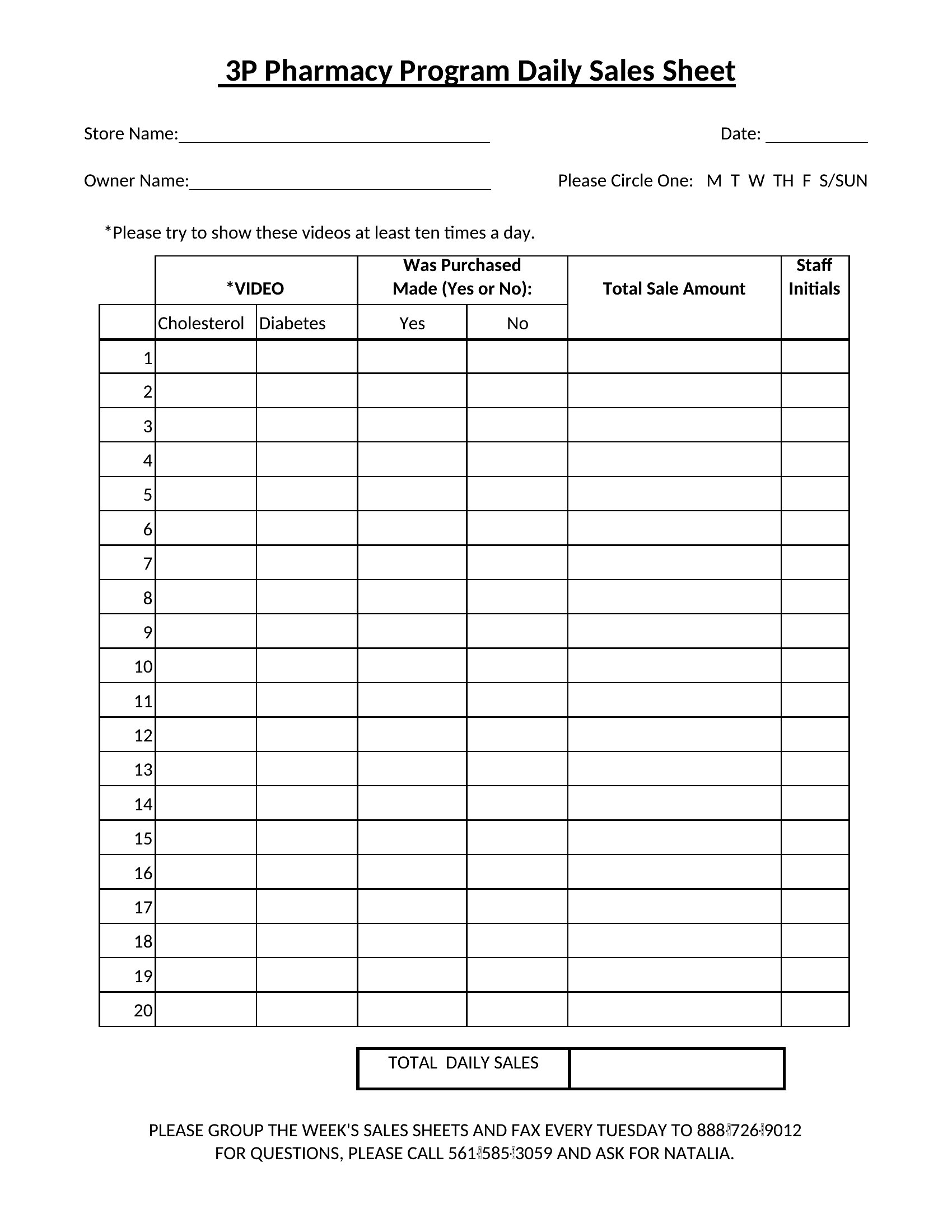
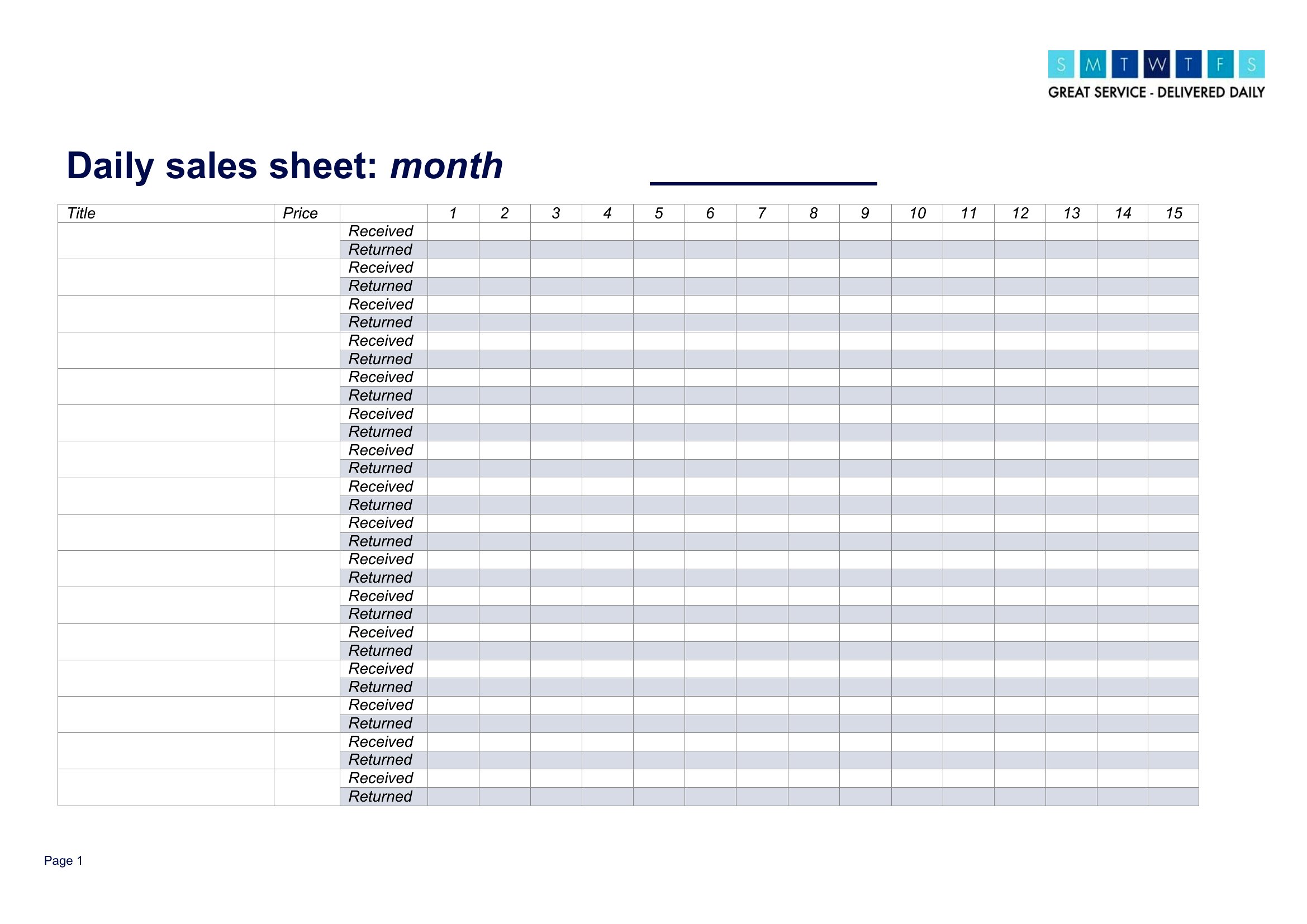
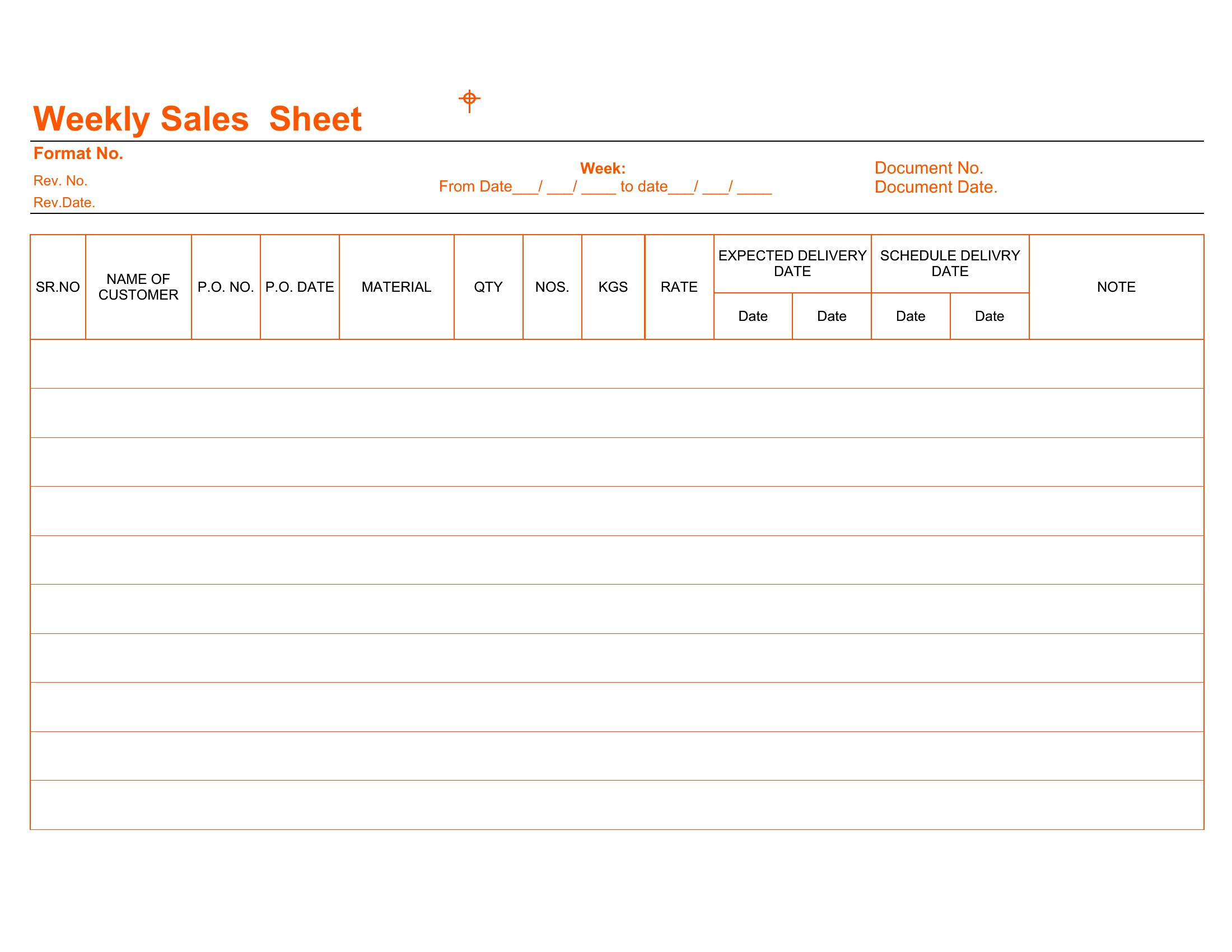
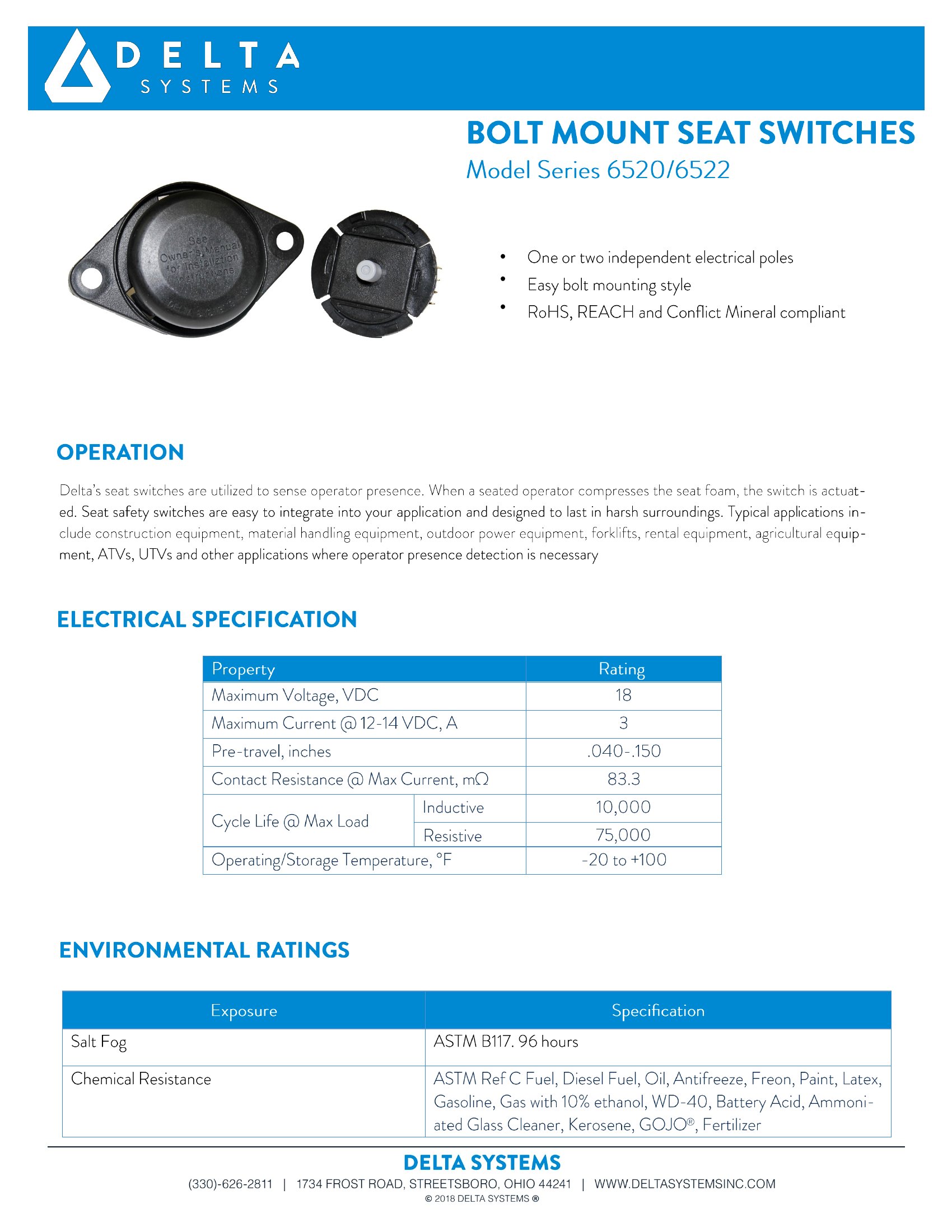
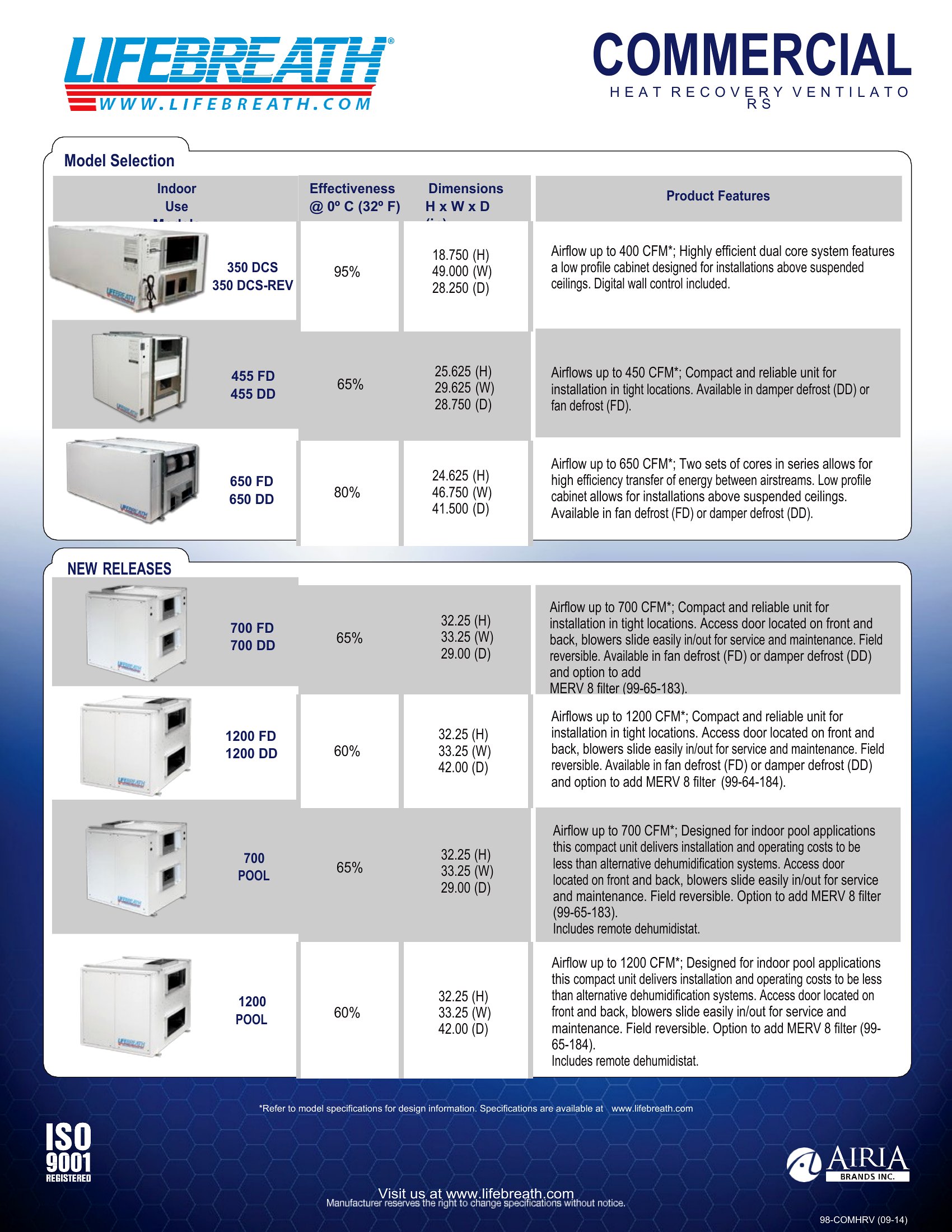
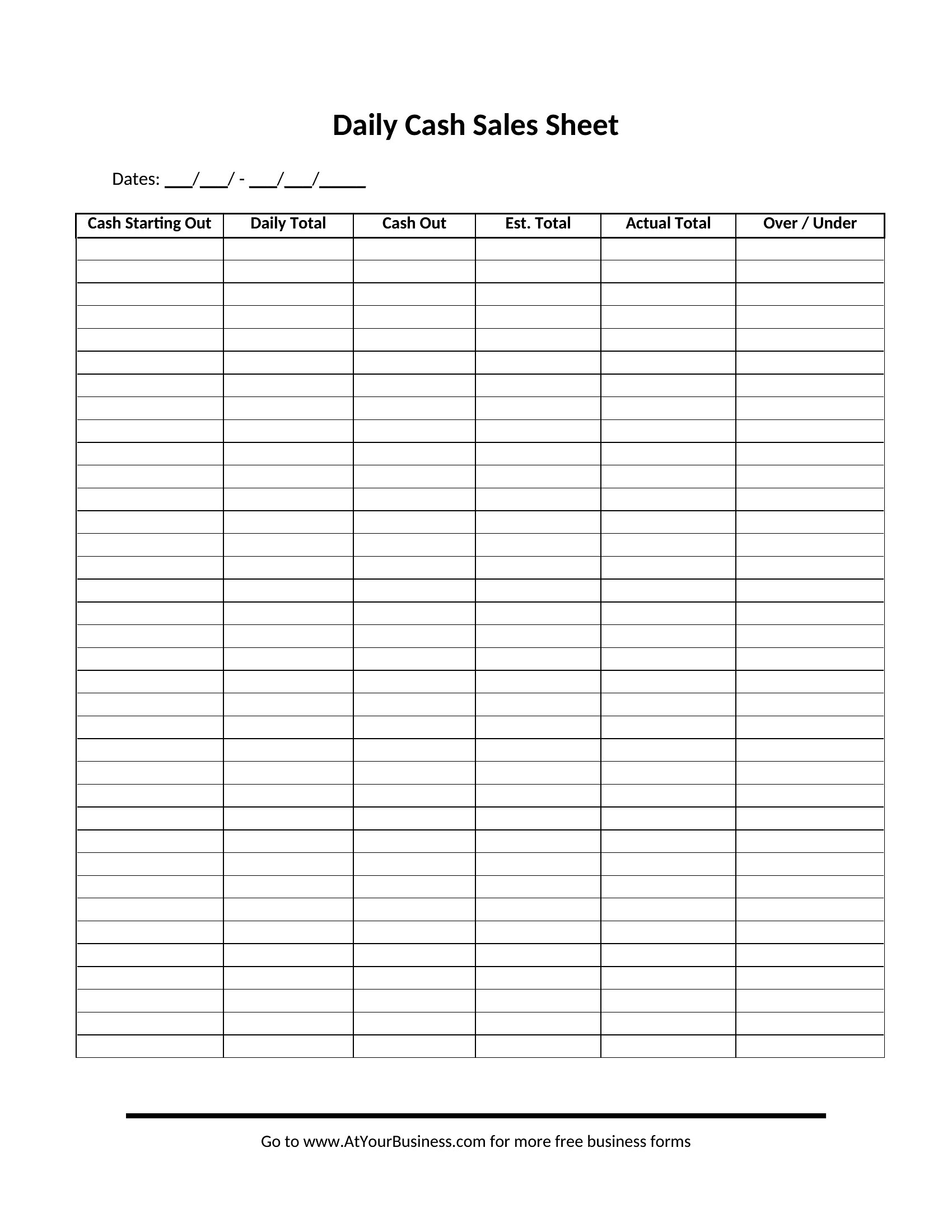
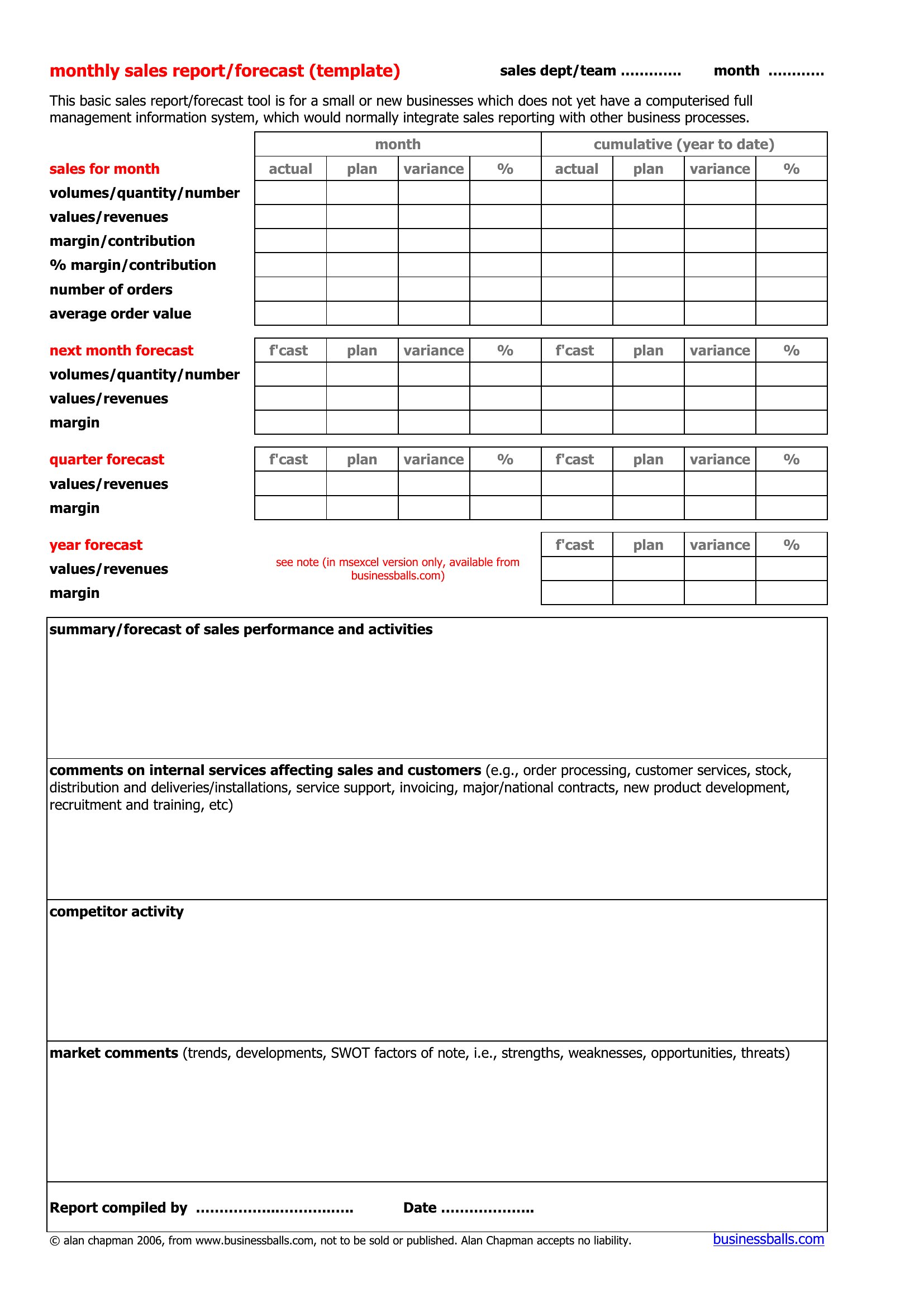
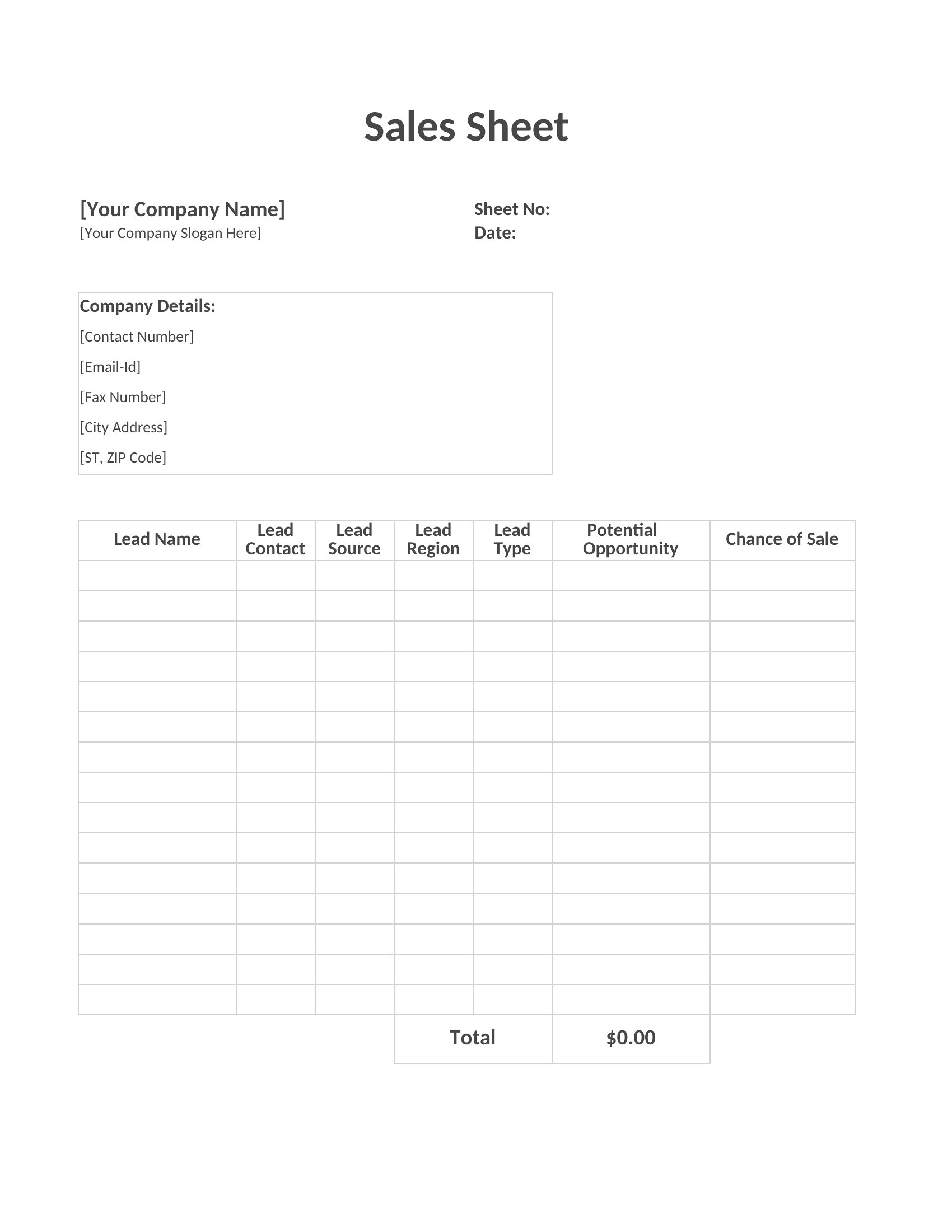
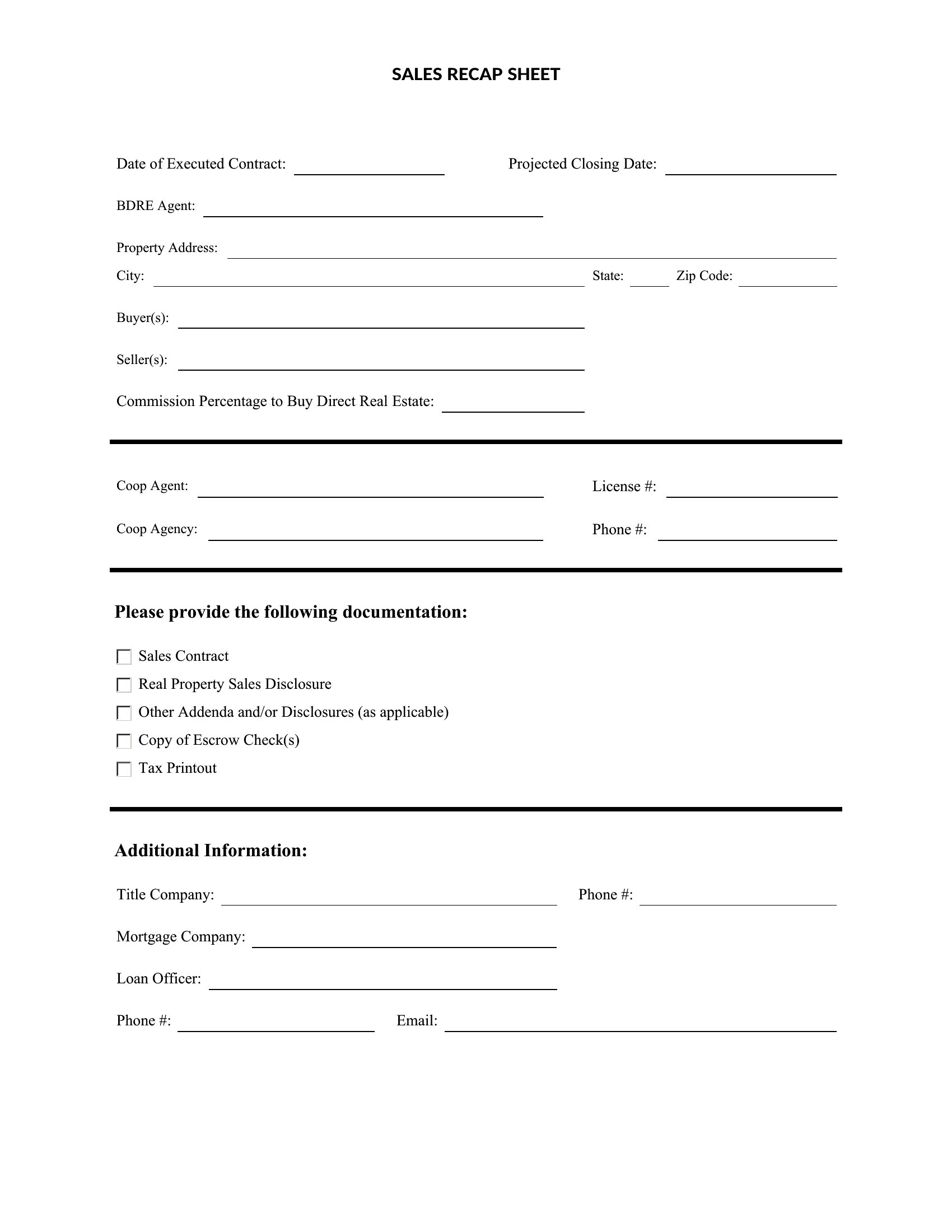
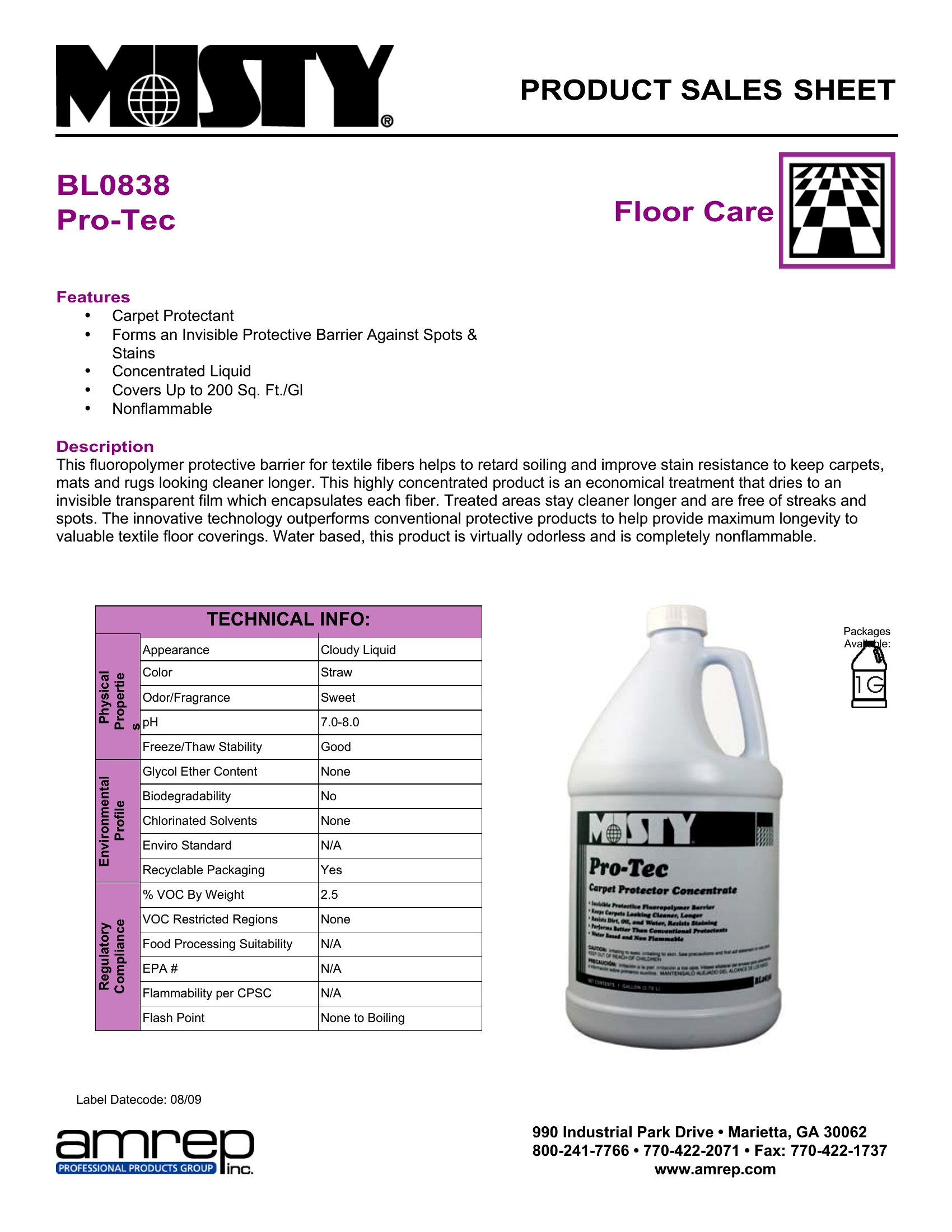
BusinessA sell sheet packs the essentials of a product onto a single page that a buyer can skim in seconds: what it is, why it matters, and what it costs. This set of 37 templates helps brands, wholesalers, and small businesses pitch products to retailers and customers without hiring a designer.
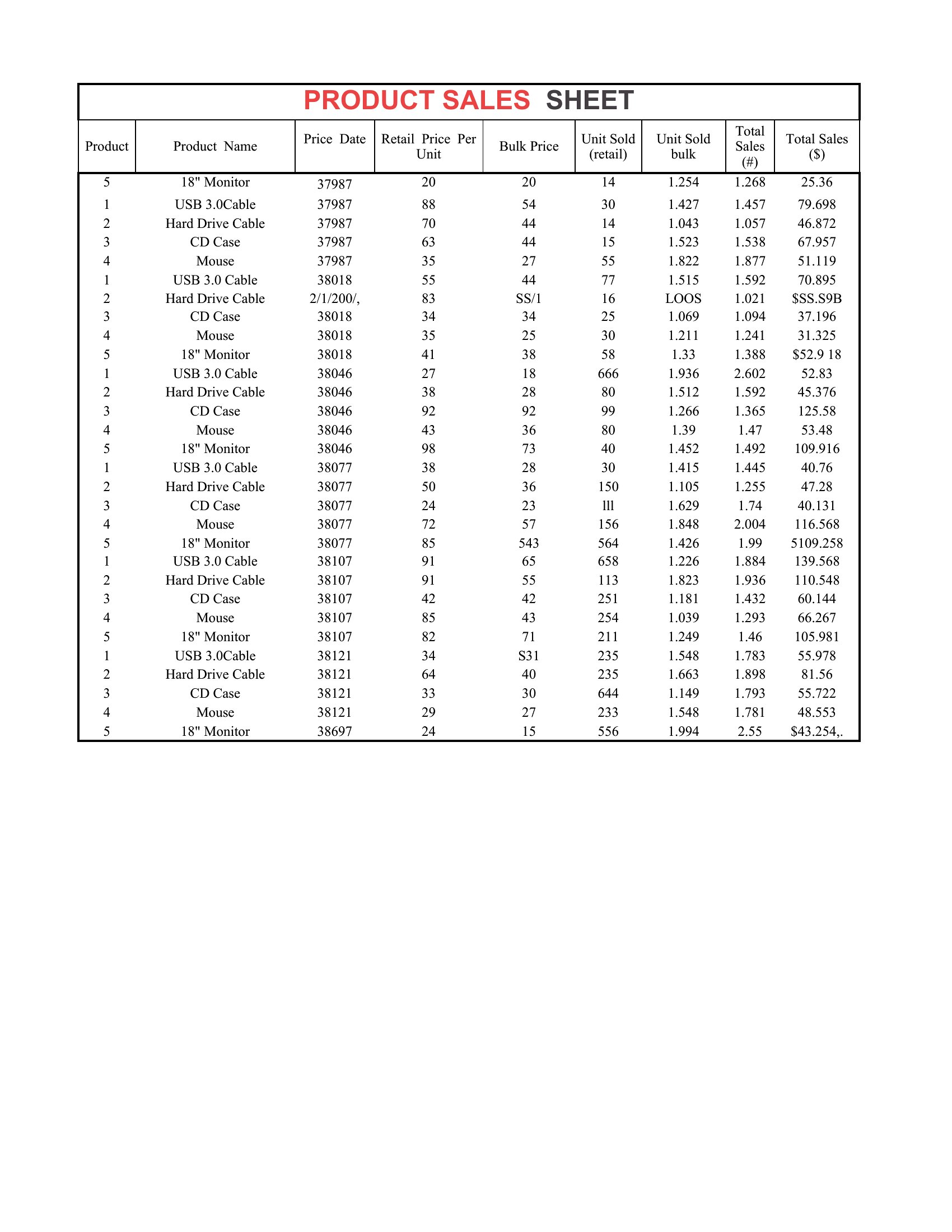
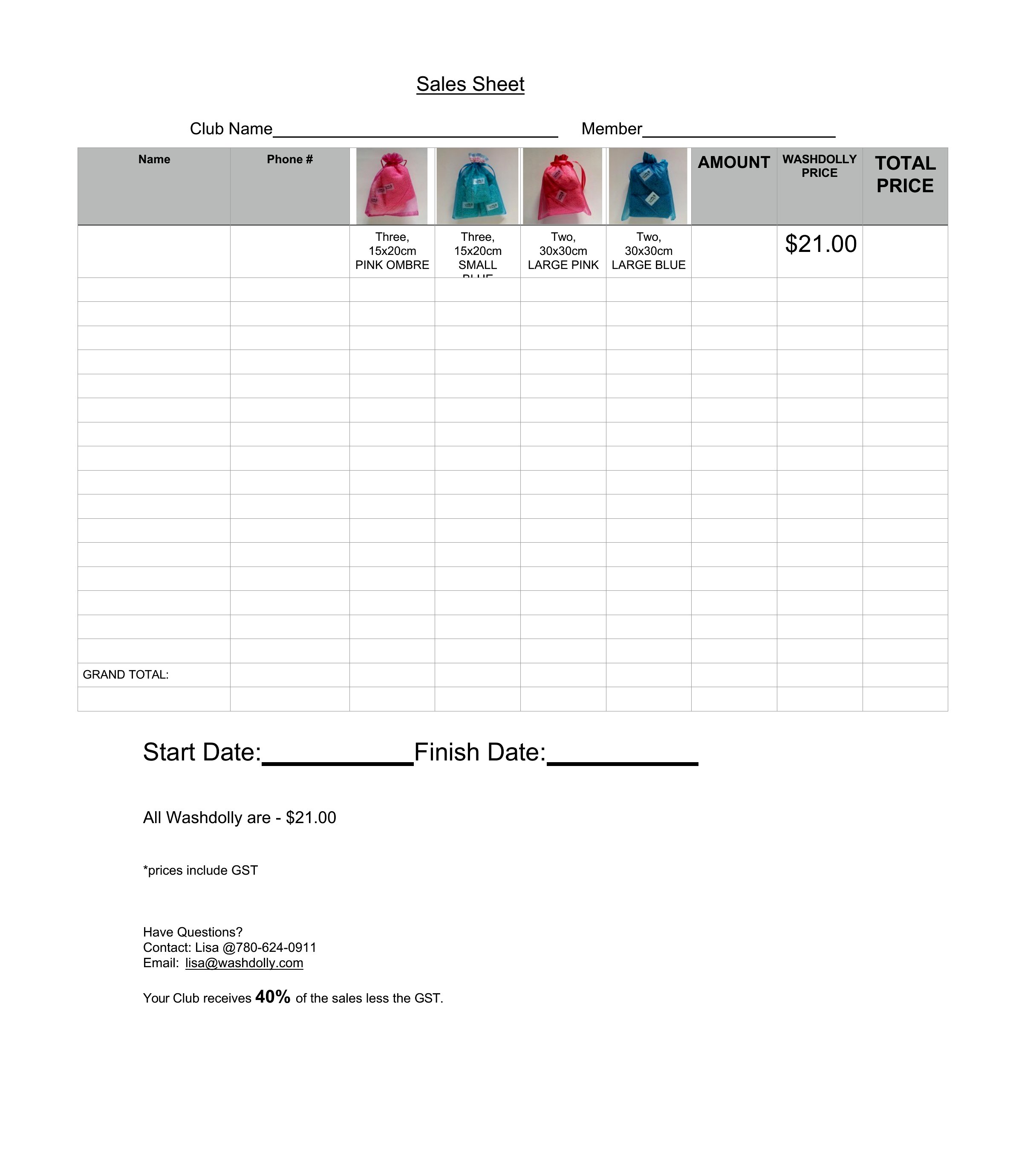
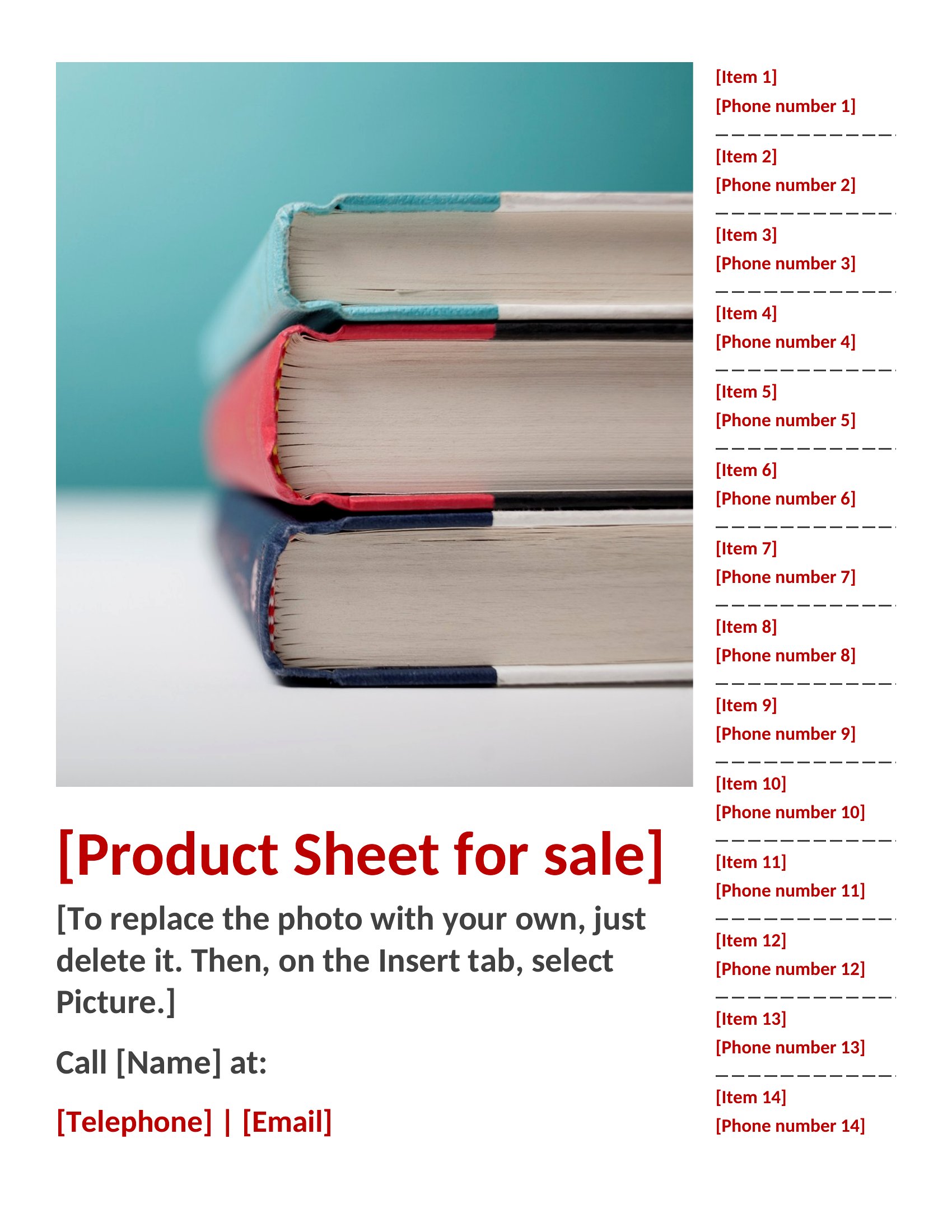
The Word versions are easy to lay out with images and copy, and the Excel files suit data-heavy sheets with specs and pricing tables. Add your product details, highlight the standout features, and you've got a clean one-pager ready to share. It's free and quick to customize for each item. Choose the format that fits your product and build a sell sheet that gets buyers interested.
When to use this Sell Sheet template
- A boutique candle maker pitching to local boutique owners needs a sell sheet that highlights unique scents and retail margins in a visually appealing, one-page format.
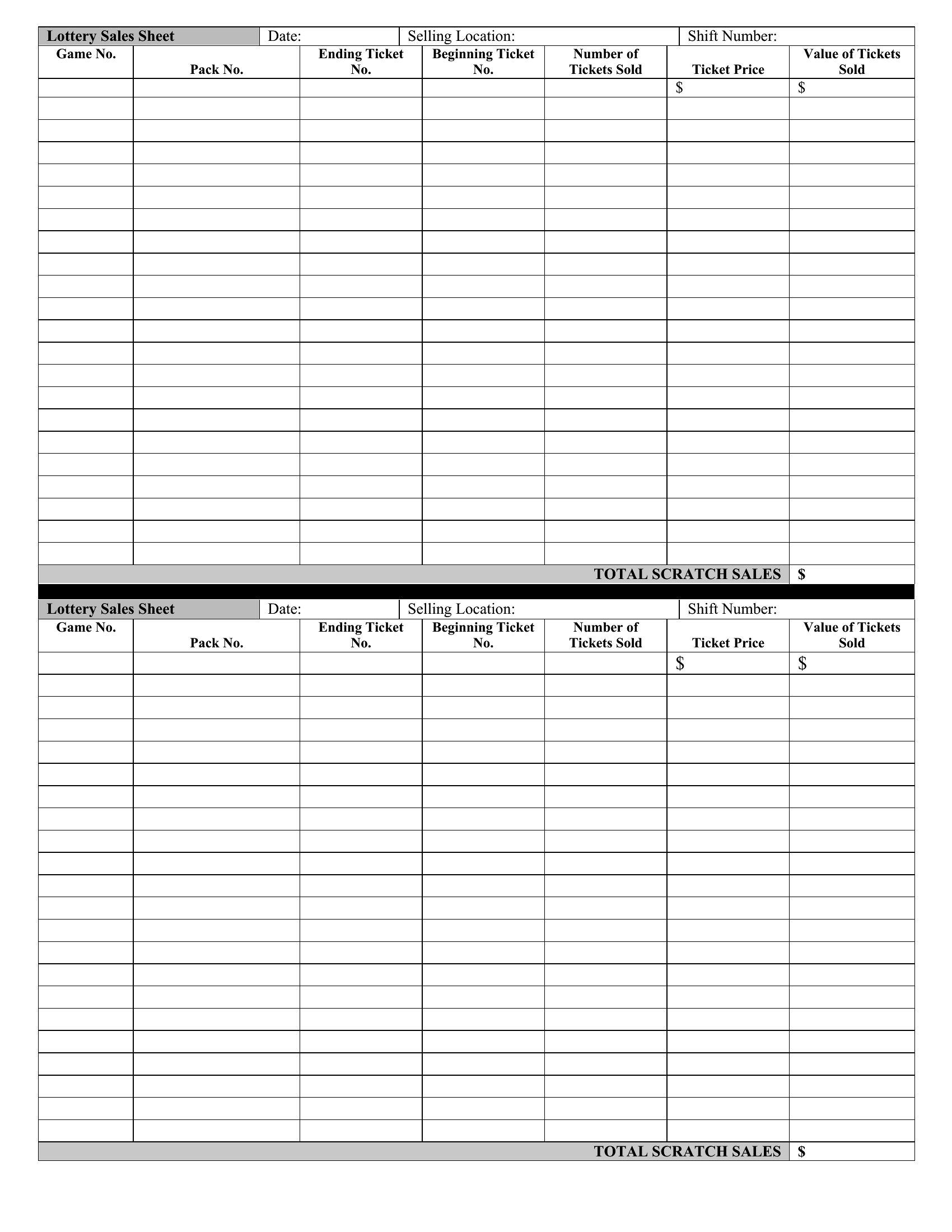
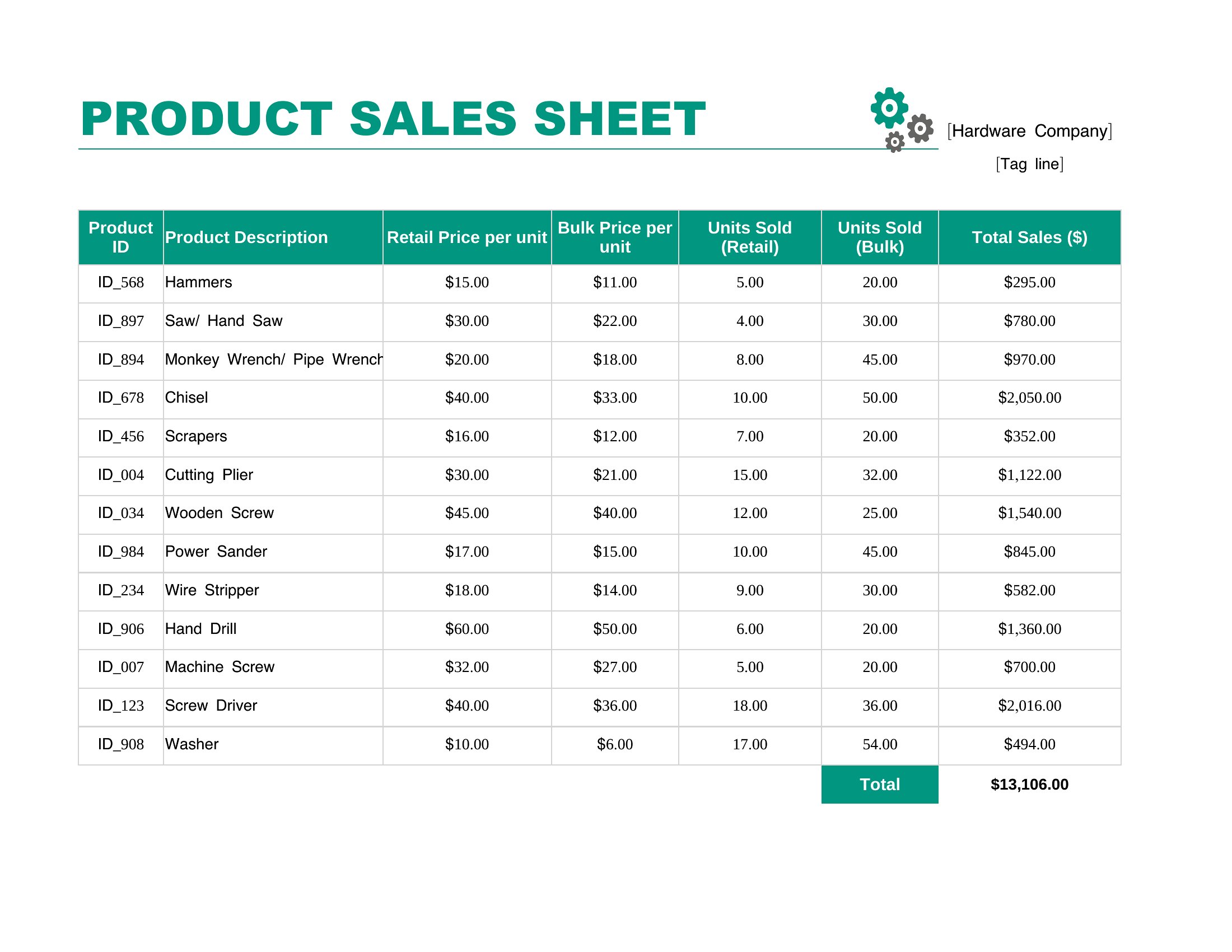
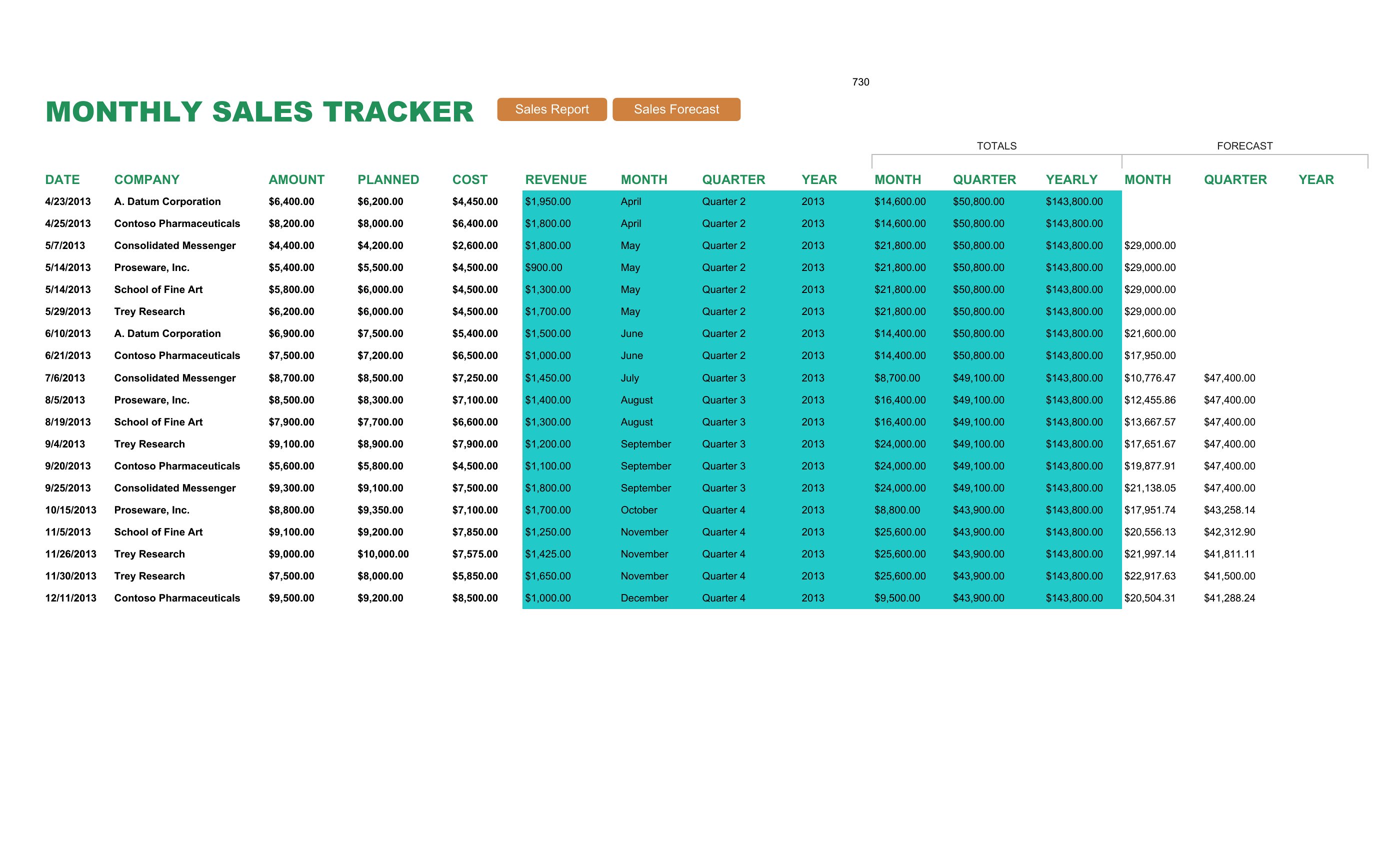
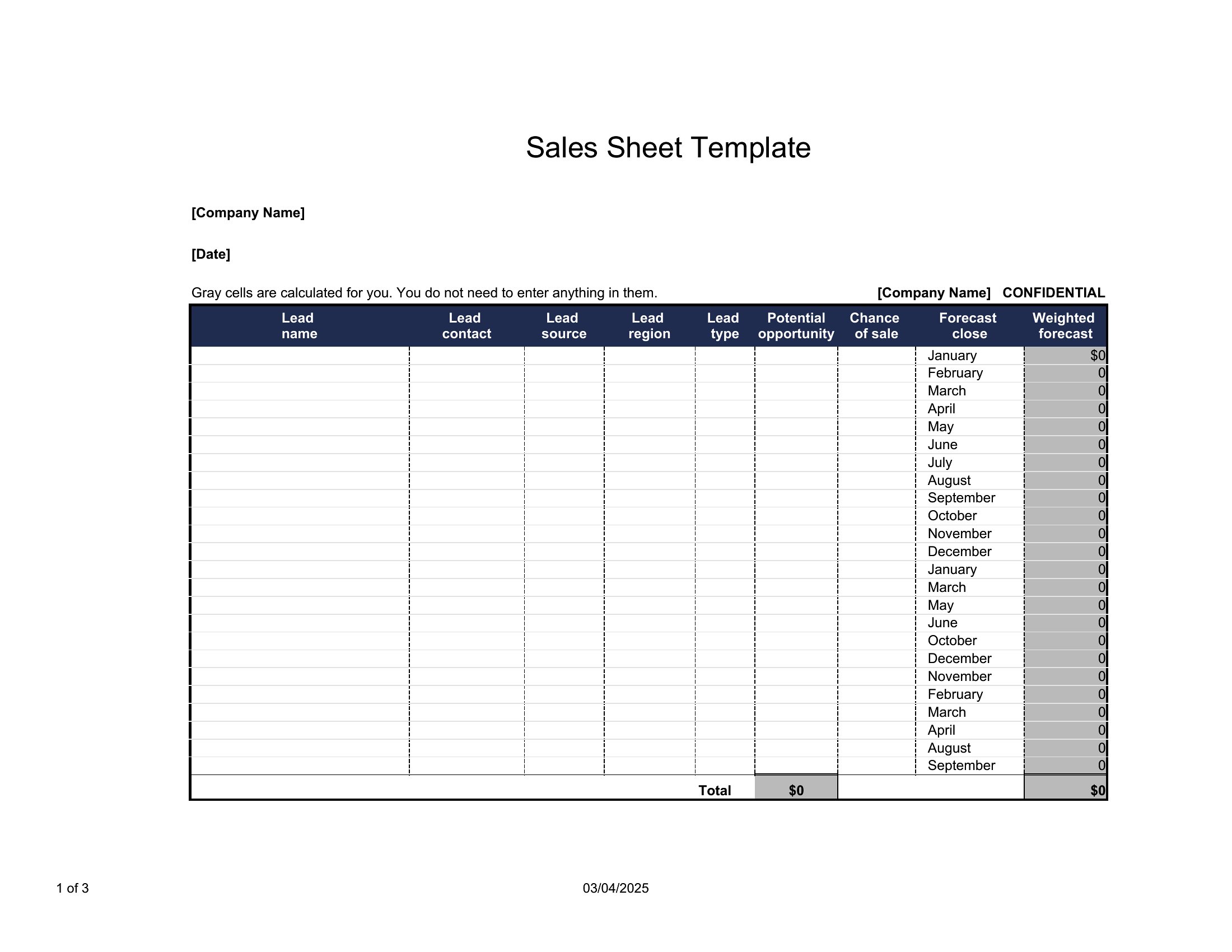
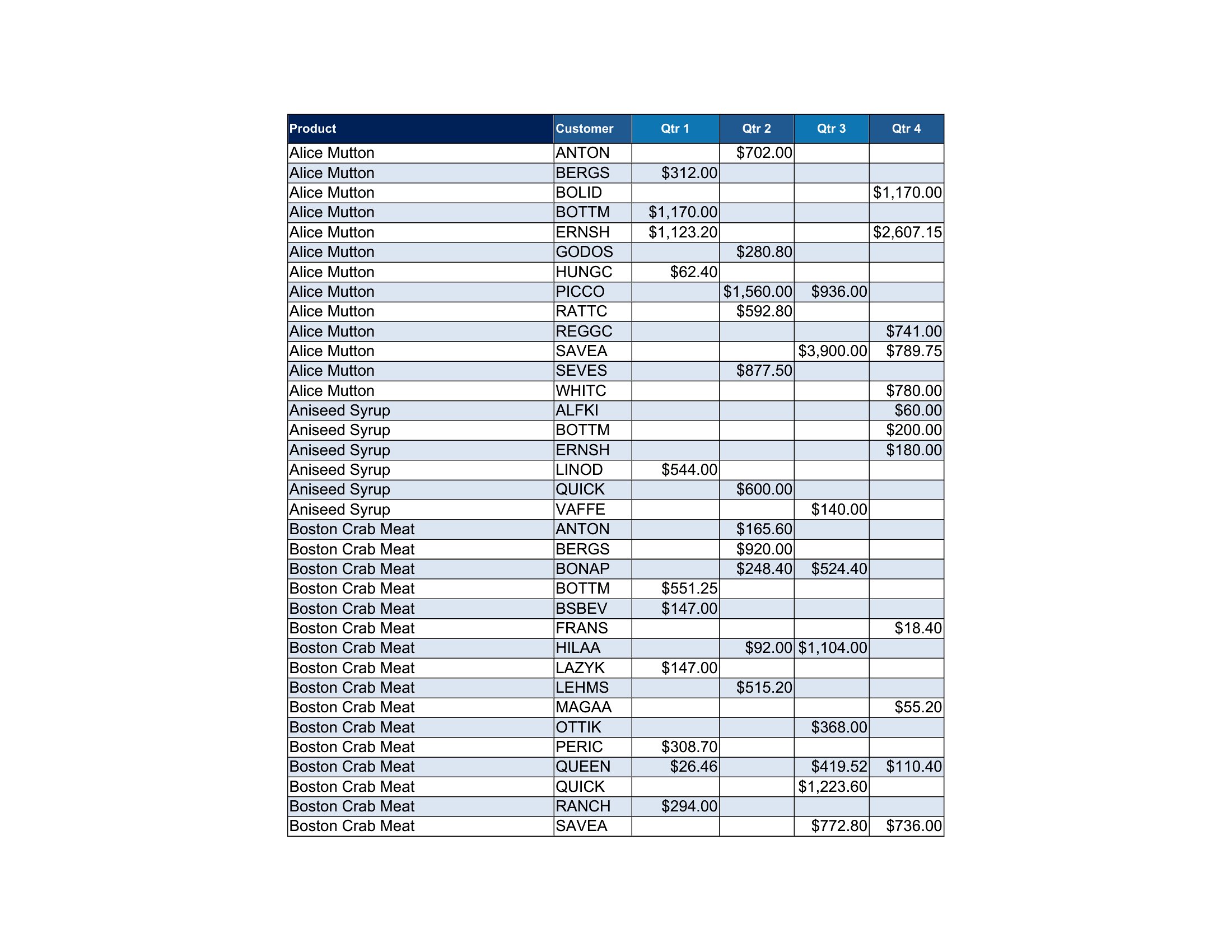
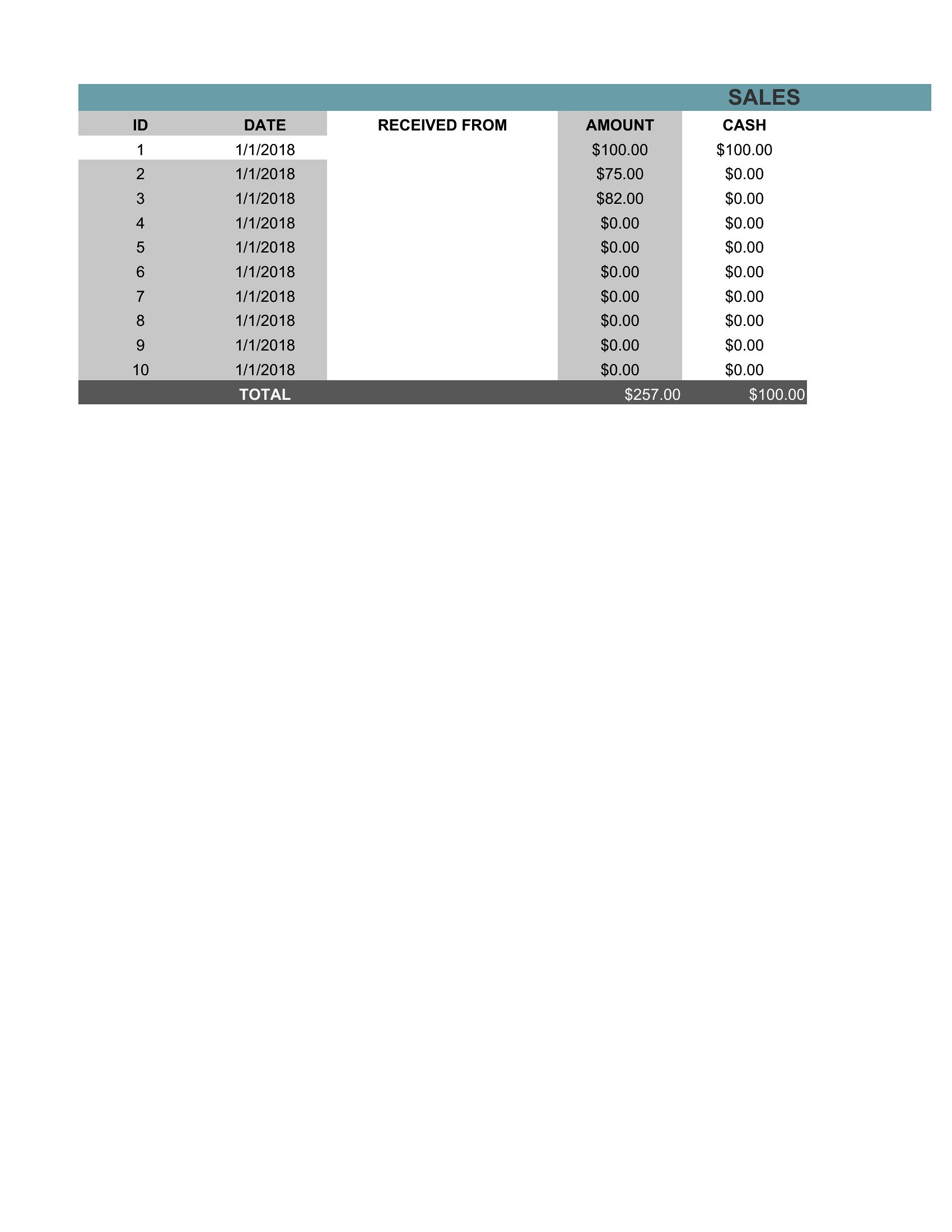
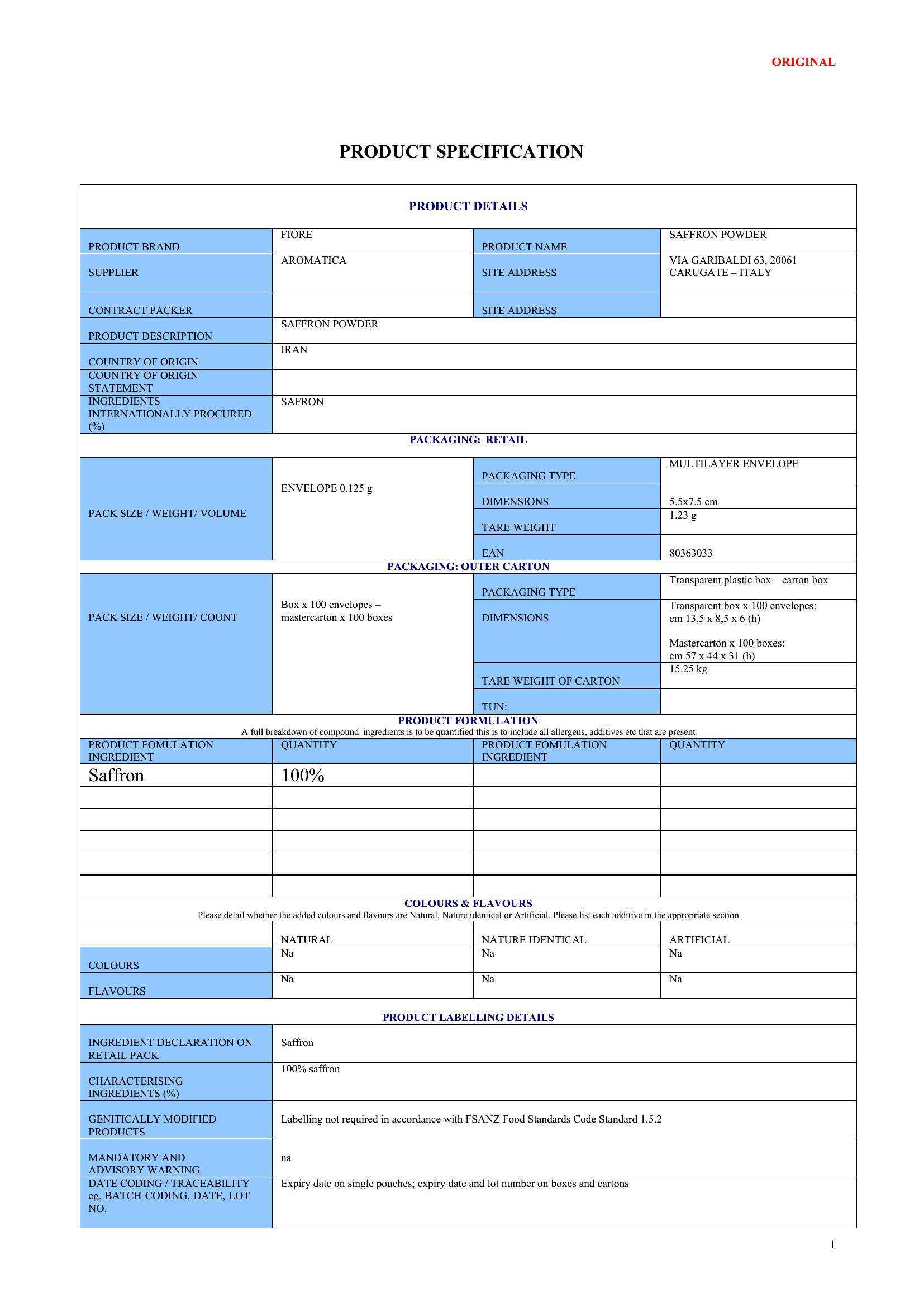
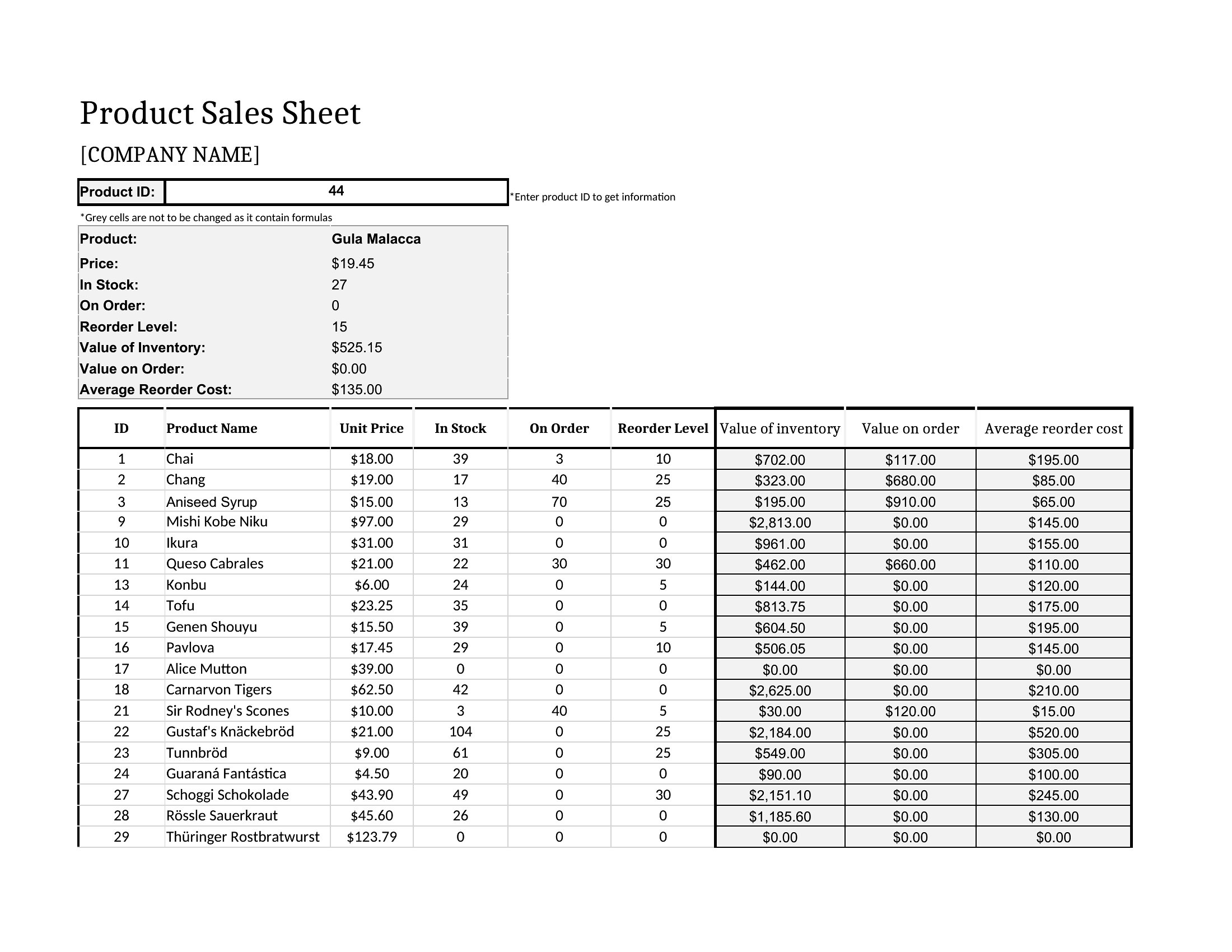
- A hardware wholesaler selling to contractors requires a data-driven sell sheet in Excel to showcase bulk pricing tiers, MOQs, and product specs for quick comparison during trade shows.
- A small-batch coffee roaster presenting to grocery store buyers uses a Word-based sell sheet to combine product photos with brewing notes and seasonal availability in a clean, editable layout.
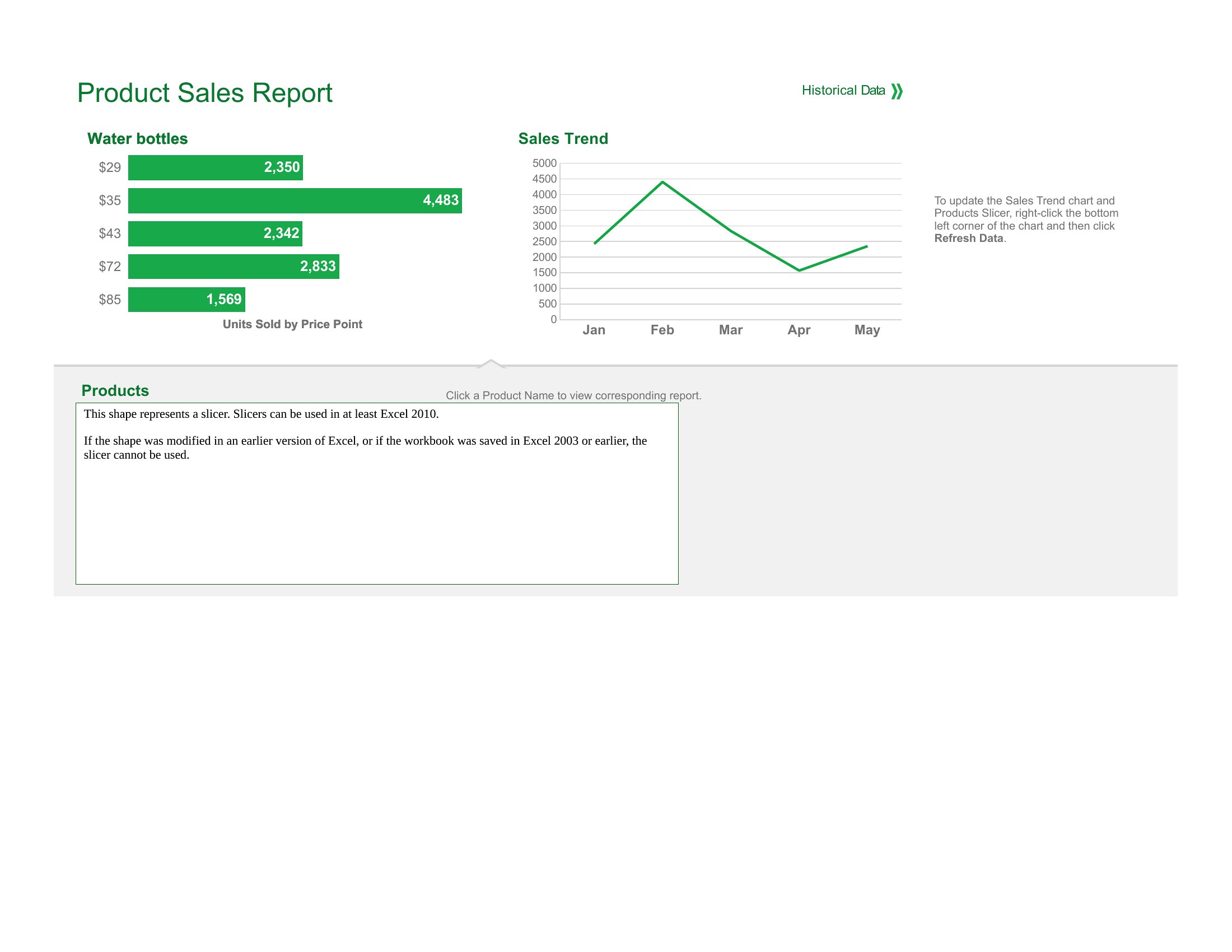
- A SaaS startup demoing to enterprise clients needs a sleek, Excel-based sell sheet to present feature comparisons, pricing tiers, and ROI projections in a tabular format for easy review.
Which format should I download?
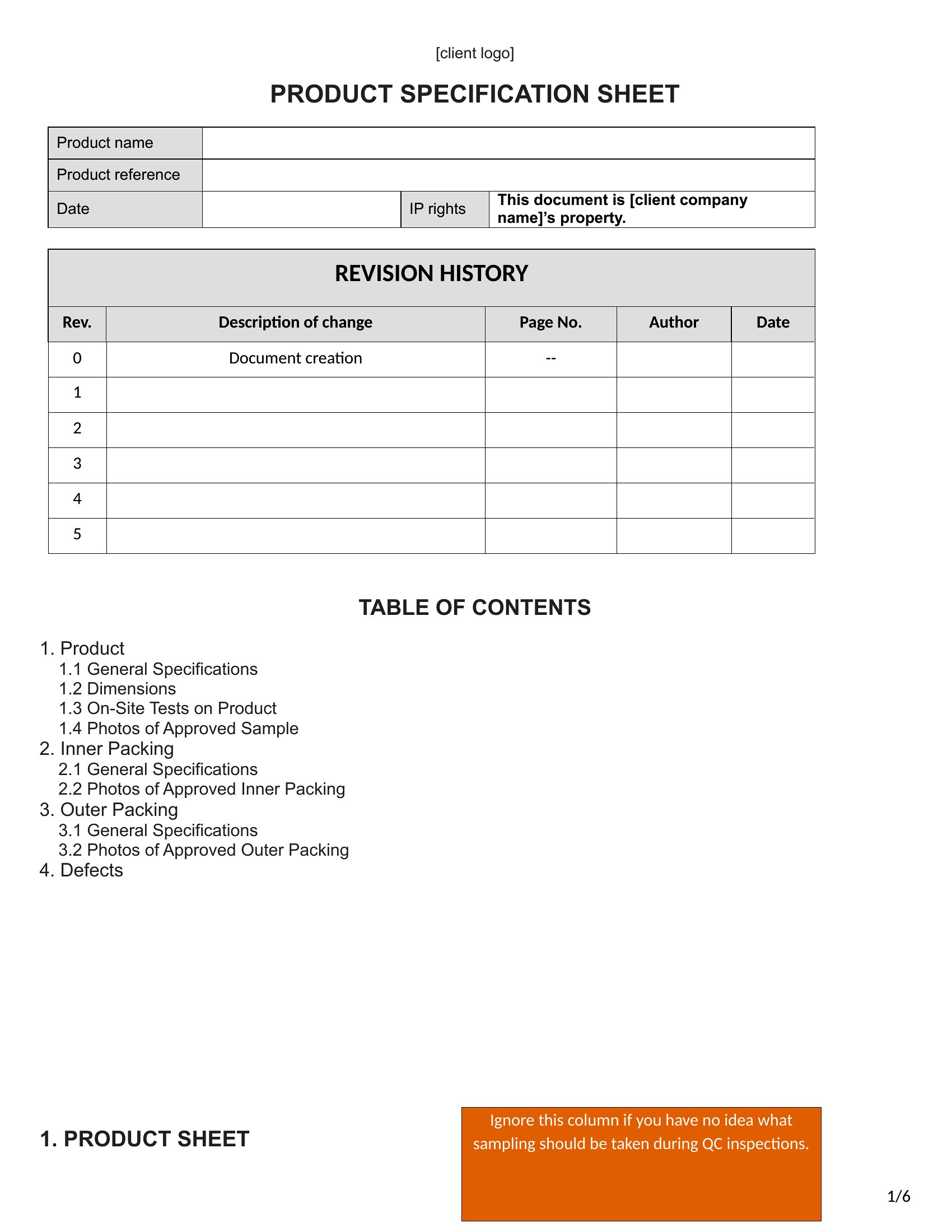
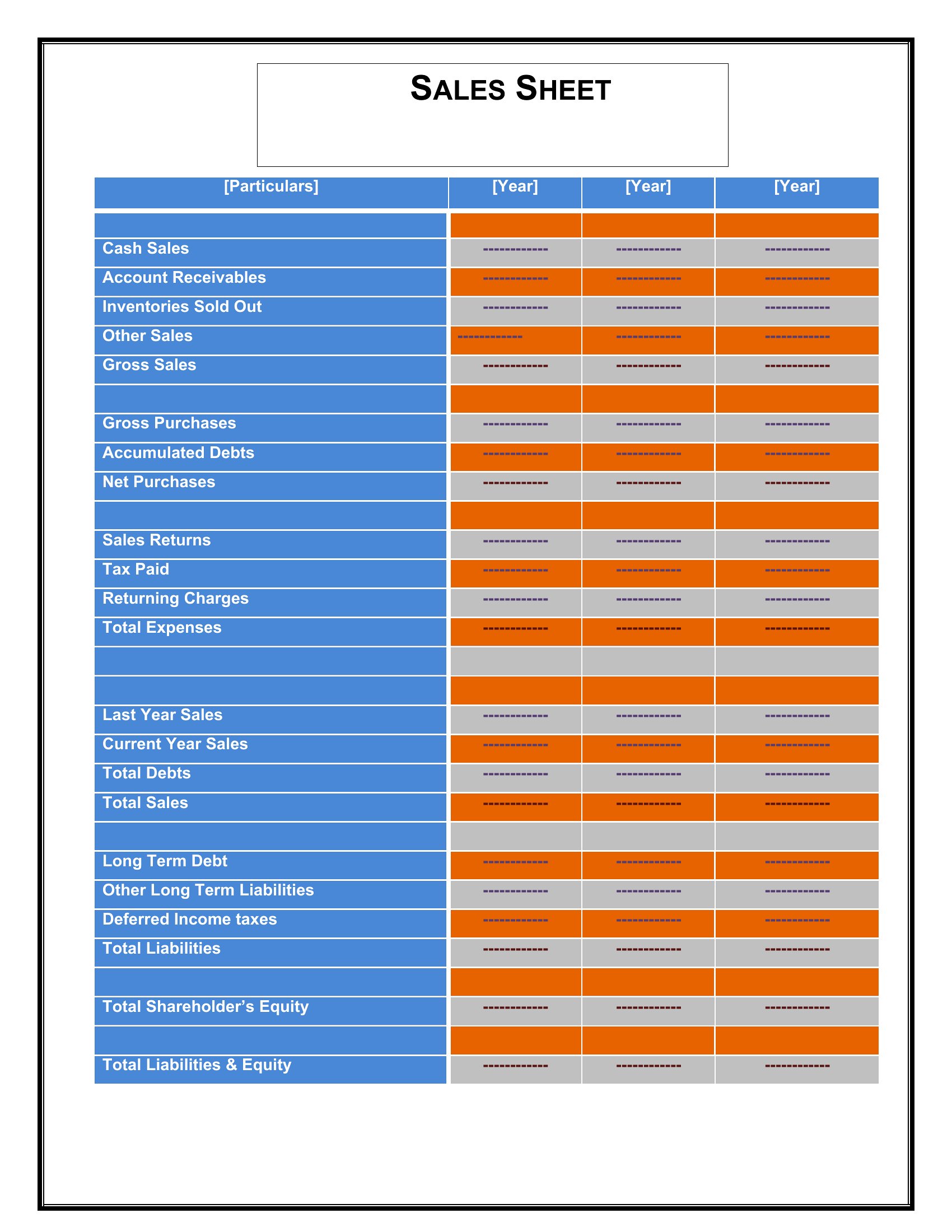
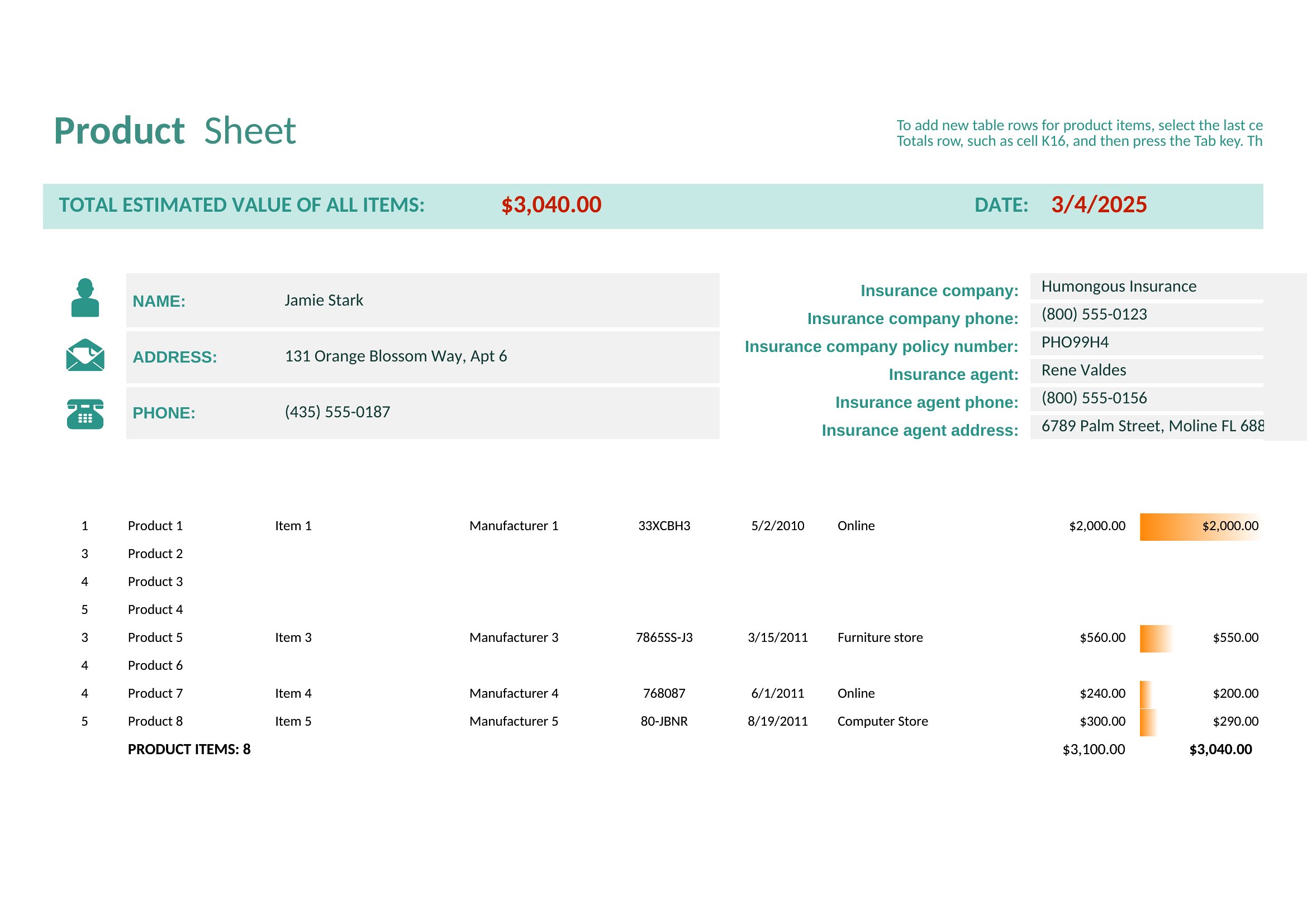
Choose Word for sell sheets that rely on visual elements like product photos, brand logos, or custom graphics, as it allows drag-and-drop image placement and text formatting. Opt for Excel when your sell sheet is data-centric—such as pricing tables, tiered discounts, or technical specifications—since it supports formulas, dropdowns, and dynamic calculations. Avoid Excel if your sheet needs heavy design customization; Word is the better fit for balancing aesthetics and text-heavy content like benefits or testimonials. For hybrid needs (light design + minor data), Word is still preferable.
Choose from 37 Sell Sheet Templates
How to use this Sell Sheet template
How can I ensure my sell sheet stands out to buyers who receive dozens daily?
Prioritize clarity by using bold headers for key sections (e.g., ‘Key Benefits,’ ‘Pricing’), limit text to bullet points, and include one high-quality product image. Buyers skim—highlight your unique value (e.g., ‘Exclusive distributor for X region’) in a distinct color or larger font. Avoid jargon; focus on outcomes (e.g., ‘Increases shelf appeal by 30%’).
Can I use these templates to compare multiple products side-by-side in an Excel sell sheet?
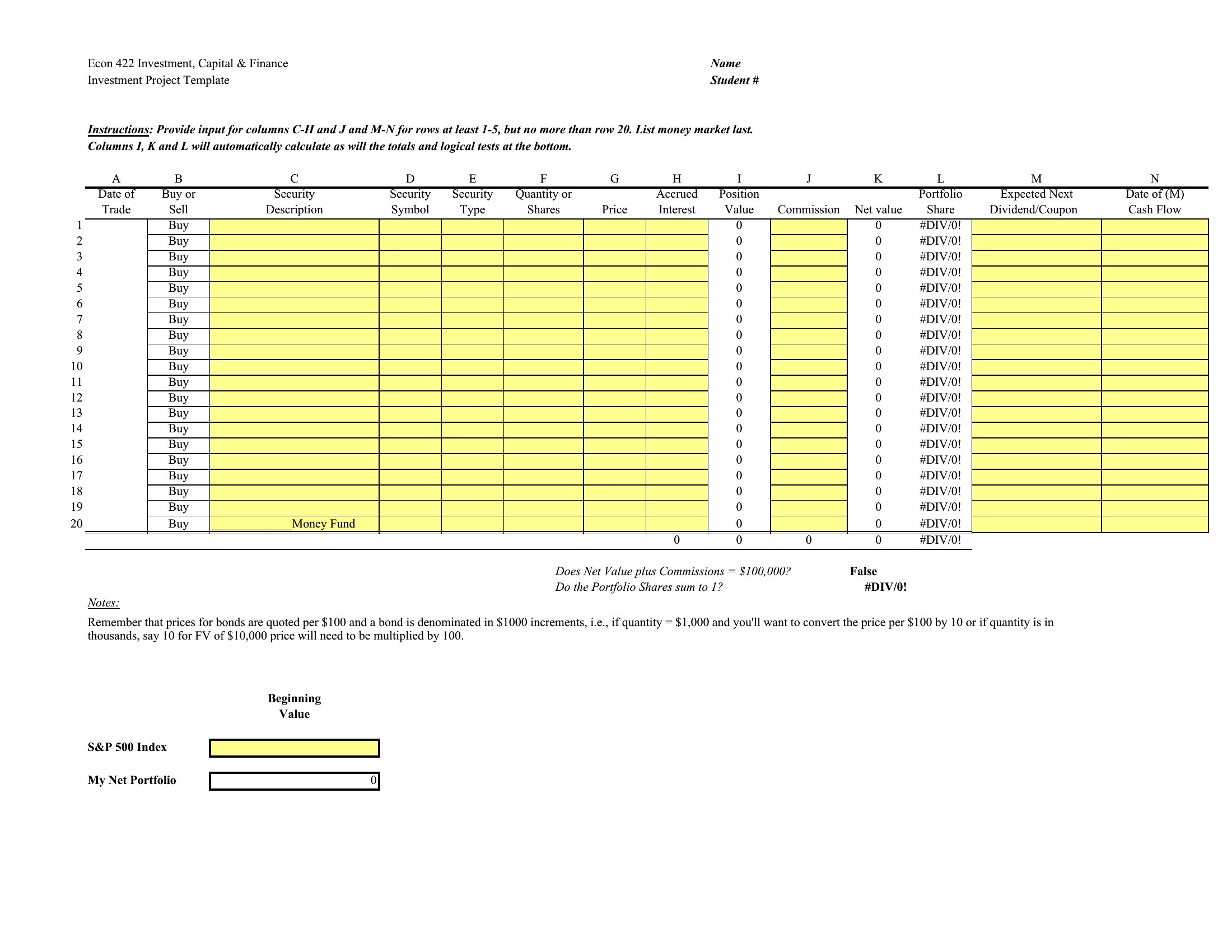
Yes, Excel templates are designed for comparative analysis. Use merged cells for product names across the top row, and columns for specs (e.g., dimensions, weight) or pricing. Add a ‘Recommended for’ row to segment buyers (e.g., ‘Retail,’ ‘Wholesale’) for clarity. Protect critical cells (like formulas) to prevent accidental edits during sharing.
What’s the best way to tailor a Word sell sheet if my product has no physical sample to photograph?
Replace a product photo with a high-quality illustration or icon representing your item (e.g., a stylized coffee bean for a roaster). Describe textures or materials in the copy (e.g., ‘Hand-dyed cotton with 10% recycled fibers’) and include a mockup of the product in use. Use screenshots of your website or packaging if available. Keep the focus on benefits, not just features.
Comments
Join the conversation
Sign in to share your thoughts and leave a comment on this resource.