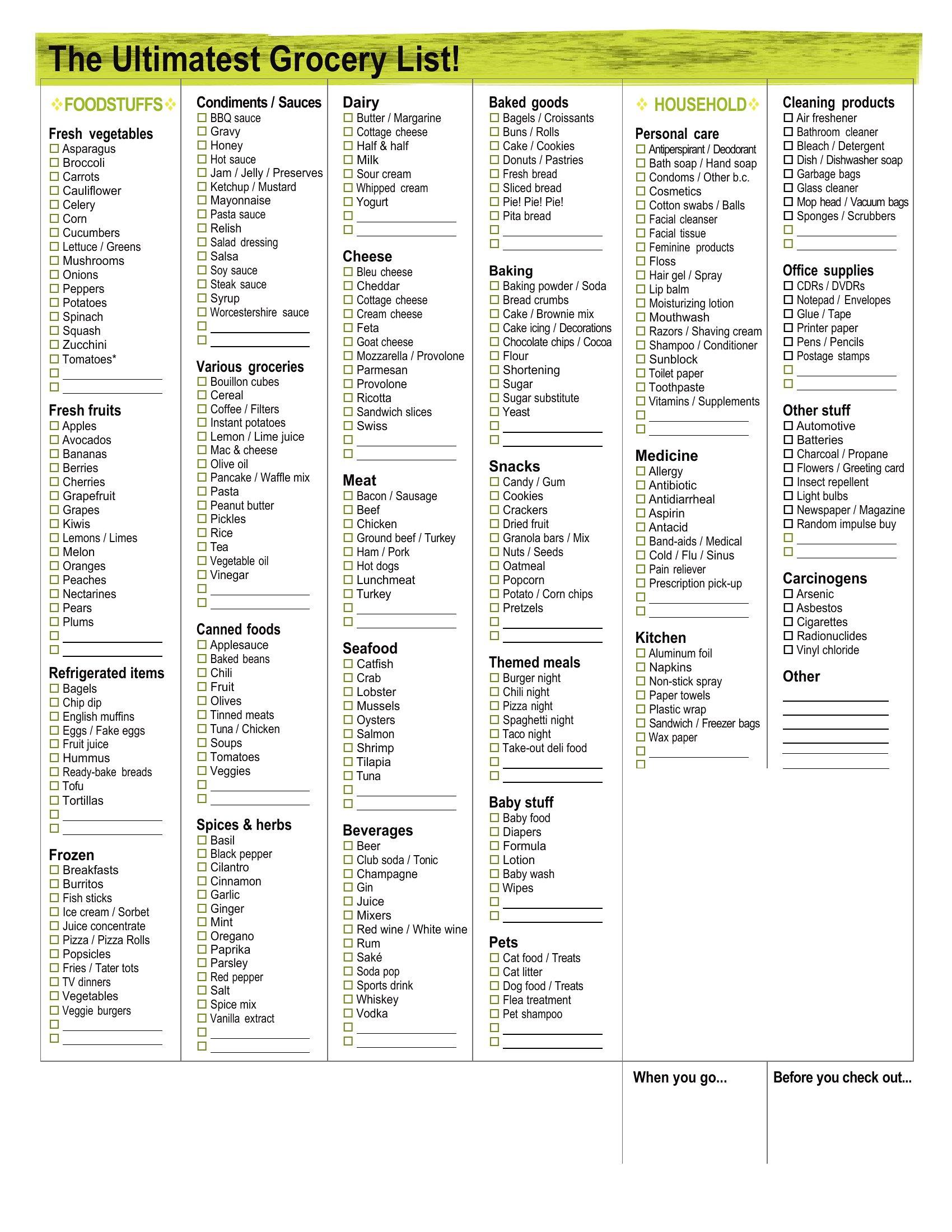
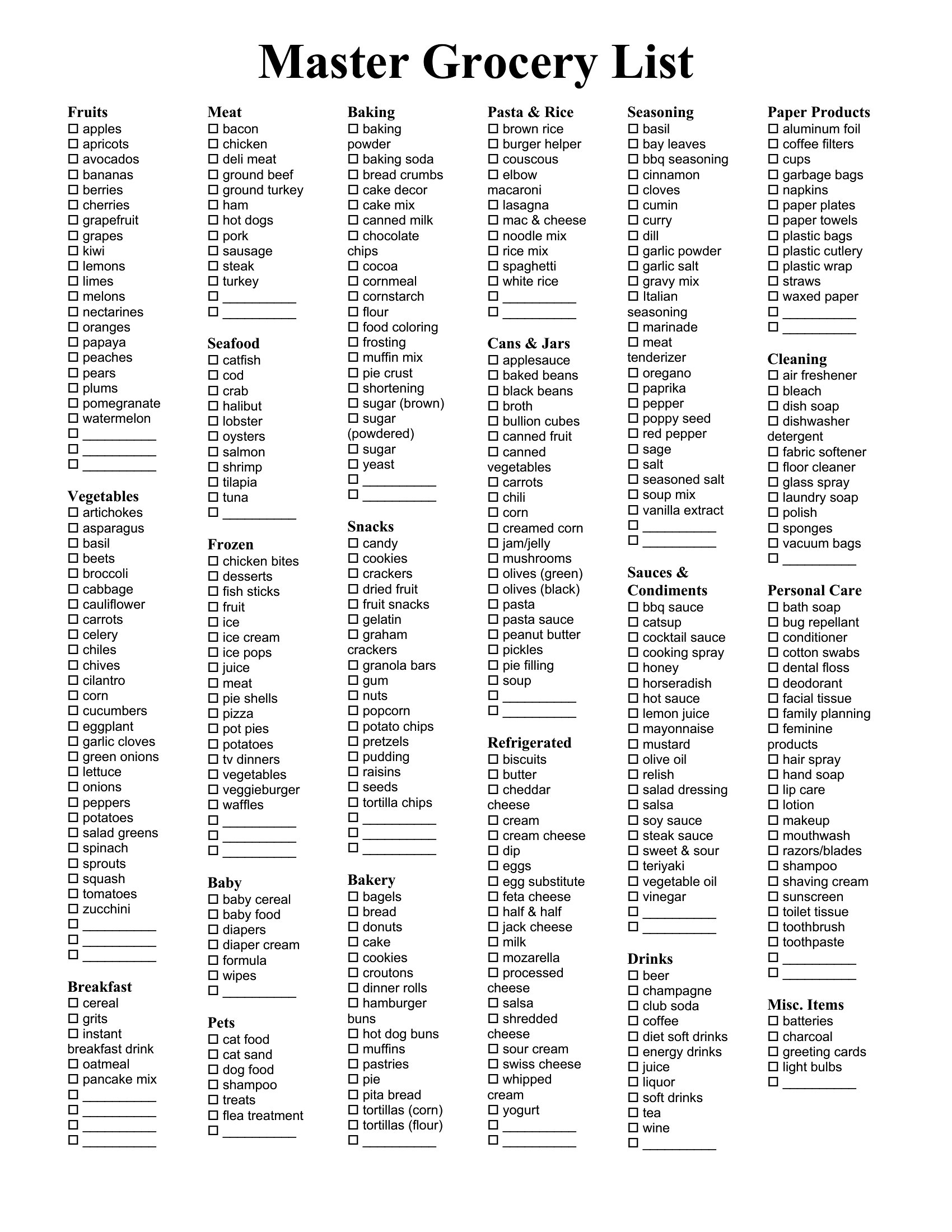
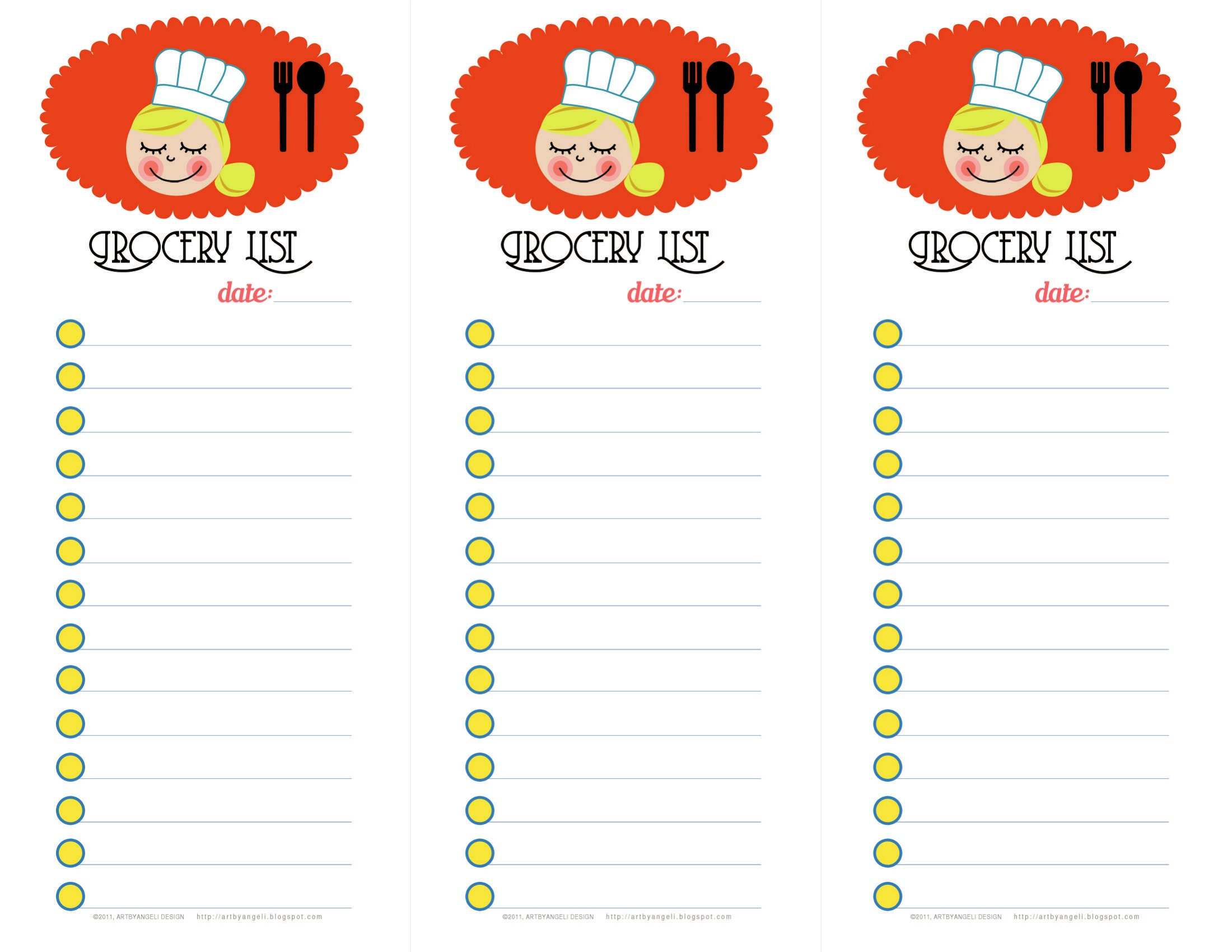
Free Master Grocery List Templates (Word, Excel, PDF)
ApplicationsTemplates
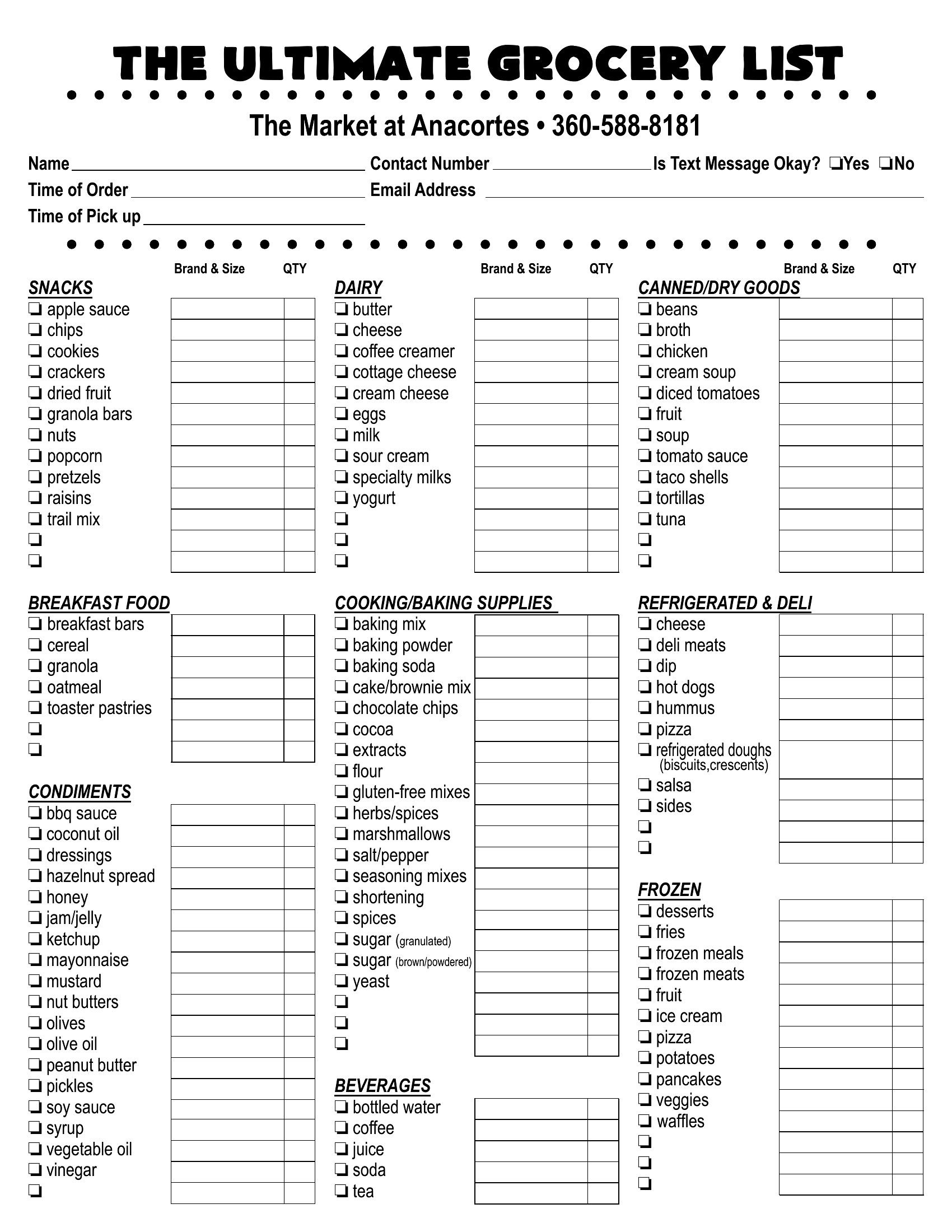
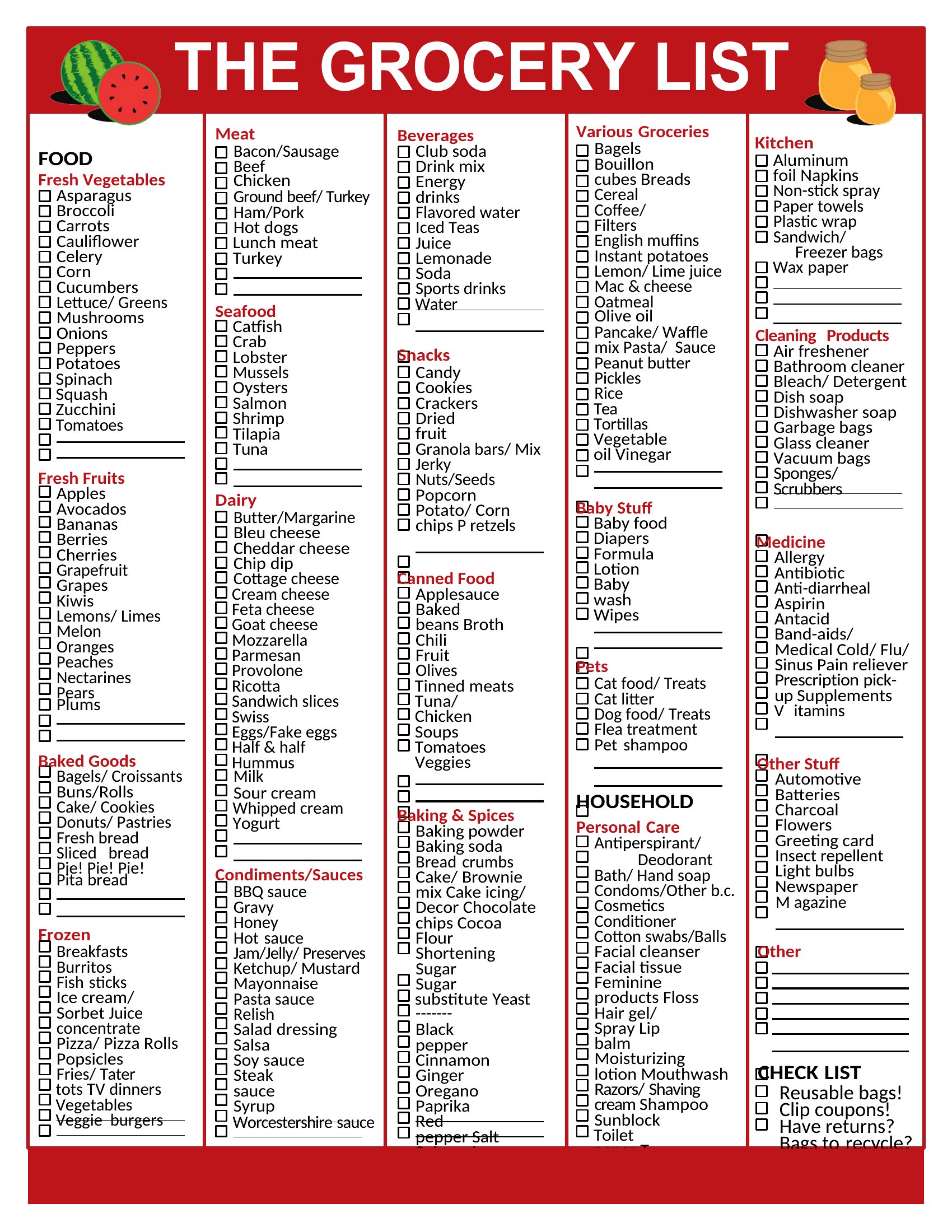
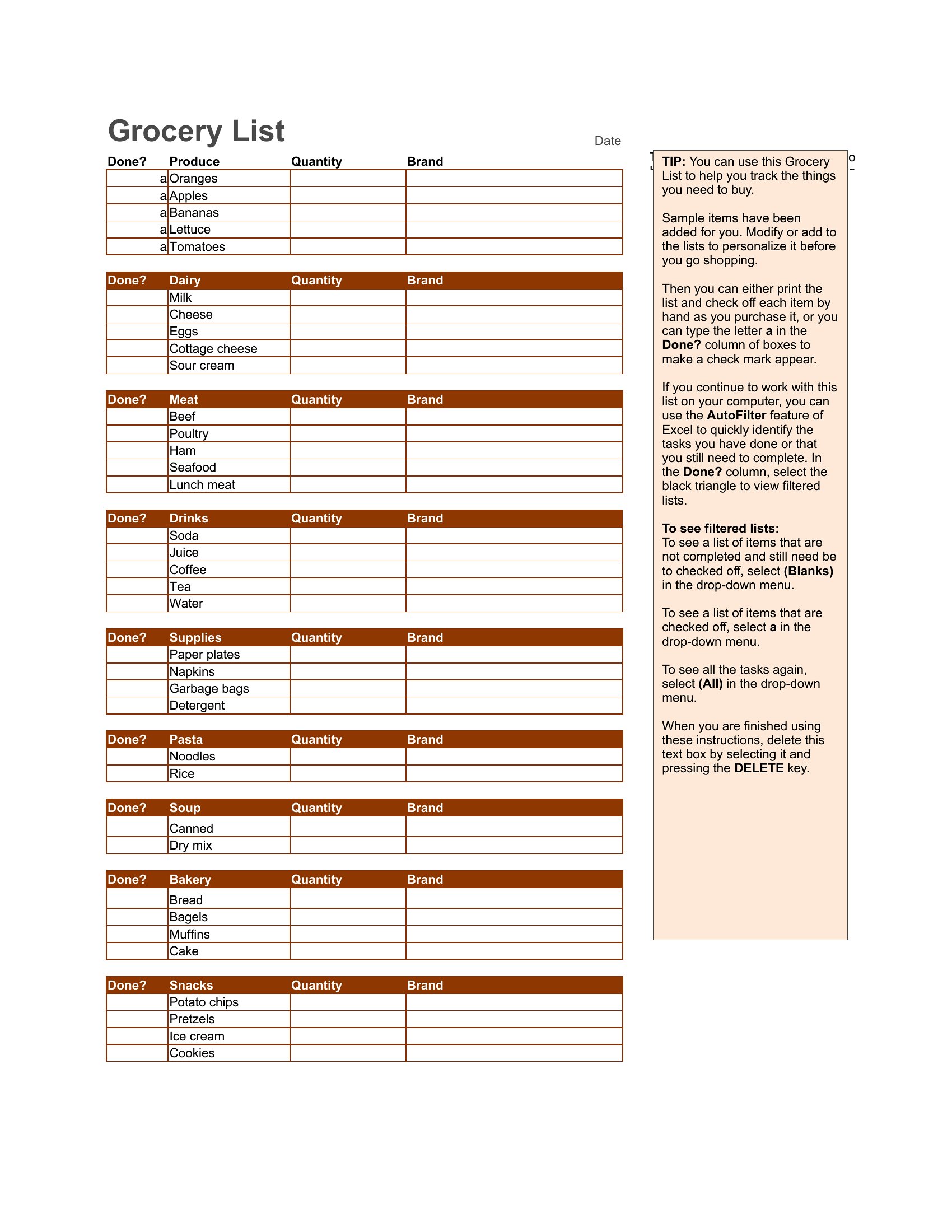
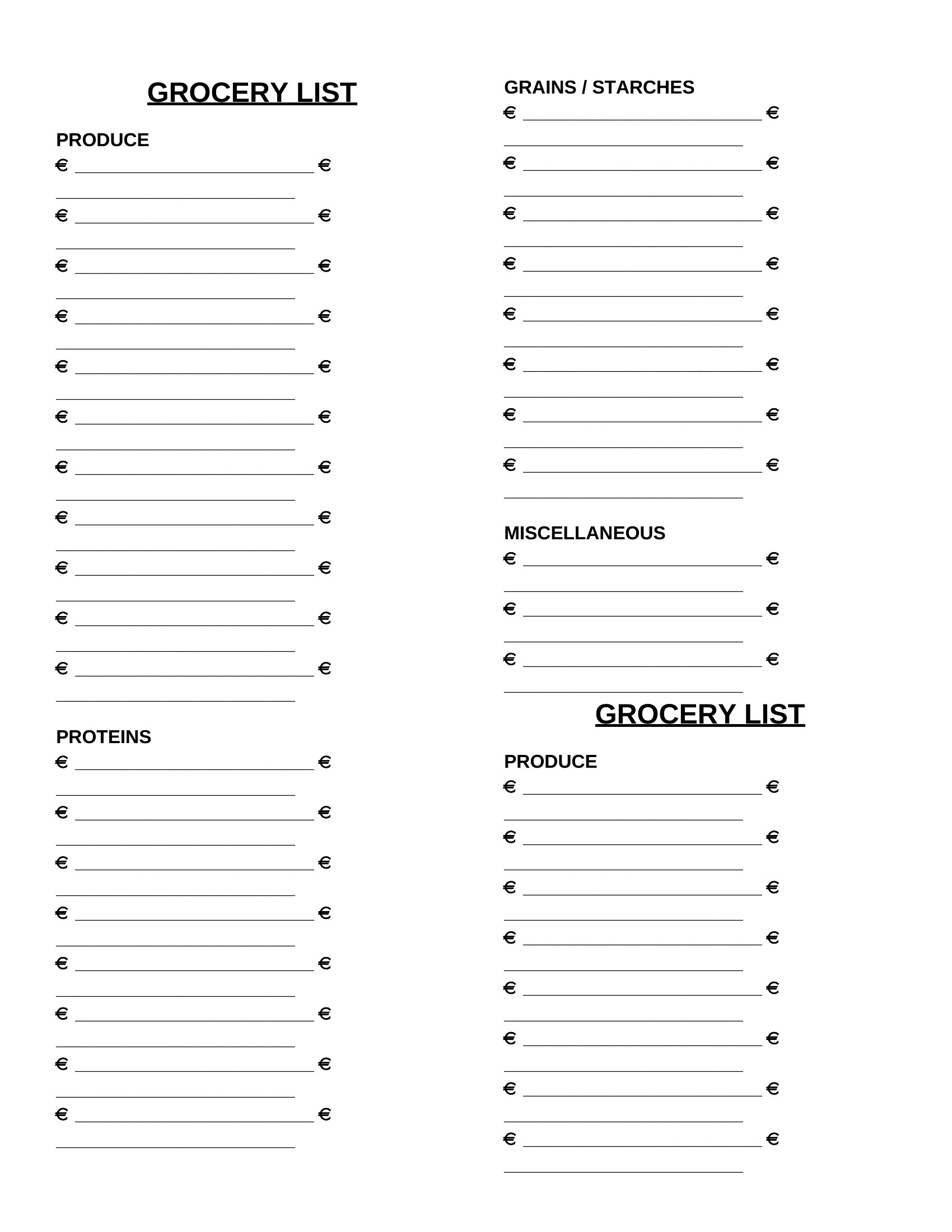
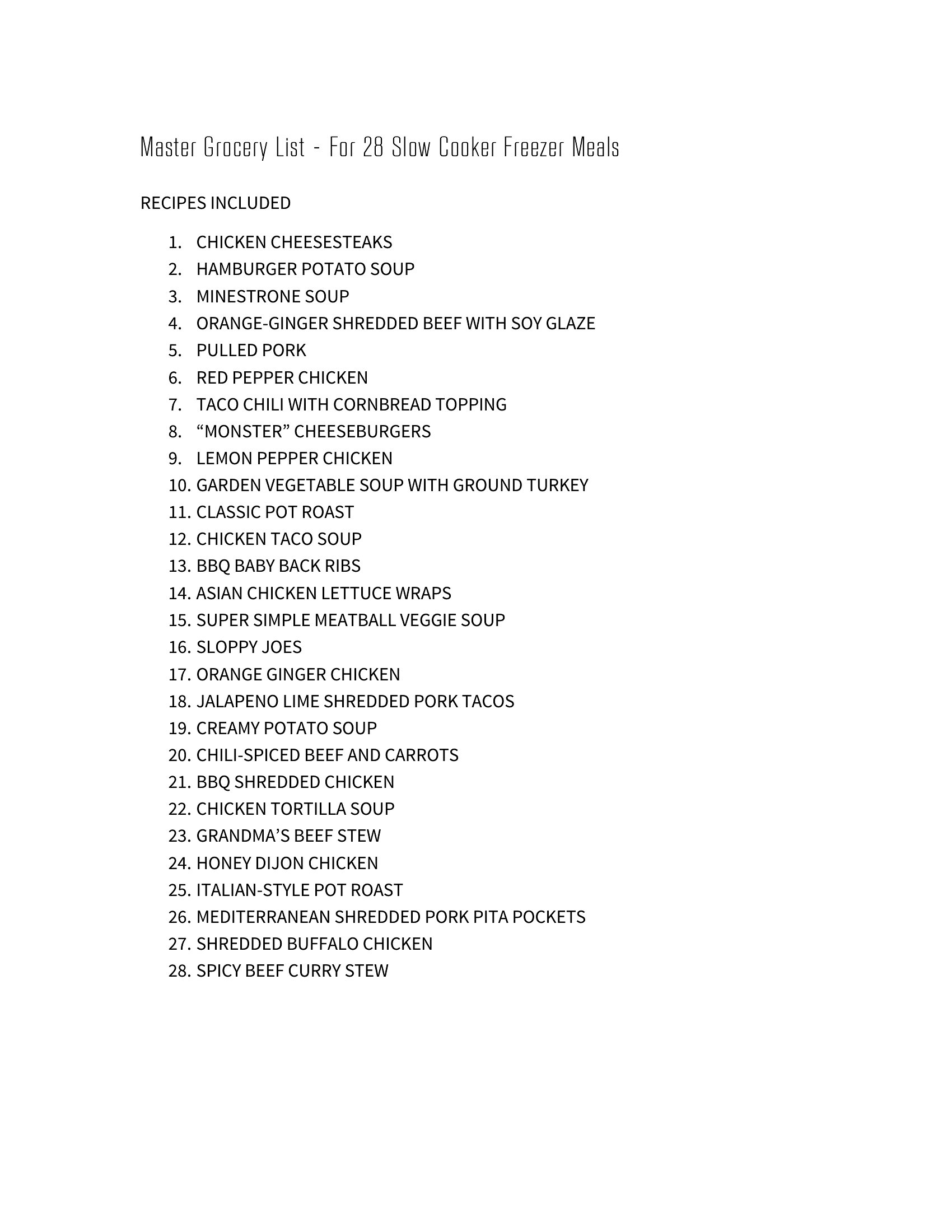
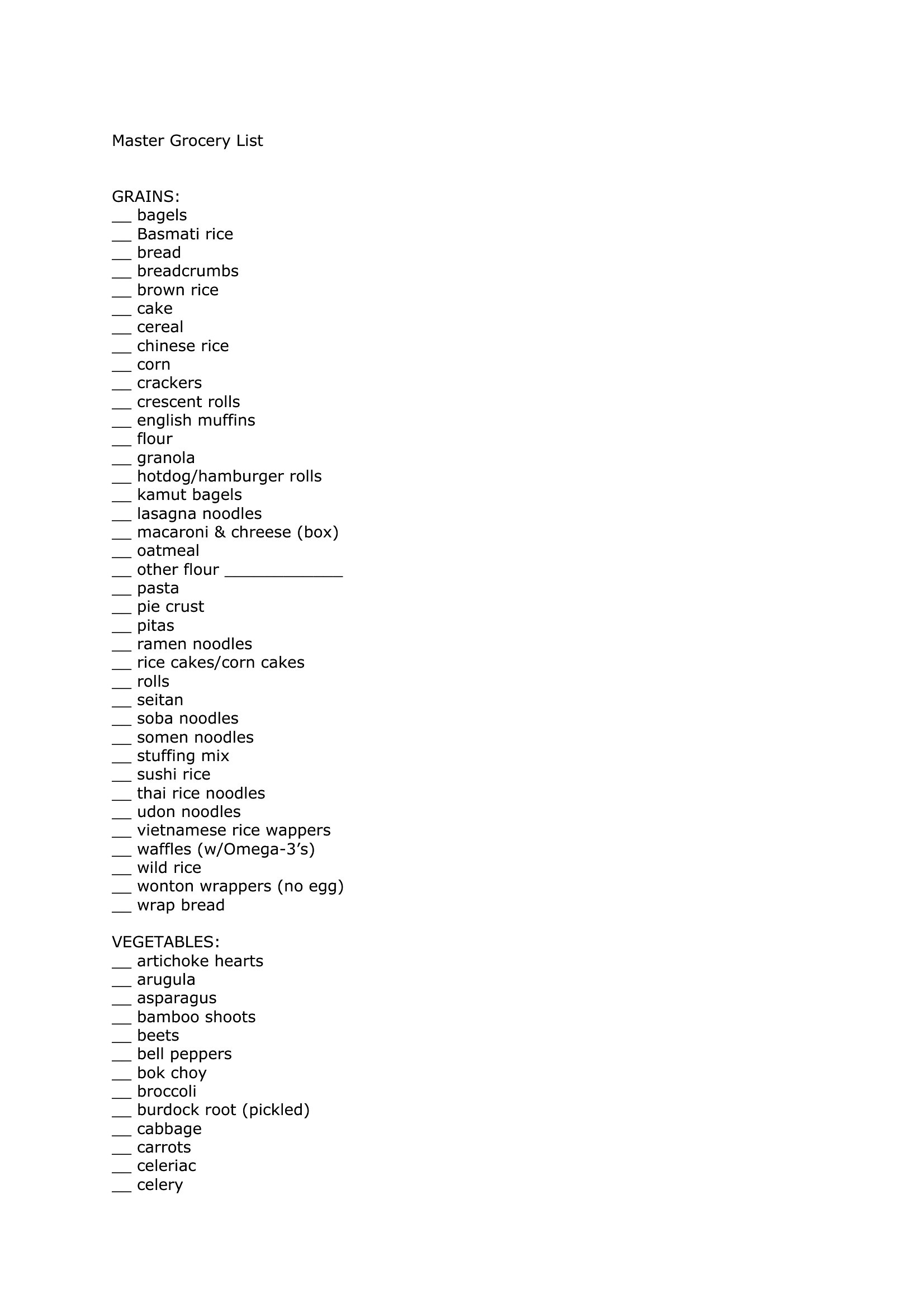
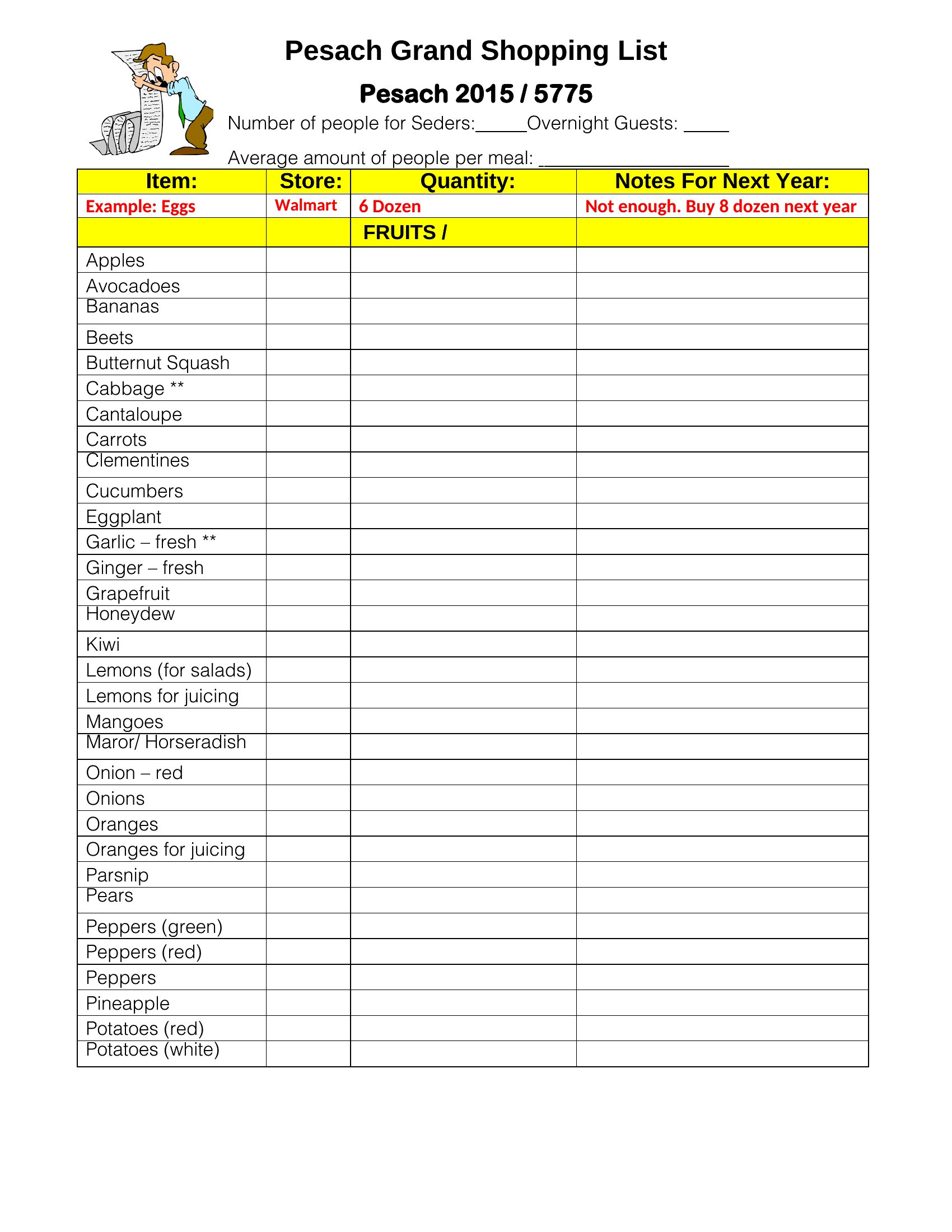
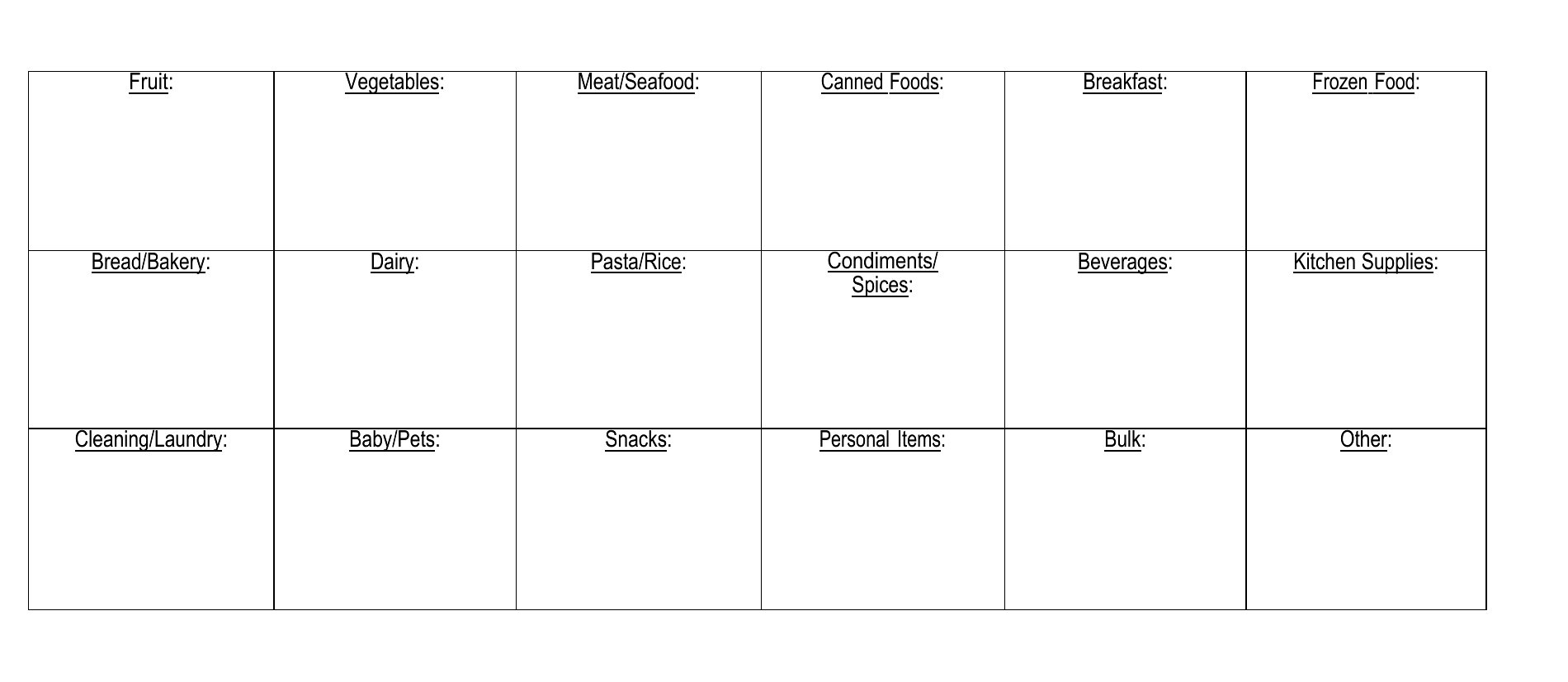
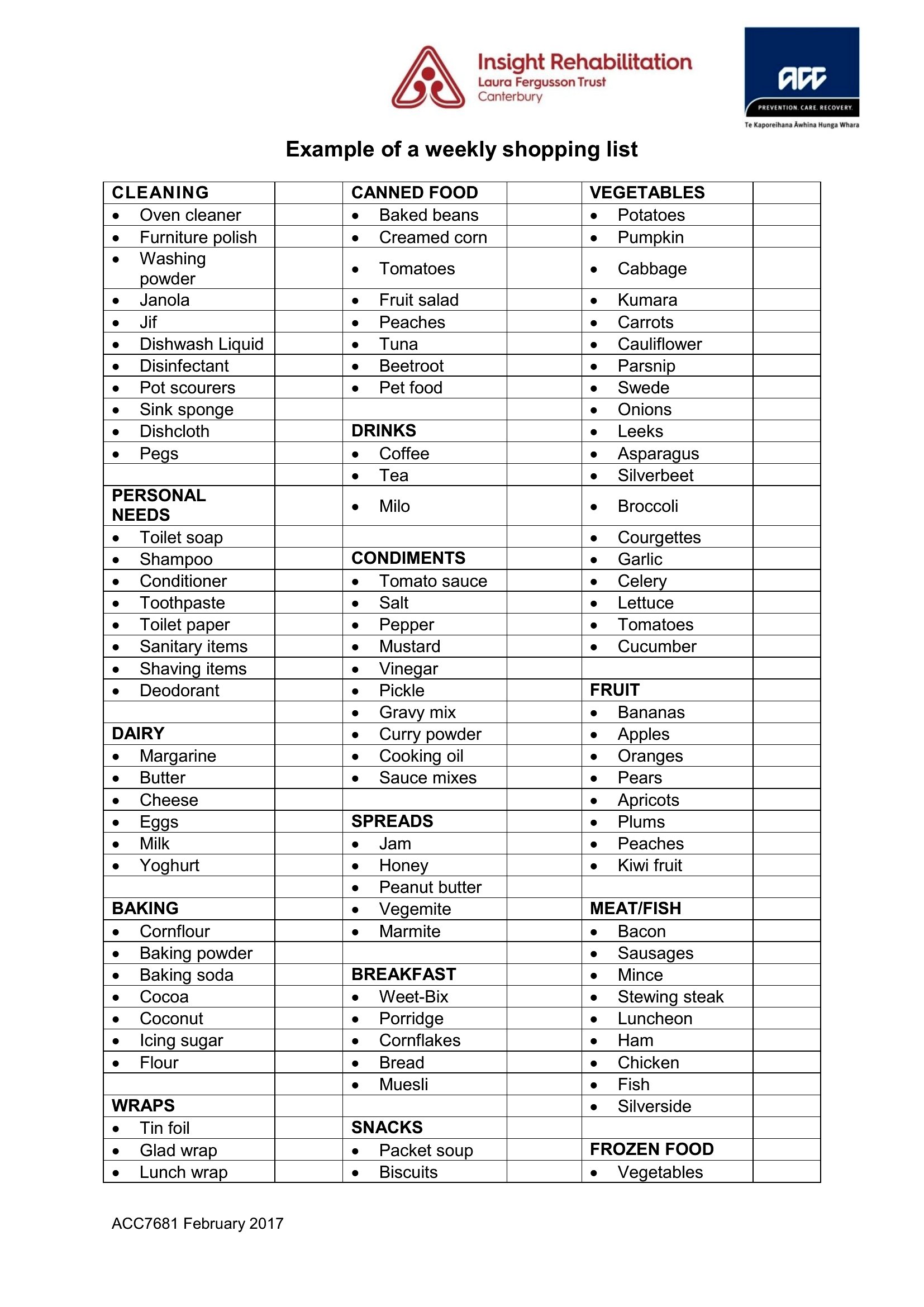
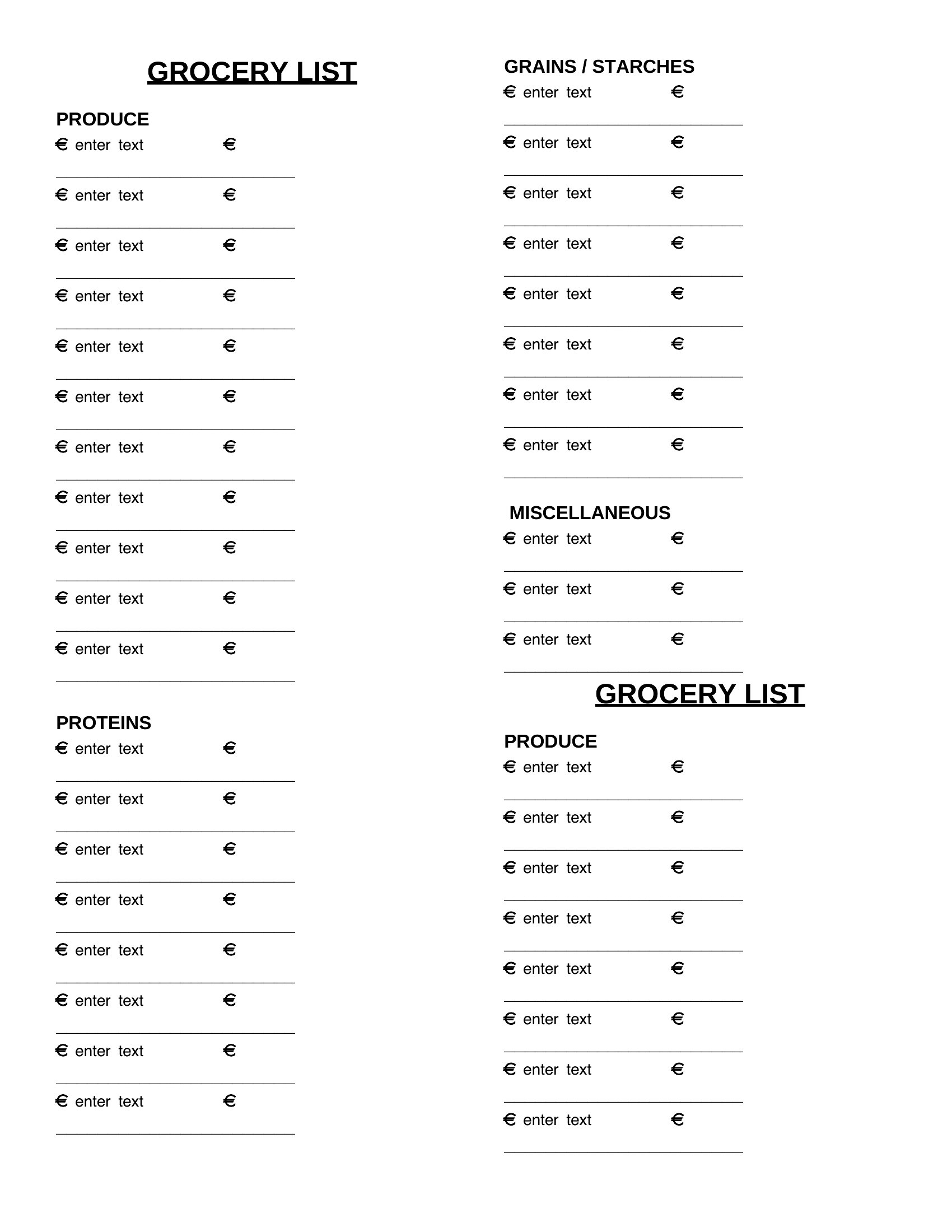
FAQ
Can I use this for bulk shopping or Costco trips?
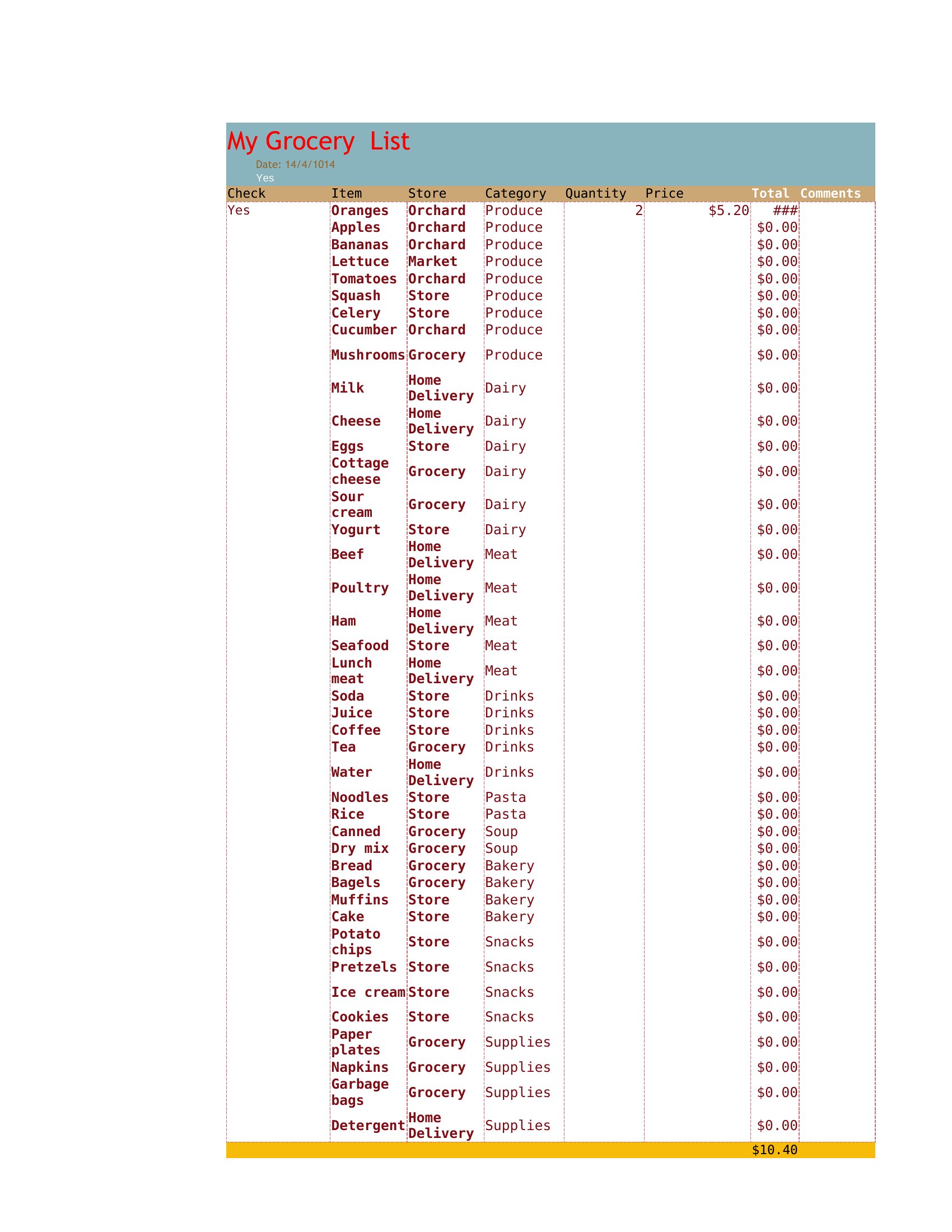
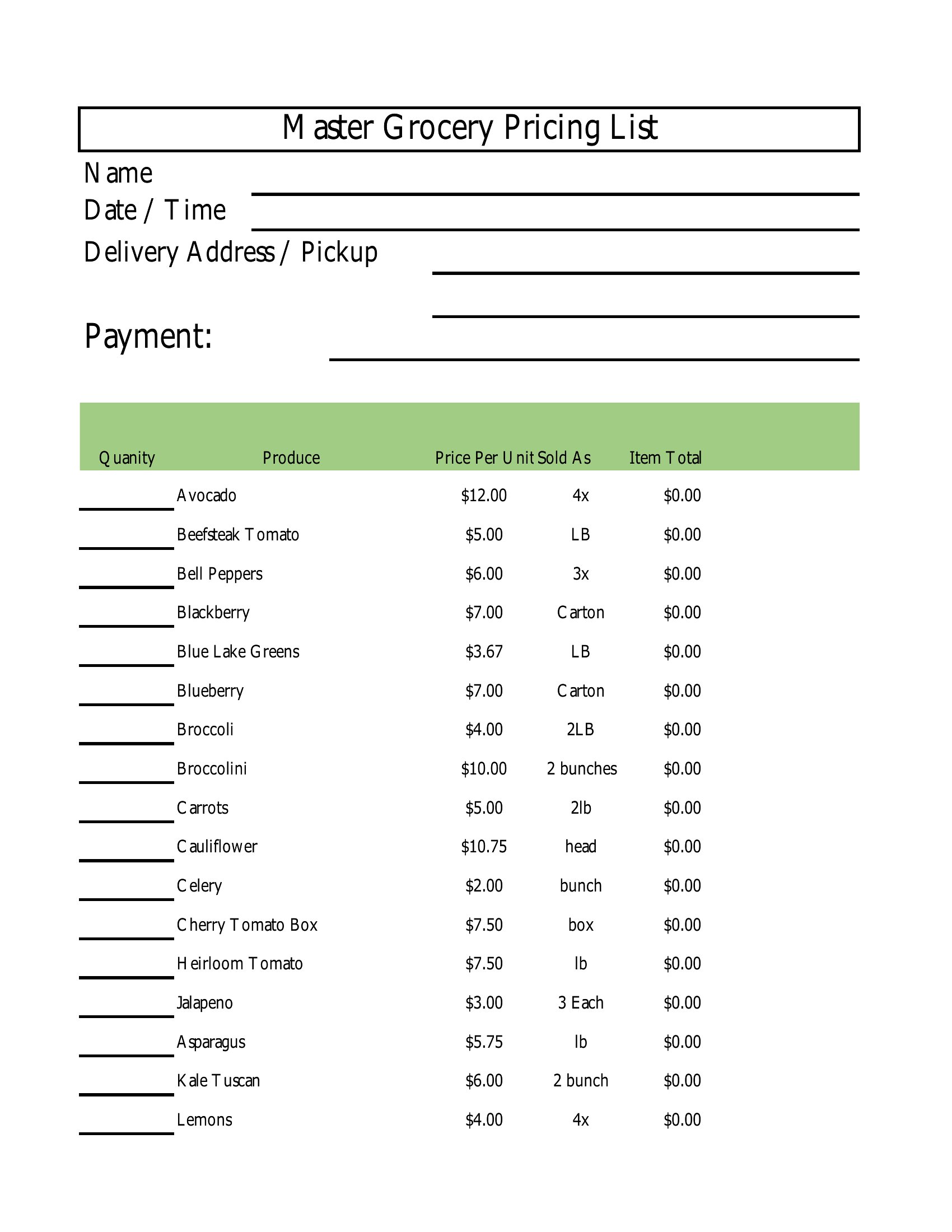
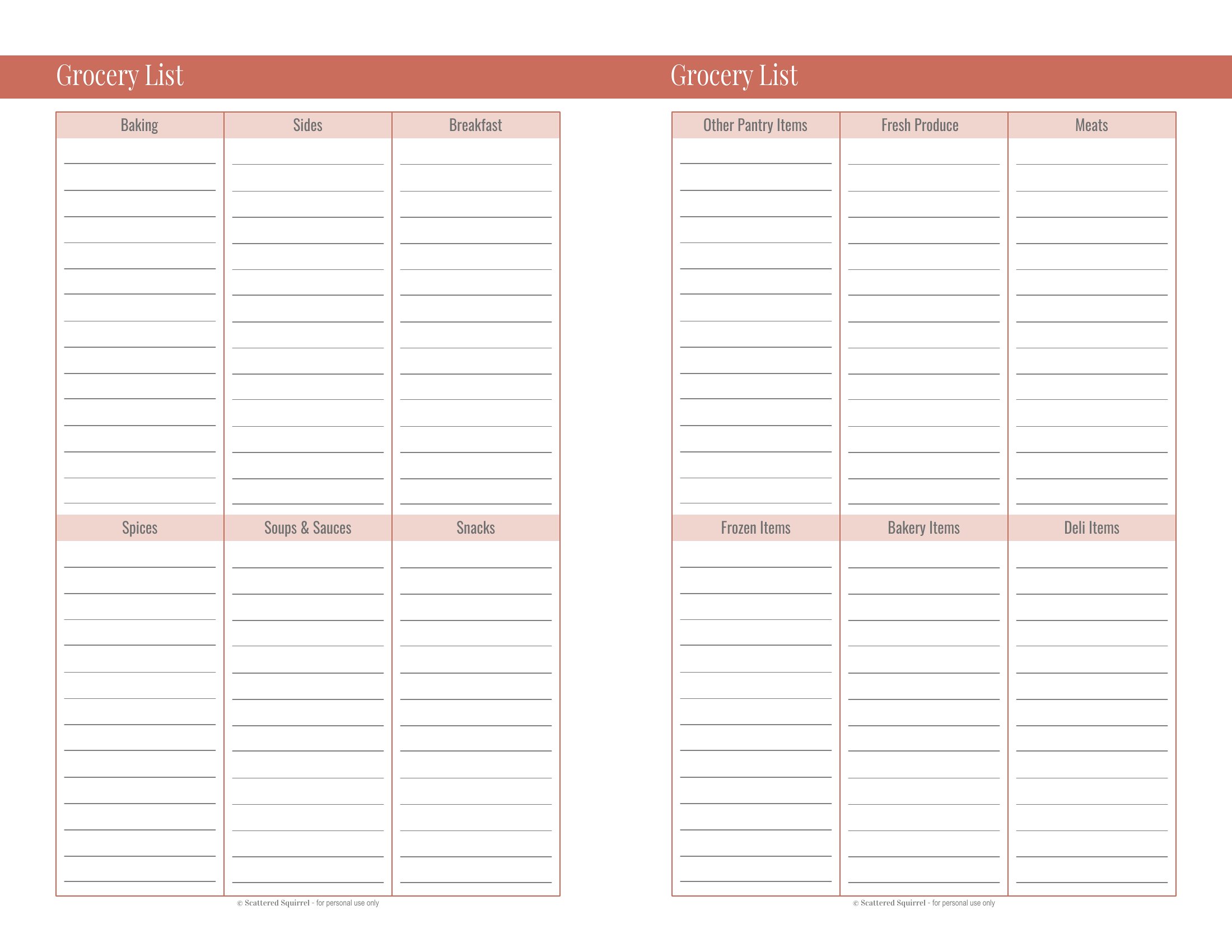
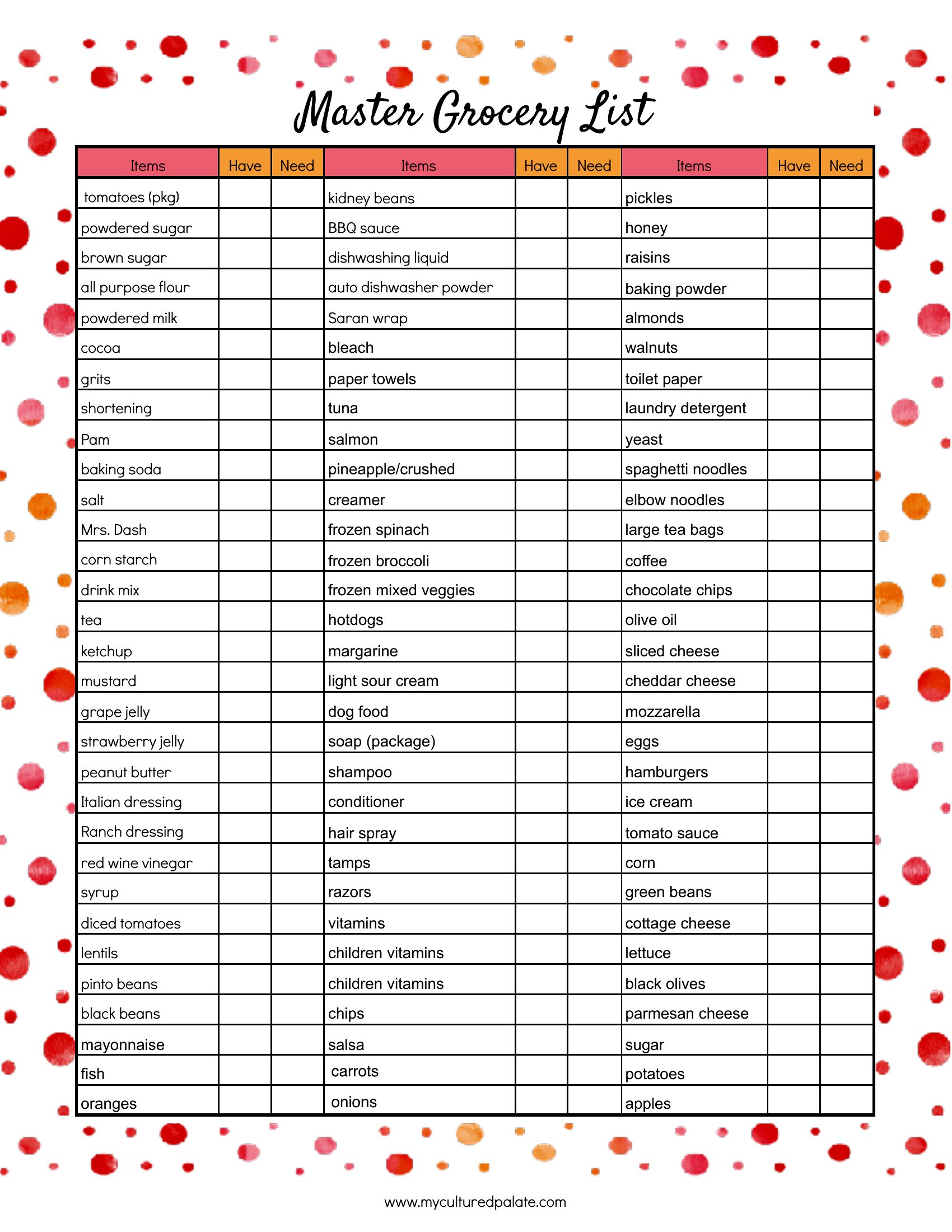
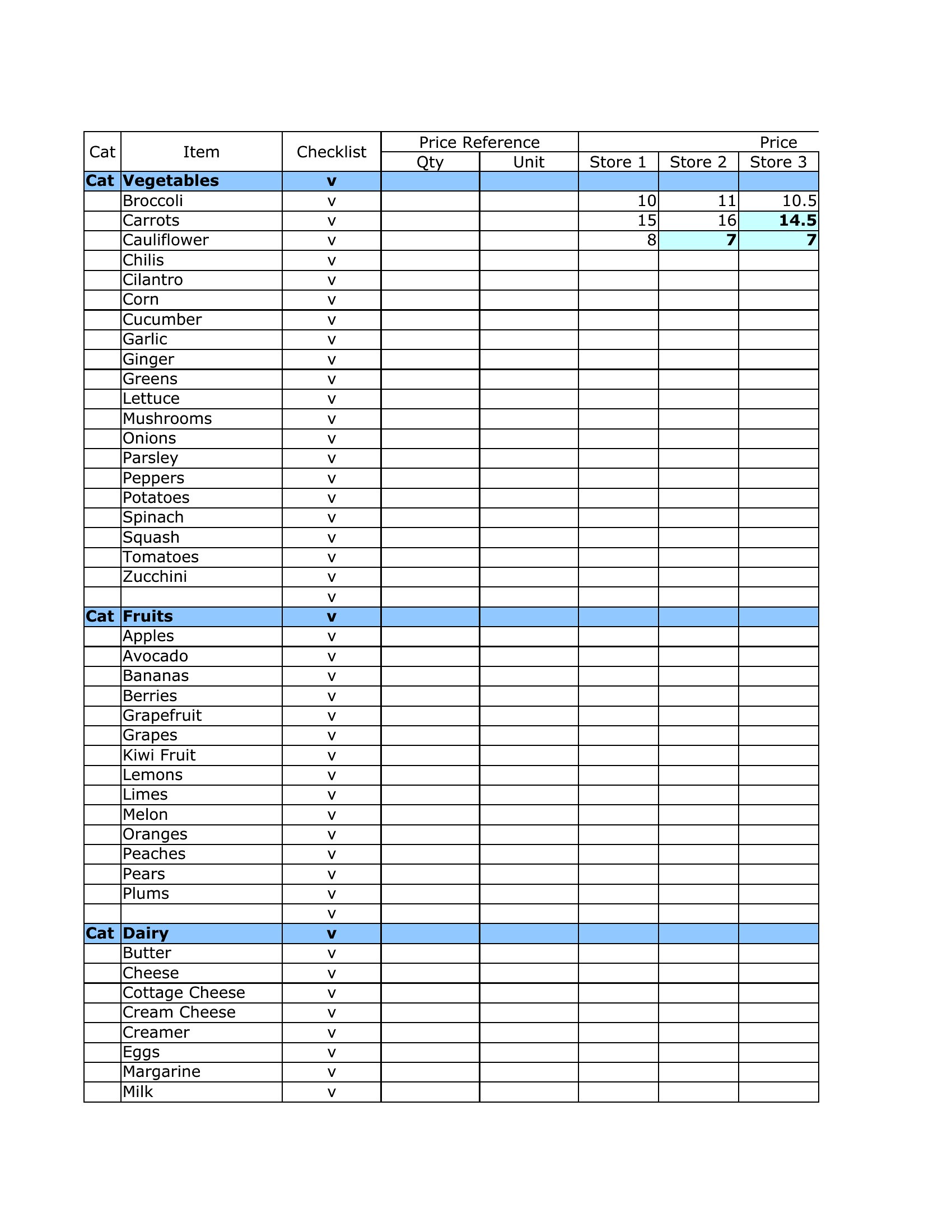
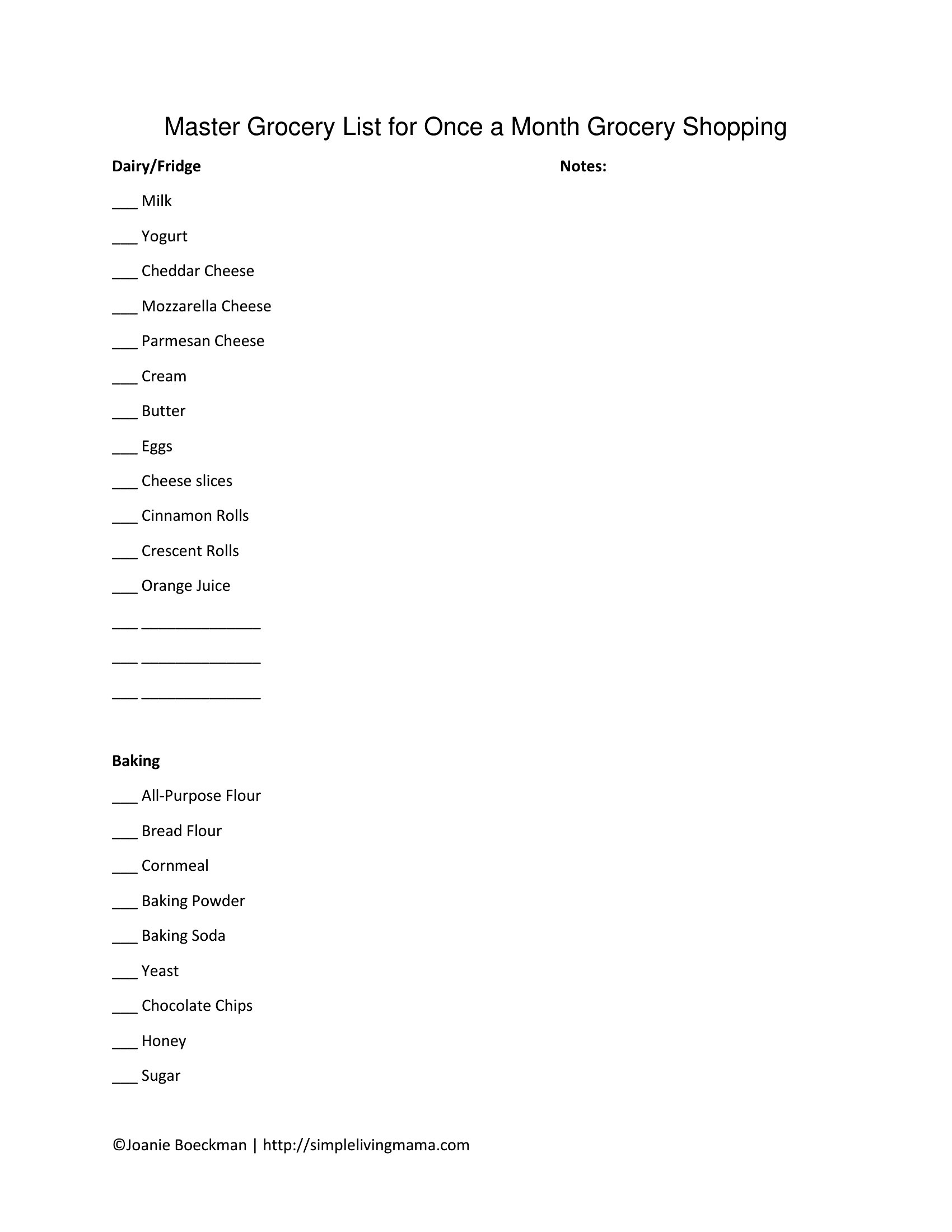
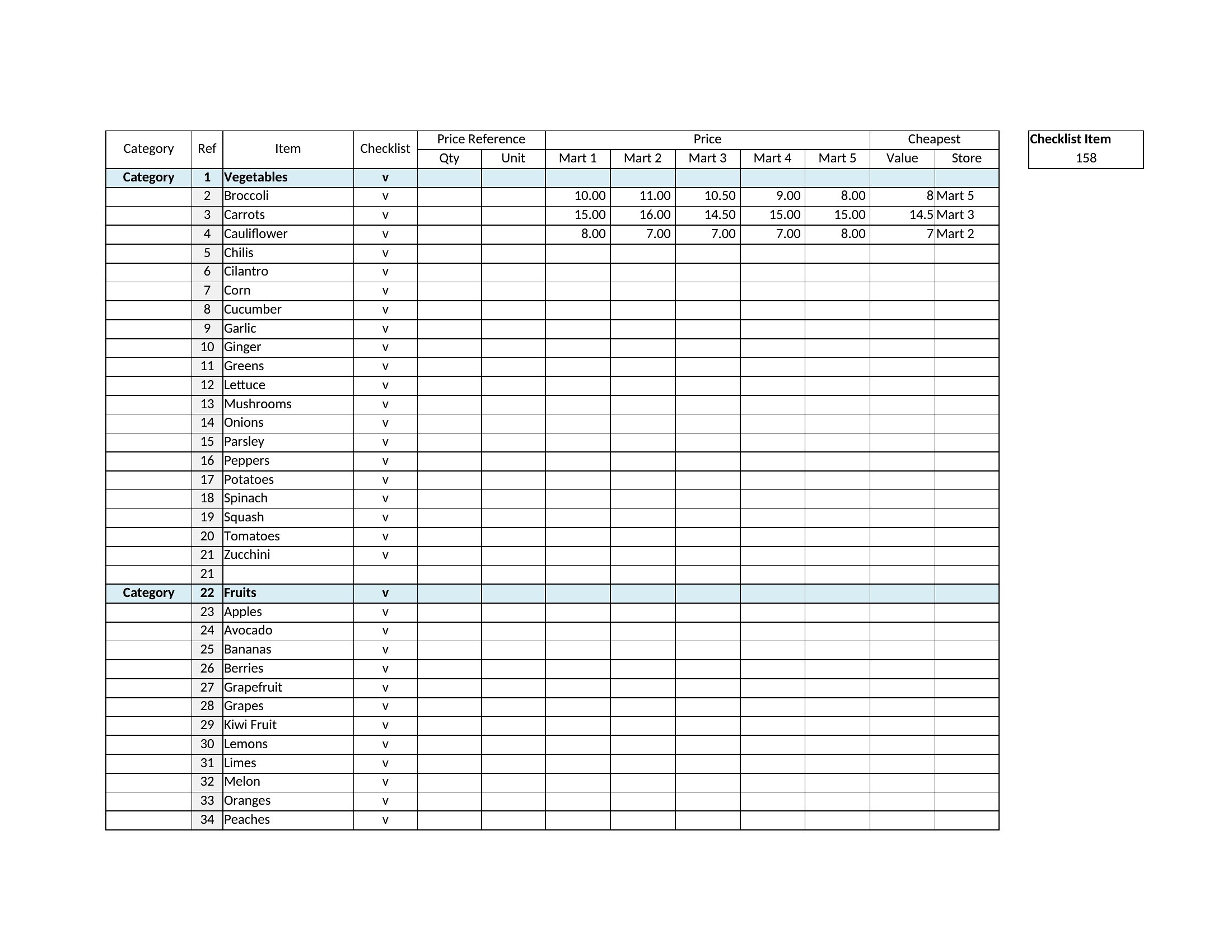
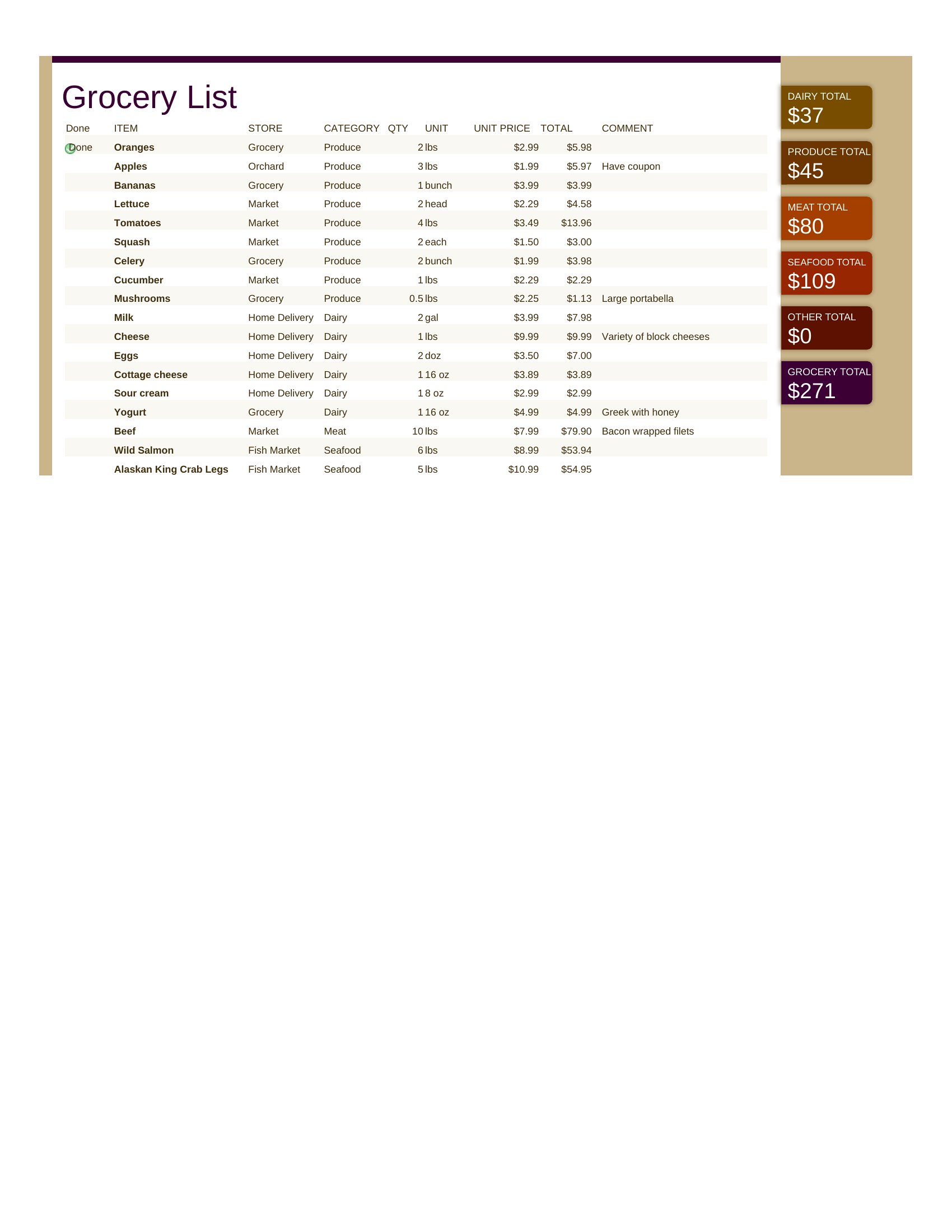
Yes, but adjust the list to group bulk items (like rice, canned goods, or cleaning supplies) by quantity or shelf life. Excel templates let you add columns for bulk sizes, while Word or PDF versions work for static bulk lists. Just label sections clearly—e.g., ‘Non-Perishables (Buy Once/Month)’—to avoid overbuying.
What’s the best way to handle seasonal or occasional items?
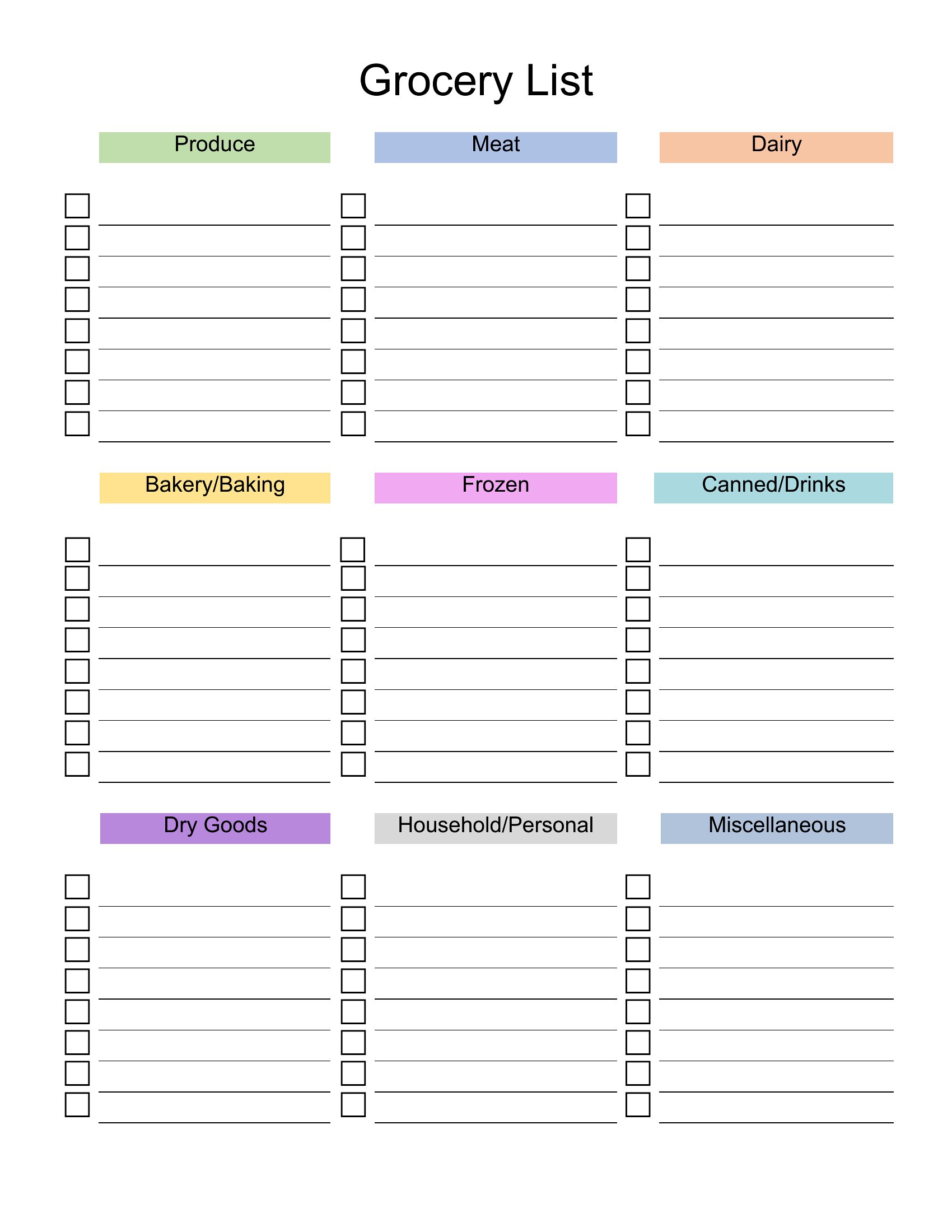
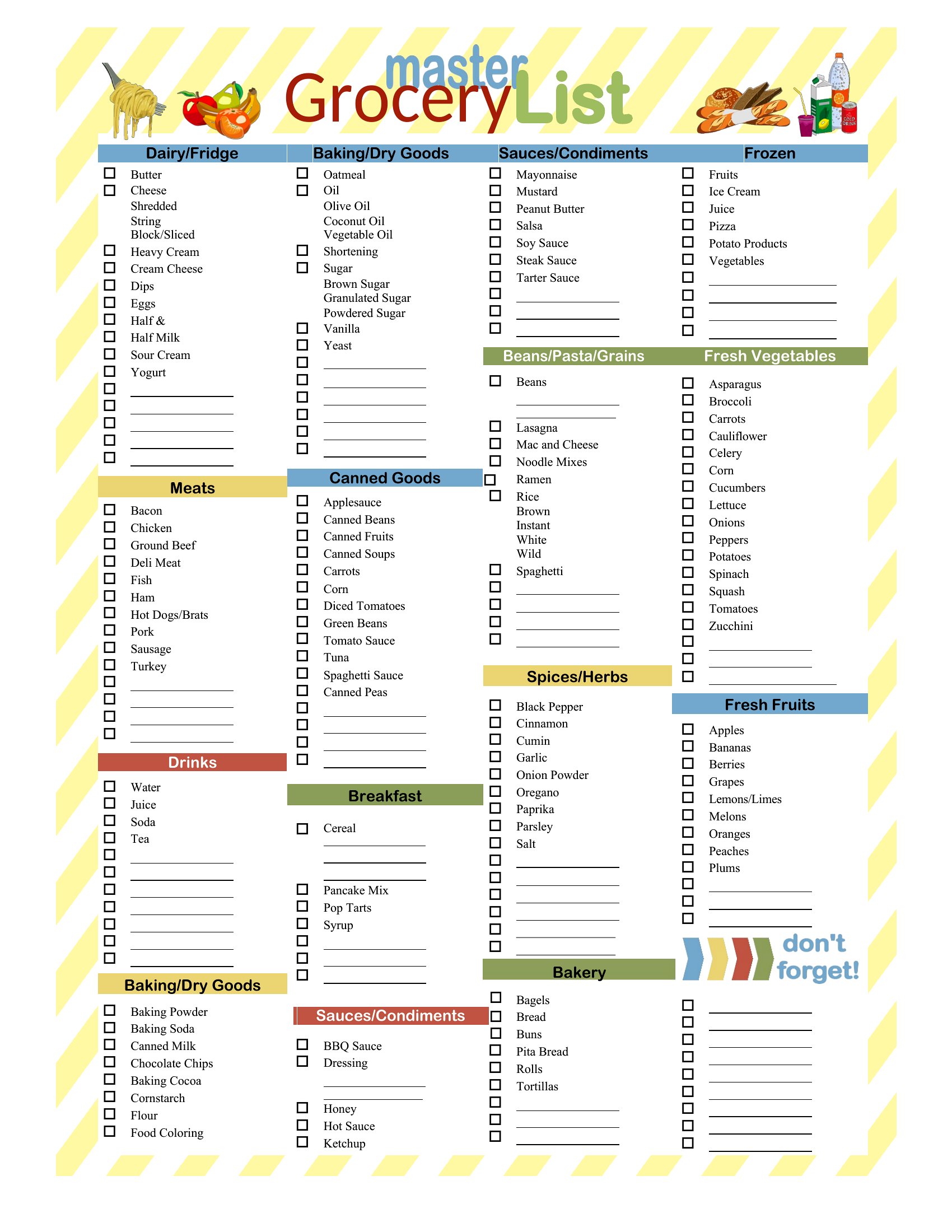
Add a ‘Seasonal’ or ‘Occasional’ category at the bottom of your list and mark items with notes like ‘Halloween (Oct only)’ or ‘BBQ (Summer).’ In Excel, use a dropdown menu to filter these out when shopping for staples. Word users can bold or color-code these entries, and PDFs work well if you print a fresh version for each season.
How do I share this with a partner or roommate without sending a file?
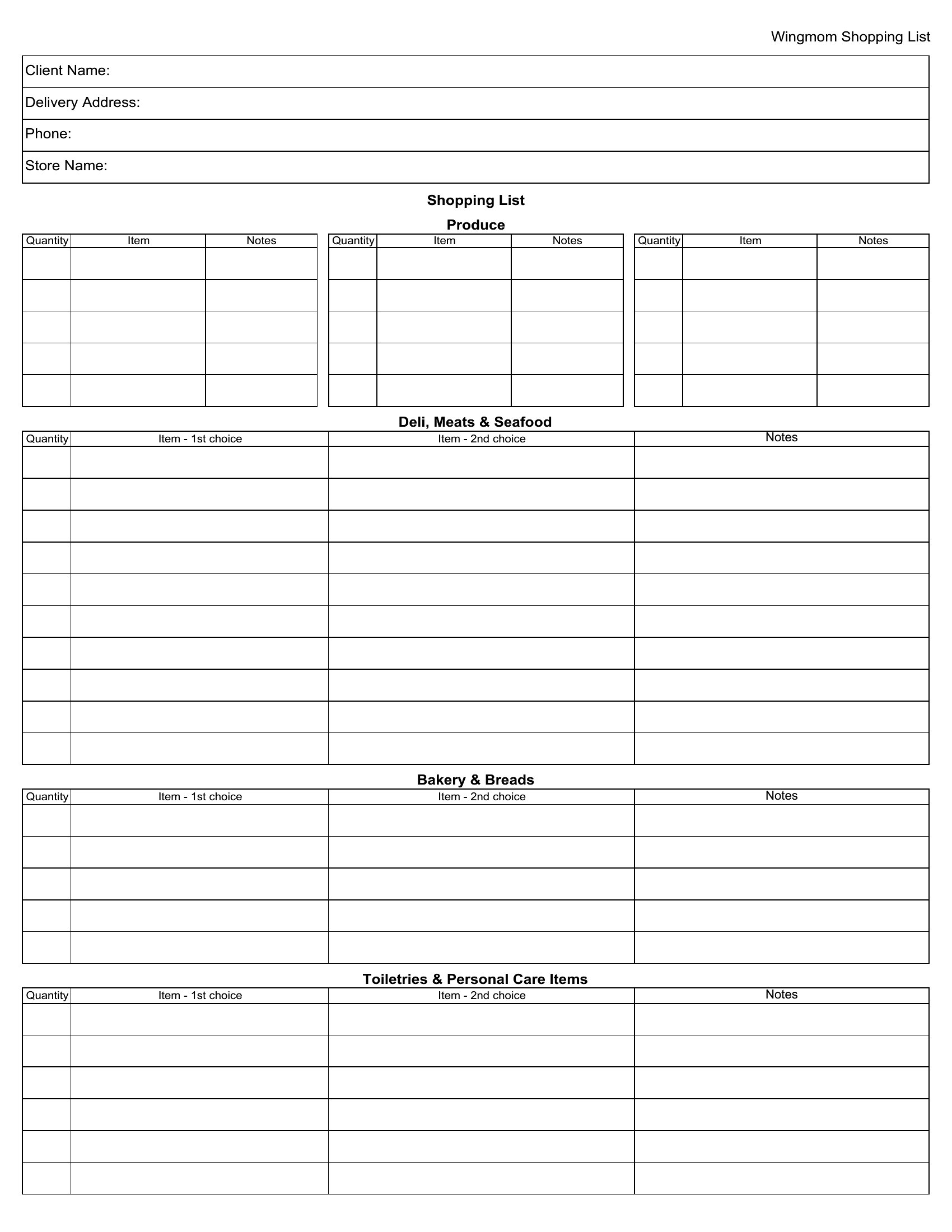
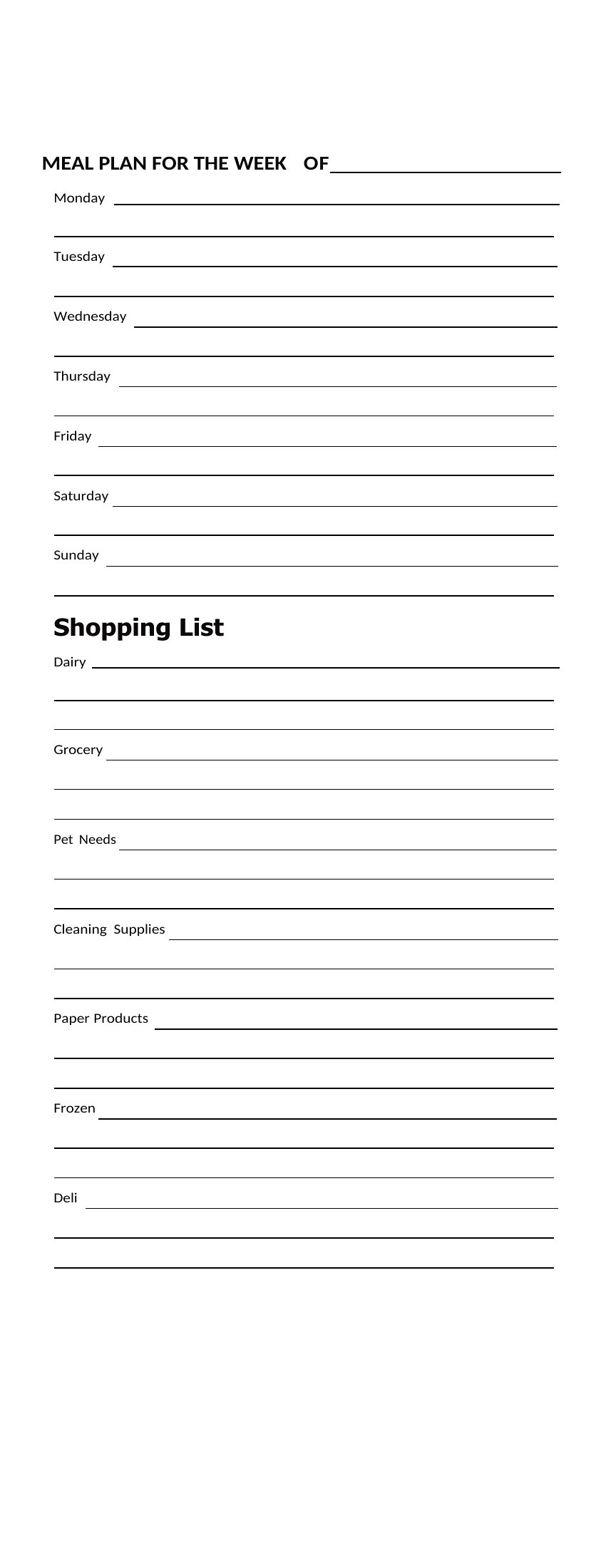
For real-time collaboration, use the Excel version and save it to a shared cloud drive (Google Sheets or OneDrive) where both can edit. Word lists can be saved as PDFs and emailed, but for updates, resave and resend. PDFs are least flexible for sharing unless you use a fillable form with restricted fields—best for read-only sharing of static lists.
Comments
Join the conversation
Sign in to share your thoughts and leave a comment on this resource.