Free Spec Sheet Templates (Word, Excel, PDF)
AnalysisTemplates
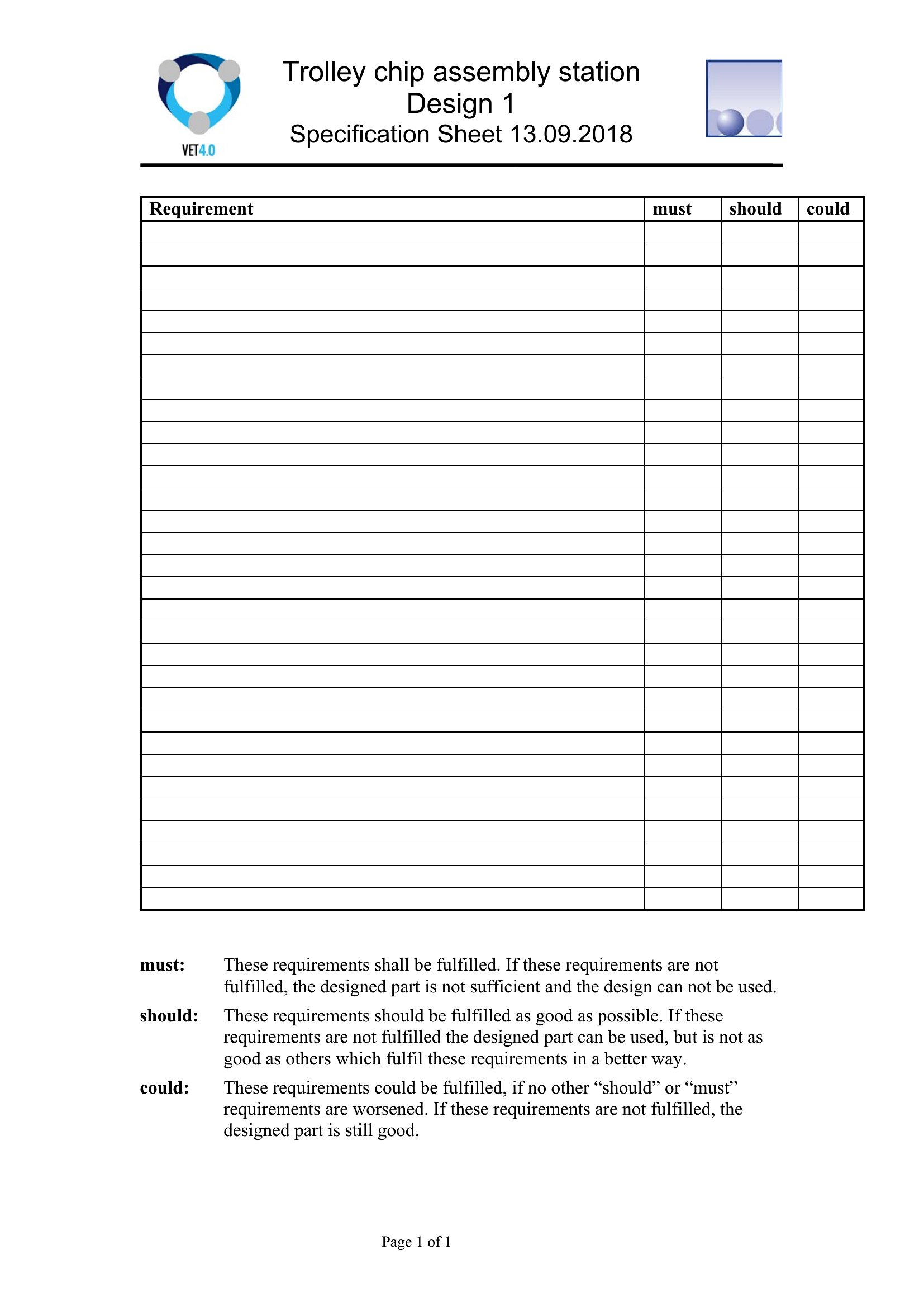
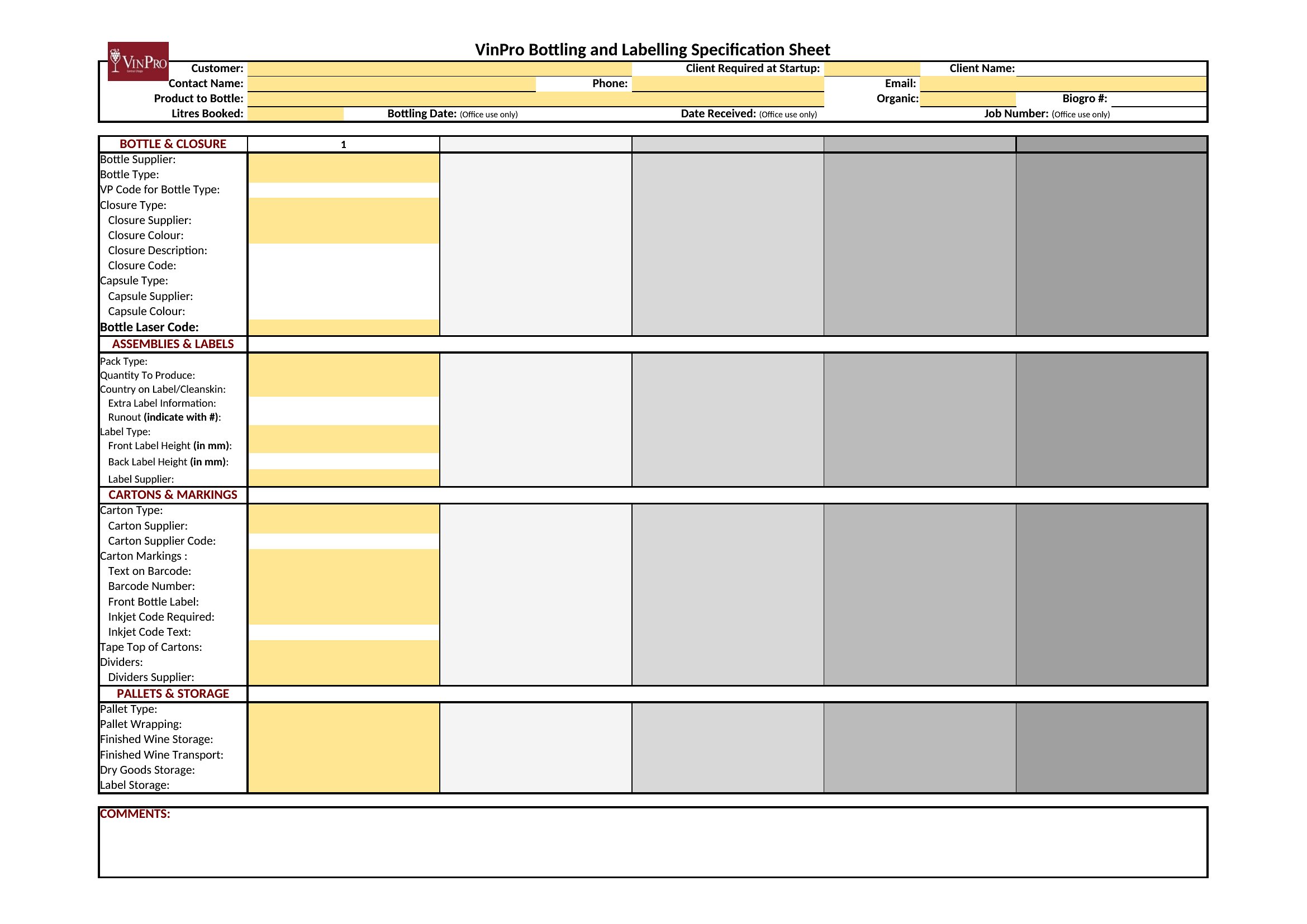
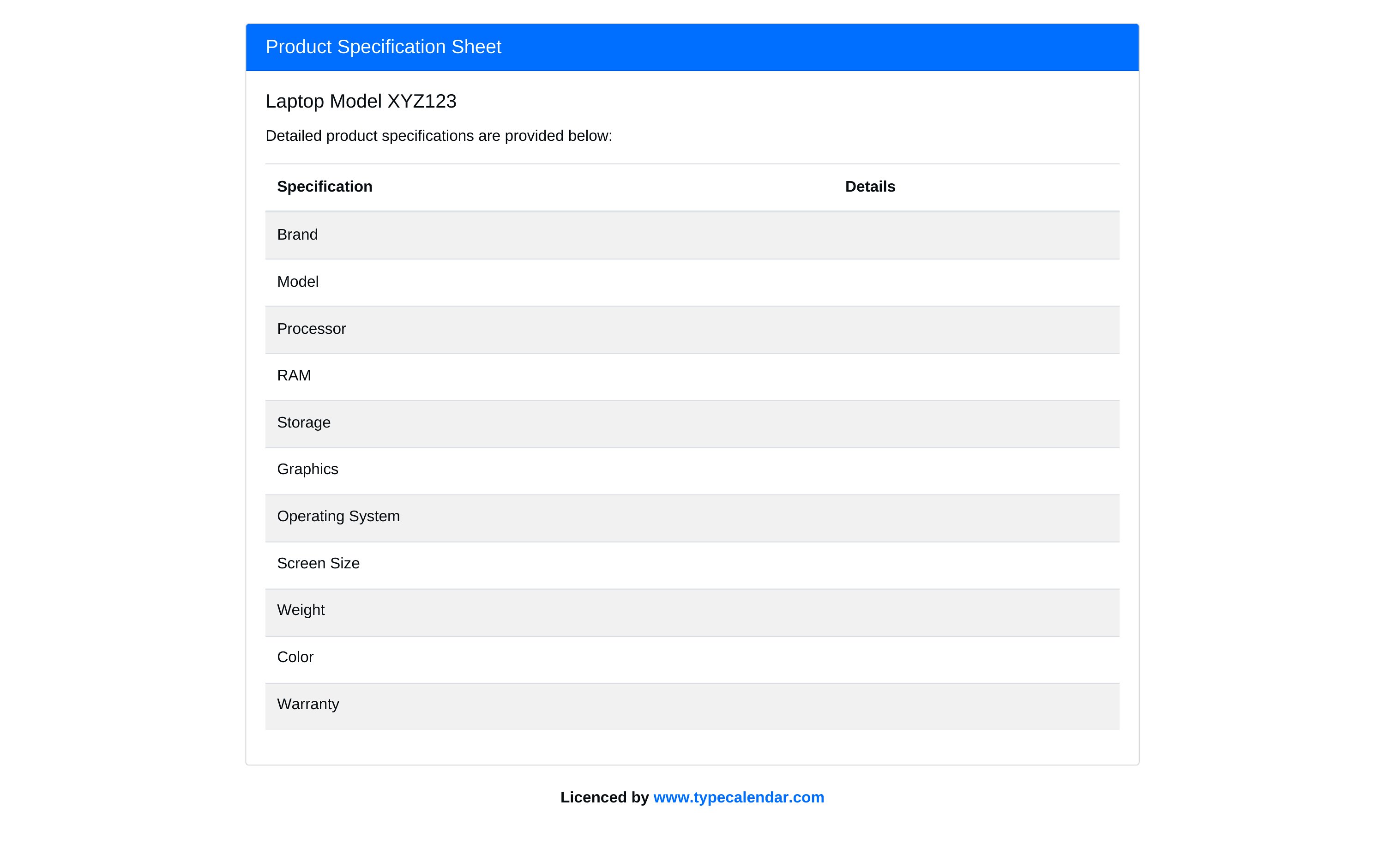
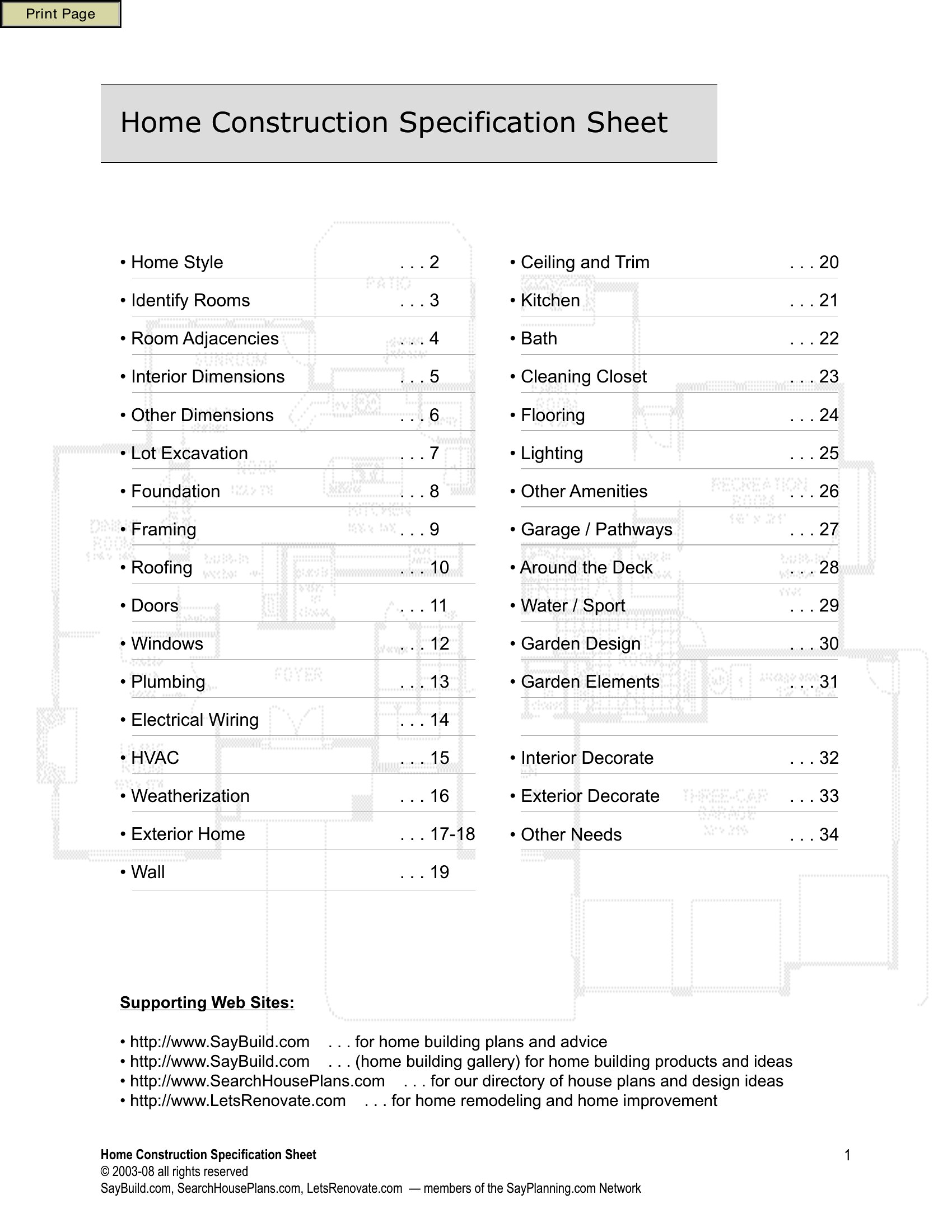
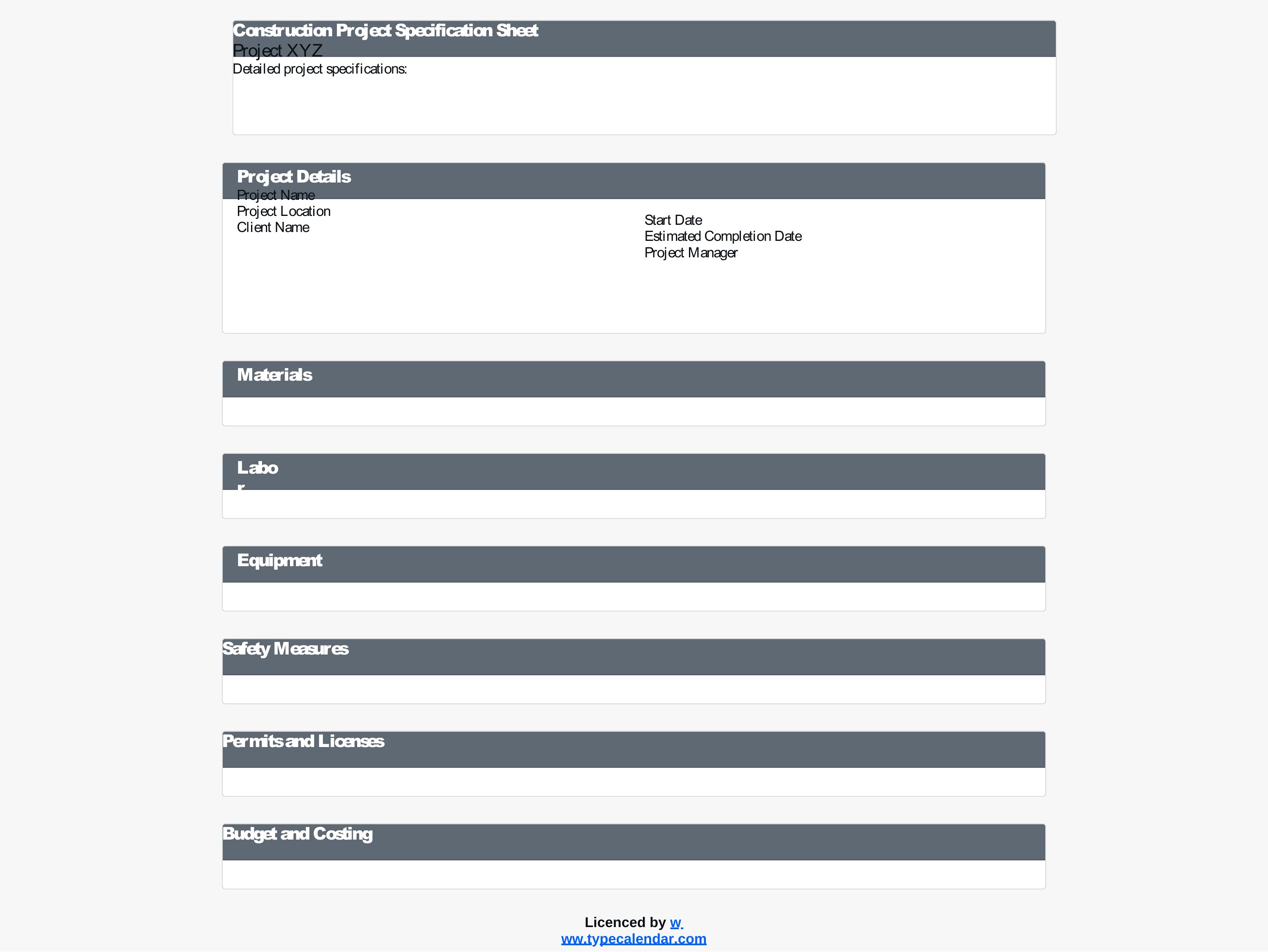
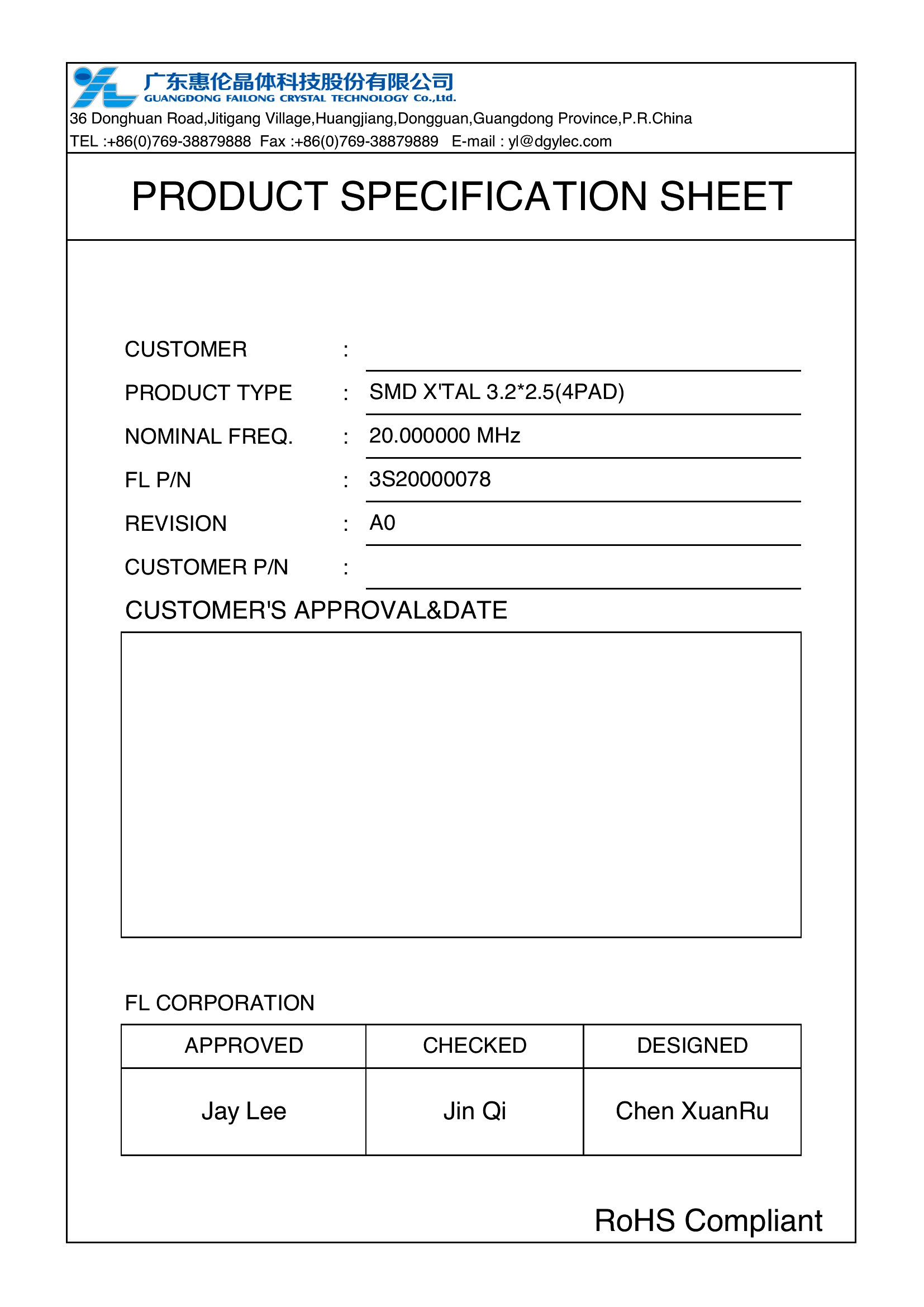
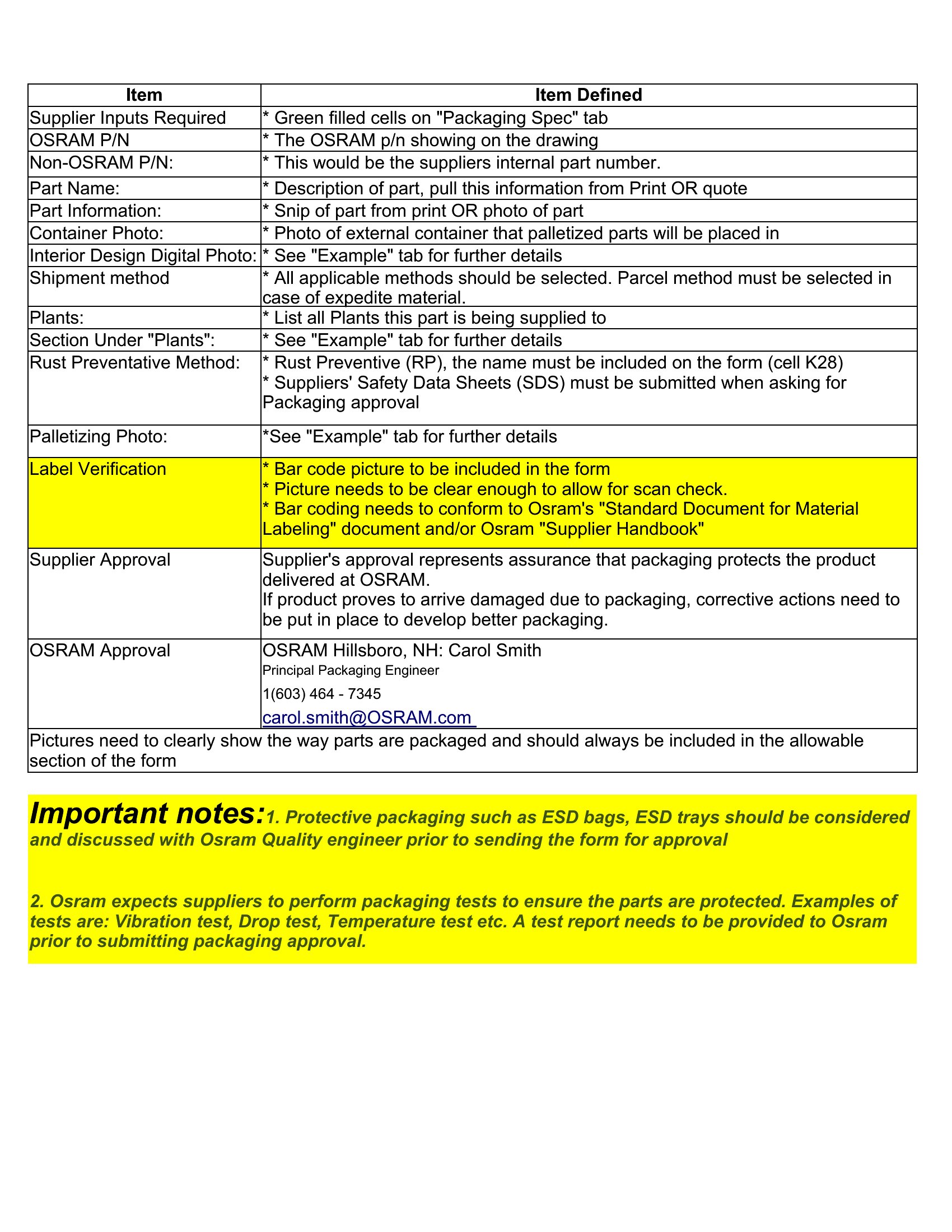
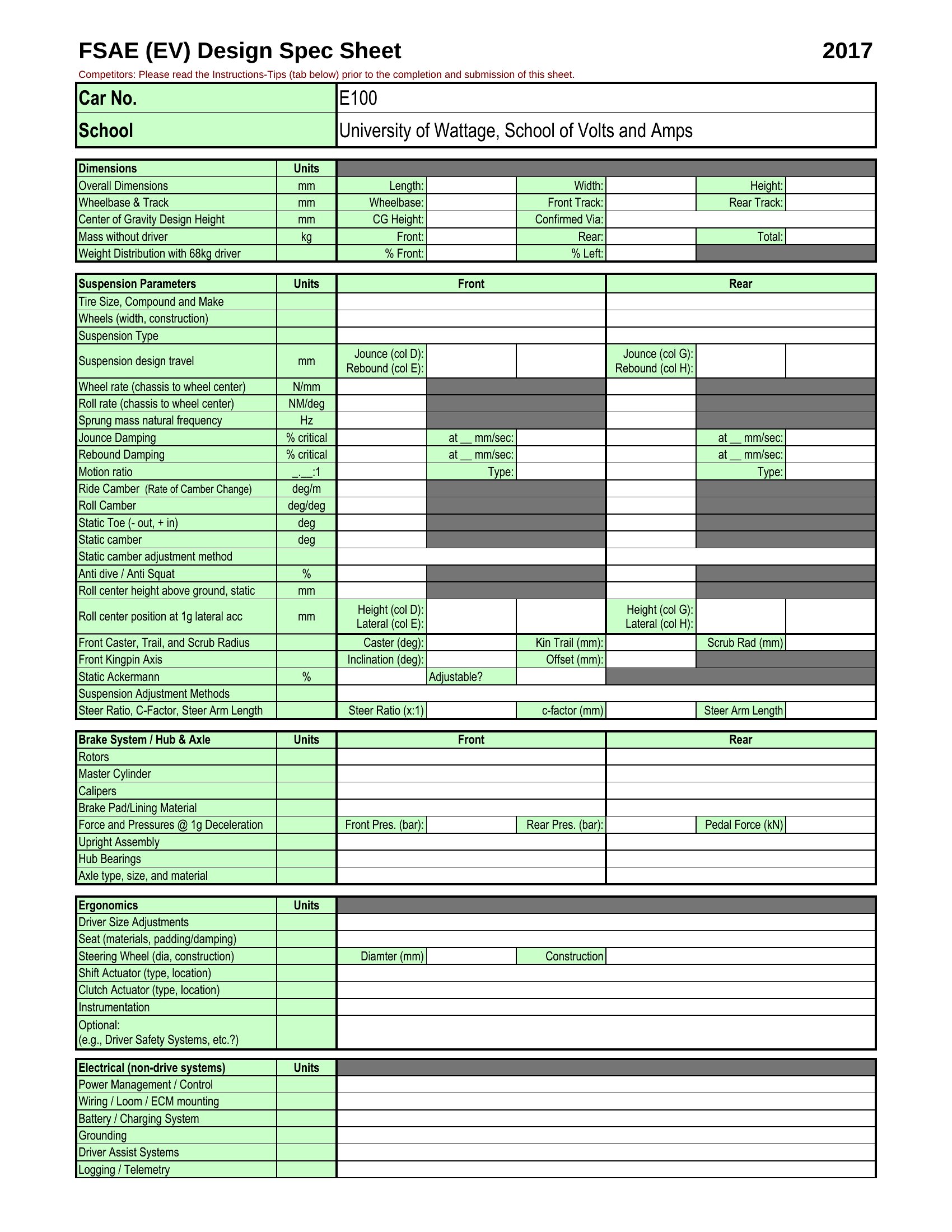
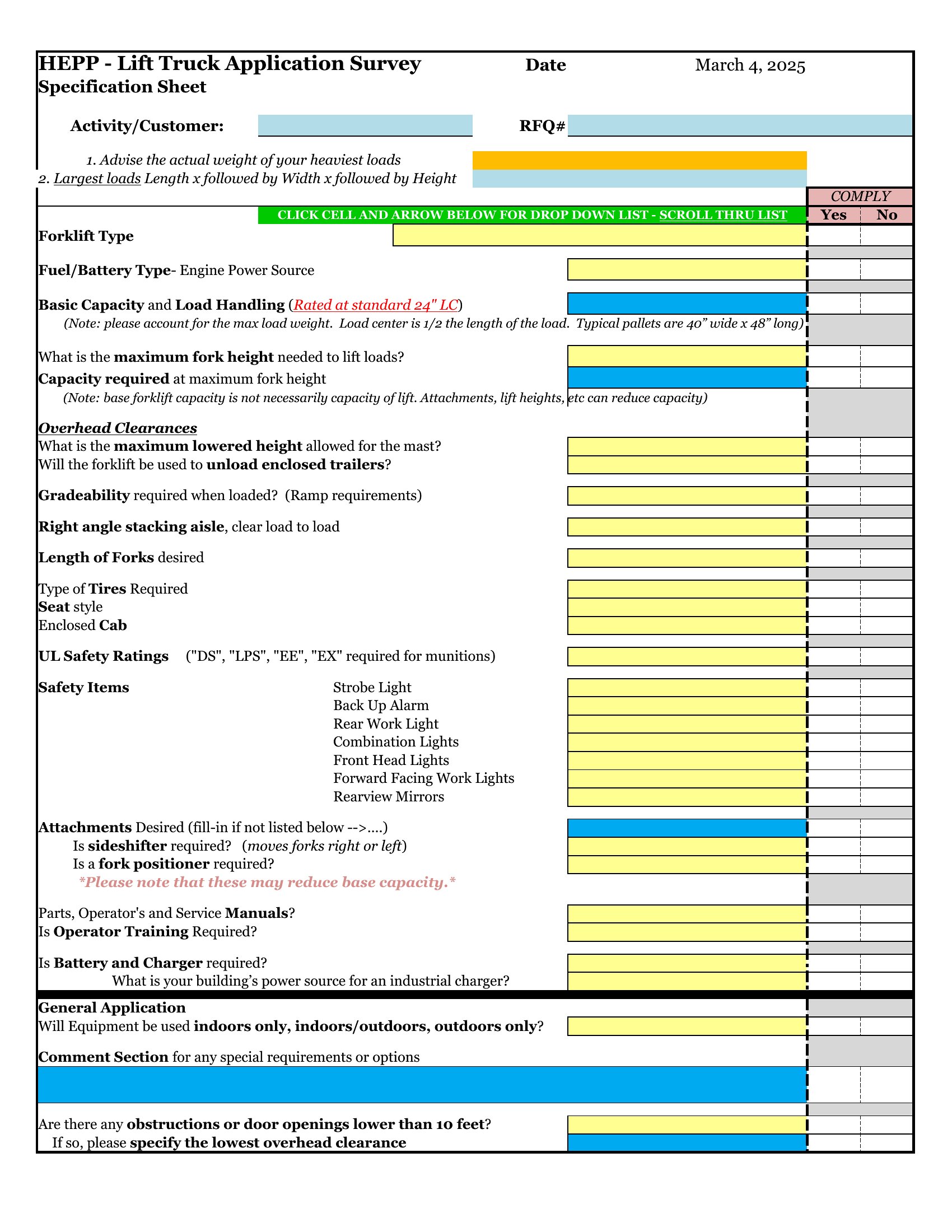
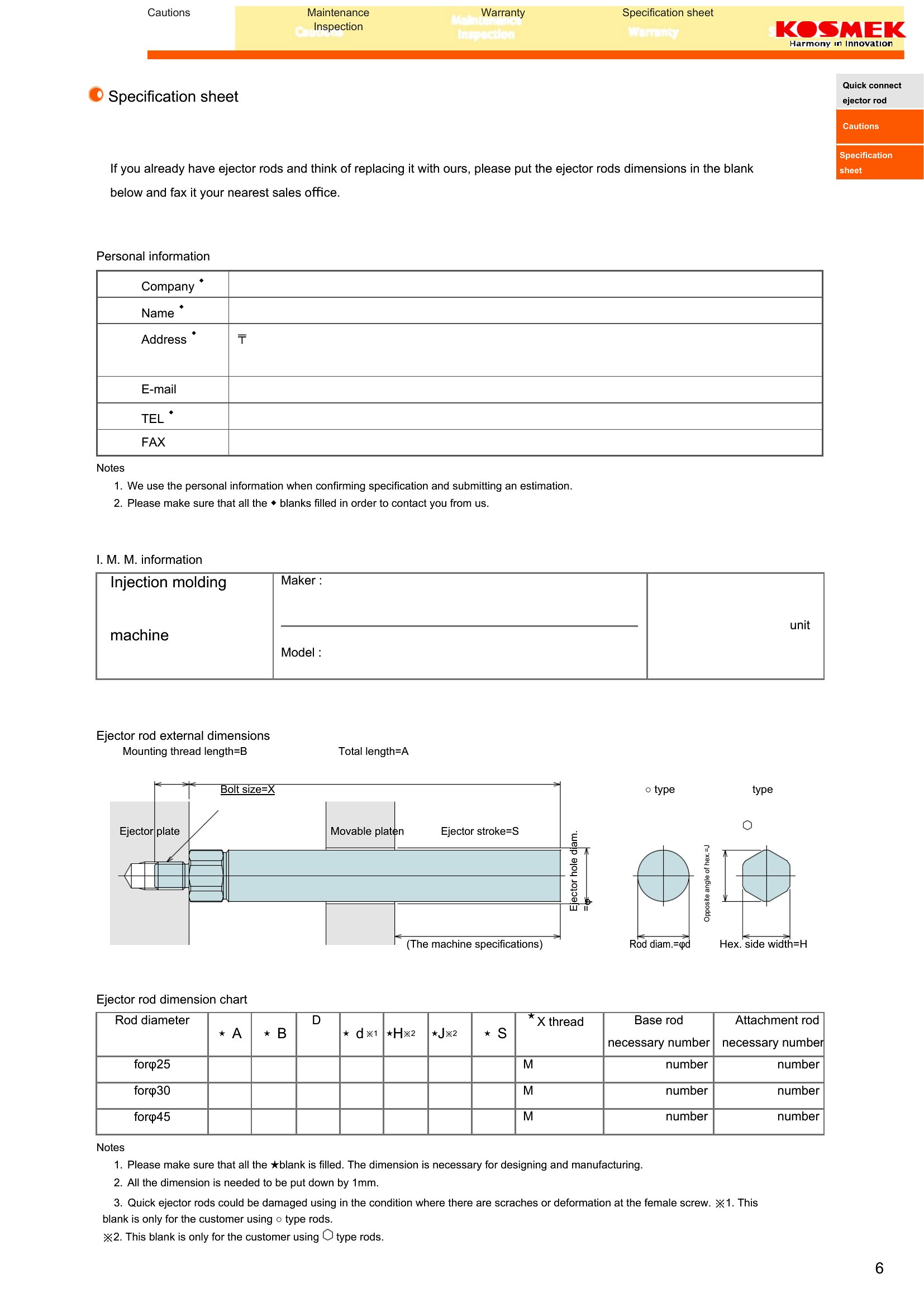
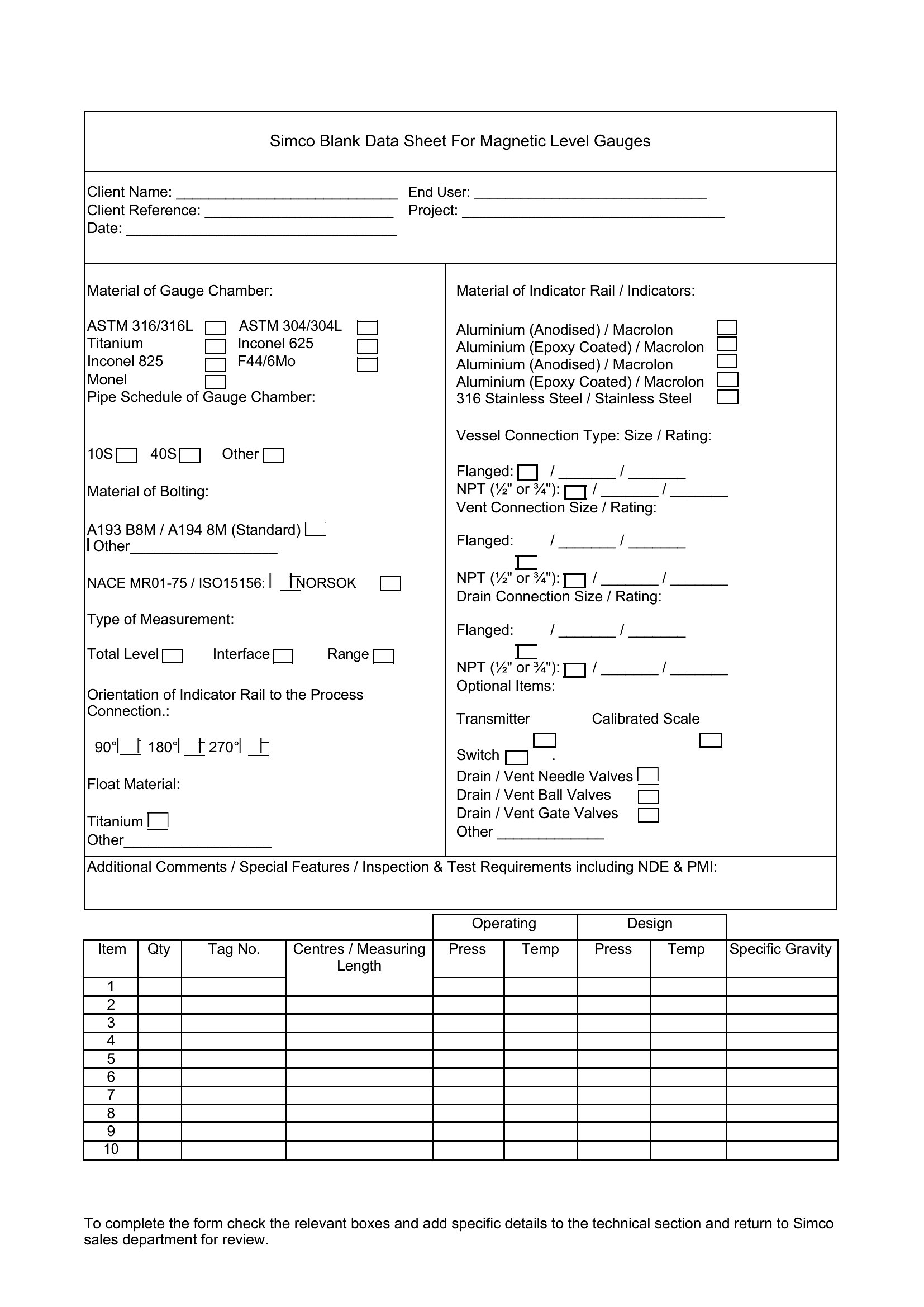
FAQ
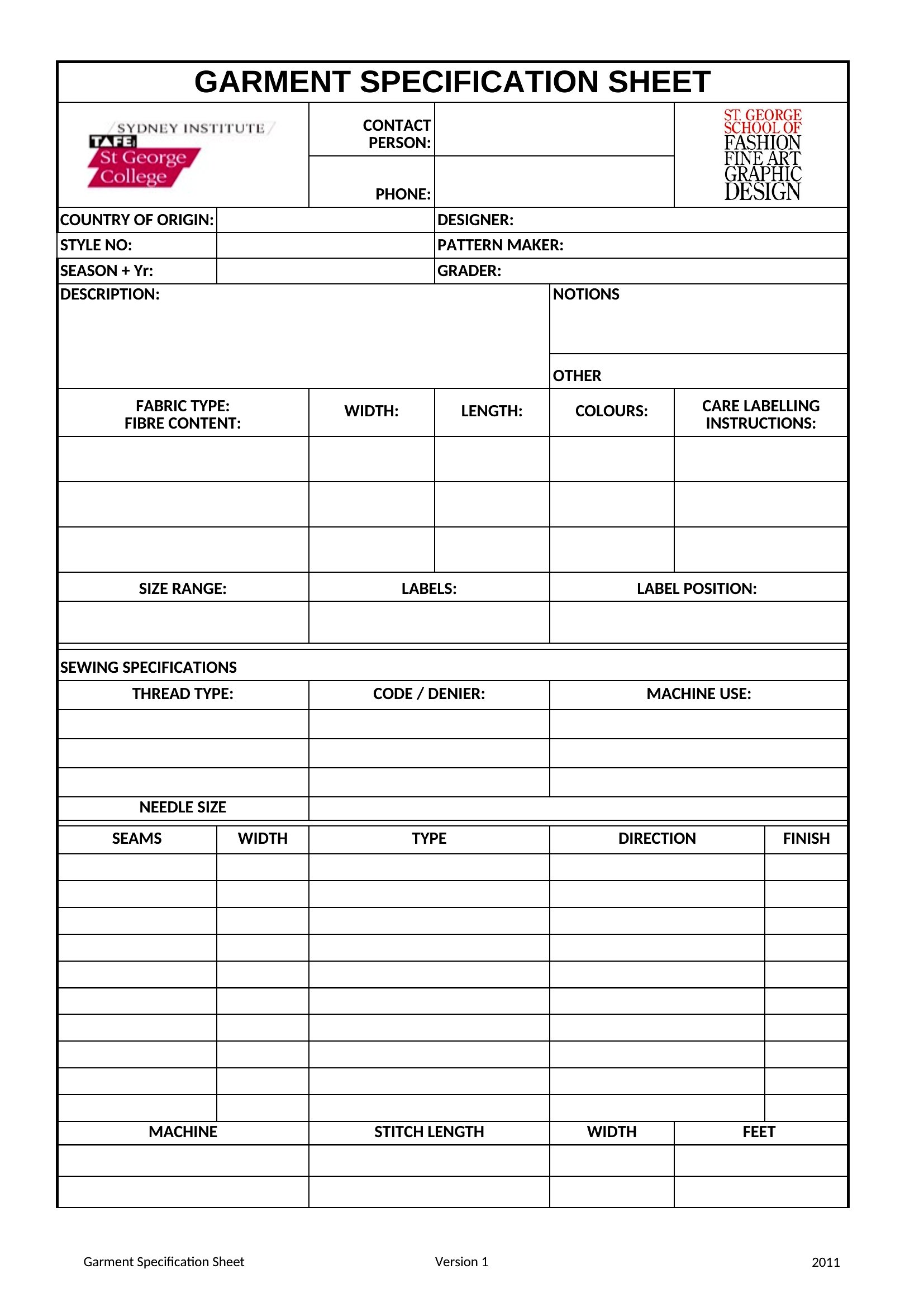
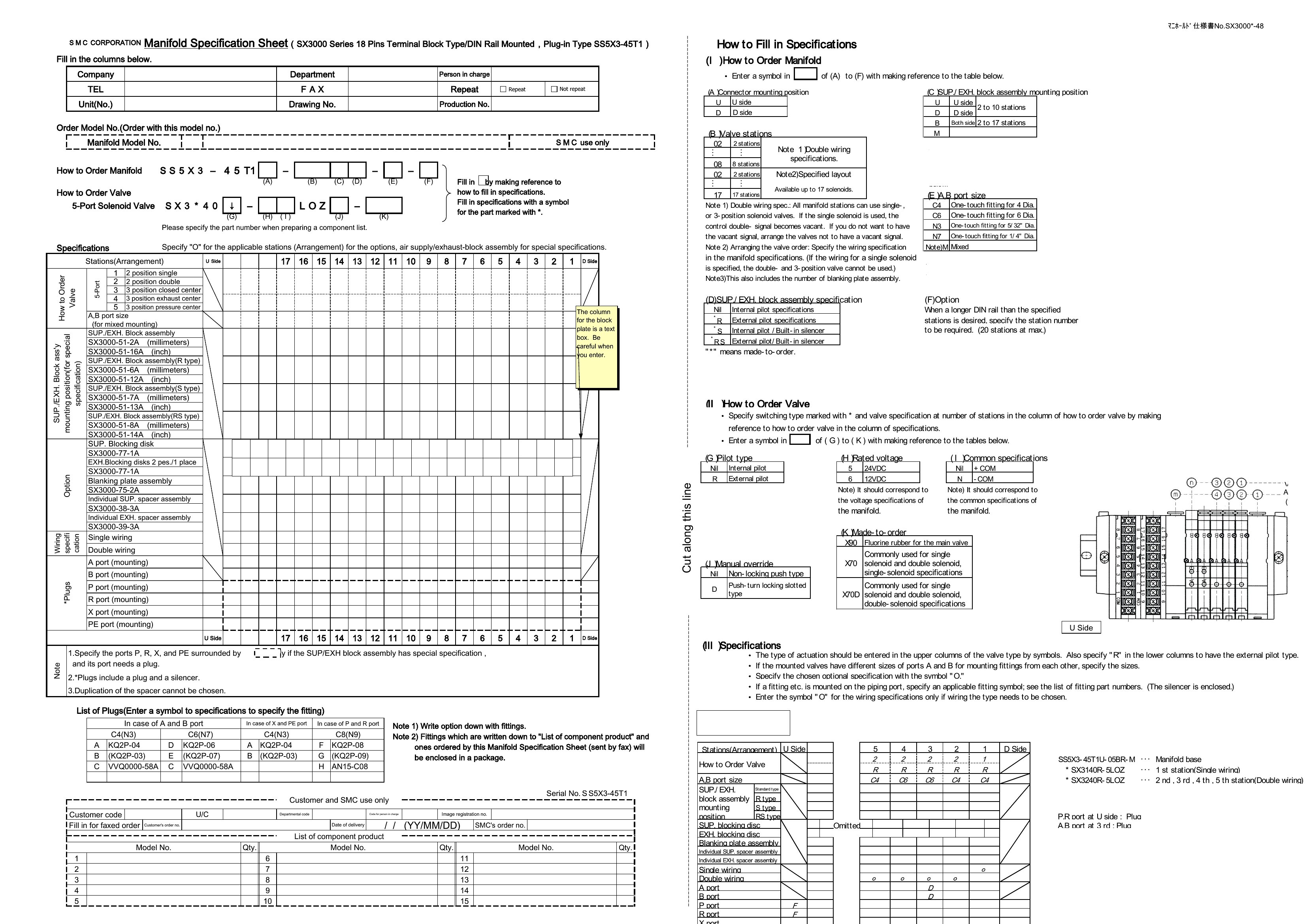
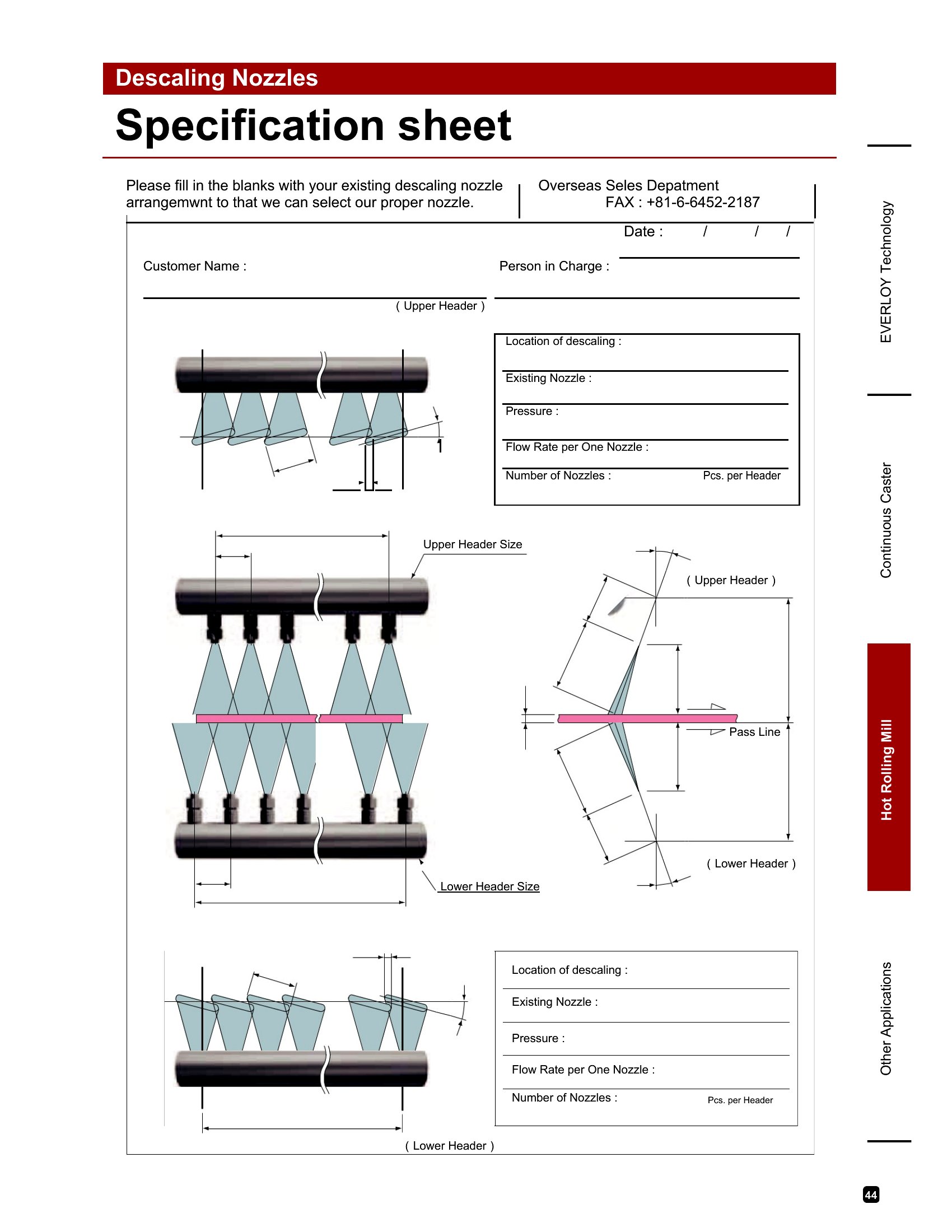
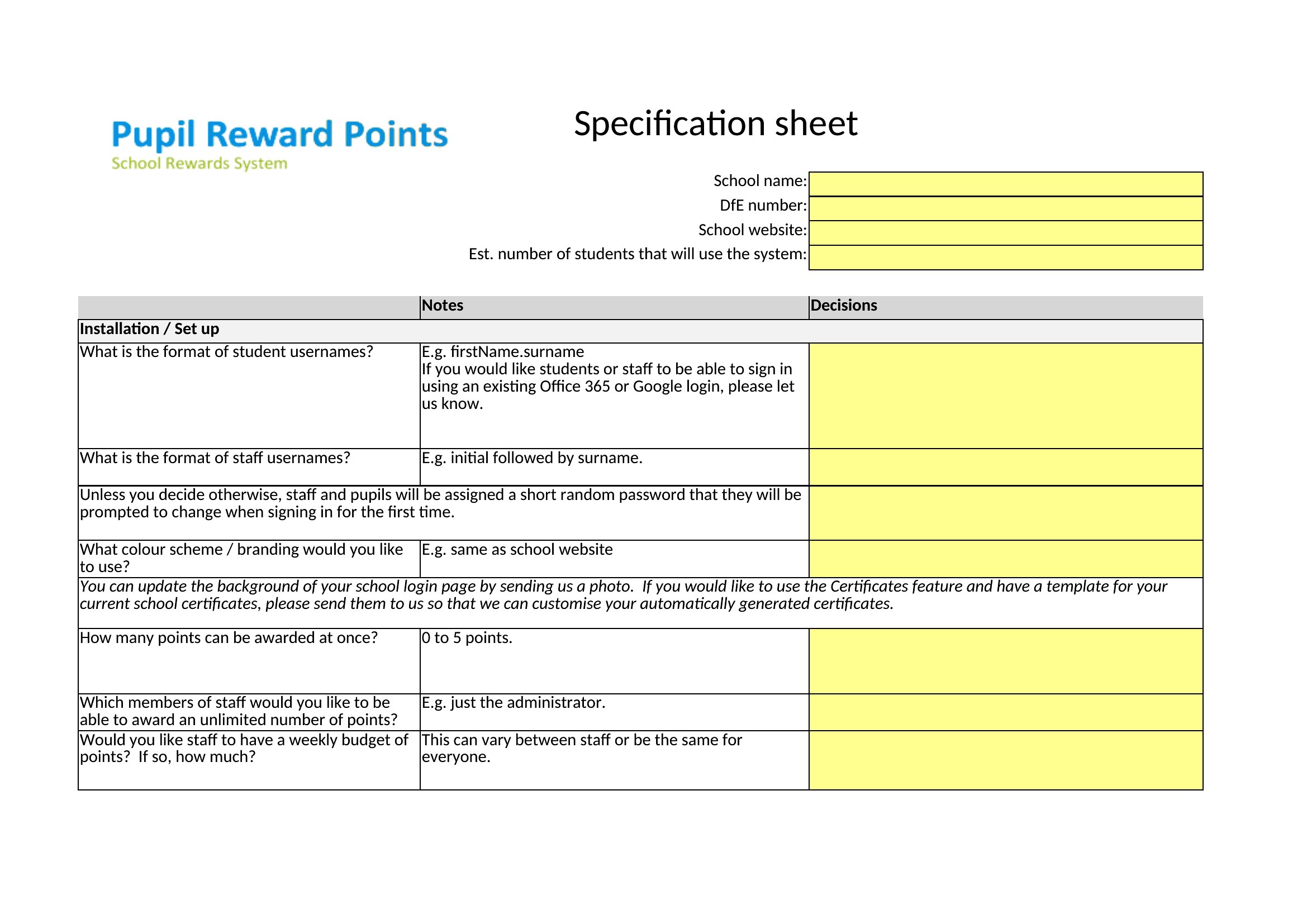
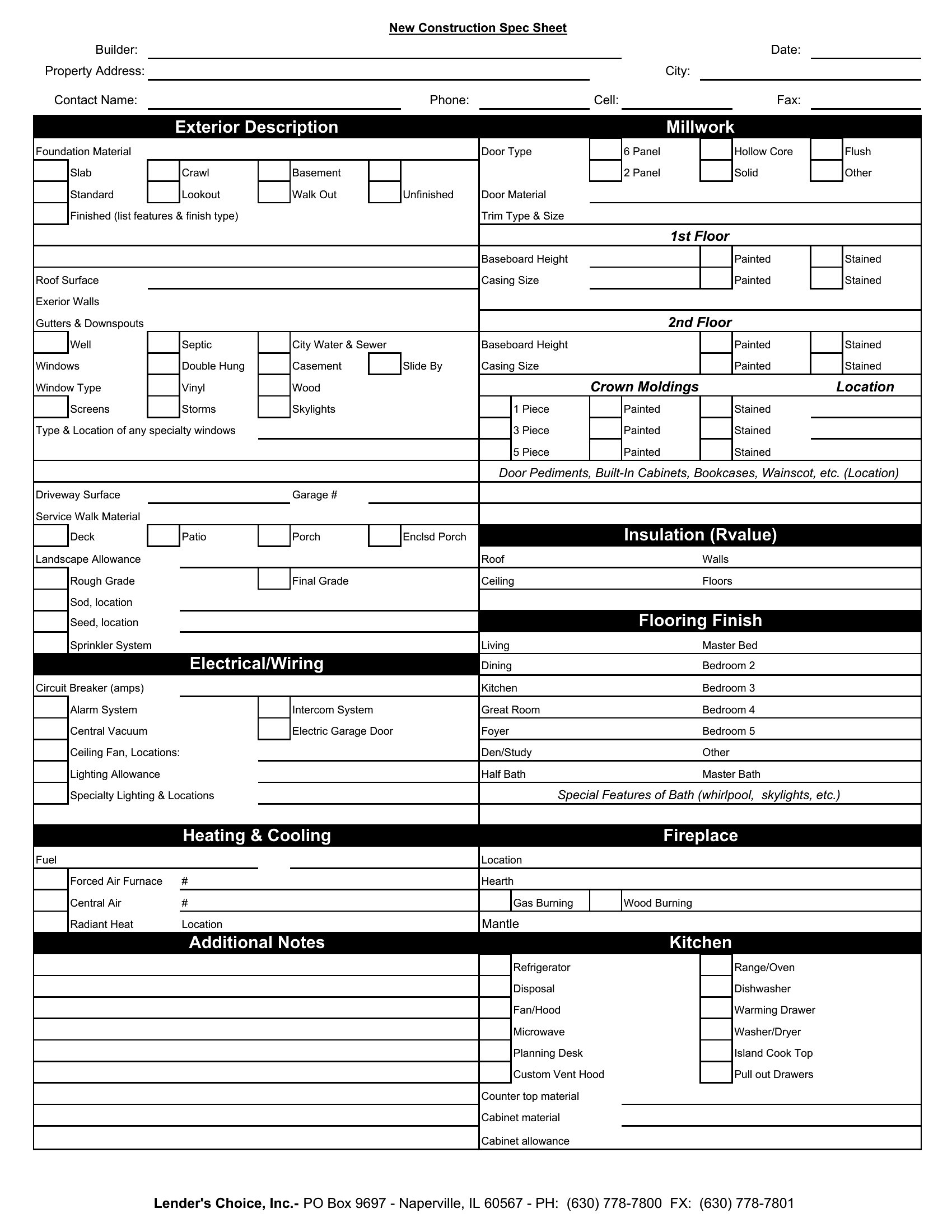
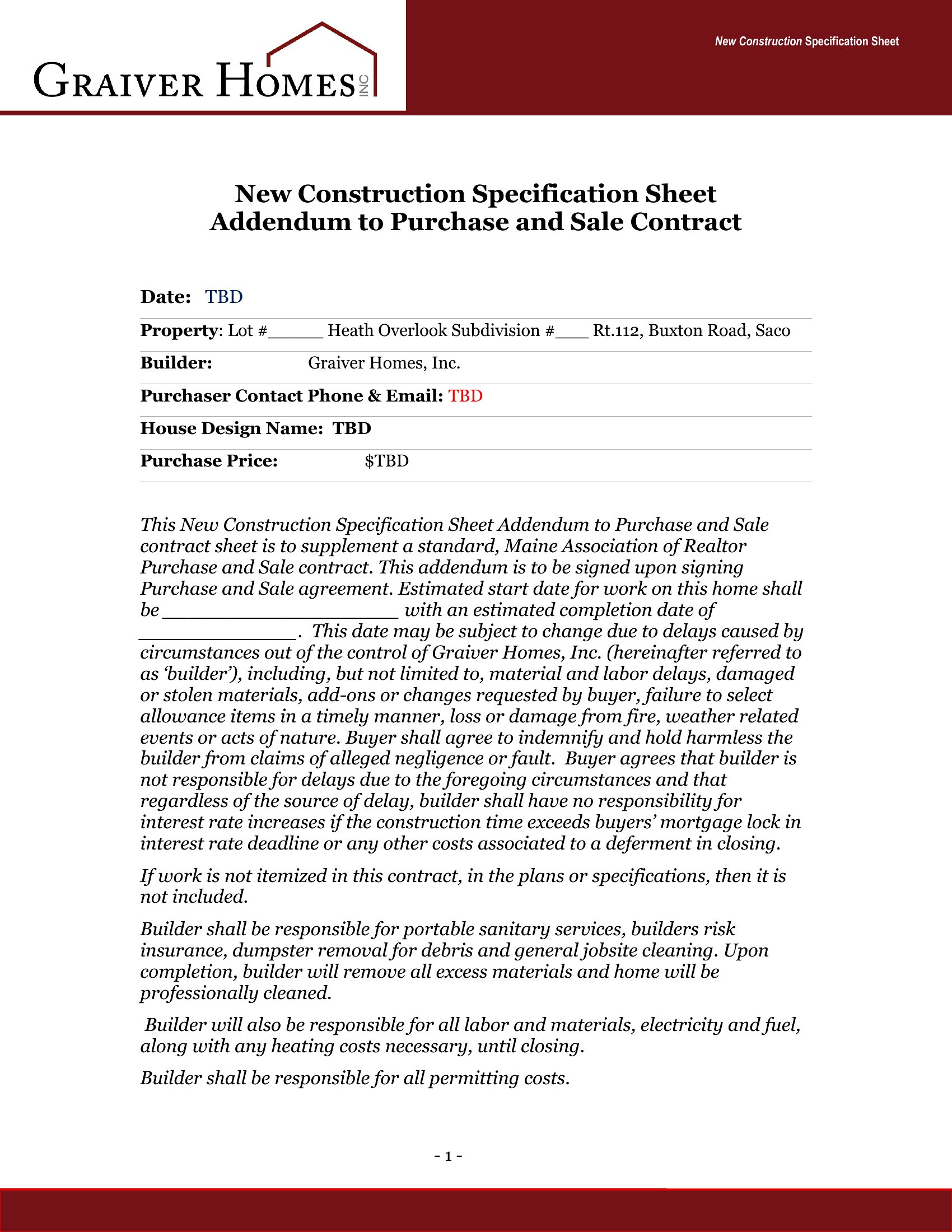
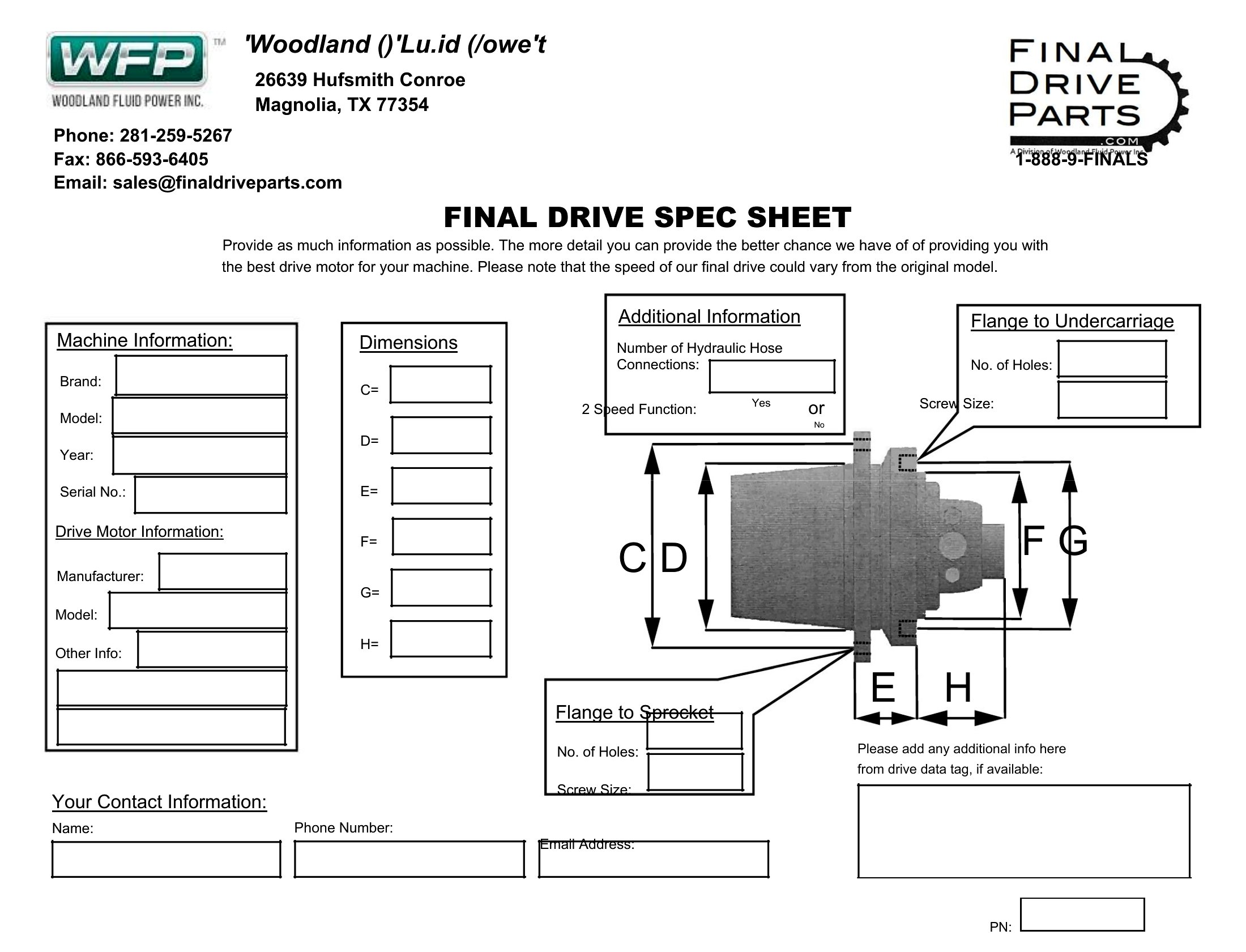
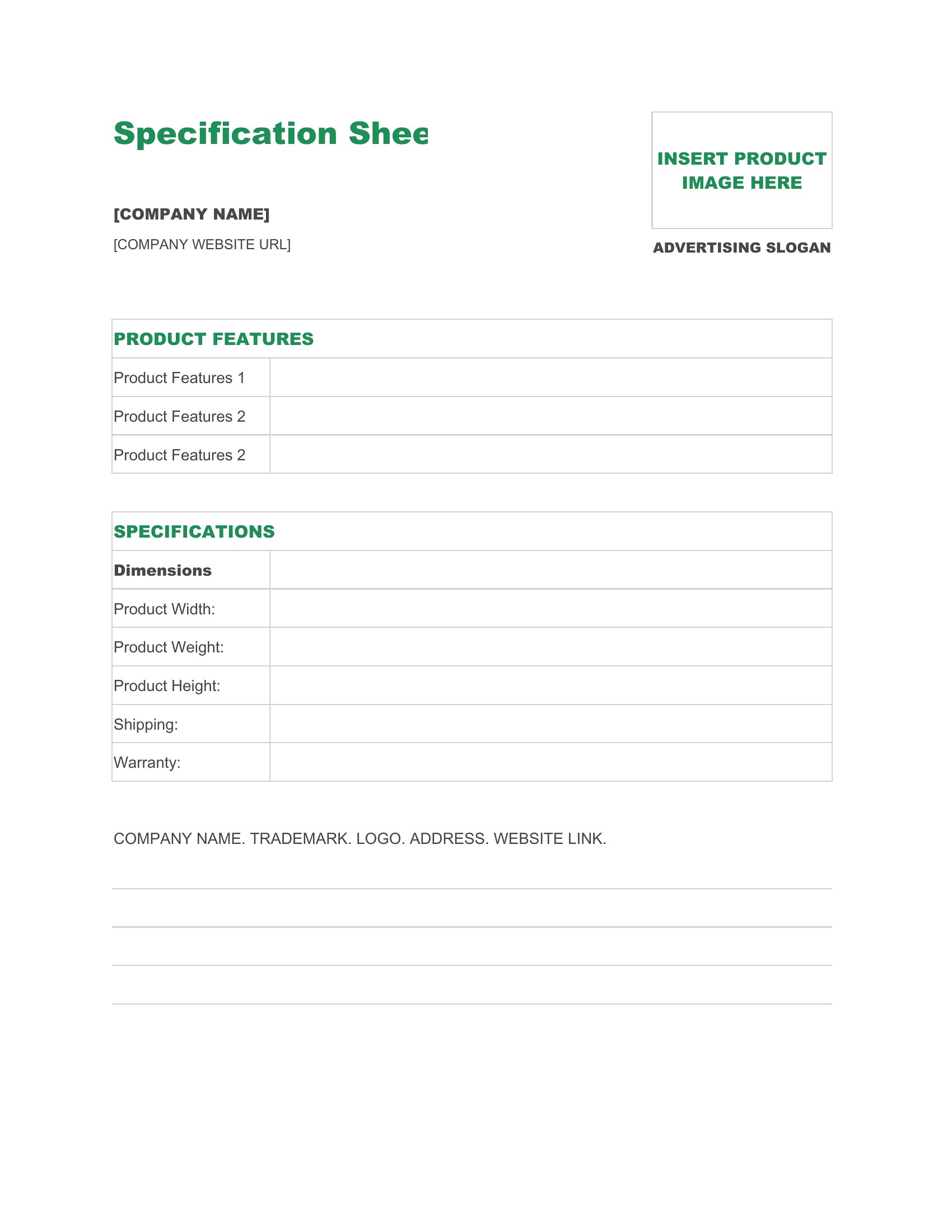
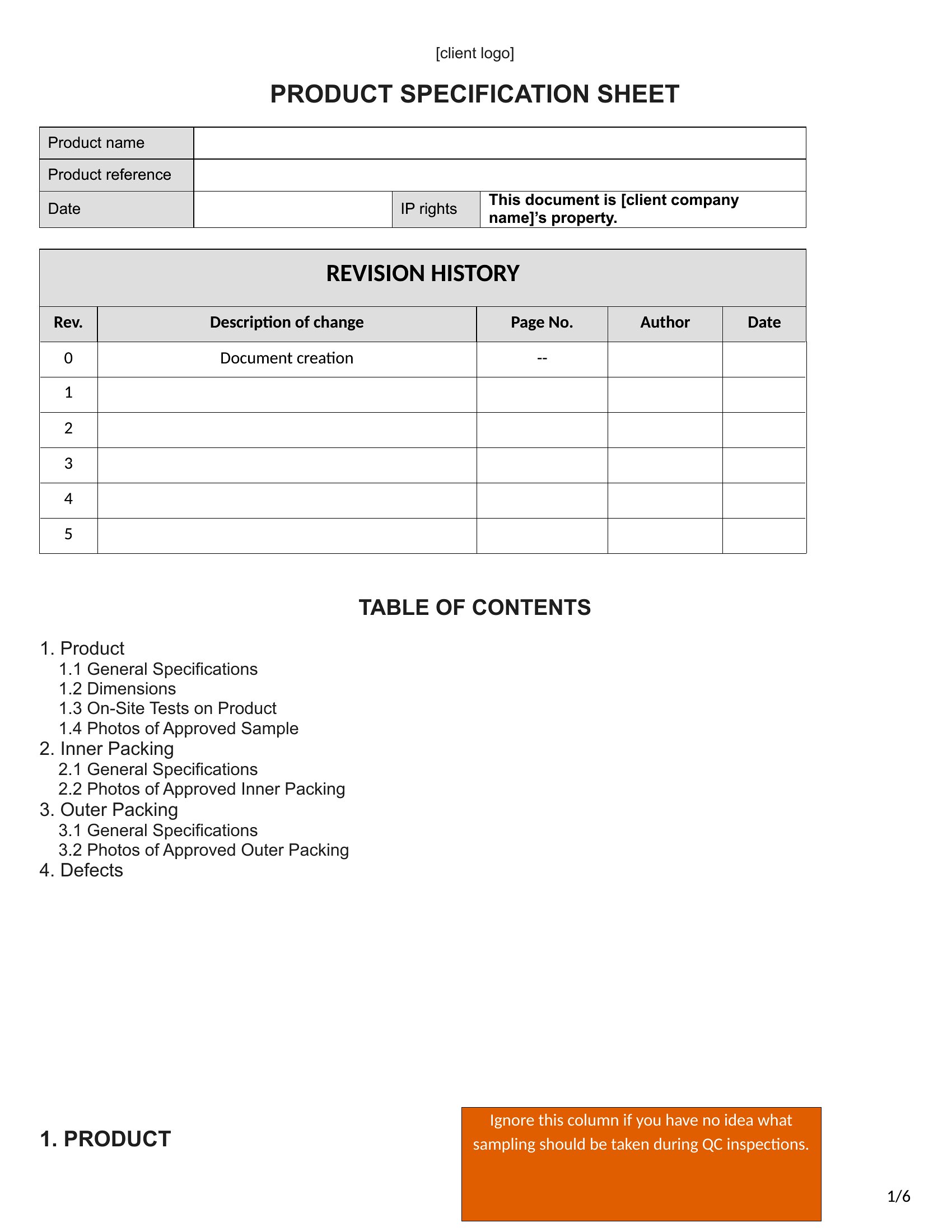
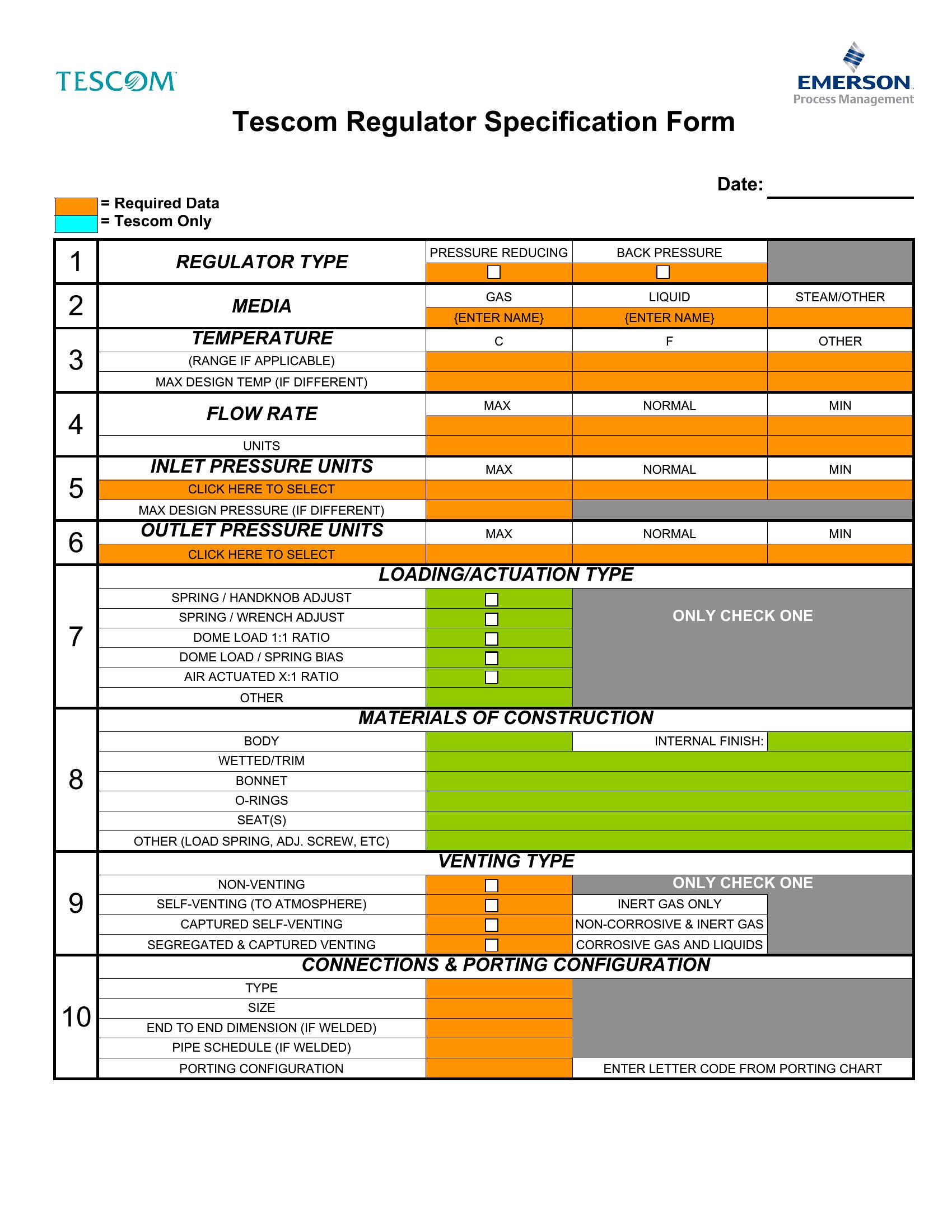
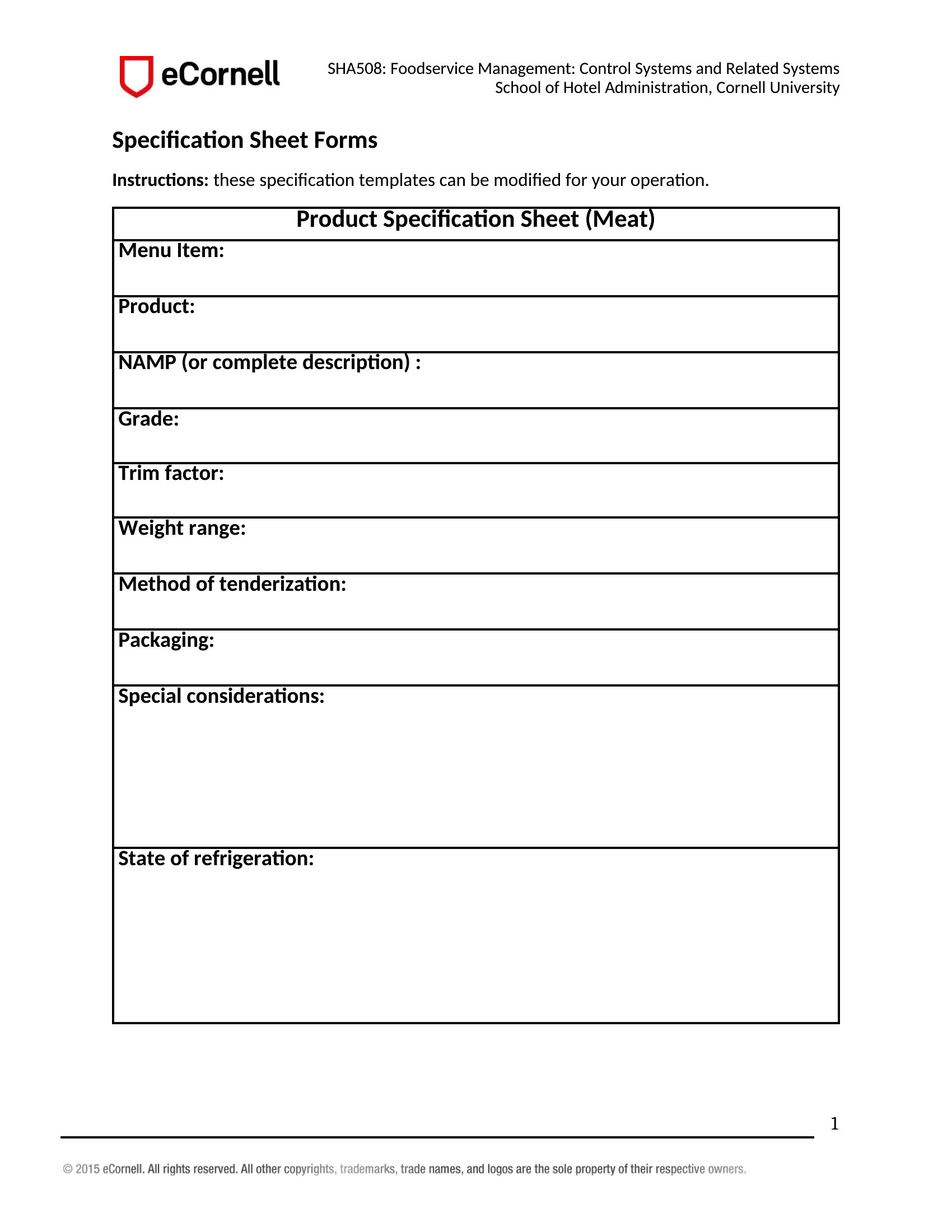
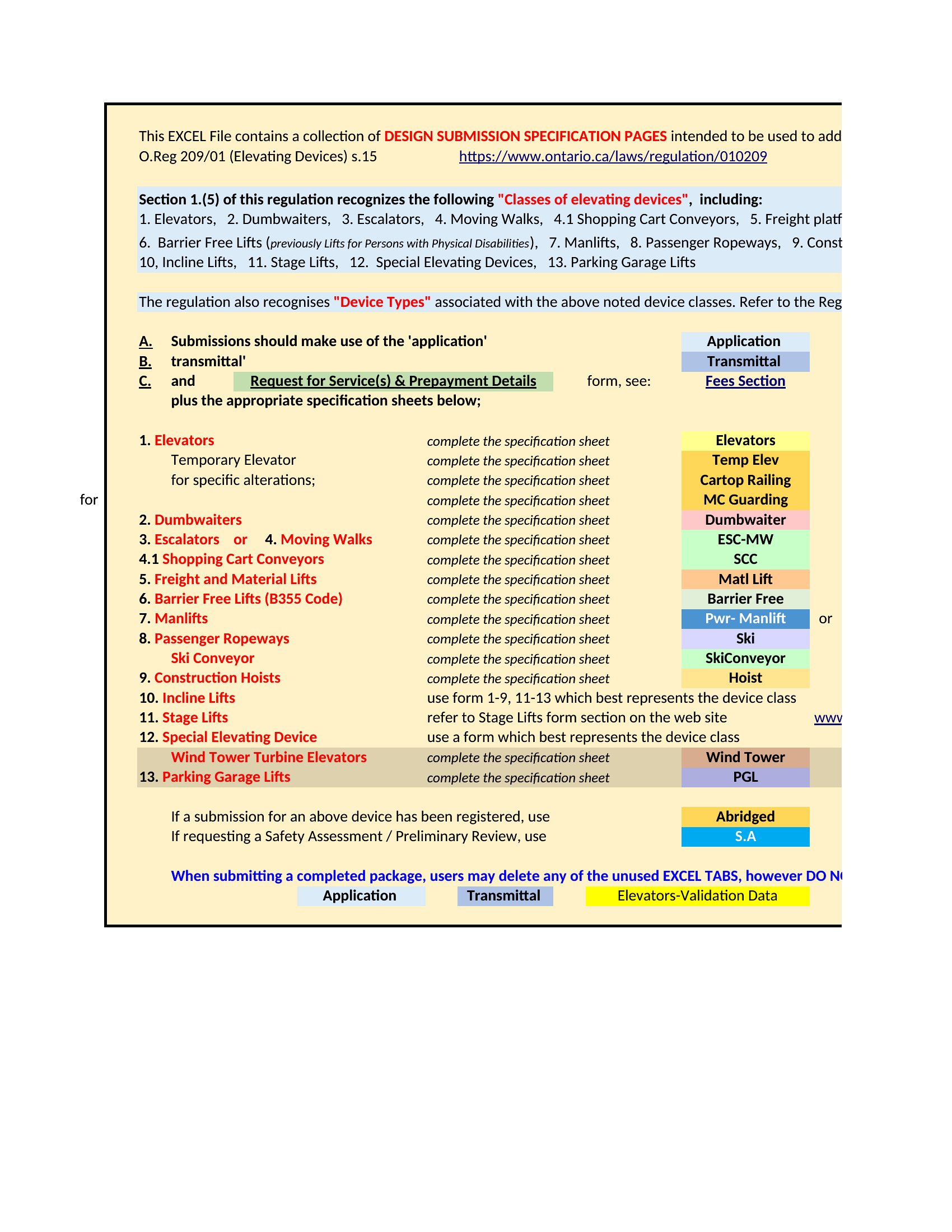
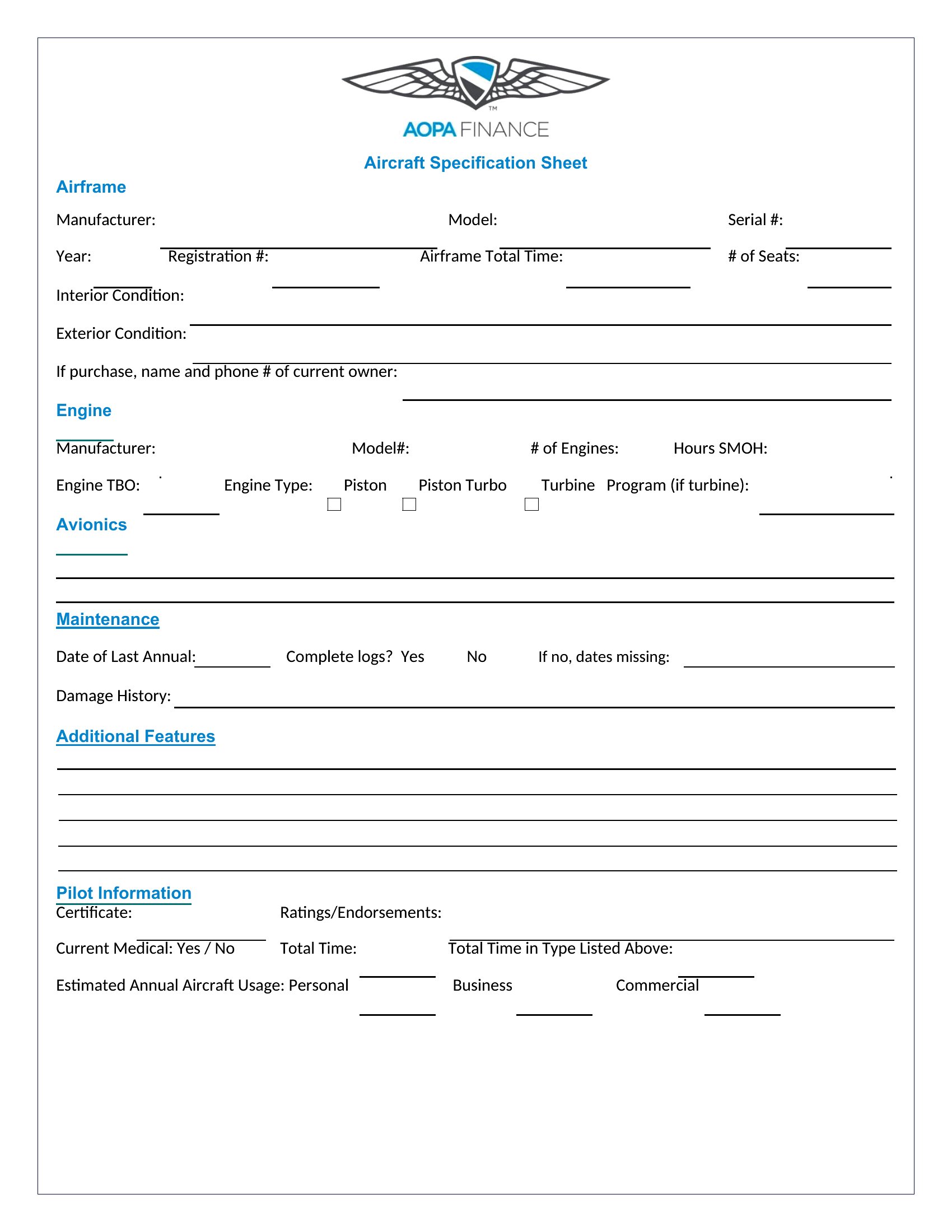
How do I ensure my spec sheet covers all the details buyers or regulators will need?
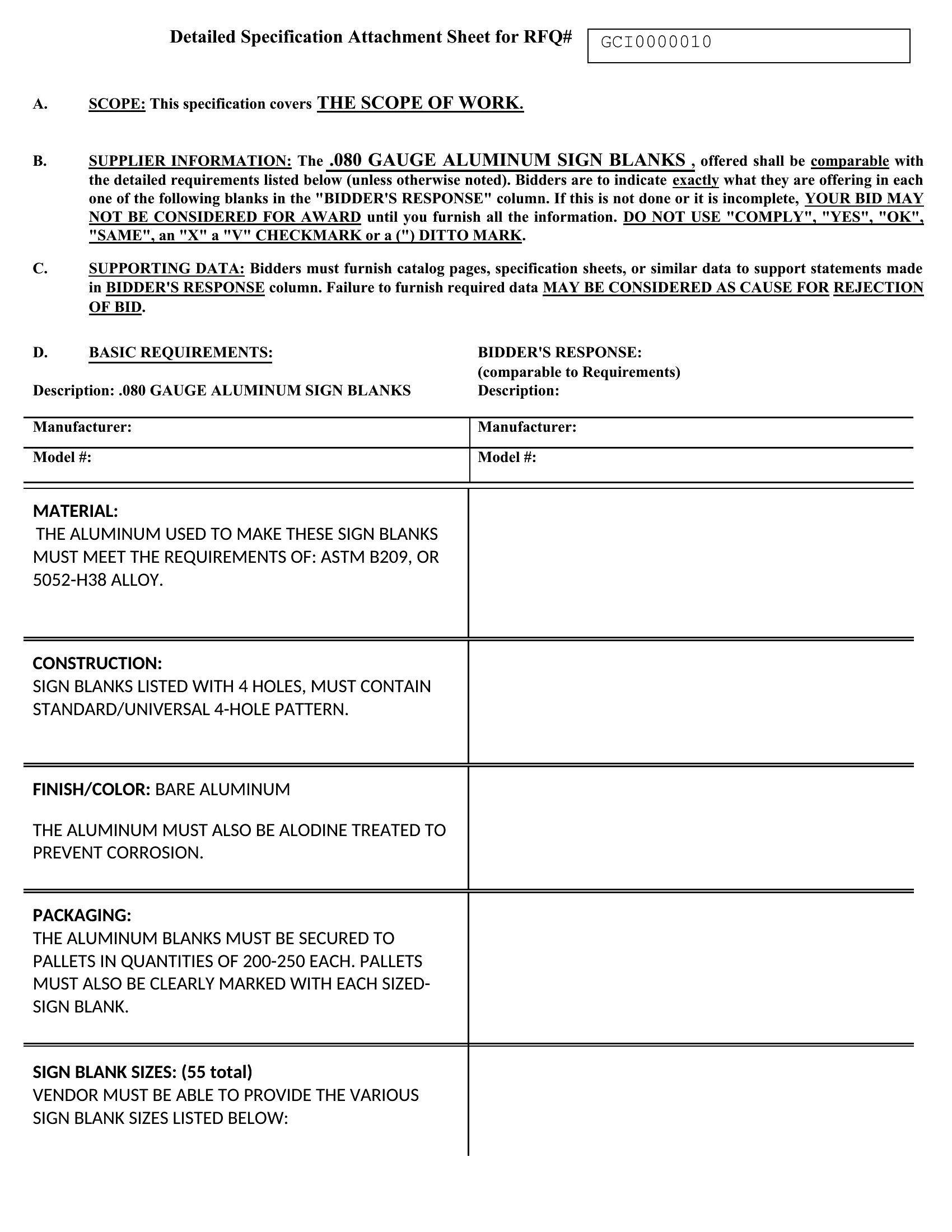
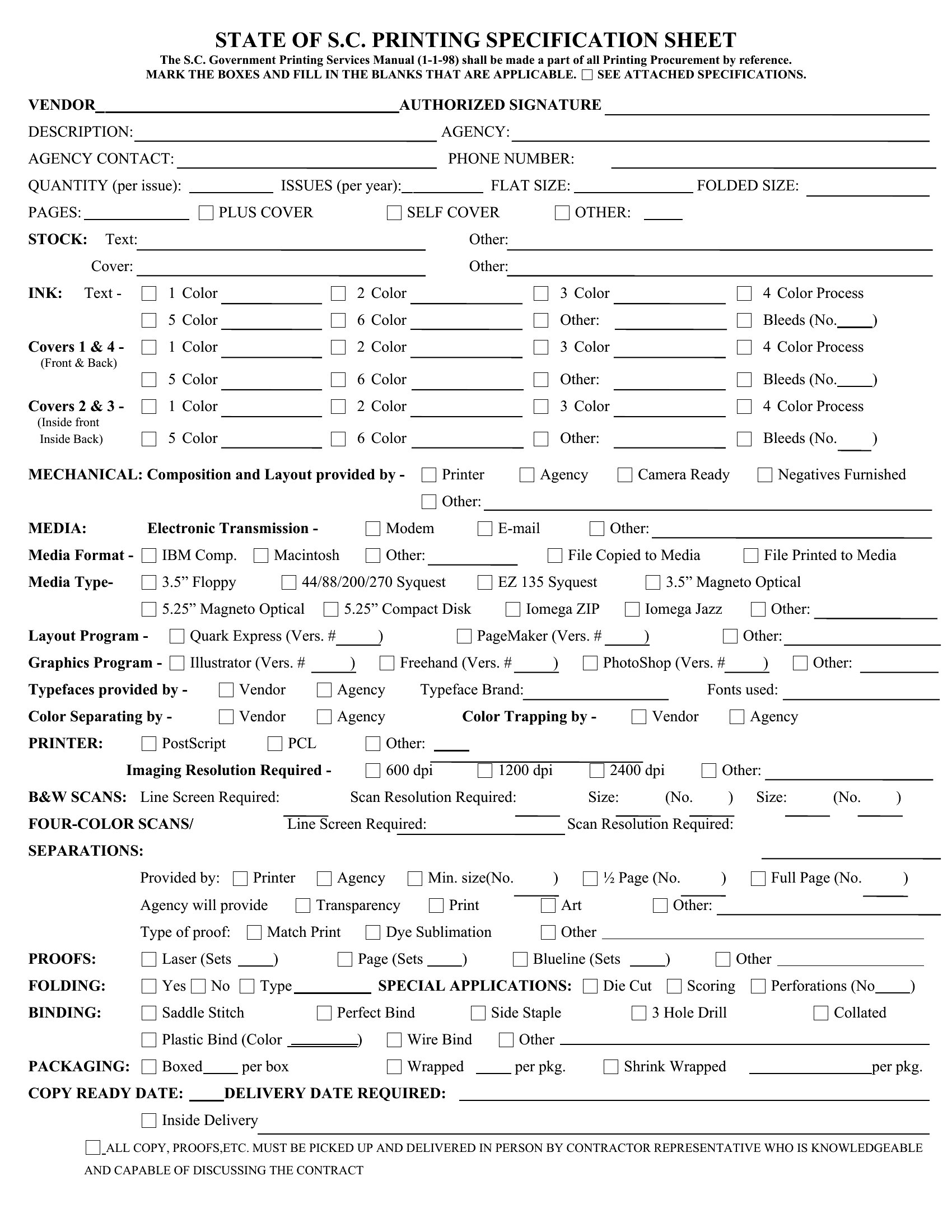
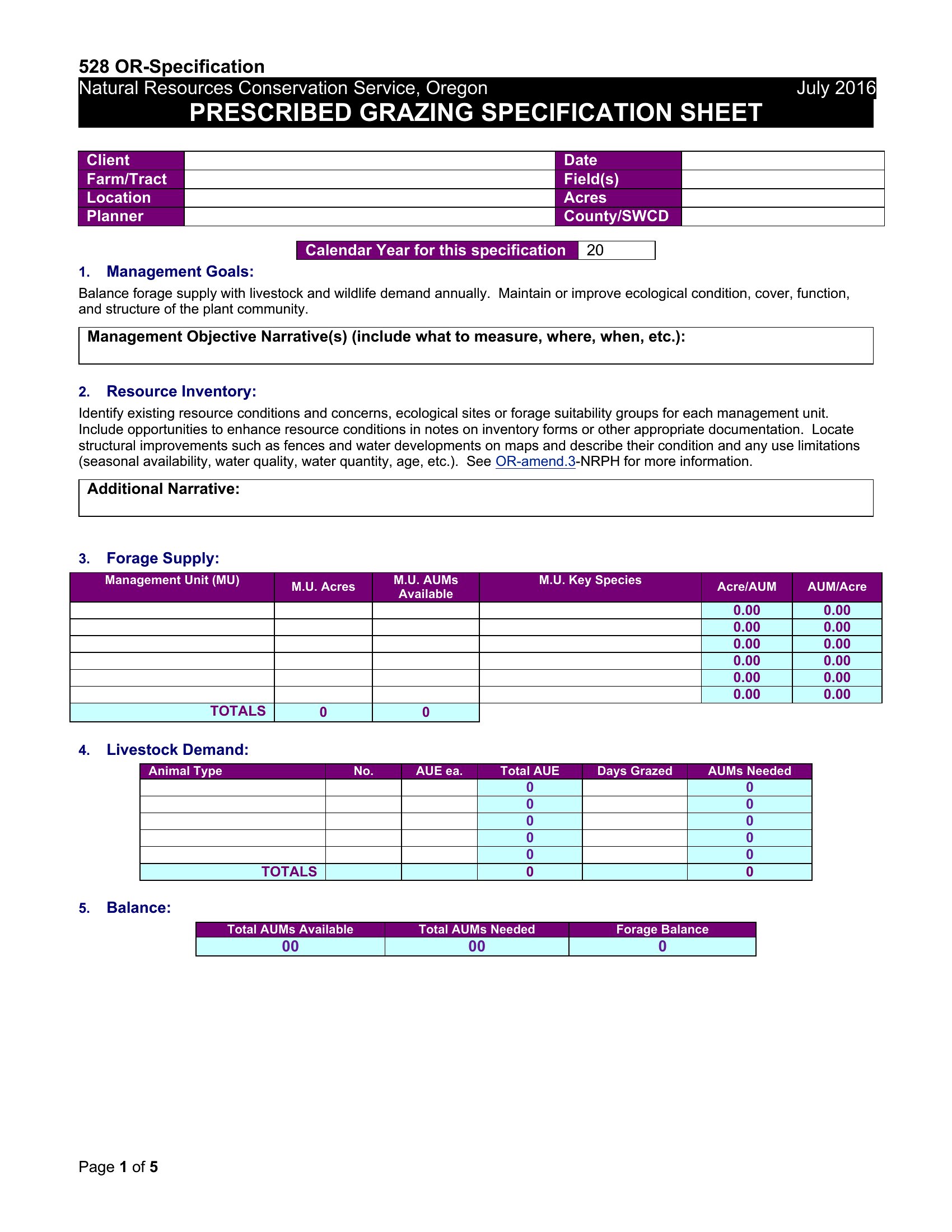
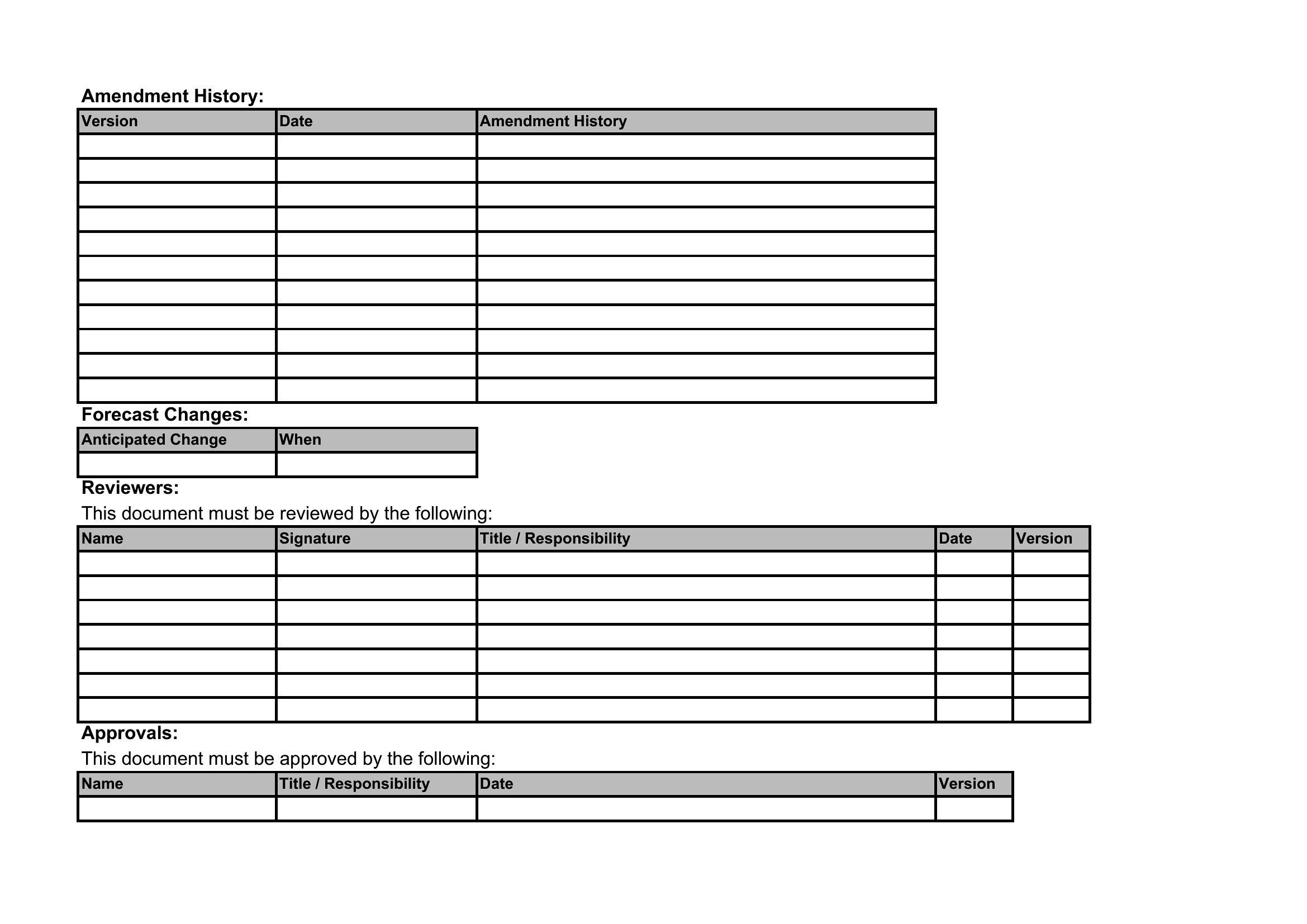
Start by reviewing industry standards (e.g., ISO, ASTM) or past approvals for similar products. Include sections for dimensions, materials, tolerances, certifications, and any performance metrics. Use the Excel or Word templates to add custom fields—many already include checkboxes or dropdowns for common requirements. When in doubt, consult a subject-matter expert to cross-check critical details before finalizing.
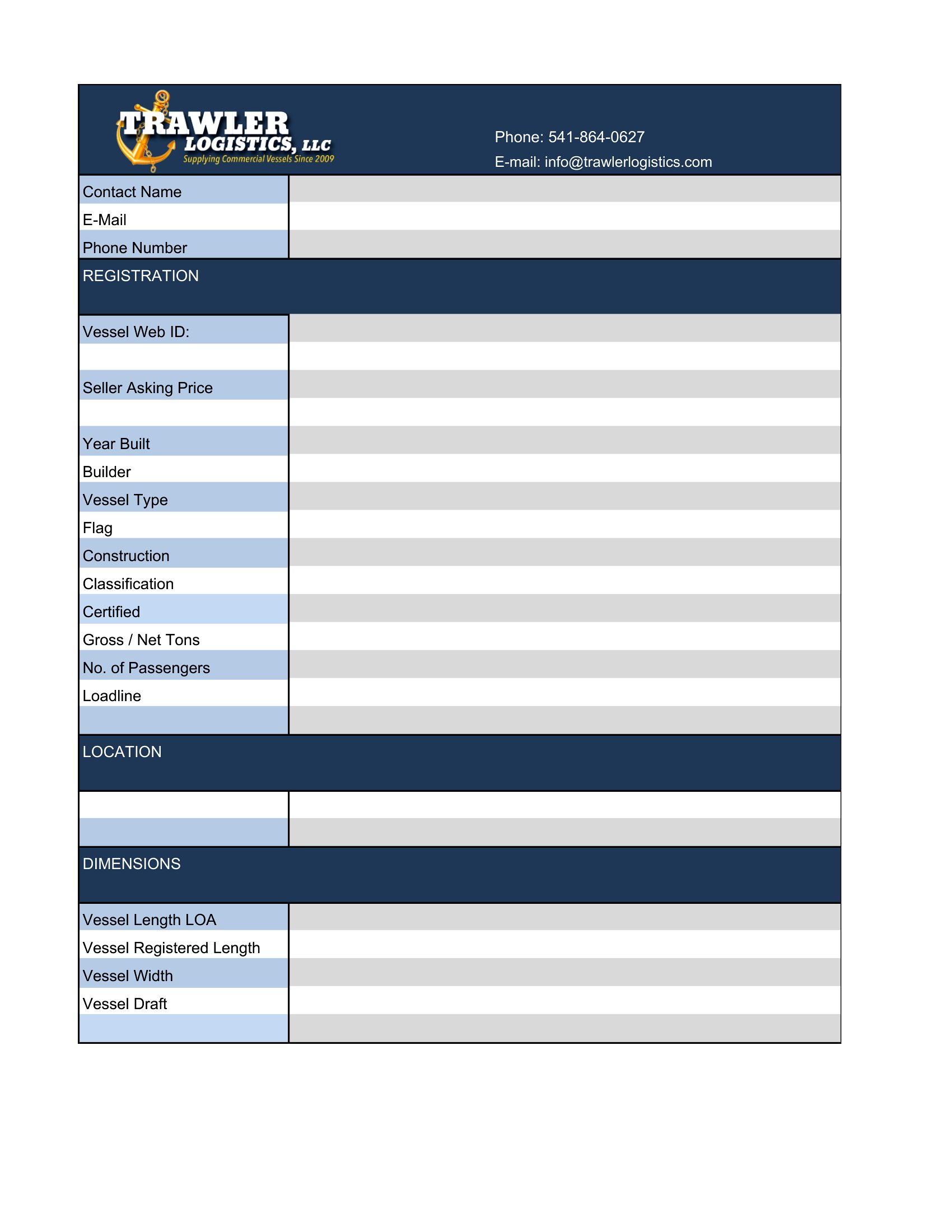
Can I use these templates to compare multiple product variants side by side?
Yes—the Excel format is designed for this. Create a tab for each variant and use consistent column headers (e.g., “Material,” “Weight,” “Certification”) to enable easy filtering or sorting. For visual comparisons, merge cells in Word or use conditional formatting in Excel to highlight differences. Avoid PDF for this task, as it doesn’t support dynamic updates.
What’s the best way to handle confidential or proprietary information in a spec sheet?
Avoid including sensitive details like trade secrets or internal cost data. For proprietary specs, use a separate “confidential addendum” referenced in the main document but shared only with authorized parties. In Word or Excel, password-protect the file or restrict editing rights. For PDFs, enable a print/digital rights management tool if distributing externally, but note that no method is 100% secure—these templates are for foundational documentation, not legal protection.
Comments
Join the conversation
Sign in to share your thoughts and leave a comment on this resource.