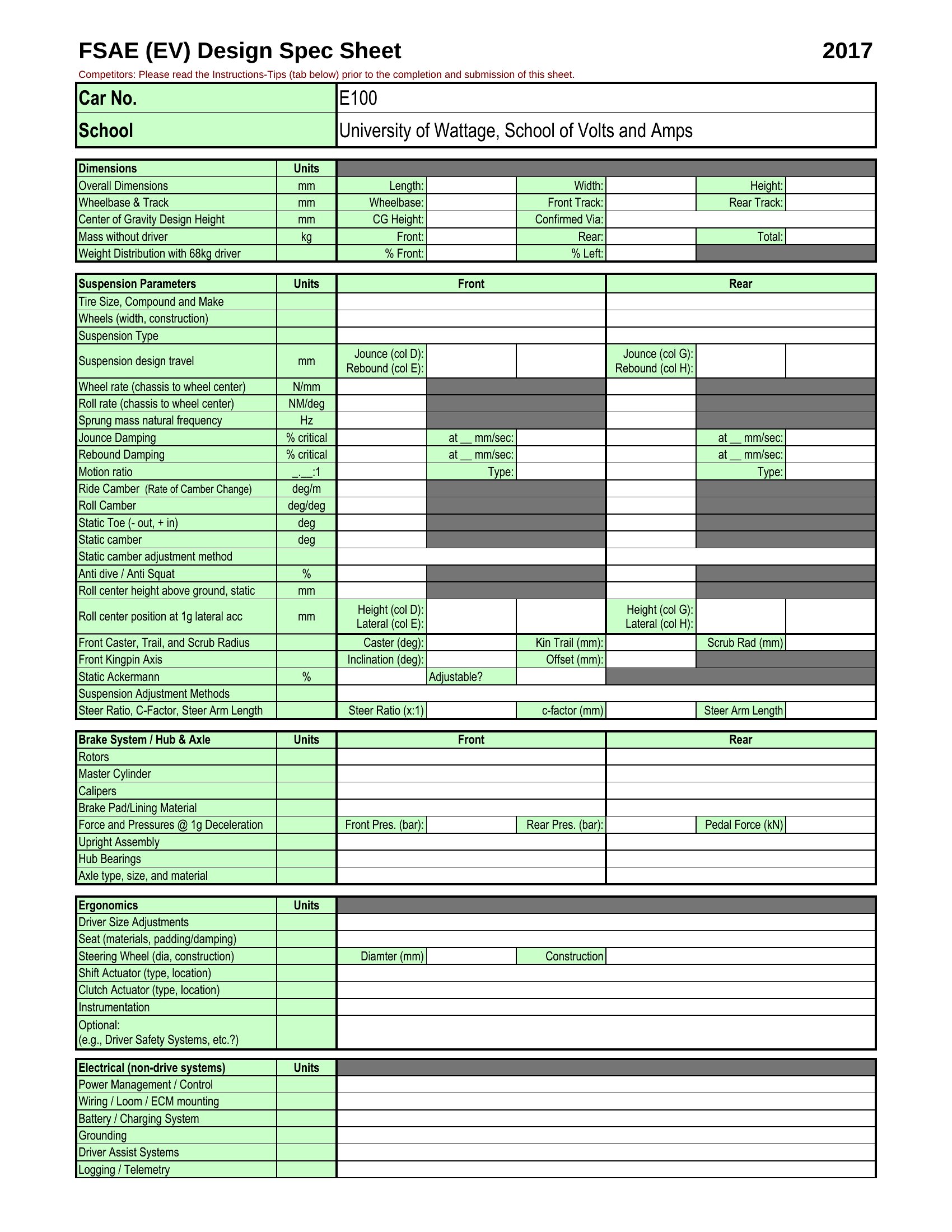
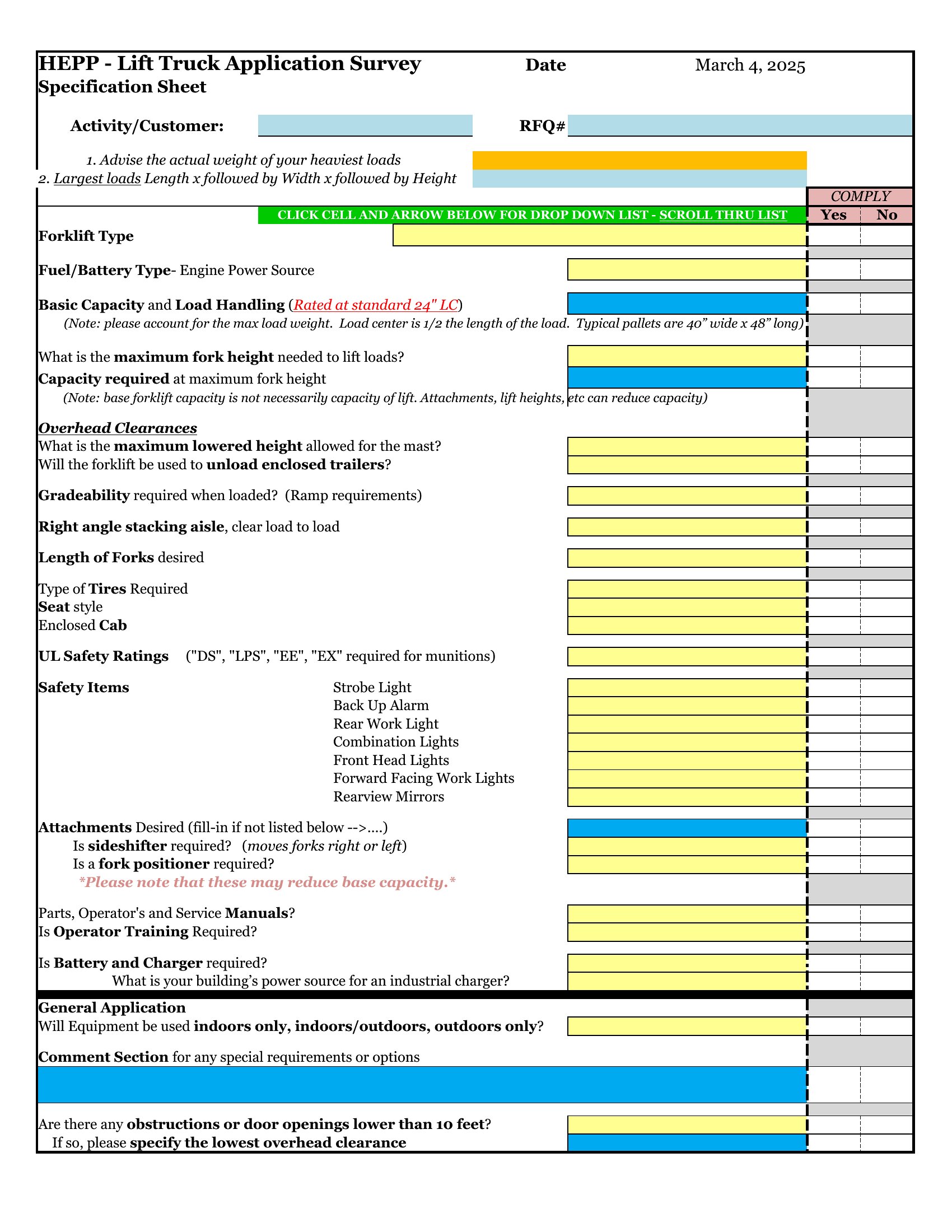
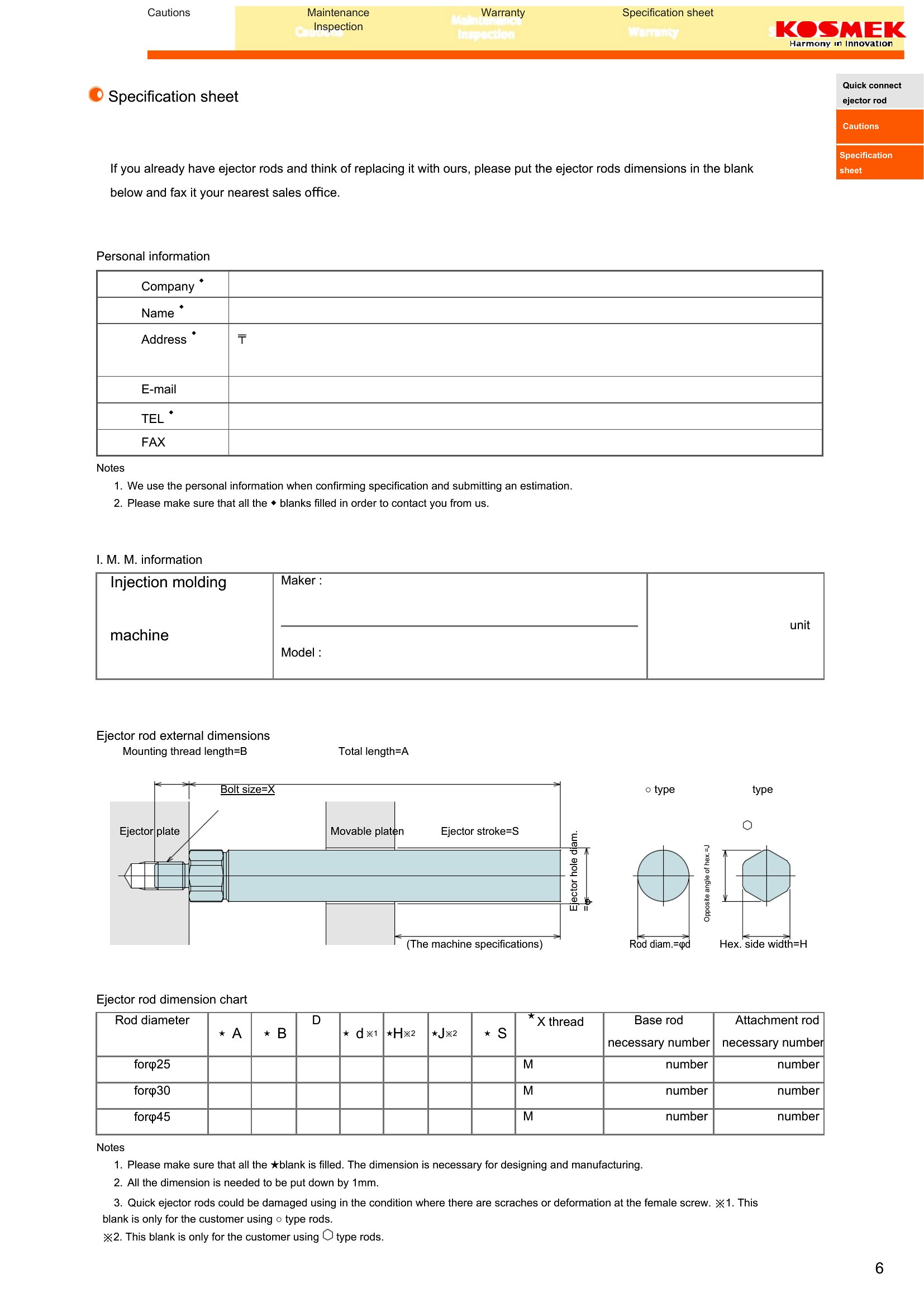
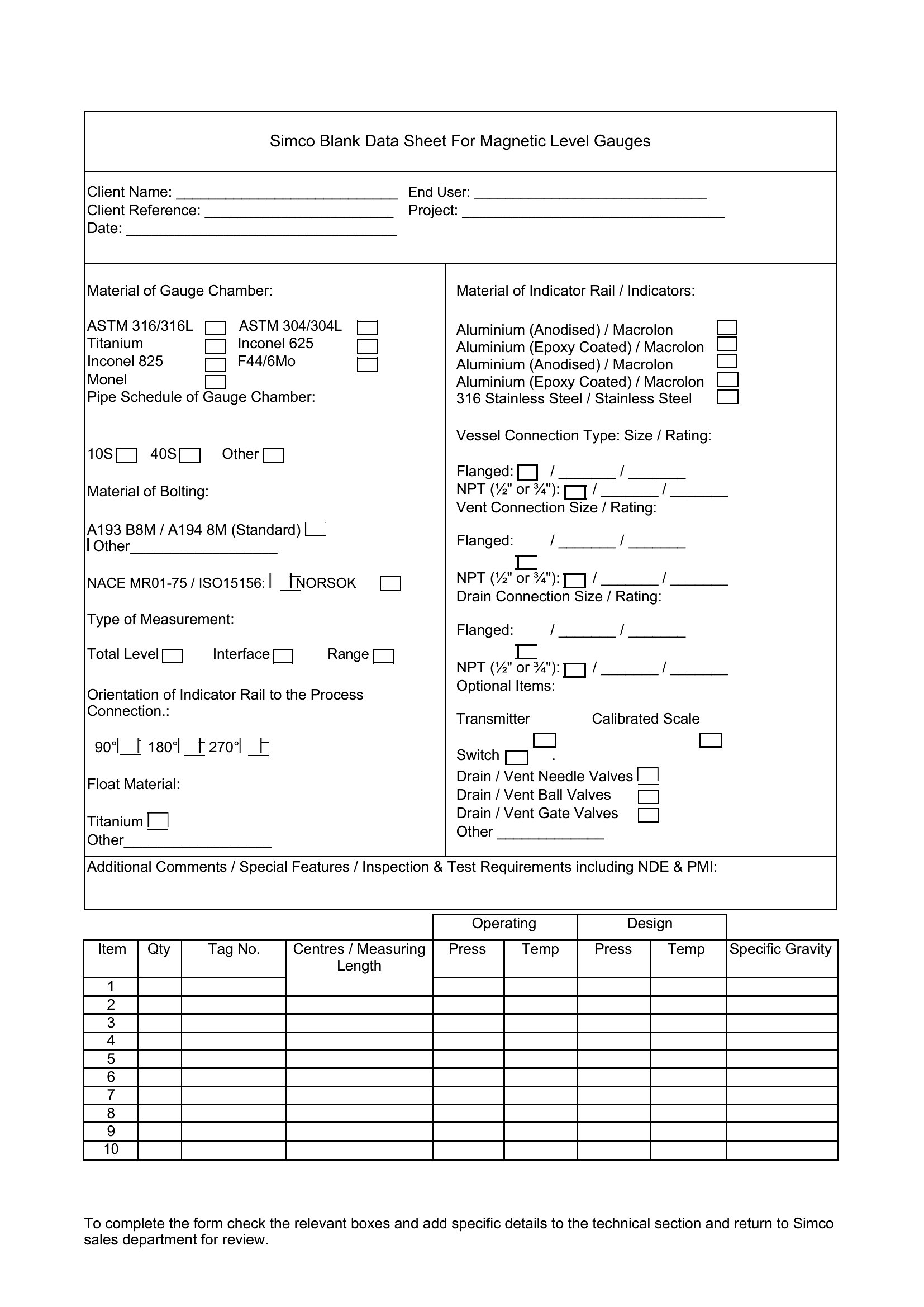
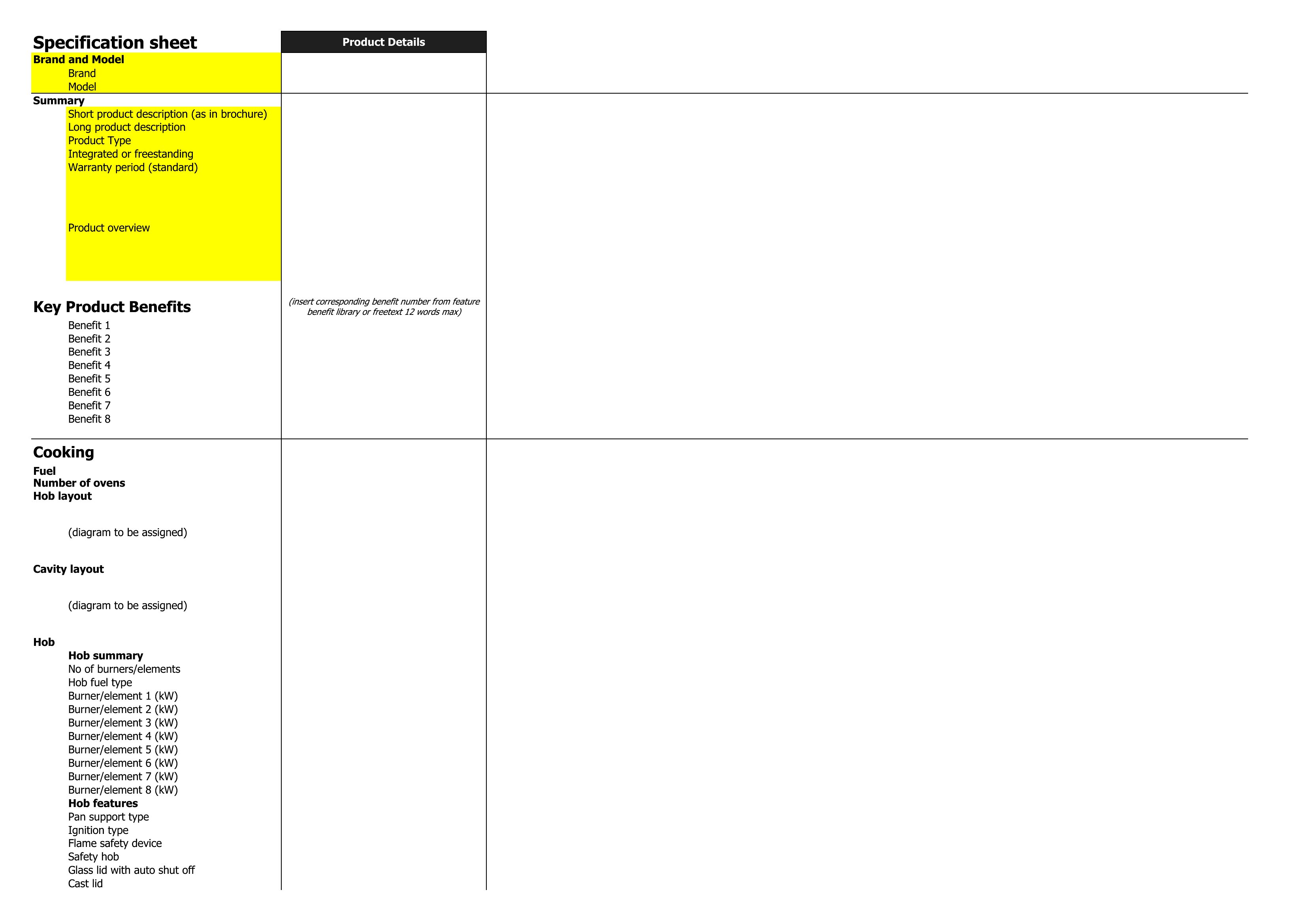
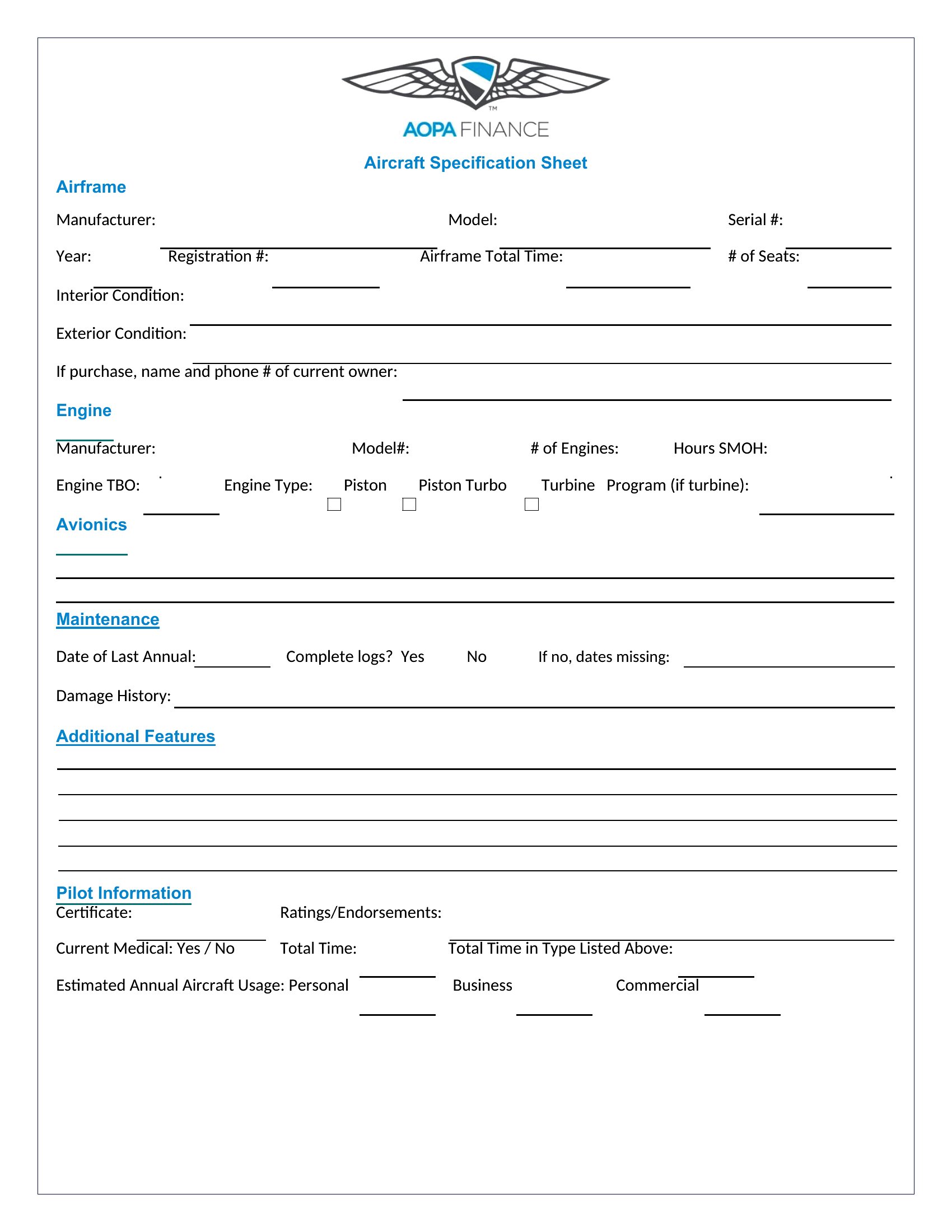
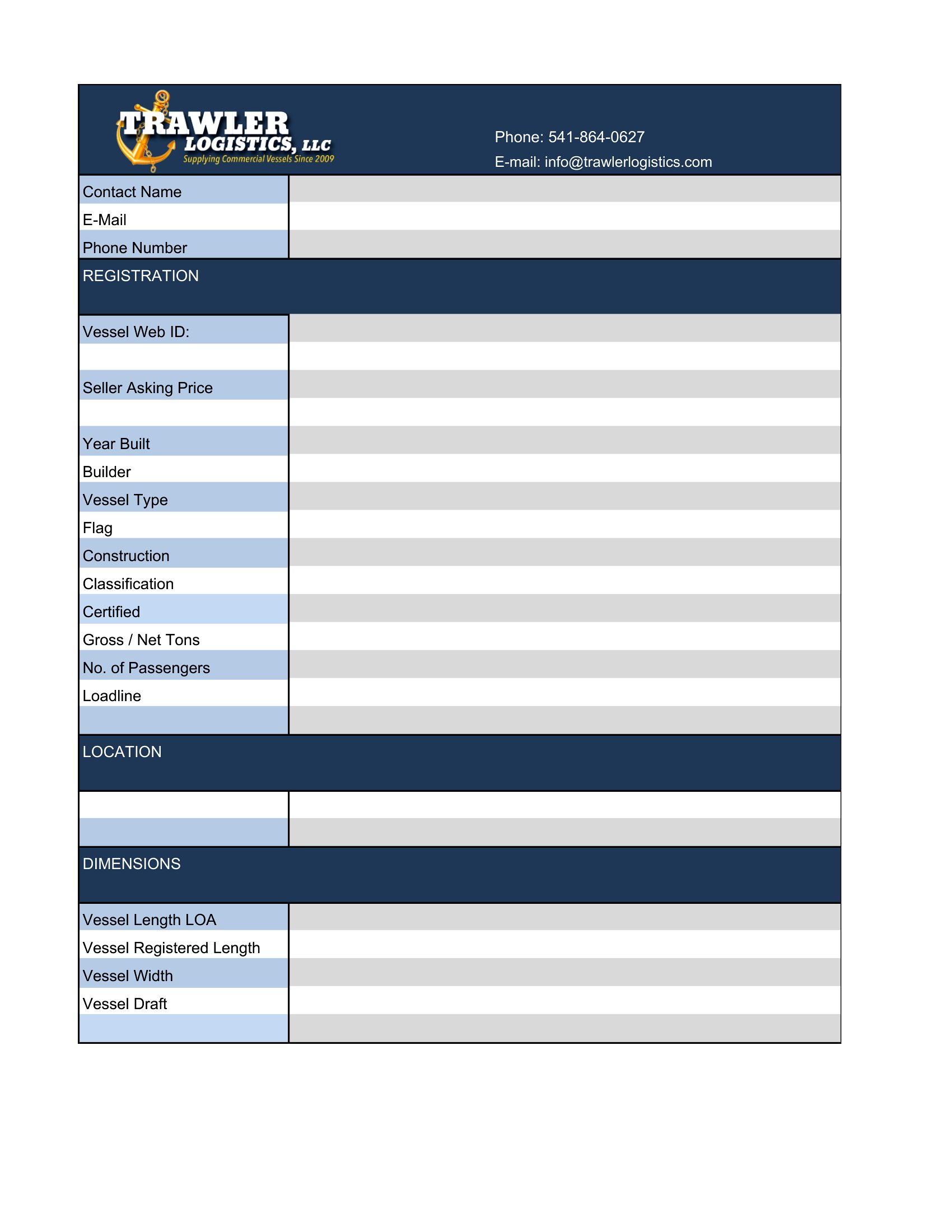
Free Spec Sheet Templates (Word, Excel, PDF)
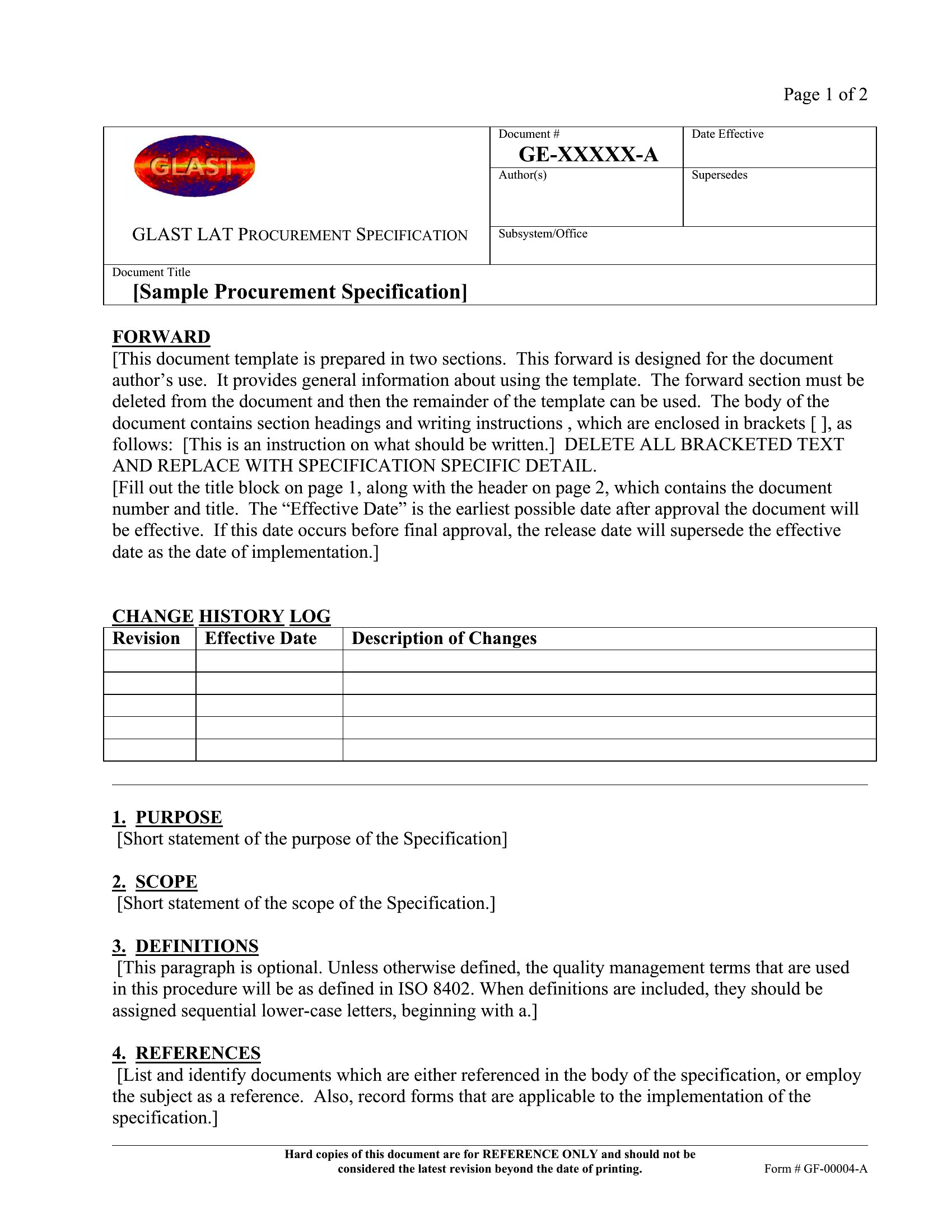
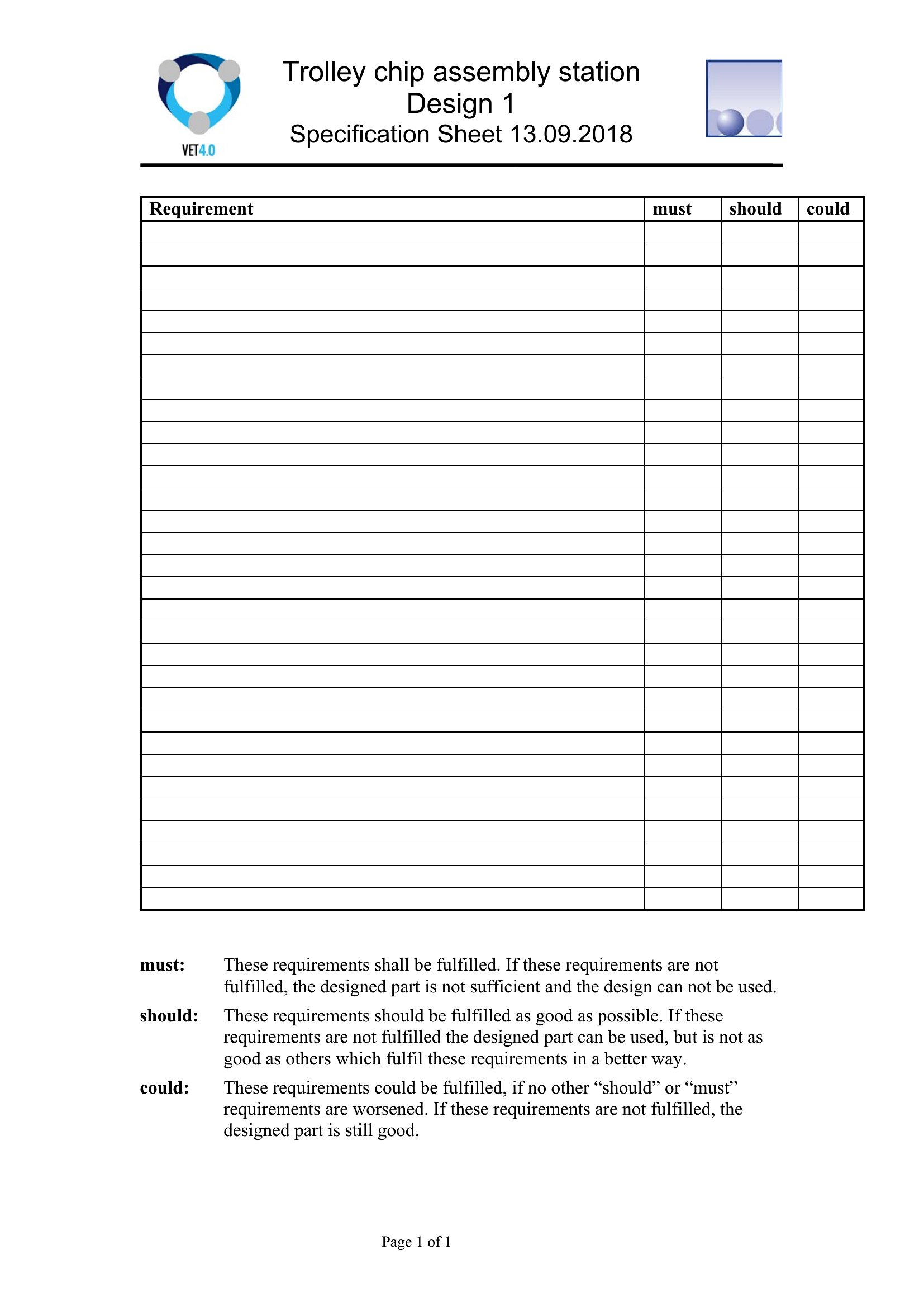
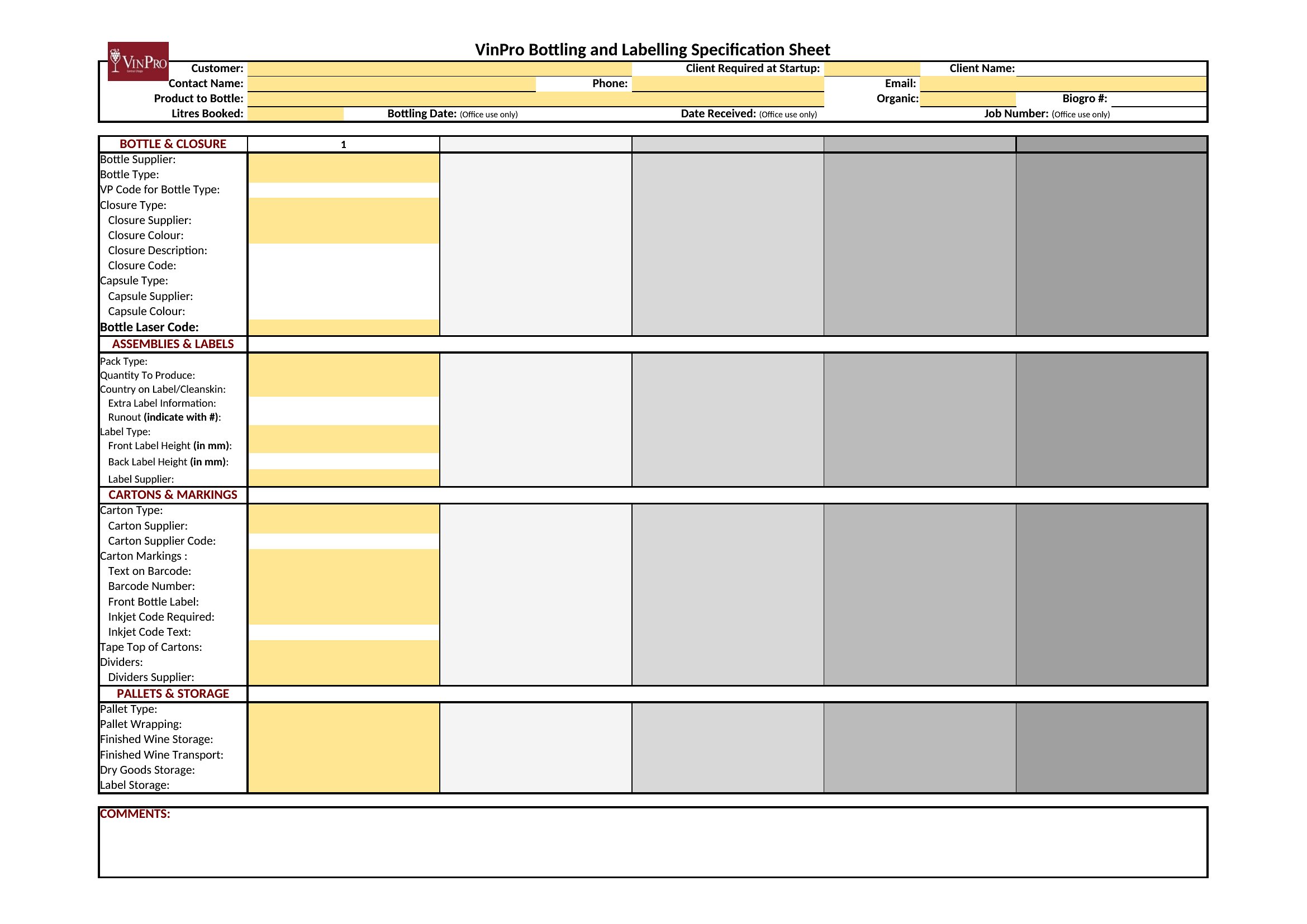
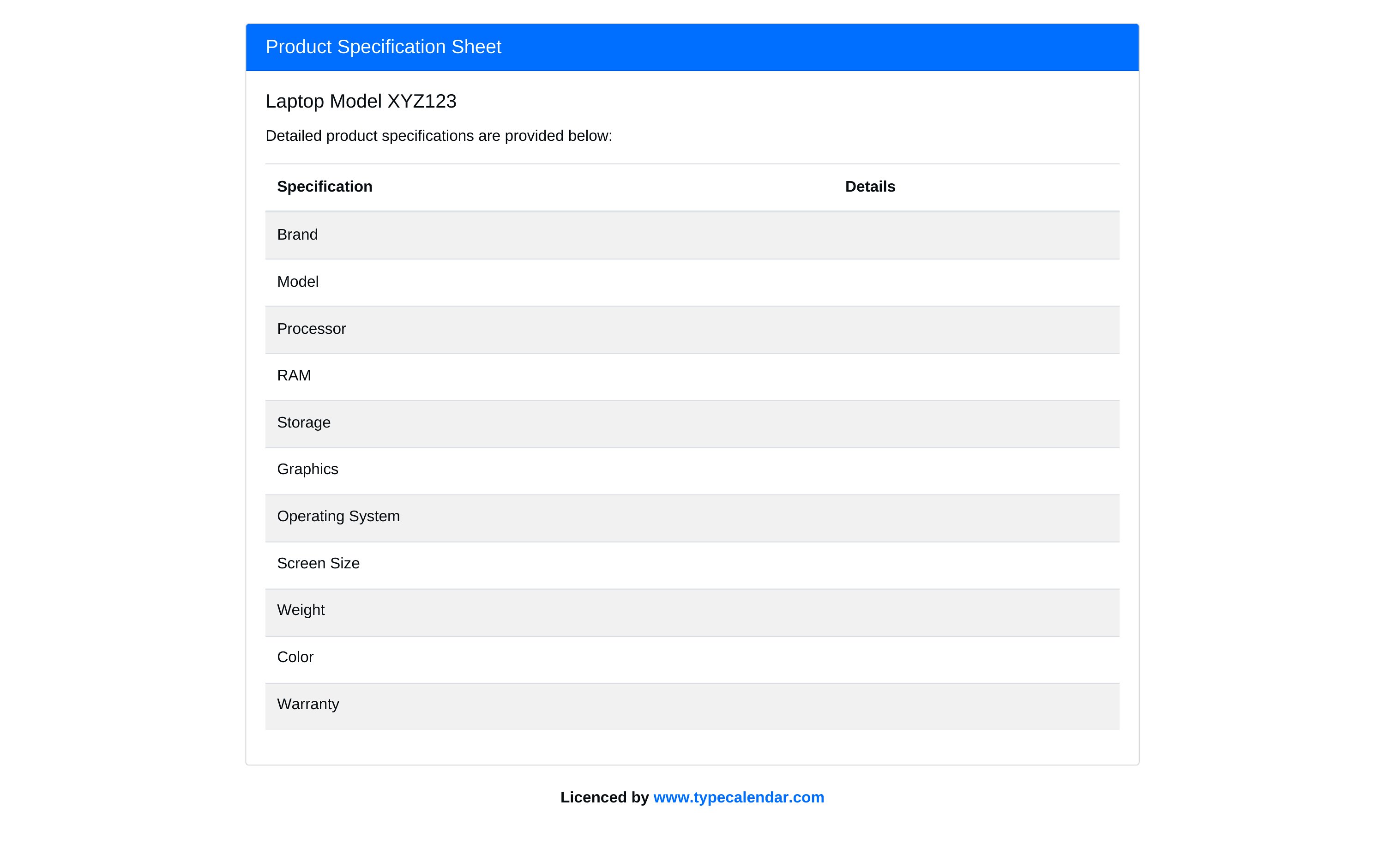
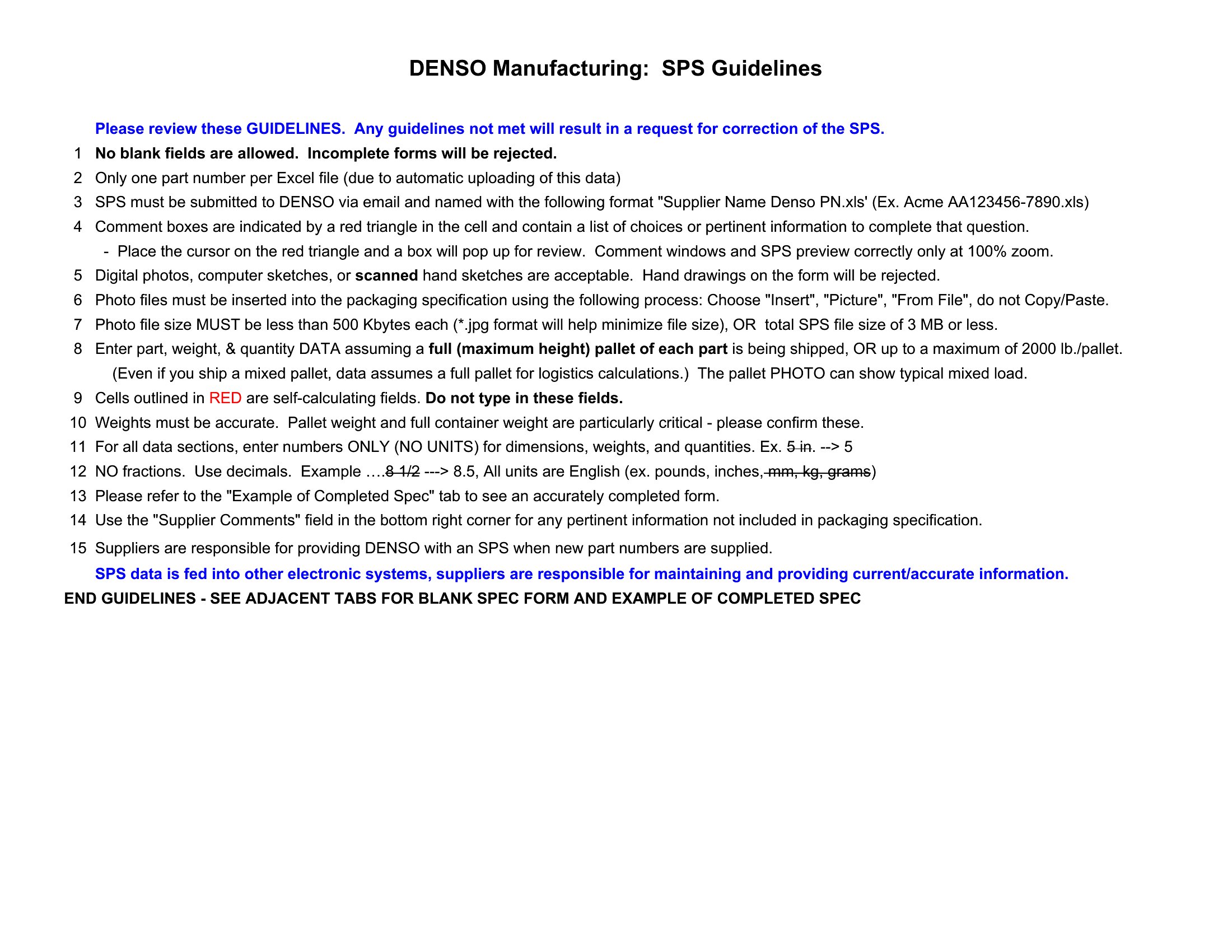
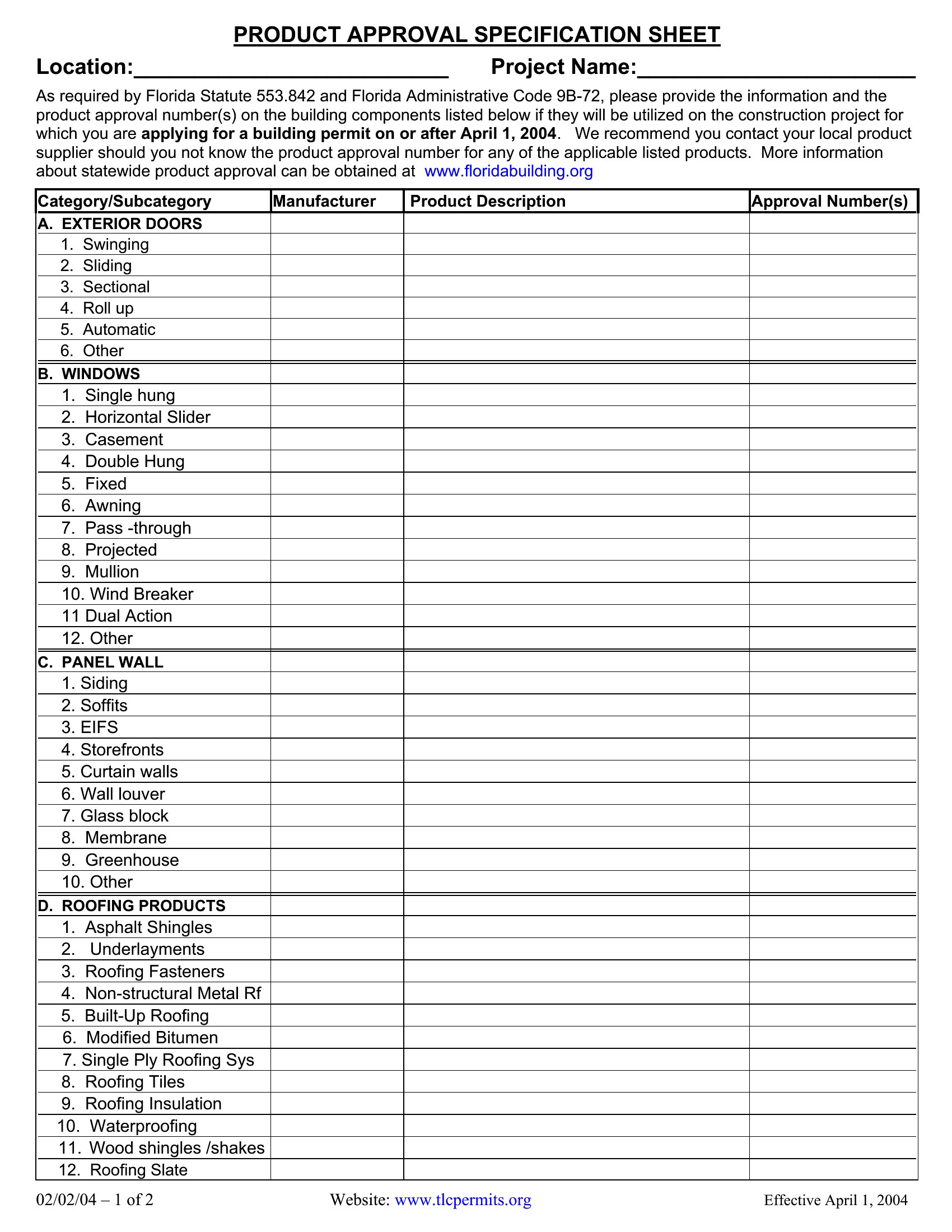
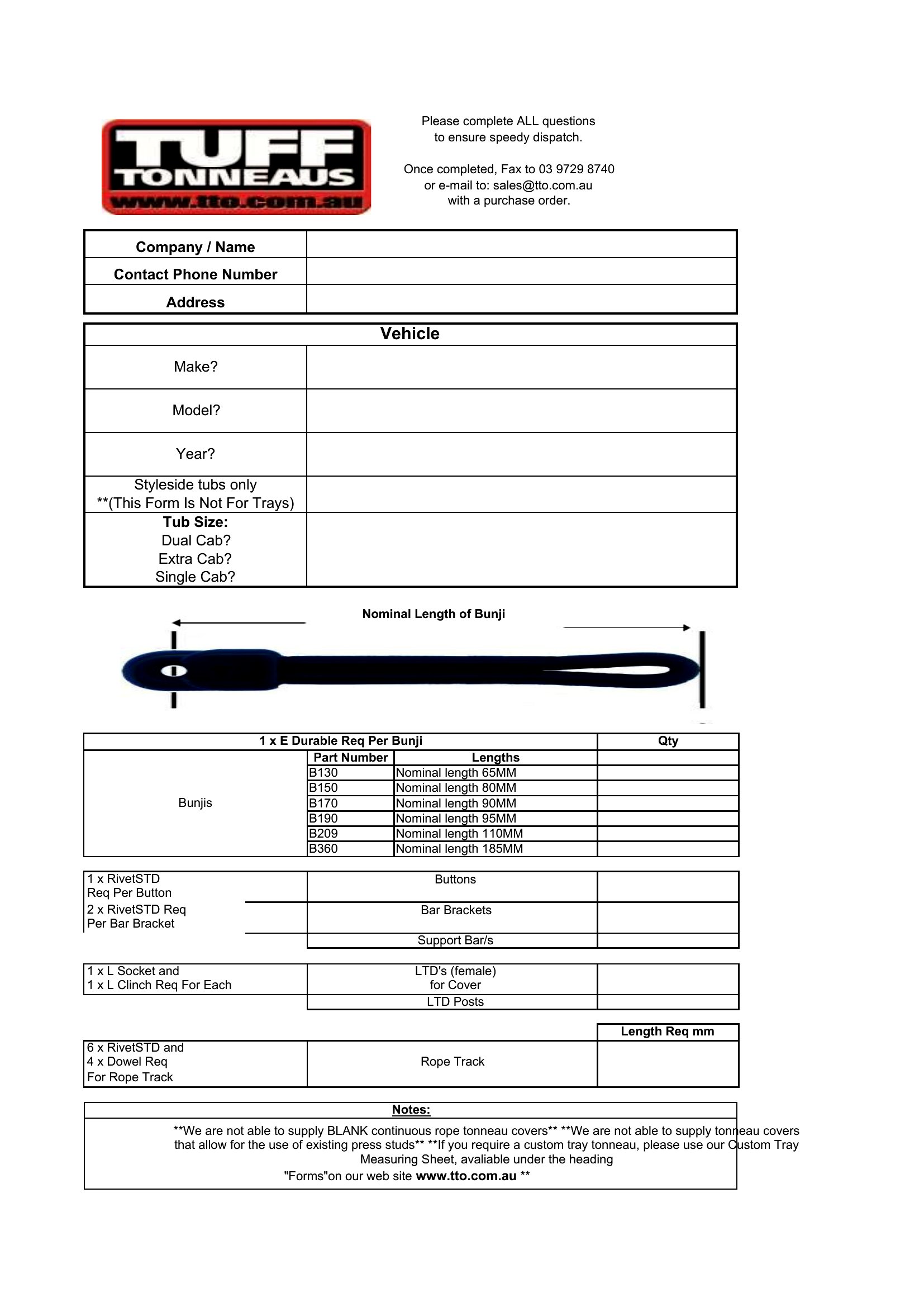
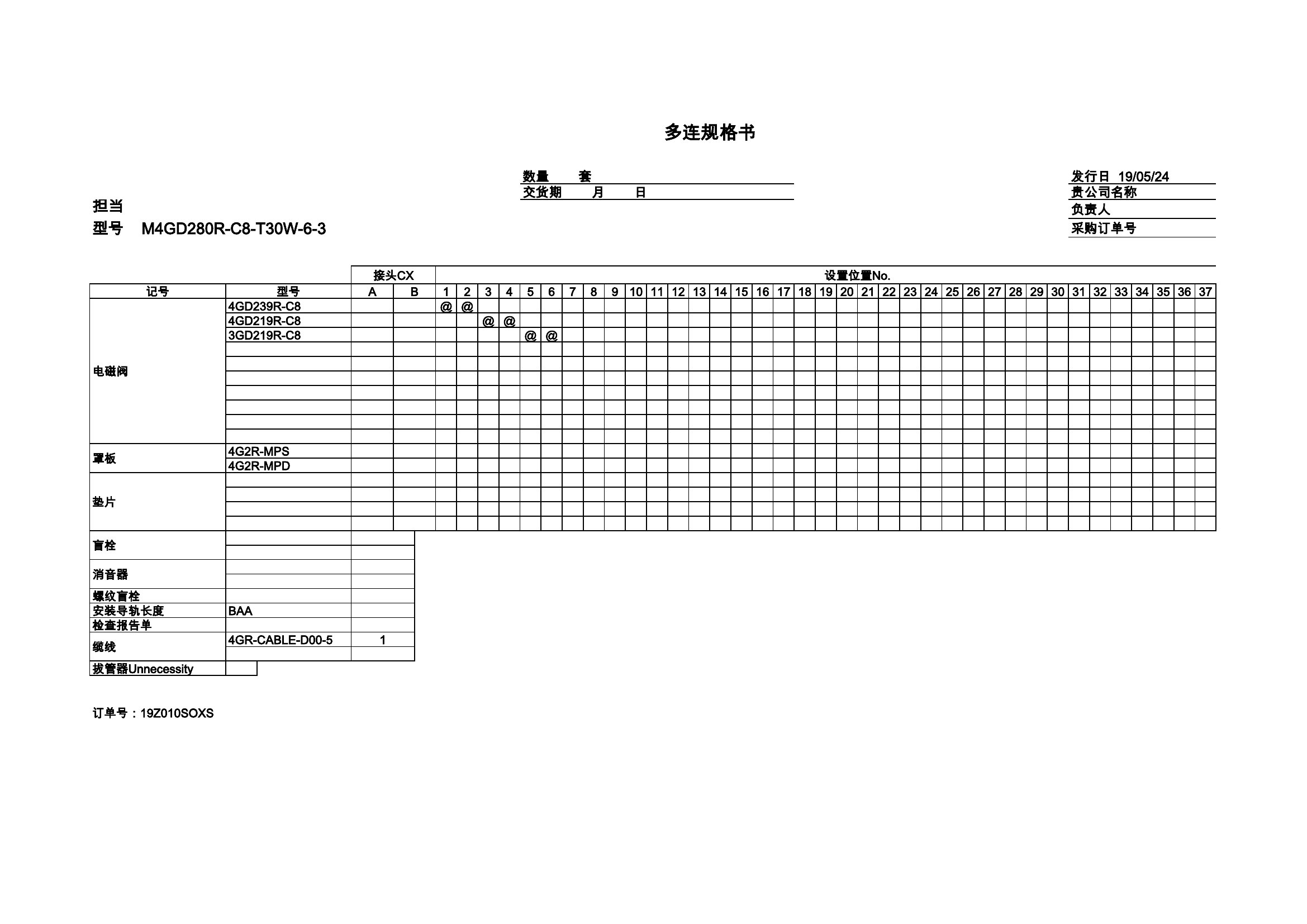
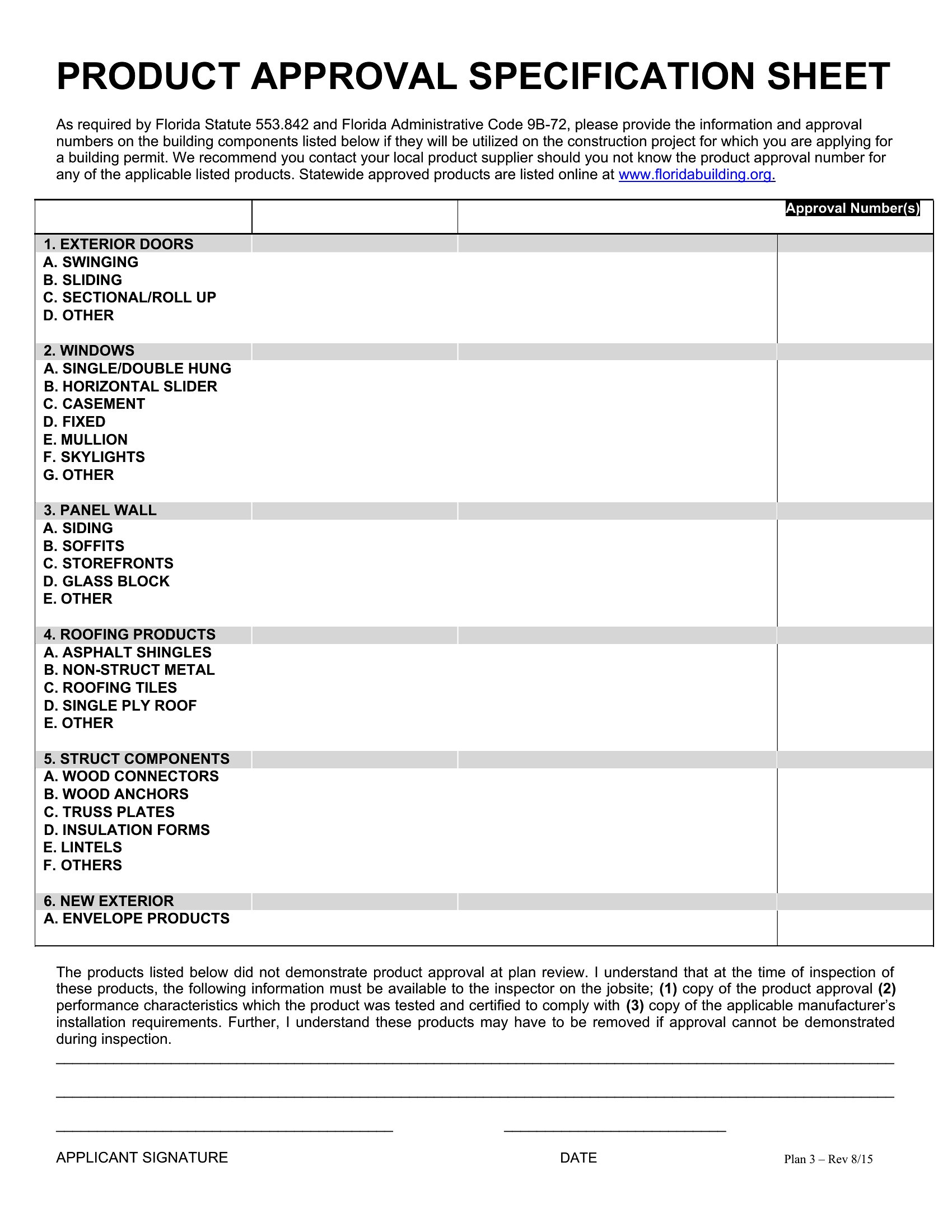
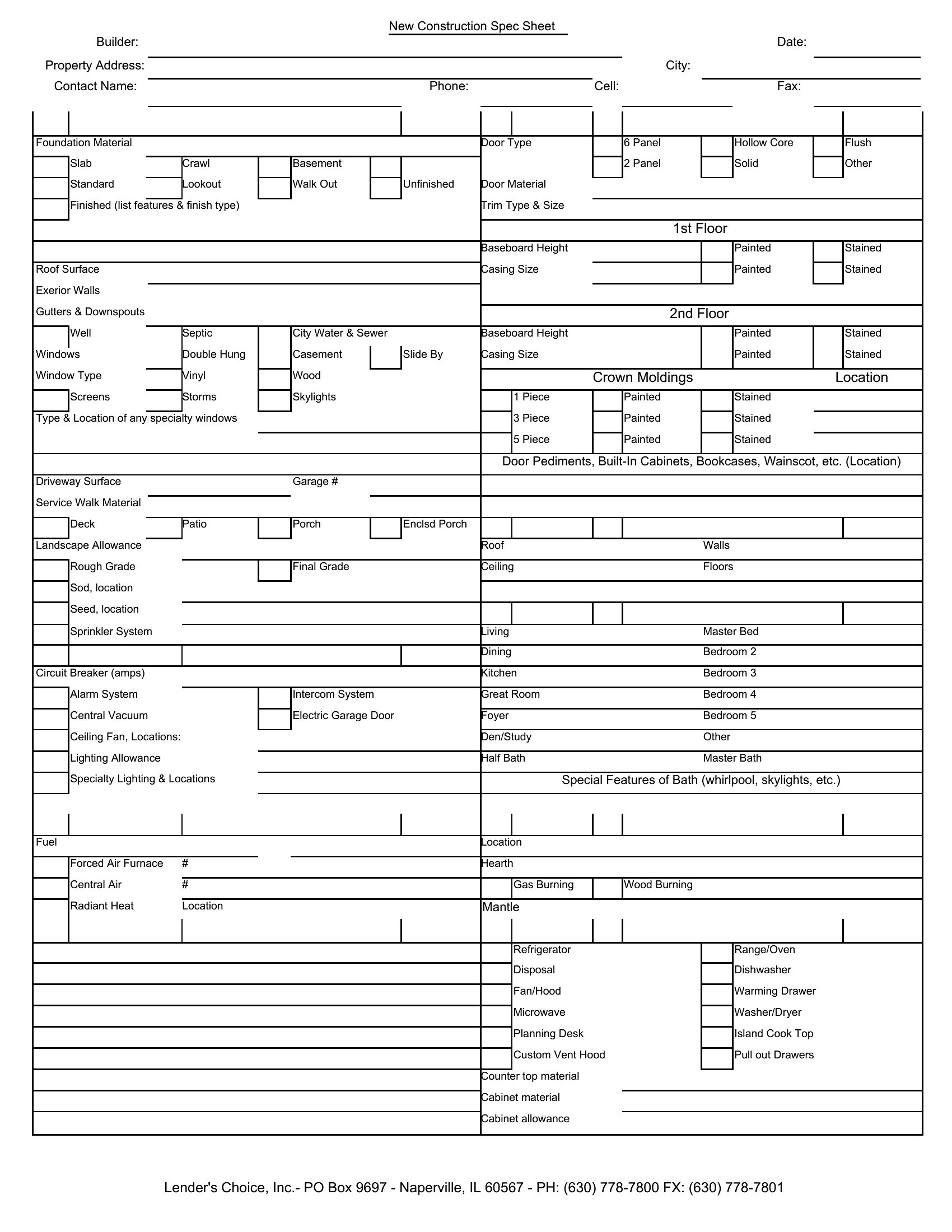
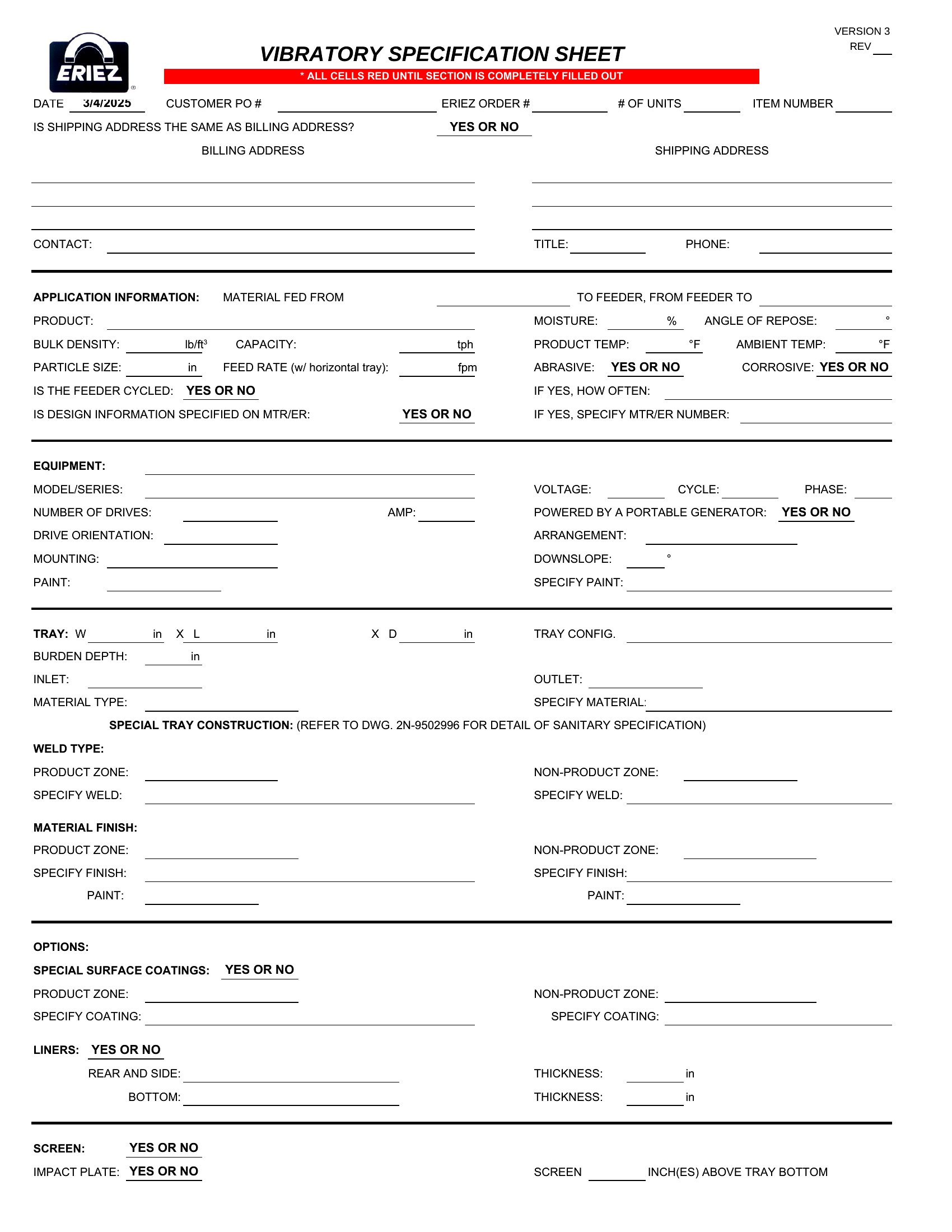
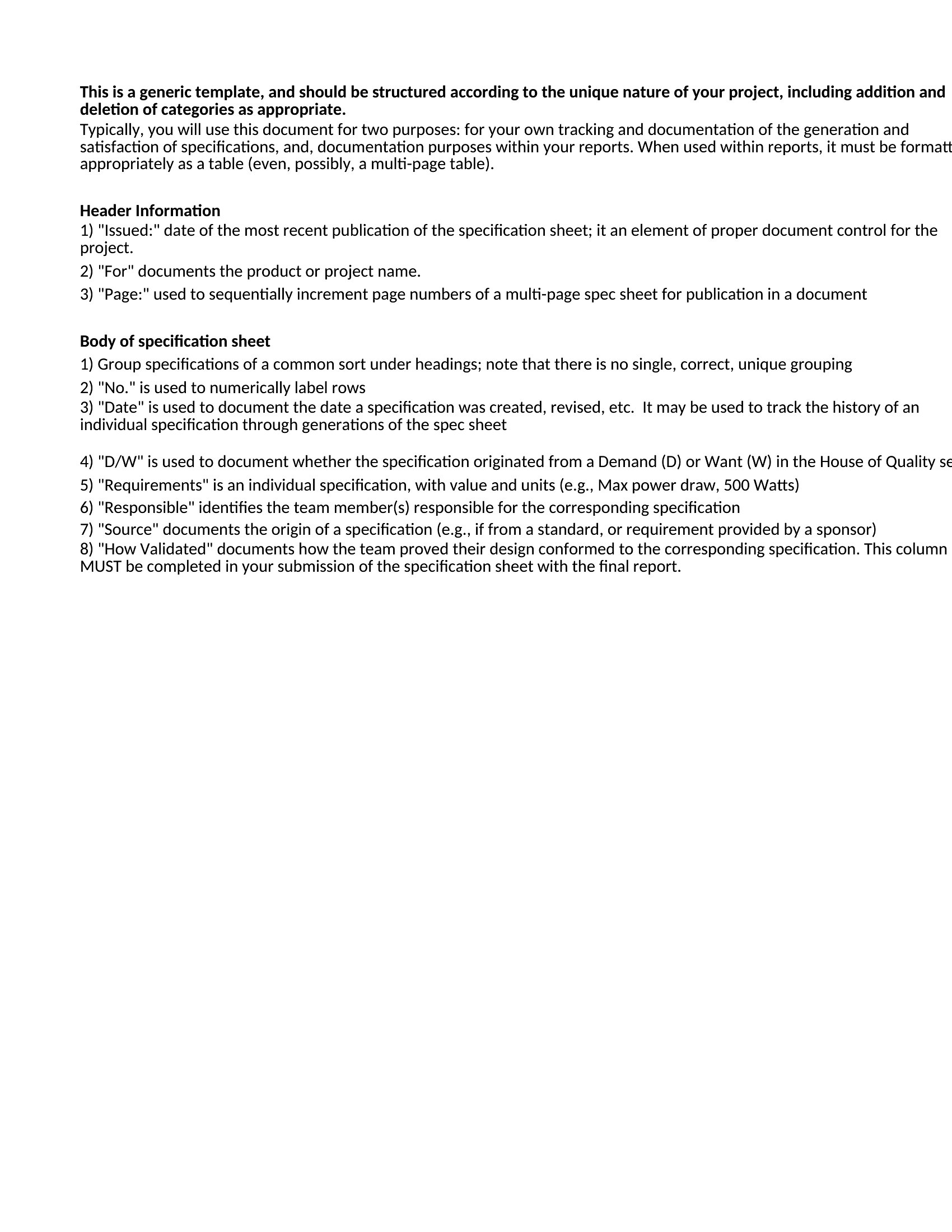
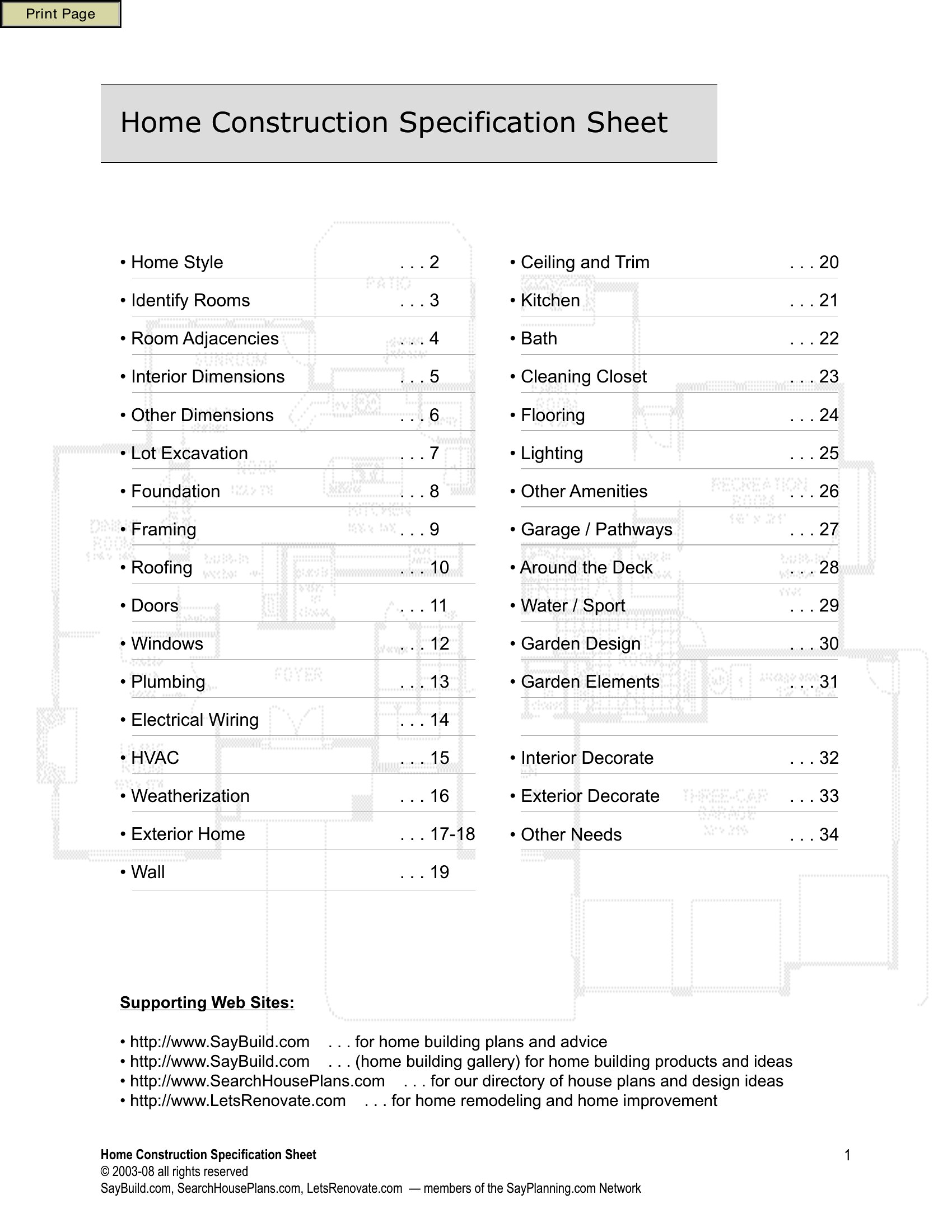
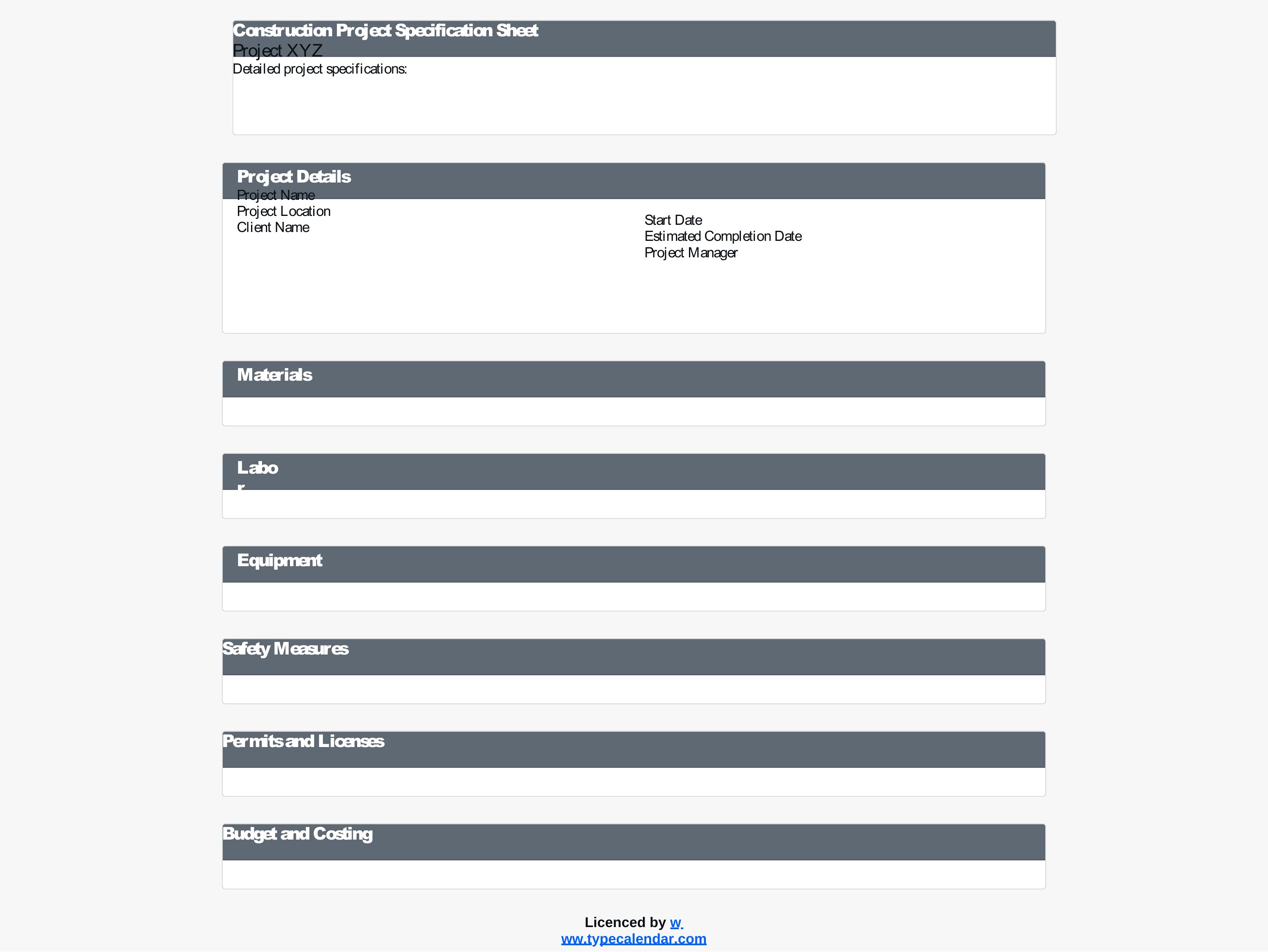
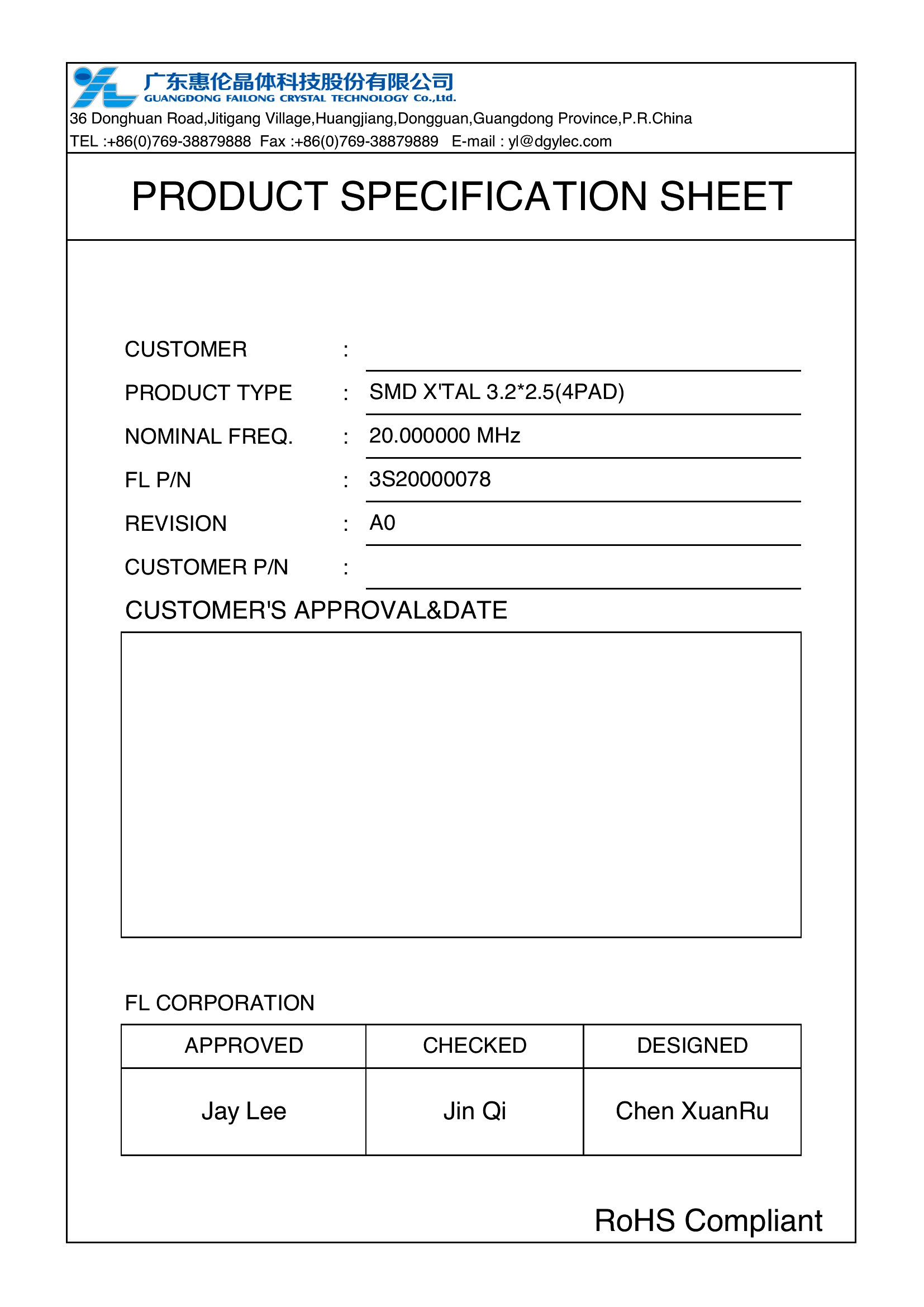
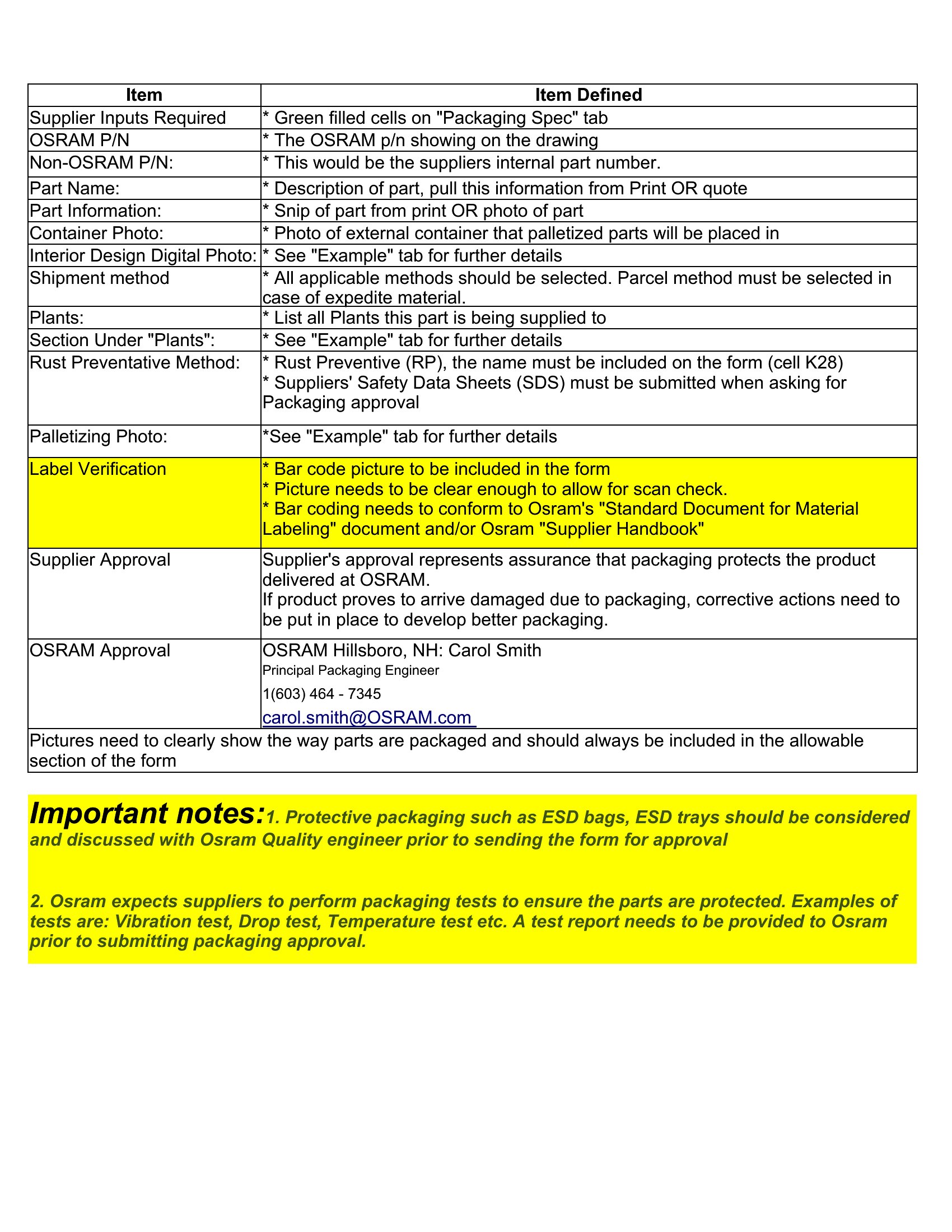
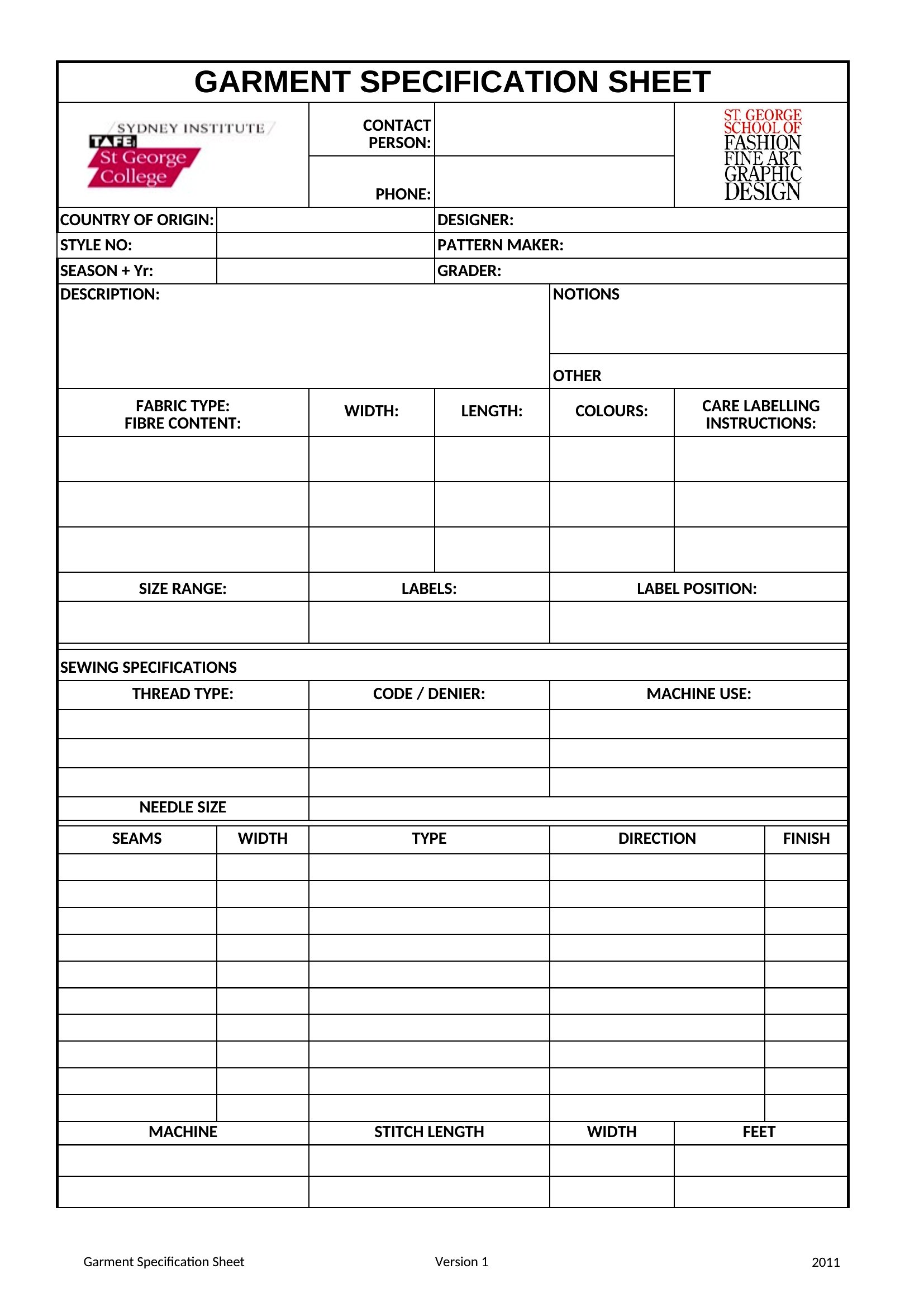
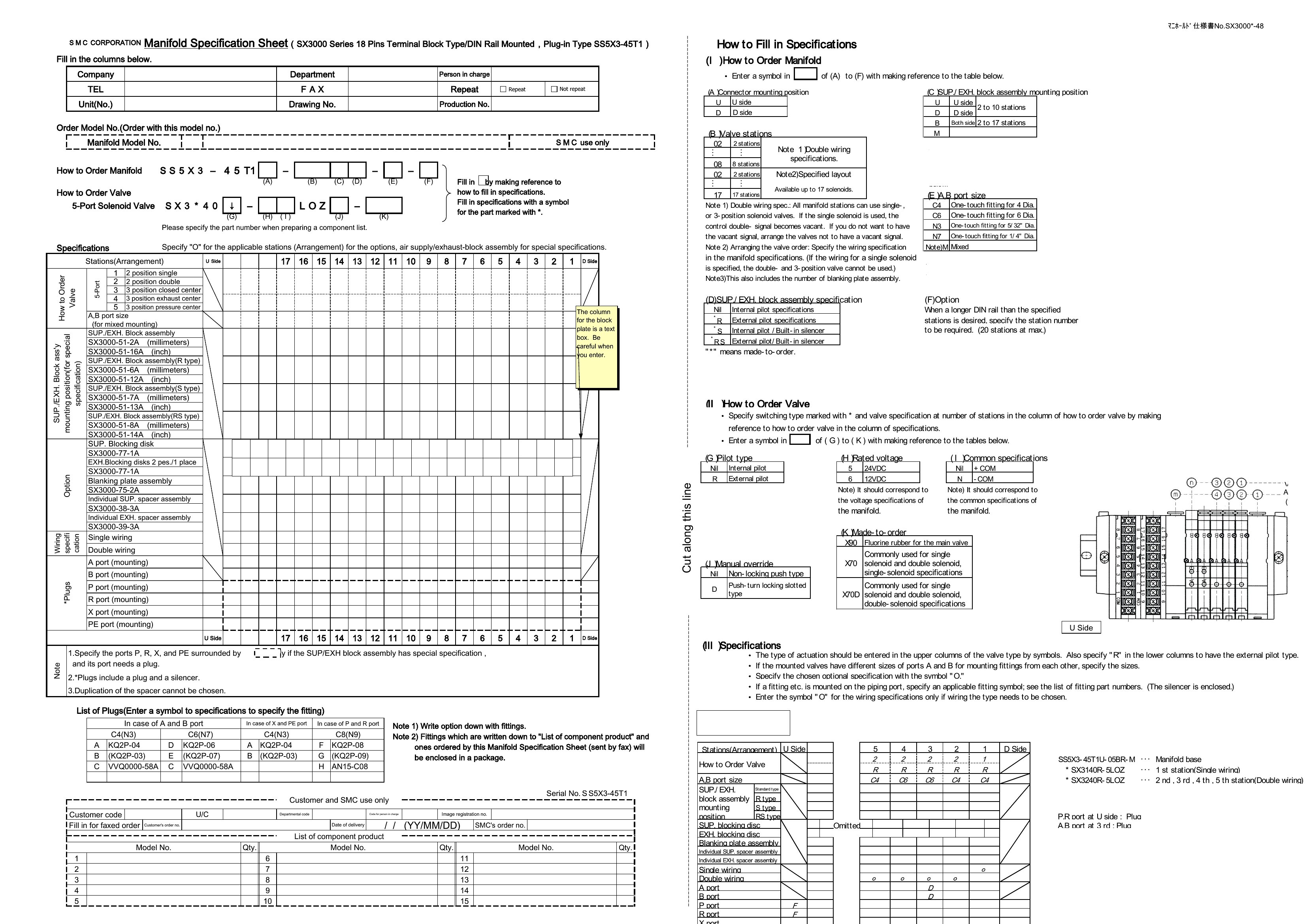
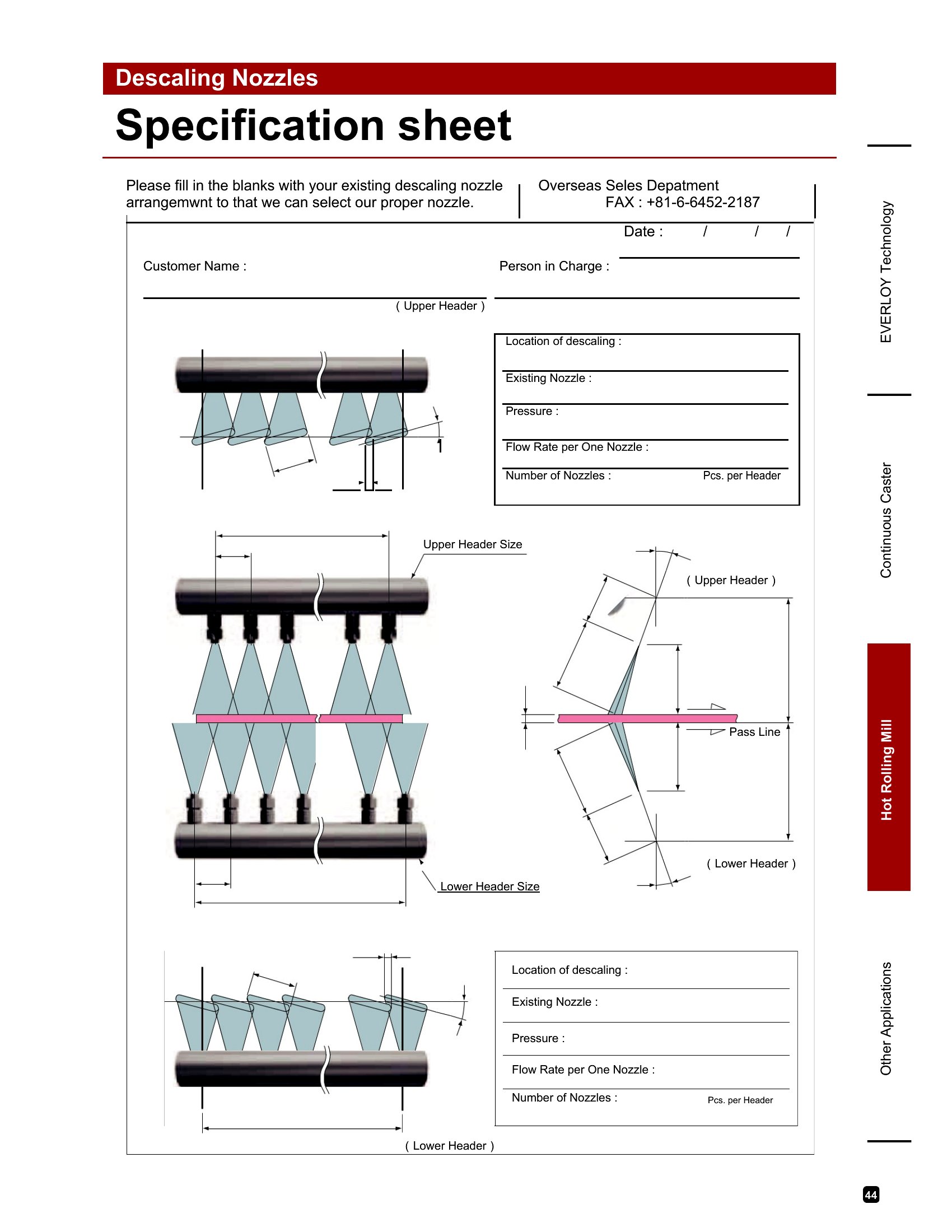
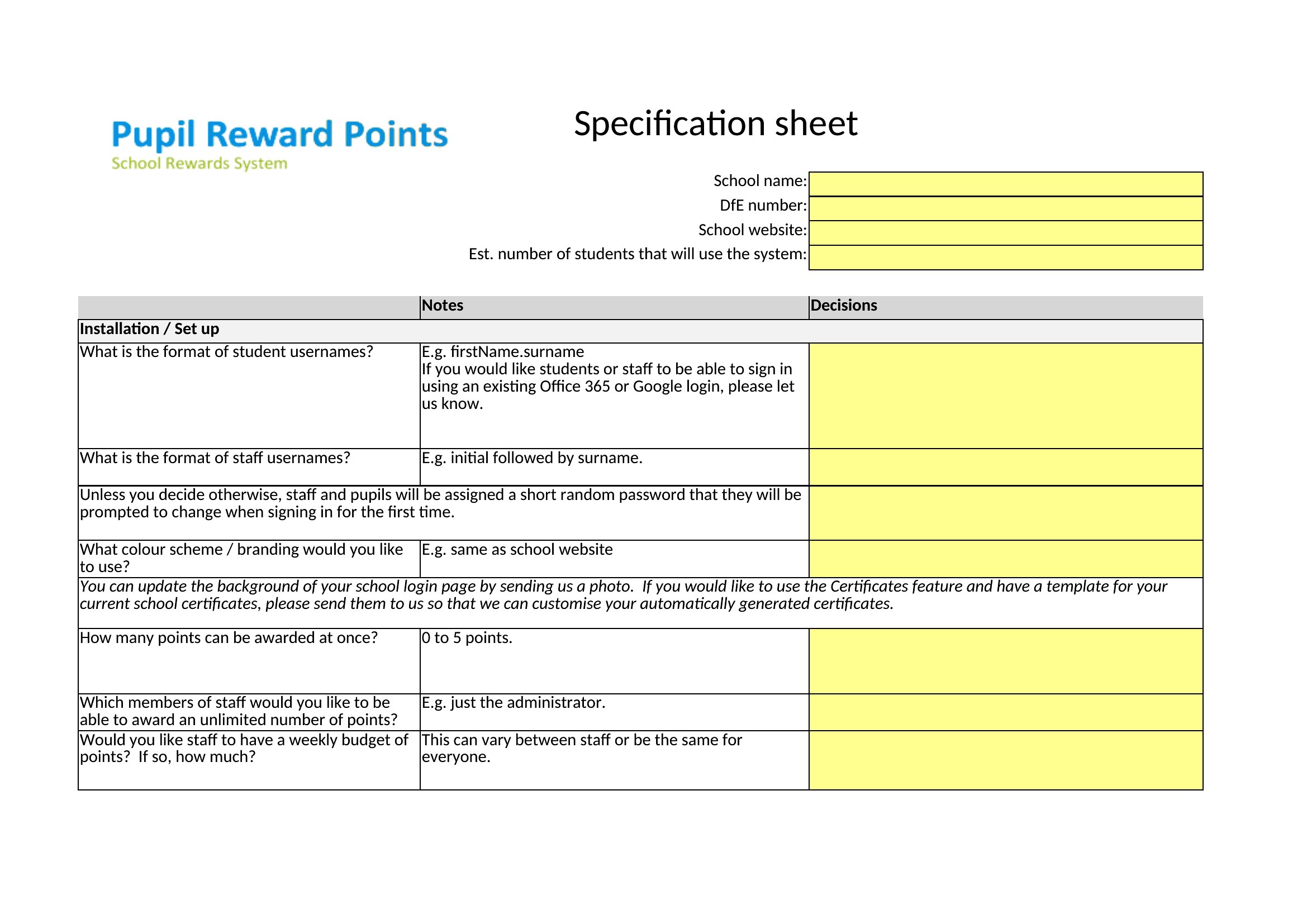
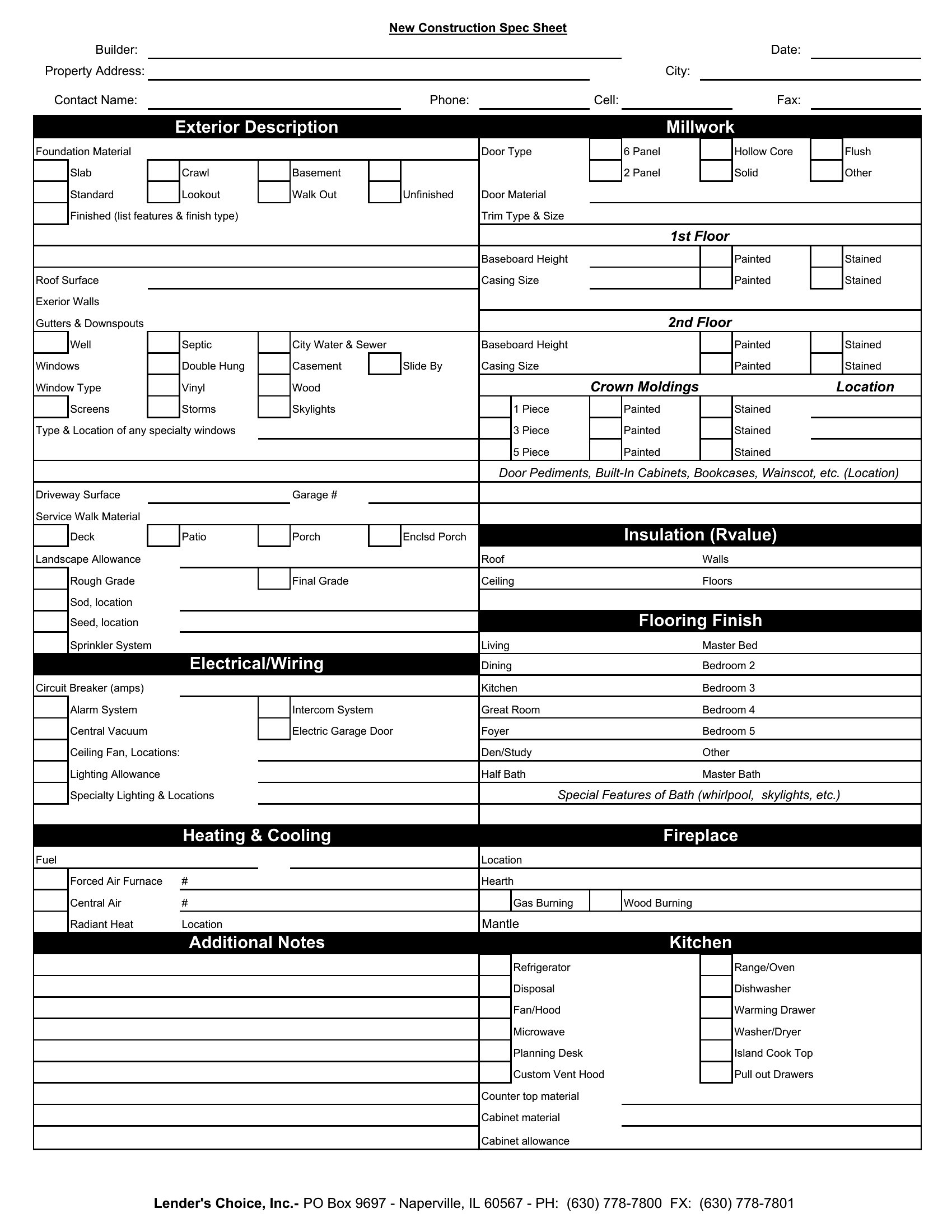
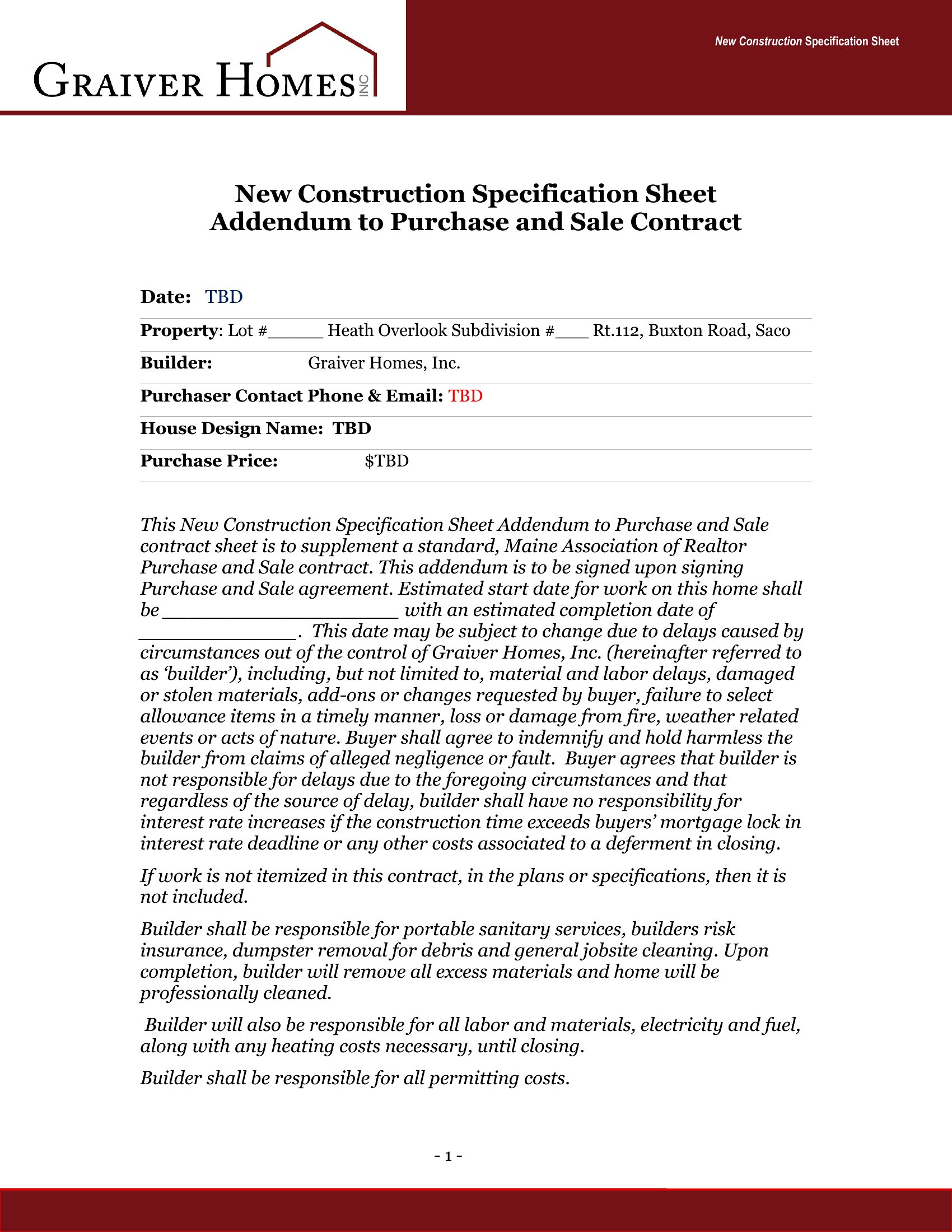
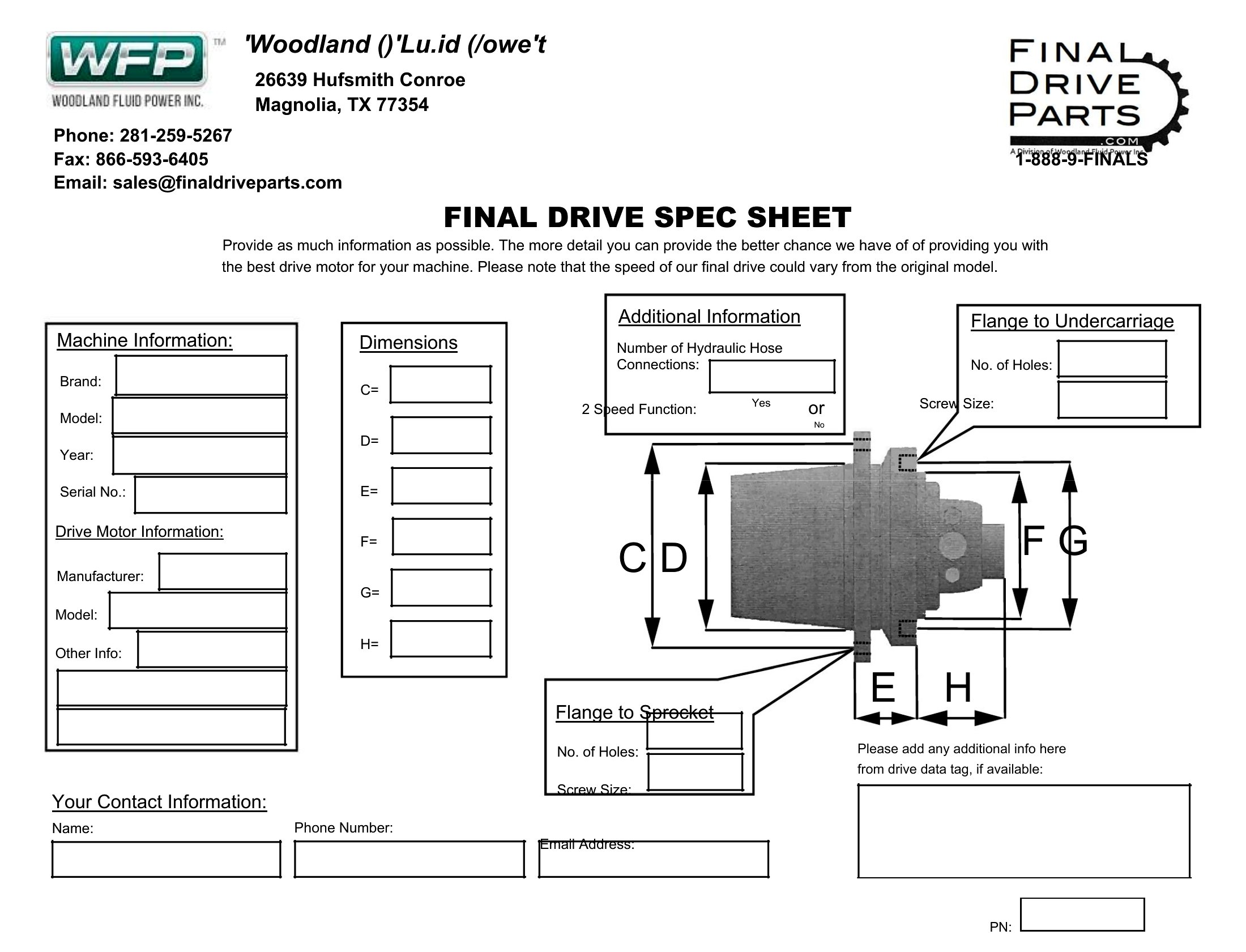
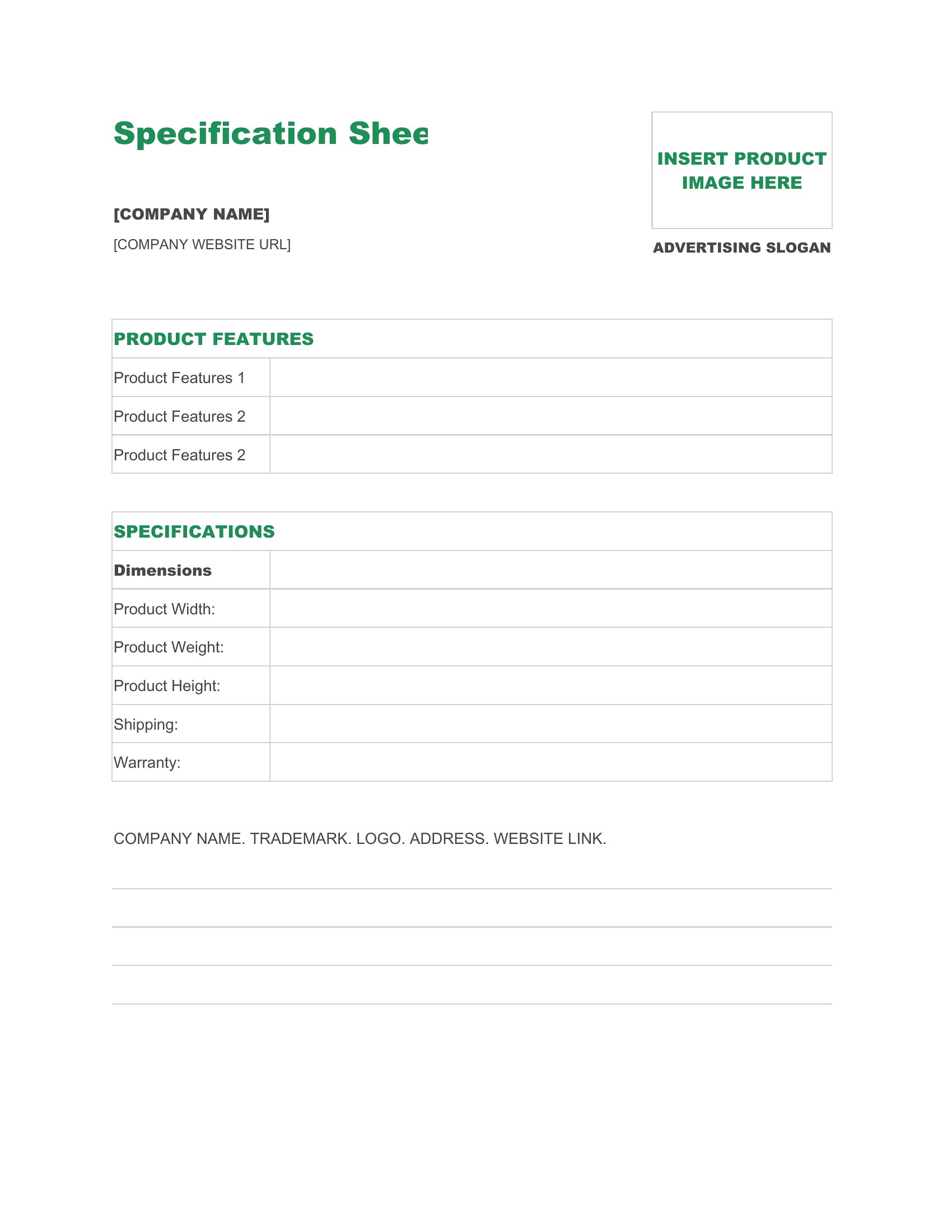
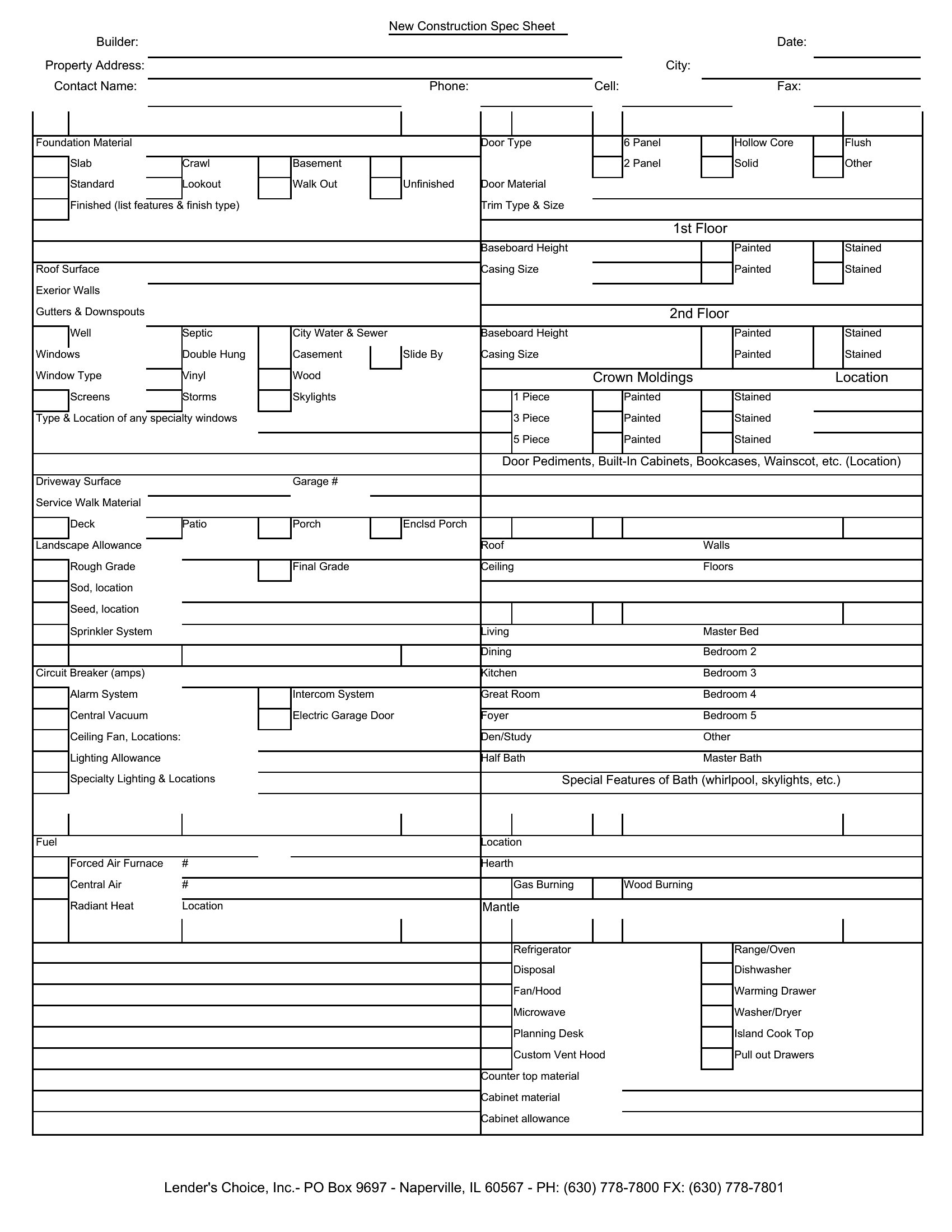
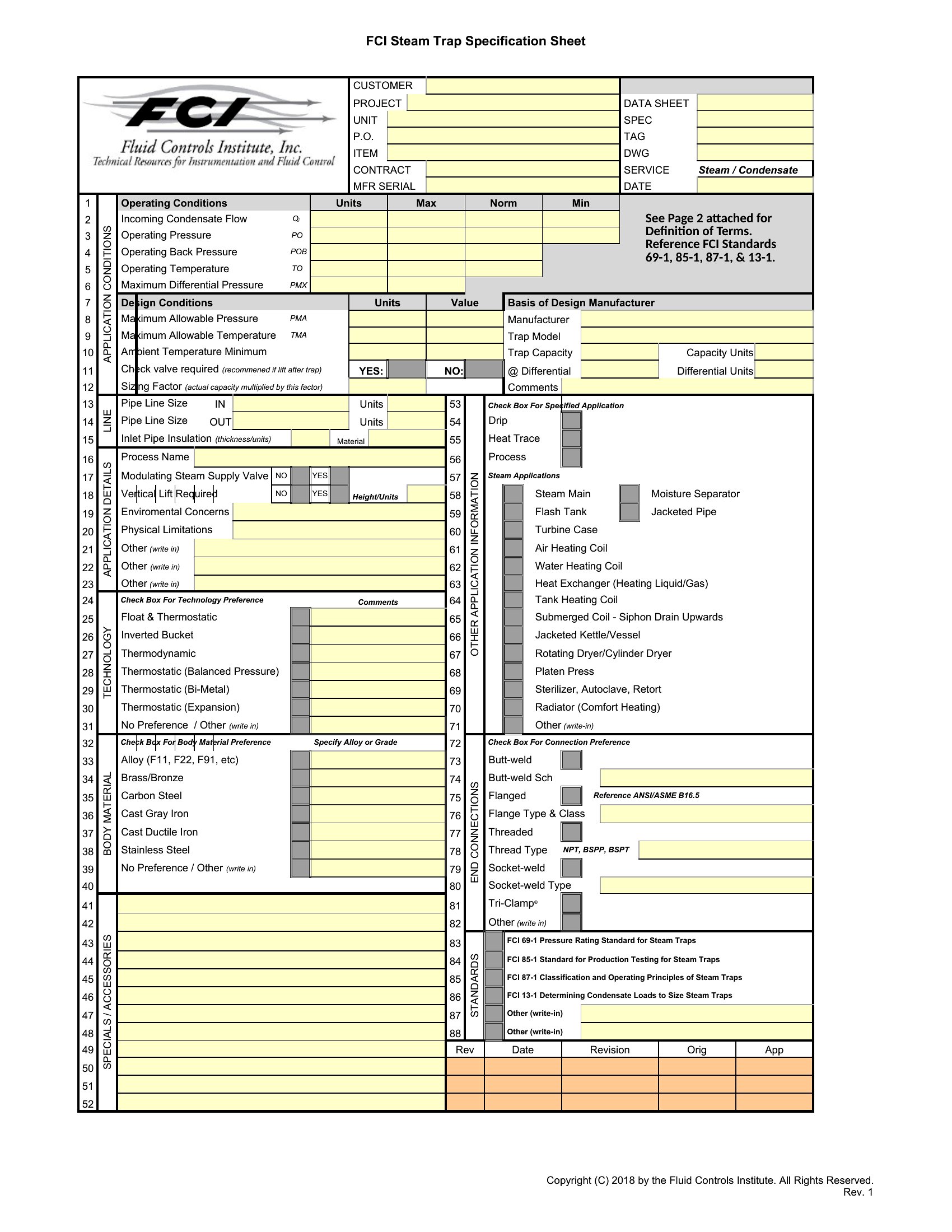
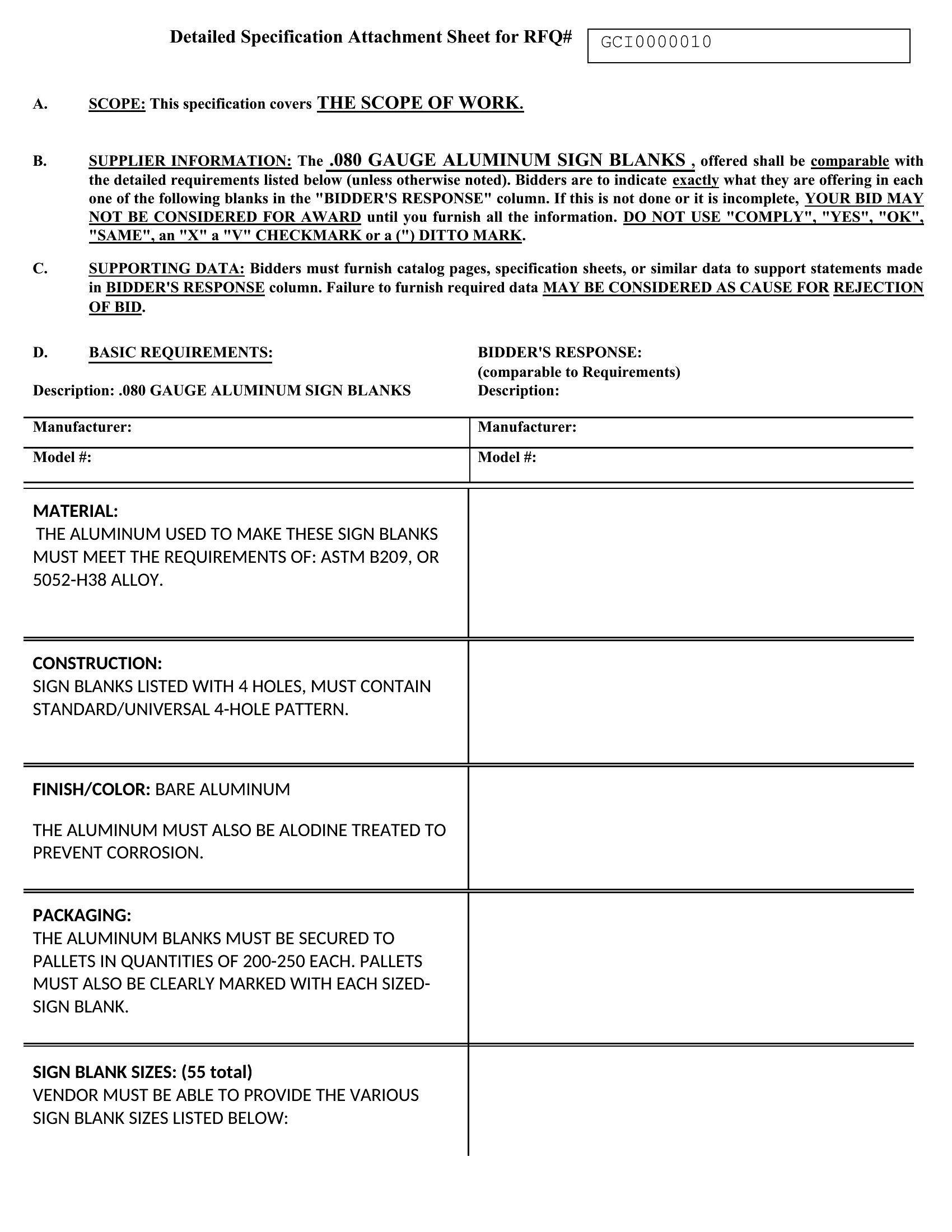
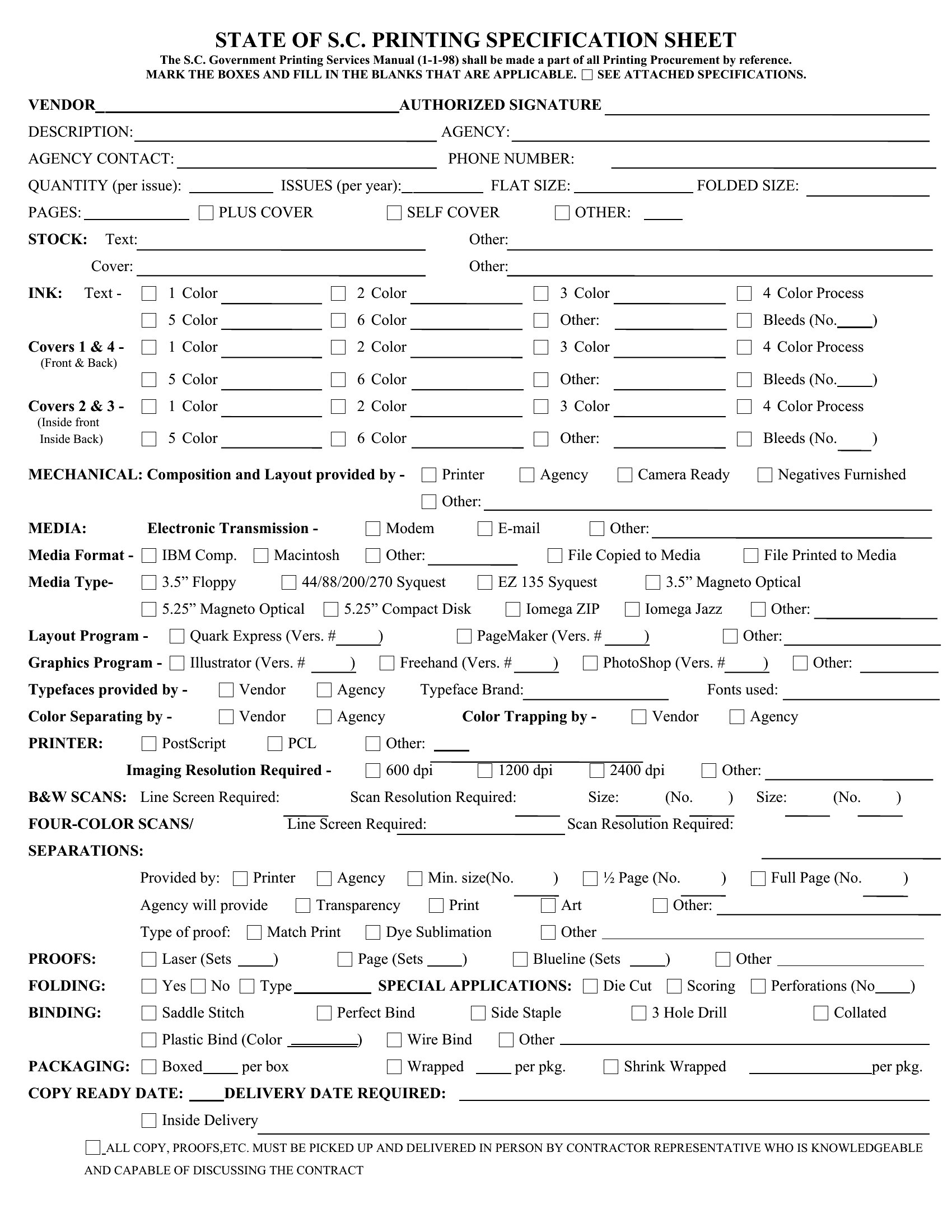
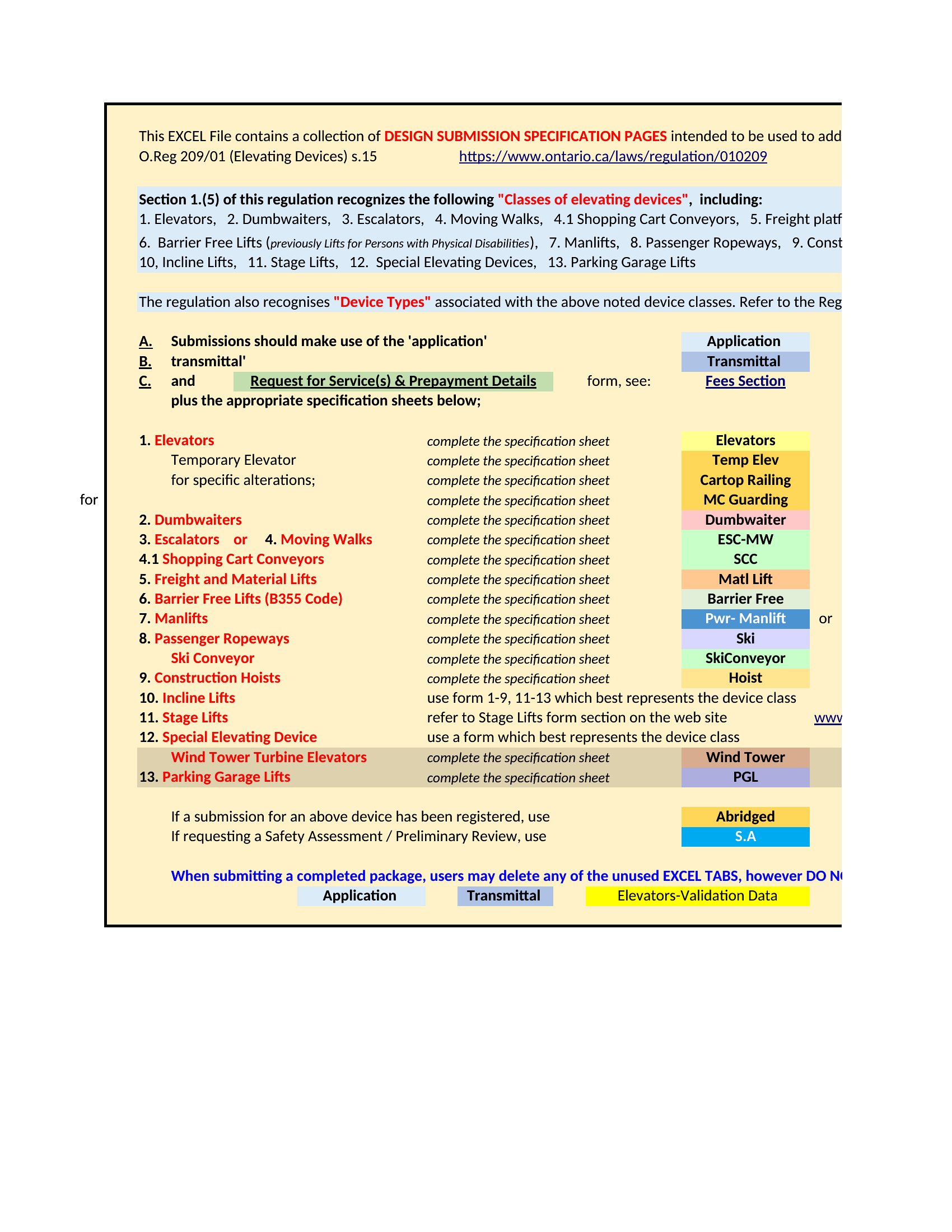
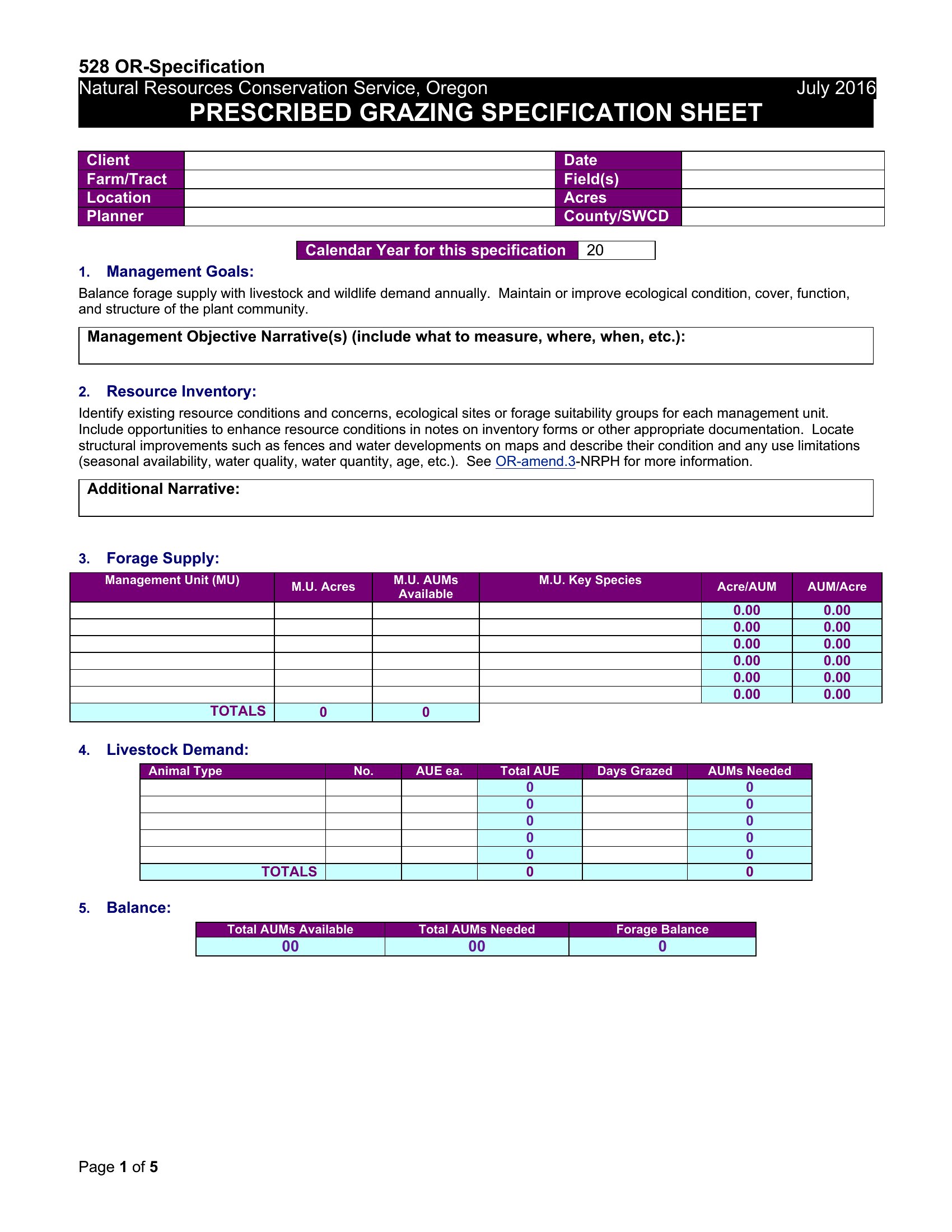
AnalysisA spec sheet puts every important detail about a product or component in one place, so buyers, manufacturers, and teammates all work from the same facts. This set of 46 templates helps product developers, designers, and suppliers document dimensions, materials, and requirements in a clean, consistent format.
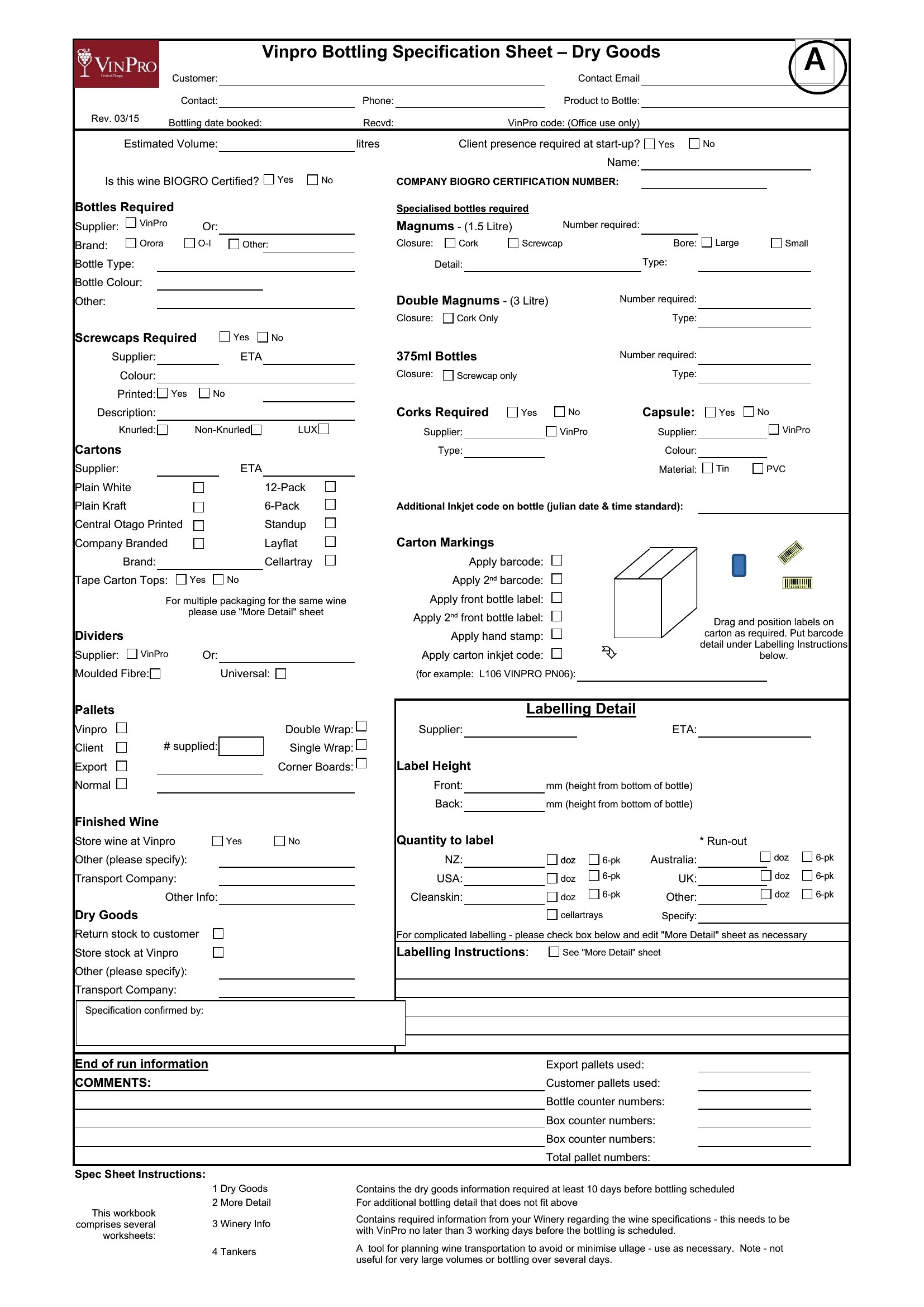
Reach for the Excel versions when you want sortable fields and quick edits, the Word files for a polished document, or the PDFs for a print-ready handout or submittal. Fill in the specs, add images or part numbers, and the layout keeps it organized. It's free and easy to reuse across a product line. Pick the format that matches your workflow and build out your spec sheet today.
When to use this Spec Sheet template
- A product designer in the automotive industry needs to share precise material specifications, finish options, and tolerance limits with overseas manufacturers before production begins—using a Word spec sheet to ensure clarity and consistency across global teams.
- An electronics supplier must quickly generate a standardized spec sheet for a batch of new circuit boards, comparing voltage ratings, component compatibility, and safety certifications for a client’s approval process—choosing Excel for dynamic calculations.
- A furniture brand’s project manager compiles a detailed spec sheet for upholstery fabrics, including color codes, durability ratings, and sustainability certifications, to align the design team with supplier capabilities before prototyping.
- A construction subcontractor drafts a spec sheet for pre-fabricated steel beams, listing exact dimensions, load-bearing requirements, and coating specifications to prevent miscommunication on a tight urban site timeline—using PDF to lock down finalized details.
Which format should I download?
Pick Word when you need a flexible, editable spec sheet for collaborative teams or lengthy descriptions with formatting options like tables and headers. Excel is ideal for technical specs requiring calculations, comparisons, or sortable data—like product variants or cost breakdowns. Choose PDF only for finalized, unchangeable versions that must be shared with external stakeholders (e.g., clients or regulators) to preserve formatting and prevent edits. Avoid PDF for internal drafts where revisions are expected.
Choose from 46 Spec Sheet Templates
How to use this Spec Sheet template
How do I ensure my spec sheet covers all the details buyers or regulators will need?
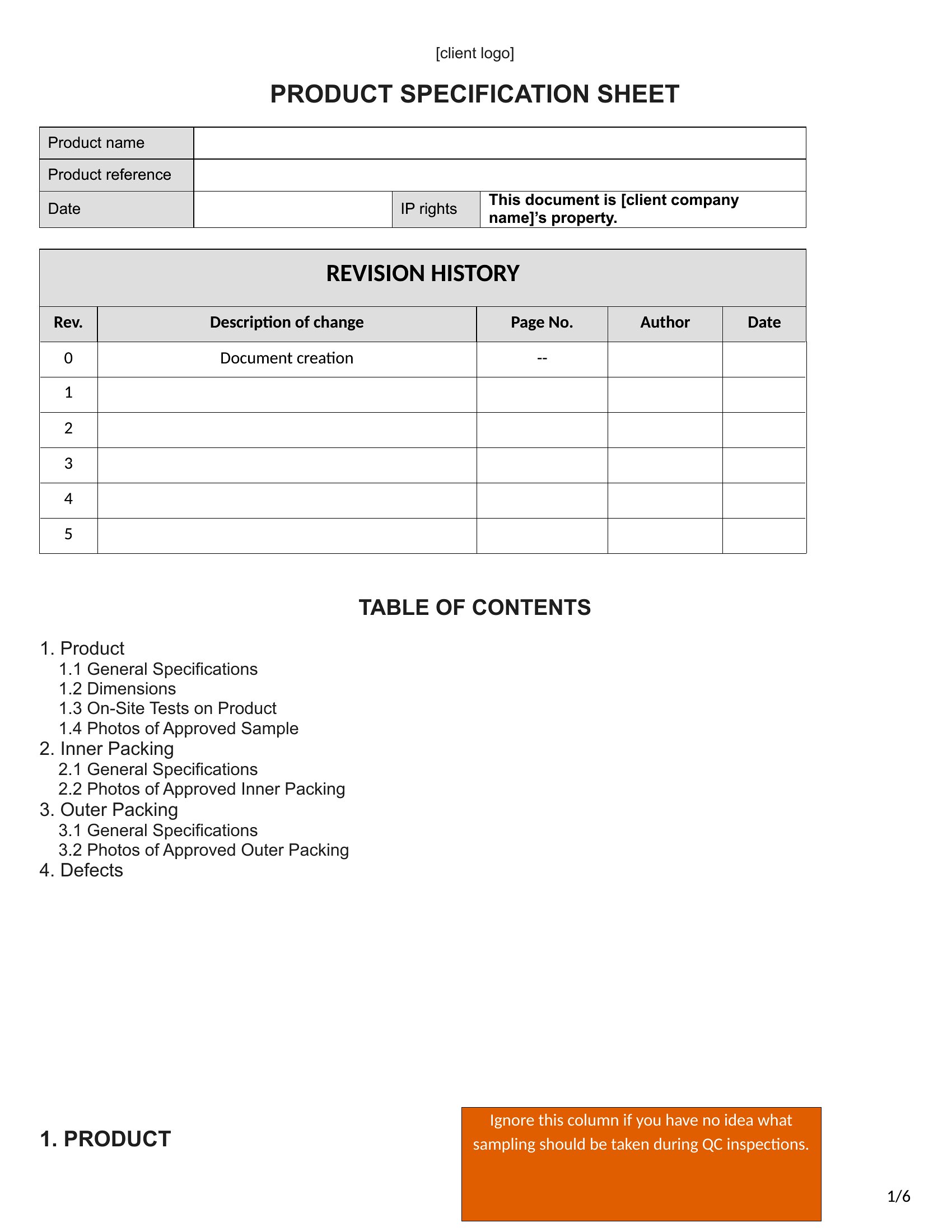
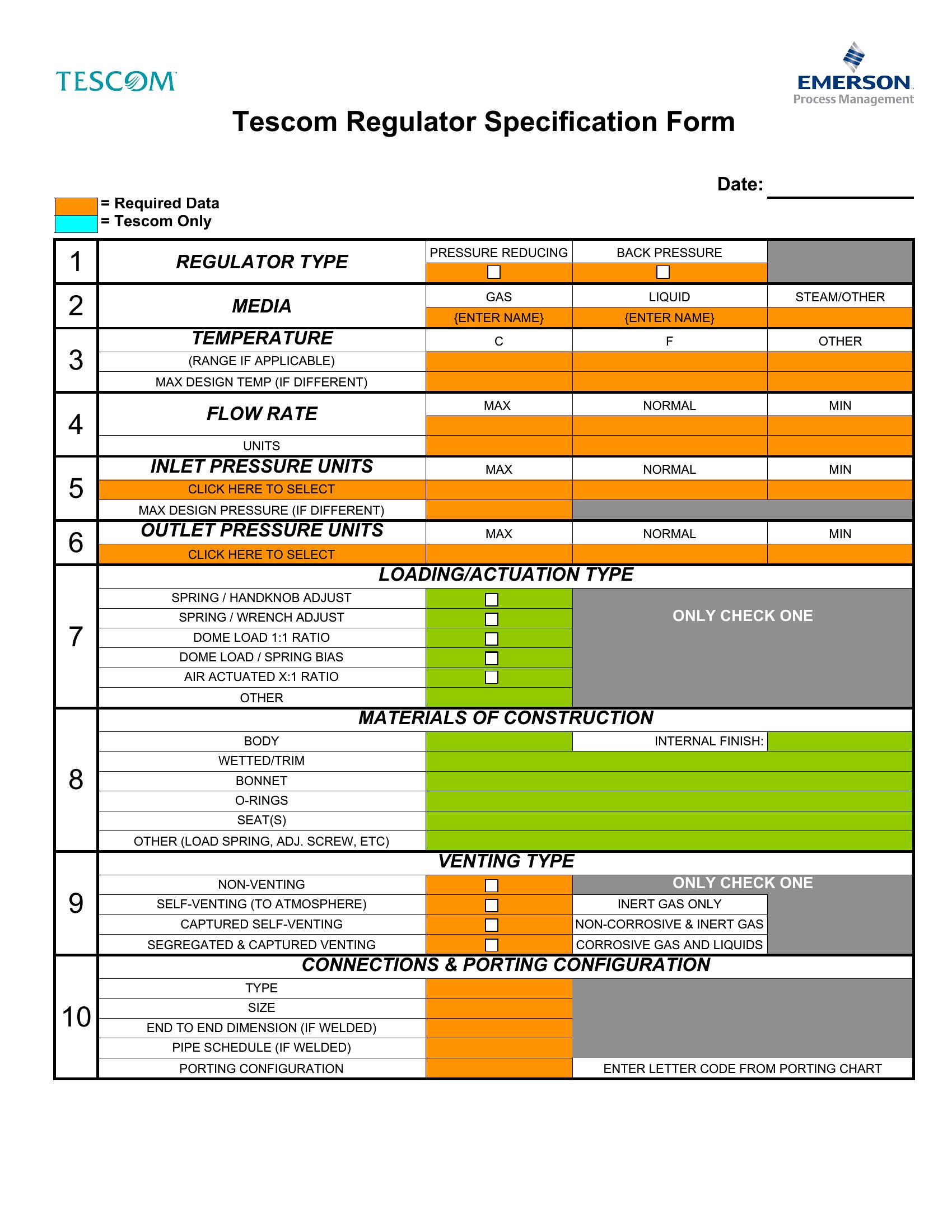
Start by reviewing industry standards (e.g., ISO, ASTM) or past approvals for similar products. Include sections for dimensions, materials, tolerances, certifications, and any performance metrics. Use the Excel or Word templates to add custom fields—many already include checkboxes or dropdowns for common requirements. When in doubt, consult a subject-matter expert to cross-check critical details before finalizing.
Can I use these templates to compare multiple product variants side by side?
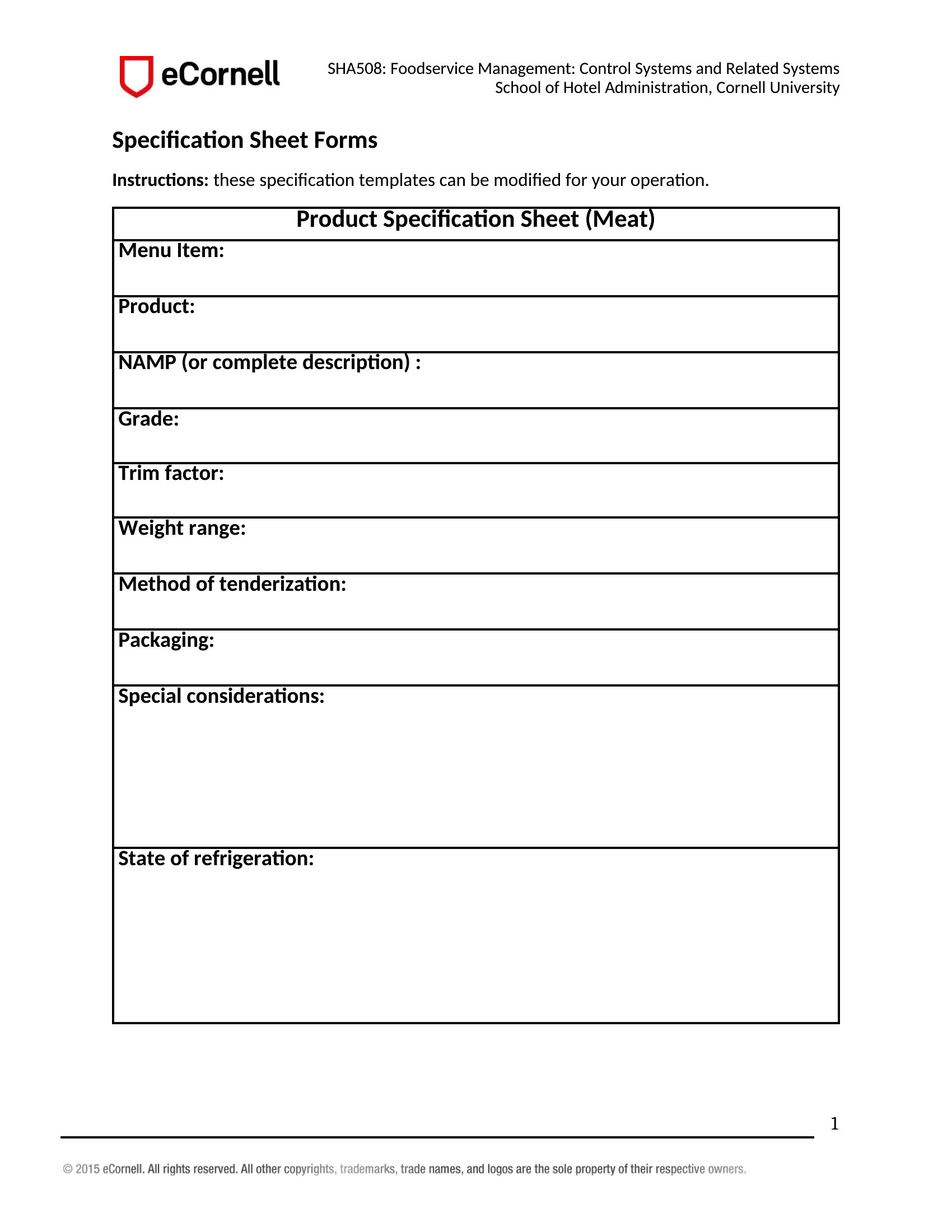
Yes—the Excel format is designed for this. Create a tab for each variant and use consistent column headers (e.g., “Material,” “Weight,” “Certification”) to enable easy filtering or sorting. For visual comparisons, merge cells in Word or use conditional formatting in Excel to highlight differences. Avoid PDF for this task, as it doesn’t support dynamic updates.
What’s the best way to handle confidential or proprietary information in a spec sheet?
Avoid including sensitive details like trade secrets or internal cost data. For proprietary specs, use a separate “confidential addendum” referenced in the main document but shared only with authorized parties. In Word or Excel, password-protect the file or restrict editing rights. For PDFs, enable a print/digital rights management tool if distributing externally, but note that no method is 100% secure—these templates are for foundational documentation, not legal protection.
Comments
Join the conversation
Sign in to share your thoughts and leave a comment on this resource.