










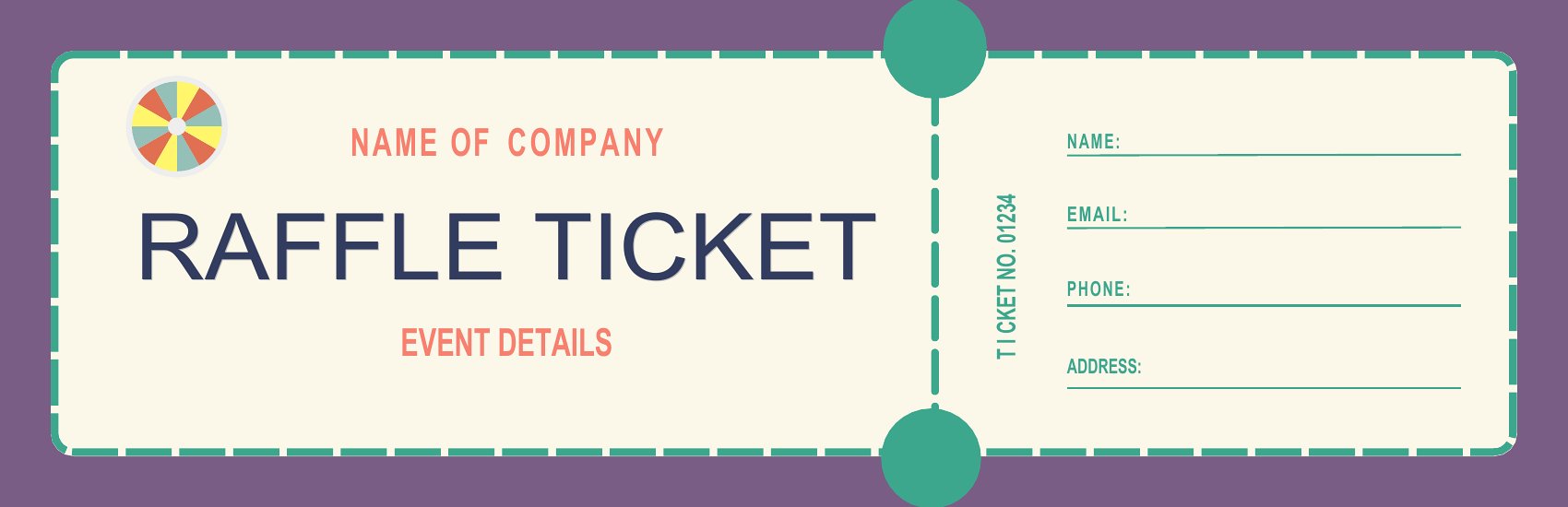
Free Event Ticket Templates (Word, PDF)
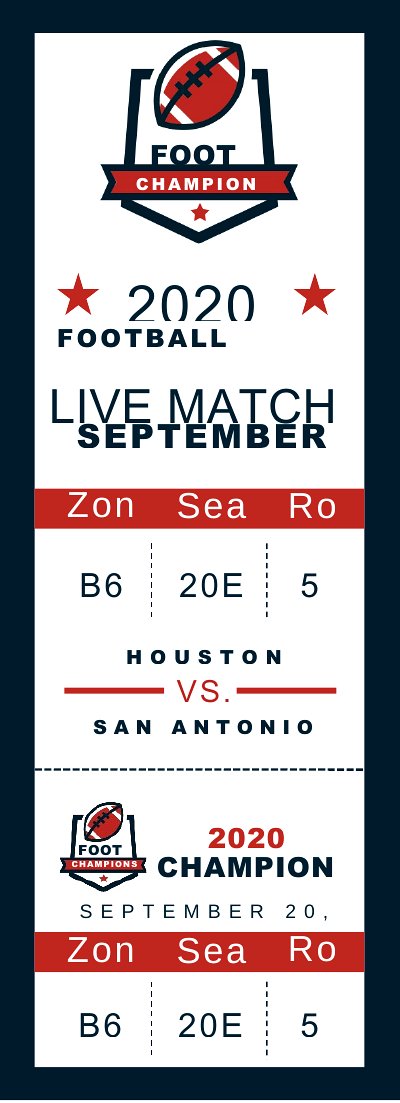
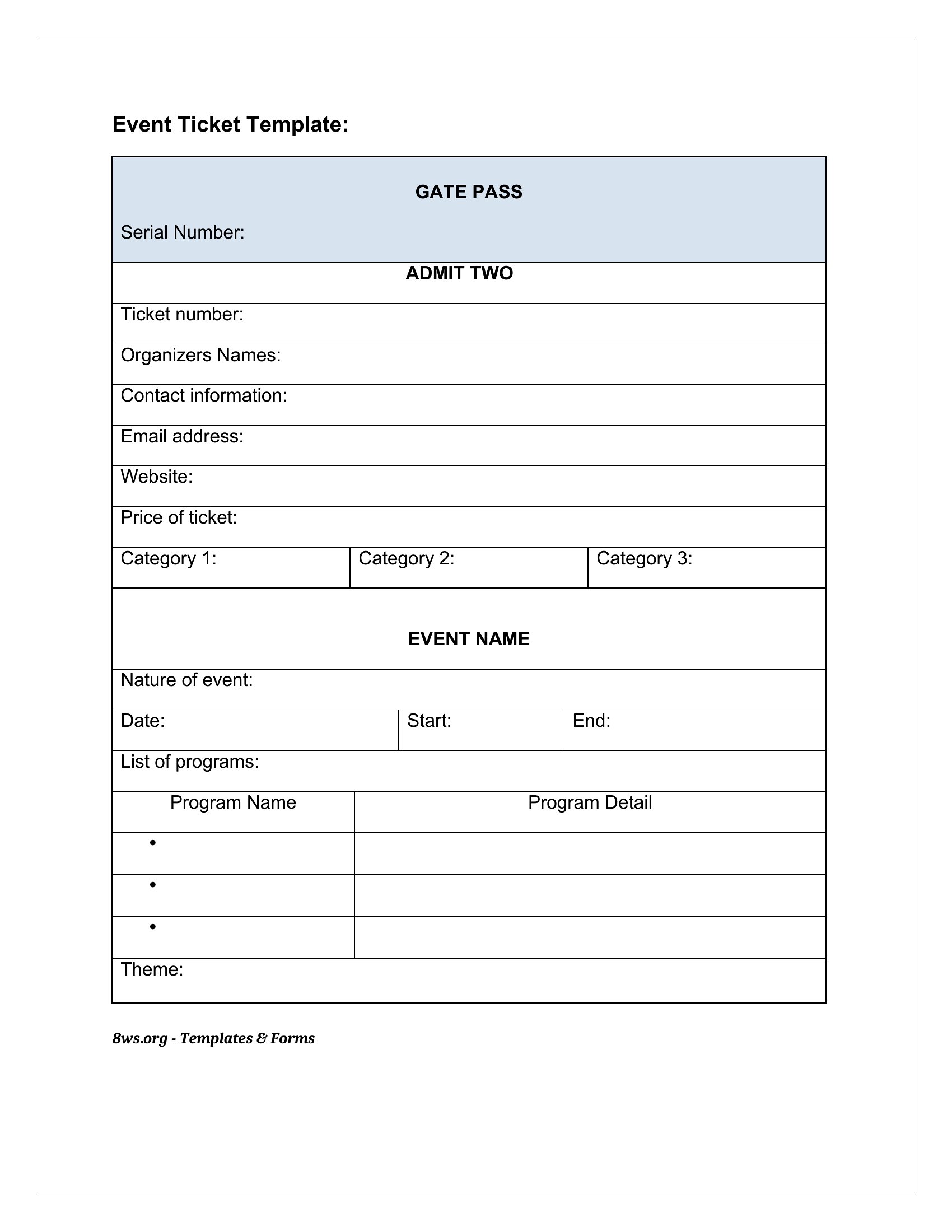
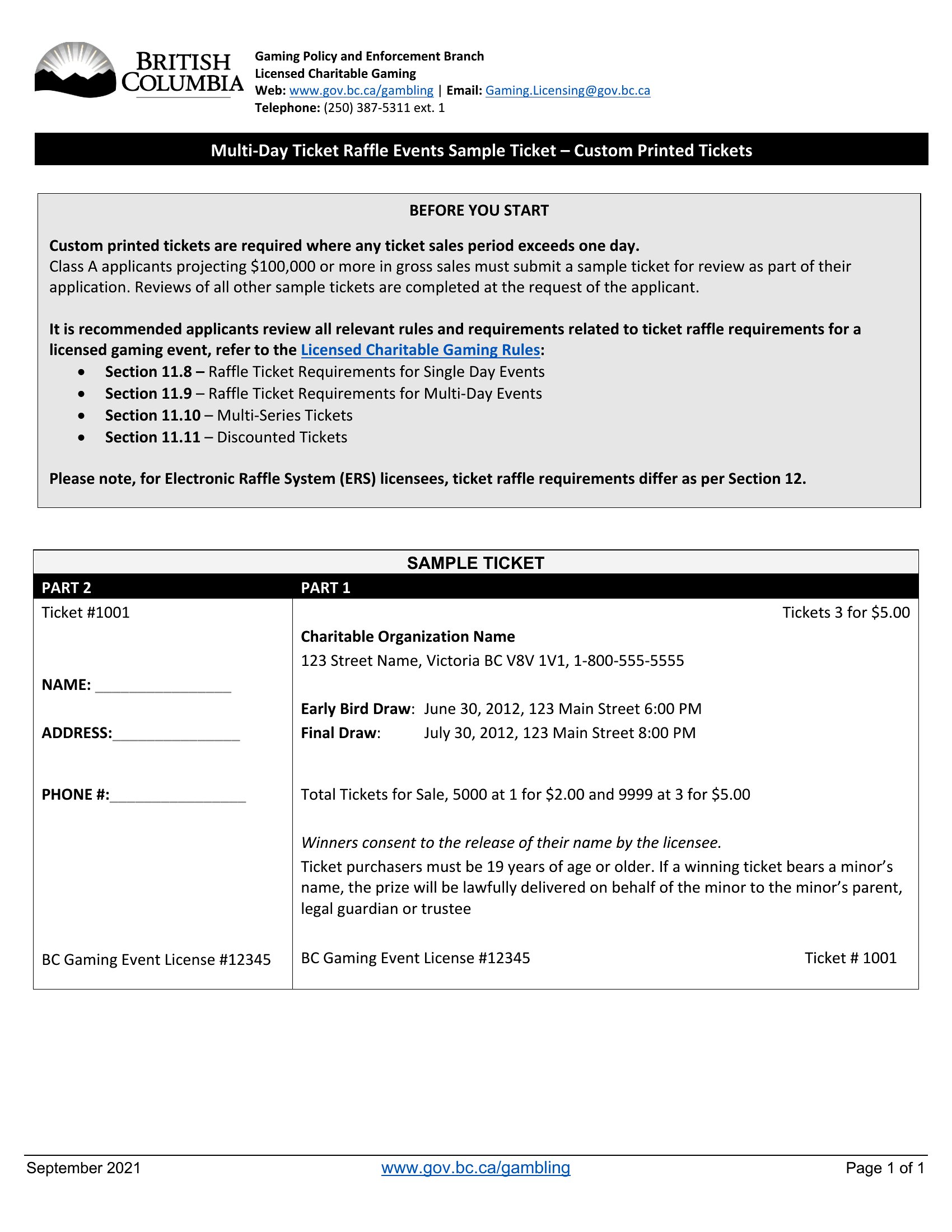
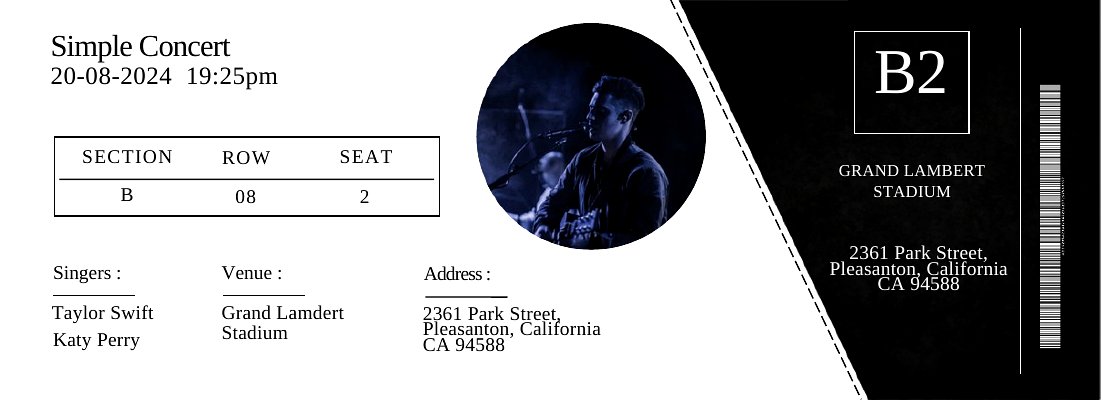
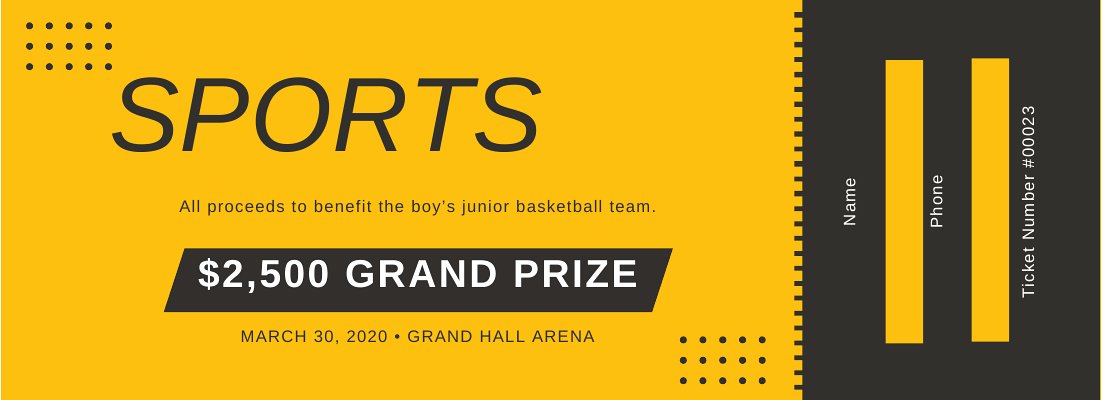
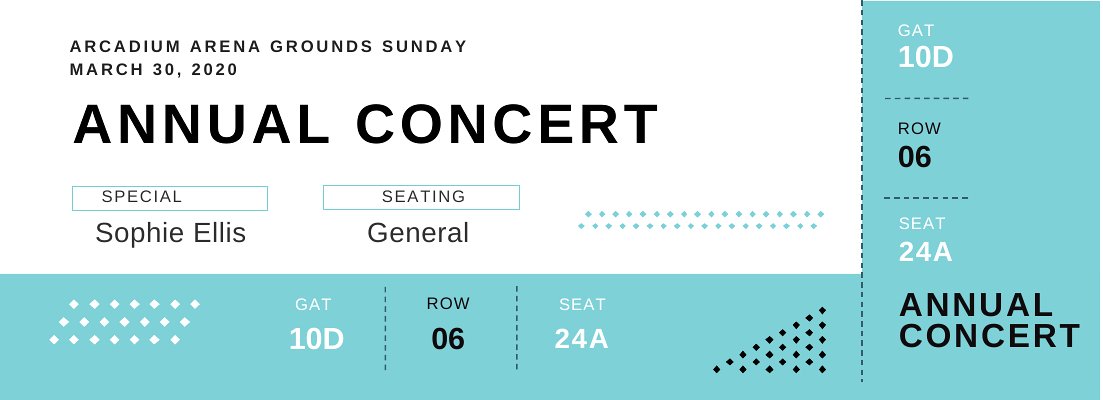
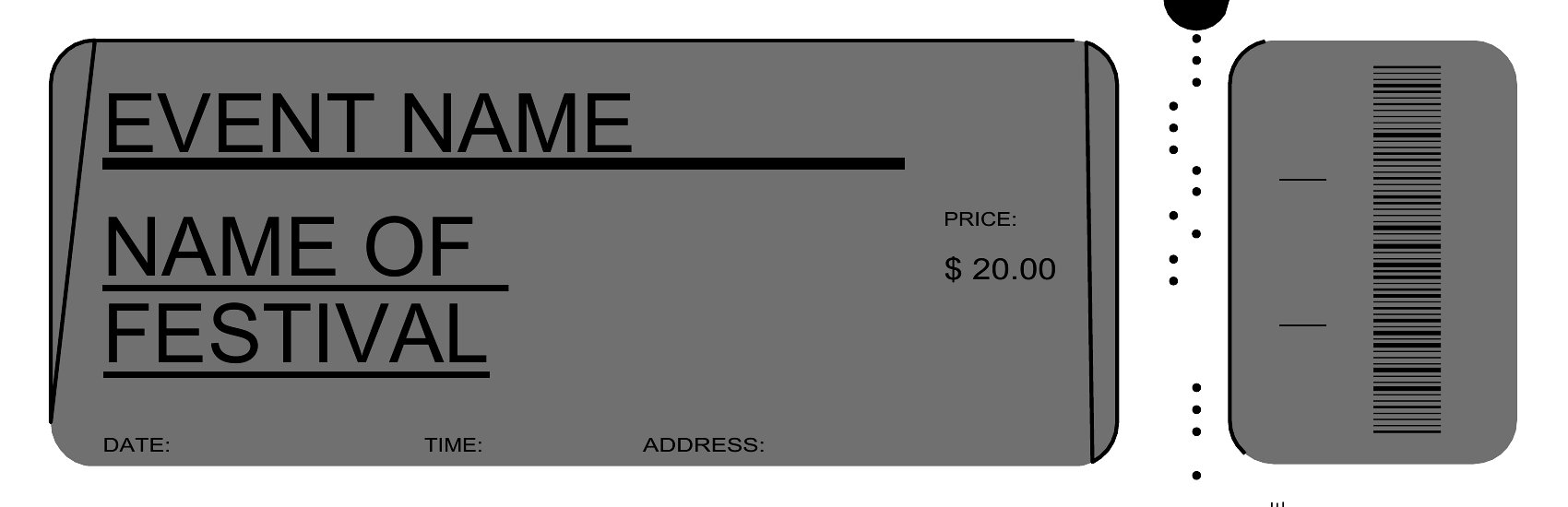
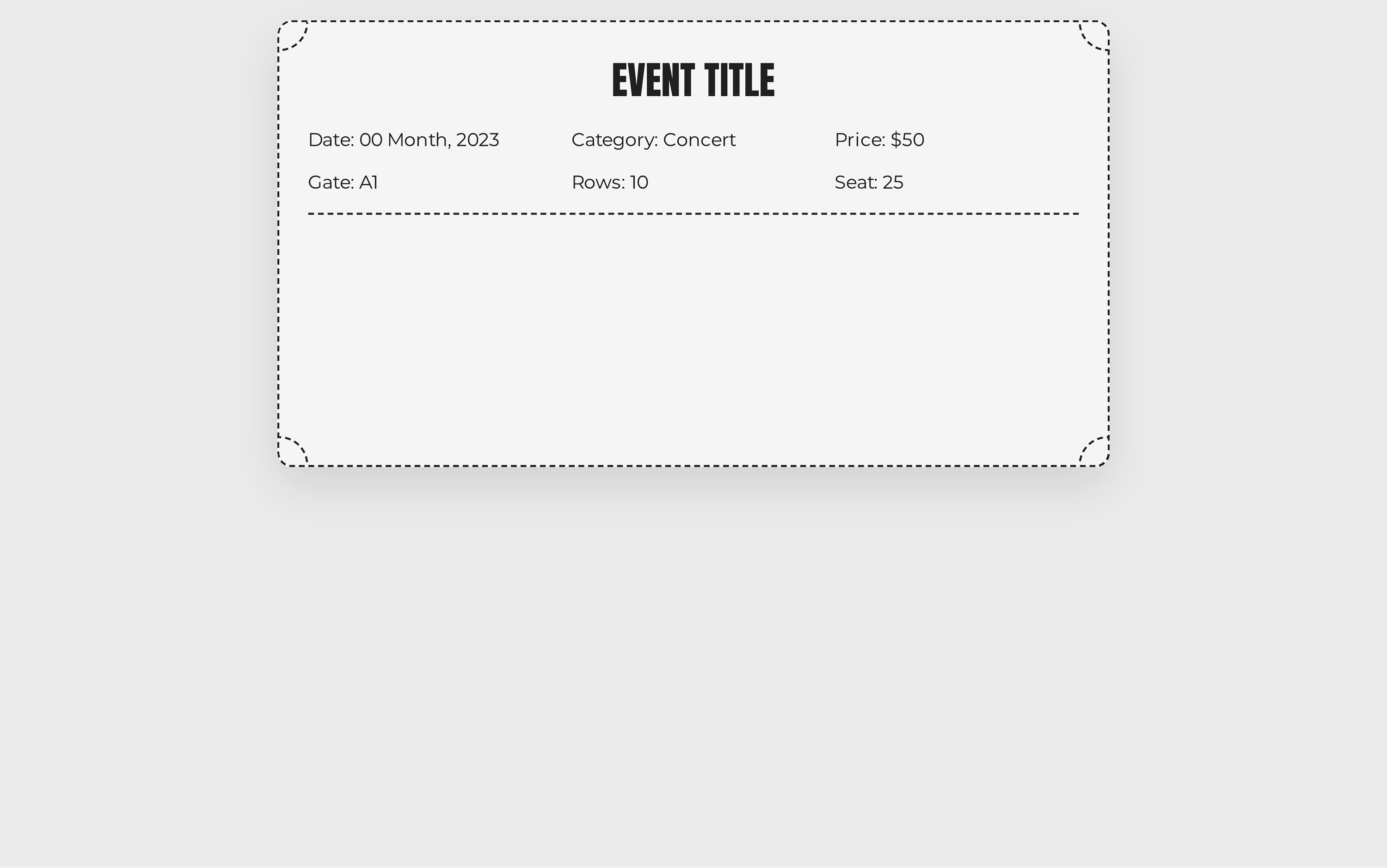
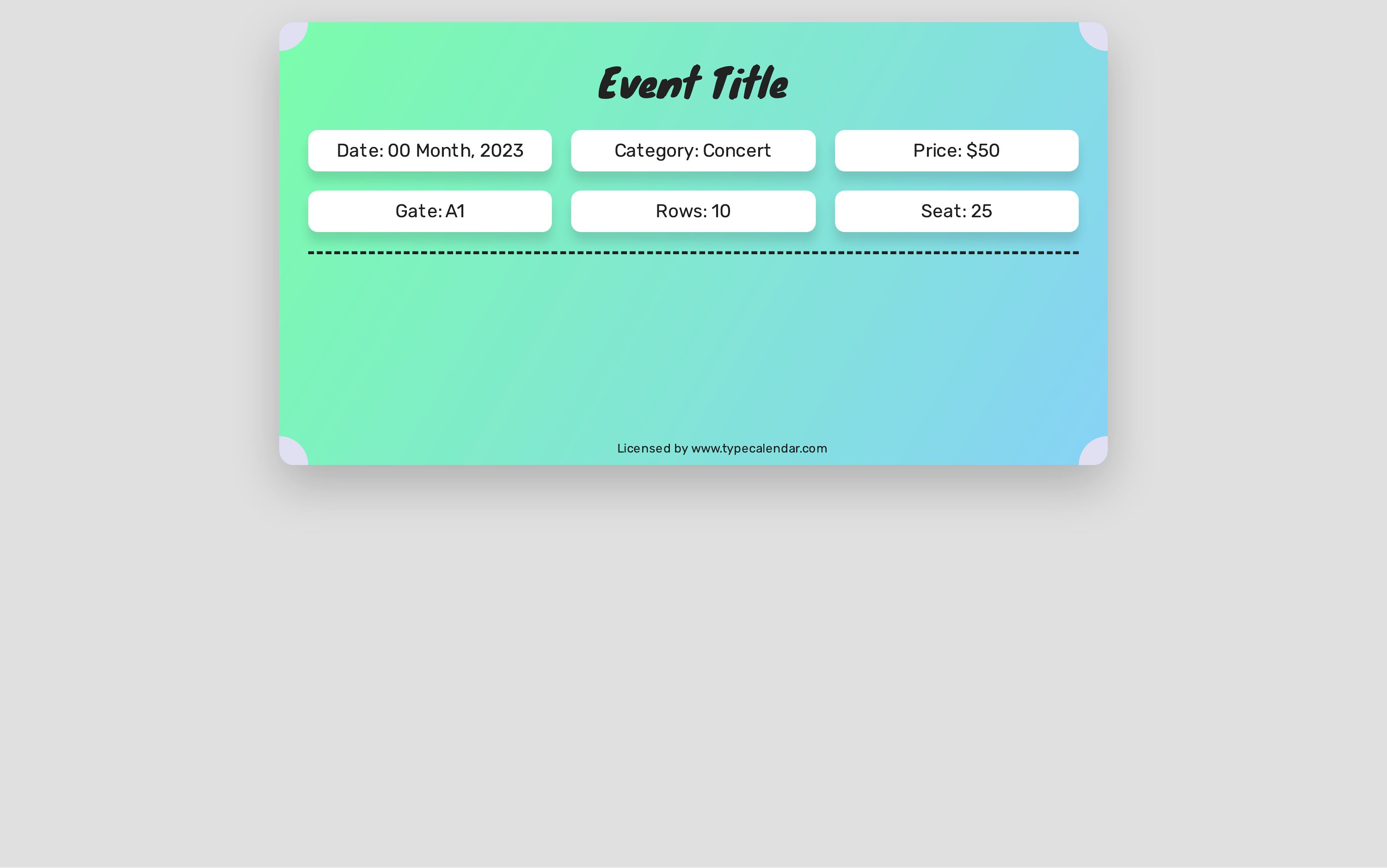
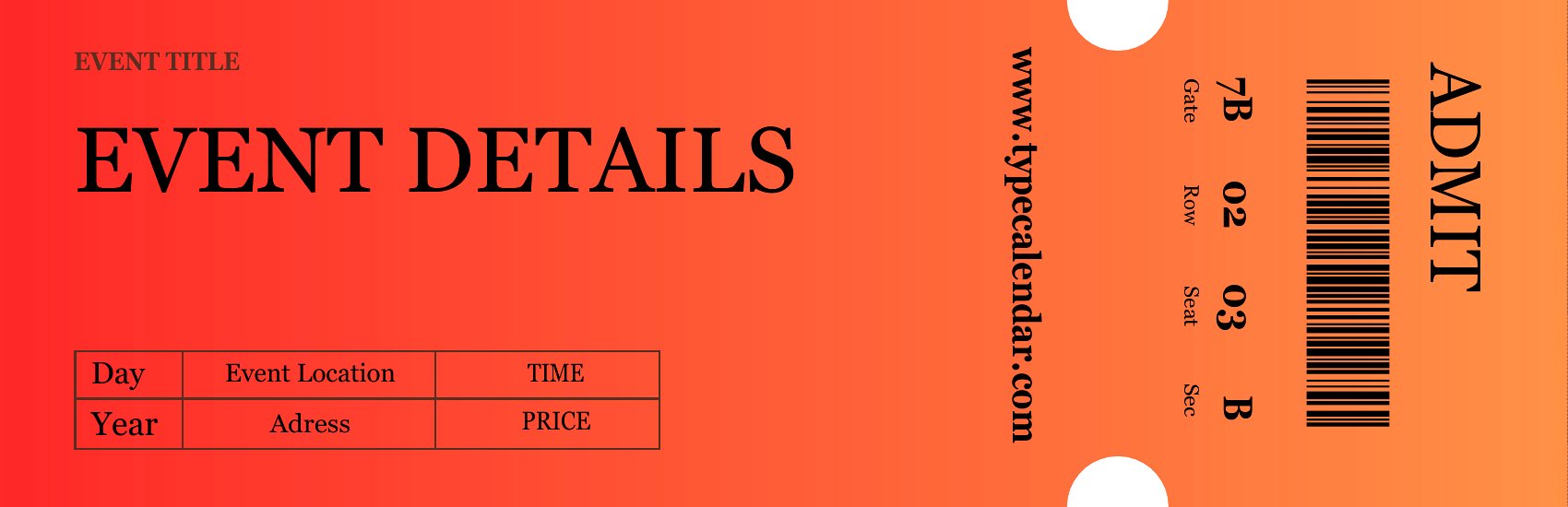
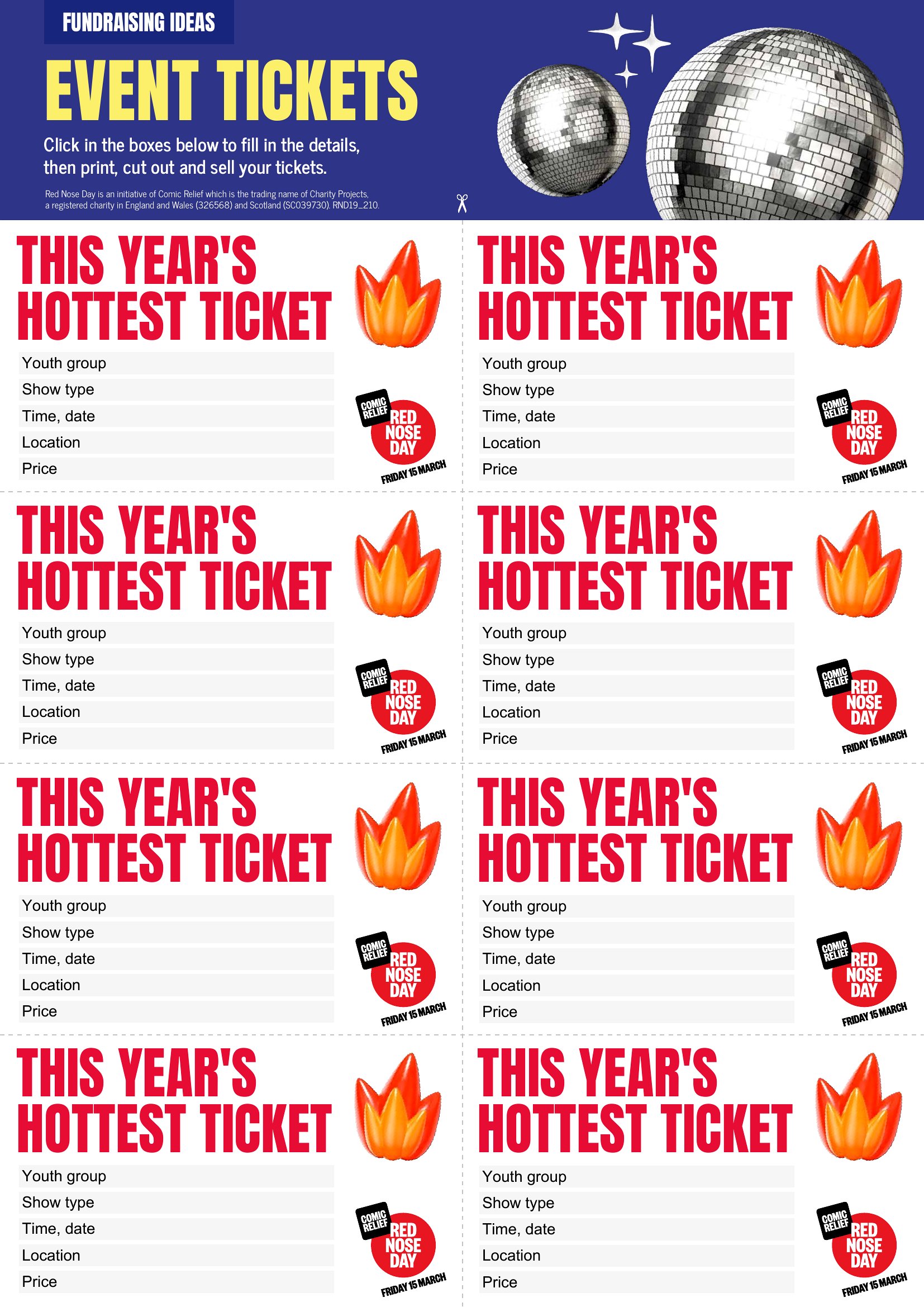
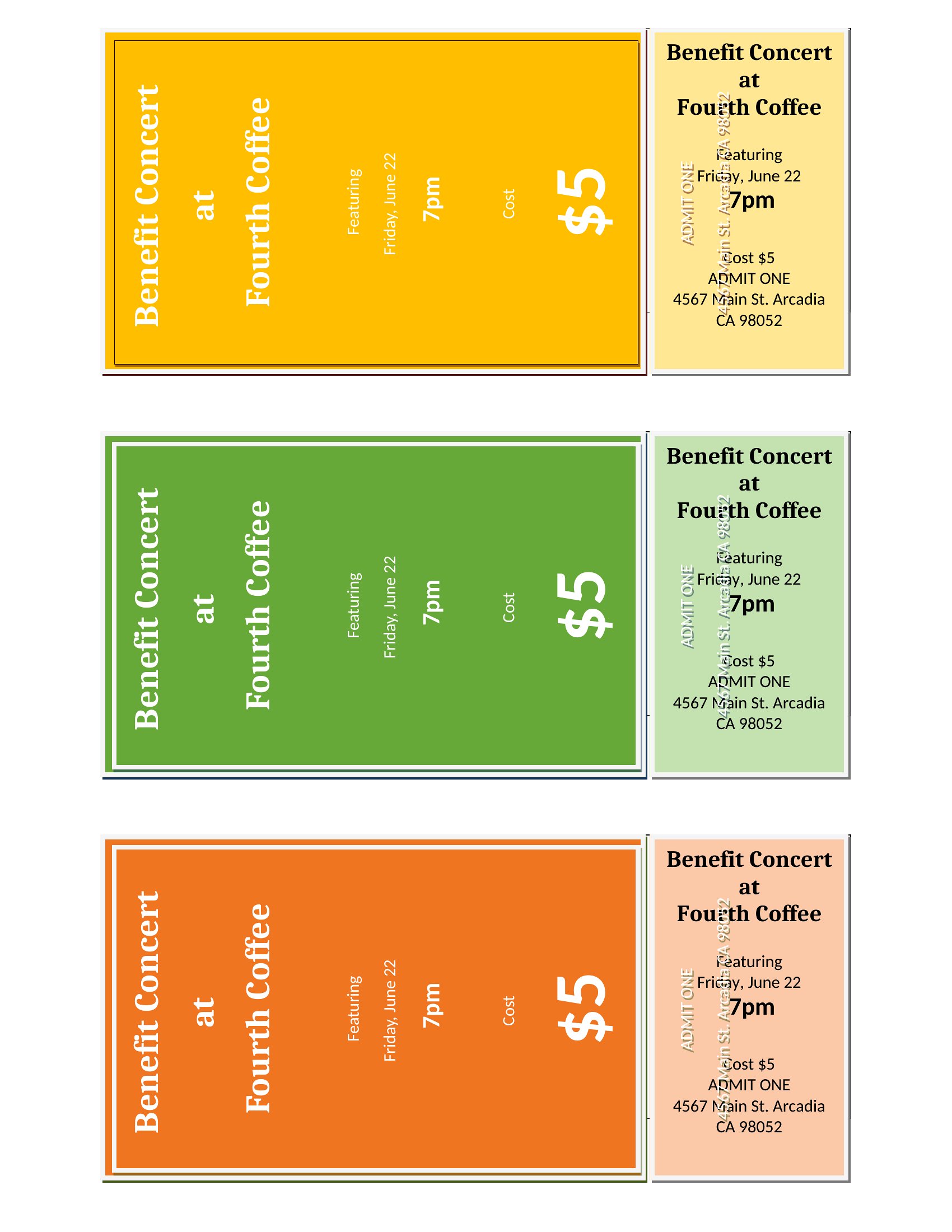
LifeSelling tickets to a show, raffle, or fundraiser feels a lot more official when the tickets actually look the part. This set of 32 event ticket templates helps organizers, schools, and small venues create clean, professional tickets for concerts, festivals, and charity draws.
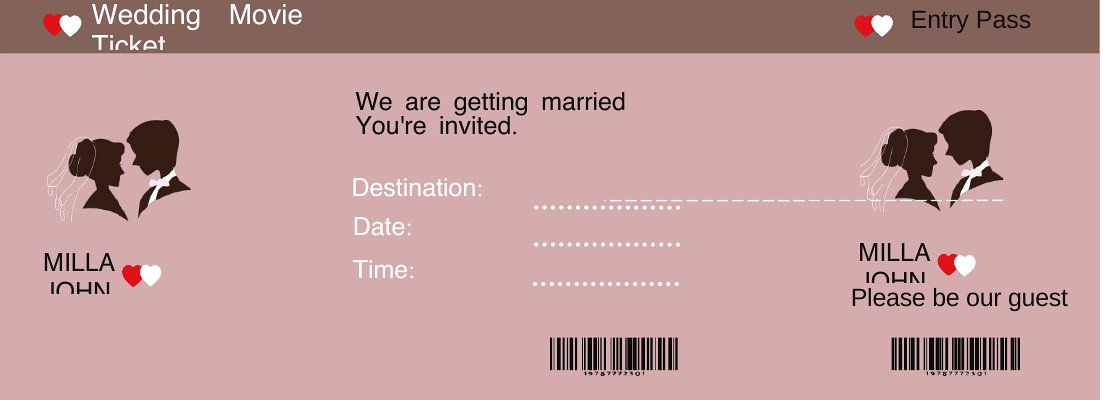
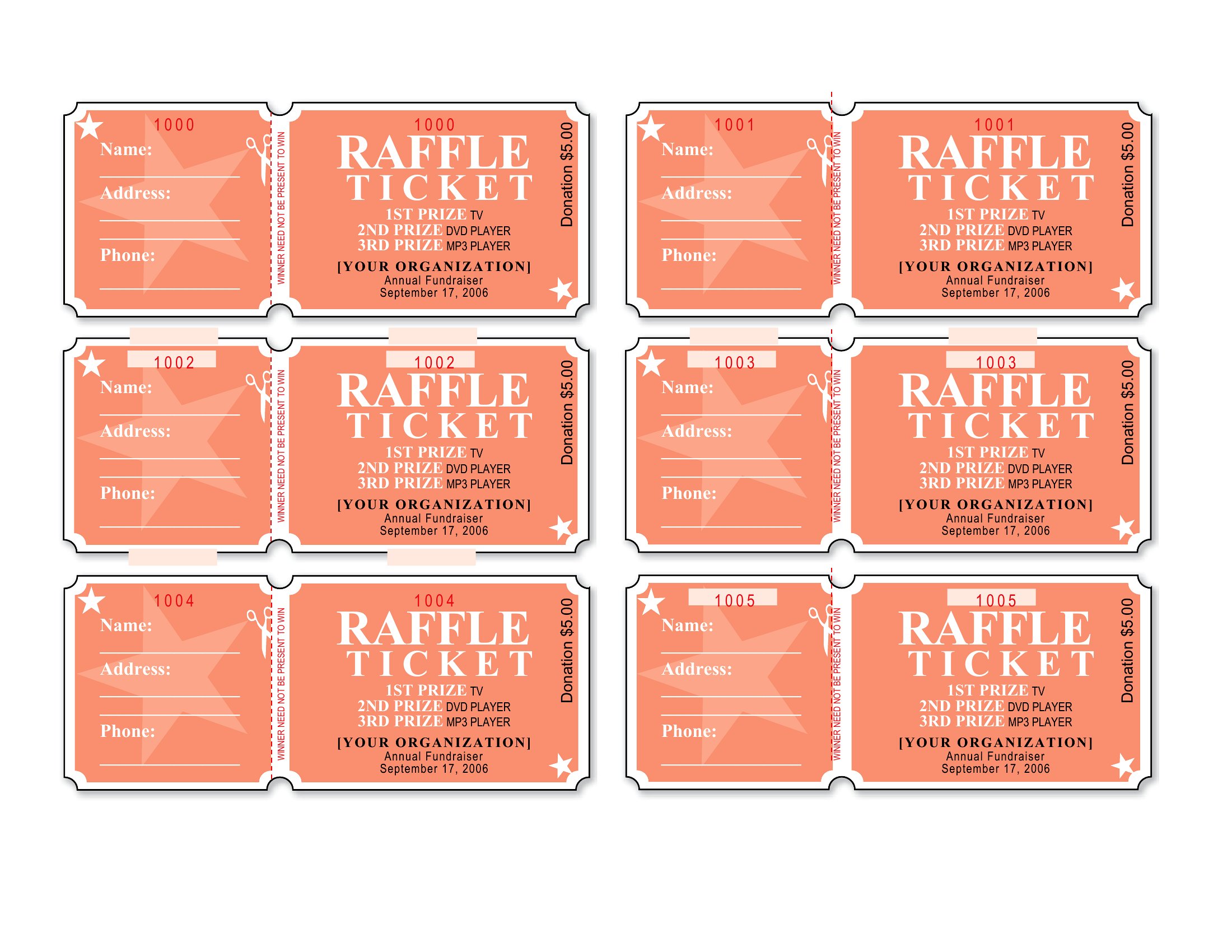
The Word files let you add your event name, date, seat or table info, and a logo, while the PDFs print neatly onto cardstock or regular paper for cutting. Number them for a raffle or leave space for guest details, whatever your event needs. It's free and simple to customize for any occasion. Choose the design that matches your vibe, add your details, and print a sheet of tickets ready to hand out.
When to use this Event Ticket template
- Nonprofit organizers hosting a silent auction or charity gala need branded tickets that convey credibility and urgency for donors attending in-person fundraisers.
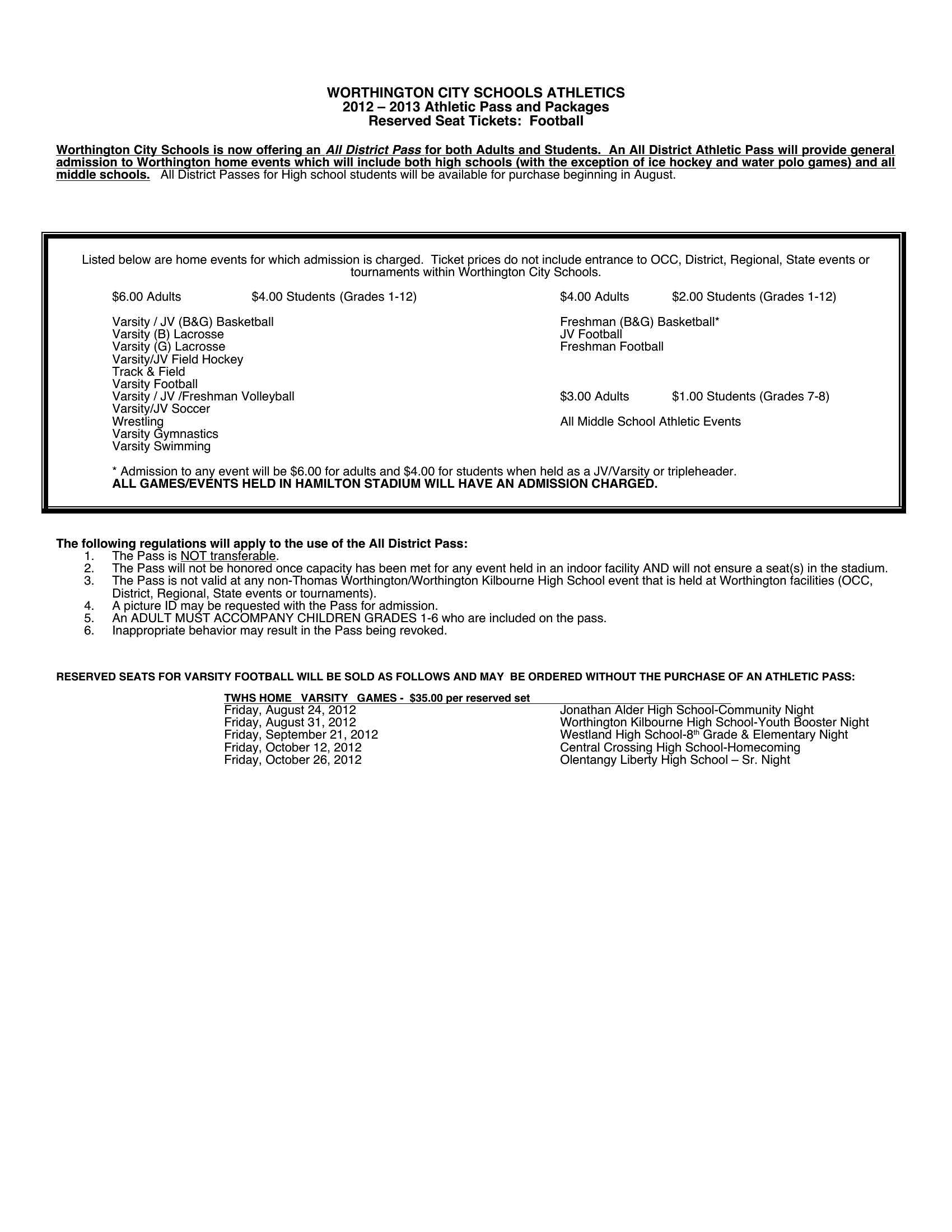
- Local schools and PTAs selling raffle tickets for school events require simple, printable designs that clearly display prize details and participant names to avoid mix-ups.
- Small venue owners managing ticket sales for live music shows or comedy nights want customizable layouts to include artist names, set times, and seating sections for a polished guest experience.
- Community centers planning festivals or holiday markets need multi-use tickets that work for both timed entry events and general admission passes with minimal design changes.
Which format should I download?
Use the Word format when you need to edit ticket details like event names, seat assignments, or logos after downloading—ideal for organizers who plan last-minute adjustments or have multiple ticket types. Choose the PDF format for direct printing or digital distribution, especially if you’re using cardstock and want to preserve the design’s crispness without risking font or layout shifts during printing. Both formats support professional layouts, but Word offers flexibility for text-heavy customization, while PDFs ensure consistency for finalized designs.
How to use this Event Ticket template
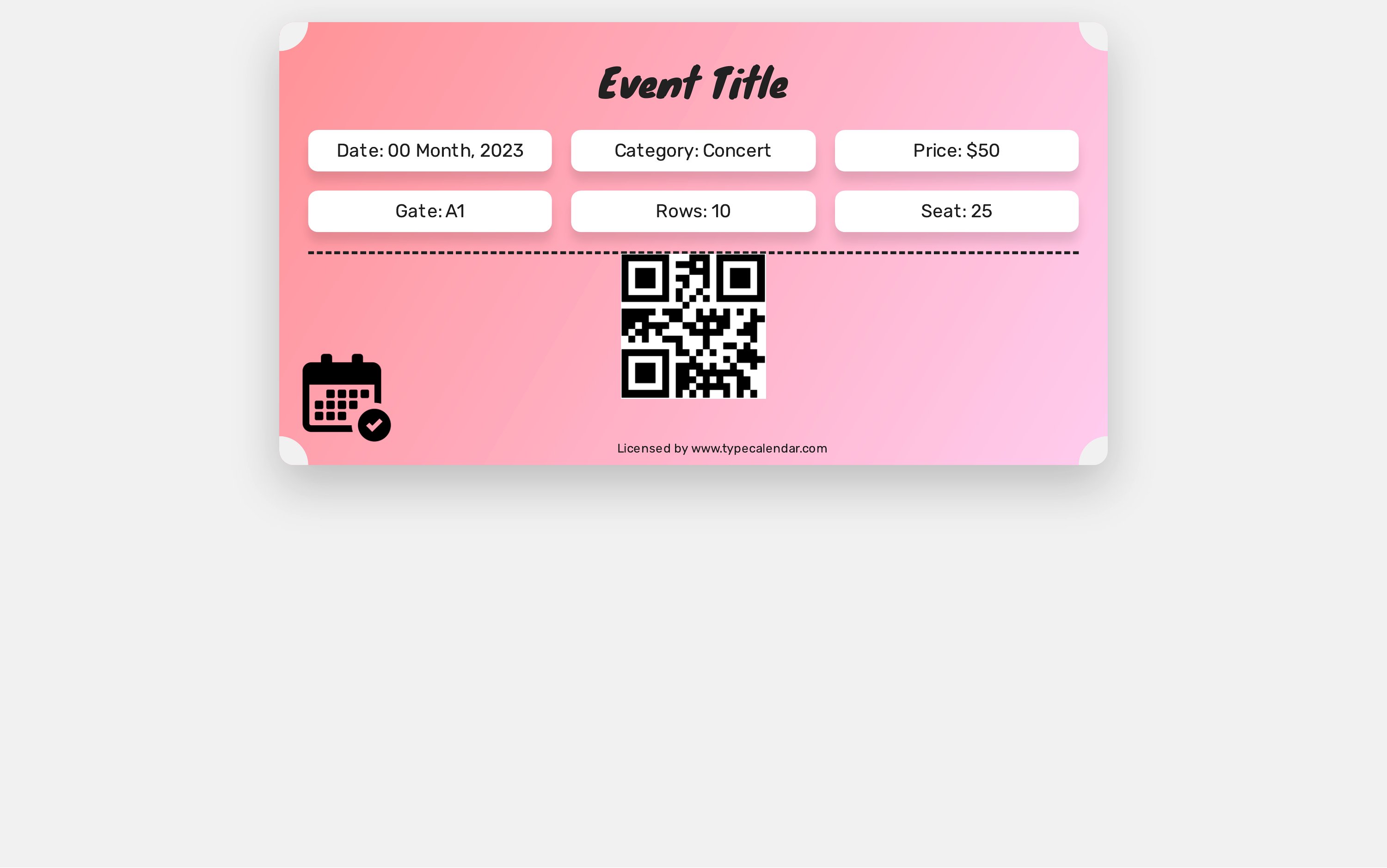
Can these templates include barcodes or QR codes for digital ticket validation?
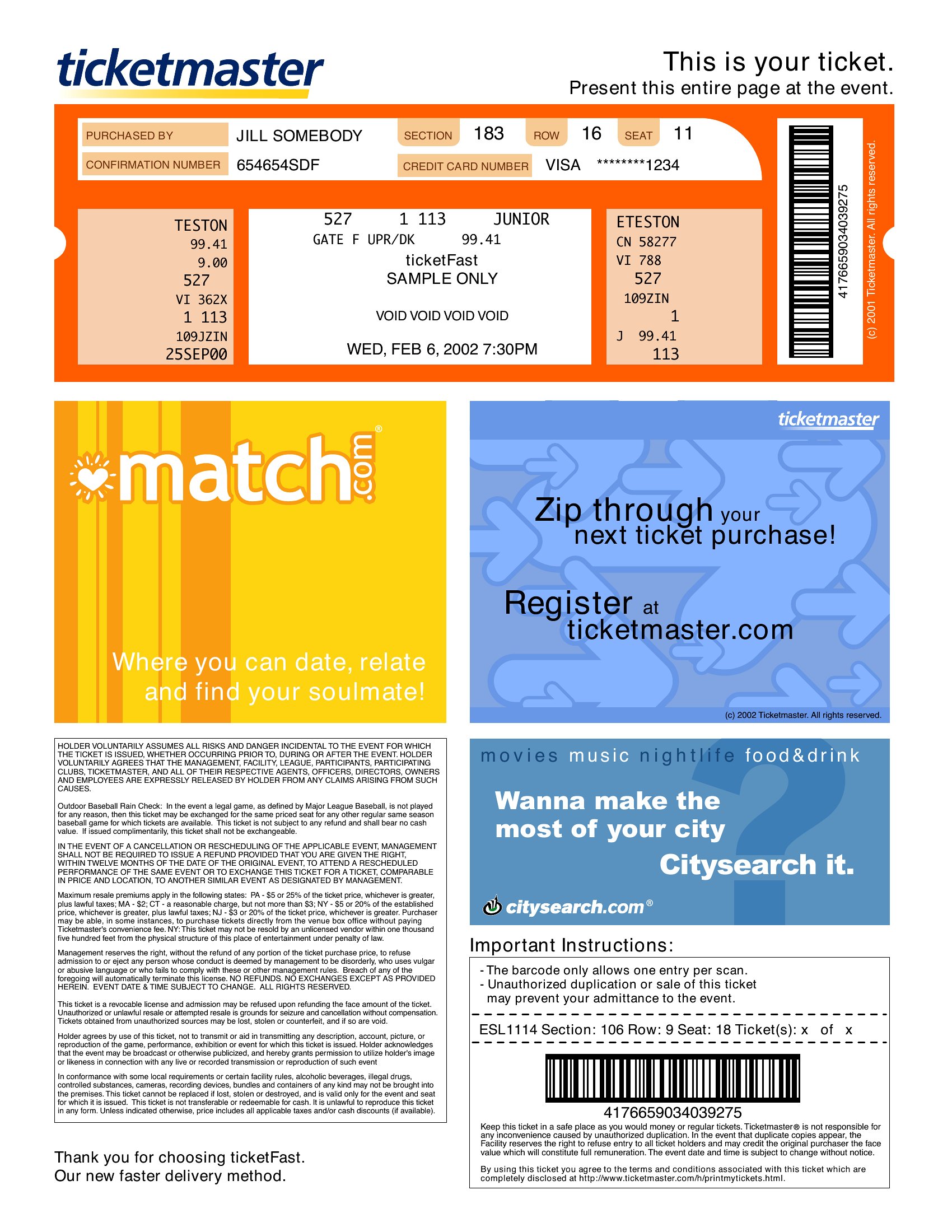
The templates themselves don’t generate barcodes or QR codes, but they include space for you to add them manually. For events requiring digital validation, you’ll need to create or purchase a separate barcode/QR code generator and place it in the designated area of the template. Always test printed tickets to ensure scannability before distribution.
Do the fillable PDF templates work on all devices for attendees to complete their info?
Fillable PDFs in this collection are designed to work on most modern devices, including desktops, tablets, and smartphones, as long as the viewer software supports form fields. For the best experience, ask attendees to use Adobe Acrobat Reader or a similar app. If distributing digitally, include clear instructions for saving or printing completed tickets.
How should I handle tickets for events with age restrictions or guest lists?
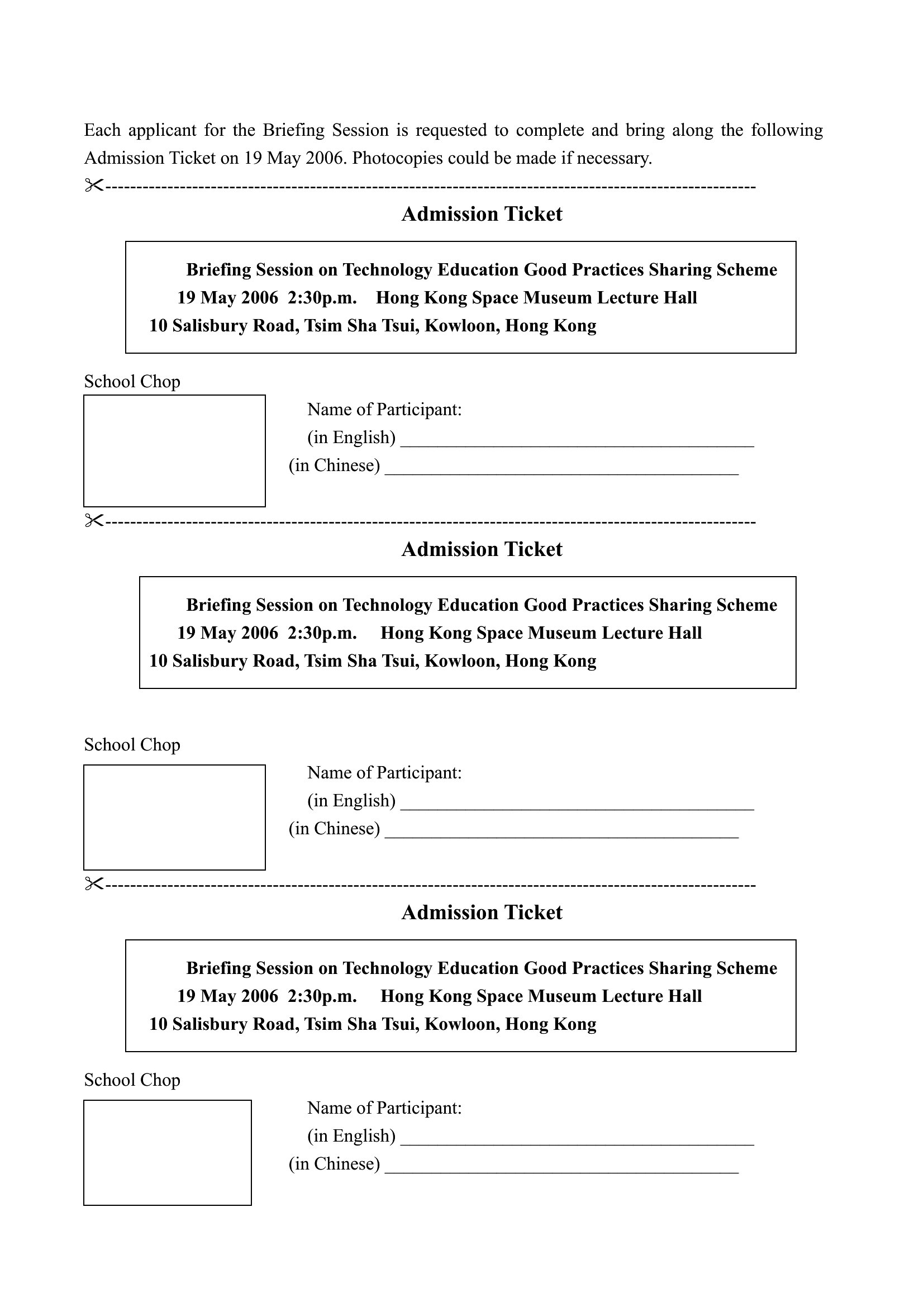
These templates include space for additional notes or sections—use them to add fields for attendee names, ages, or guest list confirmations. For strict enforcement, consider pairing the printed ticket with a separate verification process, like a pre-approved list or digital check-in system. Always clarify policies in your event terms and conditions to manage expectations.
Comments
Join the conversation
Sign in to share your thoughts and leave a comment on this resource.