Skip to content
50% off this one-time $1.99 pack with HALFOFF — or unlimited with Pro.HALFOFF
Premium

Free Printable Golden Ticket Templates (Word, PDF)

Life
julietteabraham by julietteabraham
Updated 0 downloads Quality-checked template

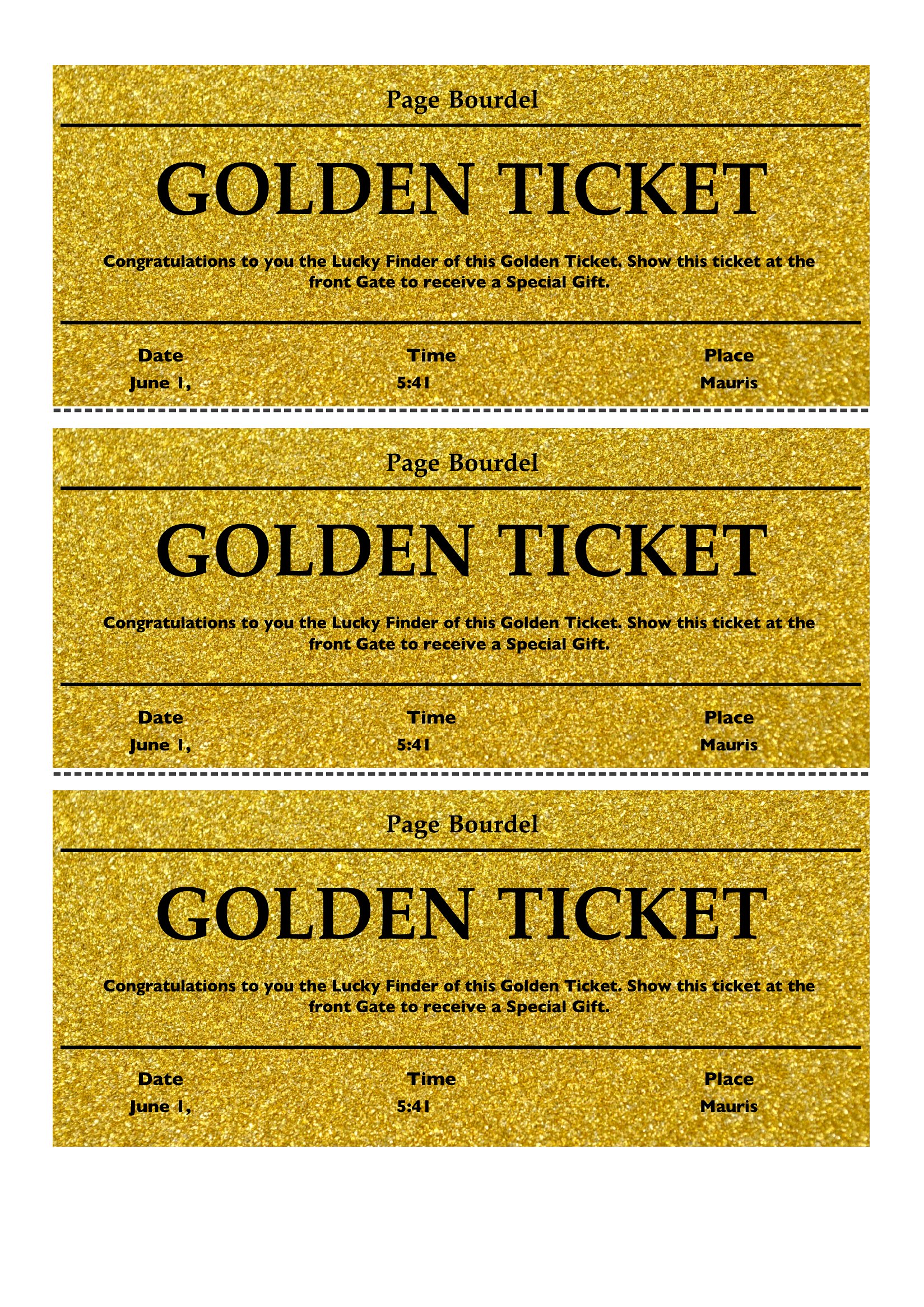
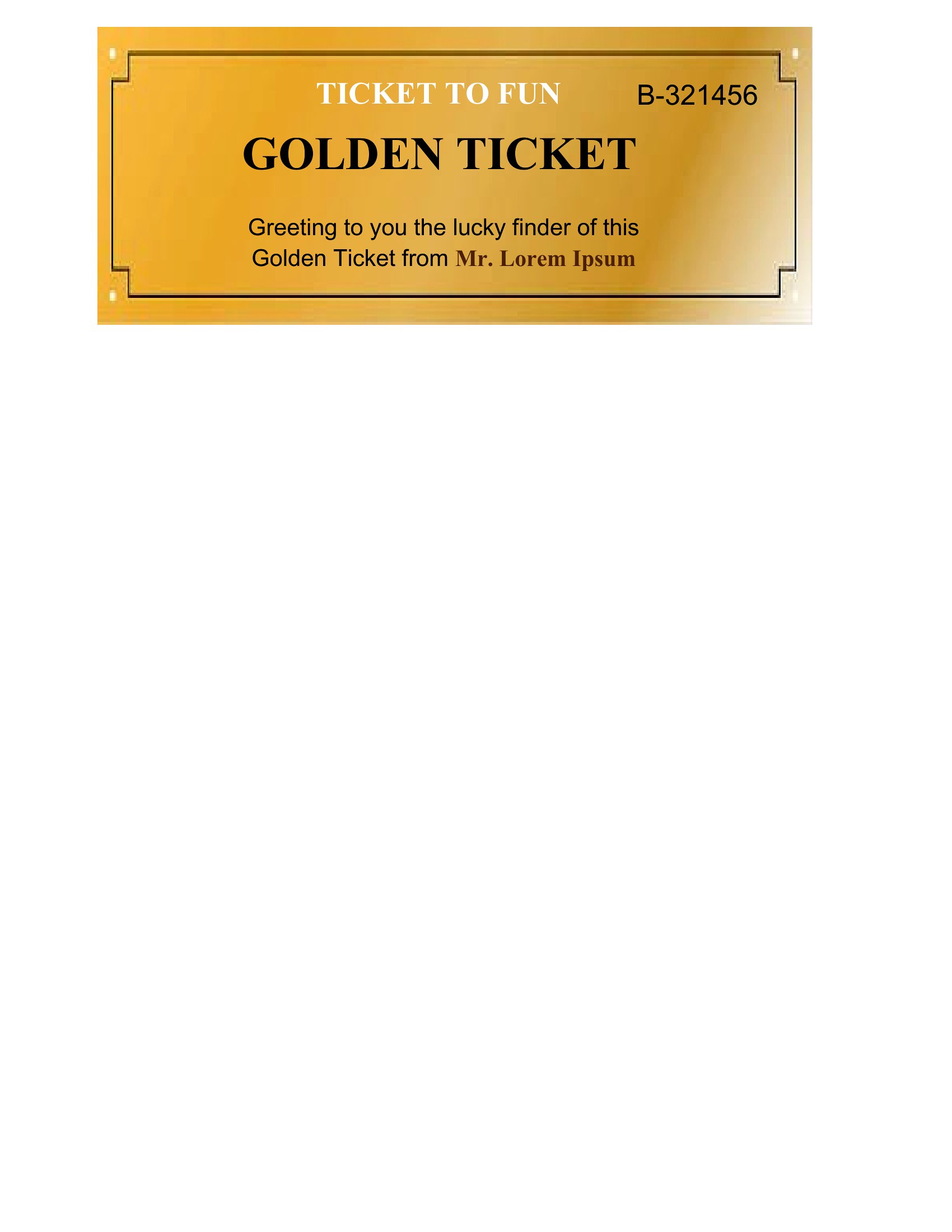
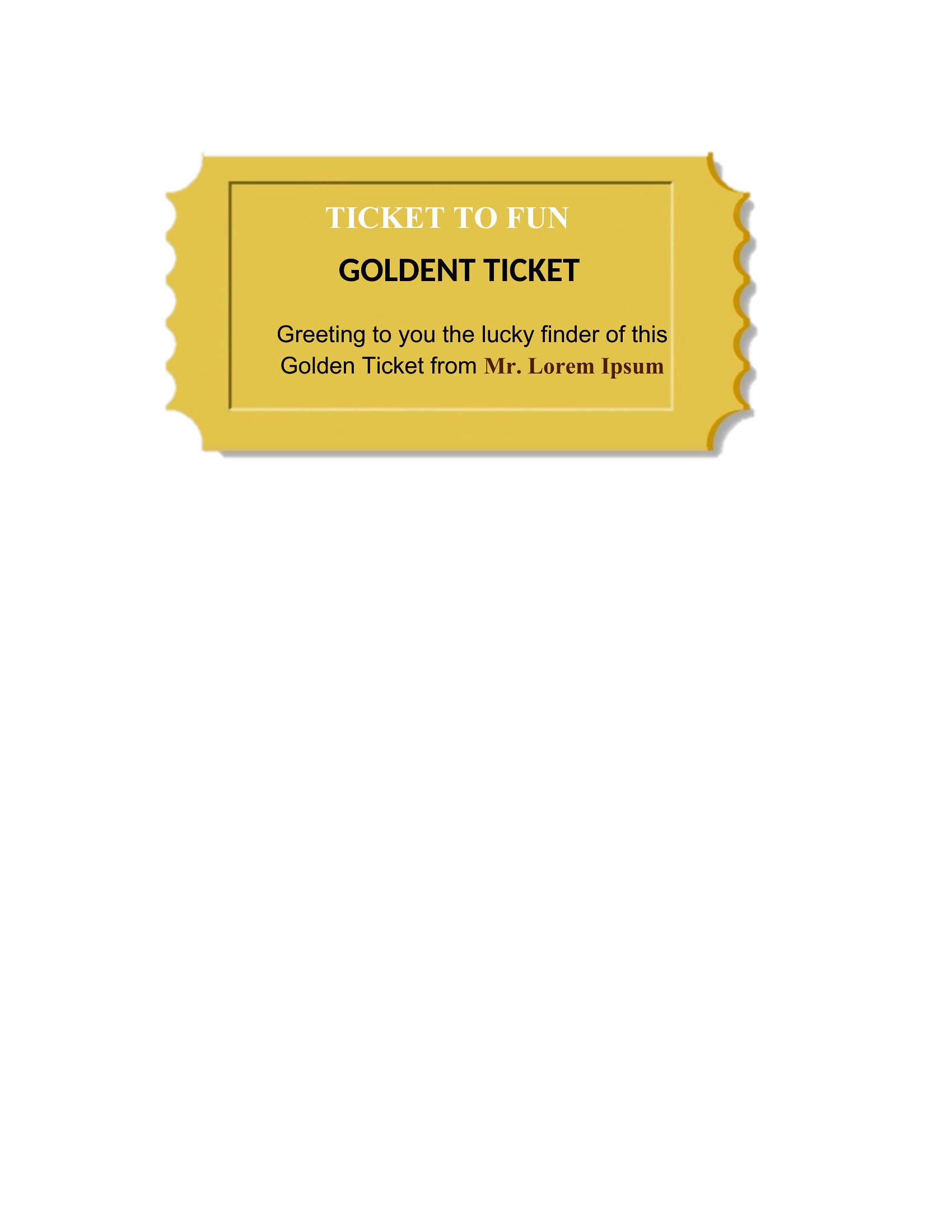
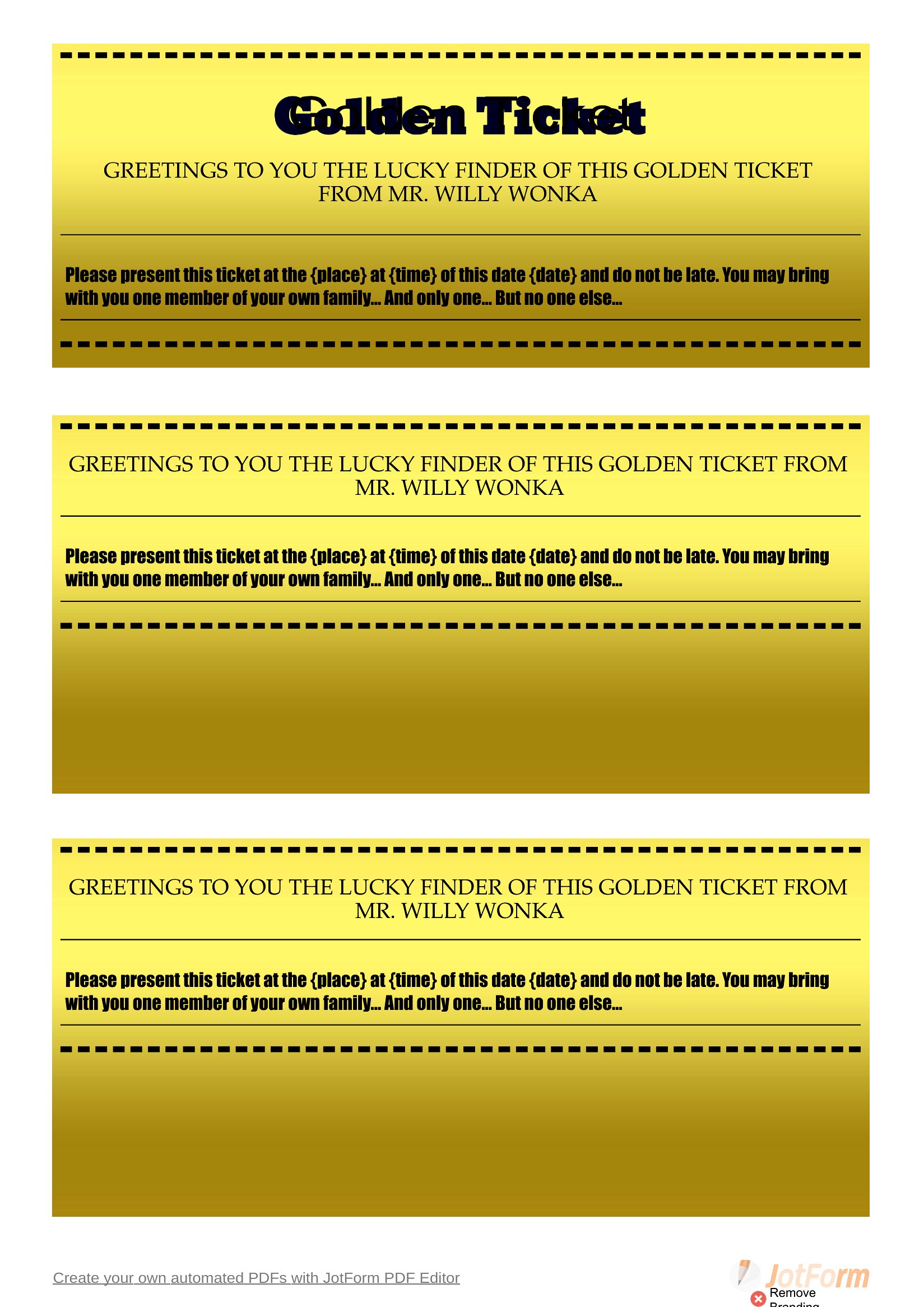
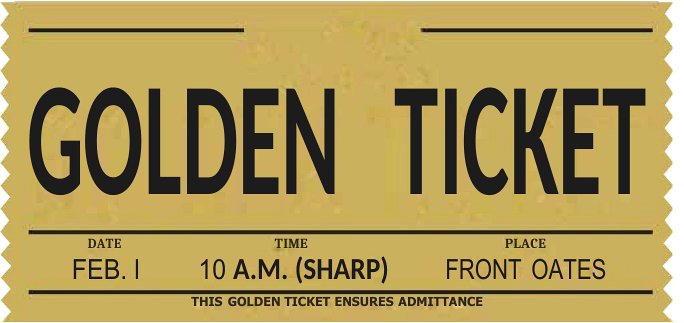
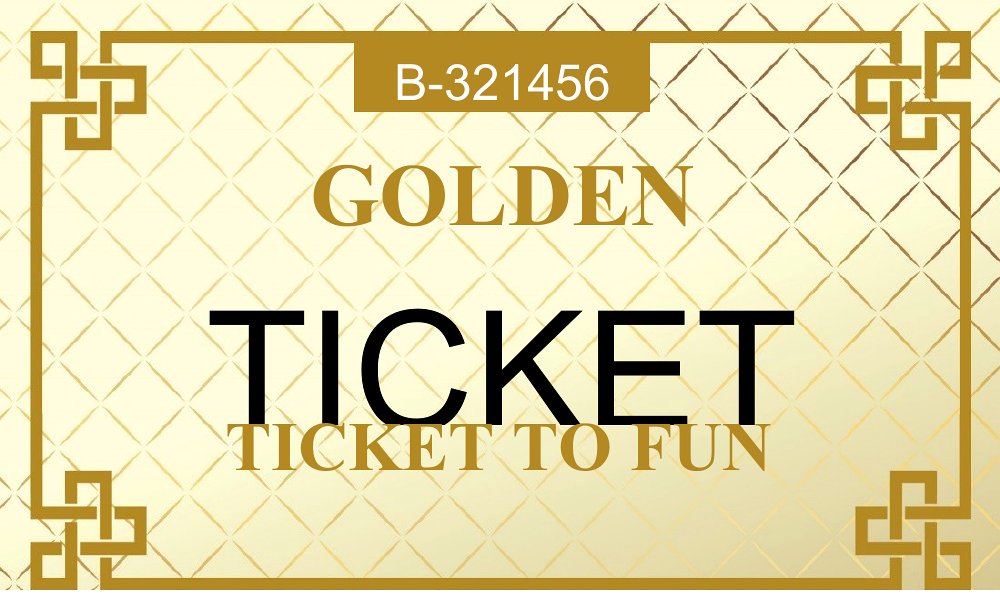
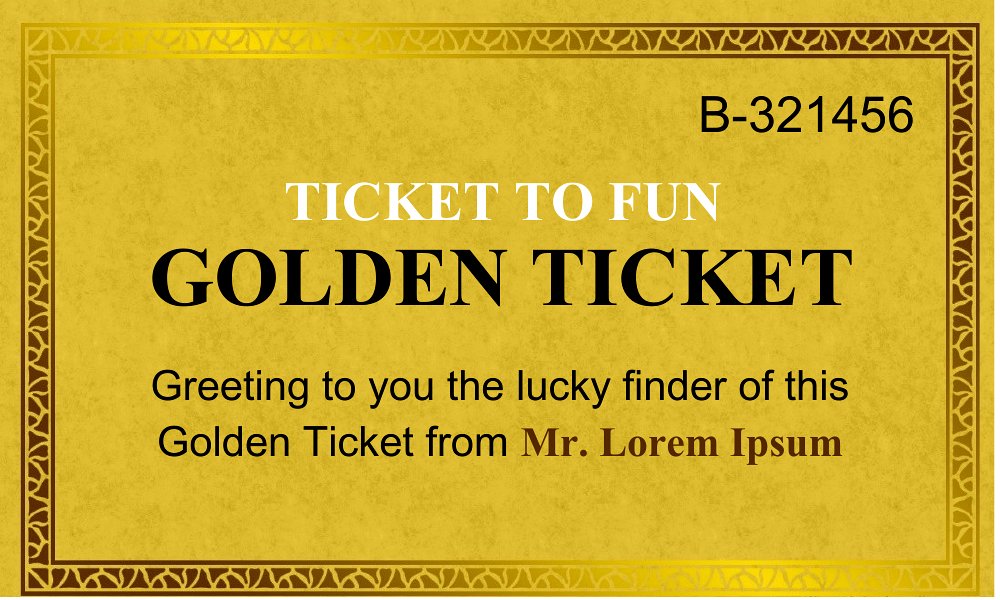
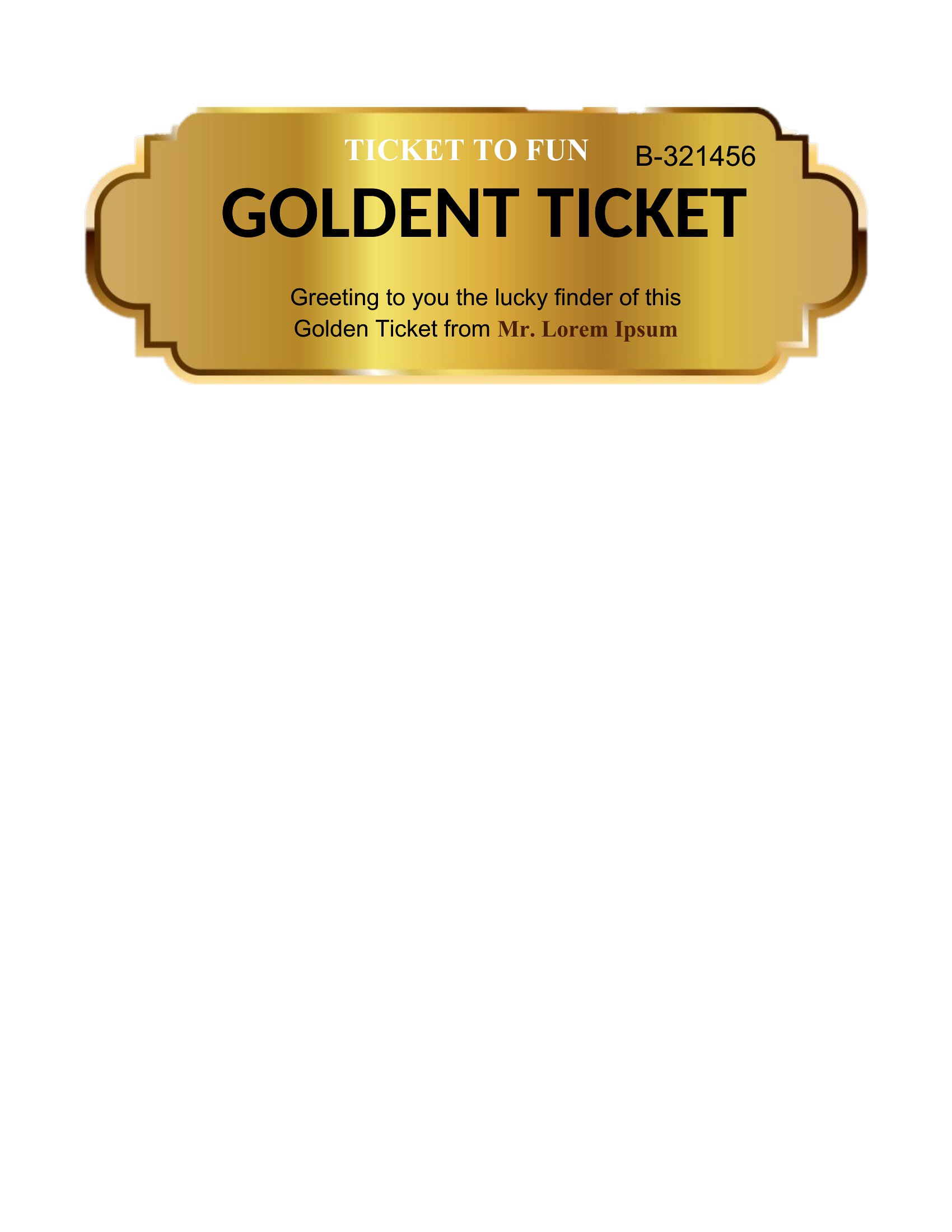
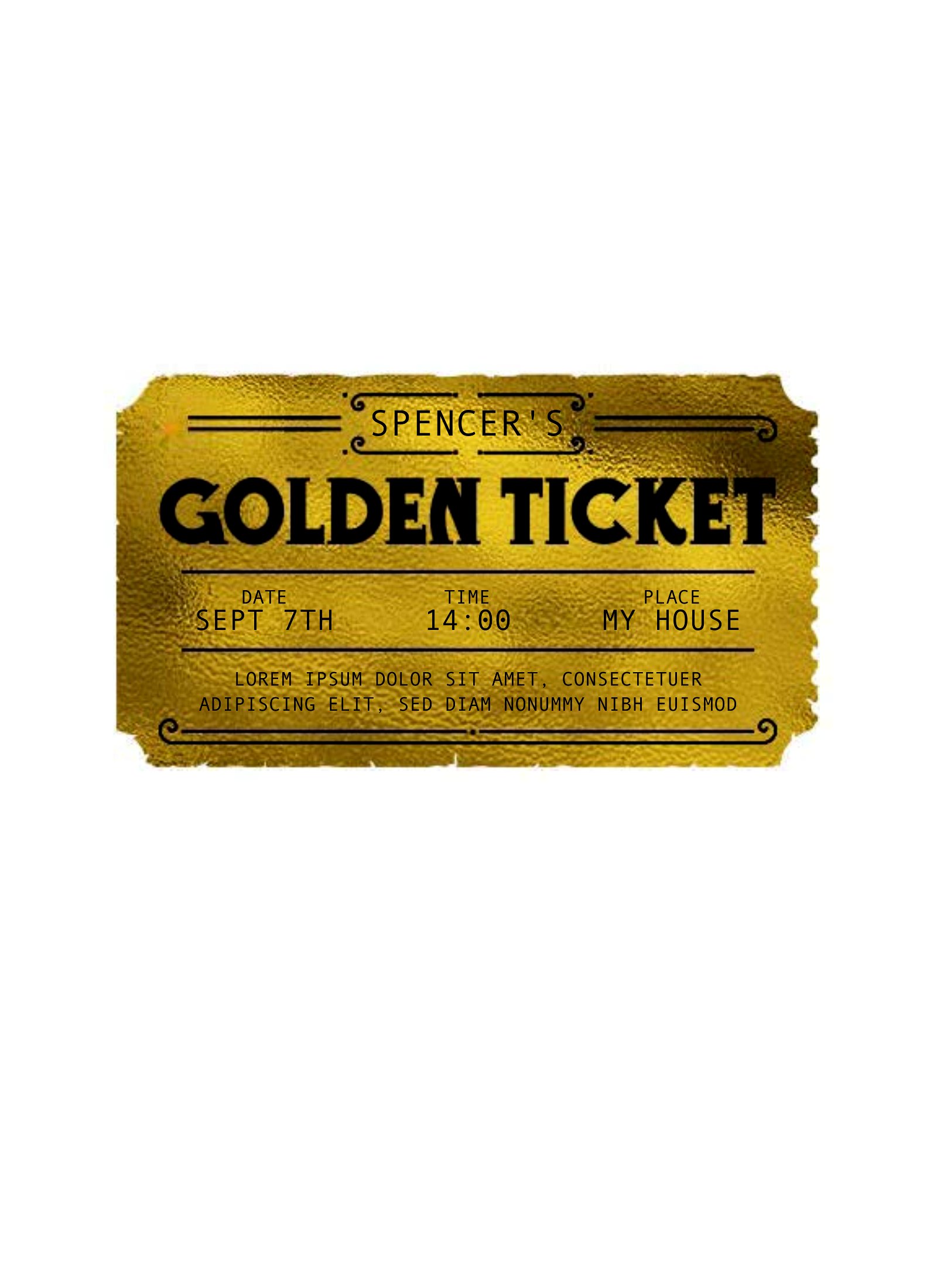
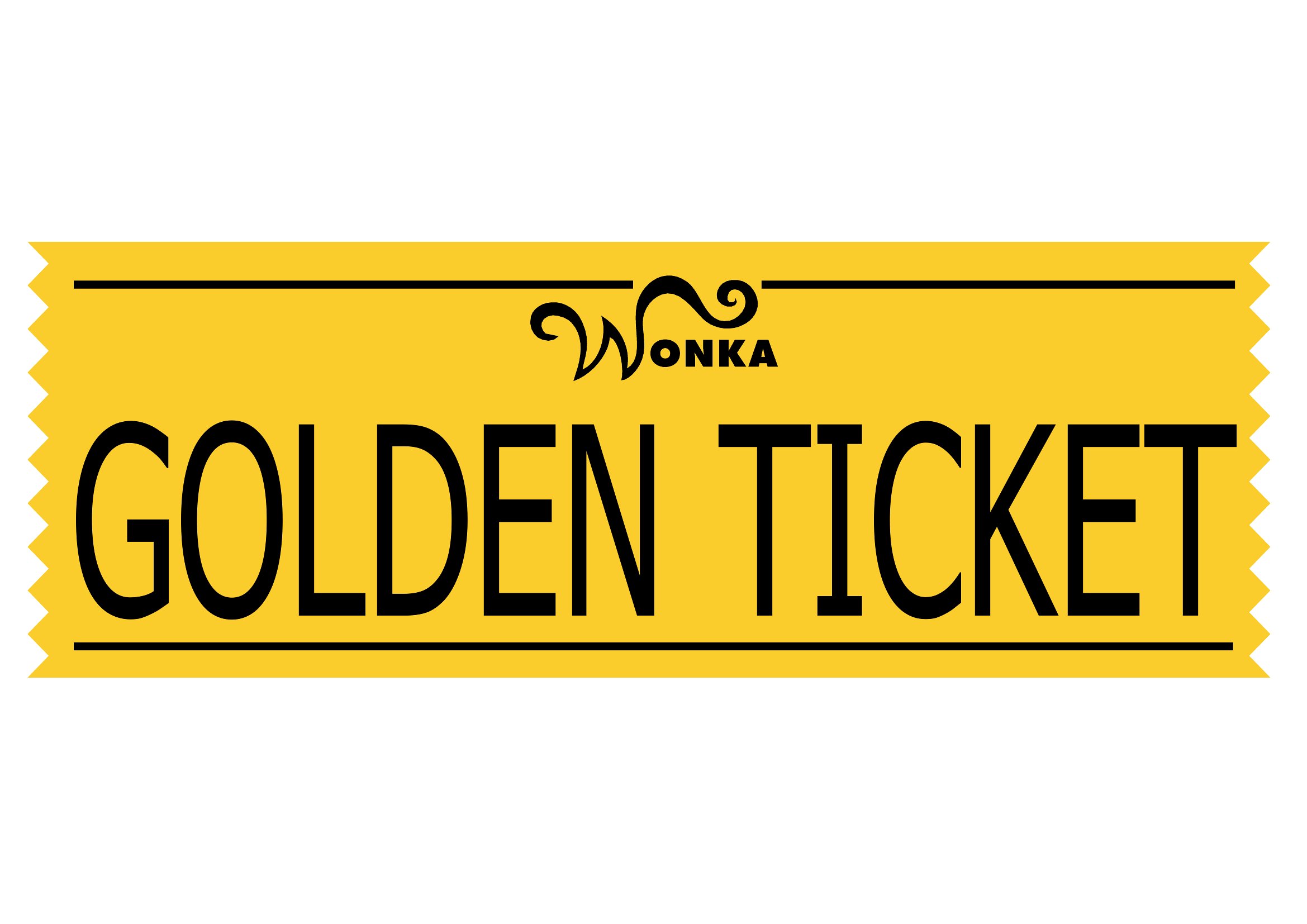
A golden ticket adds a jolt of excitement to parties, classrooms, and promotions, and a ready template means you can make a batch in minutes. This collection of 15 designs covers Wonka-style invites, classroom rewards, and event giveaways for teachers, party hosts, and small businesses.

Open the editable Word files to add your own text, or print the PDFs as-is for instant tickets. Run them on card stock for a sturdier feel, then cut and hand them out. Download the design you like, personalize the message, and hand someone a little golden surprise.

When to use this Golden Ticket template

  • A teacher rewards top-performing students in a weekly reading challenge with custom golden tickets printed on cardstock for instant classroom excitement.
  • A birthday party host hands out golden tickets at entry as VIP passes, redeemable for small prizes or first dibs on cake.
  • A local bakery uses golden ticket templates as promotional giveaways with coffee purchases, driving repeat customers to their café.
  • A summer camp counselor distributes golden tickets during team-building games, letting winners pick the next activity or skip a chore.

Which format should I download?

WordPDF

Choose Word if you need to personalize details like names, redemption terms, or branding before printing—it’s fully editable. Opt for PDF if you want a polished, ready-to-print version with no last-minute tweaks needed, especially for bulk printing or quick distribution at events. Both formats support cardstock printing, but Word offers flexibility for customization.

Choose from 15 Golden Ticket Templates

How to use this Golden Ticket template

Can I adjust the design to match my brand colors or party theme?

Yes, the Word templates let you edit colors, fonts, and graphics to align with your brand or theme. PDFs are fixed, so use those only if you’re happy with the original design. For consistency, start with Word and re-export as PDF after customizing.

How do I ensure the golden tickets look professional when printed?

Print on 80–100 lb cardstock for a premium feel, and adjust your printer settings to ‘high quality.’ For glossy finishes, use photo paper. Test a single ticket first to check alignment and ink bleed. PDFs are optimized for direct printing, while Word files may need a quick print preview check.

Are these templates suitable for digital giveaways, like email attachments?

PDFs work best for digital giveaways since they’re easy to attach and won’t let recipients accidentally edit the design. For email, describe the ticket’s purpose (e.g., ‘Redeem this digital golden ticket for a discount’) and include clear instructions. Avoid Word files unless you’re certain recipients have Microsoft Word.

Comments

Join the conversation

Sign in to share your thoughts and leave a comment on this resource.

Newsletter

Get Weekly Design Updates

Join our community to receive curated resources and inspiration.

Weekly Tips Resources Early Access

We respect your privacy. Confirmation email required. Privacy Policy