Free Printable Golden Ticket Templates (Word, PDF)
LifeTemplates
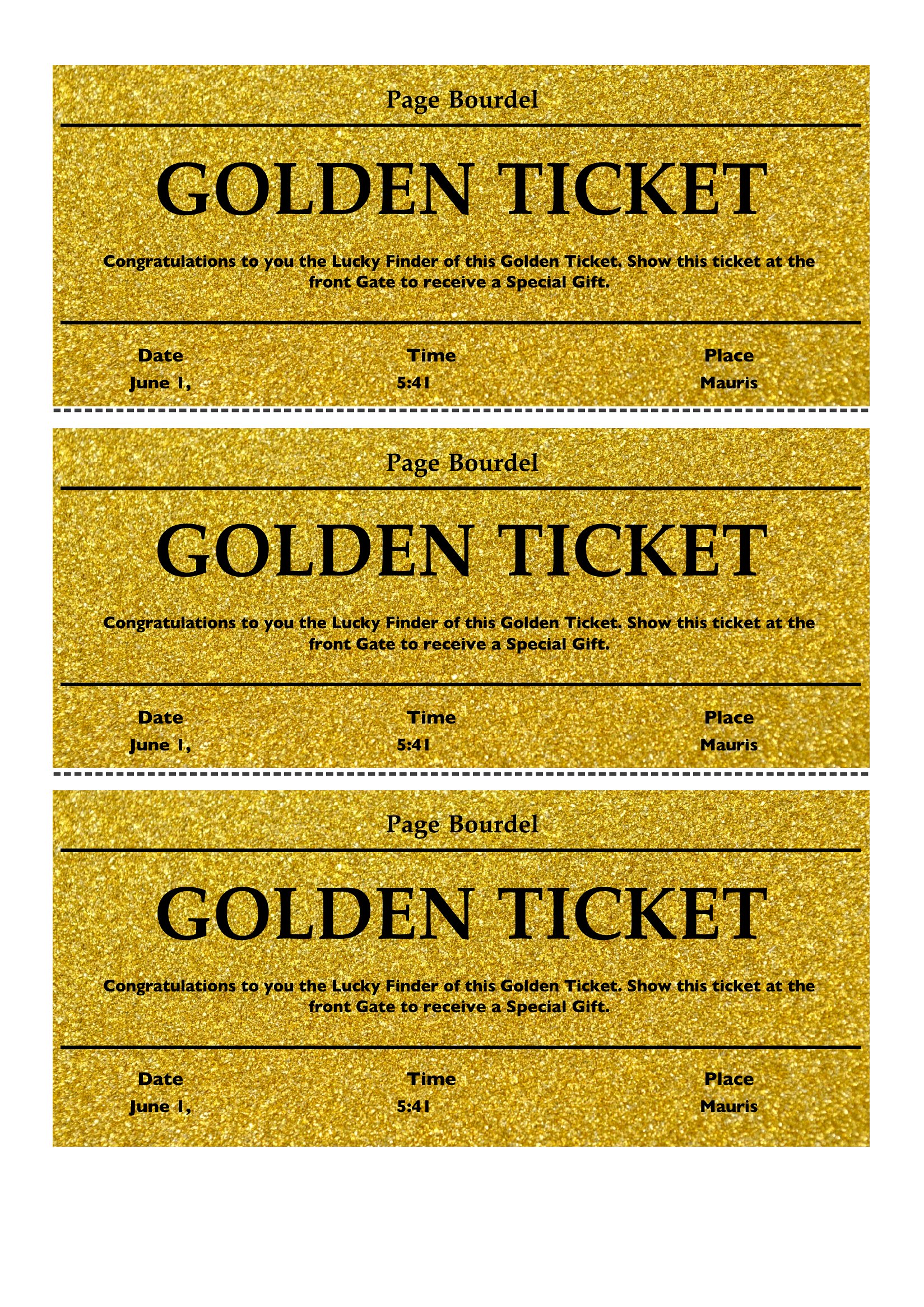

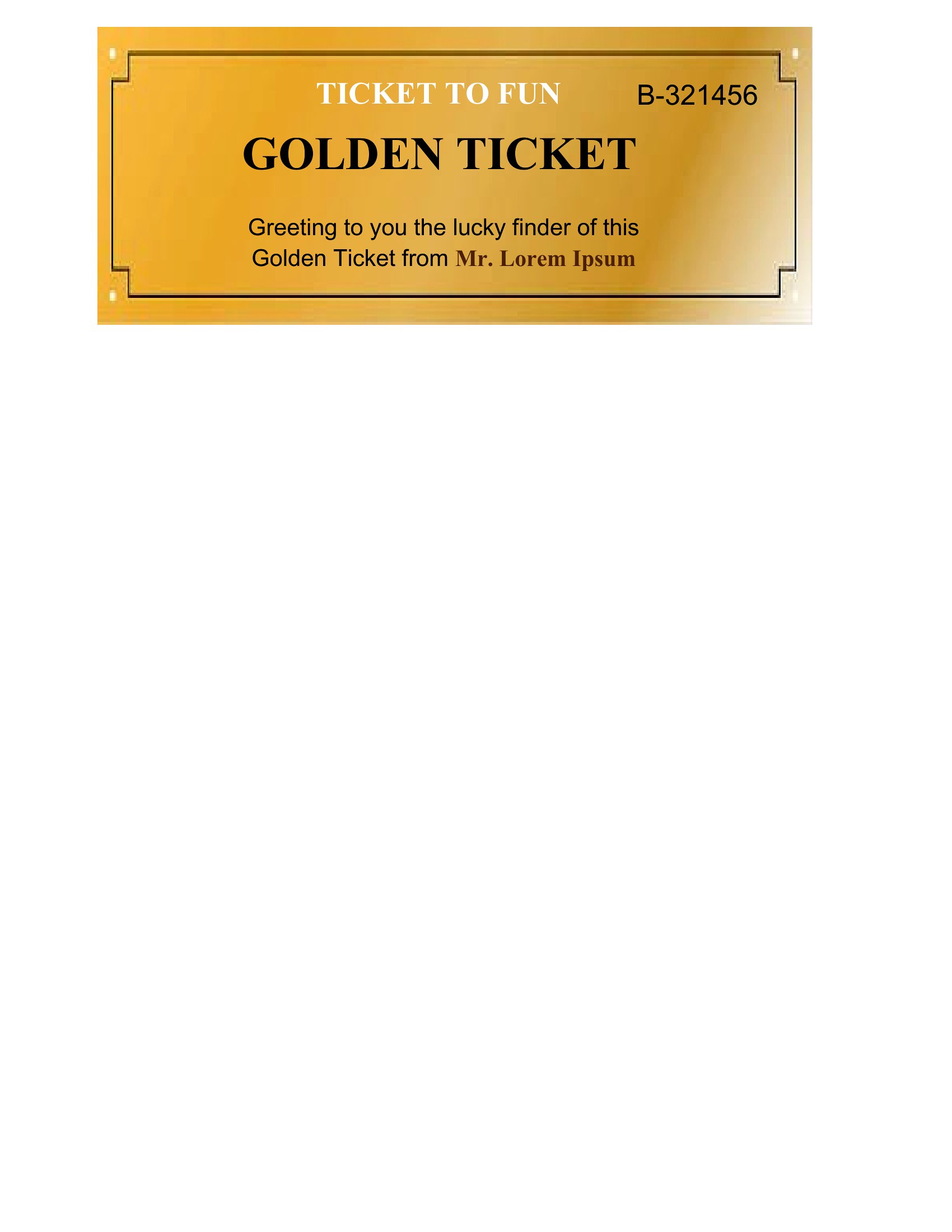
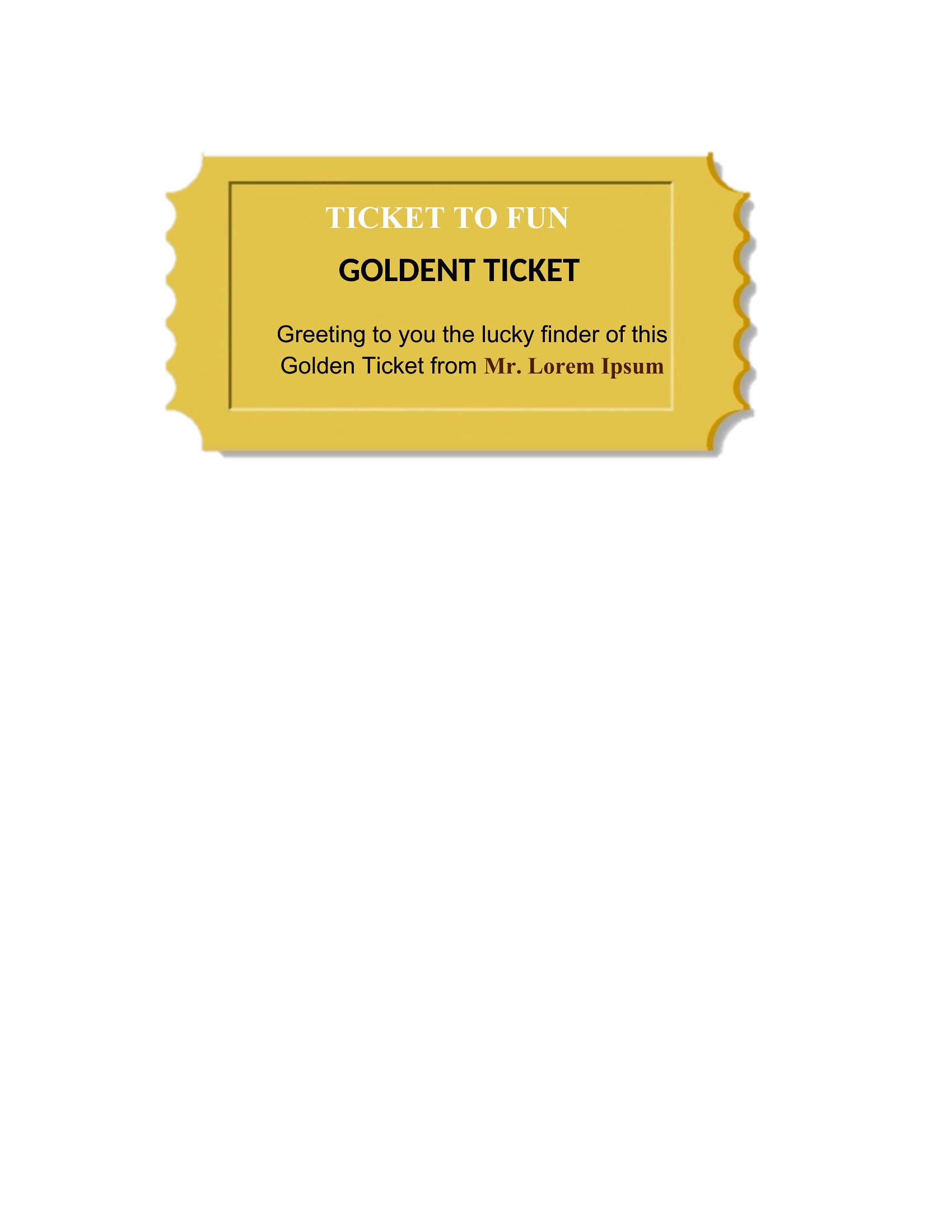
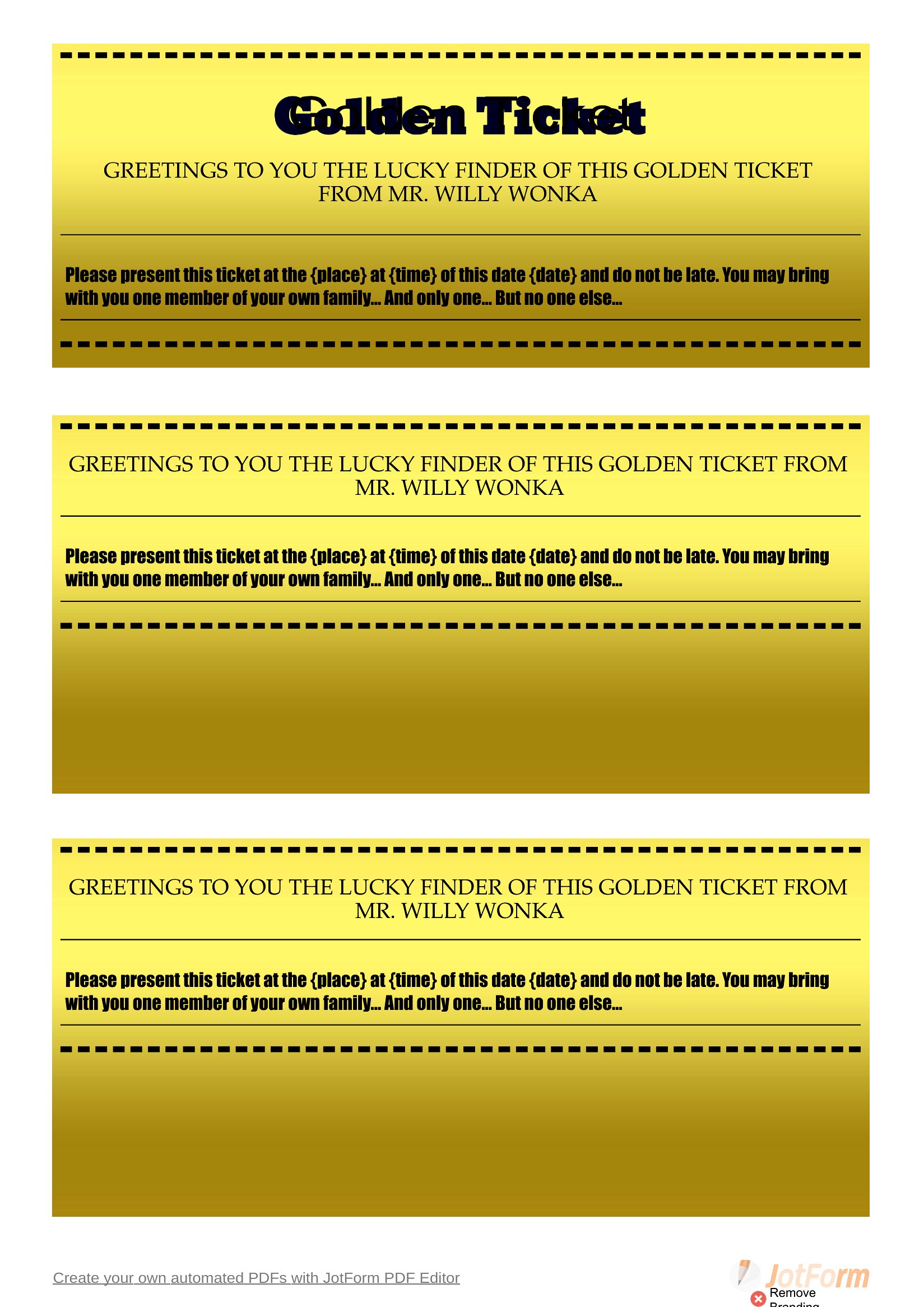
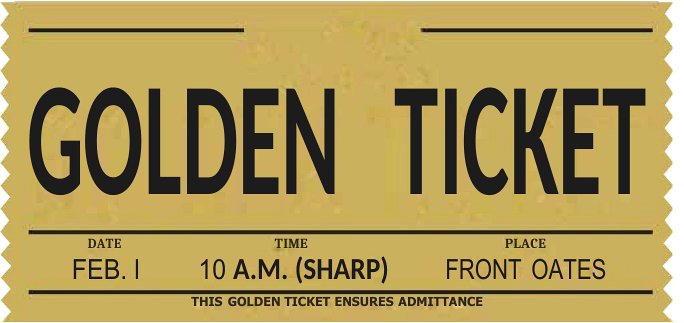
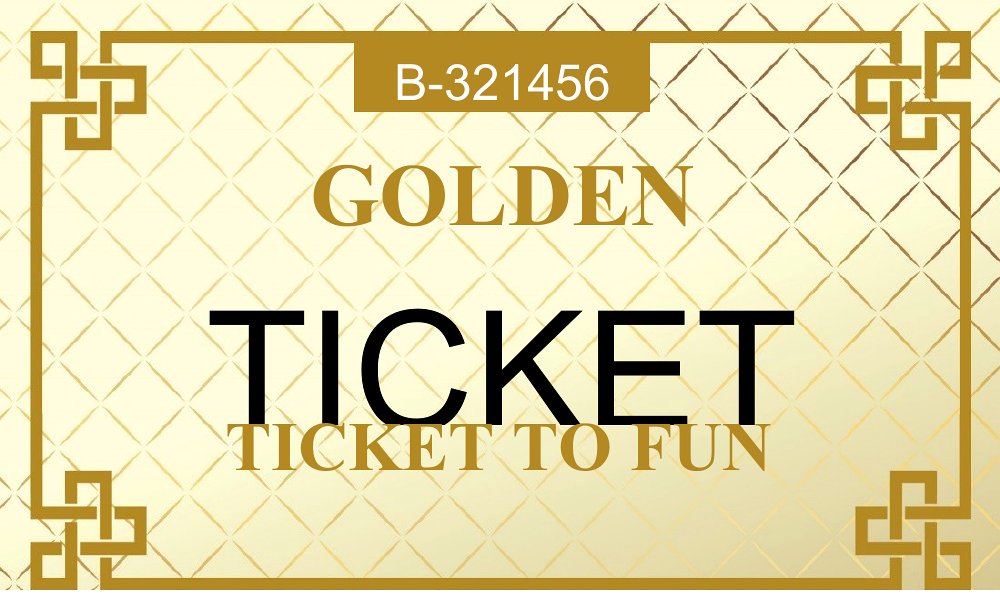
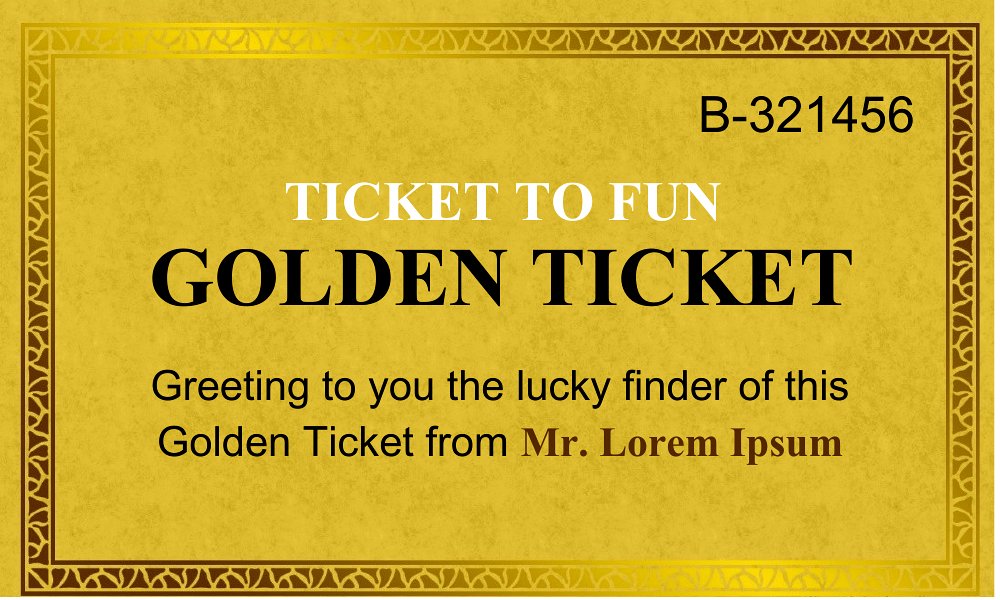
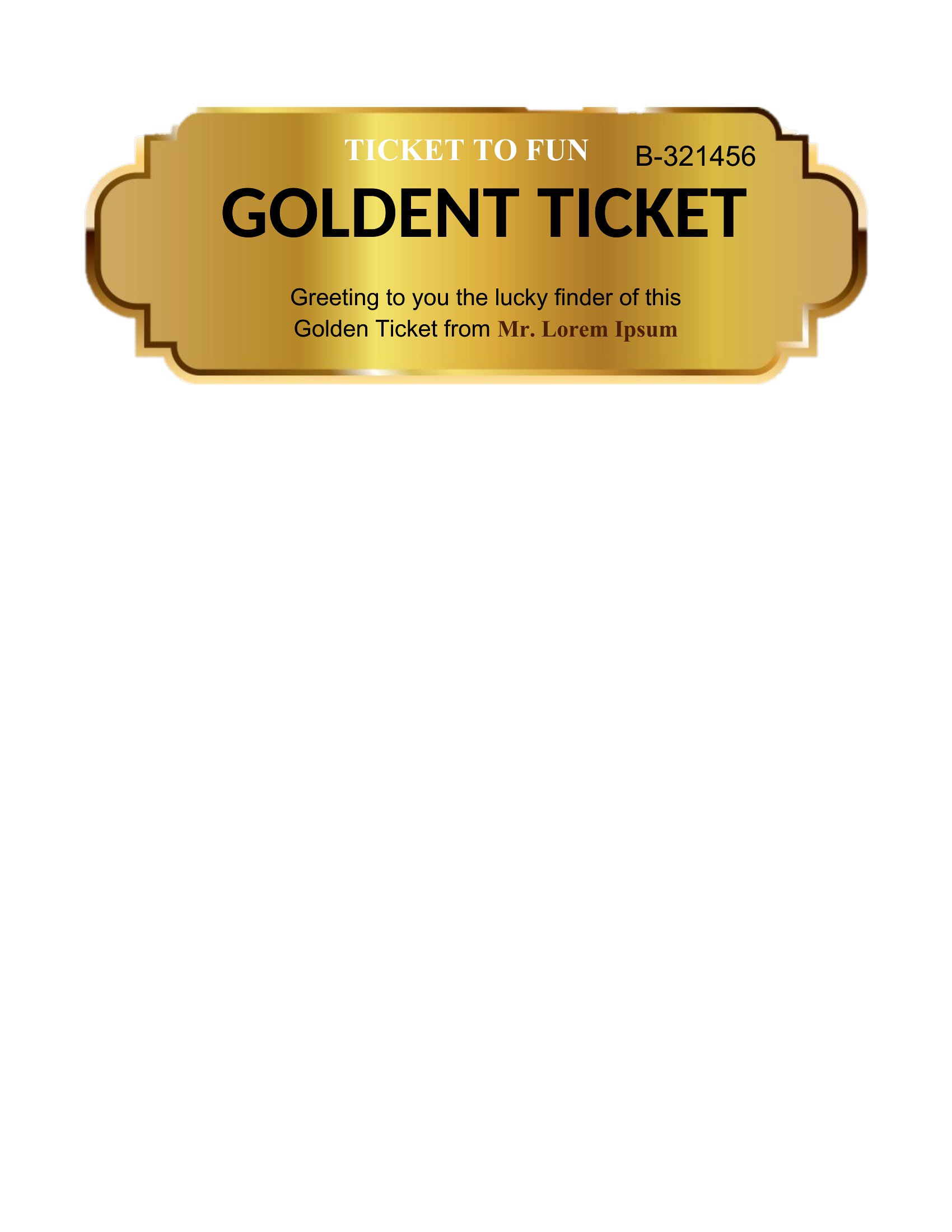

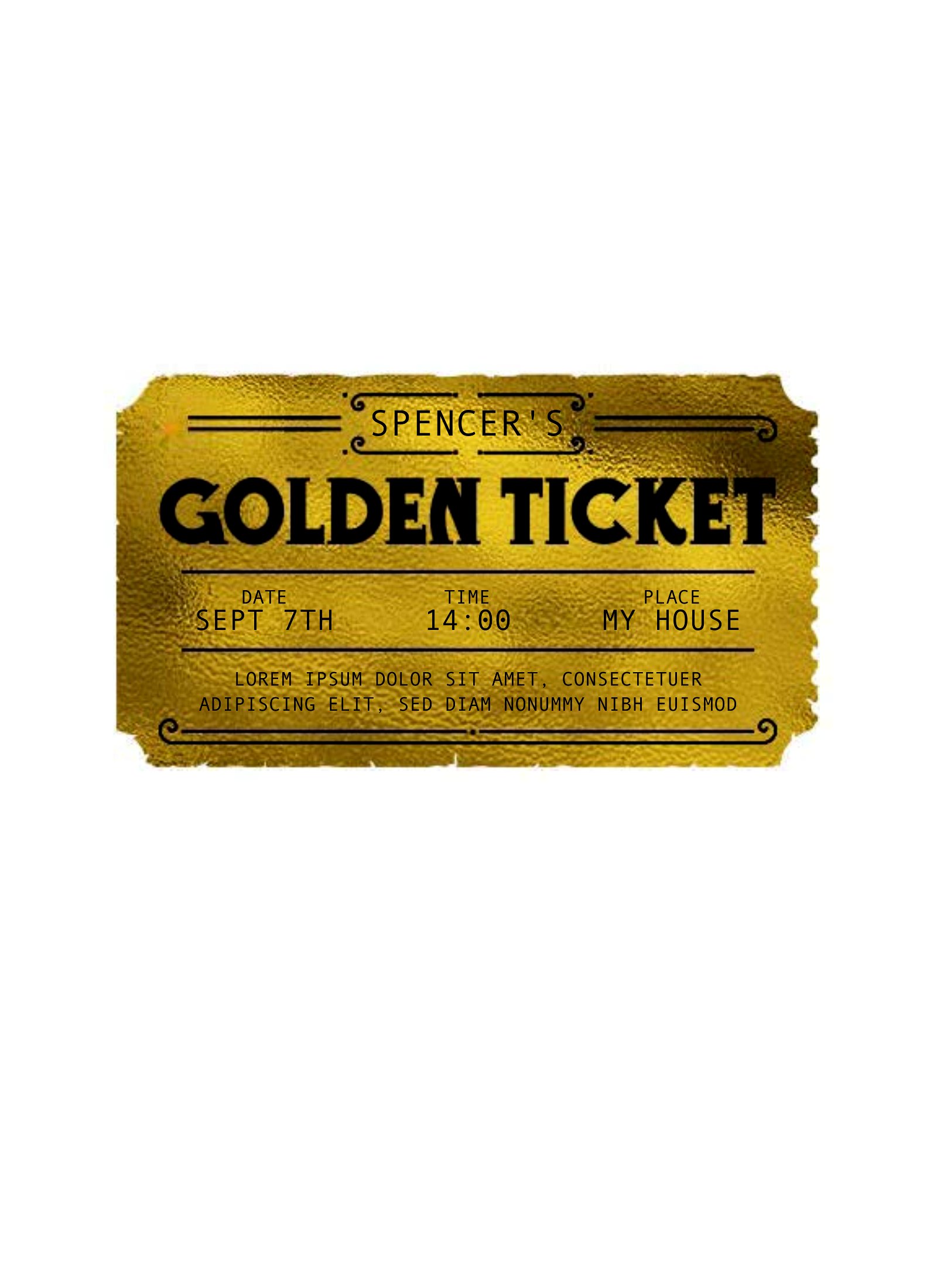
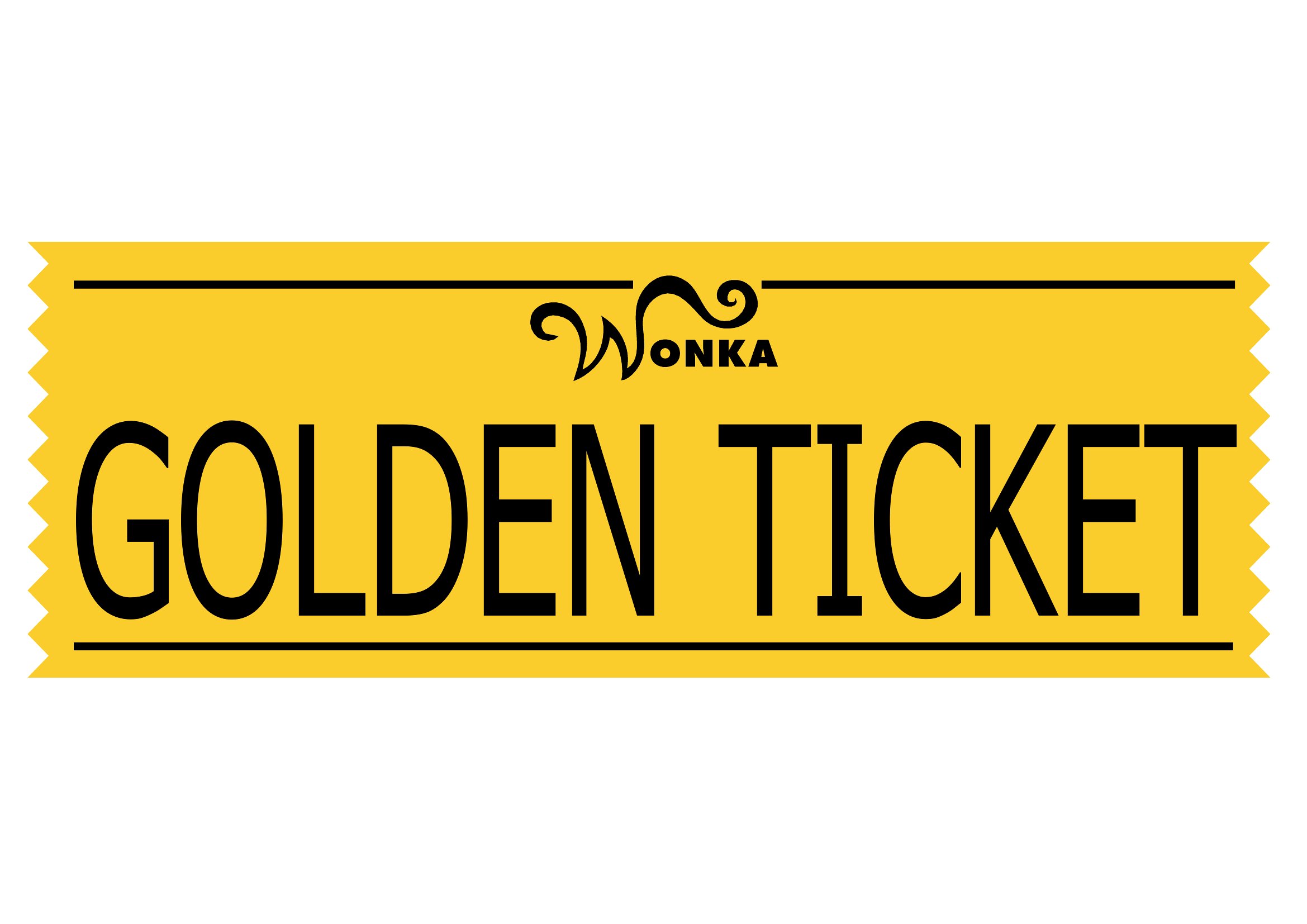

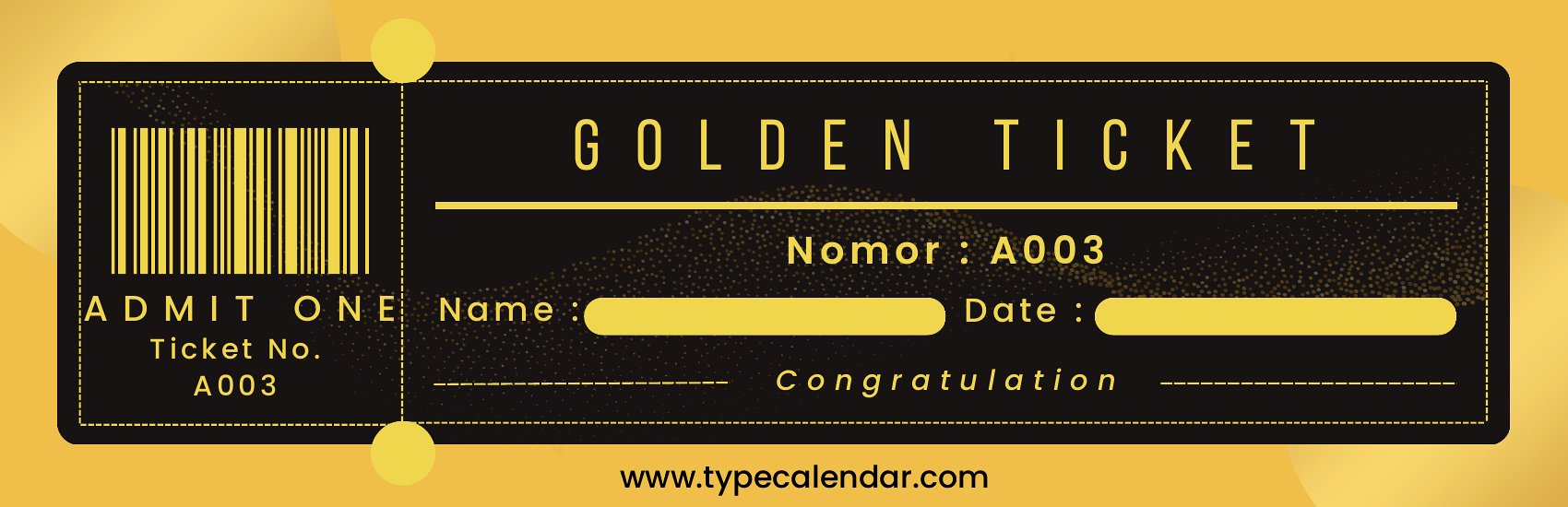
FAQ
Can I adjust the design to match my brand colors or party theme?
Yes, the Word templates let you edit colors, fonts, and graphics to align with your brand or theme. PDFs are fixed, so use those only if you’re happy with the original design. For consistency, start with Word and re-export as PDF after customizing.
How do I ensure the golden tickets look professional when printed?
Print on 80–100 lb cardstock for a premium feel, and adjust your printer settings to ‘high quality.’ For glossy finishes, use photo paper. Test a single ticket first to check alignment and ink bleed. PDFs are optimized for direct printing, while Word files may need a quick print preview check.
Are these templates suitable for digital giveaways, like email attachments?
PDFs work best for digital giveaways since they’re easy to attach and won’t let recipients accidentally edit the design. For email, describe the ticket’s purpose (e.g., ‘Redeem this digital golden ticket for a discount’) and include clear instructions. Avoid Word files unless you’re certain recipients have Microsoft Word.
Comments
Join the conversation
Sign in to share your thoughts and leave a comment on this resource.