Free Musician Invoice Templates (Word, PDF)
InvoicesTemplates
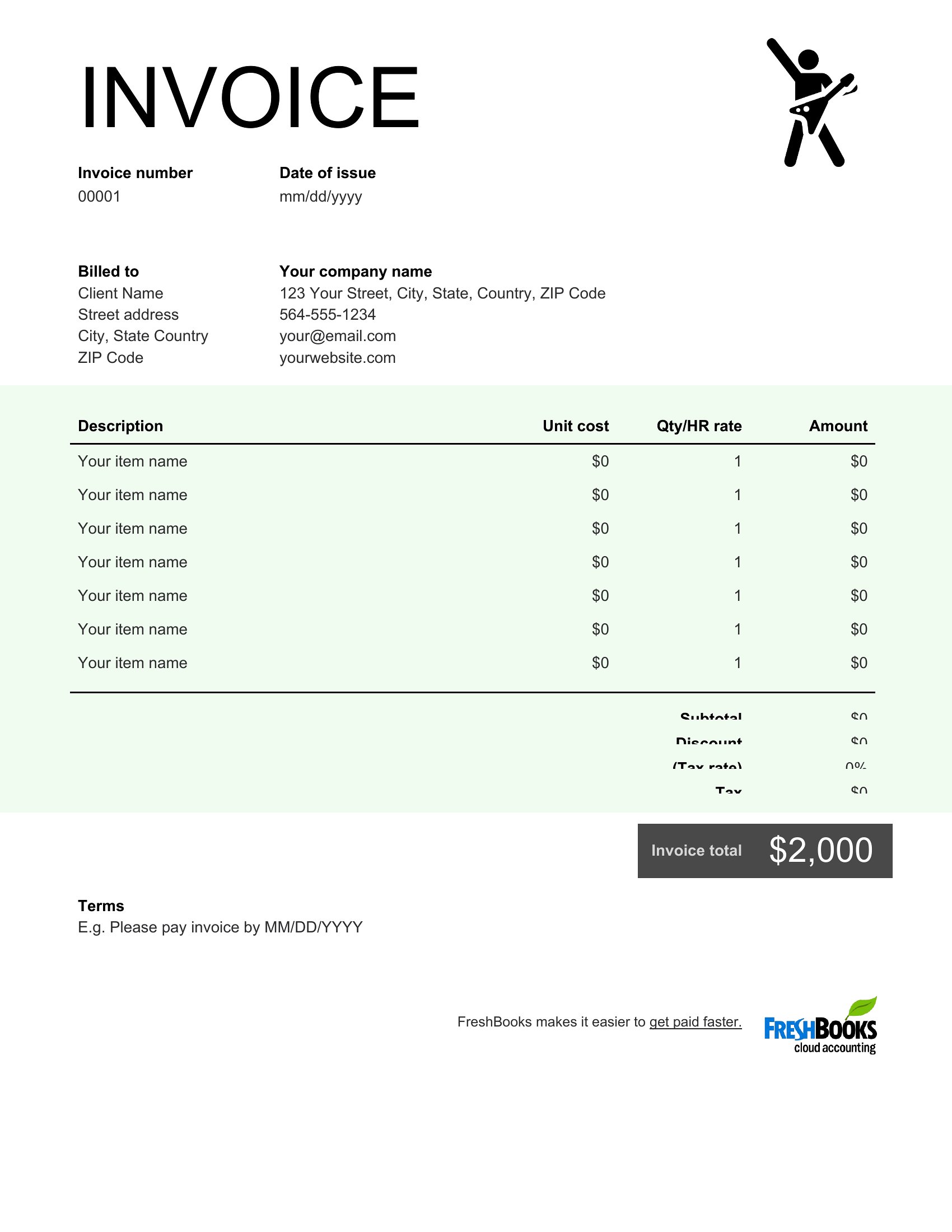
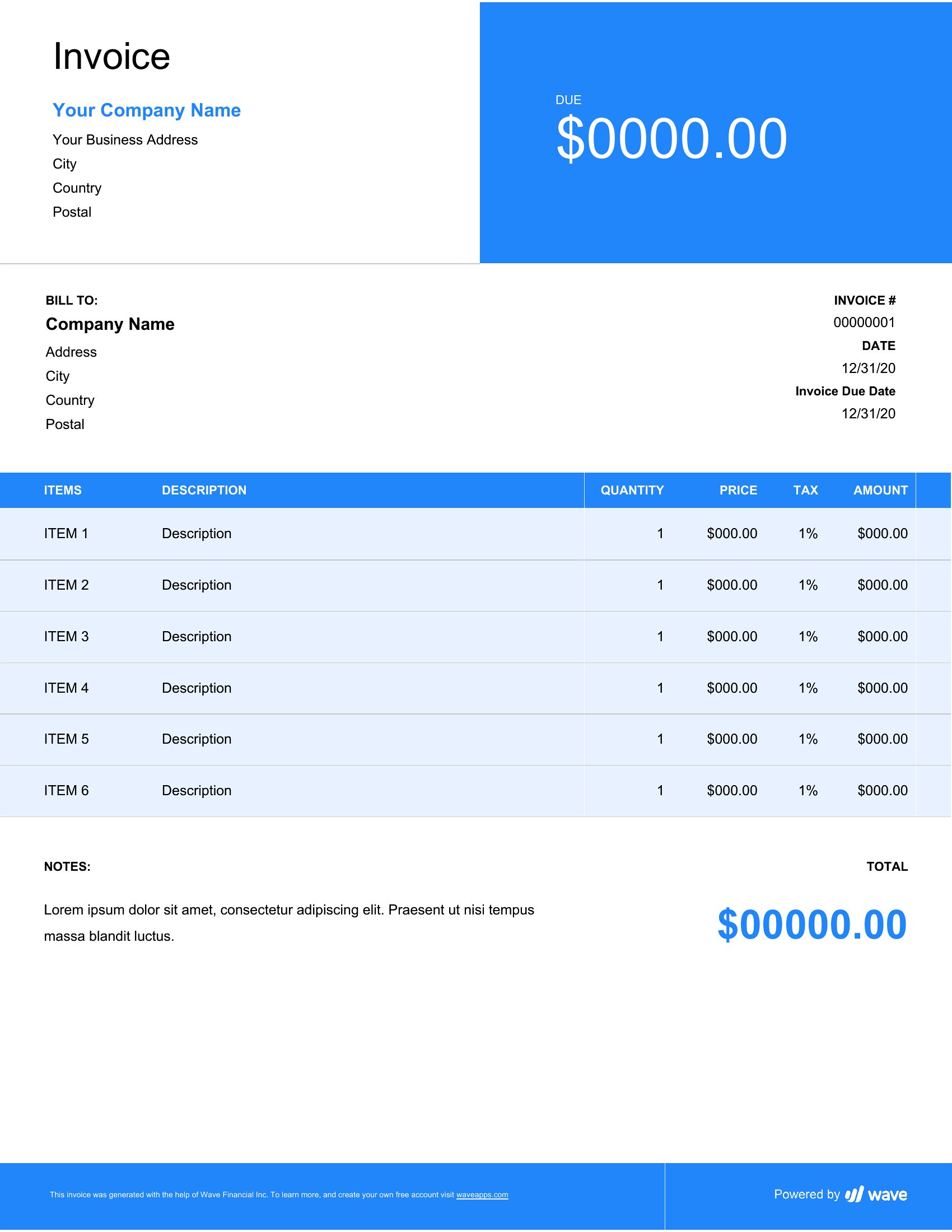
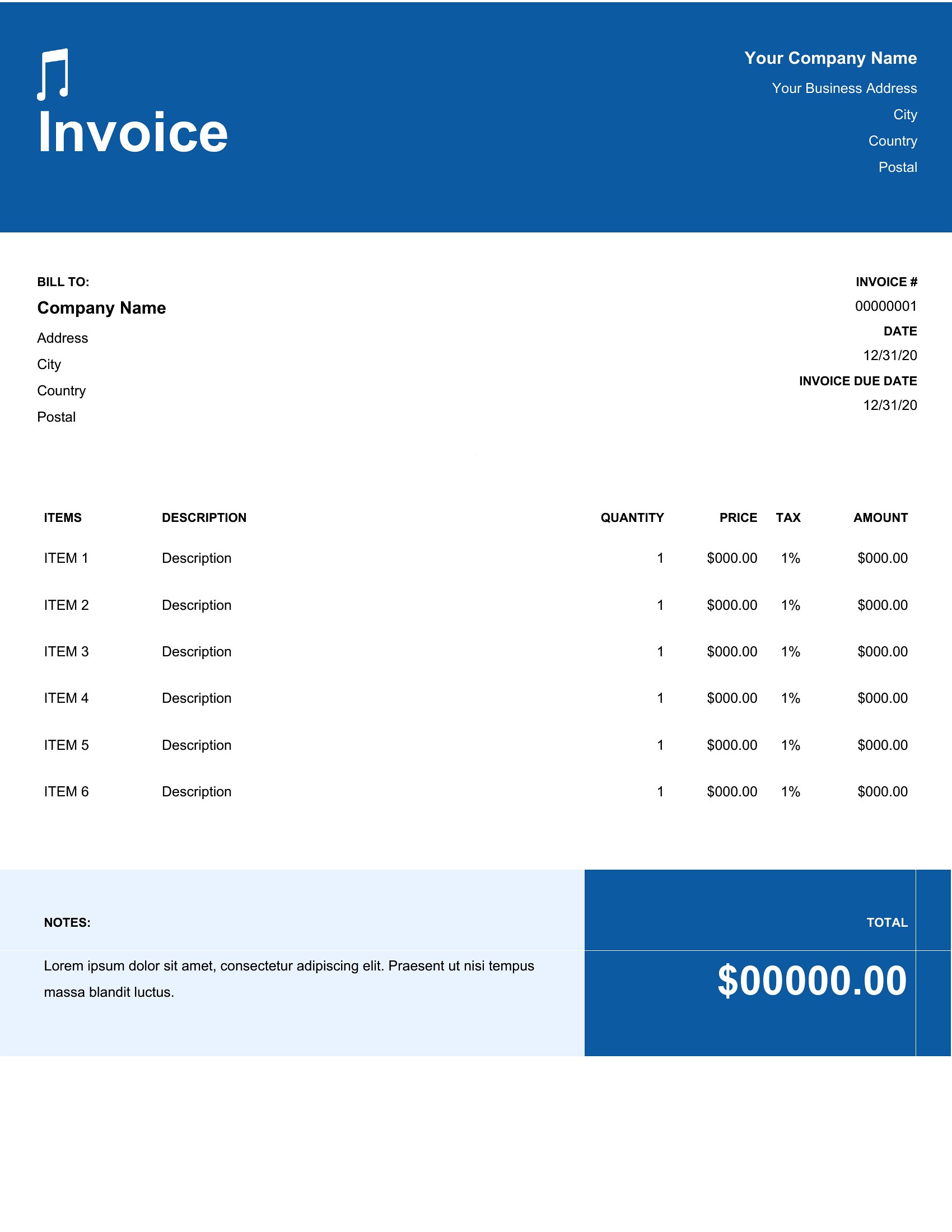
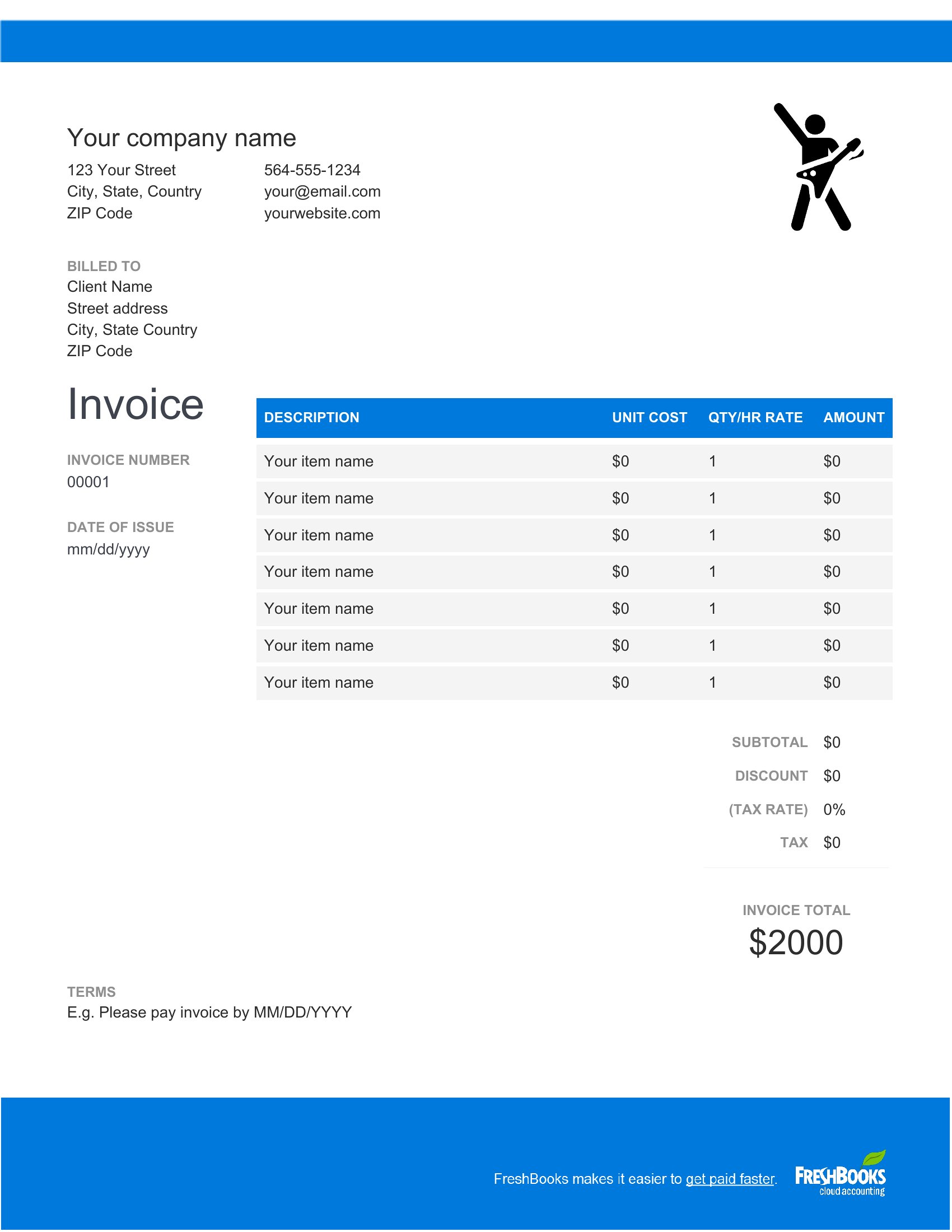
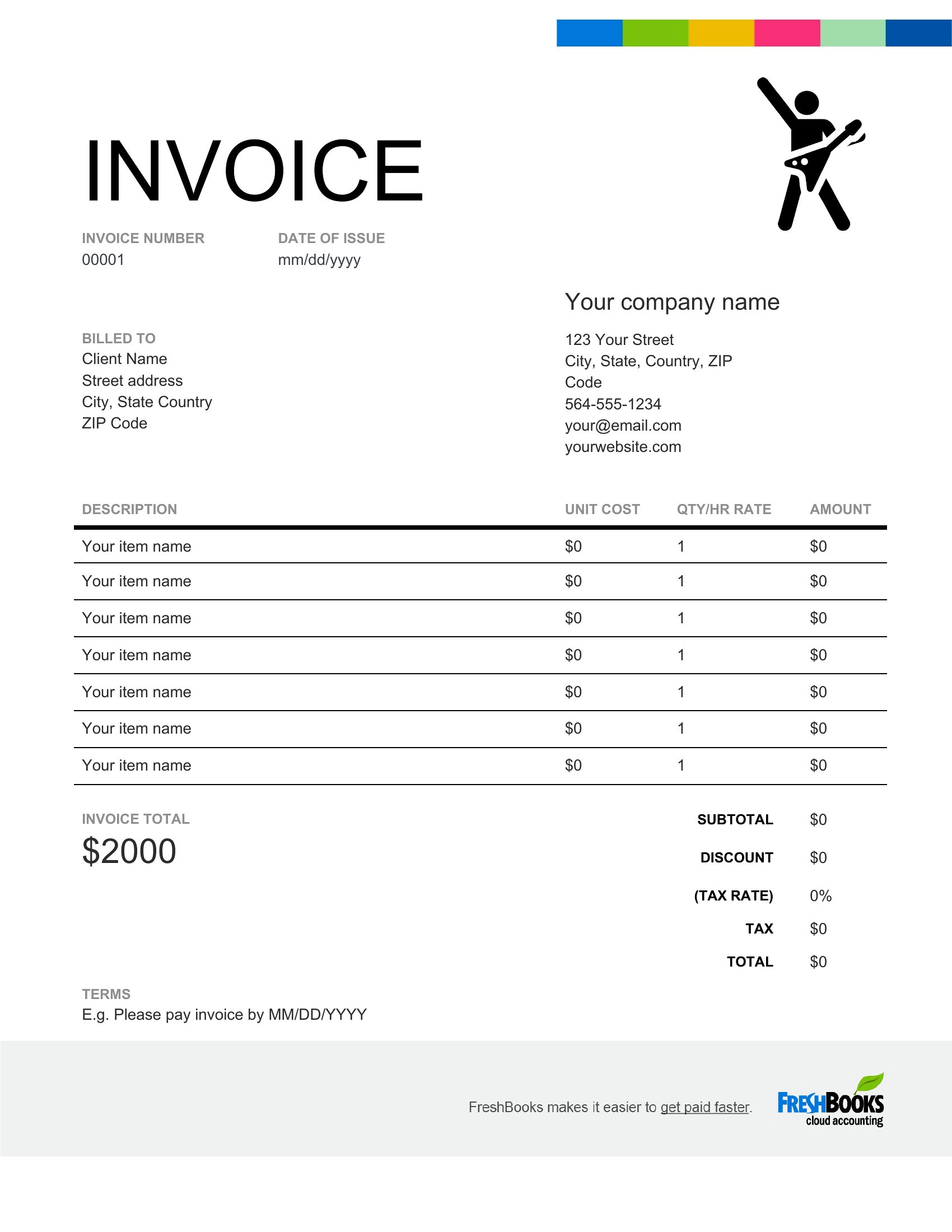
FAQ
Can these templates help me track payments for multiple gigs at once?
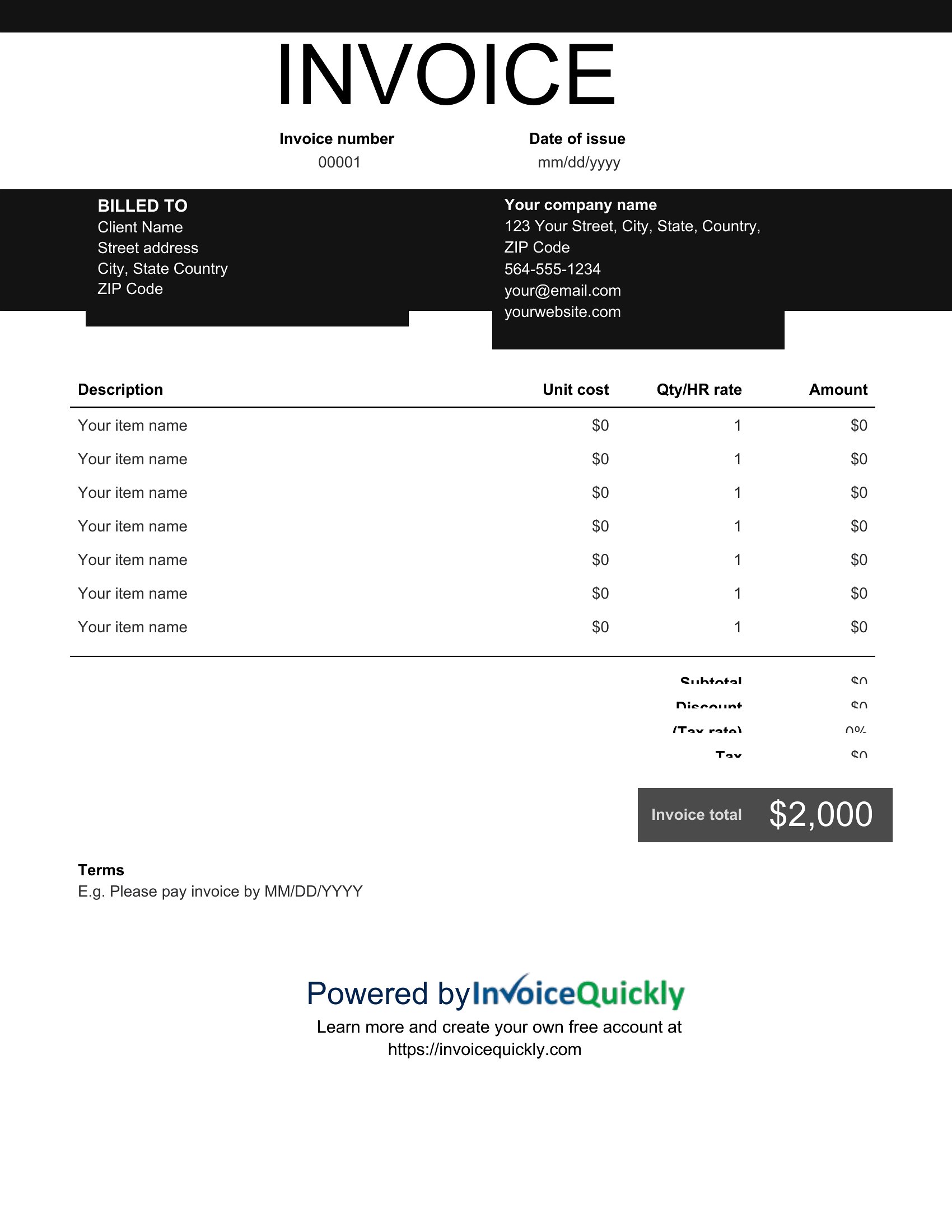
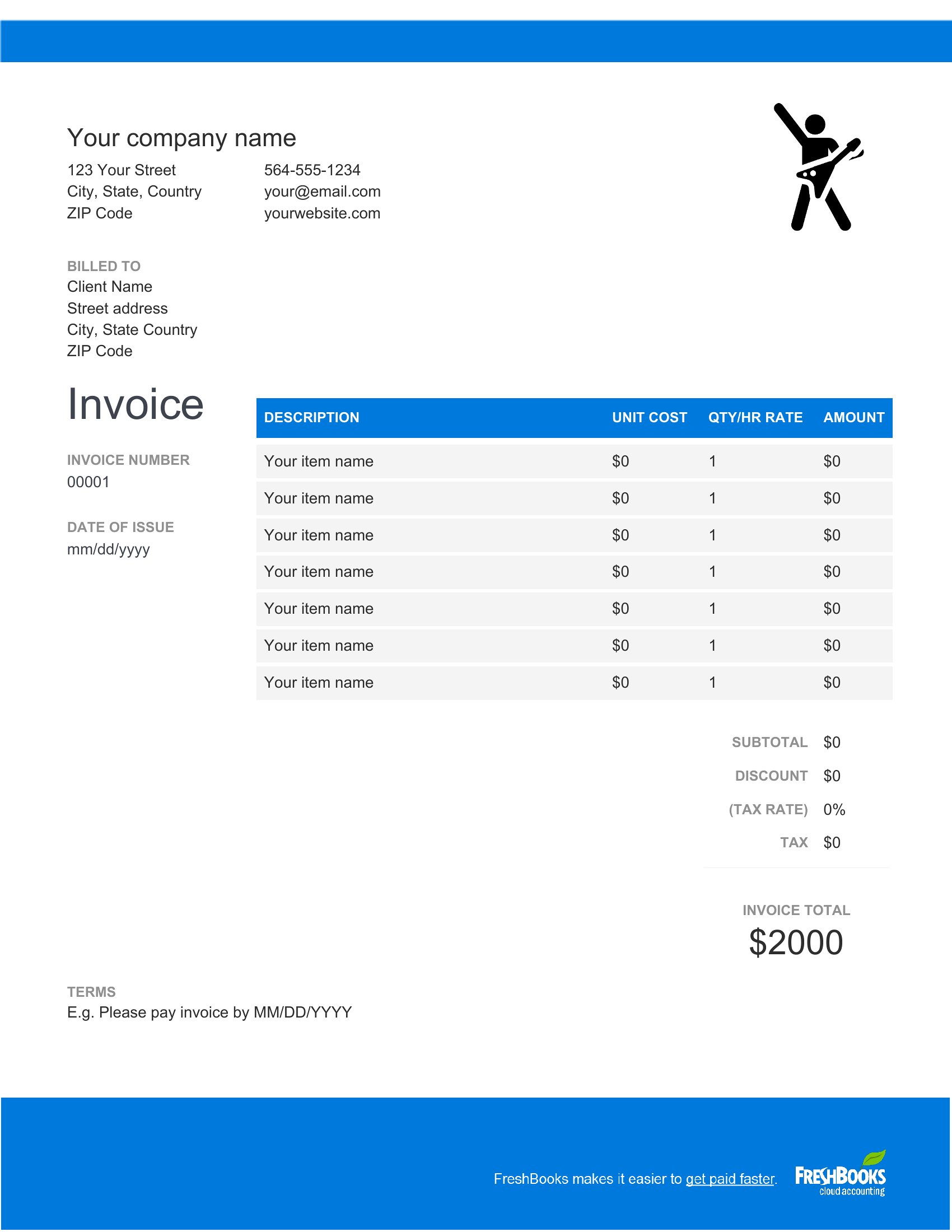
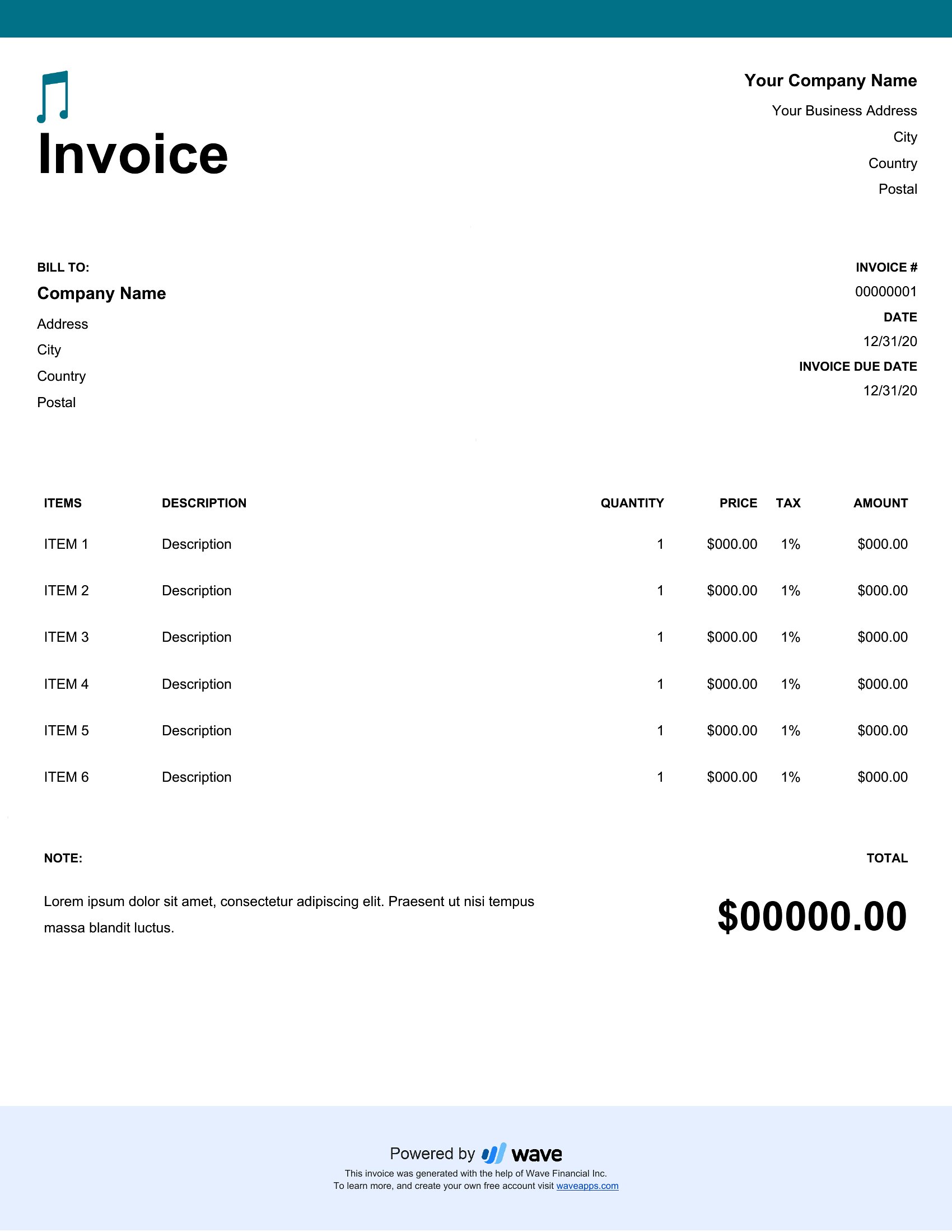
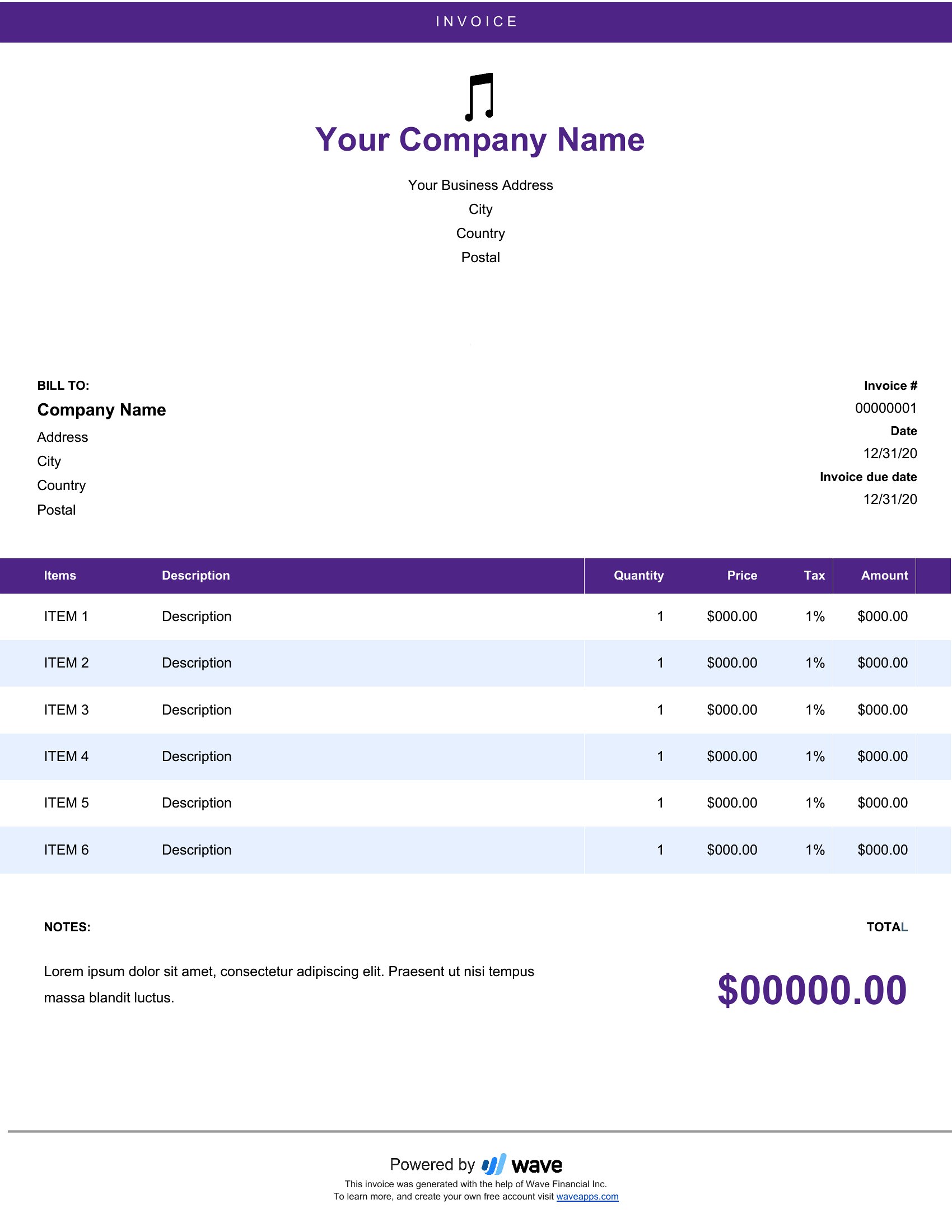
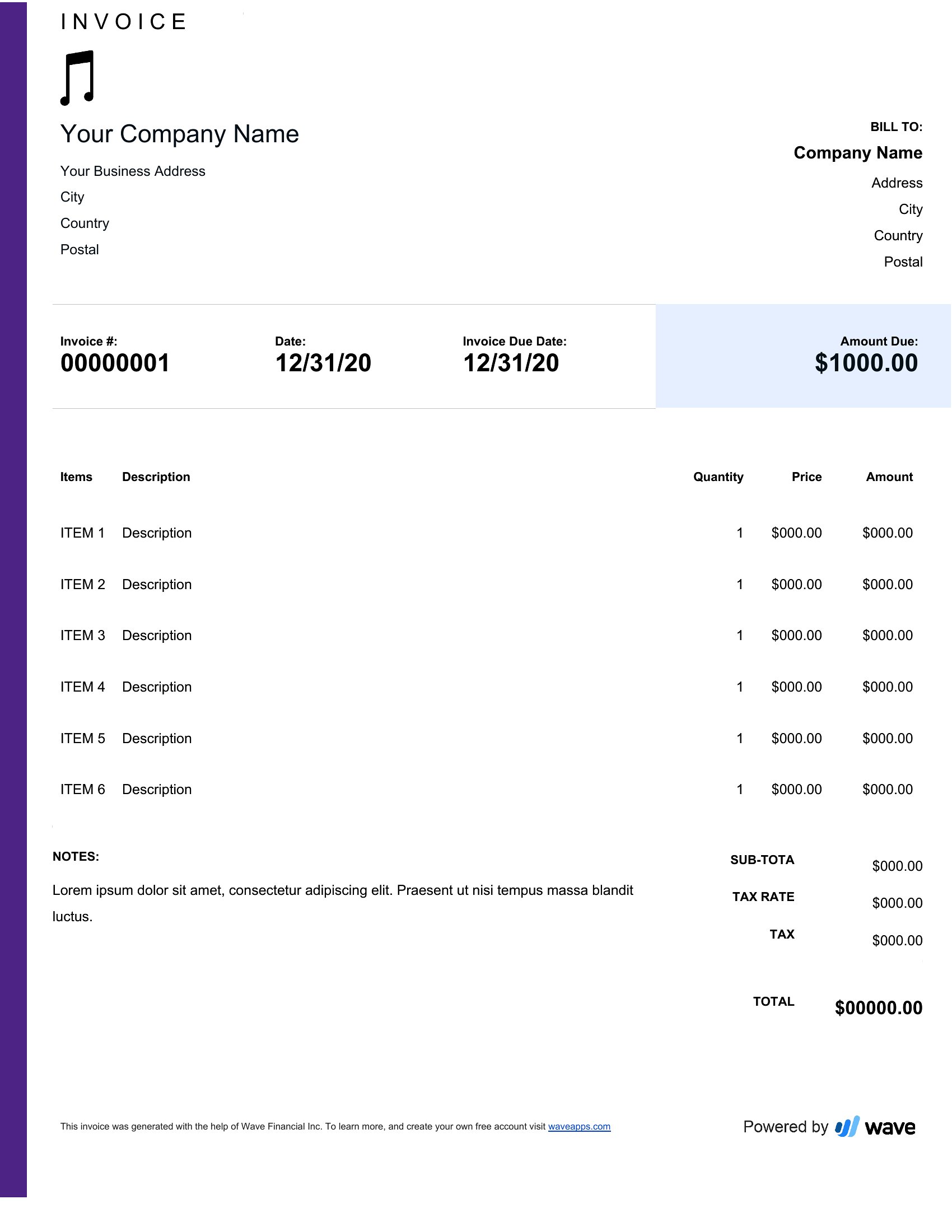
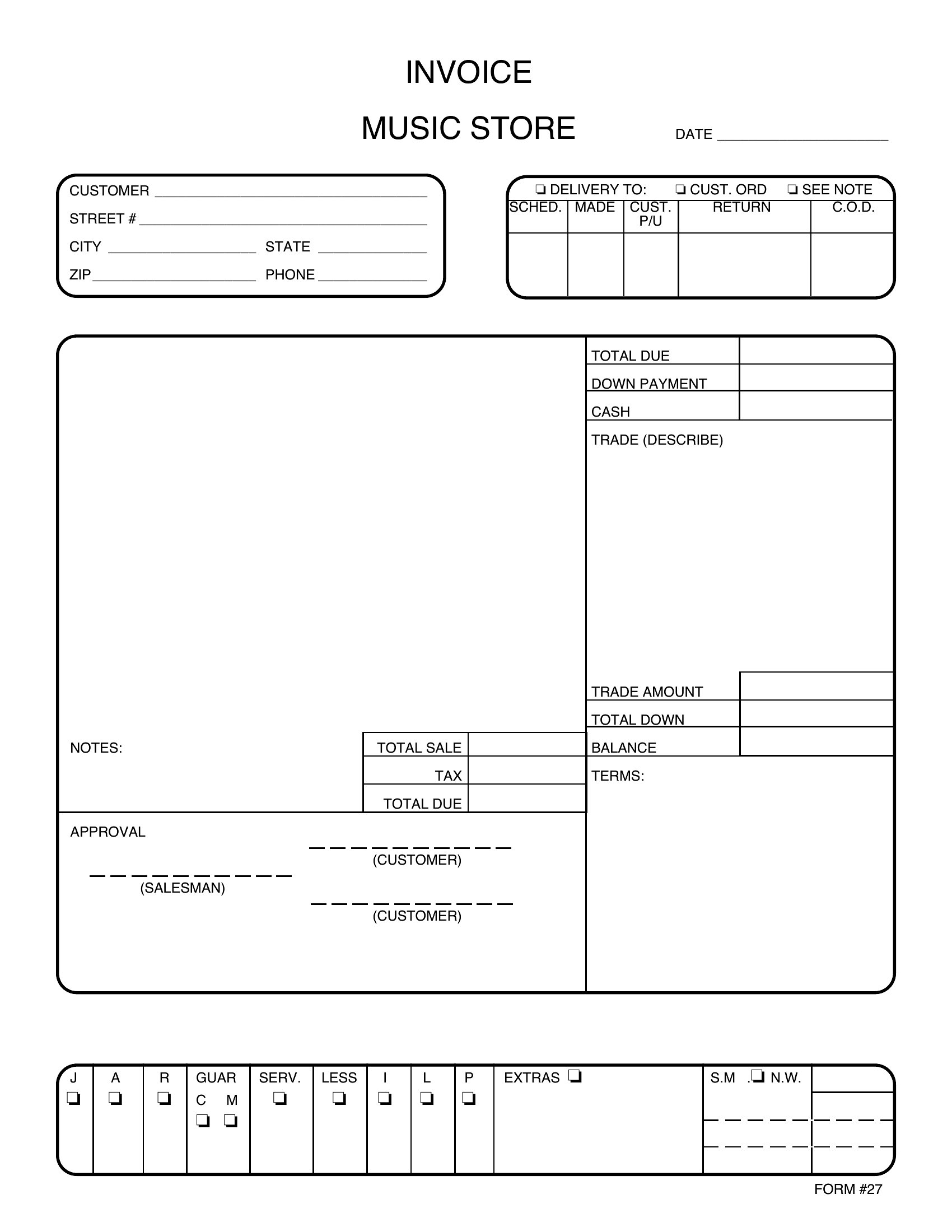
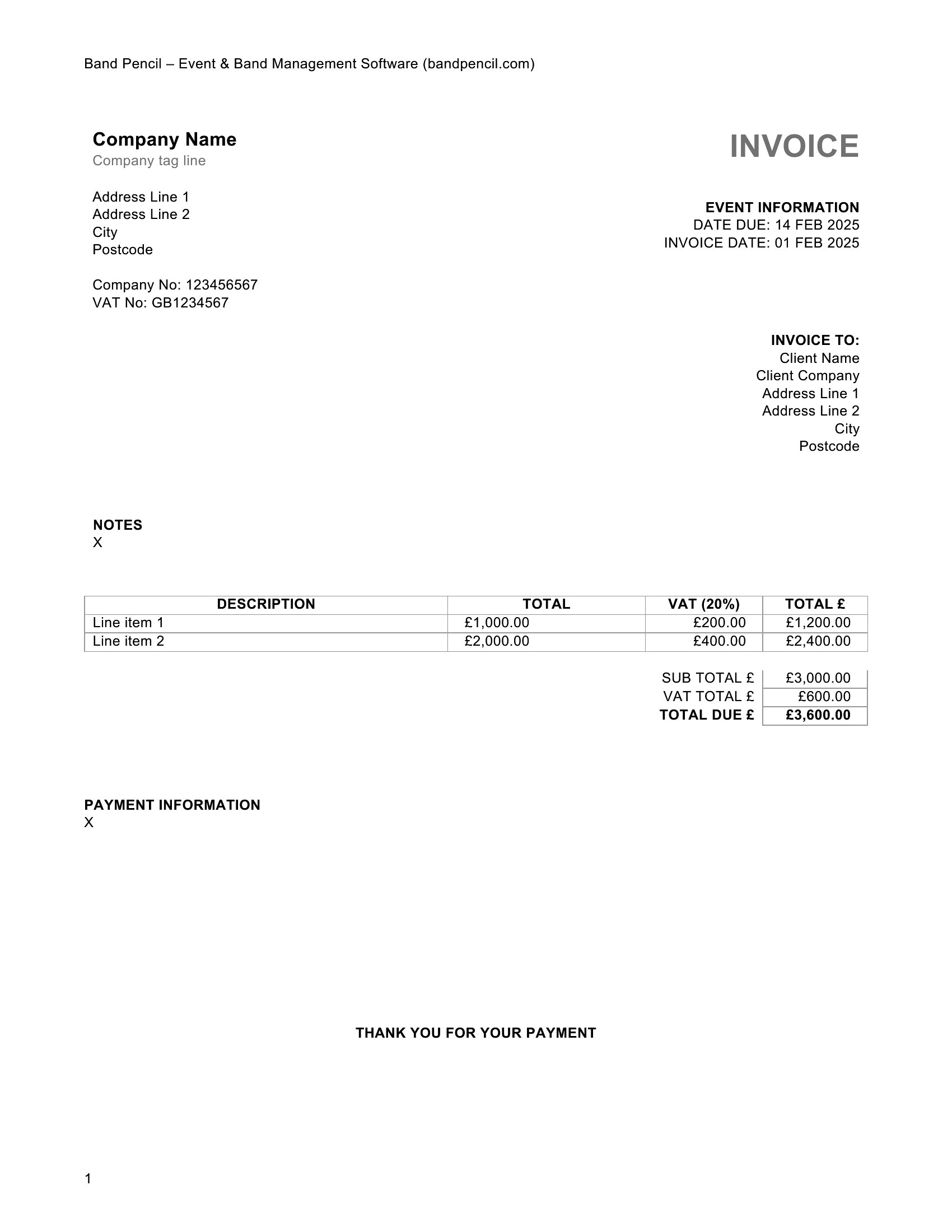
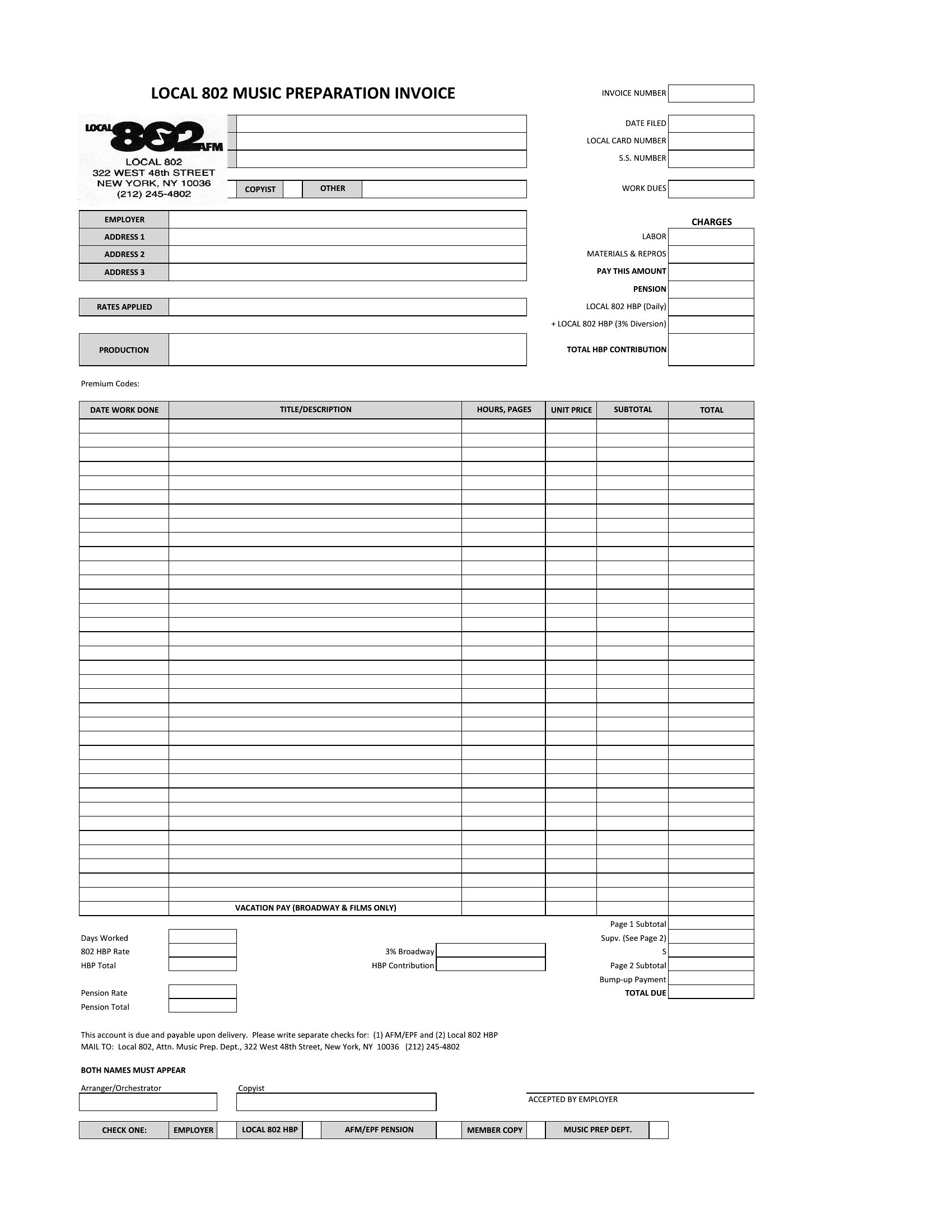
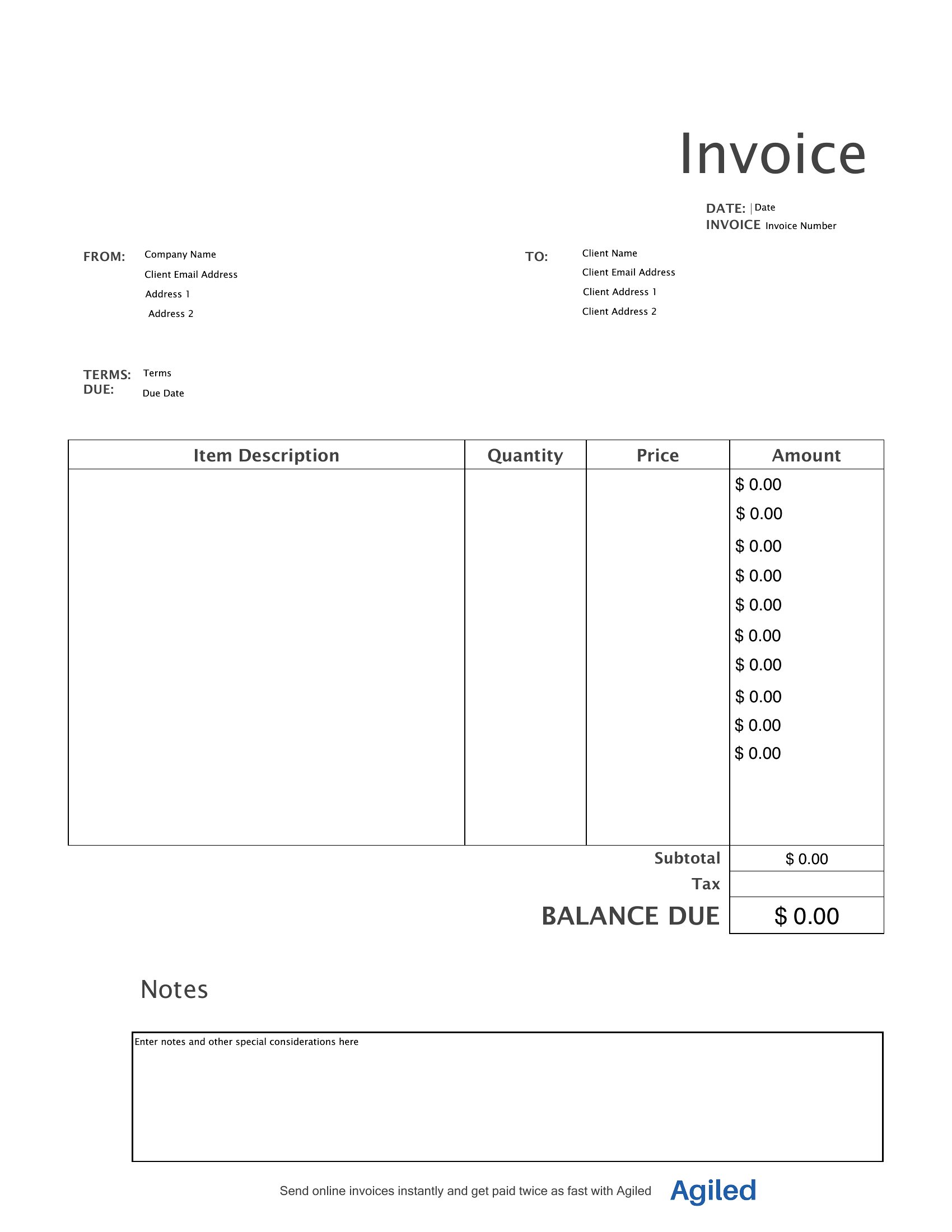
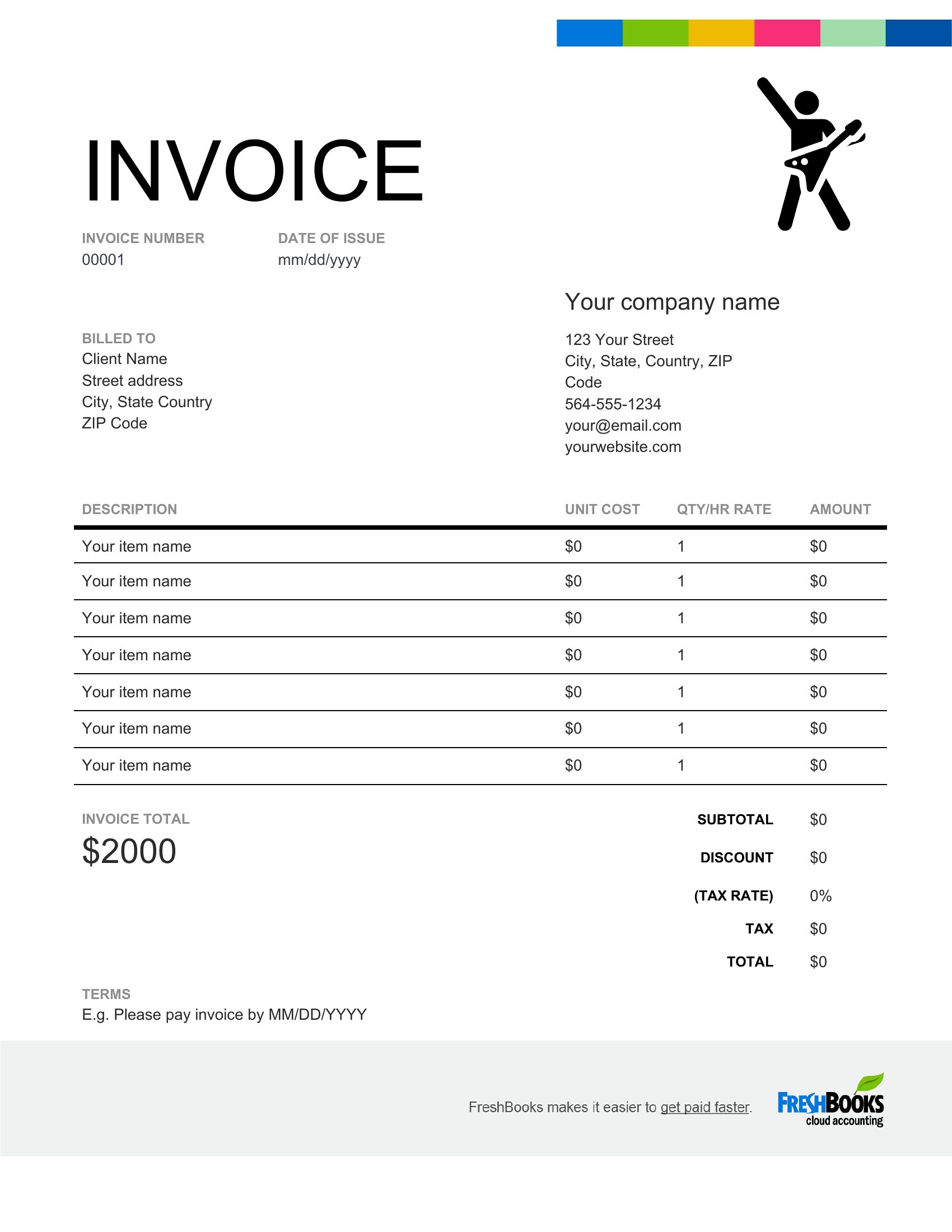
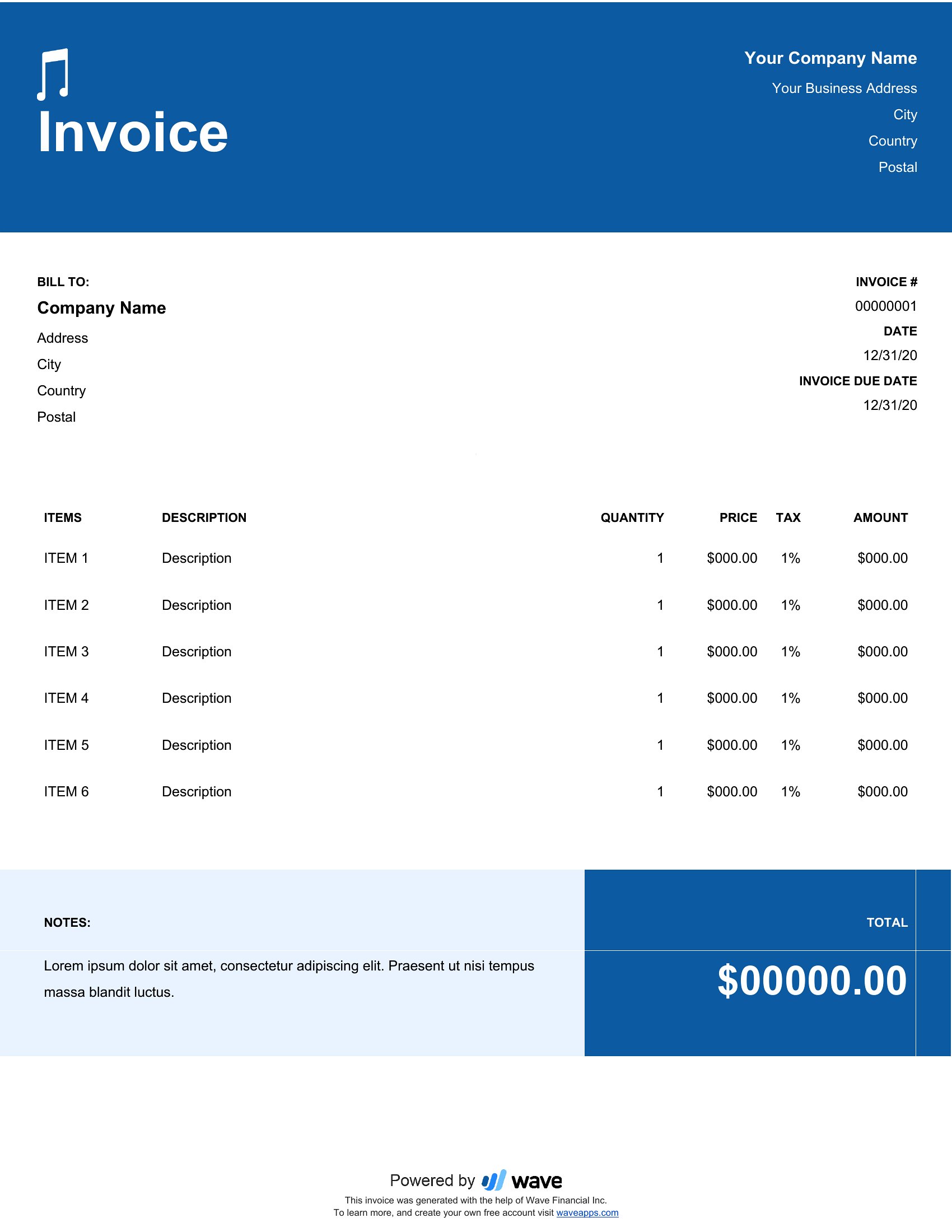
Yes, the Word format lets you duplicate and adjust sections to list multiple gigs in a single invoice, while the PDF format works well for individual events. Include a summary table for total fees if billing for several shows. Always note due dates to avoid payment delays.
Do these invoices include space for recording studio or equipment rental fees?
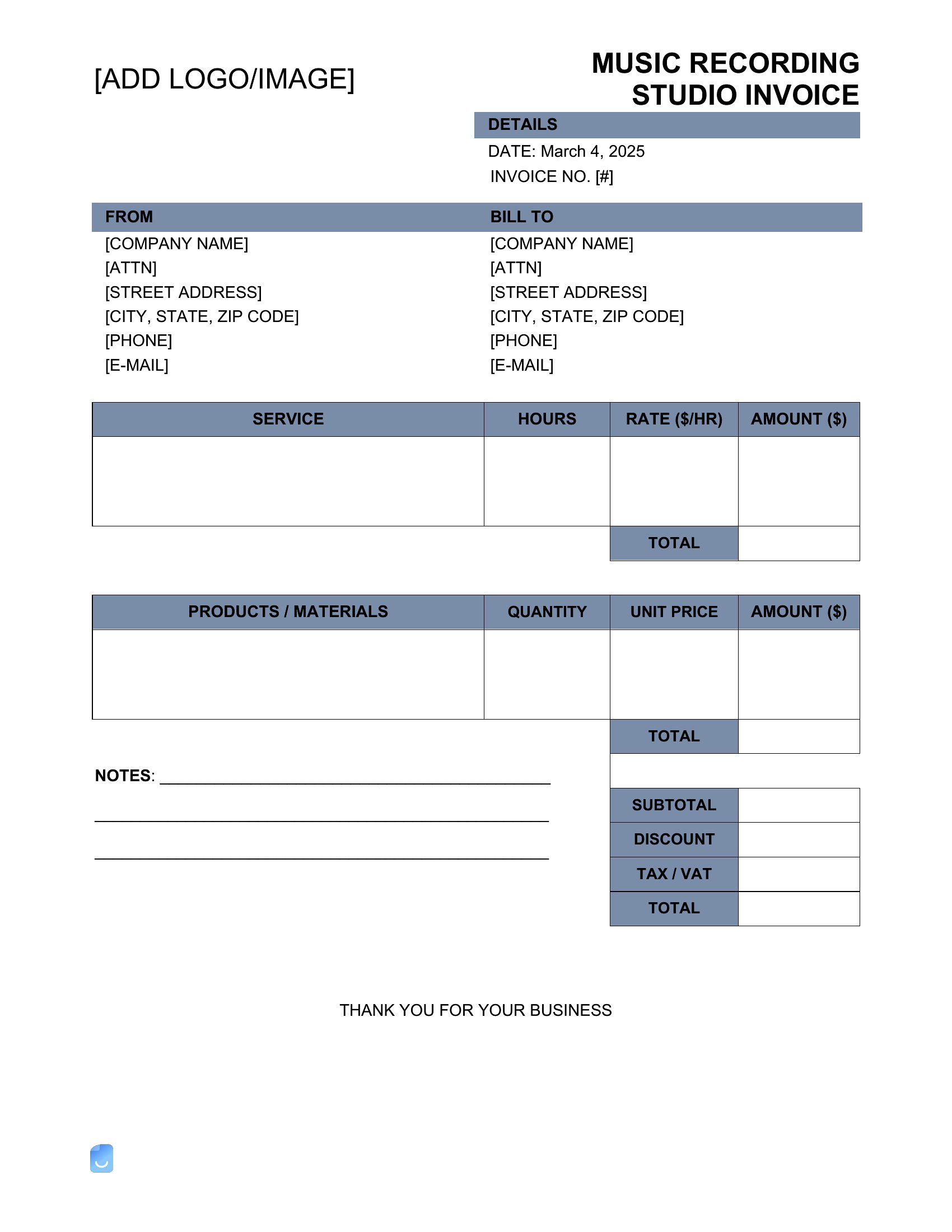
Absolutely. Both Word and PDF templates feature dedicated lines for detailing session fees, studio time, or equipment costs. Just label them clearly (e.g., ‘Recording Studio Rental’ or ‘Gear Deposit’) and specify hourly/daily rates to avoid ambiguity with clients.
How should I handle late payments if a client hasn’t paid on time?
The templates include a ‘Payment Terms’ section where you can list due dates and late fees, but they’re not legal documents. For enforcement, send a polite reminder email or use the space to note overdue balances. For strict contracts, consult a music industry attorney to draft addendums.
Comments
Join the conversation
Sign in to share your thoughts and leave a comment on this resource.