Free Artist Invoice Templates (Word)
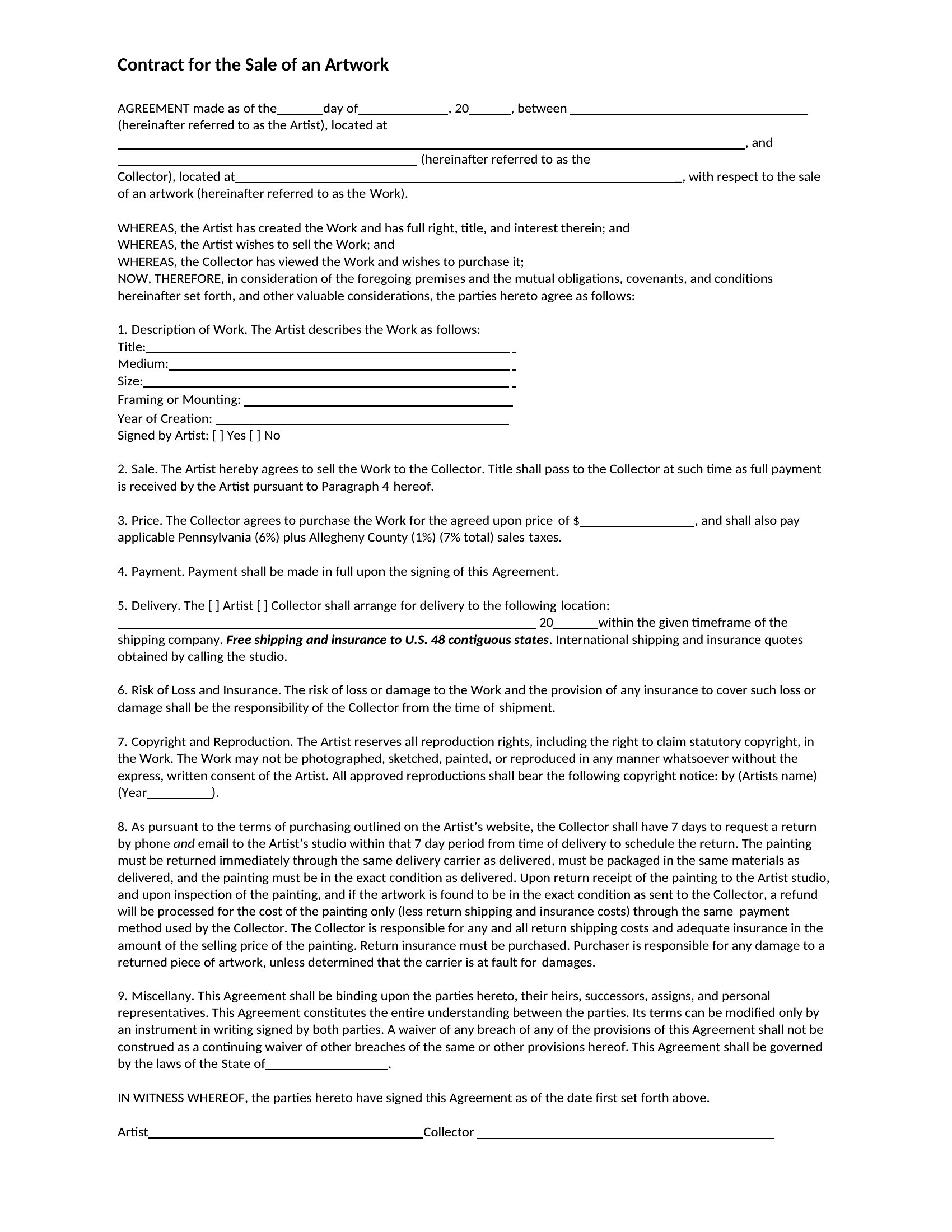
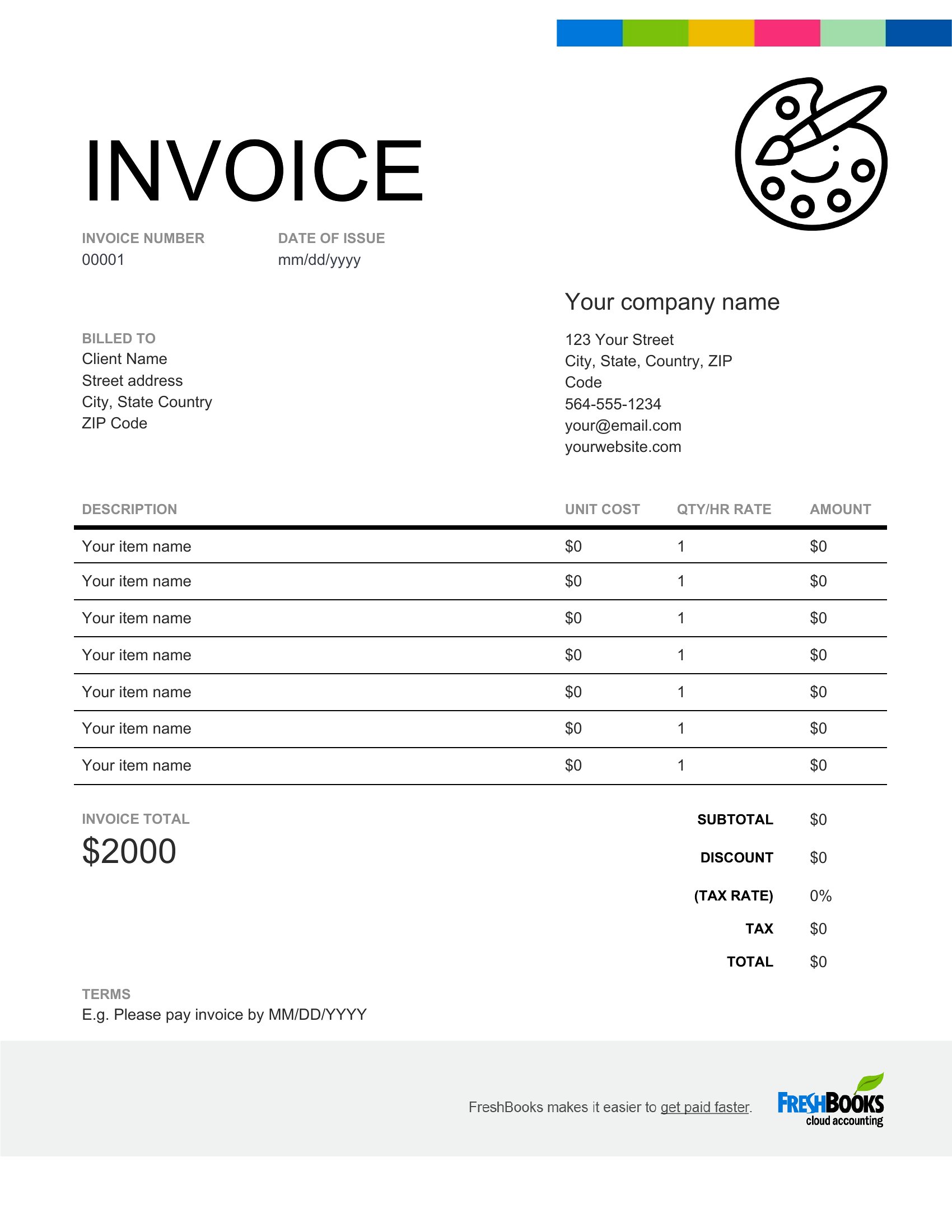
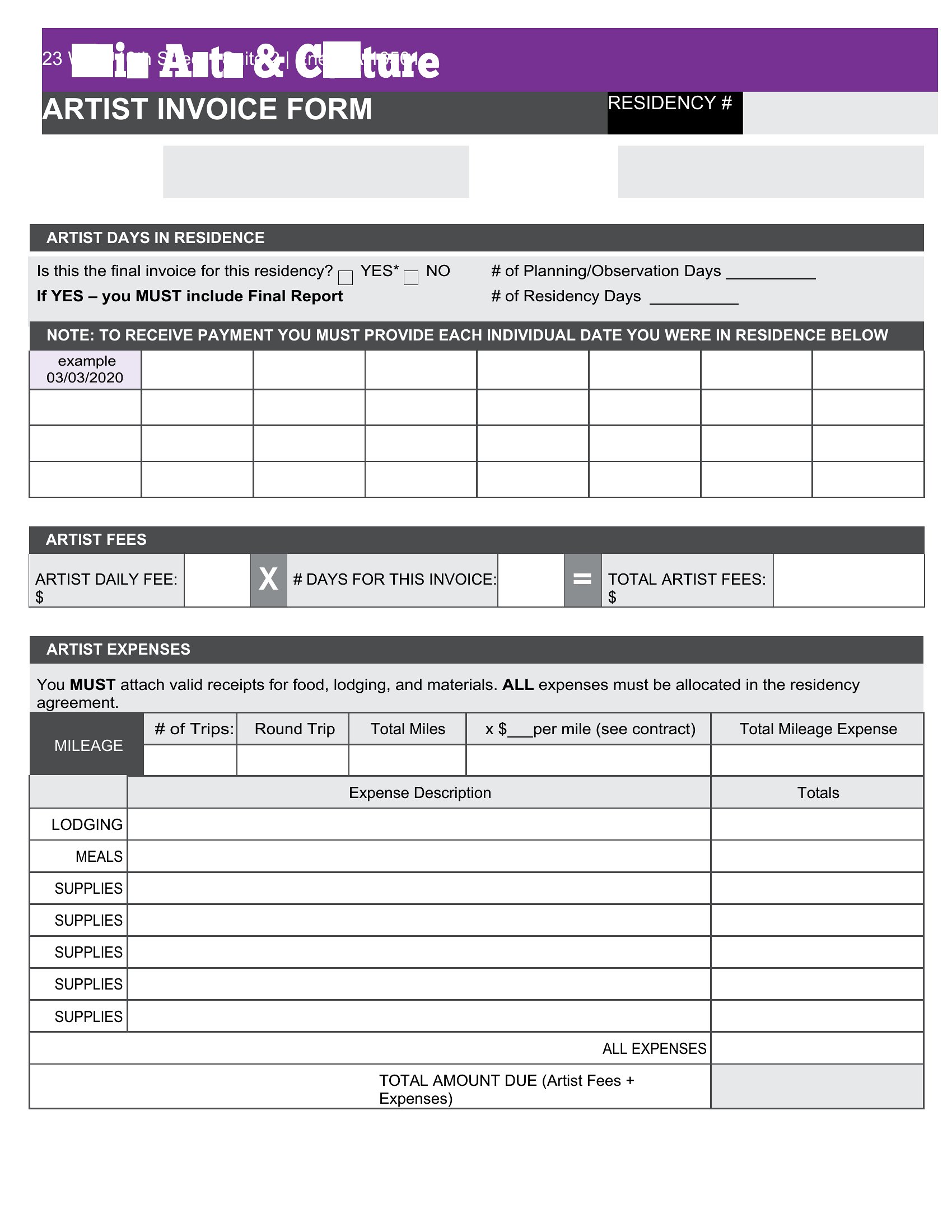
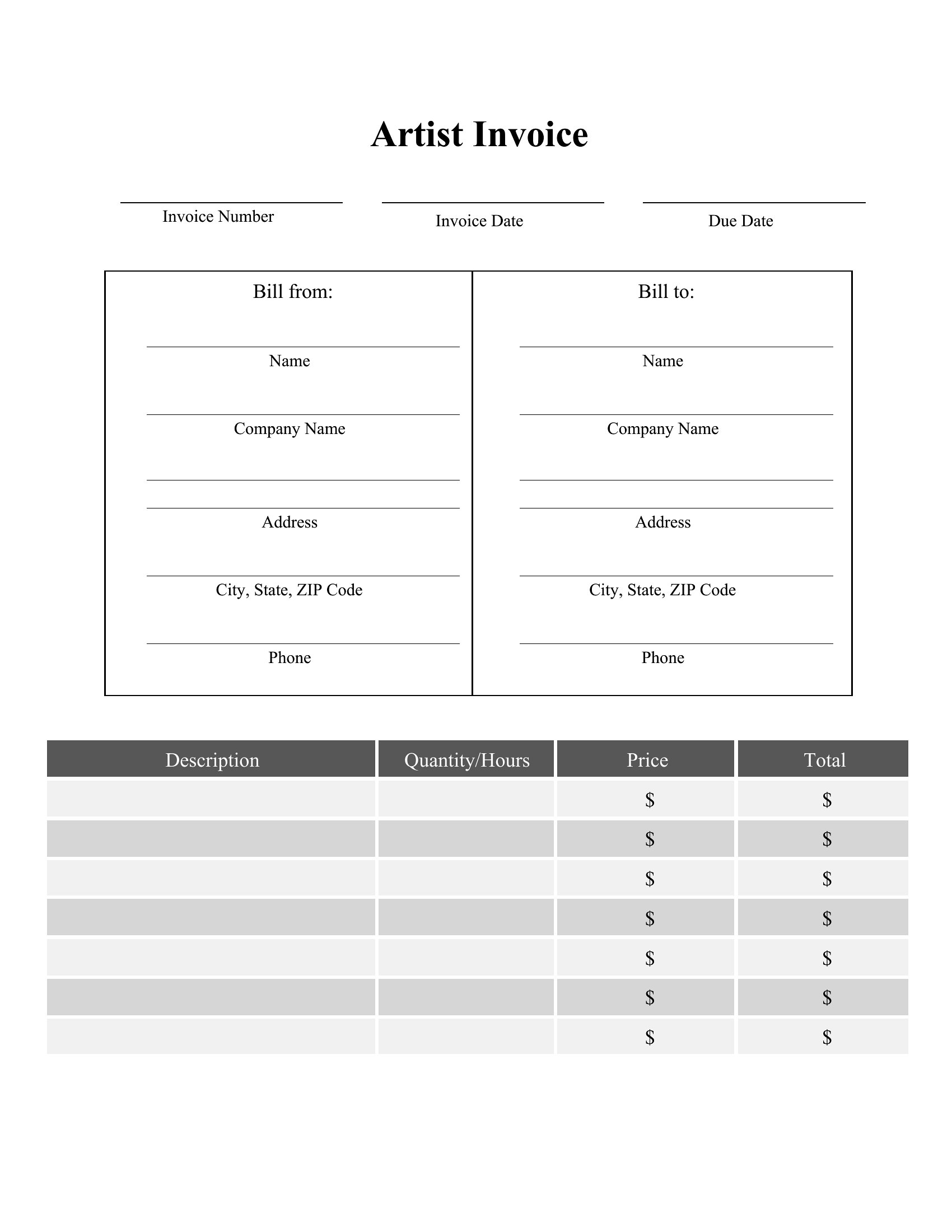
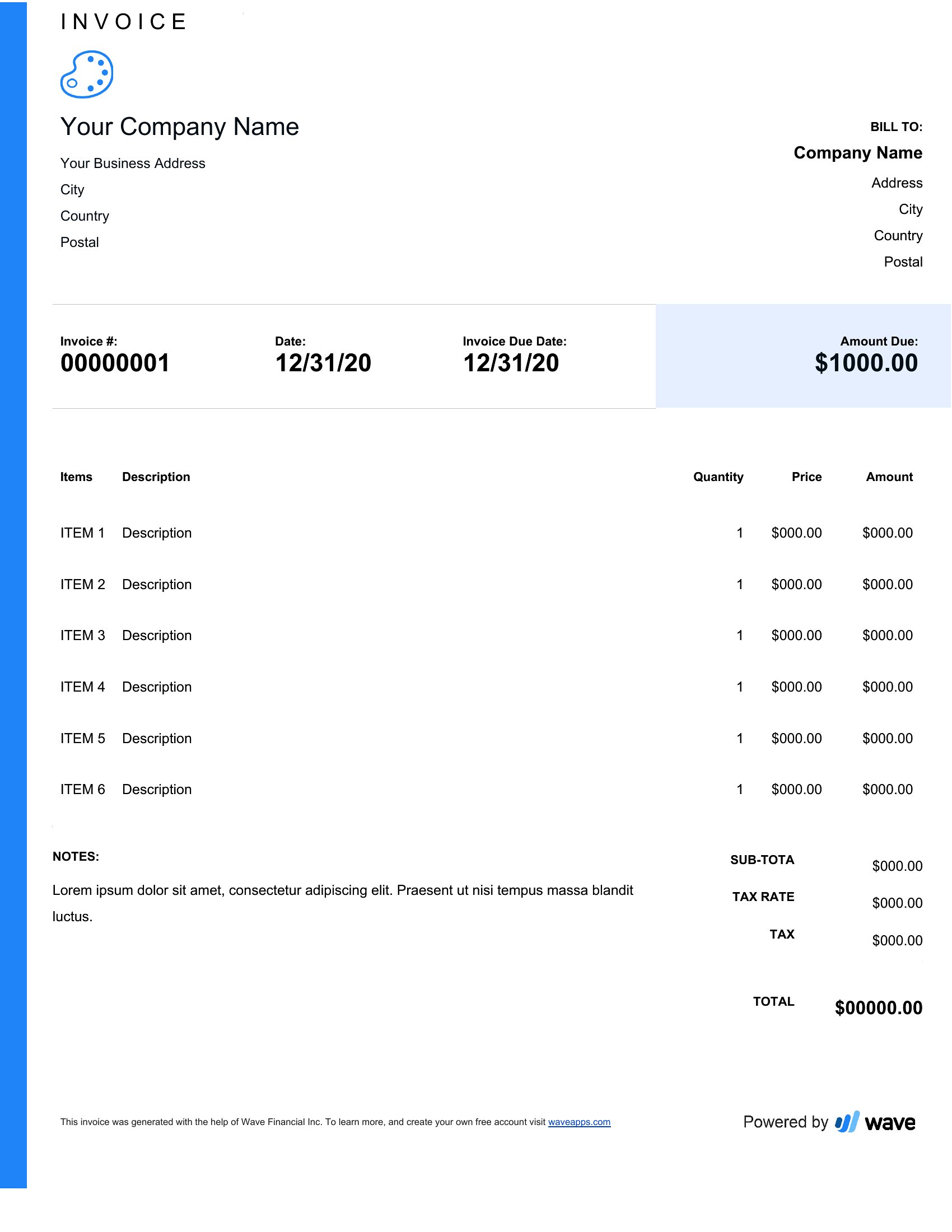
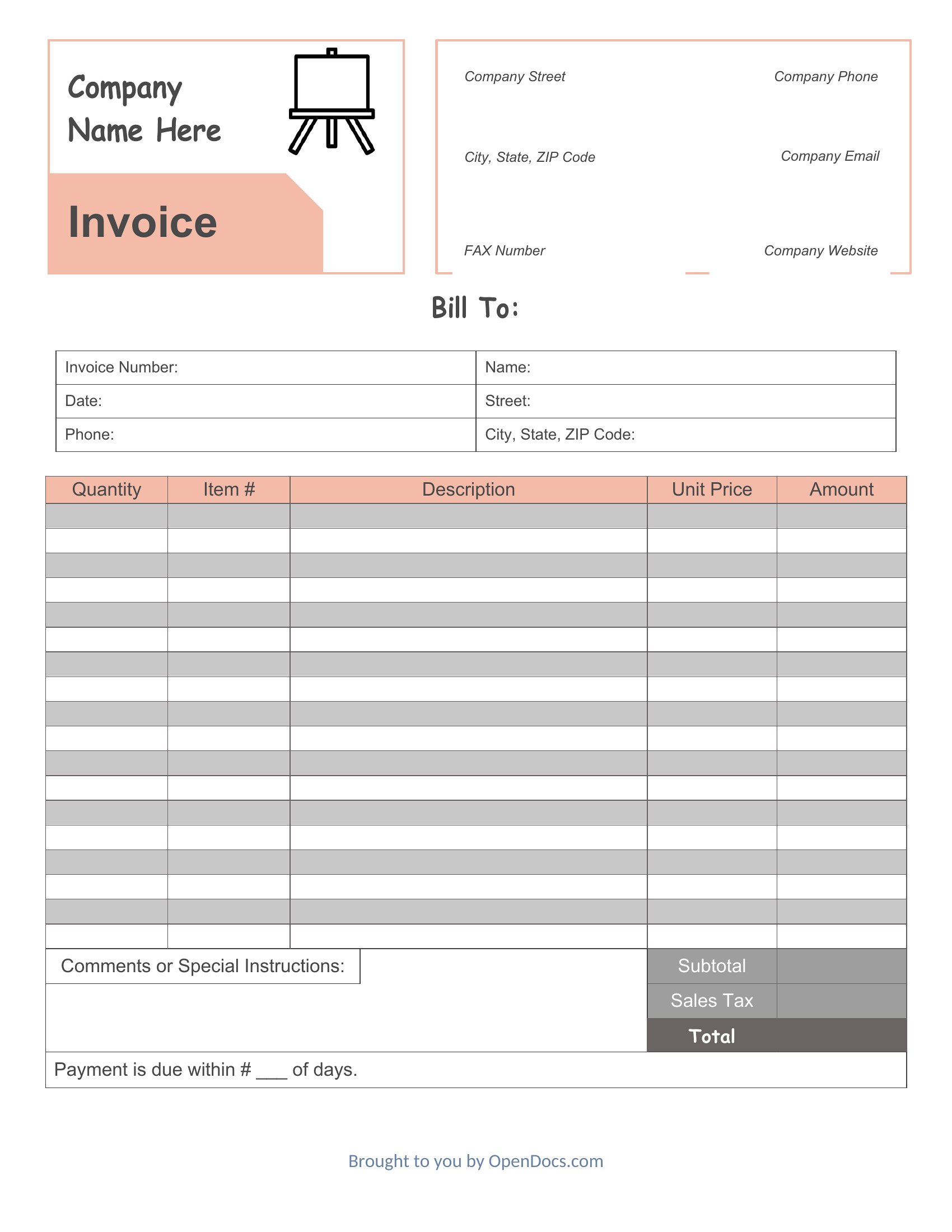
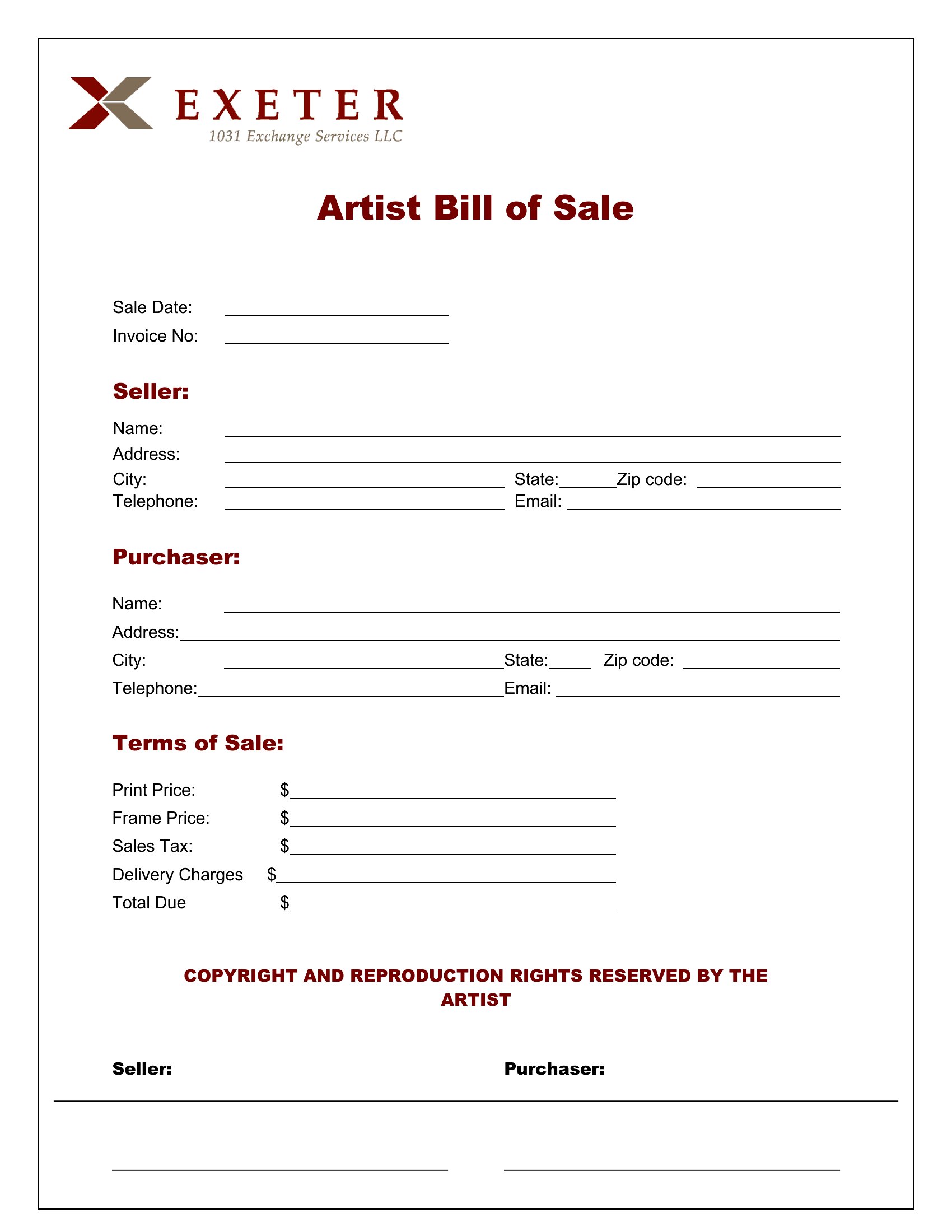
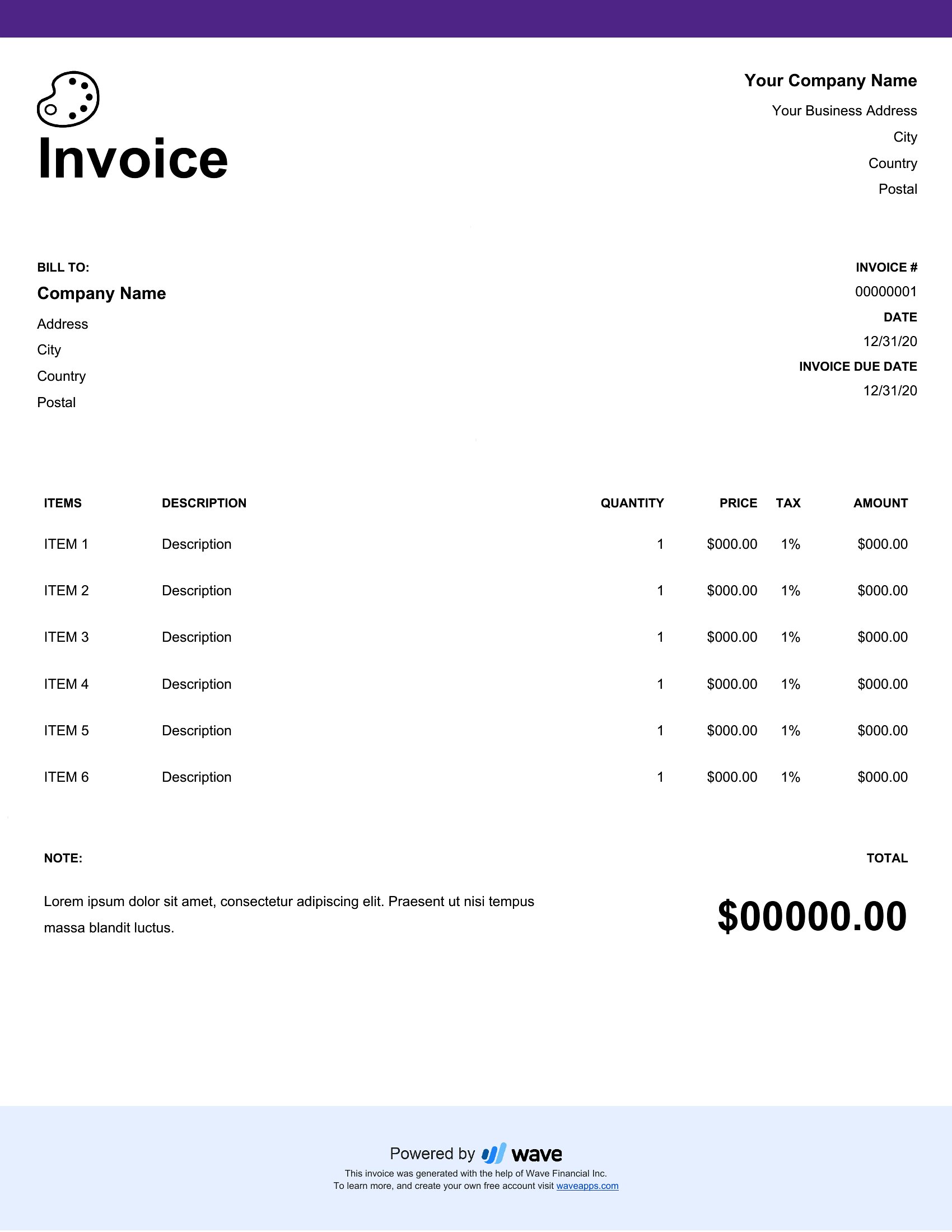
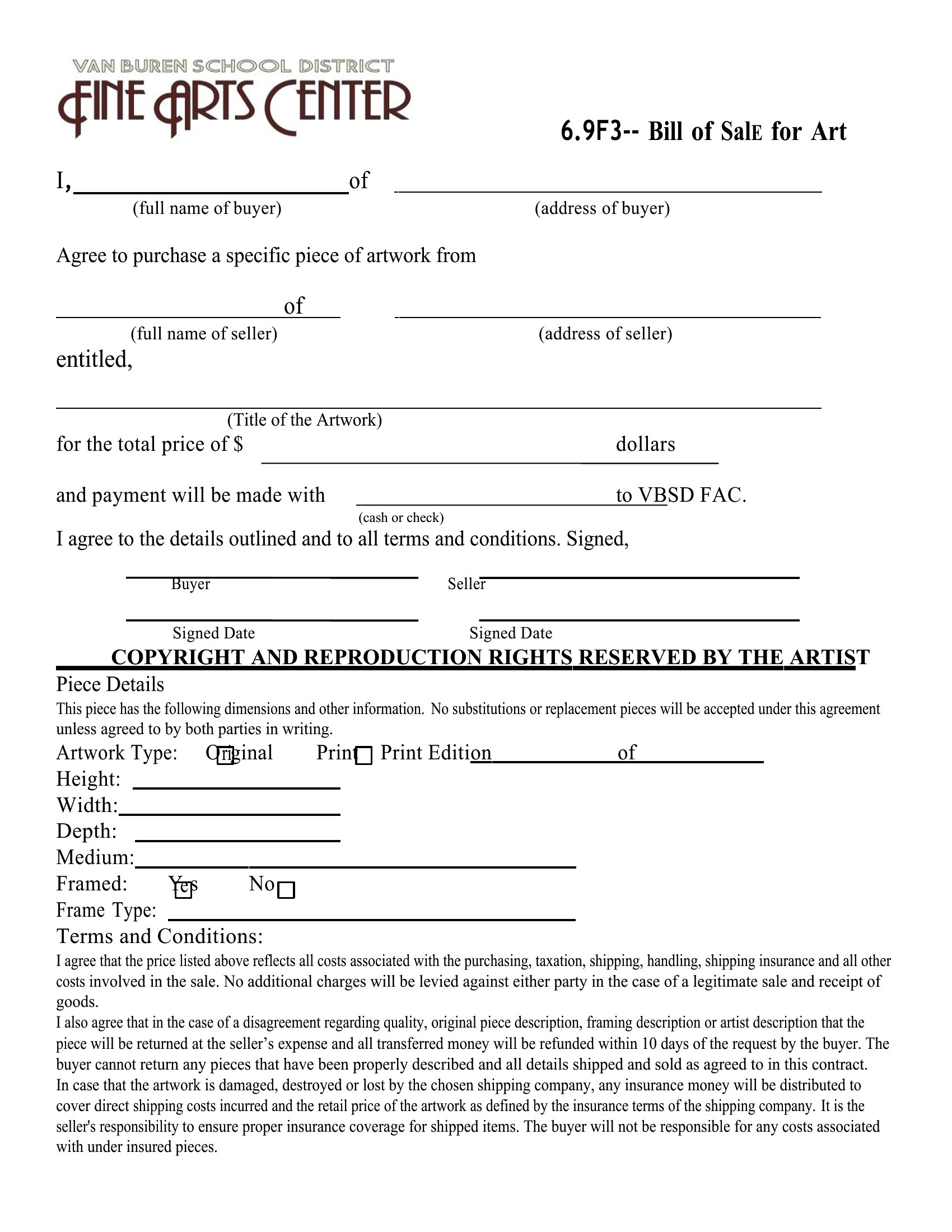
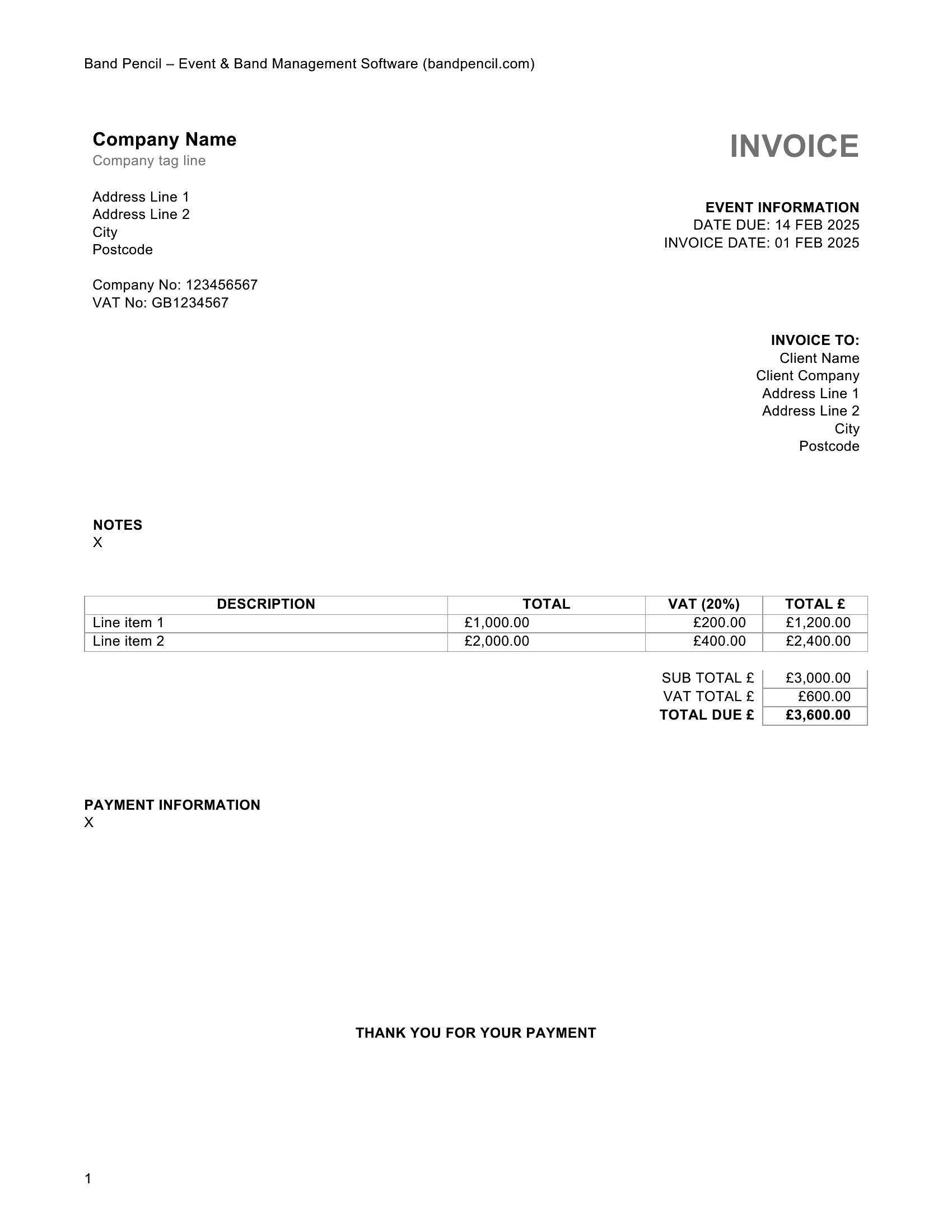
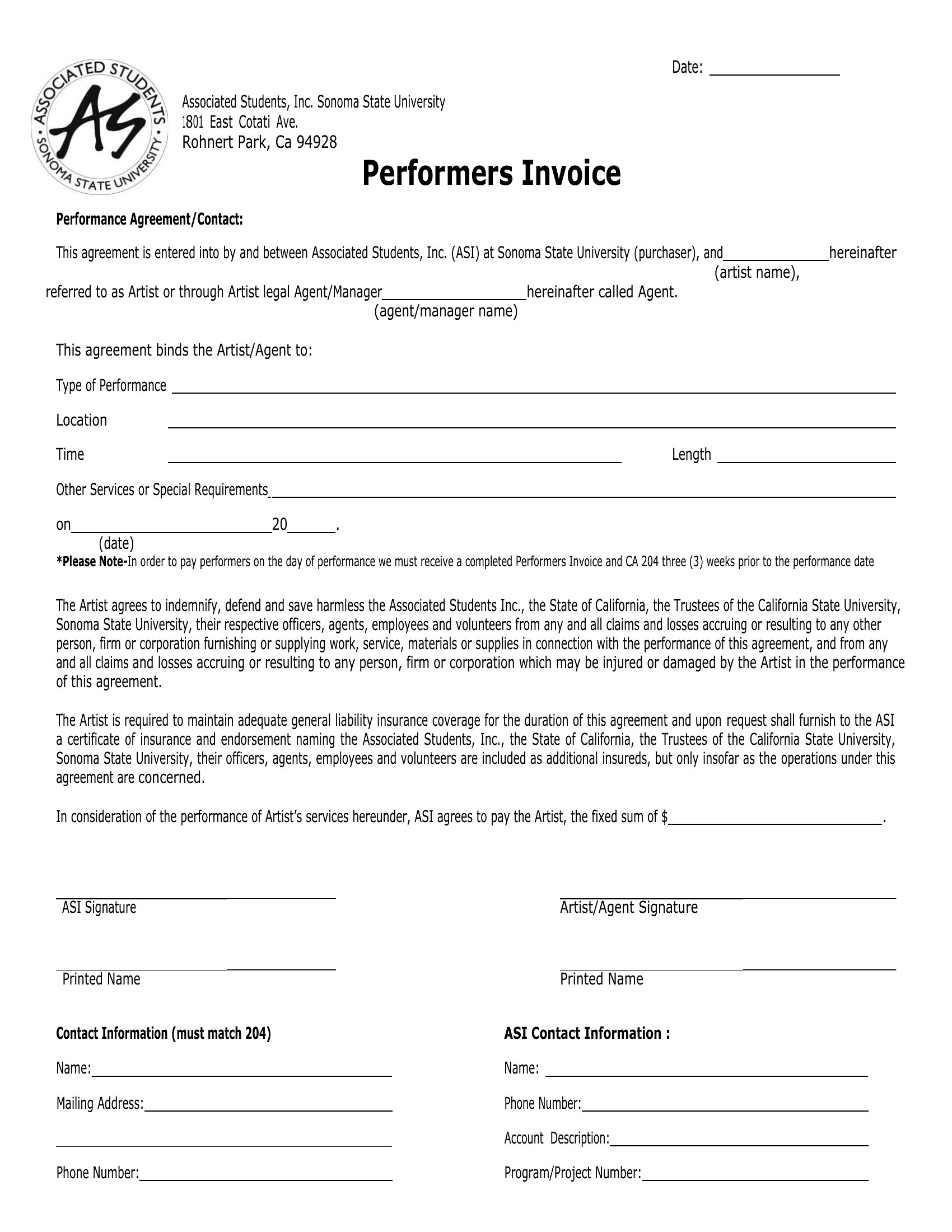
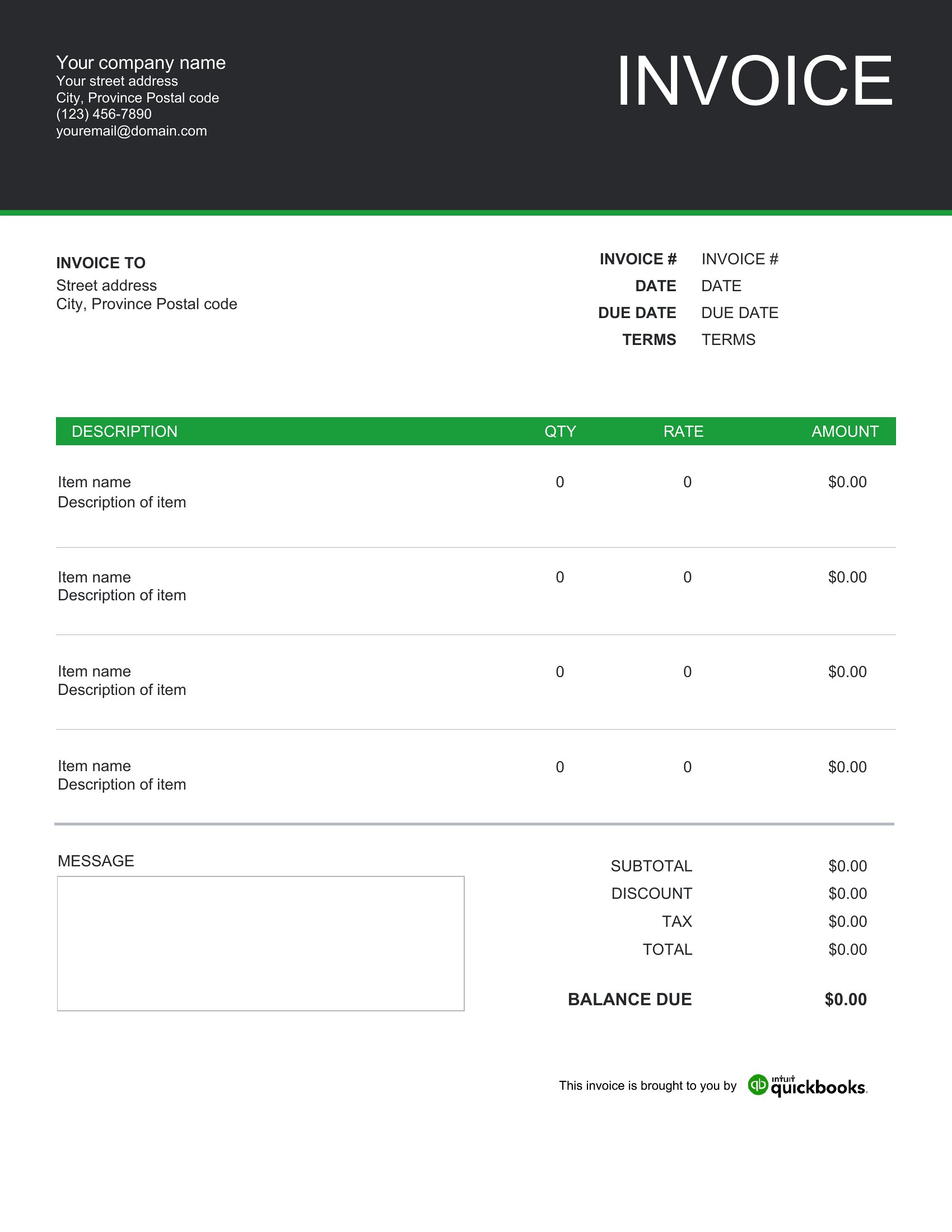
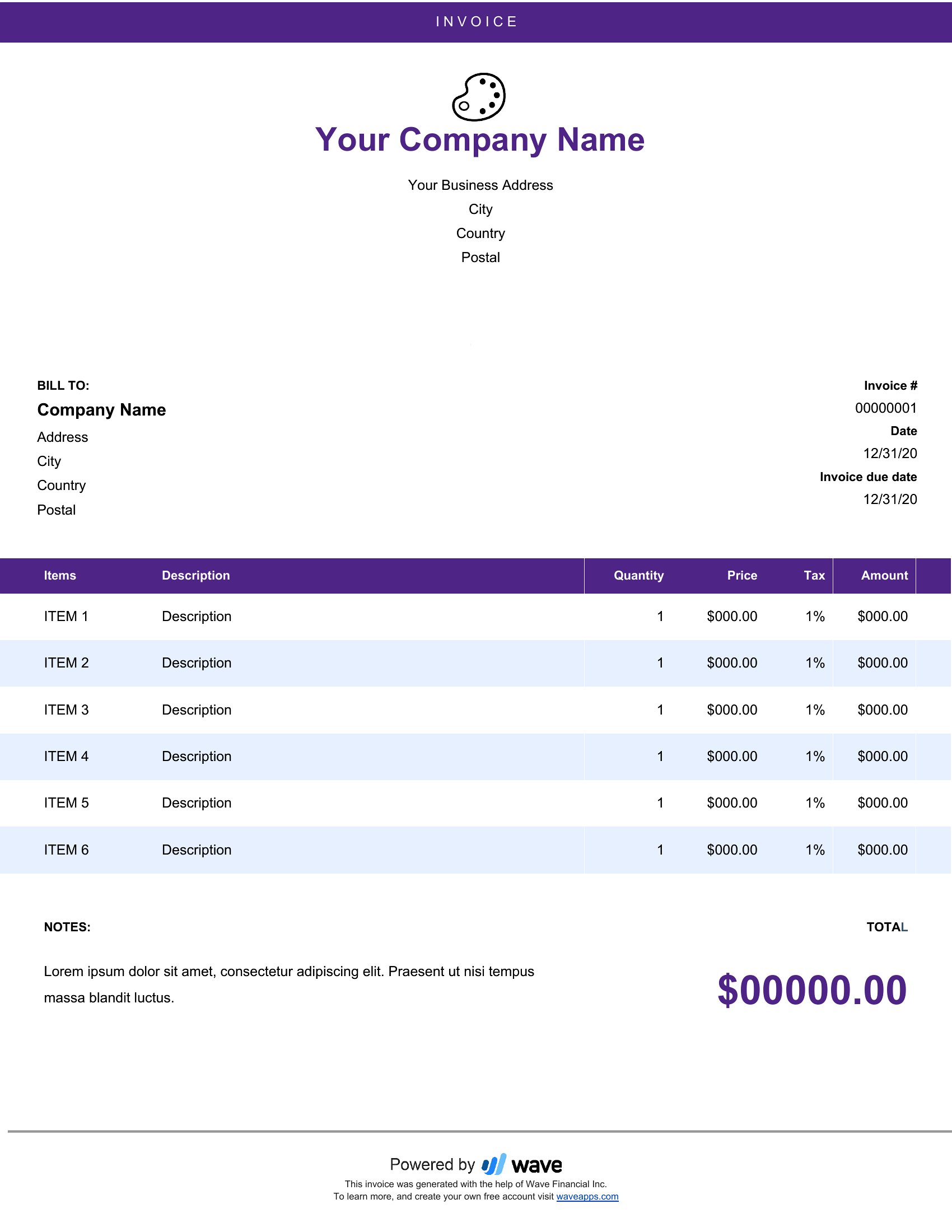
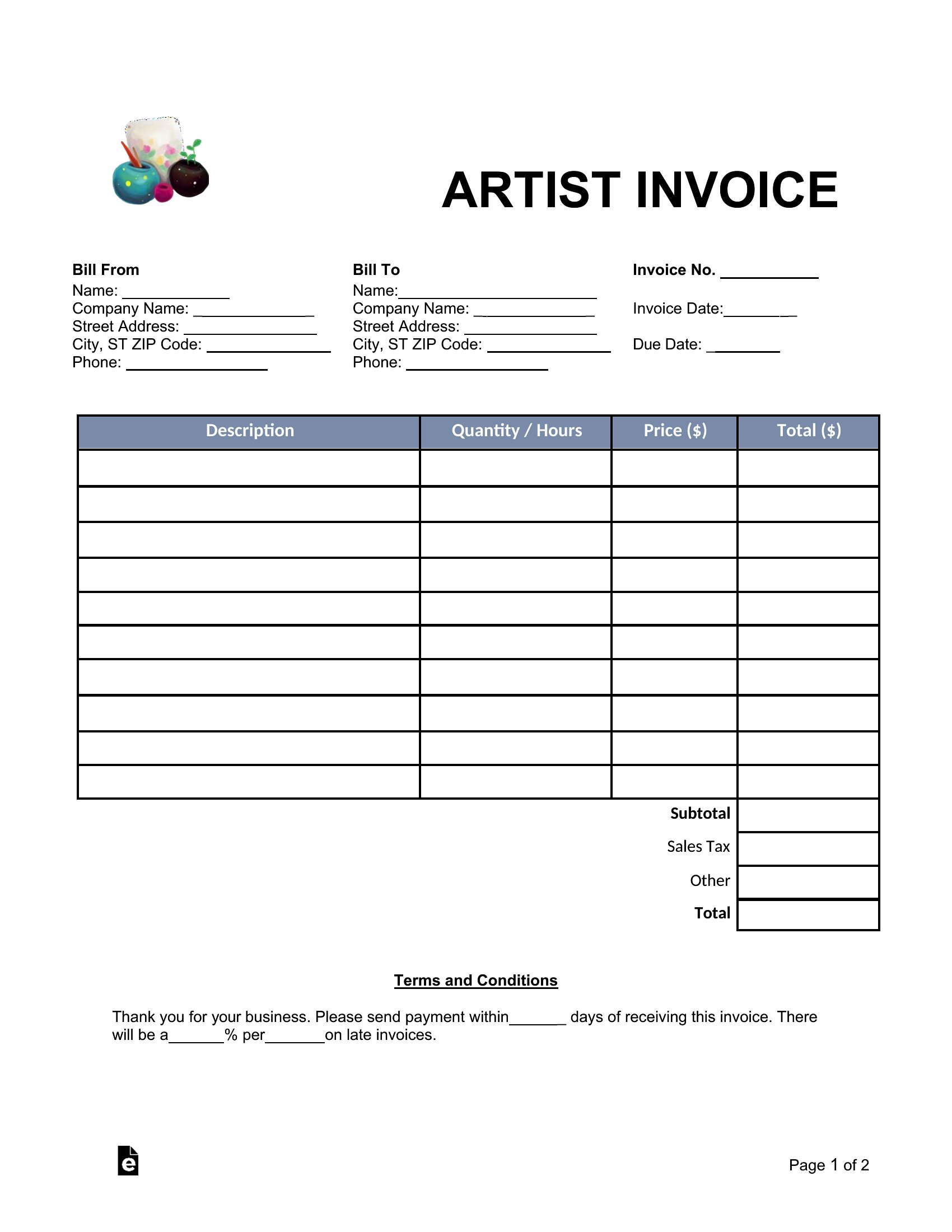
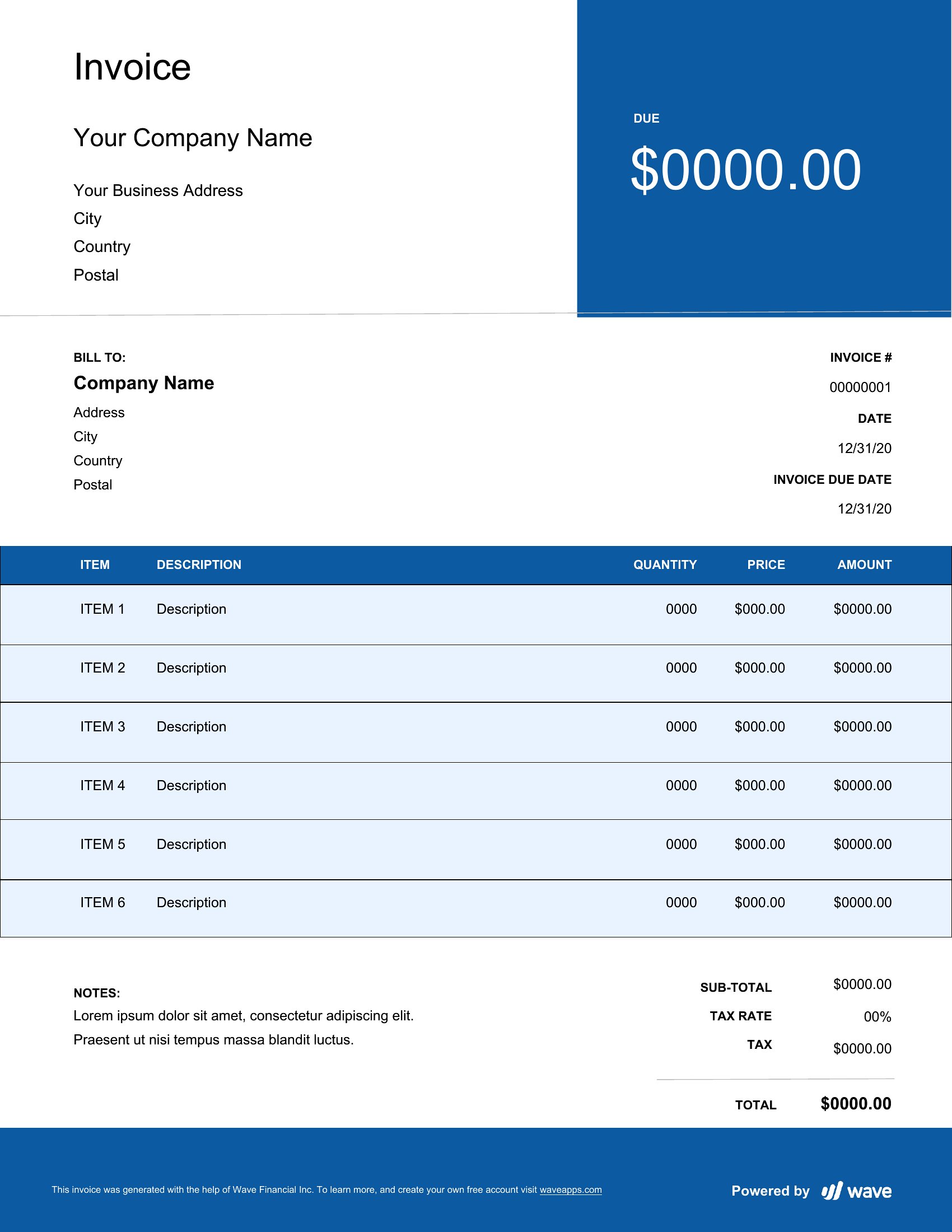
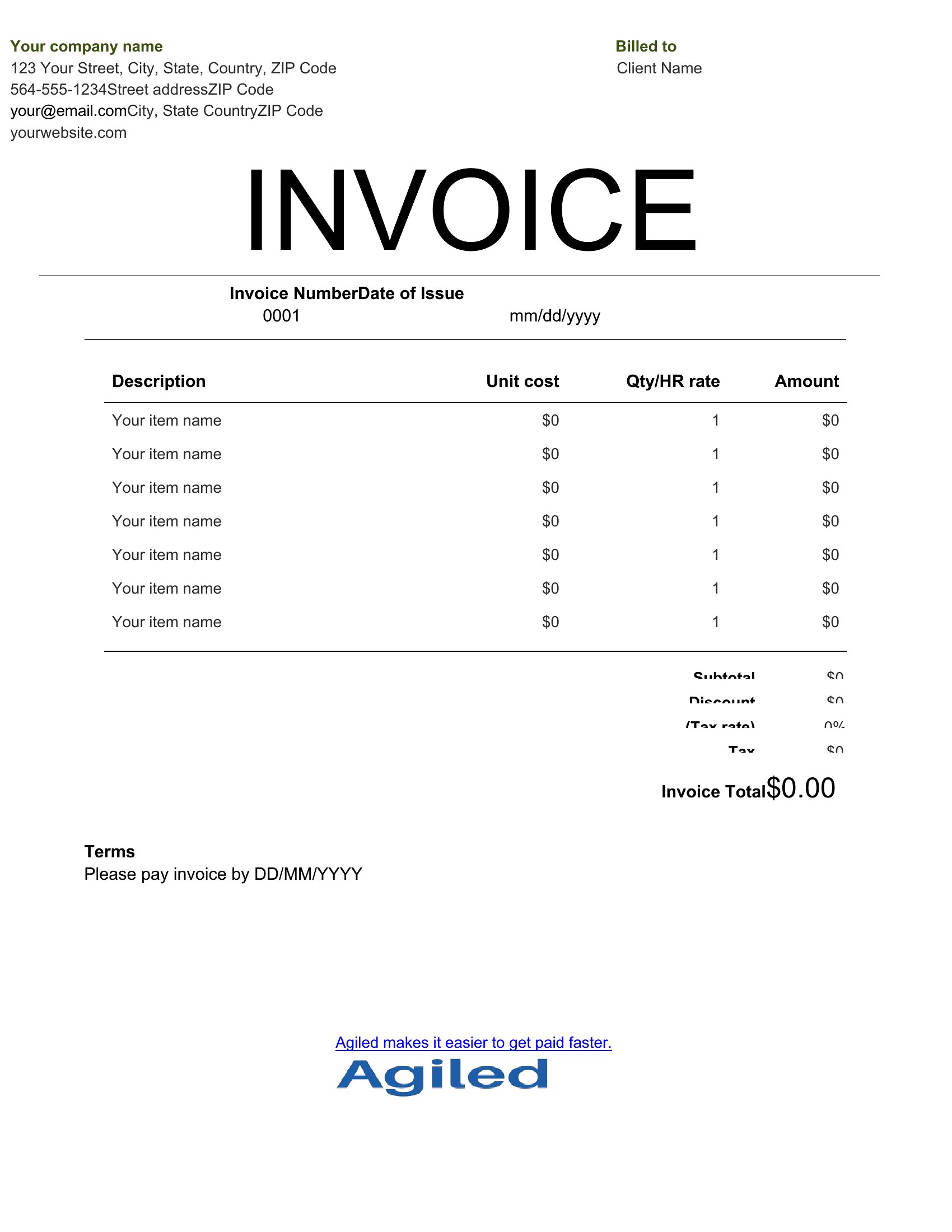
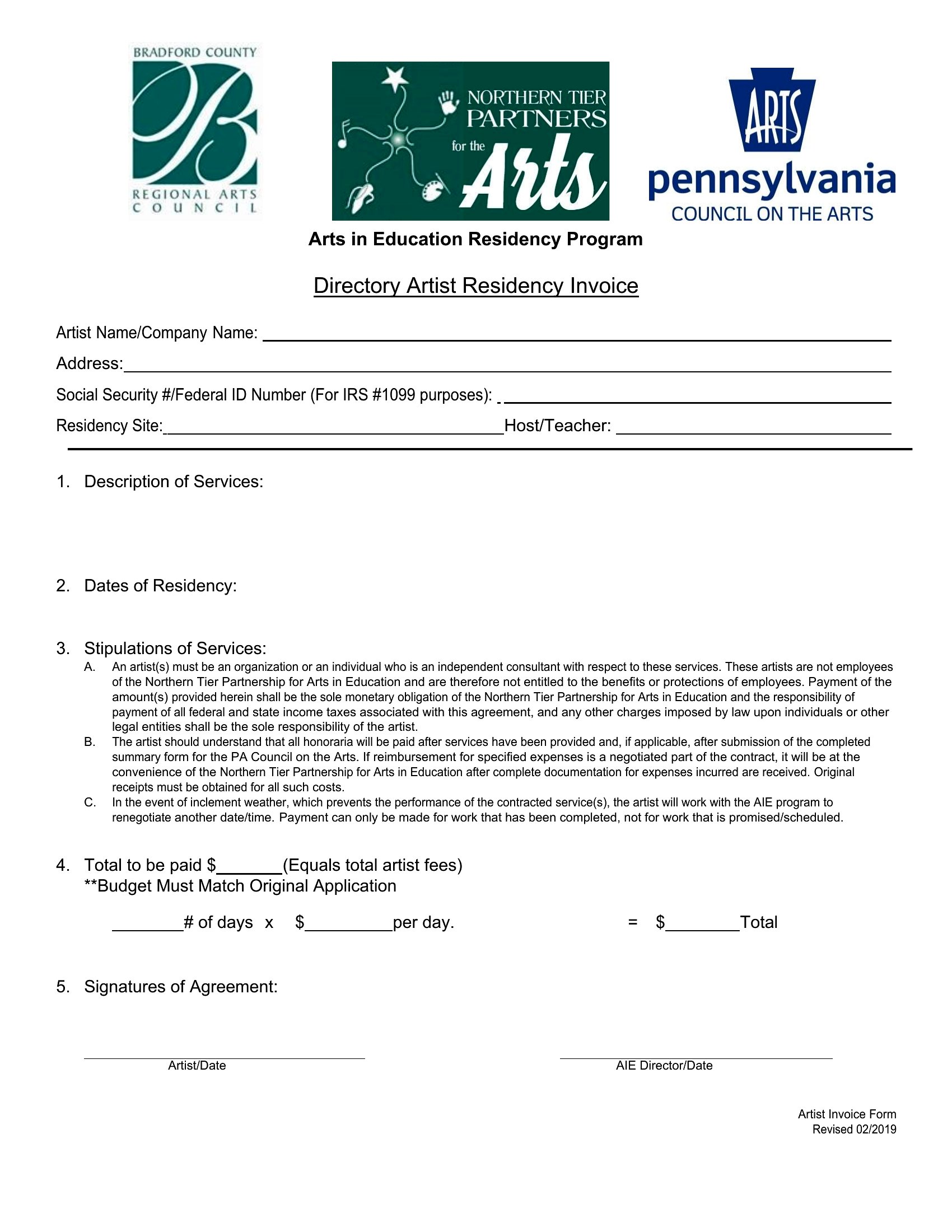
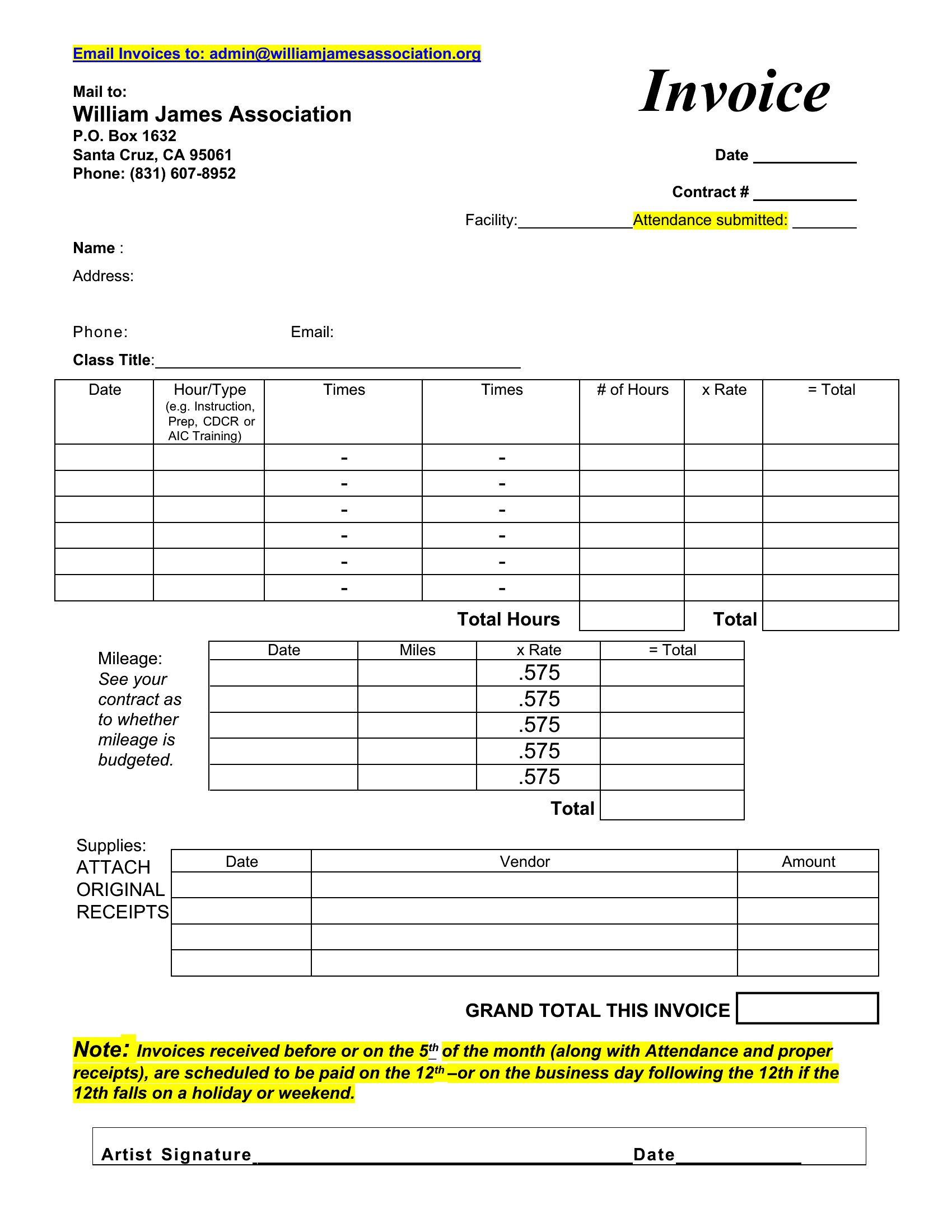
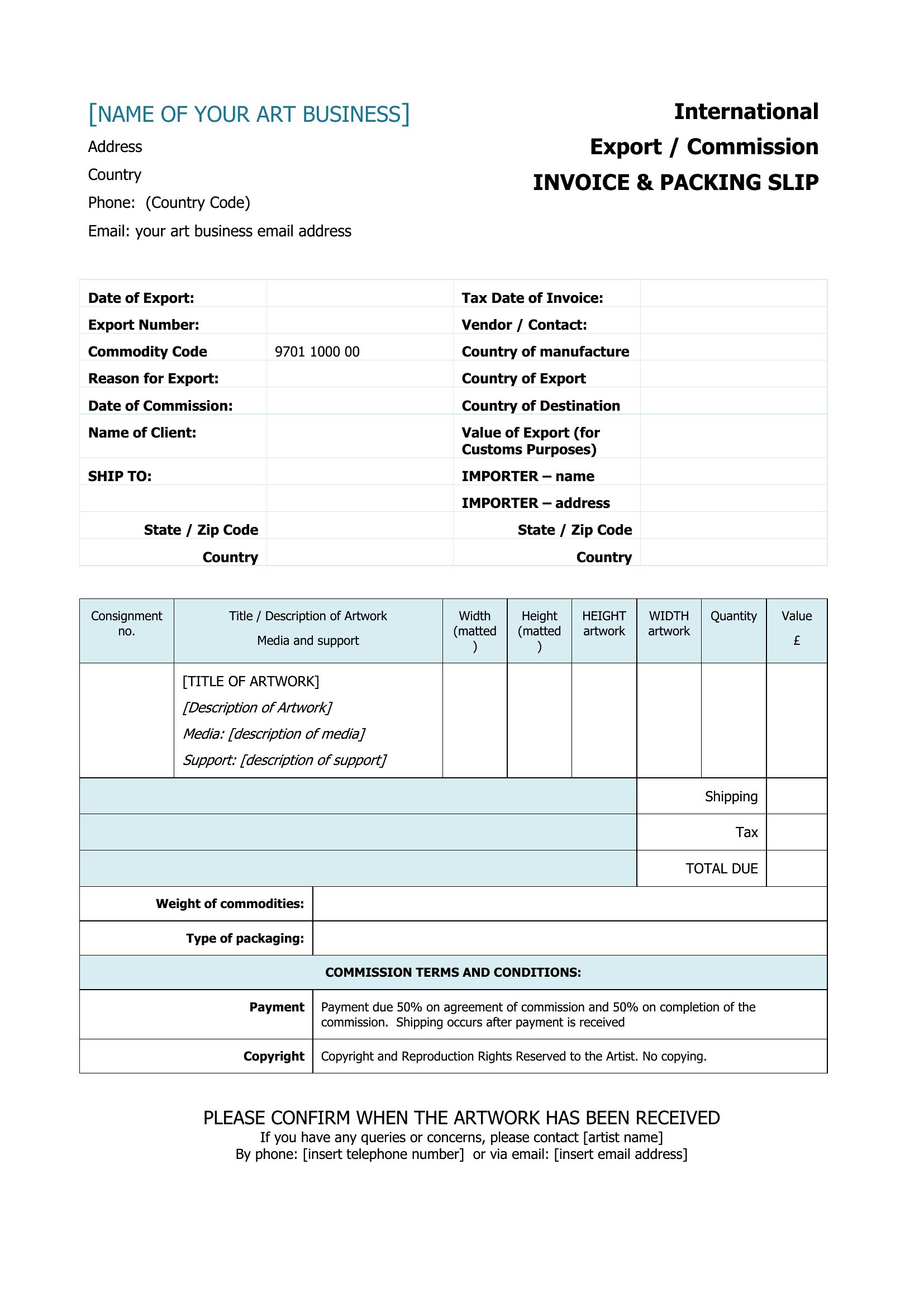
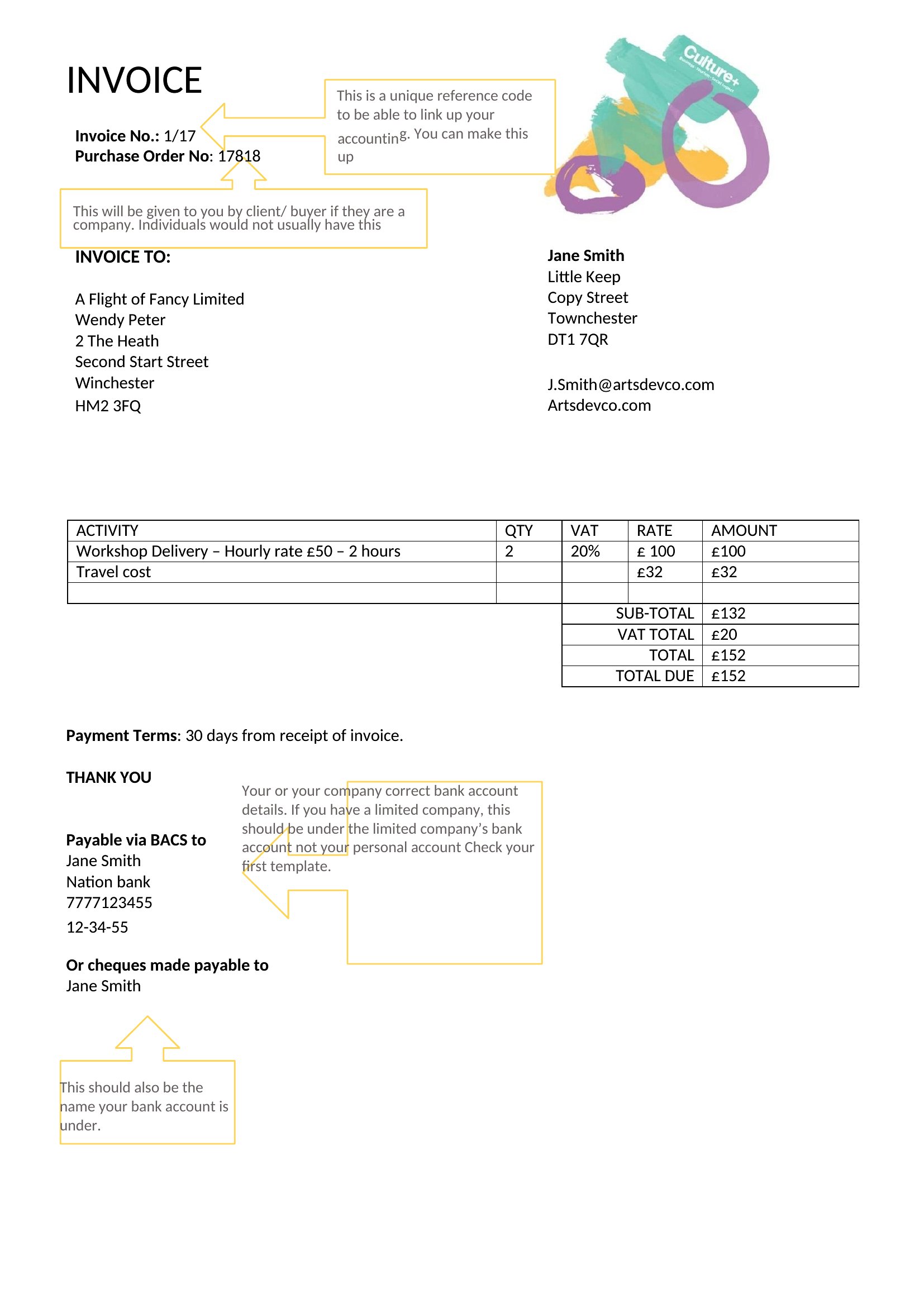
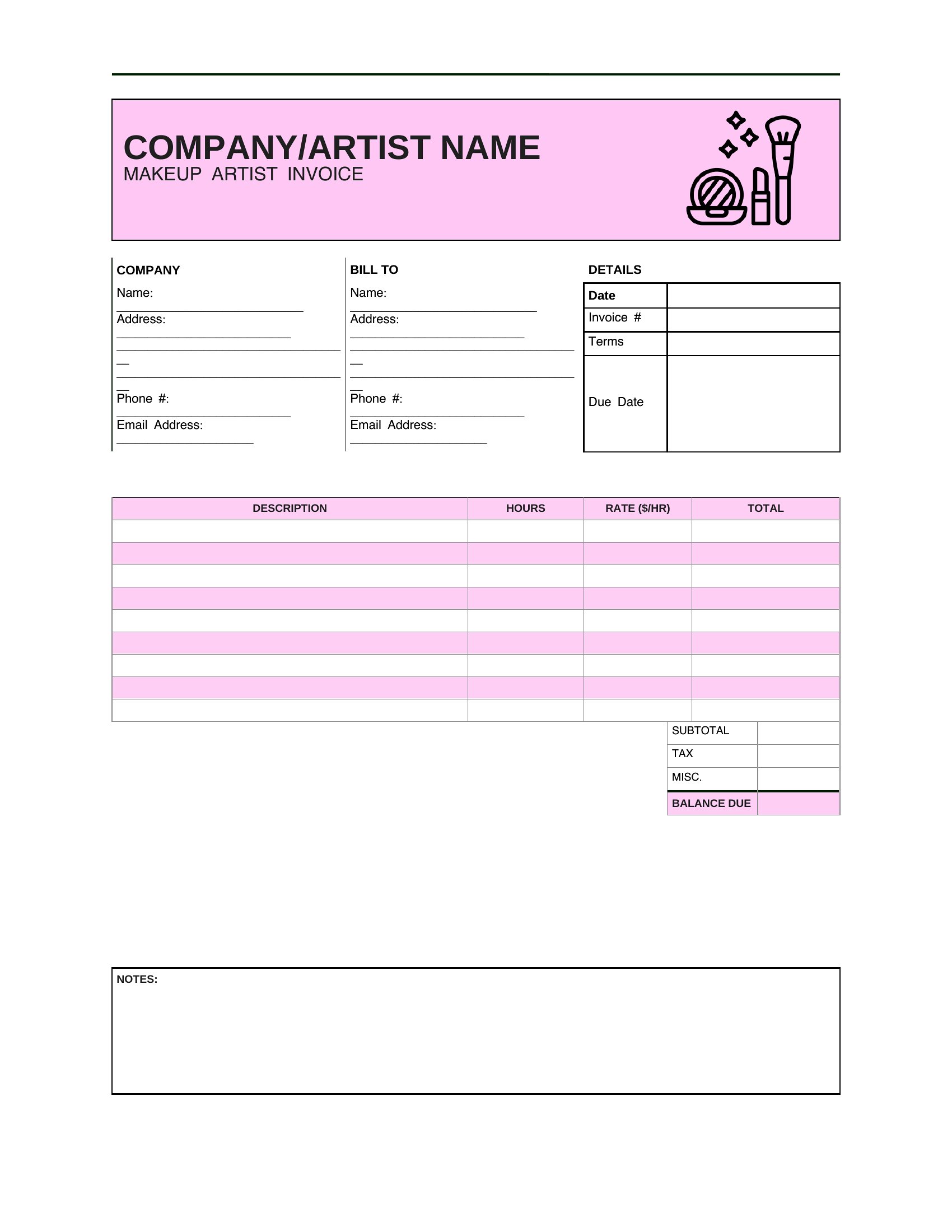
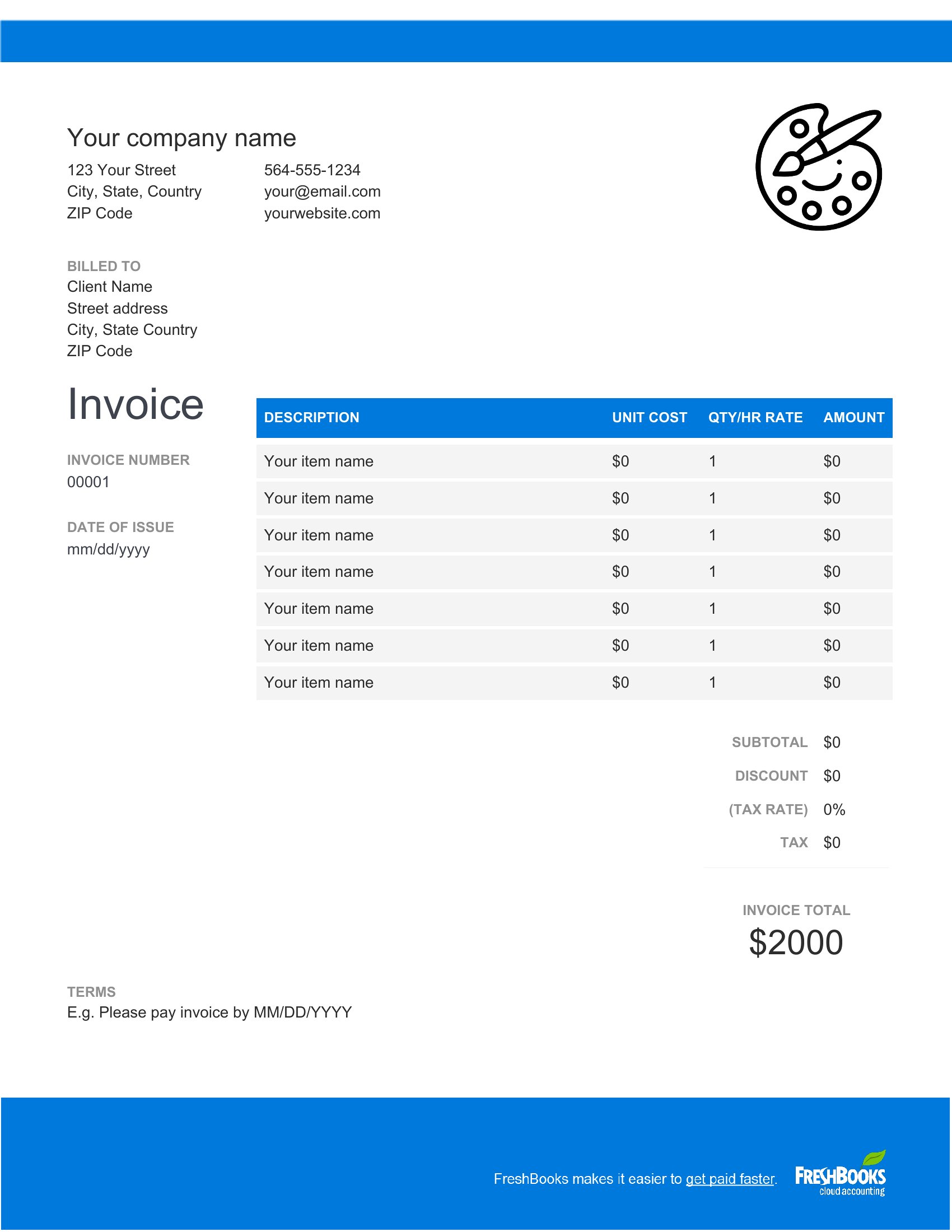
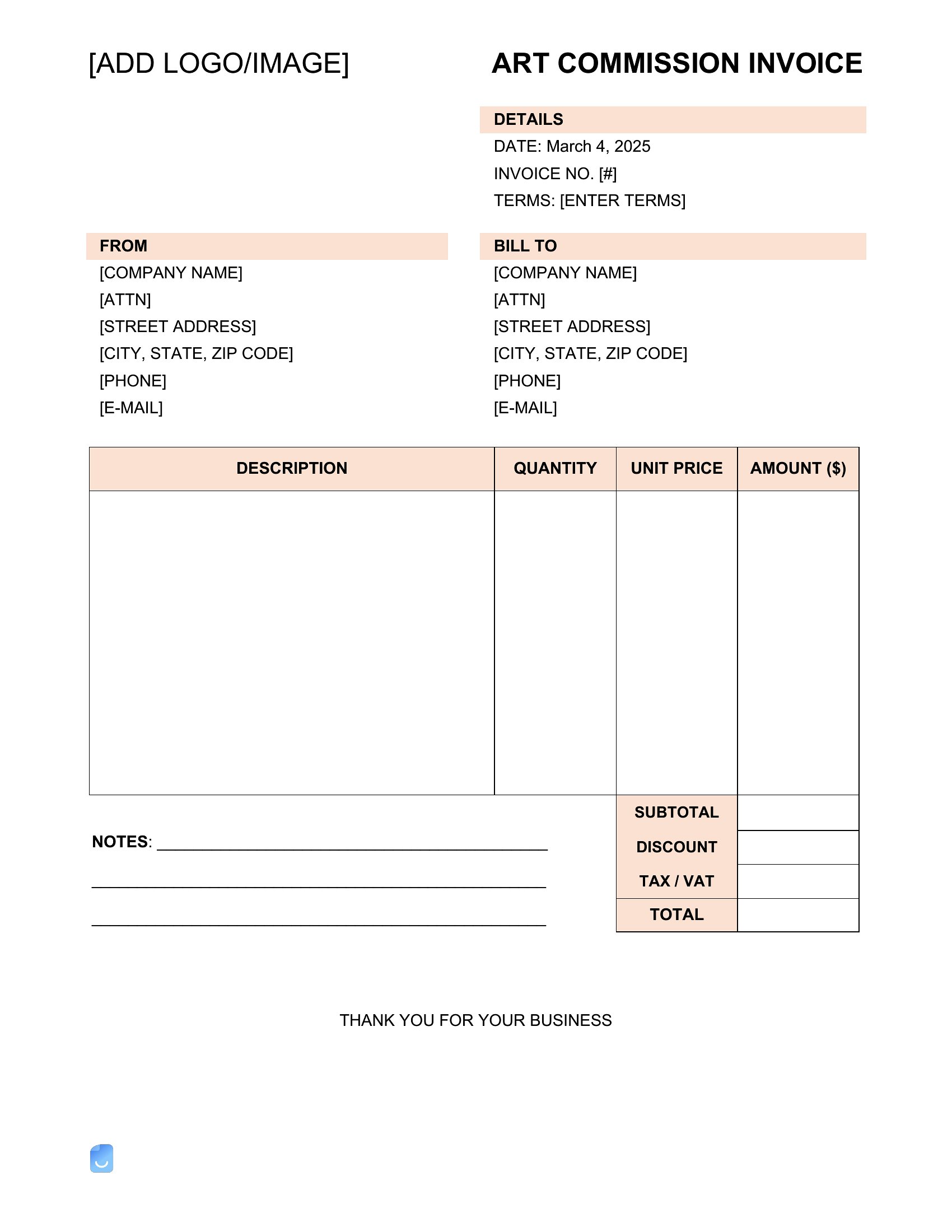
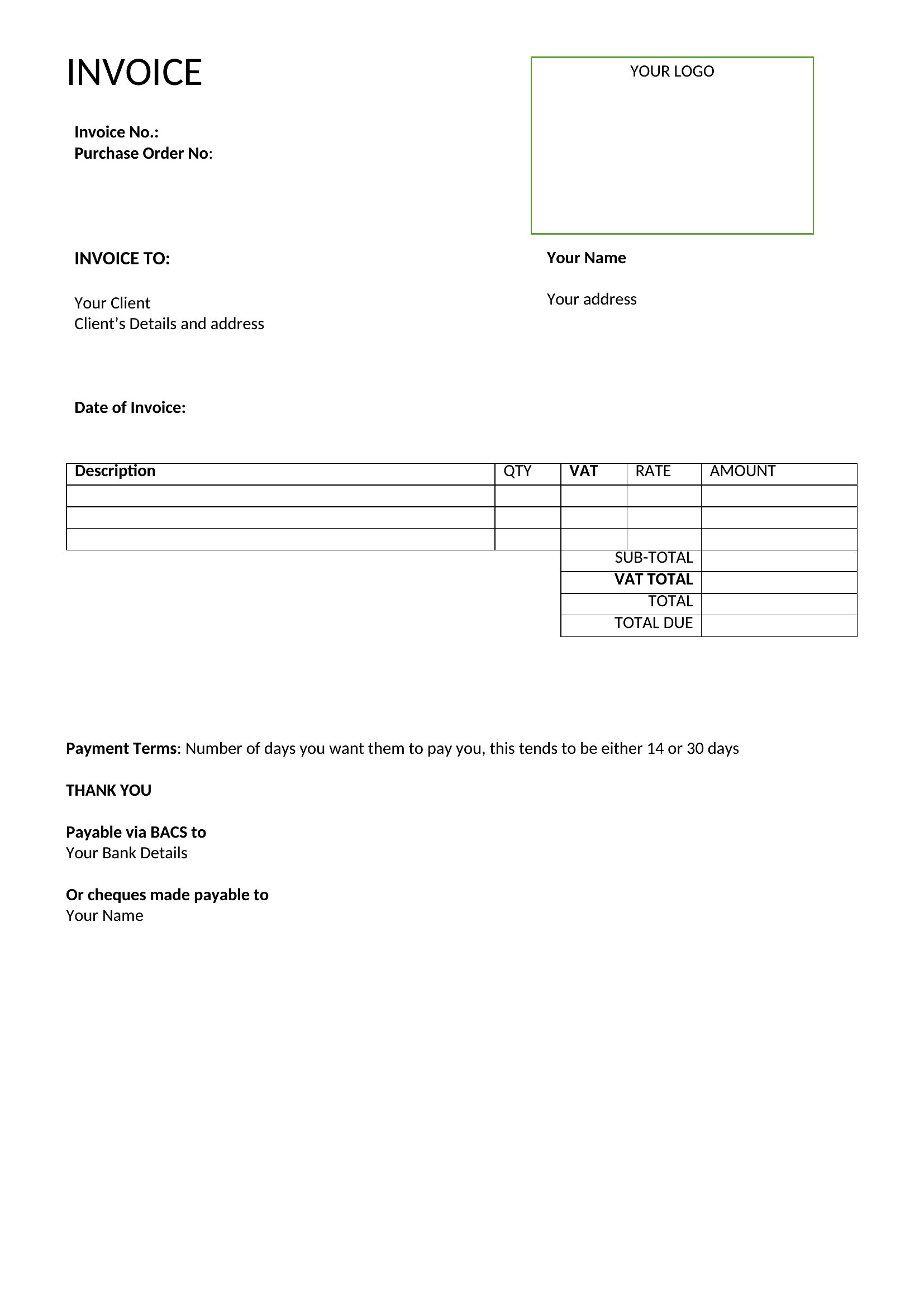
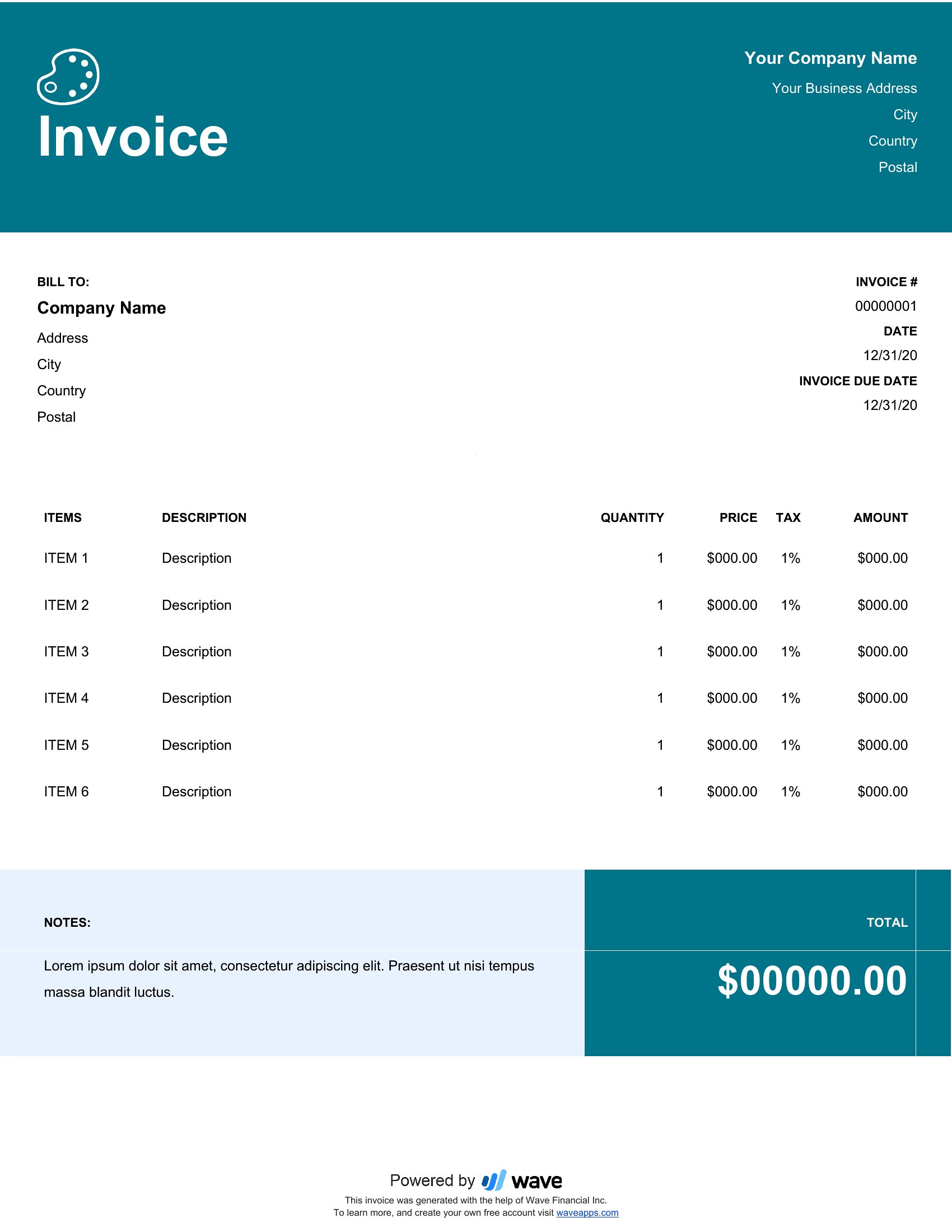
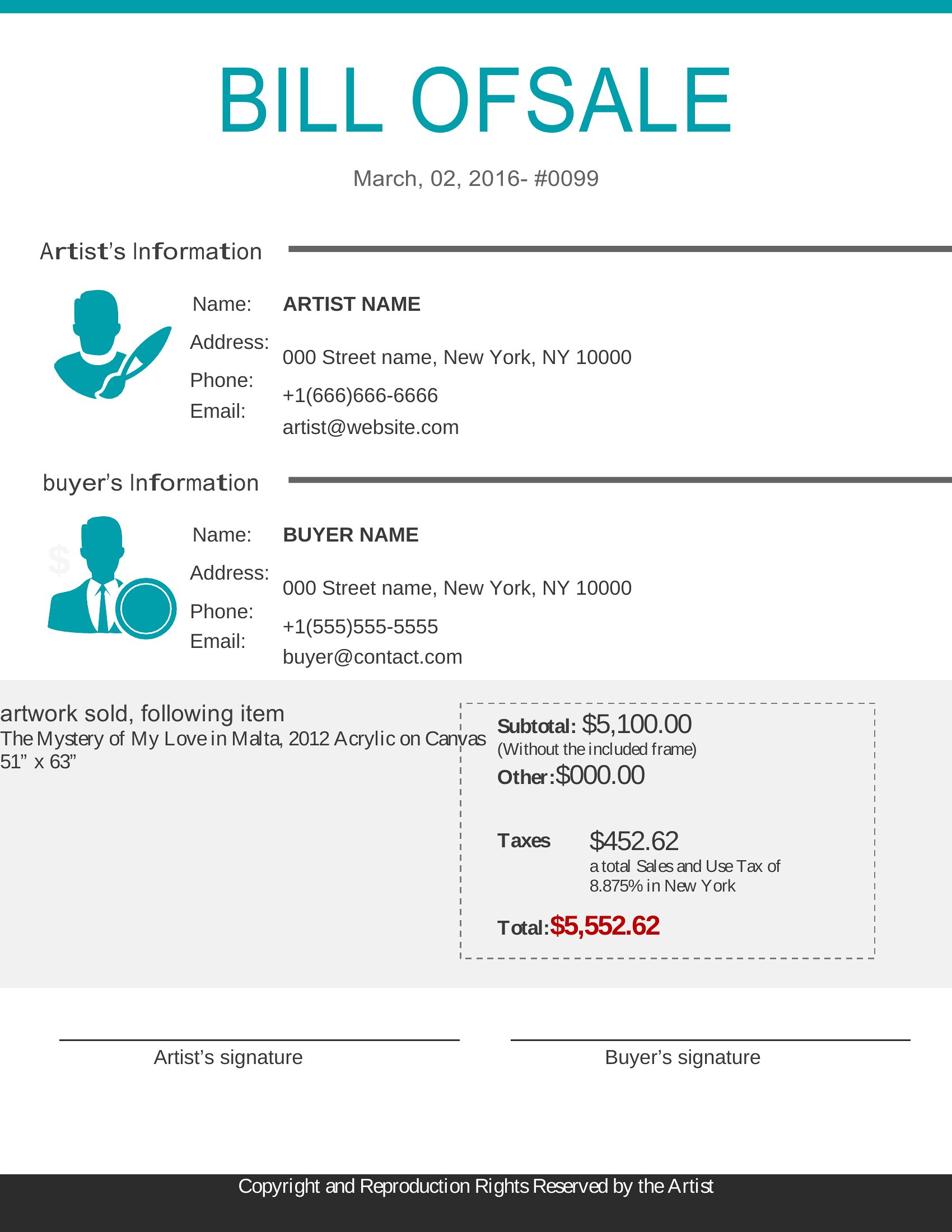
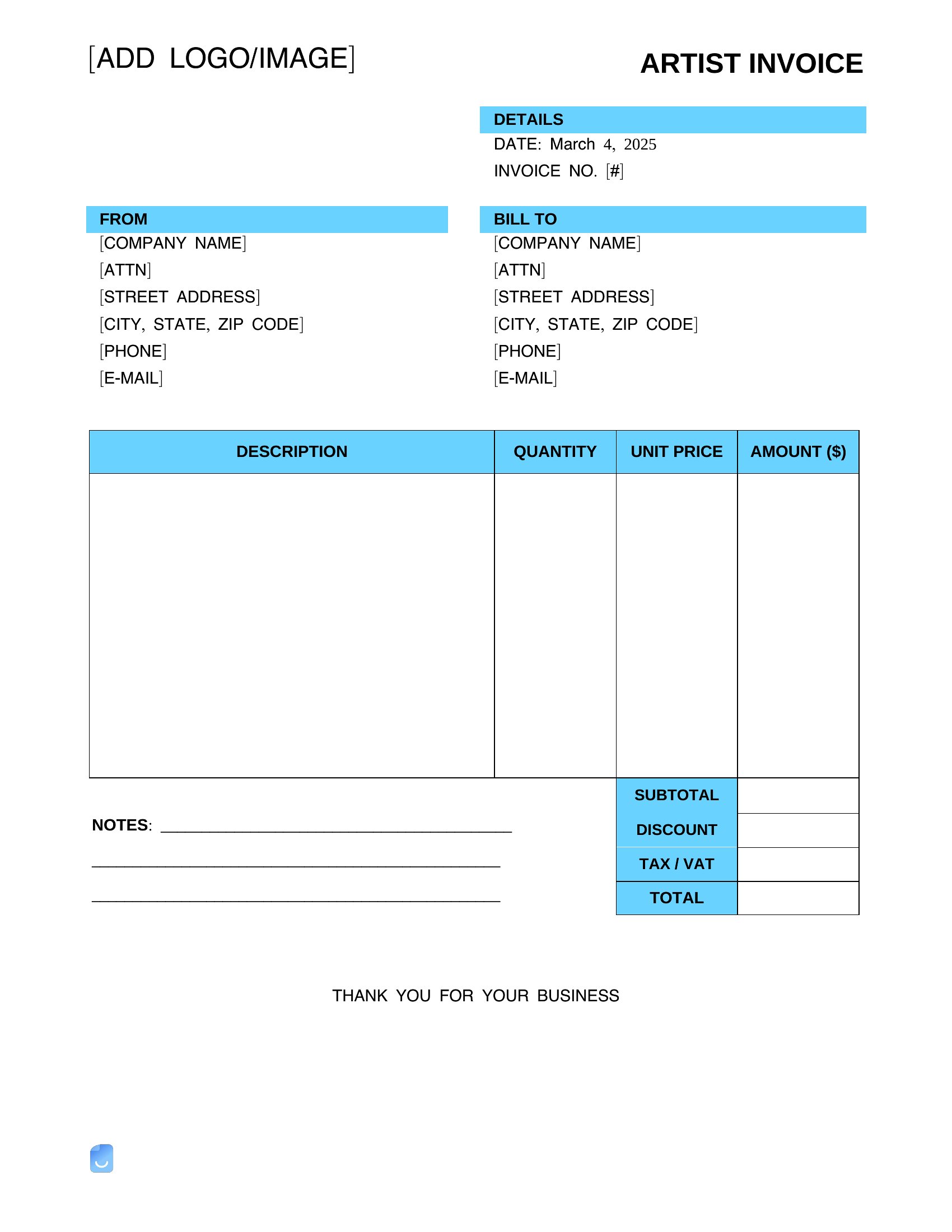
InvoicesGetting paid for creative work shouldn't feel awkward, and a clean invoice makes it professional. This set of 30 artist invoice templates helps painters, illustrators, designers, and other commission-based creatives bill clients for artwork, prints, and project fees with all the details laid out clearly.
The templates are editable in Microsoft Word, so you can add your name, list each piece or service, set your rates, and include payment terms before printing or sending. Customize the look to match your style and reuse it for every commission. It's free, flexible, and ready when you are. Pick the layout that fits your practice, drop in your details, and send a tidy invoice that gets you paid on time.
When to use this Artist Invoice template
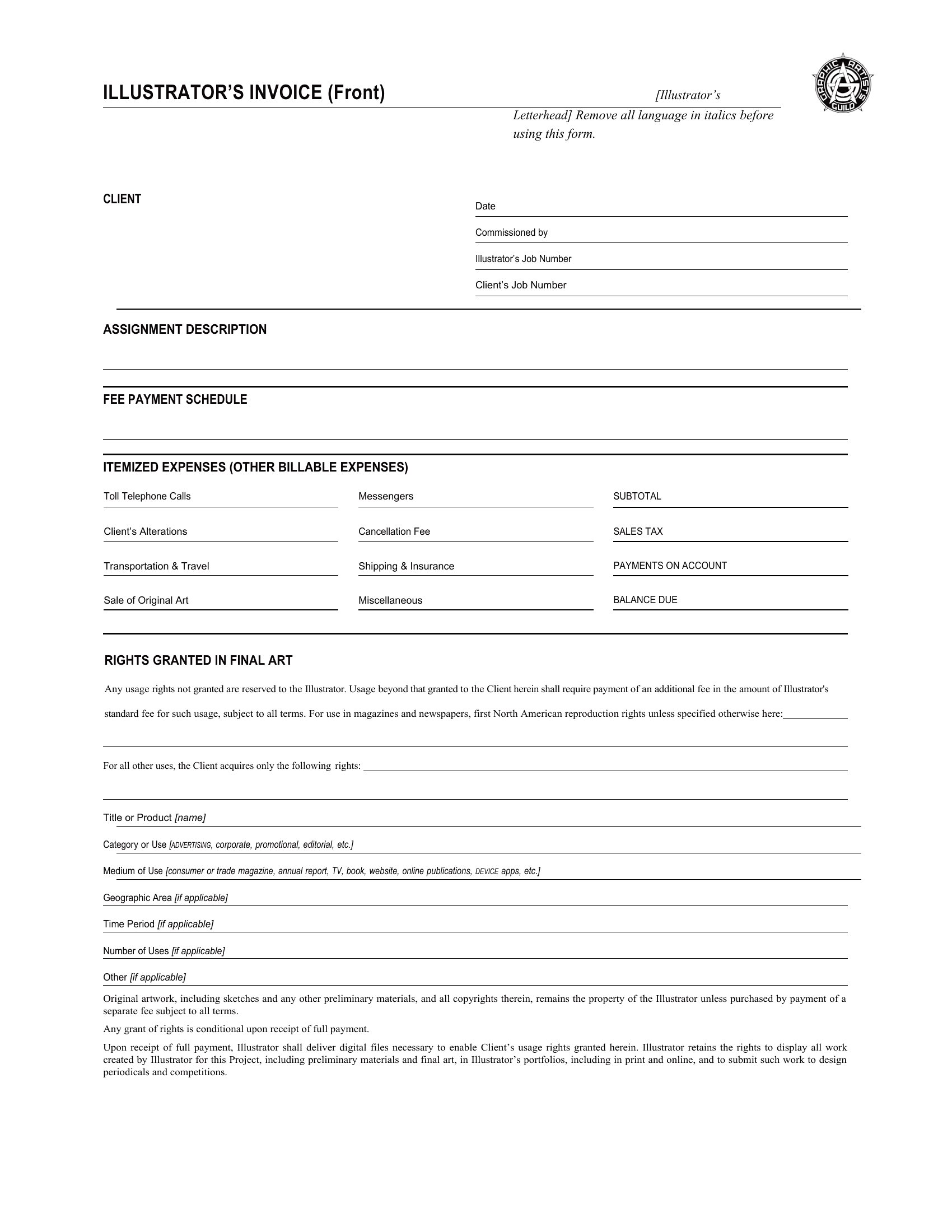
- Freelance illustrators charging clients for custom digital artwork commissions need a polished invoice to include piece names, mediums, and tiered pricing without confusing clients.
- Painters selling originals and limited-edition prints to galleries or collectors benefit from an invoice template that clearly separates physical product costs from shipping fees and taxes.
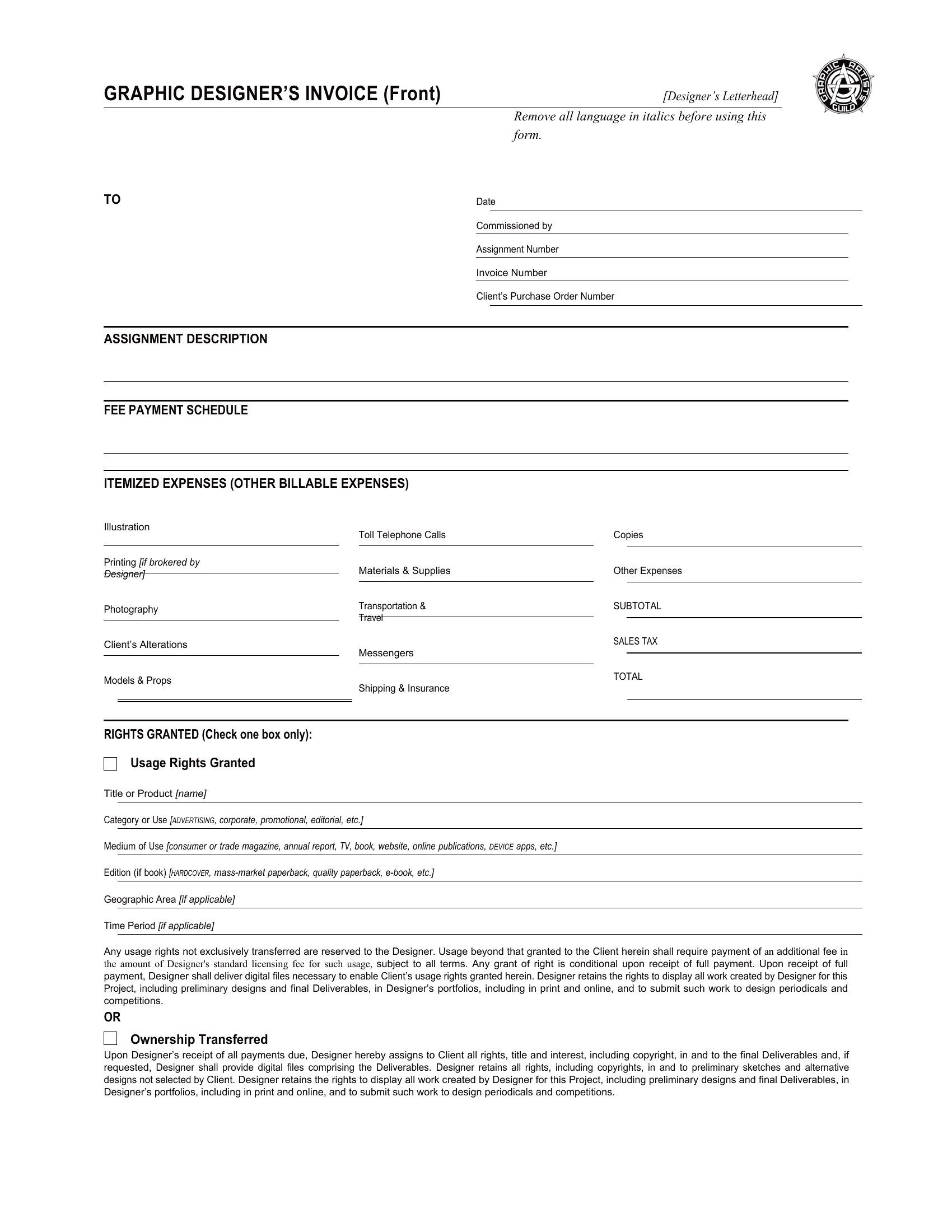
- Graphic designers billing for logo designs or branding packages can use these templates to itemize hourly rates, revision rounds, and deliverable formats (e.g., AI, PDF, PNG) upfront.
- Art teachers or workshop leaders monetizing their classes require an invoice that breaks down enrollment fees, materials costs, and late-payment terms for clarity with students.
Which format should I download?
Microsoft Word is the ideal format for artist invoices because it balances professionalism with flexibility. This template collection is built in Word so you can easily customize line items—like adding specific artwork titles or adjusting fee structures—while maintaining a cohesive layout. Word also supports trackable changes if clients need to approve edits before payment, and it’s widely compatible for sharing via email or print. Avoid PDFs here unless you’re sending a static, finalized version, as editing would require extra steps.
Choose from 30 Artist Invoice Templates
How to use this Artist Invoice template
What details should I include beyond the base fee for artwork sales?
For transparency, add the artwork title, dimensions, medium, edition number (if applicable), and whether taxes or shipping are included. If offering discounts for bulk purchases or future commissions, note those terms clearly. This reduces back-and-forth with clients who may assume extra costs. For example, a painter might list ‘Original Acrylic on Canvas – 24x36” – $1,200 (Taxes & Framing Extra)’ to set expectations upfront.
How do I handle partial payments or deposits for large commissions?
Word invoices let you split payments by marking sections like ‘50% Deposit Due Upon Approval’ and ‘50% Due Upon Completion.’ Clearly state the deadline for each stage—e.g., ‘Deposit due within 7 days of invoice date’—to avoid delays. You can also add a notes section to explain your policy, such as ‘Deposits are non-refundable unless the commission is canceled within 48 hours.’ This protects your workflow while being professional.
Should I include a late payment policy in my artist invoice?
Yes, but keep it concise and polite. Add a line like ‘Payment due within 15 days; a 1.5% late fee applies after 30 days’ in the terms section. For clients who may not be familiar with invoices, you can soften it by saying ‘Prompt payment helps us continue creating work like this for you!’ This sets boundaries without sounding confrontational. Avoid legal jargon—artists often work with non-business clients who appreciate straightforward language.
Comments
Join the conversation
Sign in to share your thoughts and leave a comment on this resource.