Free Hotel Receipt Templates (Word, Excel)
PaymentsTemplates
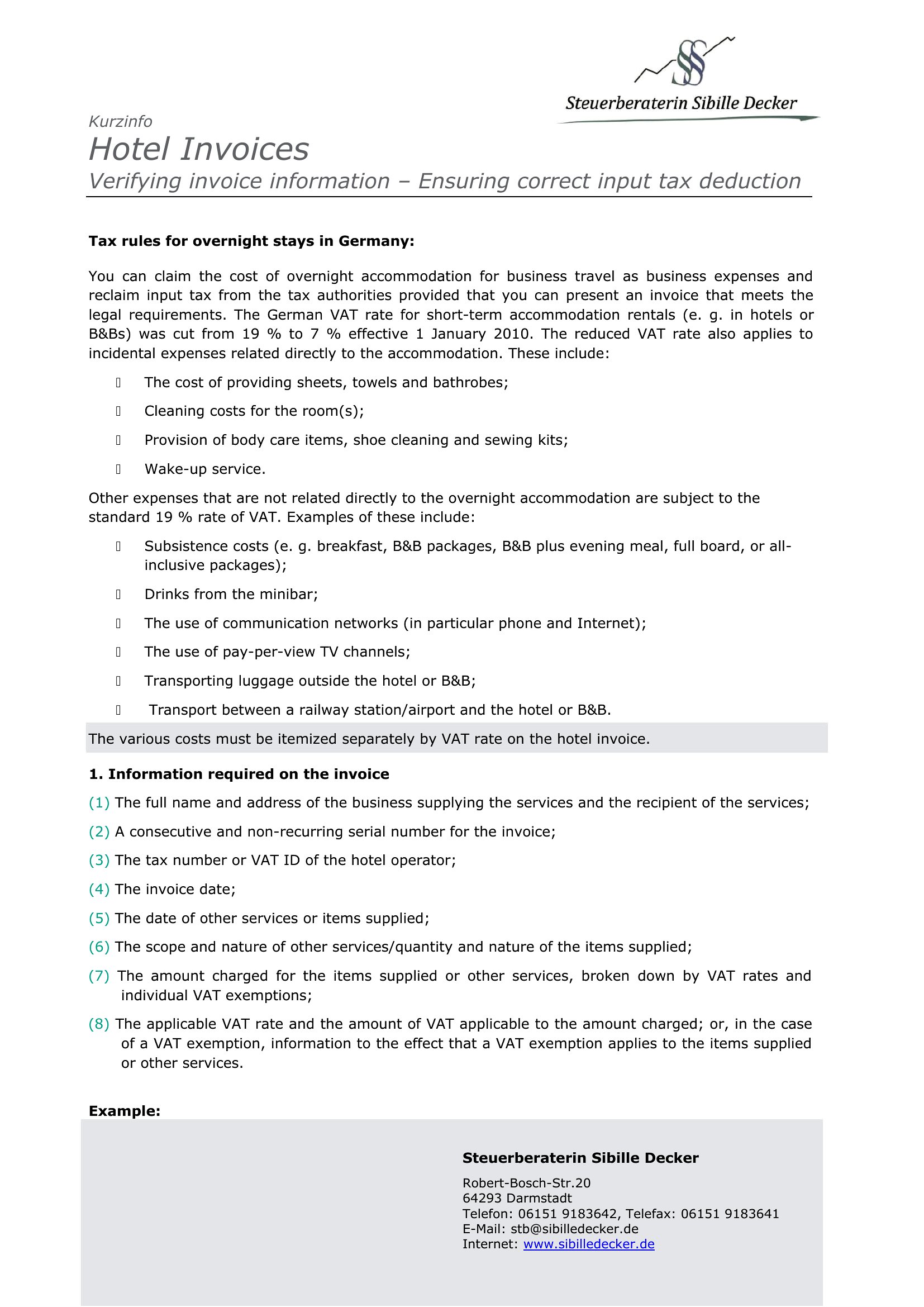
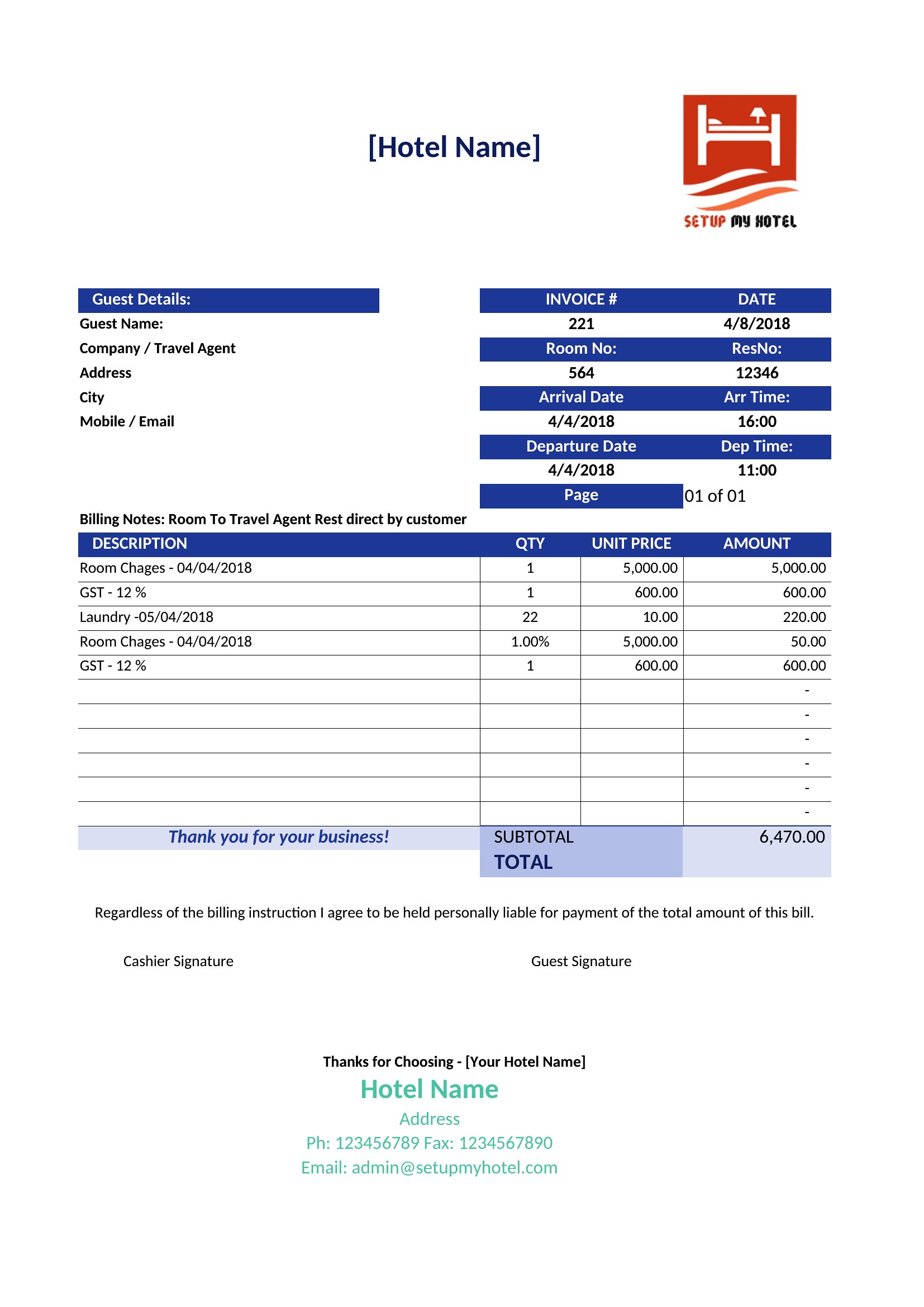
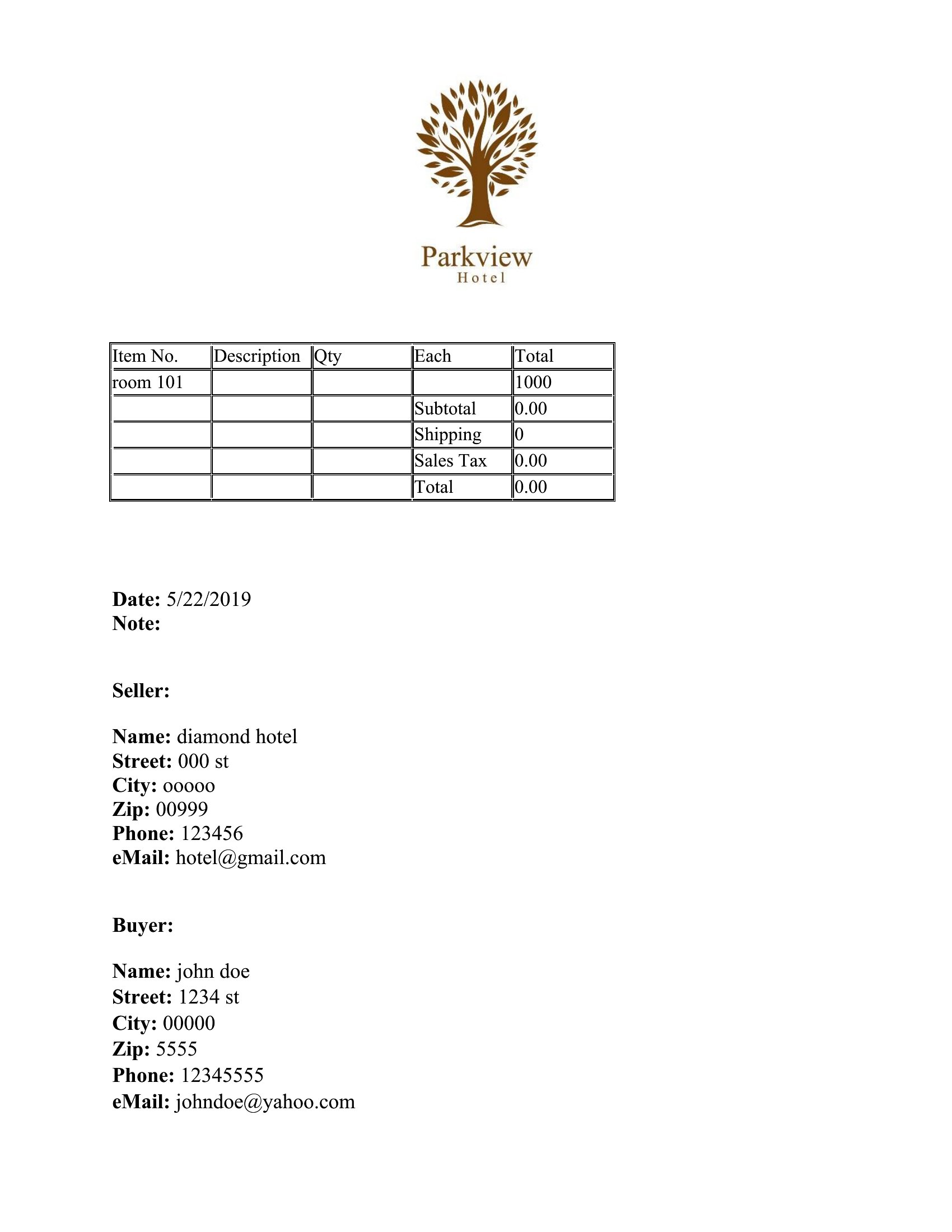
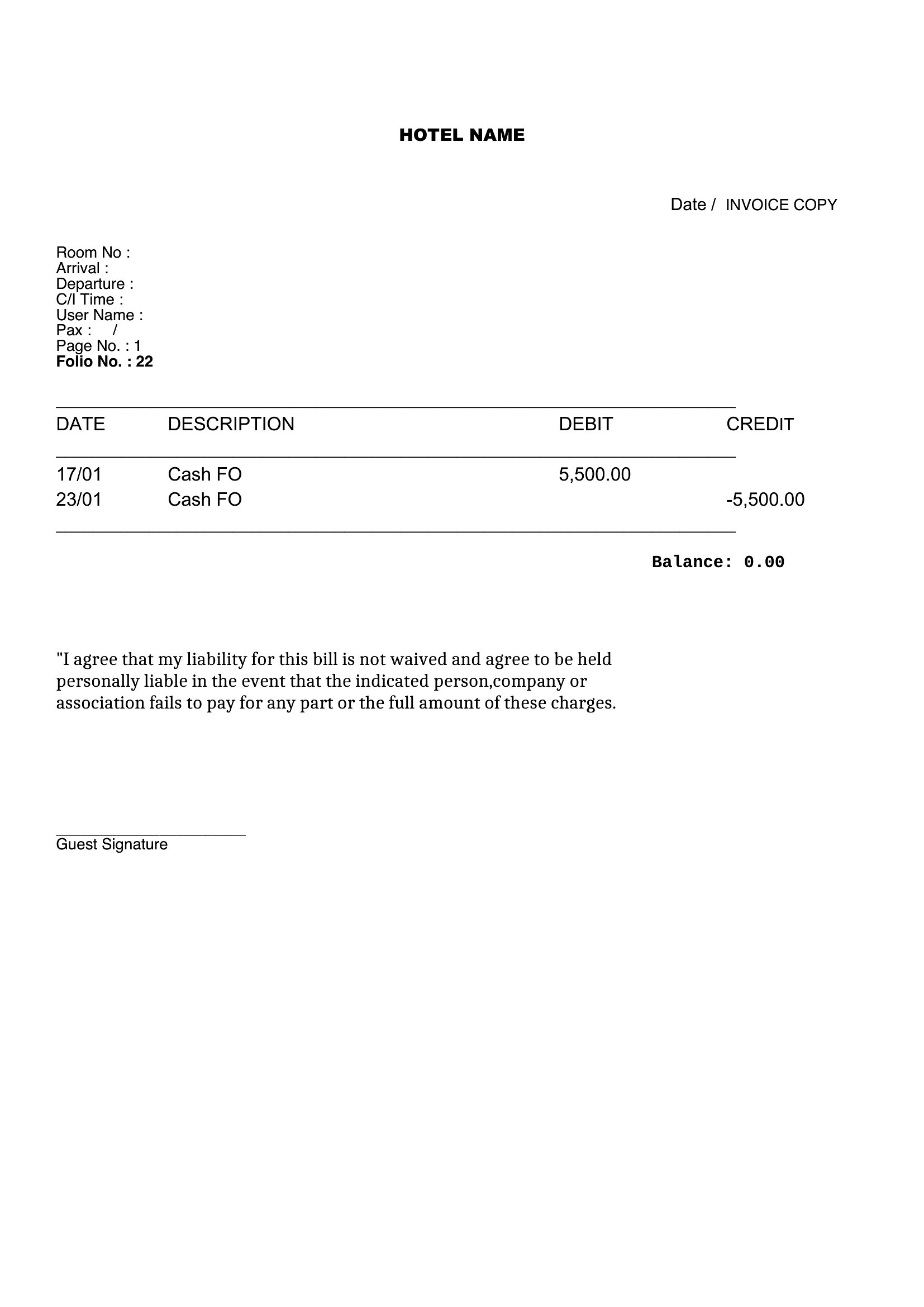
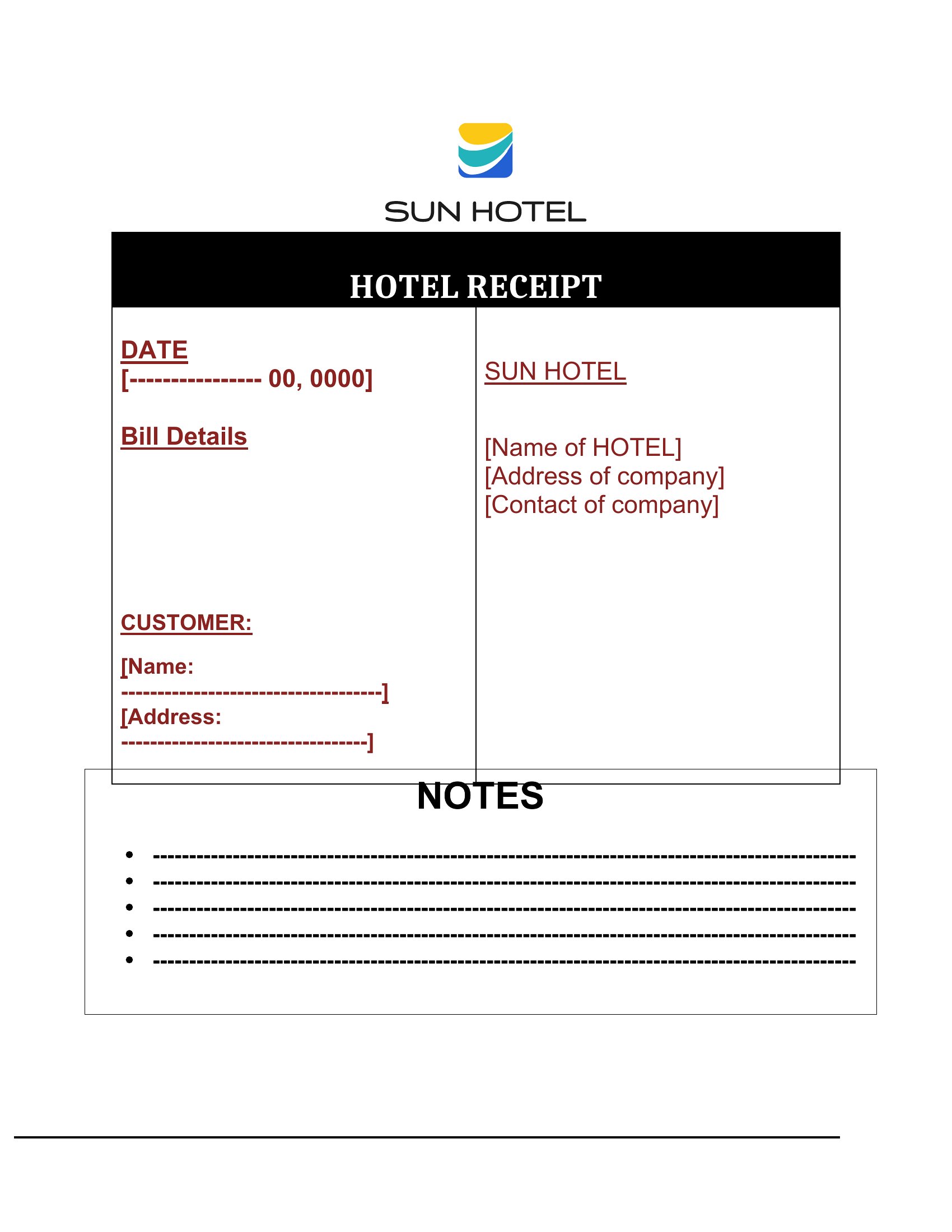
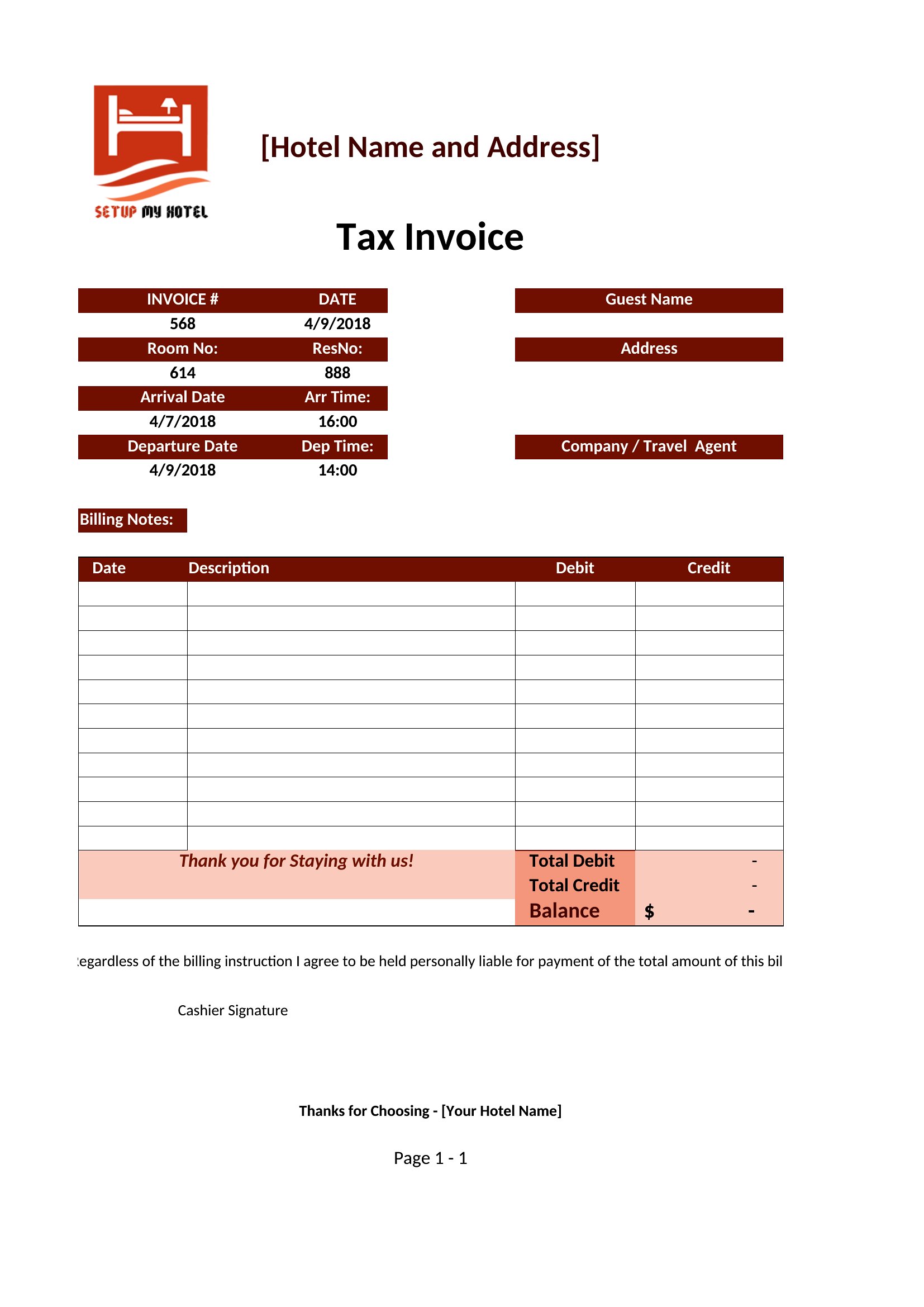
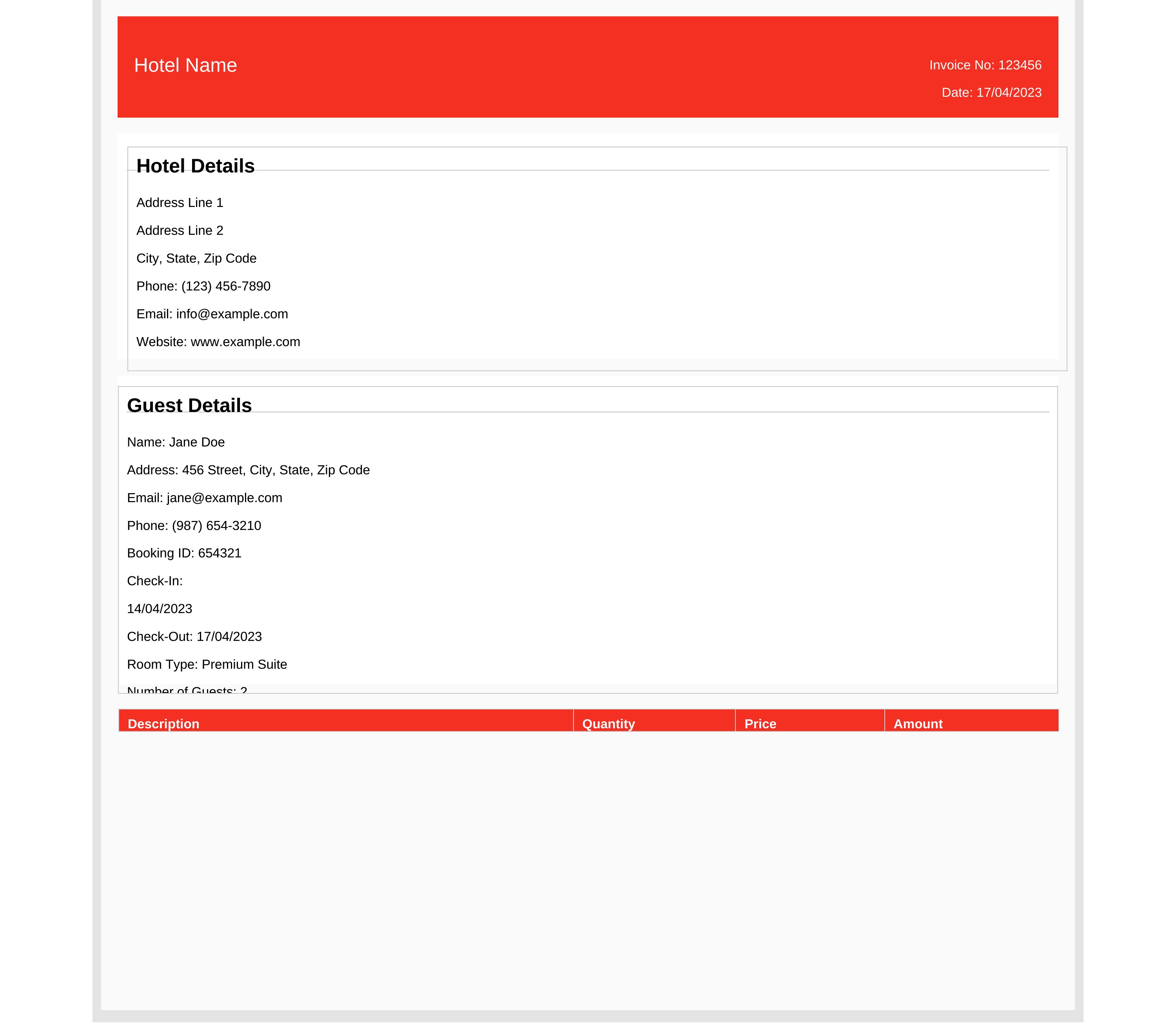
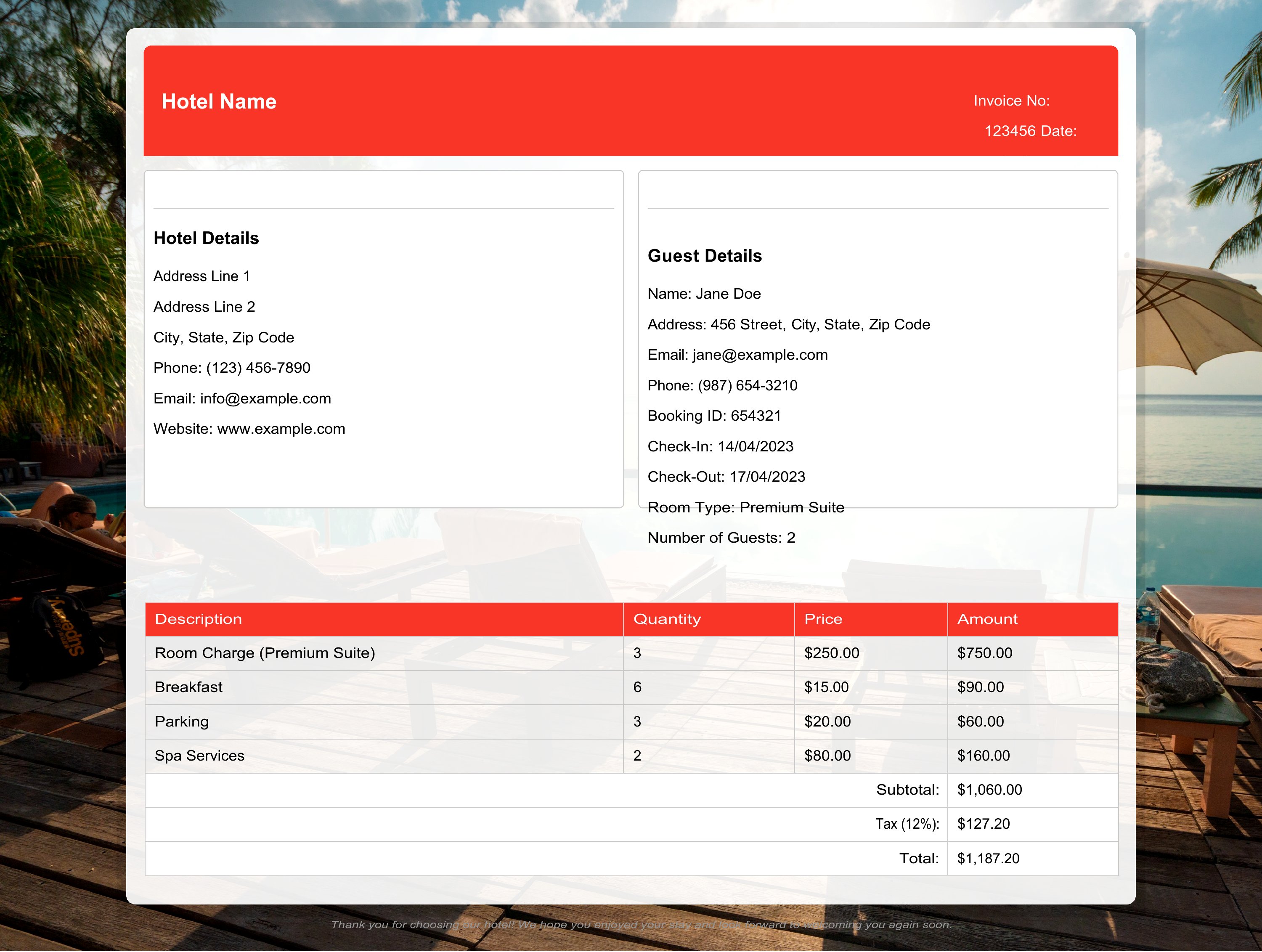
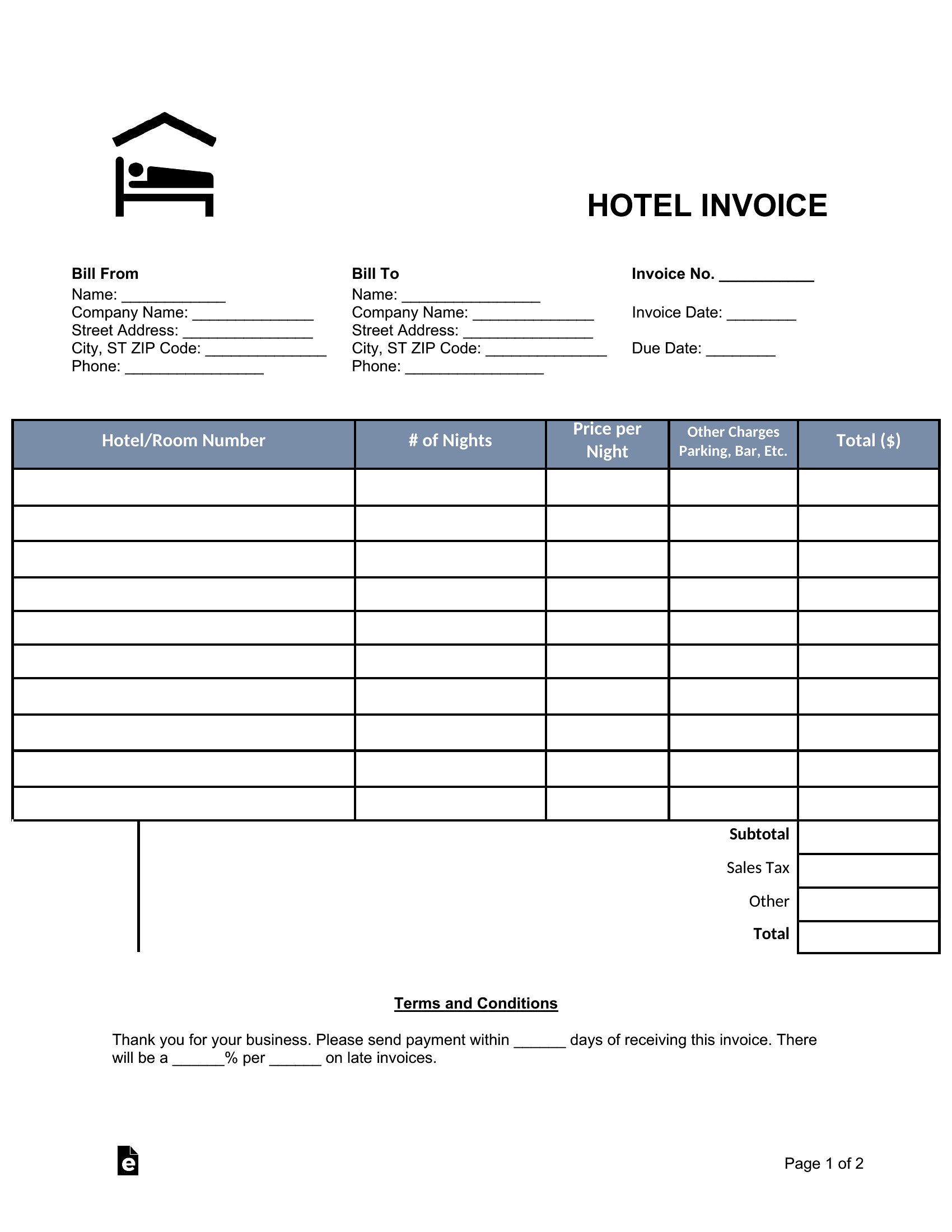
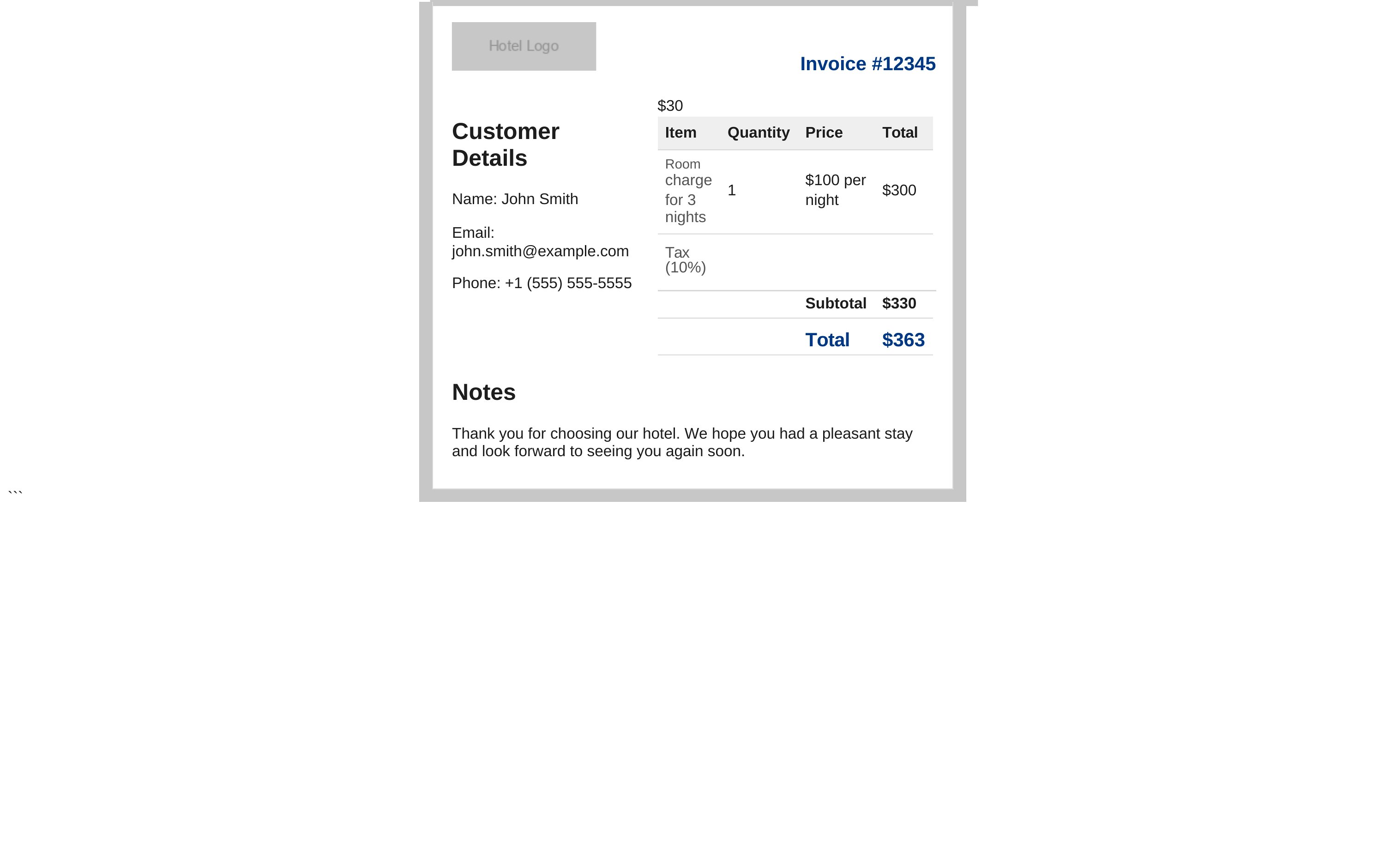
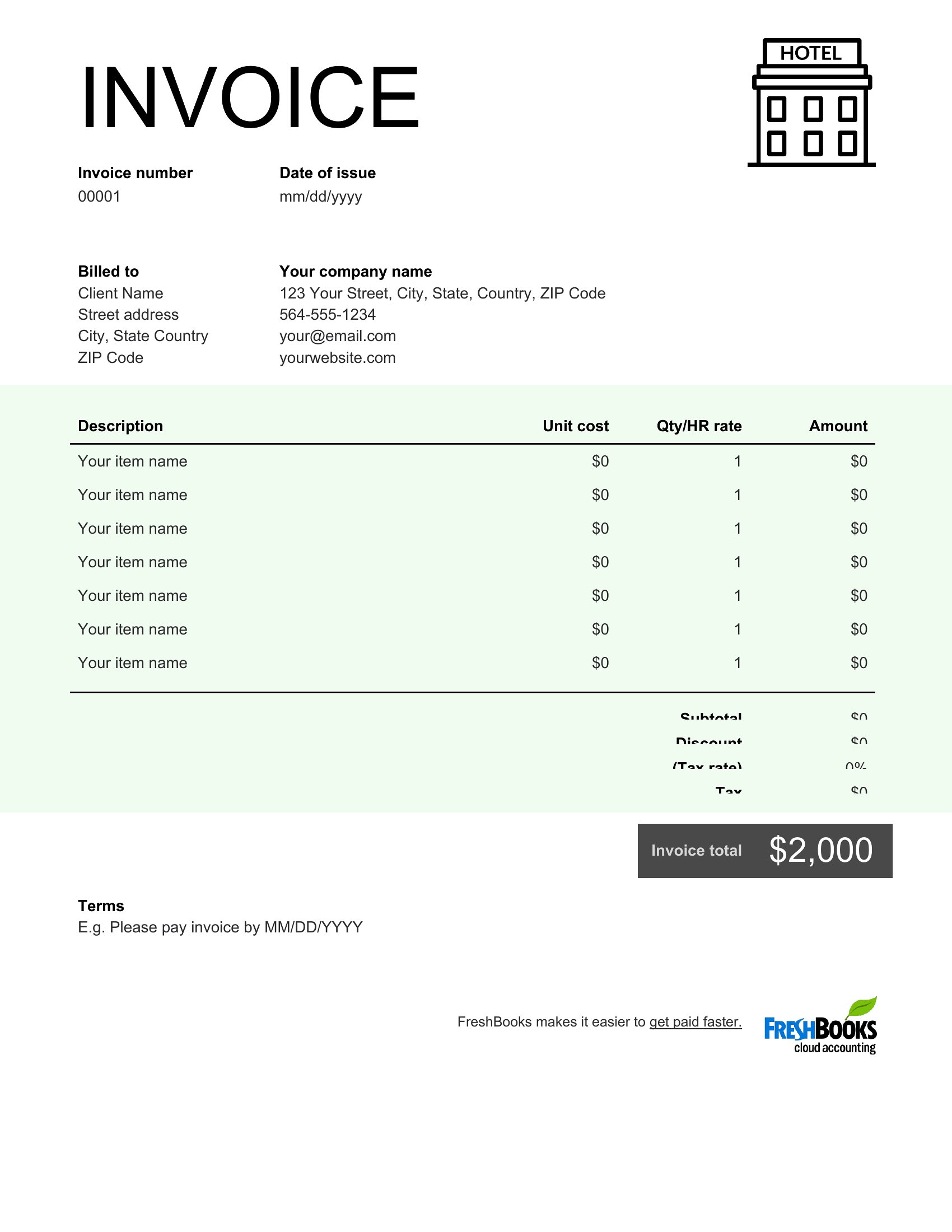
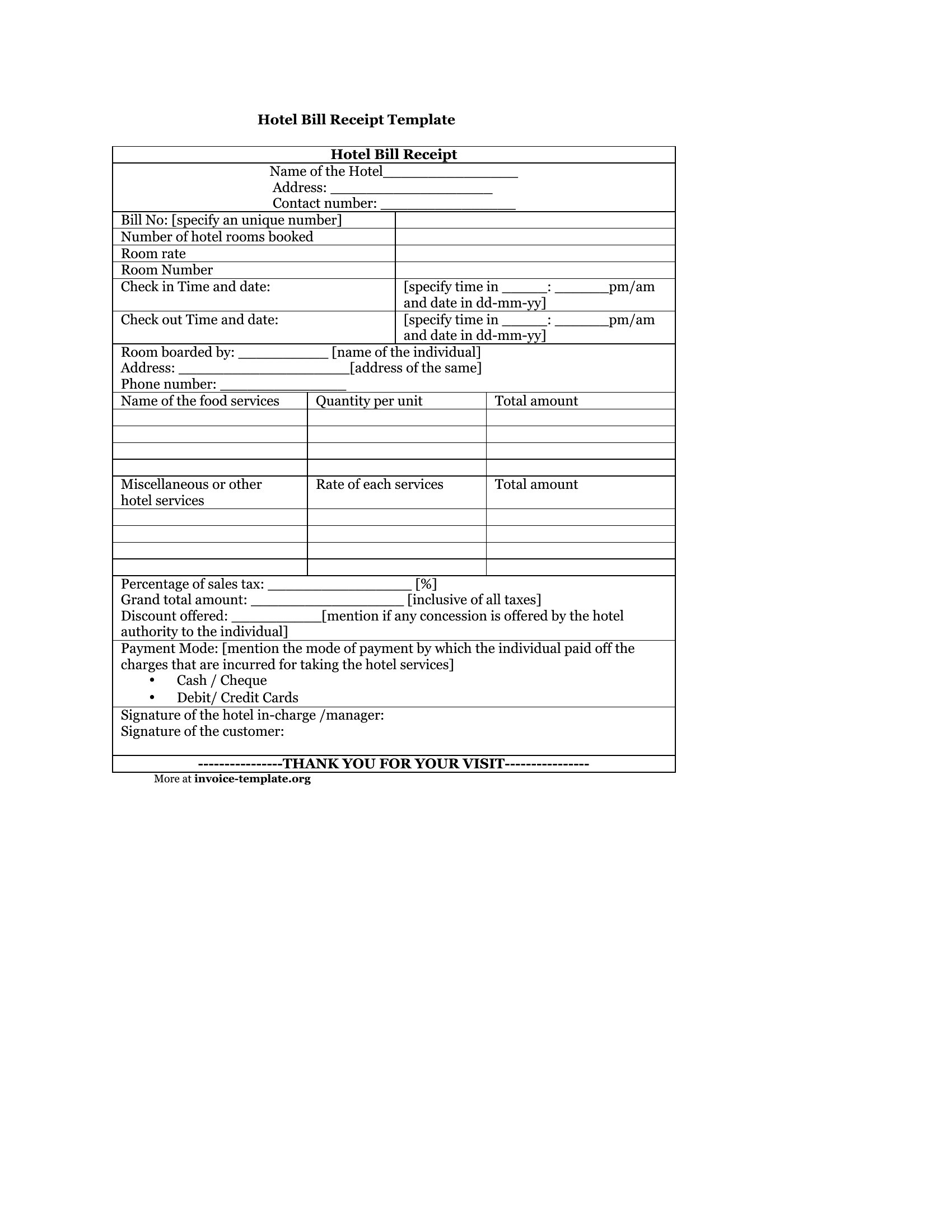
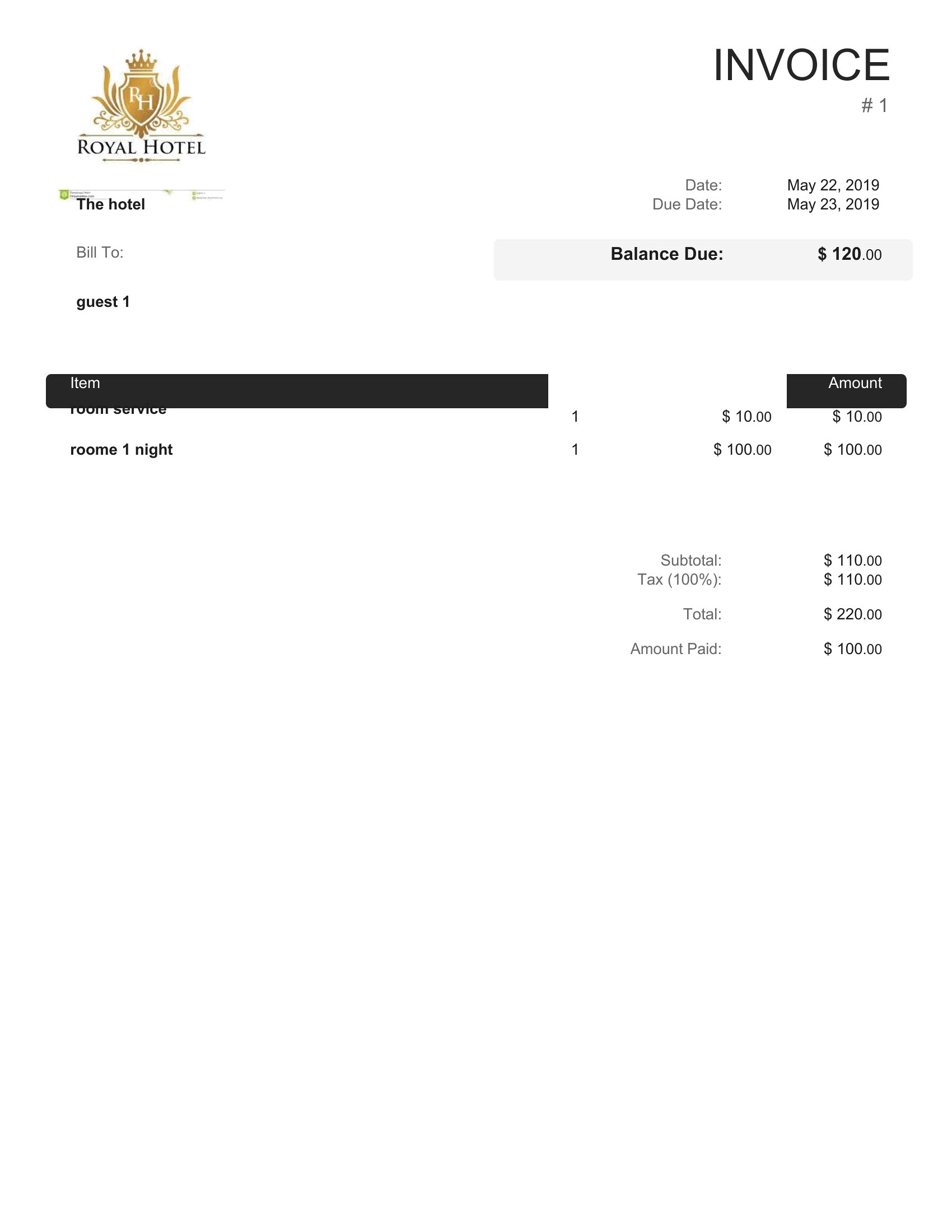
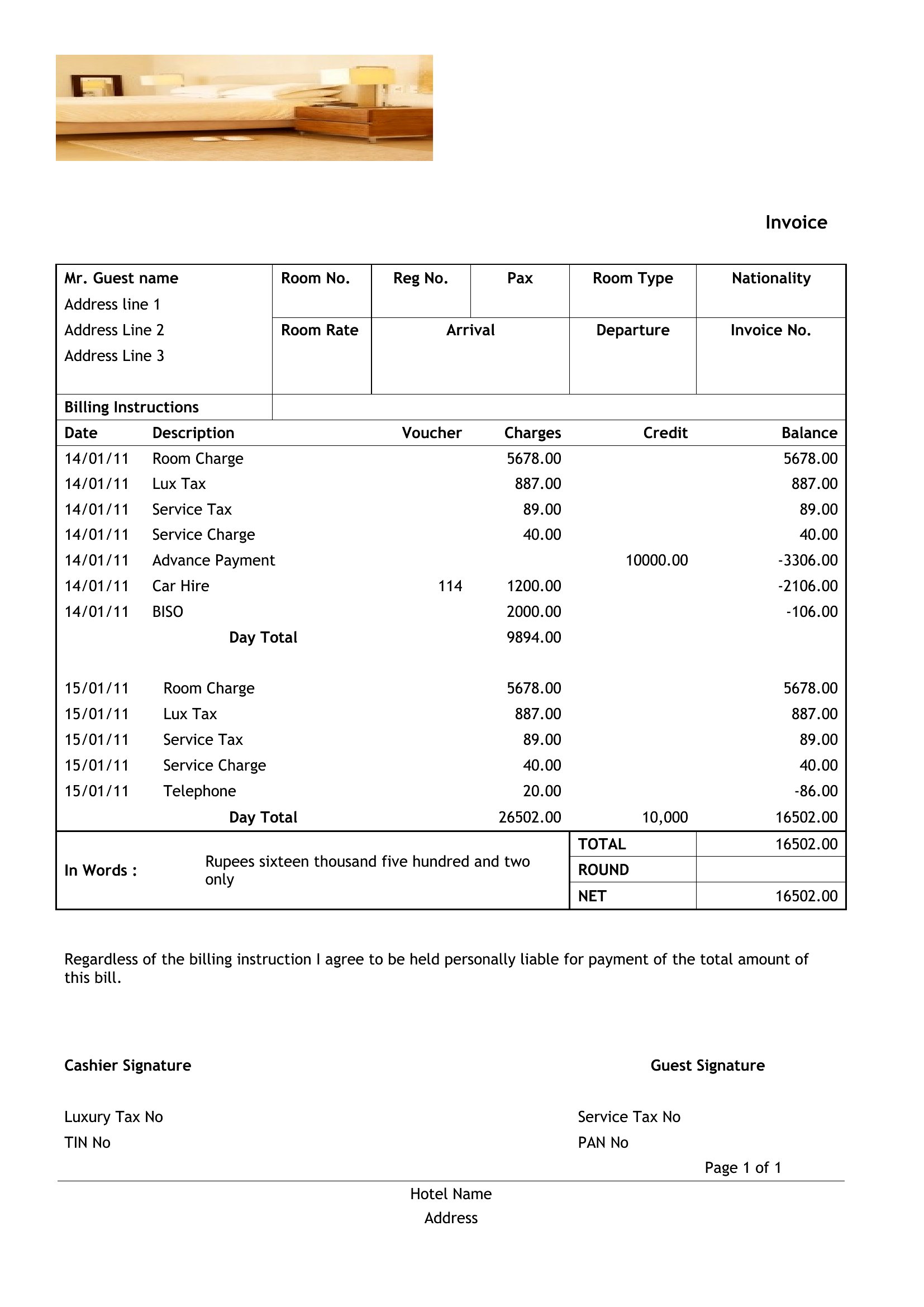
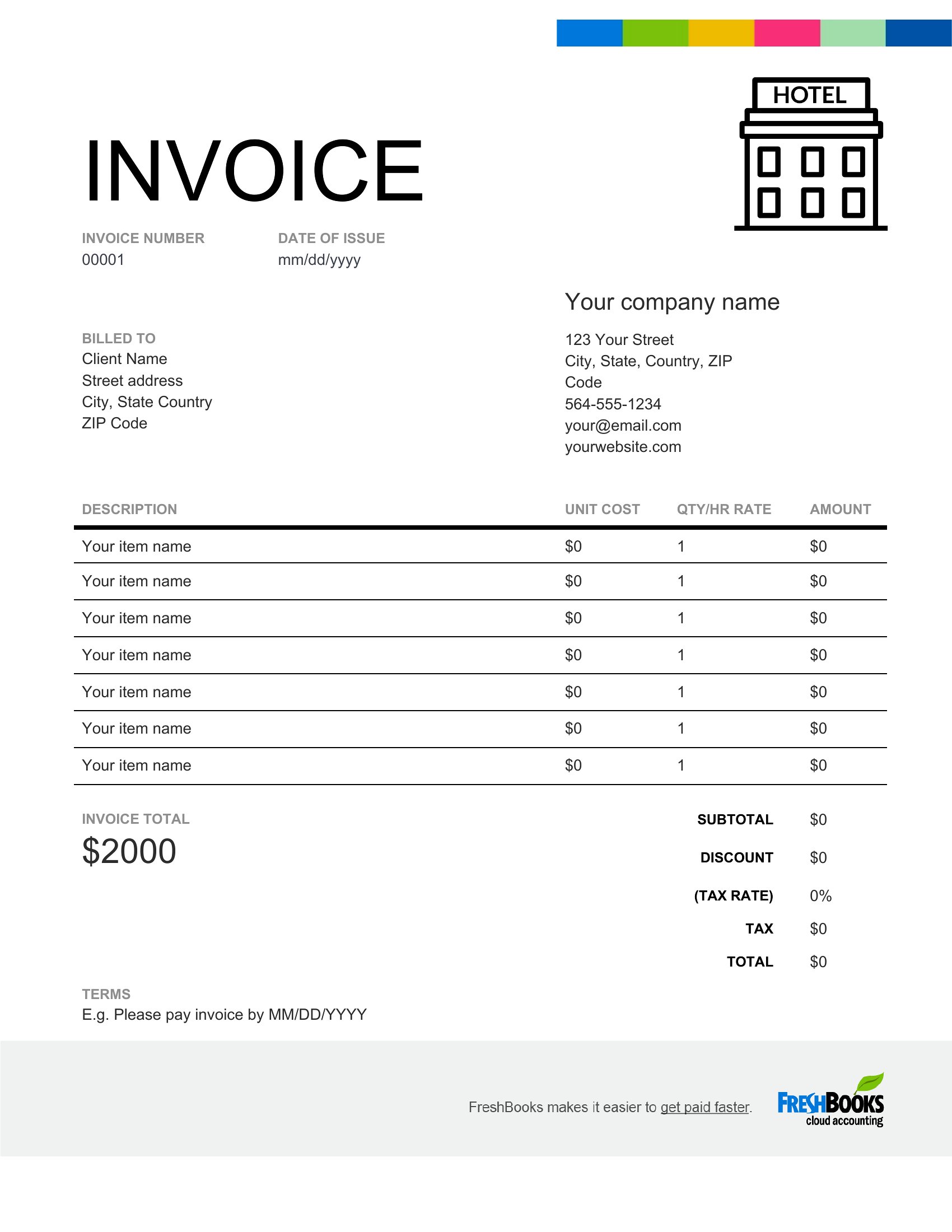
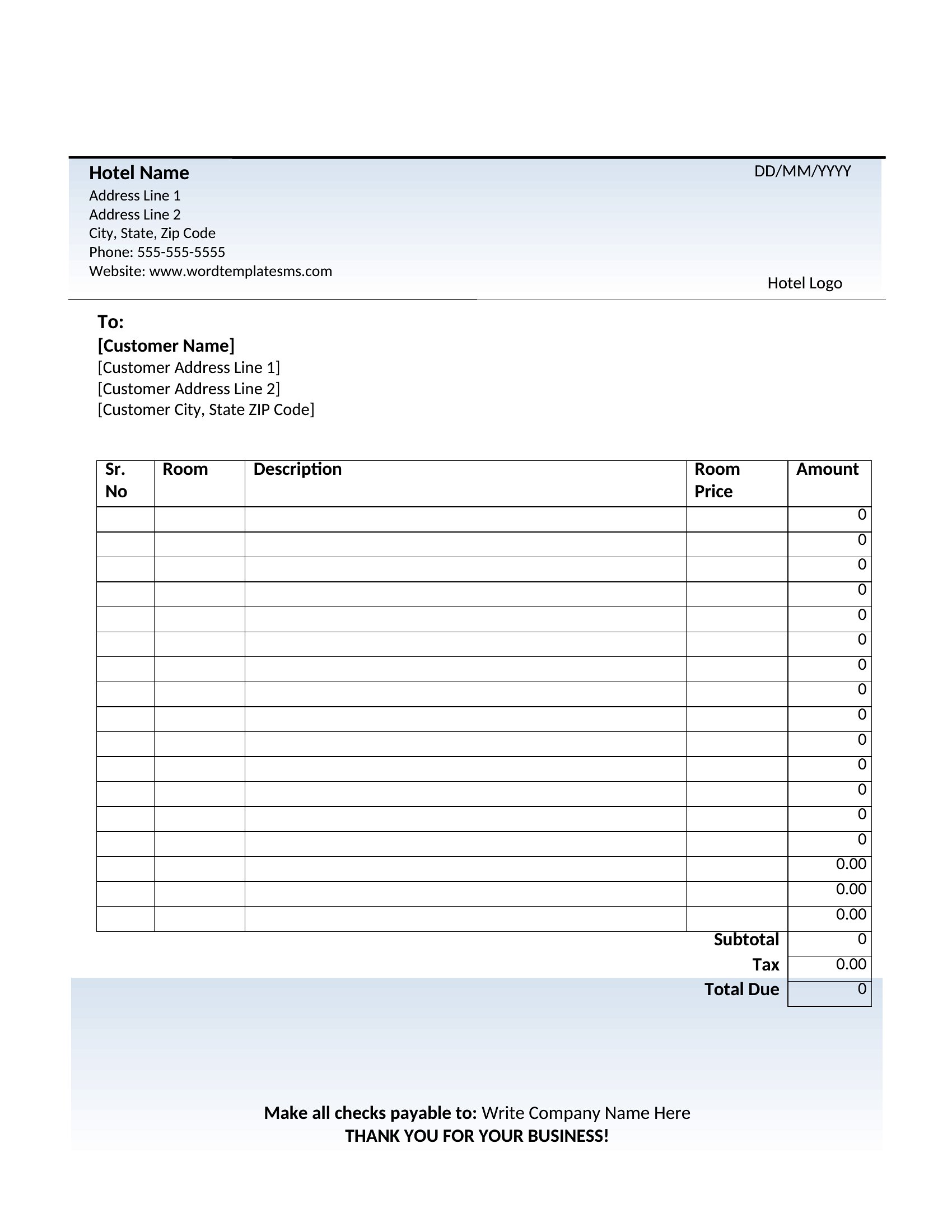
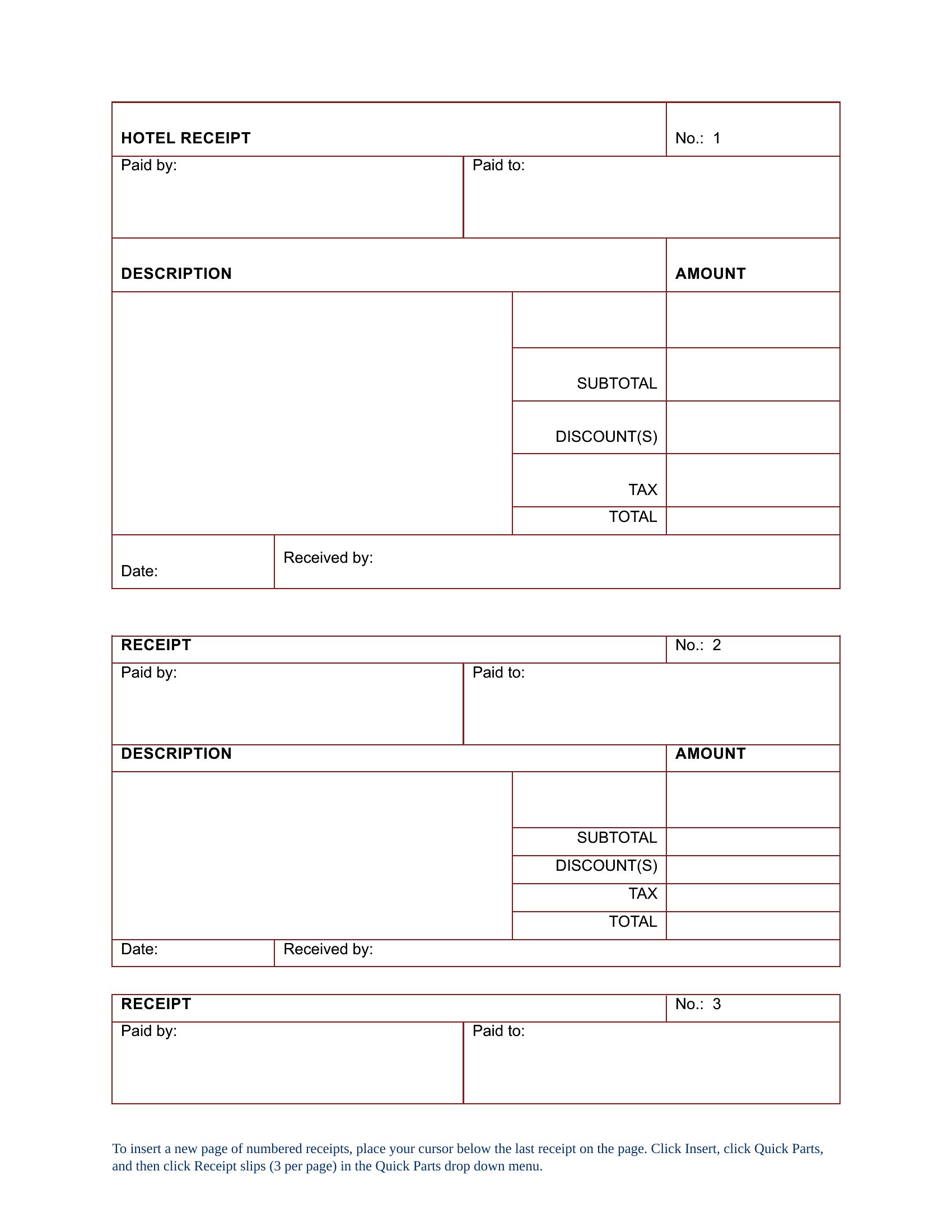
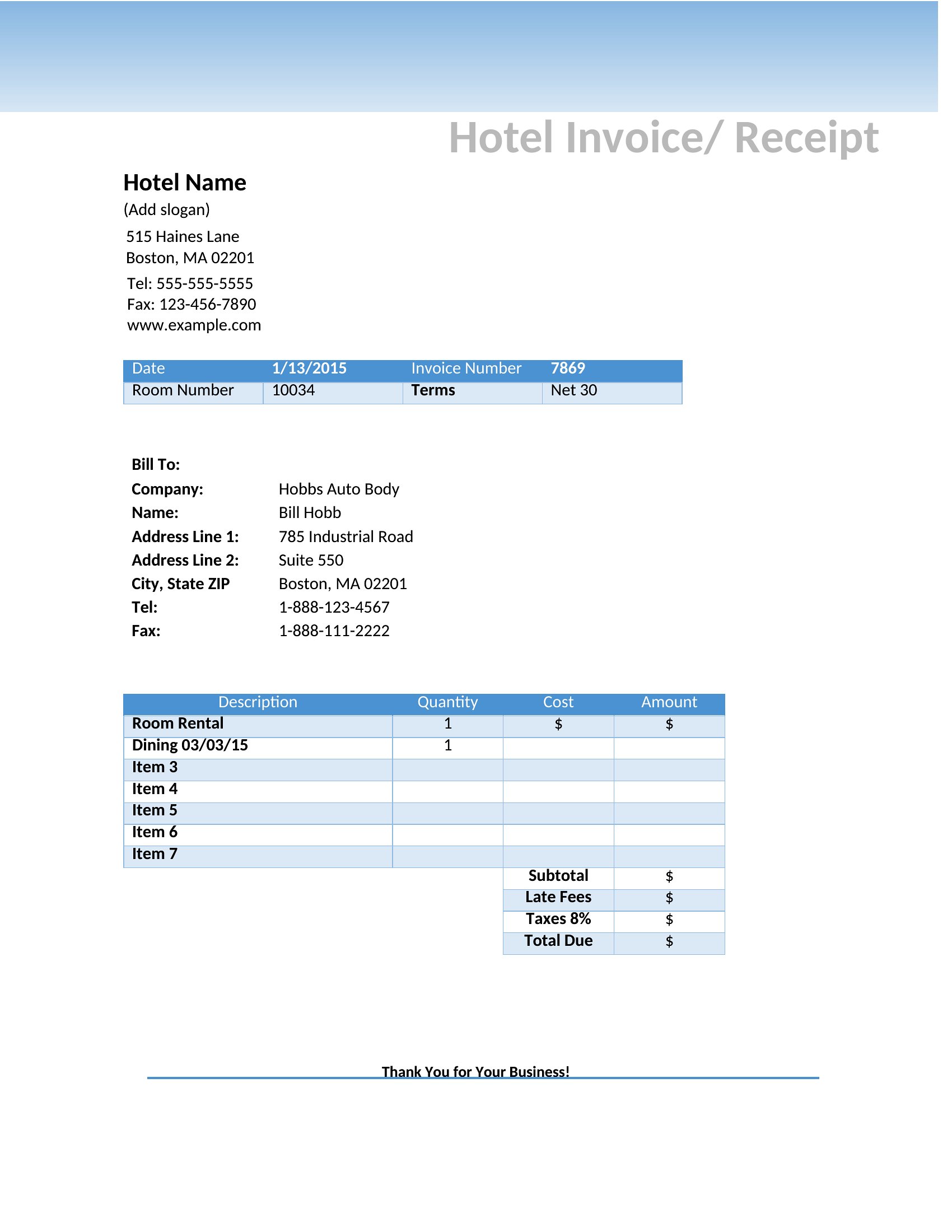
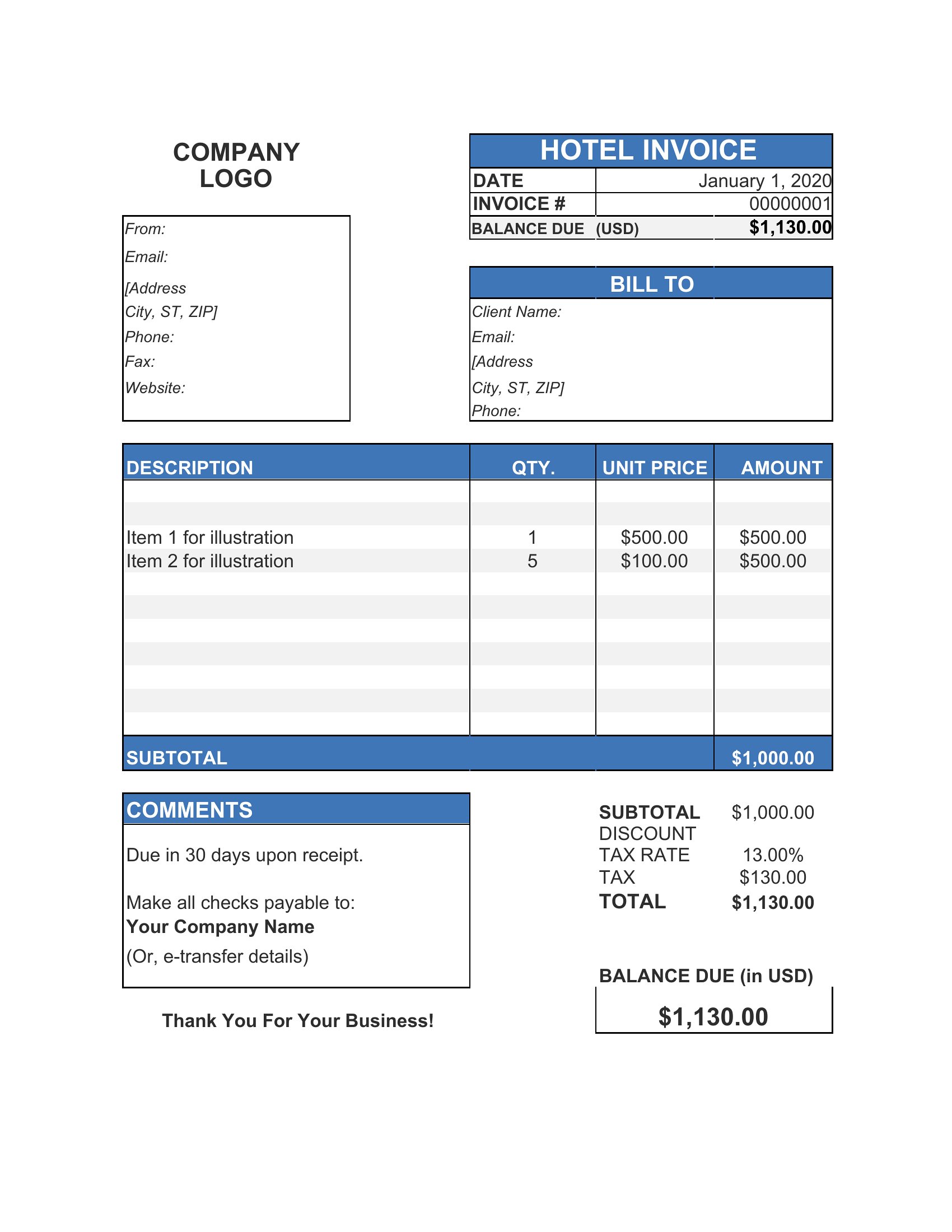
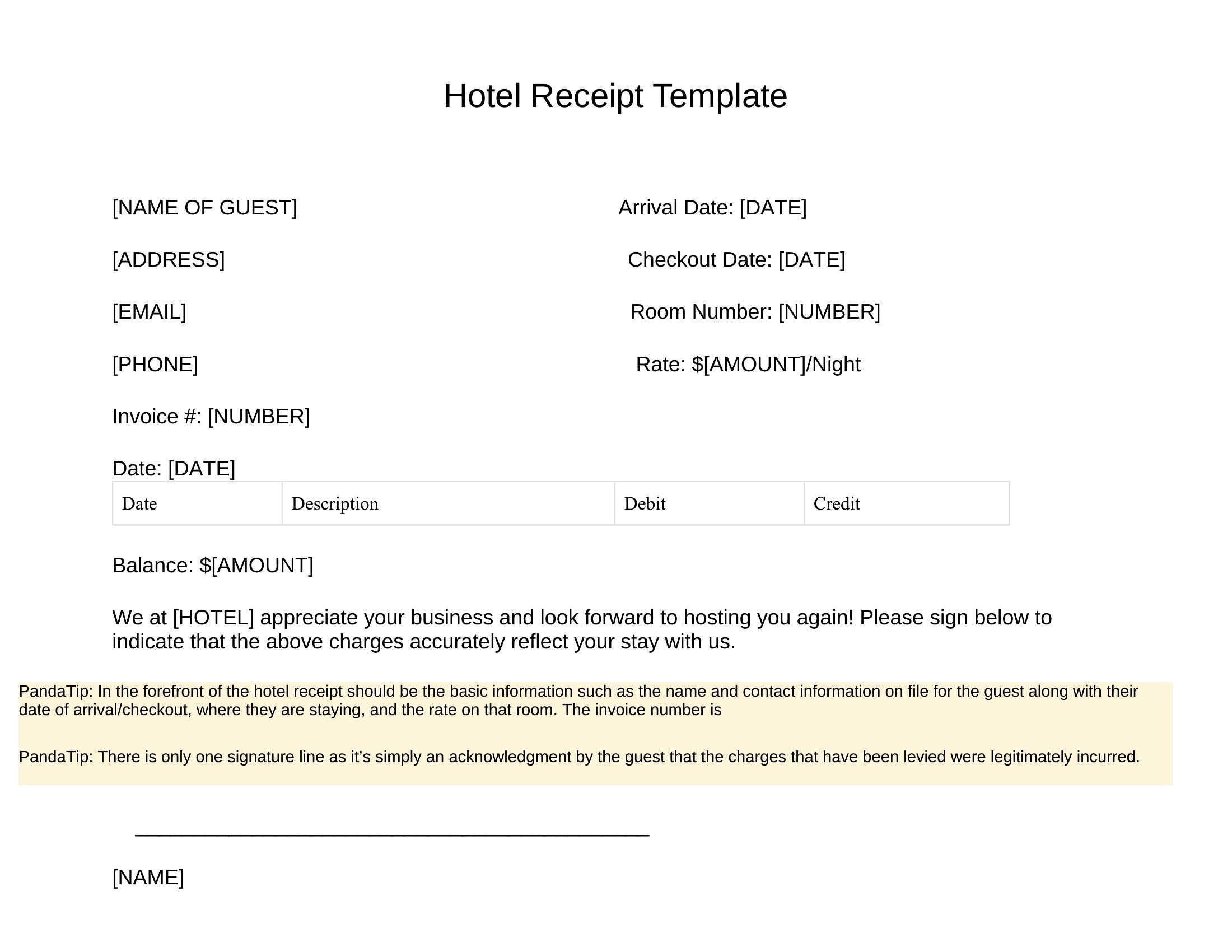
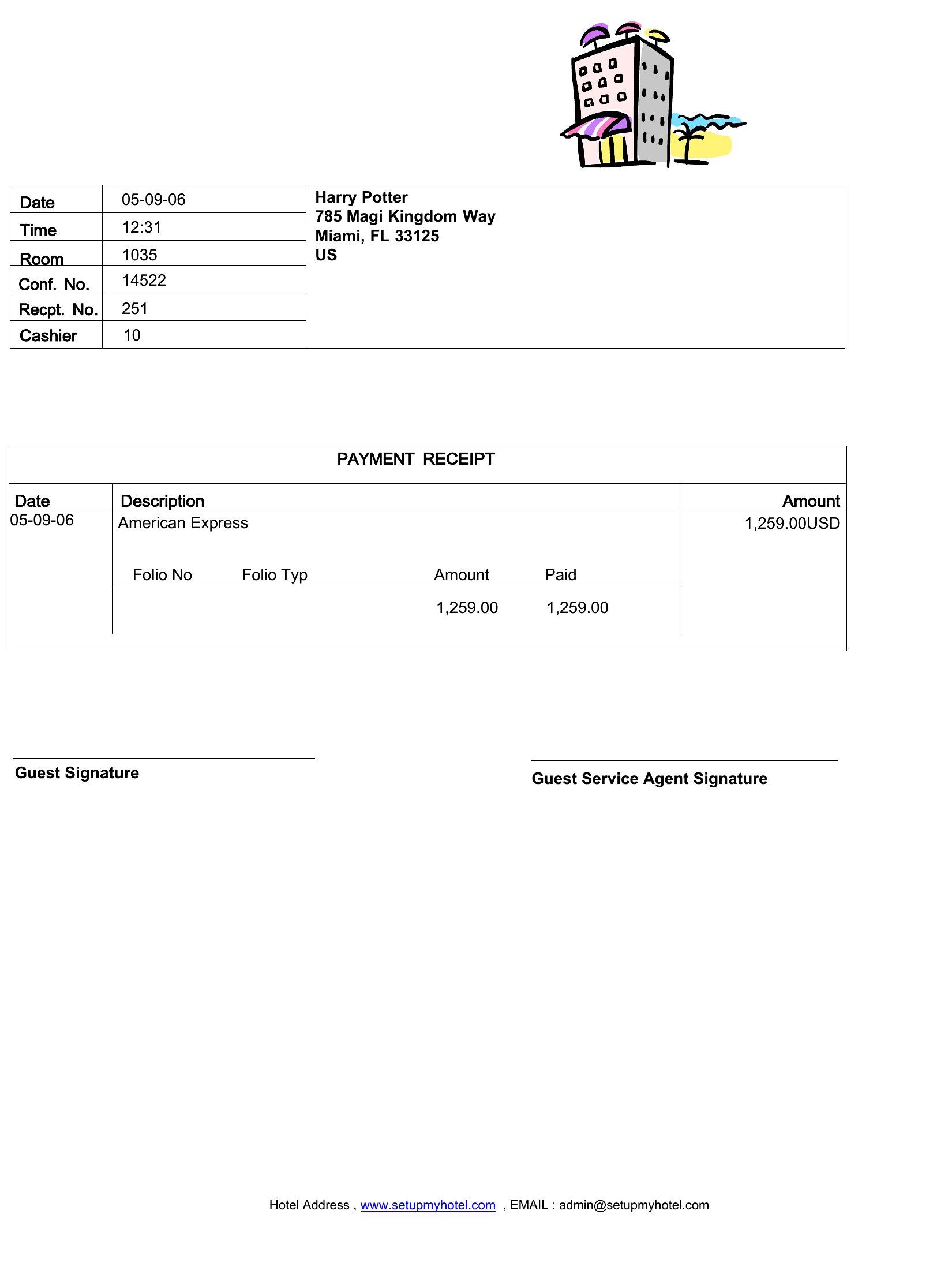
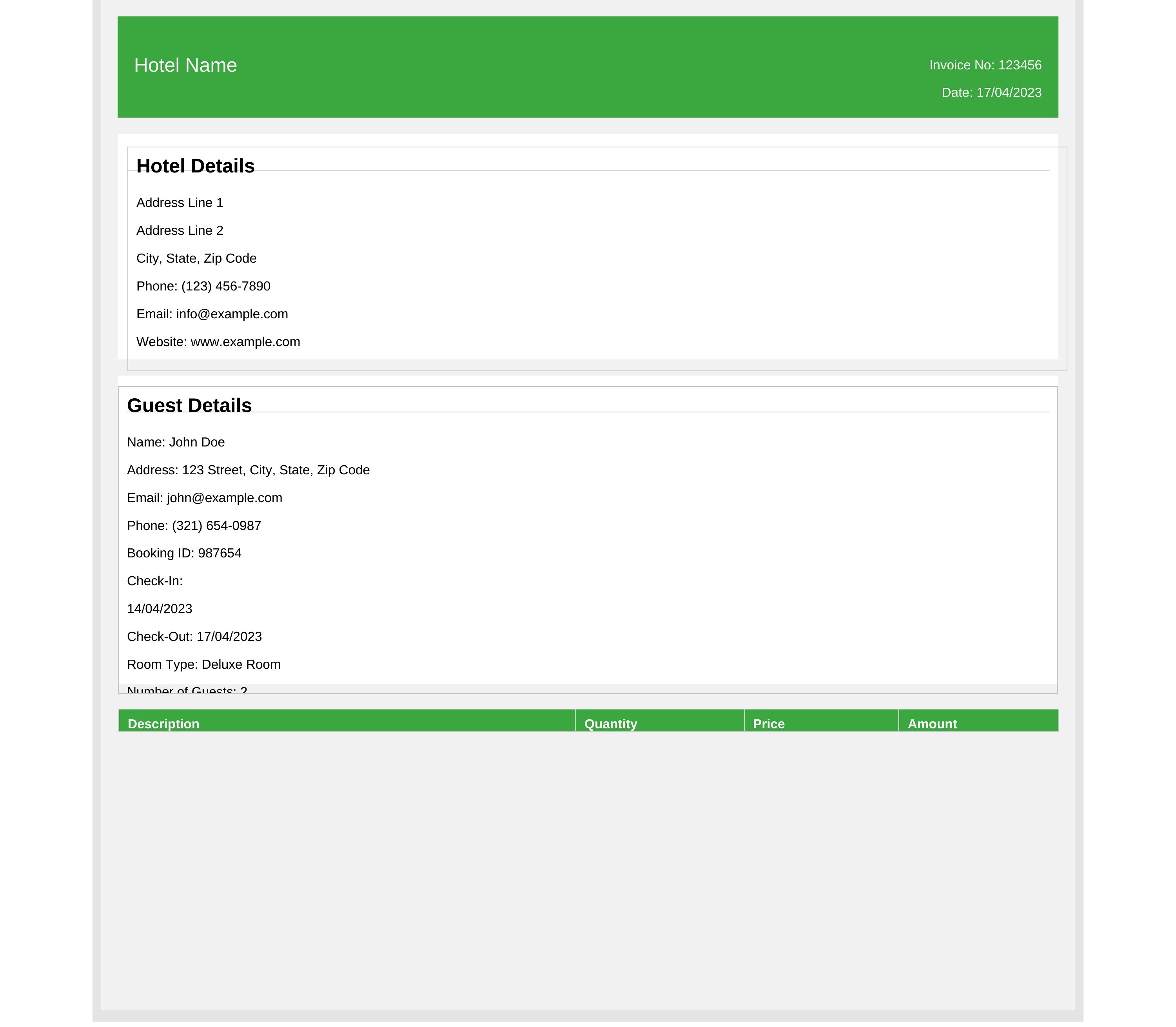
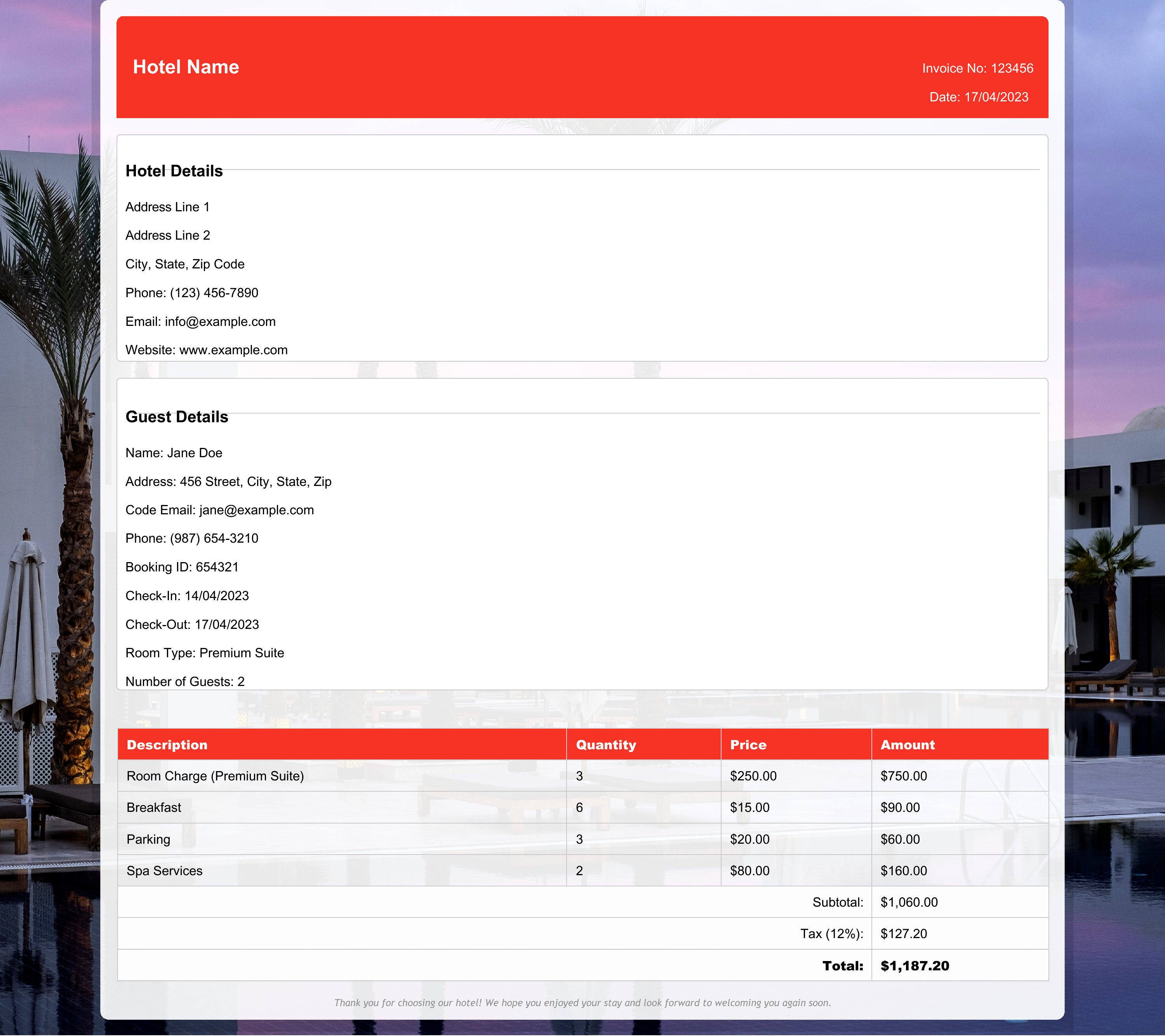
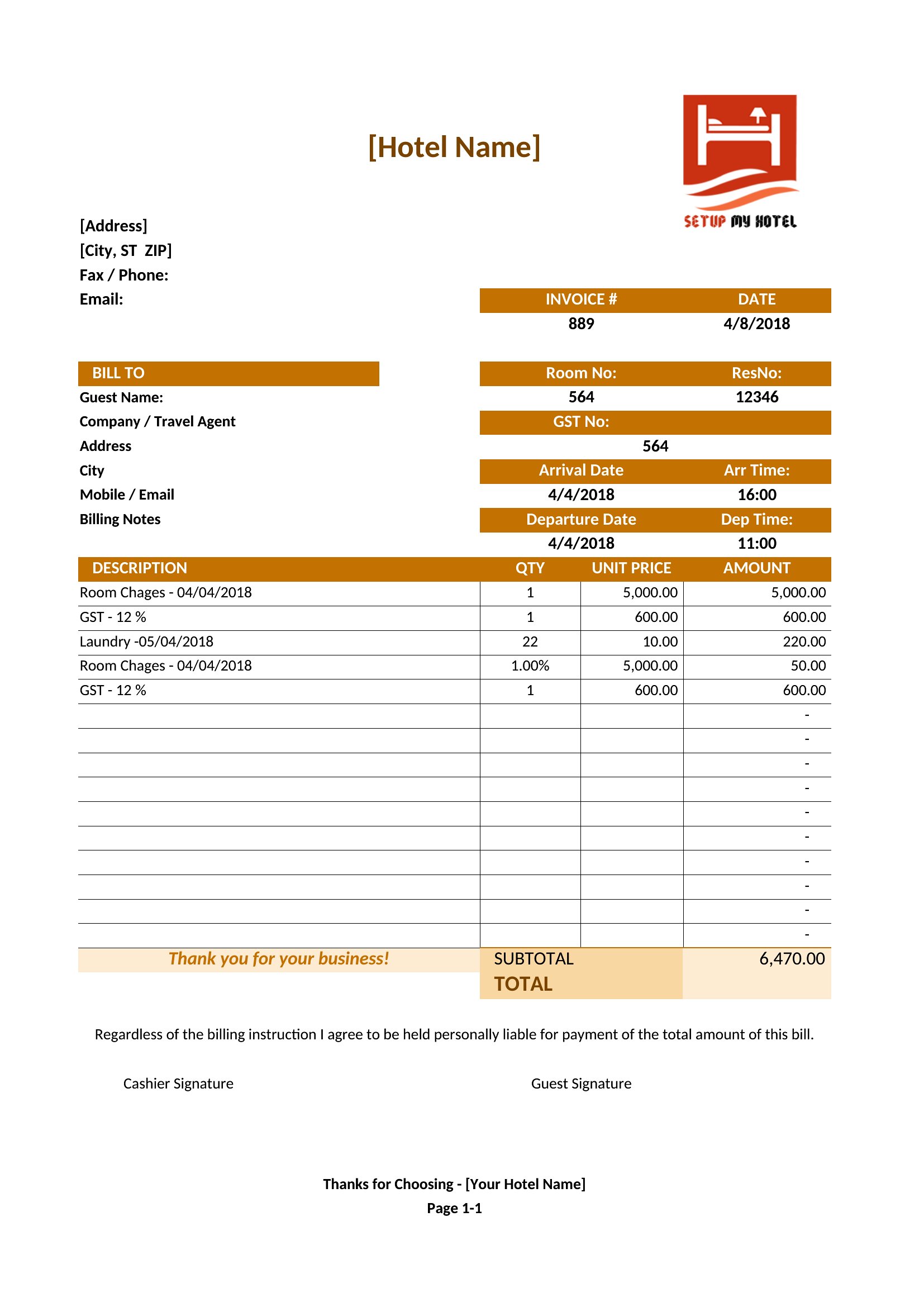
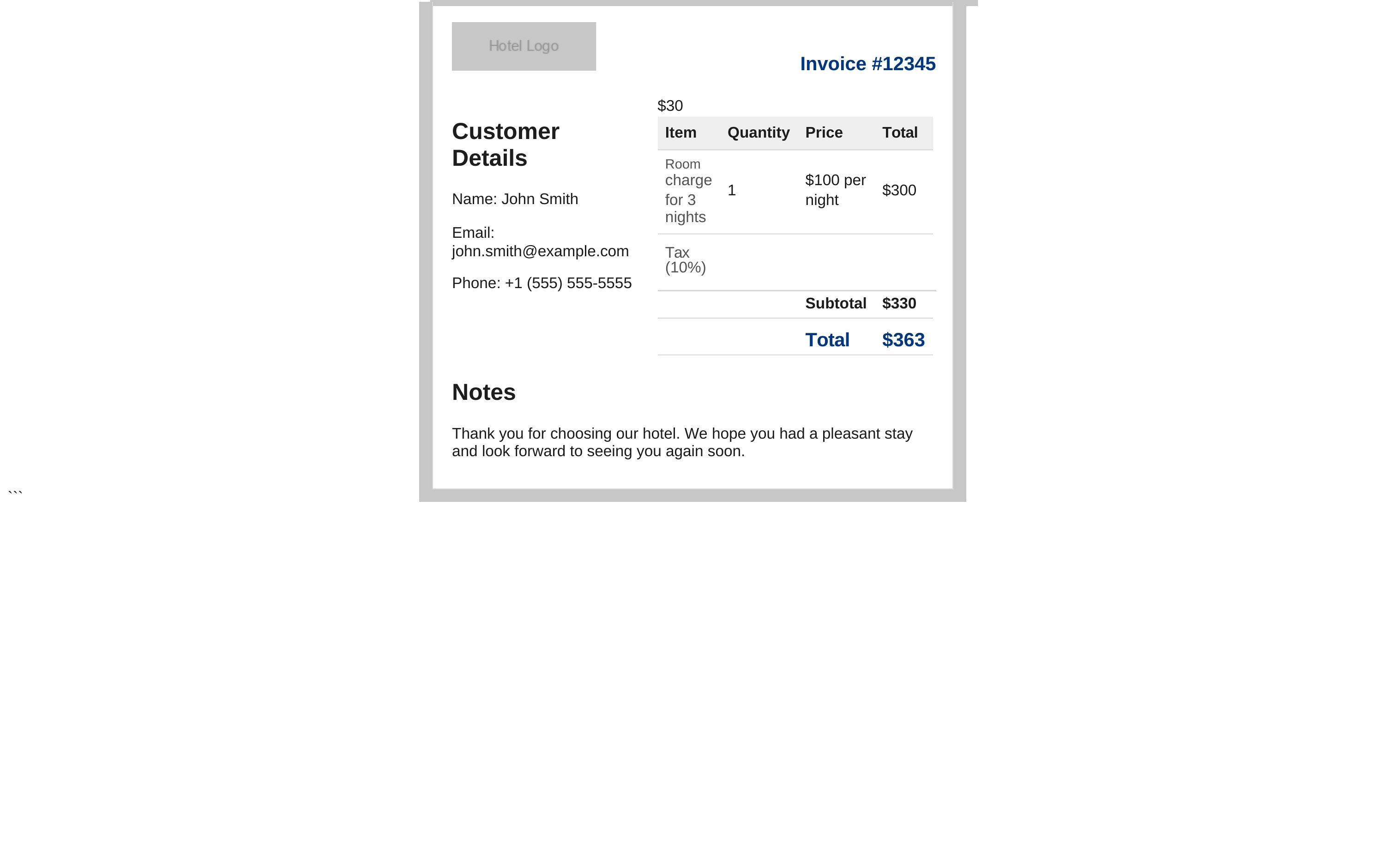
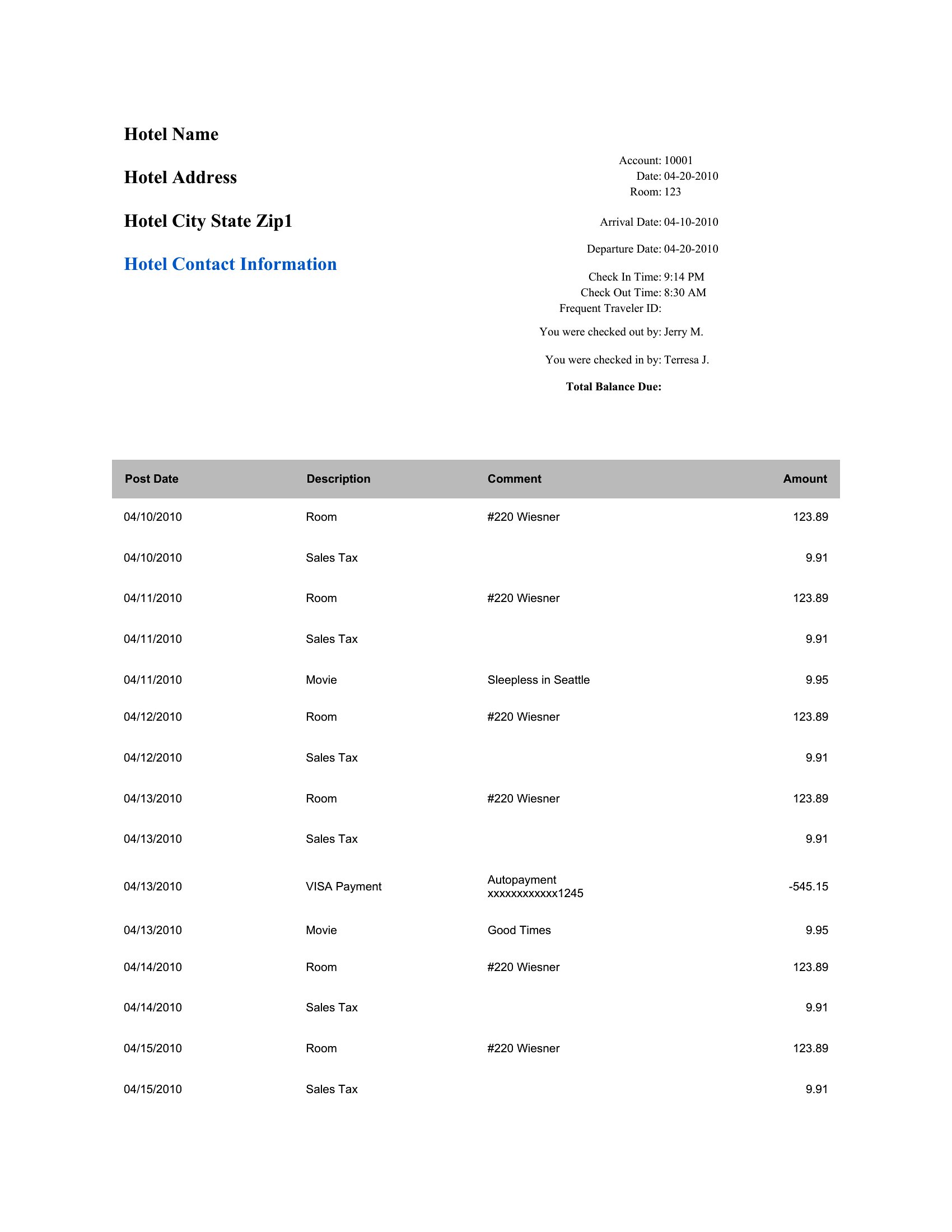
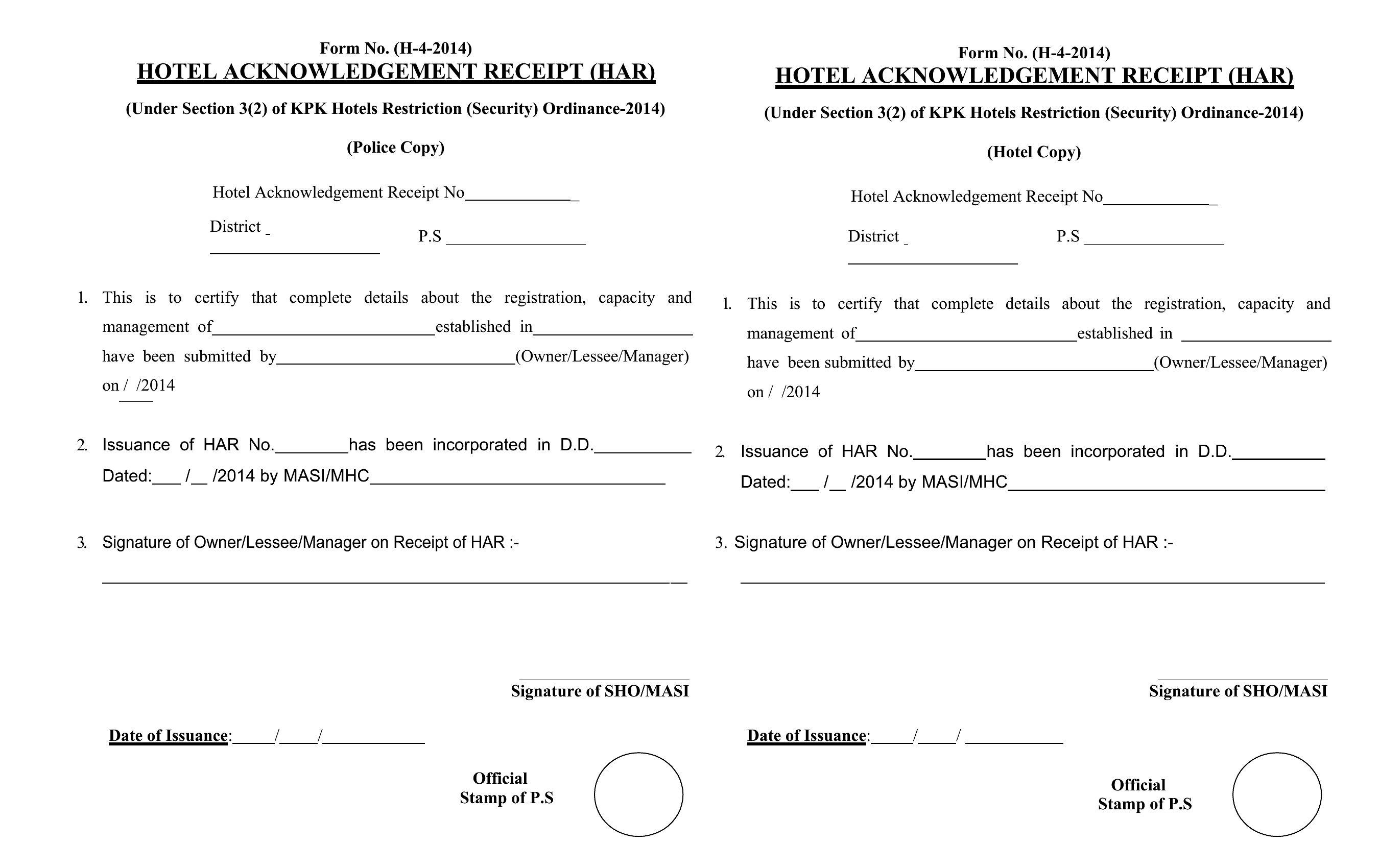
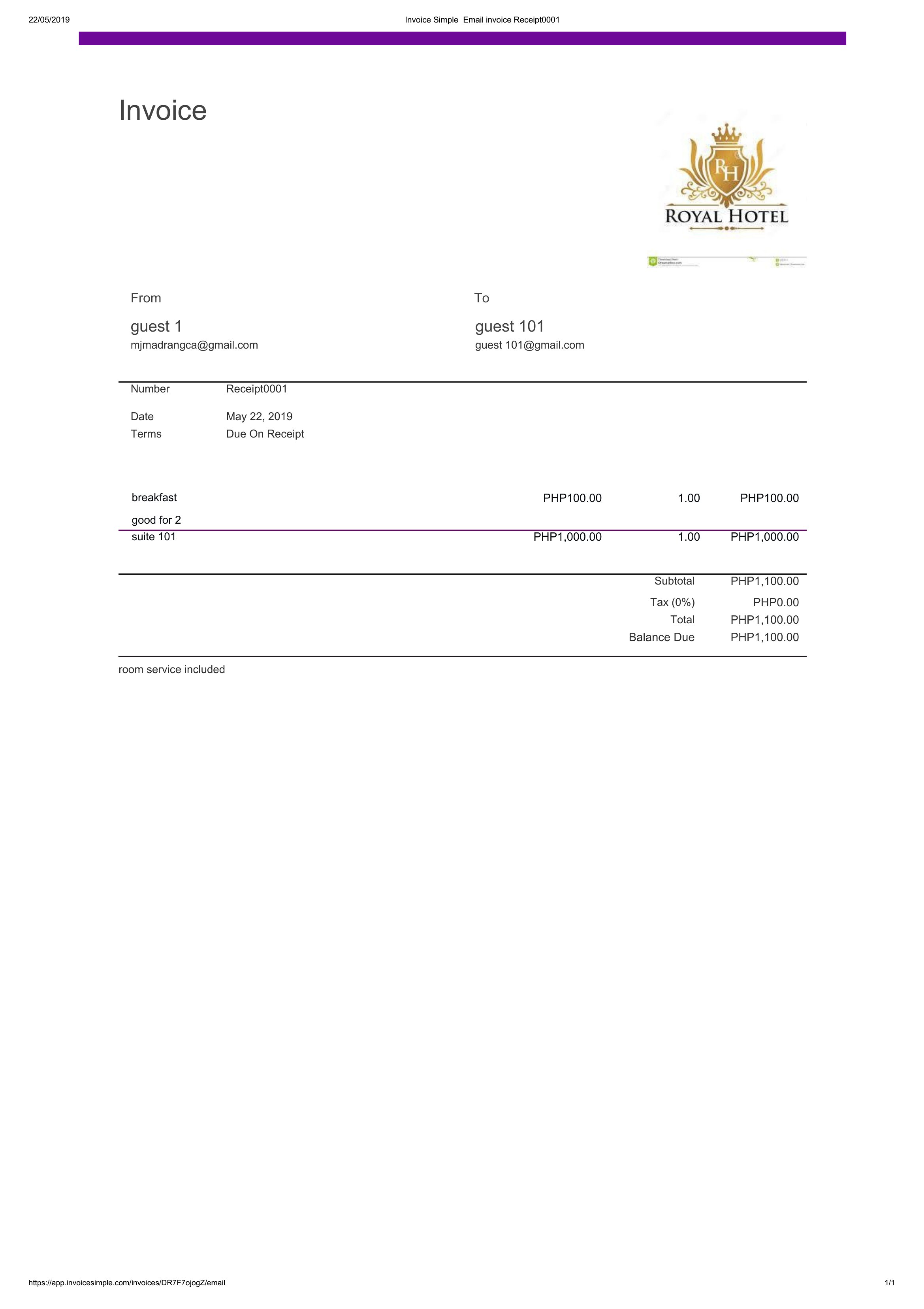
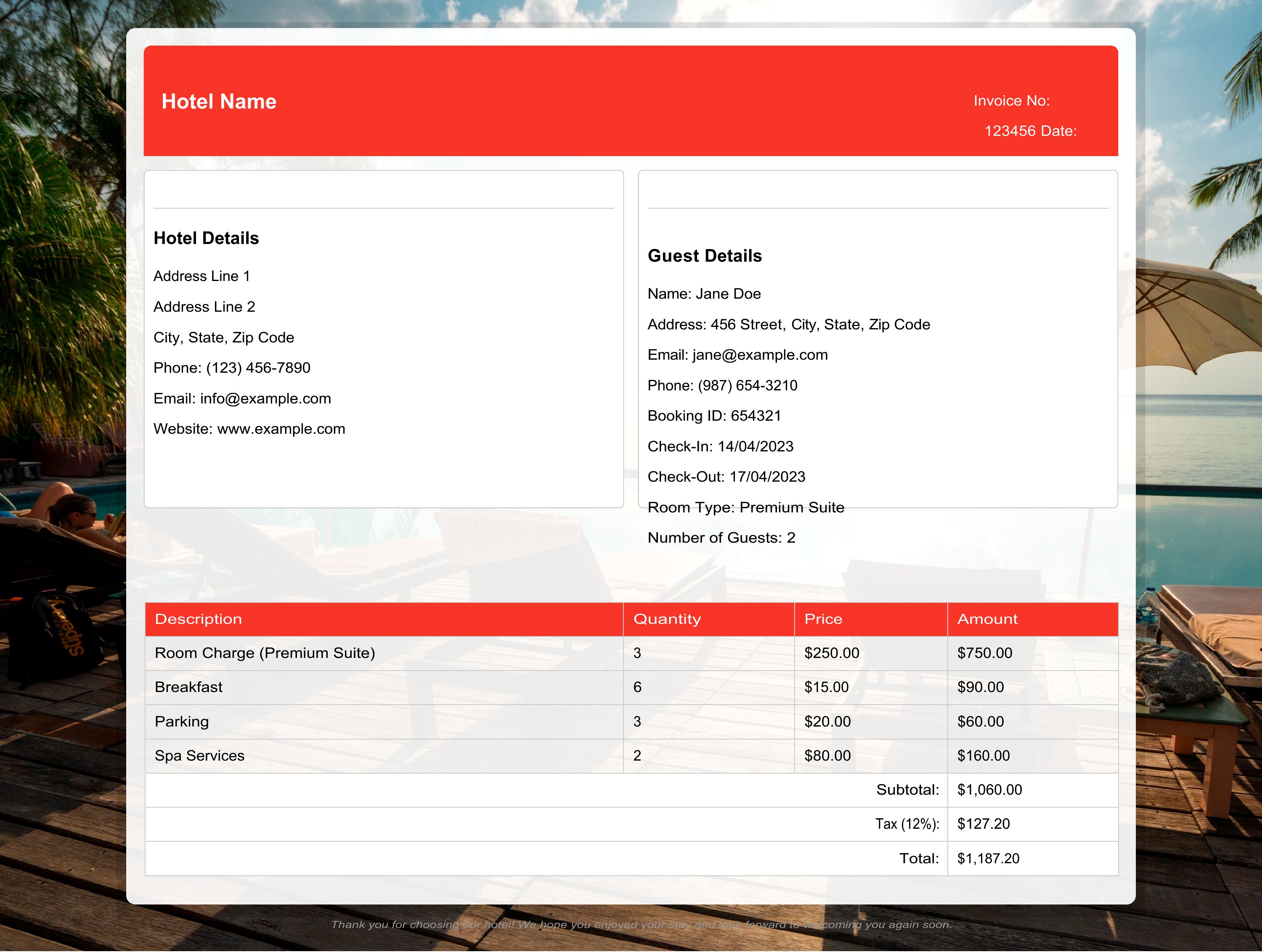
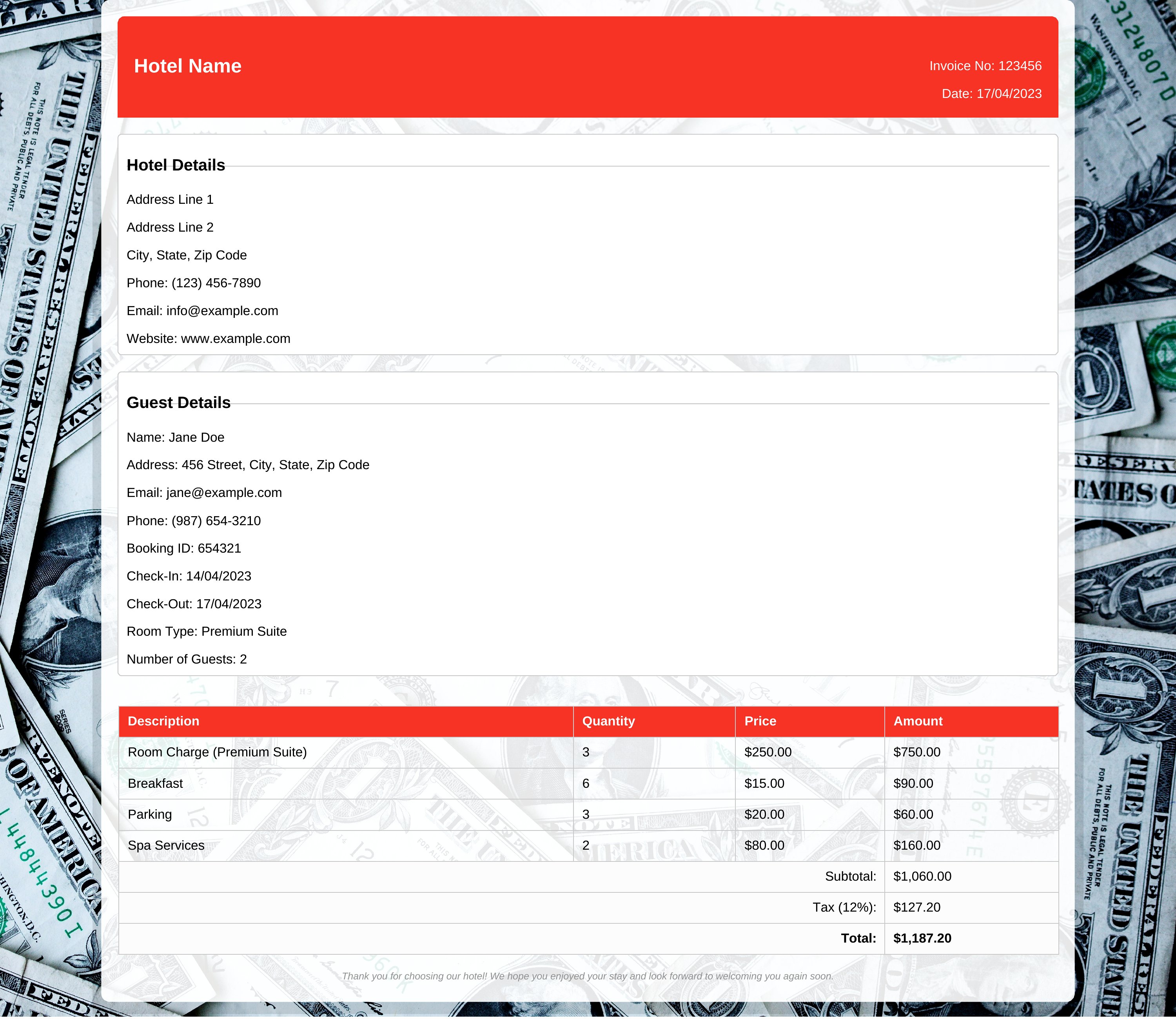
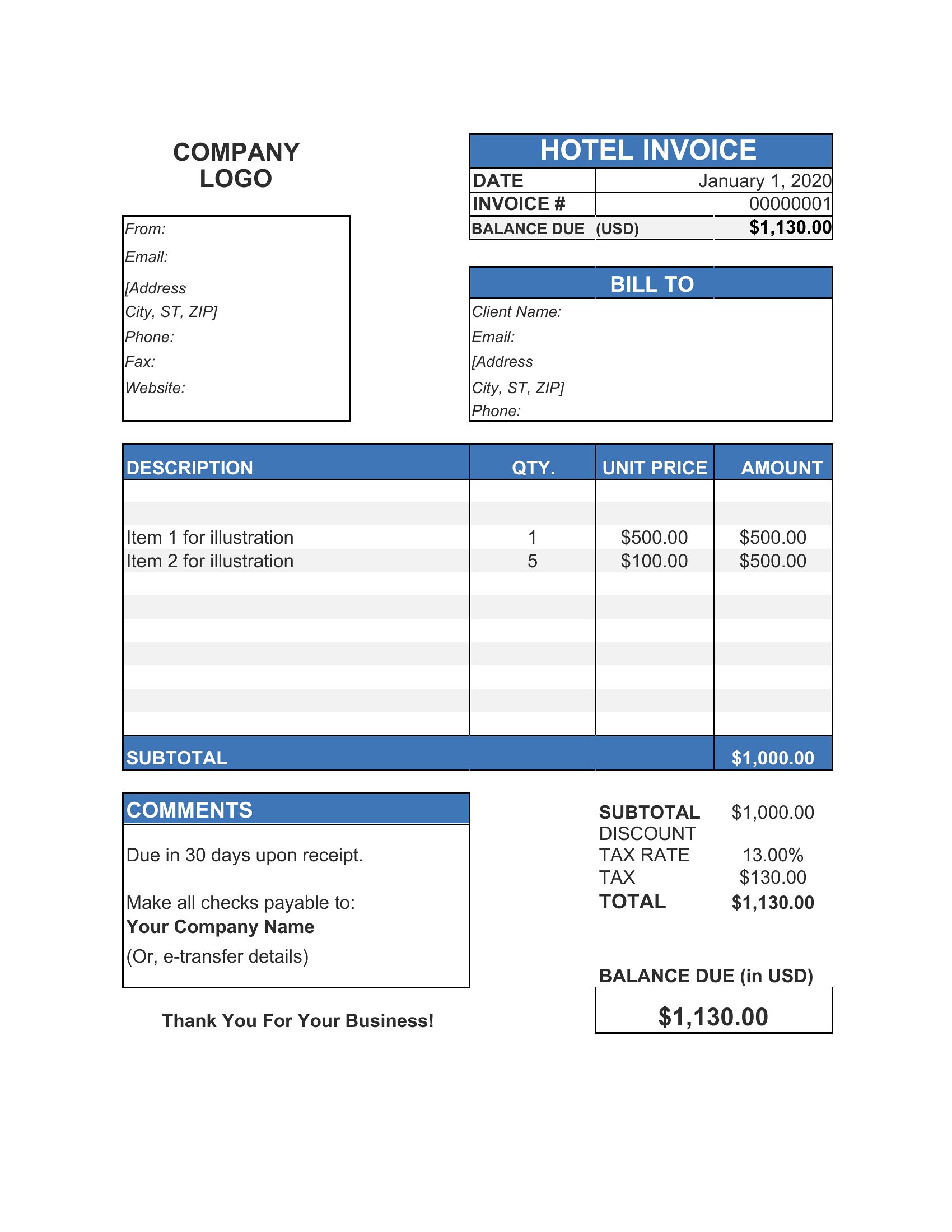
Hotel Receipts
FAQ
Can I use a hotel receipt template to include non-refundable deposits or partial prepayments?
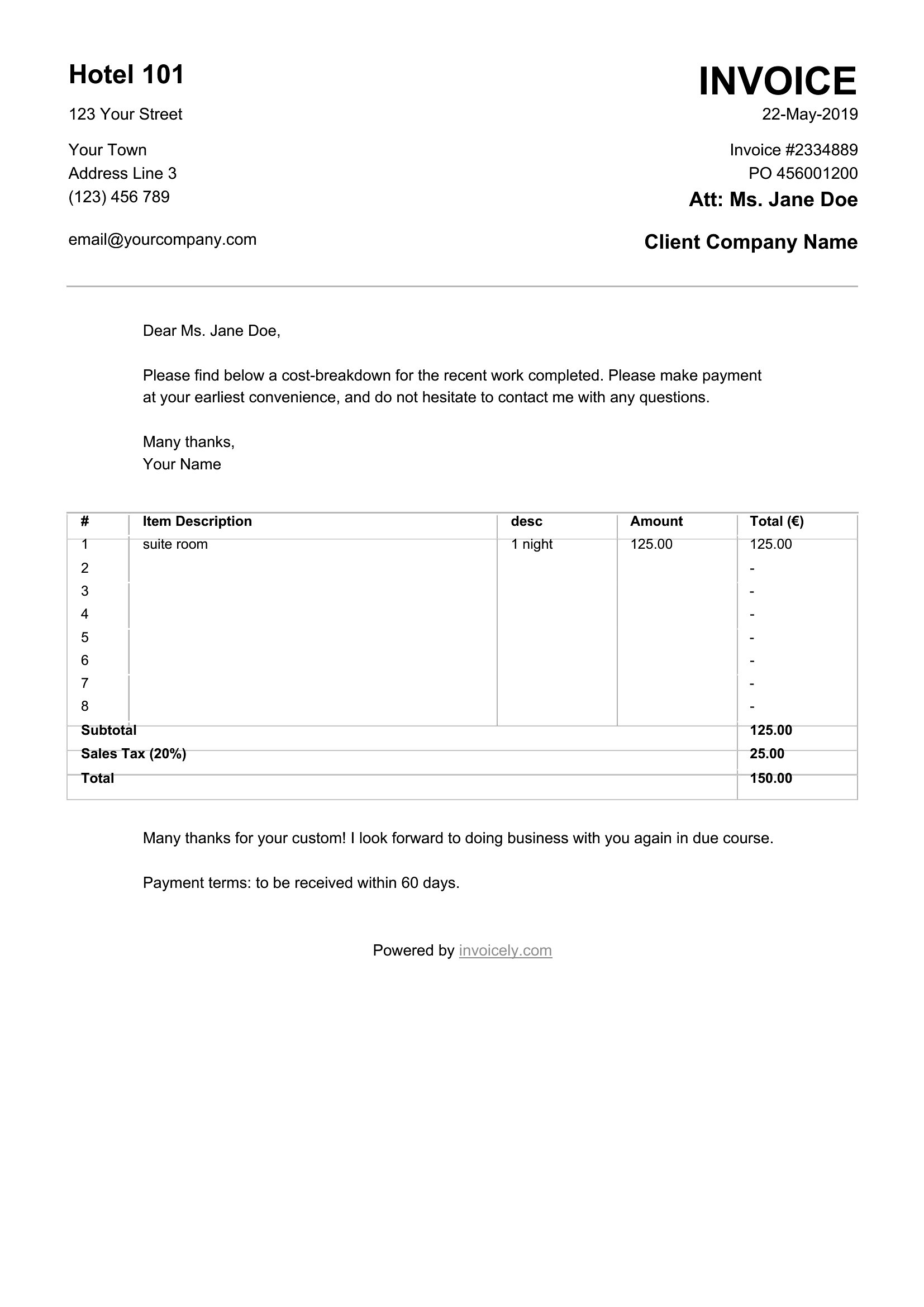
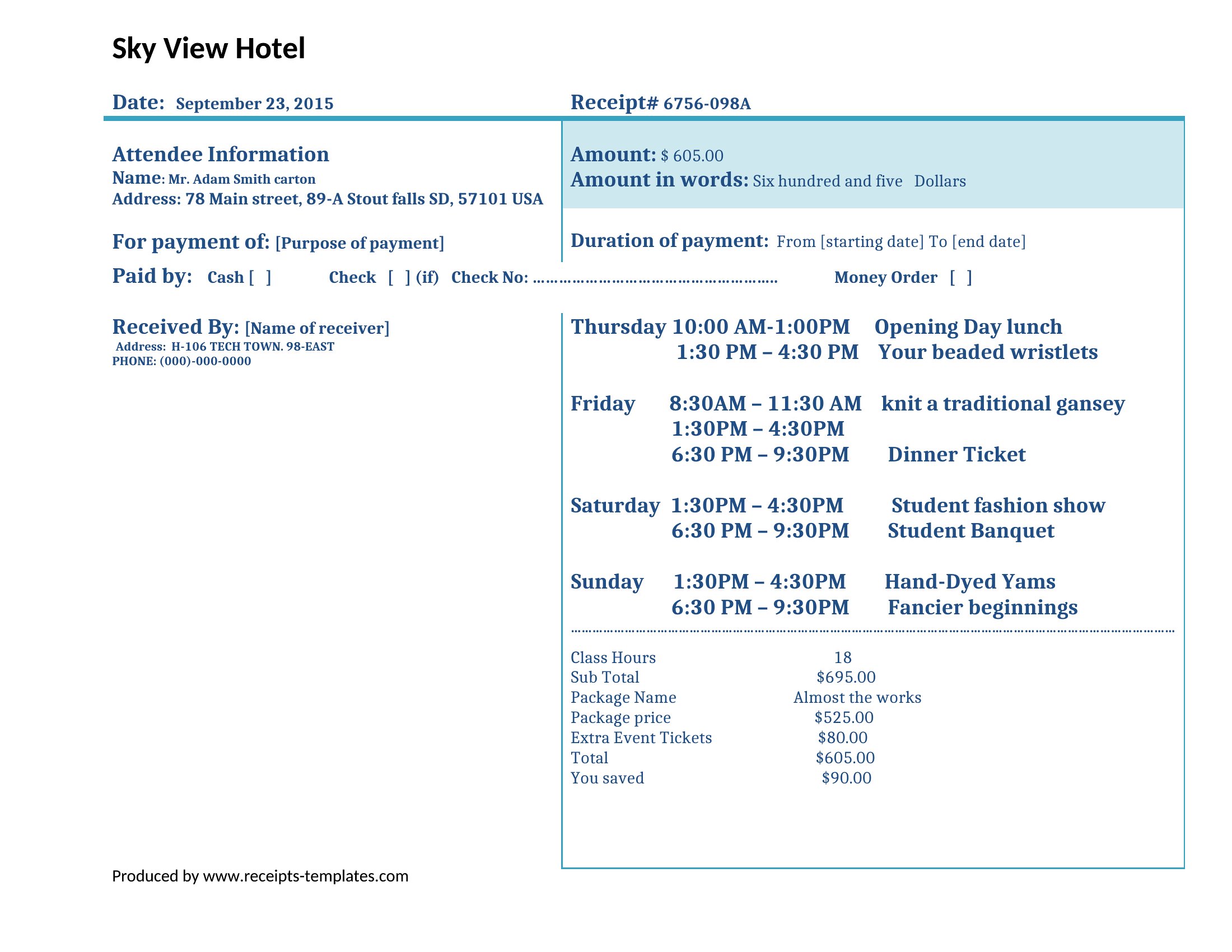
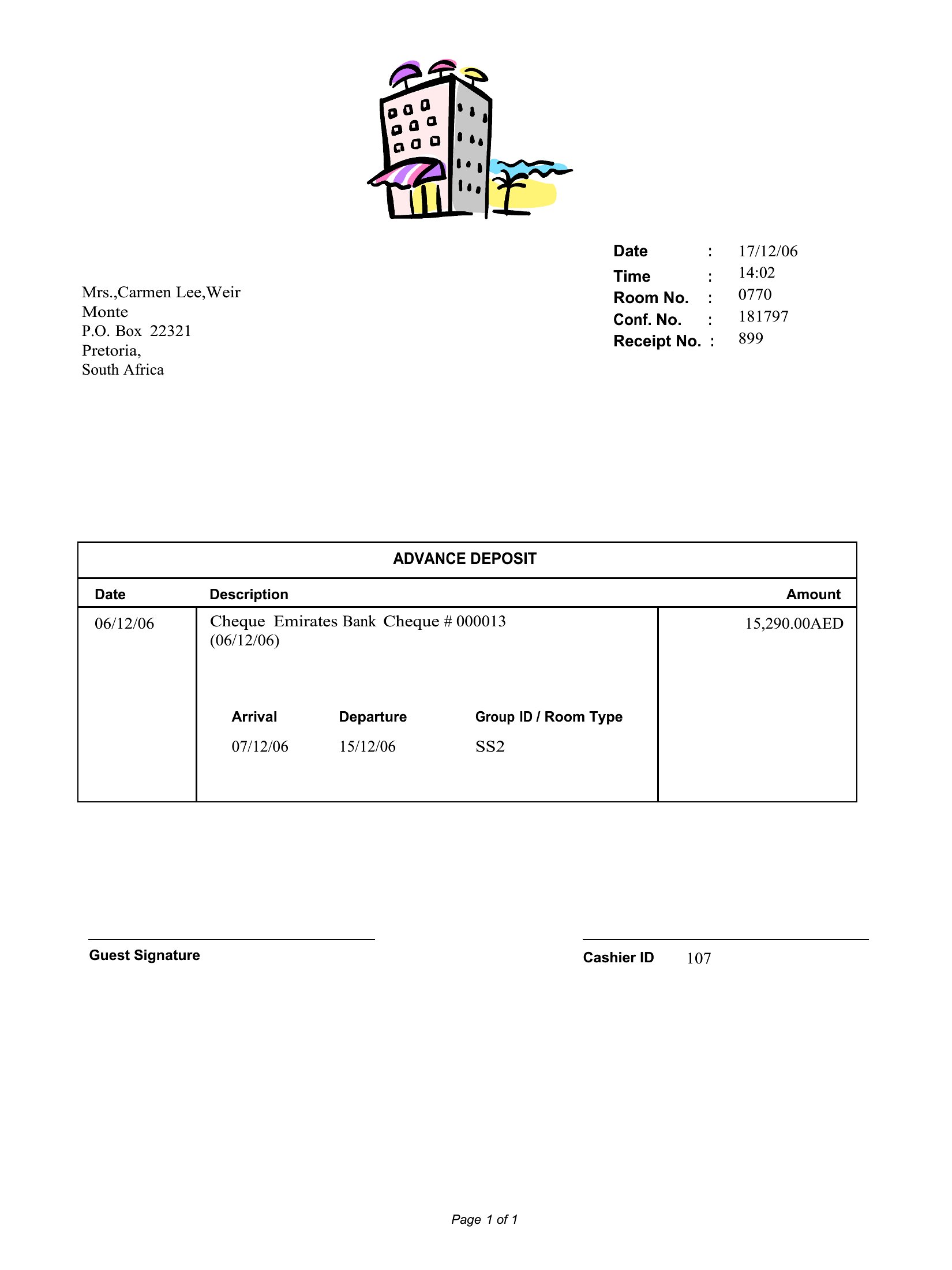
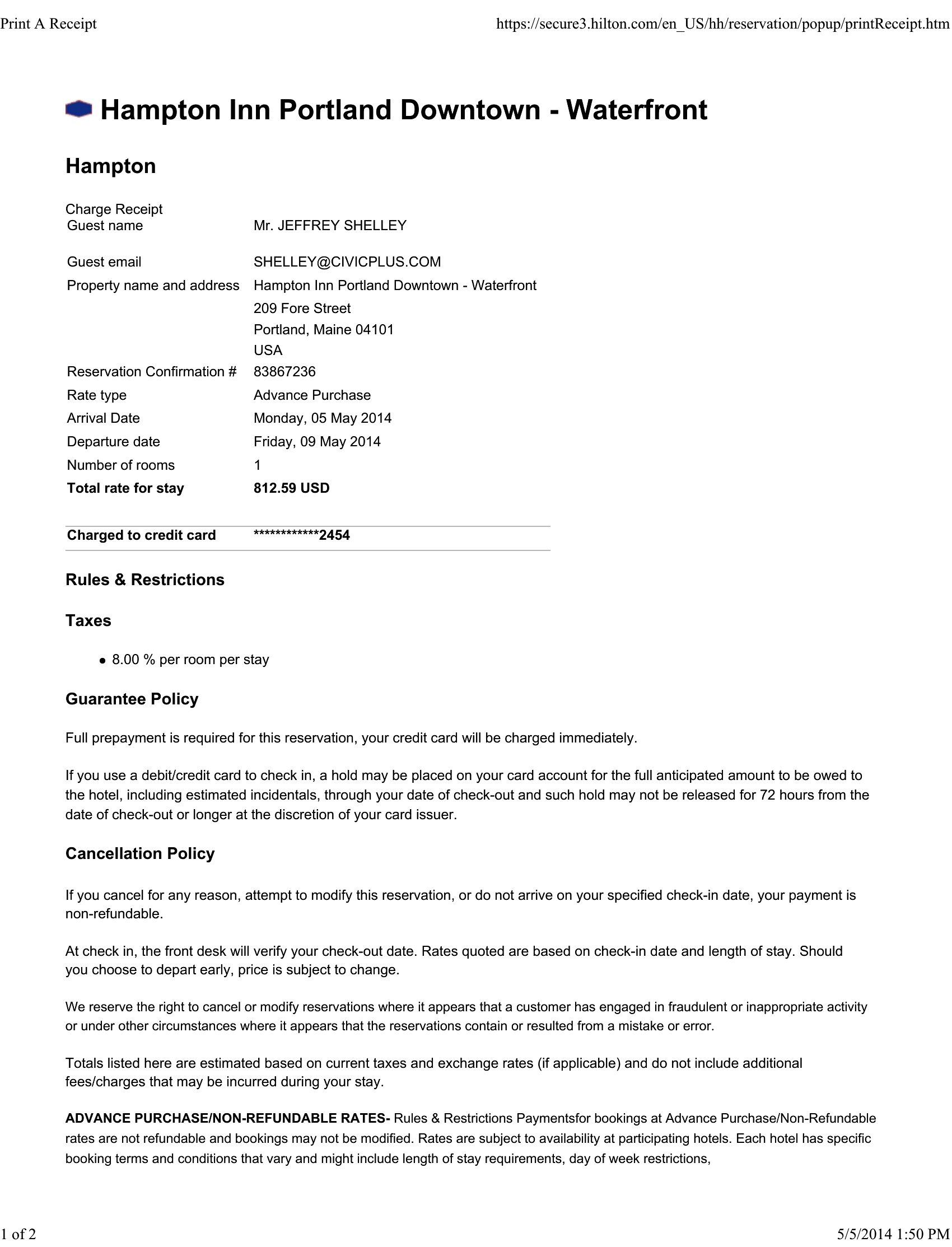
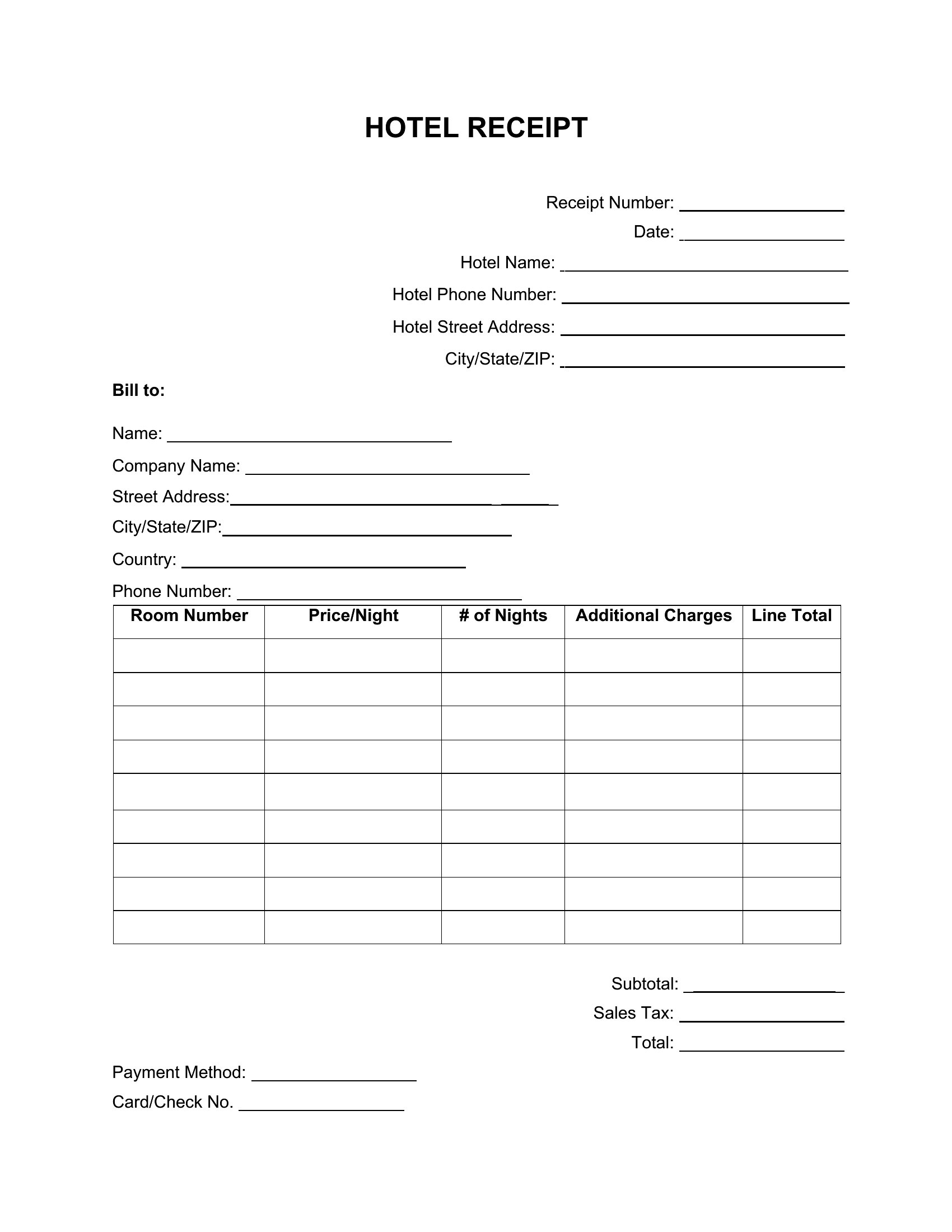
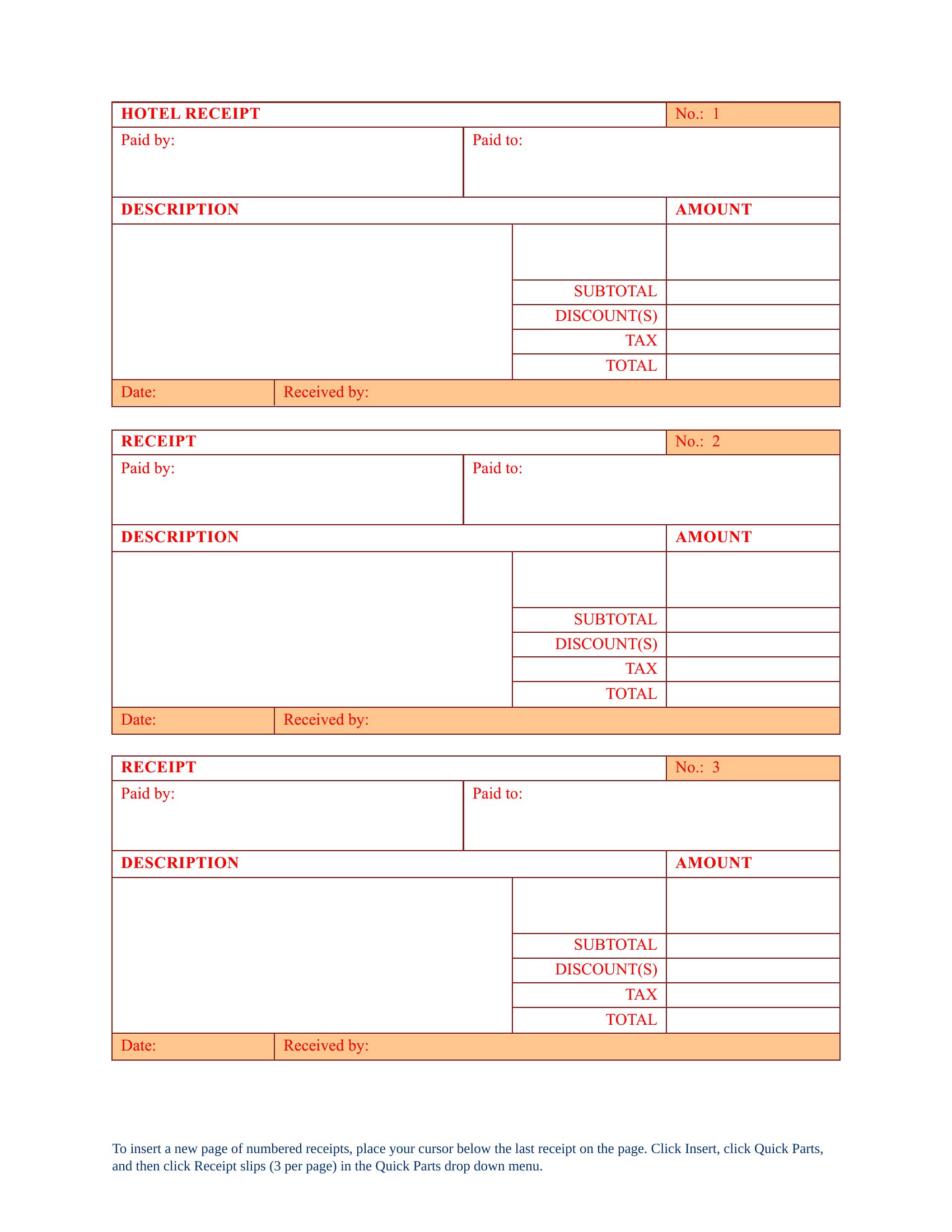
Yes, these templates can accommodate deposits or prepayments, but you’ll need to clearly label them as separate line items—either as deductions from the total or as upfront payments. For refundable deposits, consider adding a note about conditions or timing. Always double-check local regulations, as some areas require specific disclosures for prepayments.
How do I handle multiple guests with different room rates in the same receipt?
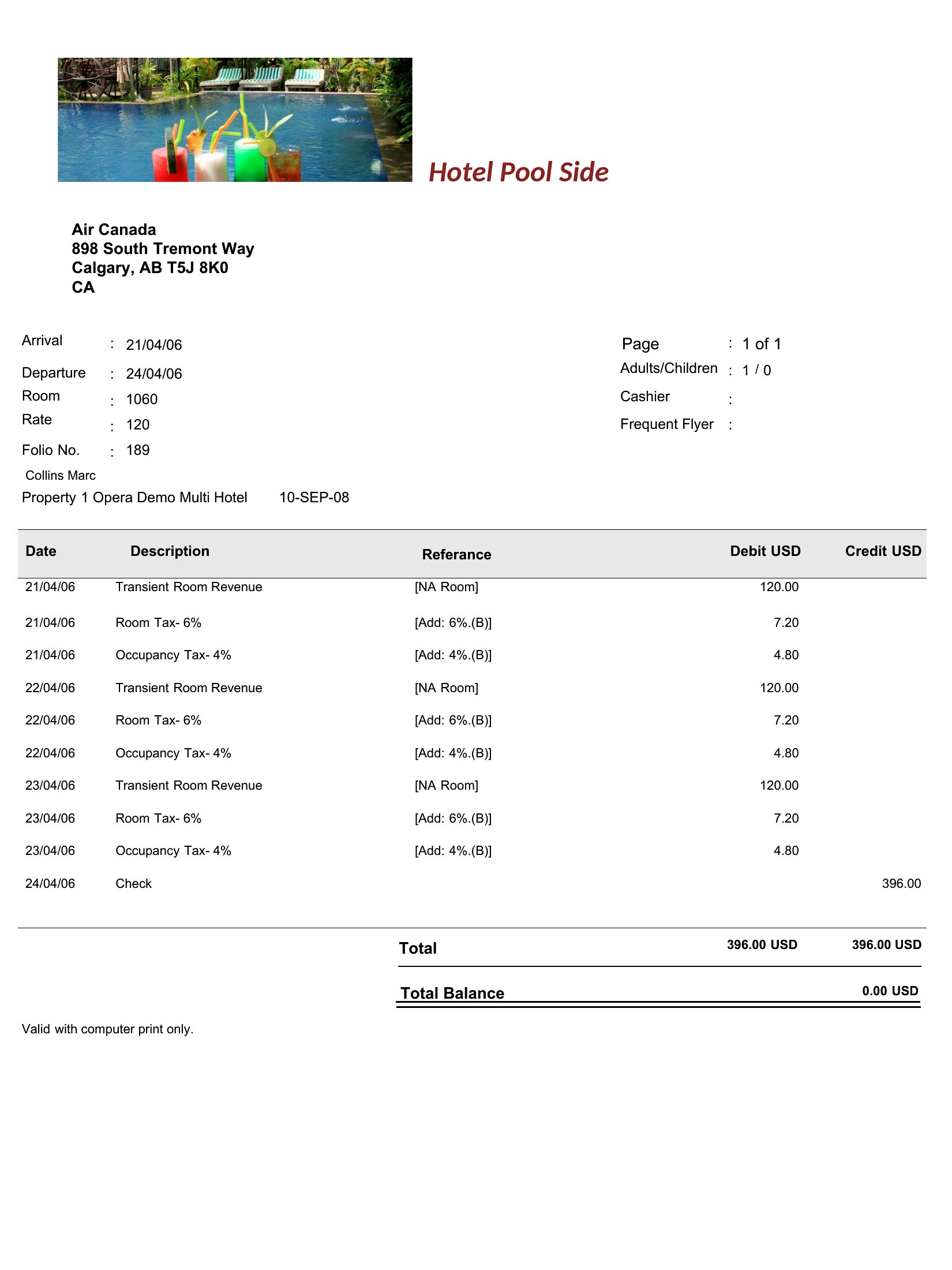
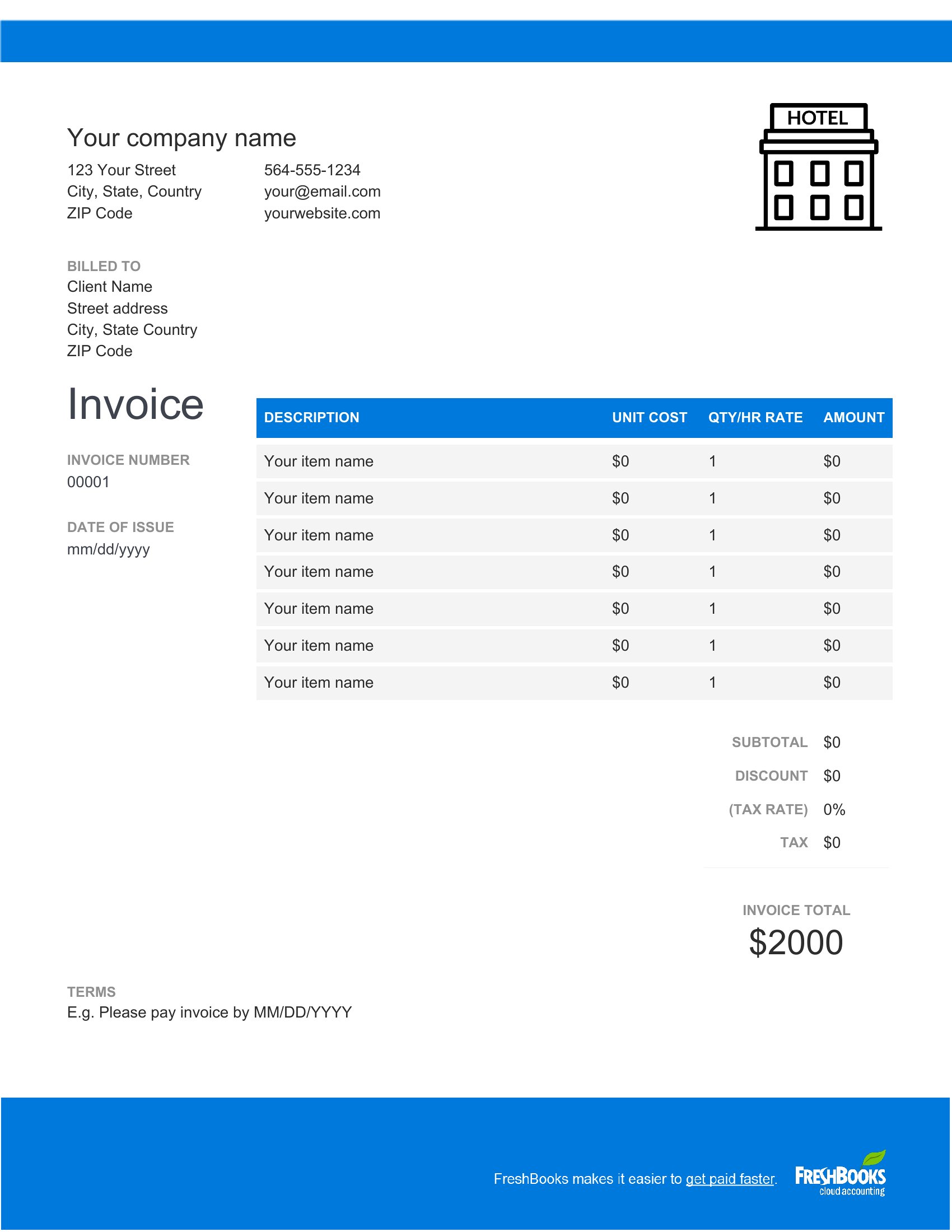
Break down each guest’s charges into separate line items under their name or booking reference. Use a sub-total row for each guest’s portion before adding taxes or shared fees. Excel makes this easier with row grouping, while Word allows you to insert tables or sections for clarity. Avoid combining guests under a single rate unless it’s accurate for all.
Are these templates suitable for international stays where currency or tax laws differ?
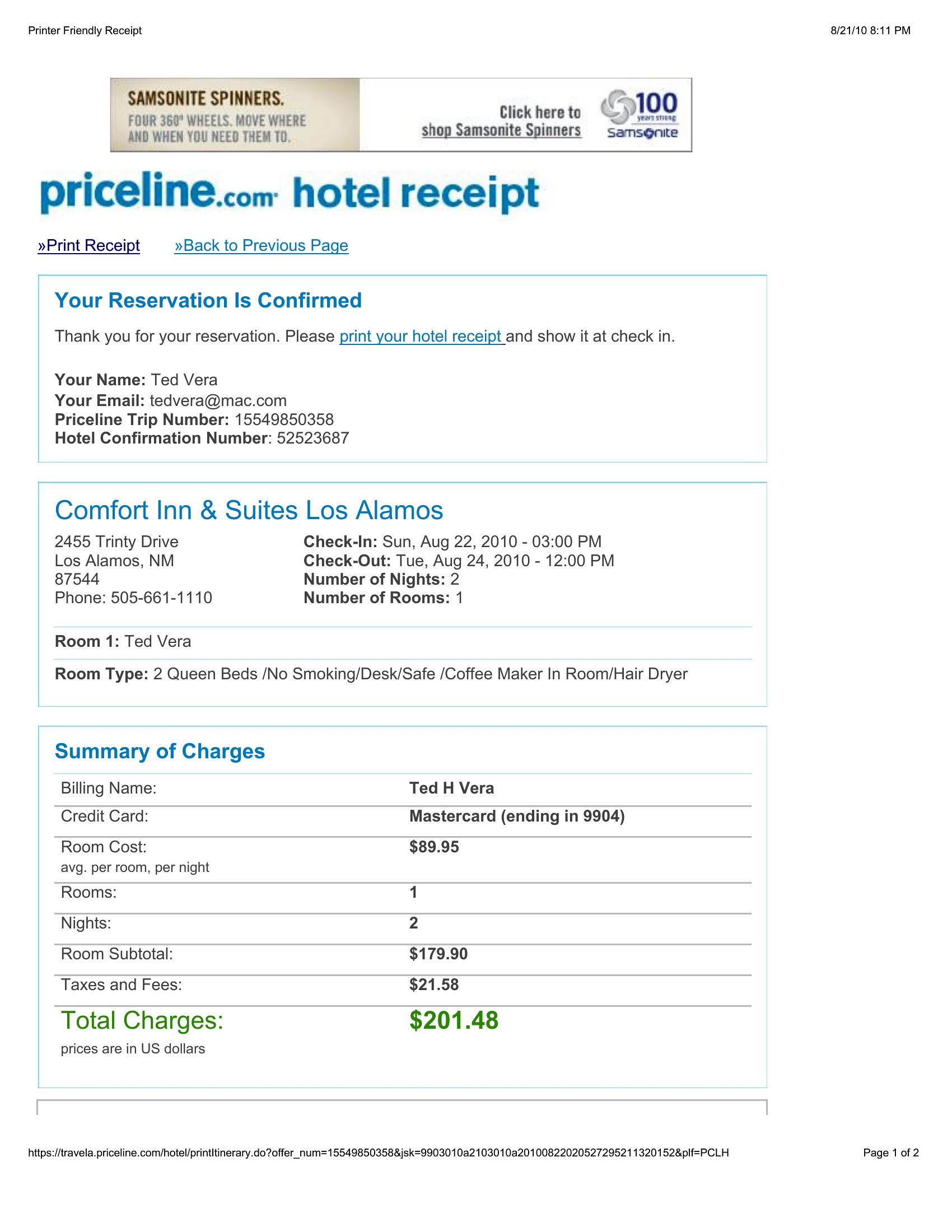
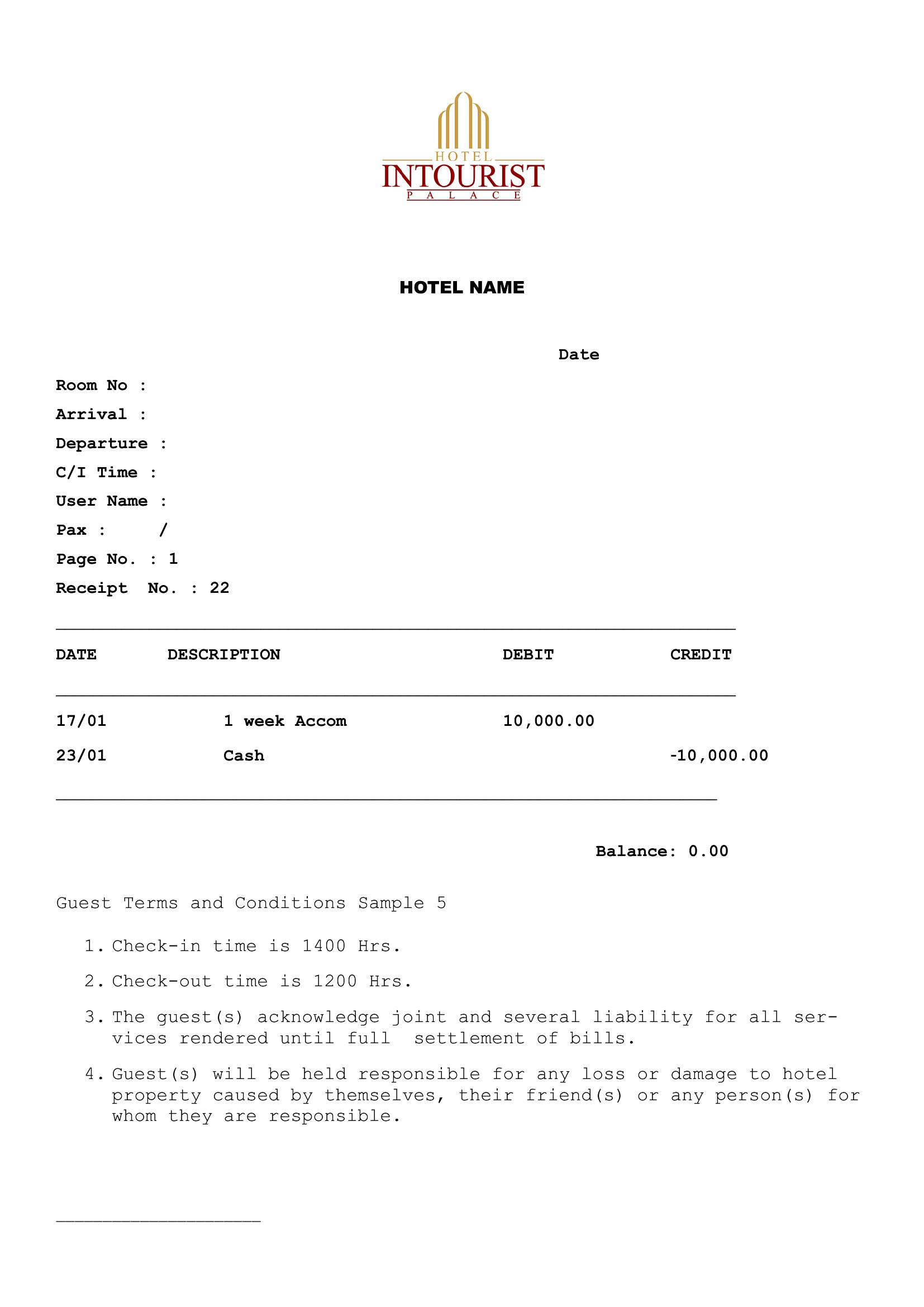
These templates provide a framework, but you’ll need to manually adjust fields like currency symbols, tax rates, or required disclosures (e.g., VAT in the EU or GST in Australia). For cross-border stays, consult a tax professional to ensure compliance with both the host and guest’s local regulations. Some templates may include optional fields for notes—use these for legal disclaimers if needed.
Comments
Join the conversation
Sign in to share your thoughts and leave a comment on this resource.