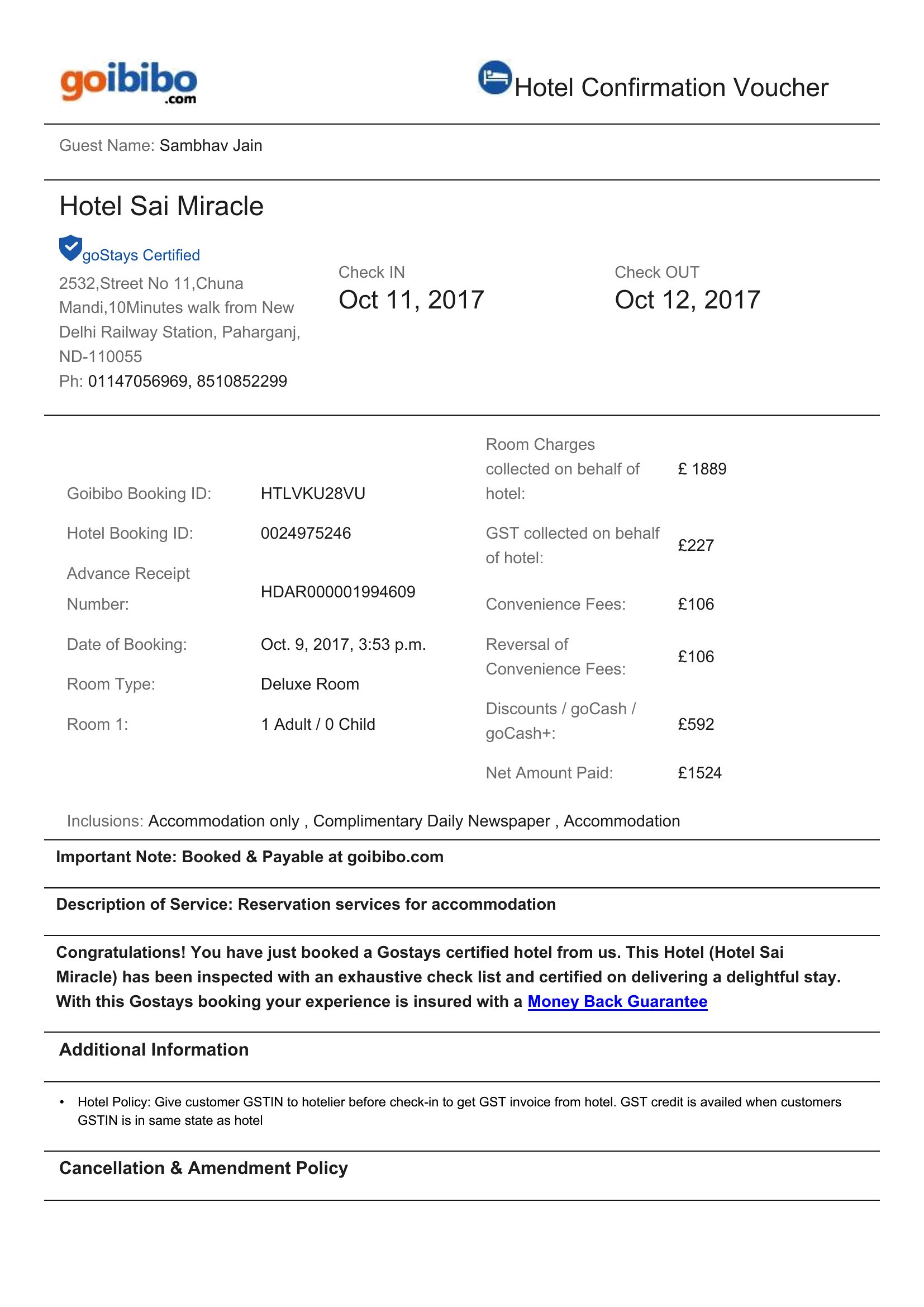
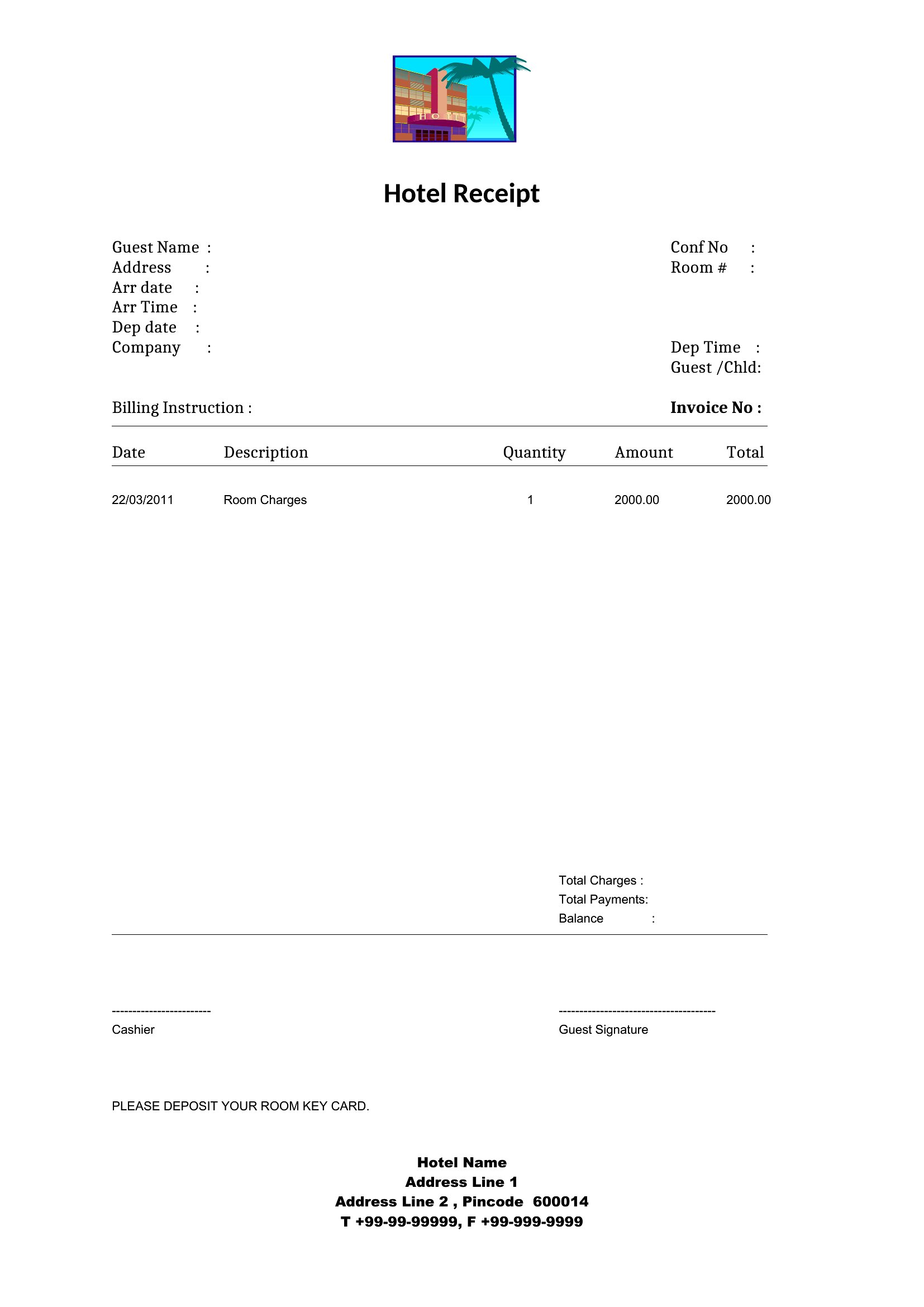
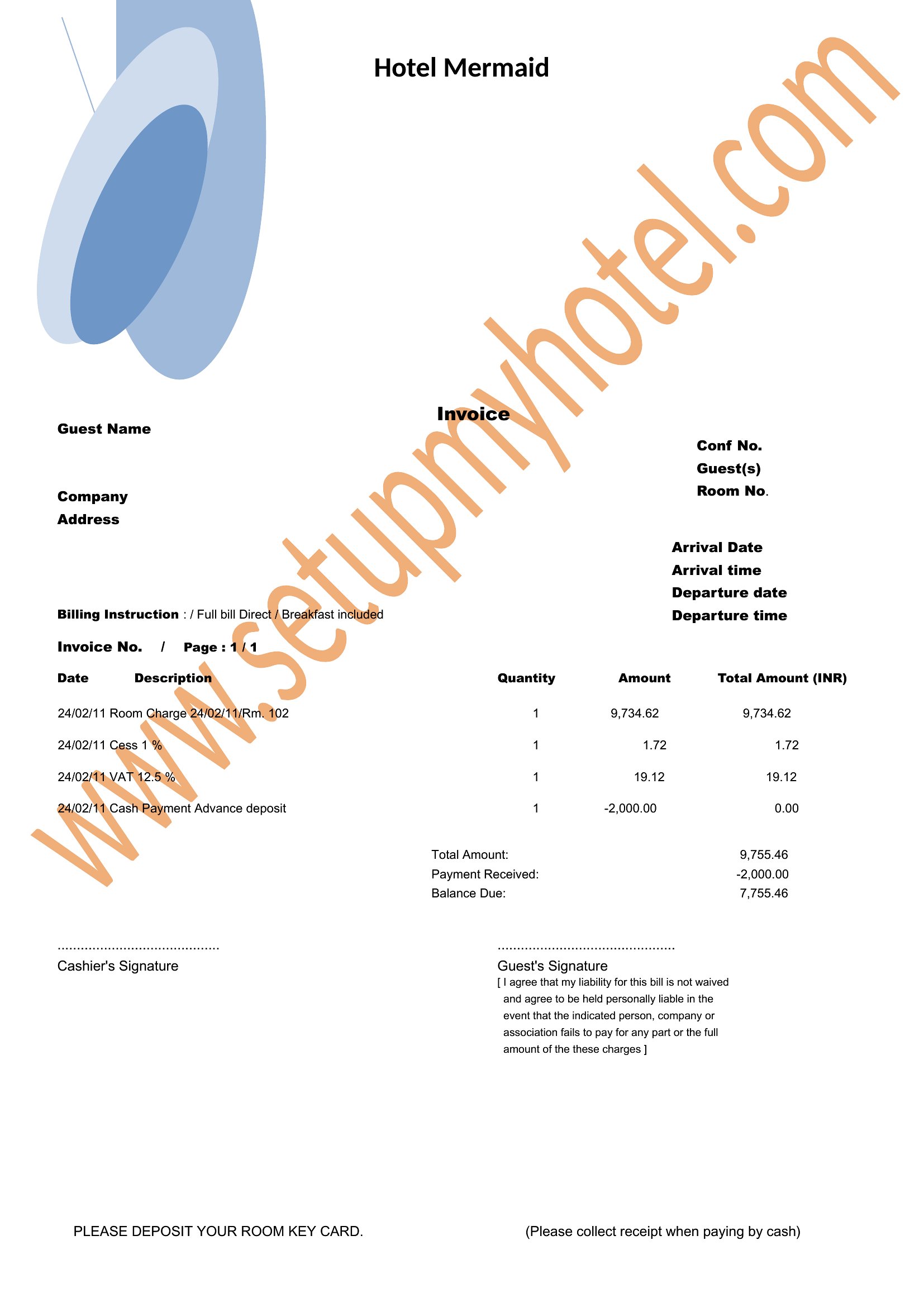
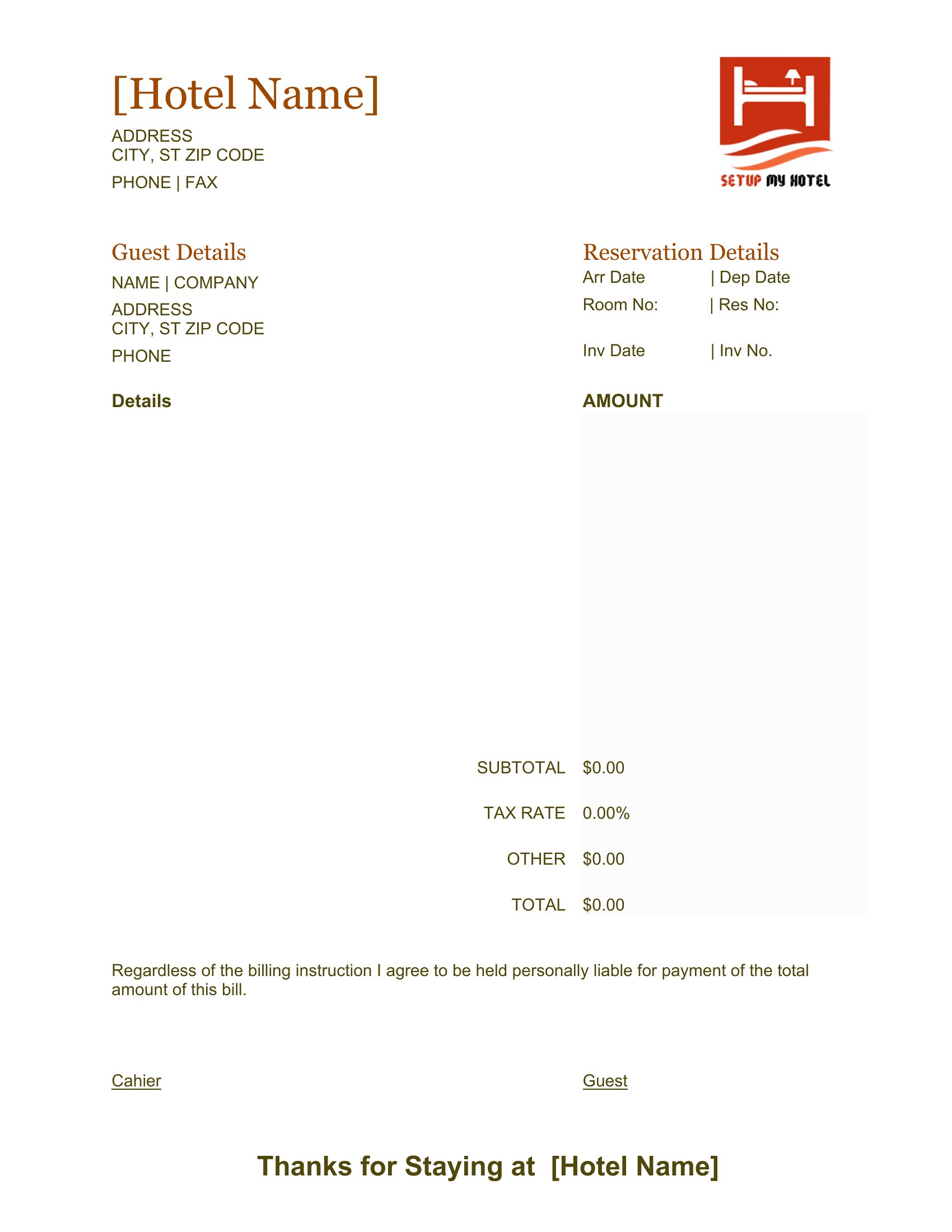
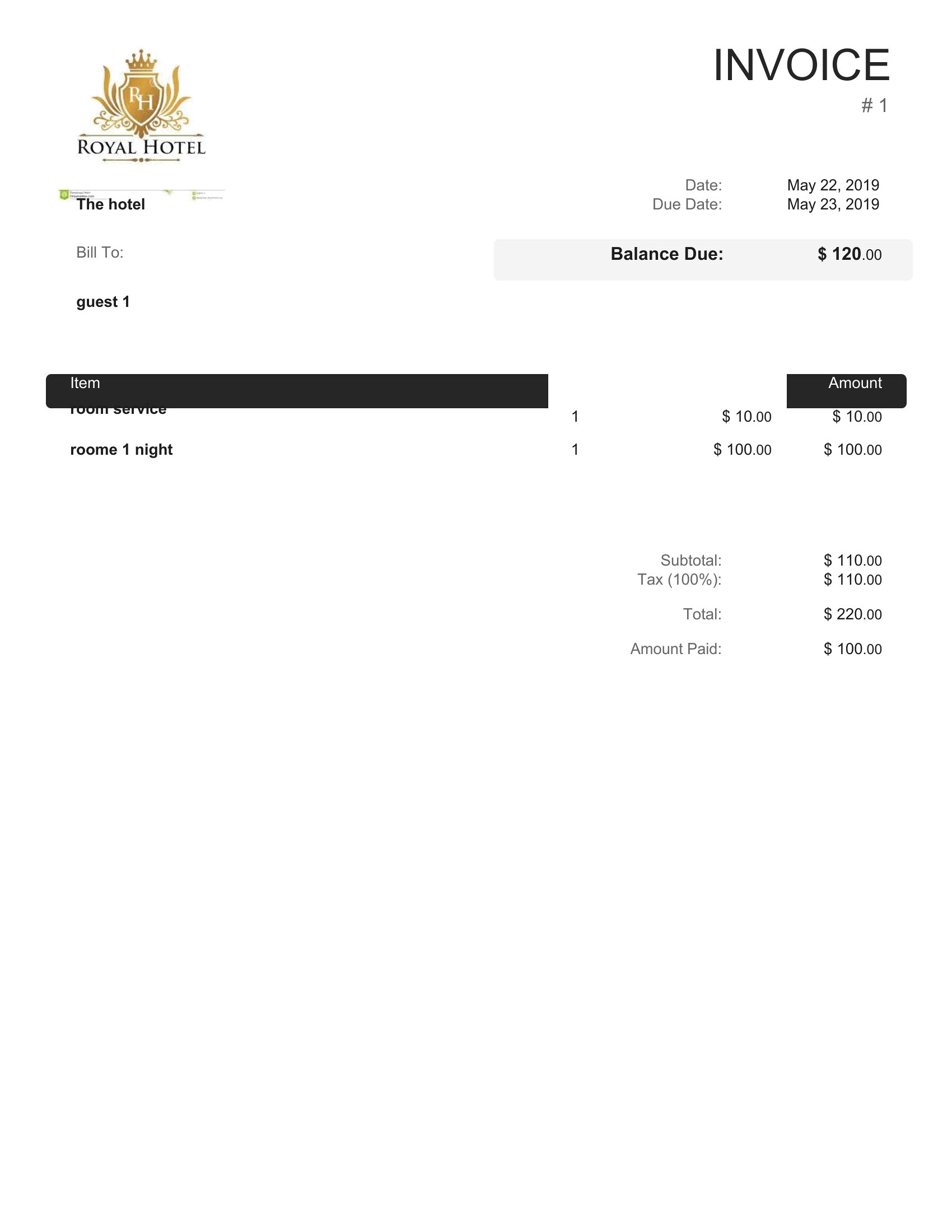
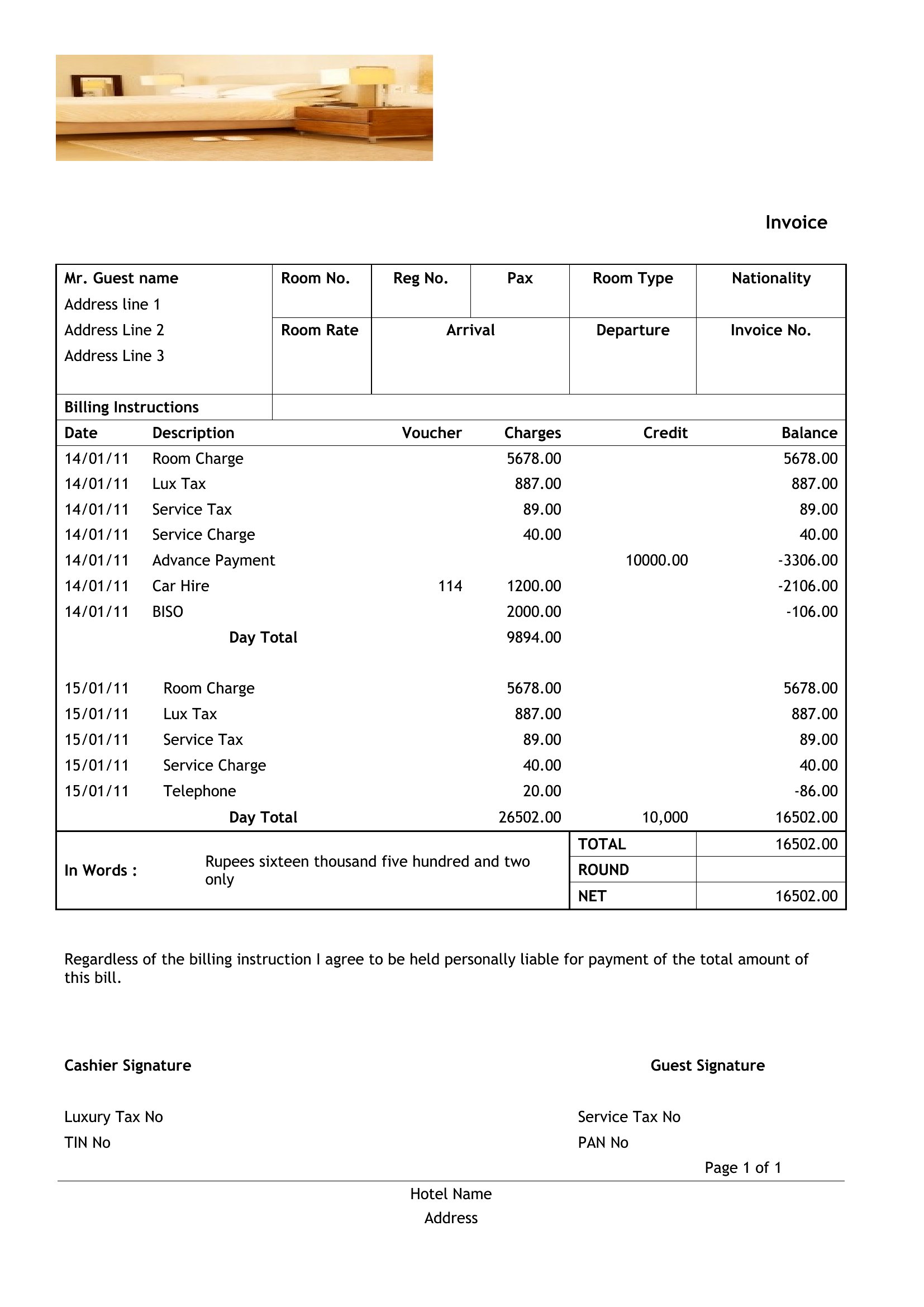
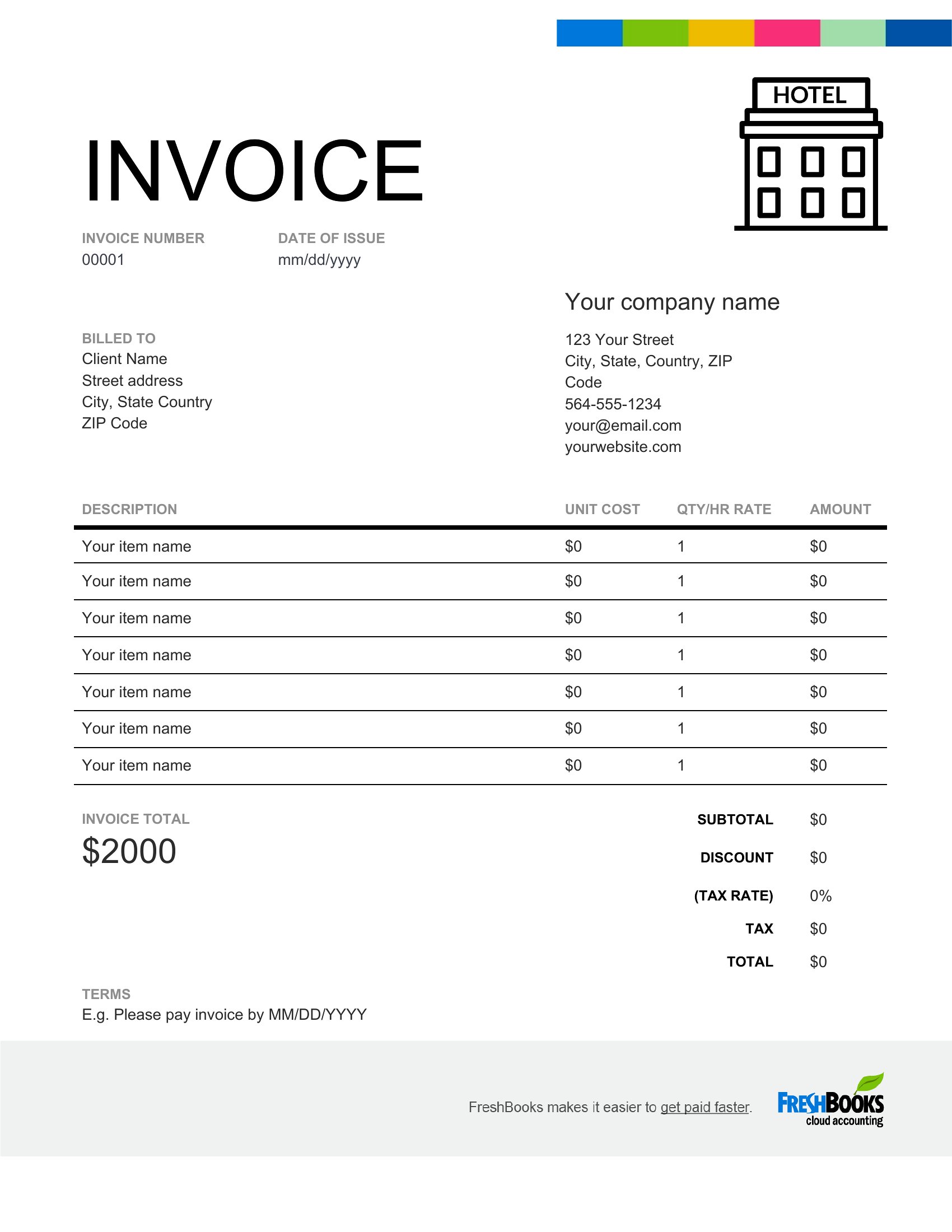
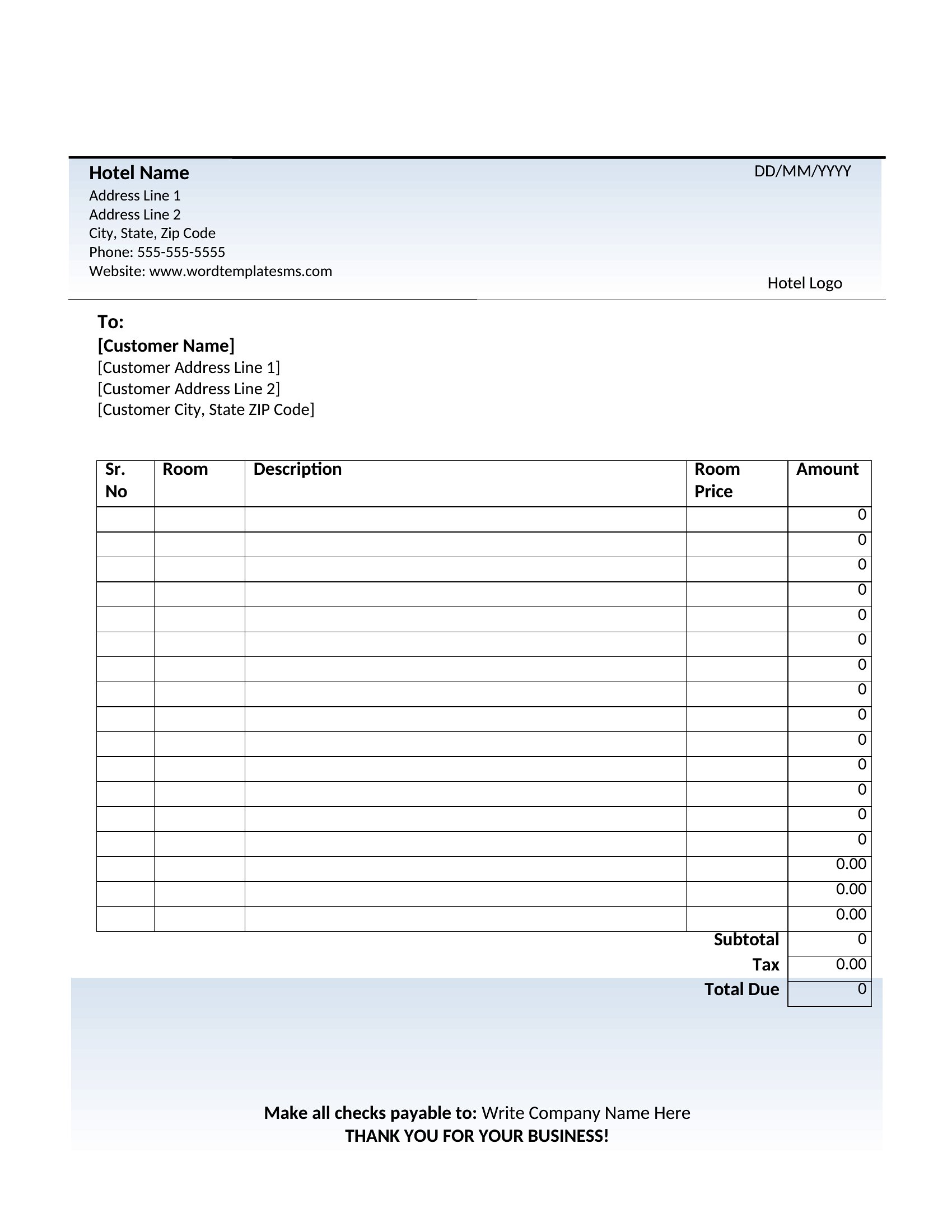
Free Hotel Receipt Templates (Word, Excel)
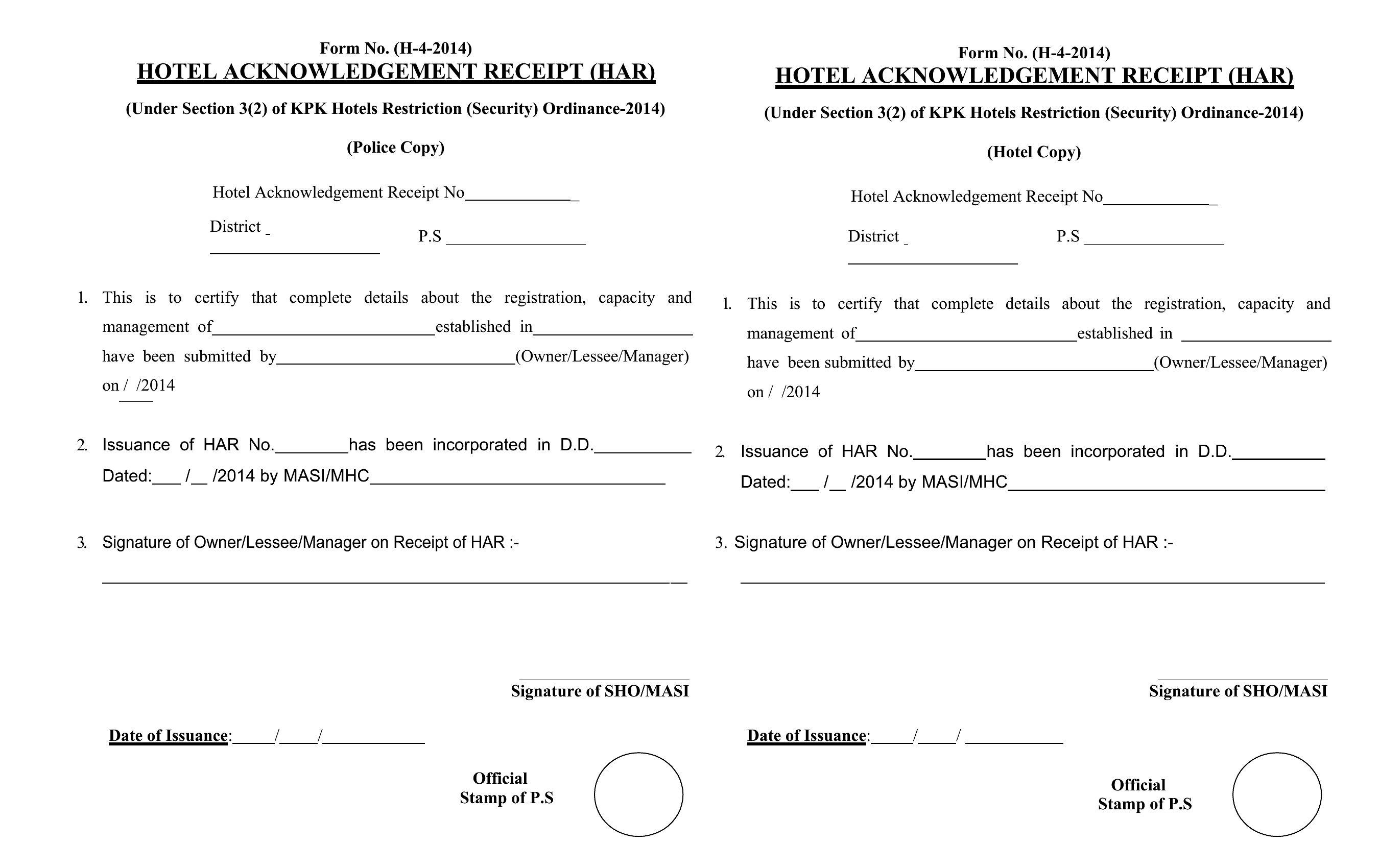
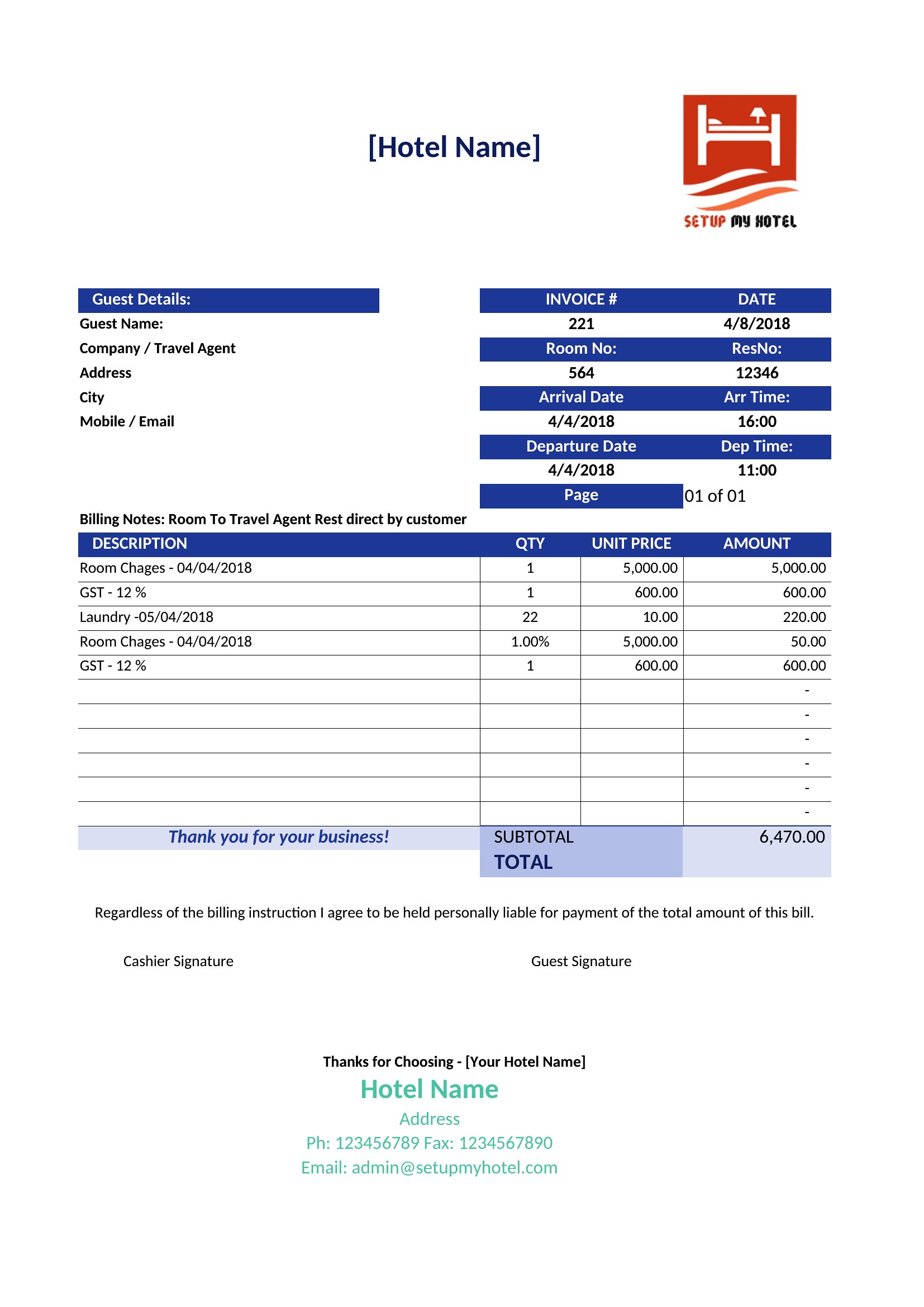
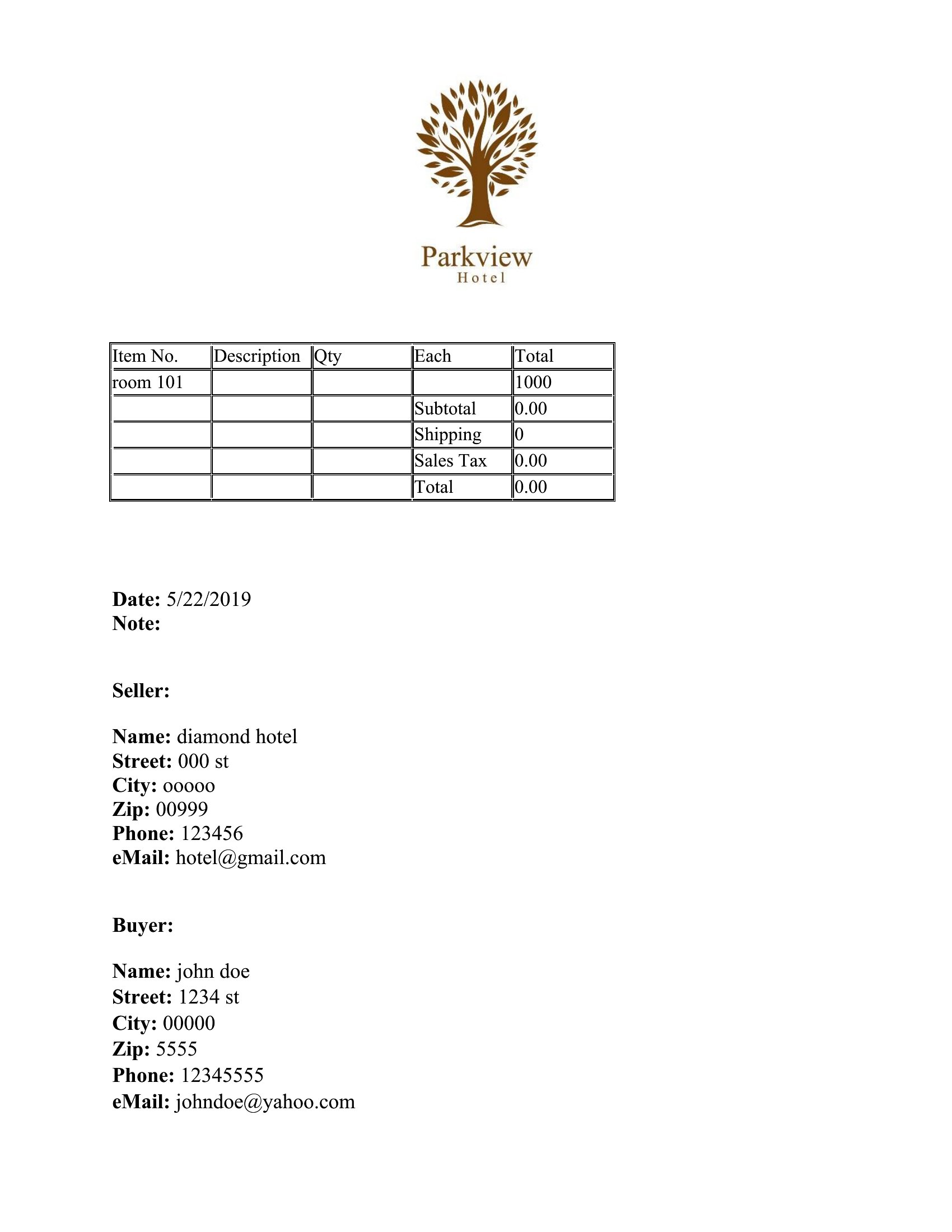
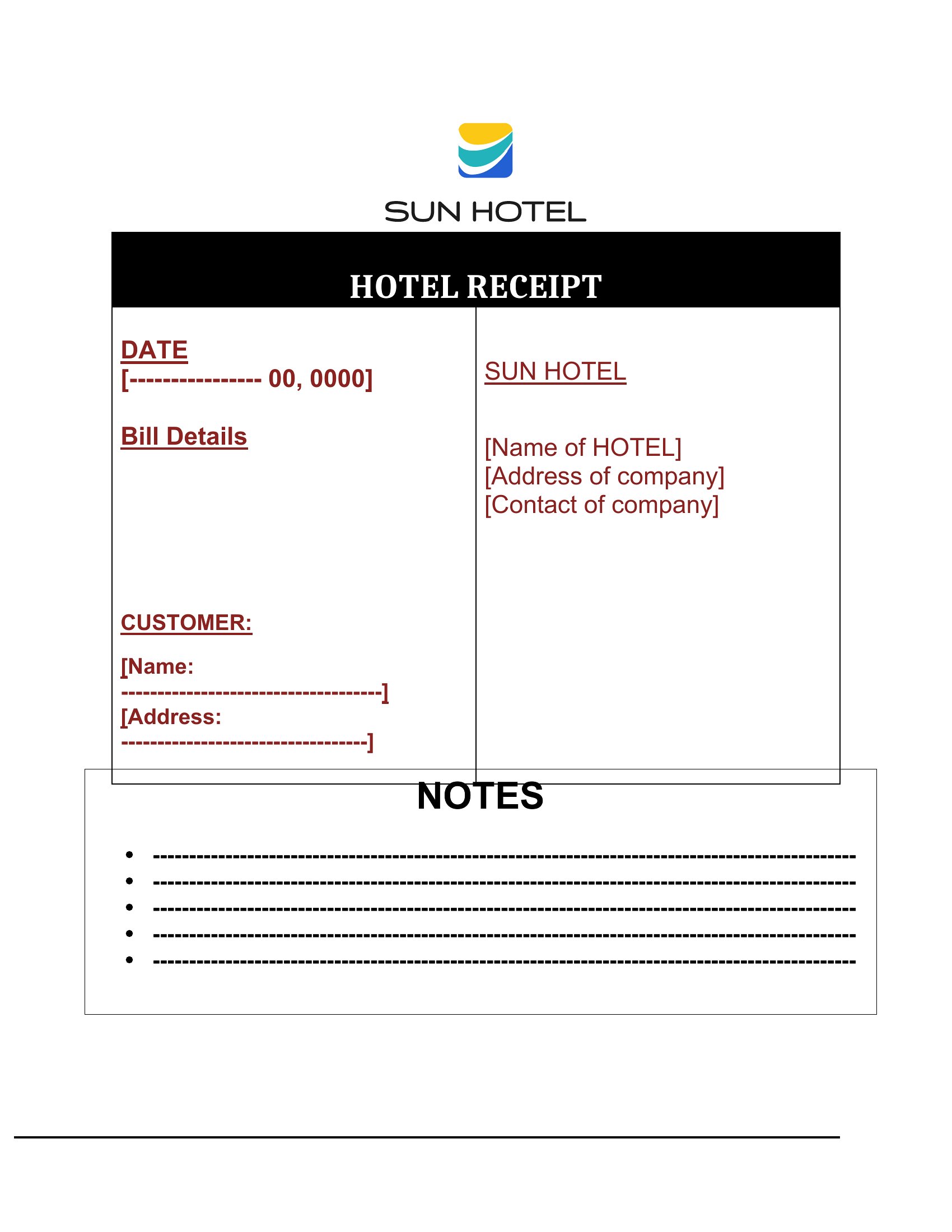
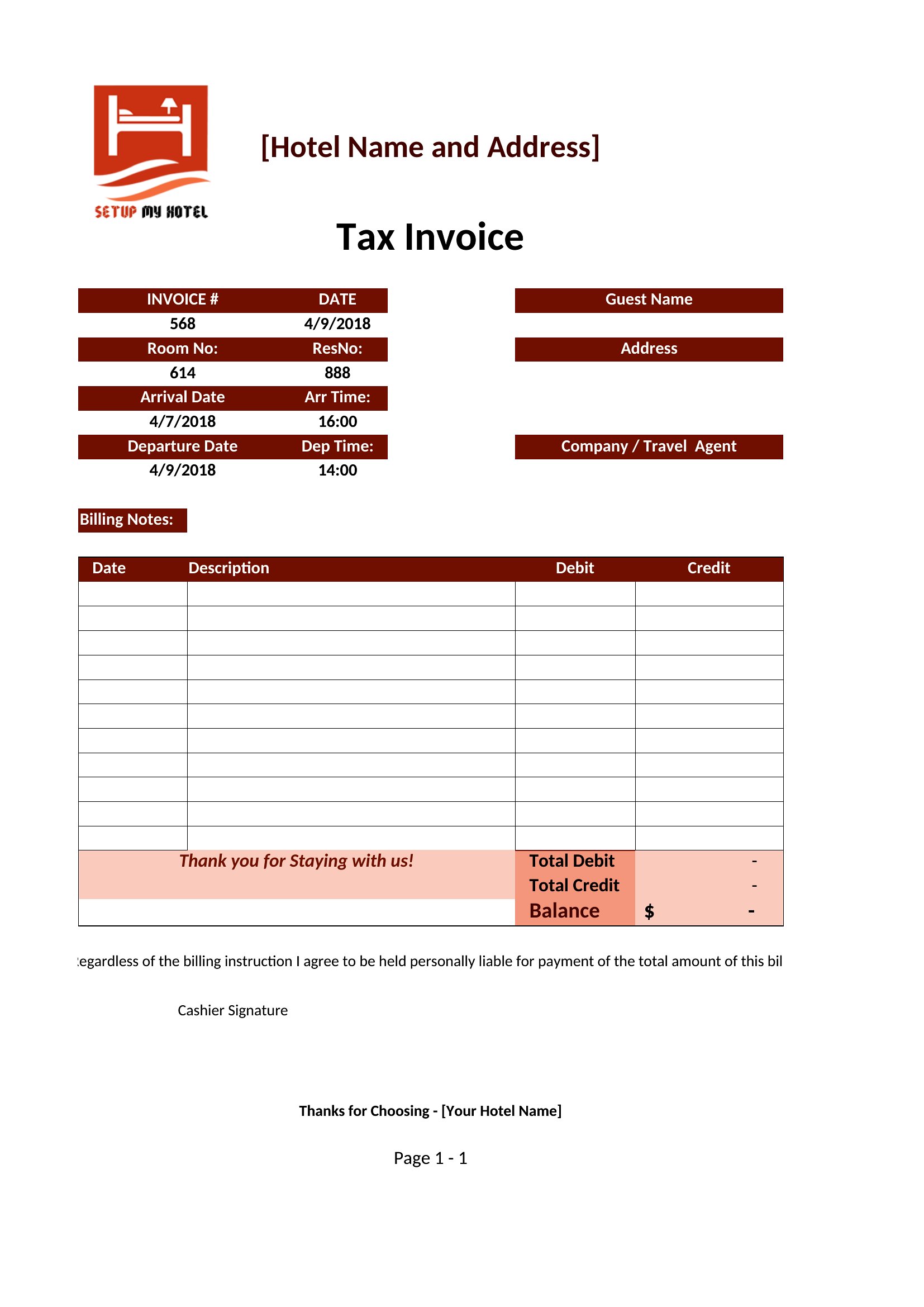
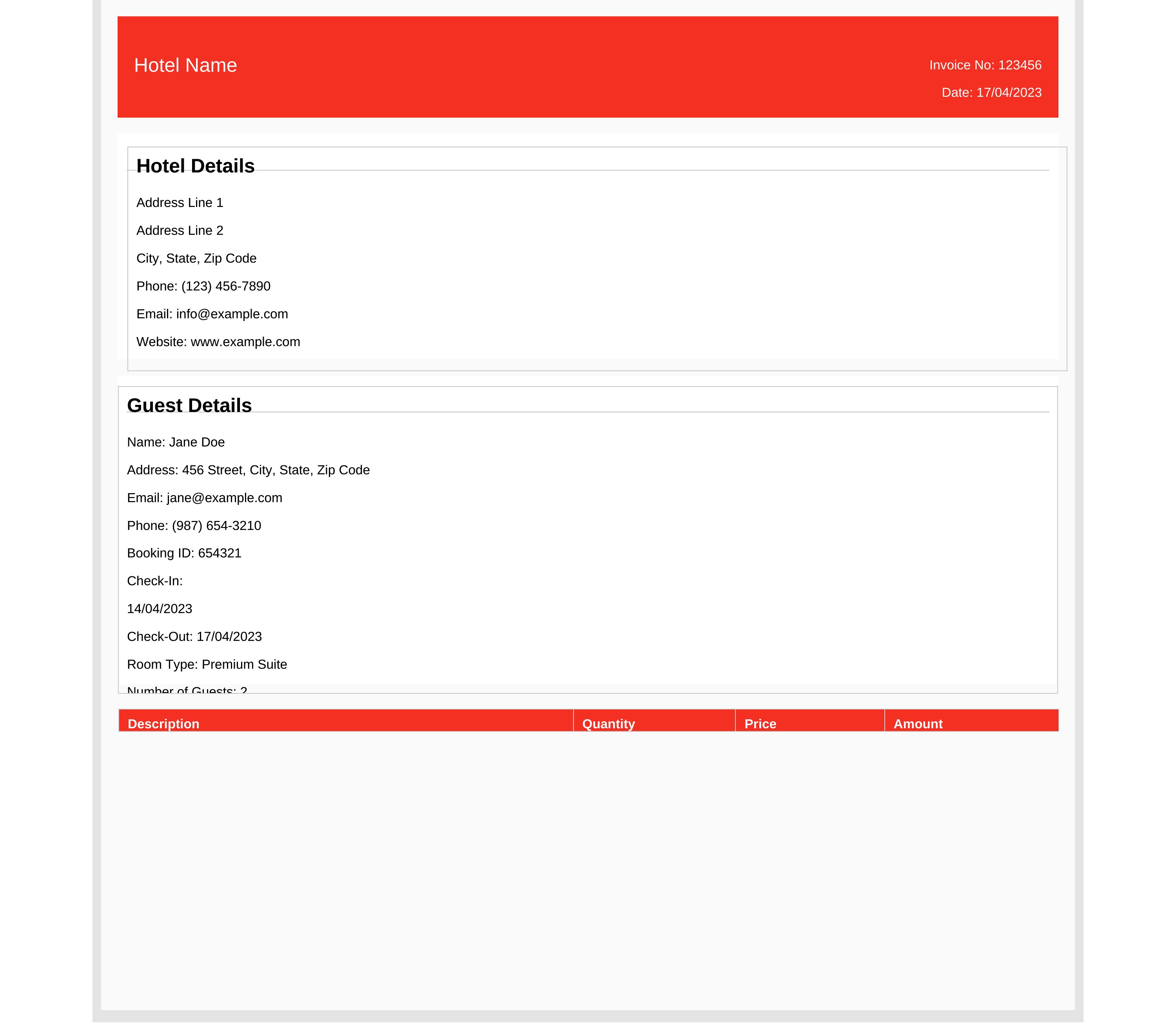
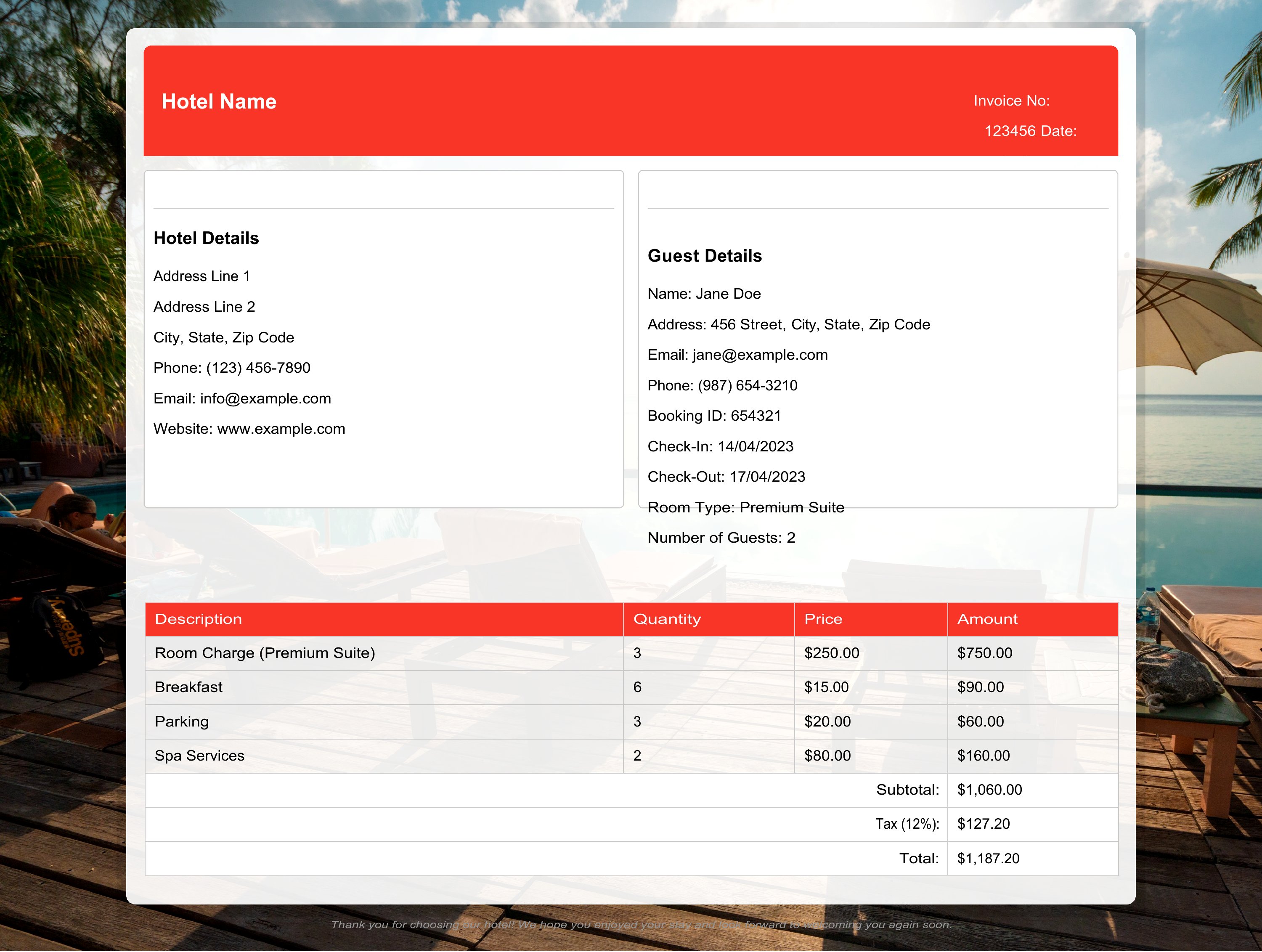
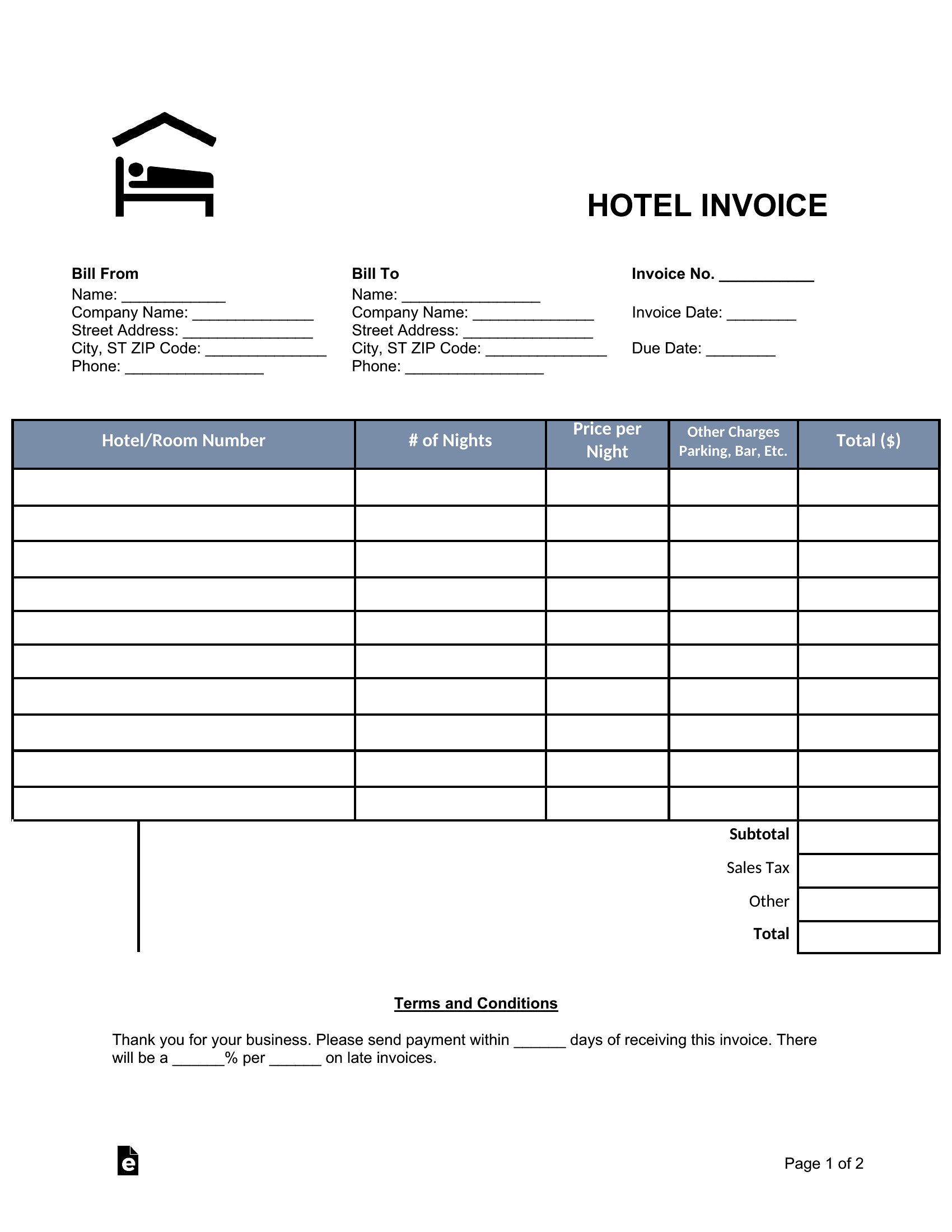
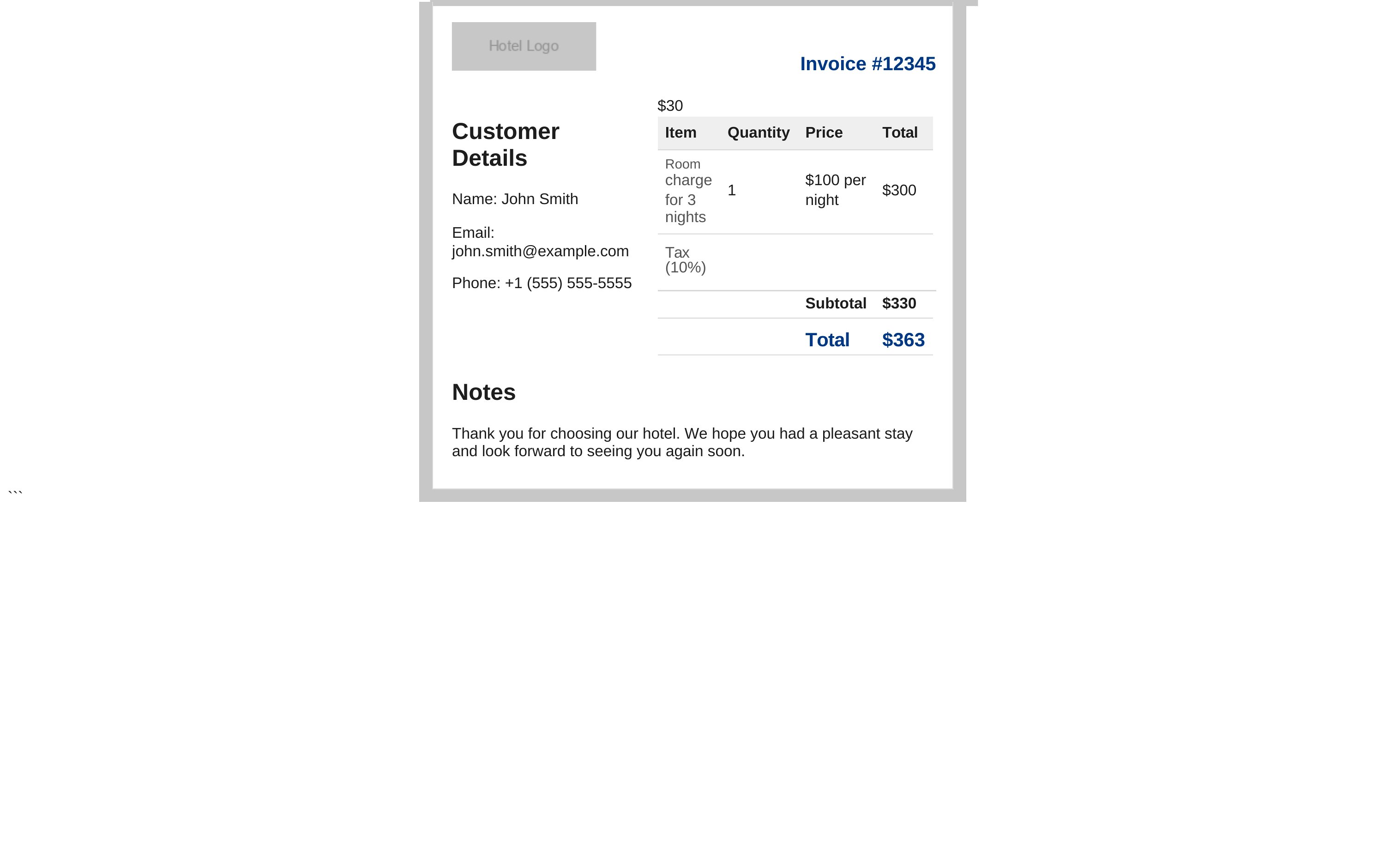
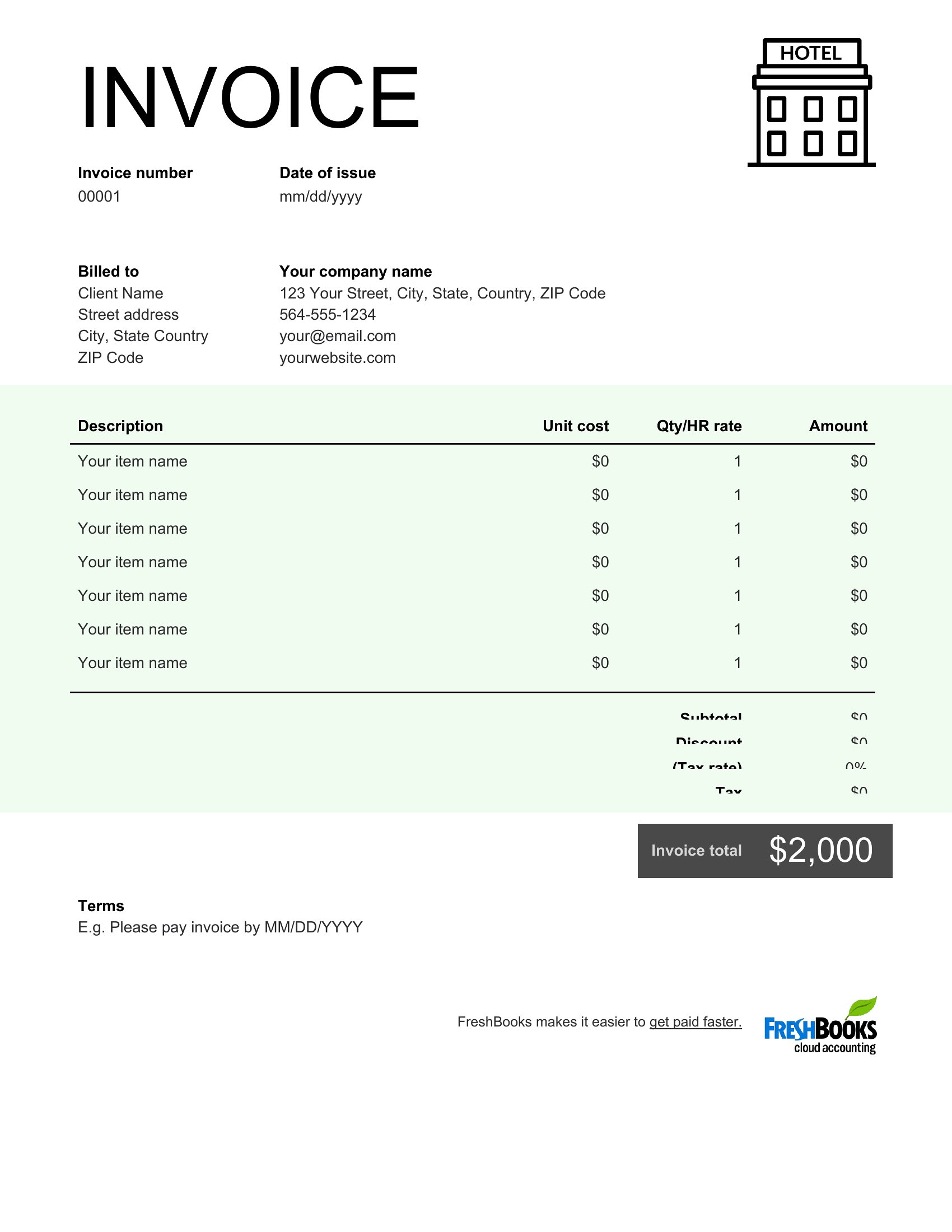
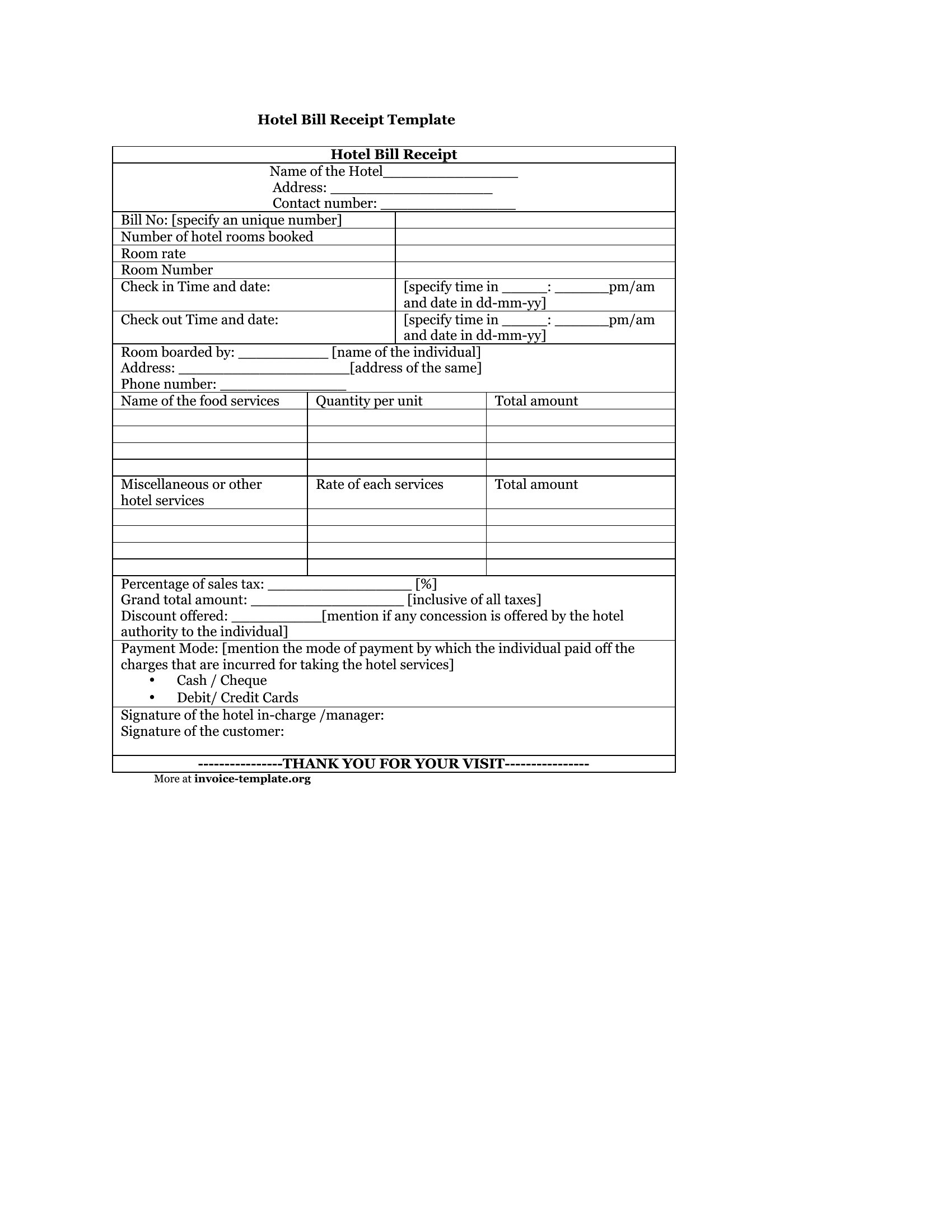
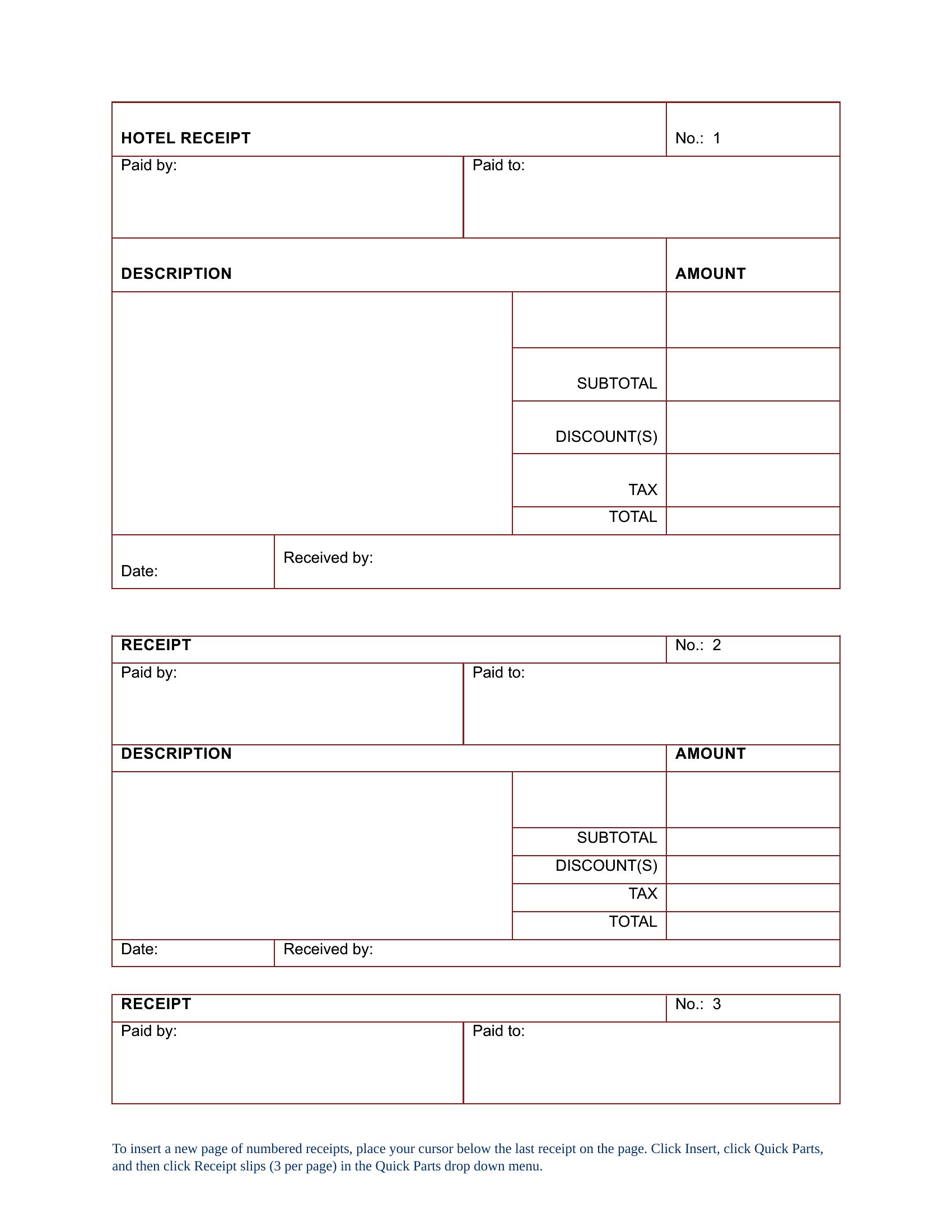
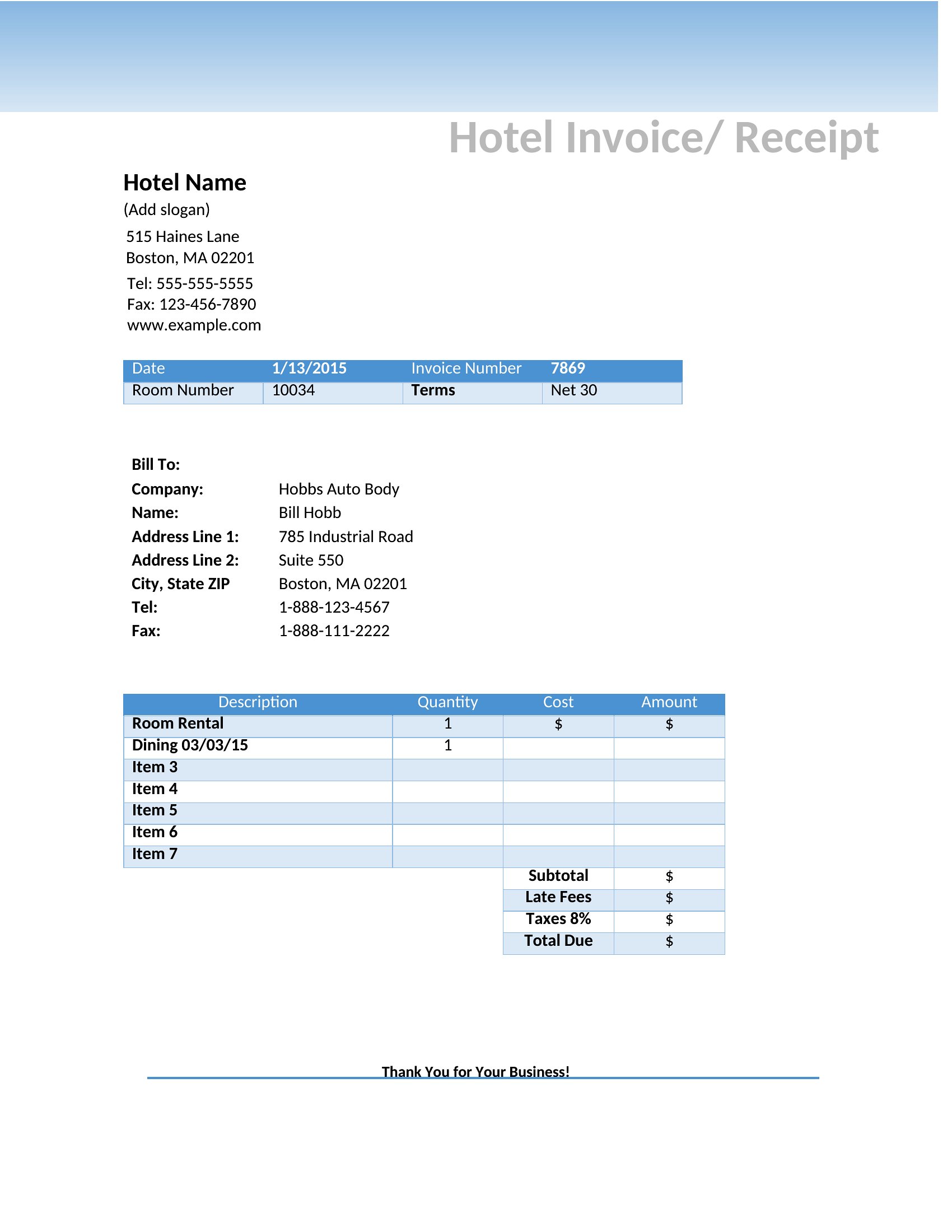
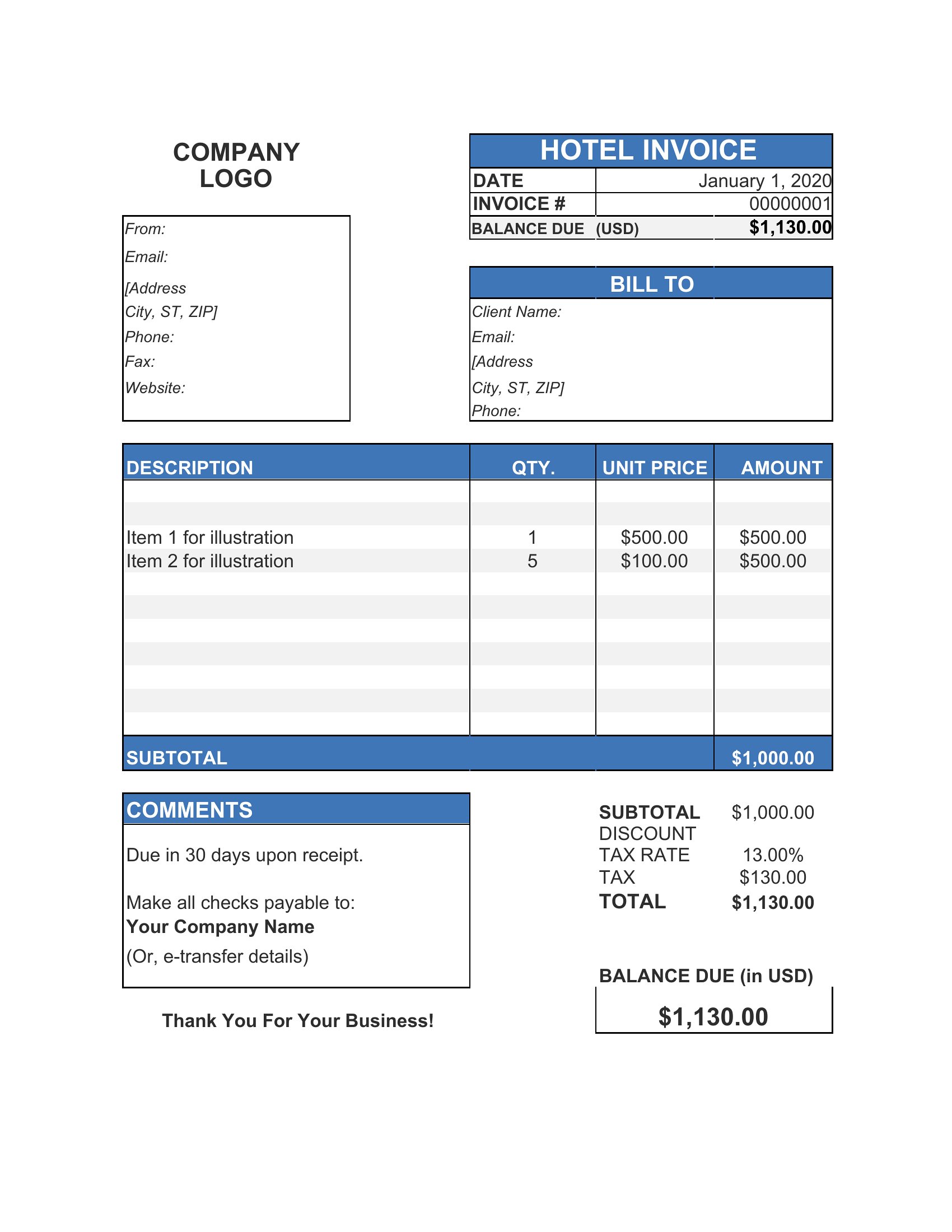
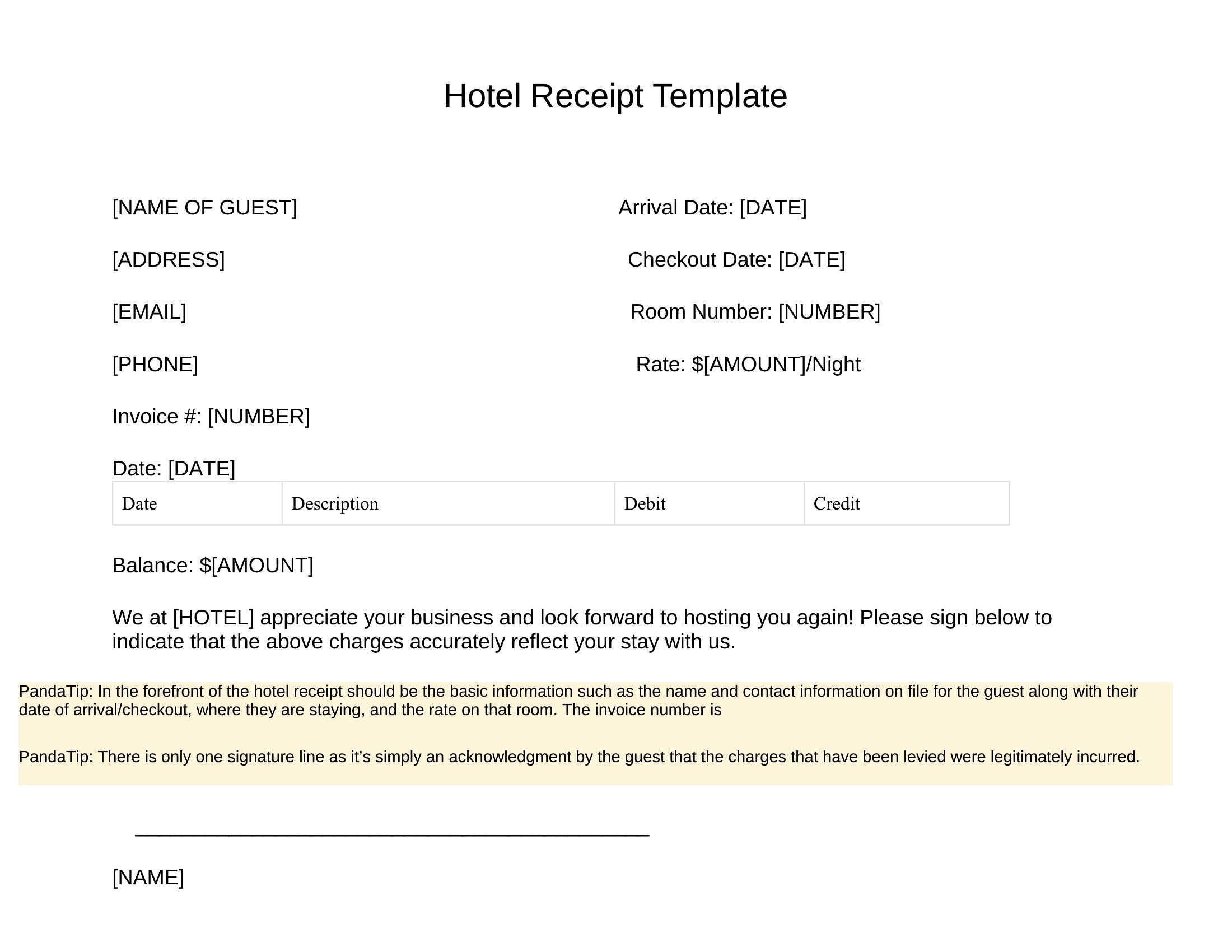
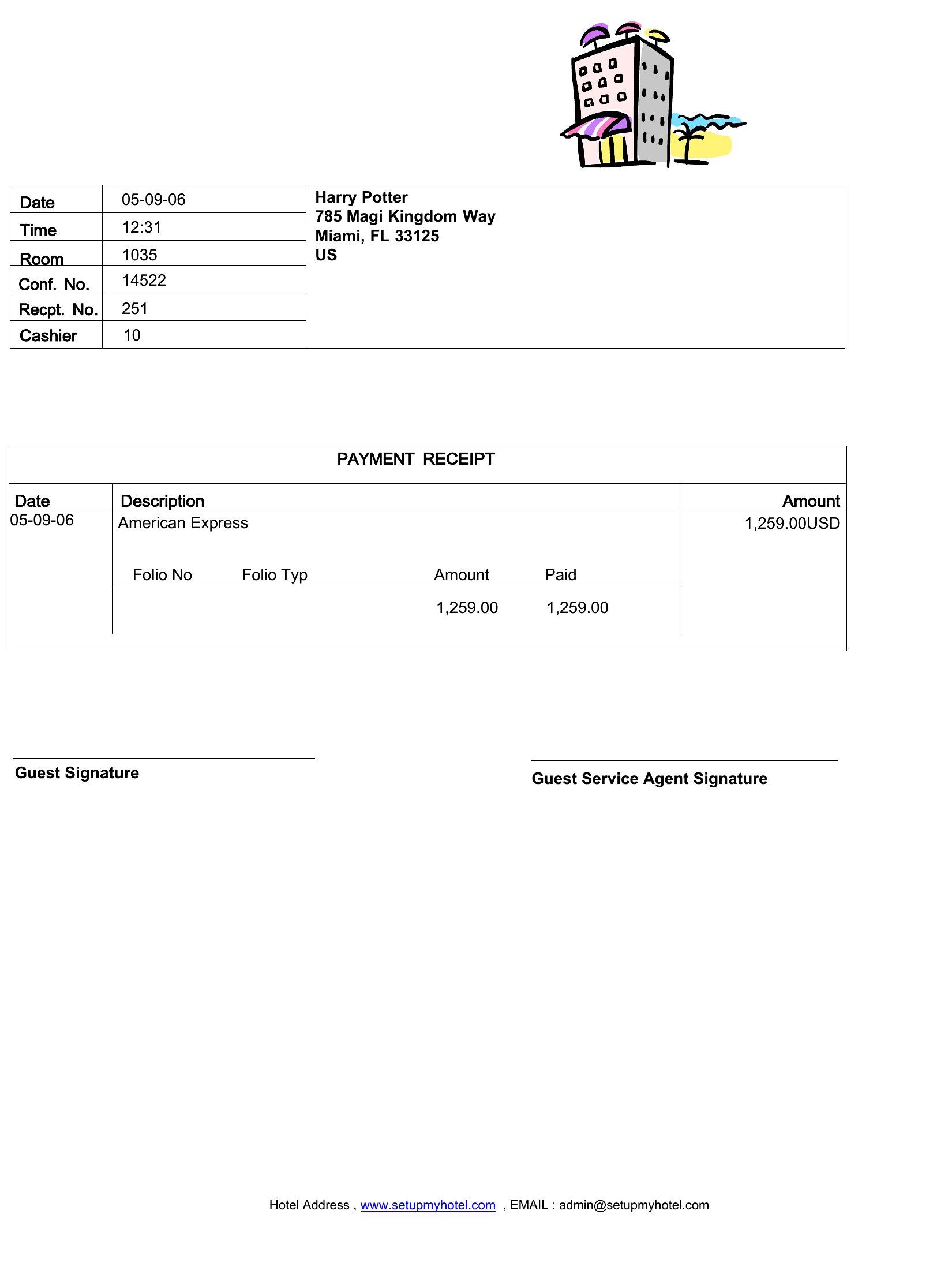
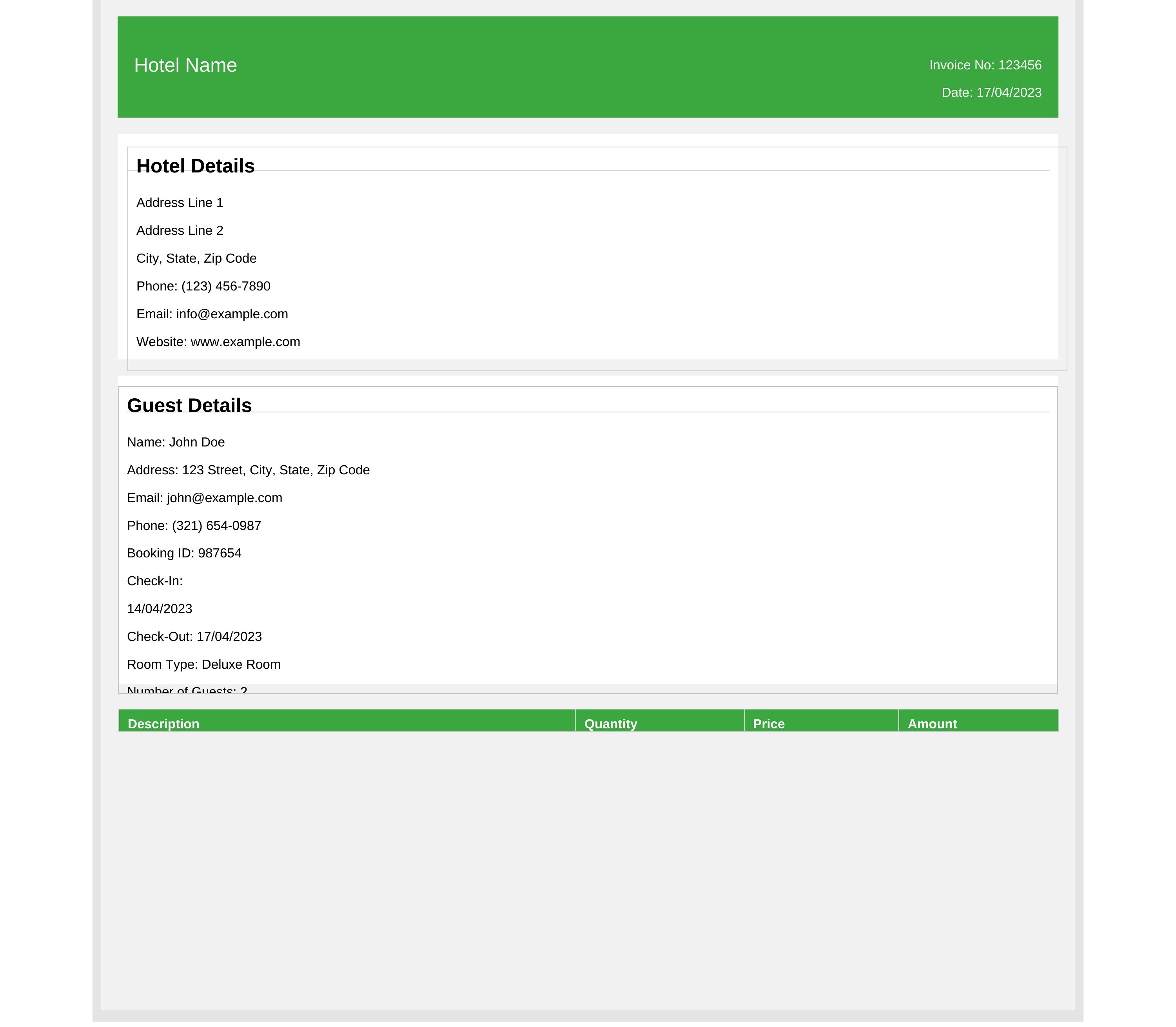
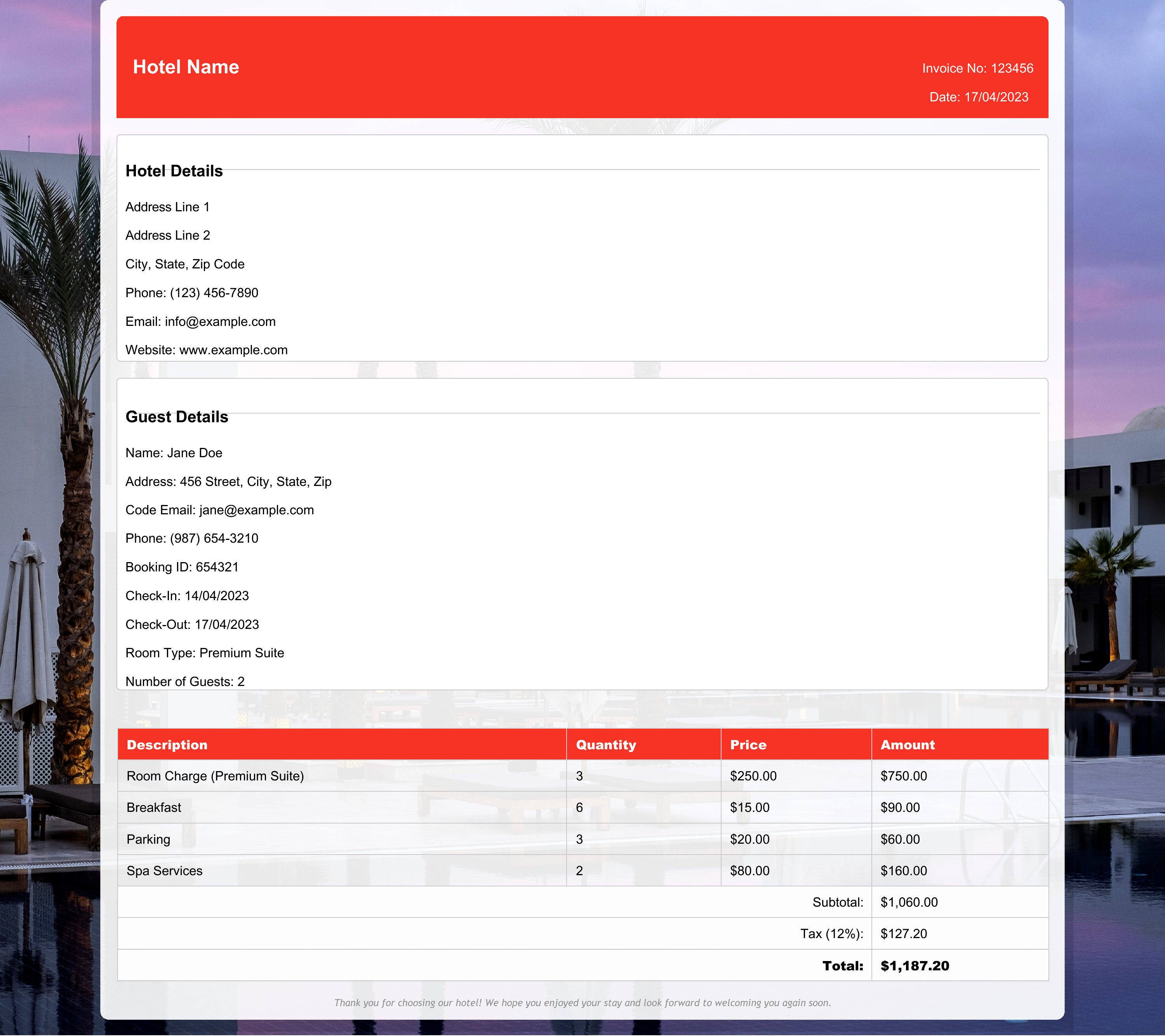
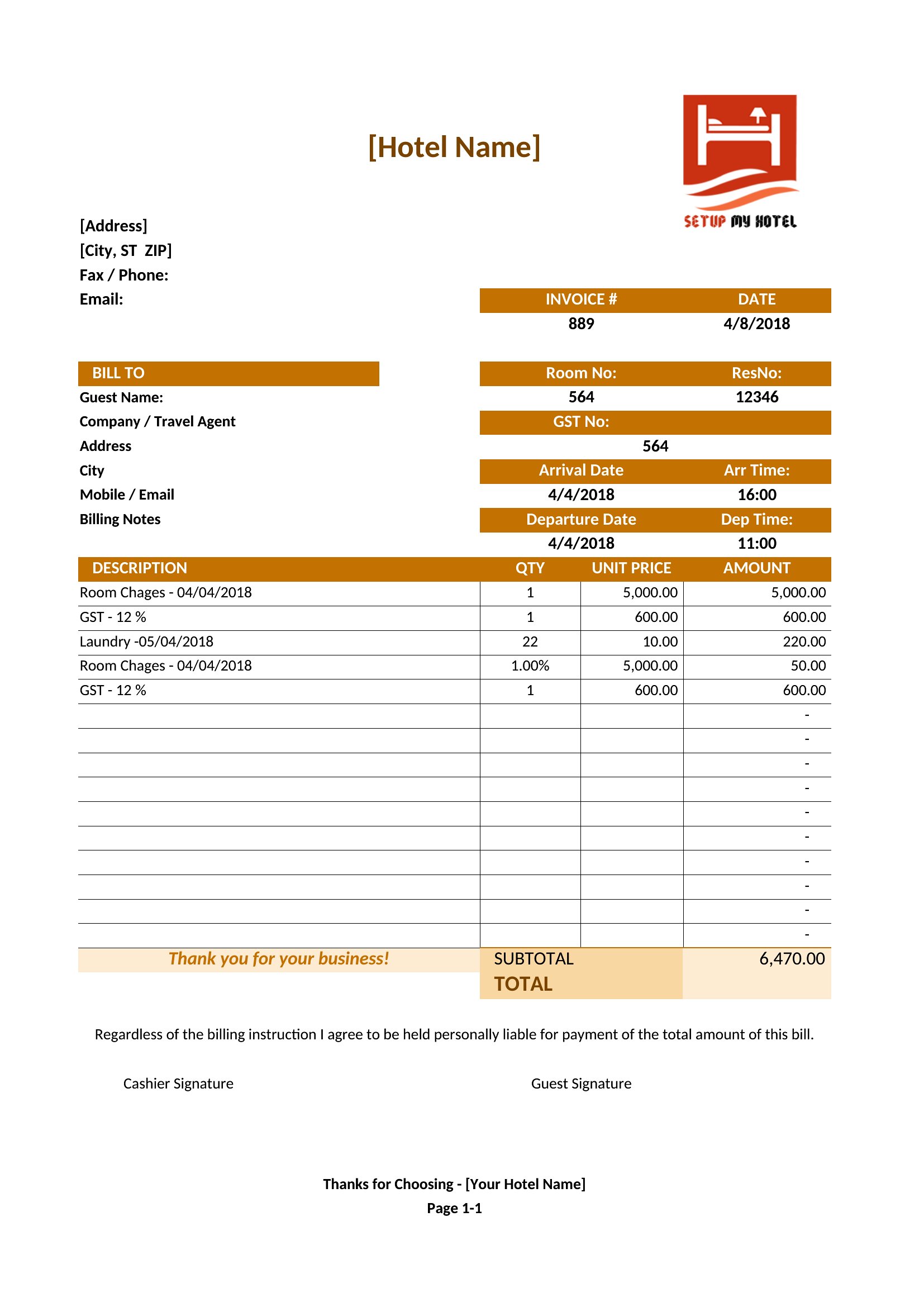
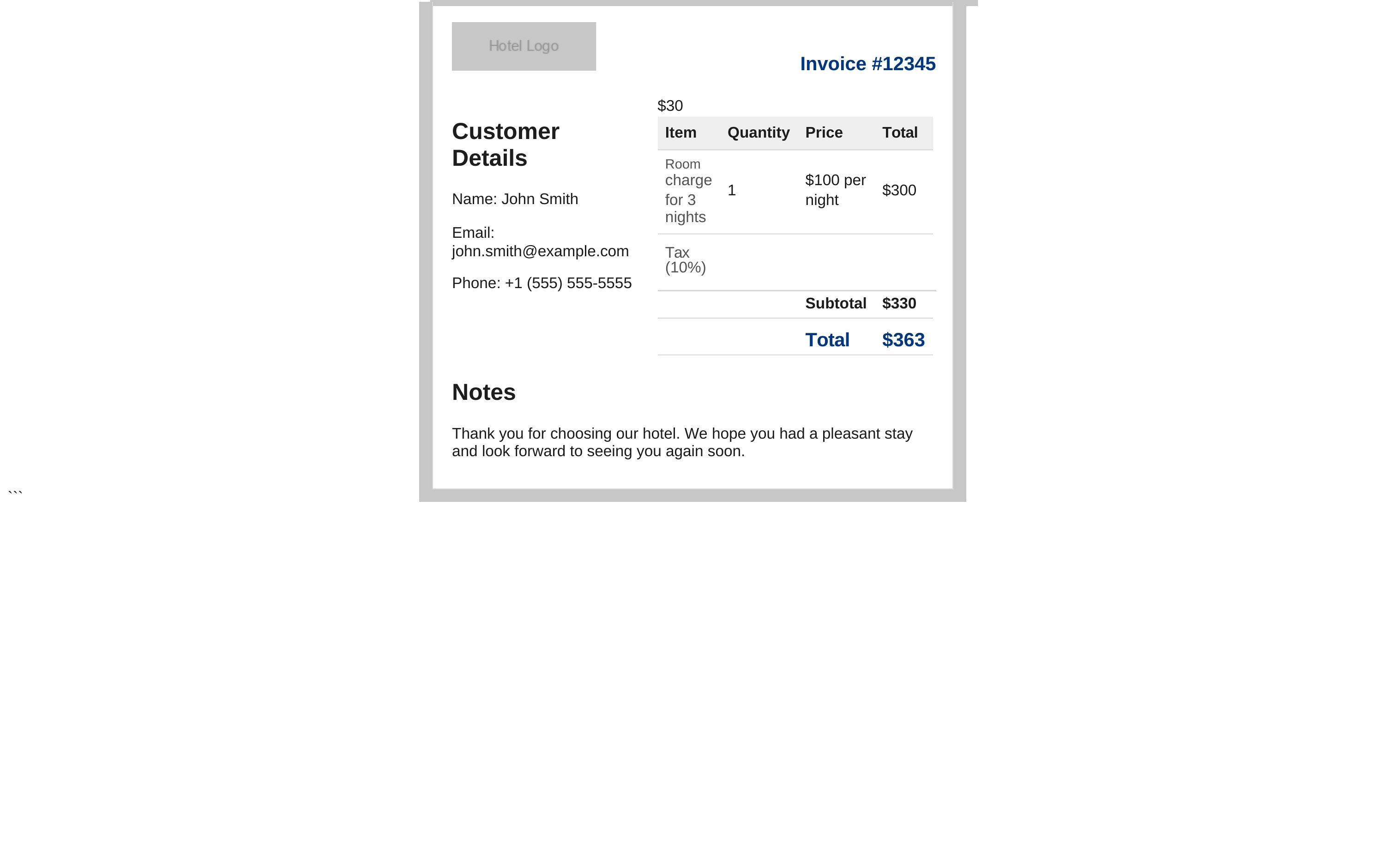
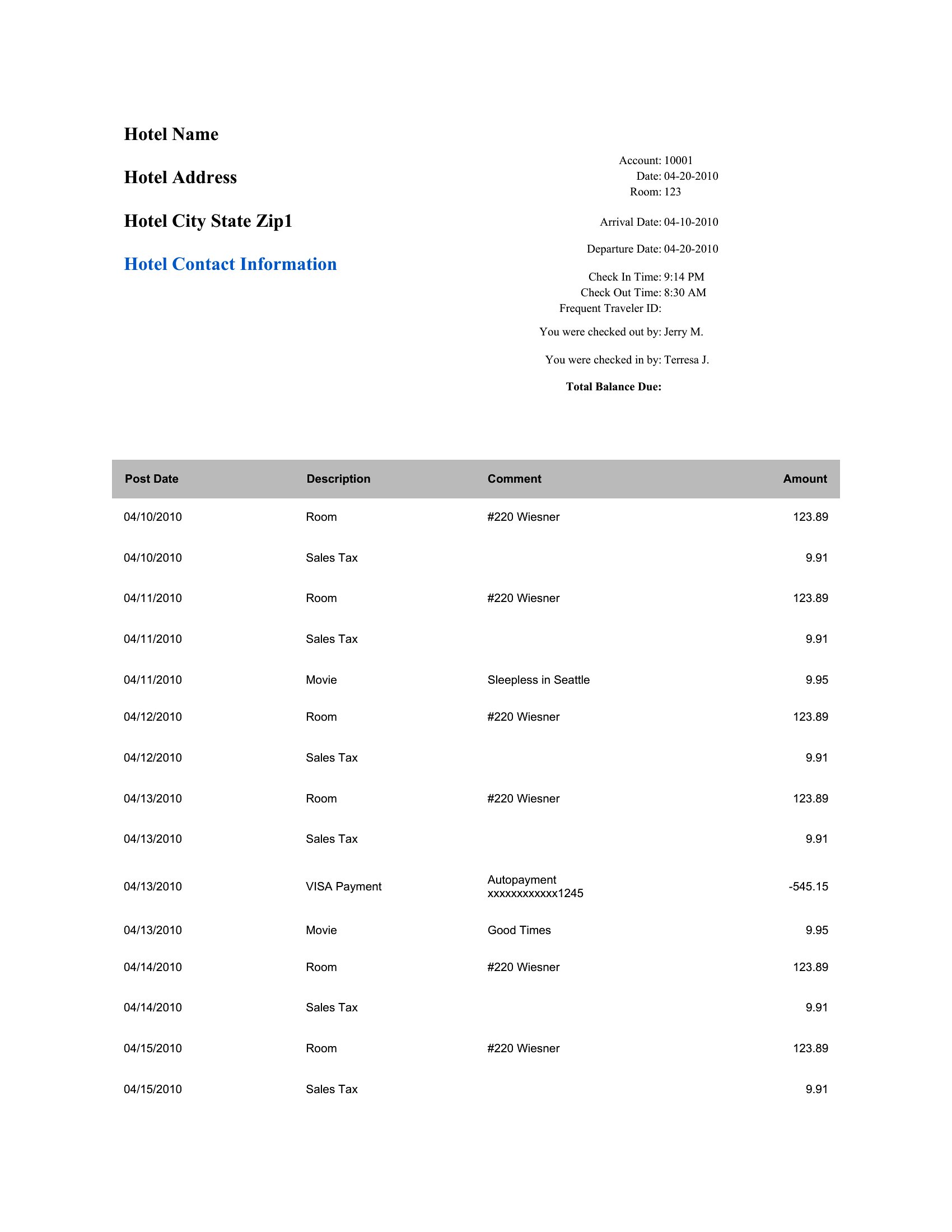
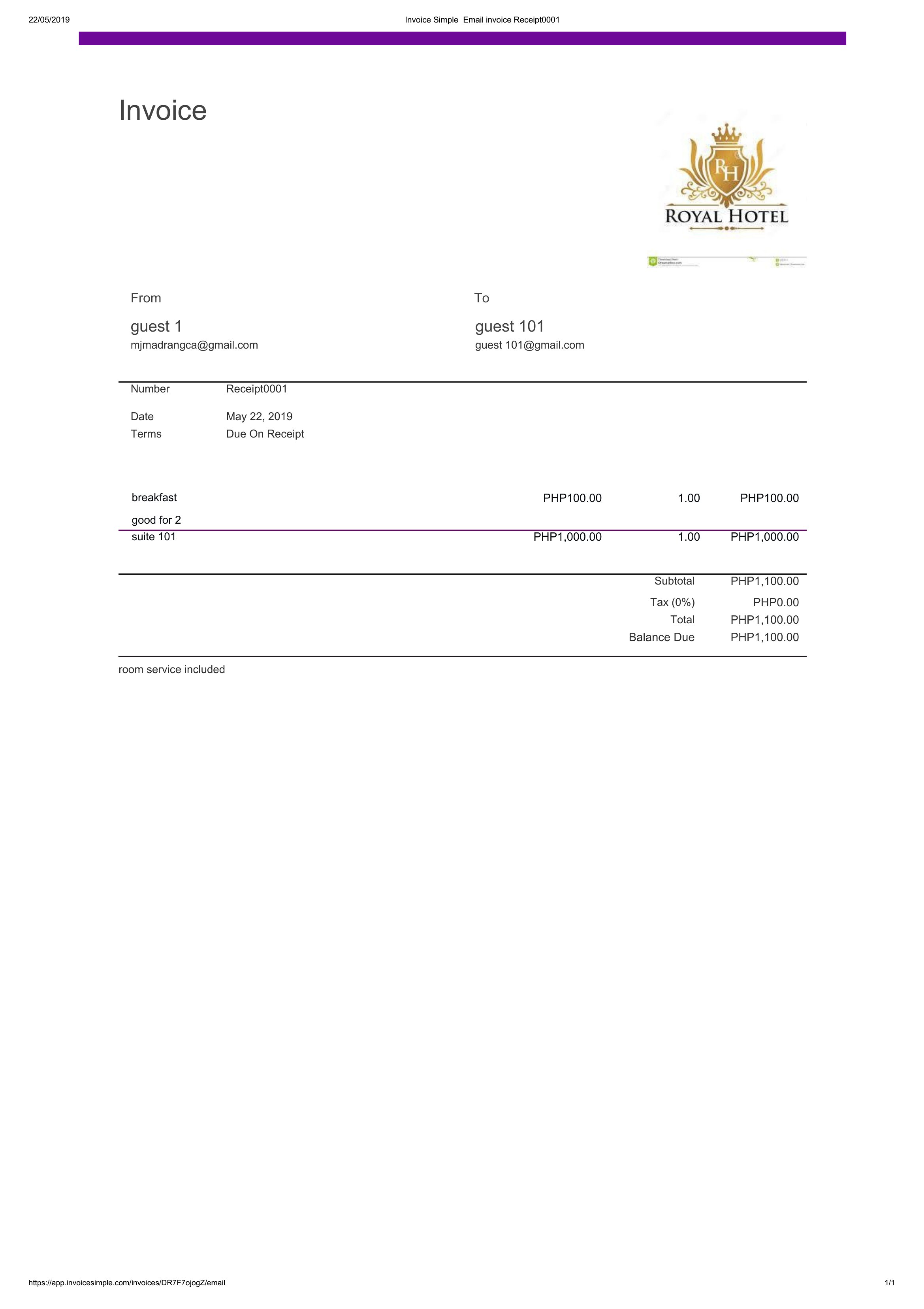
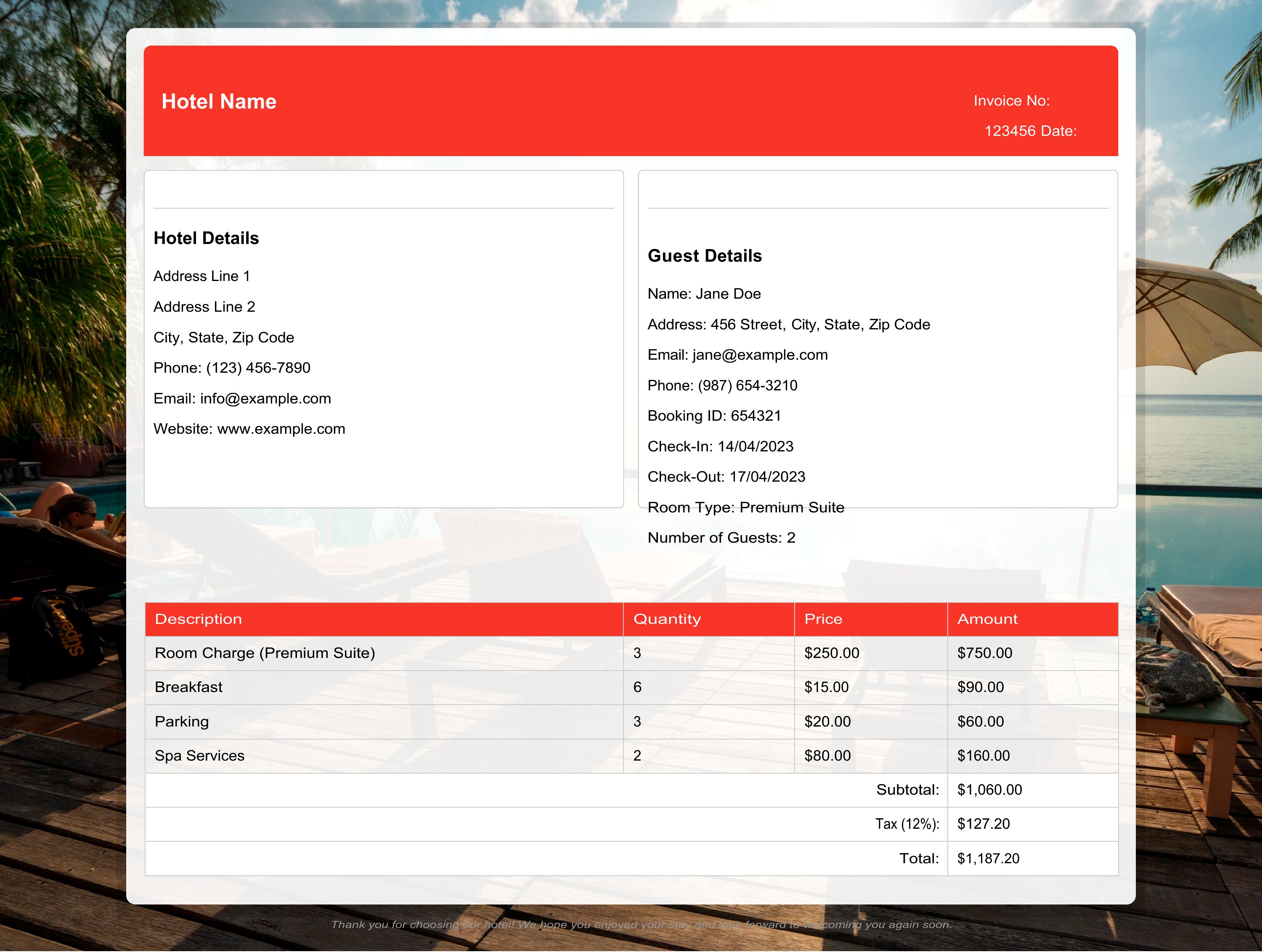
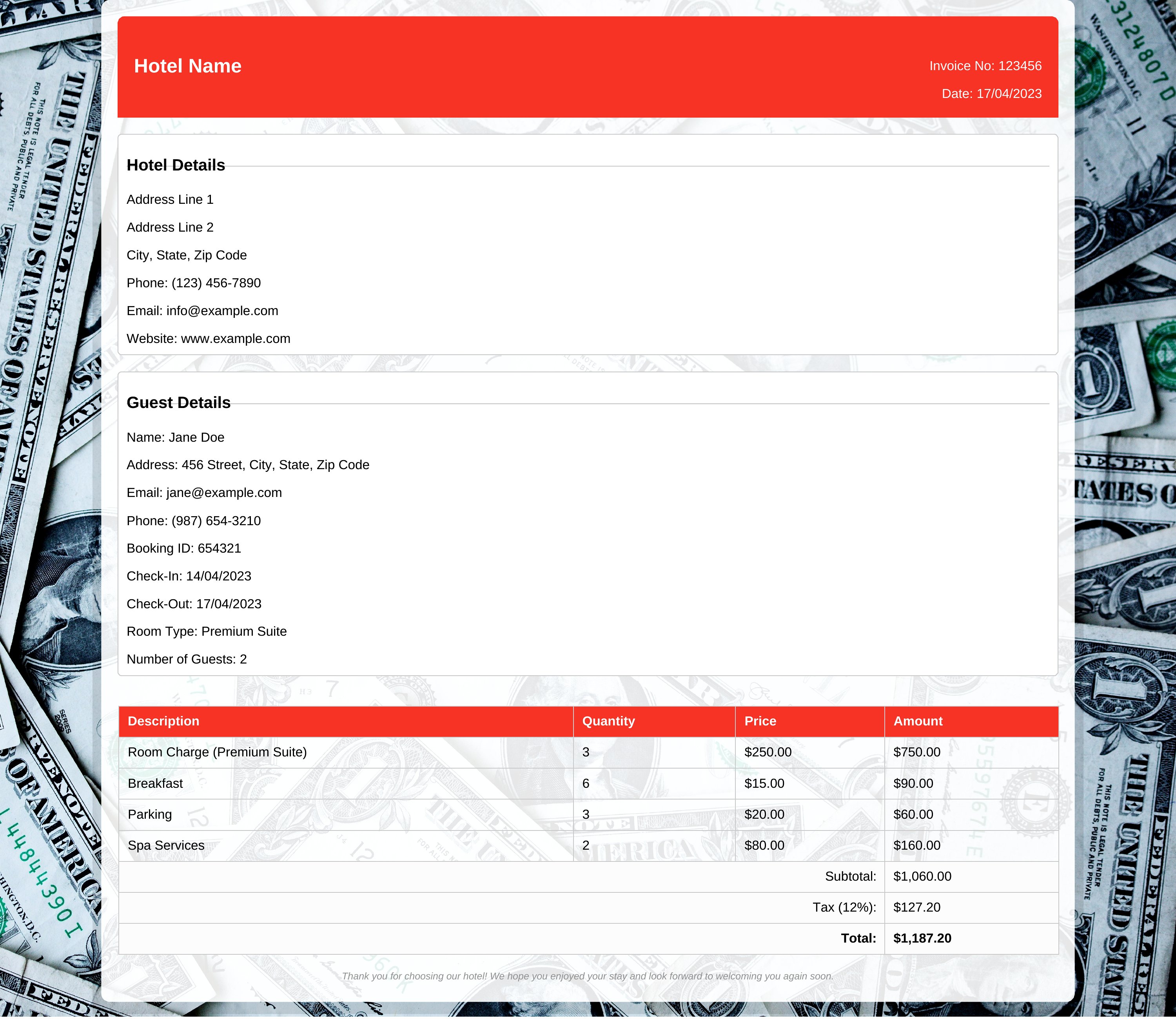
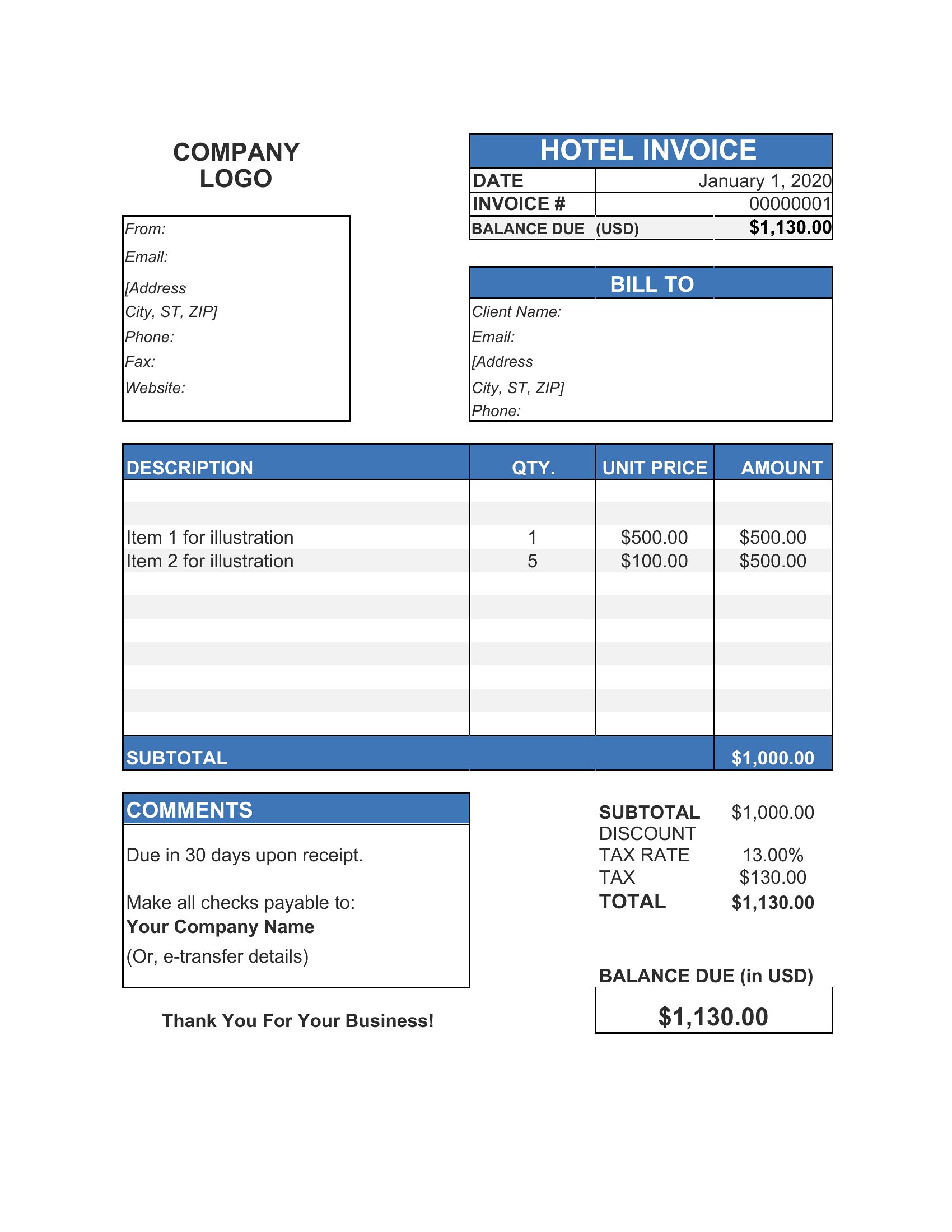
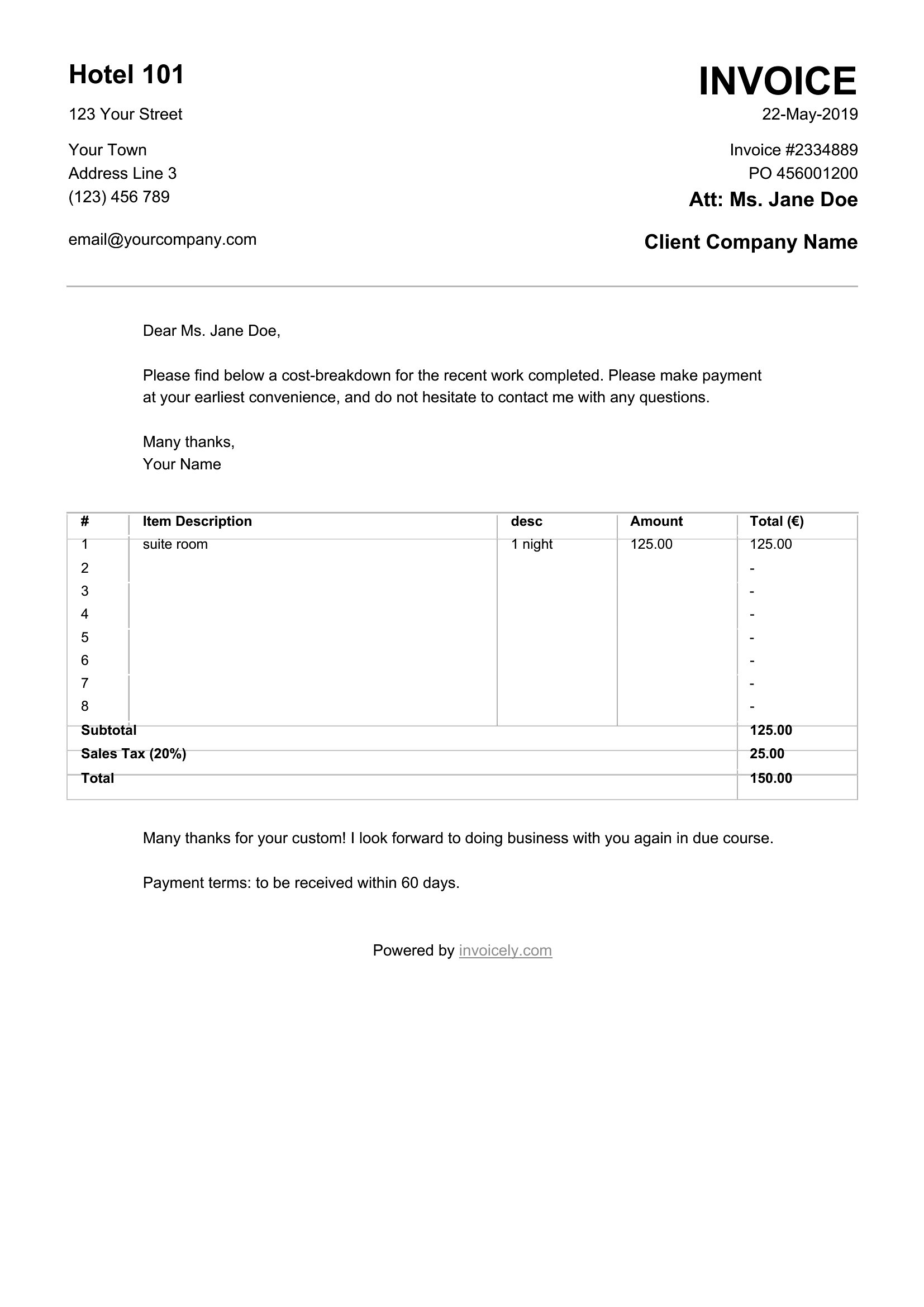
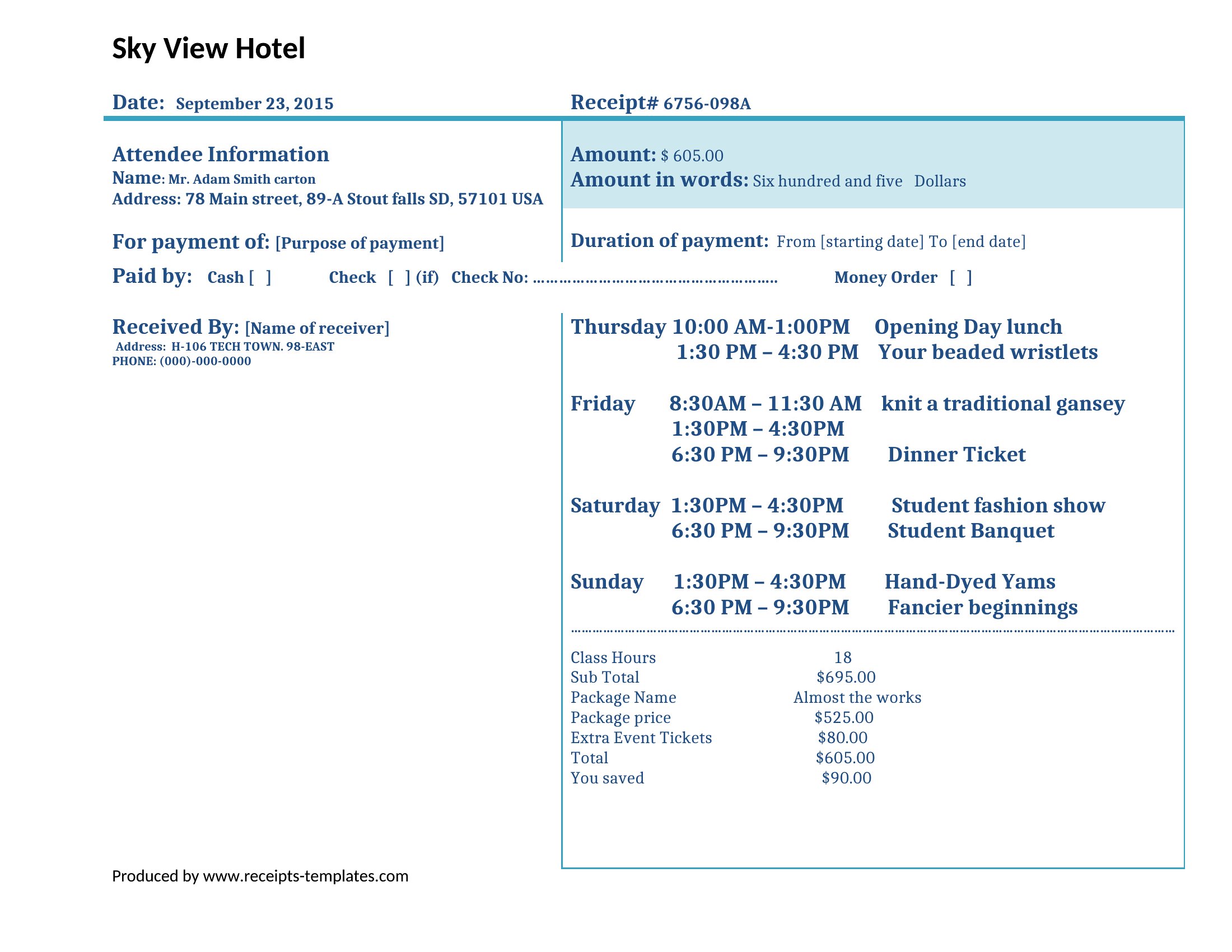
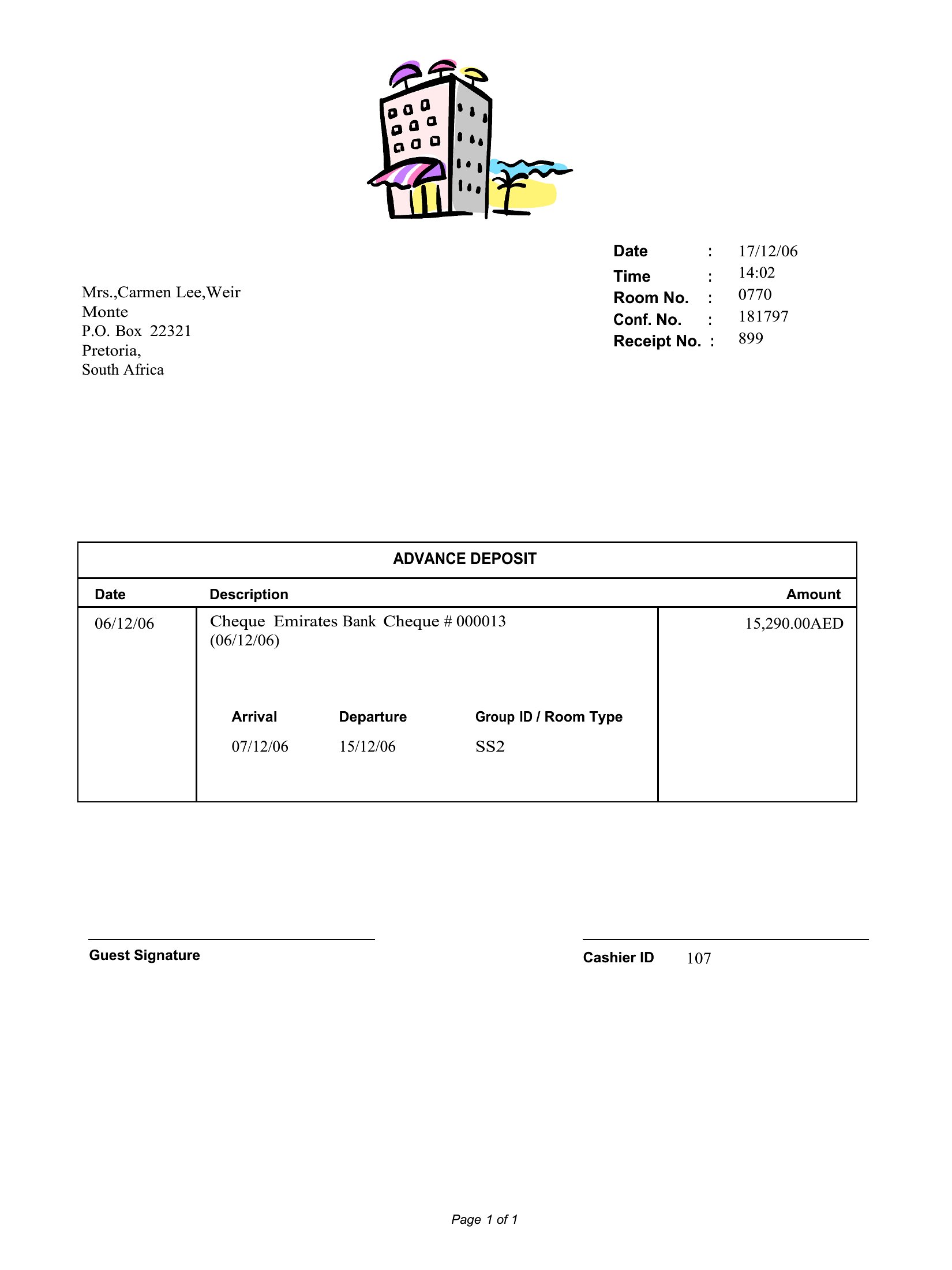
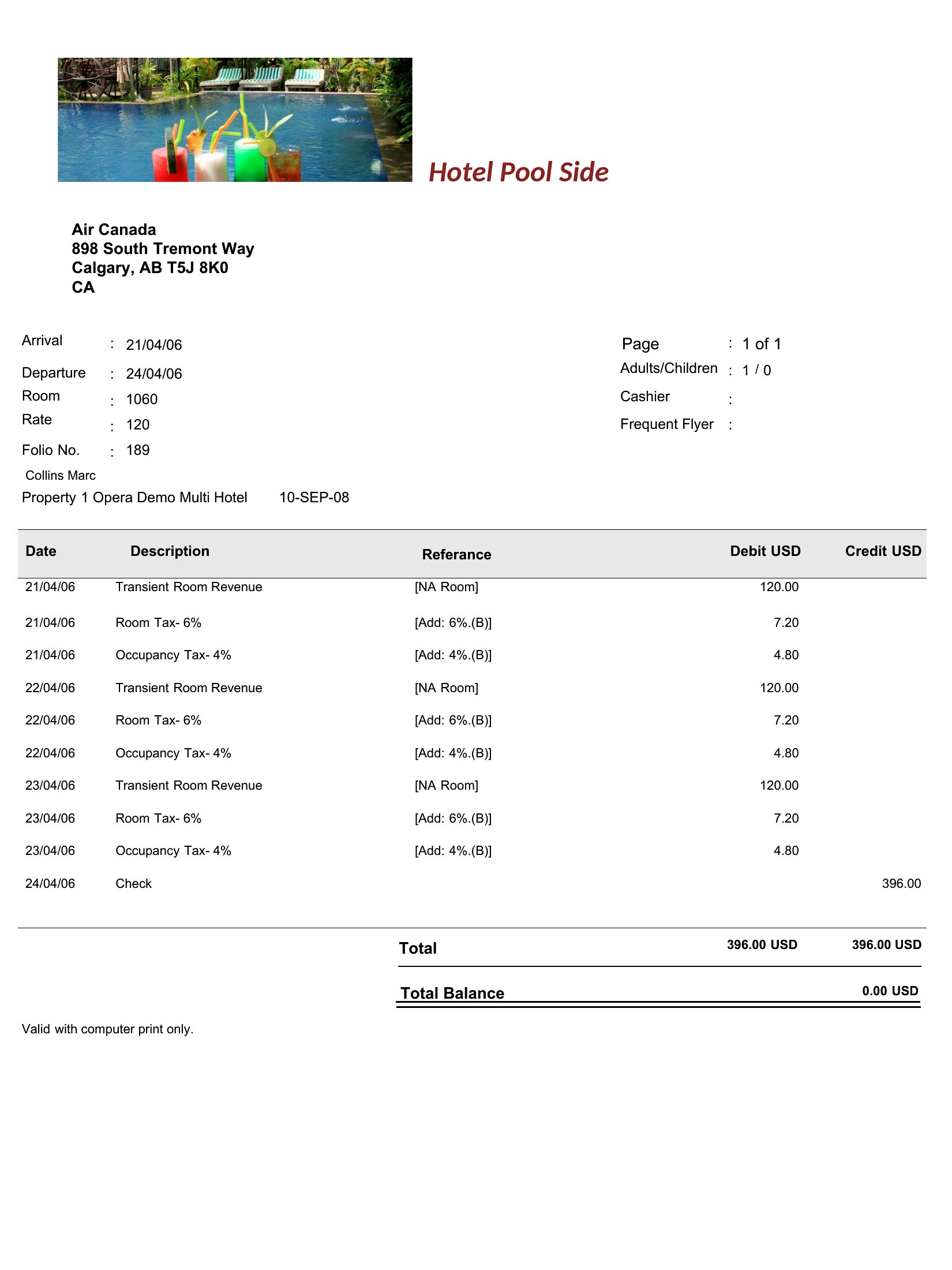
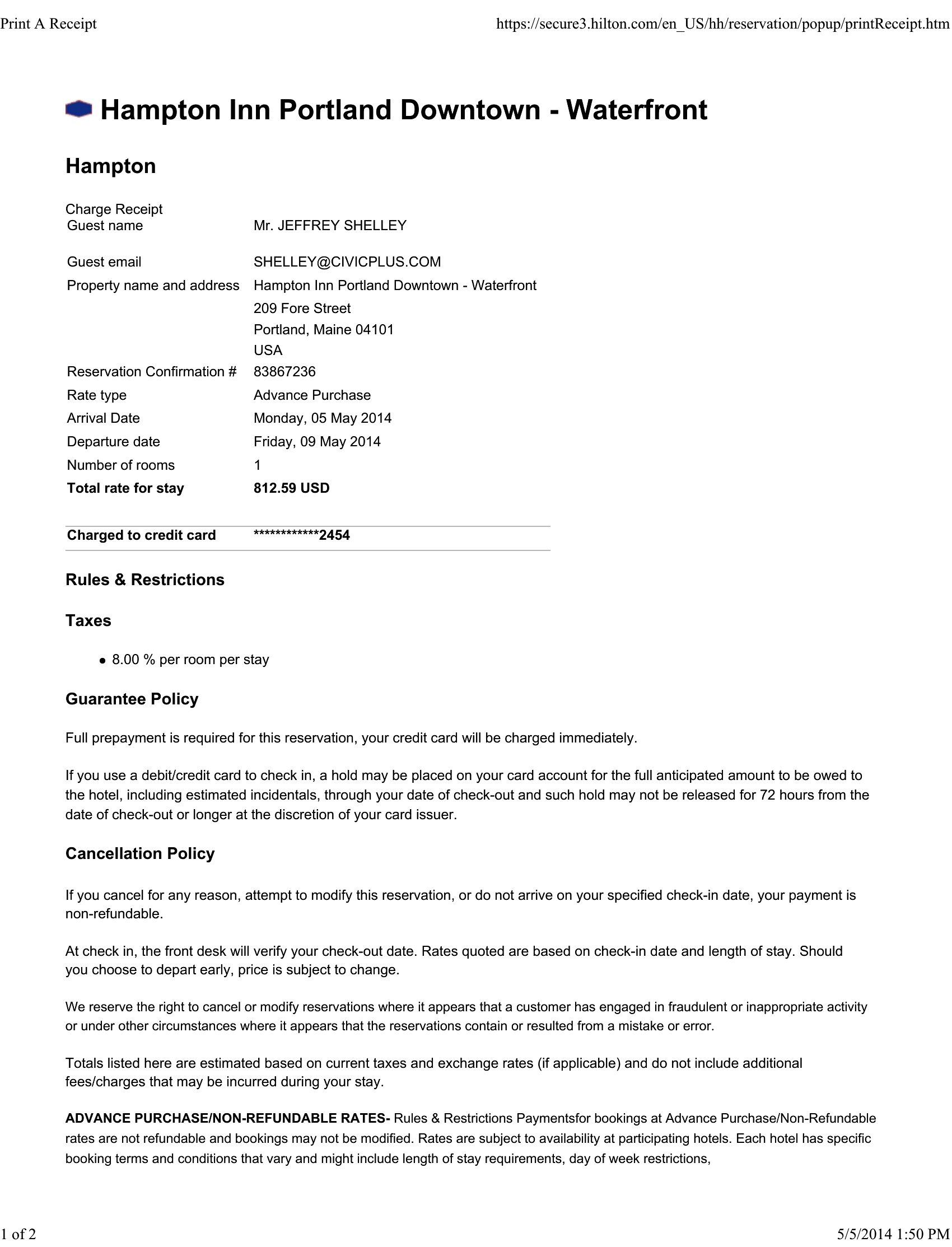
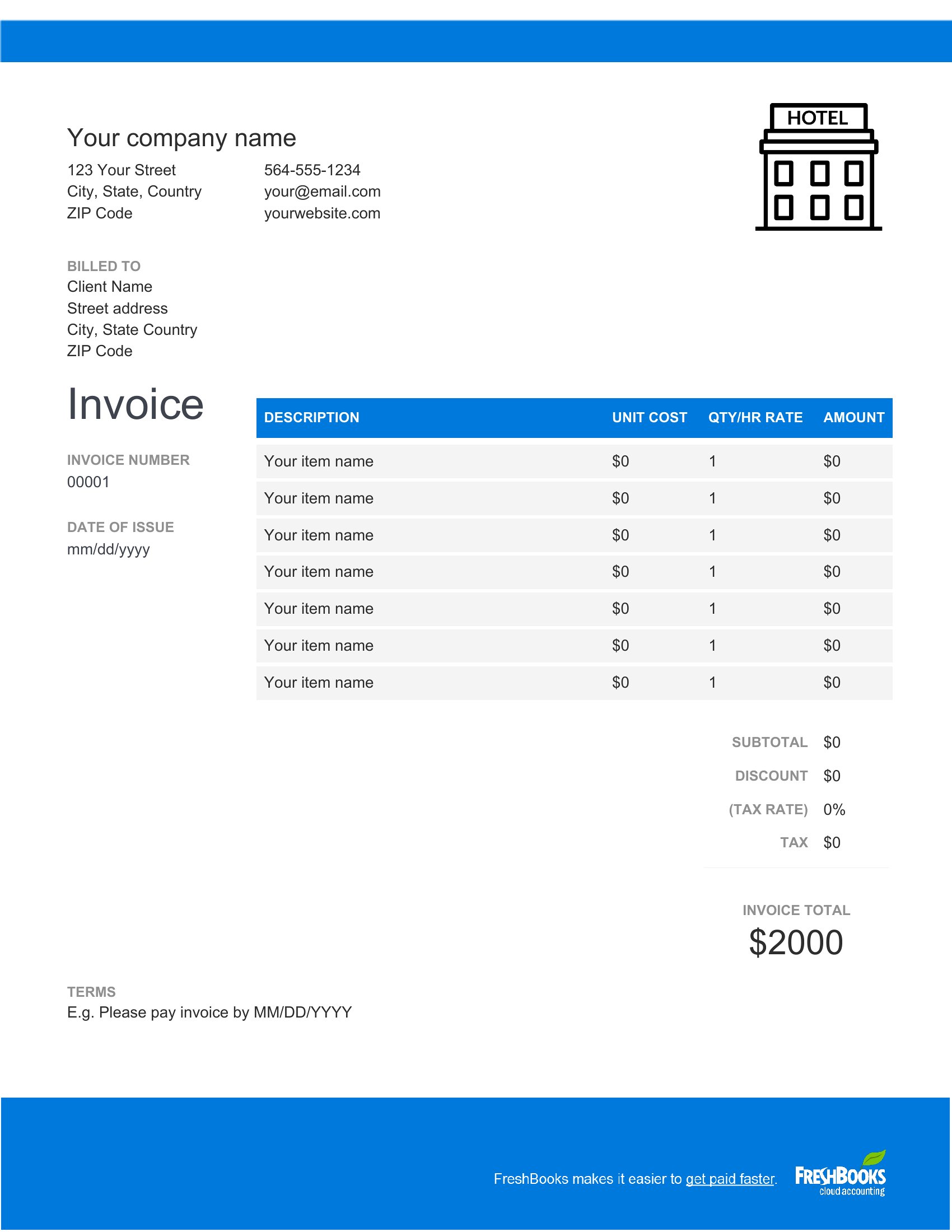
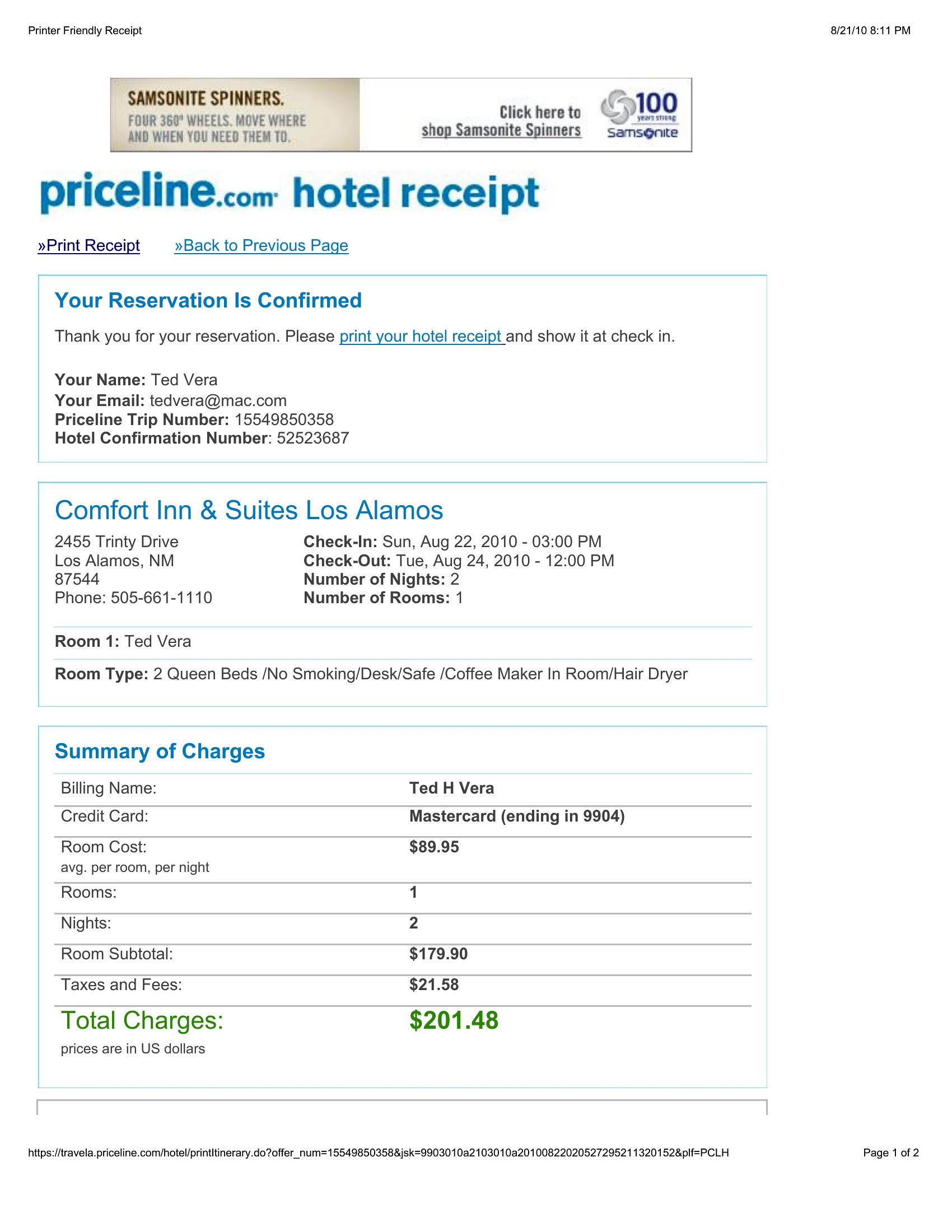
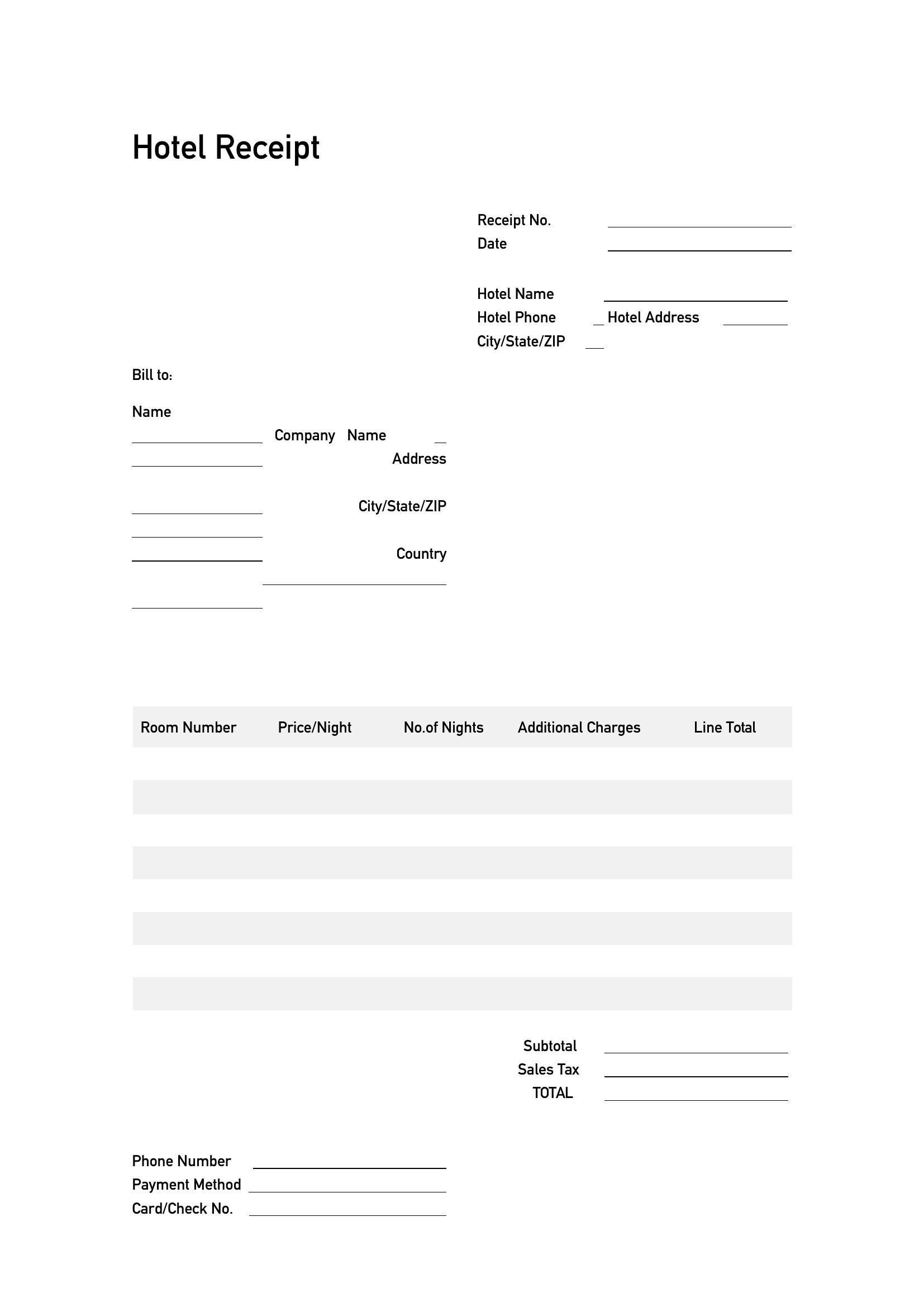
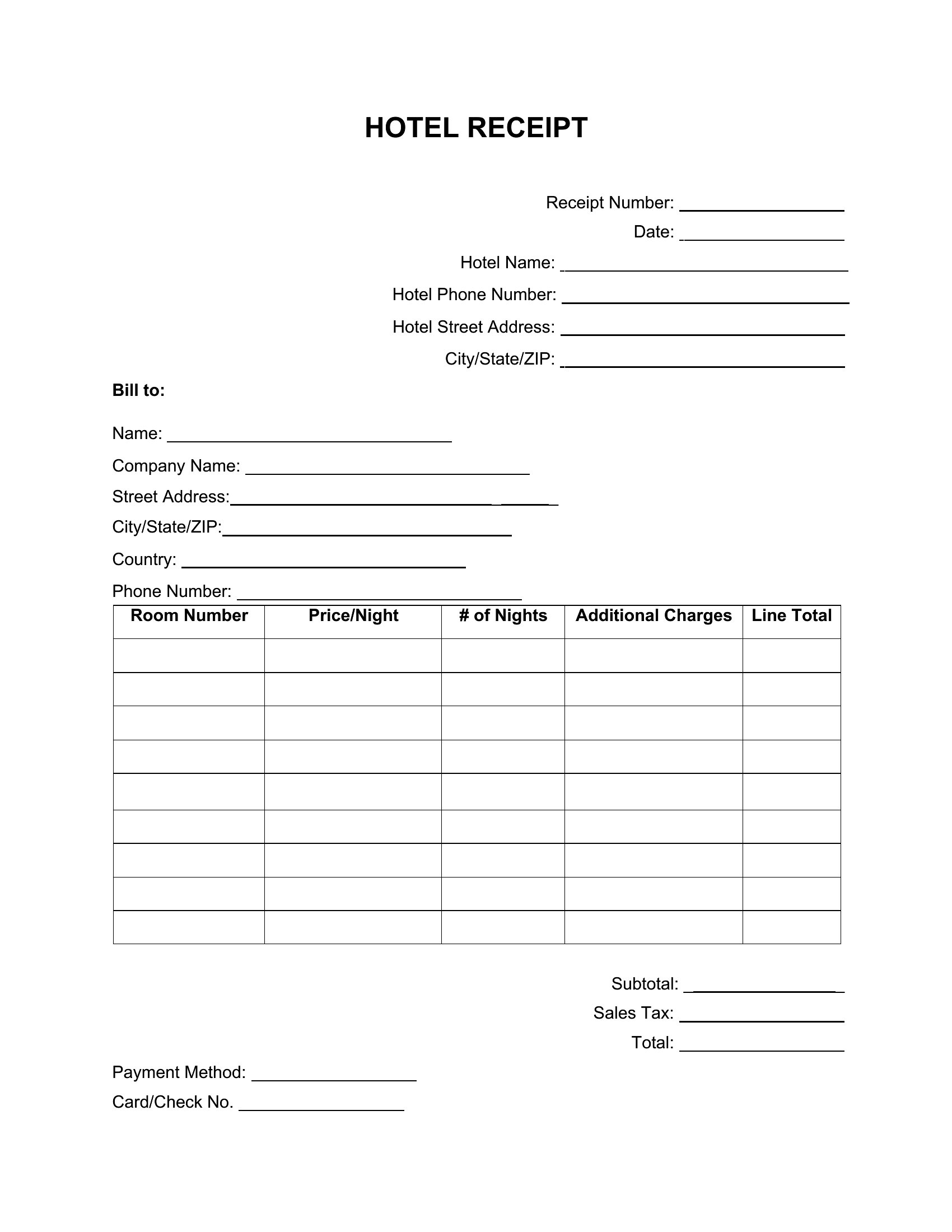
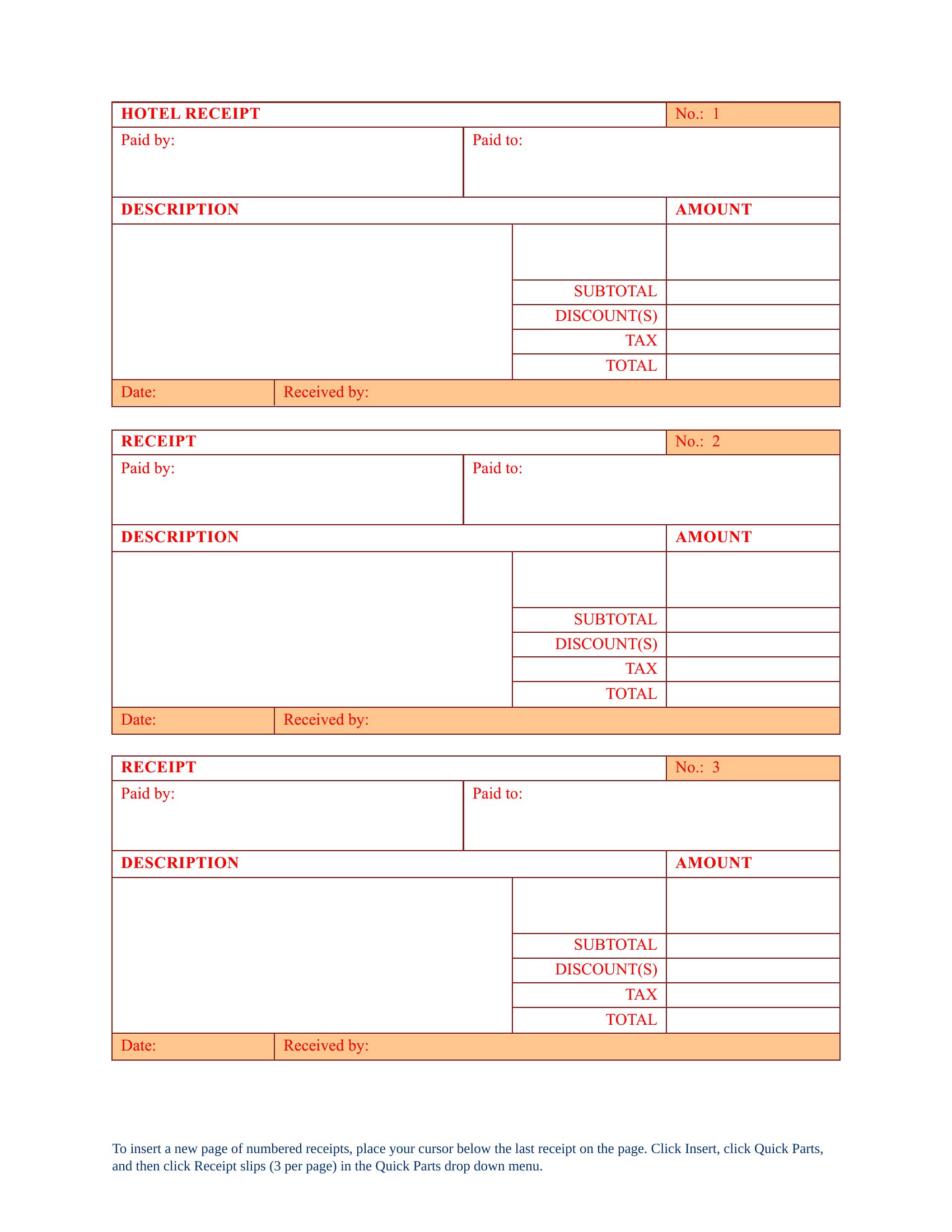
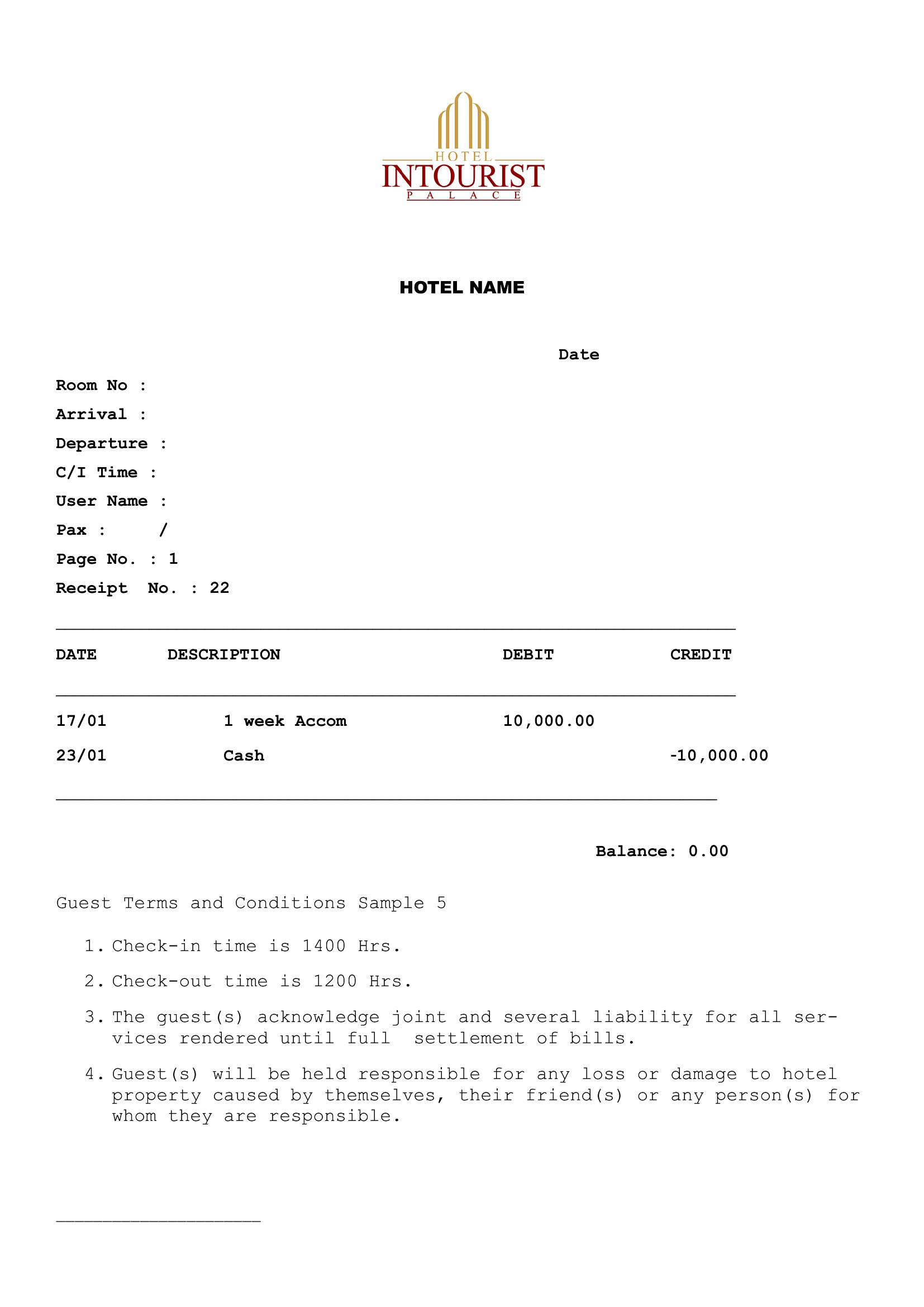
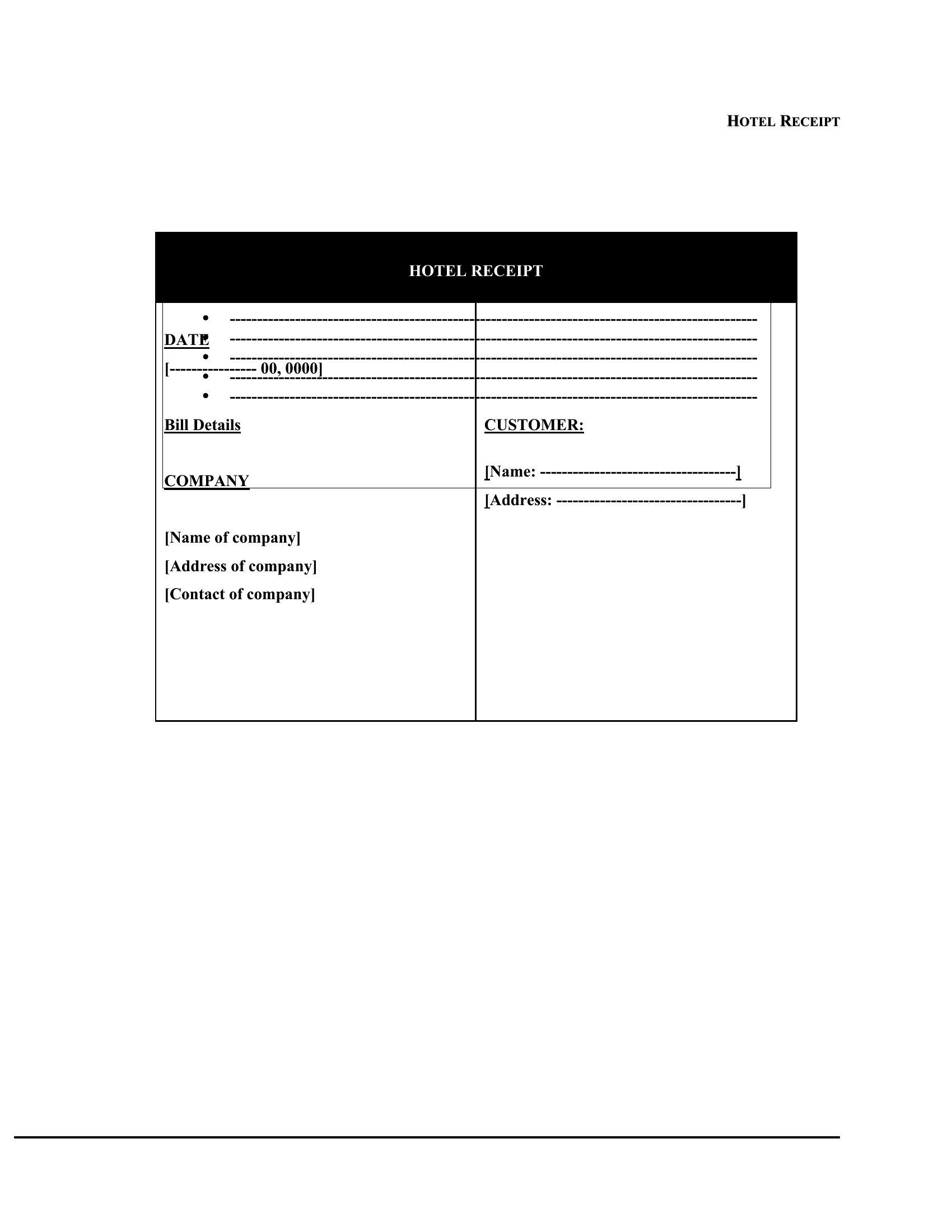
PaymentsTravelers and small hotels alike sometimes need a clean receipt that lays out a stay's charges. This set of 47 hotel receipt templates itemizes room rates, nights, taxes, and extras so the total is easy to verify. Independent innkeepers, property managers, and guests sorting out expense reports can use one to document a stay in a tidy, professional format.
You'll find Word versions for quick edits and Excel sheets that total the charges automatically as you fill them in. Add the property name, dates, and line items, then print a copy or save a PDF for the guest's records. Consistent receipts also make expense reimbursement far less of a hassle. Download the layout that fits and produce a clear receipt in minutes.
When to use this Hotel Receipt template
- A small boutique hotel owner needs to provide guests with a detailed breakdown of room charges, service fees, and taxes for their expense records, ensuring clarity without needing custom software.
- A corporate traveler returning from a business trip must submit receipts to their accounting department, and they need a clean, itemized hotel receipt to avoid delays in reimbursement.
- An Airbnb host renting out a private room in their home wants a professional receipt template to hand to guests for their tax records, including nightly rates and any additional fees.
- A property manager for a vacation rental property requires a standardized receipt format to send to guests after their stay, clearly separating the base rate from cleaning fees or deposits.
Which format should I download?
Choose Word if you need a flexible, easily editable template where you can tweak rates, add custom notes, or adjust formatting to match your hotel’s branding. Excel is best for data-heavy receipts where you might need formulas to auto-calculate totals, taxes, or discounts—ideal for properties with dynamic pricing or bulk processing. Both formats serve similar purposes here, but Word excels for design consistency, while Excel shines for numerical precision and automation.
Choose from 47 Hotel Receipt Templates
Hotel Receipts
How to use this Hotel Receipt template
Can I use a hotel receipt template to include non-refundable deposits or partial prepayments?
Yes, these templates can accommodate deposits or prepayments, but you’ll need to clearly label them as separate line items—either as deductions from the total or as upfront payments. For refundable deposits, consider adding a note about conditions or timing. Always double-check local regulations, as some areas require specific disclosures for prepayments.
How do I handle multiple guests with different room rates in the same receipt?
Break down each guest’s charges into separate line items under their name or booking reference. Use a sub-total row for each guest’s portion before adding taxes or shared fees. Excel makes this easier with row grouping, while Word allows you to insert tables or sections for clarity. Avoid combining guests under a single rate unless it’s accurate for all.
Are these templates suitable for international stays where currency or tax laws differ?
These templates provide a framework, but you’ll need to manually adjust fields like currency symbols, tax rates, or required disclosures (e.g., VAT in the EU or GST in Australia). For cross-border stays, consult a tax professional to ensure compliance with both the host and guest’s local regulations. Some templates may include optional fields for notes—use these for legal disclaimers if needed.
Comments
Join the conversation
Sign in to share your thoughts and leave a comment on this resource.