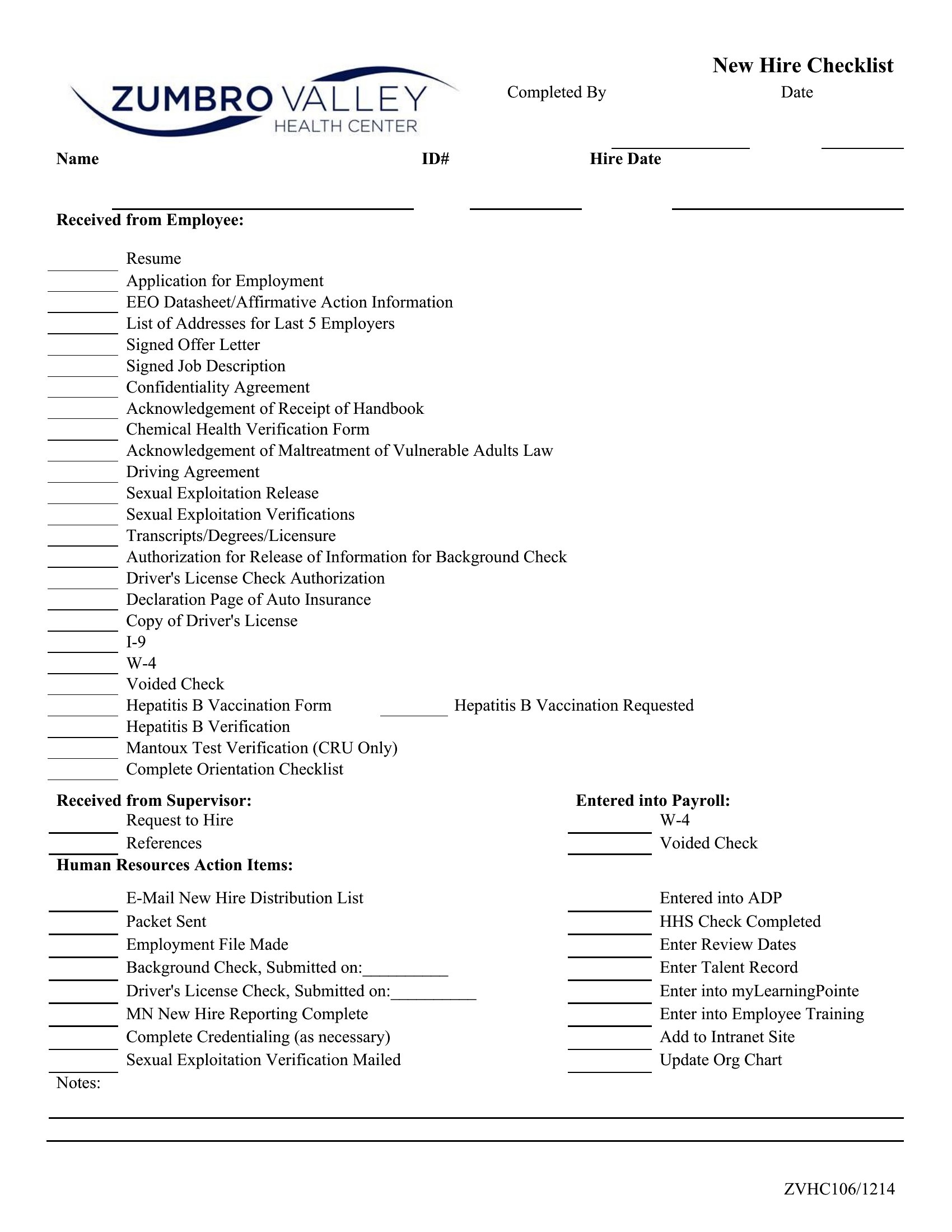
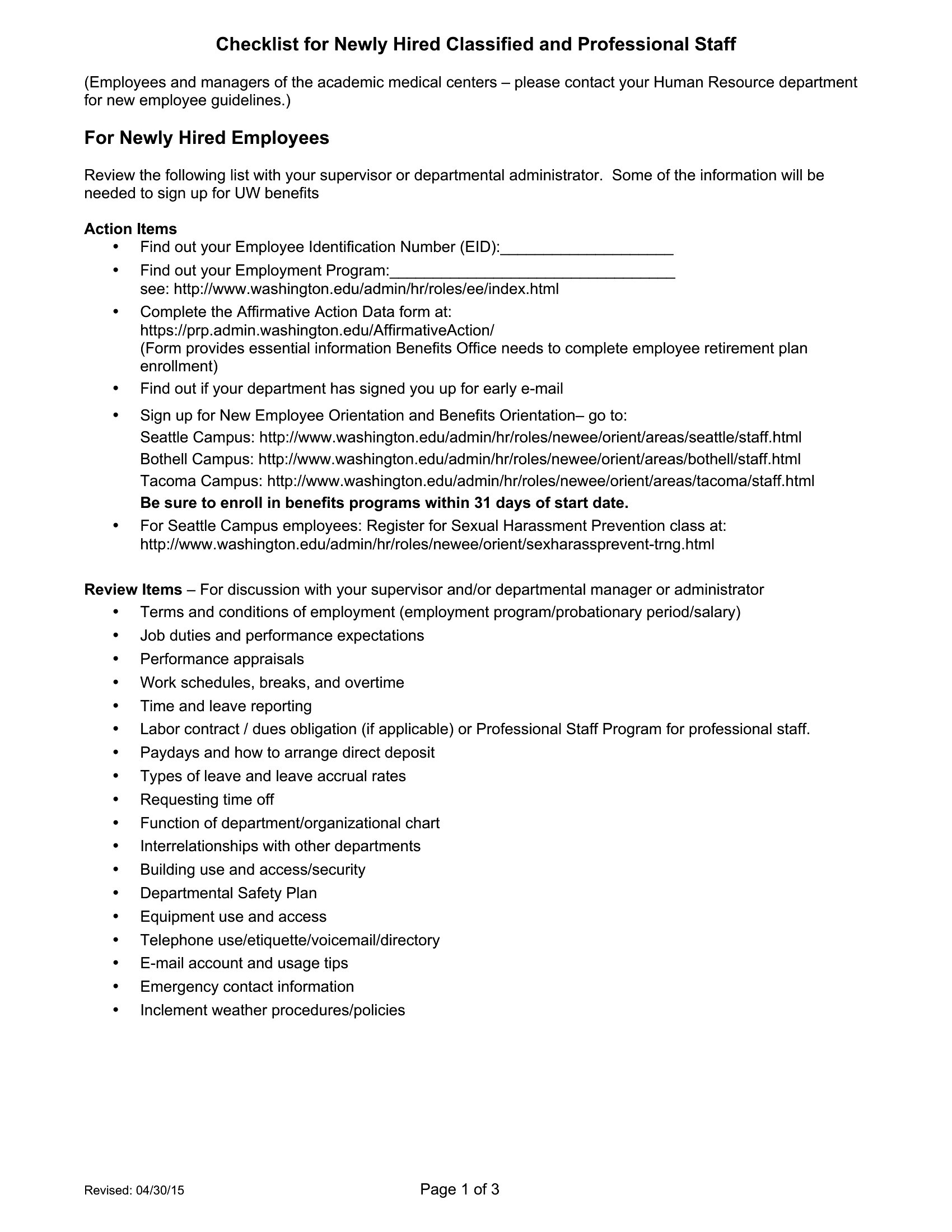
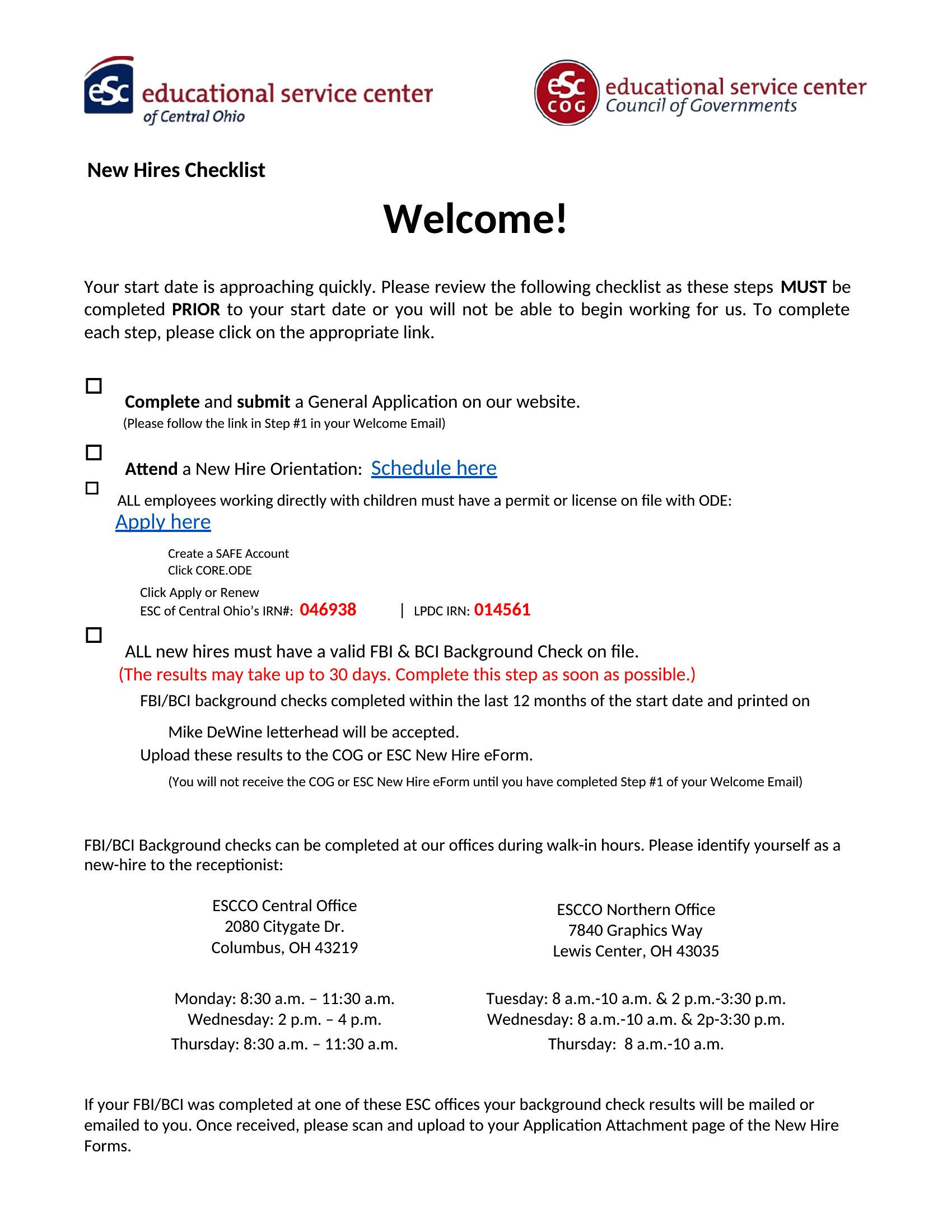
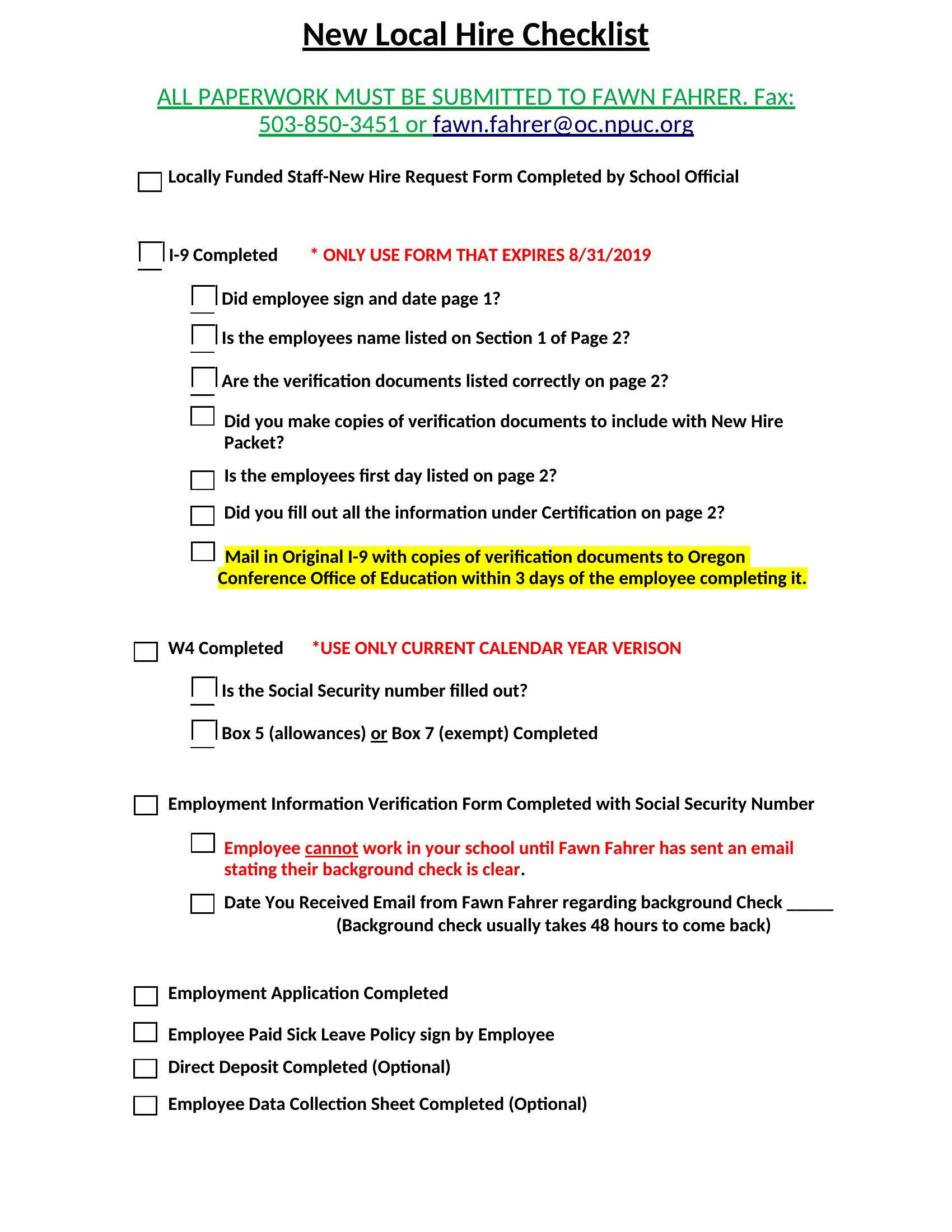
Free New Hire Checklists (Word, Excel)
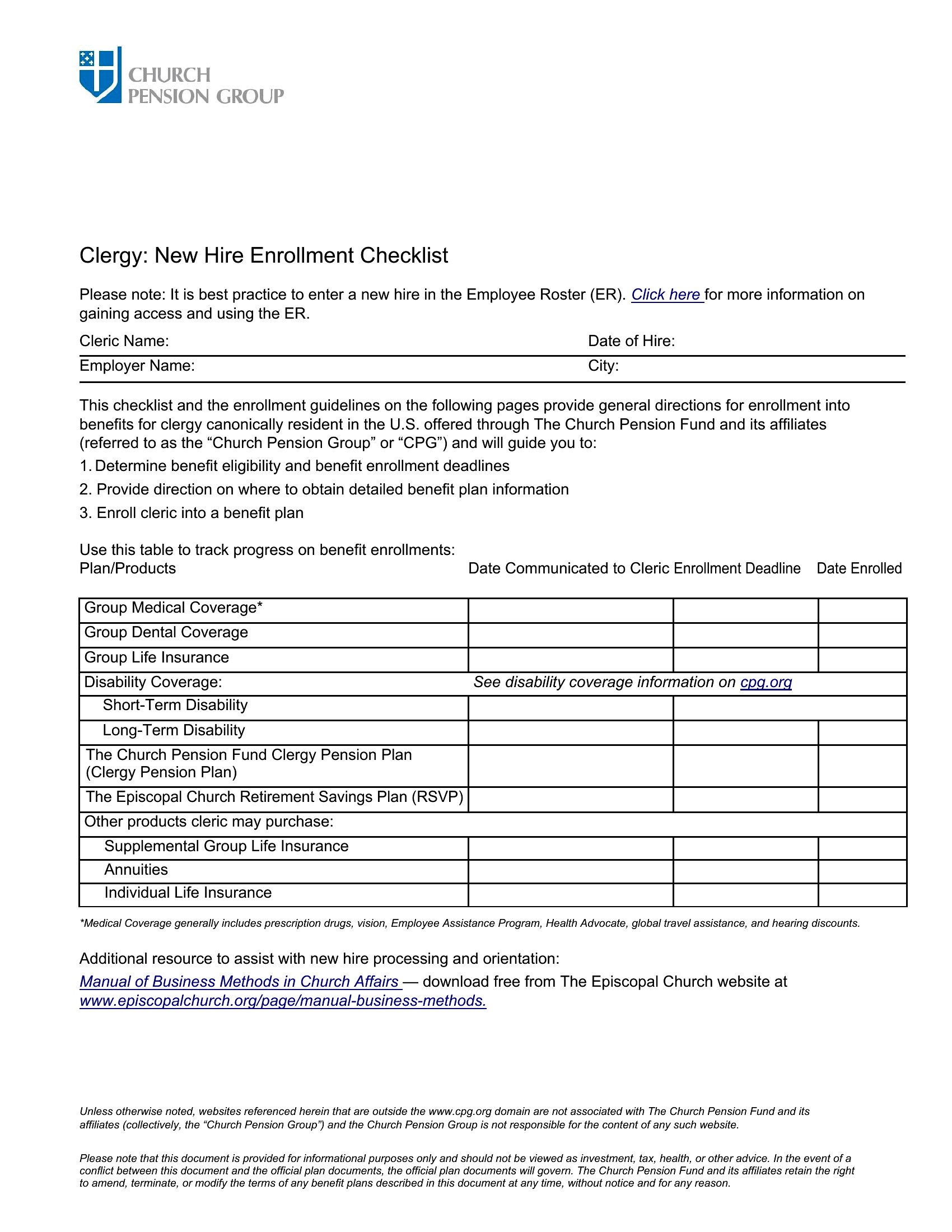
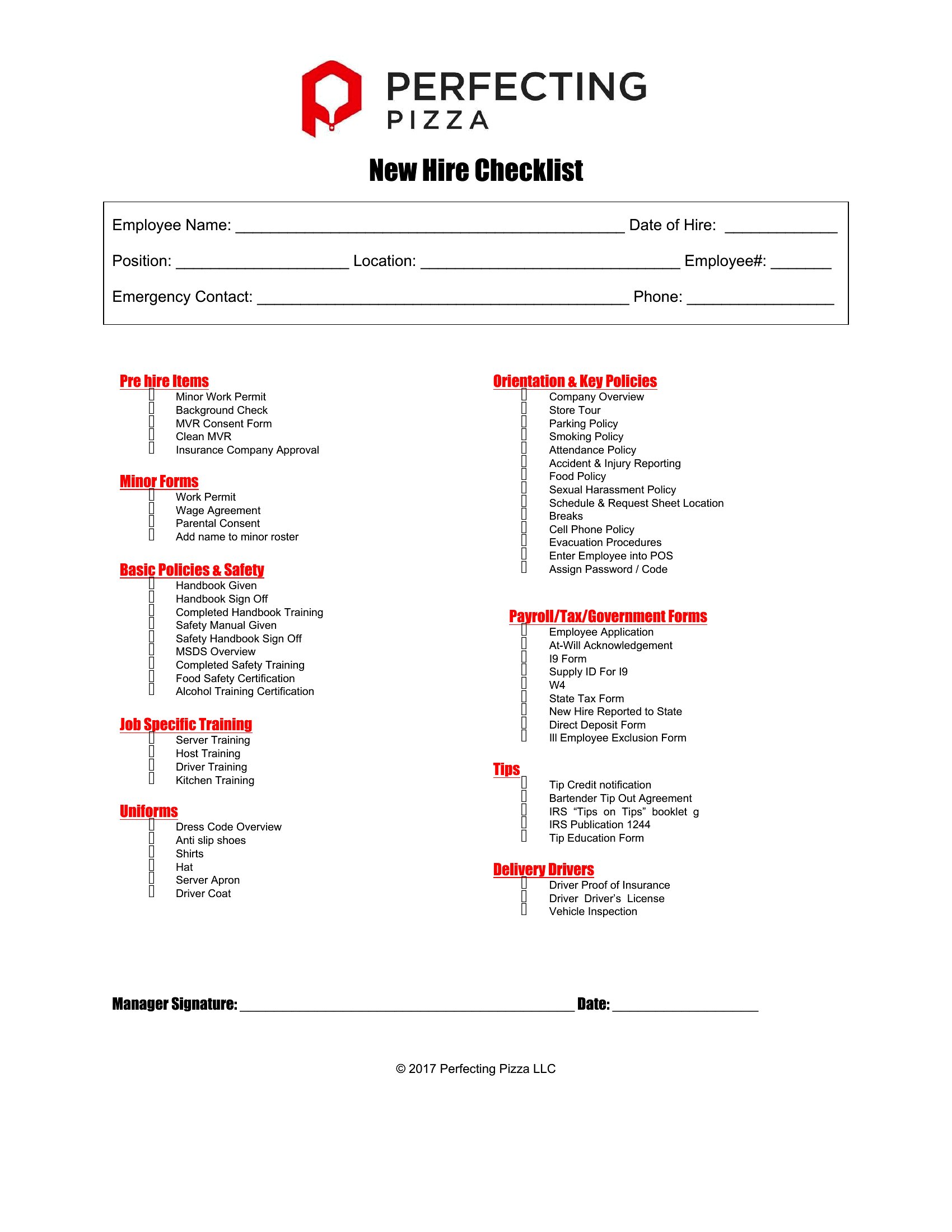
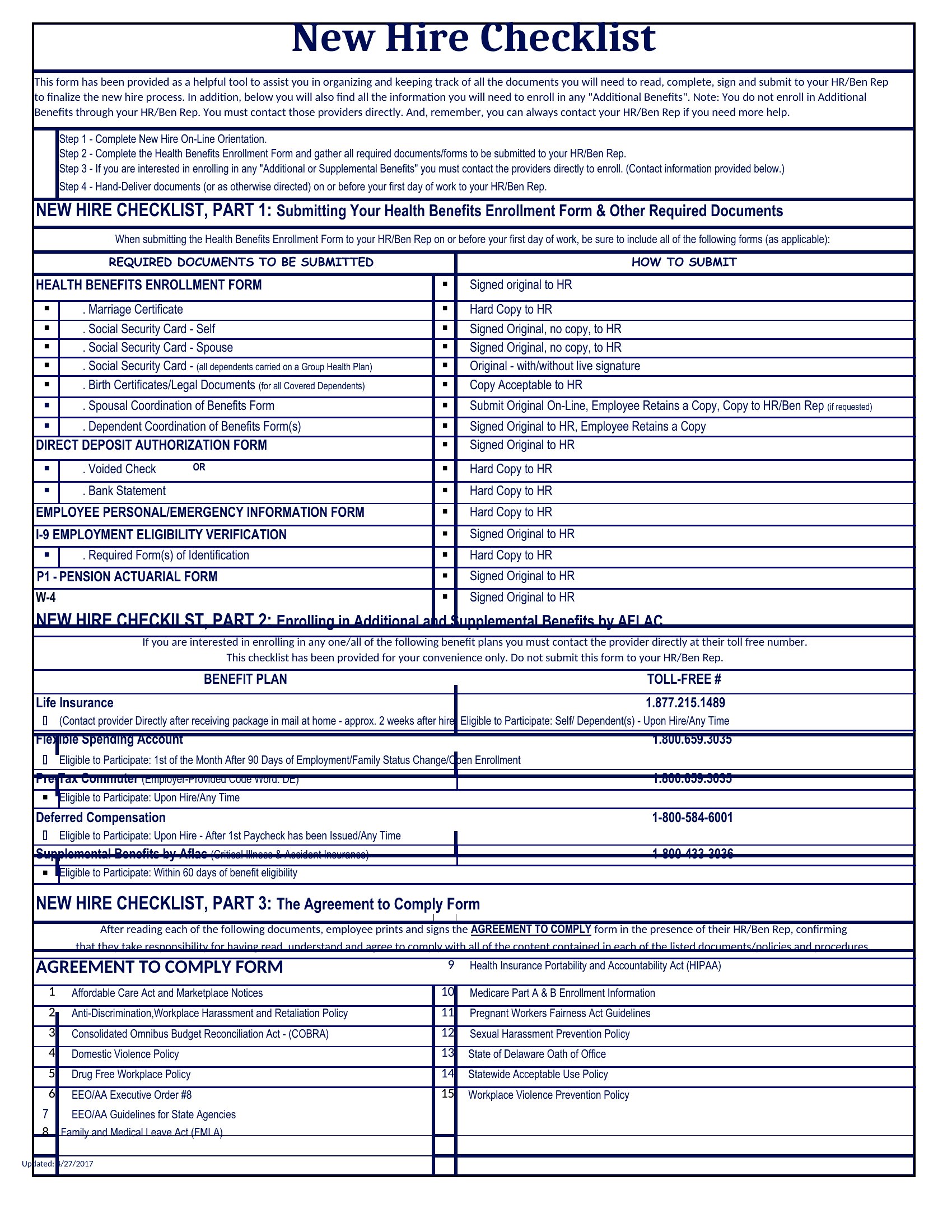
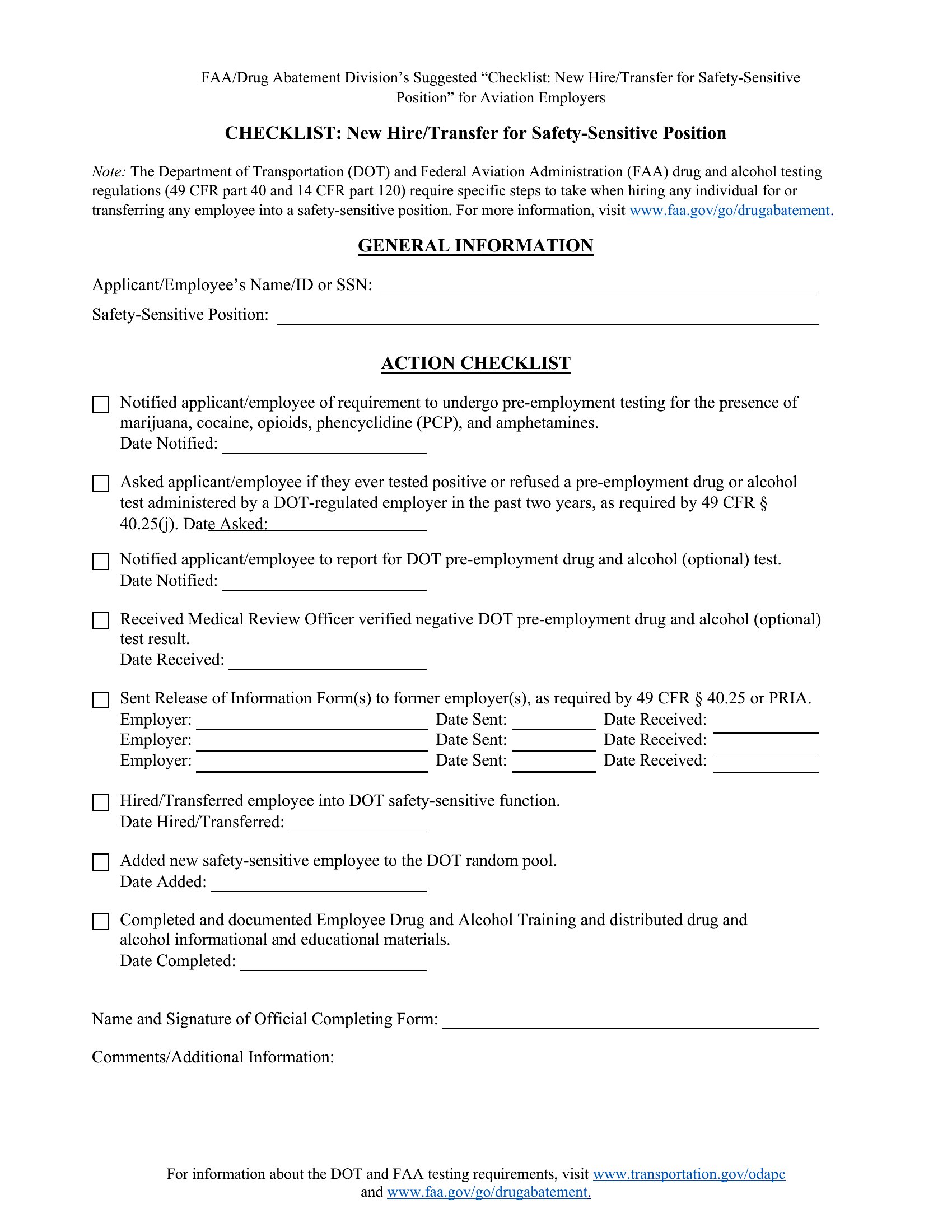
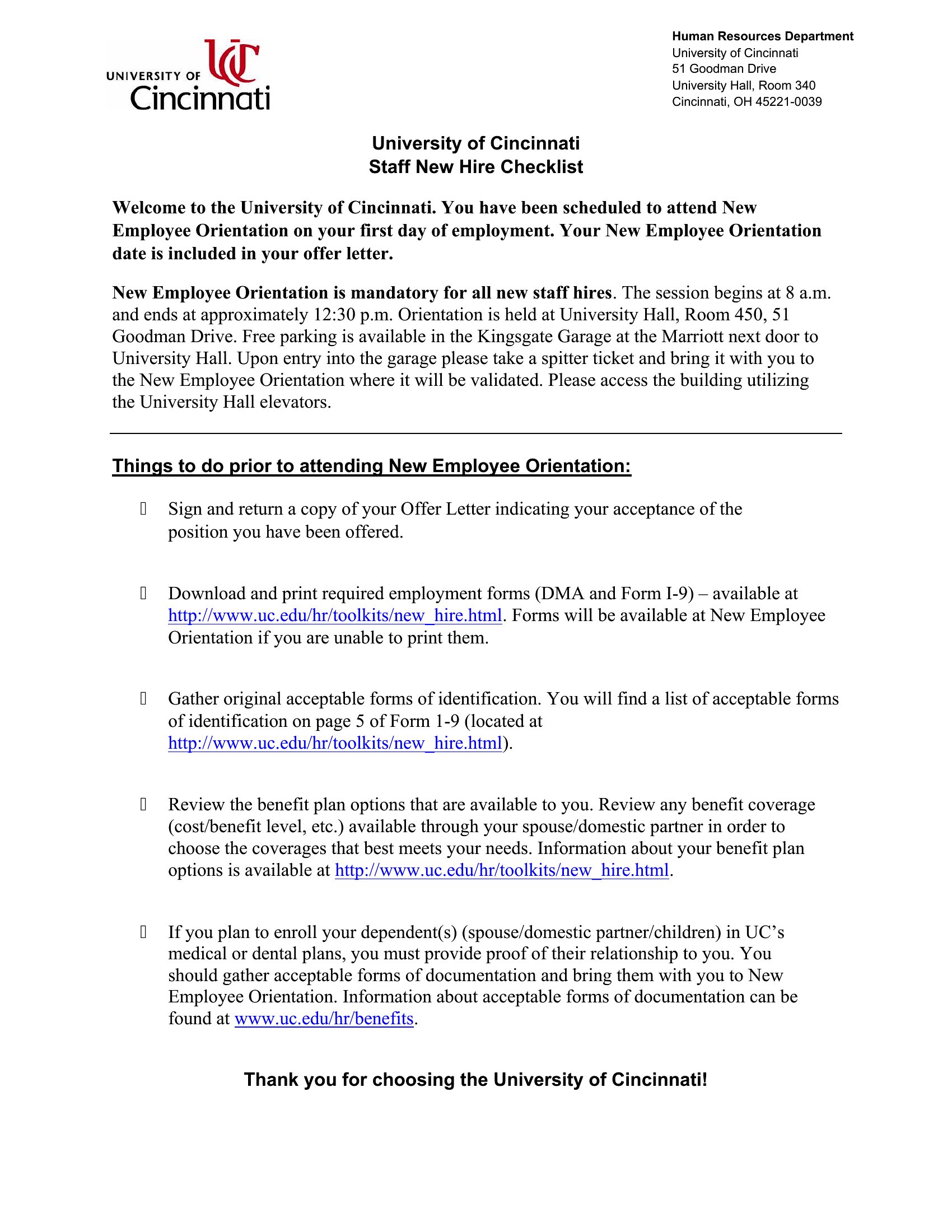
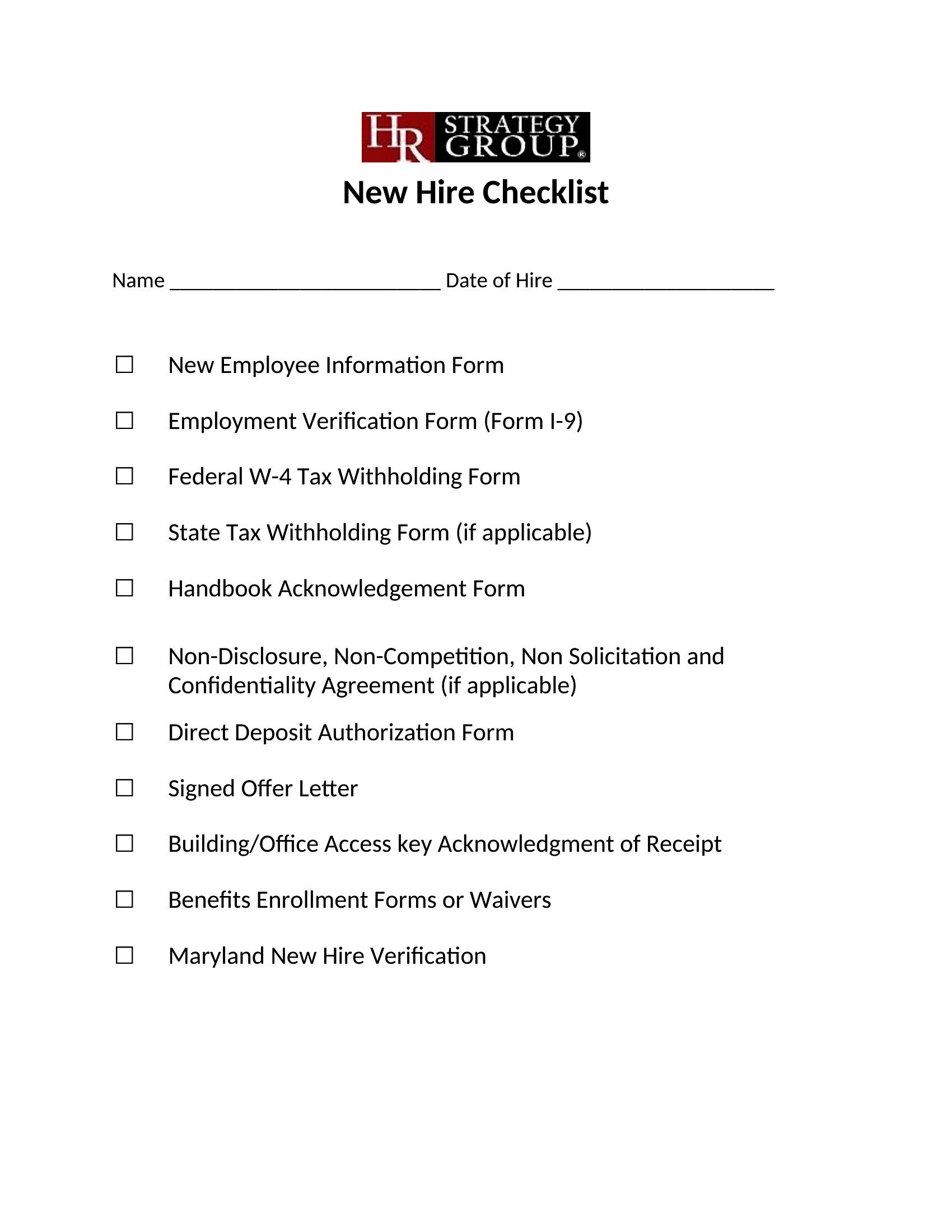
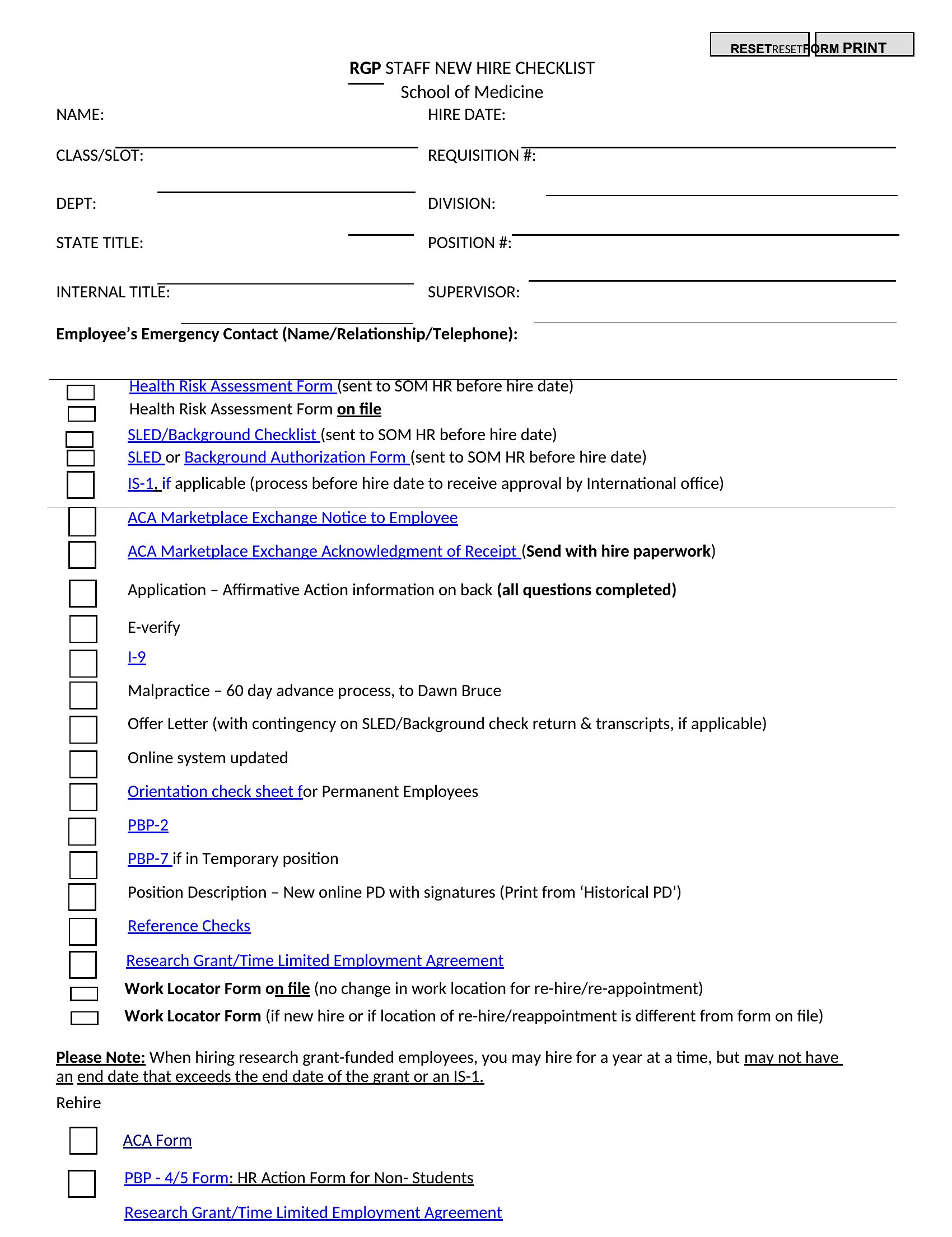
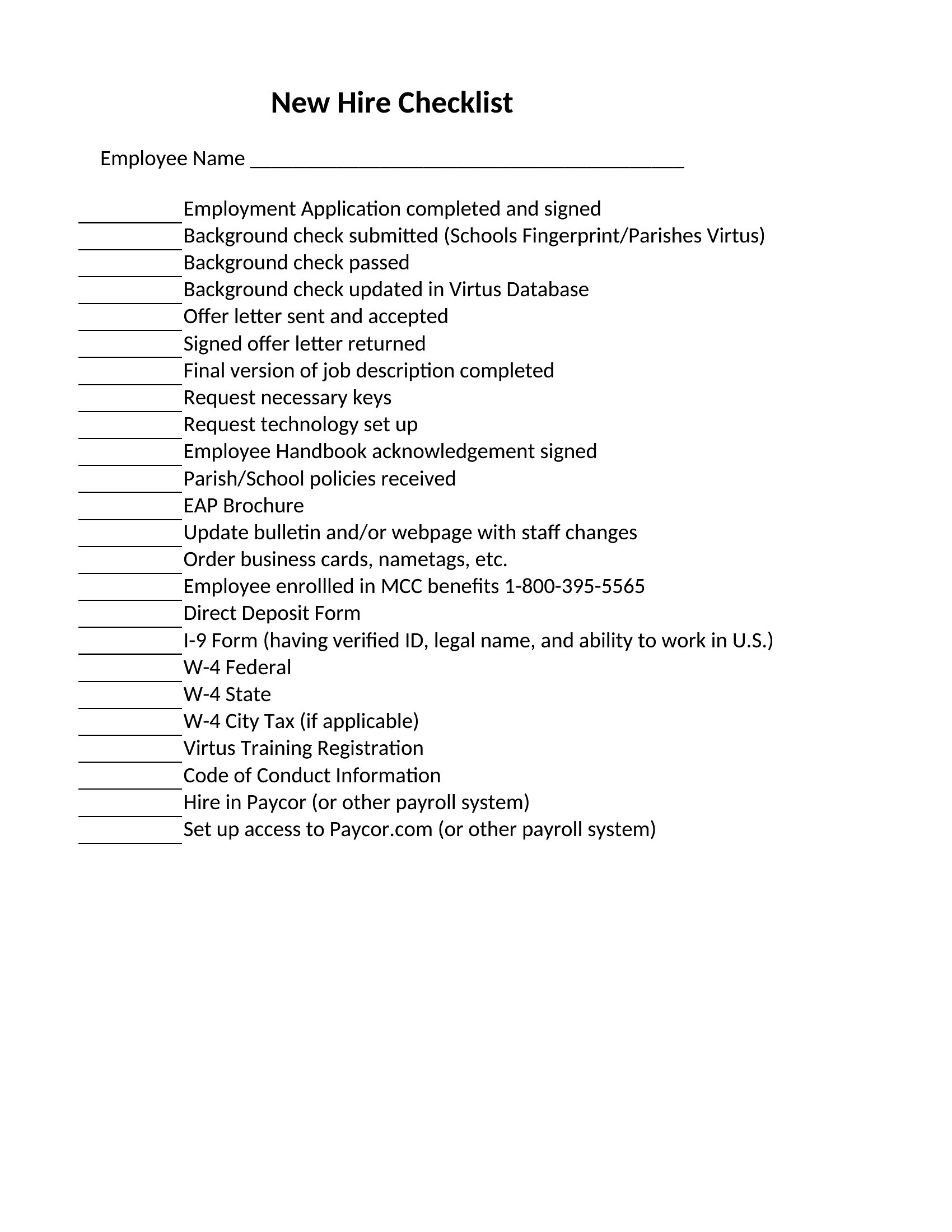
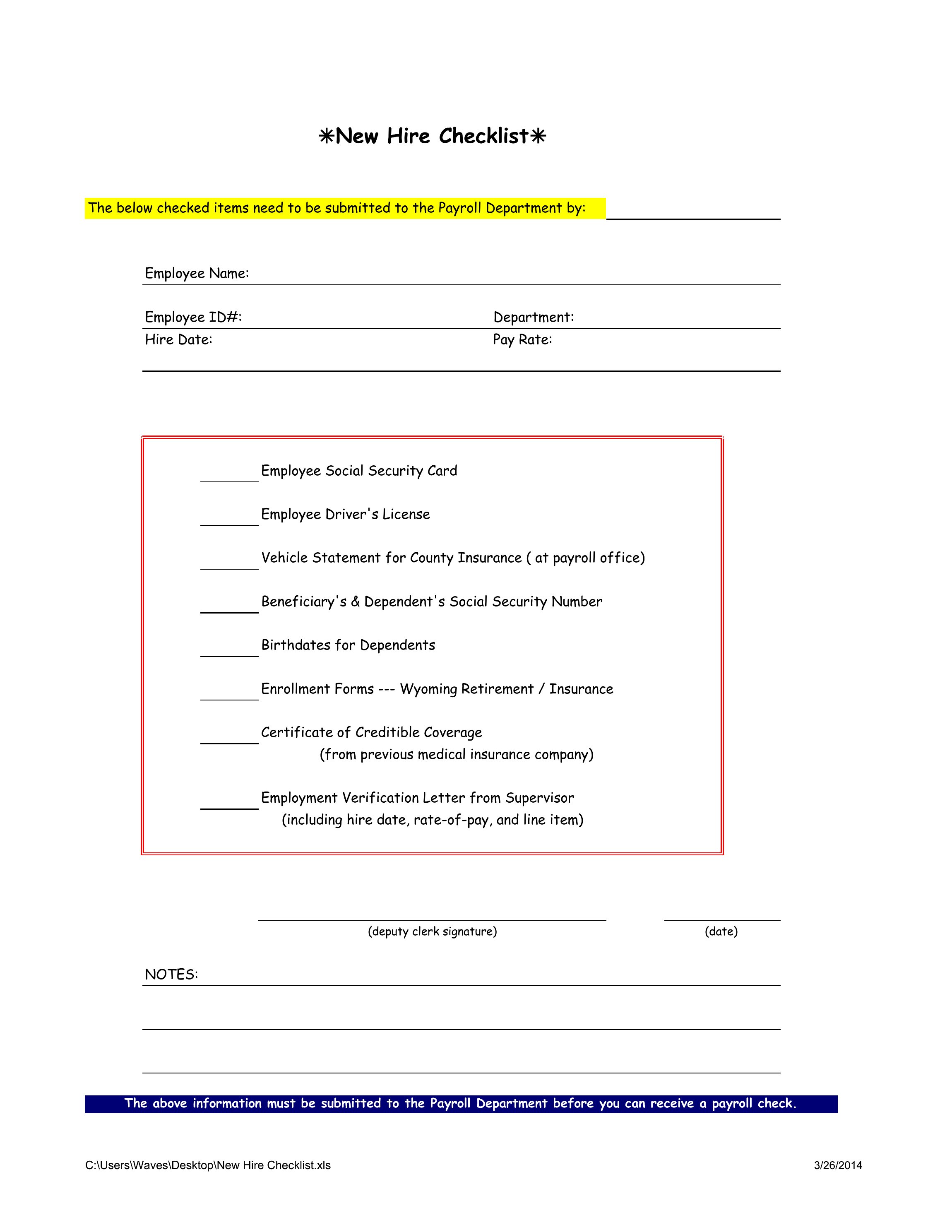
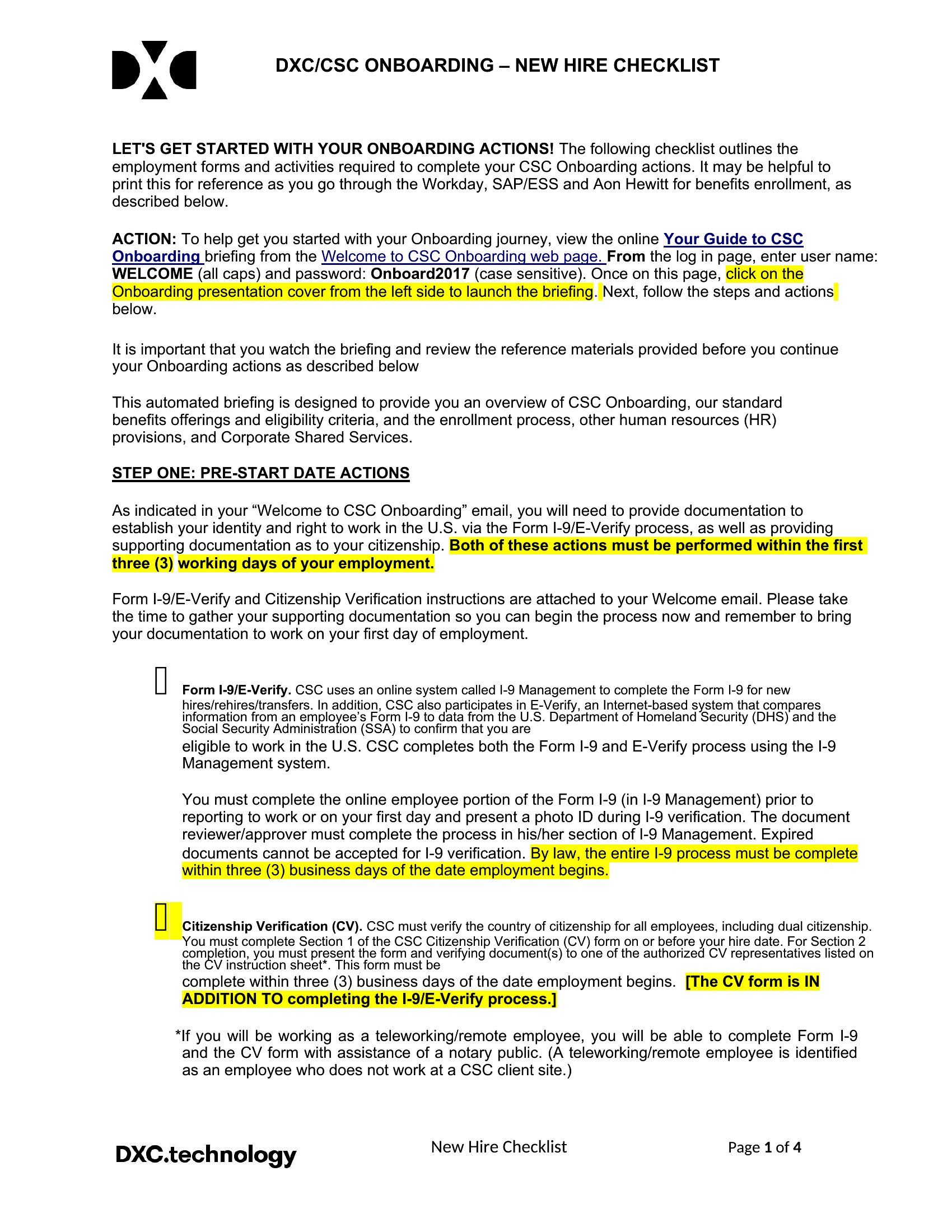
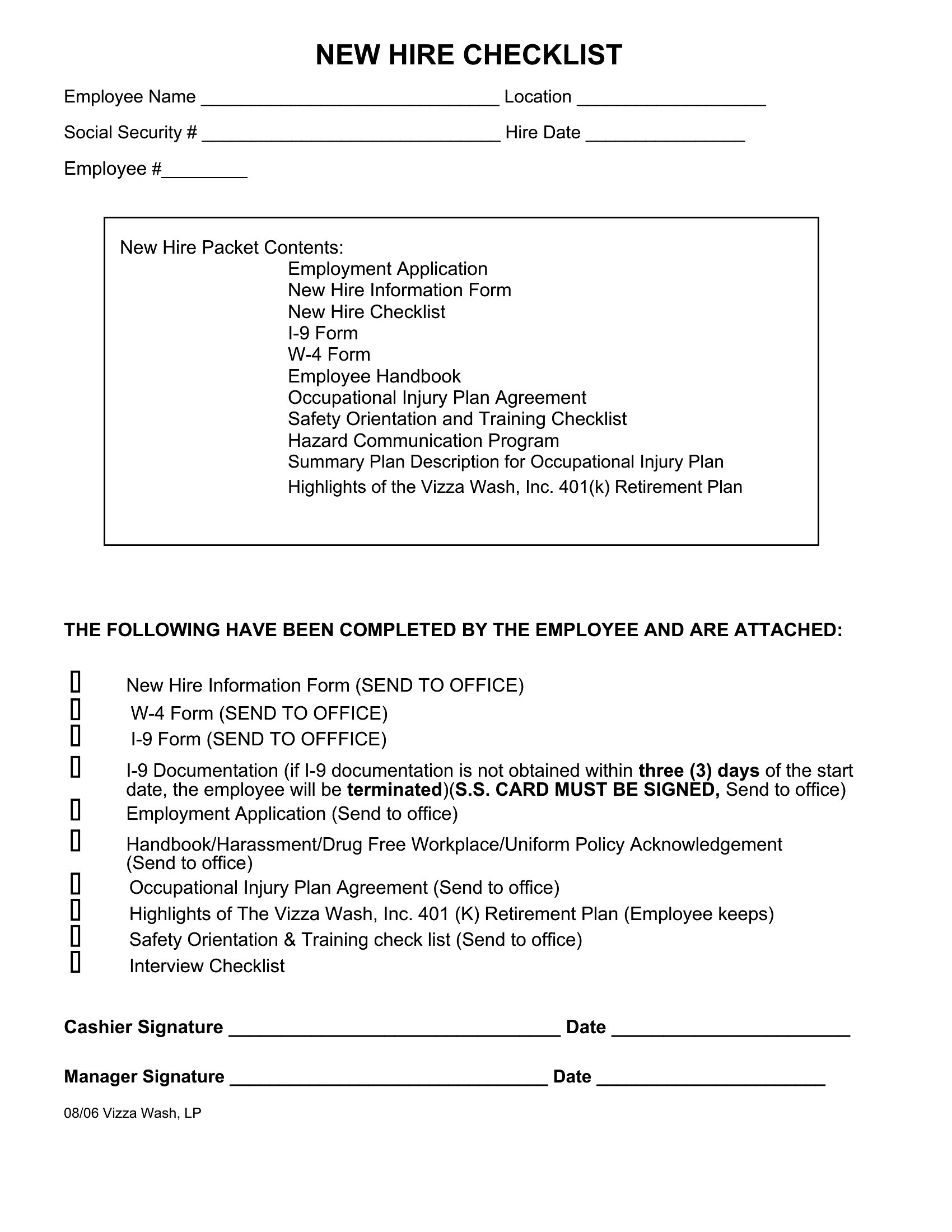
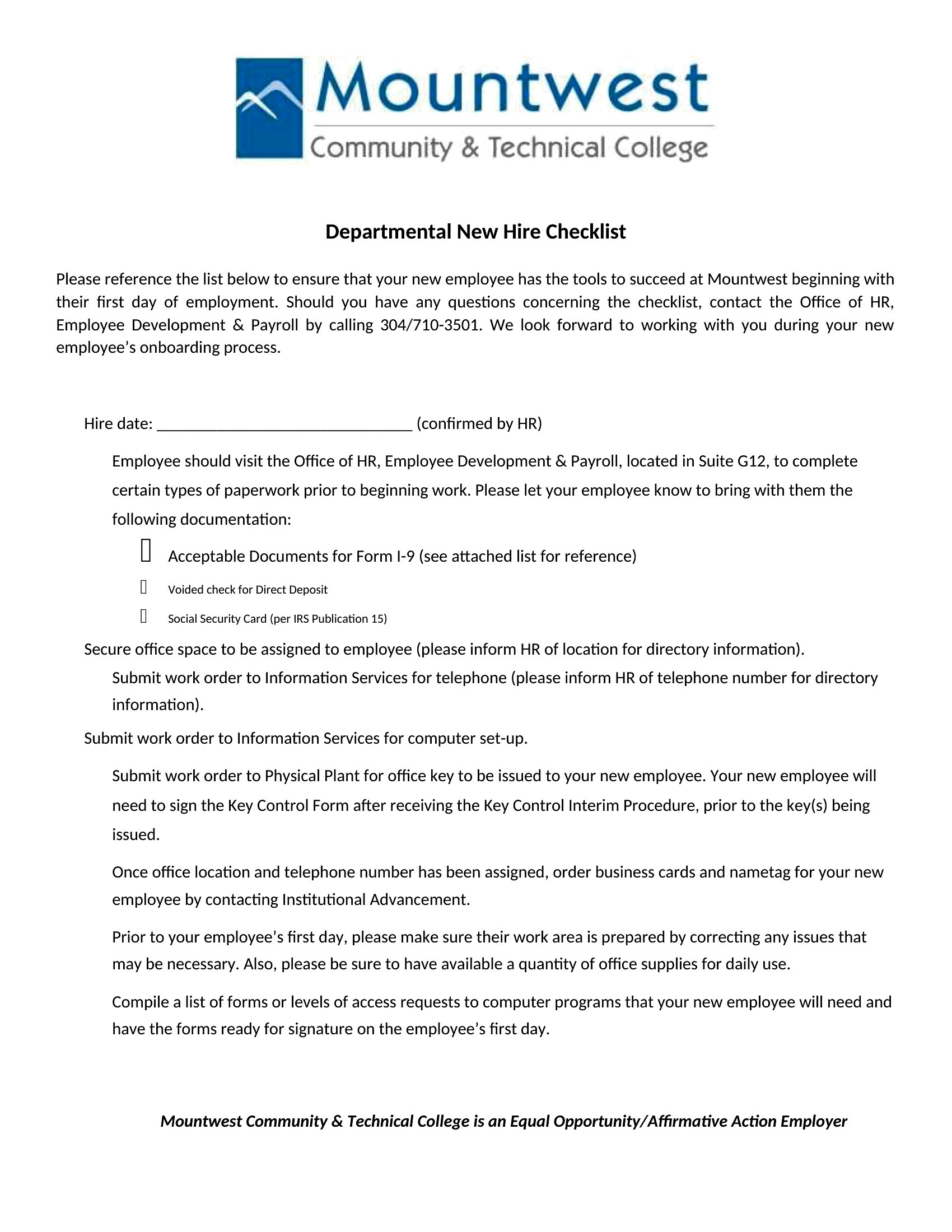
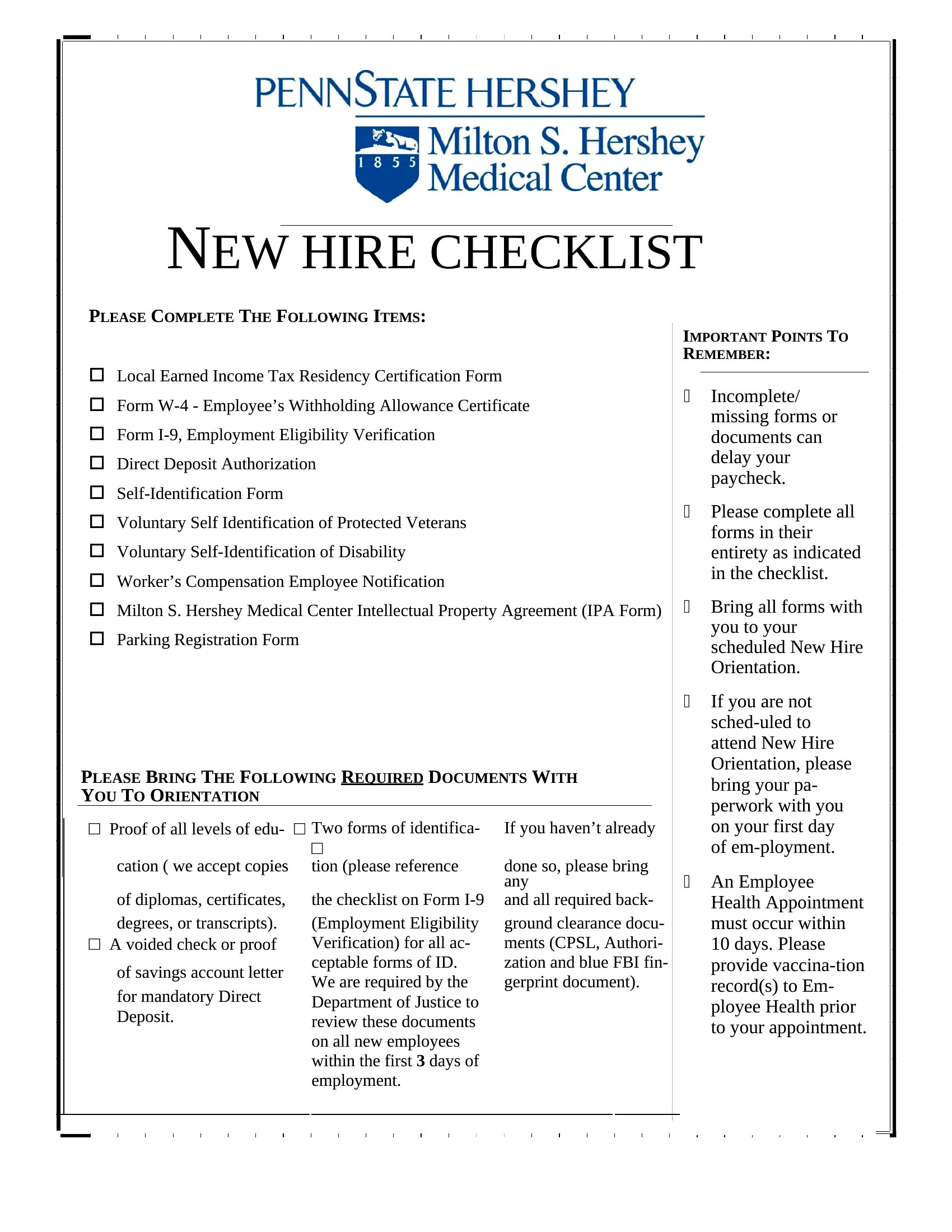
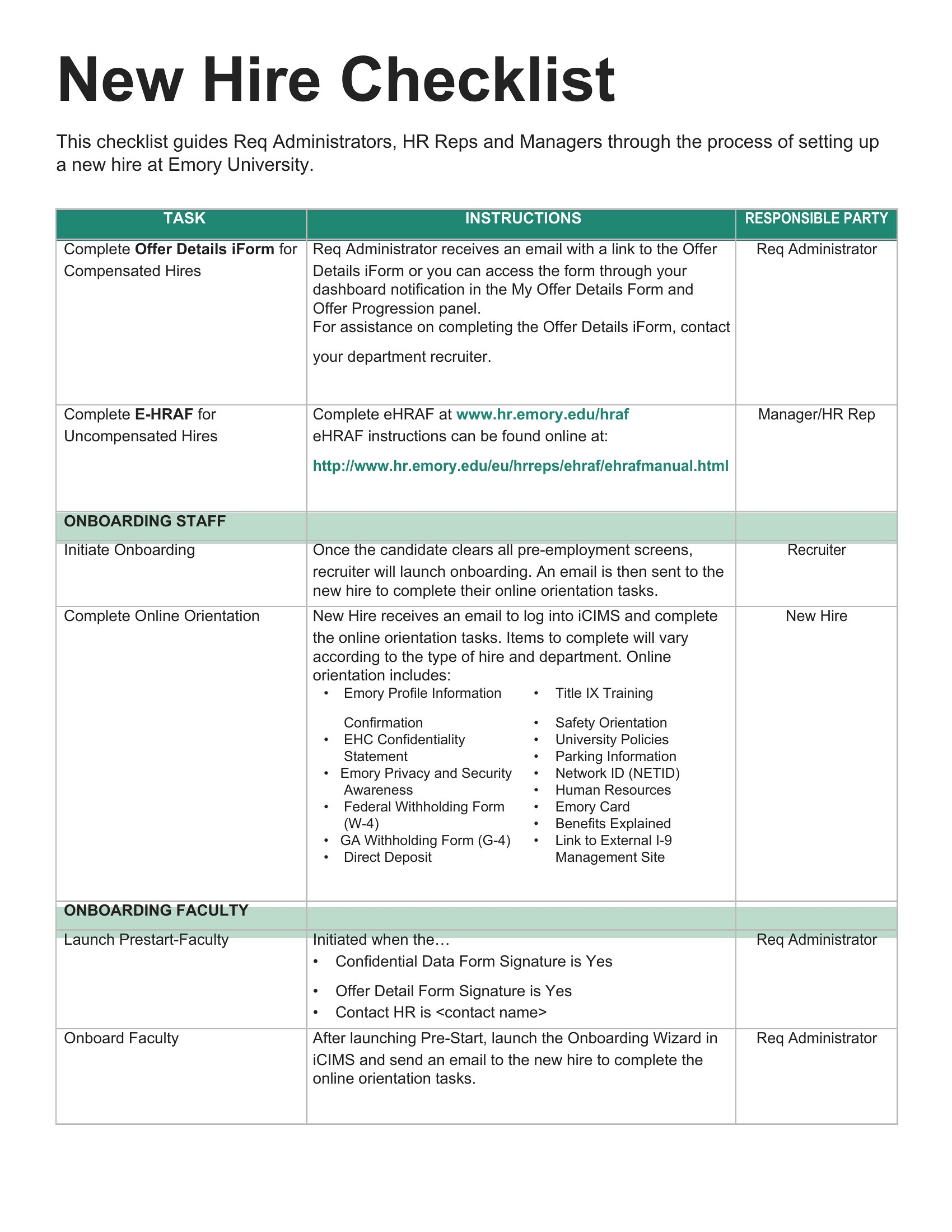
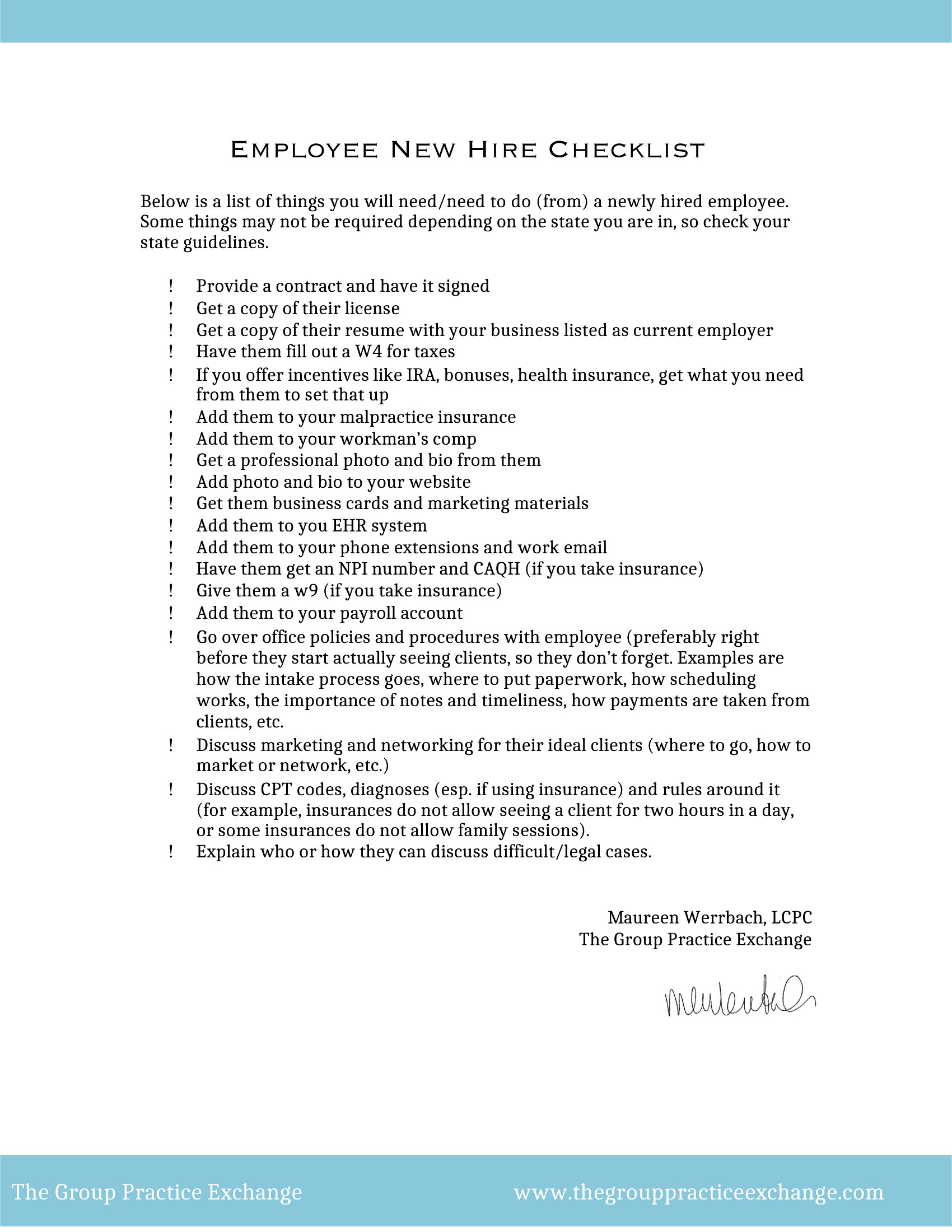
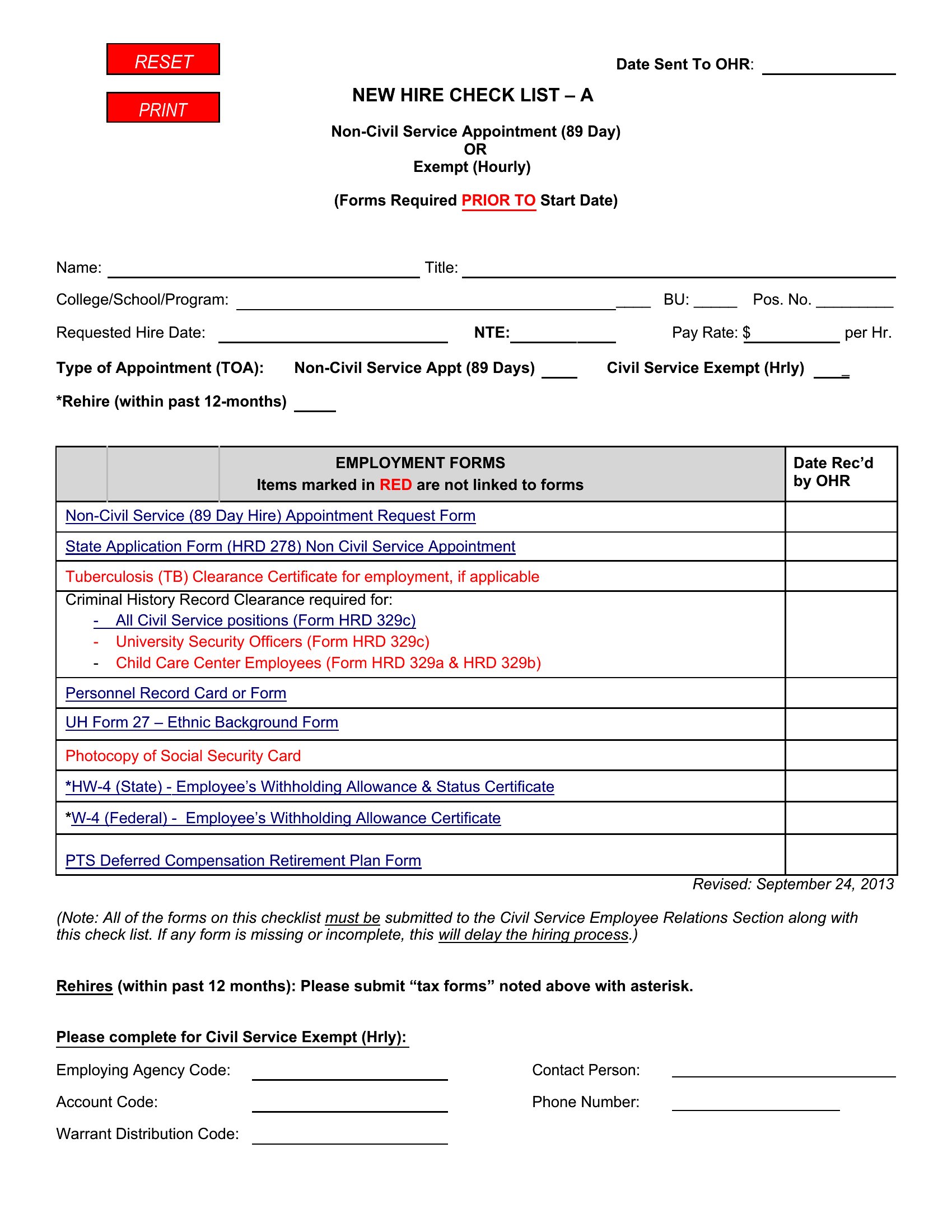
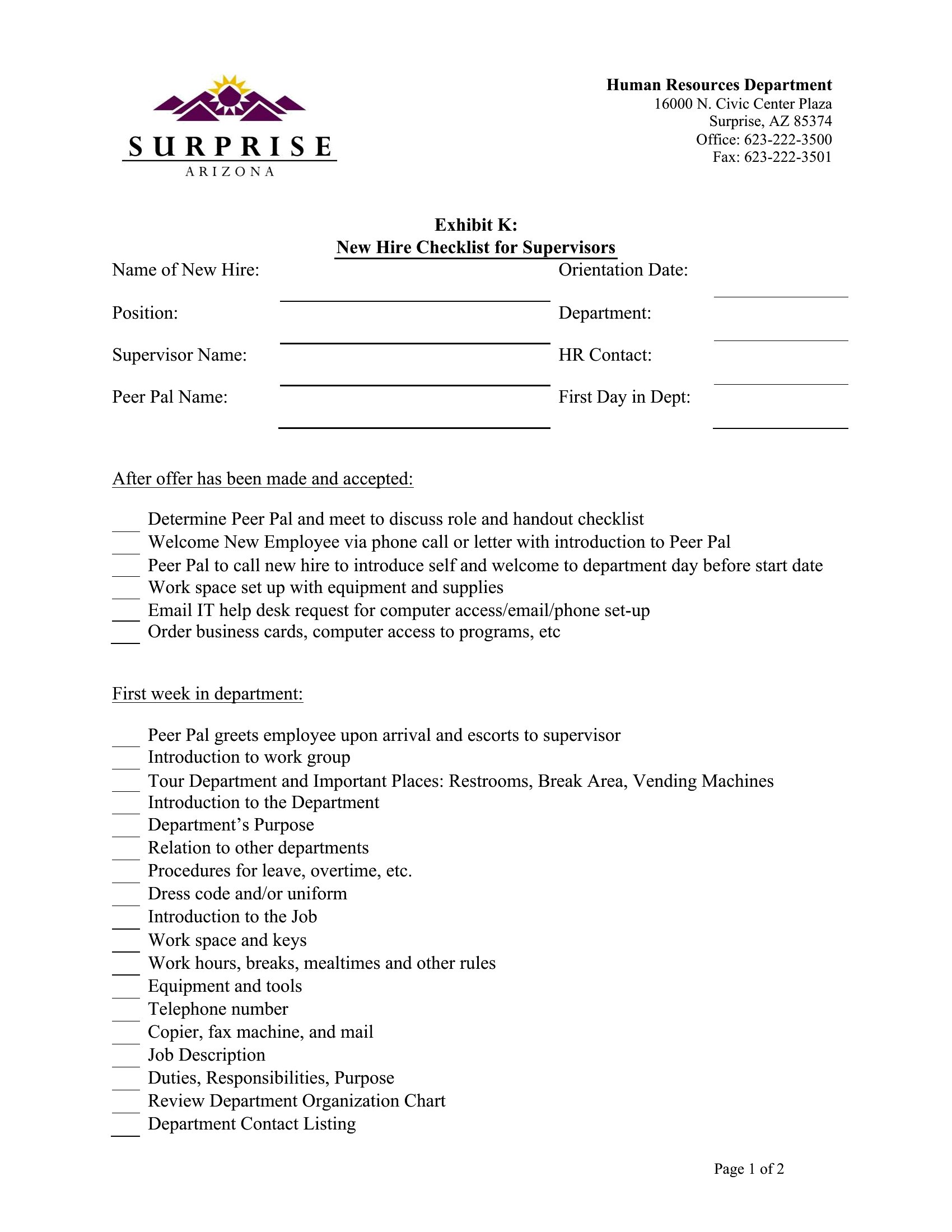
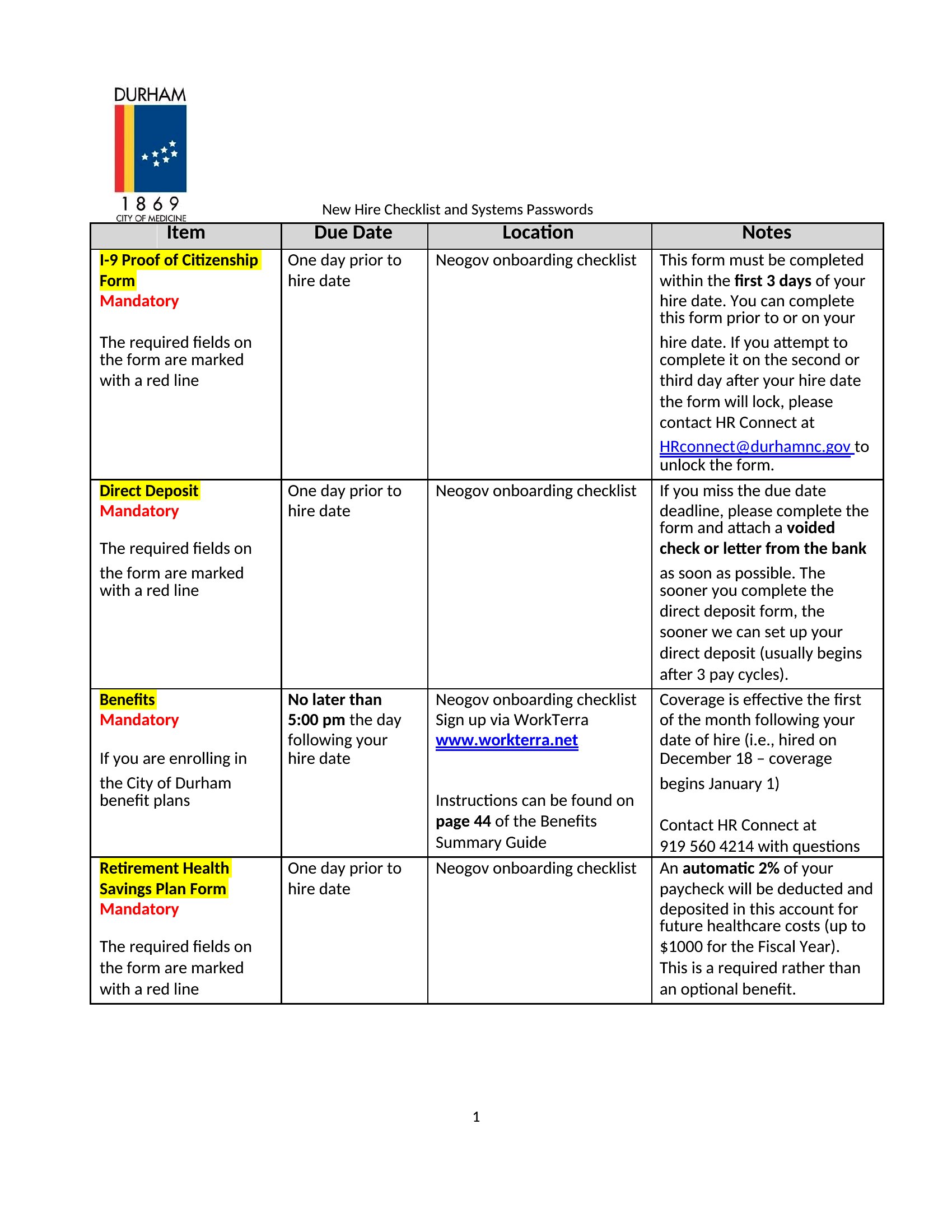
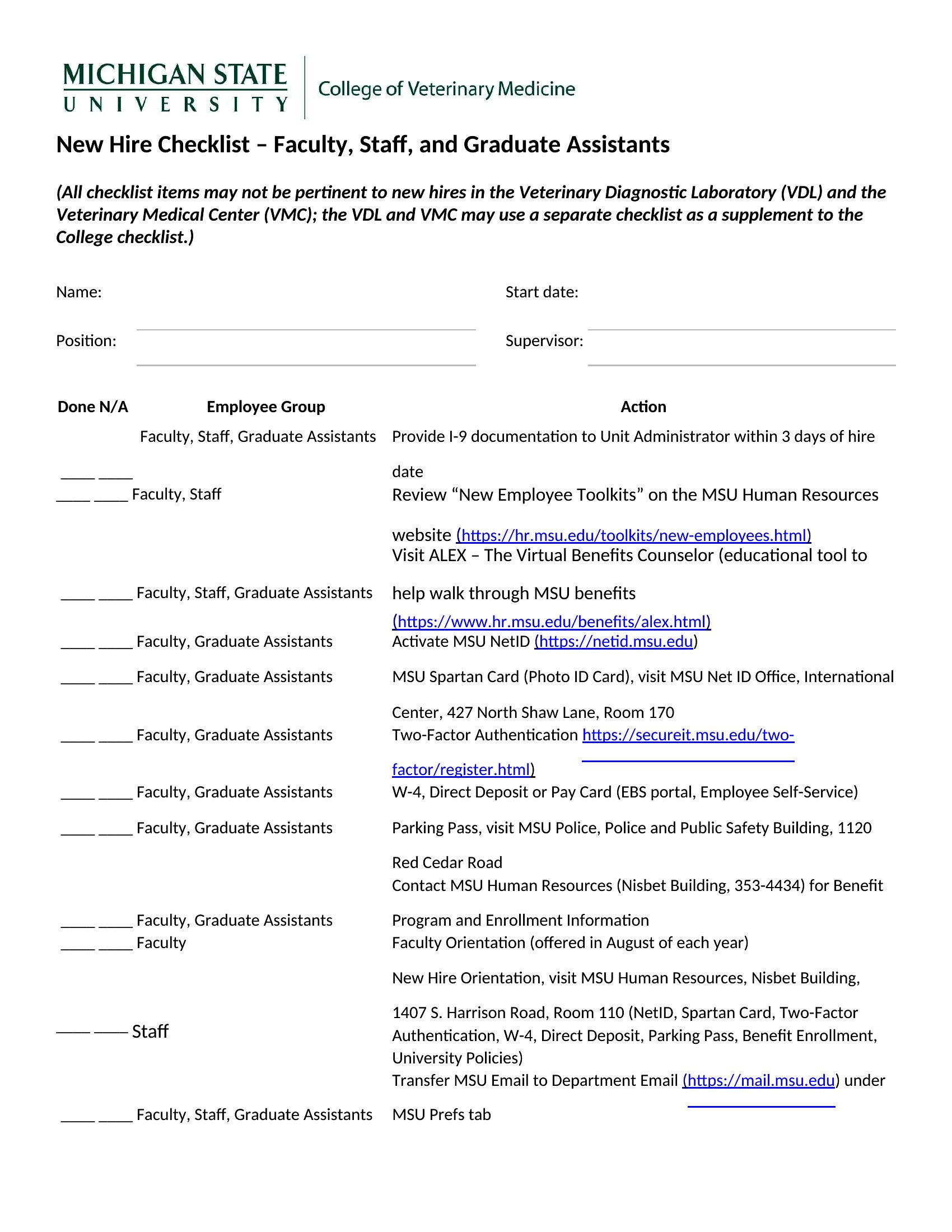
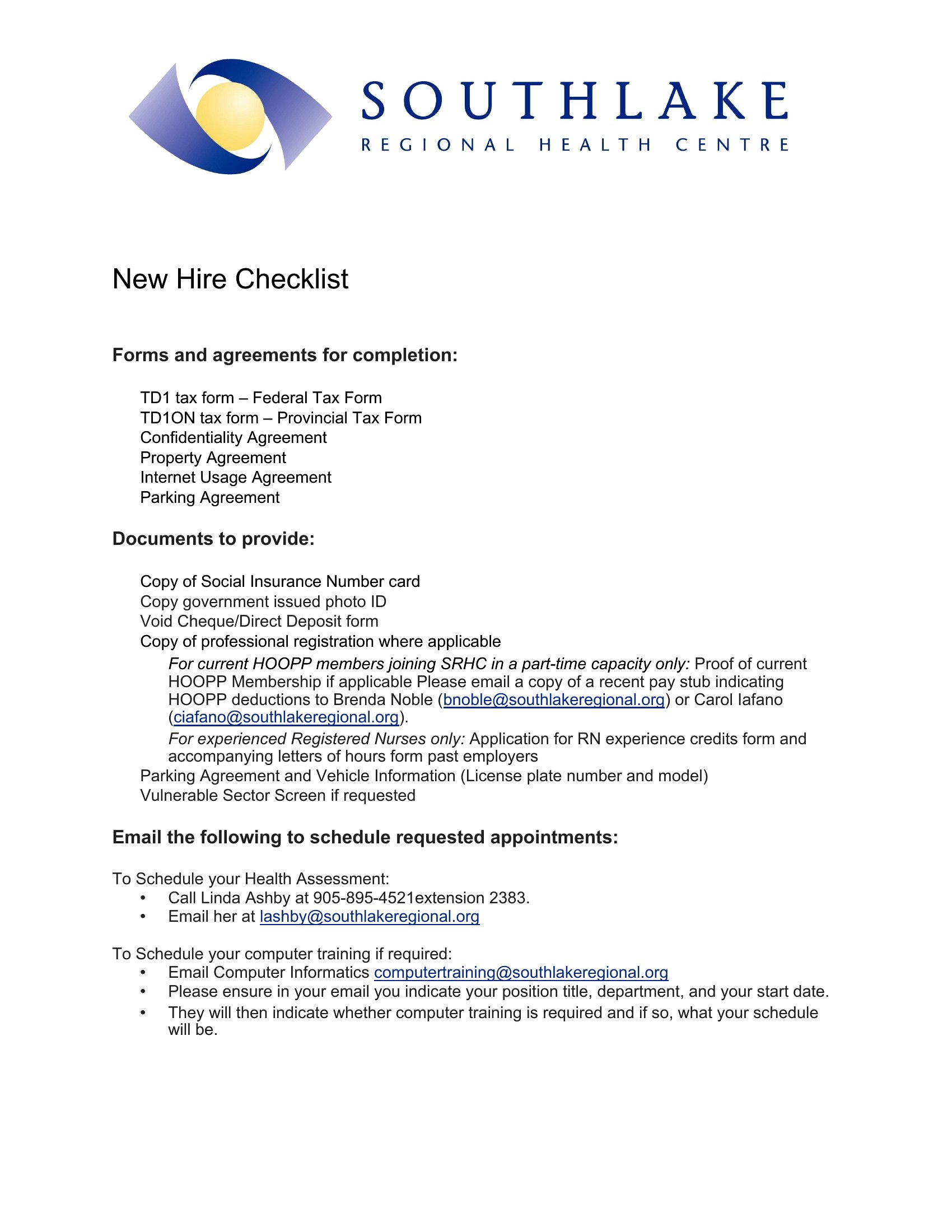
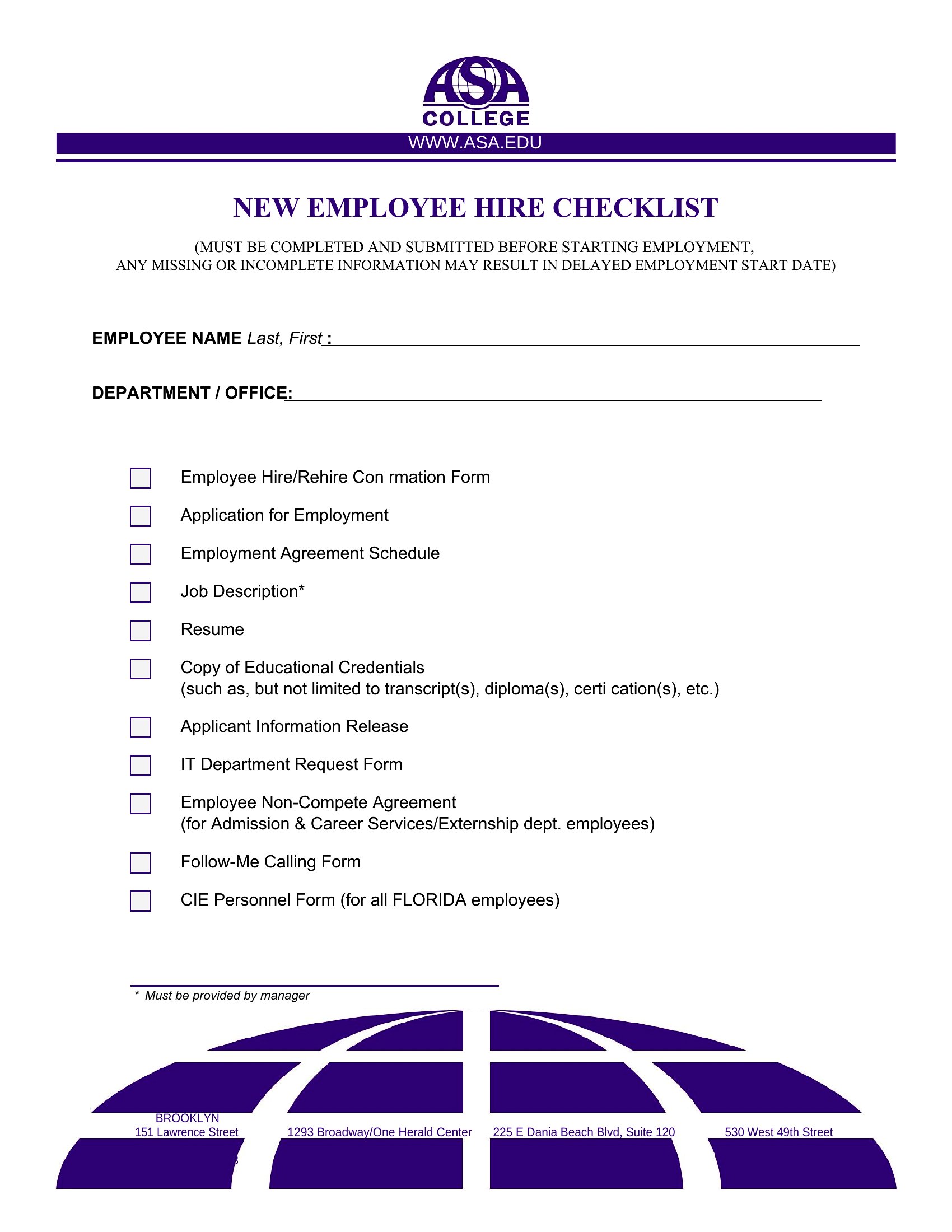
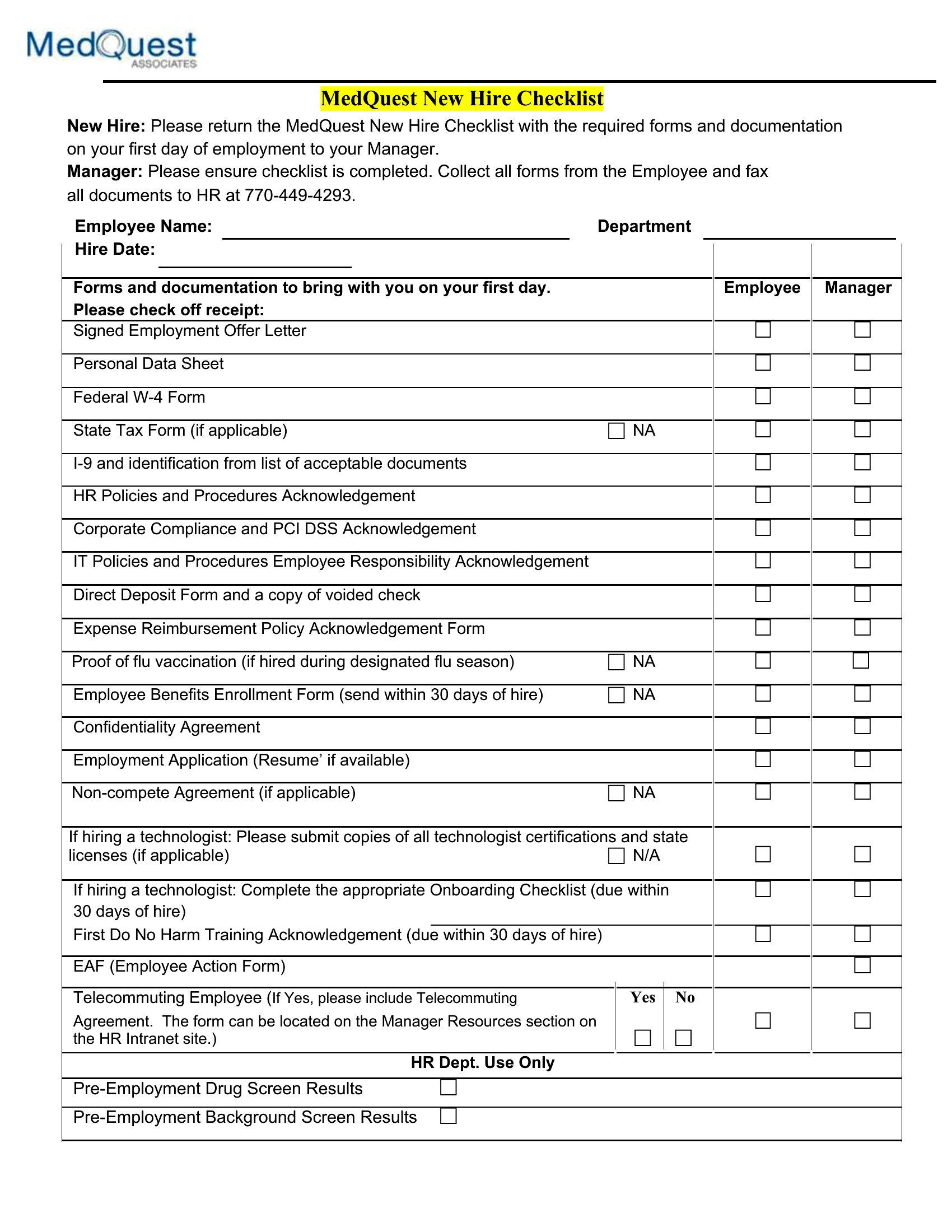
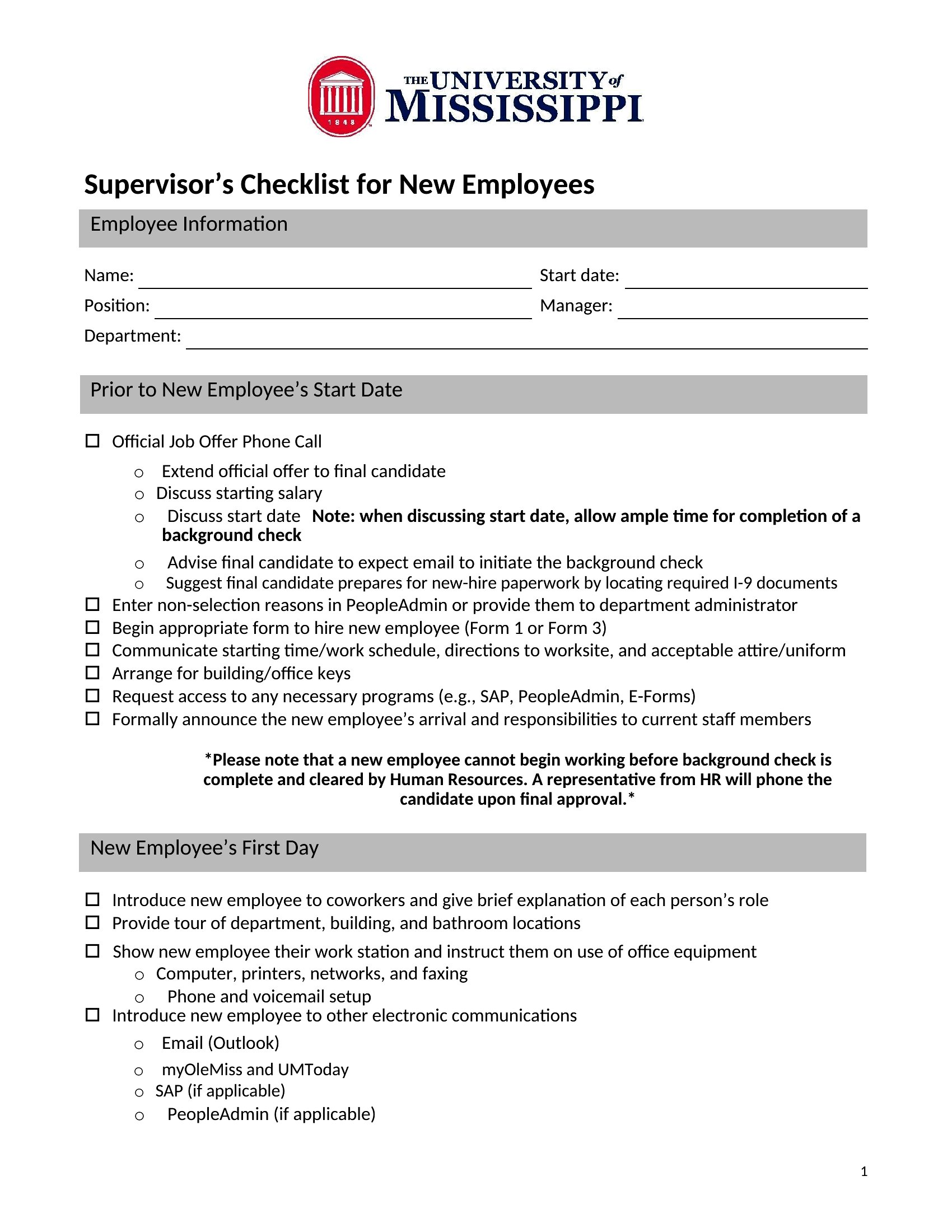
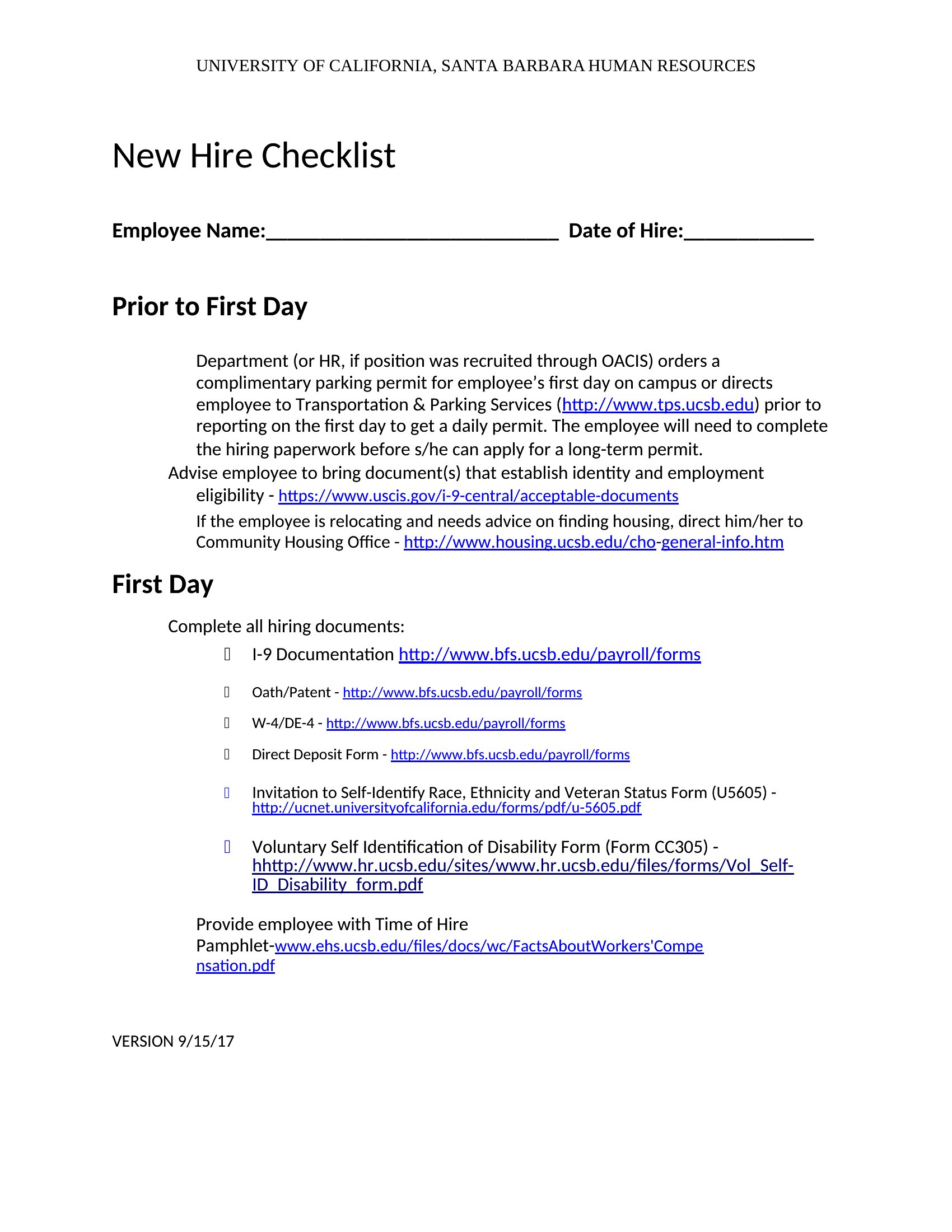
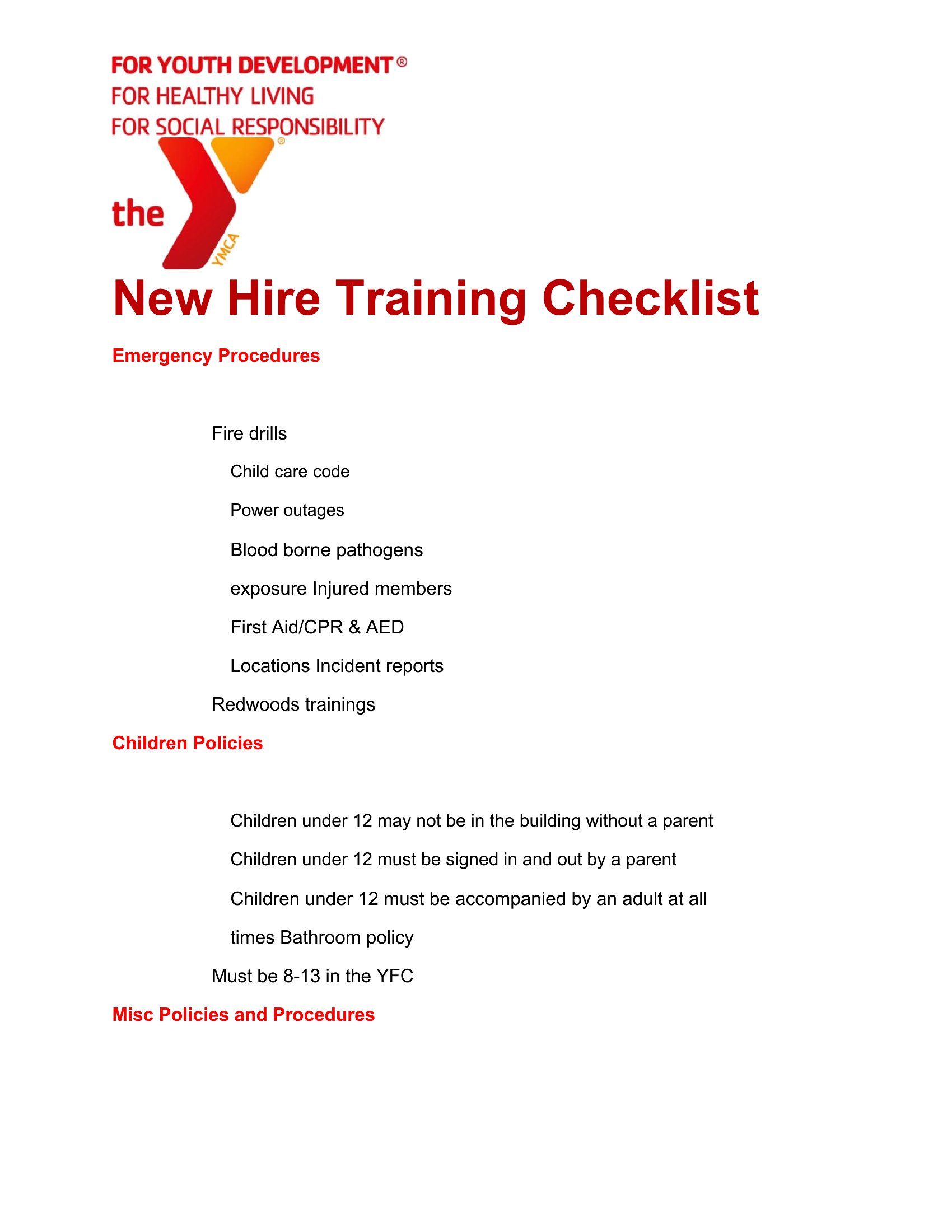
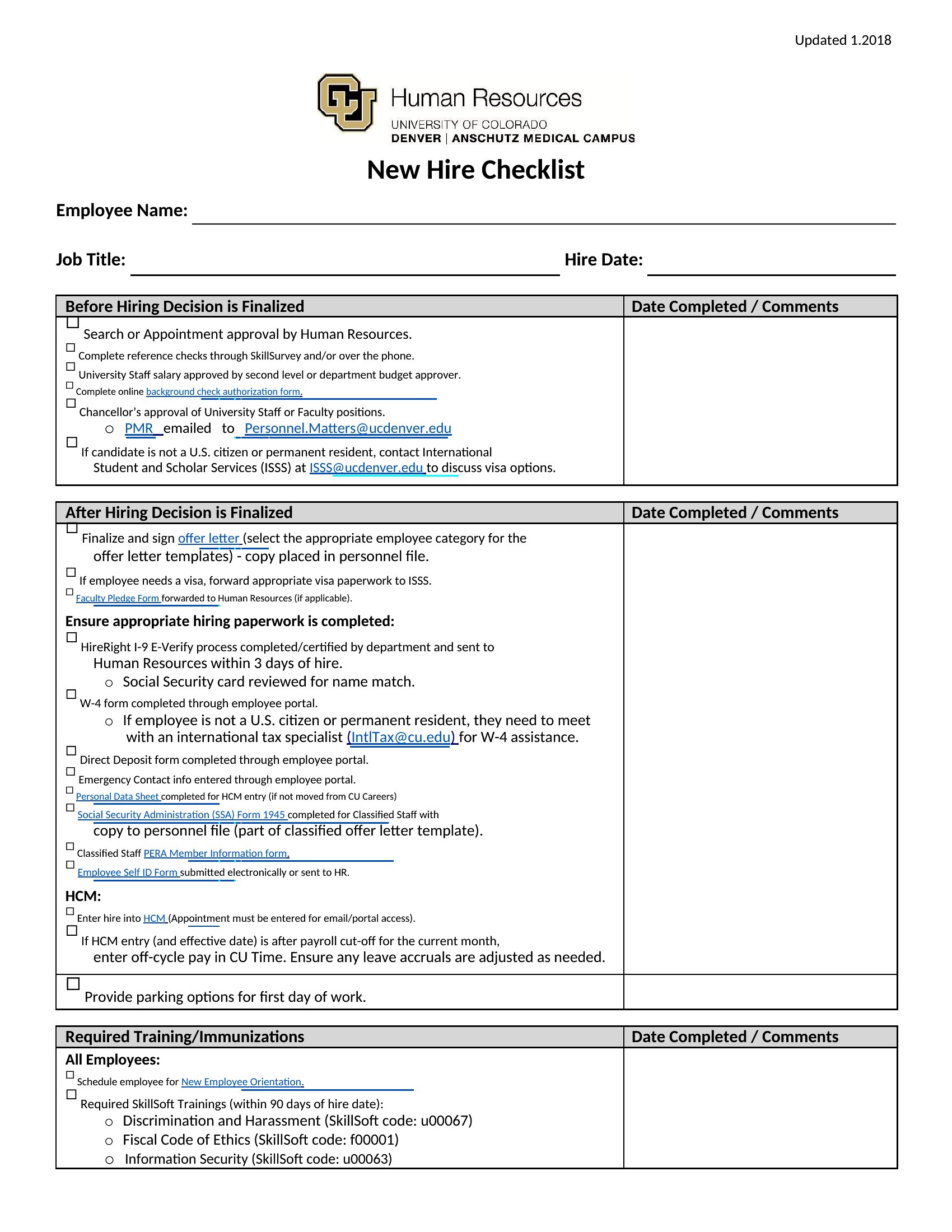
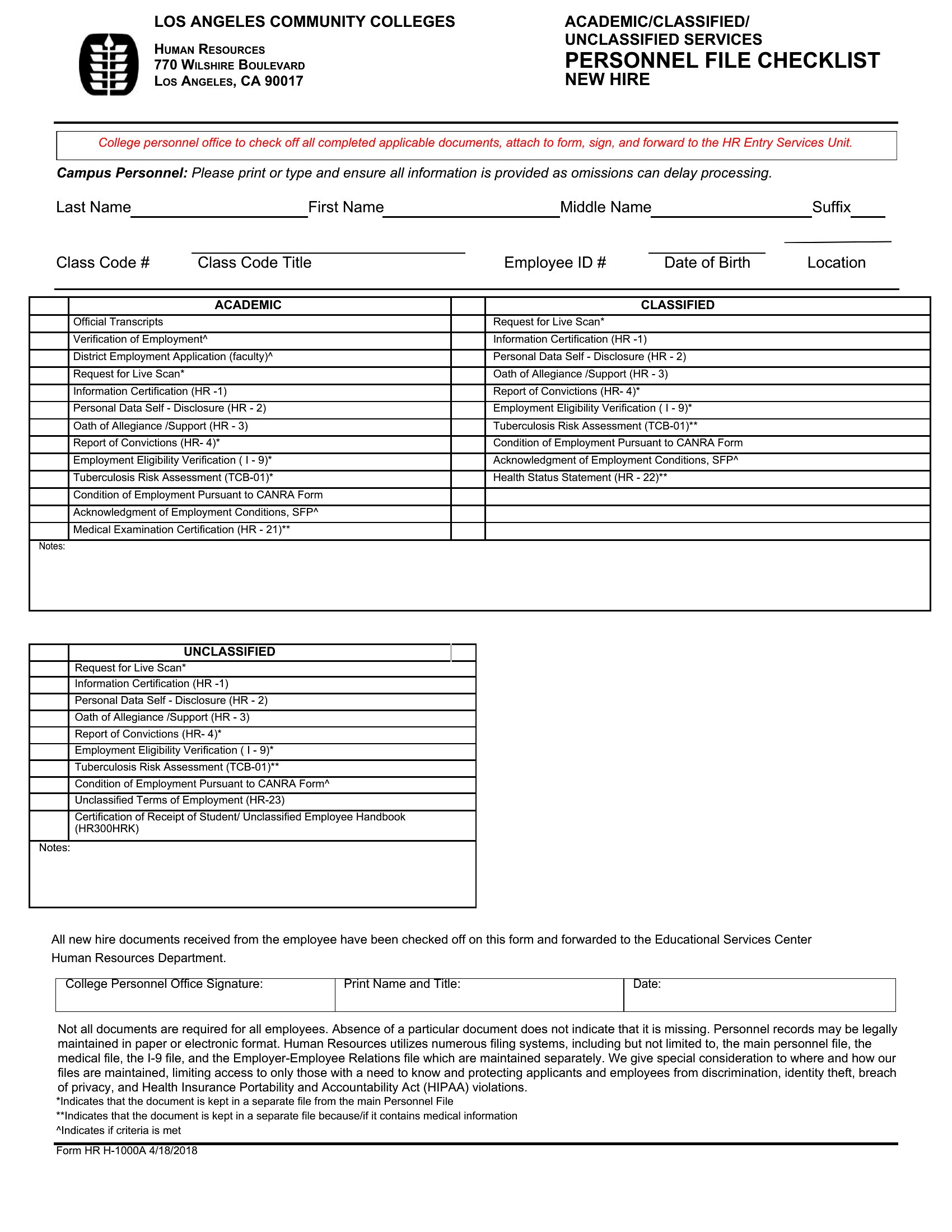
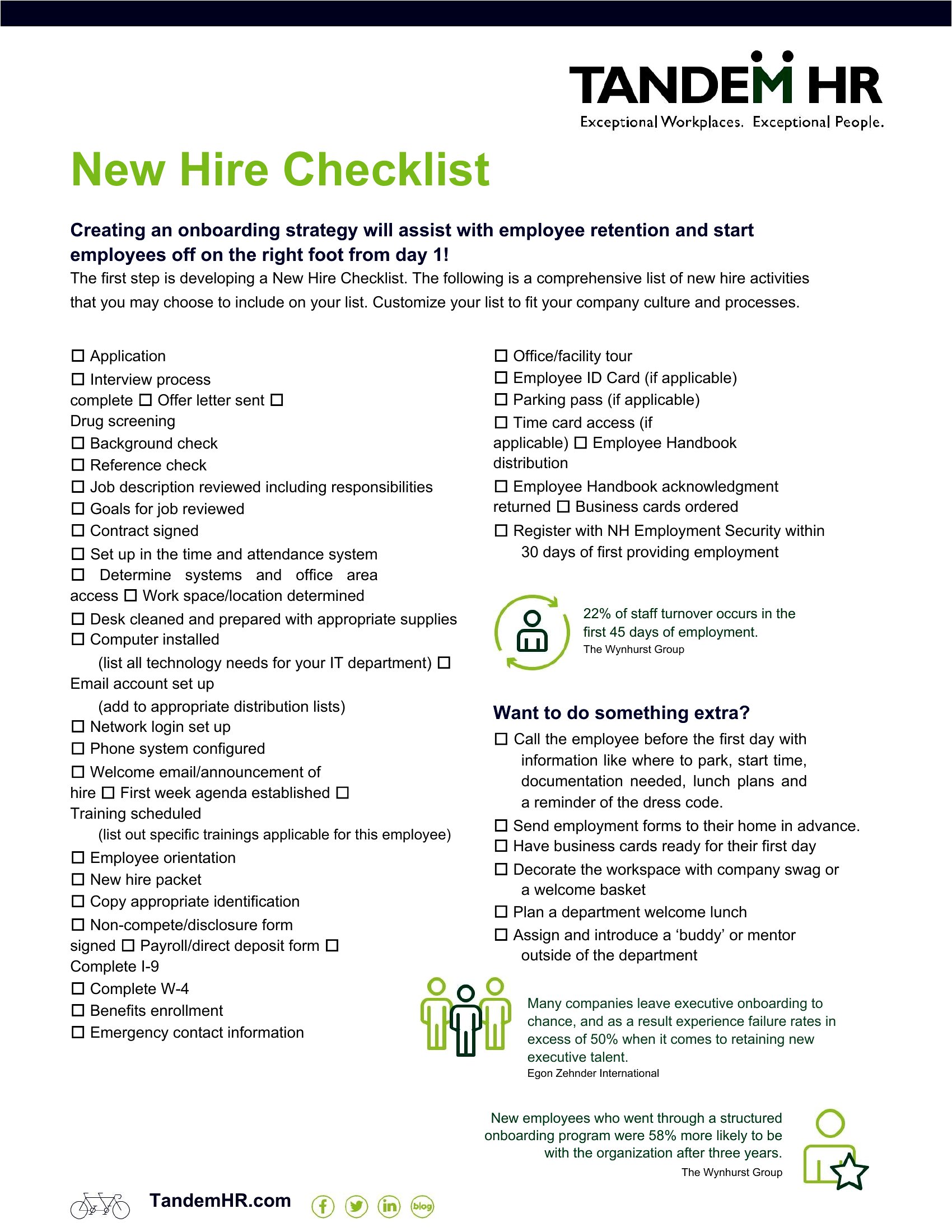
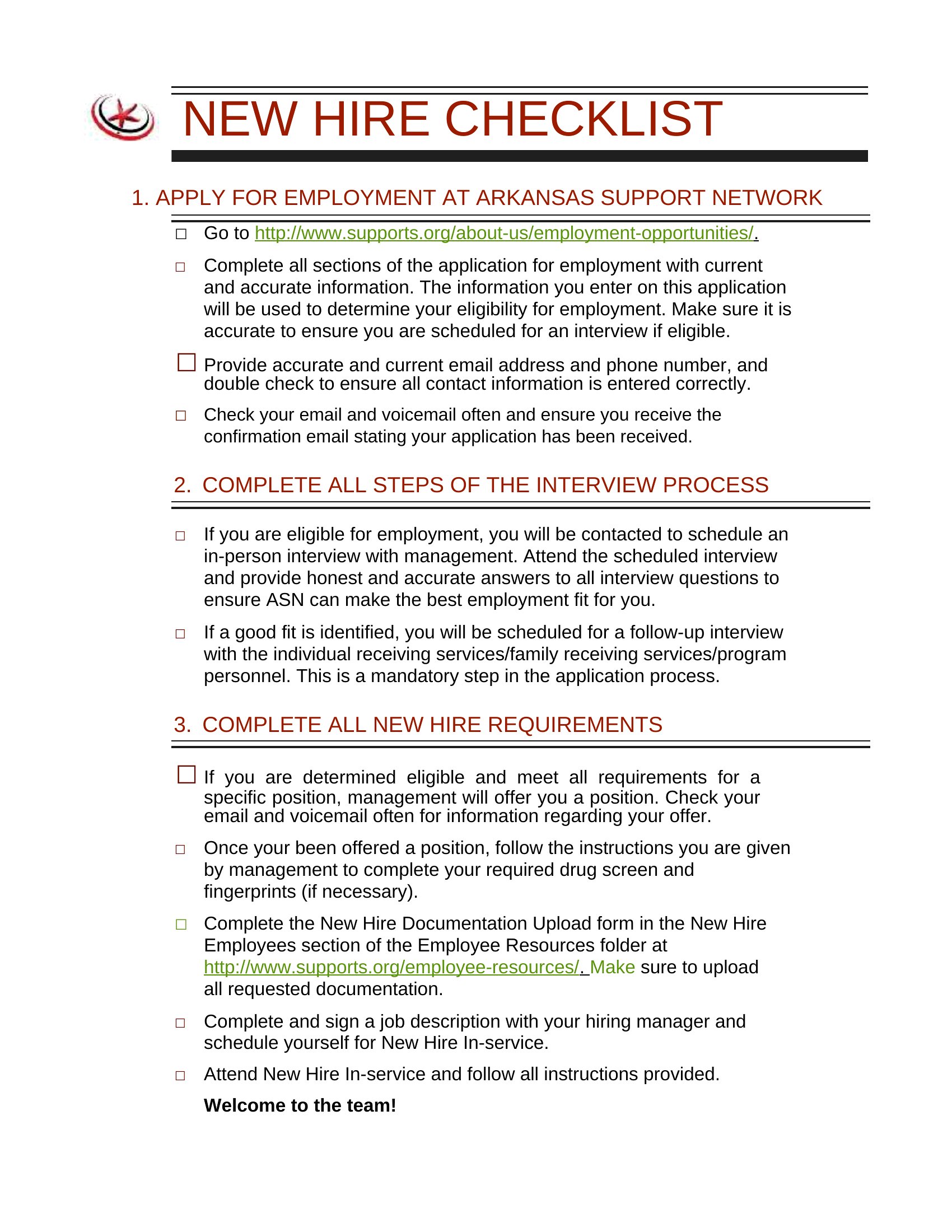
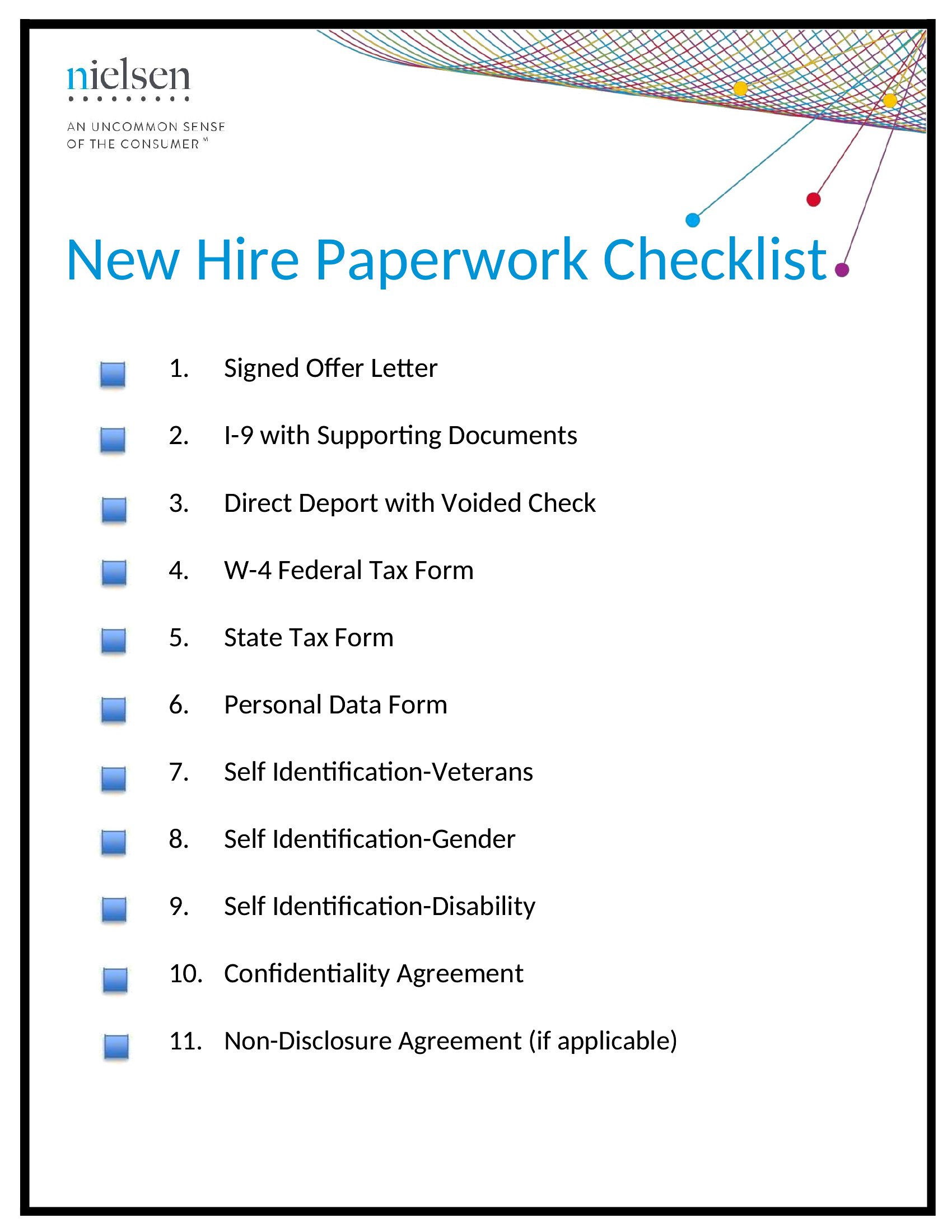
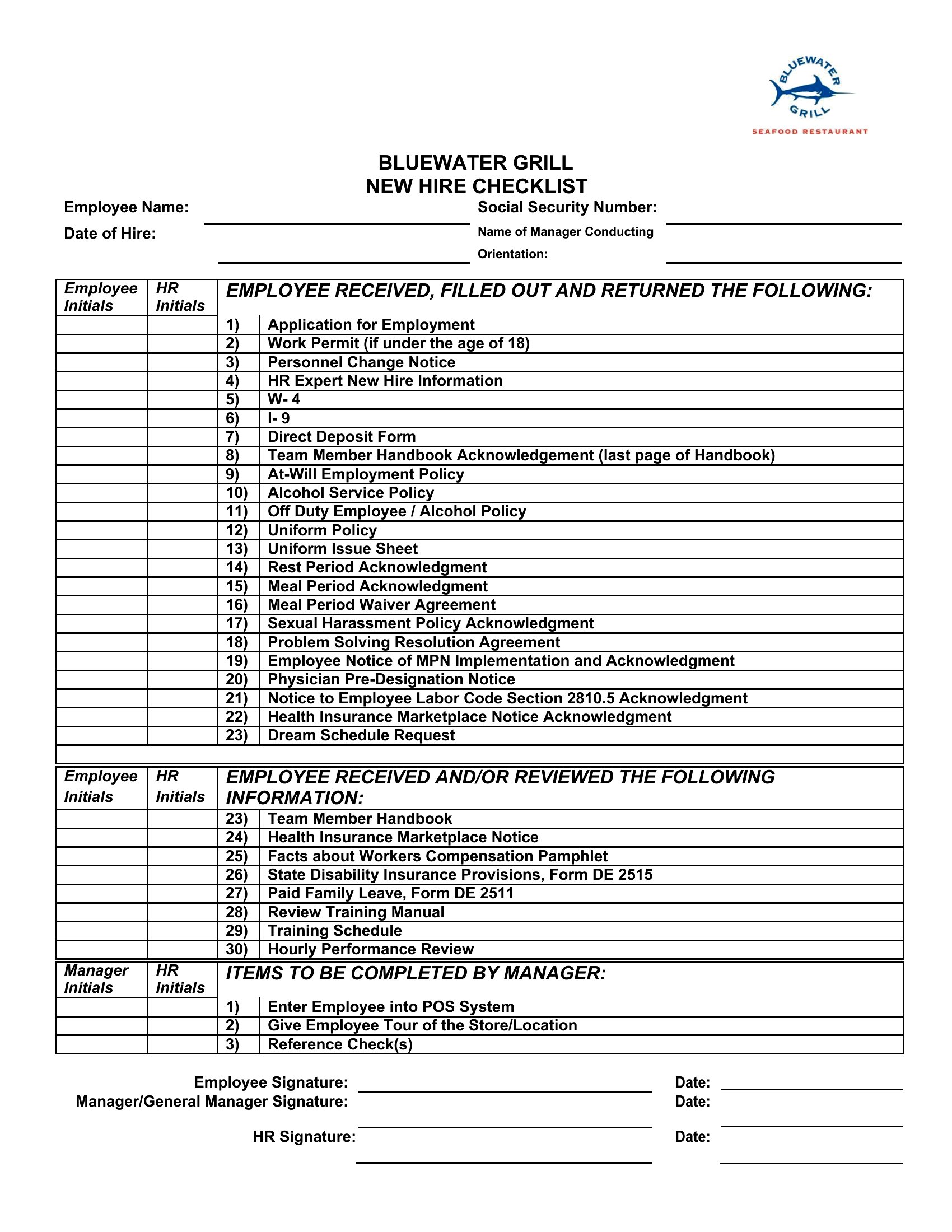
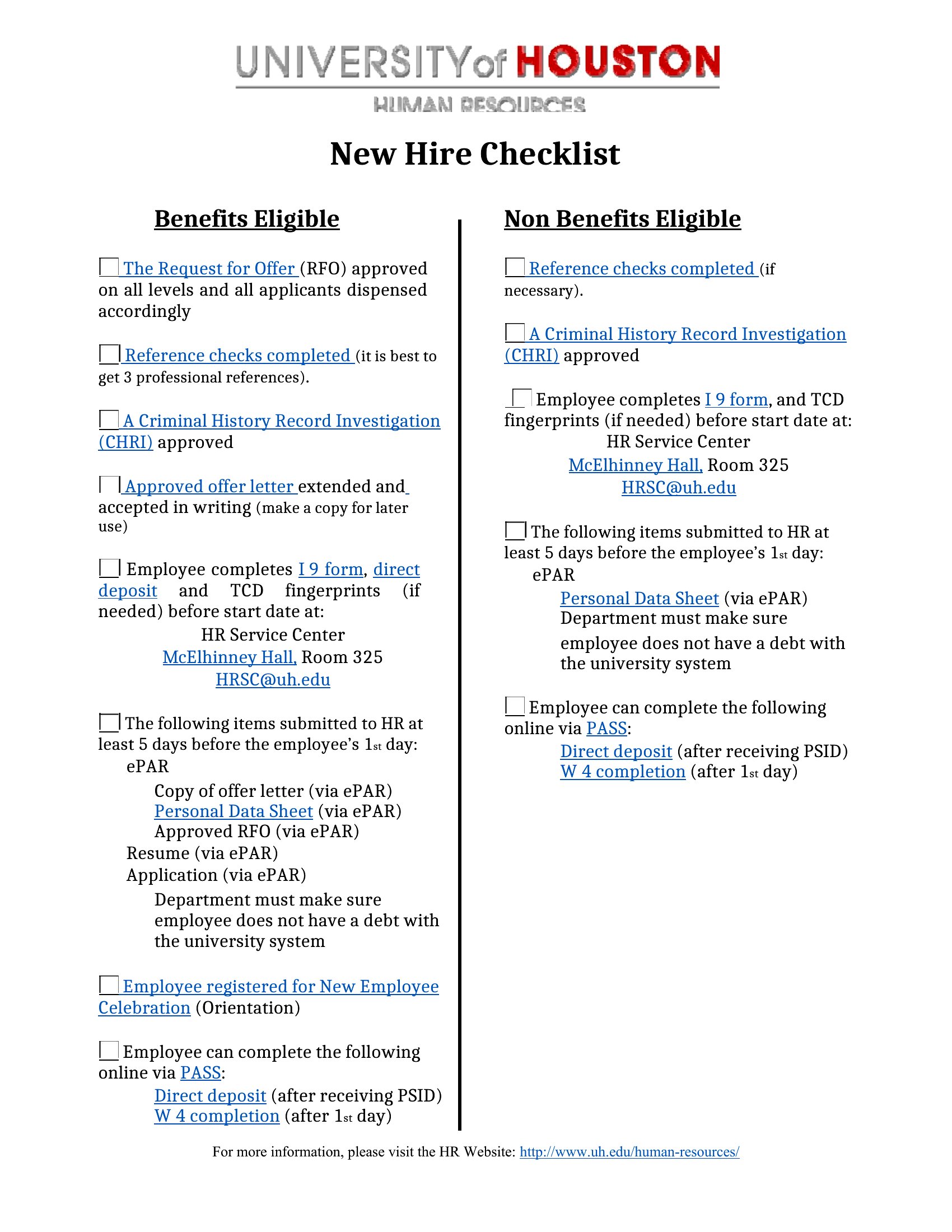
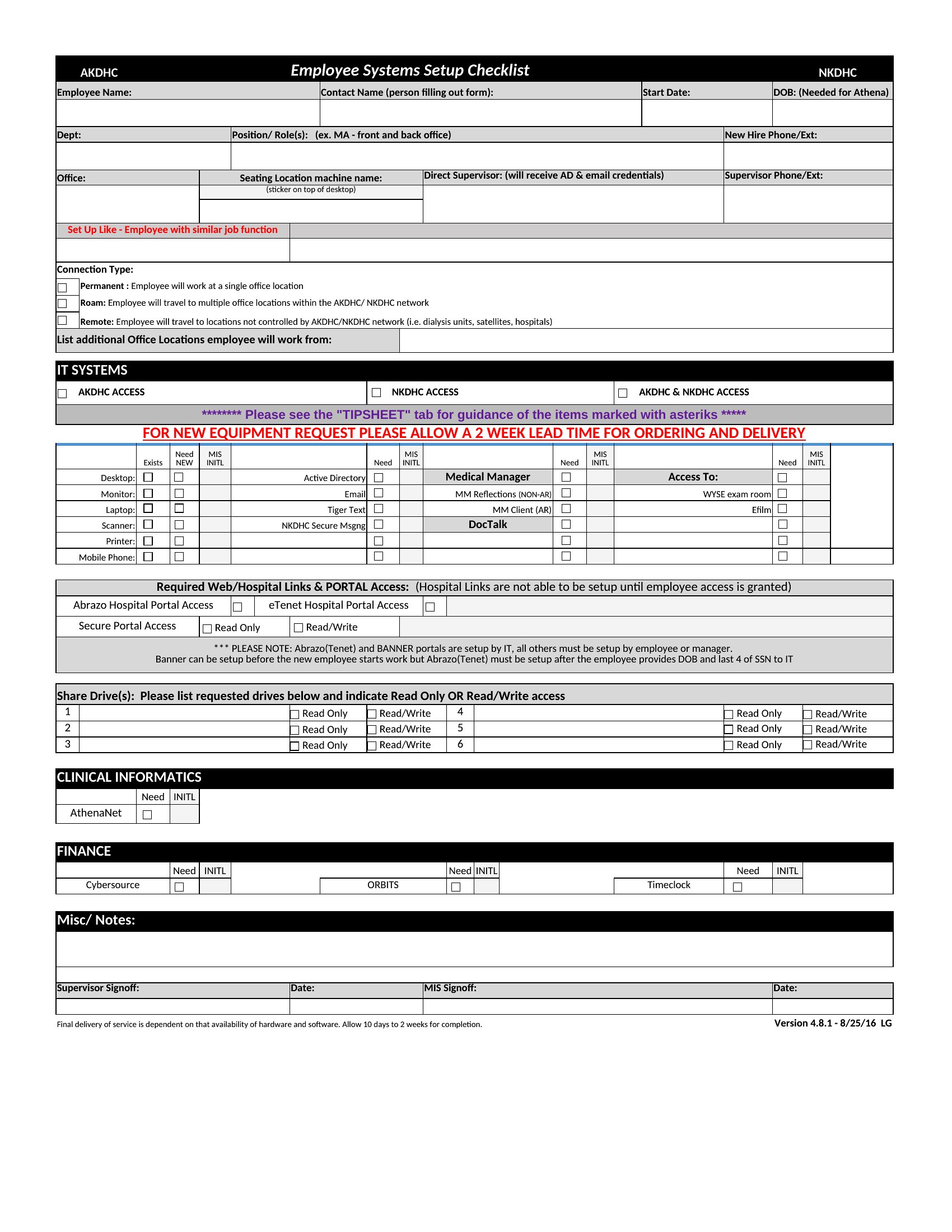
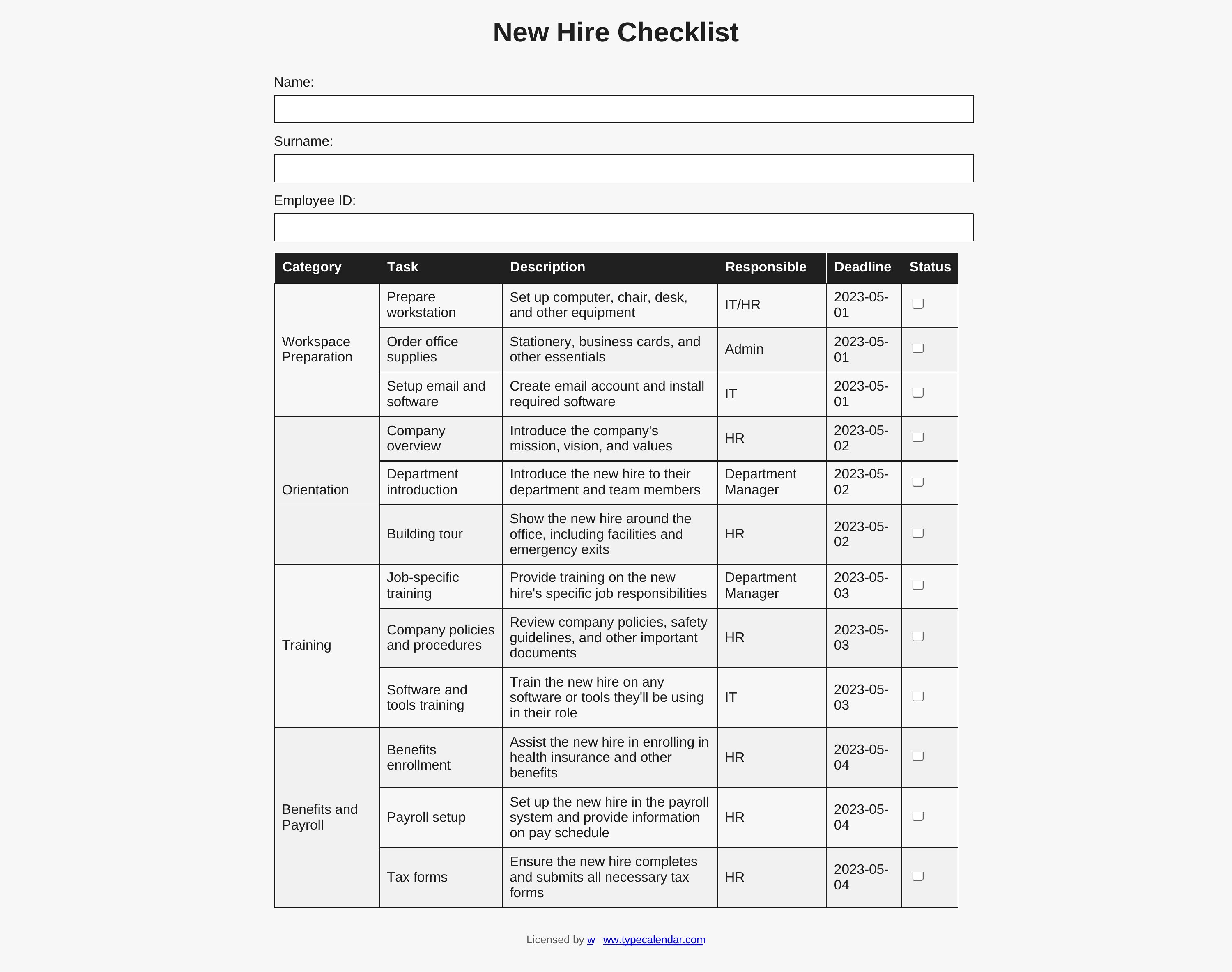
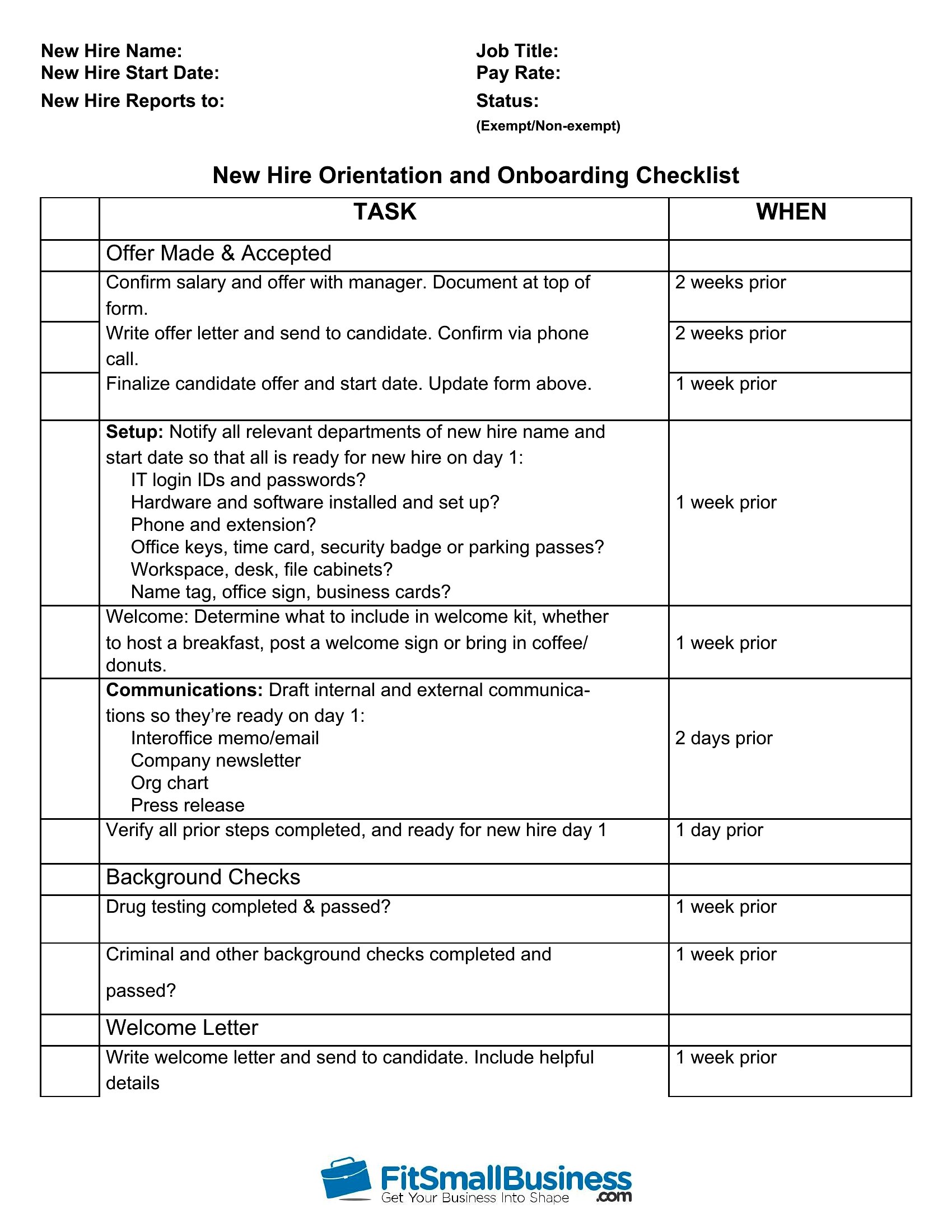
ApplicationsA smooth first day sets the tone for a new employee, and a good checklist makes sure nothing gets missed. This set of 51 new hire checklists covers paperwork, equipment, system access, training, and introductions, so HR teams and managers can onboard people consistently. From the offer paperwork through the first week, each step has a place to be tracked.
You'll find Word versions for simple lists and Excel sheets you can sort and reuse for every new starter. Customize the tasks for your company, assign owners, and check items off as they're done. A repeatable process means each hire gets the same solid start. Download the checklist that fits your team and make onboarding one less thing to worry about.
When to use this New Hire Checklist template
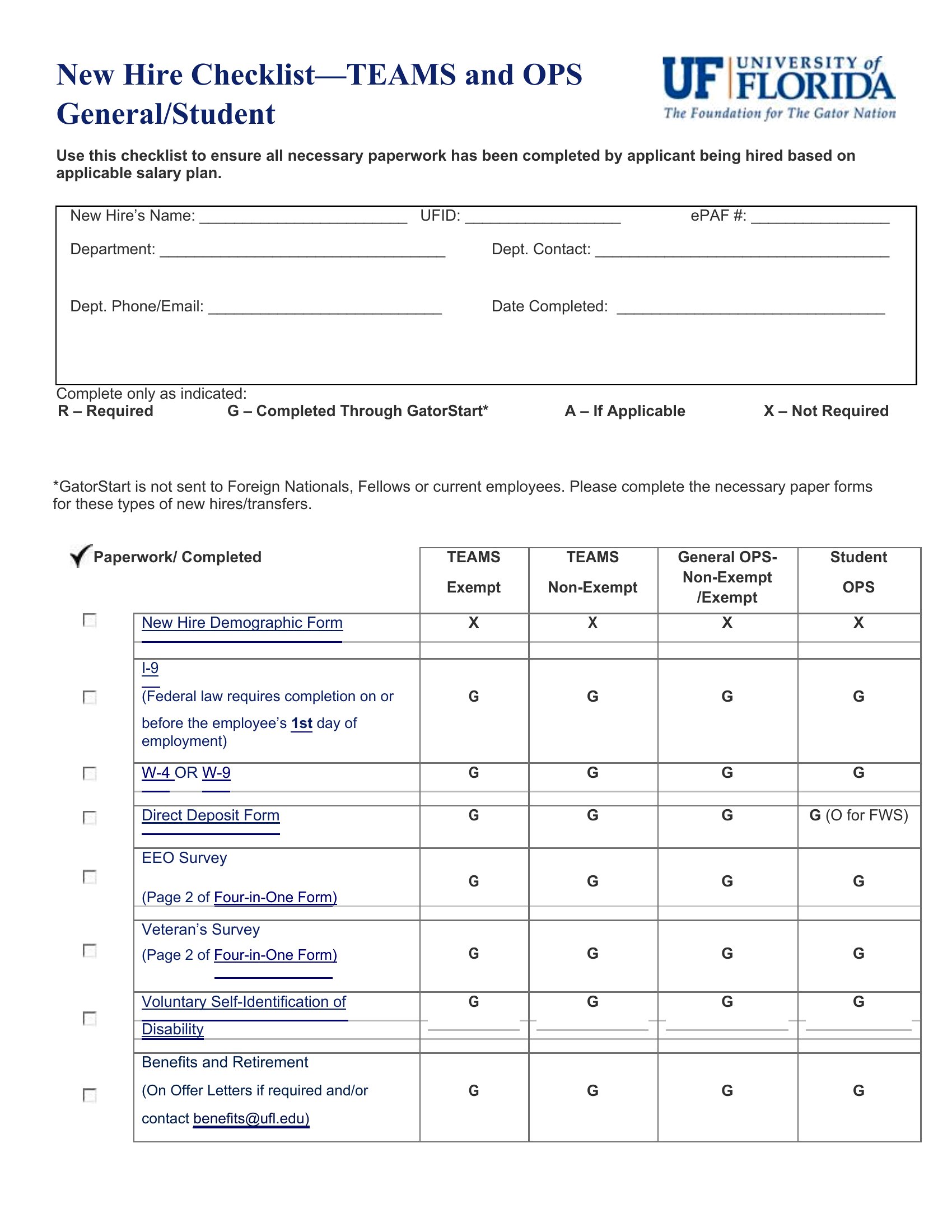
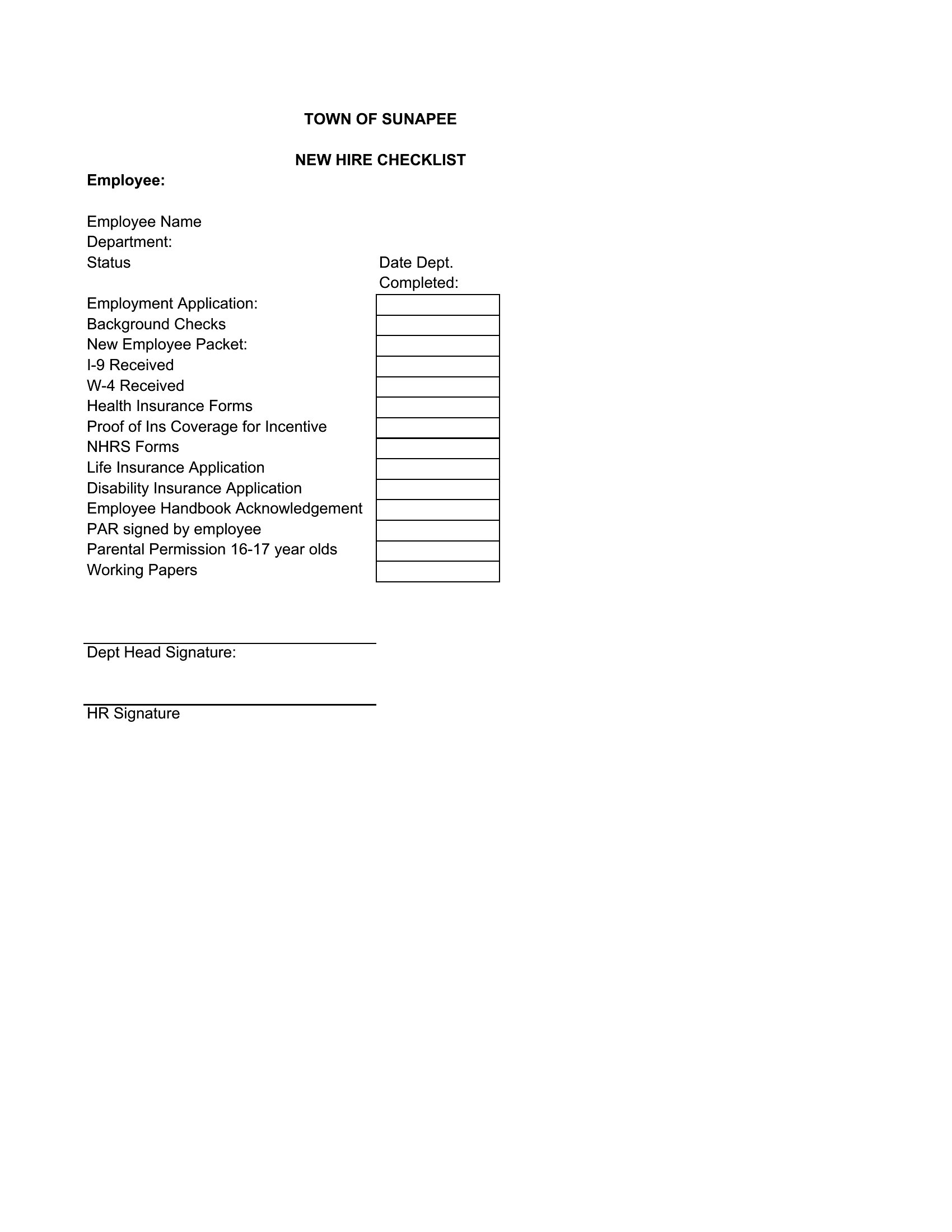
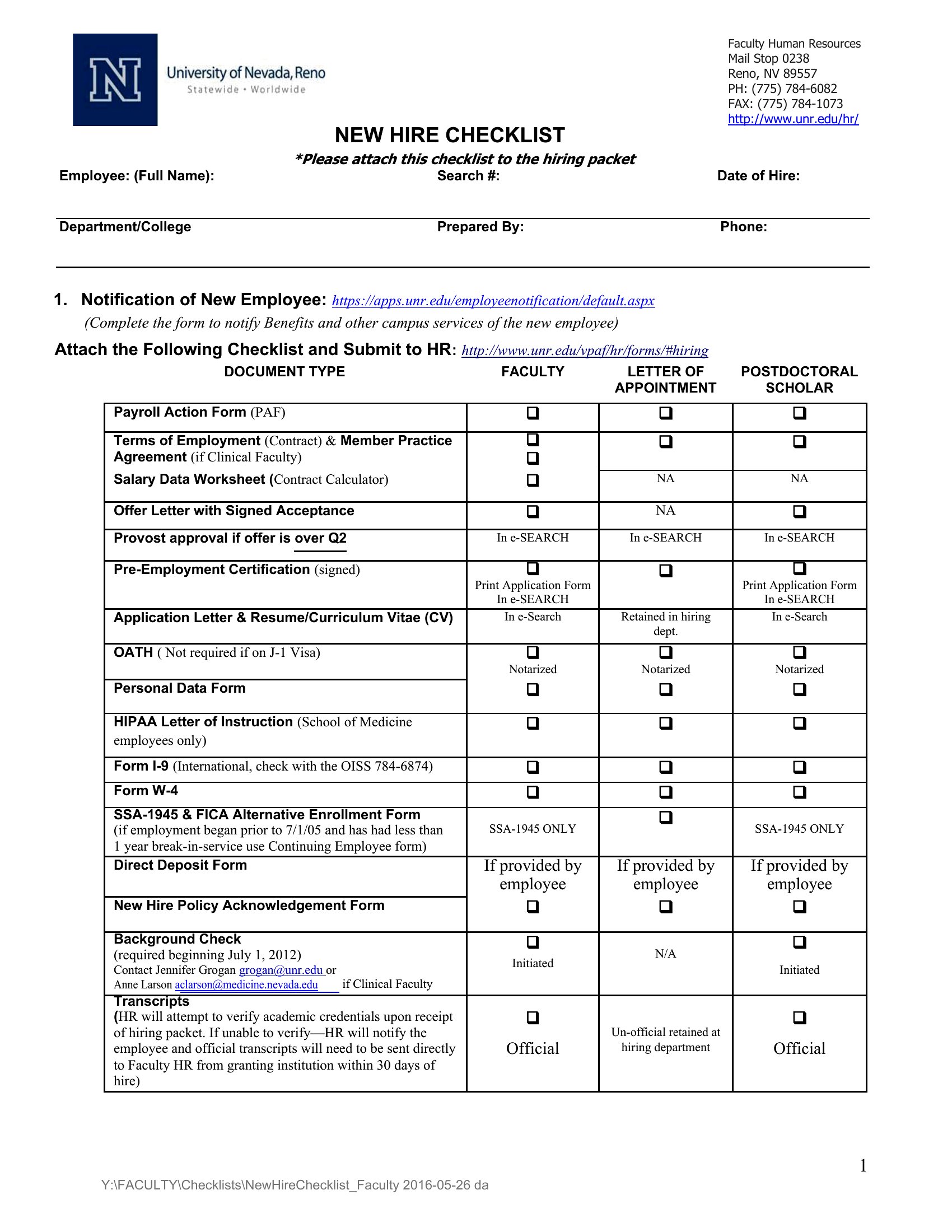
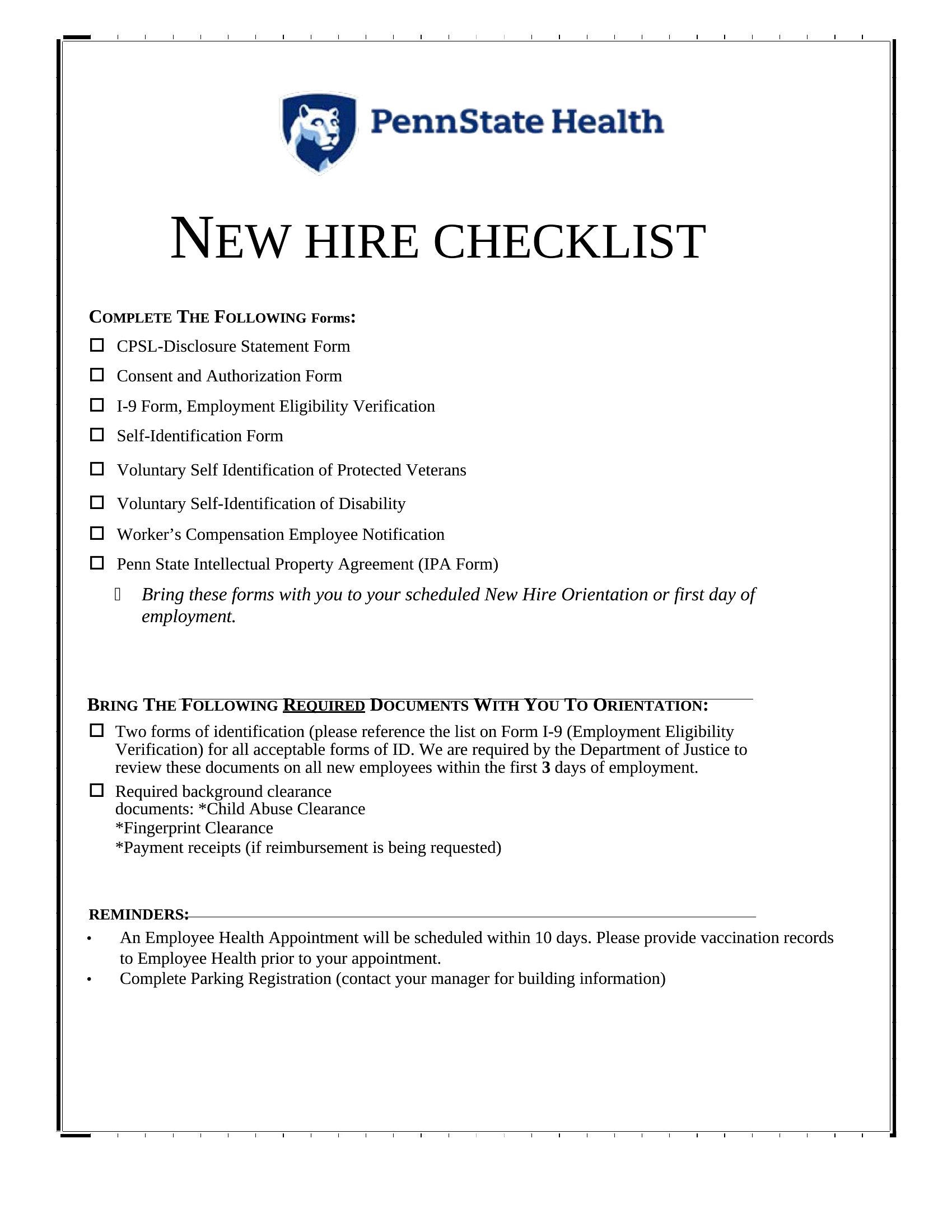
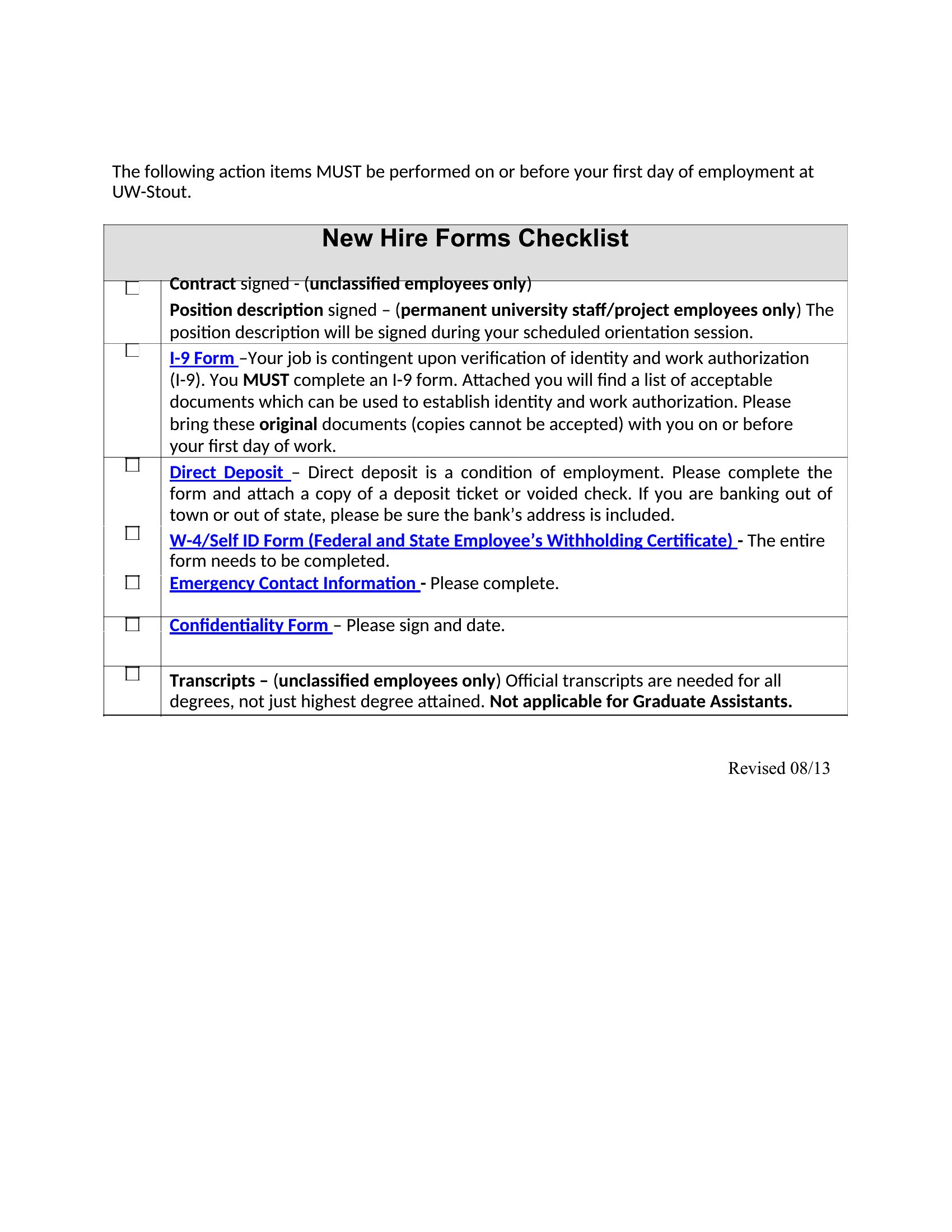
- HR generalists at small to mid-sized companies need a standardized way to track new hire paperwork across multiple locations, ensuring compliance documents like I-9s and W-4s are completed before day one.
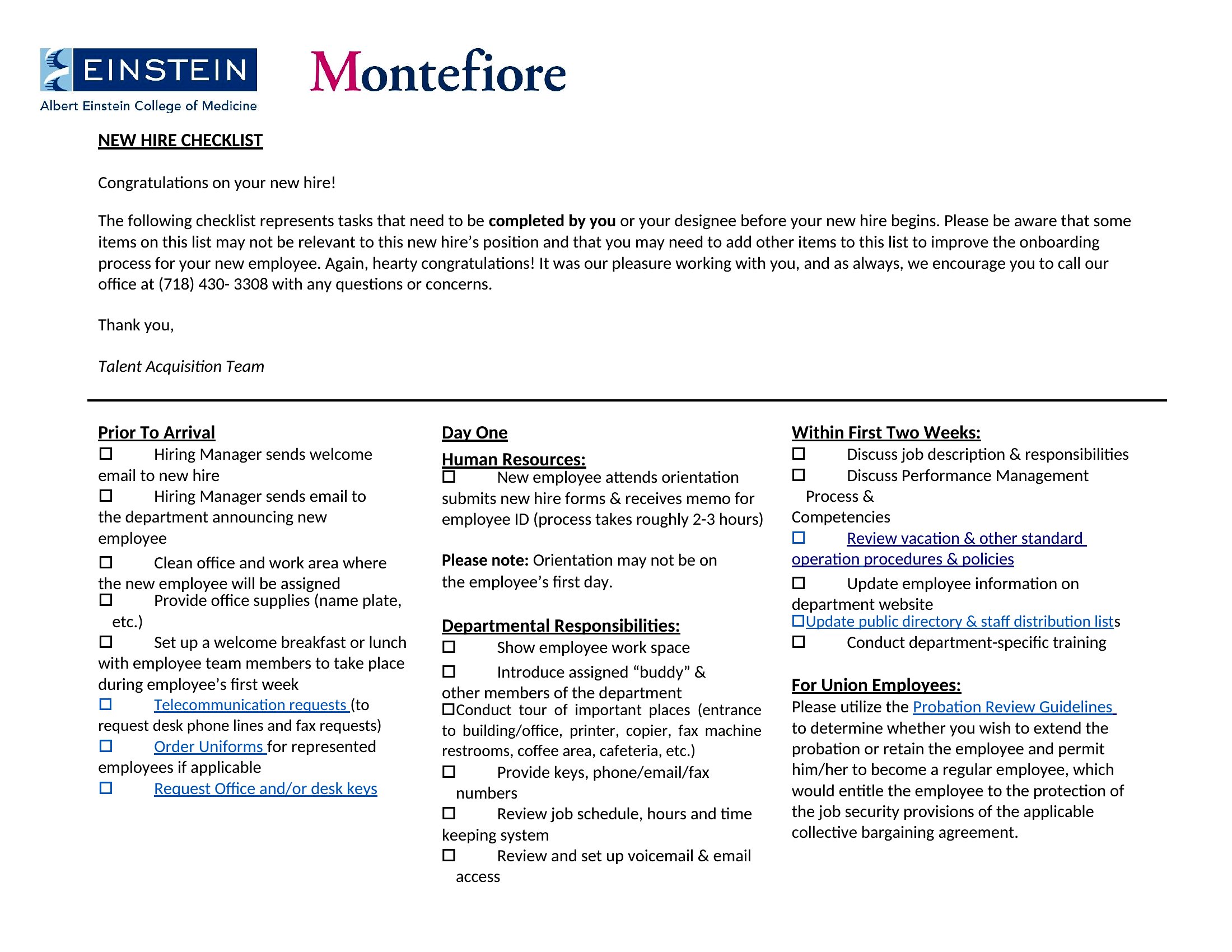
- Recruiters at startups with rapid hiring cycles use checklists to assign onboarding tasks to managers, so equipment setup and system access aren’t delayed while they focus on sourcing new talent.
- Training coordinators in technical fields rely on detailed checklists to document software access, security training, and lab access for engineers, ensuring no step is skipped during the first 30 days.
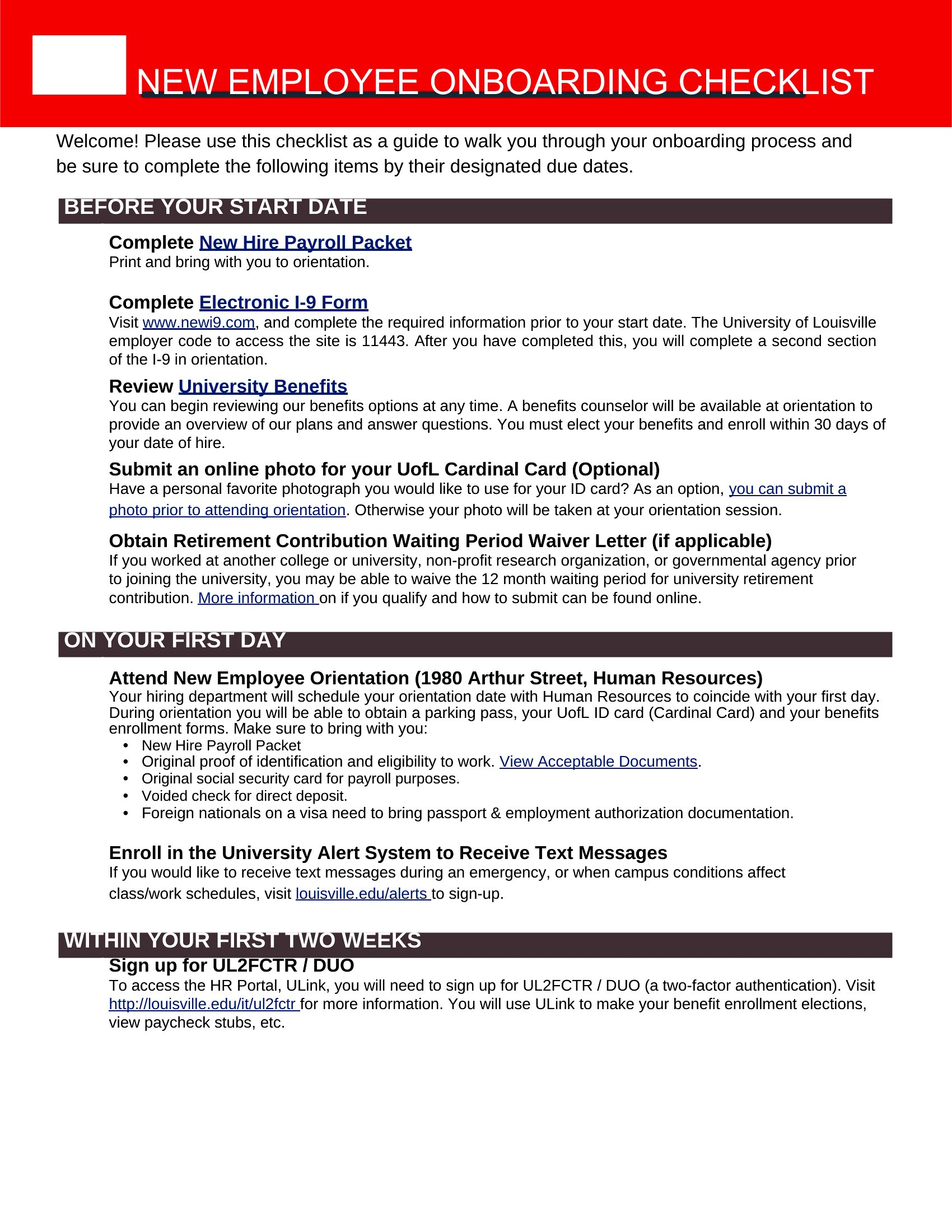
- Remote hiring managers use Word checklists to email new employees a clear, step-by-step guide for virtual onboarding, including video call prep, team introductions, and toolkit setup before their first day.
Which format should I download?
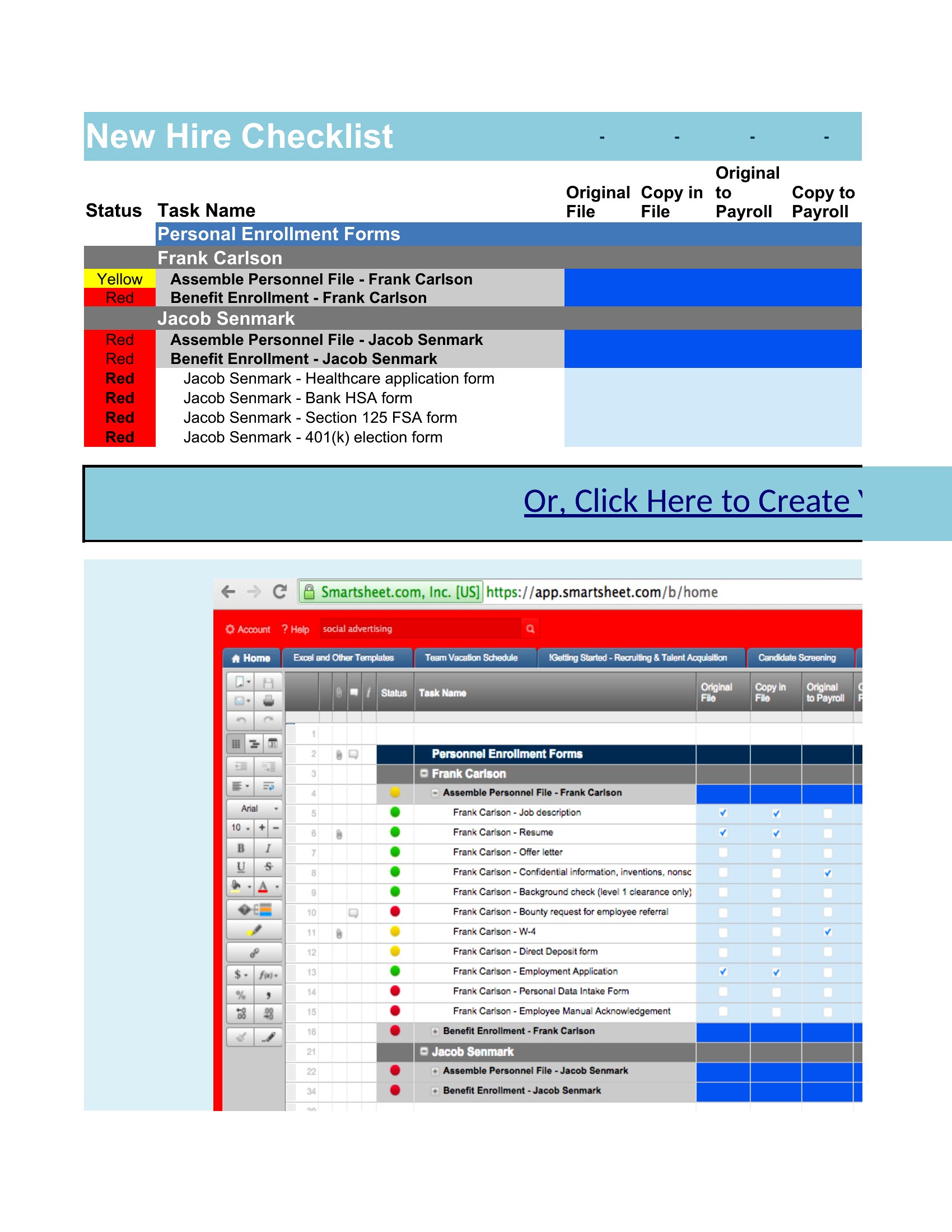
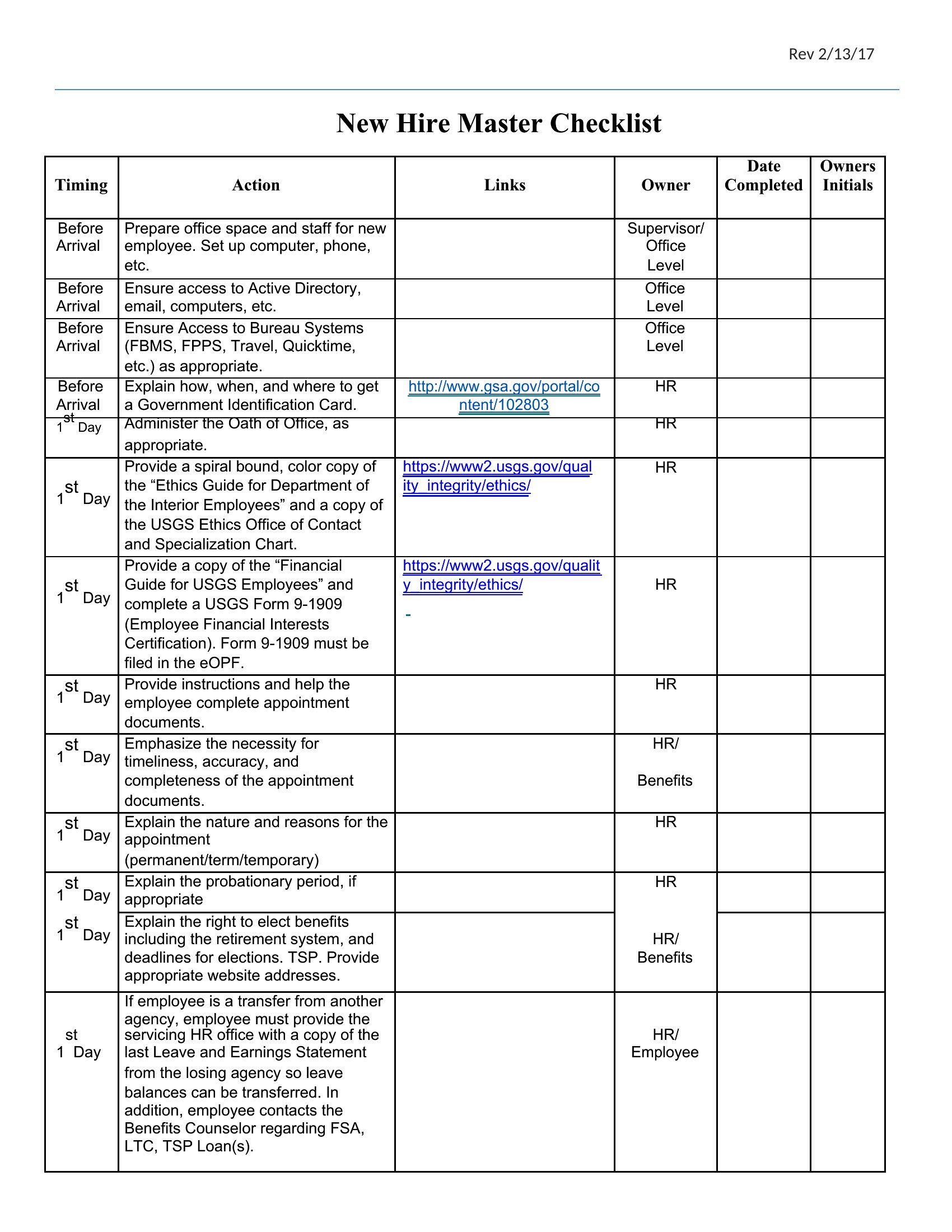
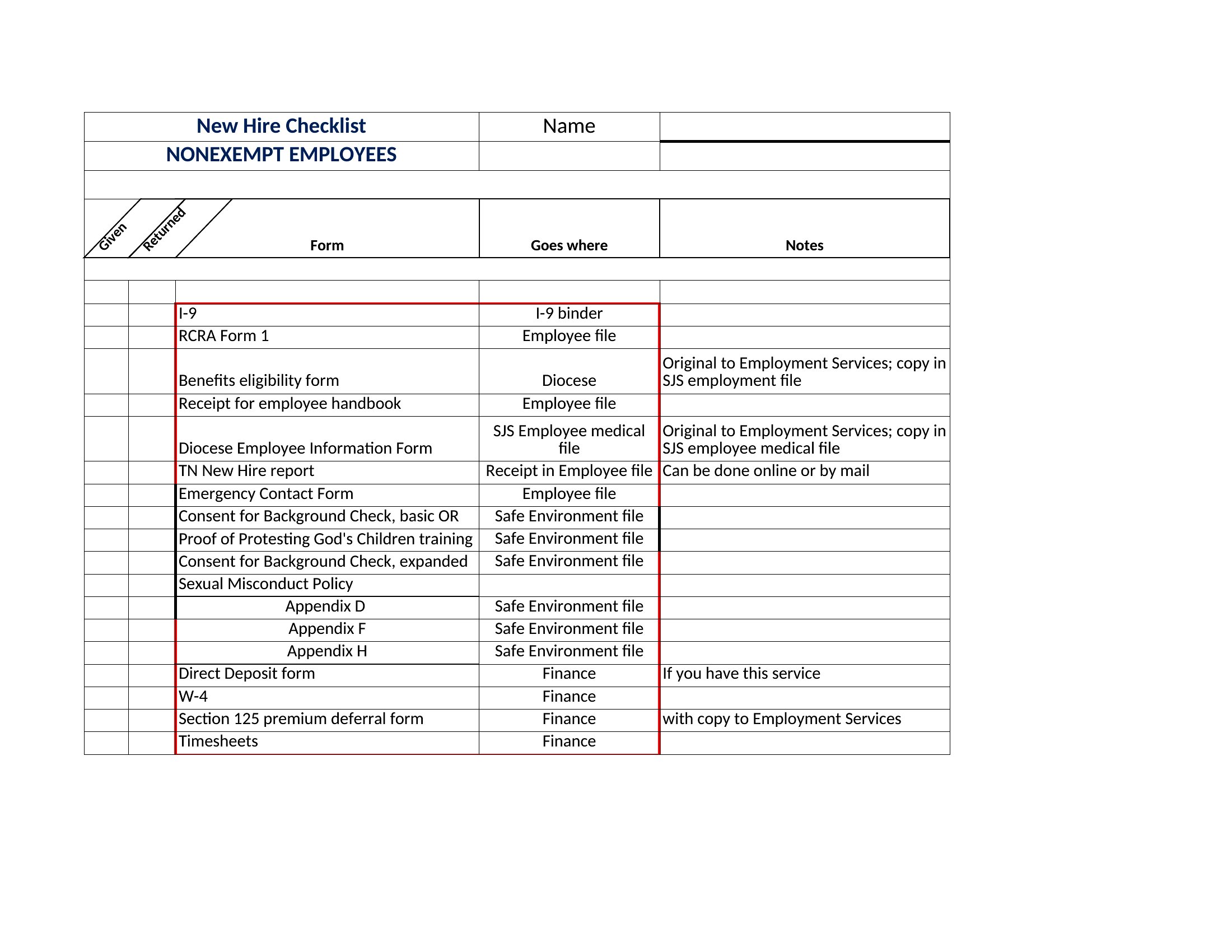
Choose Word for simple, shareable checklists that HR teams can email directly to managers or new hires. The linear format works best when tasks are sequential and need clear instructions. Excel is ideal for tracking progress across multiple new hires at once—use it if you need to log completion dates, assign owners, or filter tasks by department. For teams with dozens of new starts monthly, the spreadsheet format helps spot bottlenecks faster than a Word list.
Choose from 51 New Hire Checklist Templates
How to use this New Hire Checklist template
Can I customize these checklists to include company-specific compliance requirements?
These templates serve as a foundation, but you’ll need to review them with your legal or HR team to add local, state, or industry-specific requirements. For example, healthcare onboarding may need HIPAA training steps, while finance roles might require additional security clearances. Always consult a compliance expert before finalizing.
How do I adapt this for contractors or temporary hires who have shorter onboarding periods?
Shorten the checklist to focus only on essentials like tax forms, equipment access, and safety training. Remove long-term tasks like culture training or 30/60/90-day goals. Label the checklist clearly (e.g., ‘Contractor Onboarding – 1 Week’) to avoid confusion with full-time hire processes.
What’s the best way to share these with remote new hires who might not have Microsoft Office?
Save the Word checklist as a PDF to ensure compatibility, or export the Excel version as a CSV for Google Sheets. Include a brief video walkthrough or screenshot guide to help them follow along. For interactive tracking, use a tool like Trello or Asana to turn the checklist into a collaborative task list.
Comments
Join the conversation
Sign in to share your thoughts and leave a comment on this resource.