Free Use Case Templates (Word, PDF)
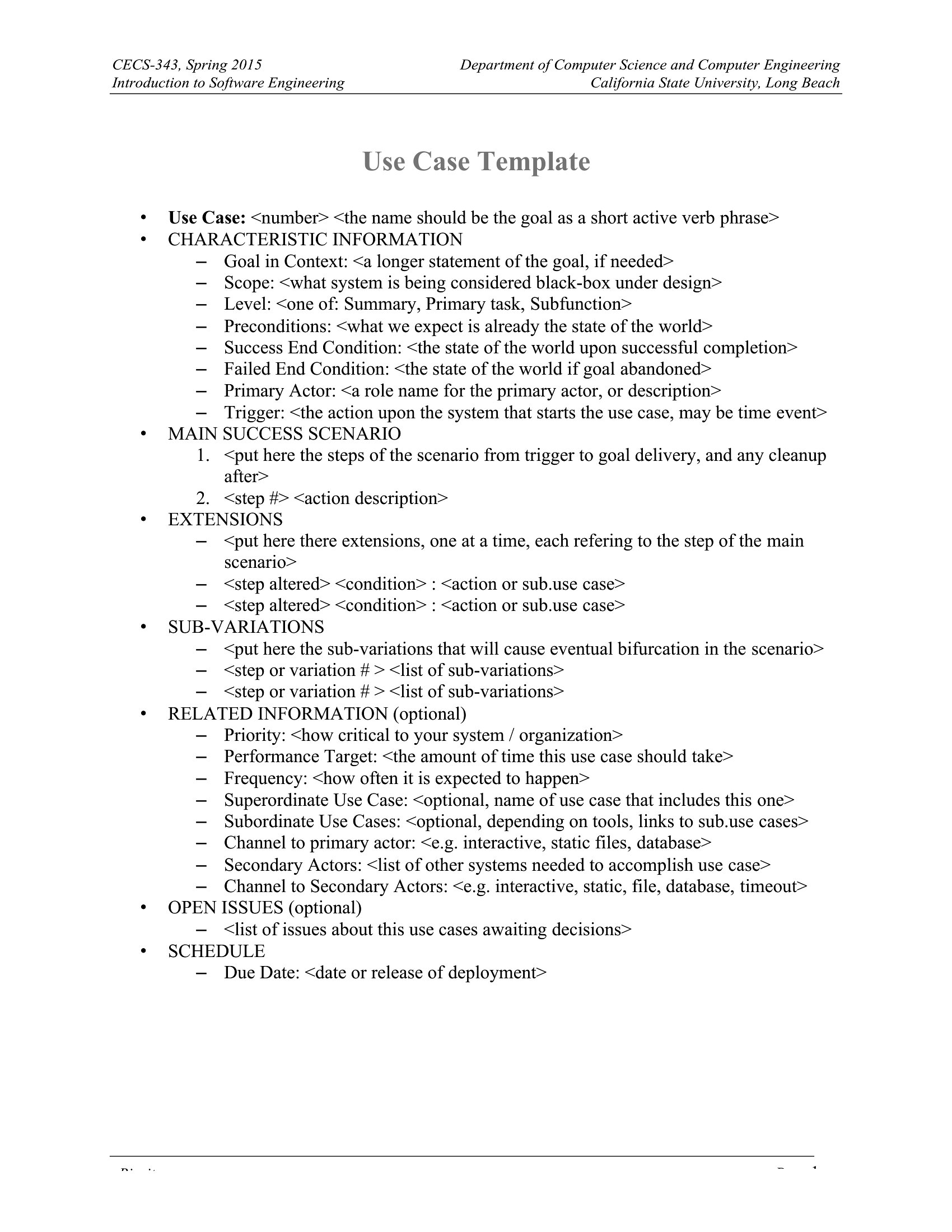
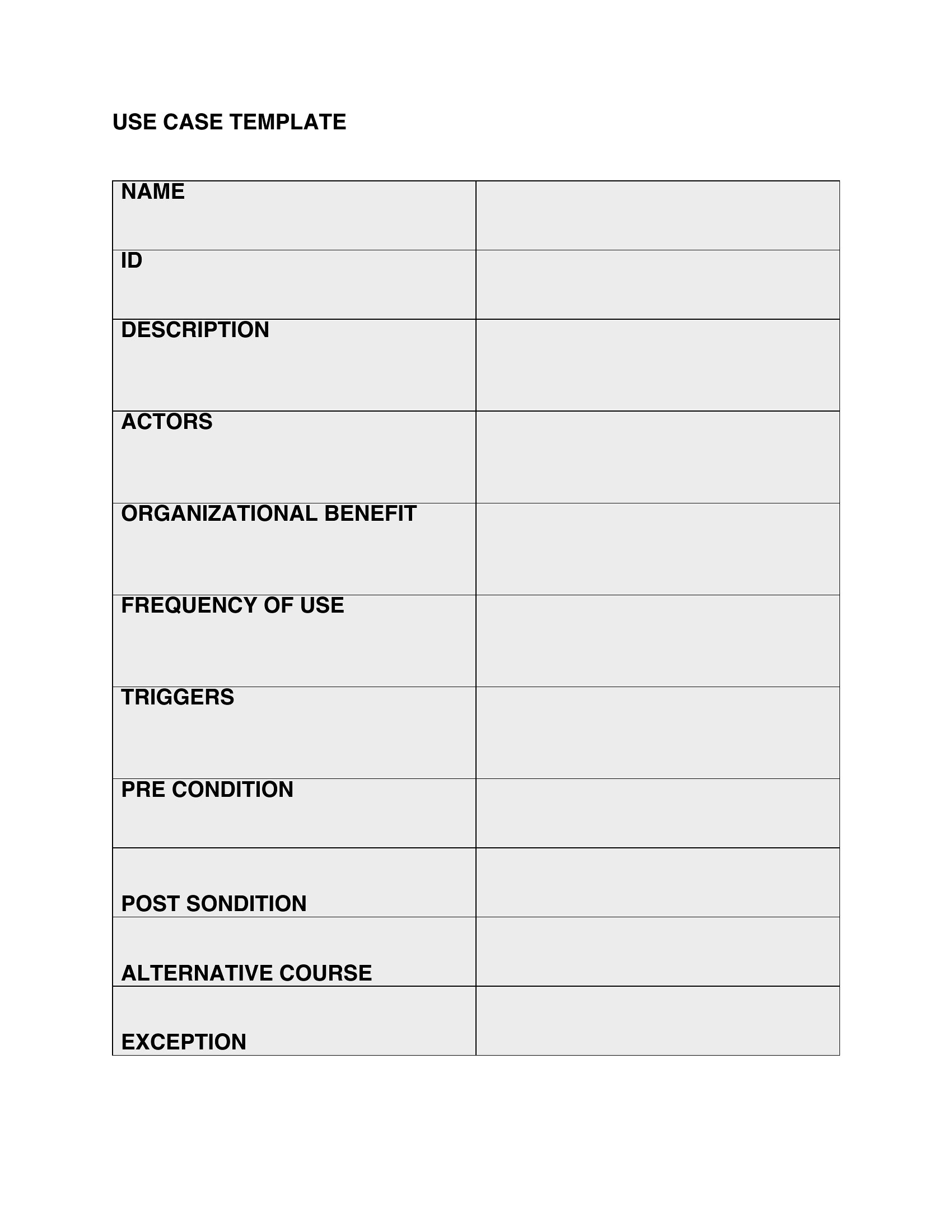
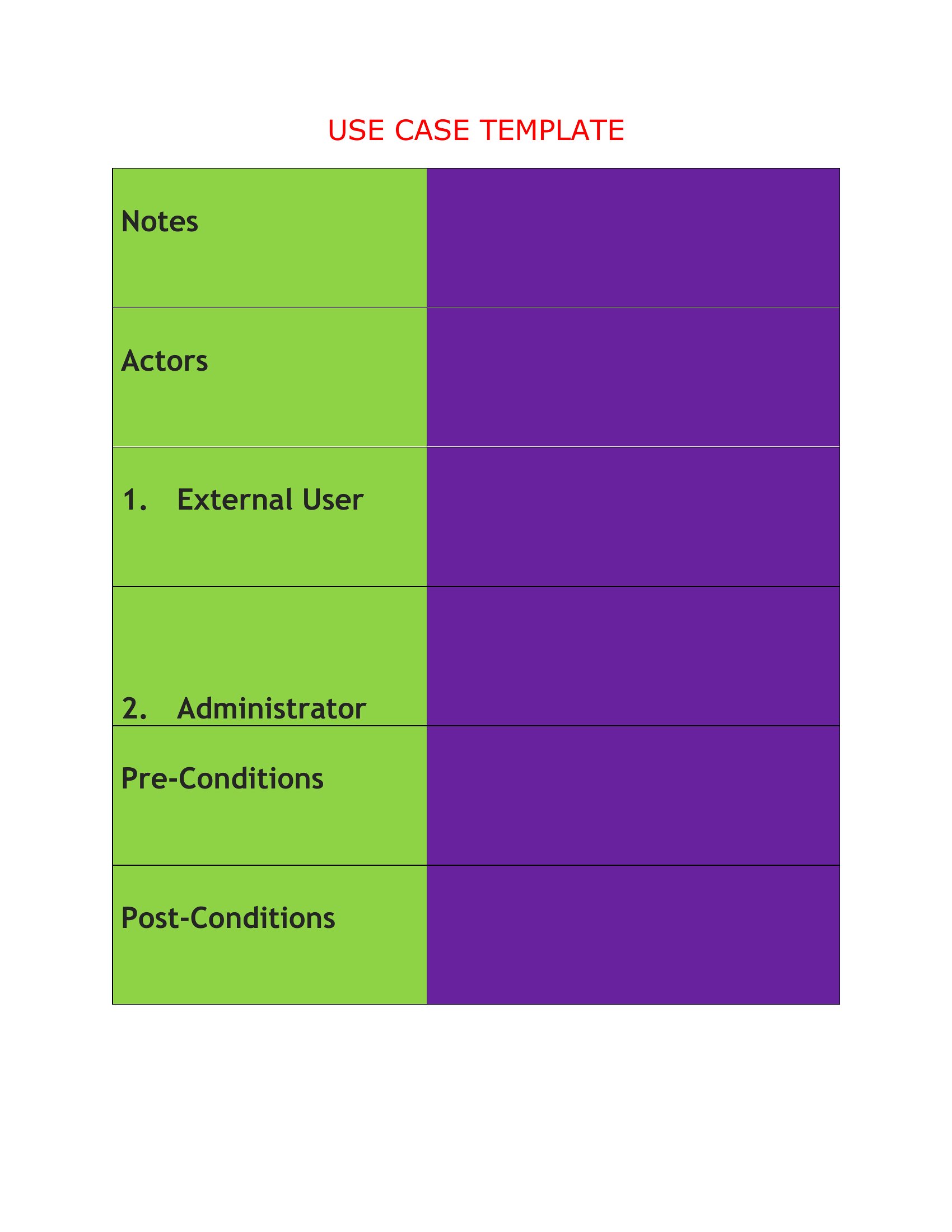
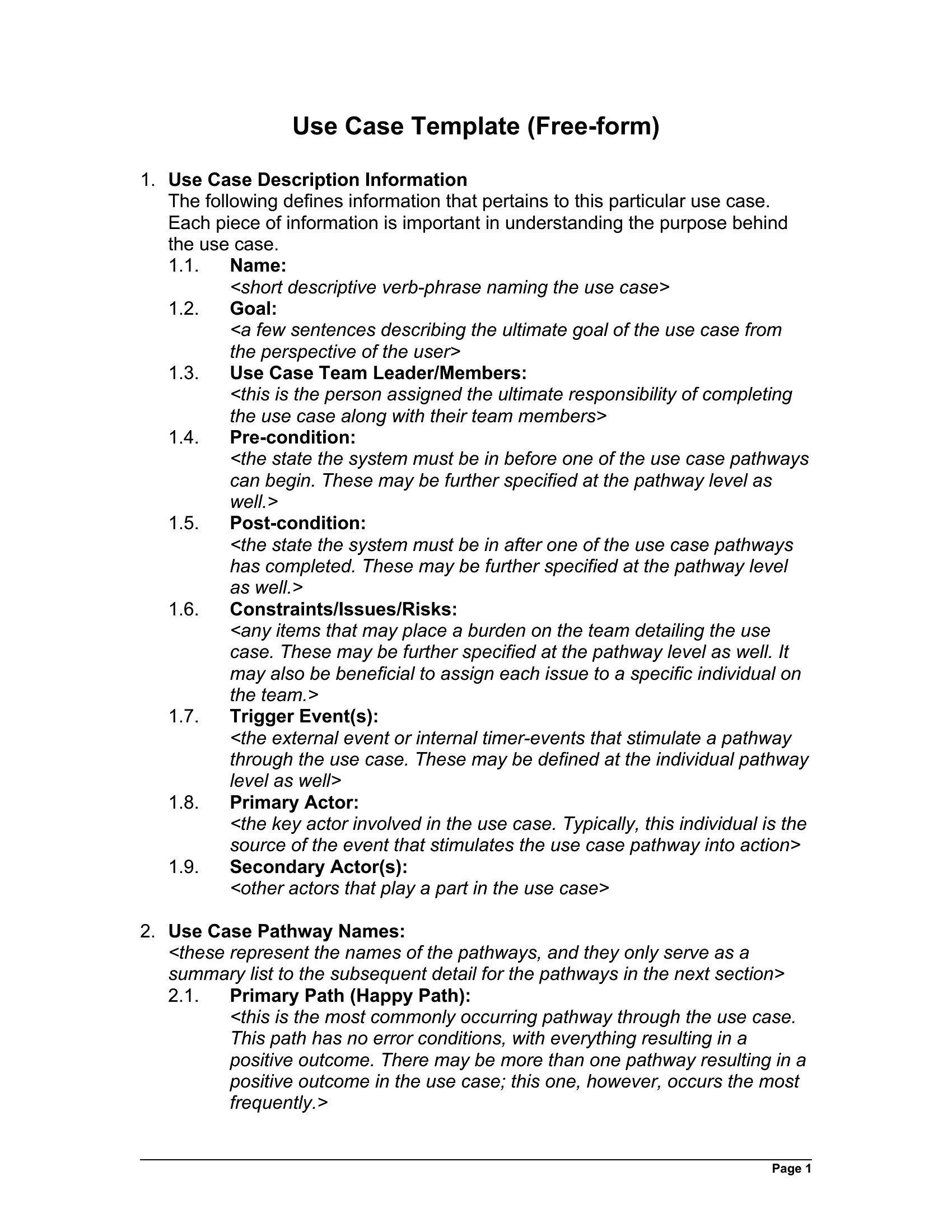
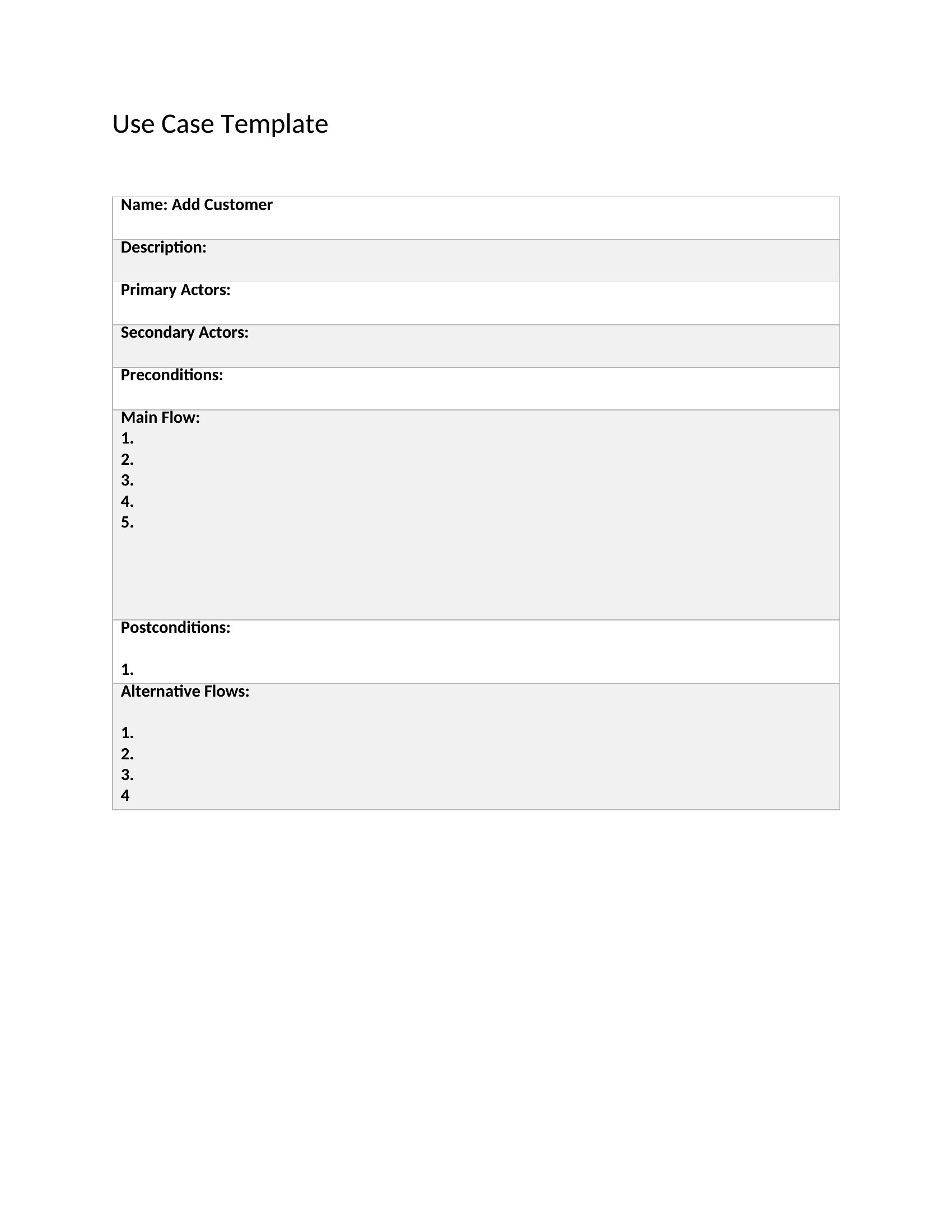
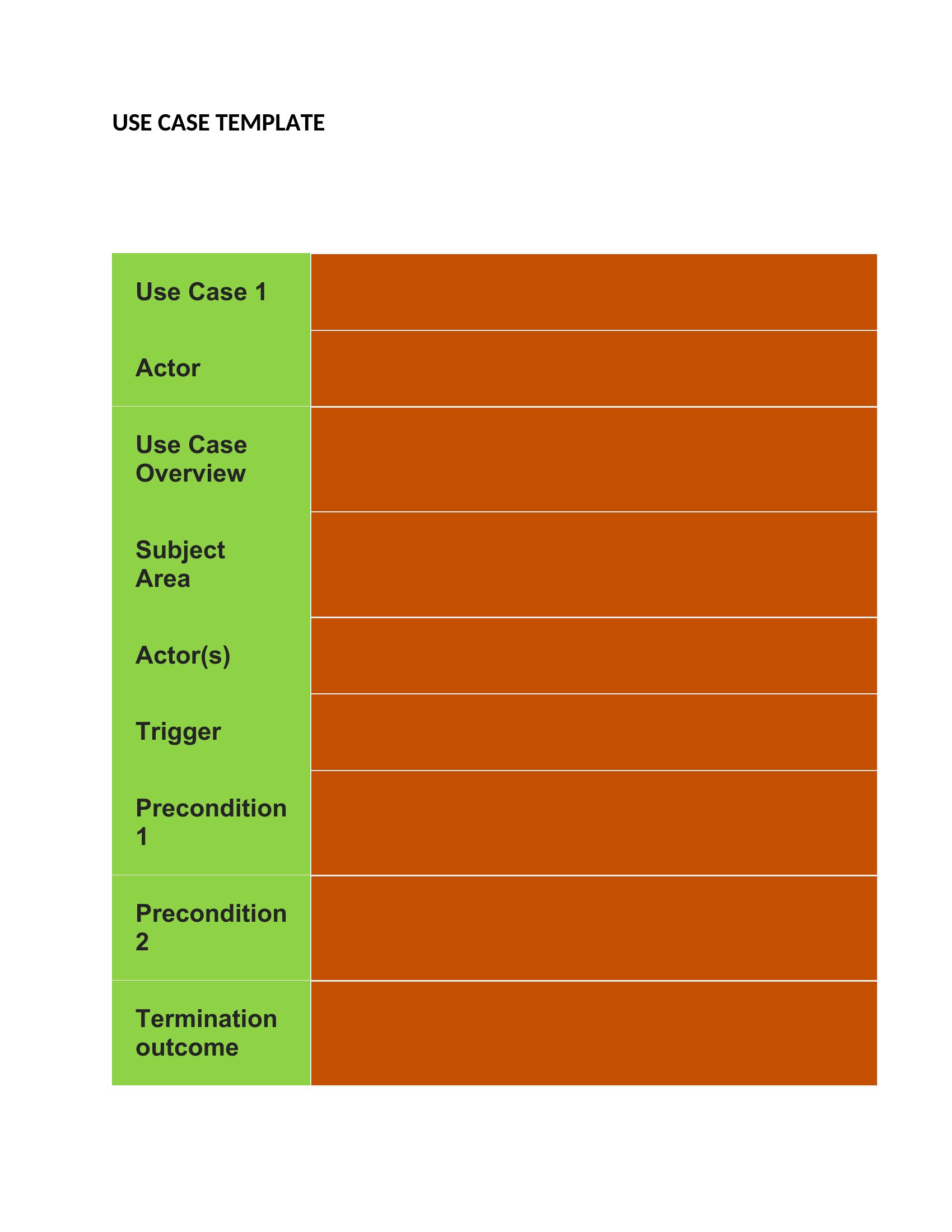
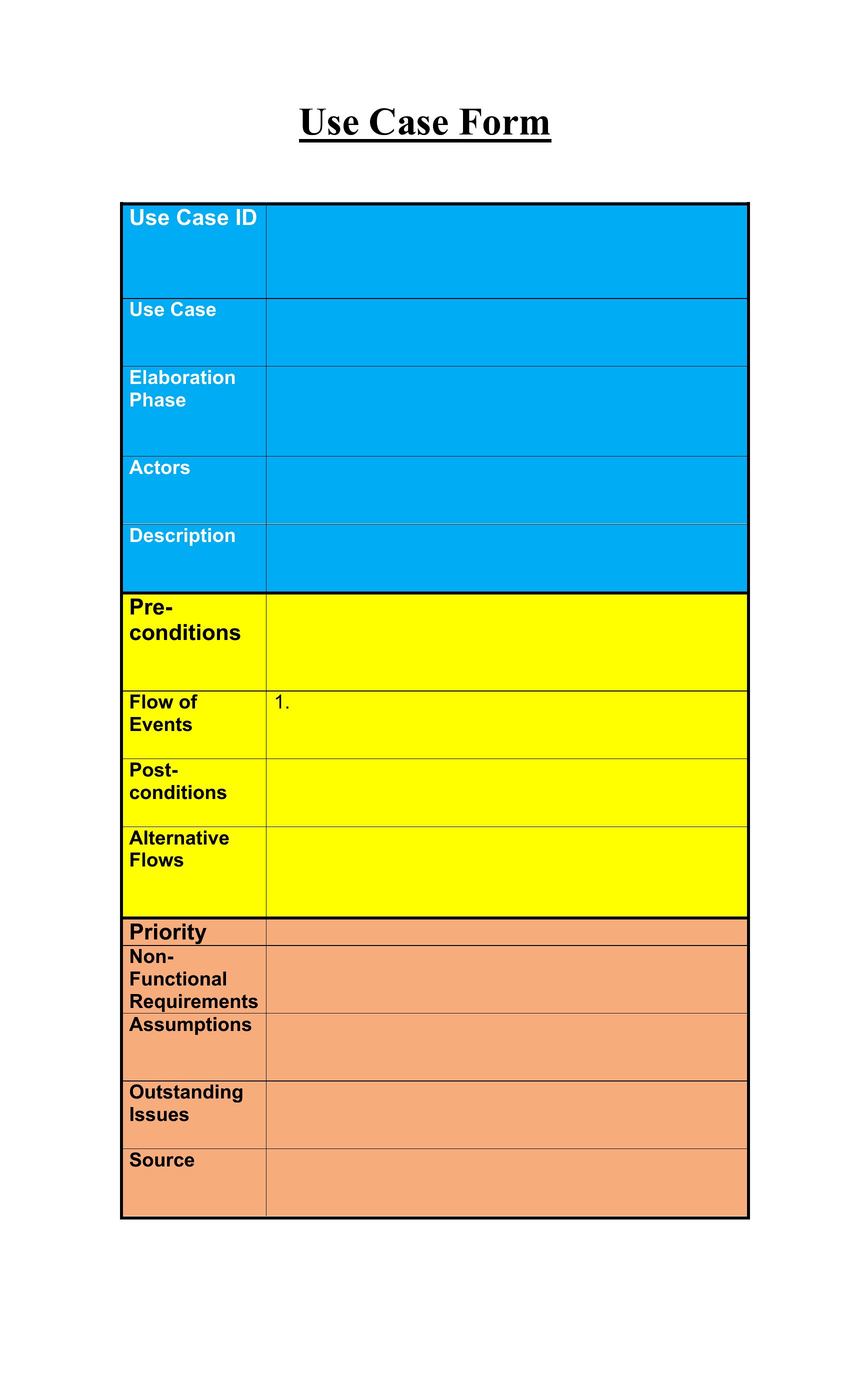
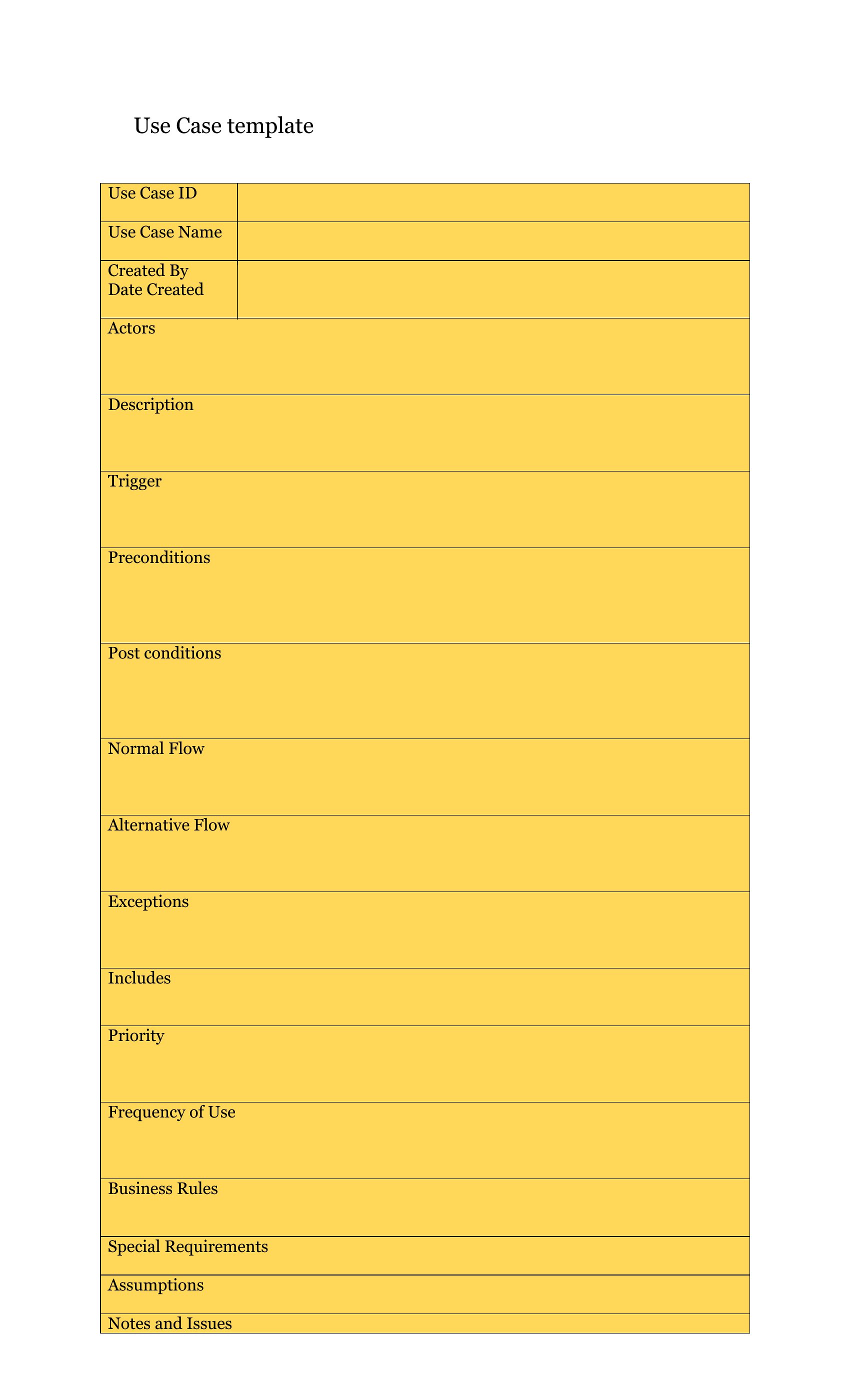
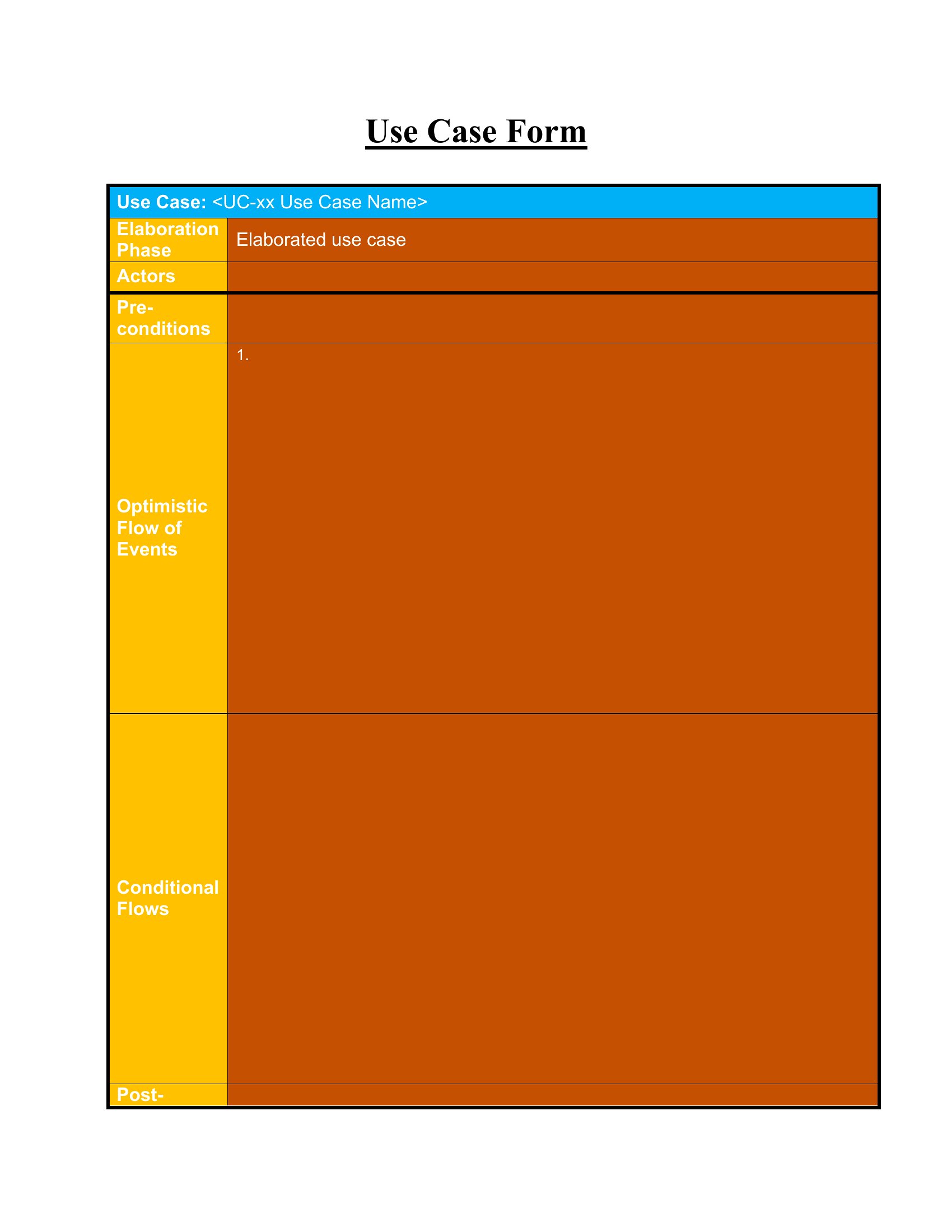
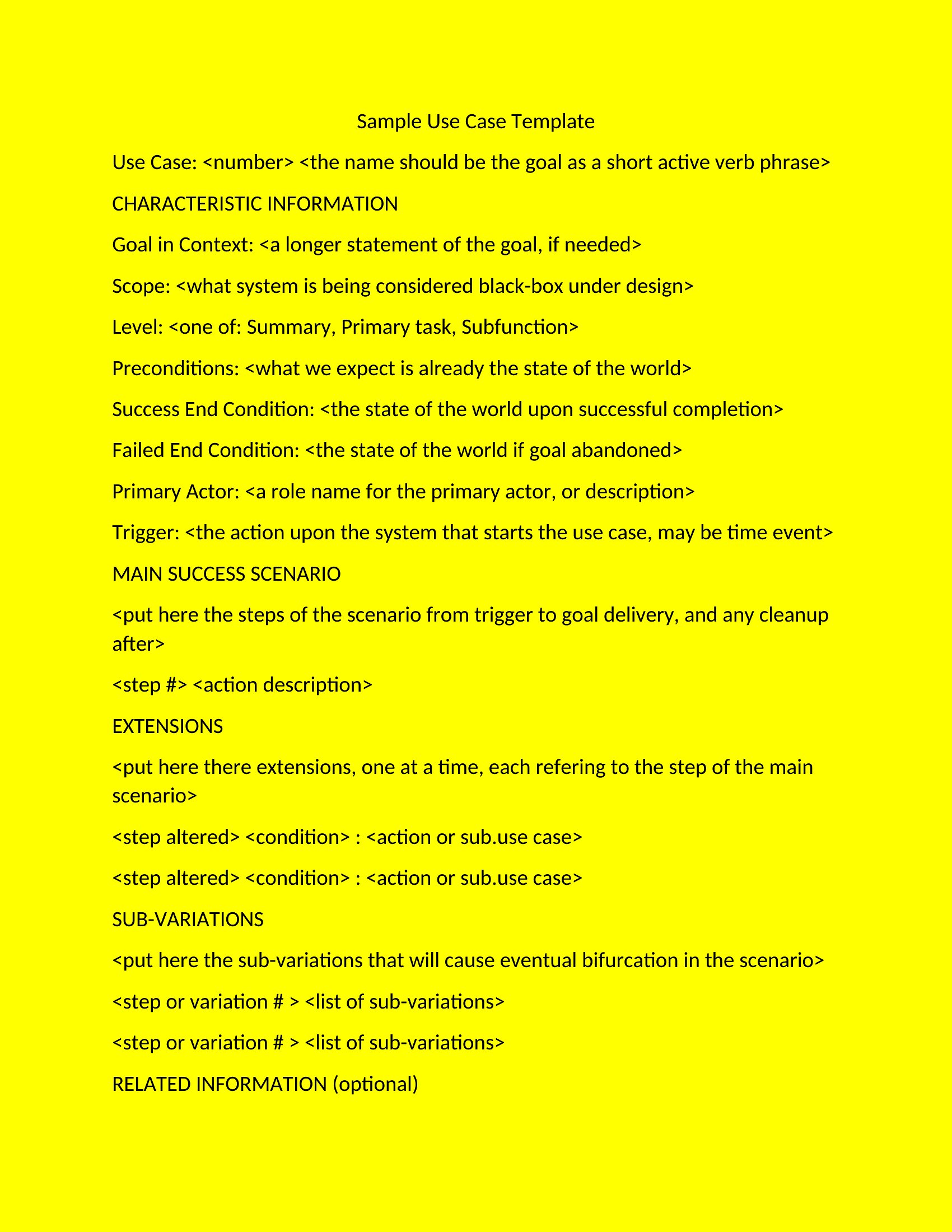
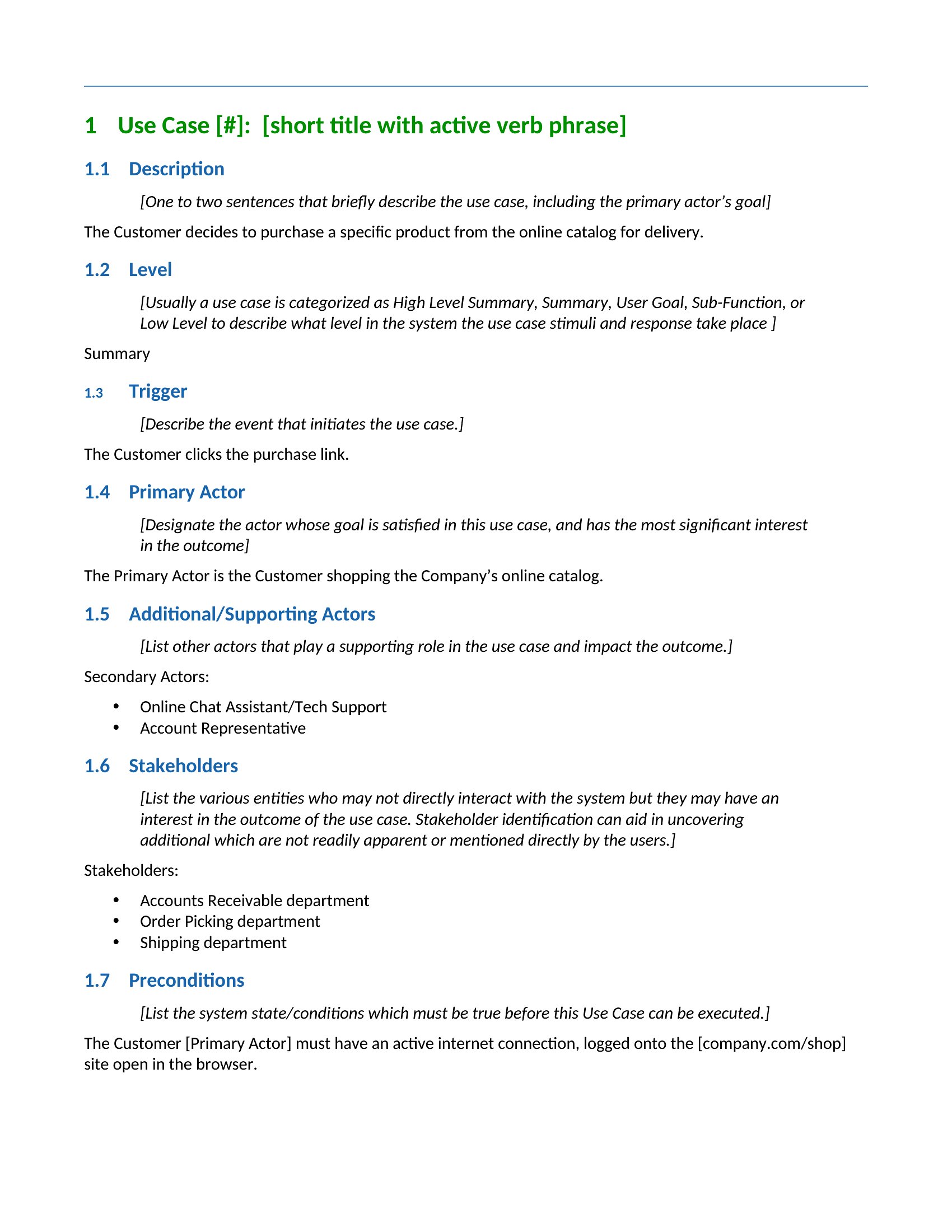
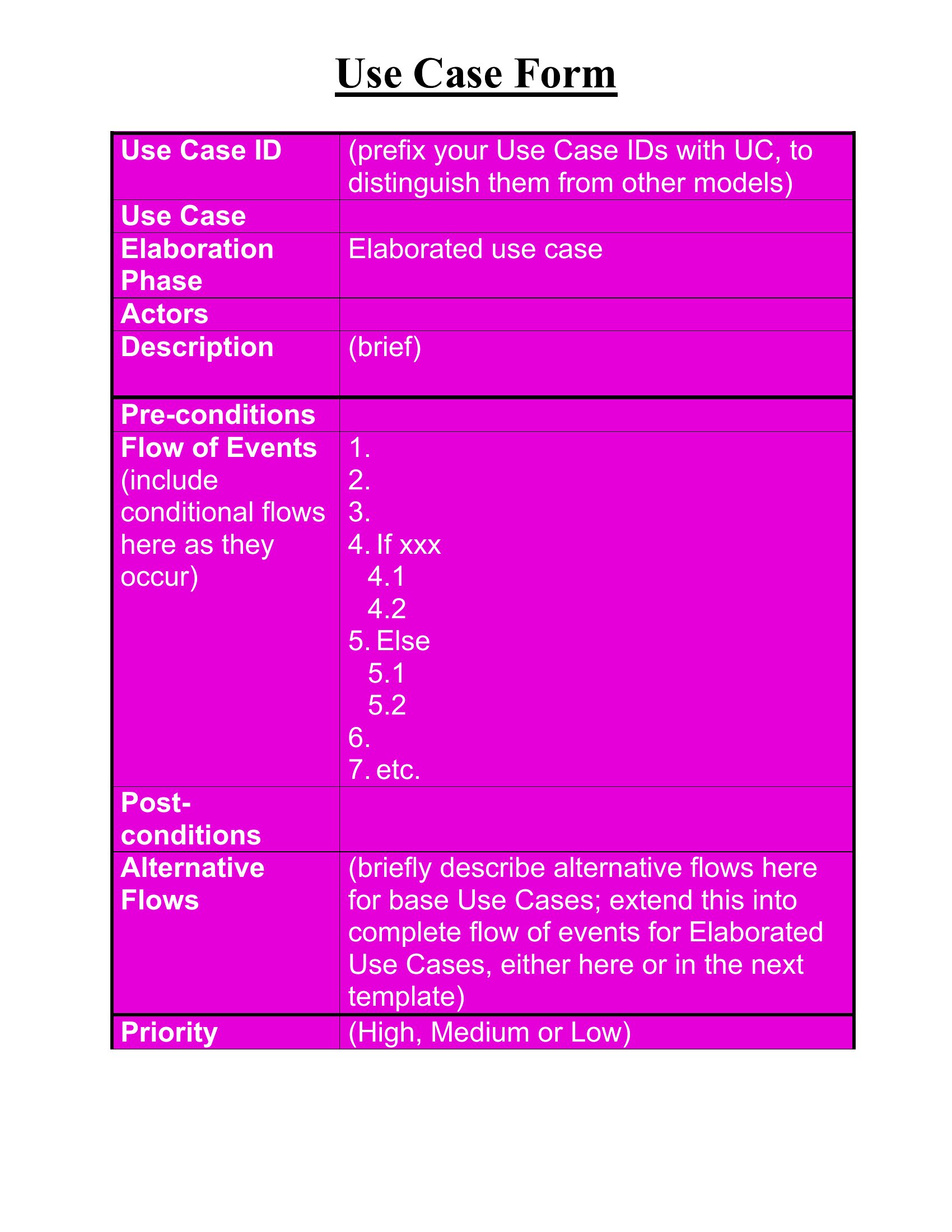
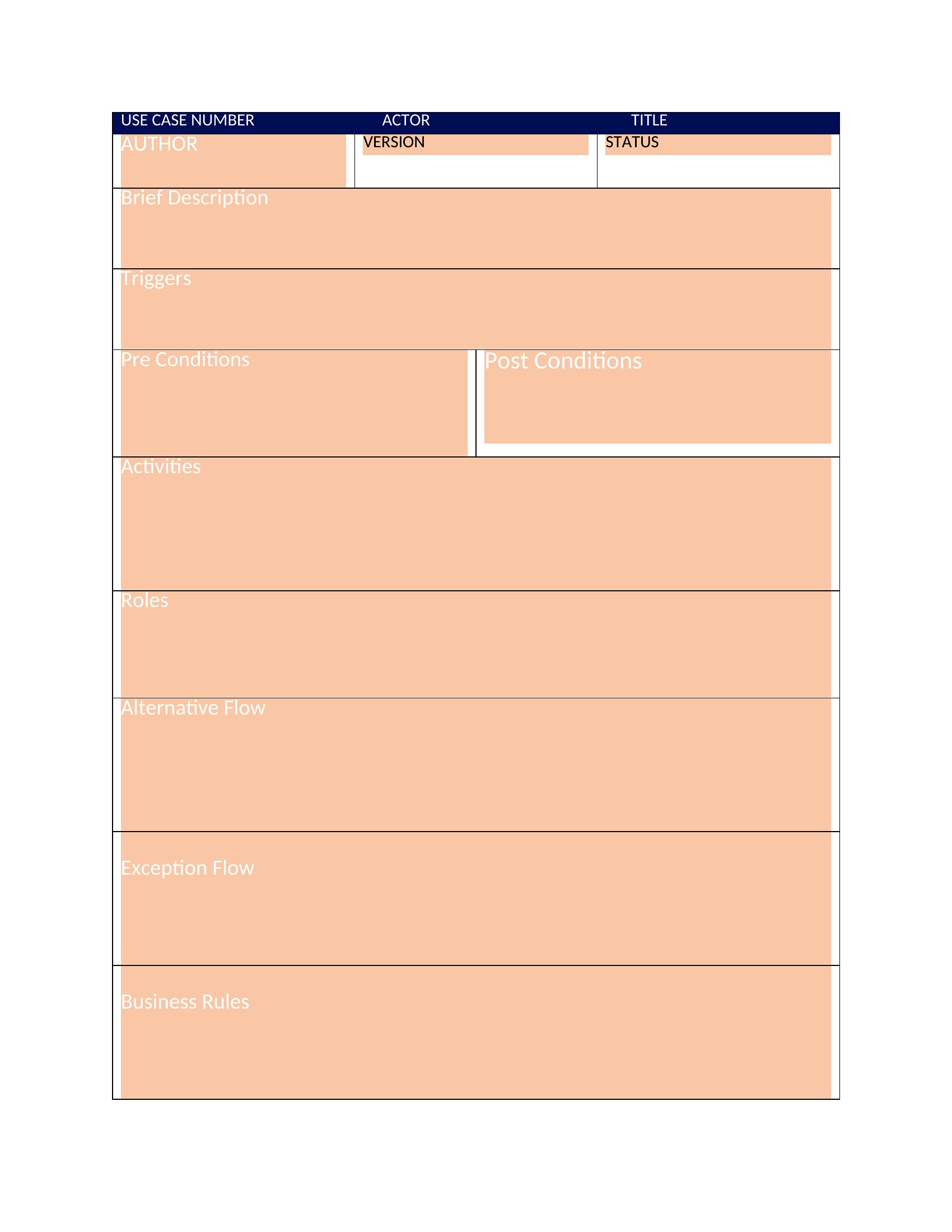
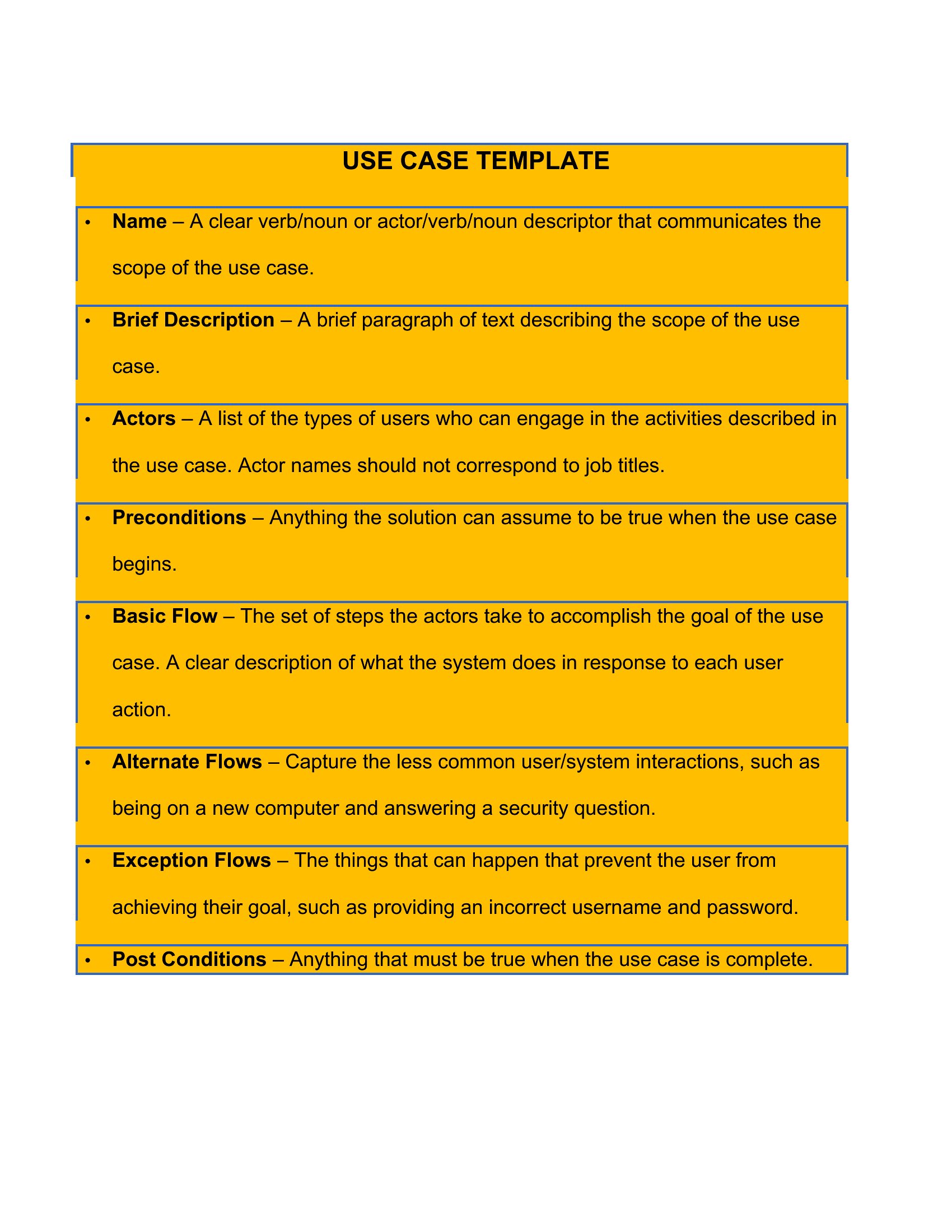
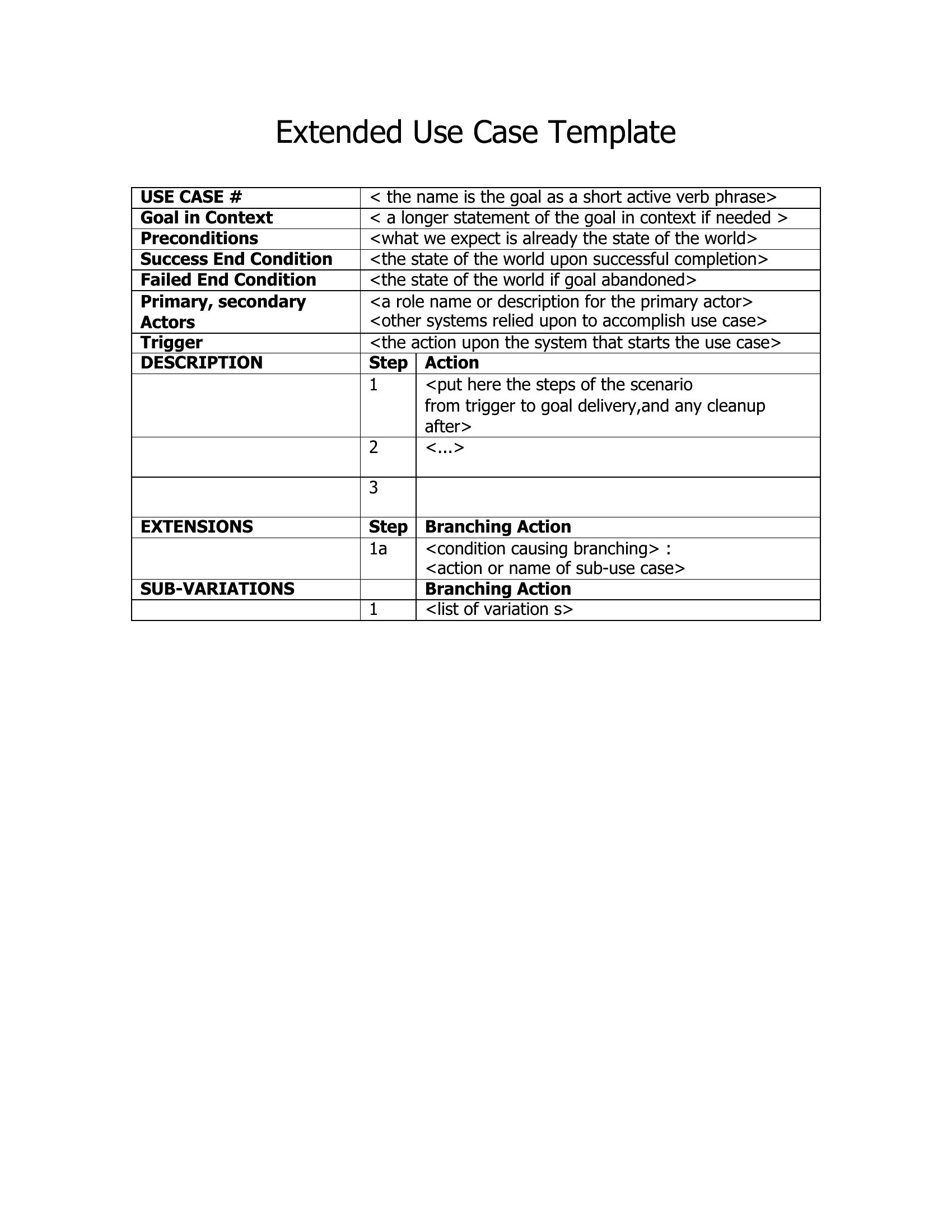
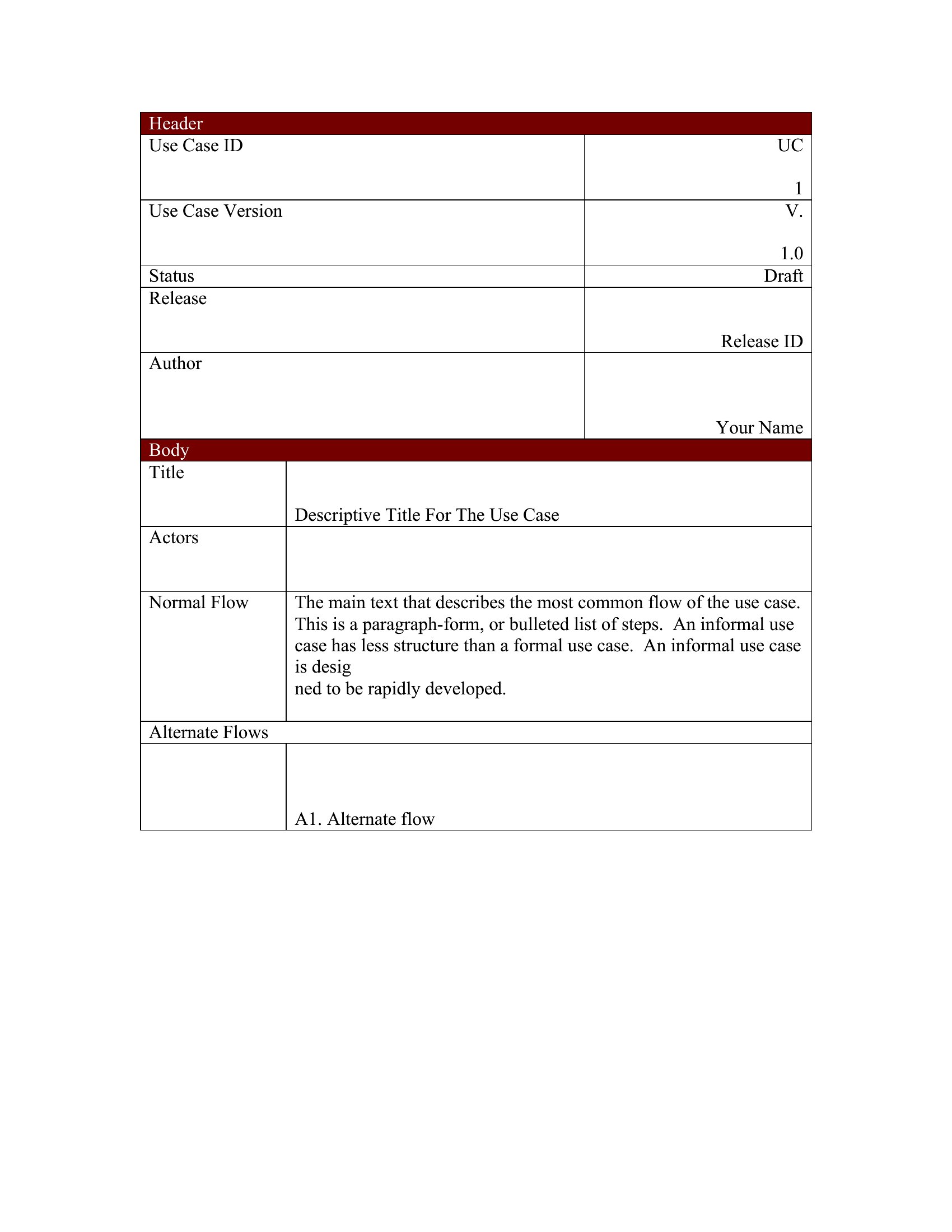
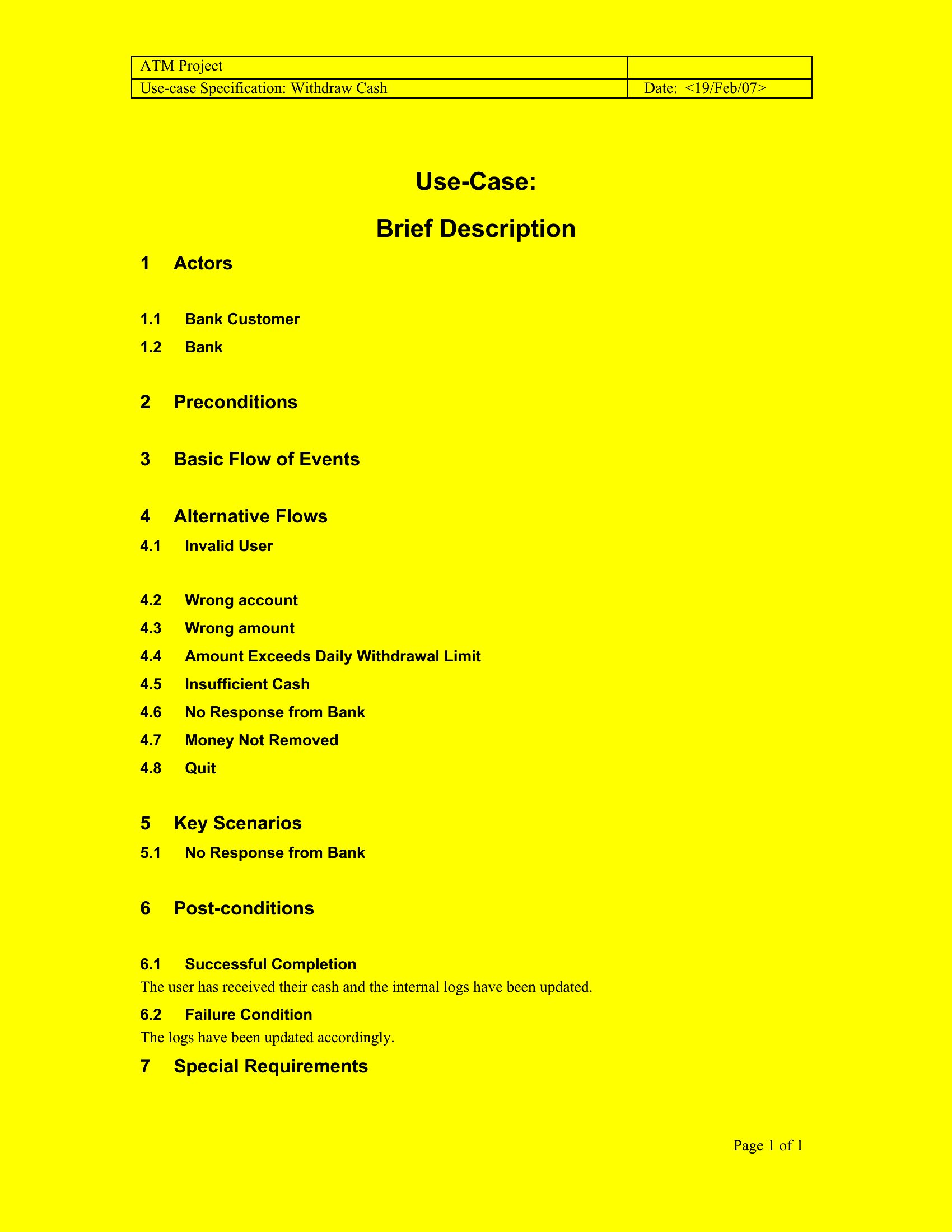
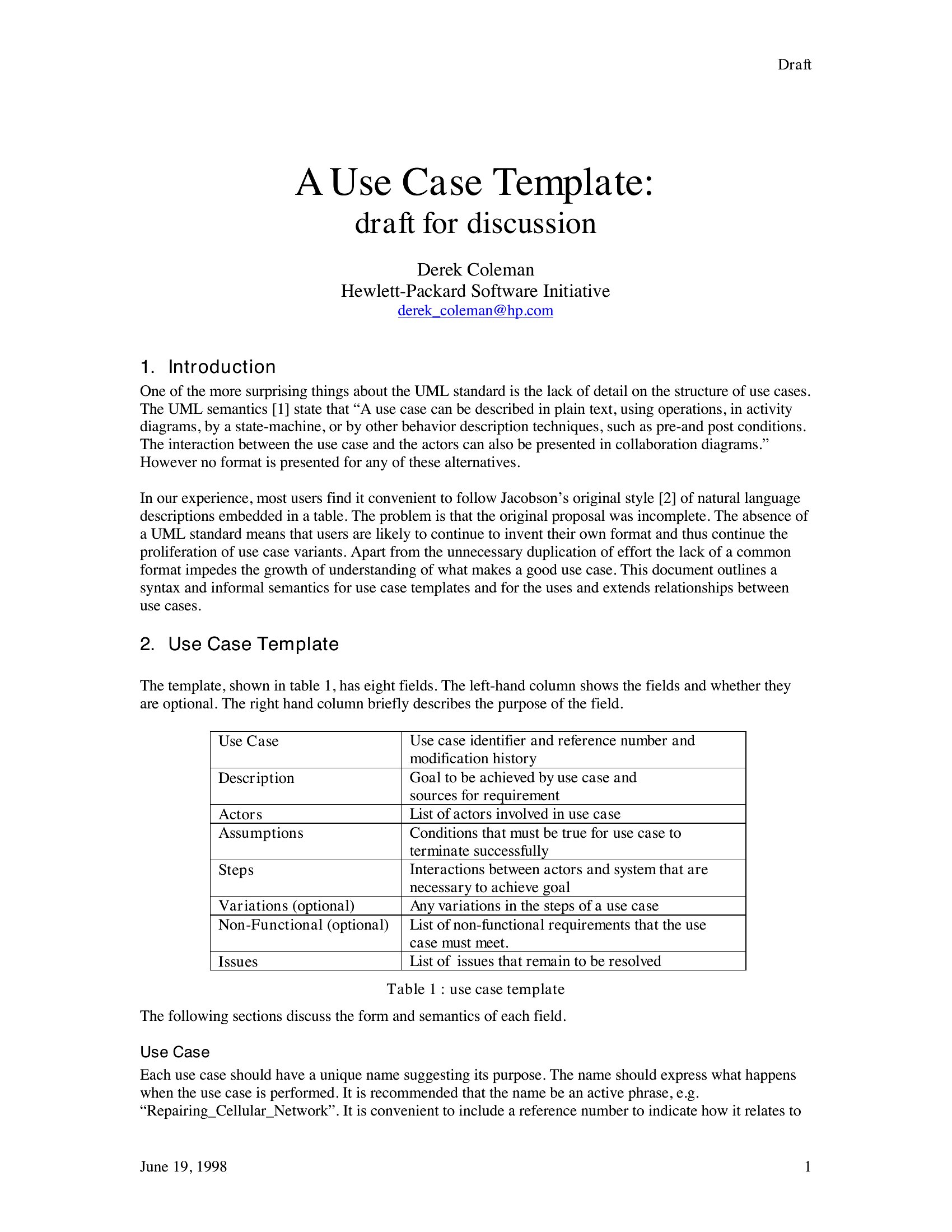
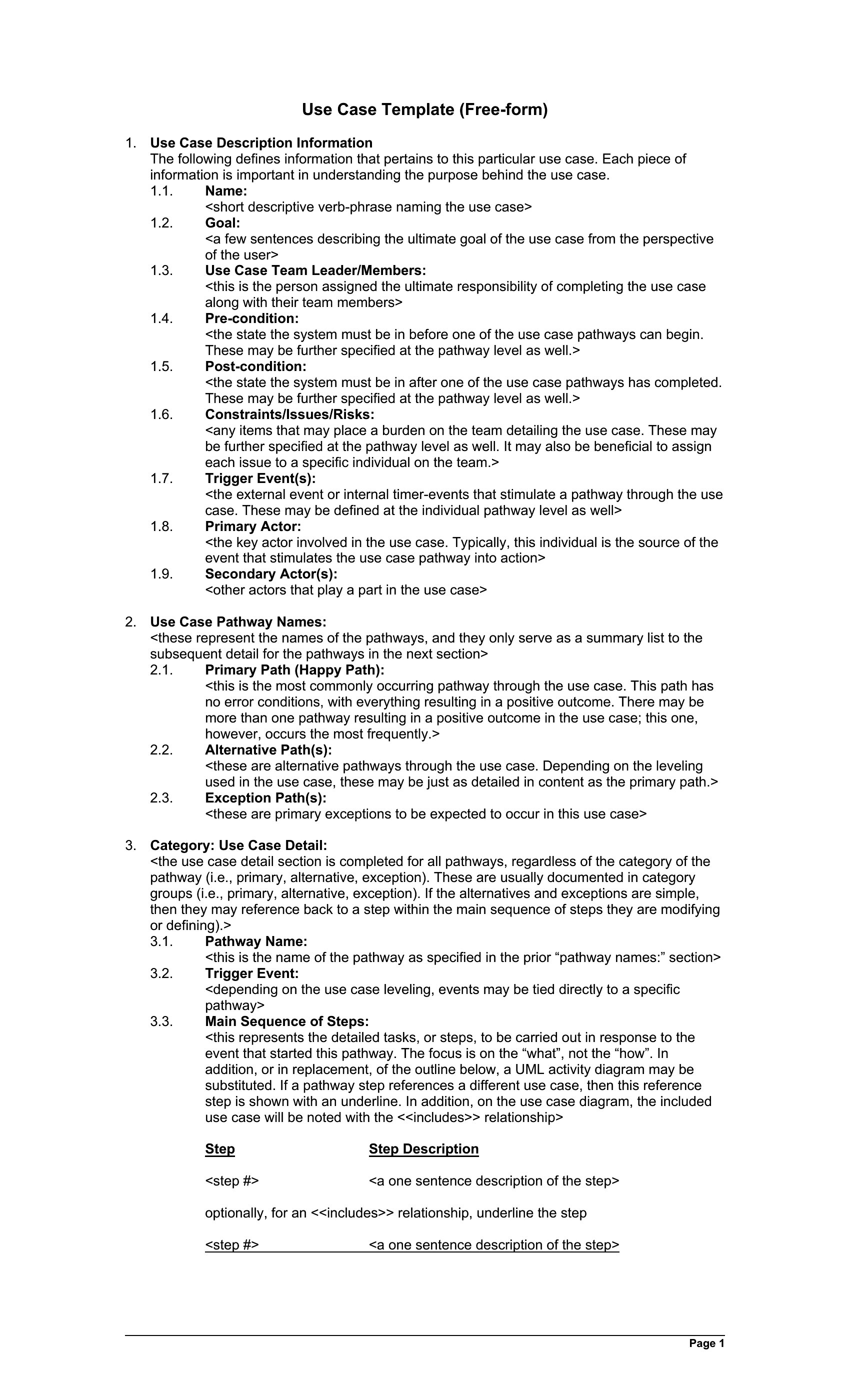
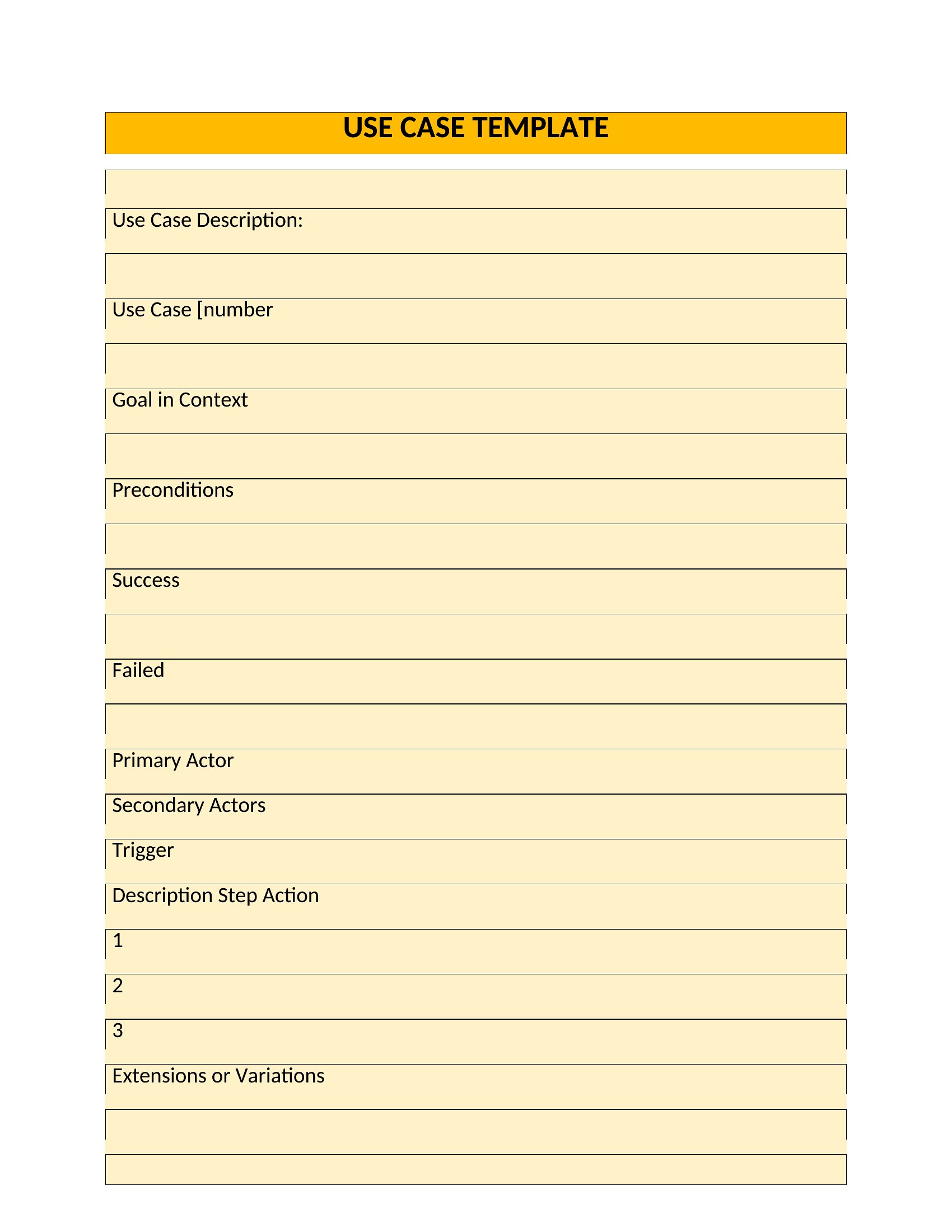
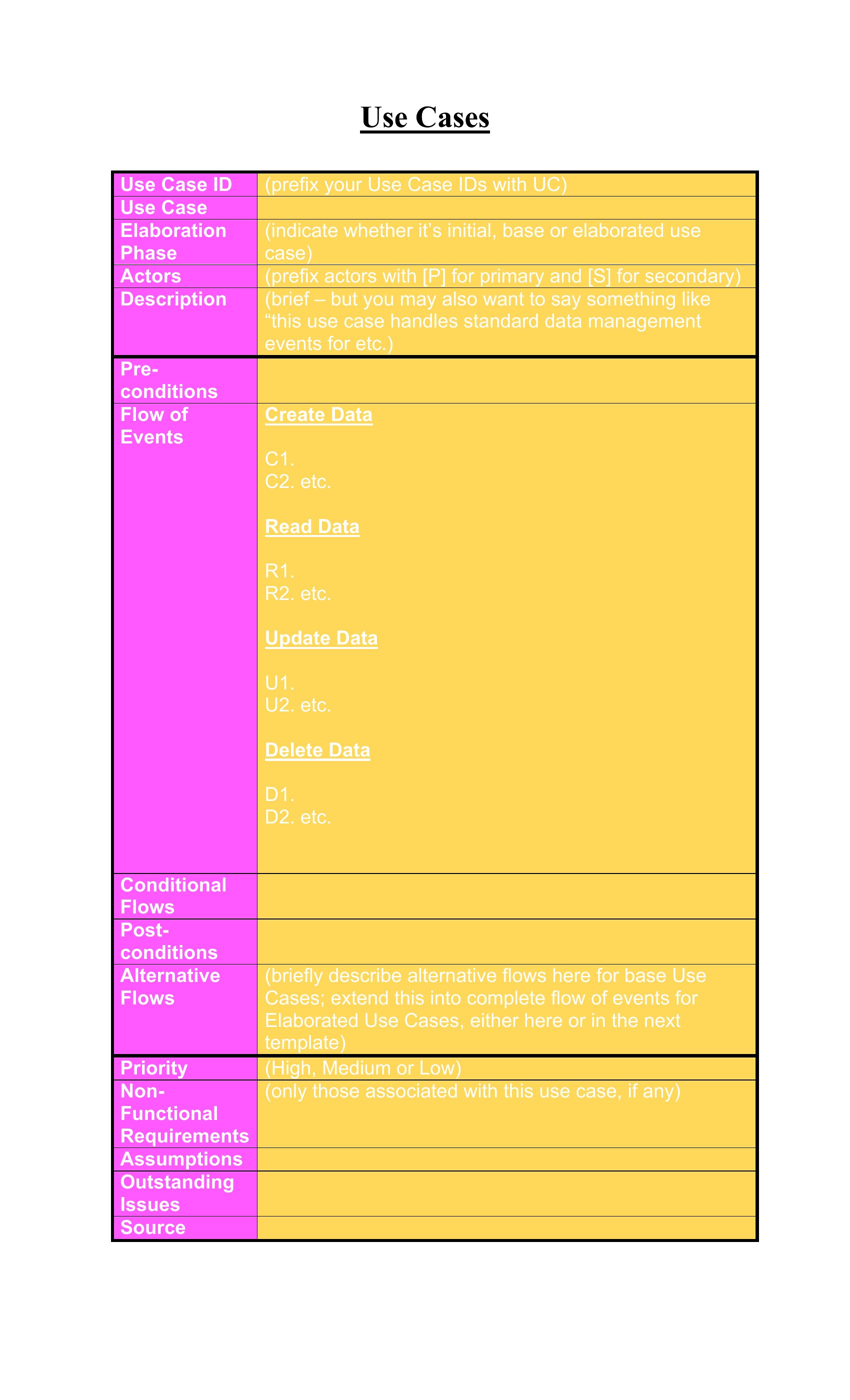
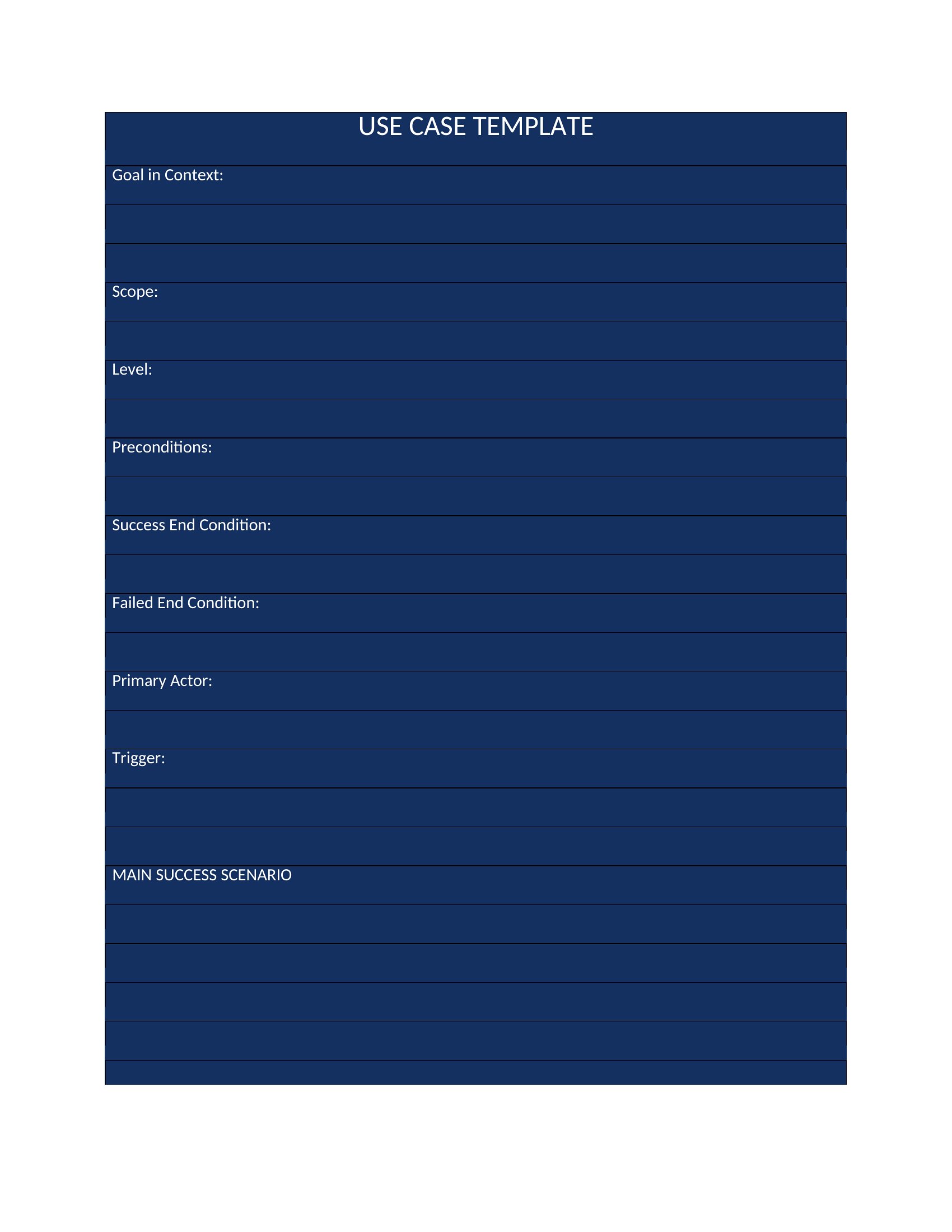
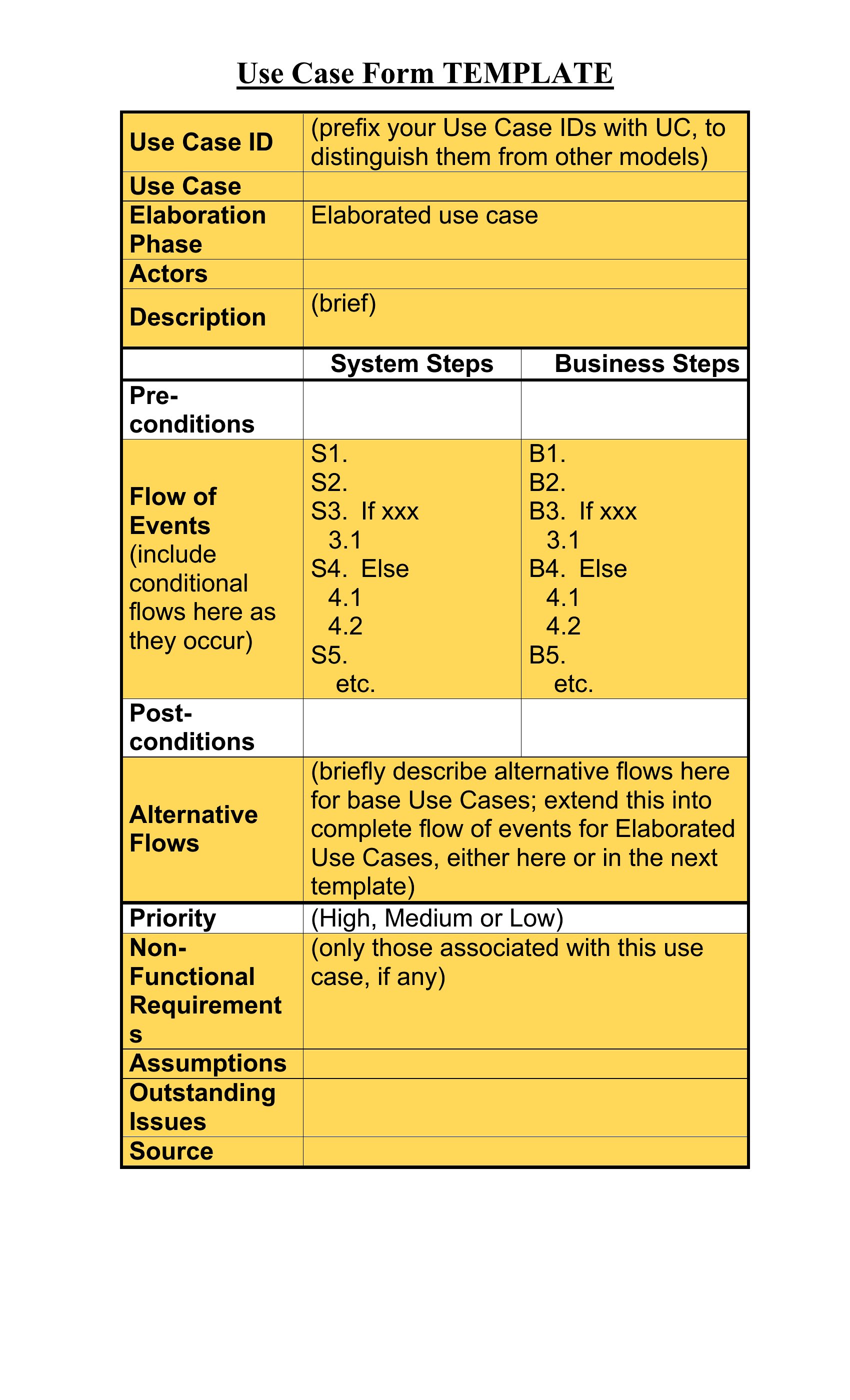
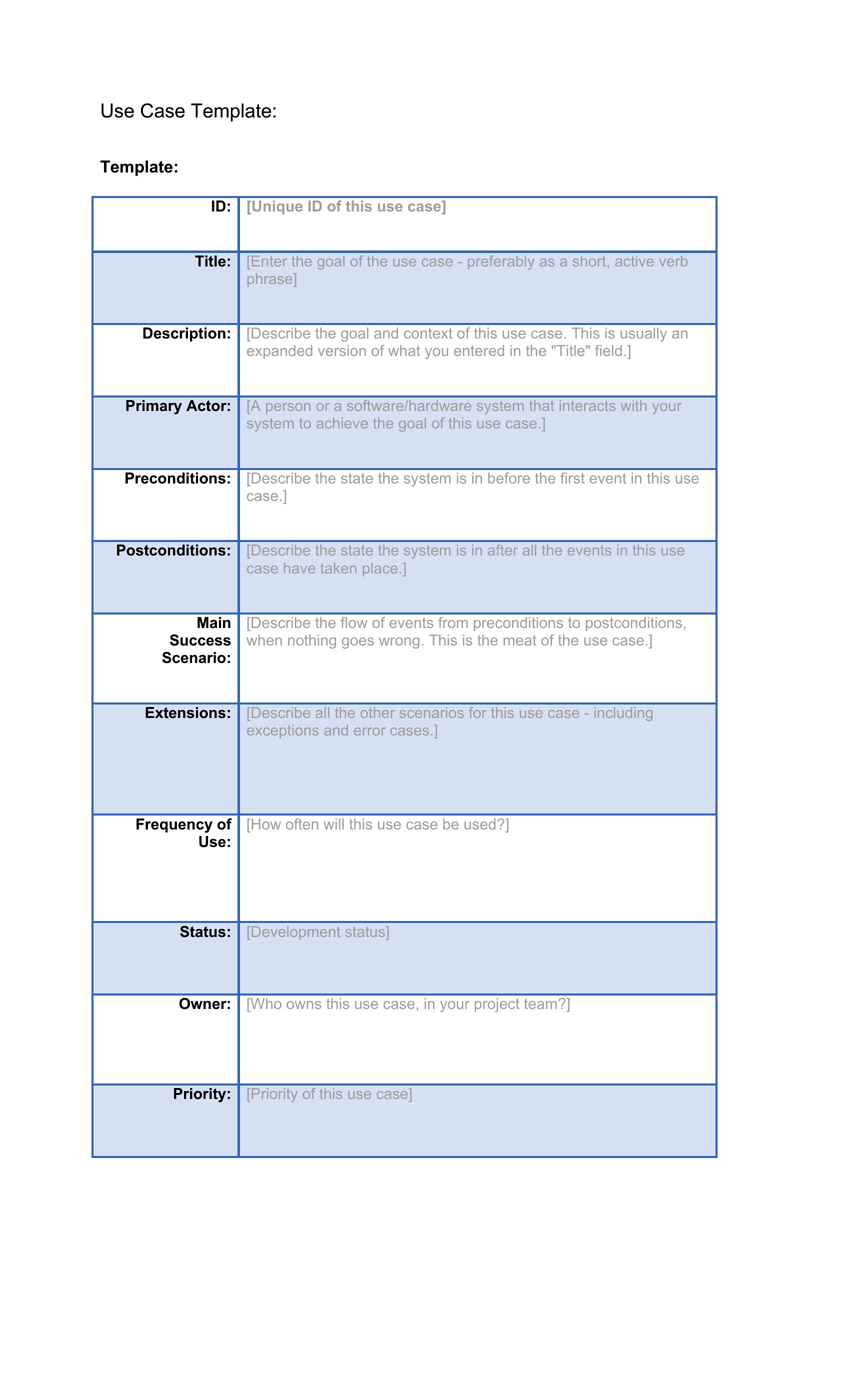
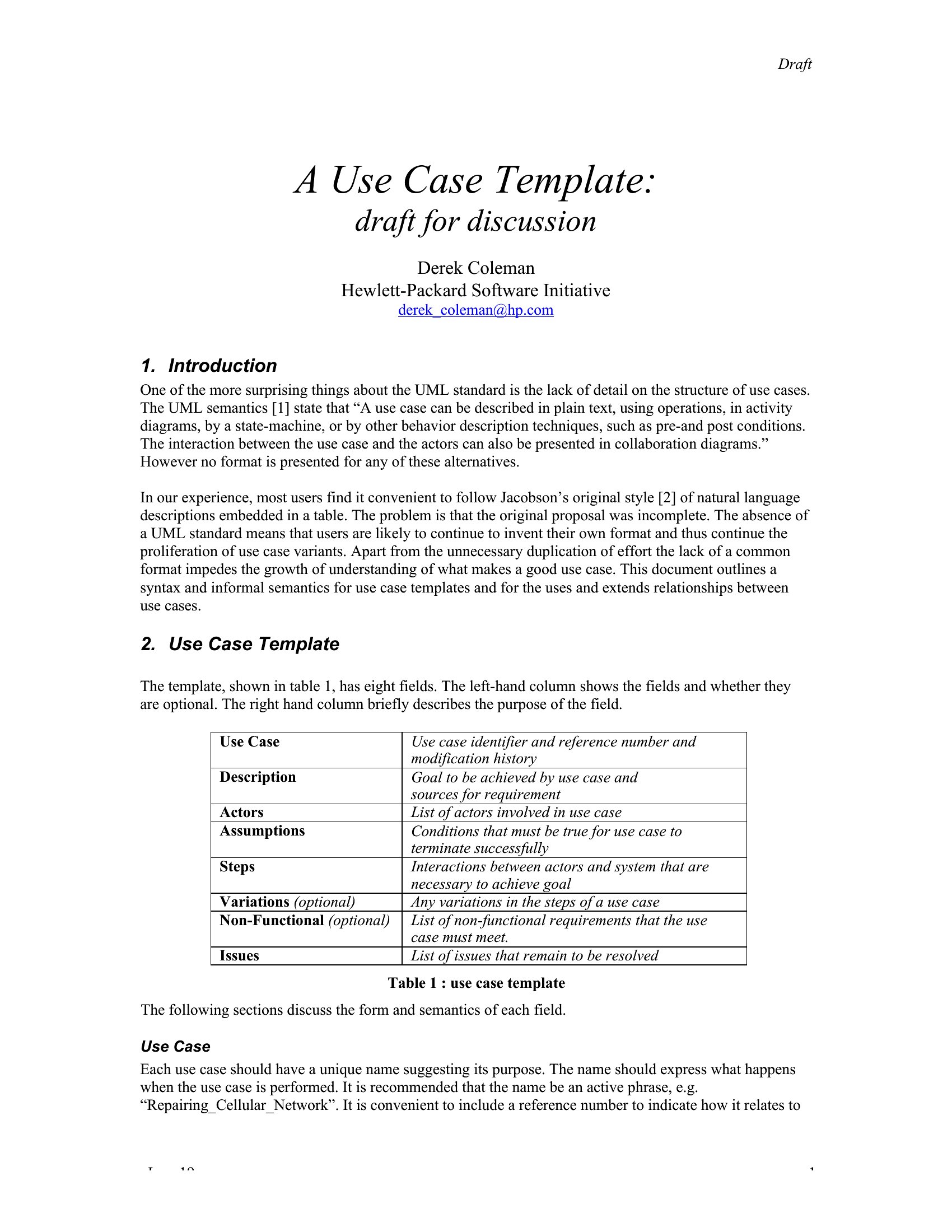
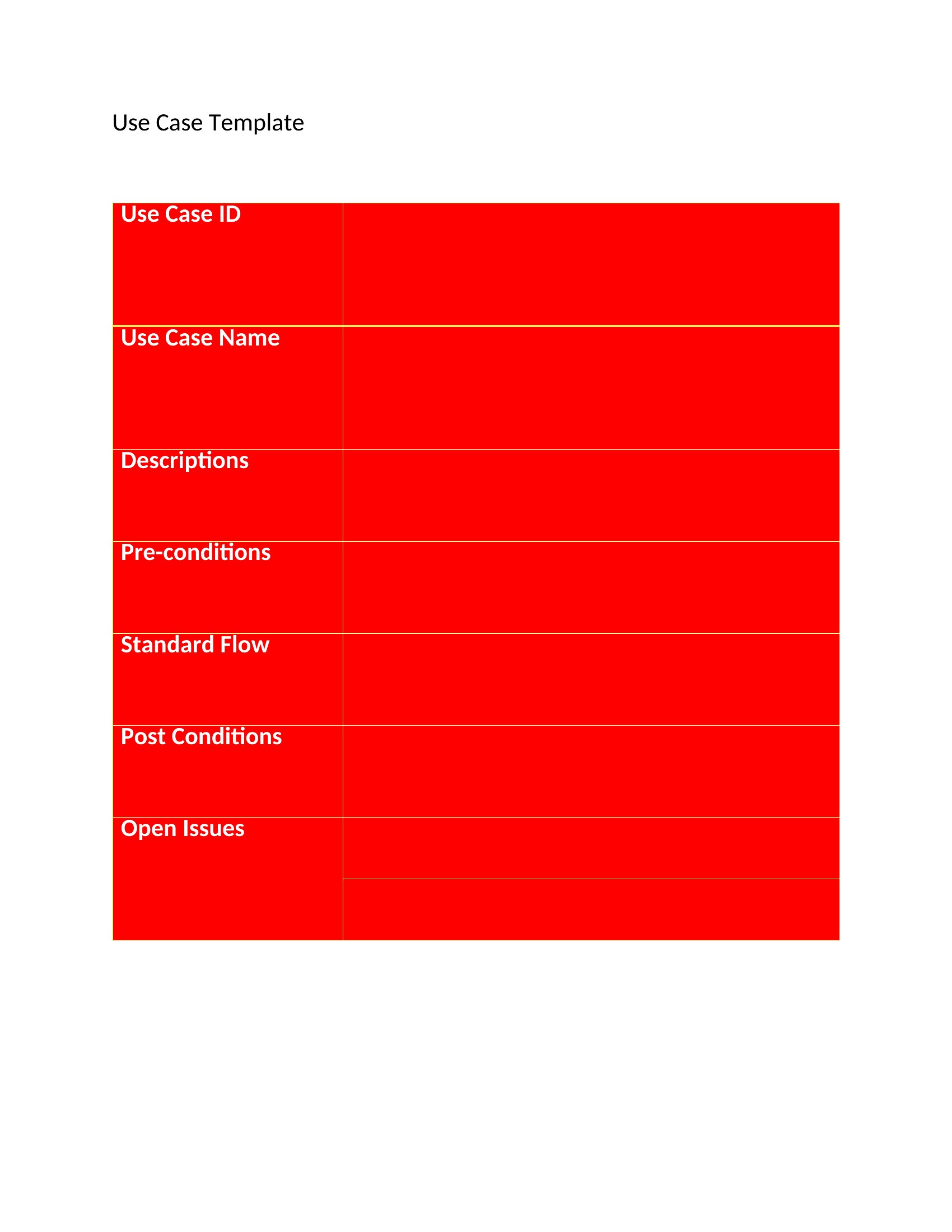
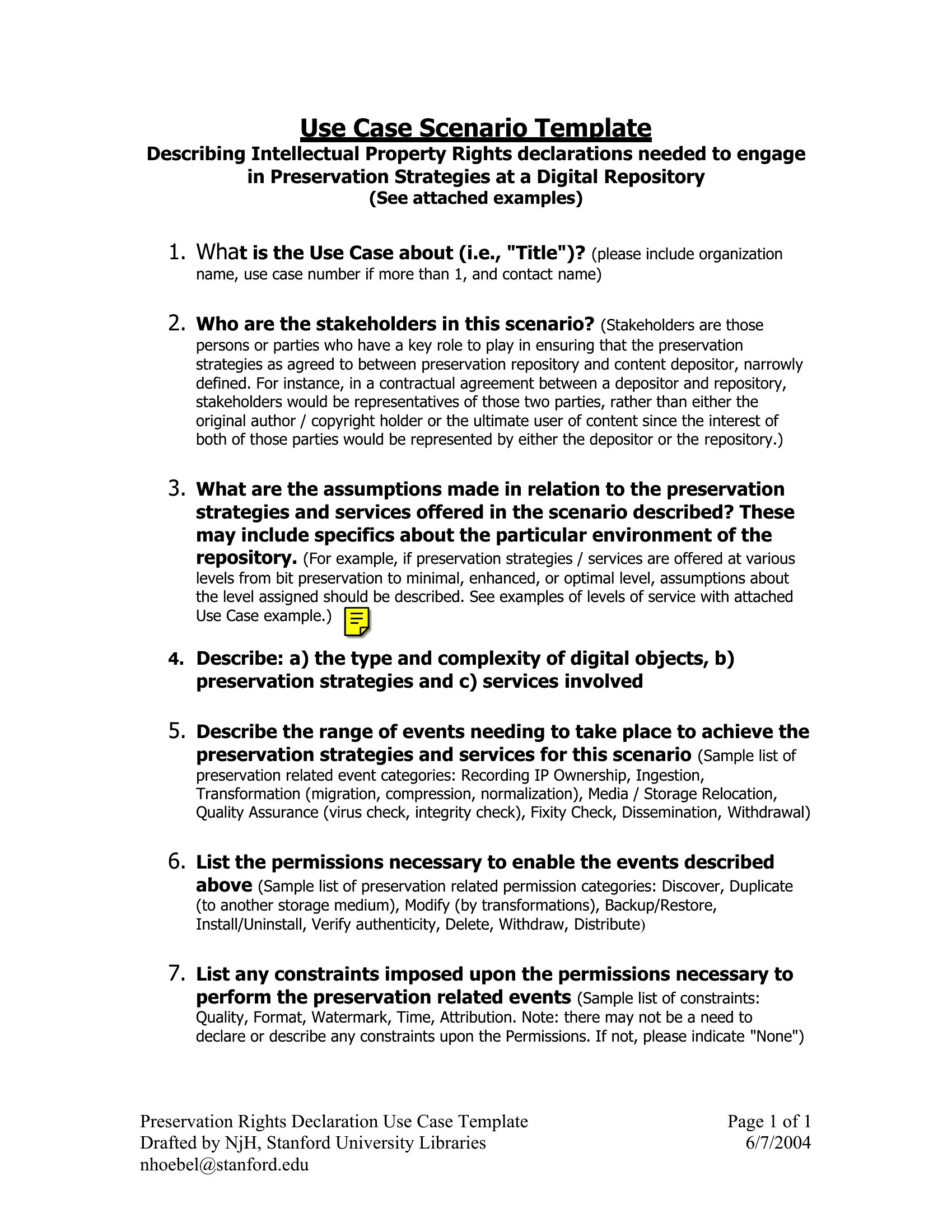
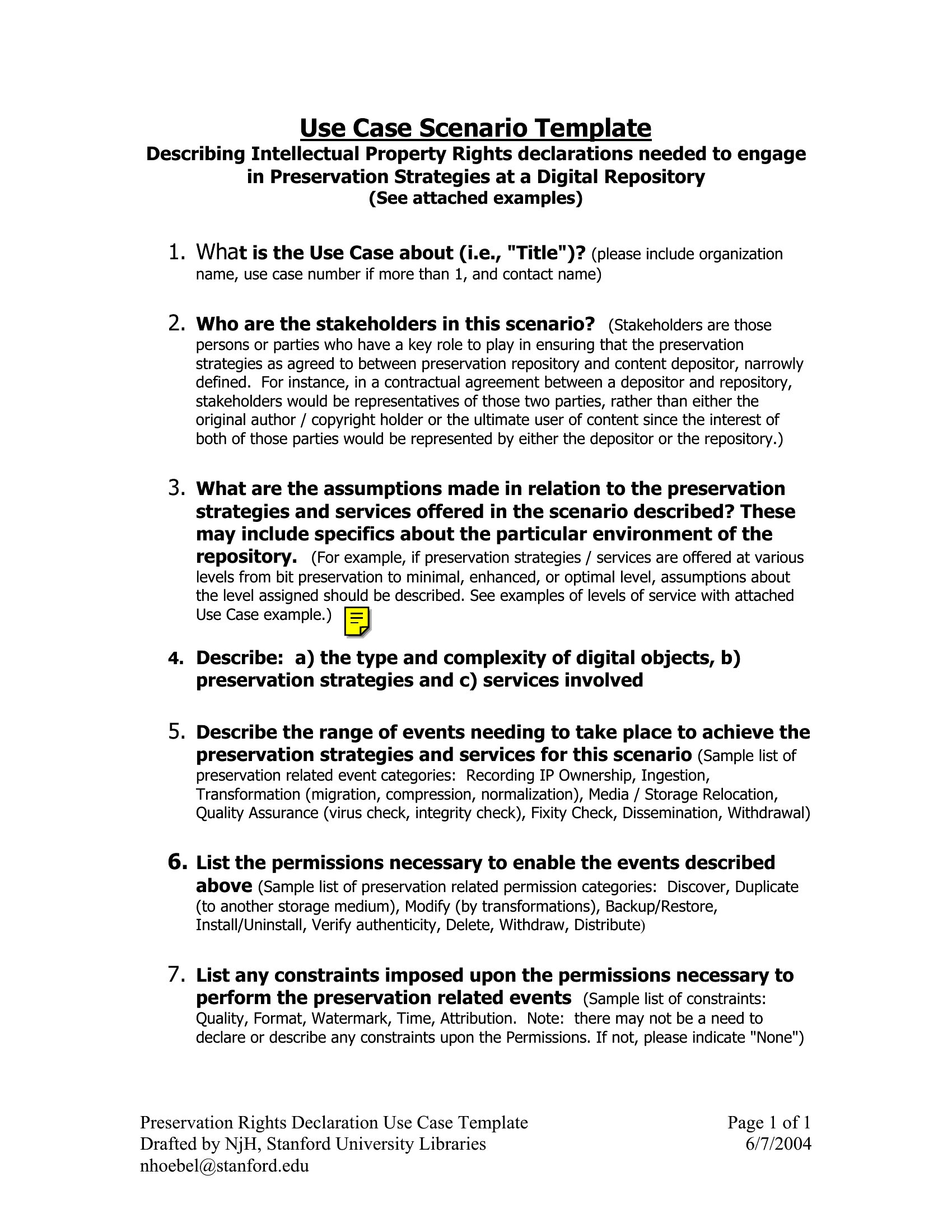
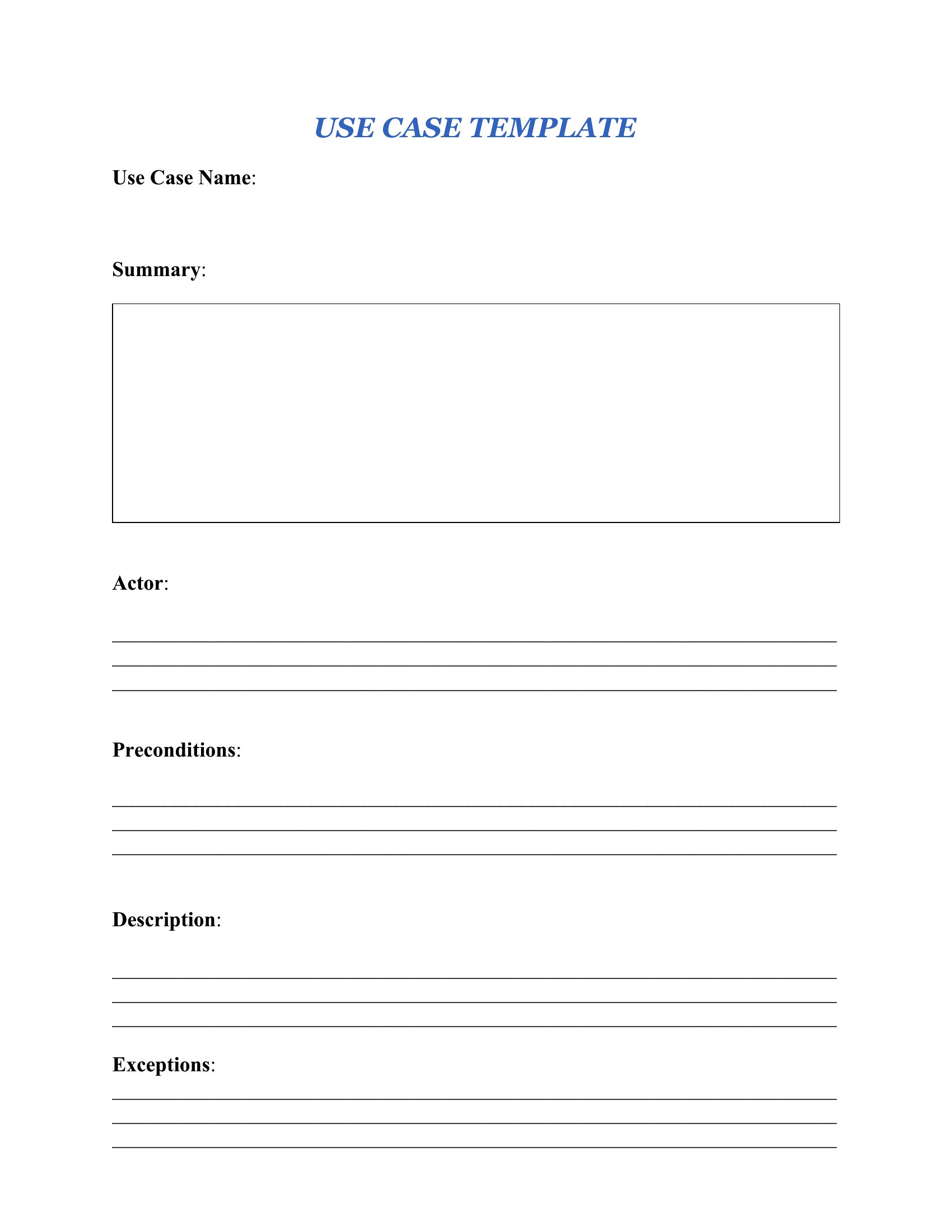
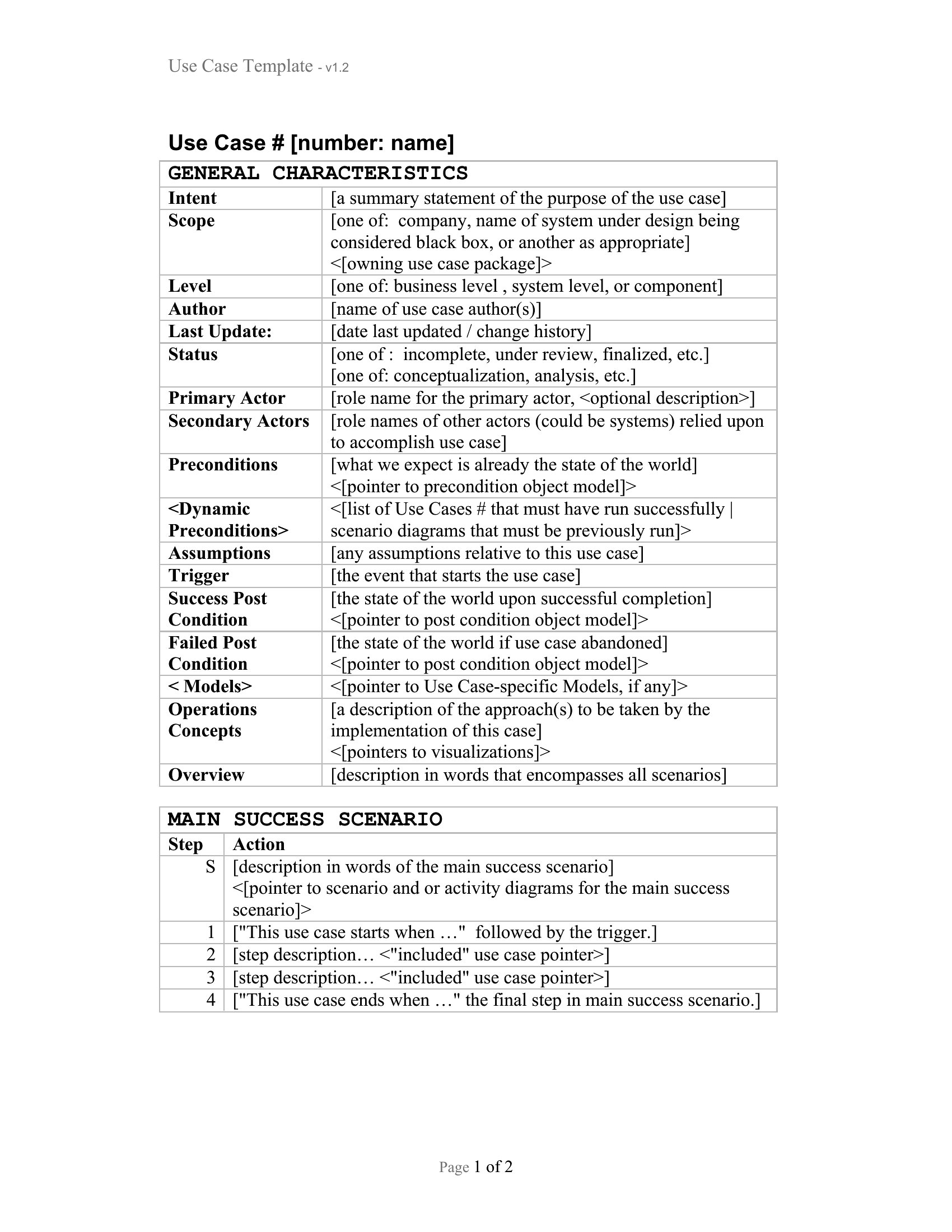
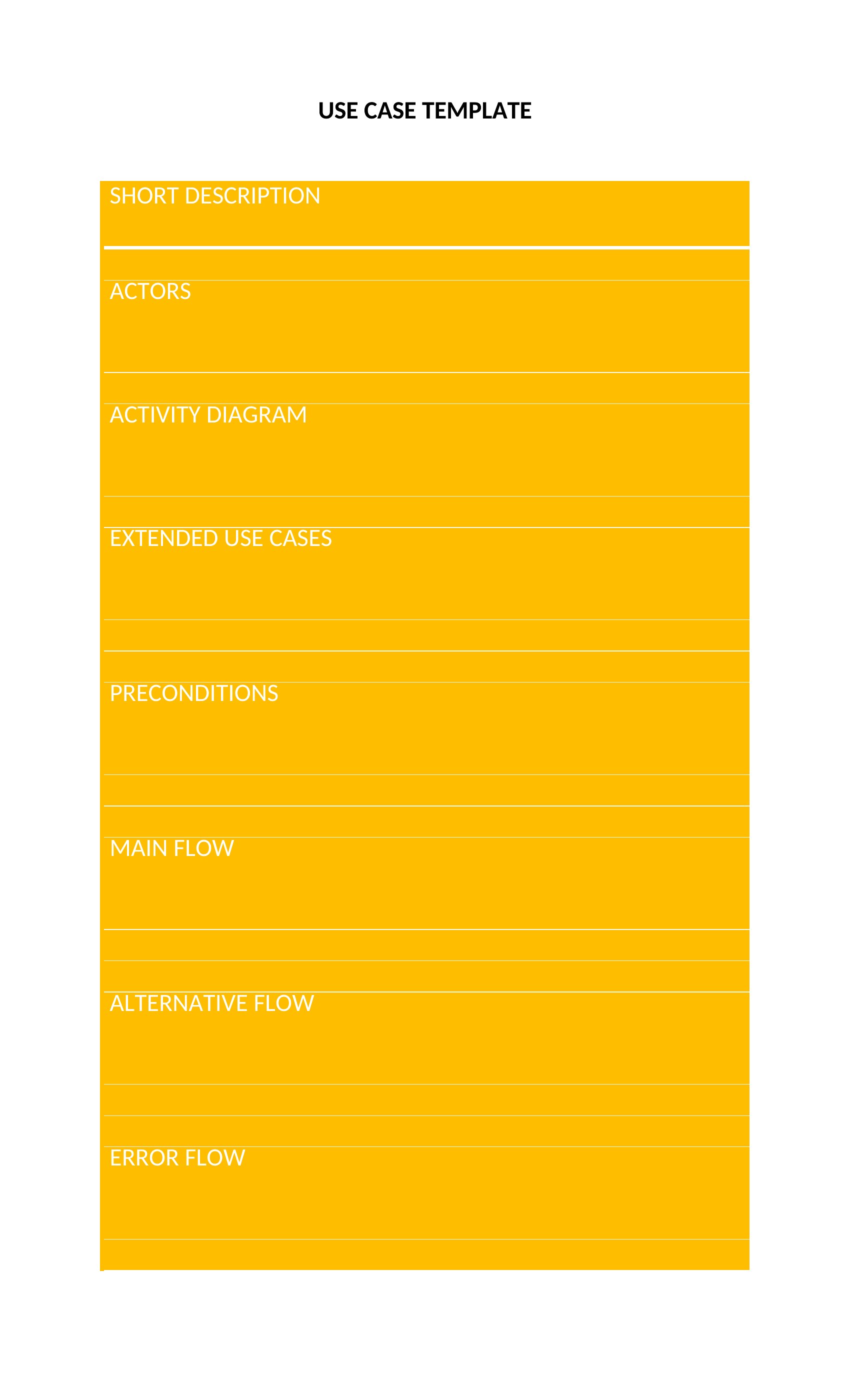
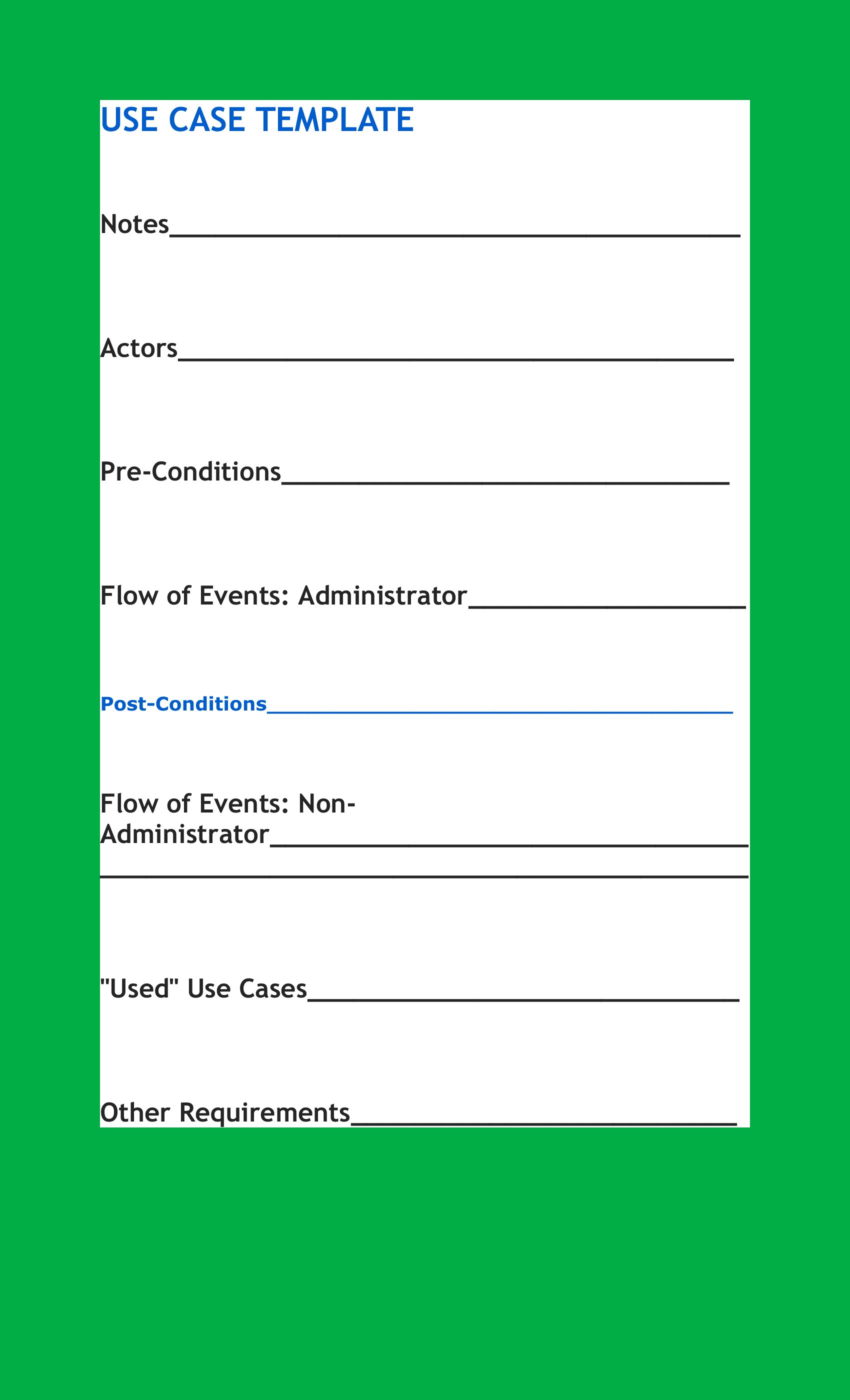
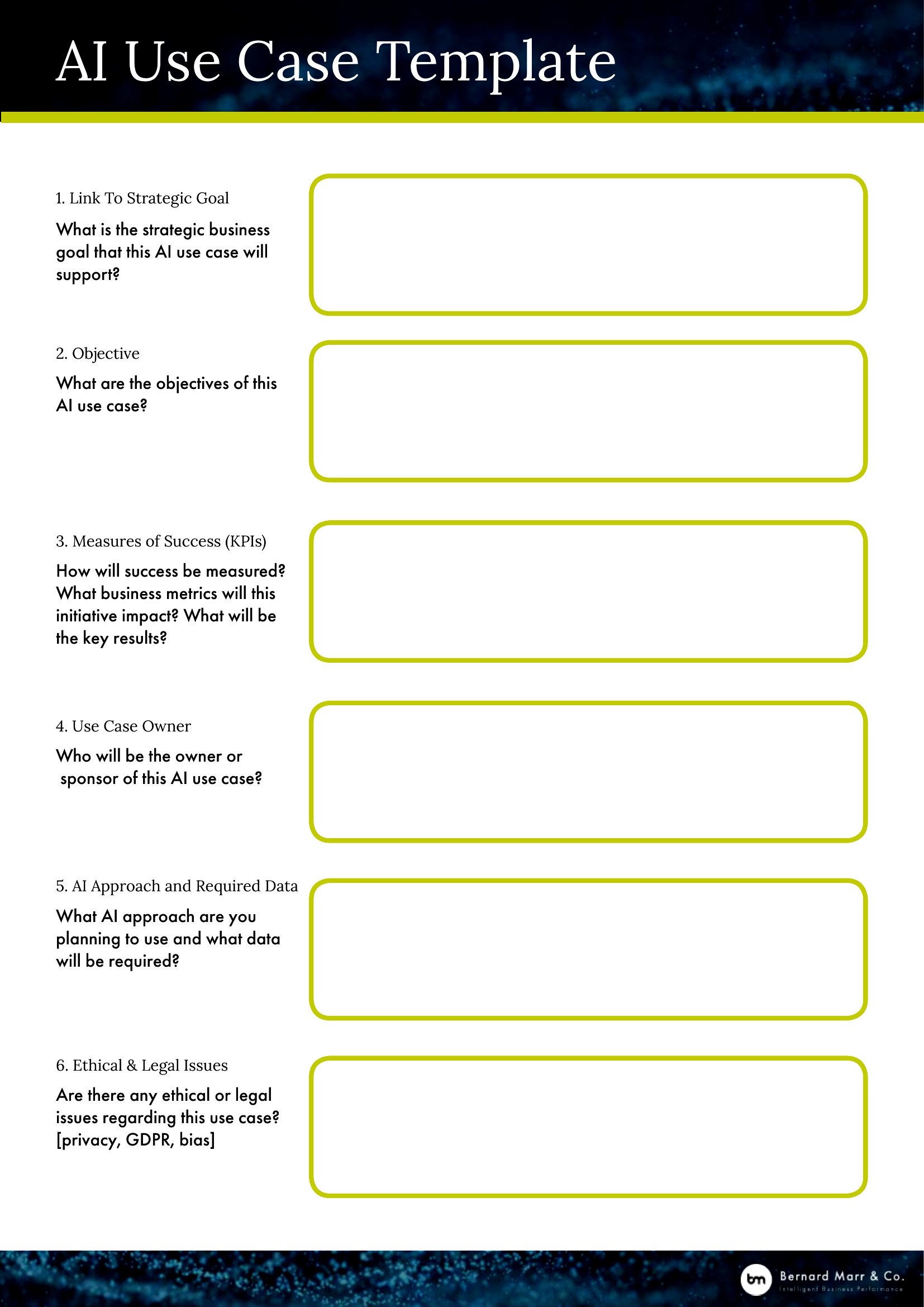
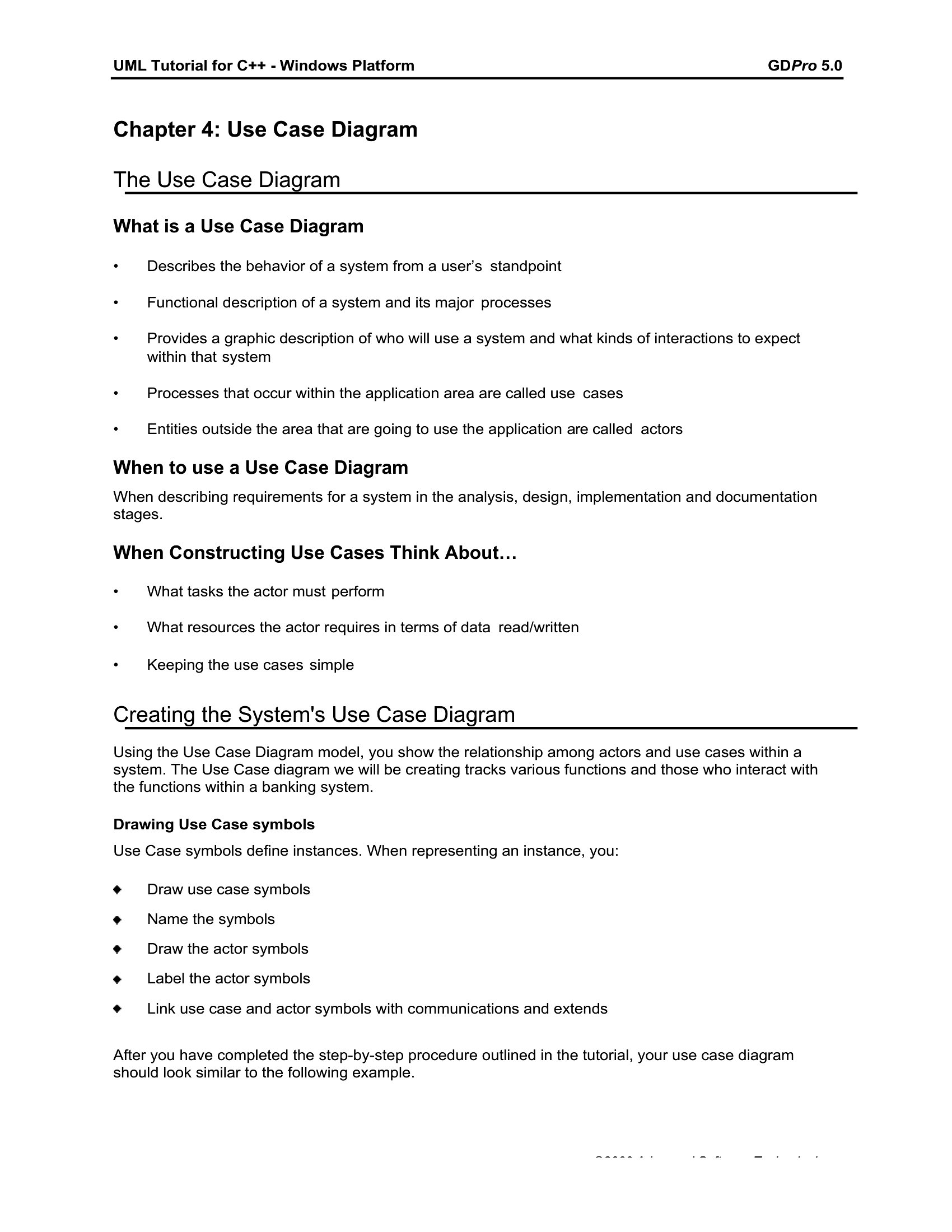
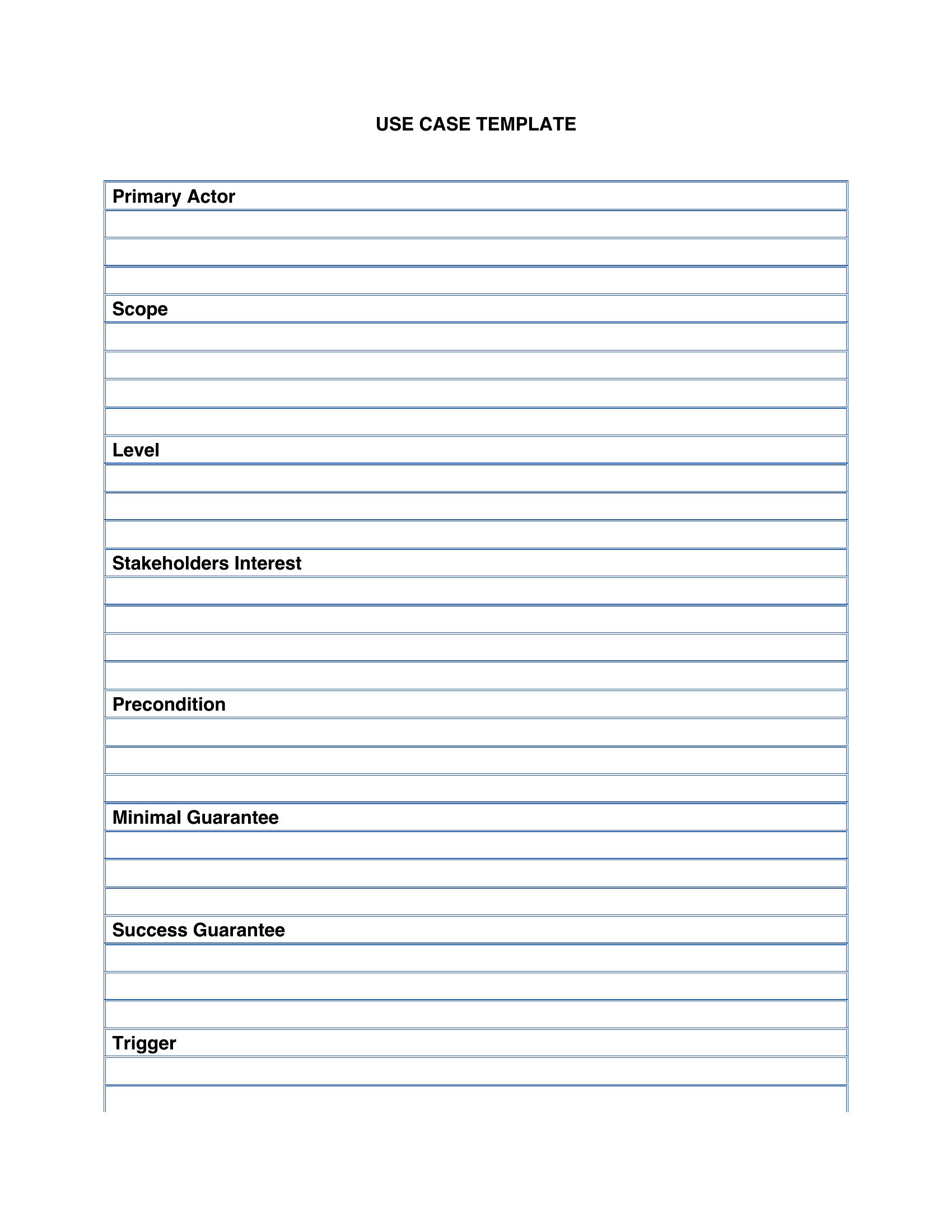
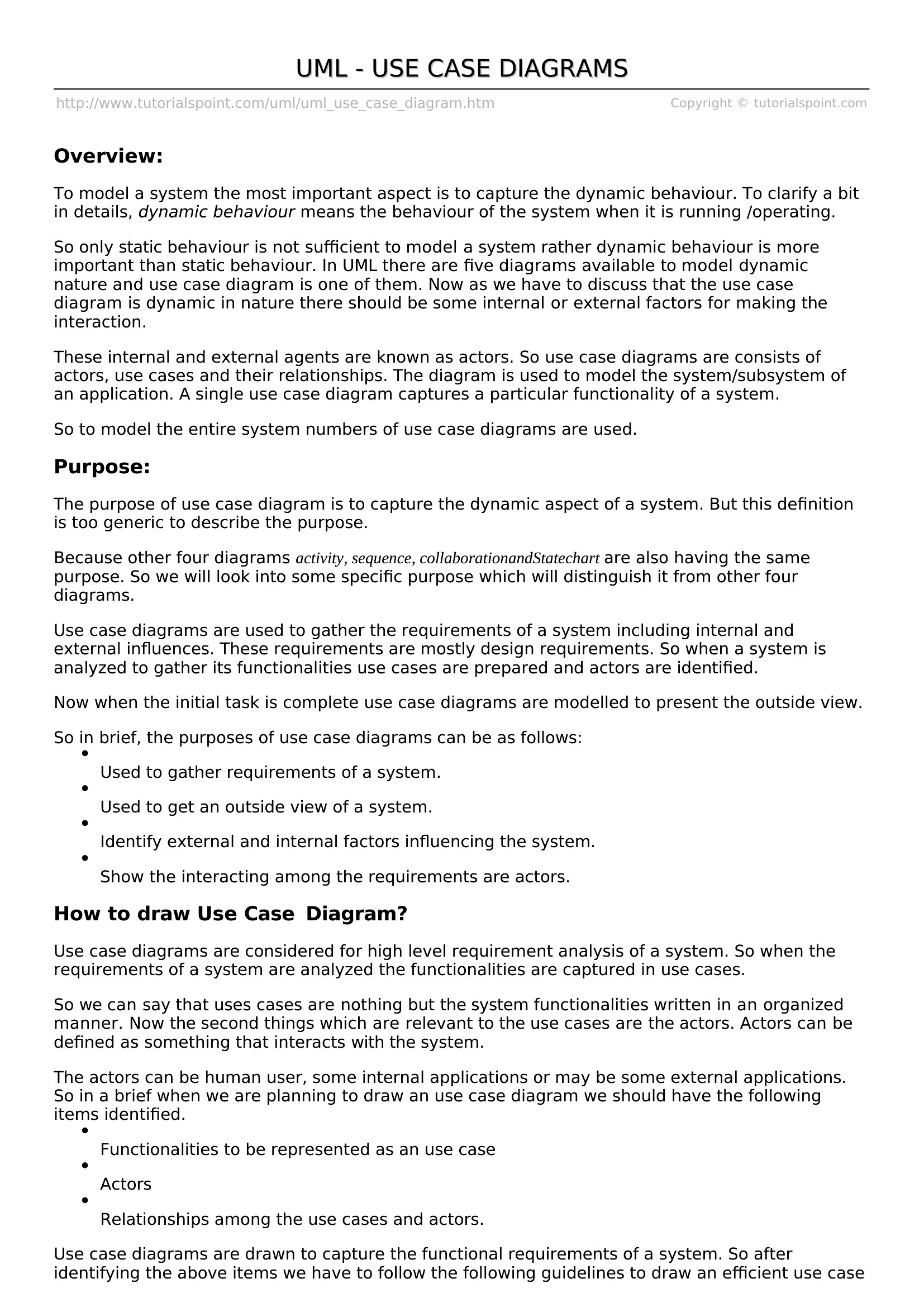
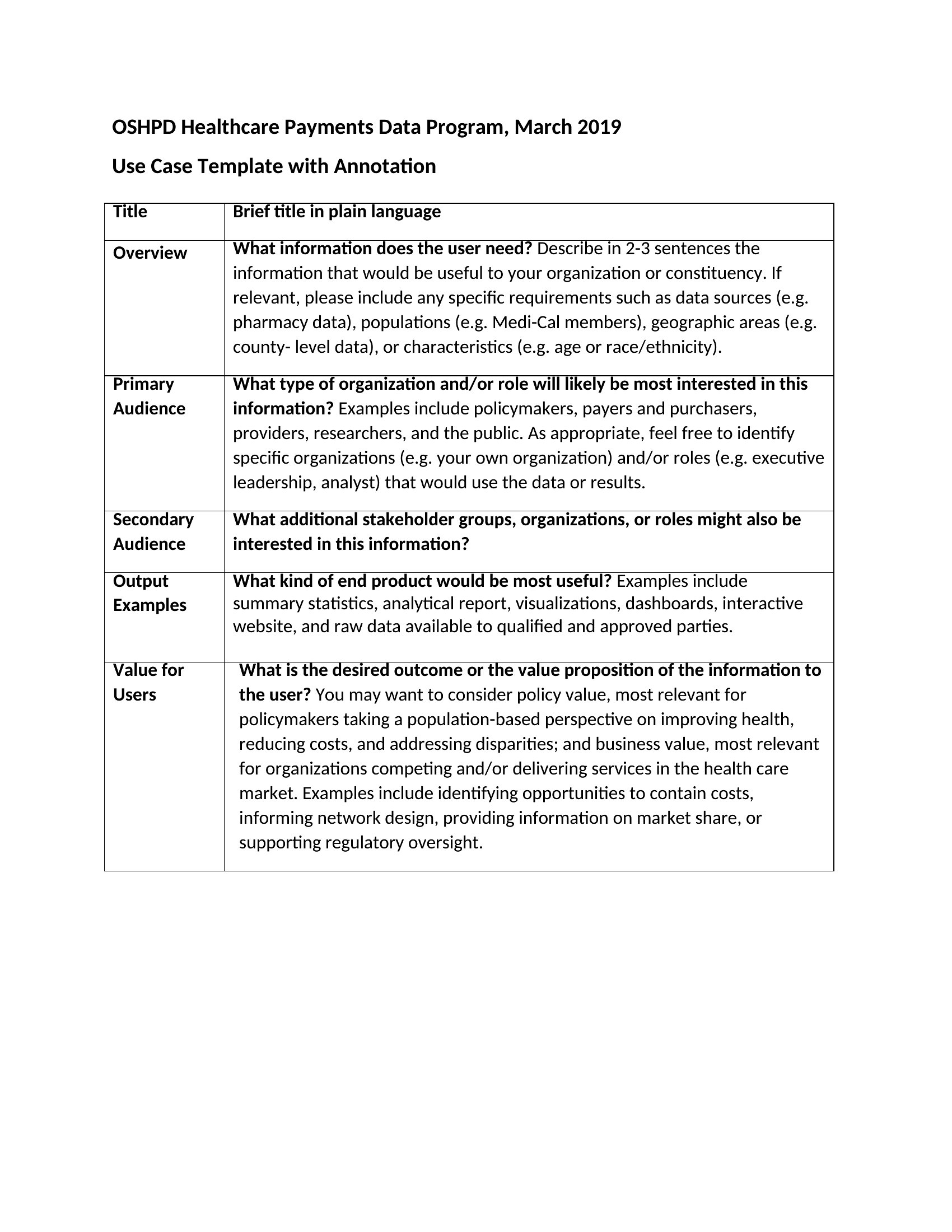
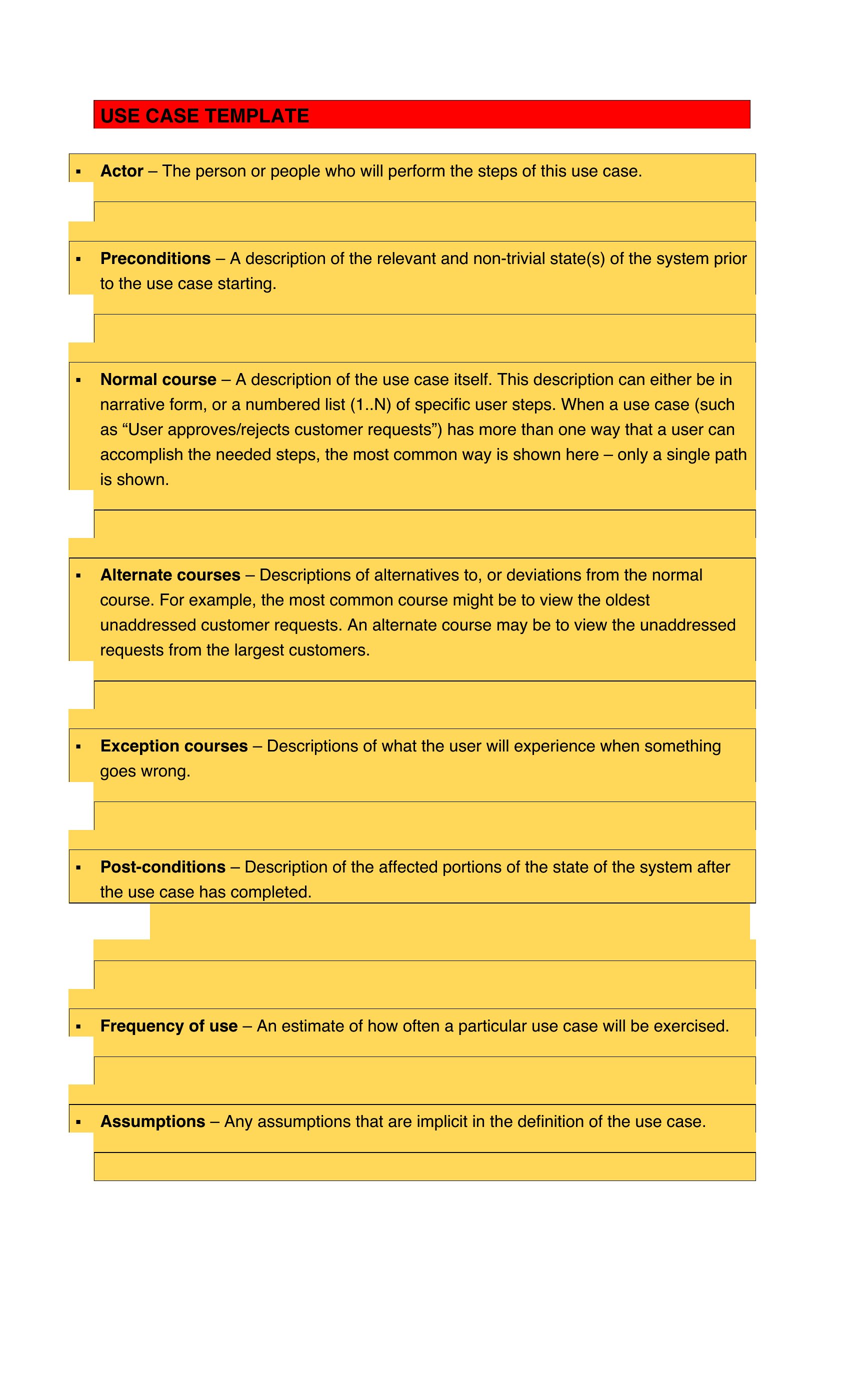
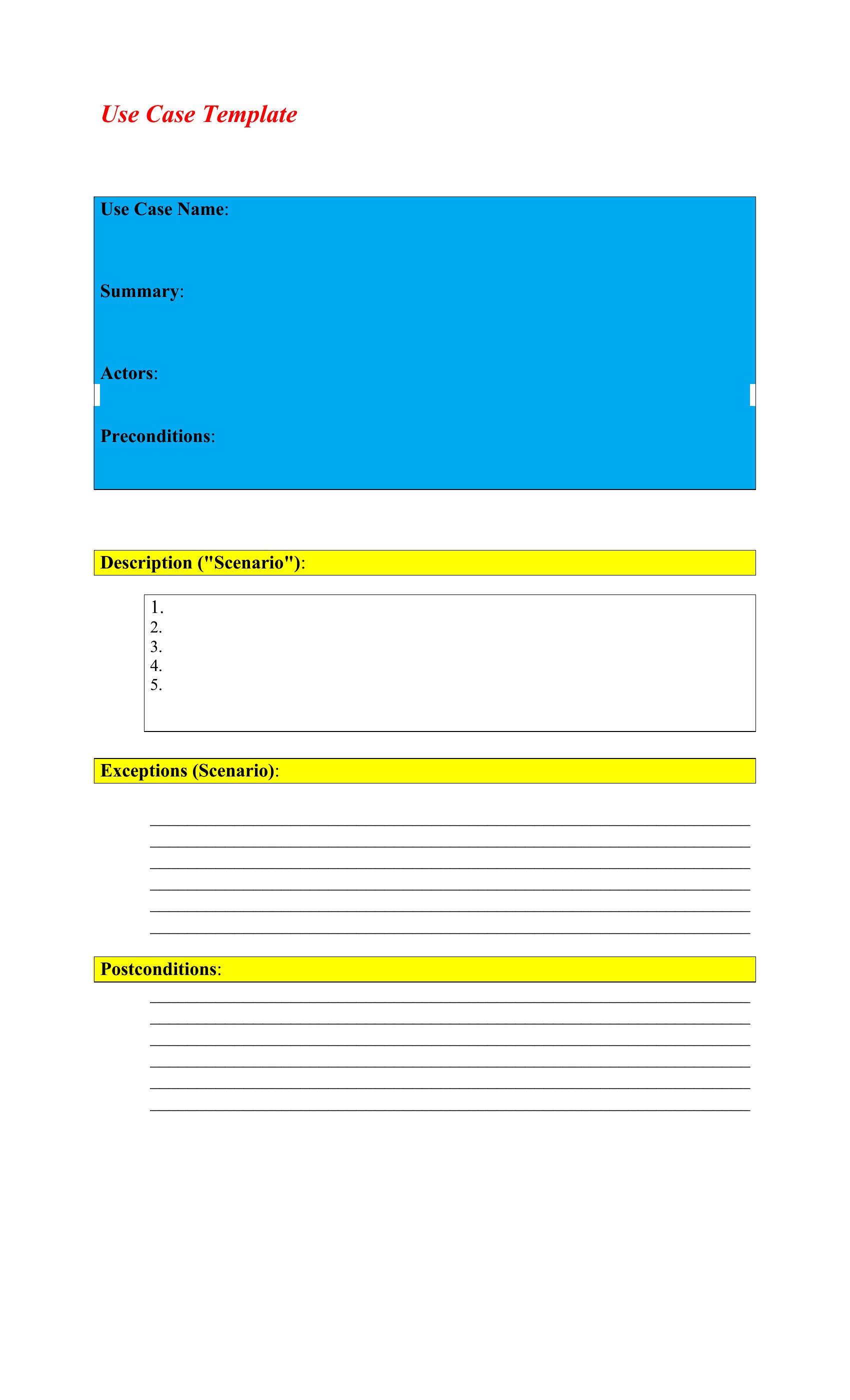
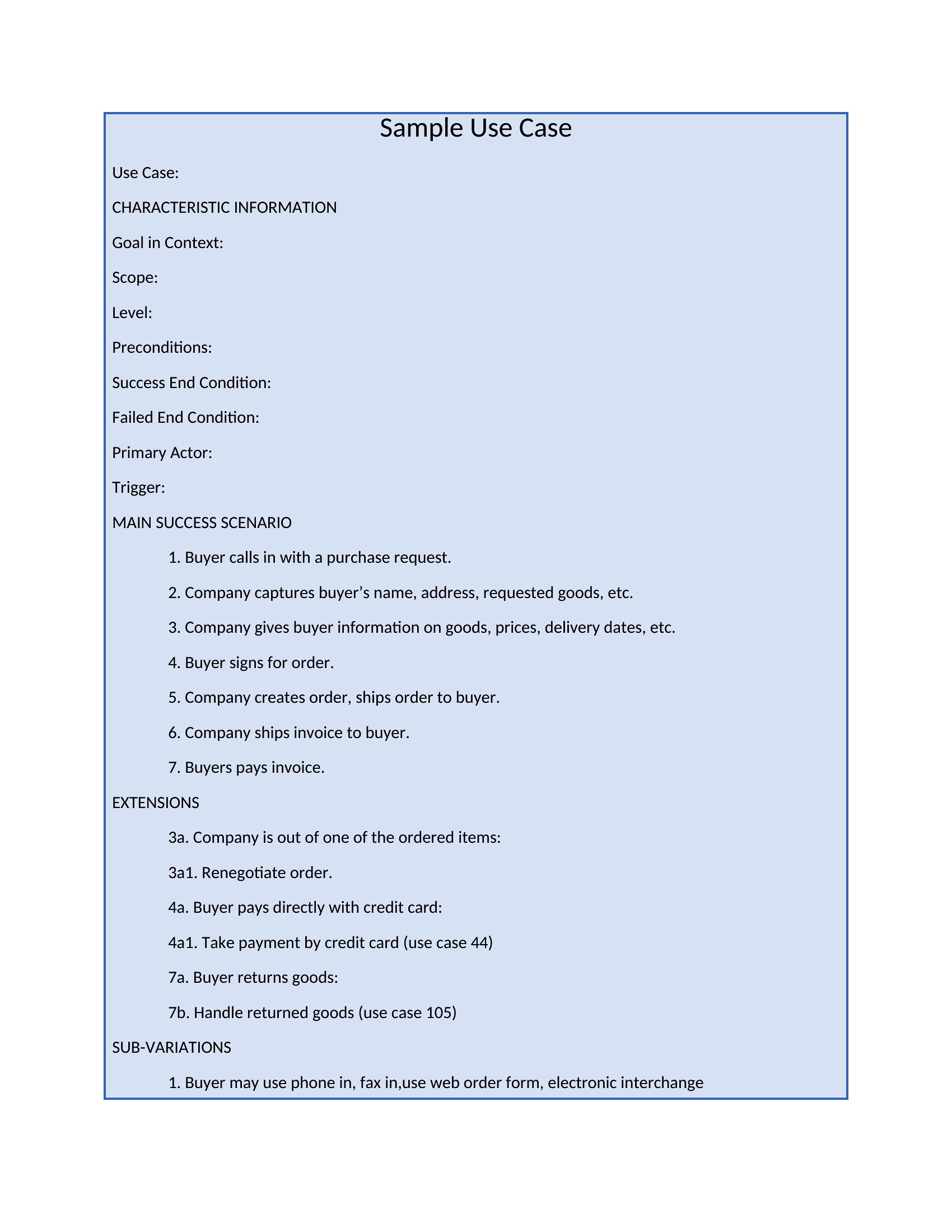
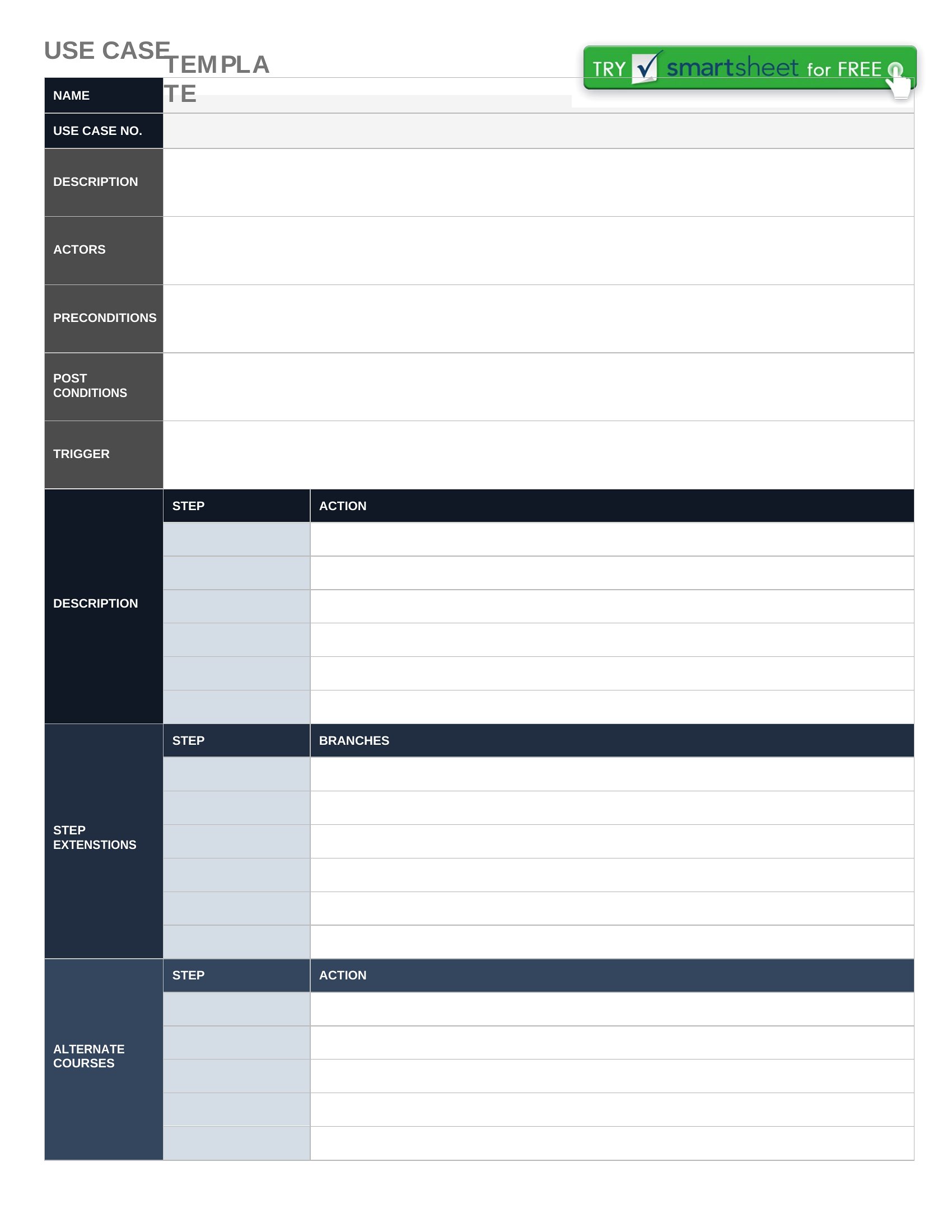
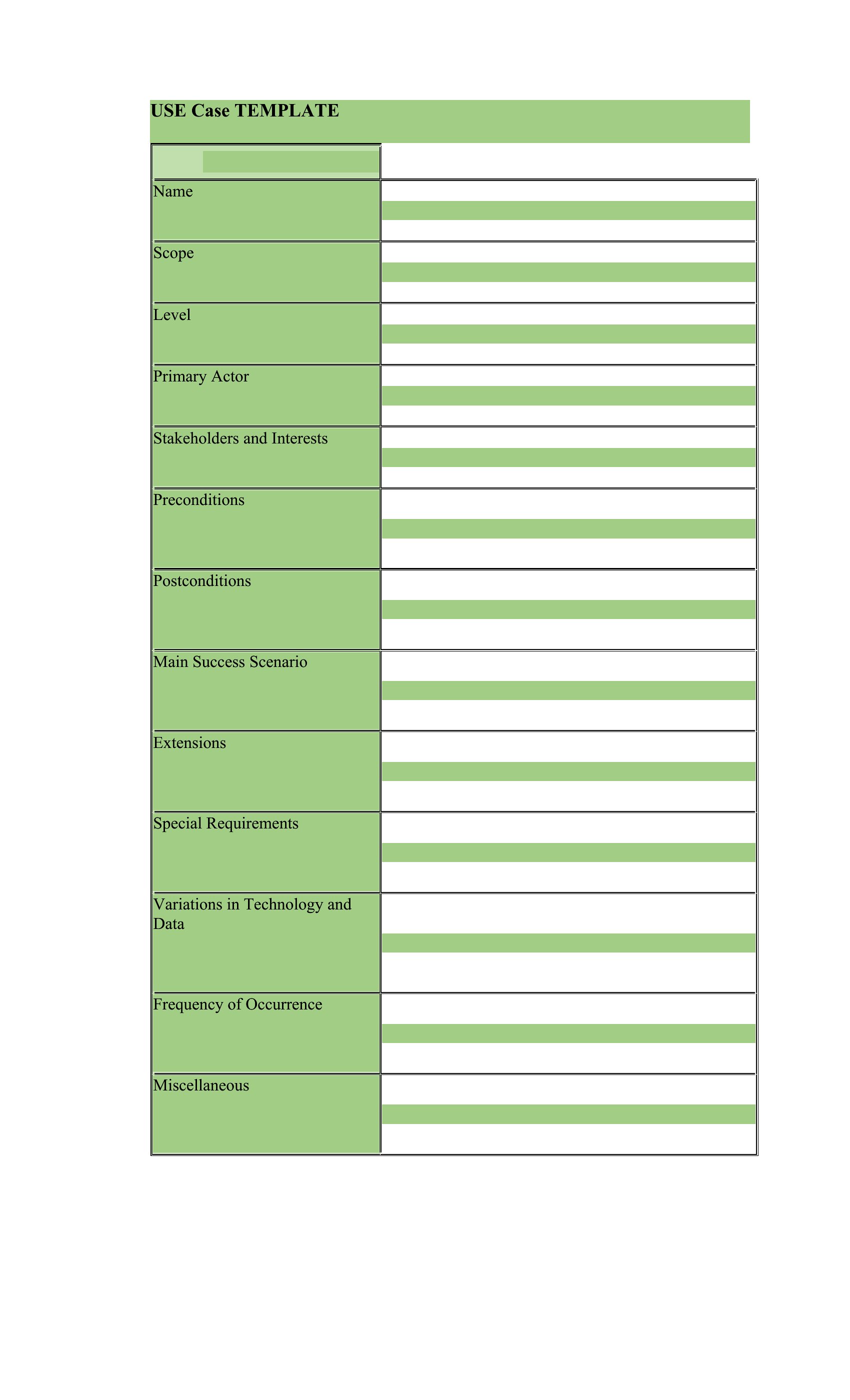
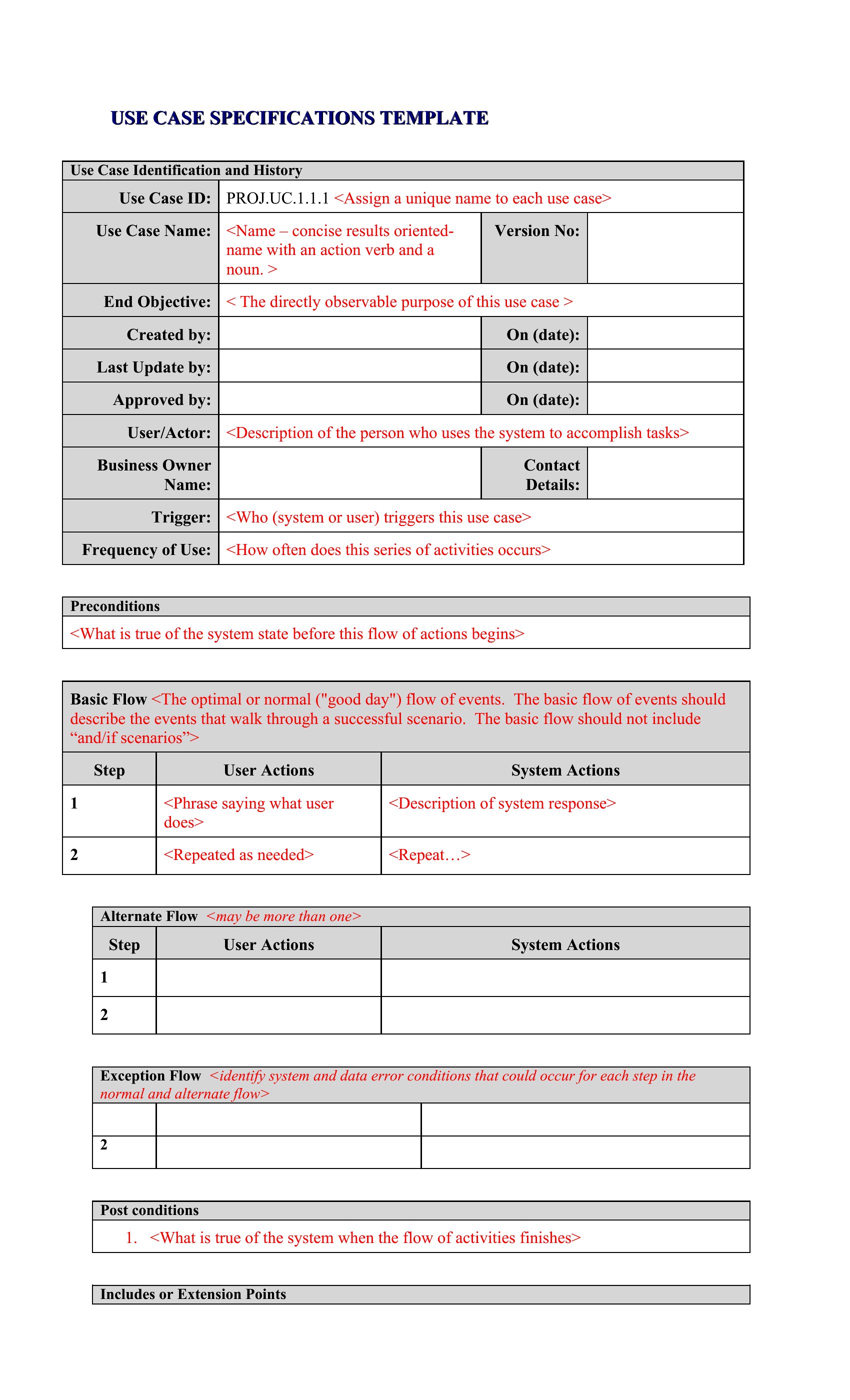
AnalysisBefore a single line of code gets written, a use case spells out how a user and a system interact to reach a goal. This library of 66 templates helps business analysts, product managers, and developers capture actors, preconditions, main flows, and the exceptions that always crop up. Working from a consistent structure keeps requirements clear and gives the whole team the same picture of what's being built.
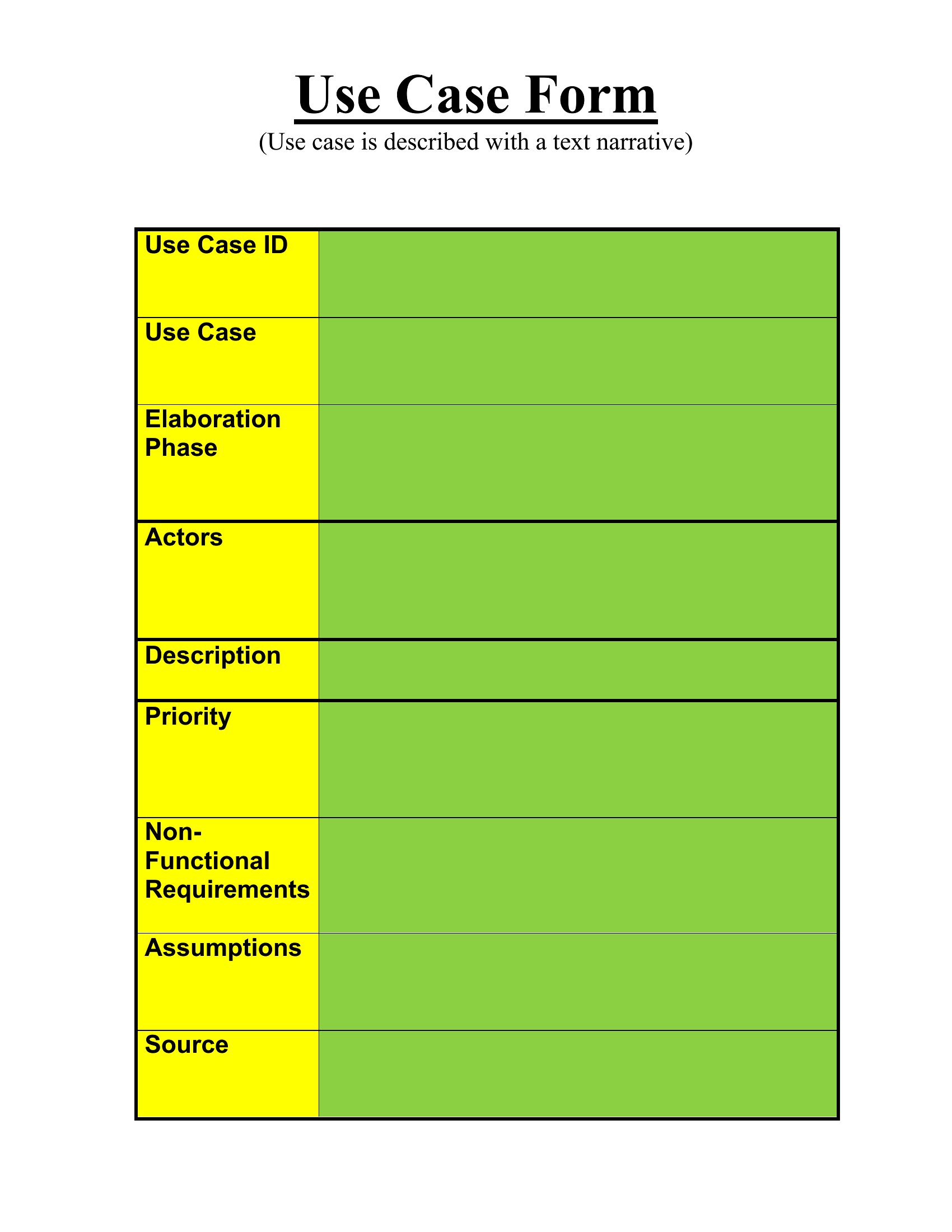
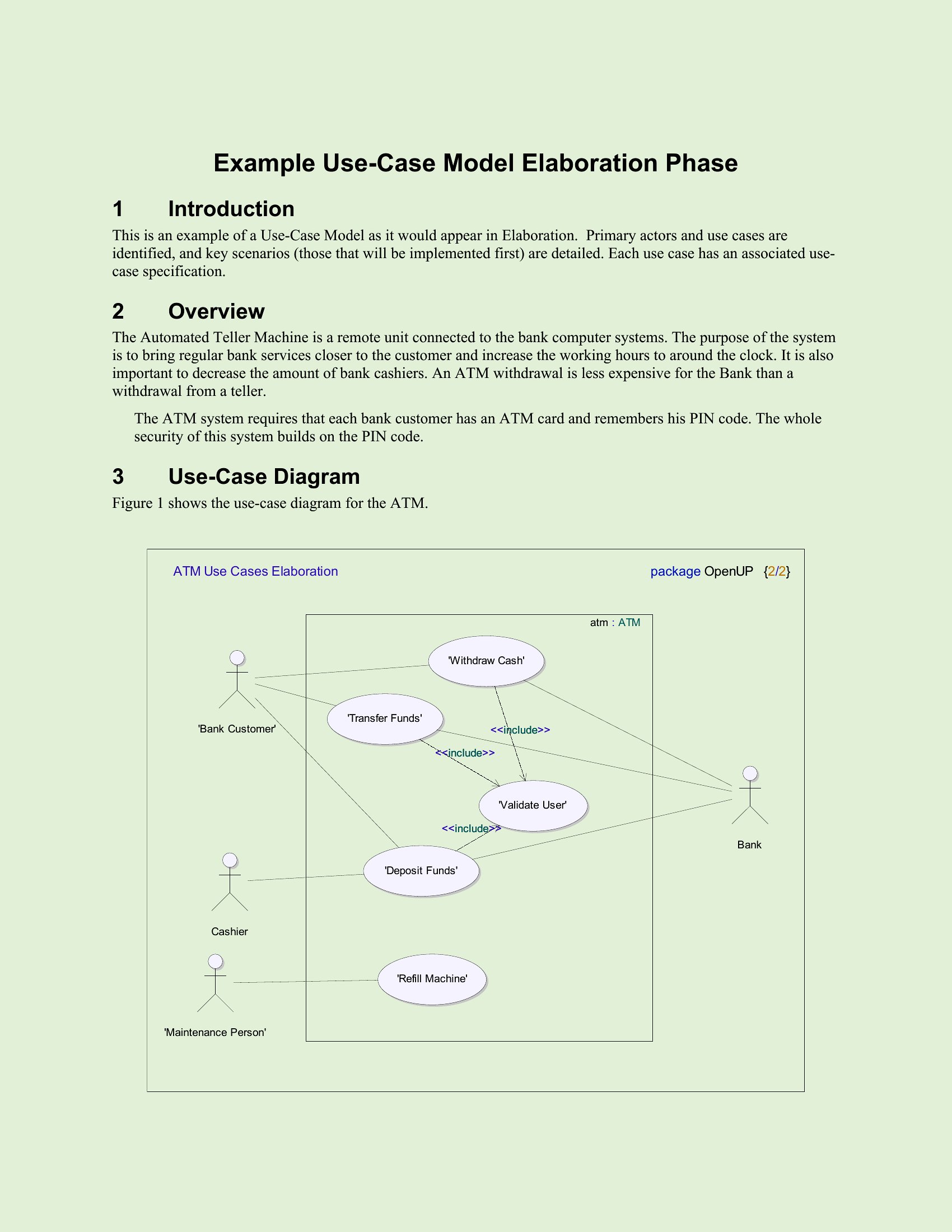
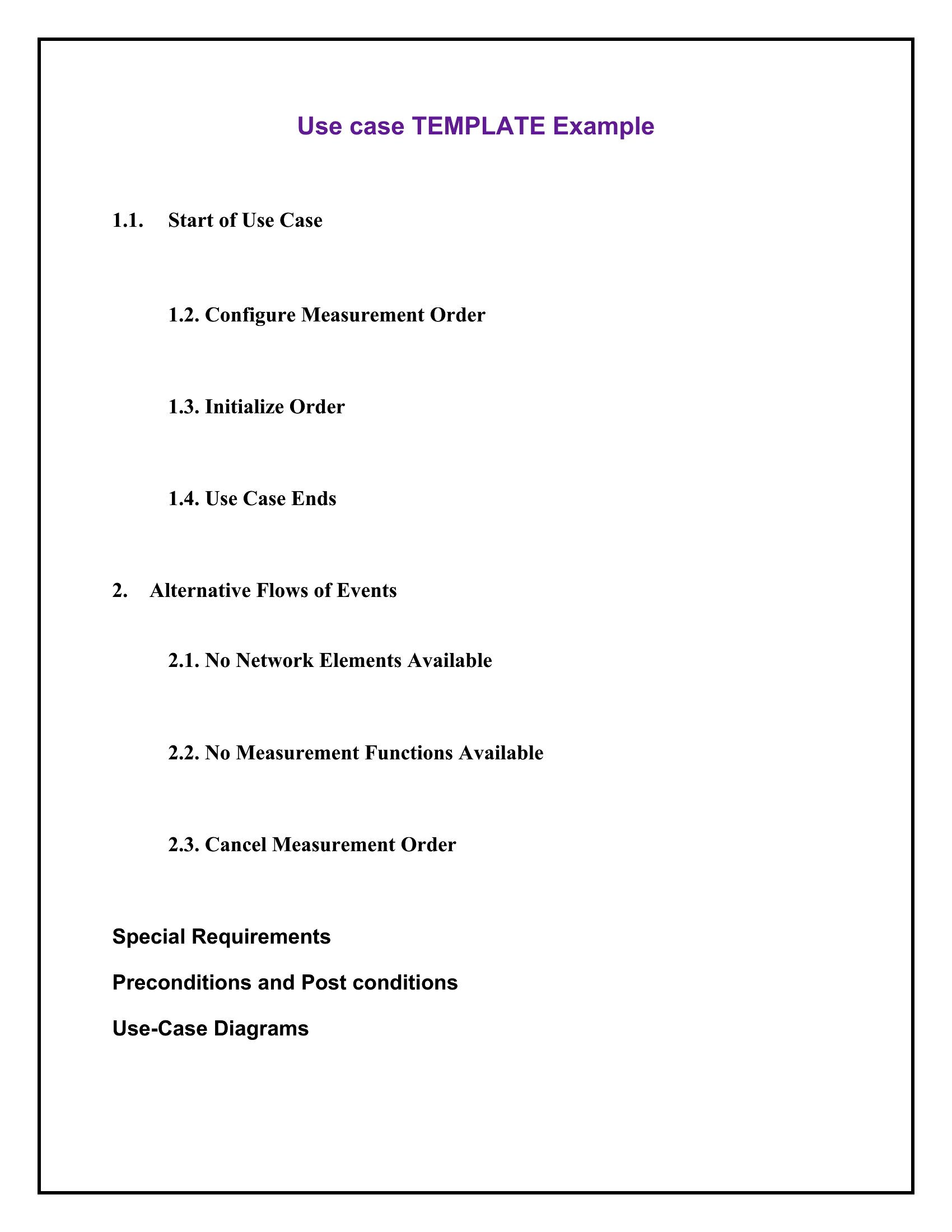
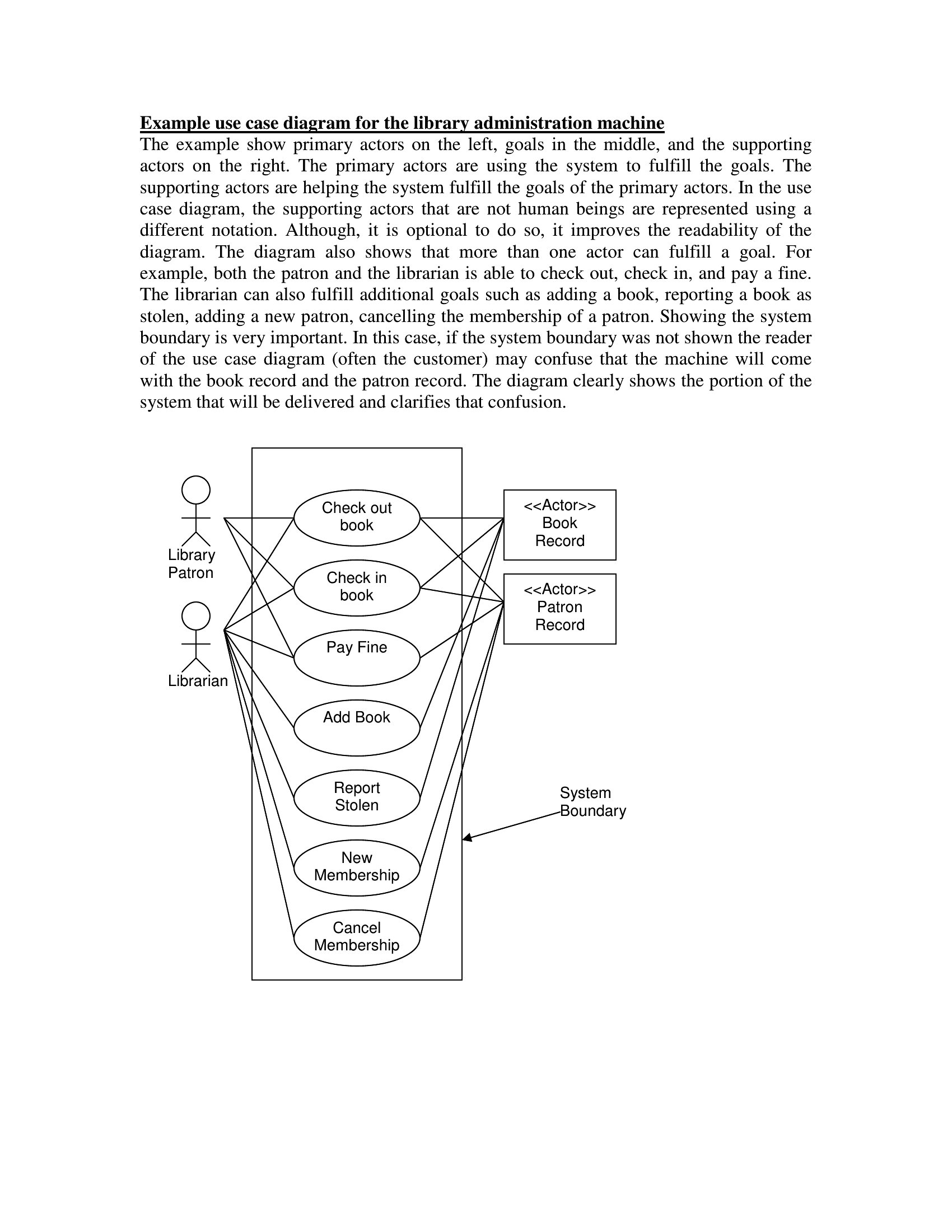
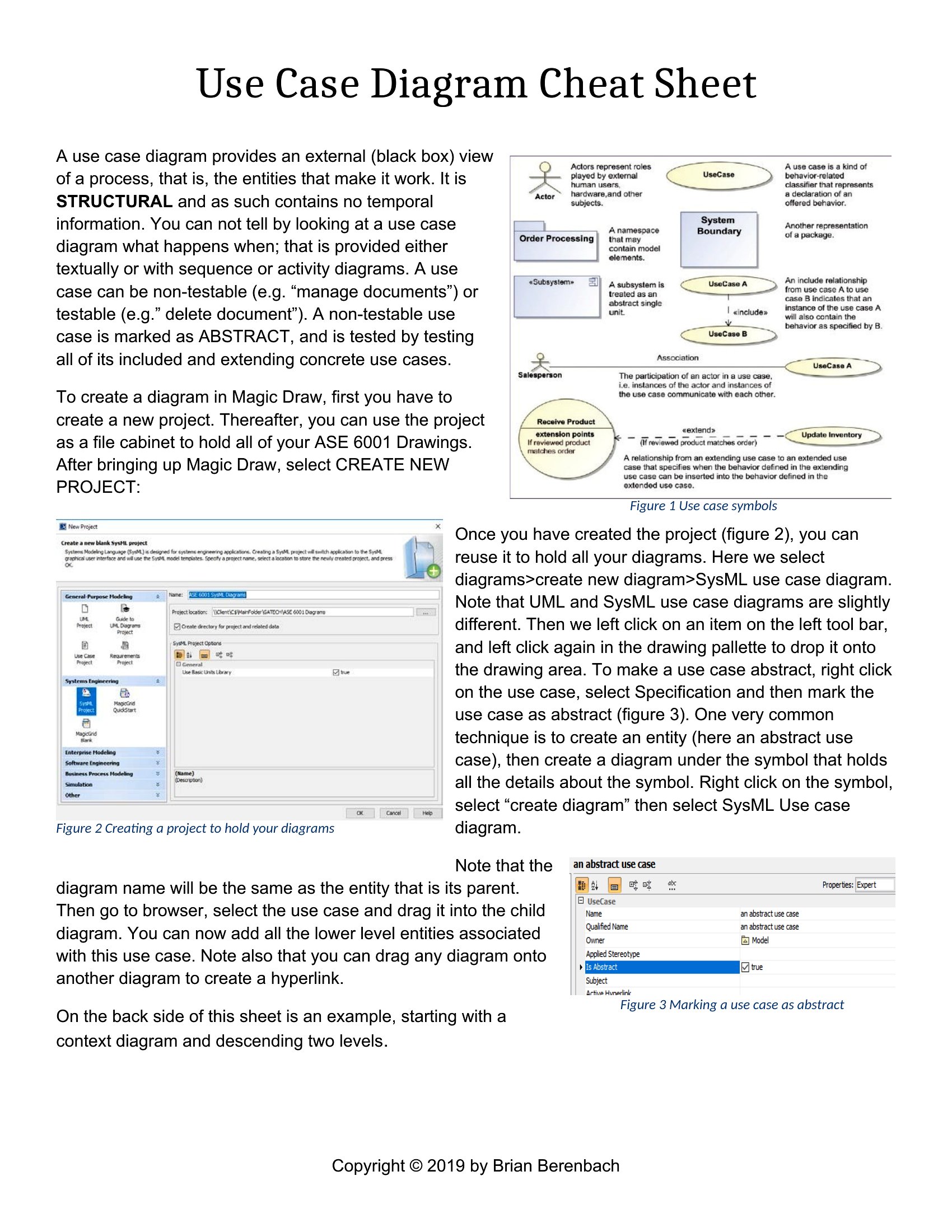
Each template is editable in Word and available as a PDF for sharing and review. Fill in the steps, list alternate paths, and attach the document to your specs or backlog. The set spans plain narrative use cases and more detailed formats you can pair with diagrams. Choose the level of detail your project needs and start mapping the interaction.
When to use this Use Case template
- A product manager planning a new customer portal needs to document how a shopper adds items to a cart, applies a discount, and checks out—instead of relying on ambiguous verbal descriptions.
- Software developers and QA testers reviewing a legacy banking system’s loan approval process document every possible user step, including edge cases like partial applications or expired IDs.
- A healthcare app team outlines how patients schedule appointments, upload documents, and receive follow-up notifications to ensure the design aligns with clinician and patient workflows.
- A startup’s technical writer creates a use case for a mobile checkout feature to train customer support teams on handling declined payments, refunds, and loyalty point redemptions.
Which format should I download?
Choose Word when you need collaborative editing for multi-stakeholder workshops, where requirements might evolve before finalizing the use case. The editable structure in Word supports team annotations and versioning. Use PDF for a polished, finalized reference—ideal for sharing with external partners or archiving completed use cases where no further changes are needed. The PDF format locks the content, ensuring consistency when distributed to developers or clients who don’t need to modify the document.
Choose from 66 Use Case Templates
Use Case Format
Use Case Model
How to use this Use Case template
How do these templates handle complex systems with multiple actors and dependencies?
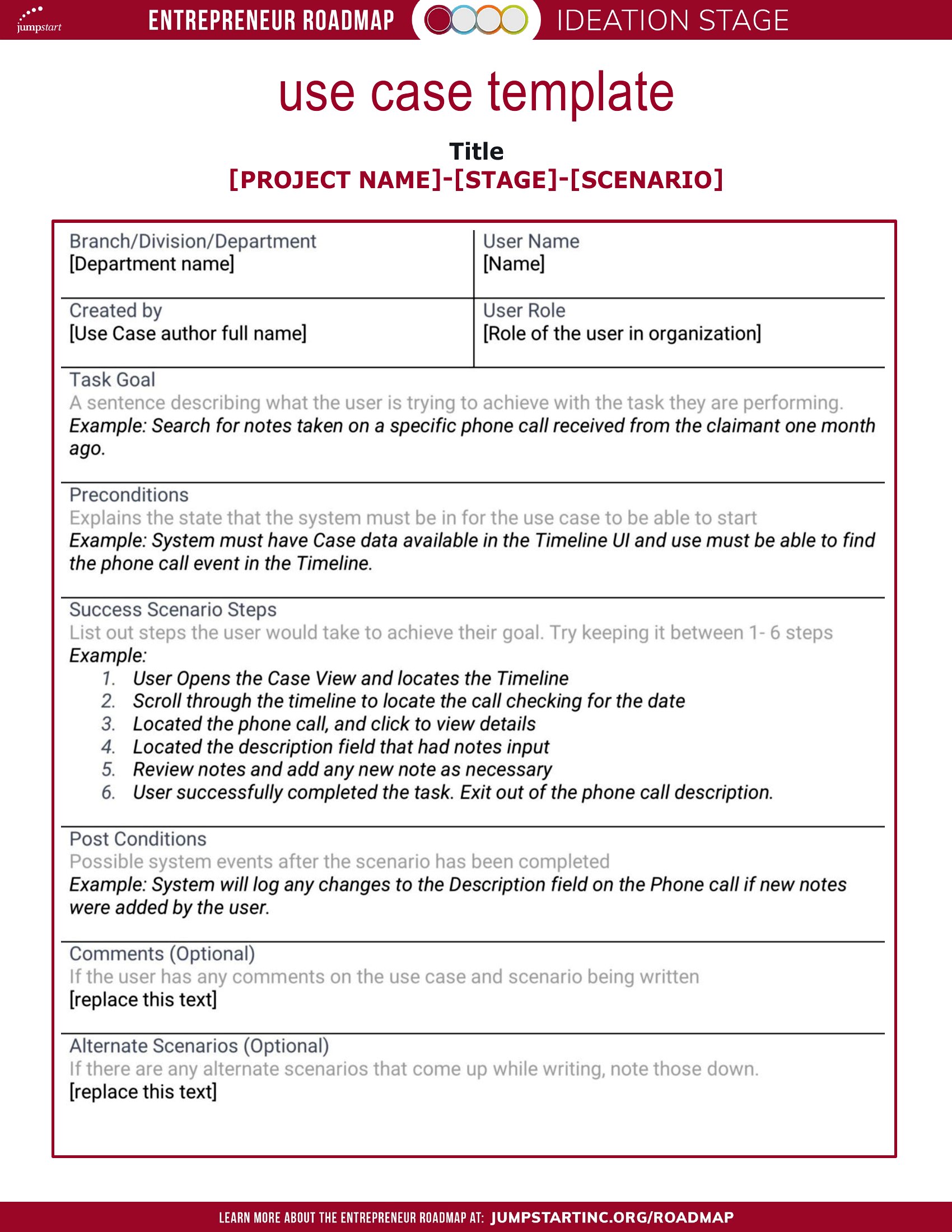
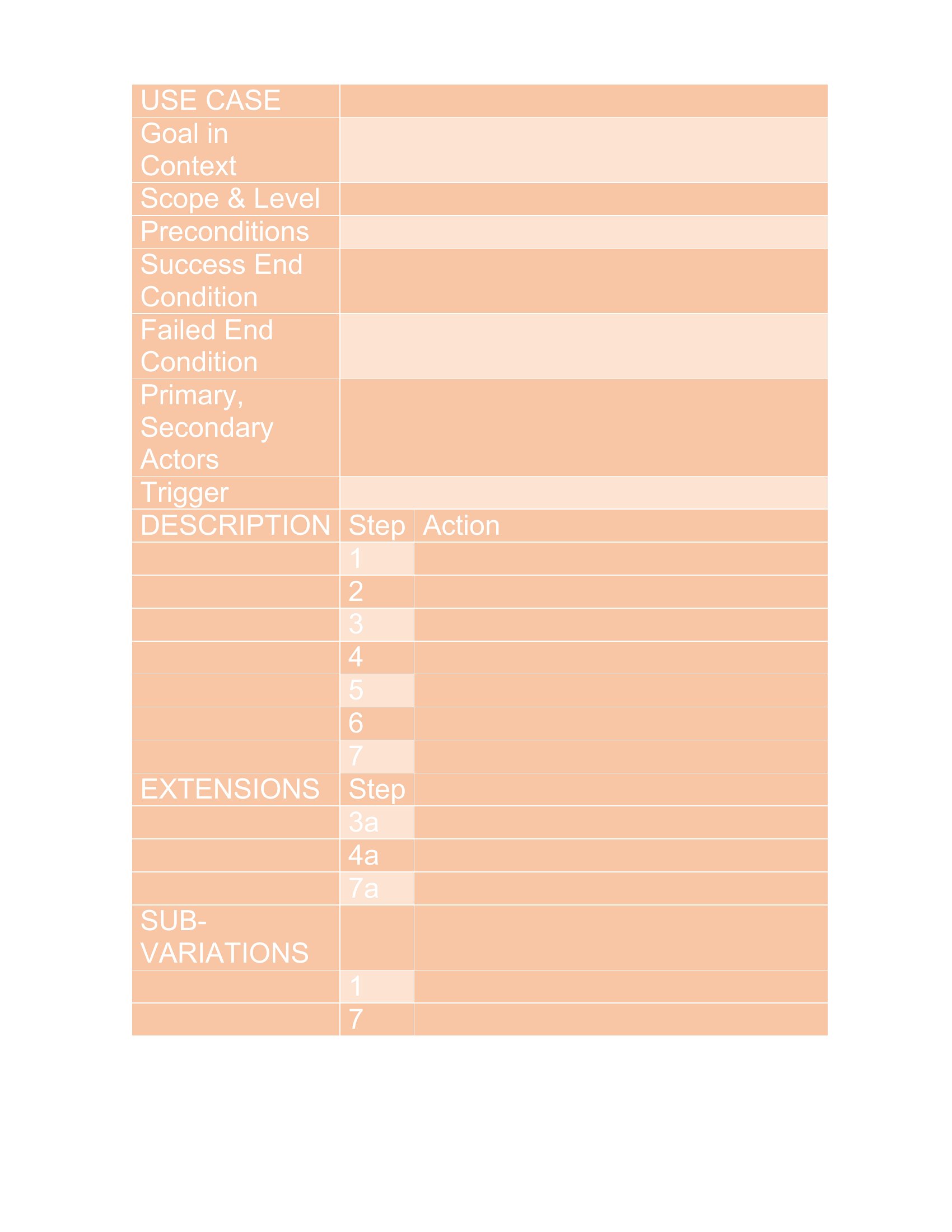
Templates include sections for primary and secondary actors, plus a dedicated space for dependencies (e.g., external APIs or third-party systems). For highly interconnected workflows, the main success scenario is broken into subflows, and alternate paths can be linked to avoid overwhelming a single document.
Are there examples for non-software systems, like business processes or manufacturing workflows?
Yes. Several templates focus on operational workflows, such as a warehouse order-picking process or a call-center ticket resolution flow. These adapt the same structure but replace technical jargon with role-specific language, like ‘operator’ instead of ‘user’ or ‘system.’
Can these templates help align development teams with business goals if stakeholders keep changing priorities?
The templates include a ‘business rule’ section to capture high-level objectives (e.g., ‘reduce cart abandonment by 15%’), which acts as an anchor when scope shifts. A ‘notes’ section also flags pending decisions, so even if priorities change, the core user goal remains visible throughout iterations.
Comments
Join the conversation
Sign in to share your thoughts and leave a comment on this resource.