Skip to content
50% off this one-time $1.99 pack with HALFOFF — or unlimited with Pro.HALFOFF
Premium

Free Independent Contractor Invoices (Word, Excel)

Invoices
nebojsaabramovic by nebojsaabramovic
Updated 0 downloads Quality-checked template

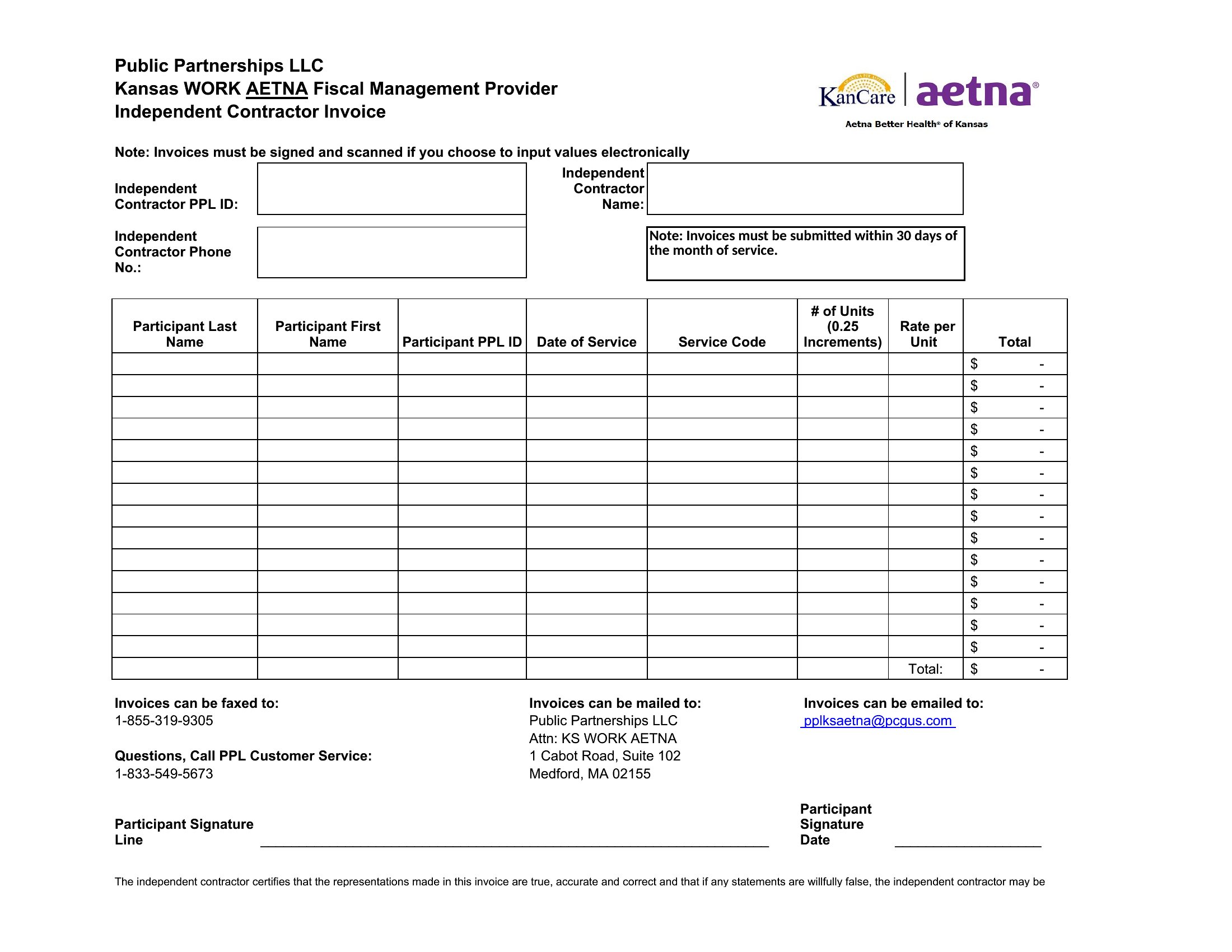
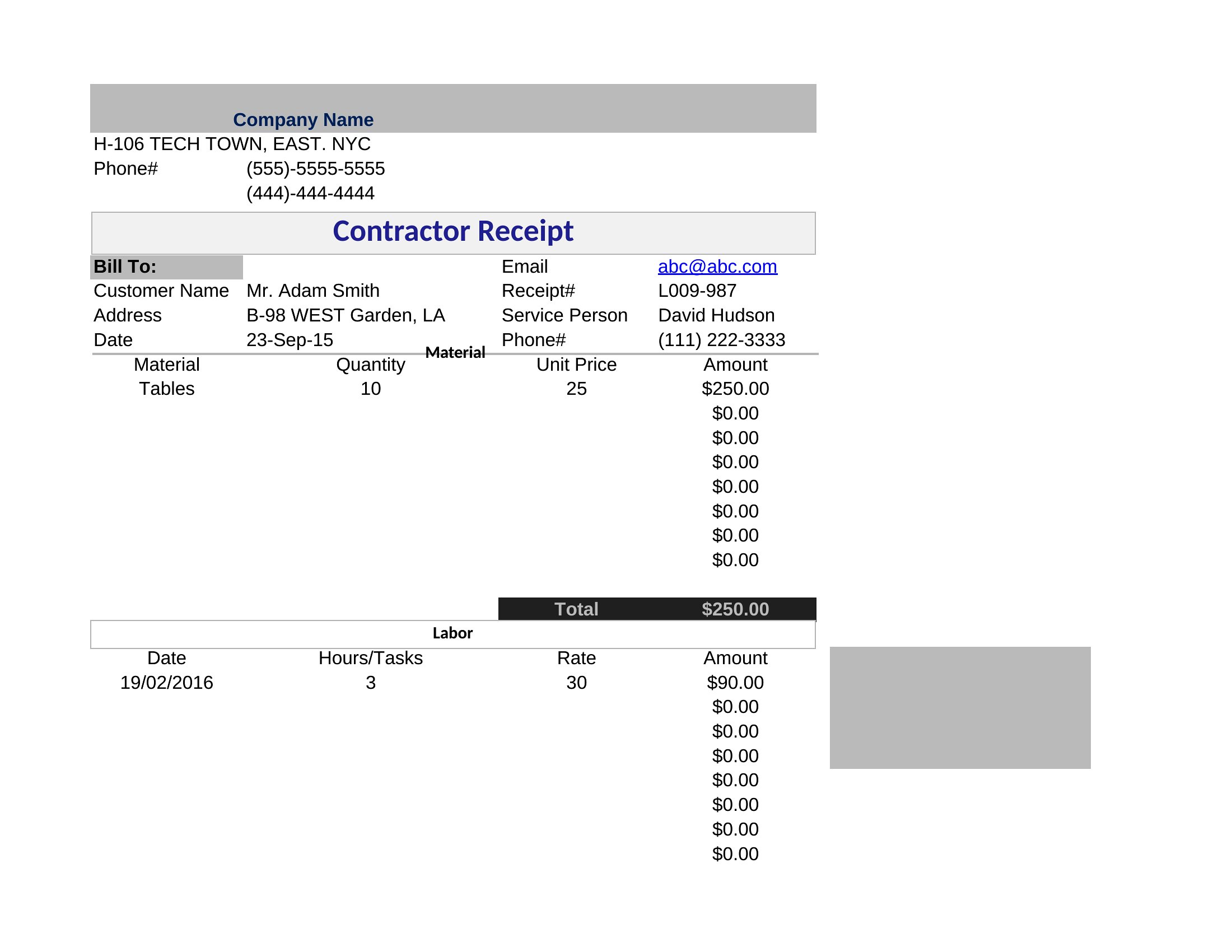
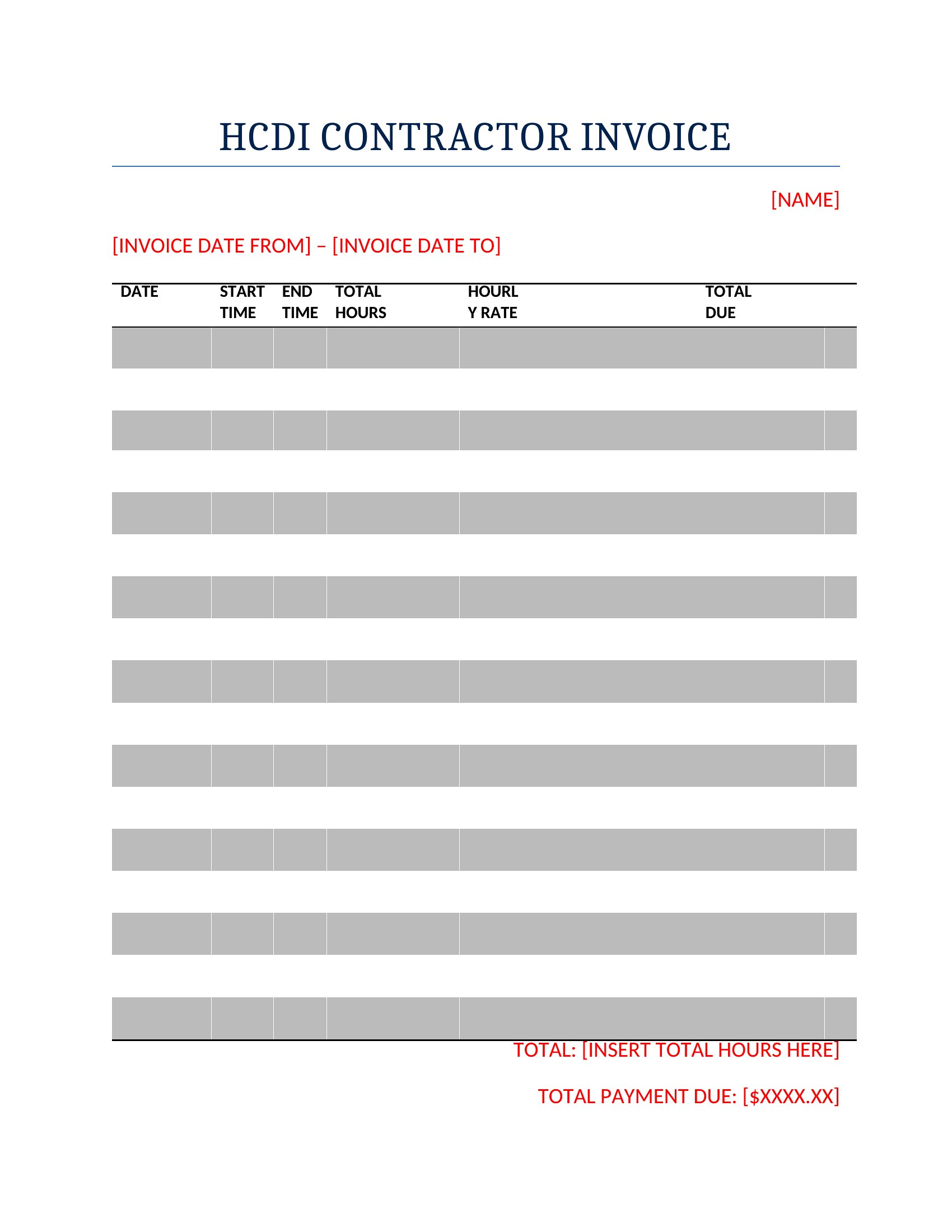
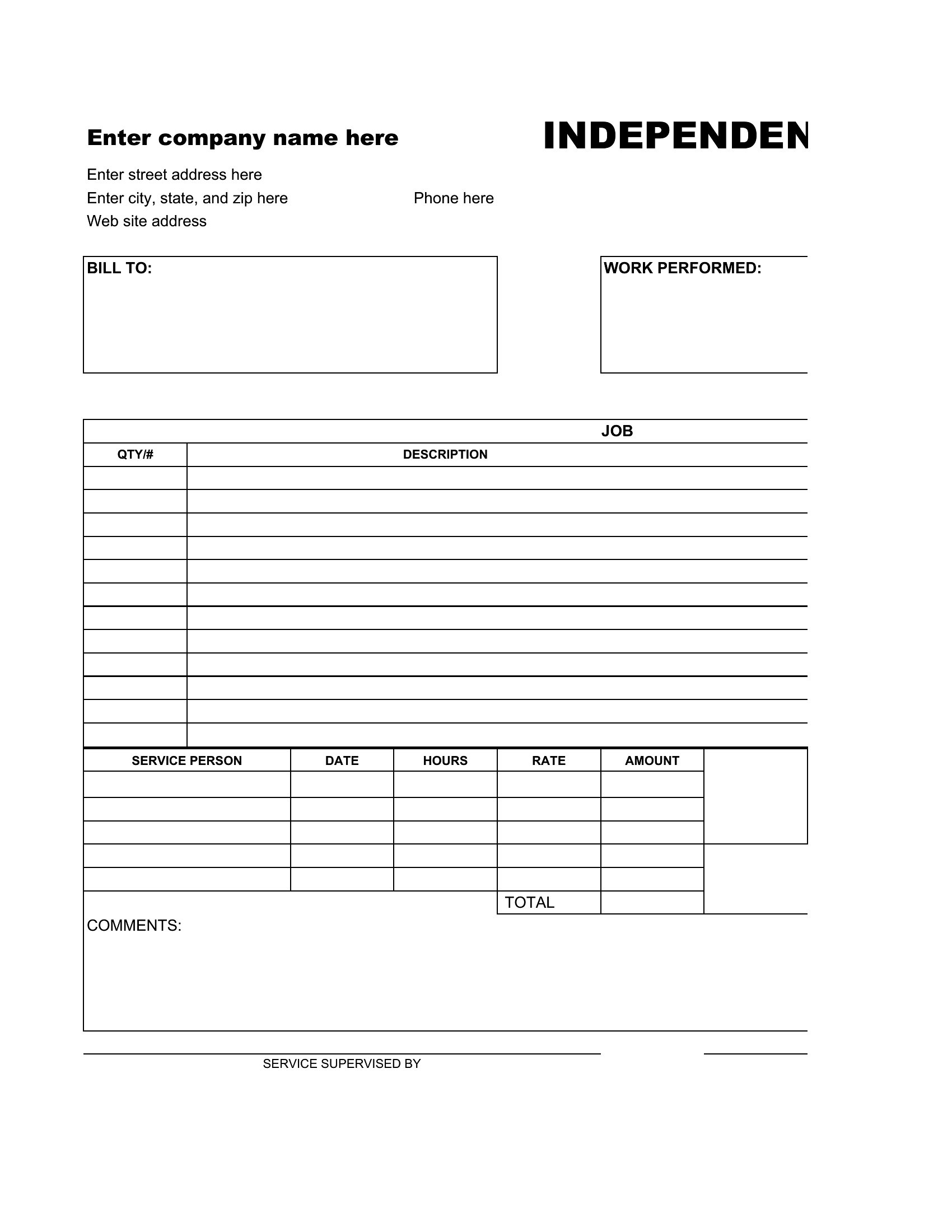
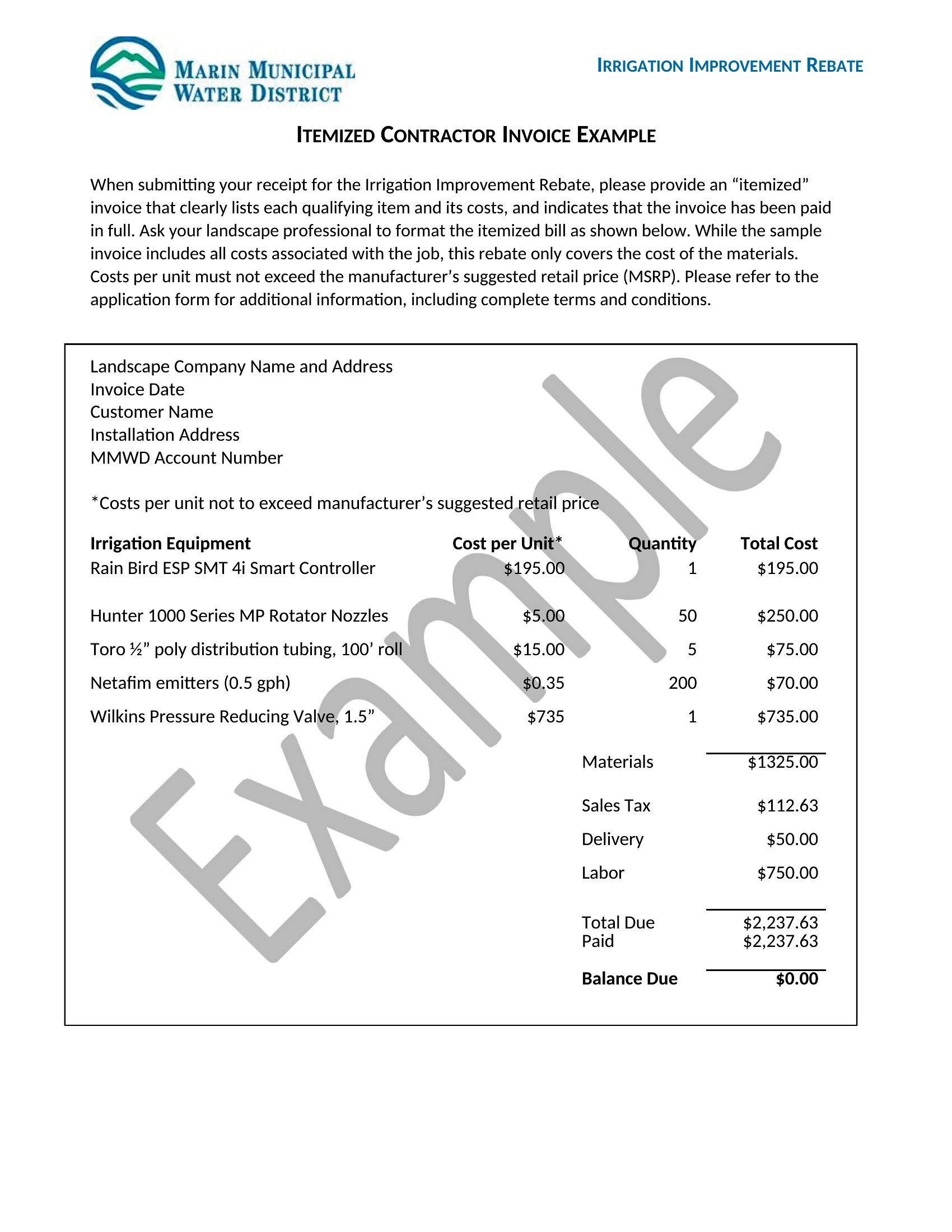
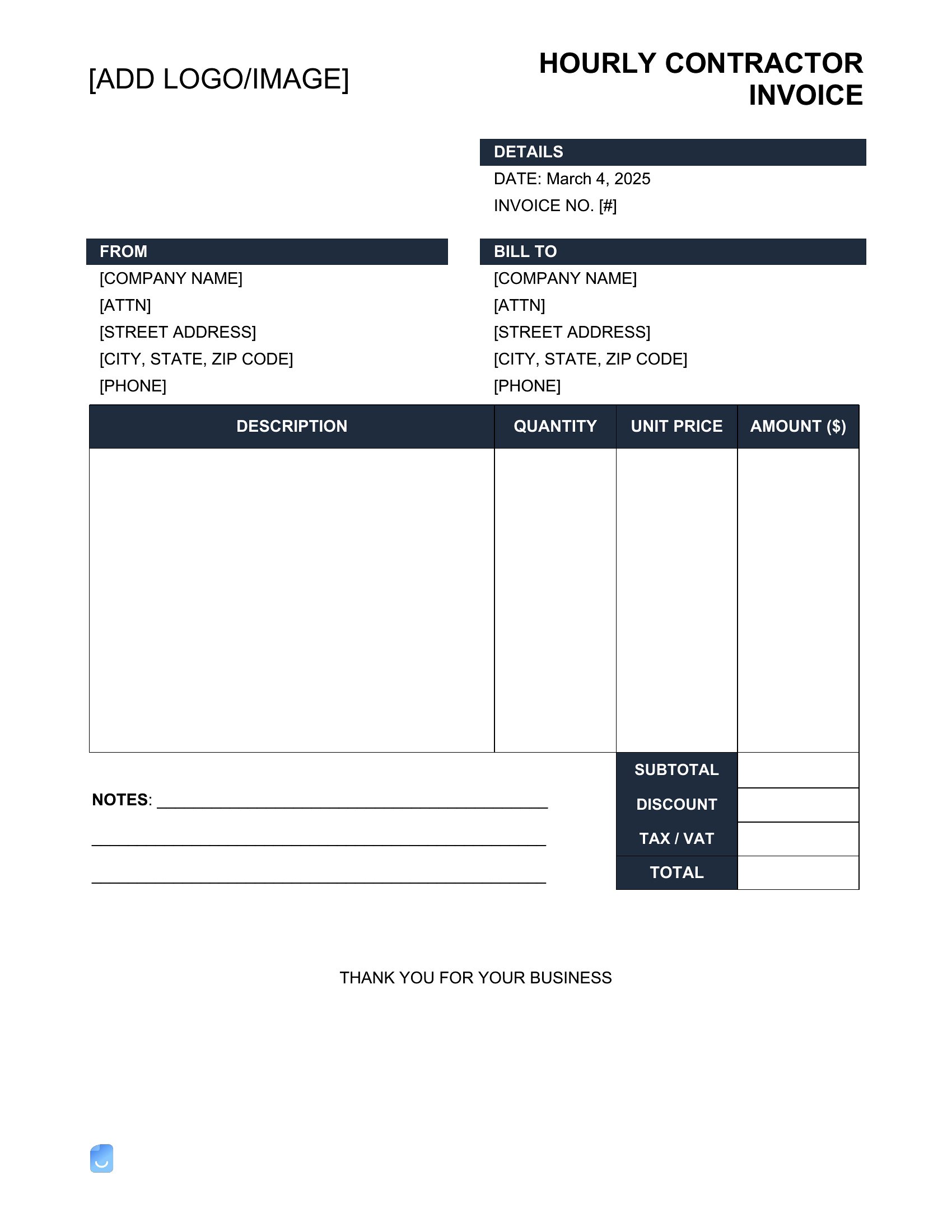
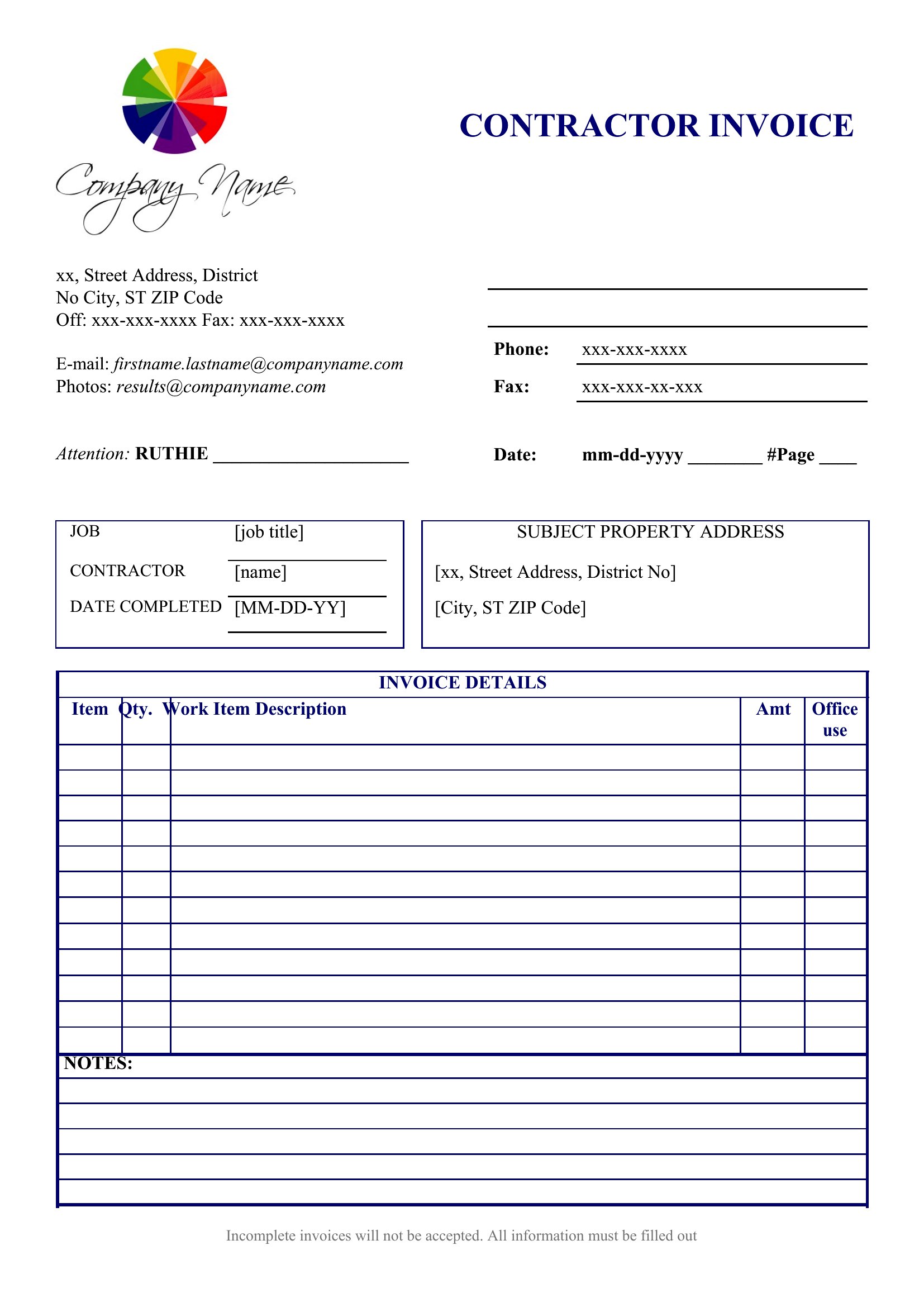
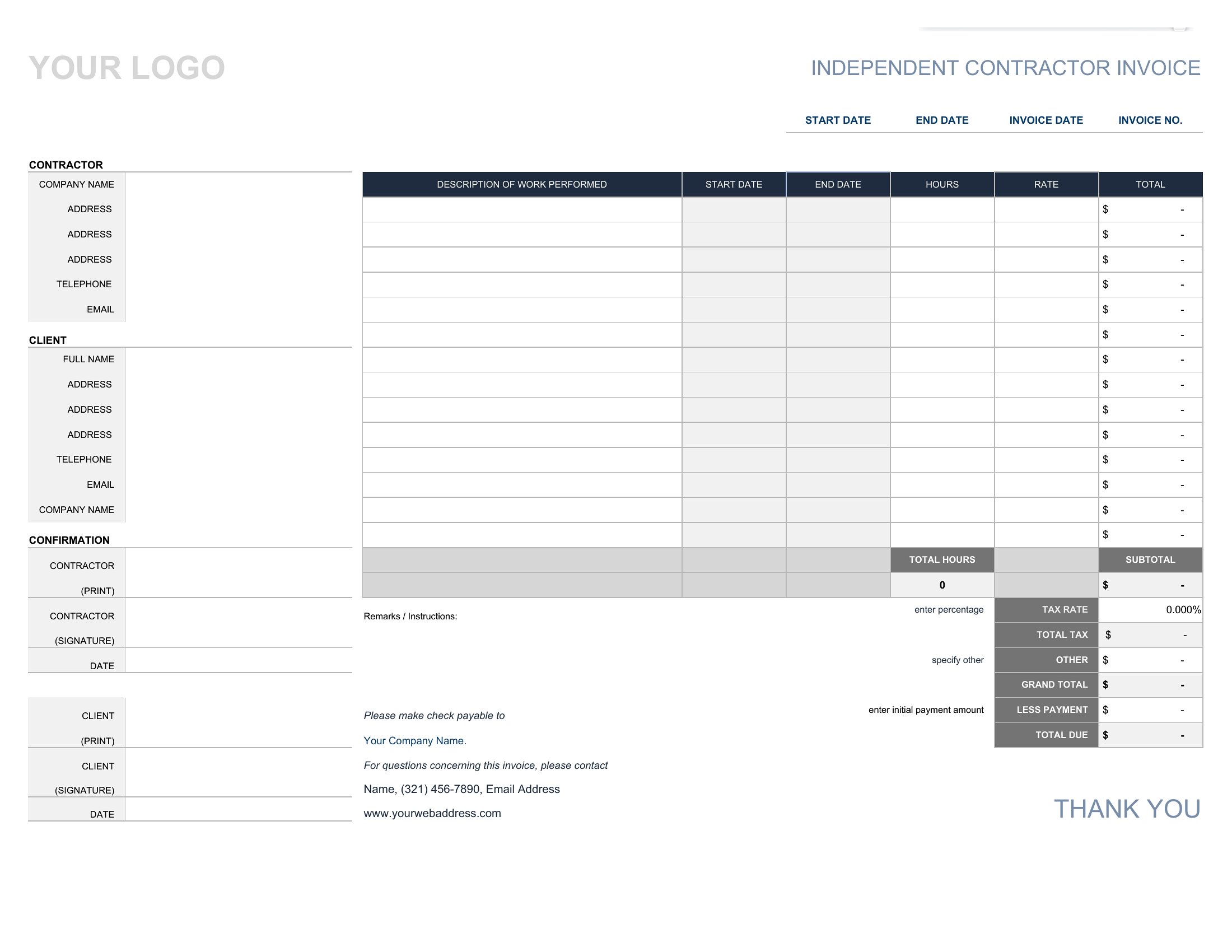
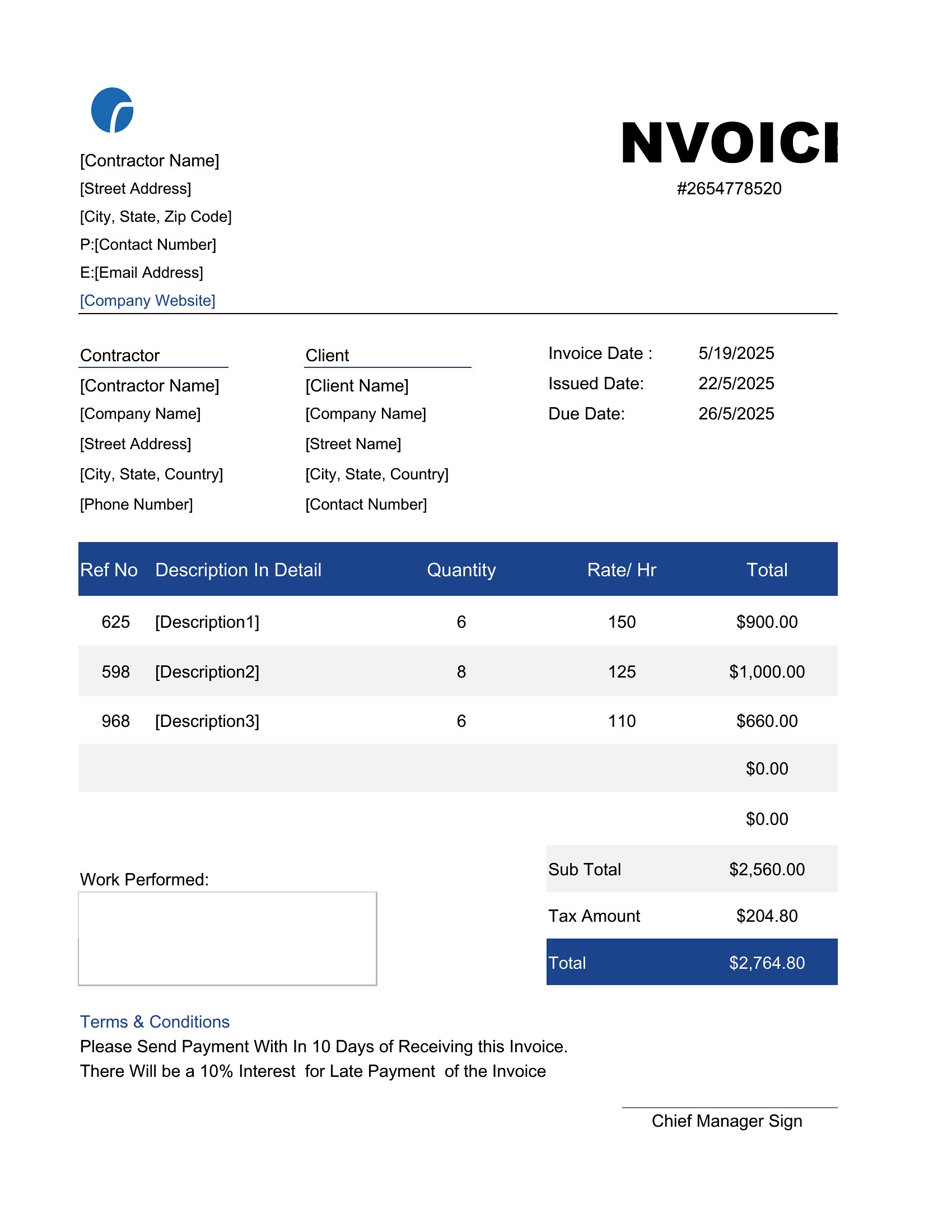
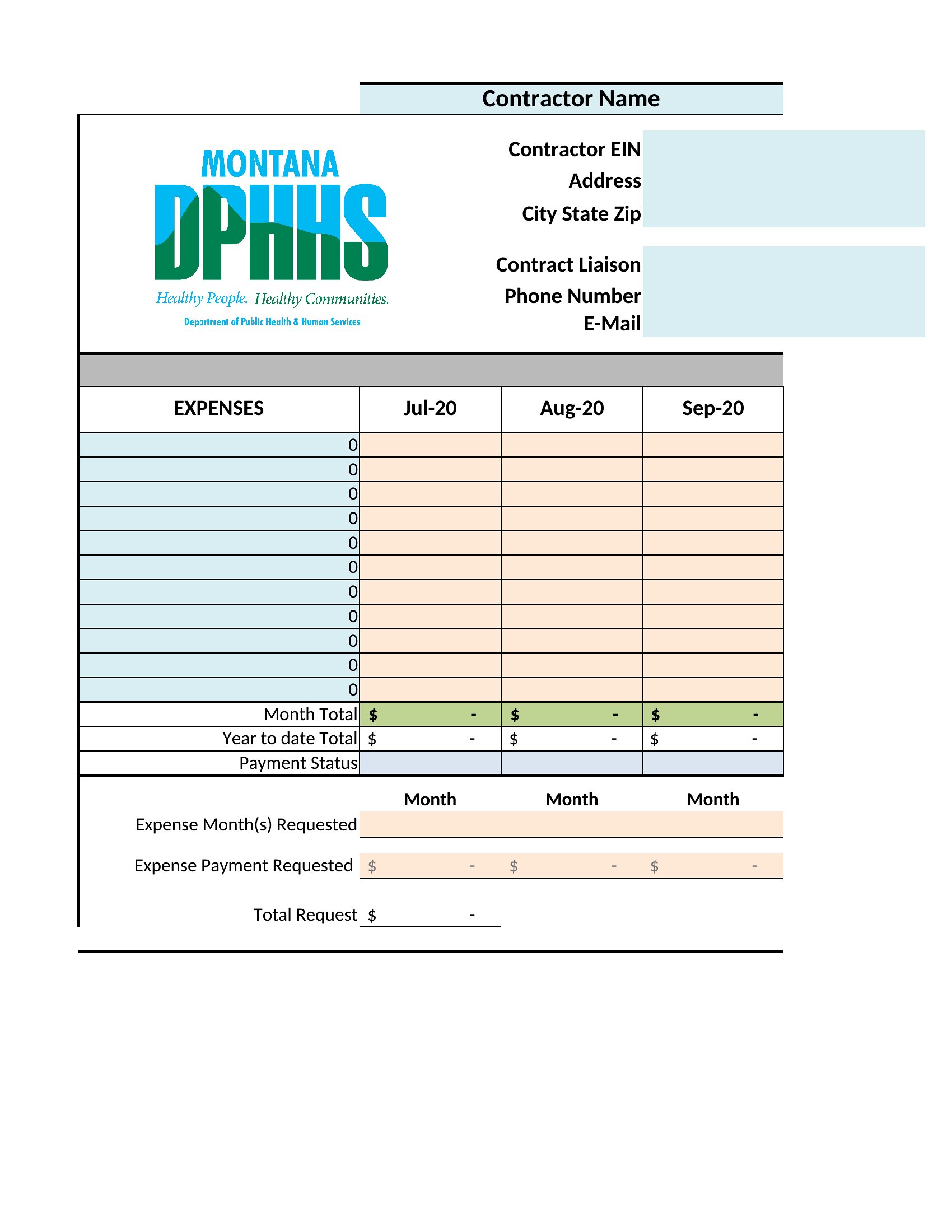
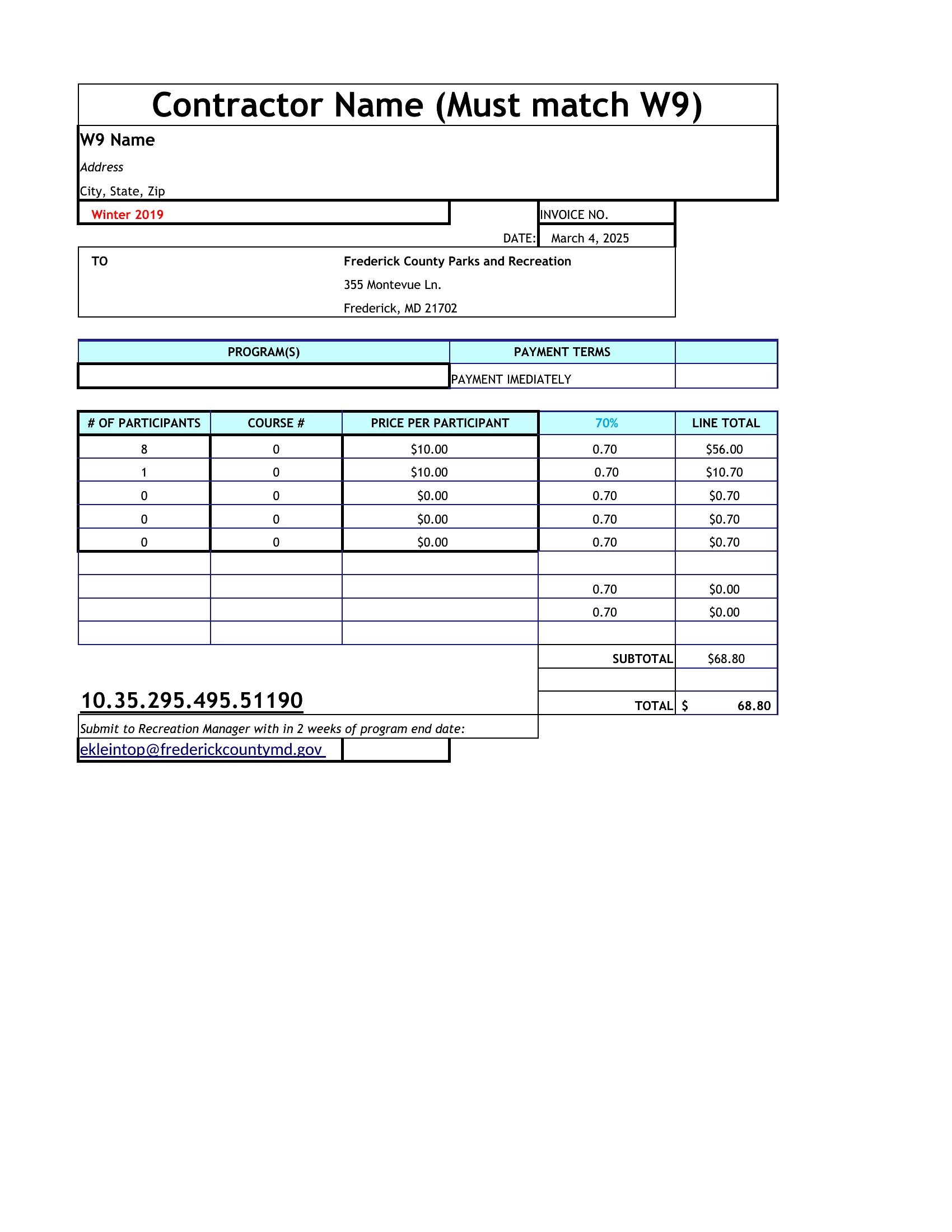
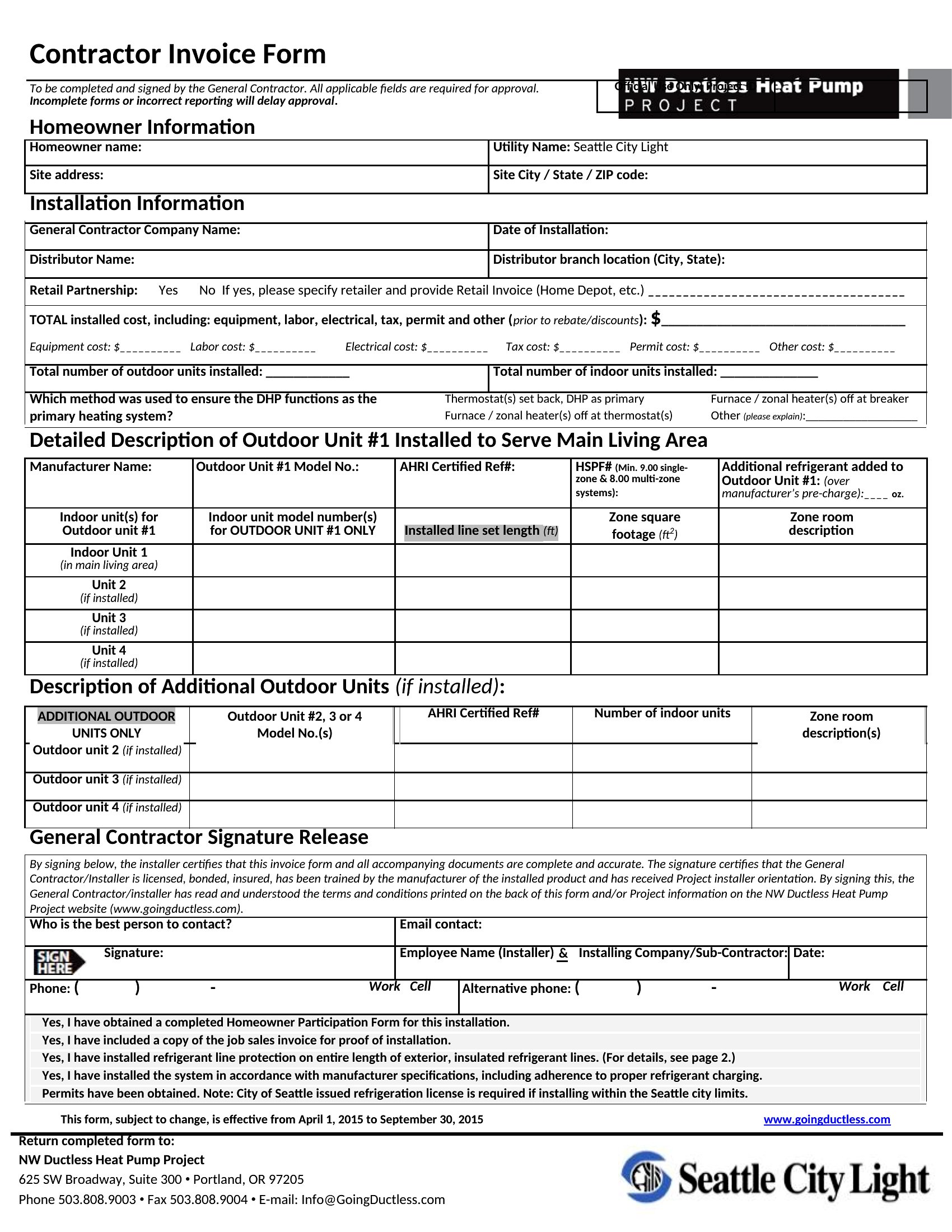
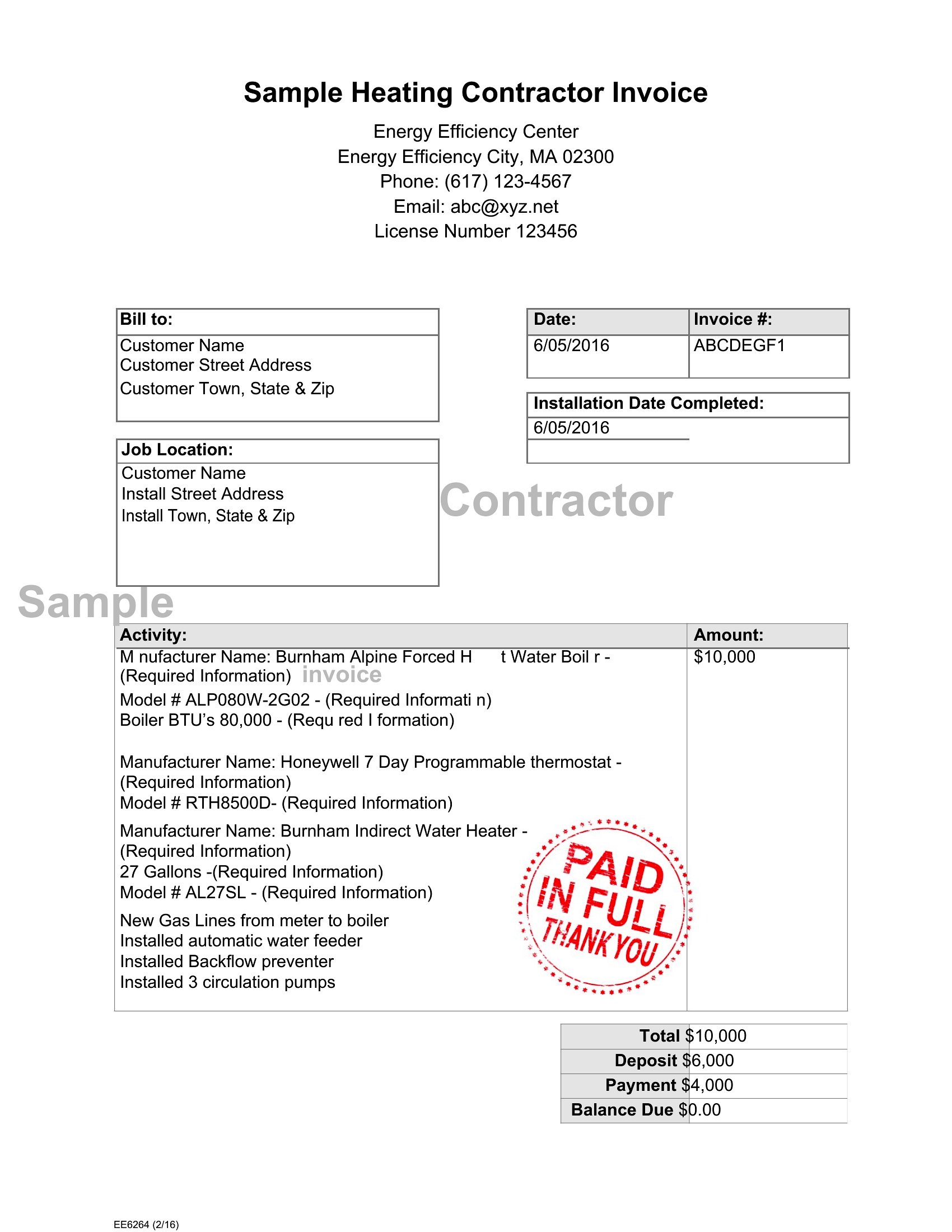
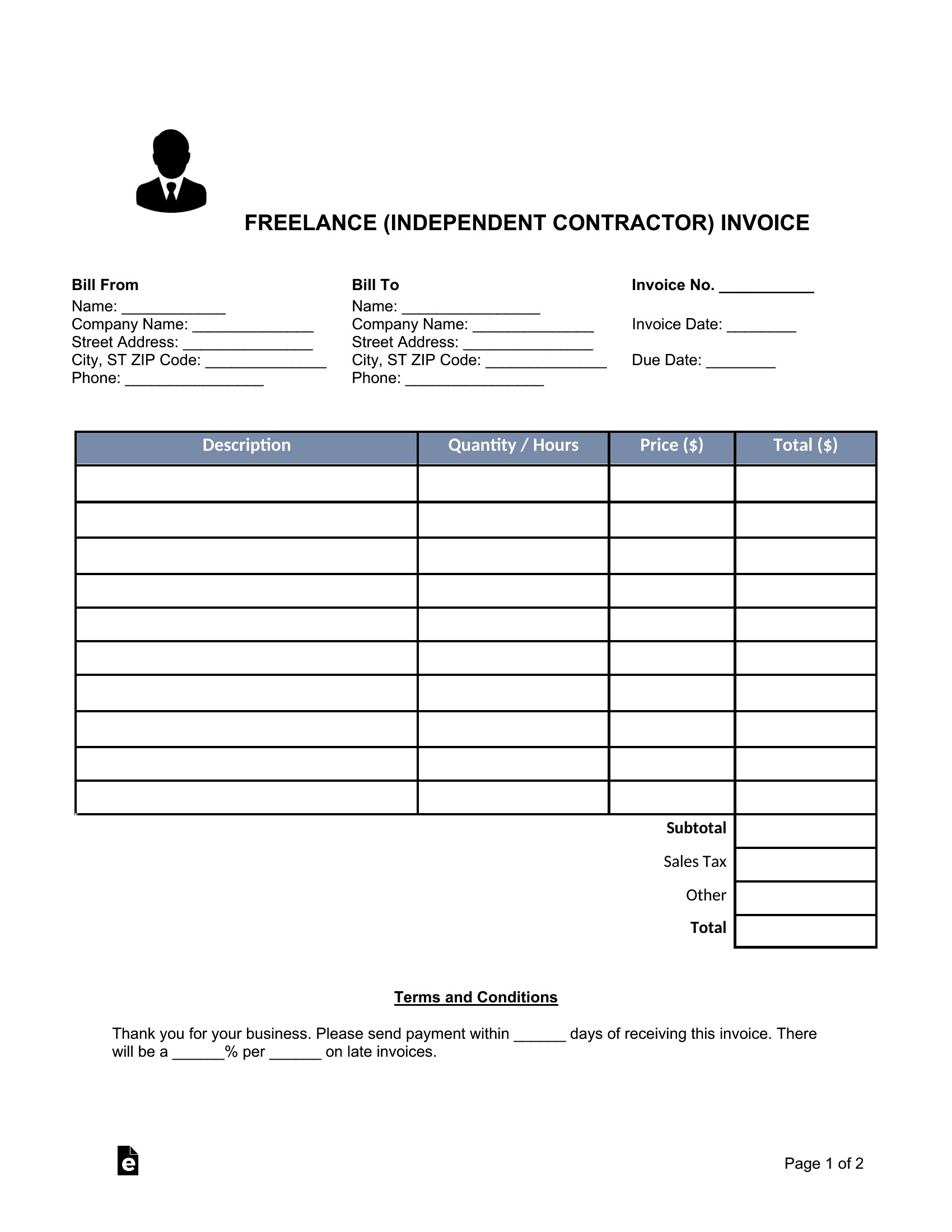
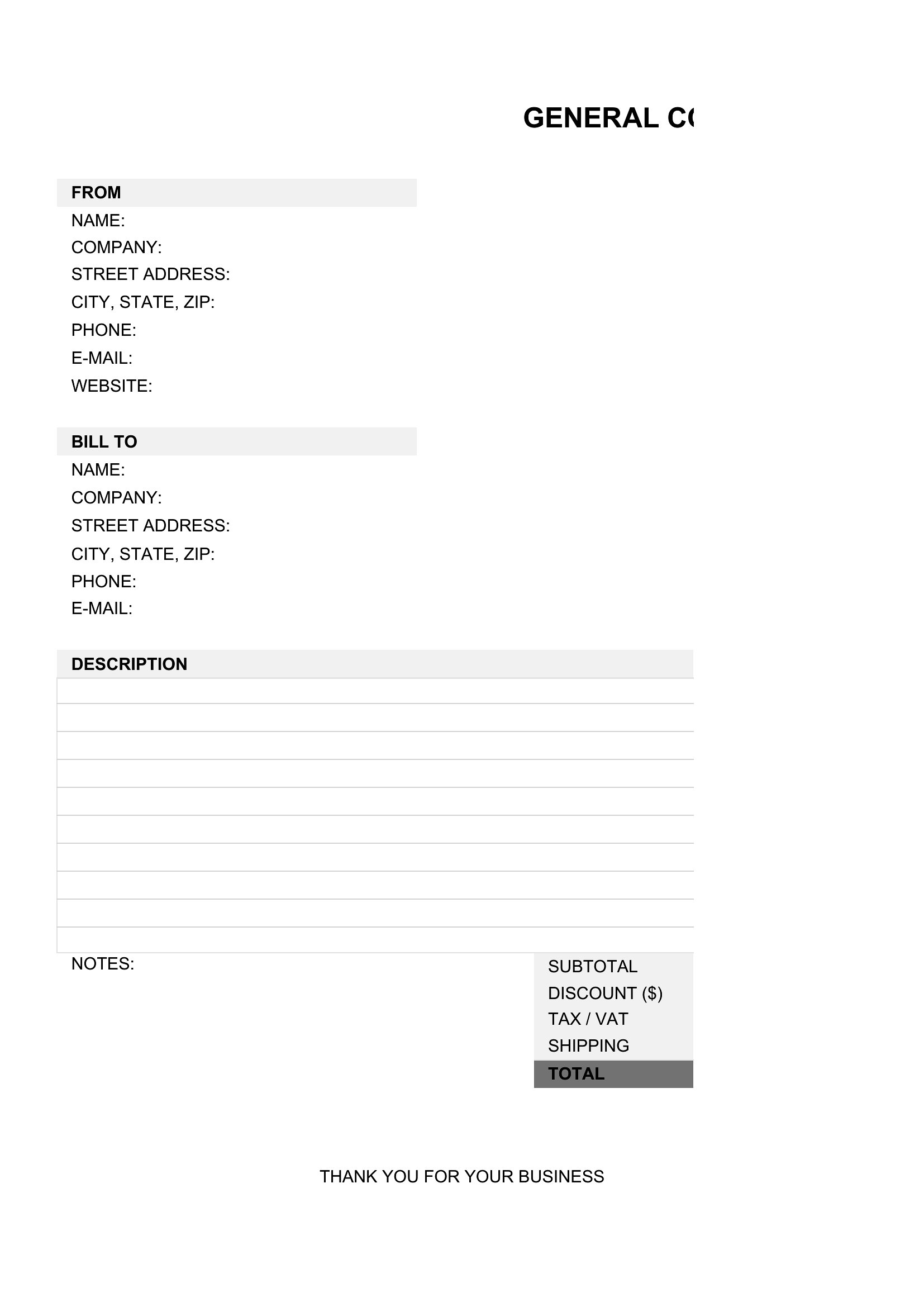
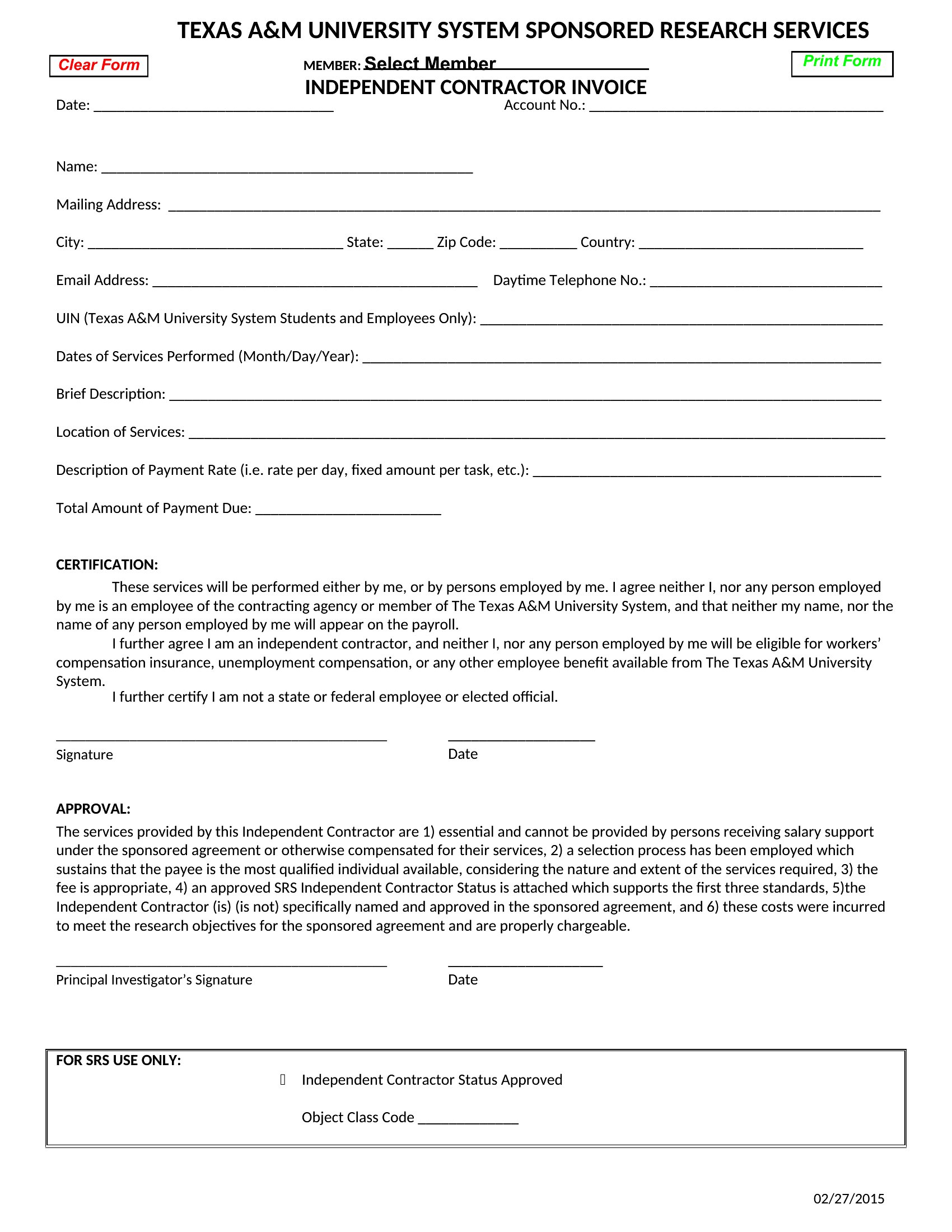
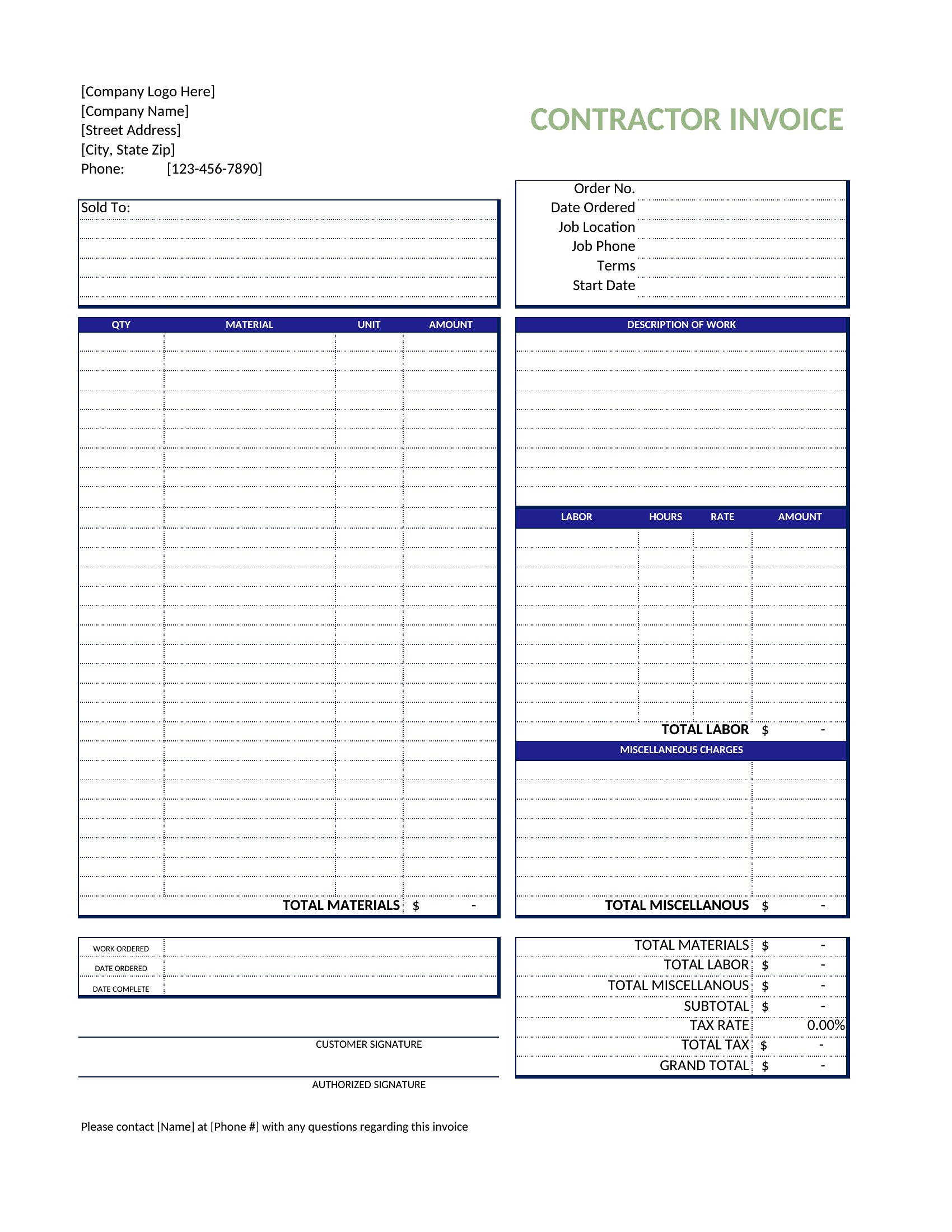
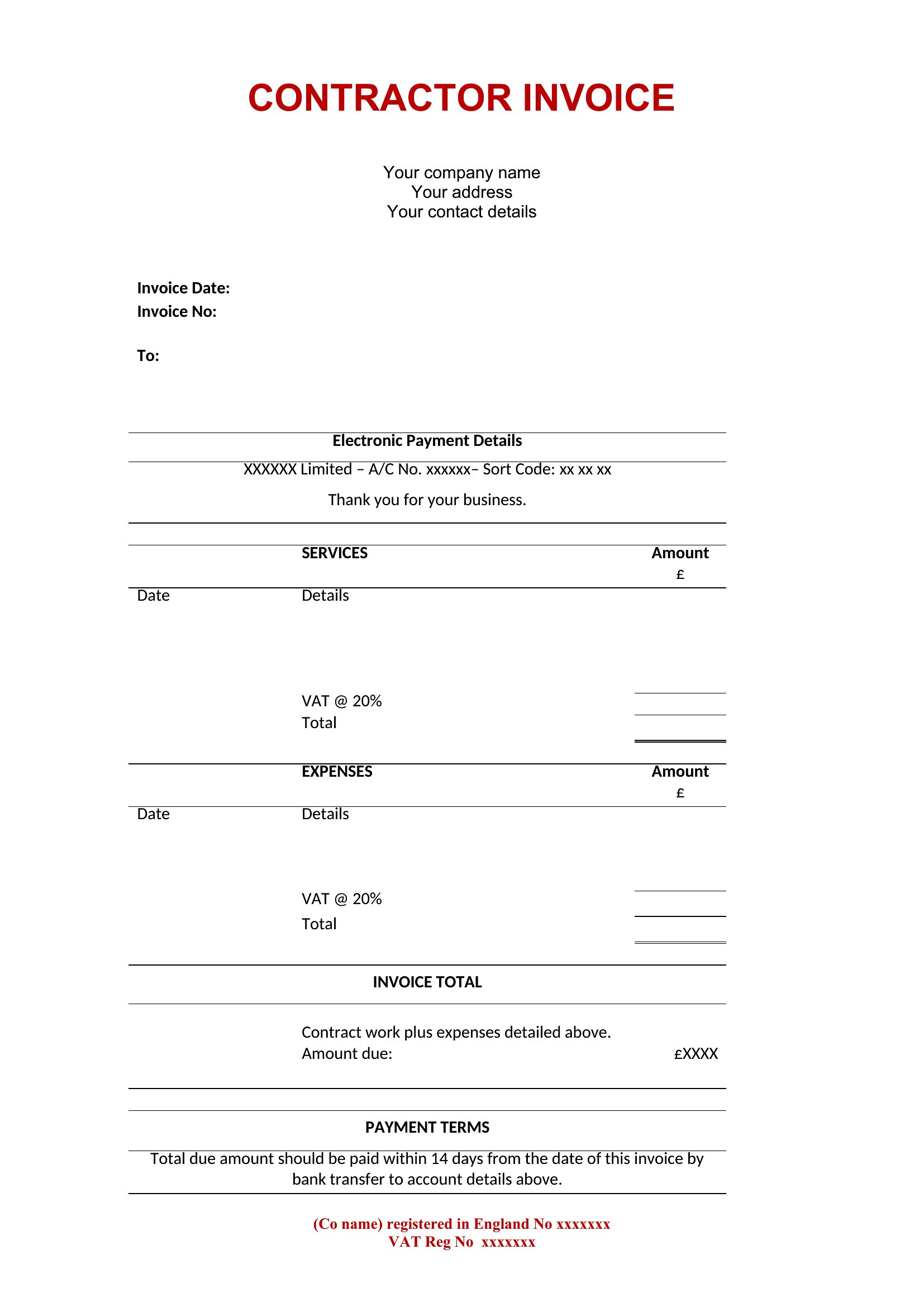
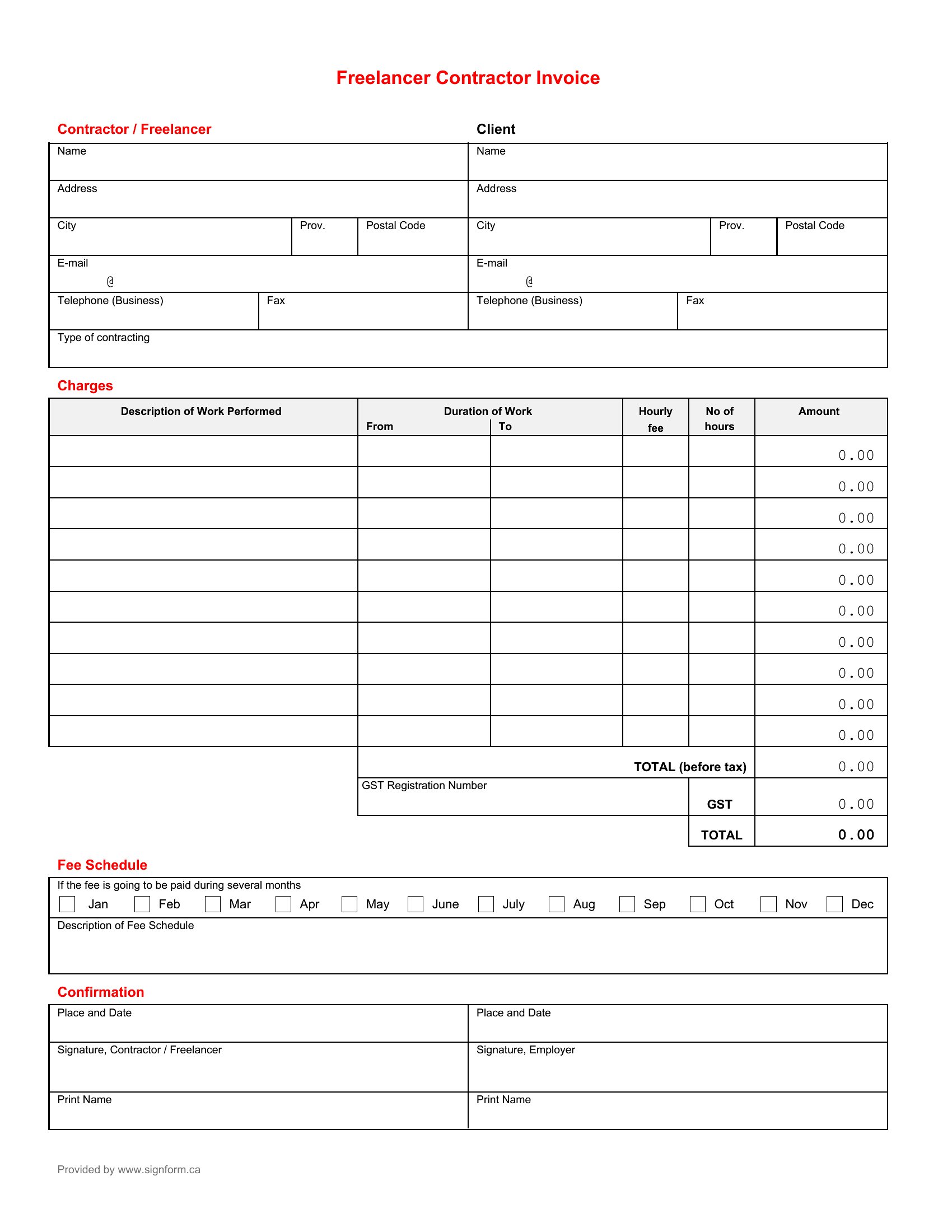
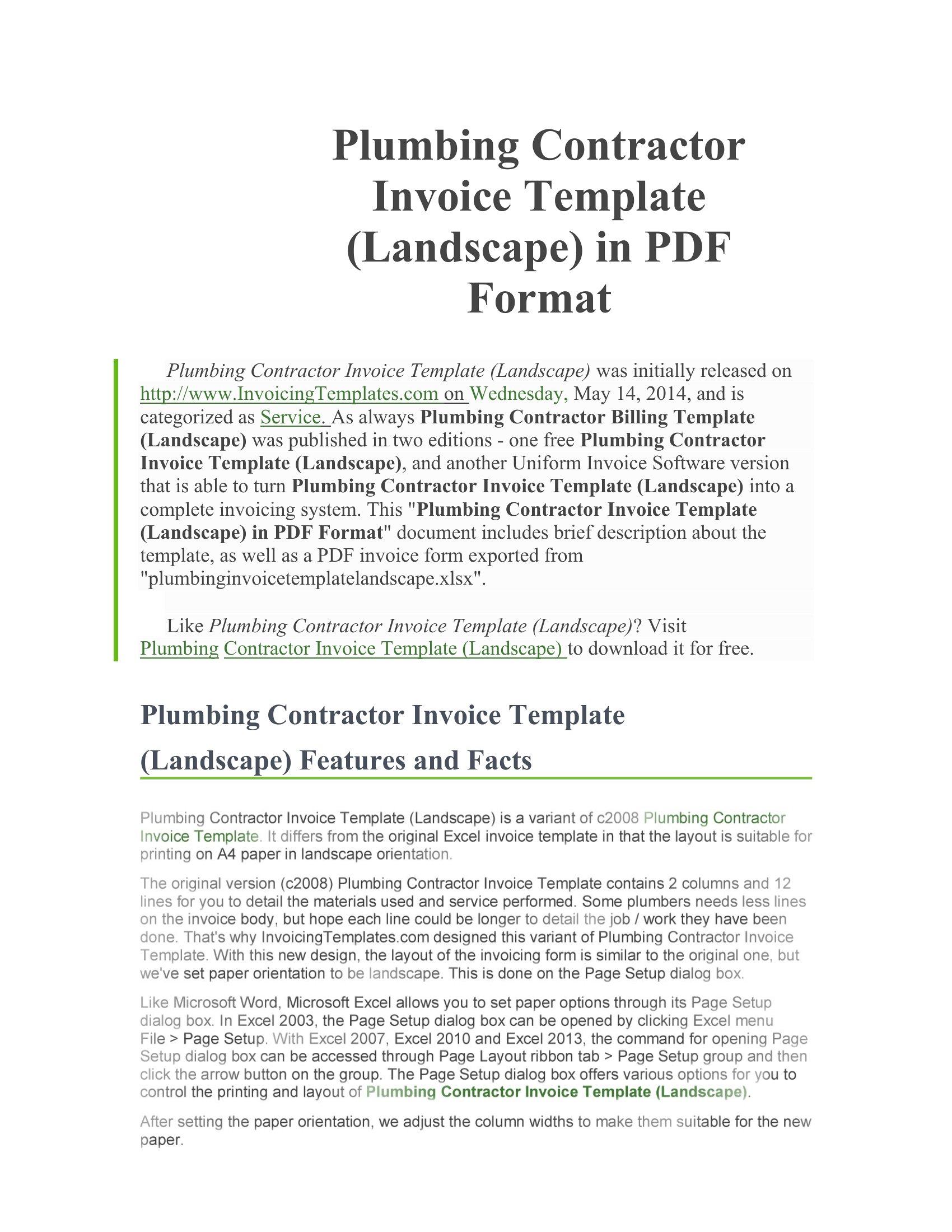
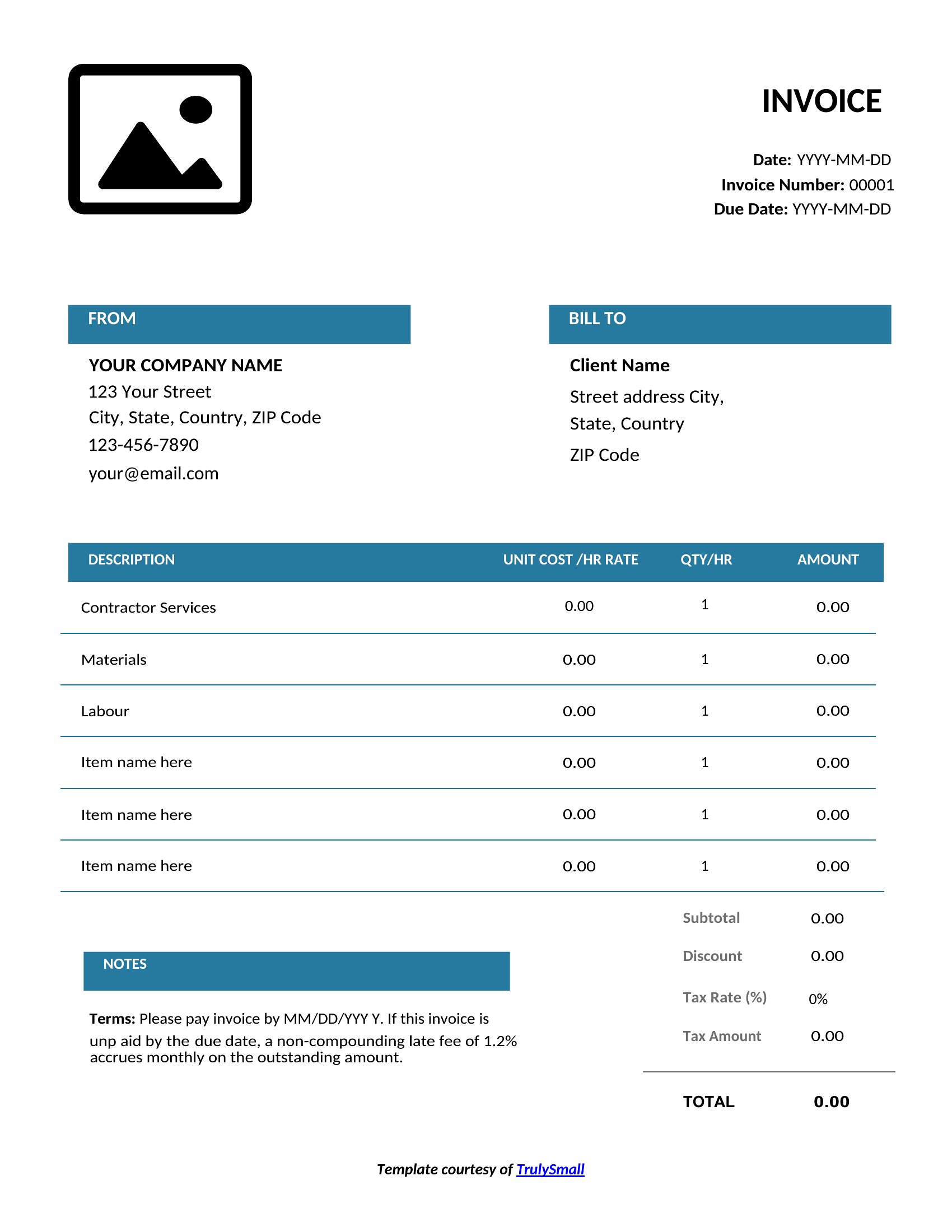
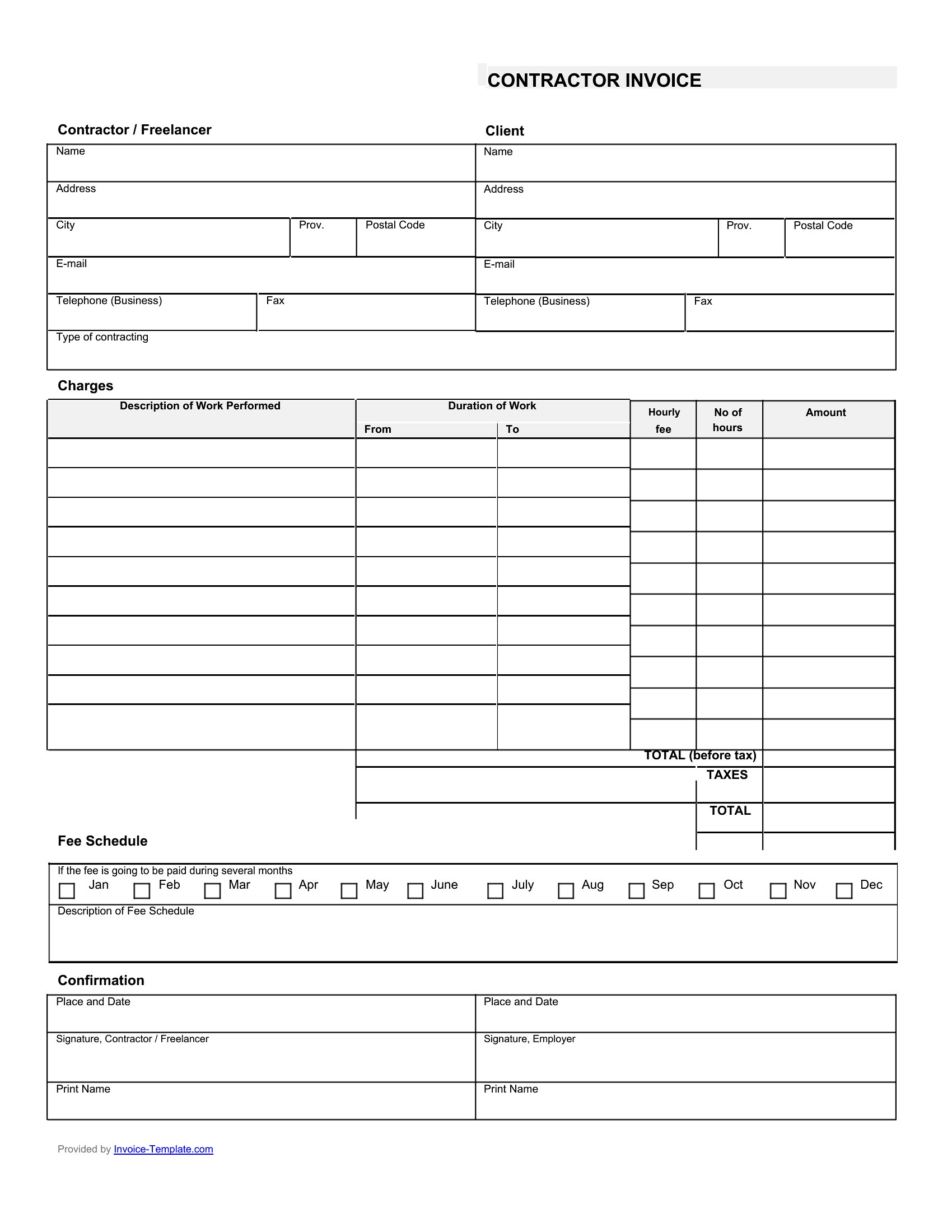
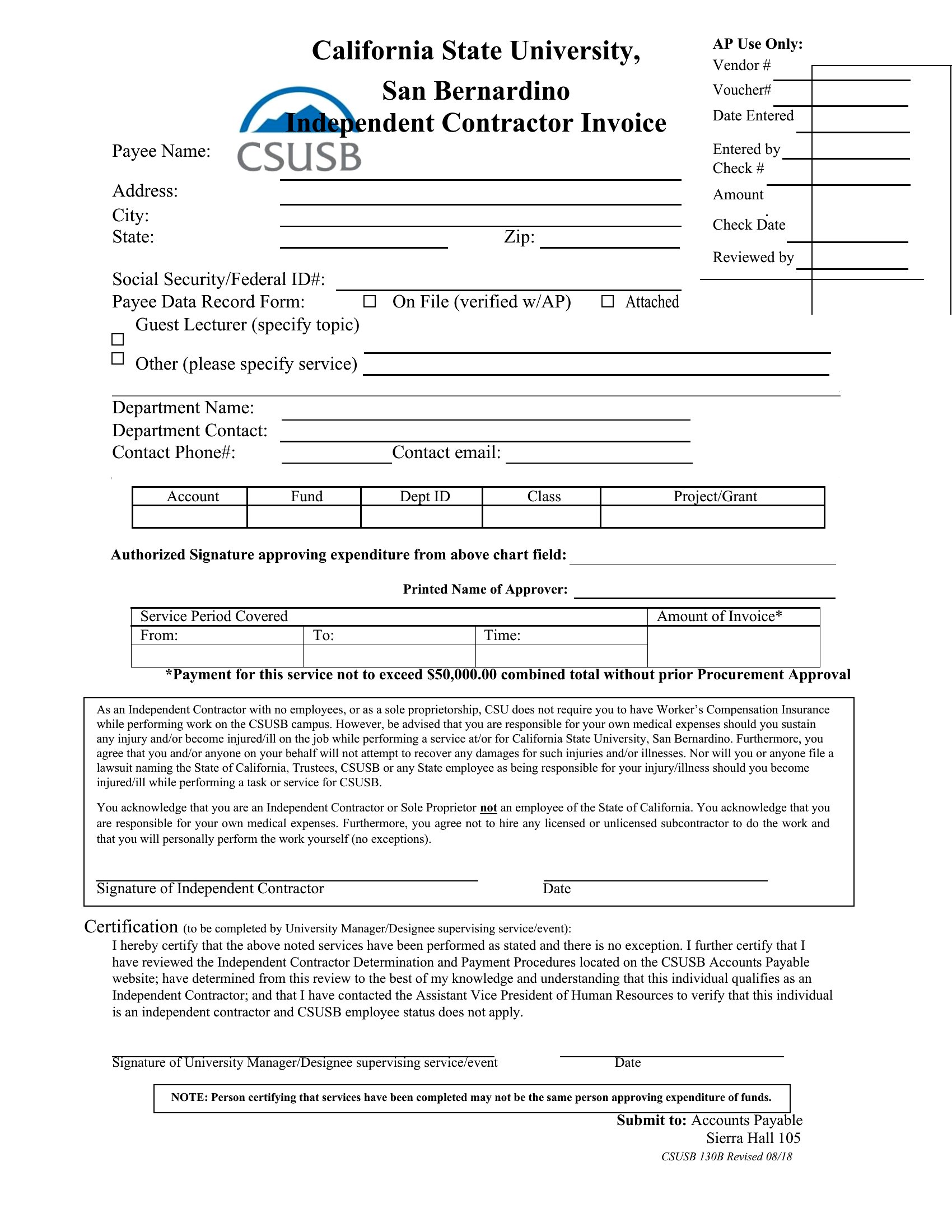
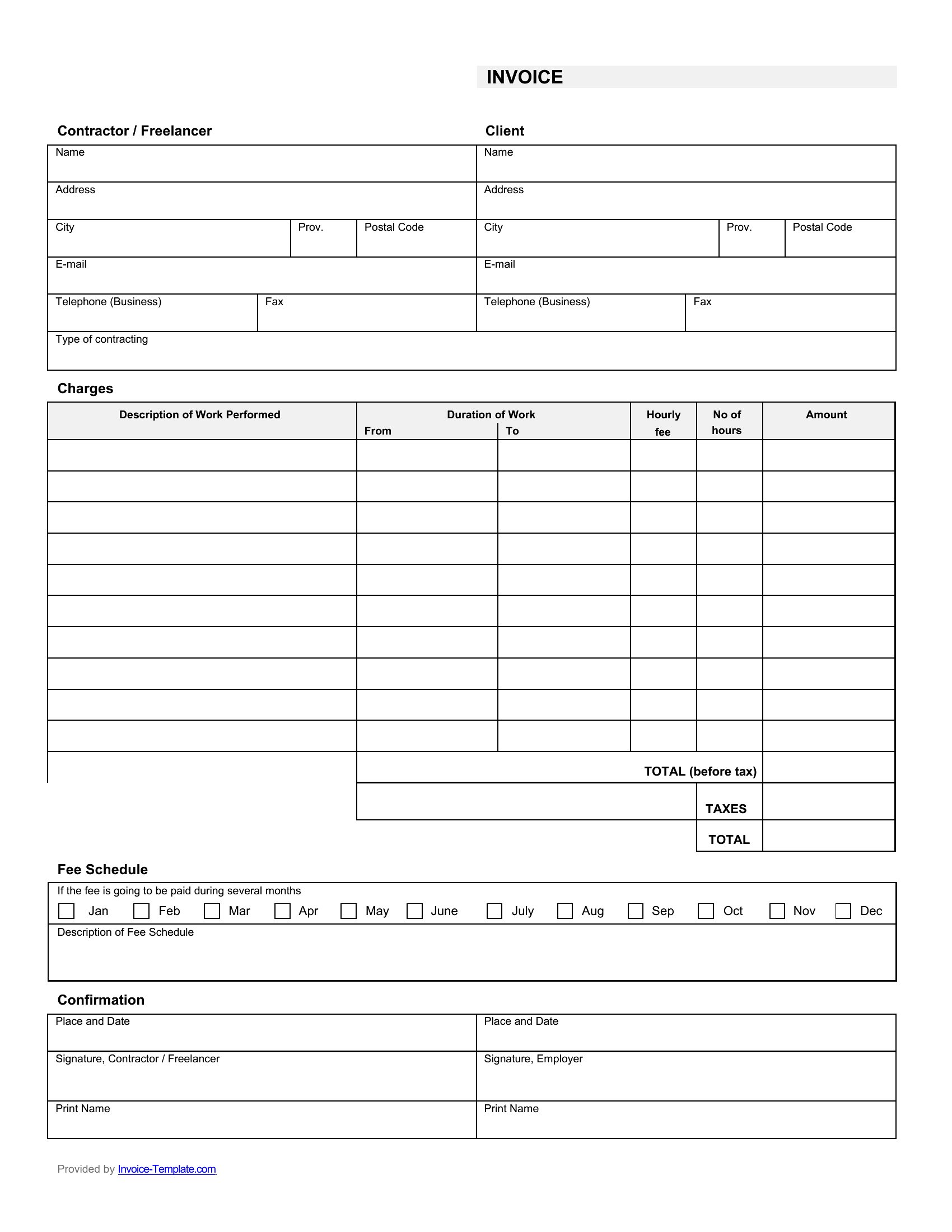
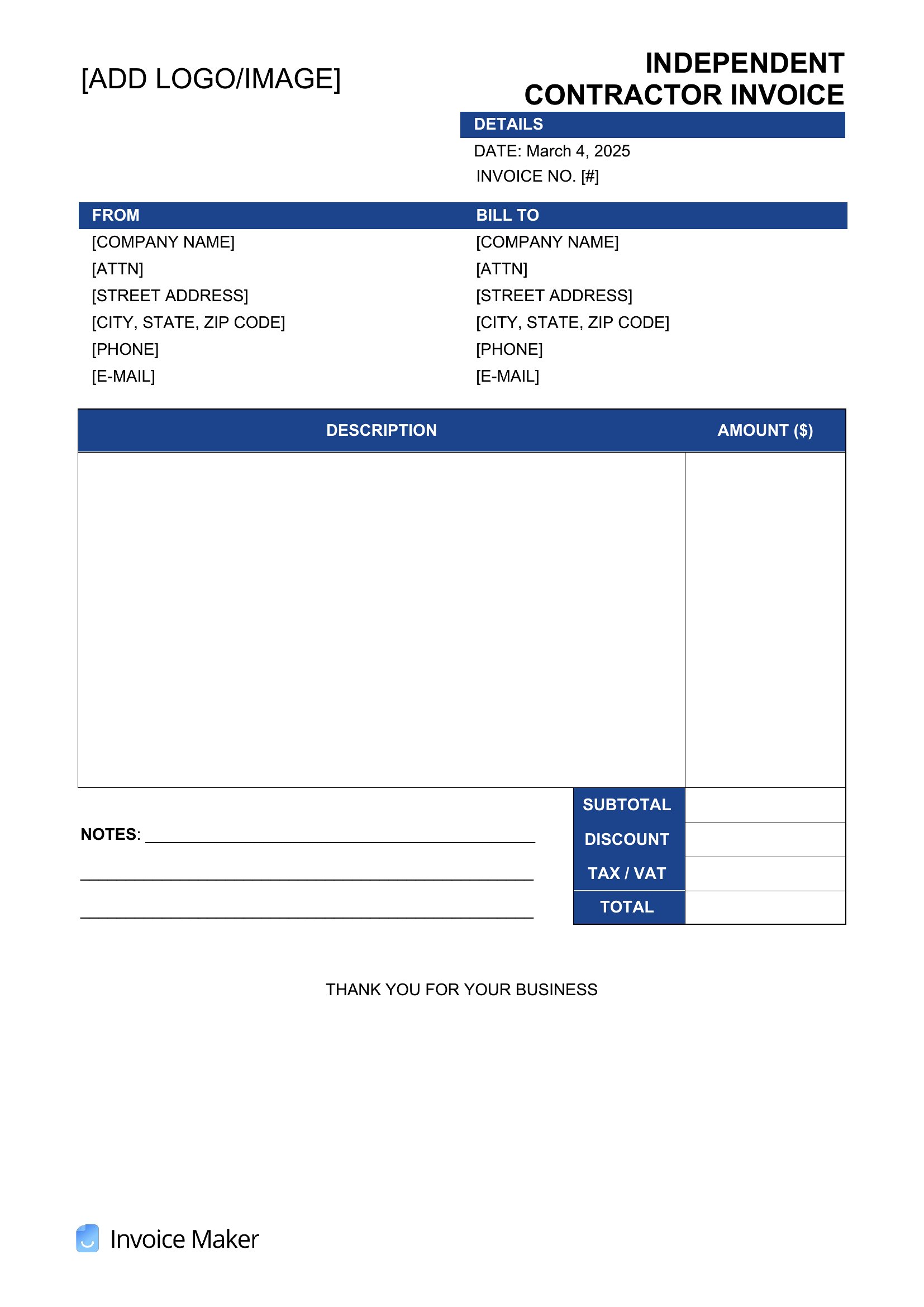
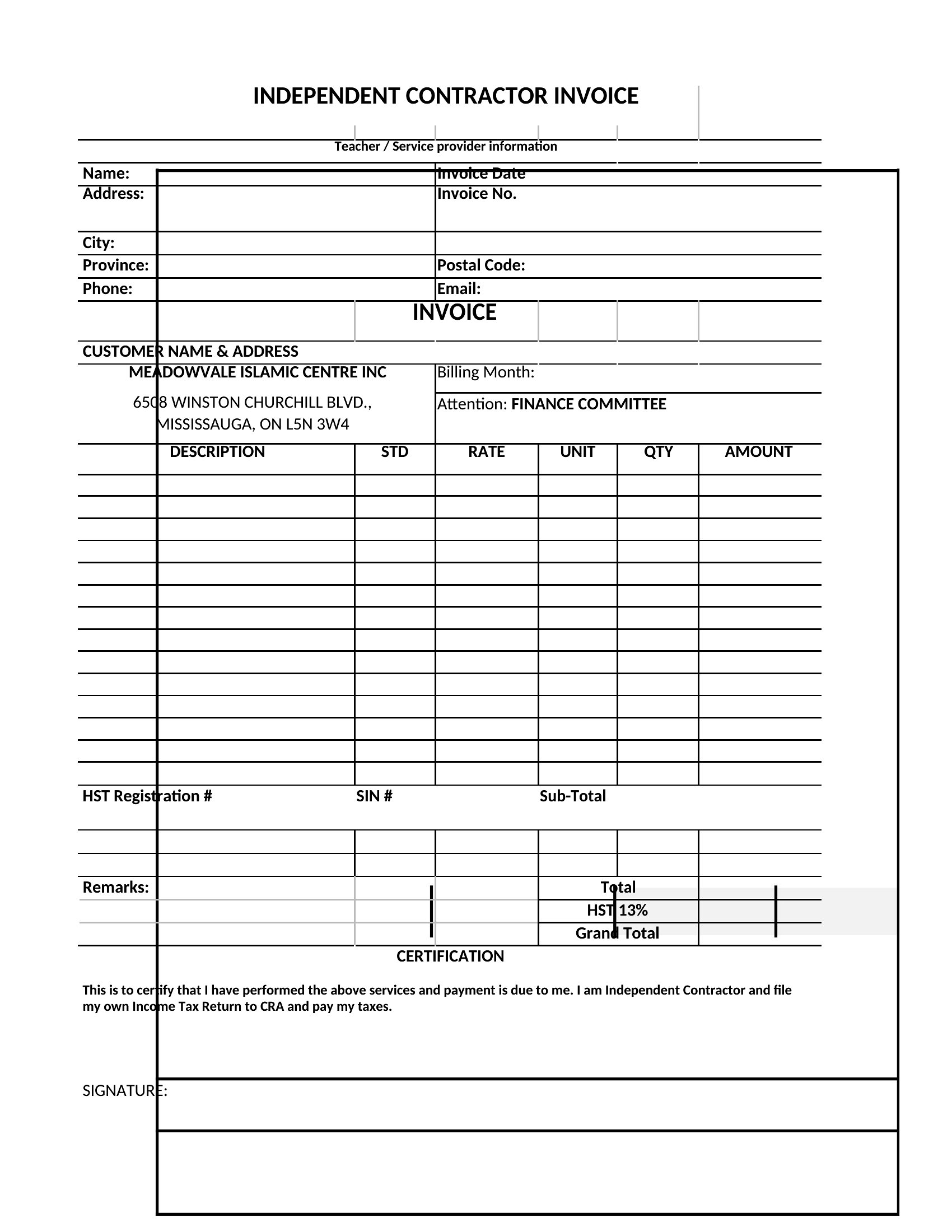
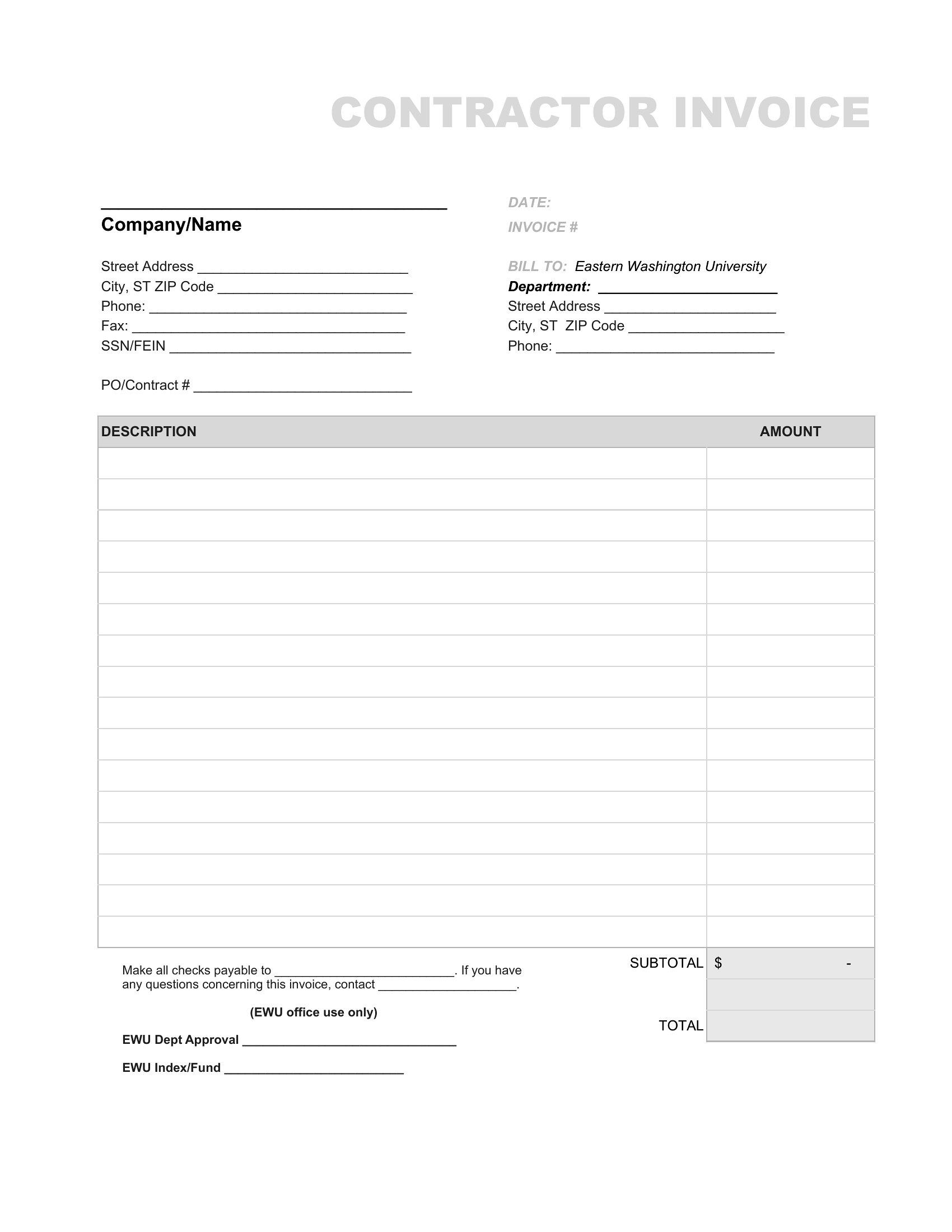
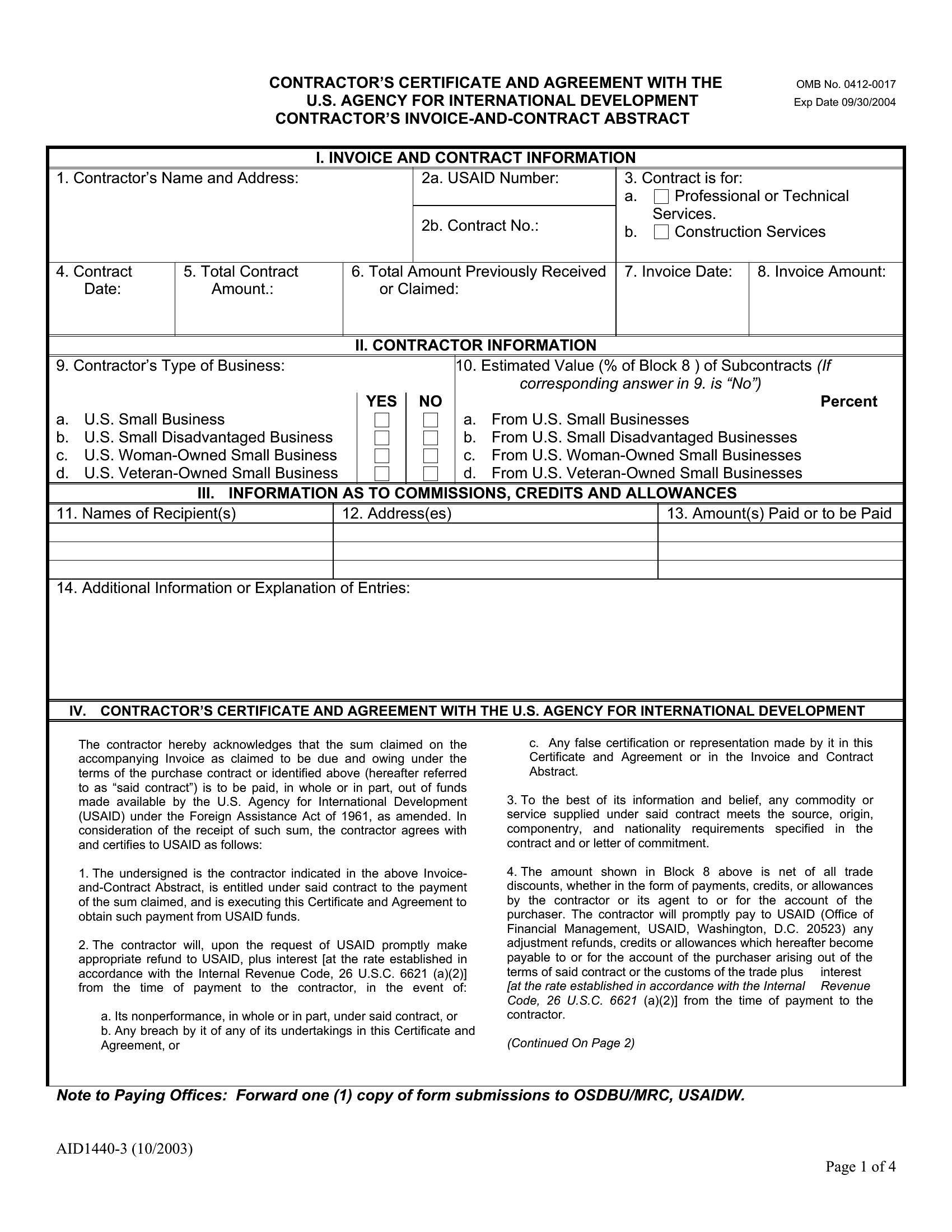
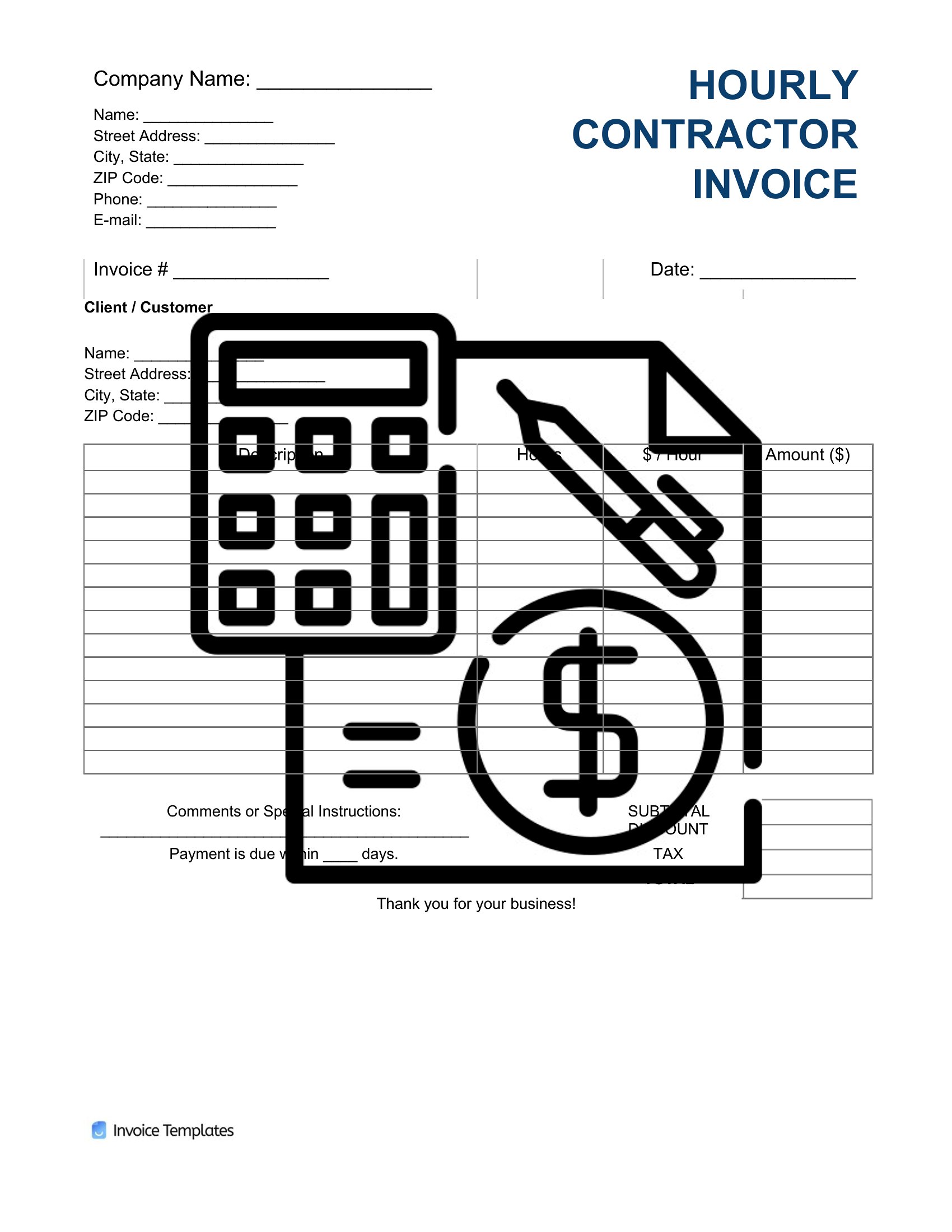
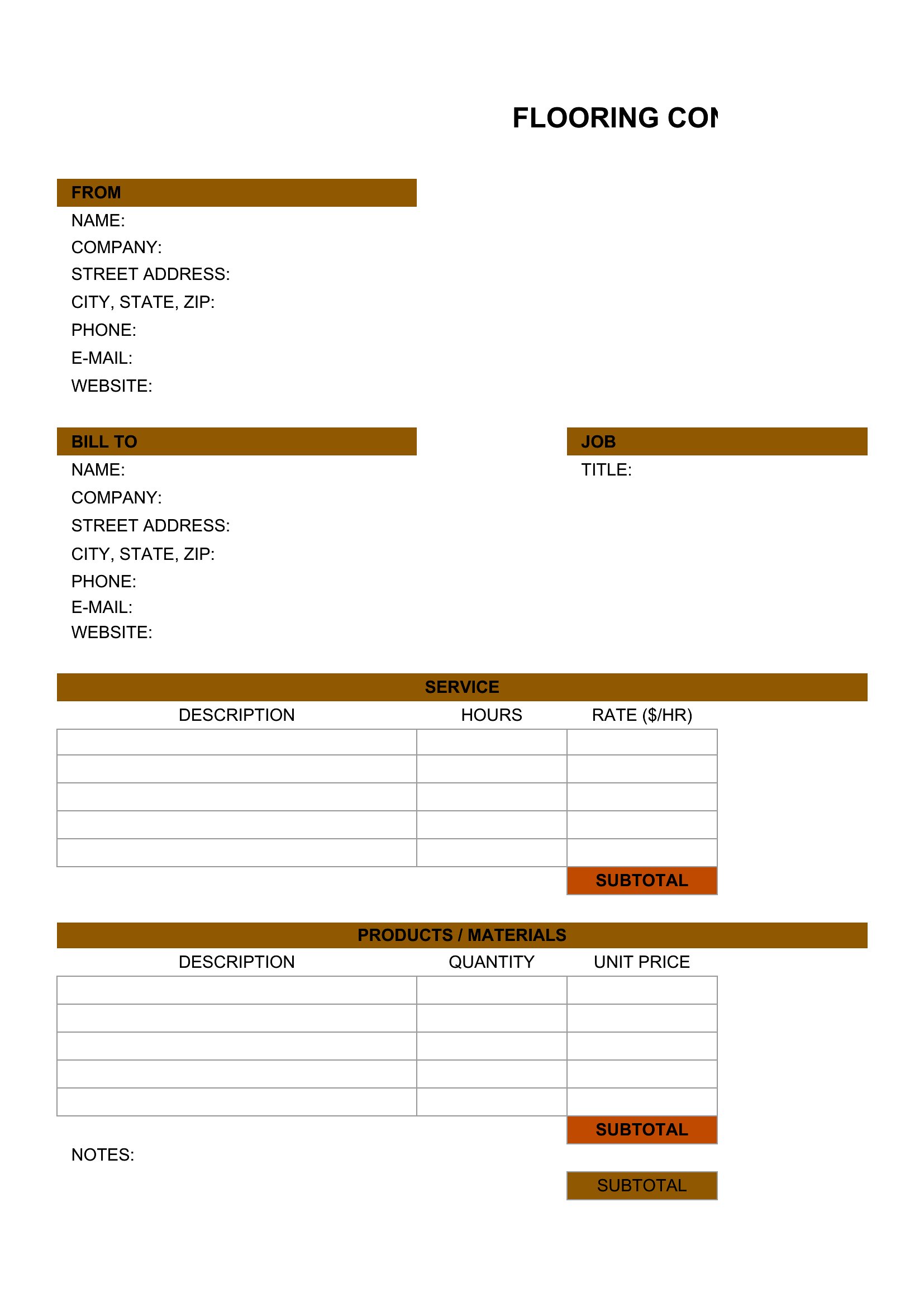
Getting paid on time starts with an invoice that looks professional and adds up correctly. This collection of 31 independent contractor invoices helps freelancers, consultants, and tradespeople bill clients for hours, projects, and materials without building a form from scratch. Each layout leaves room for your business details, an itemized list of services, rates, and clear payment terms so there's no confusion about what's owed.

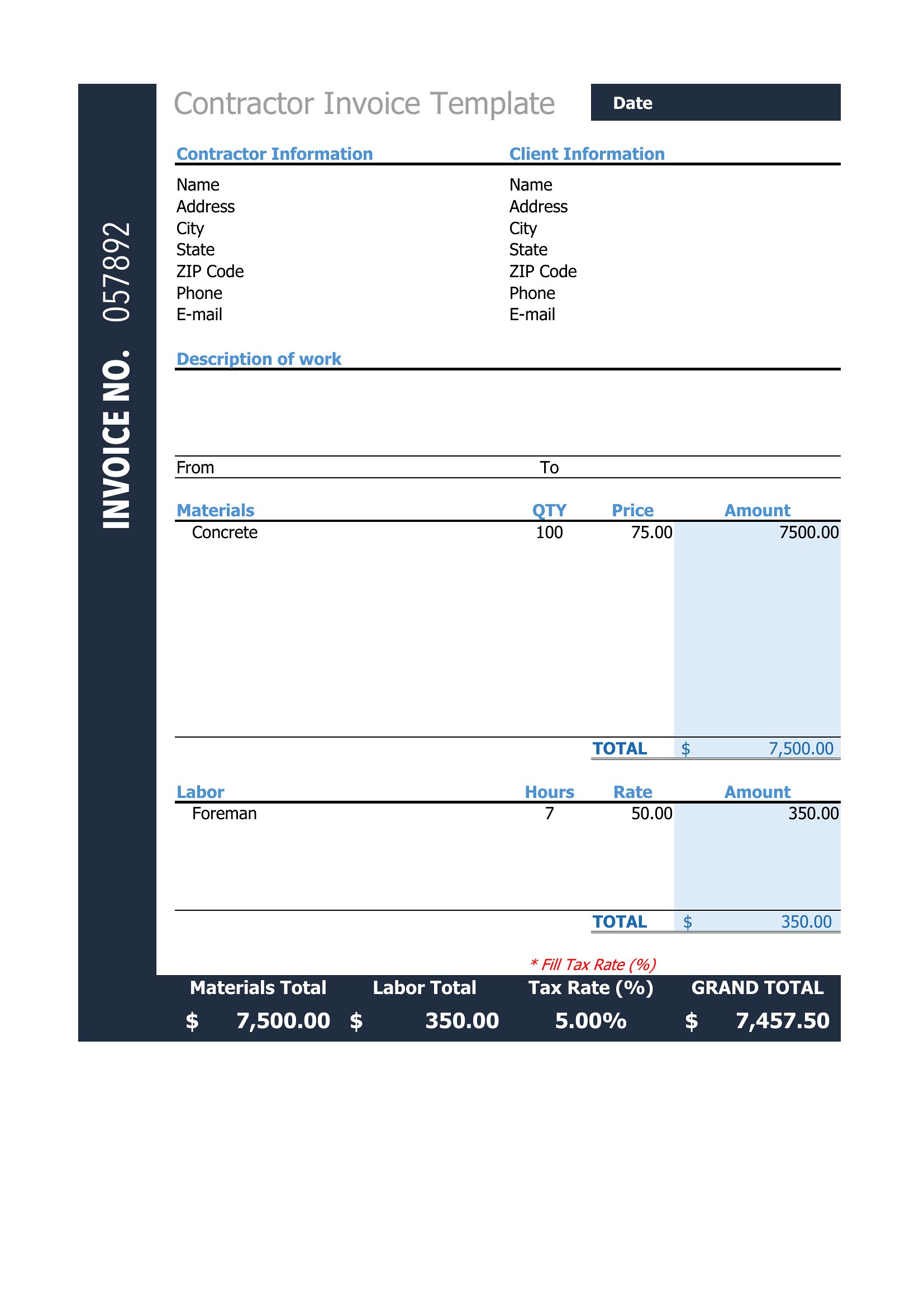
You'll find versions in Word for quick edits and Excel sheets that total line items and tax automatically as you type. Add your logo, set your due date, and send a clean copy by email or print one for your records. Keeping consistent invoices also makes bookkeeping and tax season far less painful. Download the format that fits your workflow and send your next bill with confidence.

When to use this Independent Contractor Invoice template

  • Freelance graphic designers who need to bill hourly rates for client projects with clear milestones and revisions tracked in a structured format.
  • Tradespeople like electricians or plumbers invoicing multiple line items for parts, labor, and travel fees while keeping a polished professional appearance.
  • Consultants working with small businesses to itemize retainer fees, project-based charges, and expense reimbursements in a format that aligns with accounting software.
  • Writers or editors billing per-word rates for content creation, needing a template that separates line edits, proofreading, and formatting services with tax details included.

Which format should I download?

WordExcel

Choose Word if you need a customizable invoice that integrates with your existing business letterhead or requires detailed service descriptions—ideal for consultants and professionals who prefer editing text fields. Excel is best for contractors tracking time, materials, and expenses in a spreadsheet, especially if you plan to import data into QuickBooks or other accounting tools. The Excel format also automates basic calculations for recurring services or bulk line items.

How to use this Independent Contractor Invoice template

Can I adjust the payment terms to match my contract or industry standards?

Yes, all templates include a designated section for payment terms, allowing you to specify net-30, due-on-receipt, or deposit requirements. Simply edit the text to reflect your agreement with the client. For legal protection, always cross-reference the invoice with your signed contract.

What’s the best way to handle partial payments or retainers in this template?

Use the Excel format to create separate line items for retainers or partial payments, clearly labeling each with a description like '50% Retainer - Project Kickoff.' In Word, add a notes section below the itemized list to explain payment schedules. Both formats support multiple payment entries.

Do these templates include space for tax details like sales tax or self-employment notes?

Yes, each template reserves a section for tax information, including sales tax (if applicable) and optional notes for self-employment taxes or deductions. For accuracy, consult a tax professional to ensure compliance with local regulations, as templates are starting points, not tax advice.

Comments

Join the conversation

Sign in to share your thoughts and leave a comment on this resource.

Newsletter

Get Weekly Design Updates

Join our community to receive curated resources and inspiration.

Weekly Tips Resources Early Access

We respect your privacy. Confirmation email required. Privacy Policy