Free Handyman Invoice Templates (Word, Excel, PDF)
InvoicesTemplates
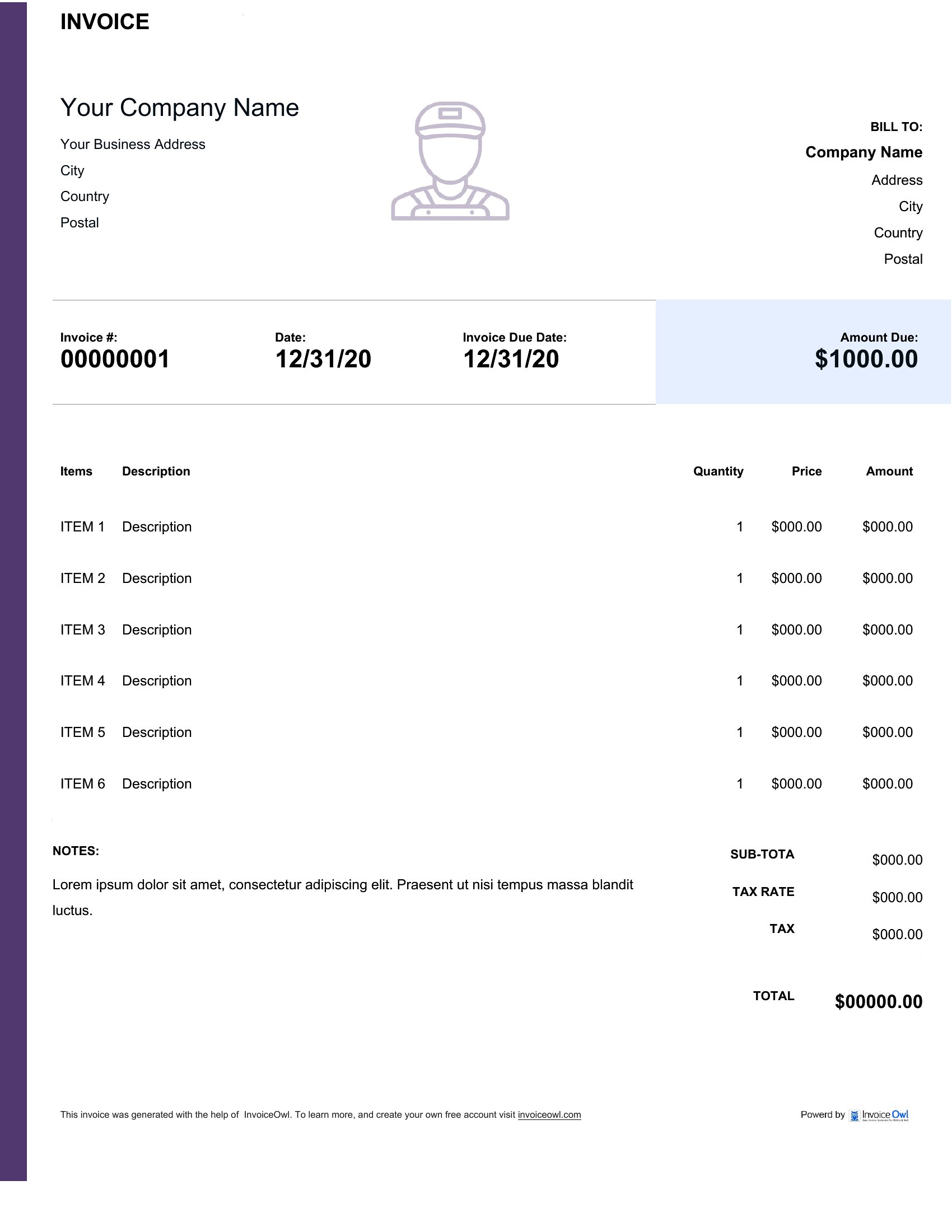
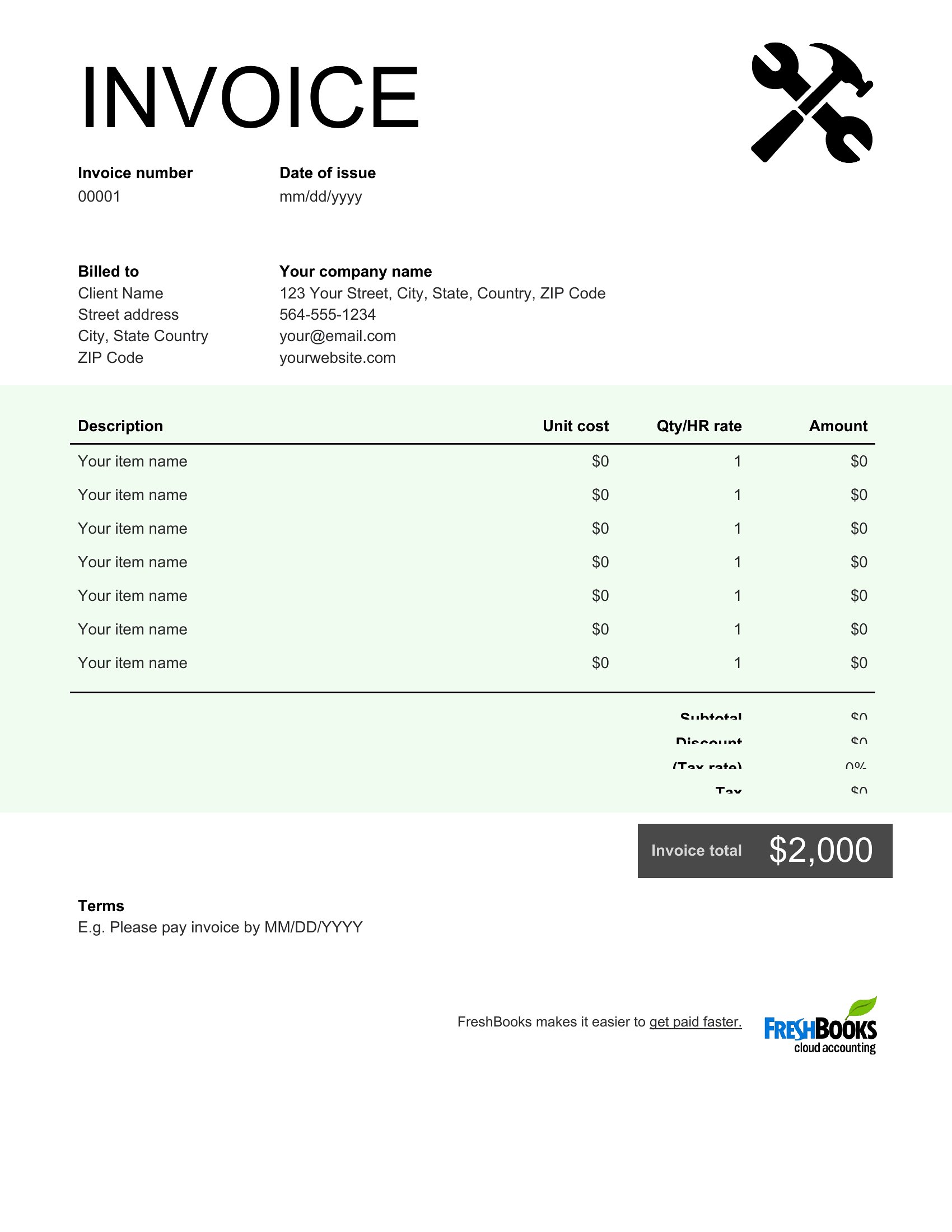
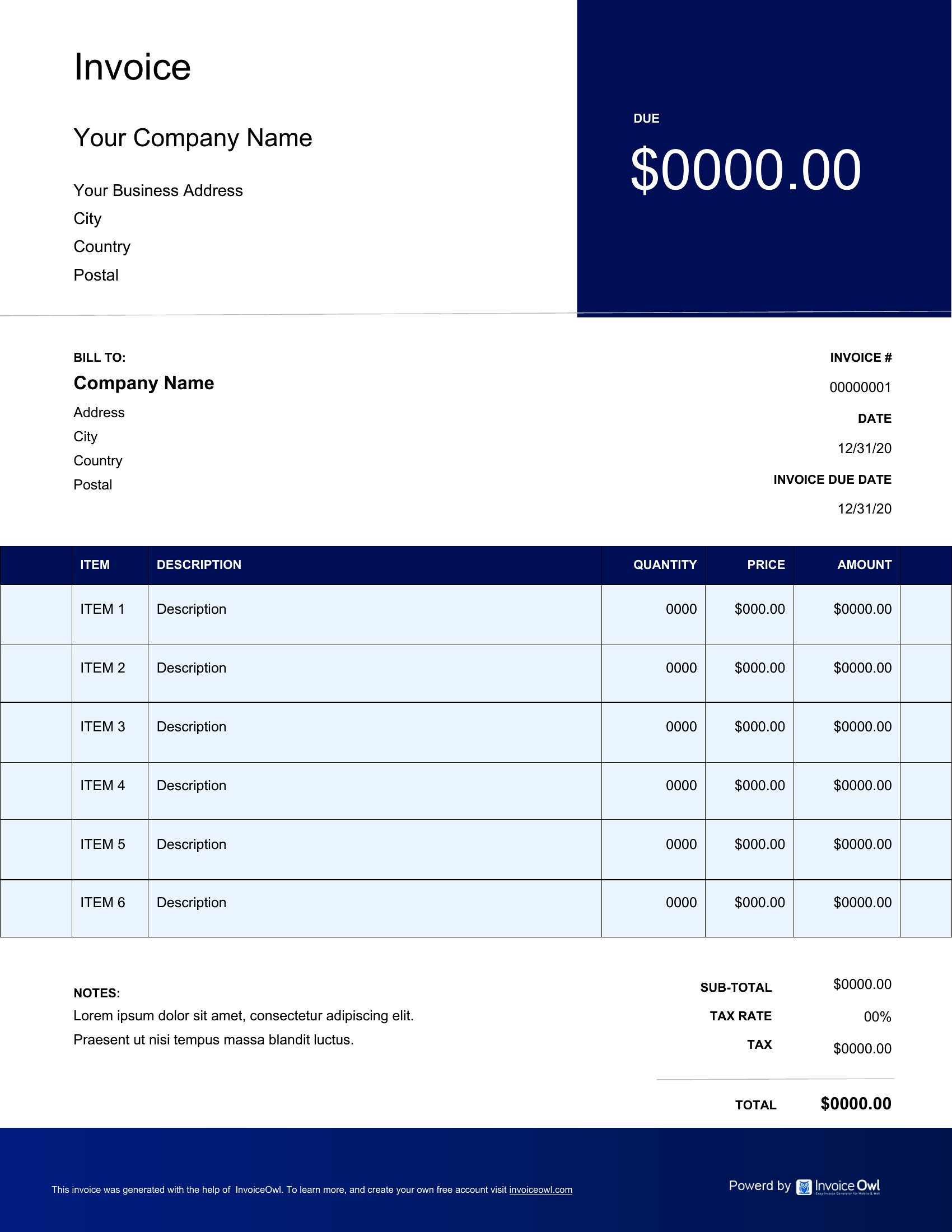
FAQ
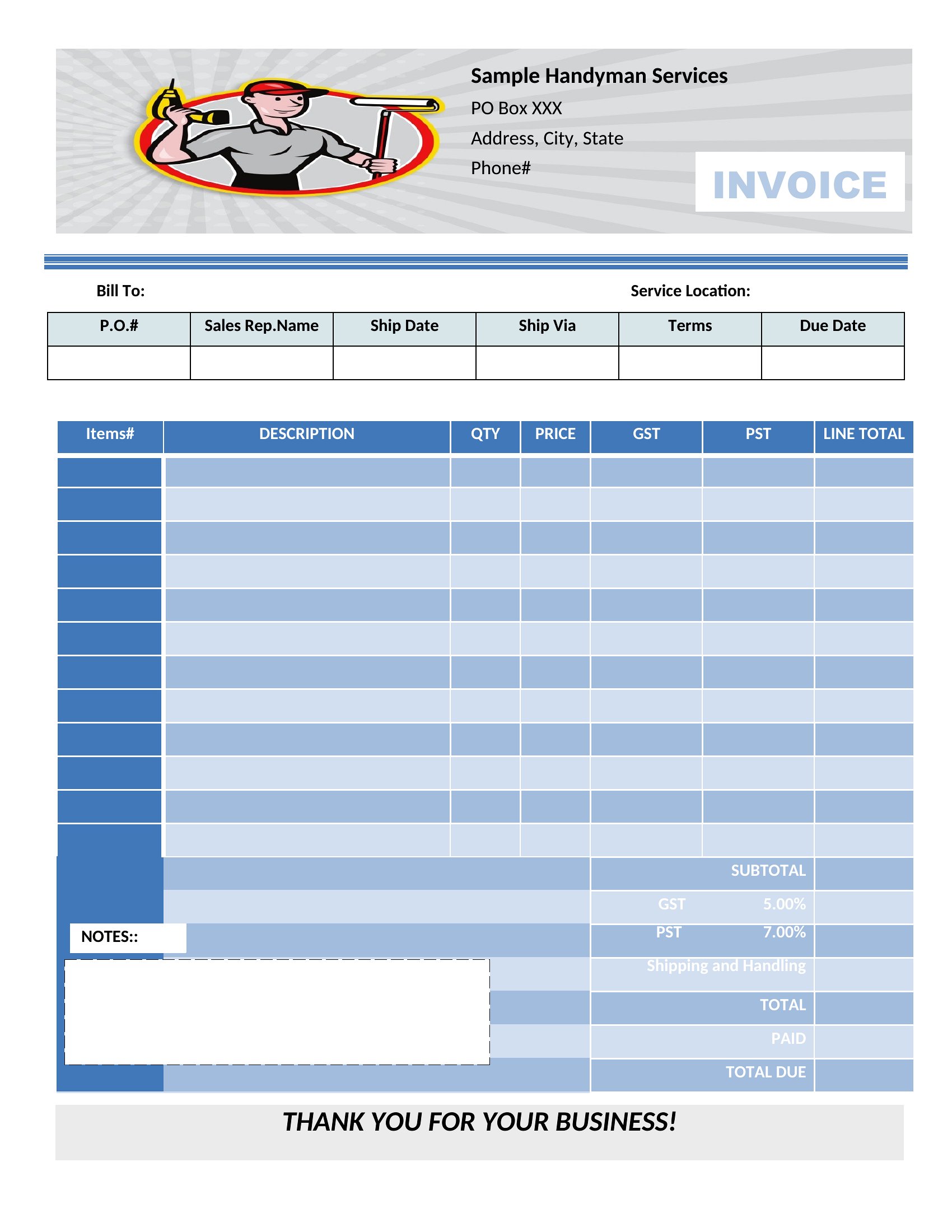
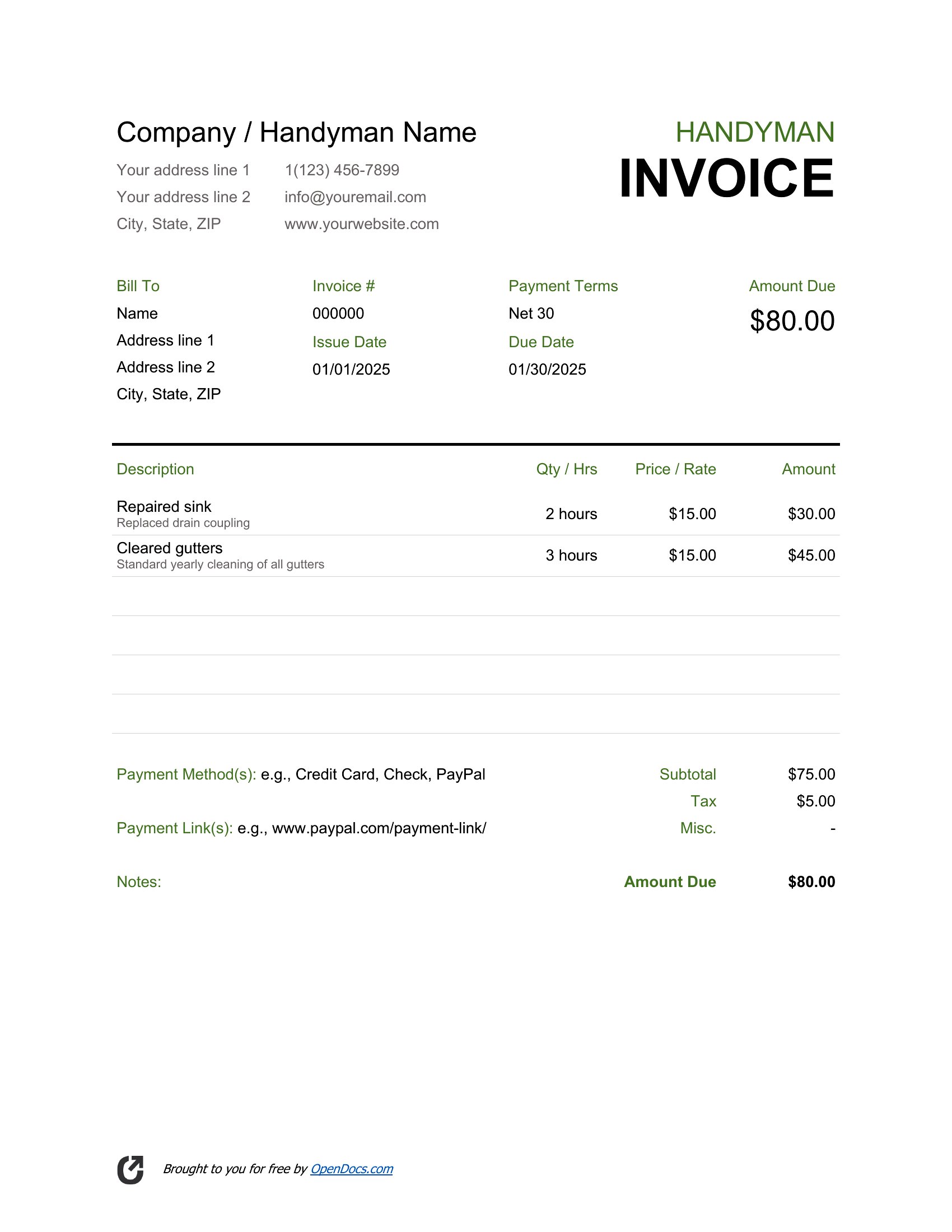
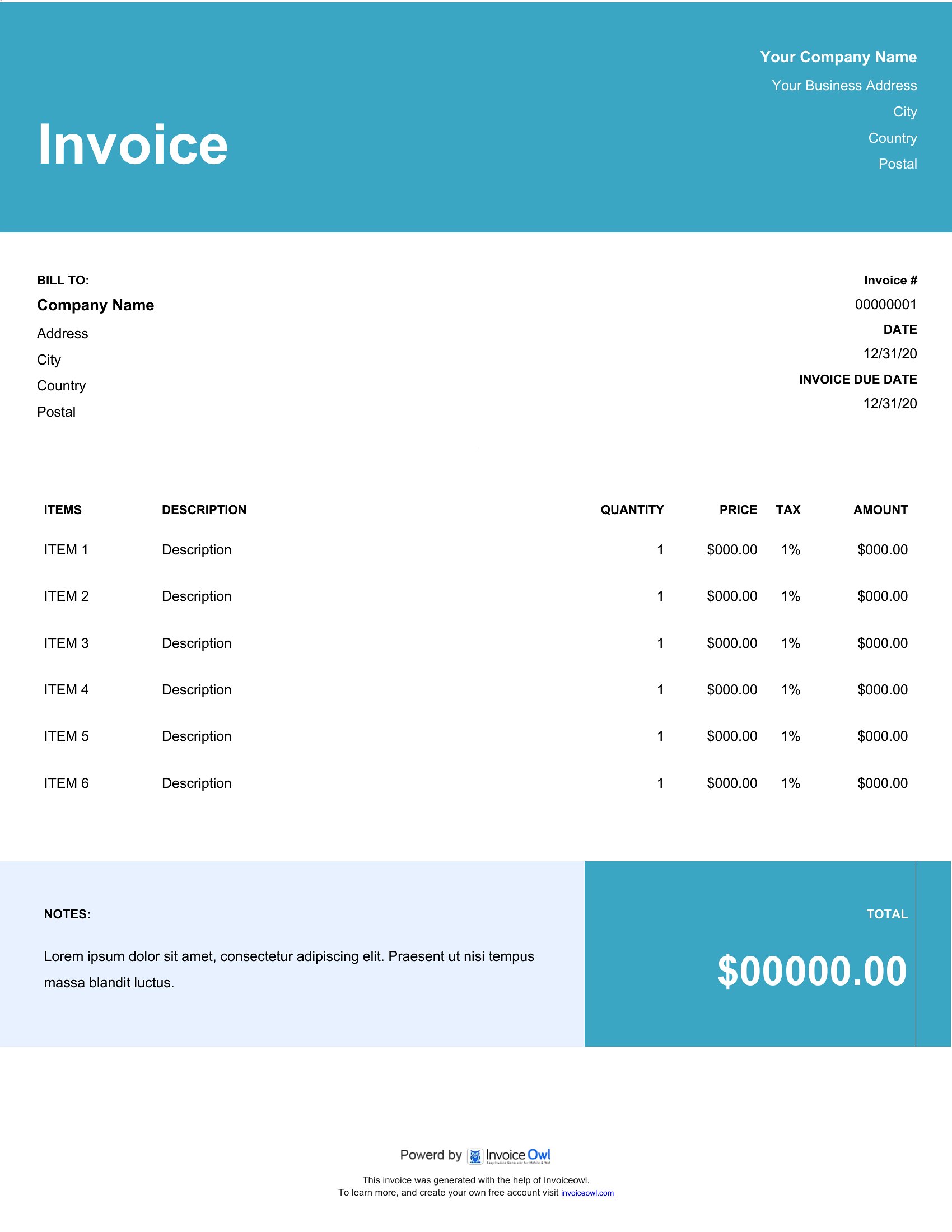
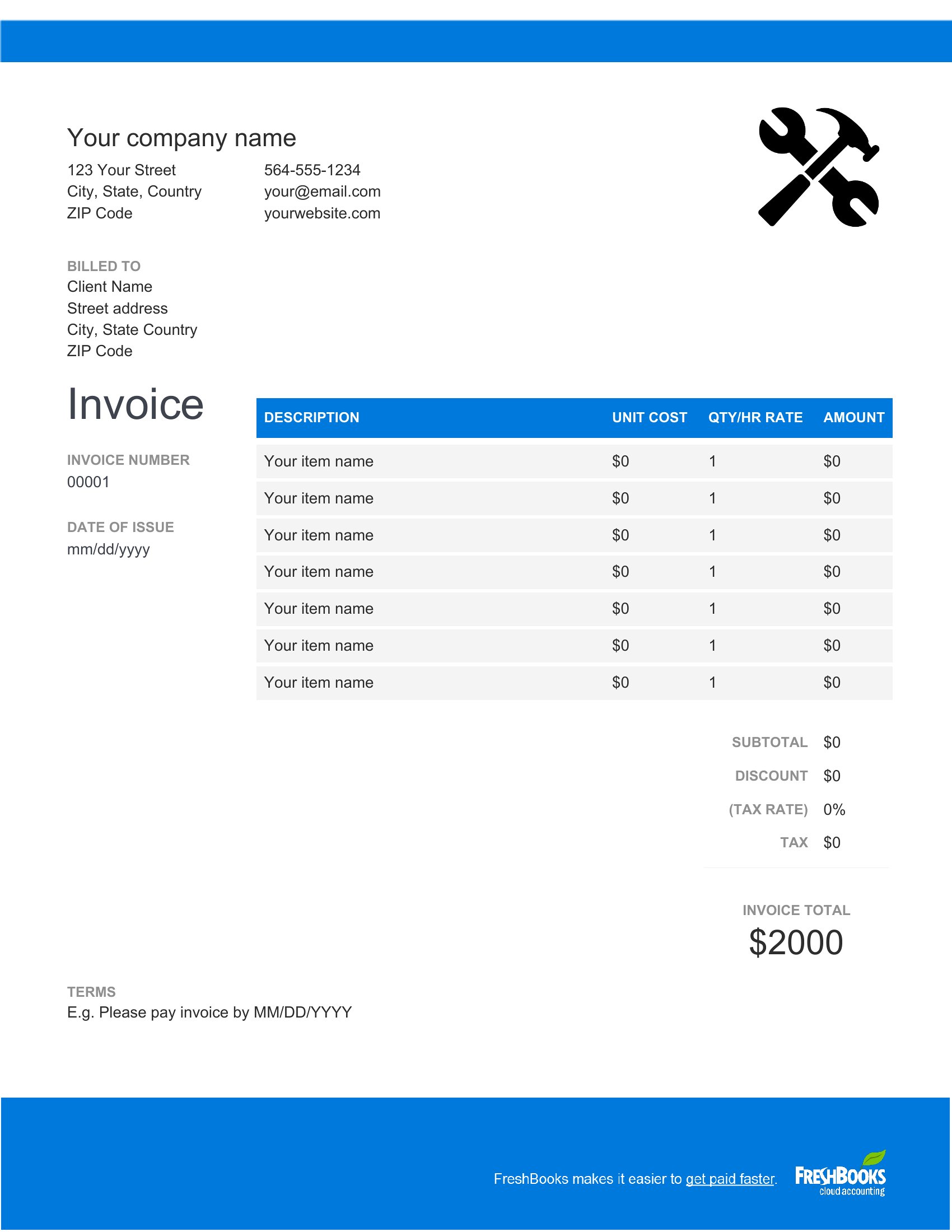
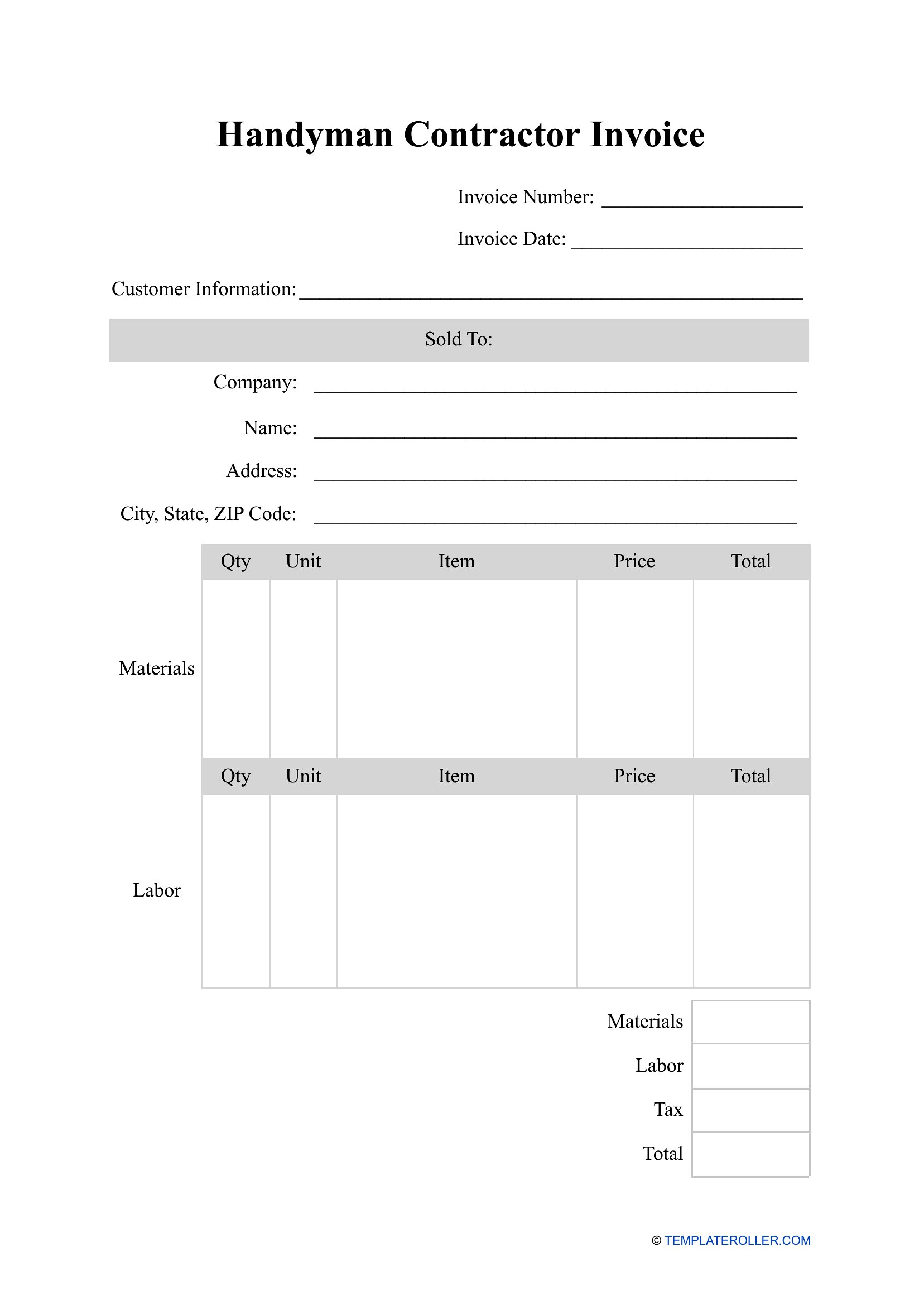
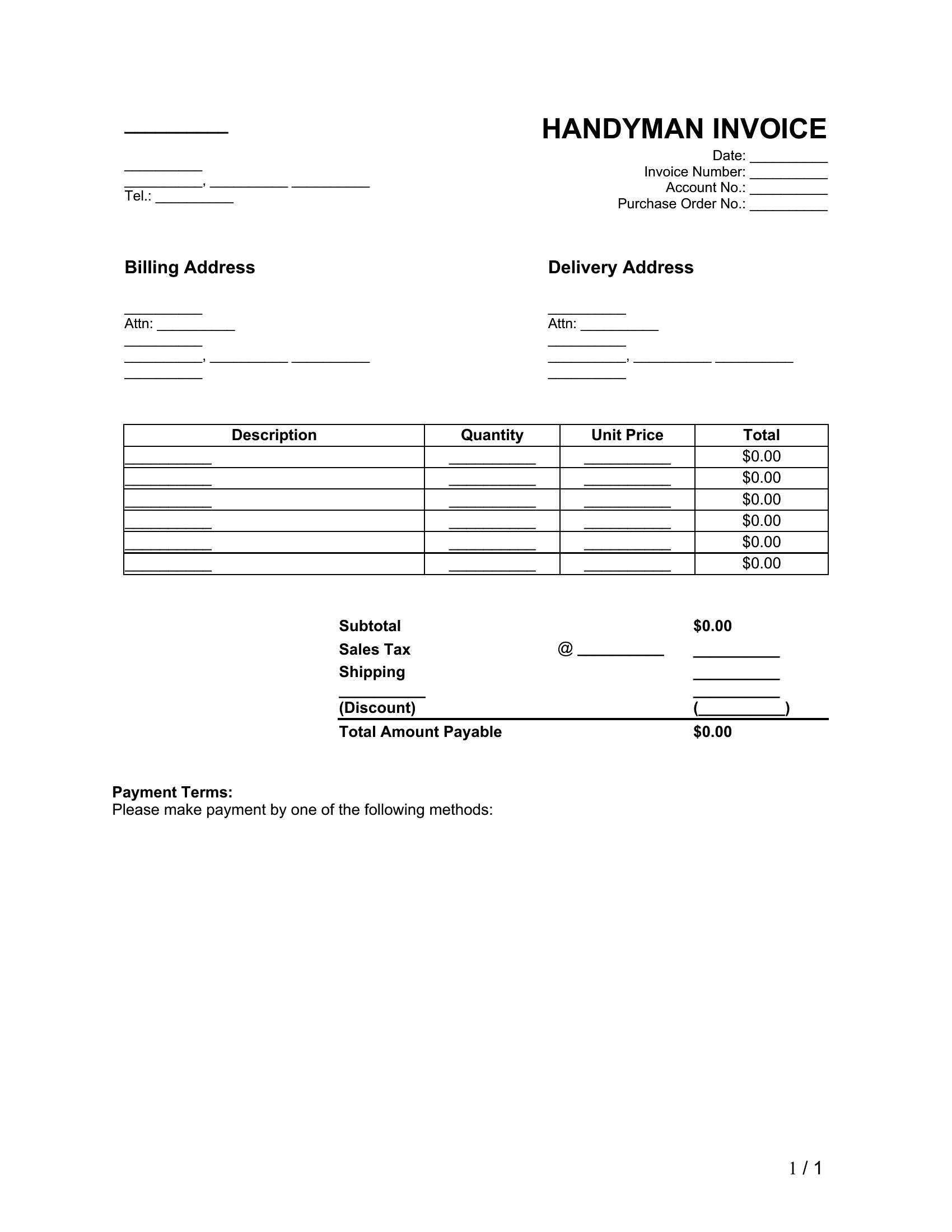
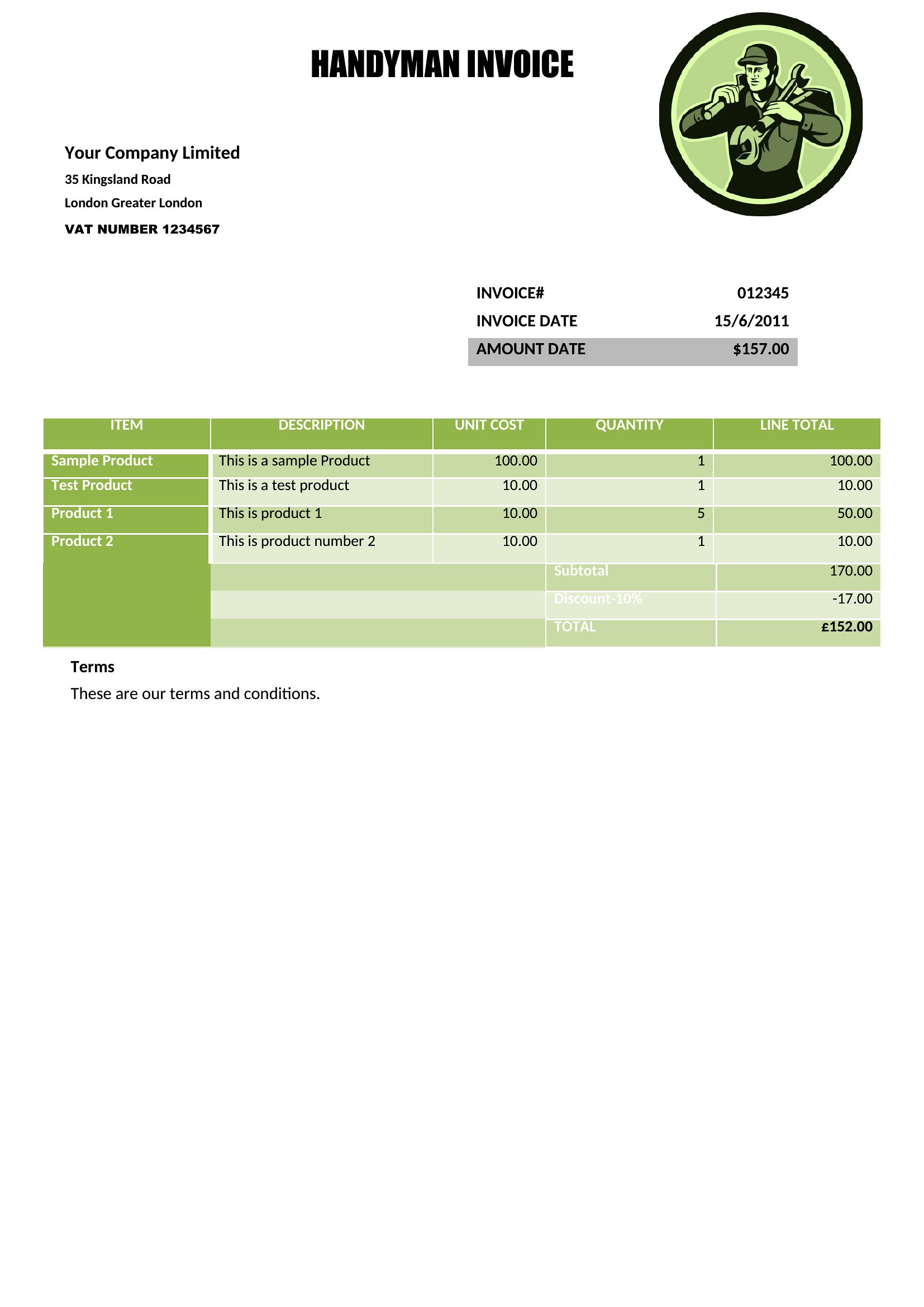
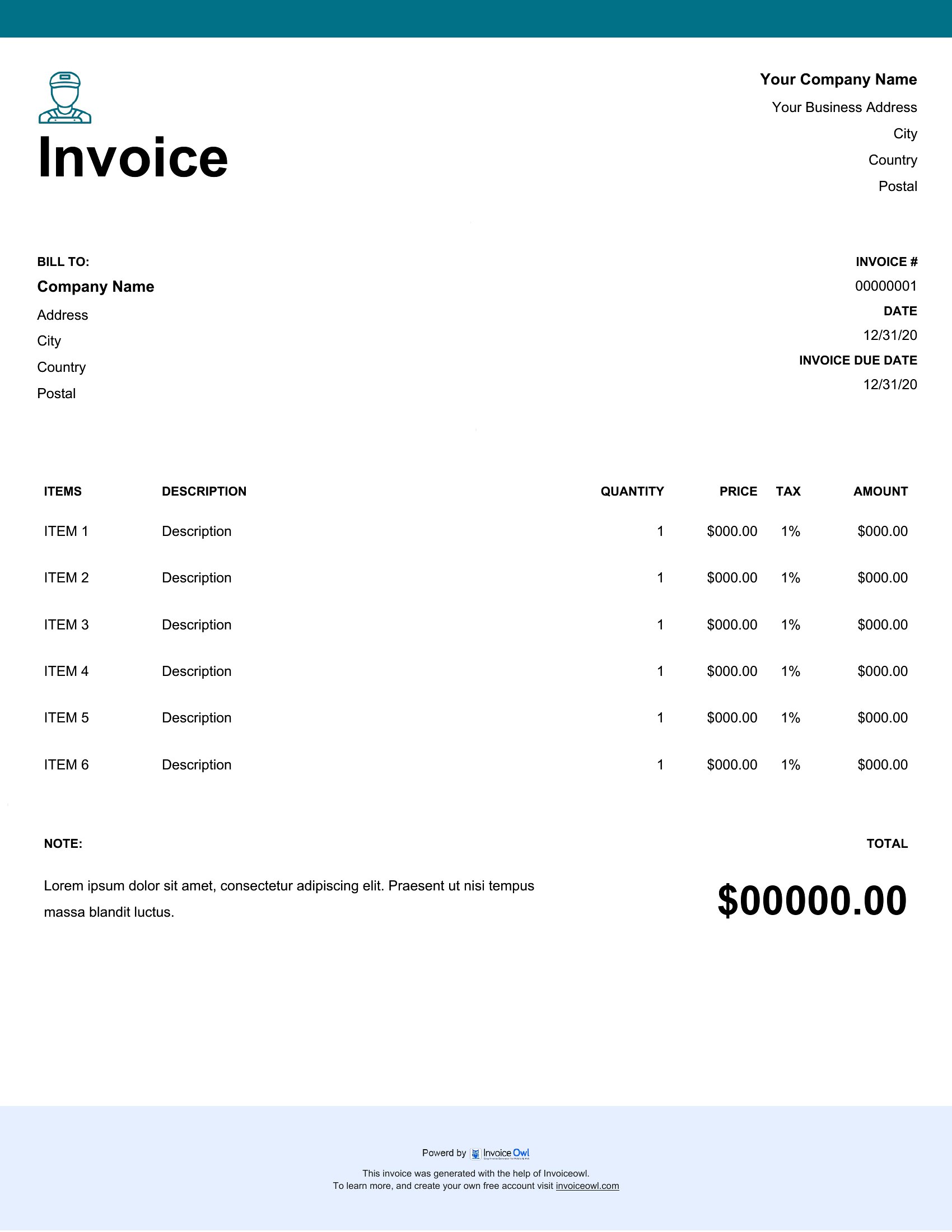
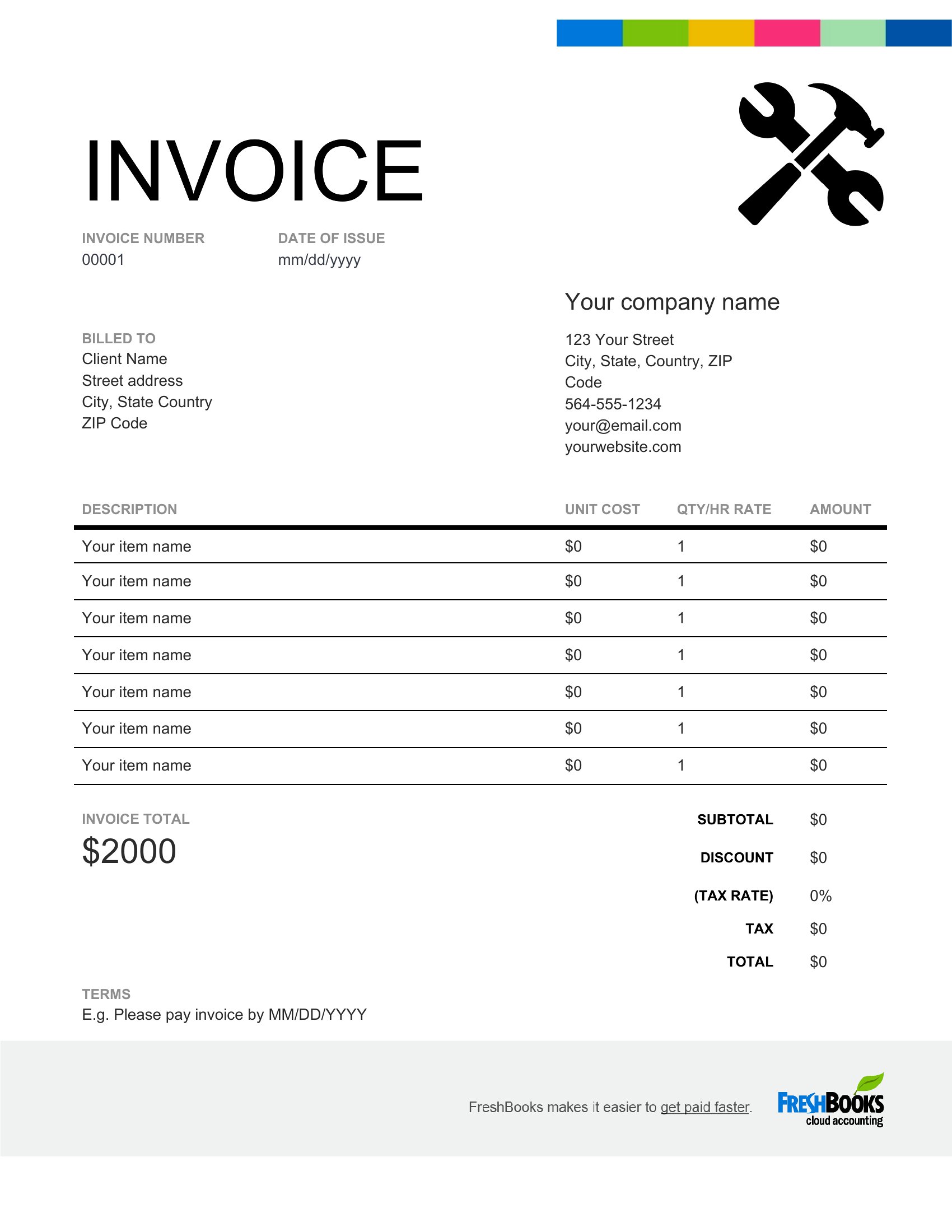
How do I handle non-standard payment terms, like a 50% deposit upfront for custom woodwork?
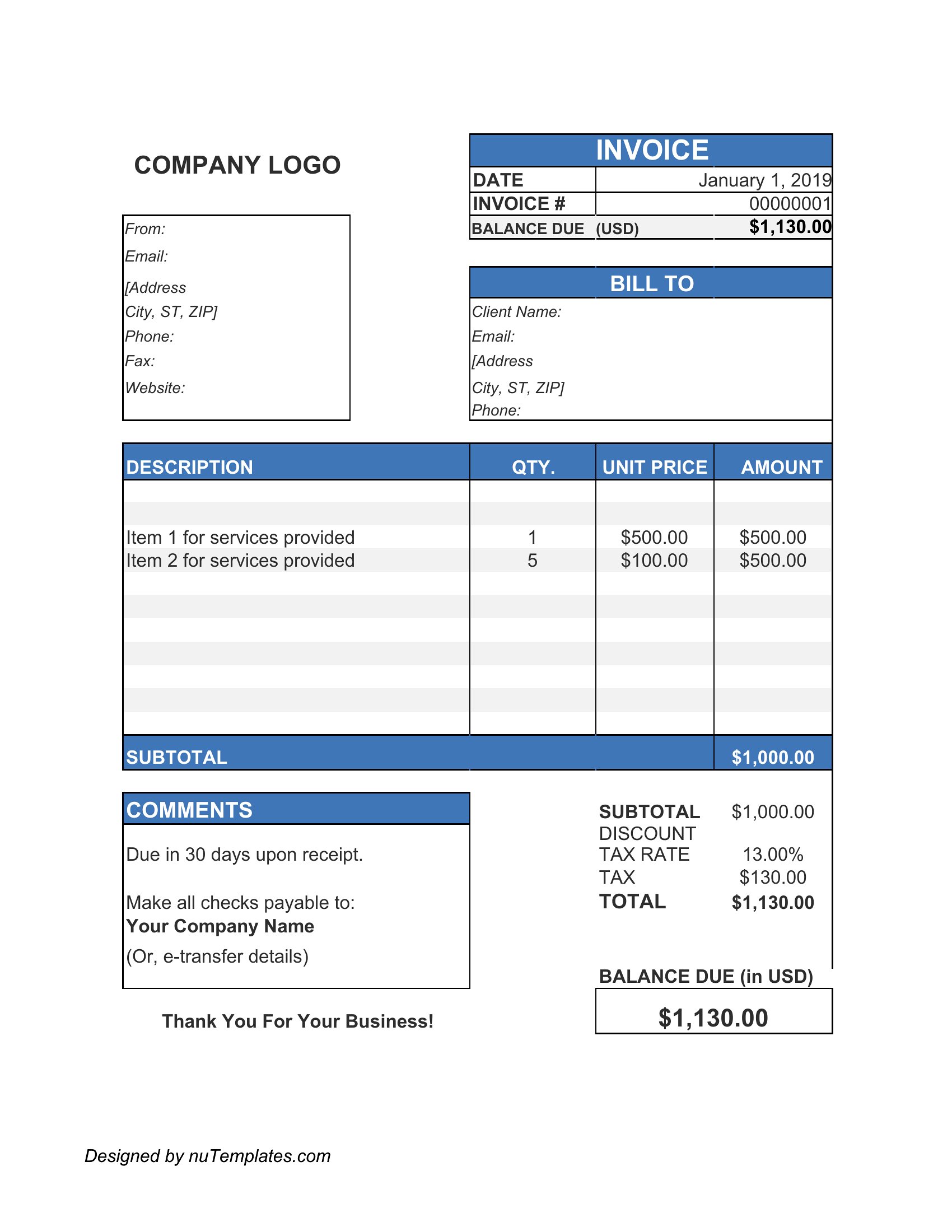
Add a ‘Payment Terms’ section to your invoice template under the client details. Specify the deposit percentage, due date, and remaining balance terms clearly. For Word or Excel, create a dropdown menu with common options (e.g., ‘50% deposit due at signing’) to save time. PDFs can include this as static text if your terms rarely change.
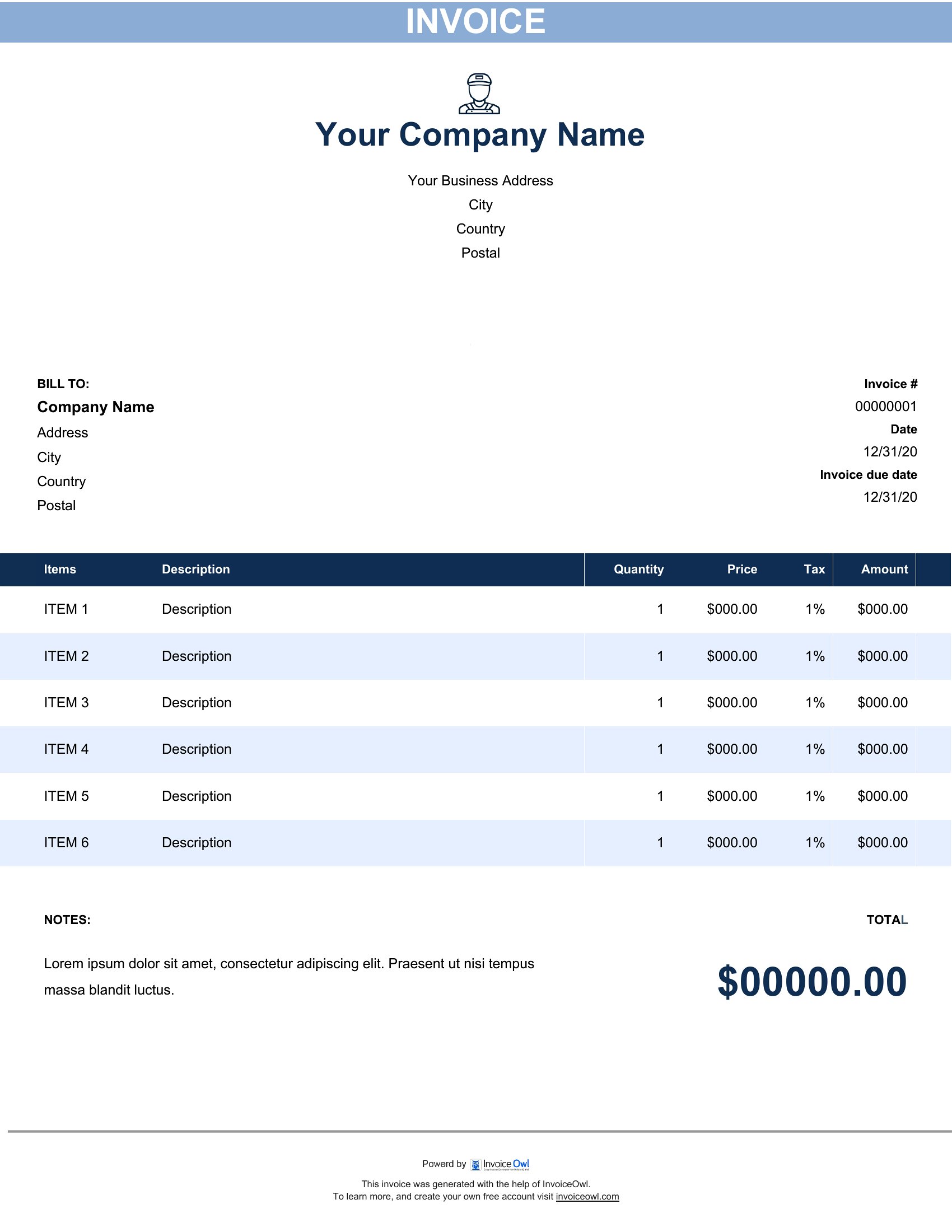
Can I include a breakdown of material costs if I source parts from multiple suppliers?
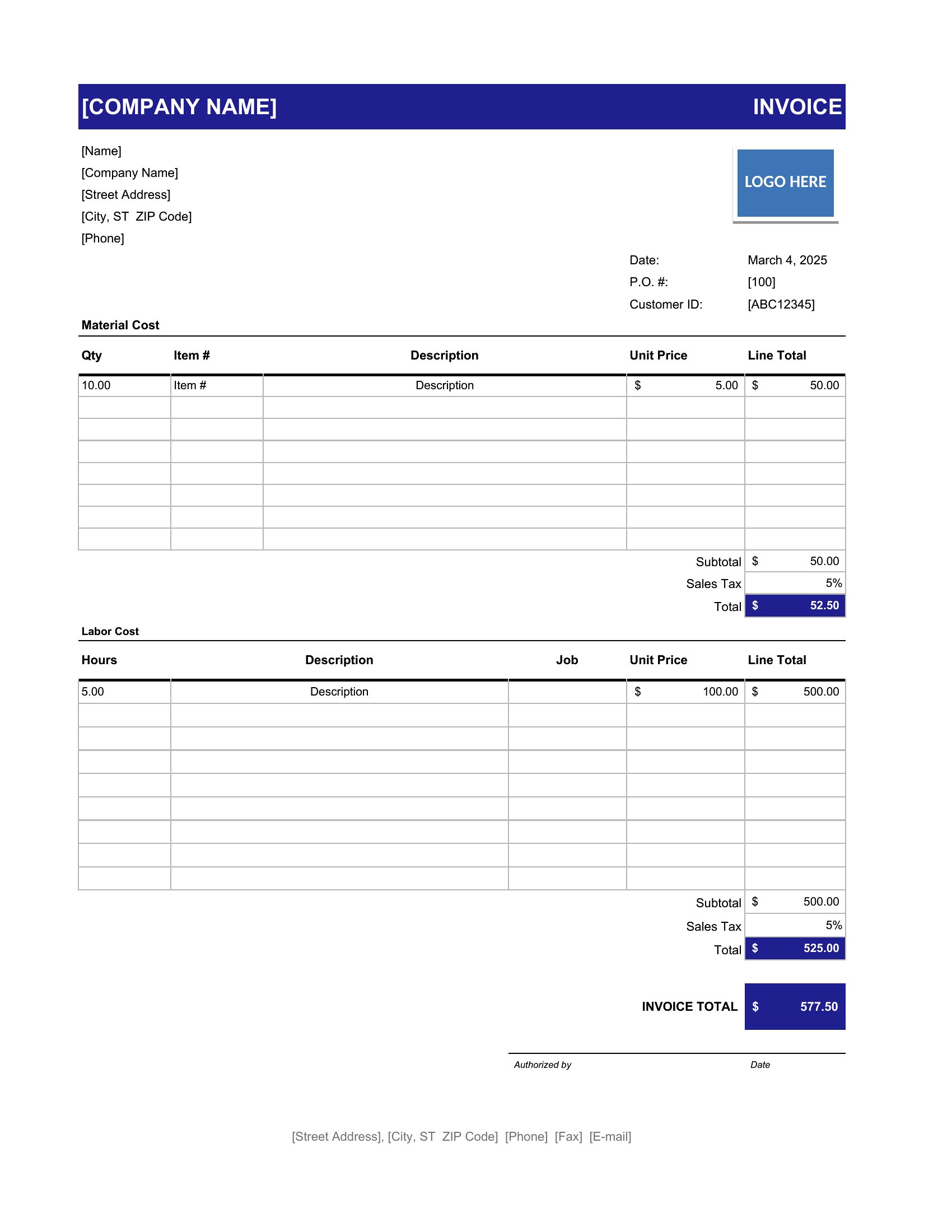
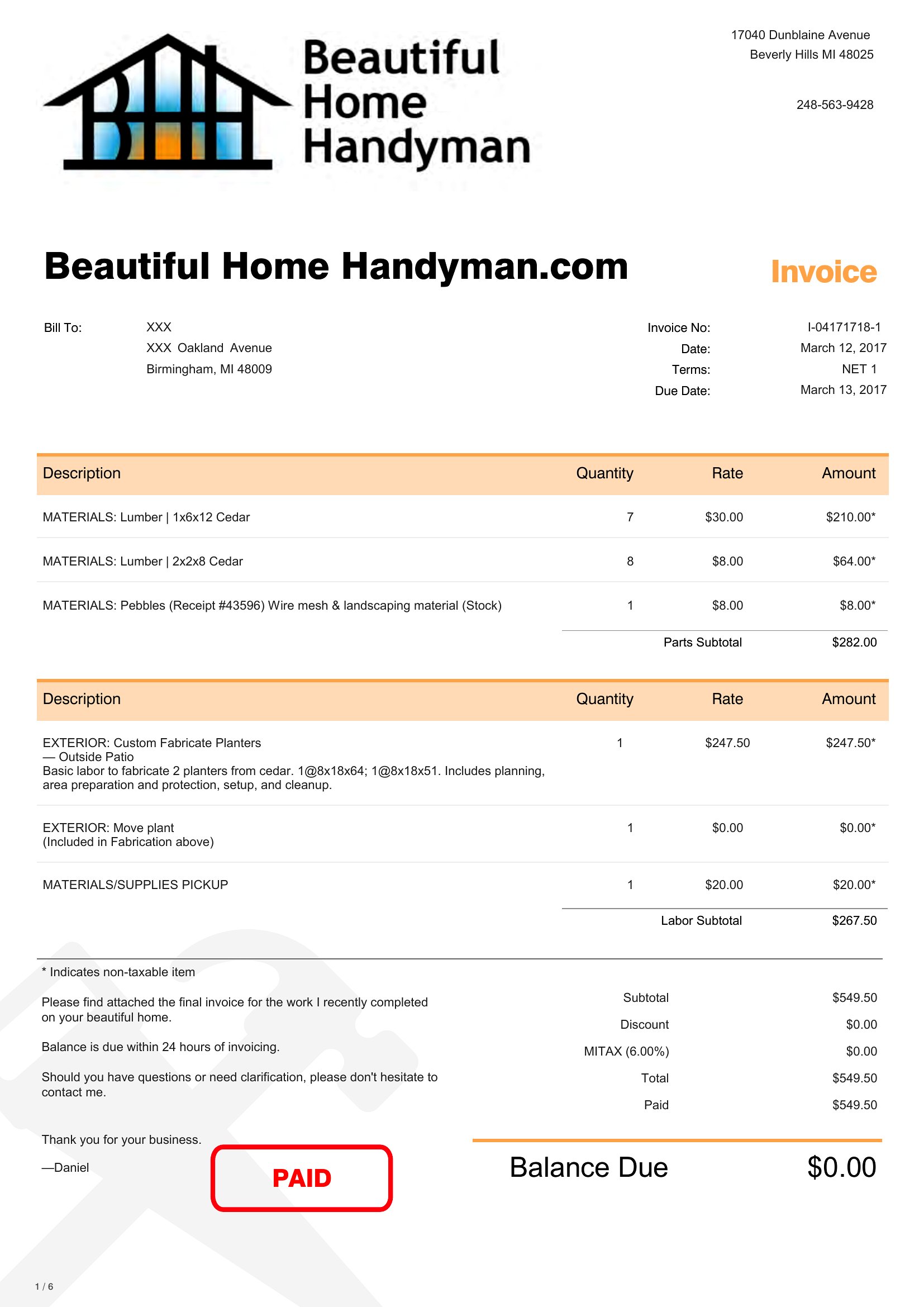
Yes, dedicate a column in your template for ‘Material Description,’ ‘Supplier Name,’ and ‘Unit Cost.’ Excel makes this easiest with formulas to auto-sum supplier totals. For PDFs, use tables to align costs neatly. Label subtotals (e.g., ‘Hardware: $45.75,’ ‘Plumbing: $120.50’) to justify your pricing transparently. Avoid combining unlike items under vague labels like ‘Parts.’
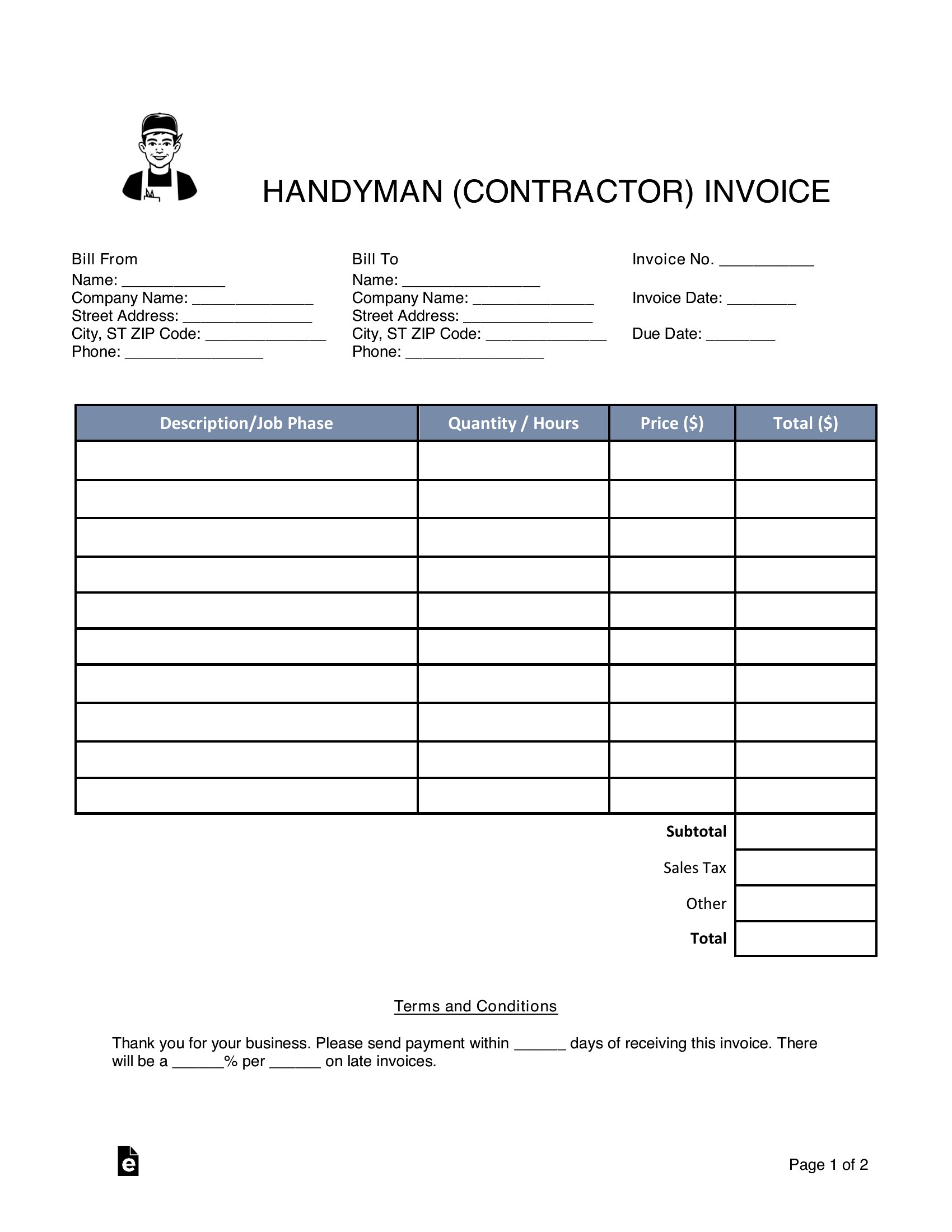
What’s the best way to note partial completion or progress payments for ongoing jobs?
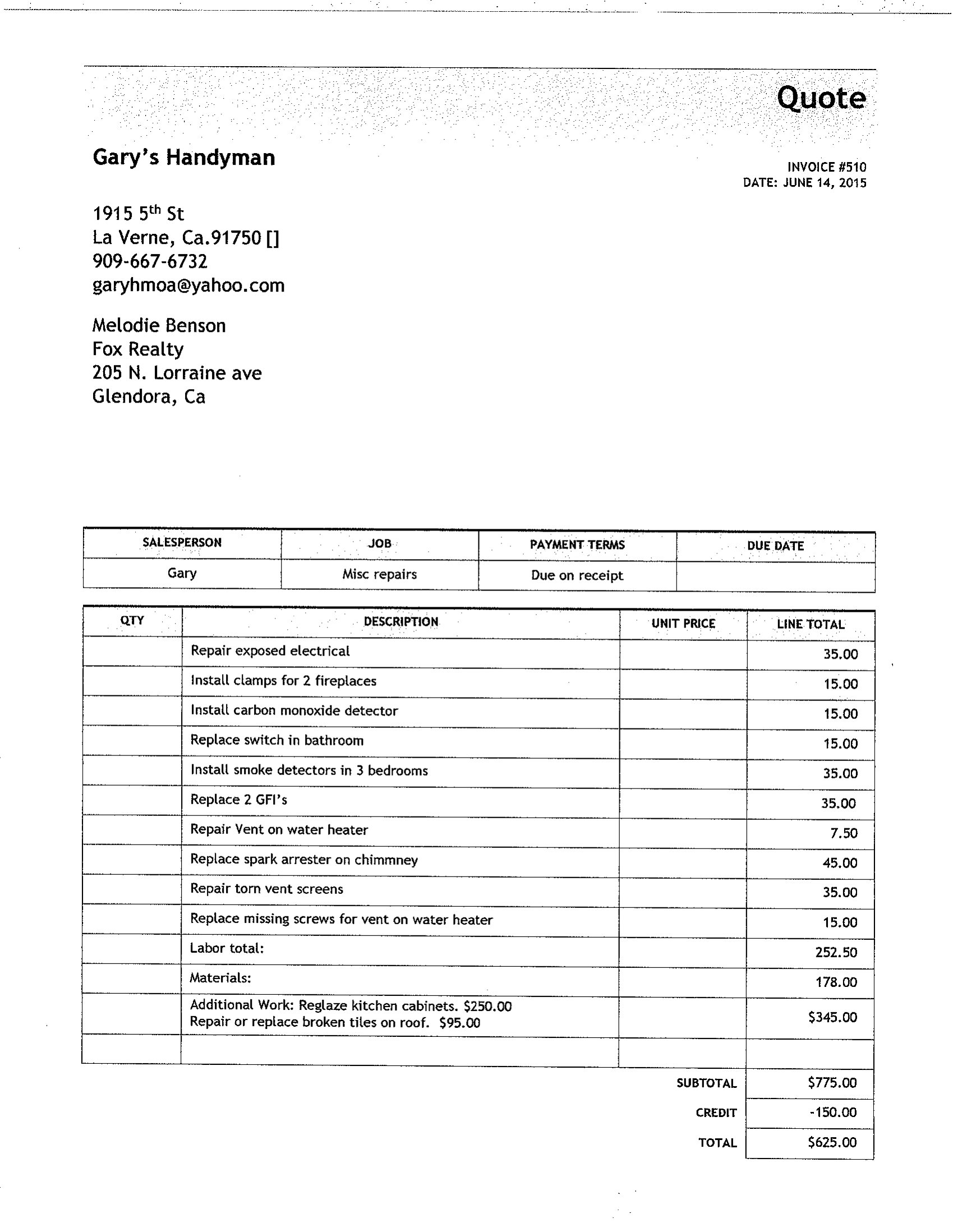
Add a ‘Job Status’ field at the top of your invoice (e.g., ‘Phase 1 of 3 Completed’) and a ‘Progress Payment’ checkbox for each line item. In Excel, use conditional formatting to highlight unpaid items in red. For PDFs, include a note like ‘This invoice covers [specific task]—remainder due upon [next milestone].’ Always date the invoice to clarify which work period it covers, especially for monthly maintenance contracts.
Comments
Join the conversation
Sign in to share your thoughts and leave a comment on this resource.