Free 5 Whys Templates (Word, Excel, PDF)
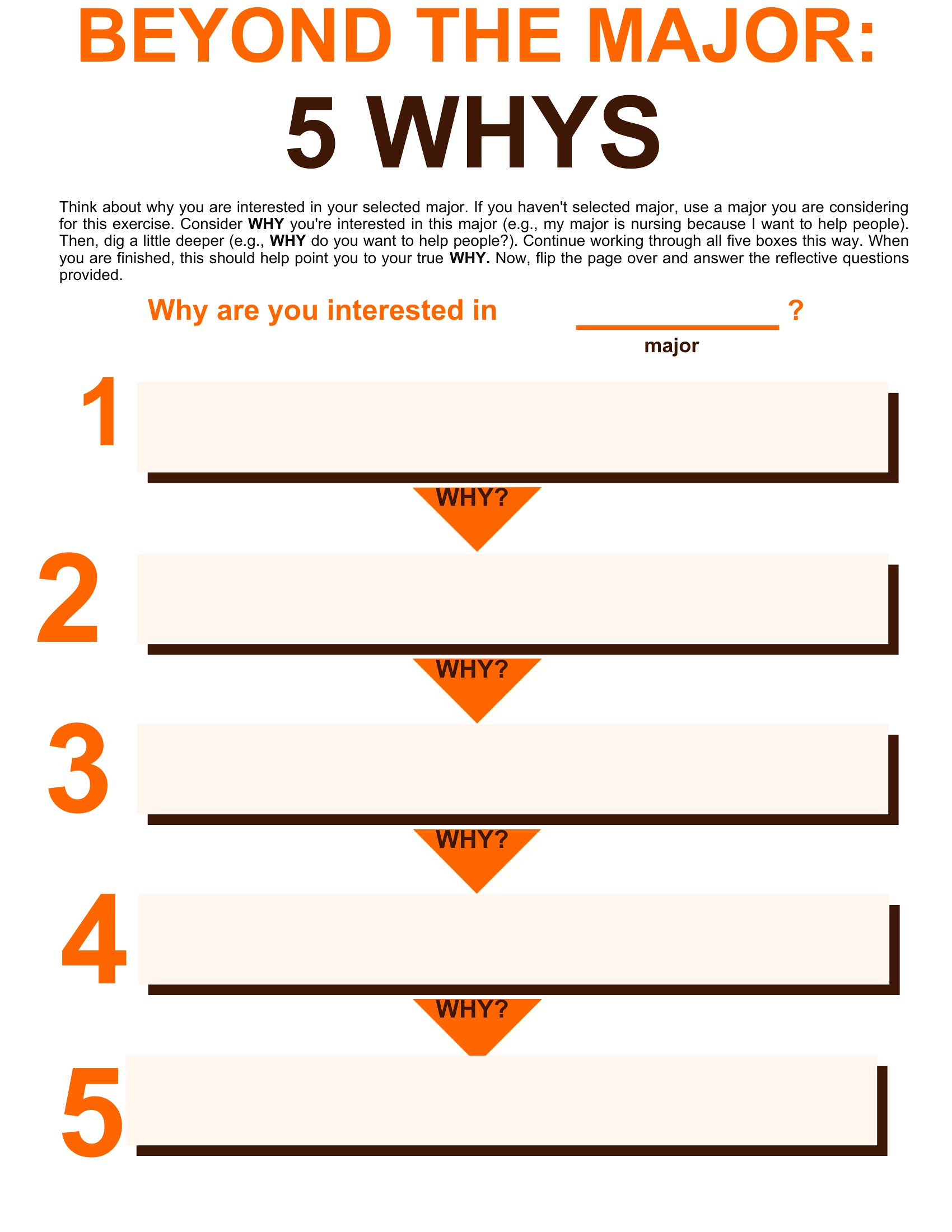
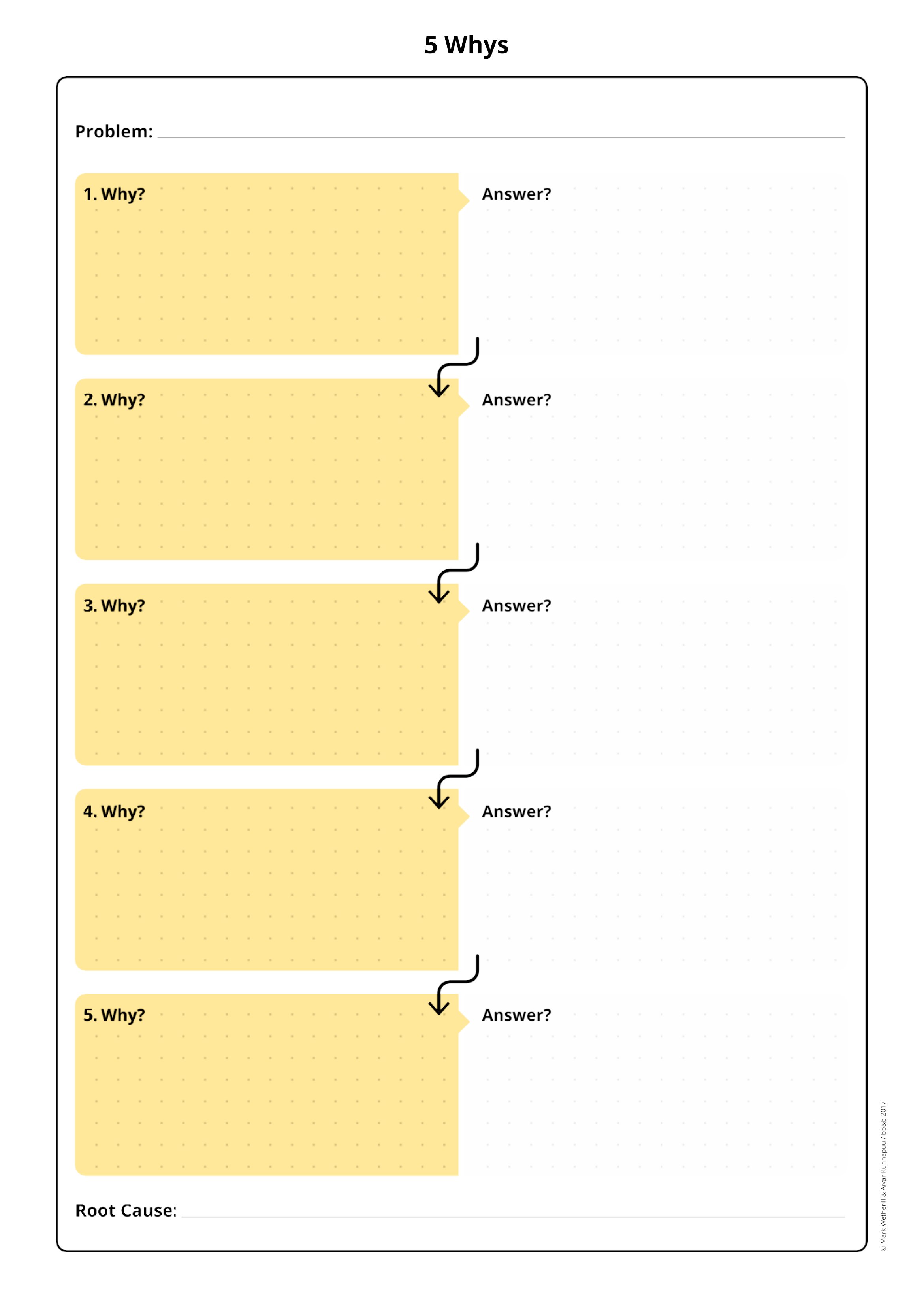
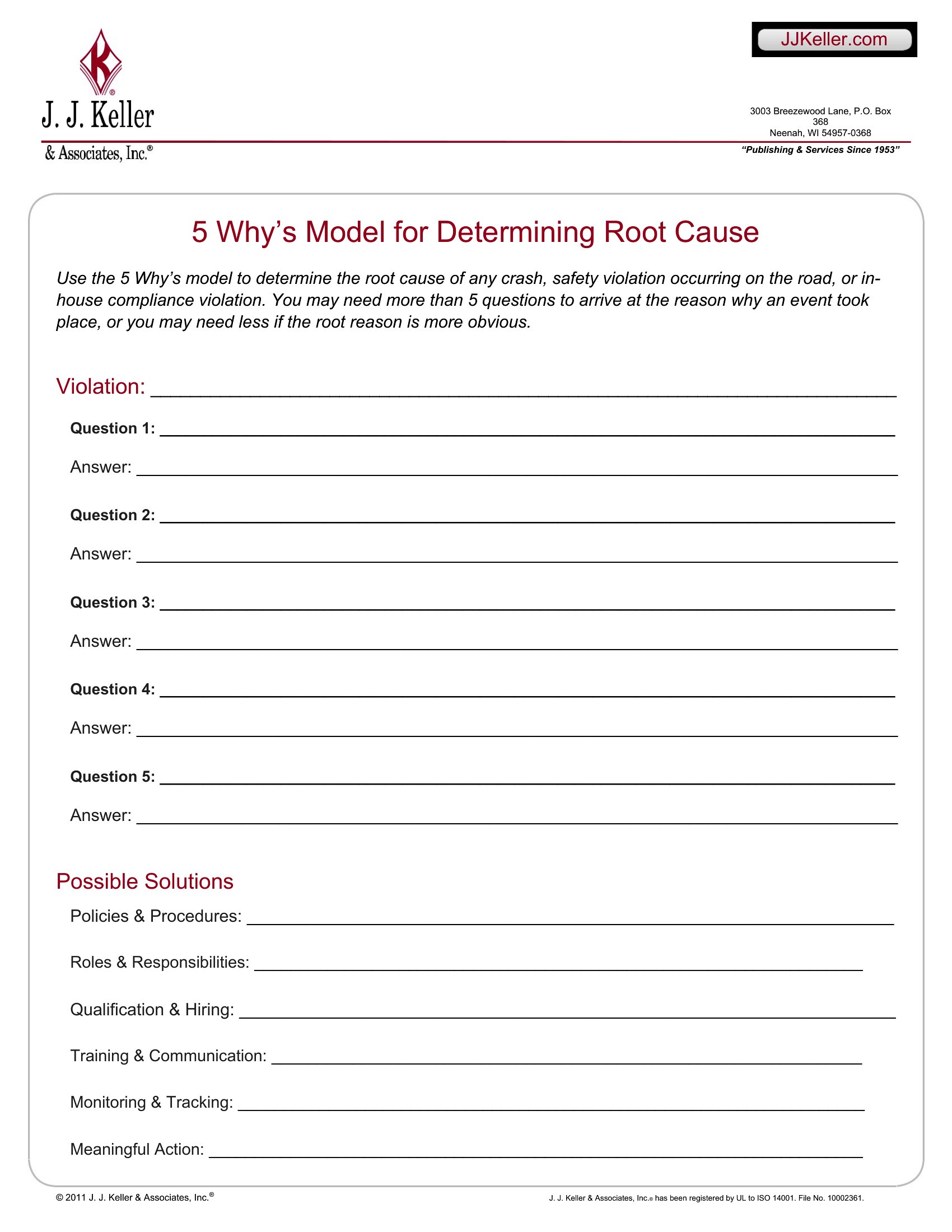
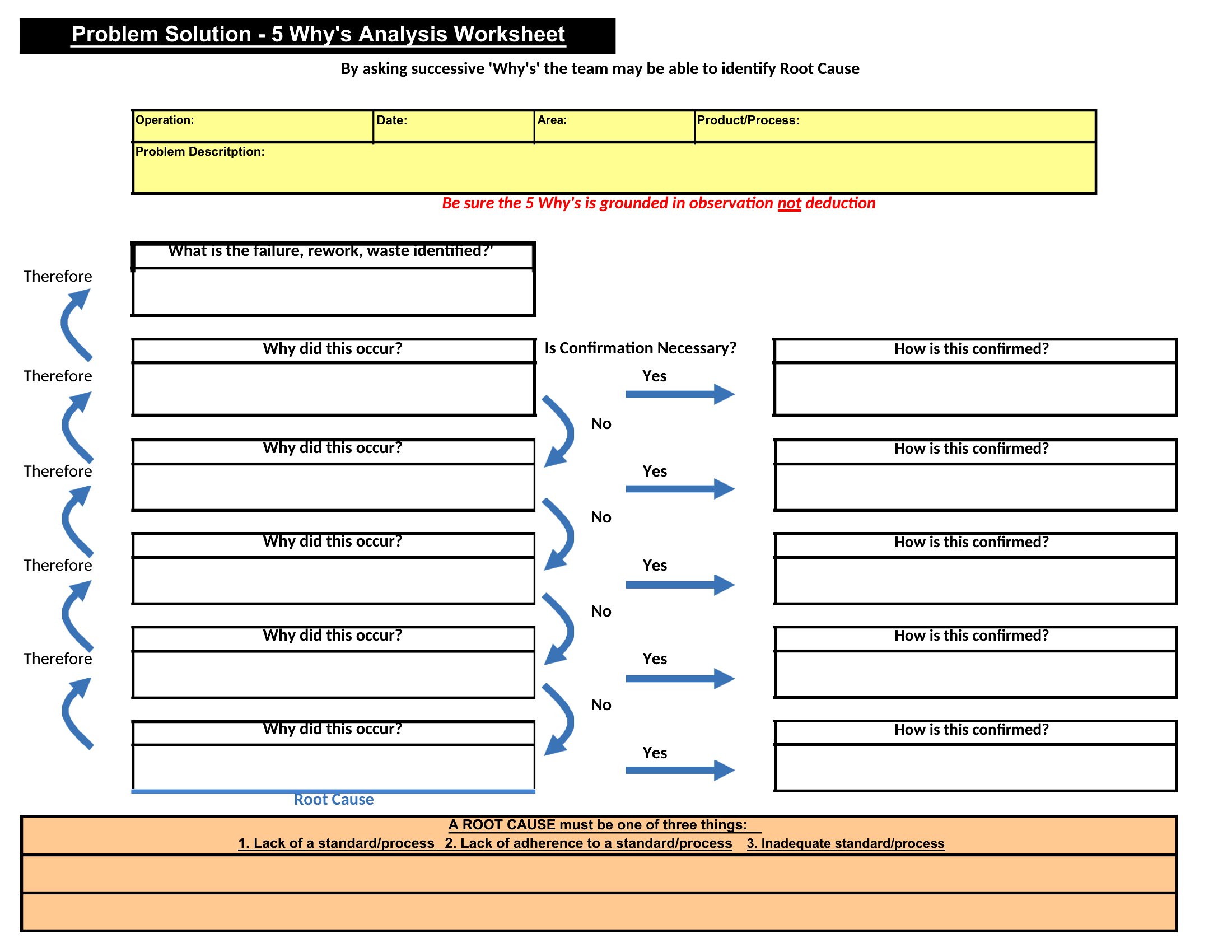
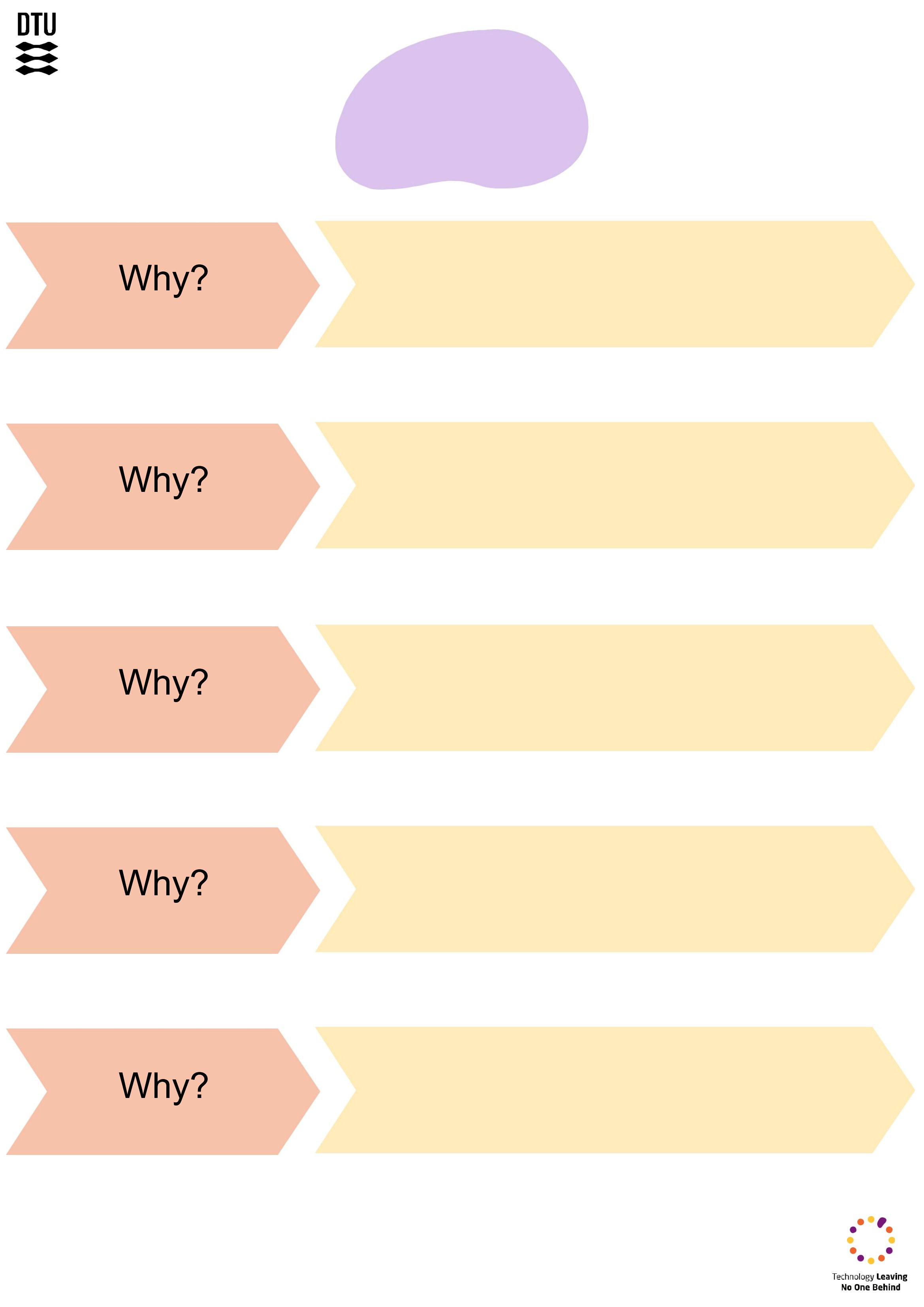
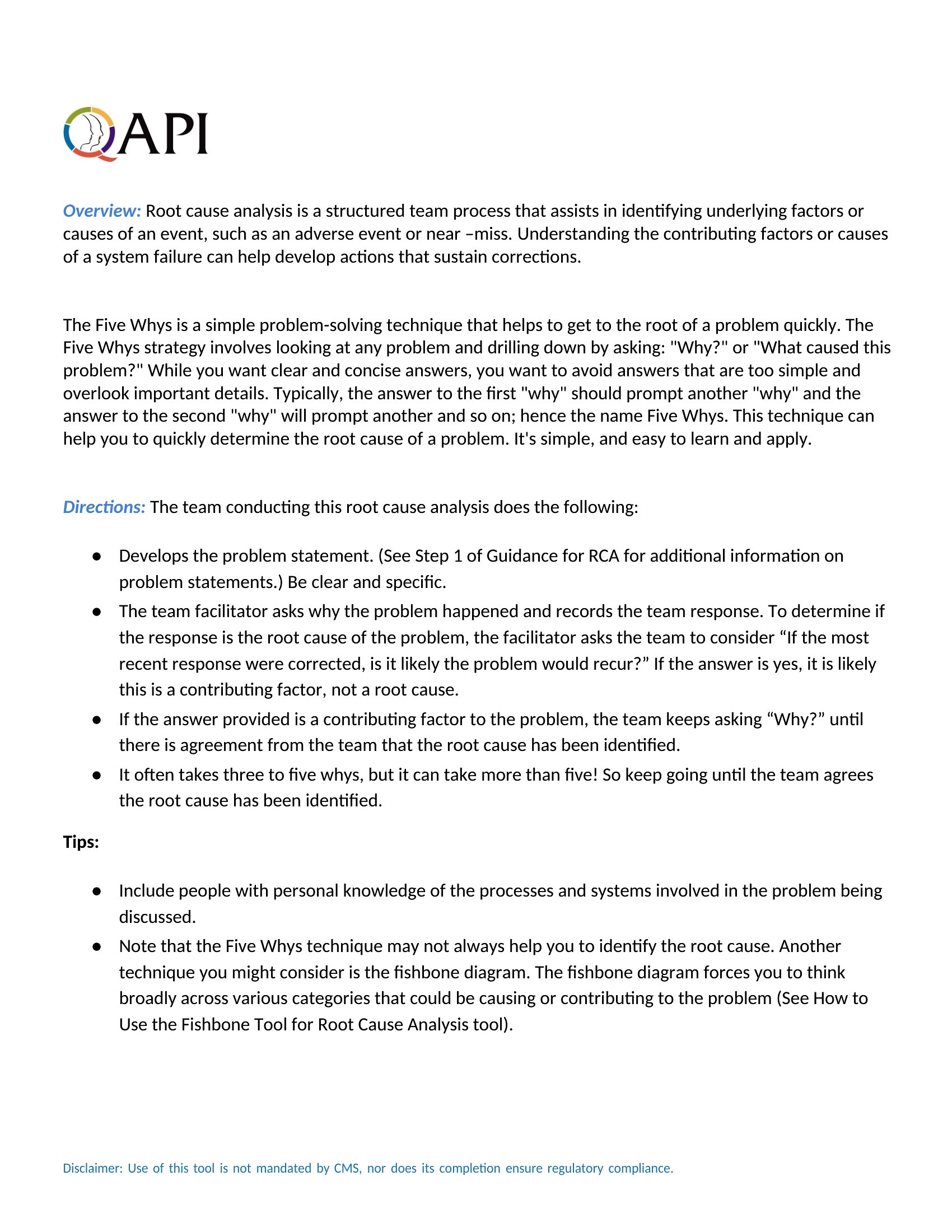
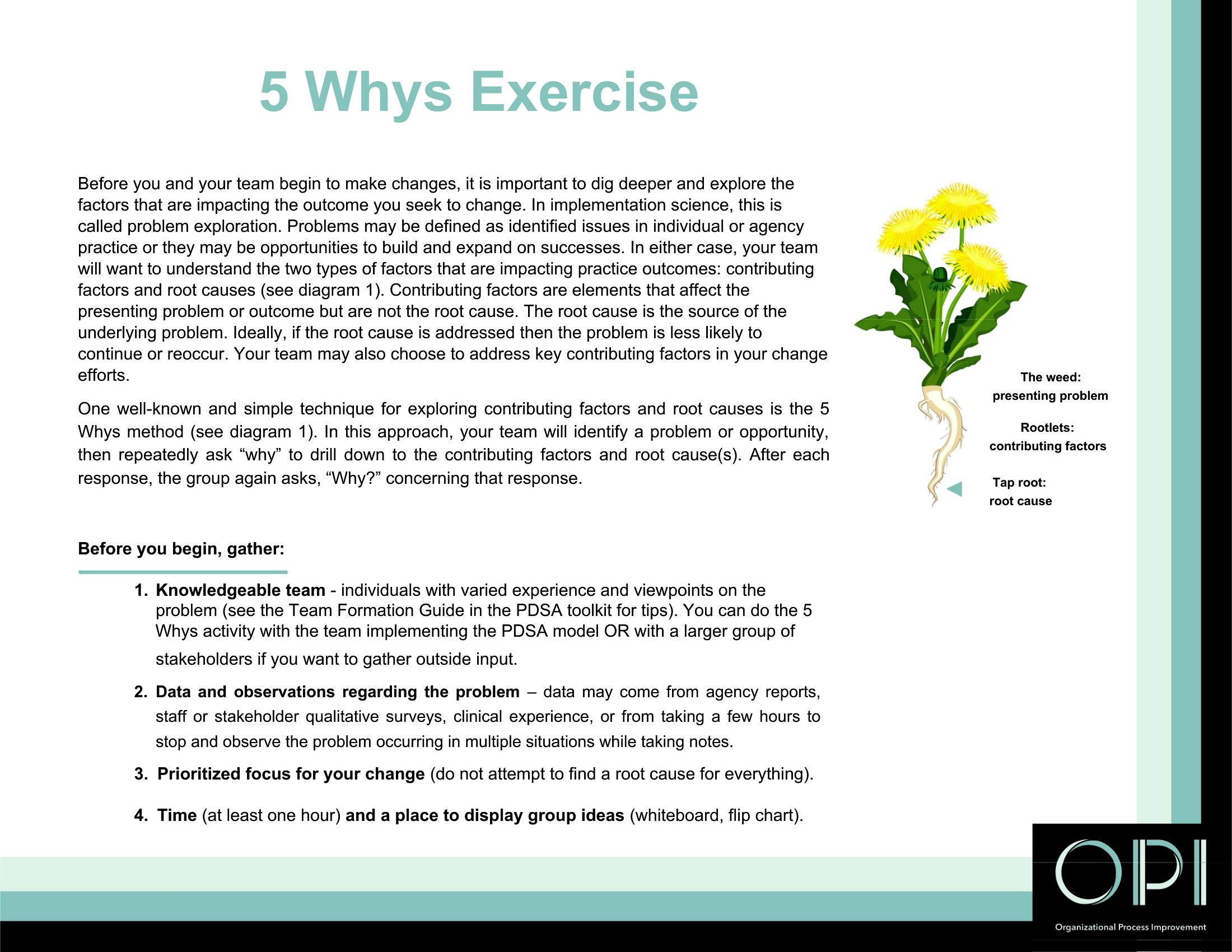
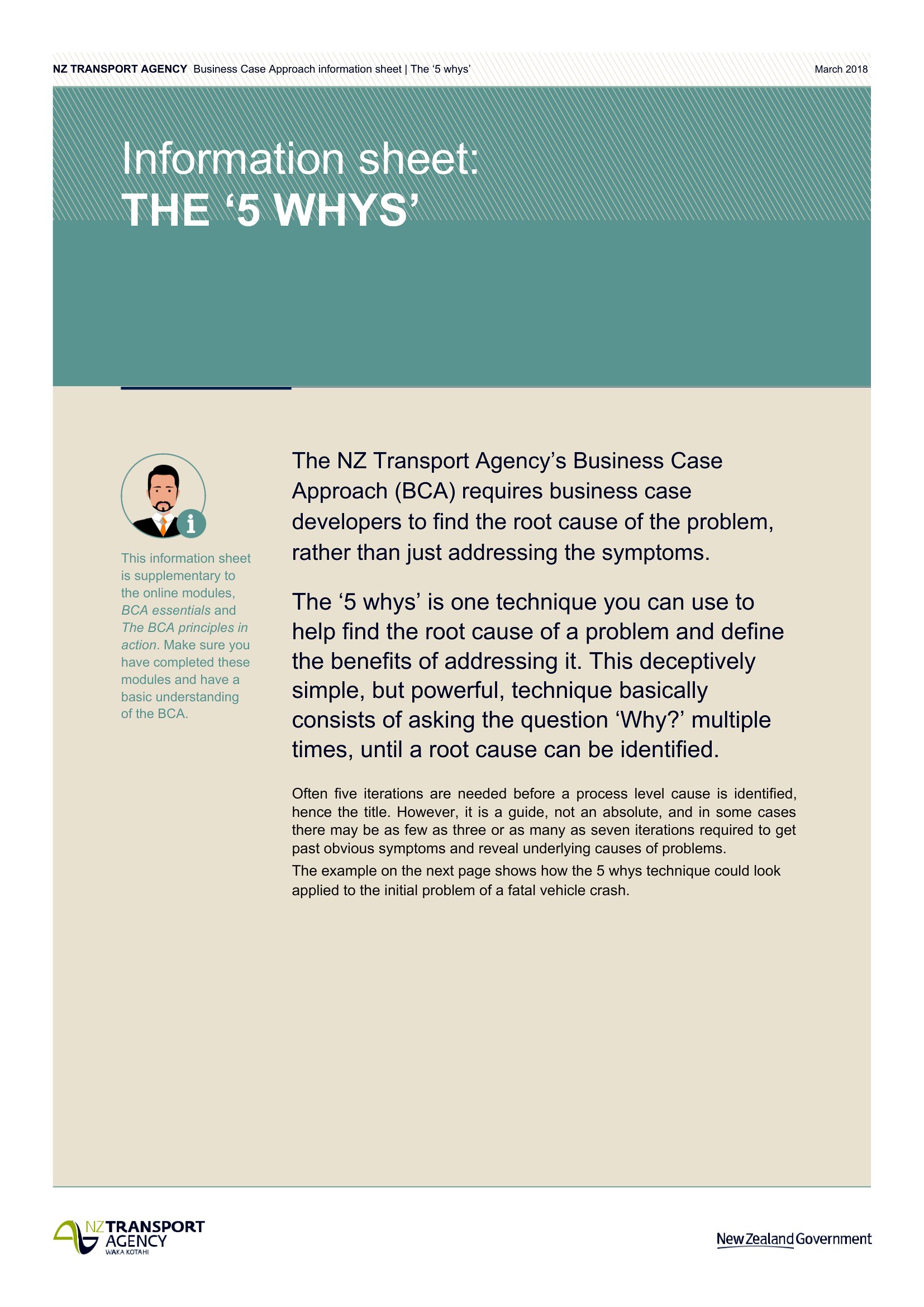
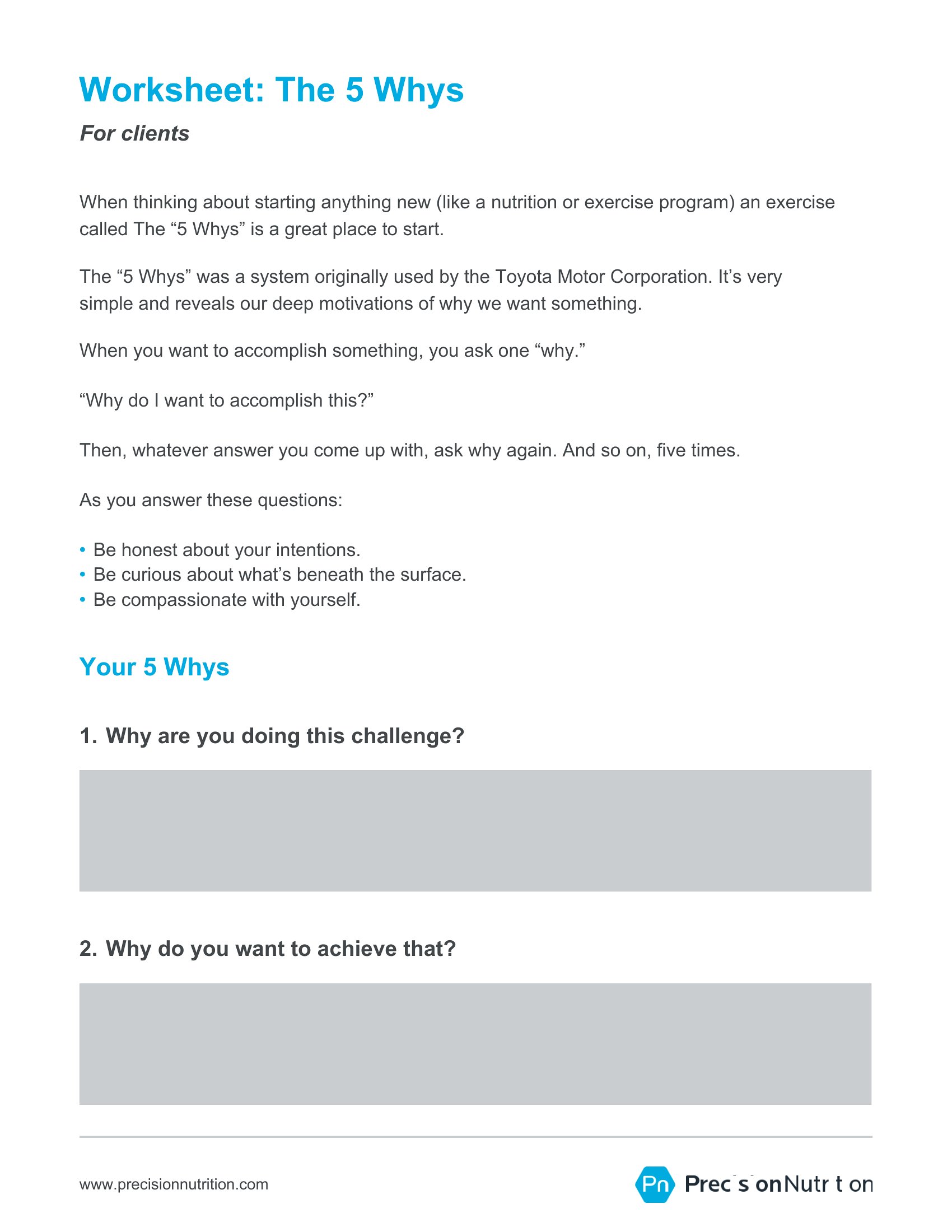
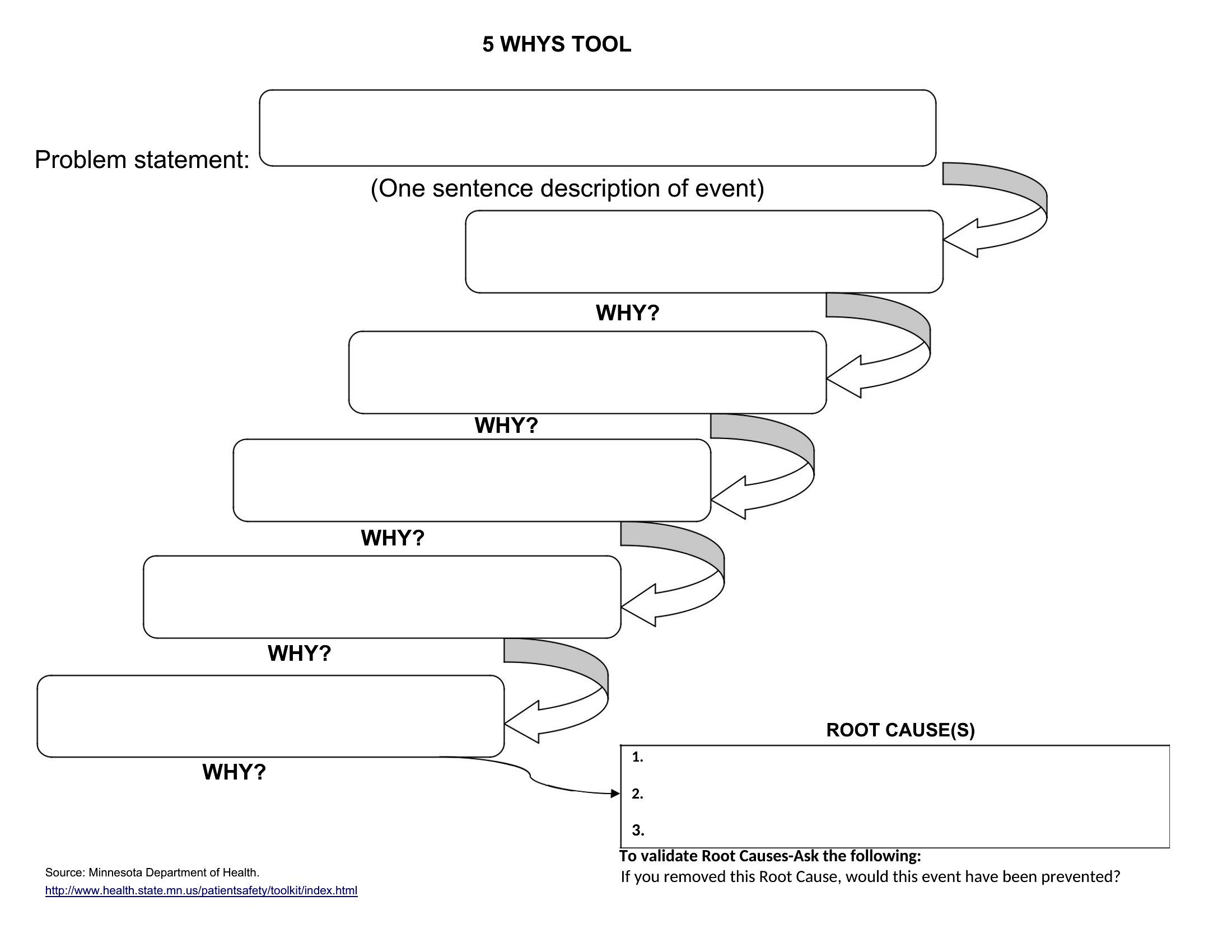
Analysis5 Whys is the habit of refusing the first convenient explanation. You write what broke, ask why, then ask why again until you hit a cause you can actually fix — not a person to blame.
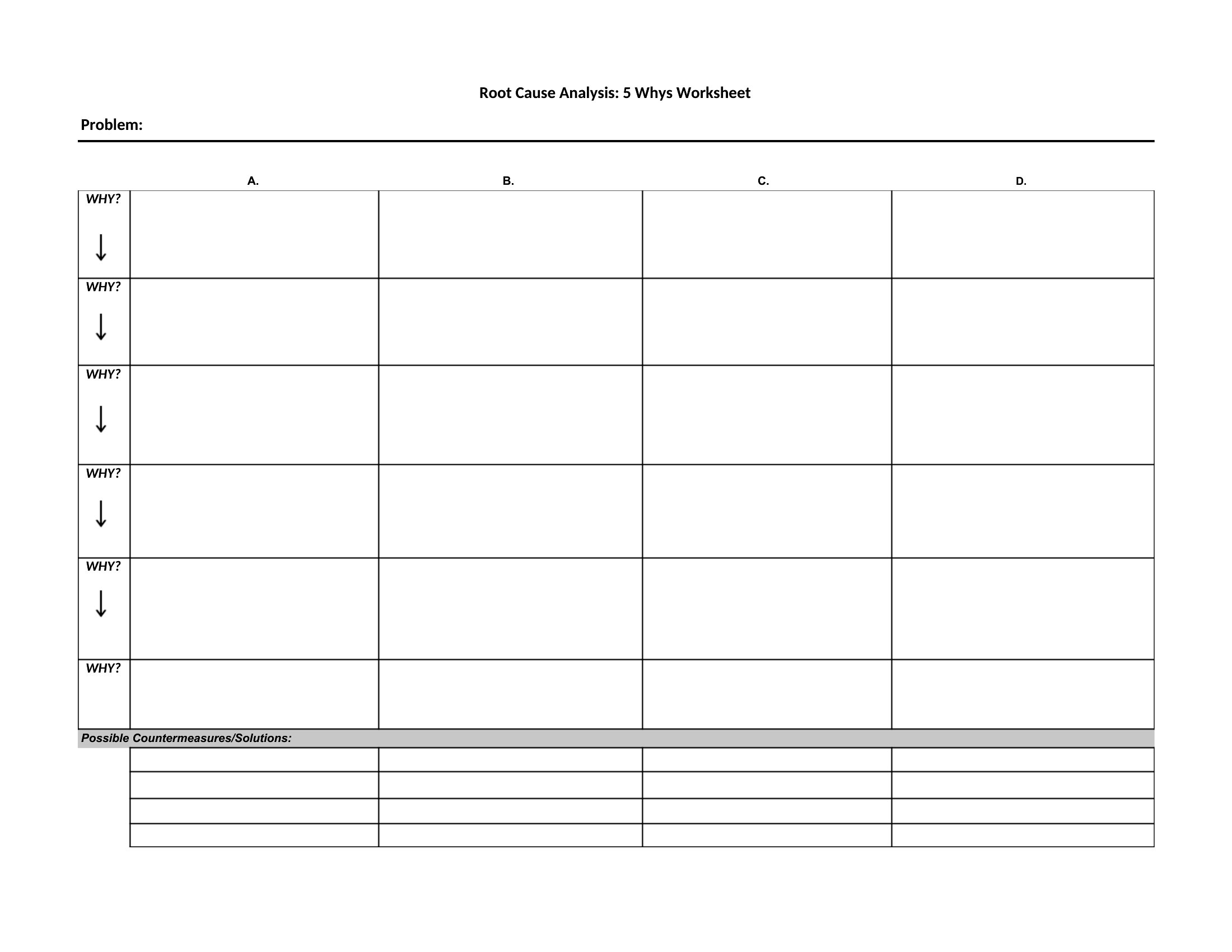
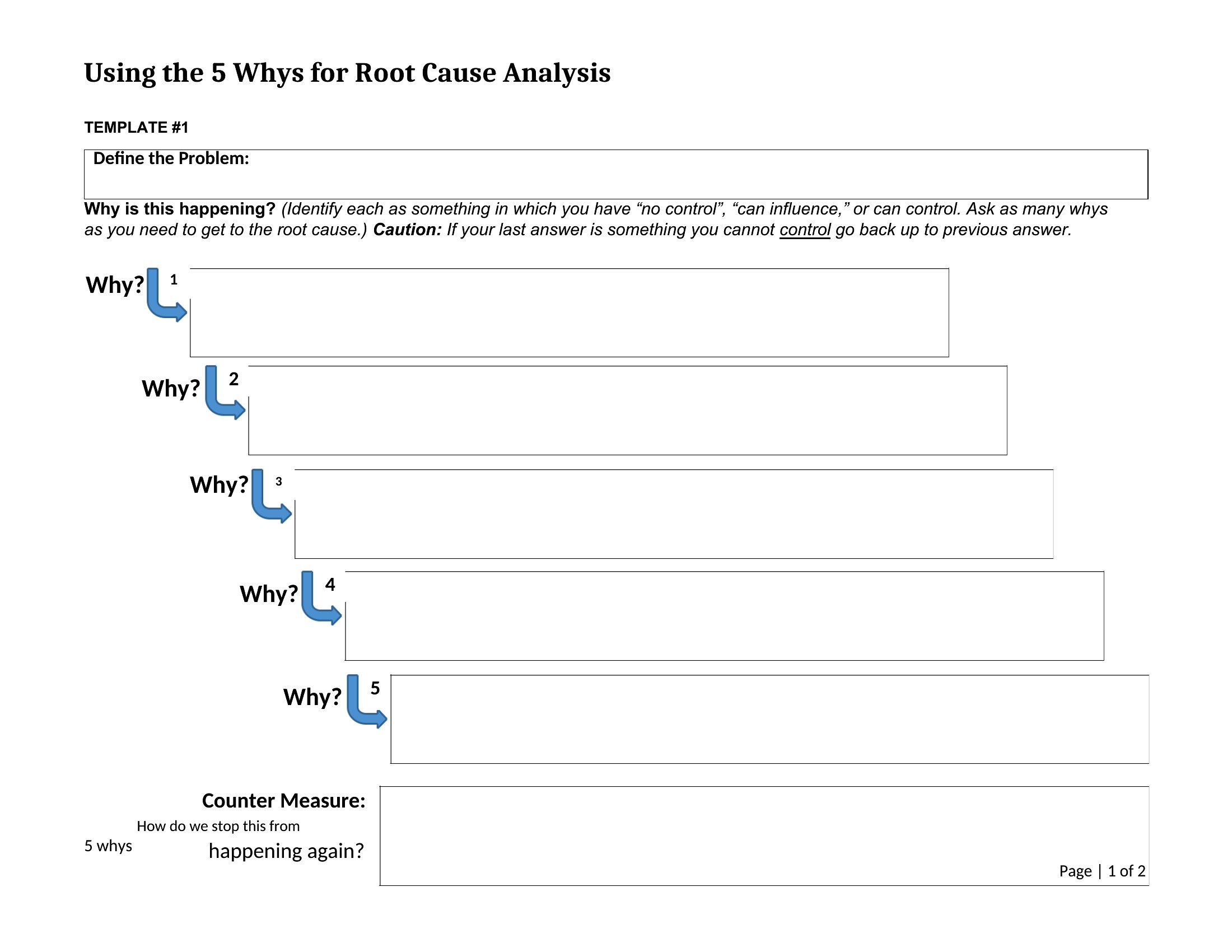
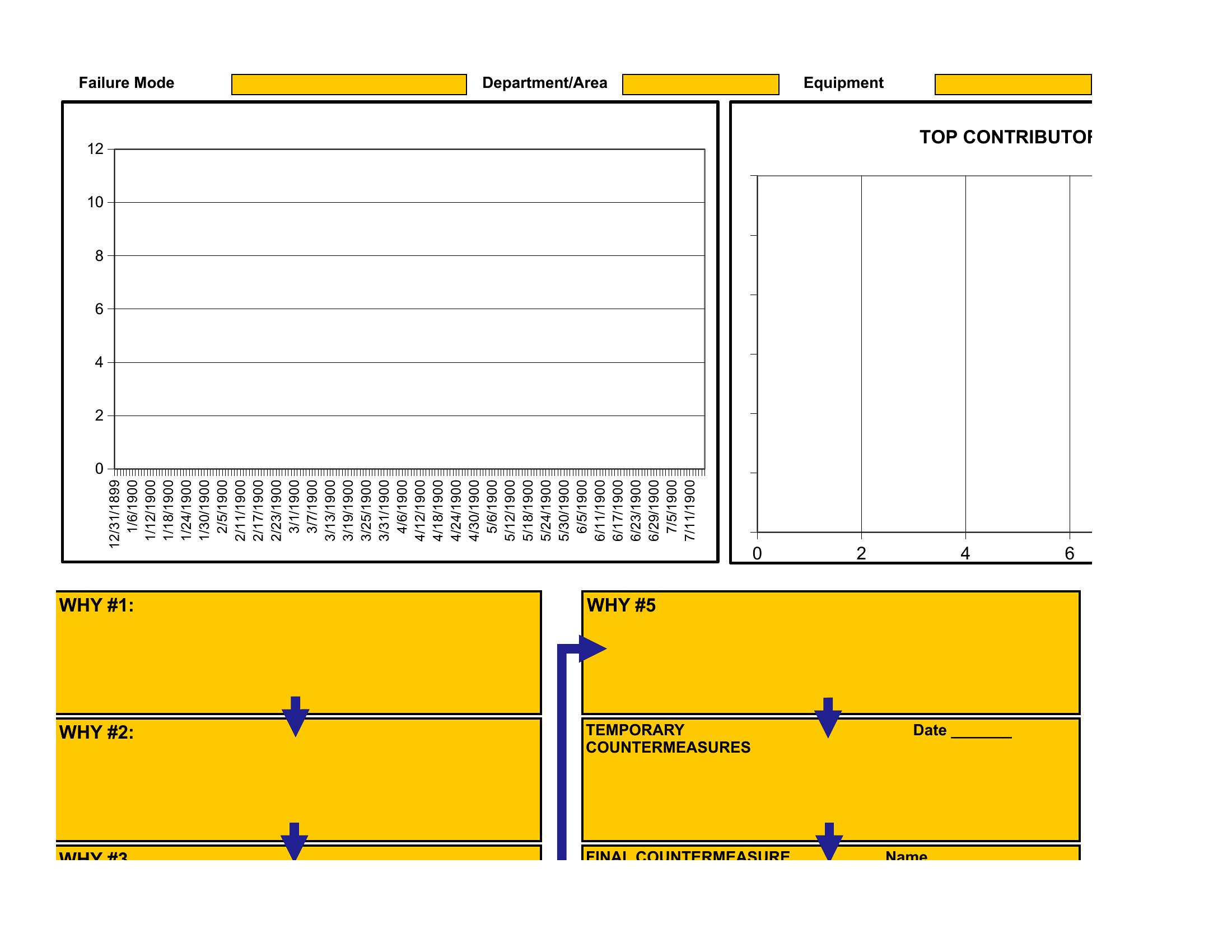
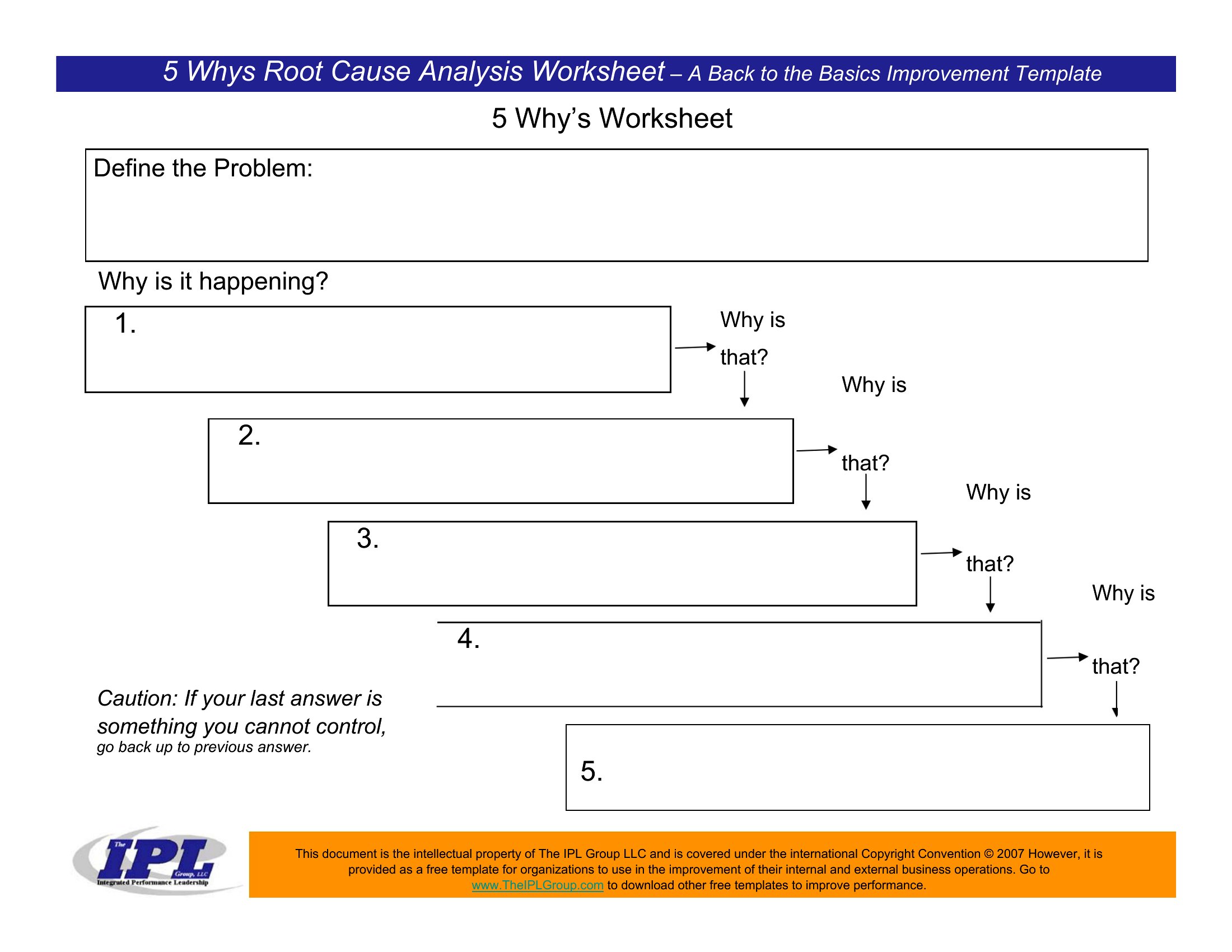
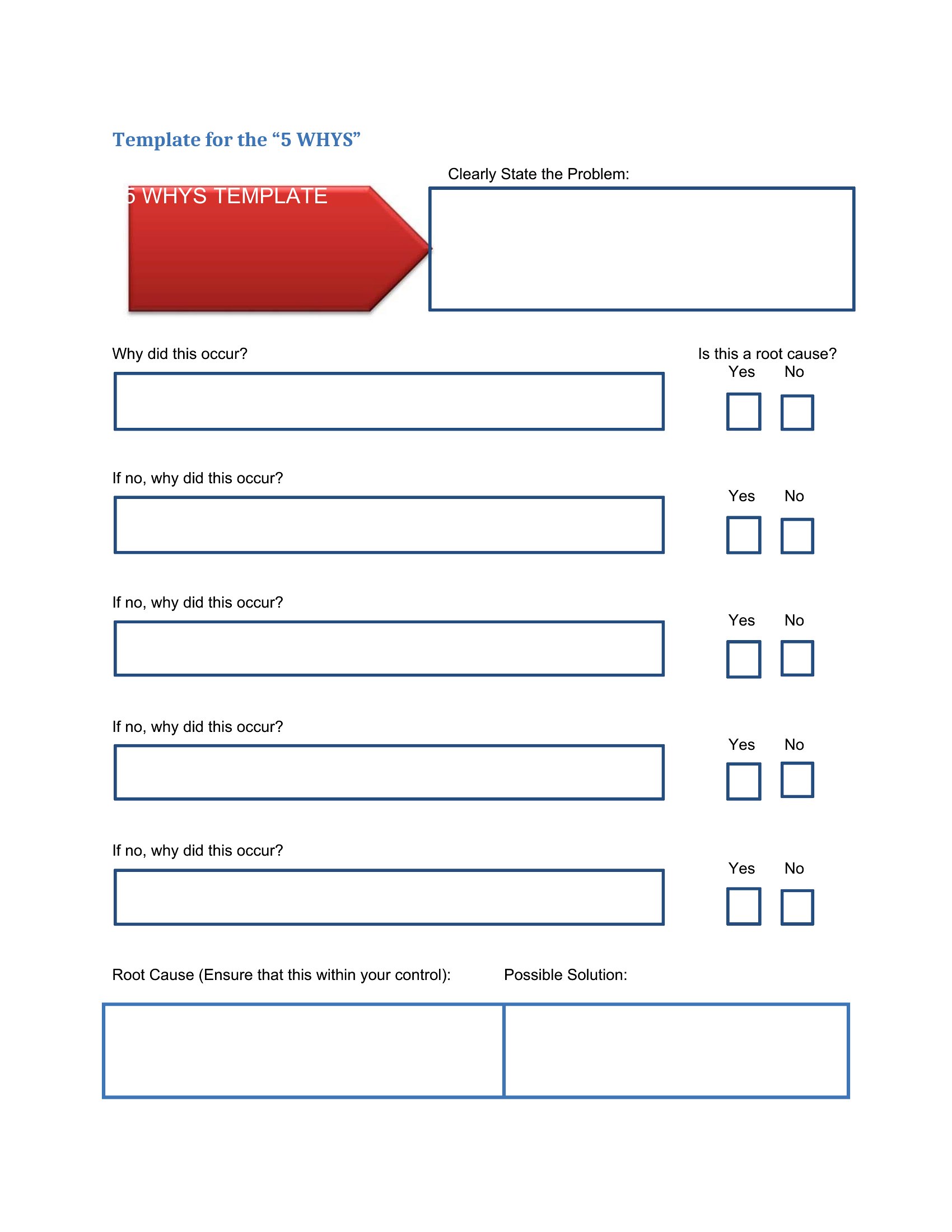
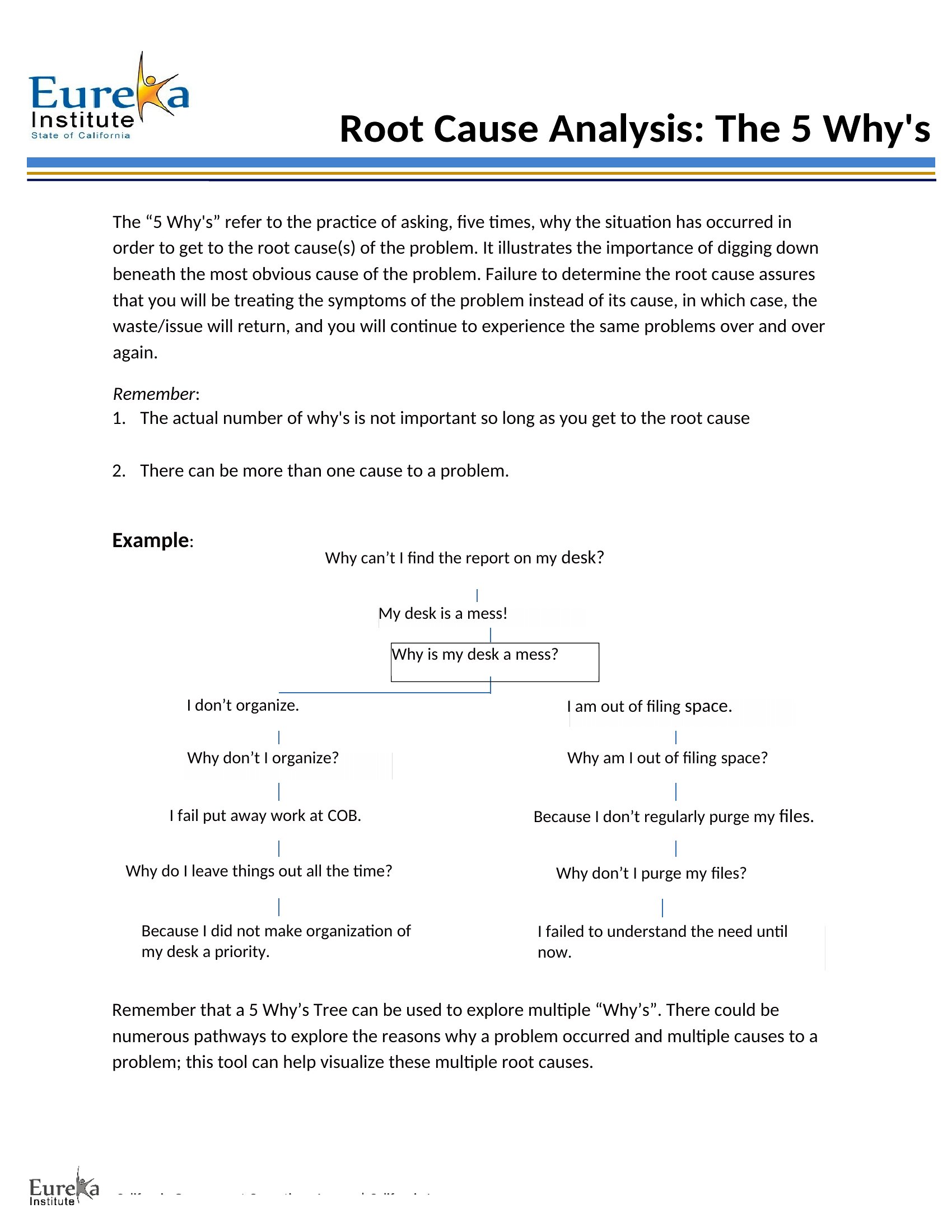
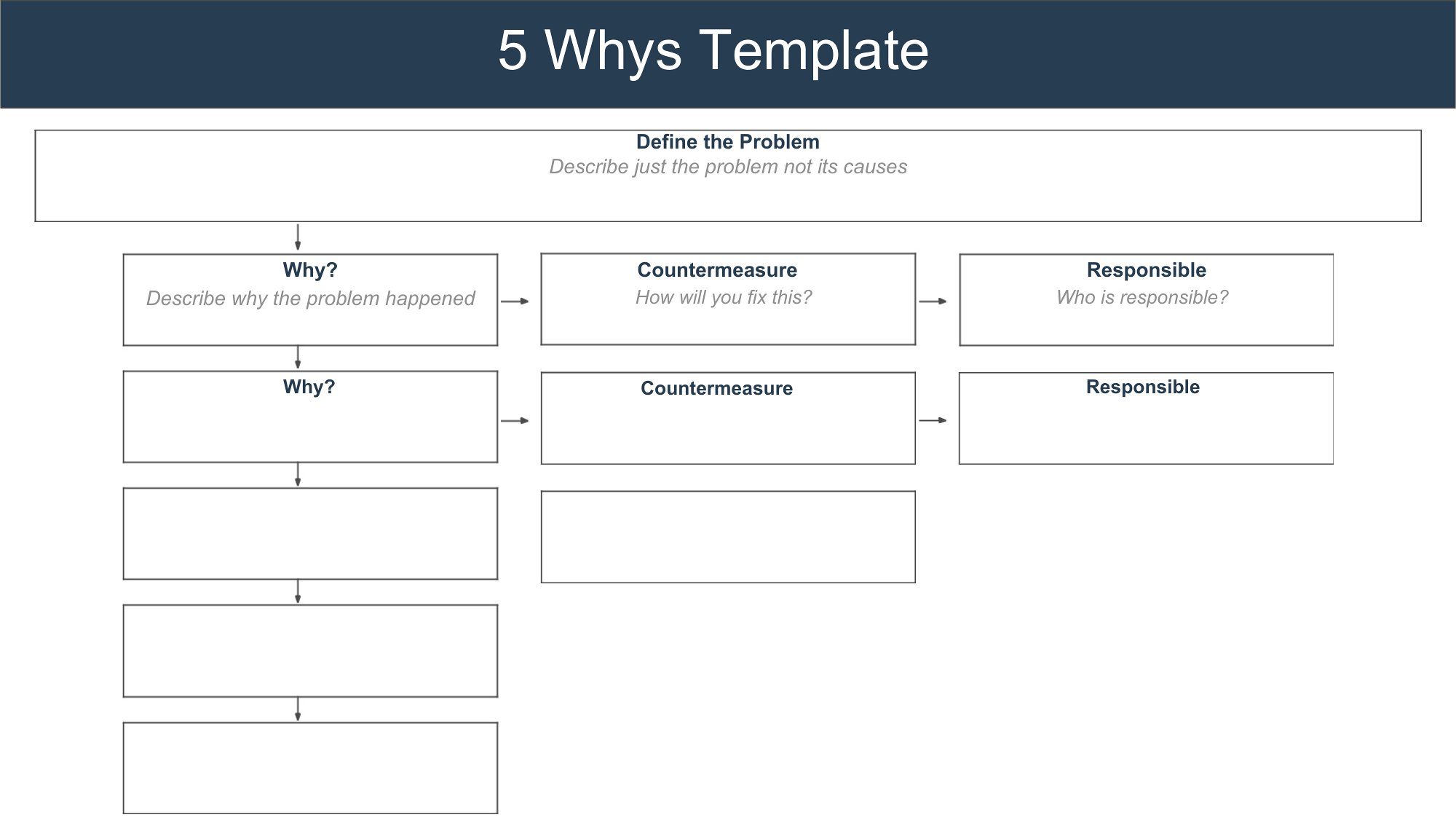
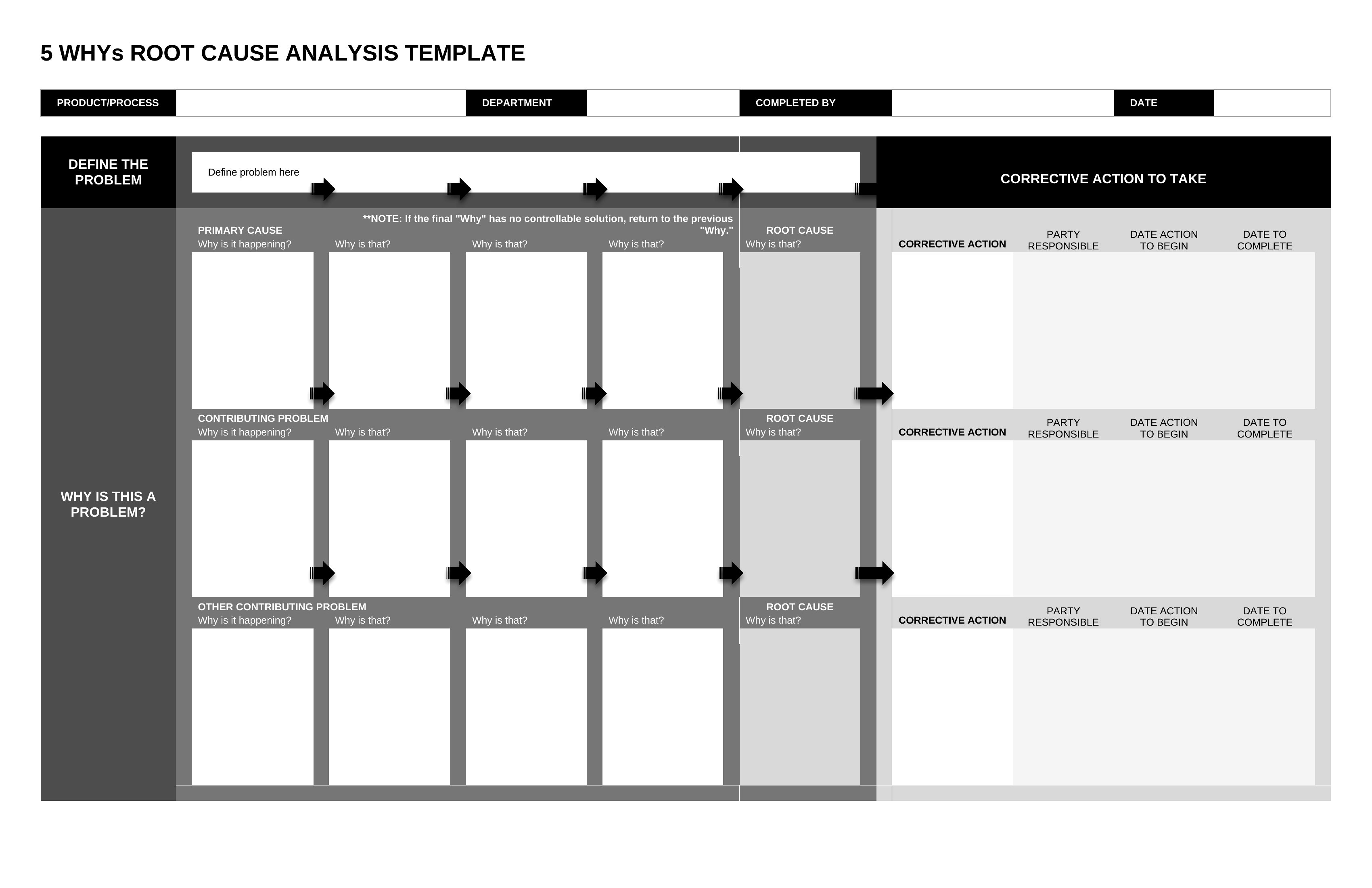
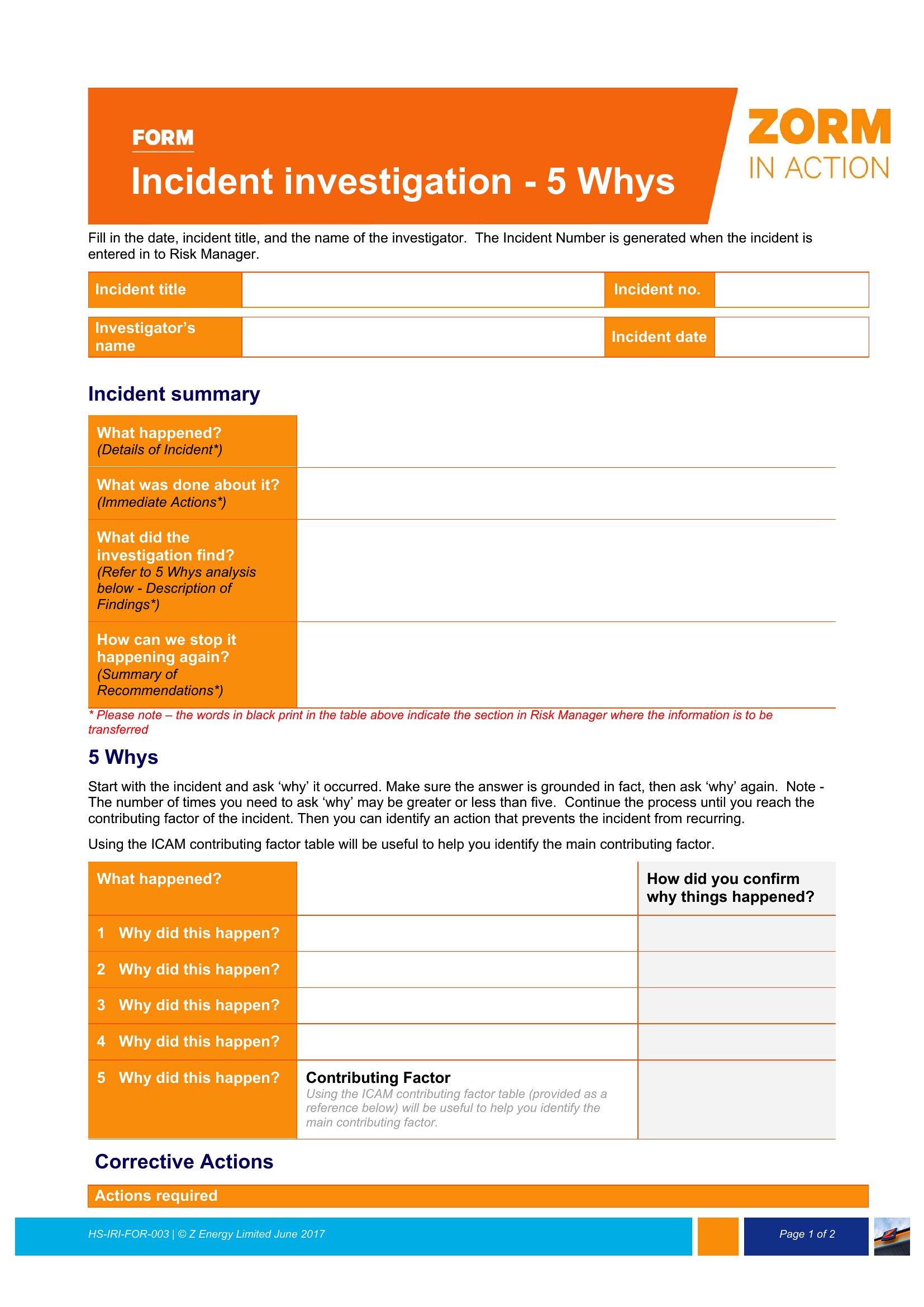
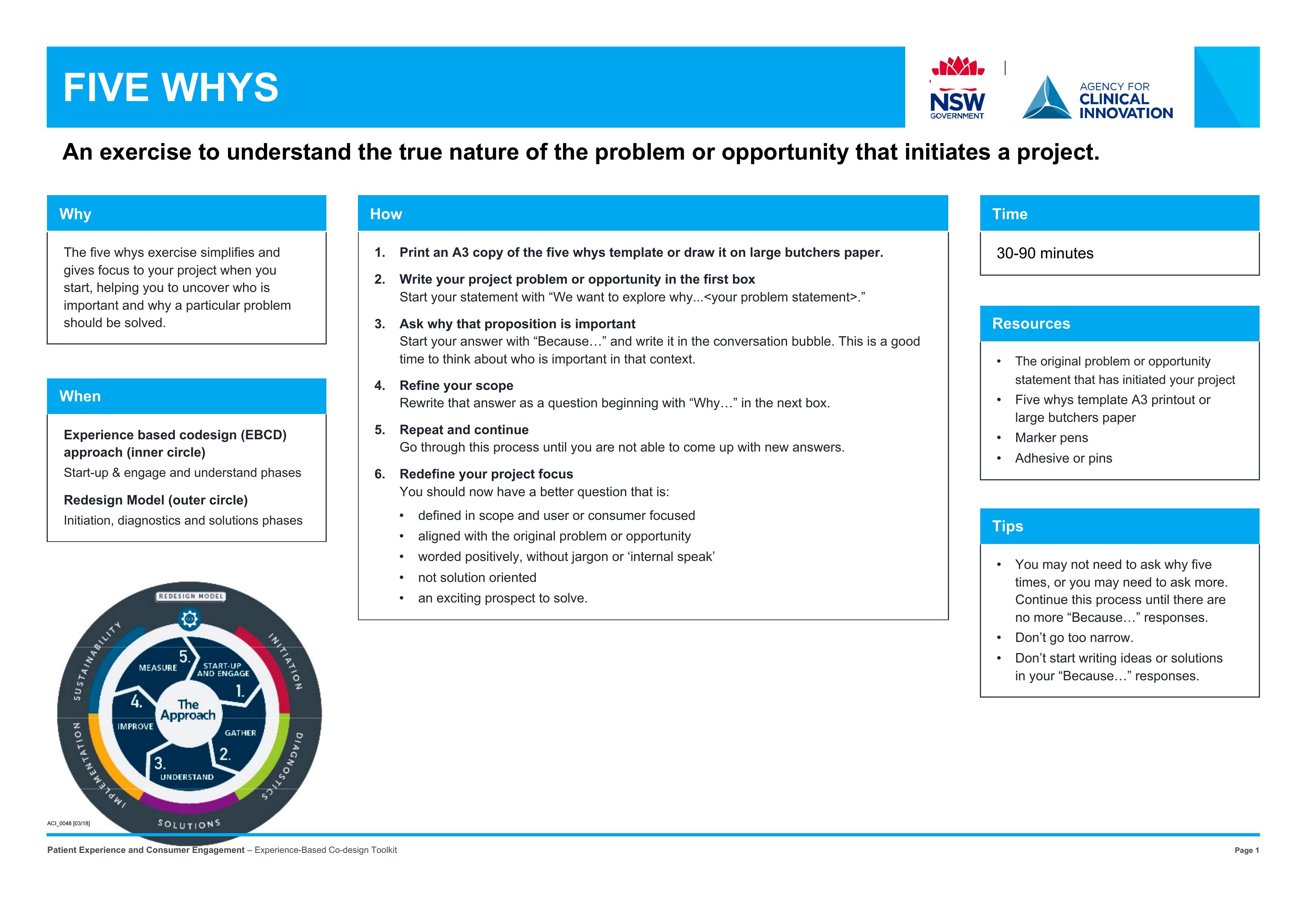
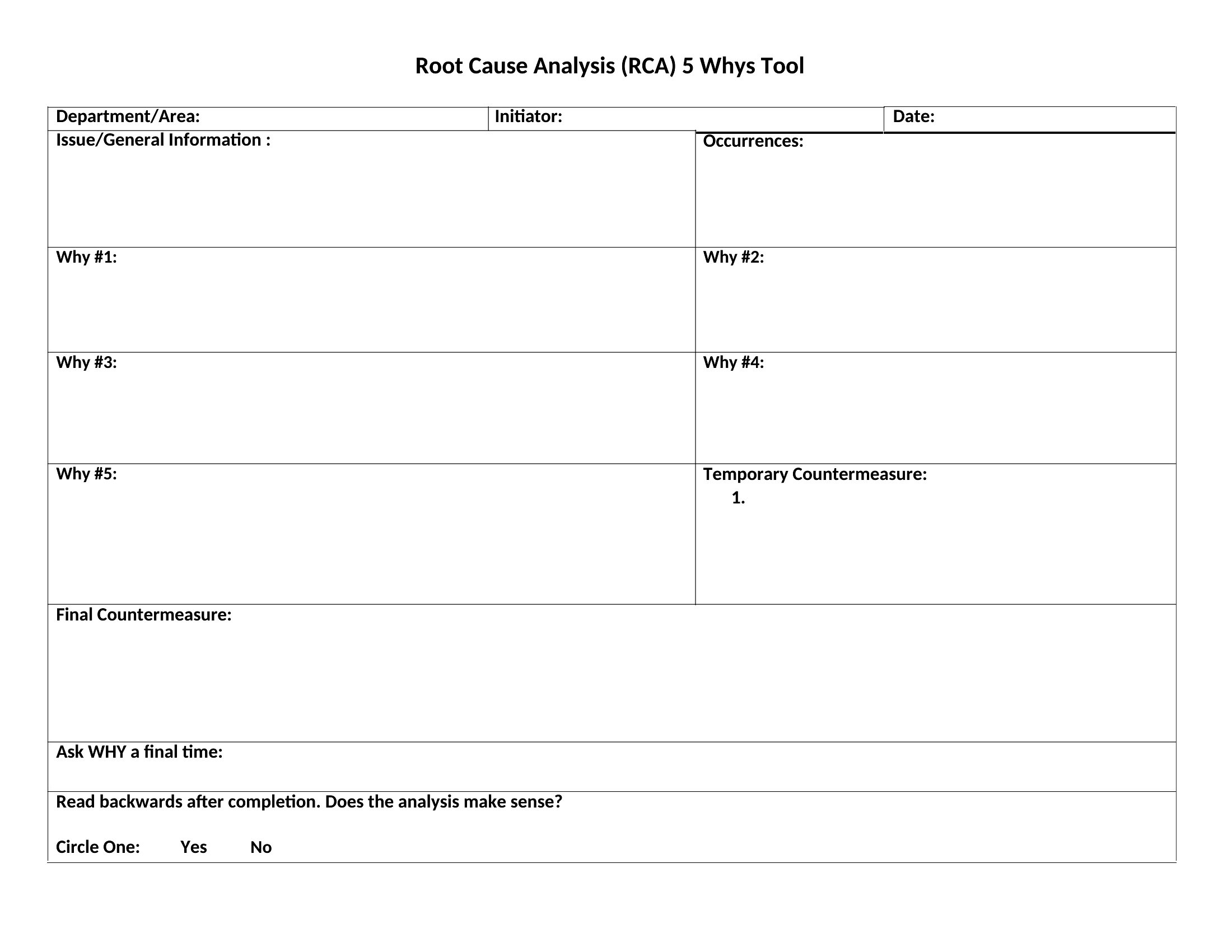
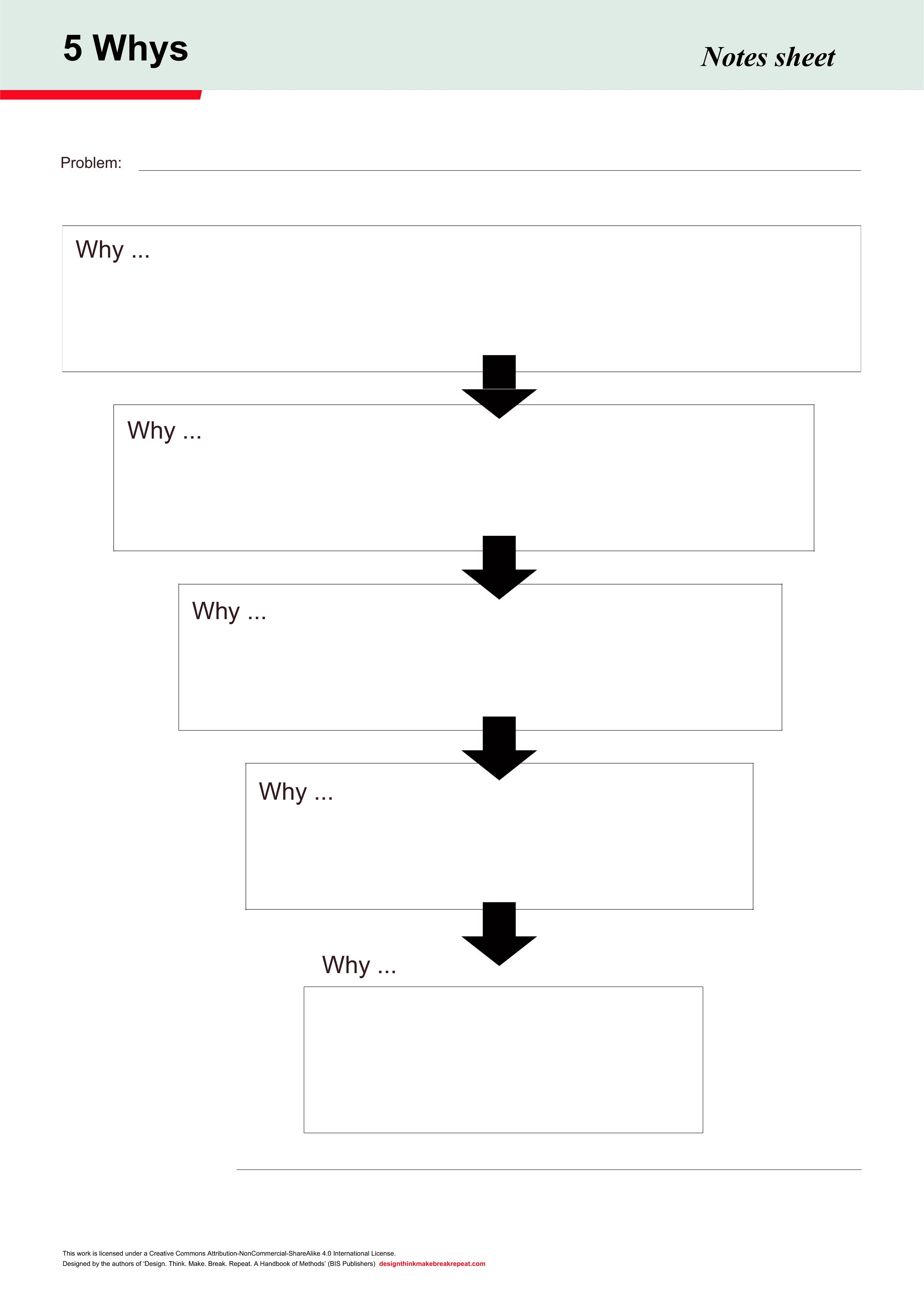
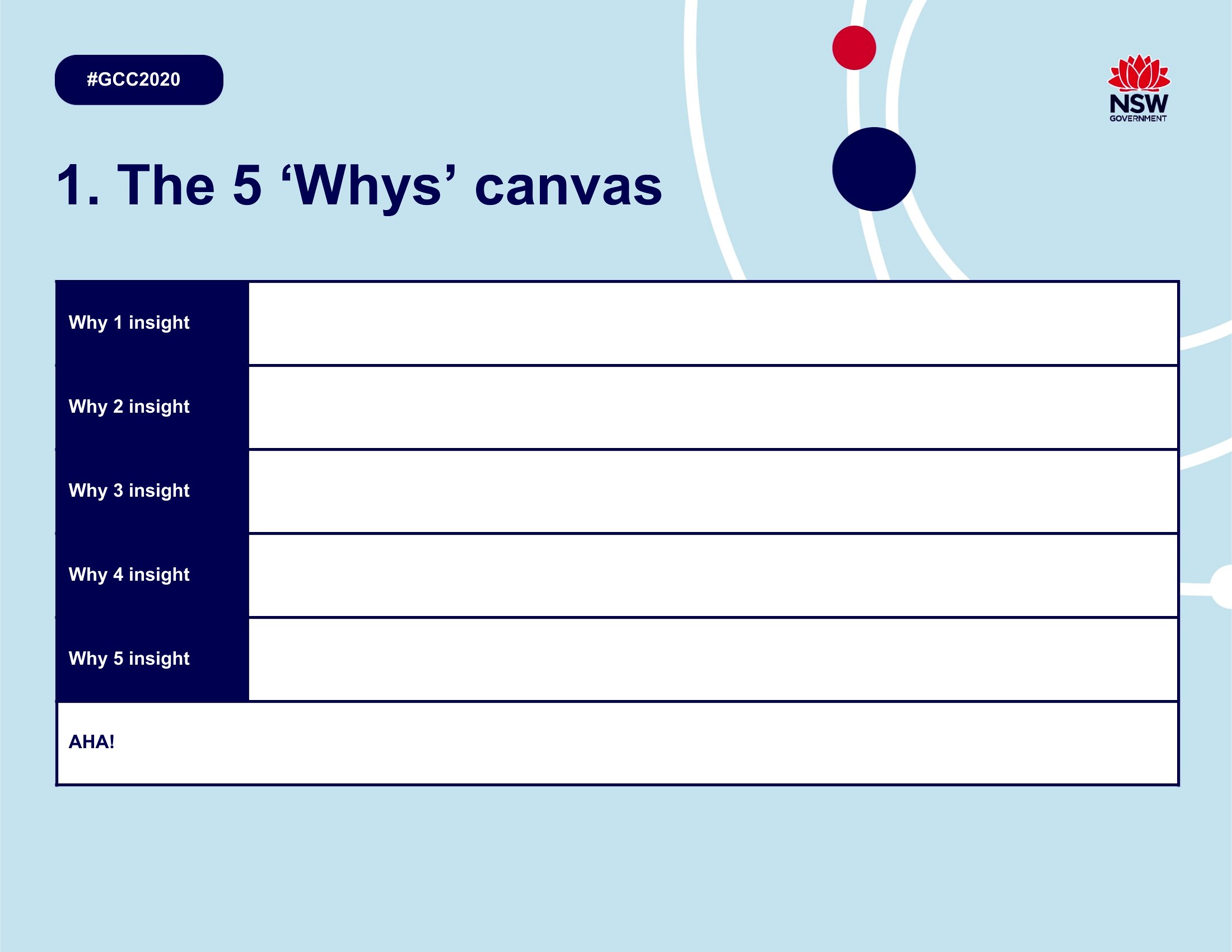
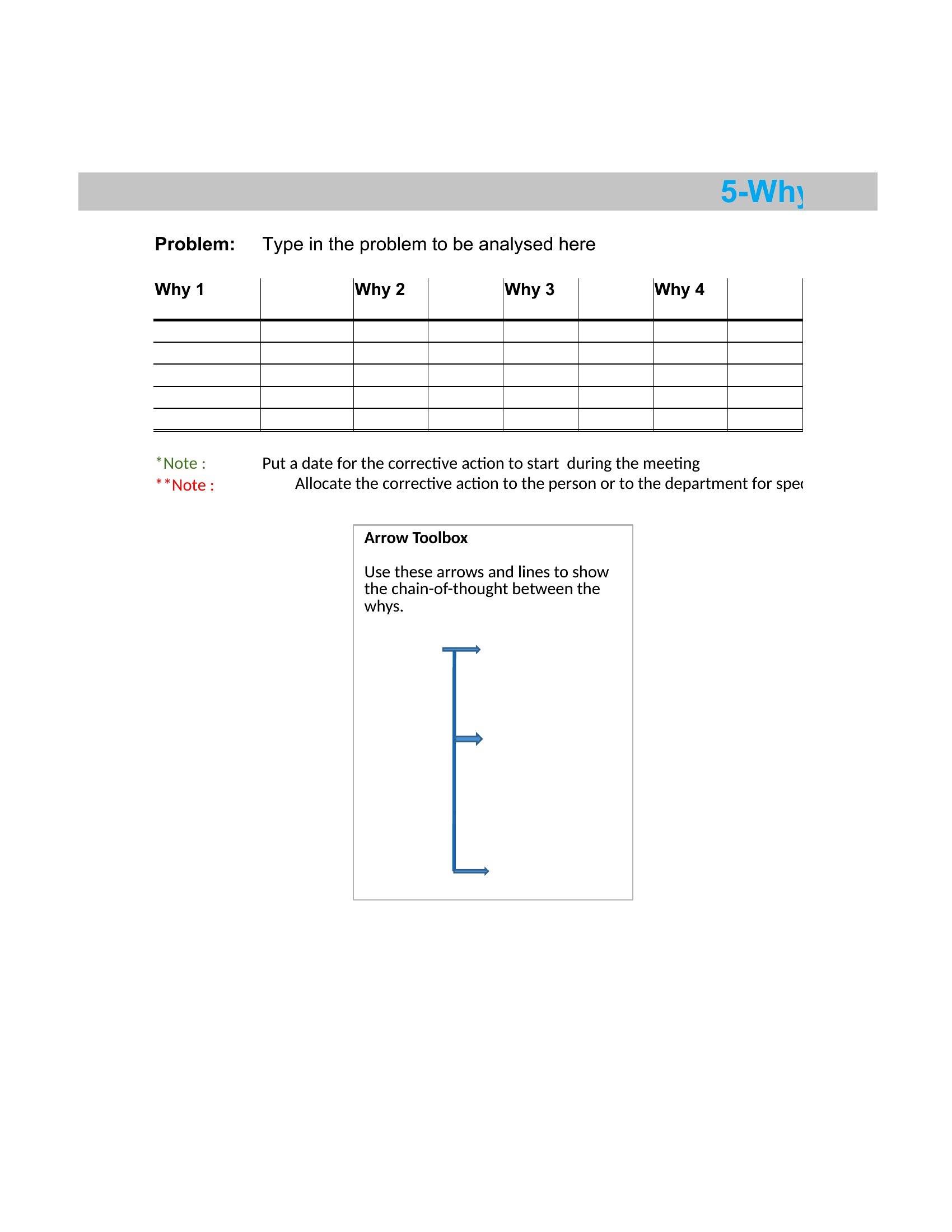
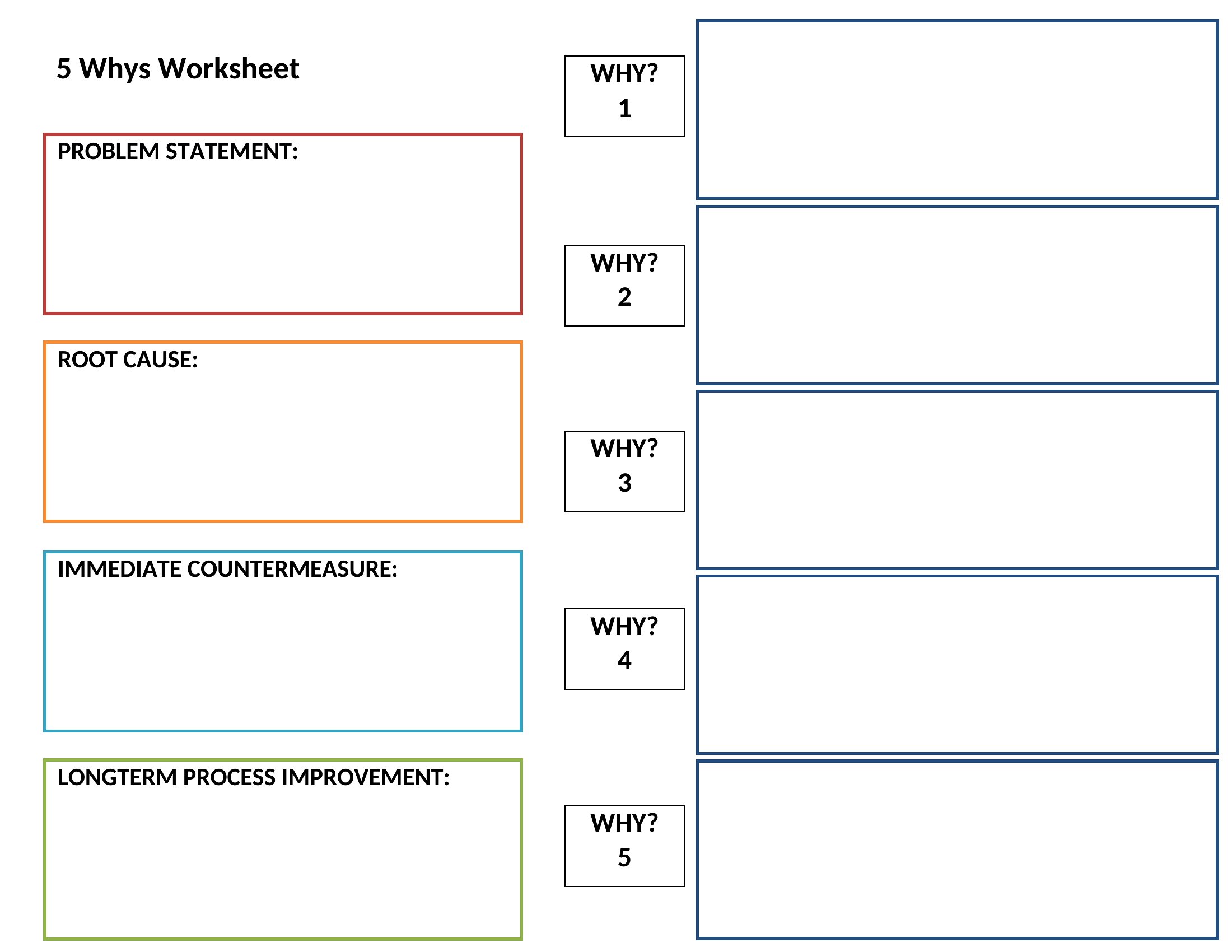
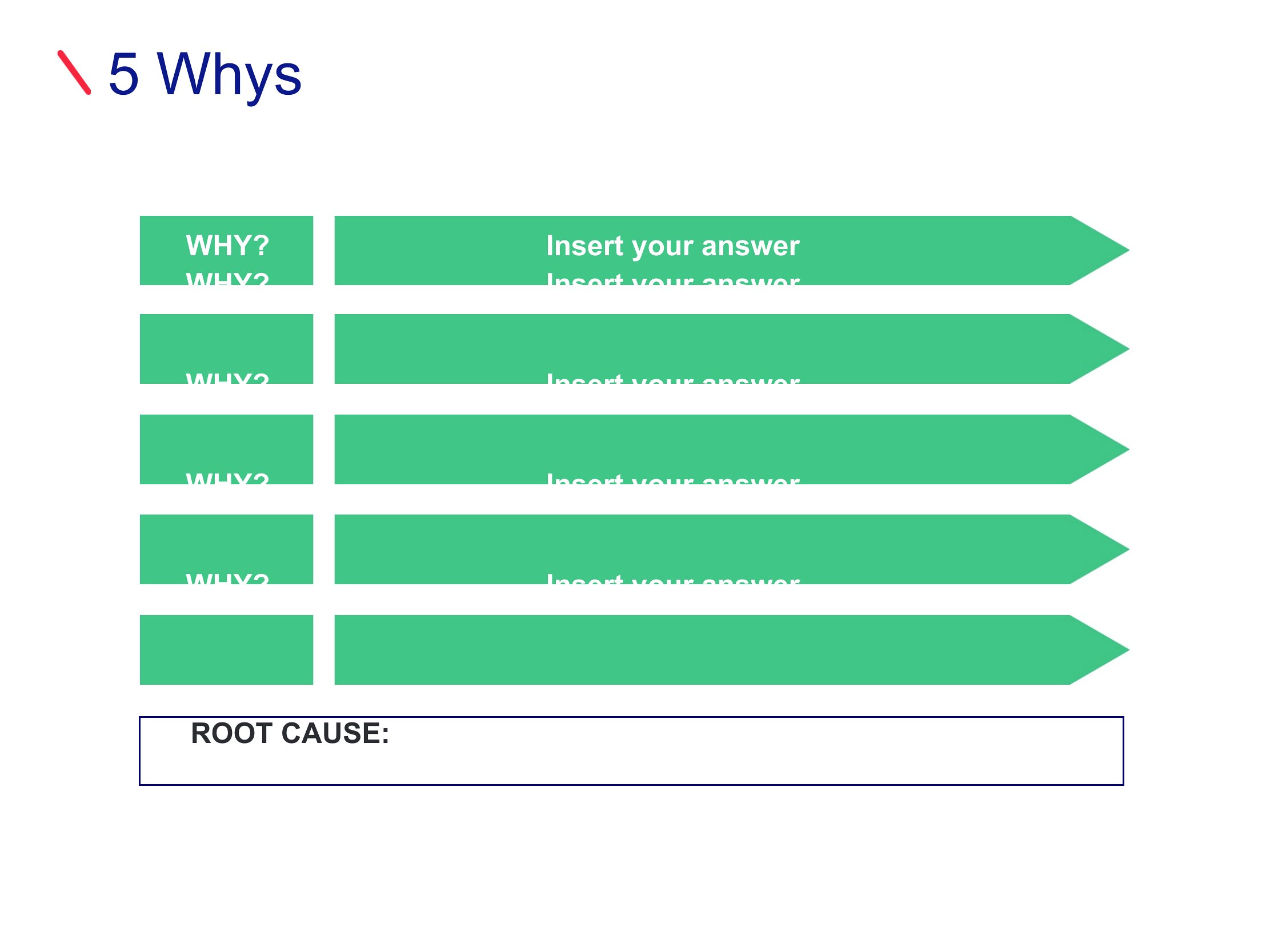
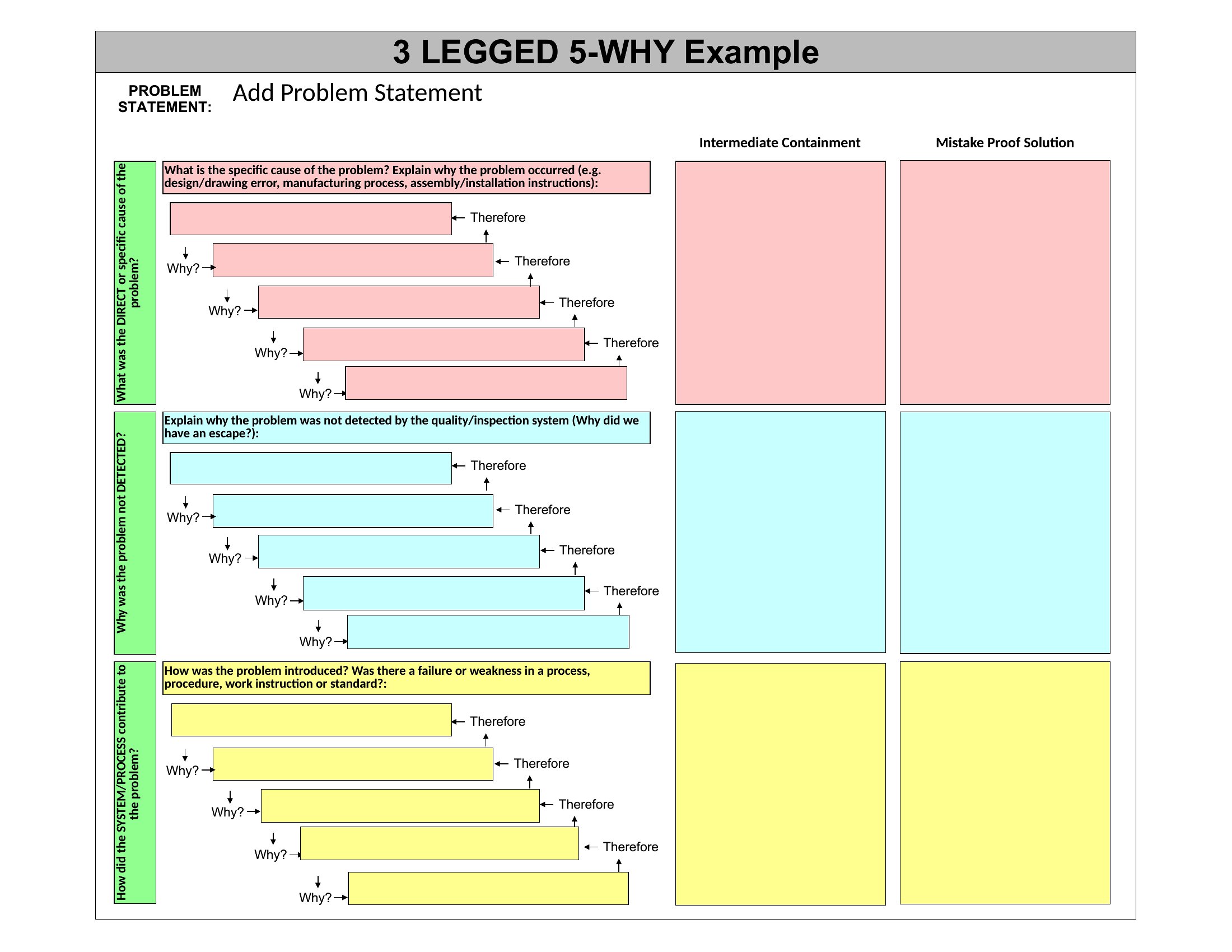
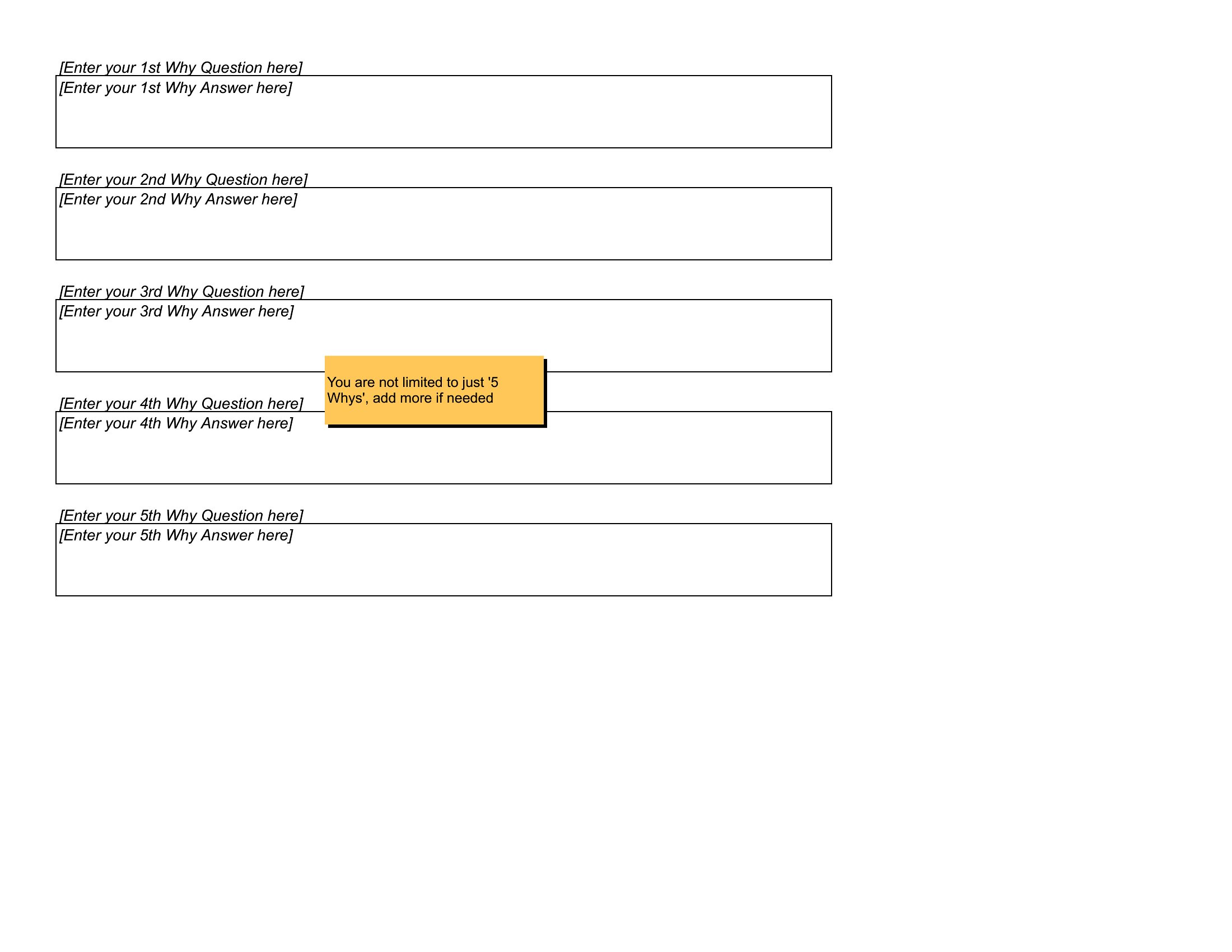
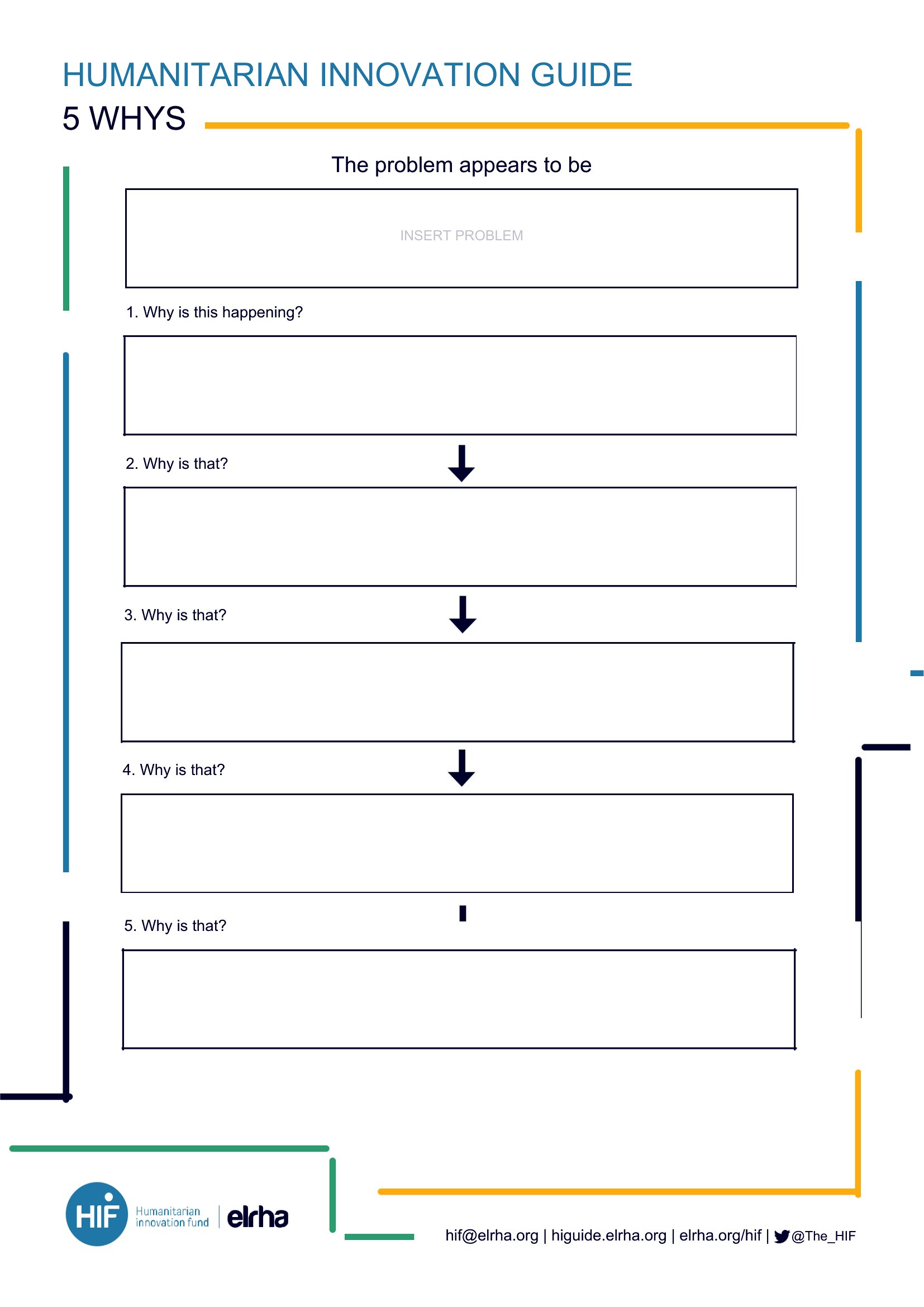
Here you get 45 worksheets in Word, Excel, and PDF: single-incident forms for a standup, multi-row logs for recurring defects, and big printables for whiteboard sessions. The chain stays visible so the room does not jump straight to "who messed up."
When to use this 5 Whys template
- Defects that return after a quick patch
- IT outages where the first story is only a symptom
- Project slips that need a calm, blameless write-up
- Customer complaints that must move from anecdote to cause
- Safety near-misses that deserve a real debrief
Which format should I download?
Word fits CAPA packets and stakeholder email — it looks like a document people expect to file. Excel fits a quarter of incidents you will filter by line, shift, or defect code.
PDF is for the room: print large, write by hand, photograph the board. If you need searchable history later, type the notes into Excel afterward.
Choose from 45 5 Whys Templates
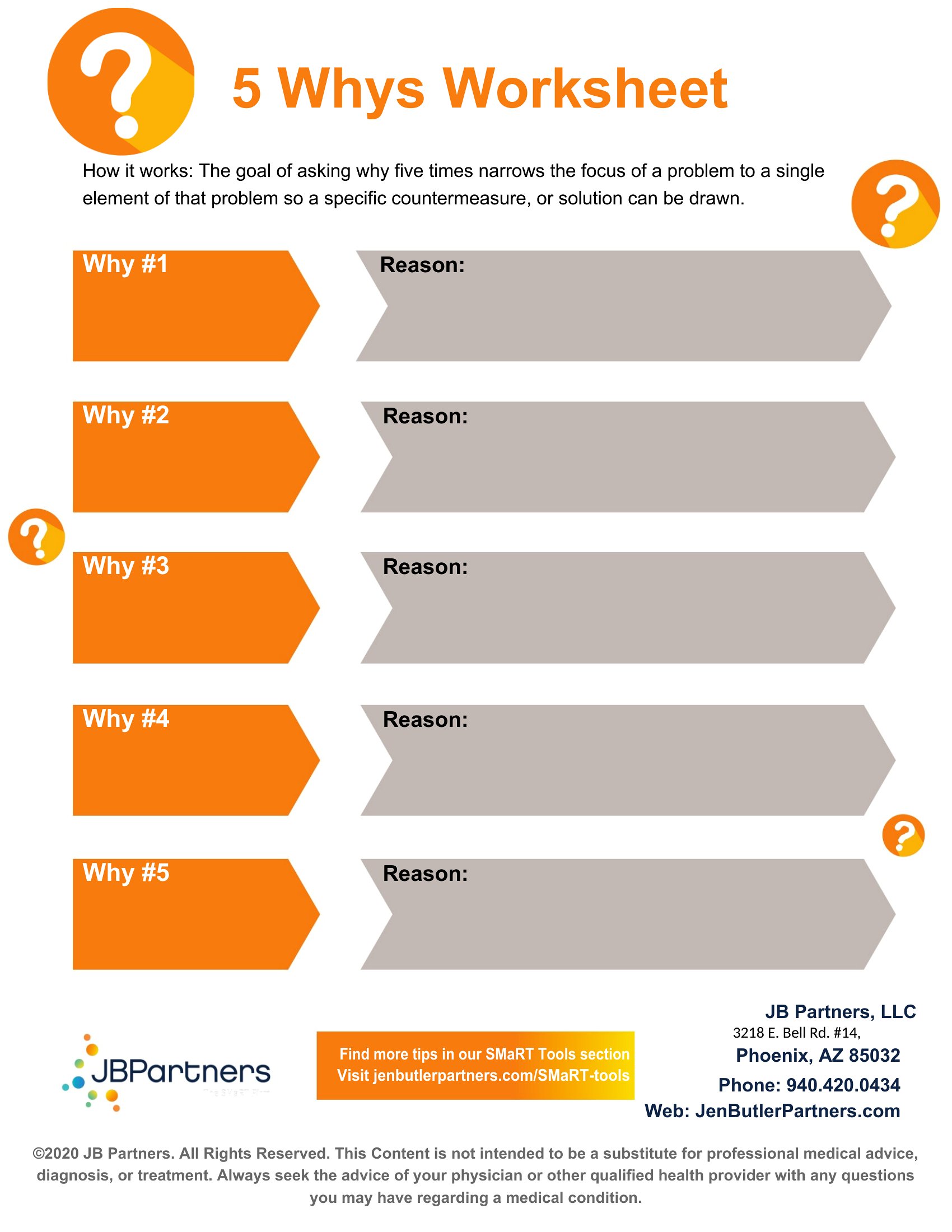
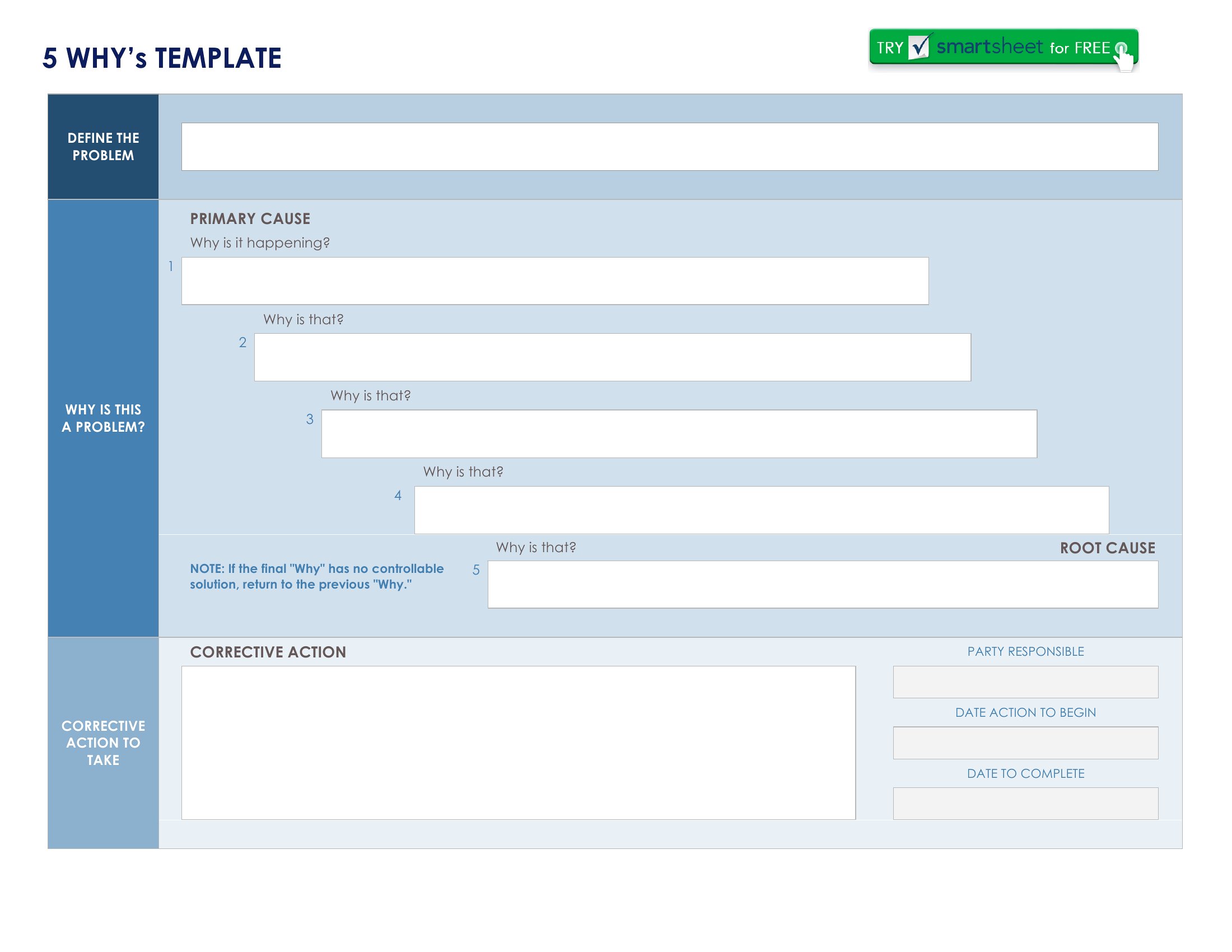
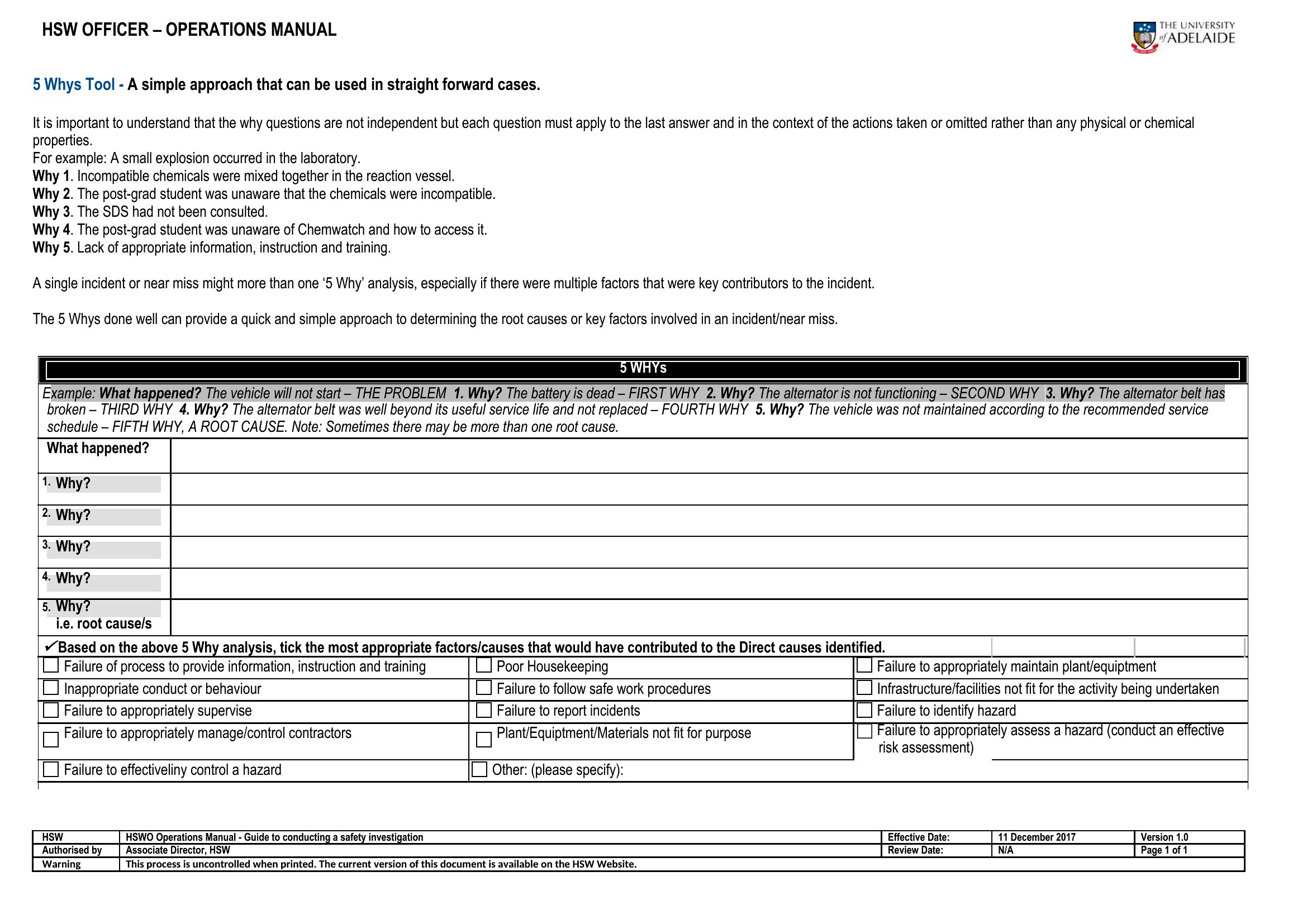
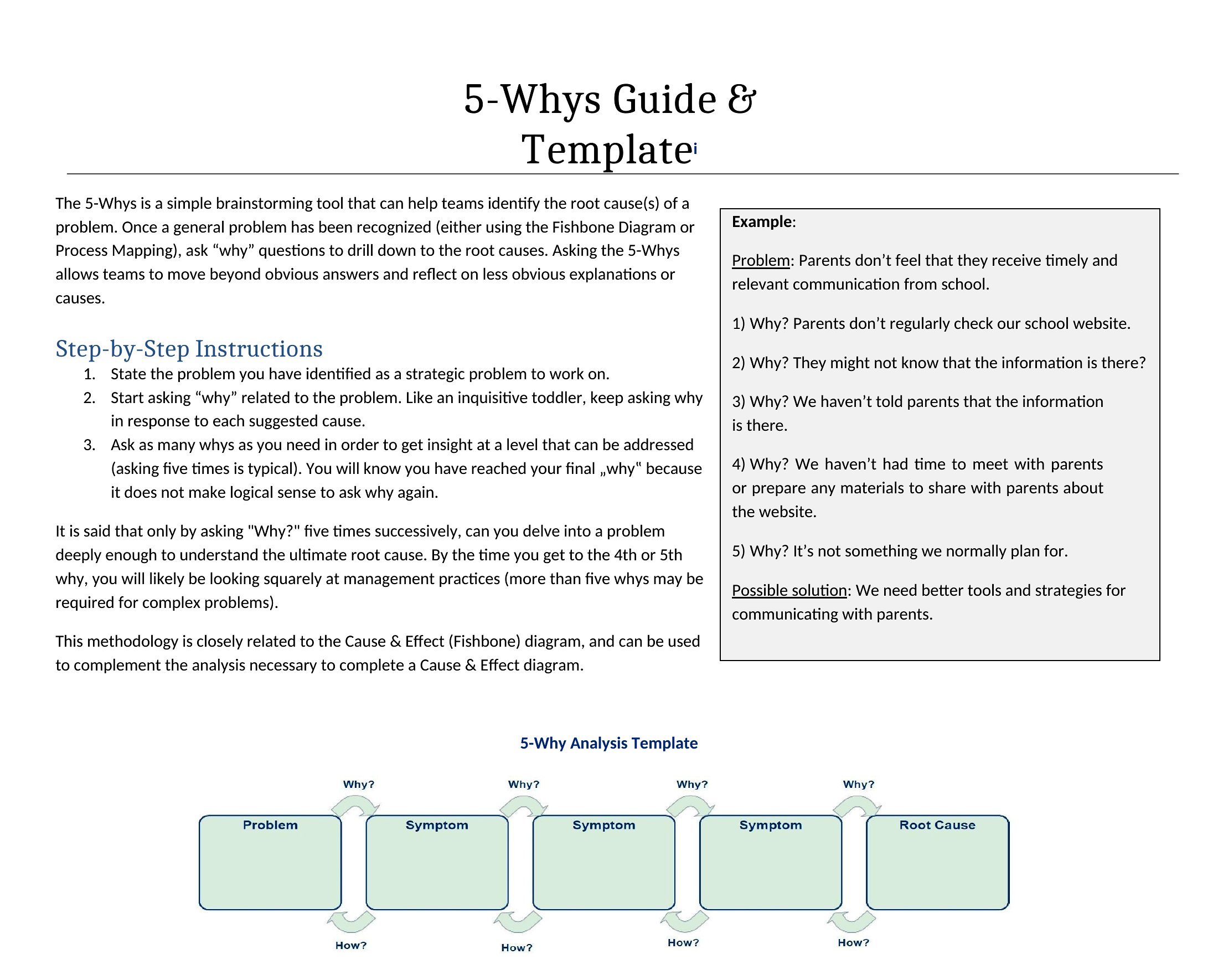
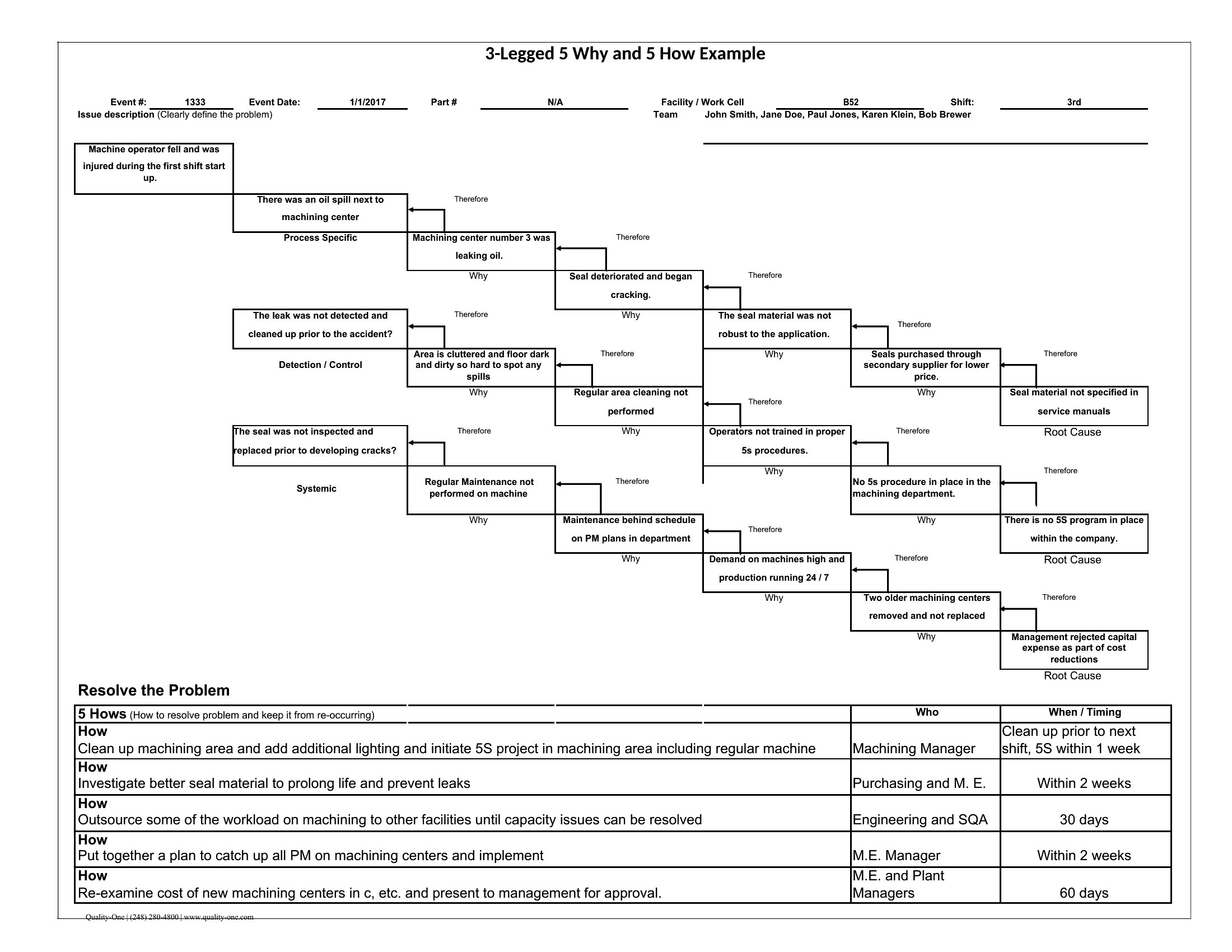
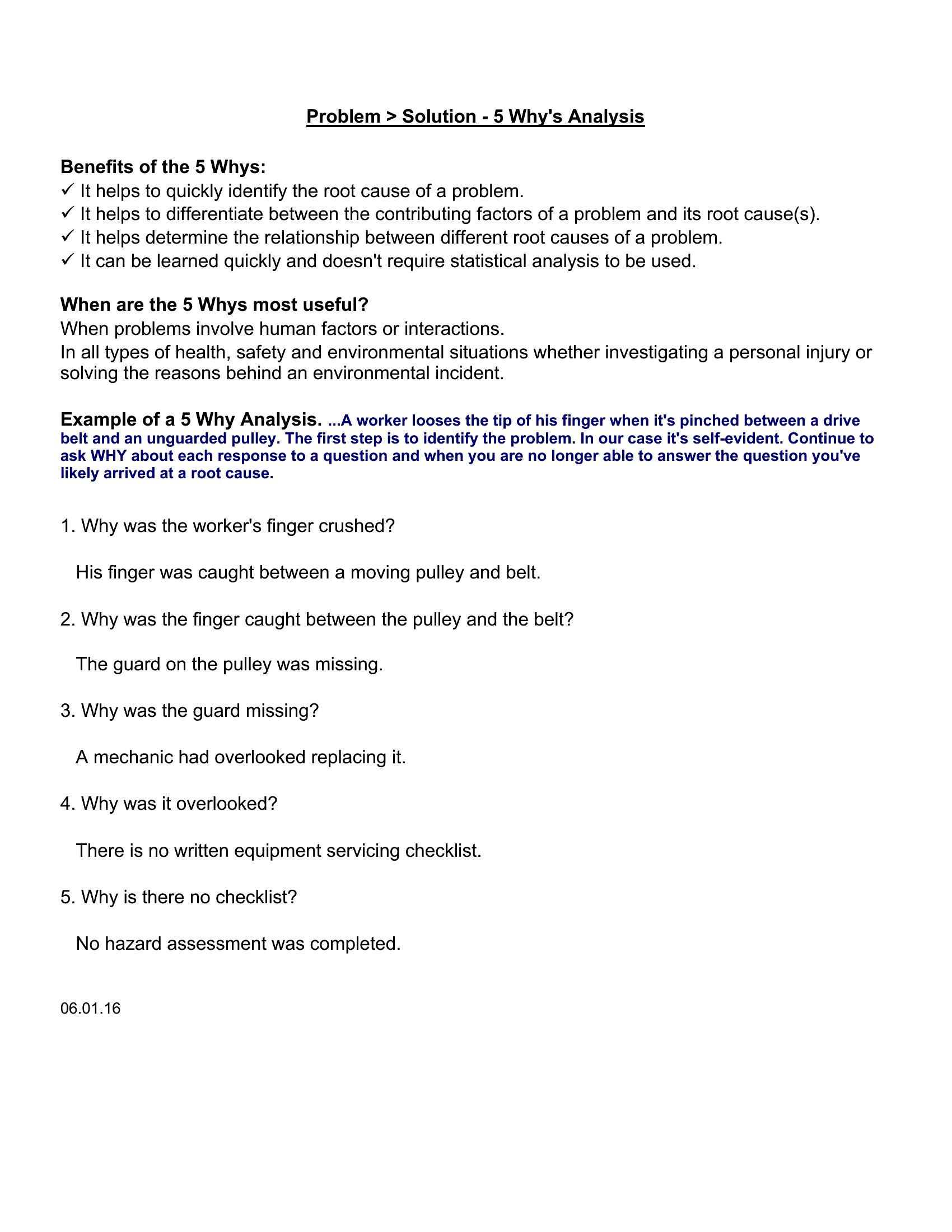
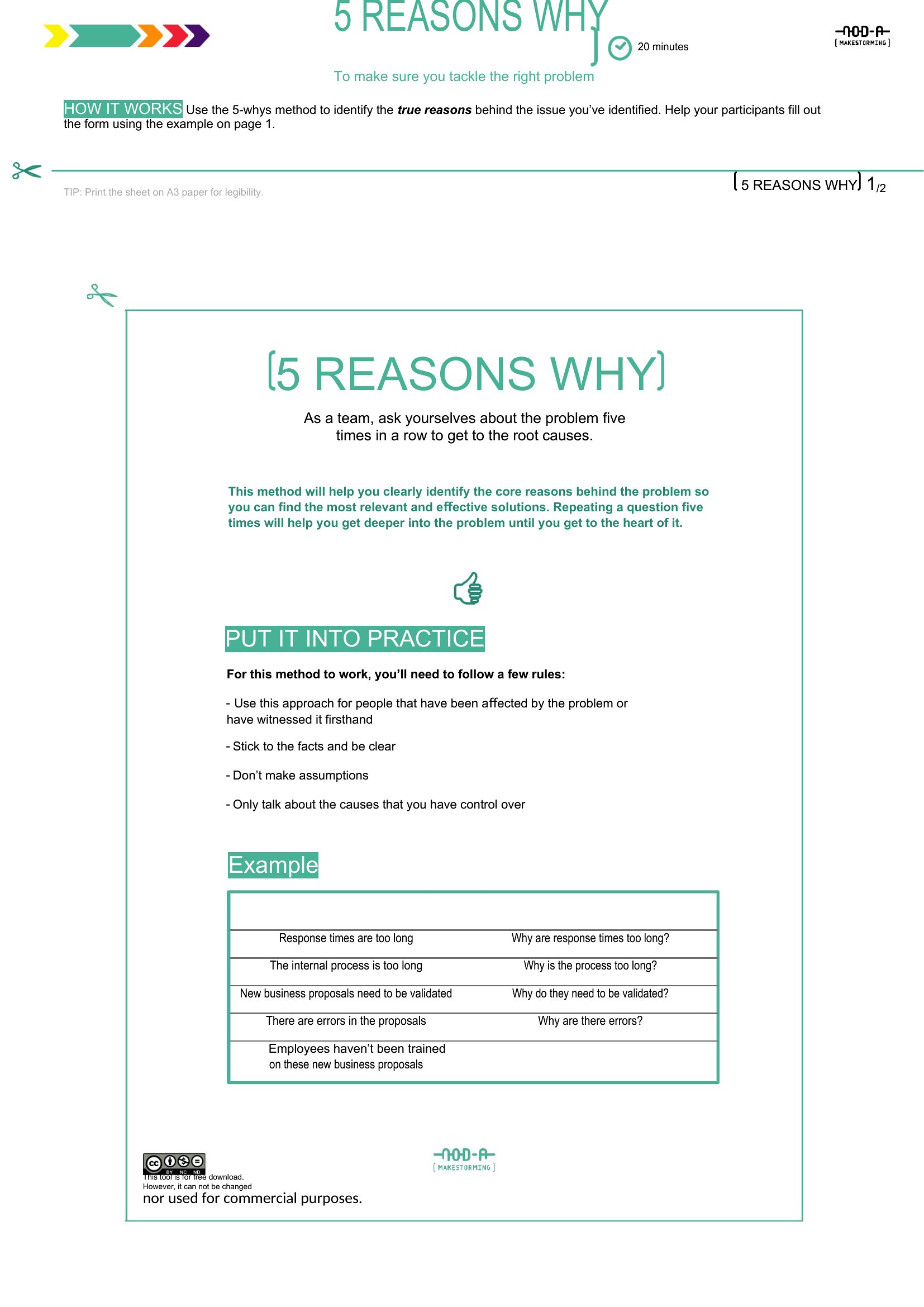
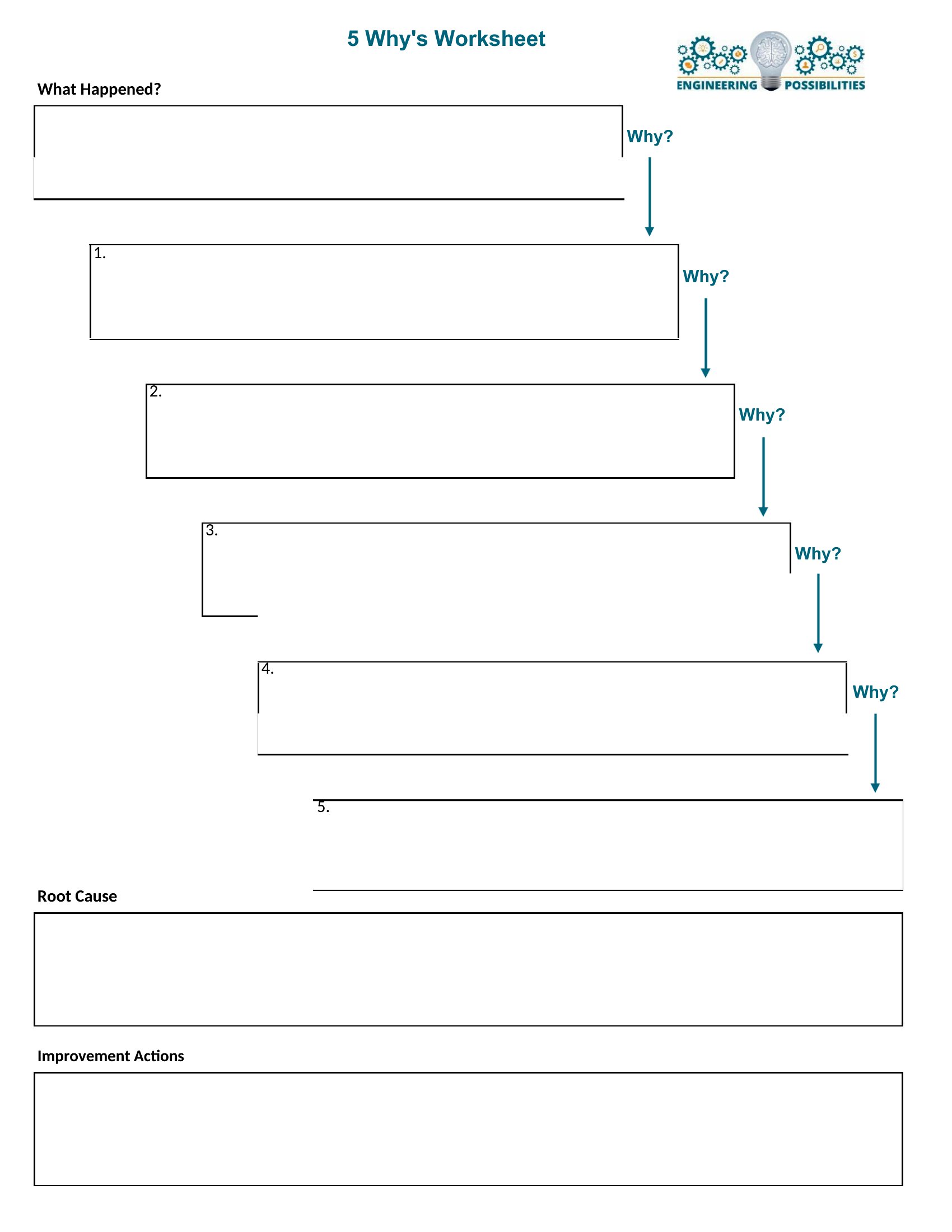
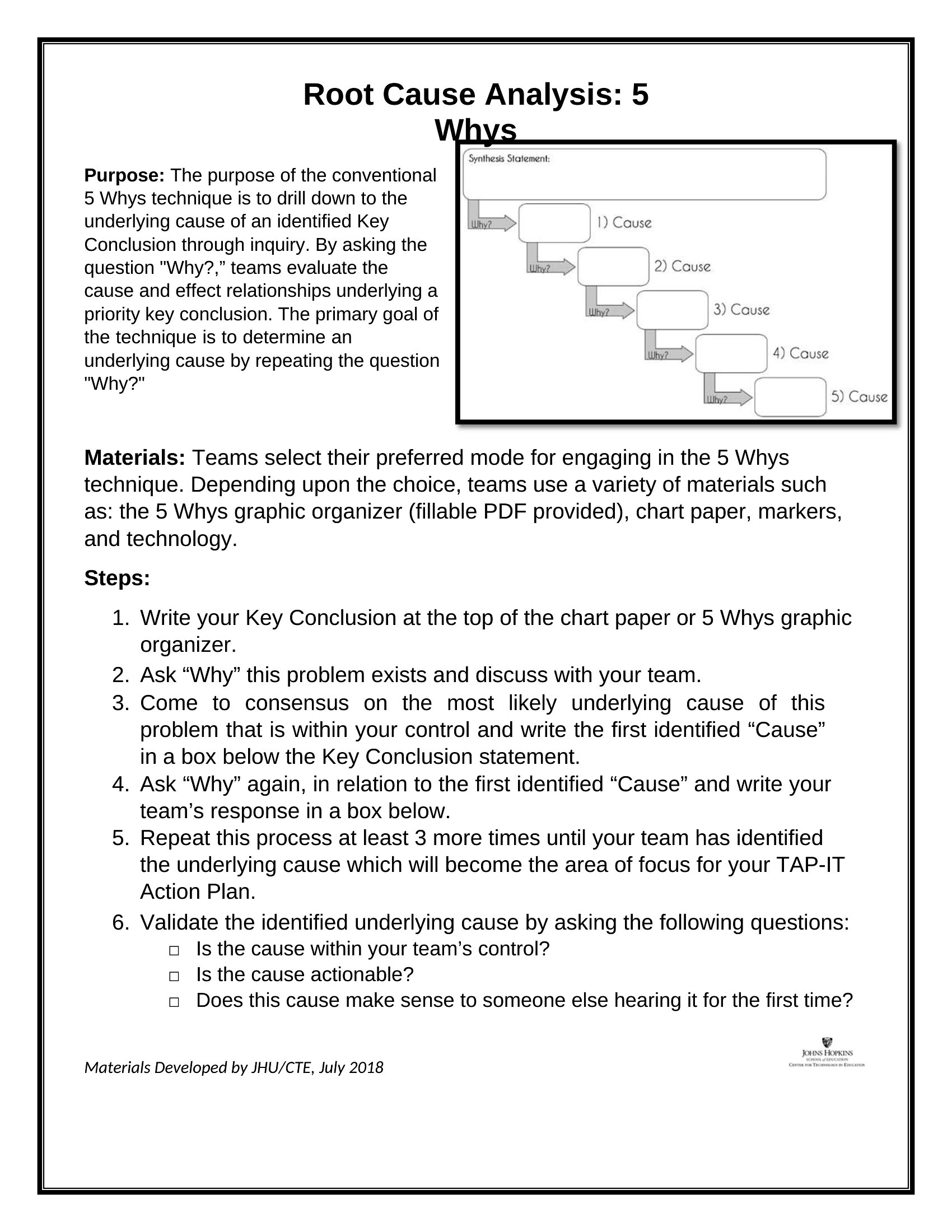
5 Whys Sample
5 Whys Template
How to use this 5 Whys template
Do I have to stop at exactly five whys?
No. Five is a guide. Stop earlier if you already have a controllable cause; keep going if you are still naming symptoms. The sheets leave room either way.
When should I use a fishbone instead?
When several causes could be true at once. Run 5 Whys first for a single failure path; expand to a fishbone if the chain branches.
Which file do auditors take seriously?
Word or Excel with an incident ID, date, and owner. PDF photos of a whiteboard are fine as meeting proof, weak as a searchable record.
Can I send a completed sheet to a supplier?
Yes — export or PDF it with your corrective-action ask. Strip internal notes before it leaves the building.
Comments
Join the conversation
Sign in to share your thoughts and leave a comment on this resource.