
Free Classroom Seating Charts (Word, Excel, PDF)
Diagrams by siljejohansen
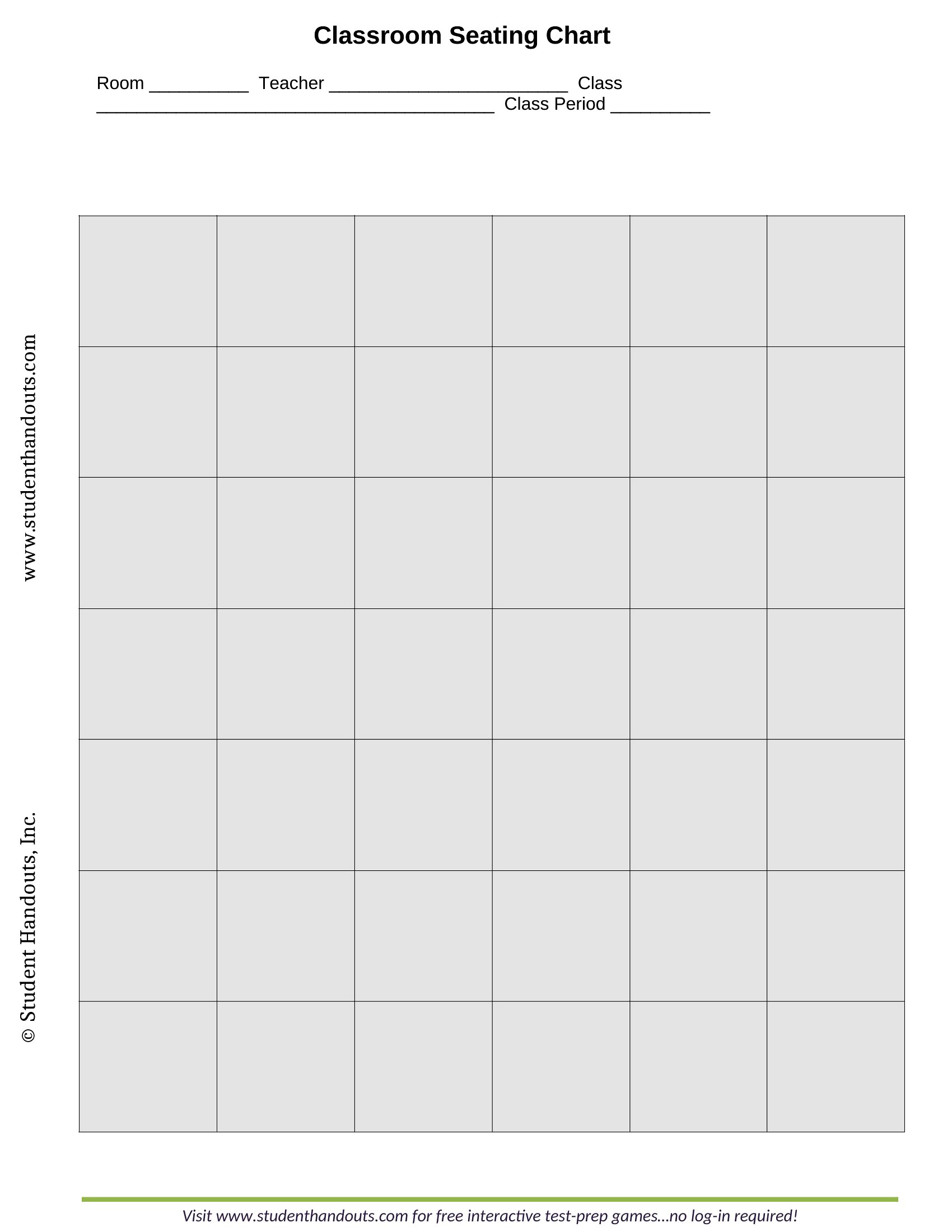
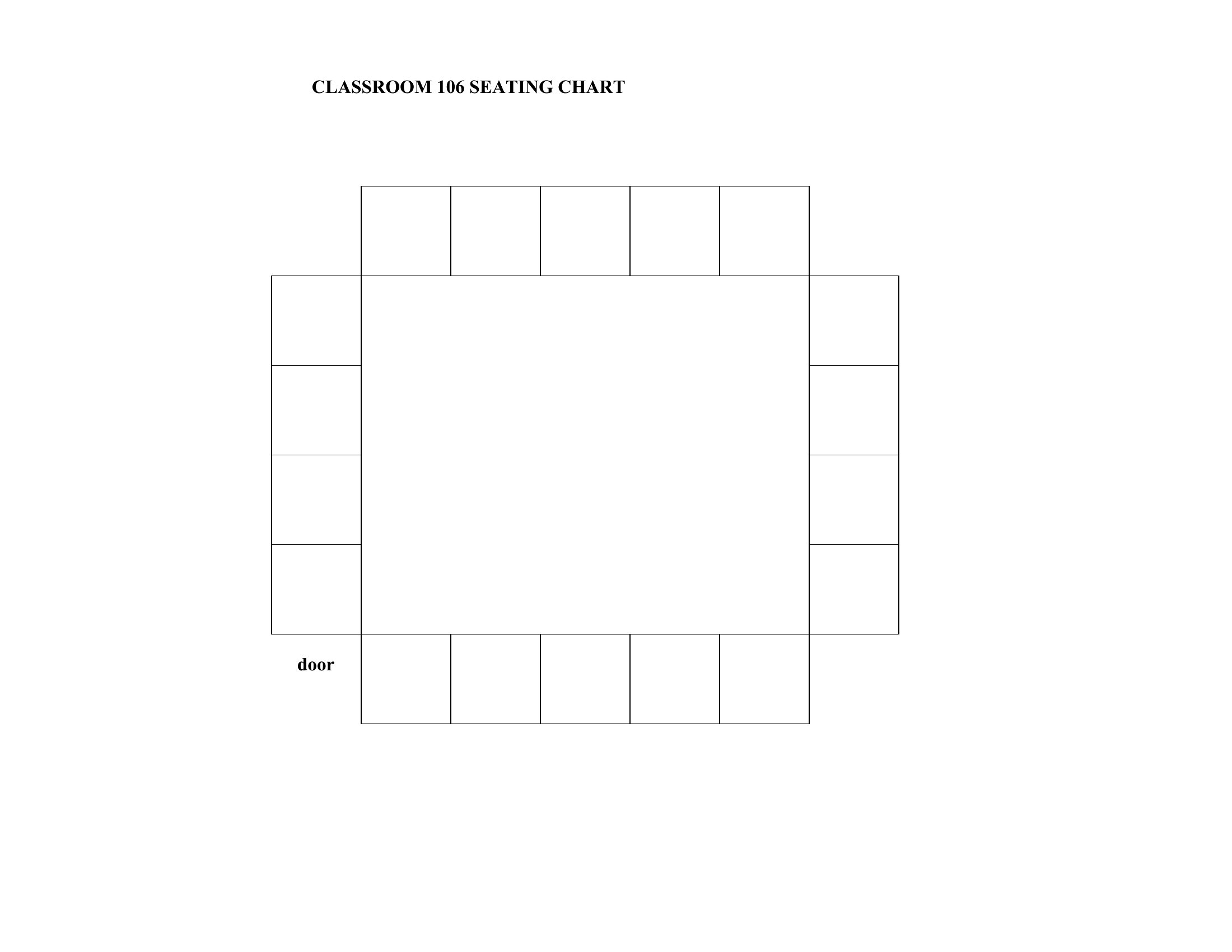
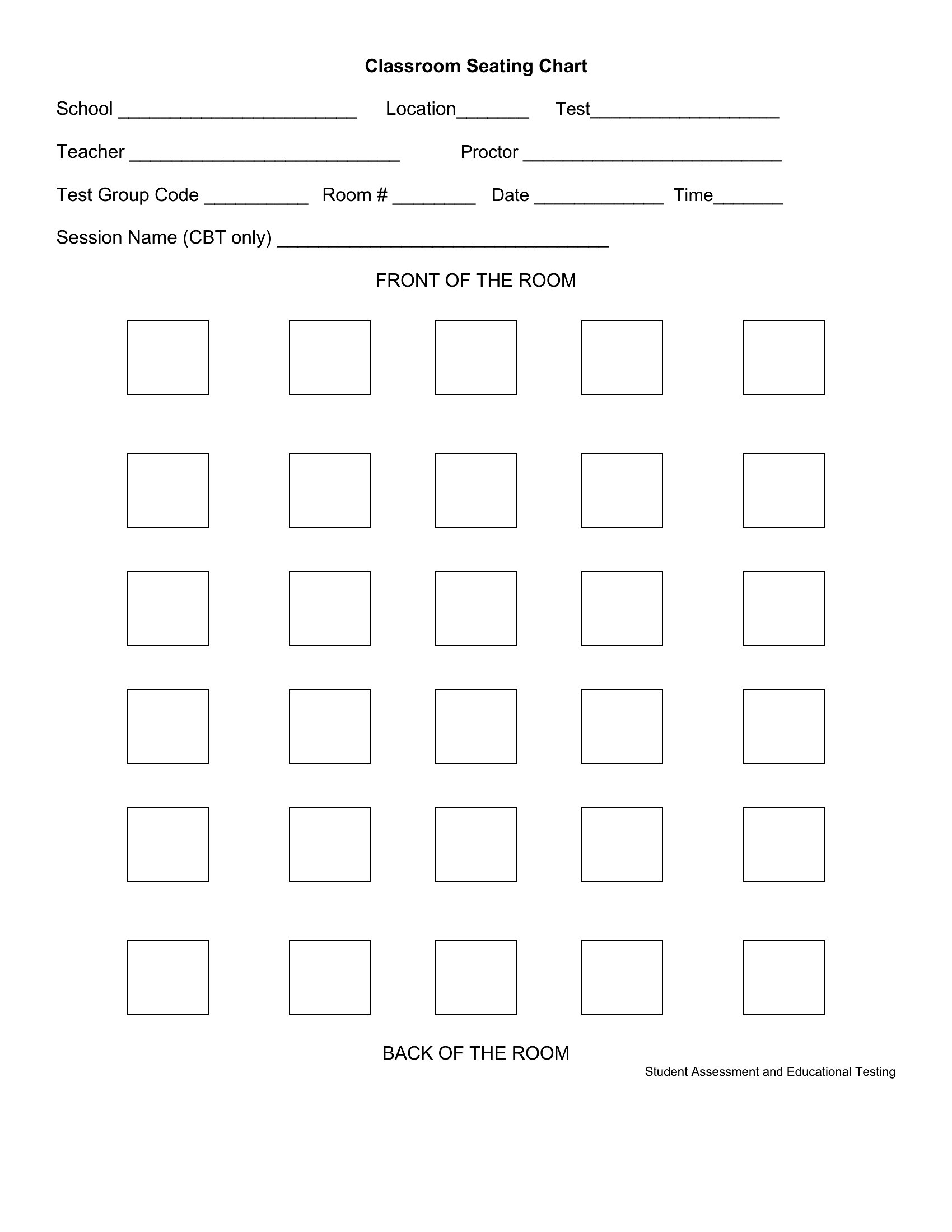
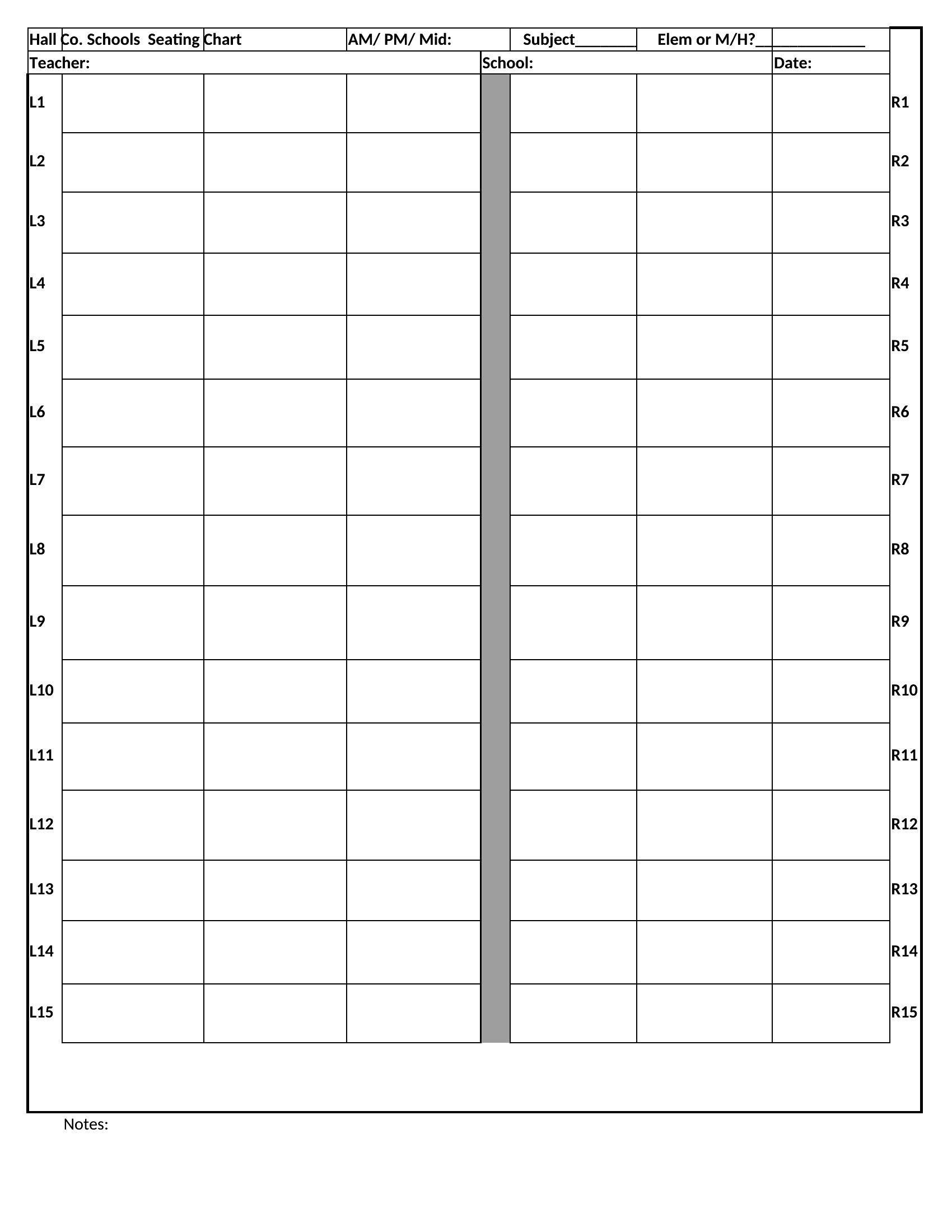
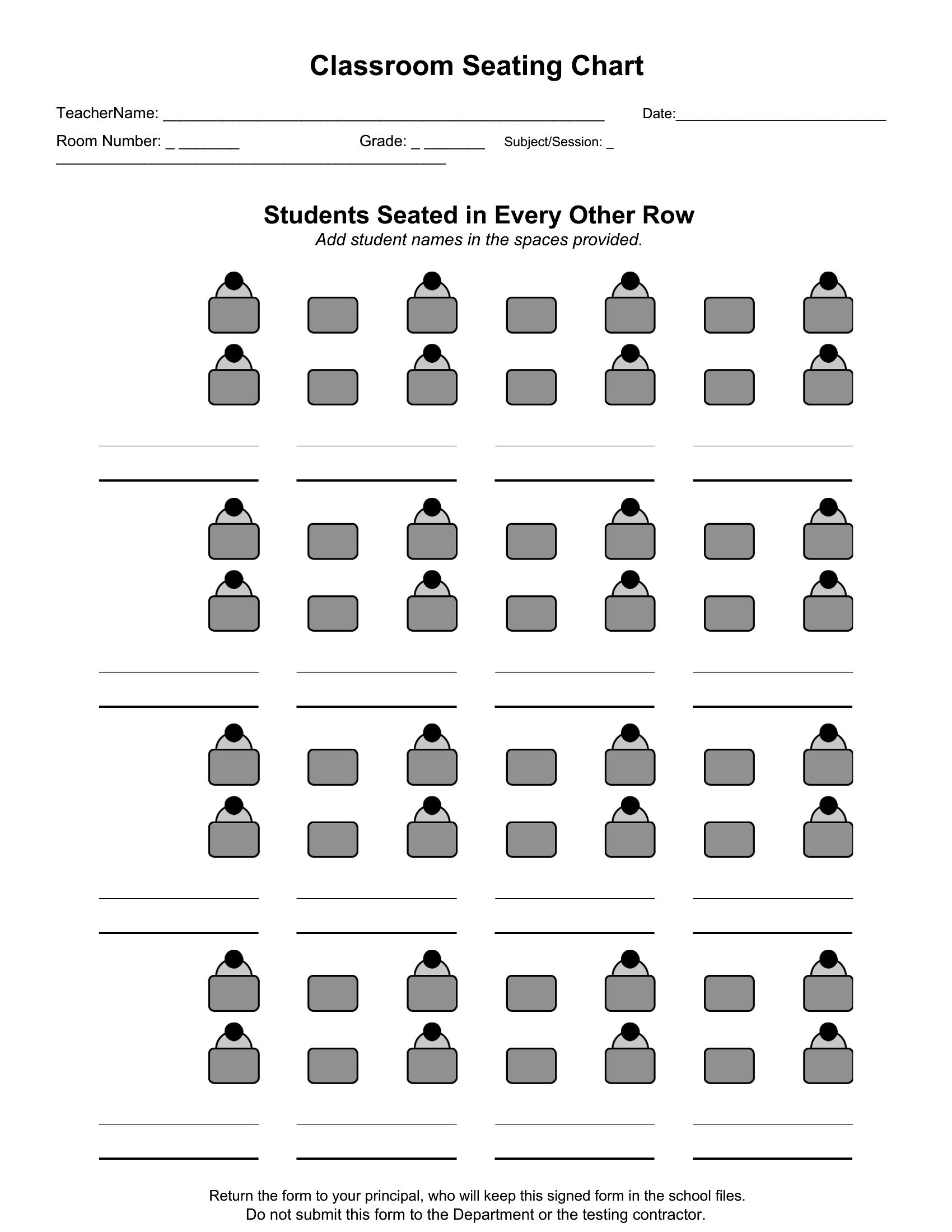
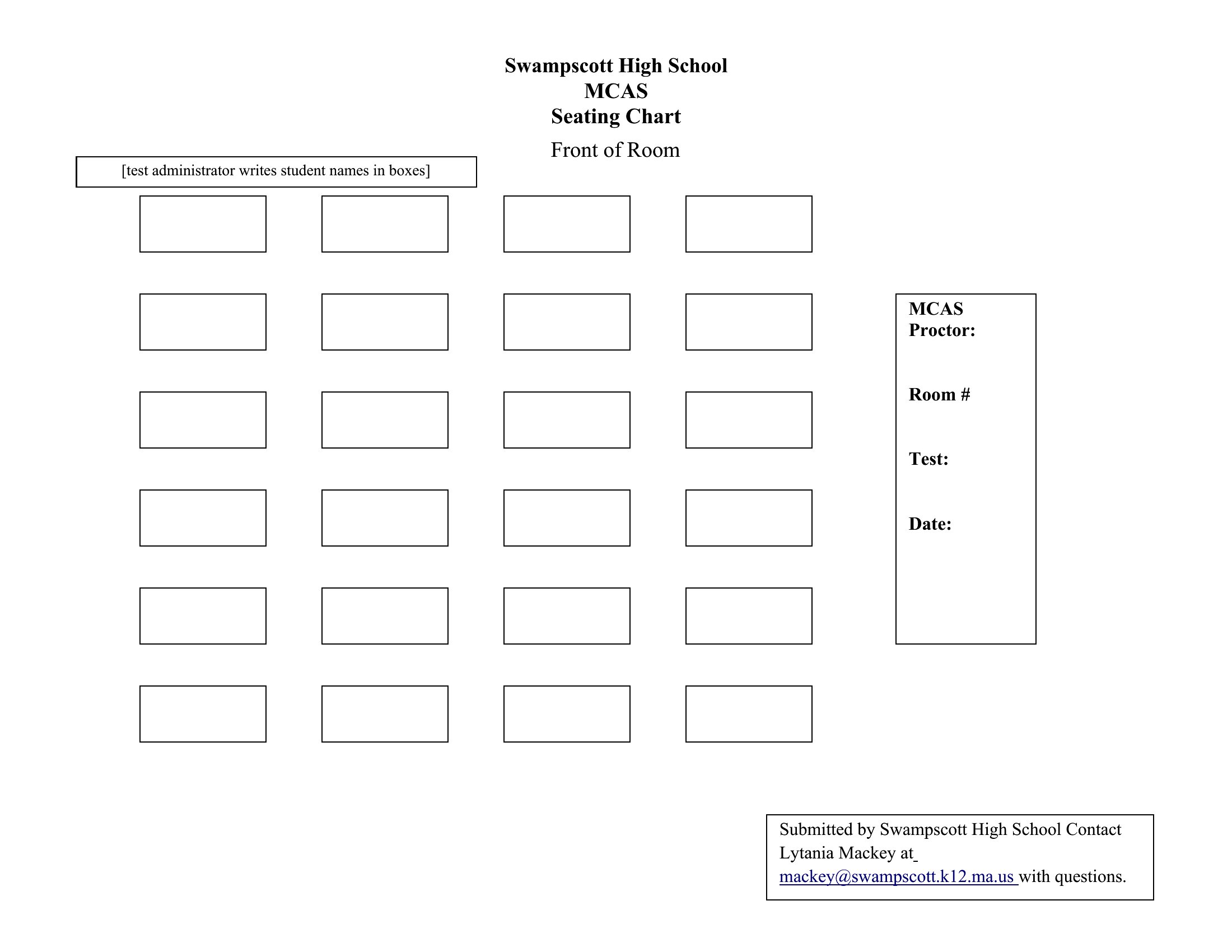
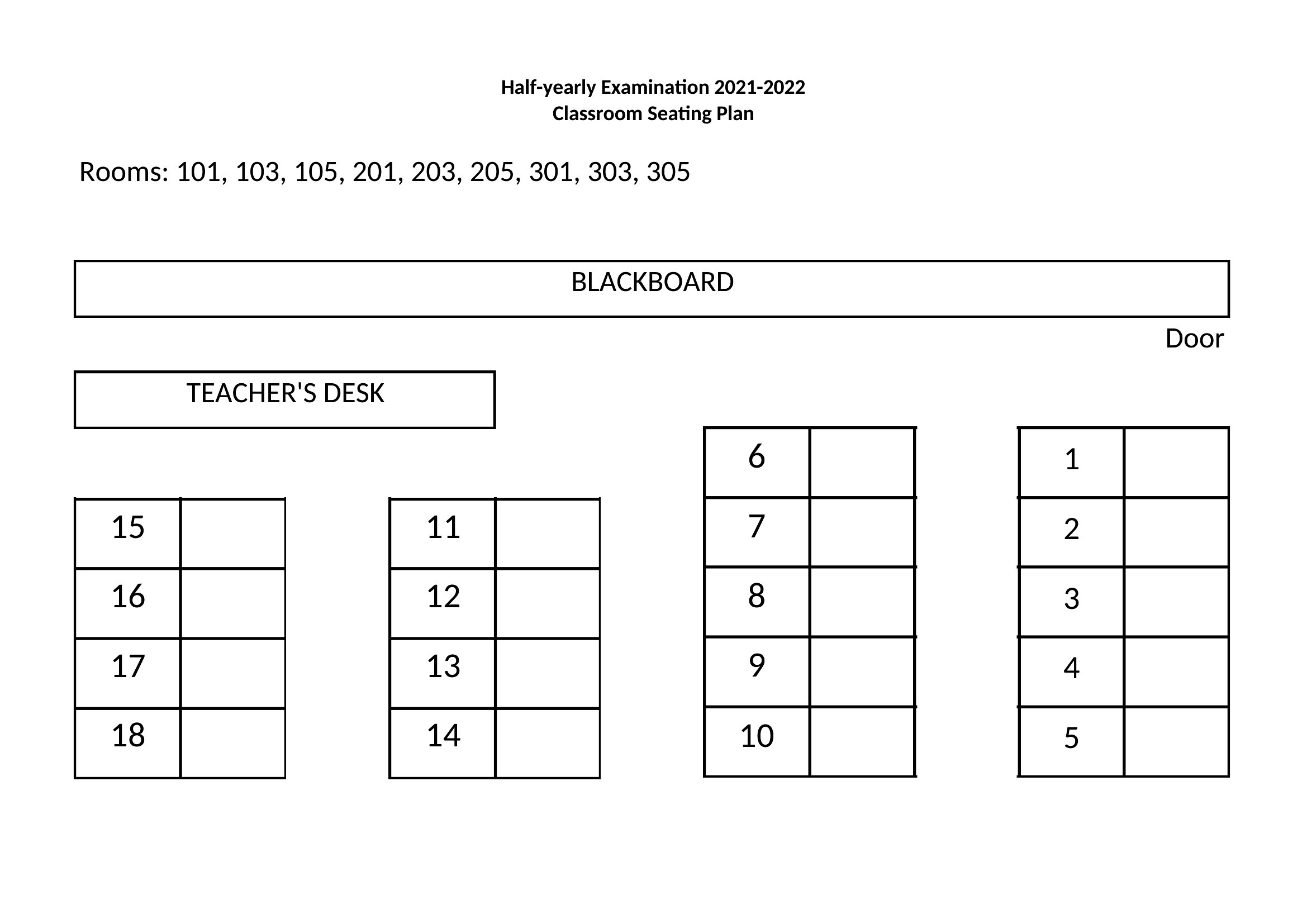
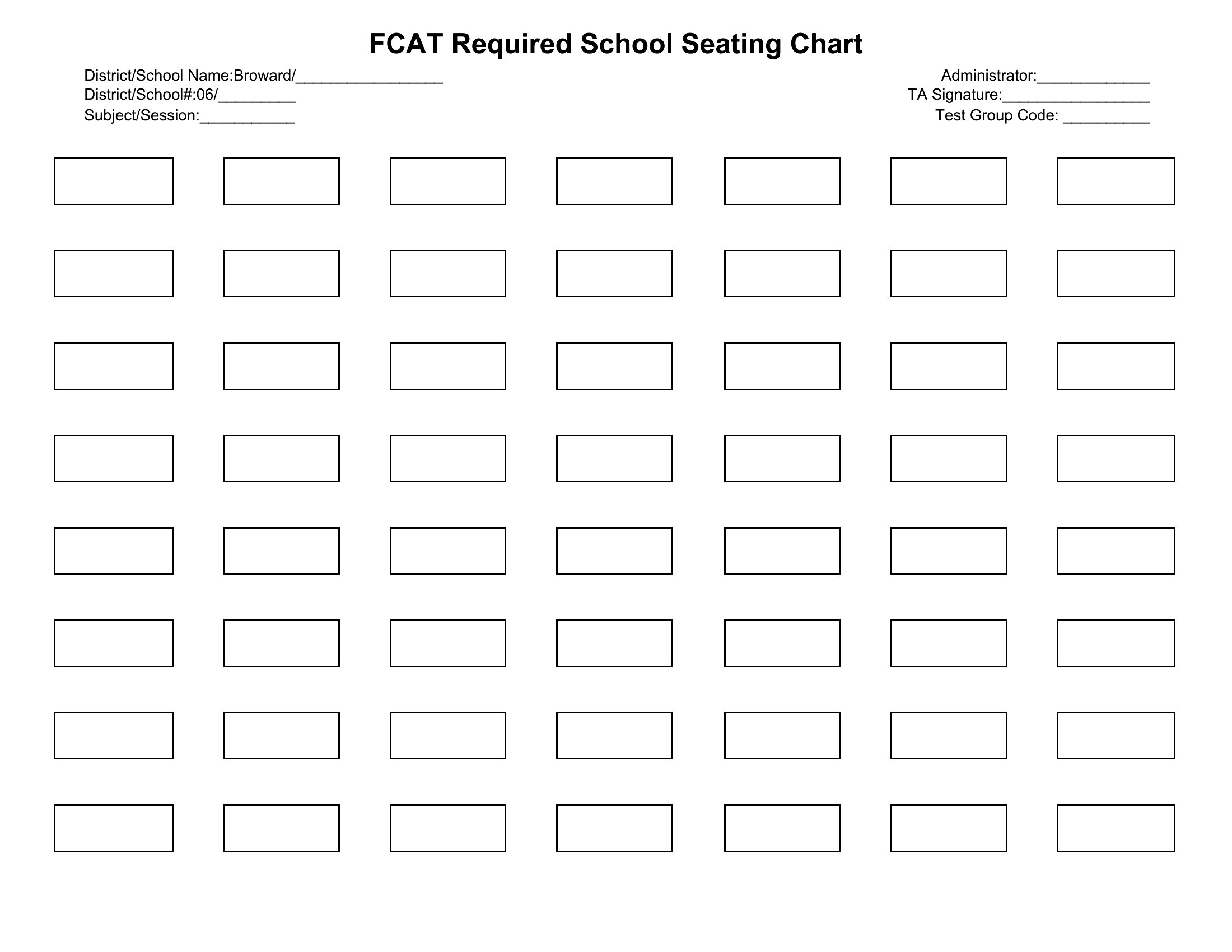
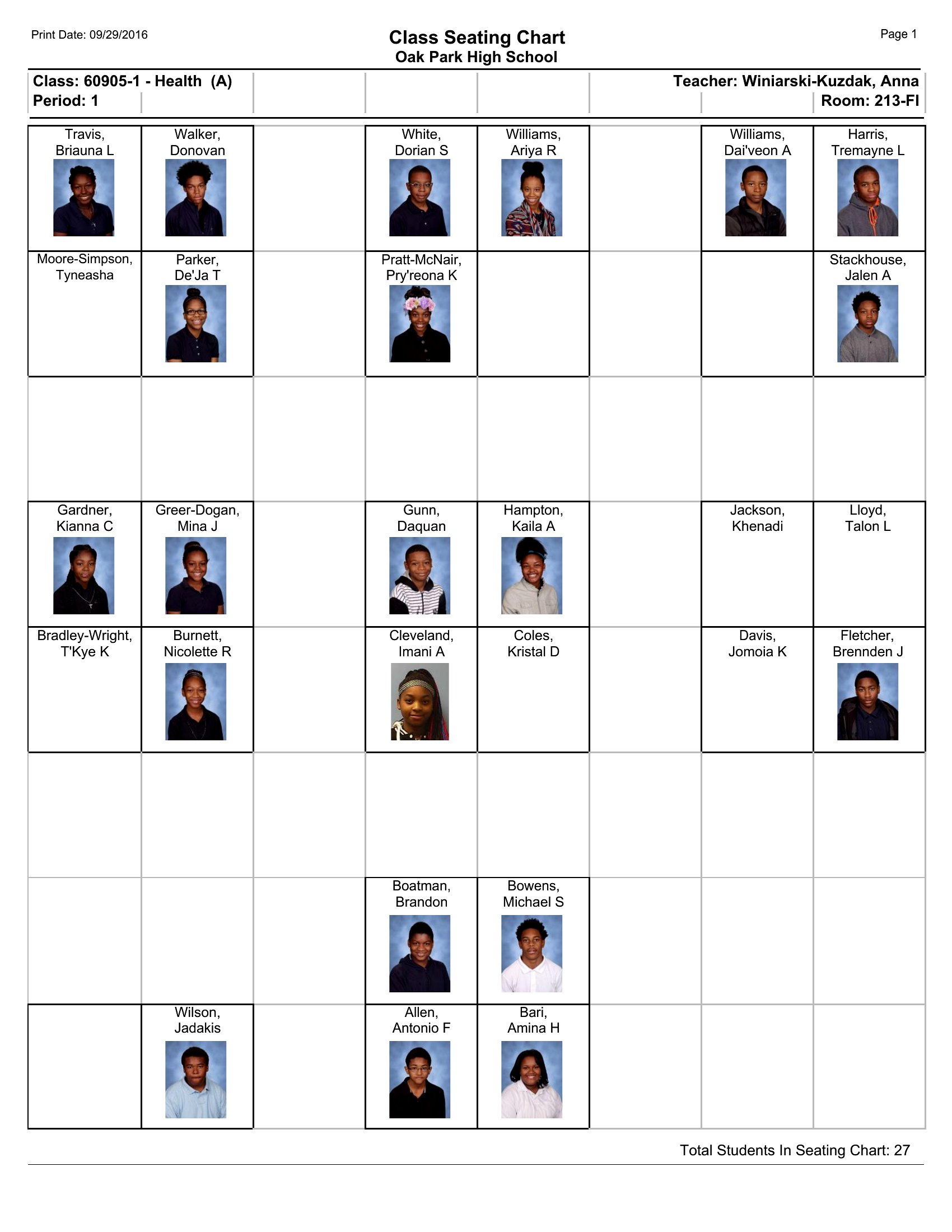
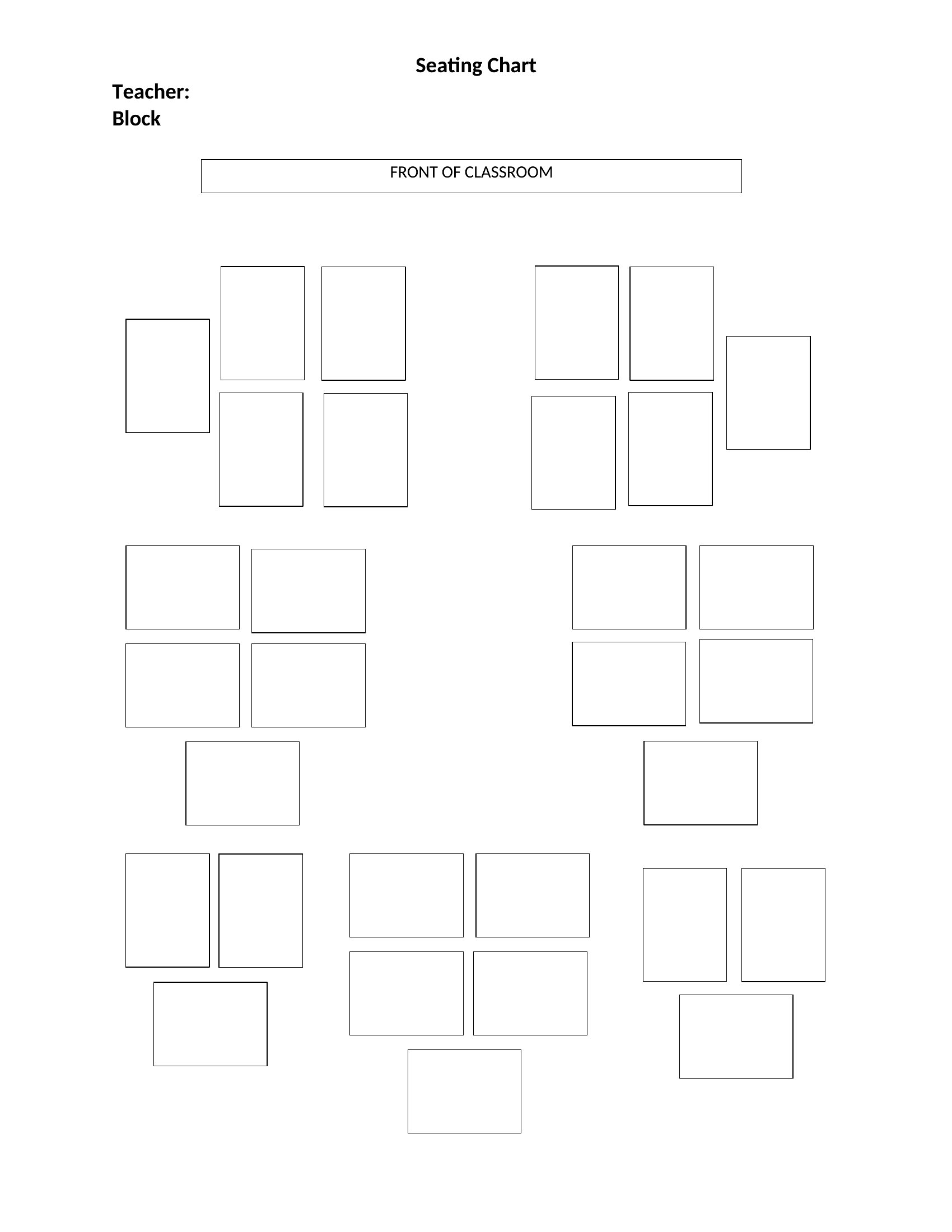
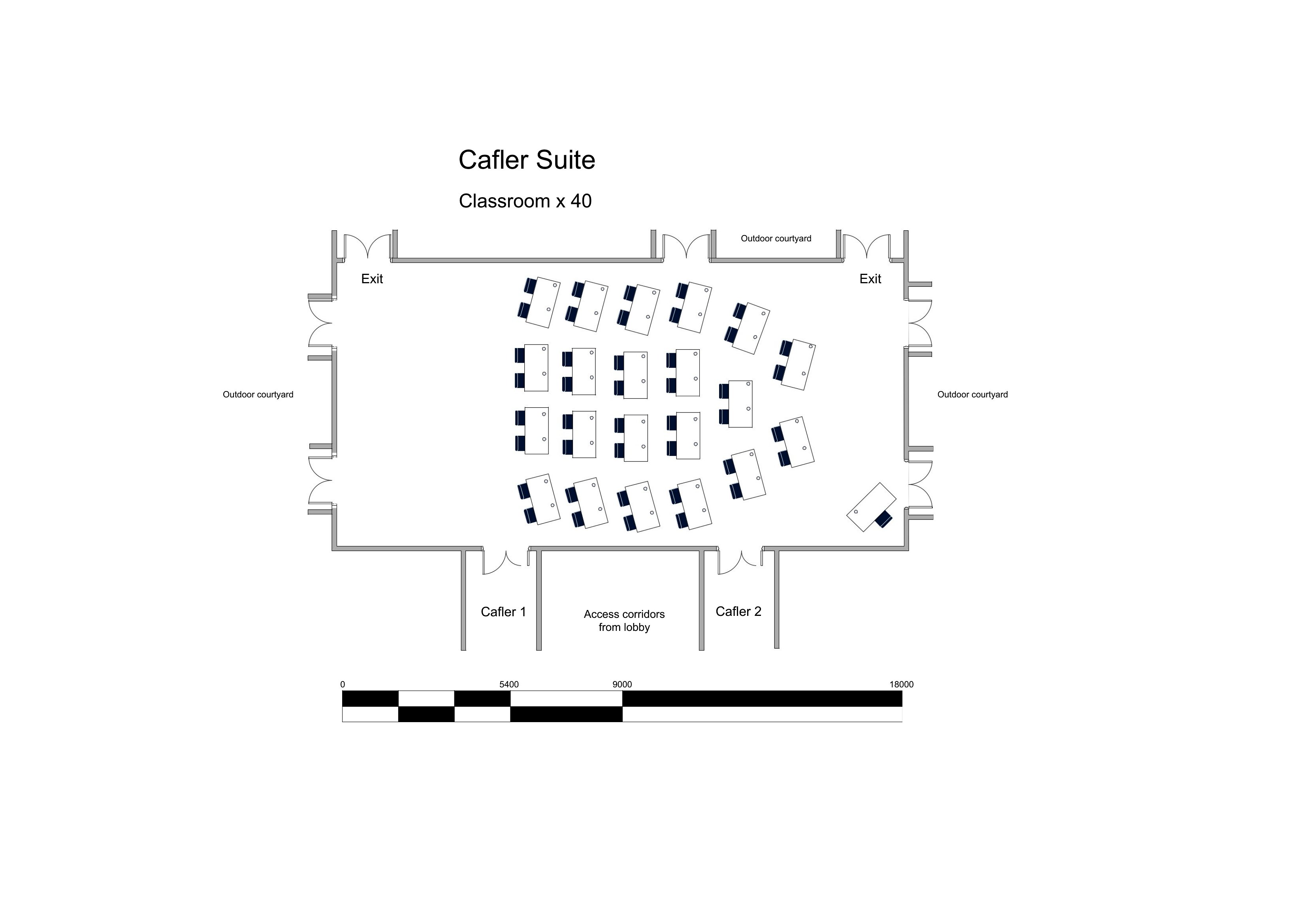
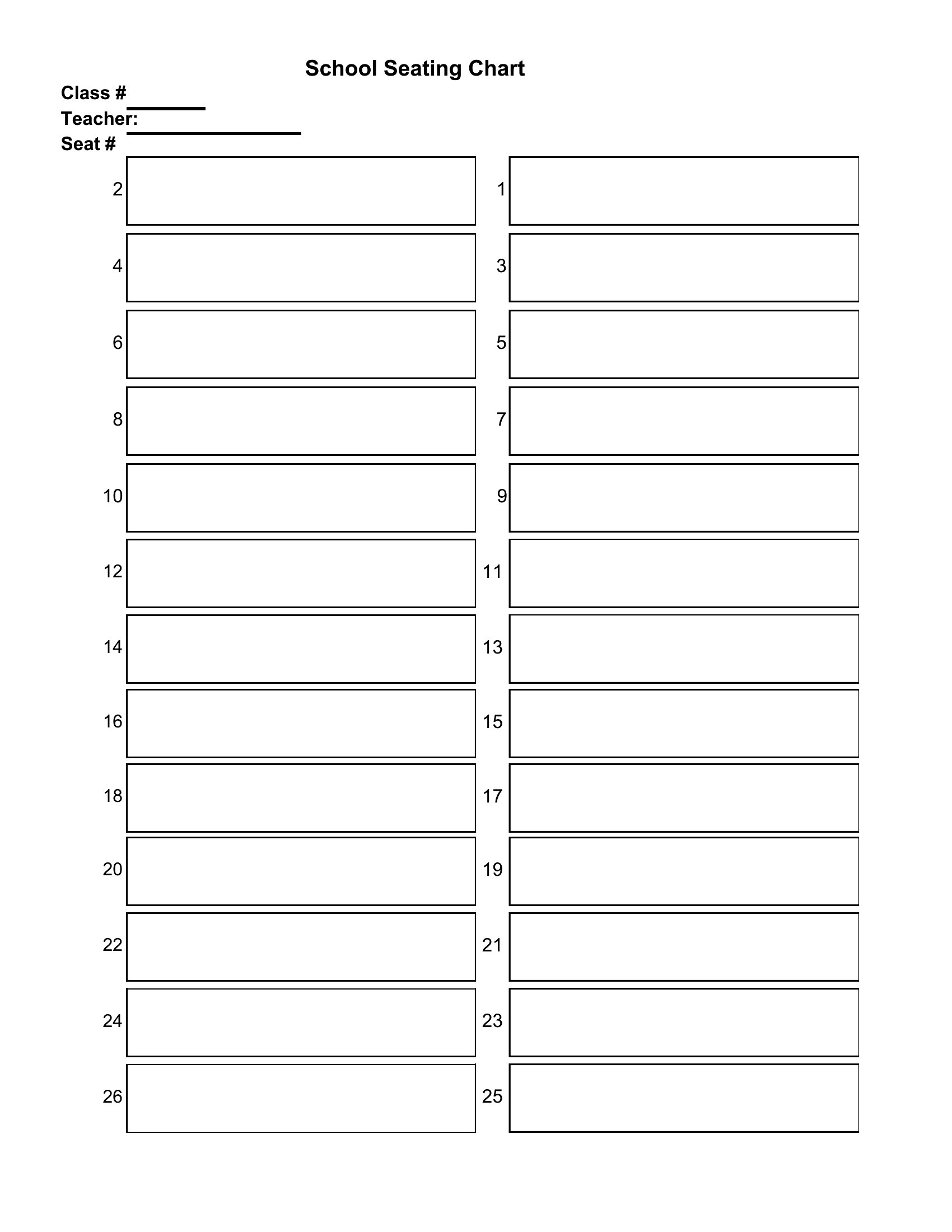
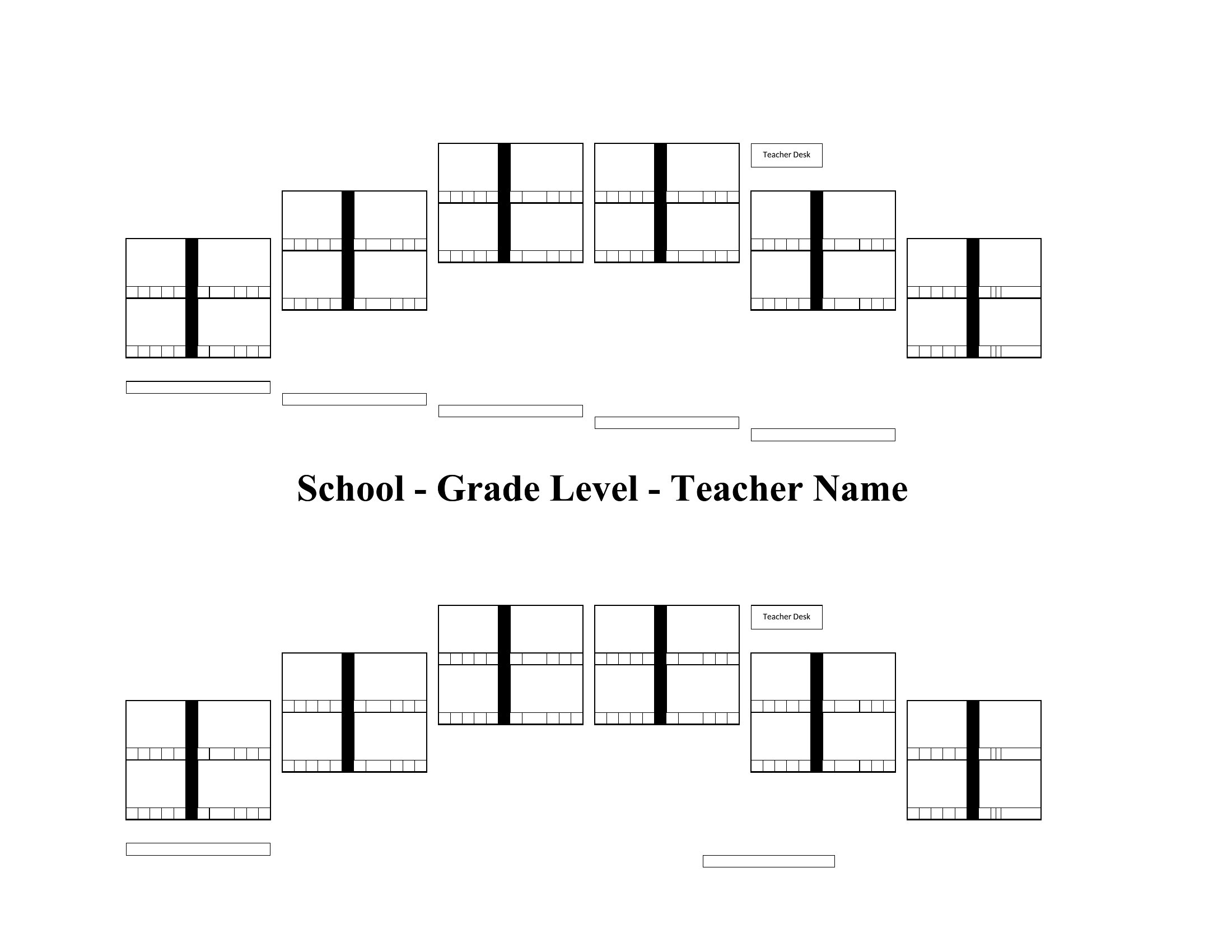
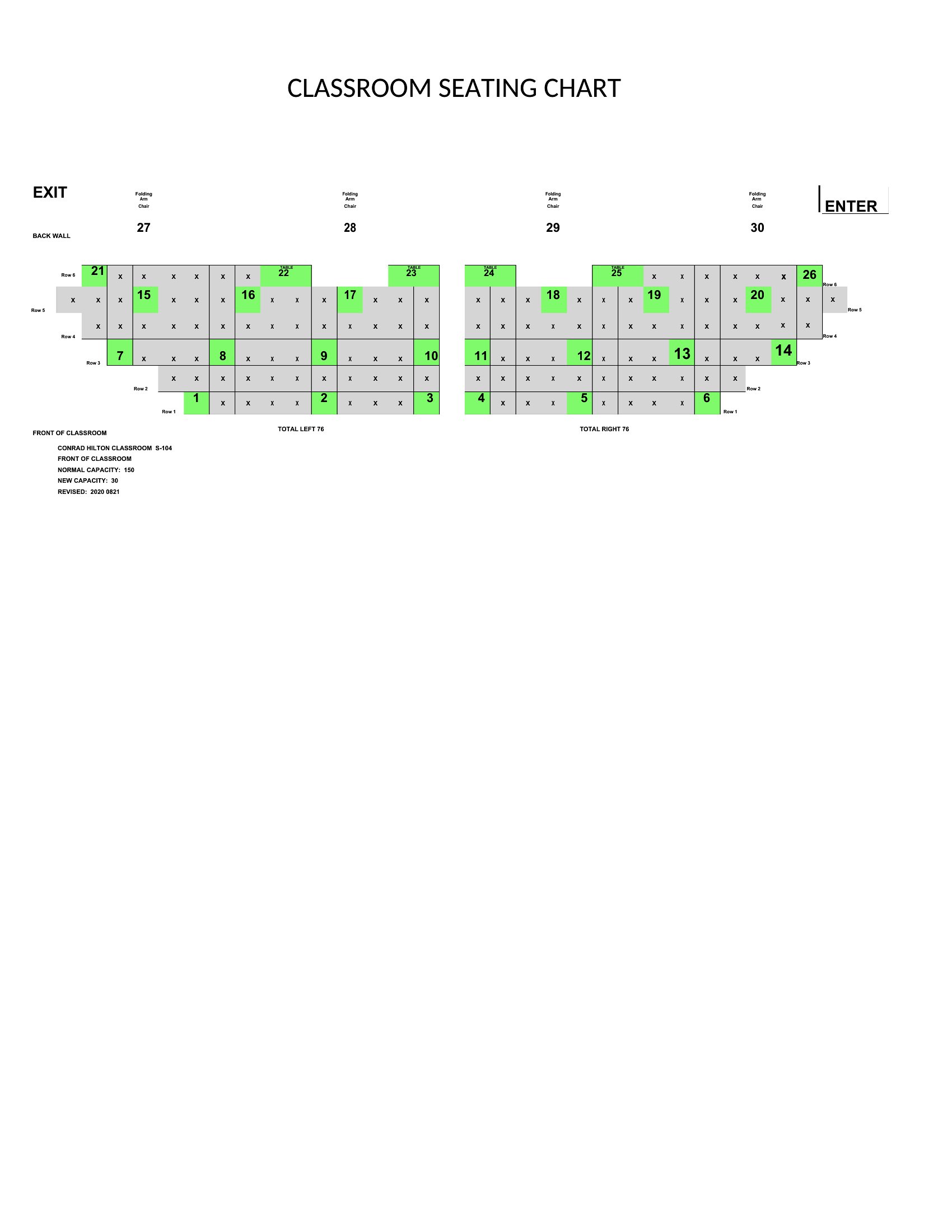
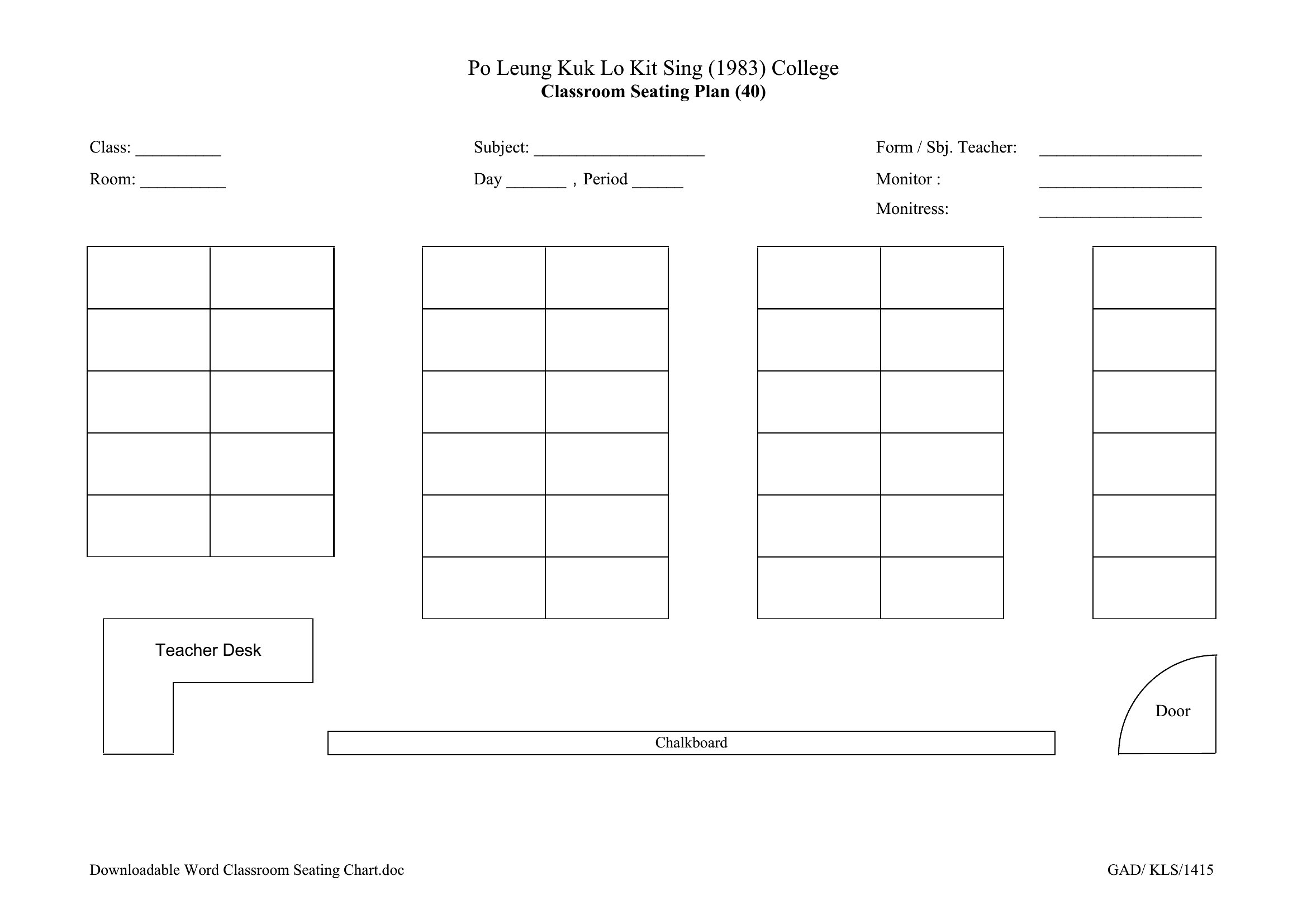
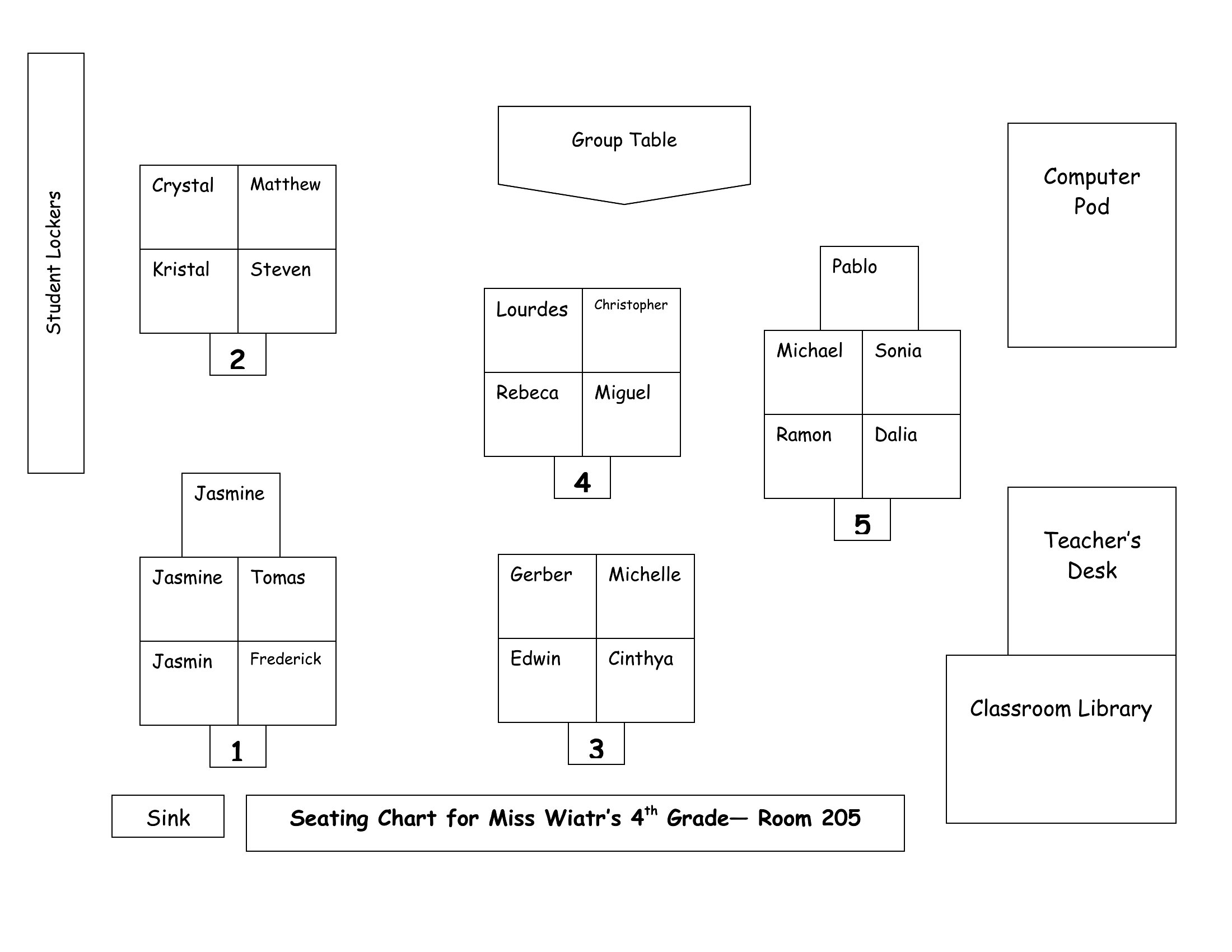
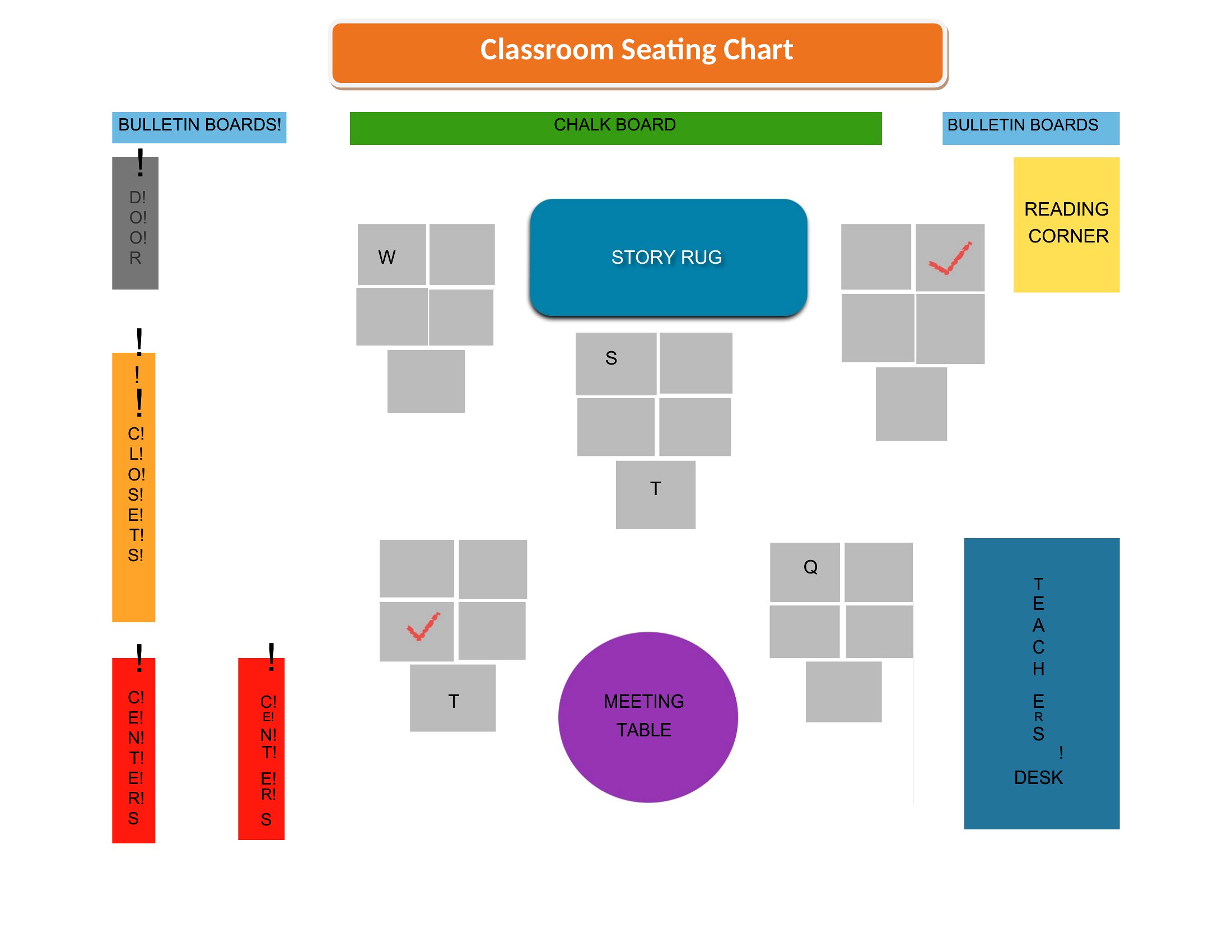
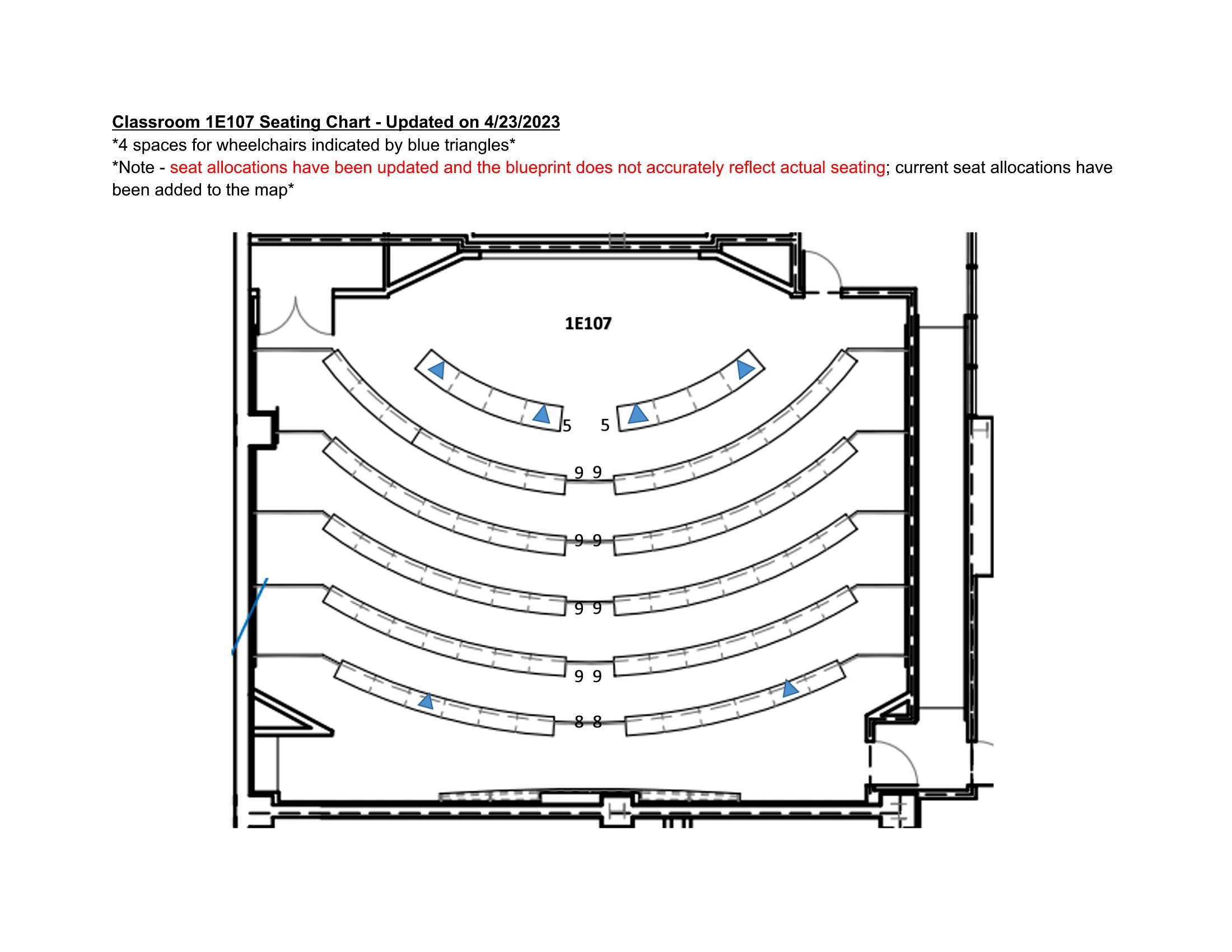
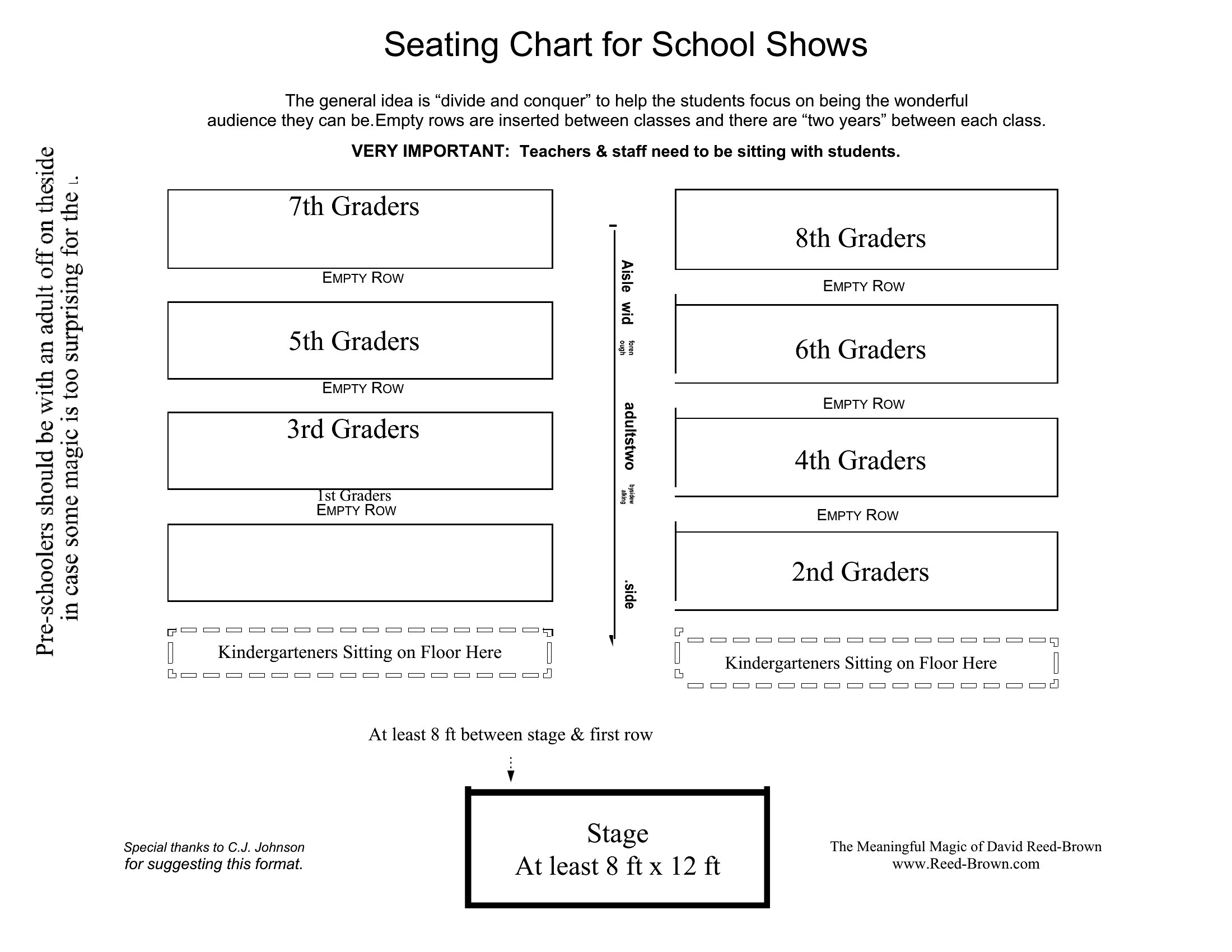
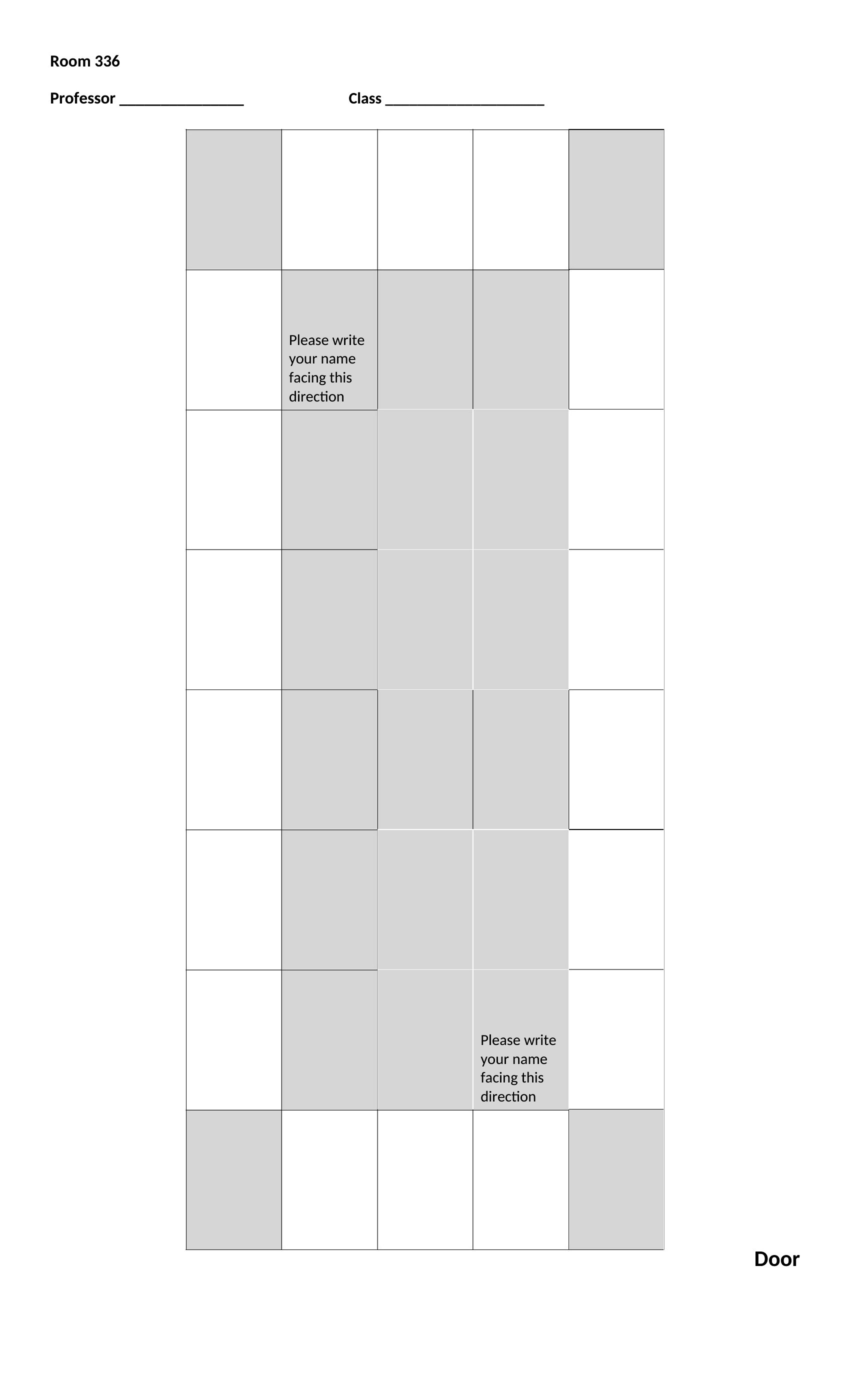
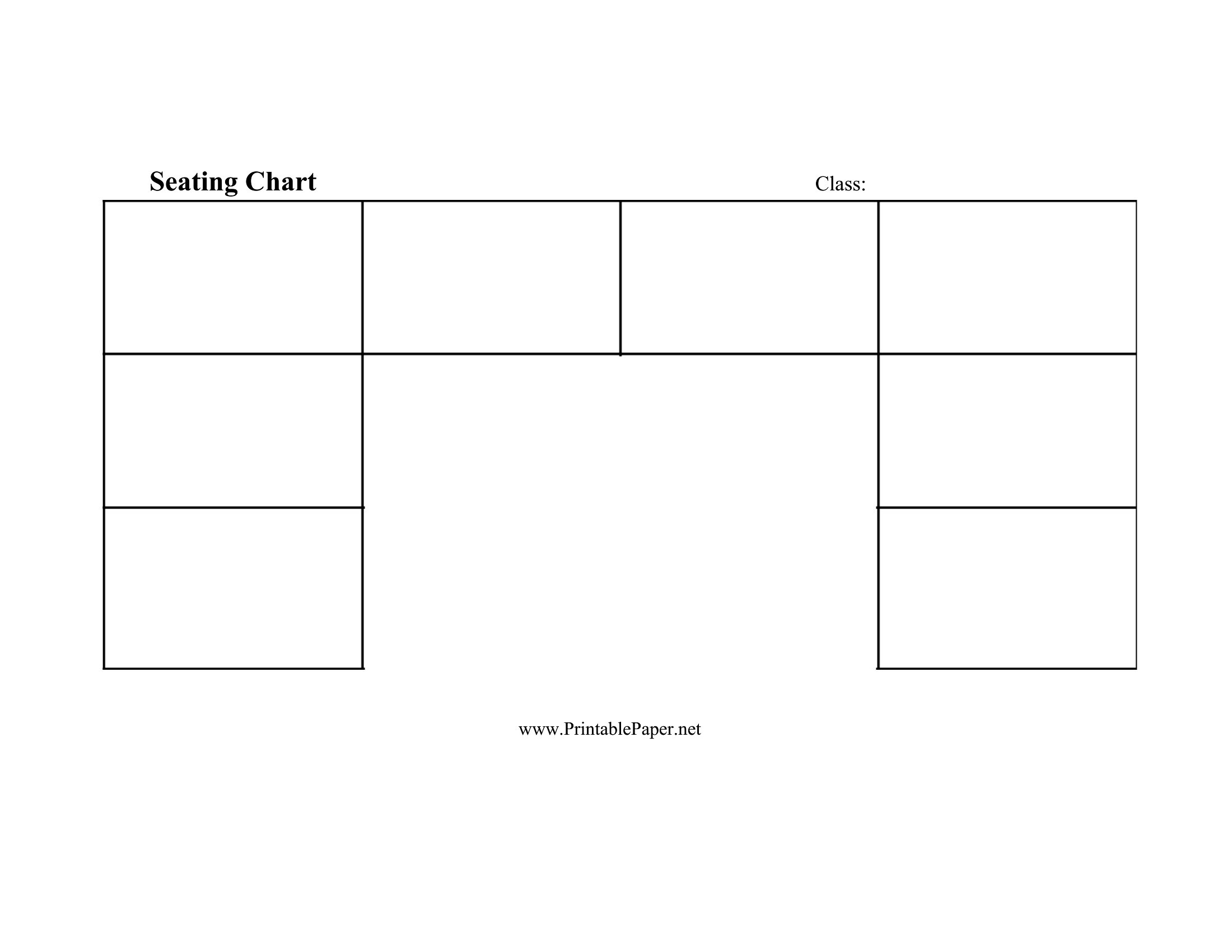
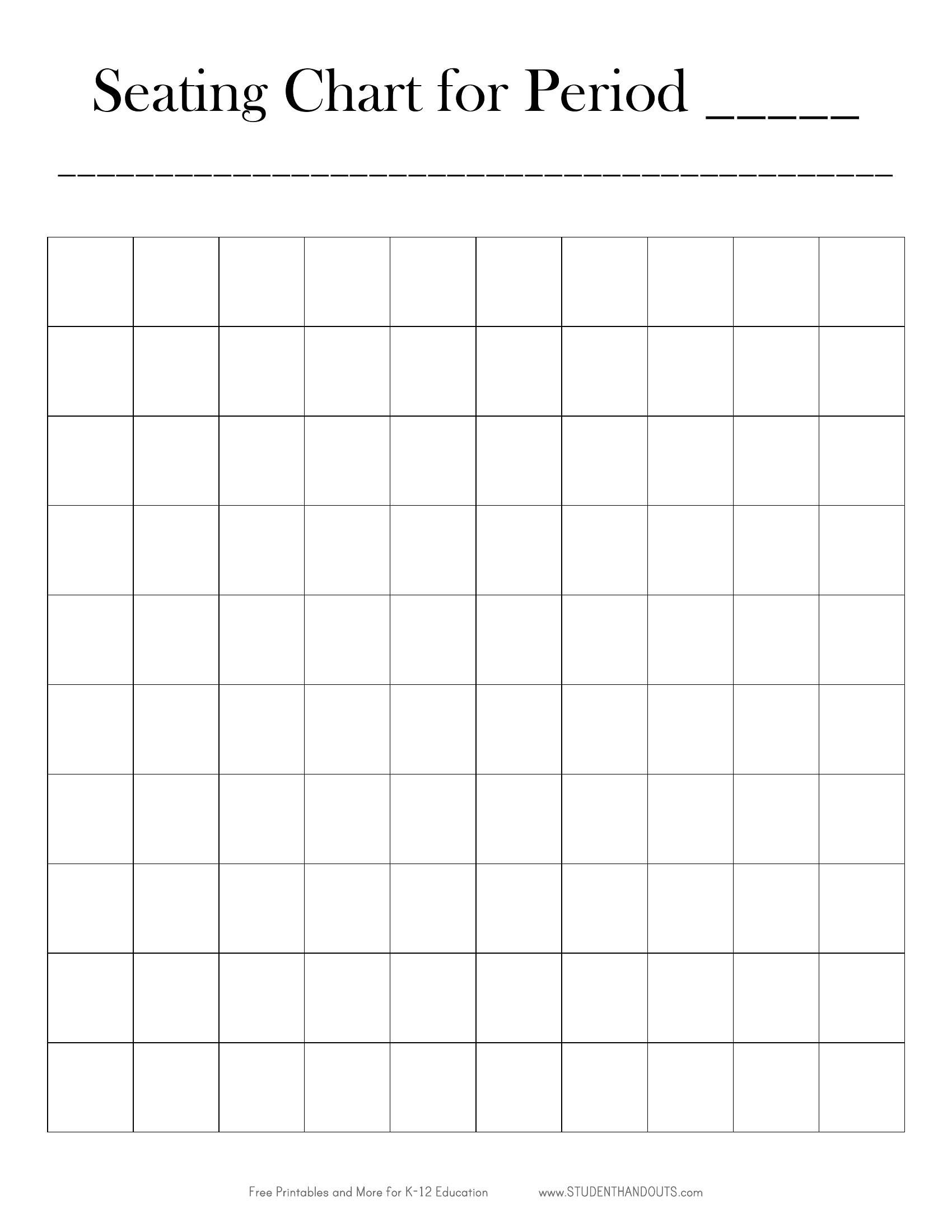
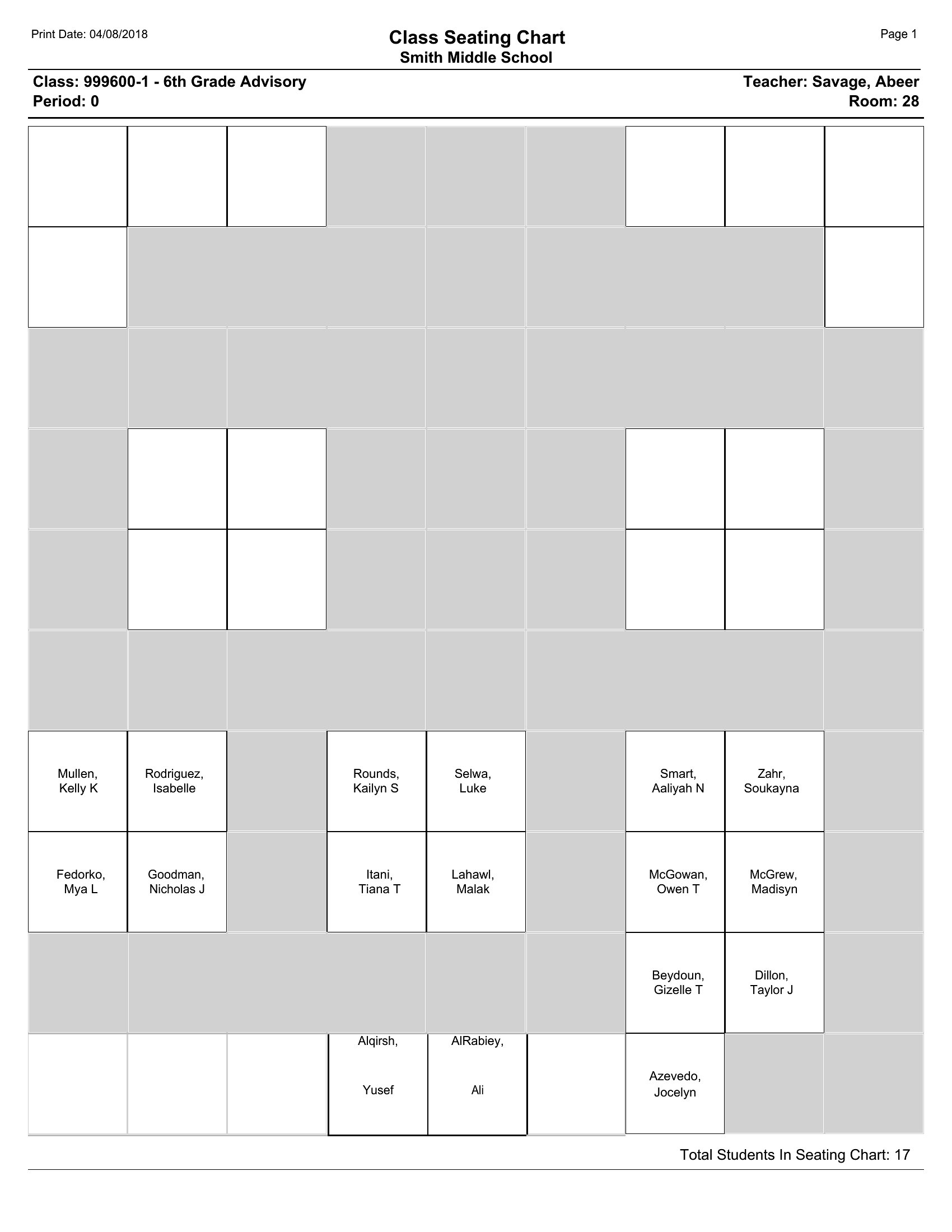
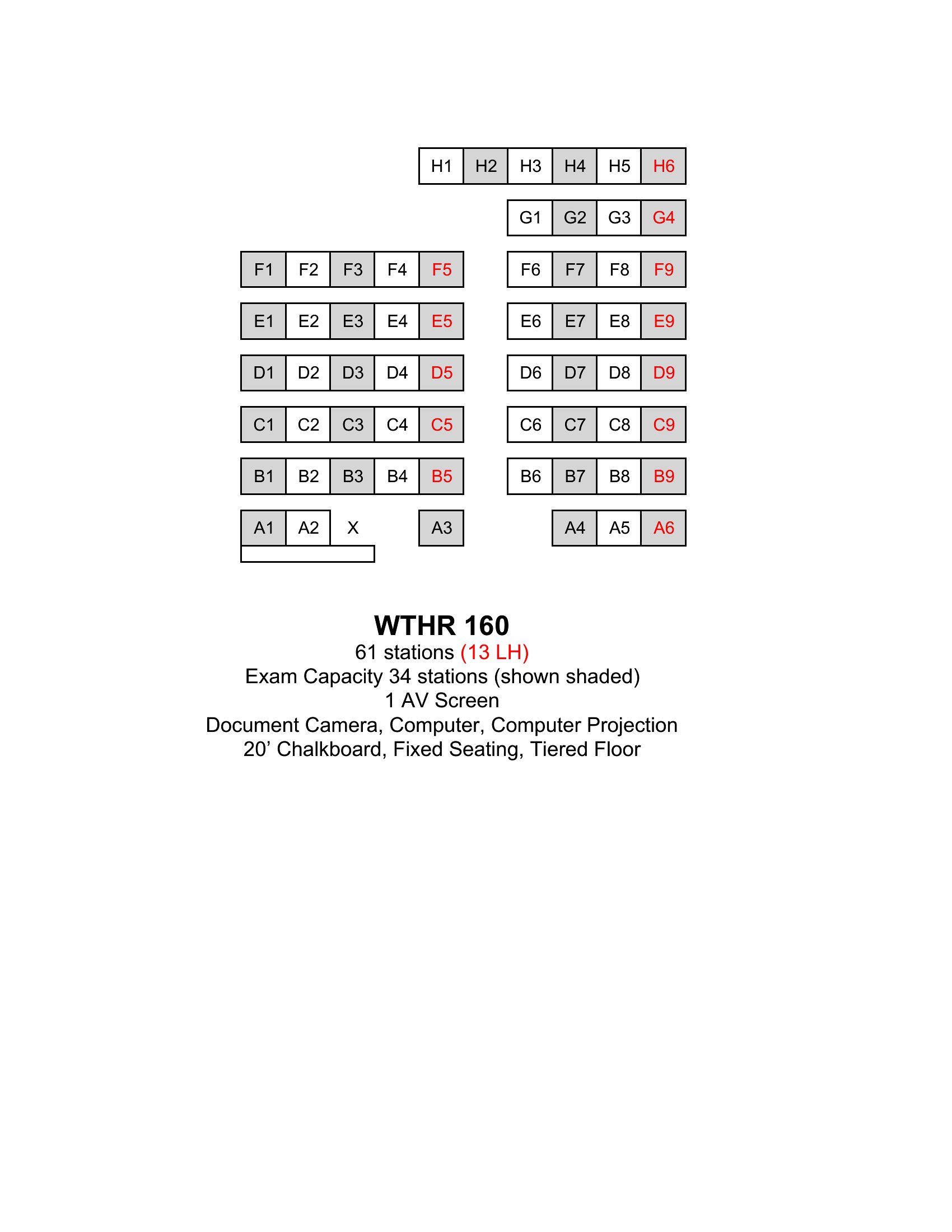
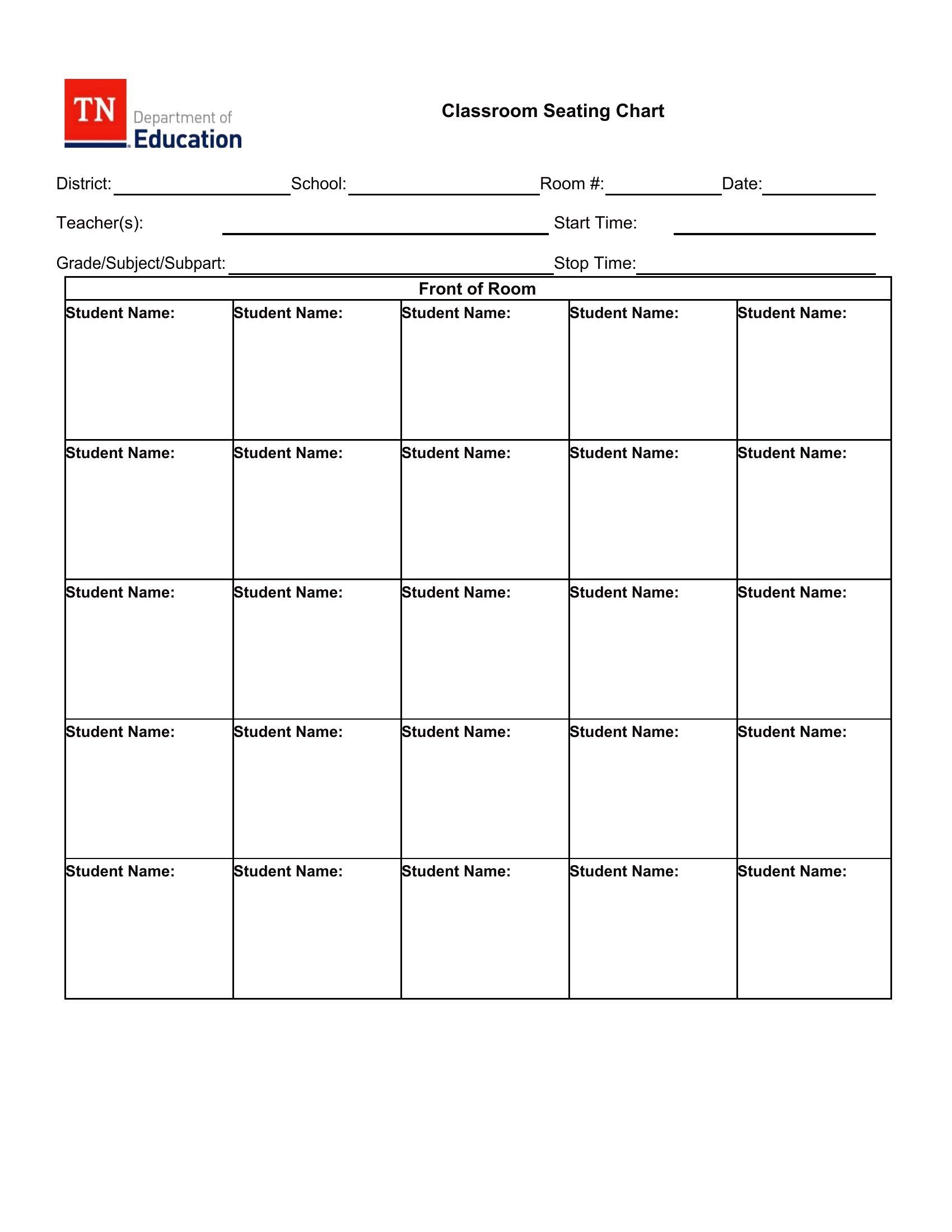
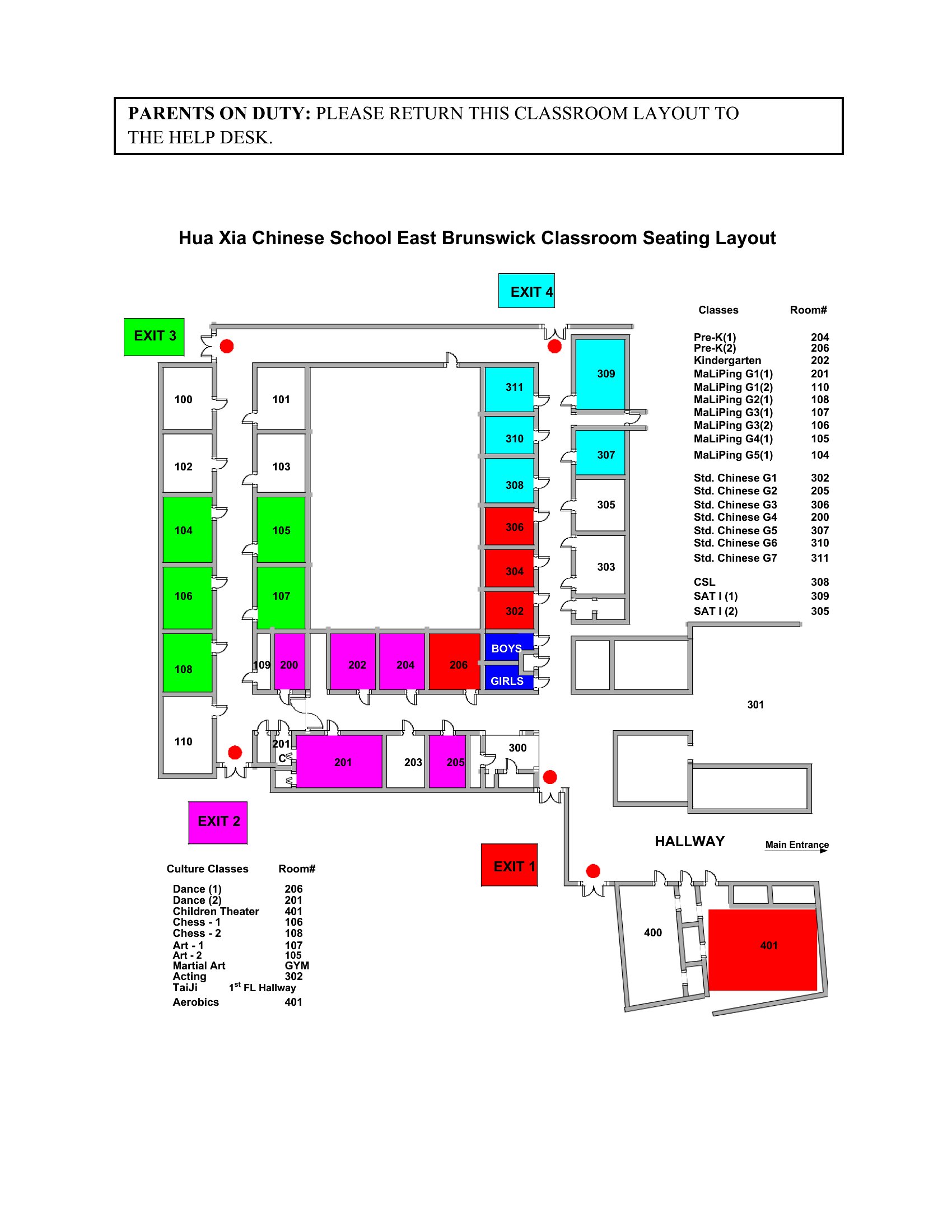
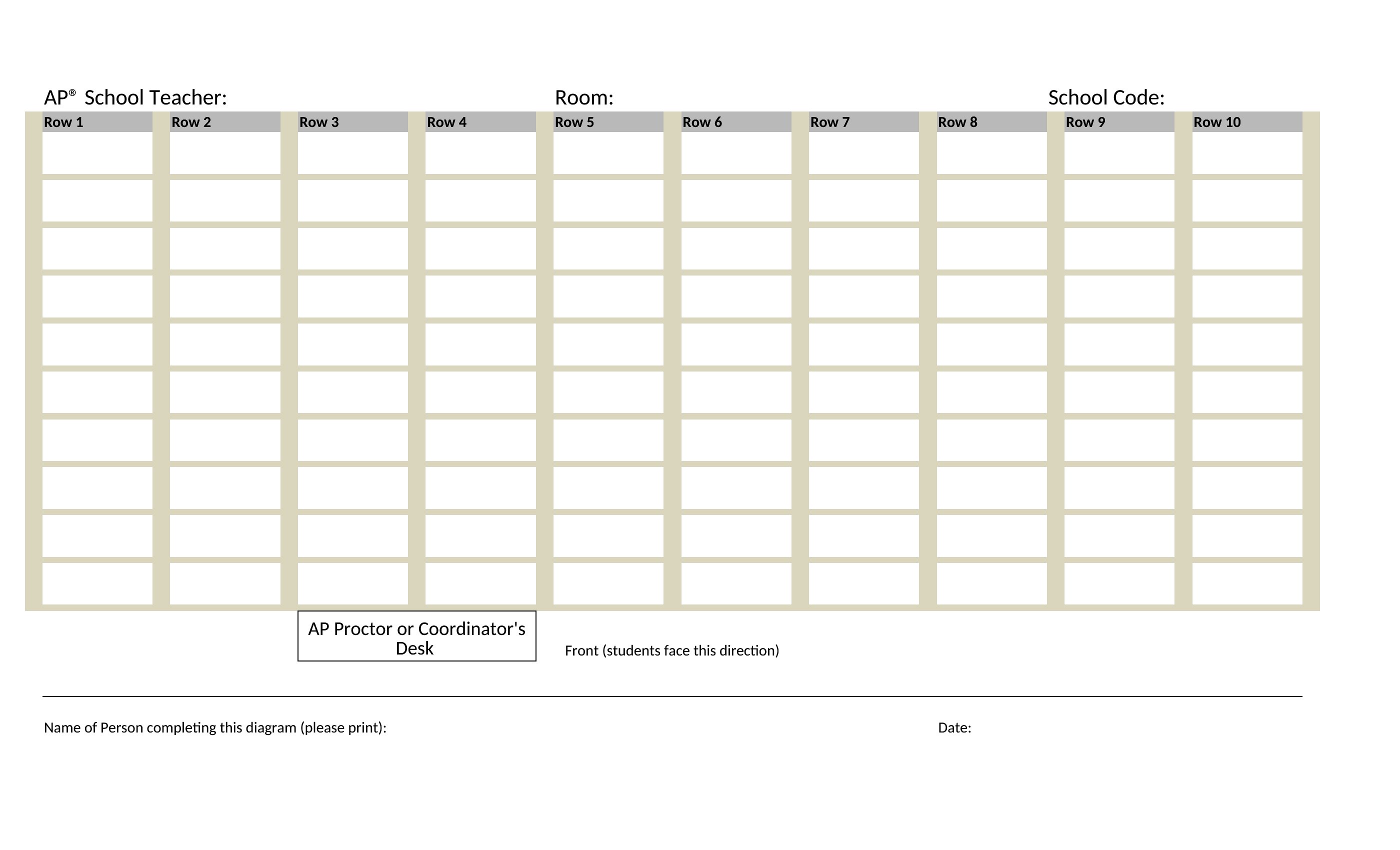
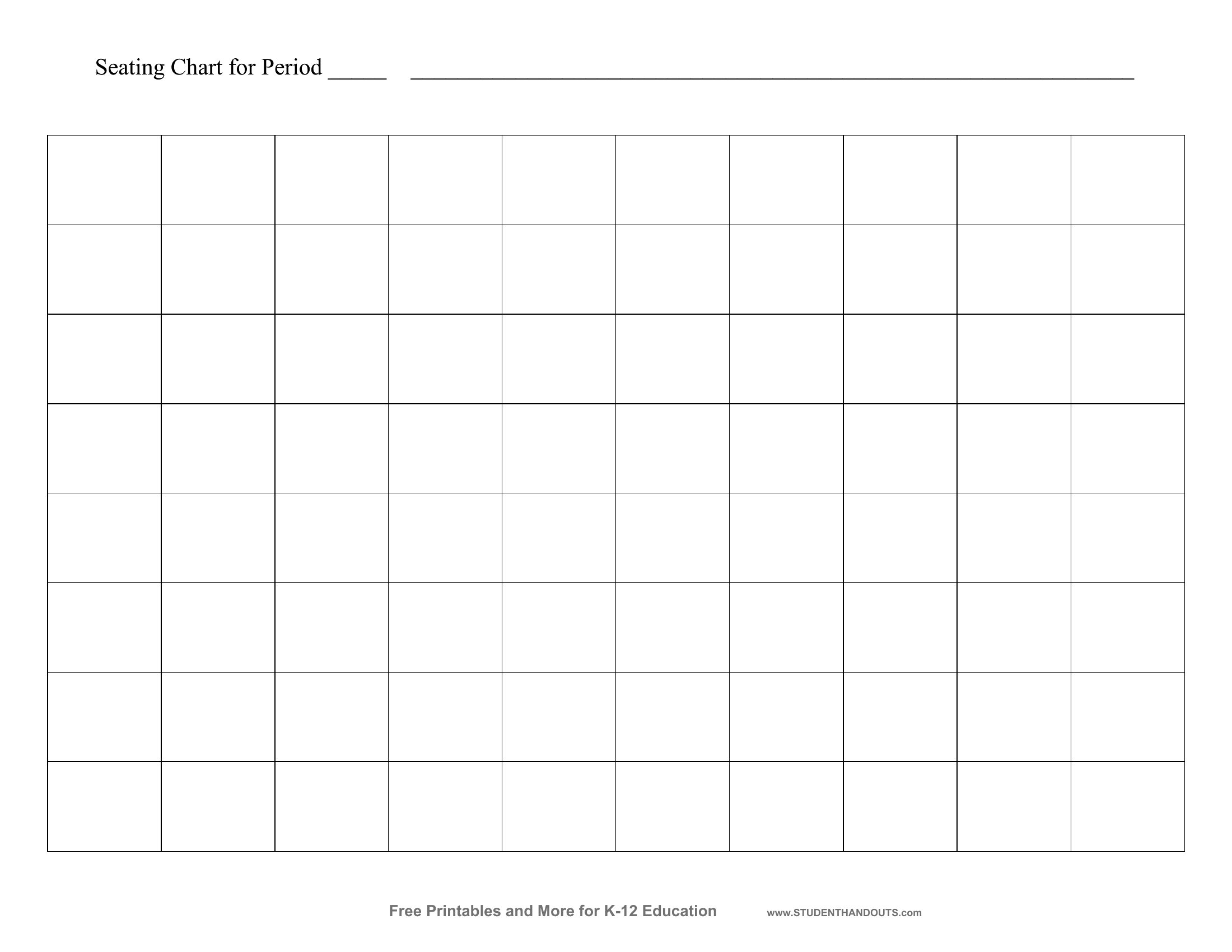
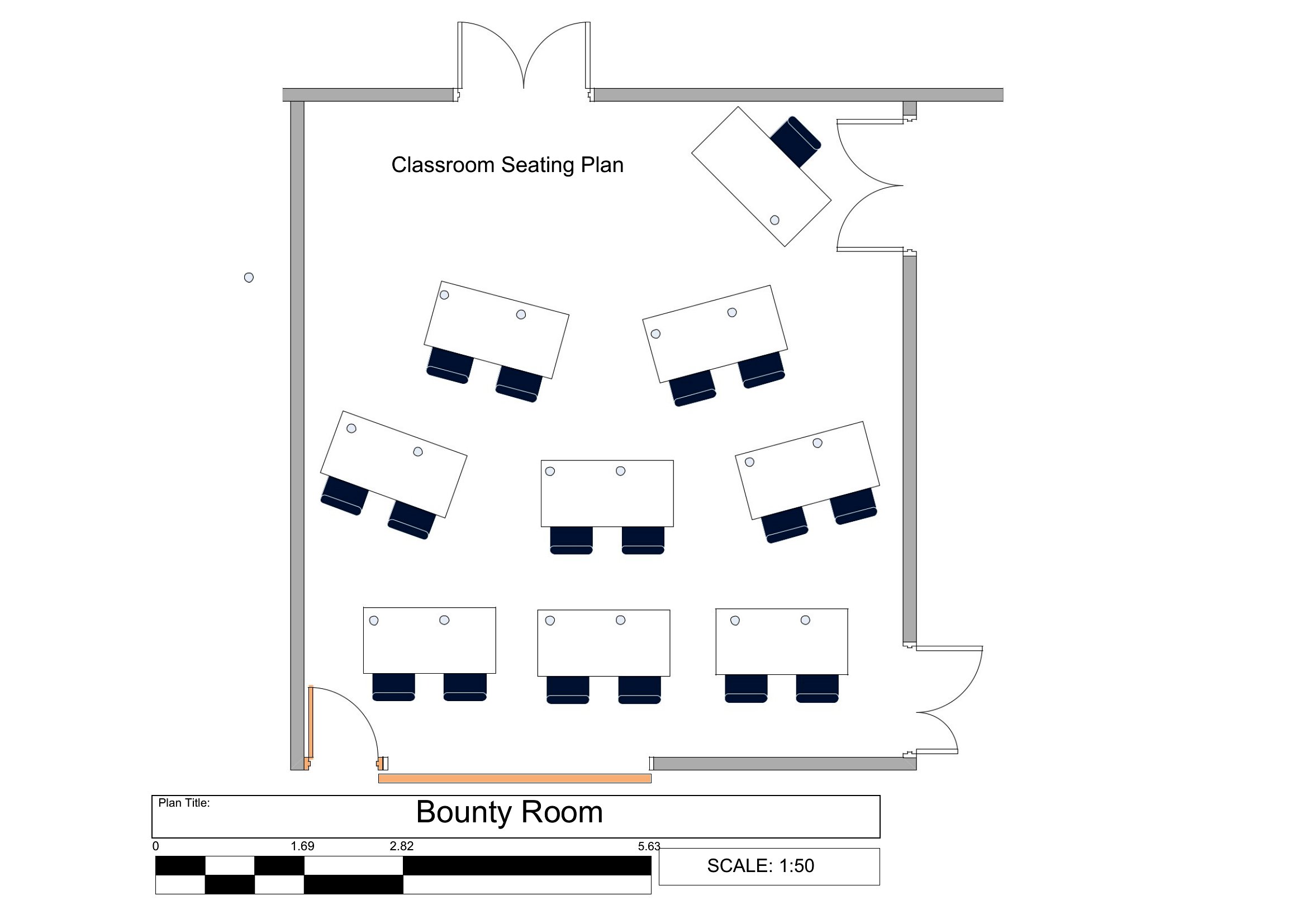
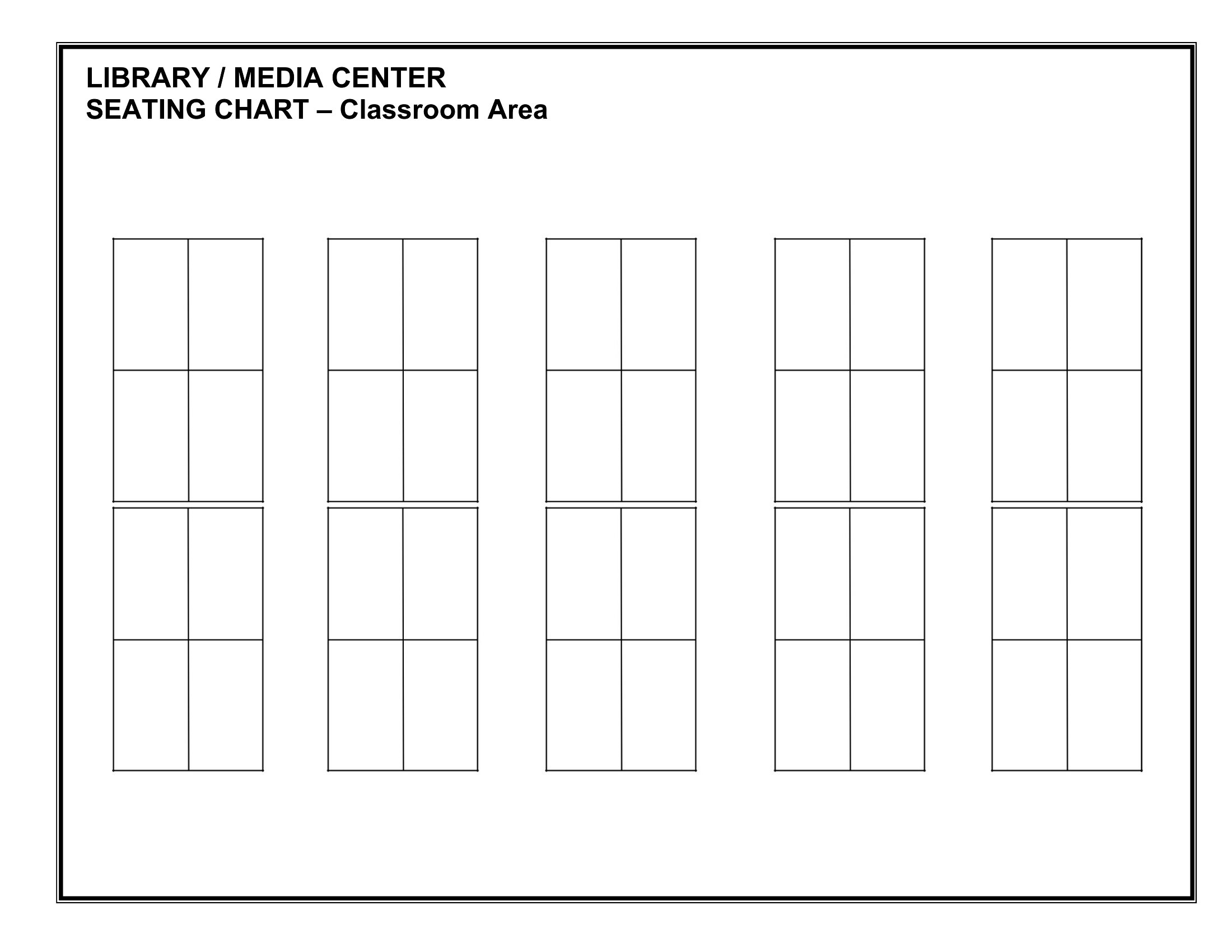
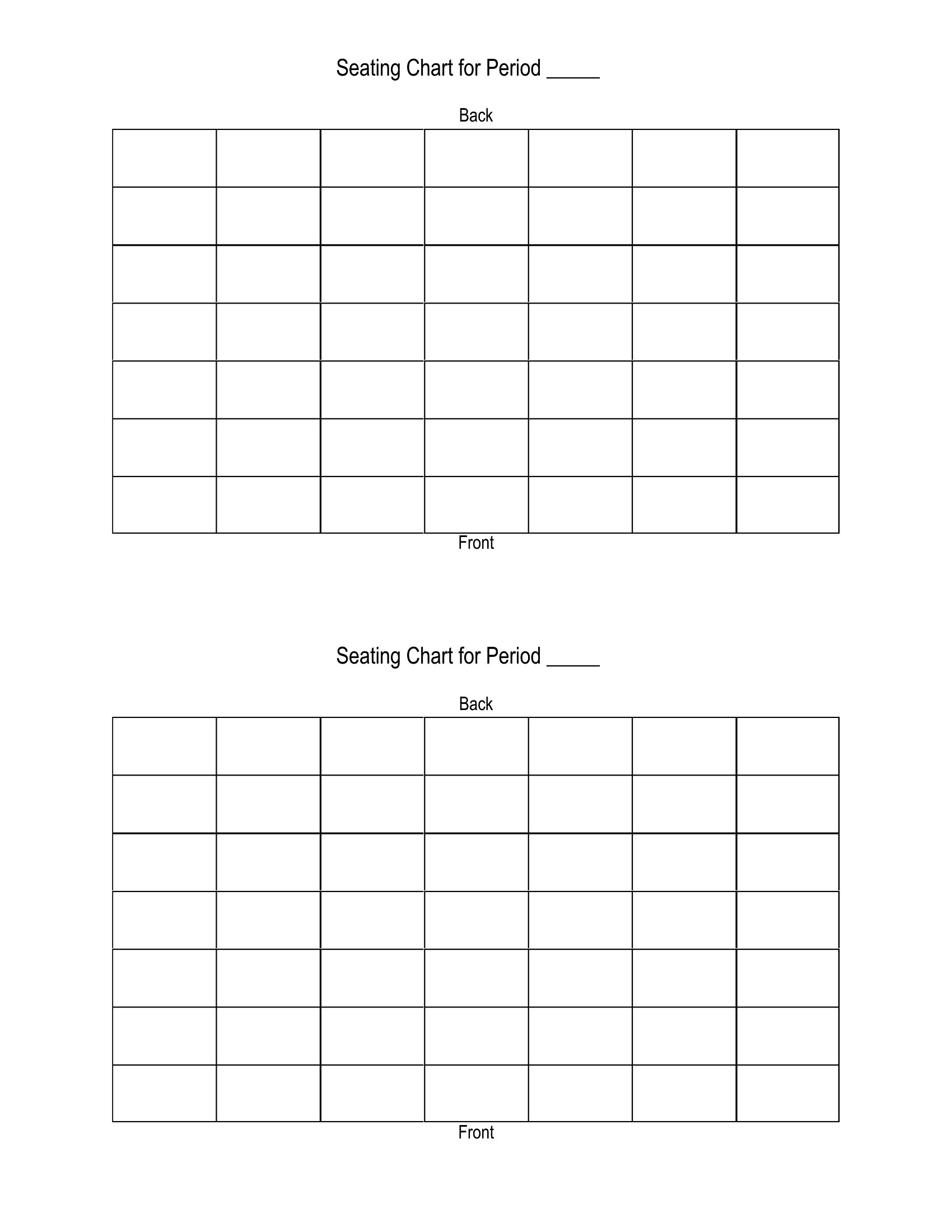
A seating chart helps a classroom run smoothly, makes substitutes' lives easier, and lets a teacher learn names faster. This collection of 43 classroom seating chart templates gives teachers a flexible grid to arrange desks, groups, or rows however the room is set up. The layouts work for small classes and large ones, and they're easy to rework when you decide to move things around.
Print a PDF to fill in by hand, type names into a Word version, or use the Excel layout to drag students between seats. Map the room, place each student, and keep a copy at your desk for quick reference. Download the chart that fits your classroom and get organized before the first bell.
When to use this Classroom Seating Chart template
- New elementary teachers organizing their first classroom layout to ensure fair seating distribution and minimize distractions before meeting students.
- Special education instructors planning adaptive seating arrangements that accommodate mobility aids or sensory needs for a new semester.
- Substitute teachers needing a quick, printable reference to learn student names and seating groups when covering a class for the first time.
- High school homeroom advisors designing a seating chart that balances social dynamics while ensuring easy visibility for attendance checks and announcements.
Which format should I download?
Choose Word if you need to frequently update names or add notes digitally, like behavior observations or IEPs, before printing. Excel is ideal for tracking seating changes by student or group over time, such as rotating team assignments or tracking participation trends. Pick PDF when you want a static, professional layout to share with substitutes or parents that can’t be accidentally edited.
Choose from 43 Classroom Seating Chart Templates

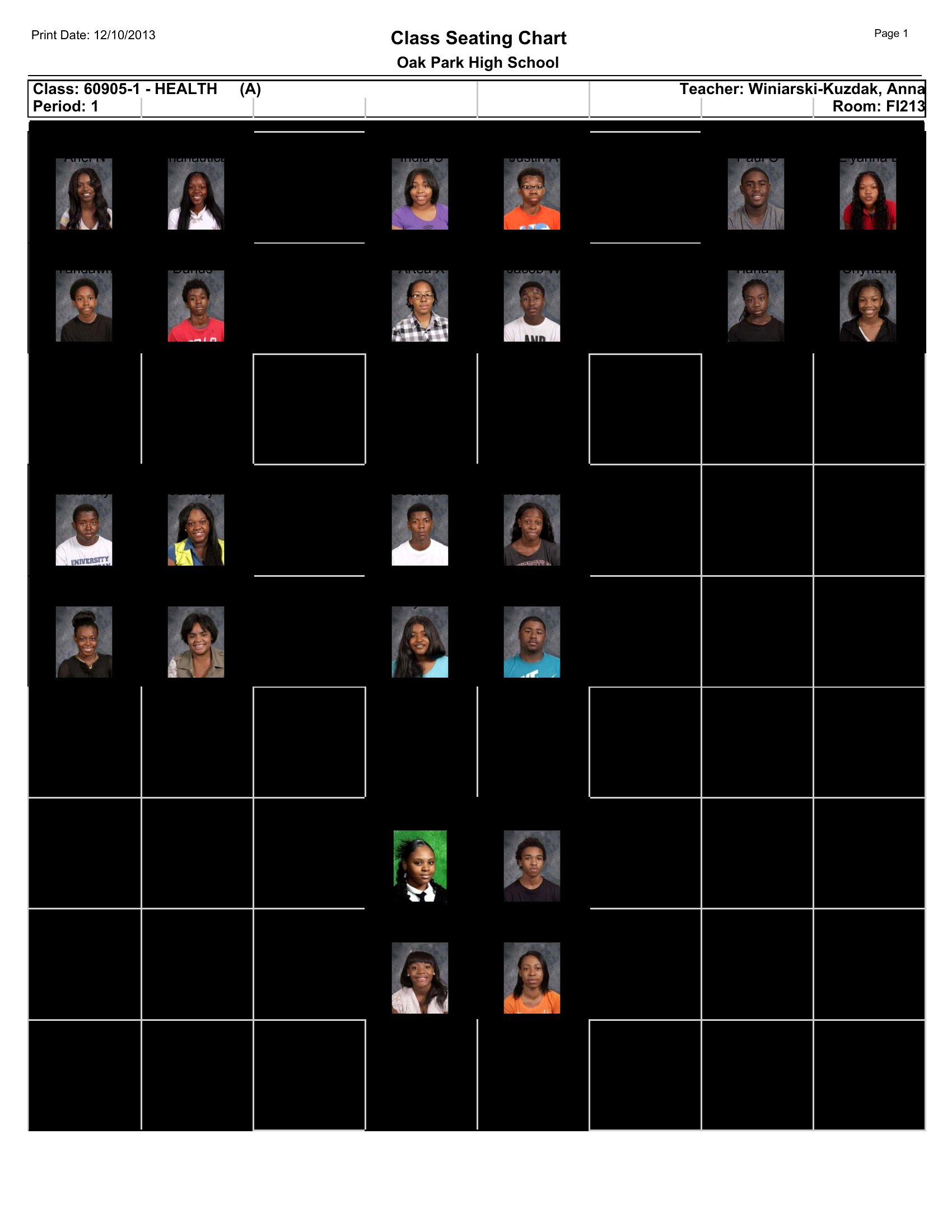
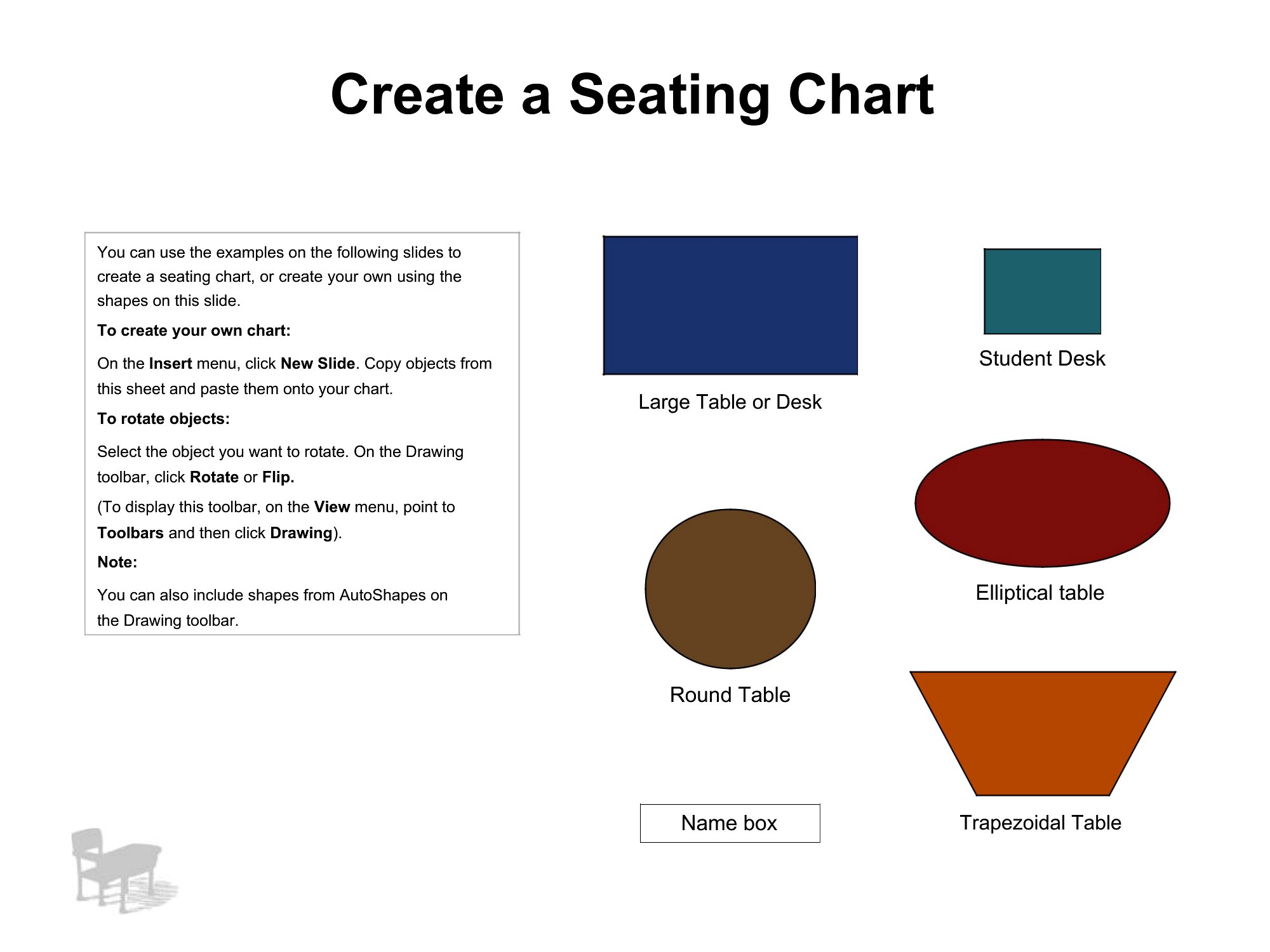
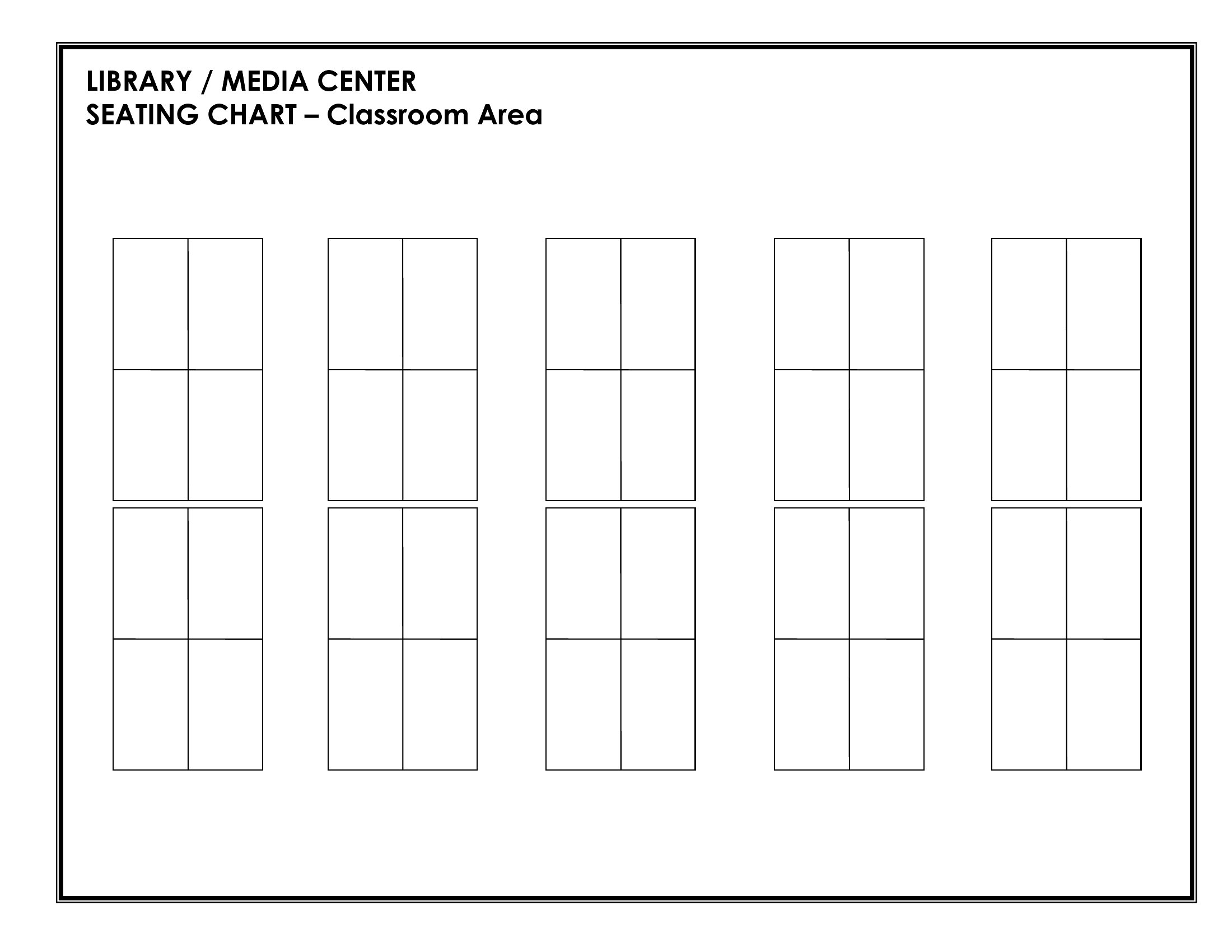
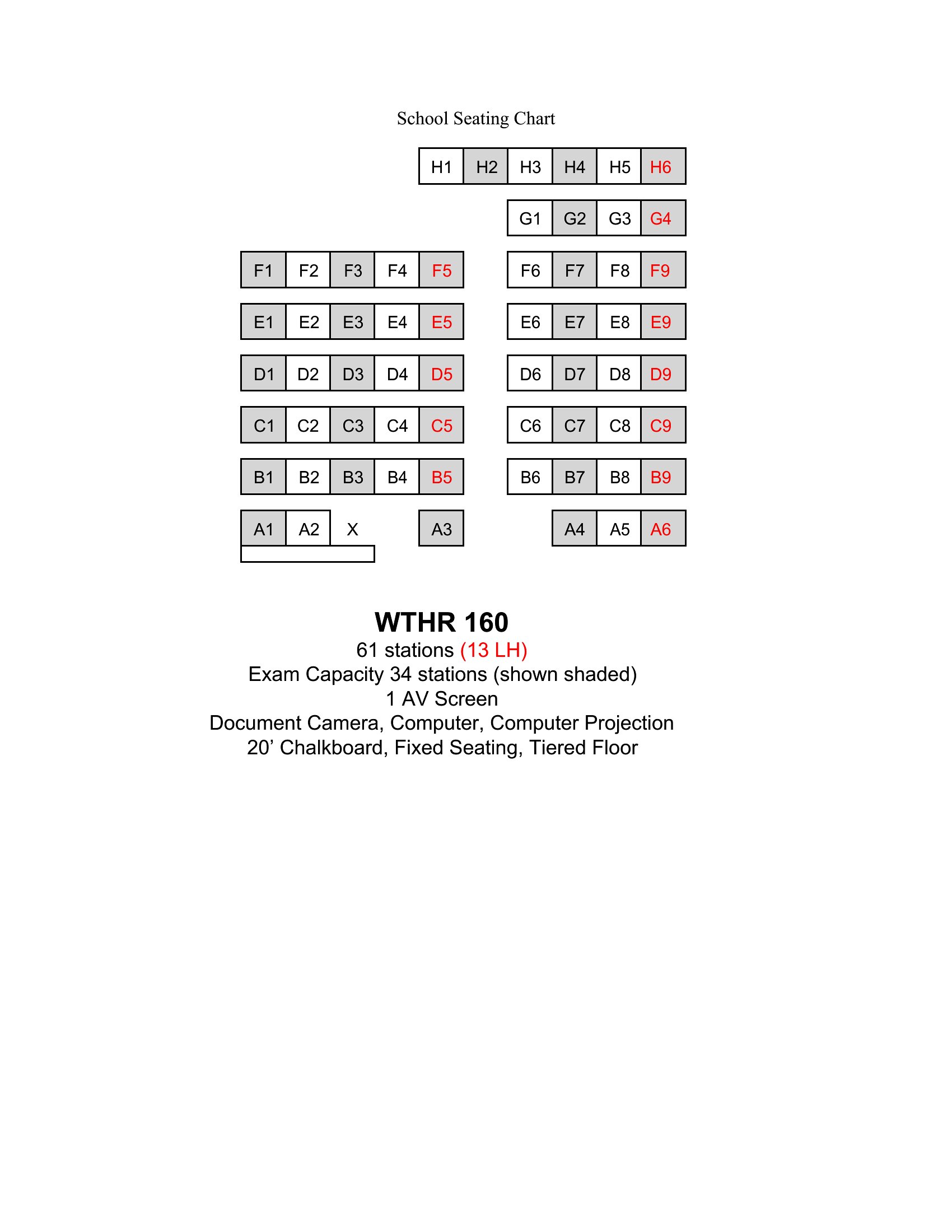
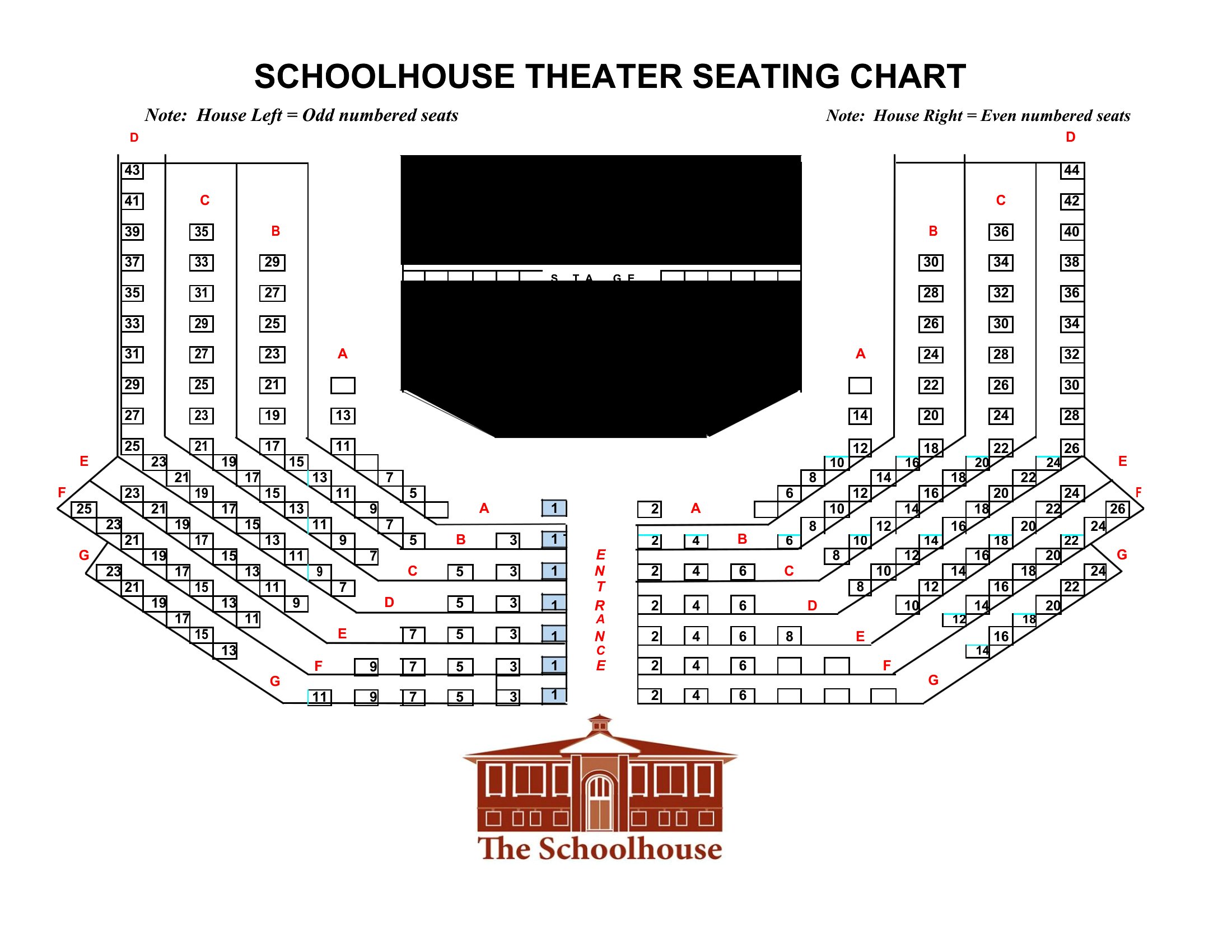
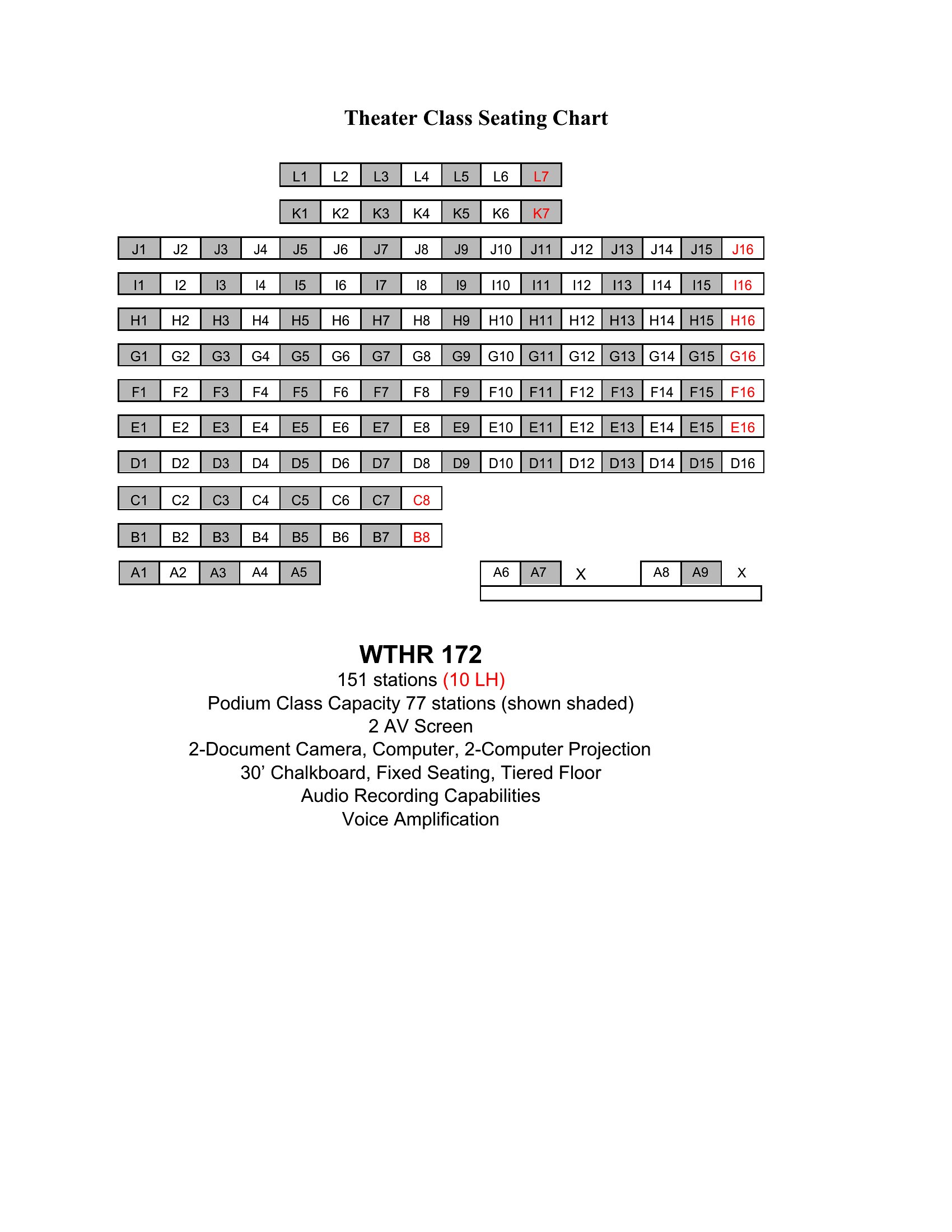
How to use this Classroom Seating Chart template
Can I use these templates to plan seating for a classroom with uneven desk shapes or built-in benches?
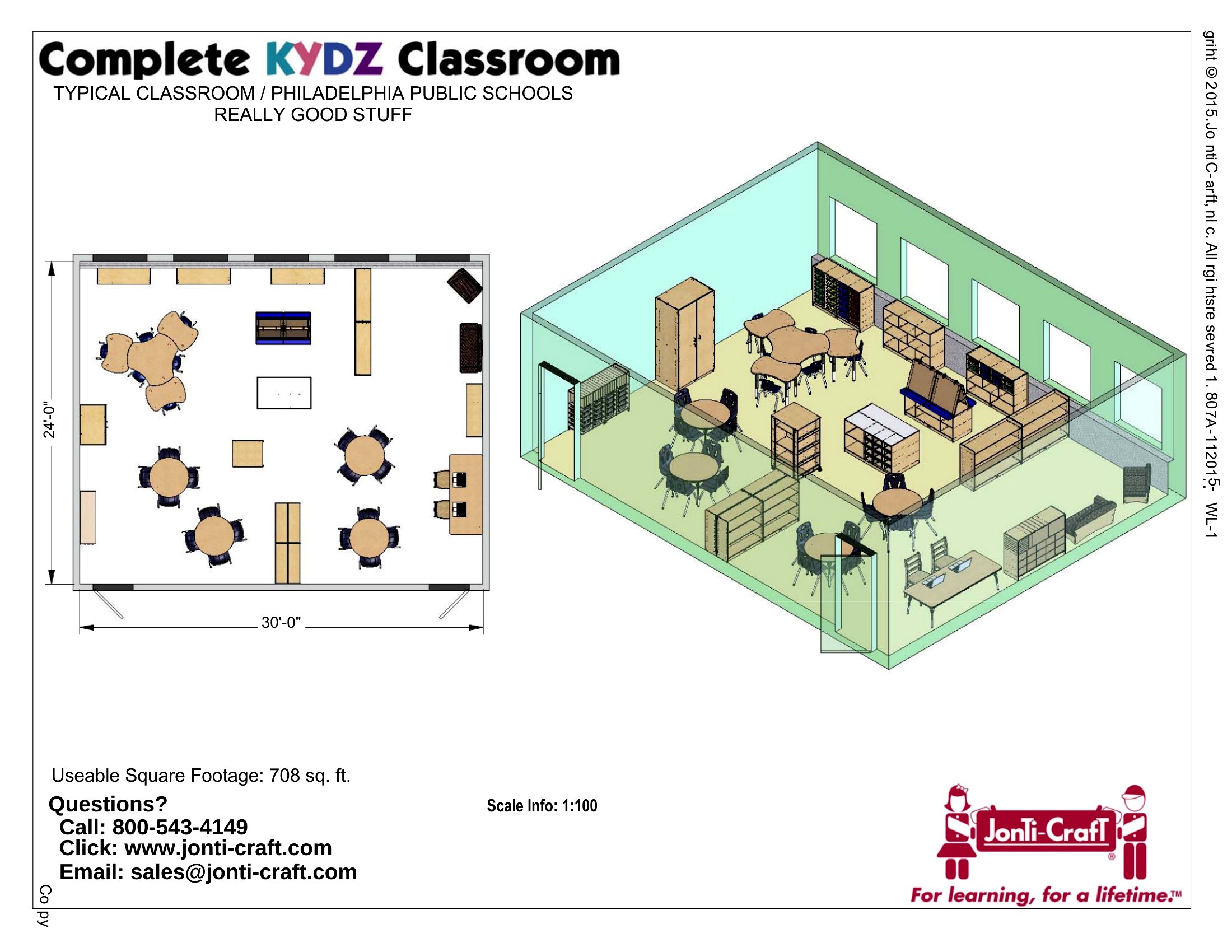
Yes, these templates include grids and freeform layouts to accommodate irregular desk shapes or built-in seating. Start with the blank grid options in Word or Excel to draw your space to scale, then adjust rows or groups as needed. For a quick solution, use the PDF templates with labeled sections to manually sketch in your unique setup.
How do I adjust a seating chart when a student with behavioral needs requires a specific location?
Use the Word or Excel formats to highlight or color-code the preferred seat, then add notes in a side column for reminders. For example, mark ‘front-row, near teacher’ and include triggers or strategies. Avoid overcrowding that seat by leaving adjacent spots open. If using PDF, print and annotate manually, then re-save as a new file for future use.
Are there templates that help with seating students who need to avoid each other due to conflicts?
Yes, the ‘grouped seating’ and ‘alphabetical by last name’ templates in Word and Excel help minimize proximity conflicts. Assign conflicting students to opposite sides of the room or separate clusters, then use the comment feature in Word to flag these pairs. For a visual cue, shade different groups in contrasting colors on the PDF versions to make it easier to spot during transitions.
Comments
Join the conversation
Sign in to share your thoughts and leave a comment on this resource.