Free Sitemap Templates (Word, Excel)
Diagrams by leannemartin
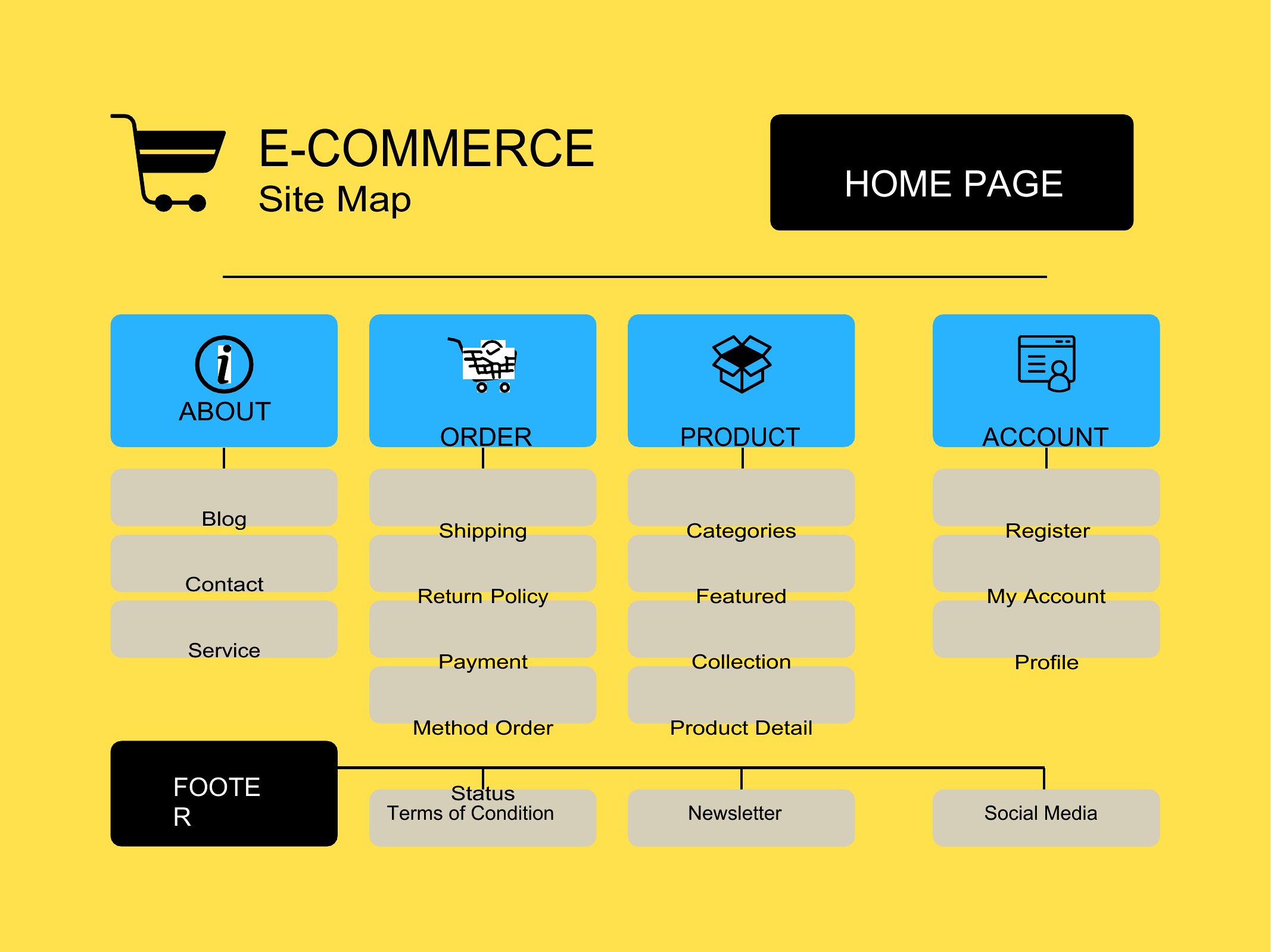
Mapping out a website before you build it saves hours of backtracking, and a sitemap gives the whole structure a clear shape. This small set of 12 templates lays out pages, sections, and how they link together, so web designers, content teams, and small-business owners can plan navigation and spot gaps early. It's the kind of overview that keeps a redesign from turning into guesswork.
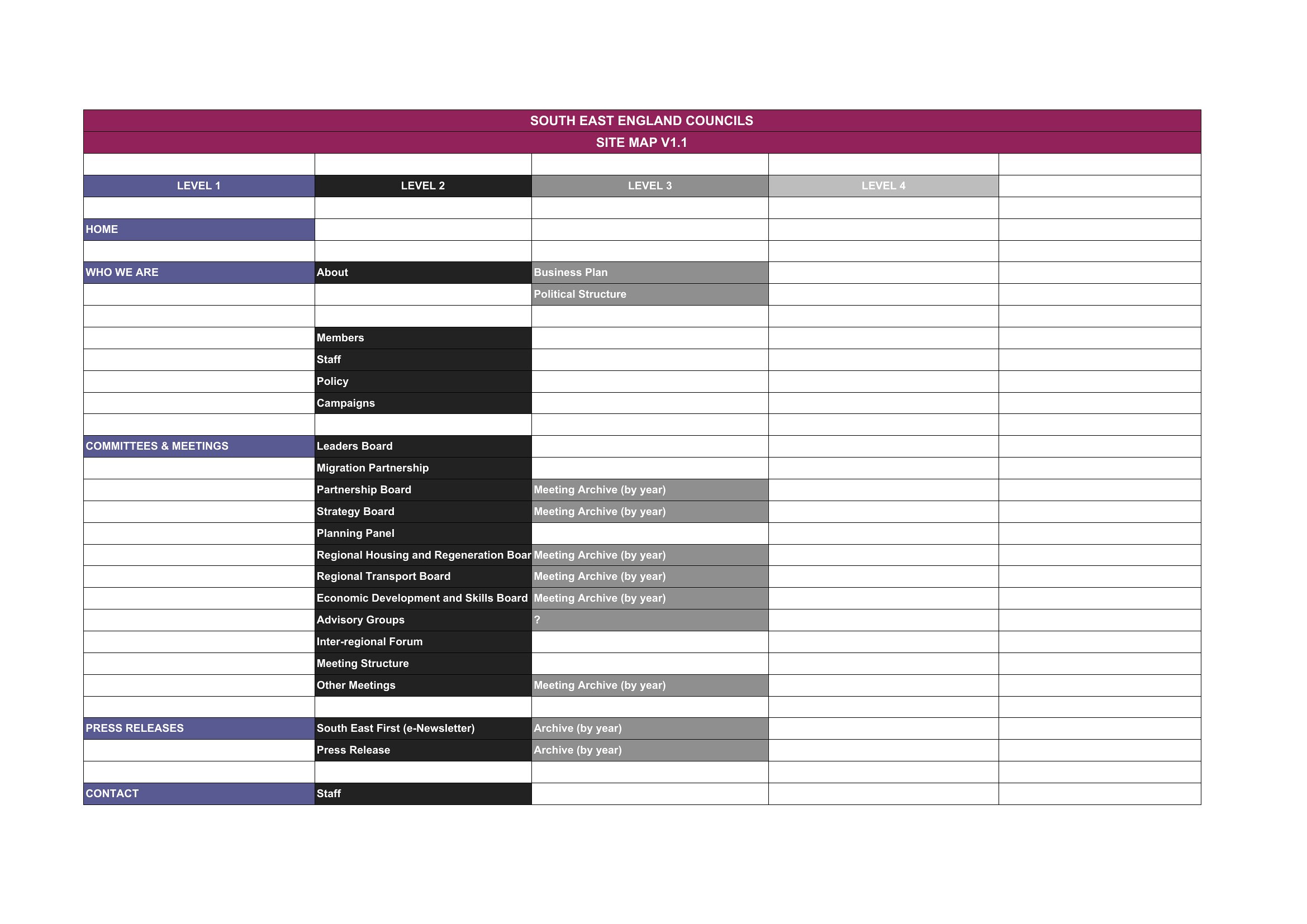
The templates come in Word for quick outlining and Excel when you'd rather organize pages in rows and columns. Rearrange the boxes, rename the pages, and the plan takes shape fast. Pick the format that fits how you think and sketch out your site before the first page goes live.
Choose from 12 Sitemap Templates
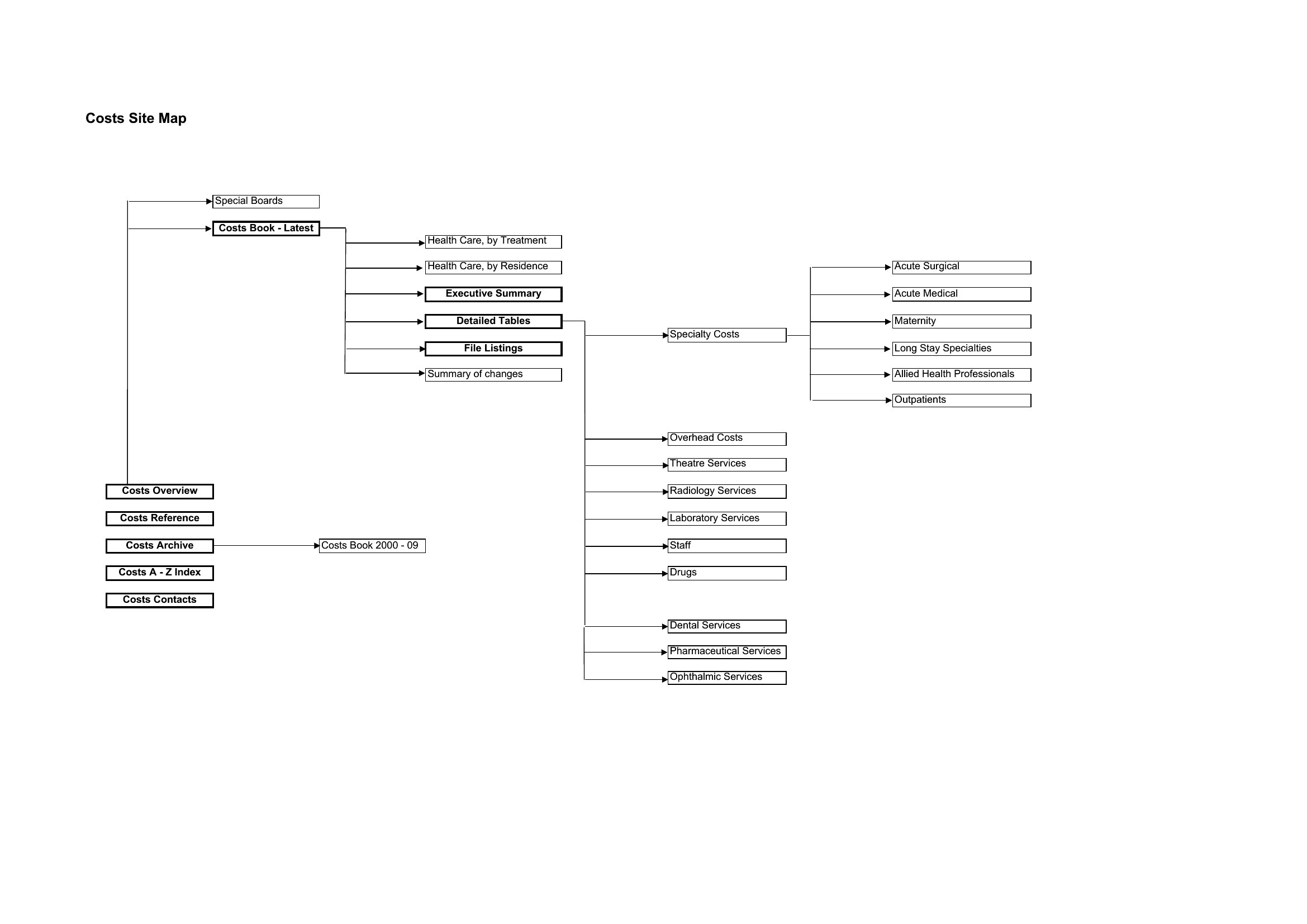
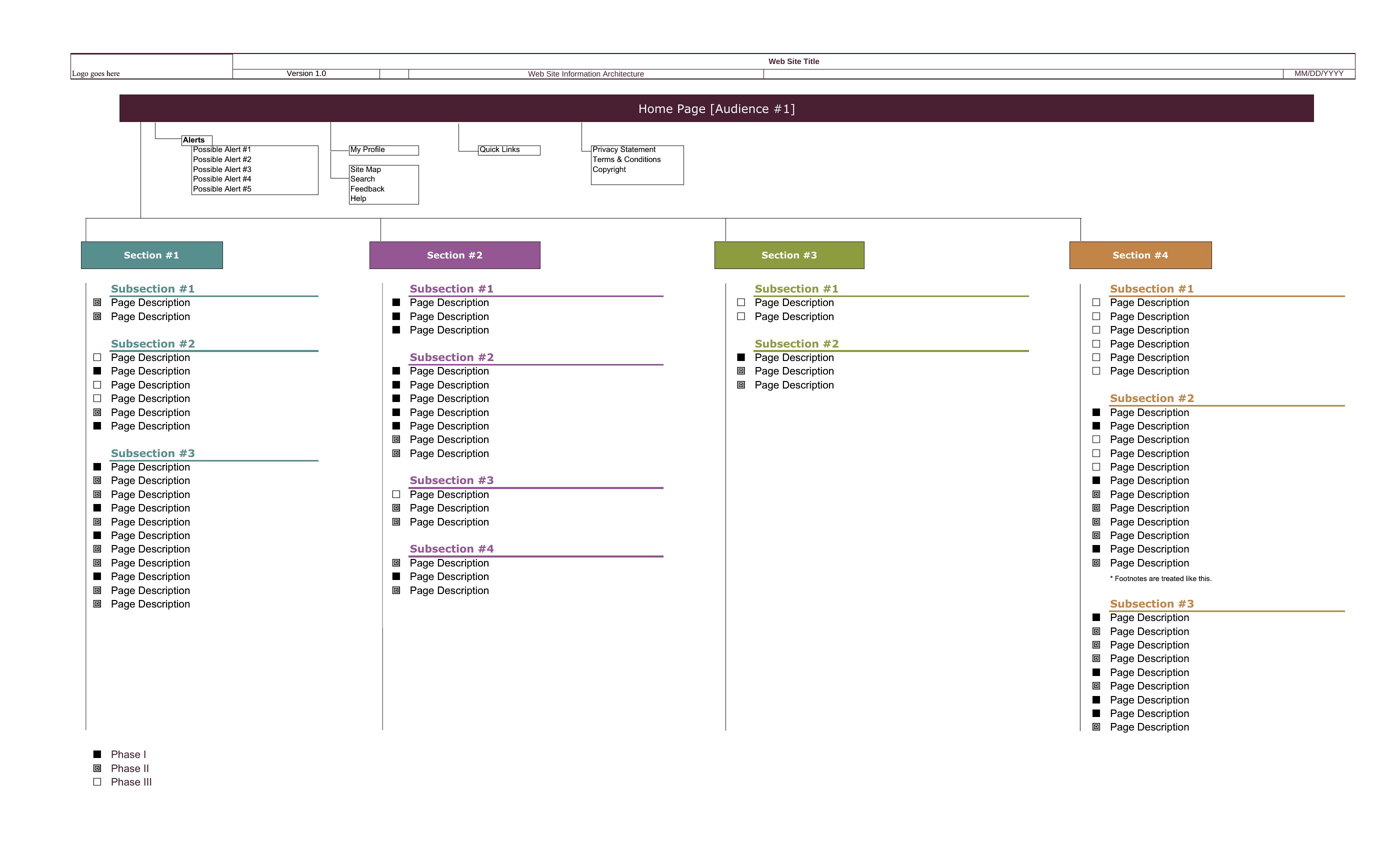
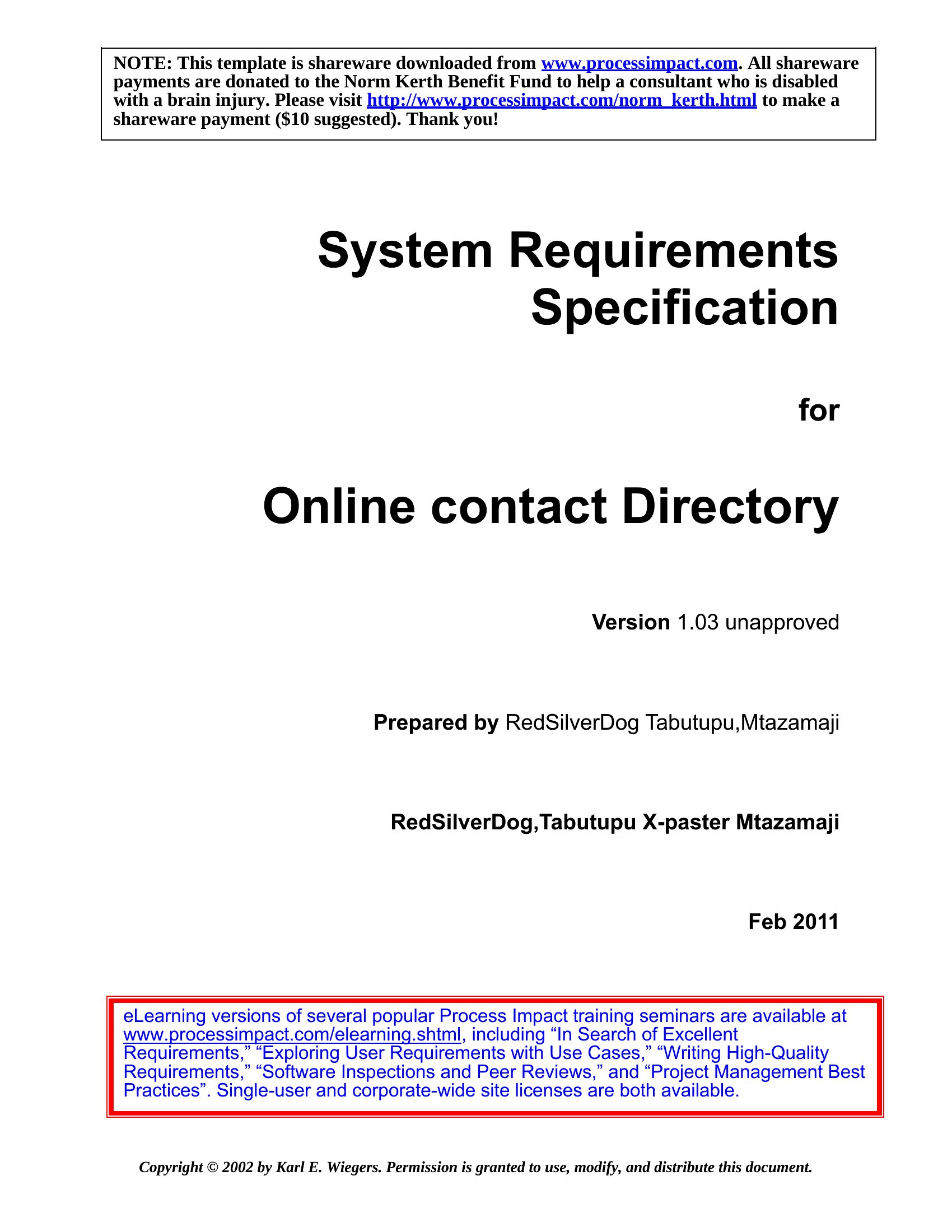
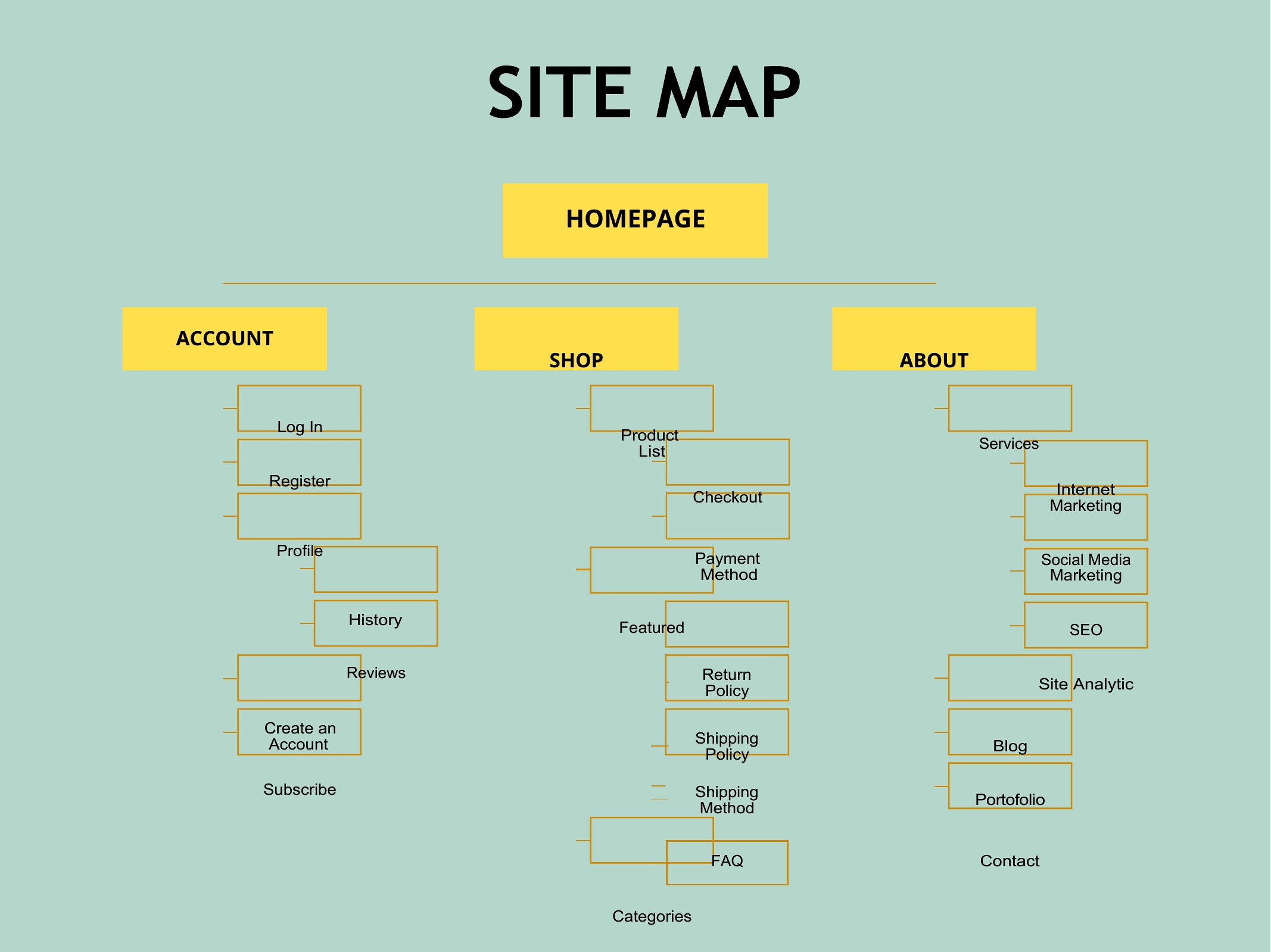
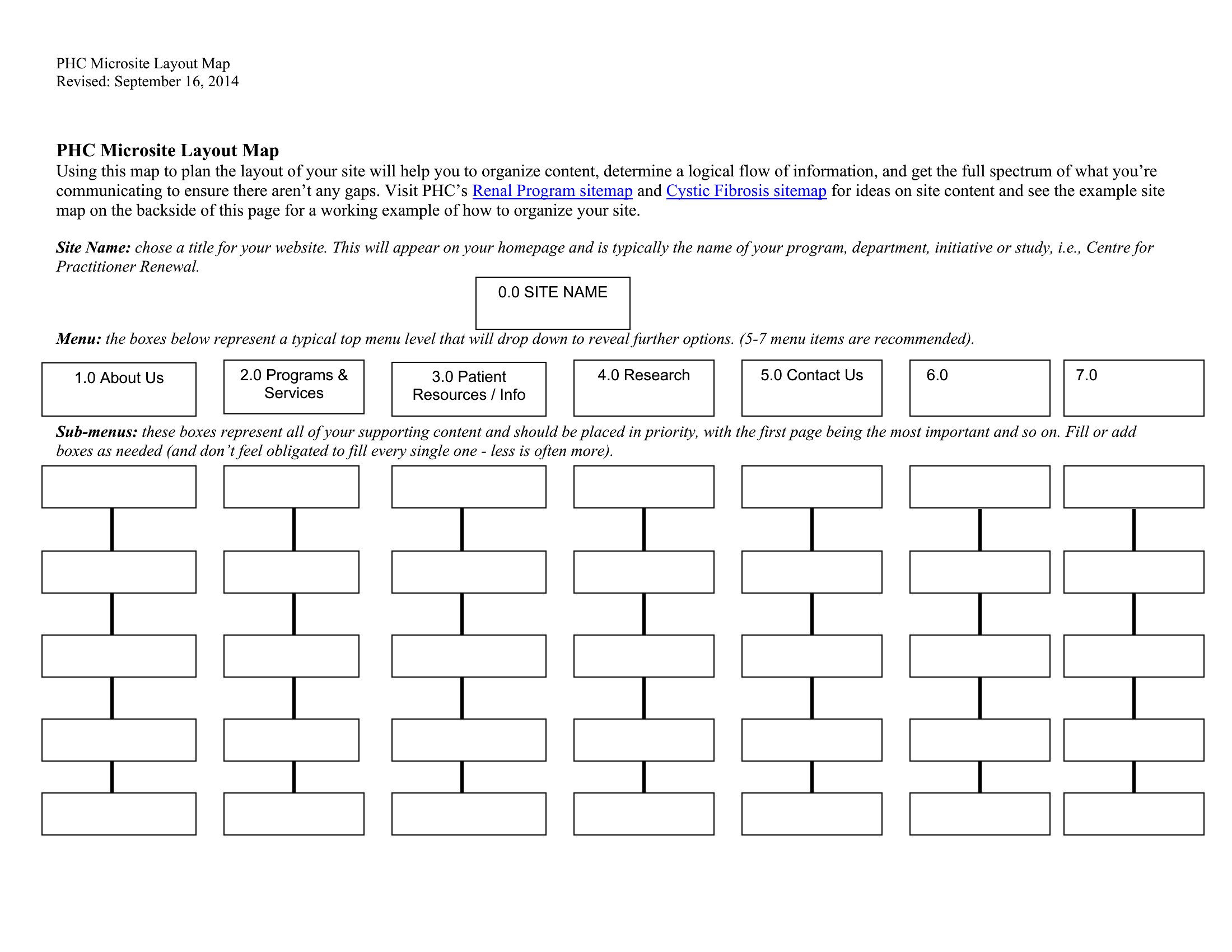
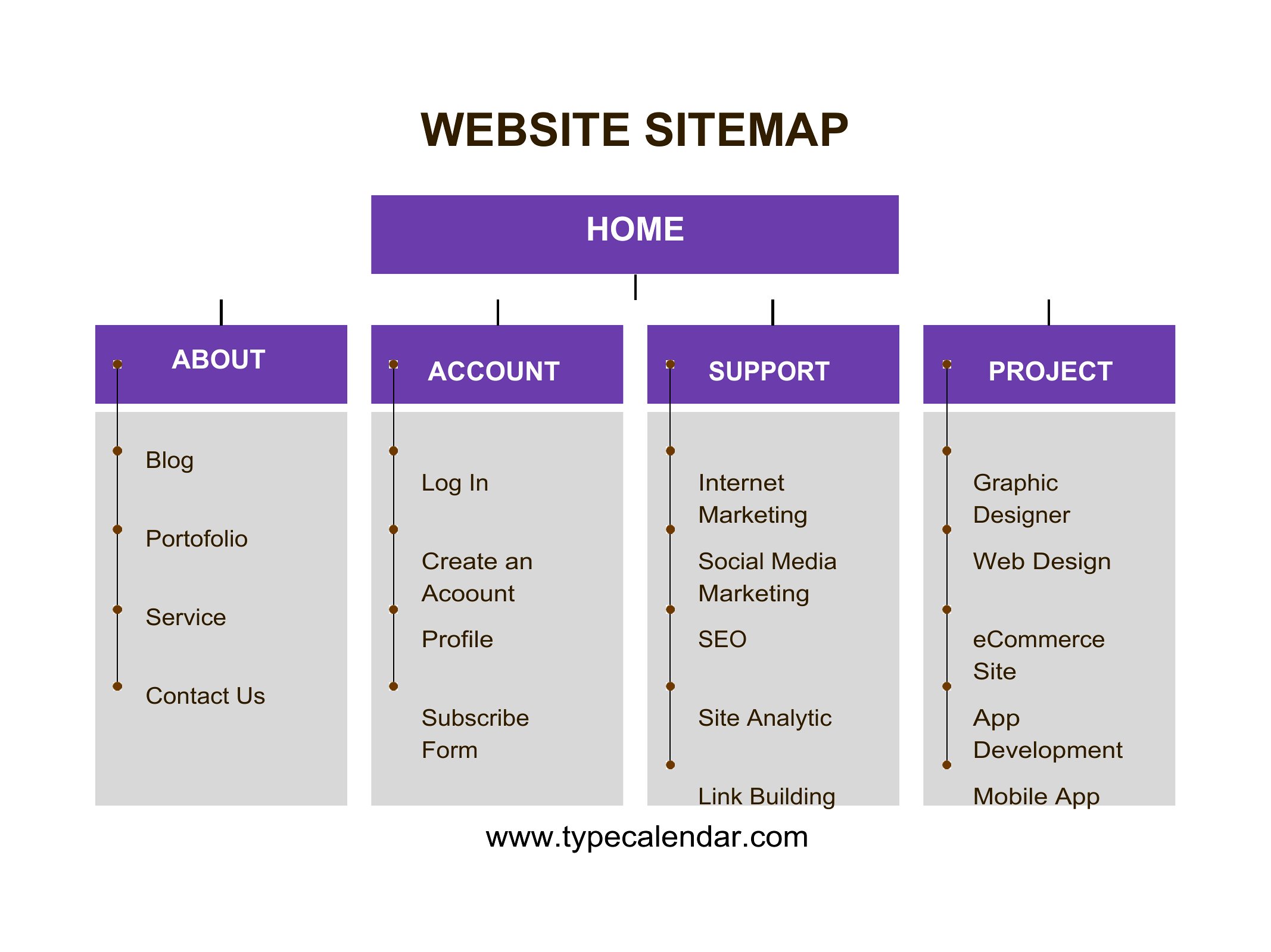
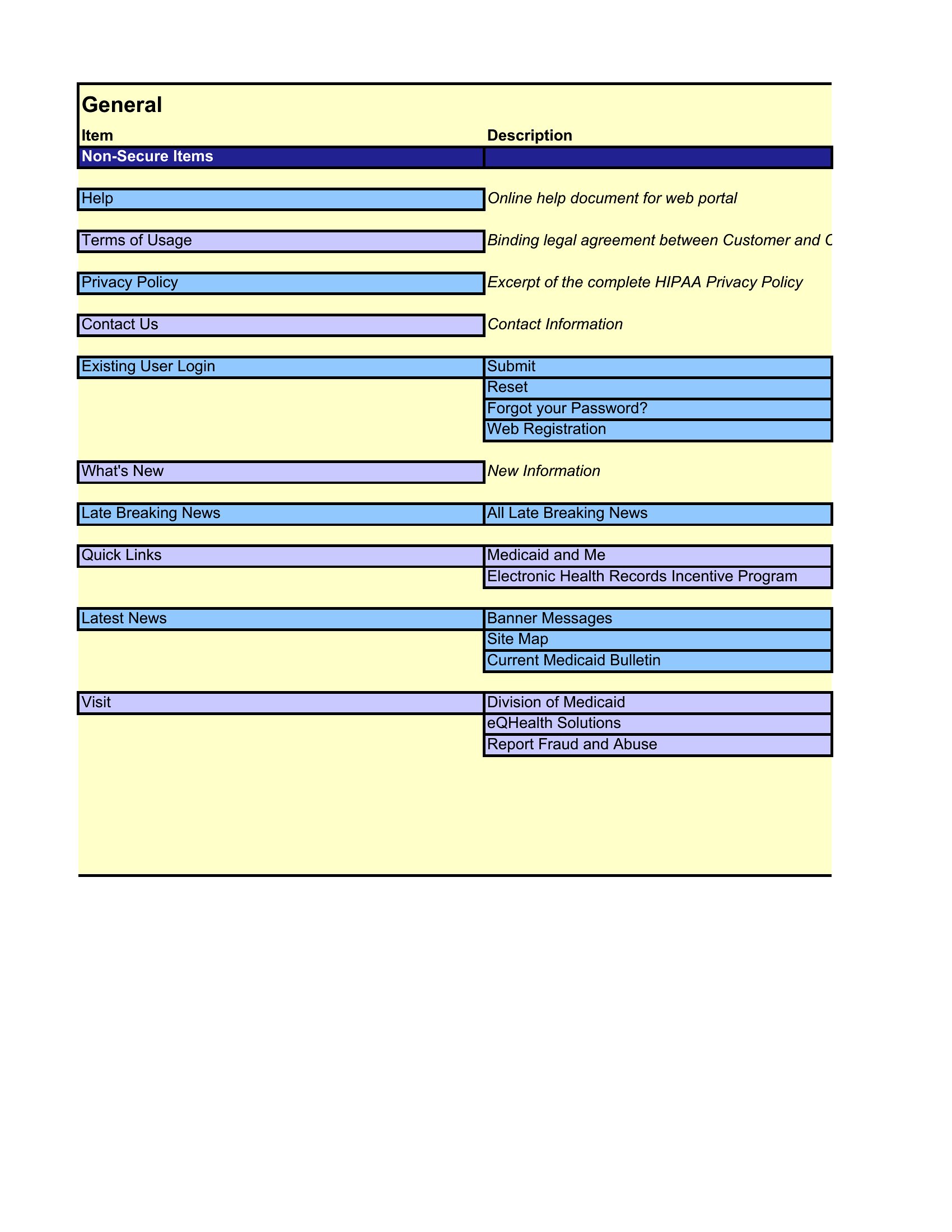
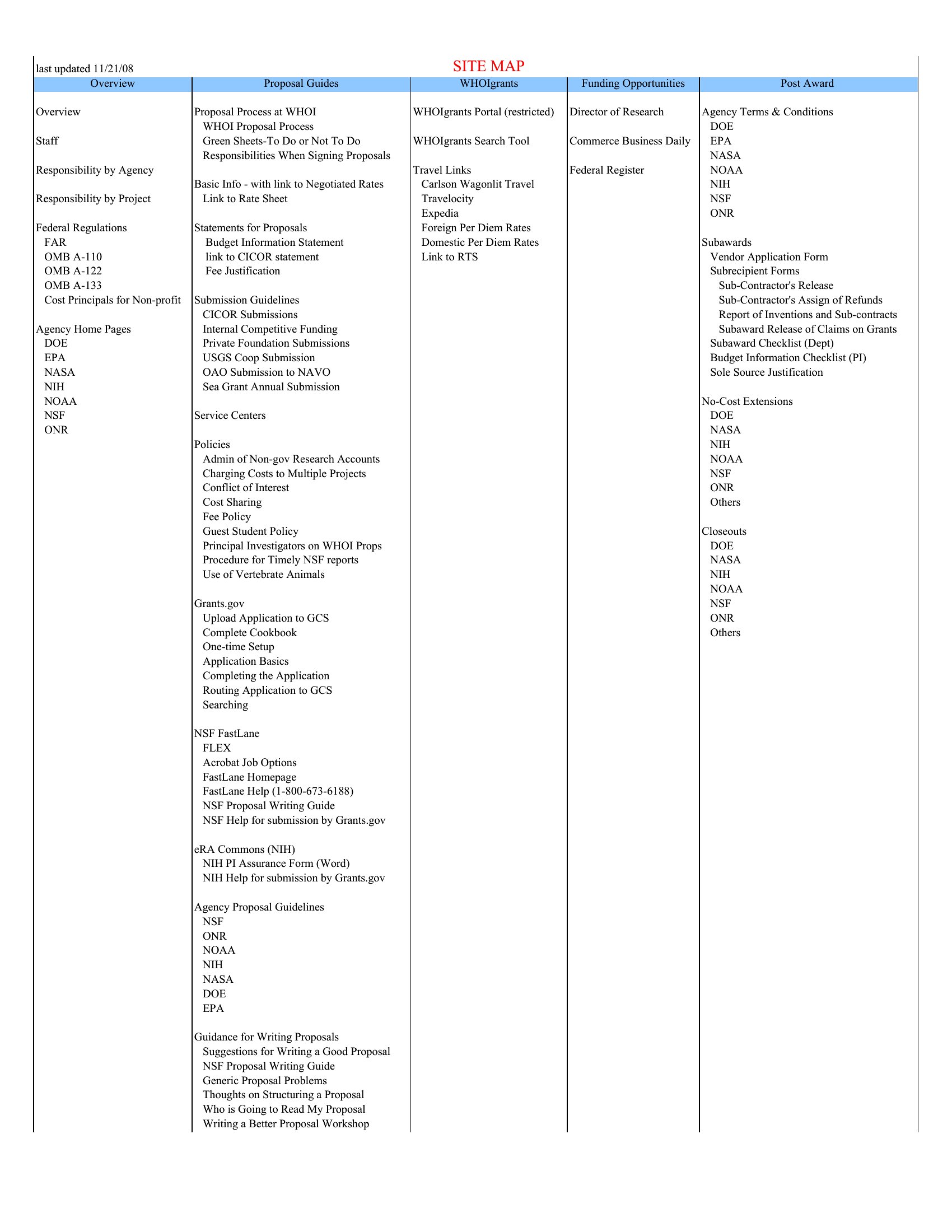
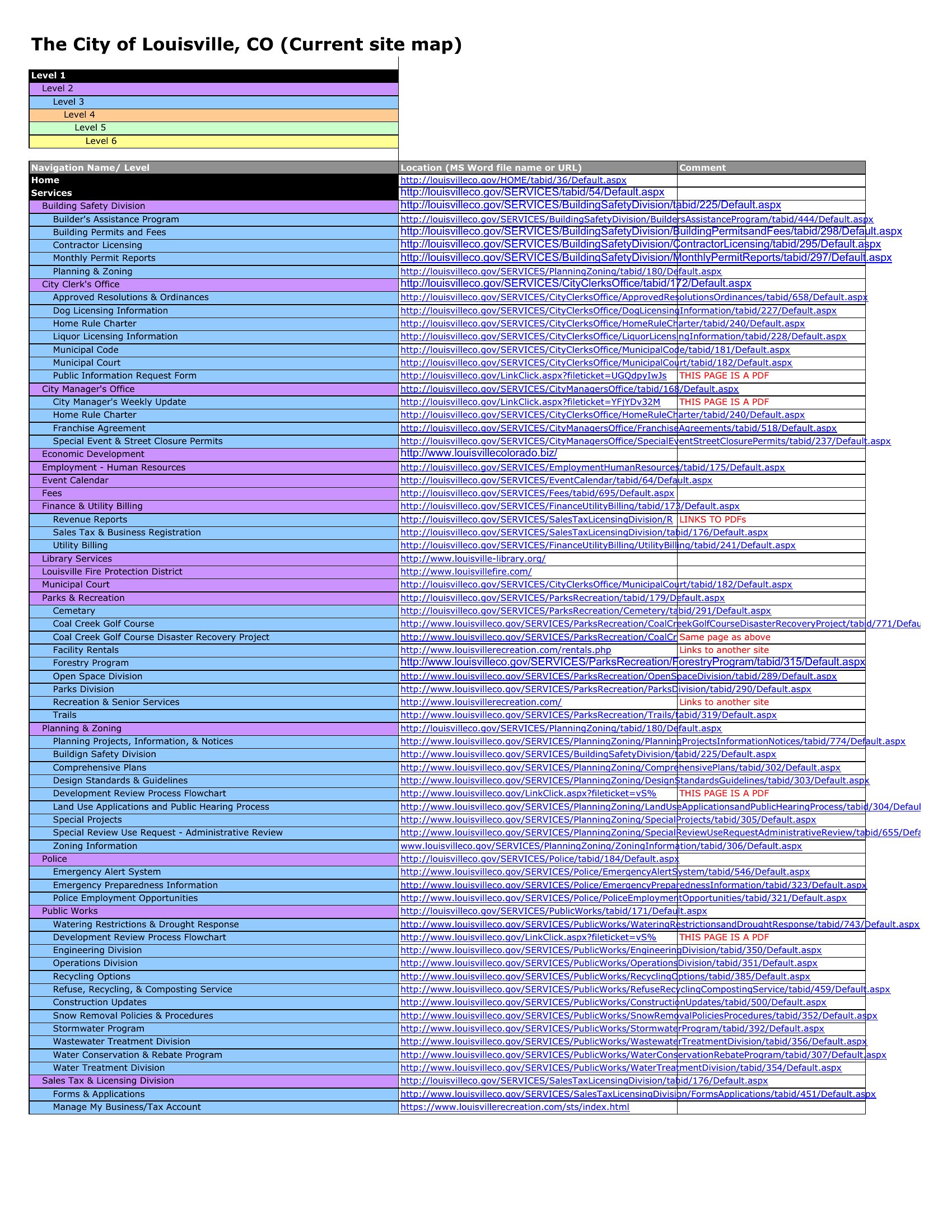
Site Map Template
Frequently Asked Questions about Sitemap Templates
Are these Sitemap templates free to download?
Yes. Every Sitemap template in this collection is free to download from TemplateSpark. Just open the template you need, download it, and start editing right away — no subscription required to get started.
What file formats are available for Sitemap templates?
These Sitemap templates are available in Word and Excel. Pick the format that matches your workflow — each download keeps the original layout so it looks right whether you open, print, or share it.
Can I edit these Sitemap templates?
Yes. The editable files open in Microsoft Word (and compatible apps like Google Docs or LibreOffice), so you can change the text, colors, and layout to fit your needs, then save or export the finished Sitemap document.
How many Sitemap templates can I choose from?
This page collects 12 Sitemap templates so you can compare styles and layouts in one place. Browse the options, open the one that fits your purpose best, and download it in your preferred format.
Can I use Sitemap templates for commercial purposes?
In most cases, yes — these Sitemap templates are intended for both personal and business use. Check the license note on the template before redistributing or reselling, and avoid sharing the source files as your own product.
What is a sitemap and why create one before building a website?
A sitemap is a visual outline of a website pages and how they link together. Creating one before building clarifies the structure, shows how visitors will navigate, and helps spot gaps or redundant pages early, saving hours of rework once design and development begin.
What should a website sitemap include?
A sitemap lists the main pages, their subpages, and the links or hierarchy between them, often starting from the homepage. It groups related content into sections and shows navigation paths. Some also note page purposes or priorities, helping content teams plan what each page needs to contain.
What is the difference between a visual sitemap and an XML sitemap?
A visual sitemap is a planning diagram that shows page structure for designers and content teams. An XML sitemap is a file submitted to search engines listing URLs so they can crawl the site. One guides the build, the other helps search engines index the finished pages.
Comments
Join the conversation
Sign in to share your thoughts and leave a comment on this resource.