
Free Project Summary Templates (Word, Excel)
Status by sofiasordal
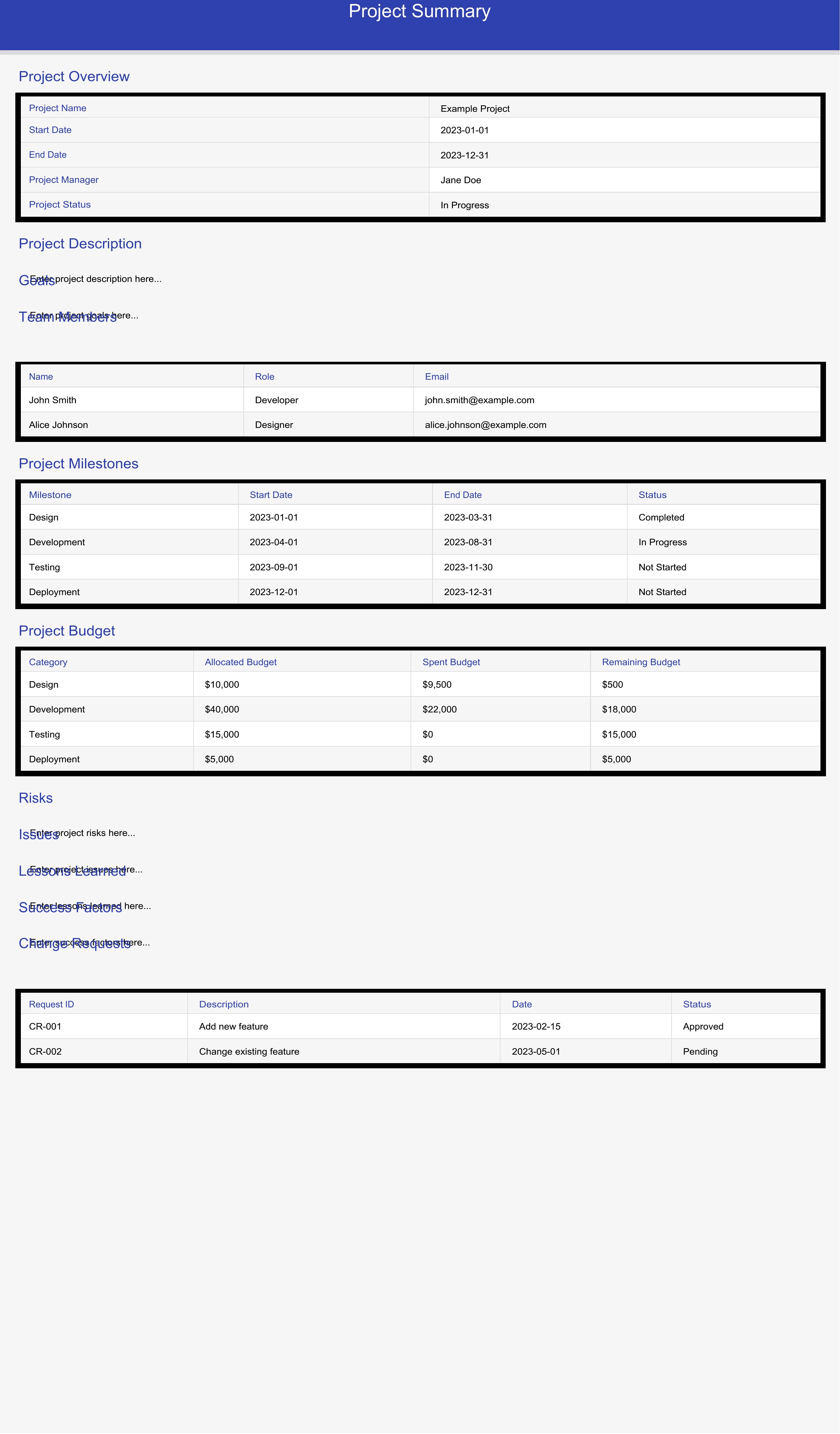
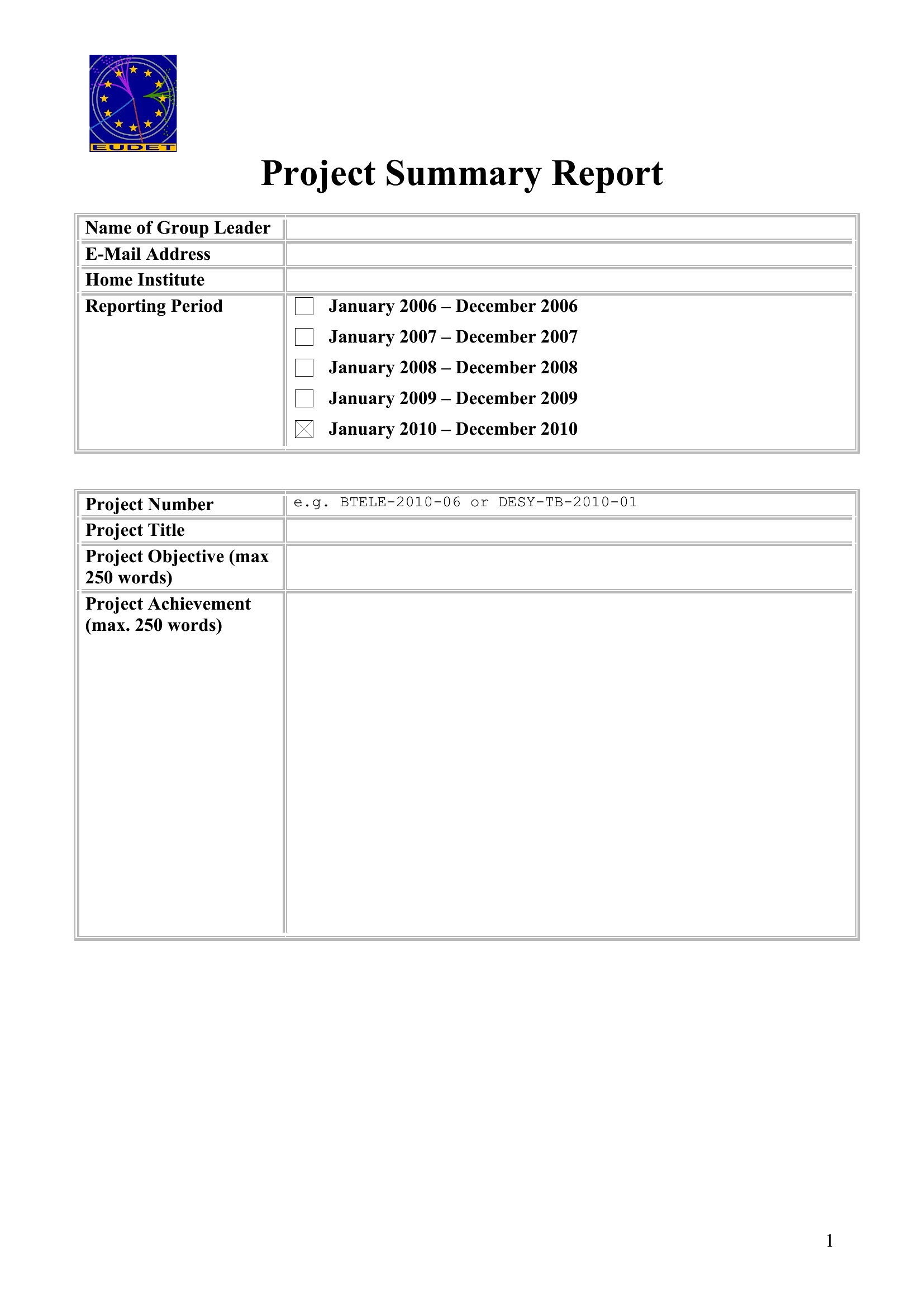
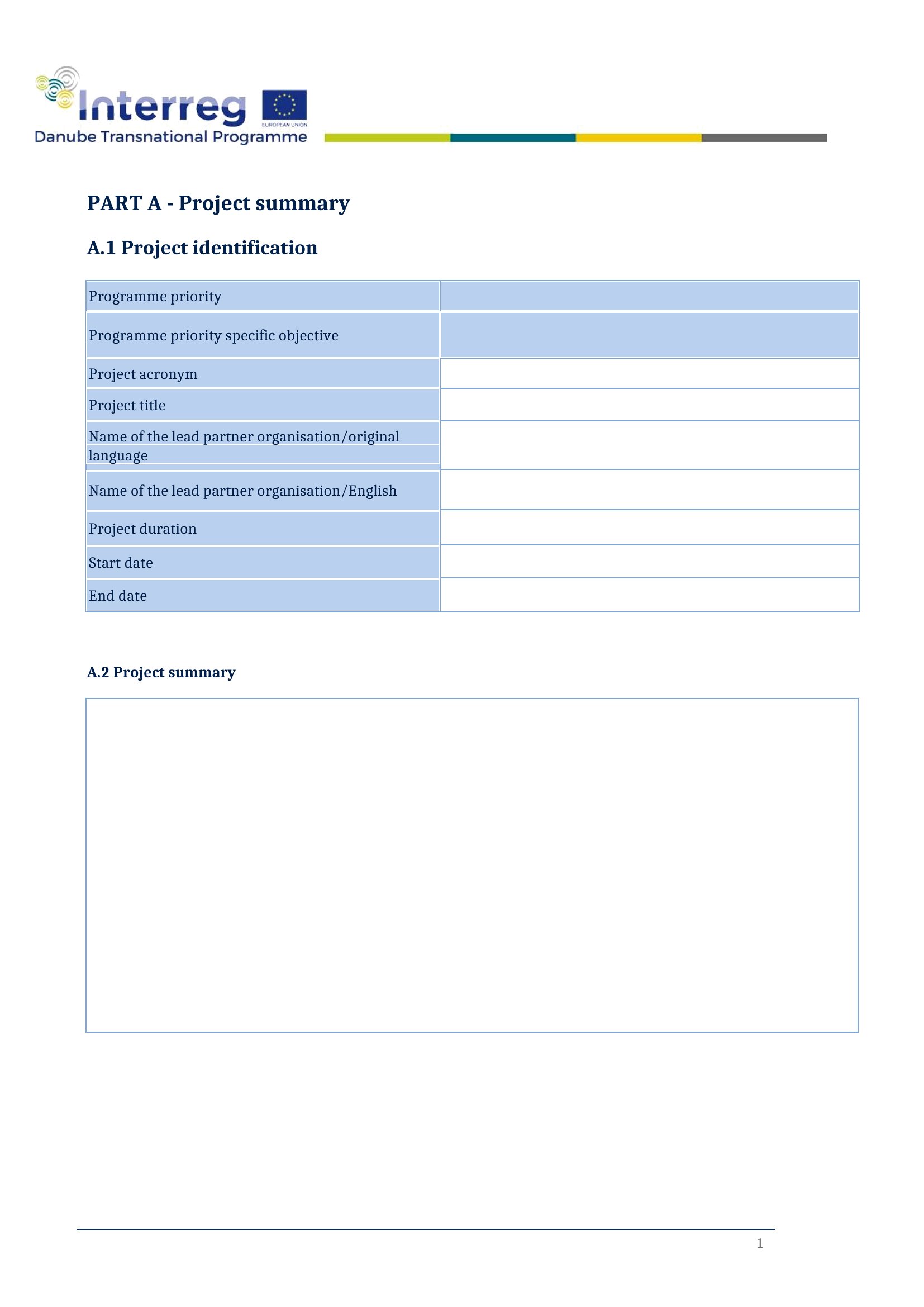
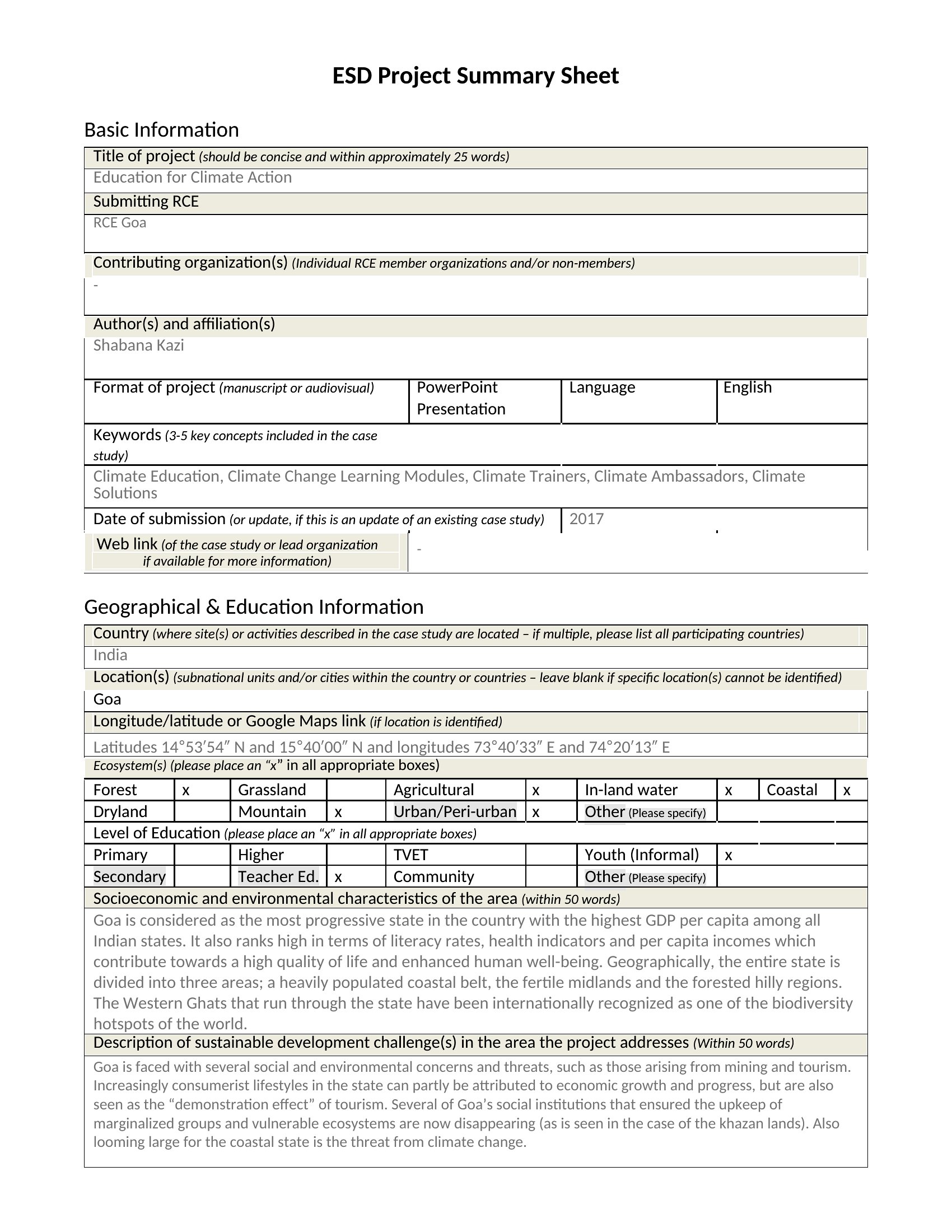
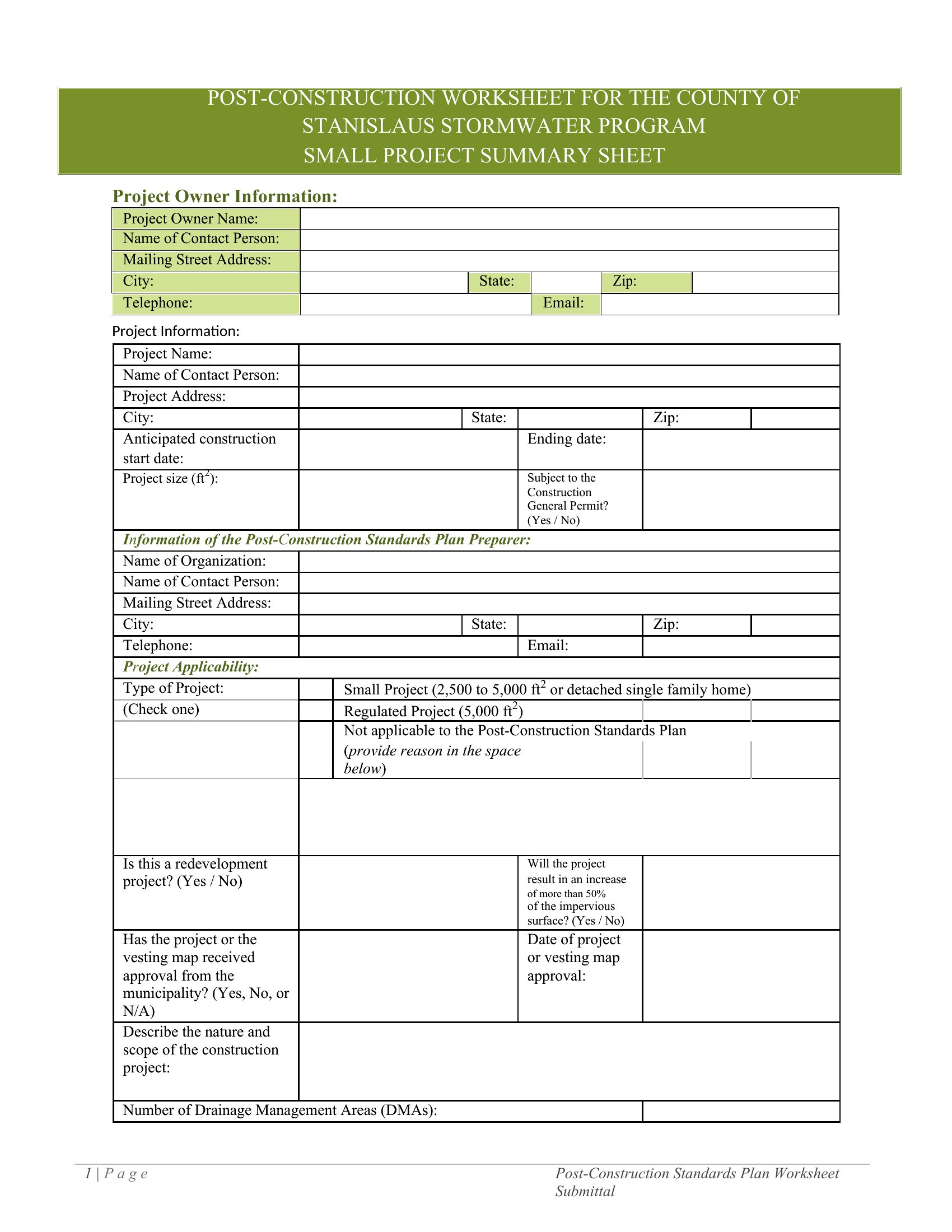
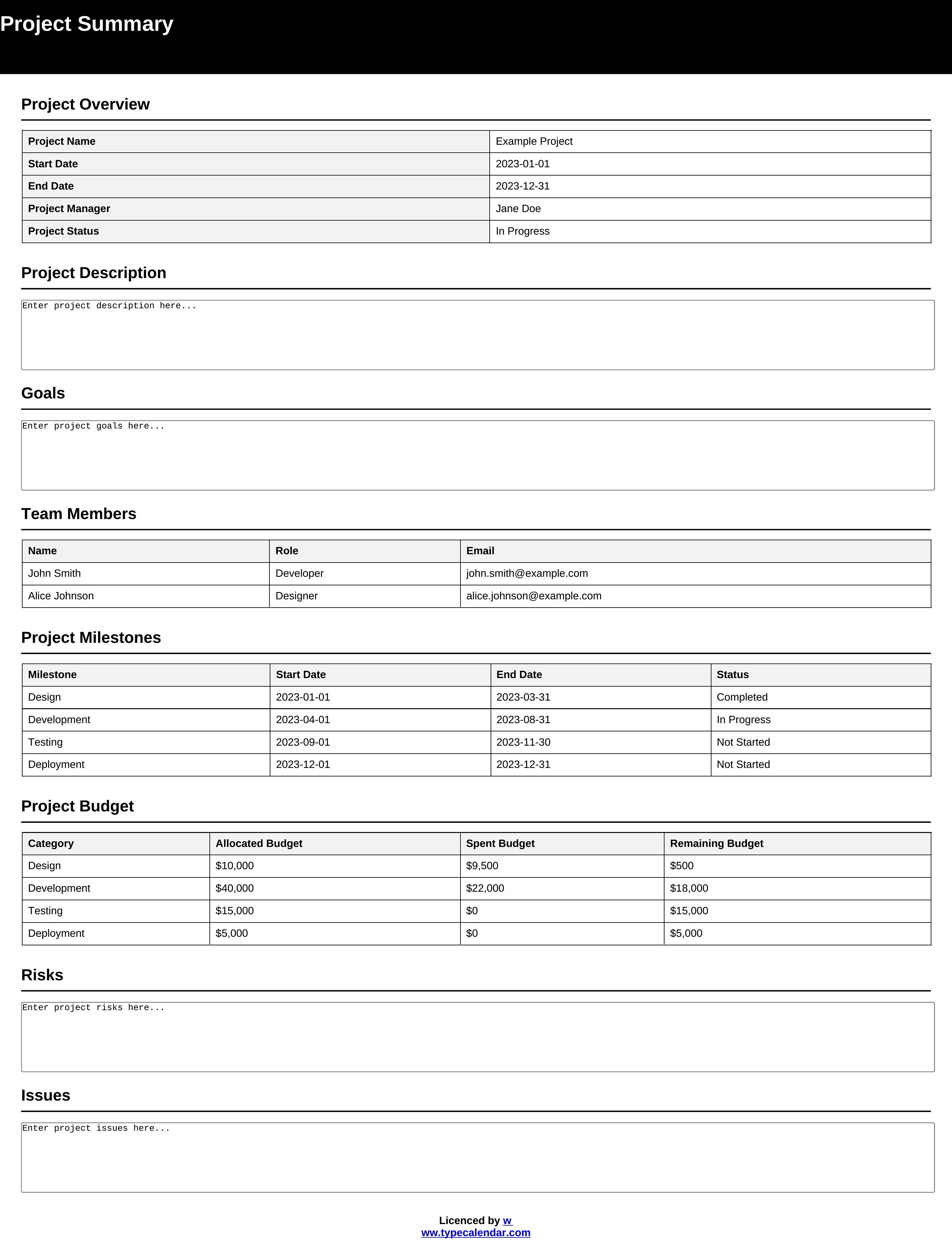
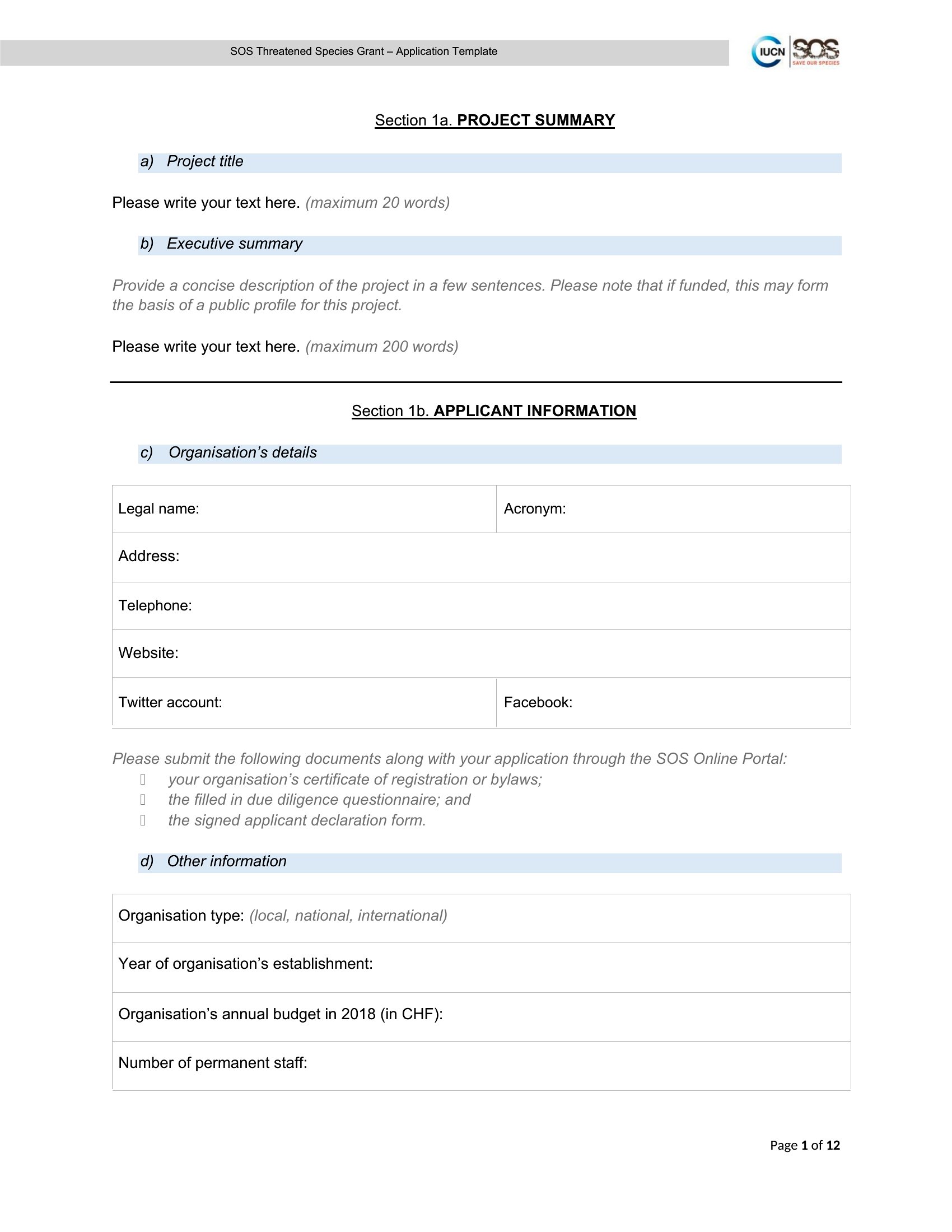
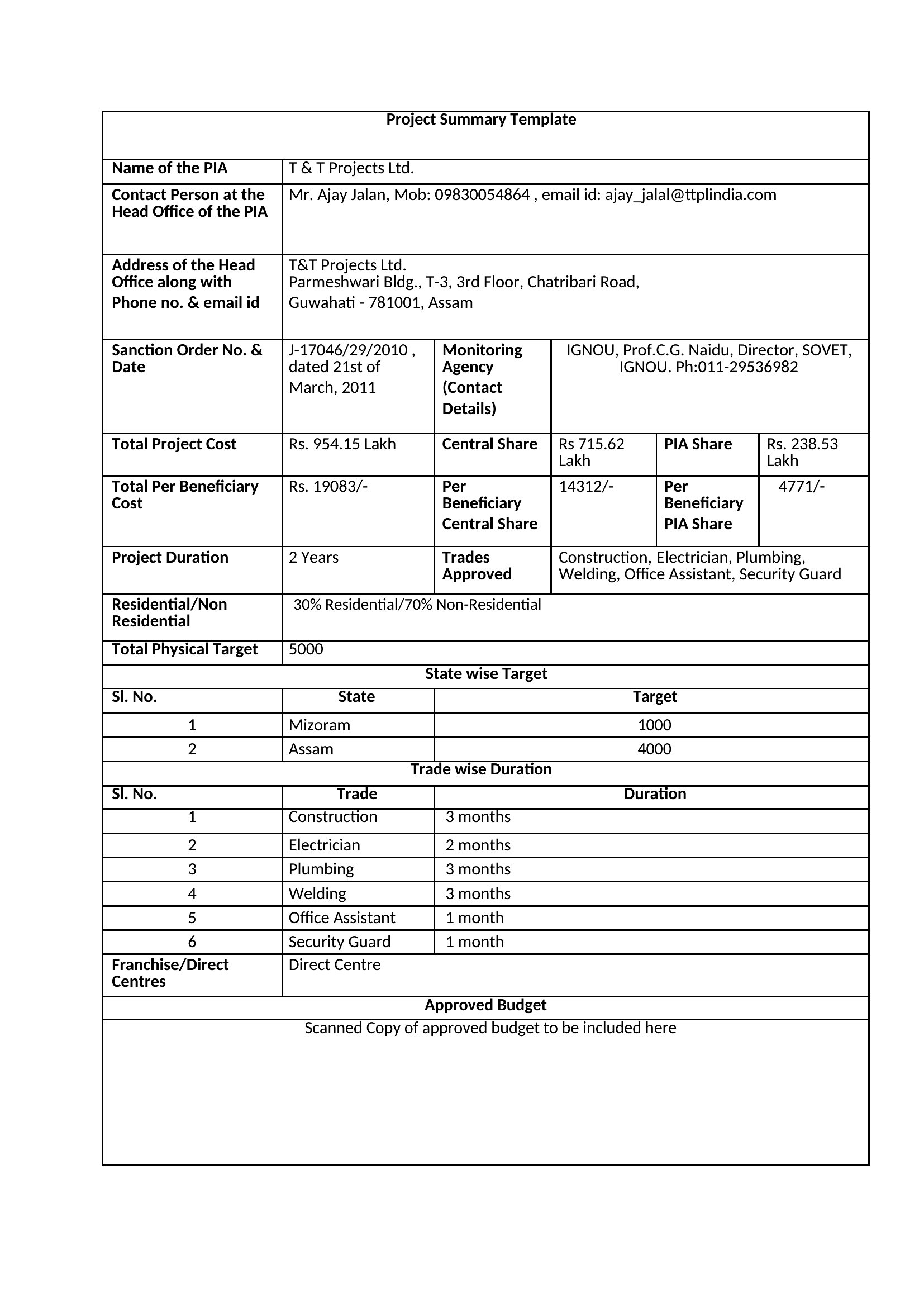
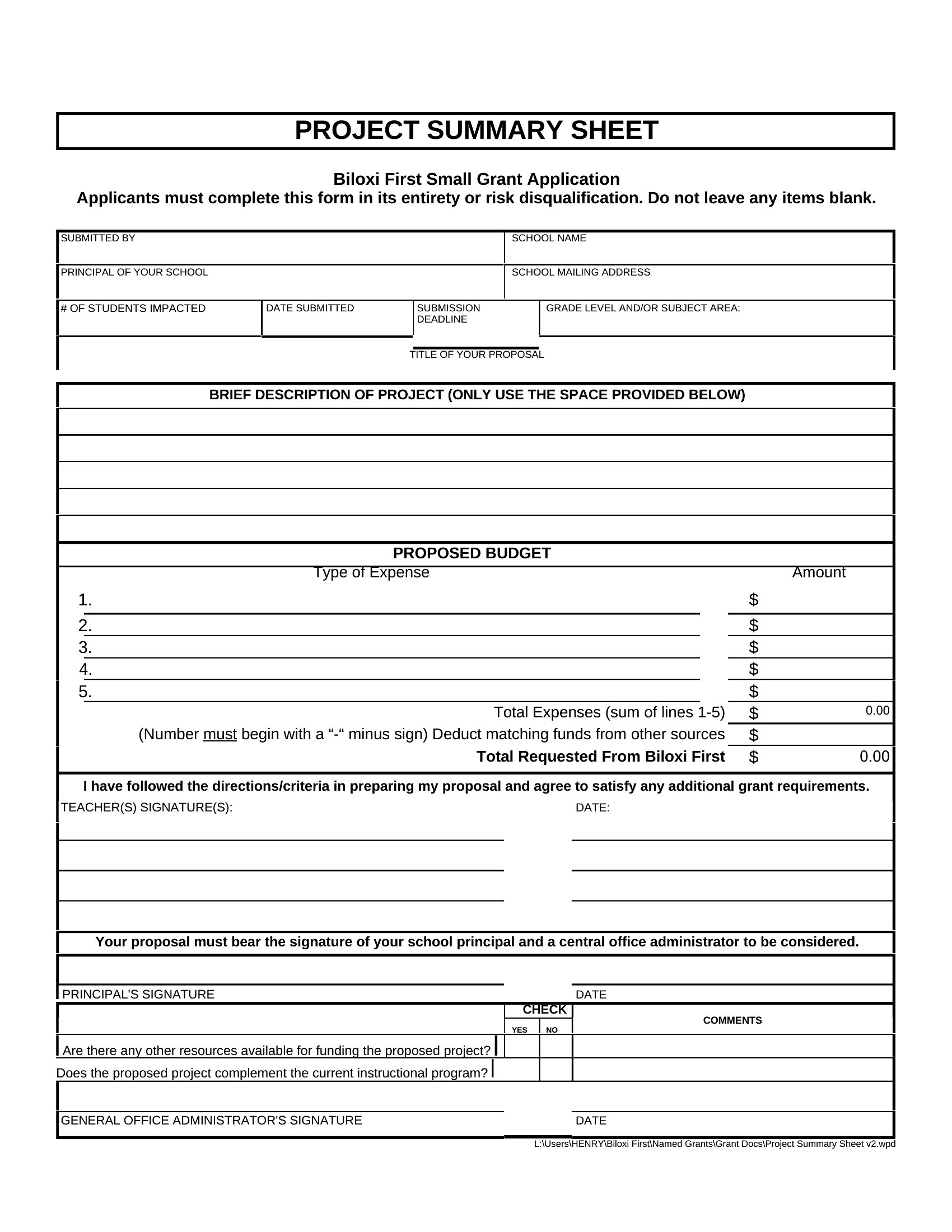
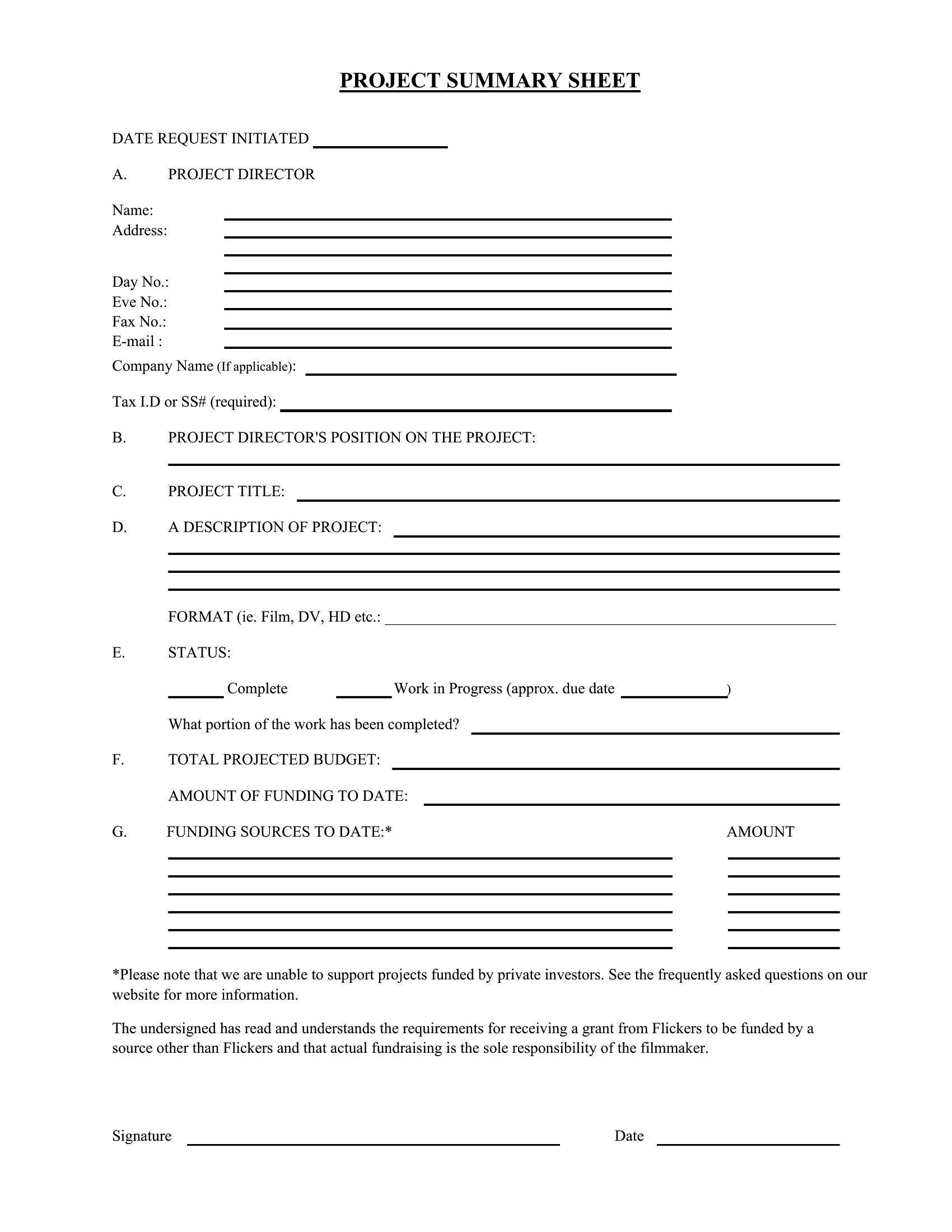
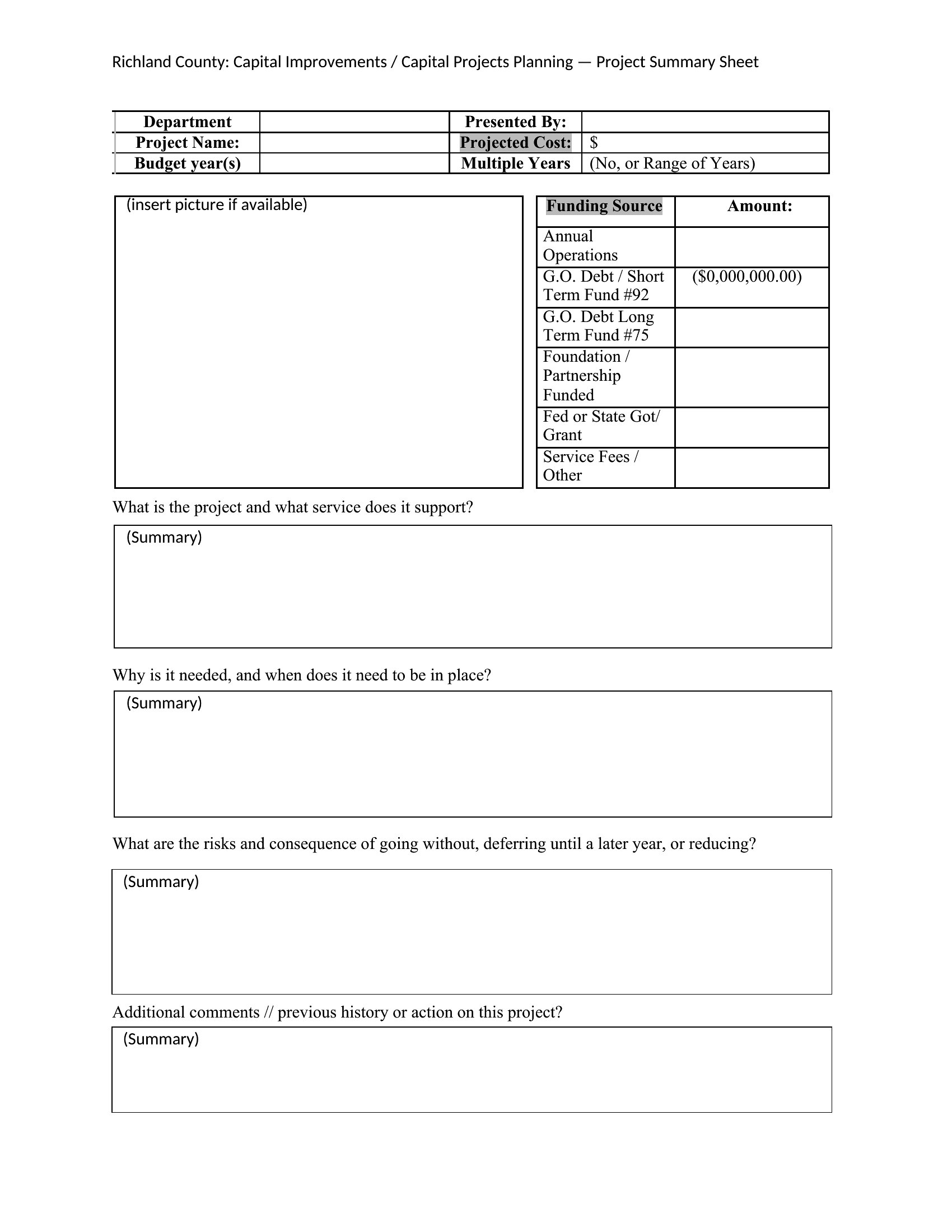
A sharp project summary gives stakeholders the big picture, including goals, progress, and outcomes, without making them read a full report. These 41 templates include one-page overviews, executive summaries, and status sheets that managers use to keep leadership in the loop. Project managers and team leads can communicate clearly to busy decision-makers.
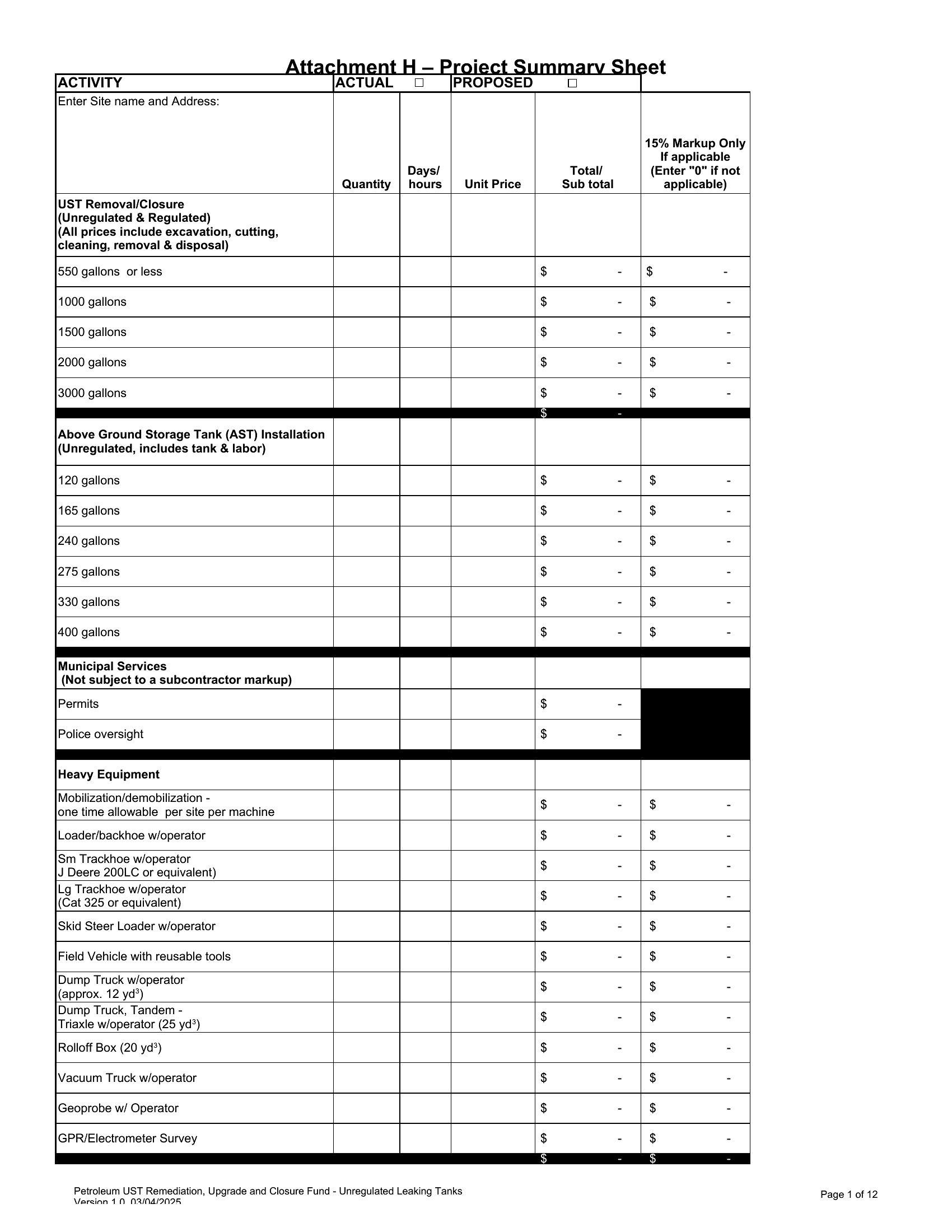
You'll find Word versions for written summaries and Excel sheets for metrics and timelines. Fill in your objectives, highlight the key results, and produce a clean recap for a meeting or an email update. Download the format that fits your project and have a polished summary ready to share.
When to use this Project Summary template
- Senior project managers use one-page Word summaries to quickly brief executives on project health during weekly leadership meetings, replacing lengthy status reports.
- Agency directors rely on Excel Project Summary templates to consolidate client project metrics for monthly performance reviews, ensuring accountability across teams.
- Construction foremen print concise Word summaries for subcontractors to clarify deliverables and timelines, reducing miscommunication on-site.
- Research teams share executive-style Word summaries with university administrators to secure funding renewals, distilling complex findings into accessible highlights.
Which format should I download?
Choose Word when you need a polished, narrative-driven summary designed for leadership presentations or printed reports—ideal for executives who prefer structured text over data. Select Excel when your summary requires quantitative comparisons (e.g., budget vs. actuals) or interactive elements like progress trackers. Most templates offer both, but opt for Word if your audience prioritizes readability and context over raw numbers.
Choose from 41 Project Summary Templates
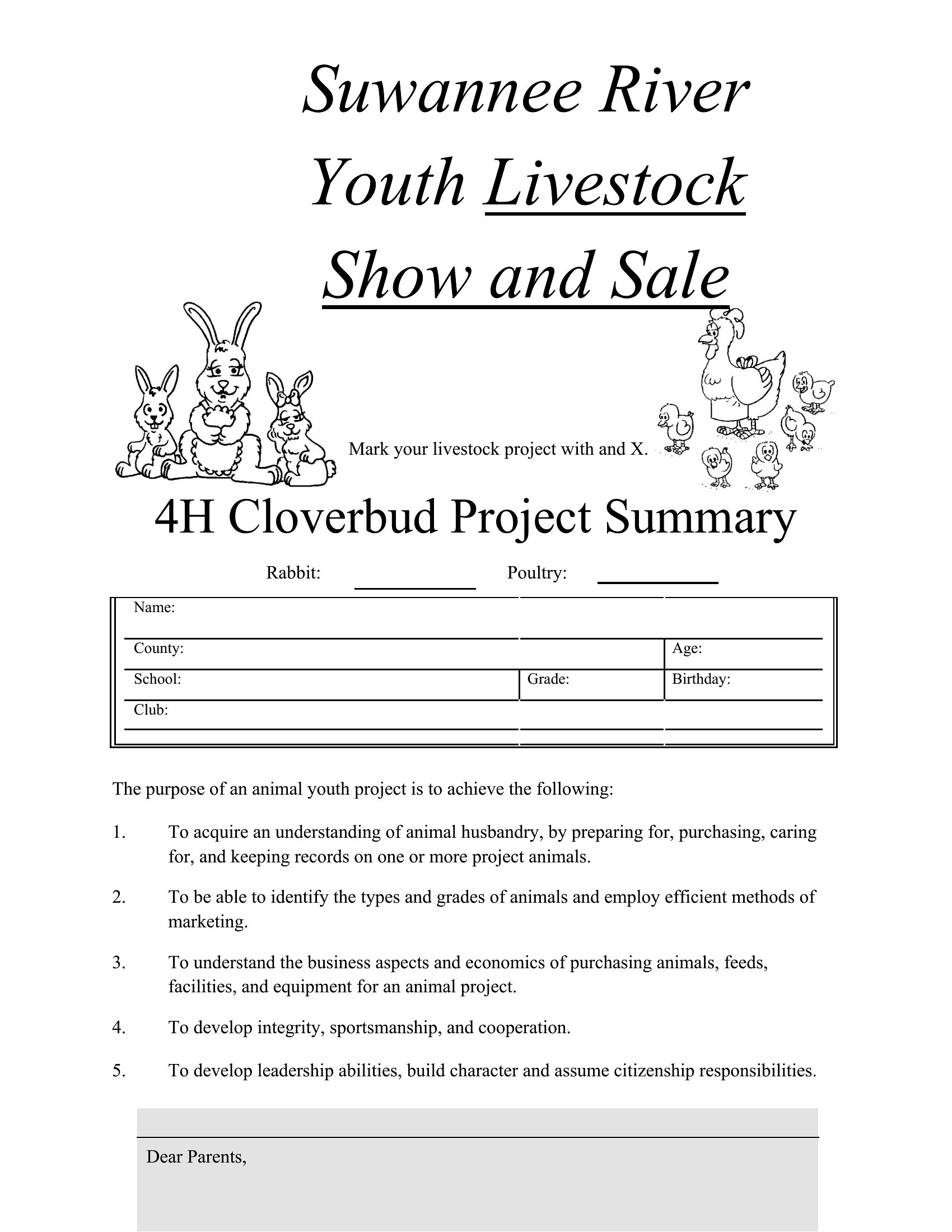
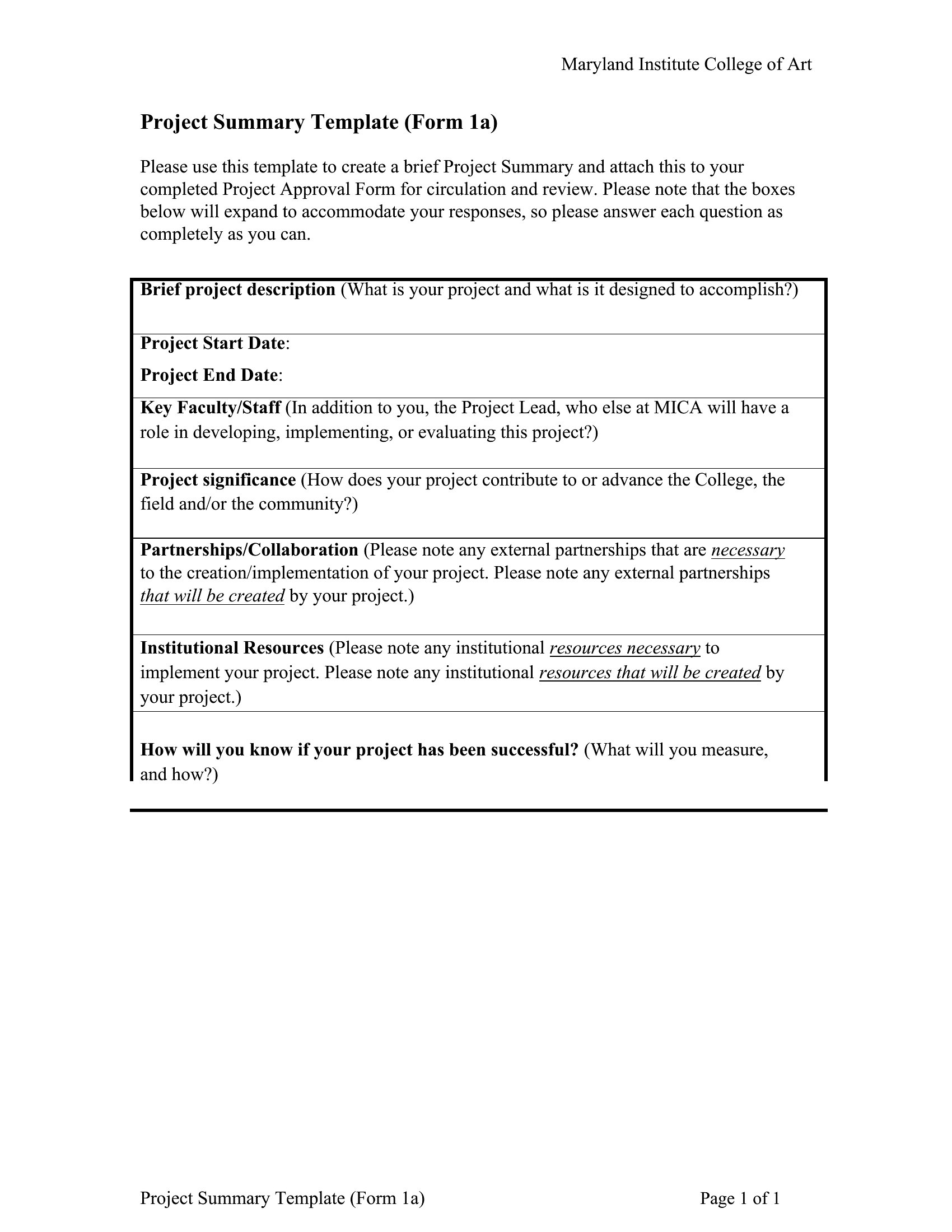
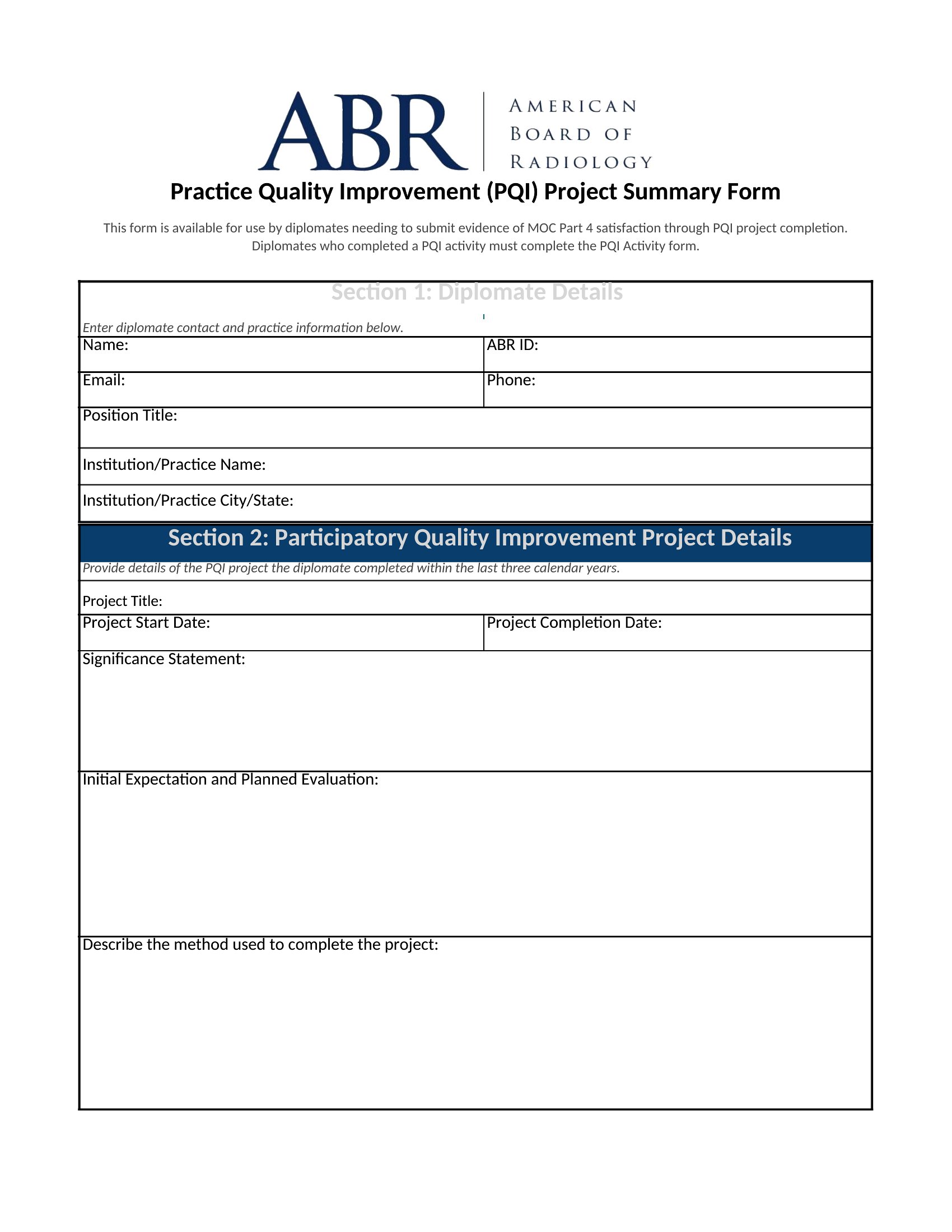
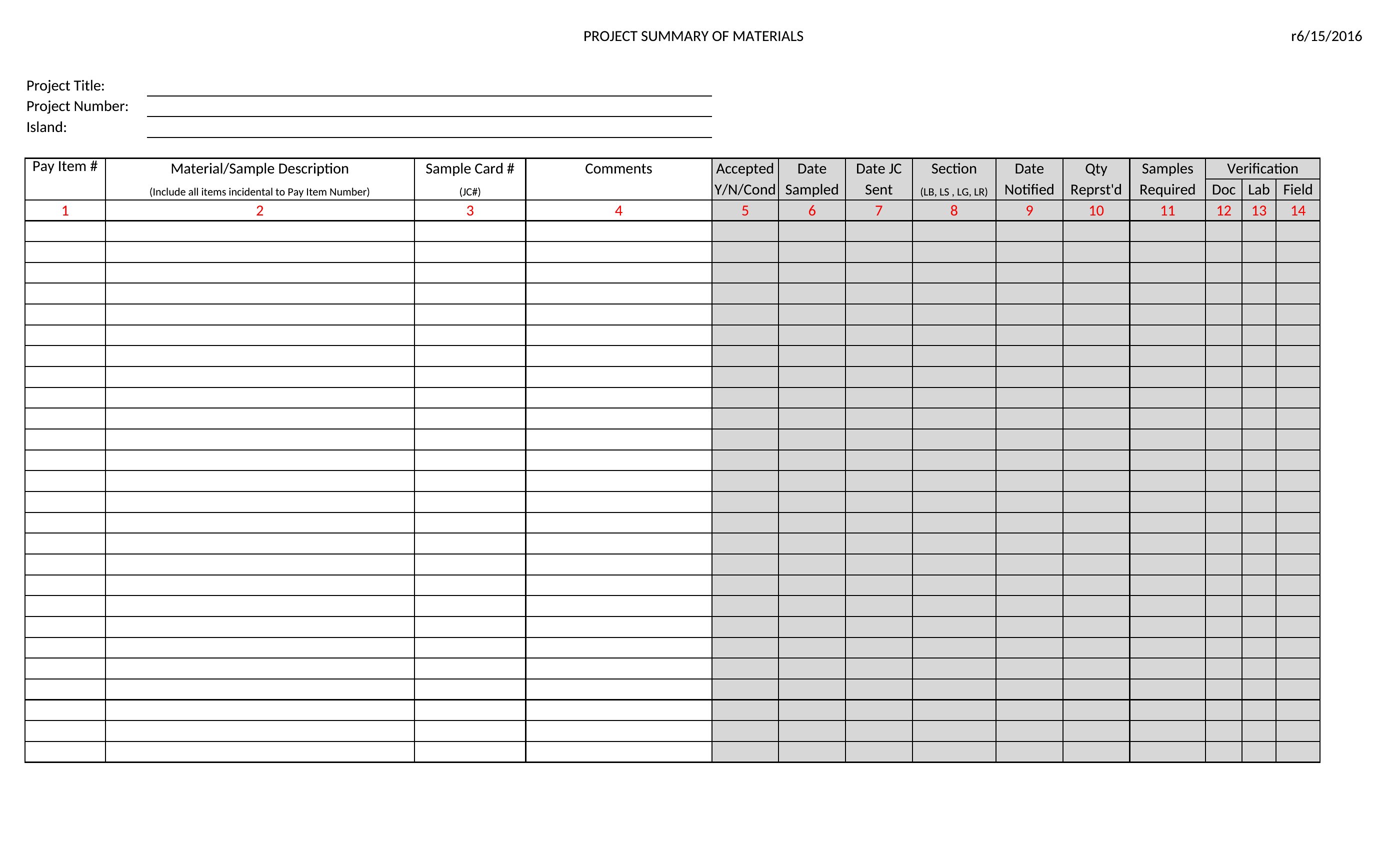
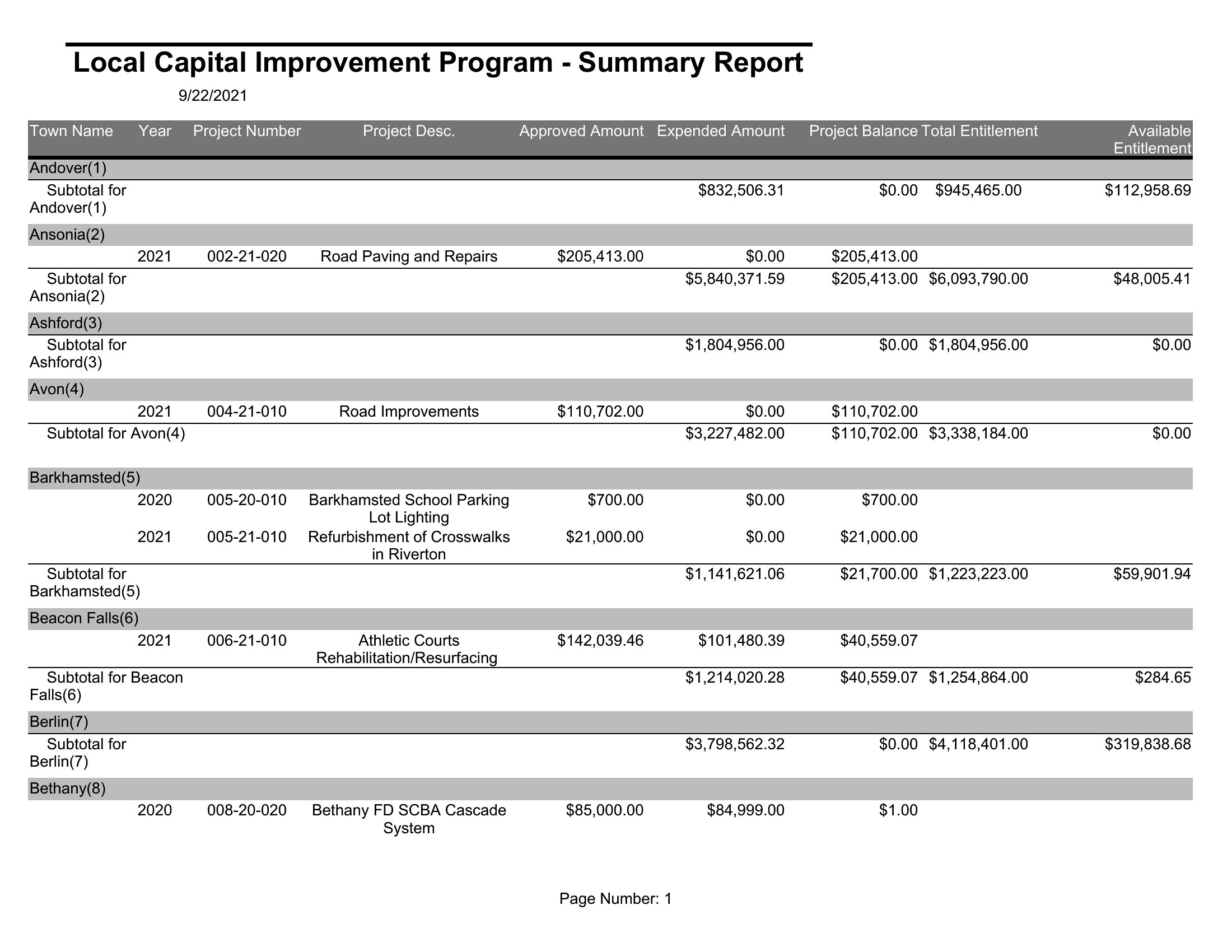
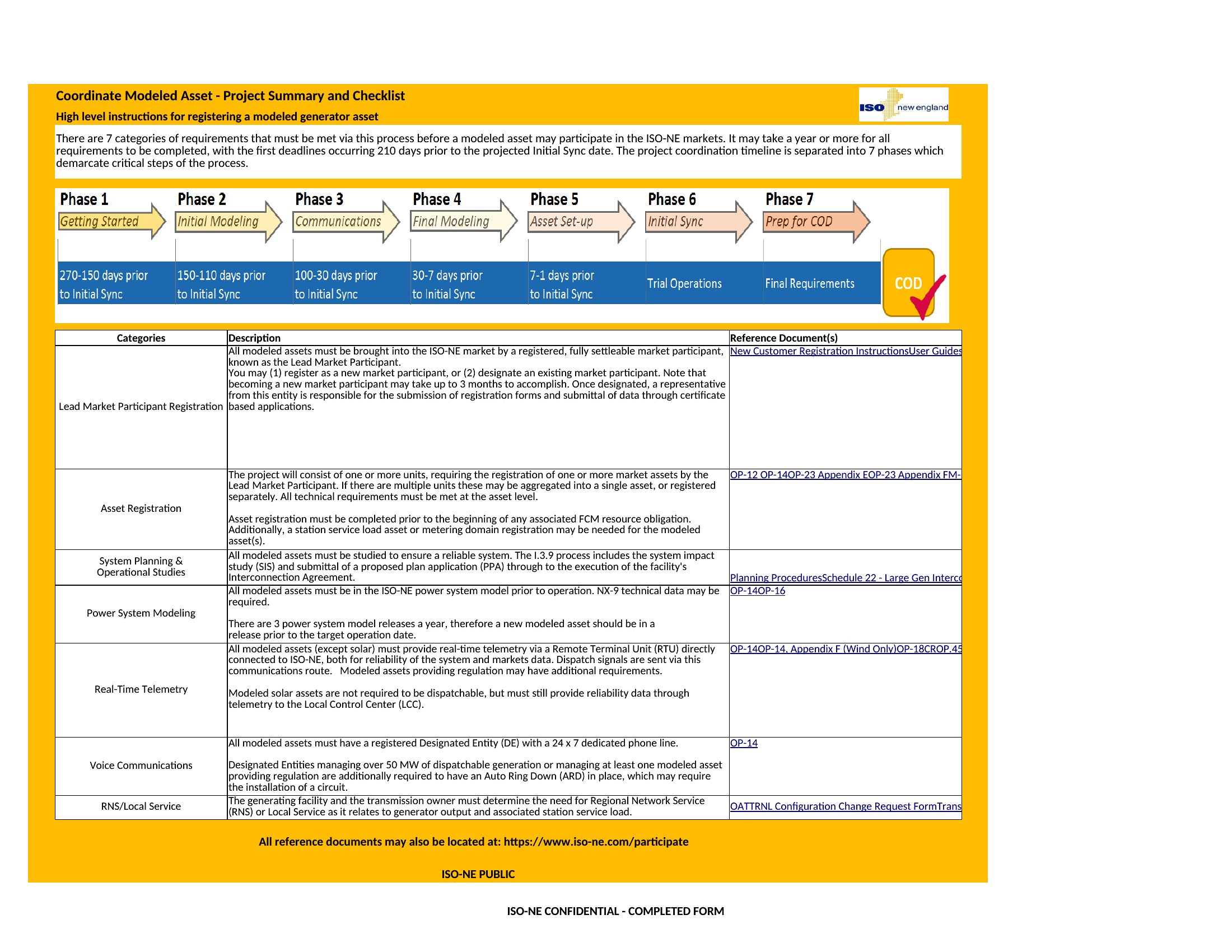
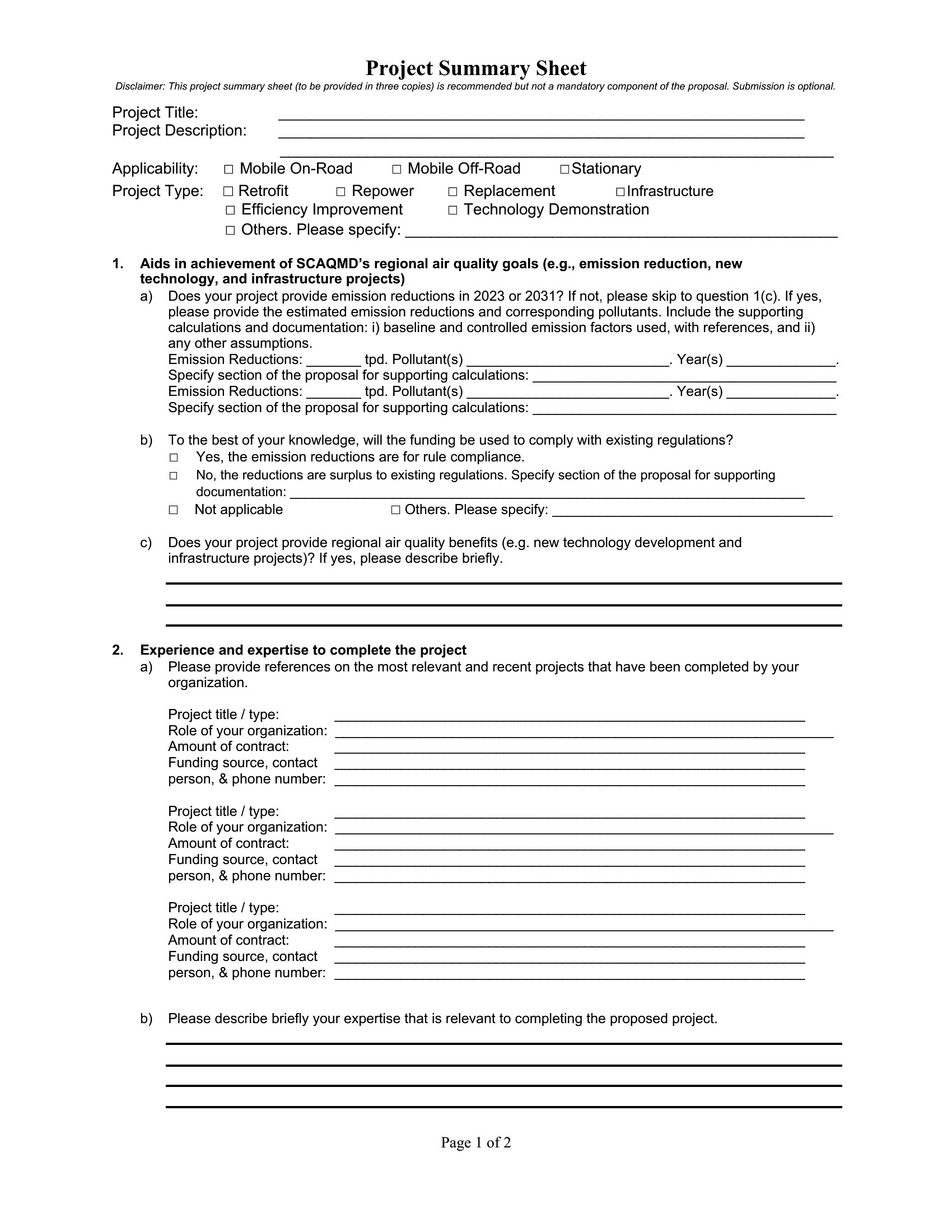
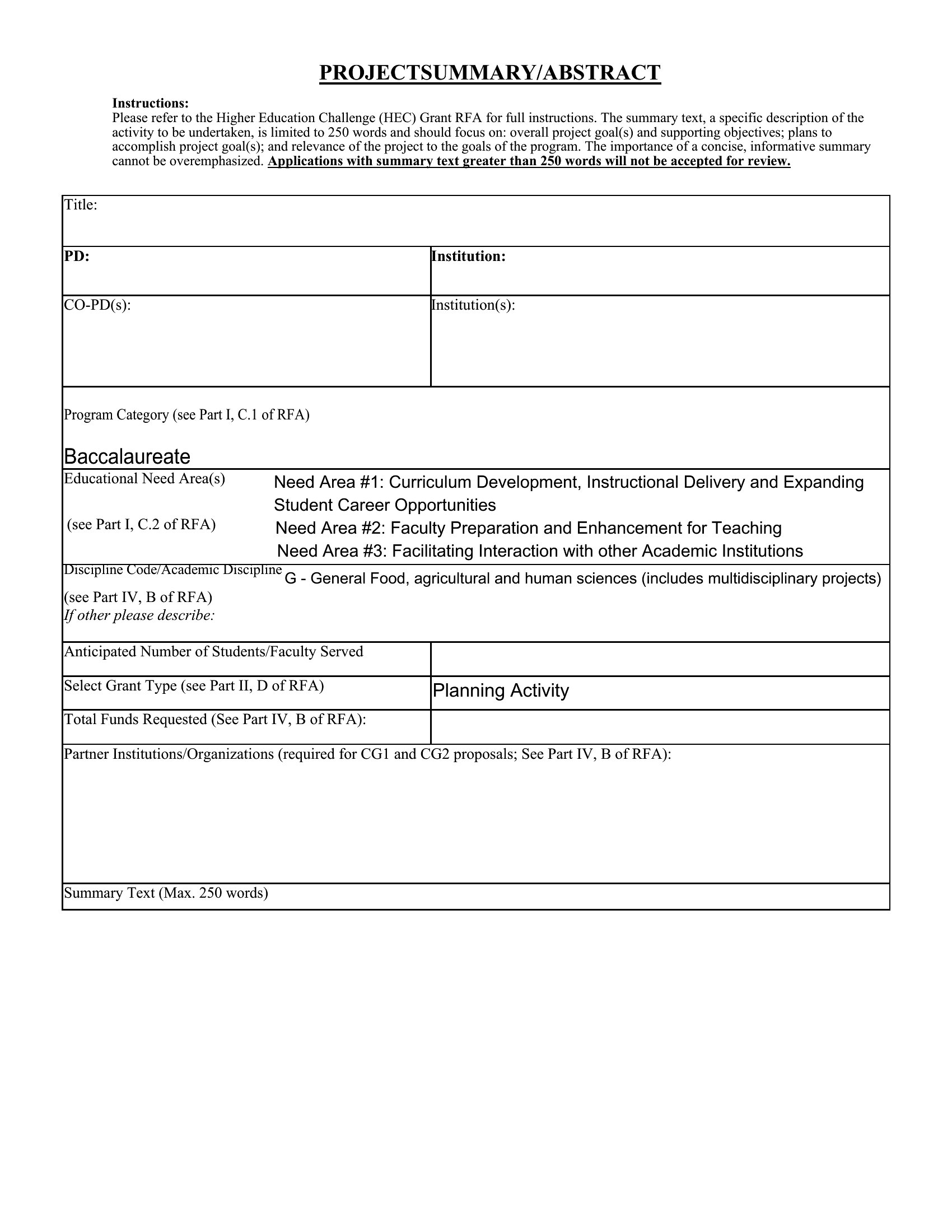
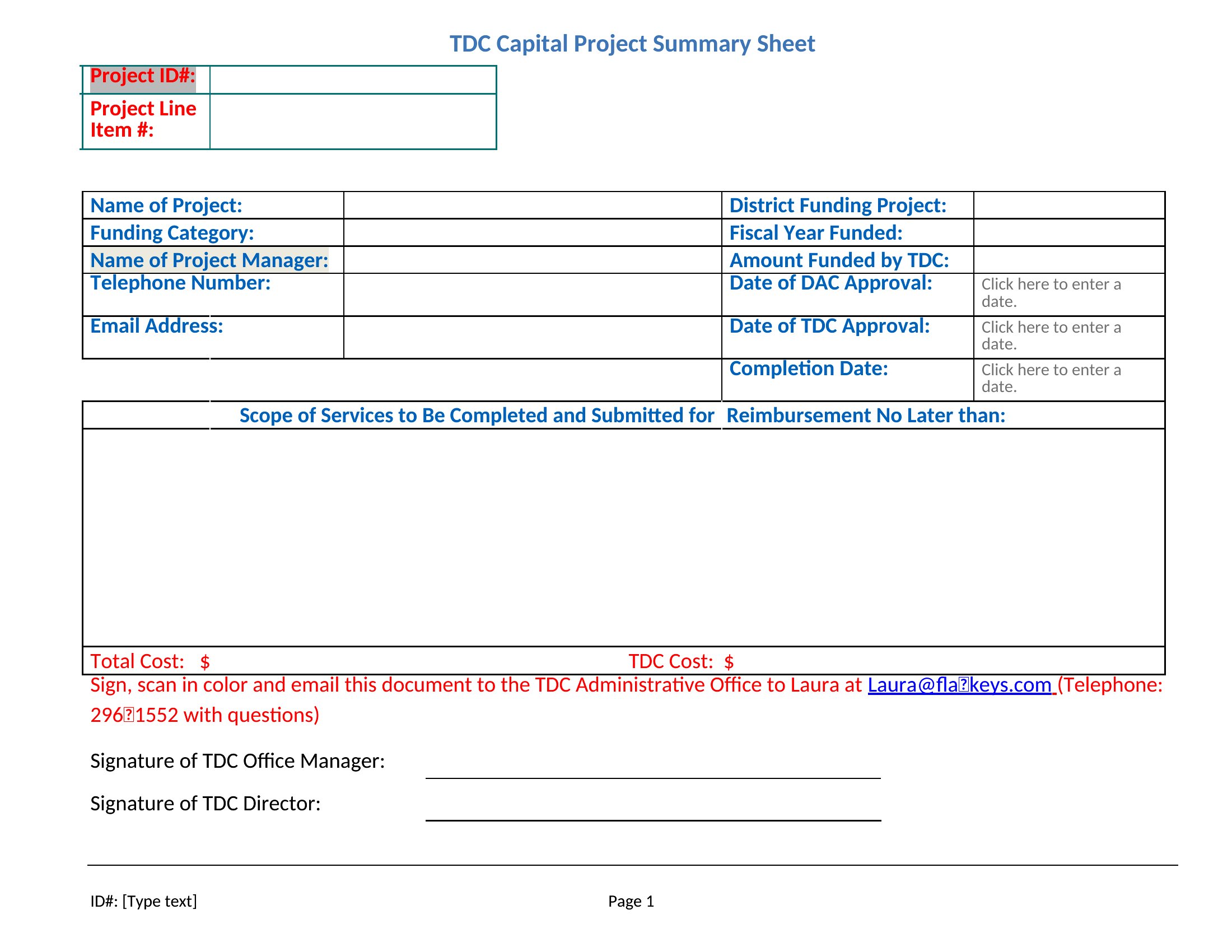
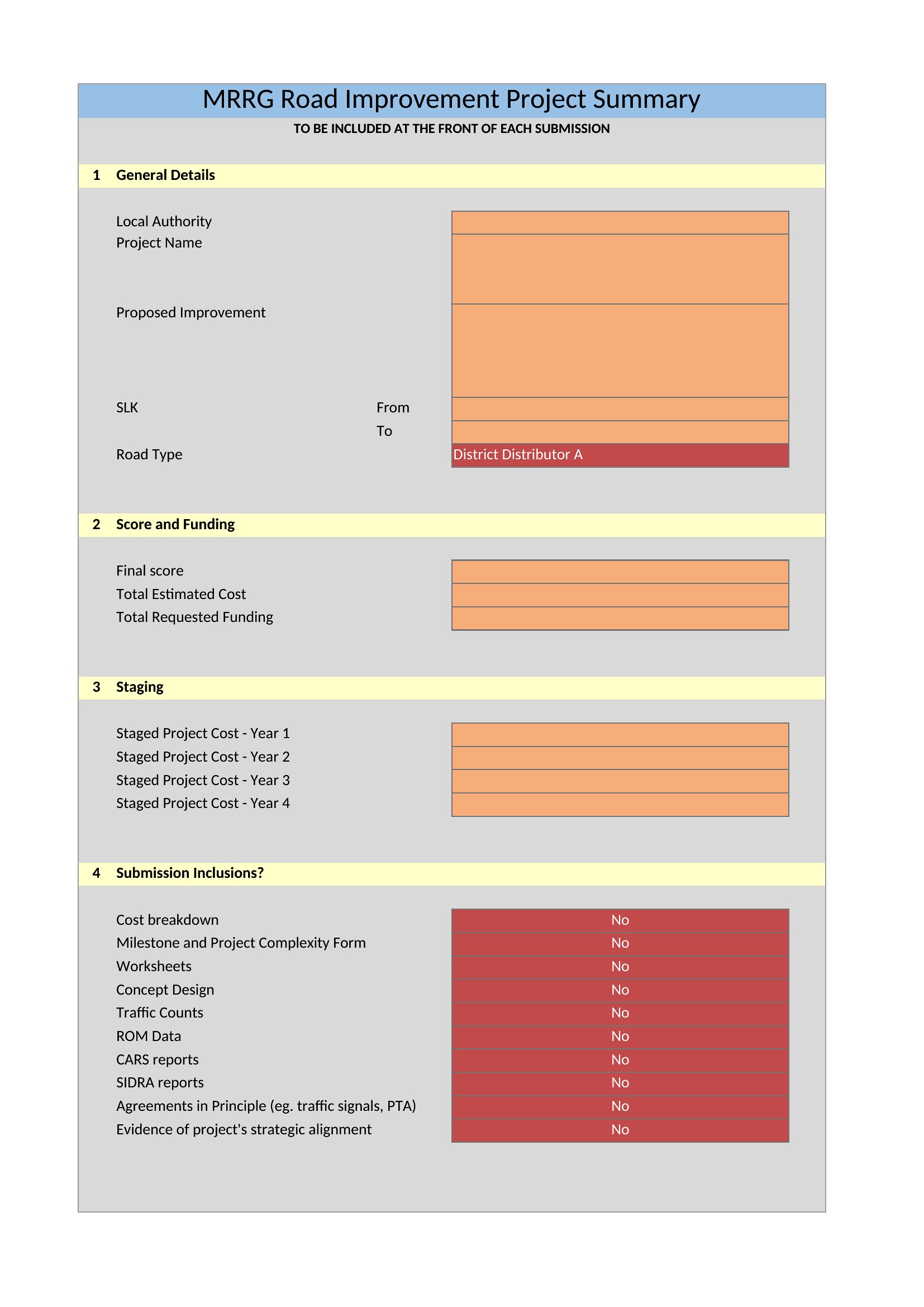
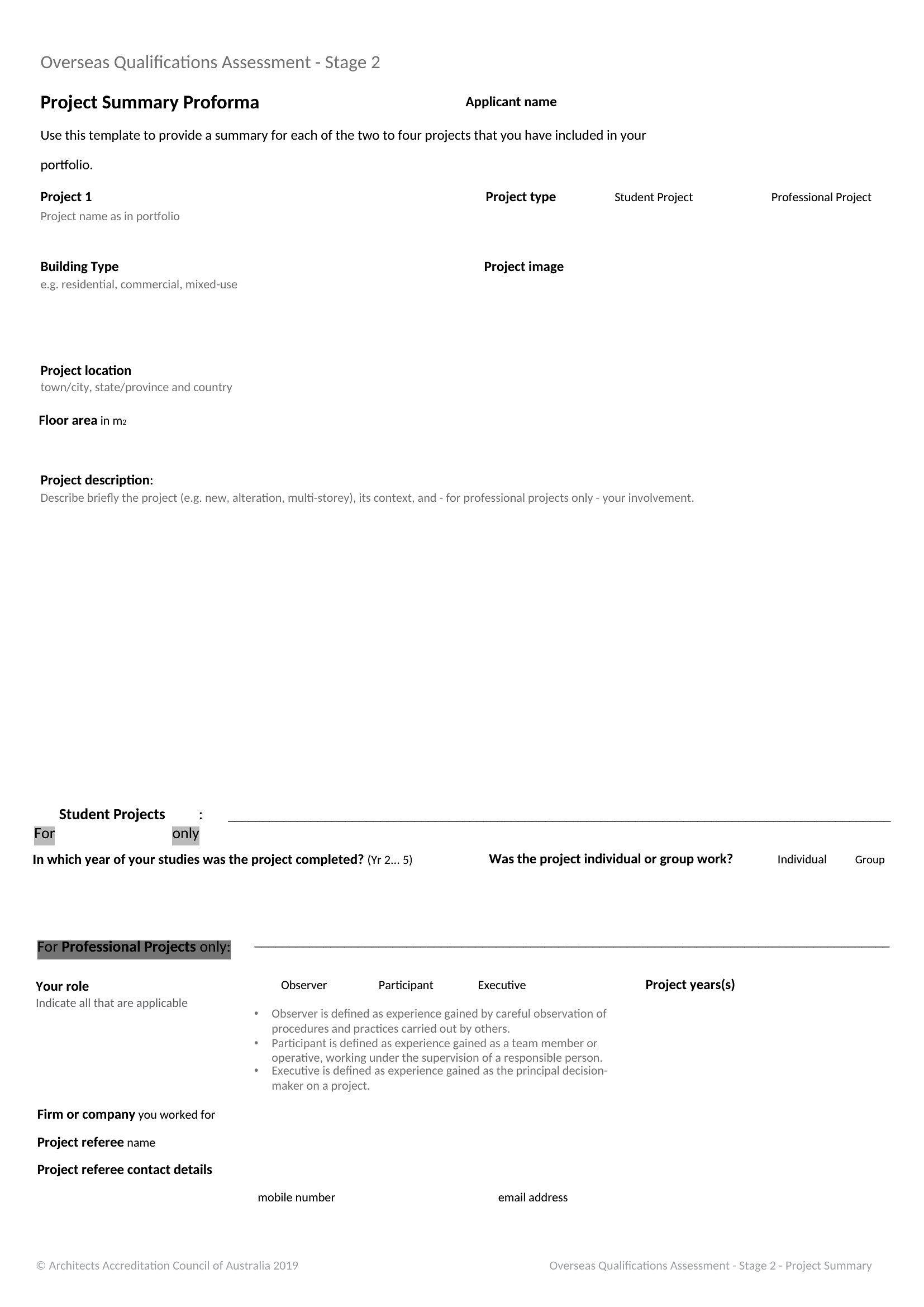
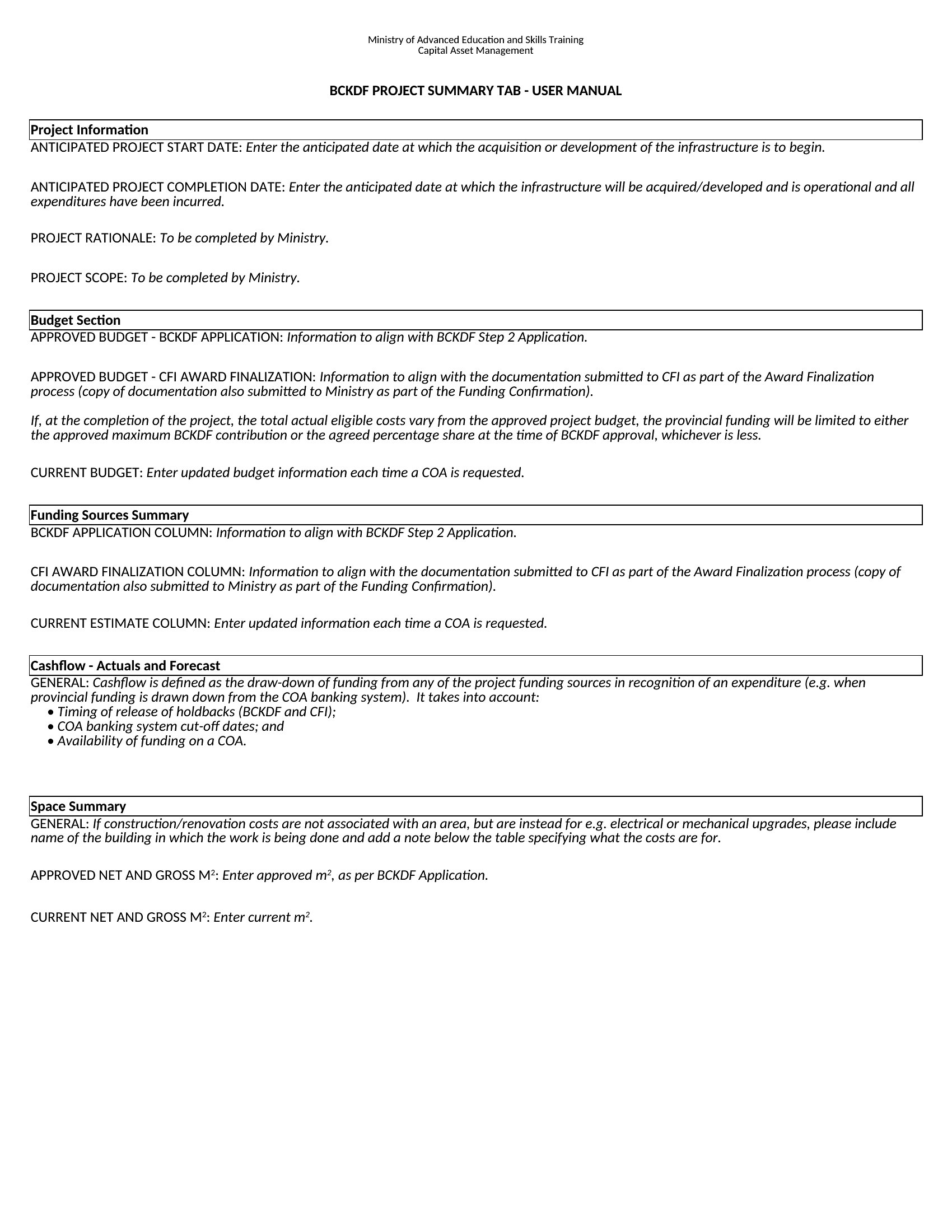
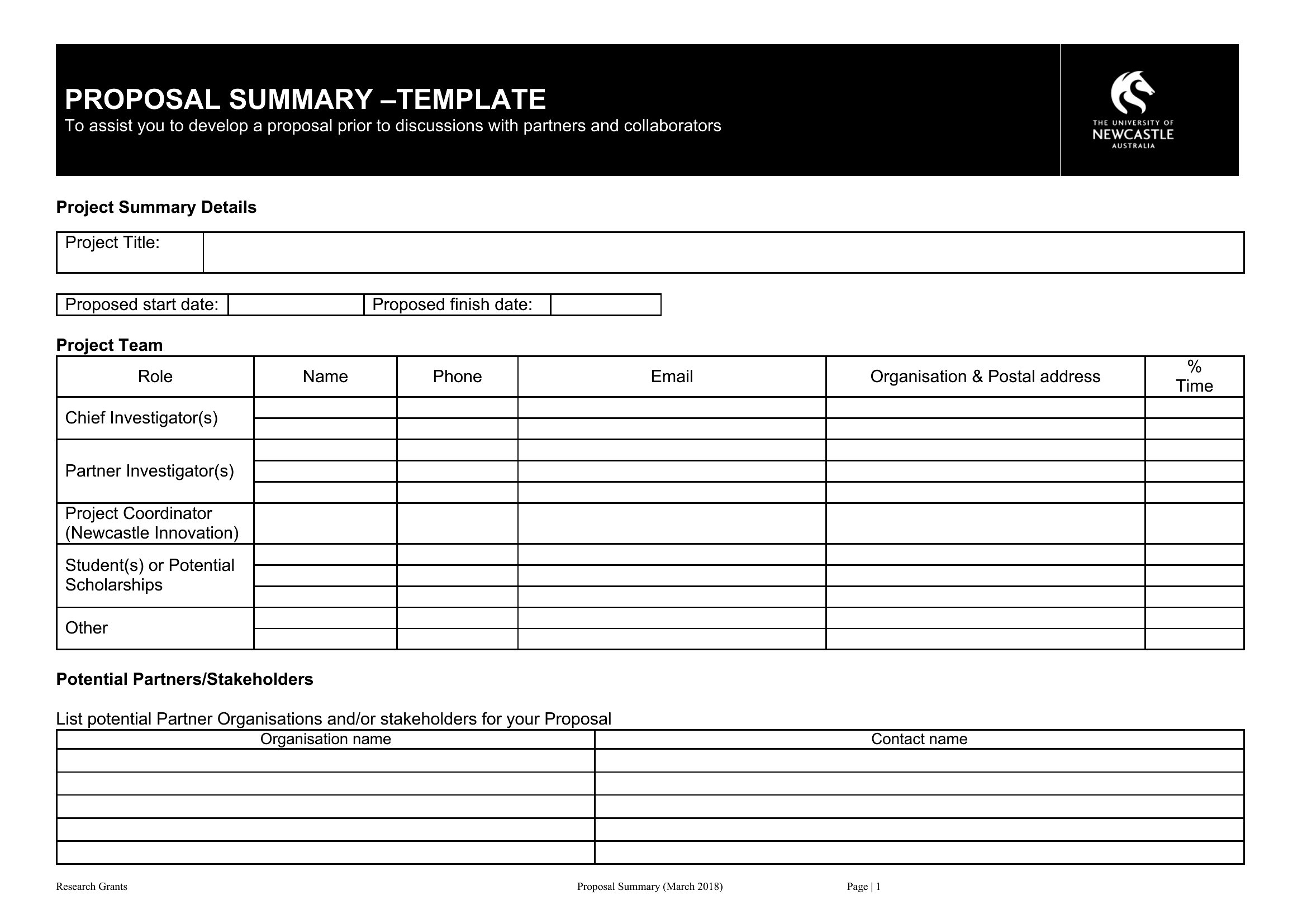
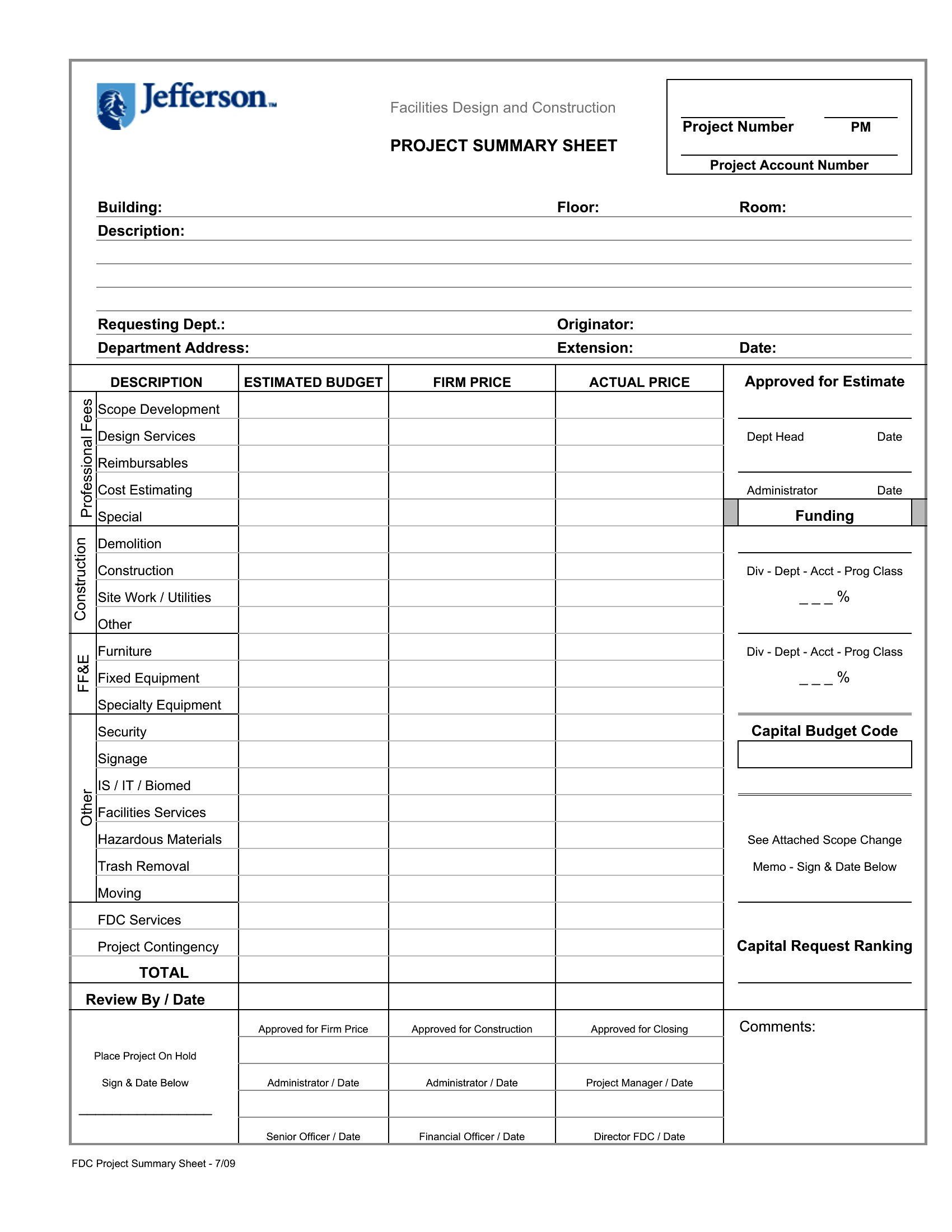
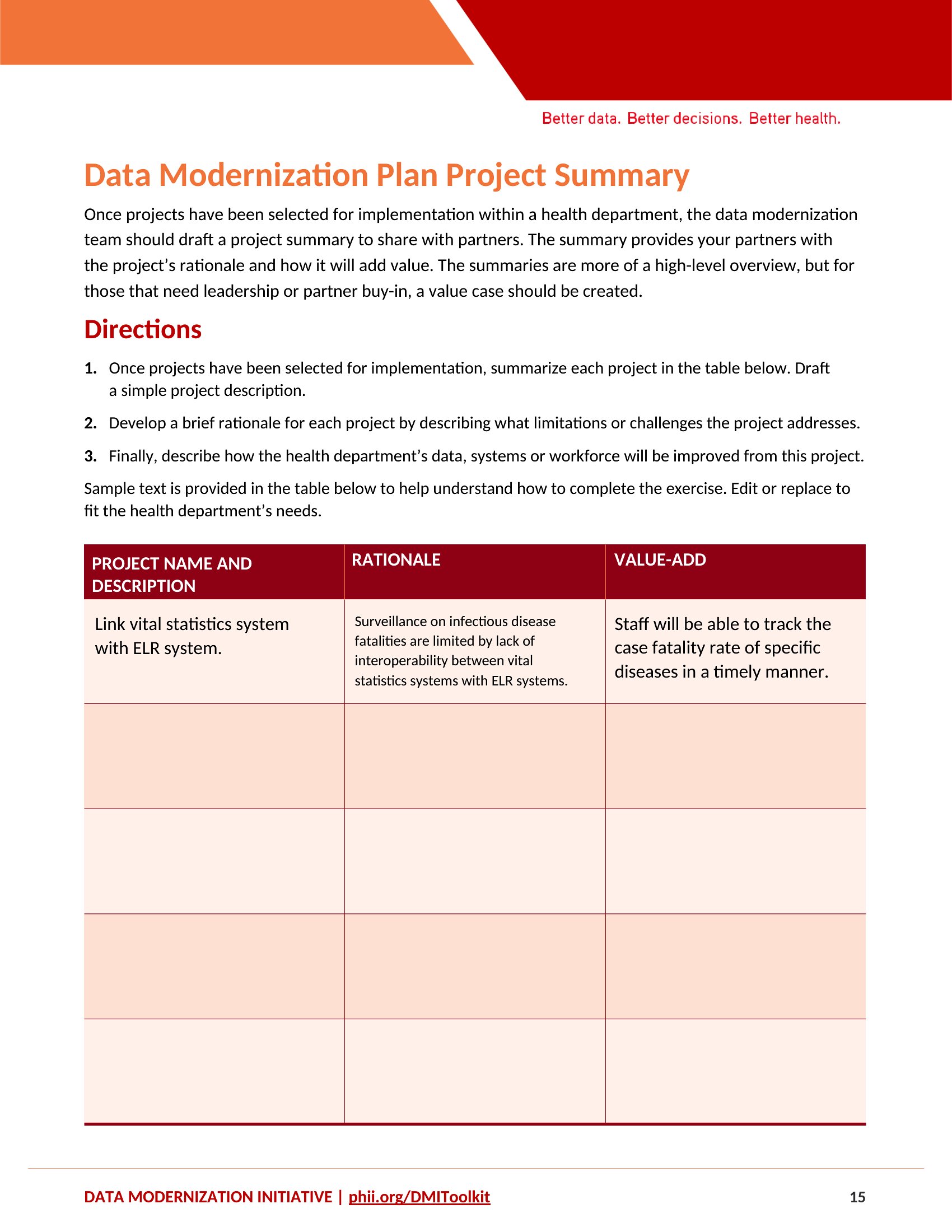
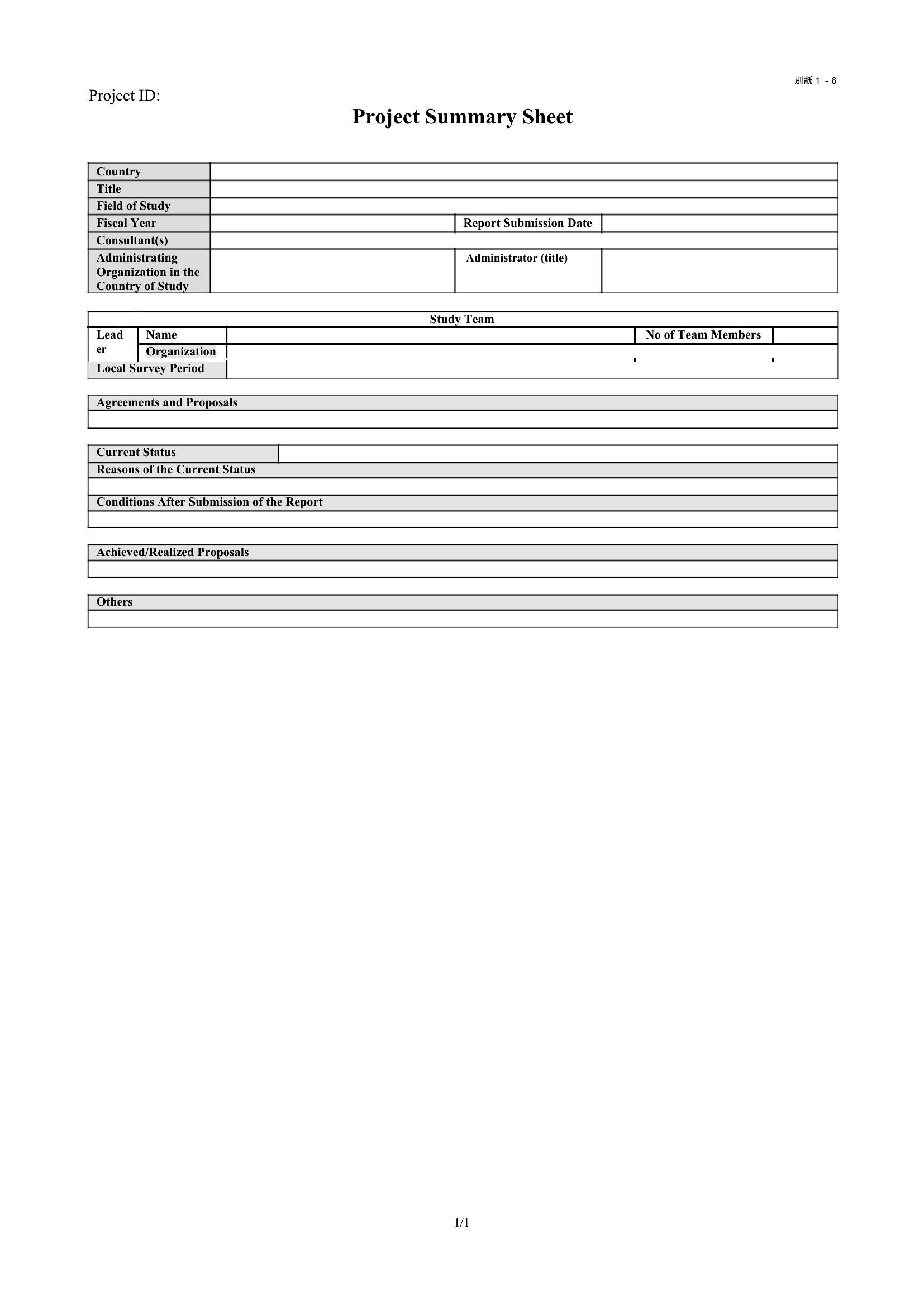
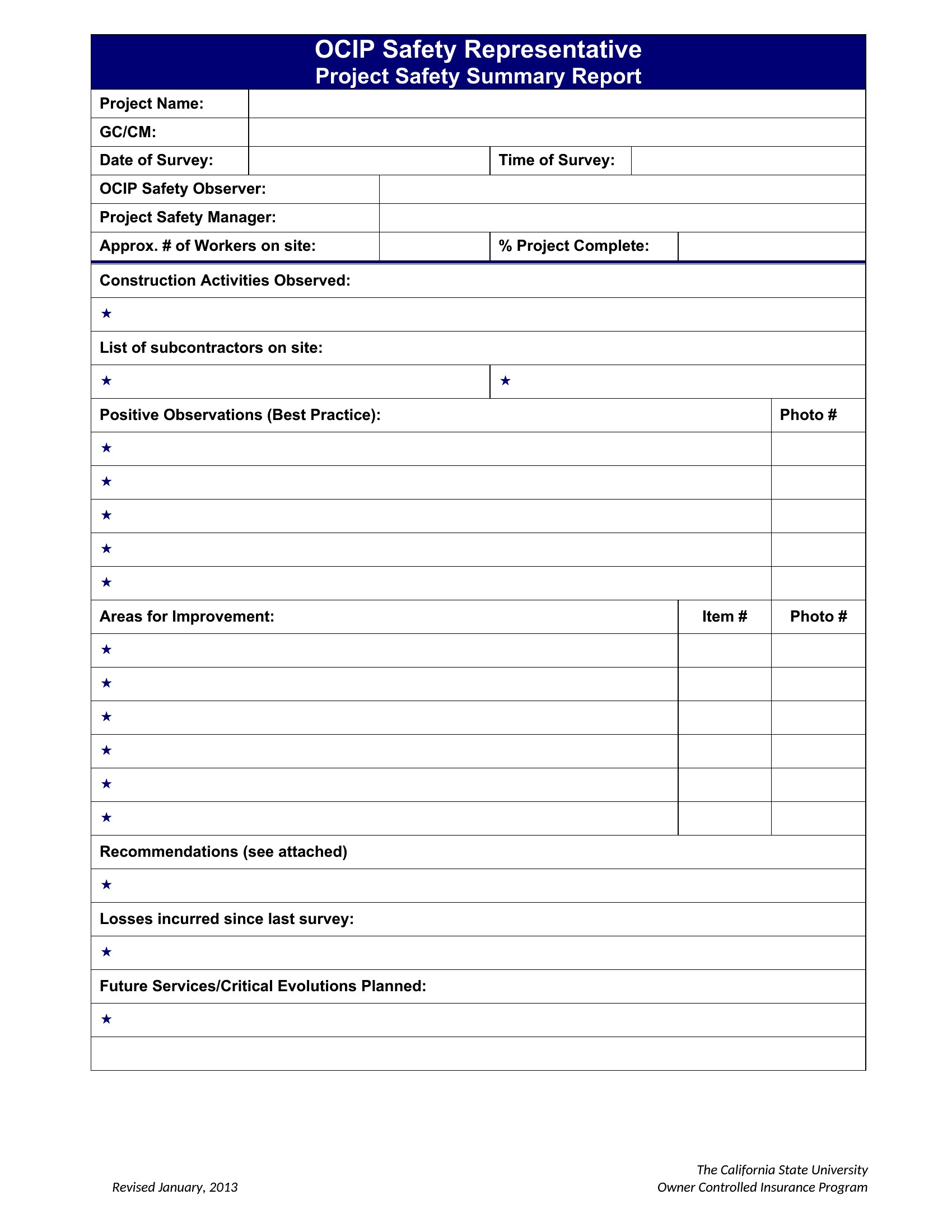
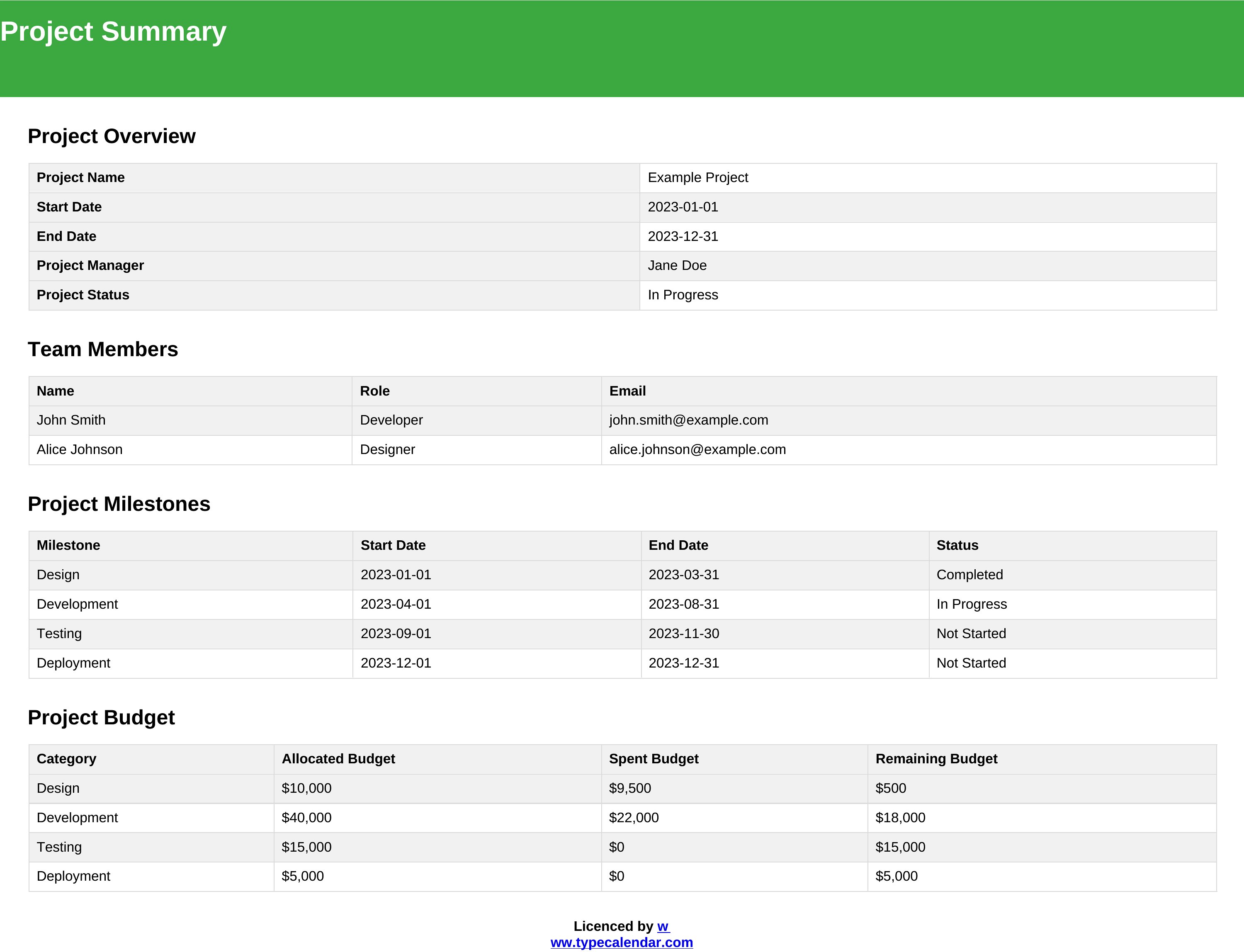
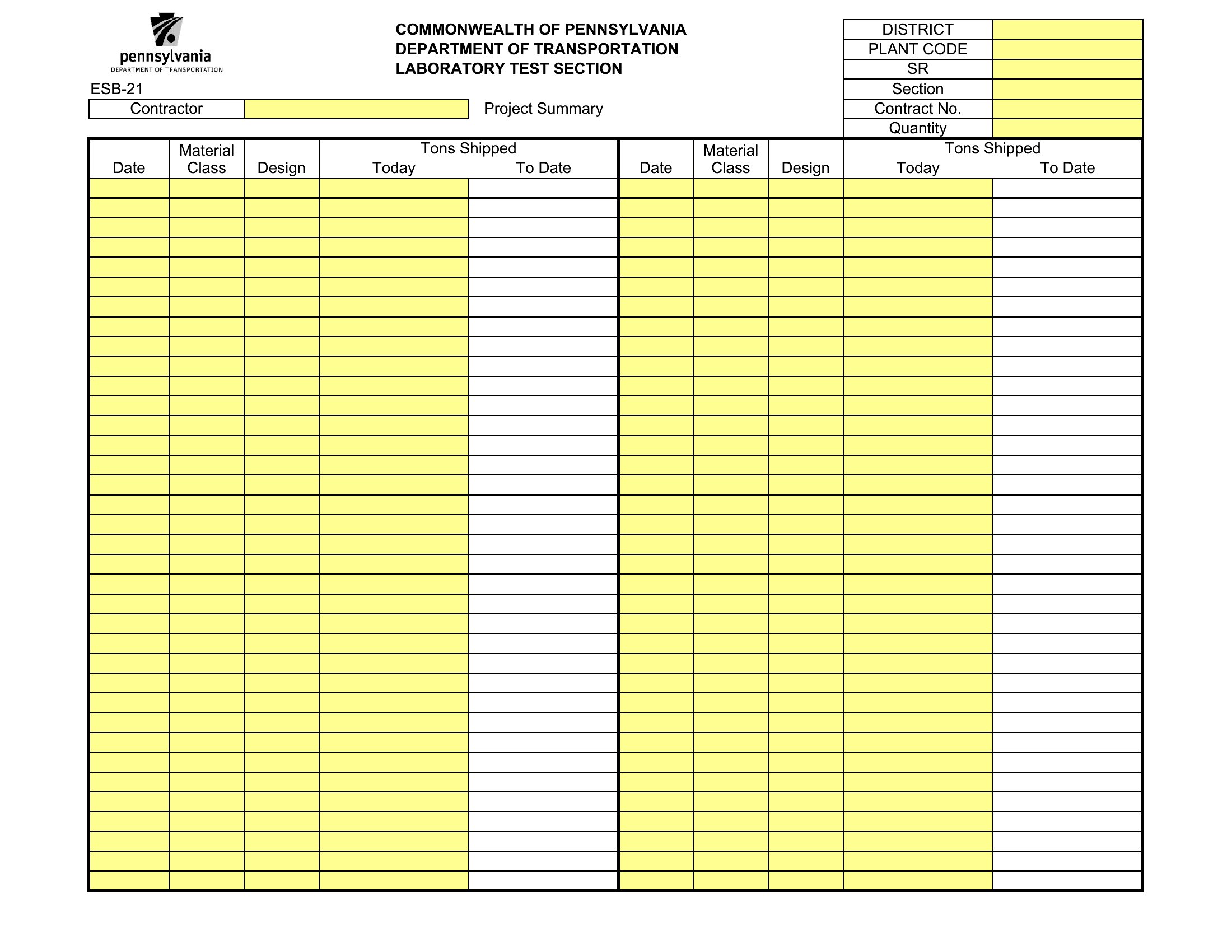
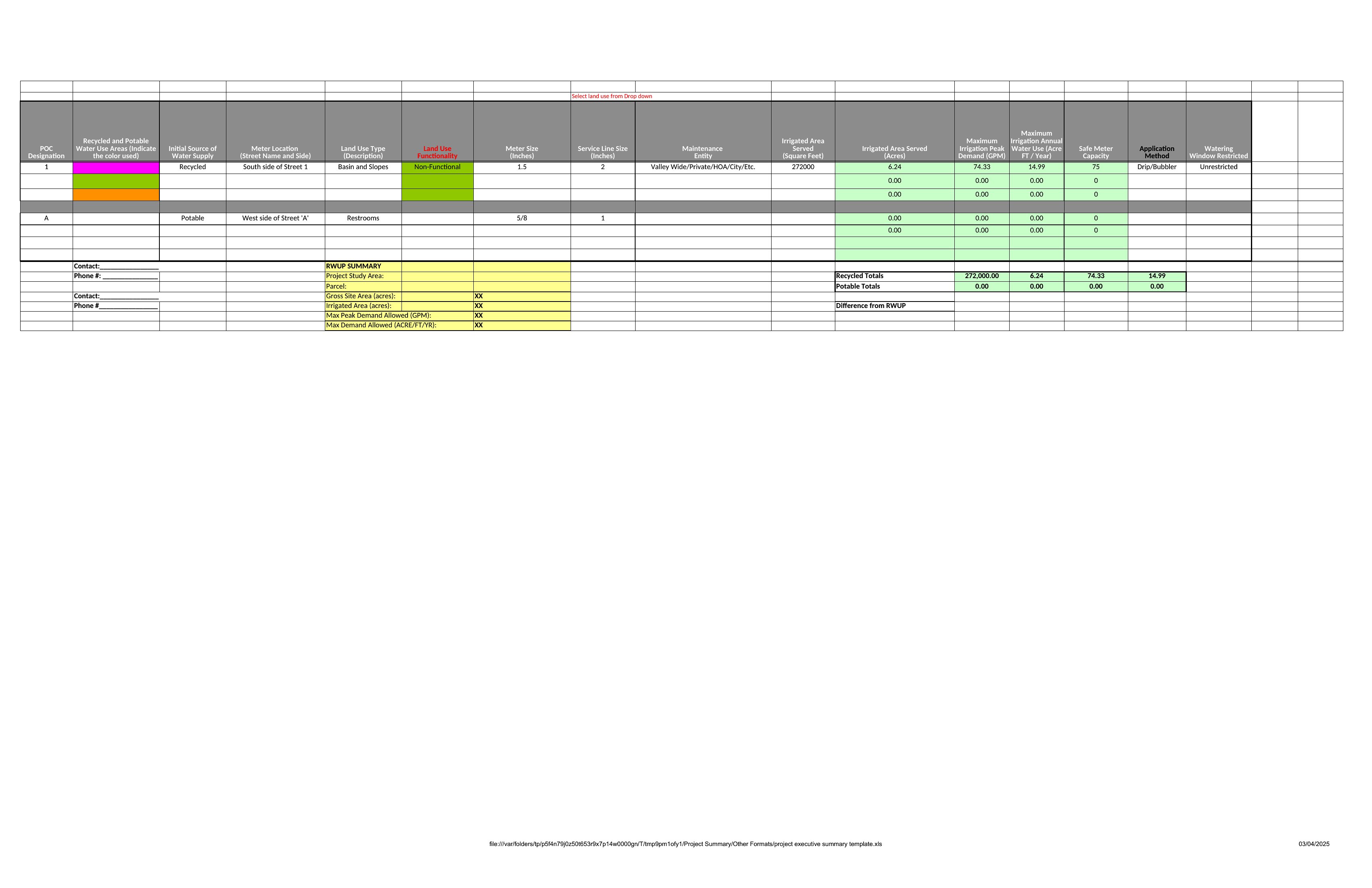
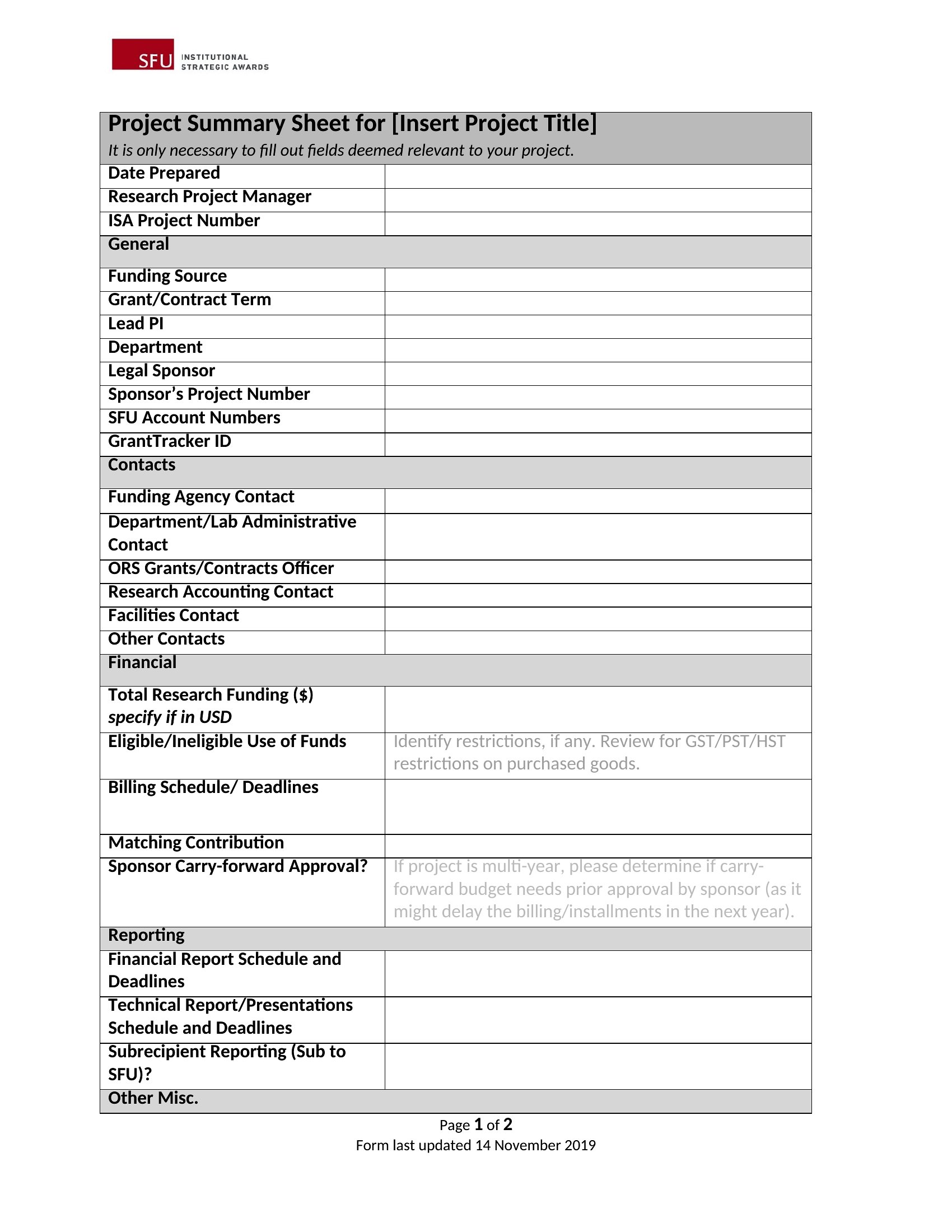
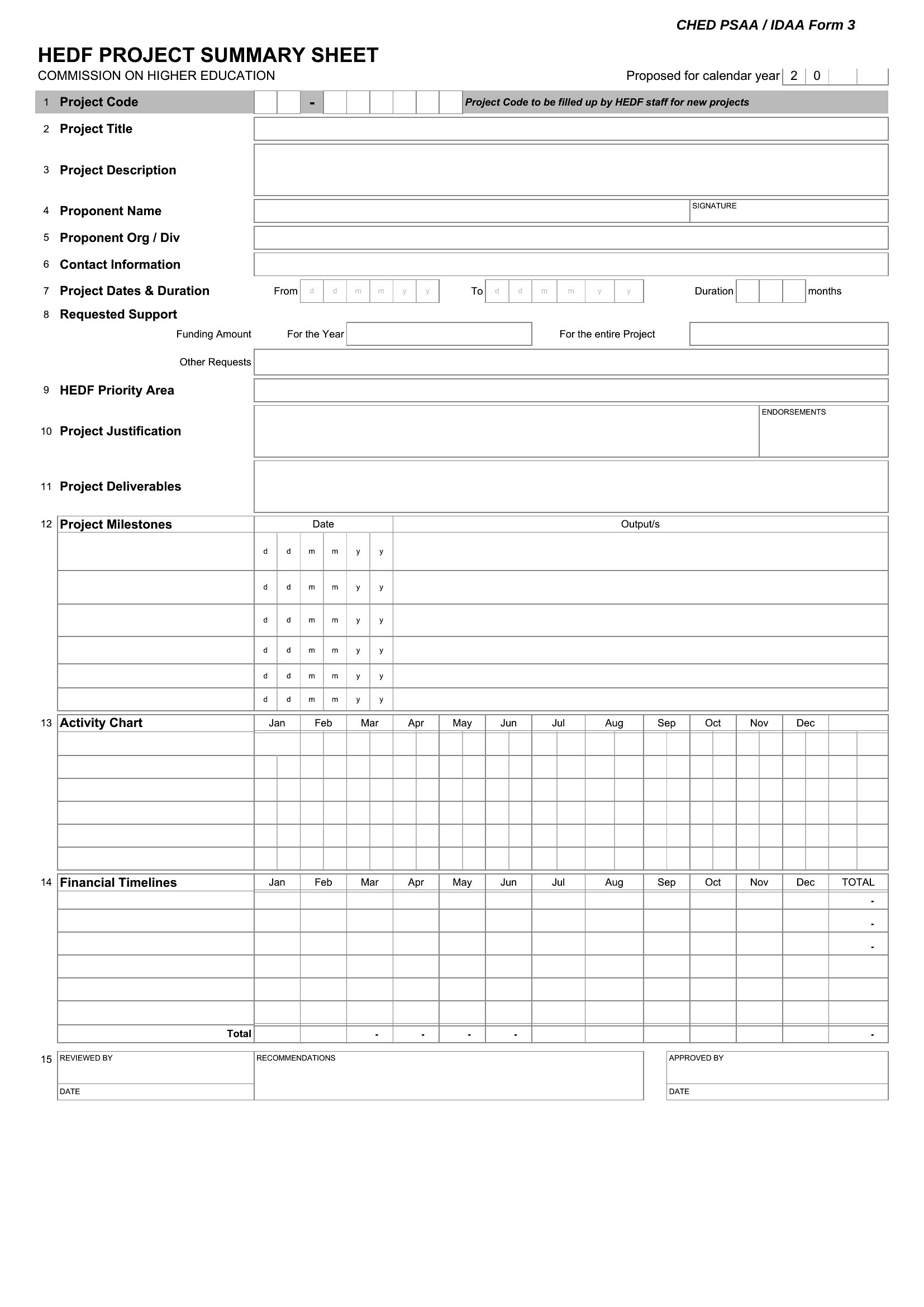
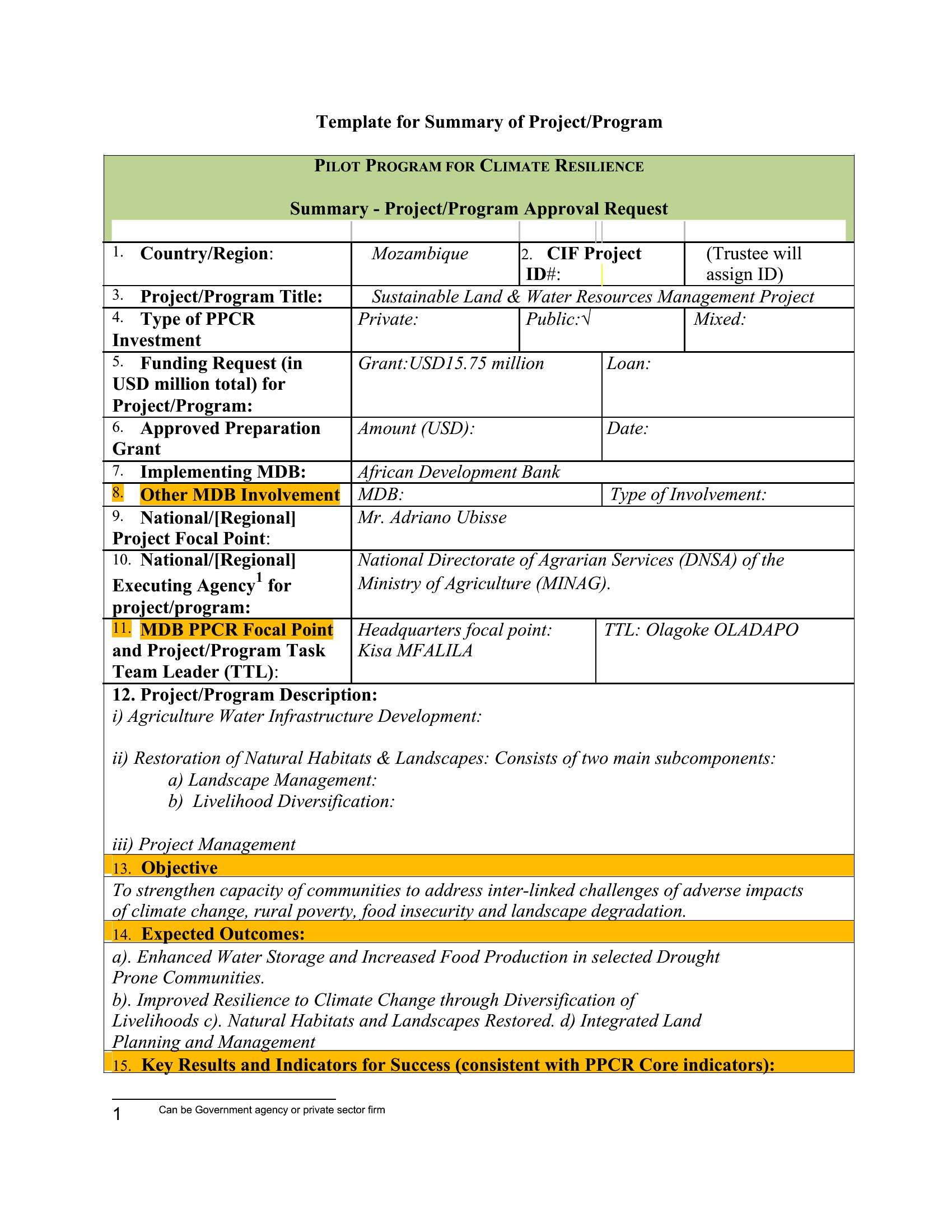
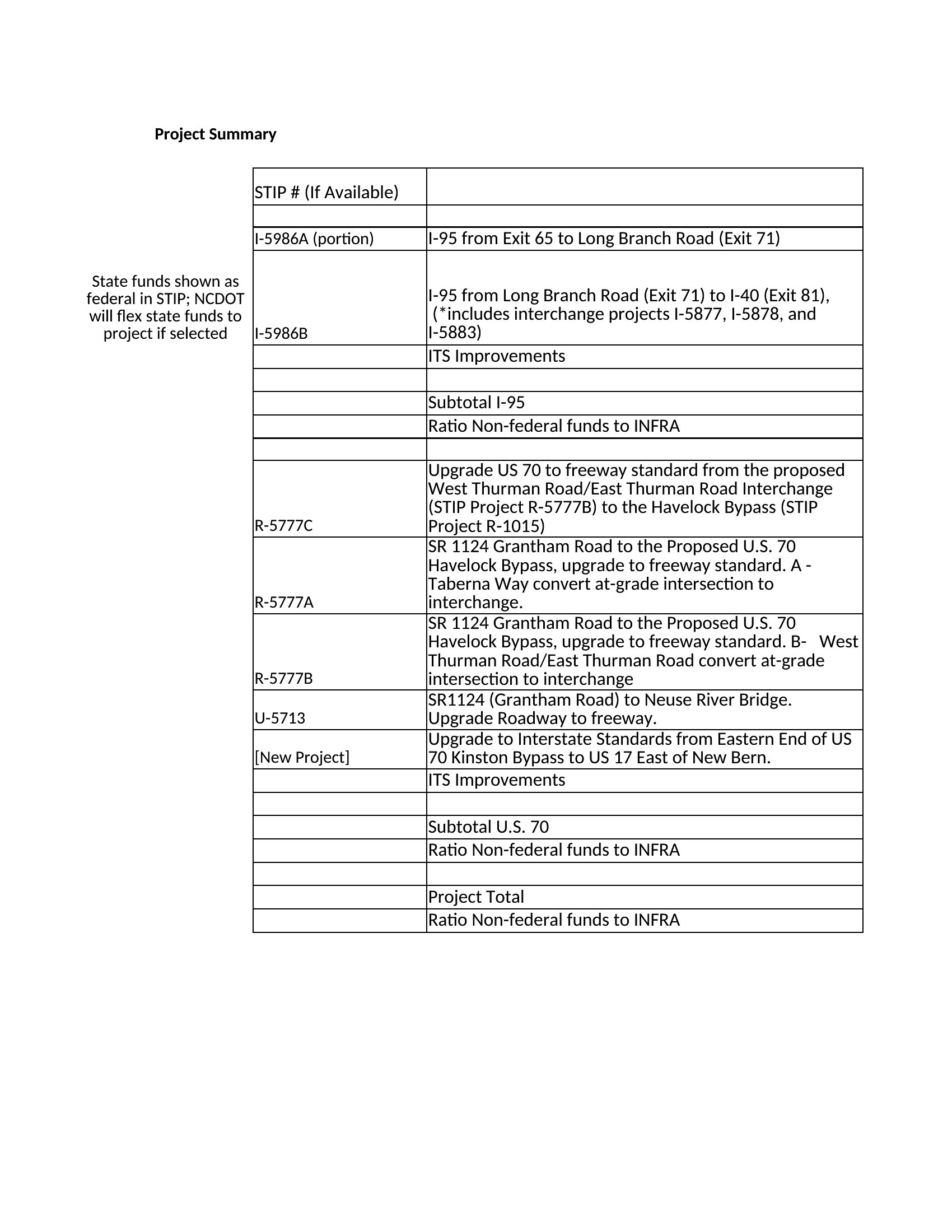
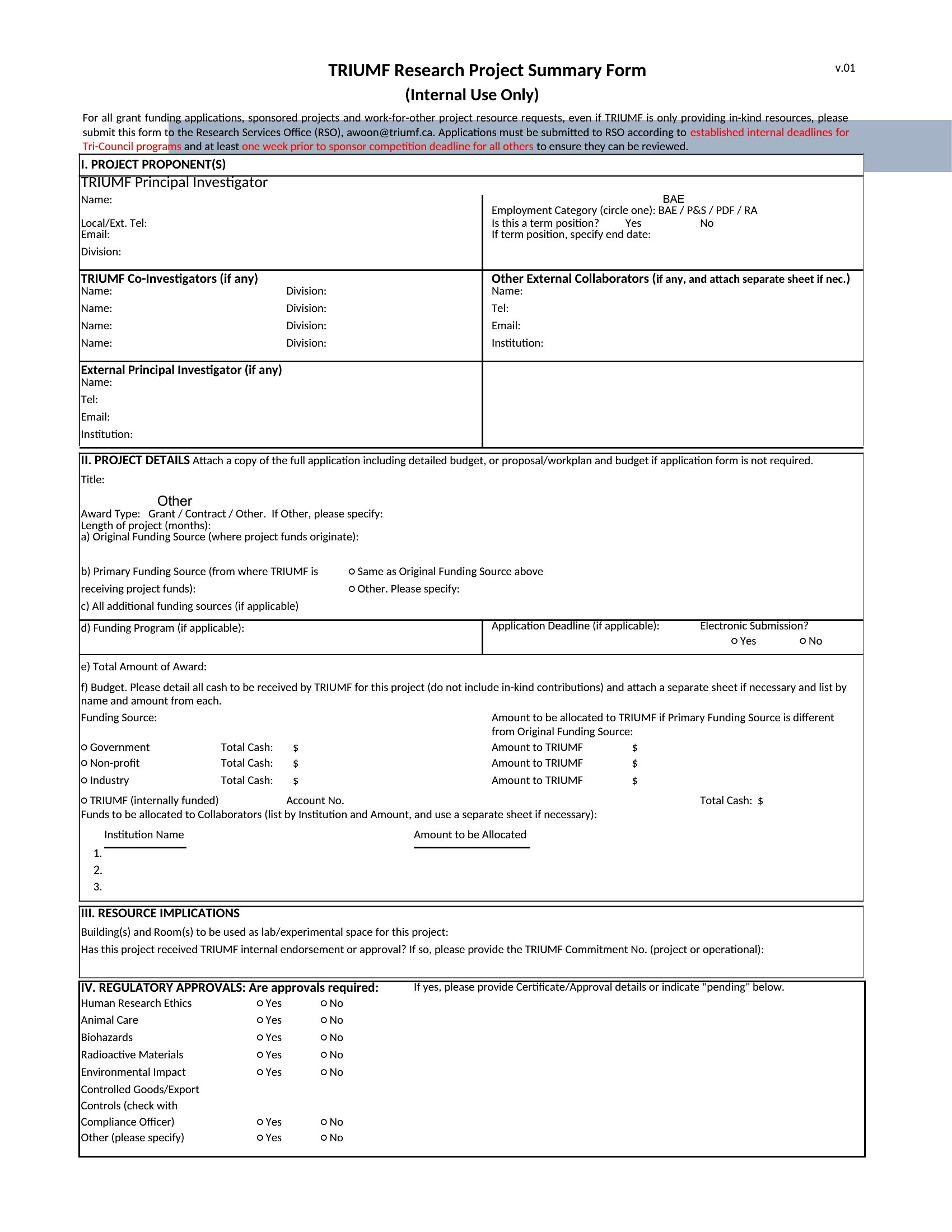
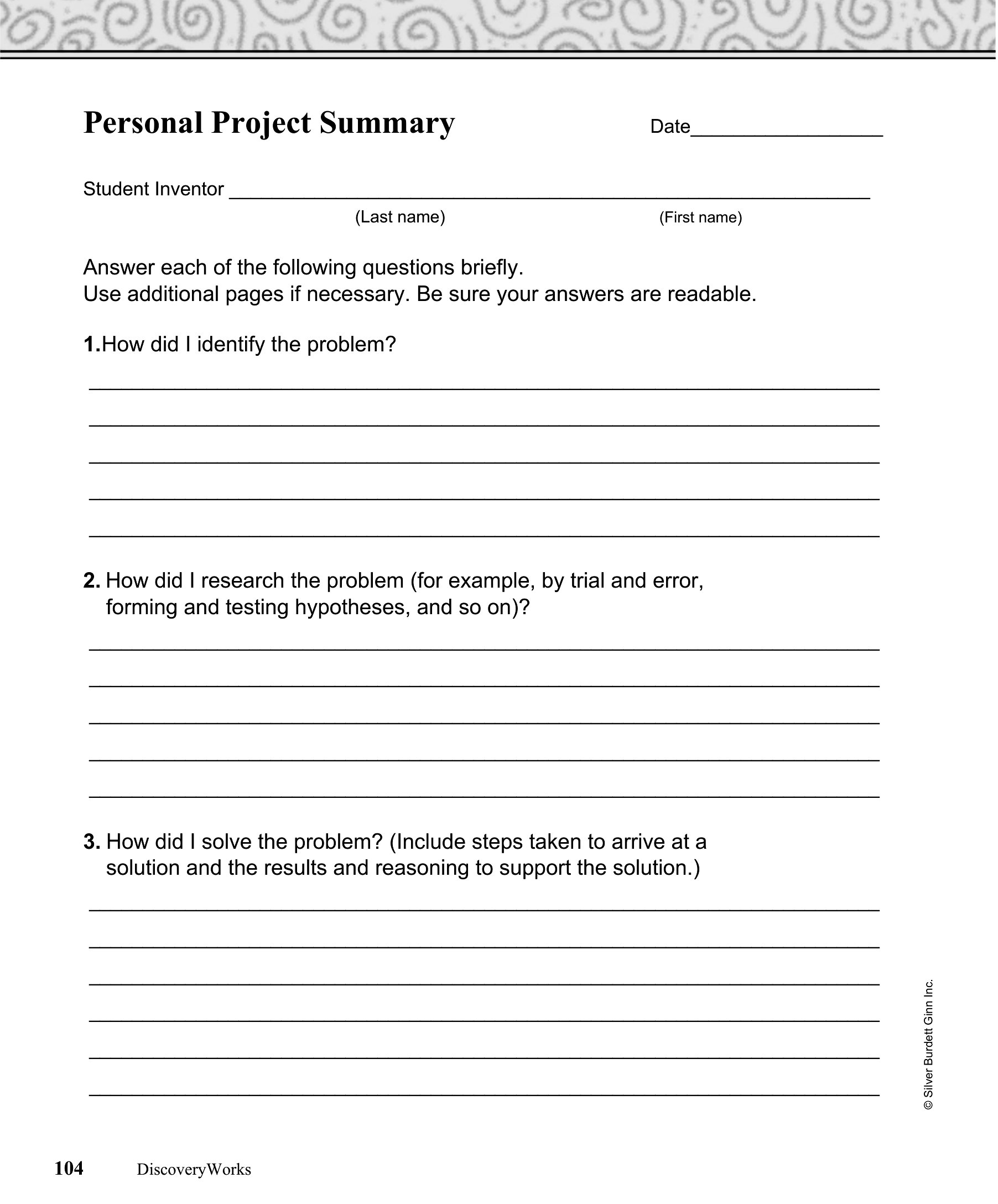
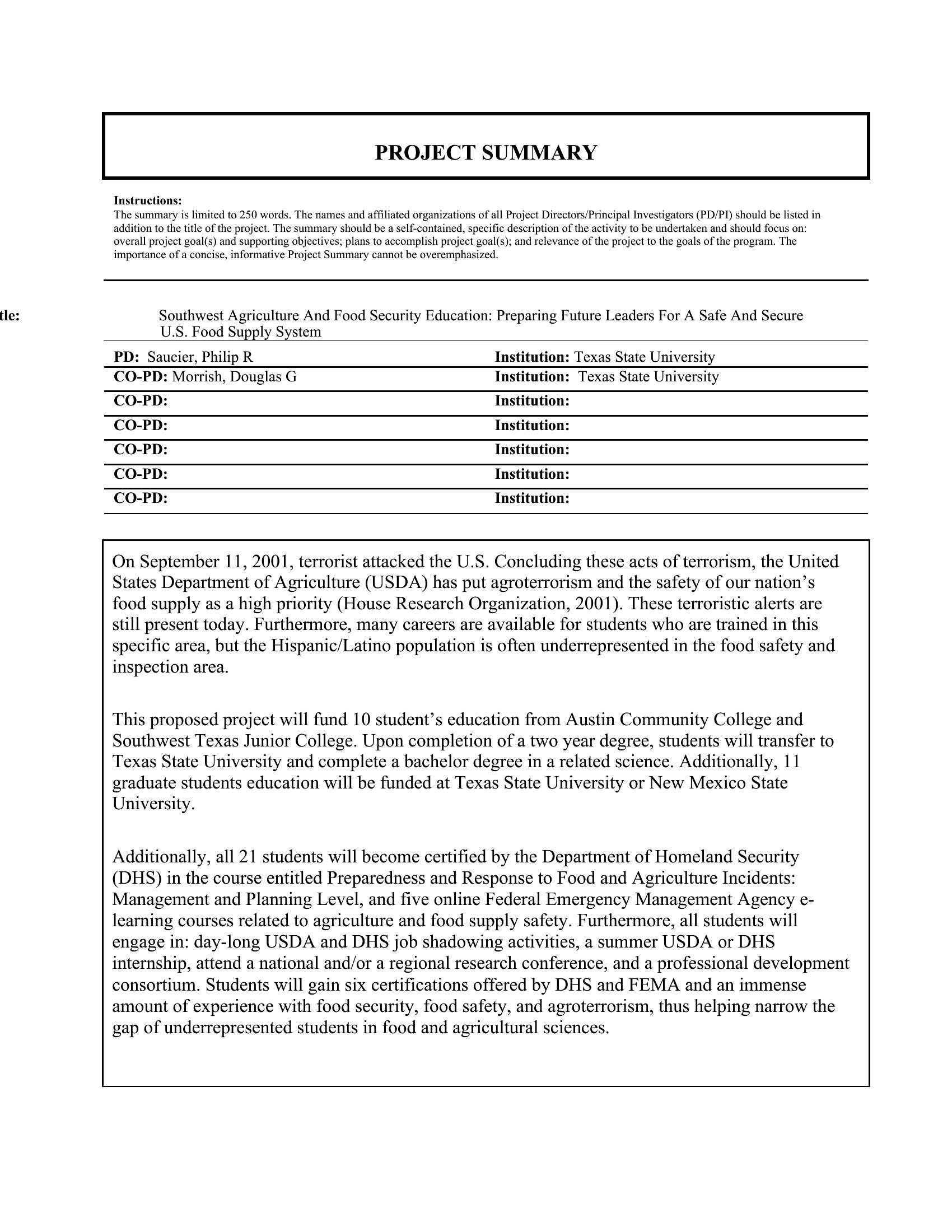
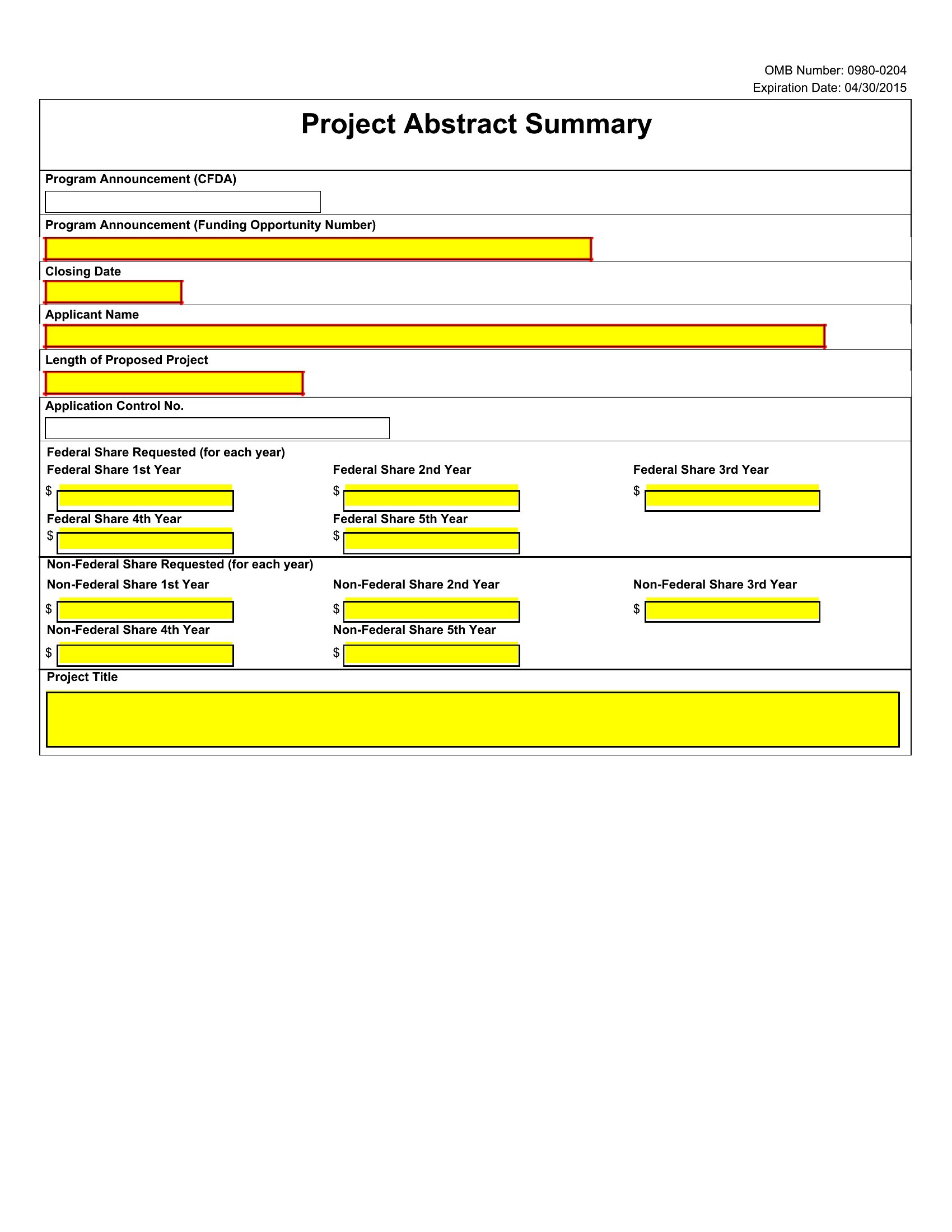
Project Summary
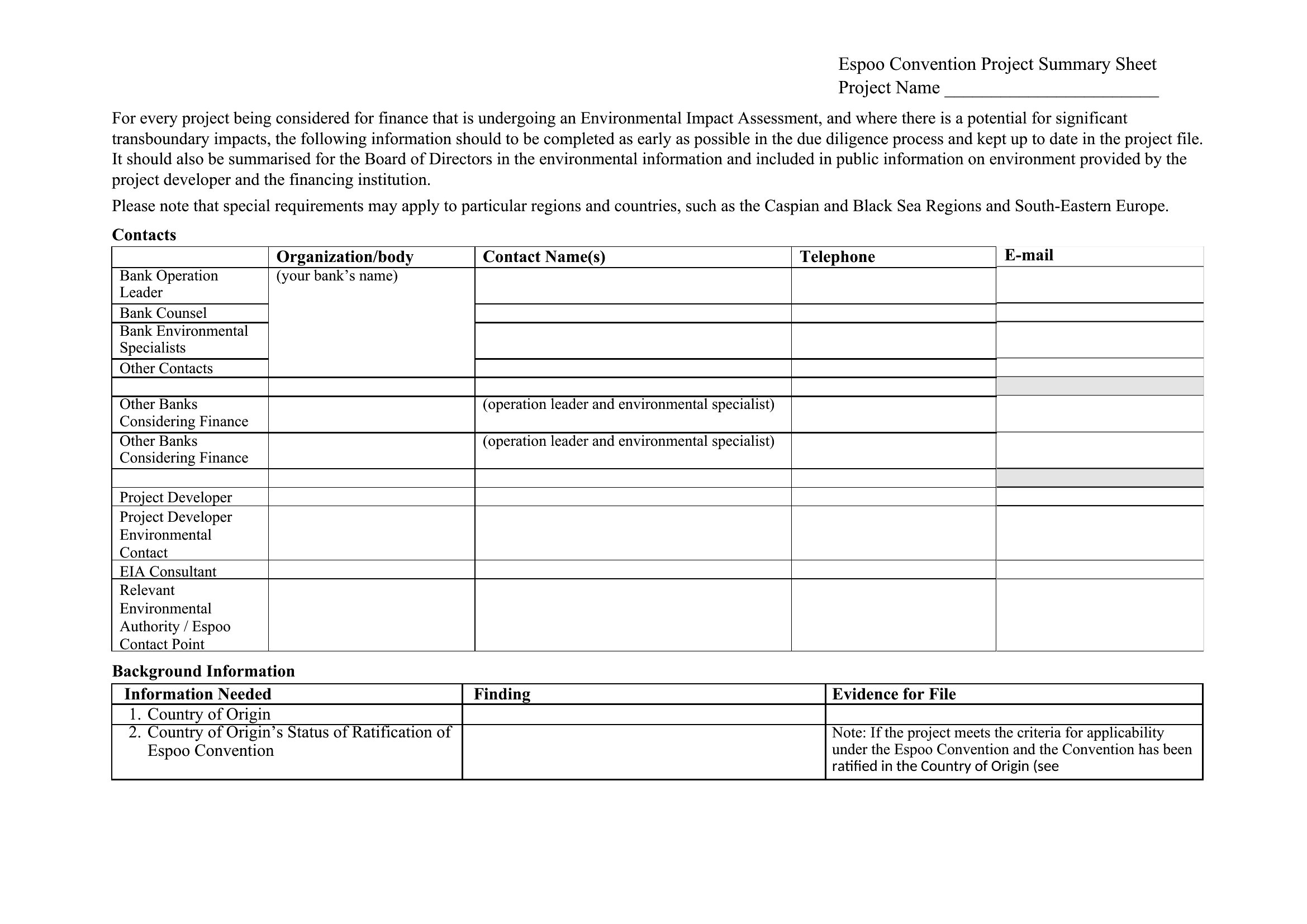
How to use this Project Summary template
How do I tailor these summaries to showcase risks without sounding alarmist?
Start with neutral framing (e.g., *'Key challenges include X and Y'*) and focus on mitigation steps. Use a dedicated 'Risks' section in Word or a color-coded column in Excel to highlight severity objectively. Avoid jargon—align risk language with your audience’s priorities, like 'schedule delays' for managers or 'budget overruns' for CFOs.
Can I use these for internal audits if my company has strict compliance wording requirements?
Treat these as starting points, not compliance documents. Replace placeholder text with your internal audit templates’ standard language, but retain the summary’s structure to maintain consistency. For highly regulated fields, consult legal or compliance teams to ensure terminology matches policies—these templates focus on clarity, not legal enforceability.
What’s the best way to update a project summary mid-project without losing historical context?
In Word, use track changes for minor edits or create a 'Version History' section at the end to note major updates. In Excel, add a timestamped 'Revisions' tab. For both, keep a master copy of the original summary linked to your project management tool, so stakeholders can compare progress over time while referencing the latest version.
Comments
Join the conversation
Sign in to share your thoughts and leave a comment on this resource.