
Free Payment Schedule Templates (Word, Excel, PDF)
Life by ernestross
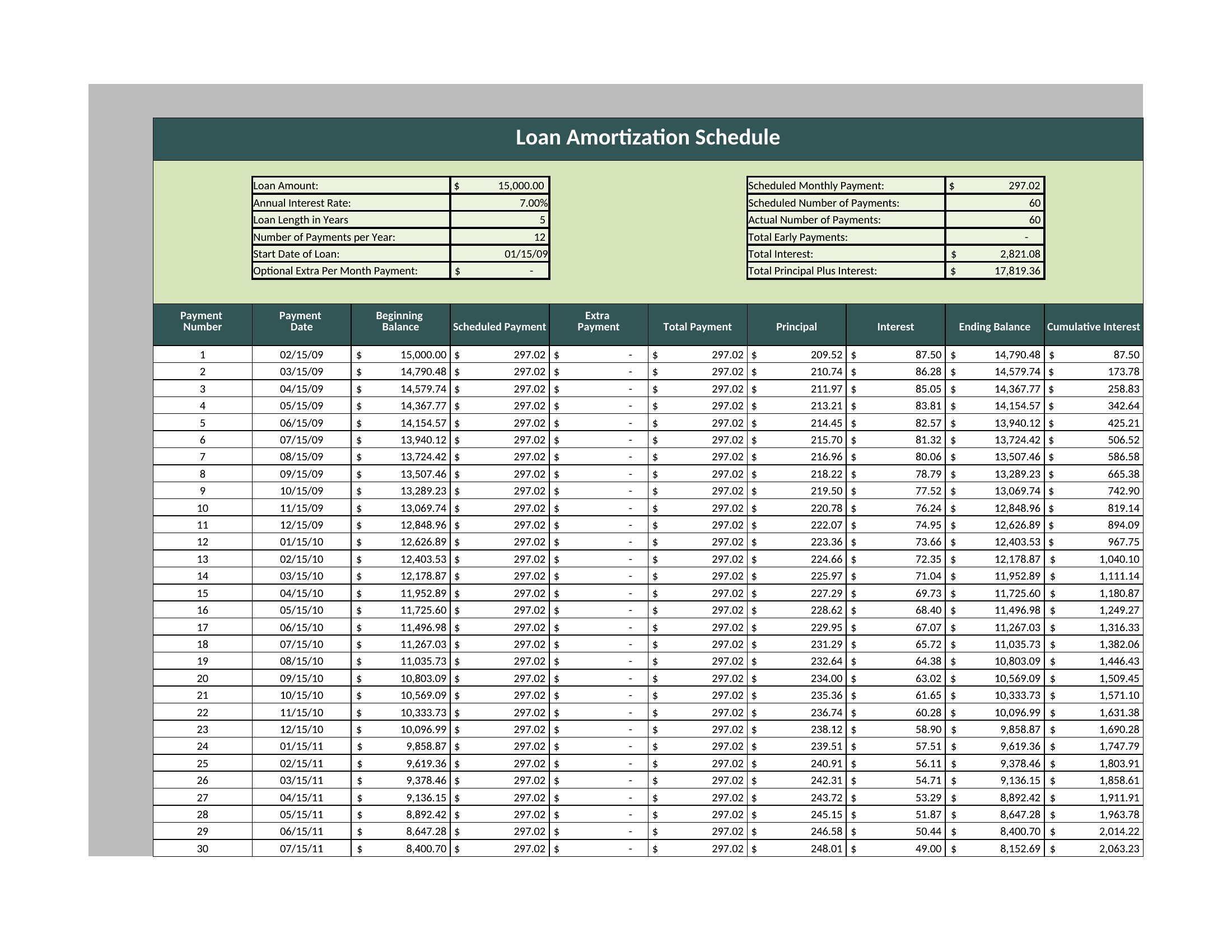
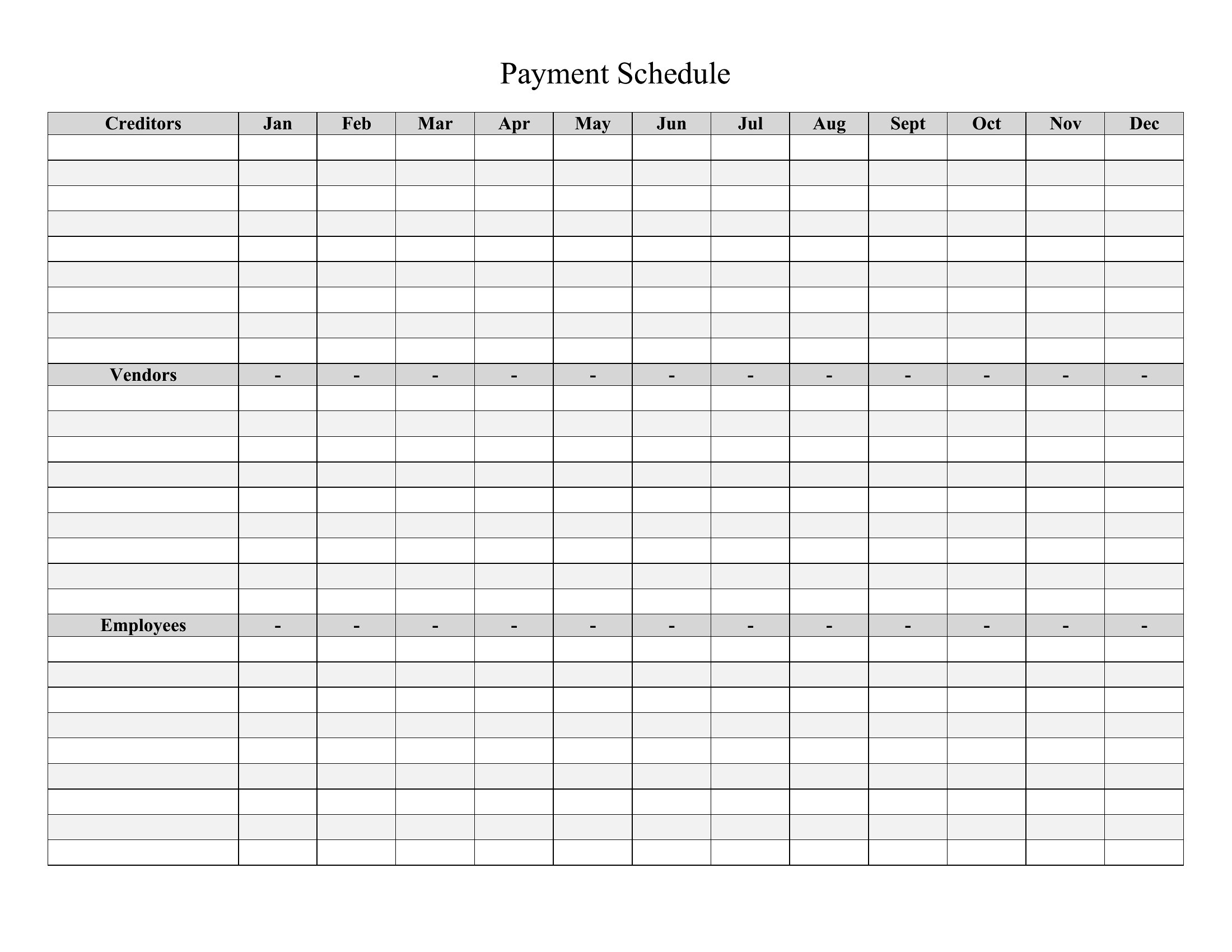
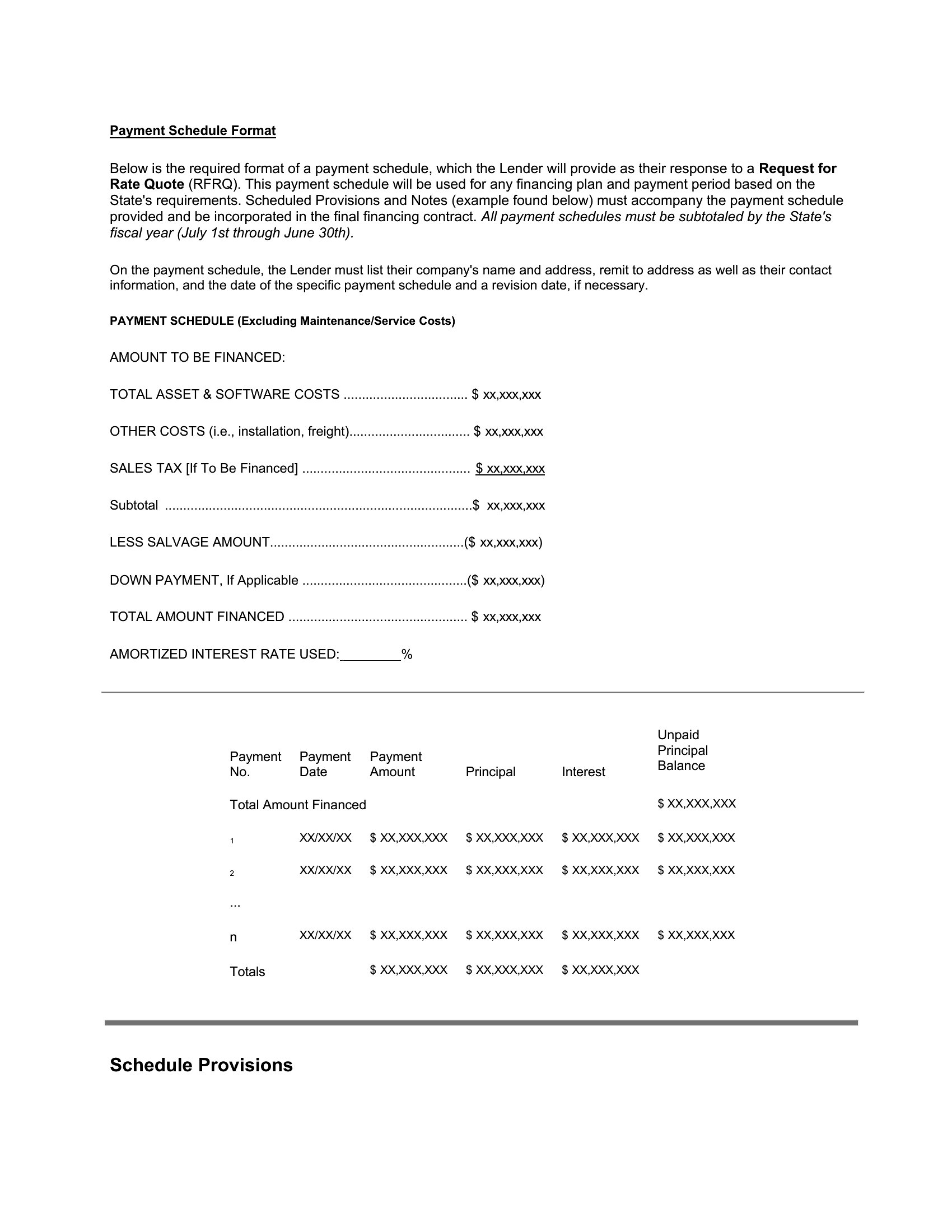
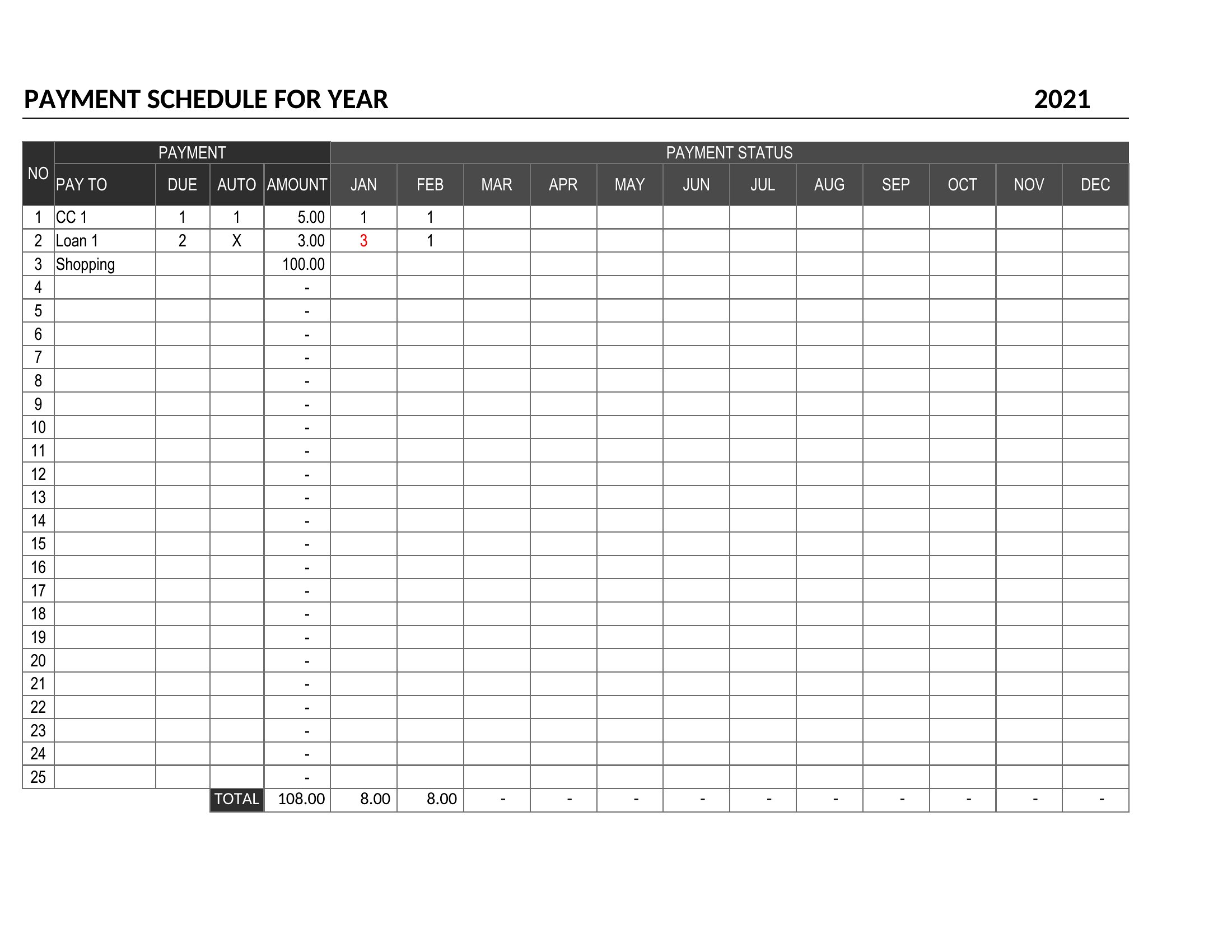
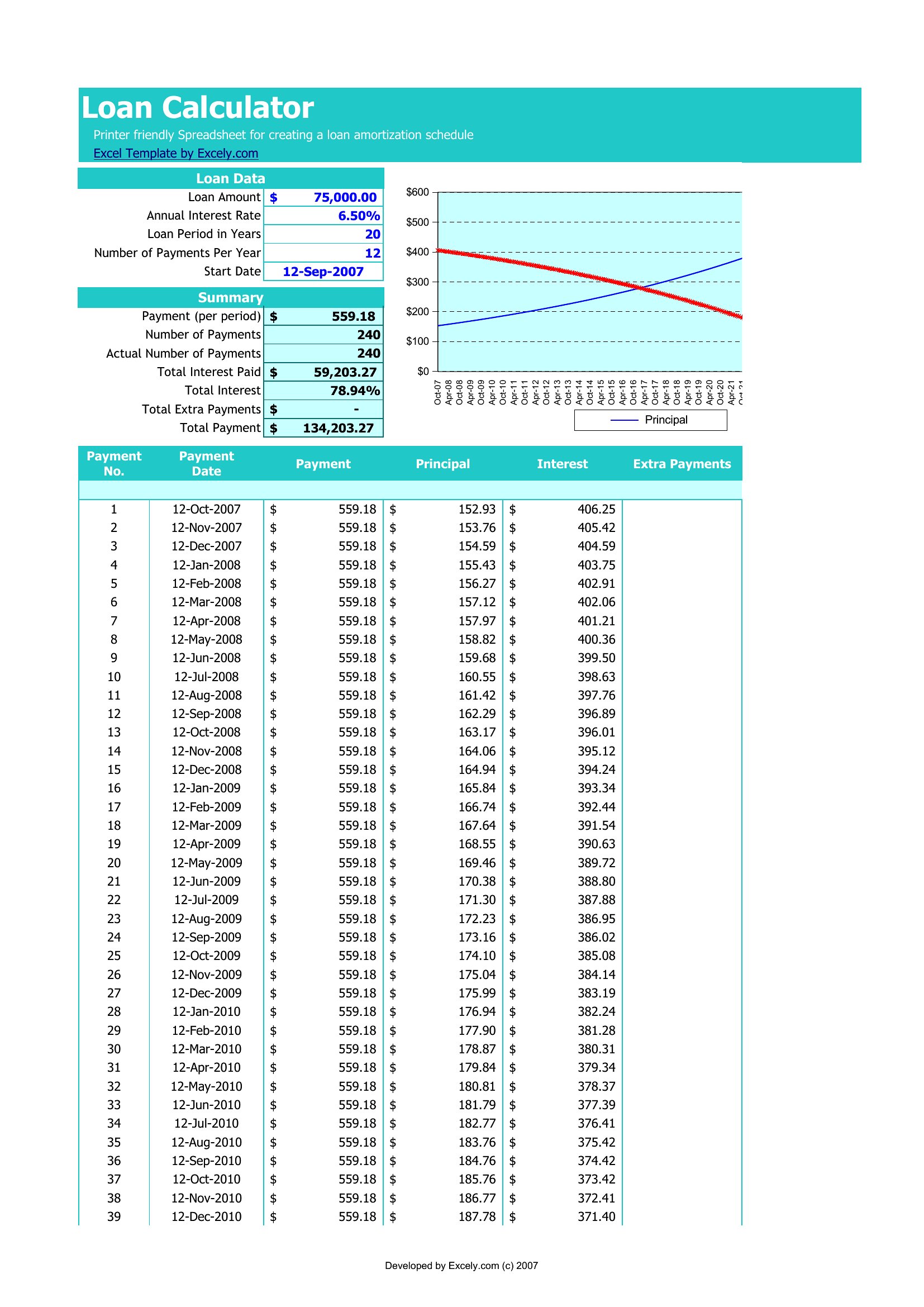
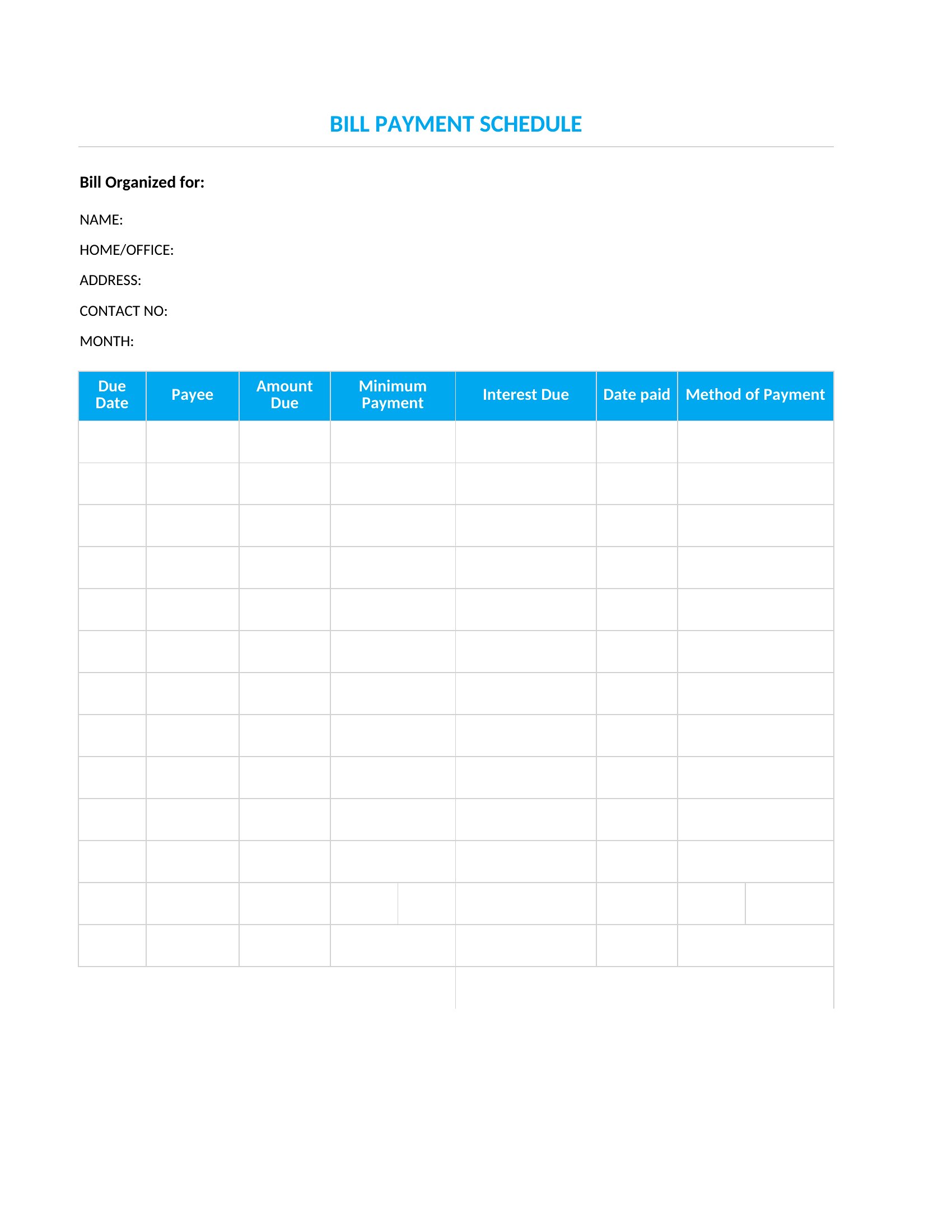
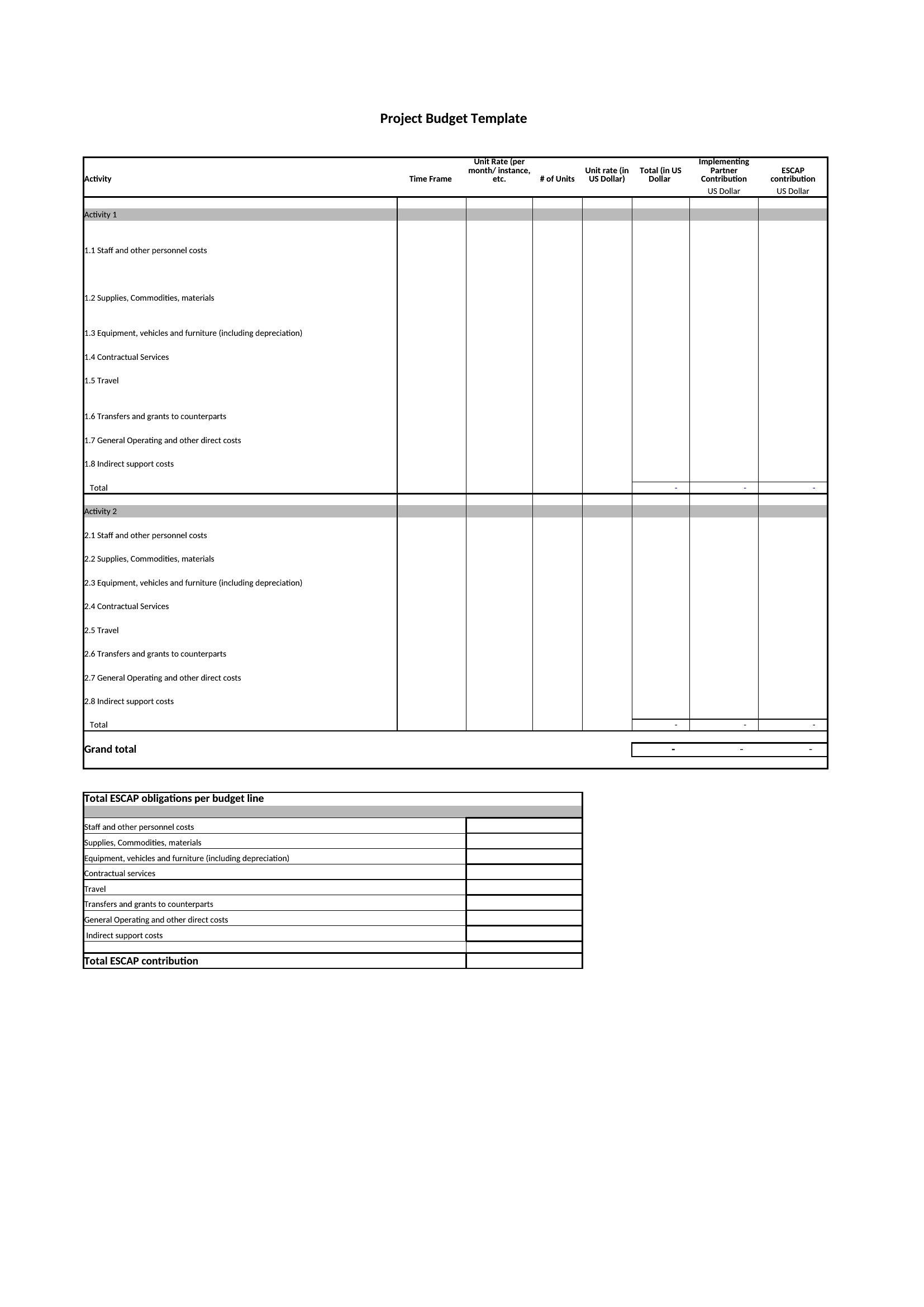
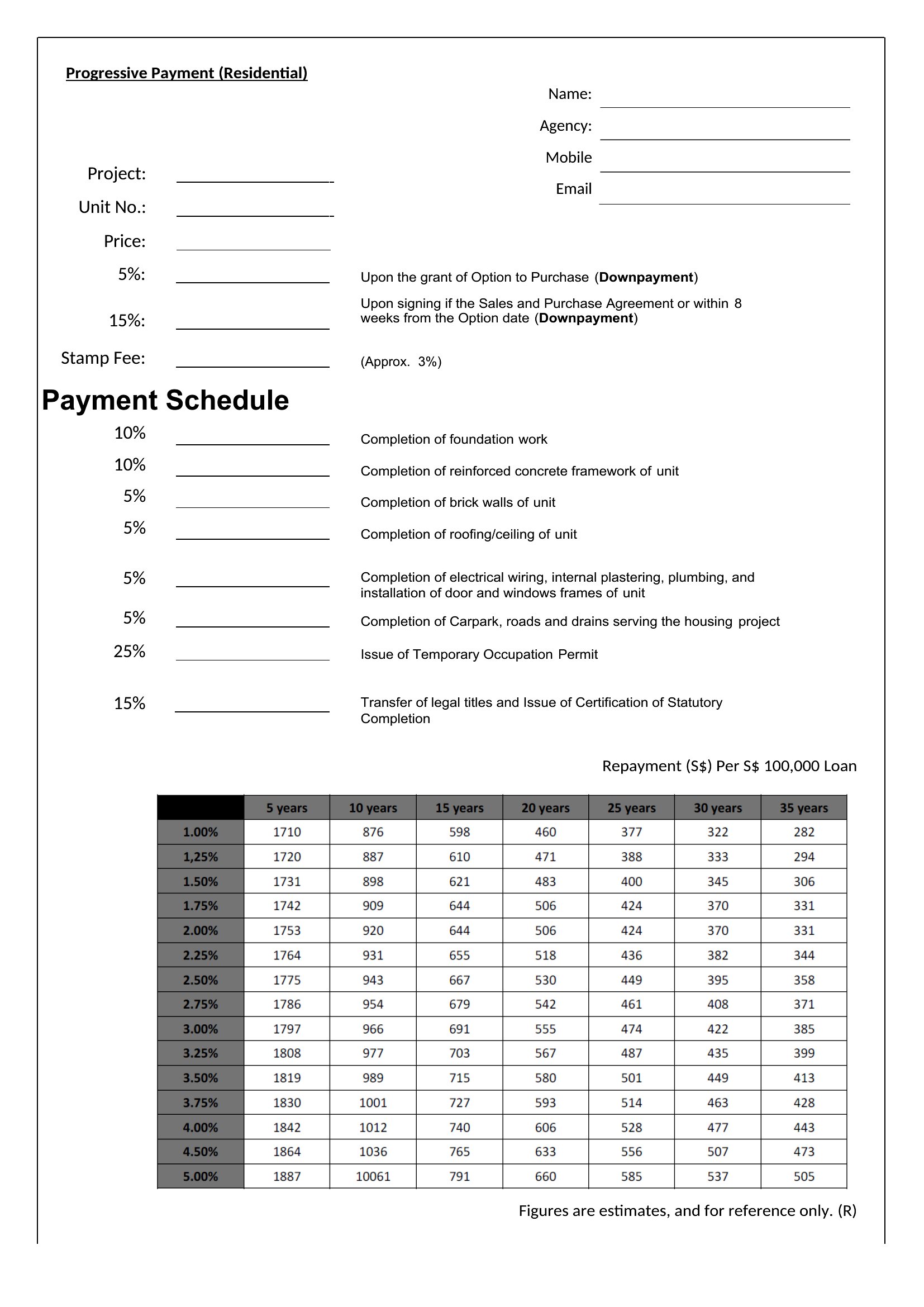
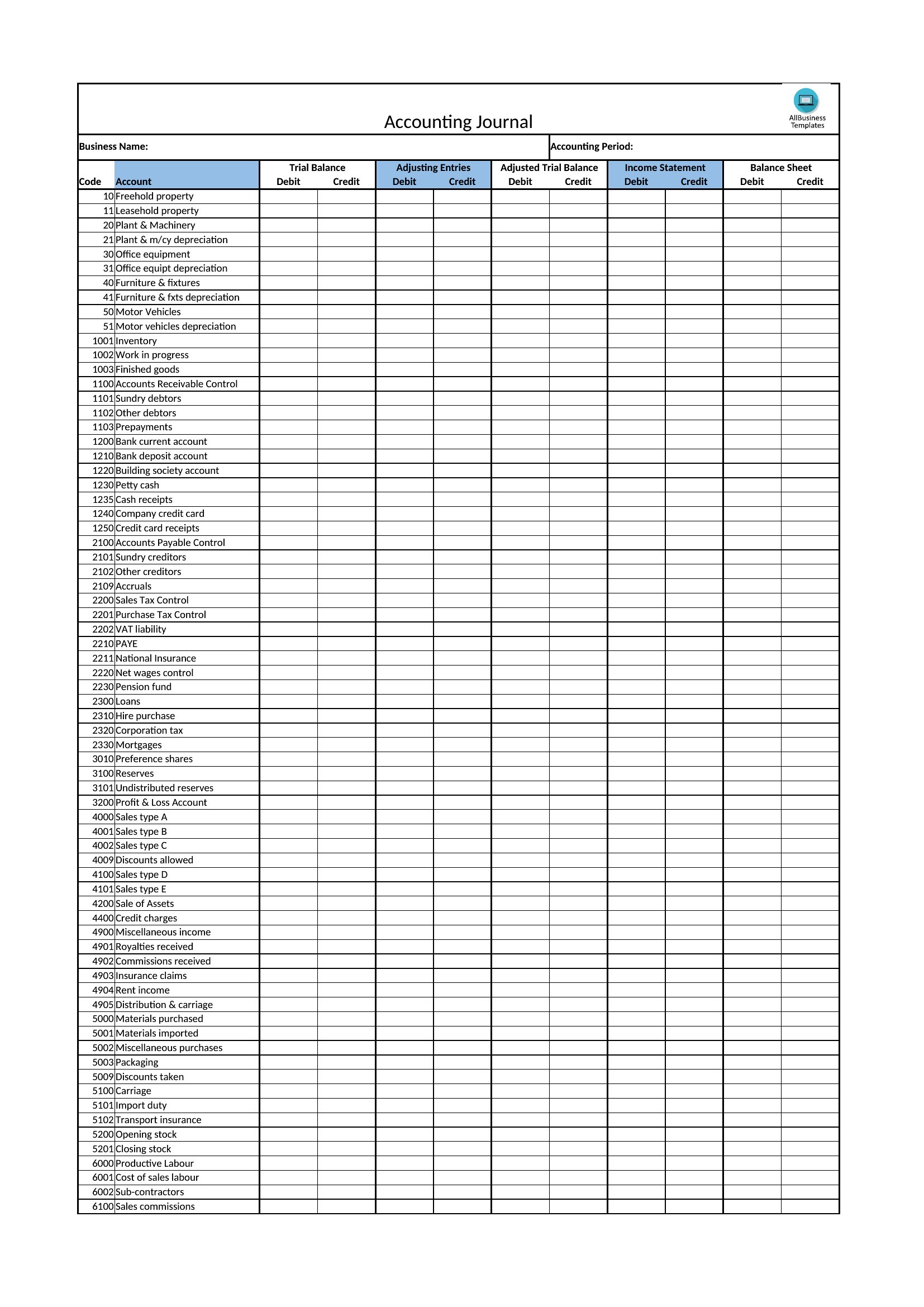
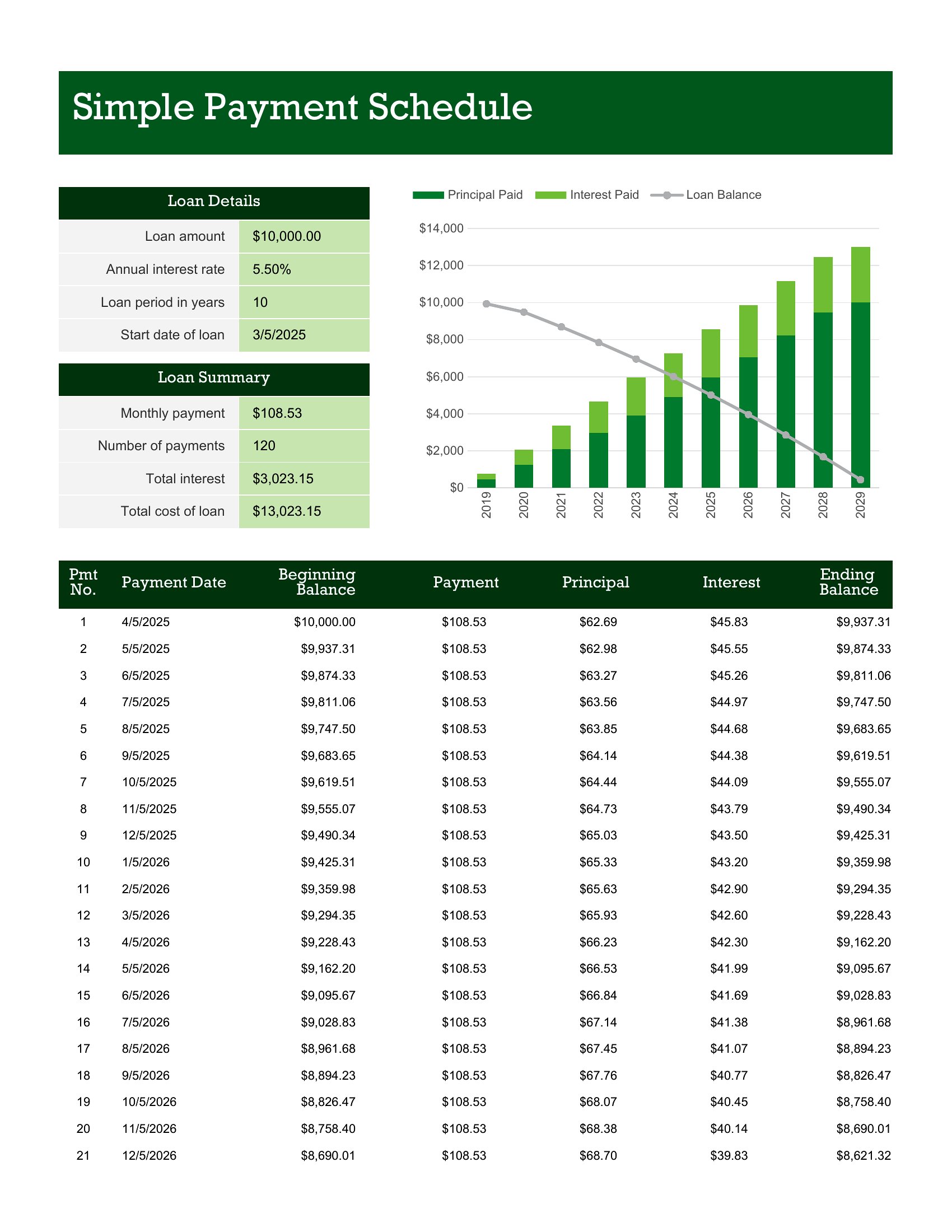
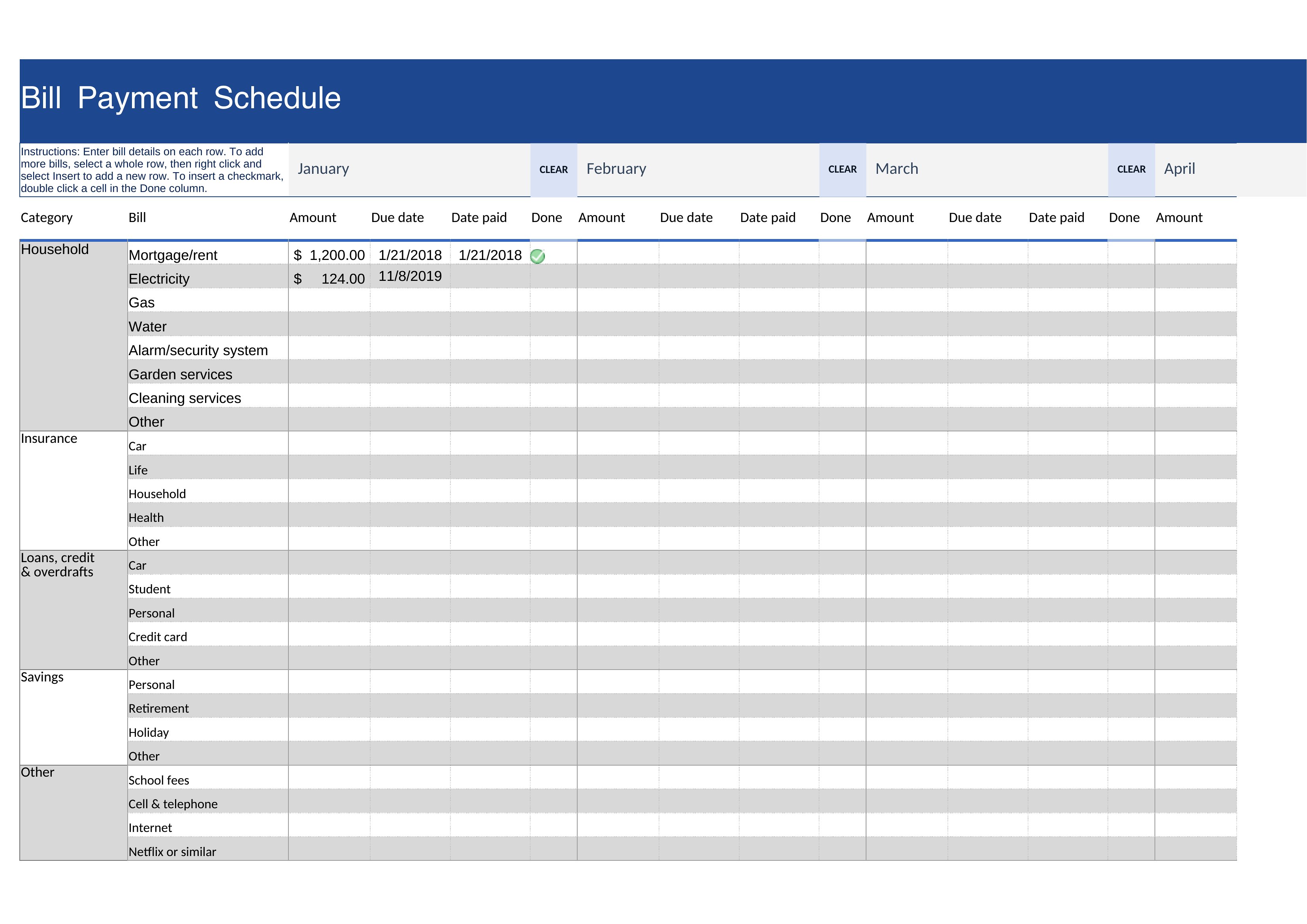
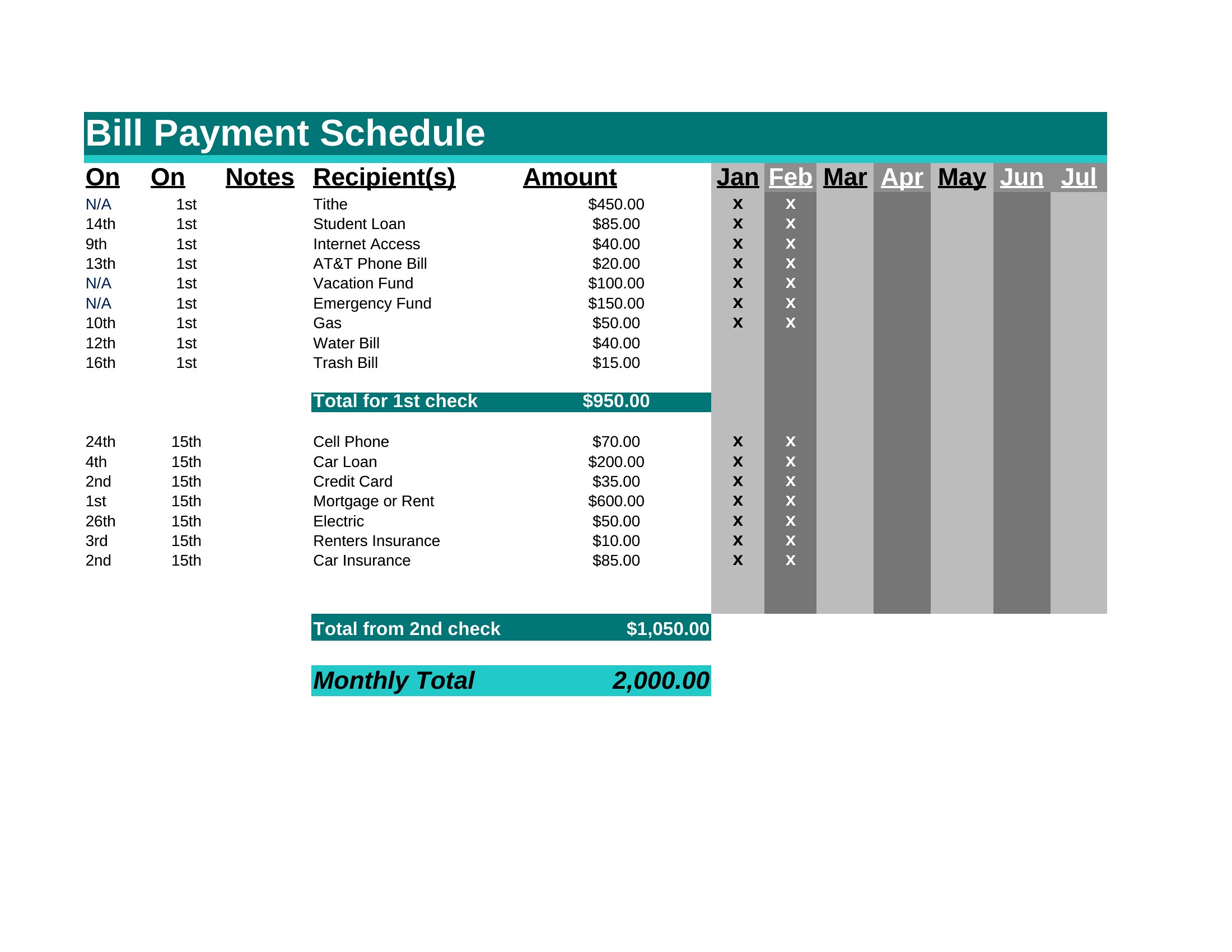
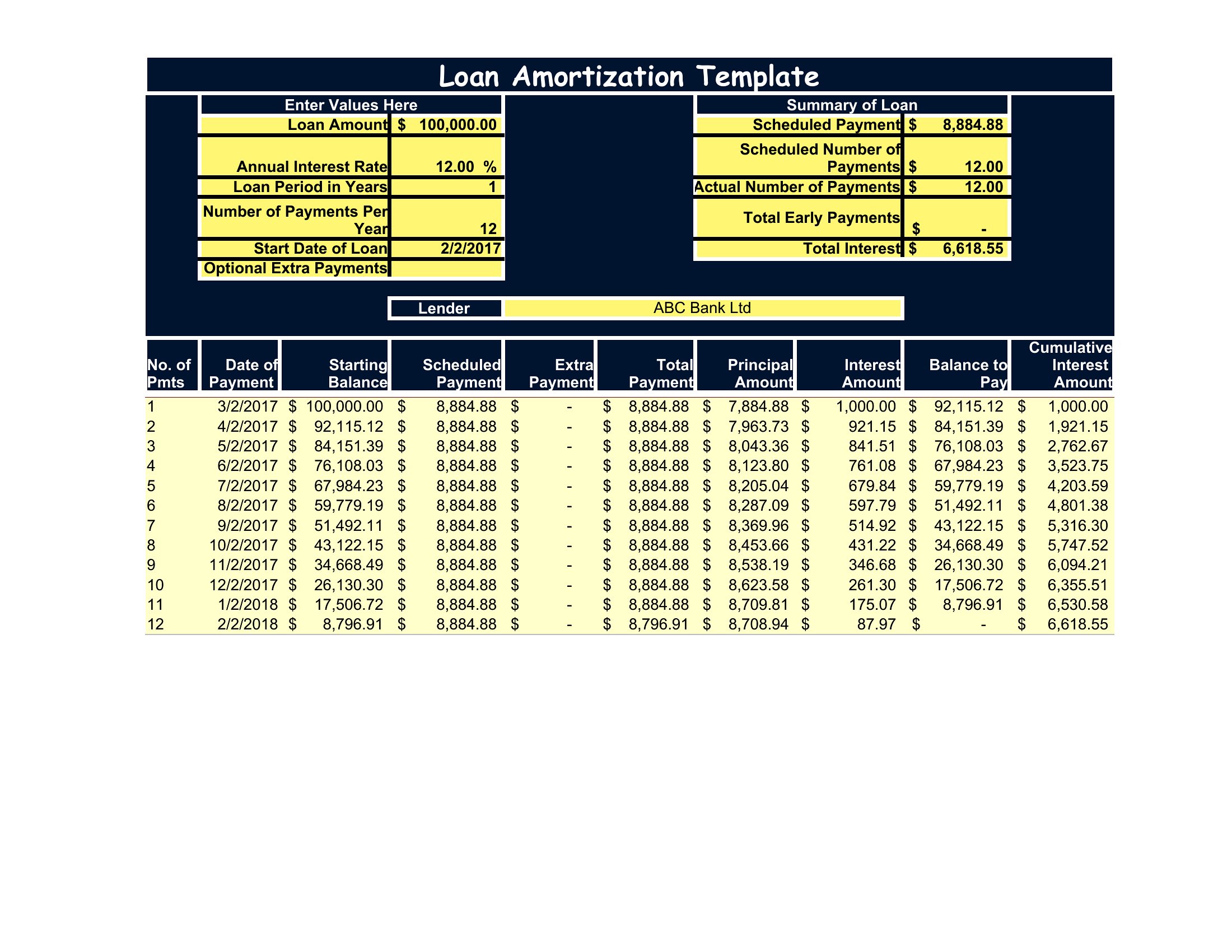
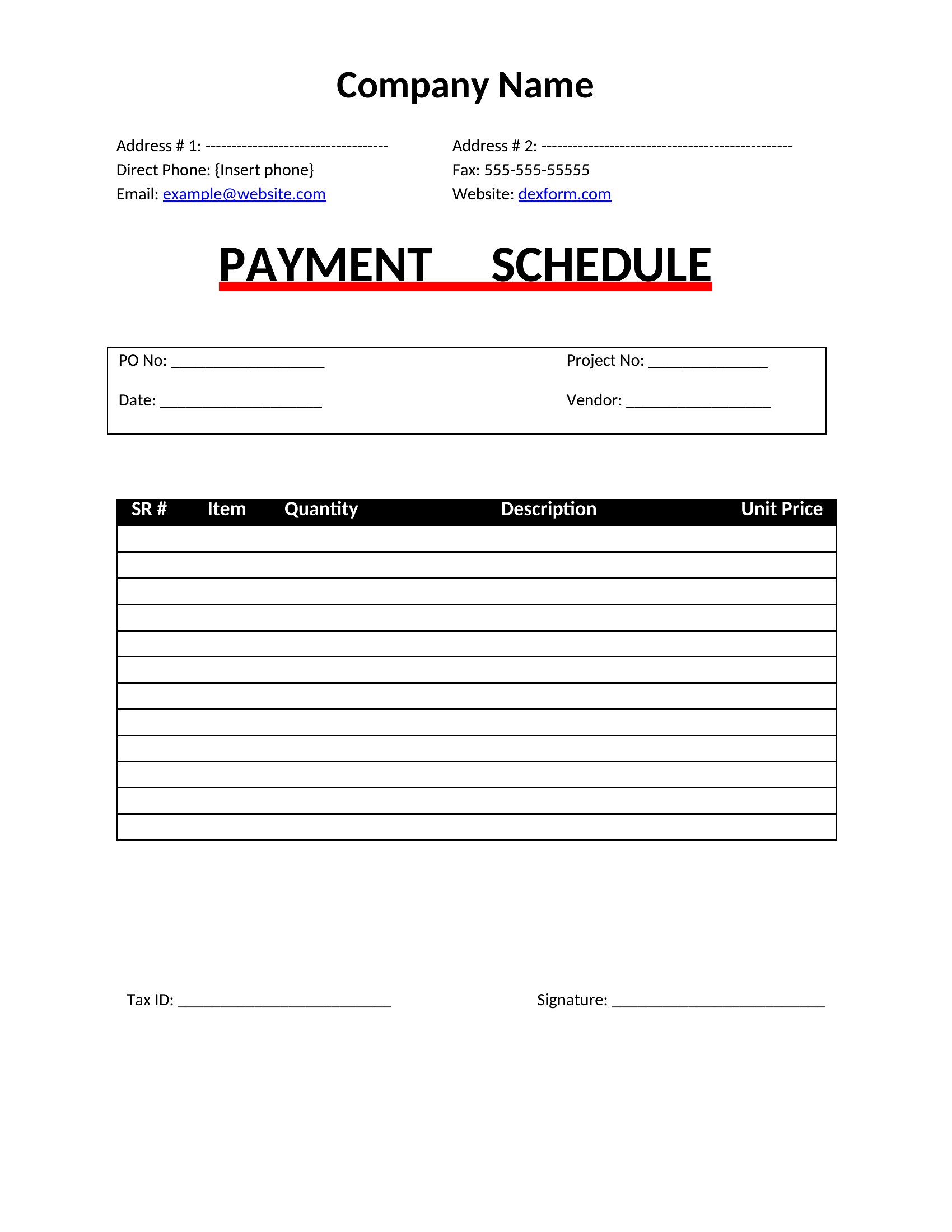
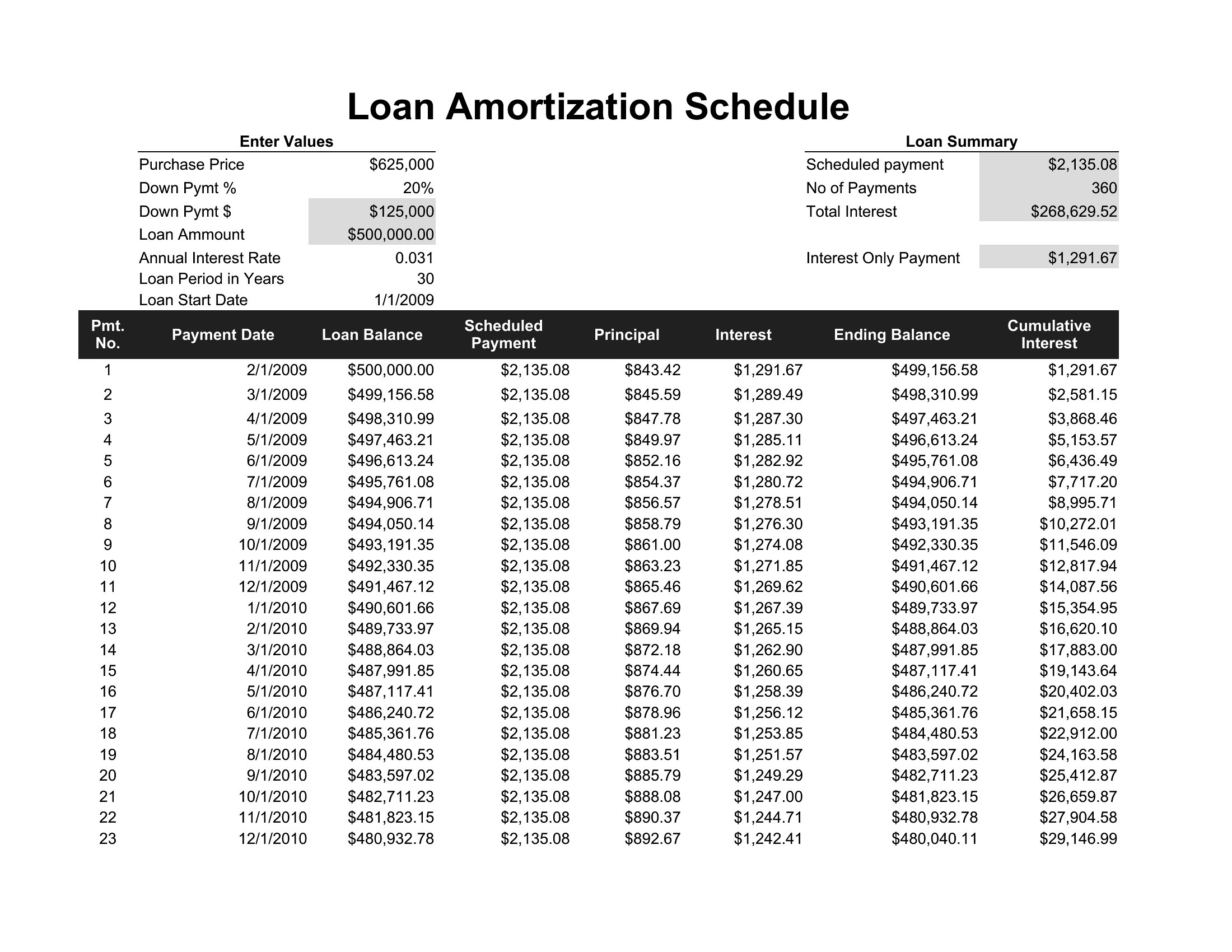
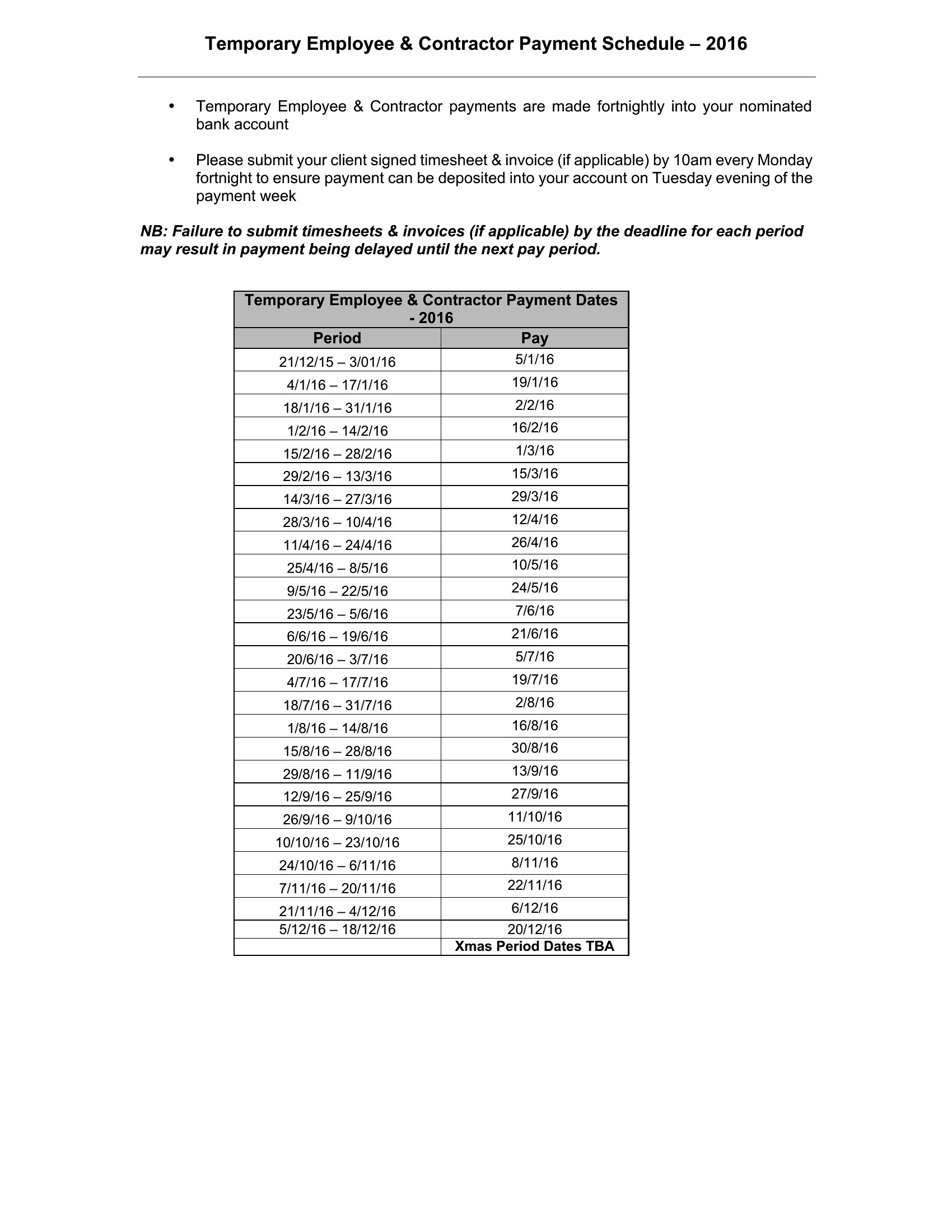
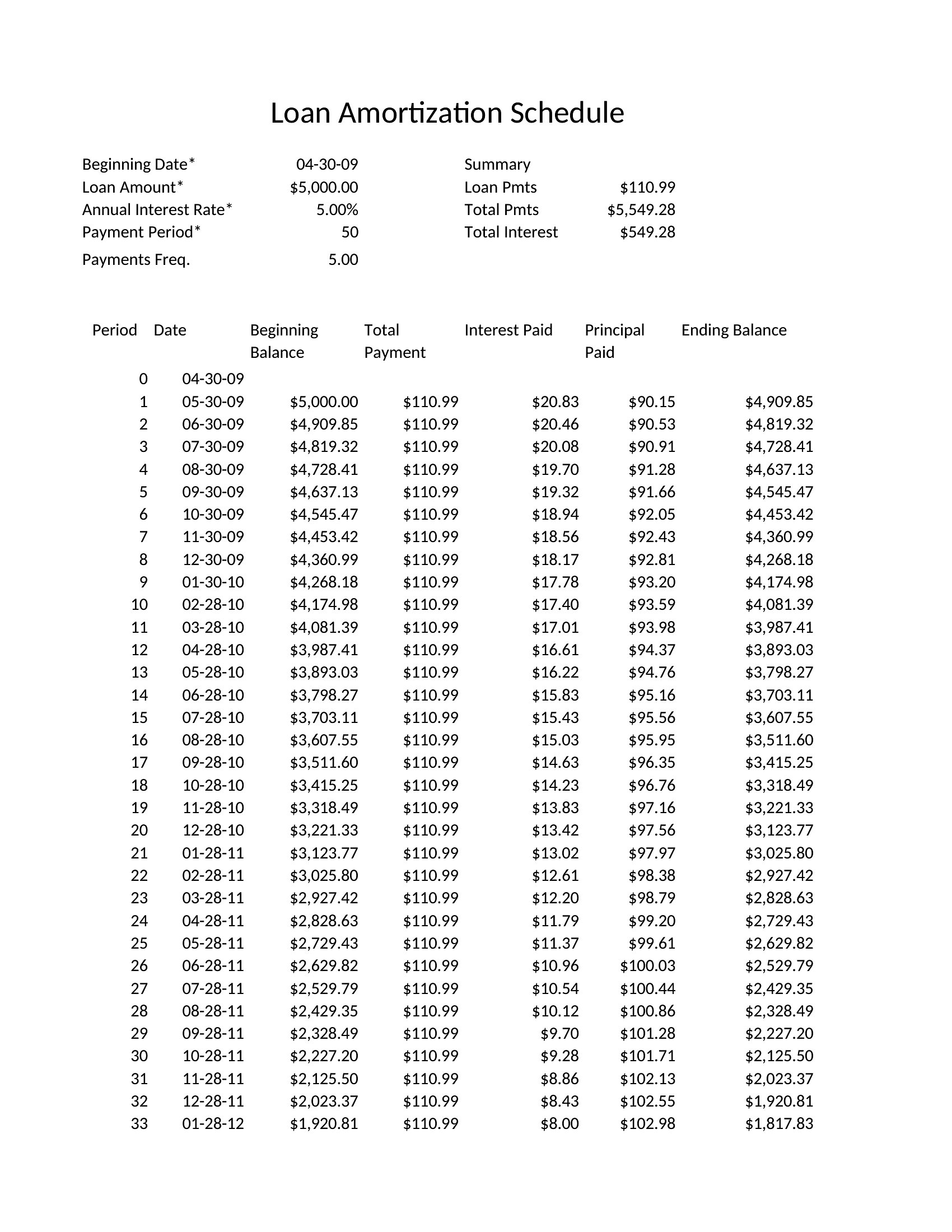
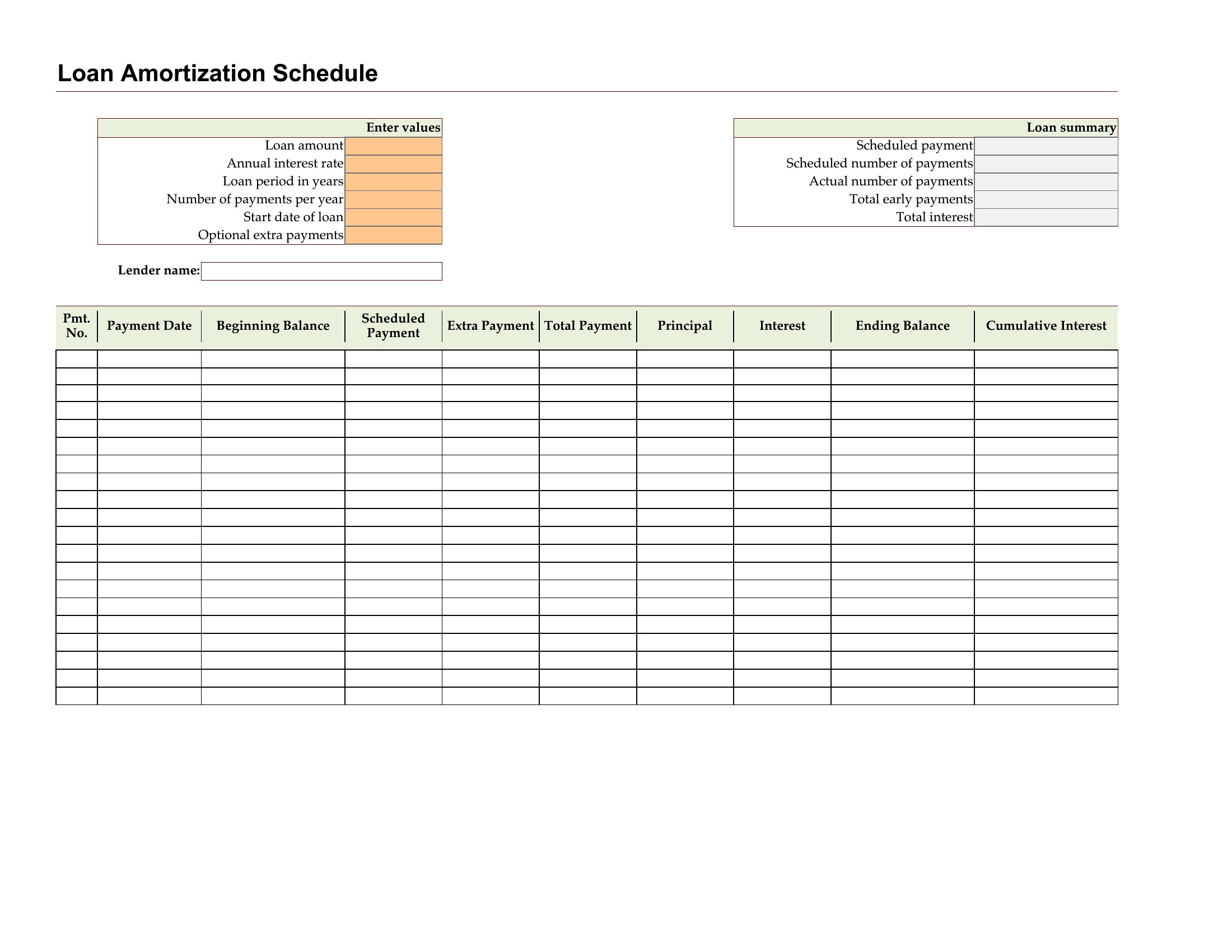
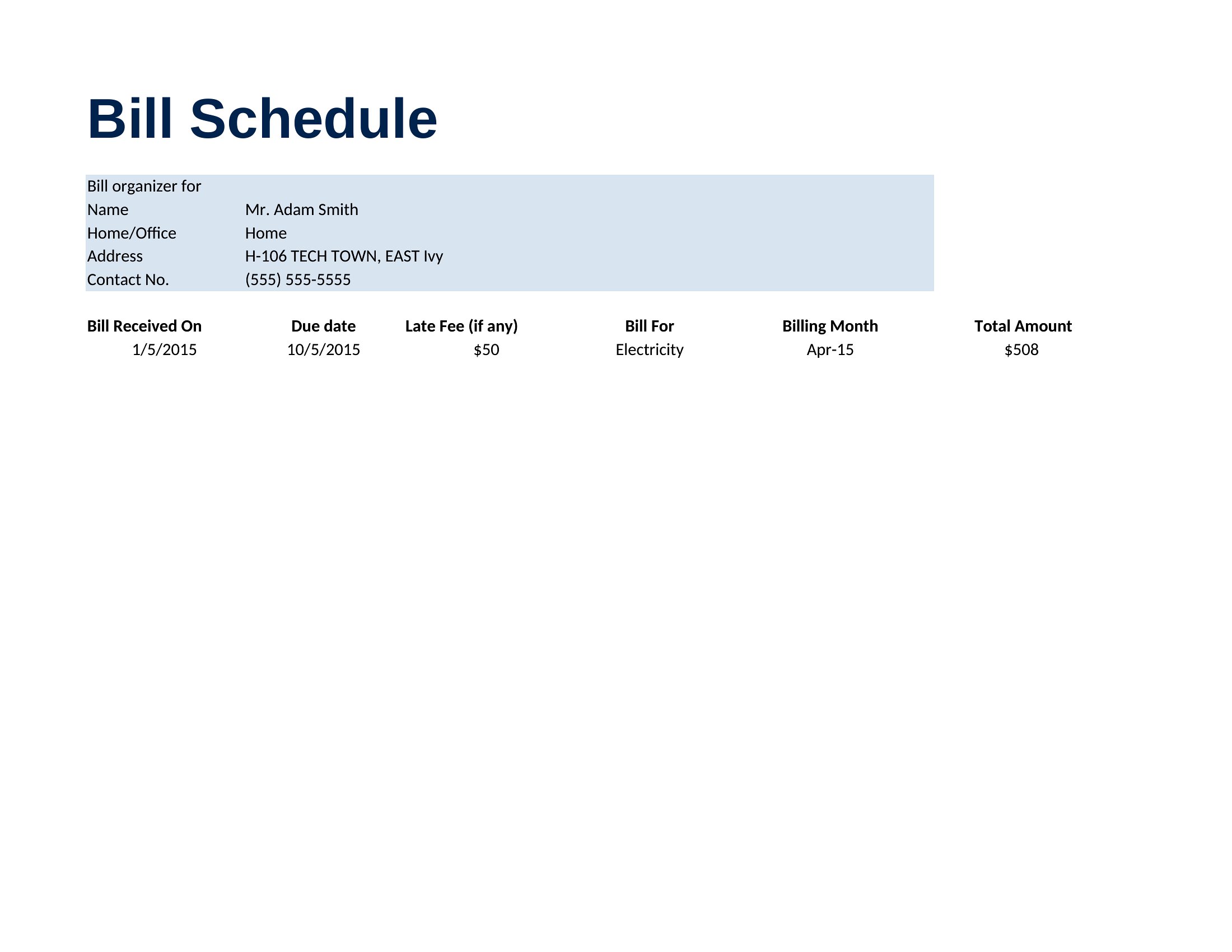
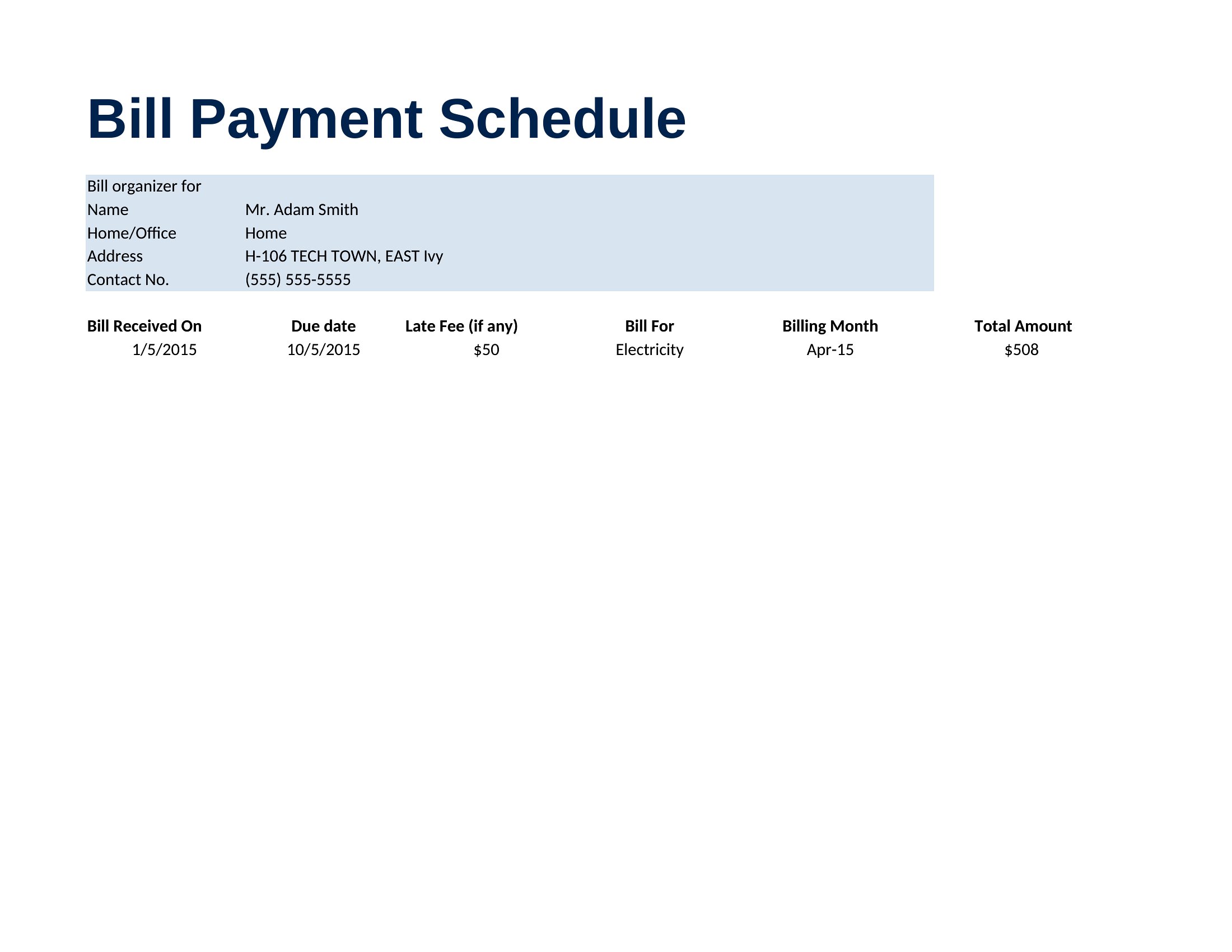
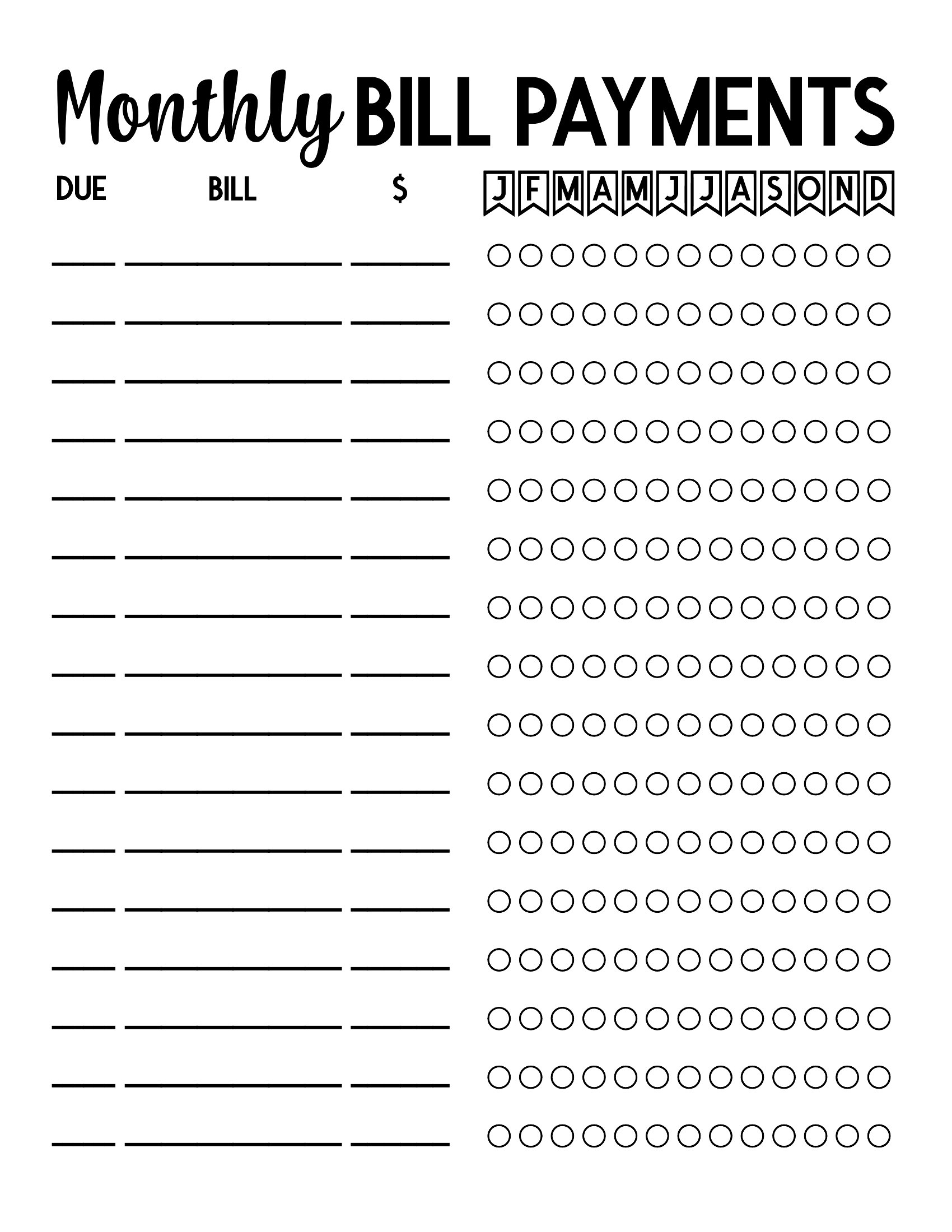
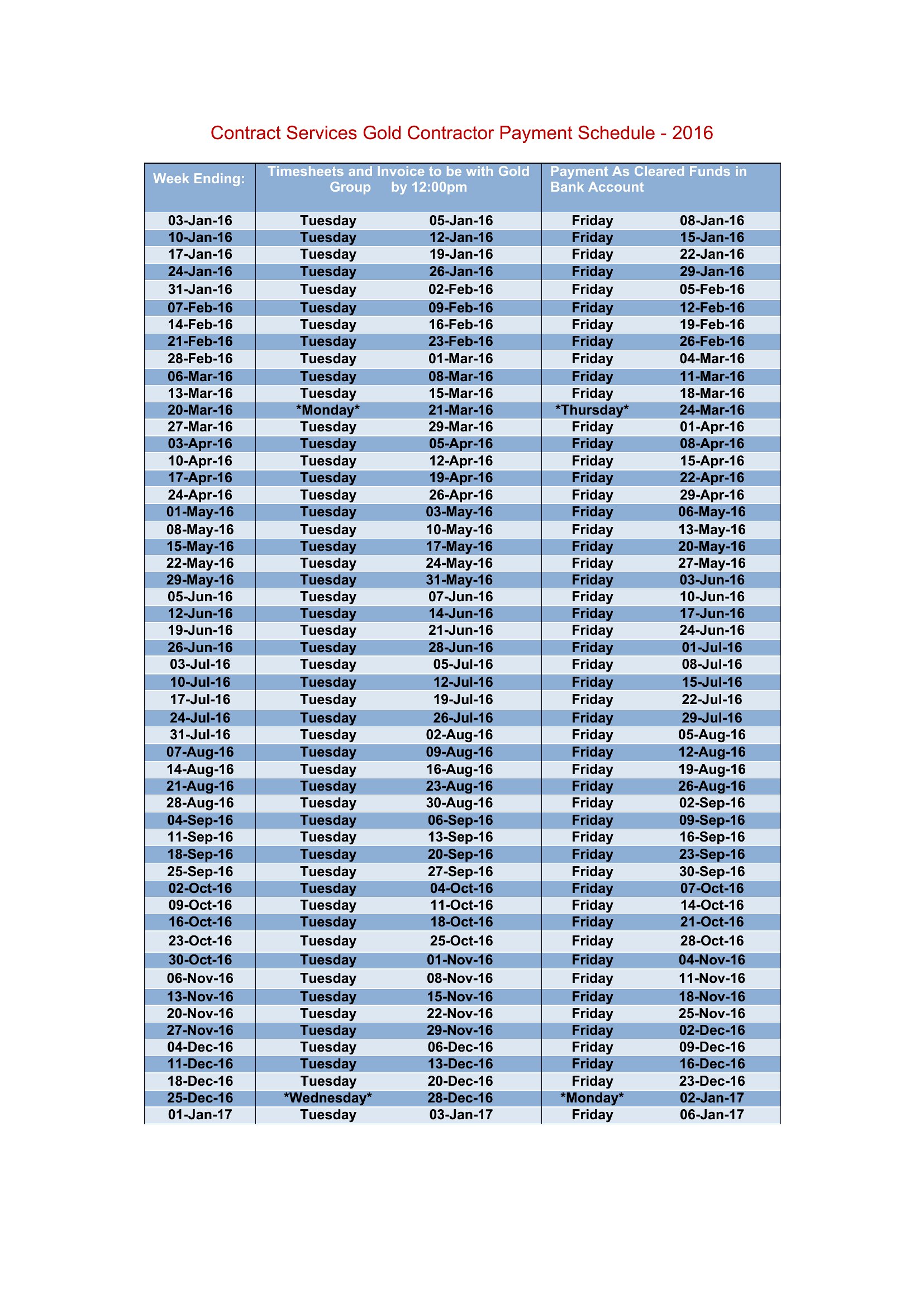
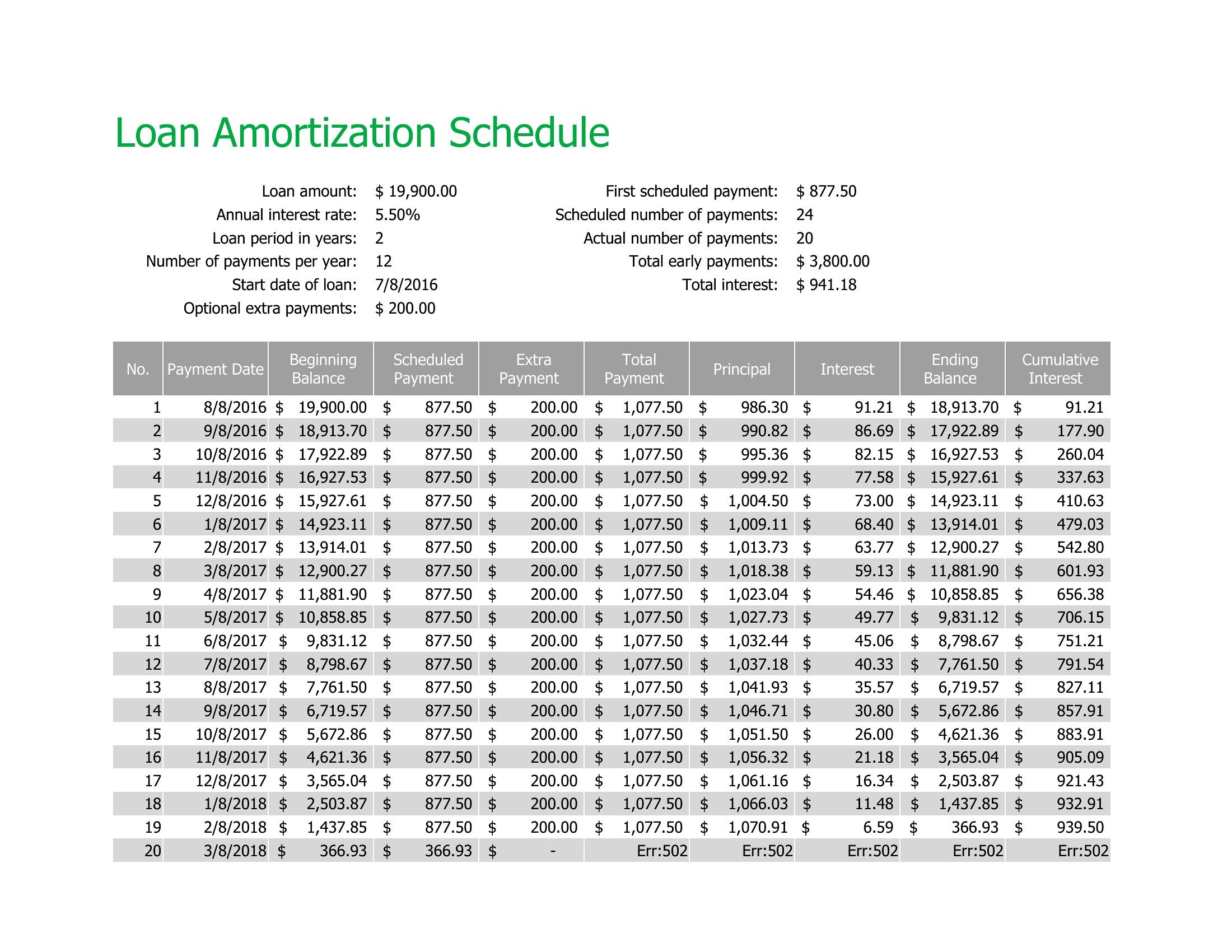
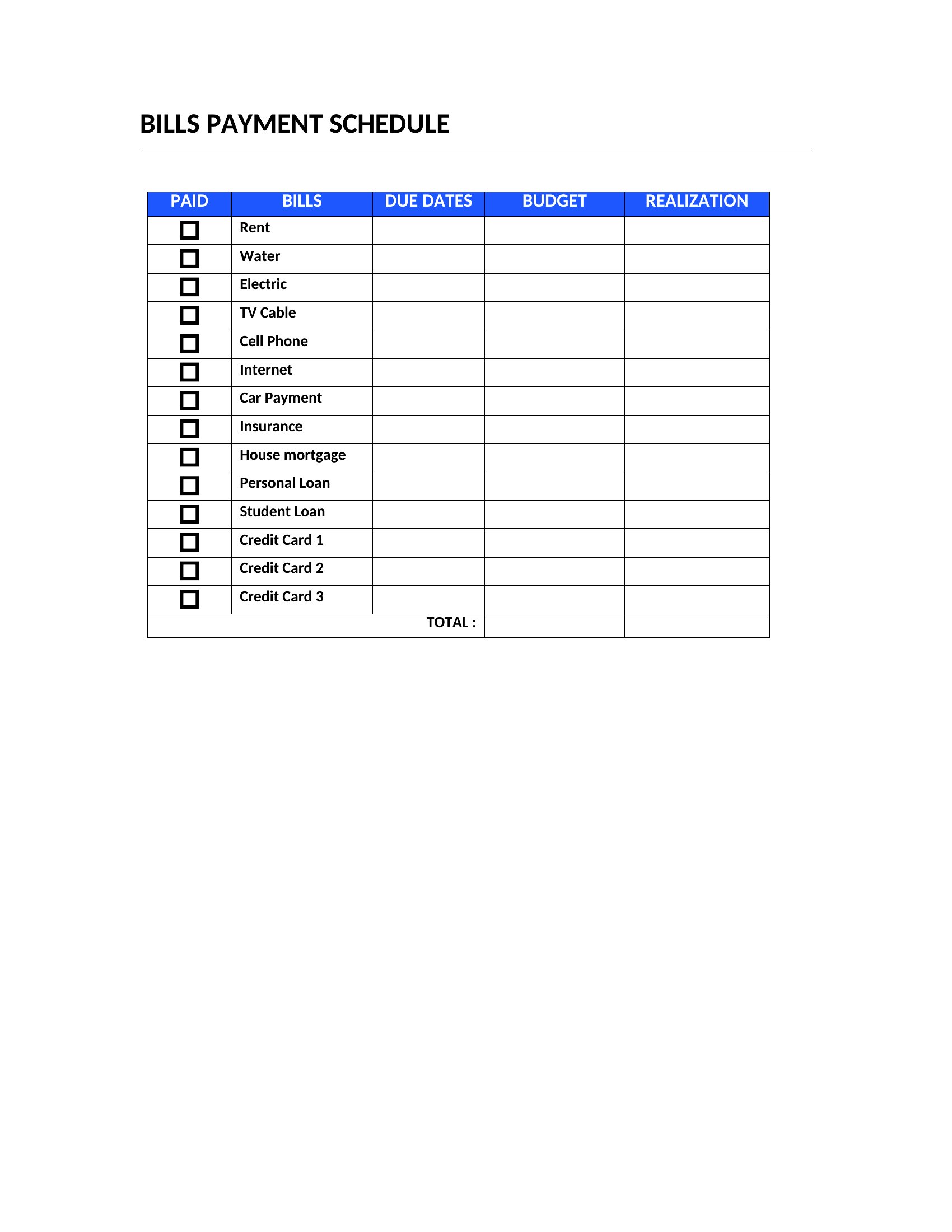
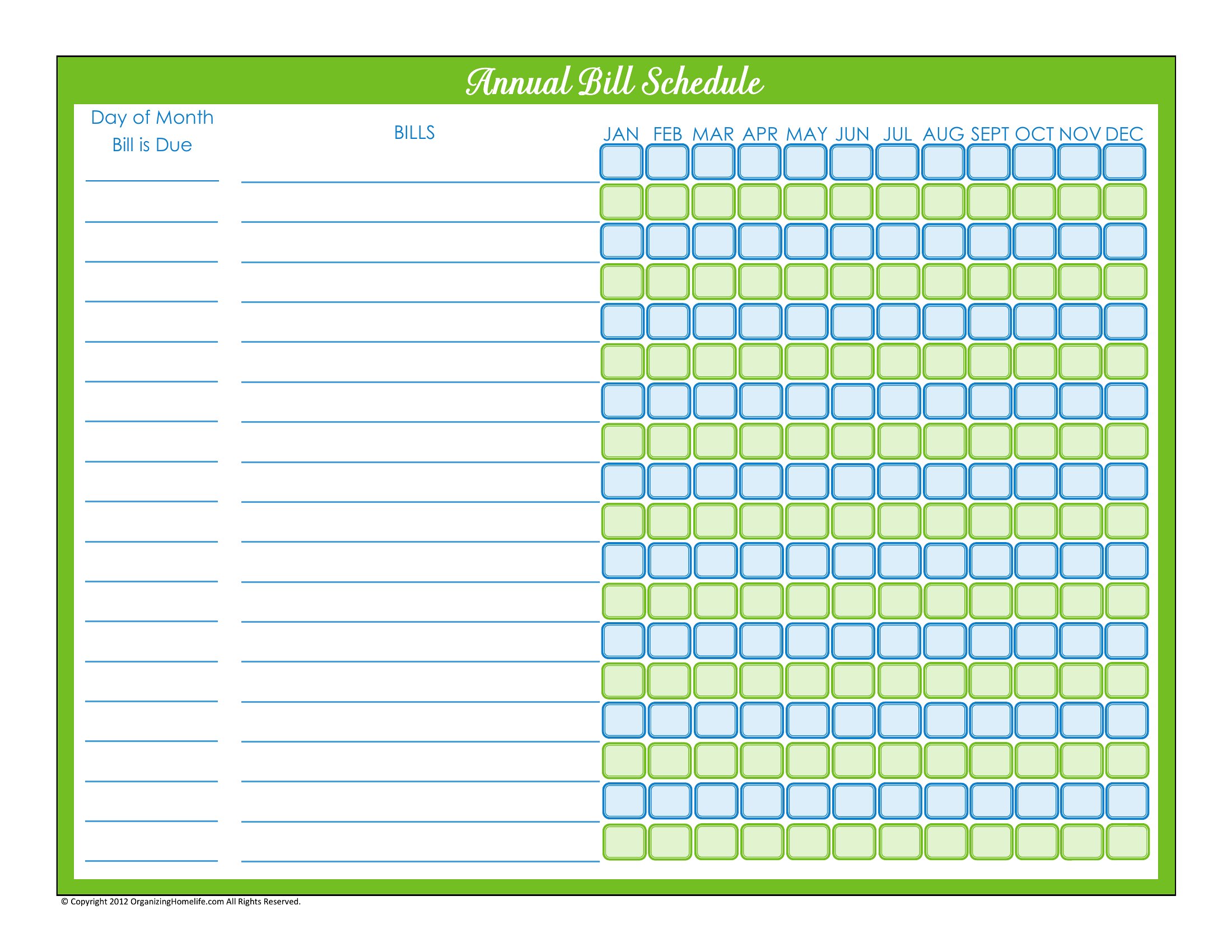
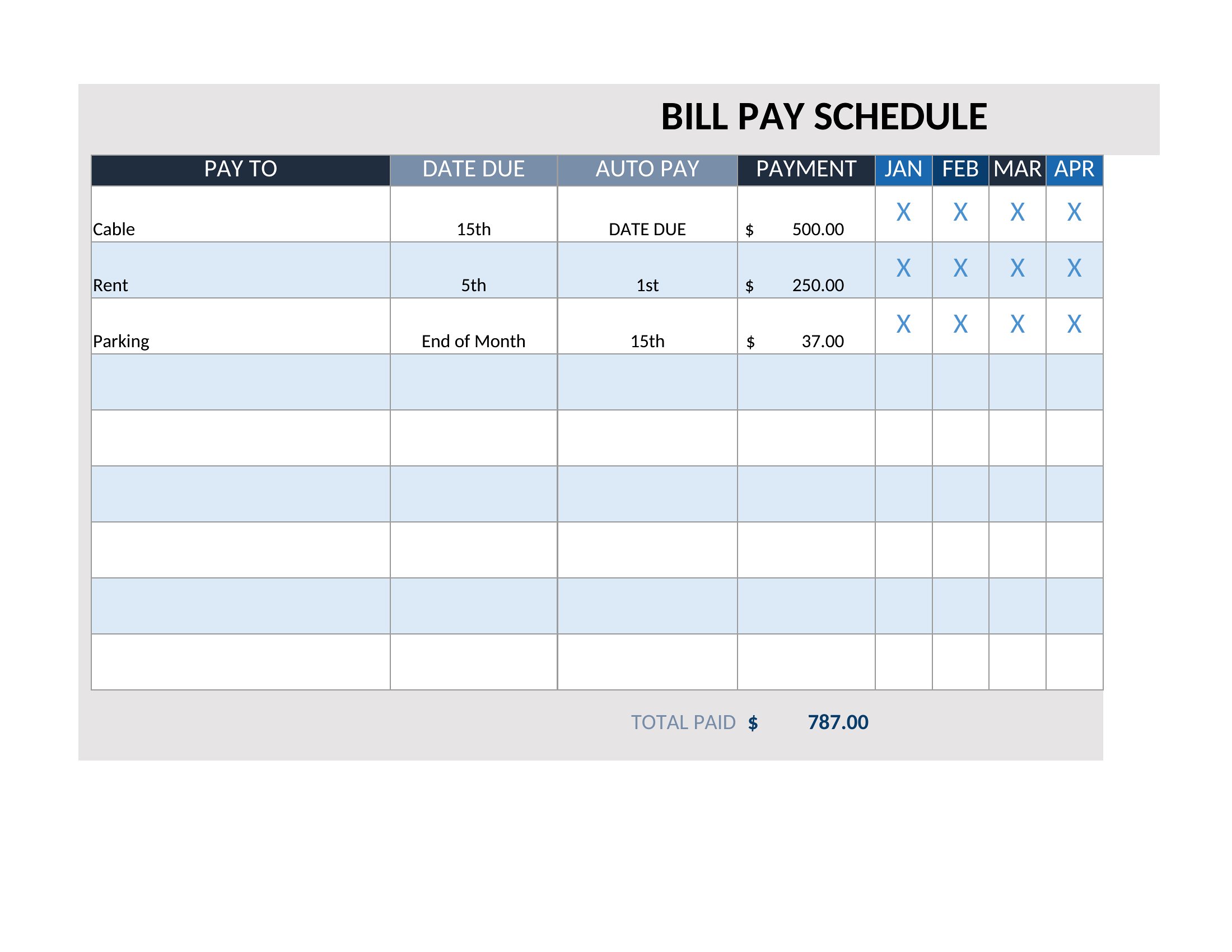
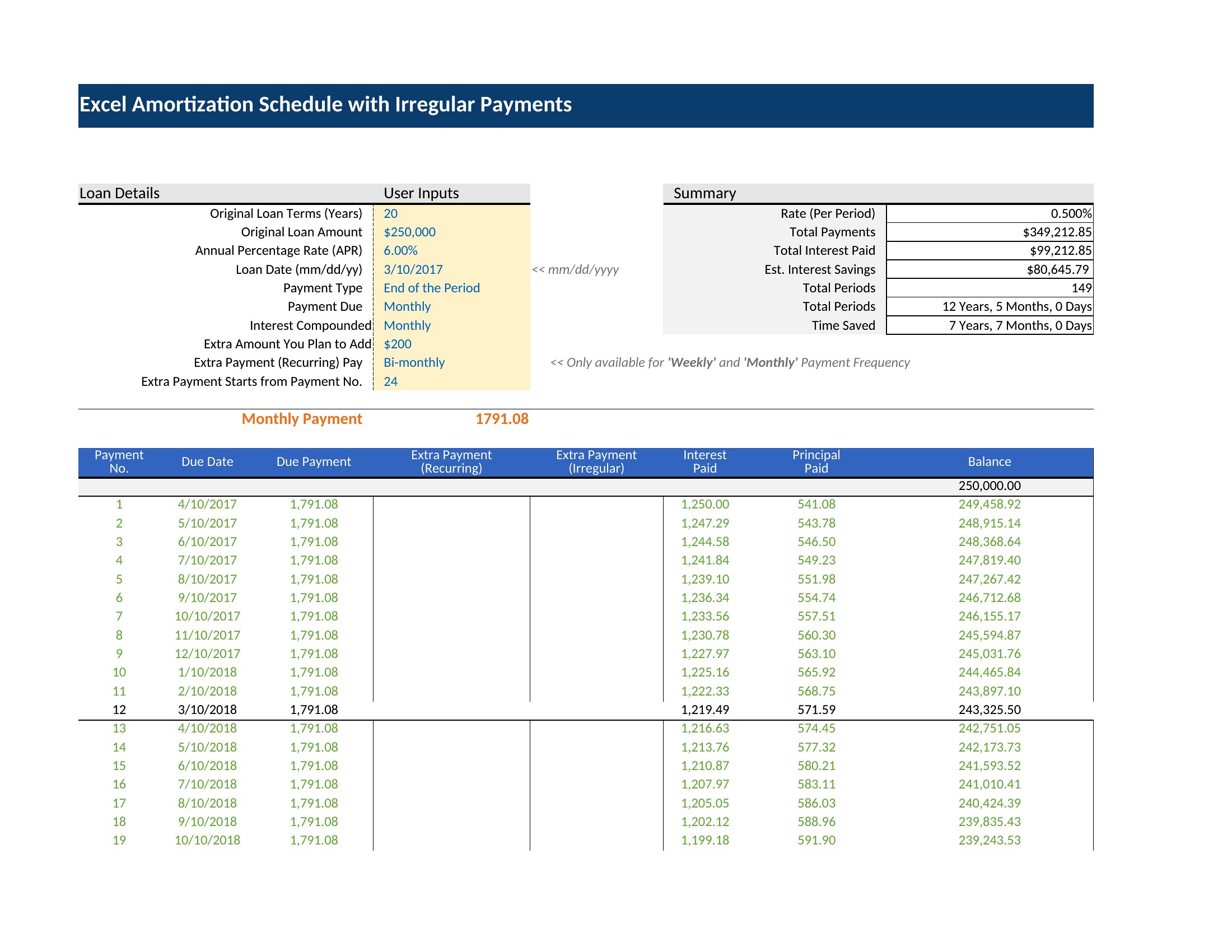
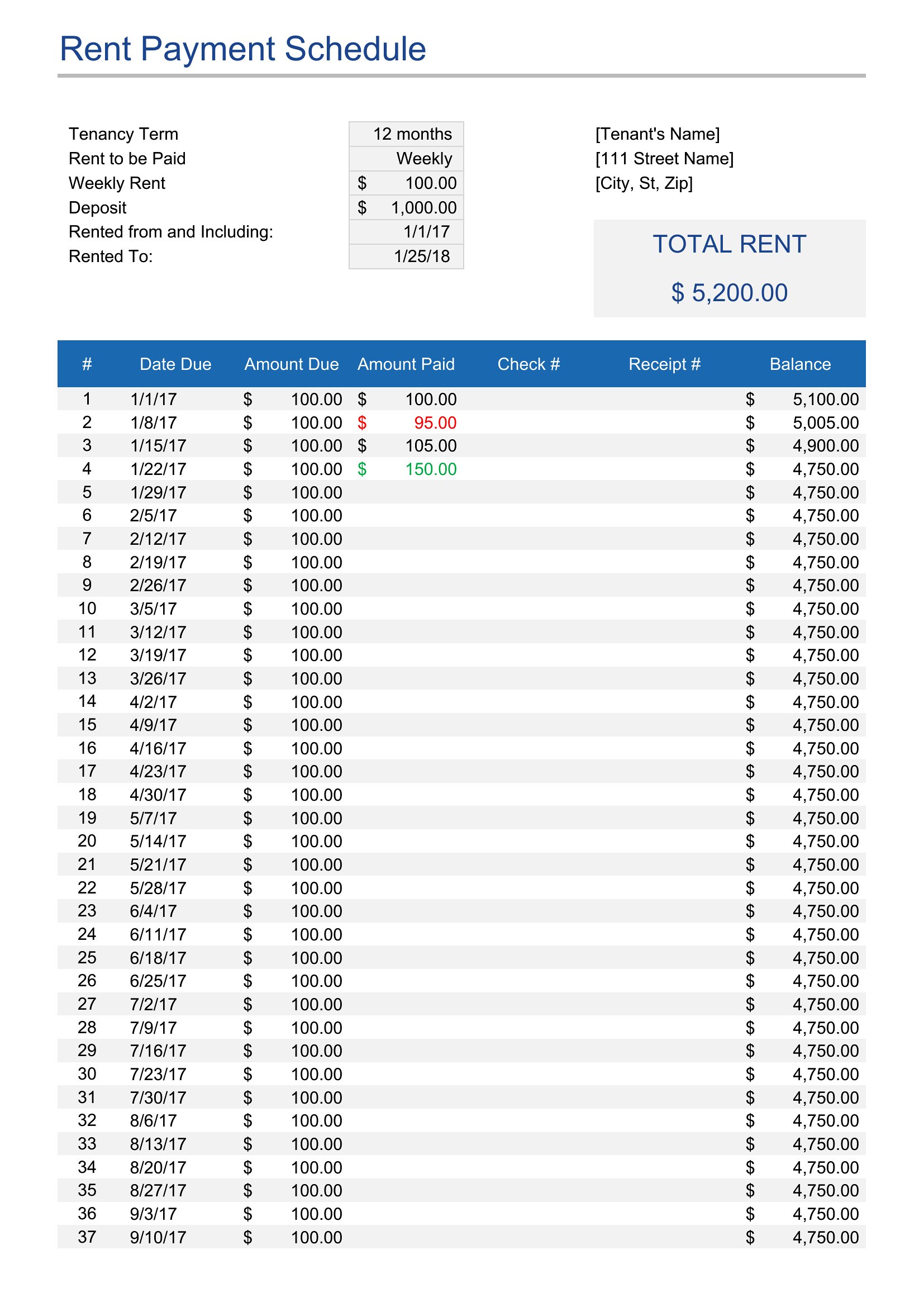
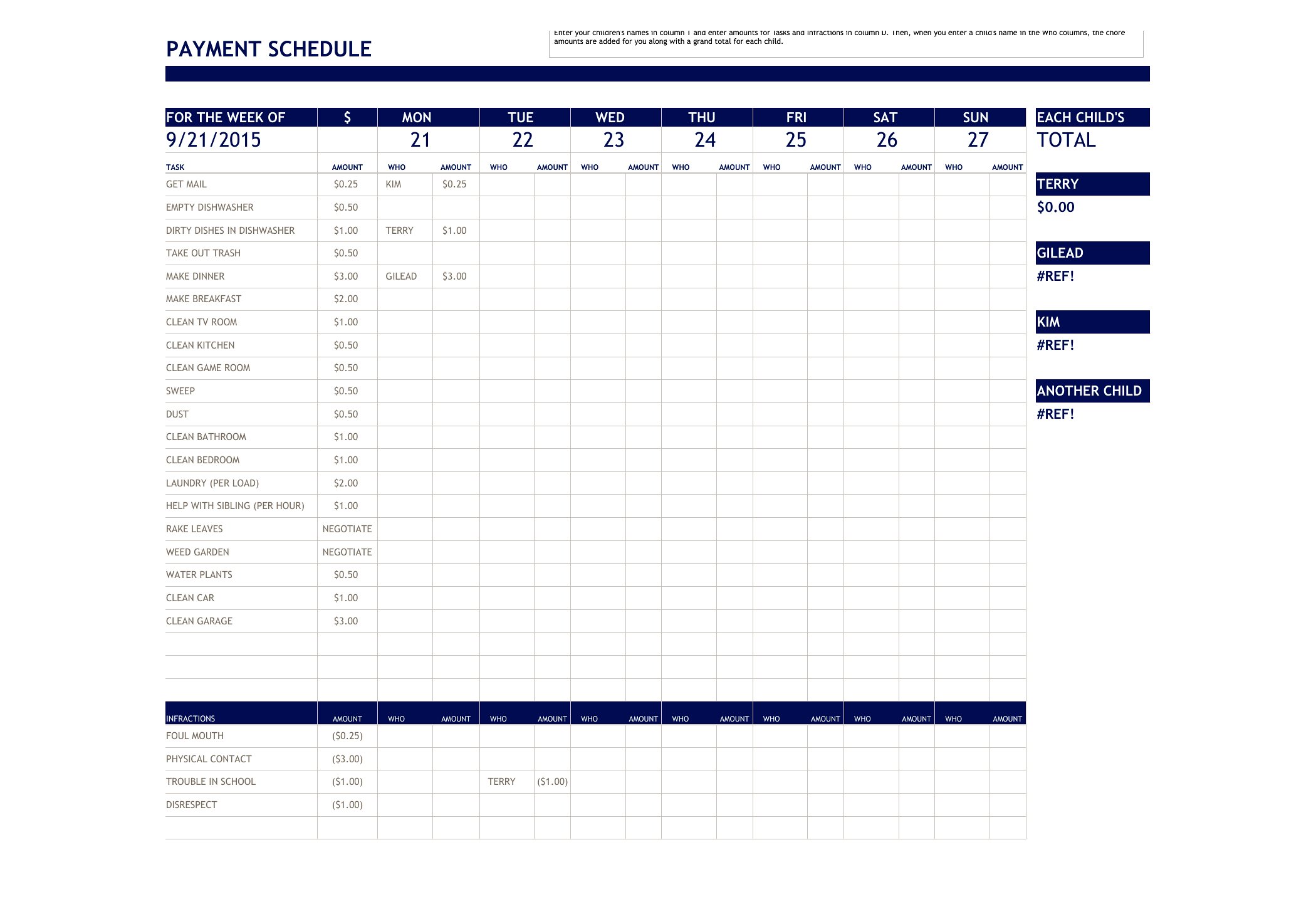
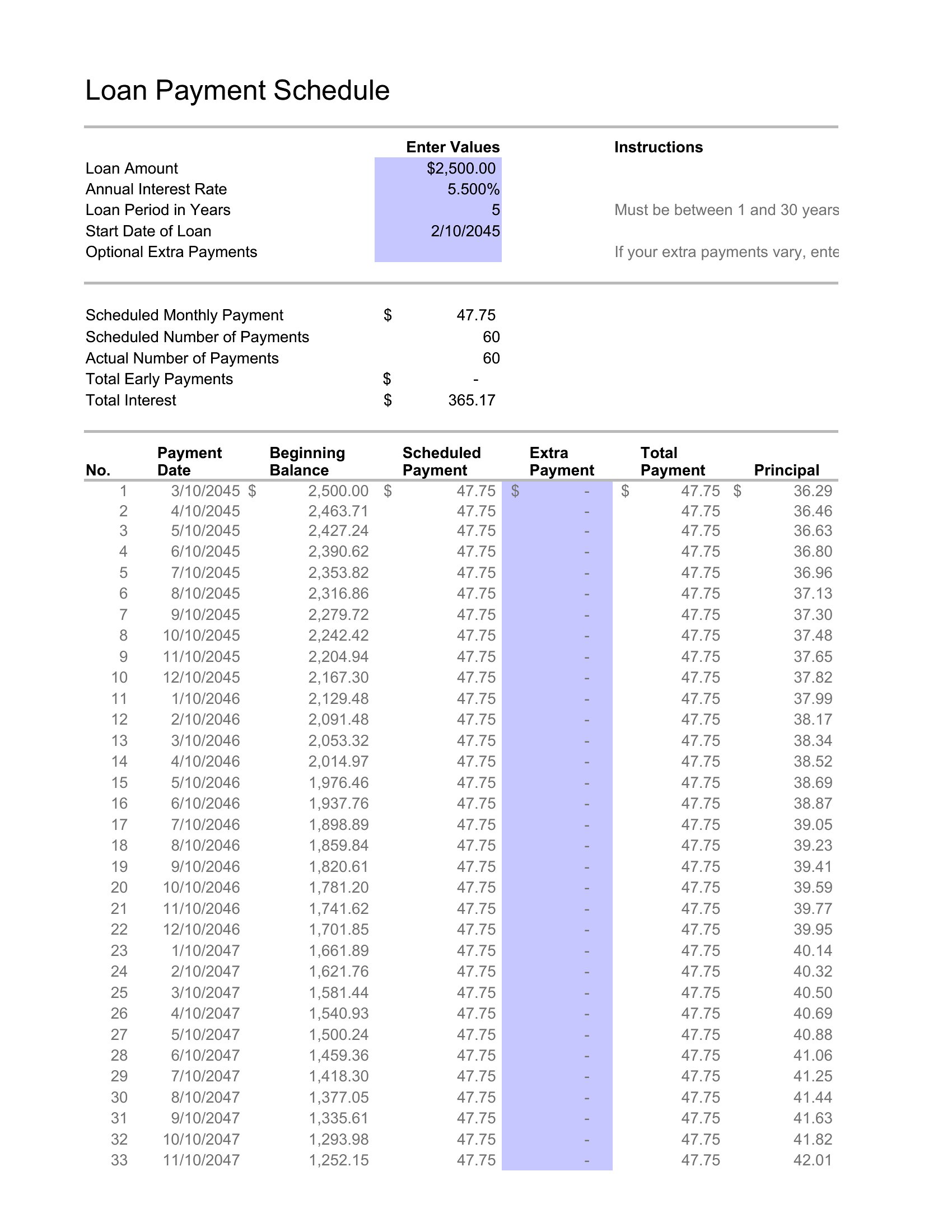
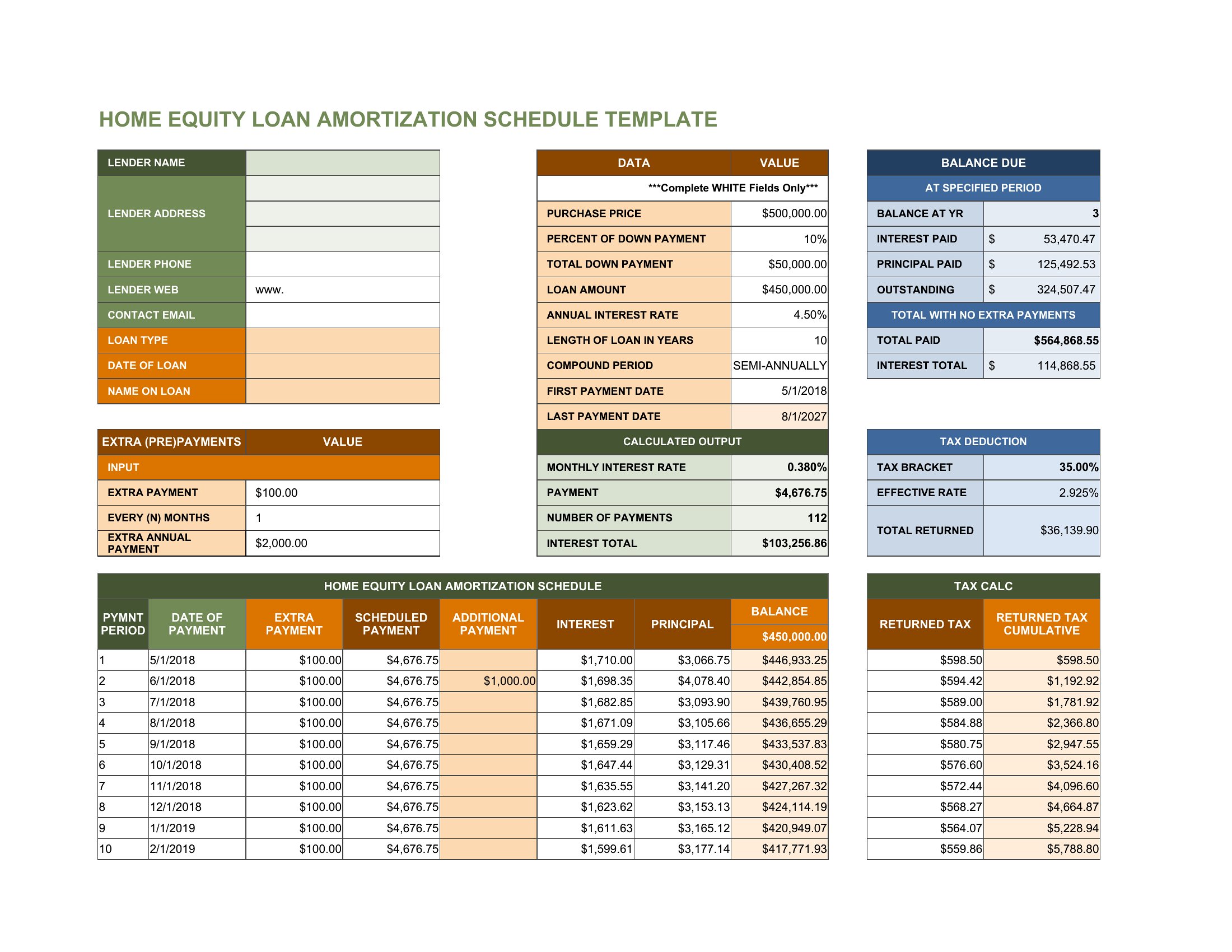
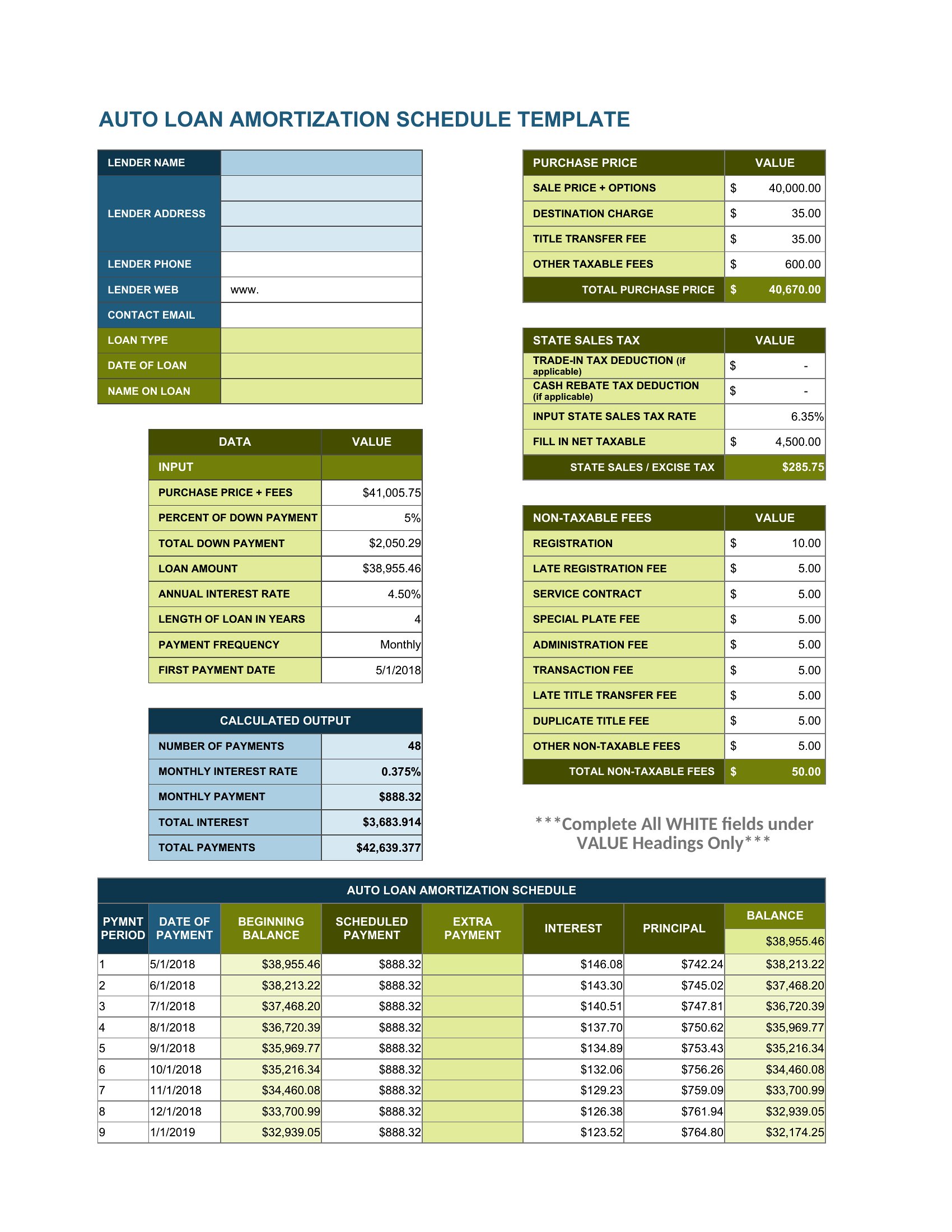
Mapping out when payments are due keeps loans, invoices, and project draws from turning into guesswork. This set of 46 templates helps borrowers, freelancers, and small businesses lay out installment dates, amounts, and balances, from amortization schedules to construction progress payments.
Excel versions calculate balances and totals as you type, while Word and PDF layouts give you printable copies to share or file. Plug in your amounts and dates, and the schedule comes together quickly. For loans, confirm the interest and terms with your lender, since figures vary. Download the schedule that fits your situation and keep payments on track.
When to use this Payment Schedule template
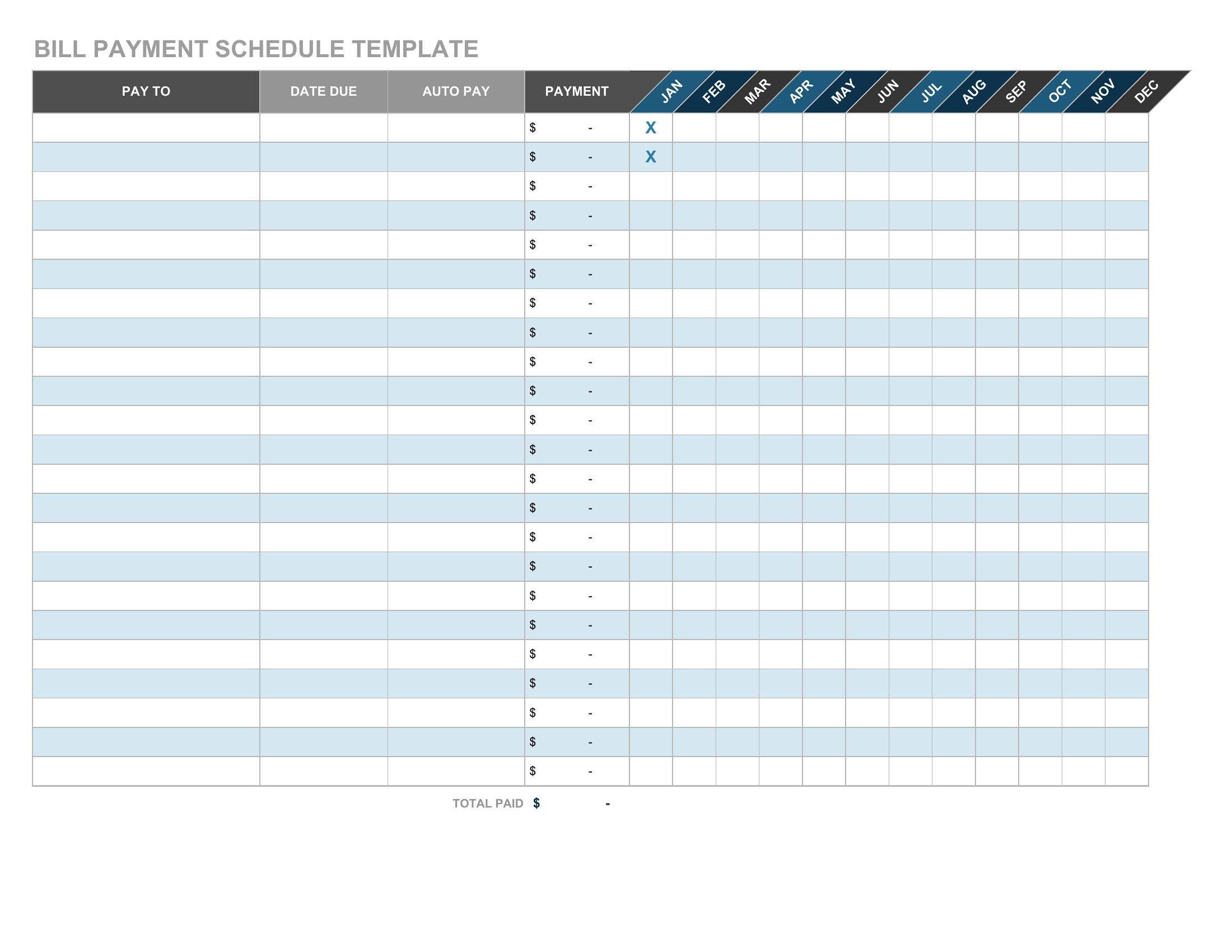
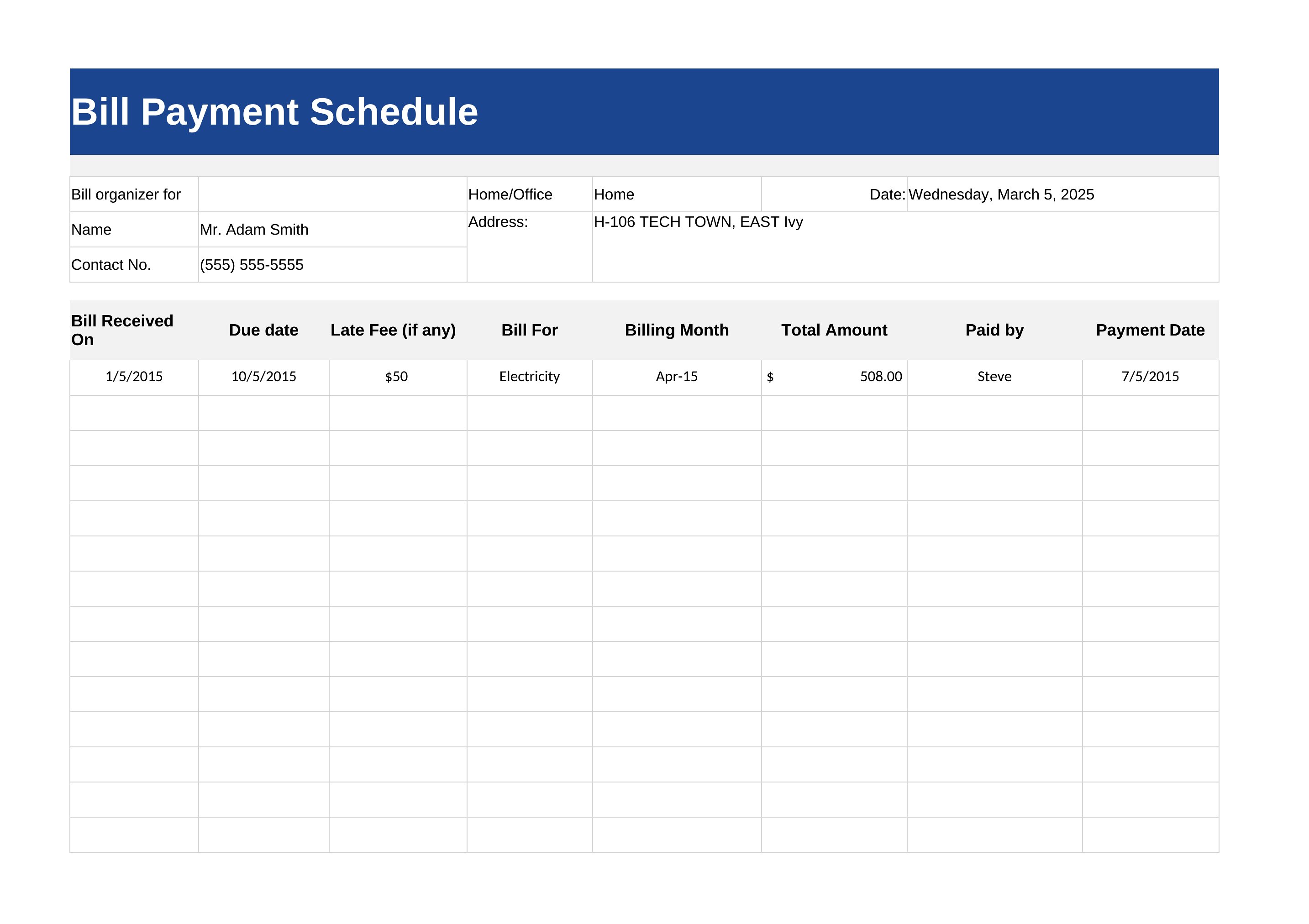
- A freelance designer with three ongoing client projects needs a clear way to track monthly retainer payments and invoice deadlines, ensuring no late fees disrupt cash flow.
- A small business owner refinancing equipment loans wants to compare fixed installment options, so they can present the best repayment timeline to investors.
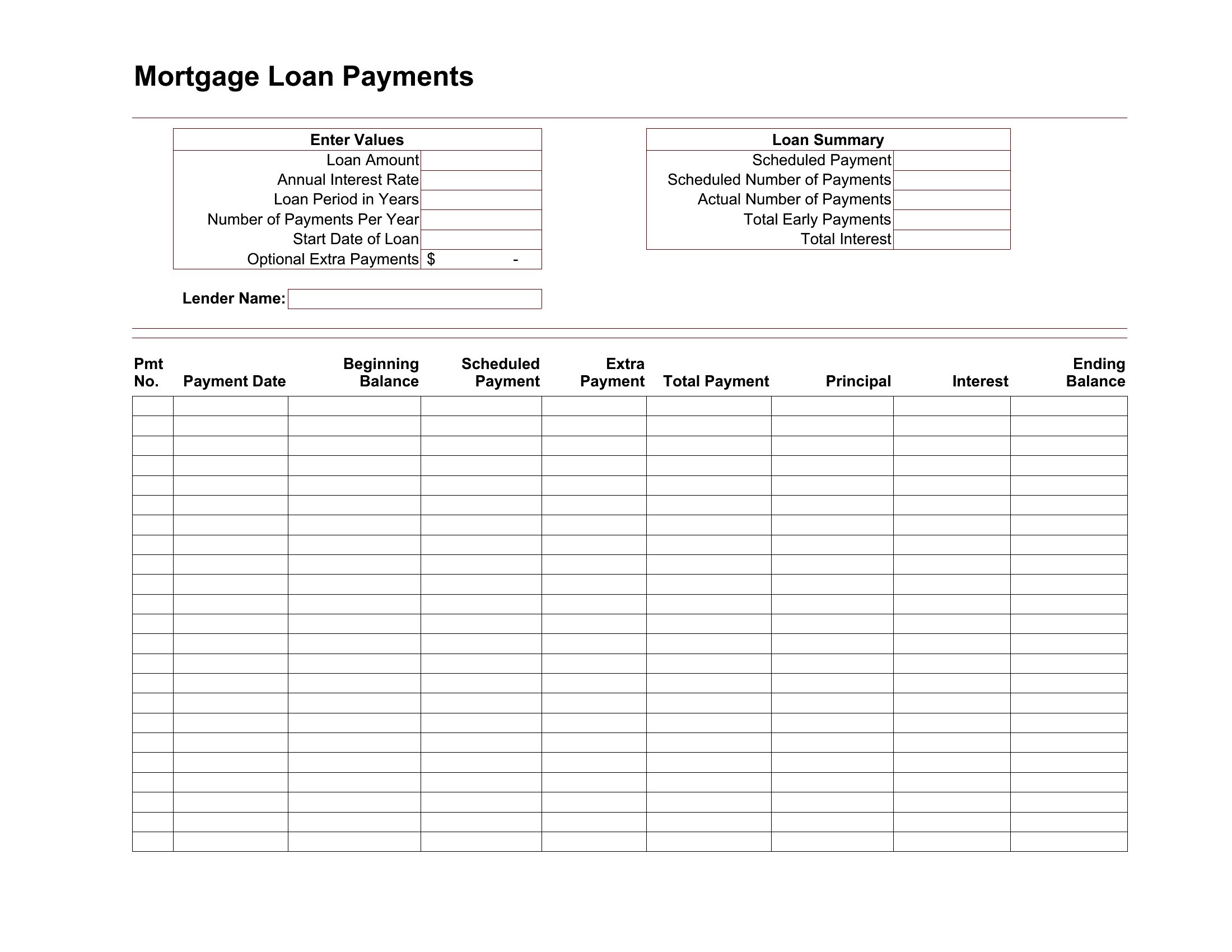
- A couple buying a home needs to visualize their mortgage payments alongside property tax and insurance due dates to budget for annual increases.
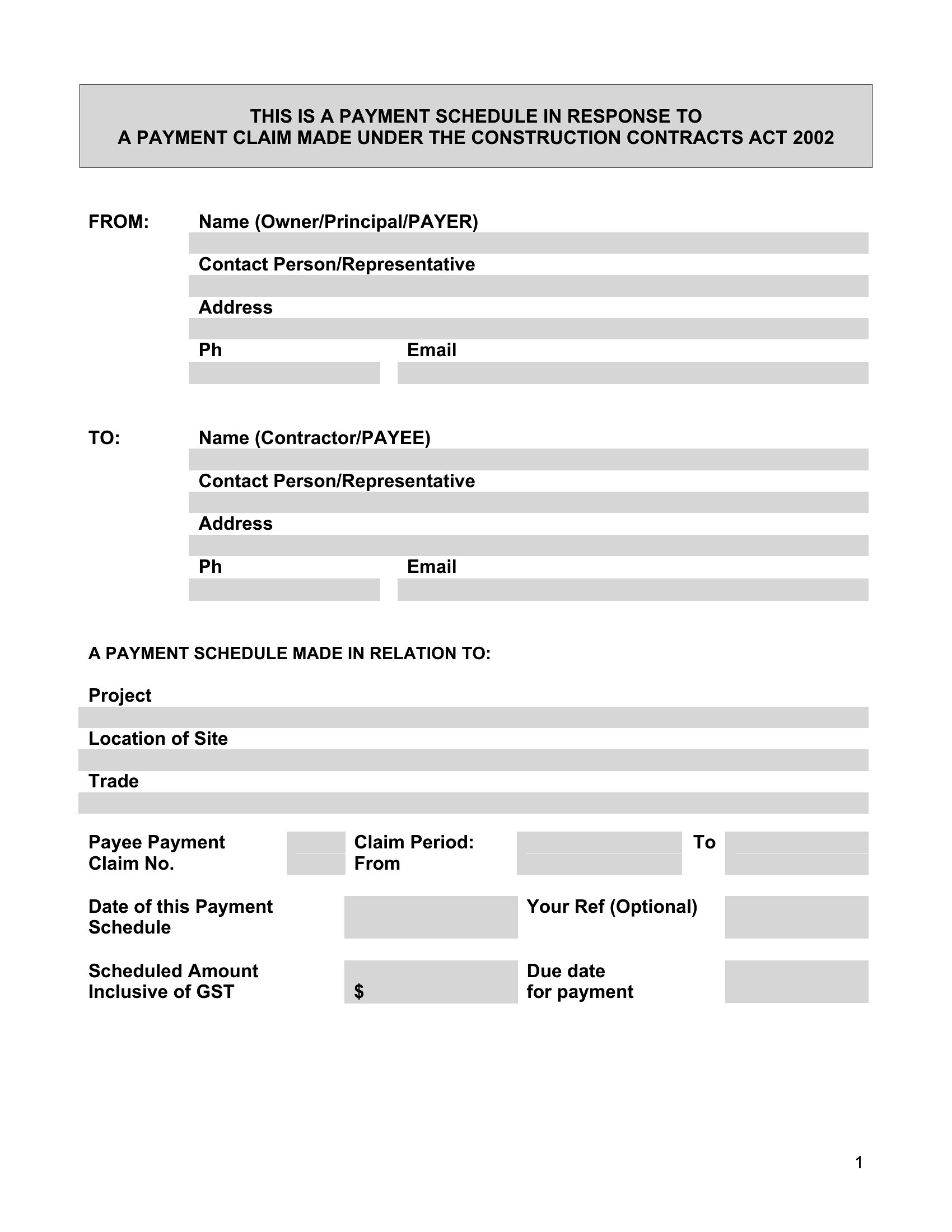
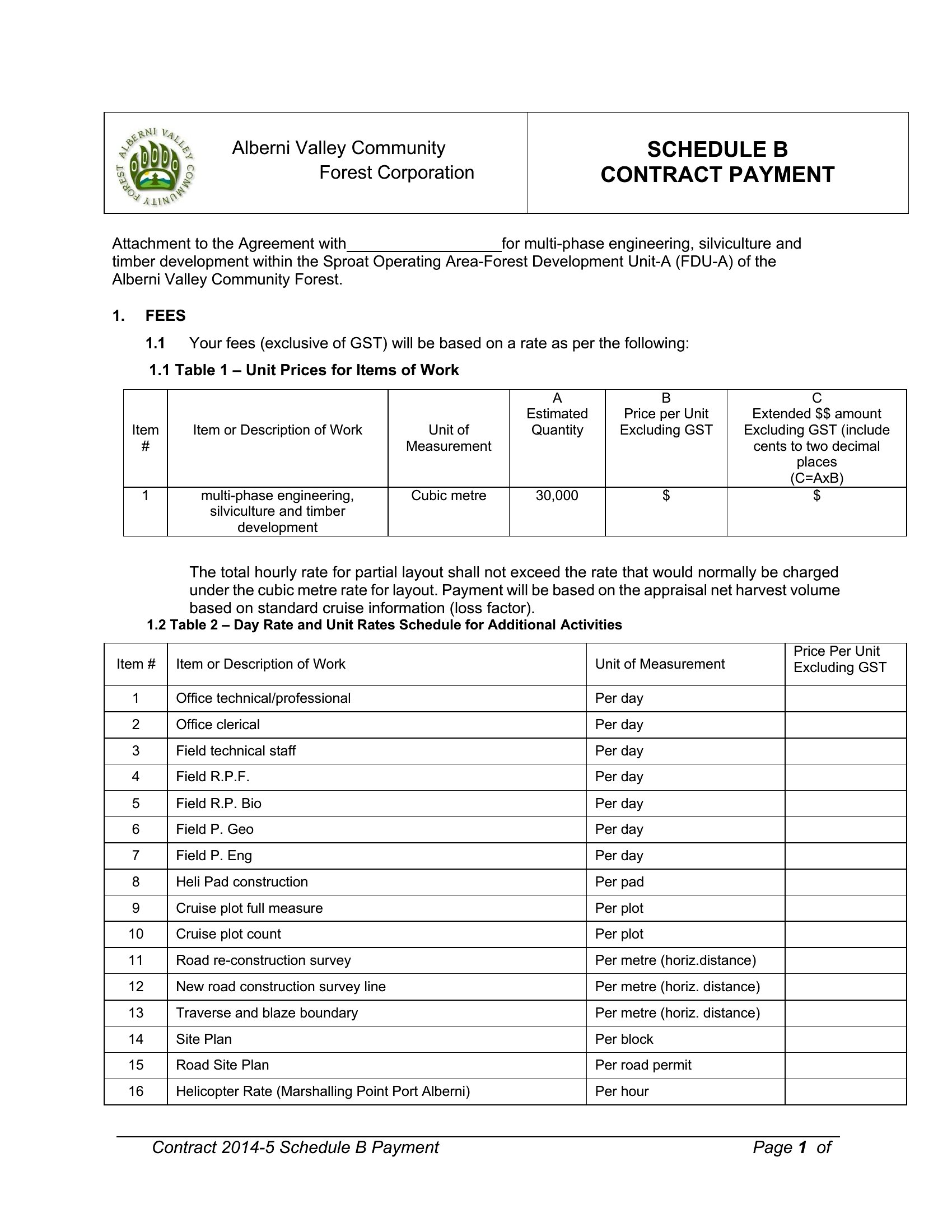
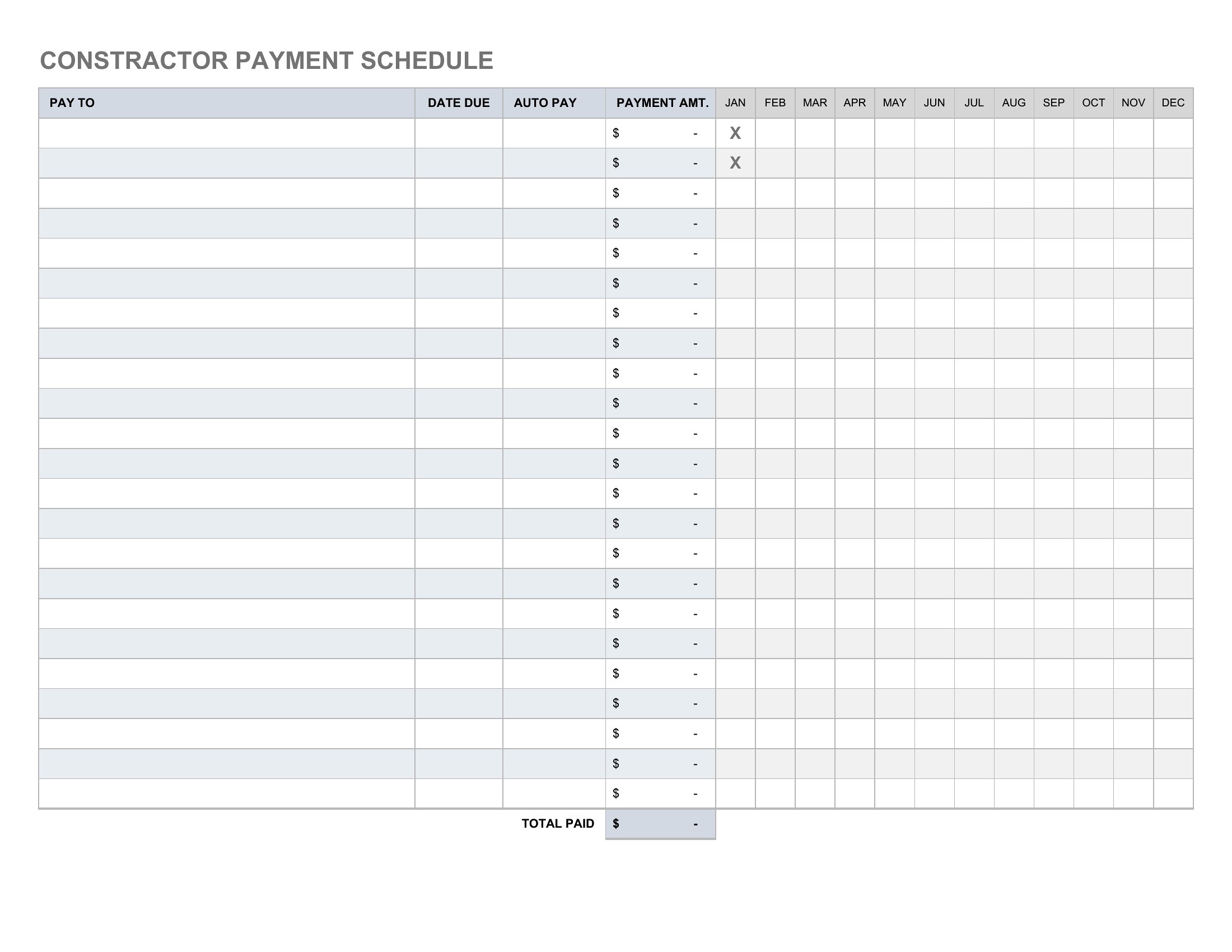
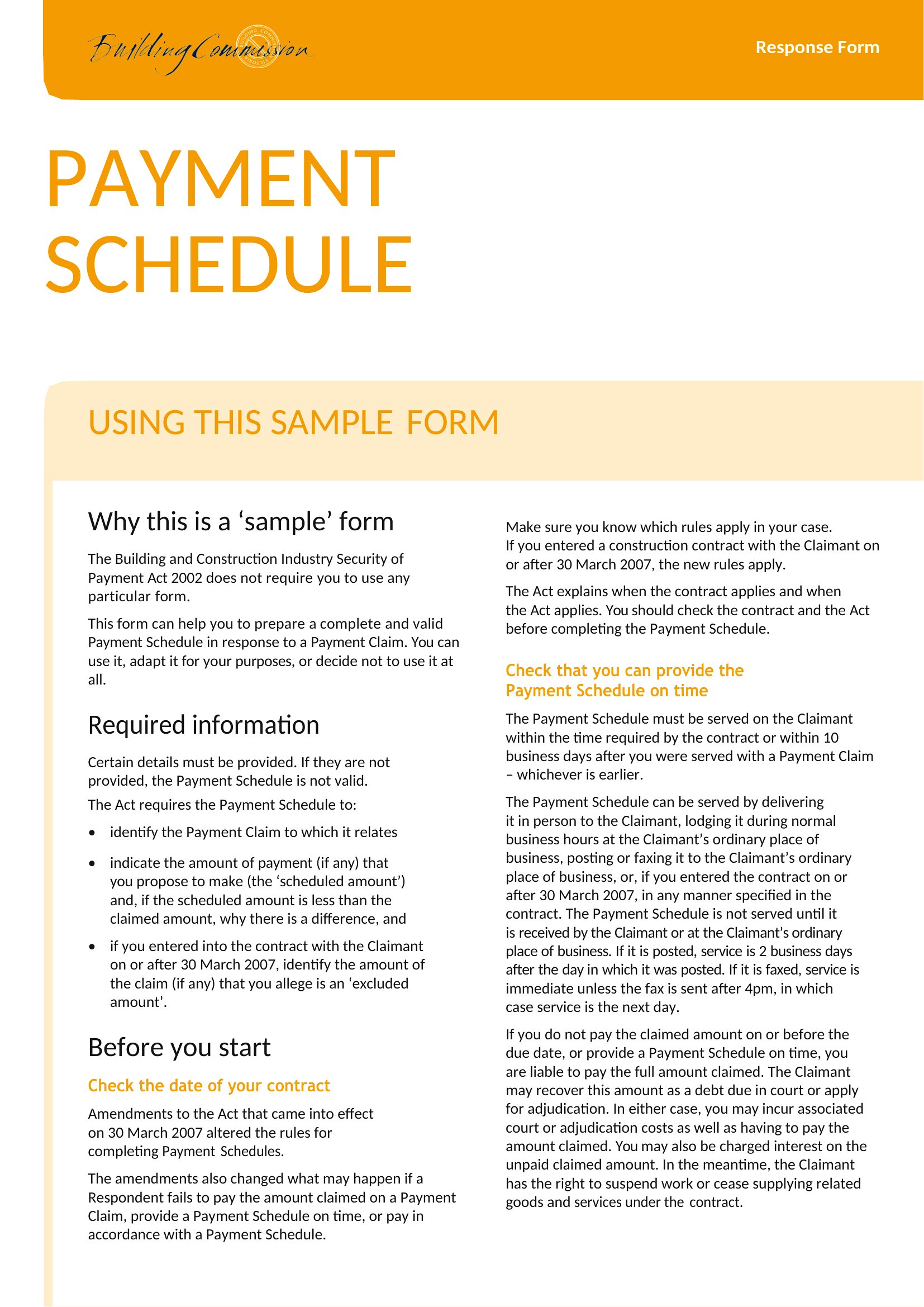
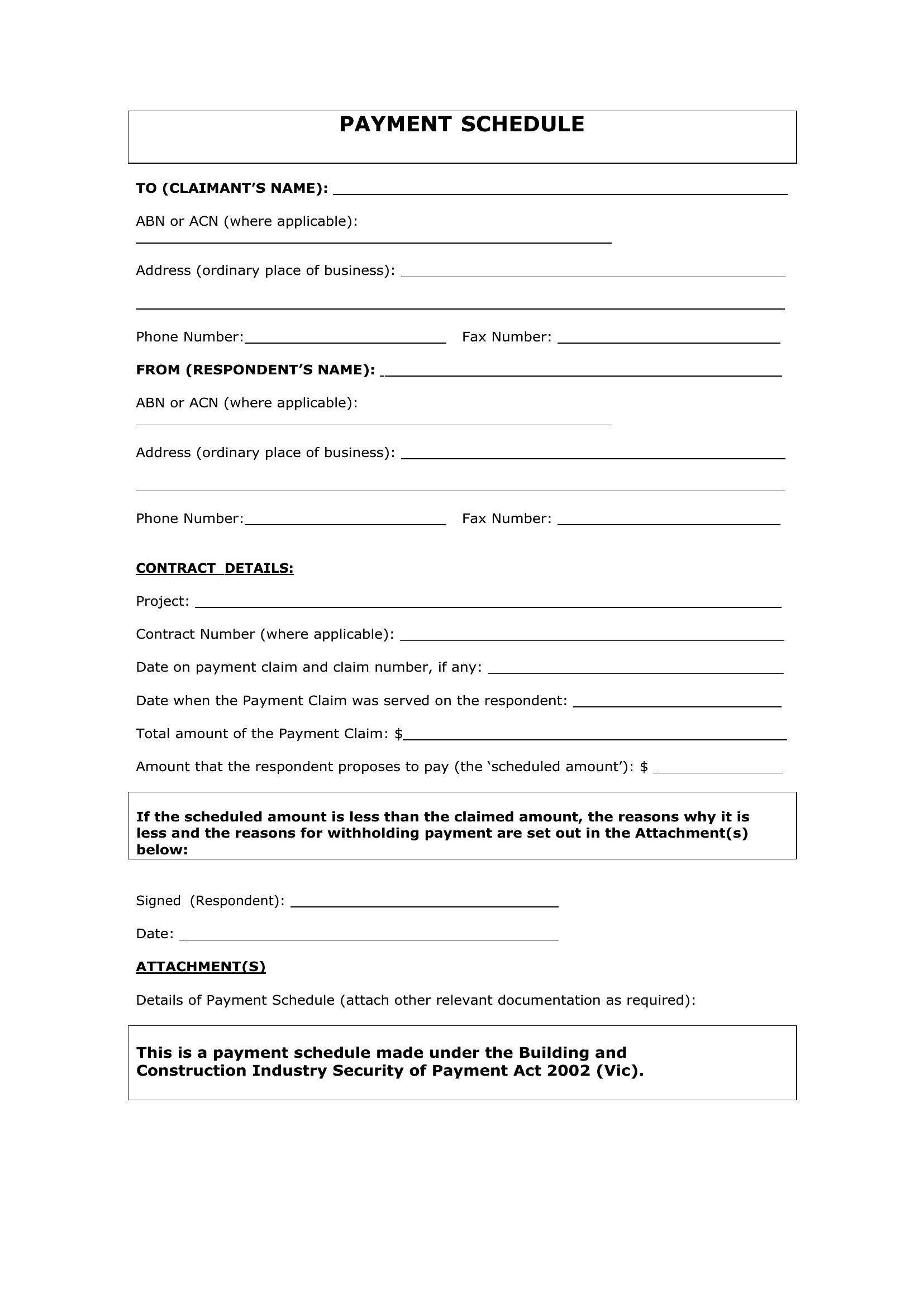
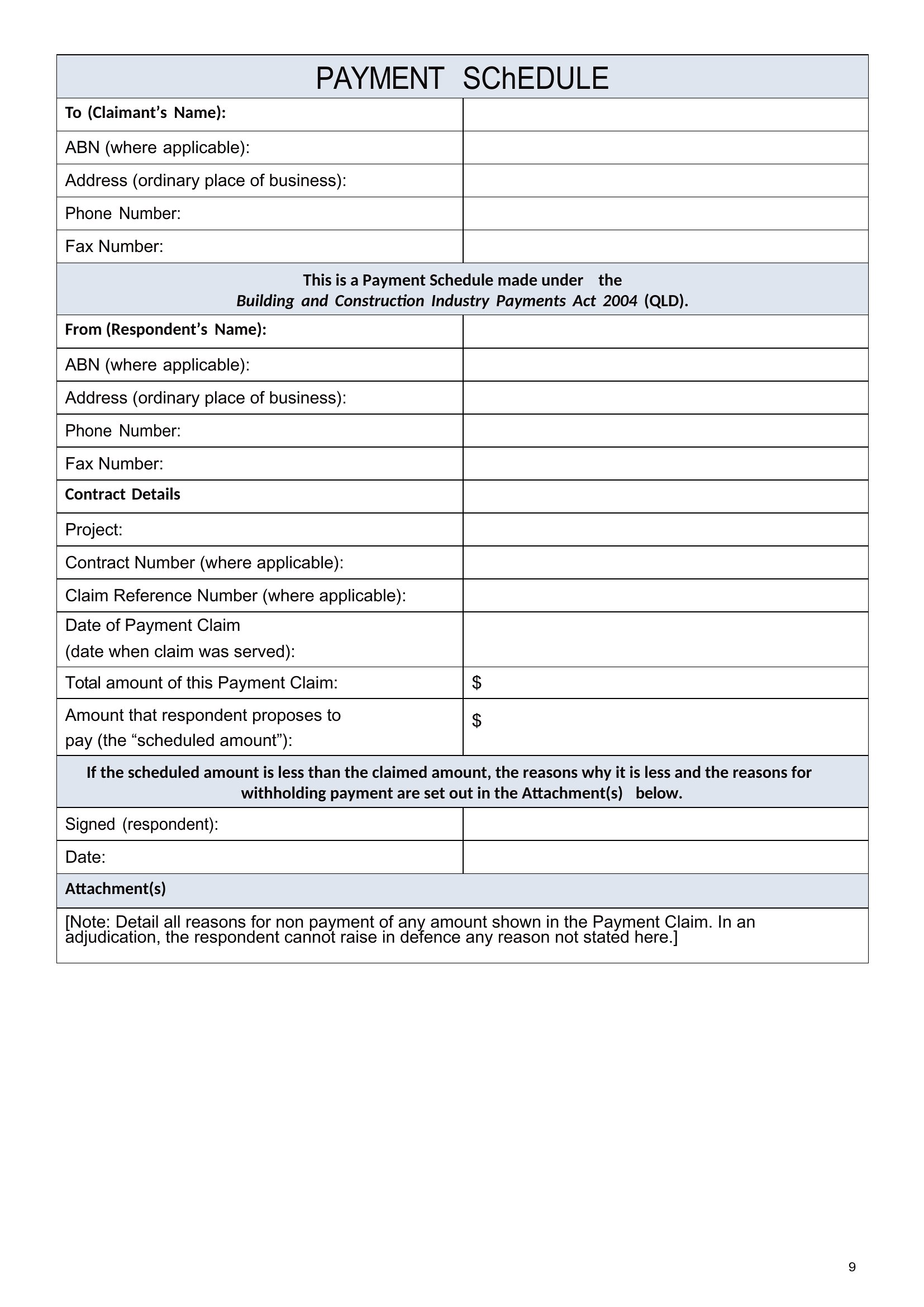
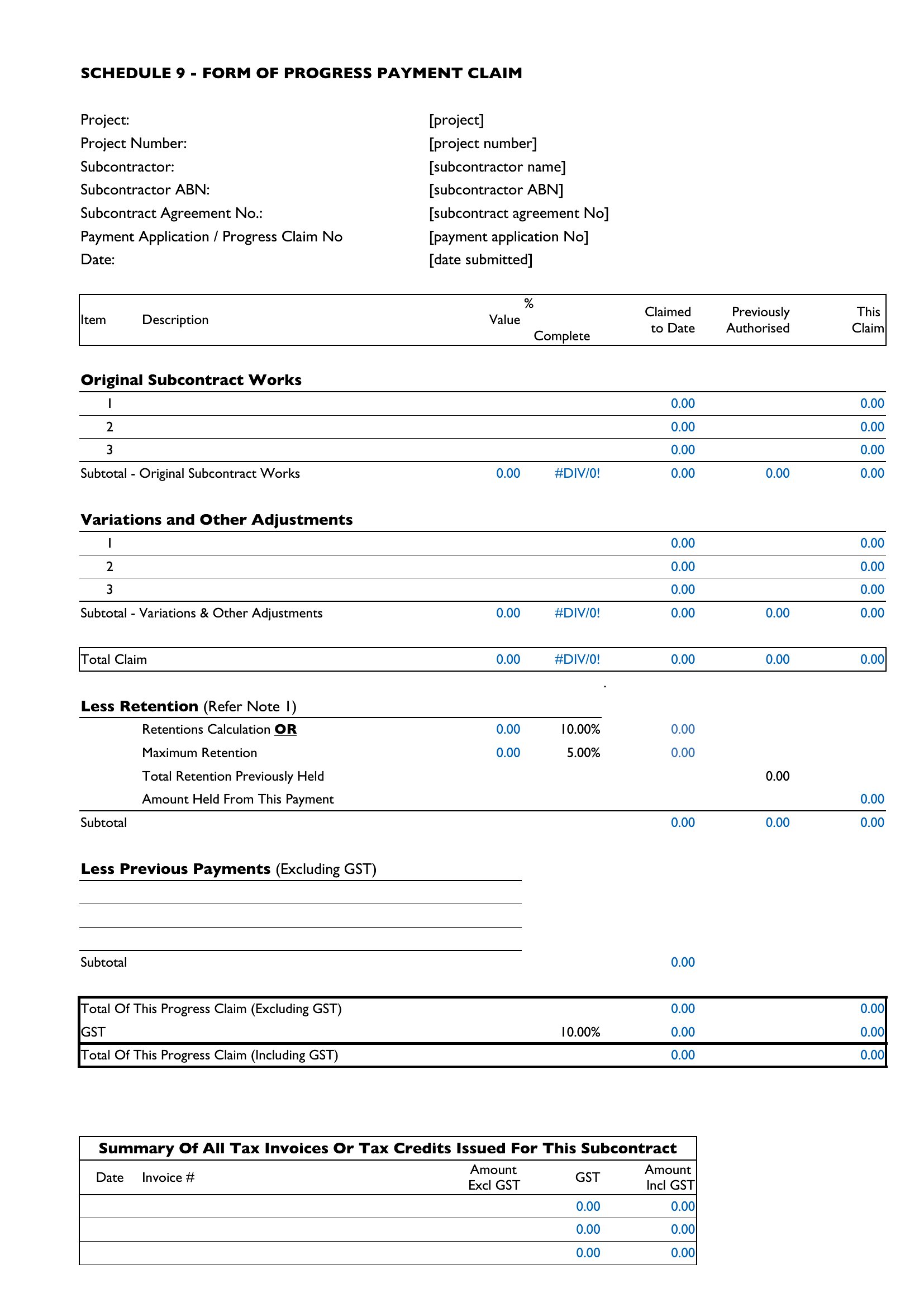
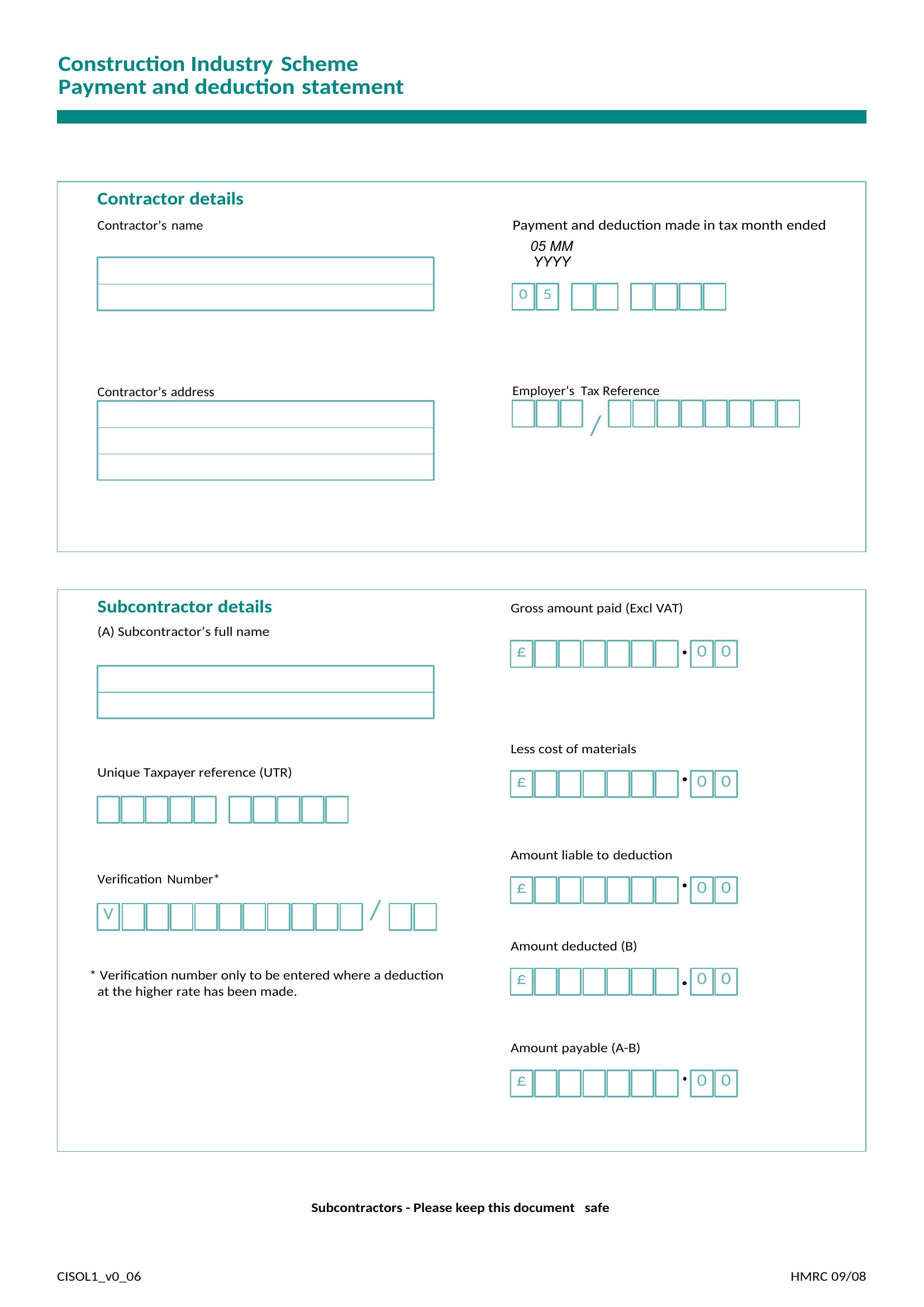
- A construction contractor managing subcontractors must align partial payments with project milestones, so vendors get paid on time without delaying the build schedule.
Which format should I download?
Choose Word for editable, customizable schedules where you need to add notes or adjust terms later—ideal for personal loans or informal agreements. Pick Excel for automated calculations, like loan amortization or project drawdowns, where totals and remaining balances update as you input data. Select PDF for a static, professional layout to share with lenders, clients, or for compliance documentation, since it preserves formatting without editing risks.
Choose from 46 Payment Schedule Templates

How to use this Payment Schedule template
Can these templates help me adjust payment amounts mid-schedule, like with a loan modification?
Some Excel-based templates include conditional formatting or helper columns to manually recalculate adjusted payments, but they’re starting points—not legal financial tools. For official modifications, consult your lender’s terms and a financial advisor. Word and PDF formats require manual edits for mid-schedule changes, so Excel may be best for testing adjustments.
Do these work for international payments with currency conversions?
Most templates focus on single-currency schedules. For multi-currency plans, use the Excel format to add a conversion column, but note exchange rates must be updated manually. No template includes real-time financial APIs. For complex scenarios, pair with a spreadsheet tool that supports currency functions or consult a financial professional.
How do I ensure the schedule matches my lender’s specific due date rules, like biweekly mortgages?
Templates provide structures but aren’t tailored to lenders’ terms. For precise alignment, input your lender’s exact due dates into the Excel or Word version, then adjust frequency fields. PDFs require manual overrides. Always cross-check with your lender’s amortization table or payment portal to confirm accuracy before finalizing.
Comments
Join the conversation
Sign in to share your thoughts and leave a comment on this resource.