
Free Payment Receipt Templates (Word, Excel, PDF)
Payments by arlenejackson
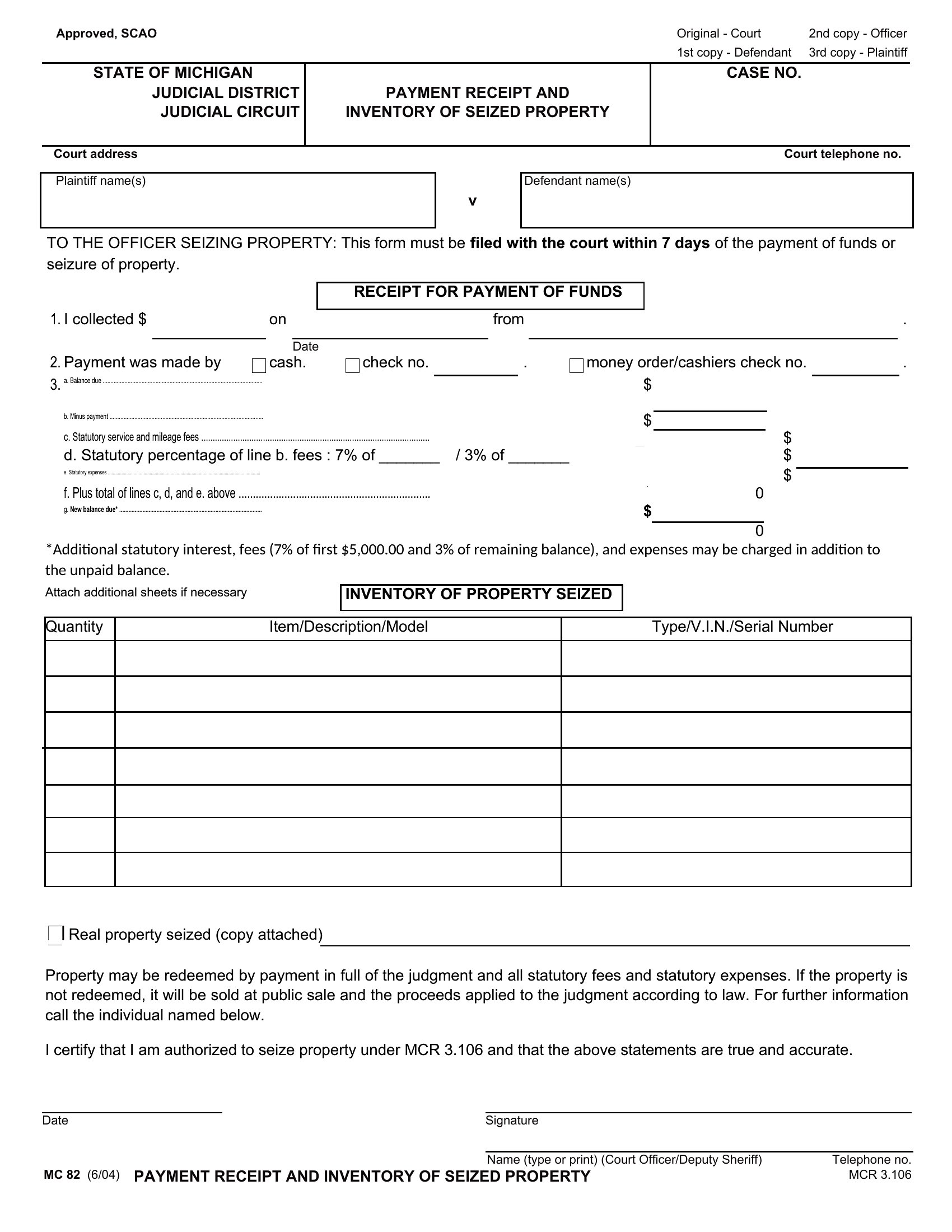
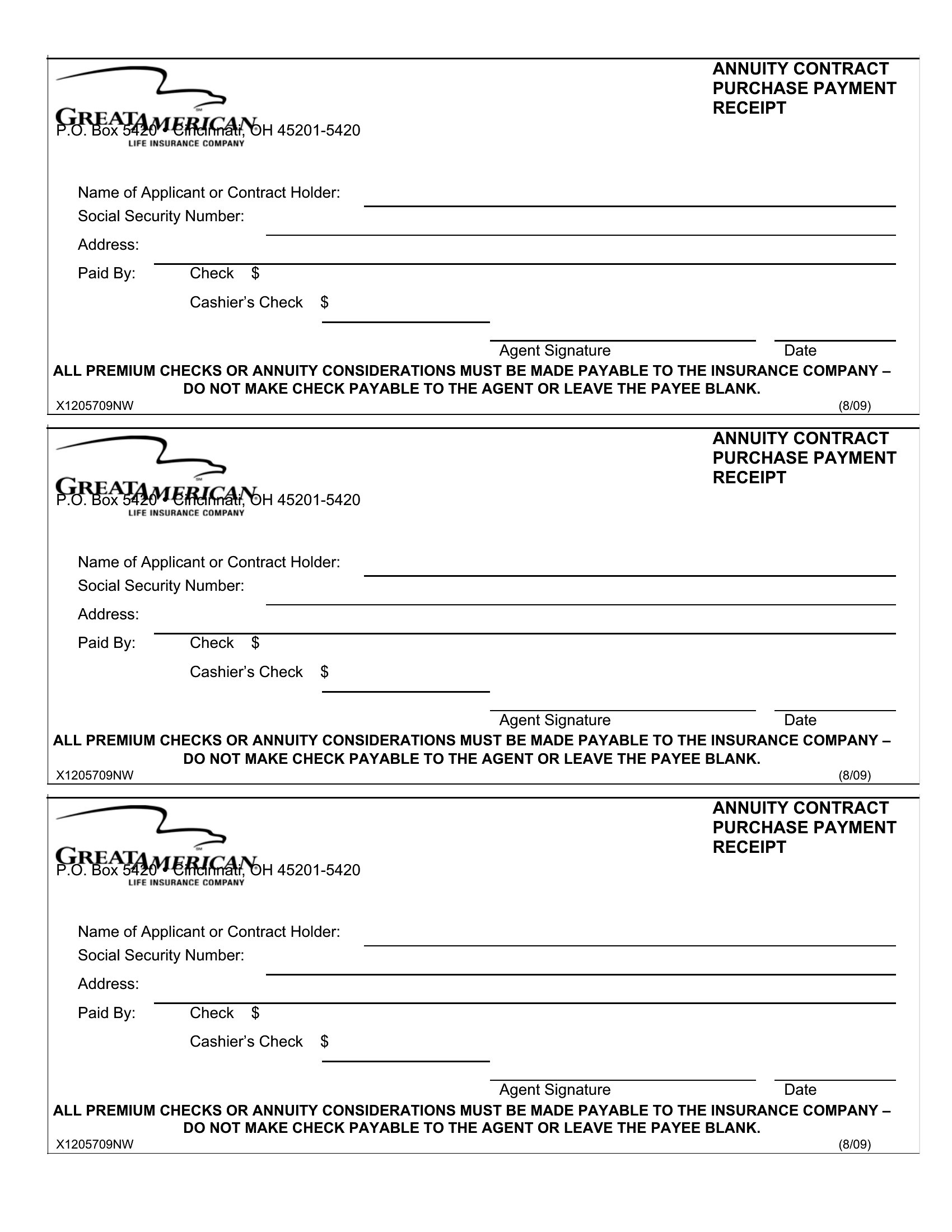
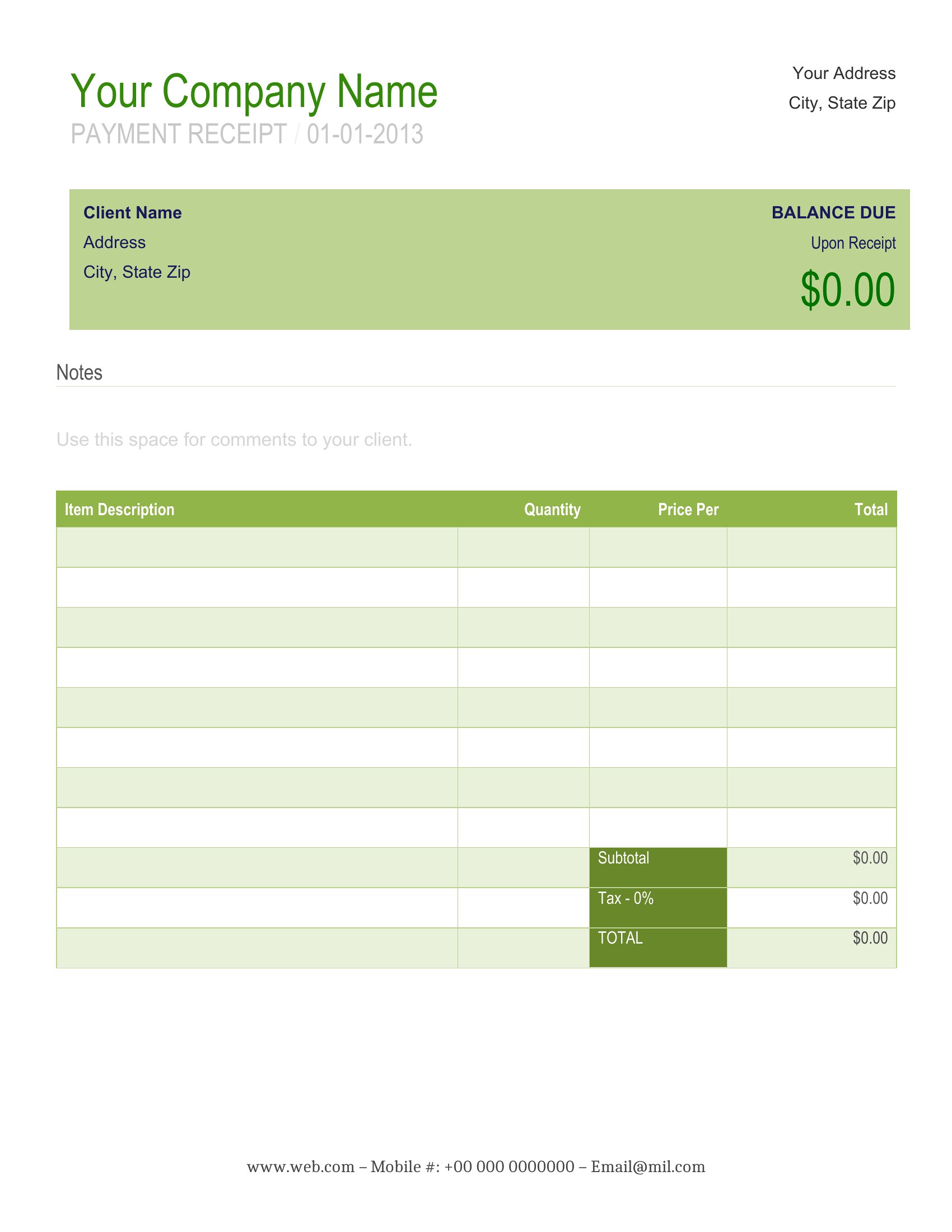
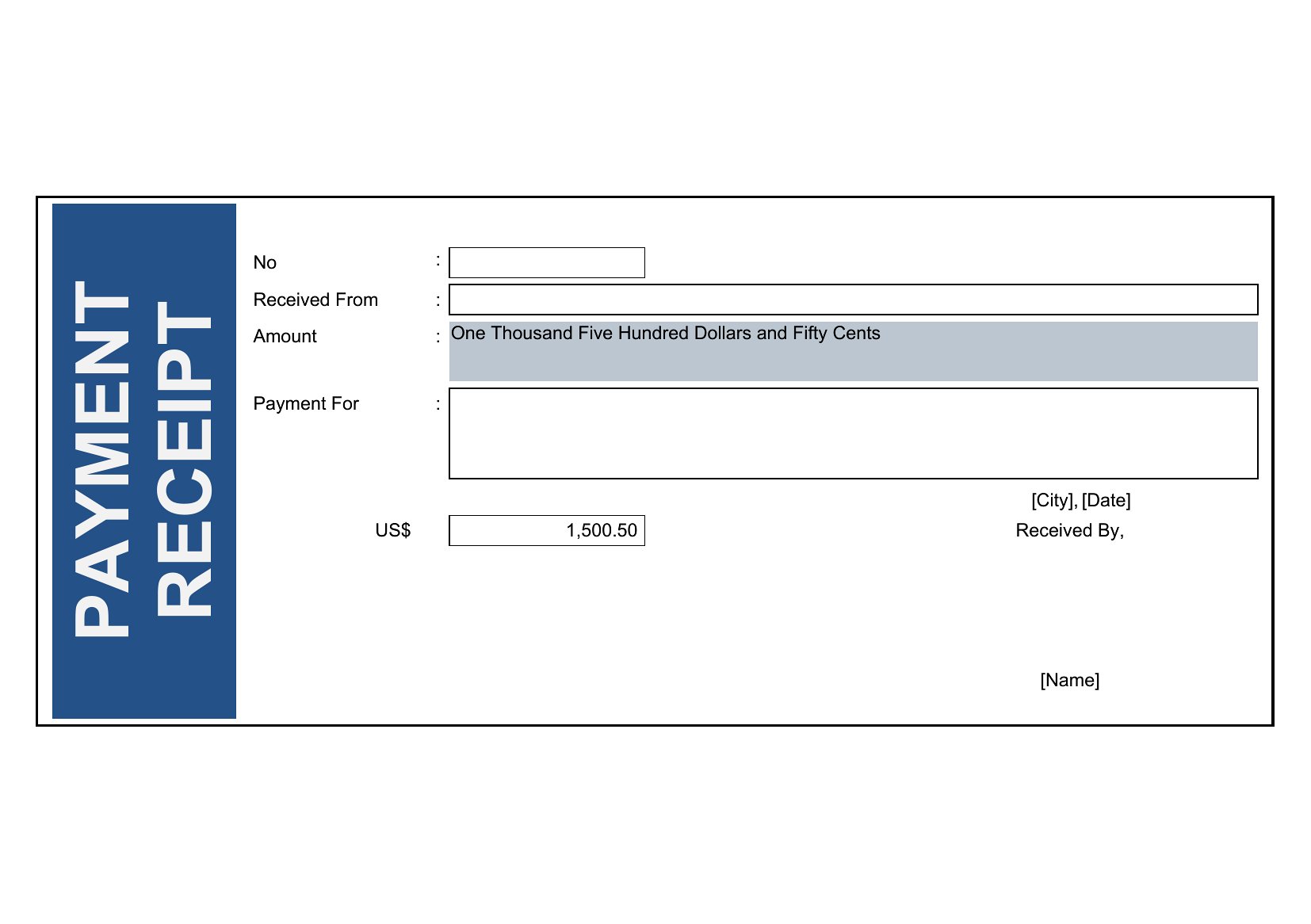
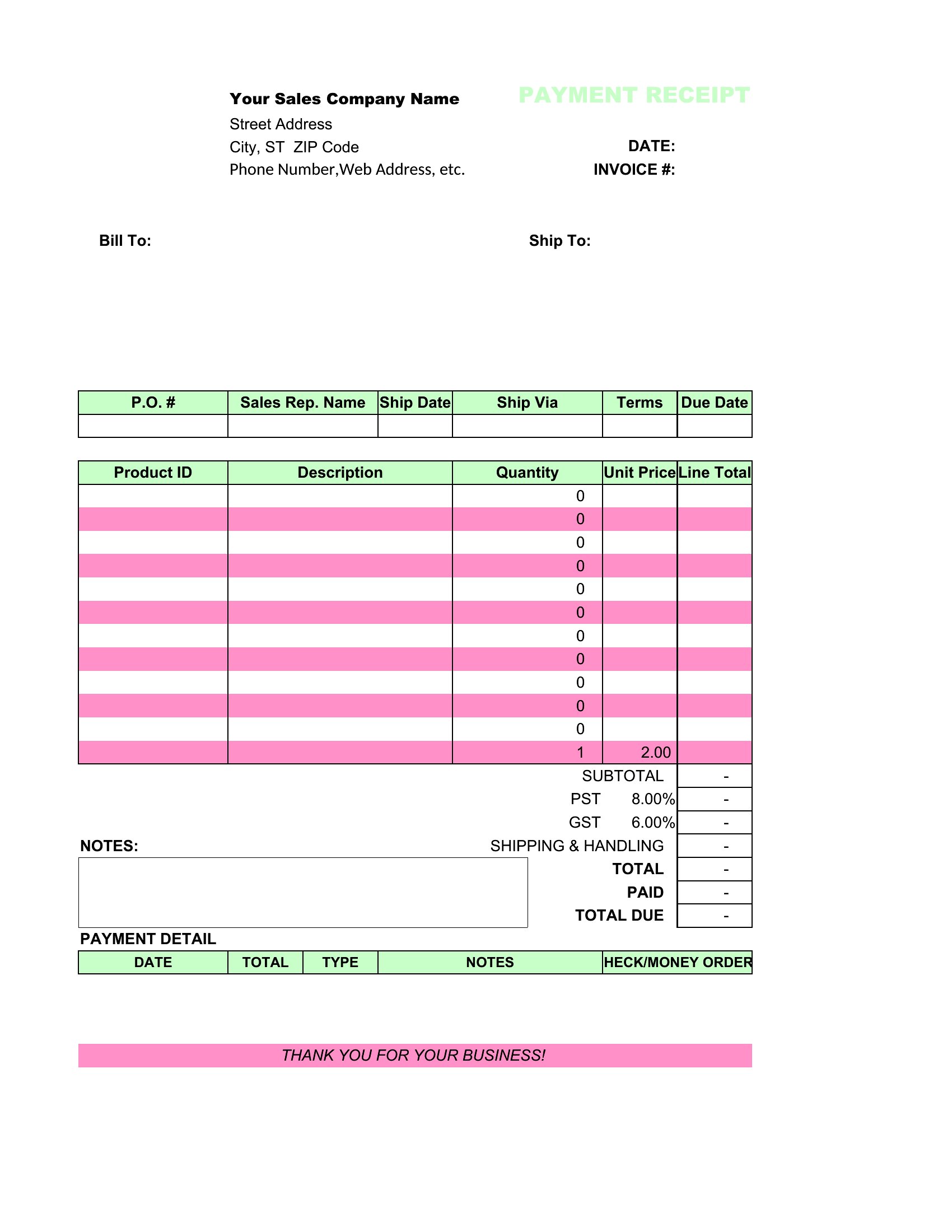
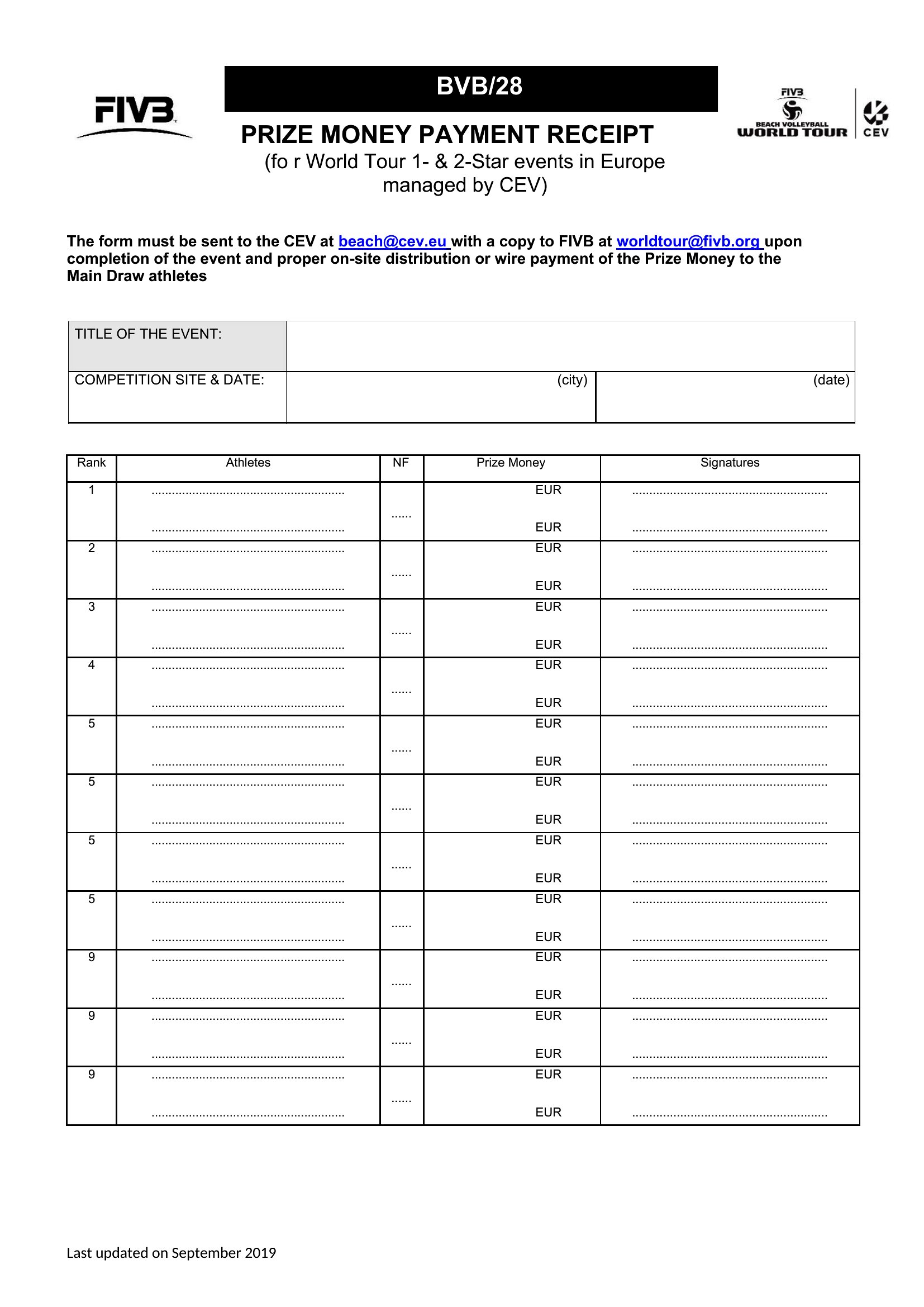
Took a payment and need to hand over proof on the spot? This set of 34 payment receipt templates gives small businesses, landlords, and sellers a quick way to confirm money received, with space for the amount, date, method, and what it was for. A proper receipt keeps both sides' records straight and heads off disputes later.
Edit the Word versions for fast changes, send a clean PDF, or use the Excel sheets to log and total payments over time. Fill in the payer, the amount, and the purpose, then print or email a copy. Choose the layout that matches your business and keep your receipts consistent.
When to use this Payment Receipt template
- A freelance photographer needs to provide clients with a professional receipt after receiving a bank transfer for services rendered, detailing the payment date, method, and project name for their tax records and client transparency.
- A handyman receiving cash payments from a homeowner must quickly create a receipt outlining the service performed, total amount, and tax ID to ensure compliance with local regulations and avoid disputes over incomplete work.
- A small landlord collects rent in person and wants to issue a formal receipt to tenants, including lease details and payment confirmation to protect against late fees or rent disputes down the line.
- A local market vendor taking card payments needs a receipt template to print or email buyers, listing the items purchased, total cost, and tax breakdown to match their point-of-sale system records.
Which format should I download?
Choose Word if you need to frequently update details like pricing or terms—this format lets you edit fields quickly before printing or sending. Opt for Excel if you handle bulk transactions or need to track receipts in a spreadsheet for accounting integration. Use PDF for a polished, uneditable final version to share with clients, ensuring consistency and professionalism without risk of accidental changes. Avoid Excel for single receipts or PDF for editable needs.
Choose from 34 Payment Receipt Templates
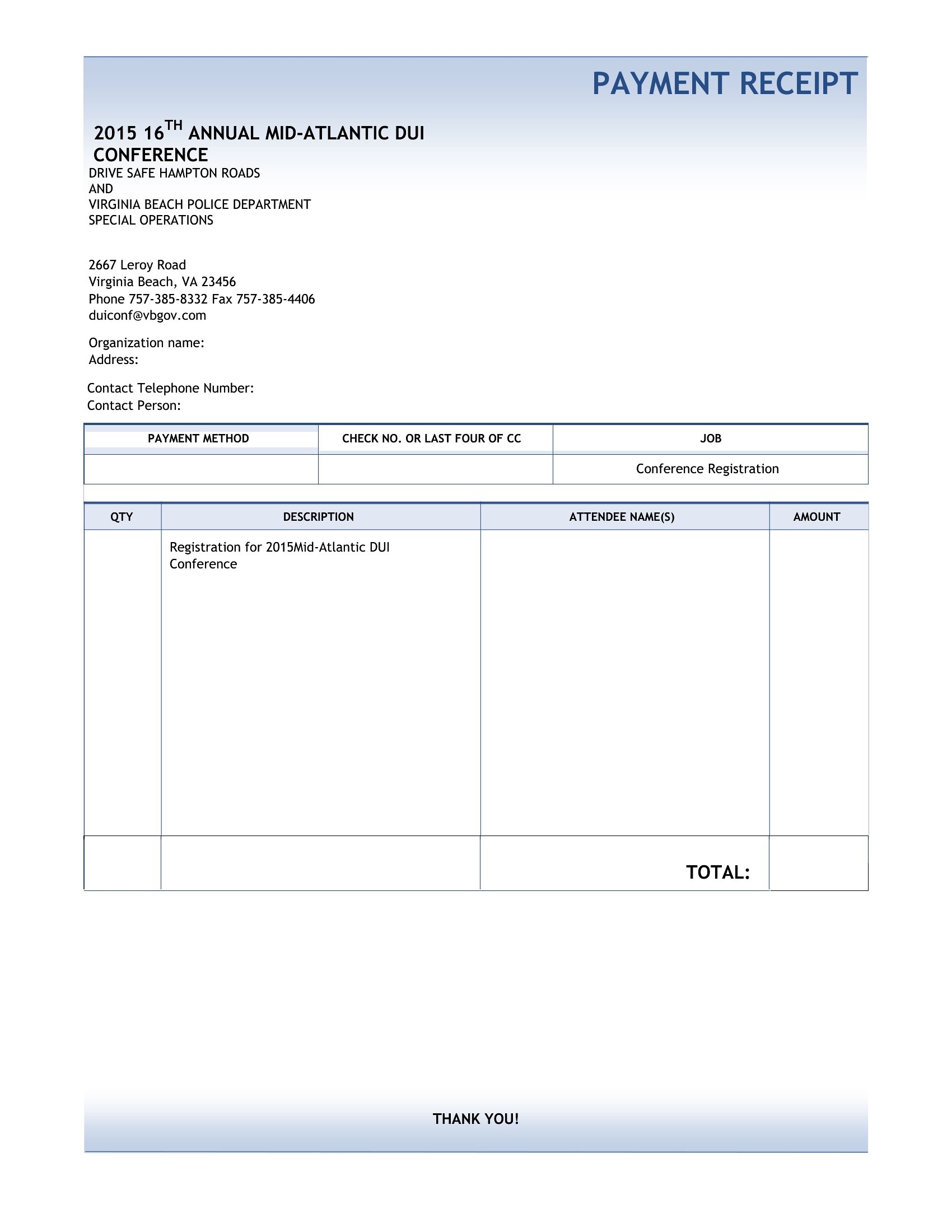
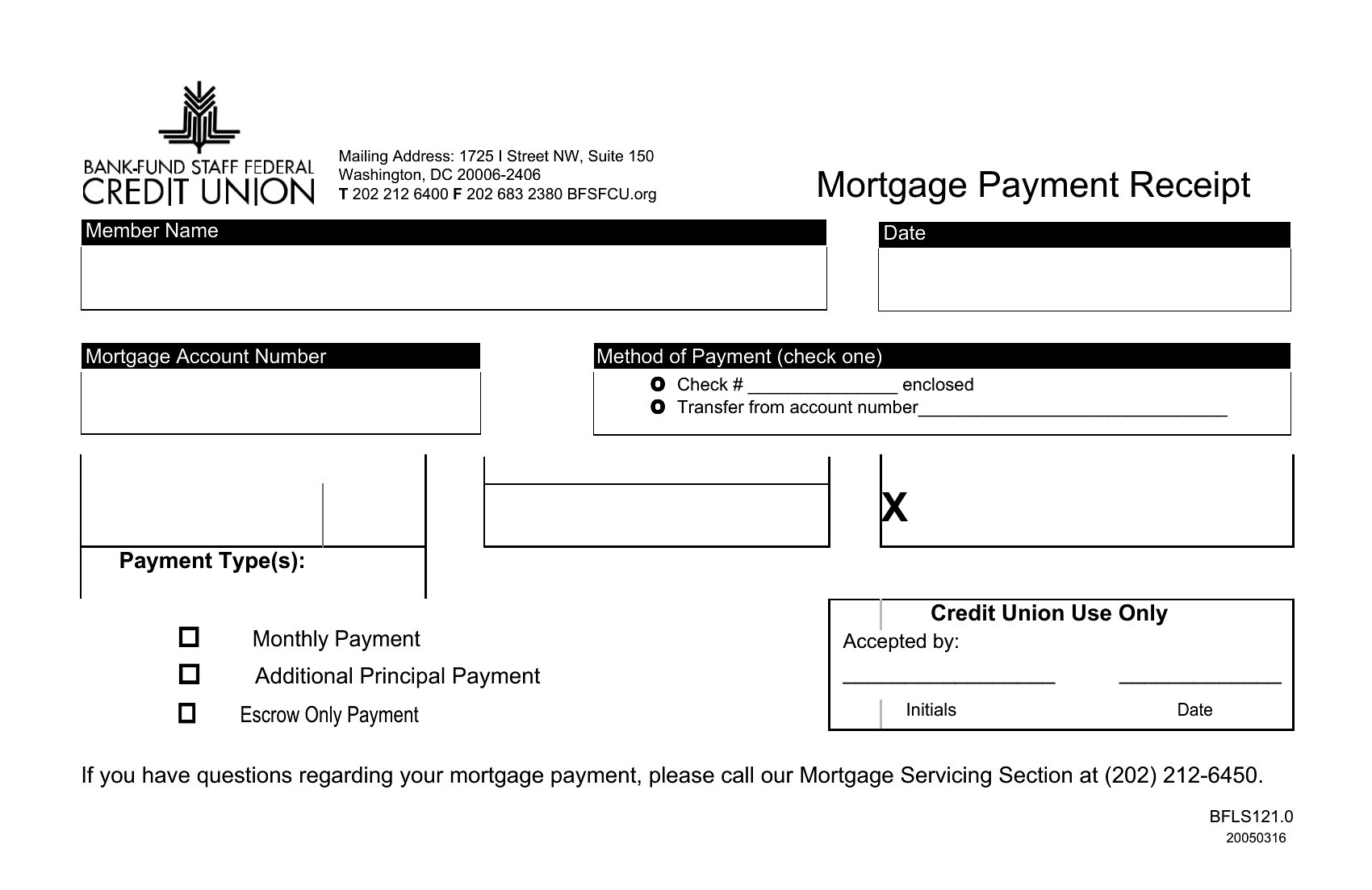
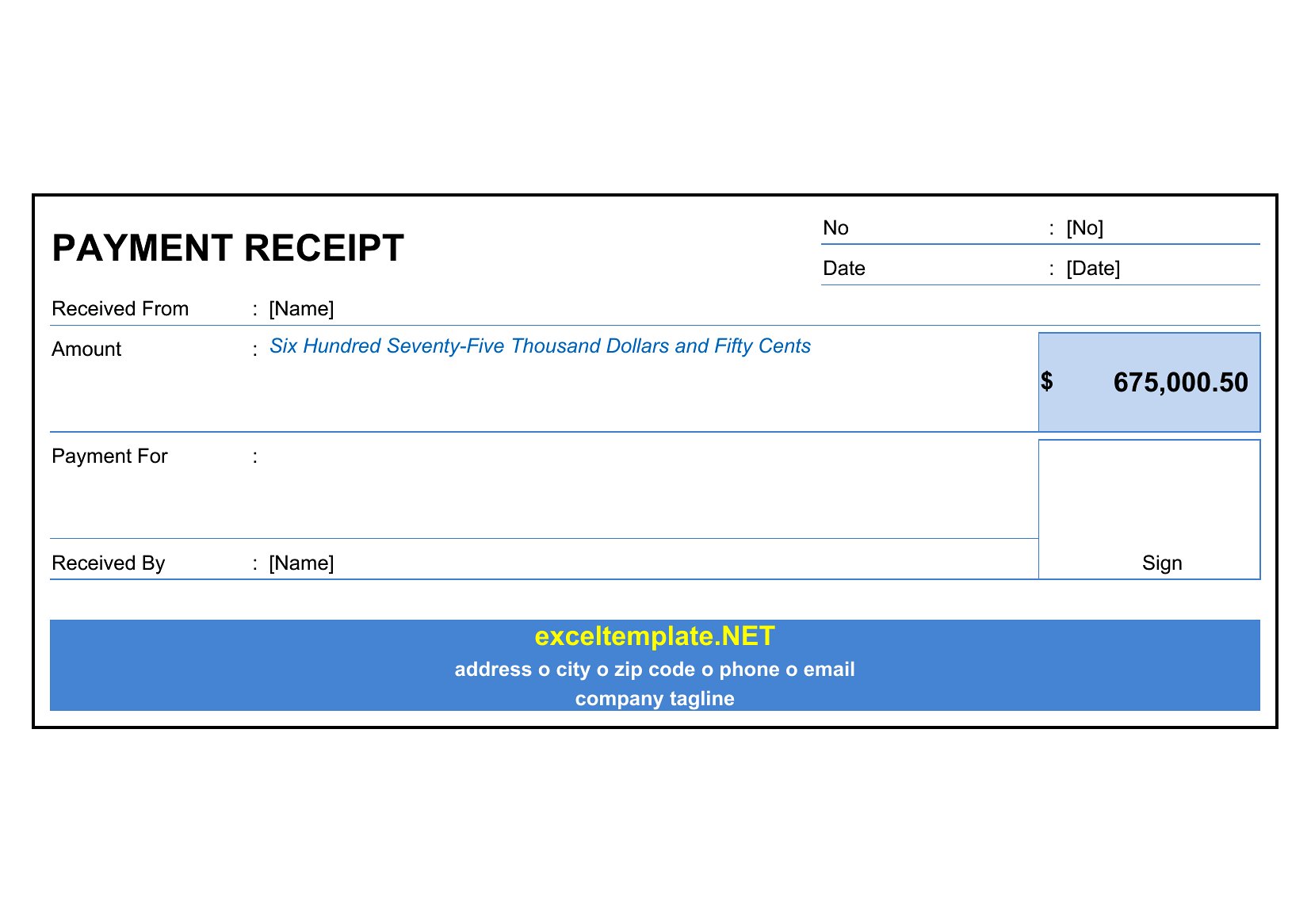
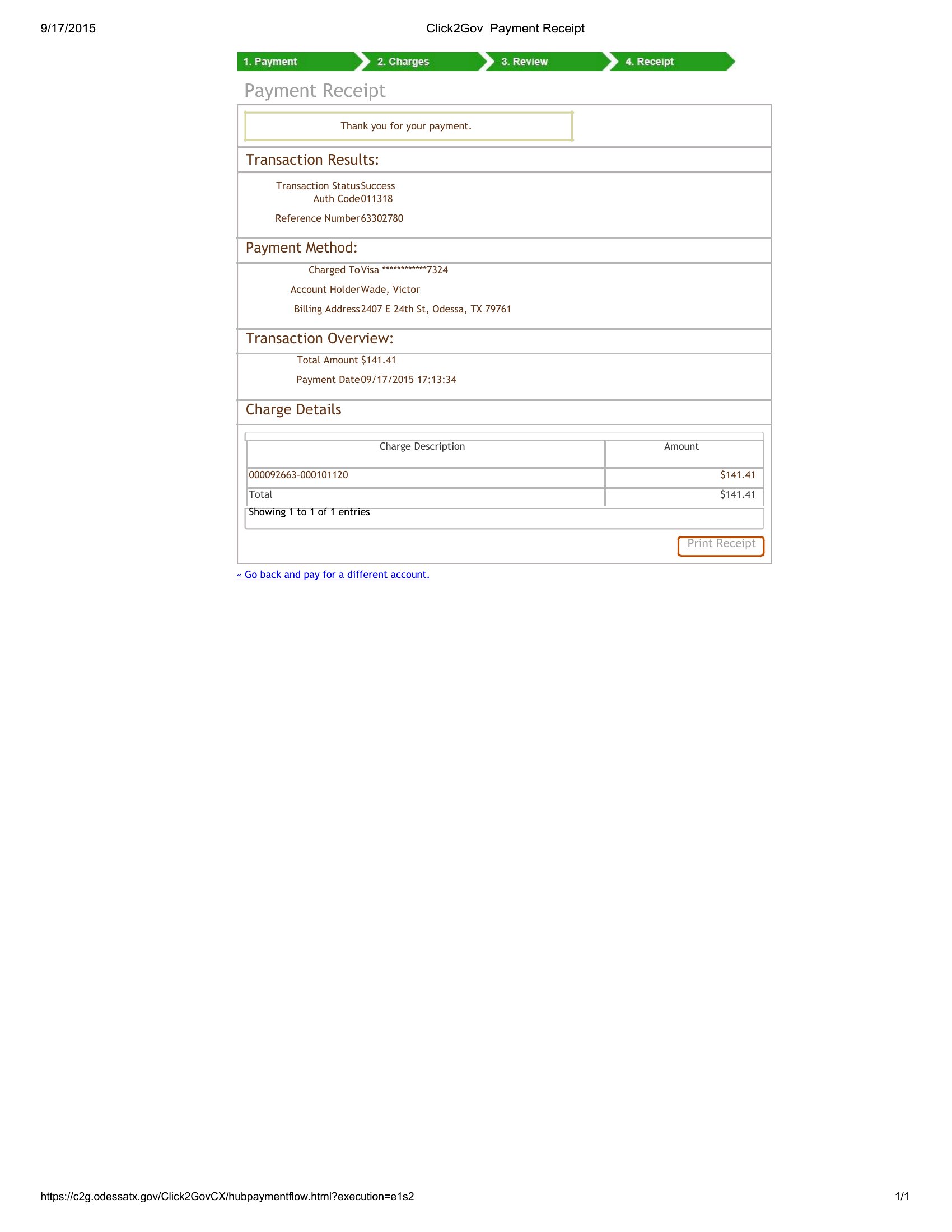
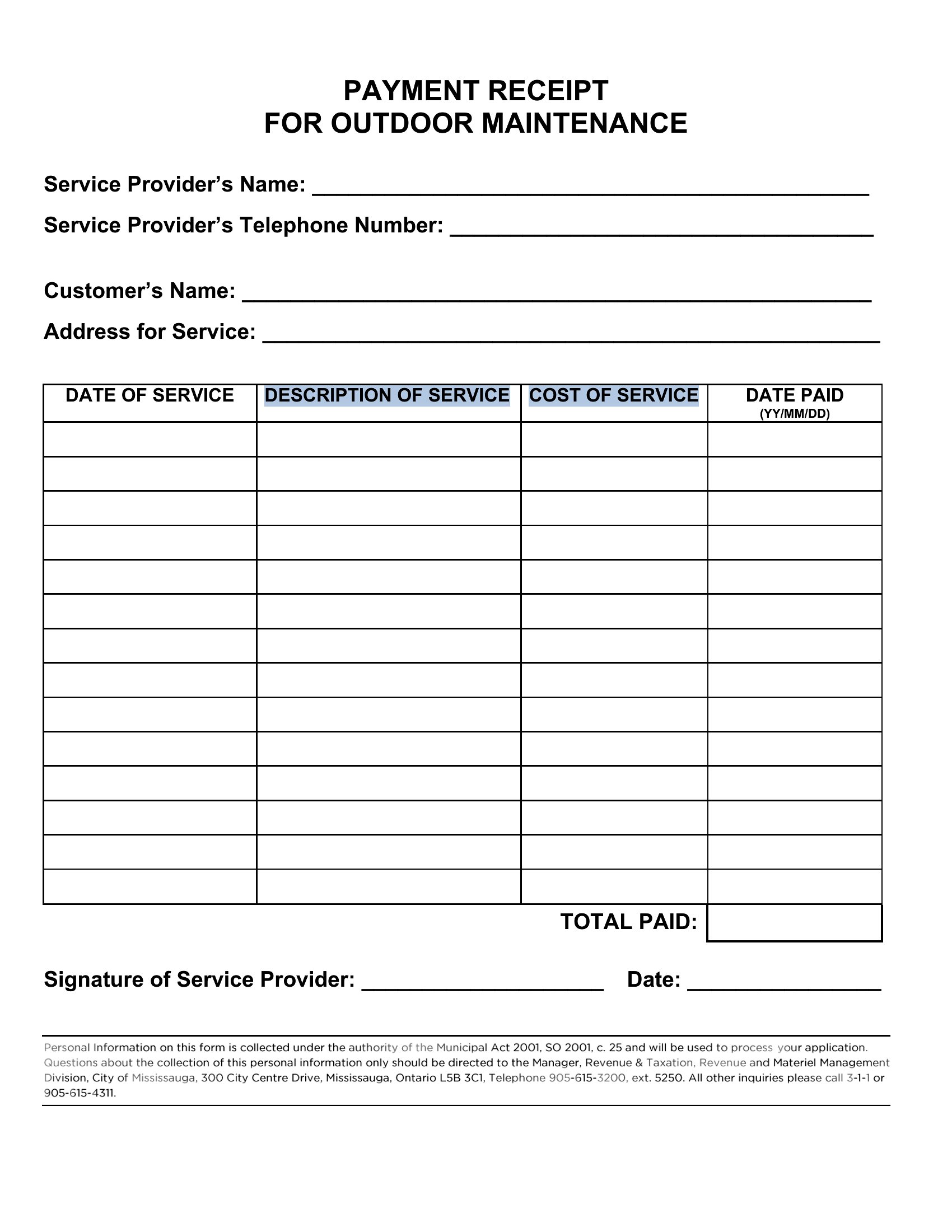
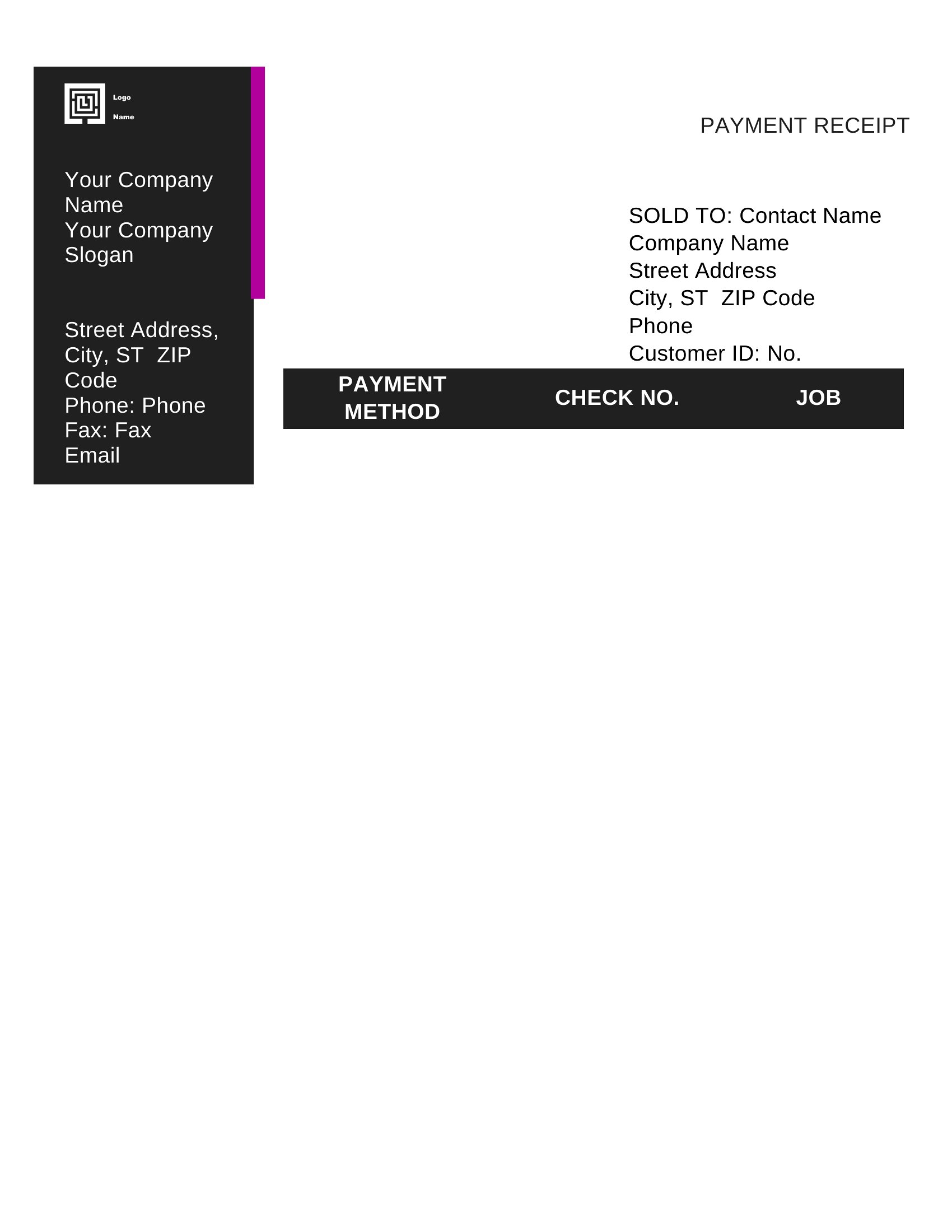
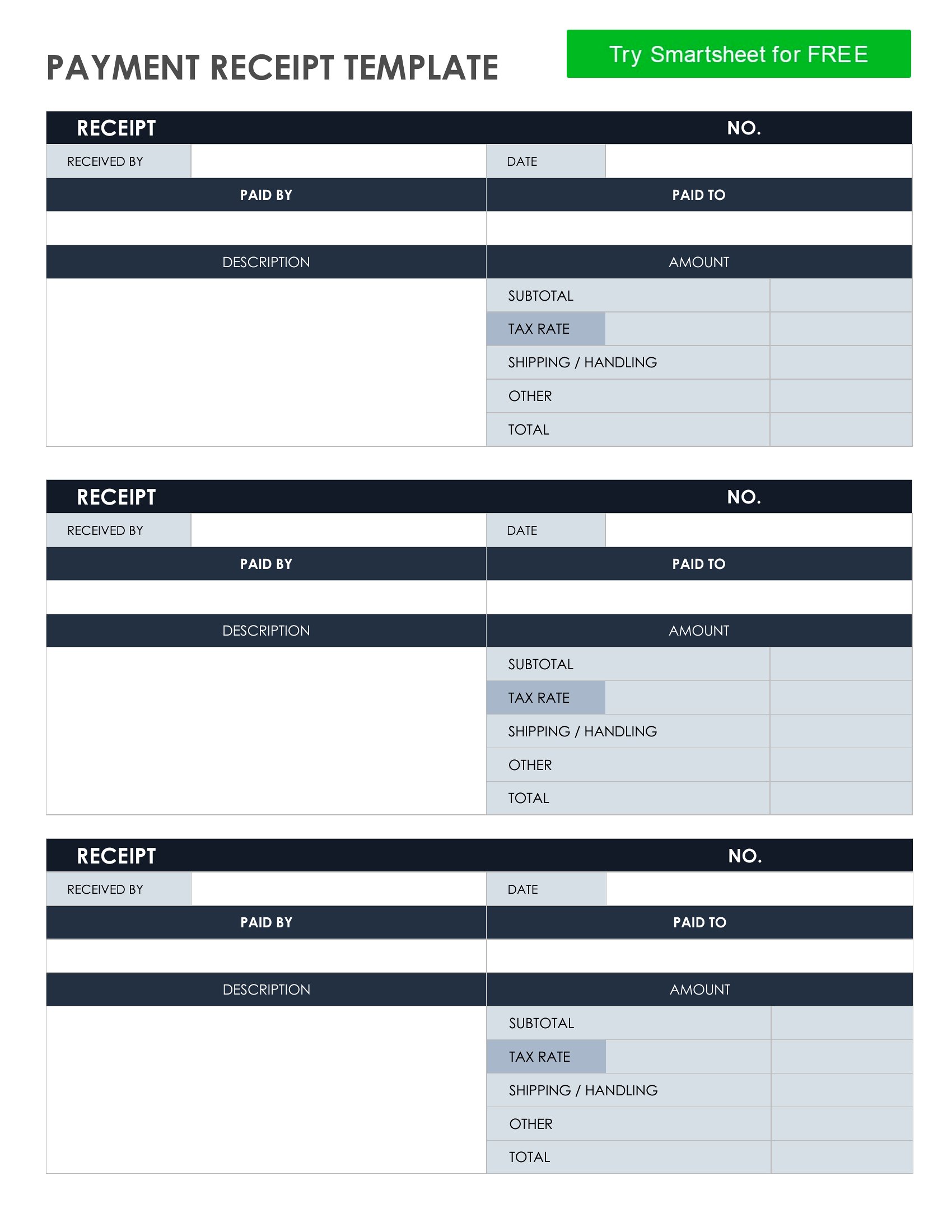
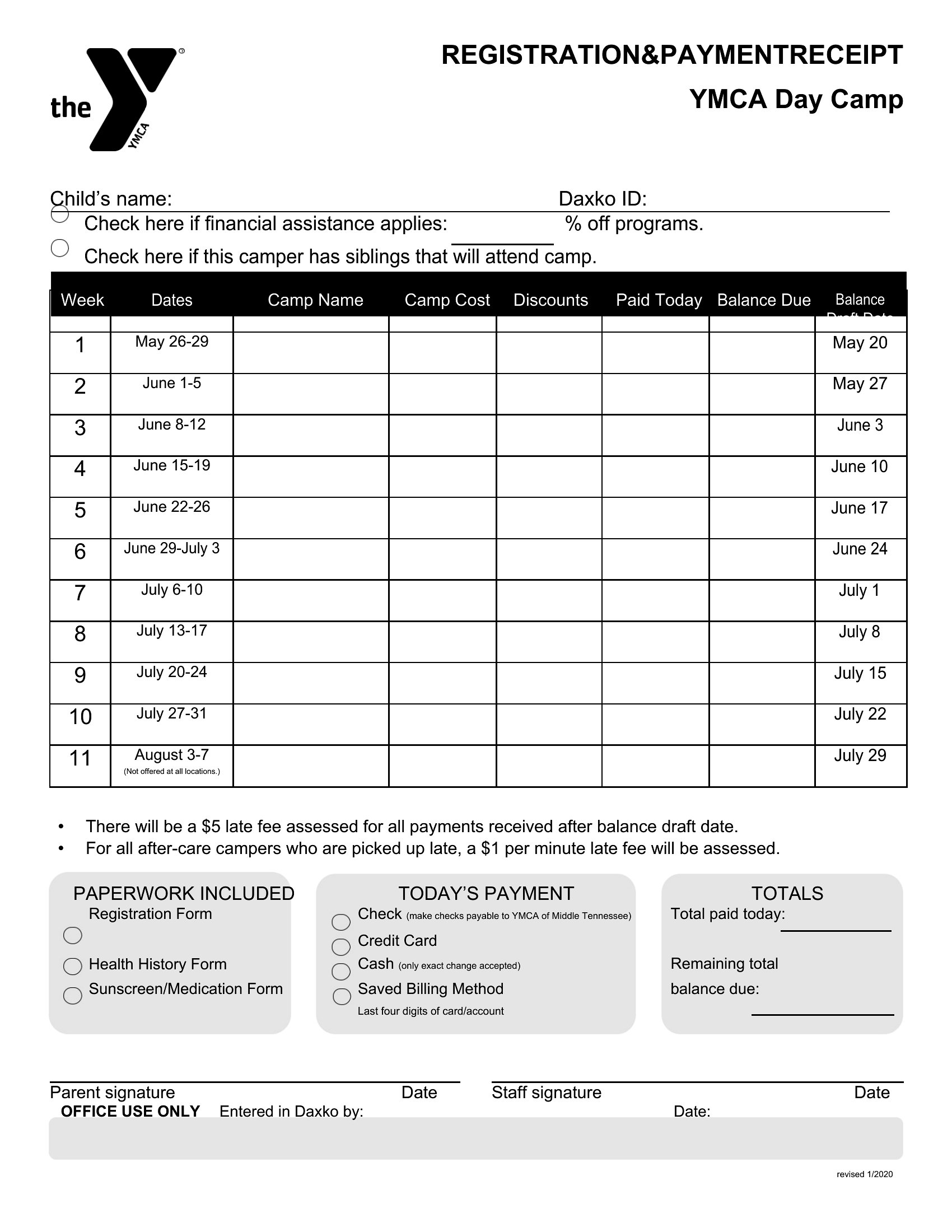
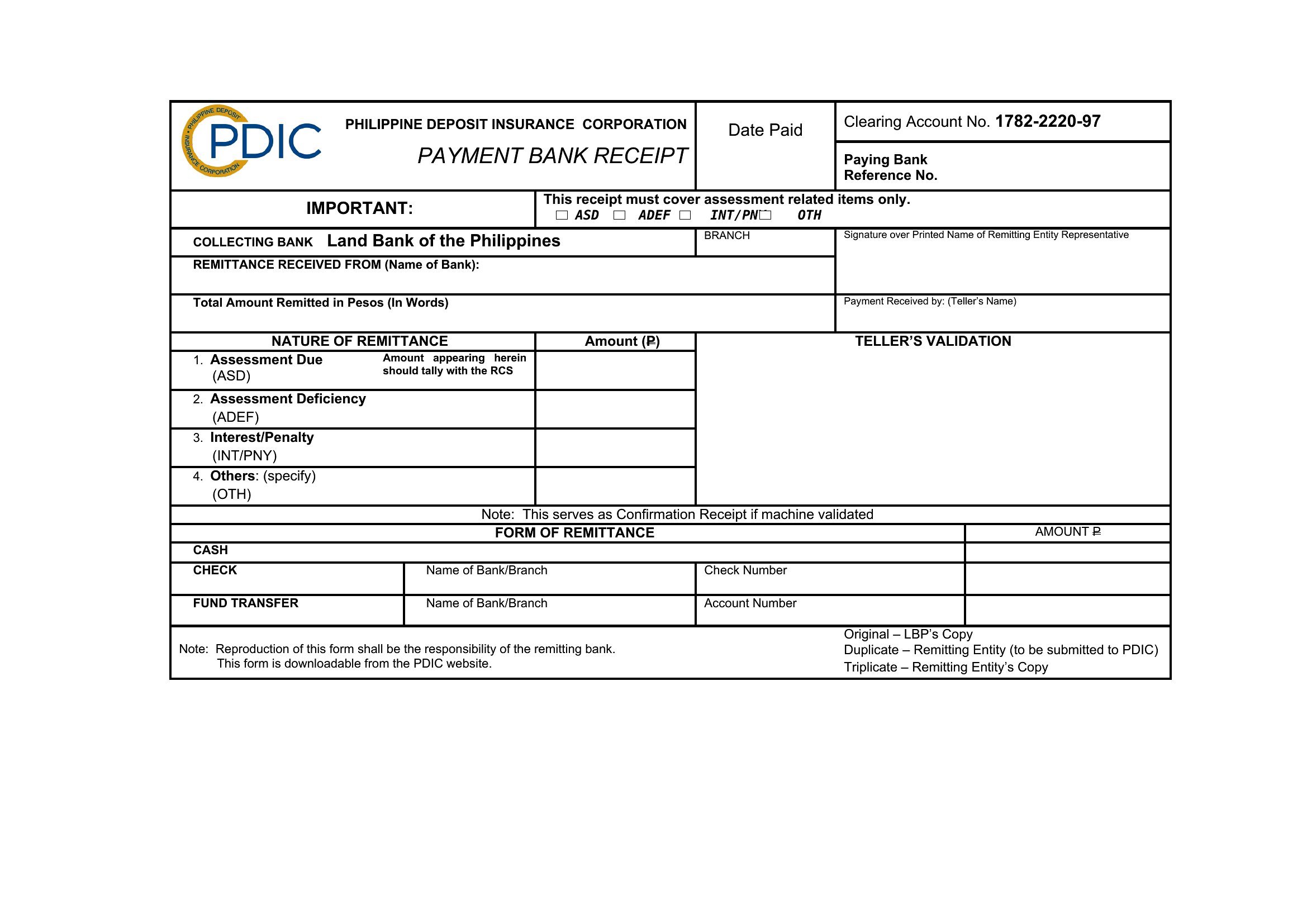
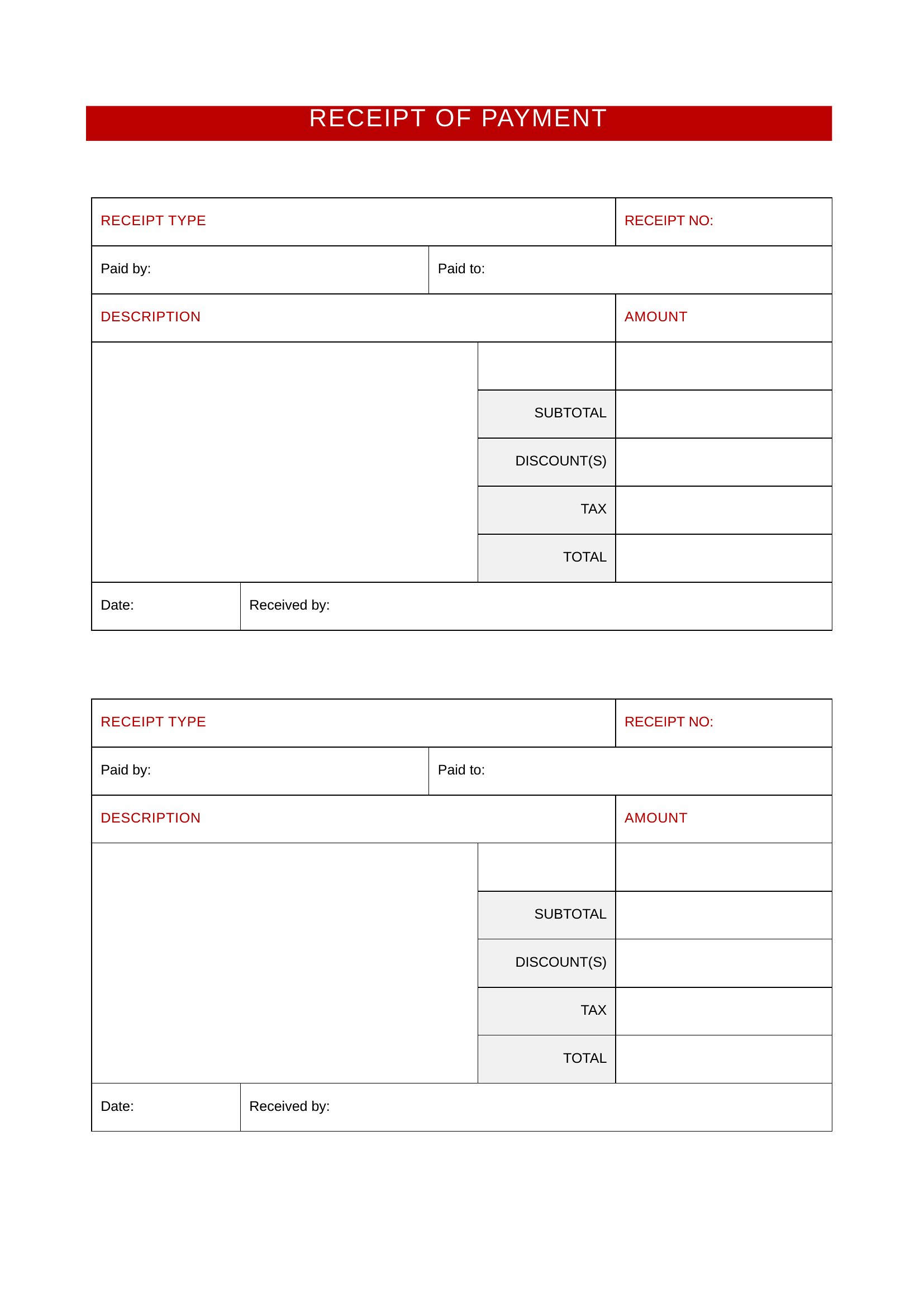
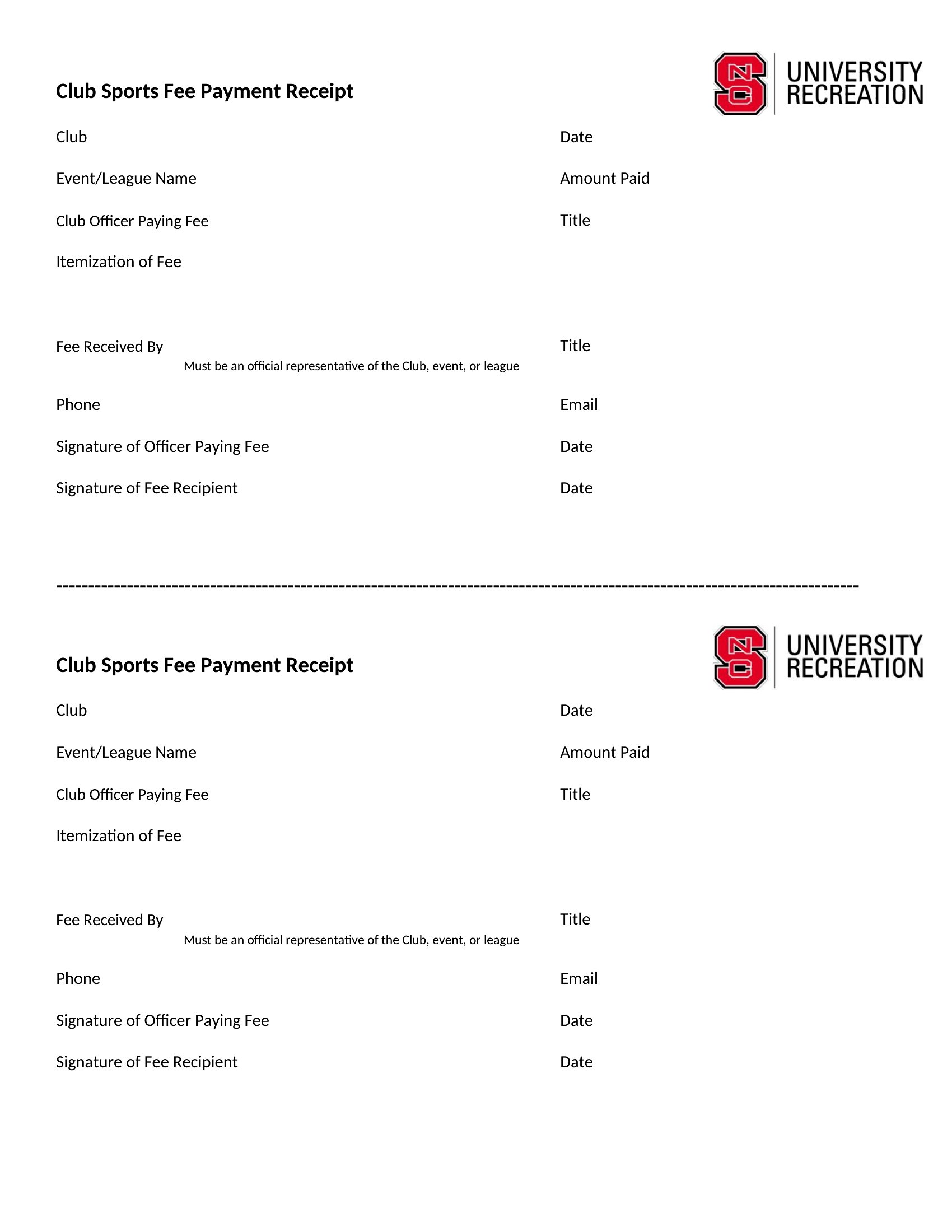
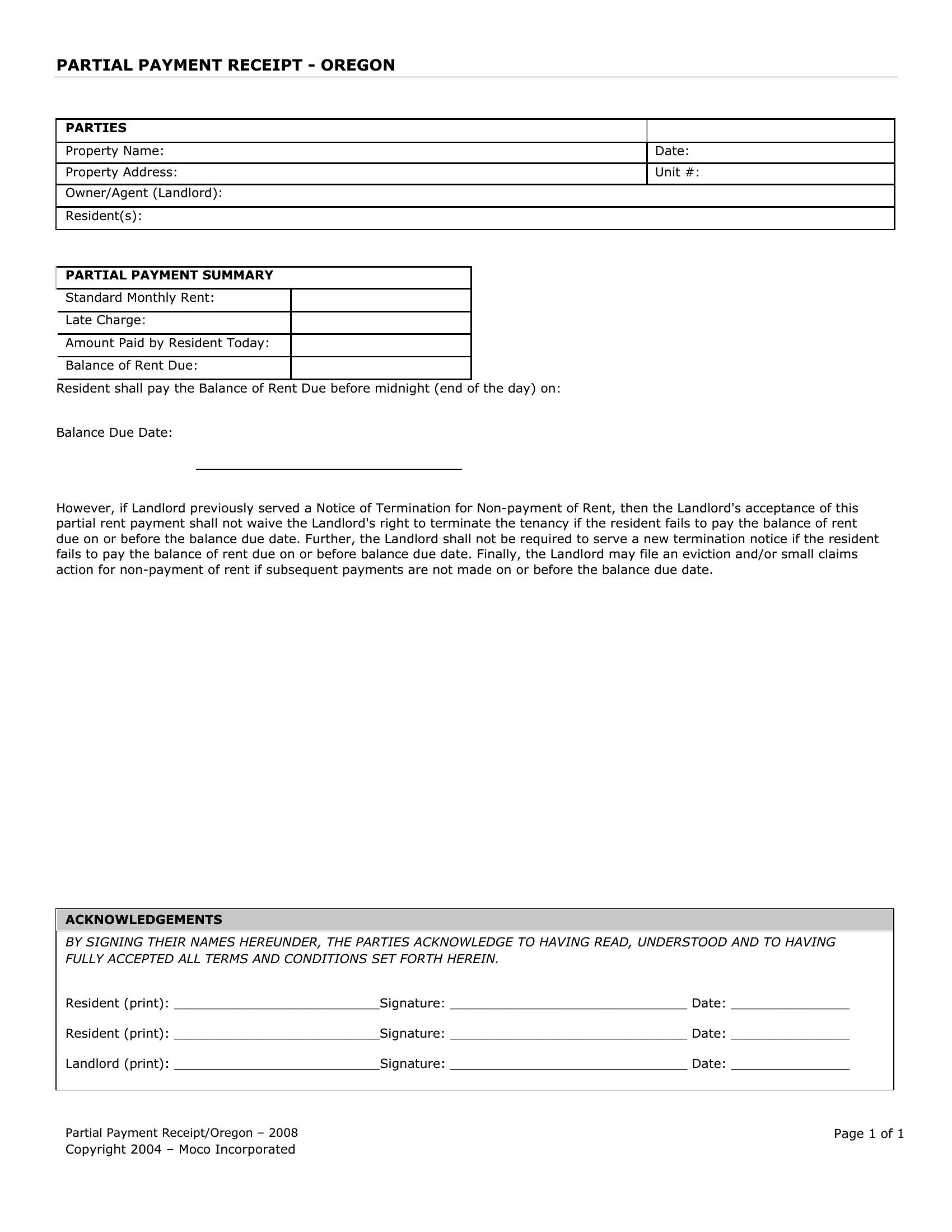
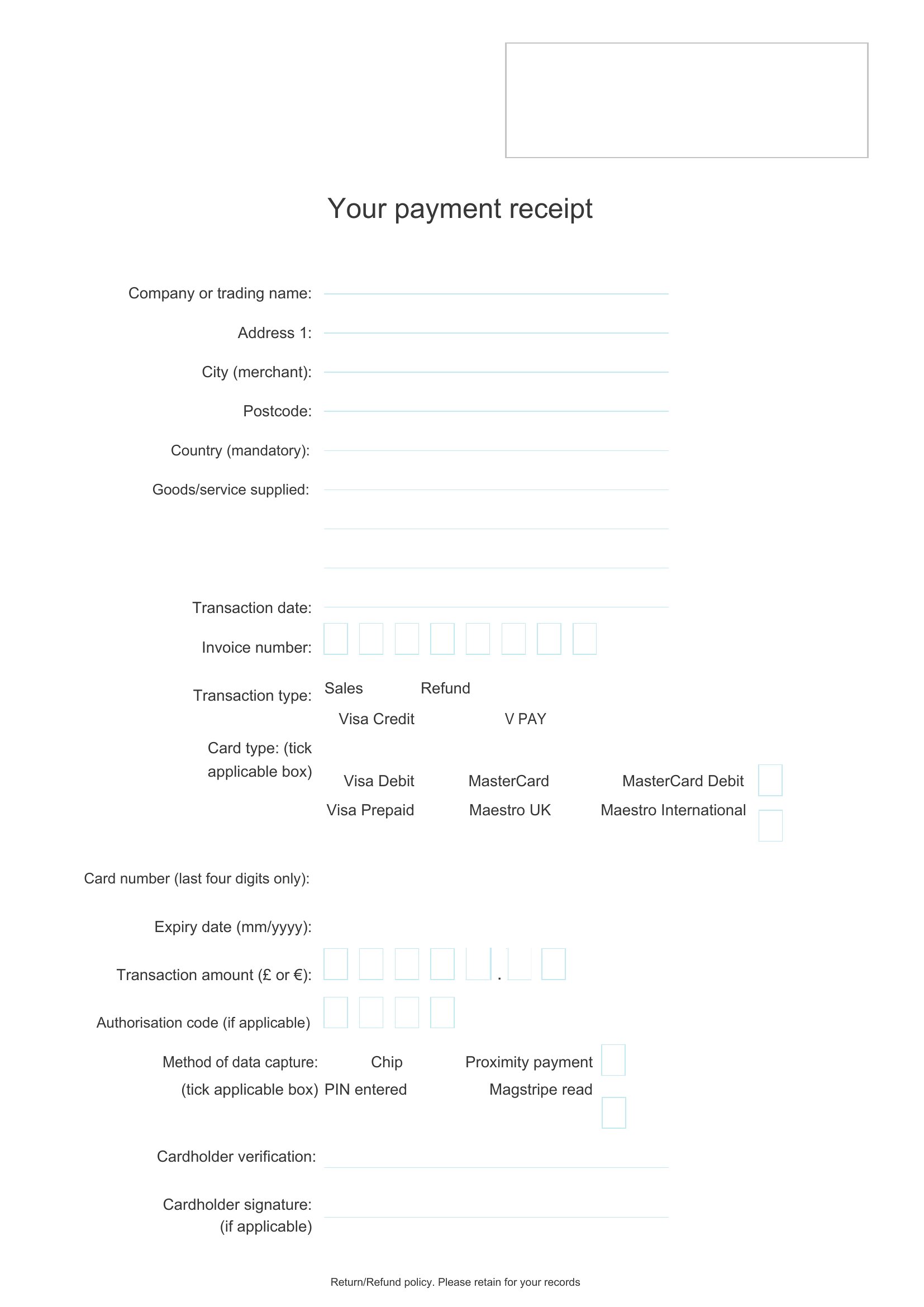
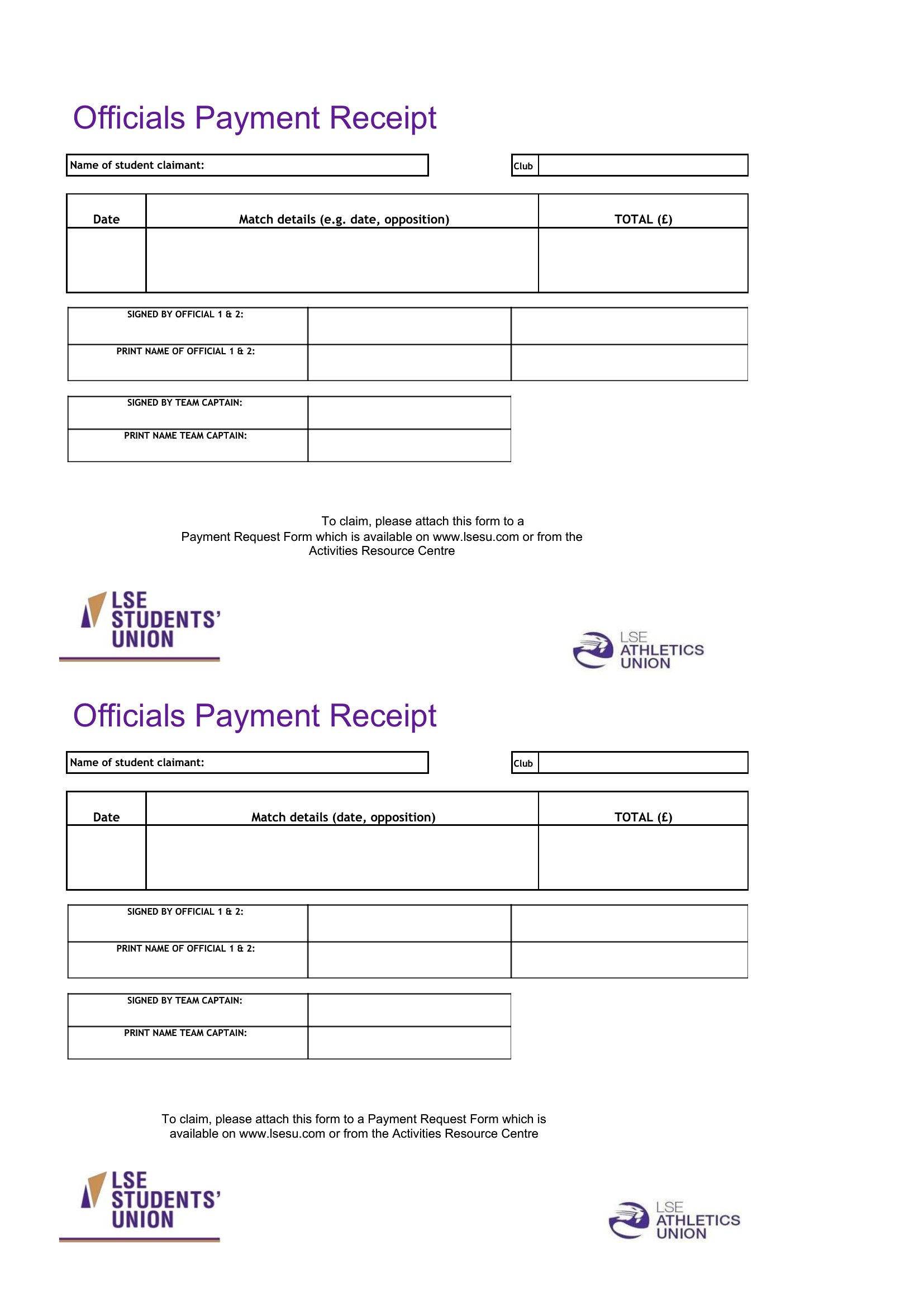
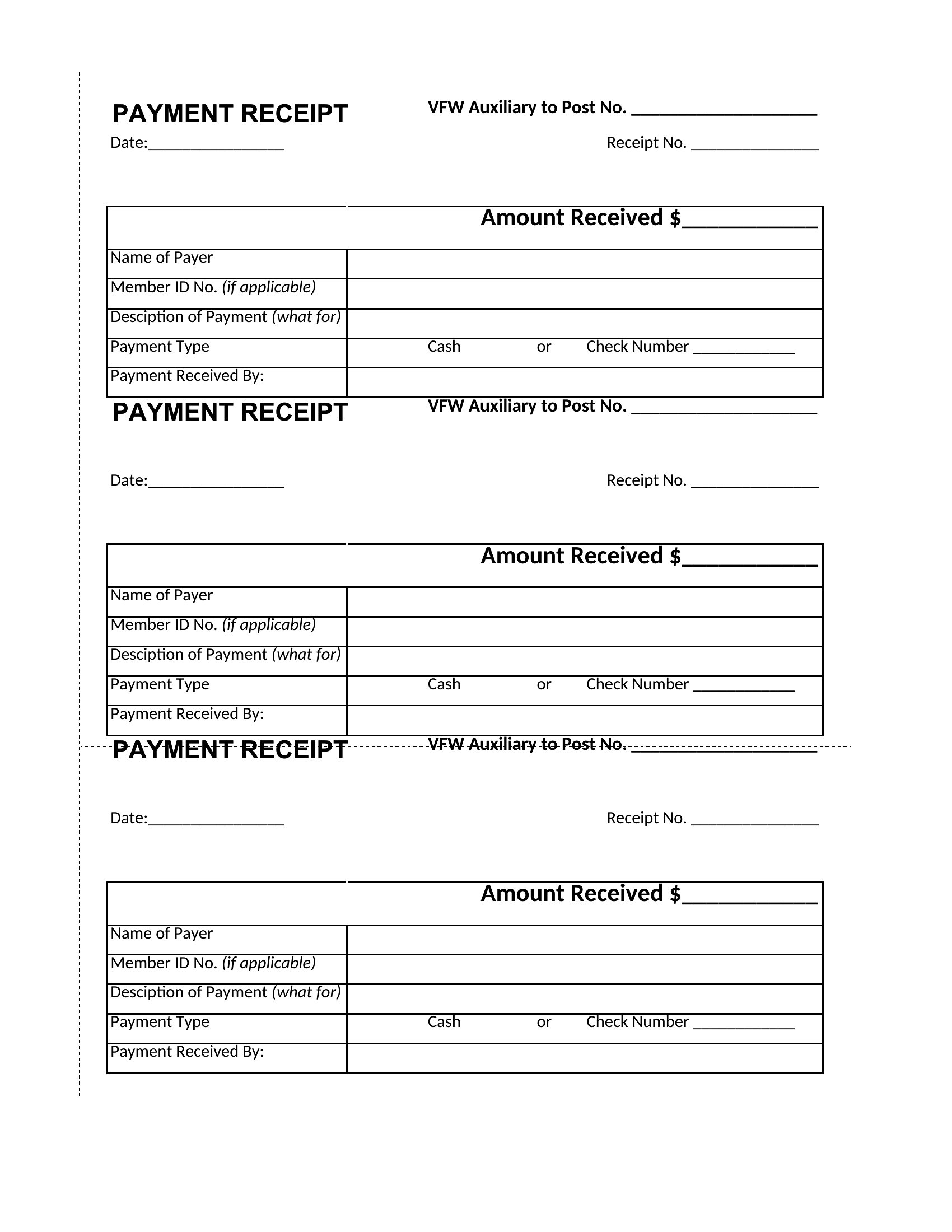
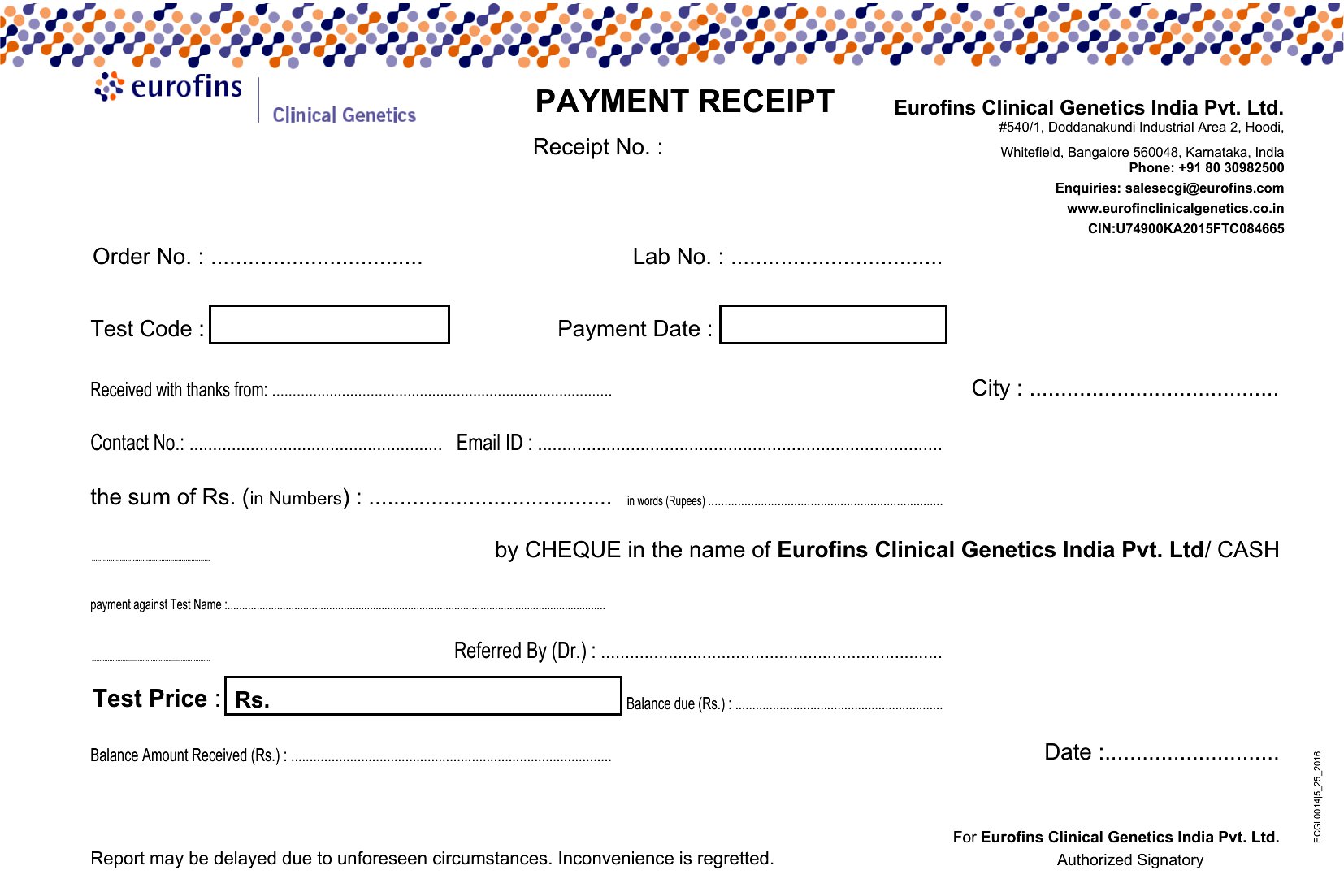
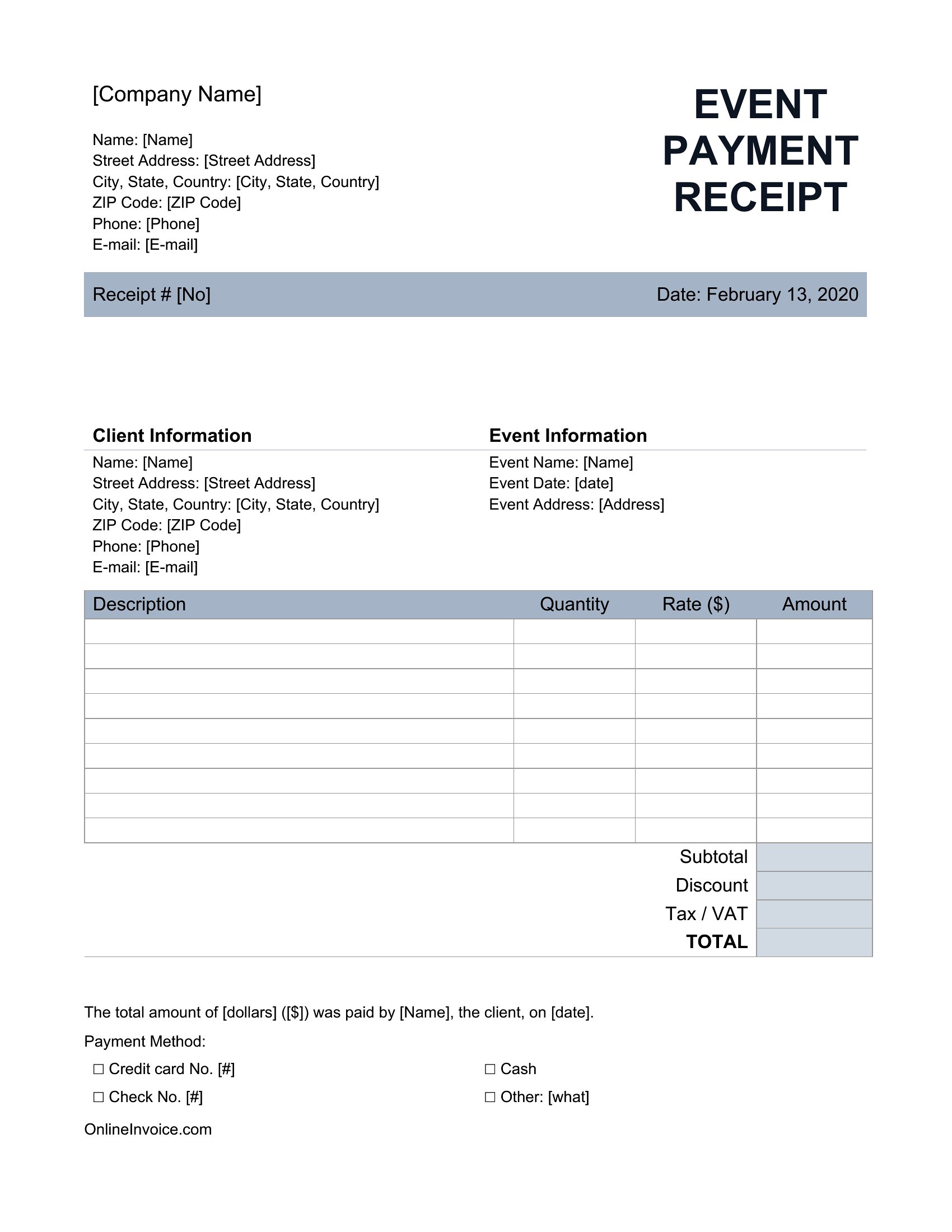
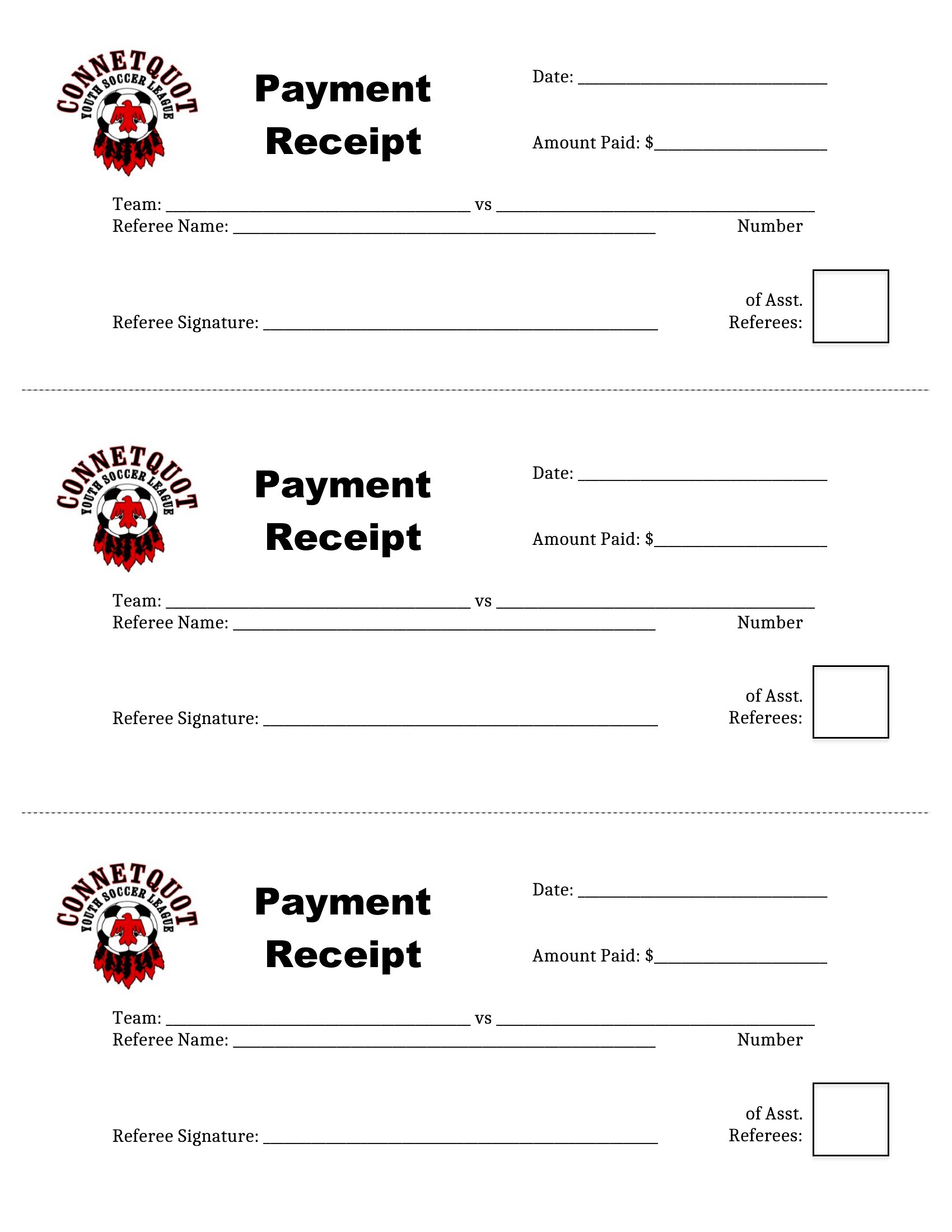
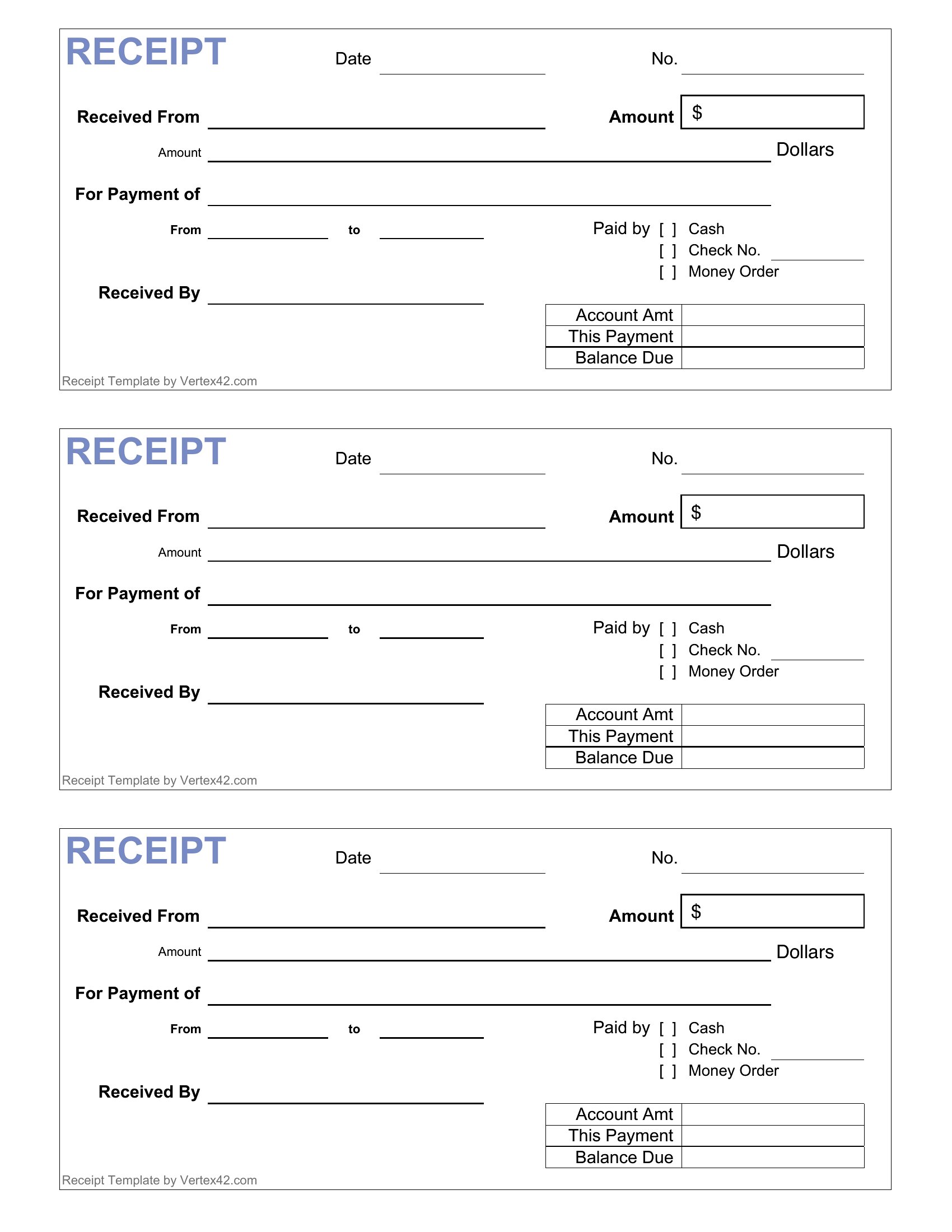
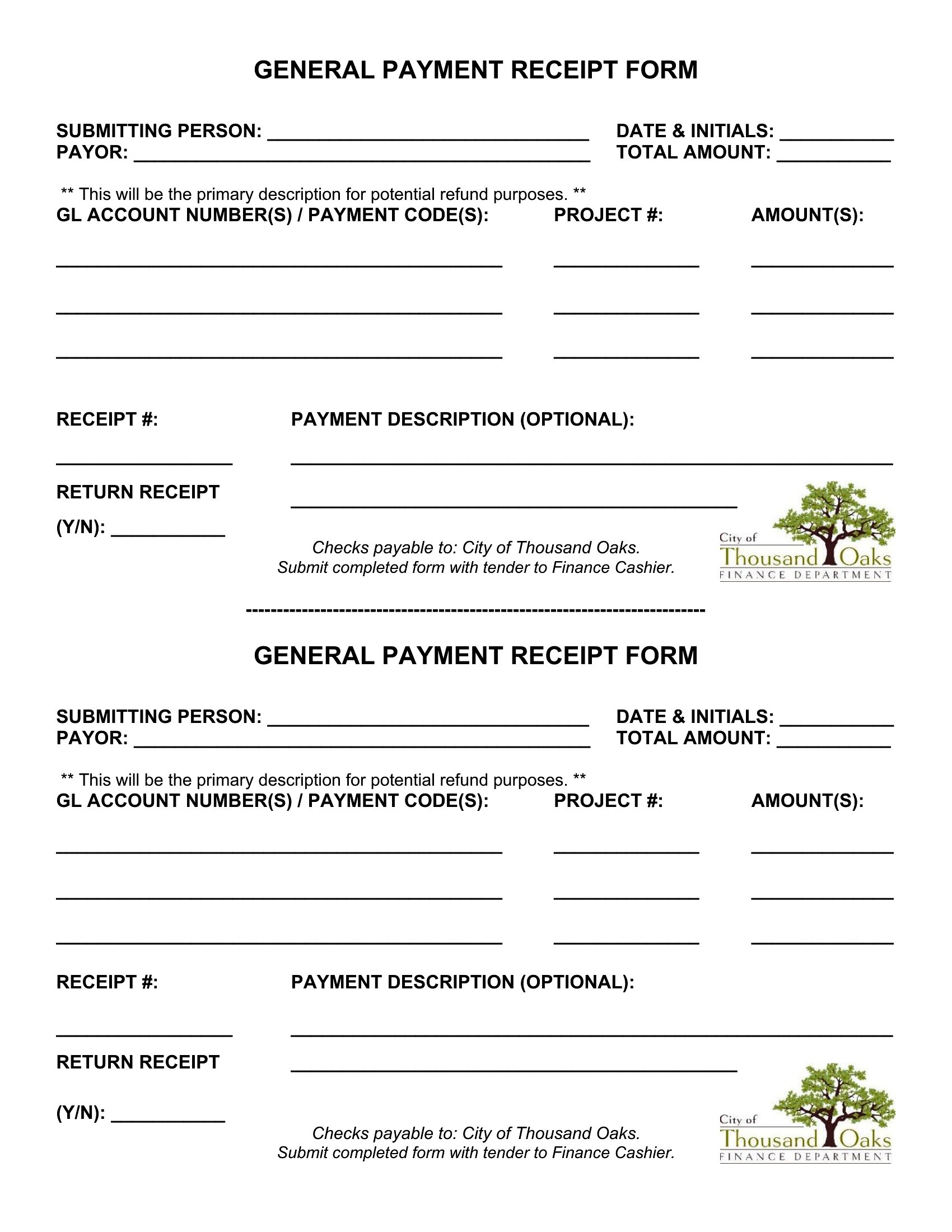
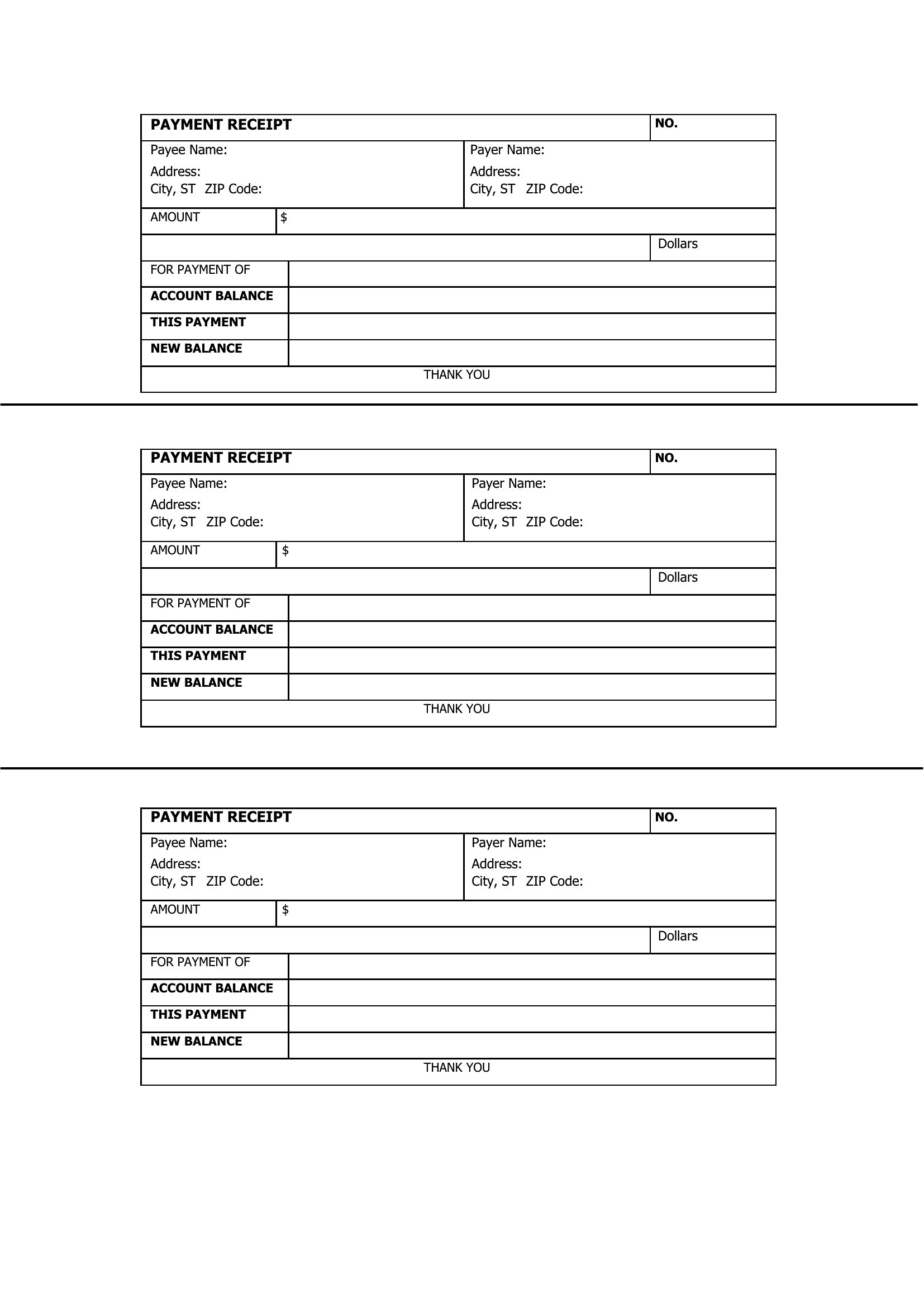
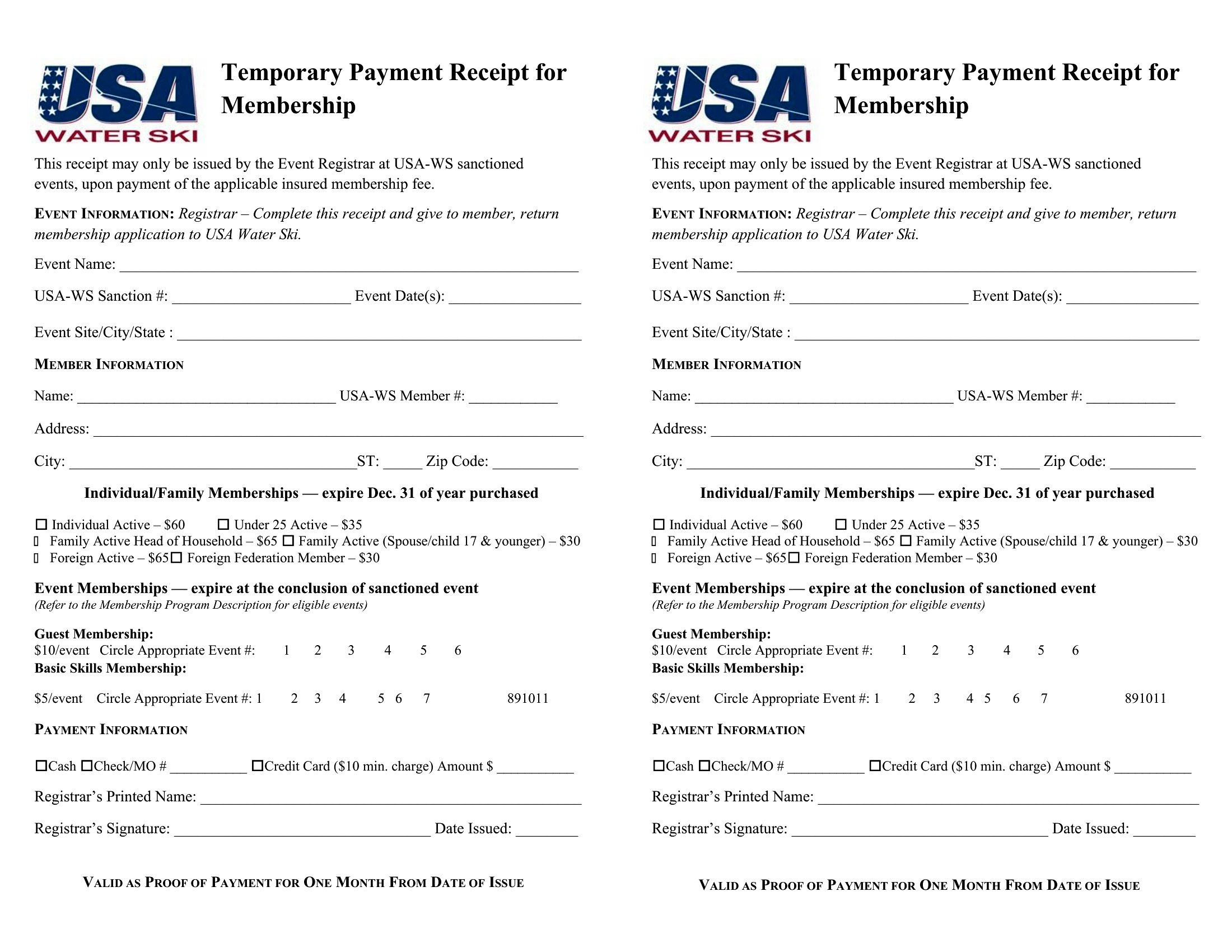
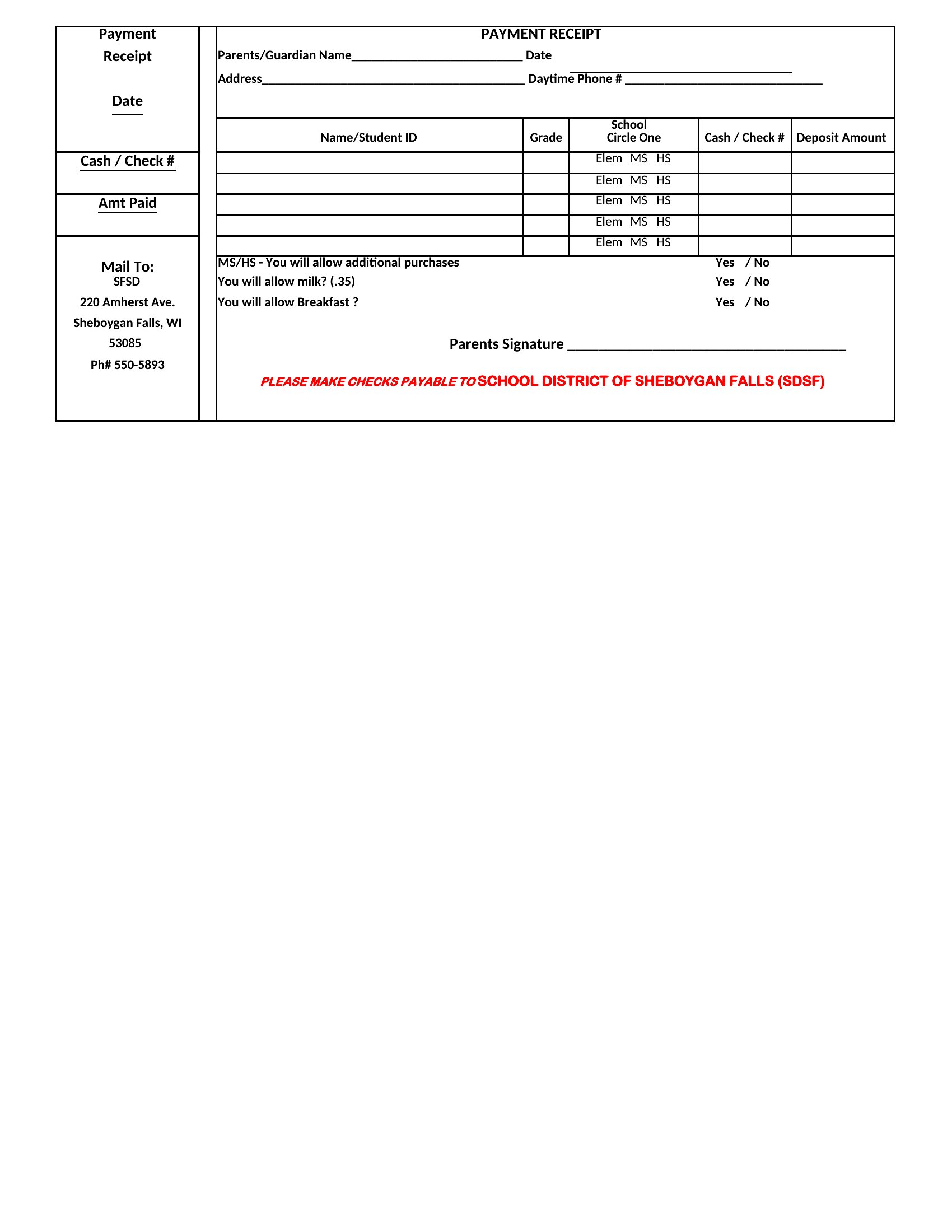
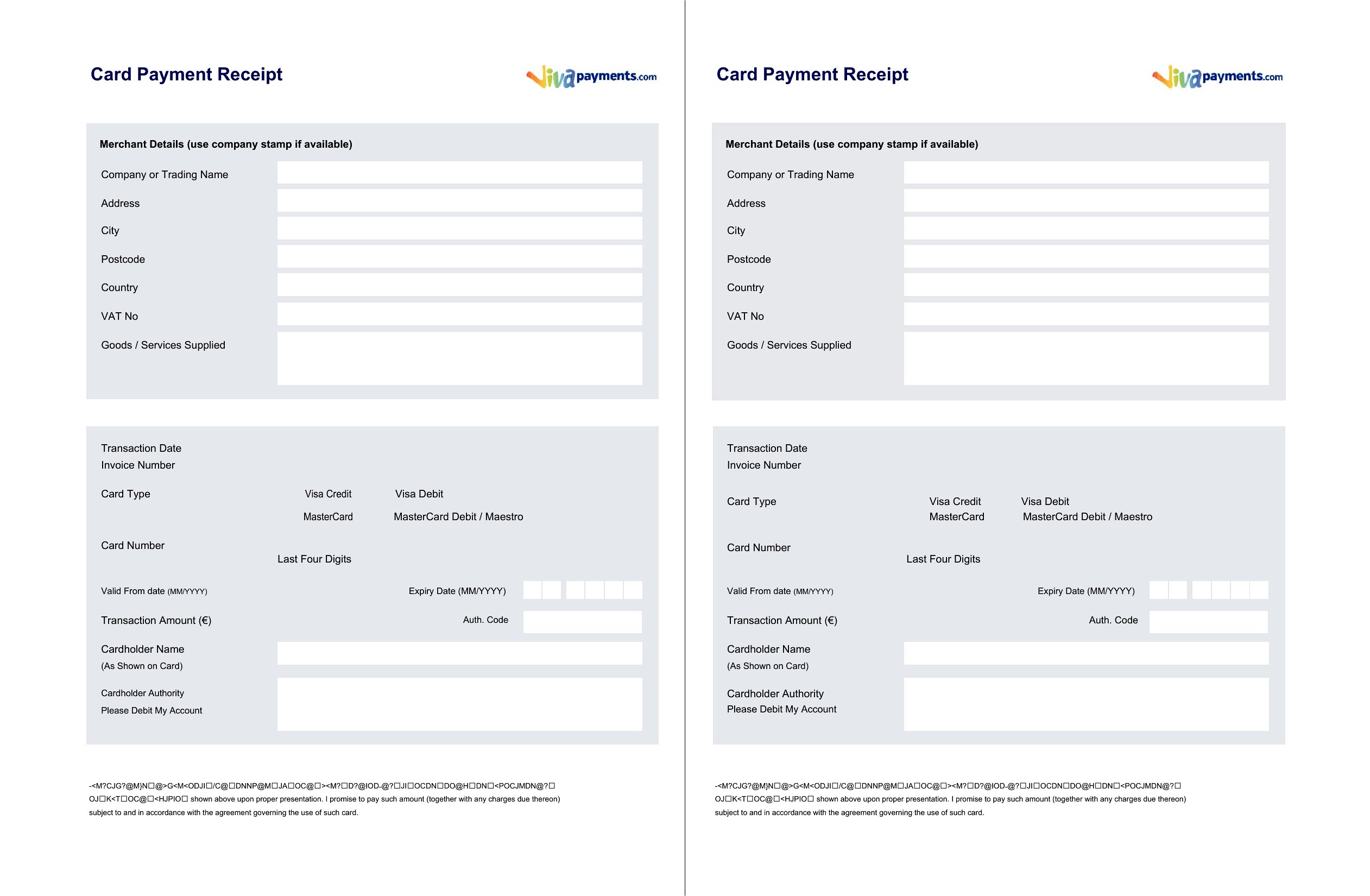
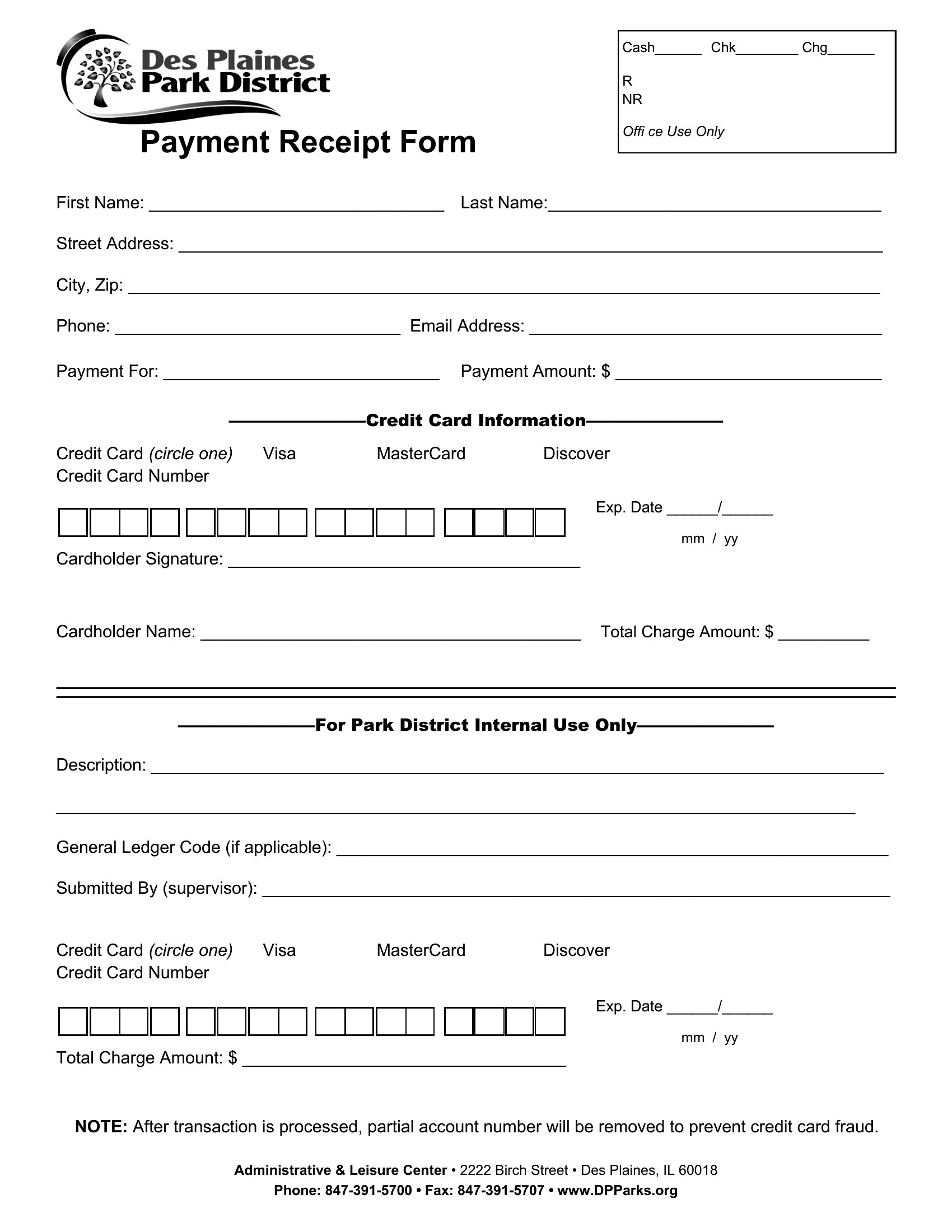
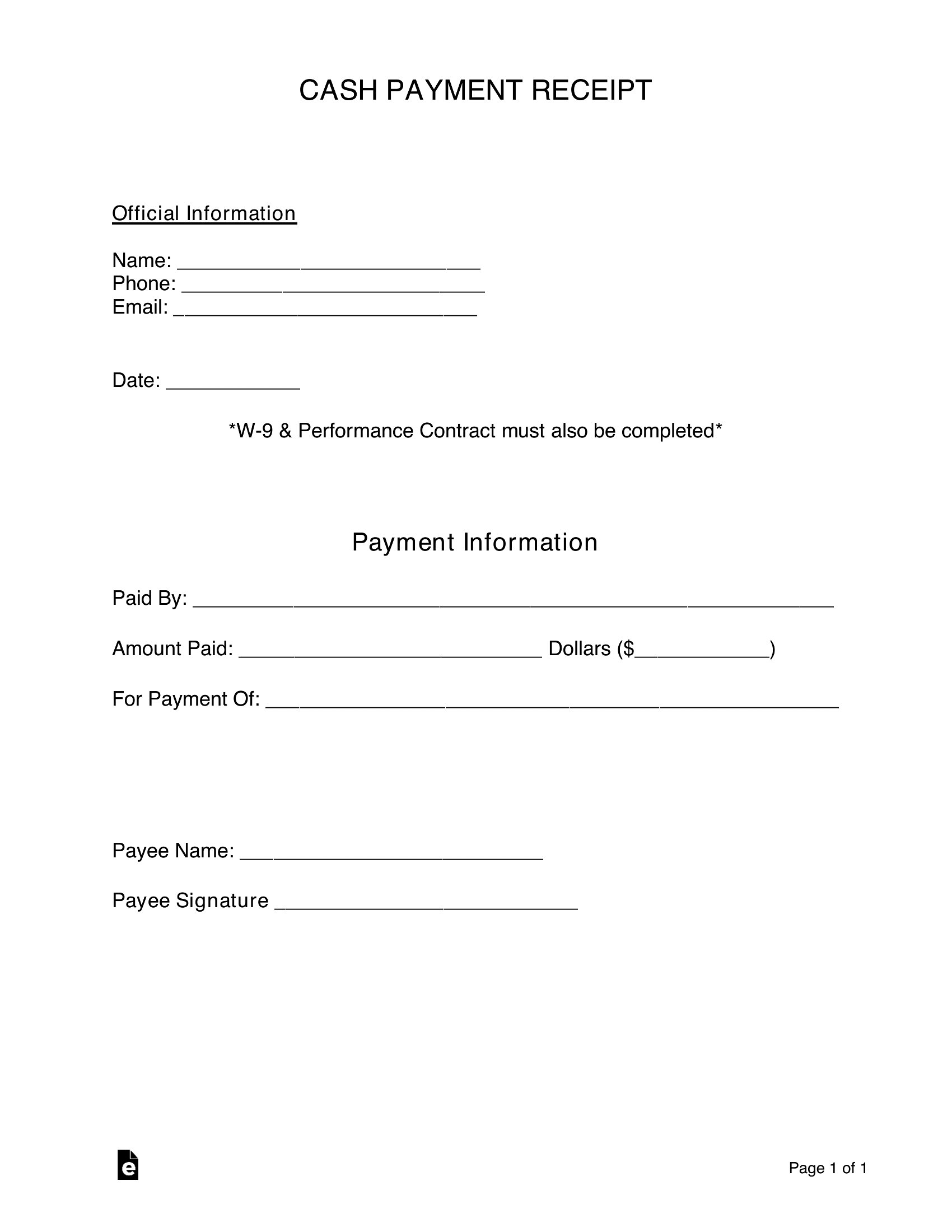
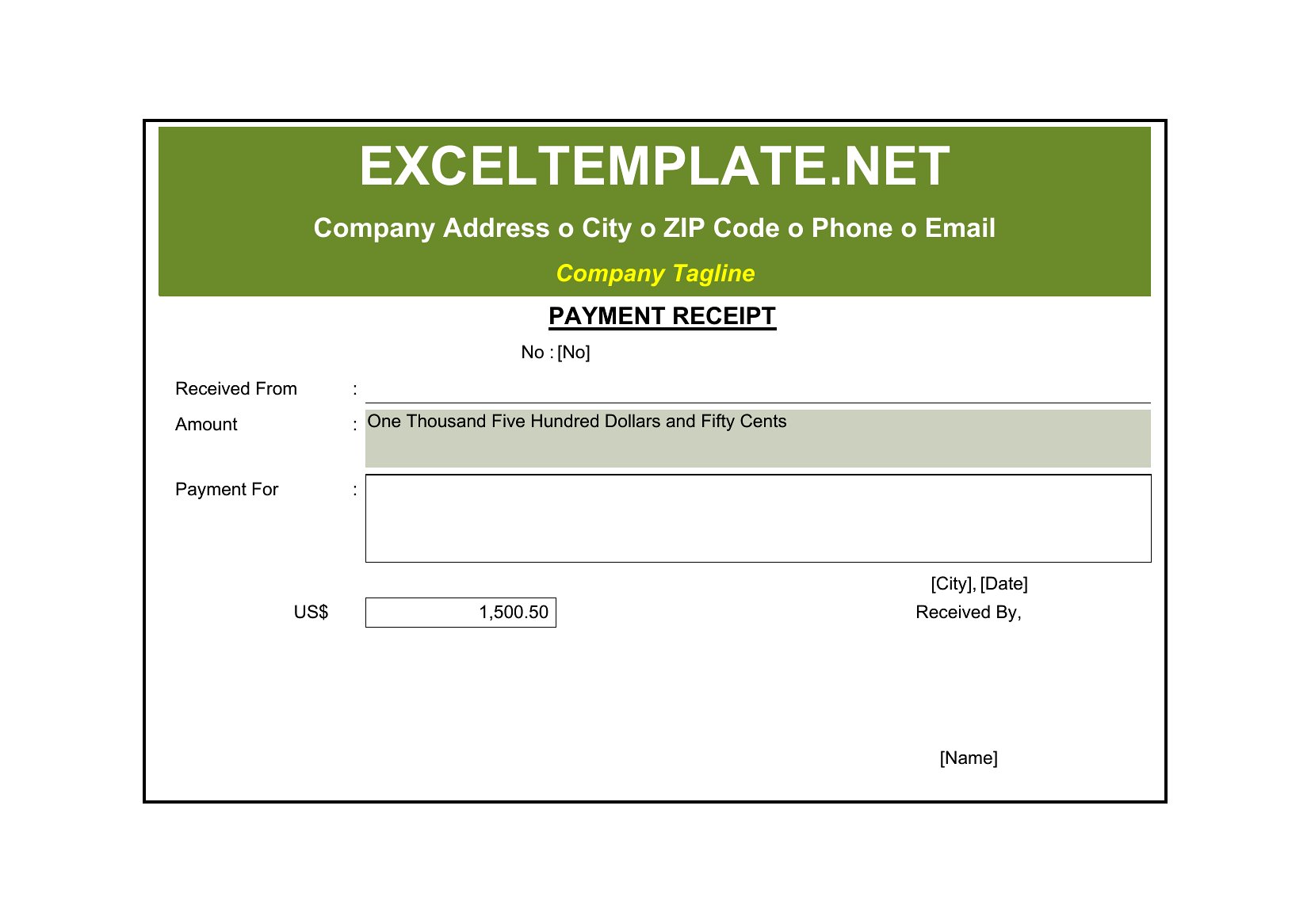
Word Payment Receipt
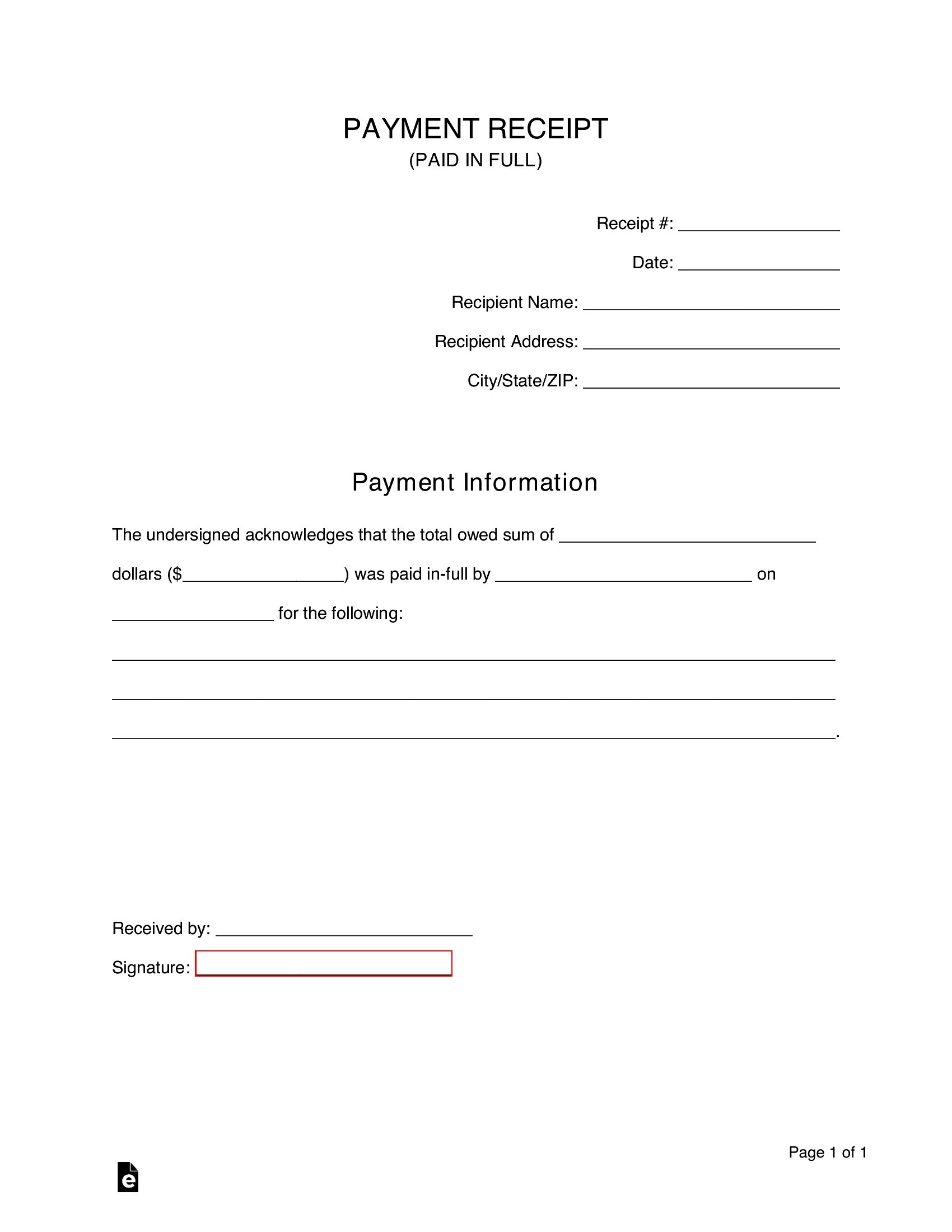
How to use this Payment Receipt template
How do I ensure my payment receipt meets local tax or business requirements?
These templates include standard fields like payment date, method, amount, and purpose, but laws vary by region. Double-check with your local tax authority or accountant to confirm required details such as tax ID numbers, business license info, or specific disclaimers. Treat the templates as a starting point, not a legal guarantee.
Can I use these receipts for both cash and digital payments?
Yes, the templates are designed to accommodate any payment method. Simply fill in the method used (e.g., cash, bank transfer, credit card) in the designated field. For digital payments, include transaction reference numbers if needed to match your records.
What should I do if a client disputes a payment I’ve already recorded on a receipt?
Retain the original receipt and any supporting documents like bank statements or emails. If the template includes a notes section, use it to document the dispute and any follow-up actions. For resolution, consult legal or financial advice tailored to your business type, not just the template’s structure.
Comments
Join the conversation
Sign in to share your thoughts and leave a comment on this resource.