
Free Superbill Templates (Word & Excel)
Invoices by ernestross
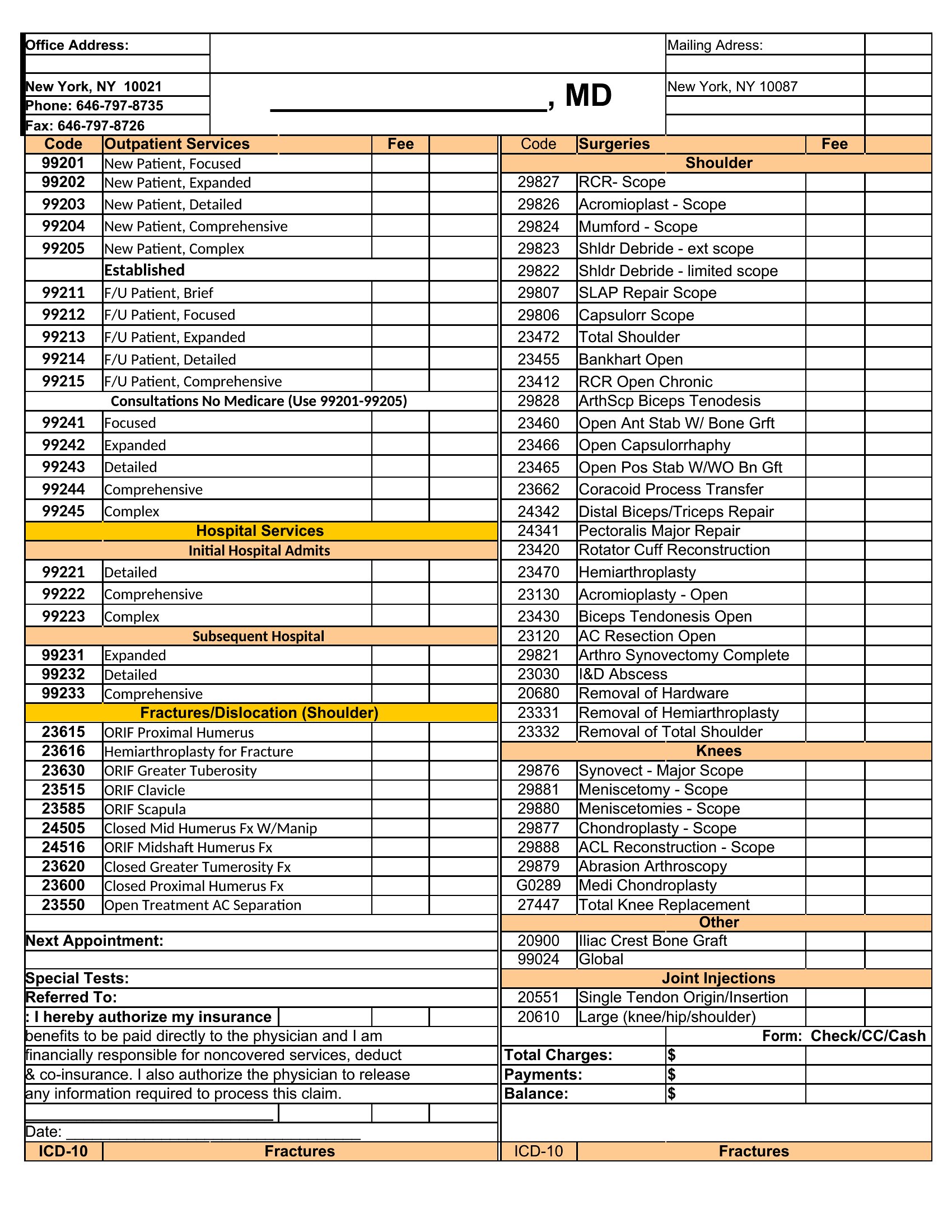
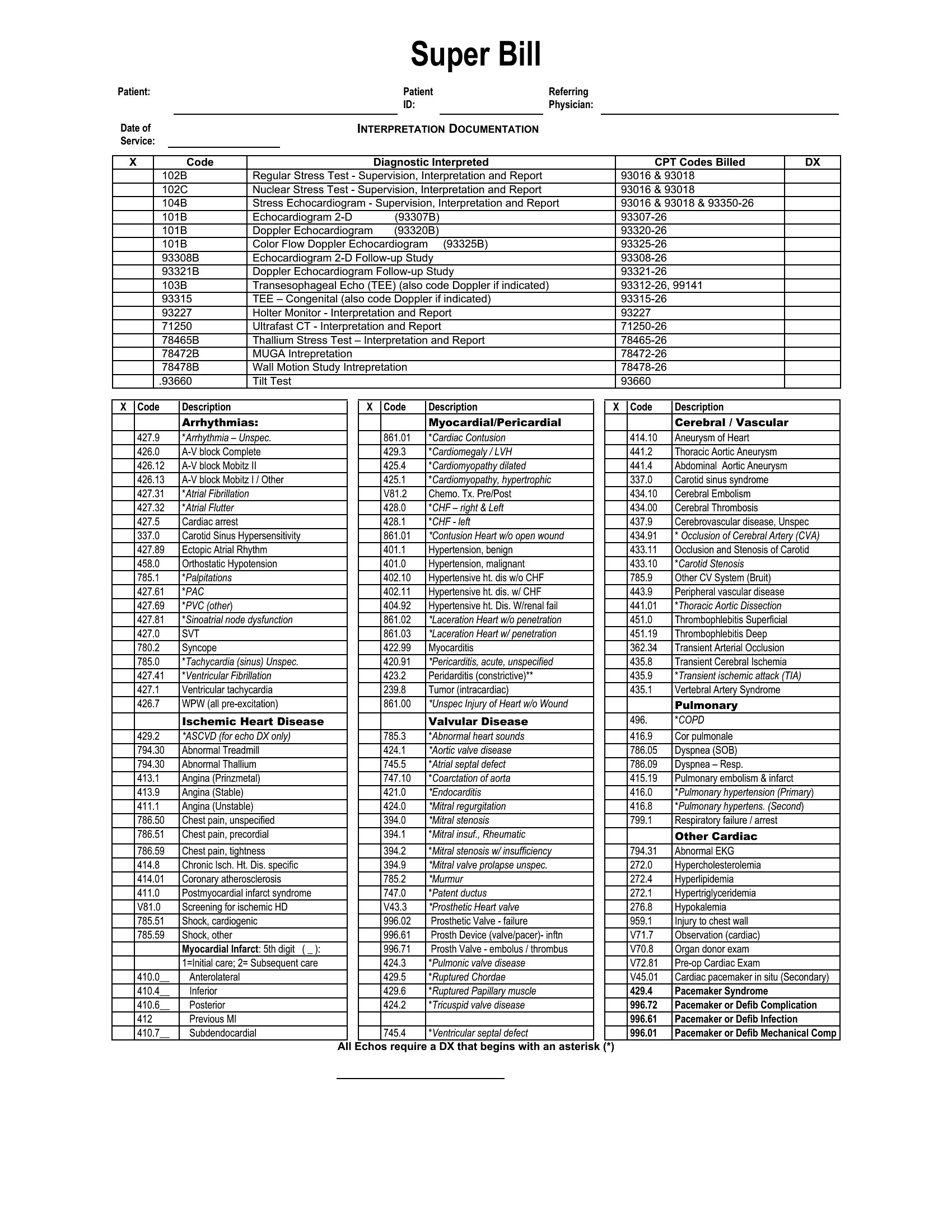
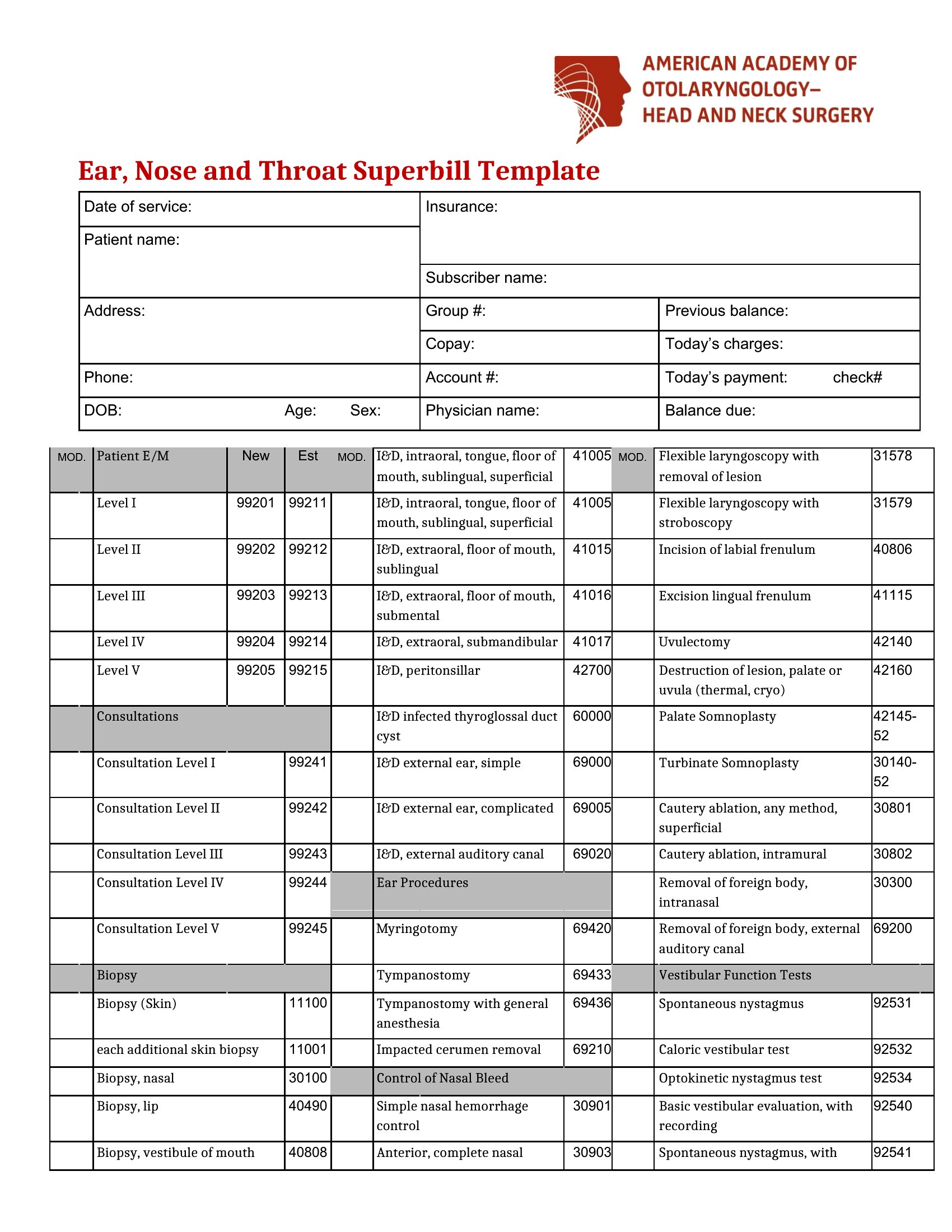
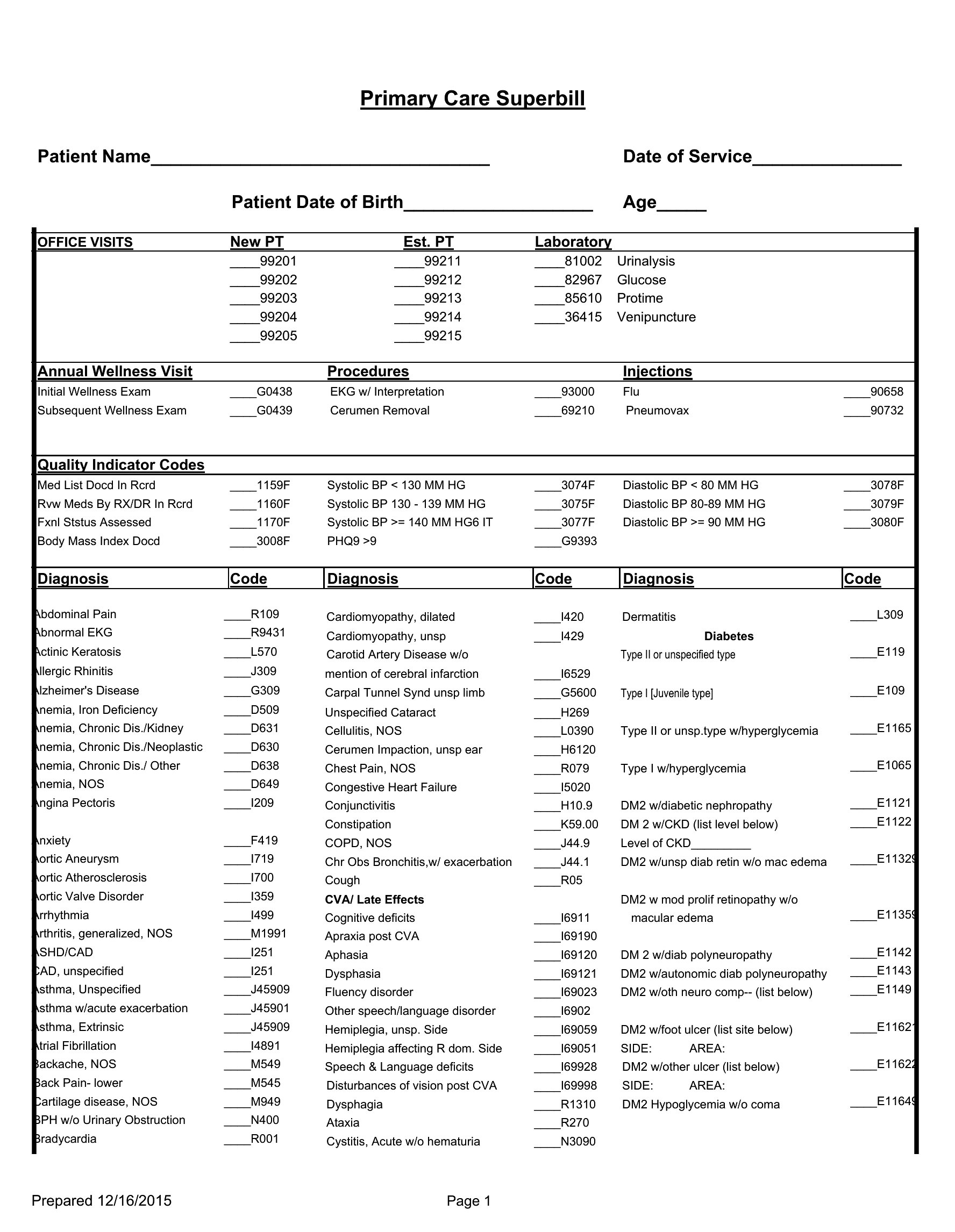
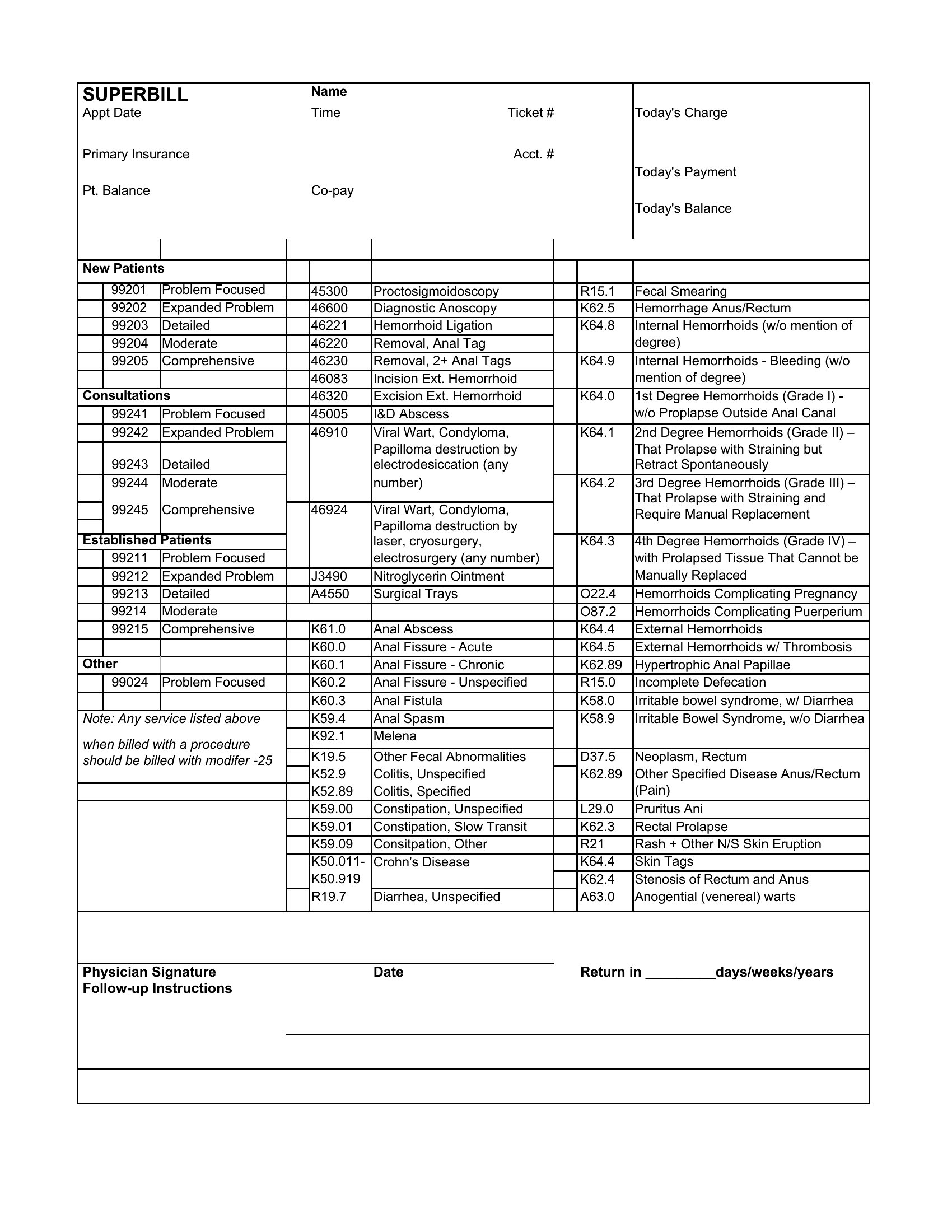
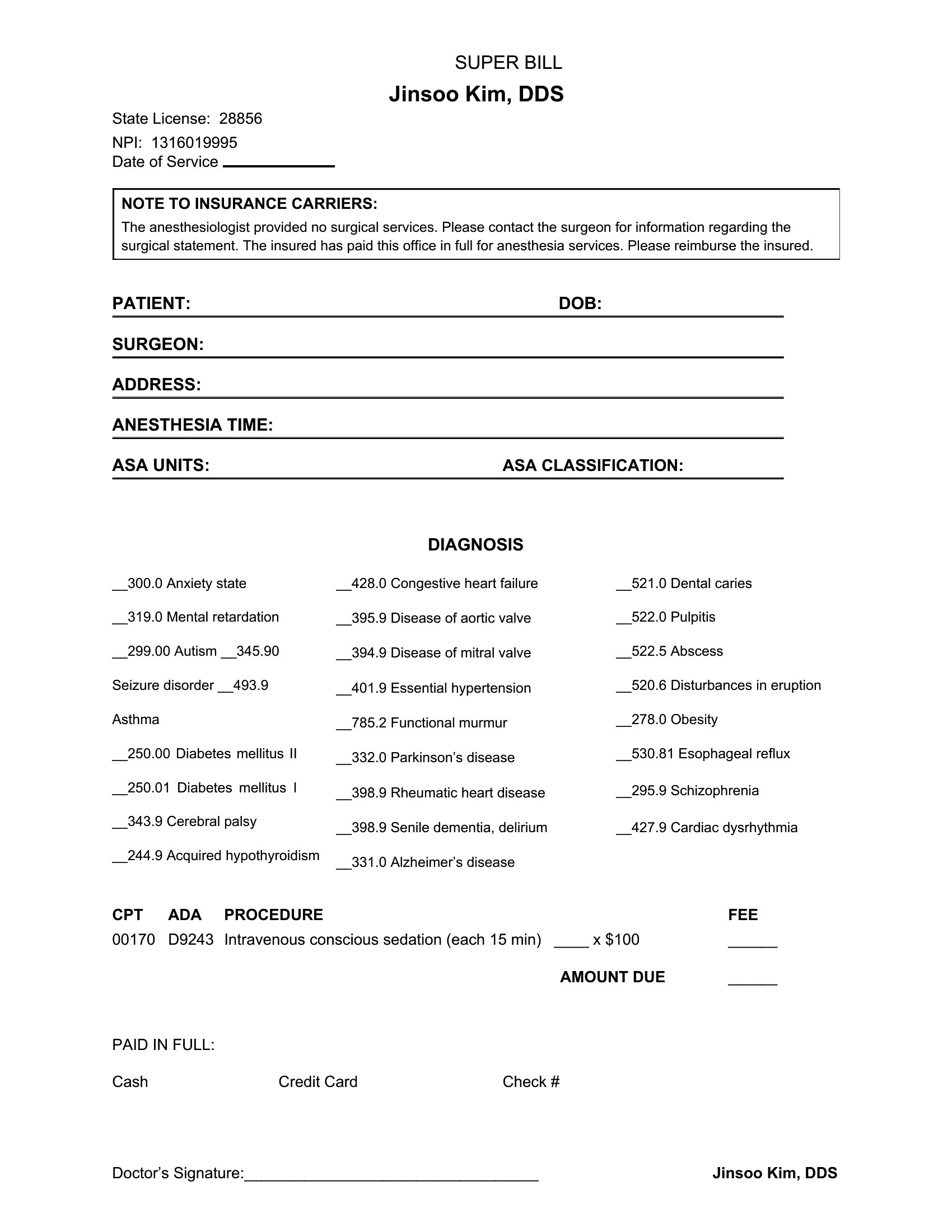
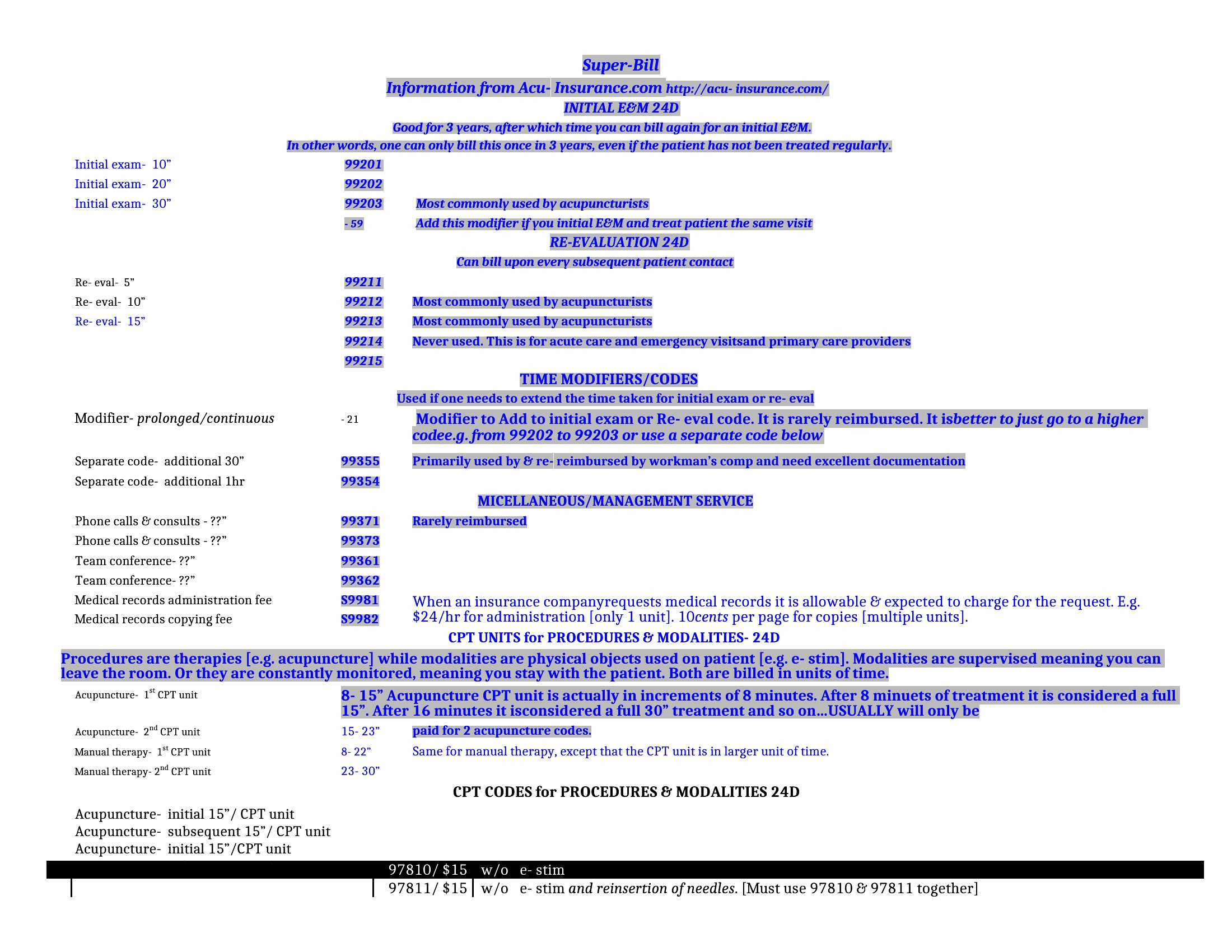
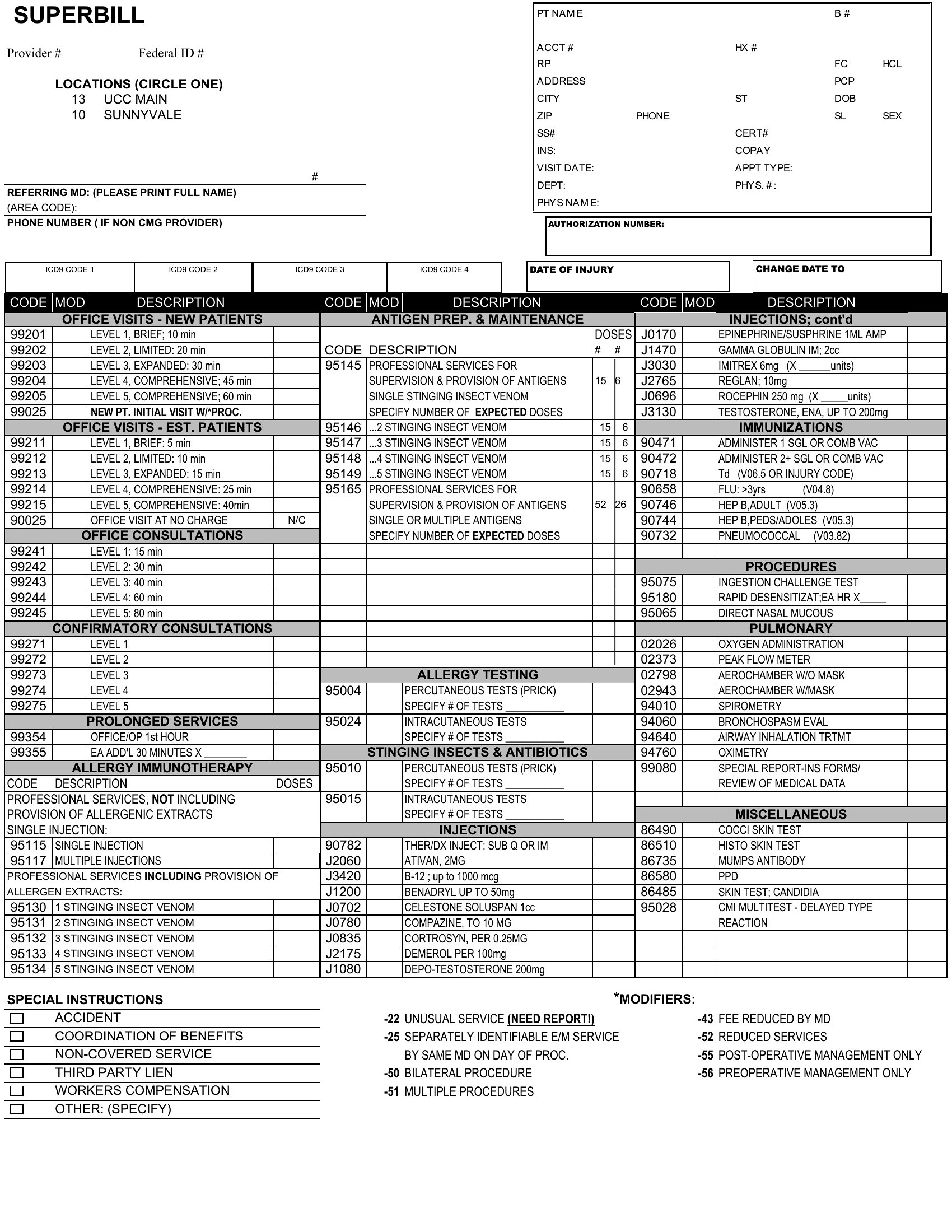
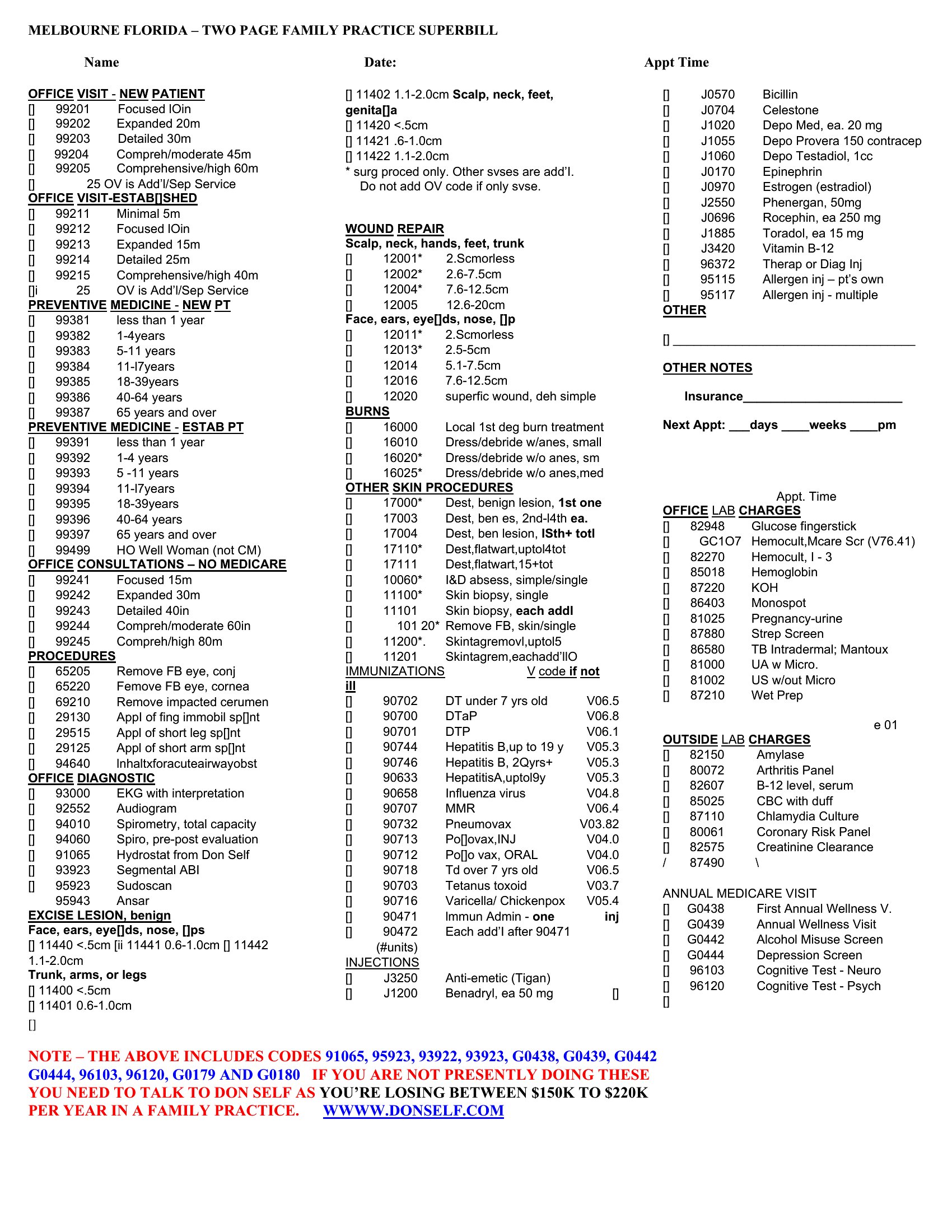
Run an out-of-network practice and need to give patients an itemized receipt for insurance reimbursement? A superbill does the job, and this set of 49 templates makes one easy to produce. Therapists, chiropractors, and other providers can record patient details, diagnosis and procedure codes, fees, and provider information in a format payers recognize. Hand patients a clean document and let them file for the reimbursement they're owed.
You'll find Word versions for clean, branded receipts and Excel sheets that total charges automatically as you enter each line. Add your logo, drop in your common CPT and ICD-10 codes, and reuse the format for every visit. A superbill doesn't guarantee payment, so remind patients that coverage depends on their plan. Download the one that fits your practice and start billing faster.
Choose from 49 Superbill Templates
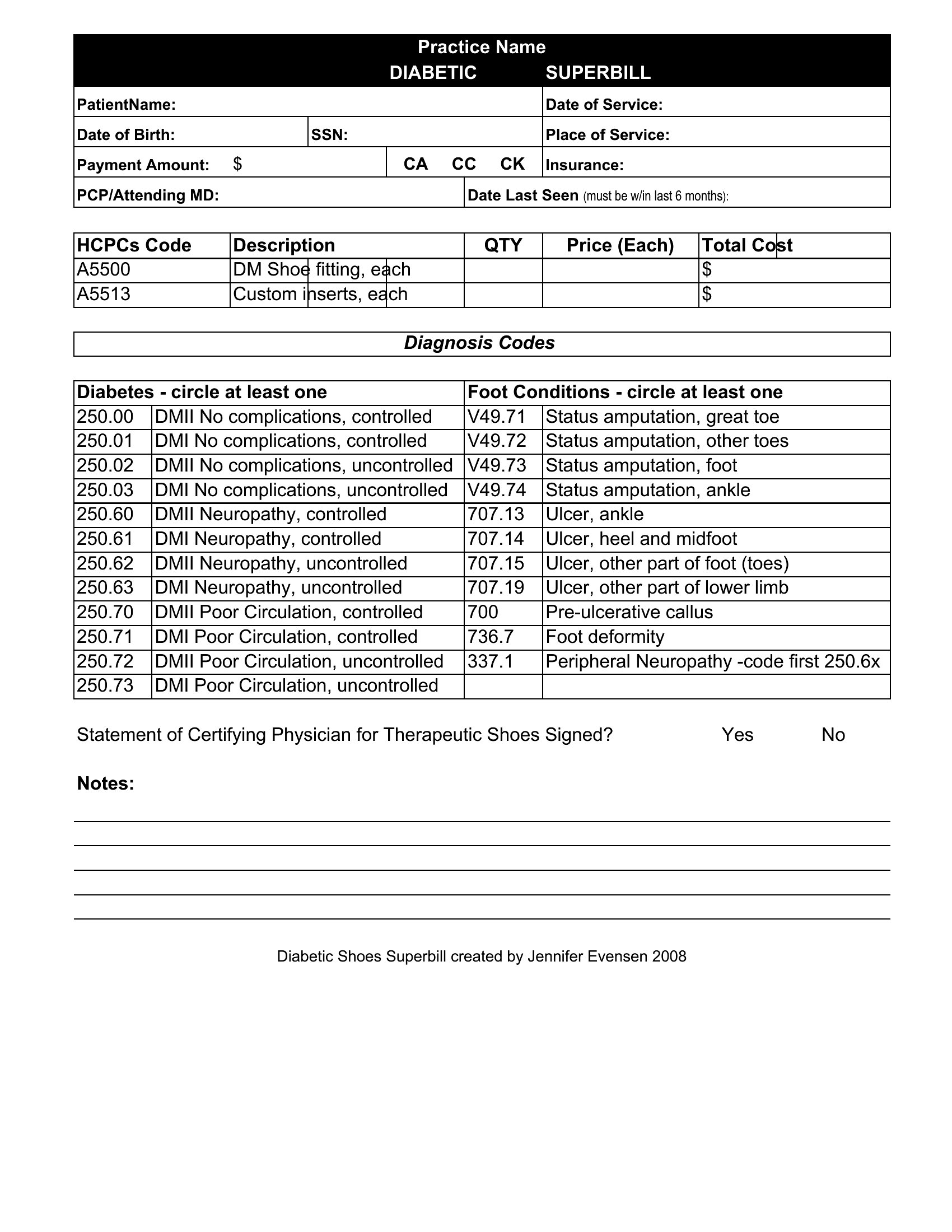
Blank Superbill
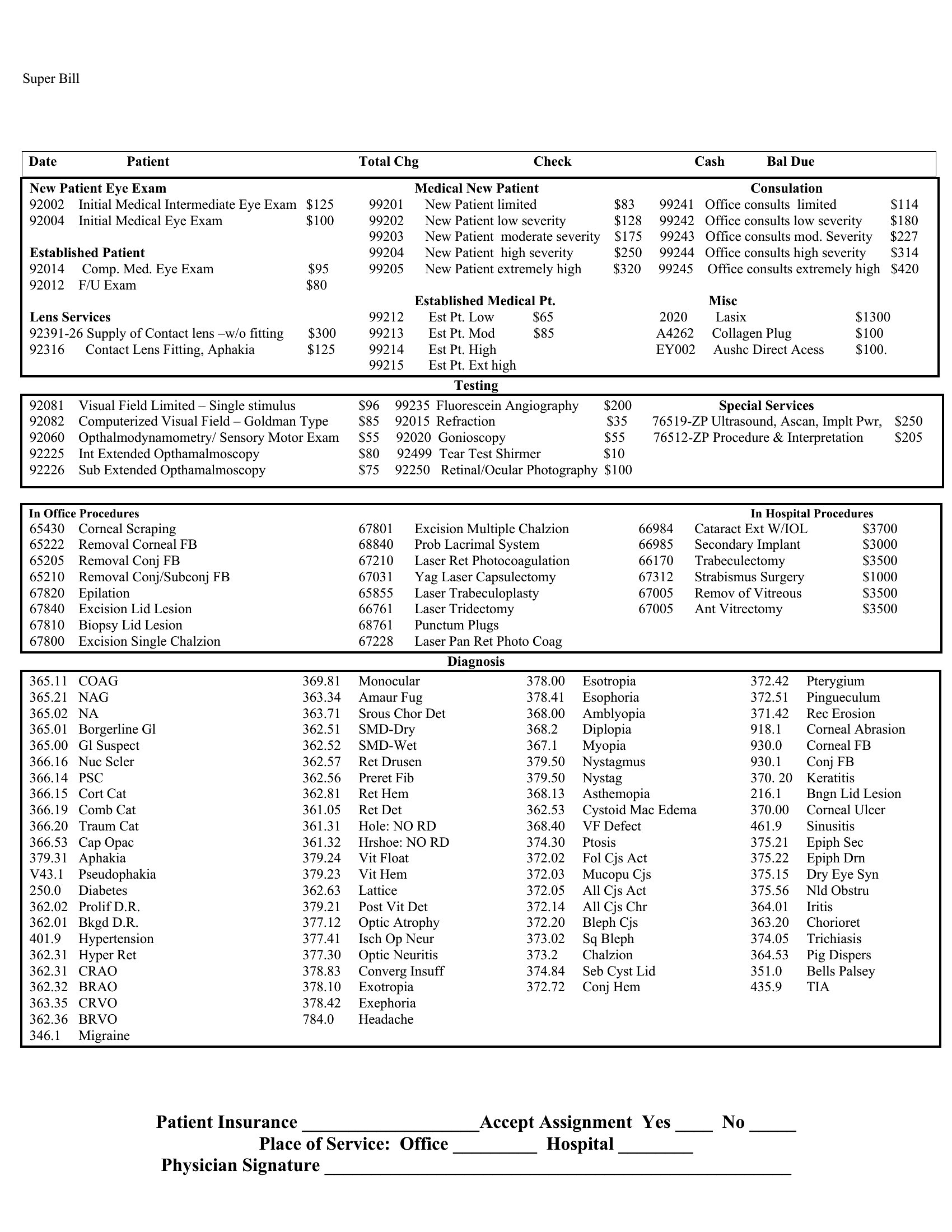
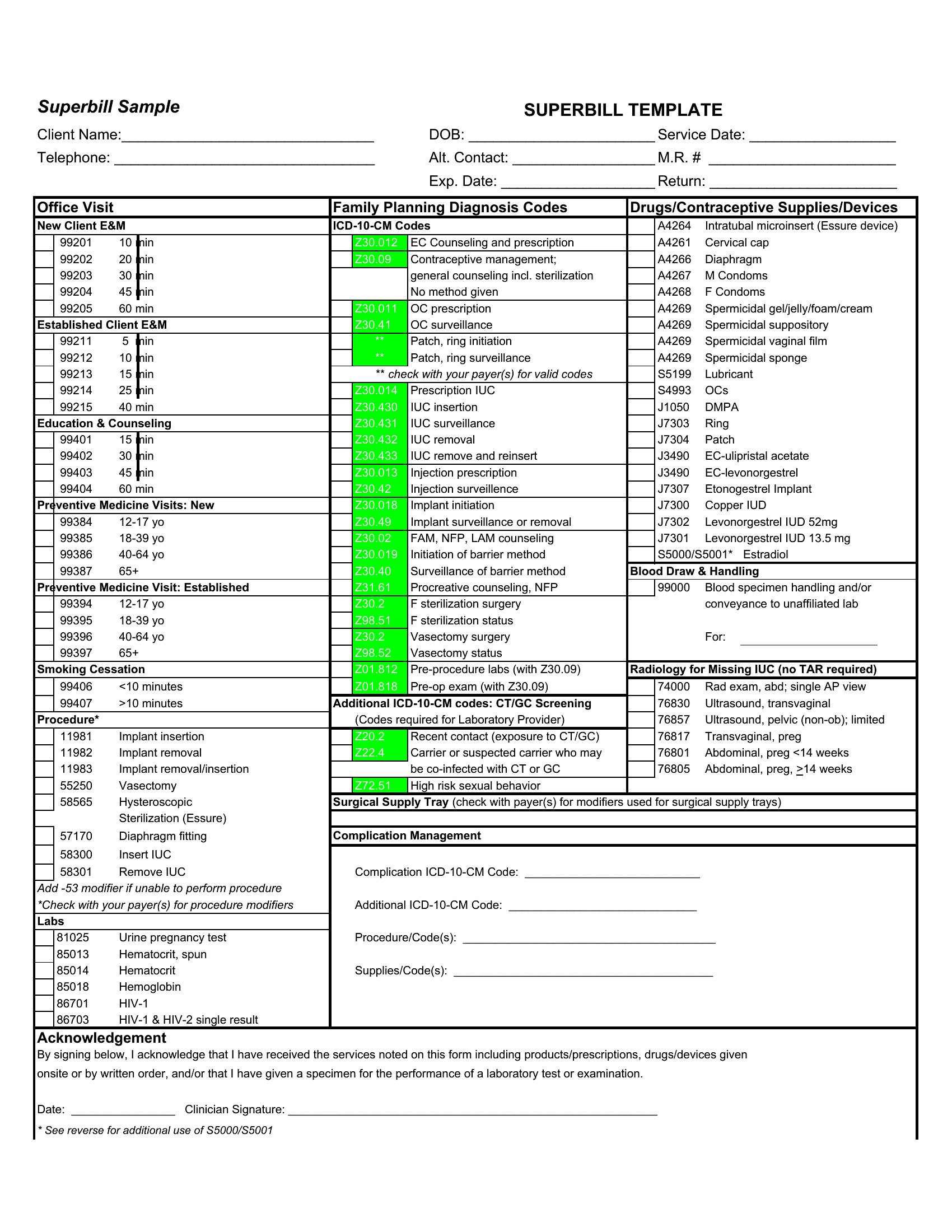
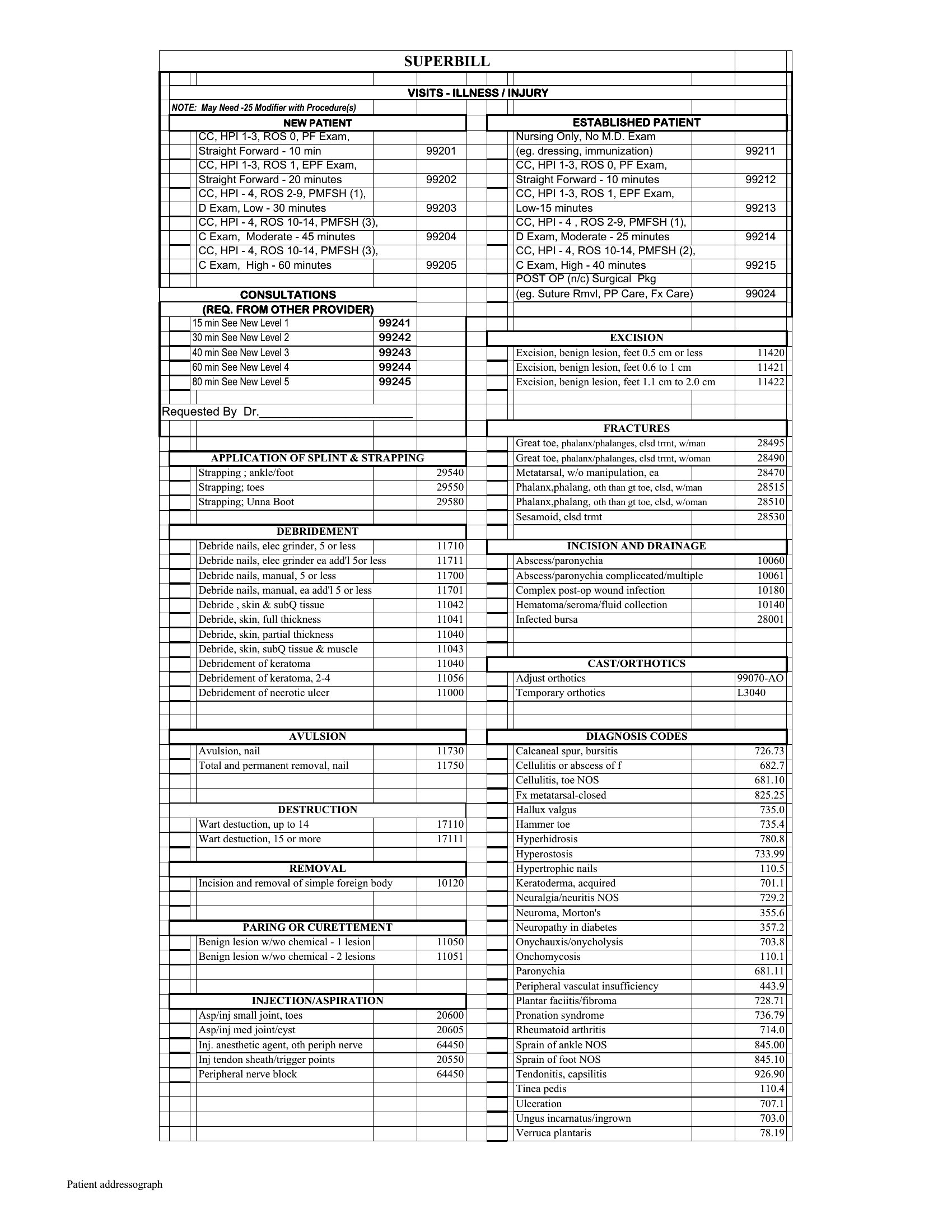
Superbill Word
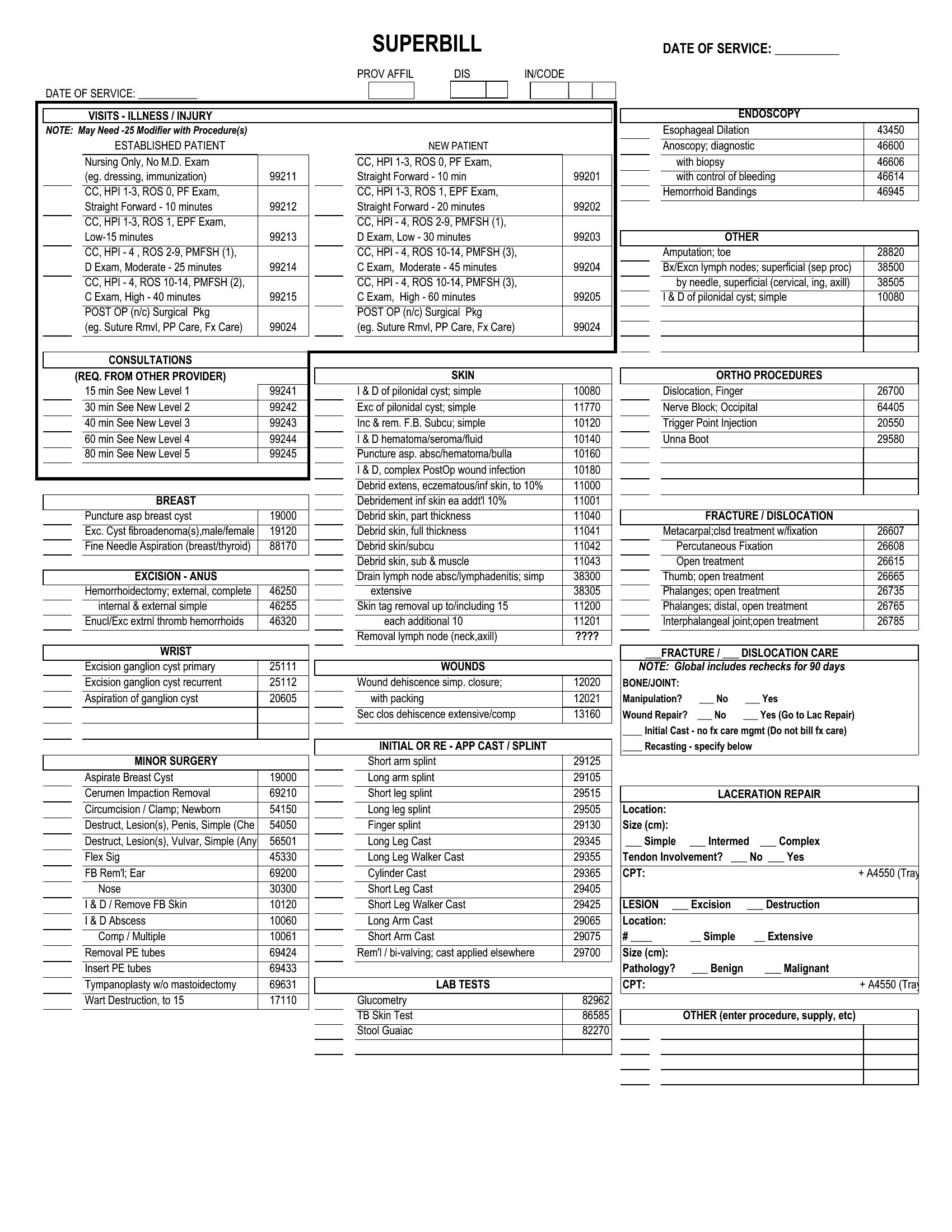
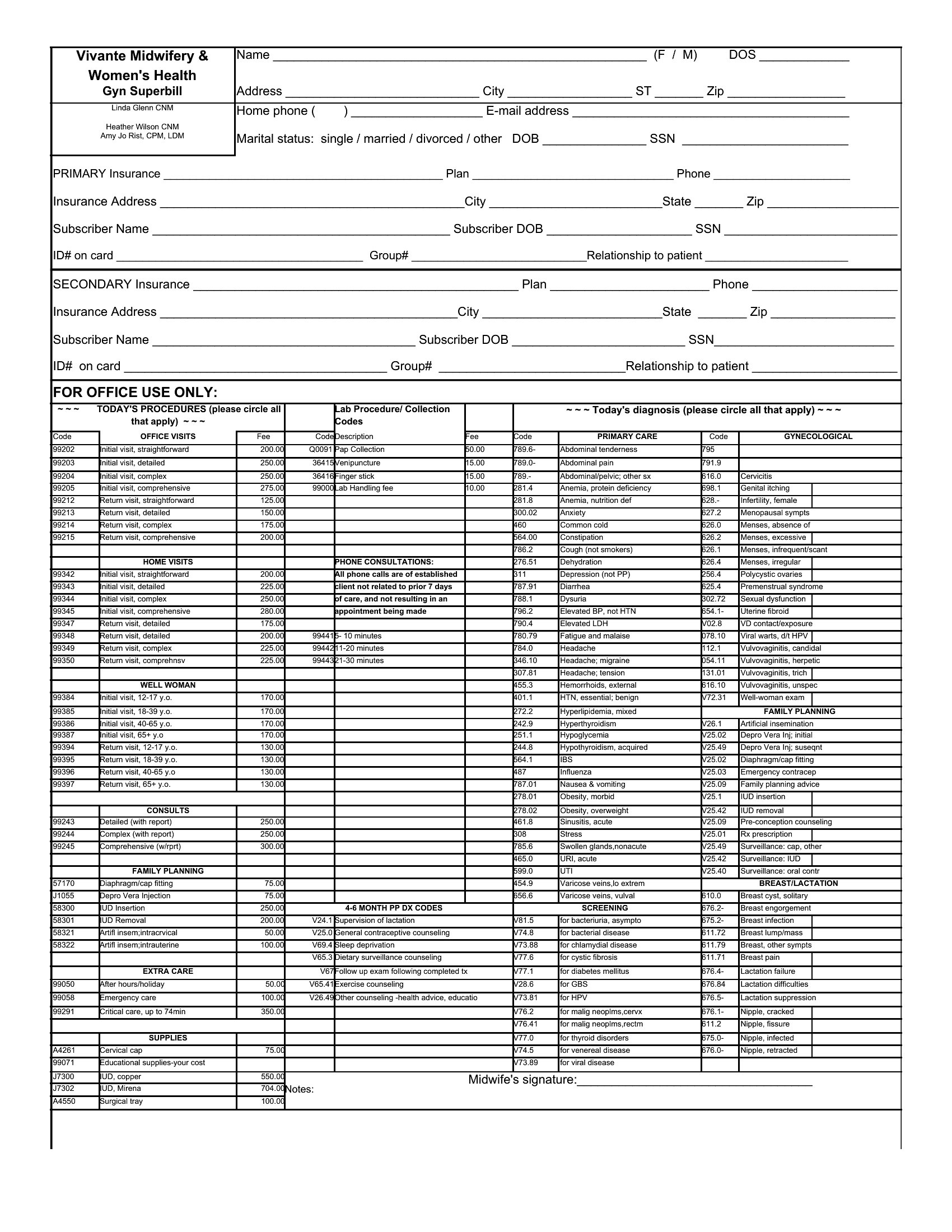
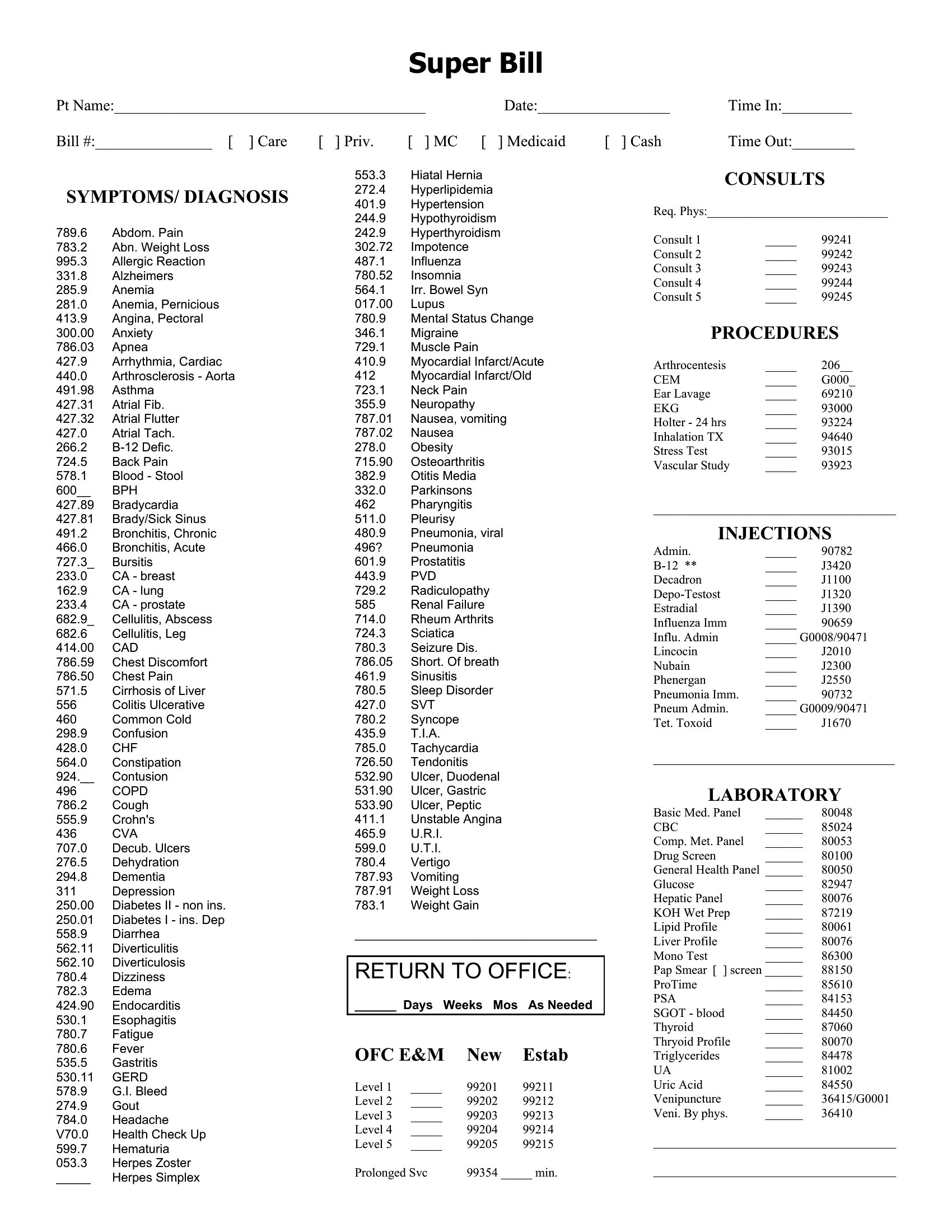
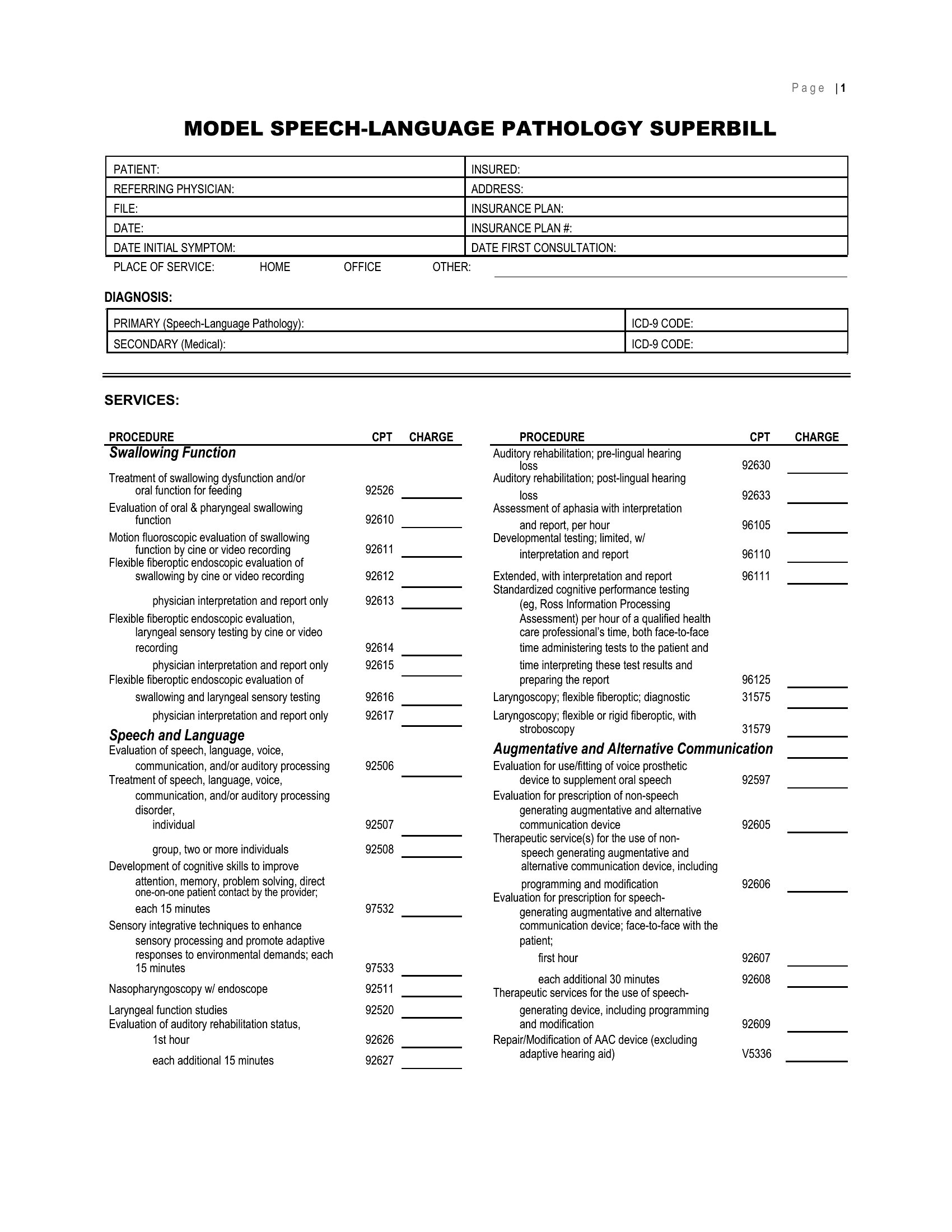
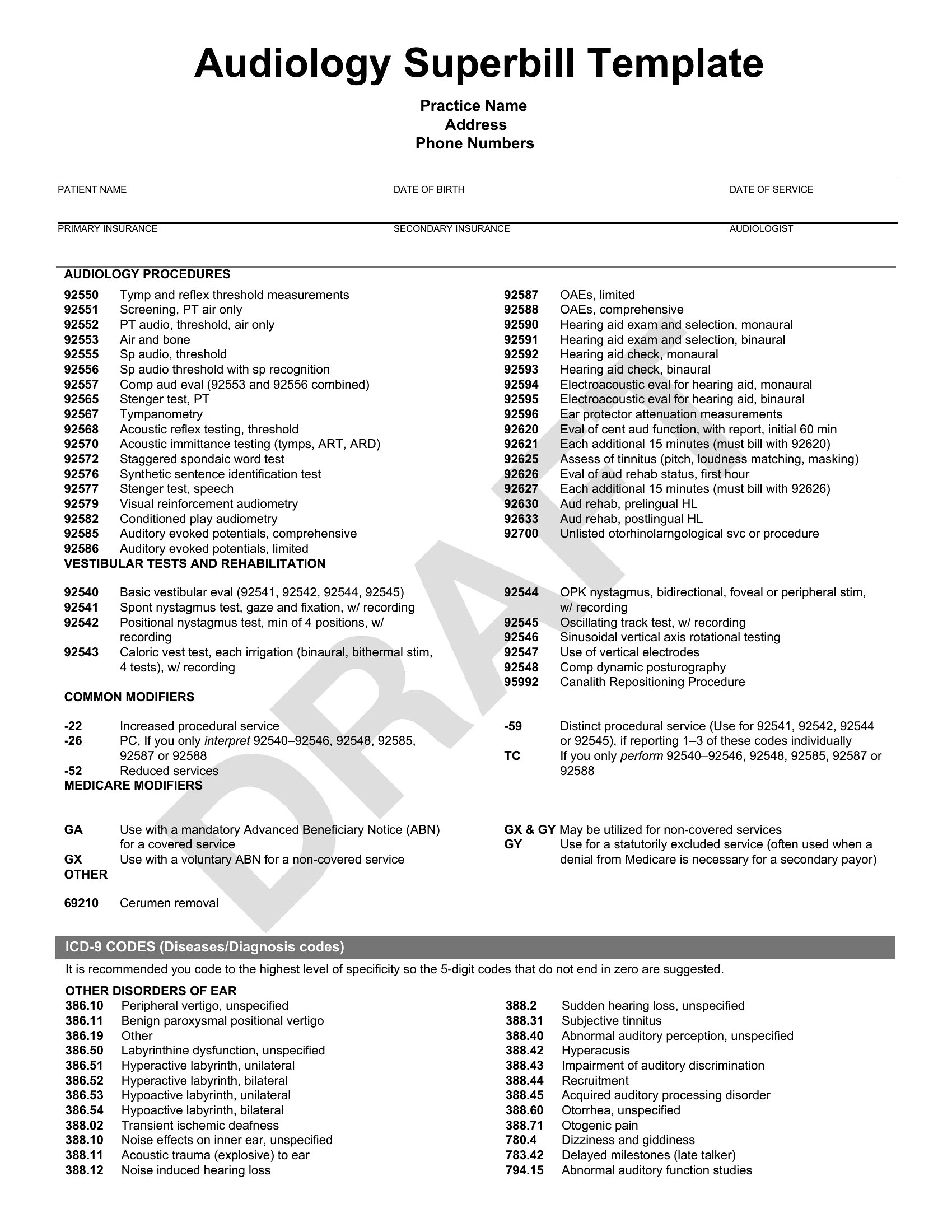
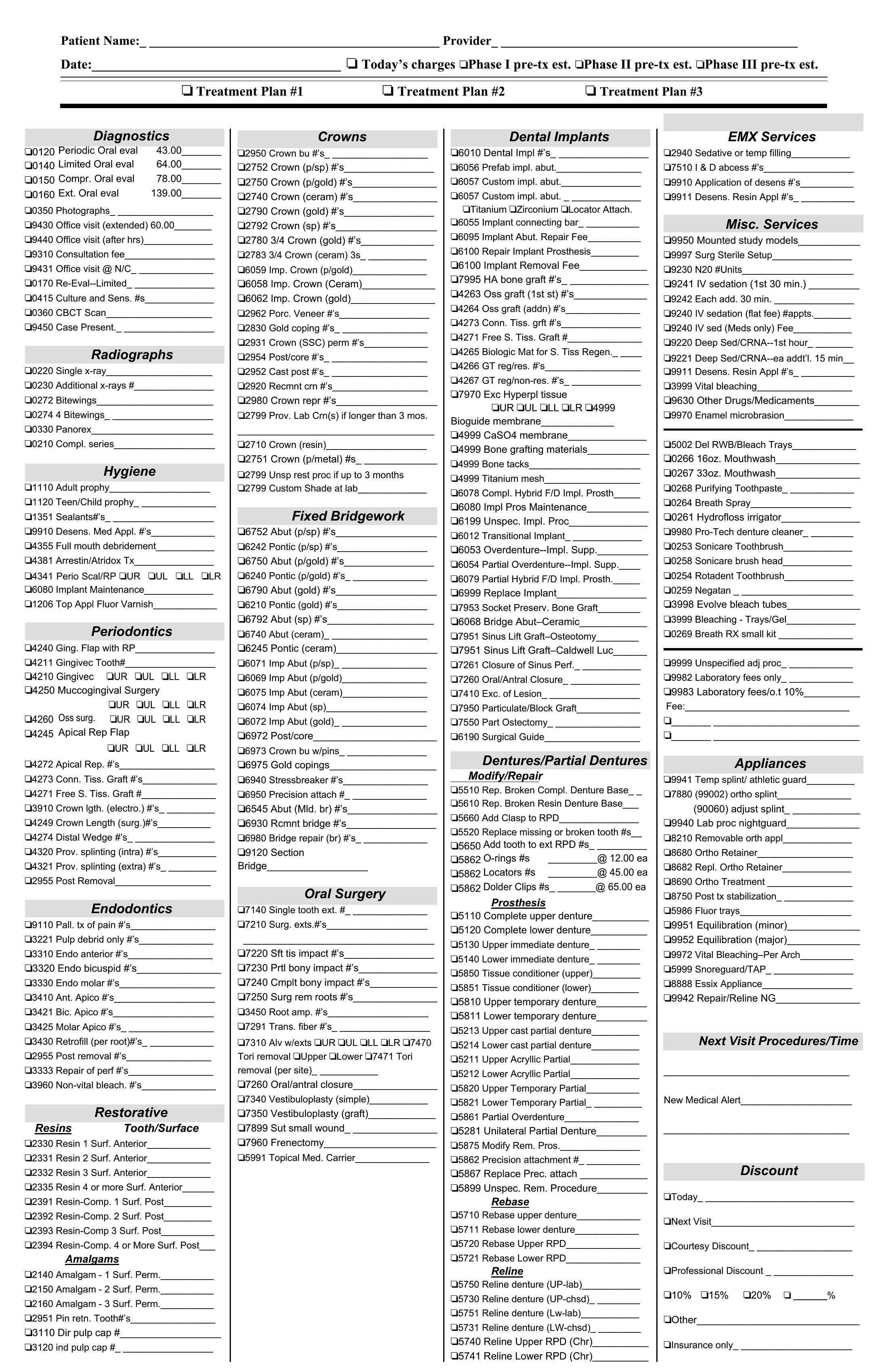
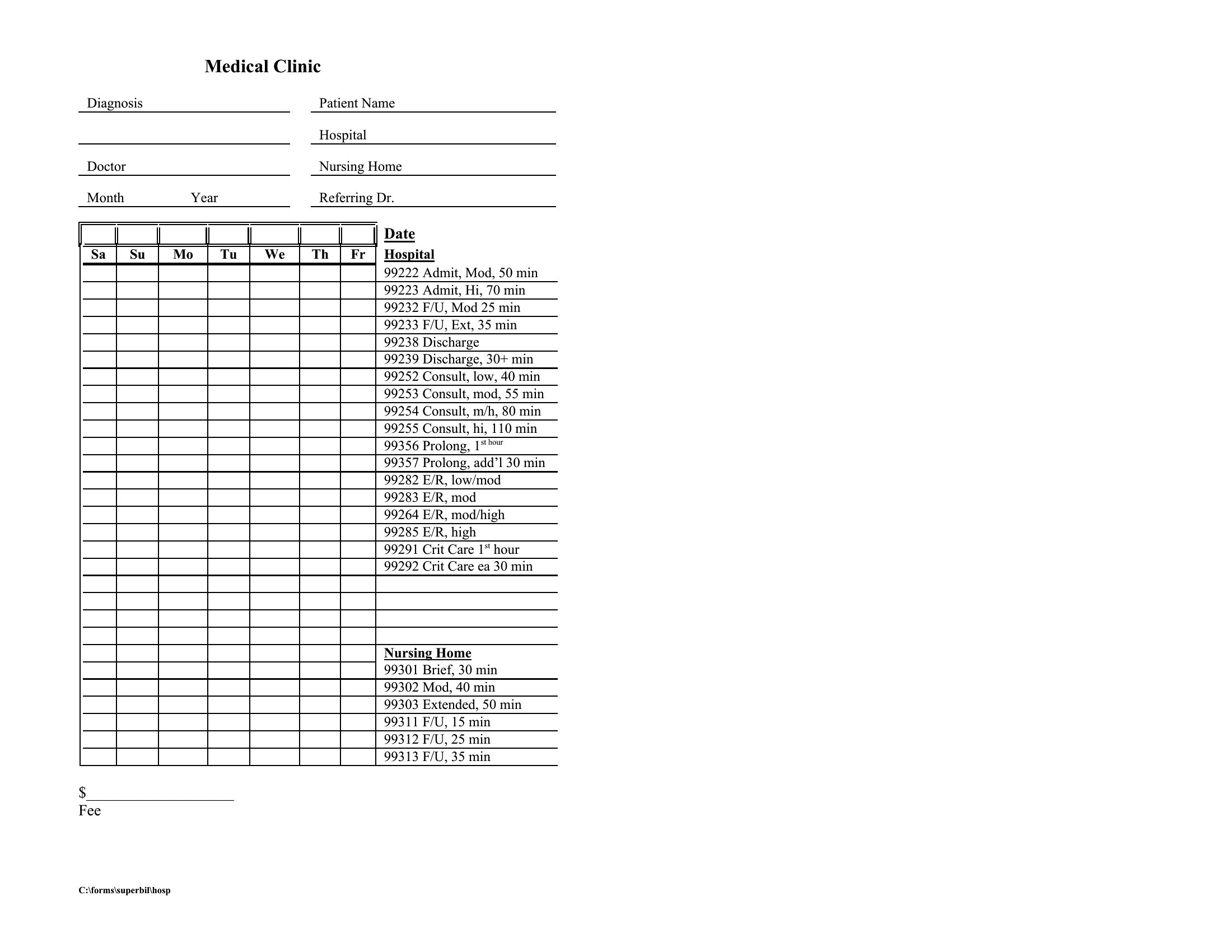
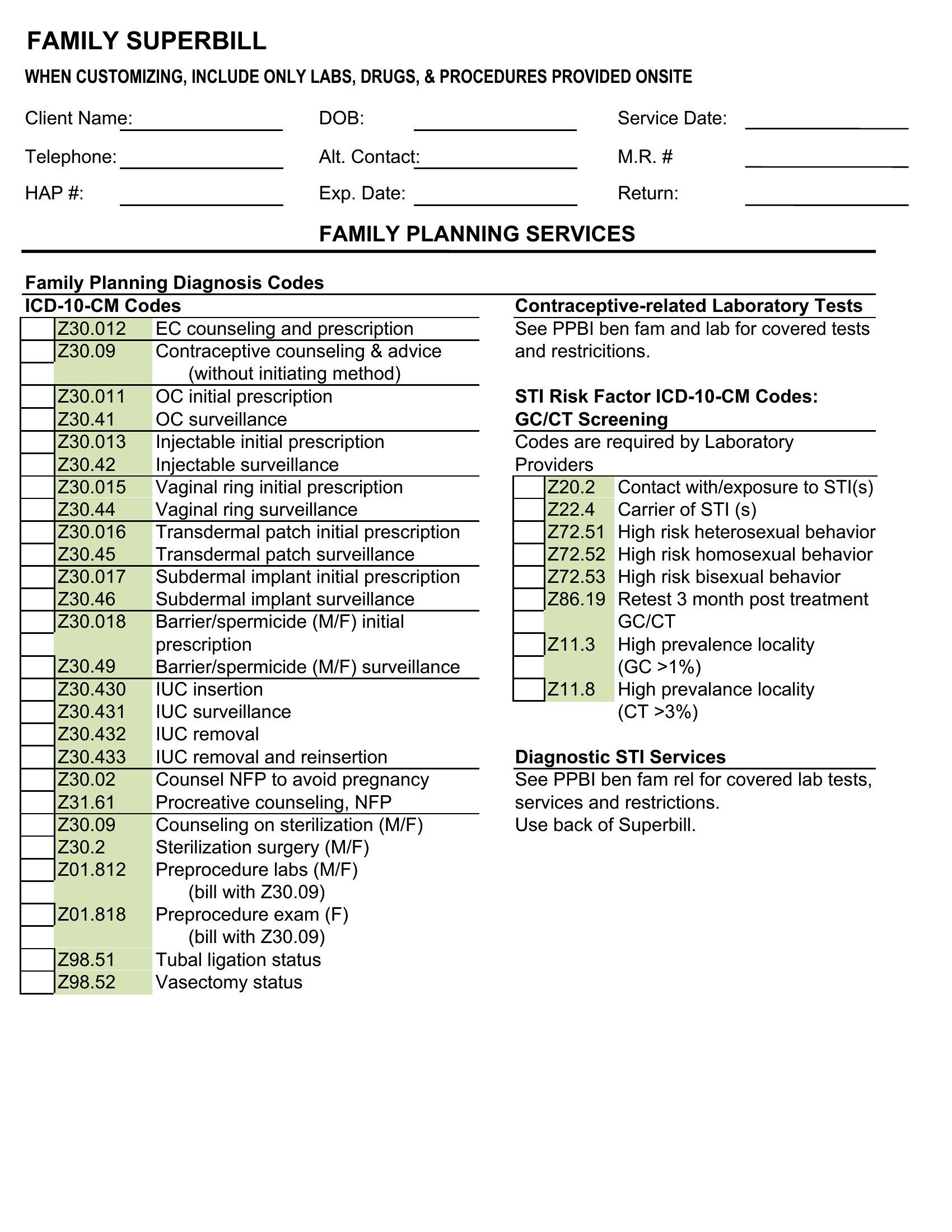
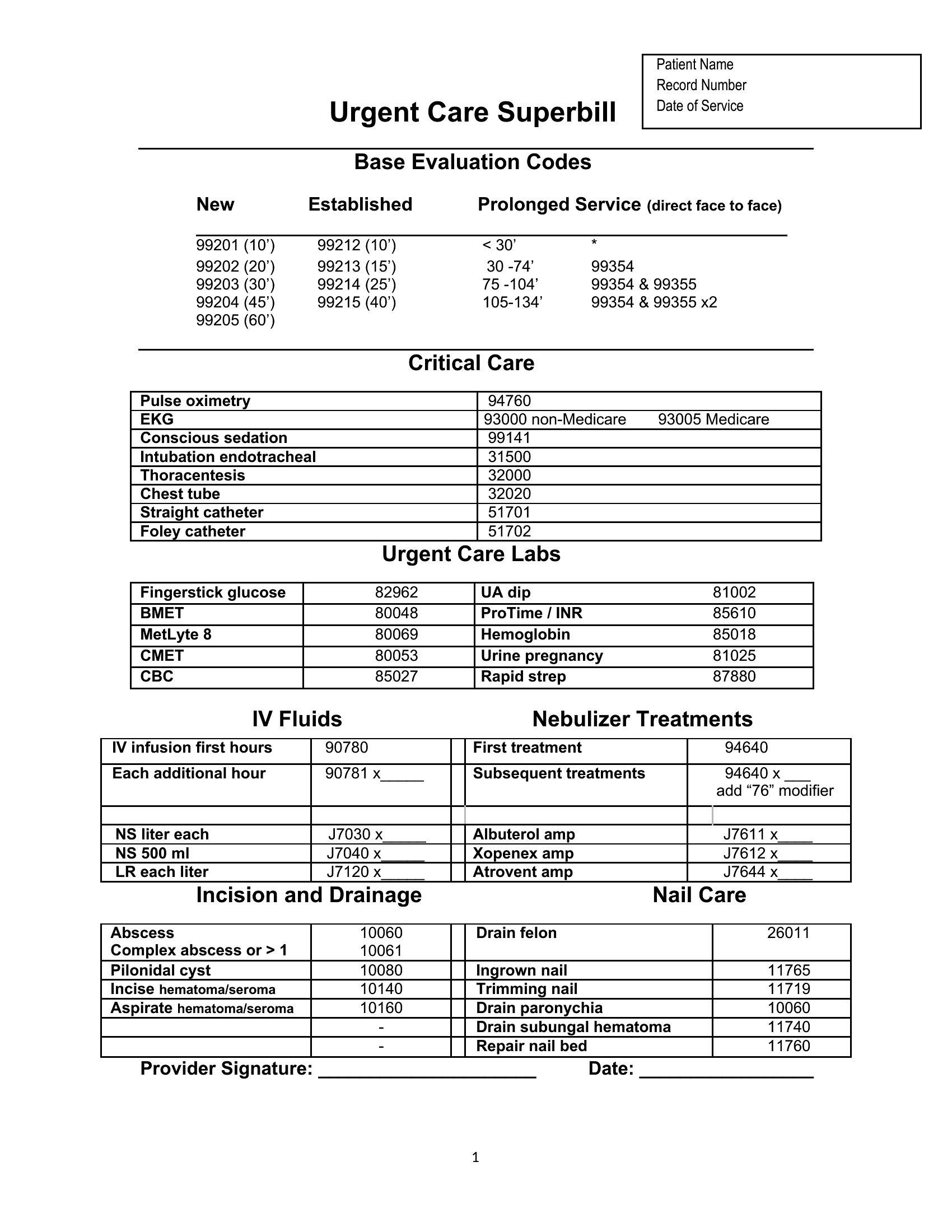
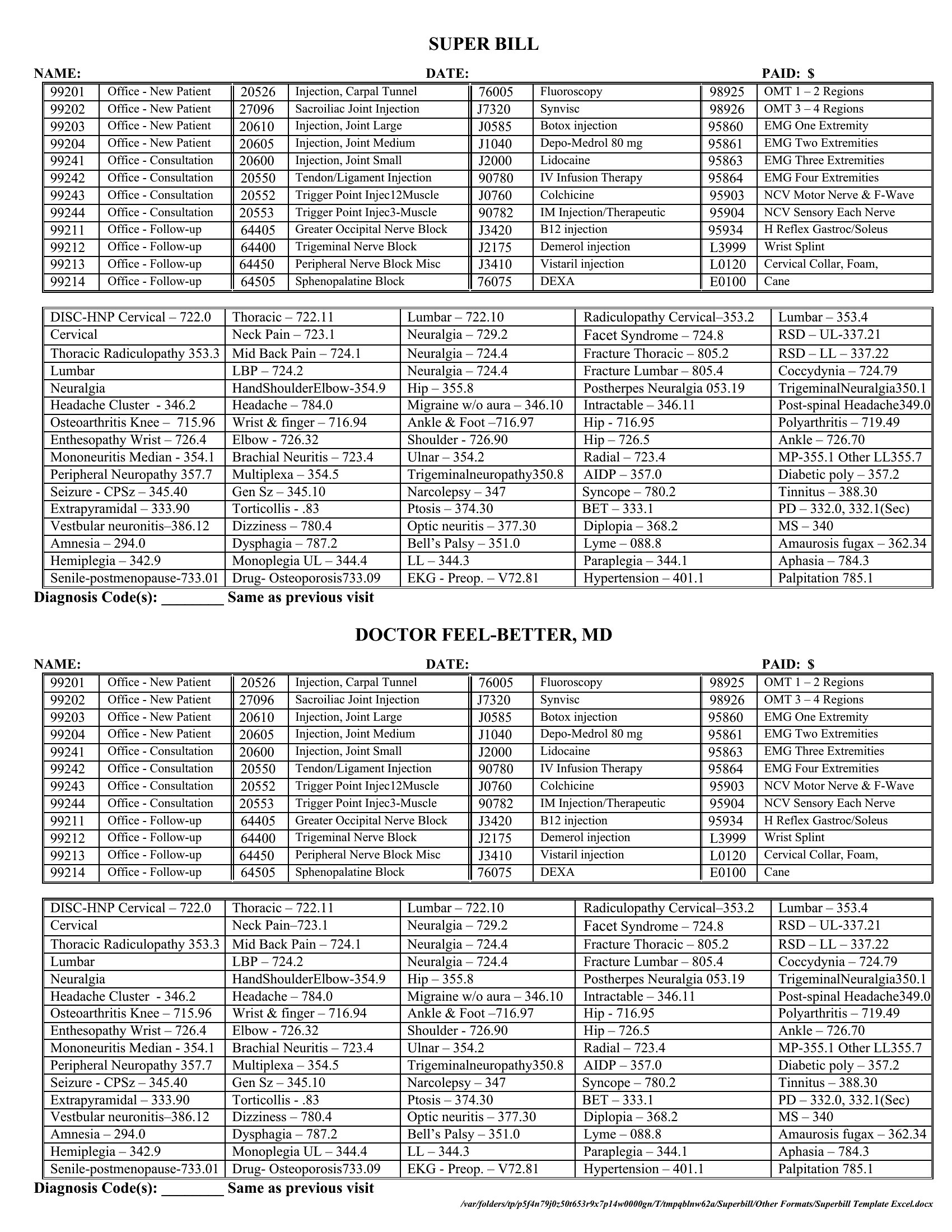
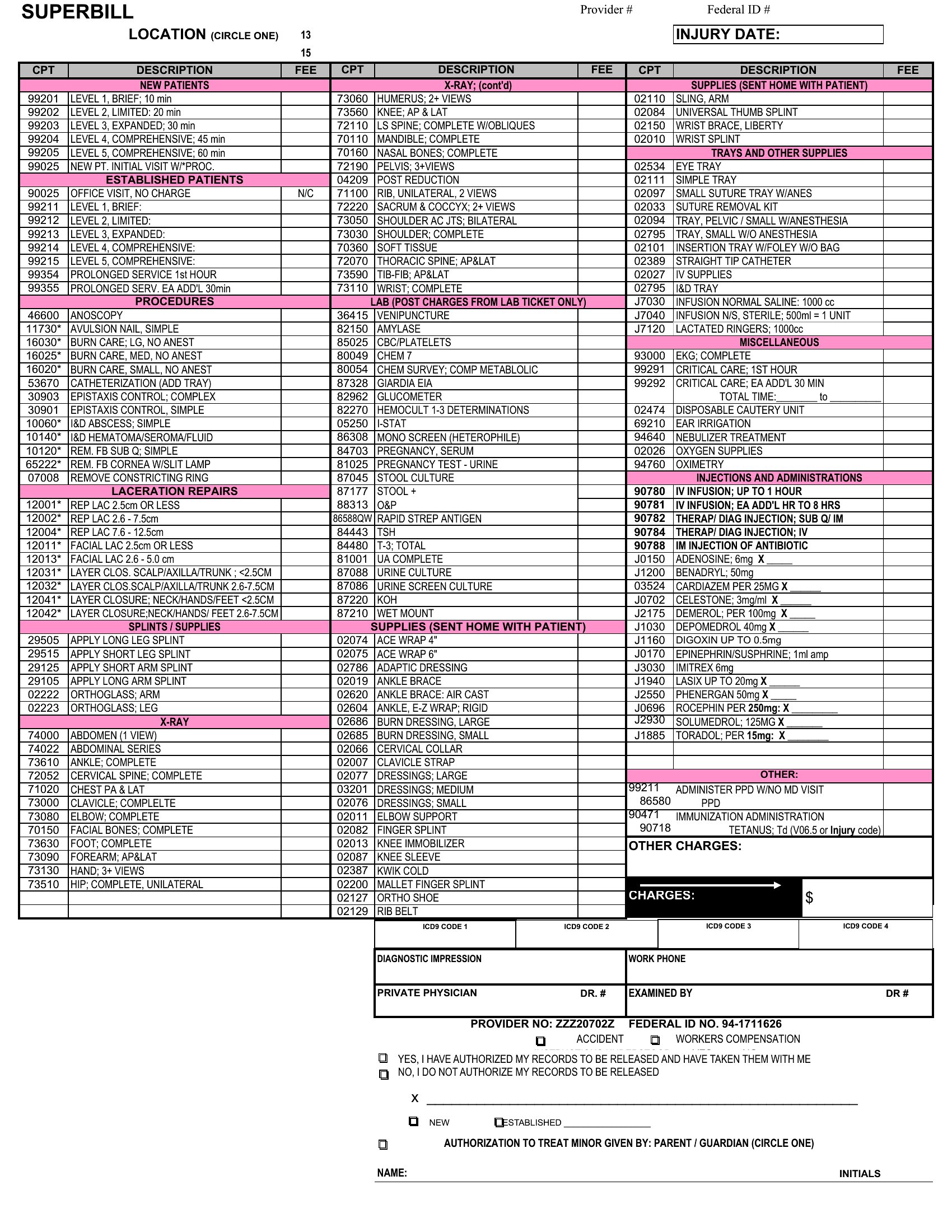
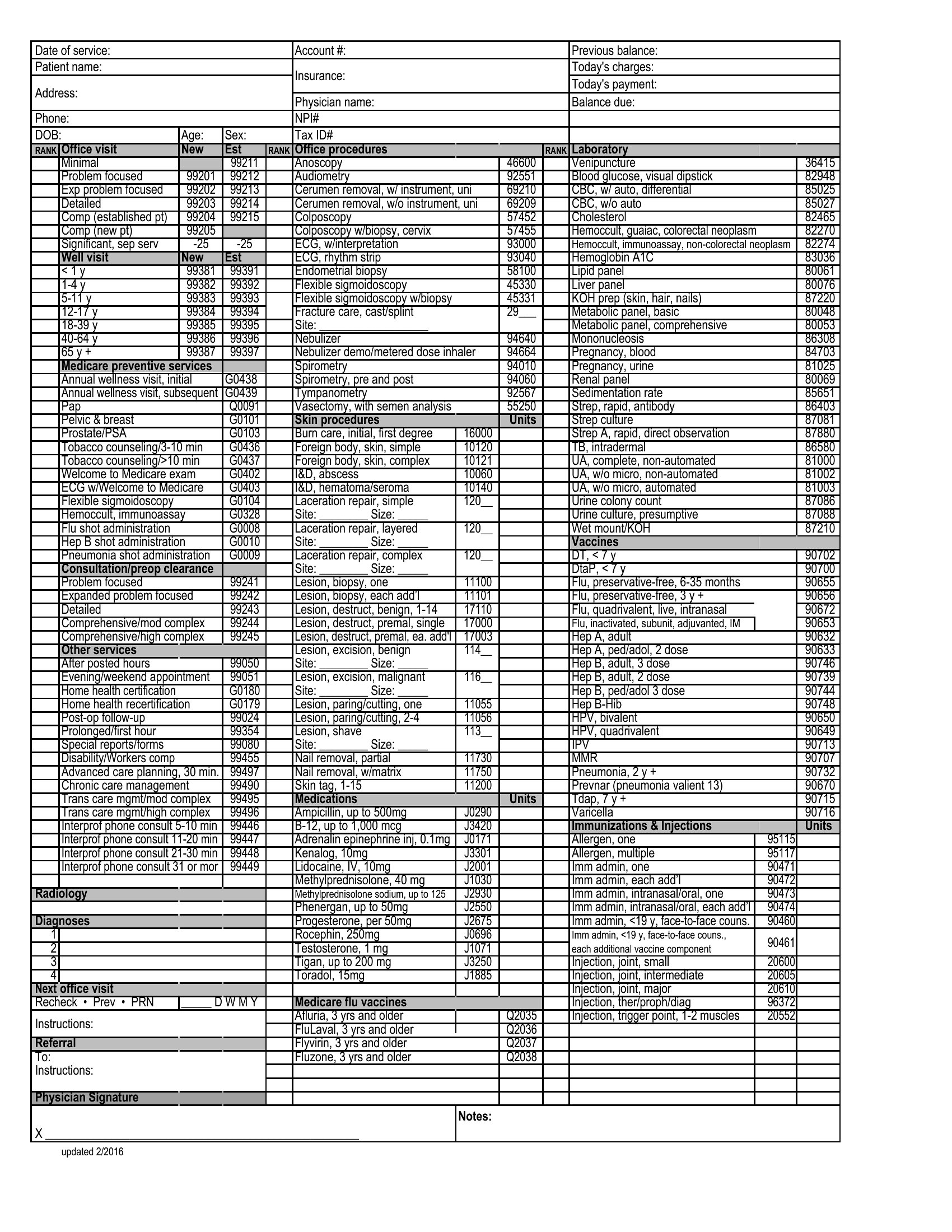
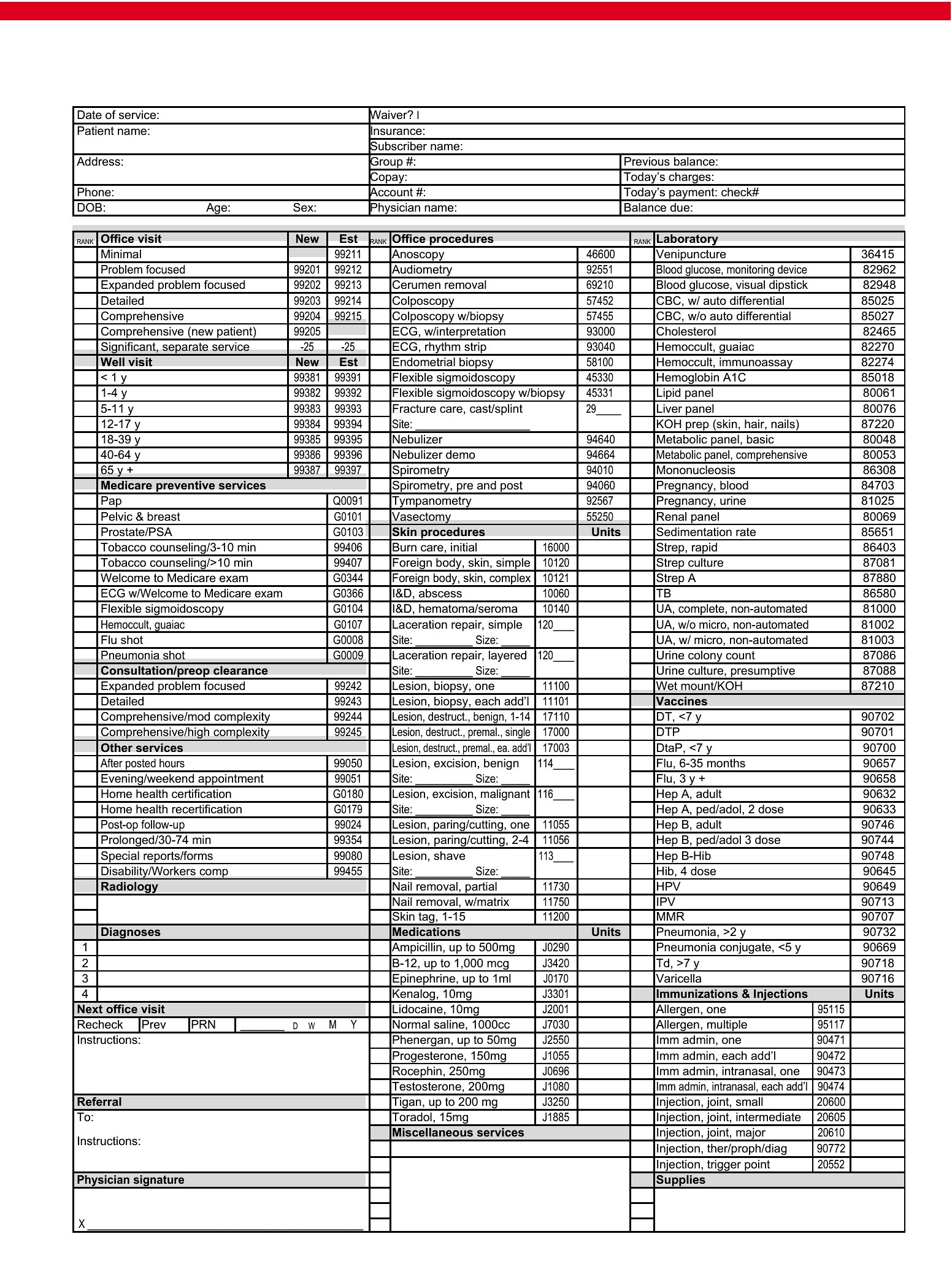
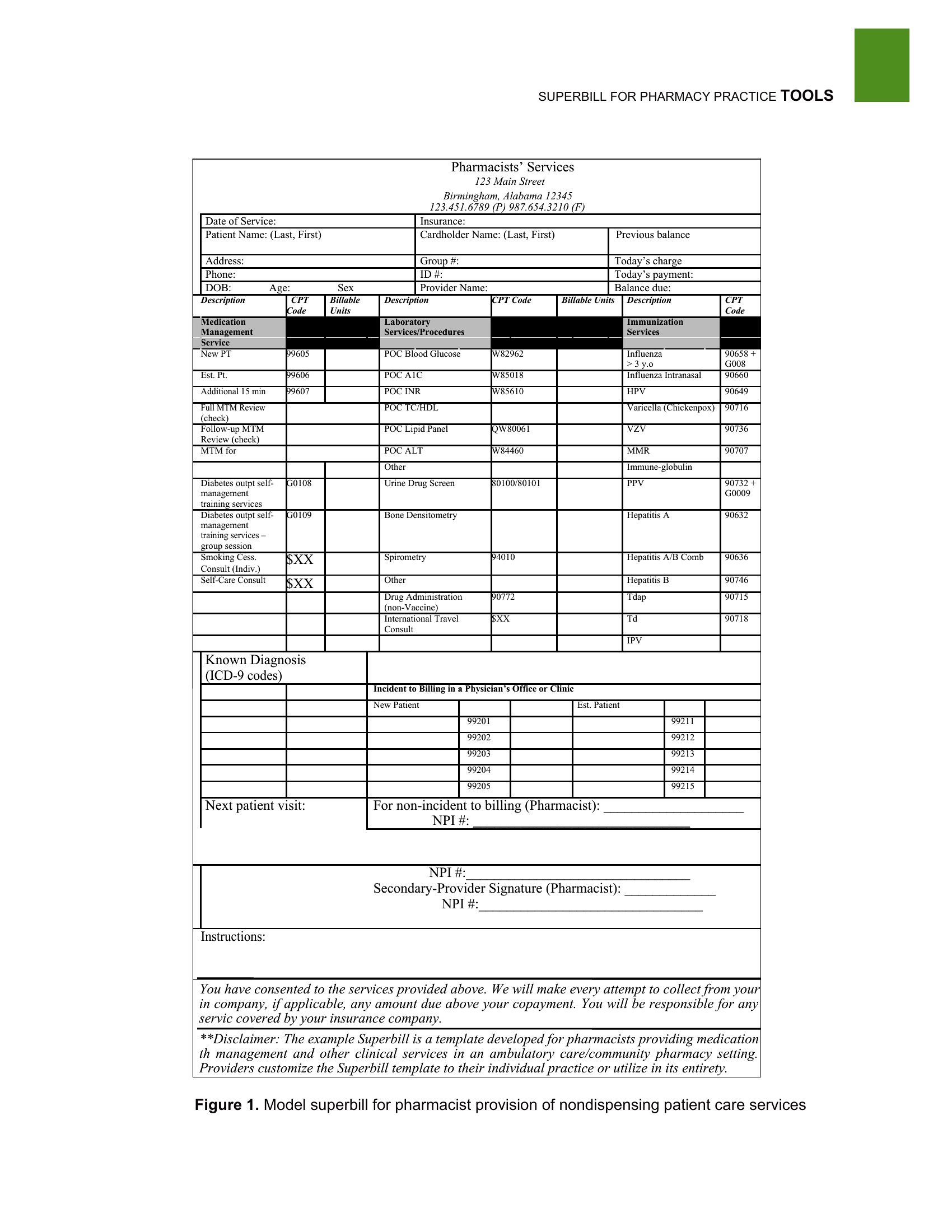
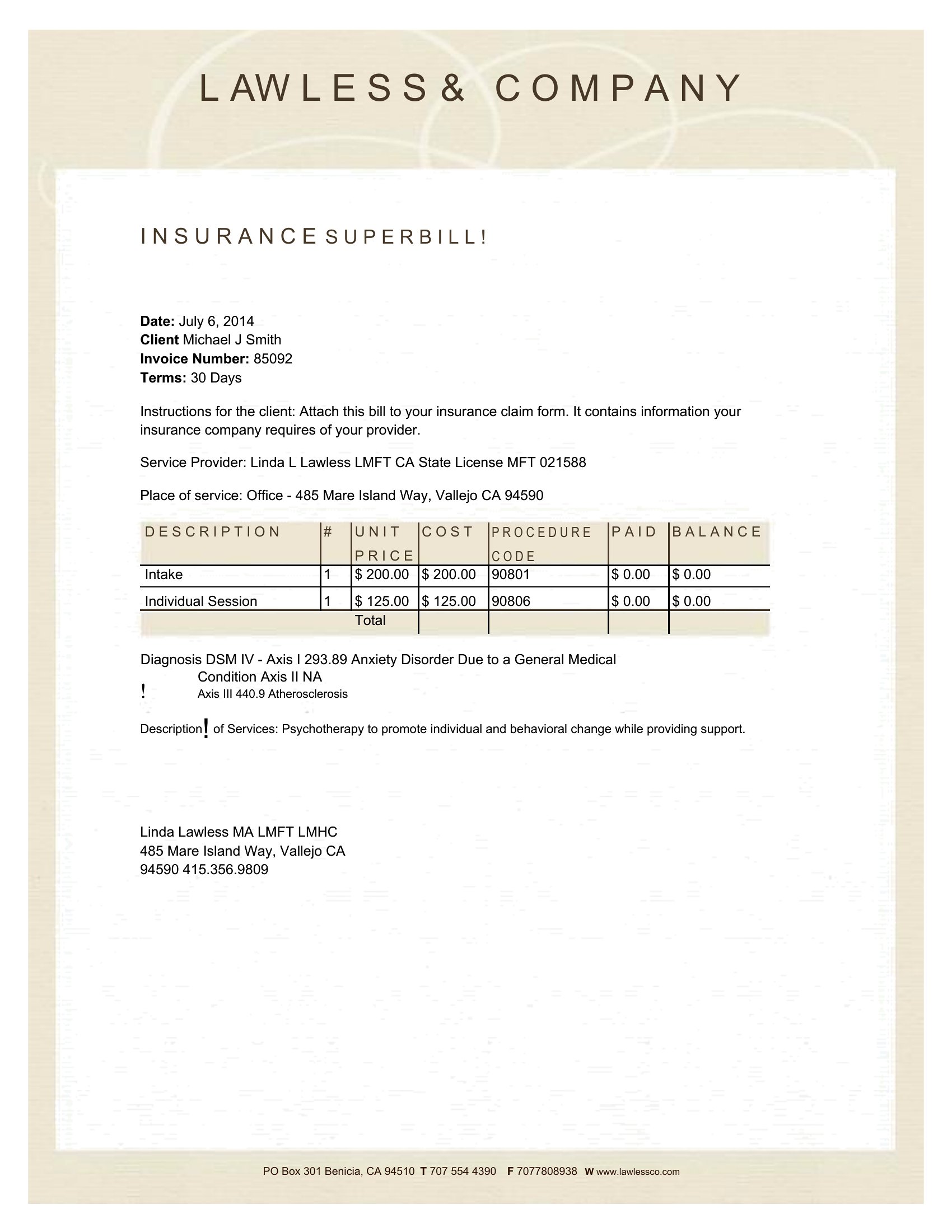
Superbill Excel
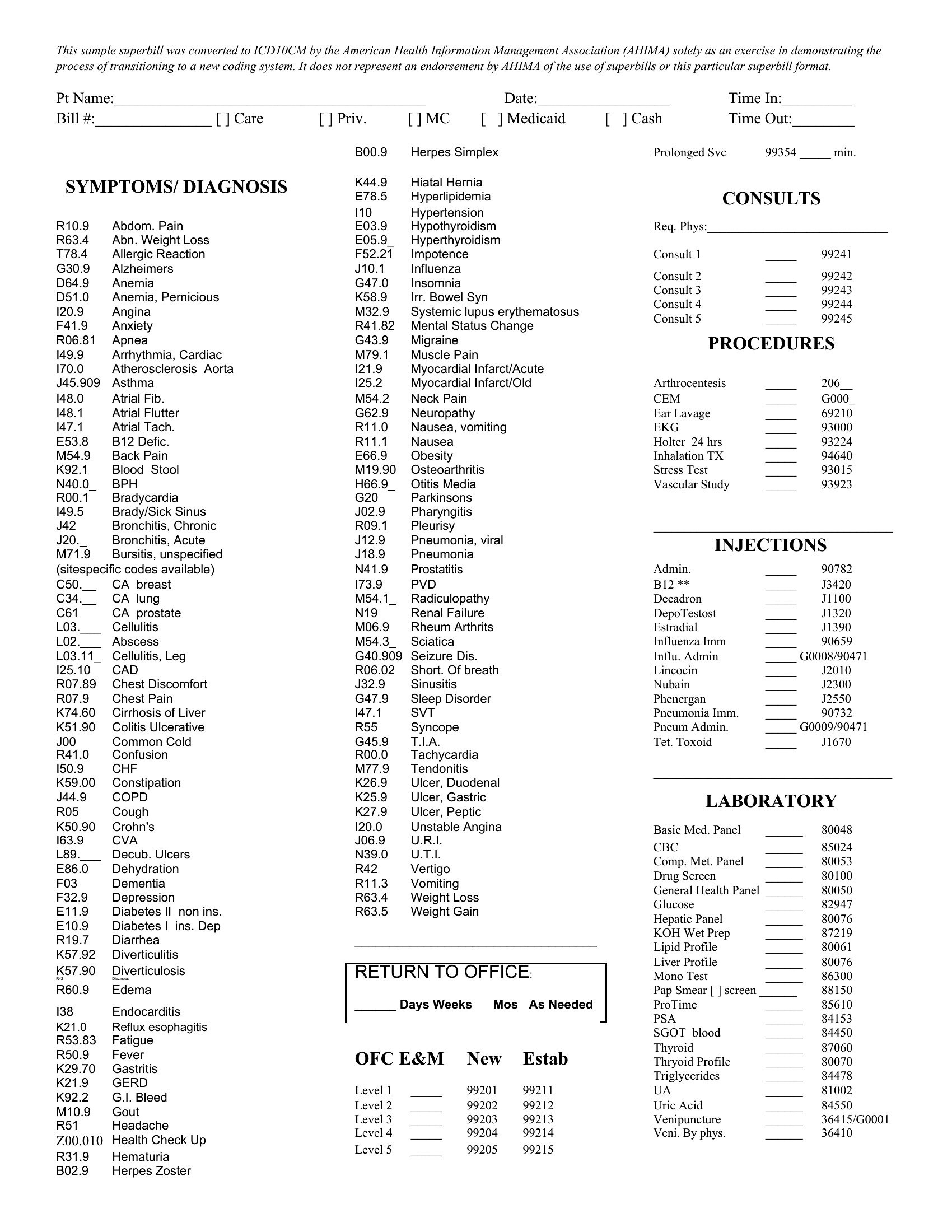
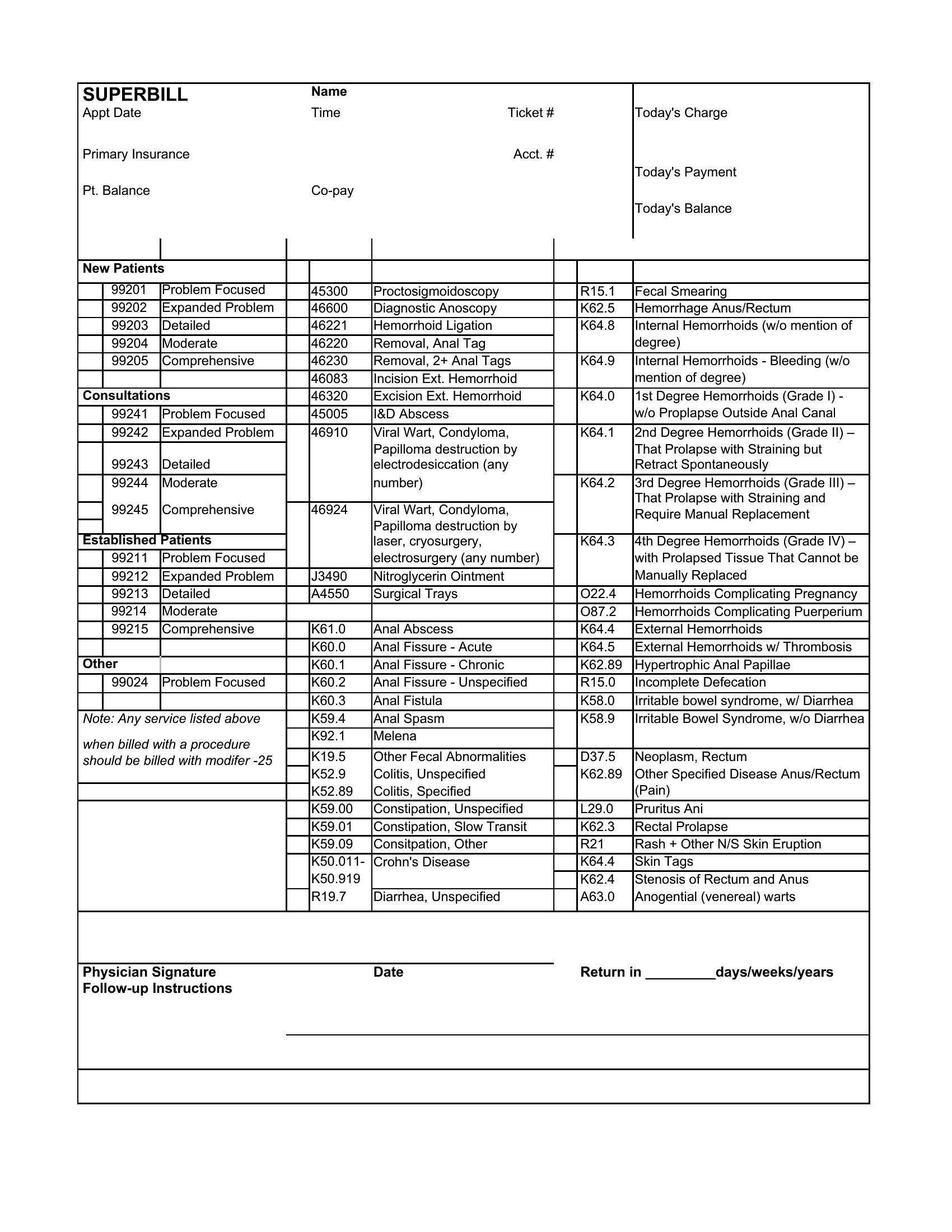
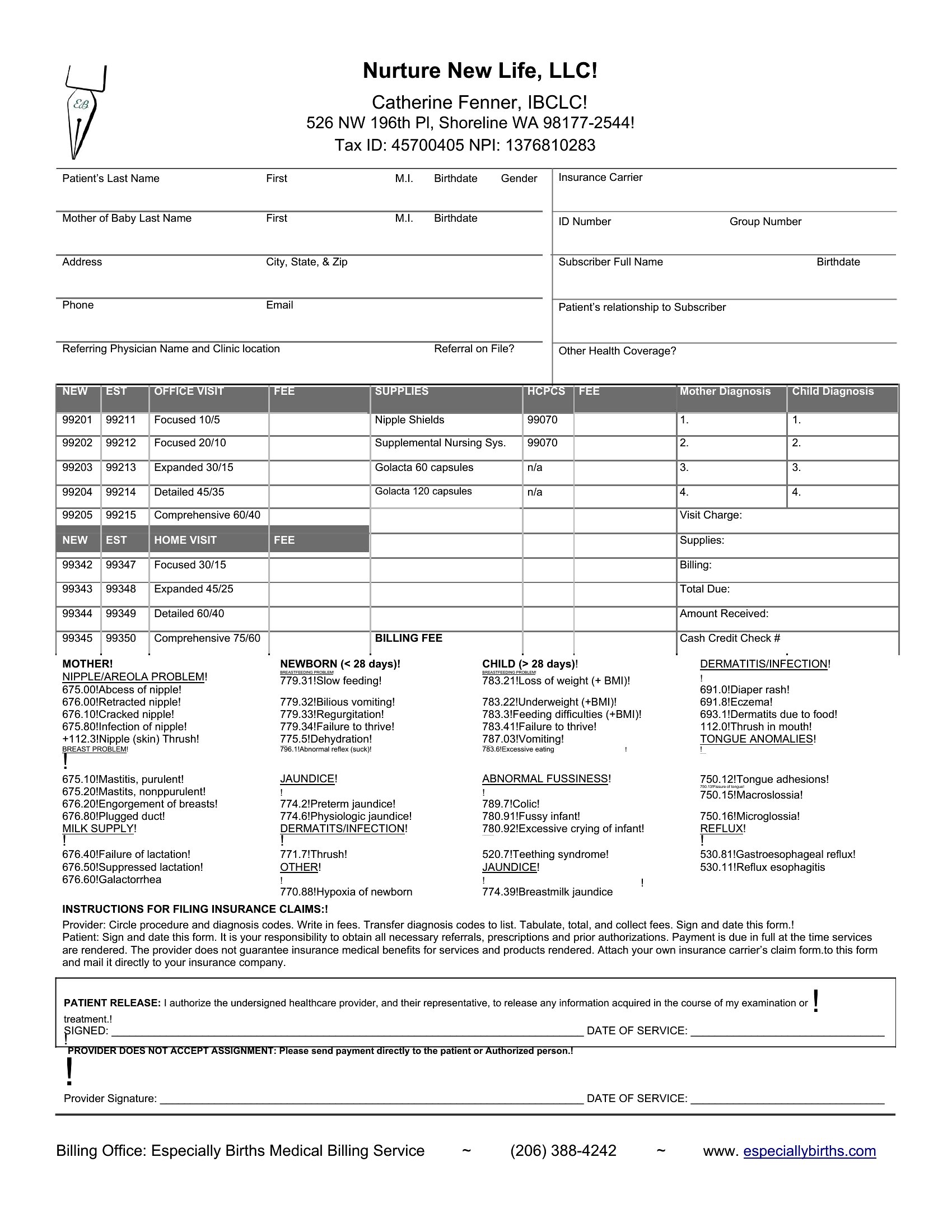
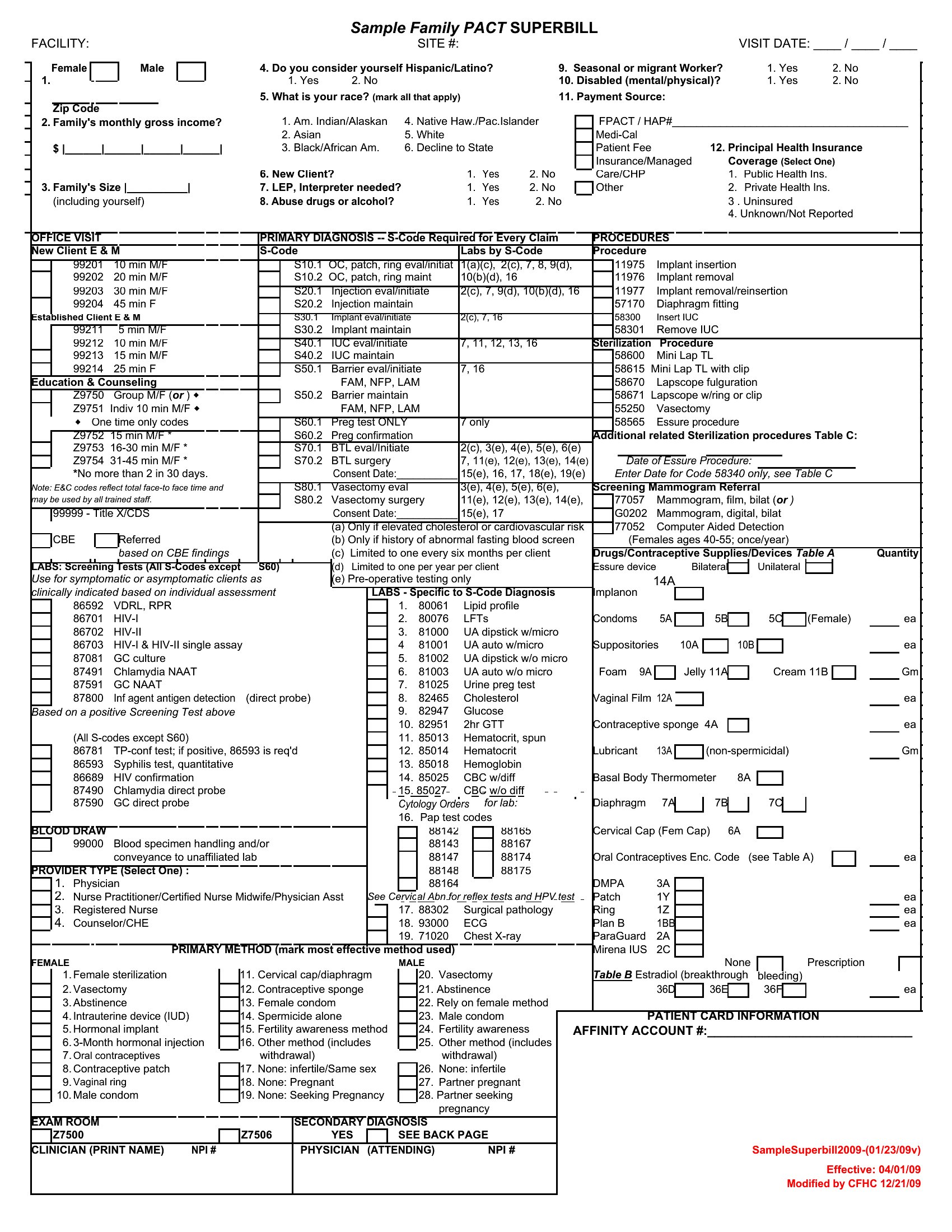
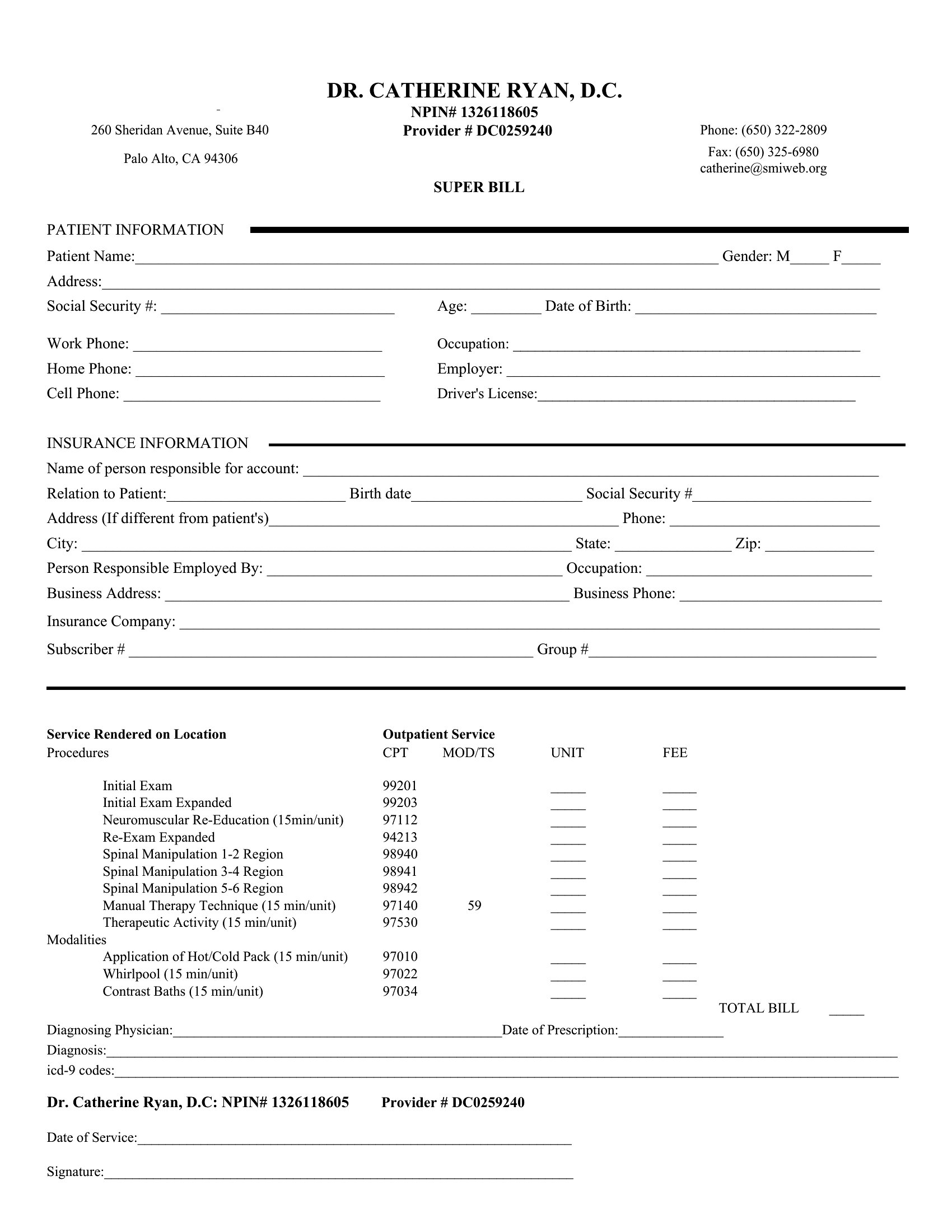
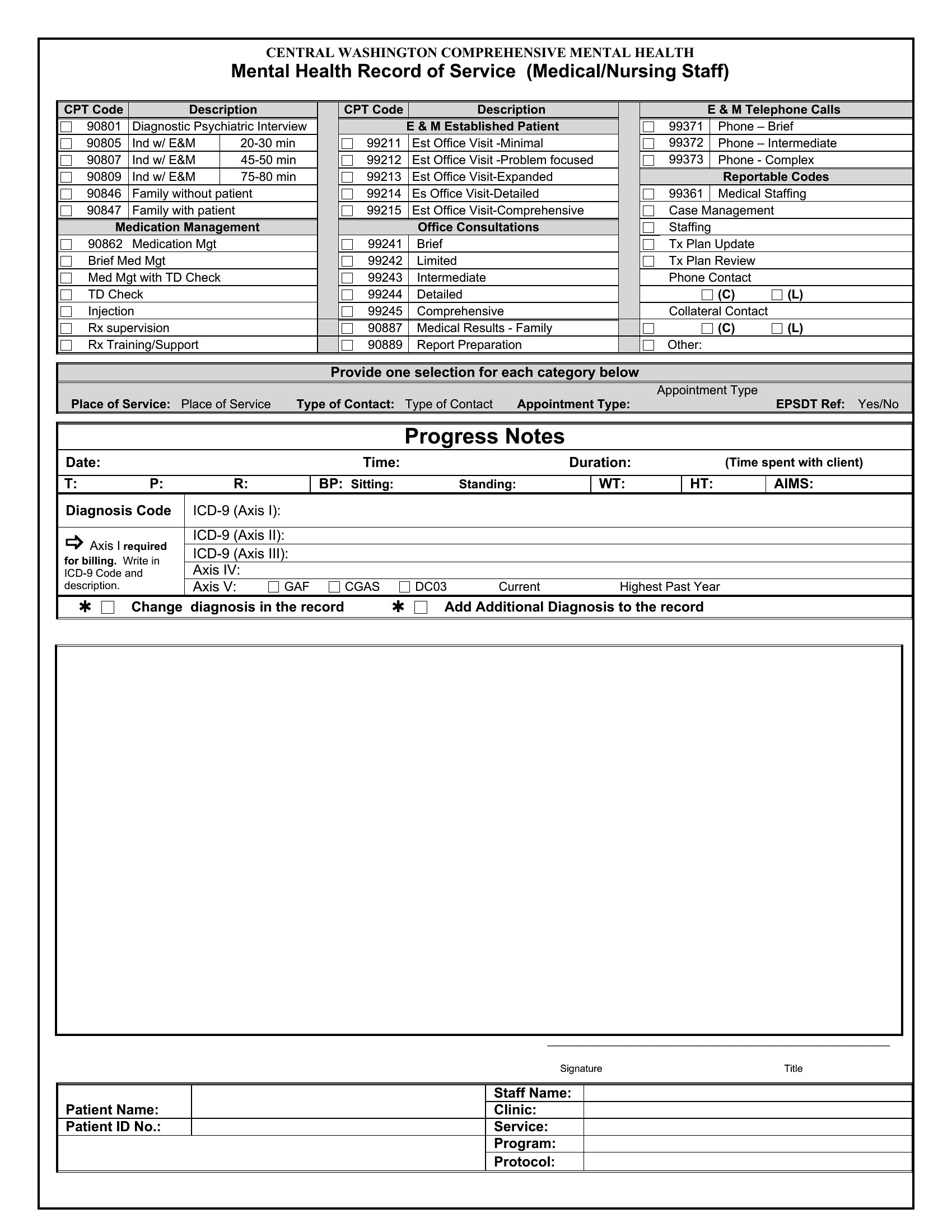
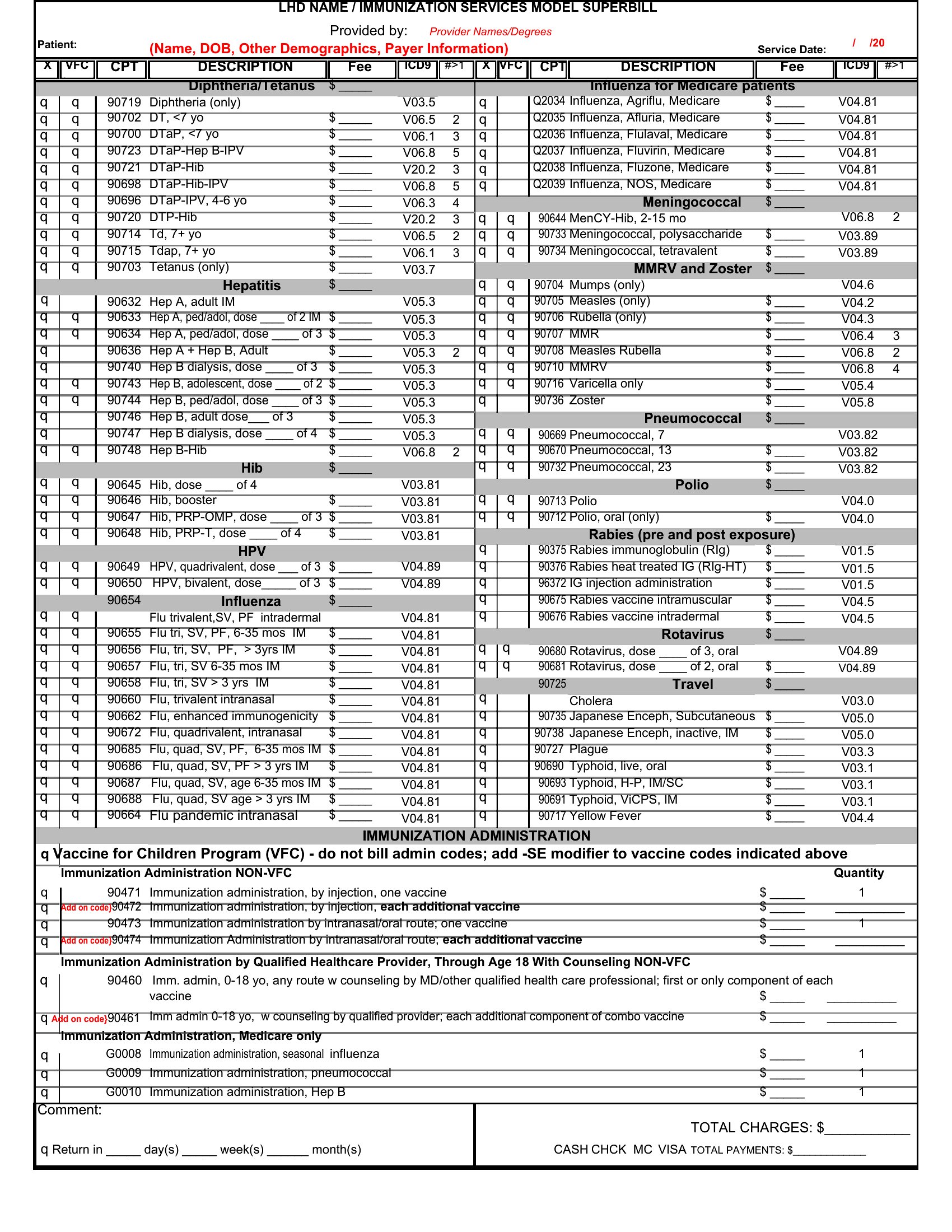
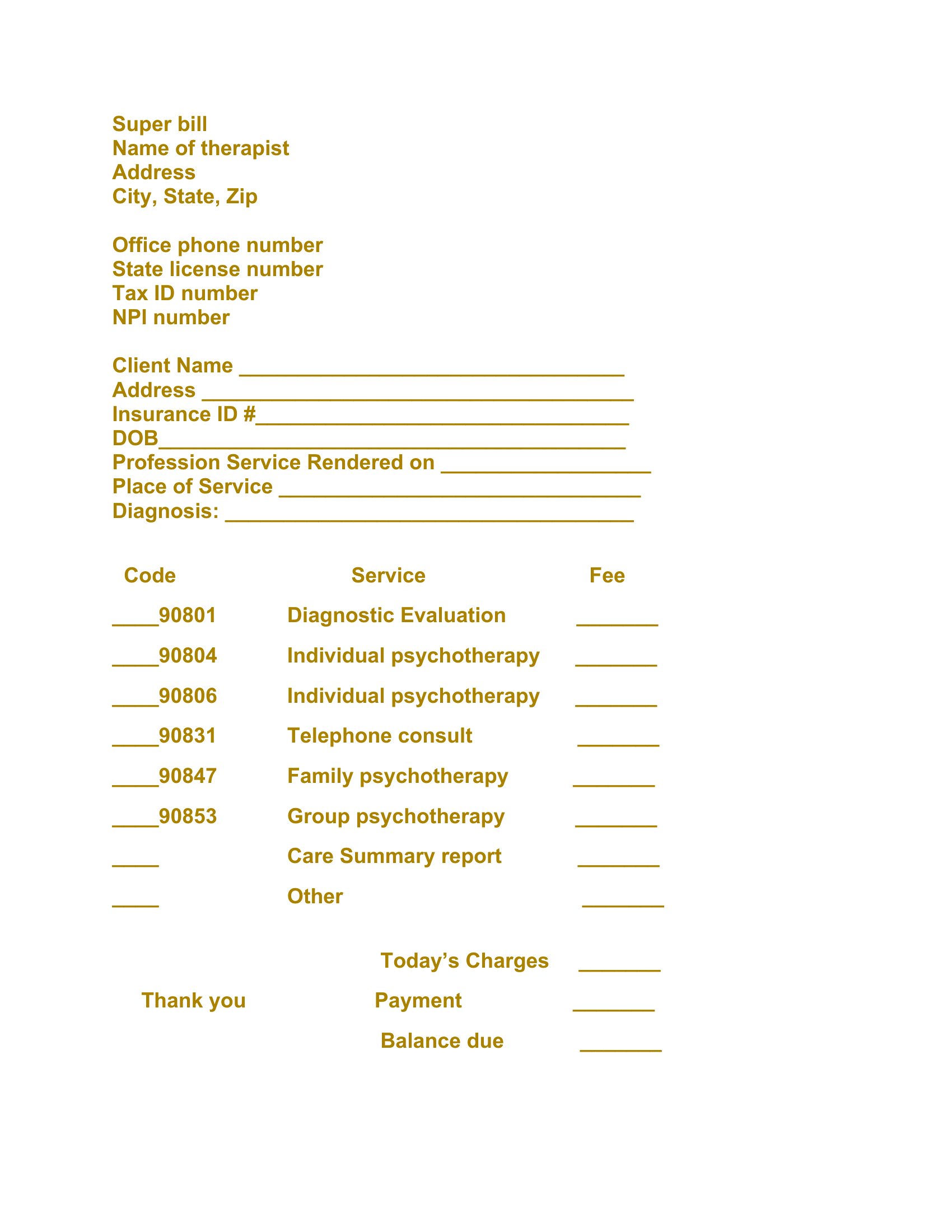
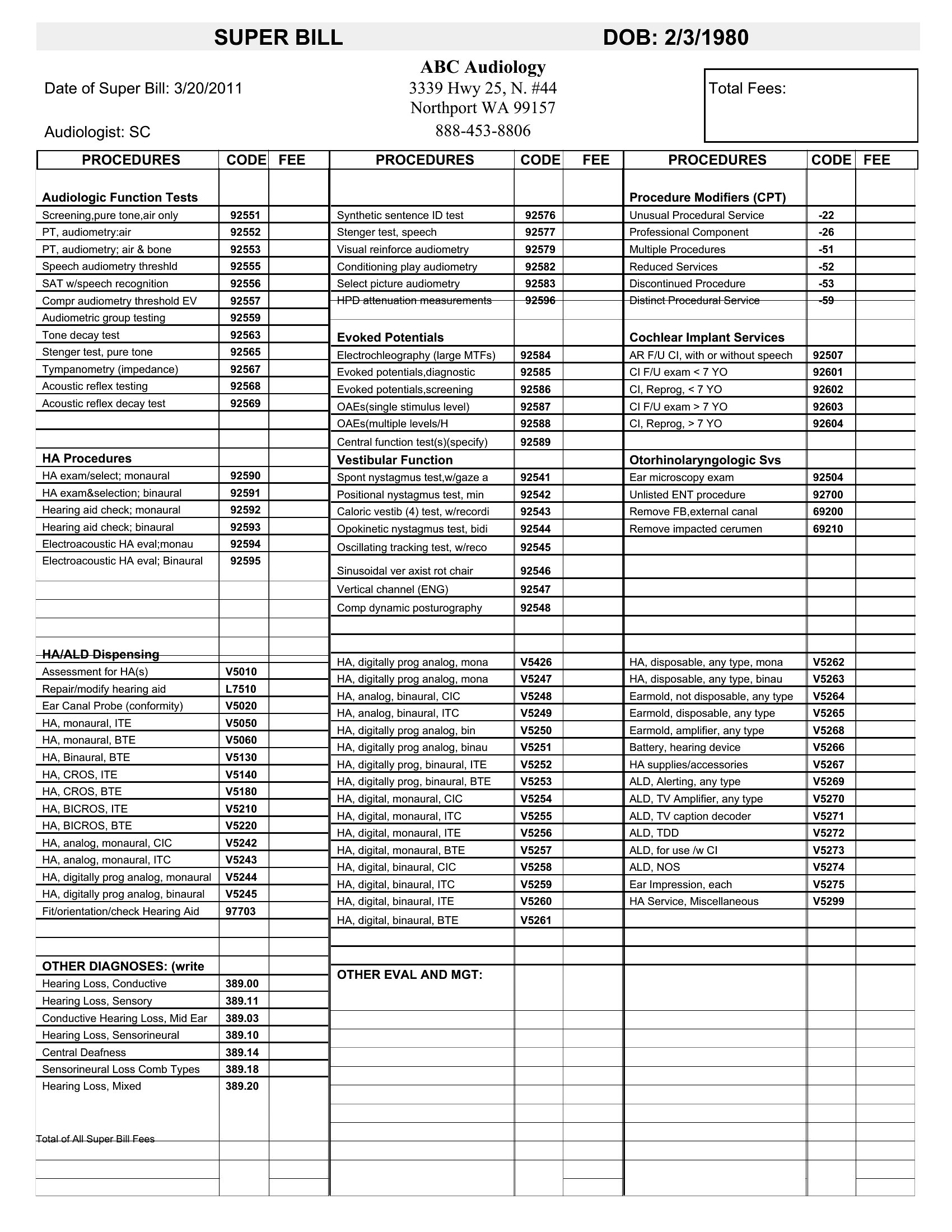
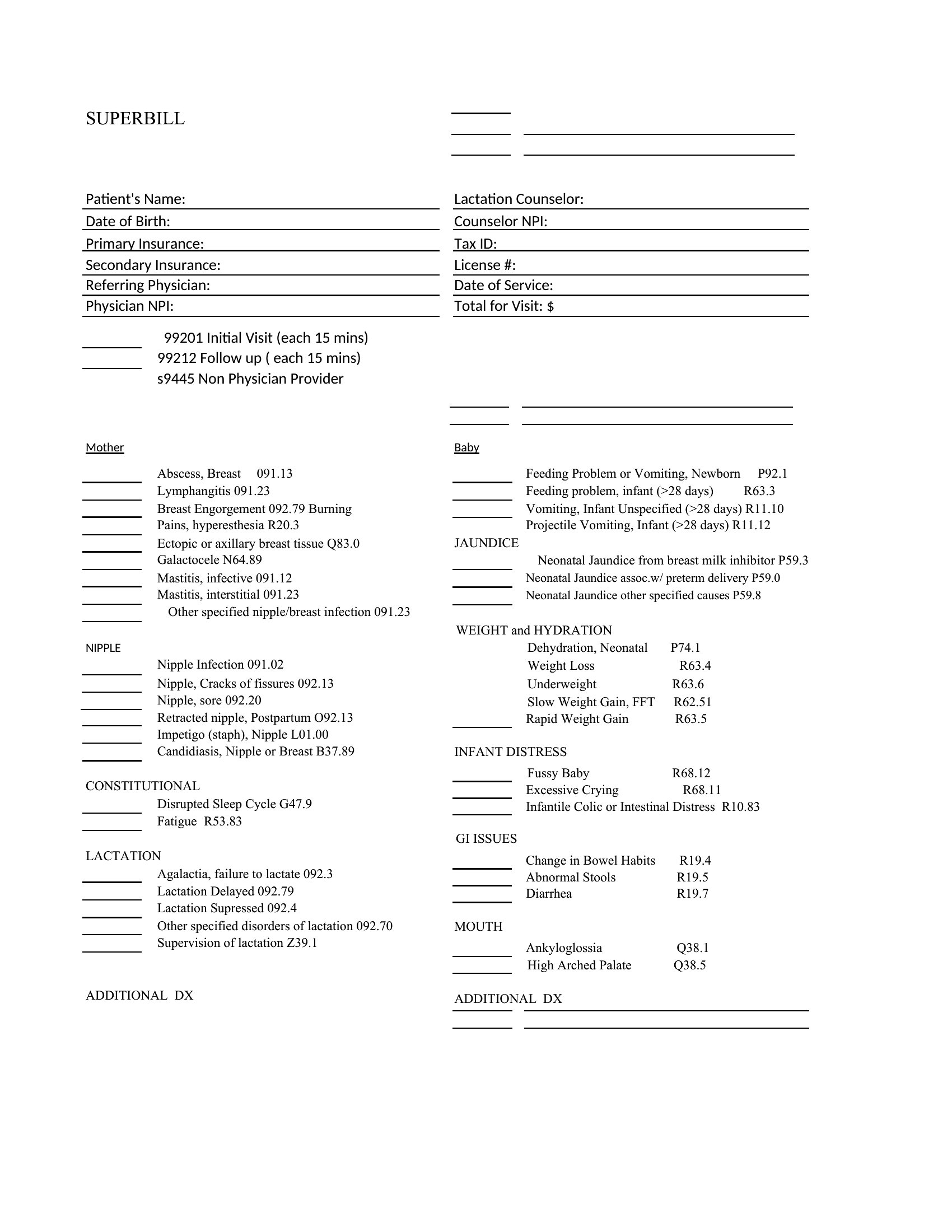
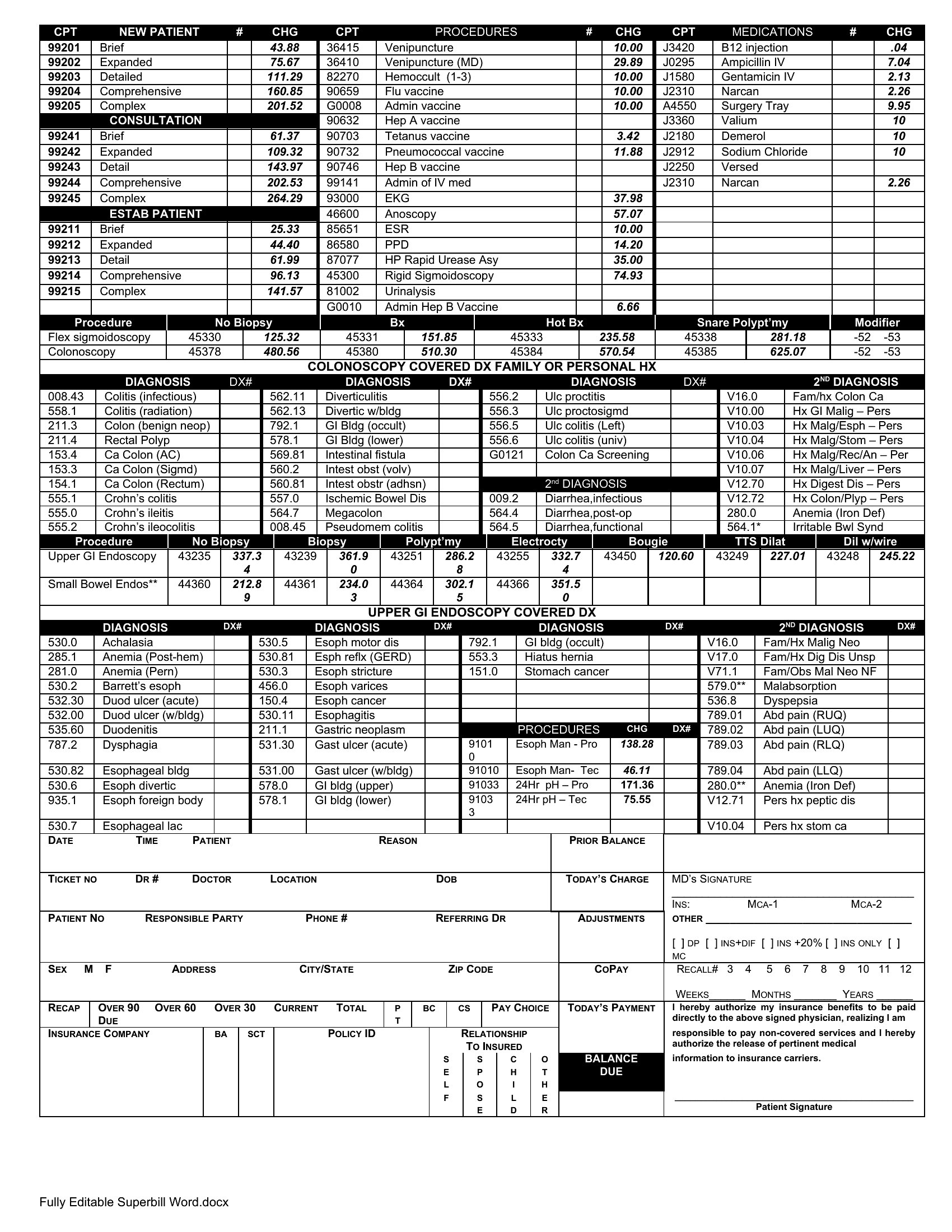
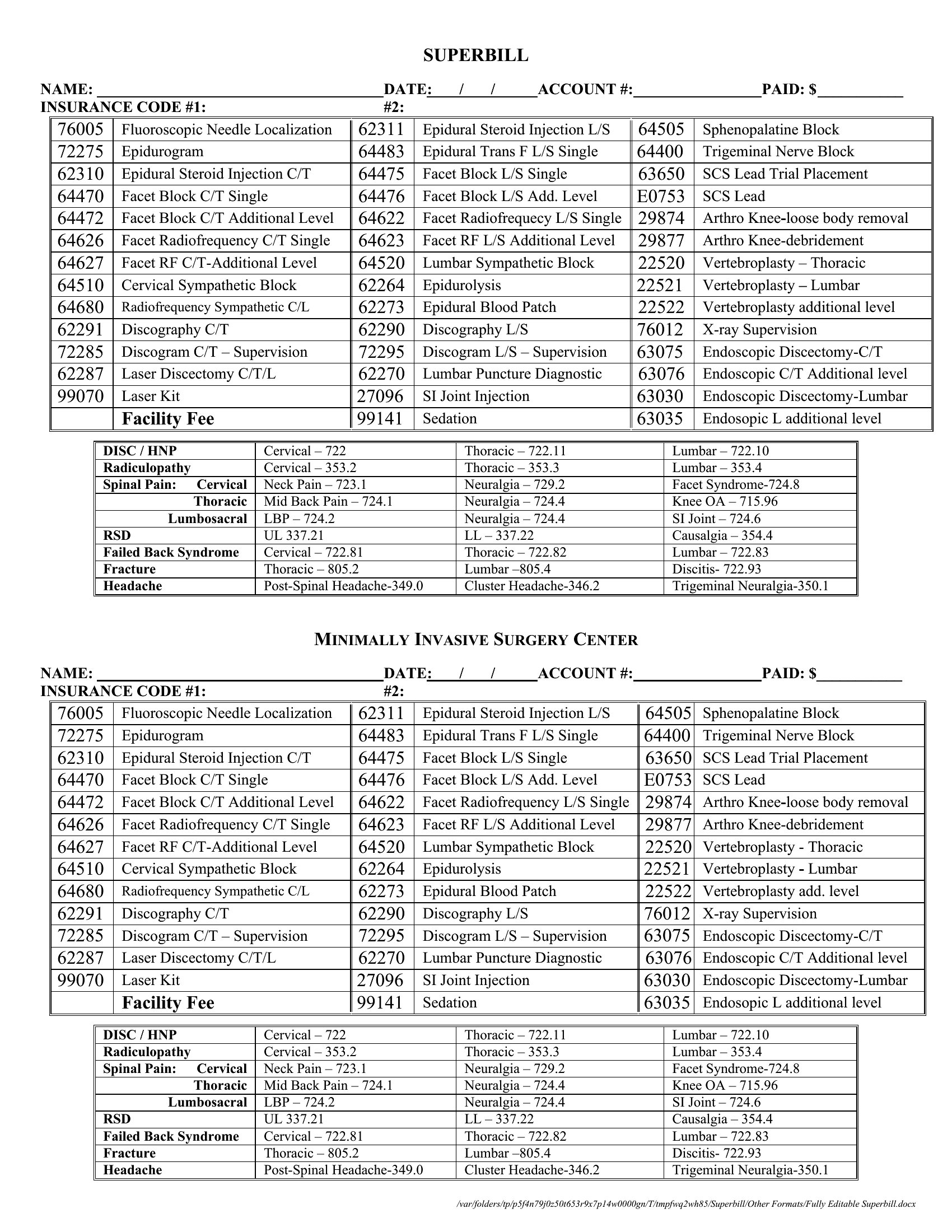
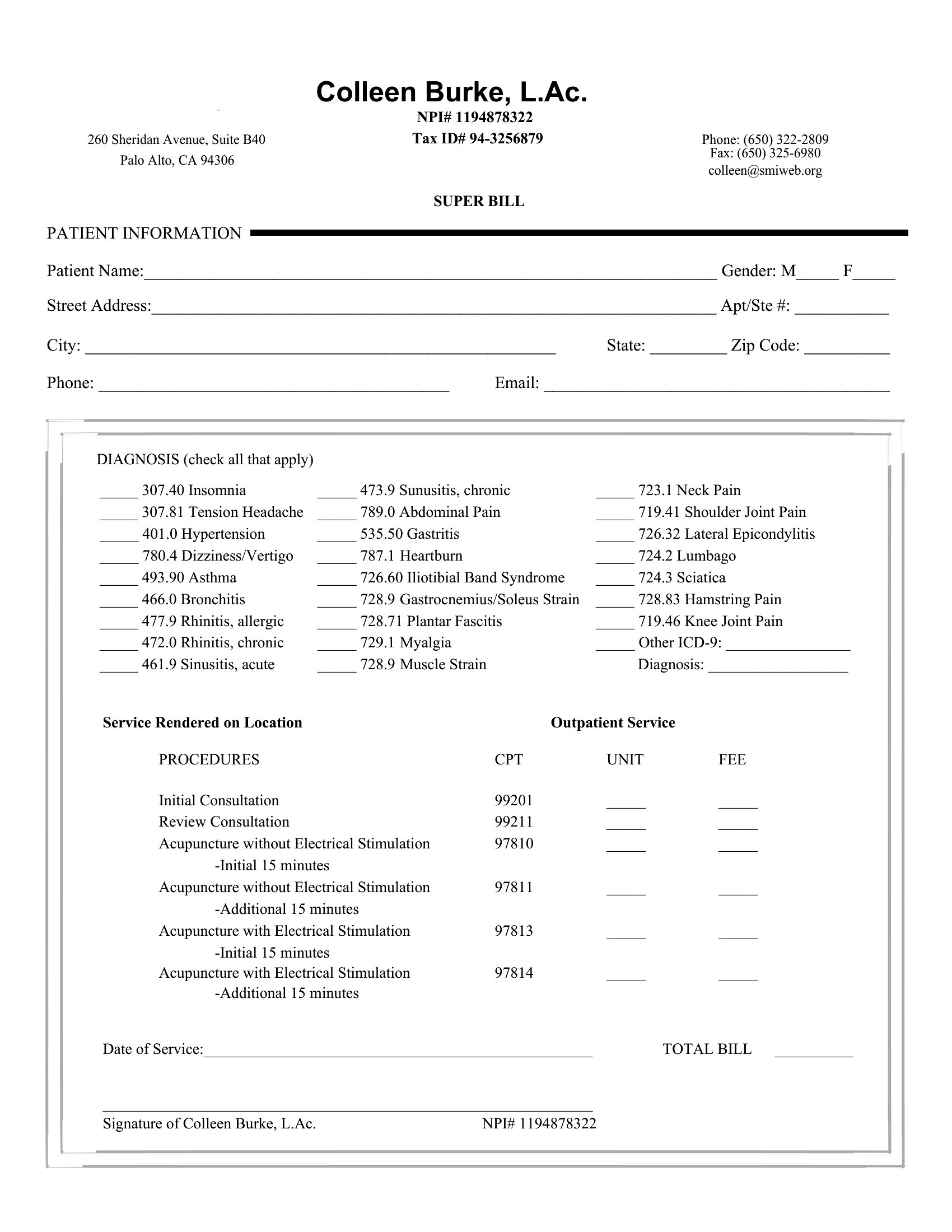
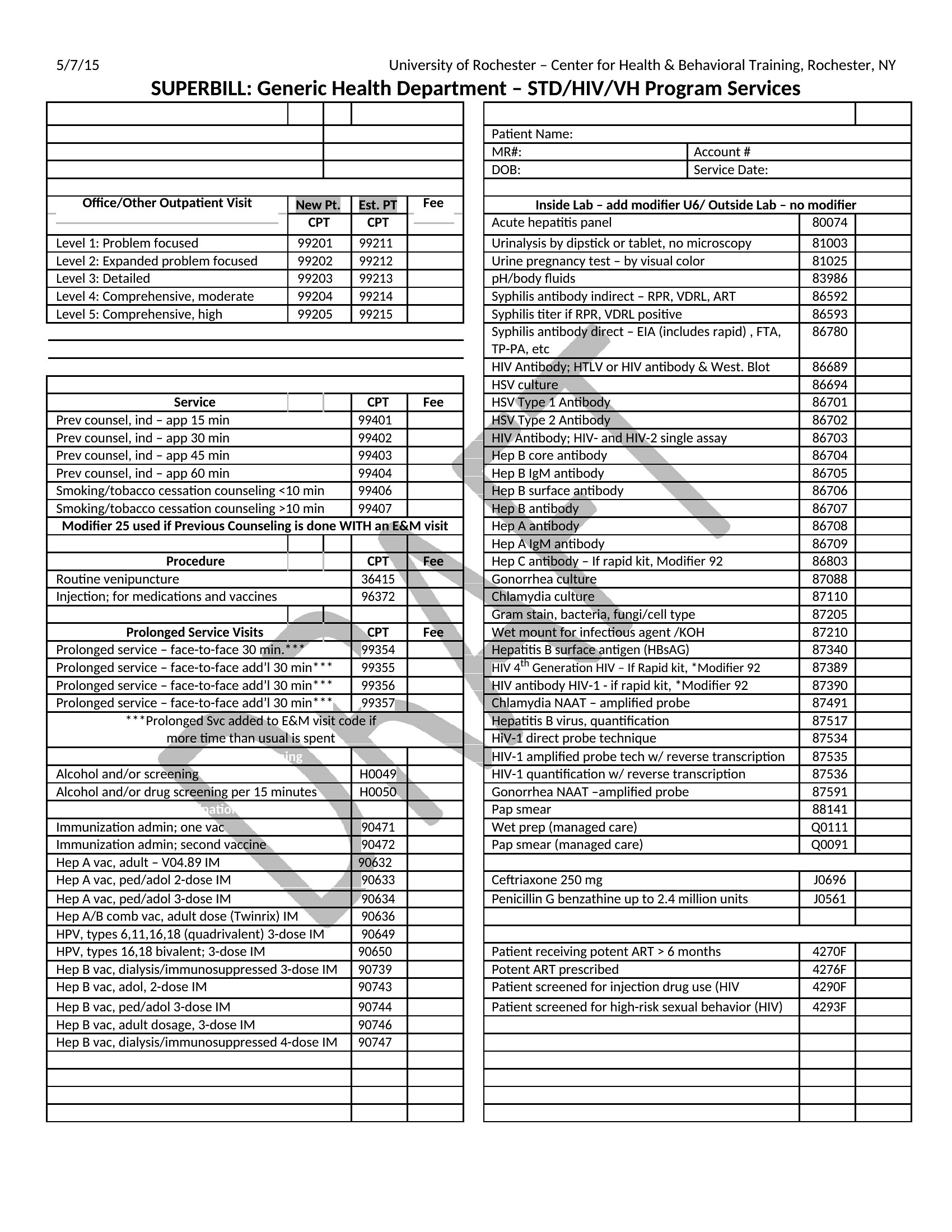
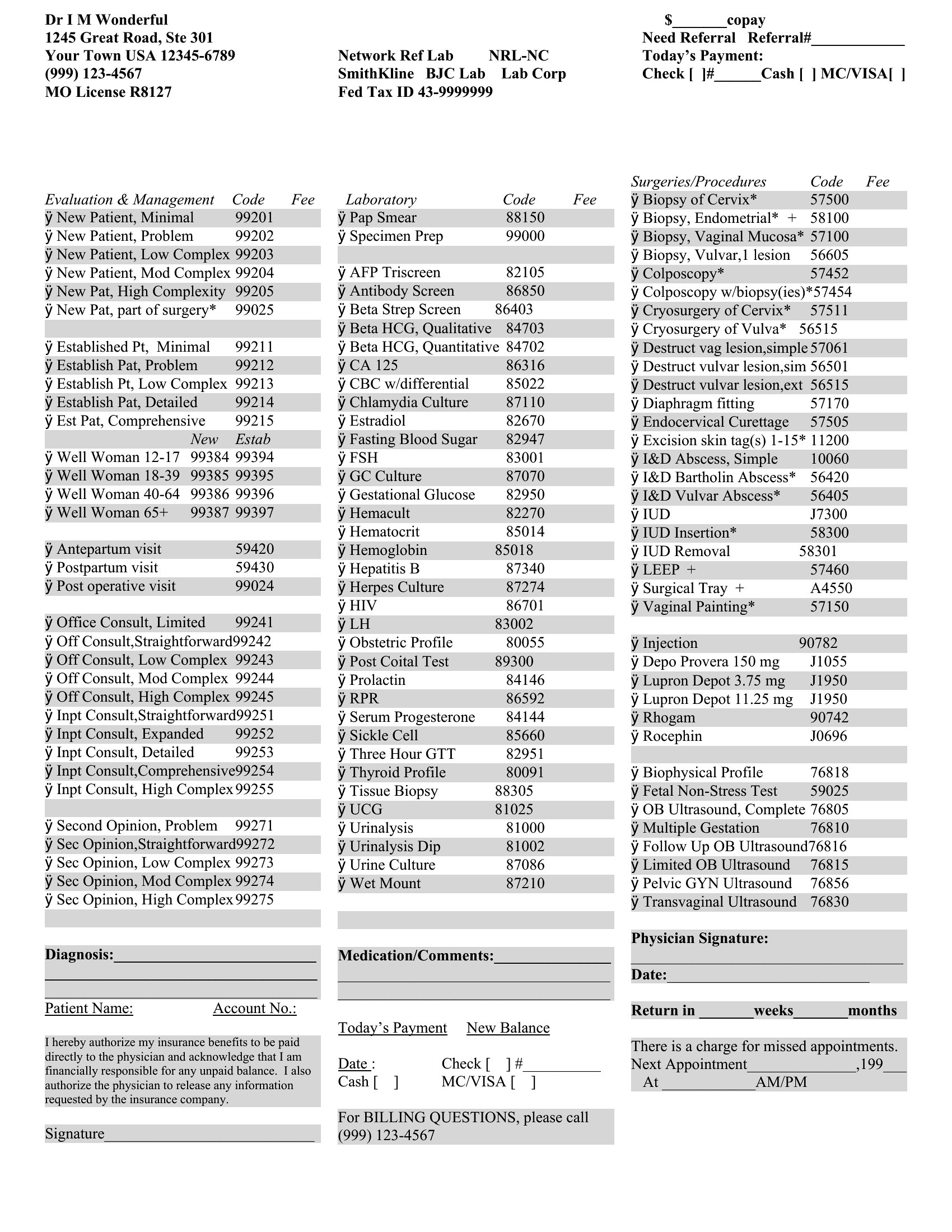
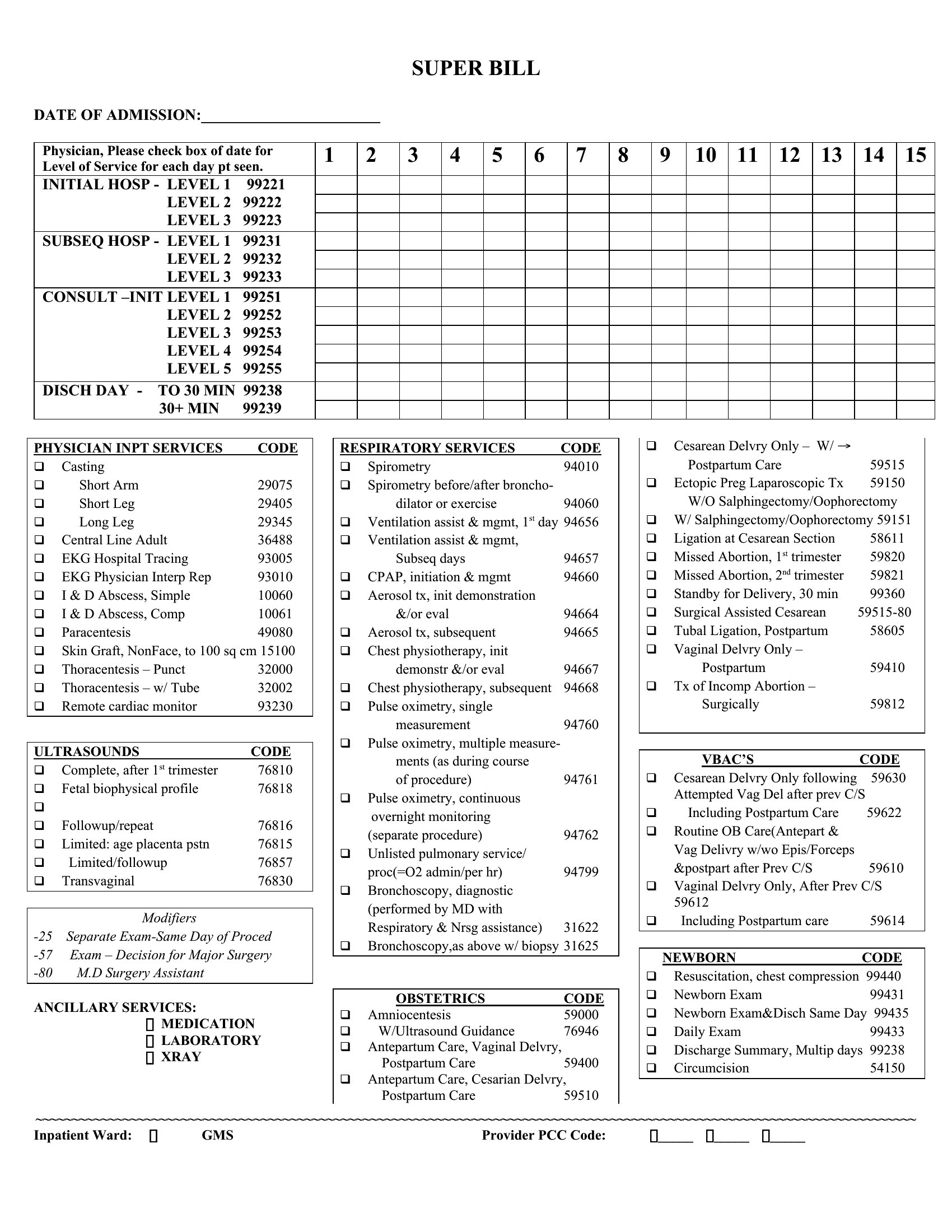
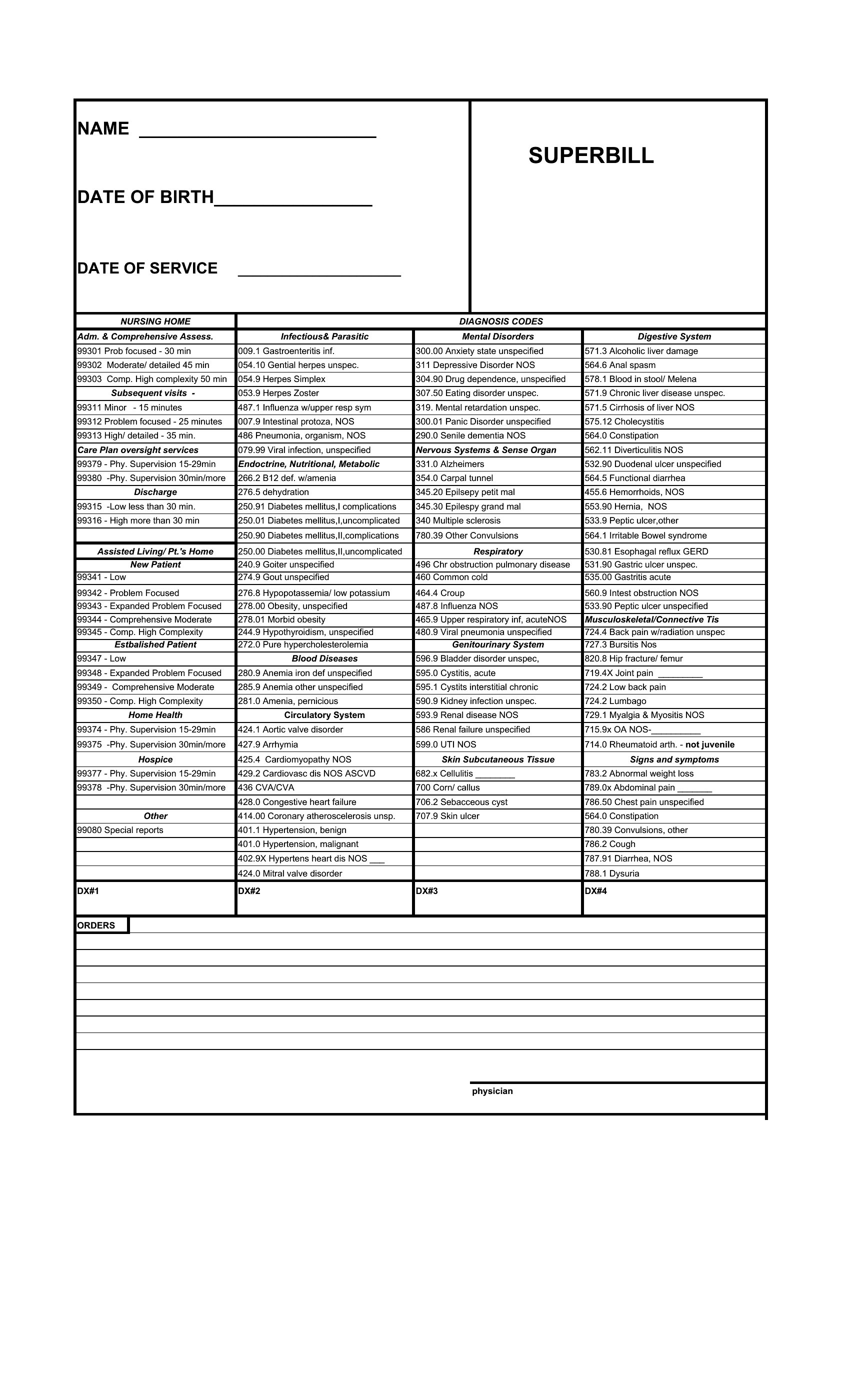
Sample Superbill
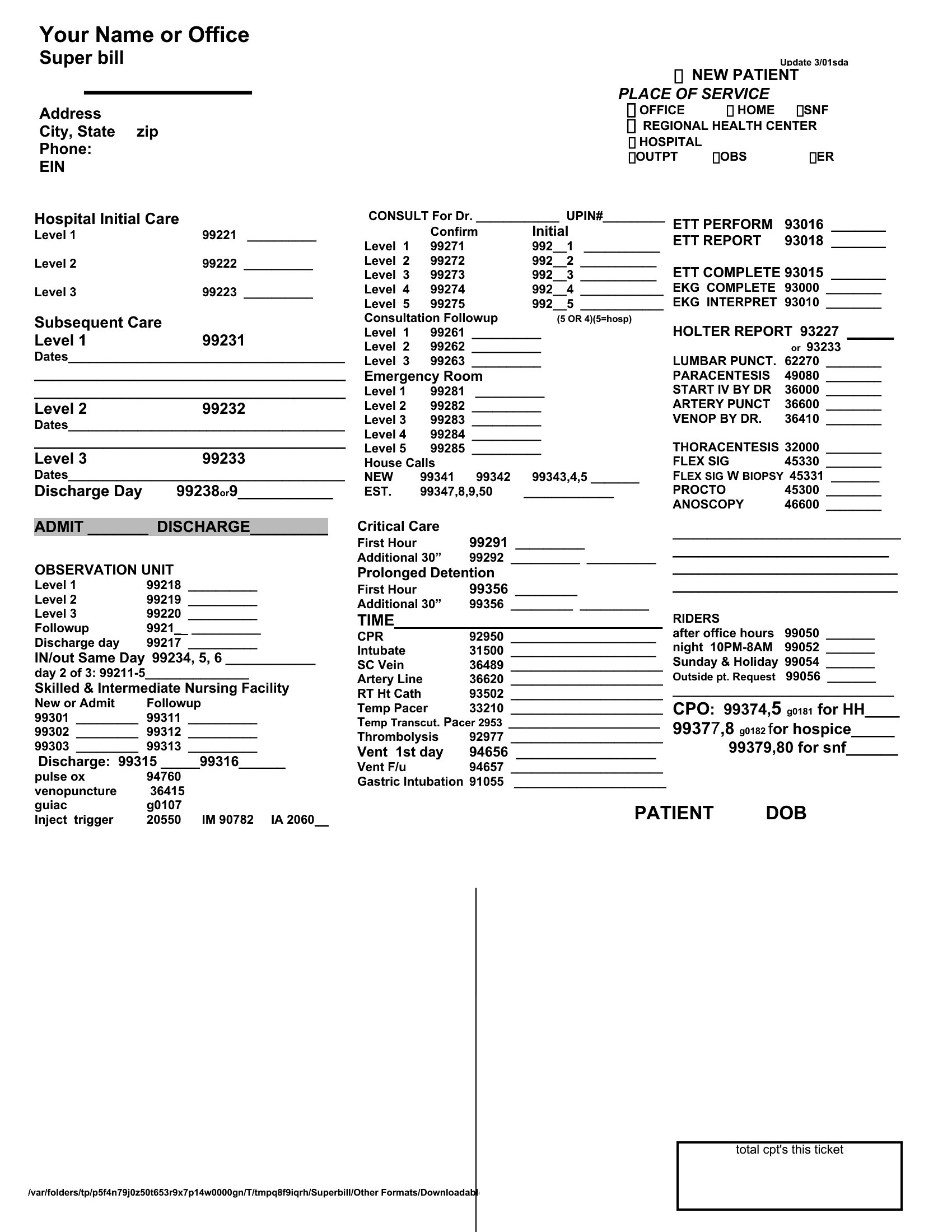
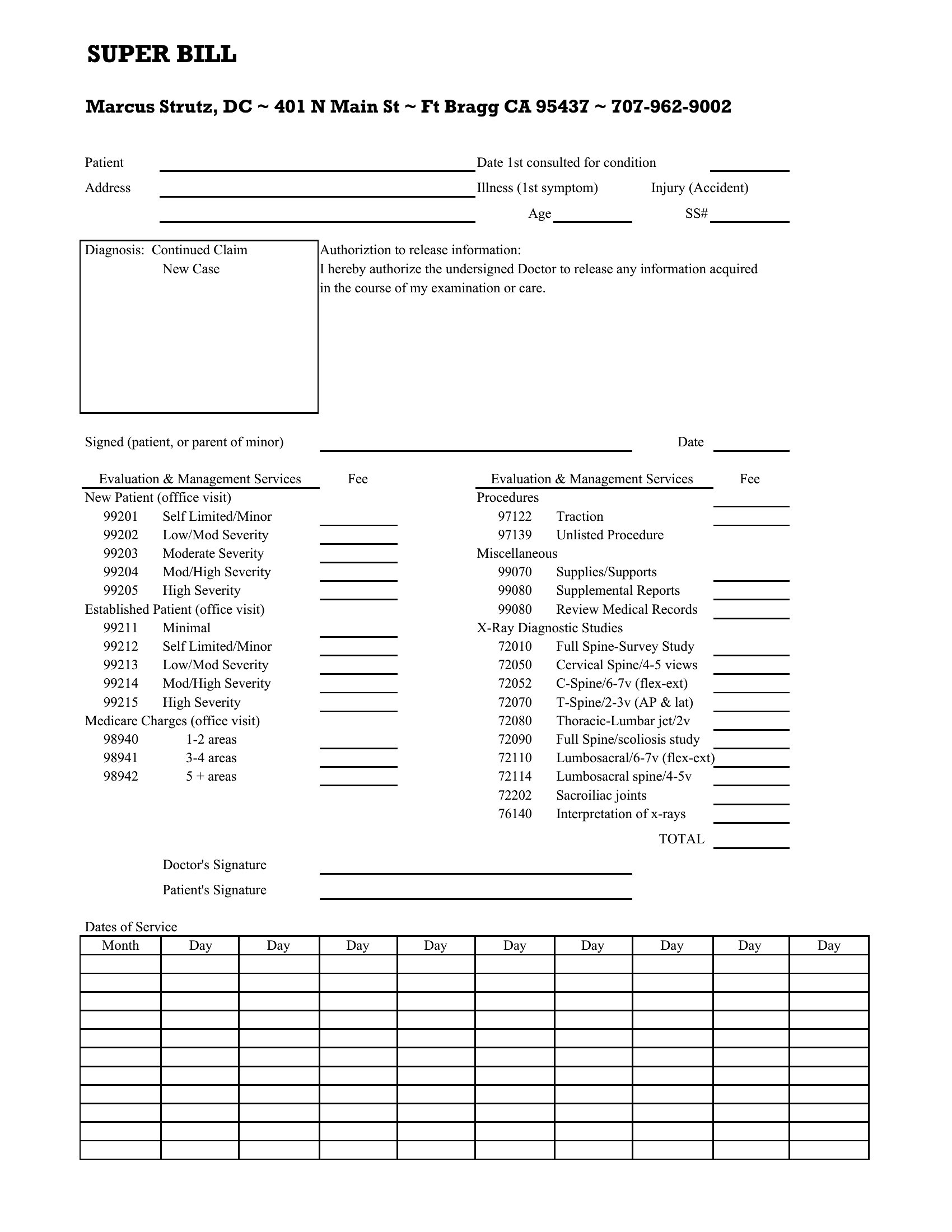
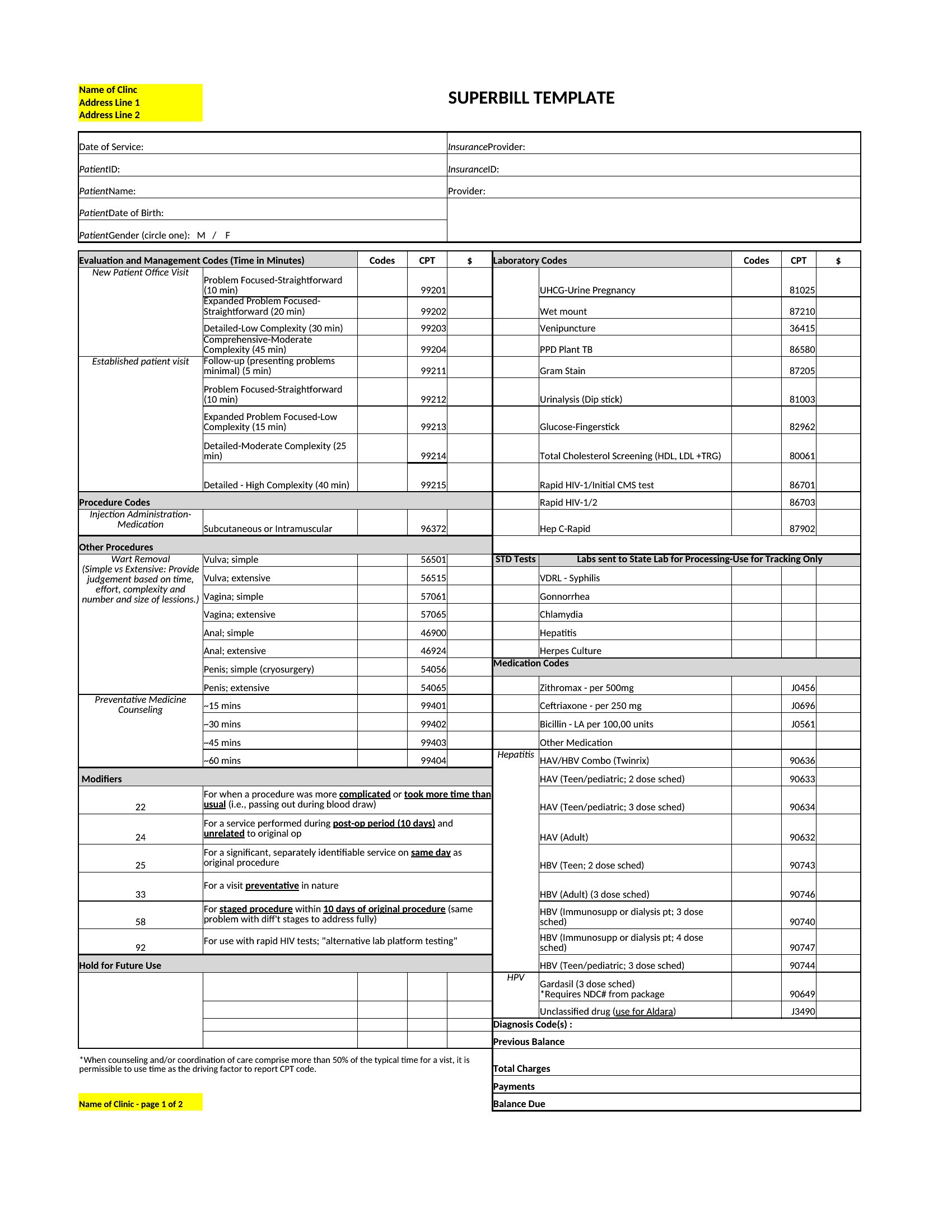
Superbill Template
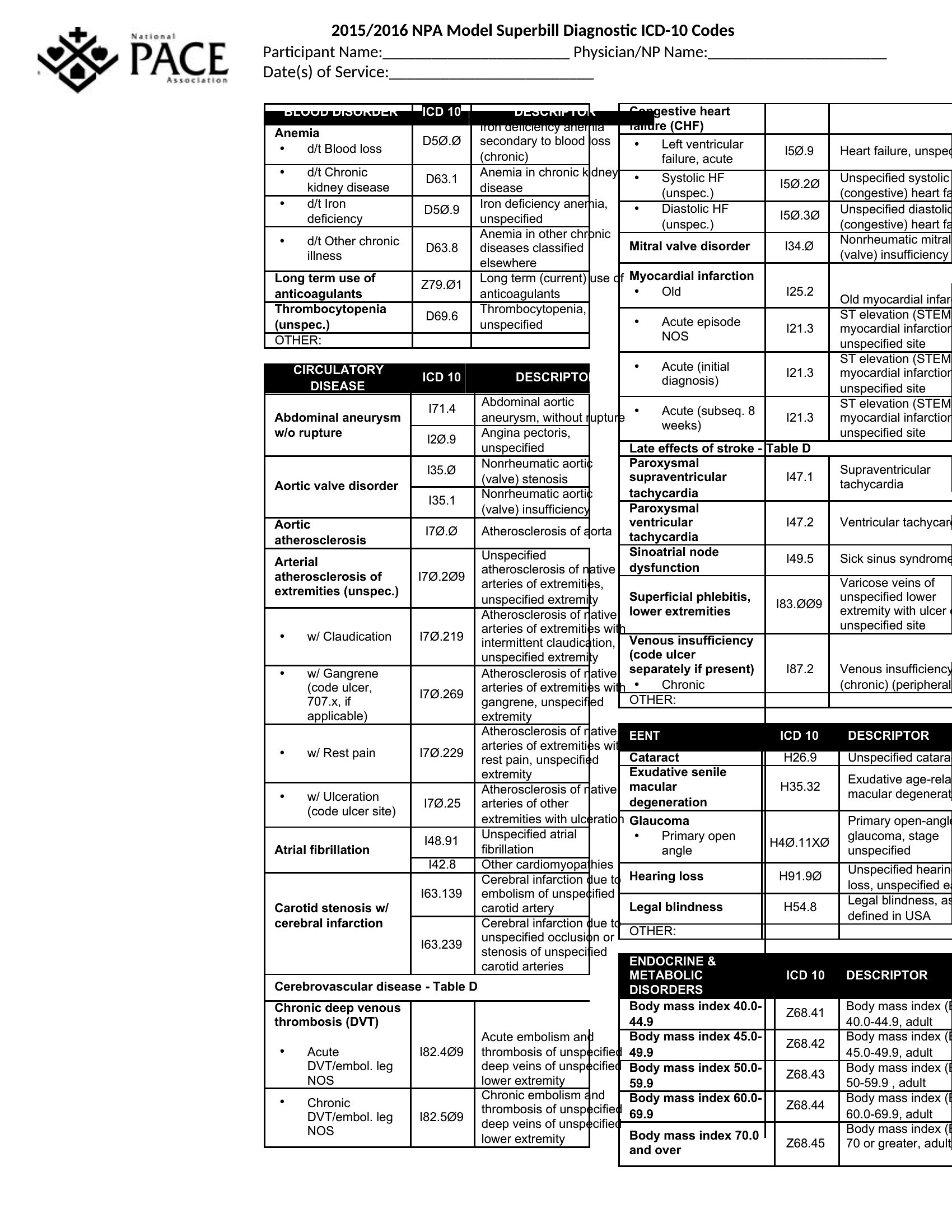
Superbill Pdf
Frequently Asked Questions about Superbill Templates
Are these Superbill templates free to download?
Yes. Every Superbill template in this collection is free to download from TemplateSpark. Just open the template you need, download it, and start editing right away — no subscription required to get started.
What file formats are available for Superbill templates?
These Superbill templates are available in Word and Excel. Pick the format that matches your workflow — each download keeps the original layout so it looks right whether you open, print, or share it.
Can I edit these Superbill templates?
Yes. The editable files open in Microsoft Word (and compatible apps like Google Docs or LibreOffice), so you can change the text, colors, and layout to fit your needs, then save or export the finished Superbill document.
How many Superbill templates can I choose from?
This page collects 49 Superbill templates so you can compare styles and layouts in one place. Browse the options, open the one that fits your purpose best, and download it in your preferred format.
Can I use Superbill templates for commercial purposes?
In most cases, yes — these Superbill templates are intended for both personal and business use. Check the license note on the template before redistributing or reselling, and avoid sharing the source files as your own product.
What is a superbill and how does it differ from an invoice?
A superbill is an itemized receipt that a healthcare provider gives a patient for the services rendered. Unlike an ordinary invoice, it includes diagnosis and procedure codes, which is what allows the patient to submit it to their insurance company for out-of-network reimbursement directly after paying the provider.
What information must a superbill include?
A superbill needs the provider and patient details, the date of service, the diagnosis codes, the procedure or CPT codes, the fee for each service, and the provider's identifiers such as the NPI and tax ID. Together these let the insurer process and pay a reimbursement claim.
Who uses a superbill and why?
Therapists, chiropractors, and other out-of-network providers give superbills to patients who pay them directly and then seek reimbursement from their own insurer afterward. The coded receipt provides exactly the documentation that insurance companies require in order to evaluate and pay out an out-of-network claim properly.
Comments
Join the conversation
Sign in to share your thoughts and leave a comment on this resource.