
Free Superbill Templates (Word & Excel)
Invoices by ernestross
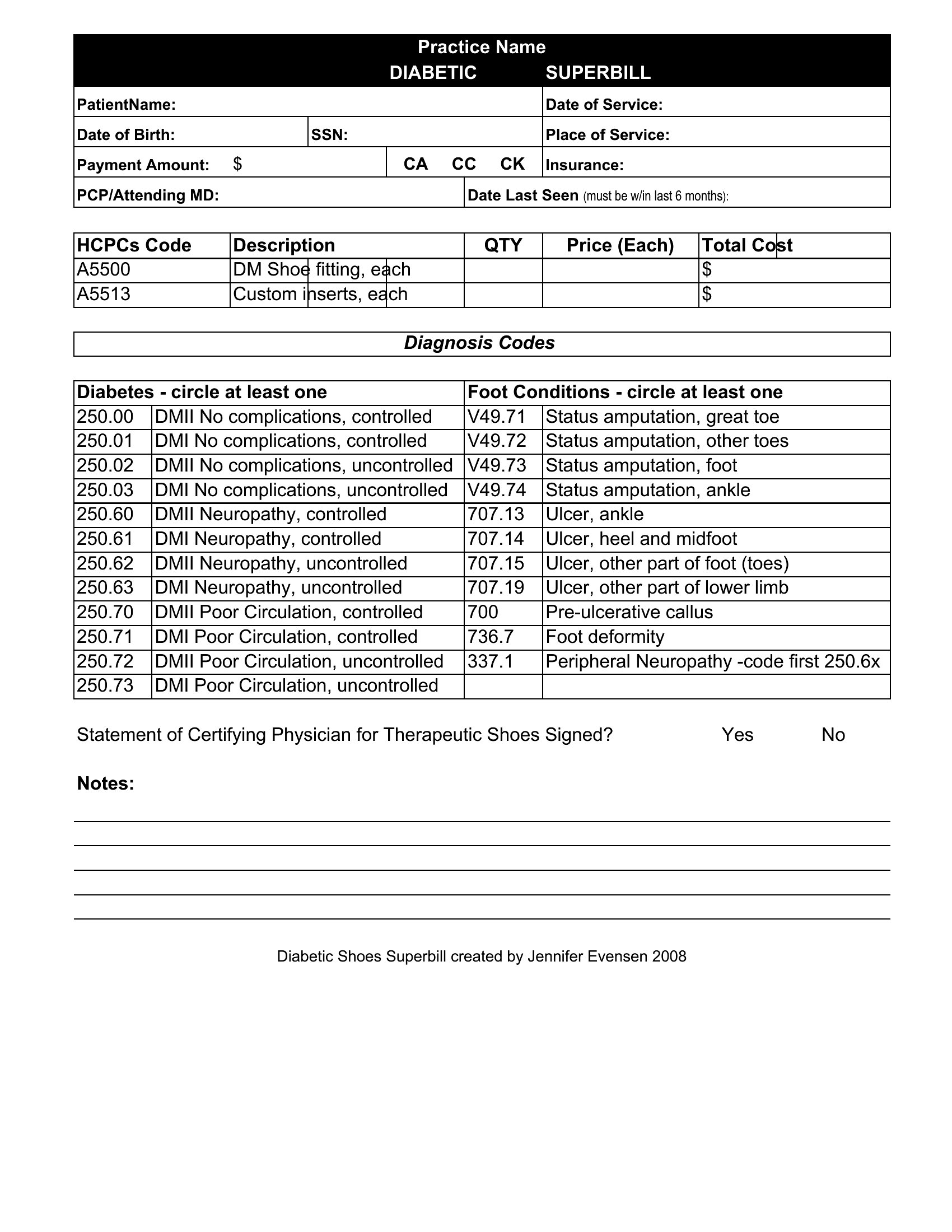
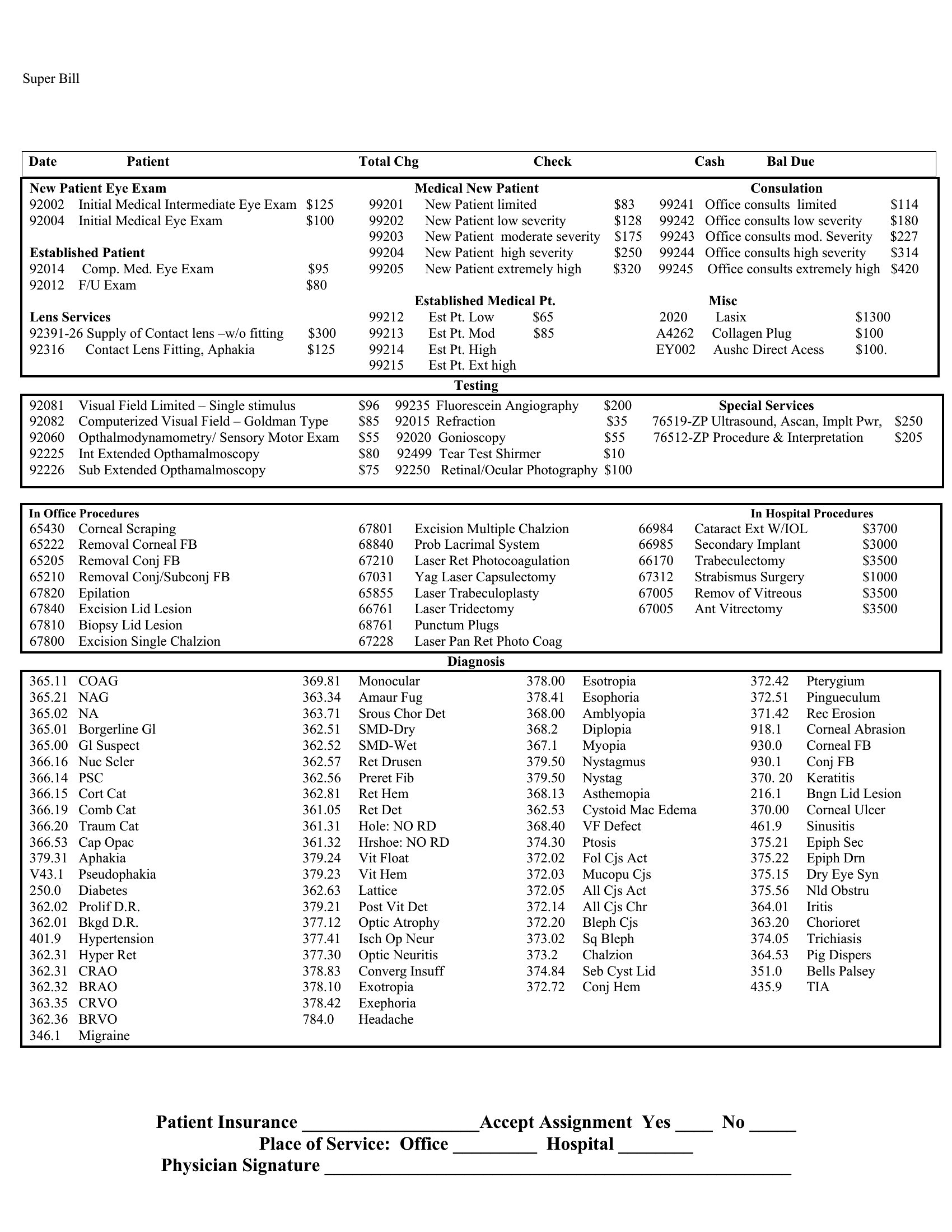
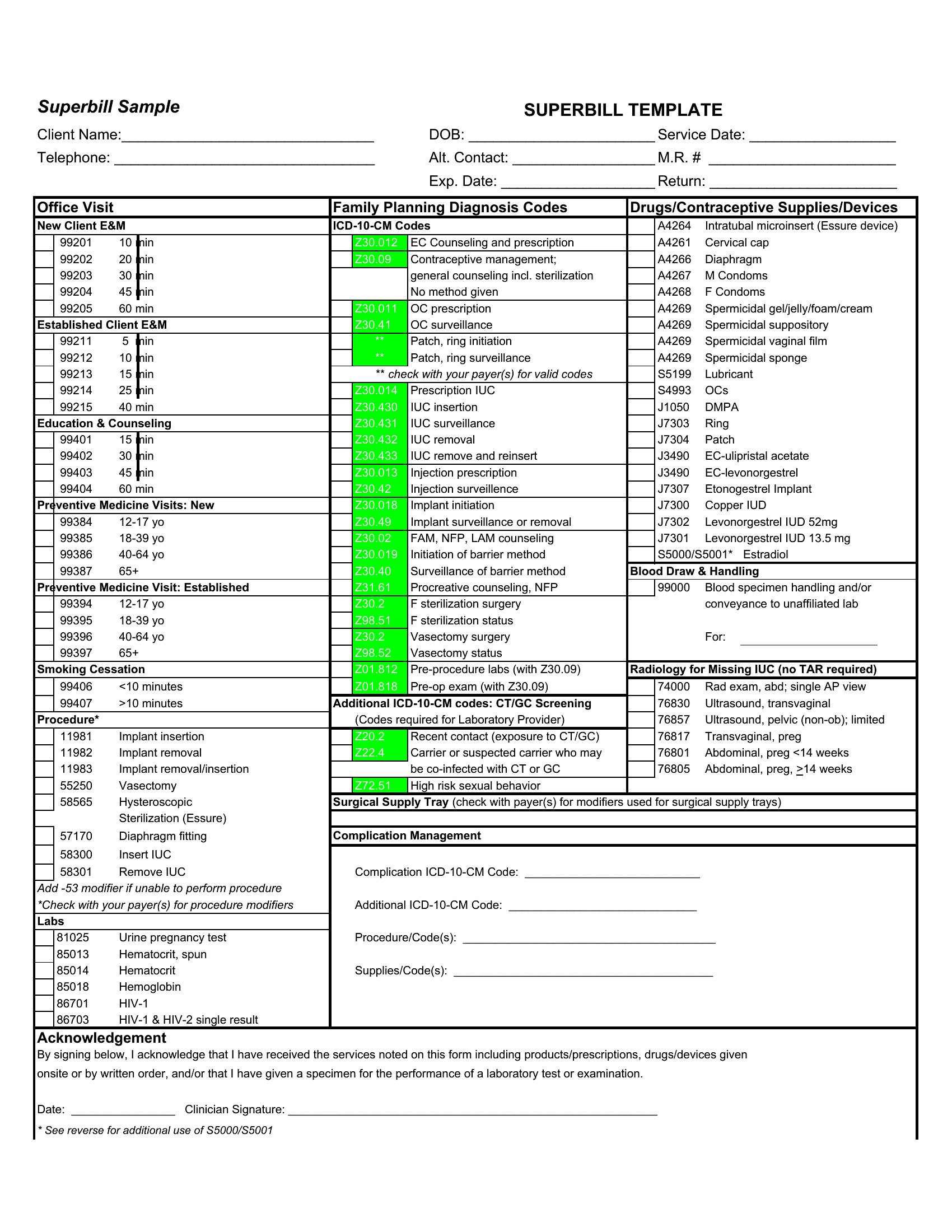
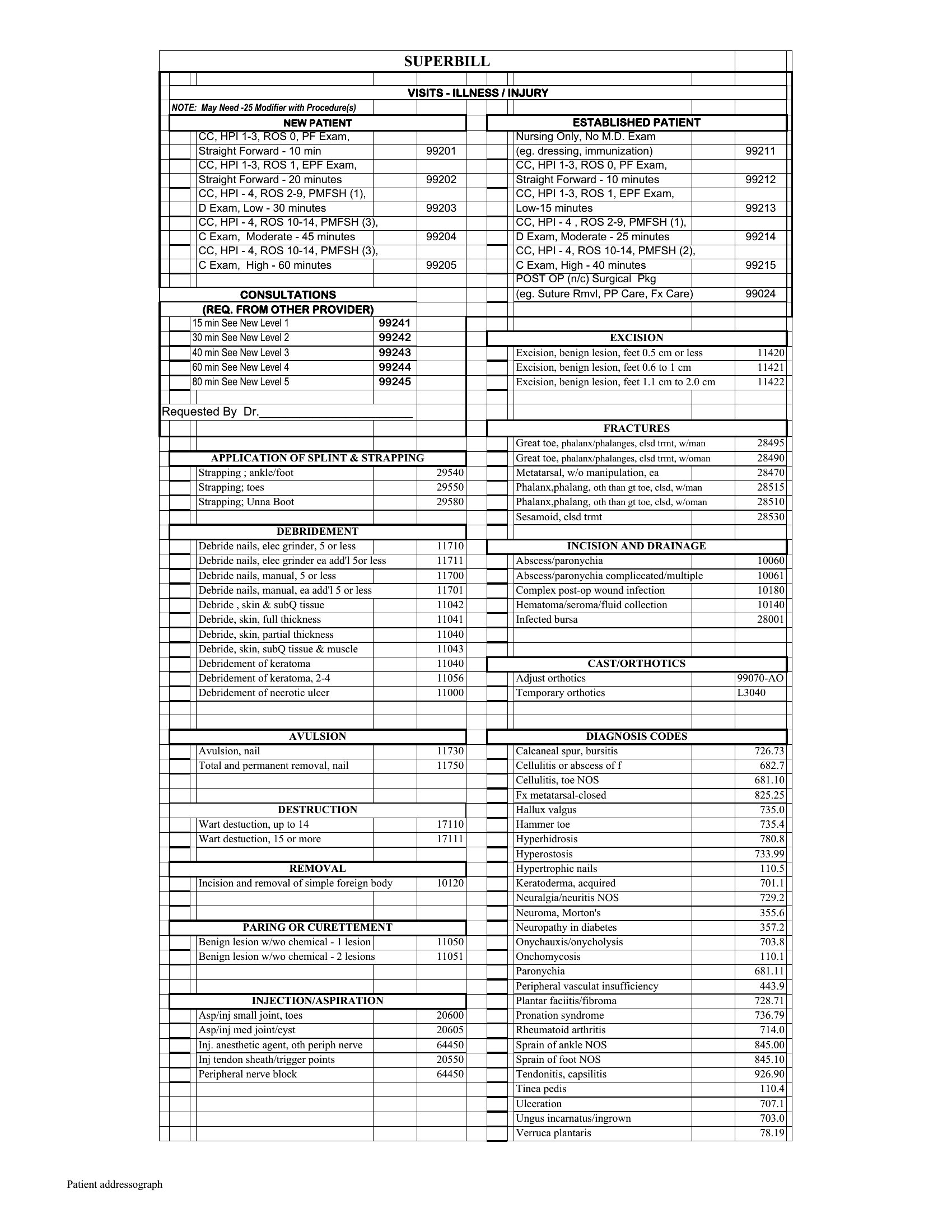
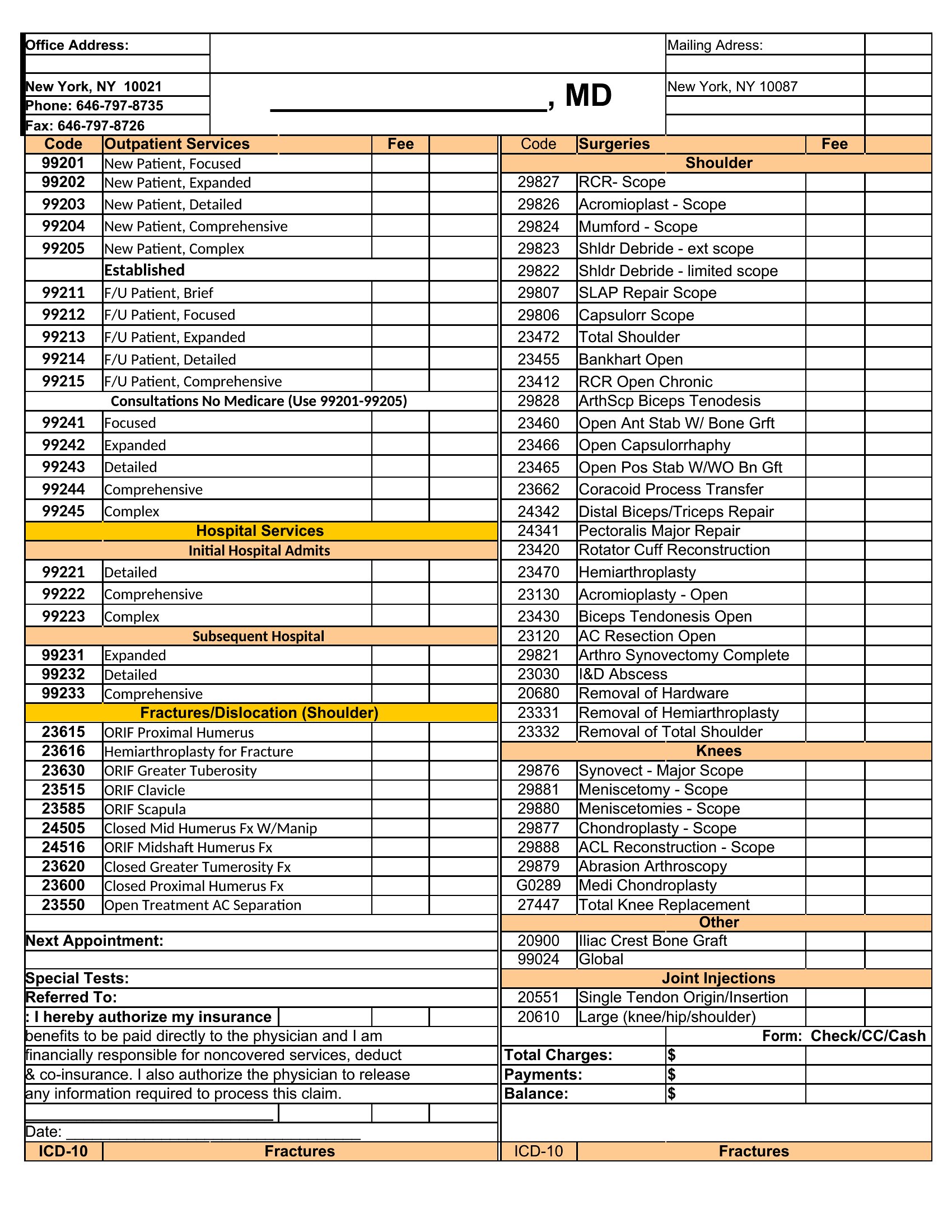
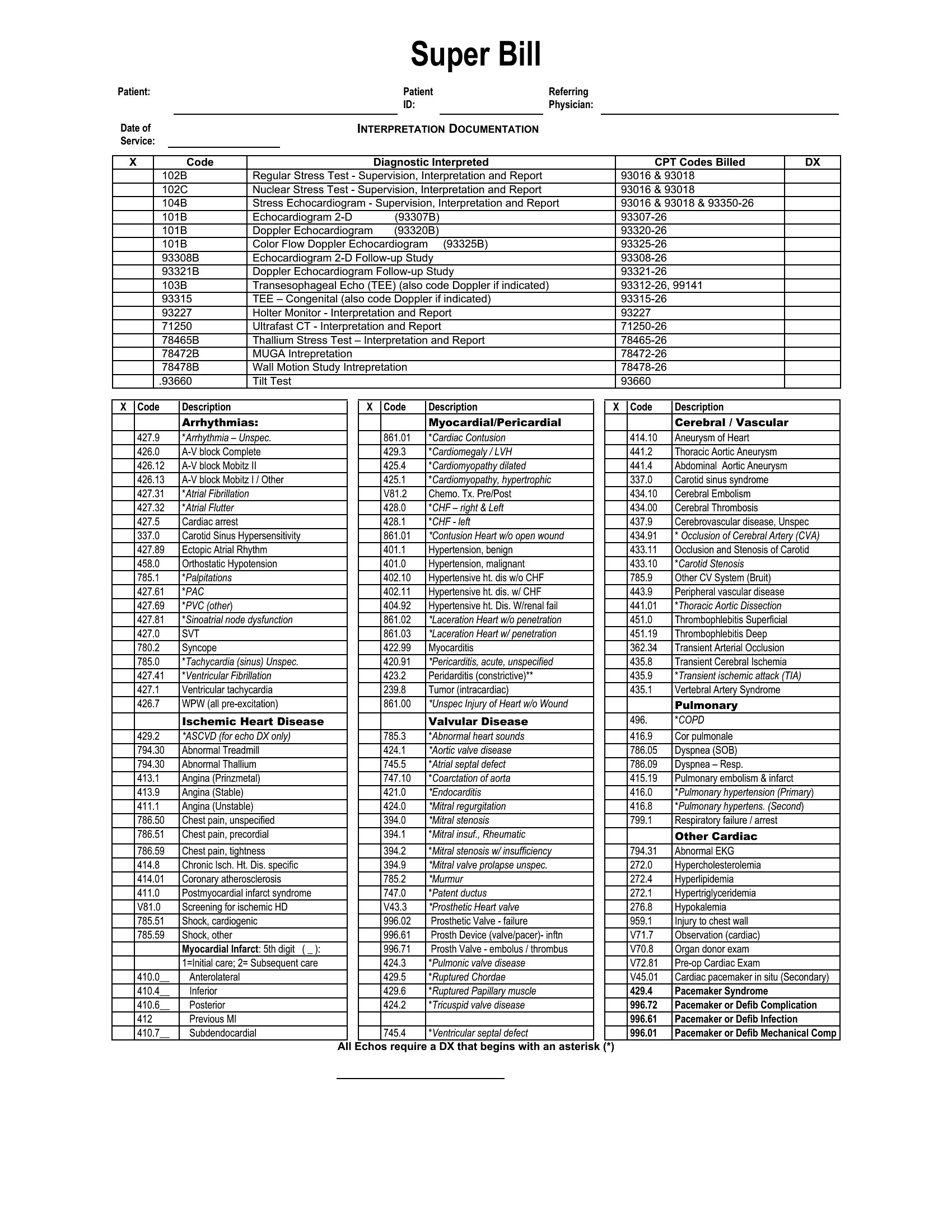
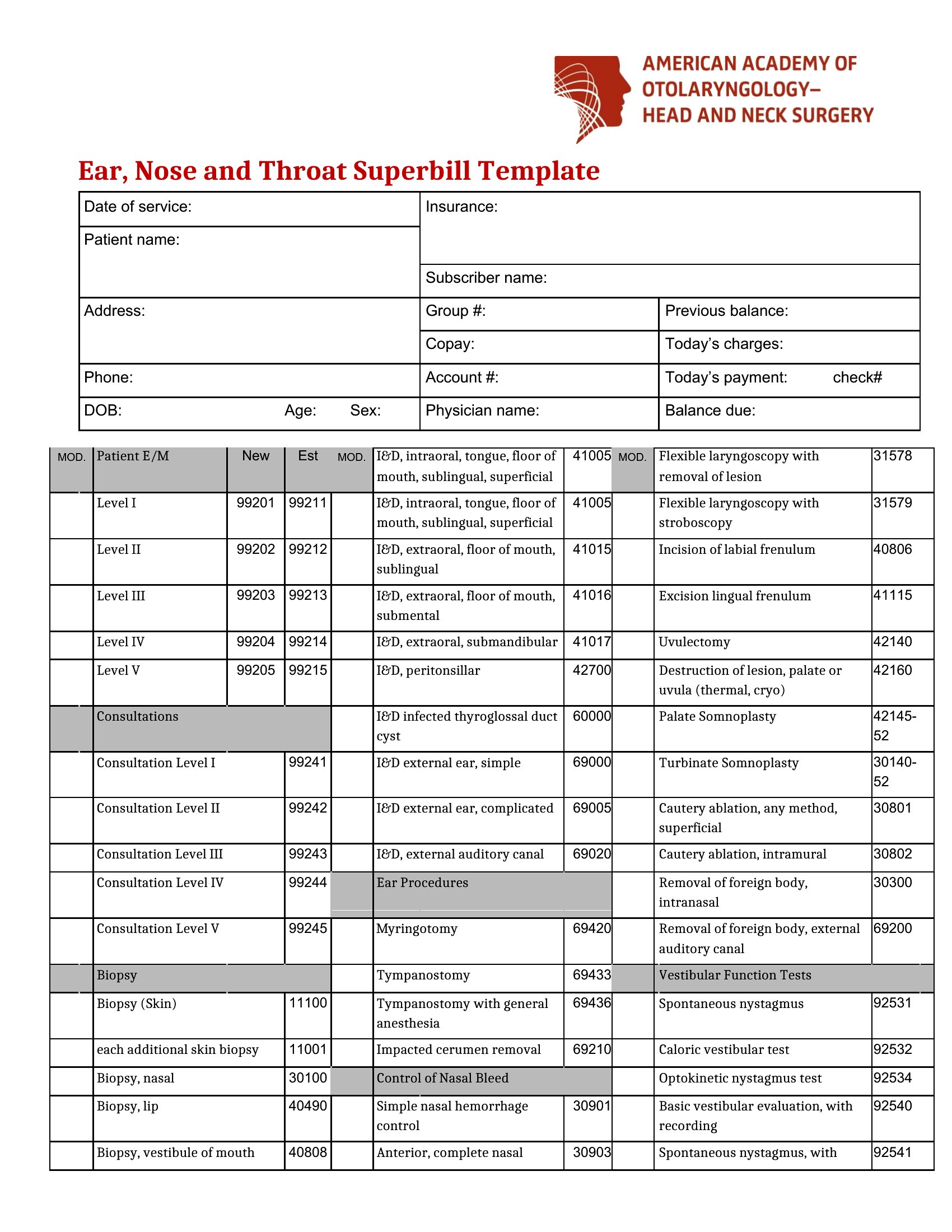
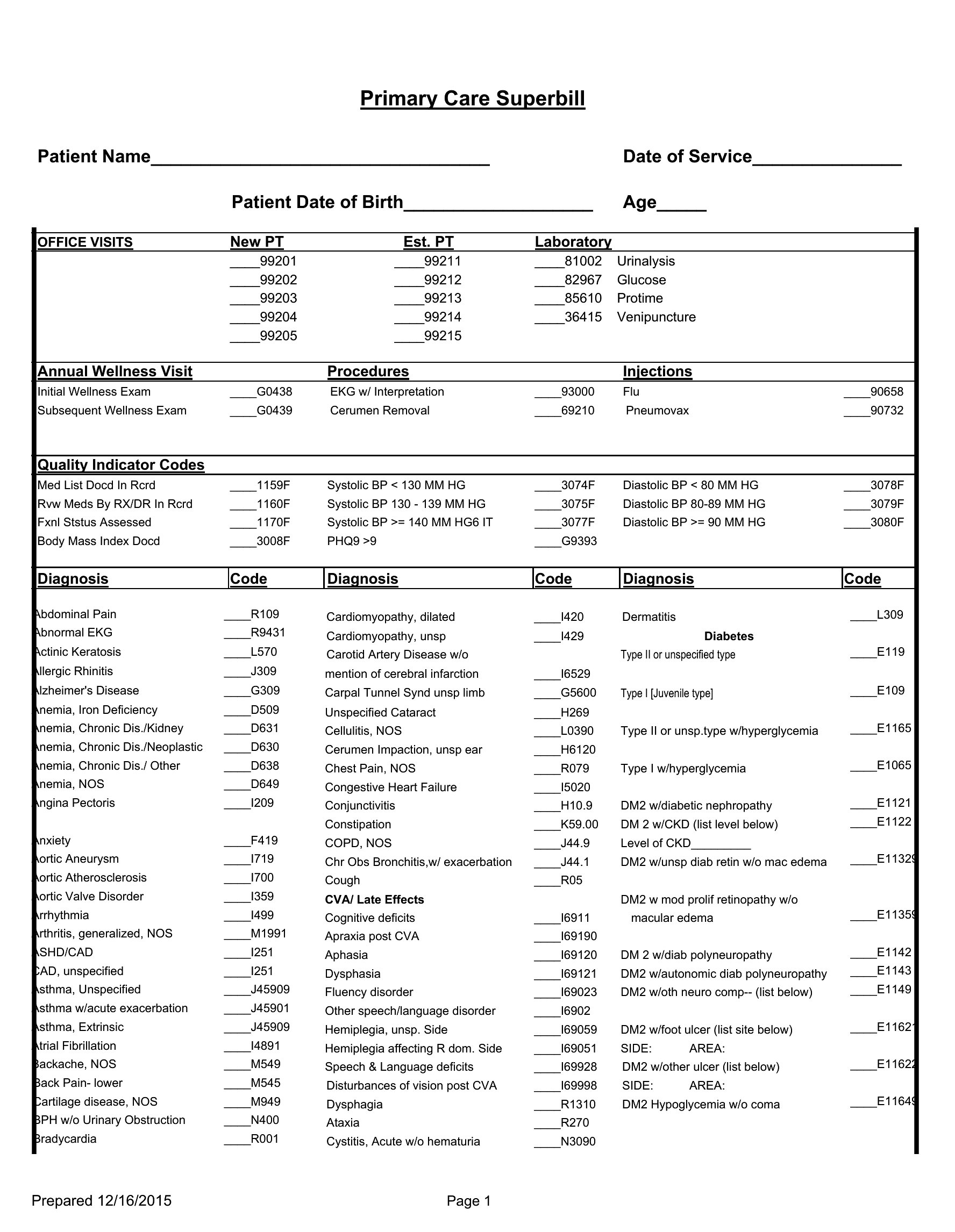
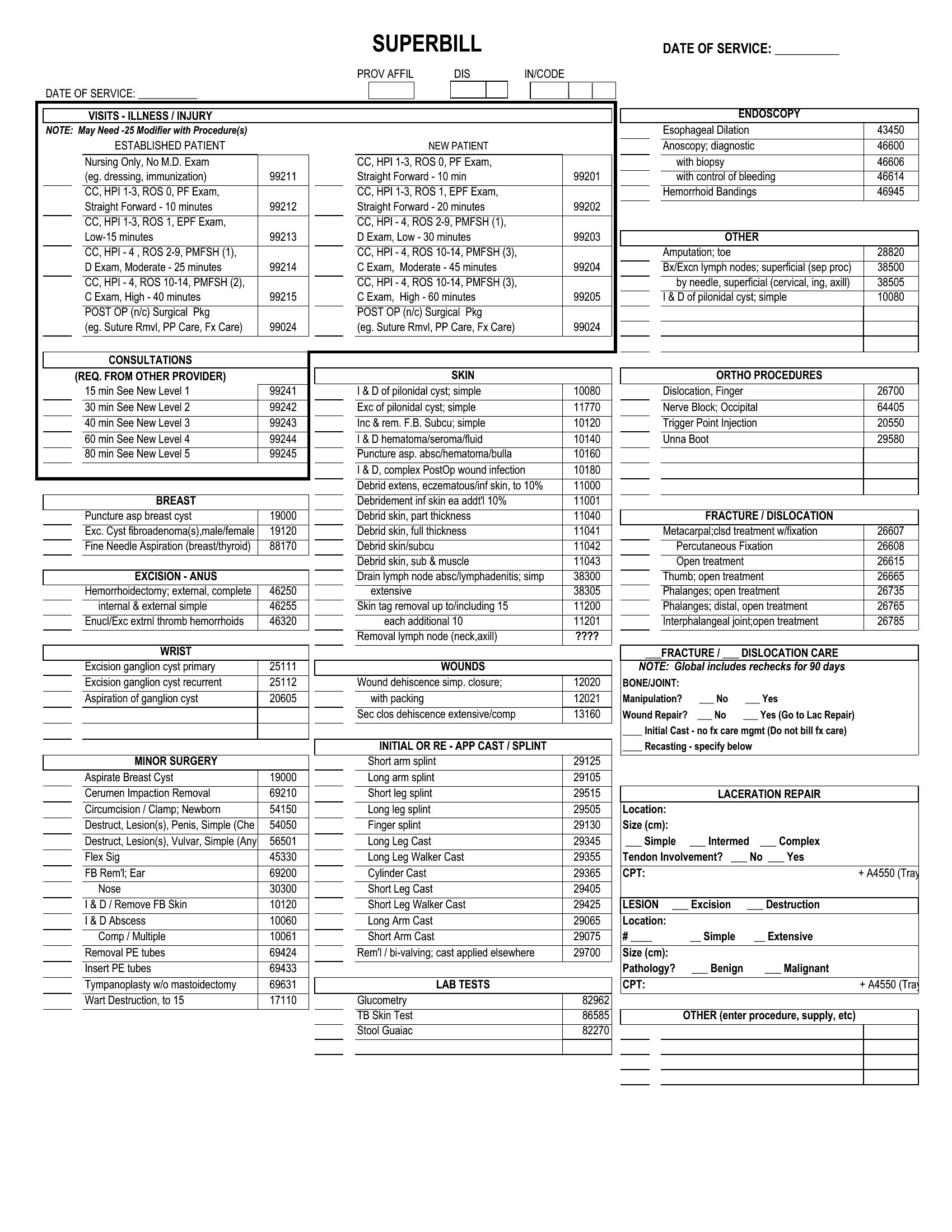
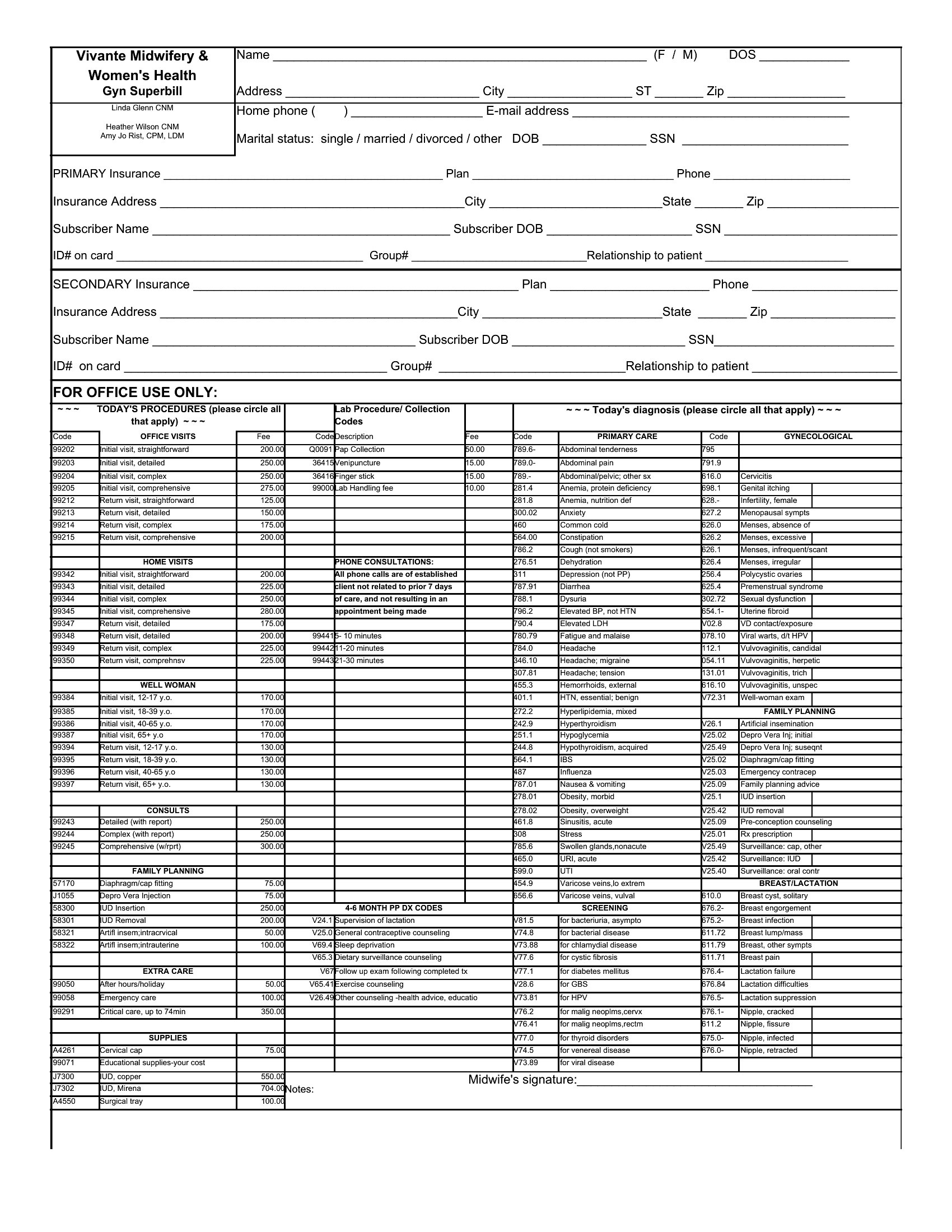
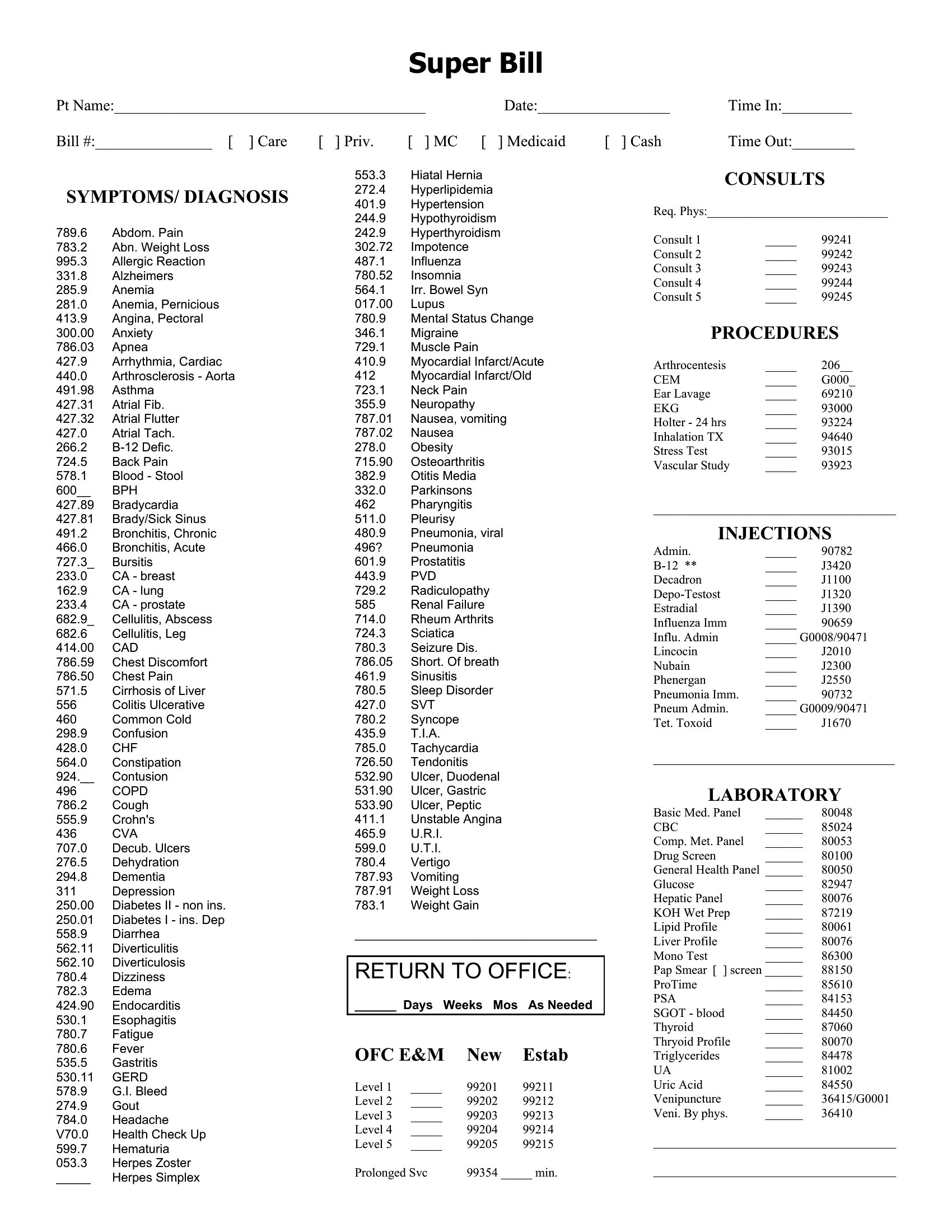
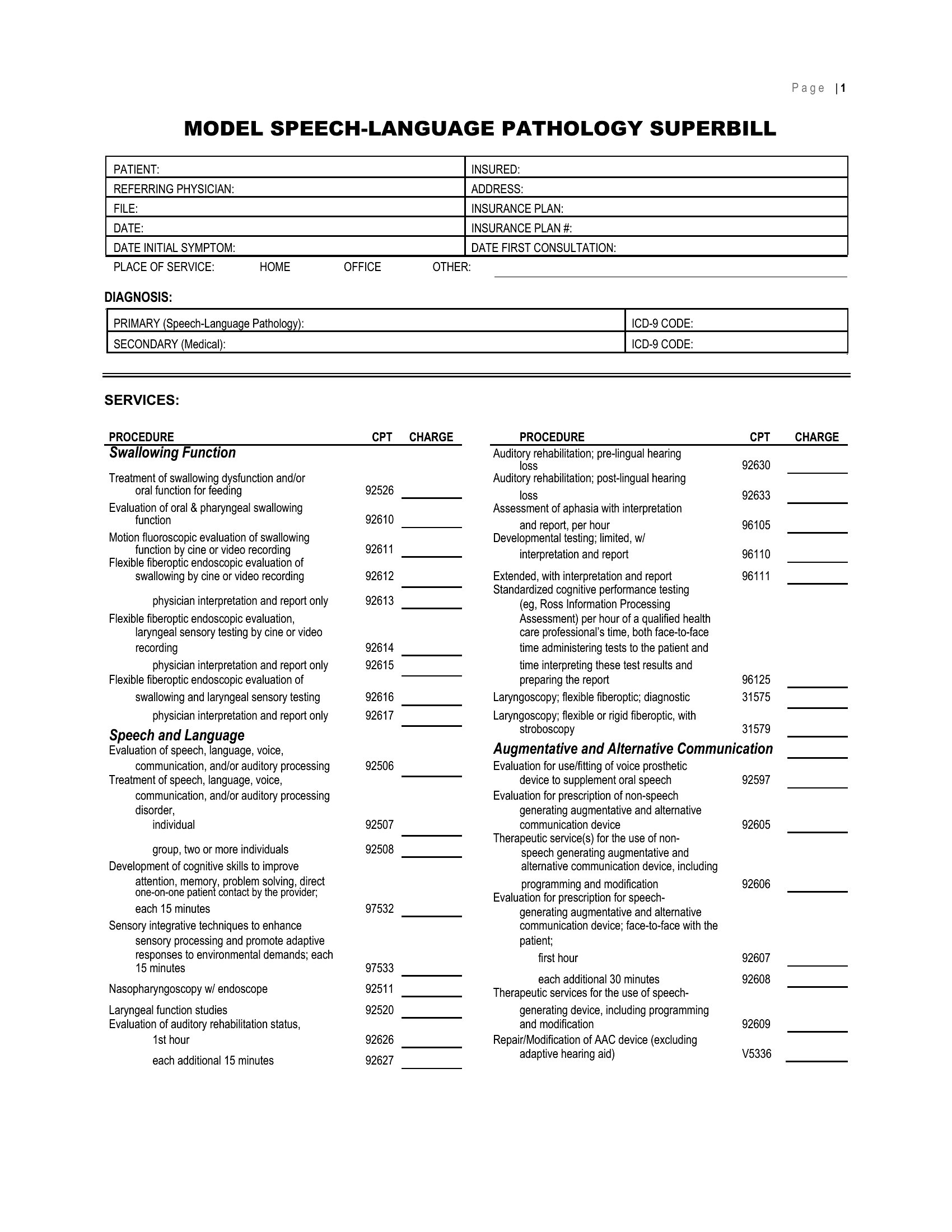
Run an out-of-network practice and need to give patients an itemized receipt for insurance reimbursement? A superbill does the job, and this set of 49 templates makes one easy to produce. Therapists, chiropractors, and other providers can record patient details, diagnosis and procedure codes, fees, and provider information in a format payers recognize. Hand patients a clean document and let them file for the reimbursement they're owed.
You'll find Word versions for clean, branded receipts and Excel sheets that total charges automatically as you enter each line. Add your logo, drop in your common CPT and ICD-10 codes, and reuse the format for every visit. A superbill doesn't guarantee payment, so remind patients that coverage depends on their plan. Download the one that fits your practice and start billing faster.
When to use this Superbill template
- A chiropractor in a cash-based practice needs to provide patients with a detailed breakdown of services rendered for their own records or out-of-network reimbursement, ensuring clarity on codes and fees.
- A licensed therapist working with clients who have partial insurance coverage wants a professional yet simple way to document sessions and charges for self-pay patients.
- A physical therapist running a small private clinic requires a fillable superbill to support patients submitting claims to their insurers, with space for precise diagnosis and procedure codes.
- A behavioral health provider in a mixed-payment practice needs a consistent format for superbills to streamline administrative tasks while meeting payer requirements for documentation.
Which format should I download?
Choose Word for its flexibility—ideal if you need to customize fonts, add your clinic’s logo, or include detailed instructions for patients in the same document. Opt for Excel when you prefer structured fields with formulas to auto-calculate subtotals, taxes, or patient copays. Both formats are easy to fill out, but Word is better for design-focused providers, while Excel suits those who prioritize data organization and calculations.
Choose from 49 Superbill Templates
How to use this Superbill template
What is a superbill and how does it differ from an invoice?
A superbill is an itemized receipt that a healthcare provider gives a patient for the services rendered. Unlike an ordinary invoice, it includes diagnosis and procedure codes, which is what allows the patient to submit it to their insurance company for out-of-network reimbursement directly after paying the provider.
What information must a superbill include?
A superbill needs the provider and patient details, the date of service, the diagnosis codes, the procedure or CPT codes, the fee for each service, and the provider's identifiers such as the NPI and tax ID. Together these let the insurer process and pay a reimbursement claim.
Who uses a superbill and why?
Therapists, chiropractors, and other out-of-network providers give superbills to patients who pay them directly and then seek reimbursement from their own insurer afterward. The coded receipt provides exactly the documentation that insurance companies require in order to evaluate and pay out an out-of-network claim properly.
Comments
Join the conversation
Sign in to share your thoughts and leave a comment on this resource.