
Free Handyman Invoice Templates (Word, Excel, PDF)
Invoices by christofferjohansen
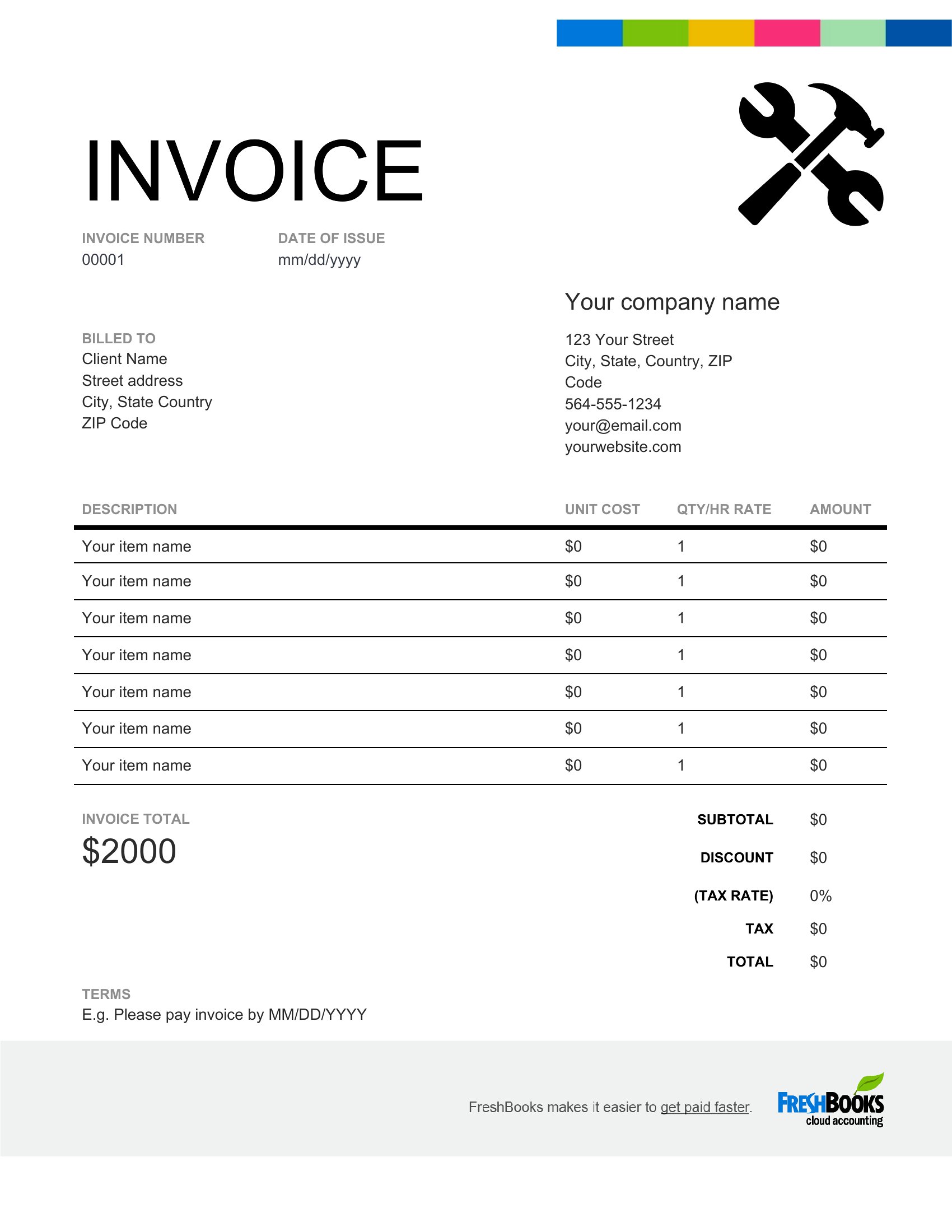
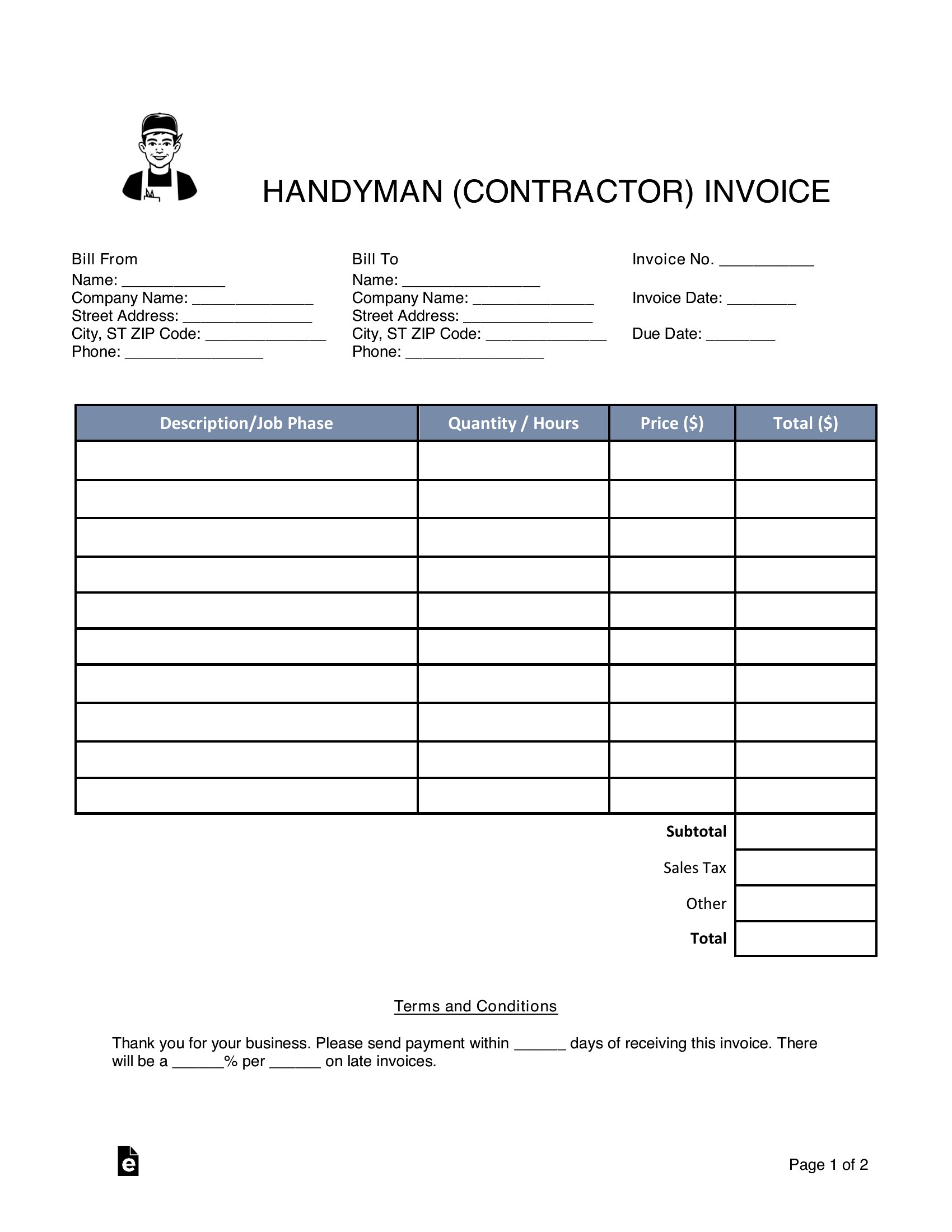
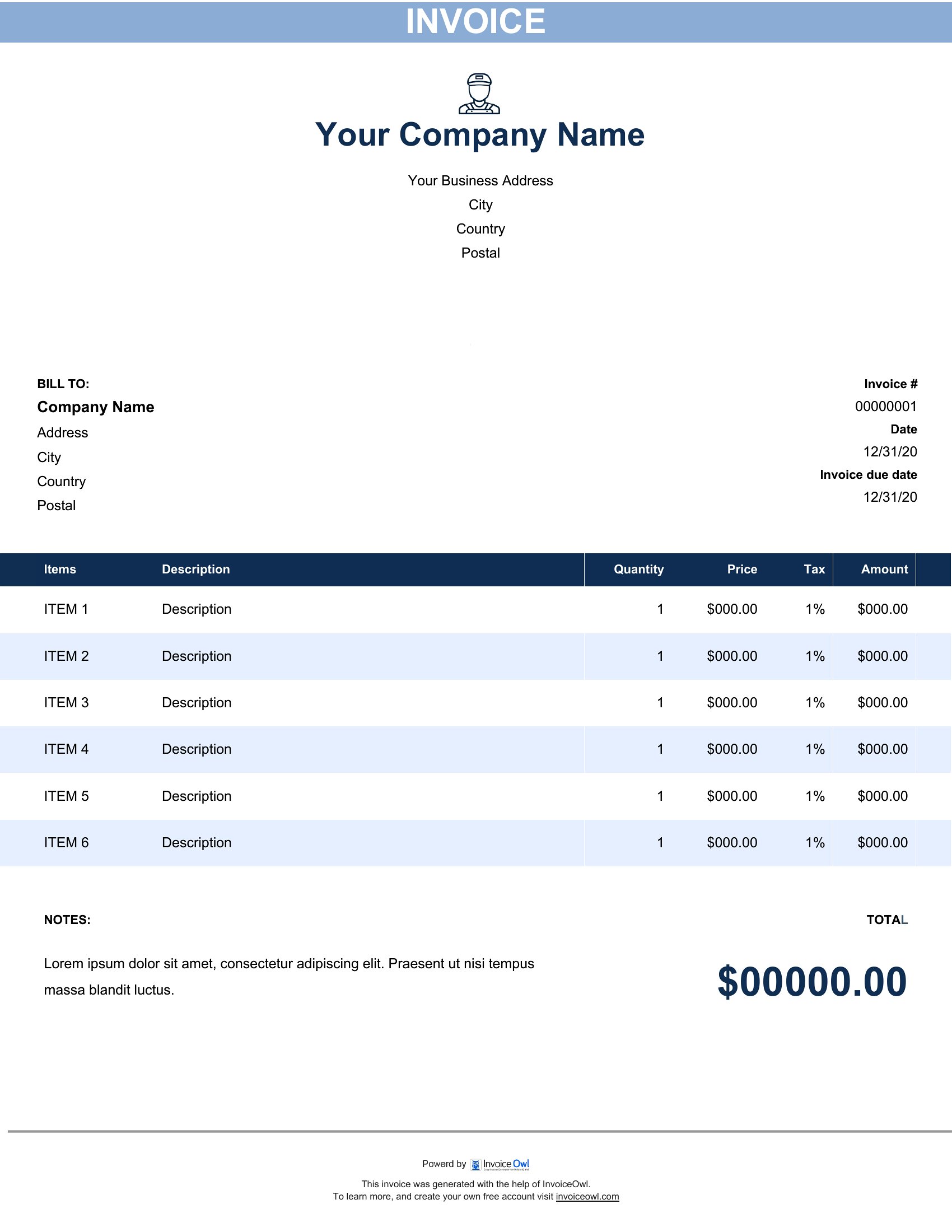
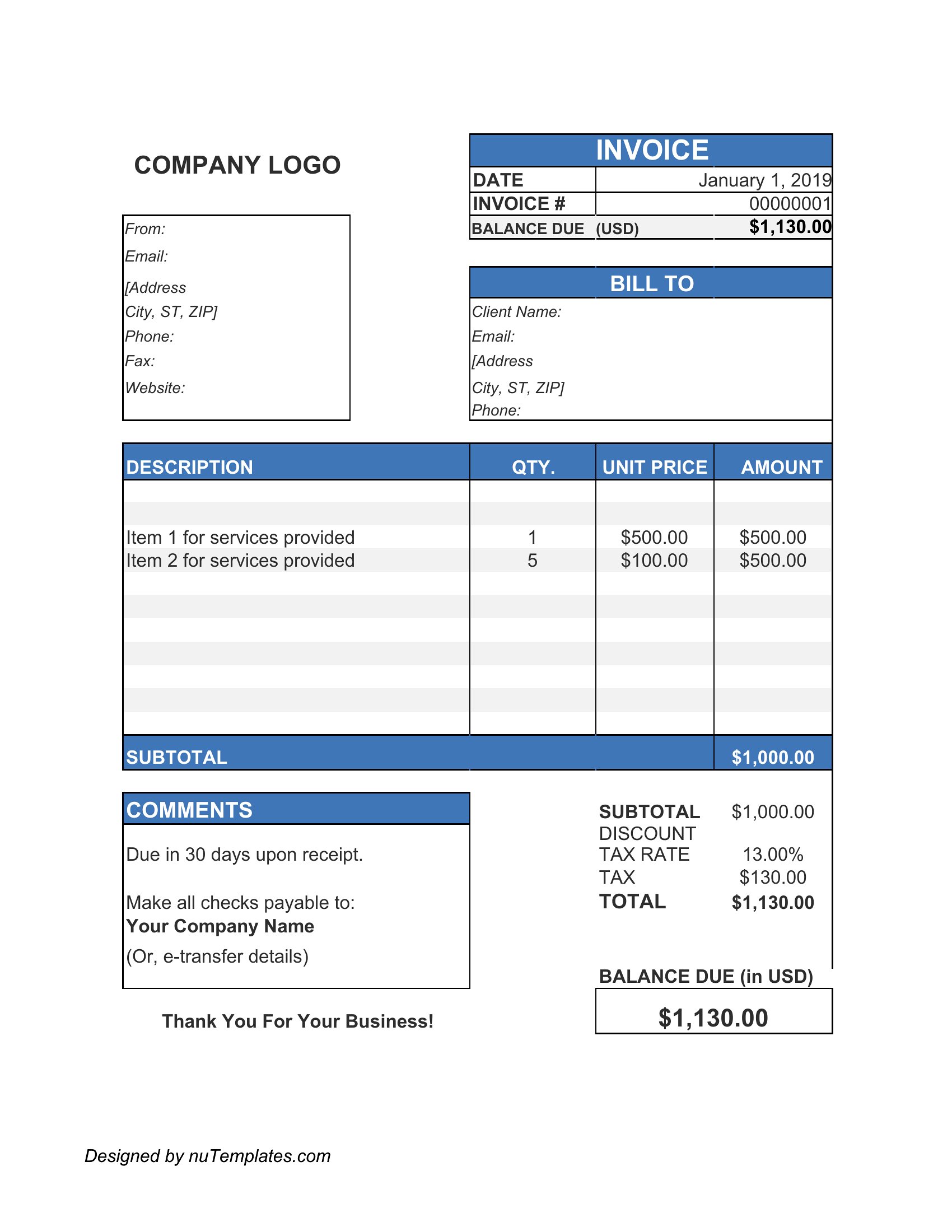
Finished a repair and need to bill for it without fumbling through a blank page? This collection of 27 handyman invoice templates gives independent handymen and small repair businesses a quick way to charge for labor, materials, and call-out fees. Each one has space to itemize the work, add tax, and total the job clearly for the customer.
Use the Word versions for fast edits, send a clean PDF for the record, or let the Excel sheets total everything as you type. Add your name, list the parts and hours, and hand over a professional bill on the spot. Choose the layout that fits your trade and keep your invoicing simple from job to job.
When to use this Handyman Invoice template
- A licensed handyman finishing a residential kitchen cabinet repair needs to break down labor hours, part costs, and a 10% service fee for a last-minute emergency call—use an Excel invoice to add custom formulas for quick totals.
- A small repair business with a seasonal crew wants to send professional invoices with a branded logo and line-item details for drywall patching, paint touch-ups, and hardware replacements—PDF templates ensure consistent formatting when emailing clients.
- A freelance handyperson who quotes jobs over the phone needs a fillable PDF to email immediately after the work is done, listing materials like pipes or light fixtures with serial numbers for warranty claims—avoid printing errors with pre-filled tax rates.
- A general contractor subcontracting handymen for a larger renovation project requires a Word invoice template to embed line items tied to the master contract, including labor percentages and material markups—easy to duplicate and share with accountants.
Which format should I download?
Choose Word if you frequently adjust service descriptions, client details, or pricing structures between jobs—its editing flexibility lets you tweak invoices on the fly before printing. Opt for Excel when tracking recurring job types (e.g., seasonal insulation checks) and need to sum labor hours across multiple projects in one sheet. Use PDF exclusively for finalized invoices sent to clients, as it preserves formatting, supports digital signatures, and reduces back-and-forth corrections. Fillable PDFs strike a balance by allowing clients to verify details before payment without requiring Word access.
Choose from 27 Handyman Invoice Templates
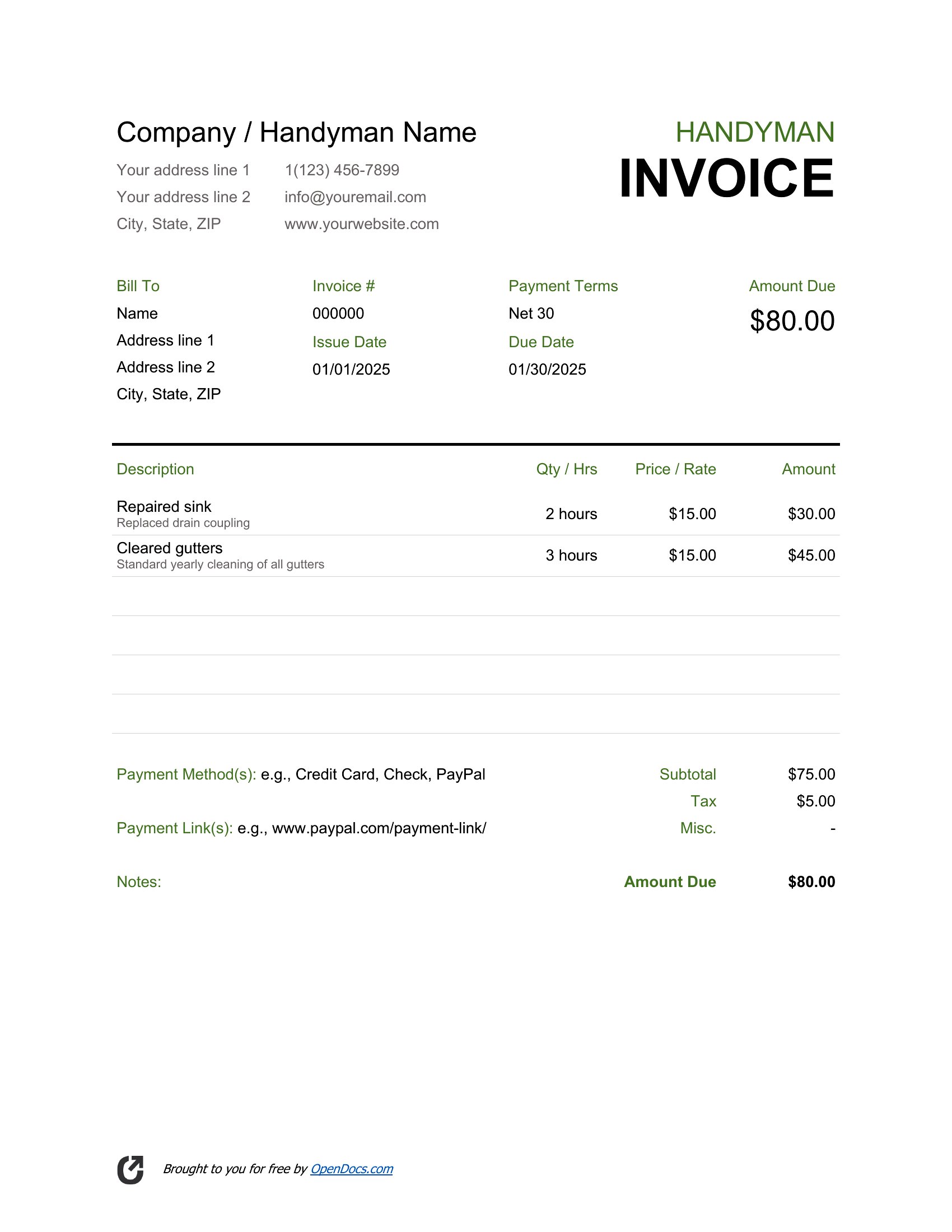
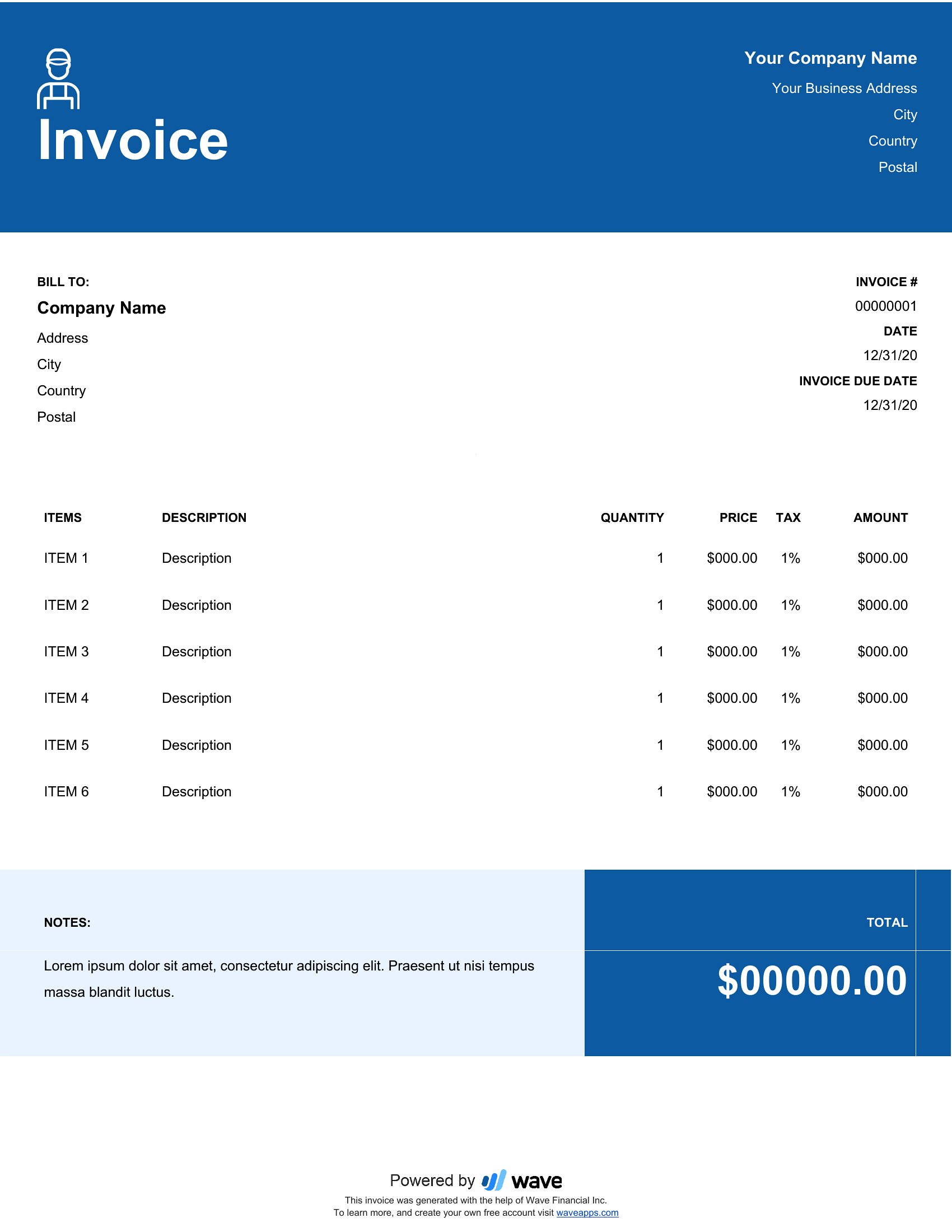
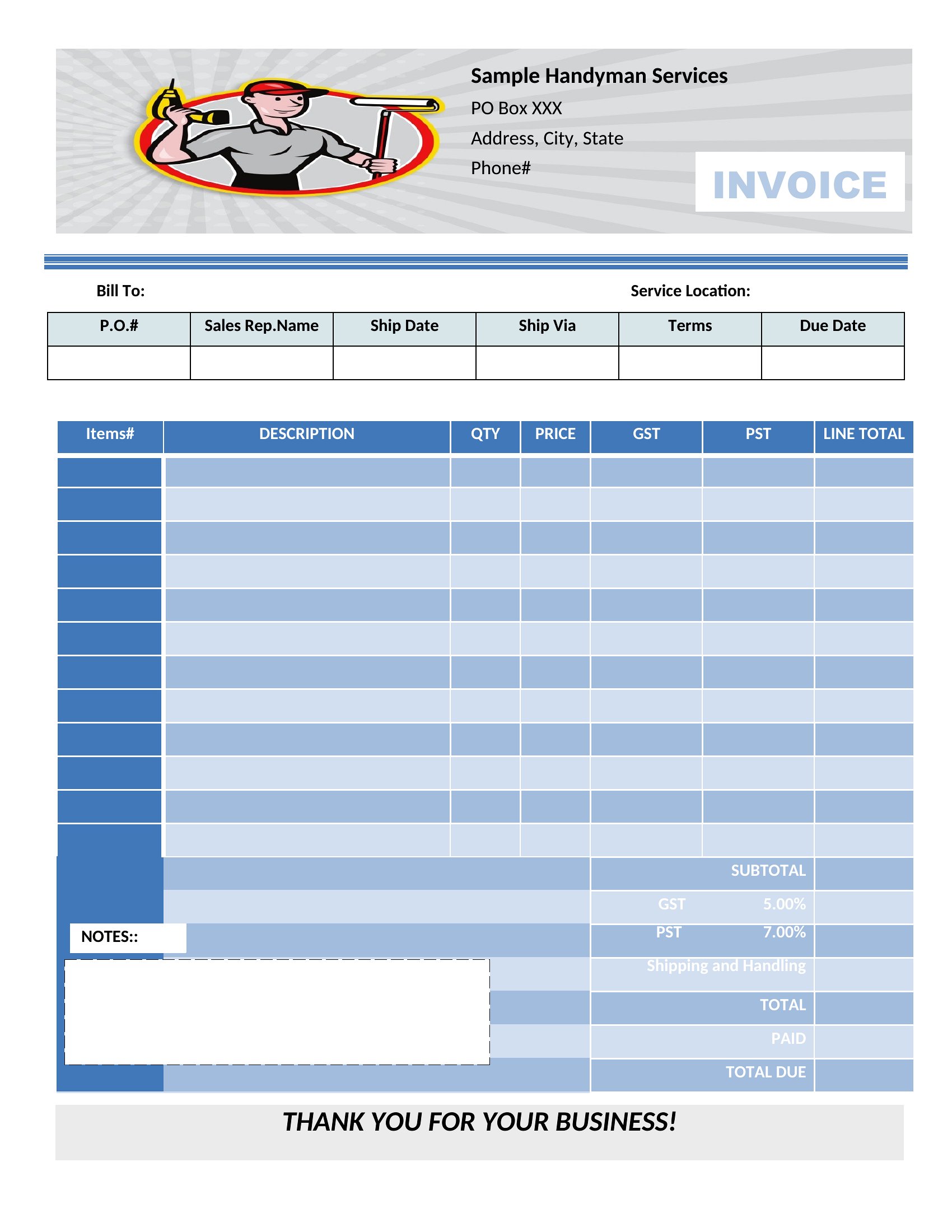
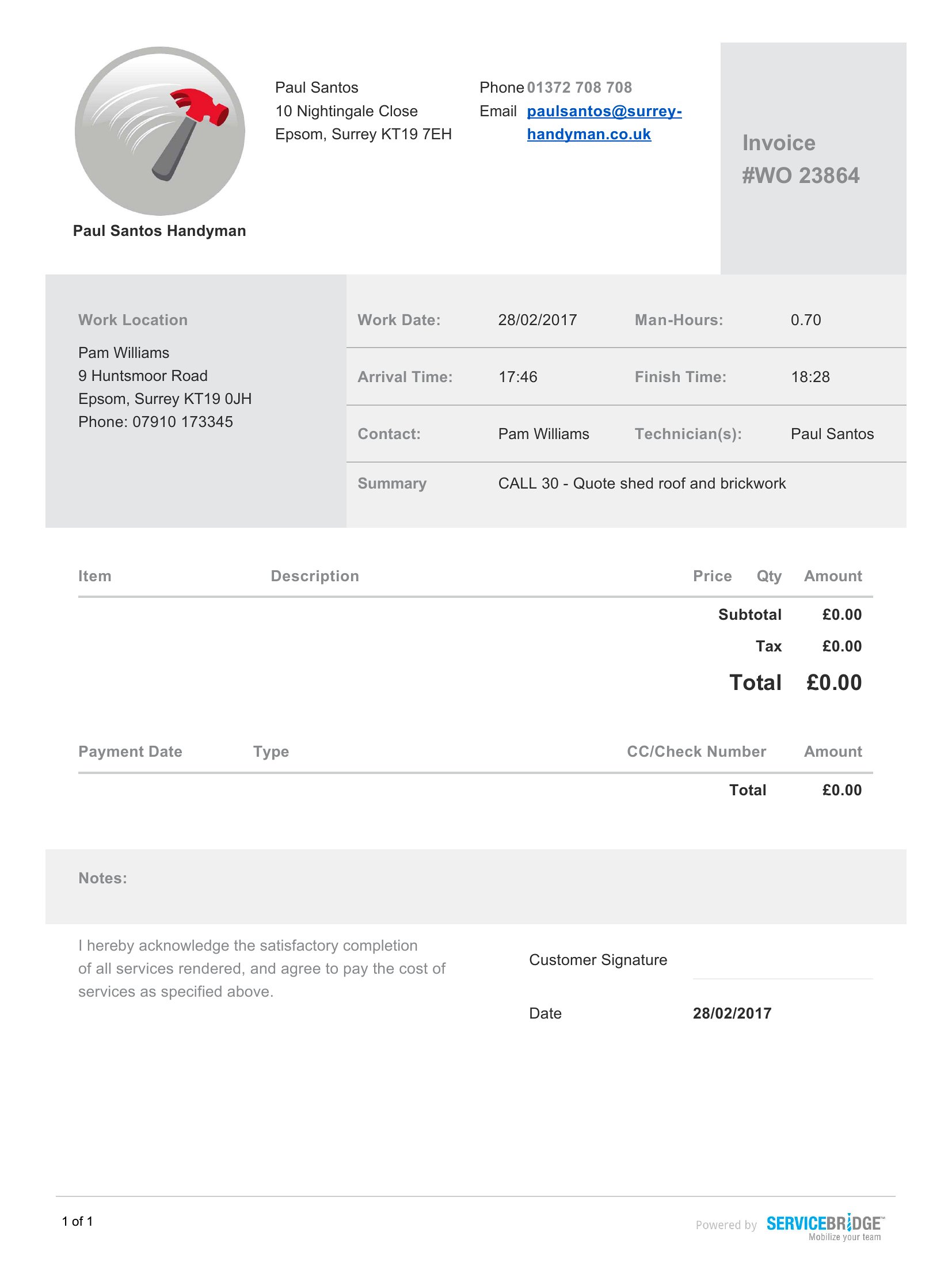
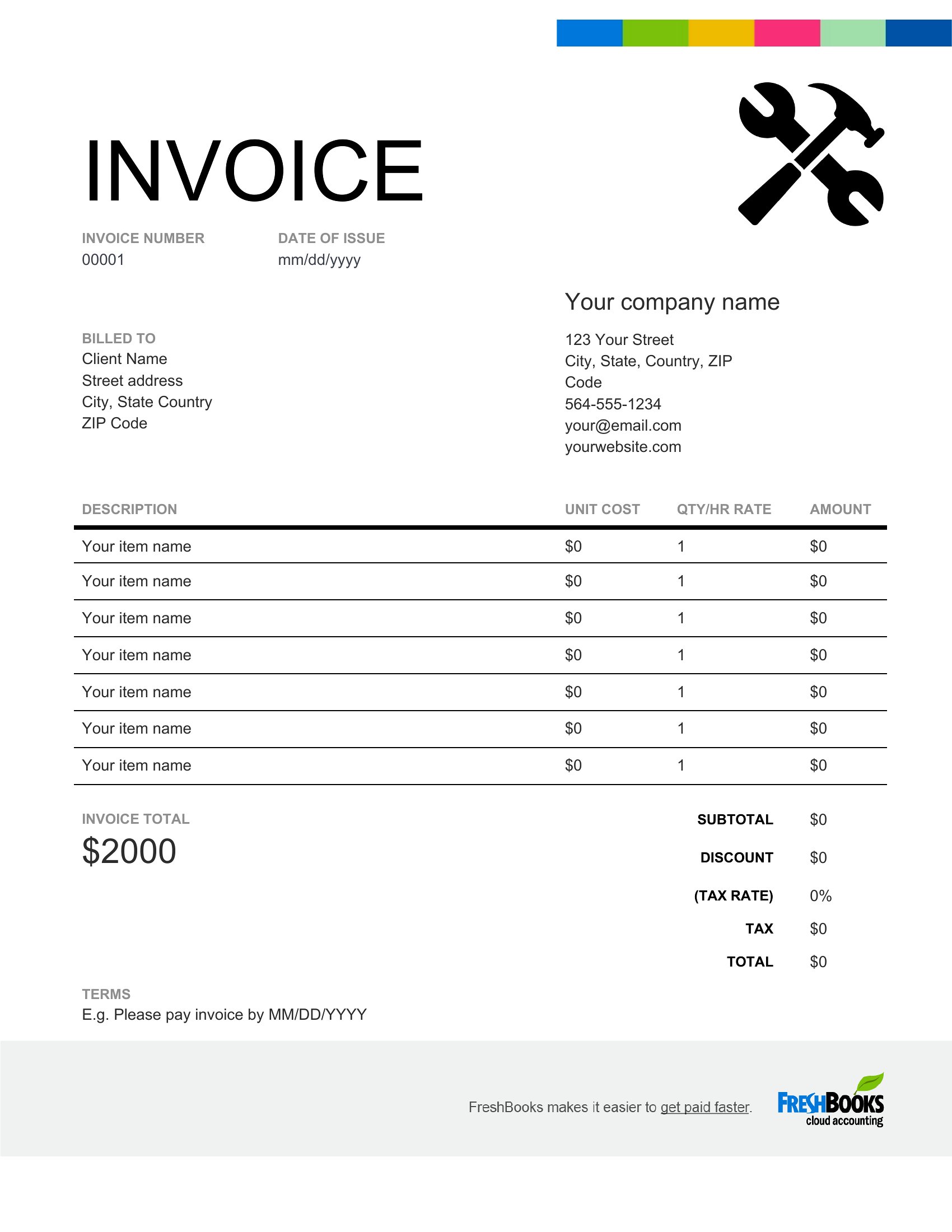
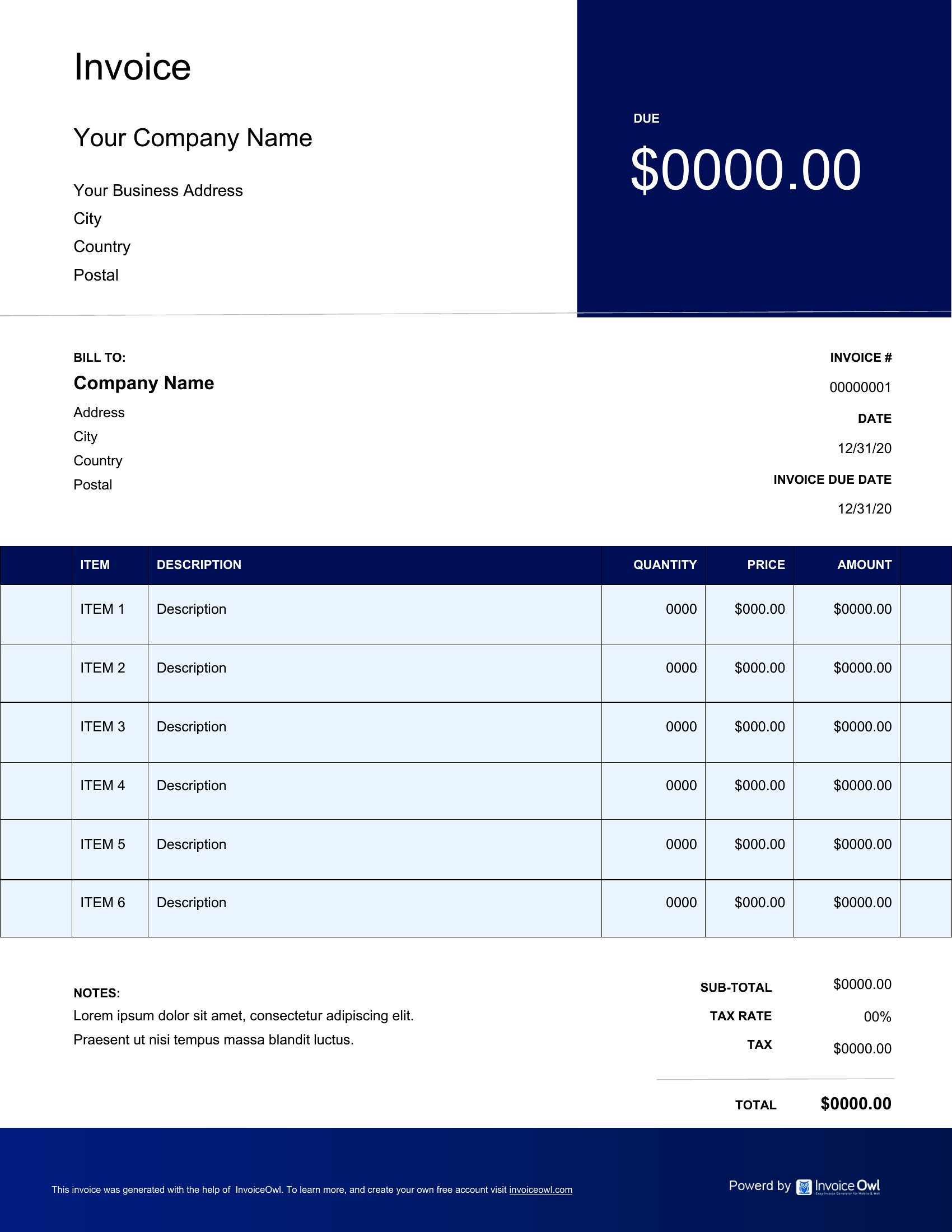
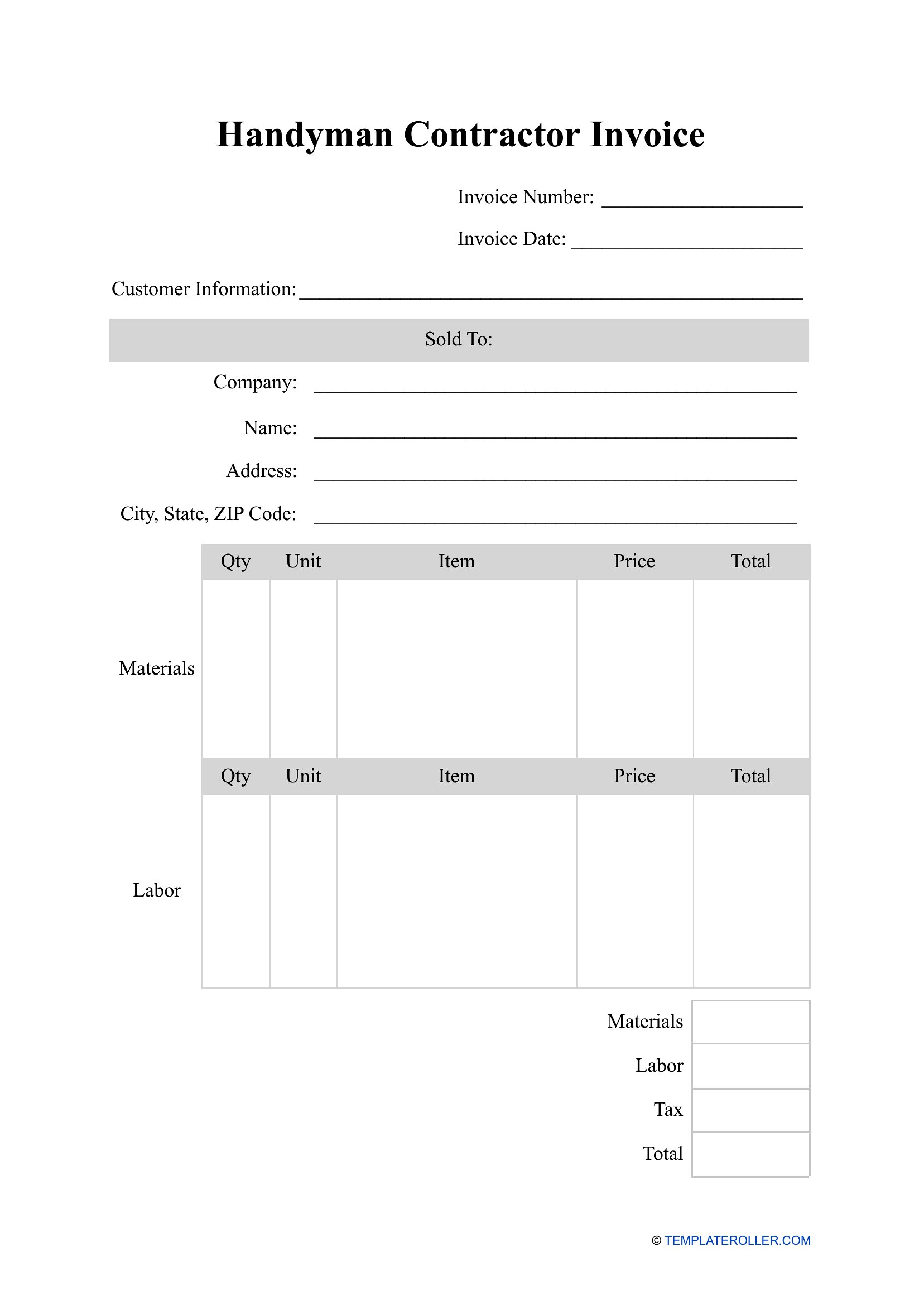
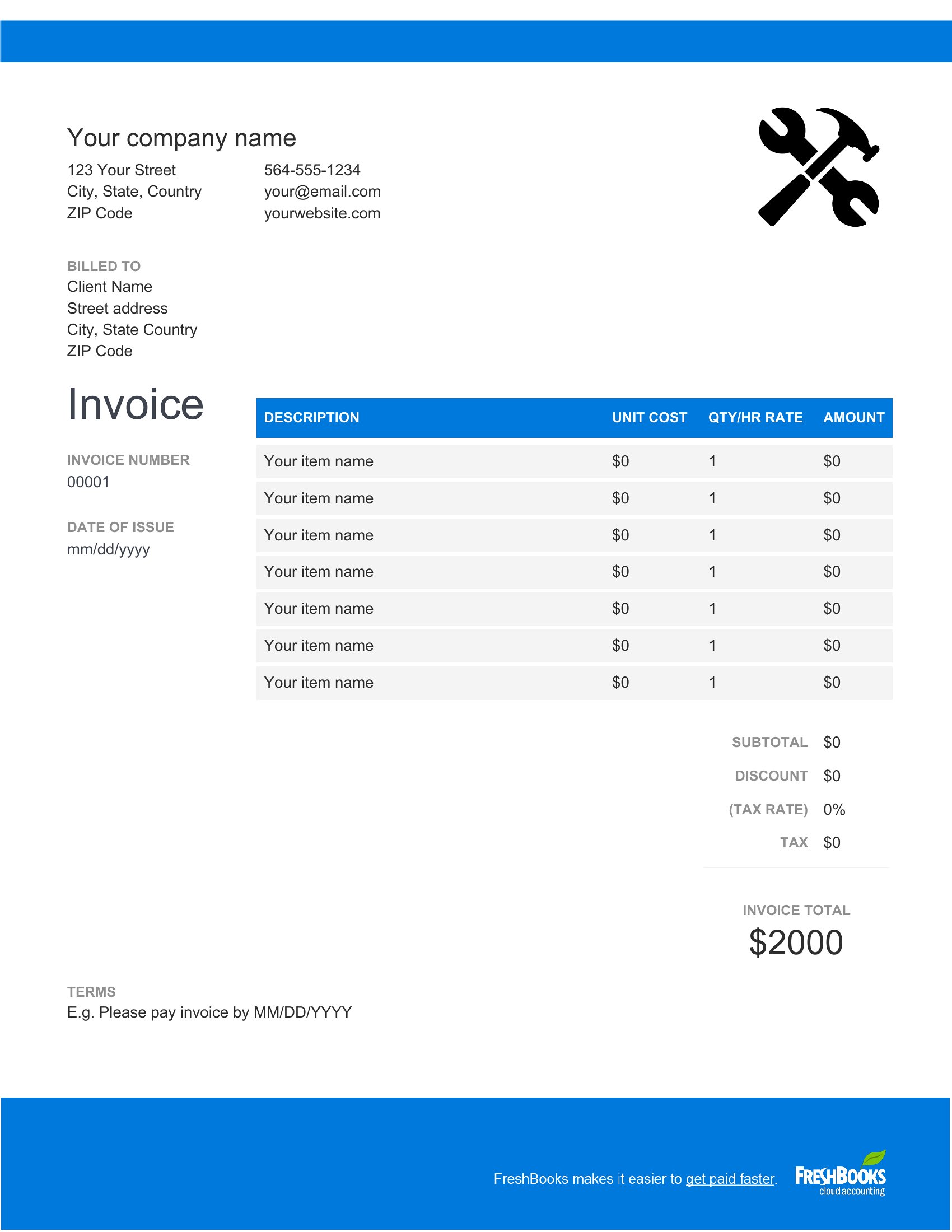
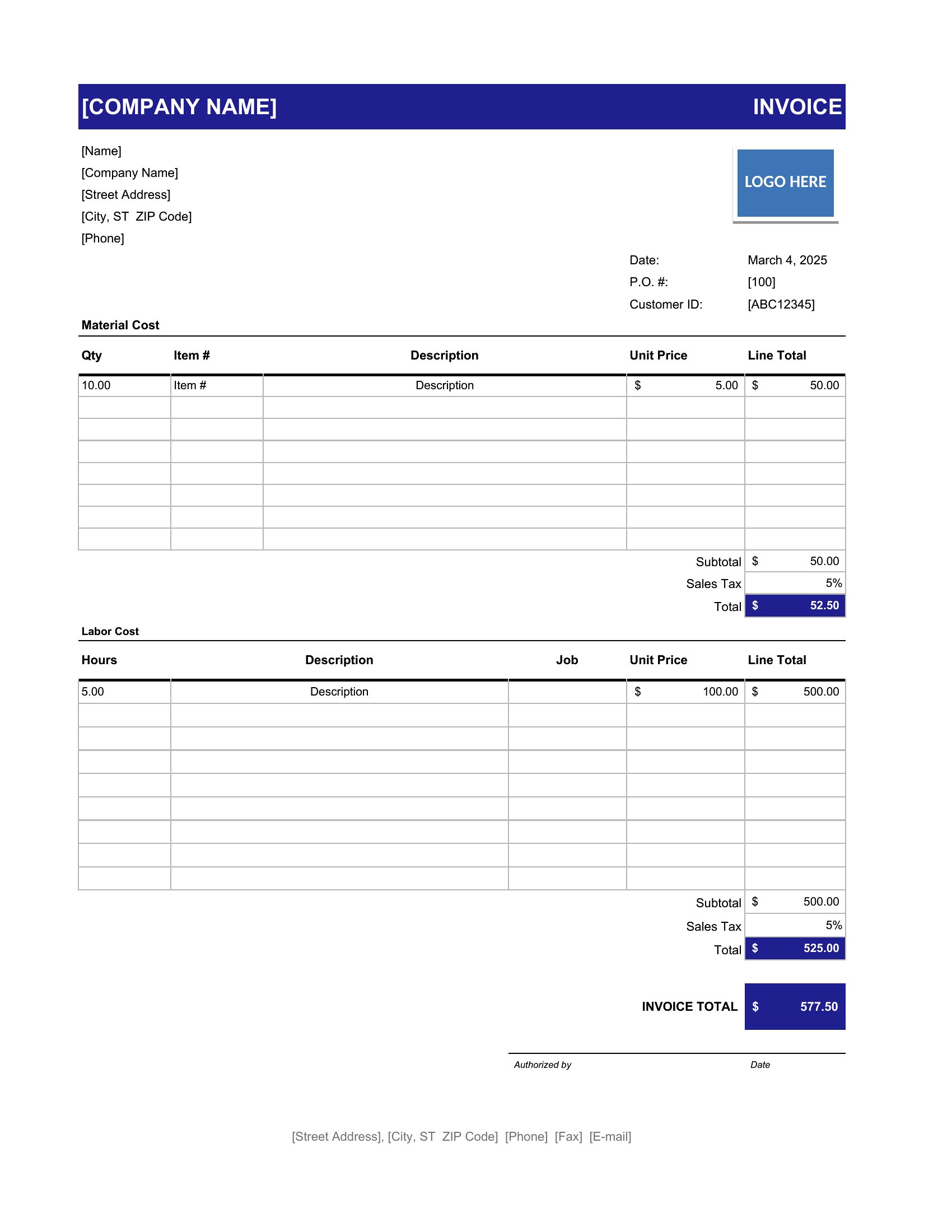
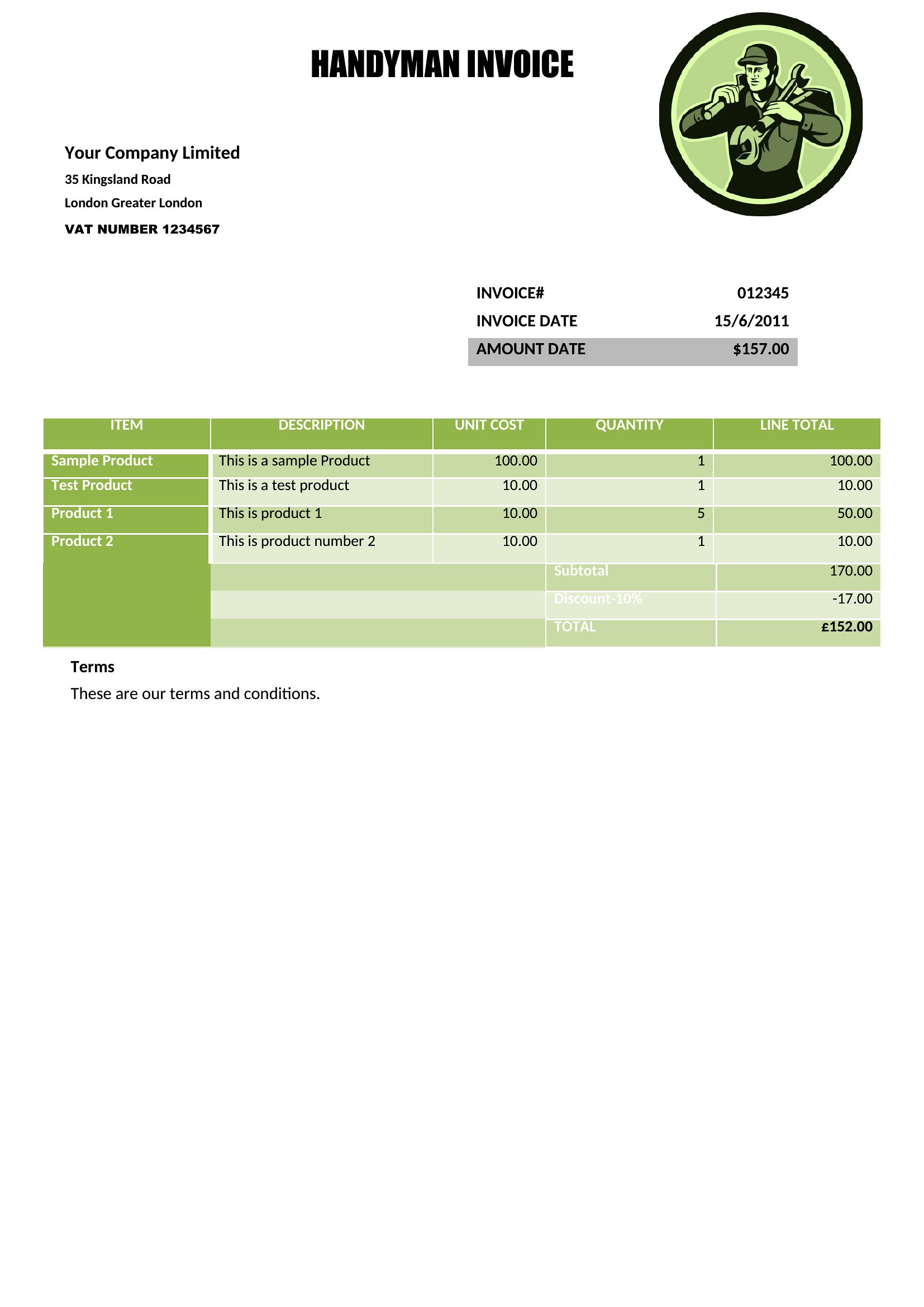
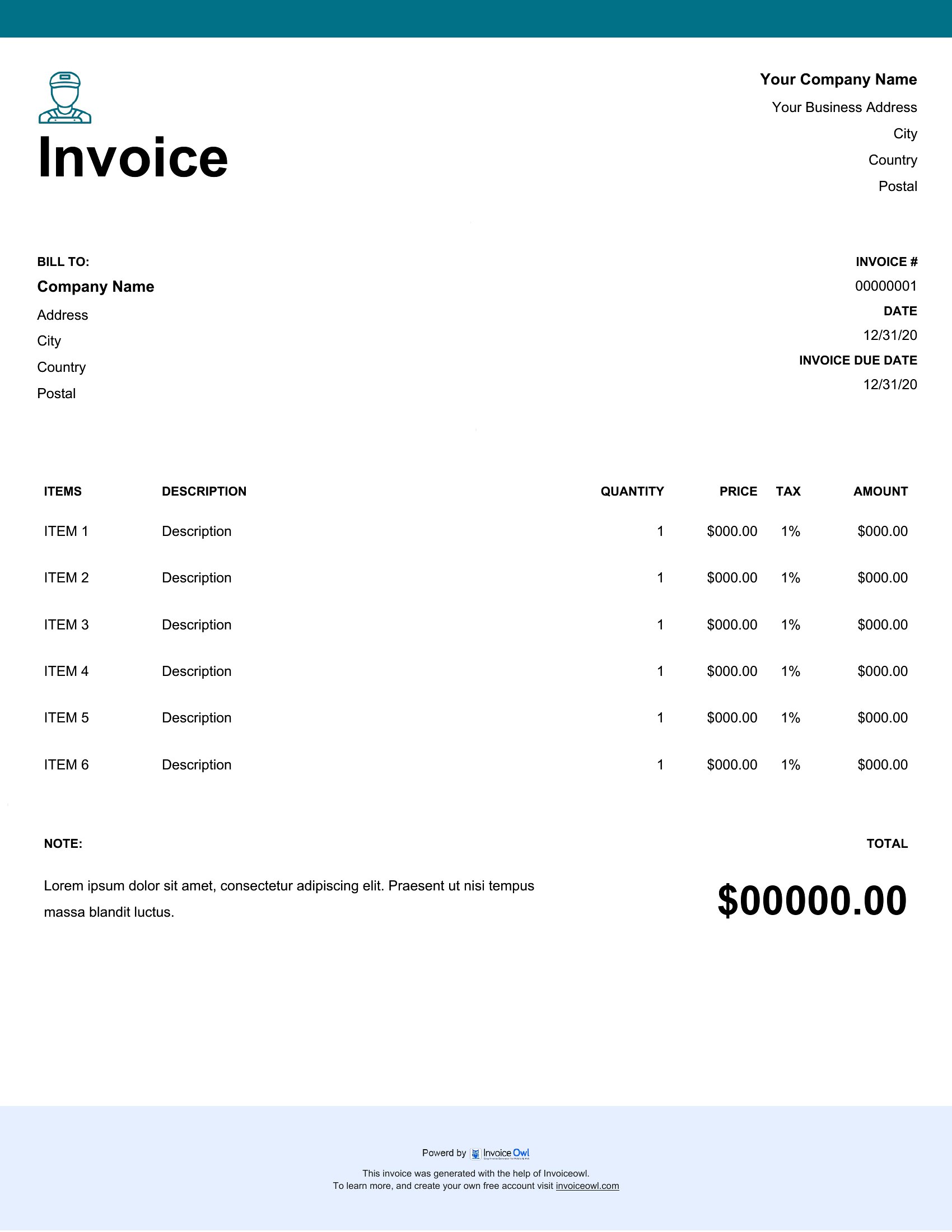
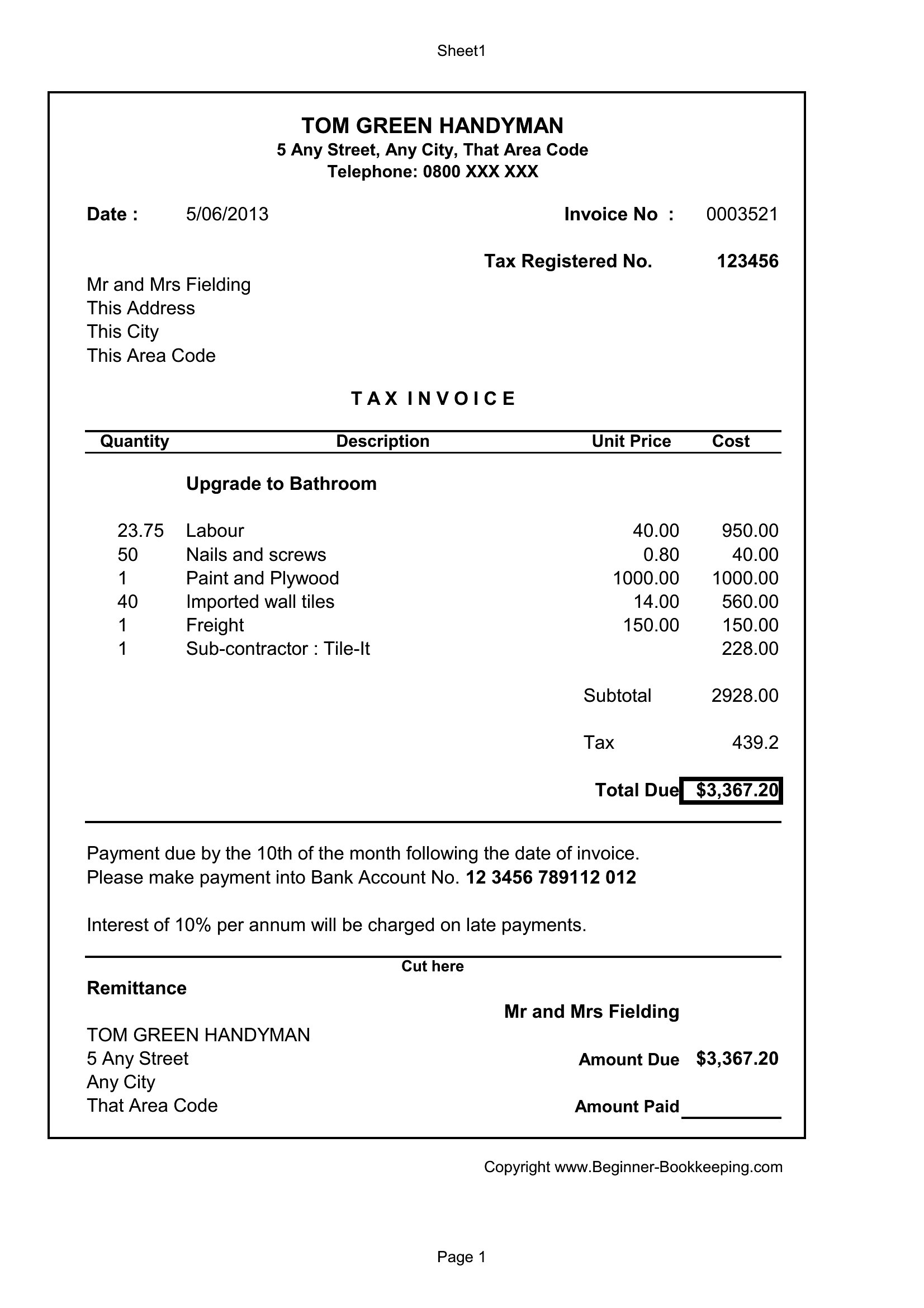
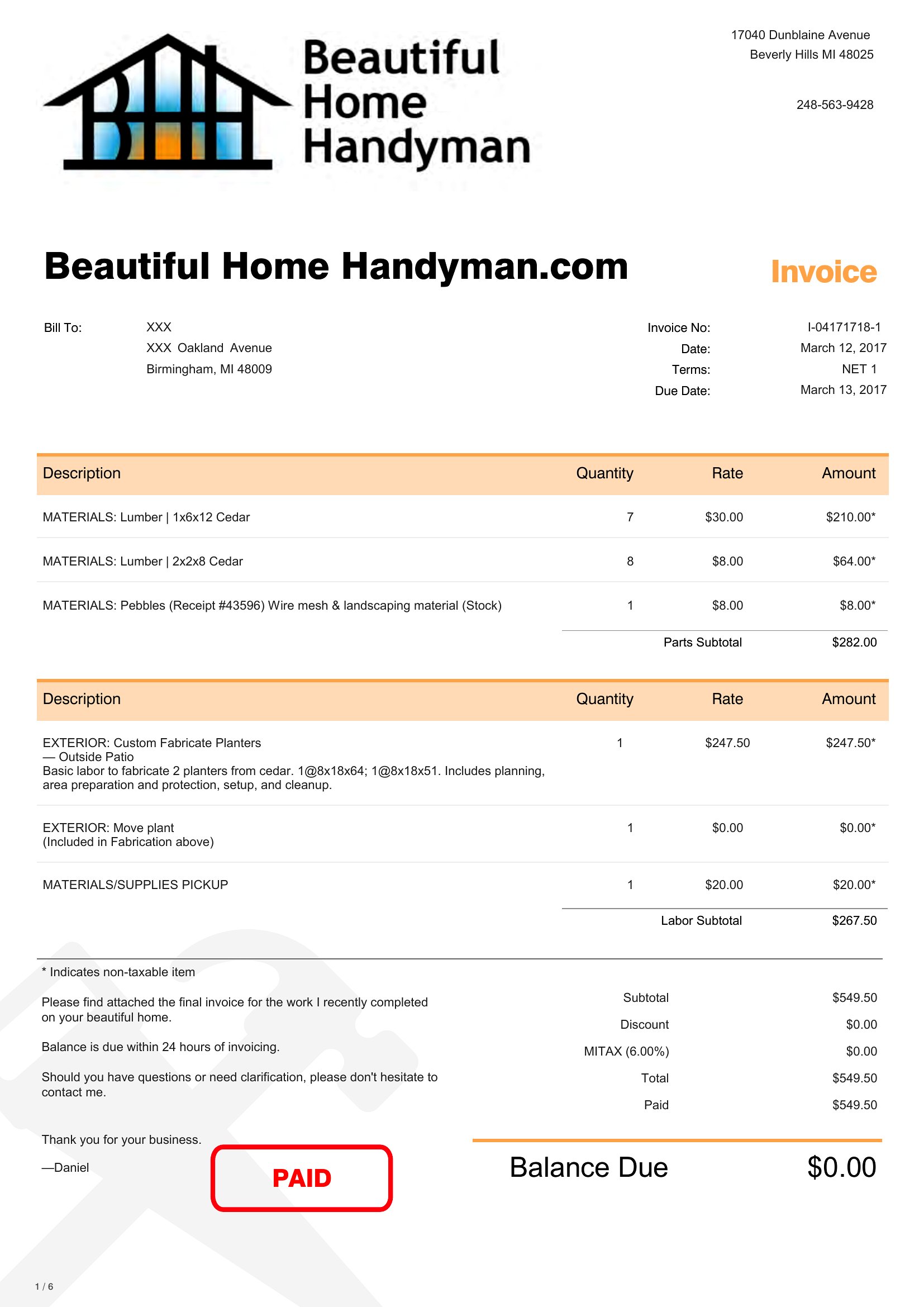
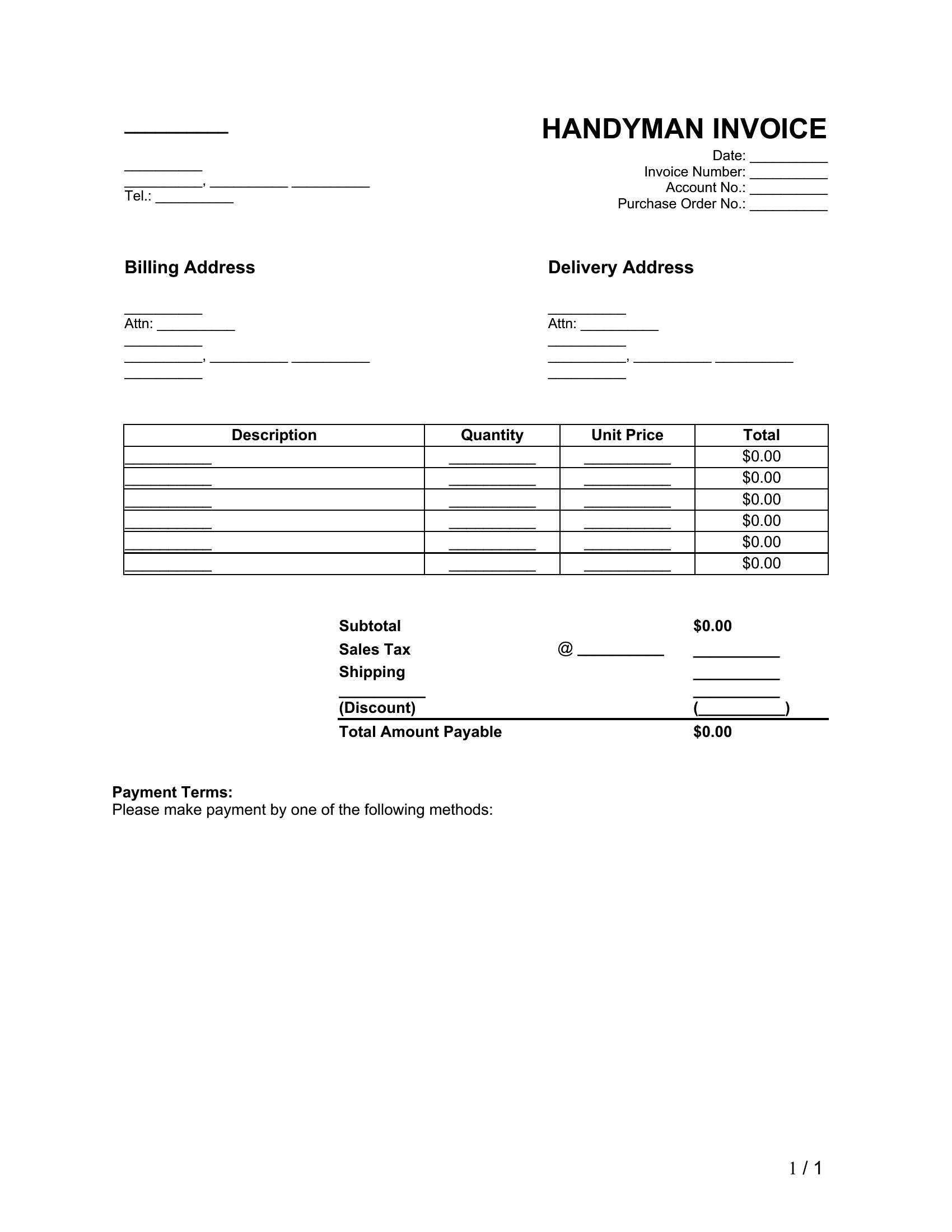
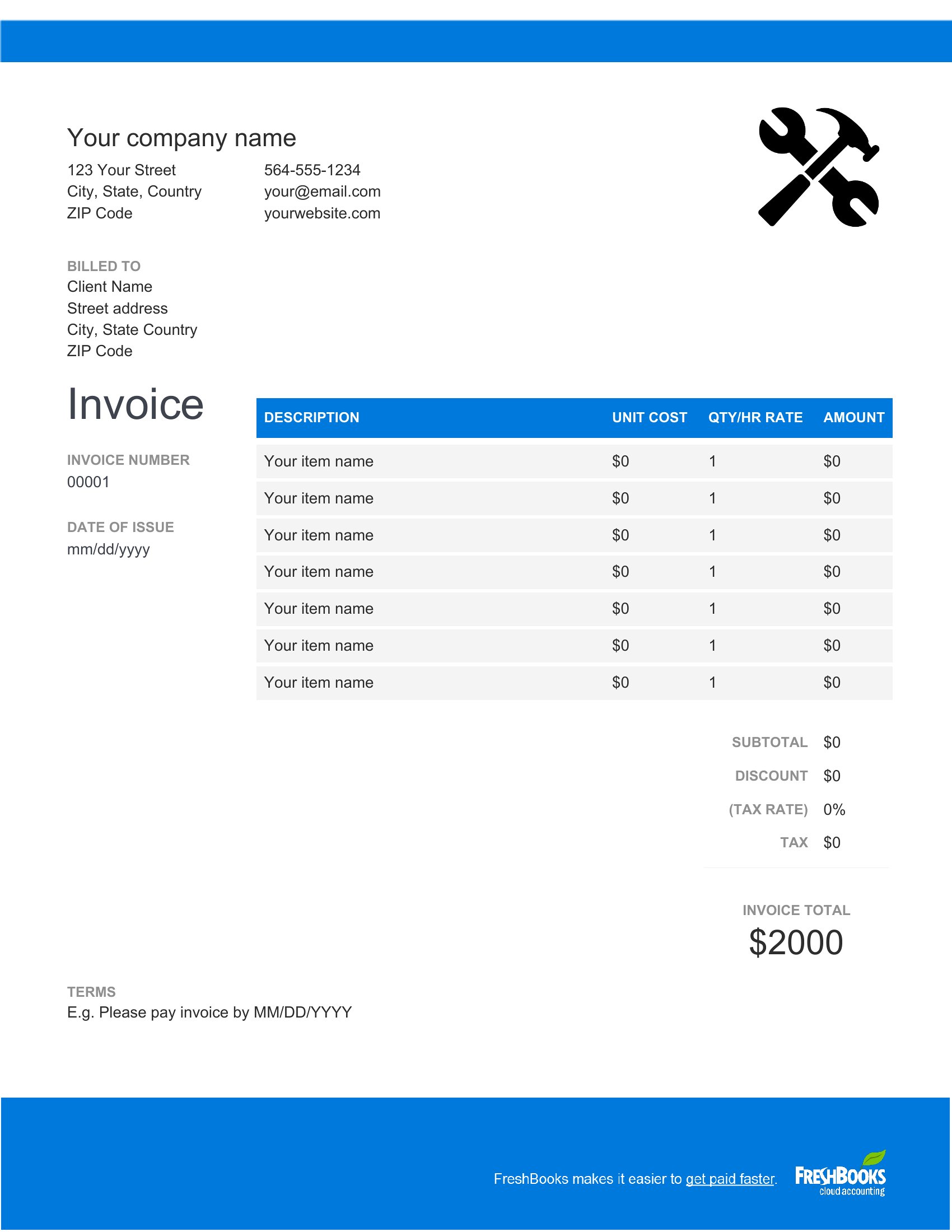
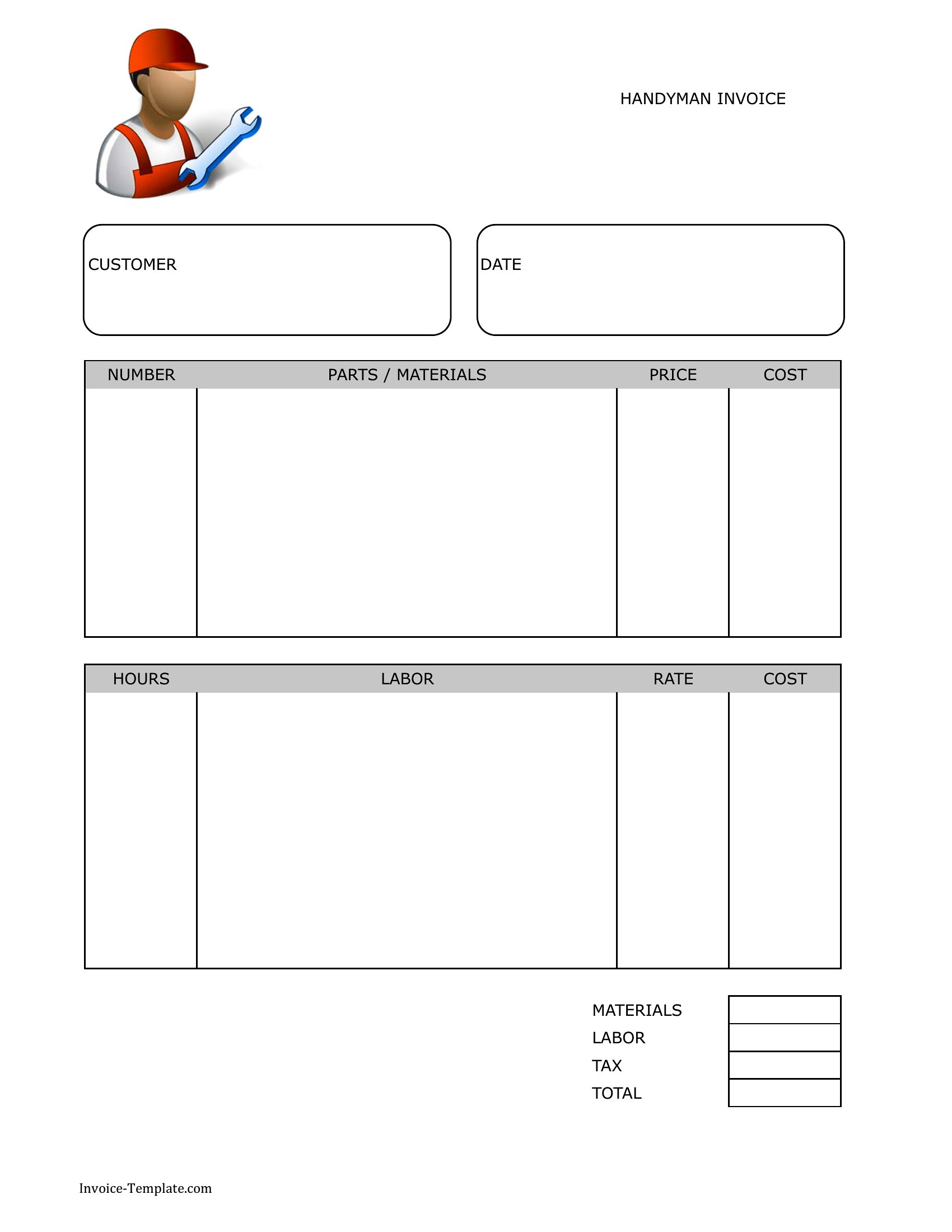
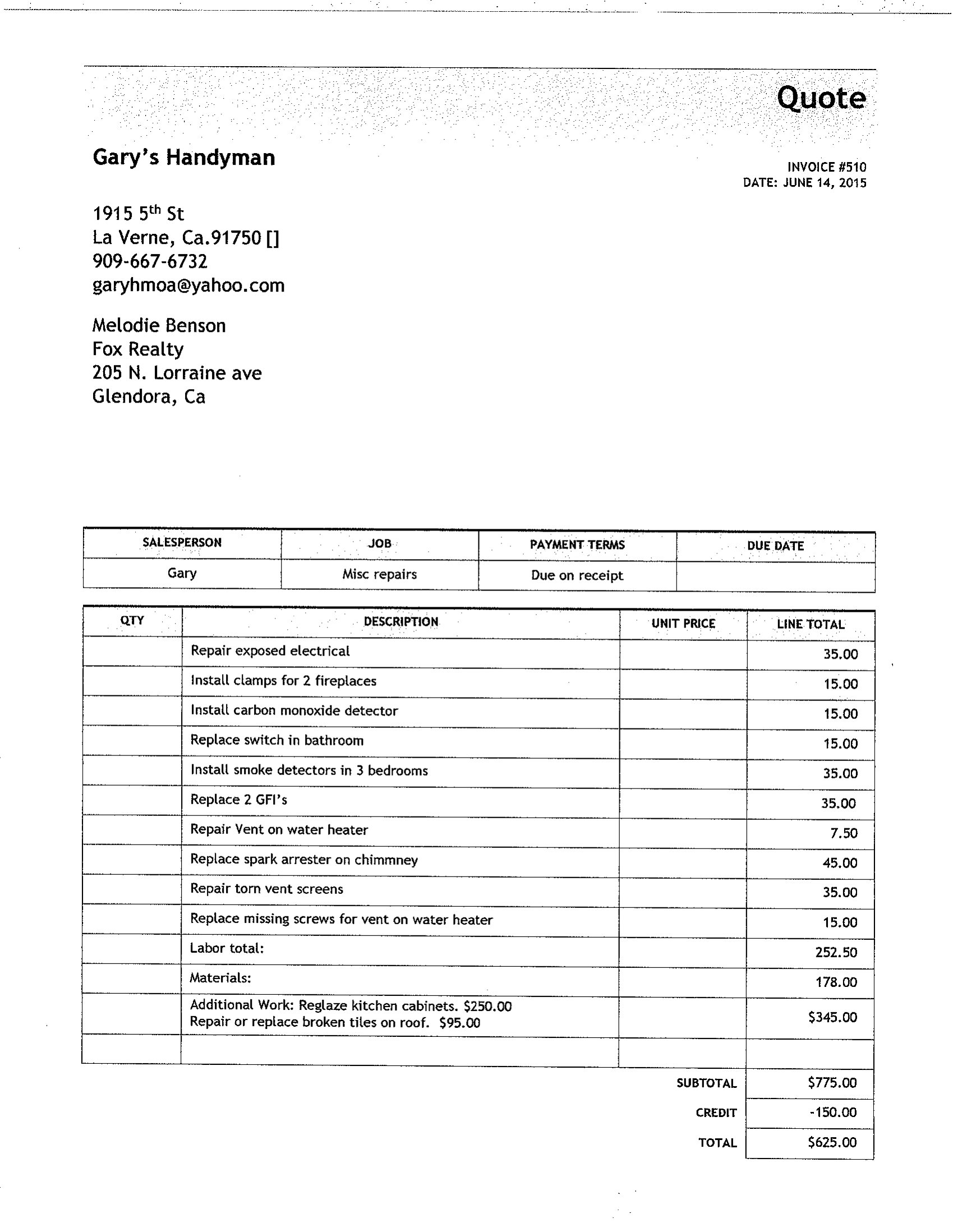
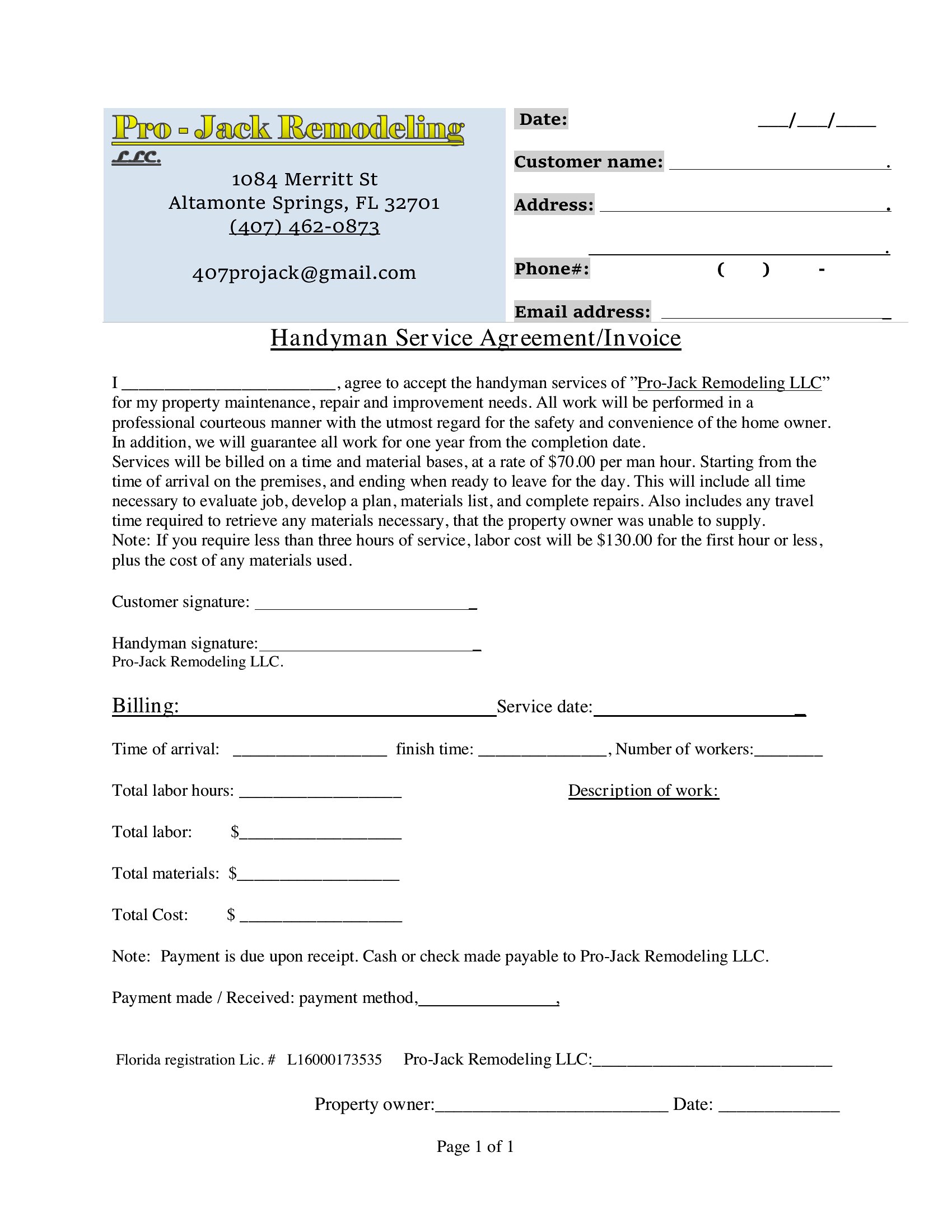
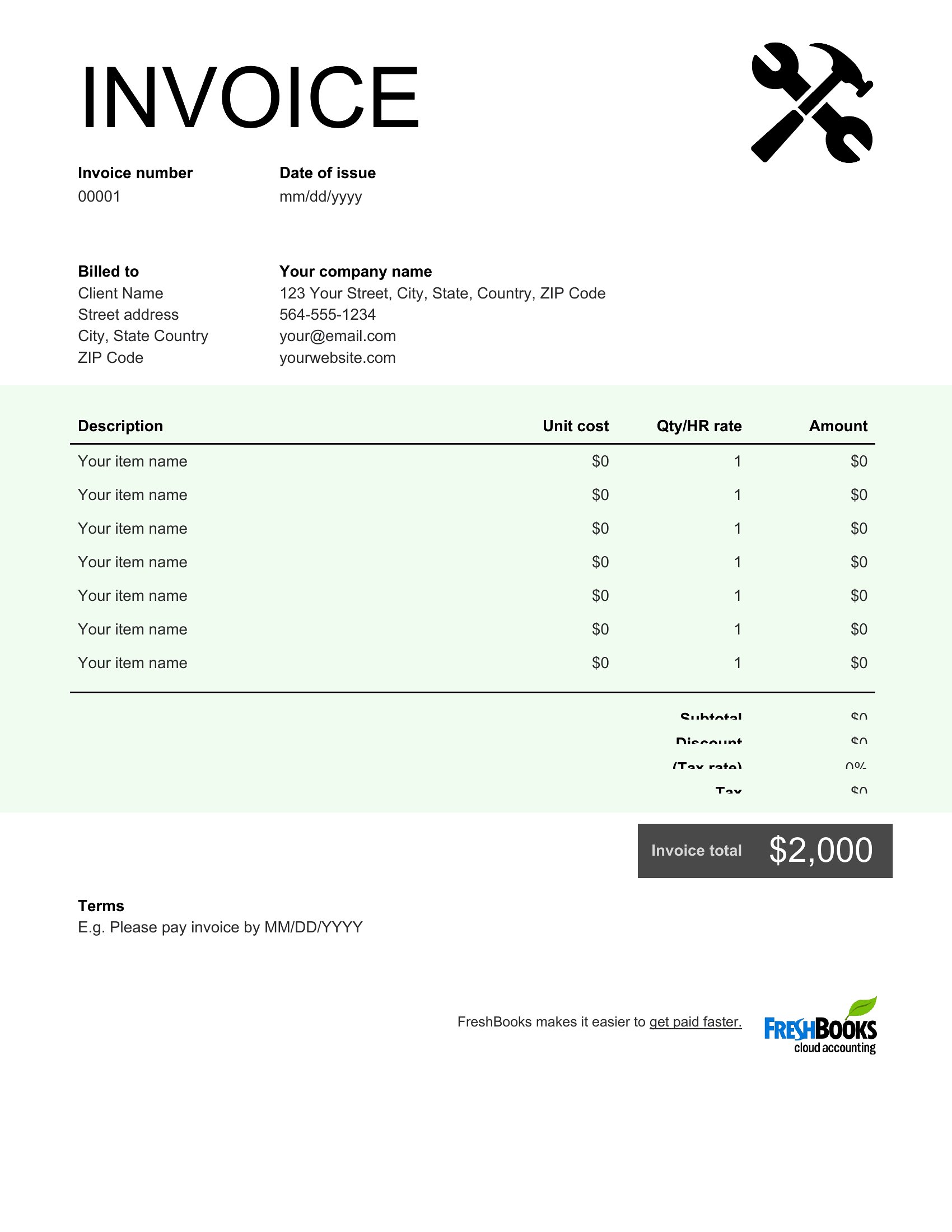
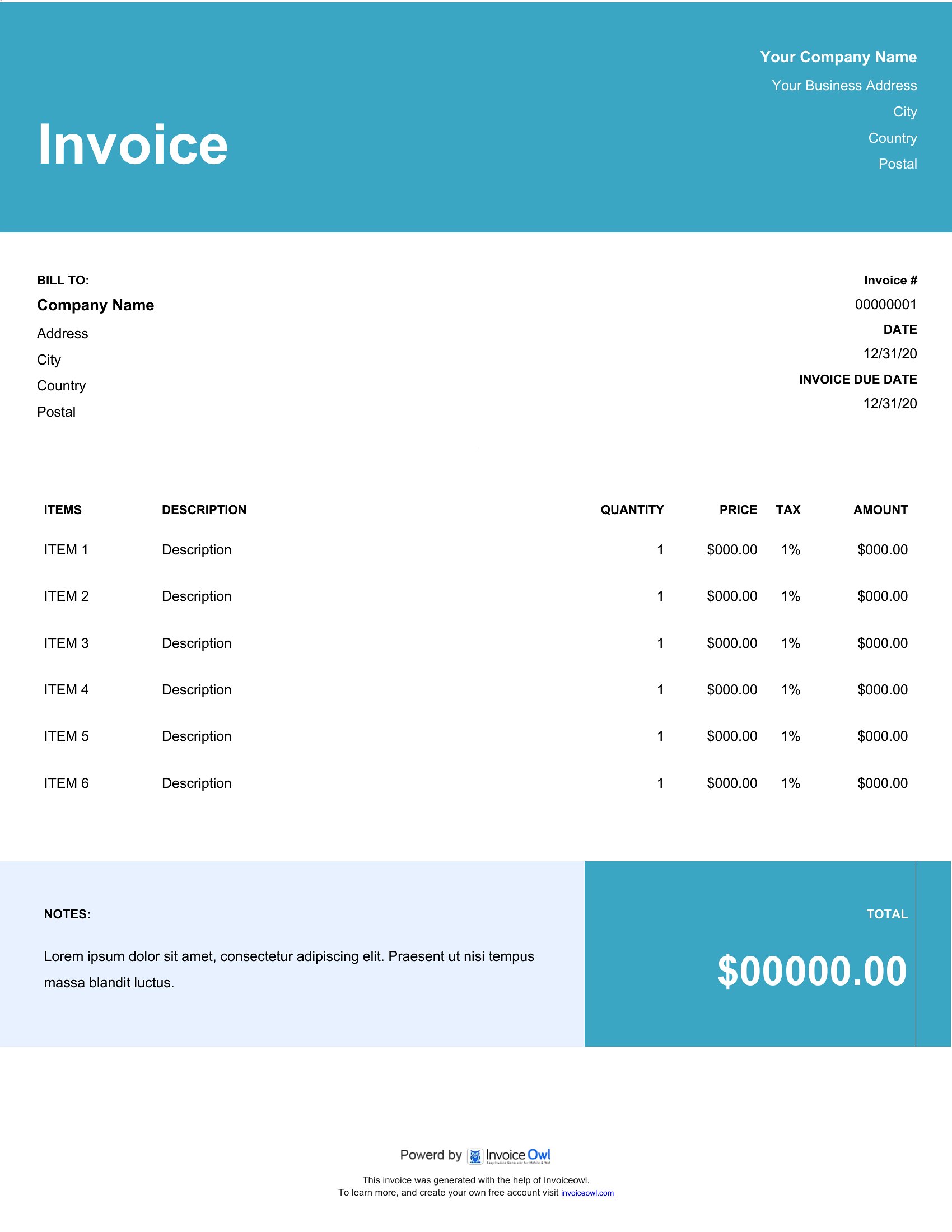
Handyman Invoice
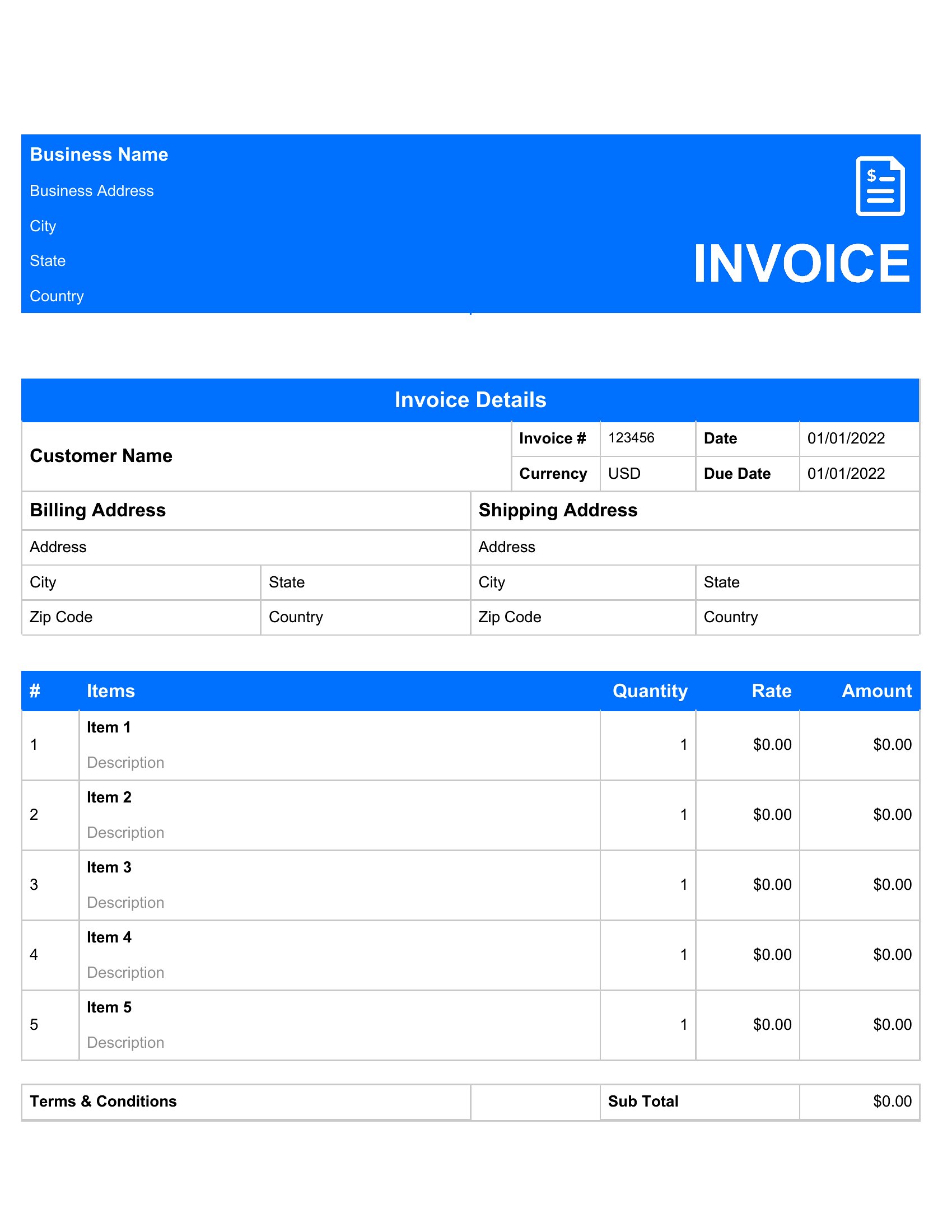
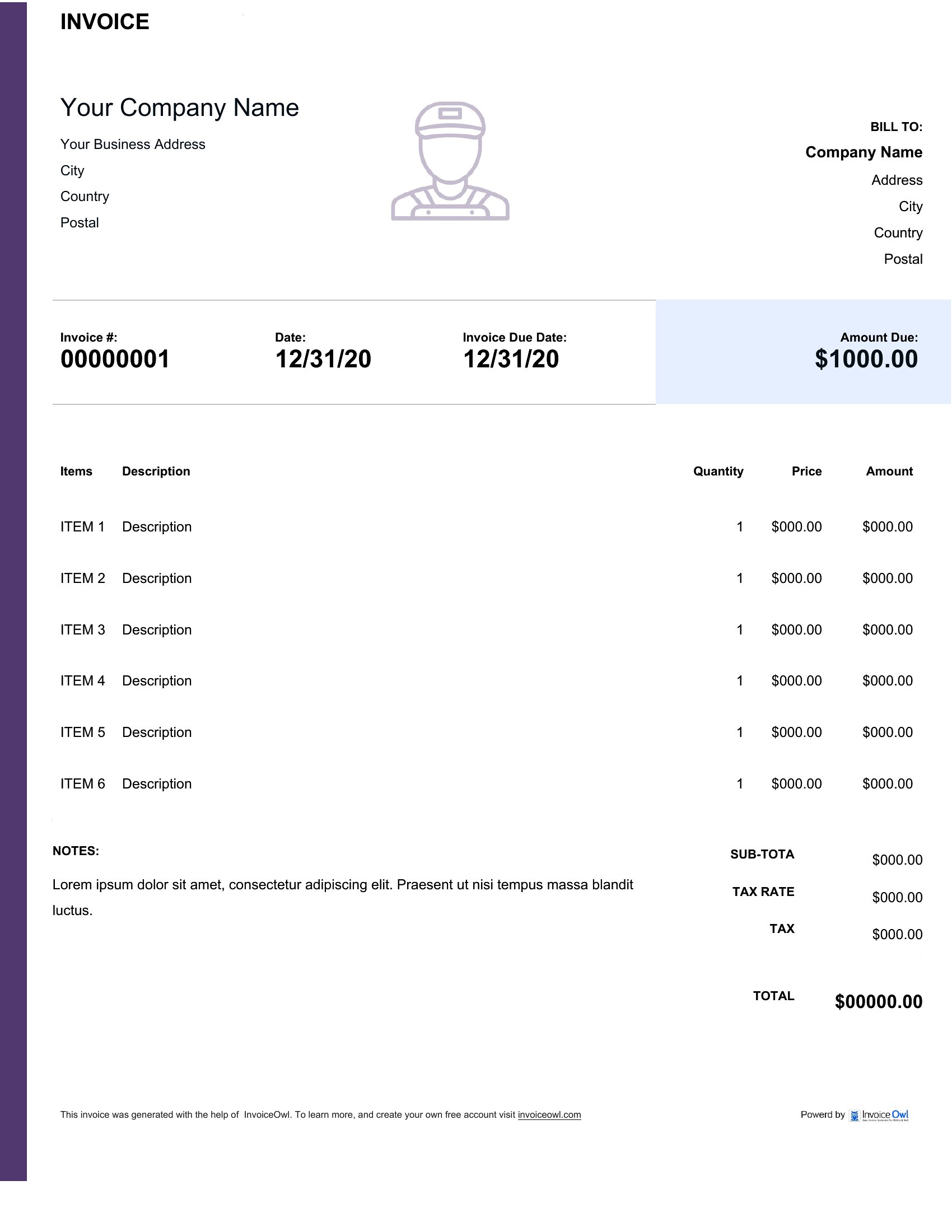
Pdf Handyman Invoice
How to use this Handyman Invoice template
How do I handle non-standard payment terms, like a 50% deposit upfront for custom woodwork?
Add a ‘Payment Terms’ section to your invoice template under the client details. Specify the deposit percentage, due date, and remaining balance terms clearly. For Word or Excel, create a dropdown menu with common options (e.g., ‘50% deposit due at signing’) to save time. PDFs can include this as static text if your terms rarely change.
Can I include a breakdown of material costs if I source parts from multiple suppliers?
Yes, dedicate a column in your template for ‘Material Description,’ ‘Supplier Name,’ and ‘Unit Cost.’ Excel makes this easiest with formulas to auto-sum supplier totals. For PDFs, use tables to align costs neatly. Label subtotals (e.g., ‘Hardware: $45.75,’ ‘Plumbing: $120.50’) to justify your pricing transparently. Avoid combining unlike items under vague labels like ‘Parts.’
What’s the best way to note partial completion or progress payments for ongoing jobs?
Add a ‘Job Status’ field at the top of your invoice (e.g., ‘Phase 1 of 3 Completed’) and a ‘Progress Payment’ checkbox for each line item. In Excel, use conditional formatting to highlight unpaid items in red. For PDFs, include a note like ‘This invoice covers [specific task]—remainder due upon [next milestone].’ Always date the invoice to clarify which work period it covers, especially for monthly maintenance contracts.
Comments
Join the conversation
Sign in to share your thoughts and leave a comment on this resource.