
Free Contractor Invoice Templates (Word, Excel, PDF)
Invoices by elizabethchavez
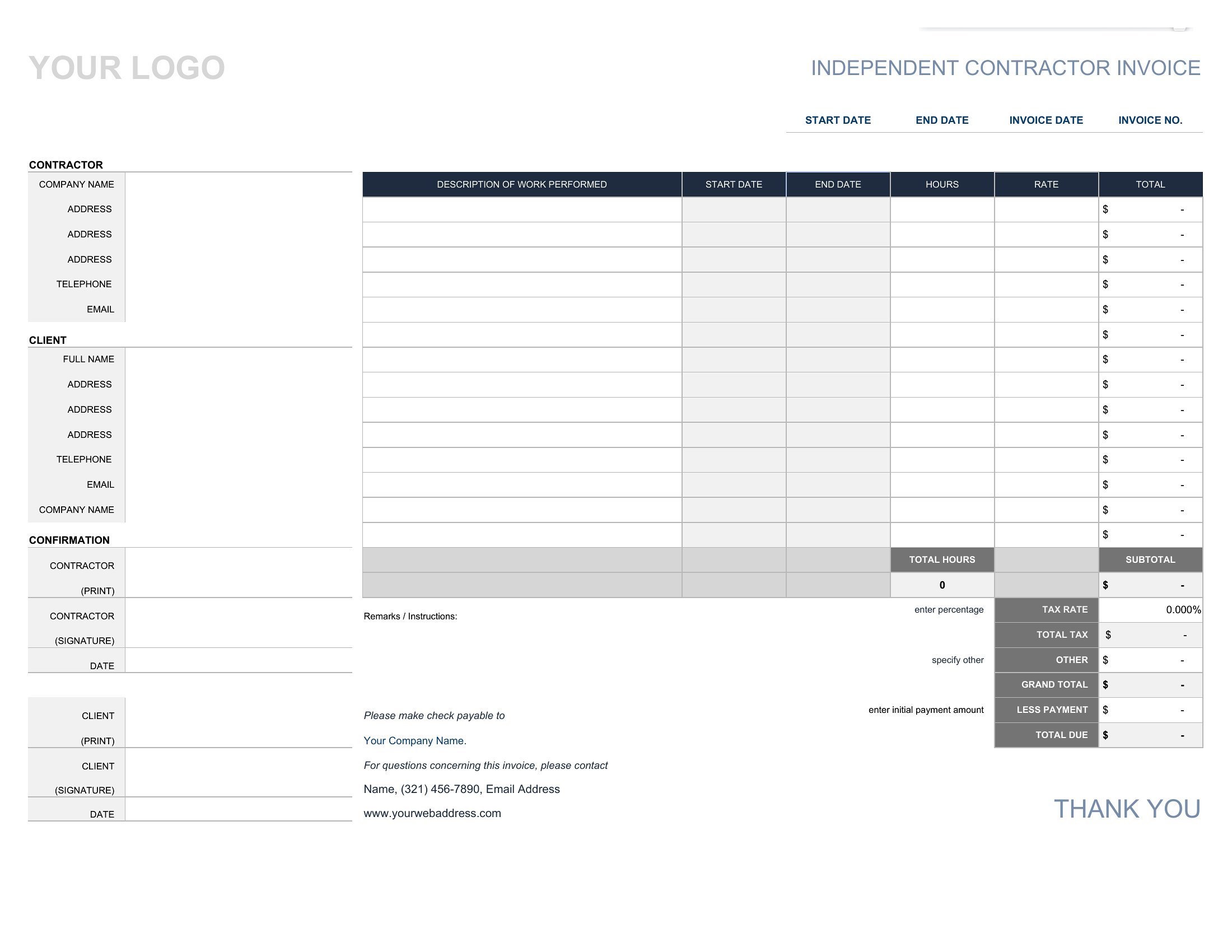
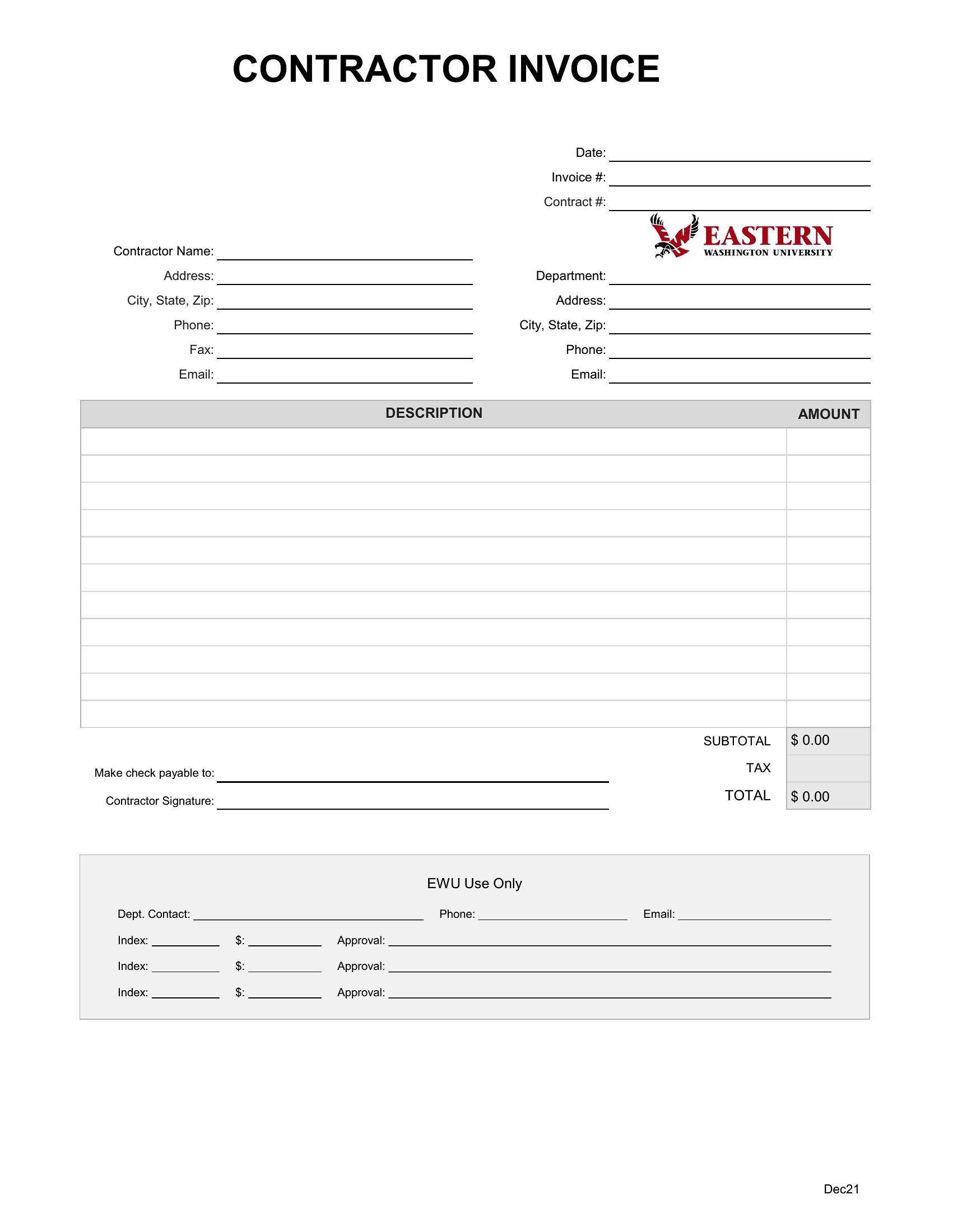
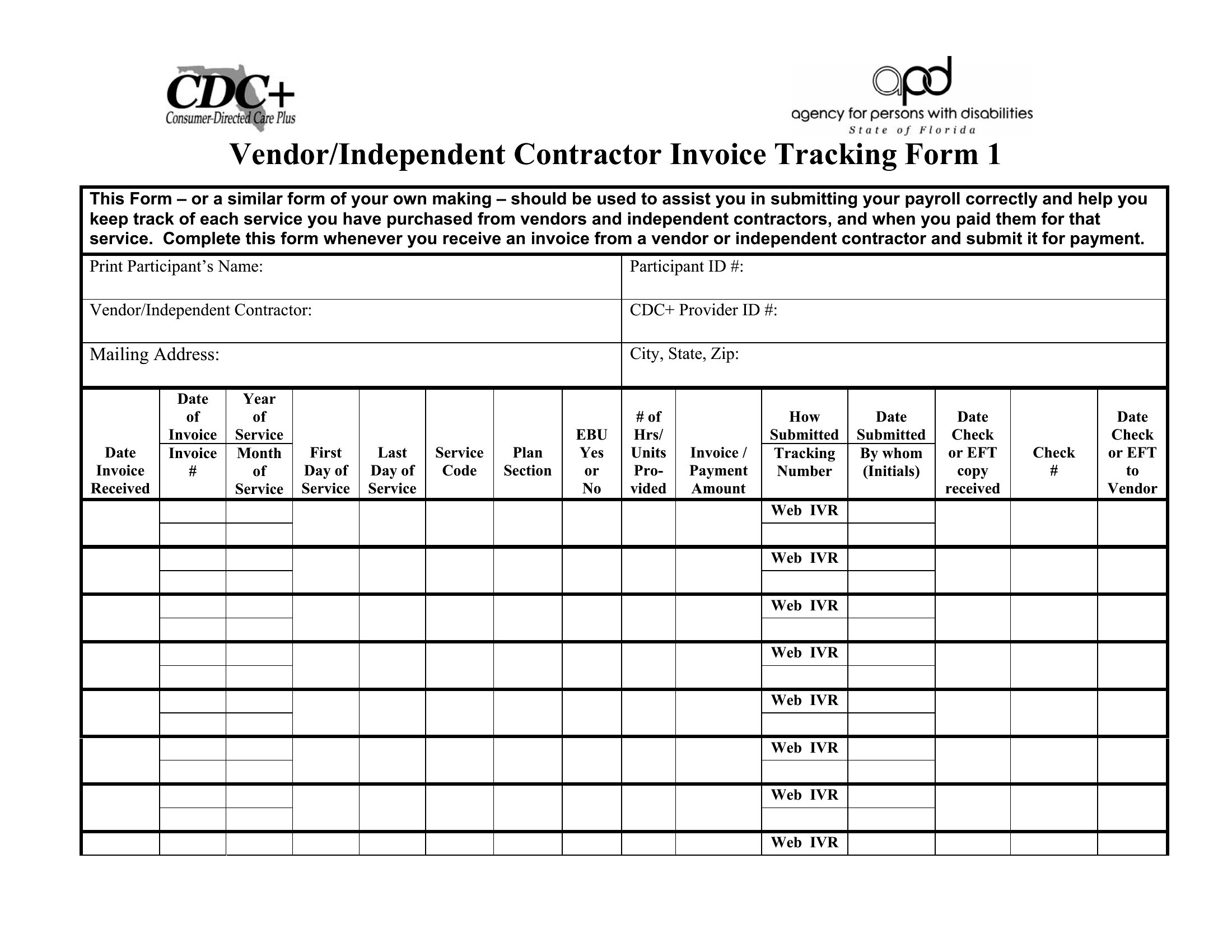
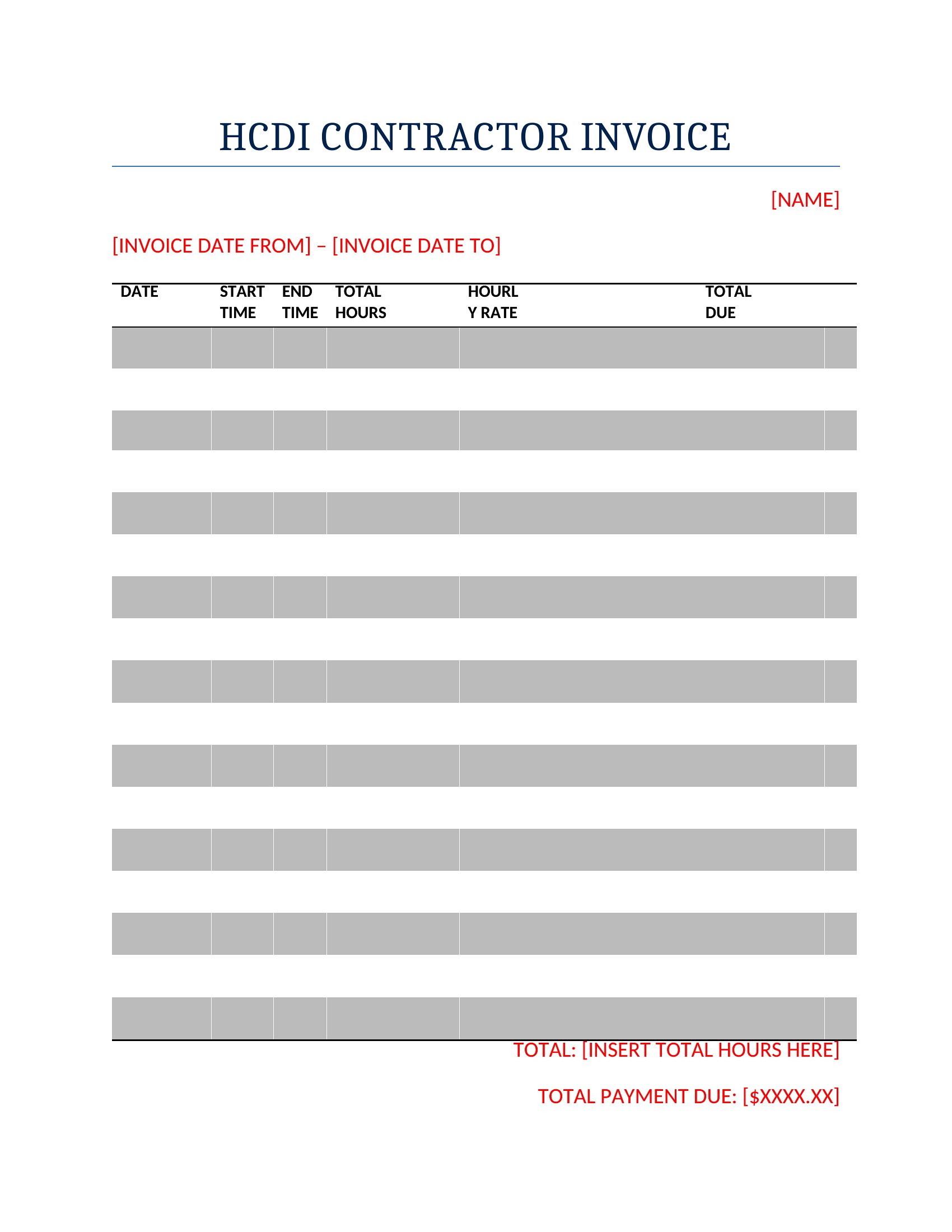
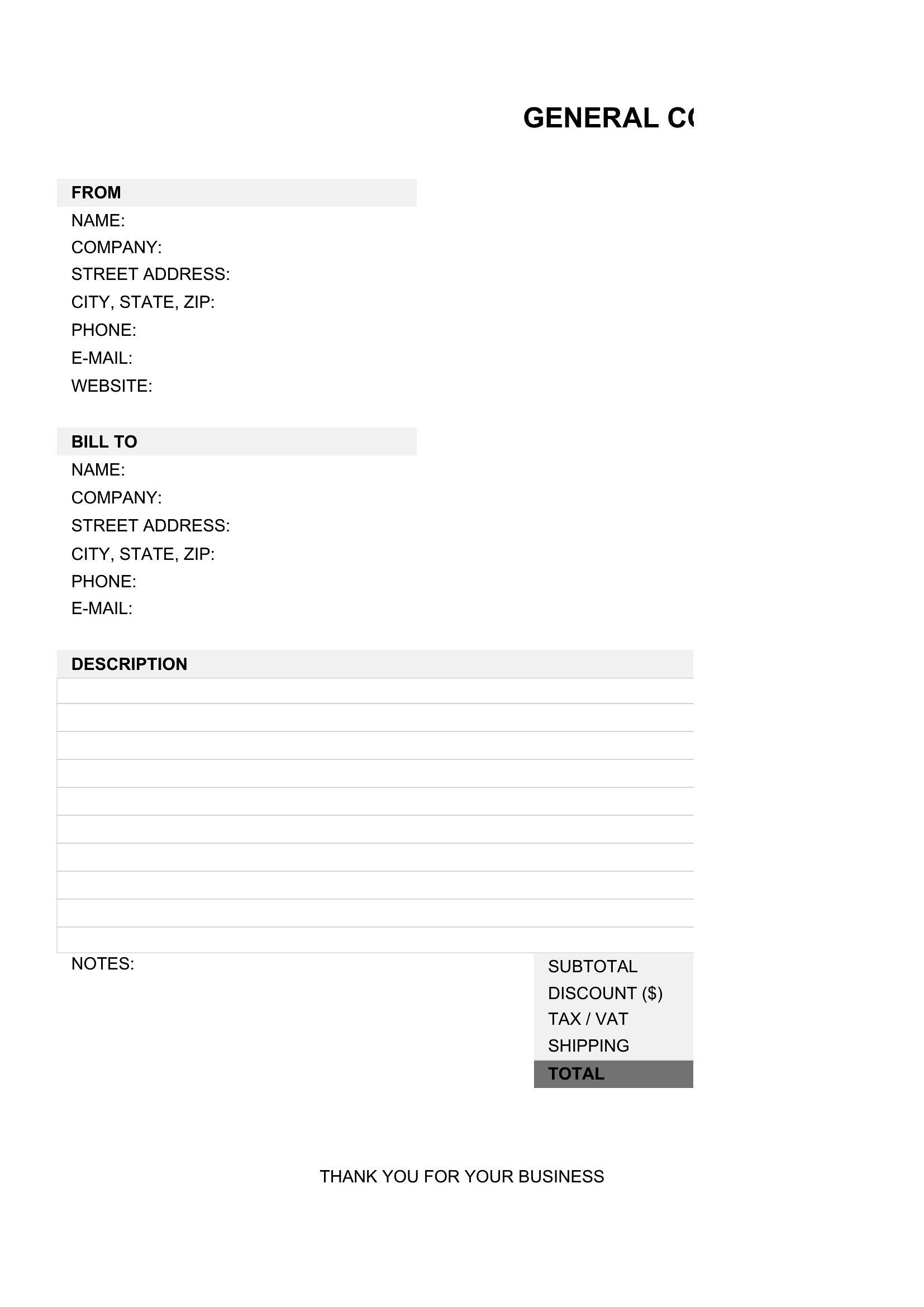
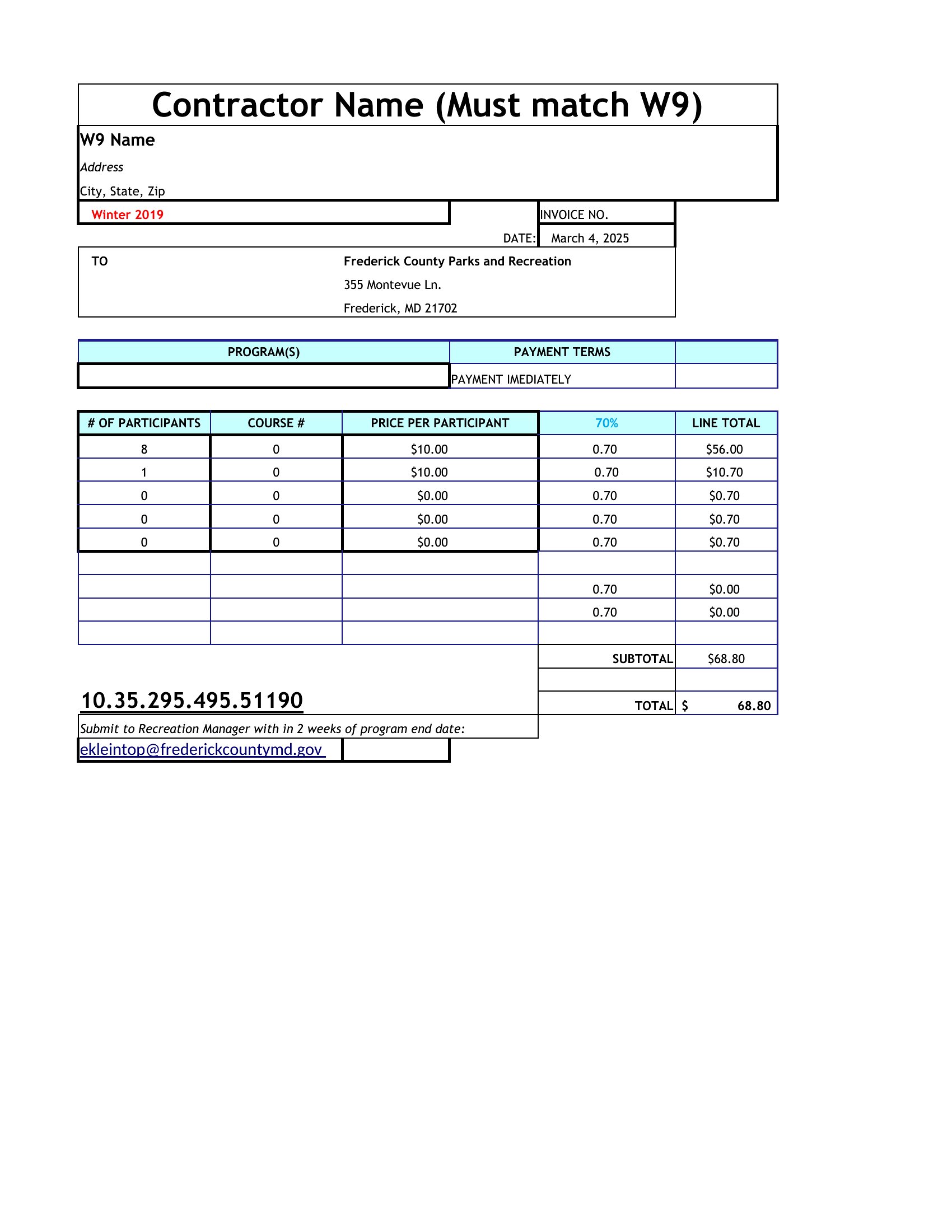
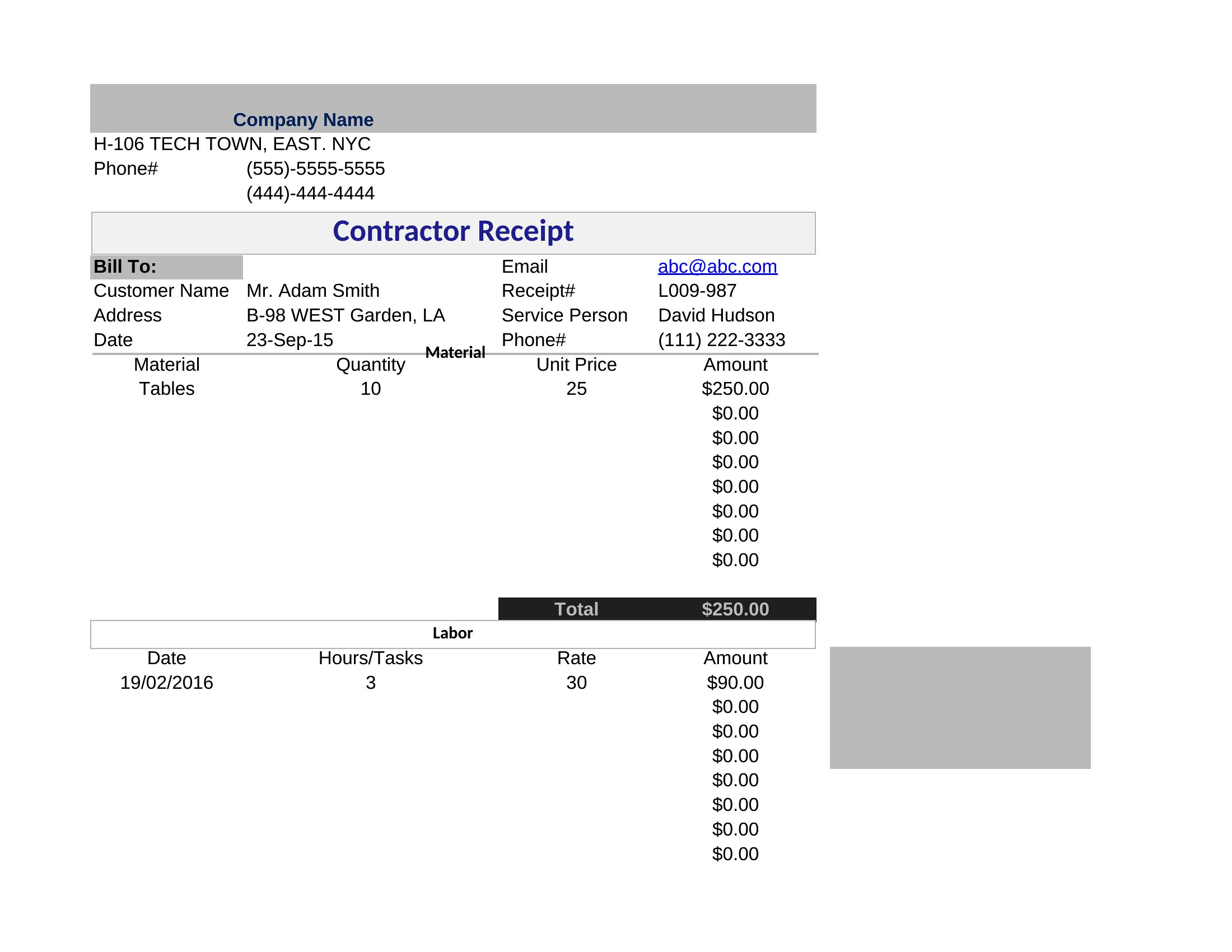
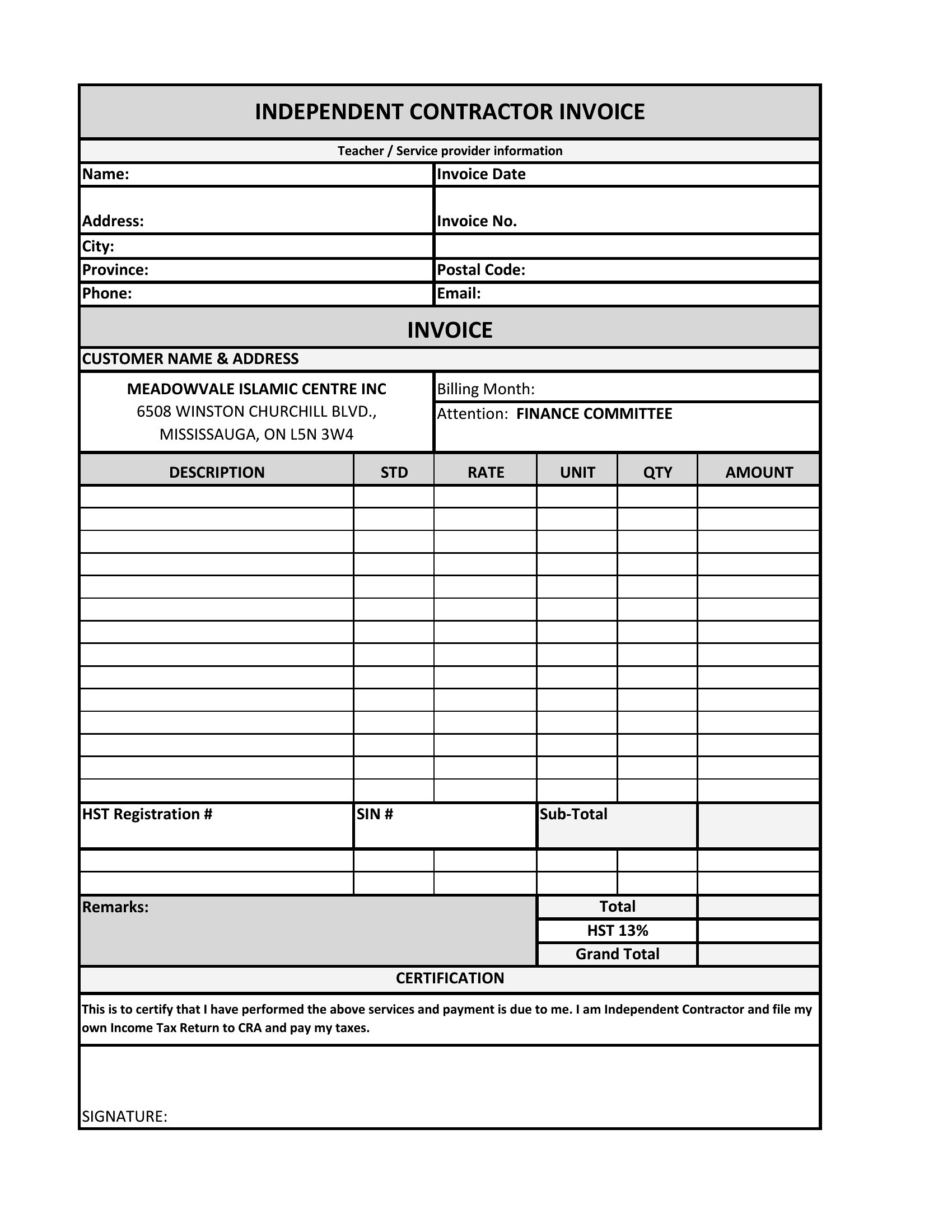
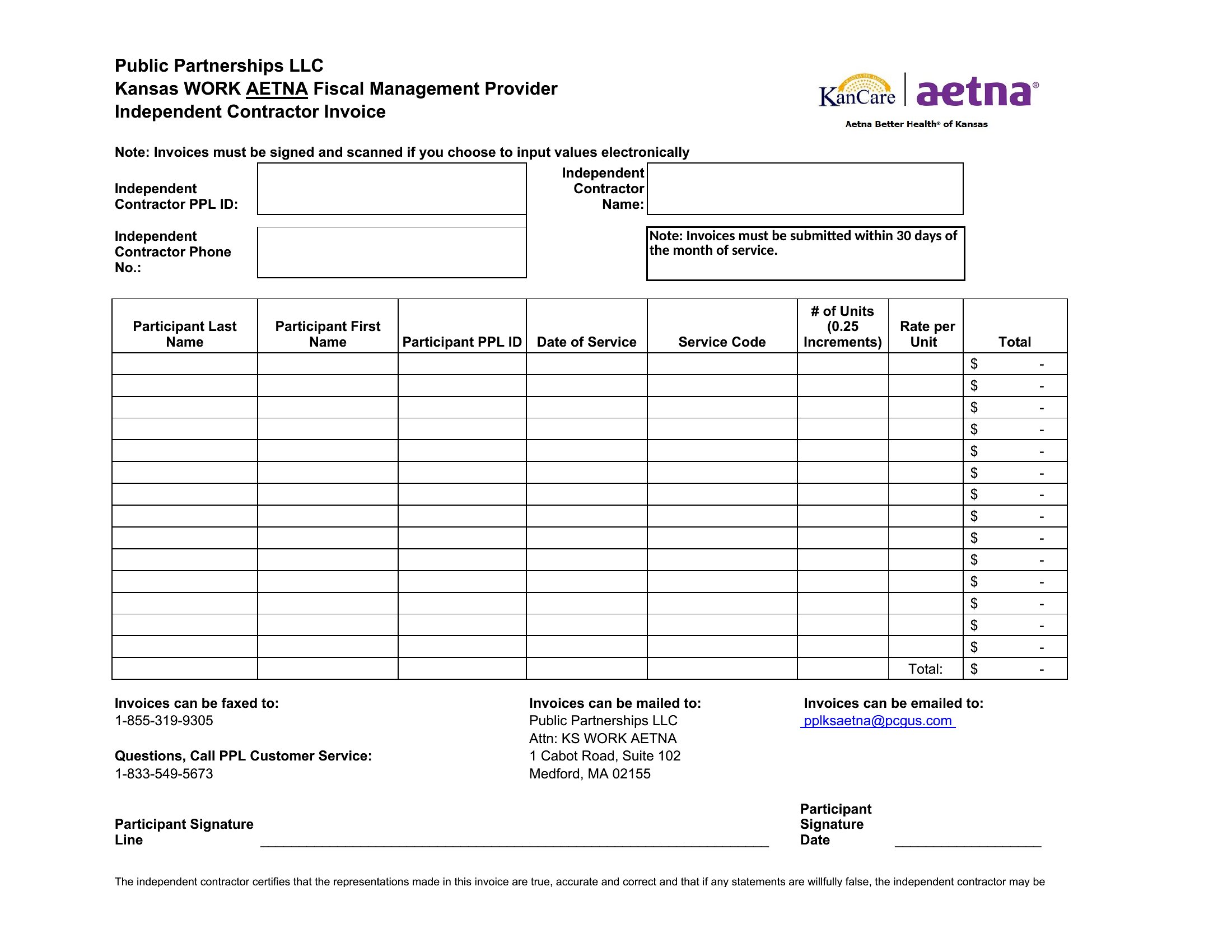
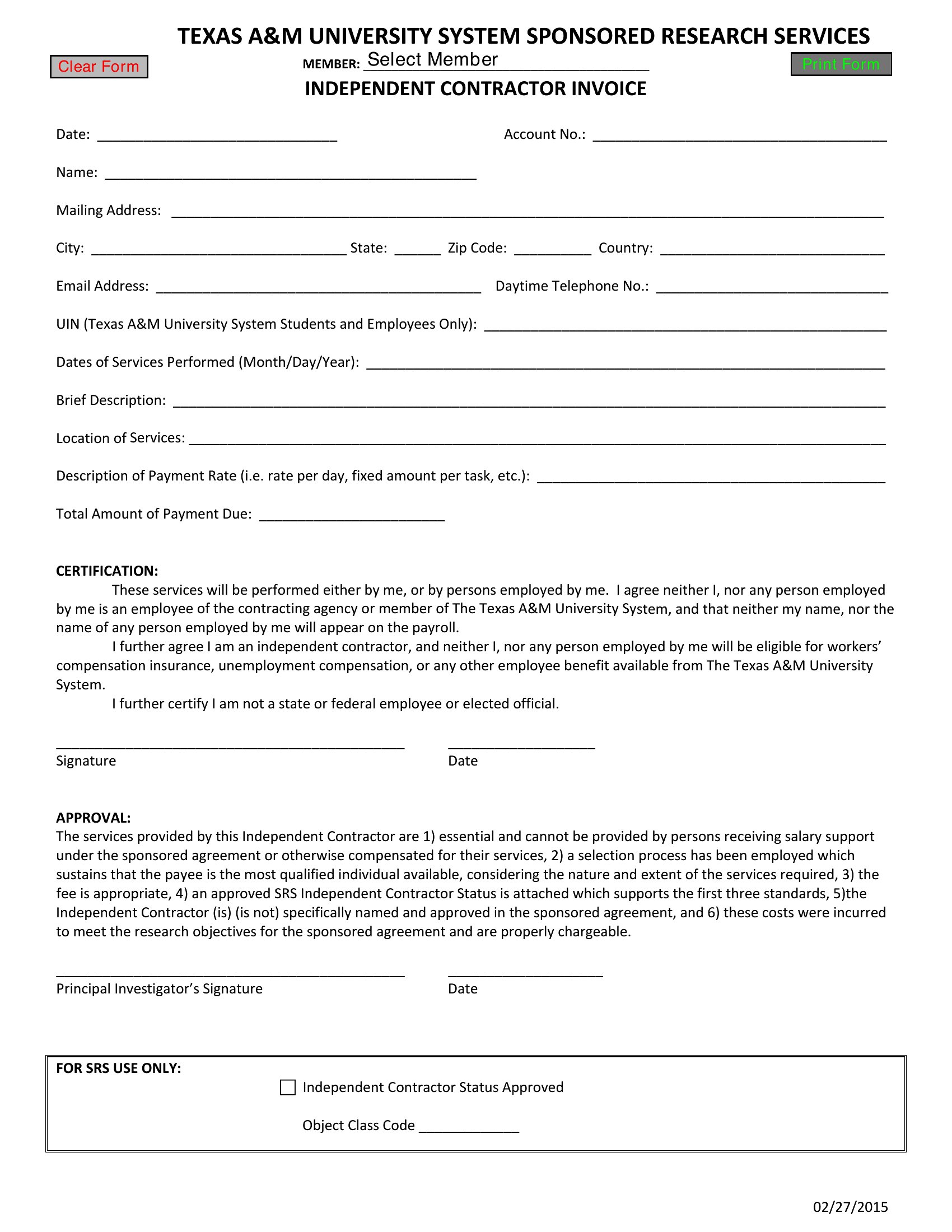
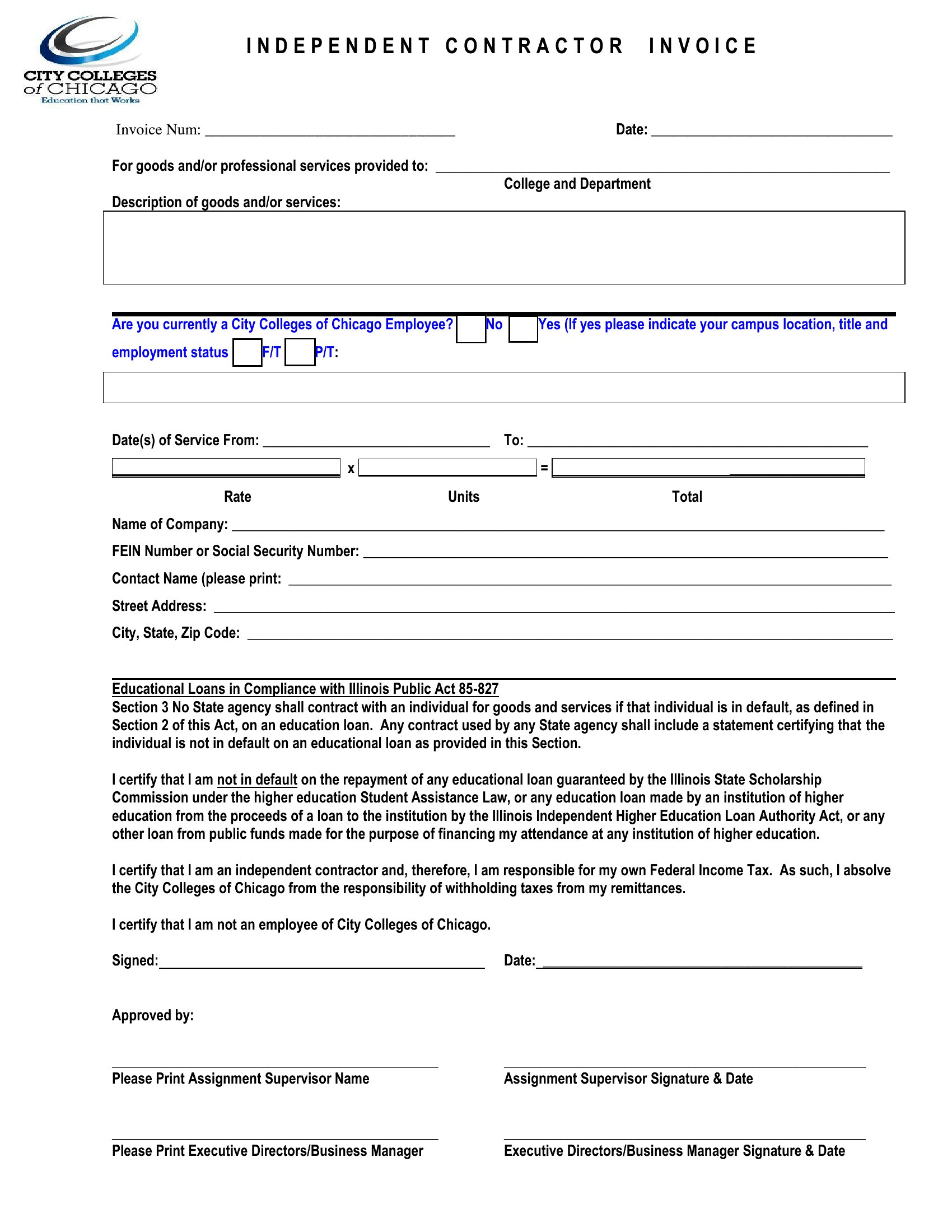
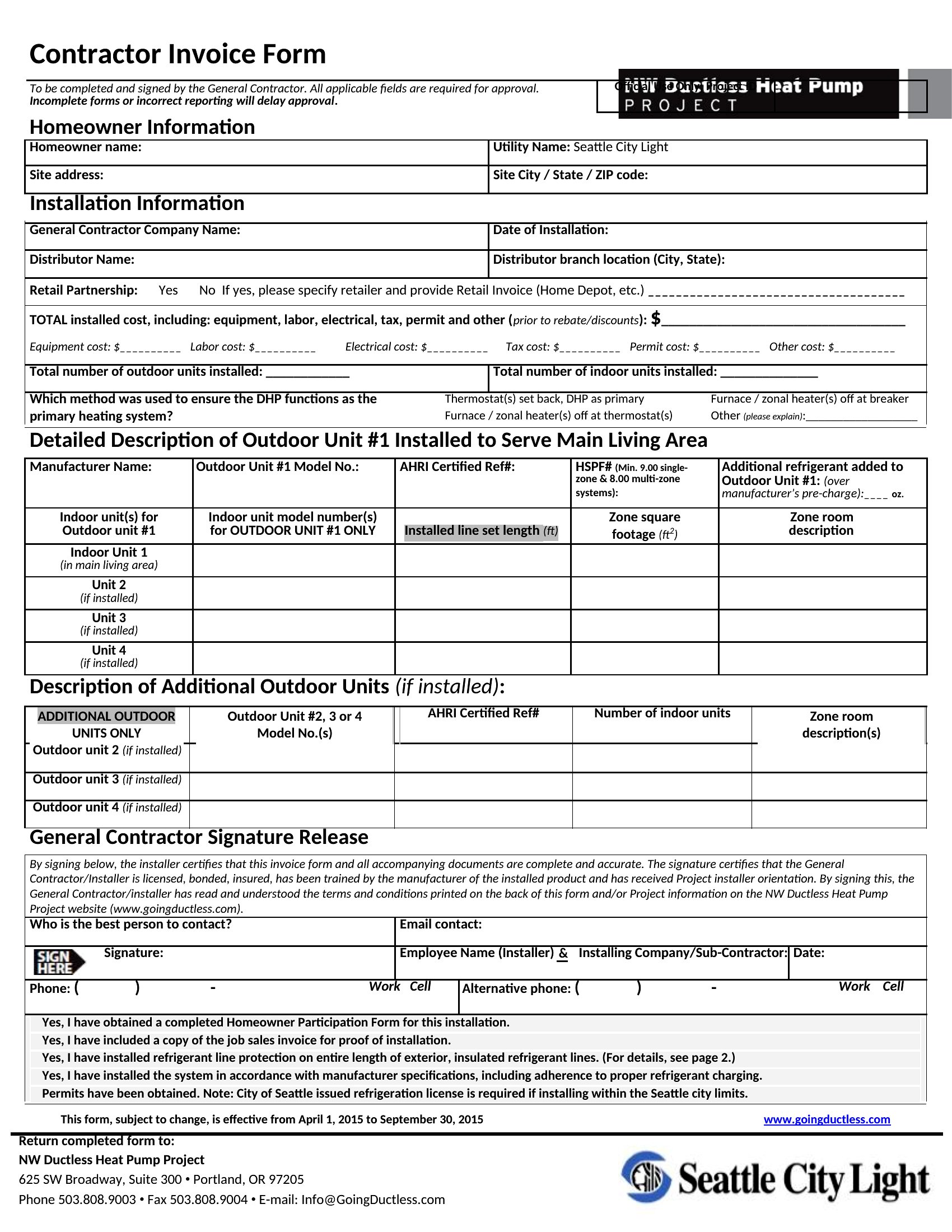
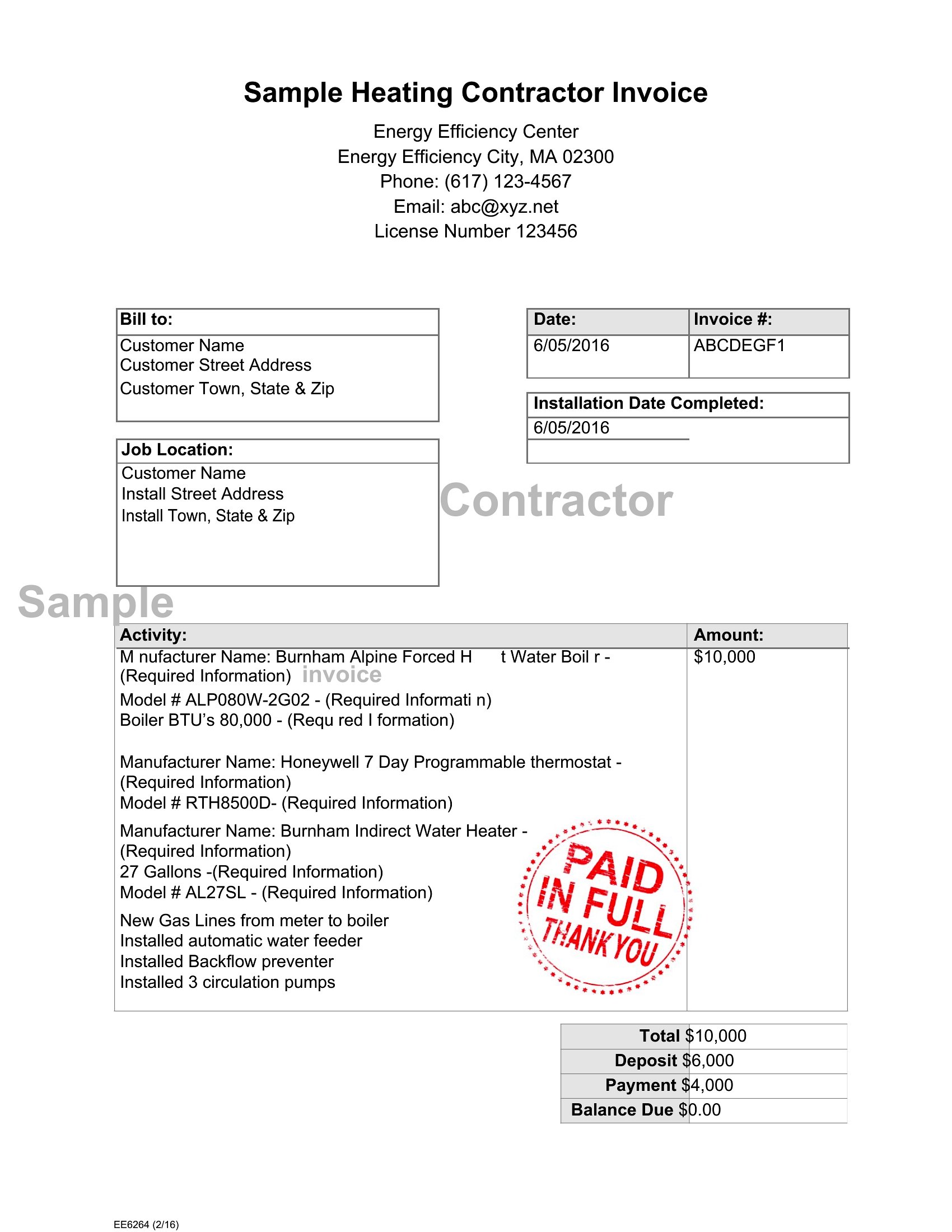
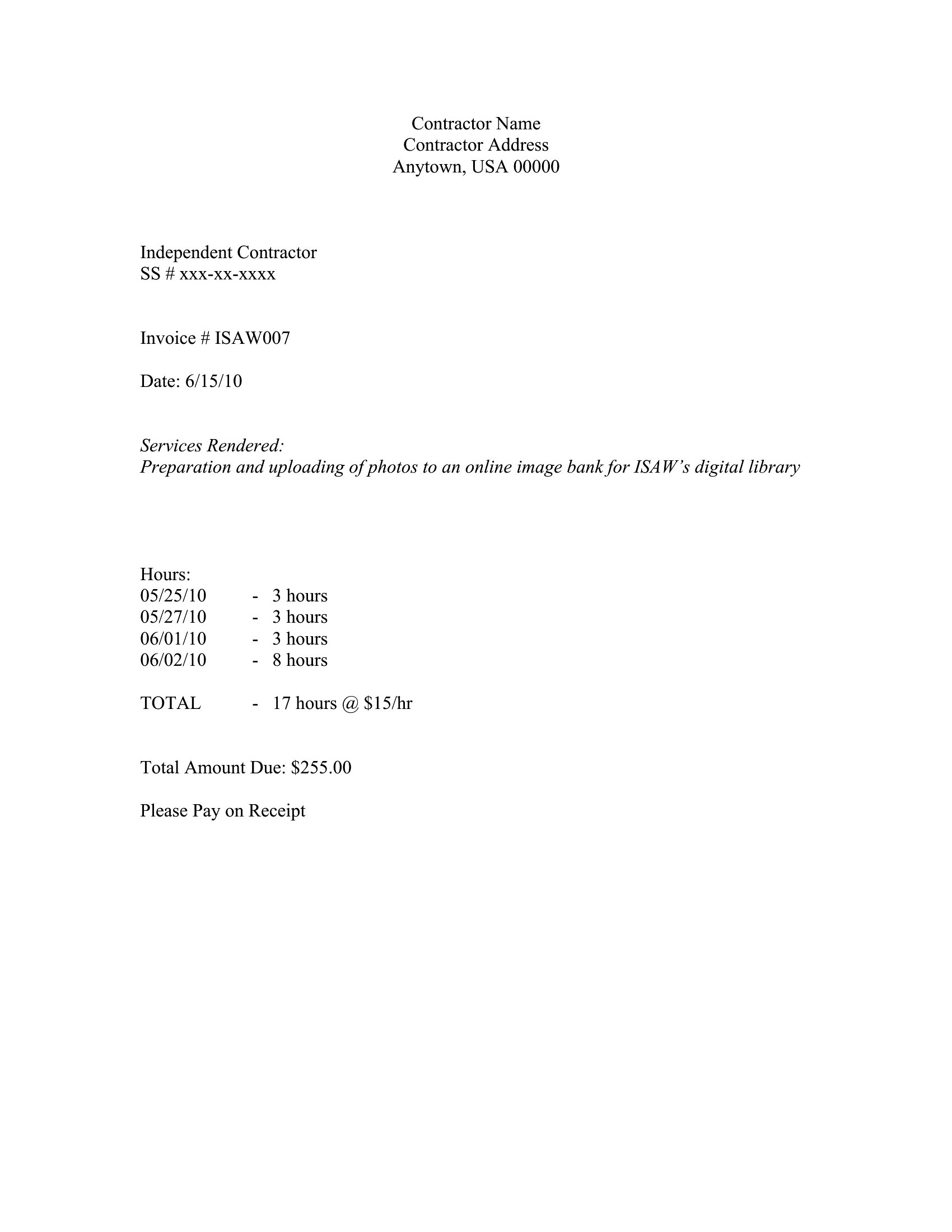
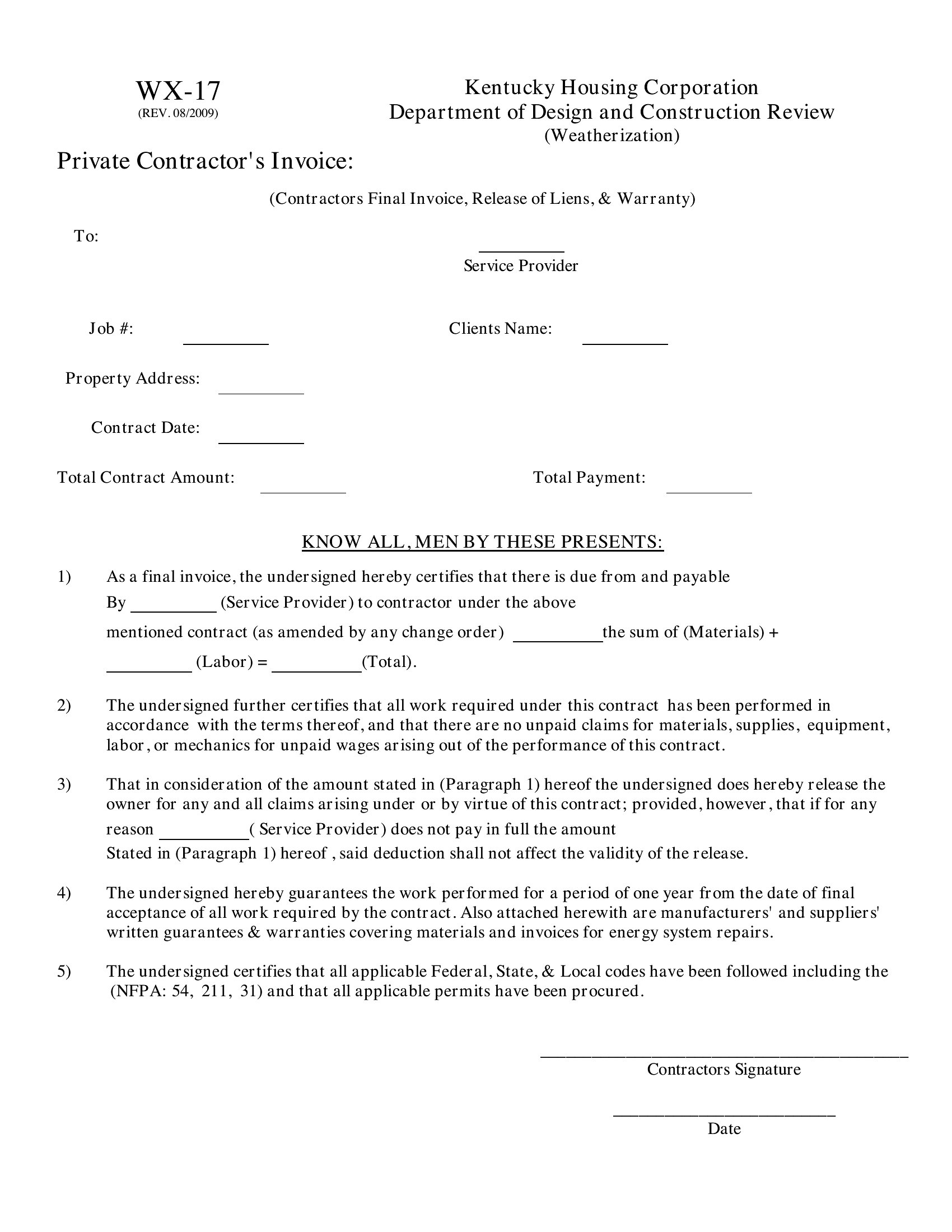
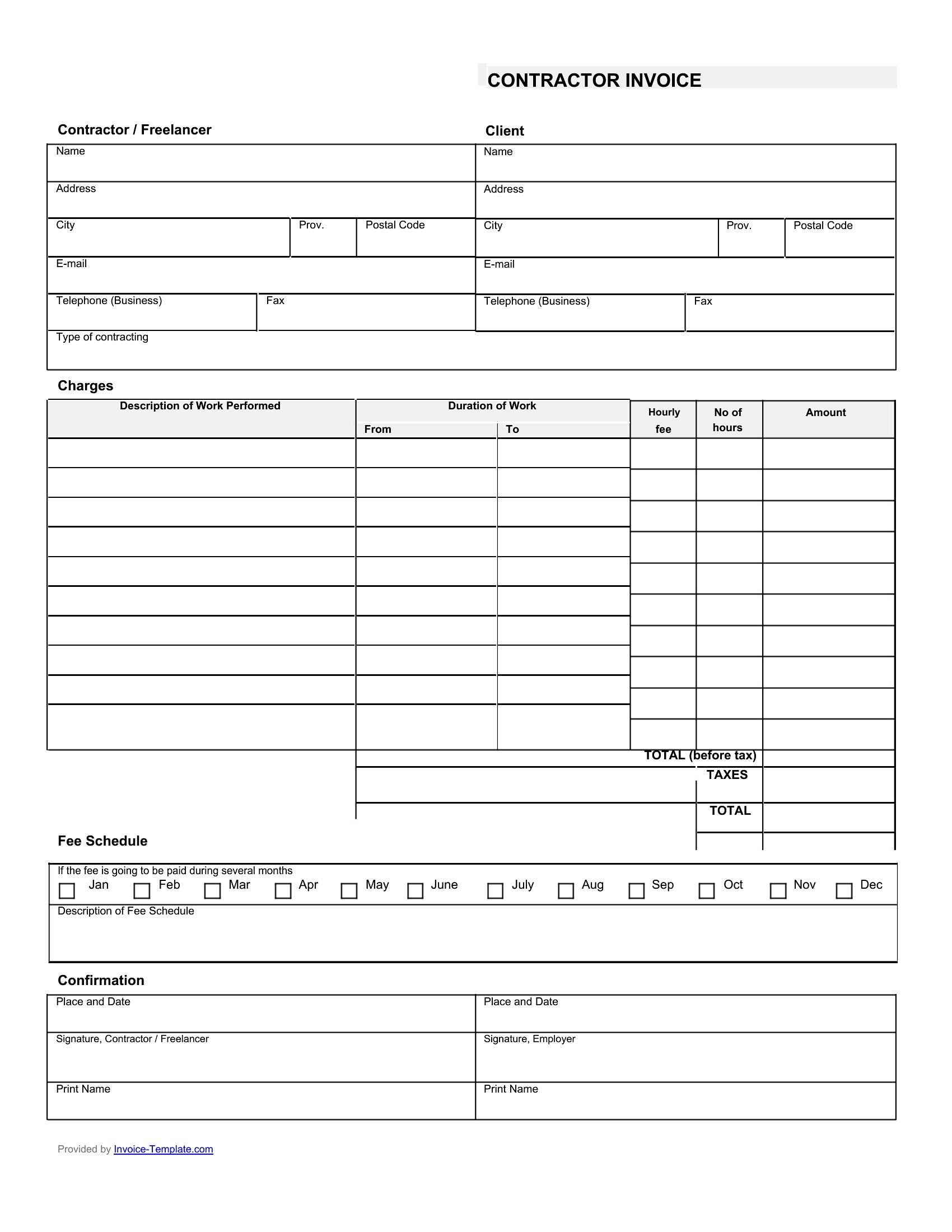
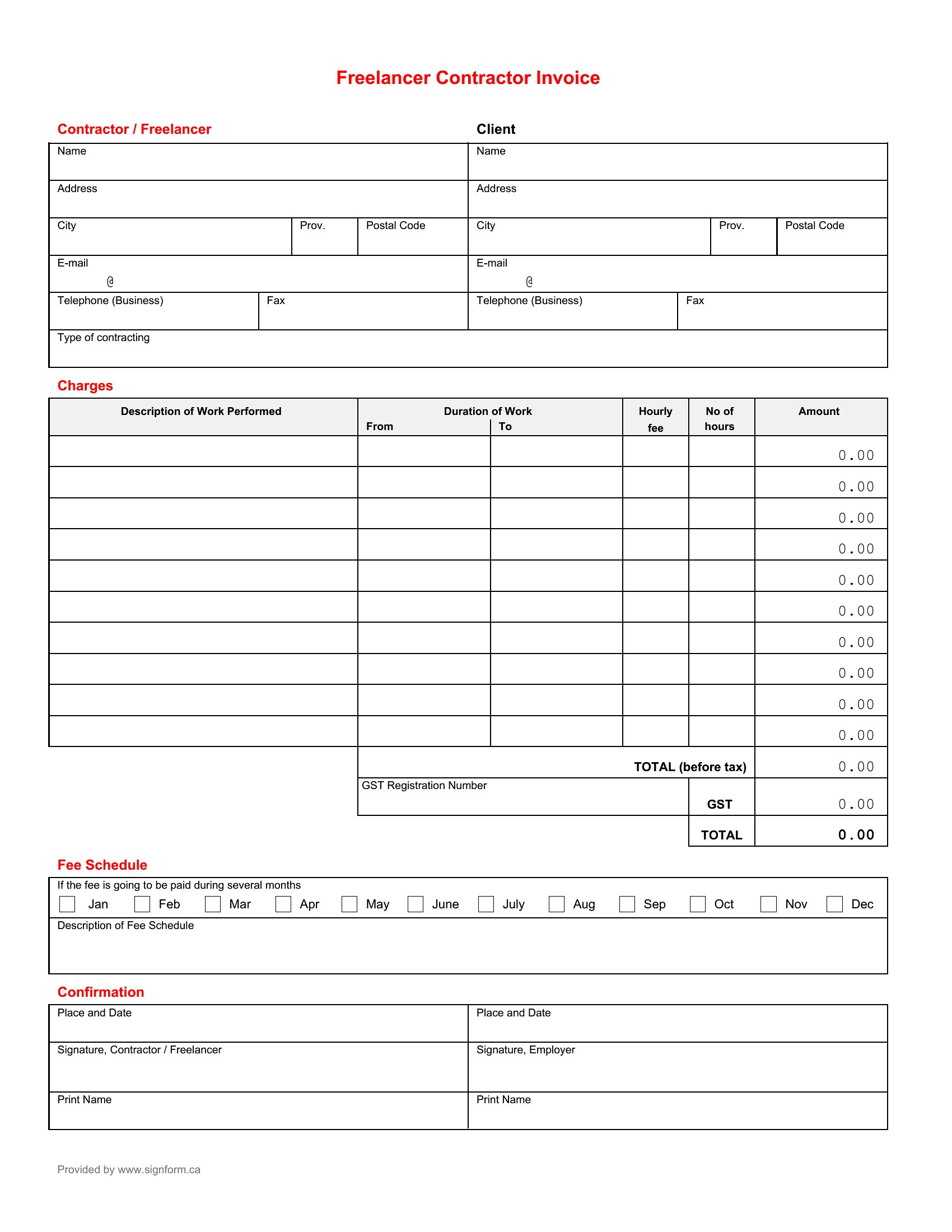
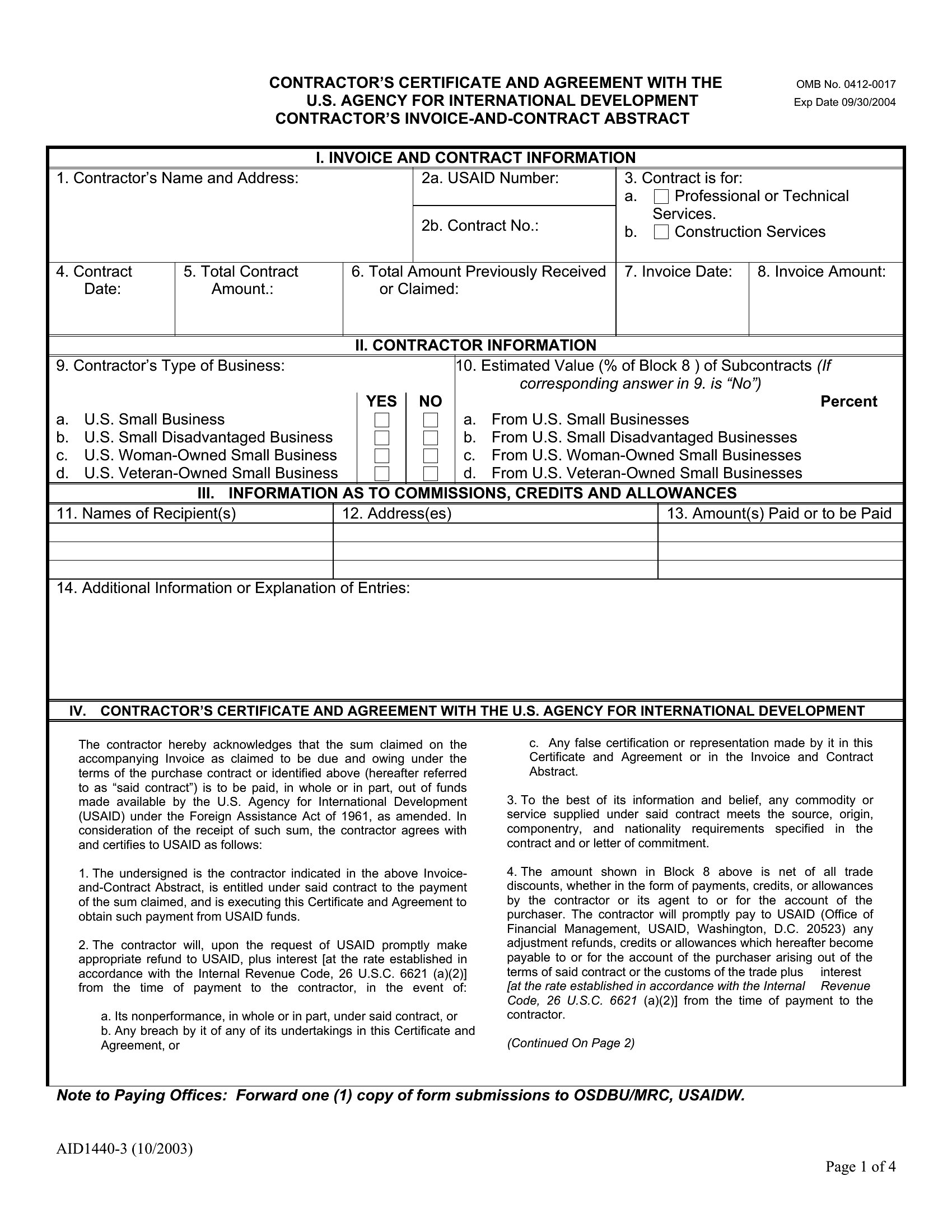
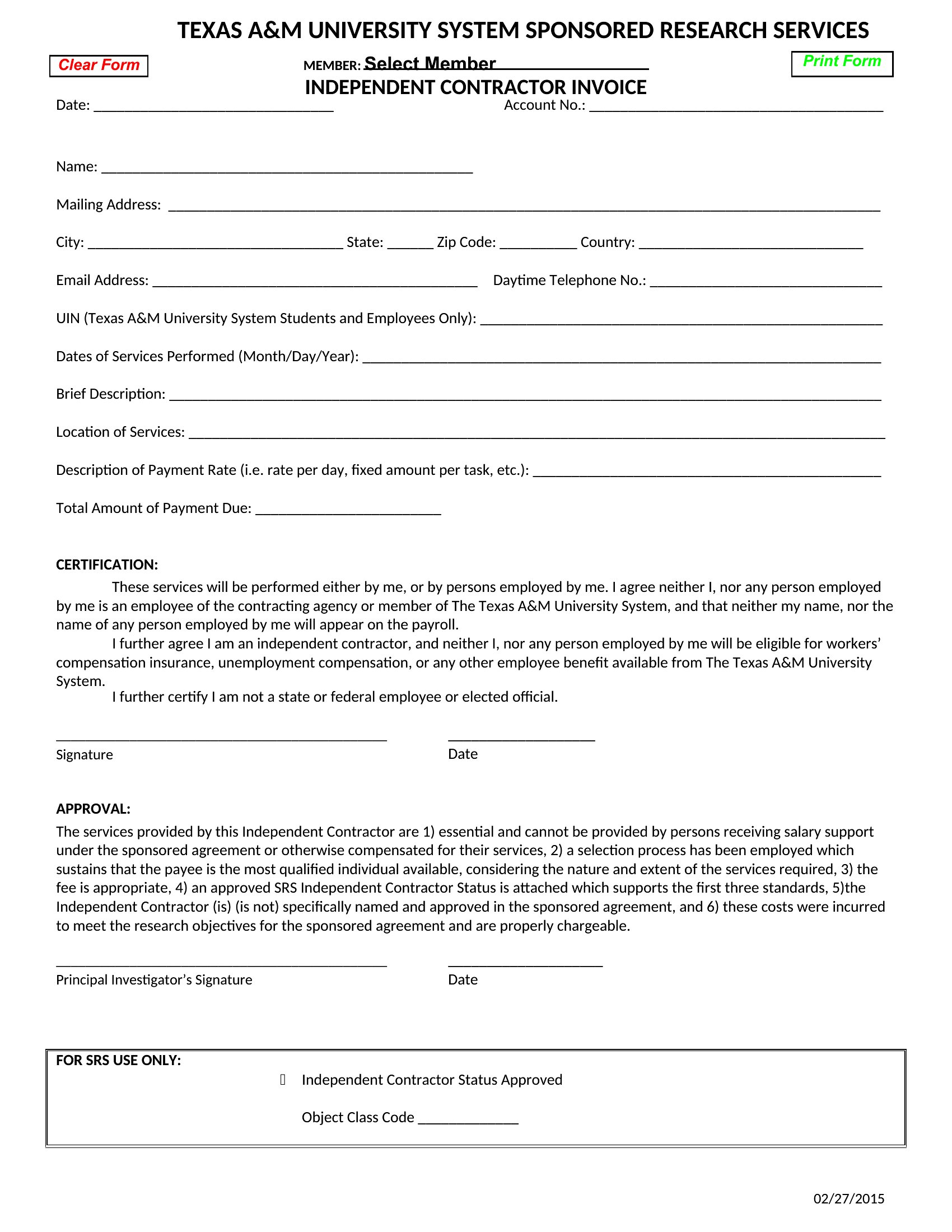
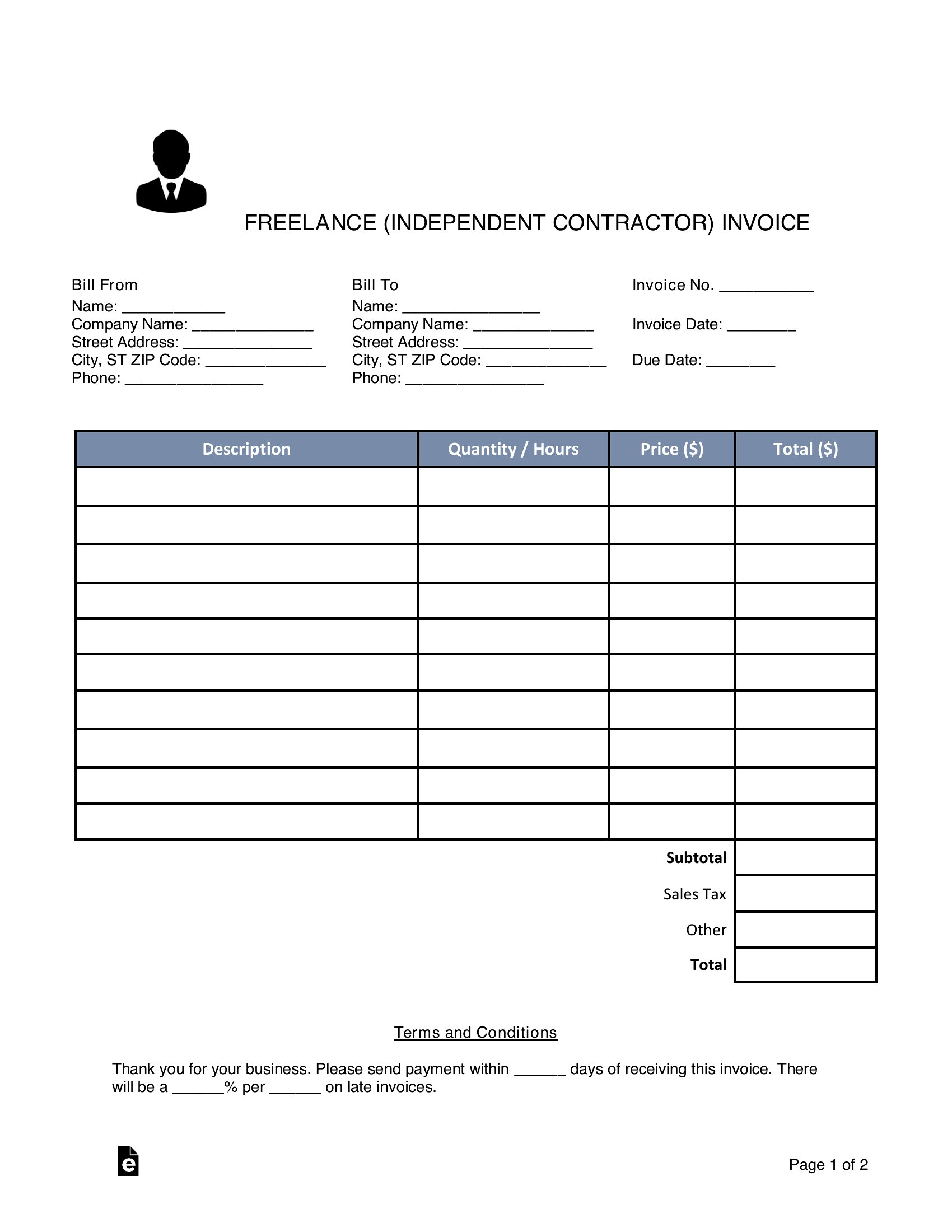
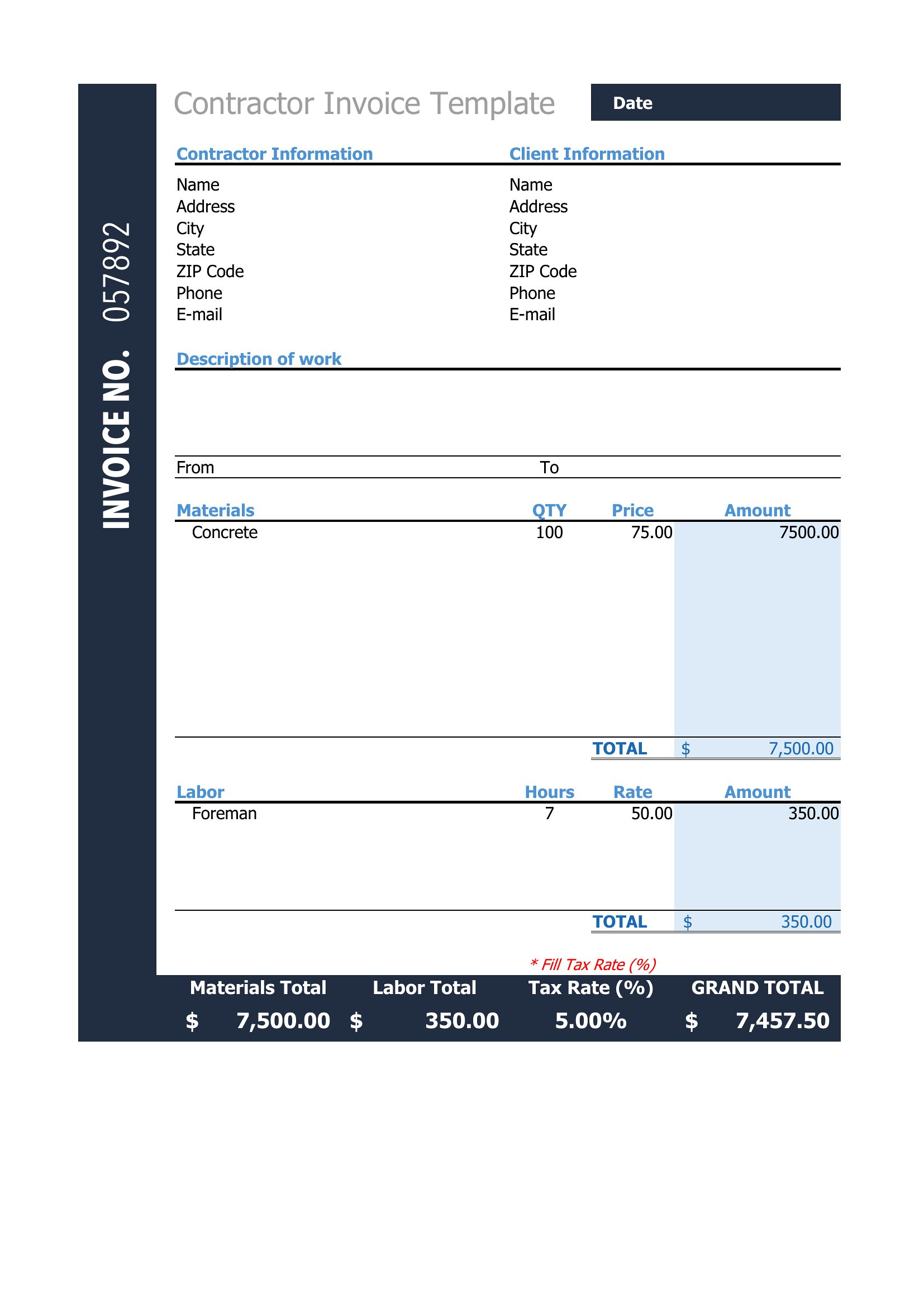
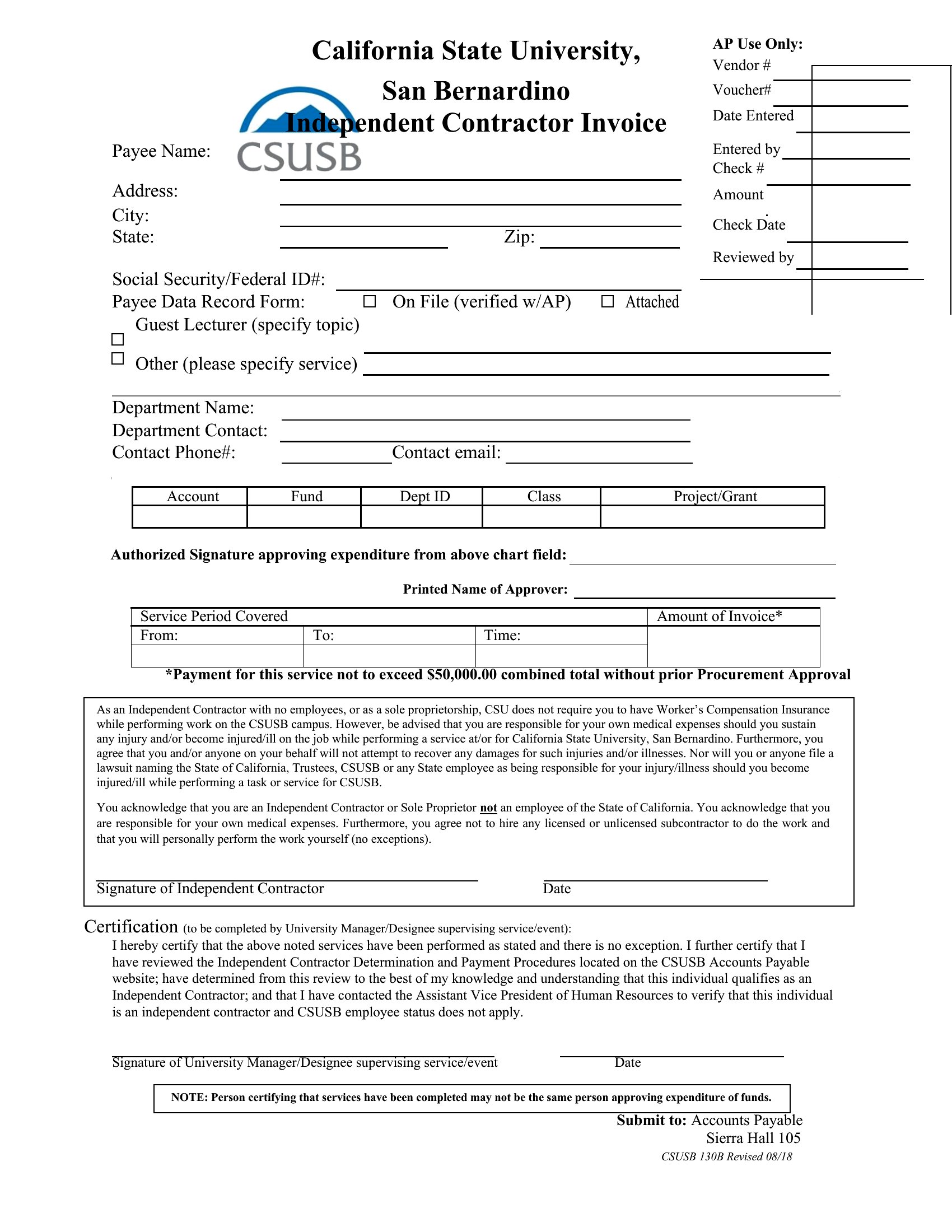
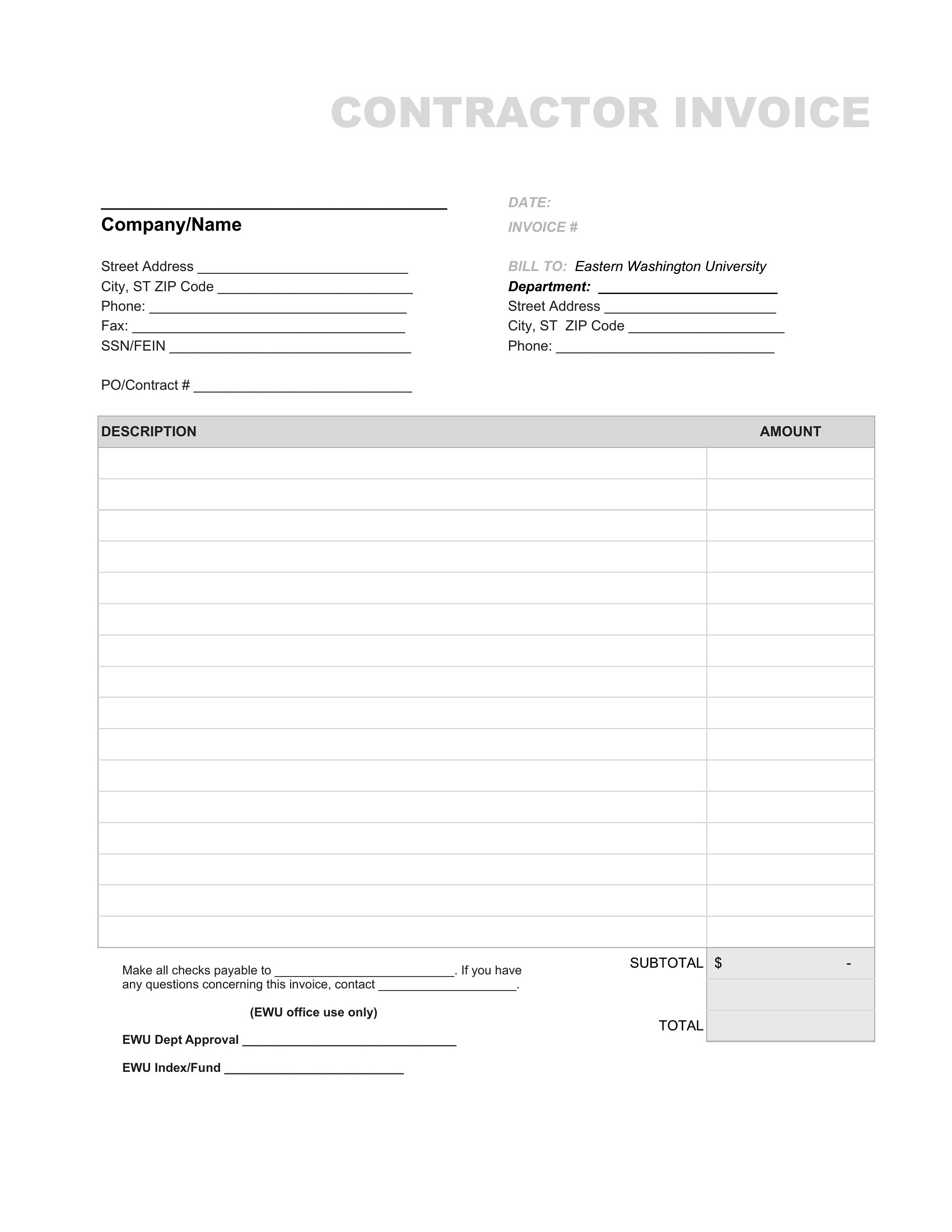
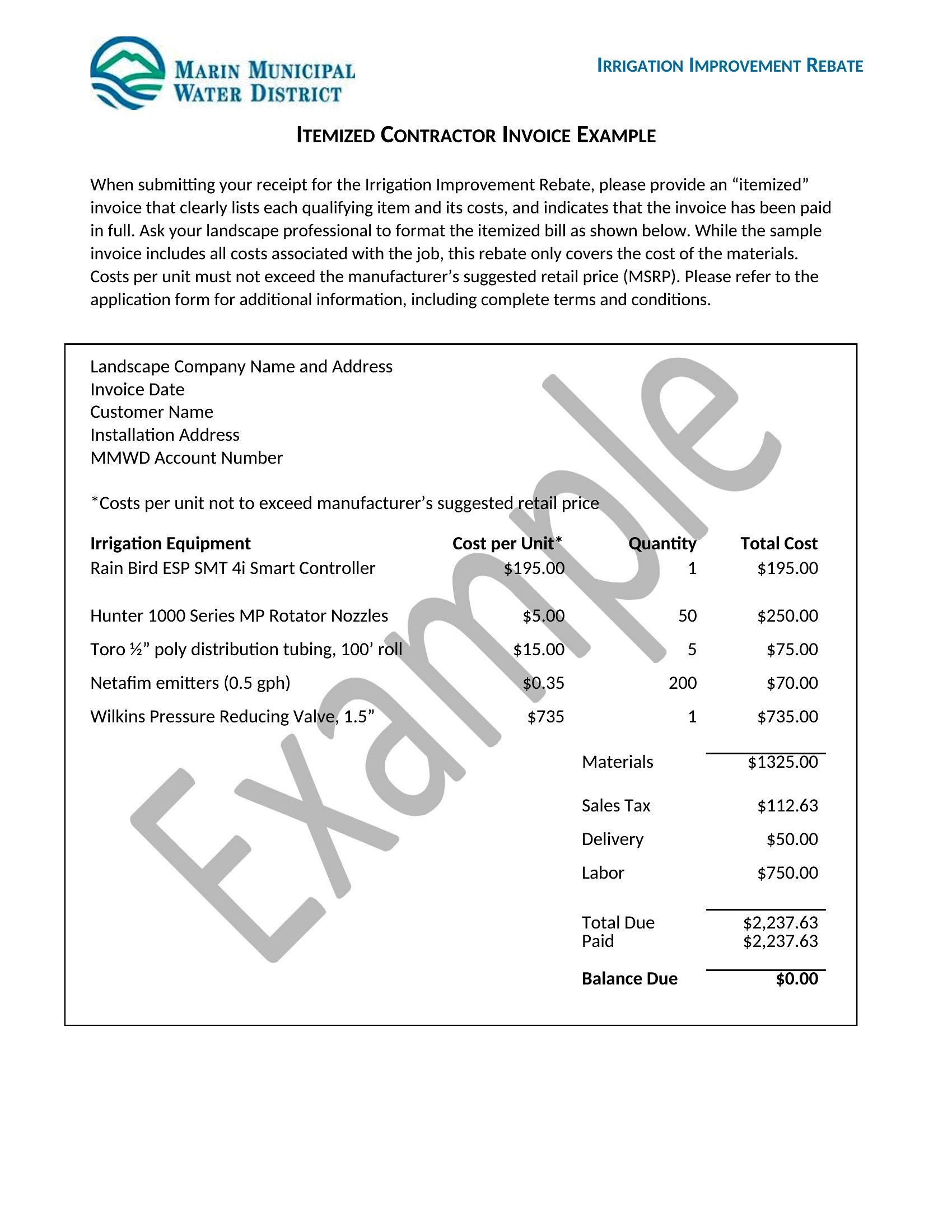
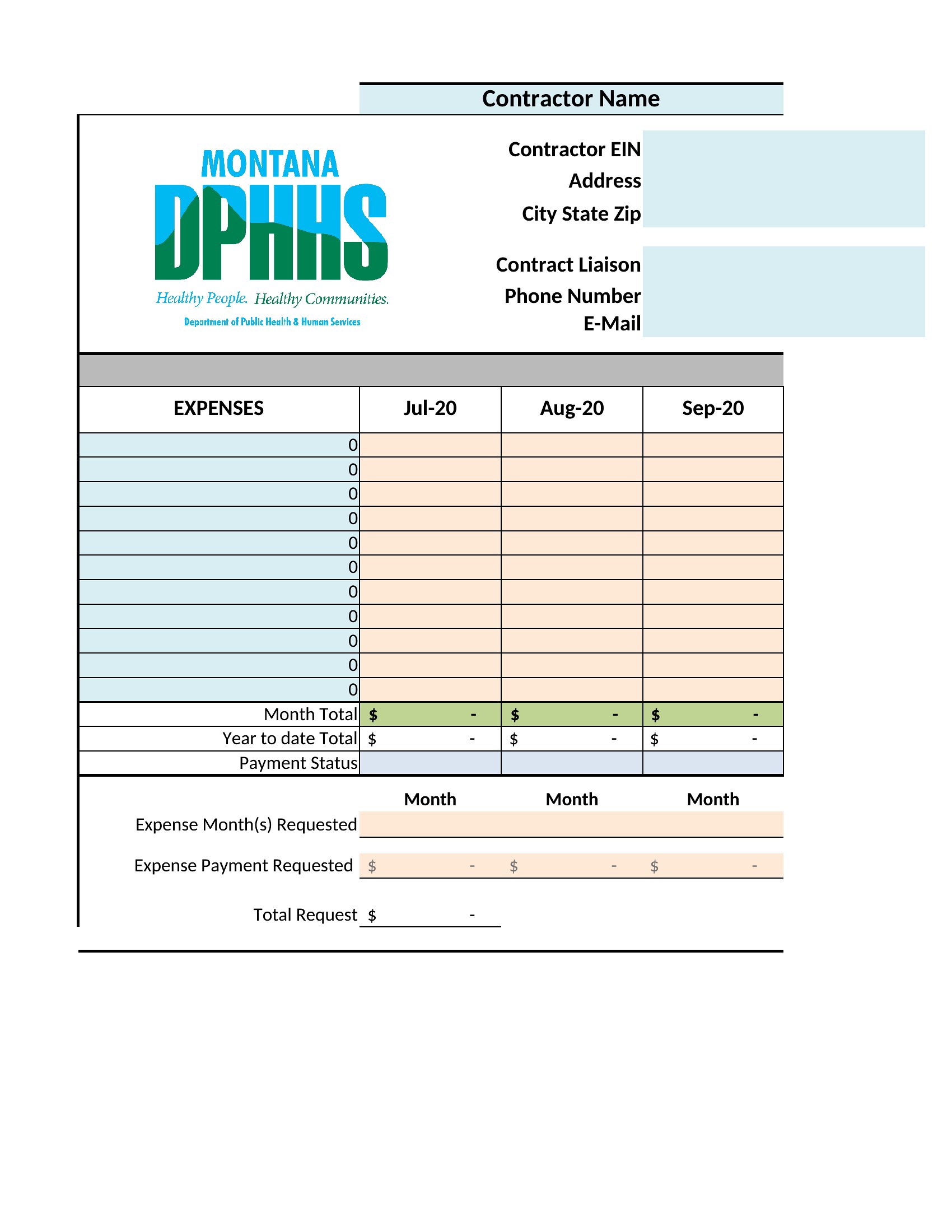
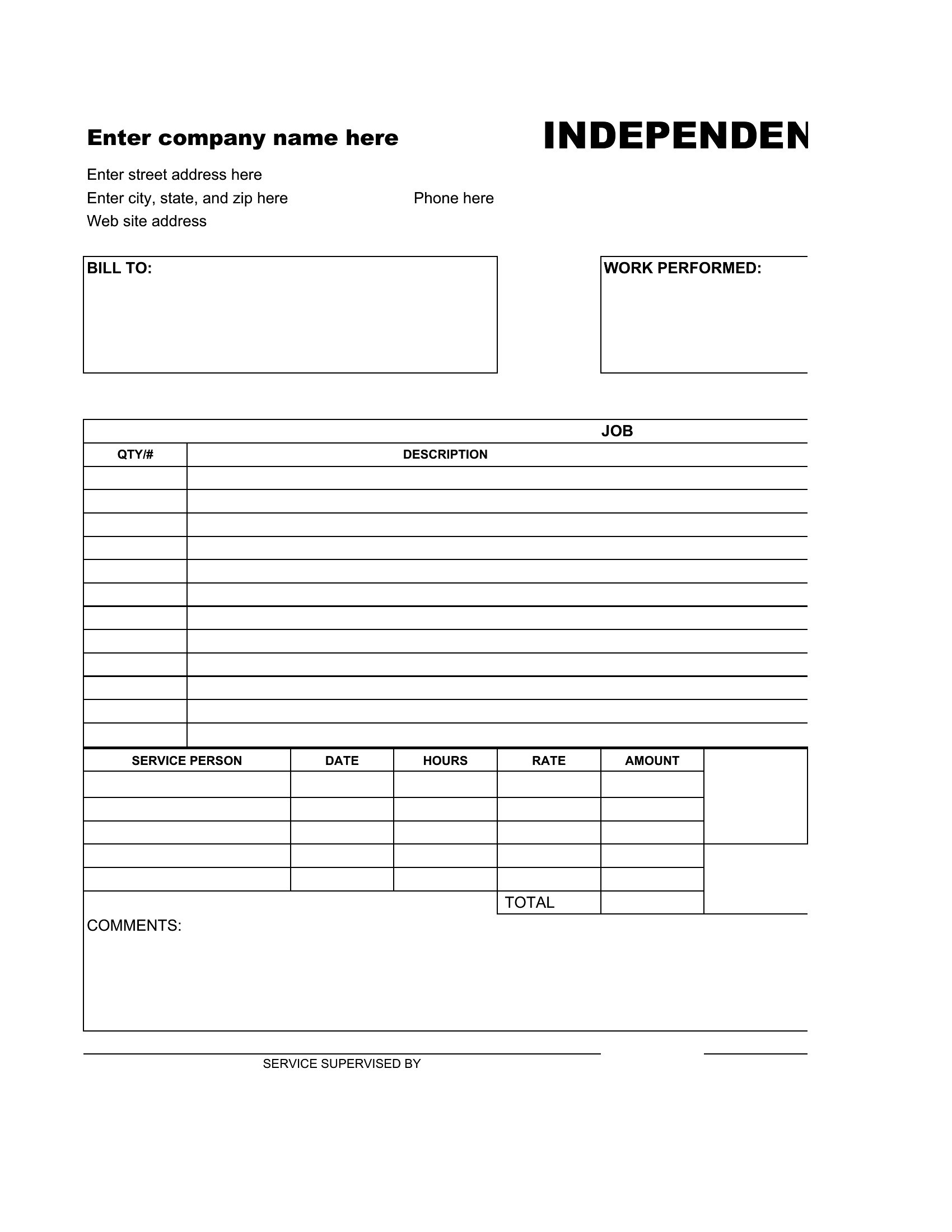
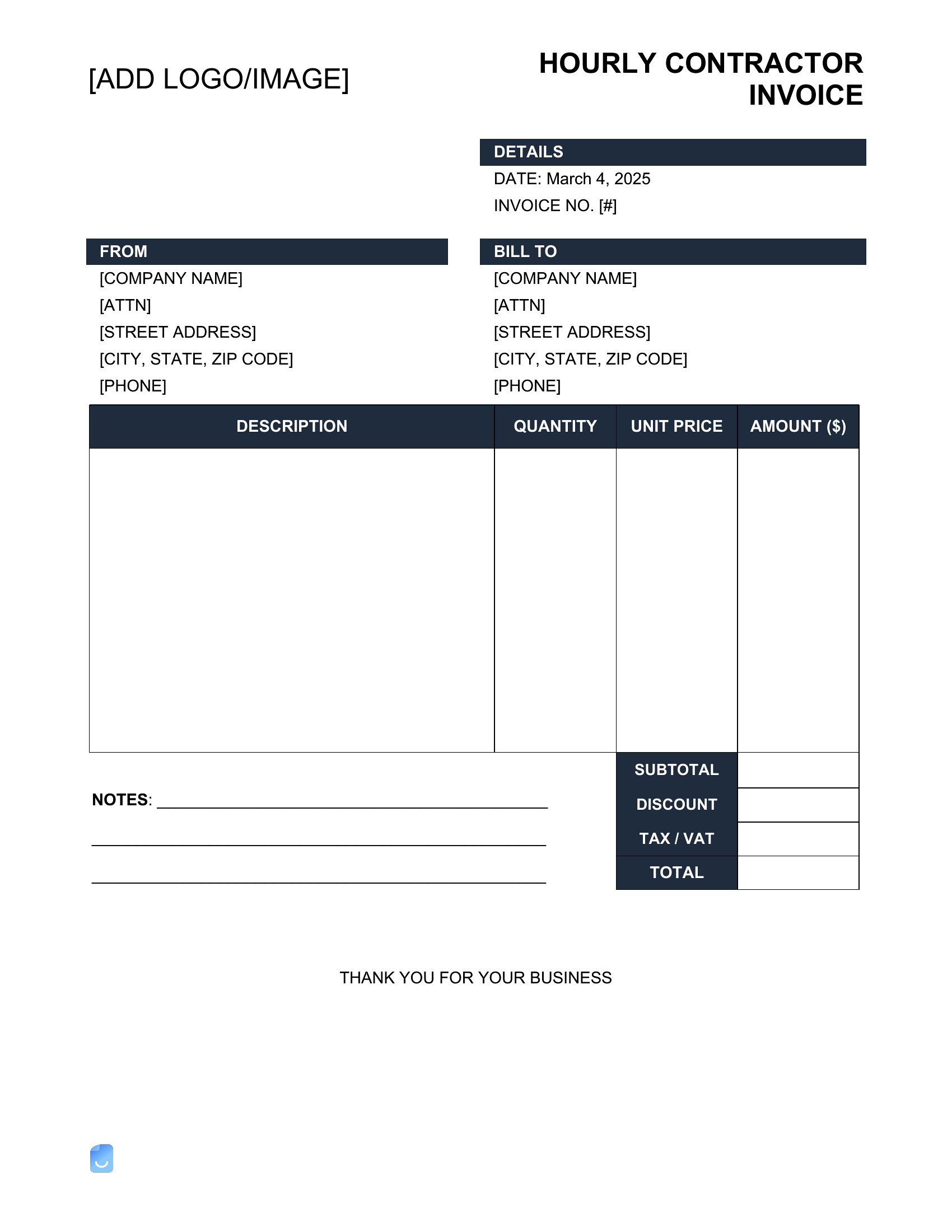
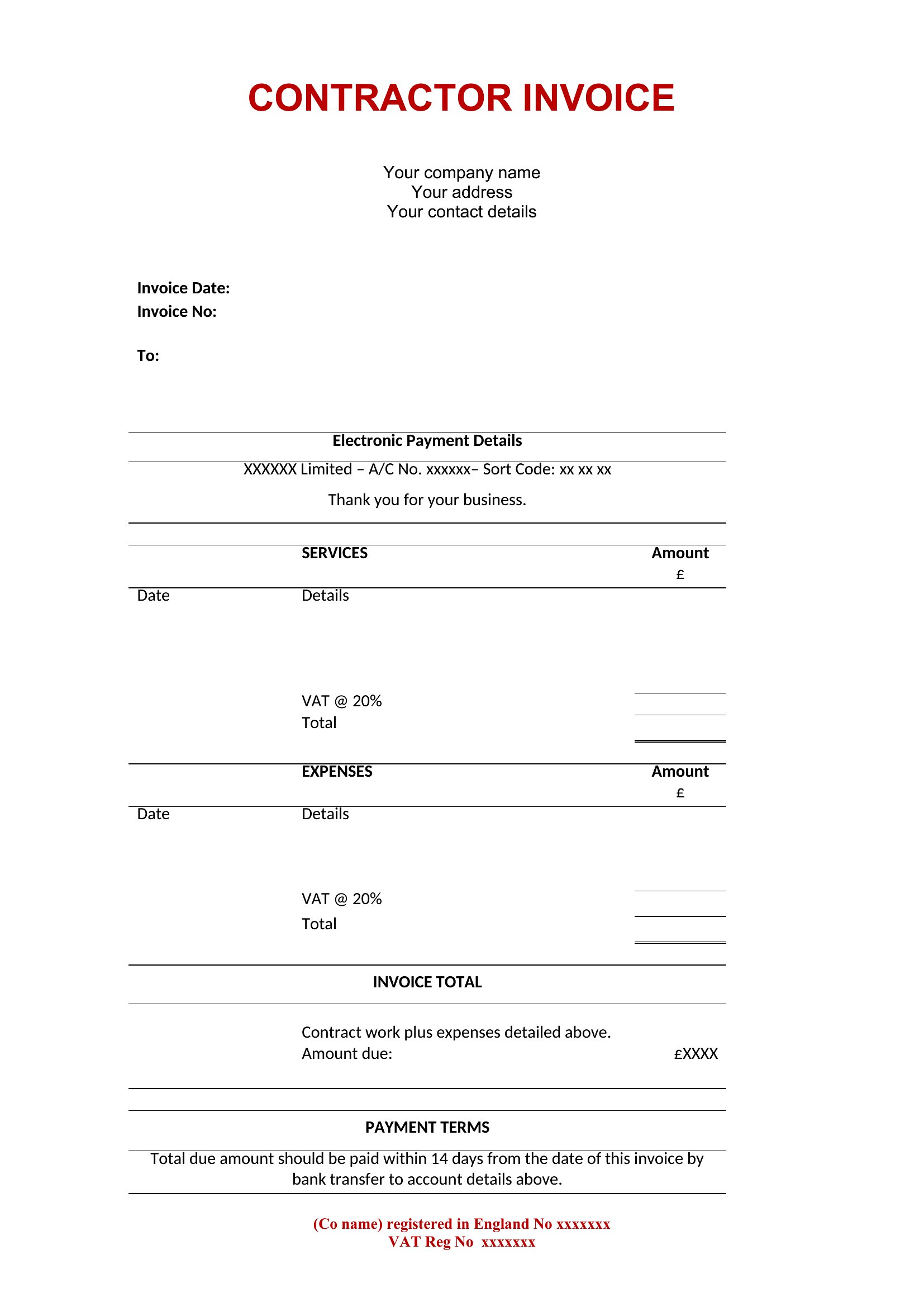
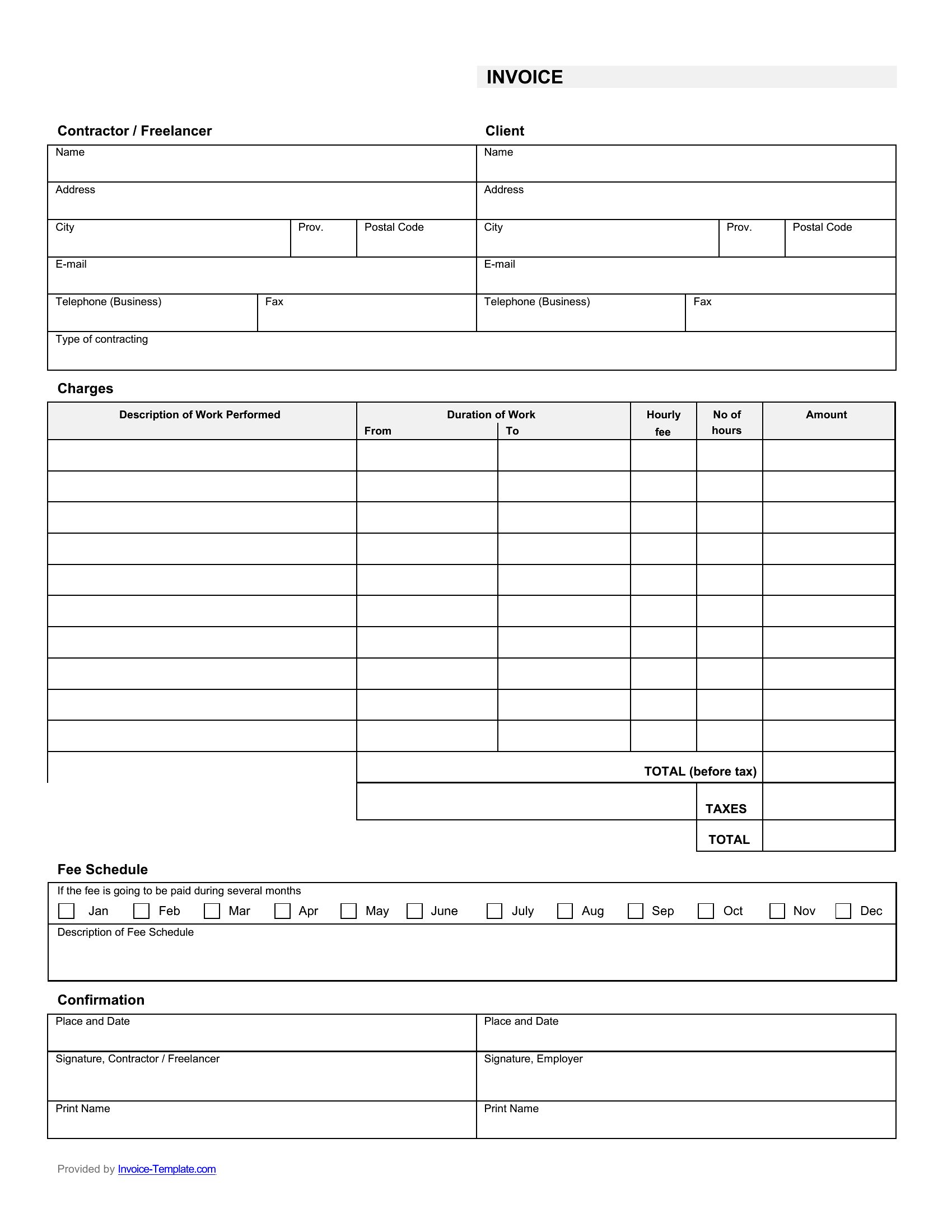
Getting paid for a job goes faster when the invoice is clear about the work, the materials, and the total owed. This set of 38 contractor invoice templates helps tradespeople and builders bill clients with itemized labor, supplies, and tax in a professional format. Each layout has space for your license number and payment terms.
The Excel versions total line items and tax automatically, the Word files make quick edits easy, and the PDFs send as a clean, printable bill. List the work, add your rates, and send an invoice that answers questions before they come up. Download the format that fits your trade and bill your next job in minutes.
When to use this Contractor Invoice template
- Electricians billing residential clients need a PDF invoice with line-item breakdowns of labor, parts, and permits for quick client approvals.
- Plumbers use Excel invoices to auto-calculate hourly rates, material costs, and local sales tax for recurring maintenance contracts.
- General contractors prefer Word invoices to customize terms for large projects, adding progress milestones and change-order sections.
- Painters sending quotes to homeowners use fillable PDF invoices to include color swatch references and deposit terms upfront.
Which format should I download?
Choose Word for invoices requiring detailed project notes, custom terms, or signed agreements—ideal when client communication needs expansion. Excel is best for tradespeople managing multiple jobs with auto-calculated totals, tax rates, and recurring client discounts. PDF works for one-time, standardized billing where clients need to sign digitally or print without editing.
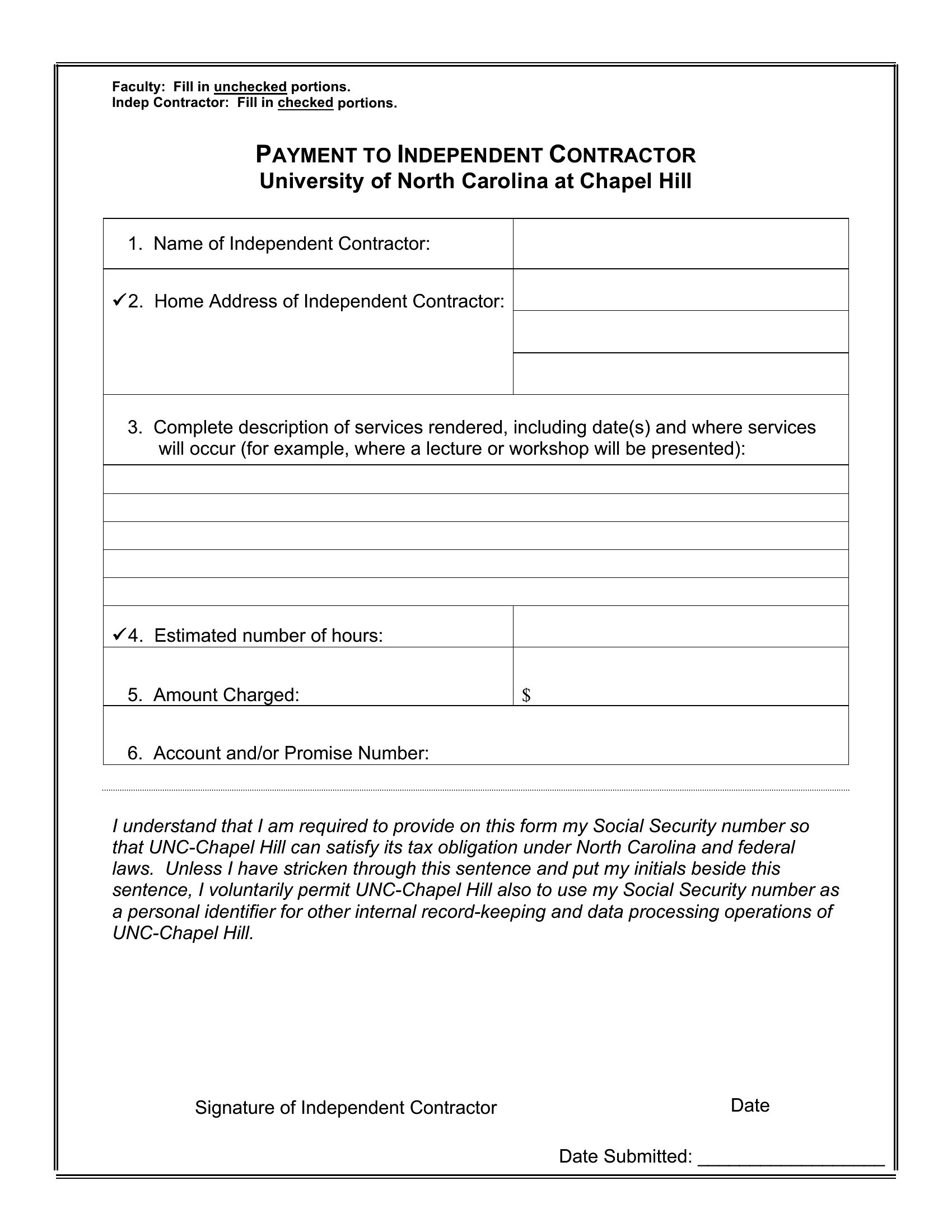
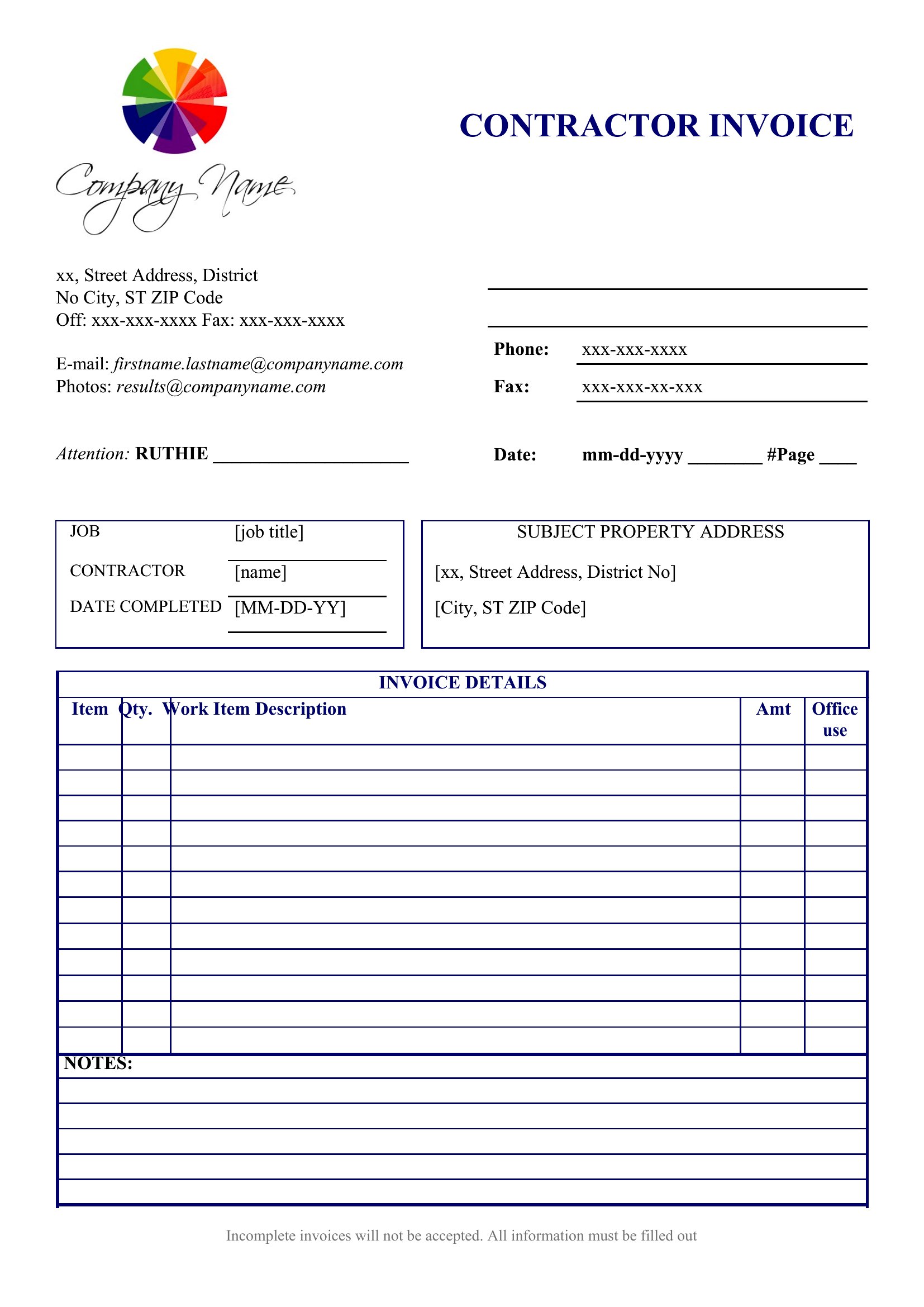
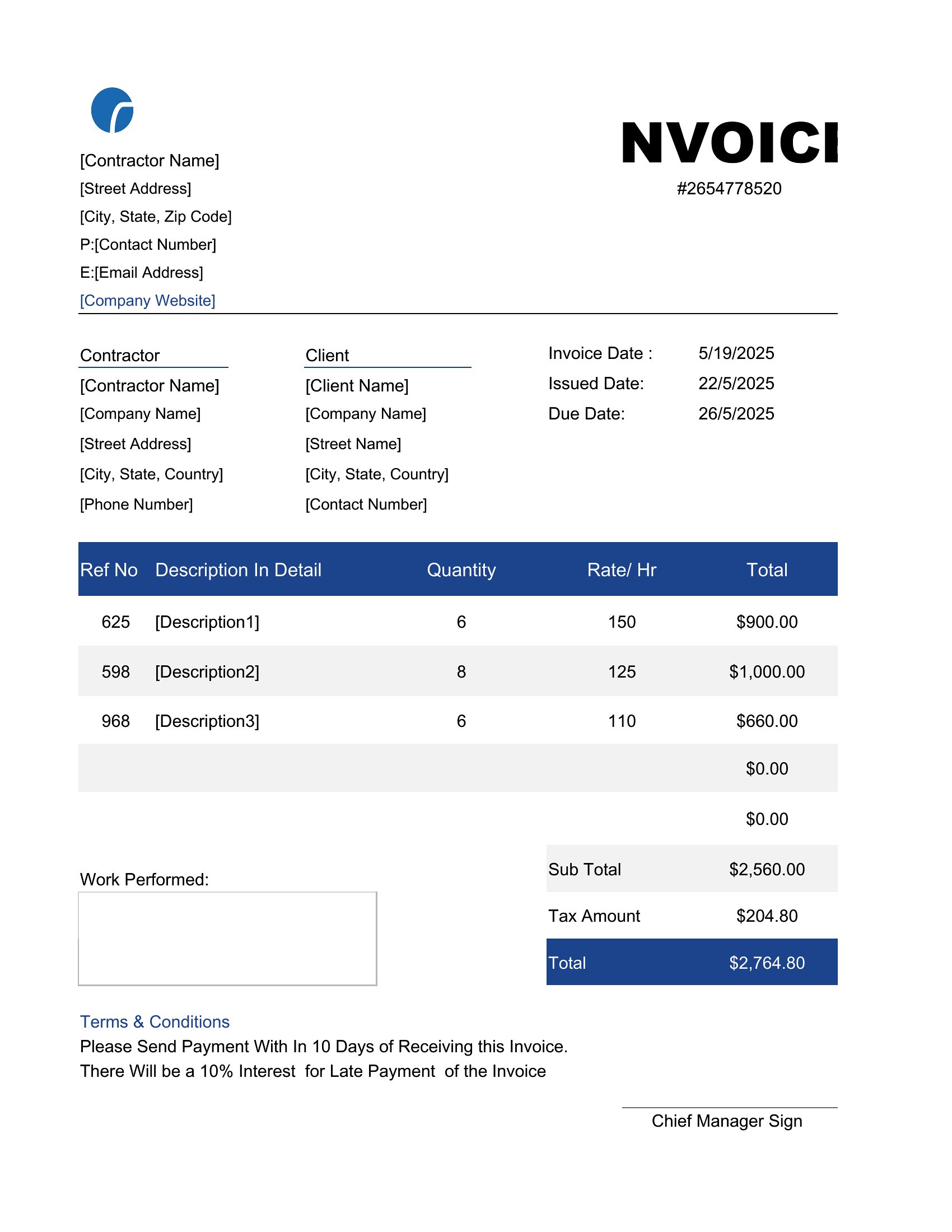
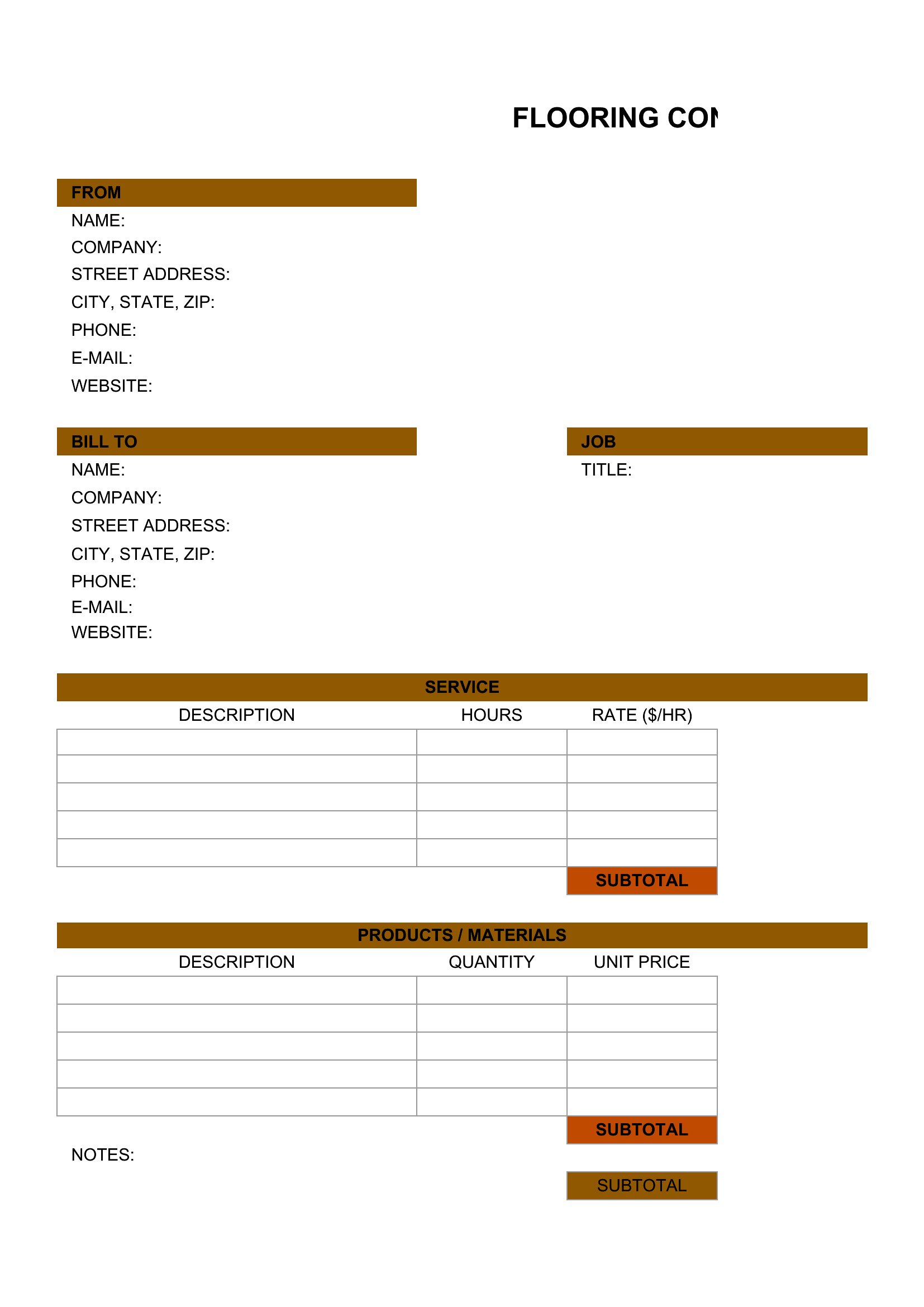
Choose from 38 Contractor Invoice Templates
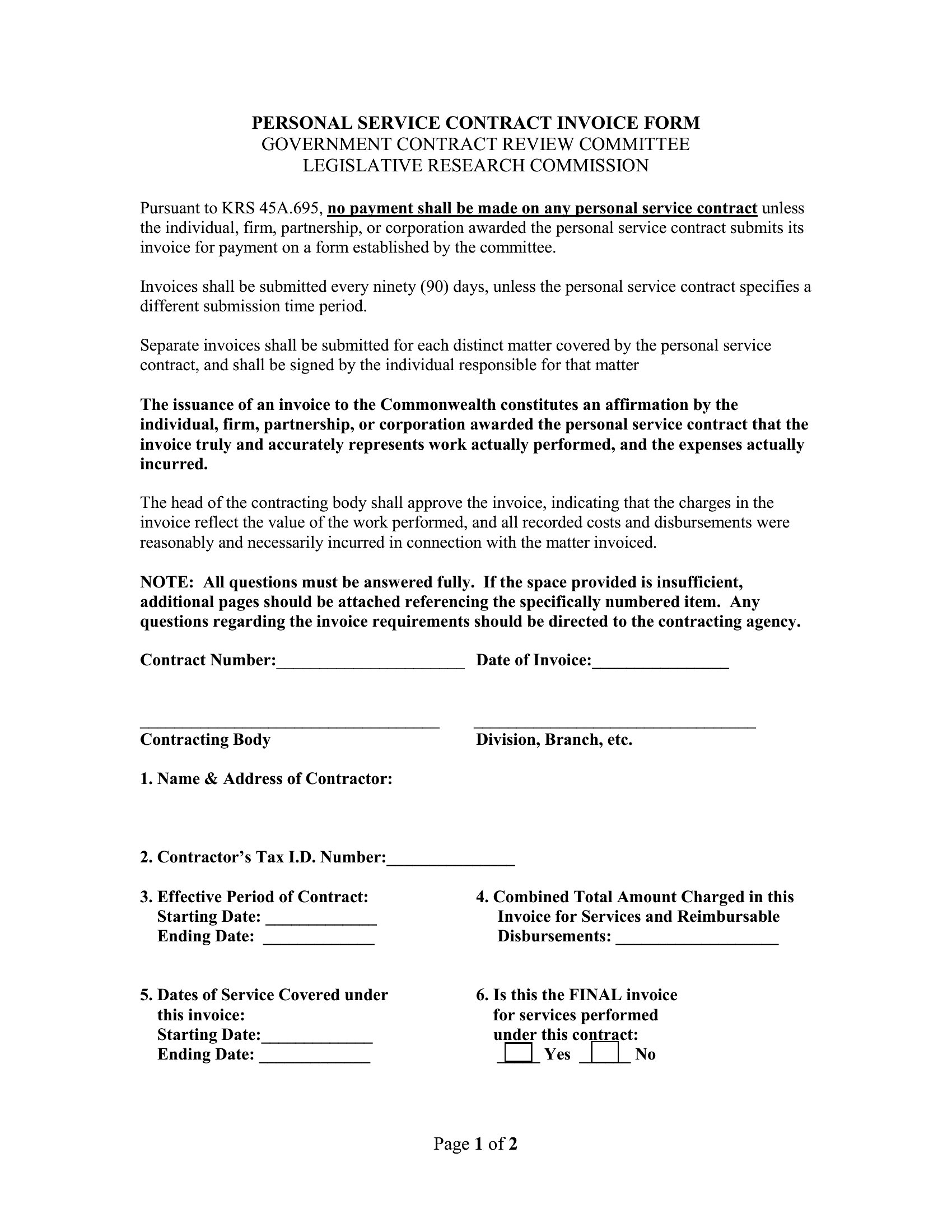
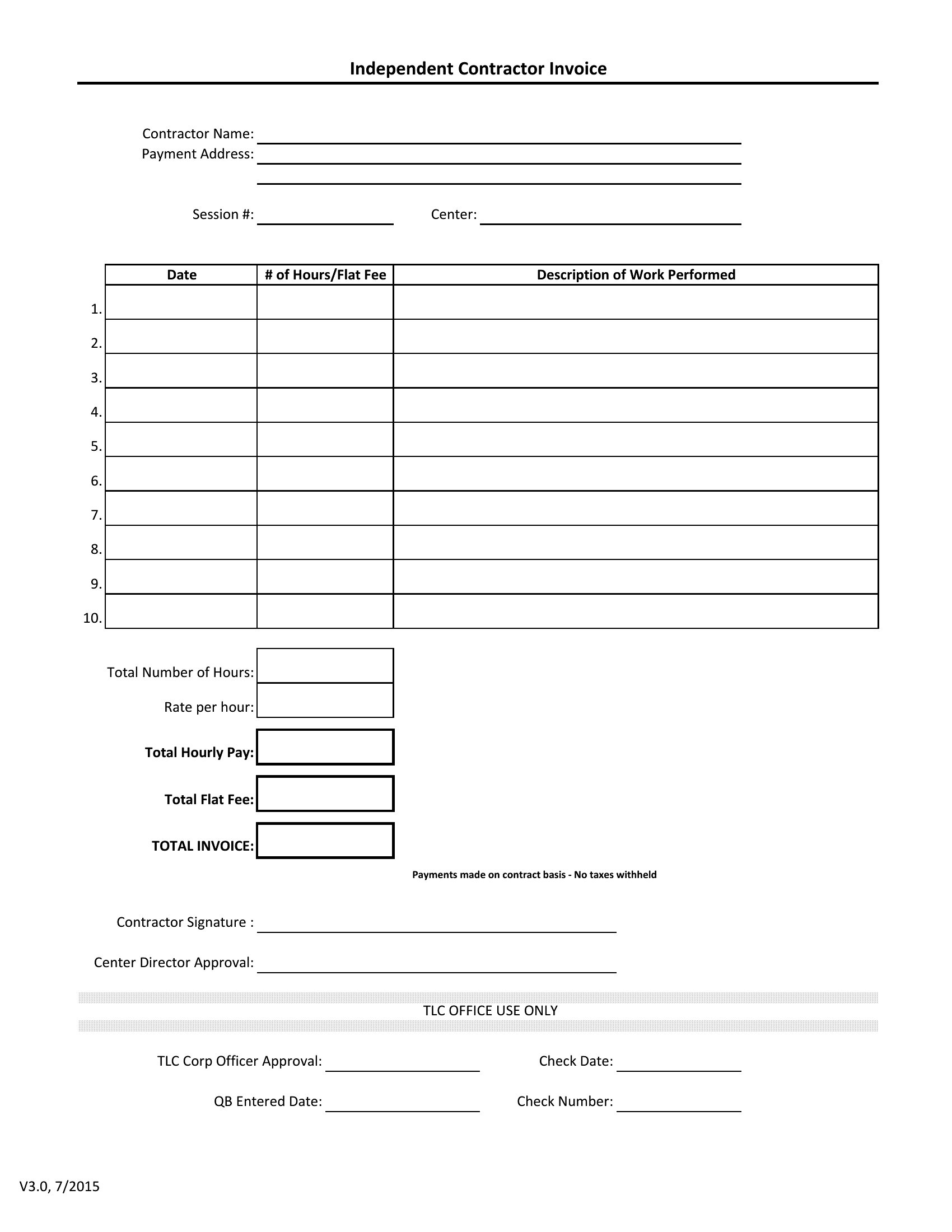
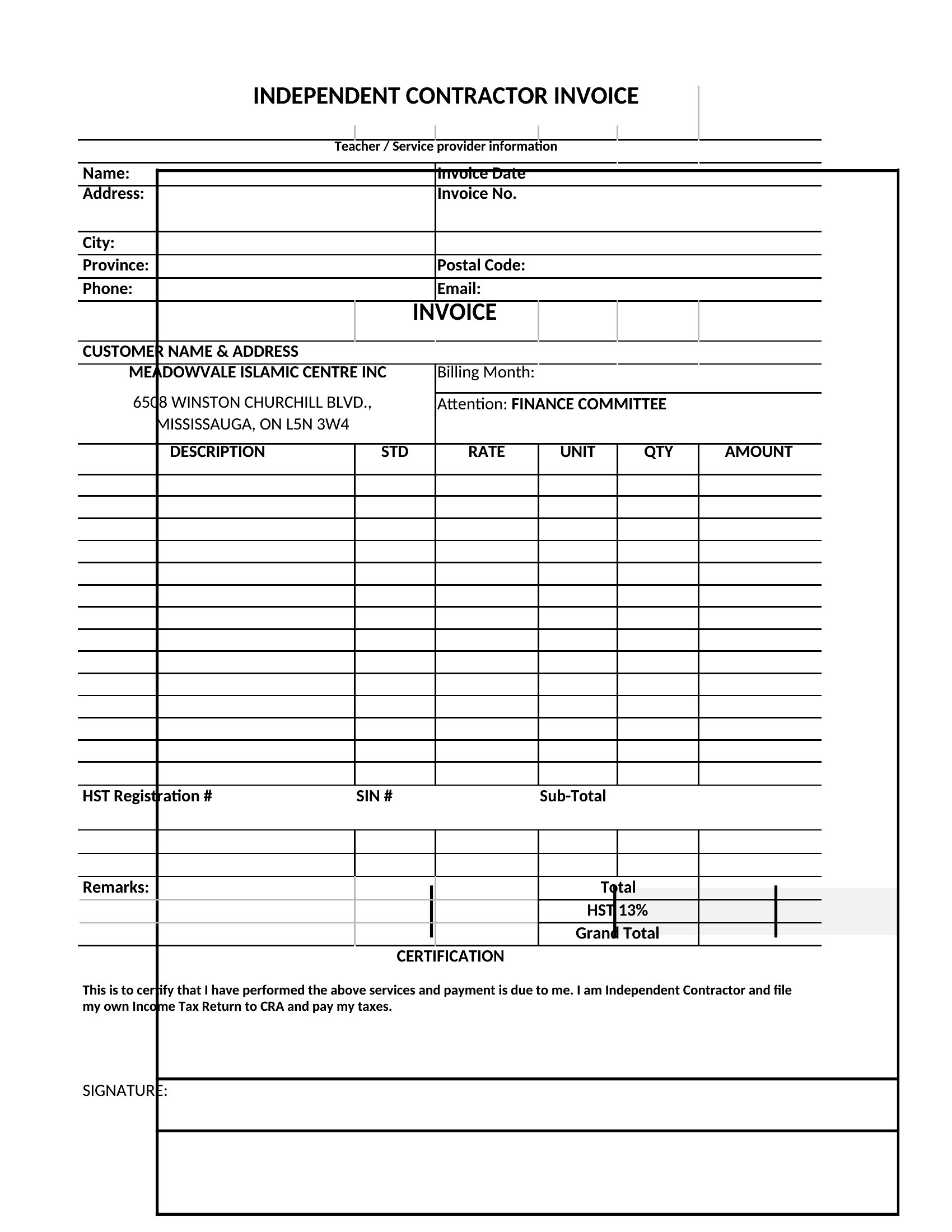
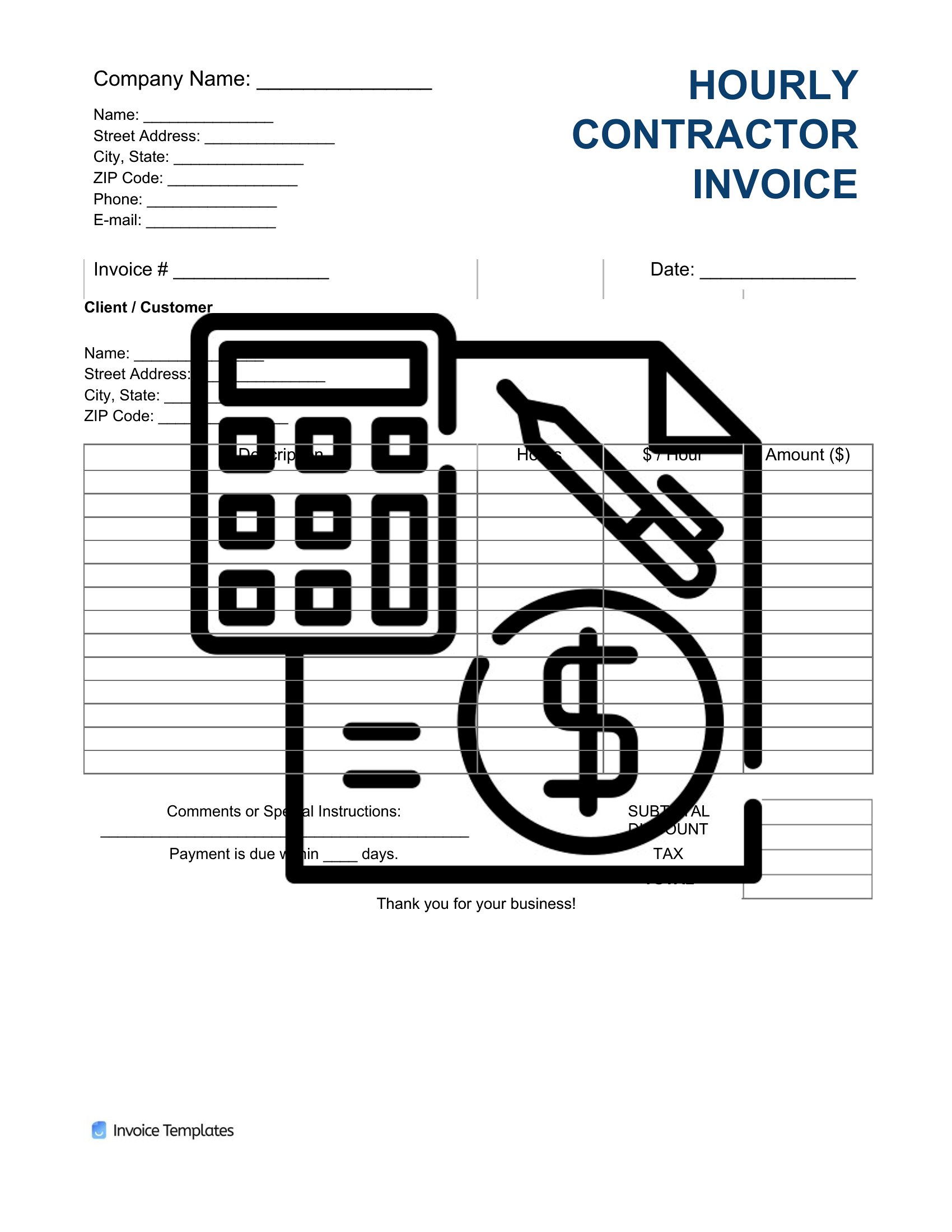
How to use this Contractor Invoice template
Should I include my contractor’s license number on every invoice?
Yes, most states require it by law. The templates include a designated field for your license number to ensure compliance and build trust with clients. Verify local regulations to confirm placement requirements.
How do I handle partial payments or progress billing in the invoice?
Use the Word or PDF formats to add a progress billing section. List milestones (e.g., 30% deposit, 50% upon completion) and mark paid amounts clearly. Excel can track partial payments with conditional formatting for overdue balances.
Can I use these invoices for both services and materials sold separately?
Yes, all templates include line-item fields for both labor and materials. Label sections clearly (e.g., ‘Labor Hours’ vs. ‘Supplies’) and specify unit costs or flat fees. The Excel versions simplify tracking multiple line types with formulas.
Comments
Join the conversation
Sign in to share your thoughts and leave a comment on this resource.