
Free Technical Debt Register Templates (Word, Excel)
Worksheets by brianrose
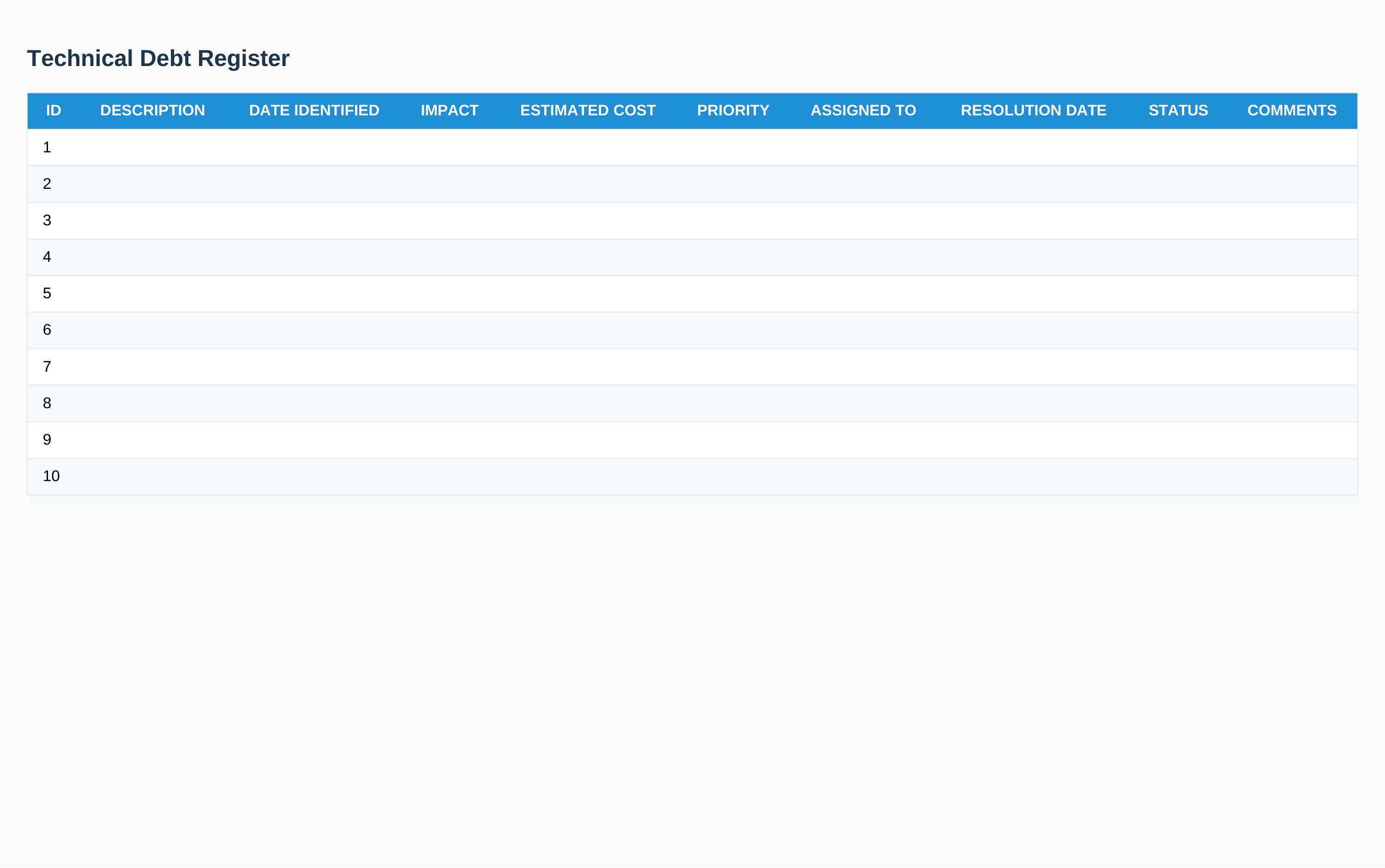
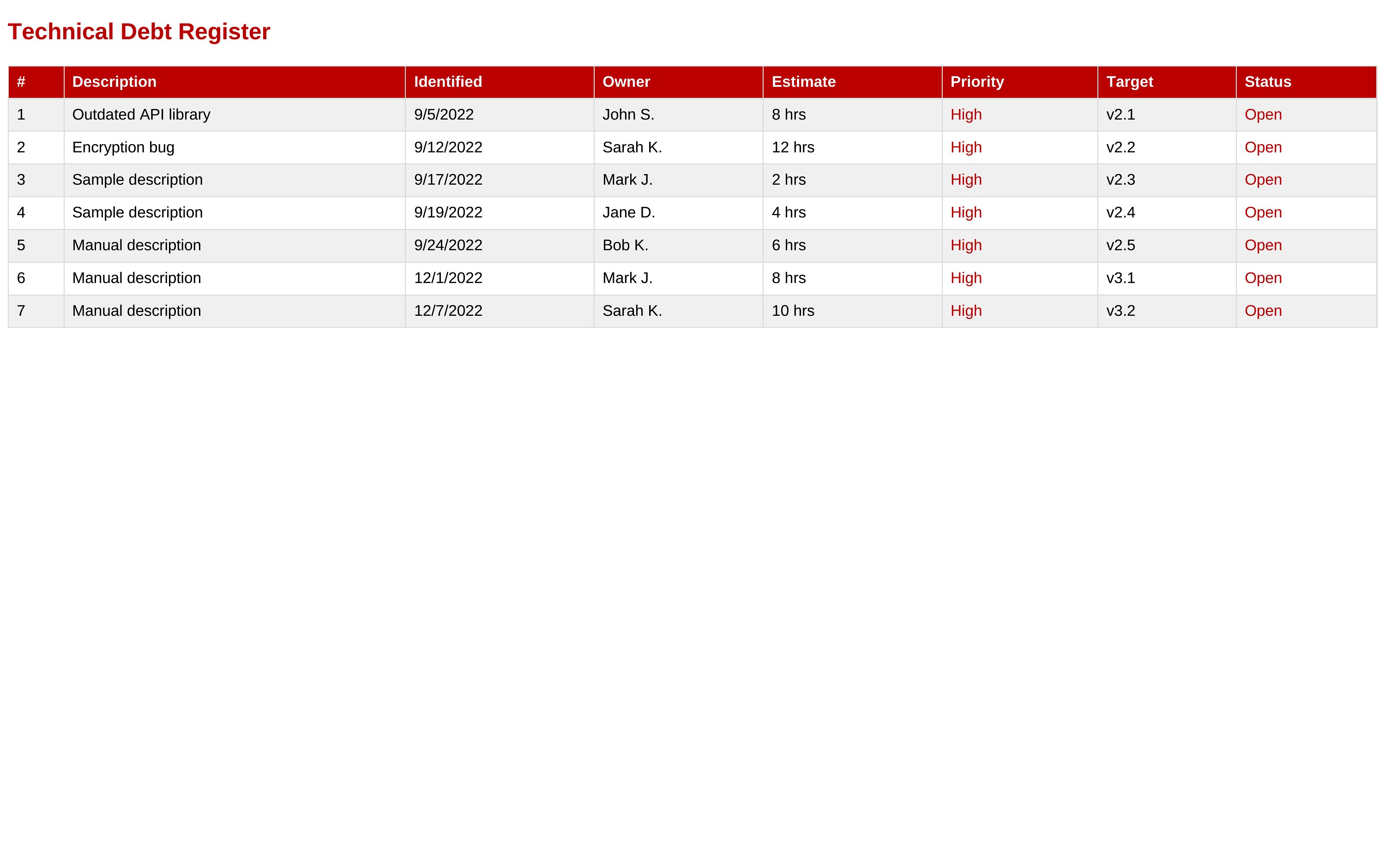
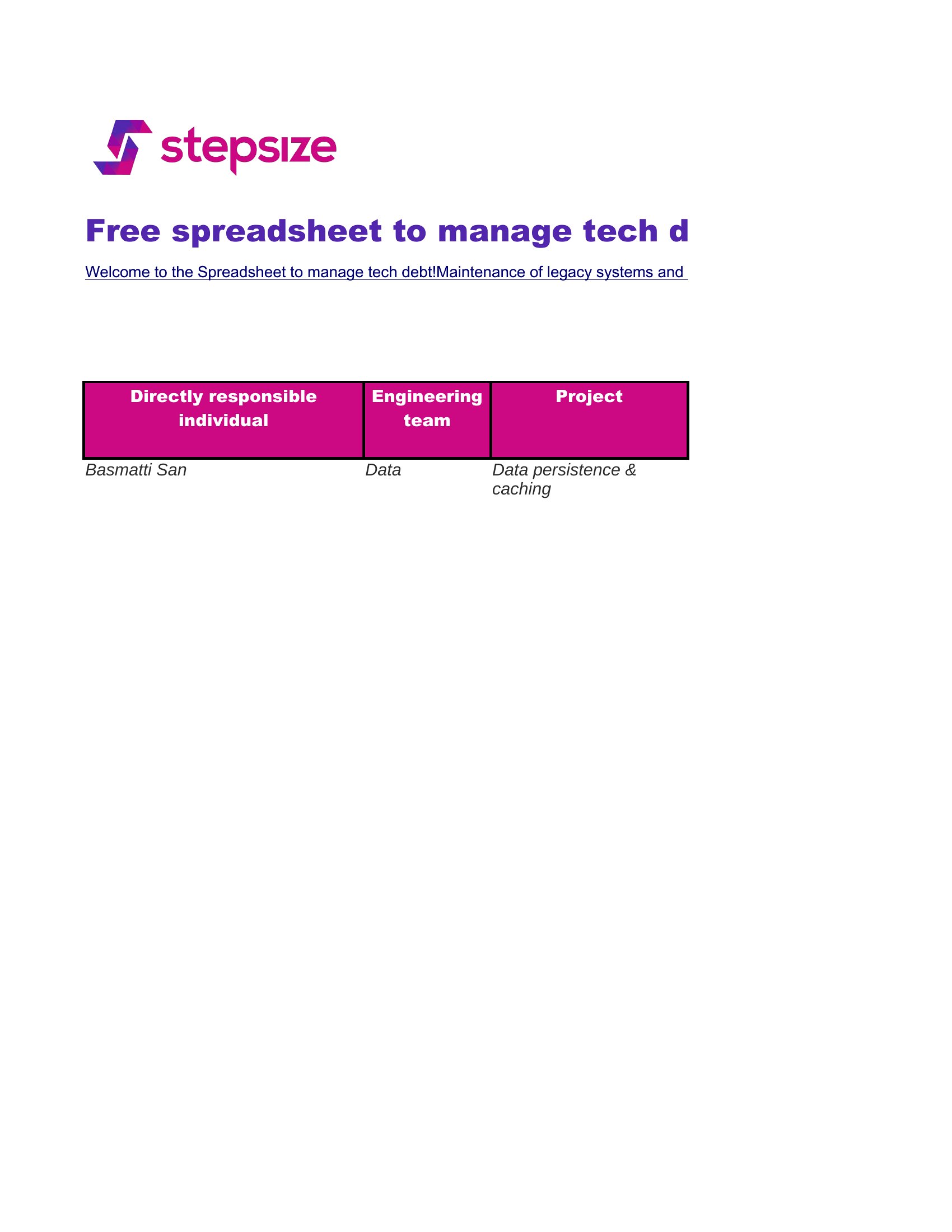
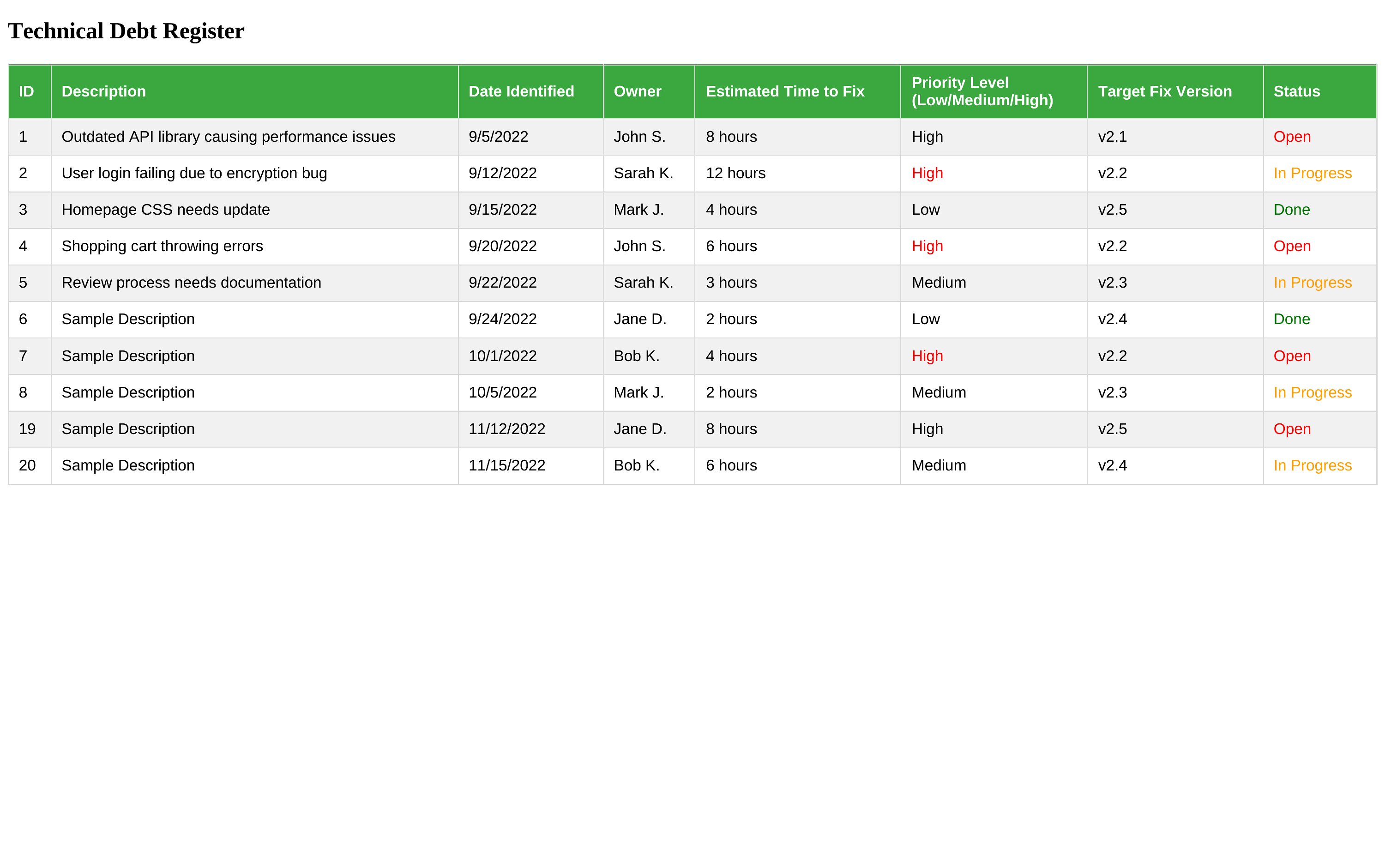
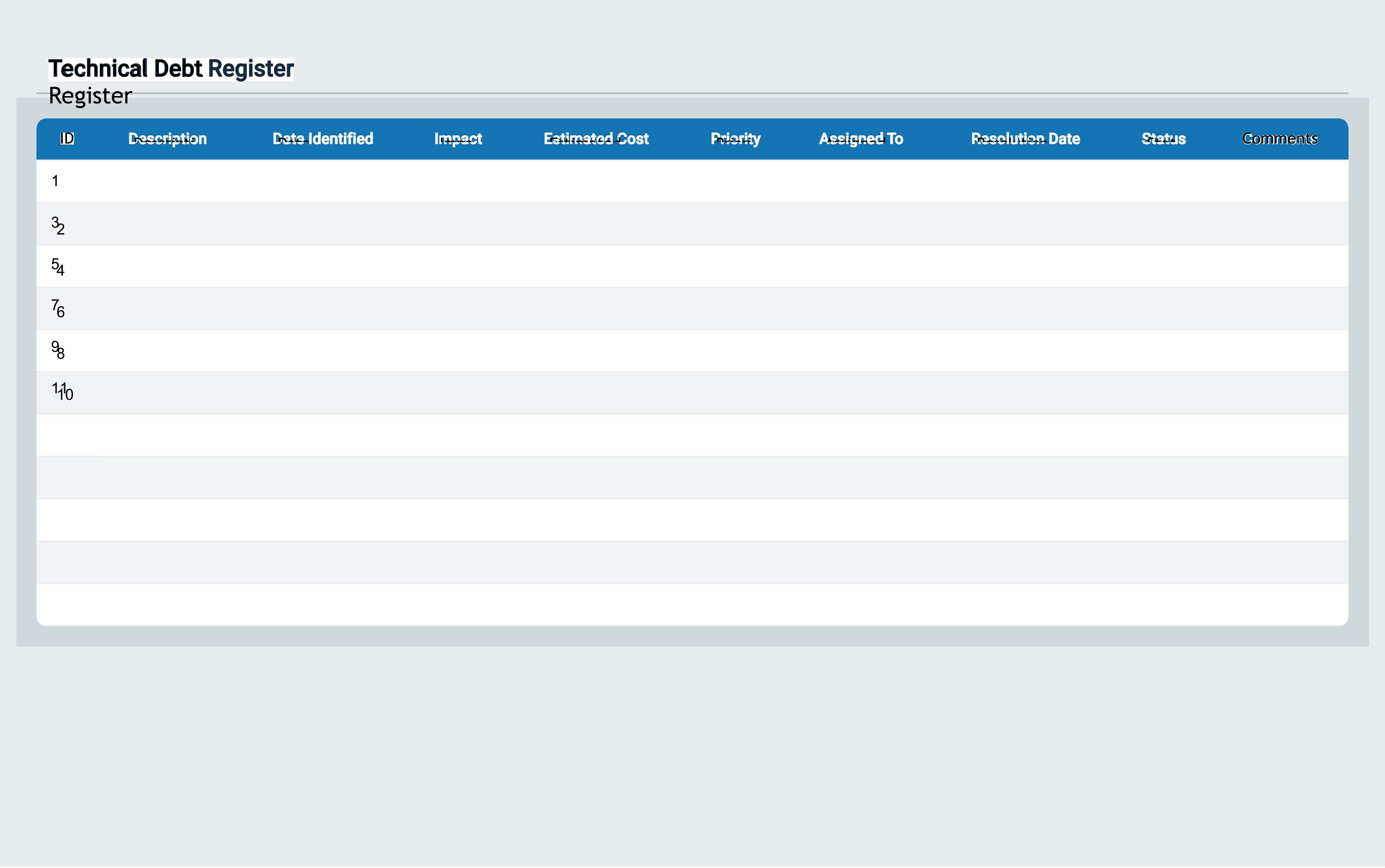
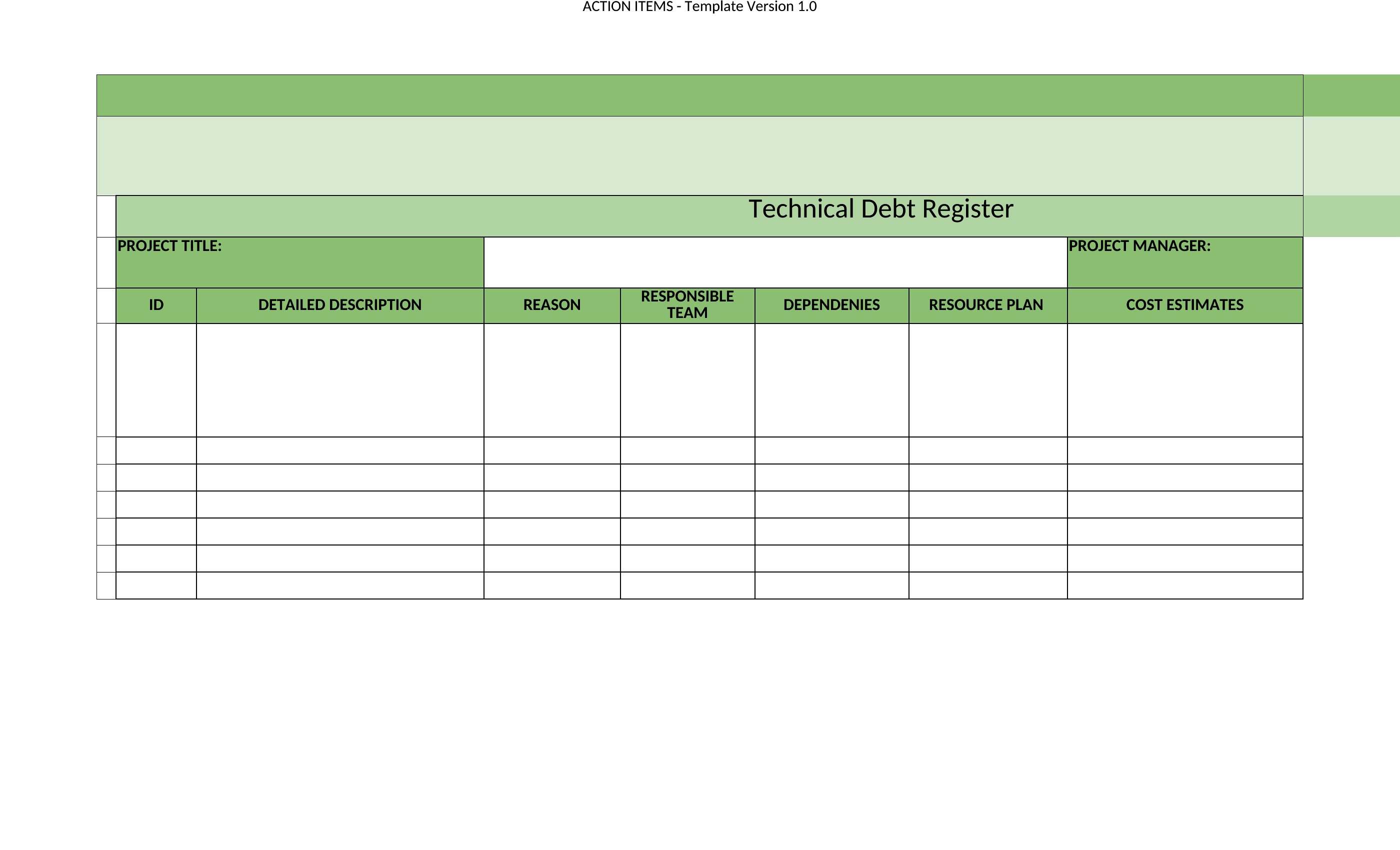
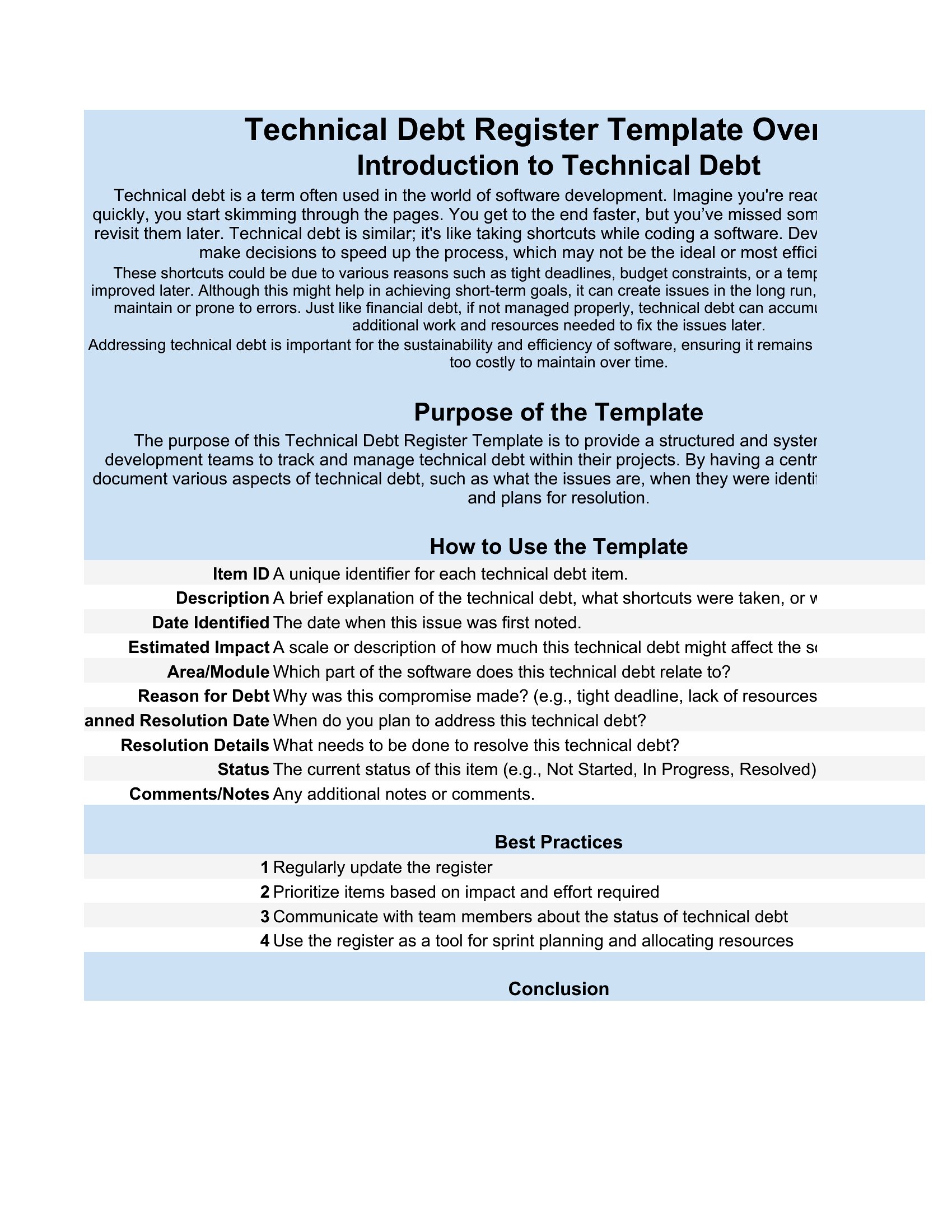
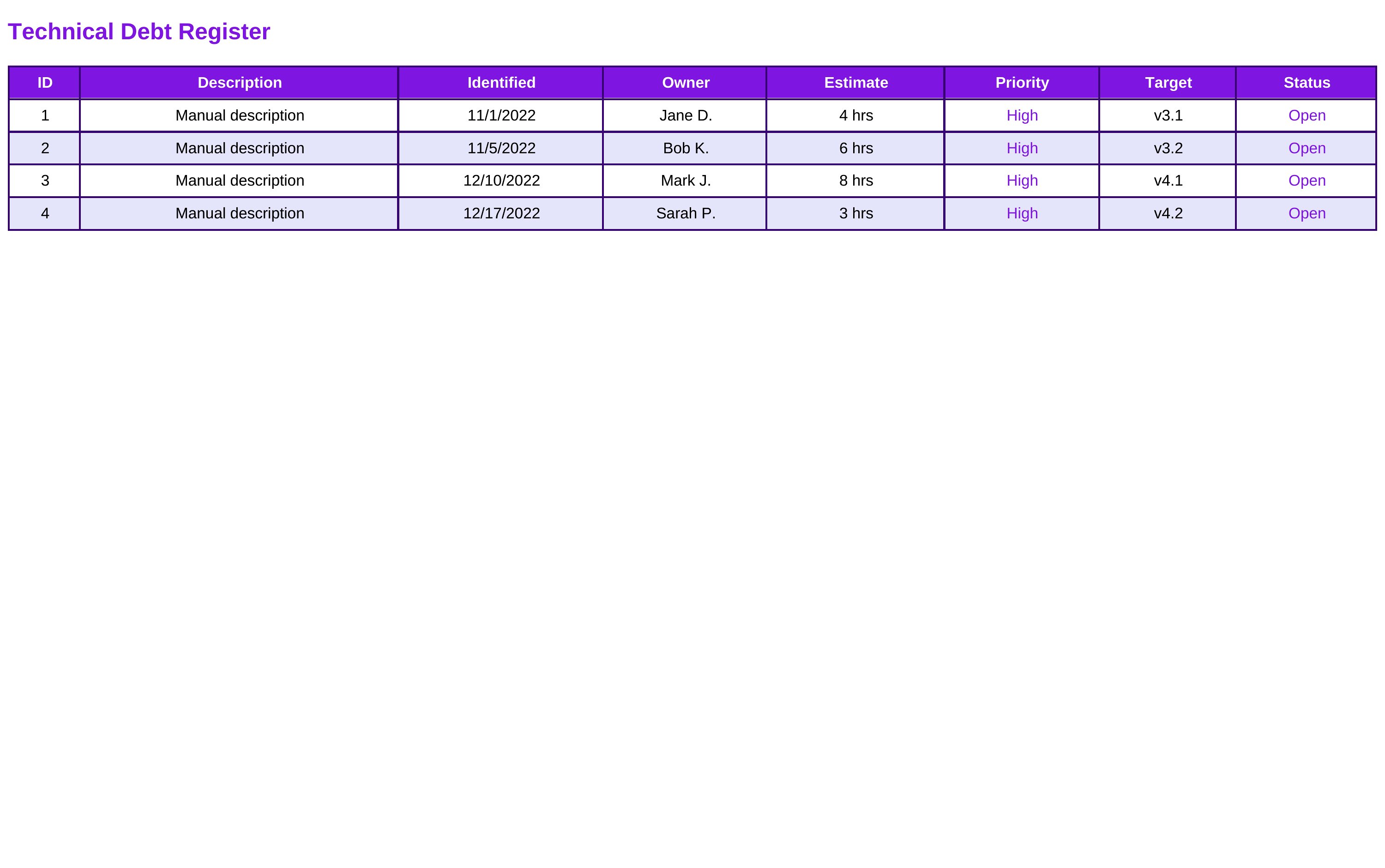
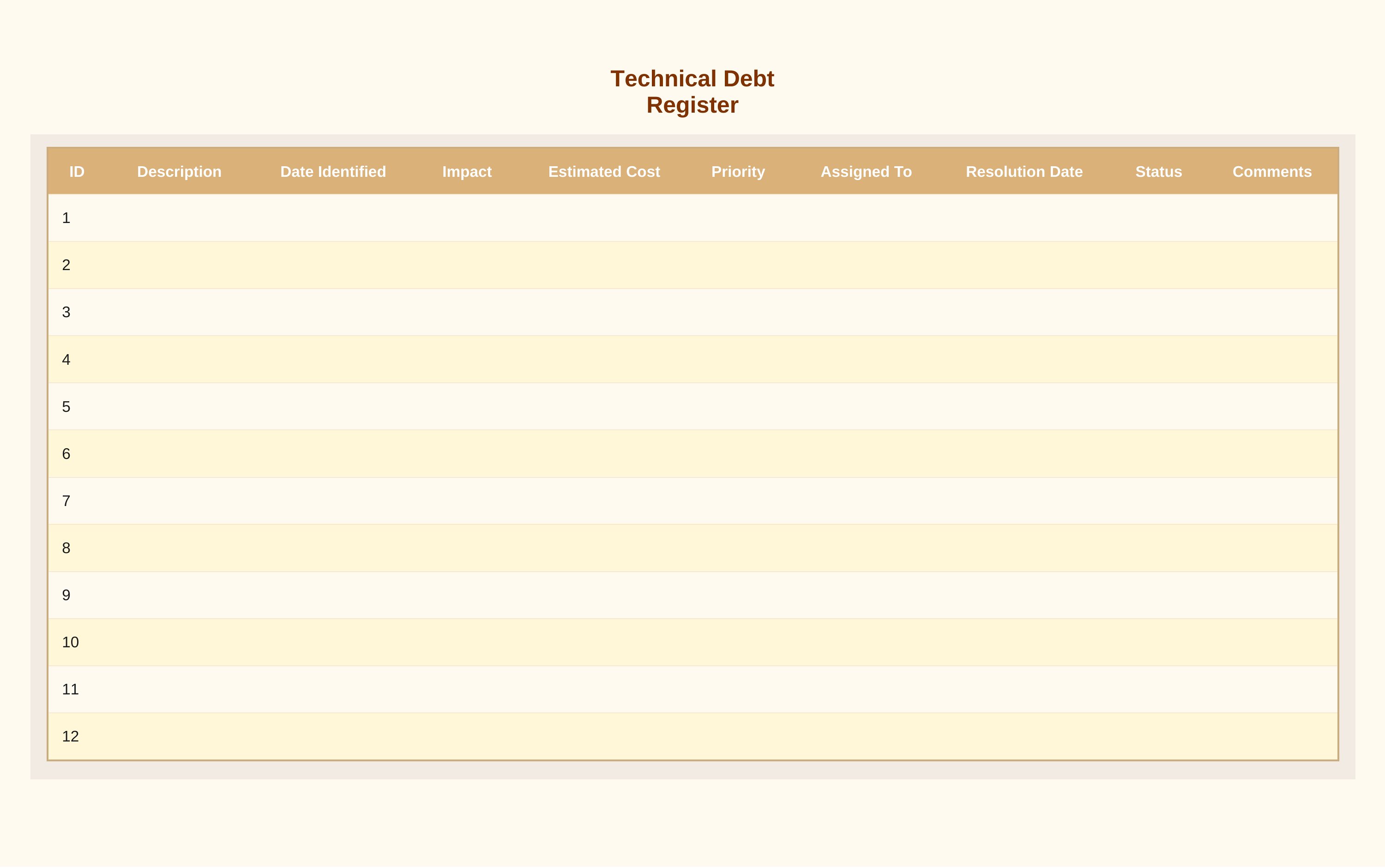
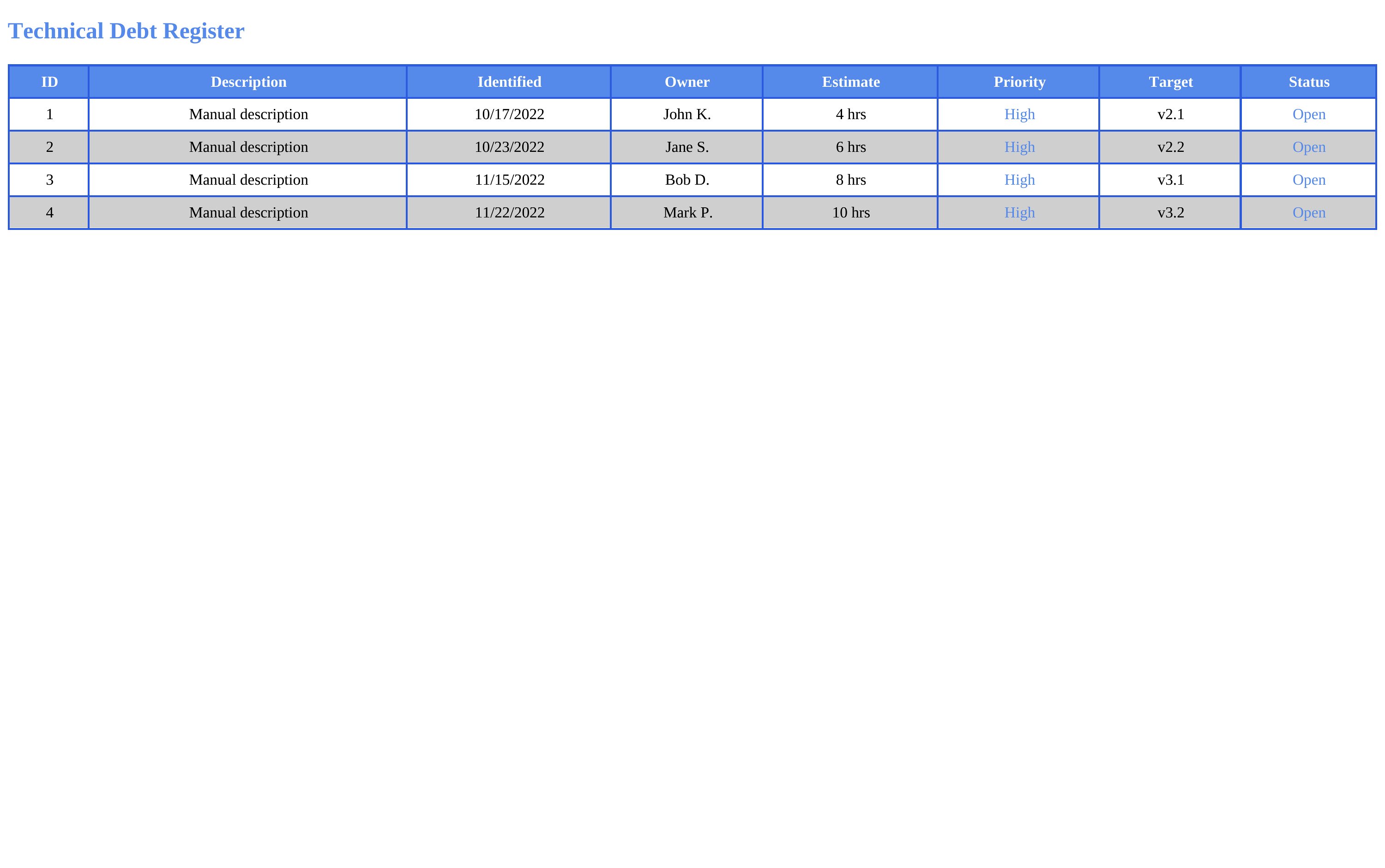
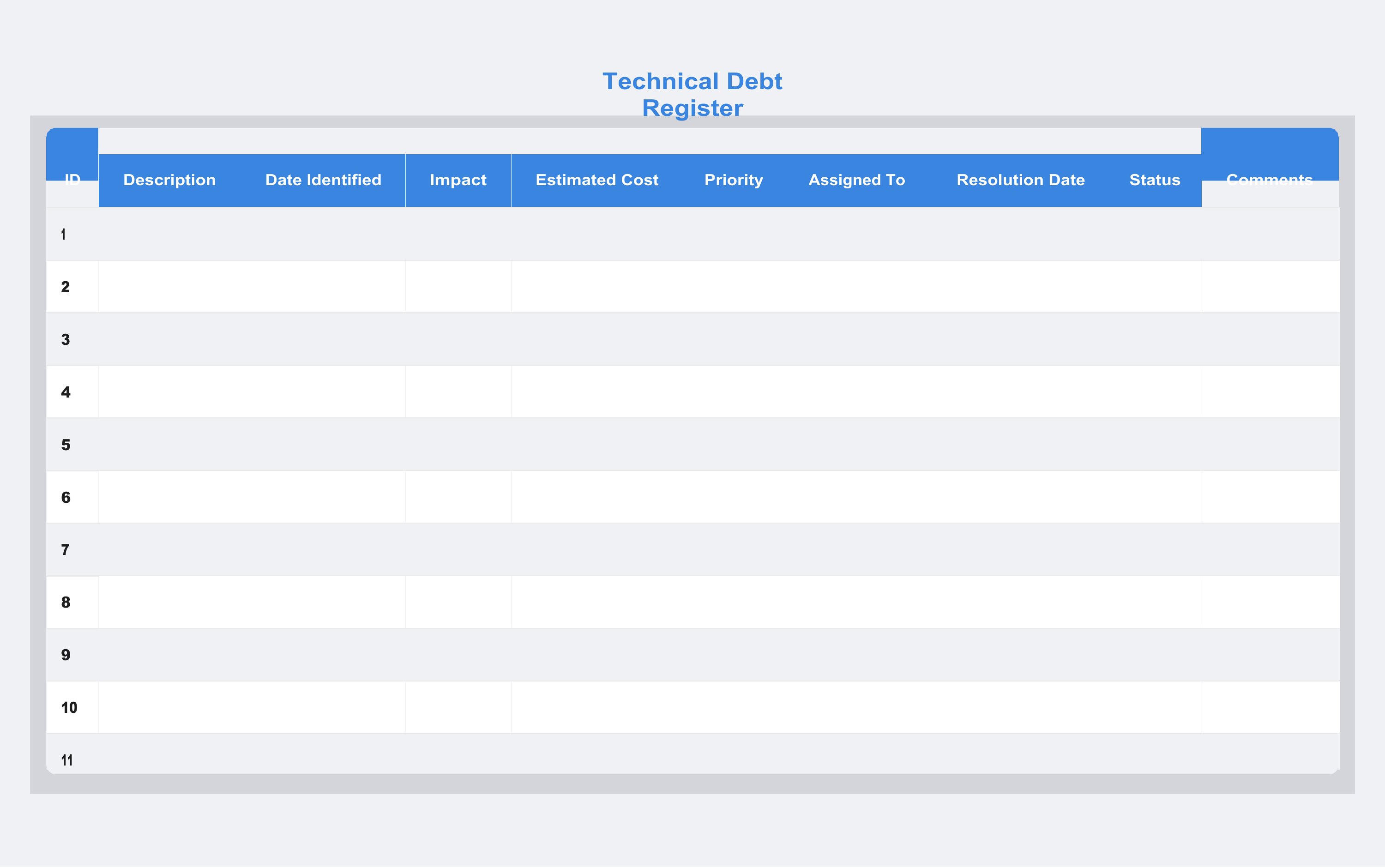
Every software team accumulates shortcuts and quick fixes, and a technical debt register keeps them from being forgotten. This set of 11 templates gives engineering teams a place to log each item, its impact, the effort to fix it, and a priority. Developers, tech leads, and product managers can use one to make hidden trade-offs visible and plan paydown alongside new work.
You'll find Word versions for lightweight notes and Excel sheets that let you sort and filter by severity or owner. Capture the issue, tag who's responsible, and update the status as items get resolved. Reviewing the register during planning keeps debt from quietly piling up. Download the format that fits your team and start tracking what needs attention.
When to use this Technical Debt Register template
- A mid-sized engineering team tracking 20+ unresolved bugs and workarounds wants to prioritize fixes alongside sprint planning. They need a centralized register to quantify risk and effort for each item.
- A startup’s lead developer notices performance lags in legacy code but lacks executive buy-in to allocate time for refactoring. This template helps justify resource allocation by documenting technical risks.
- A product manager reviewing a backlog of feature requests wants to assess whether delaying a new feature could expose the team to higher technical debt. They need a side-by-side comparison of trade-offs.
- A newly merged engineering team inherits two codebases with inconsistent practices. They use the register to audit and categorize technical debt before establishing a cleanup roadmap.
Which format should I download?
Choose Word if your team prefers collaborative editing, comments, or embedded discussions—ideal for distributed teams or when stakeholders need to review and annotate entries before prioritization. Opt for Excel if you prioritize data-driven sorting, filtering, or integration with existing project management tools like Jira or spreadsheets. Excel is also better suited for teams that track technical debt alongside quantitative metrics like velocity or cost estimates. Both formats include priority columns, but Excel’s formulas can automate risk scoring if your team uses weighted criteria. Word is simpler for basic documentation, while Excel scales better for complex analysis.
Choose from 11 Technical Debt Register Templates
How to use this Technical Debt Register template
How do we decide which technical debt items to prioritize when everything seems urgent?
Start by categorizing each item by its impact (e.g., security risk, performance degradation) and effort to resolve. Use the priority columns to score each based on a simple scale—like 1 (low) to 5 (critical)—then sort by impact/effort ratio. Teams often combine this with business goals, such as aligning fixes with upcoming feature releases or user-facing deadlines.
Can we use this template to track architectural decisions as well as bugs or quick fixes?
Yes, the template is designed to capture any intentional trade-off or suboptimal choice, including architectural decisions. Add a column to note whether the item is a ‘known issue’ (like a hack) or a ‘strategic debt’ (like a deliberate shortcut for speed). This helps distinguish between fixes and future enhancements. Include a brief rationale for architectural choices to preserve context later.
What’s the best way to involve non-technical stakeholders in reviewing the technical debt register?
Simplify the language for stakeholders by focusing on business outcomes—like ‘this debt could cause downtime during peak traffic’—rather than technical jargon. Use the Word version for shared comments or create a high-level summary sheet in Excel with only the top 5–10 items. Pair the register with a 10-minute demo showing how unresolved debt could delay their priorities, which often secures their engagement.
Comments
Join the conversation
Sign in to share your thoughts and leave a comment on this resource.