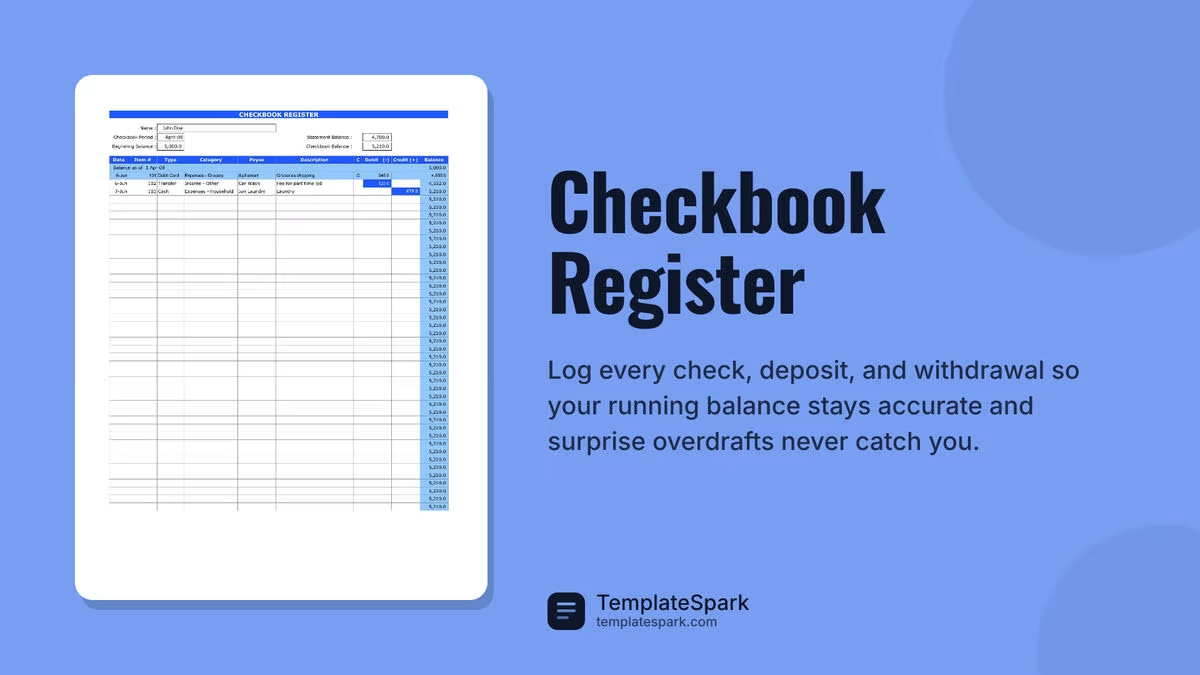
Free Checkbook Register Templates (Word, Excel, PDF)
Statements by laurenwilliams
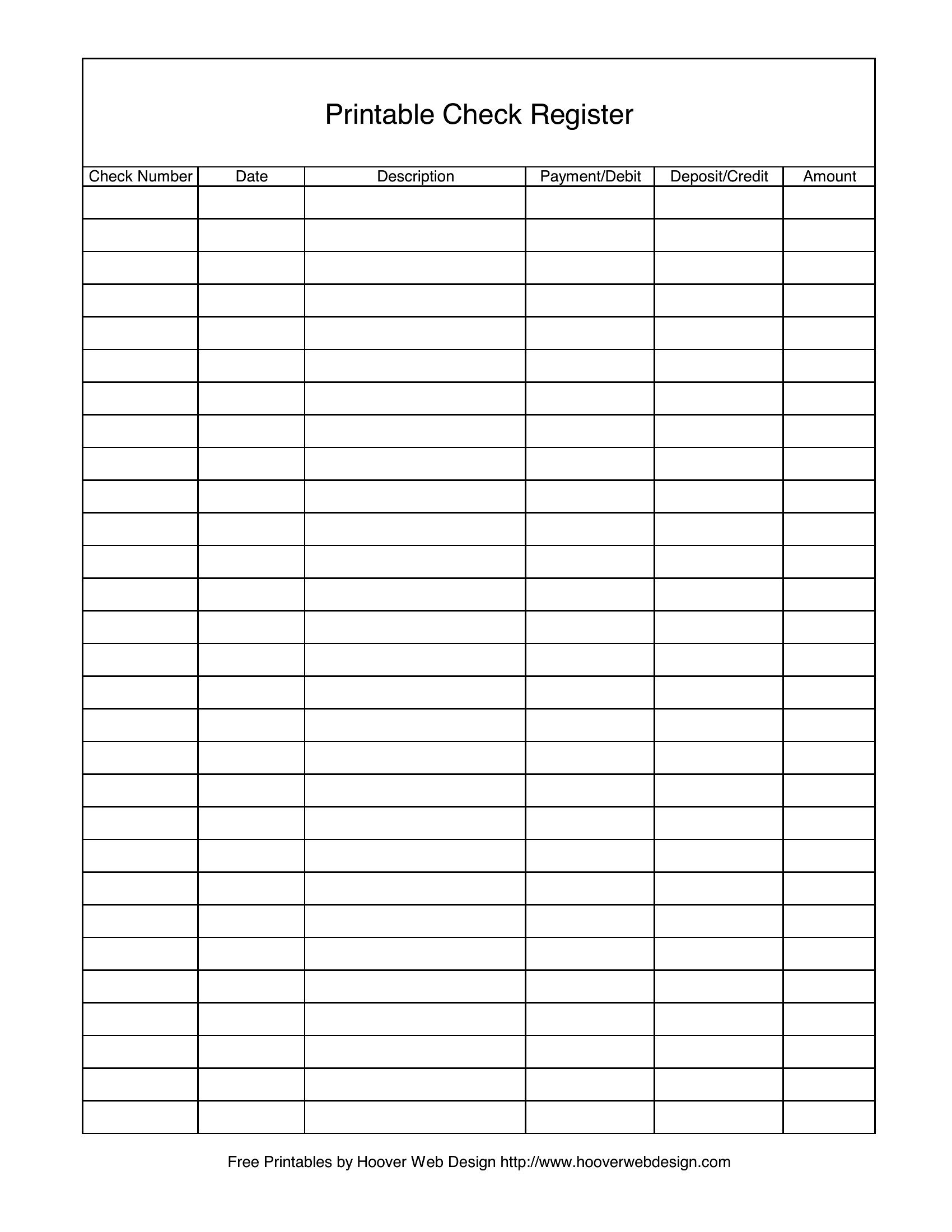
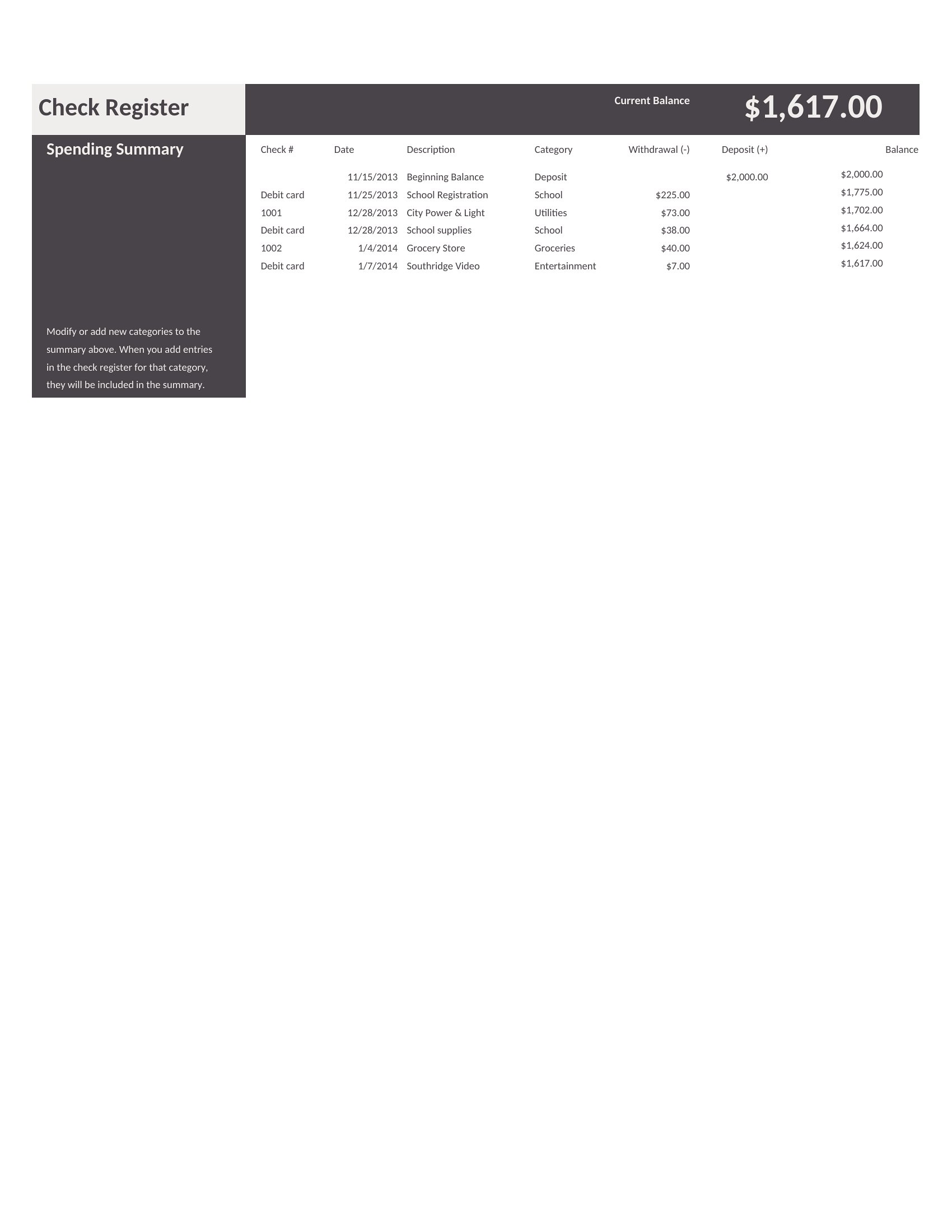
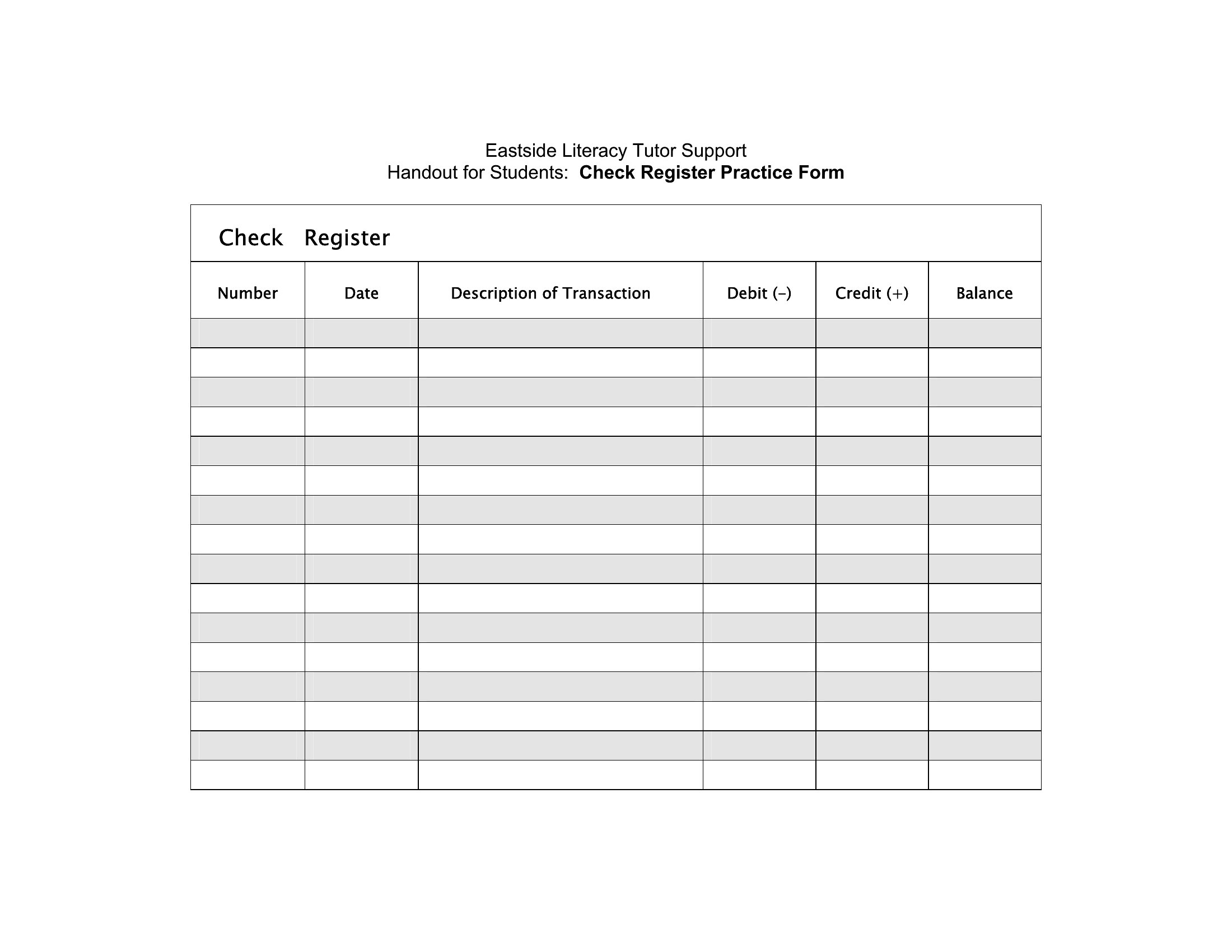
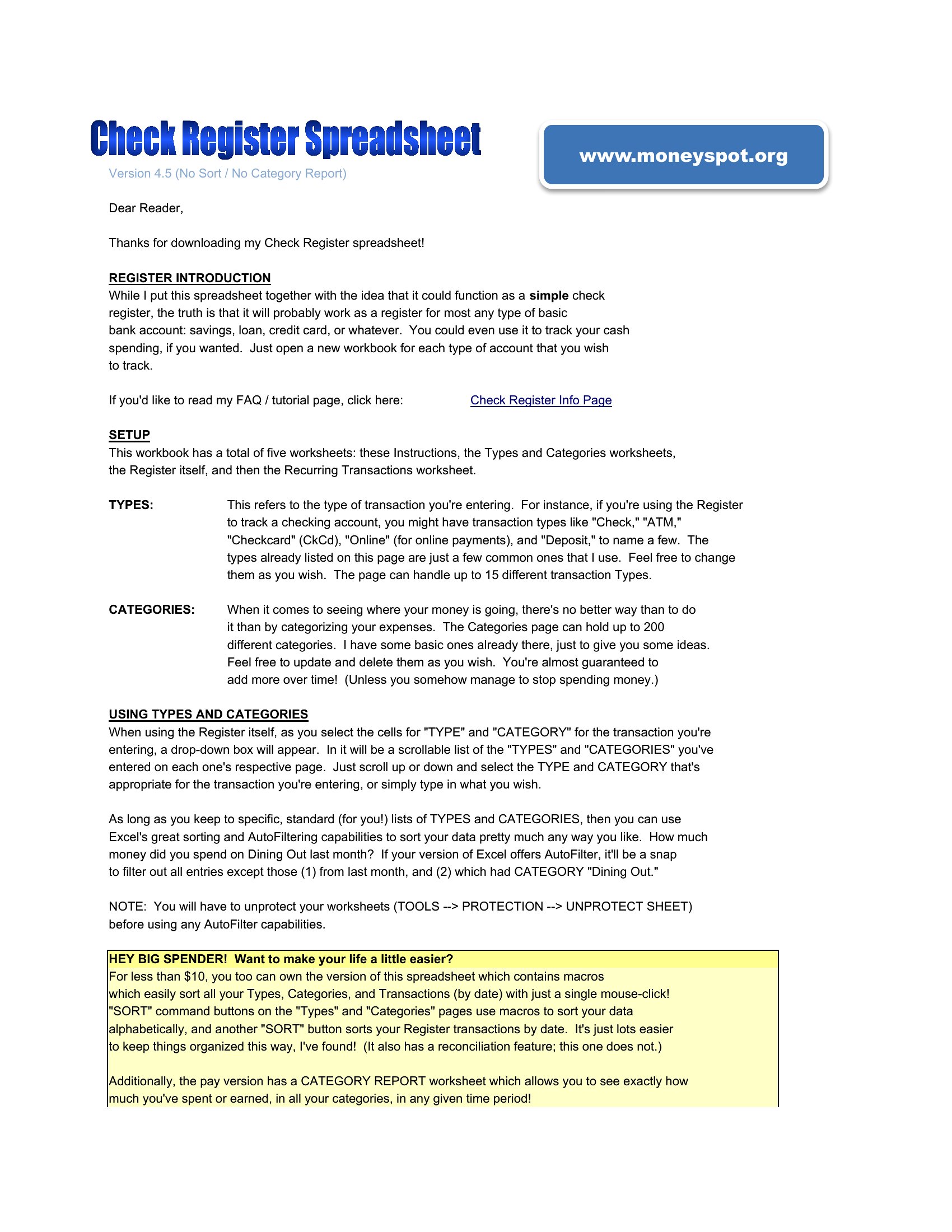
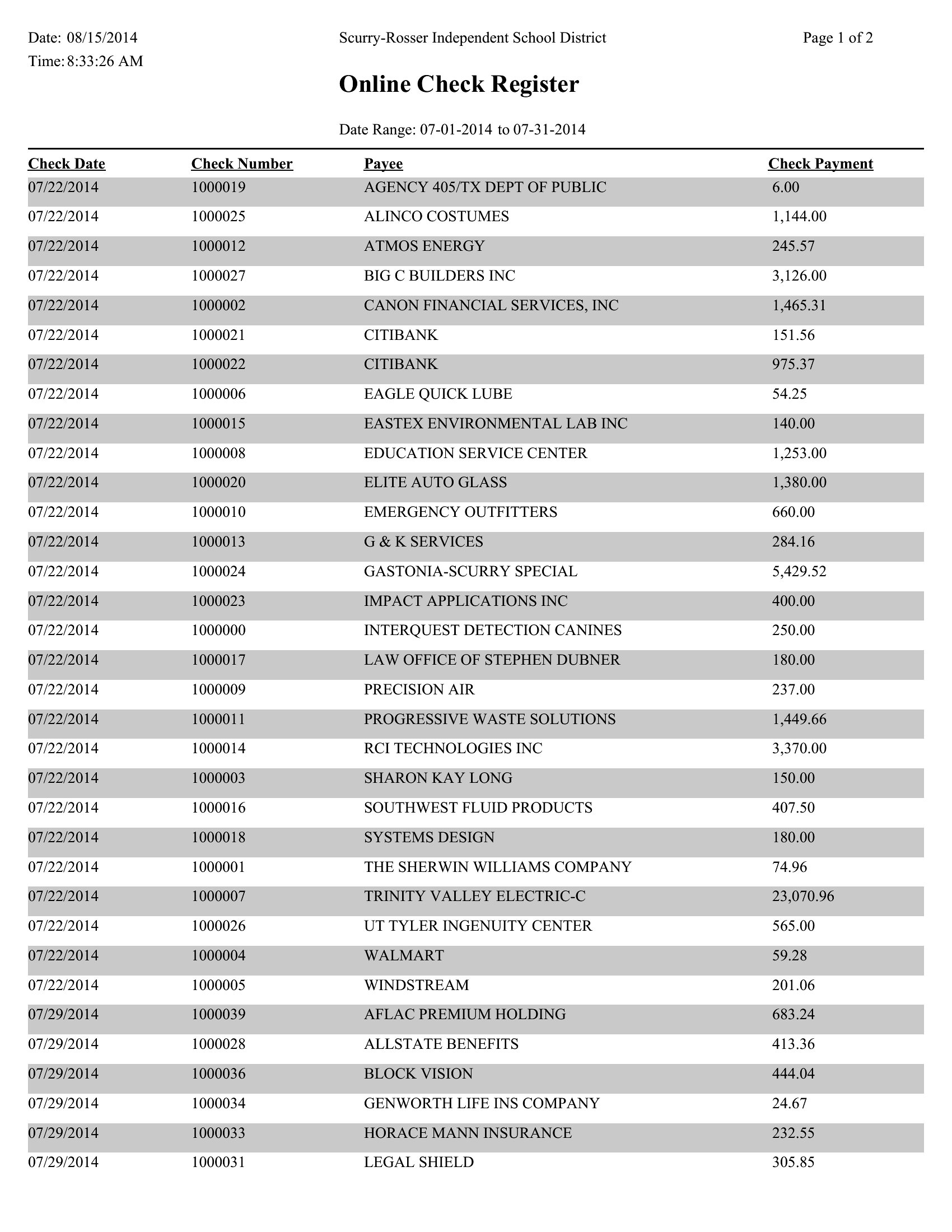
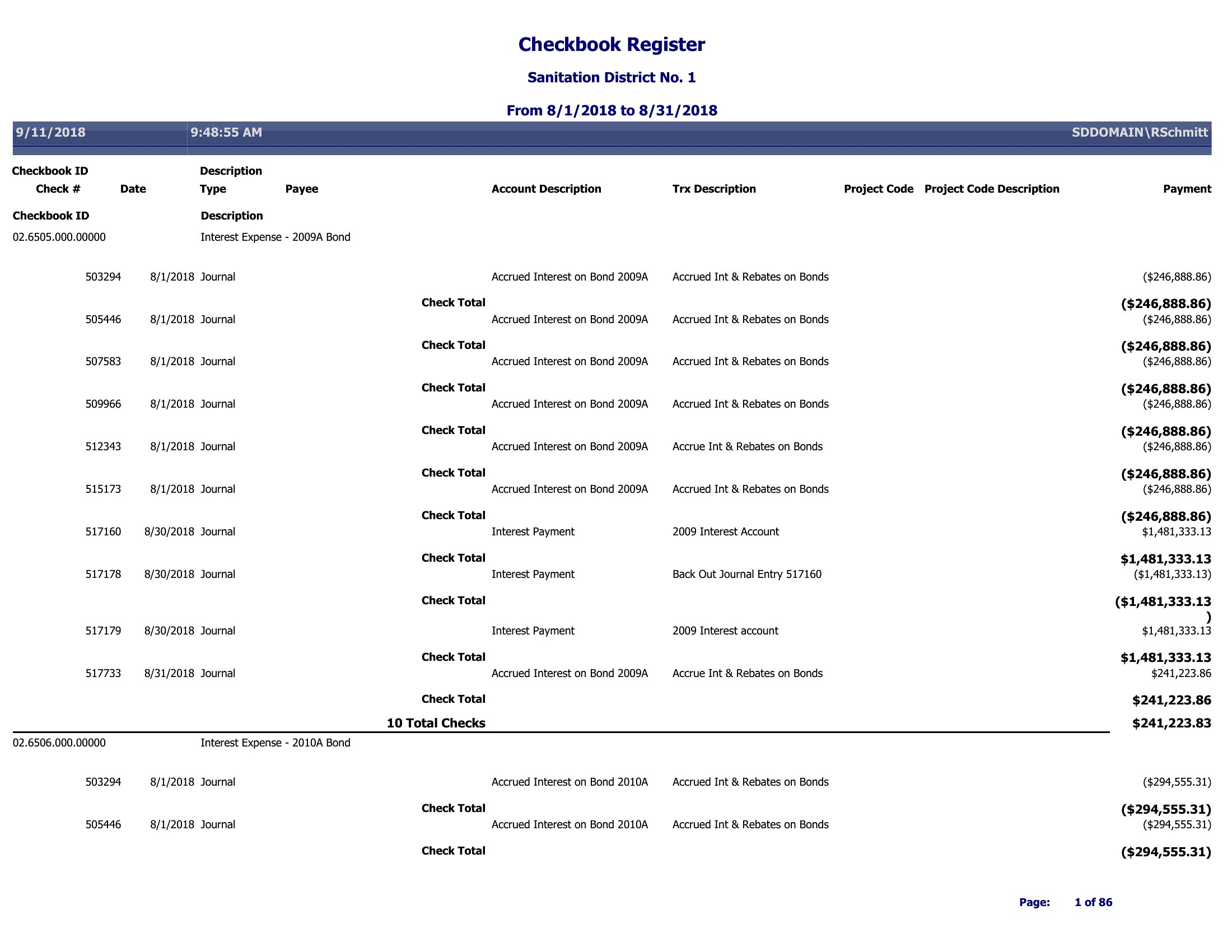
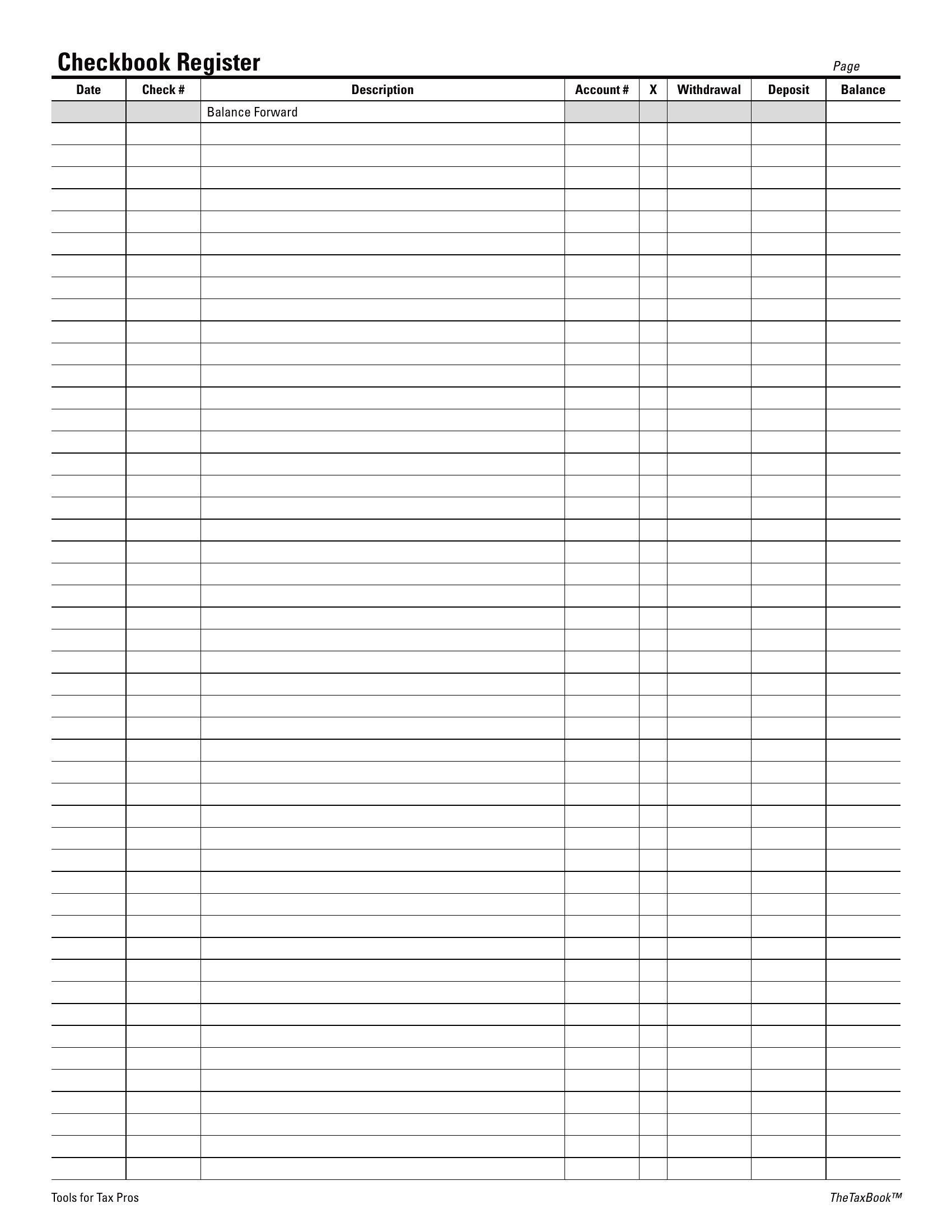
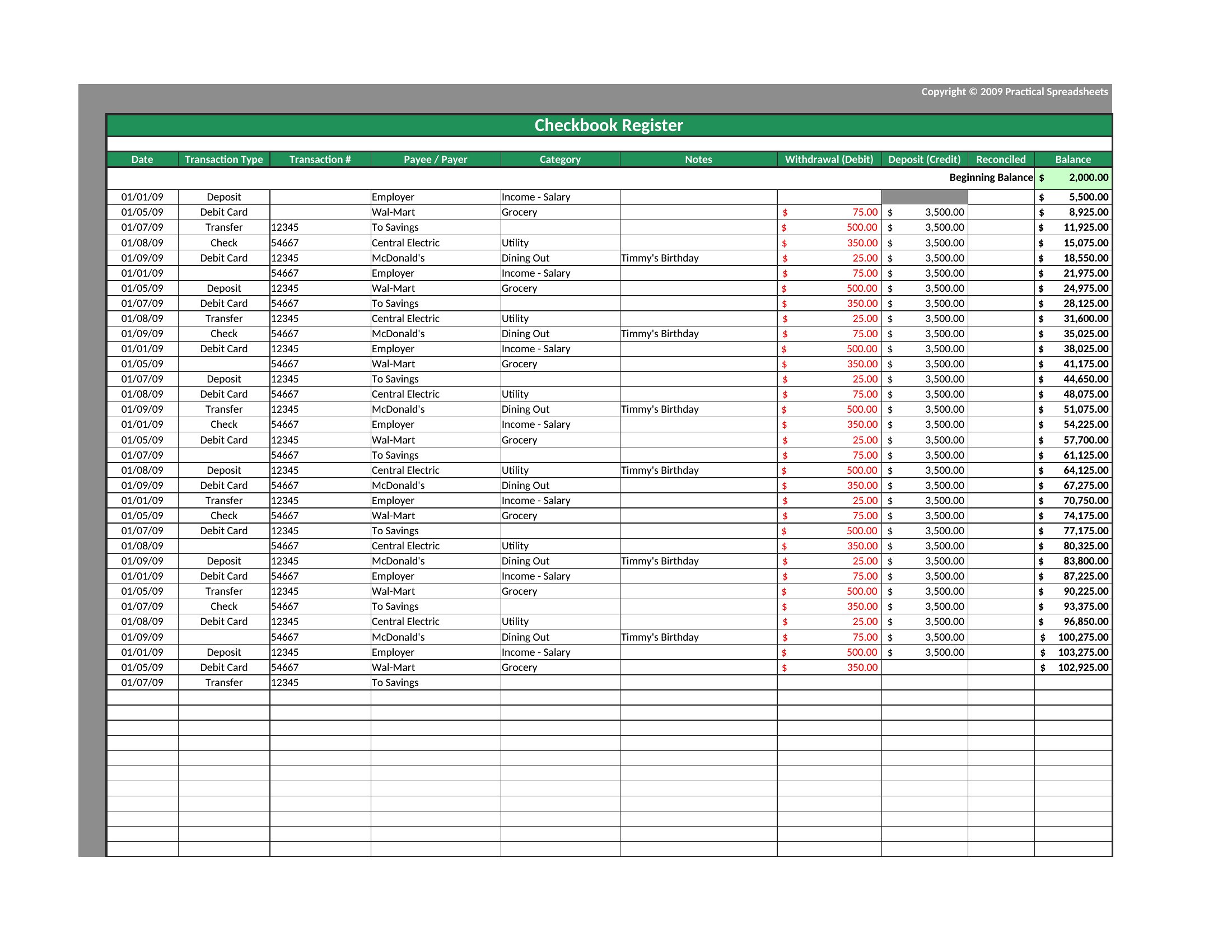
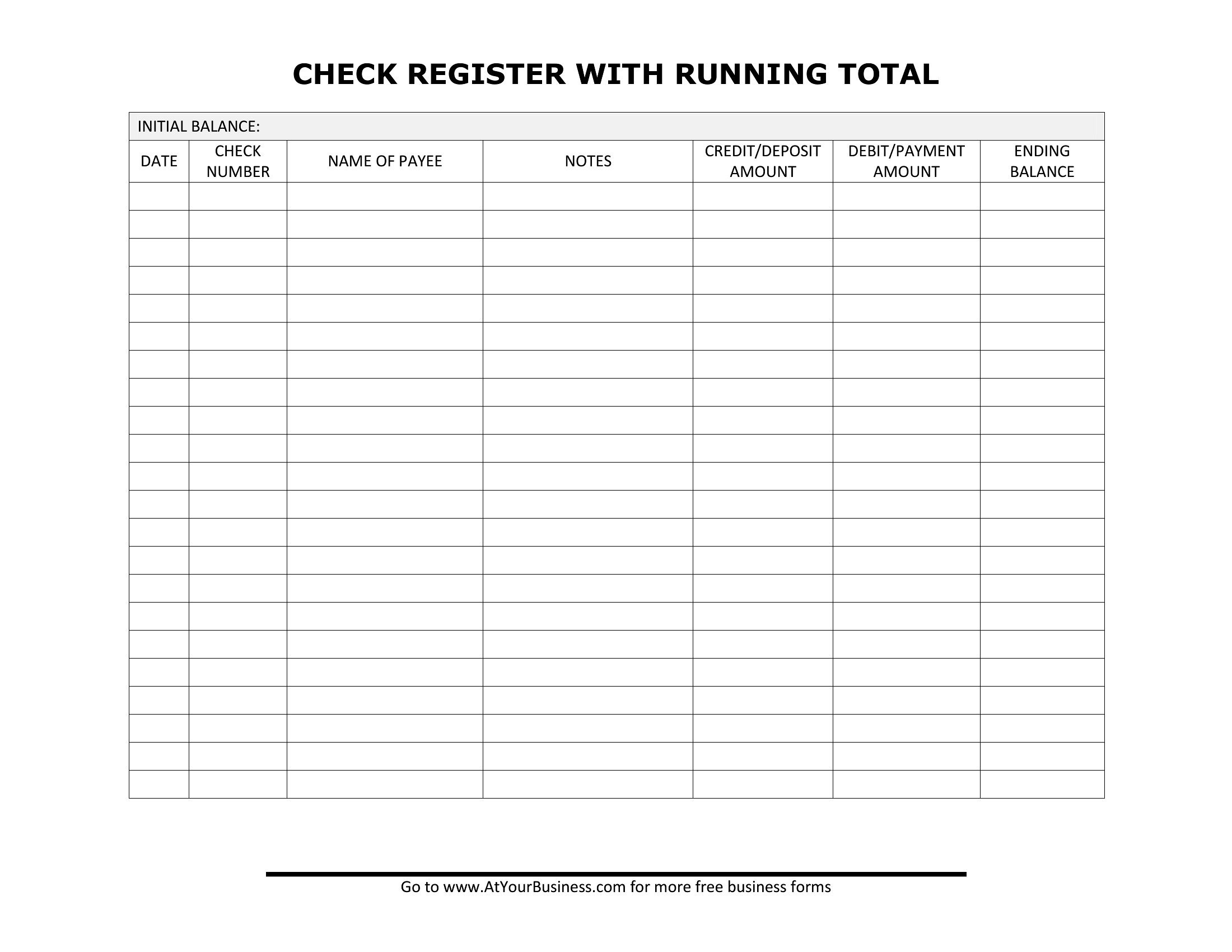
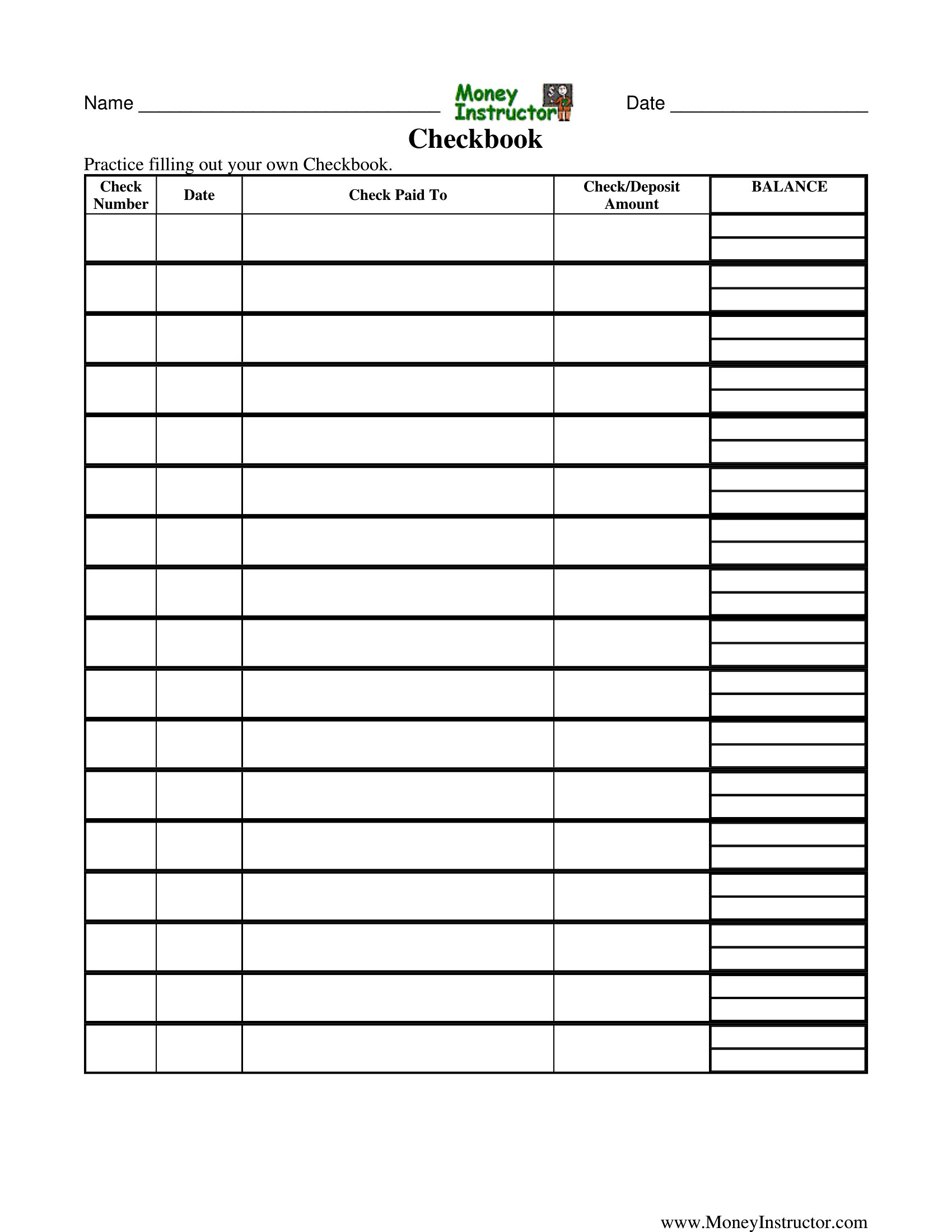
A checkbook register is still one of the simplest ways to know exactly how much money you have, tracking every deposit, check, and withdrawal as it happens. These 40 templates help budgeters, seniors, and small-business owners keep a running balance instead of relying on a bank app that may not reflect pending transactions.
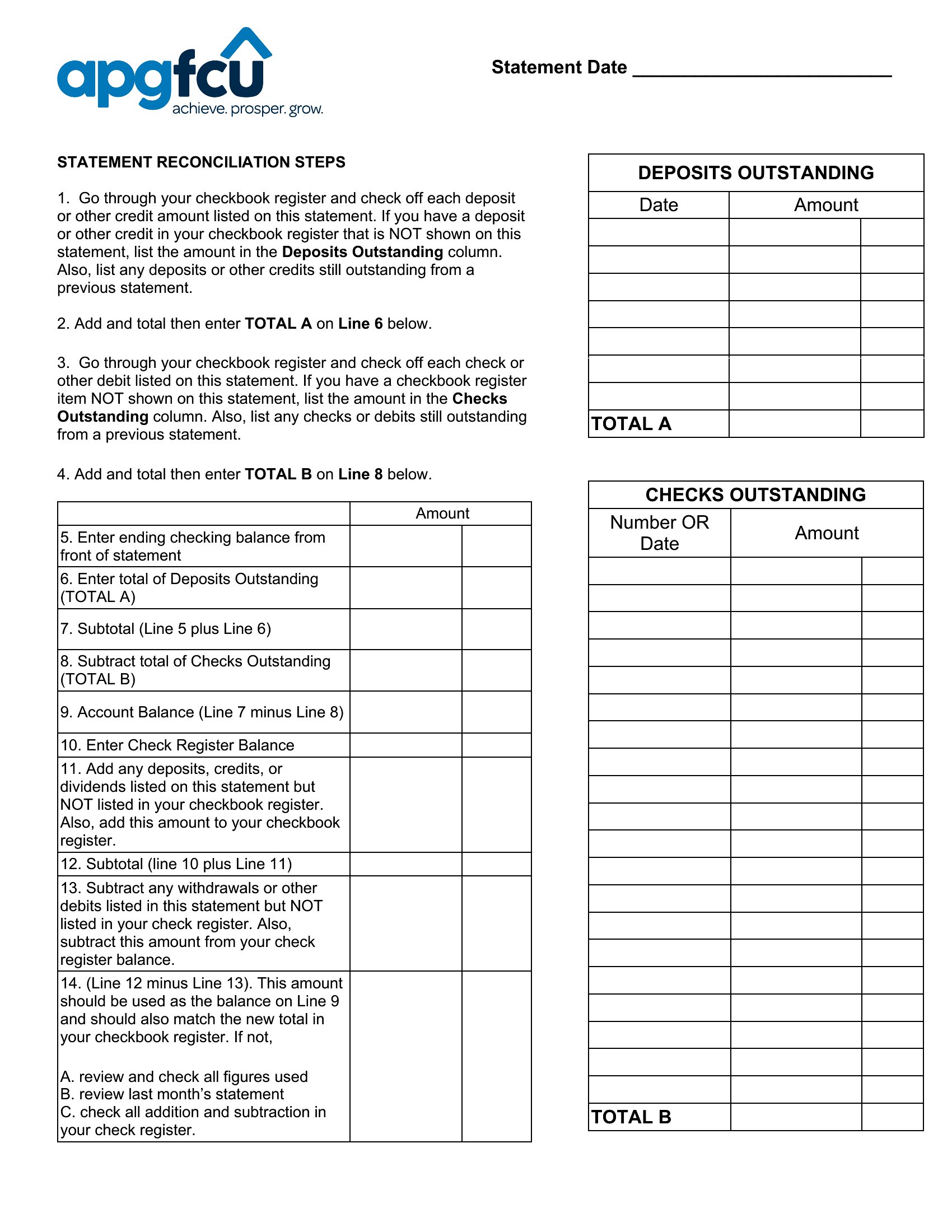
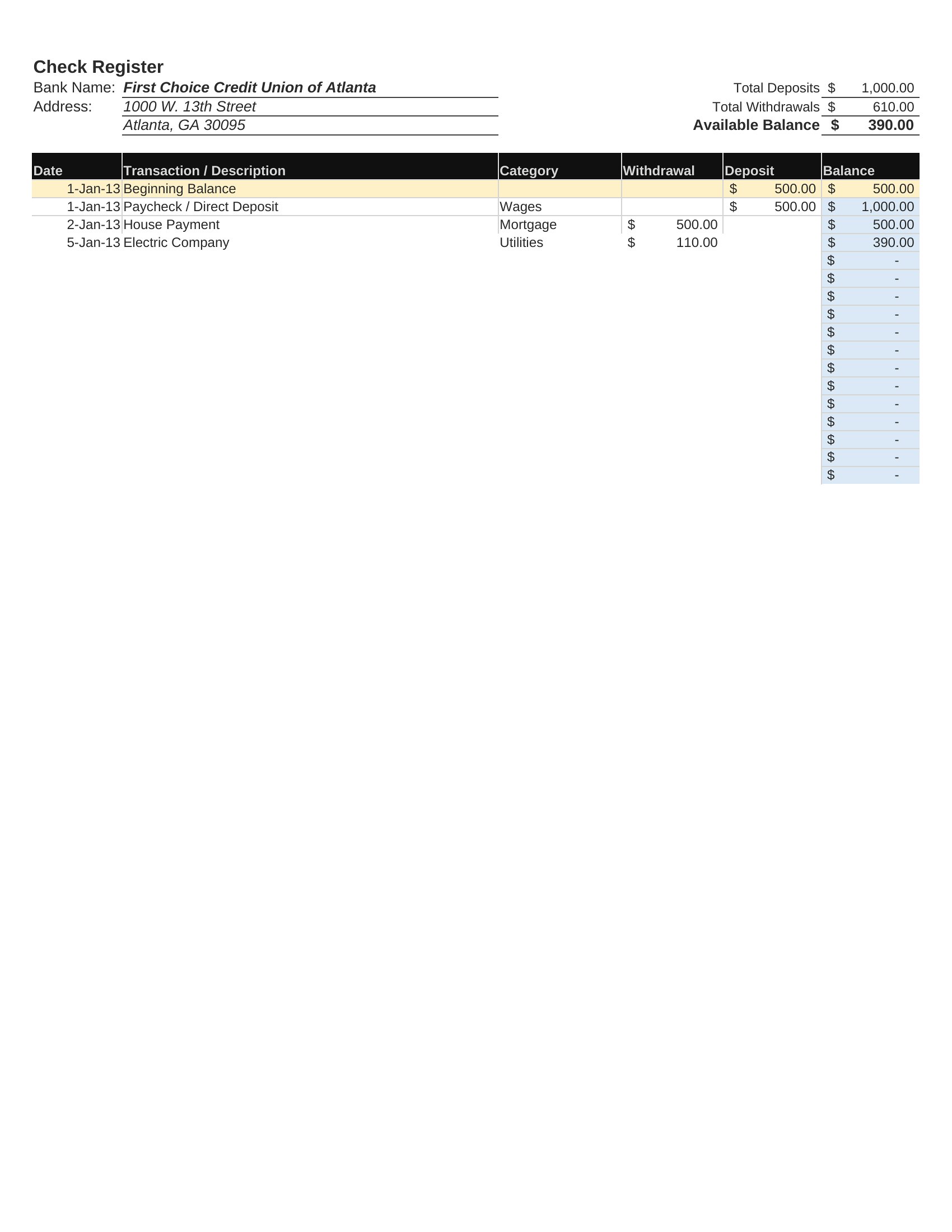
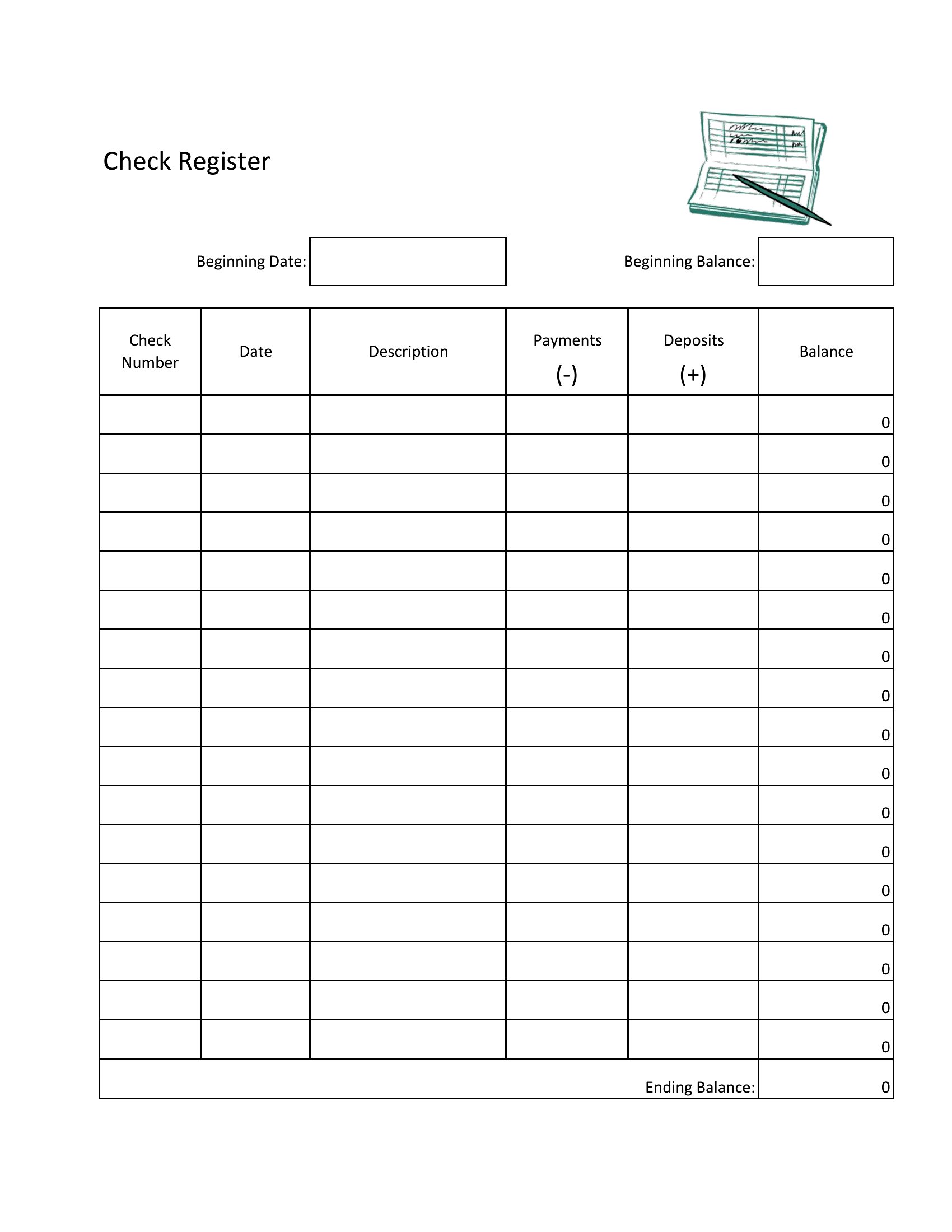
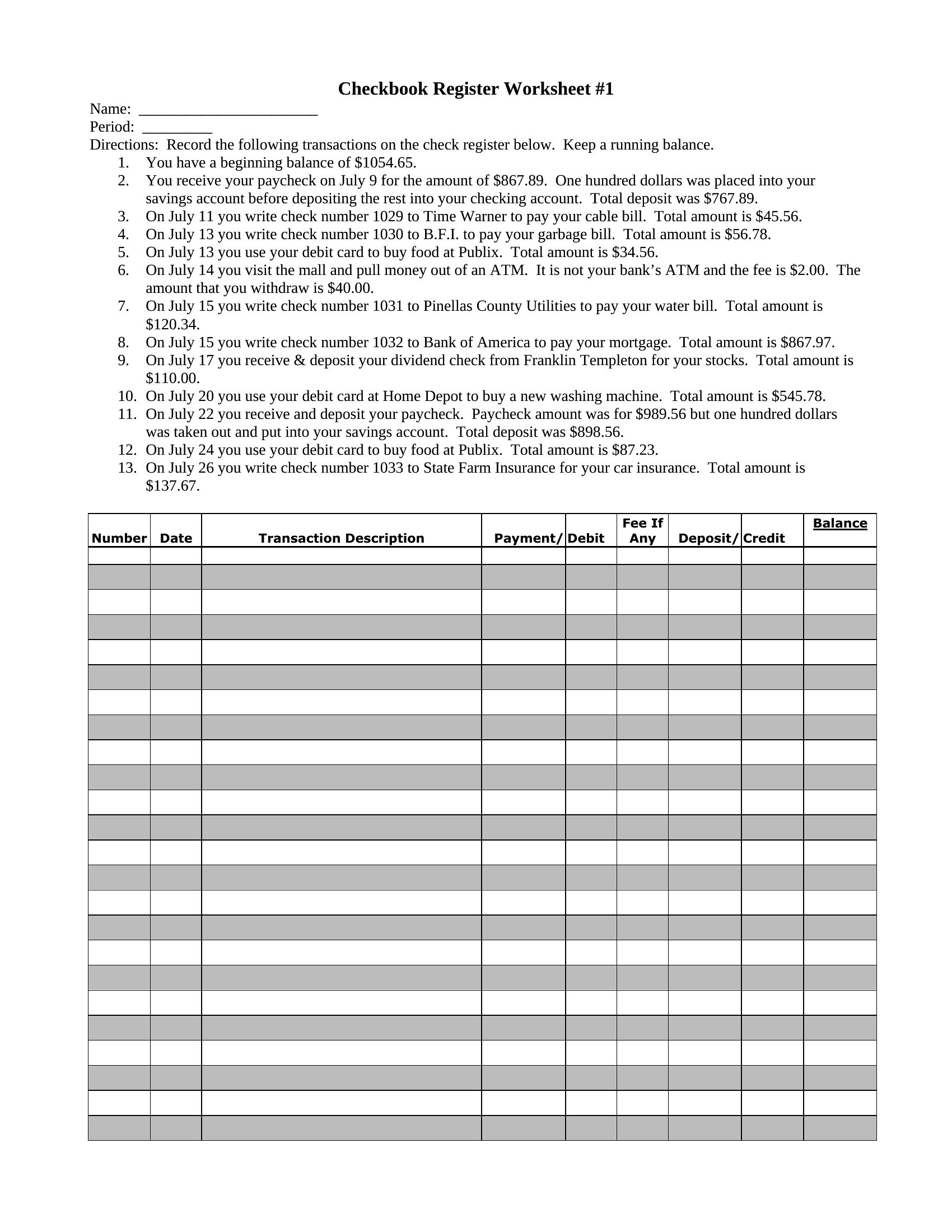
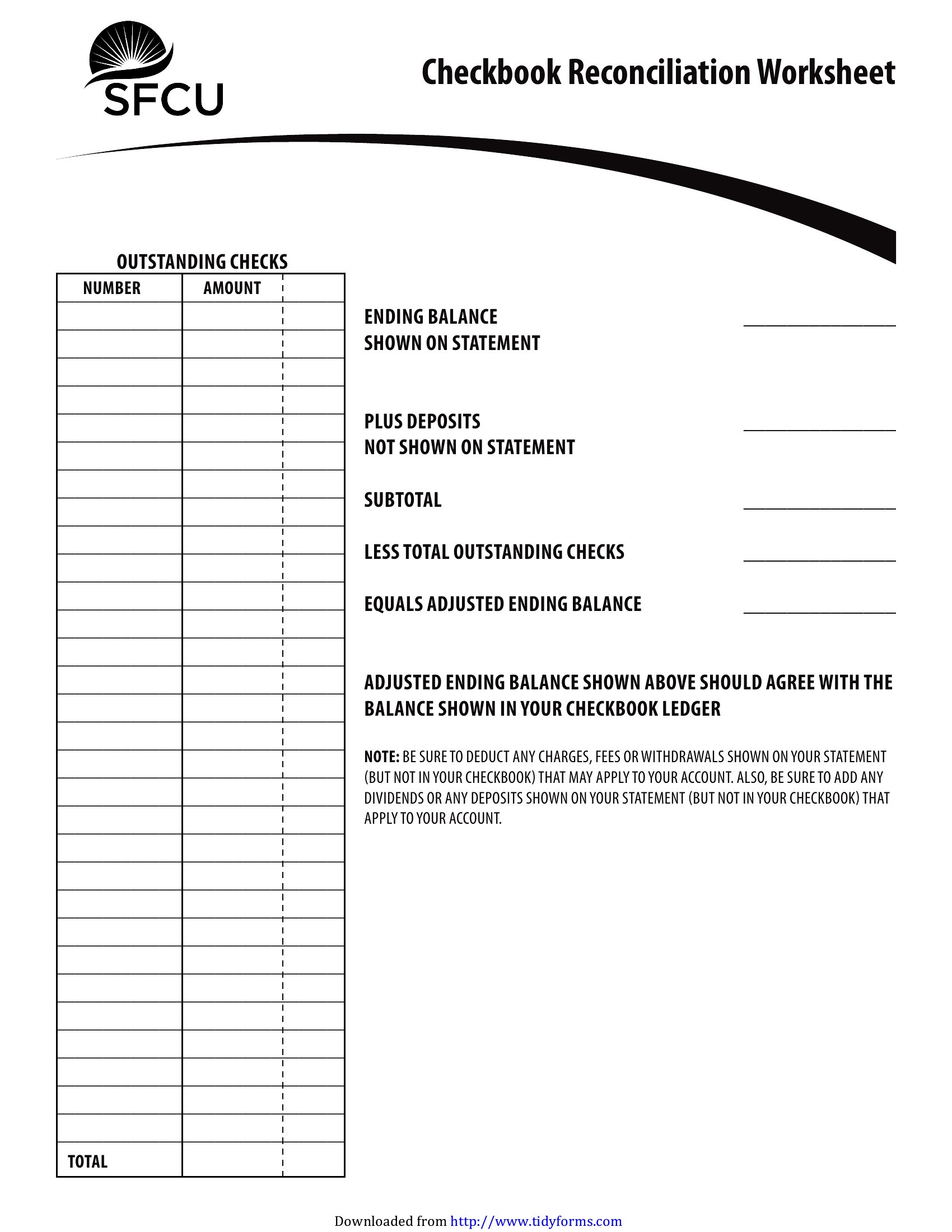
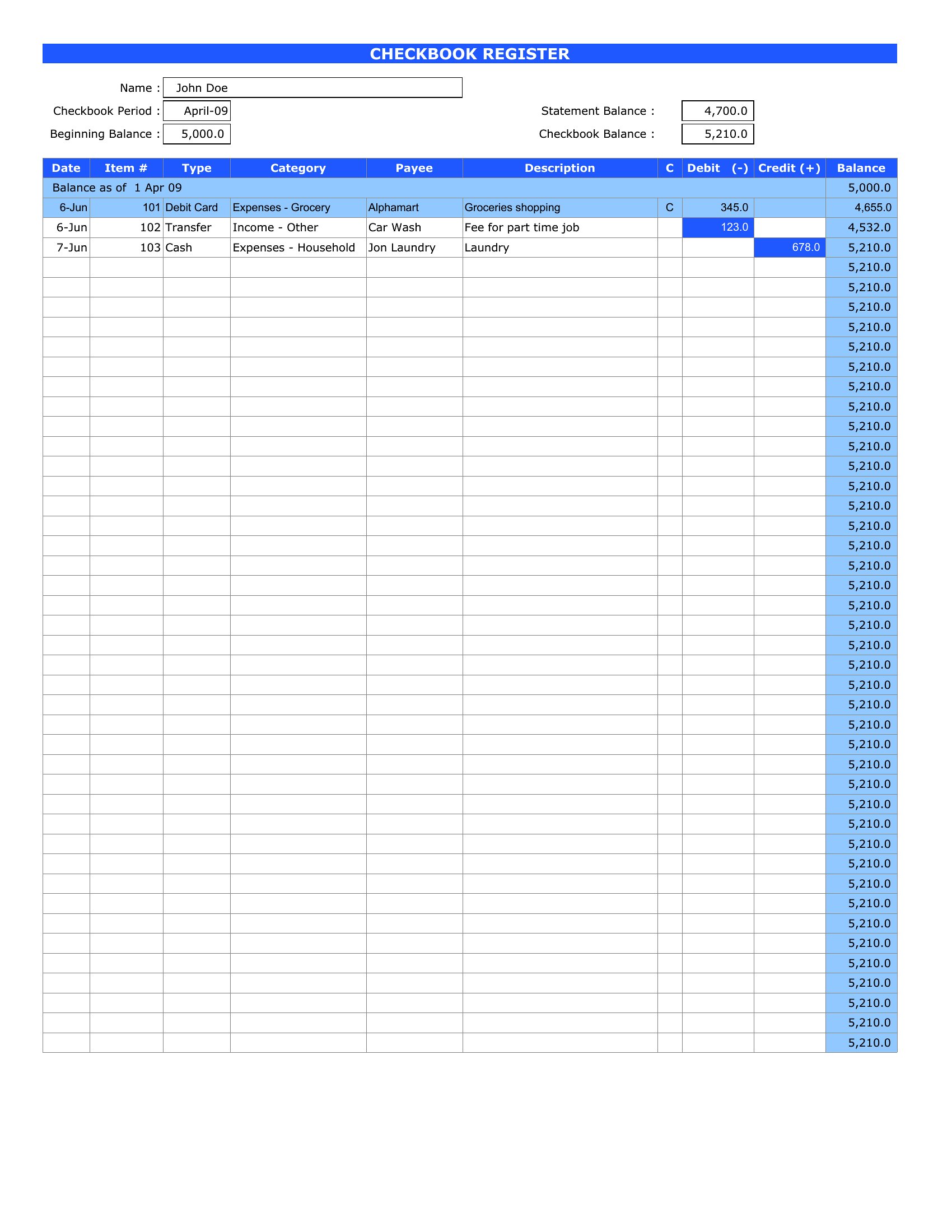
Let the Excel versions calculate your balance automatically, or print the Word and PDF copies to fill in by hand. Record each transaction, subtract as you go, and reconcile against your statement at month's end. Keeping your own running total helps you catch errors and avoid overdrafts. Download the register that fits your style and stay on top of your account.
Choose from 40 Checkbook Register Templates
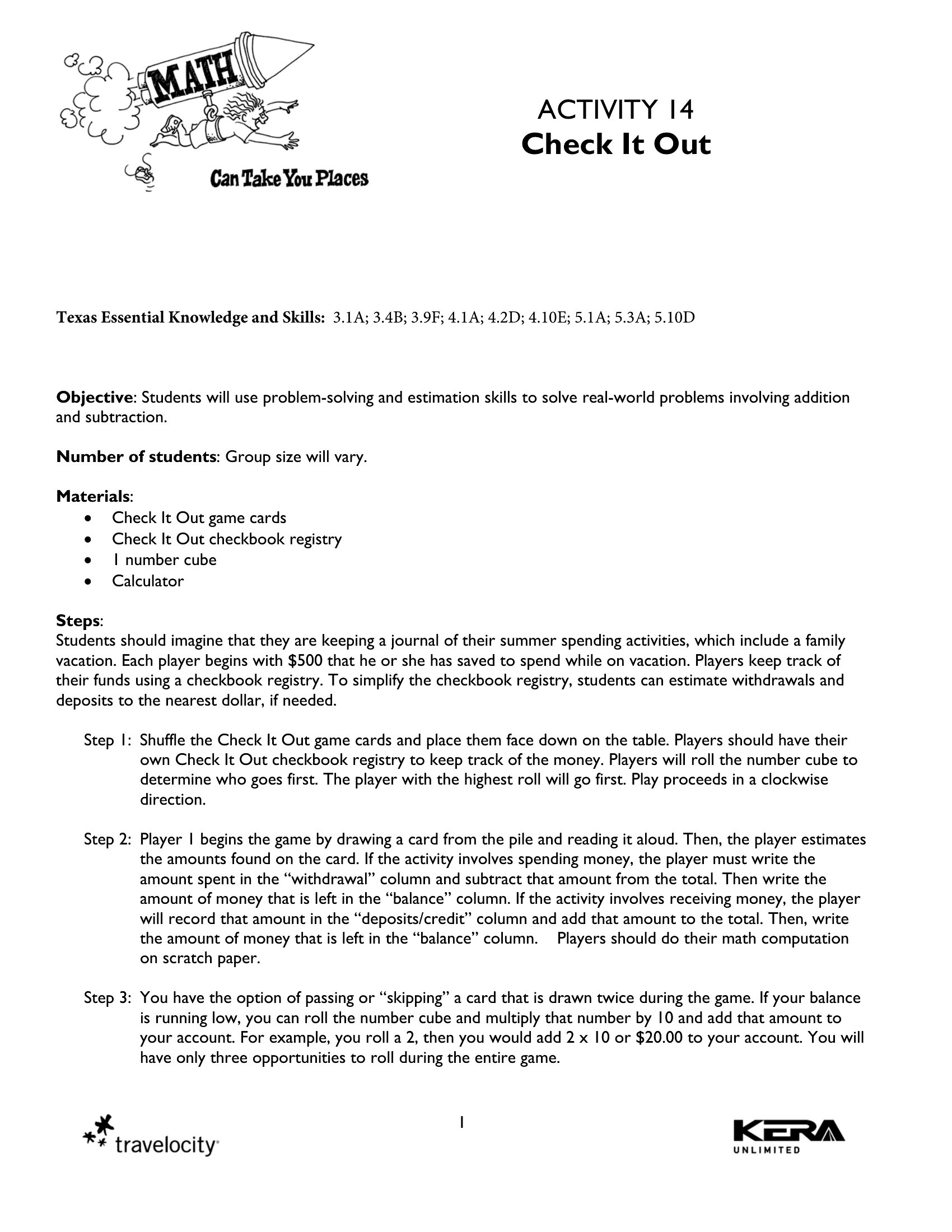
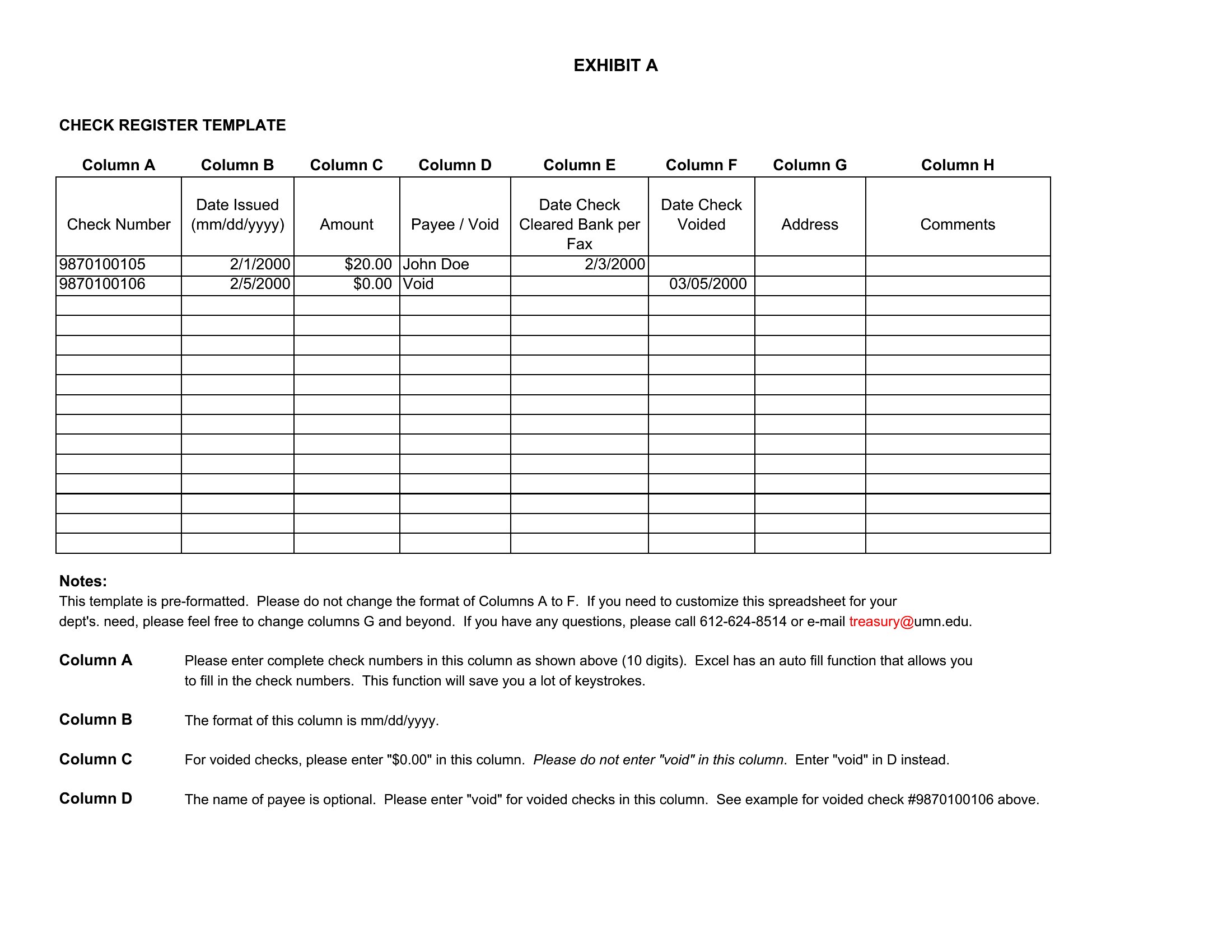
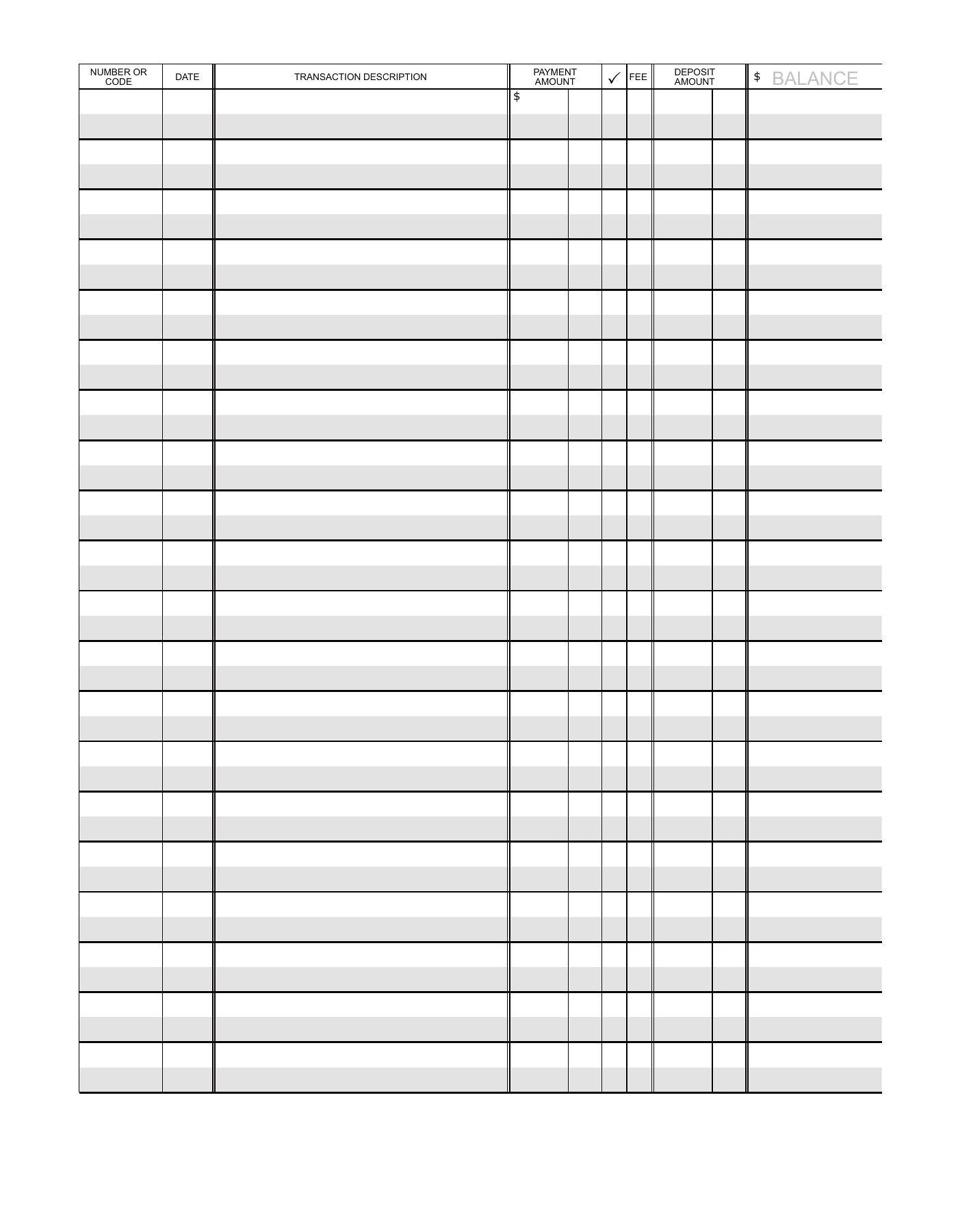
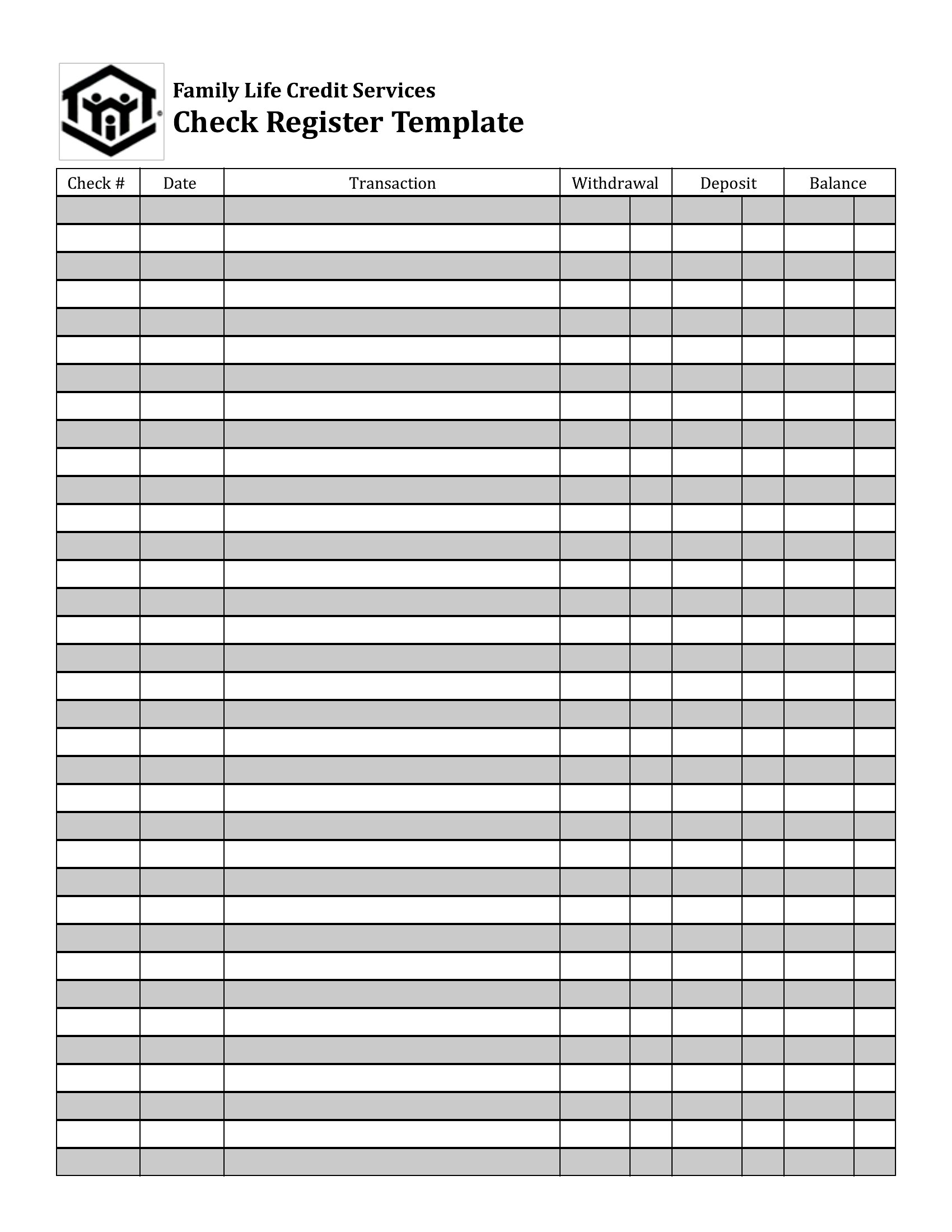
Frequently Asked Questions about Checkbook Register Templates
Are these Checkbook Register templates free to download?
Yes. Every Checkbook Register template in this collection is free to download from TemplateSpark. Just open the template you need, download it, and start editing right away — no subscription required to get started.
What file formats are available for Checkbook Register templates?
These Checkbook Register templates are available in Word, Excel, and PDF. Pick the format that matches your workflow — each download keeps the original layout so it looks right whether you open, print, or share it.
Can I edit these Checkbook Register templates?
Yes. The editable files open in Microsoft Word (and compatible apps like Google Docs or LibreOffice), so you can change the text, colors, and layout to fit your needs, then save or export the finished Checkbook Register document.
How many Checkbook Register templates can I choose from?
This page collects 40 Checkbook Register templates so you can compare styles and layouts in one place. Browse the options, open the one that fits your purpose best, and download it in your preferred format.
Can I use Checkbook Register templates for commercial purposes?
In most cases, yes — these Checkbook Register templates are intended for both personal and business use. Check the license note on the template before redistributing or reselling, and avoid sharing the source files as your own product.
What columns should a checkbook register include?
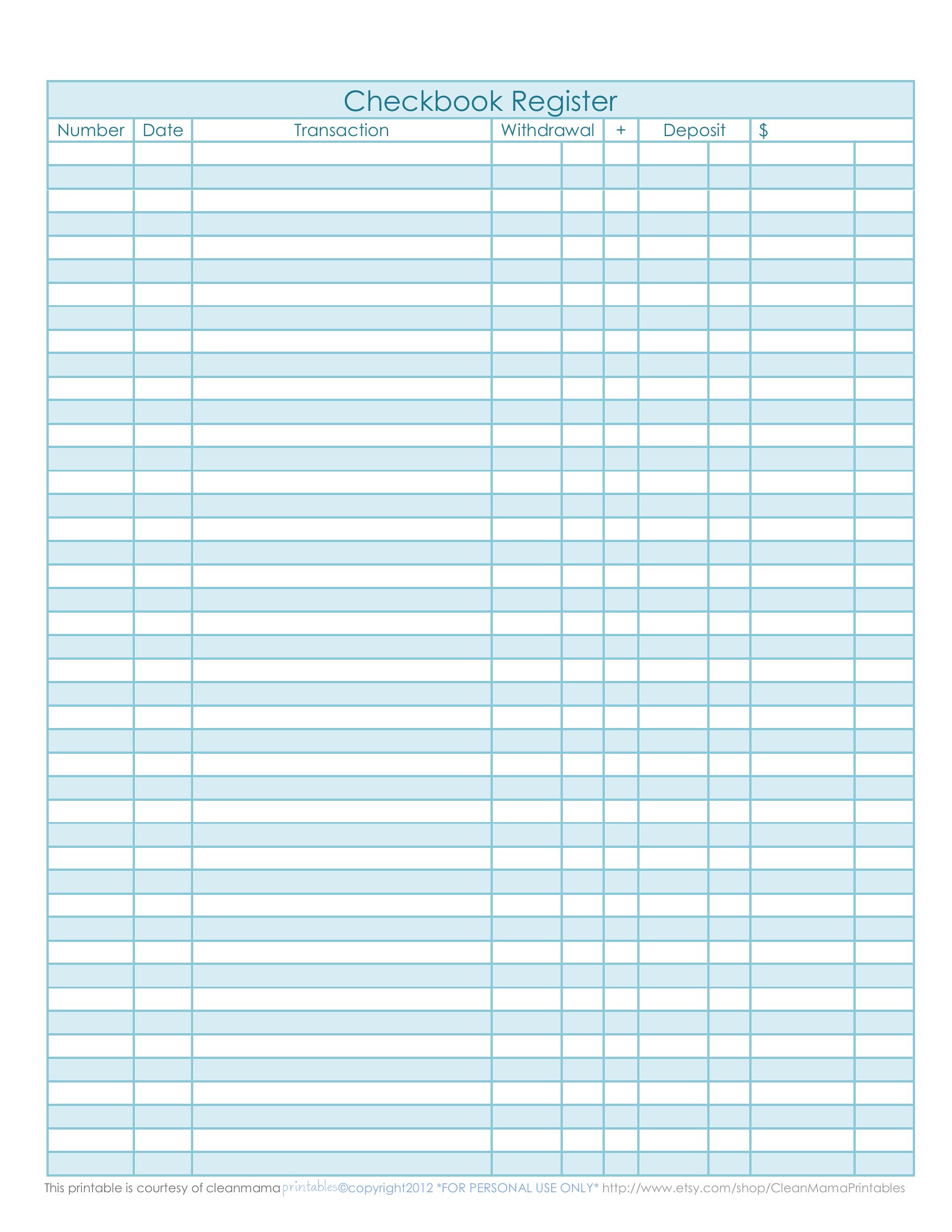
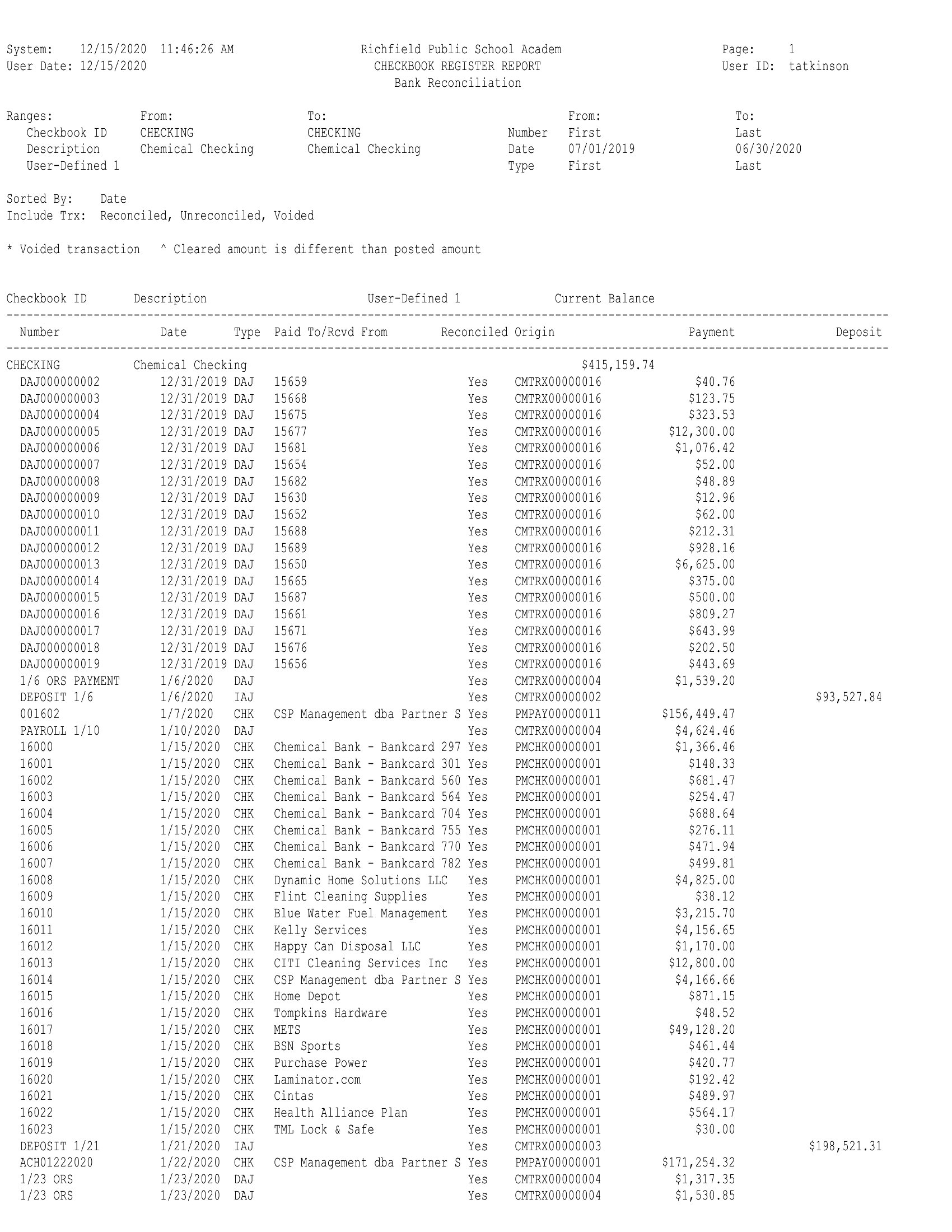
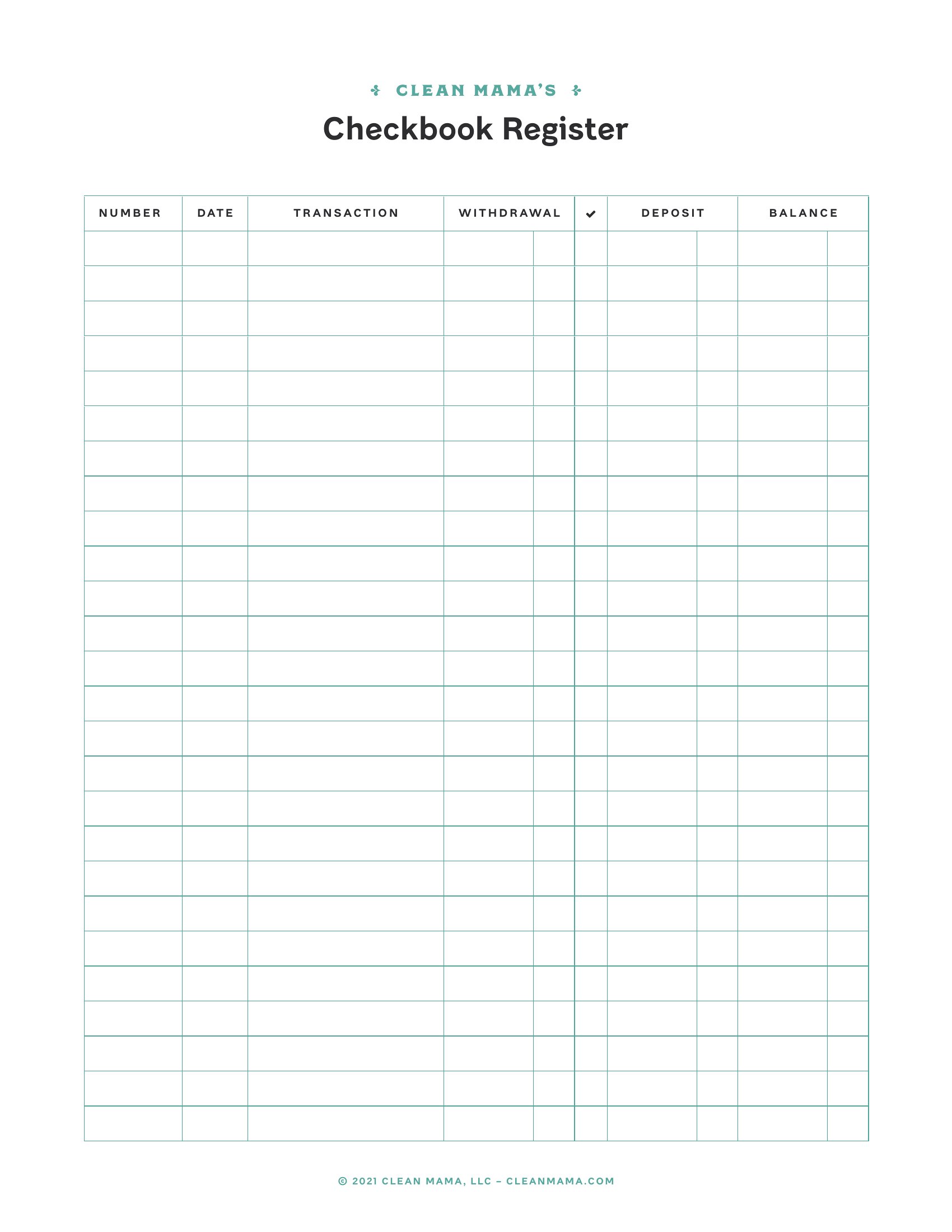
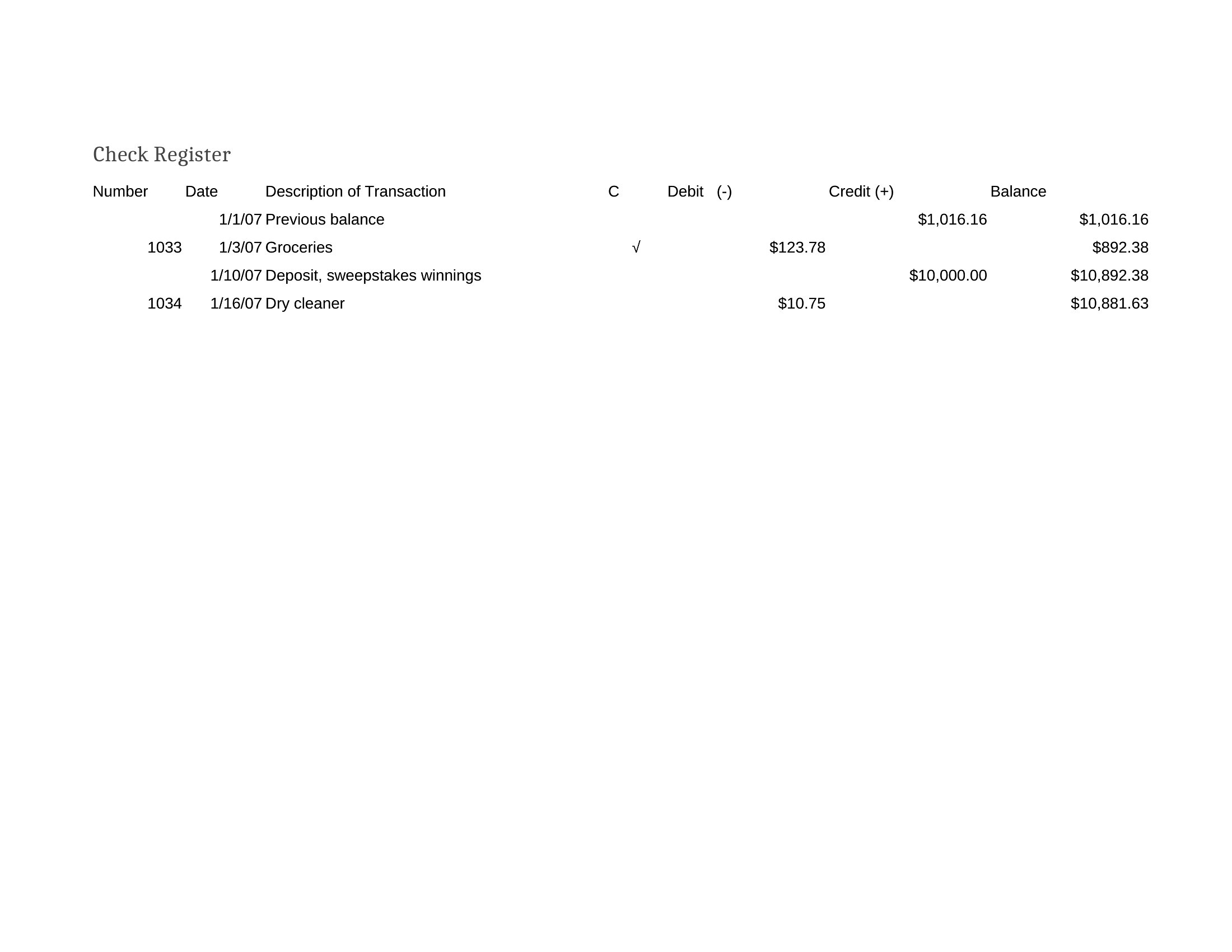
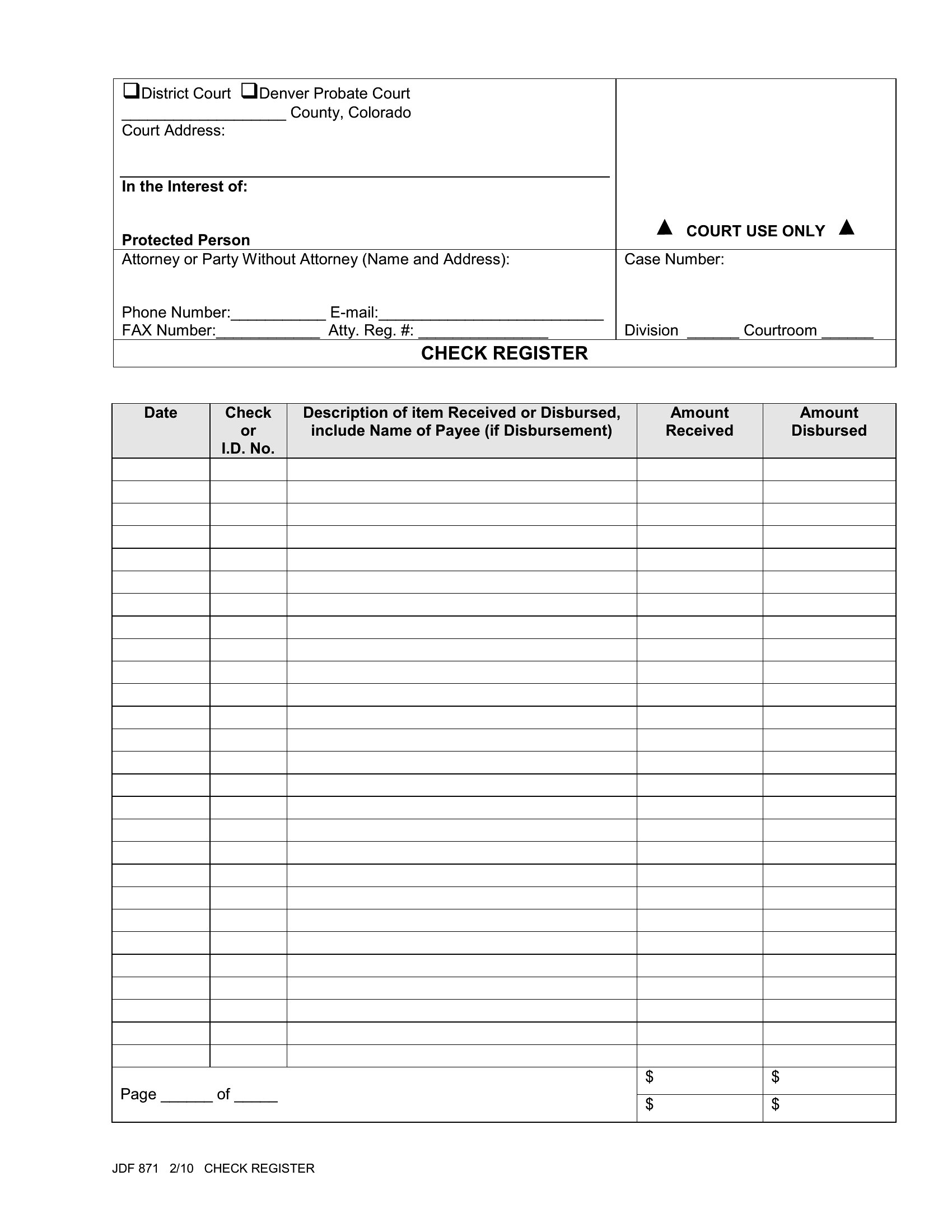
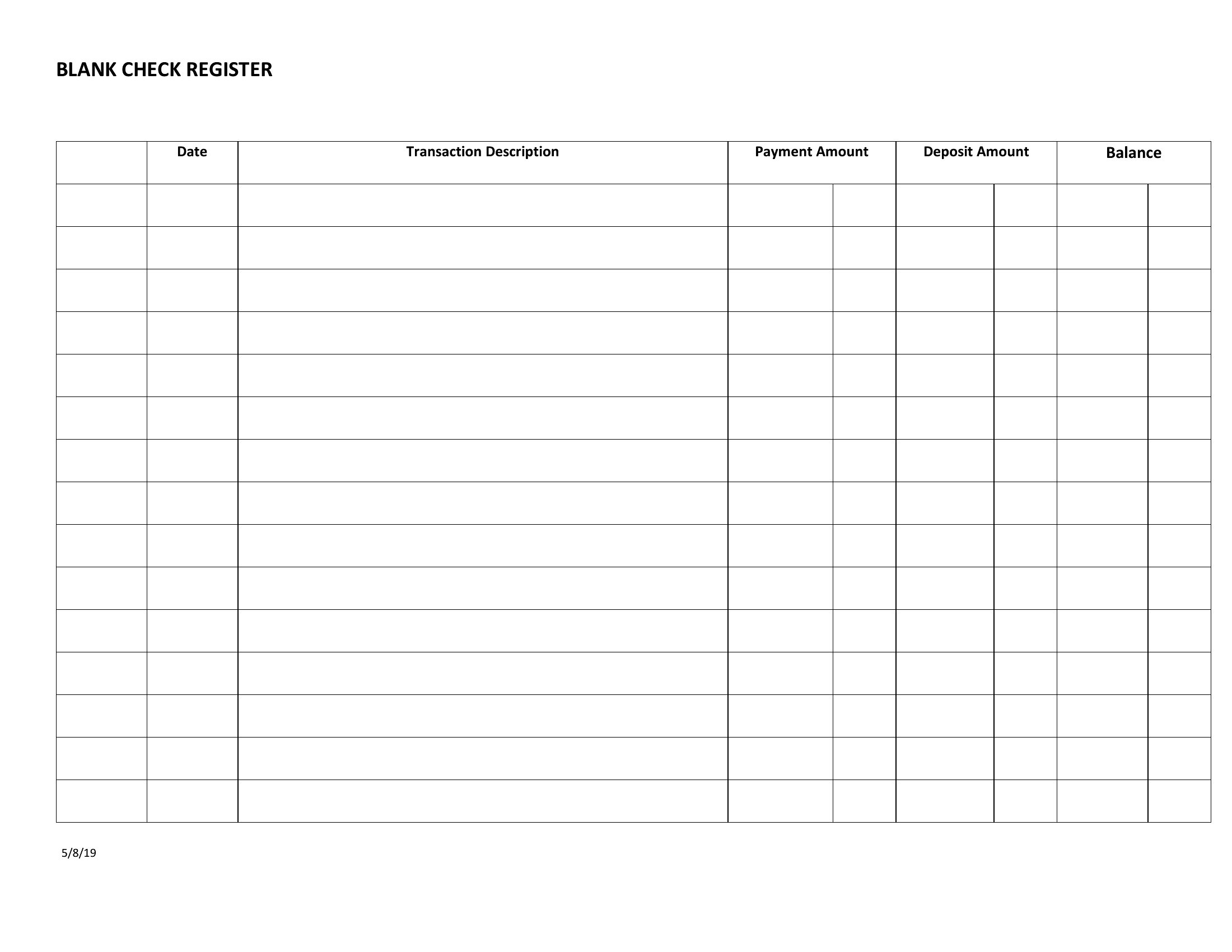
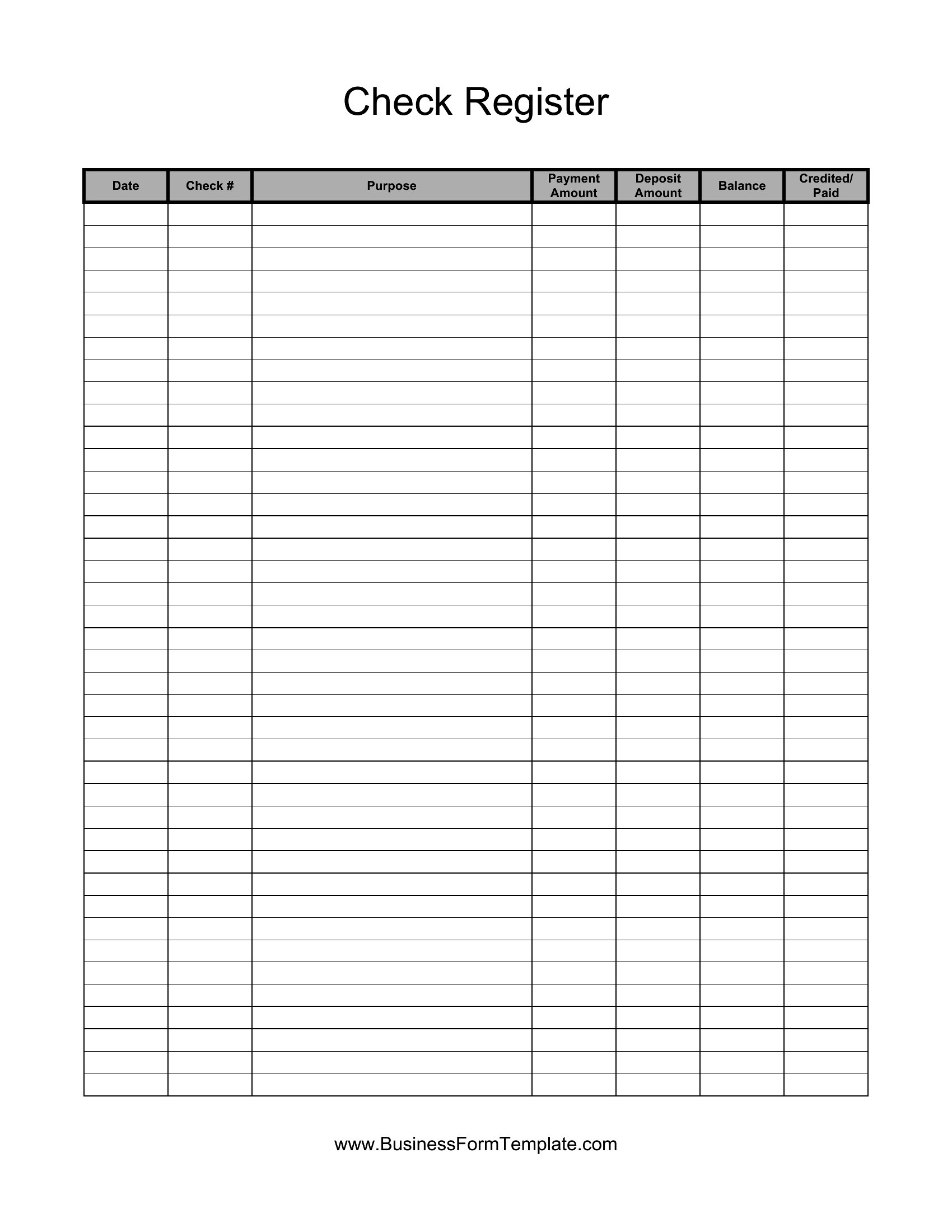
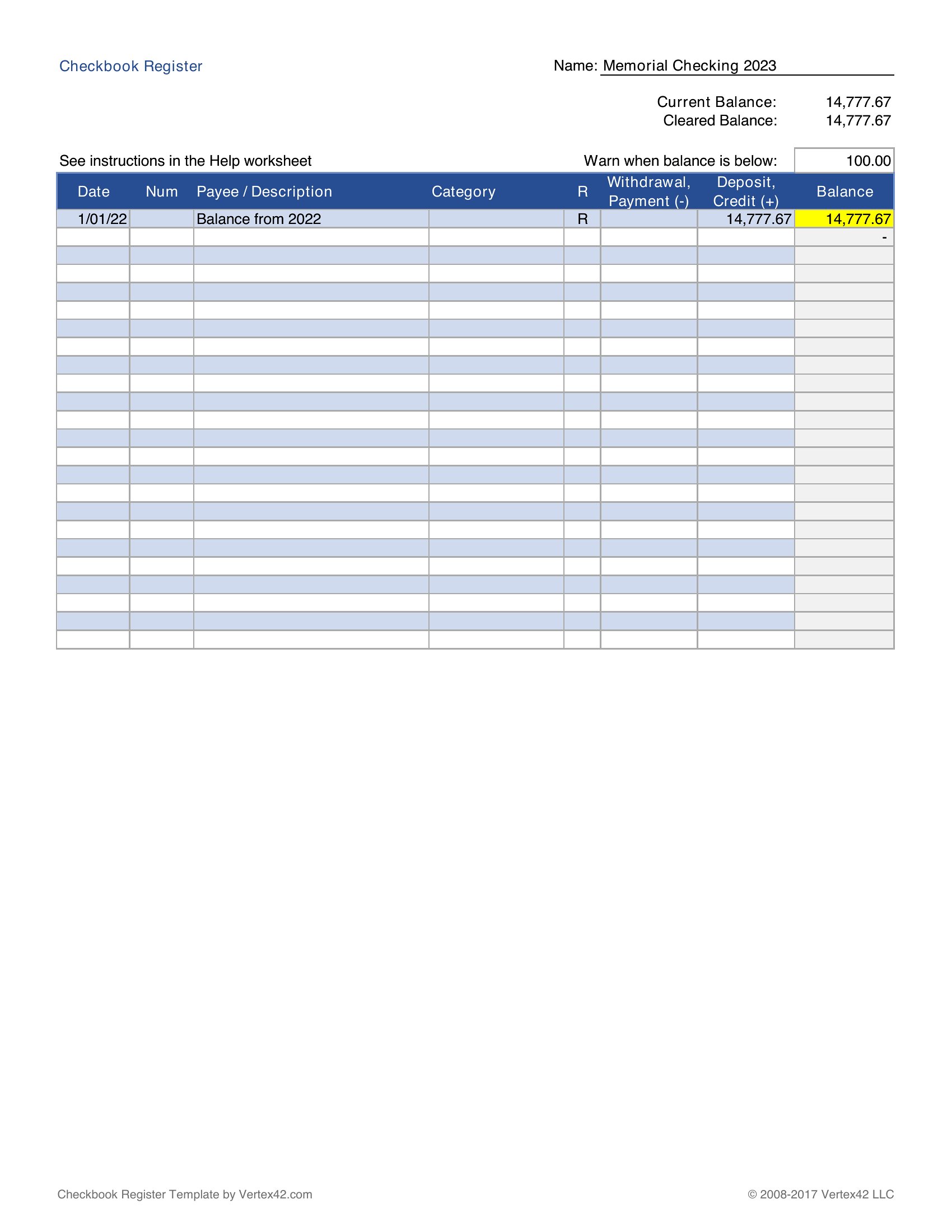
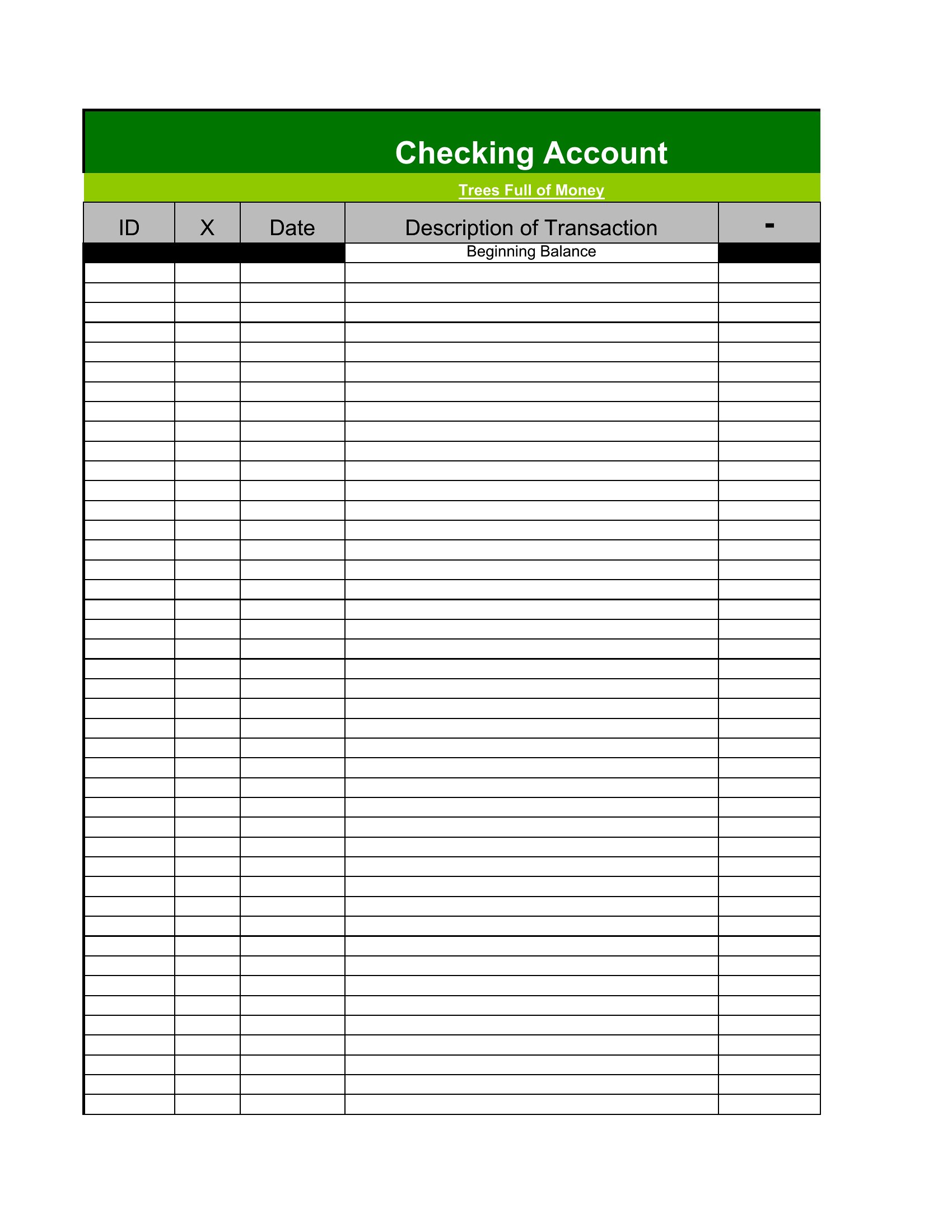
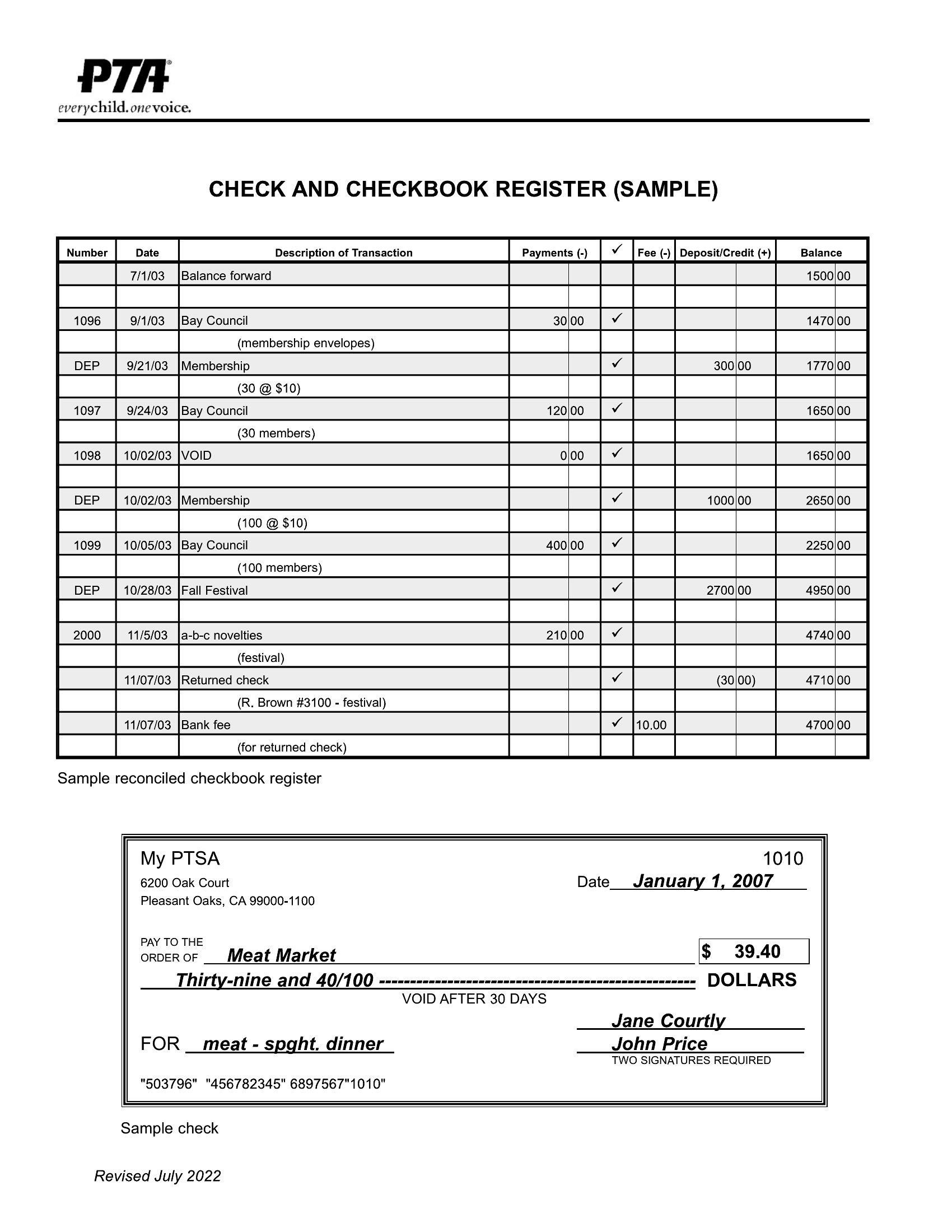
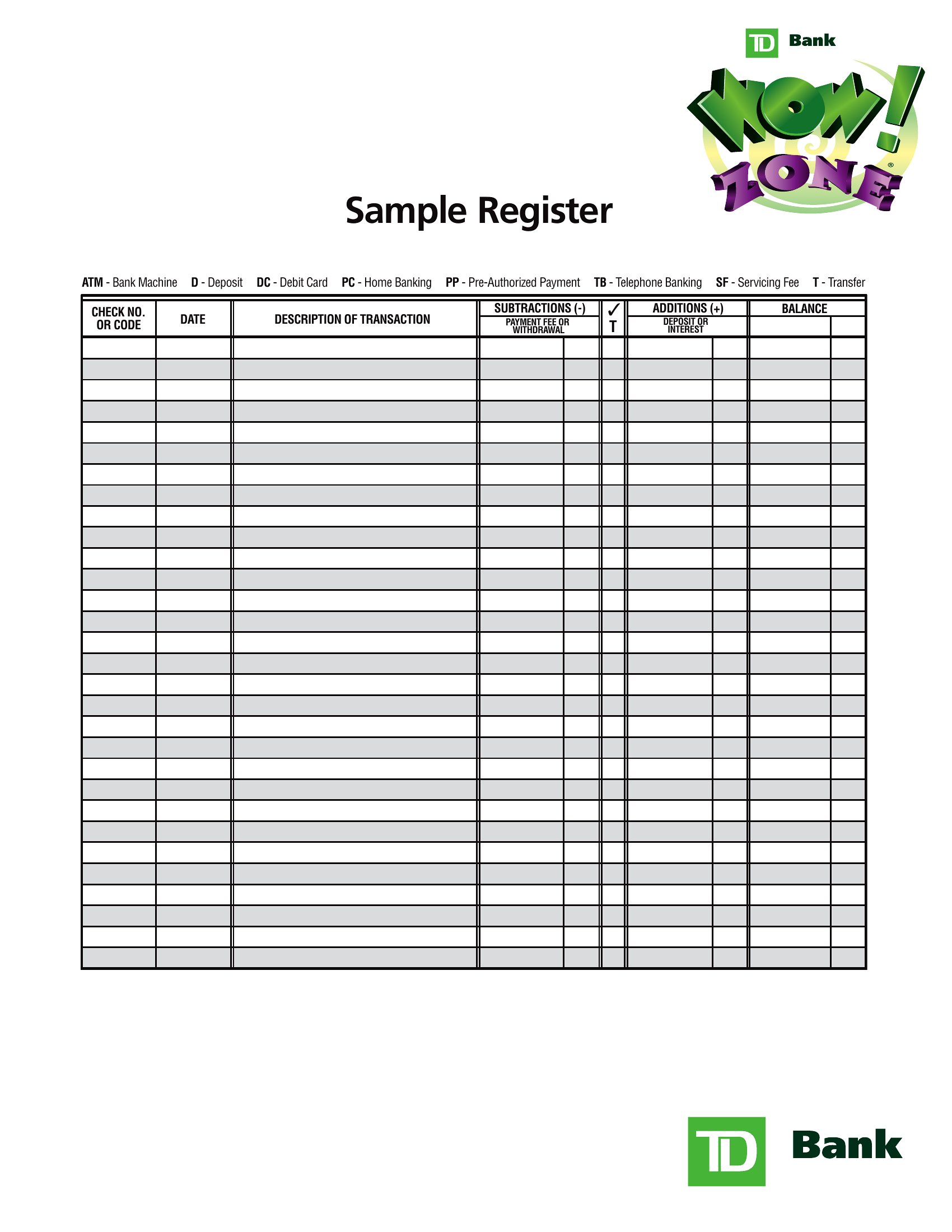
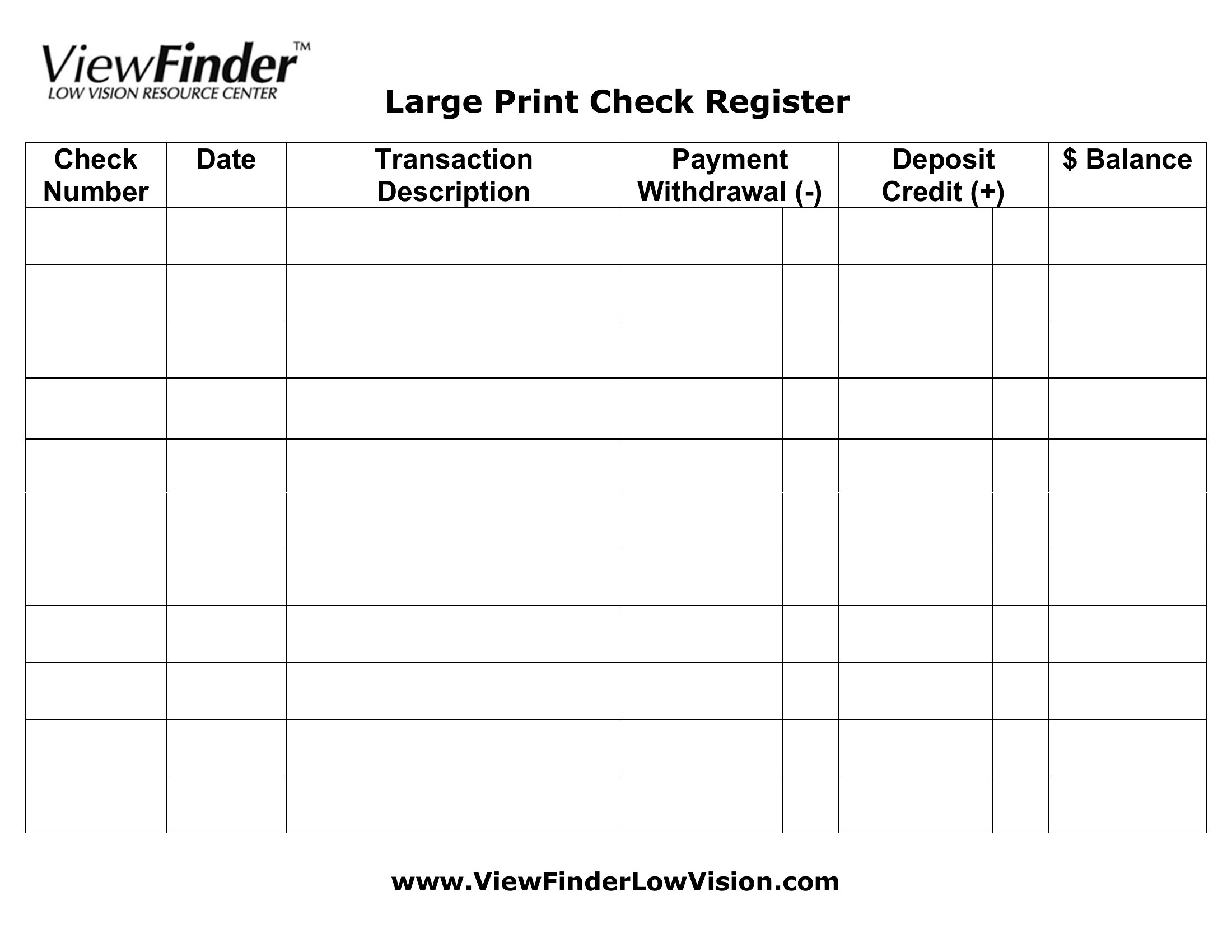
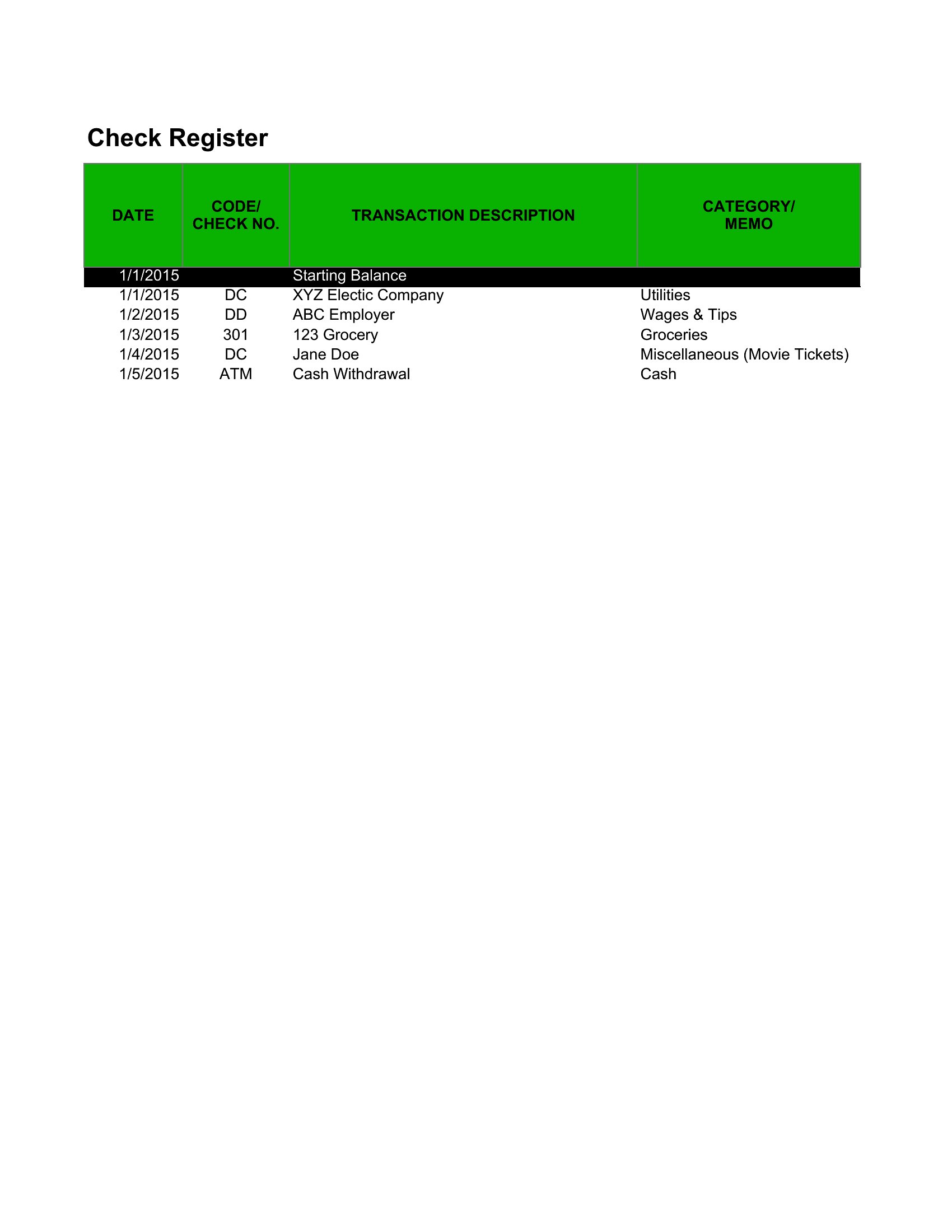
A checkbook register should have columns for the date, transaction or check number, a description or payee, debit and credit amounts, and a running balance. Some add a cleared column to mark items that have posted, which makes reconciling against a bank statement straightforward.
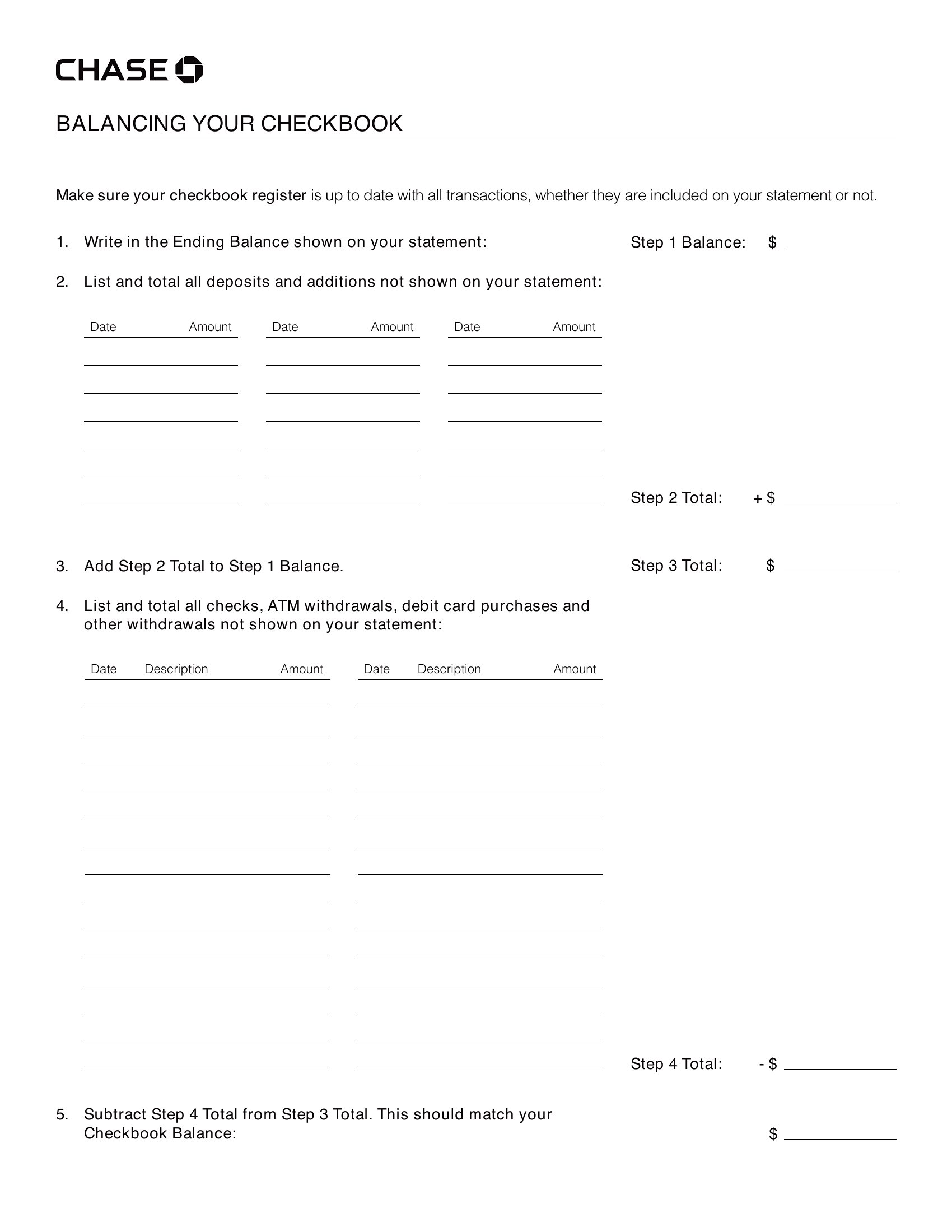
How do you balance a checkbook register?
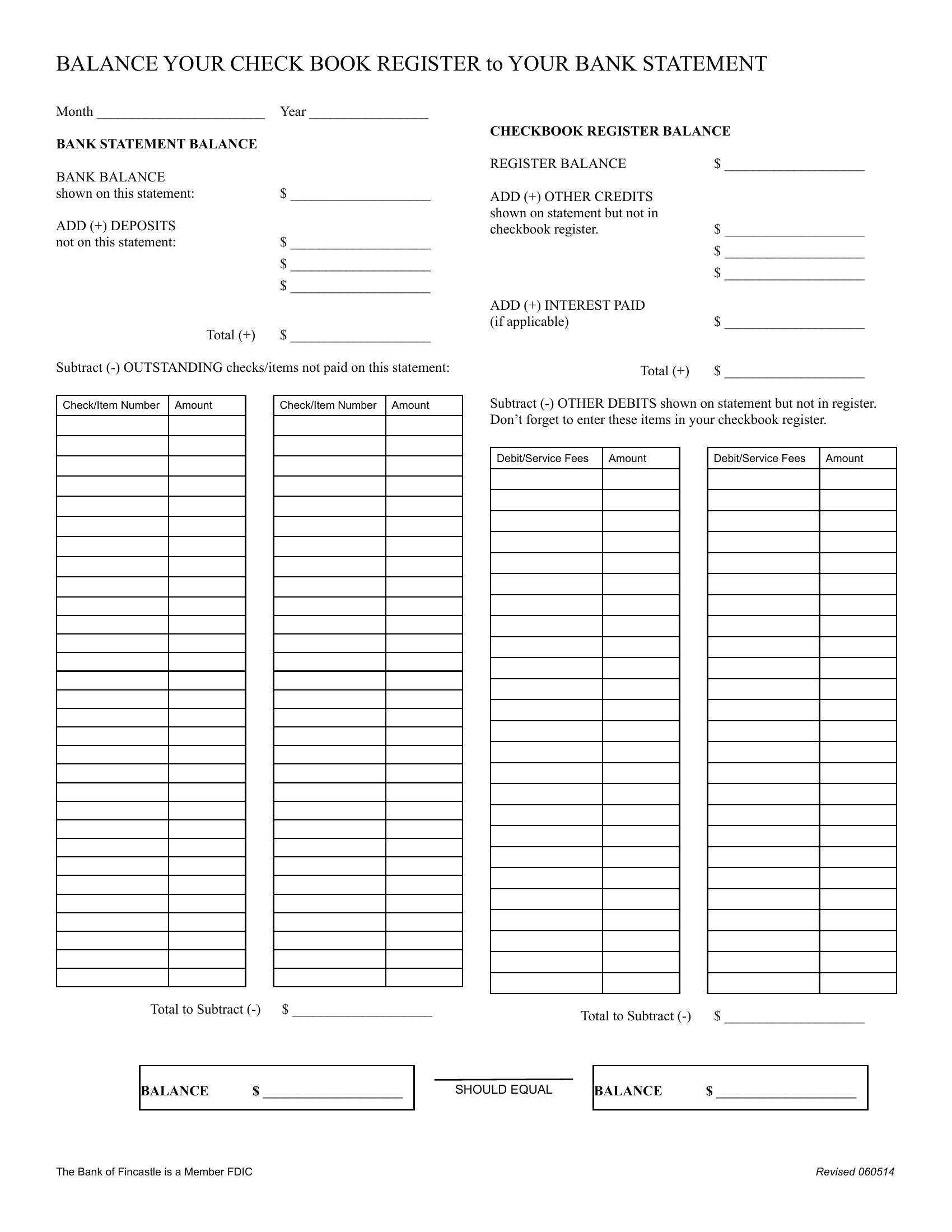
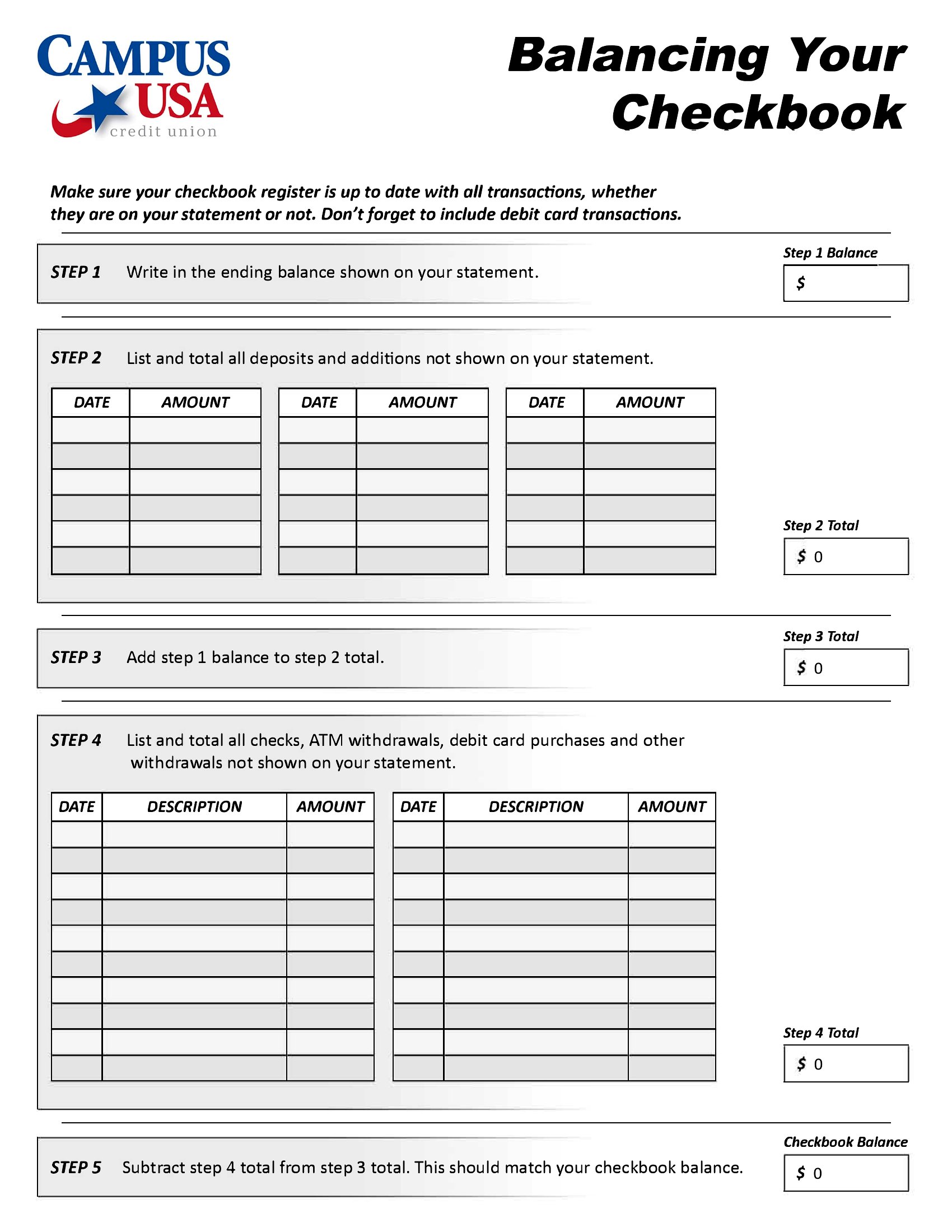
Record every deposit, check, and withdrawal as it happens, updating the running balance each time. Periodically compare the register to your bank statement, mark cleared transactions, and account for any outstanding items or fees. Matching the two figures confirms your records are accurate and complete.
Why use a checkbook register instead of a banking app?
A register shows your true balance immediately, including checks and payments that have not yet cleared, which an app may not reflect. It helps catch errors and unauthorized charges, supports budgeting, and gives a personal record that does not depend on internet access or bank processing times.
Comments
Join the conversation
Sign in to share your thoughts and leave a comment on this resource.