
Free Risk Register Templates (Word, Excel, PDF)
Analysis by nakulnand
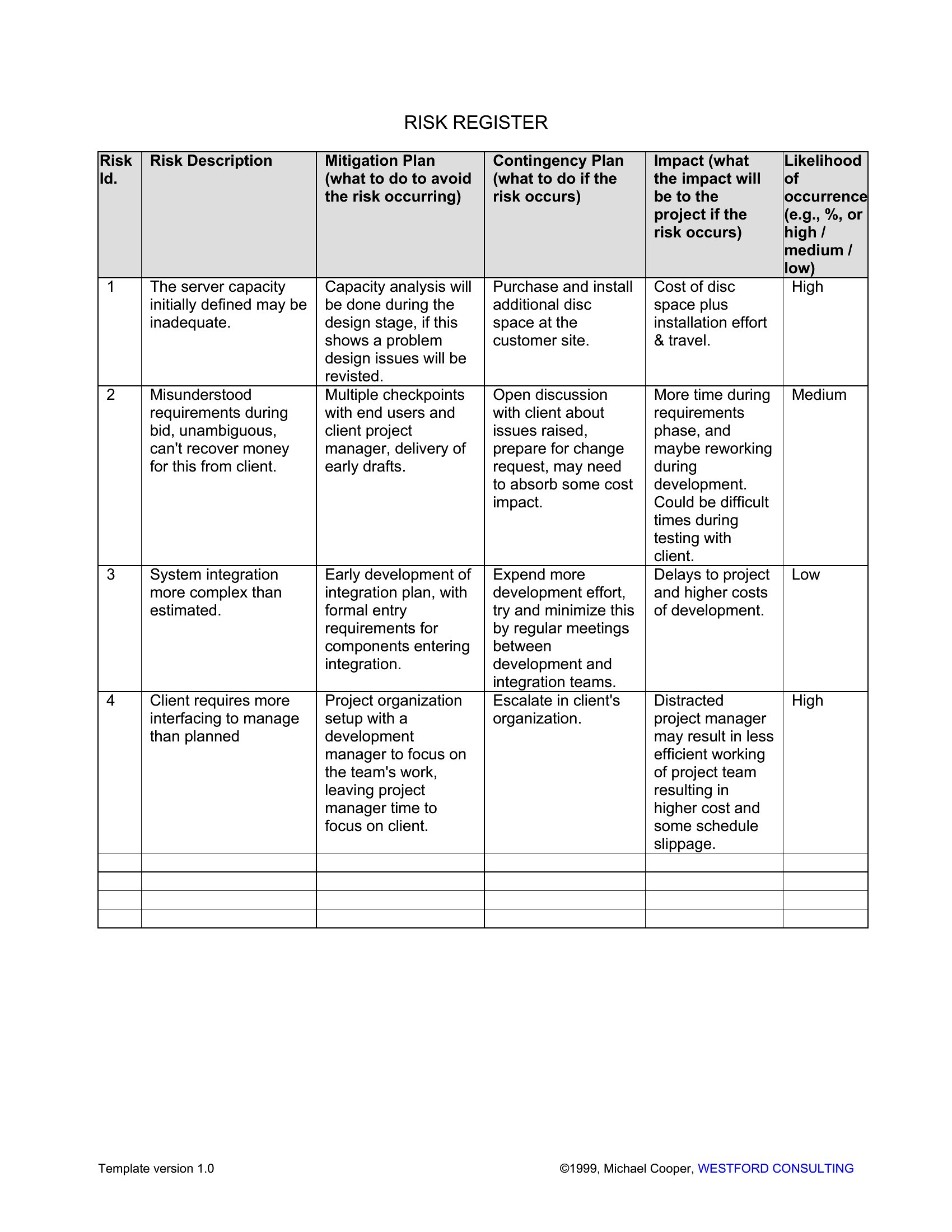
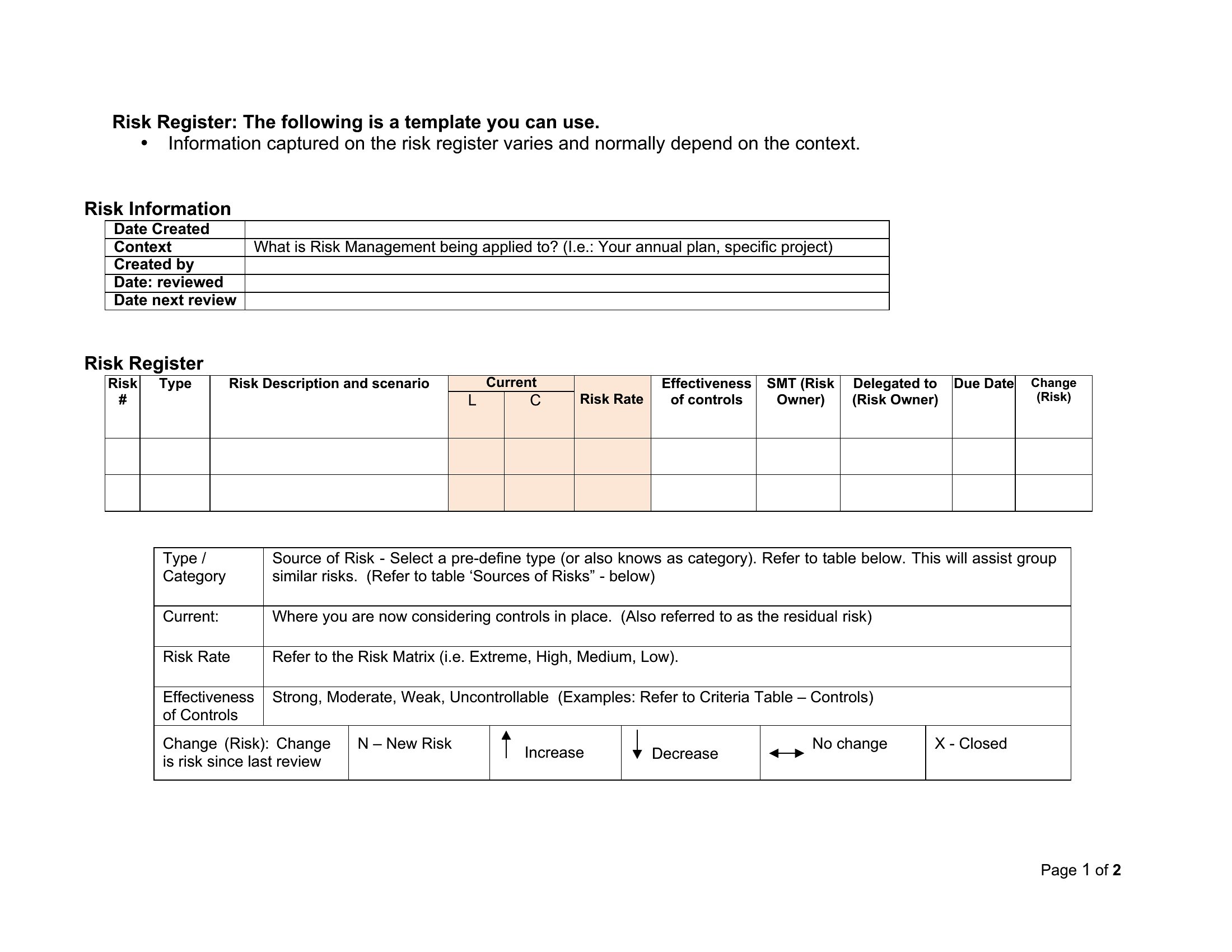
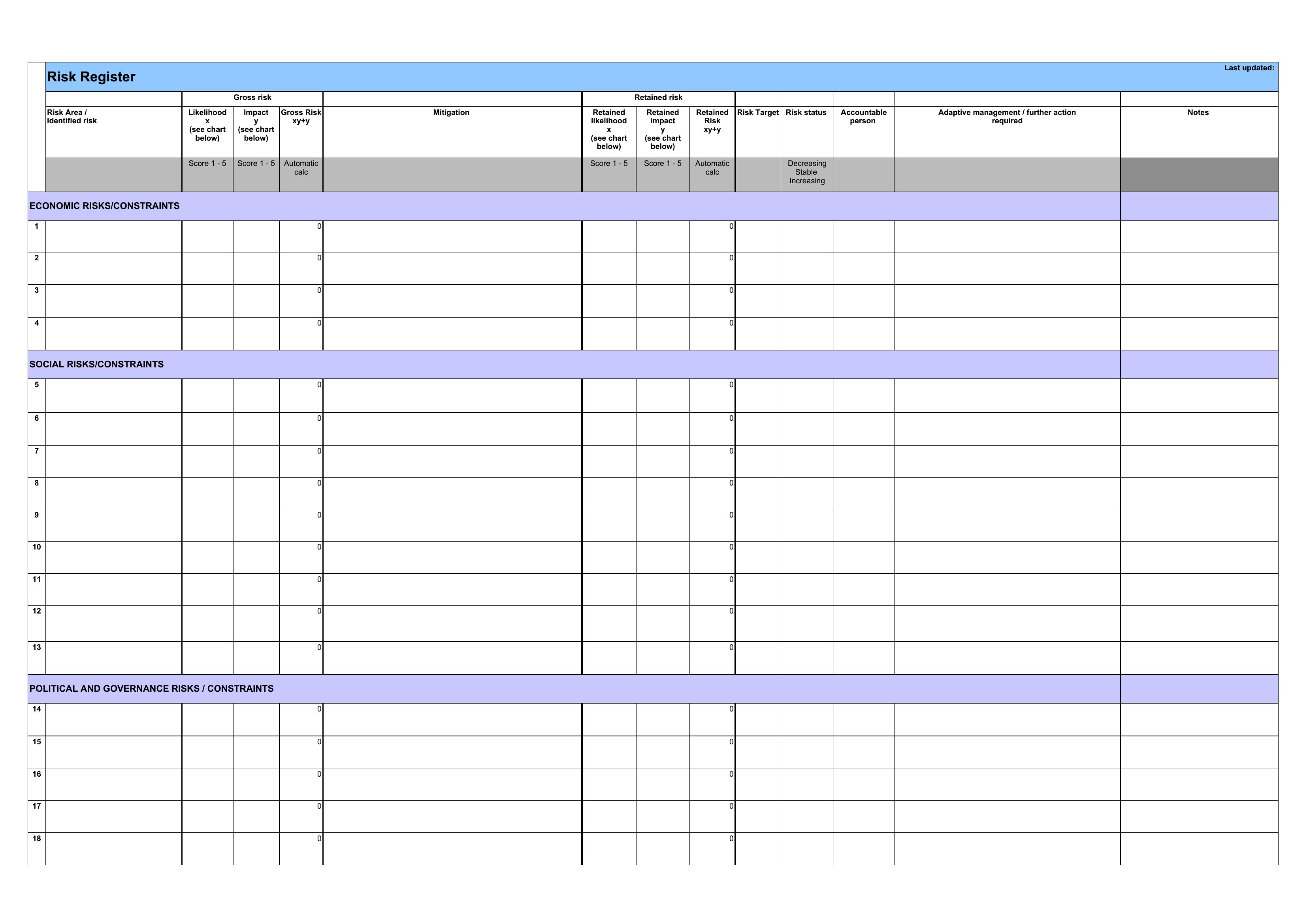
Every project carries risks, and a risk register is where you list them, rate them, and decide what to do before they turn into problems. These 44 templates give project managers and teams a structured log for capturing each risk, its likelihood and impact, and the plan to handle it, so surprises become manageable instead of derailing.
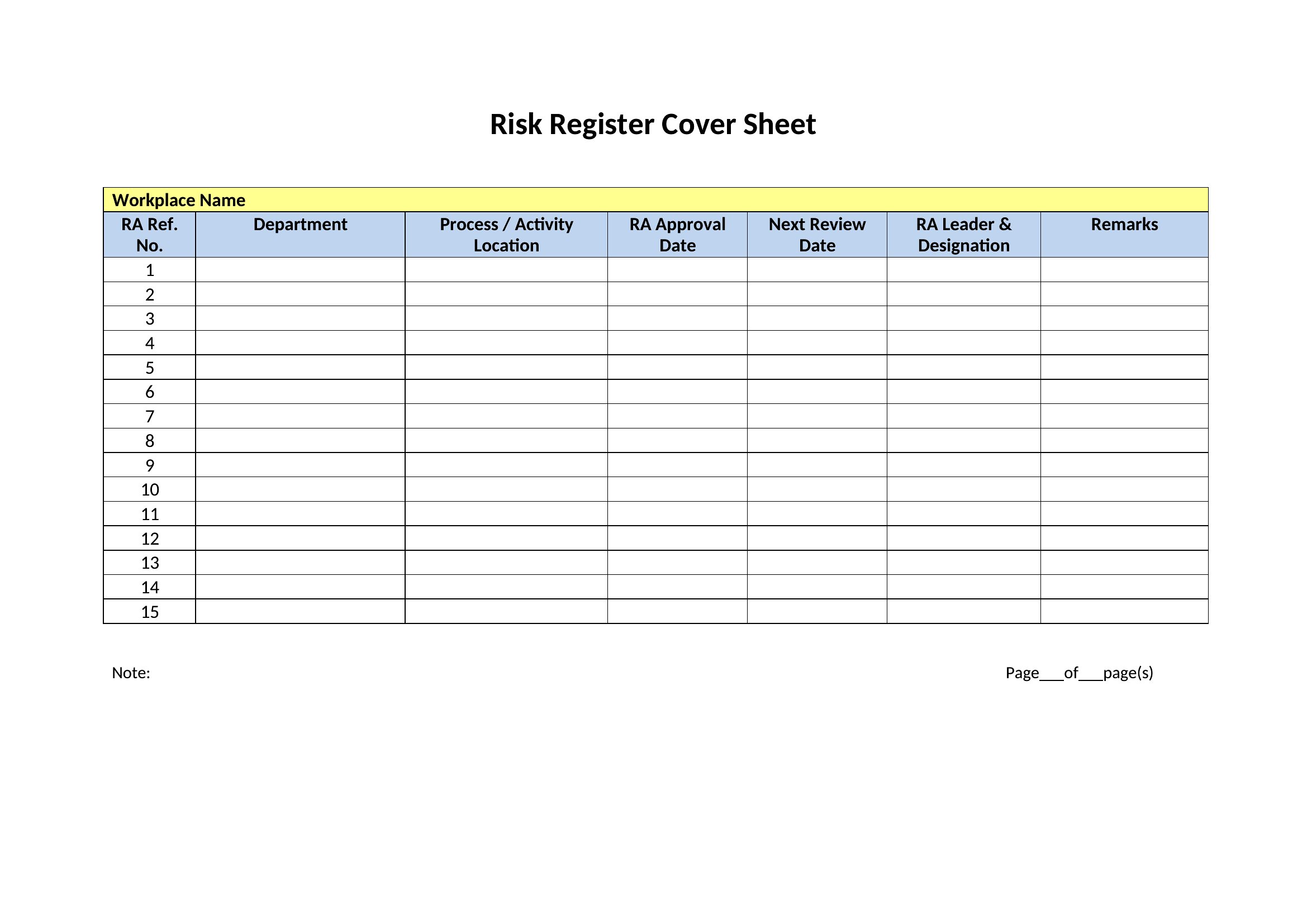
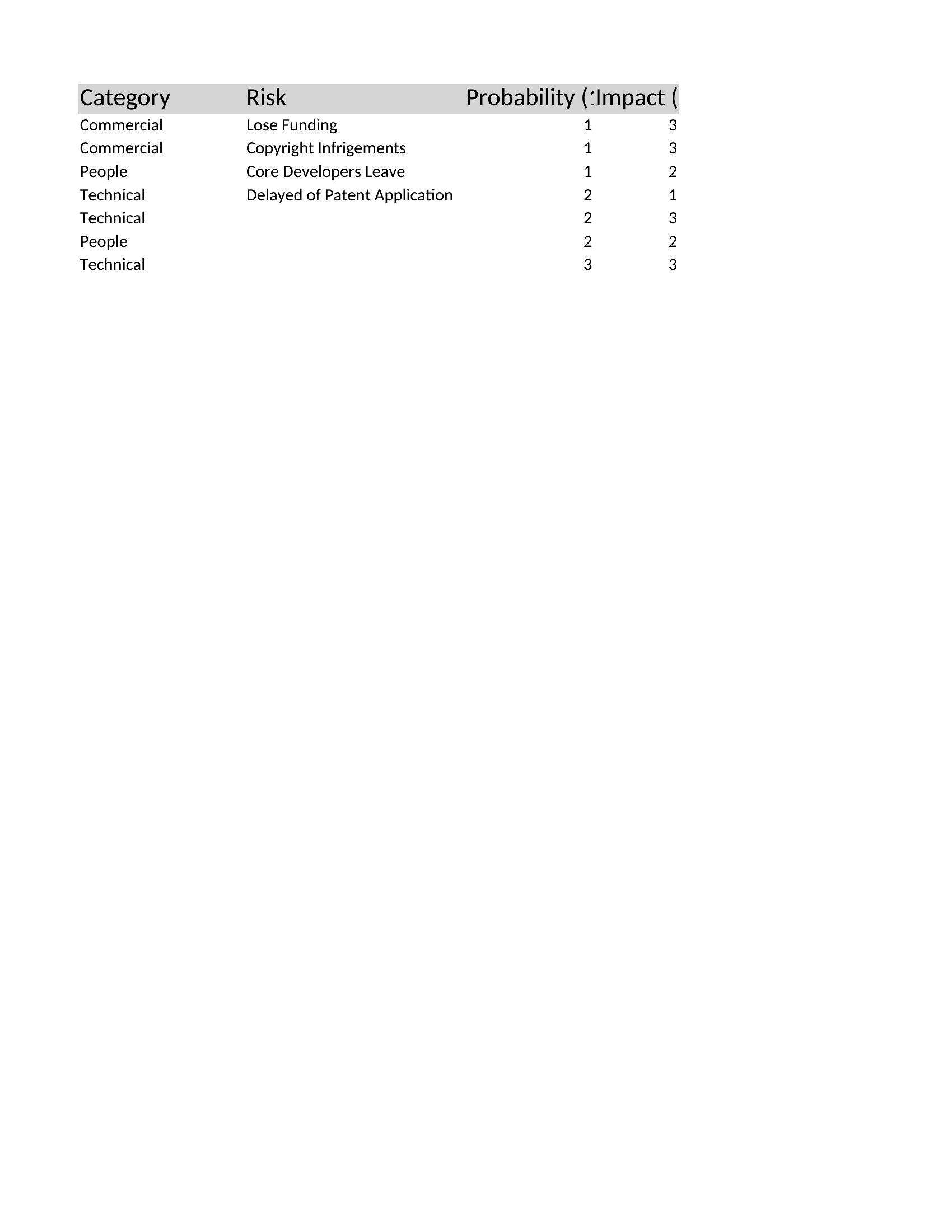
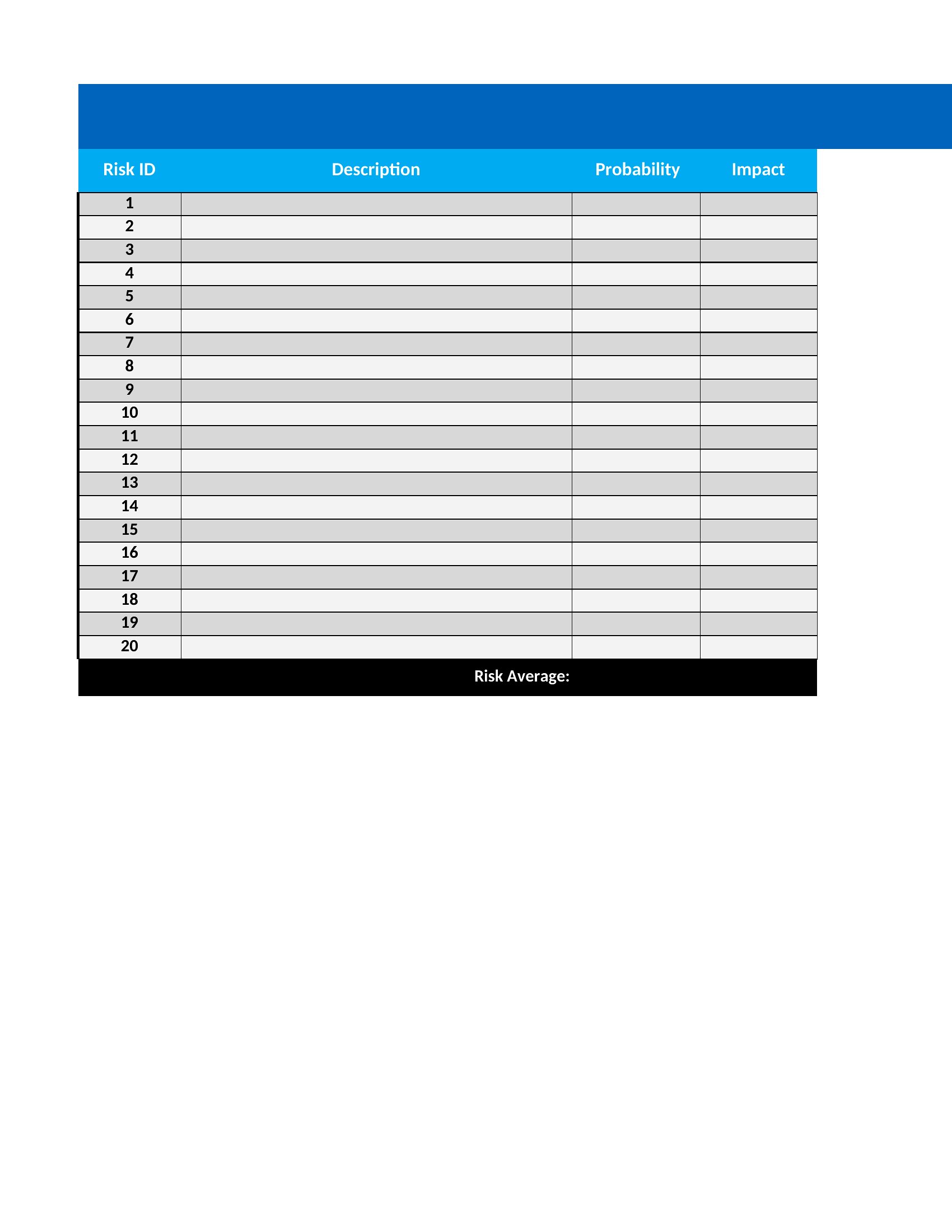
The Excel versions sort and score risks automatically, while the Word and PDF copies work for reports and reviews. Add each risk, assign an owner, and update the status as the project moves. Revisit it regularly so the register stays useful rather than gathering dust. Download the version that fits your project and stay ahead of trouble.
When to use this Risk Register template
- Construction project managers use this to log delays from weather or material shortages, scoring each by probability and cost impact before assigning mitigation tasks to subcontractors.
- IT teams implementing new software track security flaws like third-party API vulnerabilities, prioritizing fixes based on risk scores tied to system downtime thresholds.
- Marketing directors planning product launches track risks like supply chain disruptions or competitor promotions, mapping response strategies to budget allocations.
- Nonprofit coordinators managing grant-funded programs document compliance risks—such as donor reporting deadlines—assigning team members to draft backup communications if delays occur.
Which format should I download?
Choose Excel for dynamic risk registers that auto-sort by likelihood, impact, or owner, ideal when teams need real-time updates or scoring formulas. Opt for Word if you prefer a simple, shareable log for stakeholder reviews or documentation-heavy projects. PDFs work best for finalized registers that require approvals or compliance archiving, like regulatory filings or audit trails. Avoid PDFs if you’ll need to edit scores or add new risks frequently.
Choose from 44 Risk Register Templates
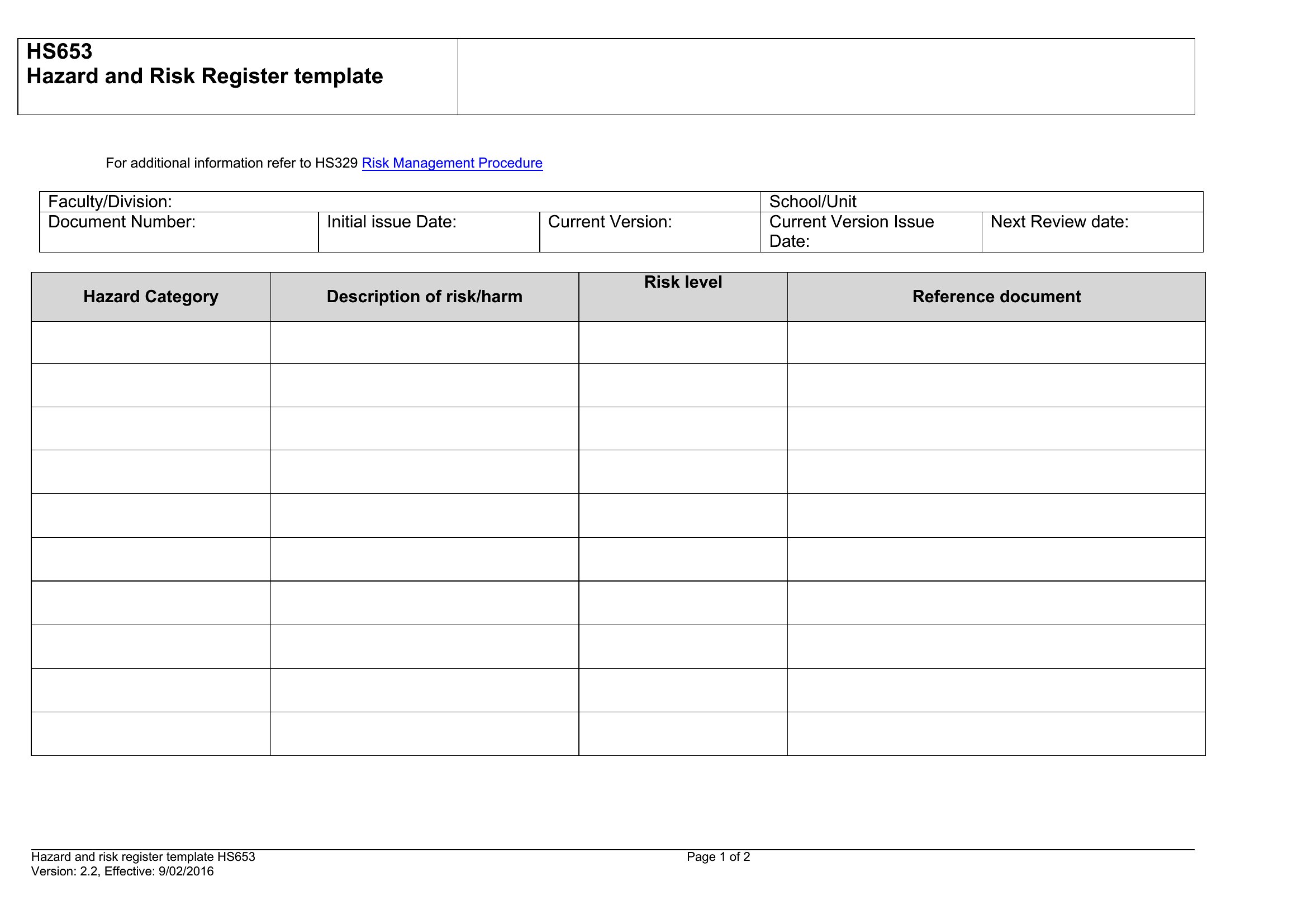
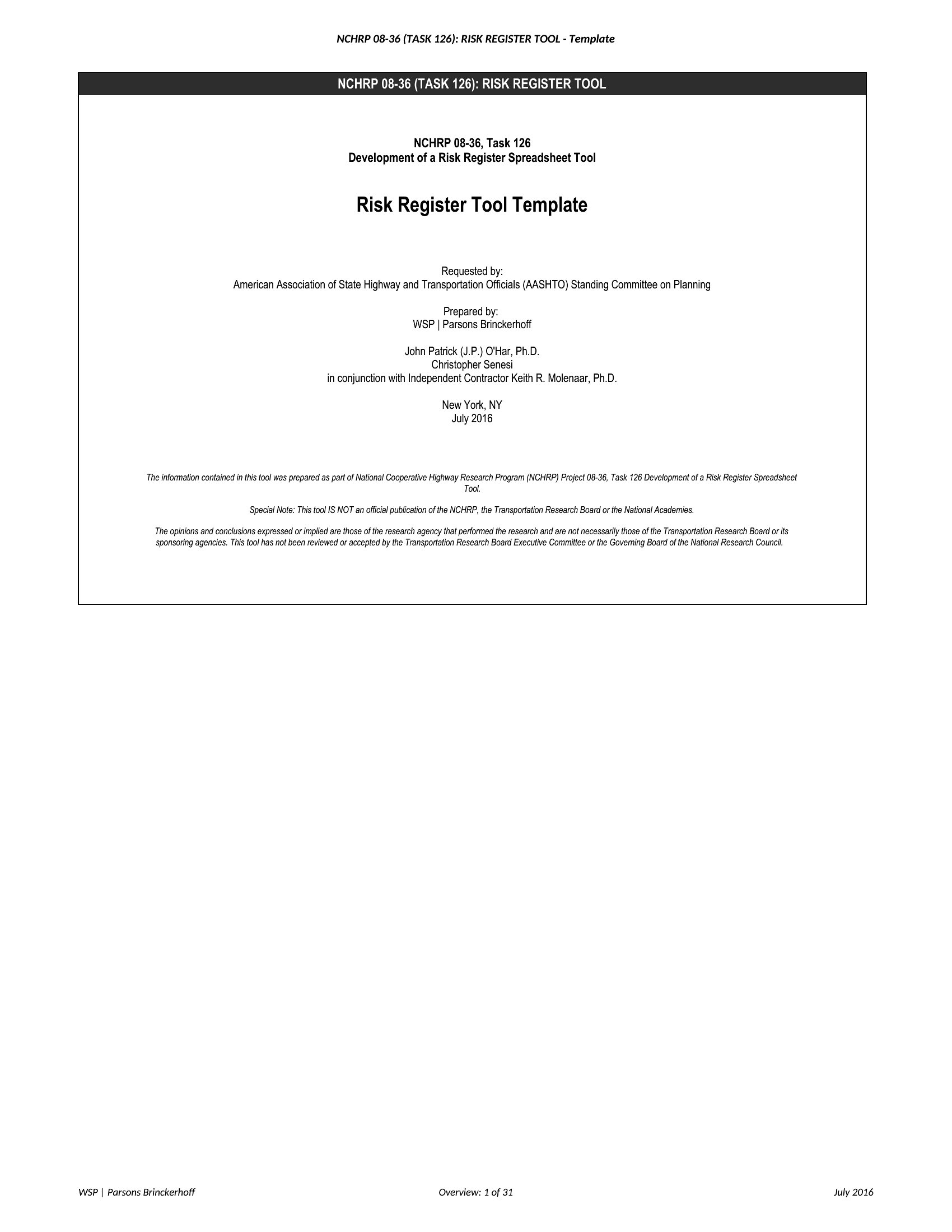
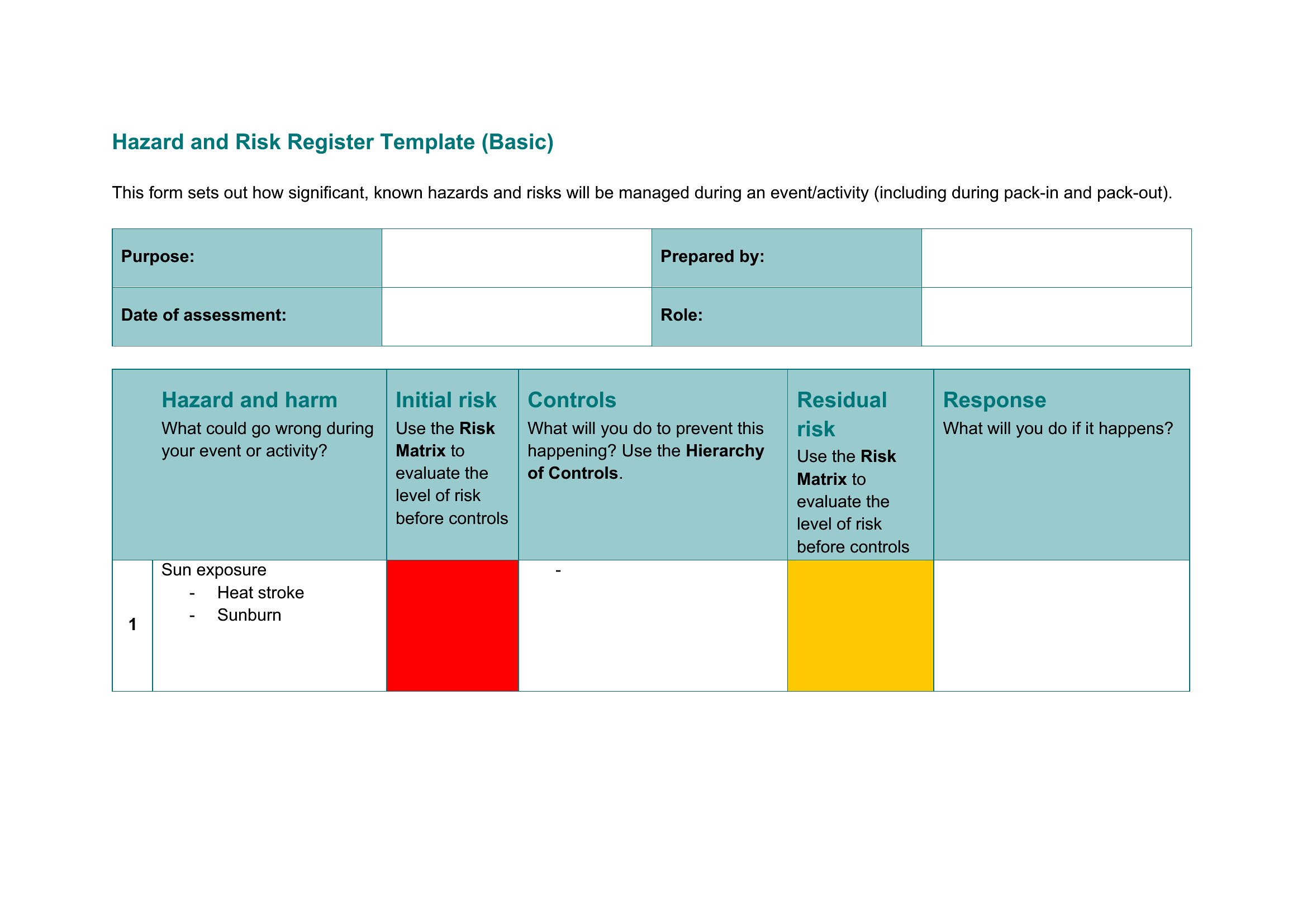
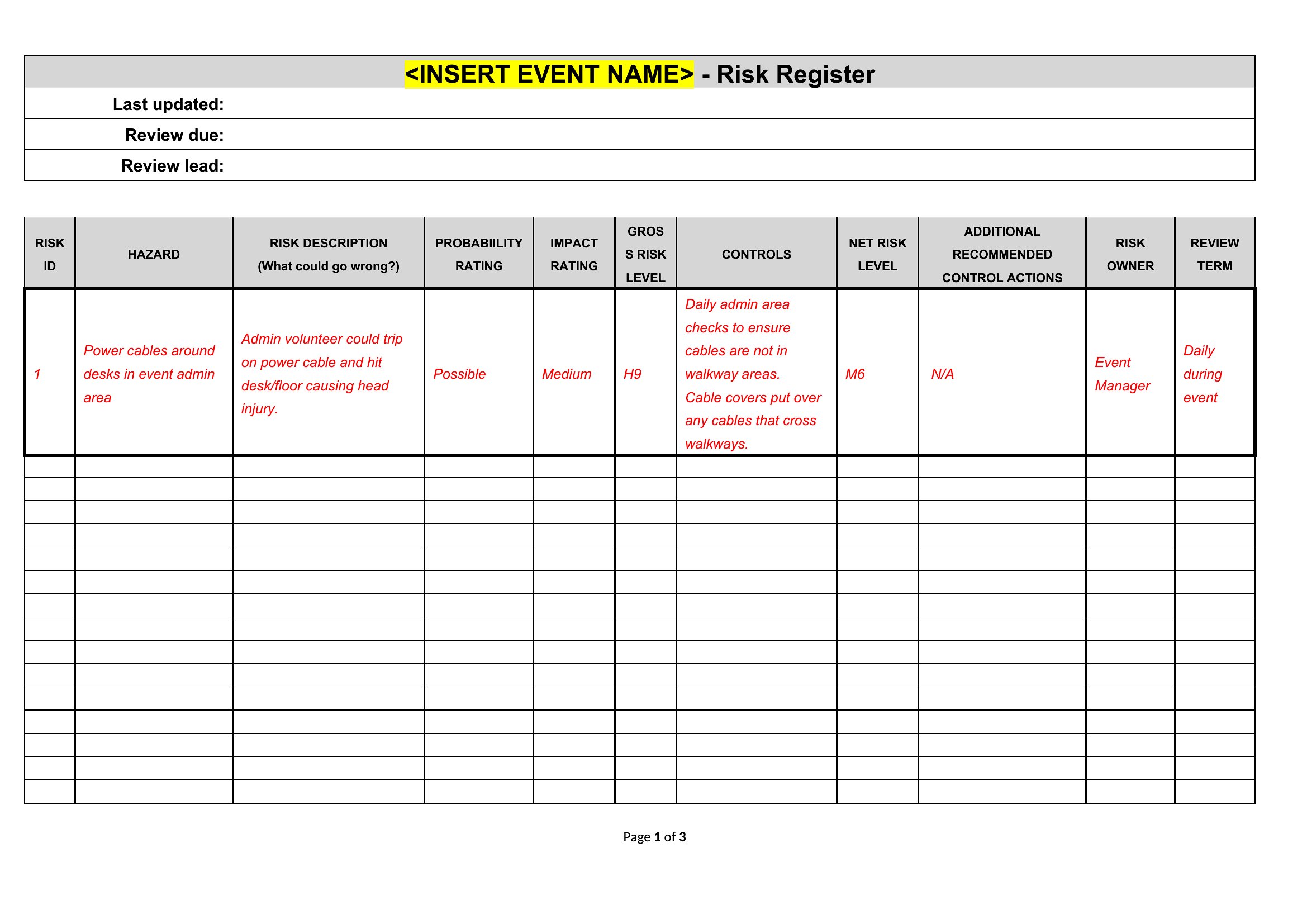
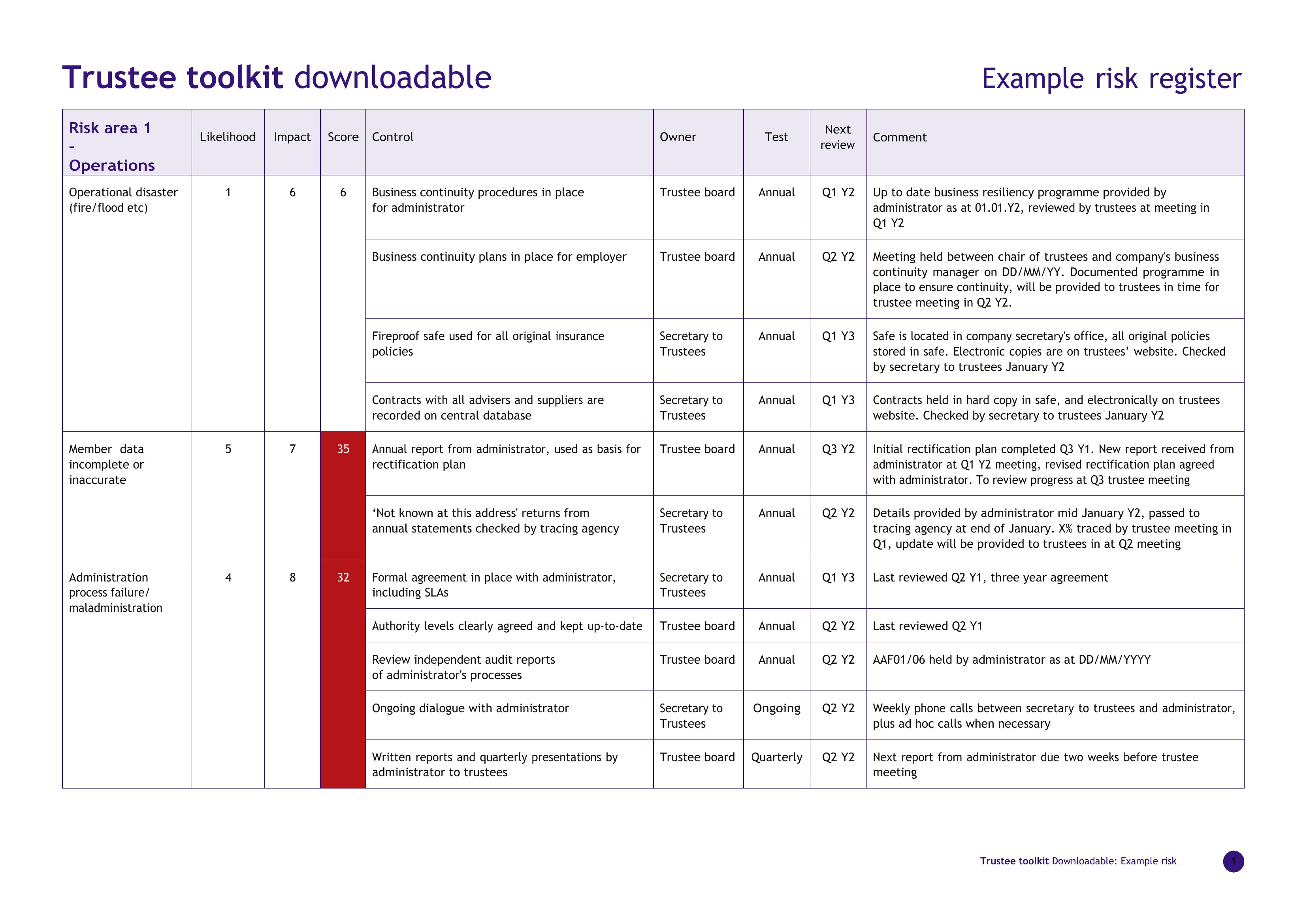
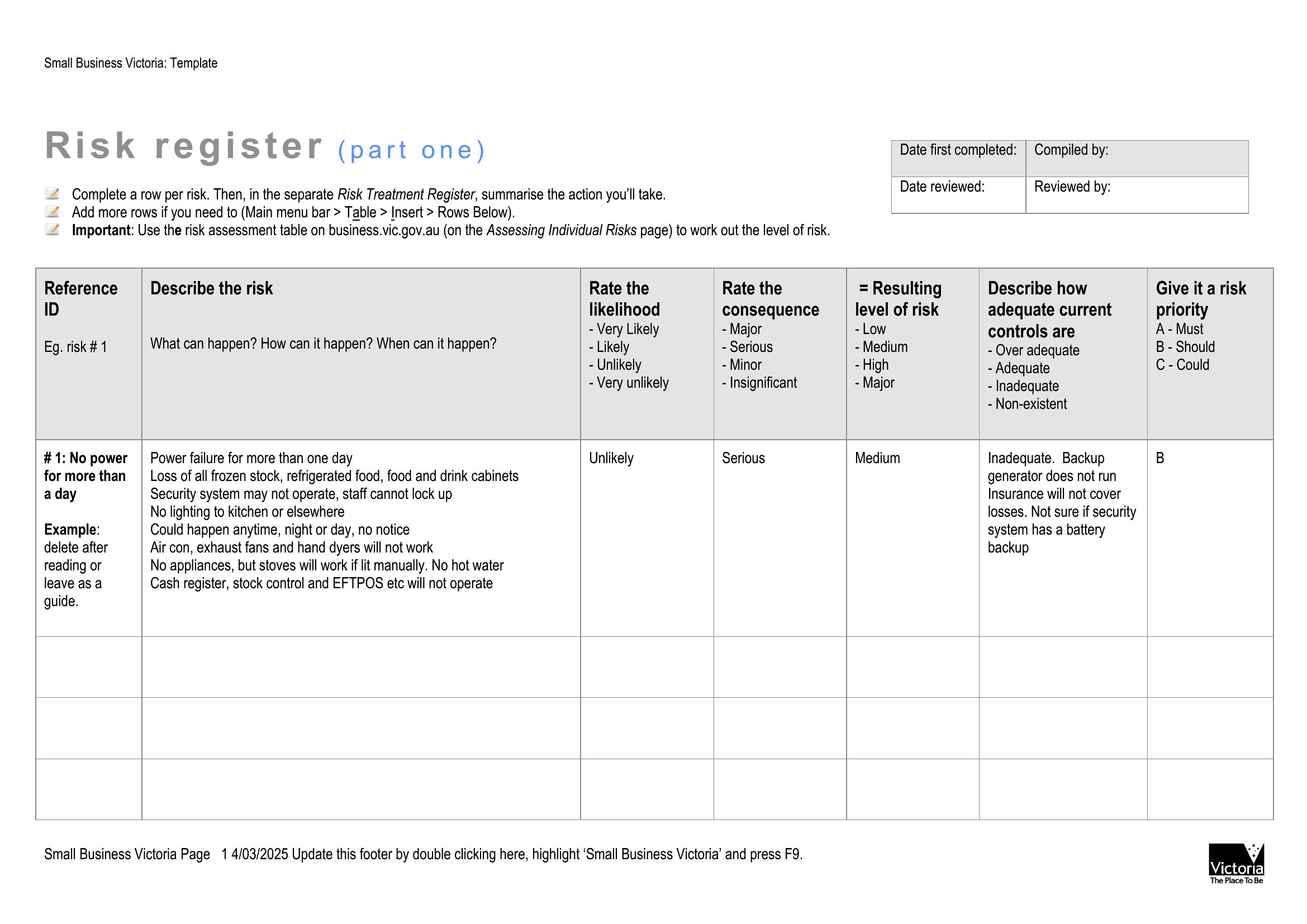
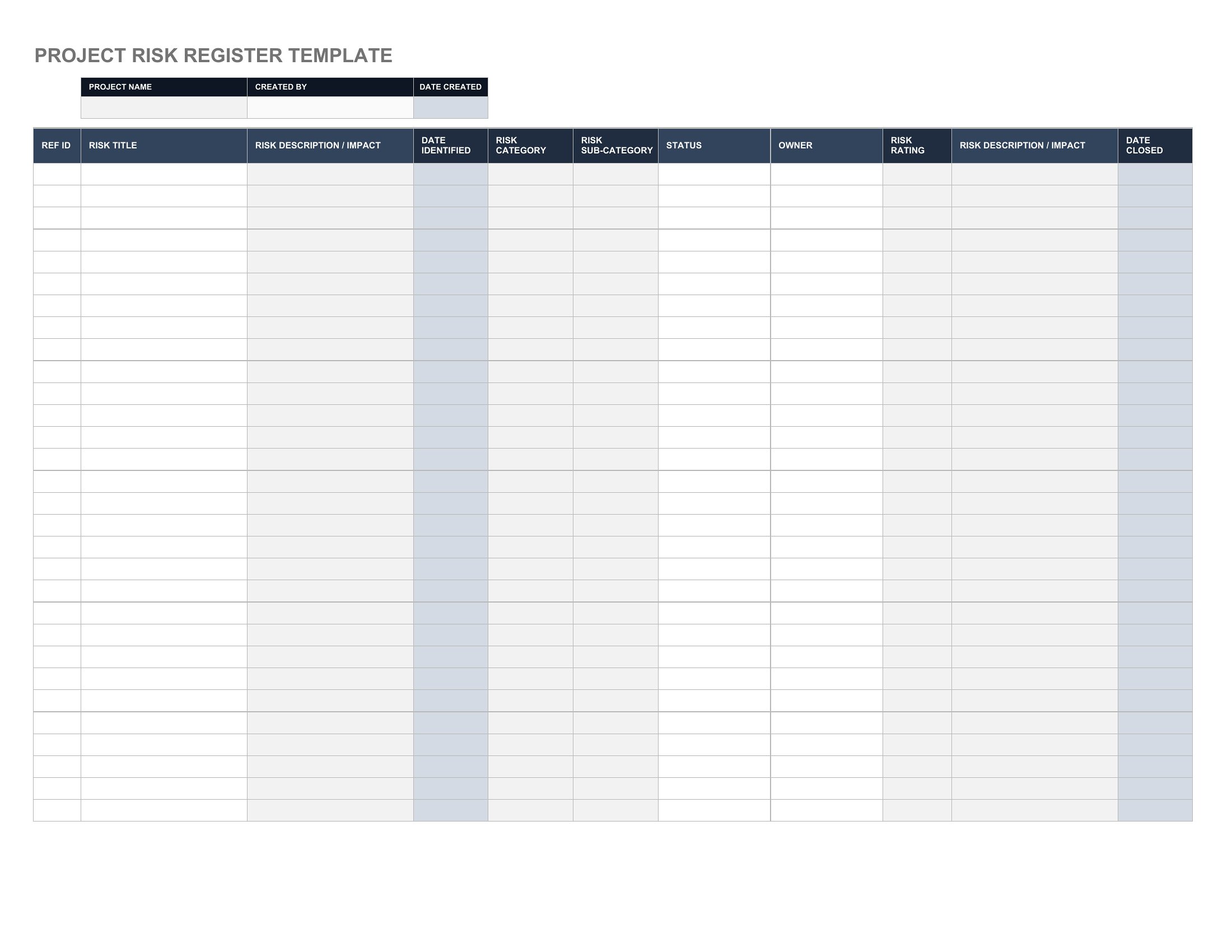
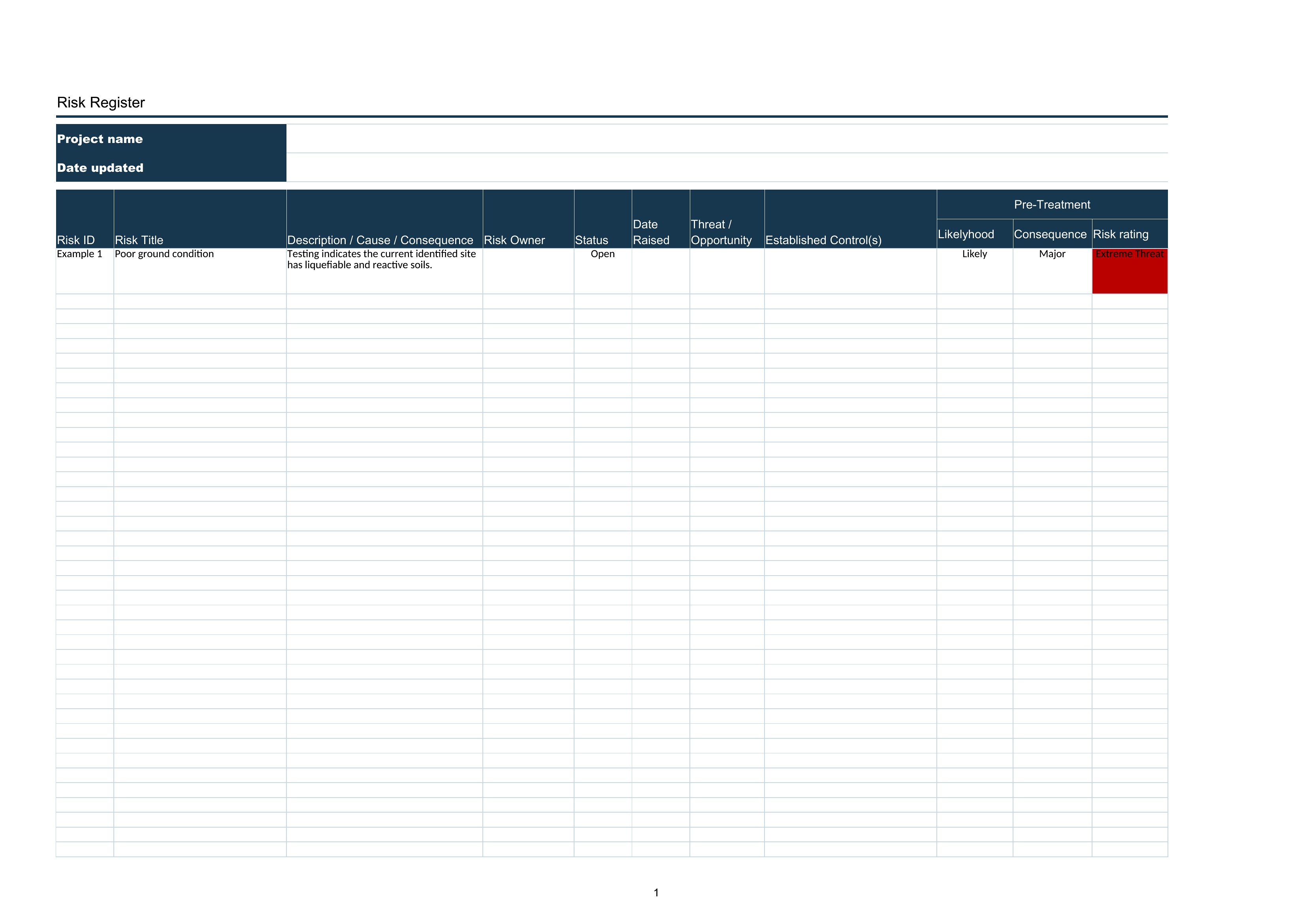
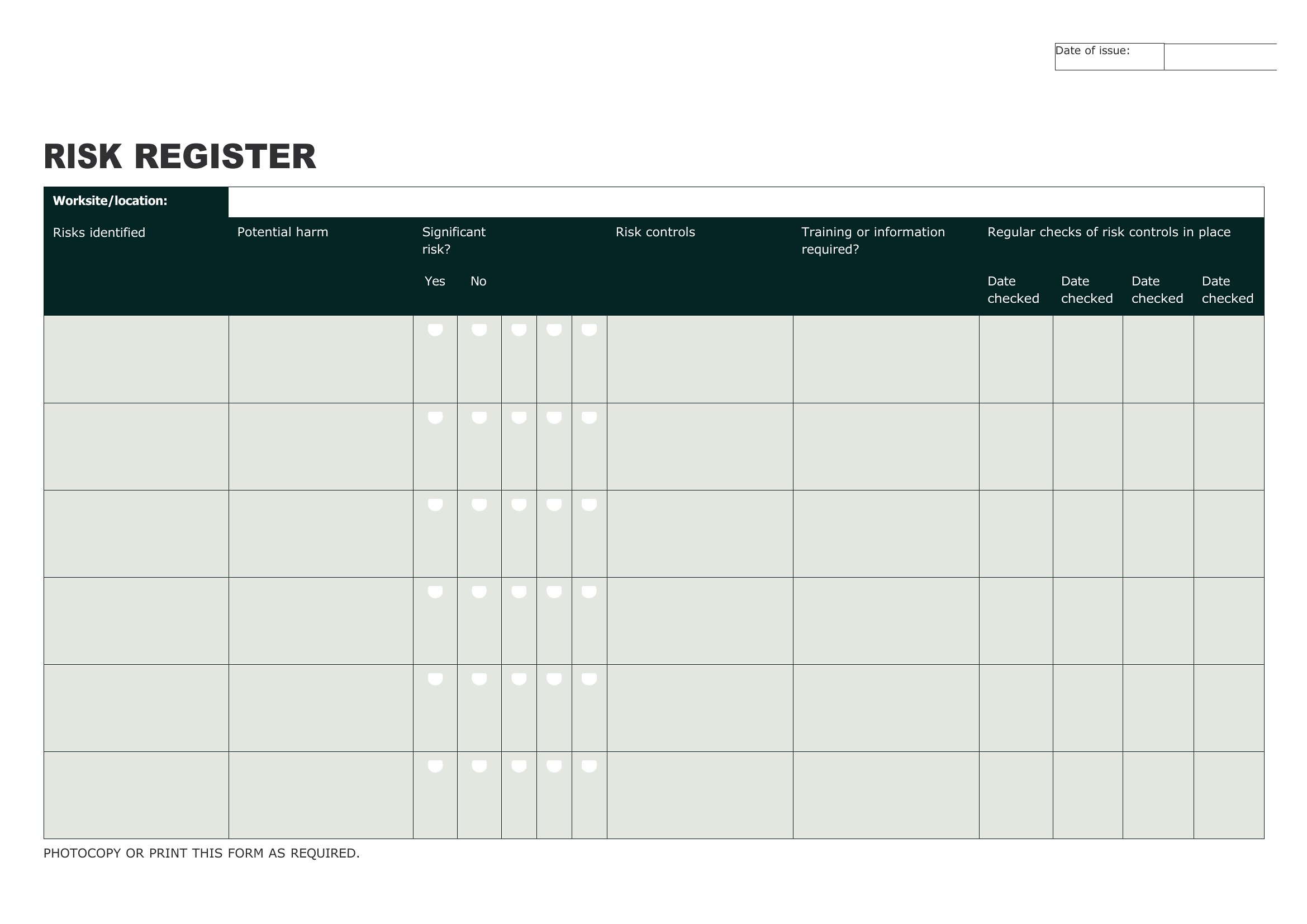
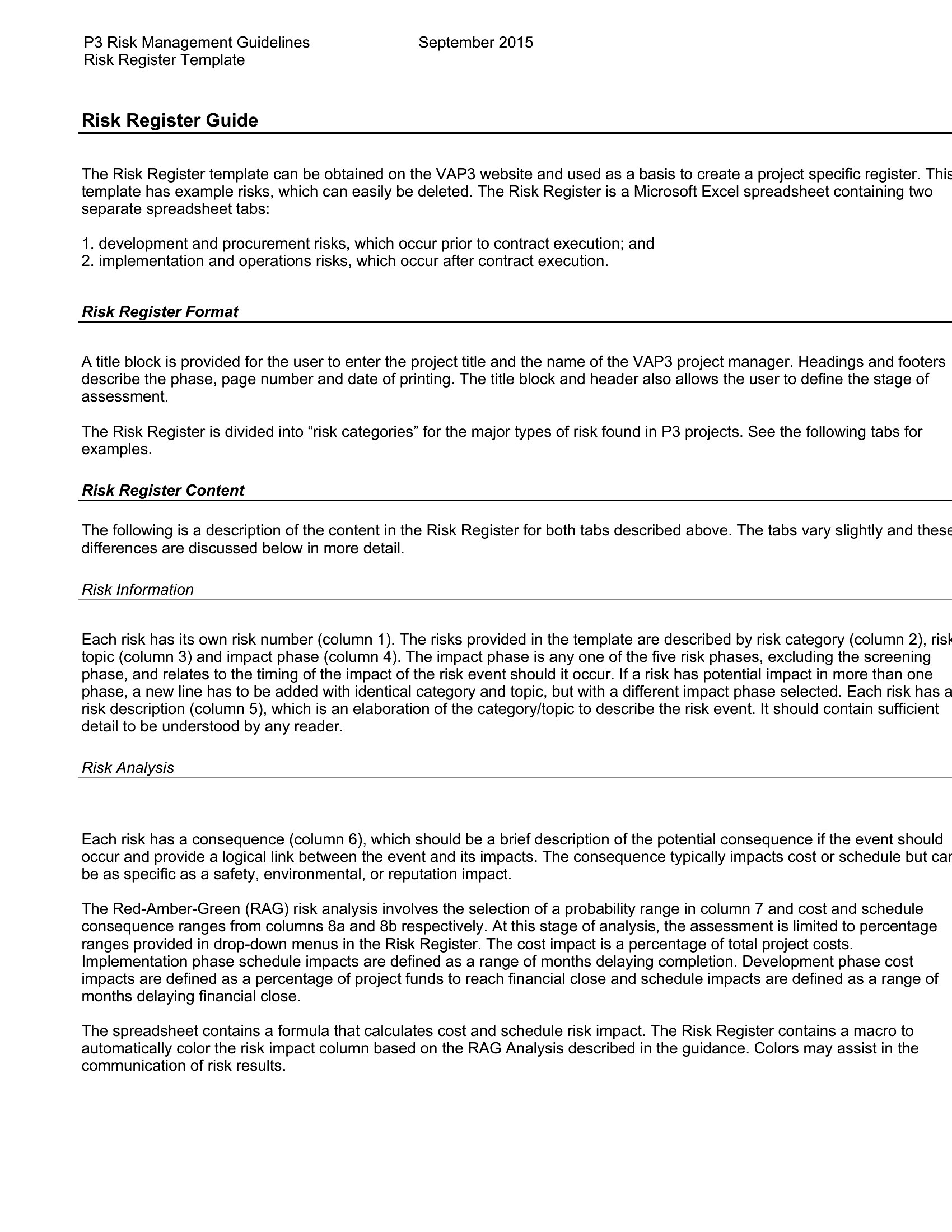
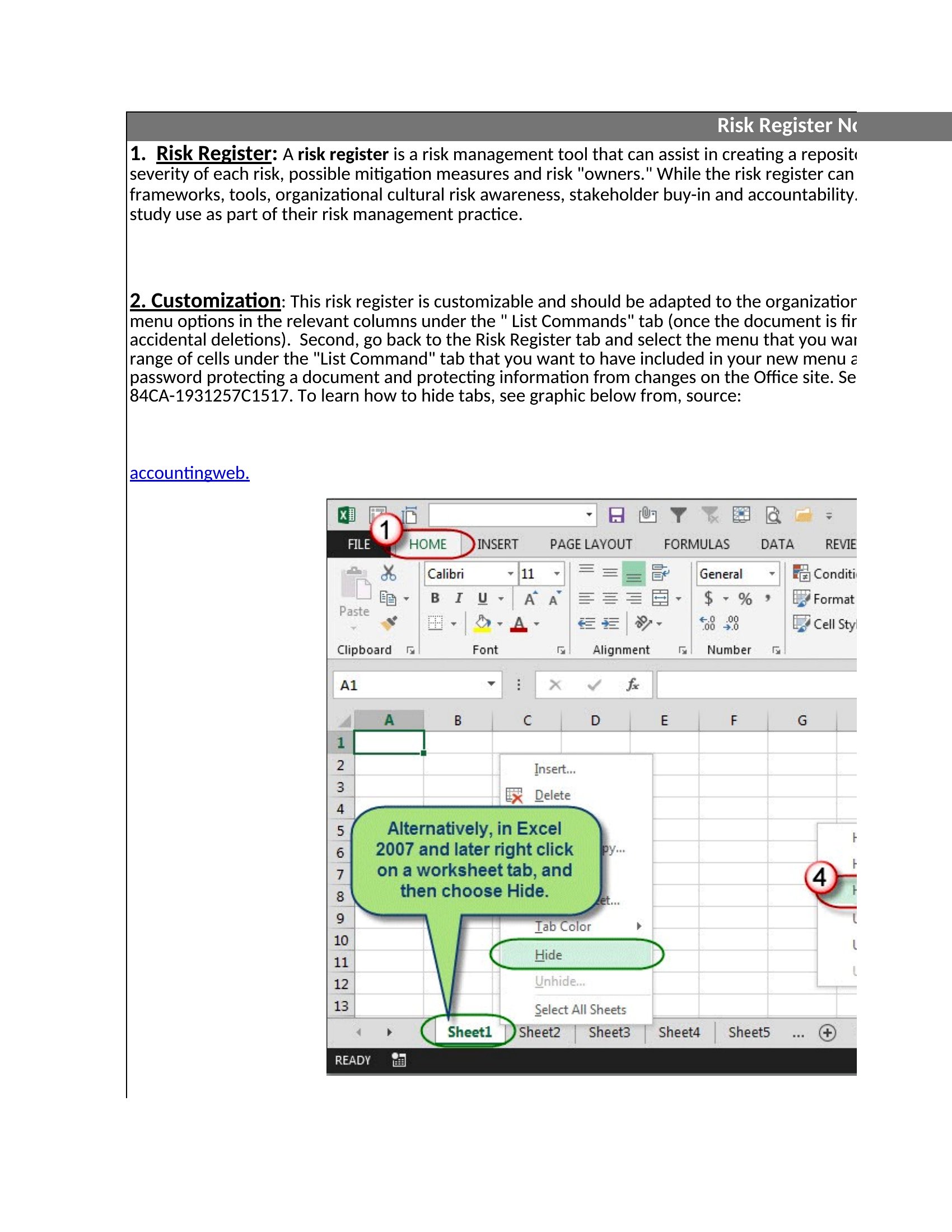
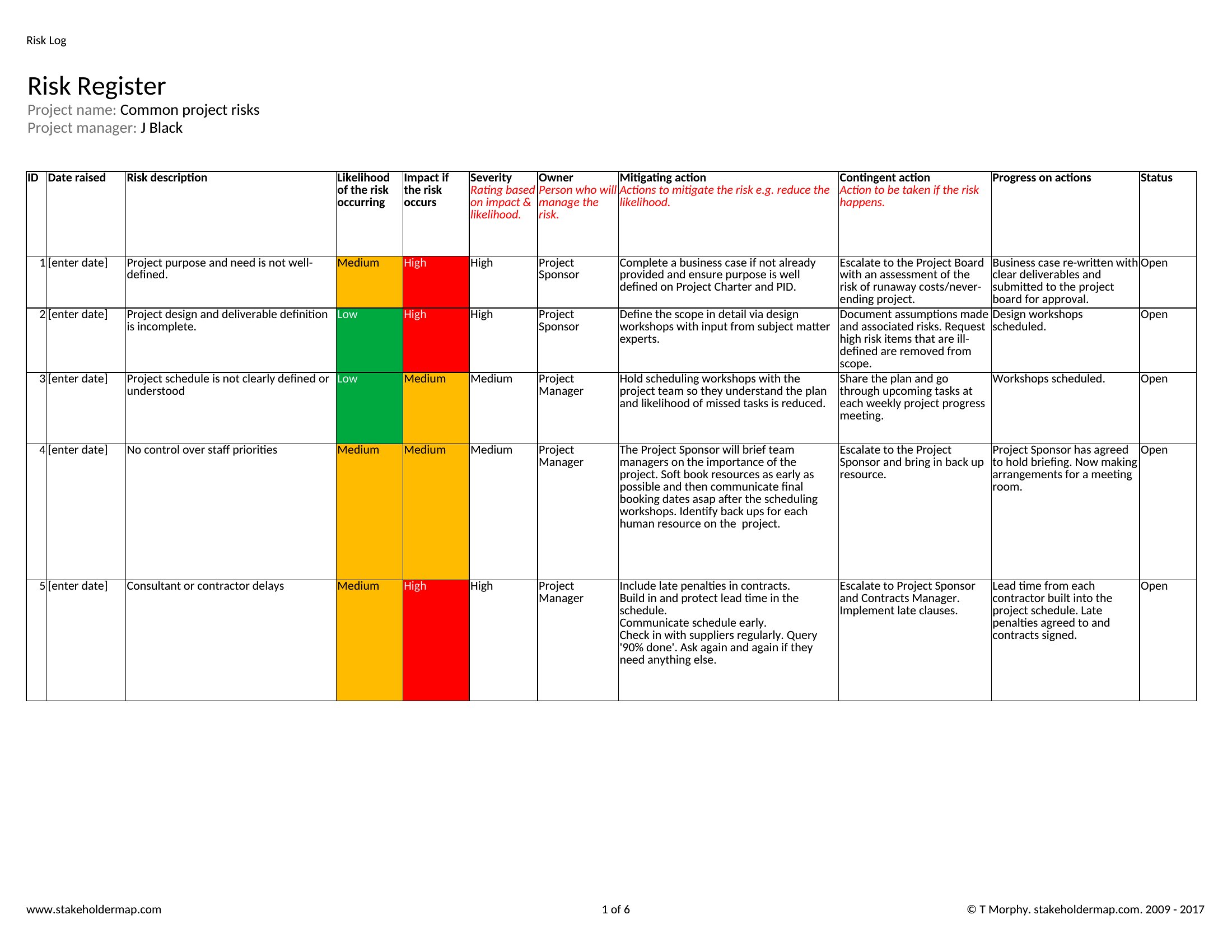
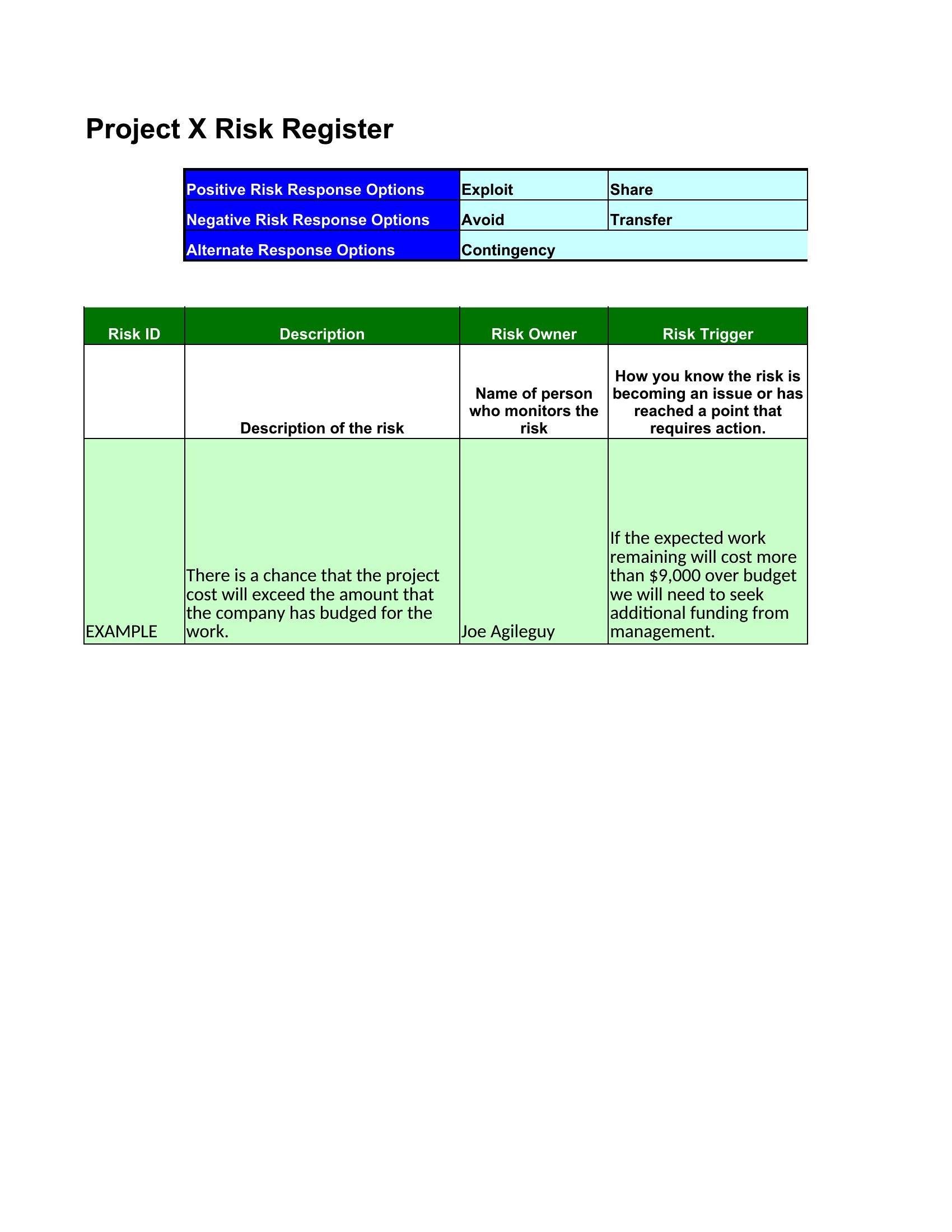
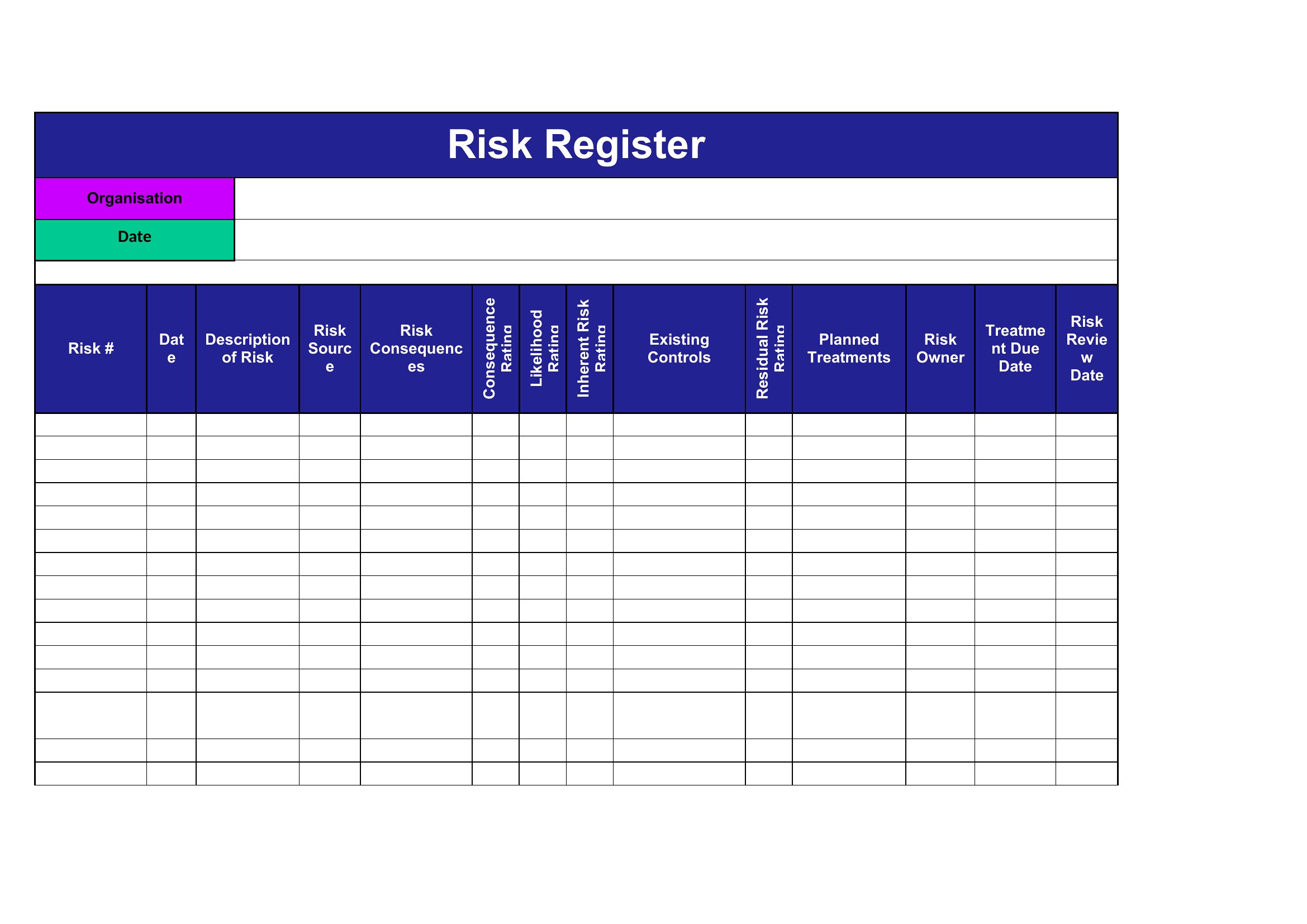
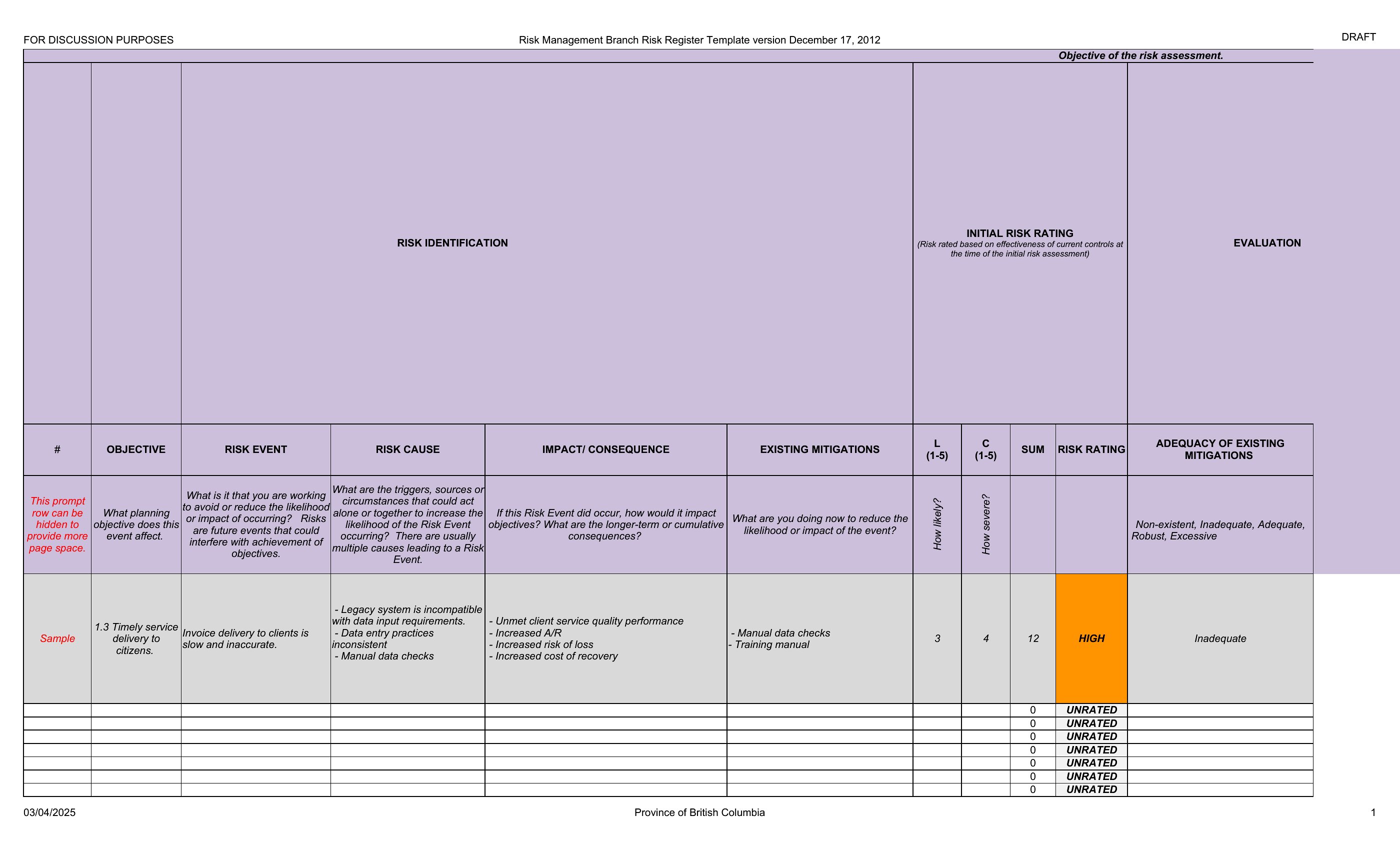
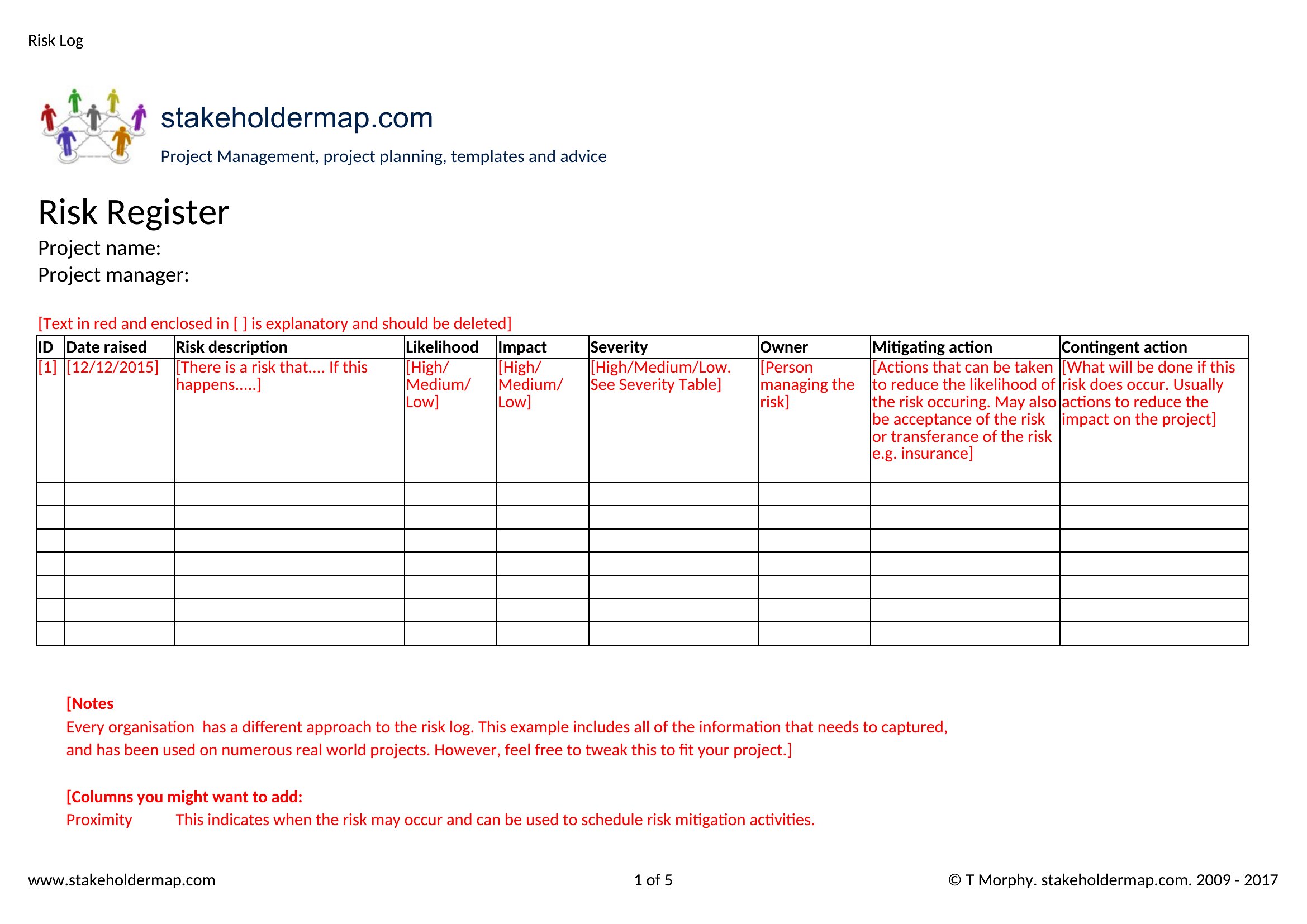
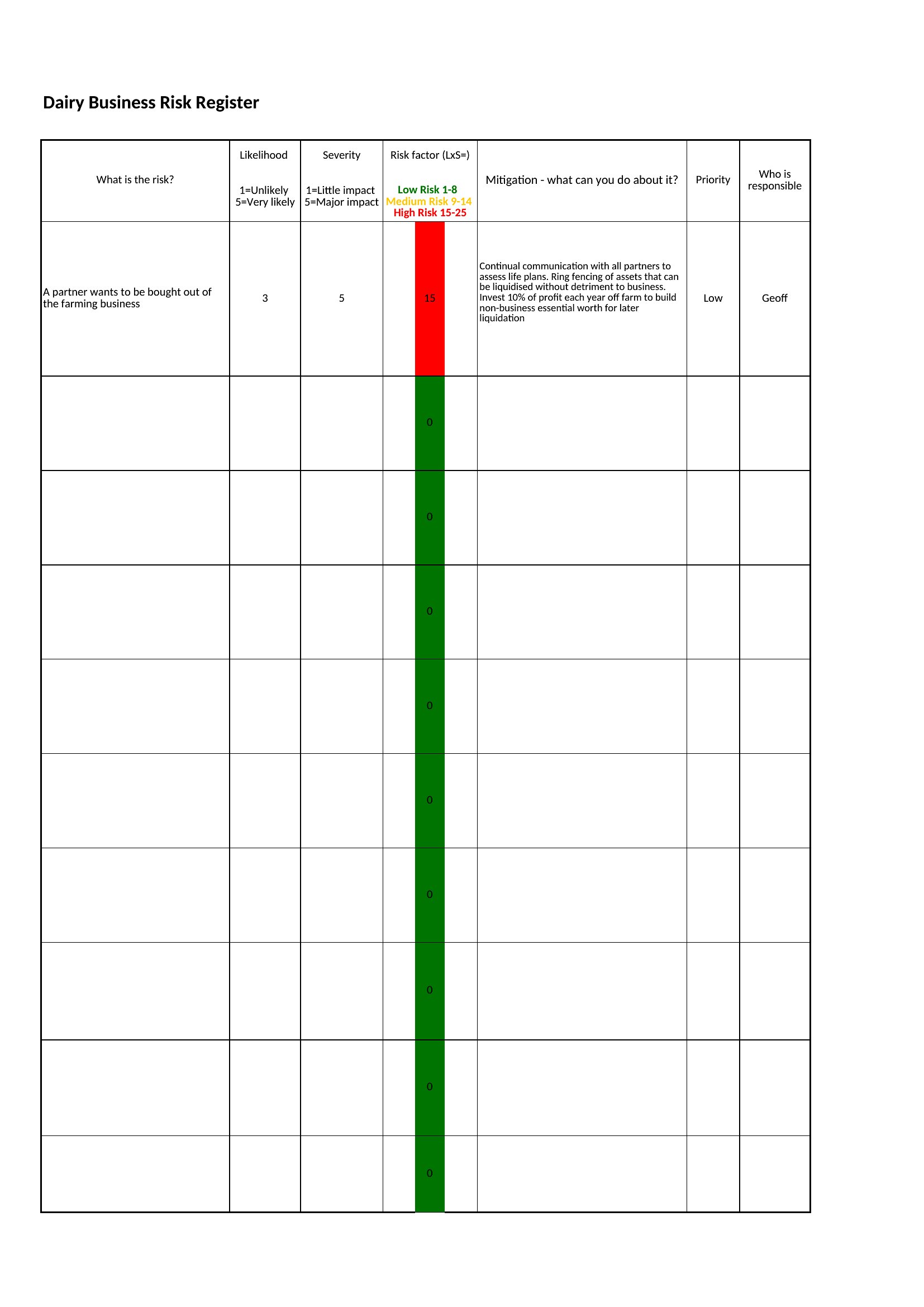
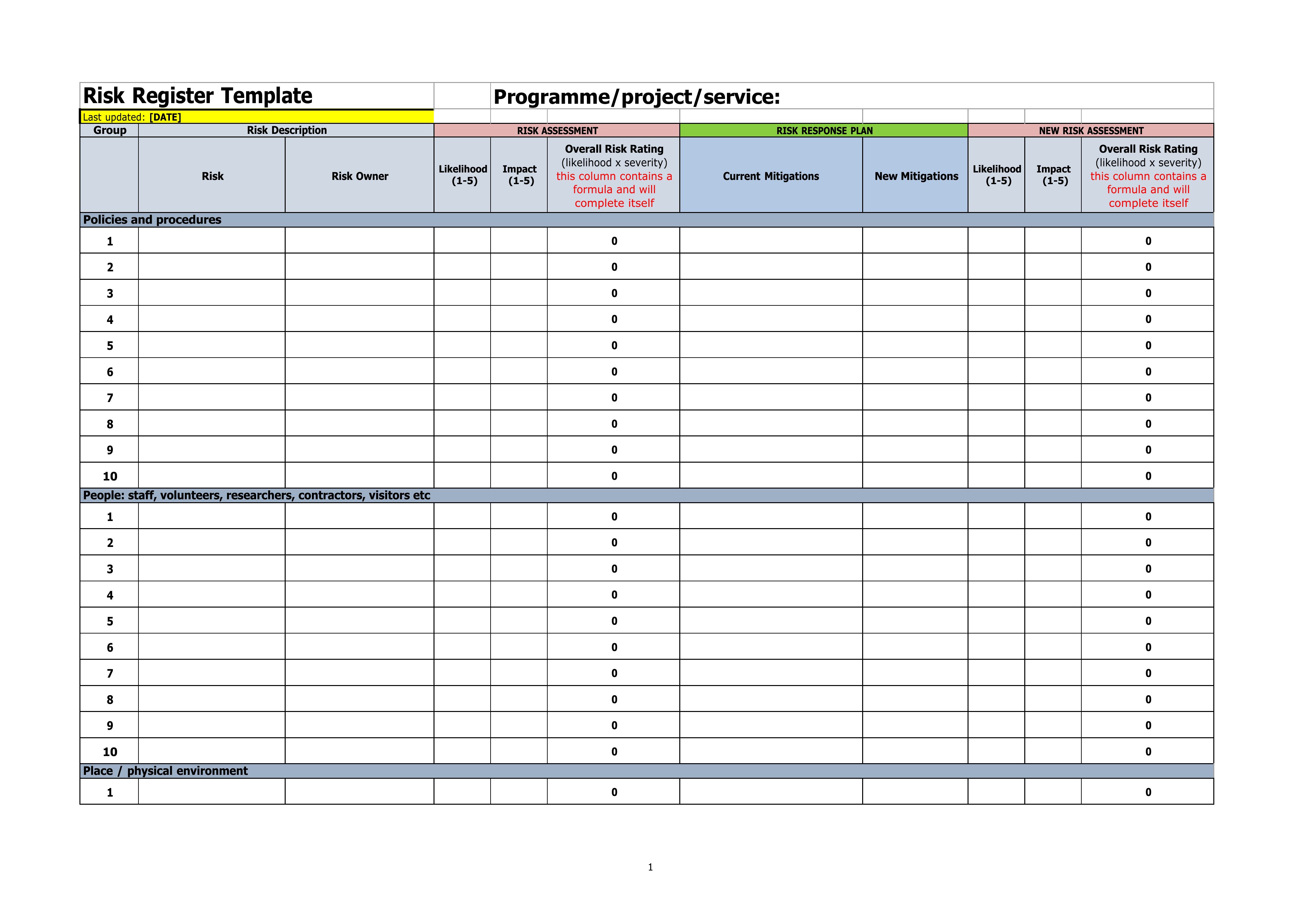
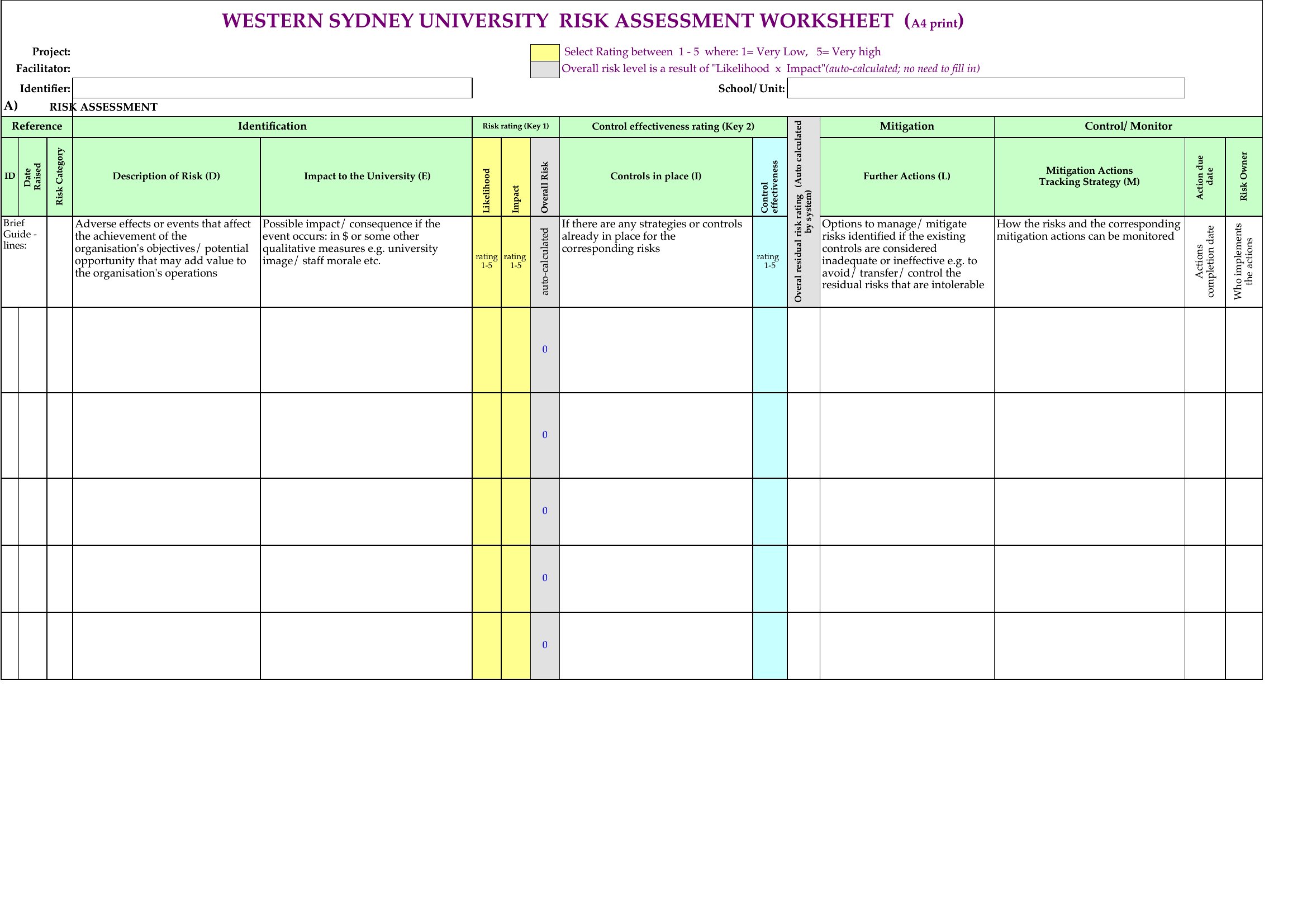
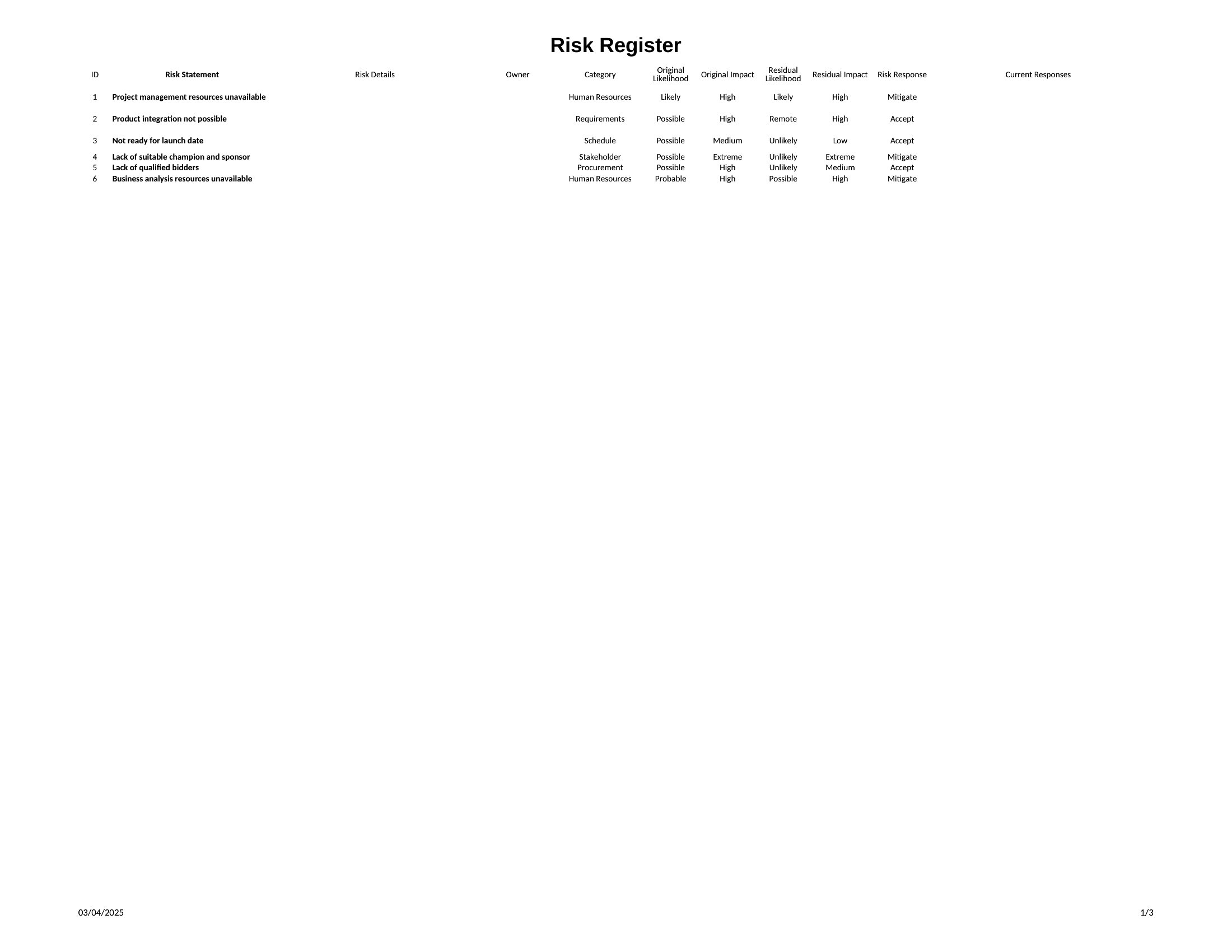
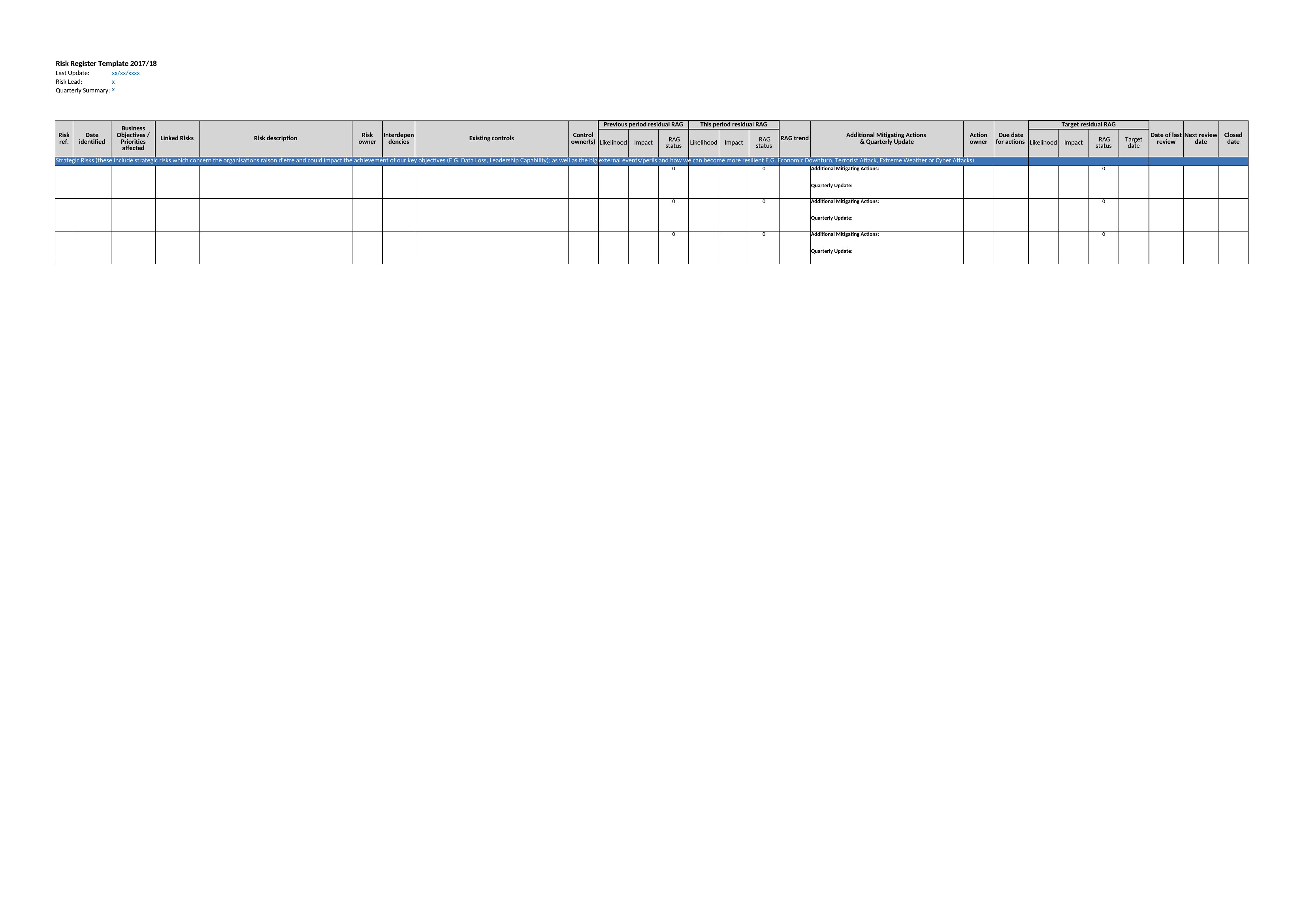
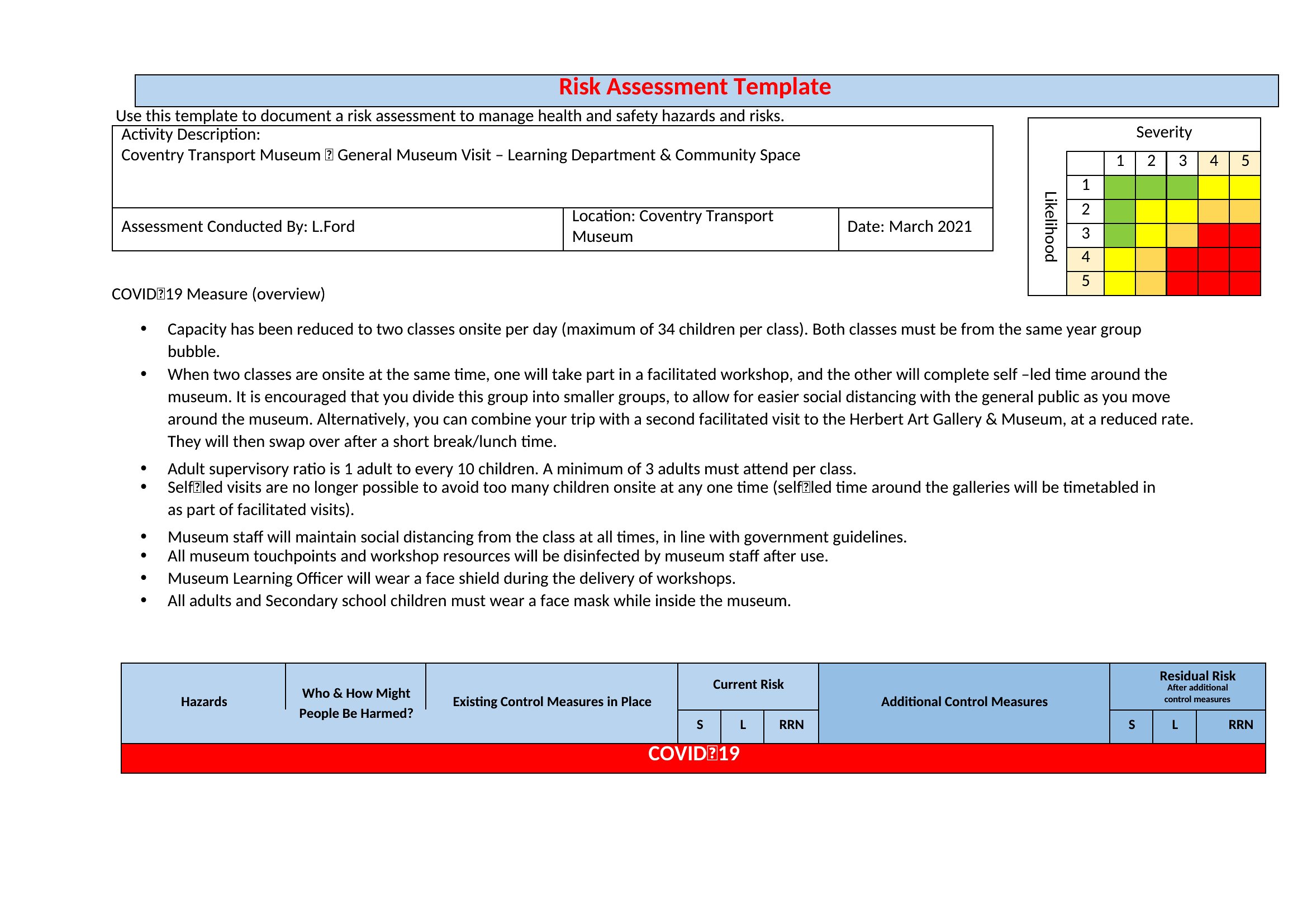
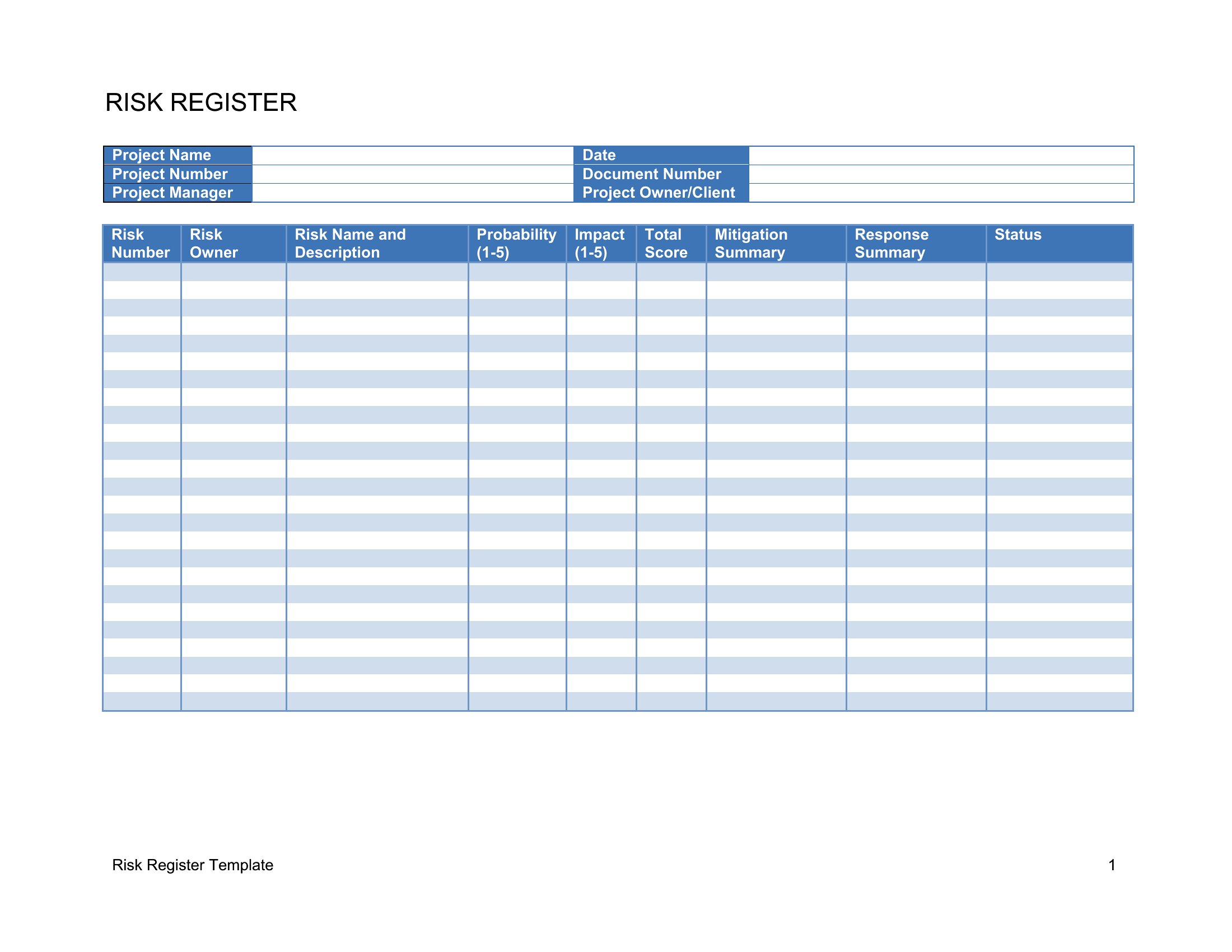
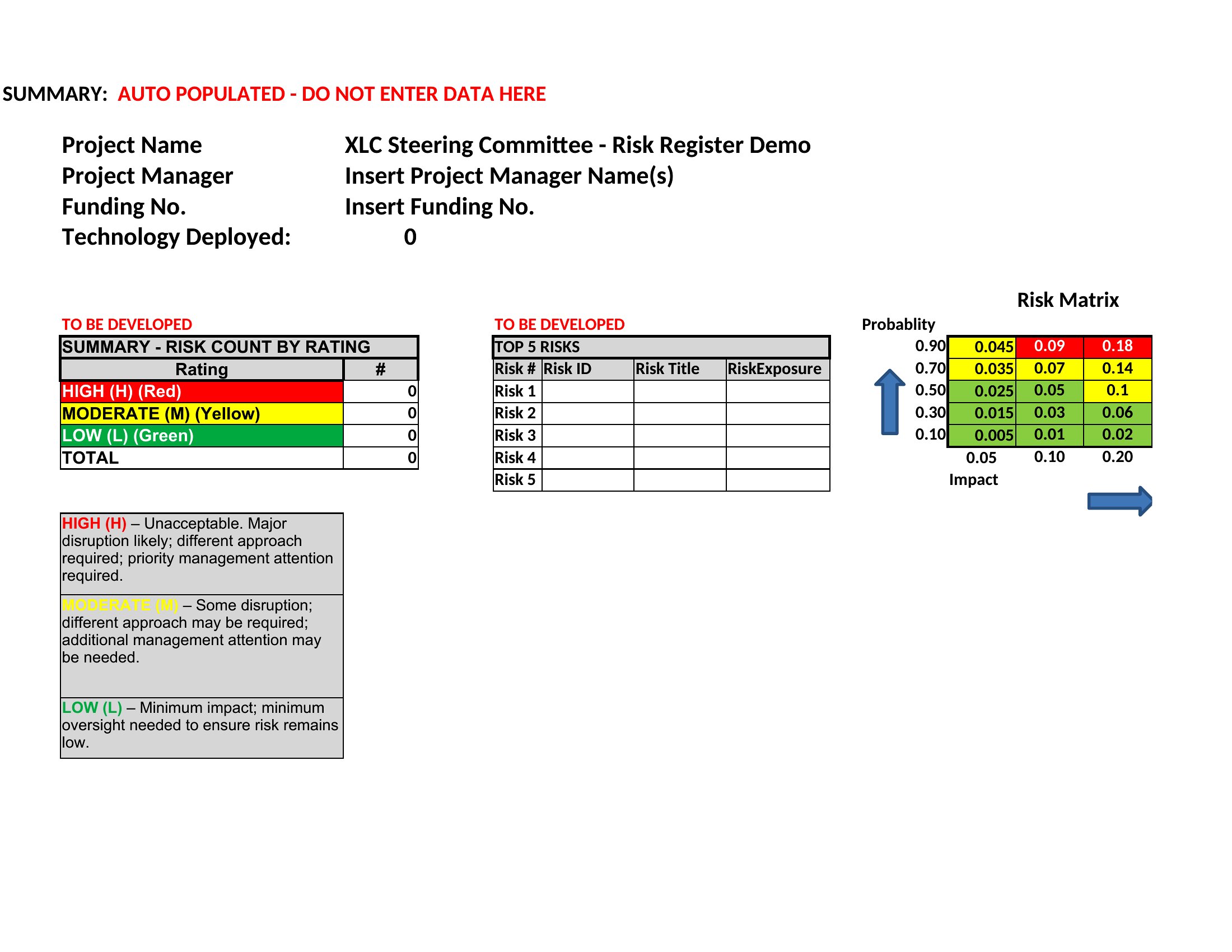
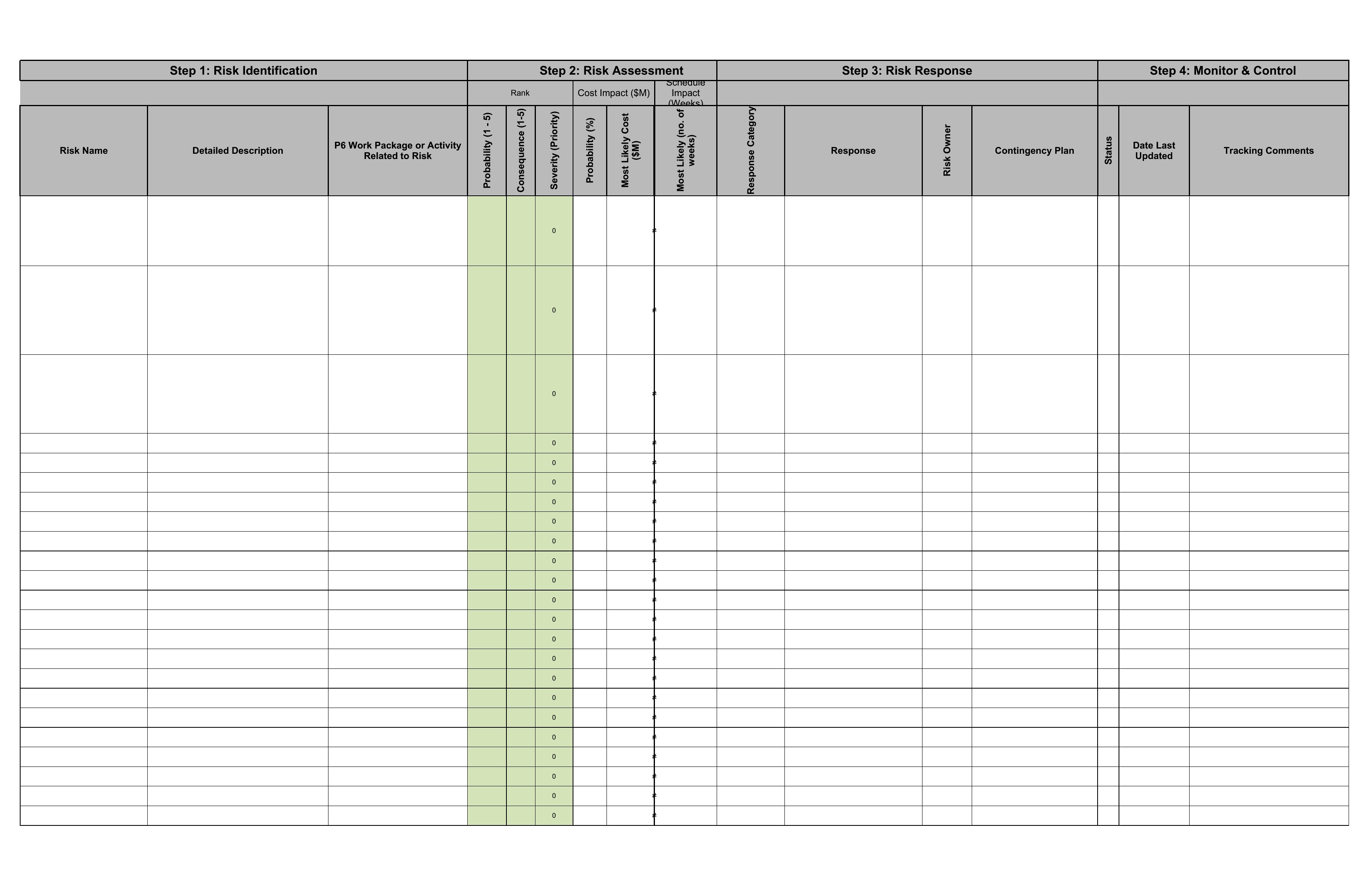
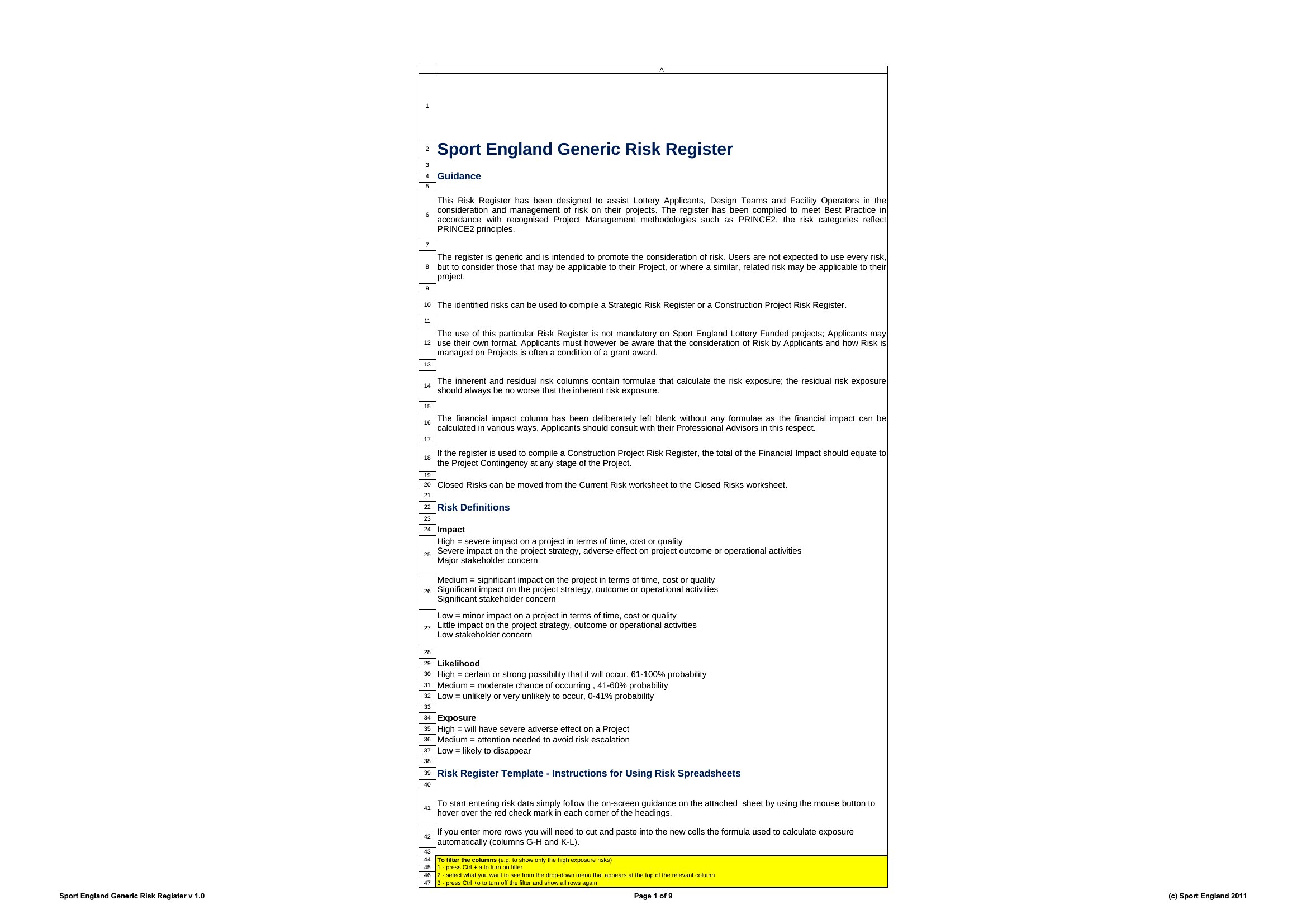
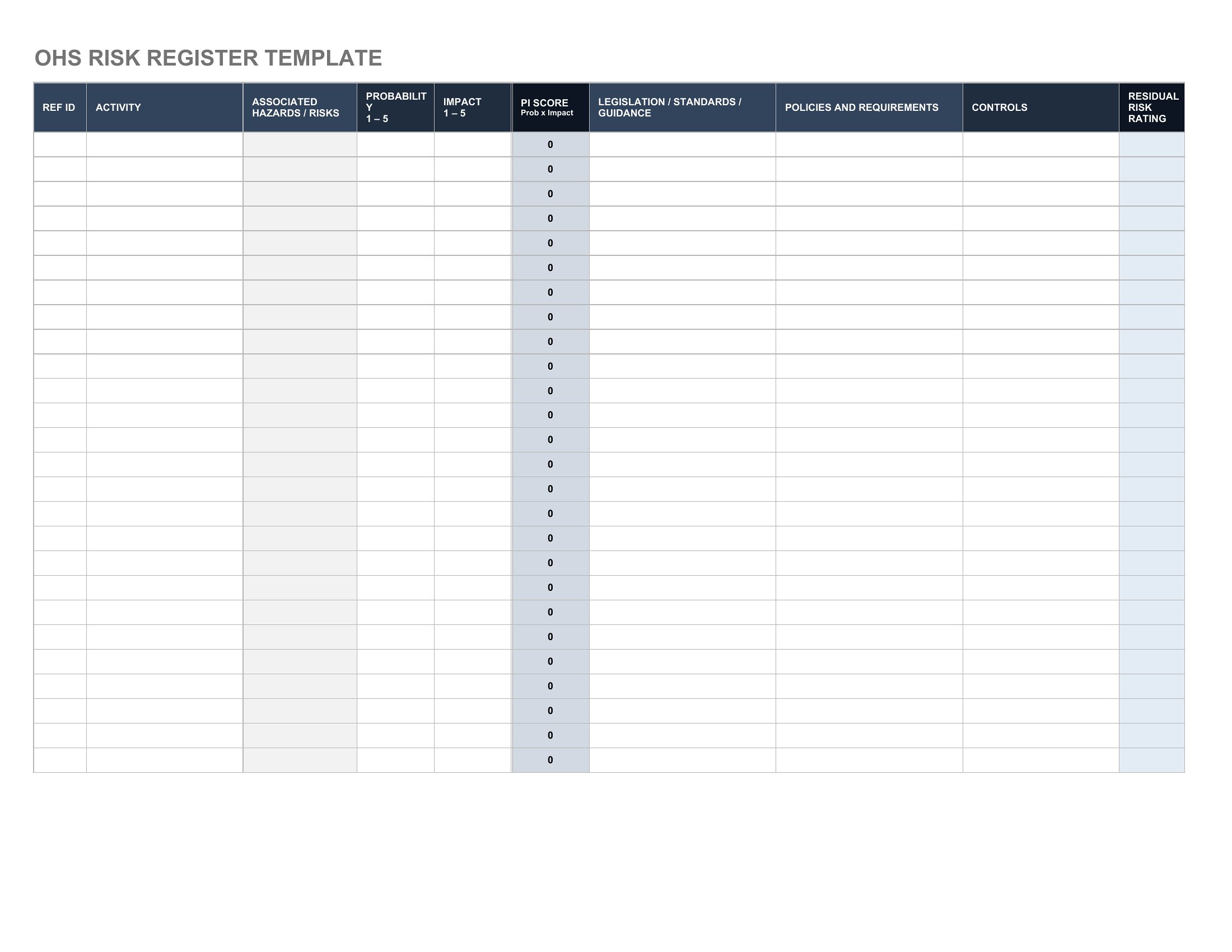
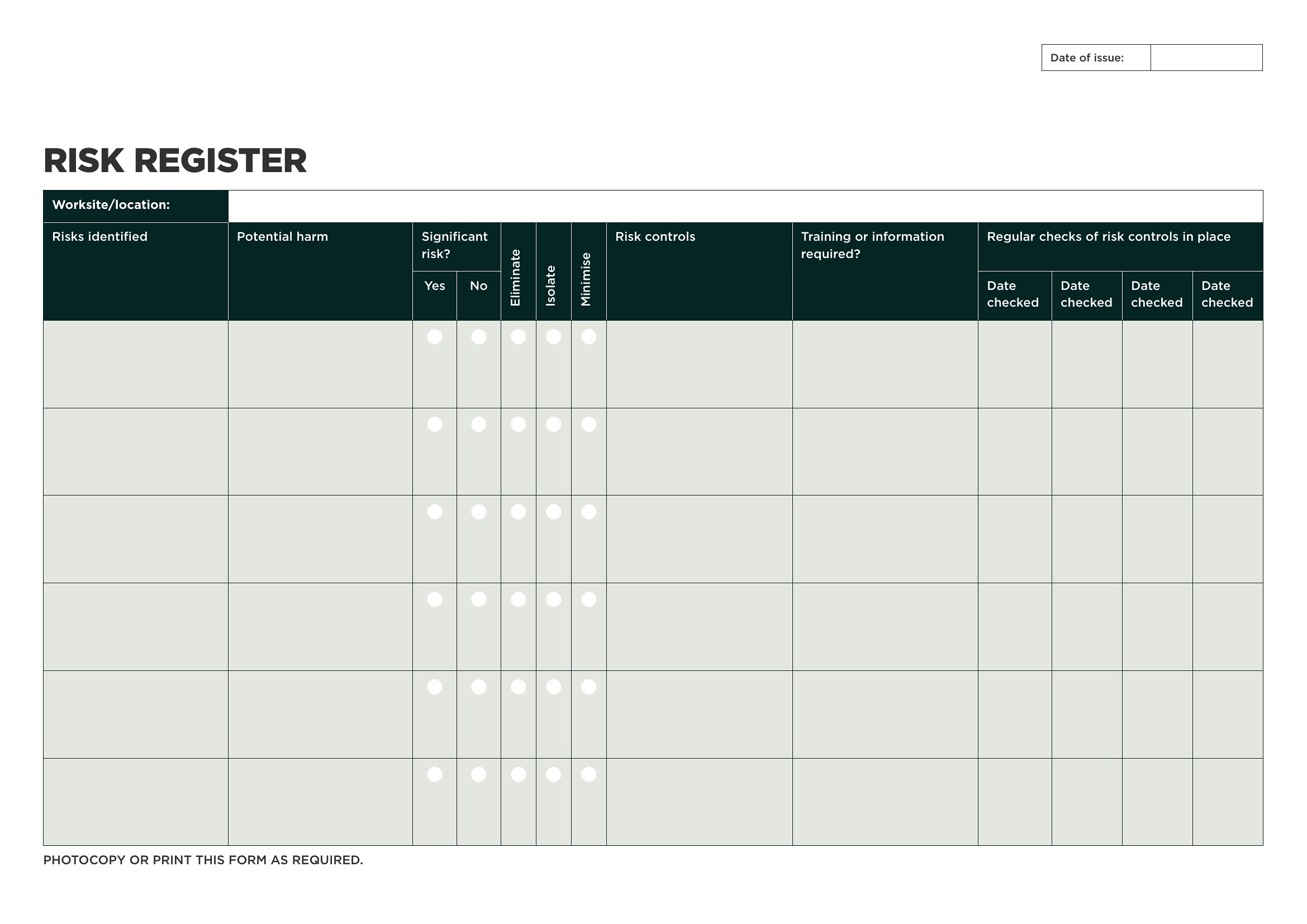
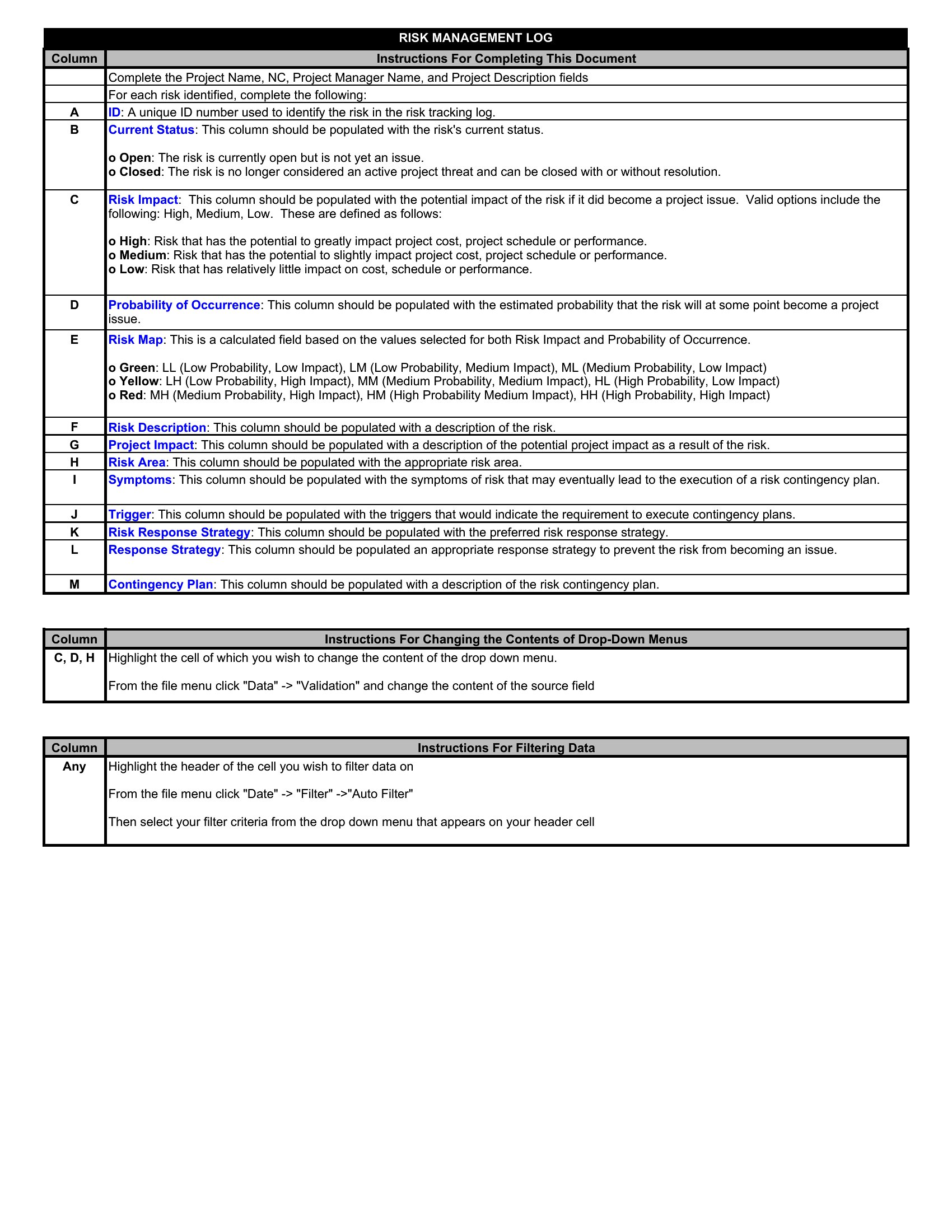
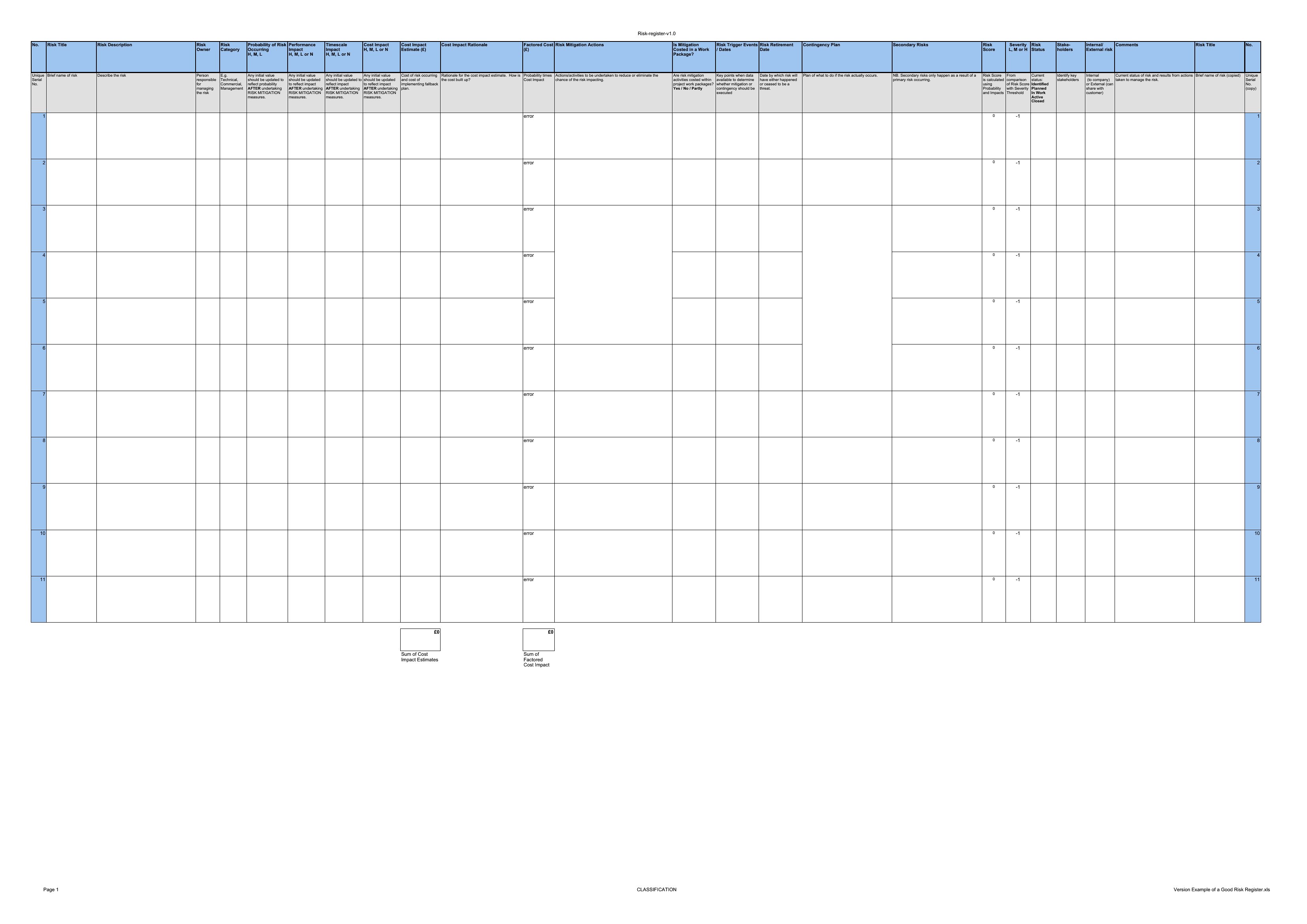
Risk Register Sample
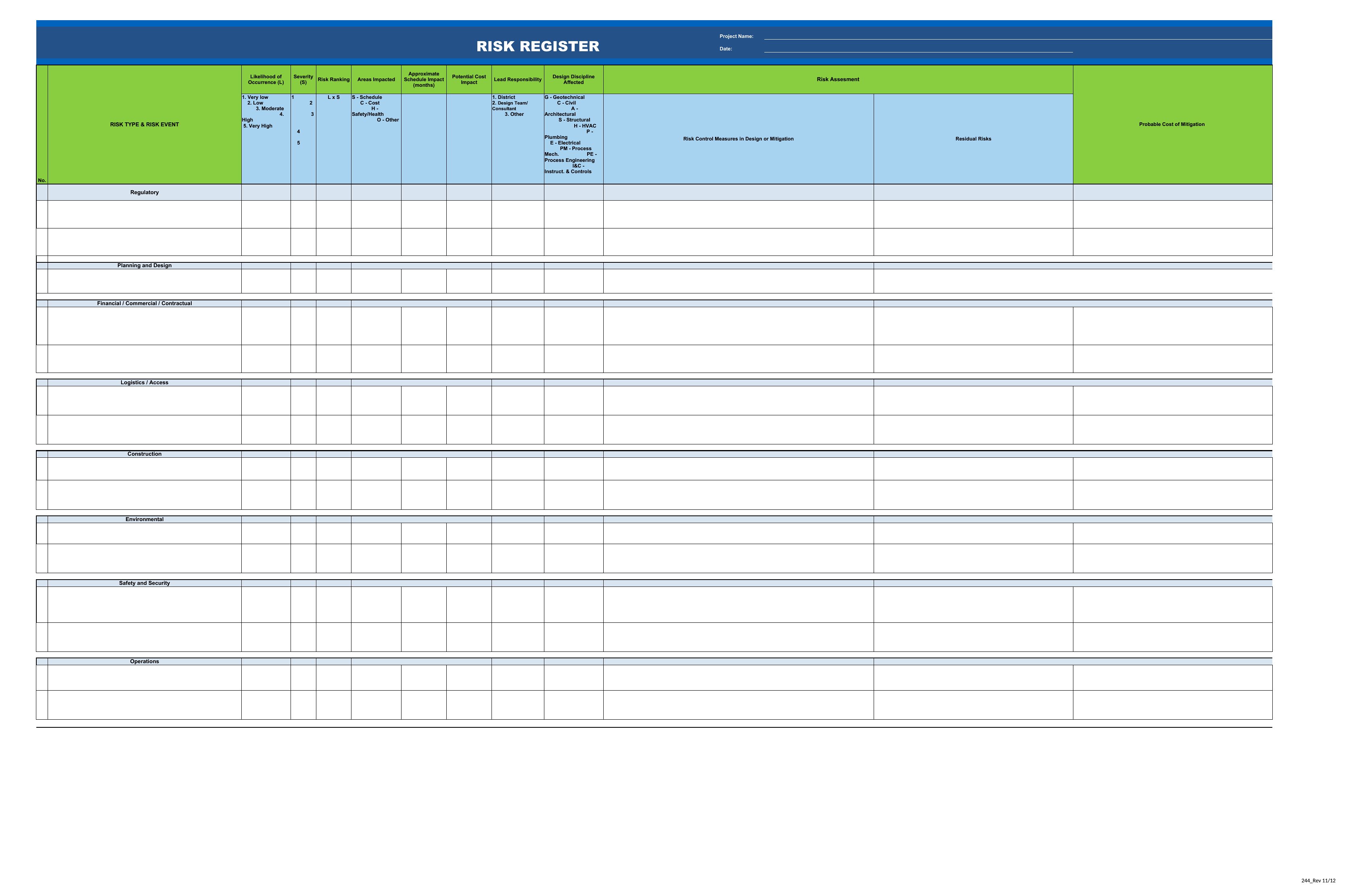
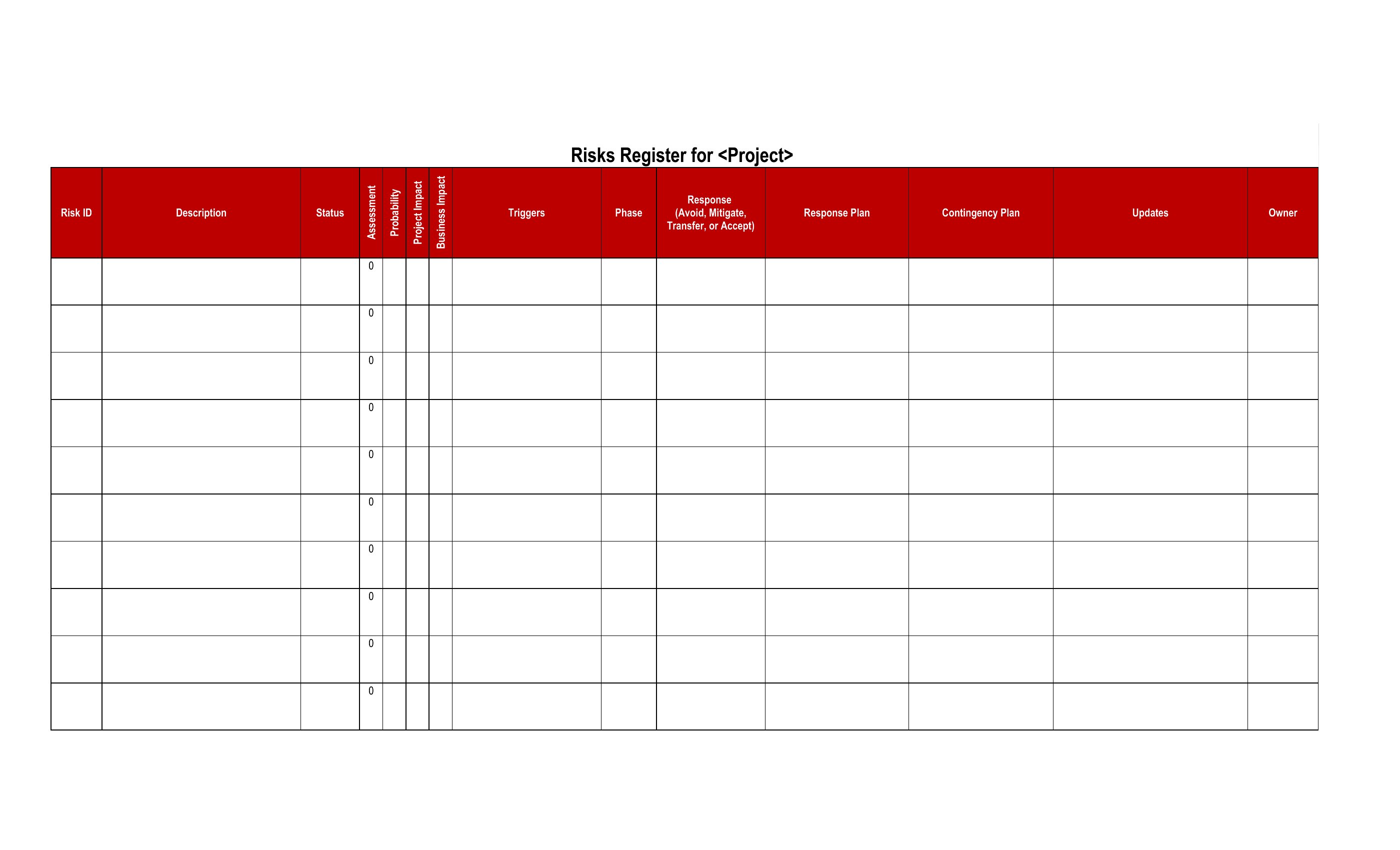
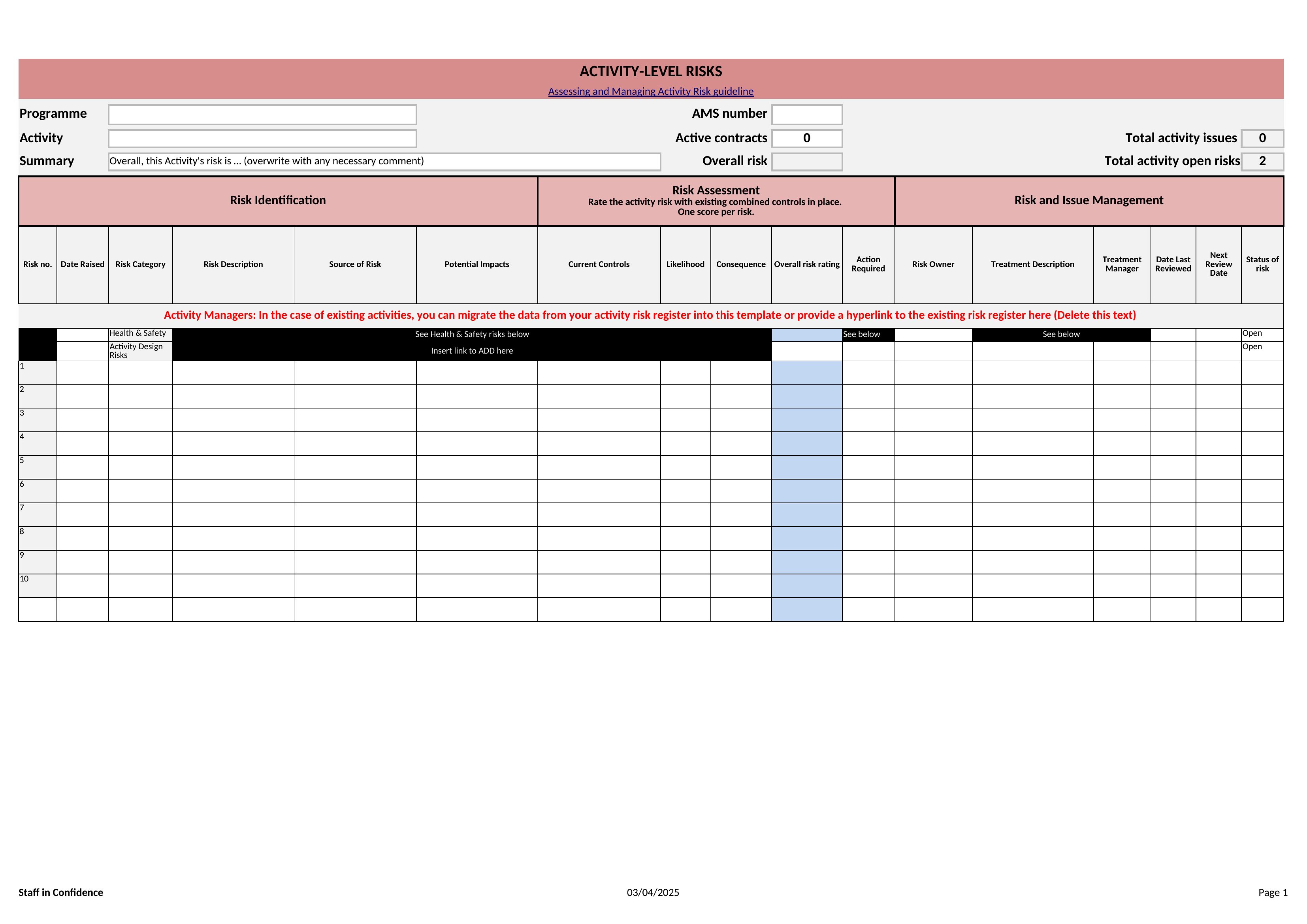
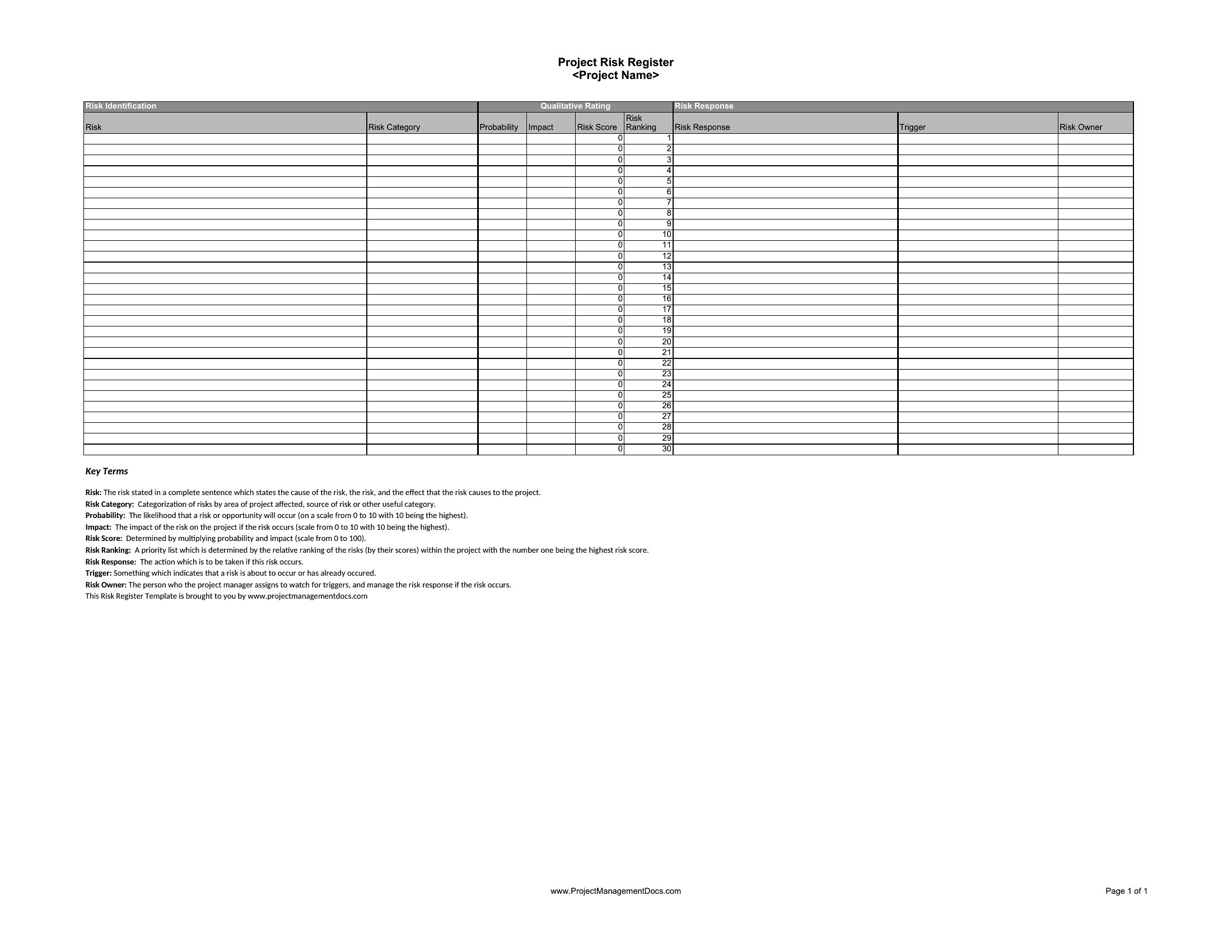
How to use this Risk Register template
How do I decide which risks to include in the register?
Focus on risks tied to project objectives, budget, or deadlines—such as delays, cost overruns, or resource gaps. Exclude speculative issues unless they’ve caused problems before. Prioritize risks with high impact or likelihood first, using the template’s scoring system to quantify each.
Can I use these templates to track risks for ongoing operations, not just projects?
Yes, but tailor the categories. For operations, replace project milestones with KPIs (e.g., customer complaints, equipment failures) and adjust mitigation plans to align with business continuity protocols. The Excel versions let you rename columns like ‘Project Phase’ to ‘Department’ for broader use.
What’s the best way to keep the risk register updated if multiple people need to access it?
For shared access, use the Excel format with cloud storage (like SharePoint or Google Sheets) so edits sync automatically. Assign a single owner to review and approve updates weekly. Avoid emailing Word/PDF versions, as tracking changes becomes cumbersome without version control.
Comments
Join the conversation
Sign in to share your thoughts and leave a comment on this resource.