FAQ
How do I make sure my congratulations letter feels sincere rather than generic?
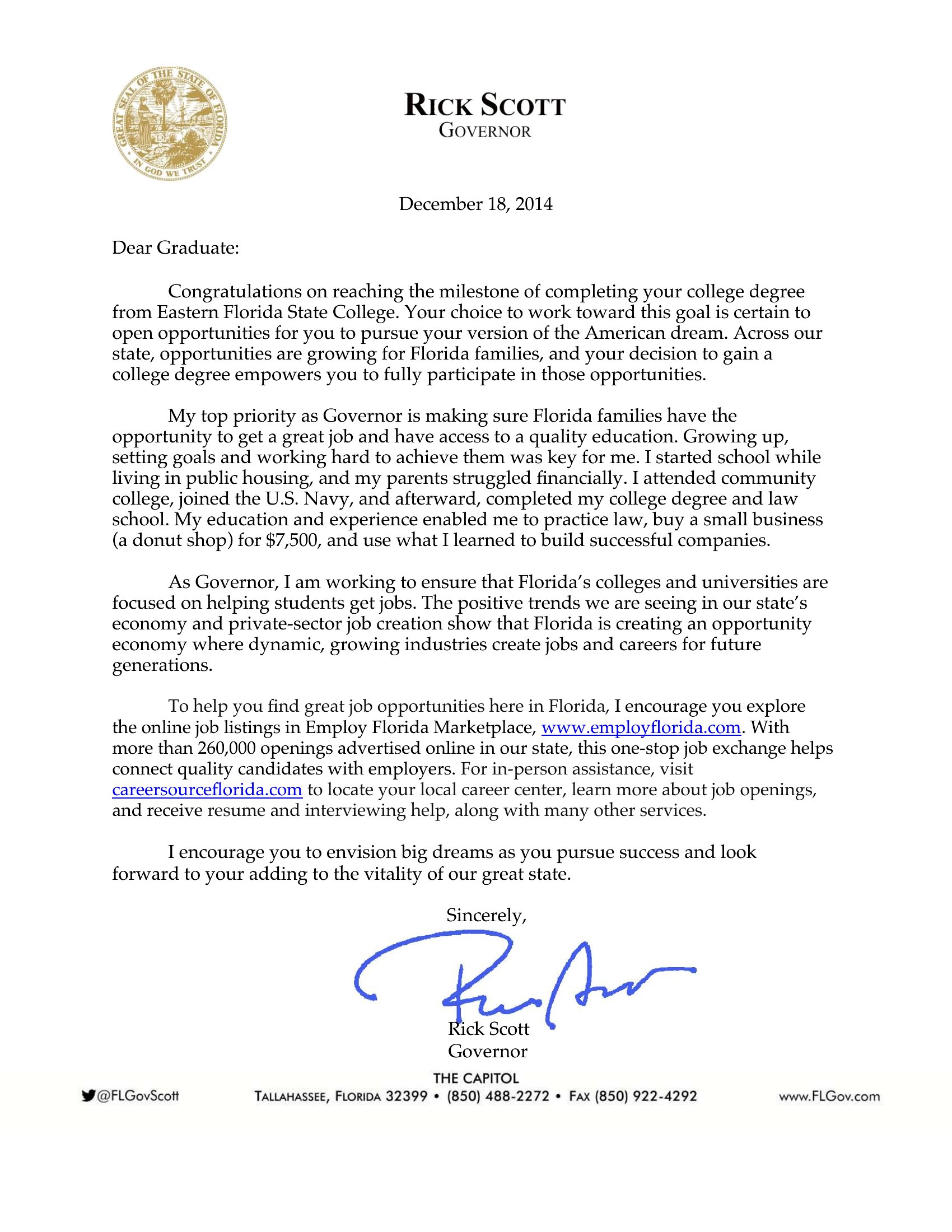
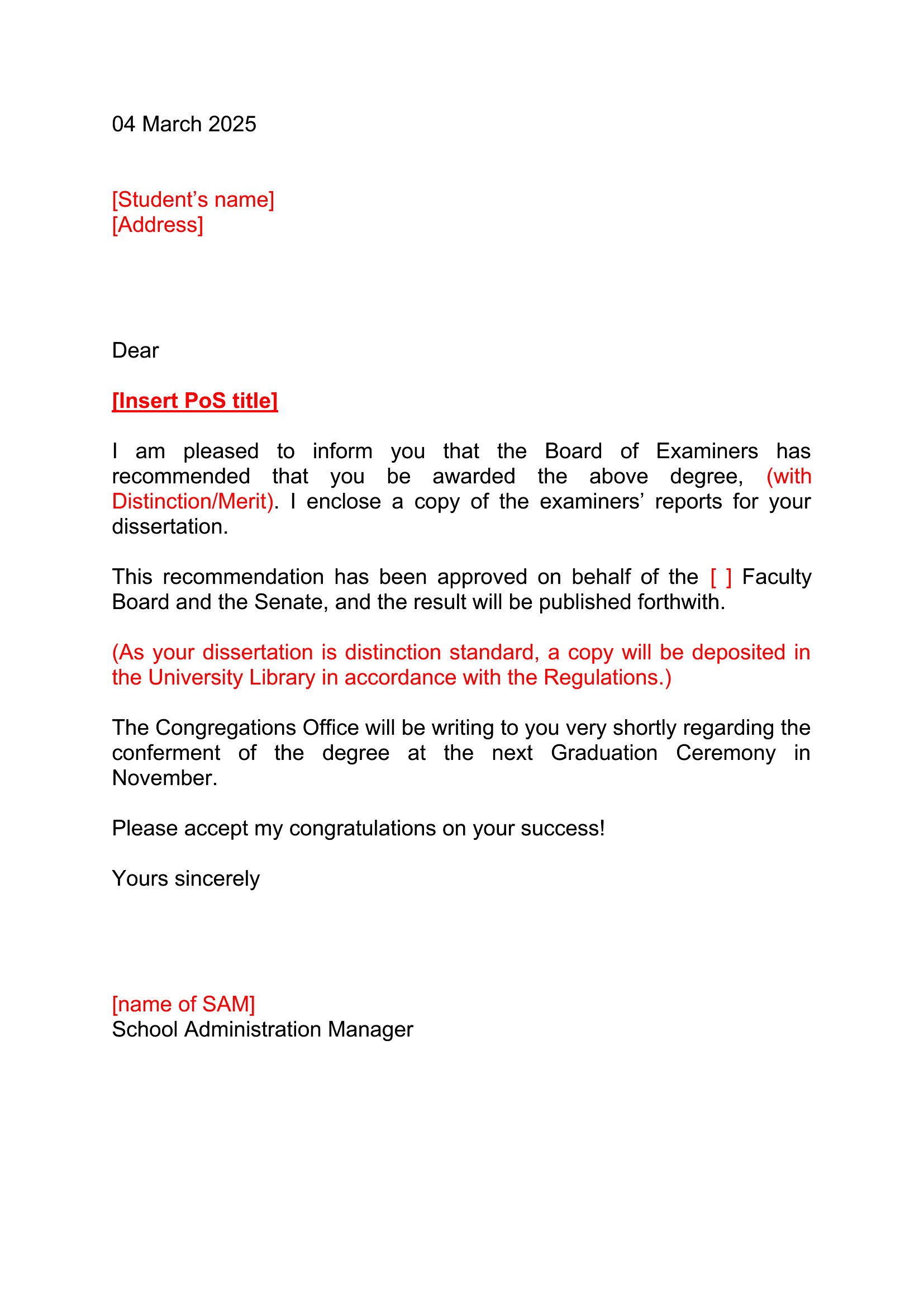
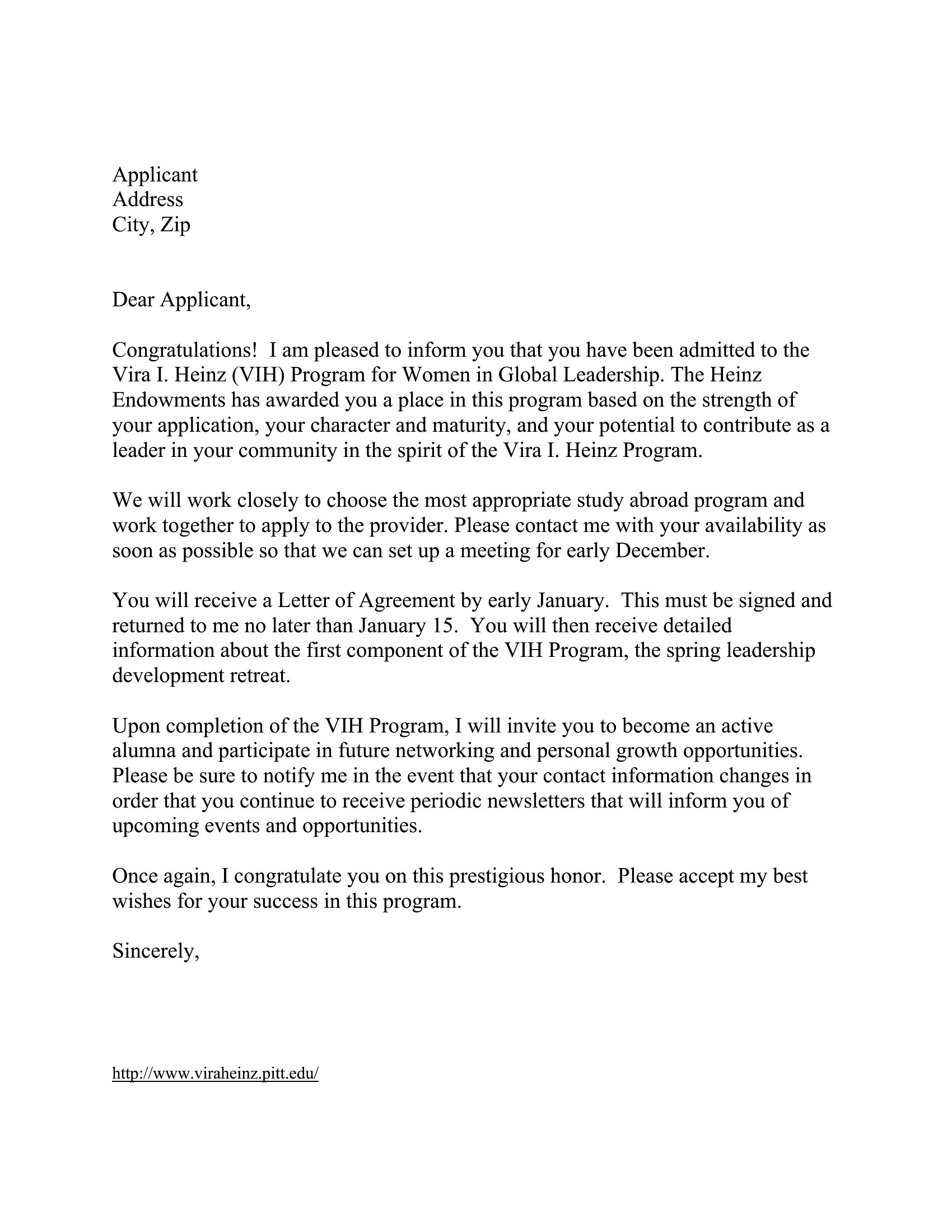
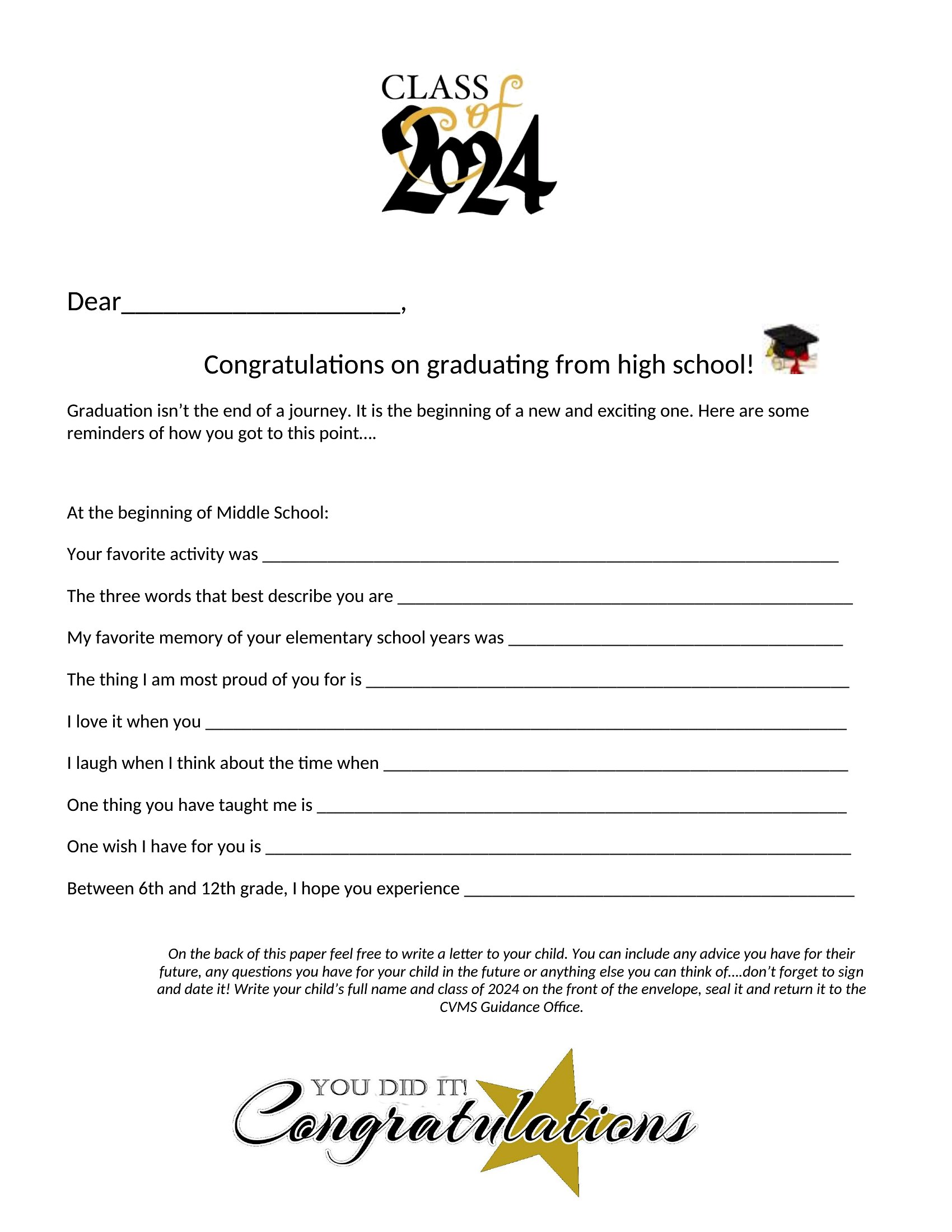
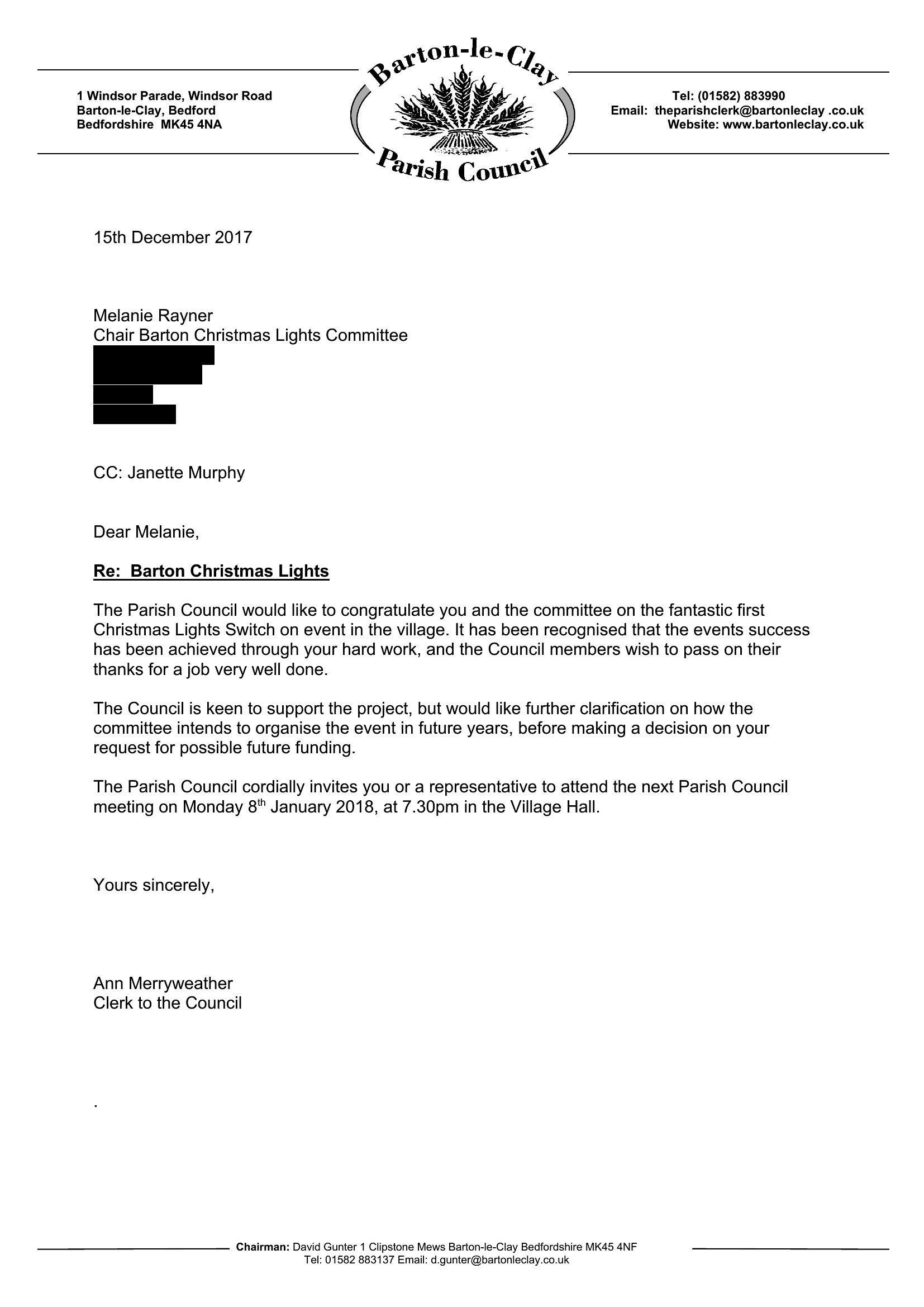
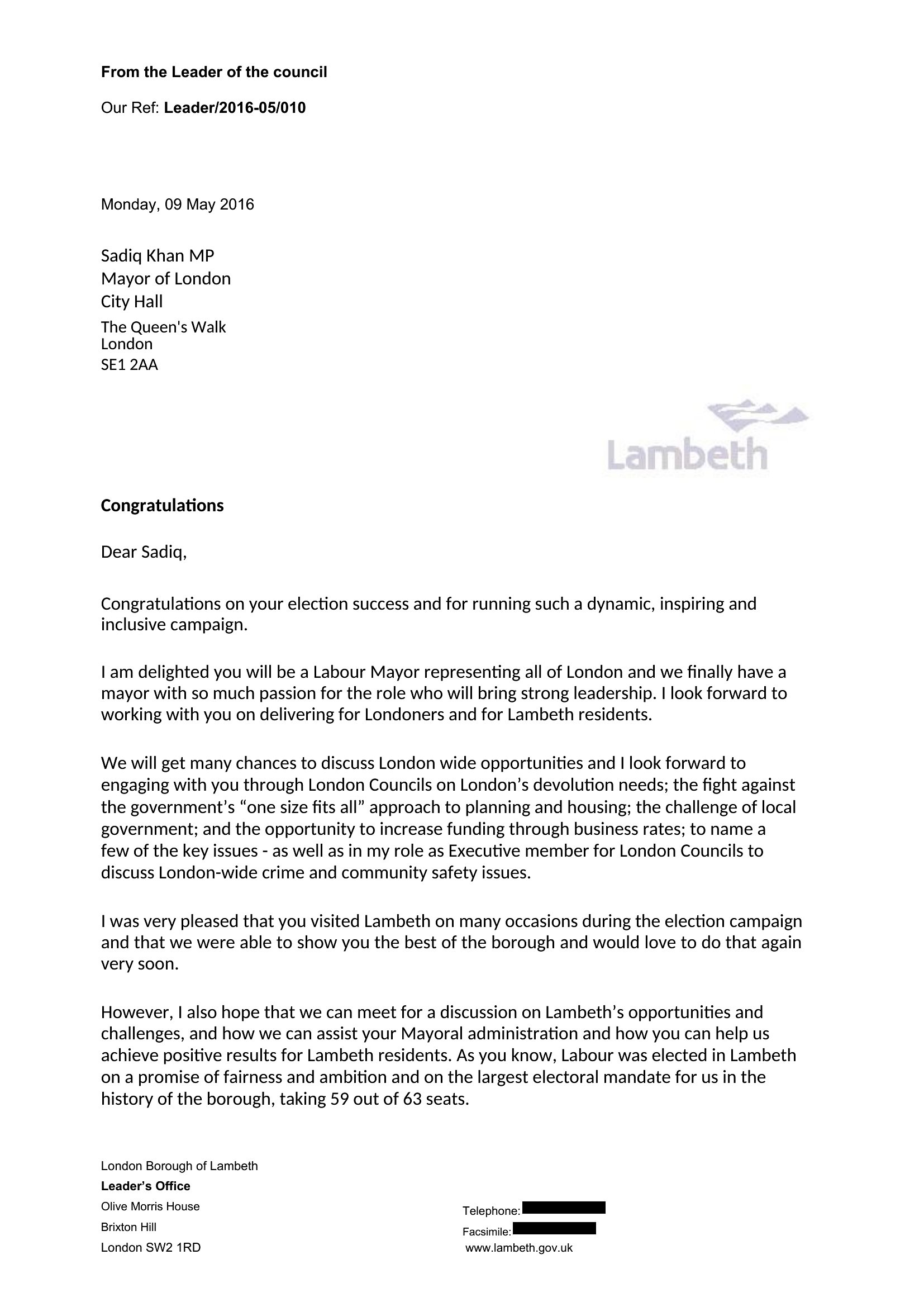
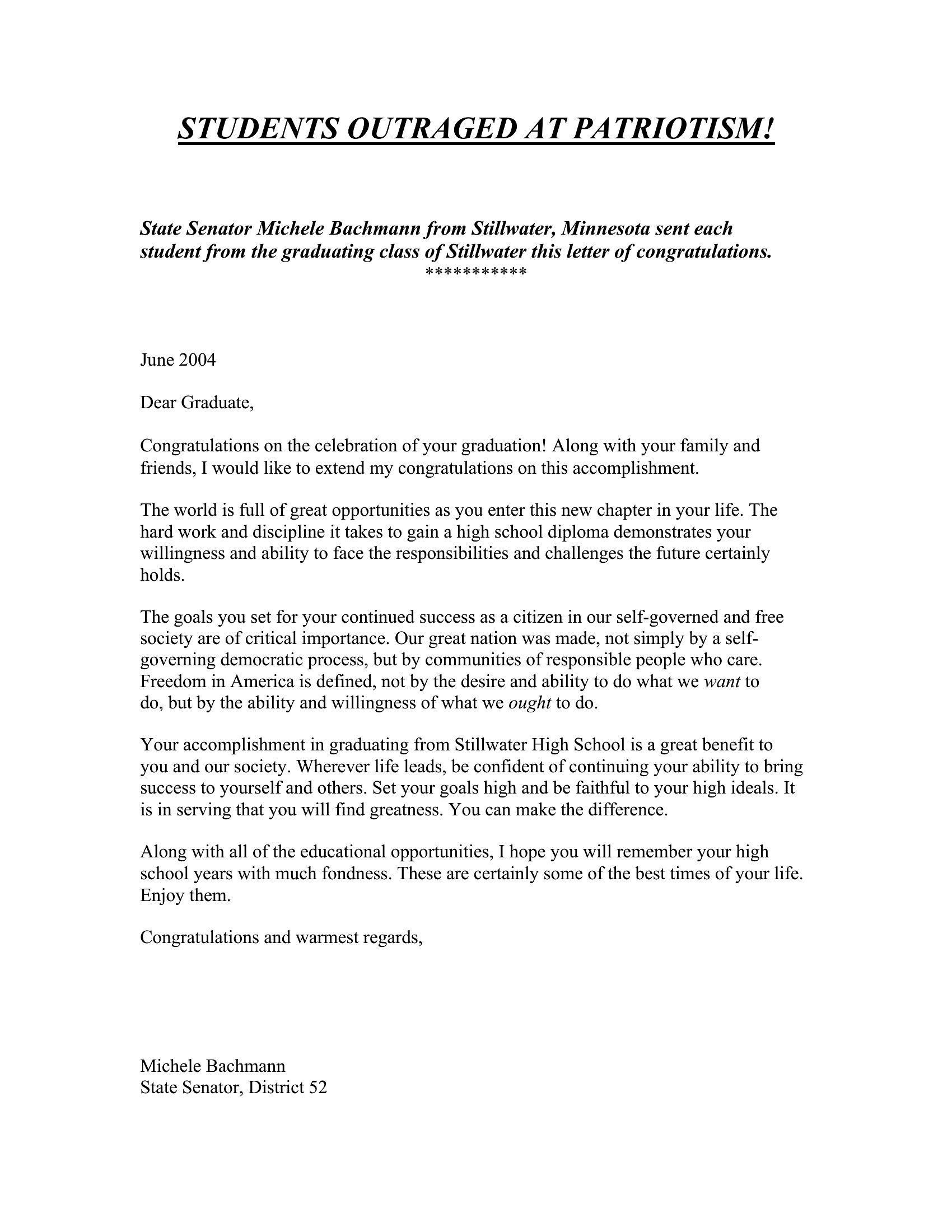
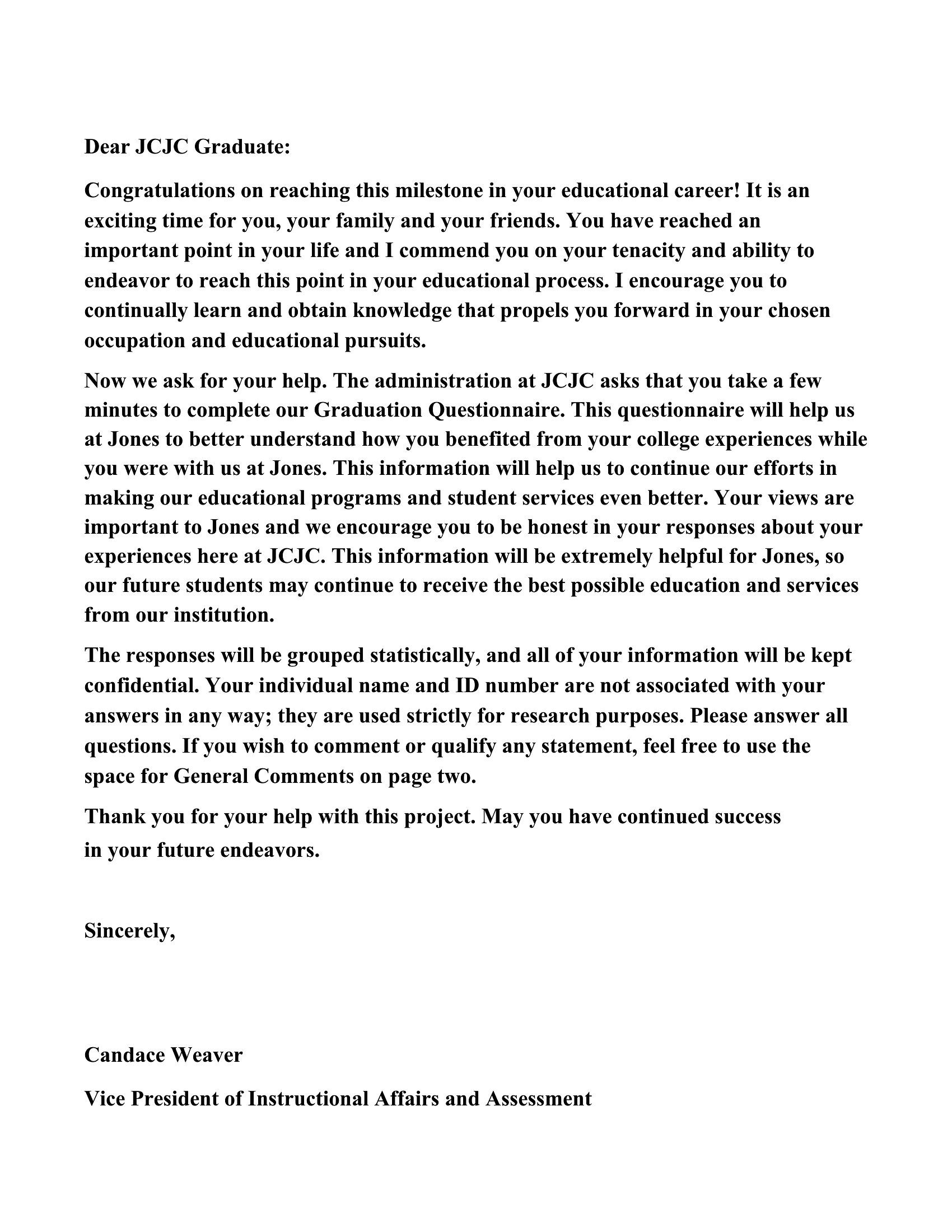
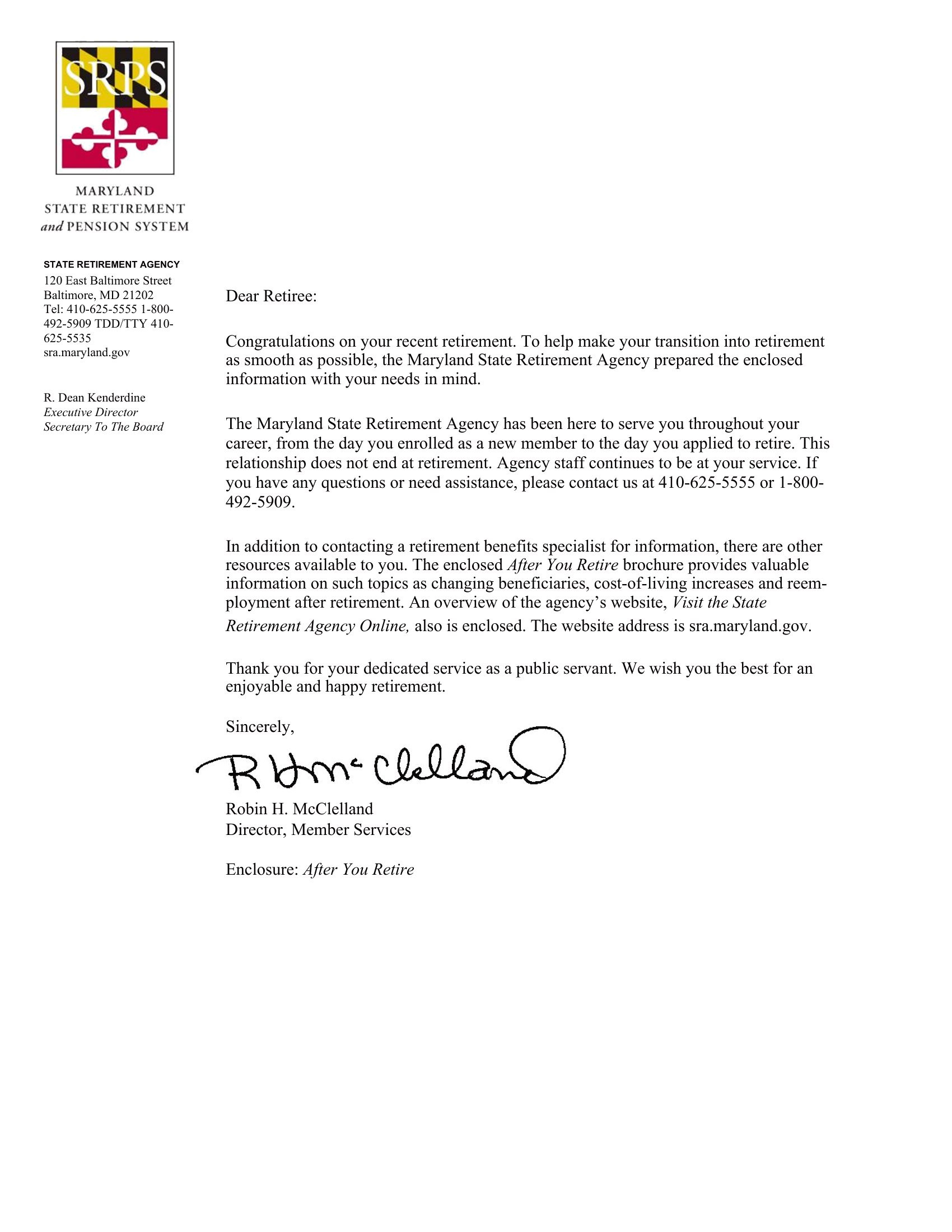
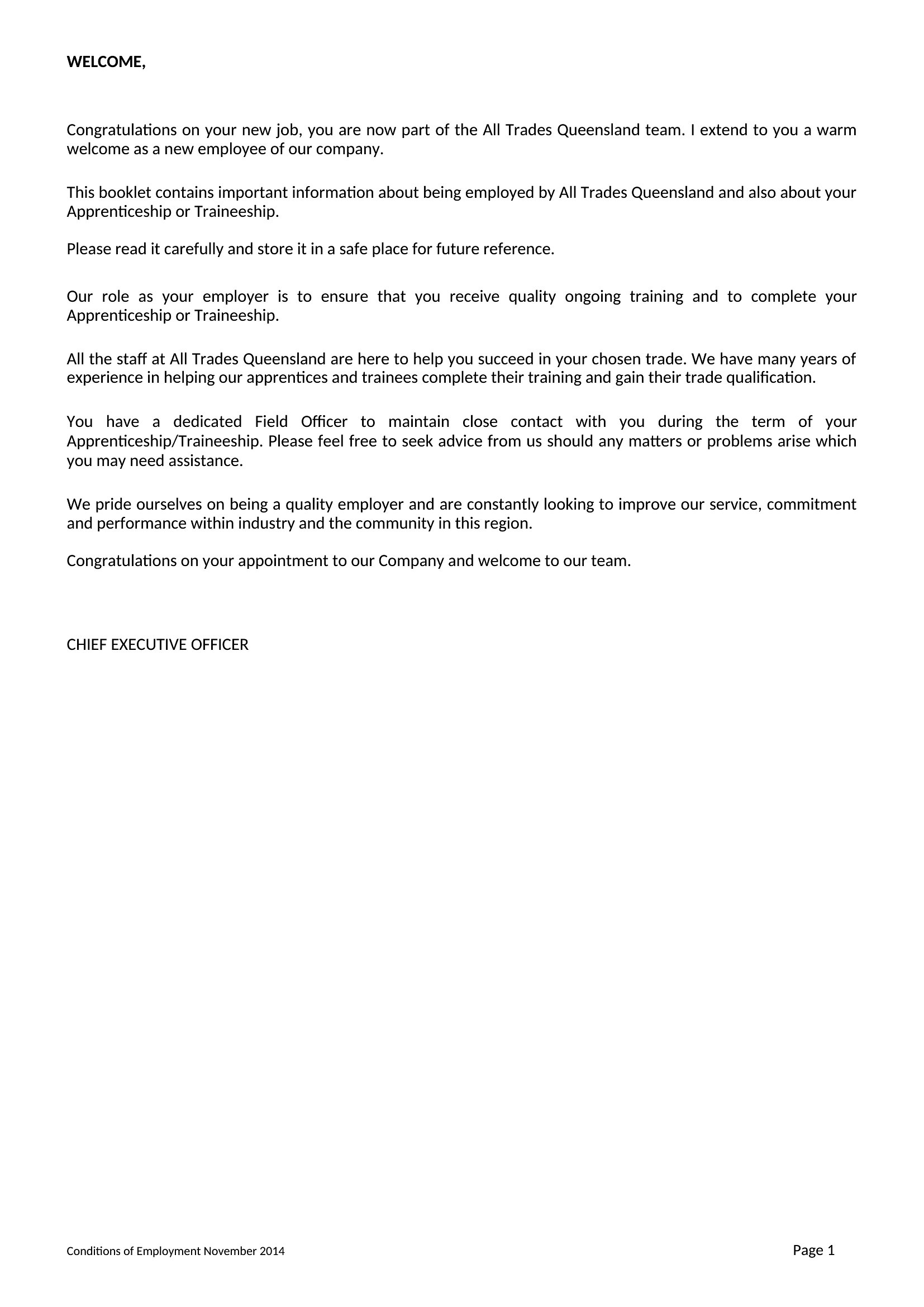
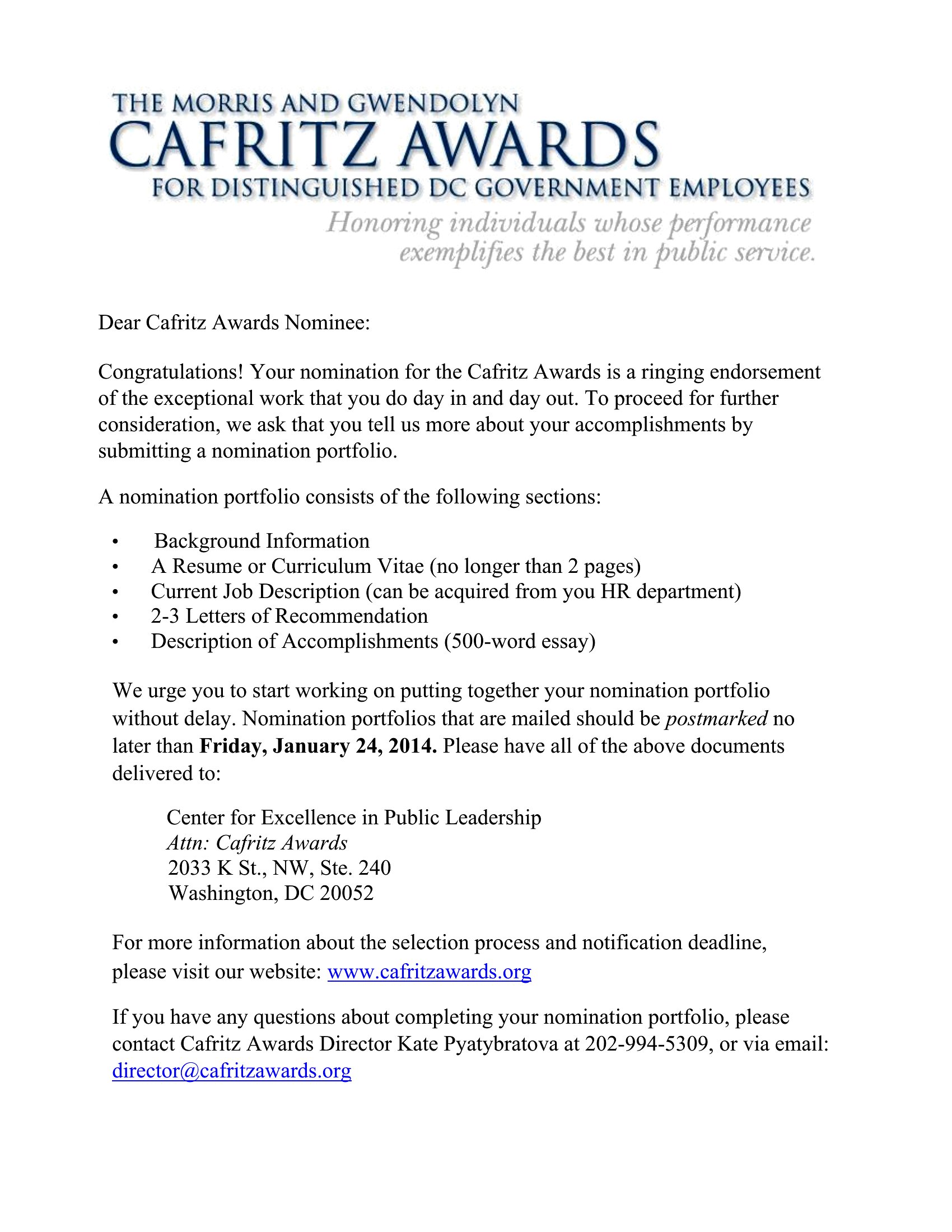
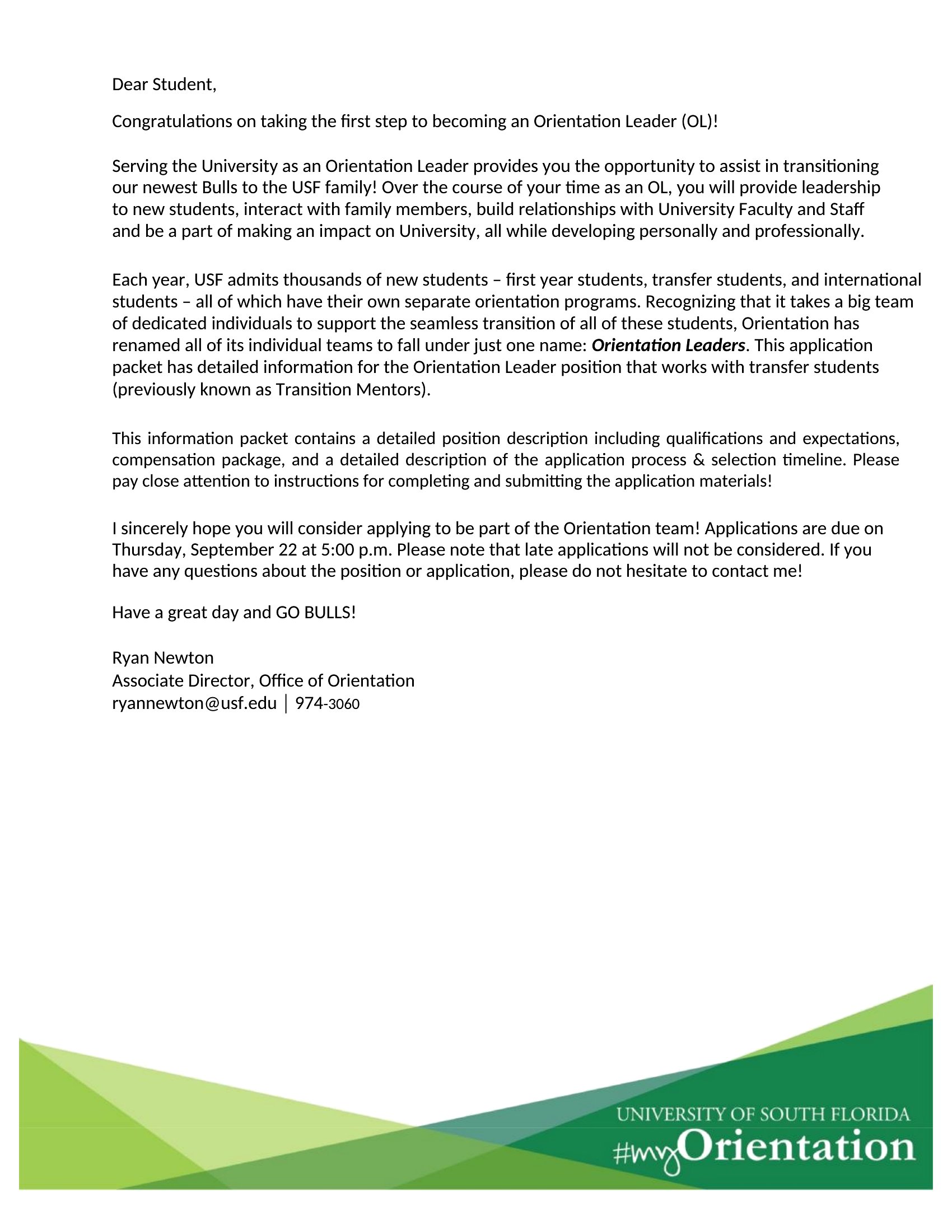
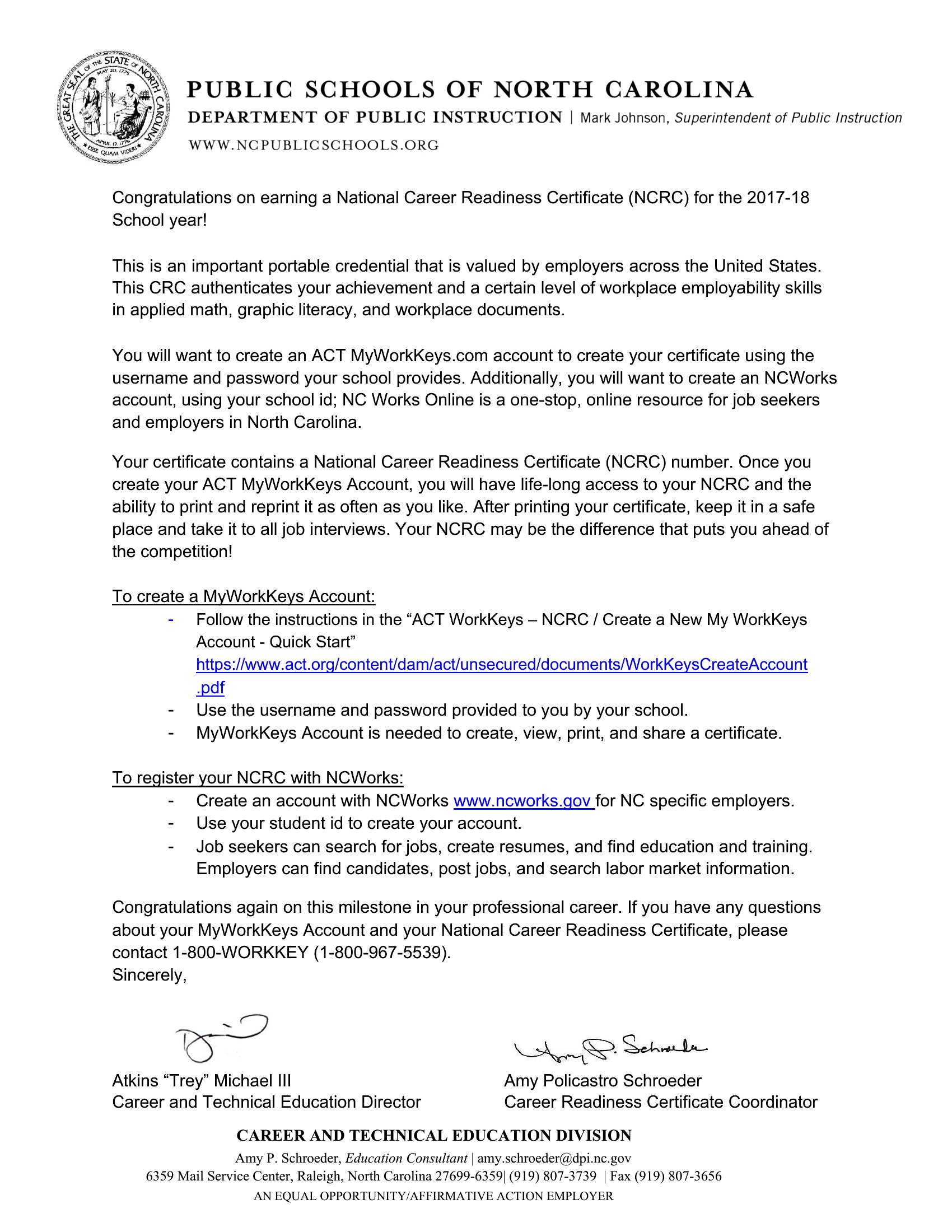
Focus on specific details—mention a skill, effort, or quality the recipient is known for. For example, instead of ‘great job,’ try ‘Your creativity in solving X really stood out during Y.’ Use real memories or shared experiences to show you’re paying attention. The Word templates let you easily swap in personal anecdotes without losing structure.
Should I include advice or just celebrate the achievement?
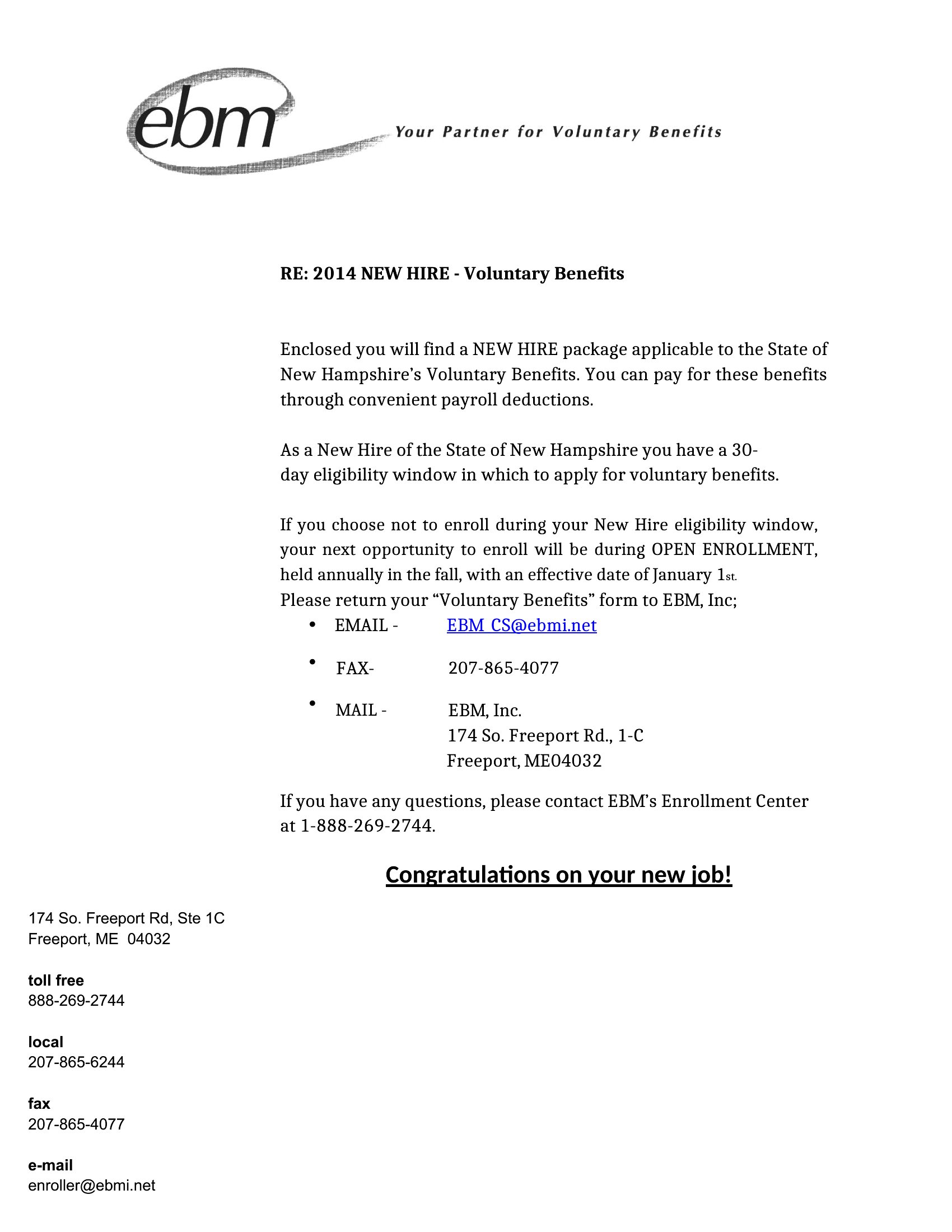
If the achievement is a major life transition (like a job change or graduation), a few lines of light guidance can add warmth, but keep it brief. For example, ‘I’d love to hear more about your plans—I’m happy to help however I can.’ For purely celebratory moments (like an award), save advice for a separate note to avoid overshadowing the milestone.
What if I’m not sure how much detail to include in the letter?
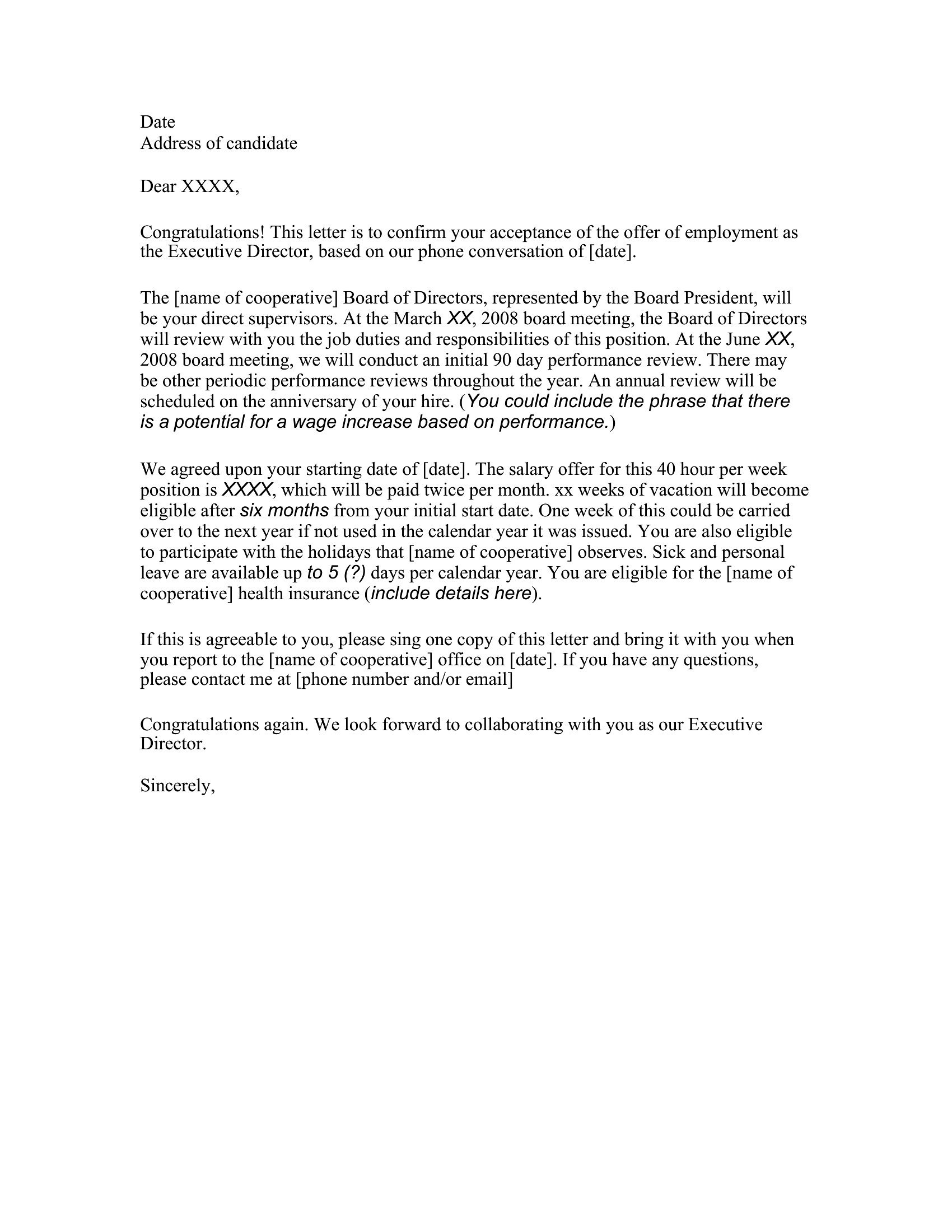
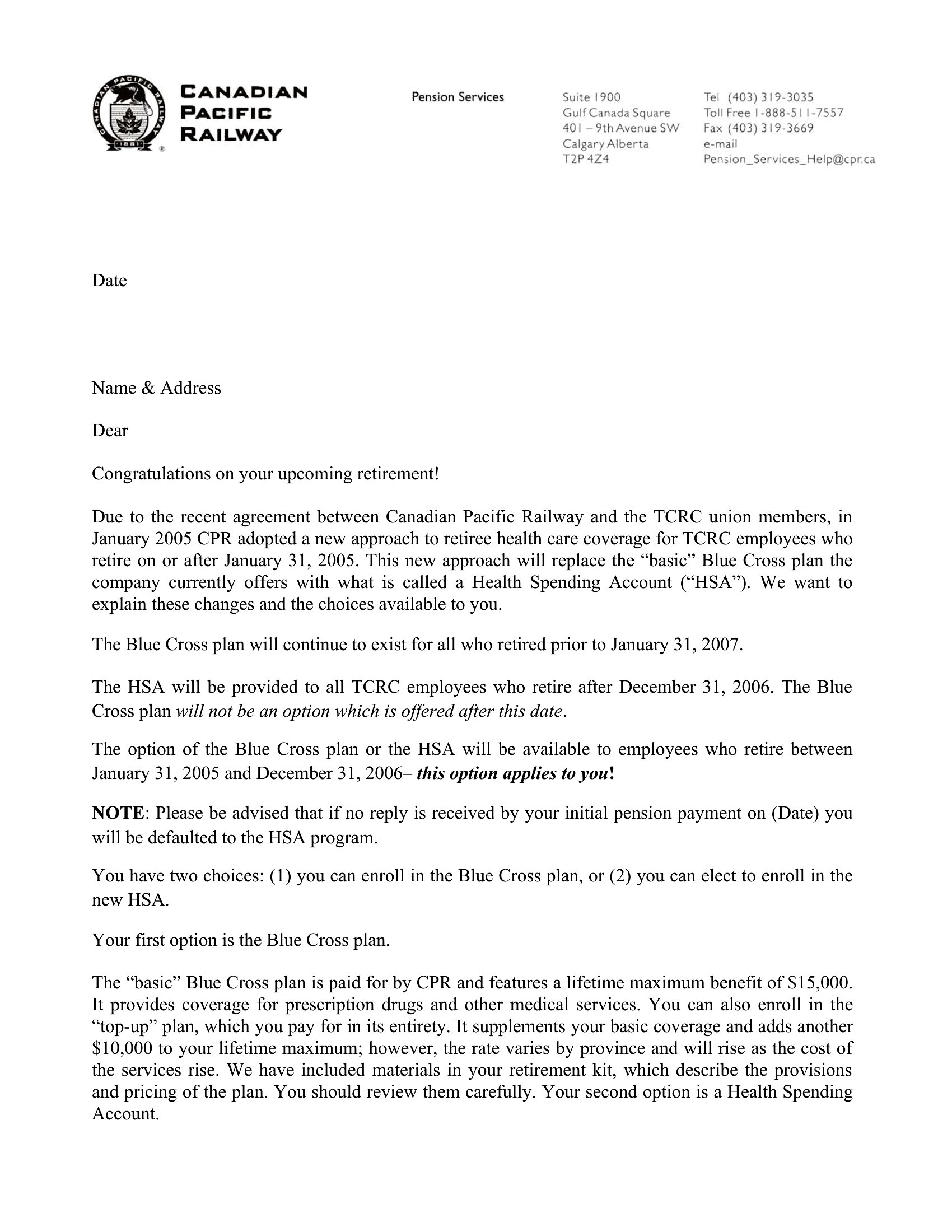
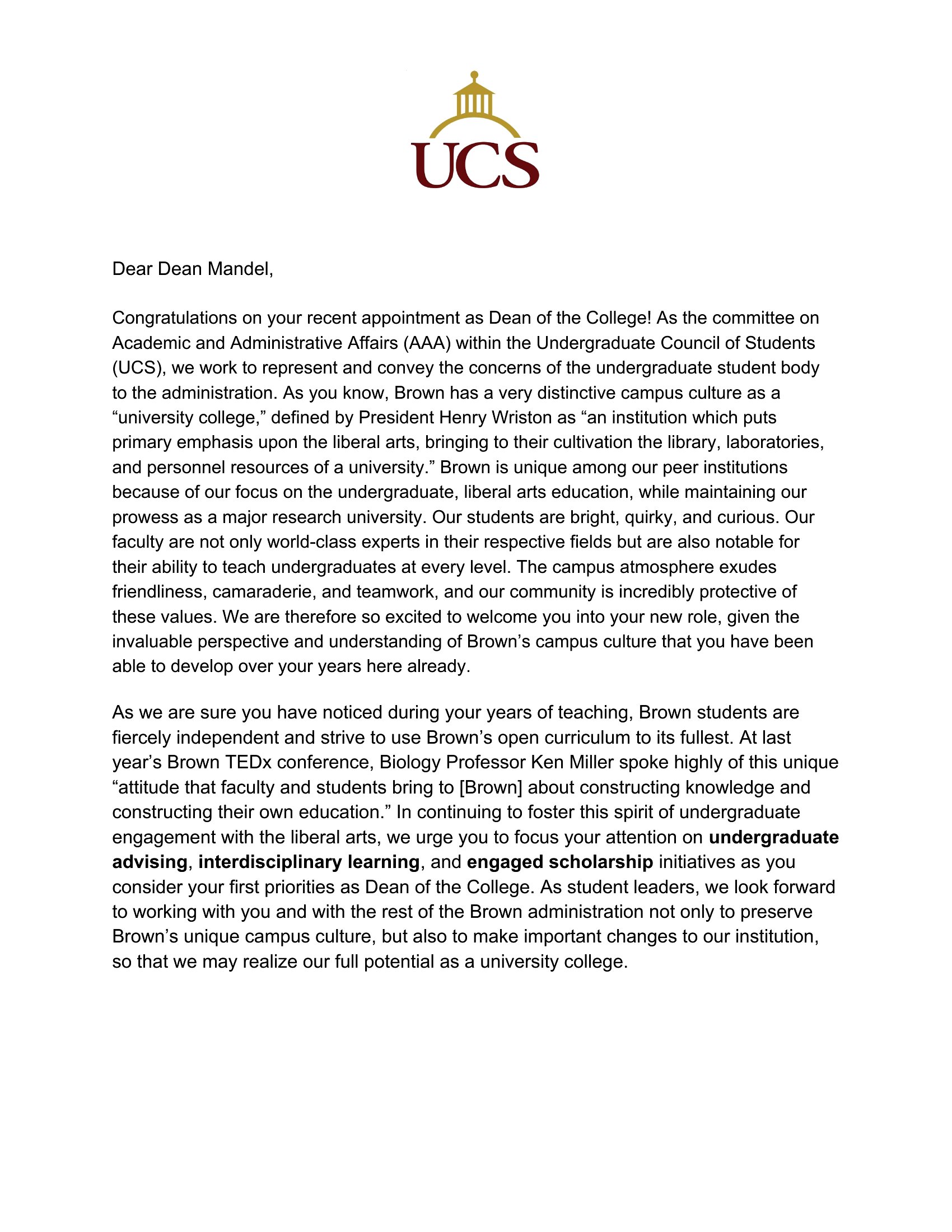
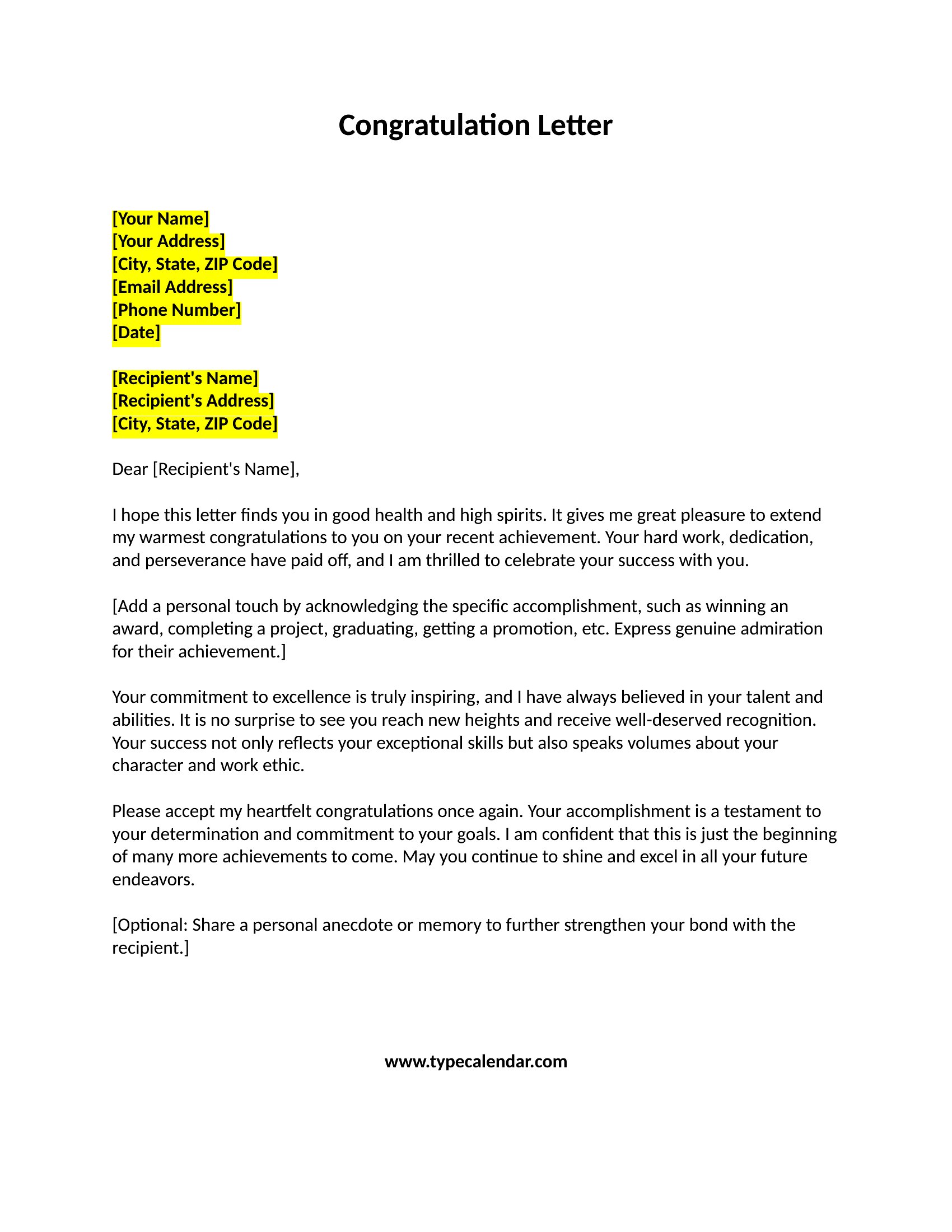
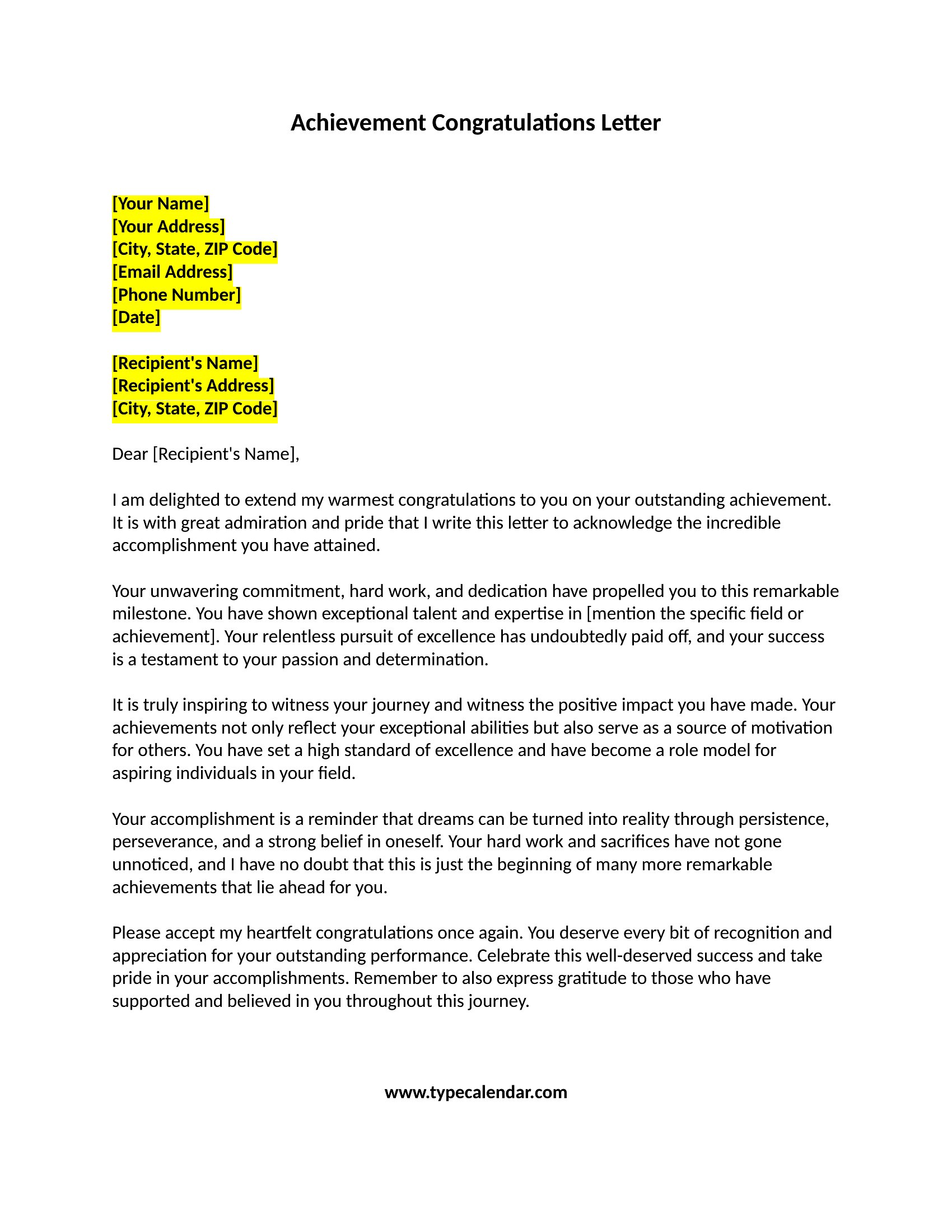
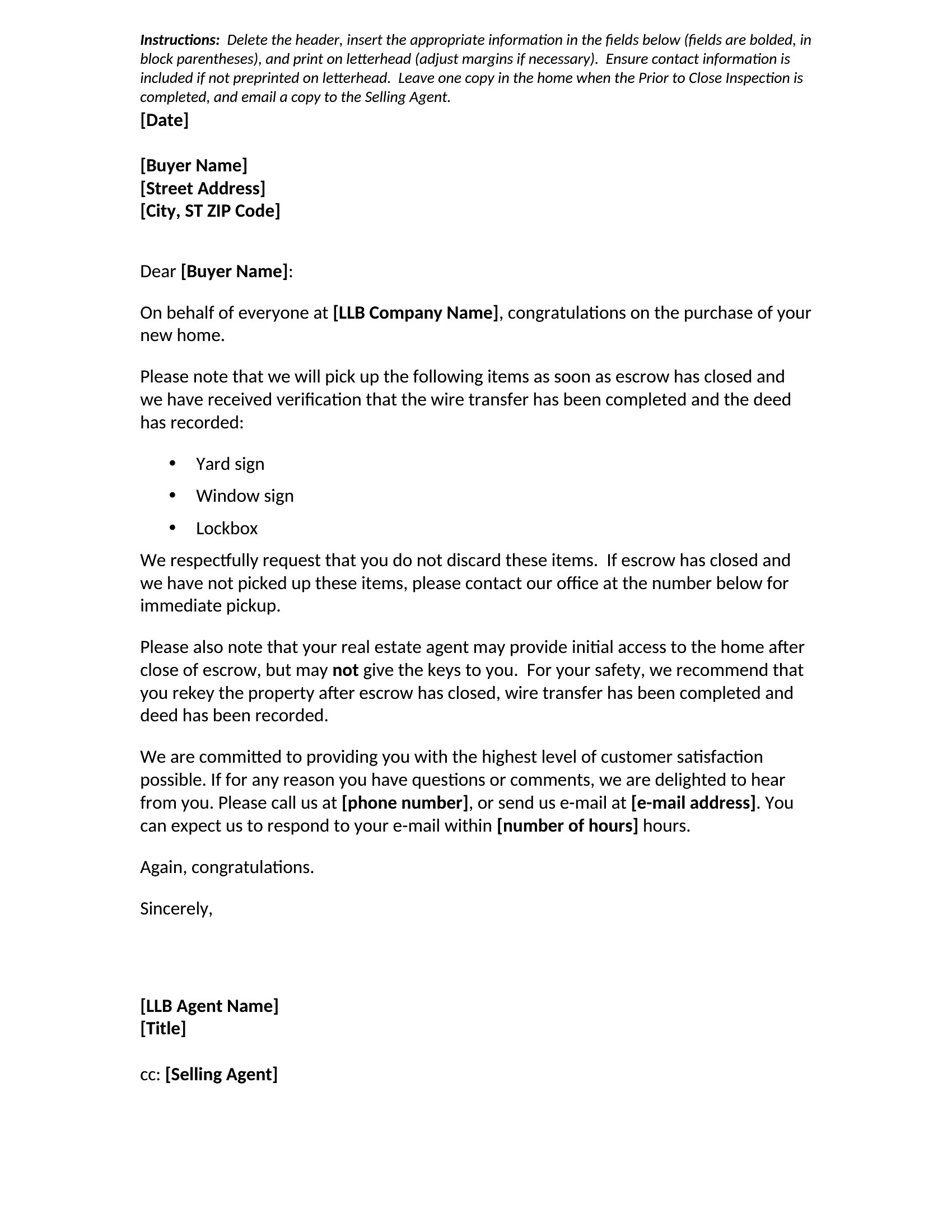
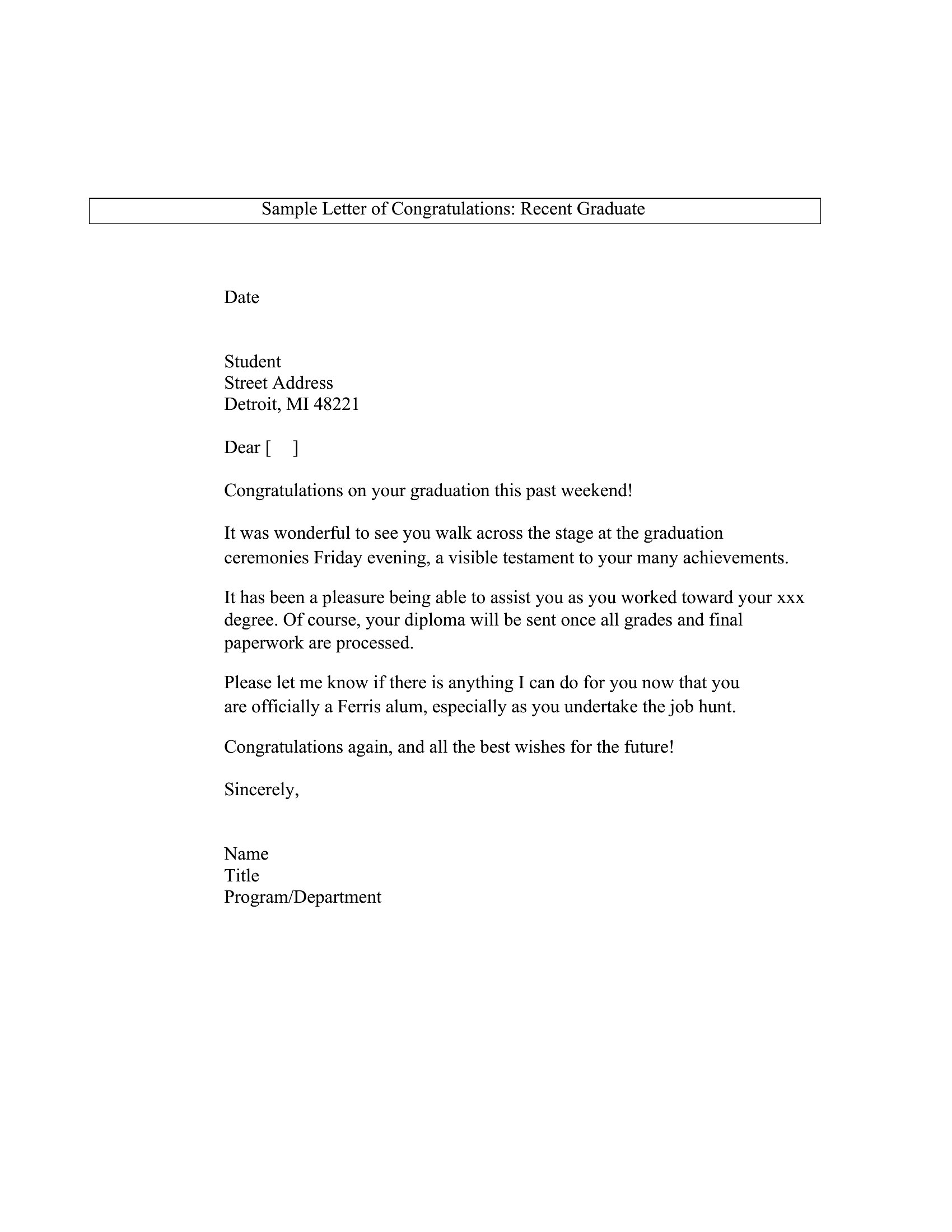
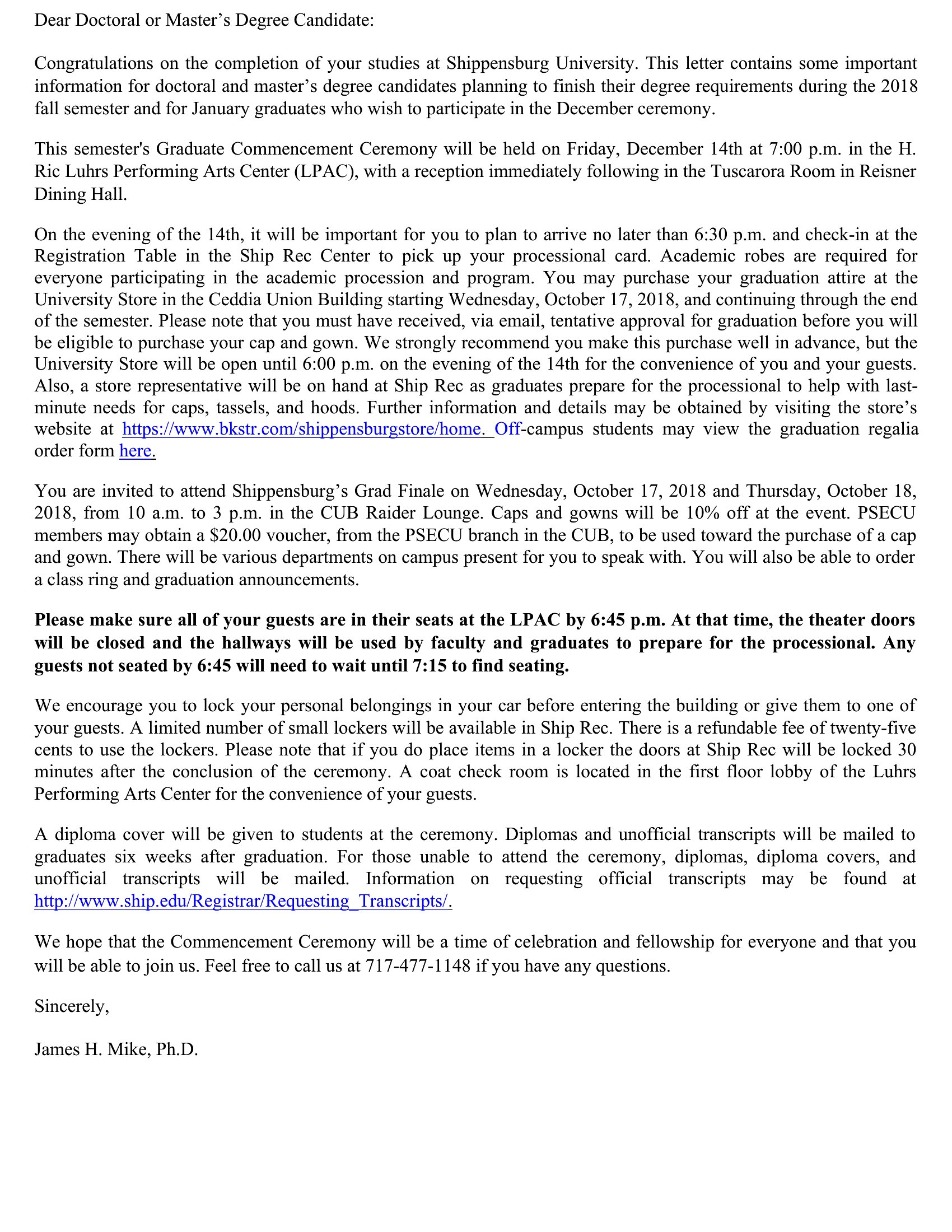
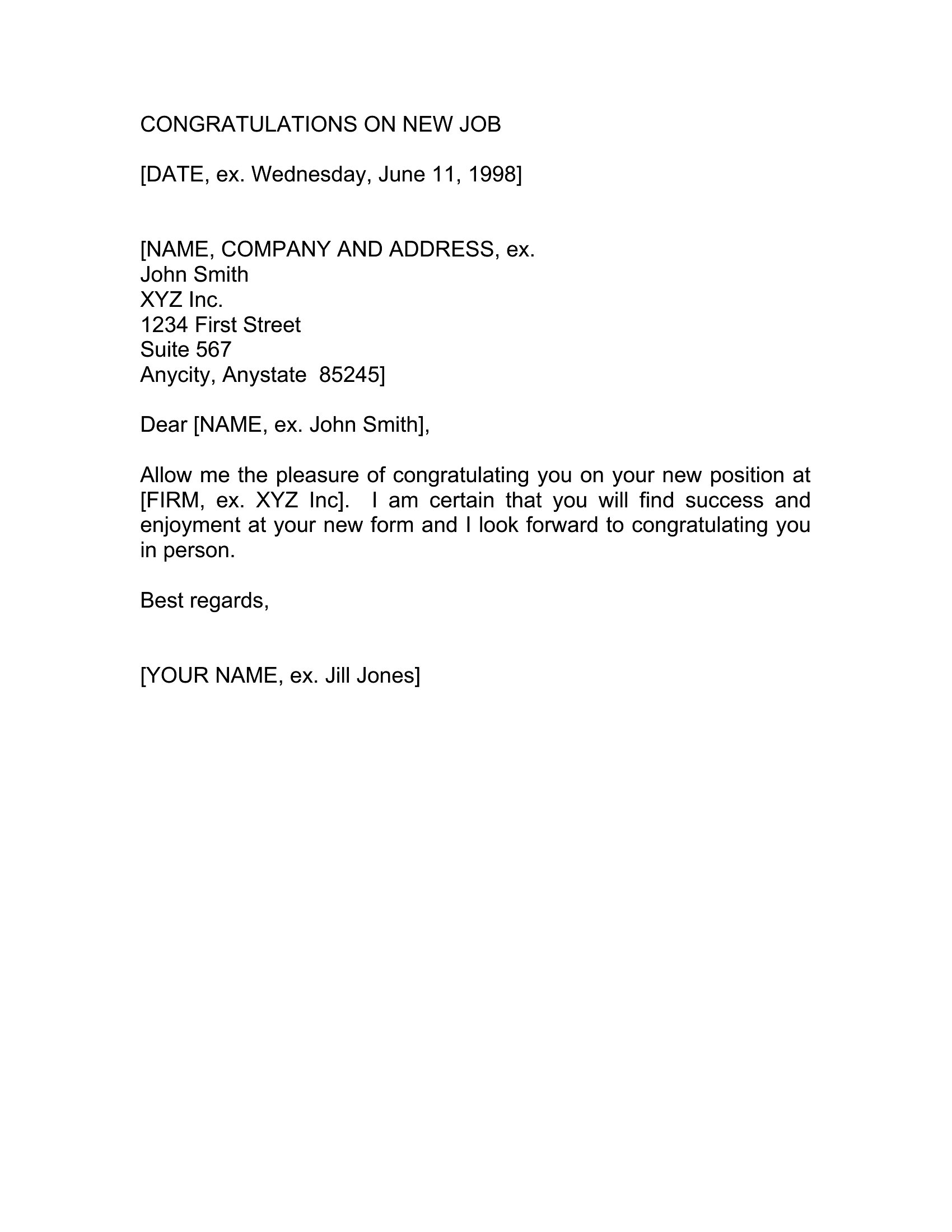
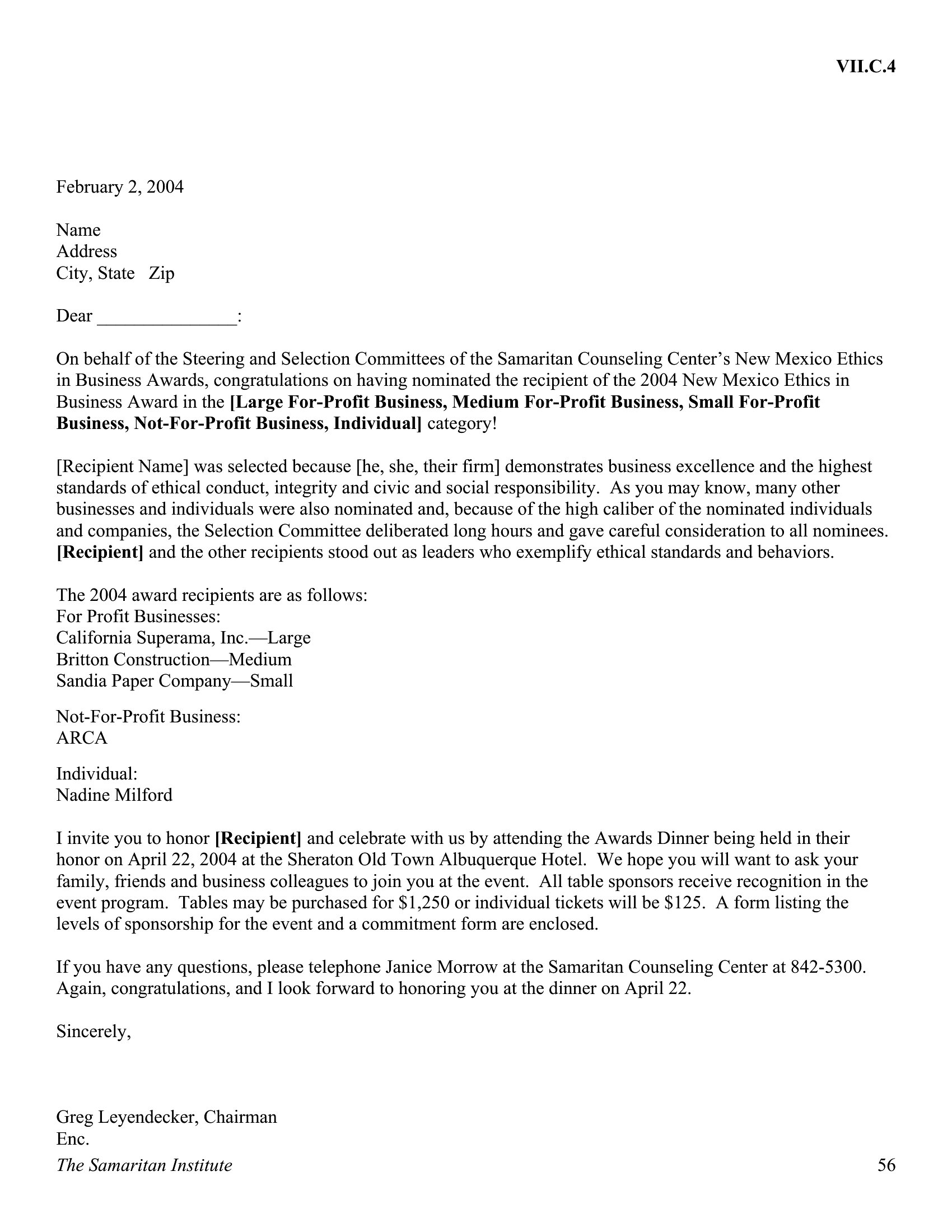
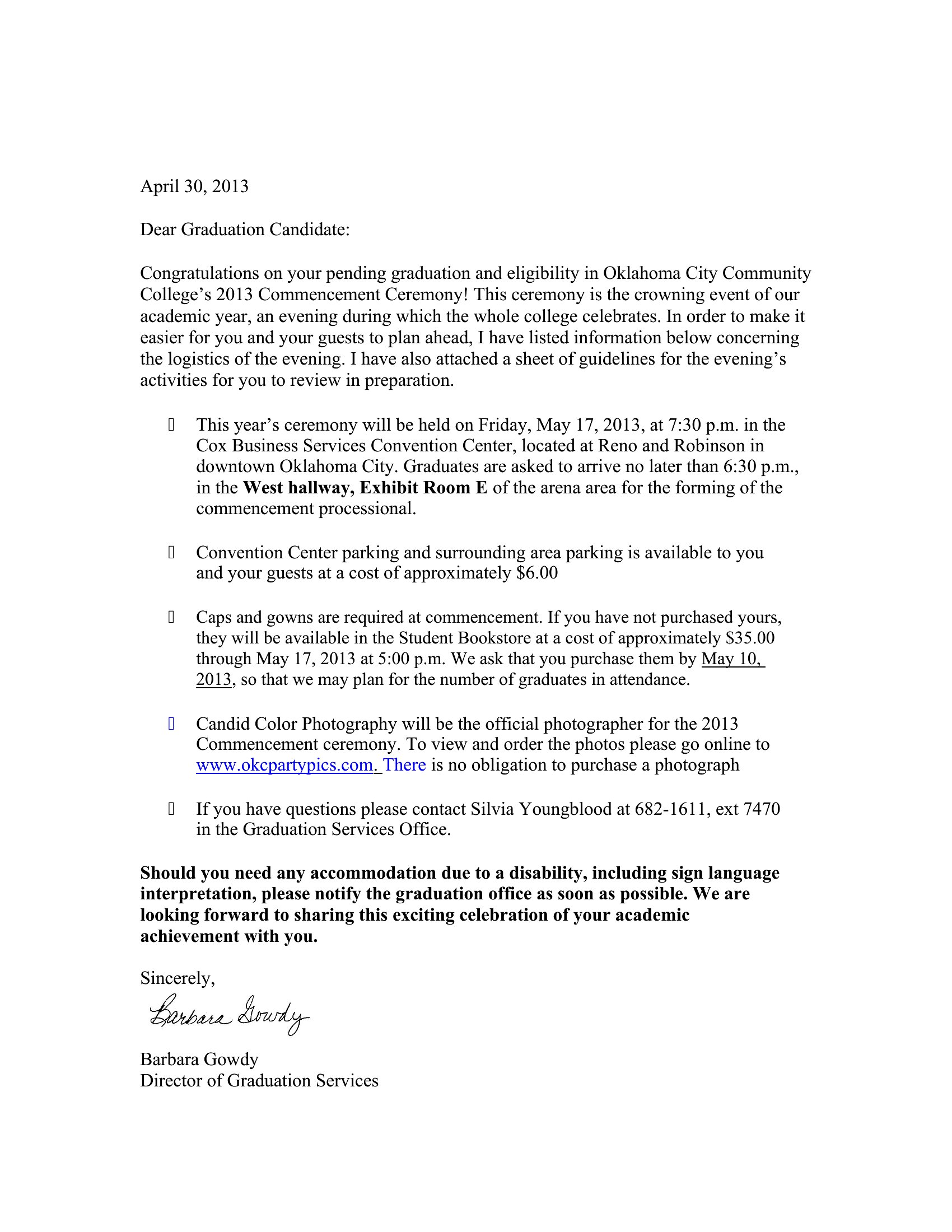
Aim for 3–5 sentences for close relationships and 4–6 for professional settings. Use the templates as guides: start with the ‘Custom Congratulations Letter’ if you’re unsure, then trim or expand the example text. Leave space for personalization—too little feels rushed, but too much can dilute the sincerity. Remember, a handwritten addition (even a signature) adds value over a lengthy typed message.
Comments
Join the conversation
Sign in to share your thoughts and leave a comment on this resource.