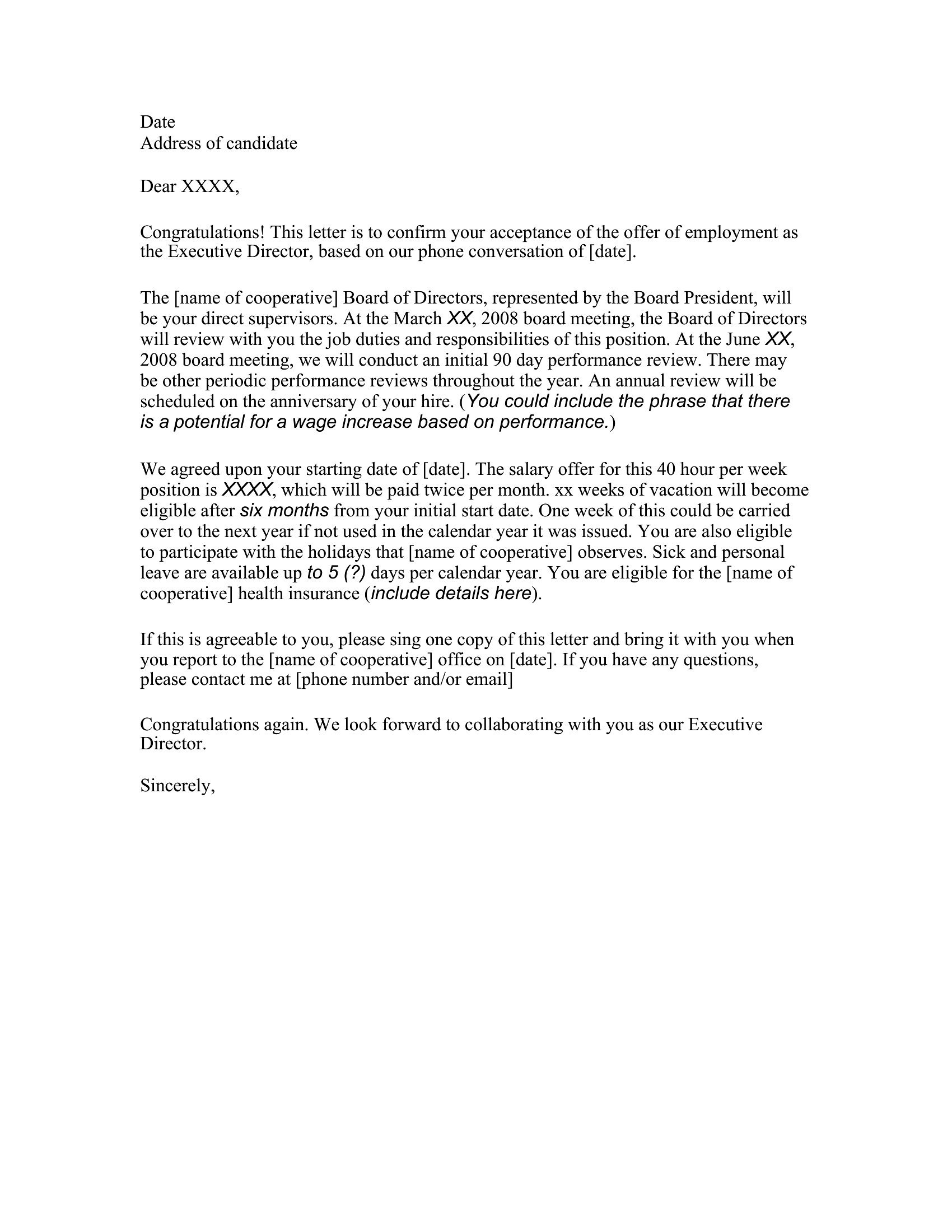
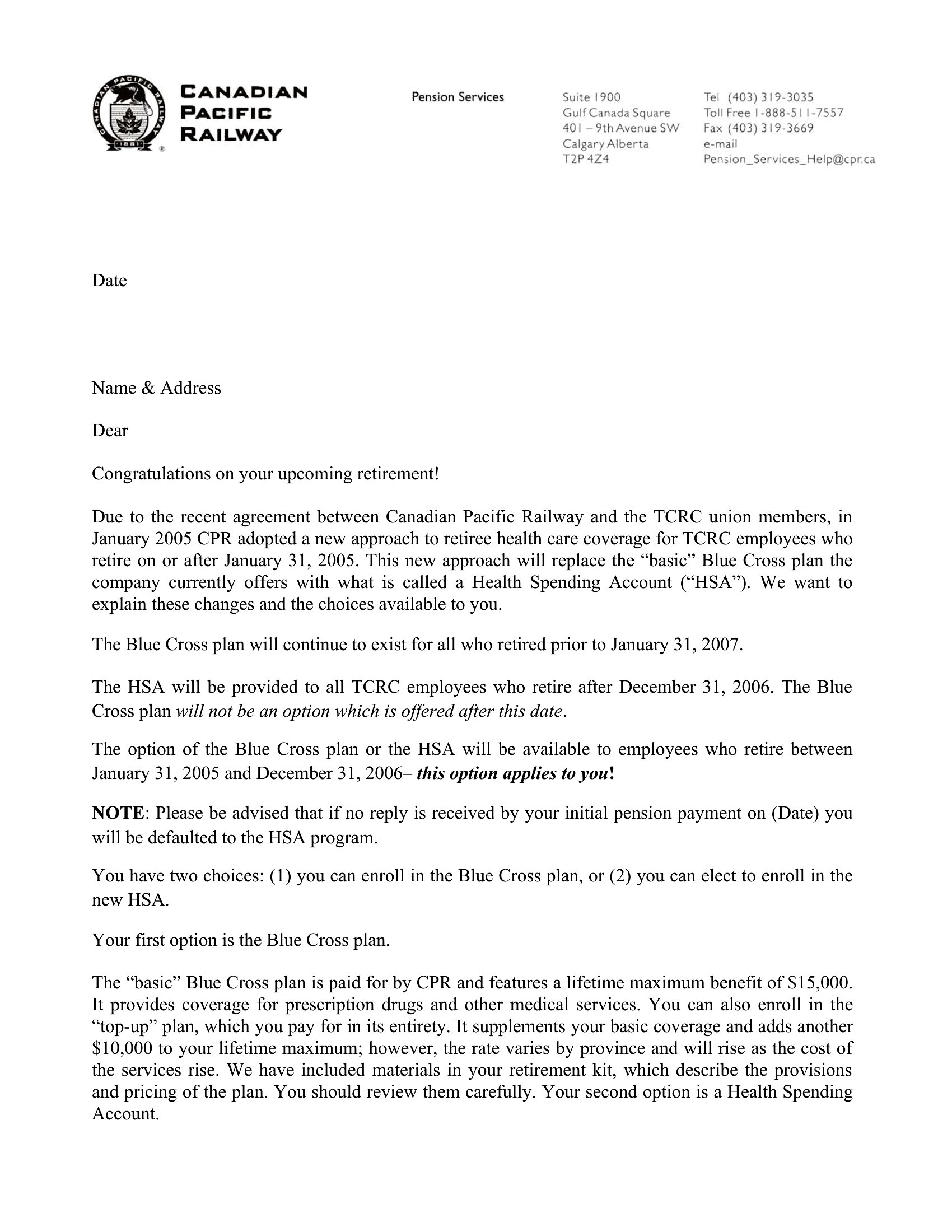
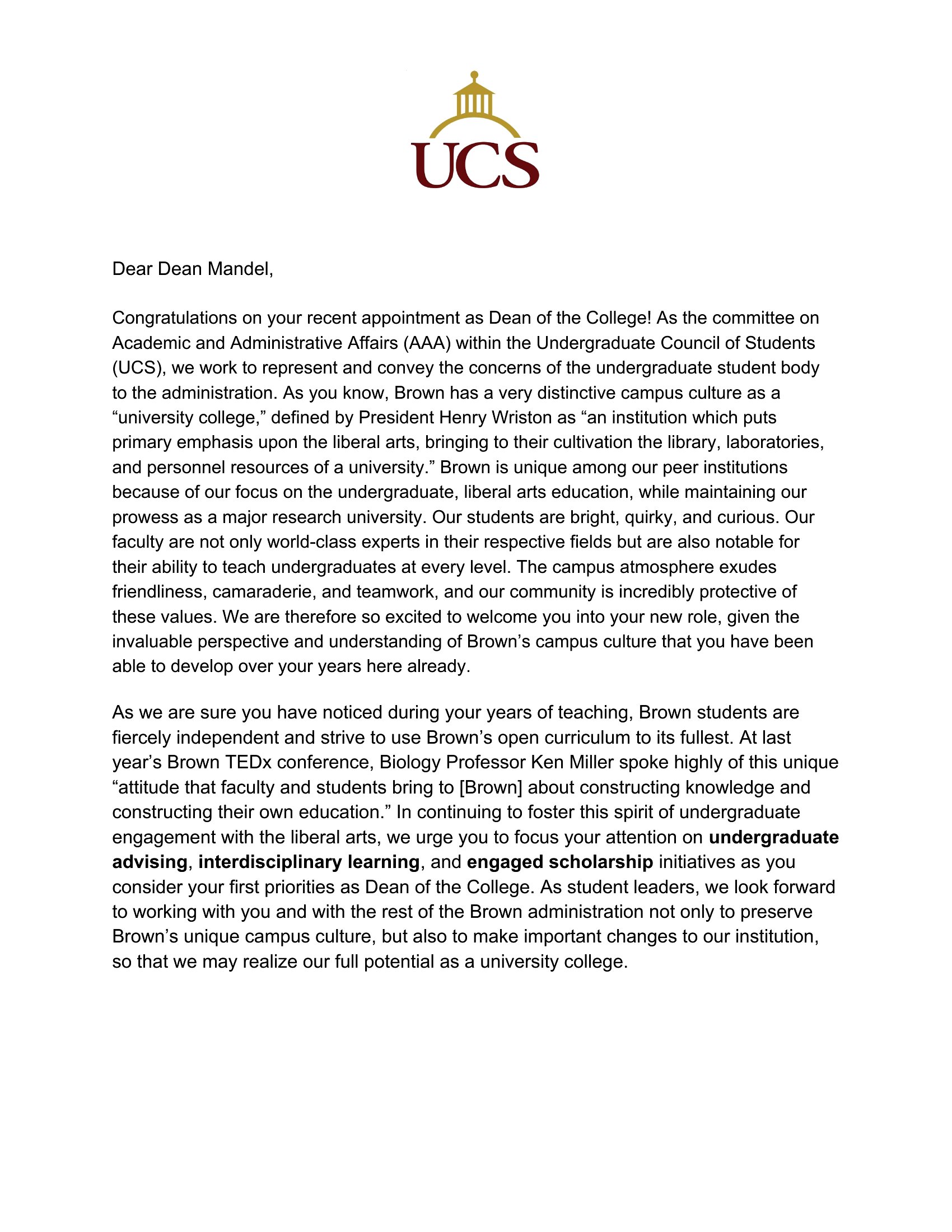
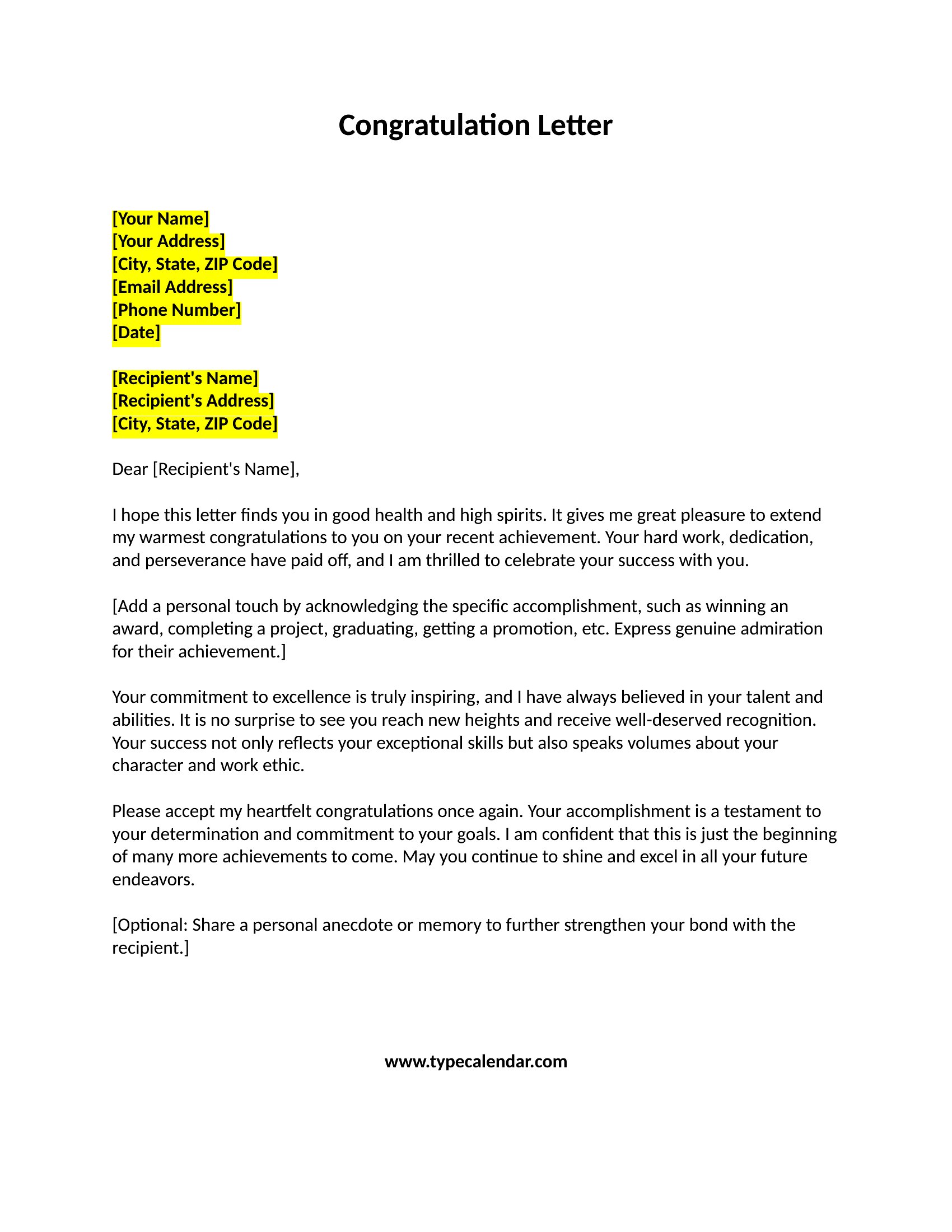
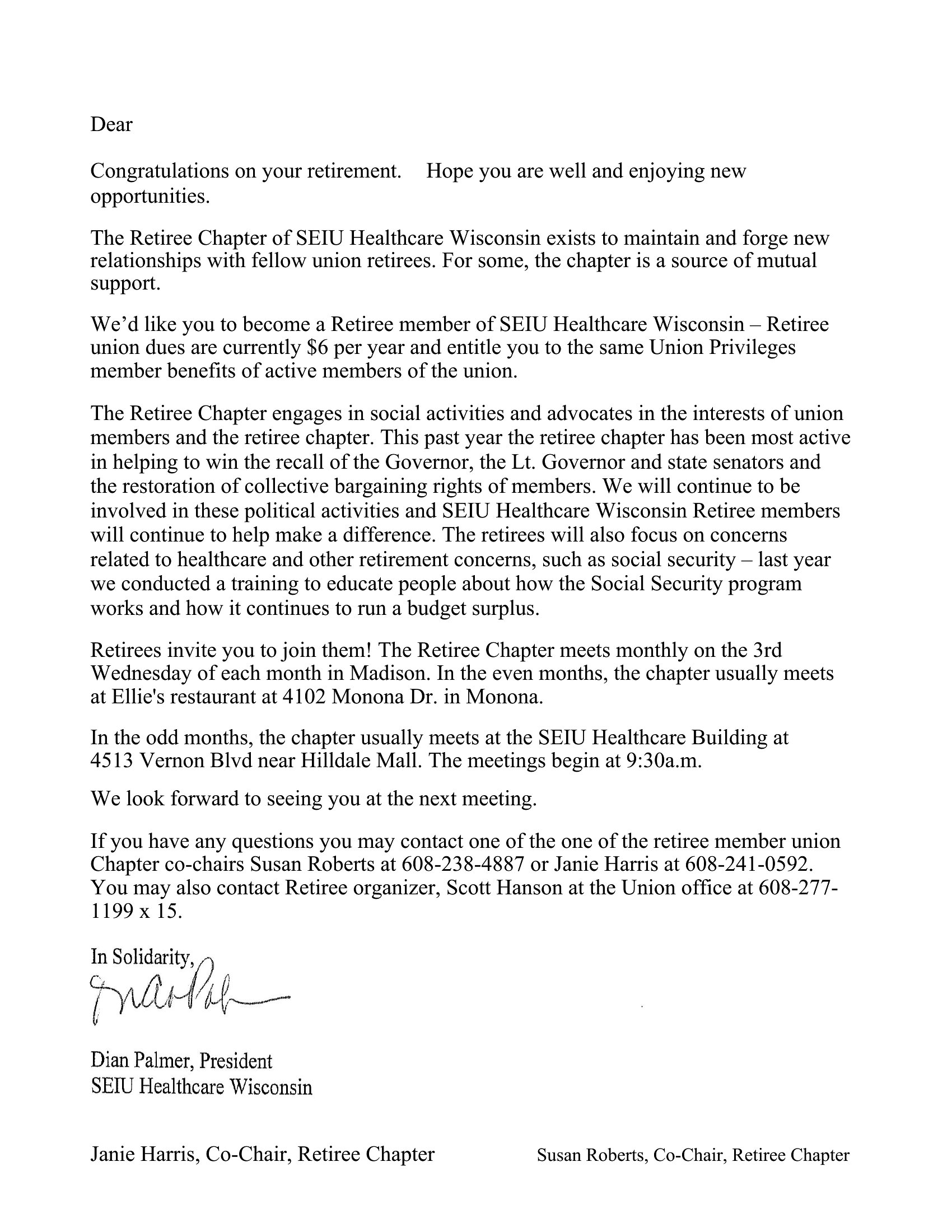
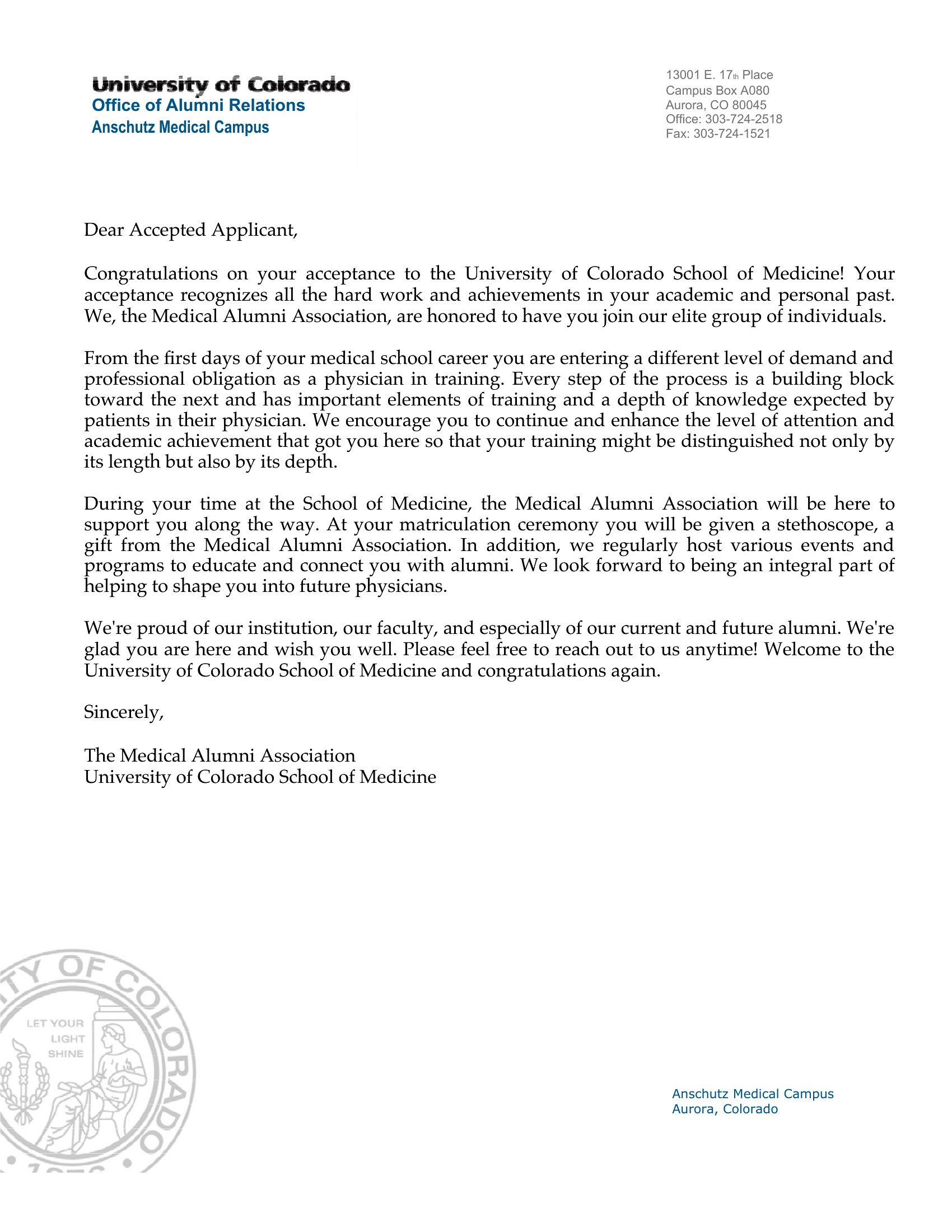
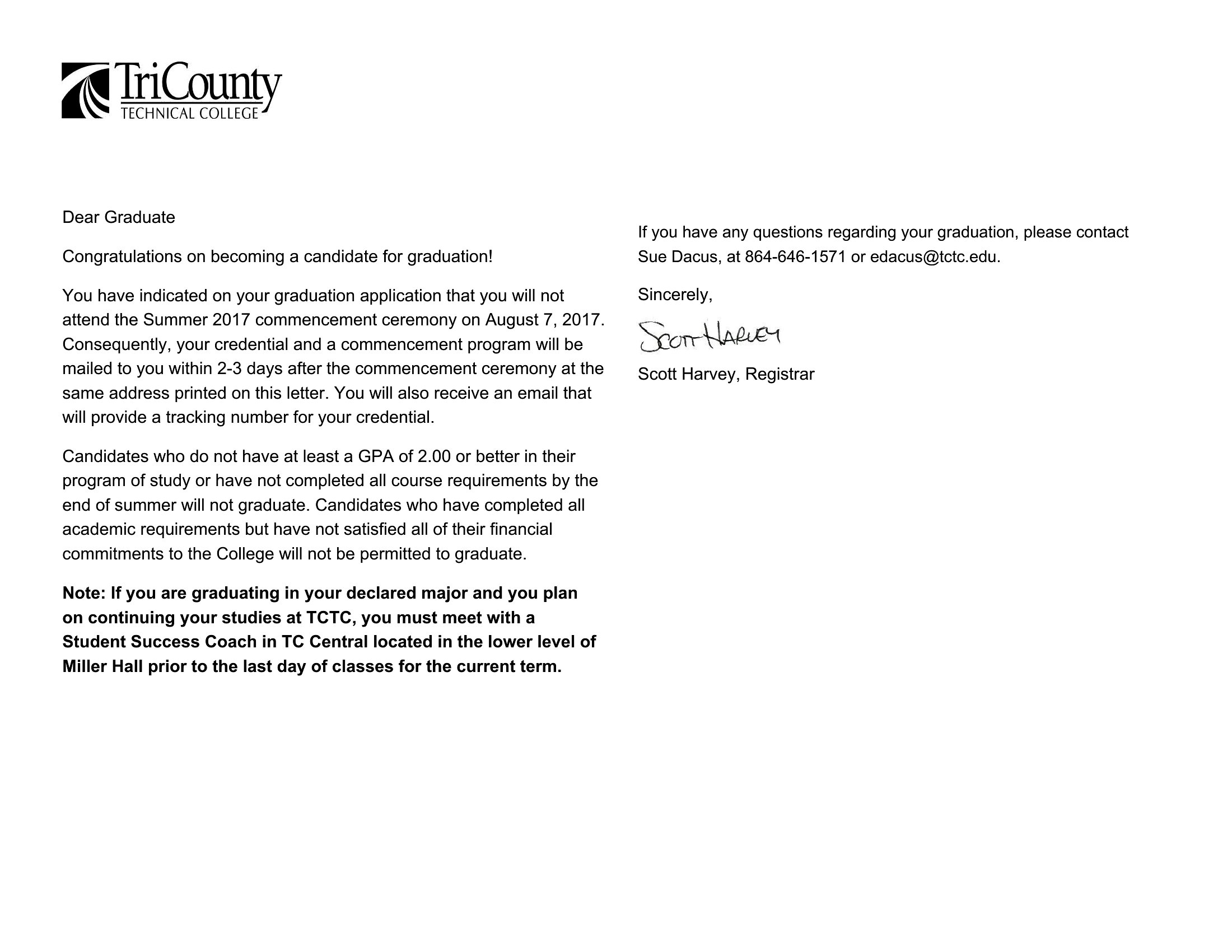
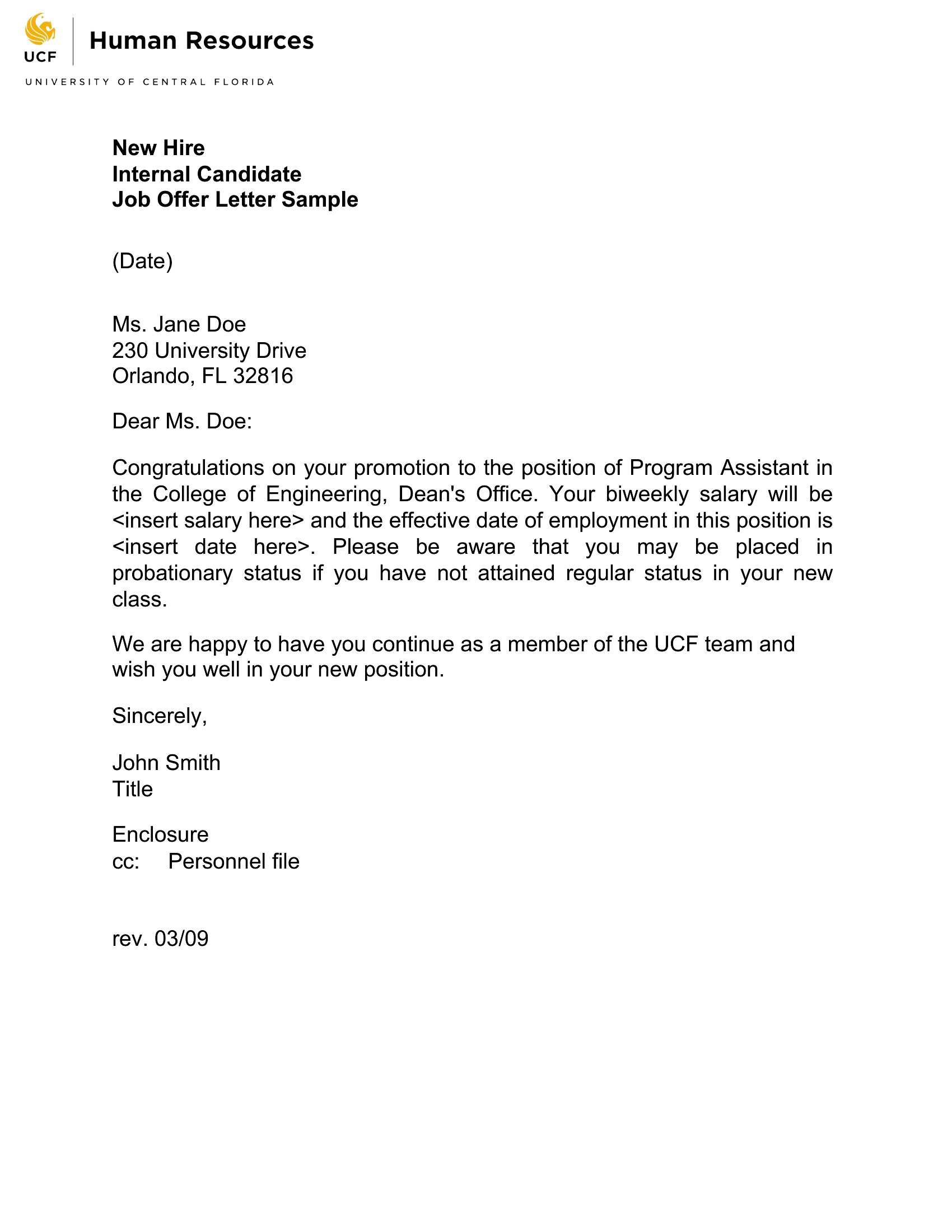
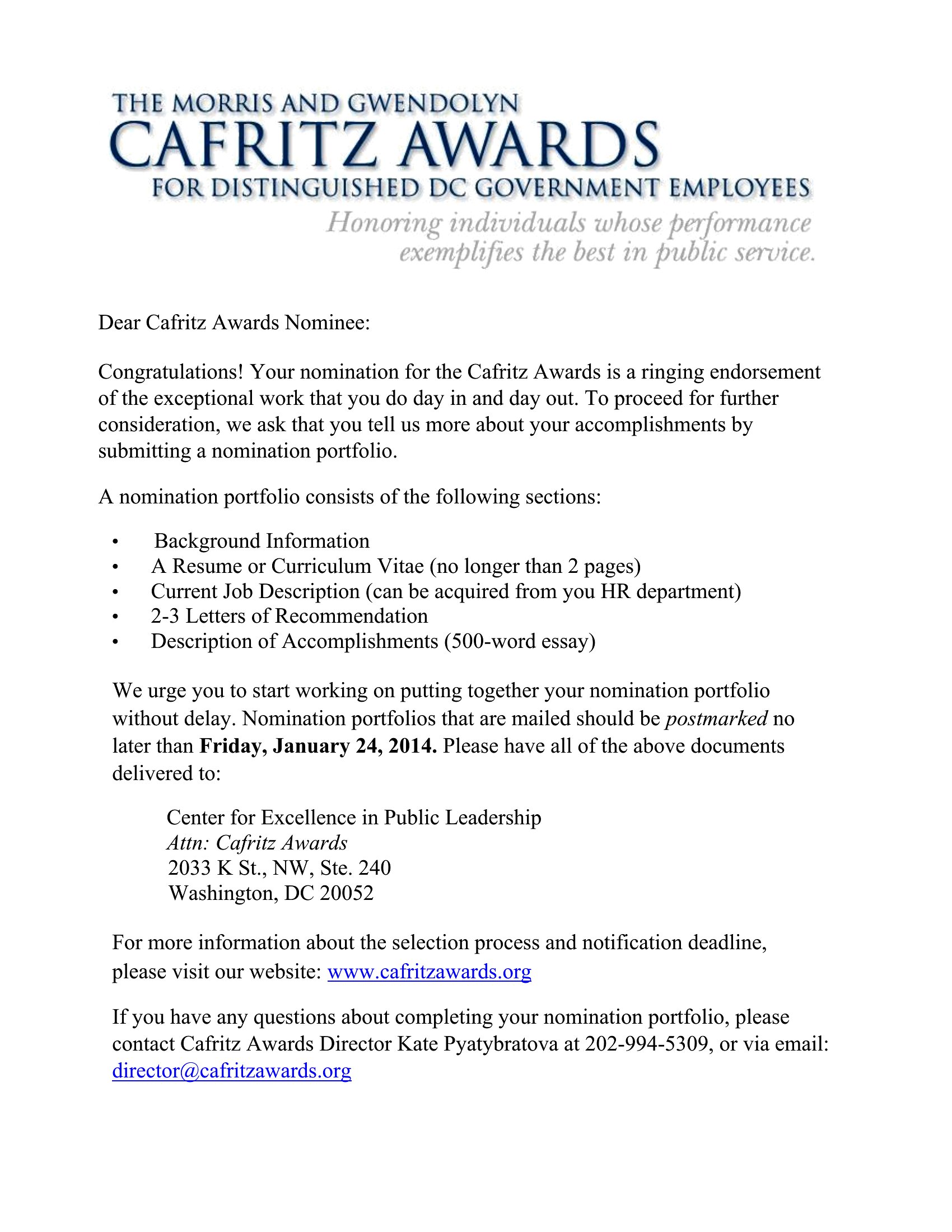
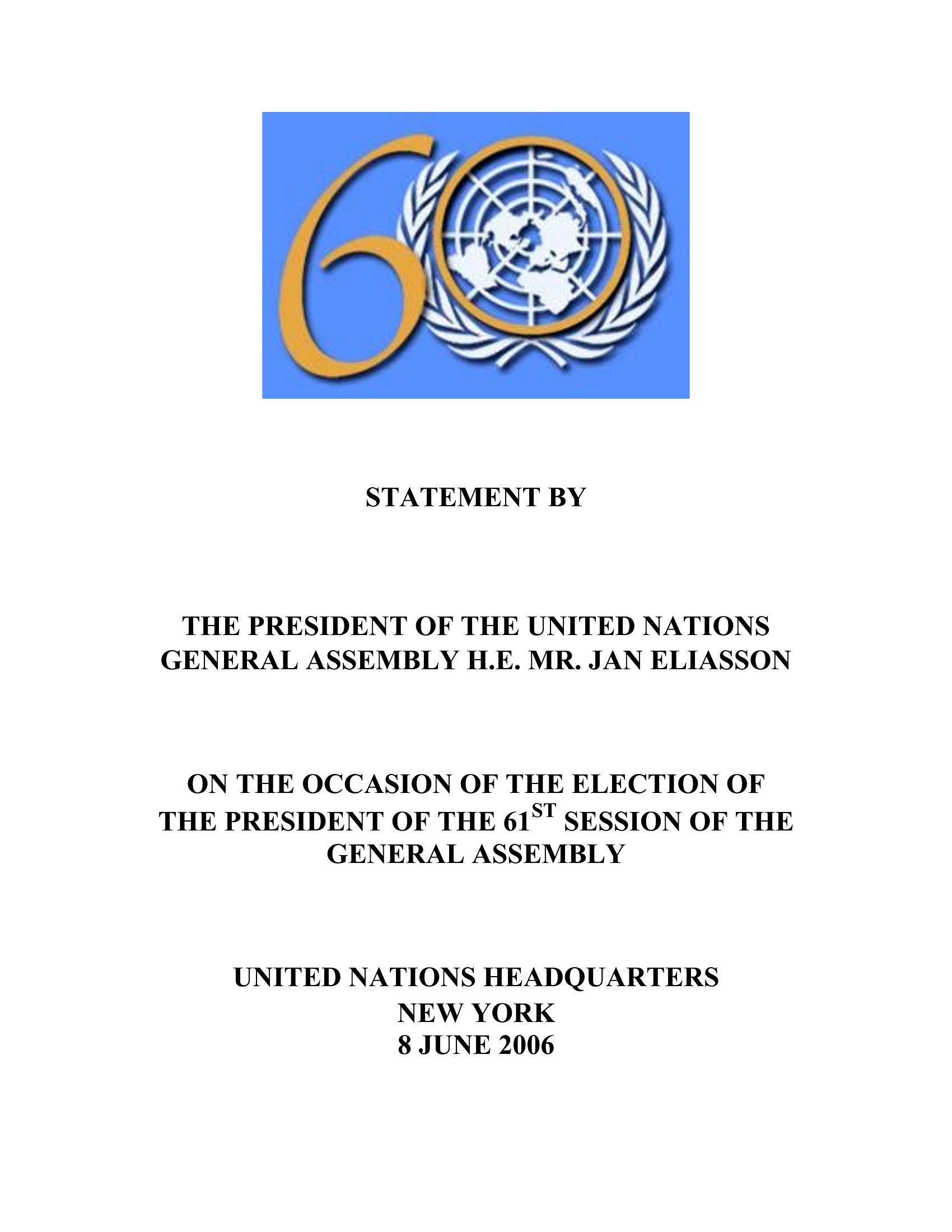
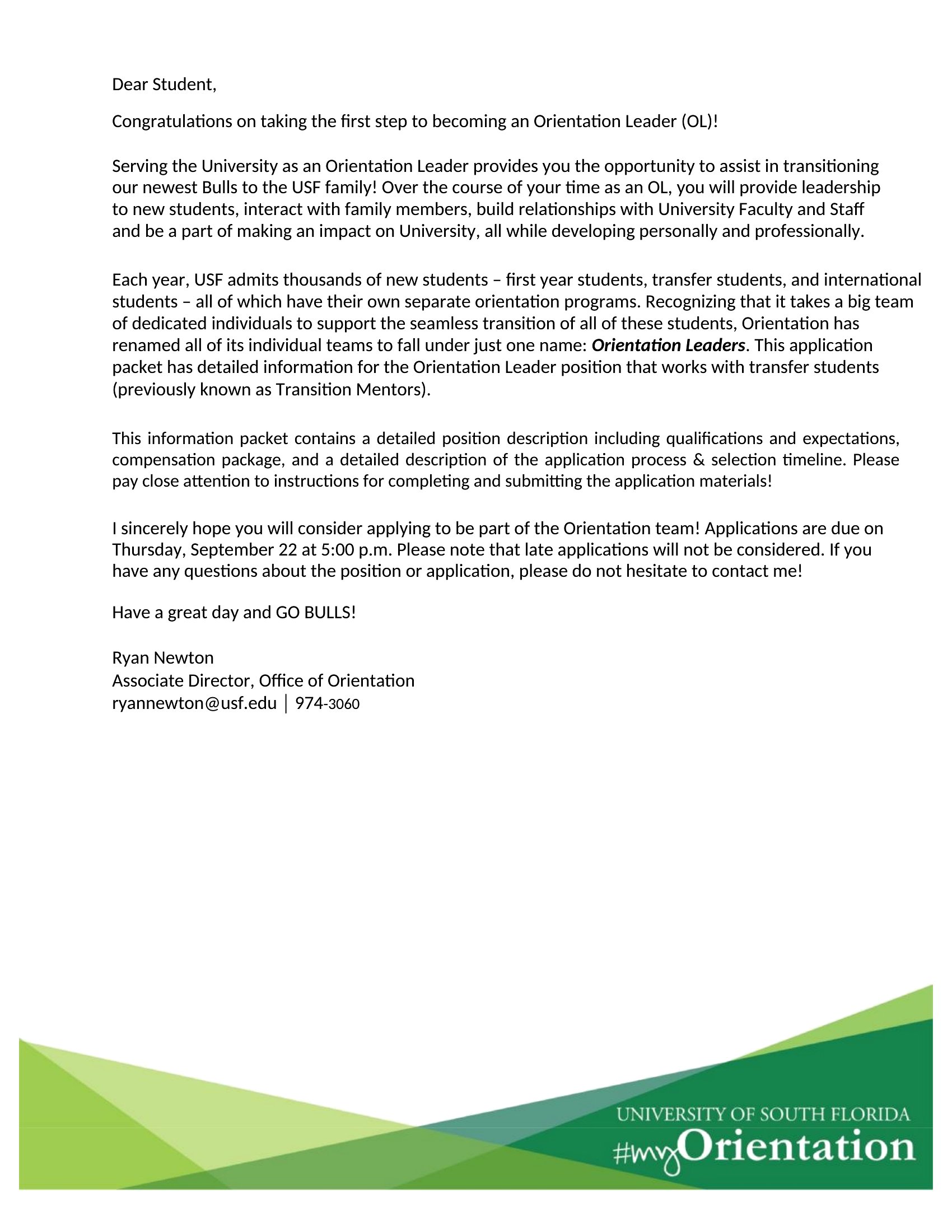
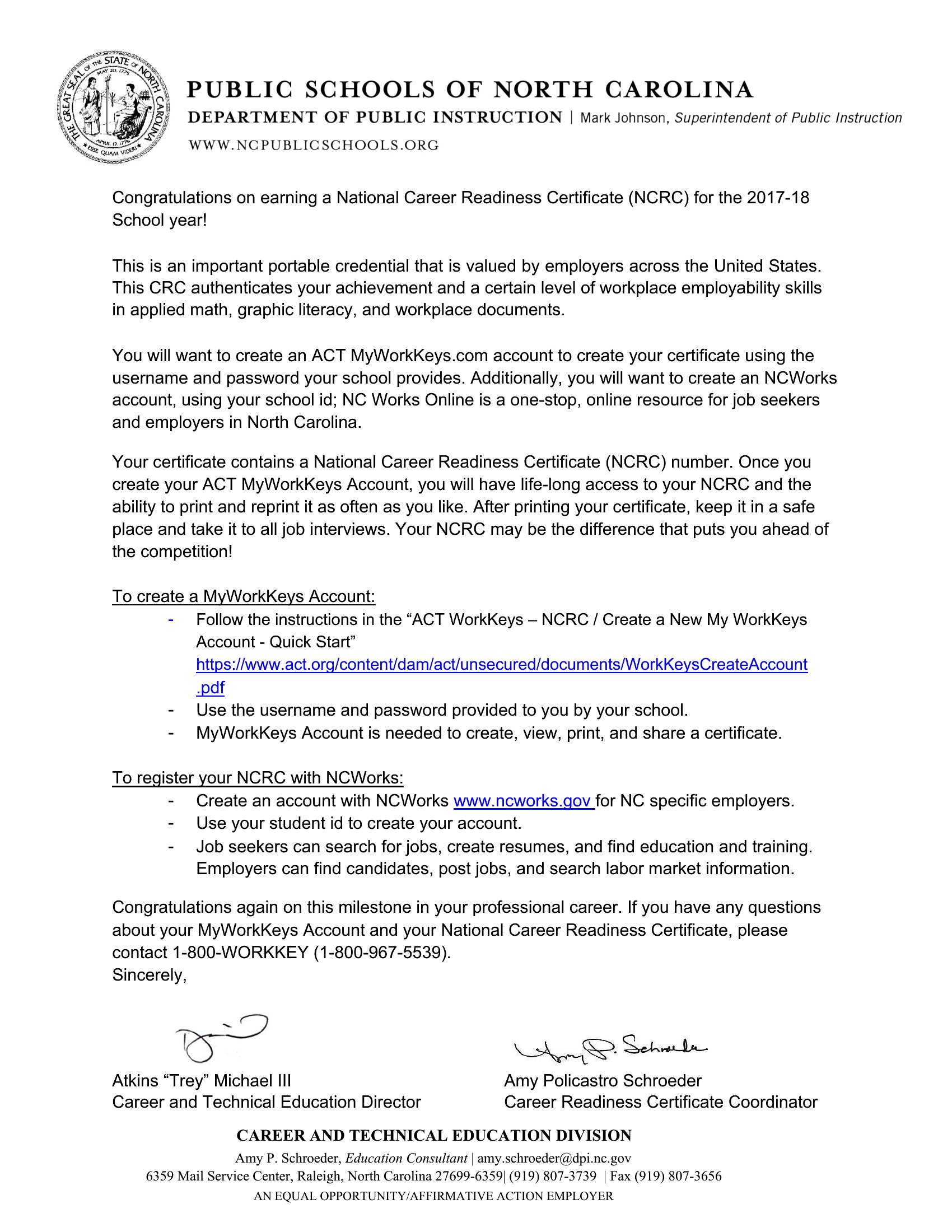
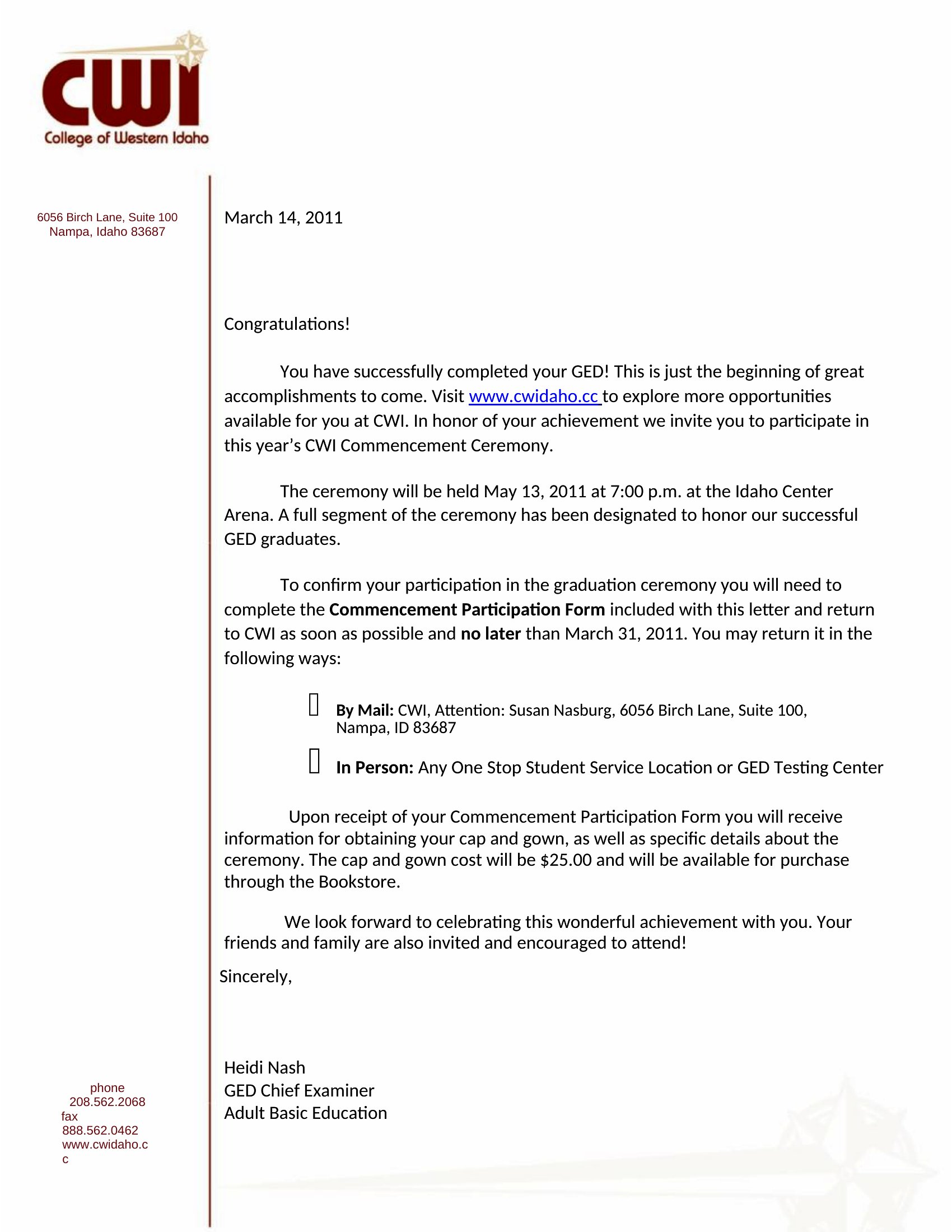
Free Congratulations Letters (Word)
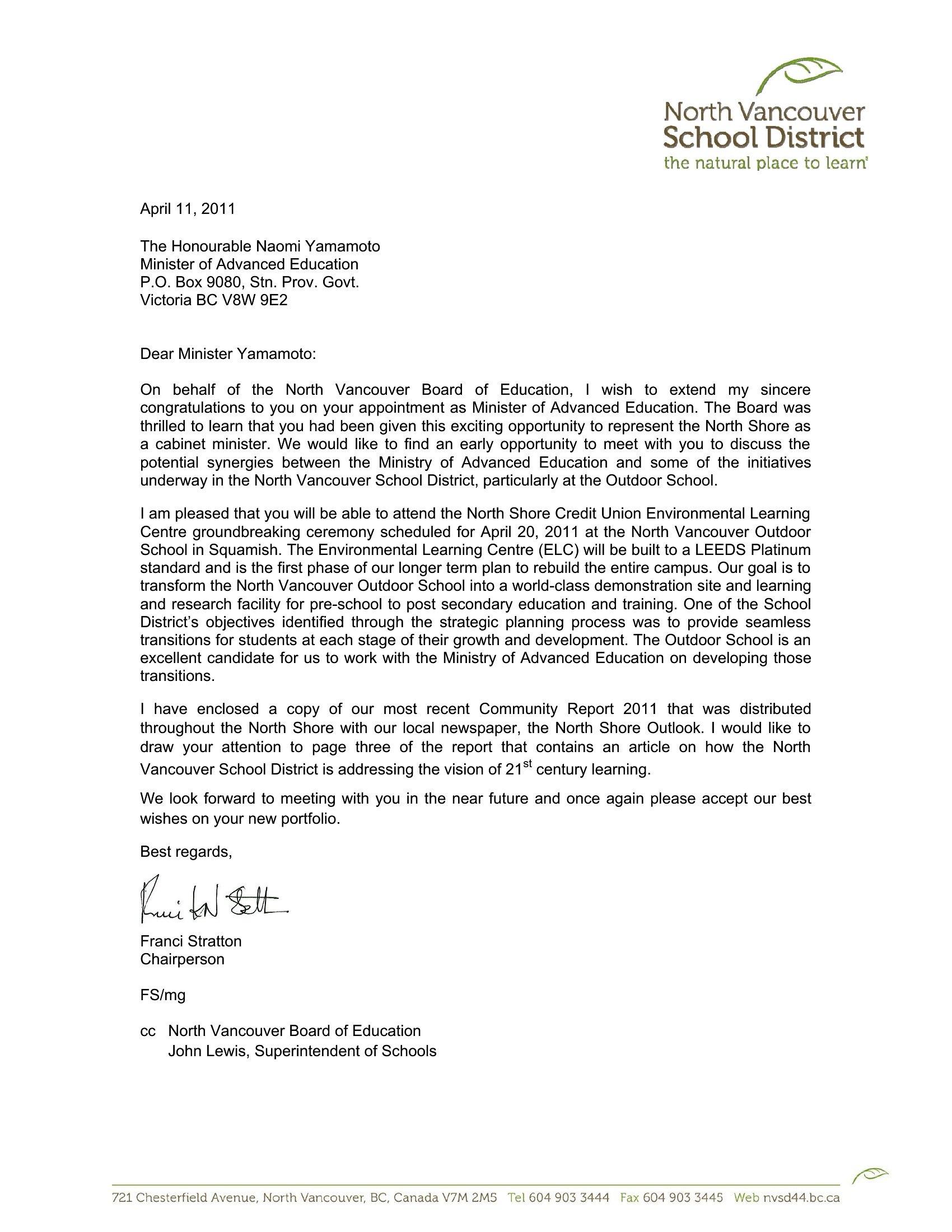
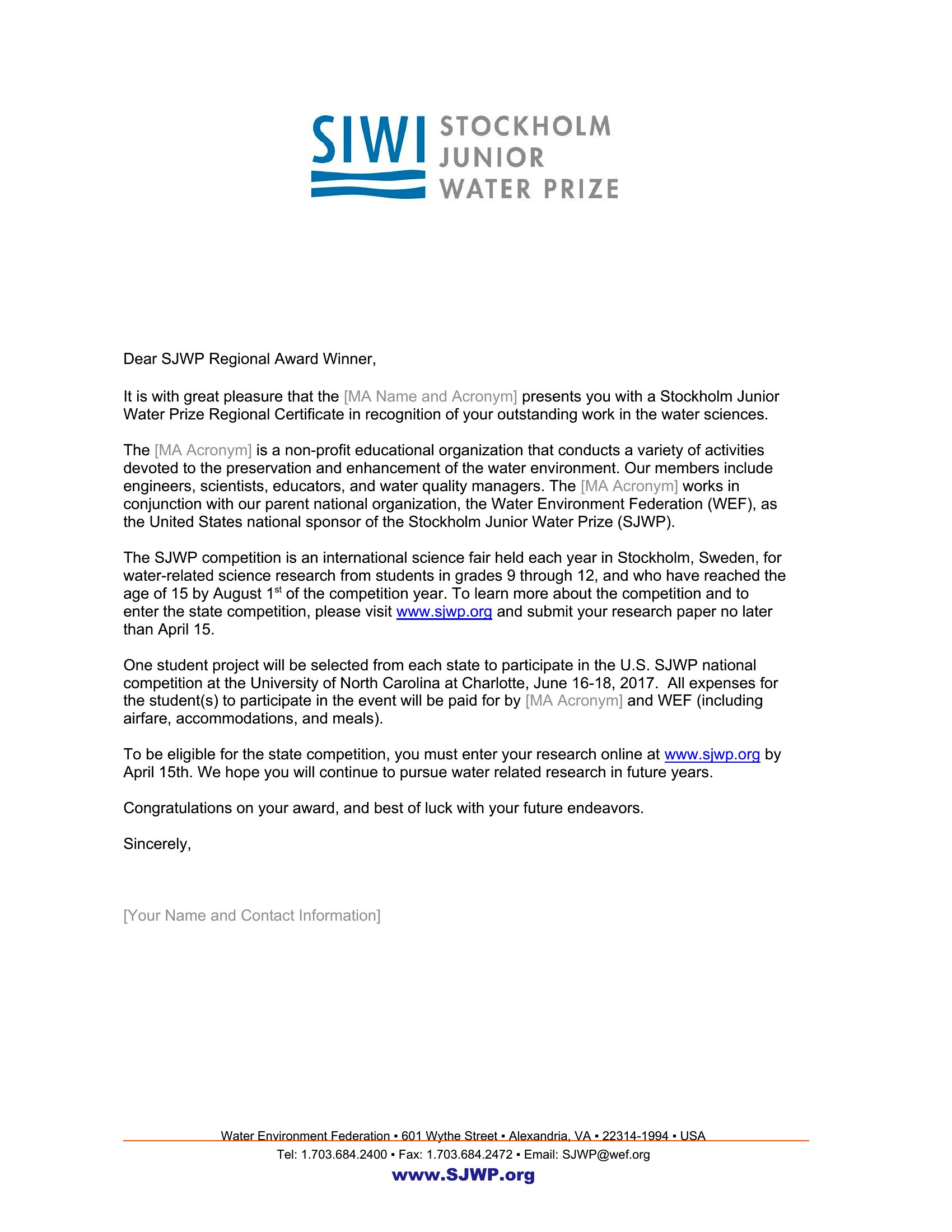
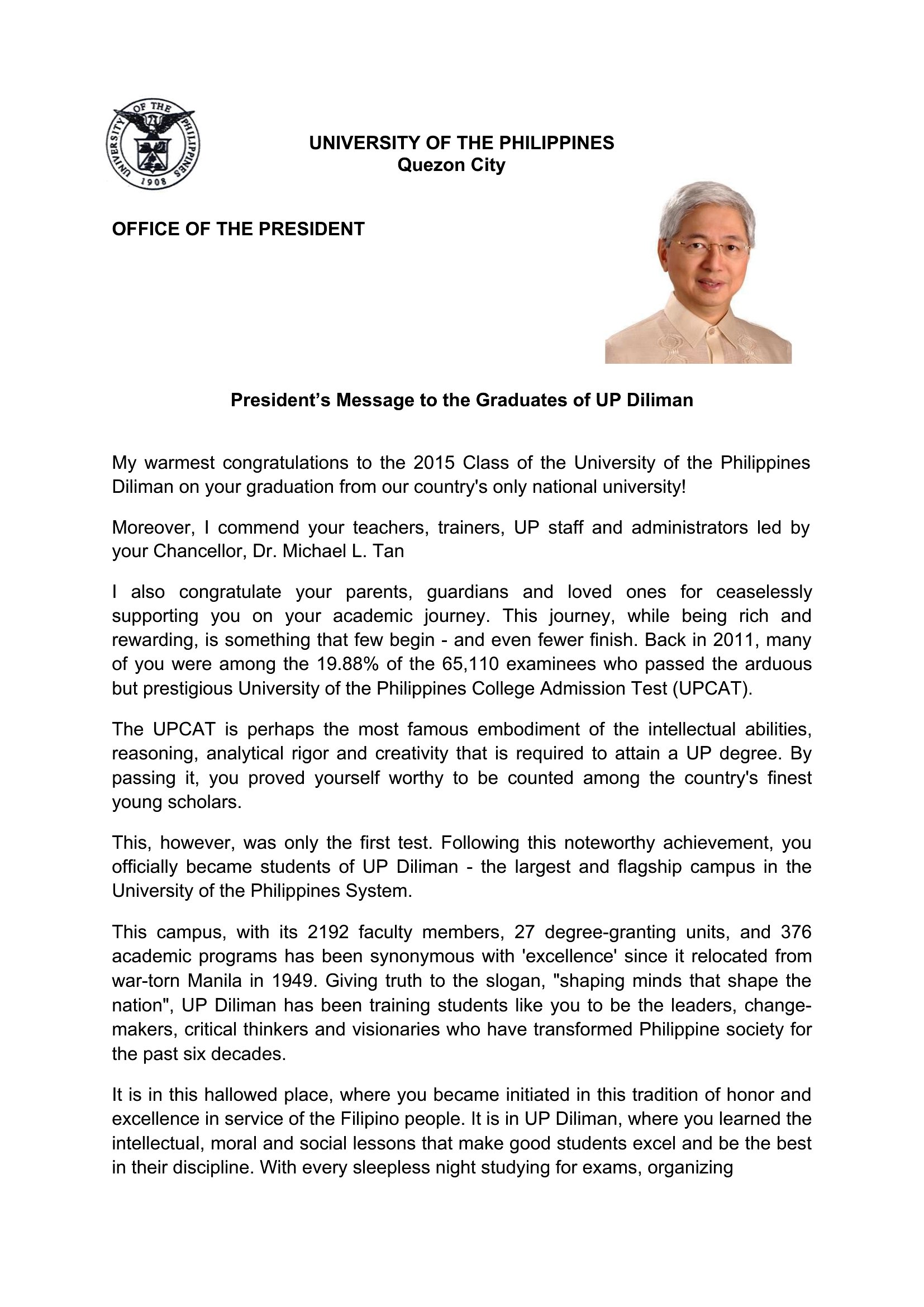
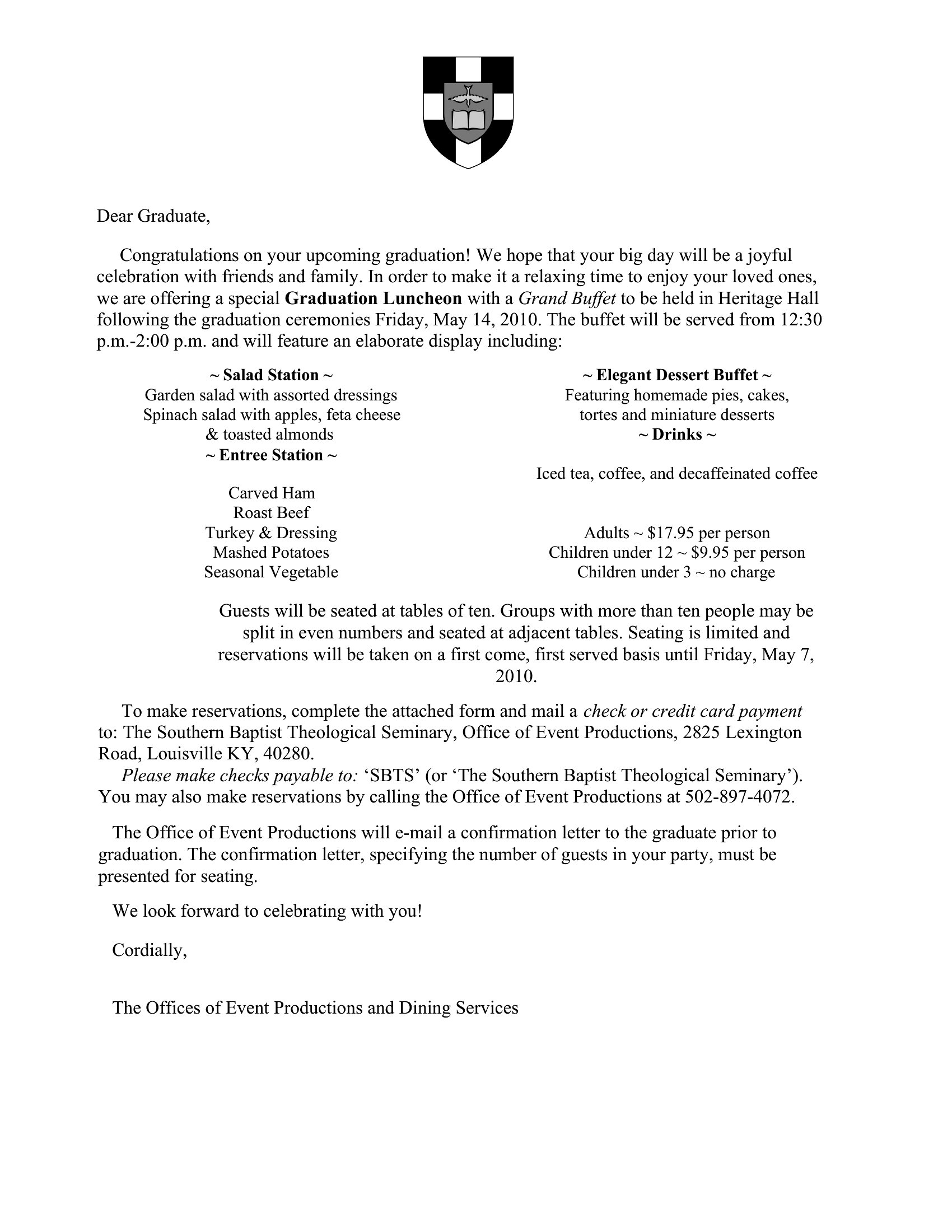
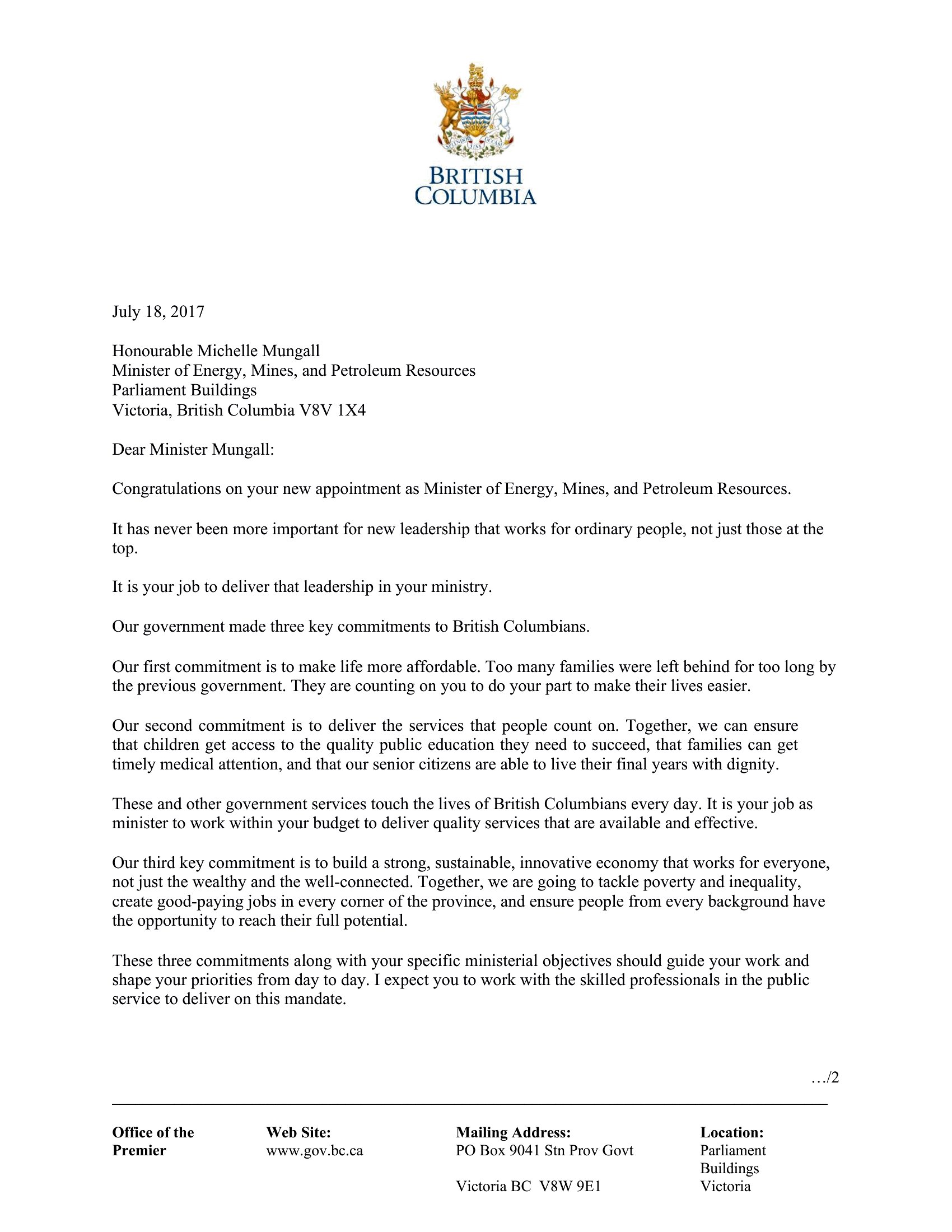
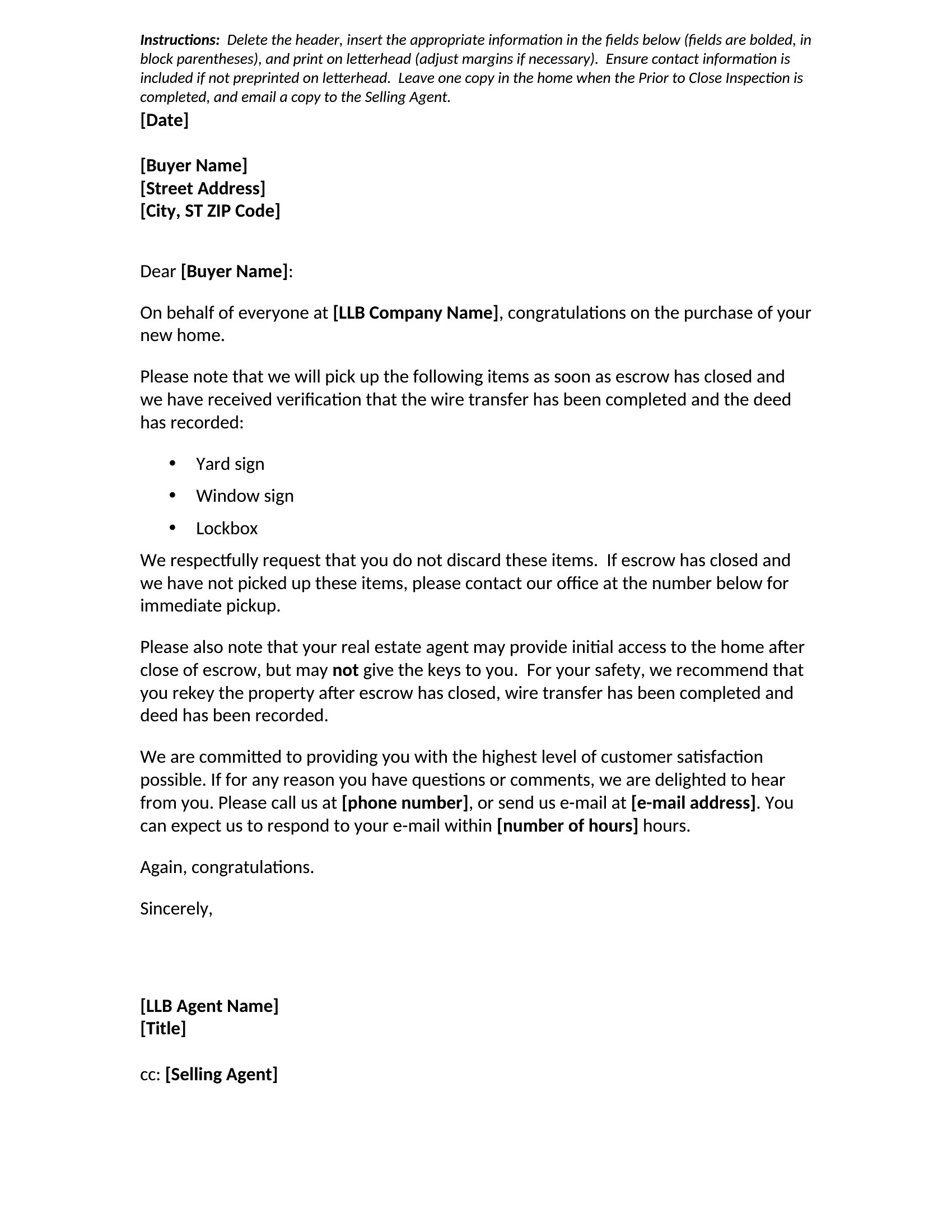
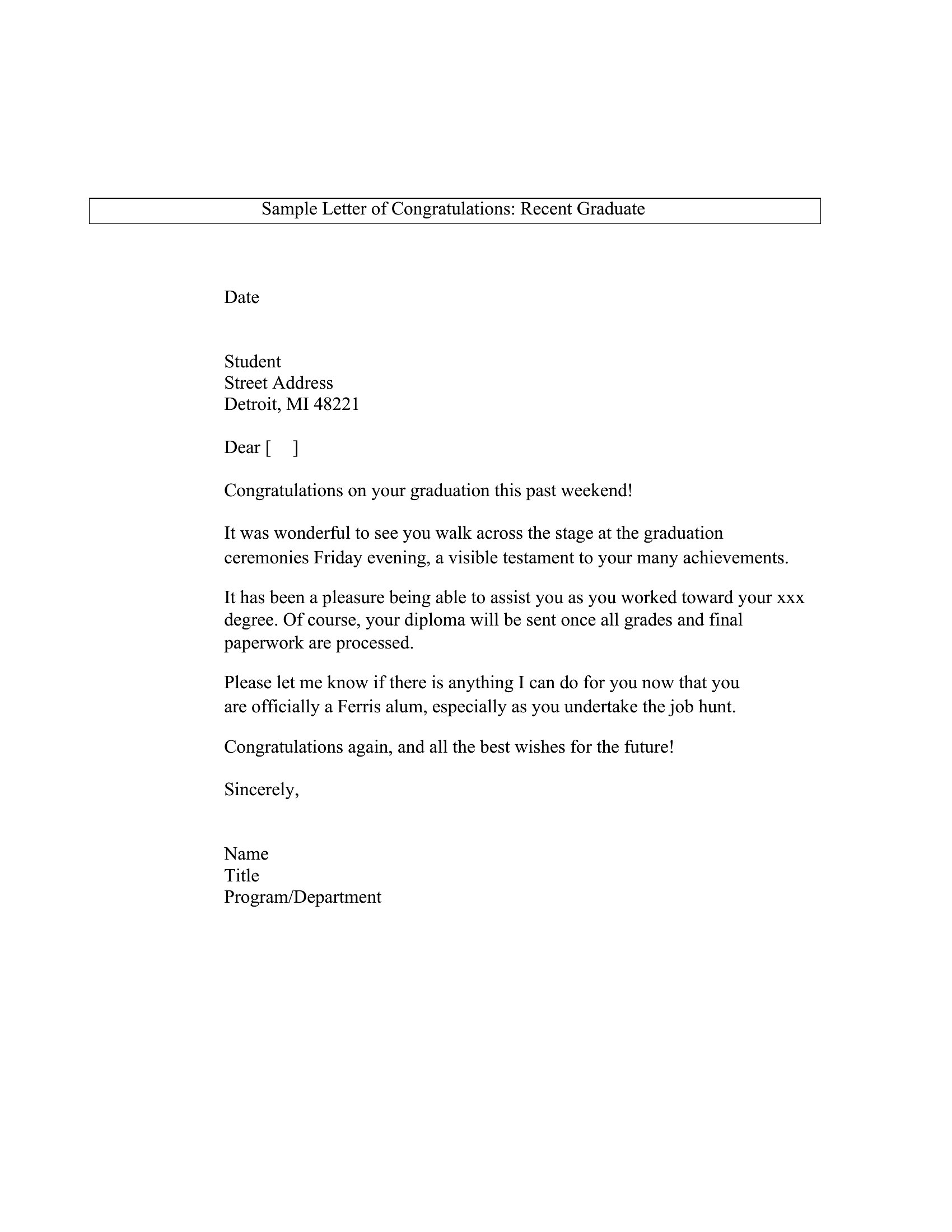
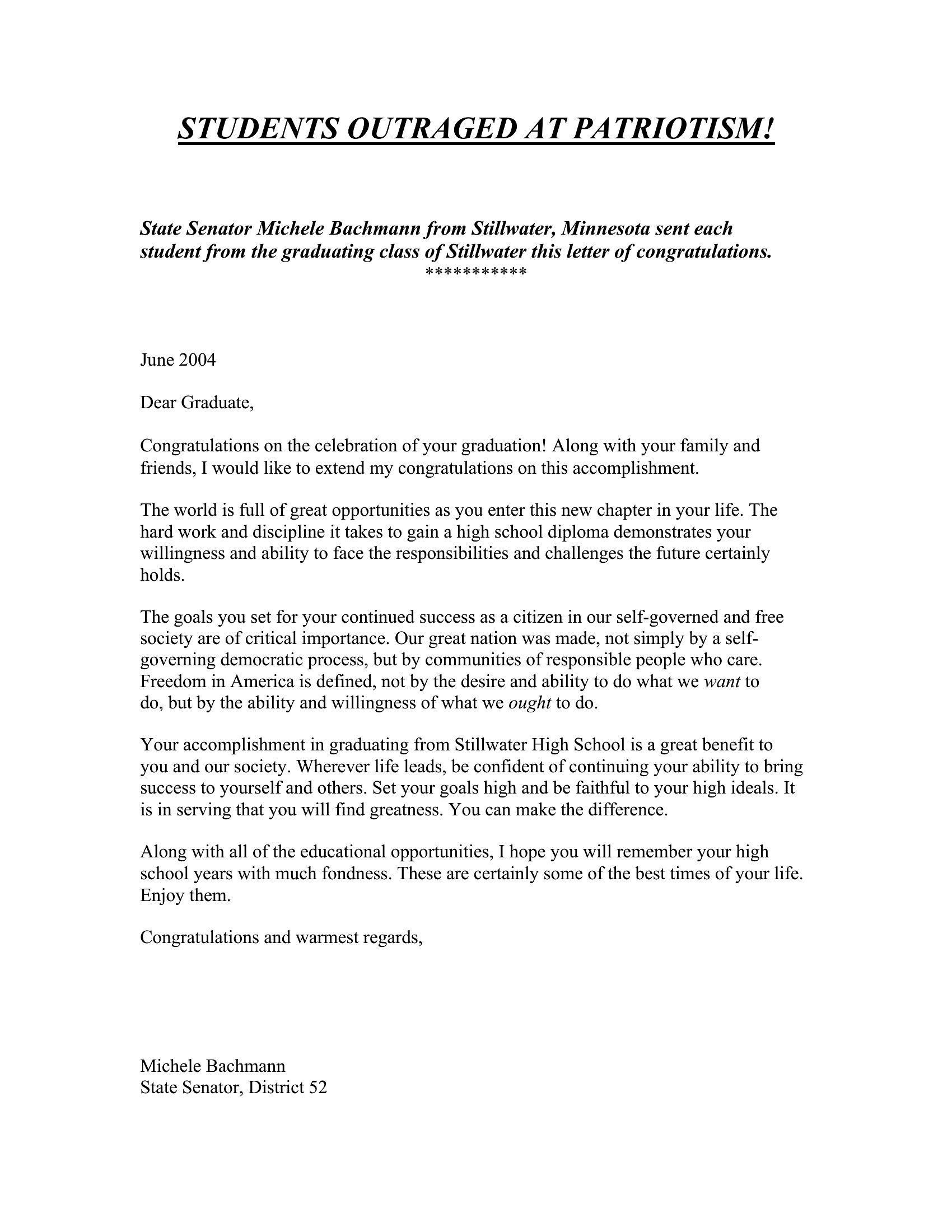
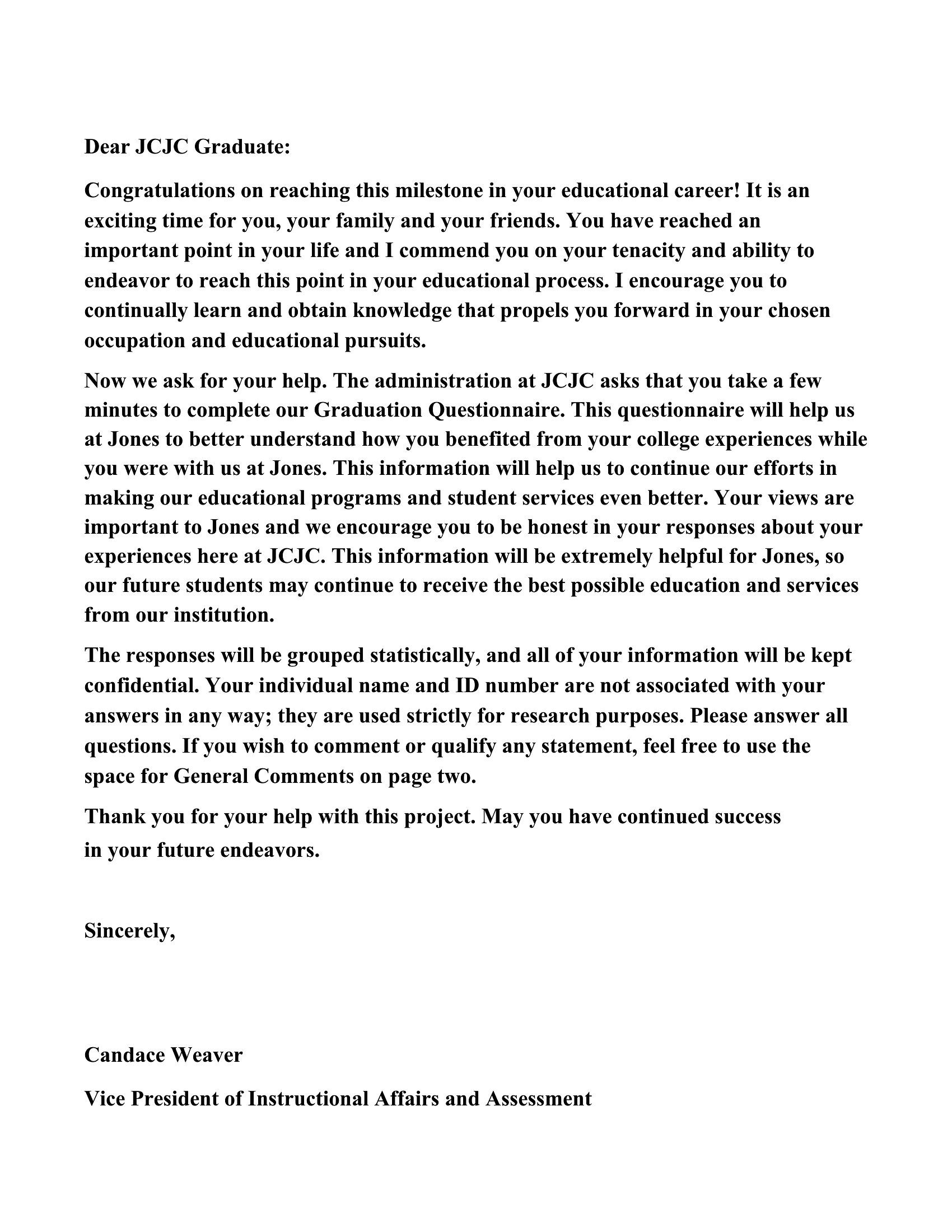
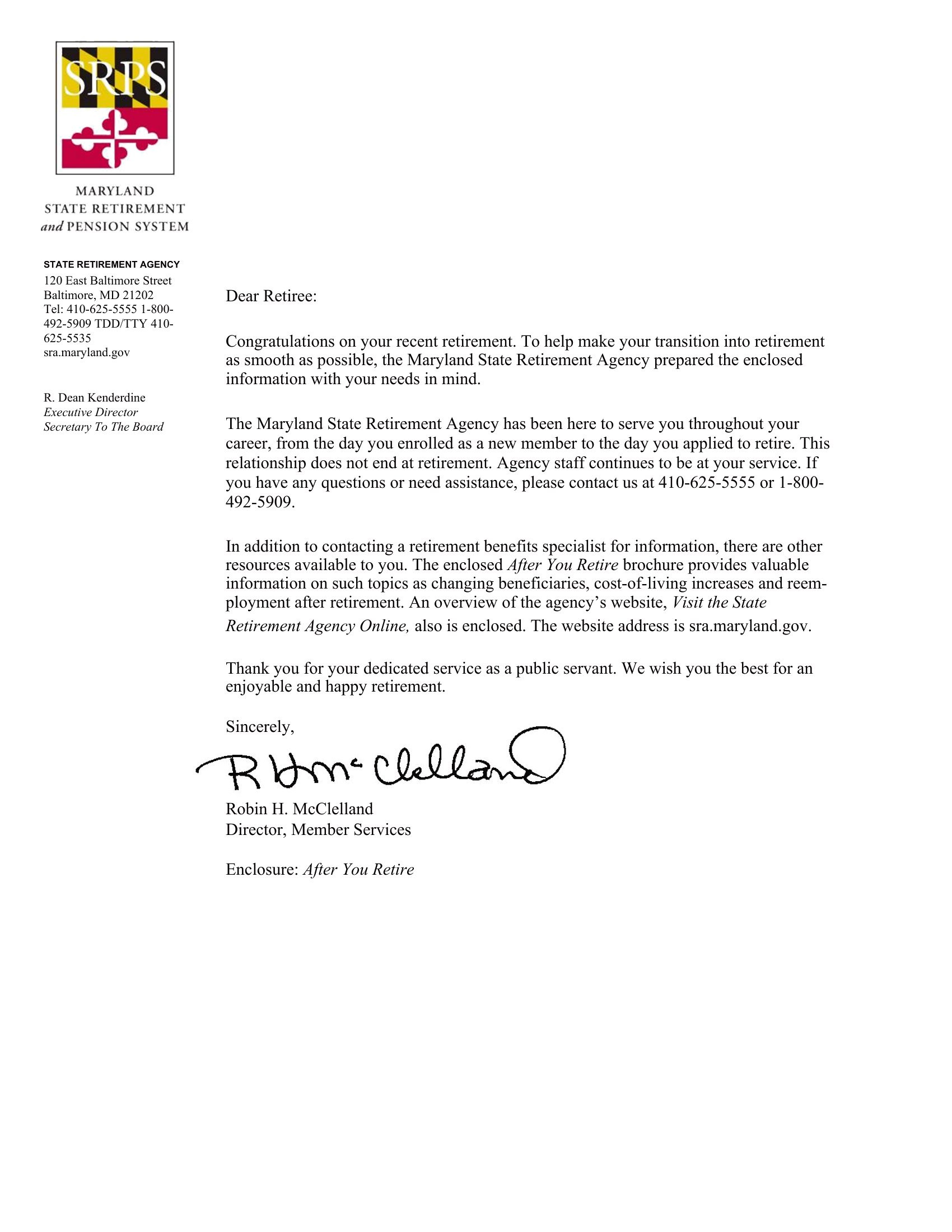
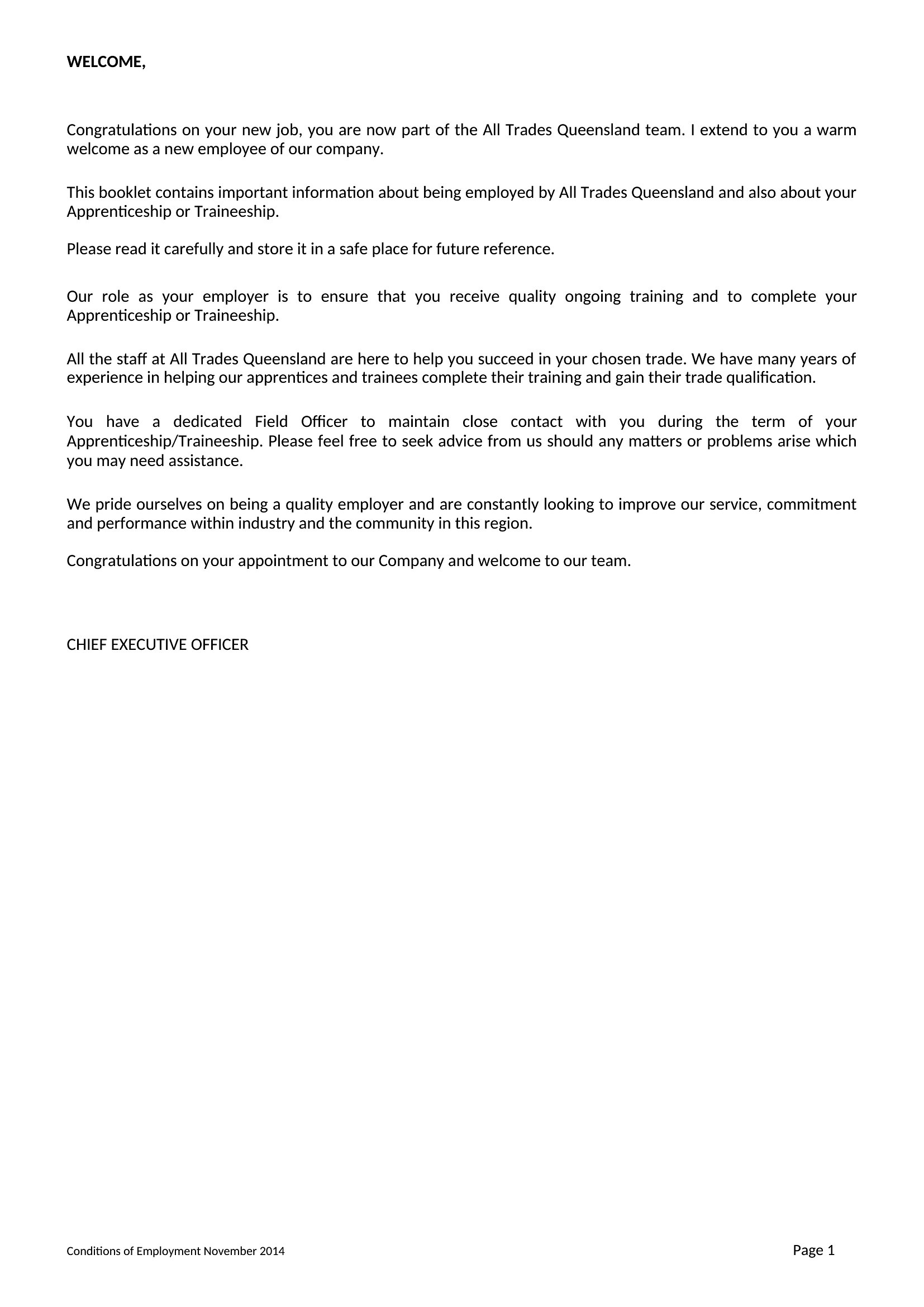
PersonalA few thoughtful lines of congratulations can make someone's achievement feel truly seen, whether it's a promotion, a graduation, a new baby, or a big personal win. This collection of 49 templates gives you a warm starting point for the moment, with wording you can personalize so it doesn't read like a form note. Managers, friends, and family can send something heartfelt without staring at a blank screen.
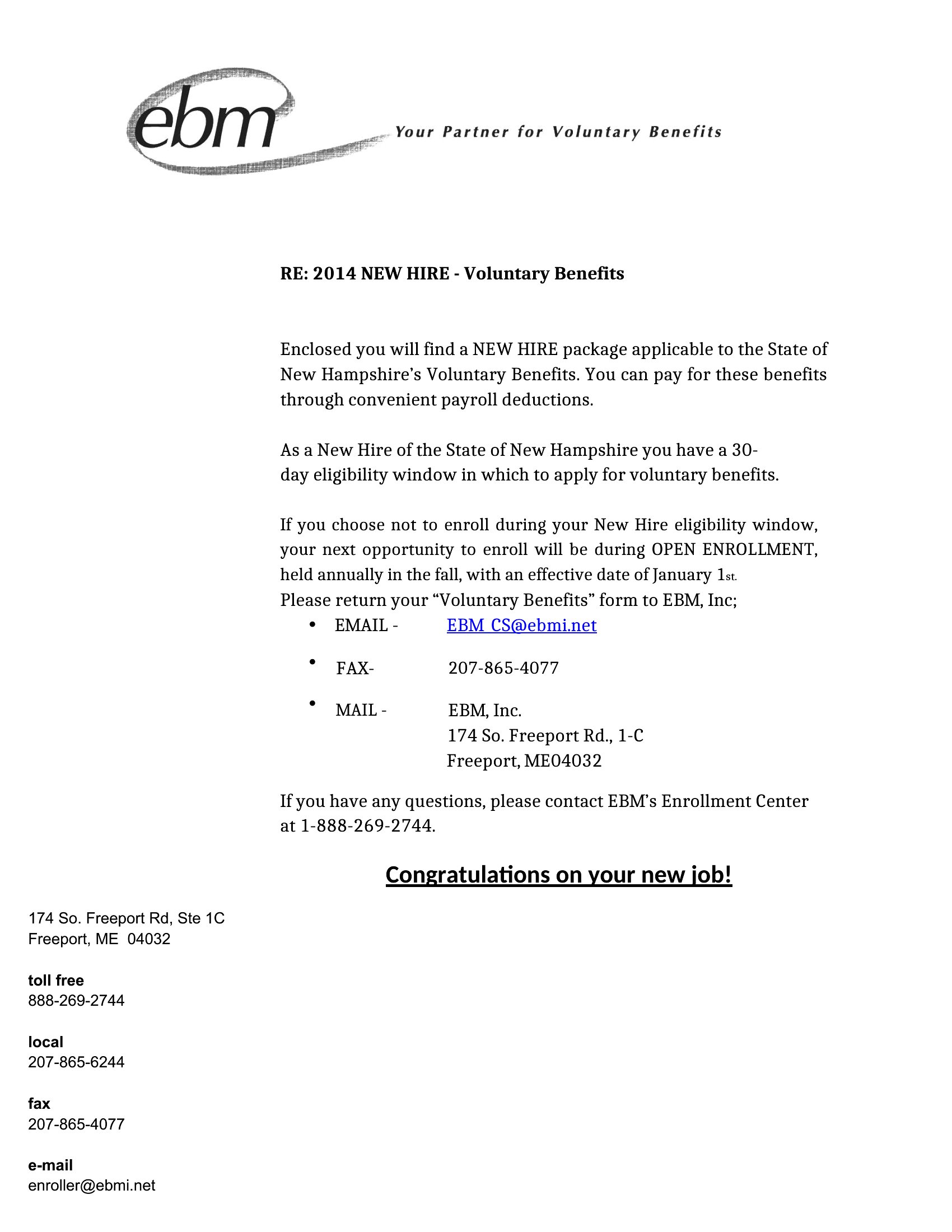
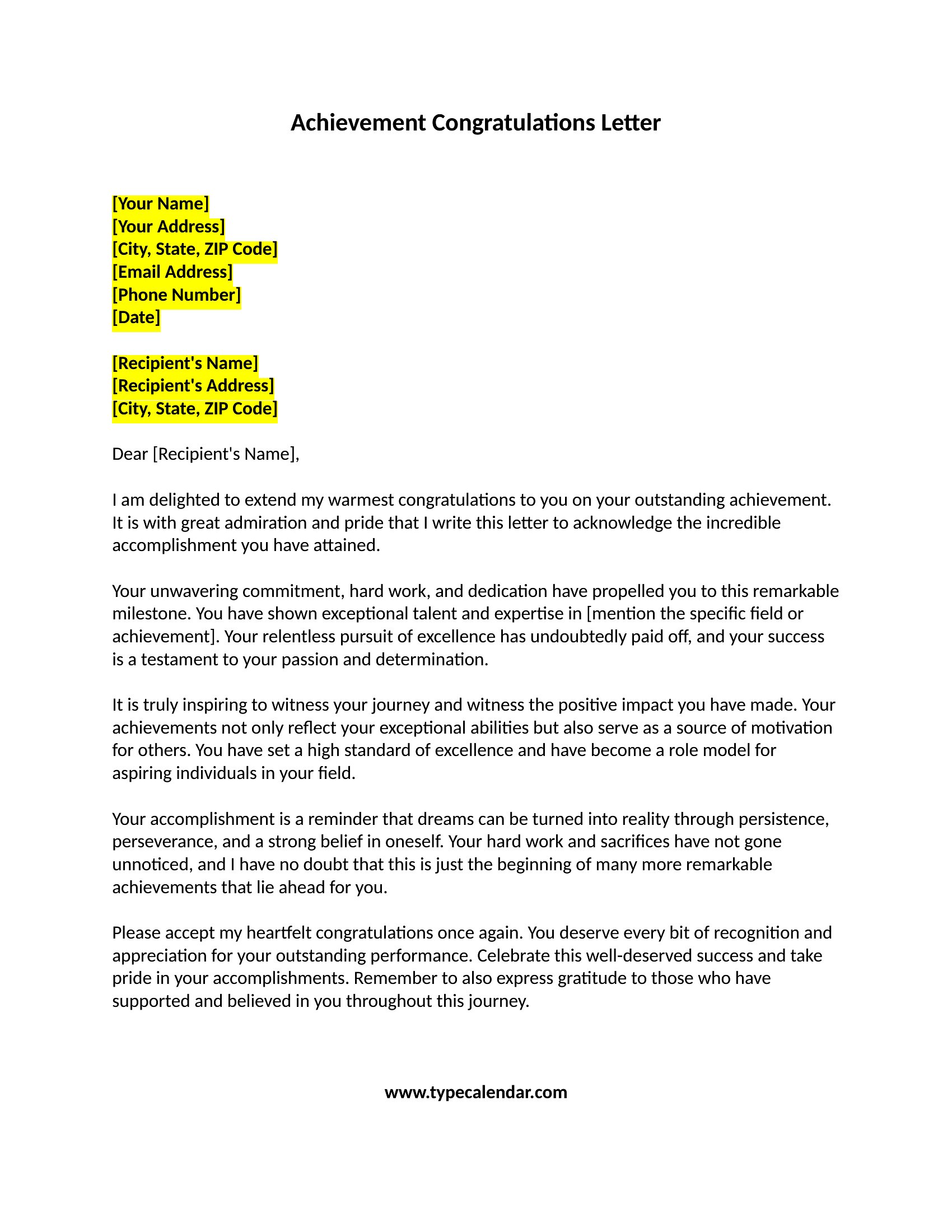
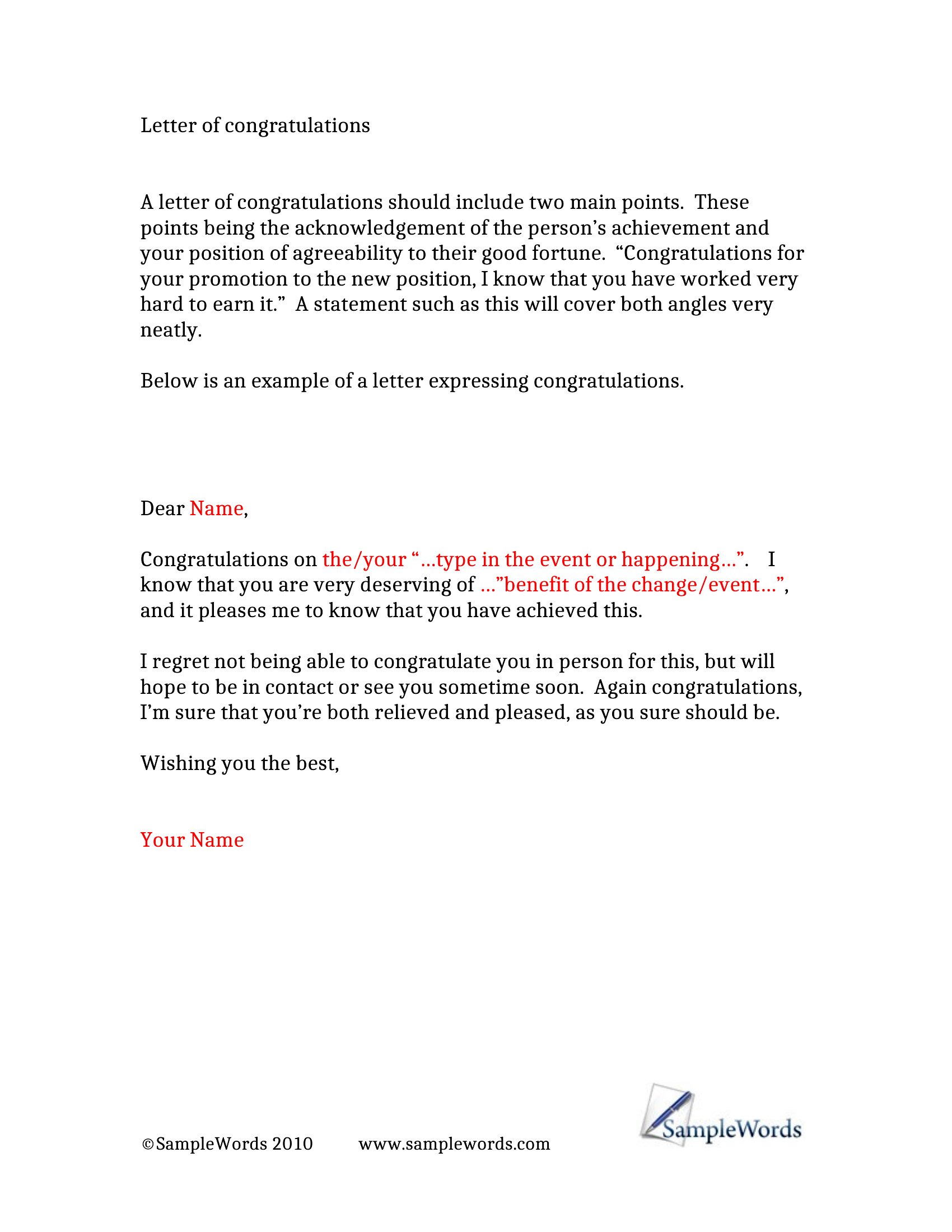
The letters open in Word, ready for you to add the person's name, the occasion, and a personal touch or two. Print one on nice paper or send it as a file. Pick the message that fits the milestone and let someone know you noticed and you're proud of them.
When to use this Congratulation Letter template
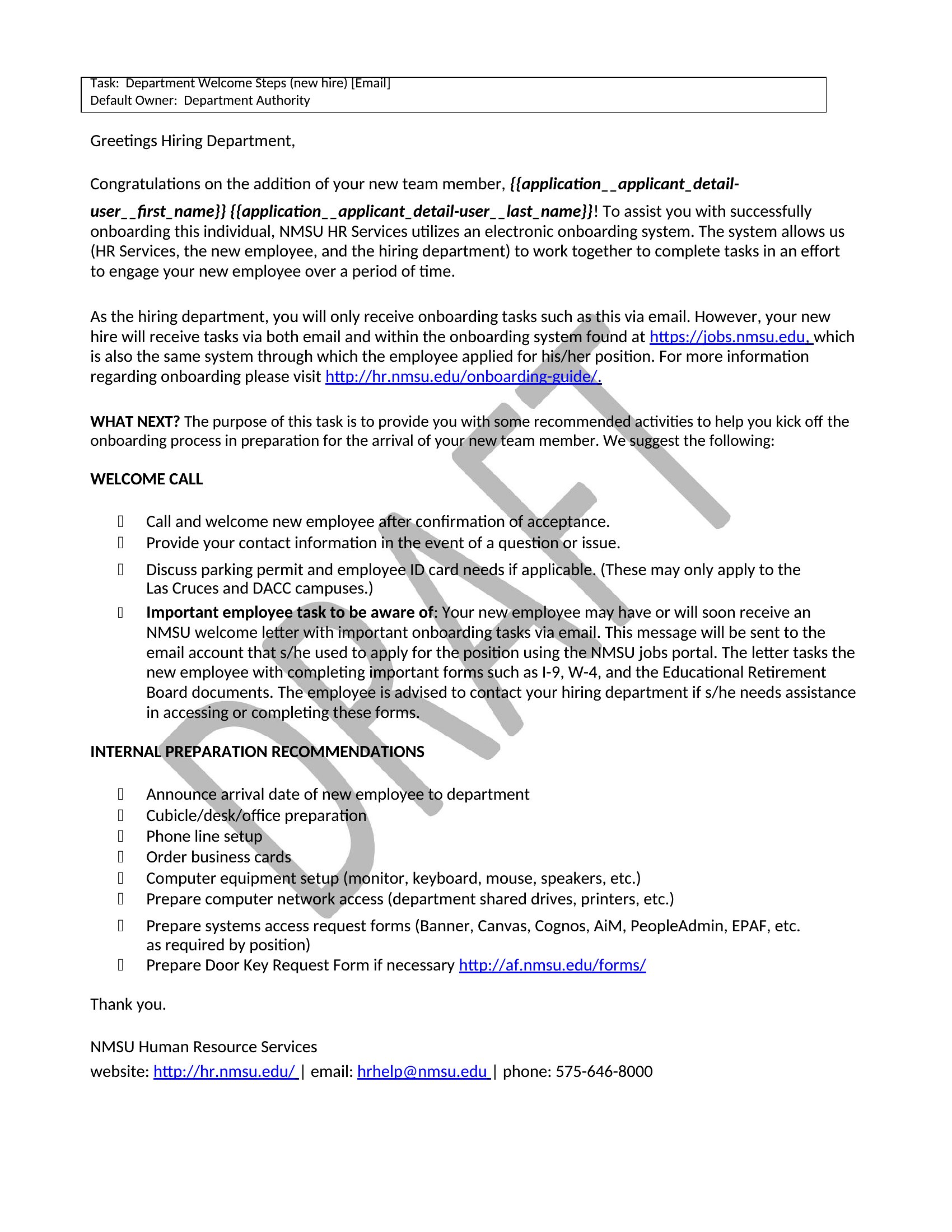
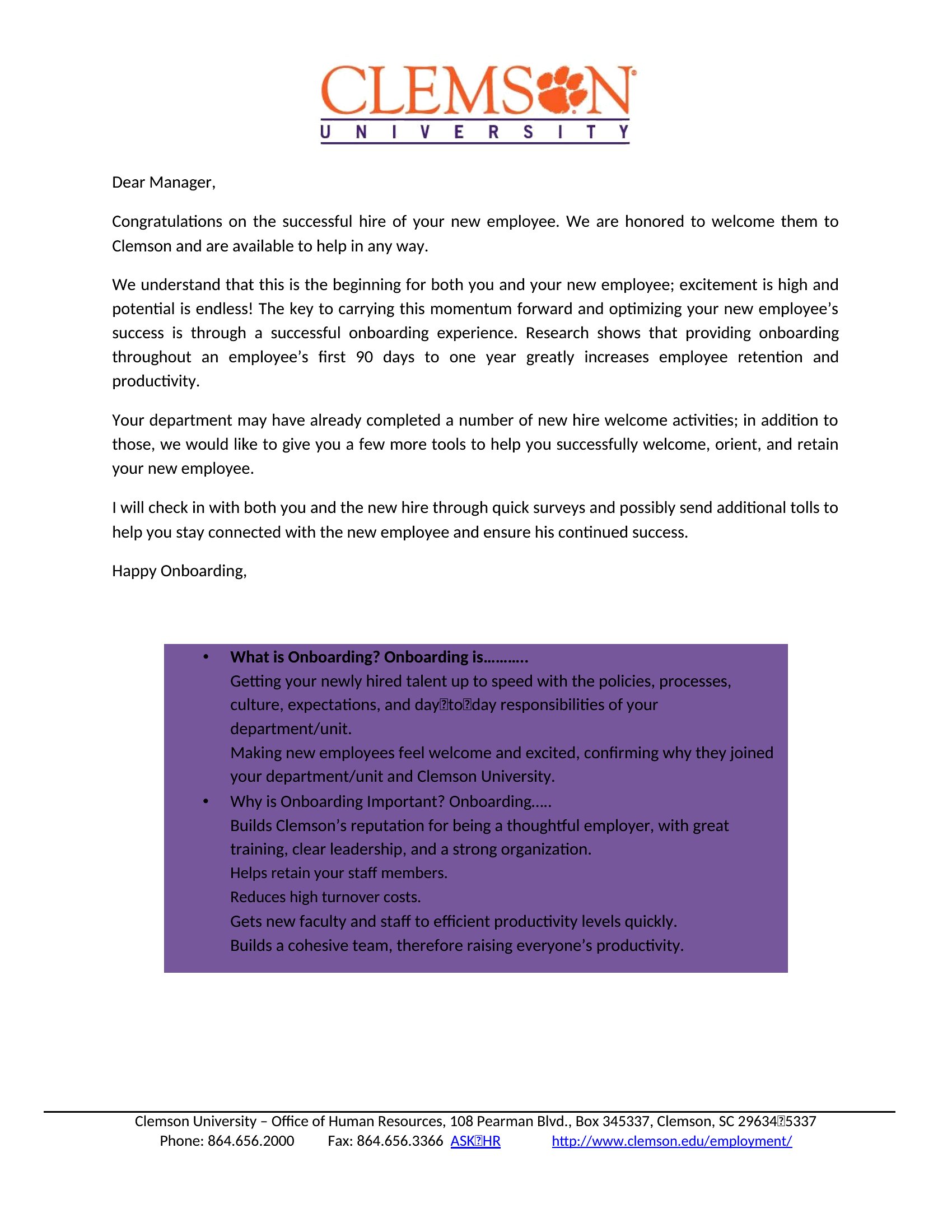
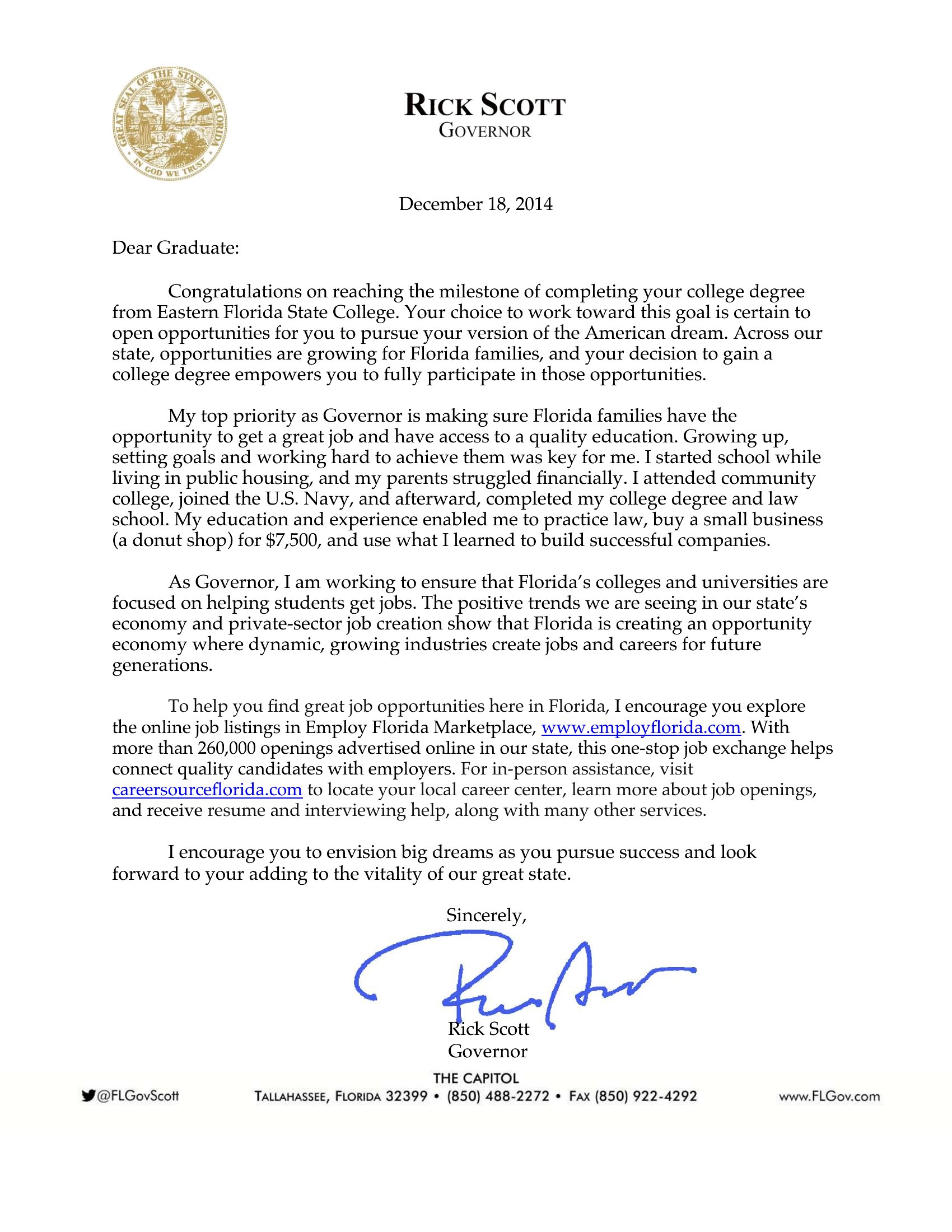
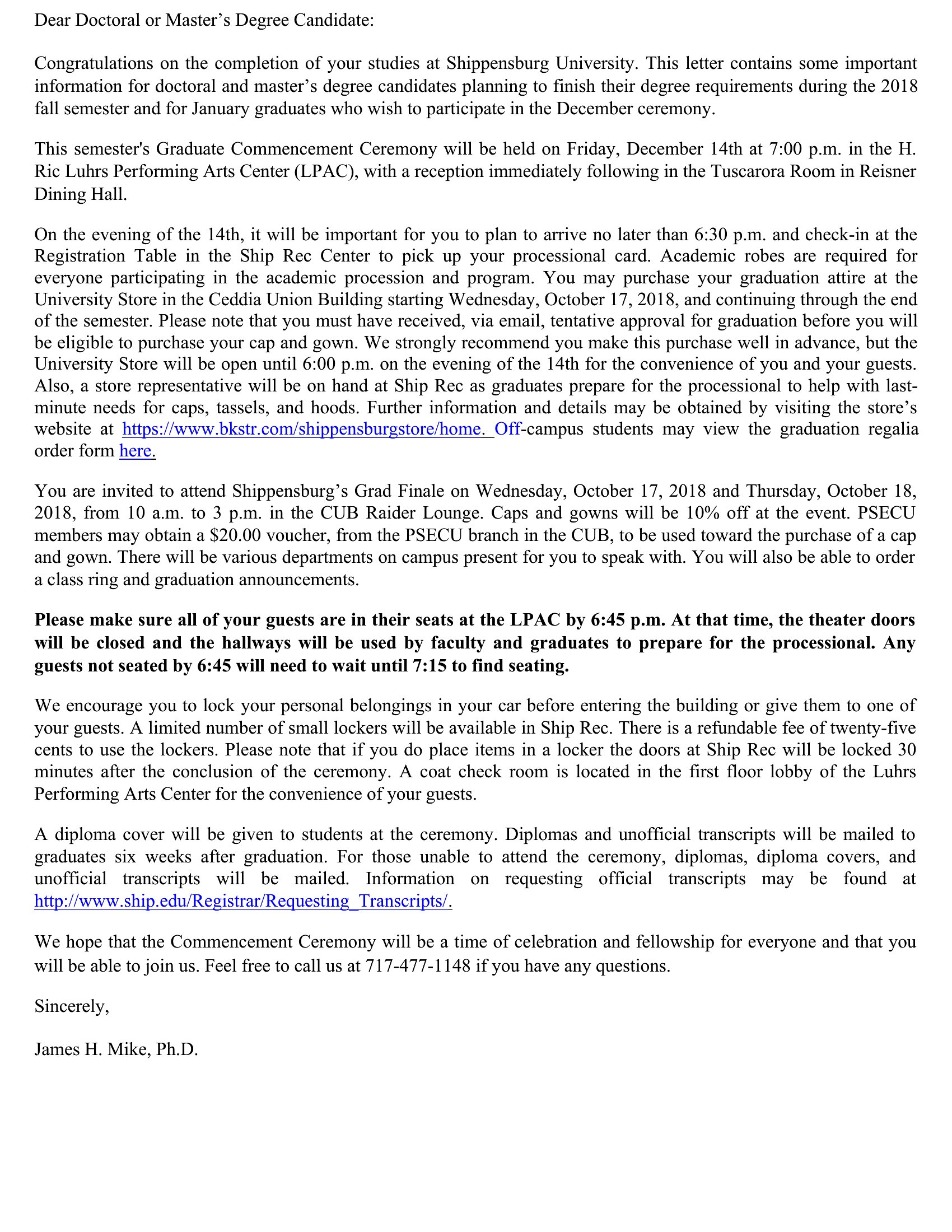
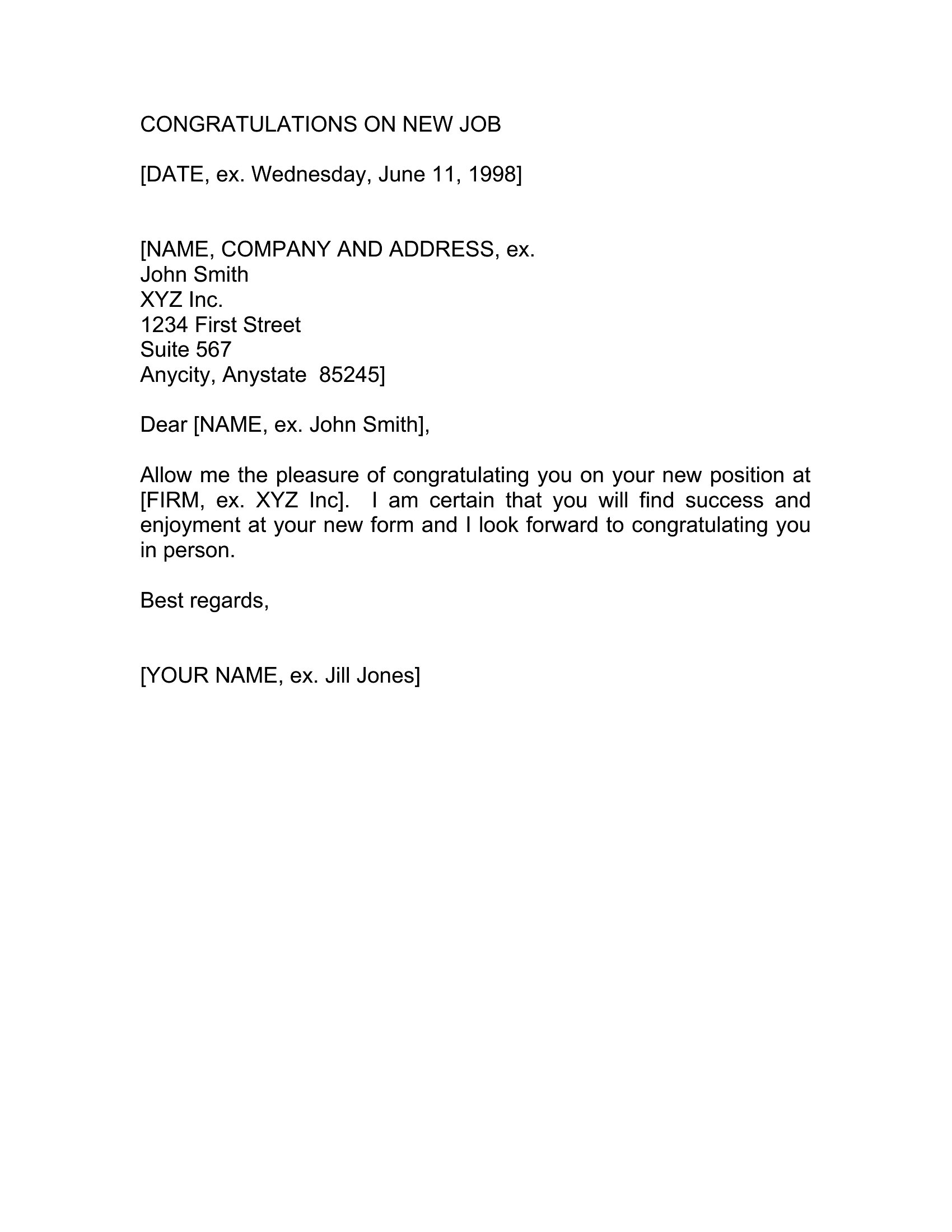
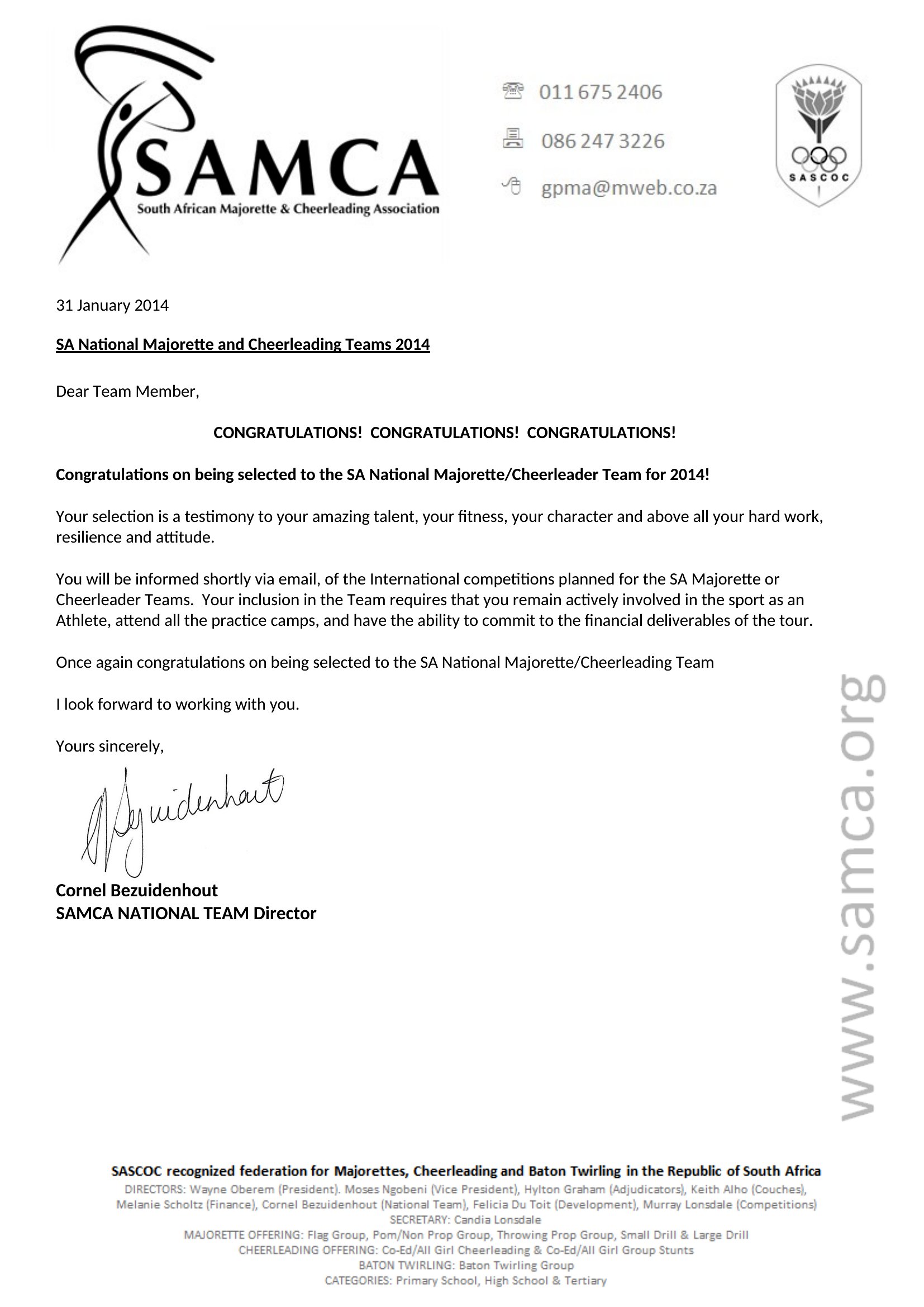
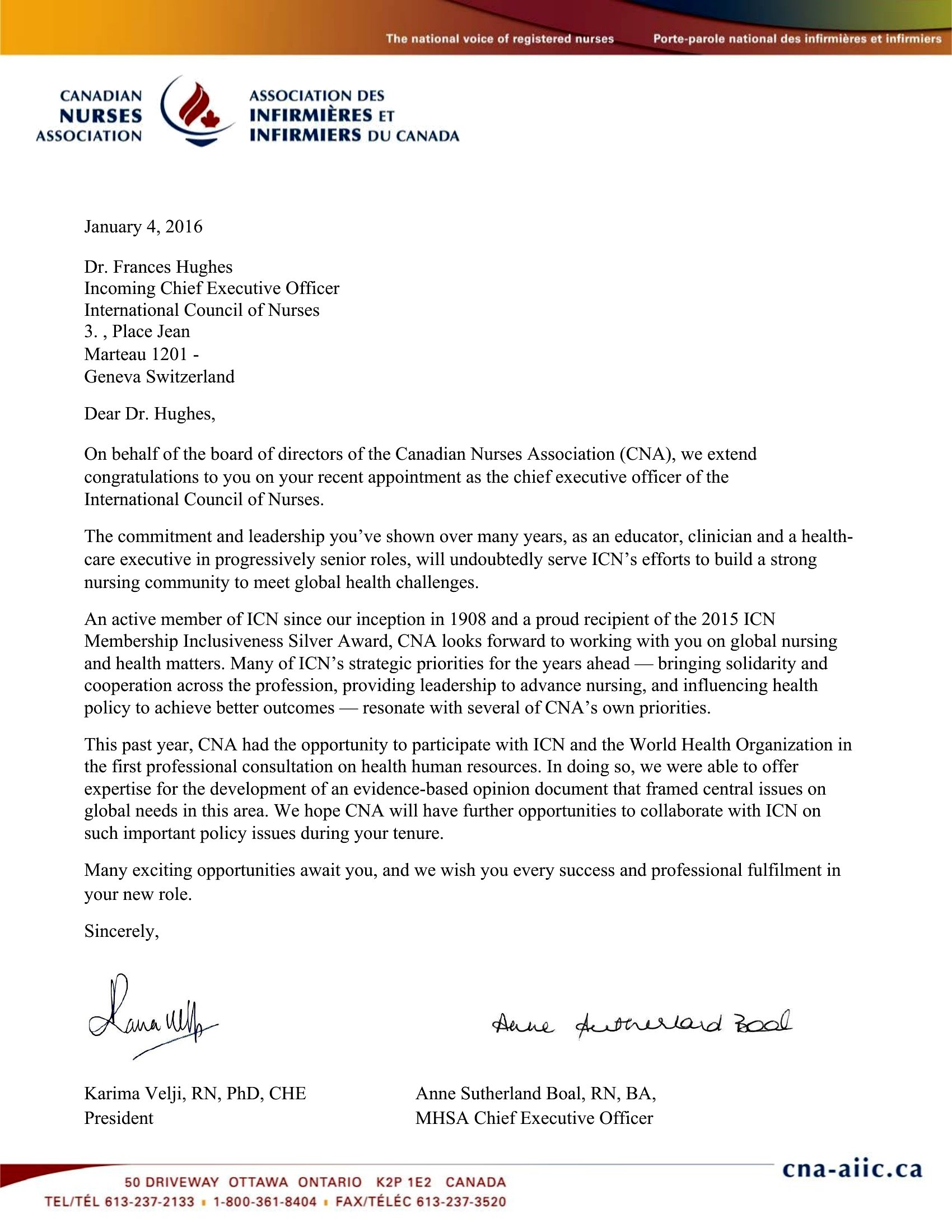
- A manager congratulating a team member on a promotion they’ve earned after years of dedication—personalizing the letter to highlight their specific contributions and growth.
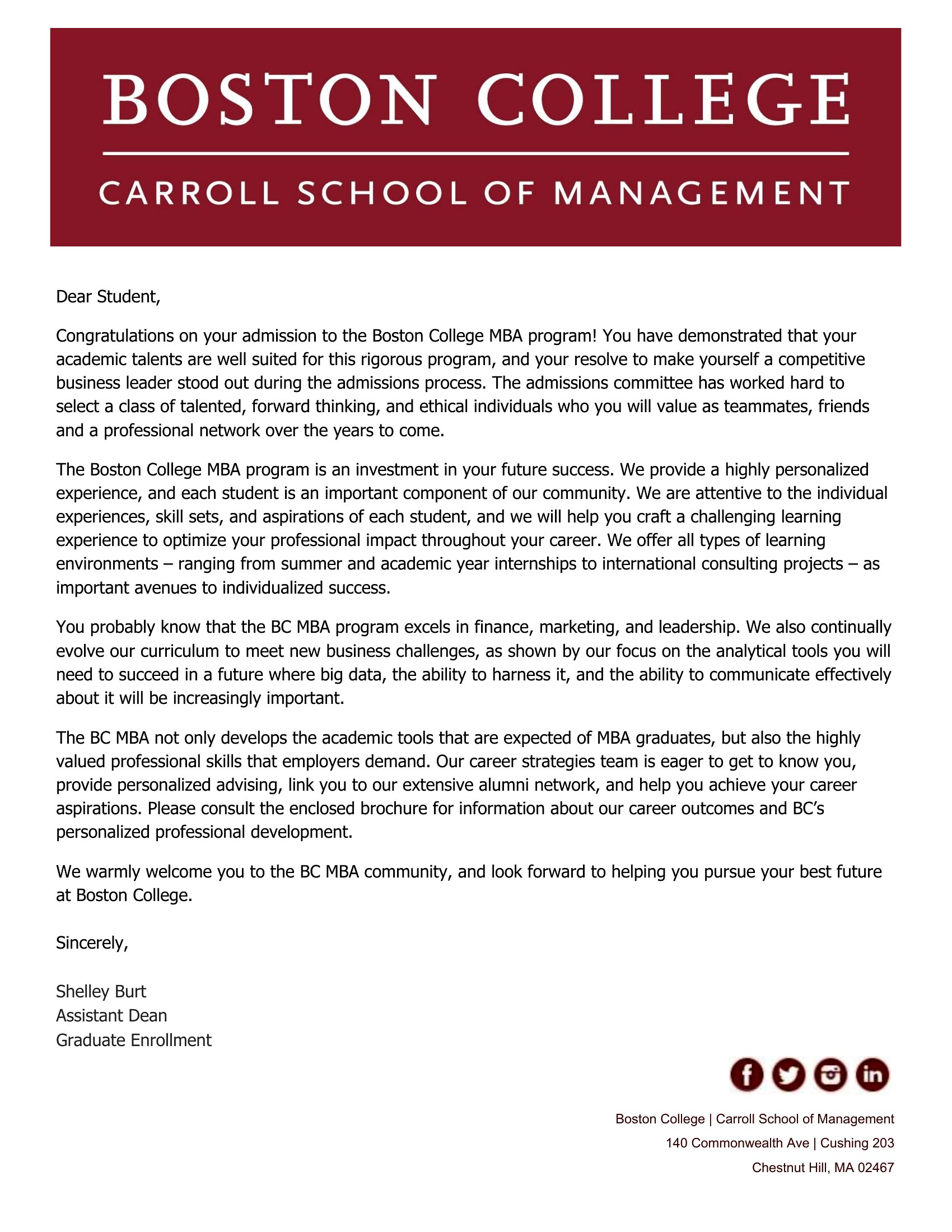
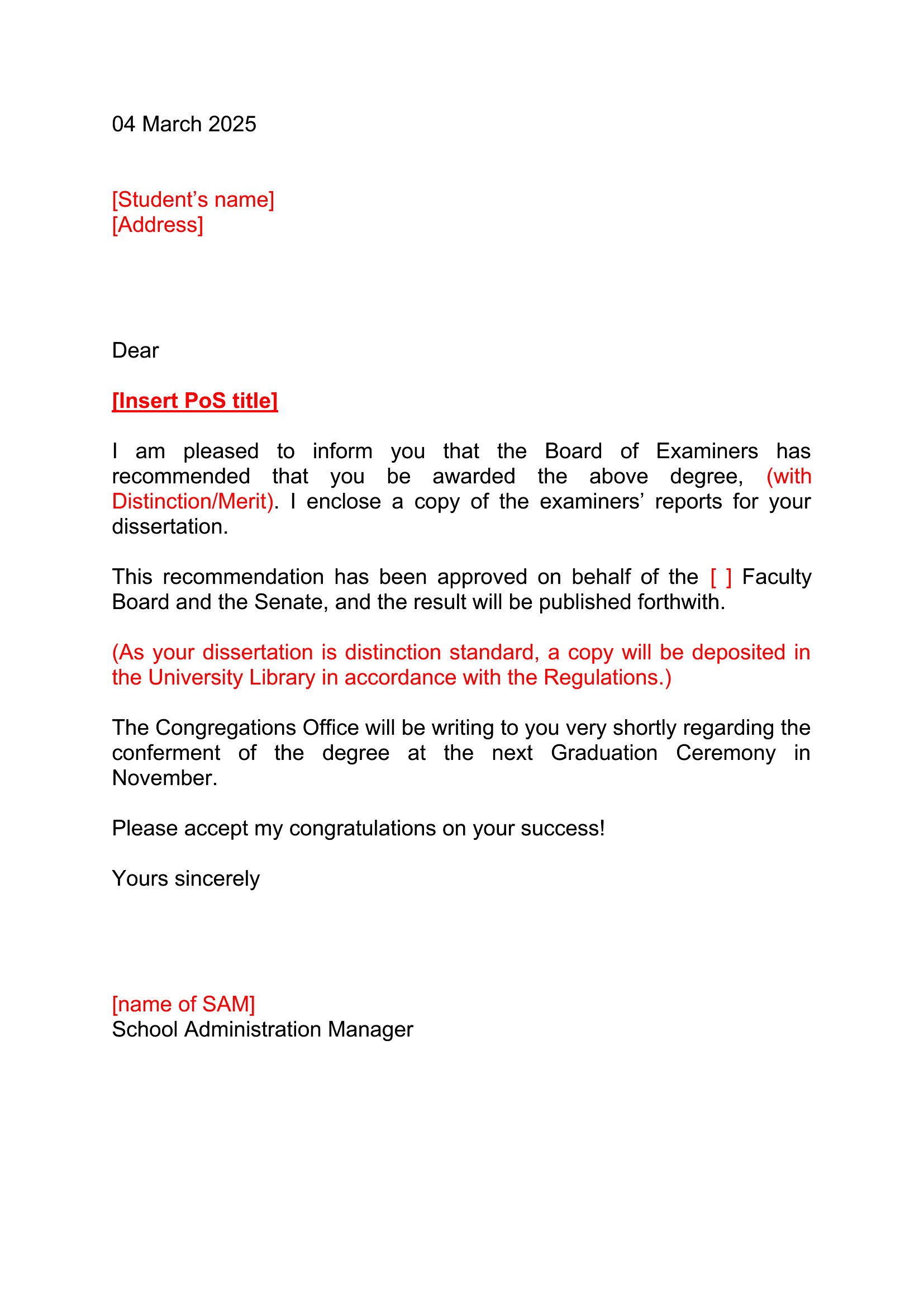
- A close friend writing to a colleague who just passed their bar exam, sharing a mix of excitement and encouragement to celebrate their hard work and new milestone.
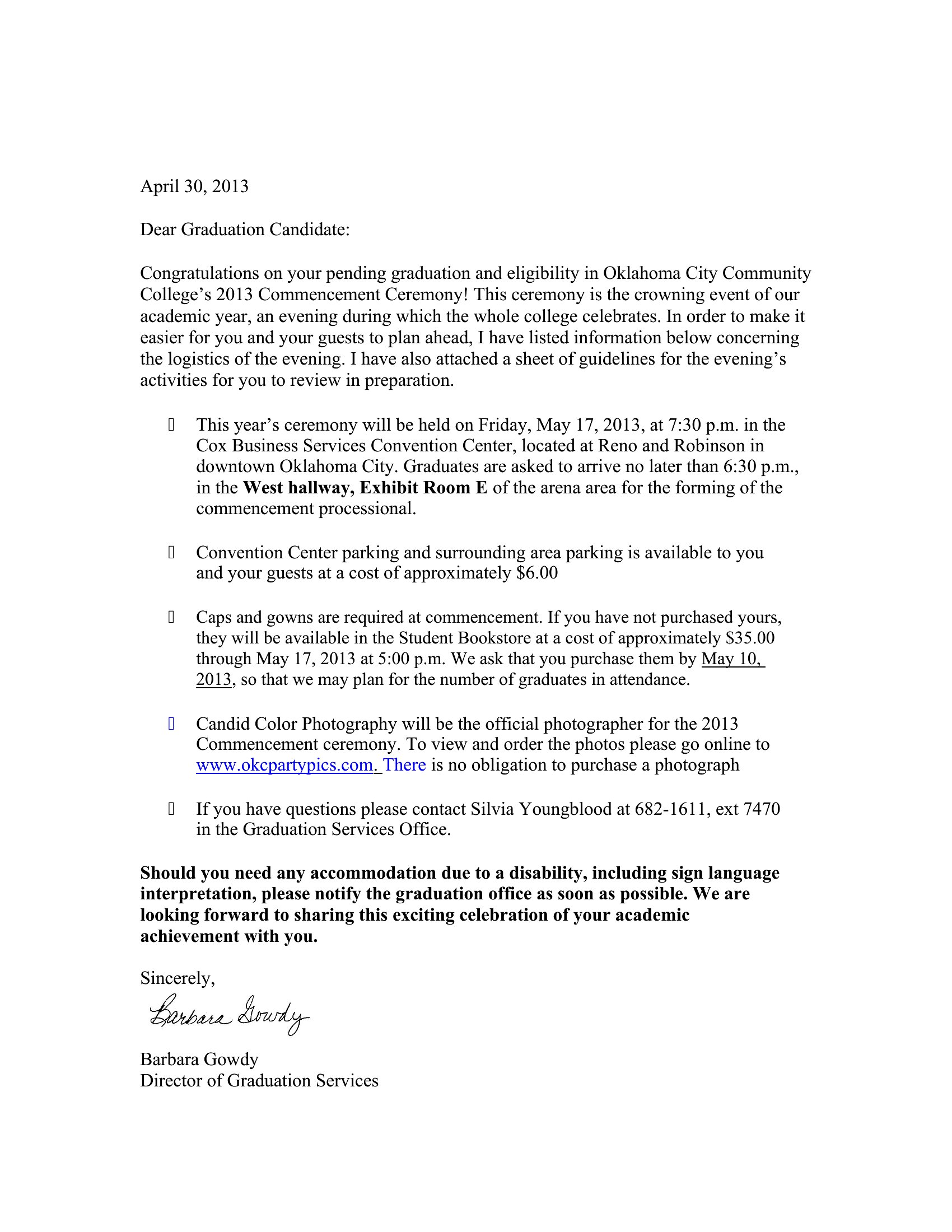
- Parents drafting a heartfelt letter to their child after they complete a challenging certification program, blending pride with practical words of support for their next steps.
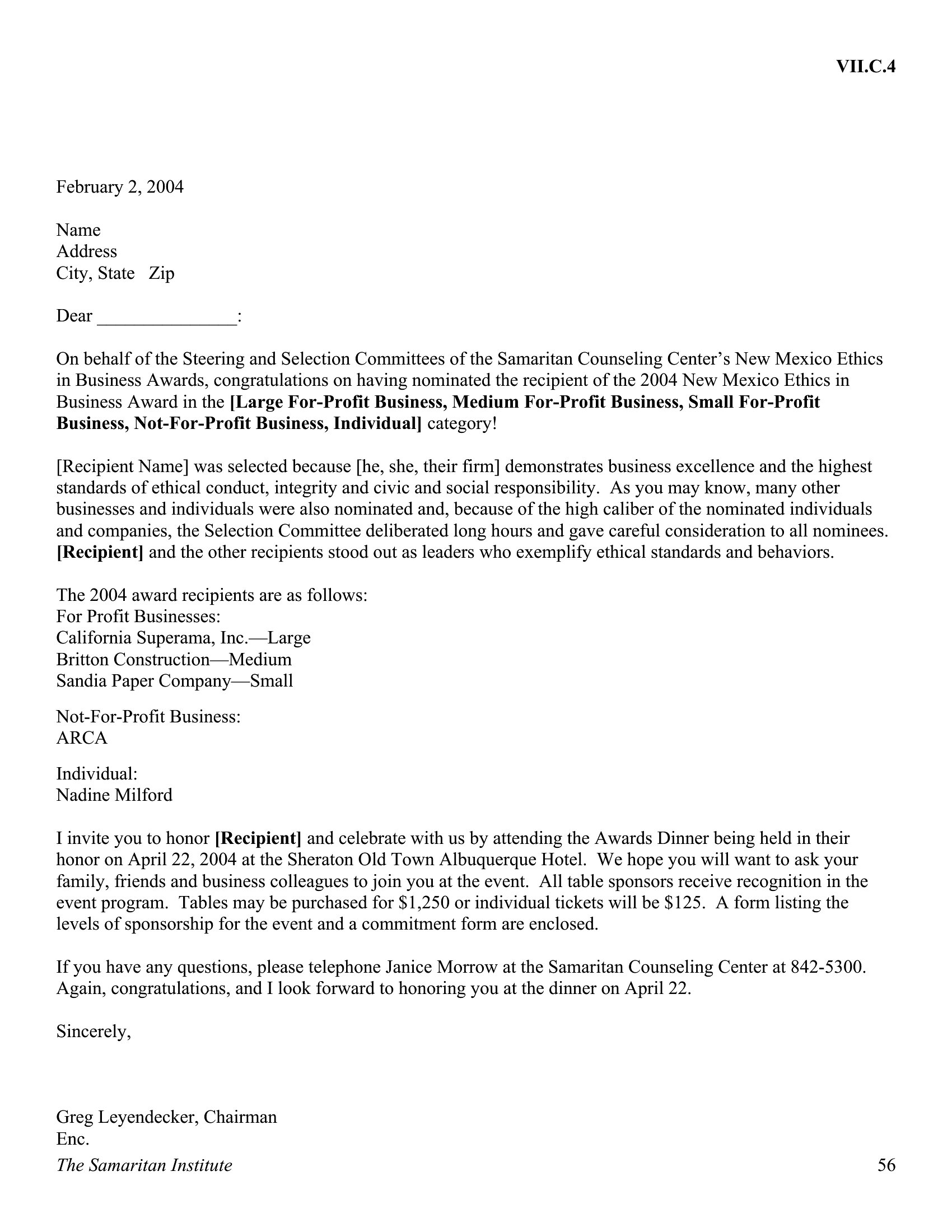
- Coworkers in a tight-knit department celebrating a peer’s award win, using the letter to reinforce team culture while acknowledging the individual’s unique role in the team’s success.
Which format should I download?
Since all 49 templates are in Word, this format is ideal for anyone who needs to quickly personalize text, adjust spacing, or add a handwritten touch later. Word works best if you want to tweak fonts, margins, or include a logo—perfect for formal or polished congratulations. Choose it when you’re drafting for professional settings or prefer editable, print-ready files over static designs.
How to use this Congratulation Letter template
How do I make sure my congratulations letter feels sincere rather than generic?
Focus on specific details—mention a skill, effort, or quality the recipient is known for. For example, instead of ‘great job,’ try ‘Your creativity in solving X really stood out during Y.’ Use real memories or shared experiences to show you’re paying attention. The Word templates let you easily swap in personal anecdotes without losing structure.
Should I include advice or just celebrate the achievement?
If the achievement is a major life transition (like a job change or graduation), a few lines of light guidance can add warmth, but keep it brief. For example, ‘I’d love to hear more about your plans—I’m happy to help however I can.’ For purely celebratory moments (like an award), save advice for a separate note to avoid overshadowing the milestone.
What if I’m not sure how much detail to include in the letter?
Aim for 3–5 sentences for close relationships and 4–6 for professional settings. Use the templates as guides: start with the ‘Custom Congratulations Letter’ if you’re unsure, then trim or expand the example text. Leave space for personalization—too little feels rushed, but too much can dilute the sincerity. Remember, a handwritten addition (even a signature) adds value over a lengthy typed message.
Comments
Join the conversation
Sign in to share your thoughts and leave a comment on this resource.