
Skip to content
50% off this one-time $1.99 pack with HALFOFF — or unlimited with Pro.HALFOFF
Premium

Free Employee Evaluation Form Templates (Word, Excel, PDF)

Business
dominicpelletier by dominicpelletier
Updated 0 downloads Quality-checked template

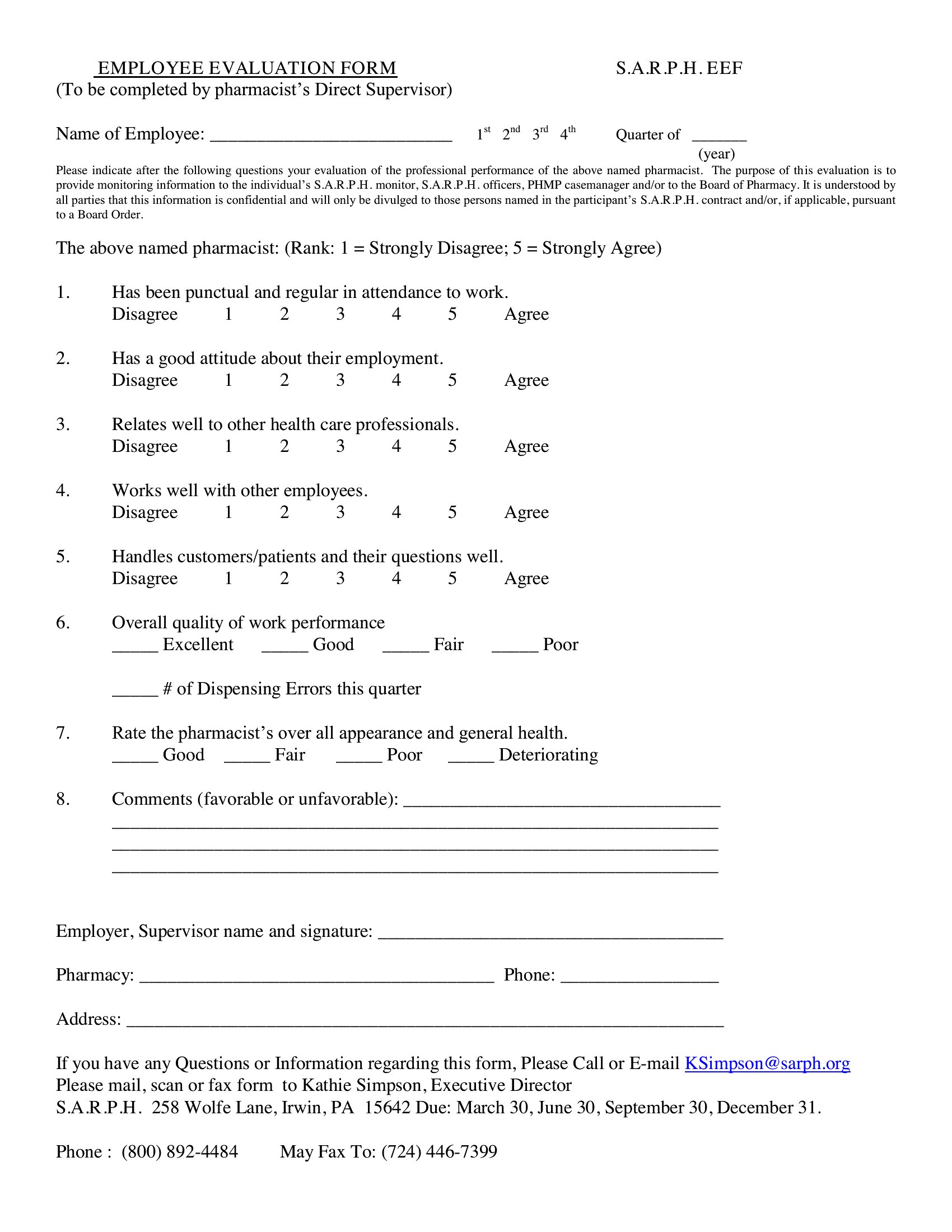
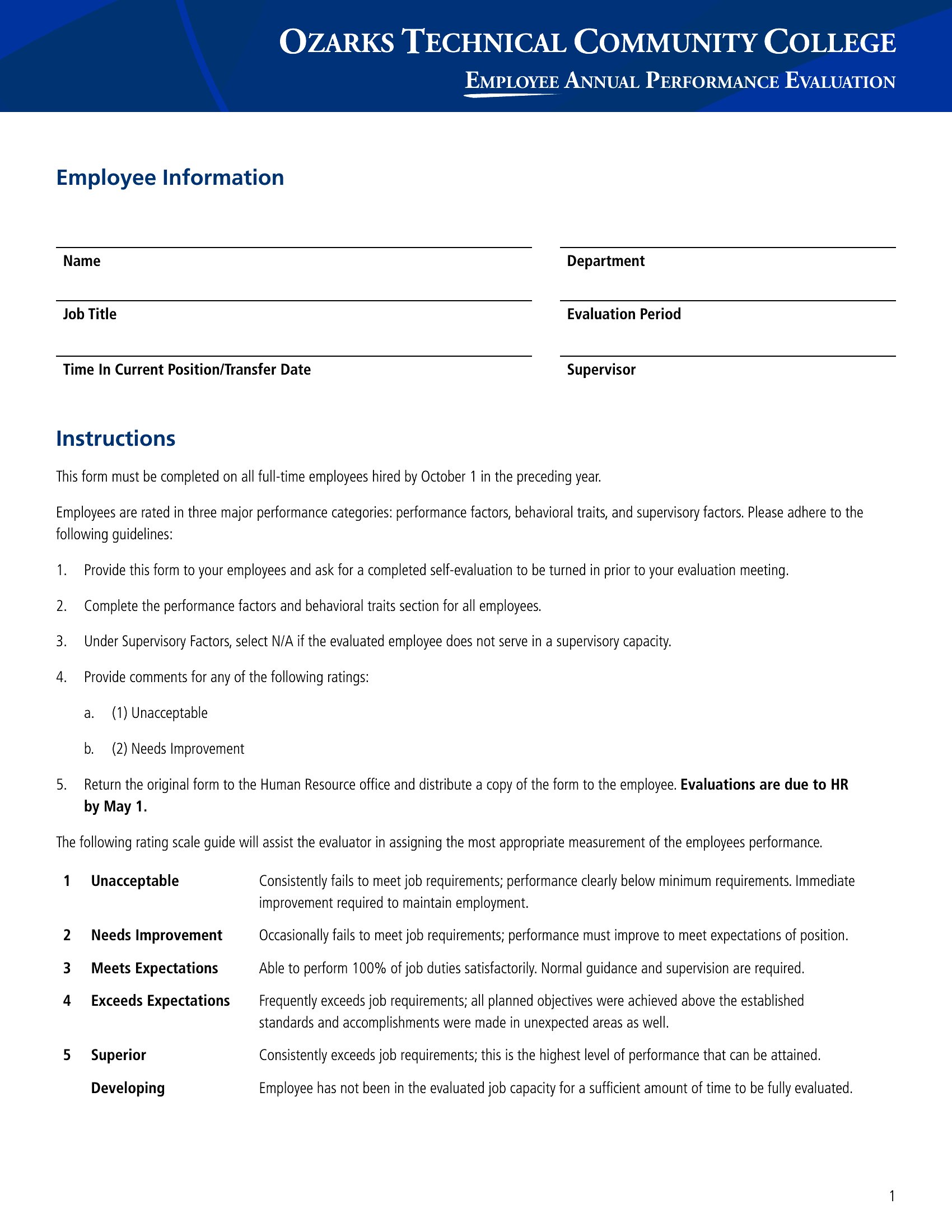
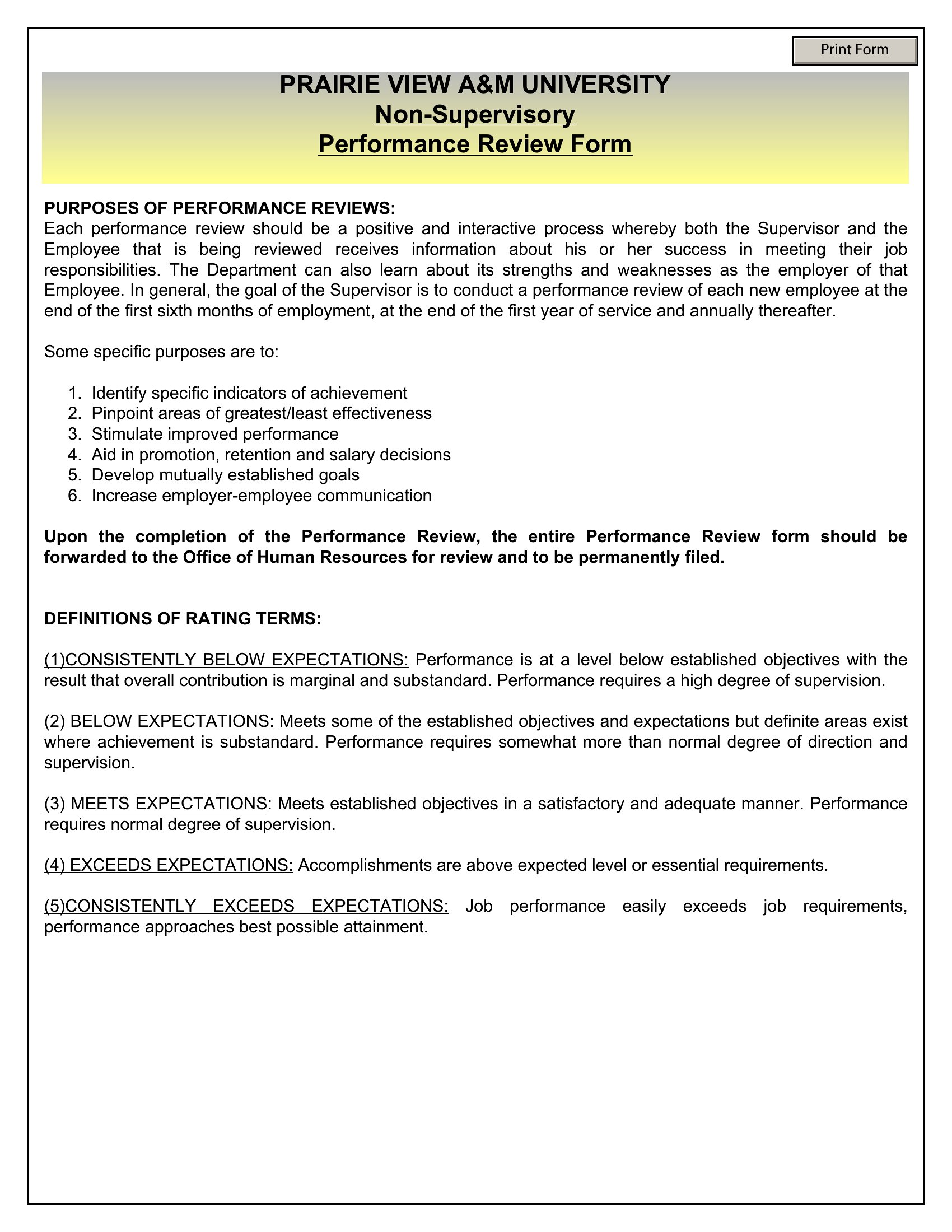
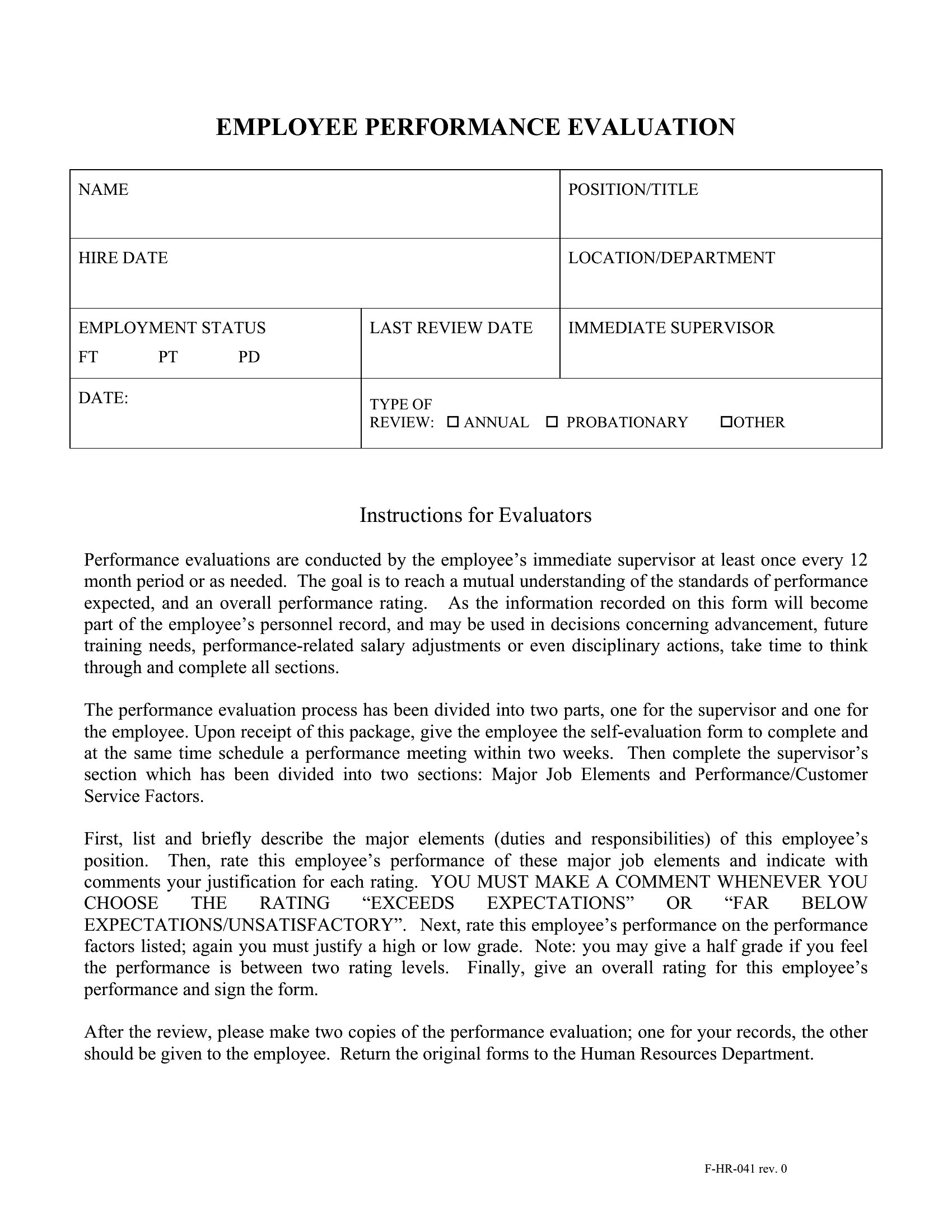
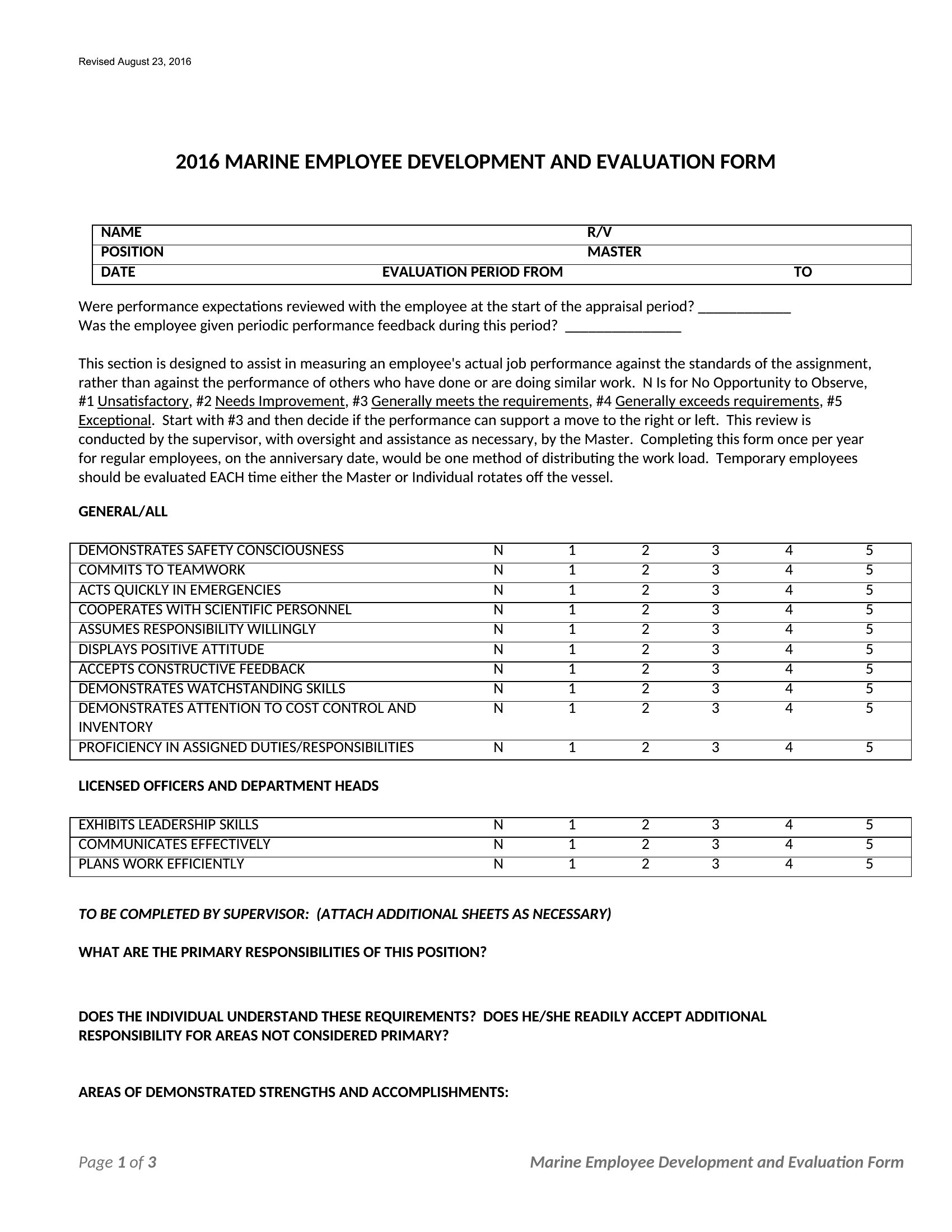
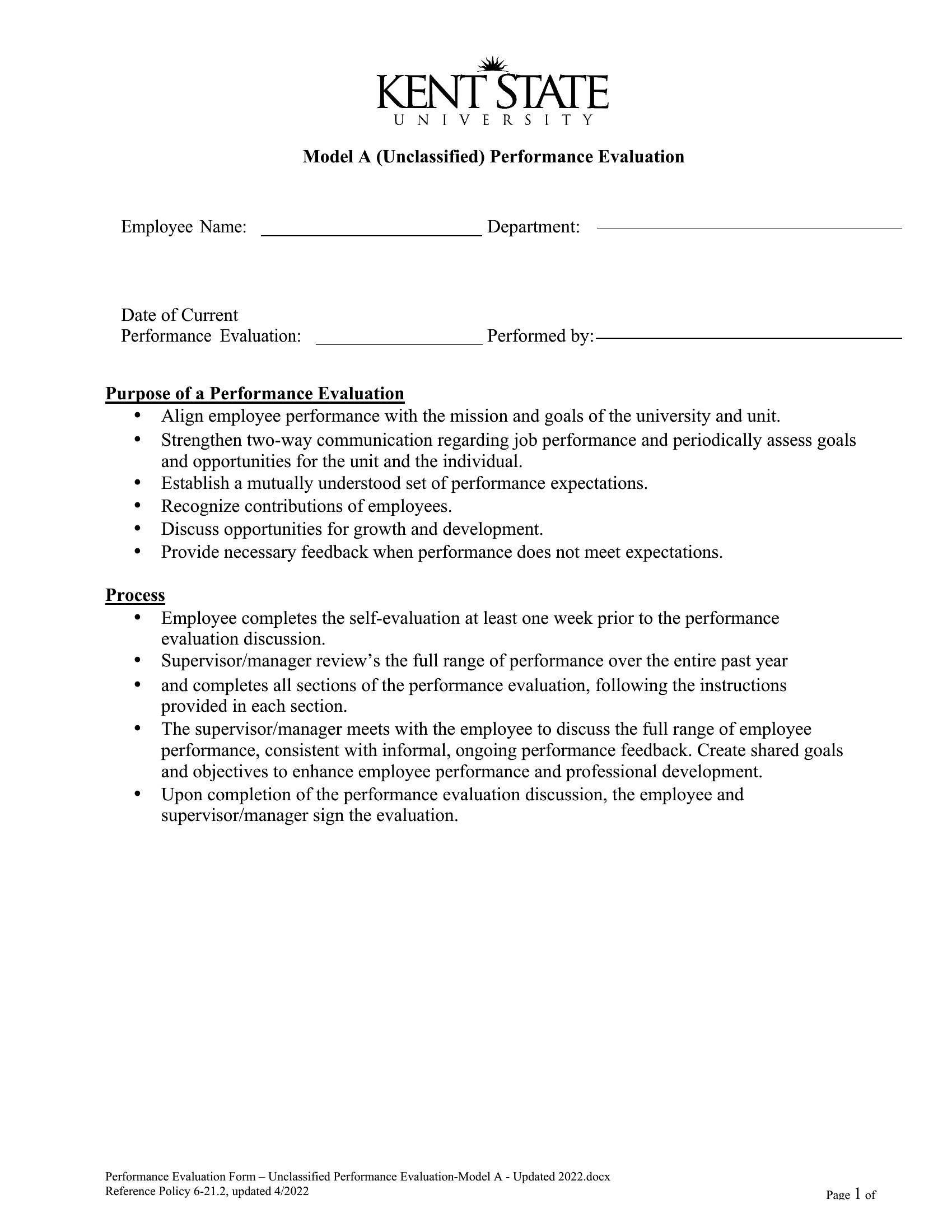
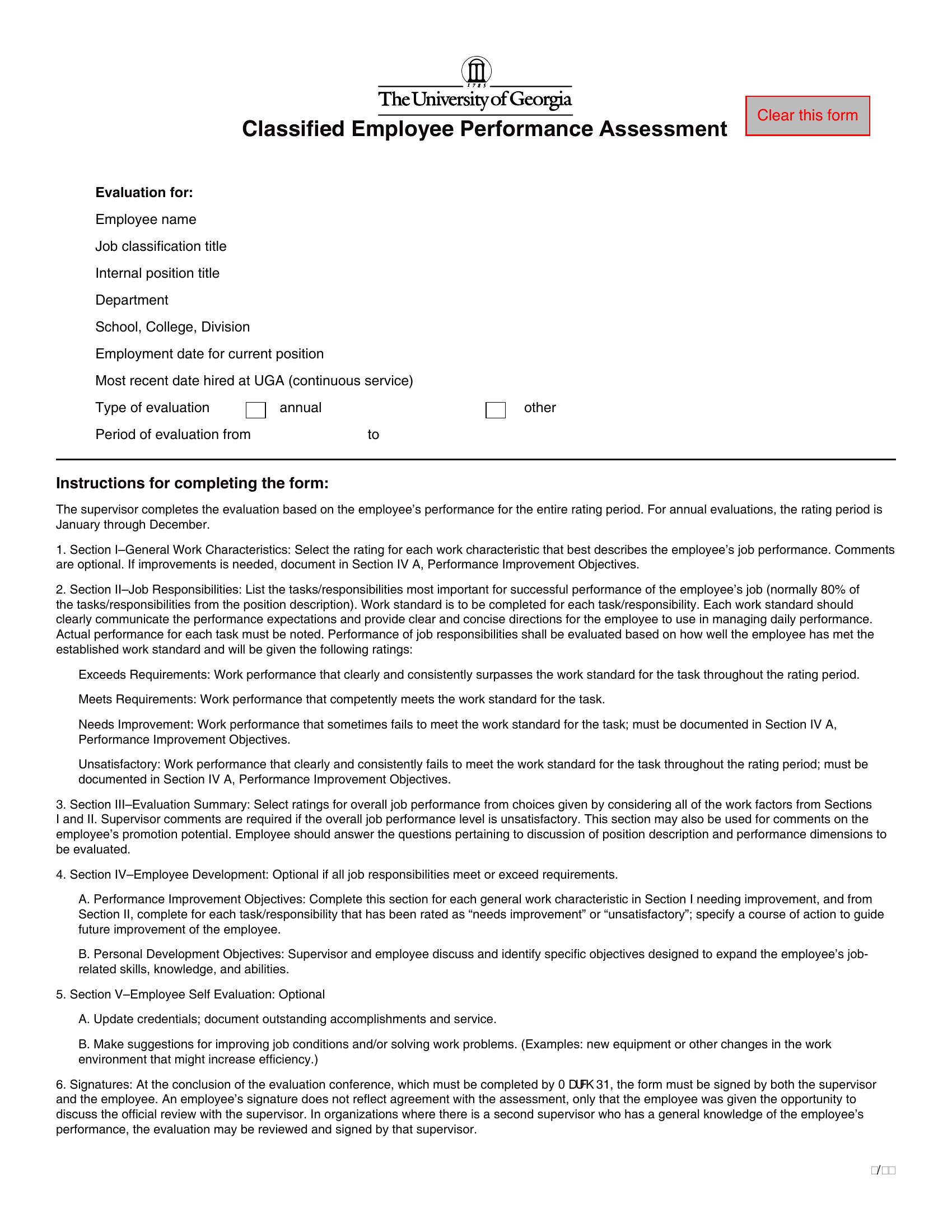
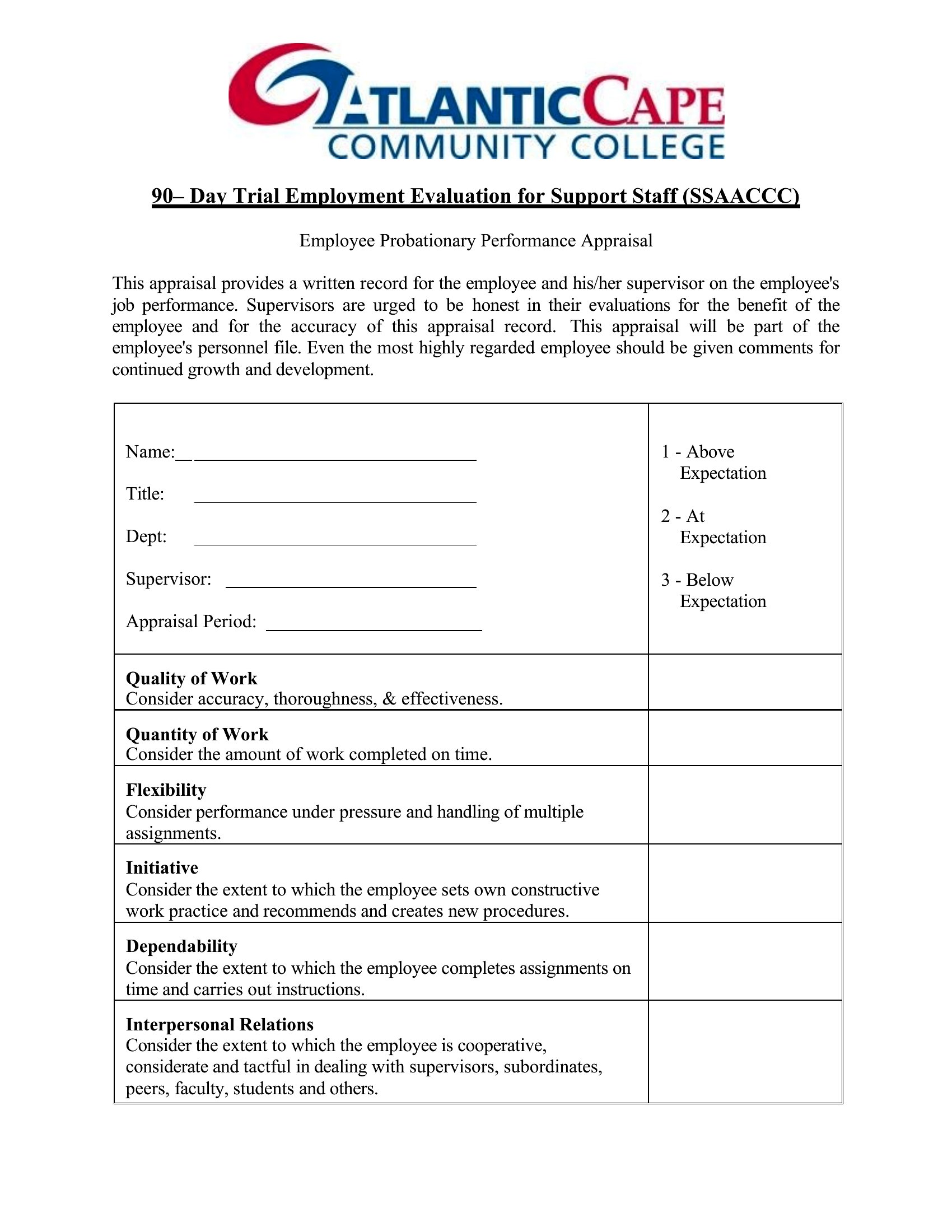
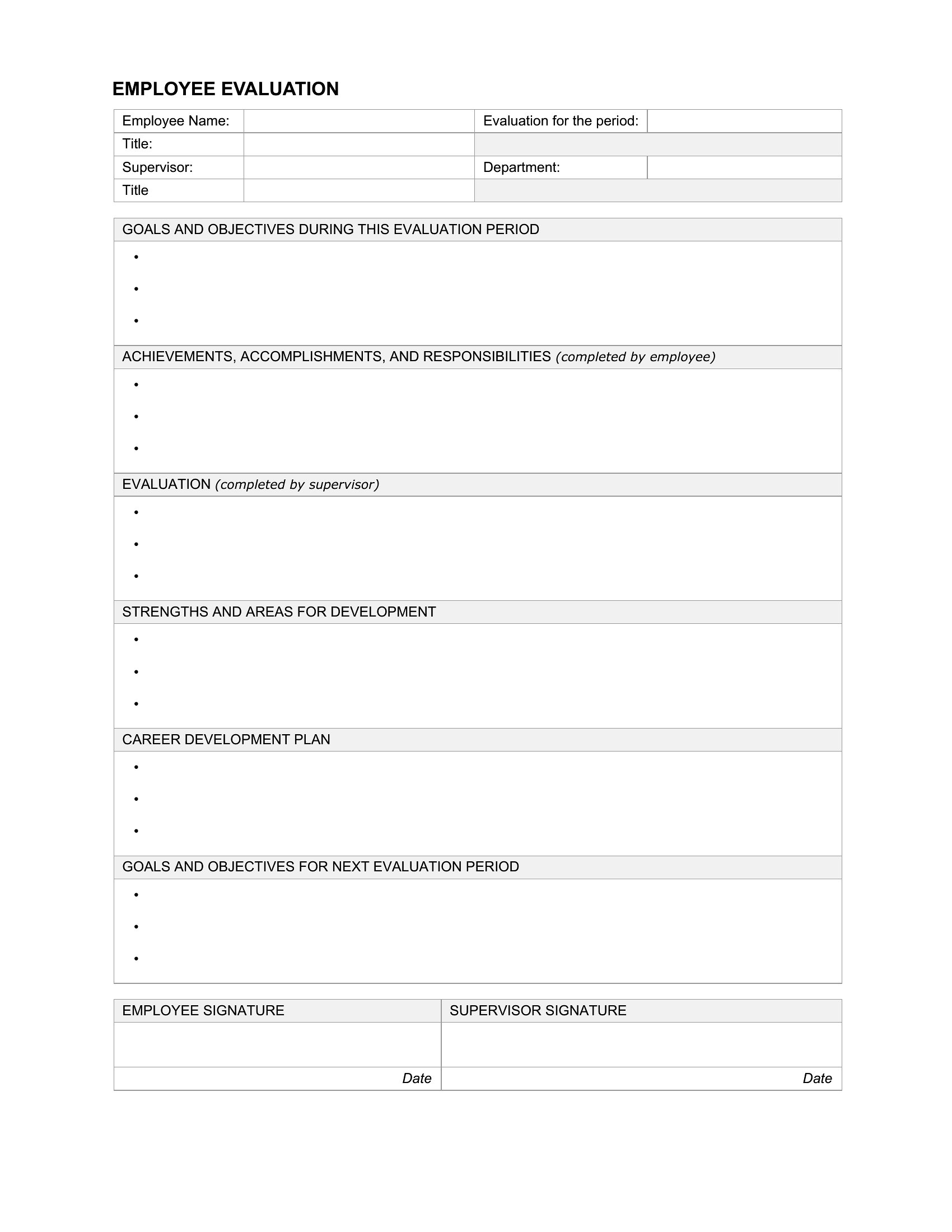
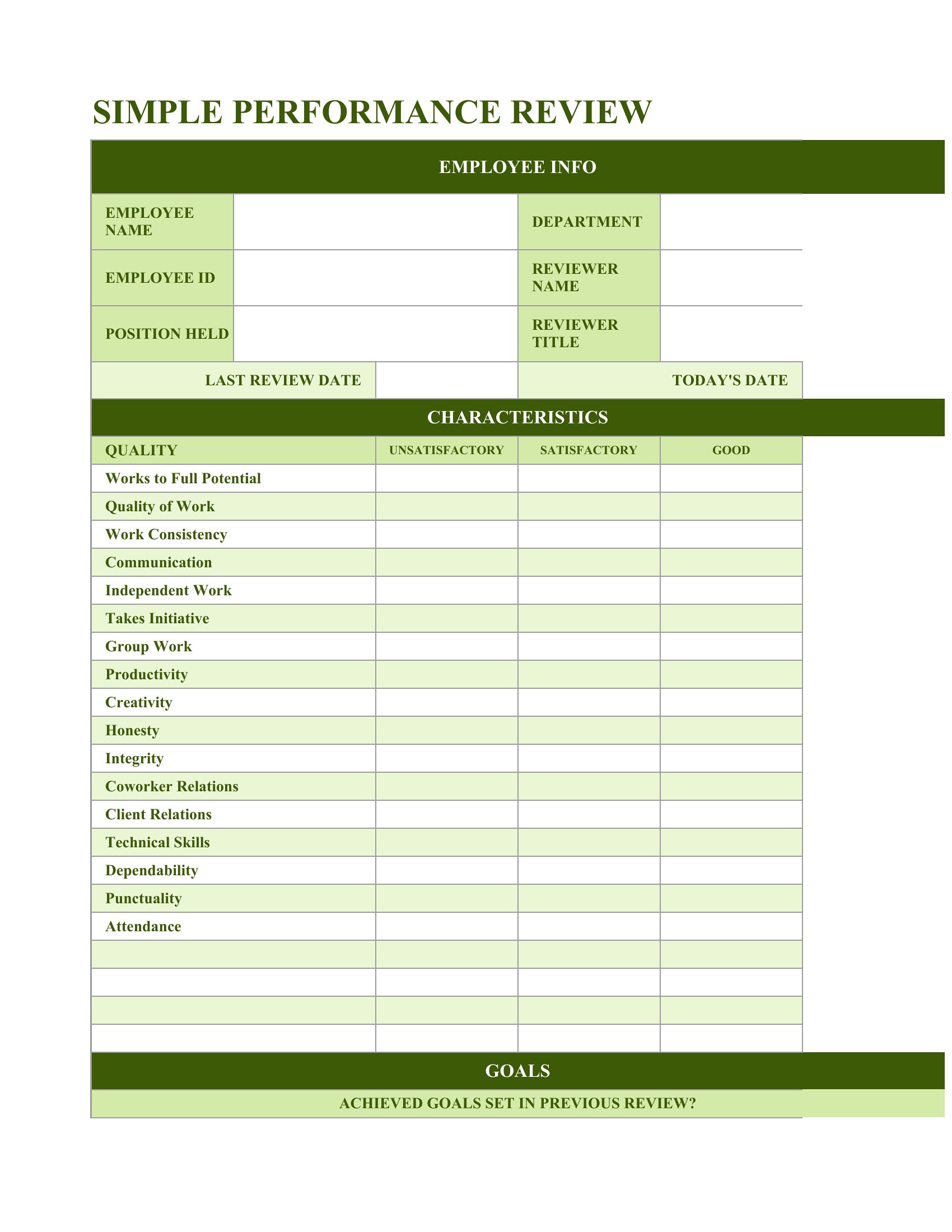
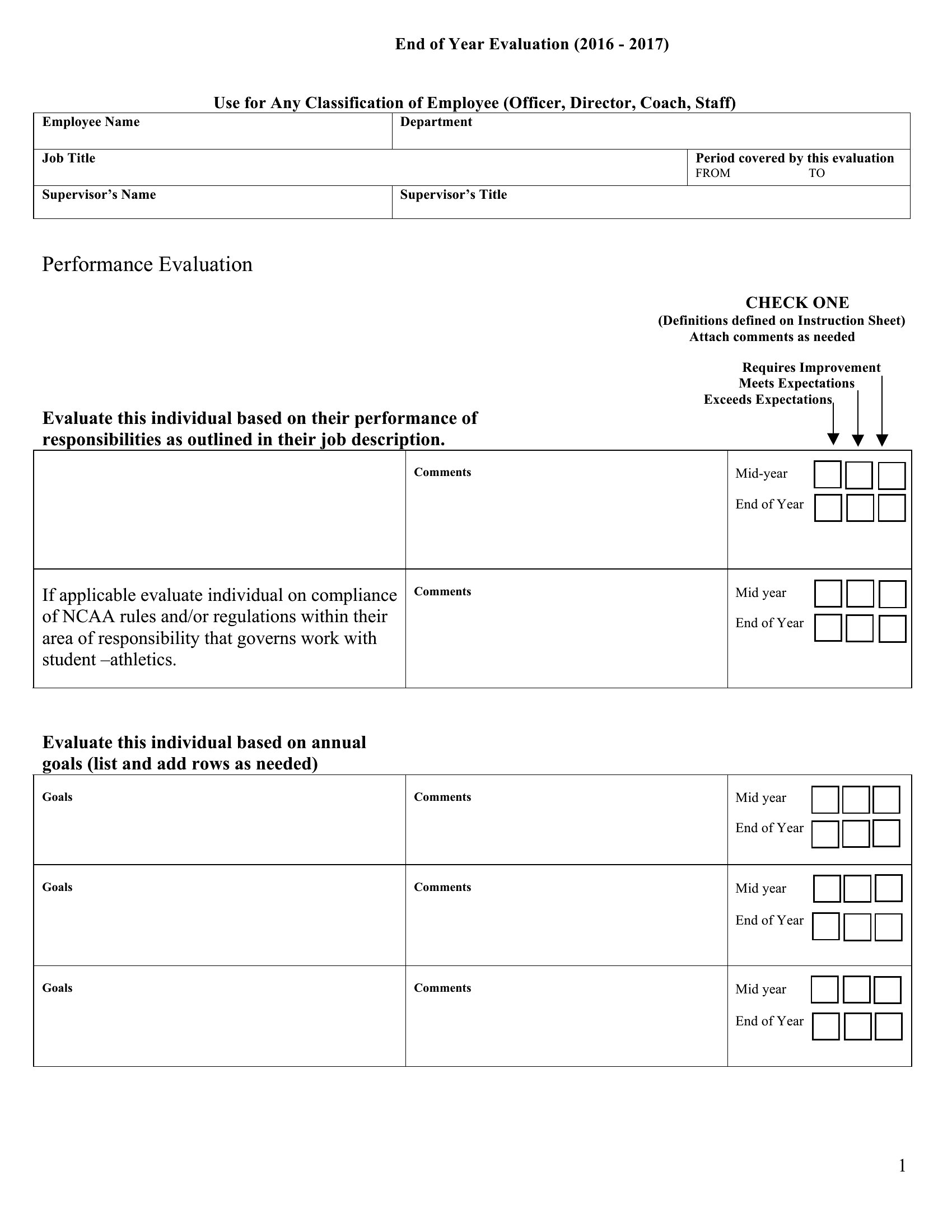
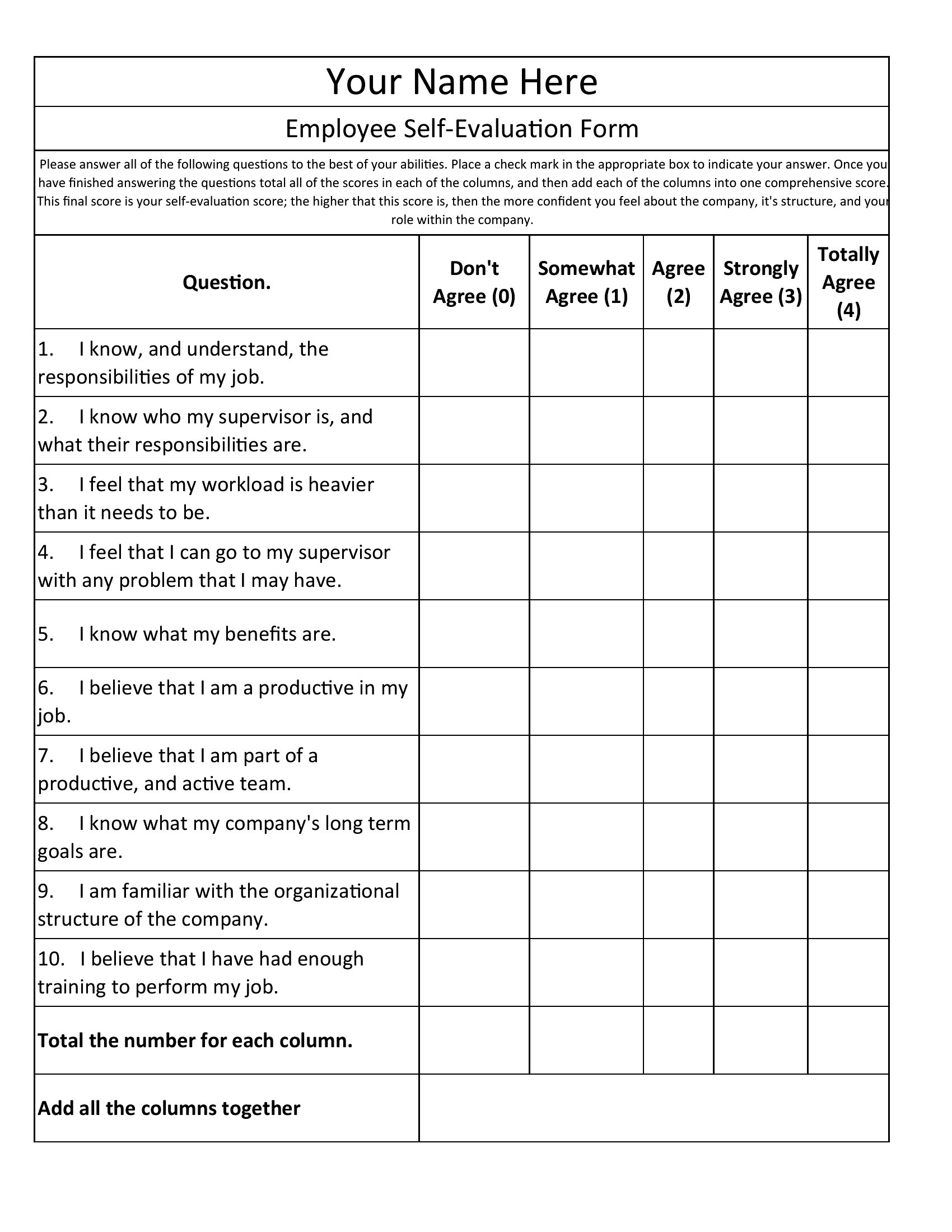
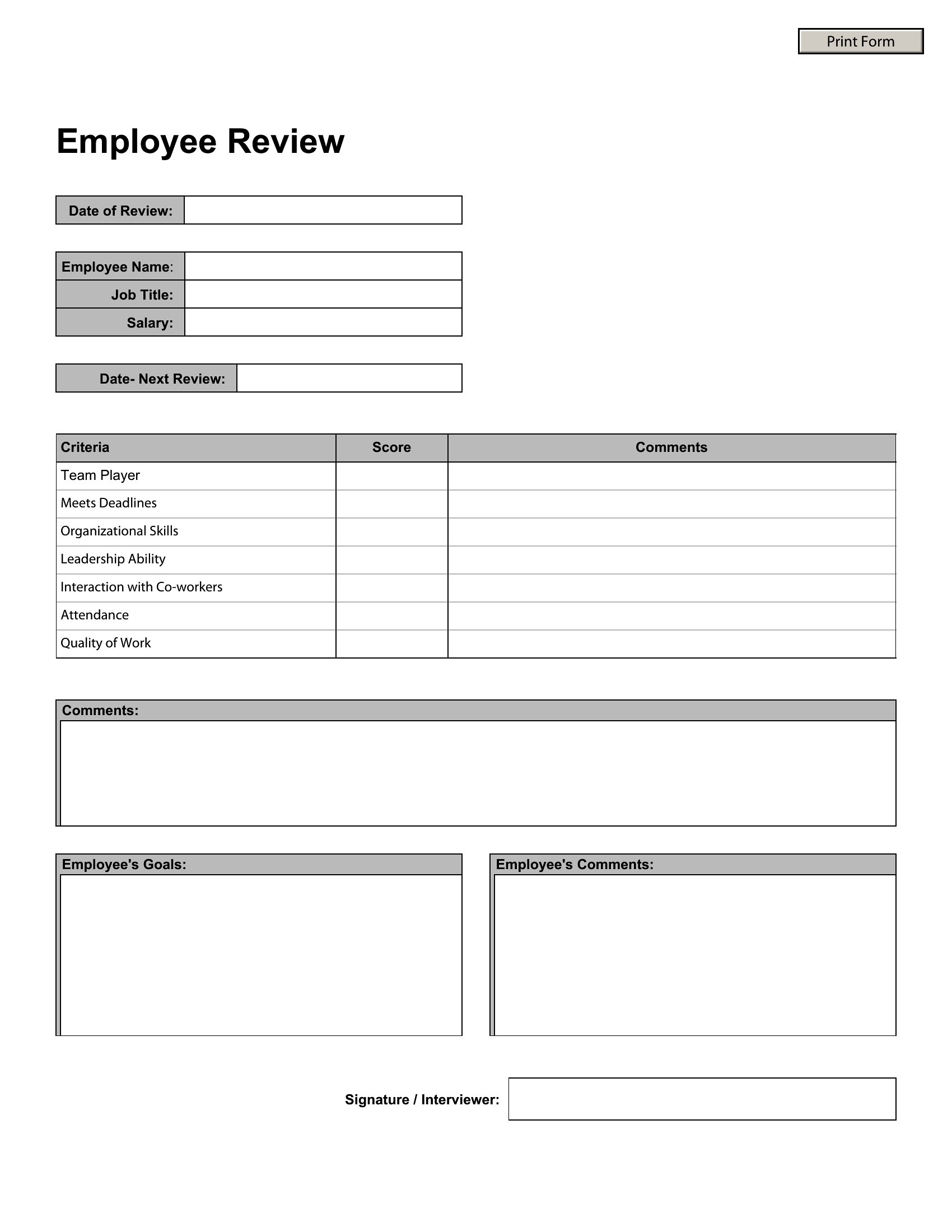
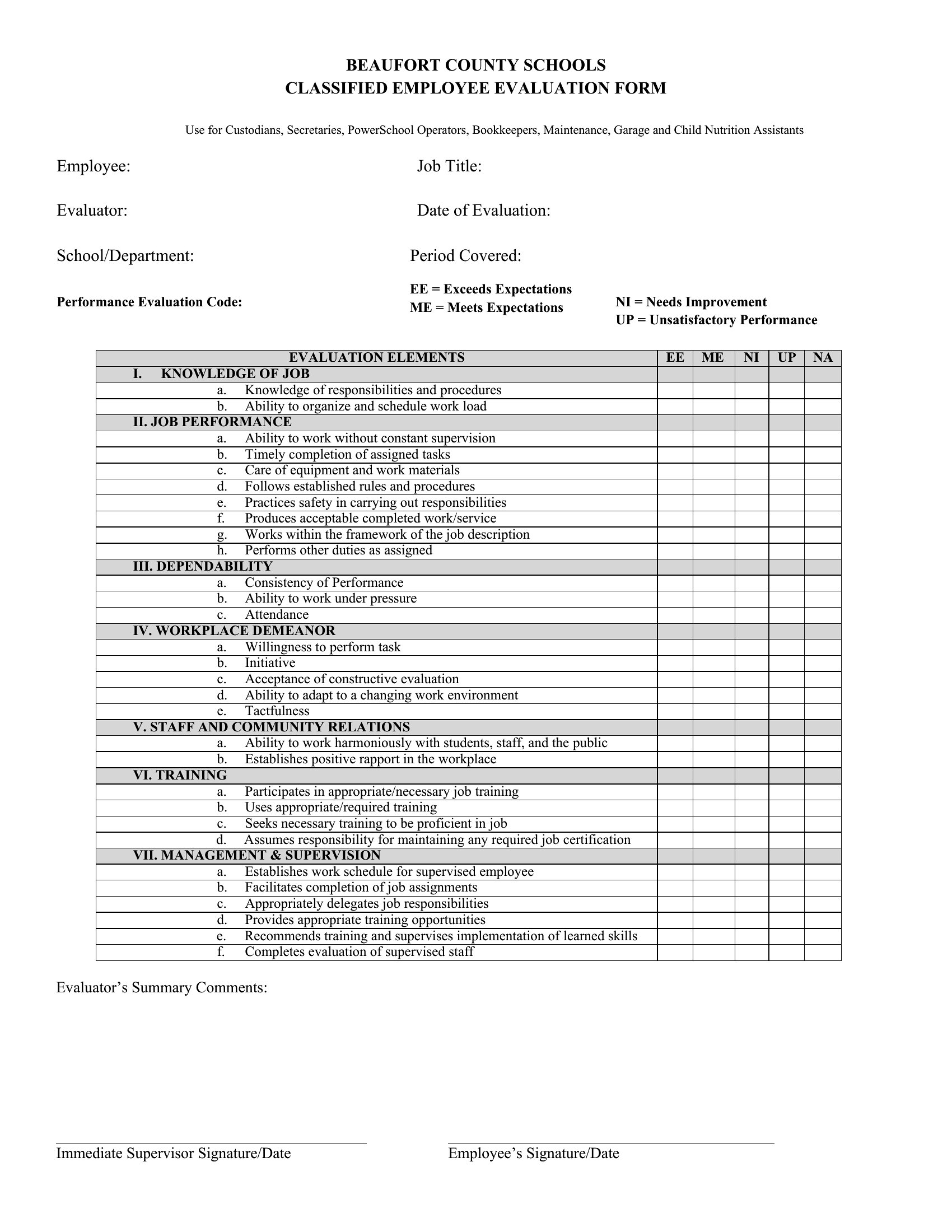
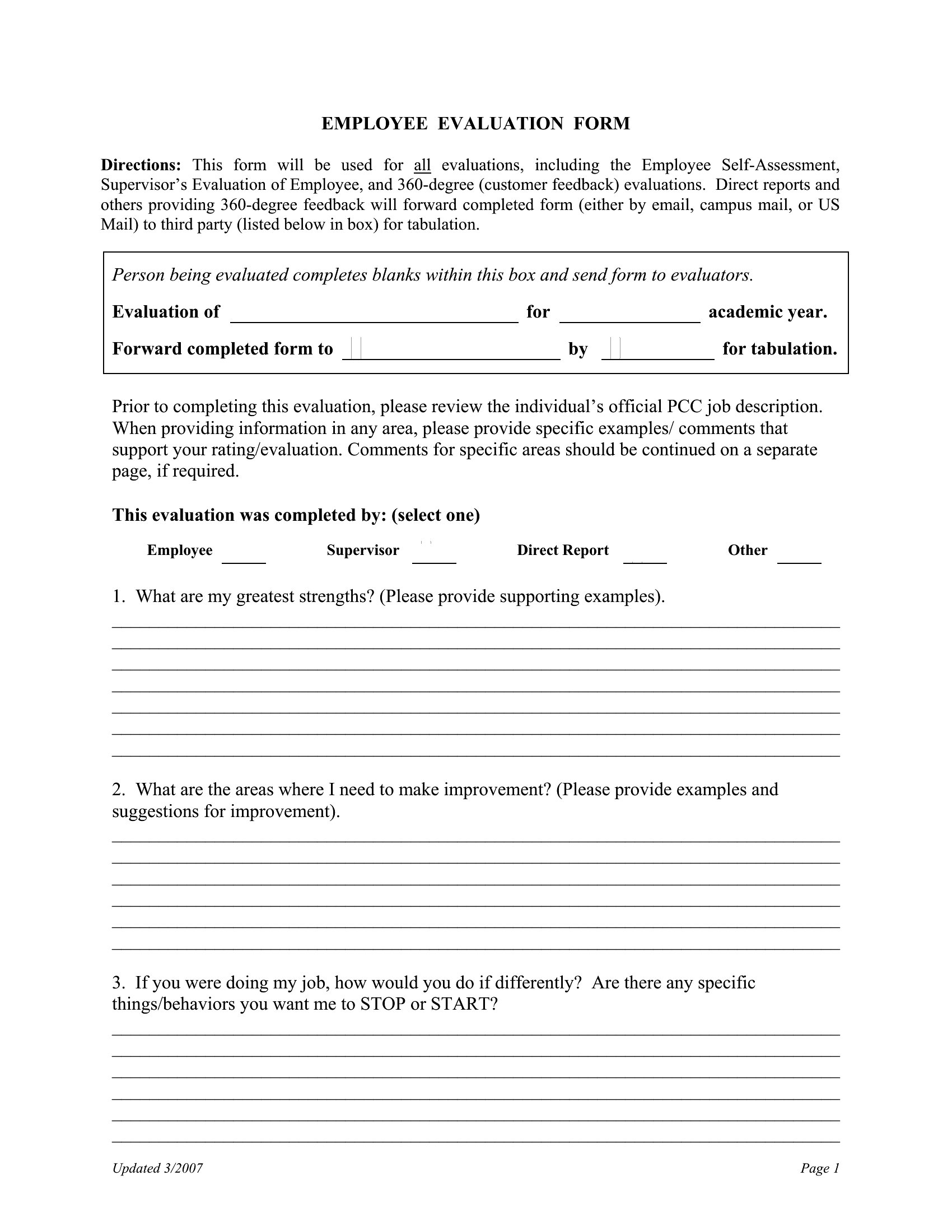
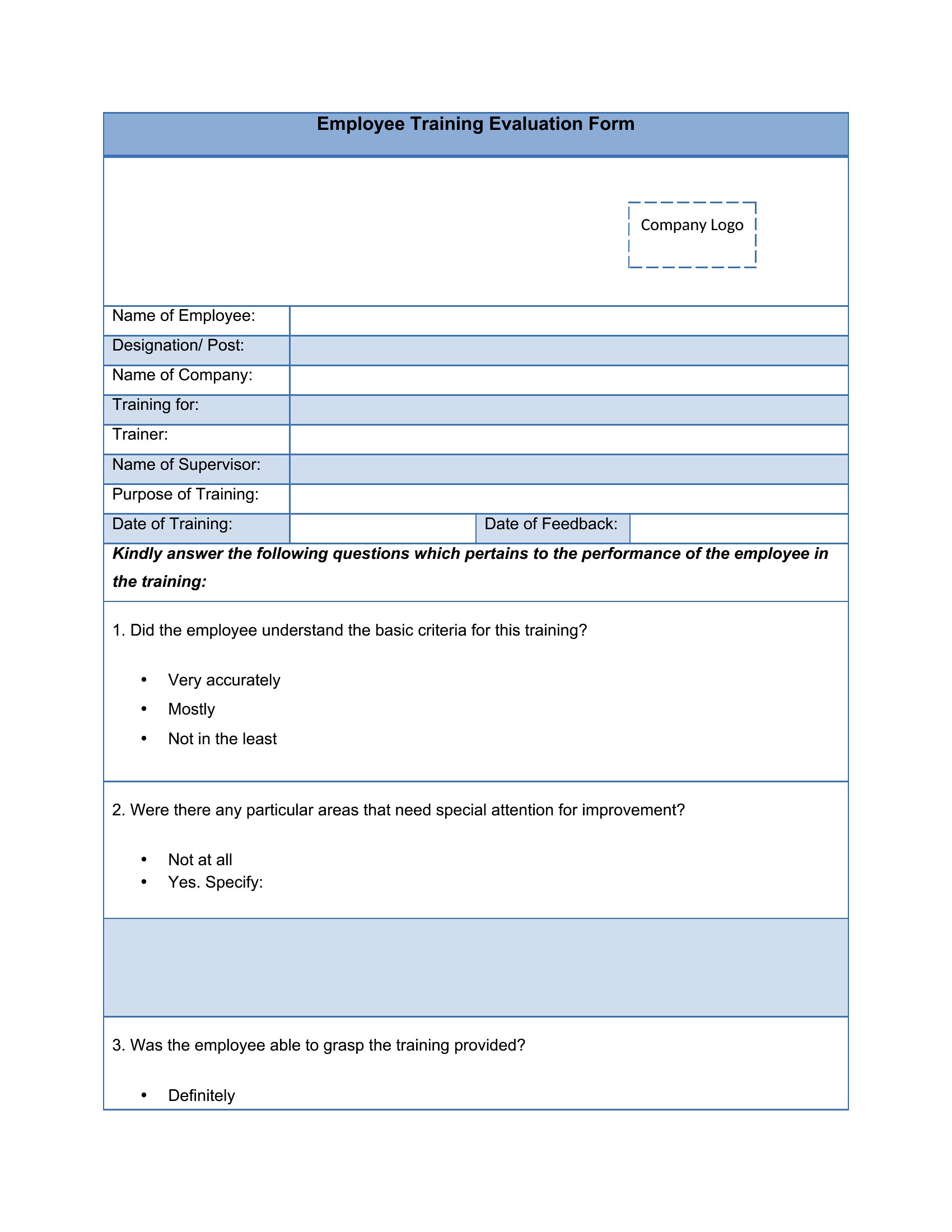
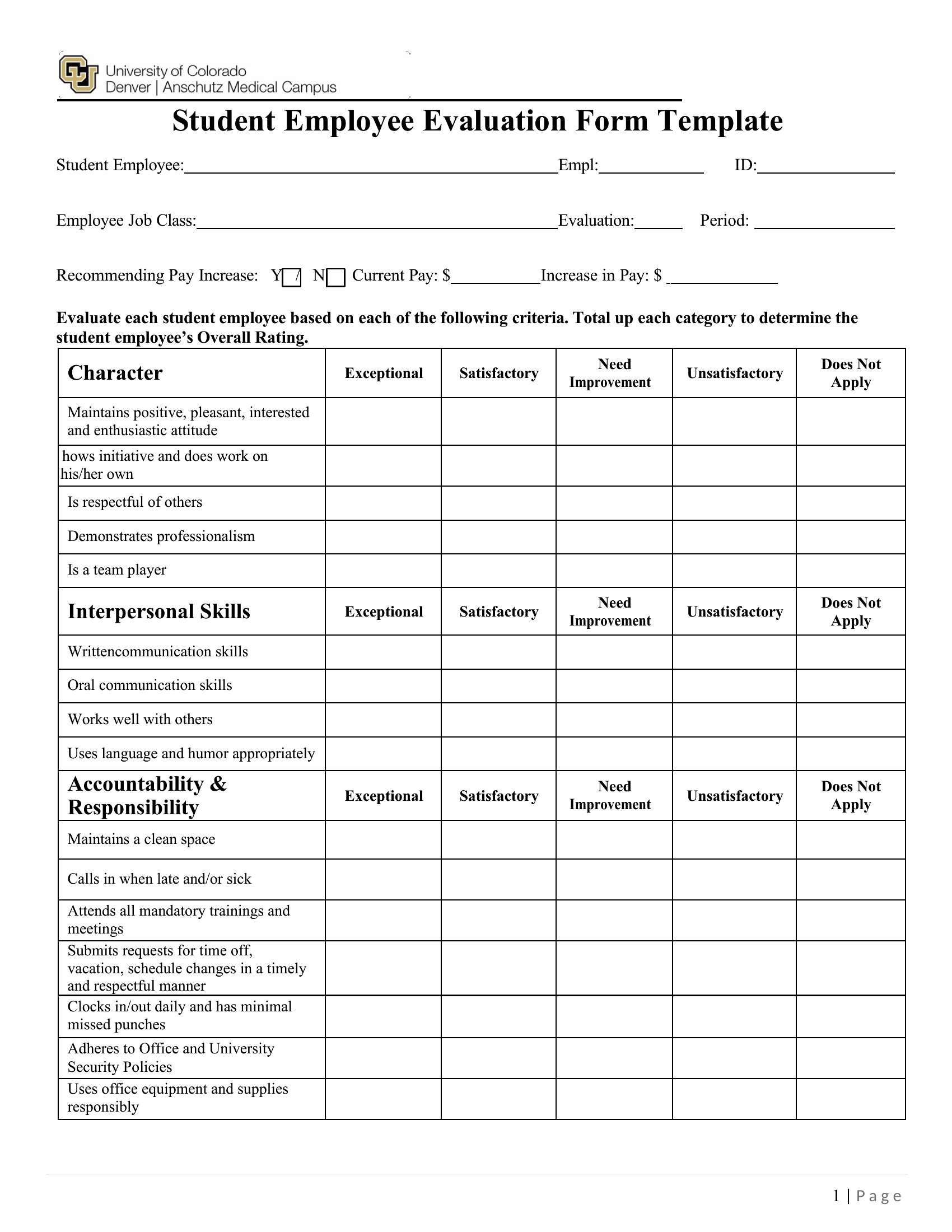
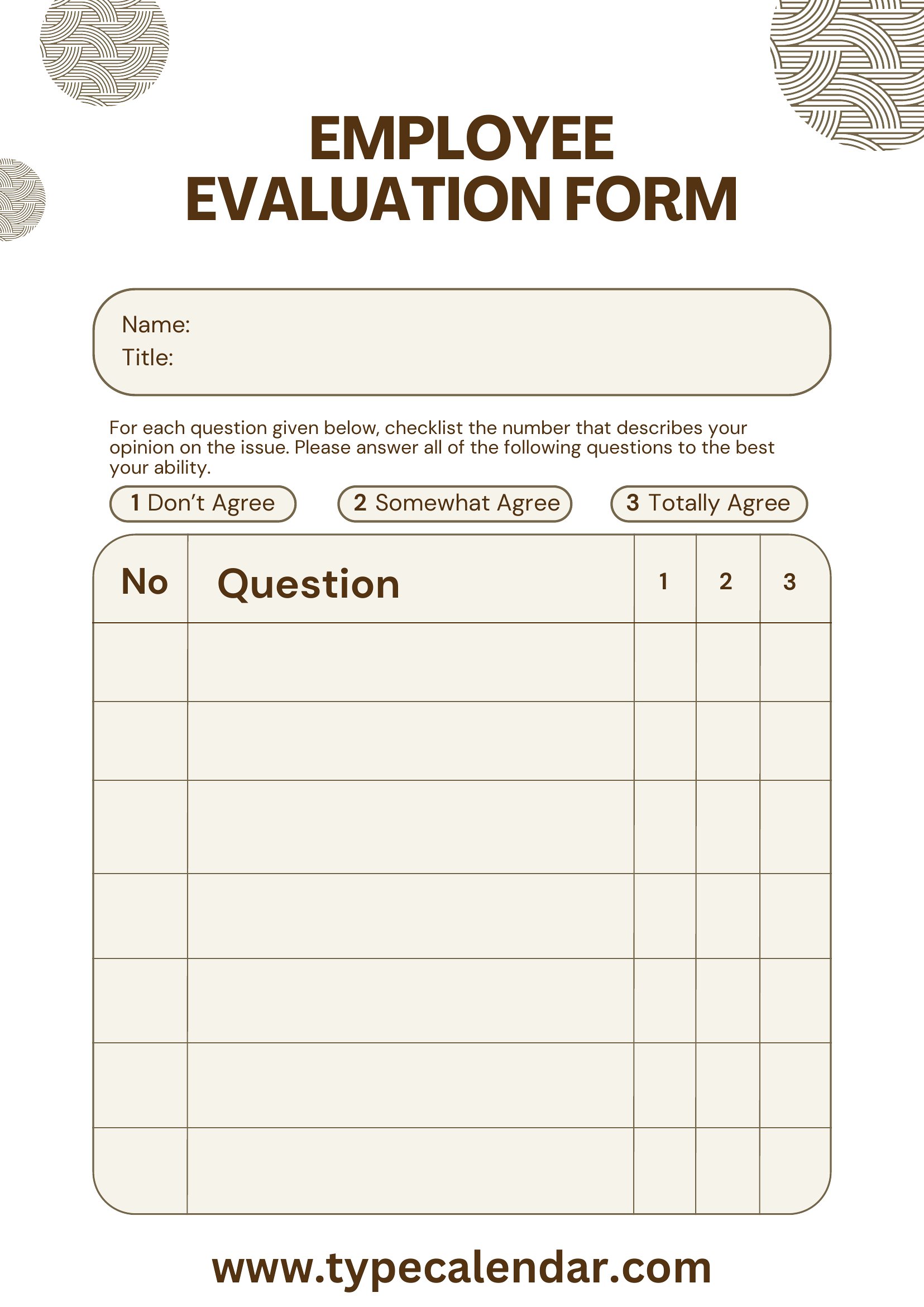
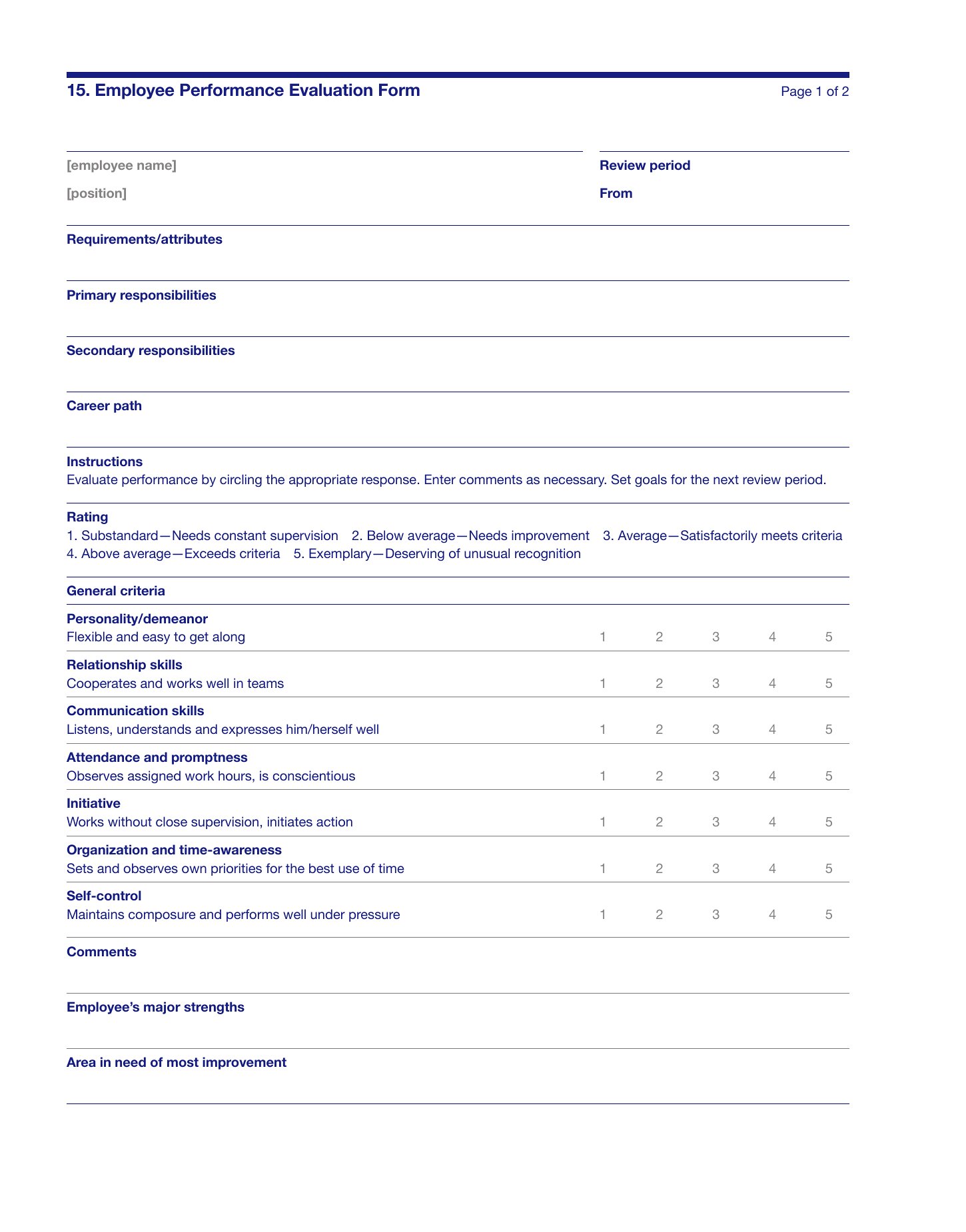
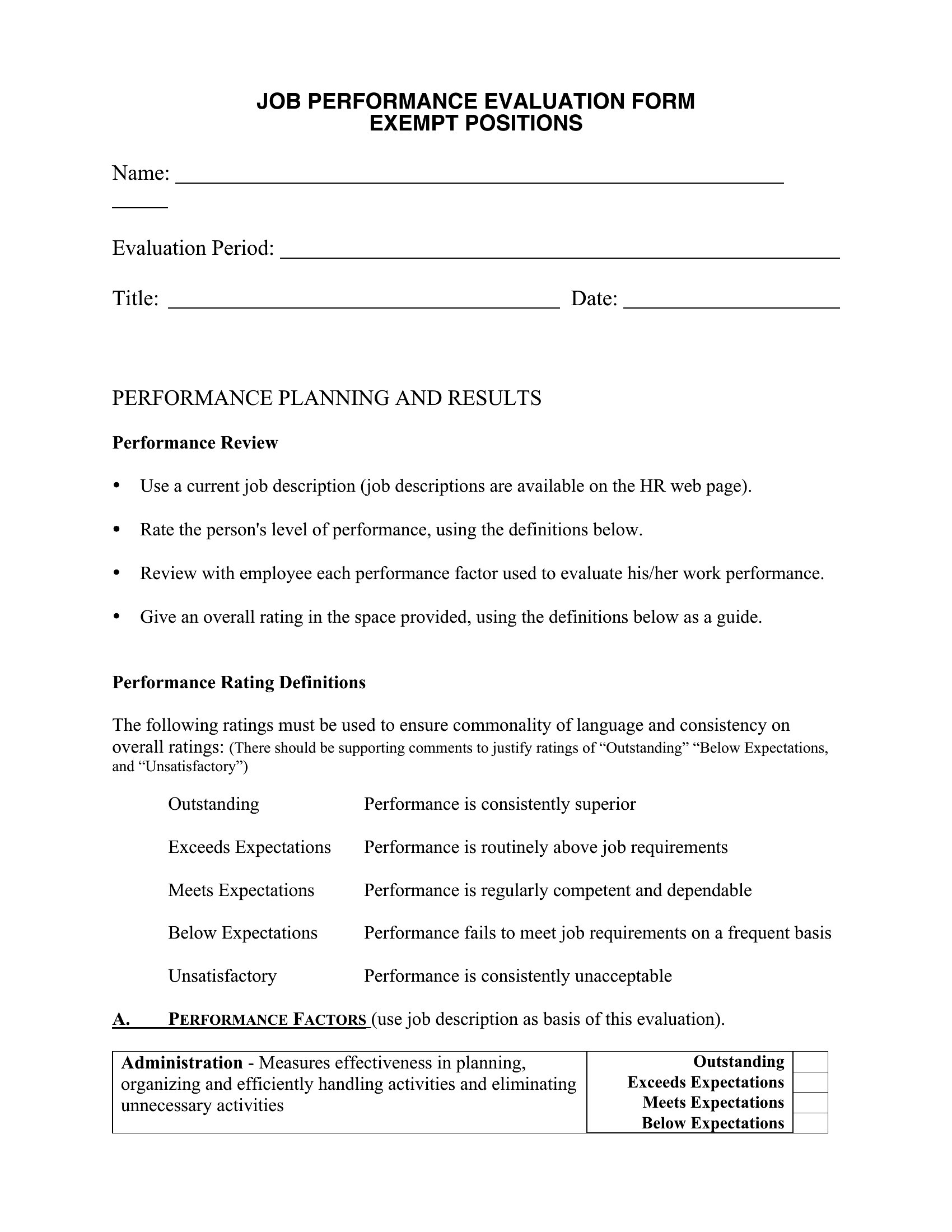
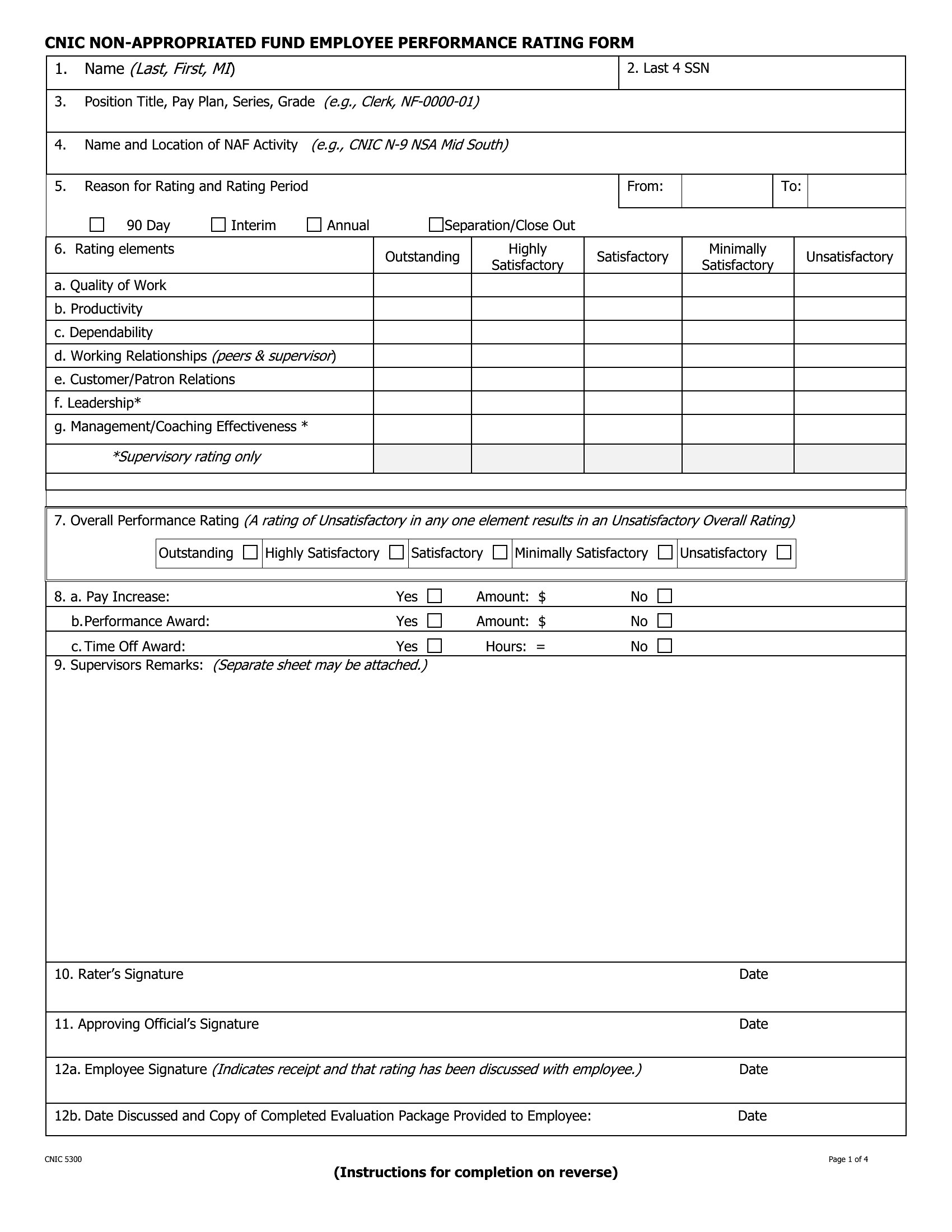
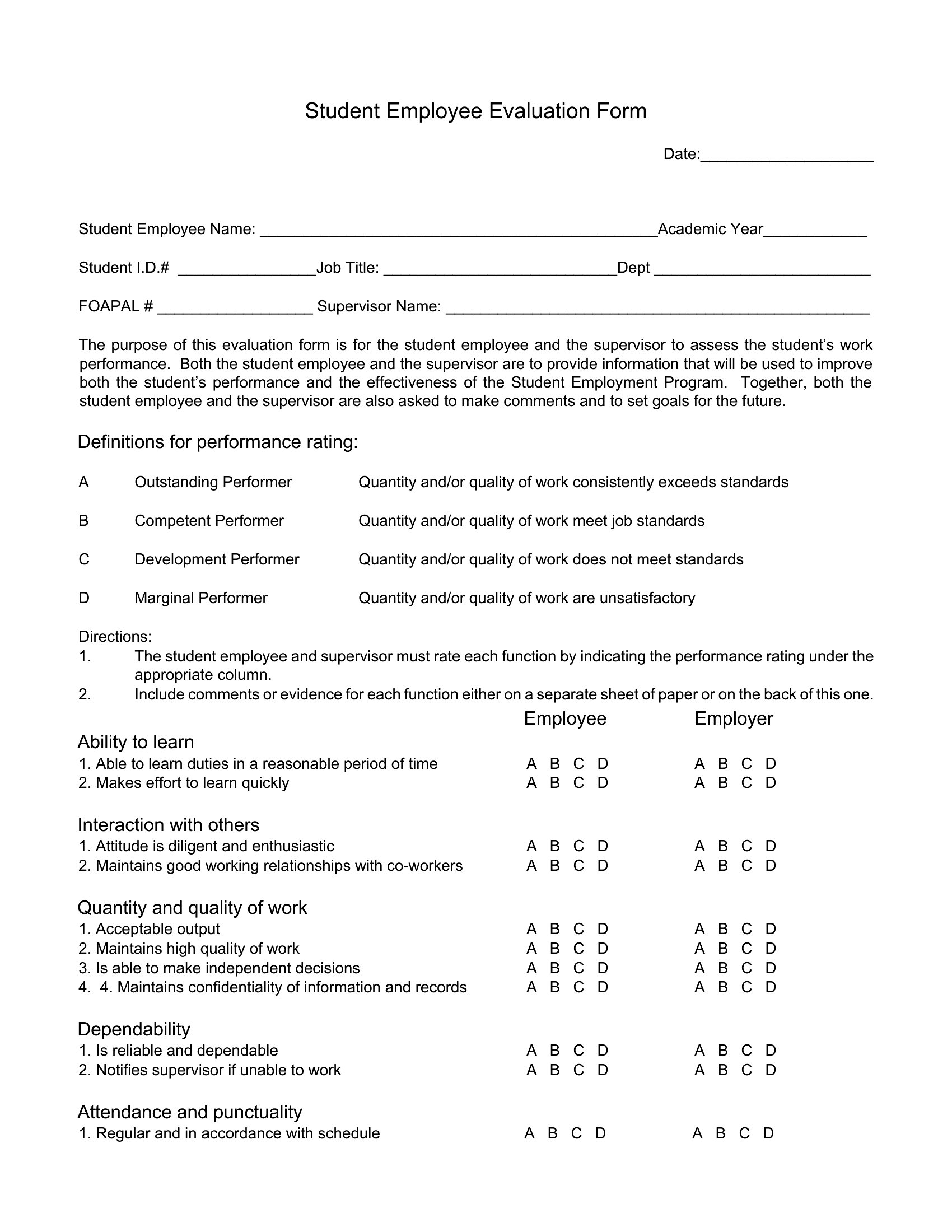
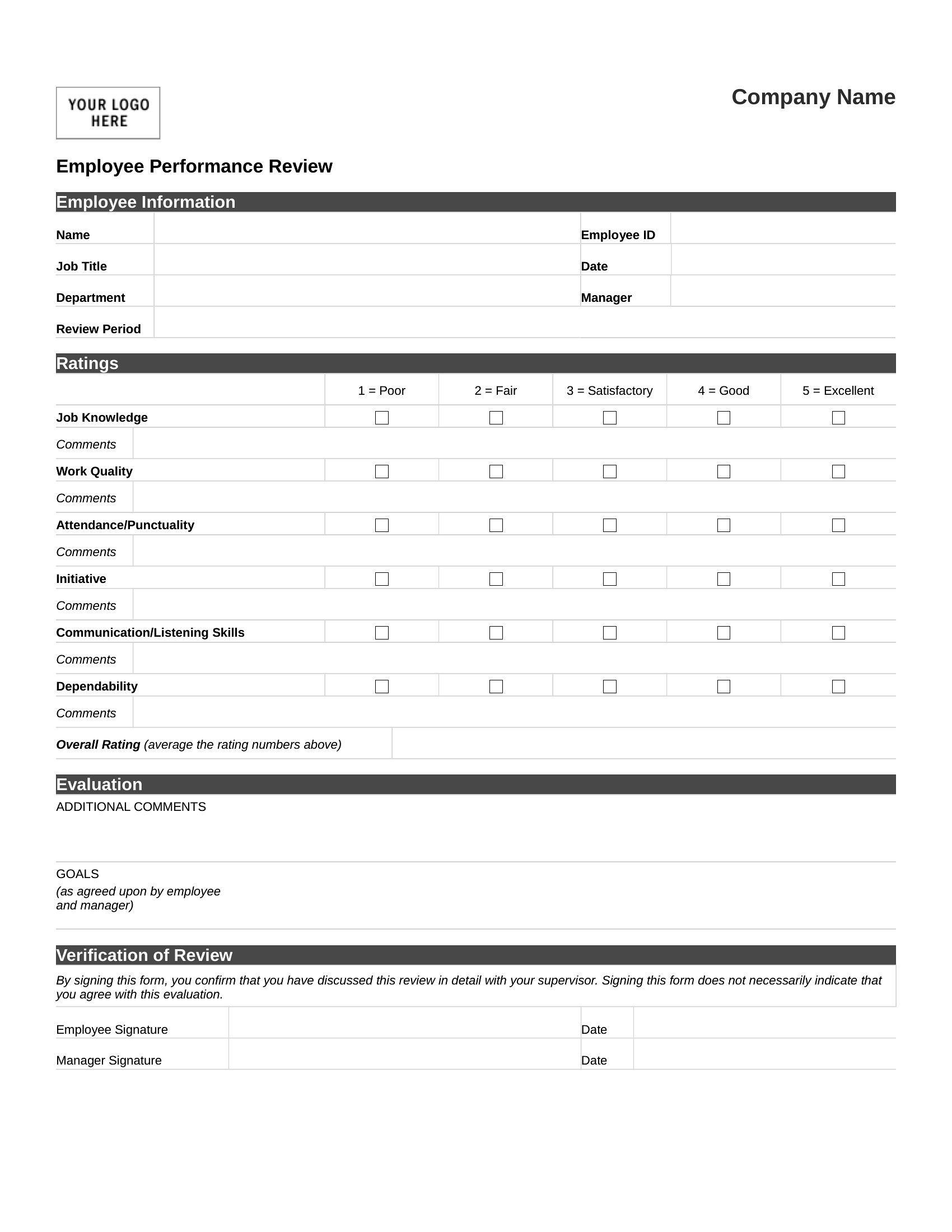
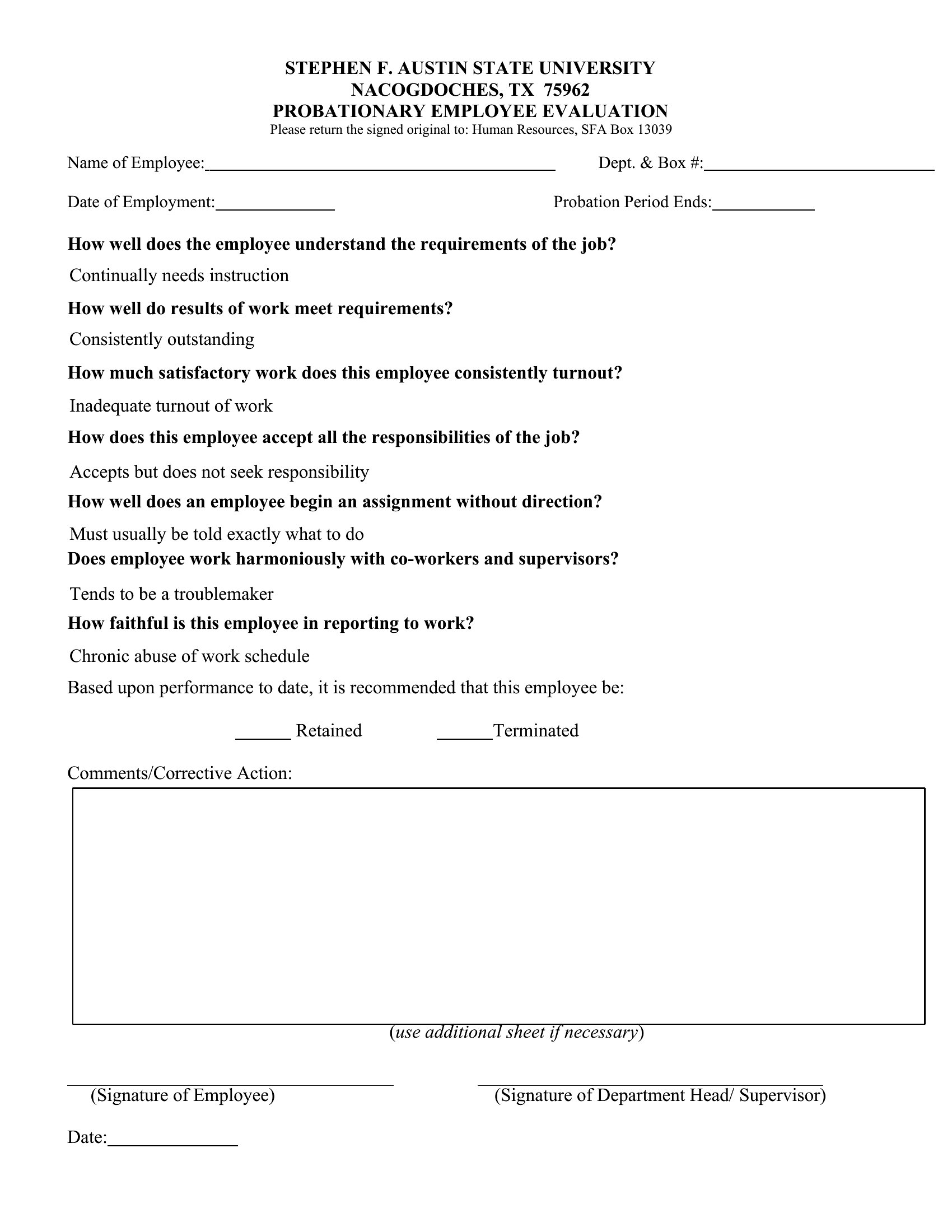
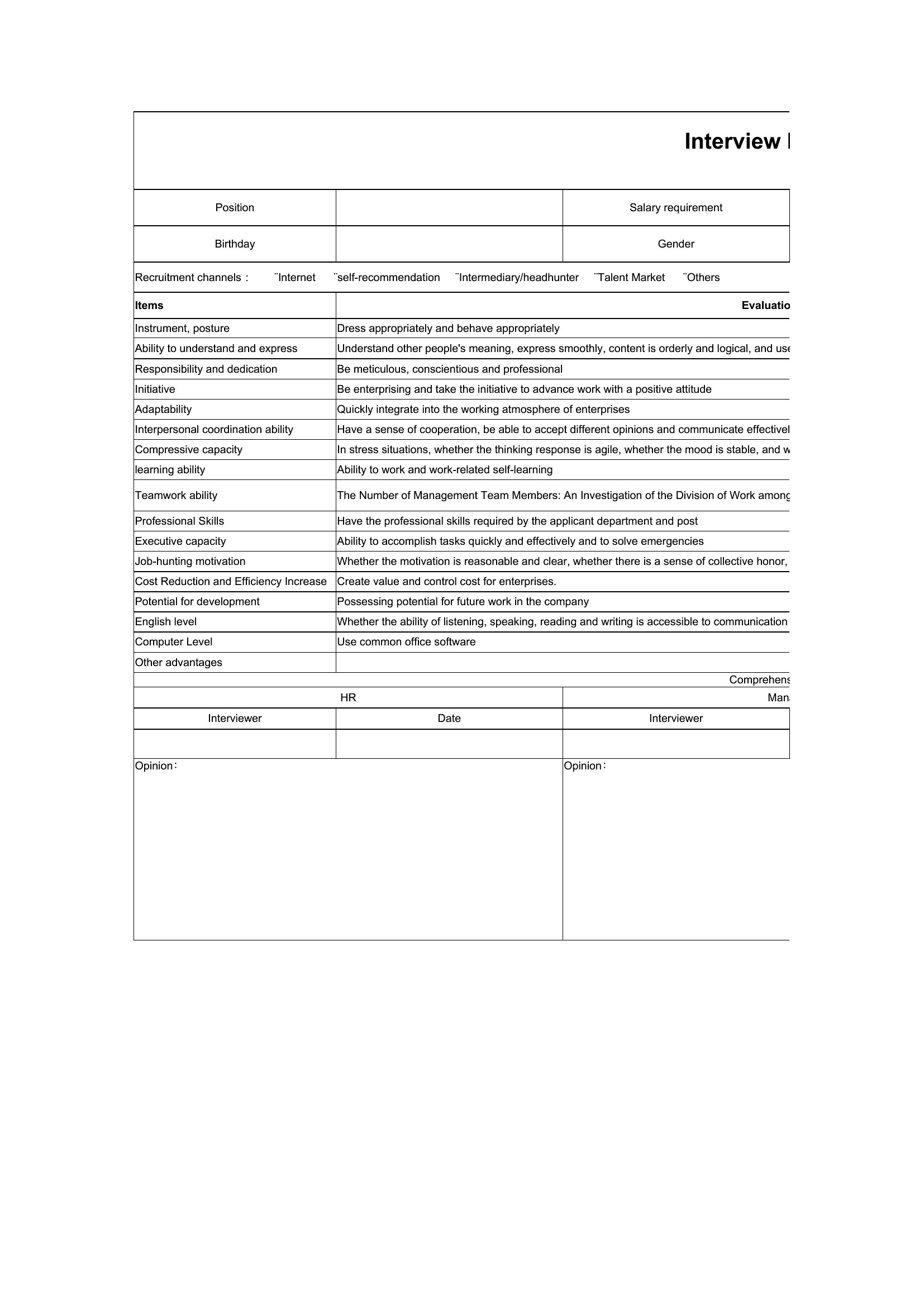
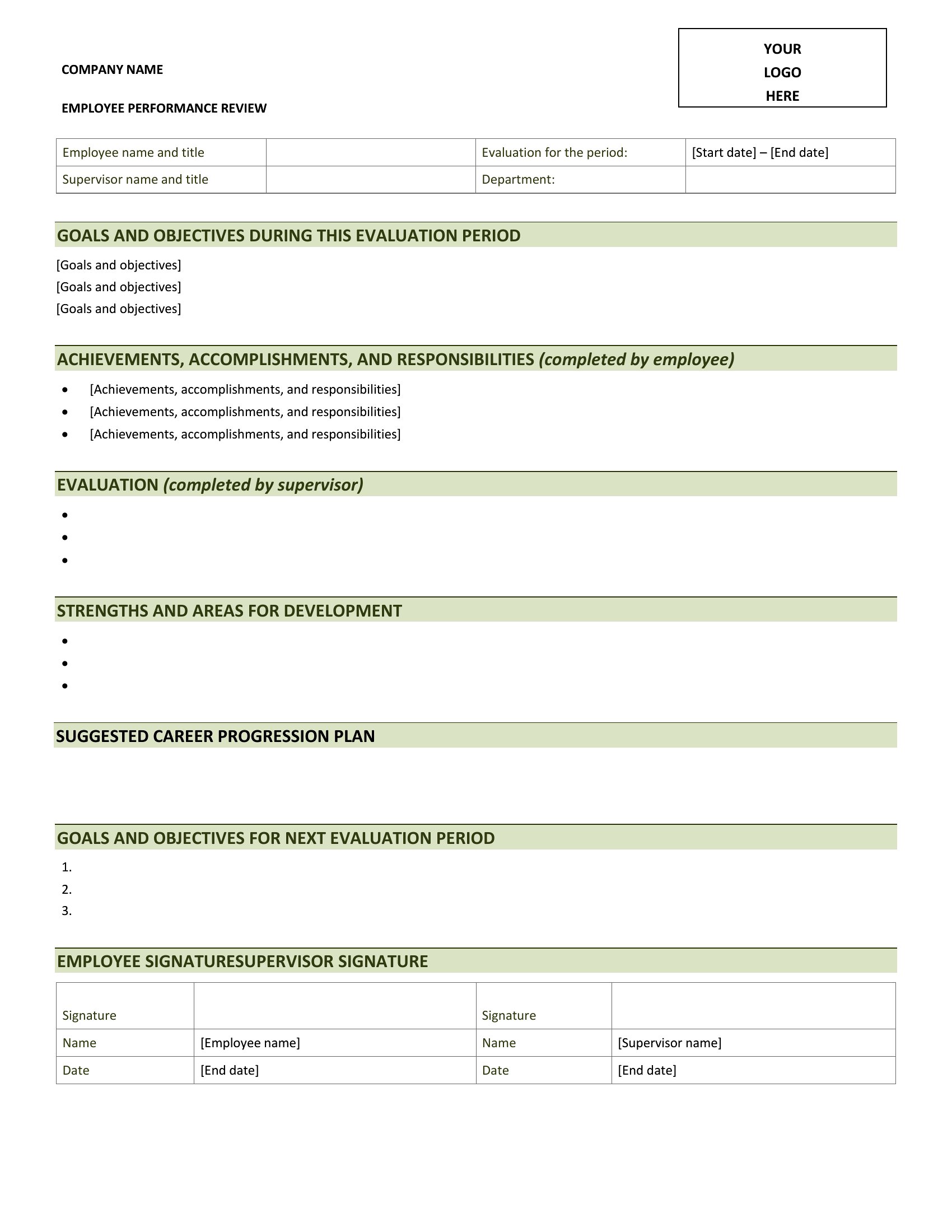
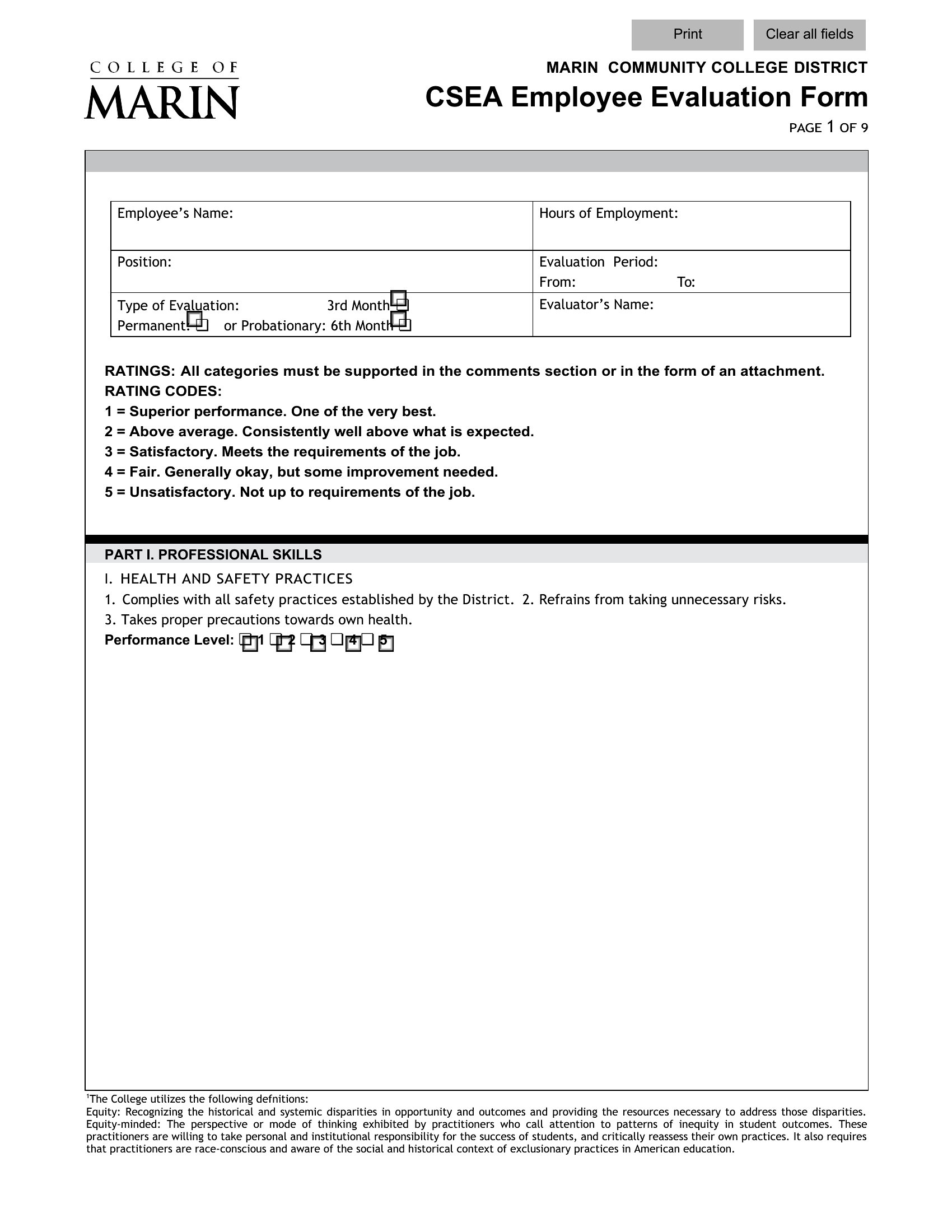
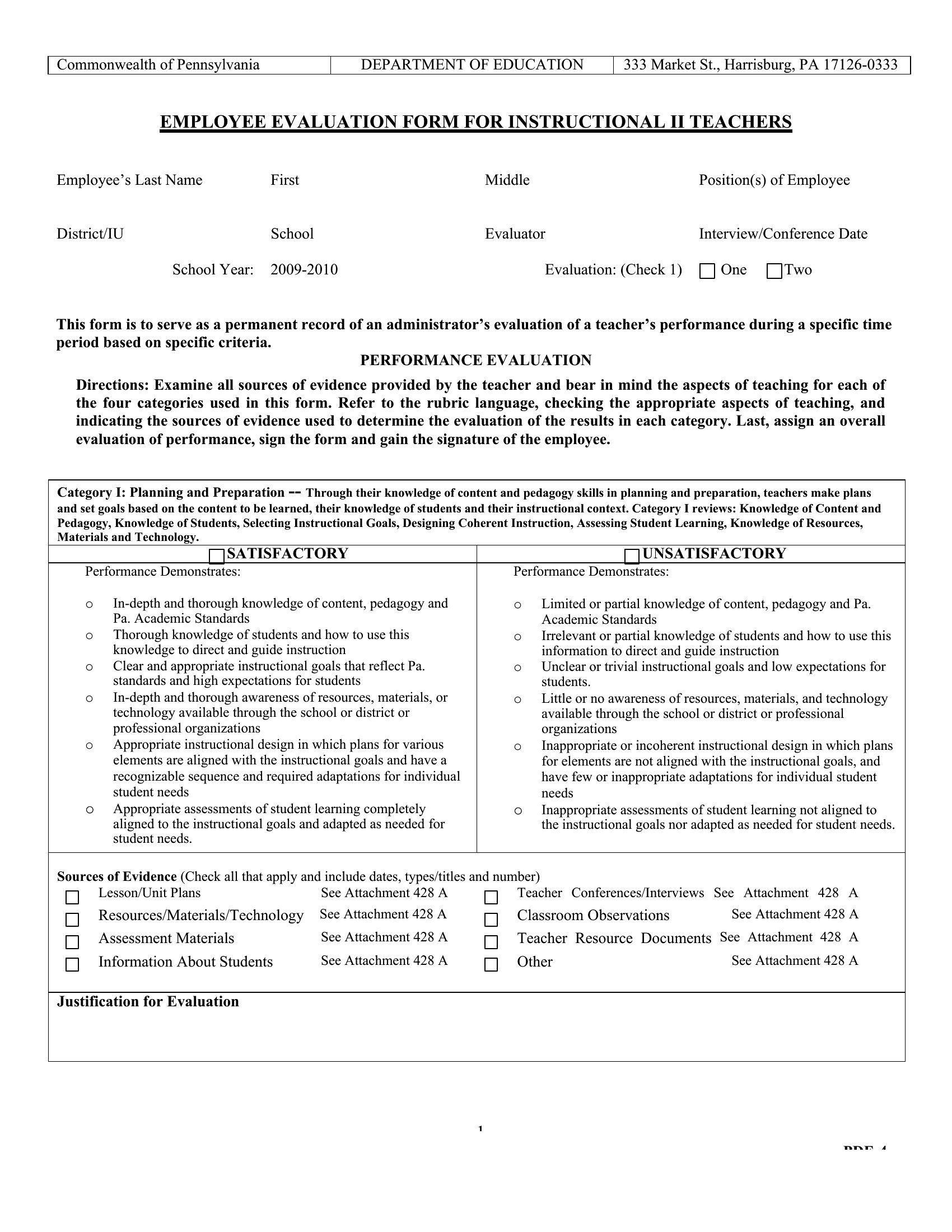
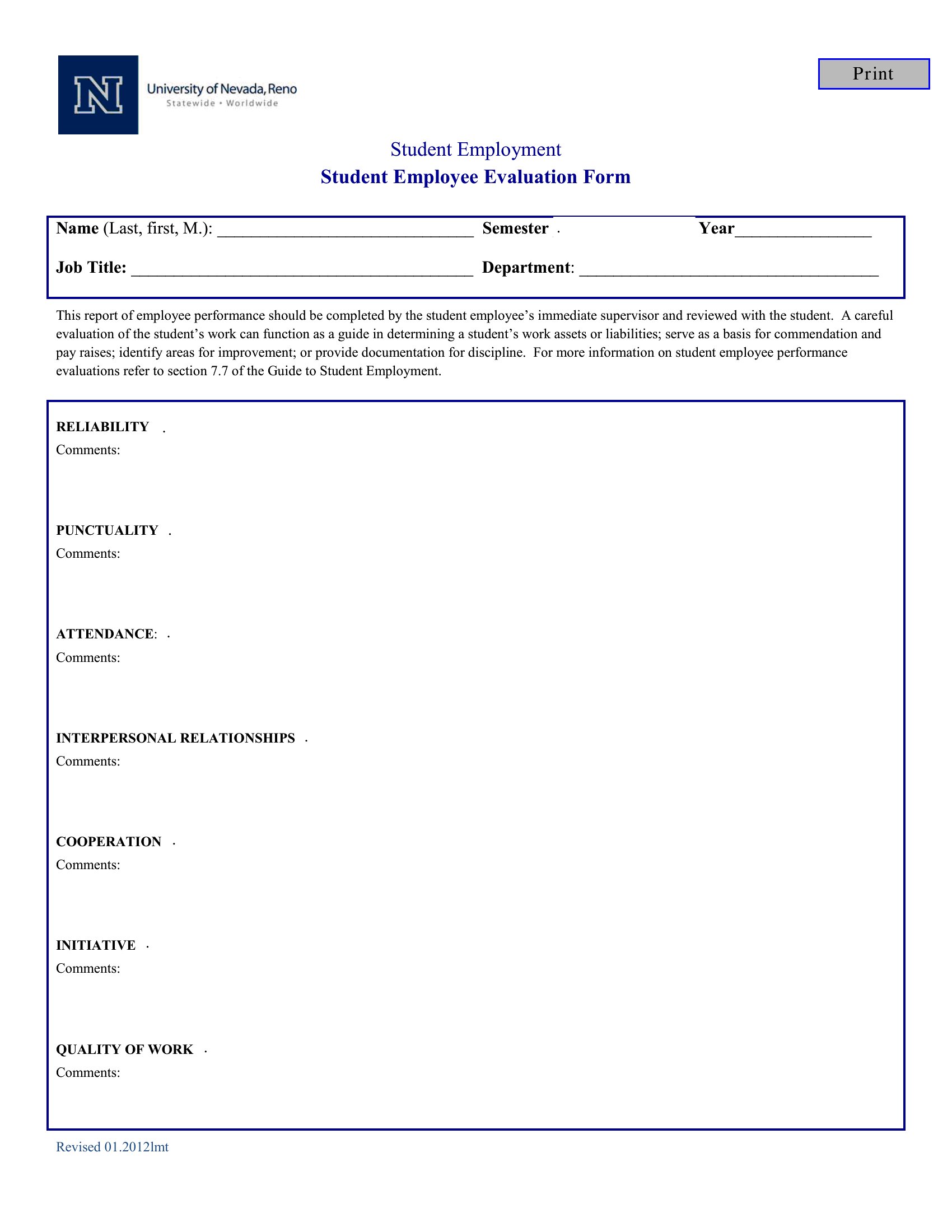
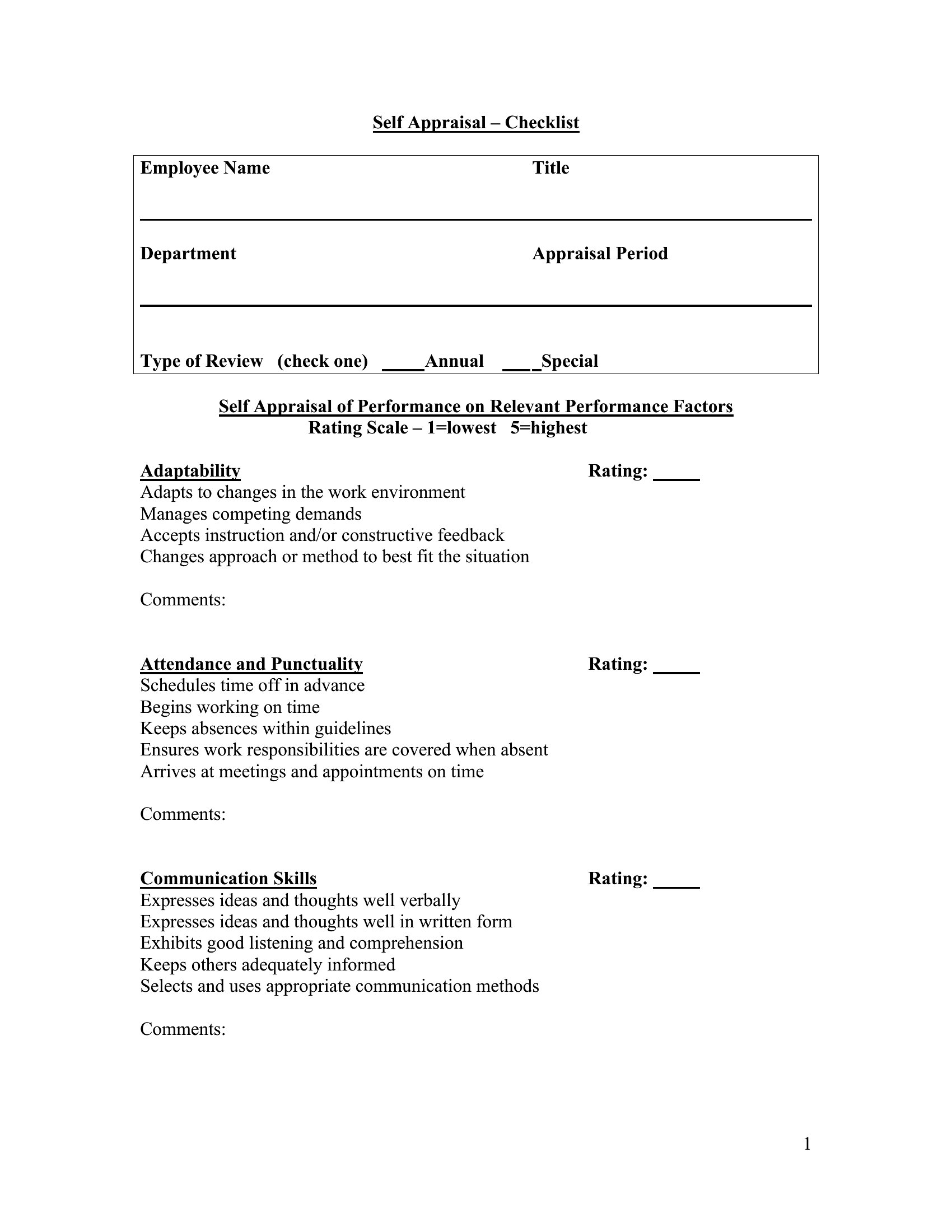
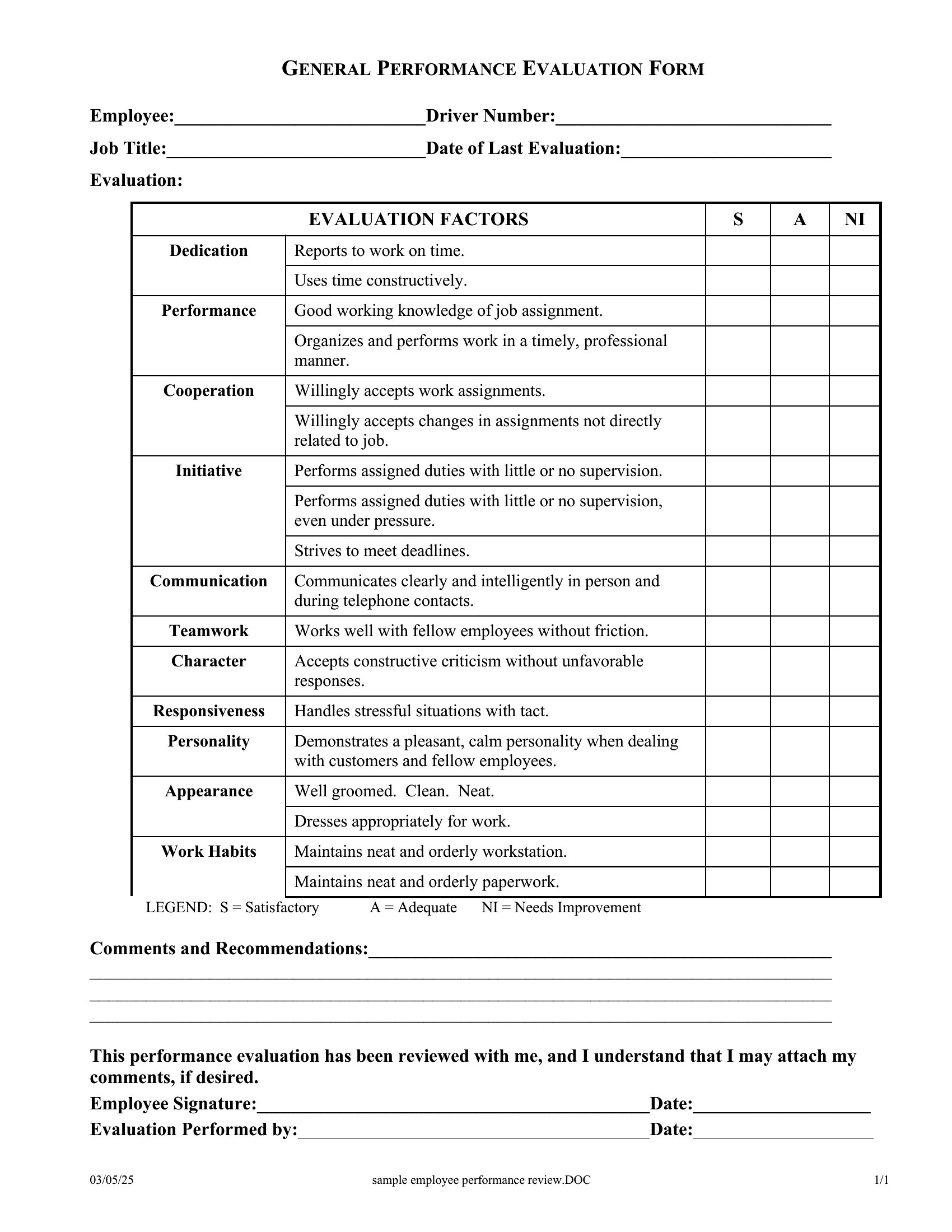
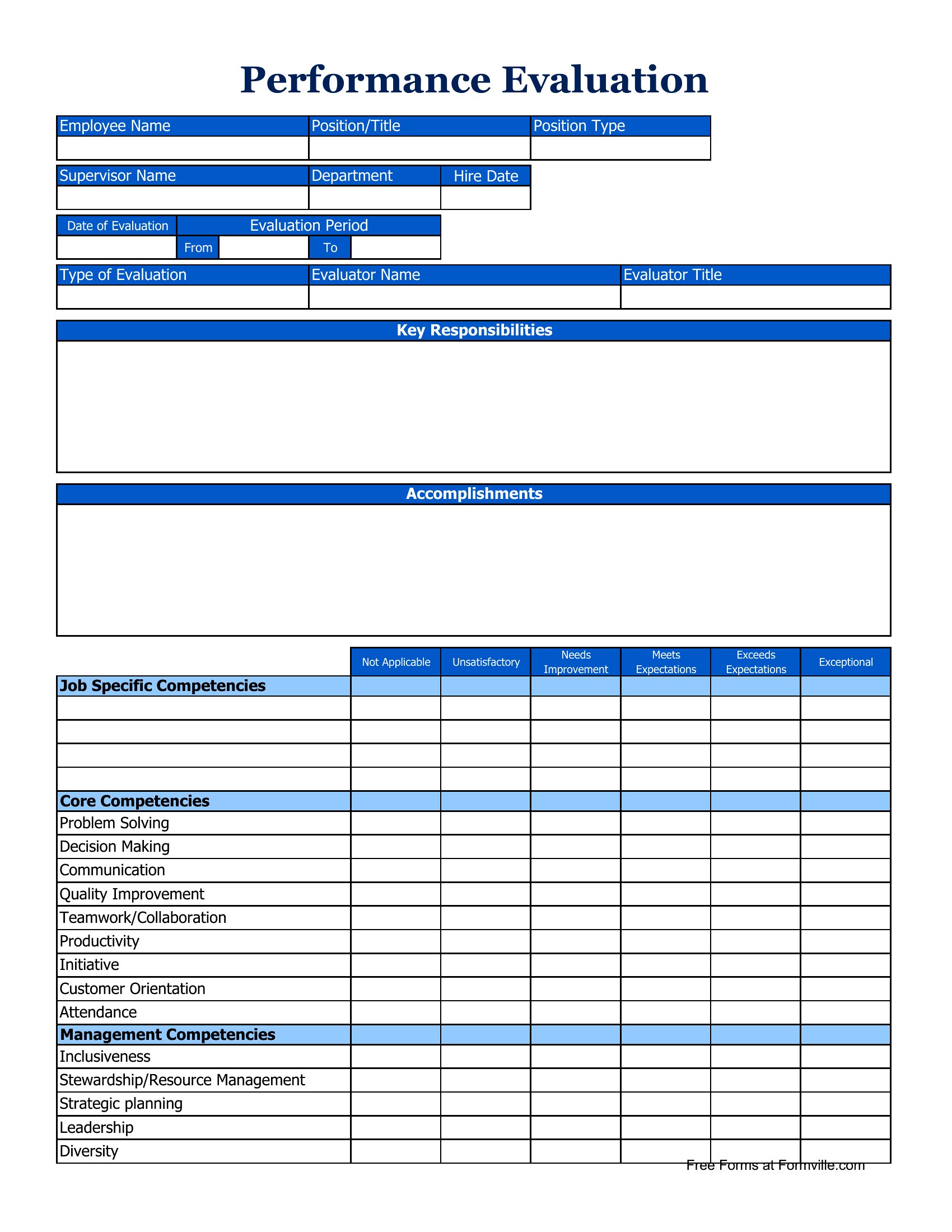
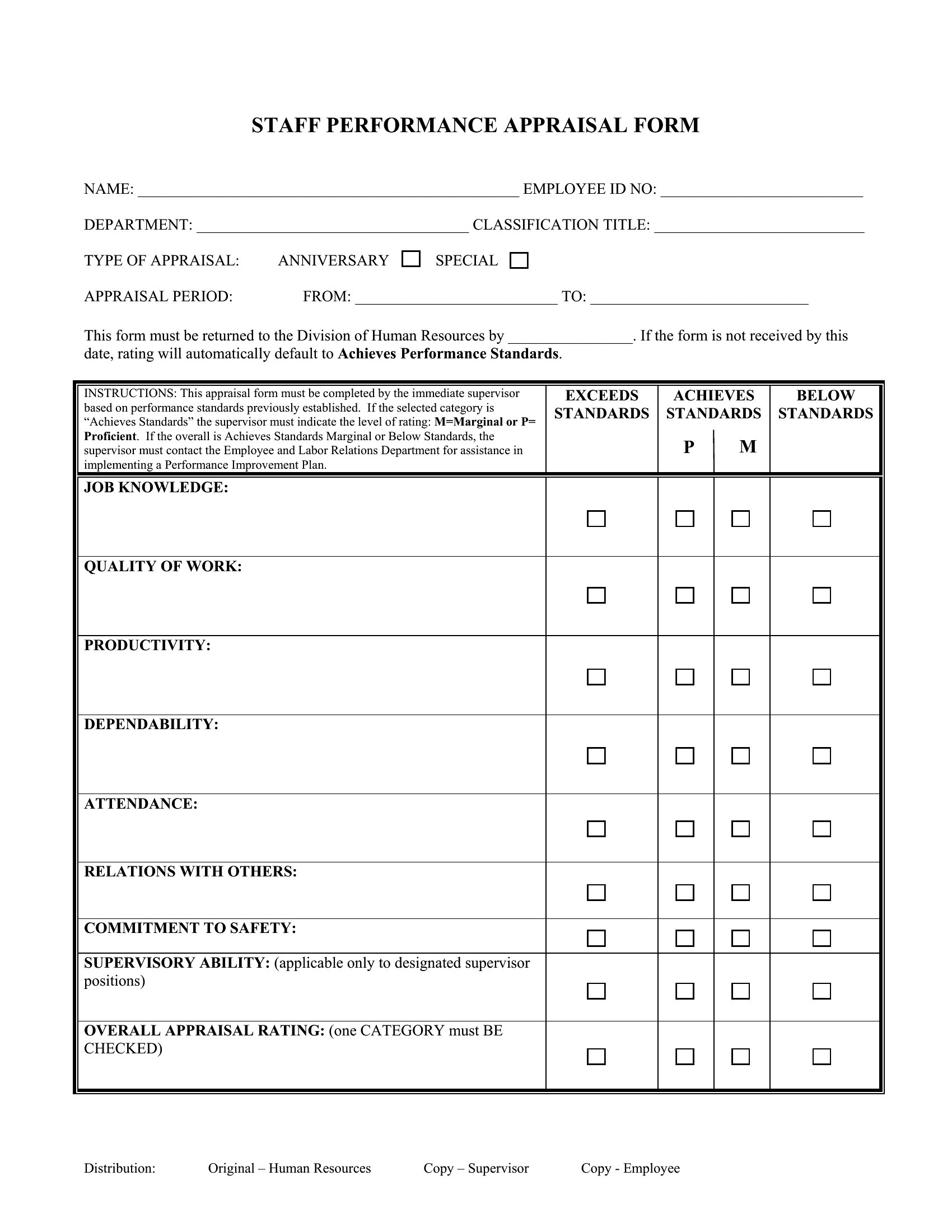
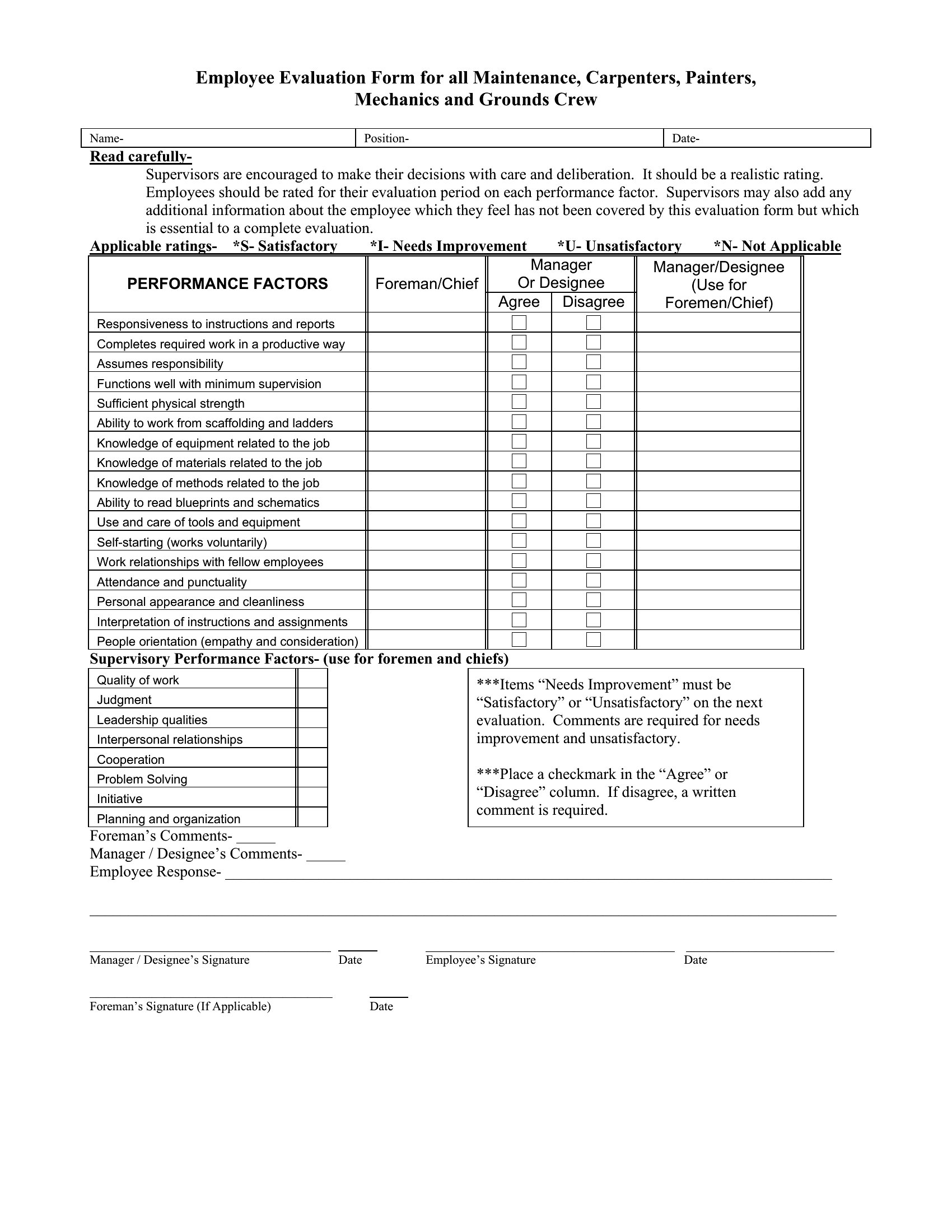
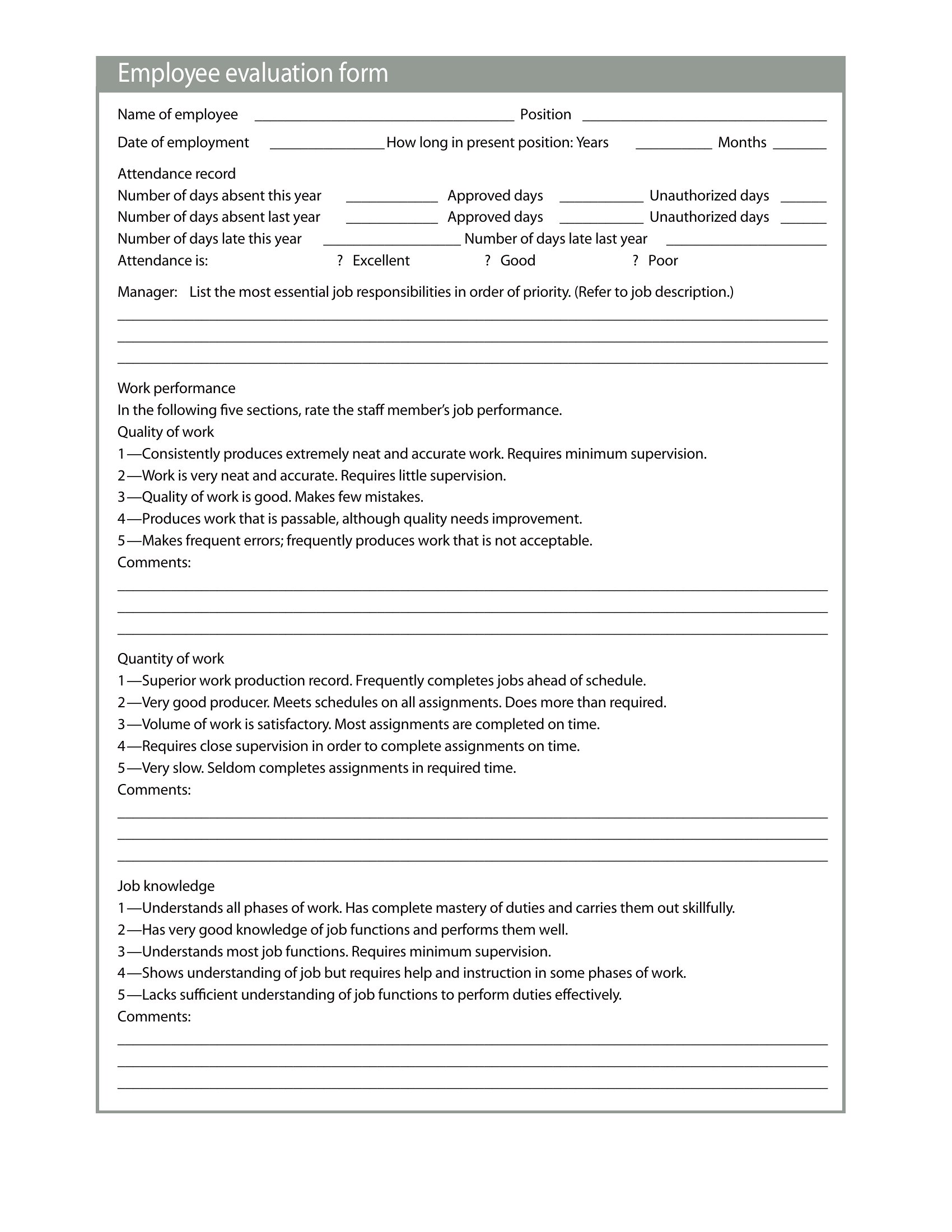
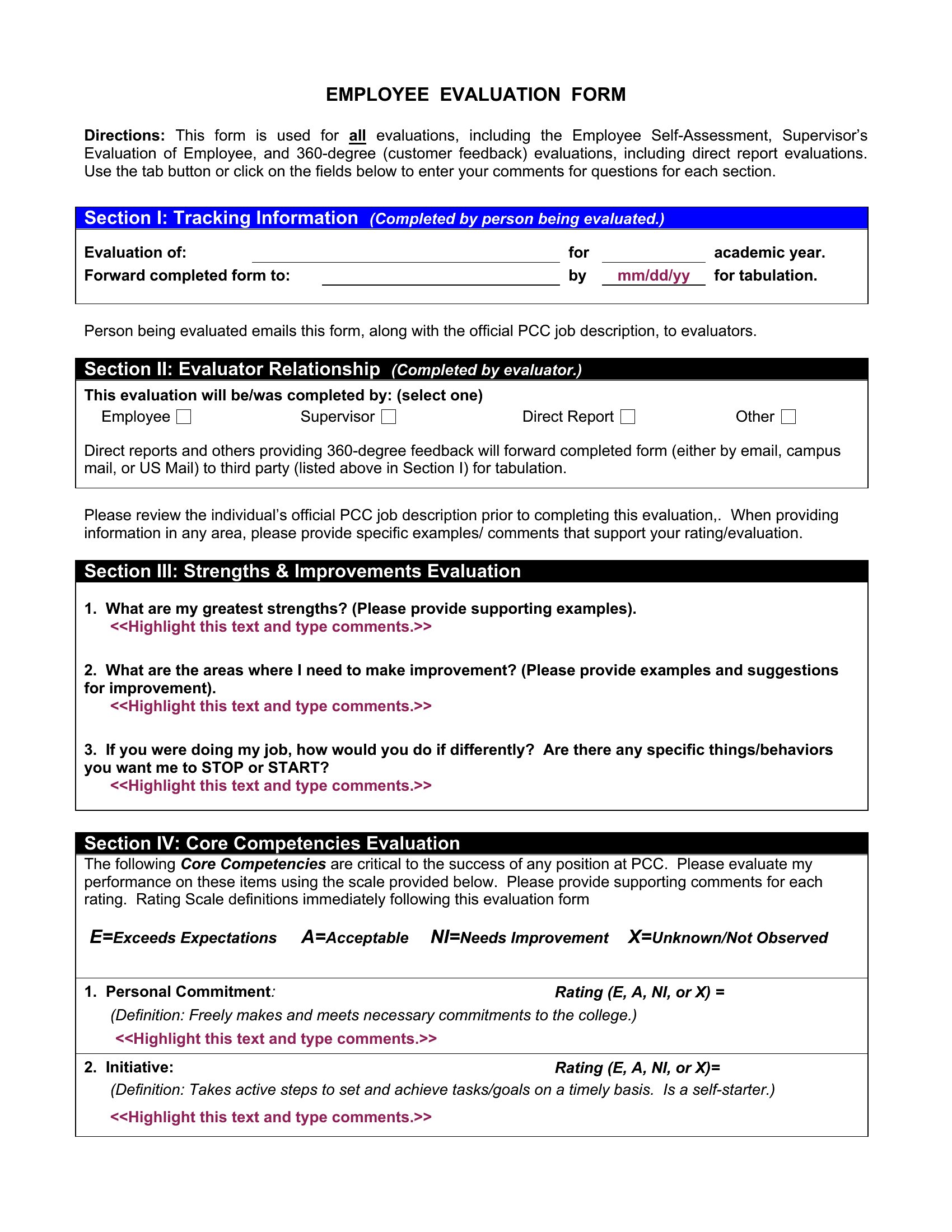
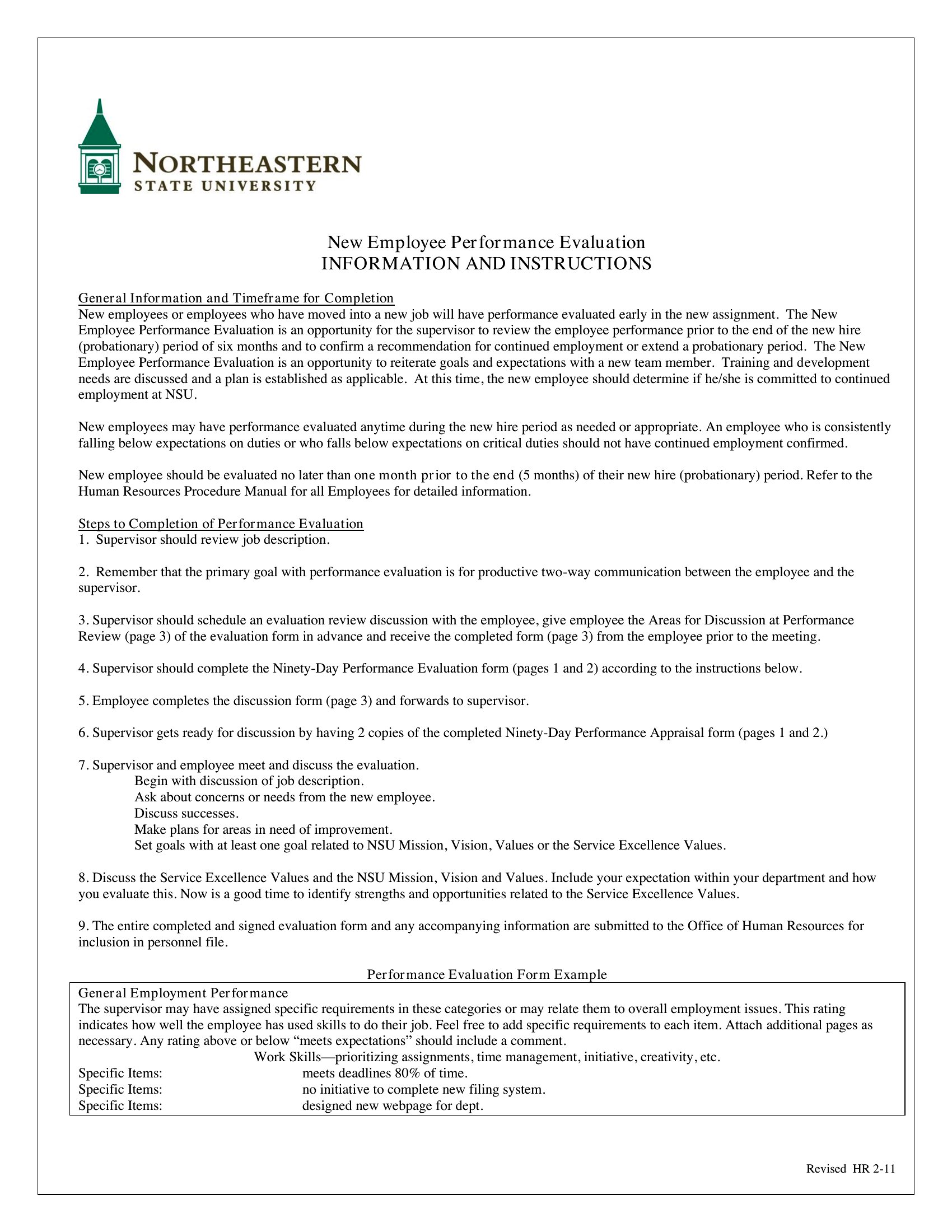
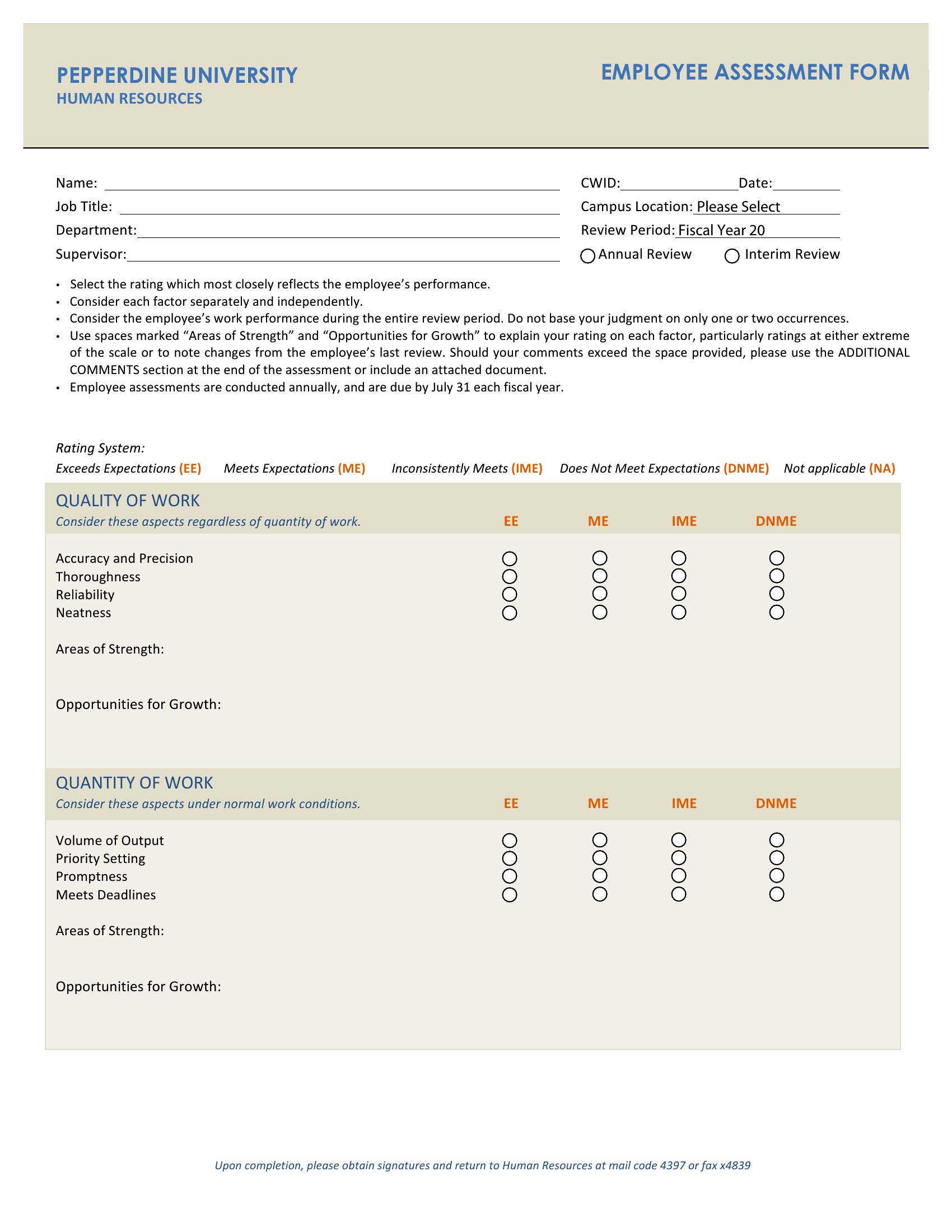
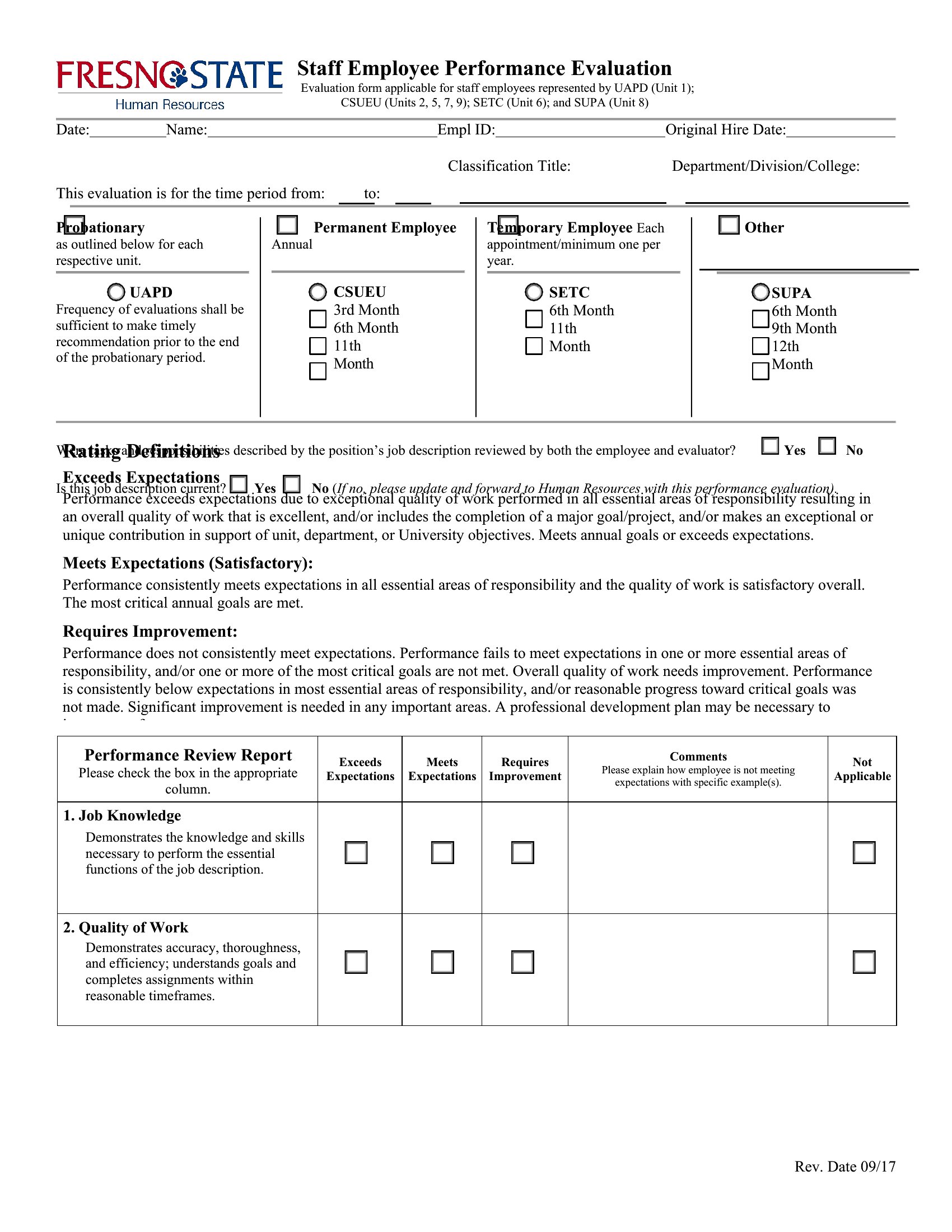
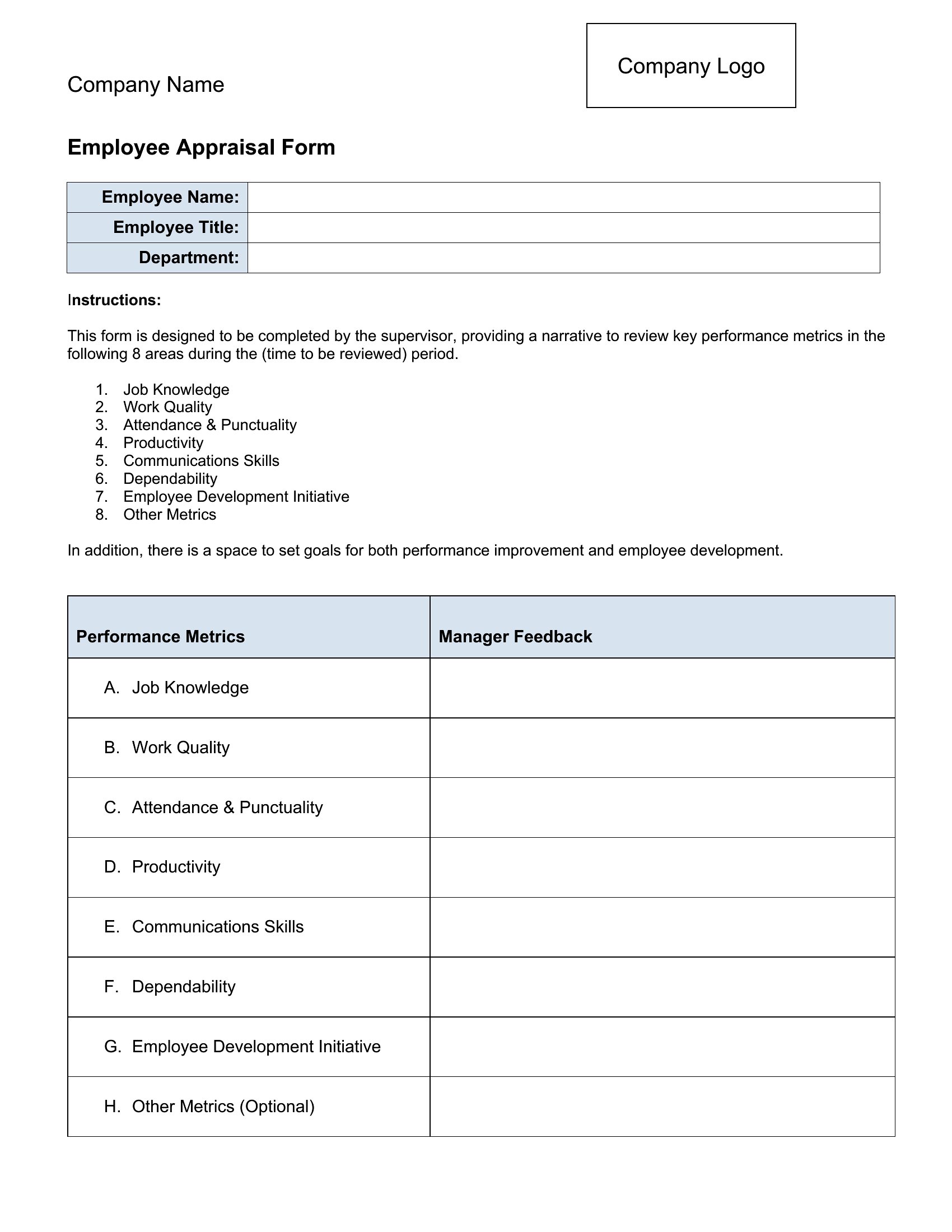
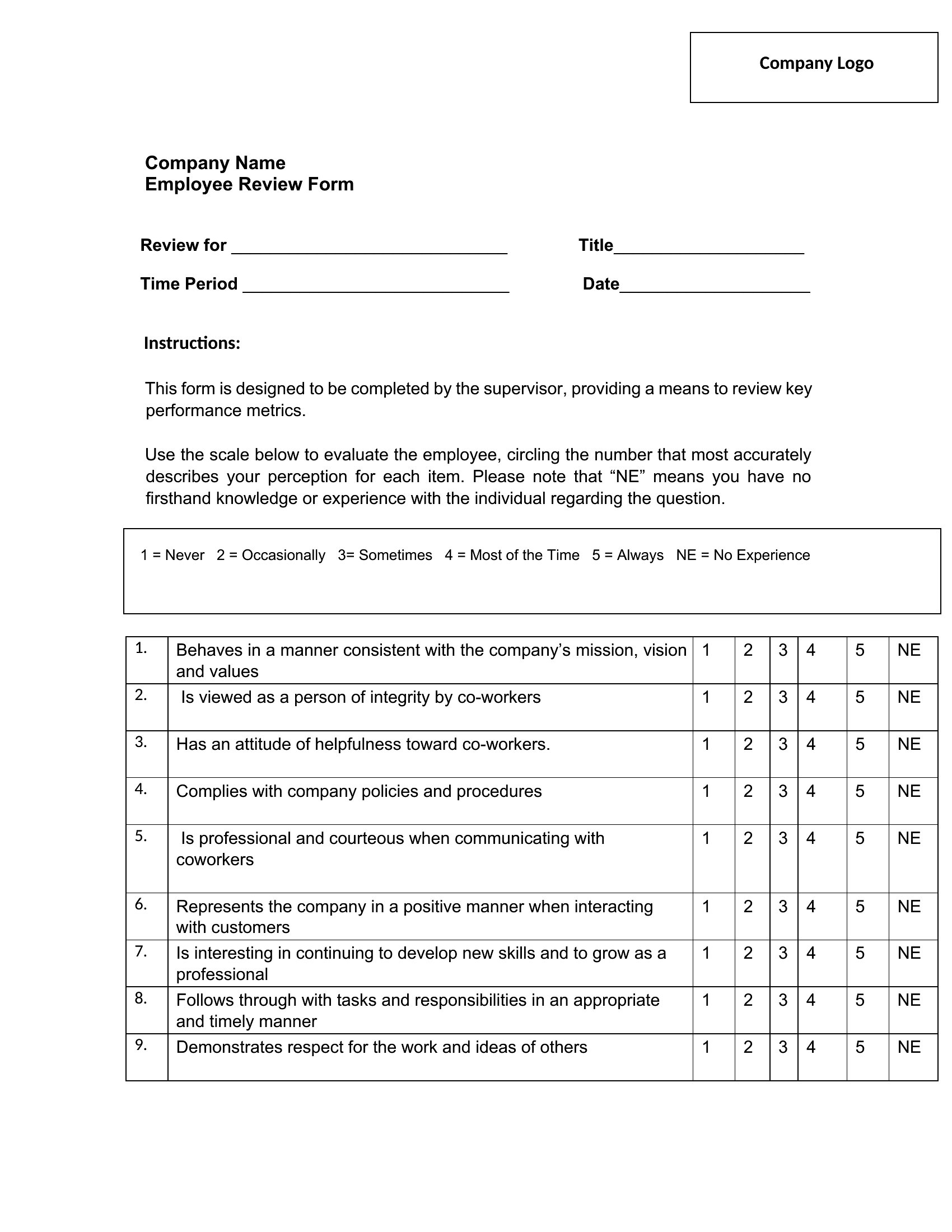
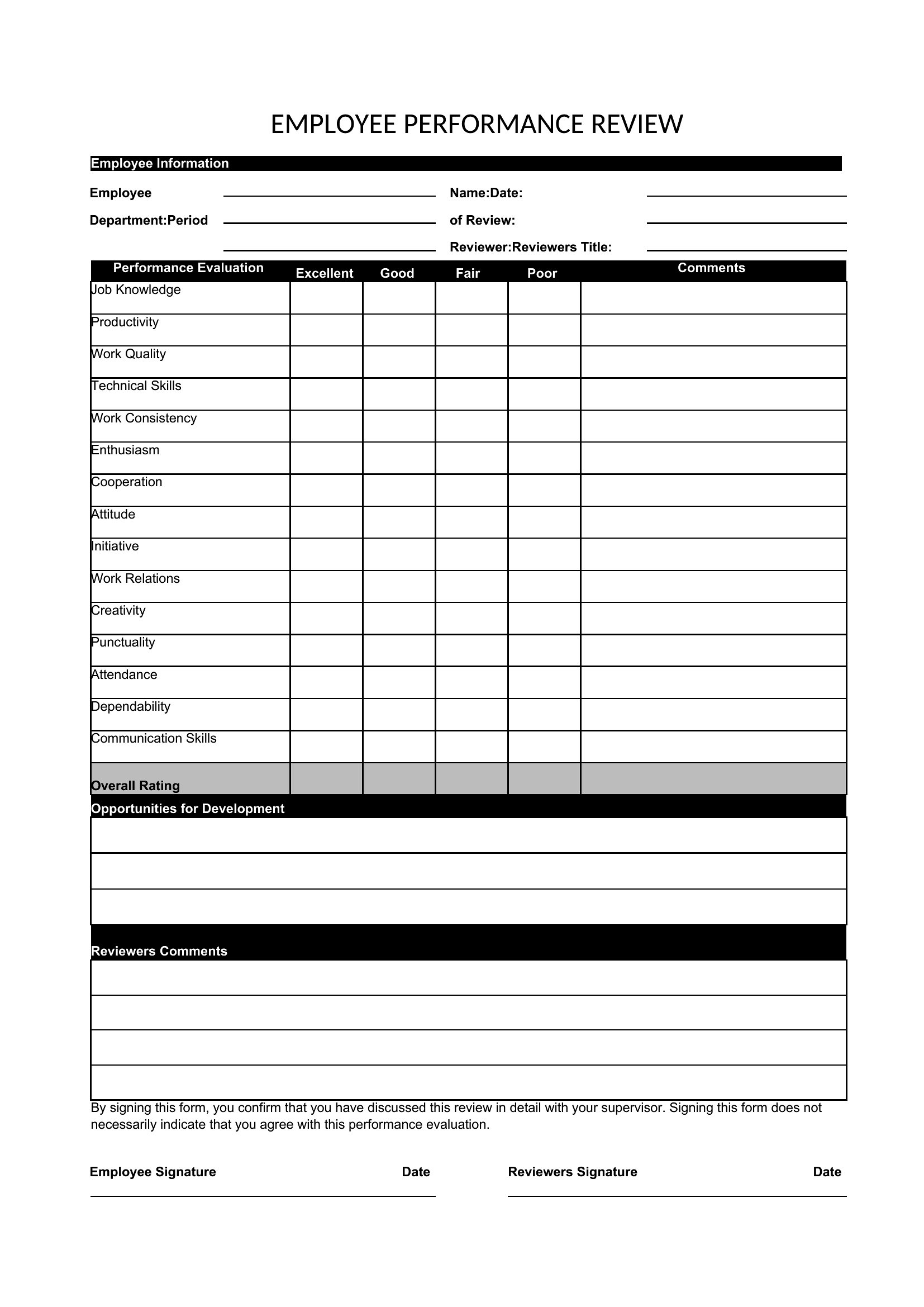
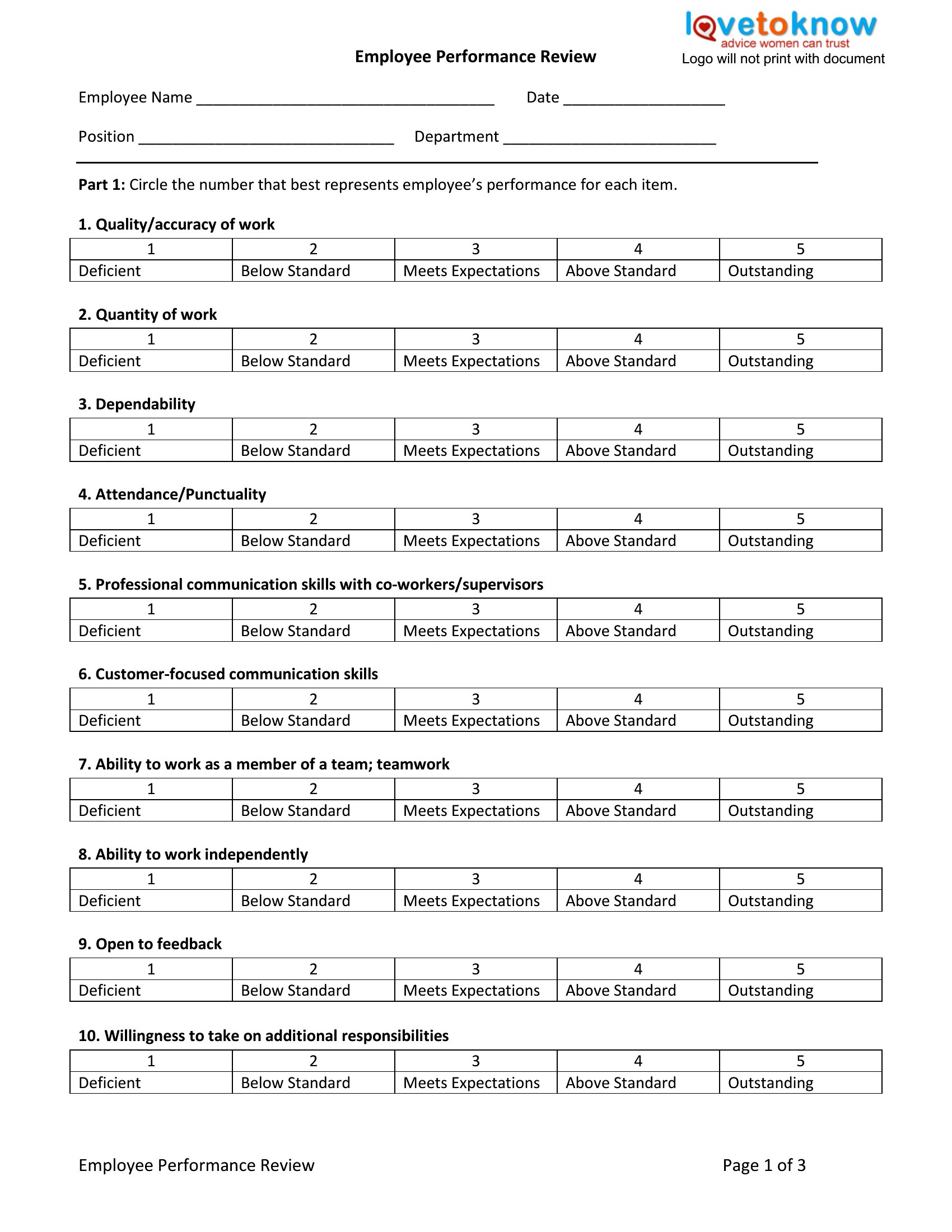
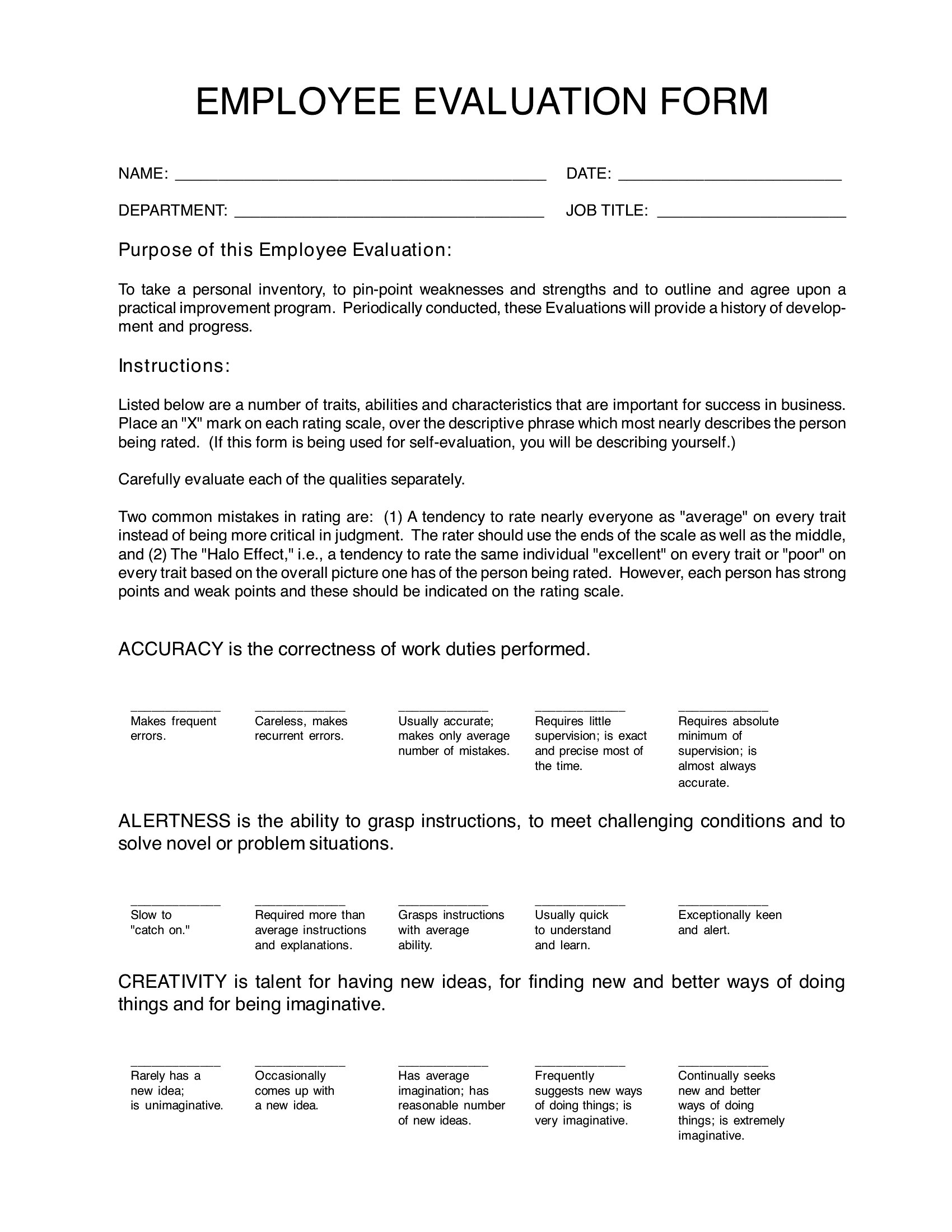
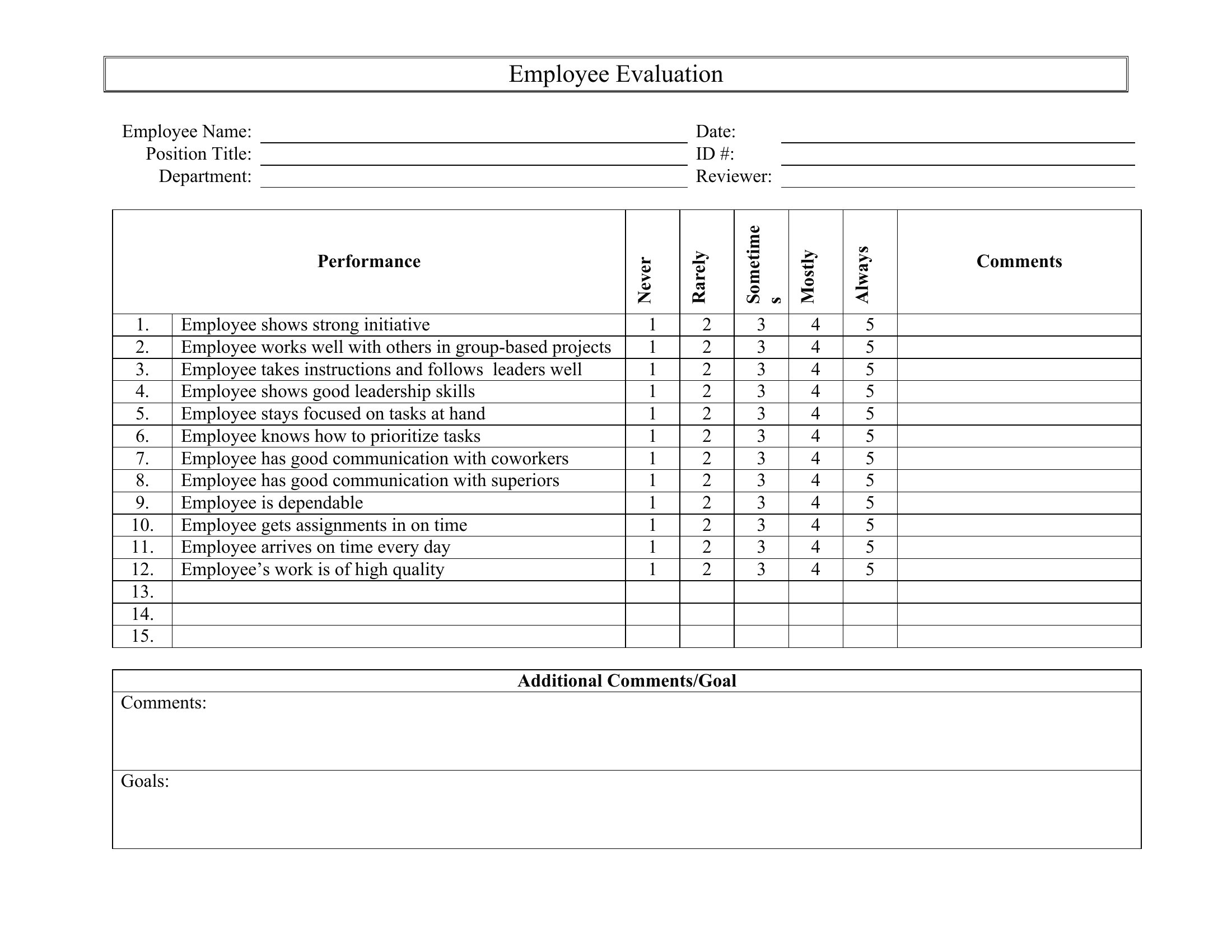
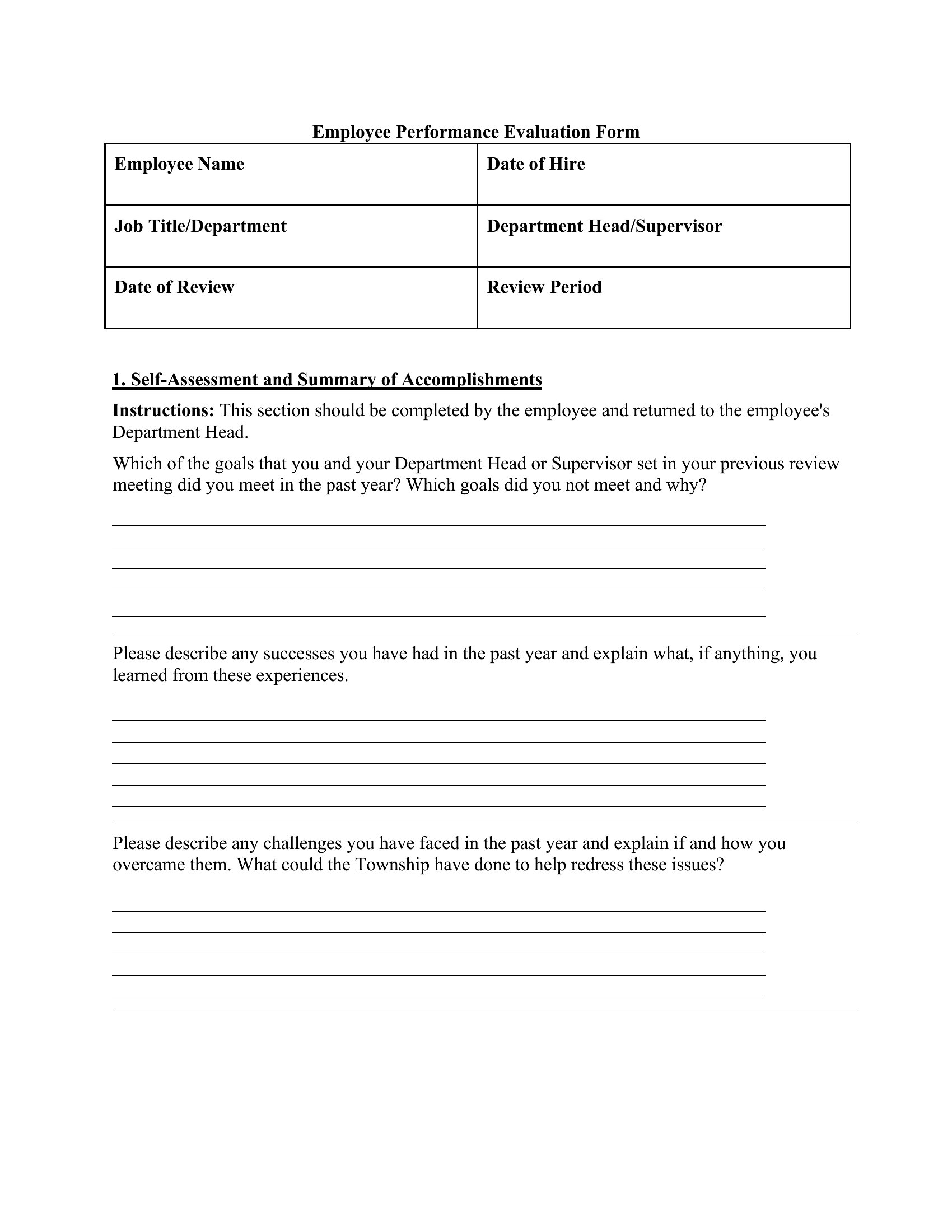
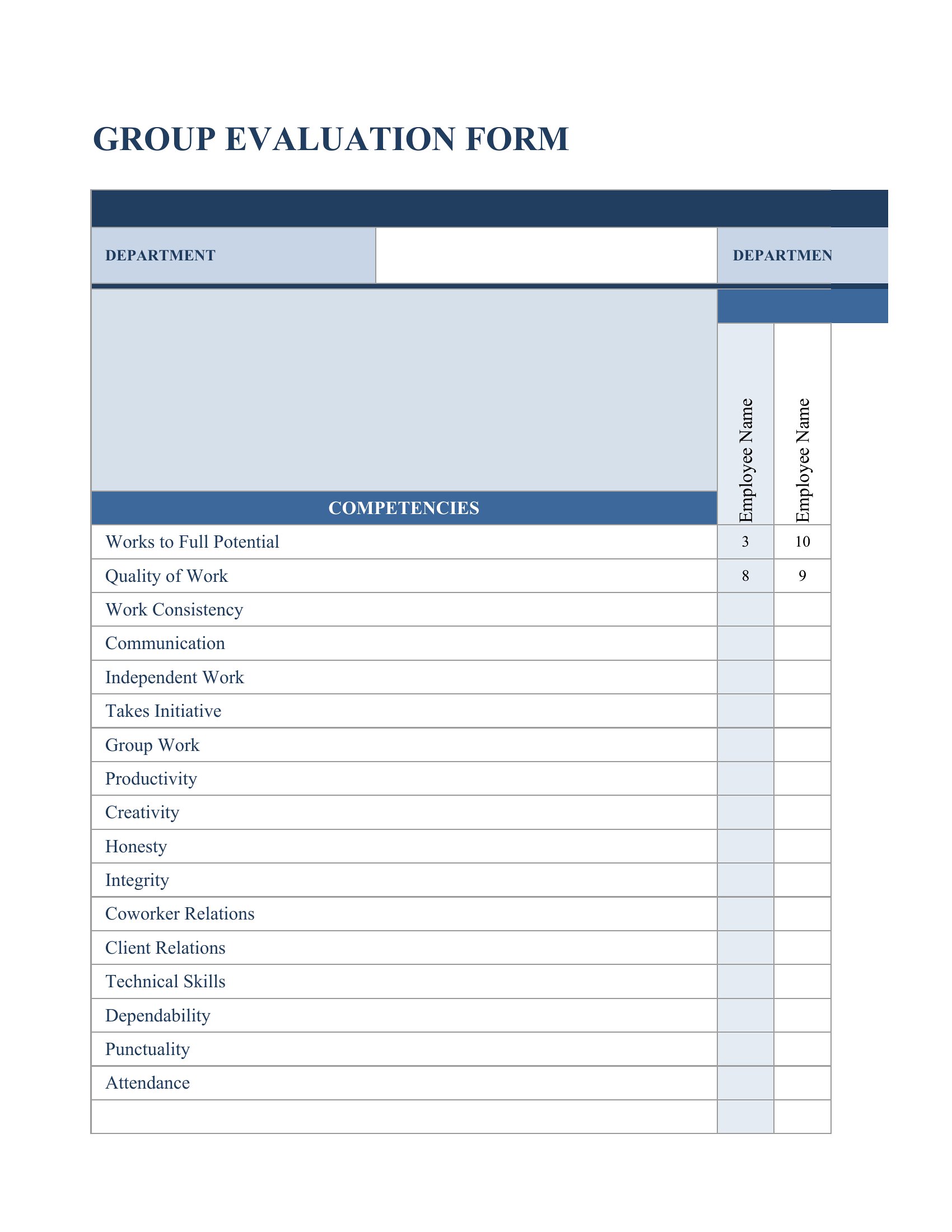
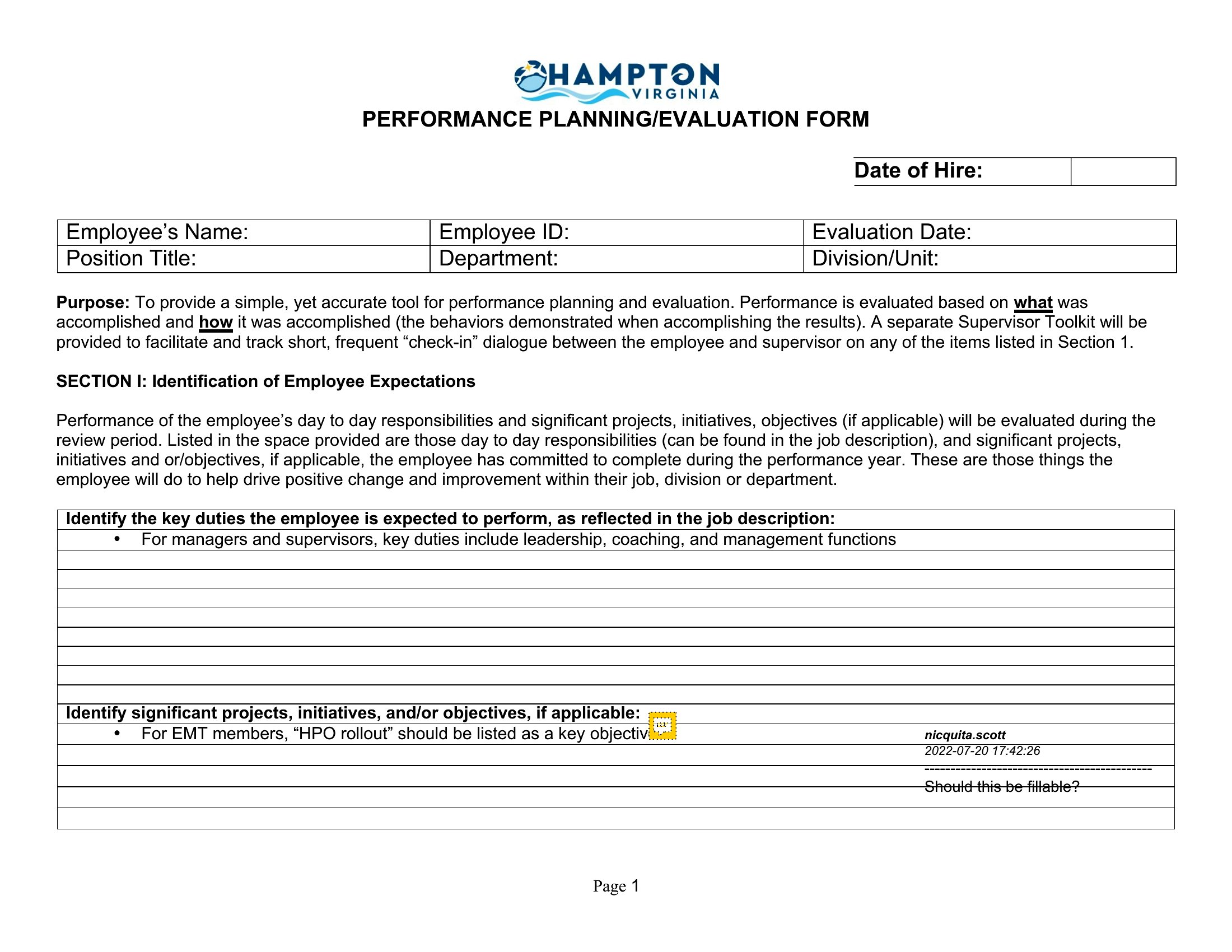
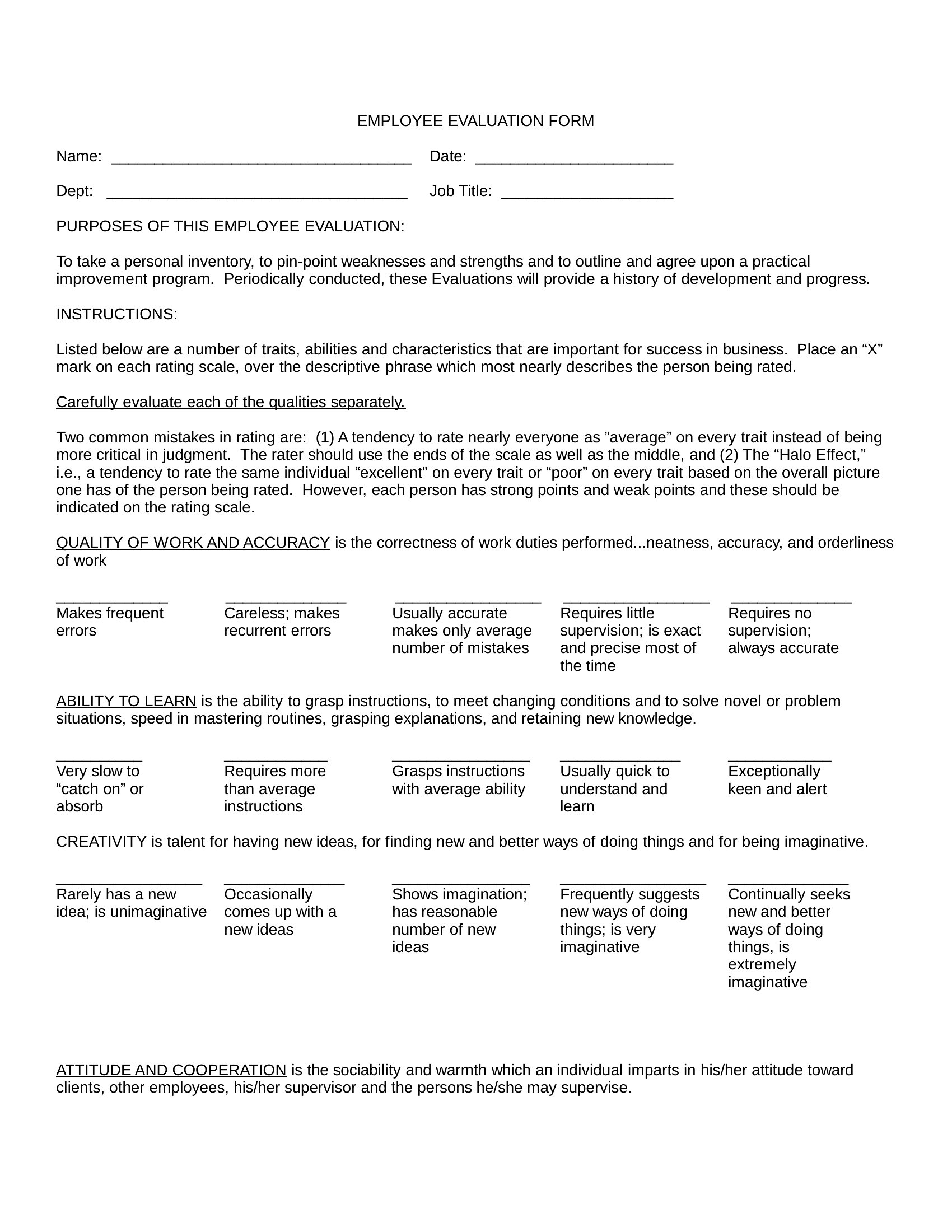
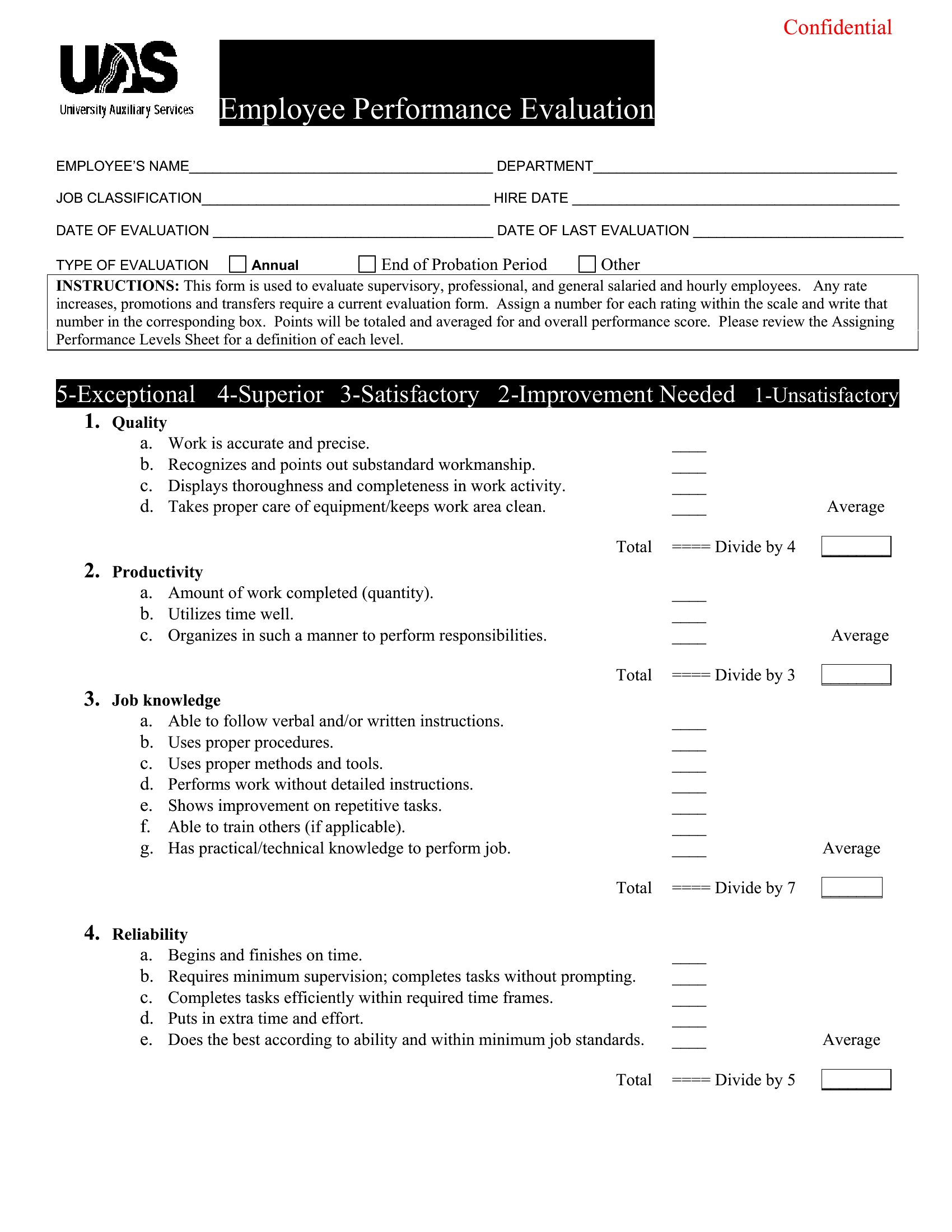
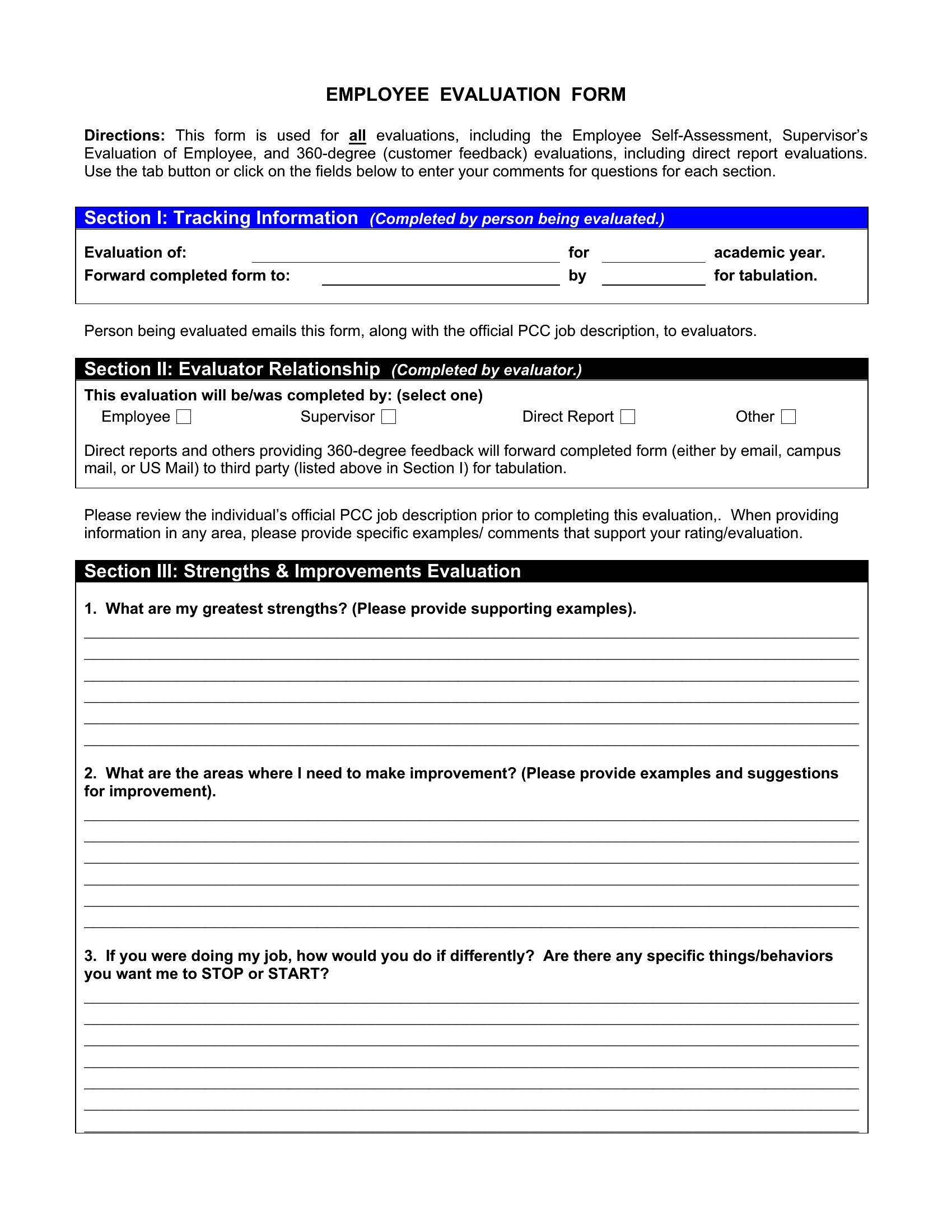
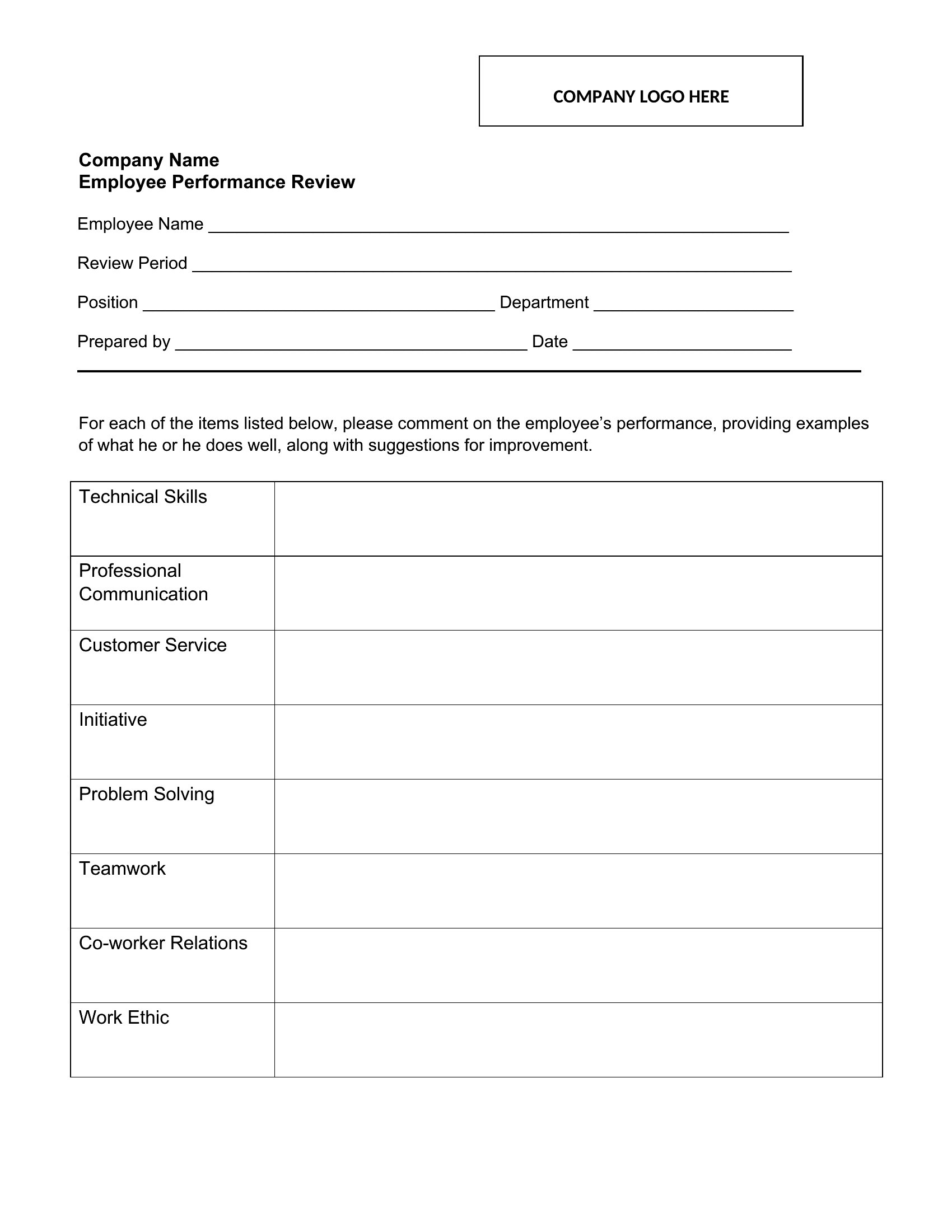
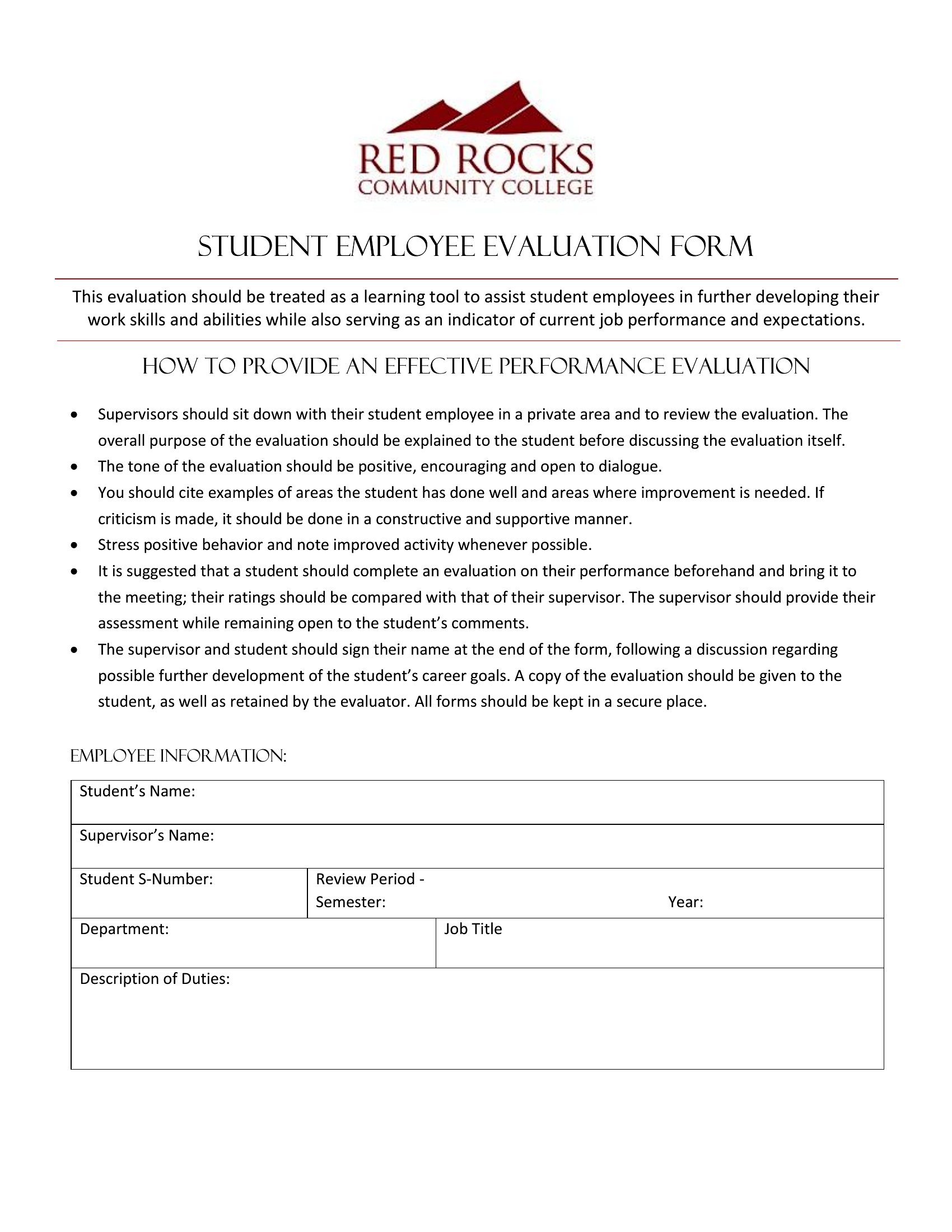
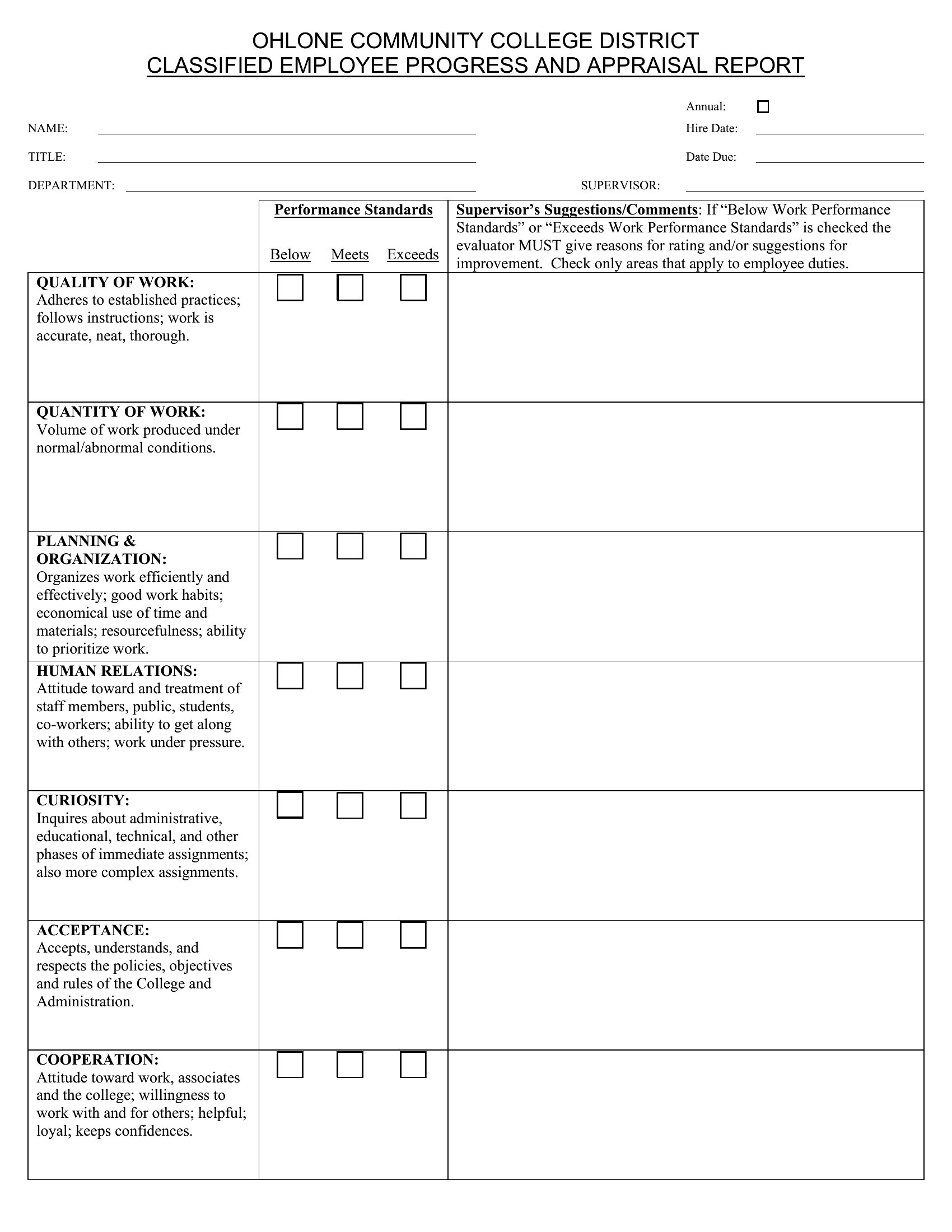
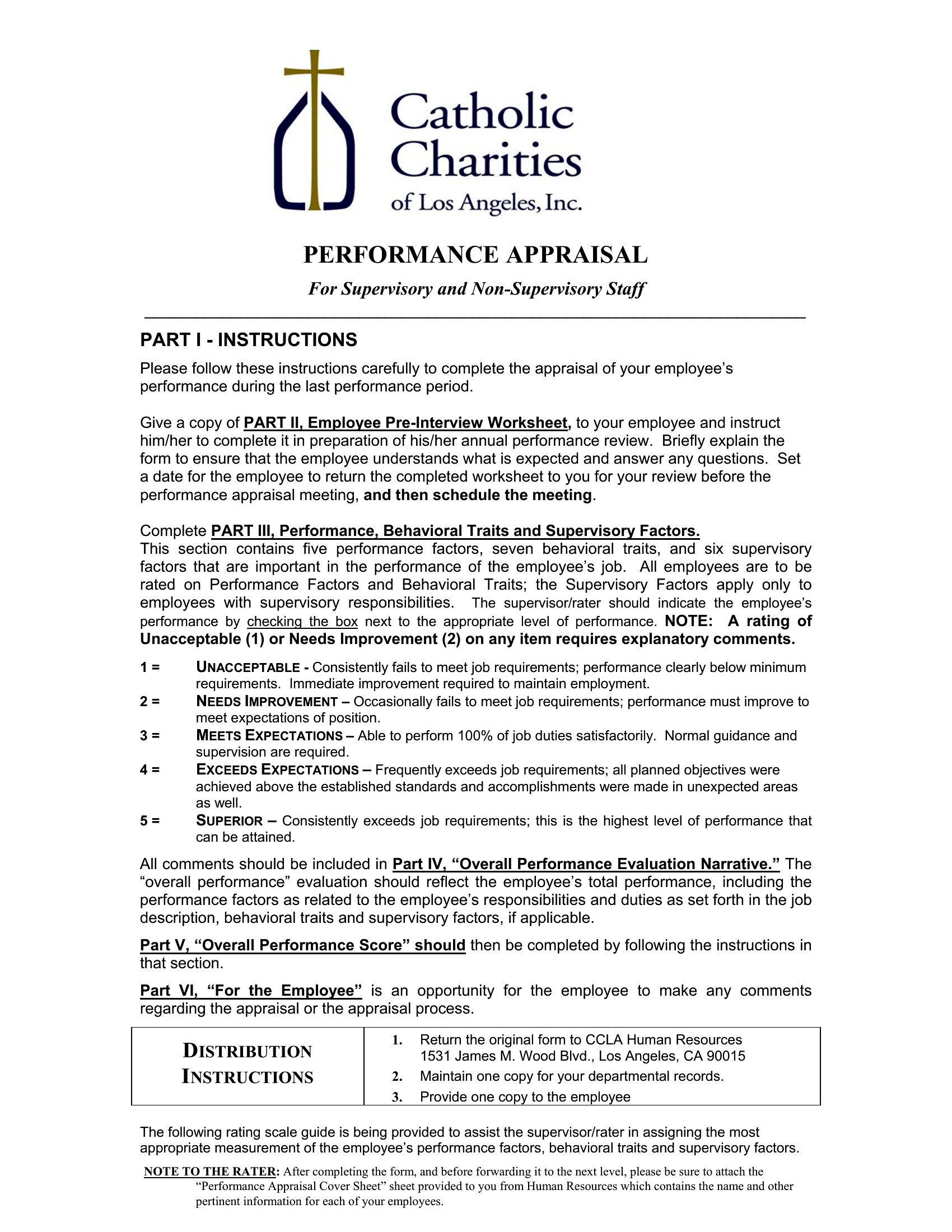
Fair, consistent reviews are easier when every manager uses the same form. This set of 61 employee evaluation form templates covers annual reviews, 90-day check-ins, self-assessments, and role-specific appraisals, with space to rate skills, set goals, and add comments. HR teams and supervisors can run performance conversations that feel structured rather than rushed.

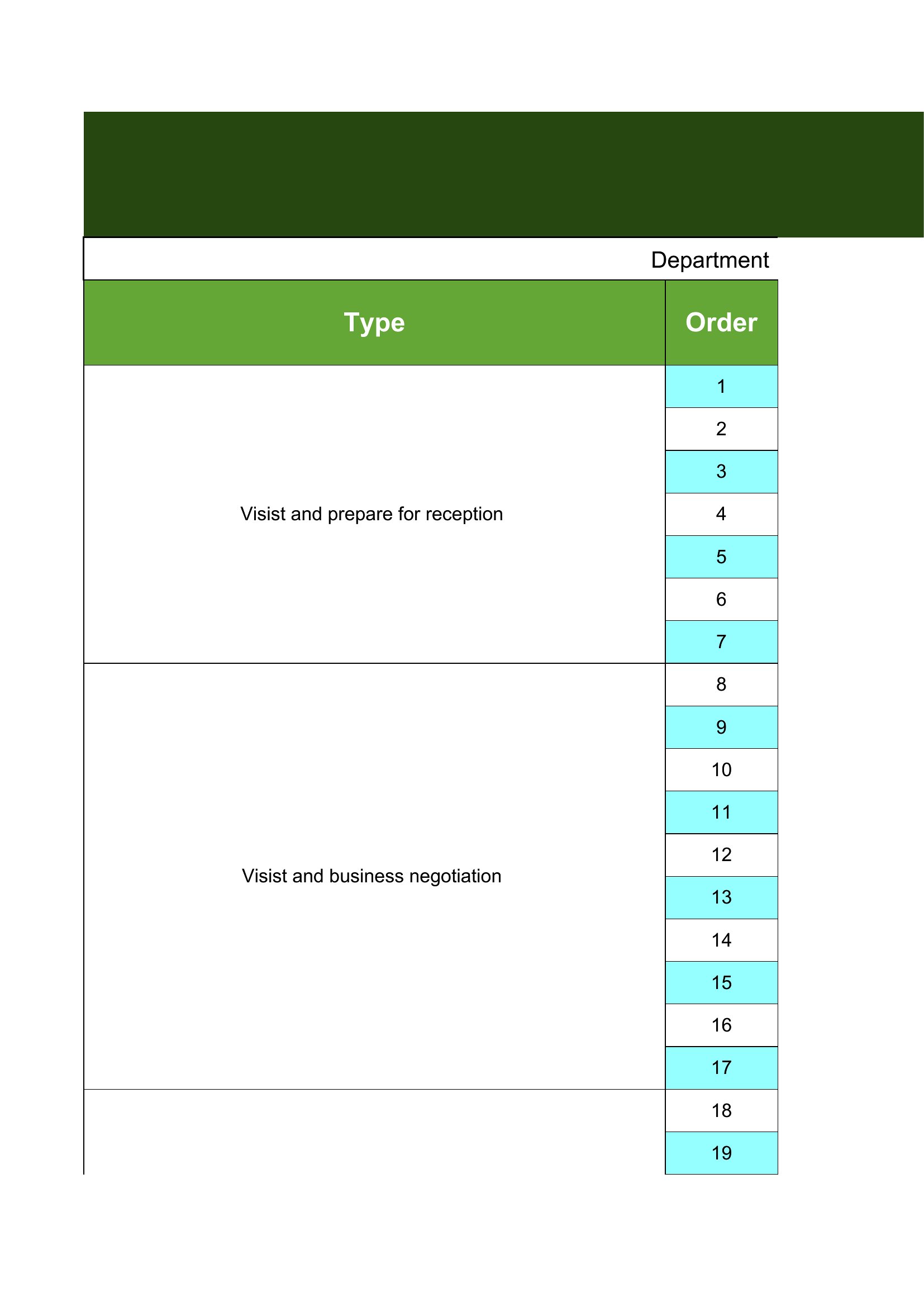
You'll find versions in Word and PDF for printing and signing, plus Excel sheets that make scoring and tracking simple. Adjust the criteria to match each role, fill in the ratings, and you've got a clear record for the file. Download the format that fits your team and standardize your review process.

When to use this Employee Evaluation Form template

  • Small business managers struggling to conduct fair annual reviews without bias—use a structured Word template to standardize feedback across teams.
  • HR teams at startups needing quick 90-day check-ins for new hires—Excel formats simplify tracking progress and identifying training gaps.
  • Remote supervisors reviewing off-site employees—PDF templates ensure consistent documentation and easy sharing for global teams.
  • Department heads planning role-specific appraisals—customizable Word/Excel forms let you tailor questions to engineers, sales, or customer support roles.

Which format should I download?

WordExcelPDF

Word is best for fully customizable, comment-rich reviews where managers need to add narrative feedback or collaborate with employees. Excel shines for data-driven teams tracking numeric goals, KPIs, or self-assessment scores side-by-side. PDF works for finalized, legally sound documents when you need to securely share signed evaluations with HR or employees. Avoid Word for teams that rely on spreadsheets to analyze performance trends—Excel’s formulas will save time.

How to use this Employee Evaluation Form template

Can these templates help with legally compliant documentation?

These forms provide a structured starting point for documenting evaluations, but they aren’t legal advice. Always consult your HR advisor or employment law expert to ensure compliance with local labor laws, especially when addressing sensitive topics like promotions or disciplinary actions. Templates include space for notes, but customization should align with your company’s policies.

How do I handle employees who refuse to complete a self-assessment?

These templates include optional self-assessment sections, but they’re designed to encourage voluntary participation. If an employee declines, focus on the manager’s evaluation while noting in comments that the employee chose not to contribute. Frame it as a growth opportunity: ‘Let’s discuss your goals in our next meeting’—this keeps the conversation collaborative rather than confrontational.

What’s the best way to use these for promotions or salary adjustments?

Attach the completed evaluation to a separate promotion or compensation letter (available in your HR template library) to keep the review and adjustment discussions distinct. Highlight key achievements from the evaluation form in the supporting documentation, but avoid mixing feedback with salary figures to maintain transparency. Save both documents in your employee file for reference.

Comments

Join the conversation

Sign in to share your thoughts and leave a comment on this resource.

Newsletter

Get Weekly Design Updates

Join our community to receive curated resources and inspiration.

Weekly Tips Resources Early Access

We respect your privacy. Confirmation email required. Privacy Policy