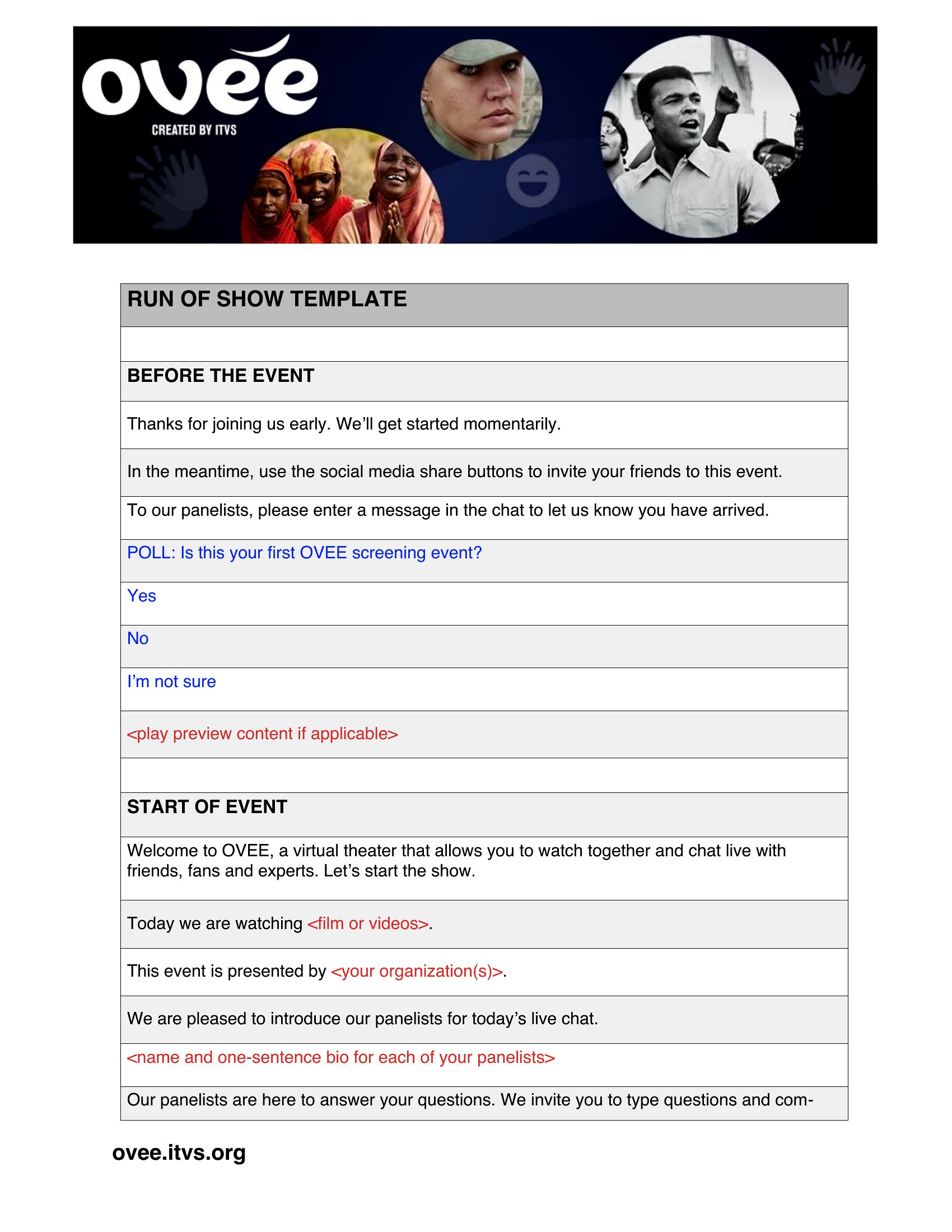
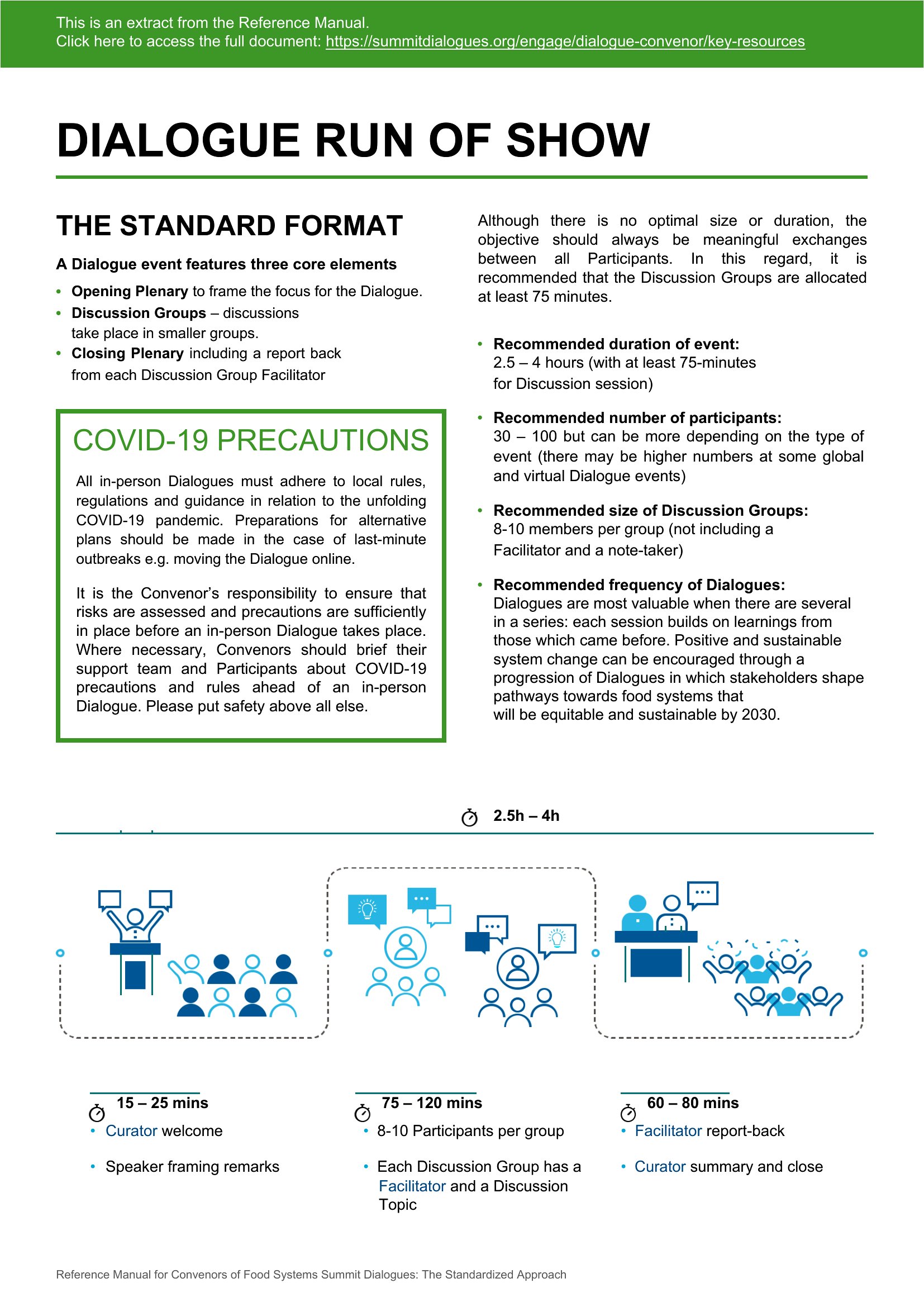
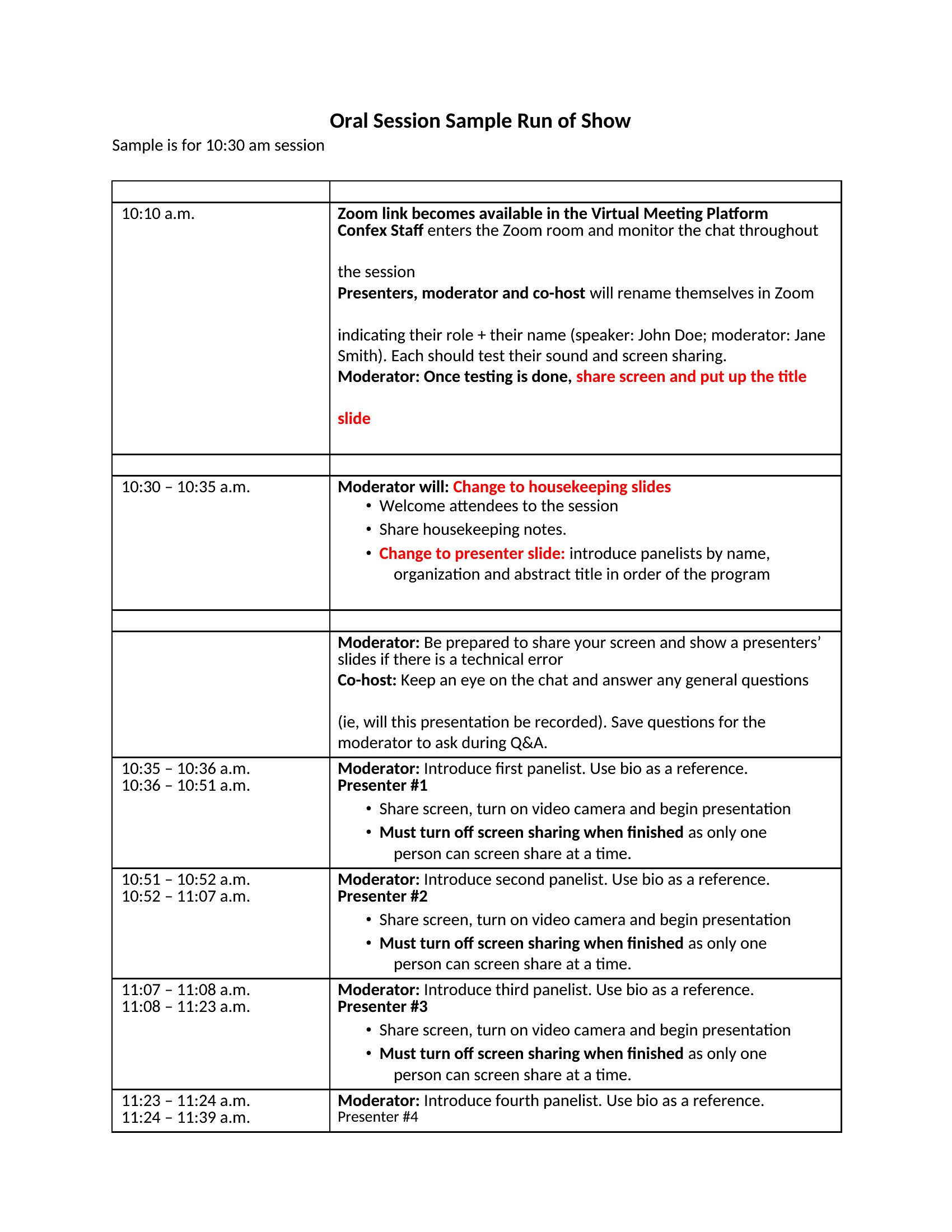
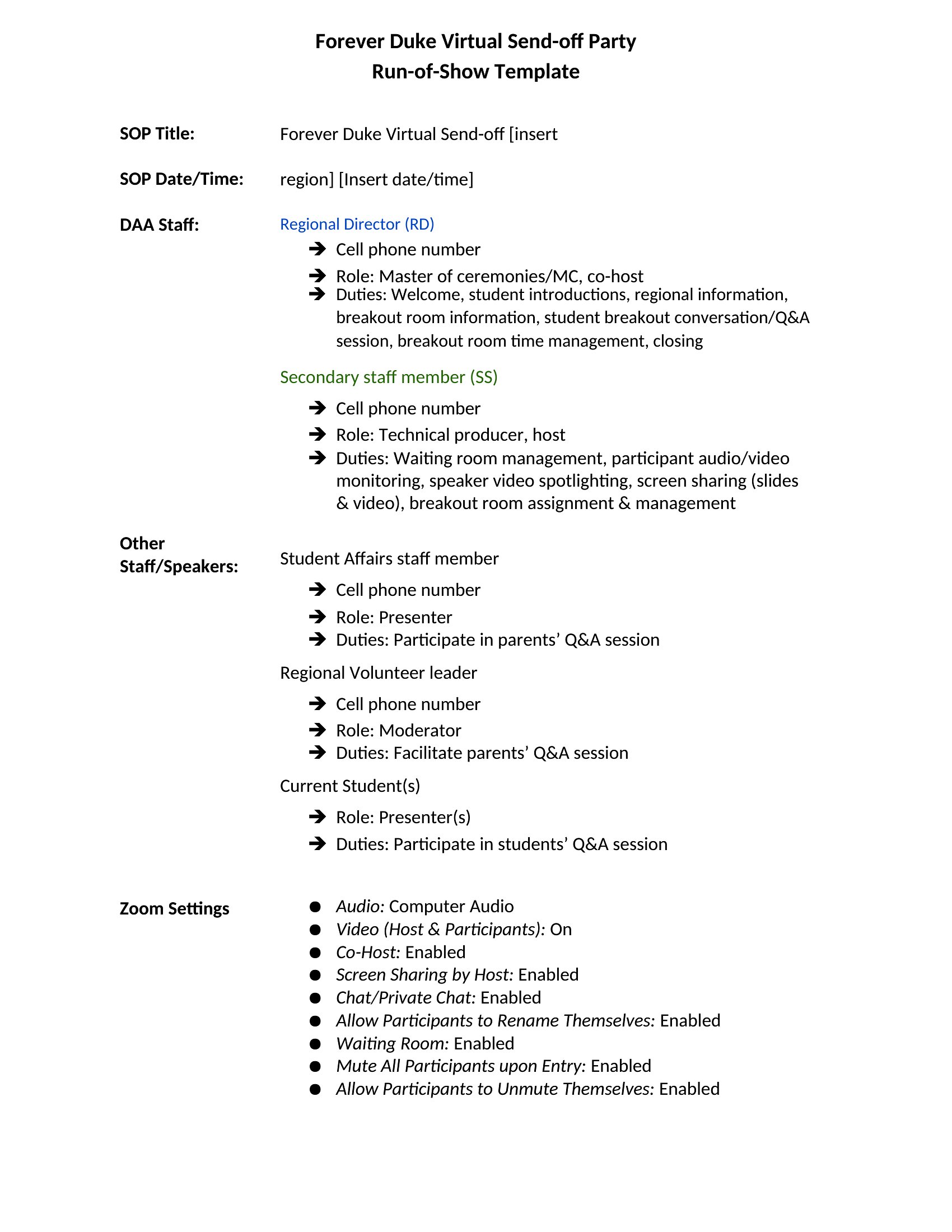
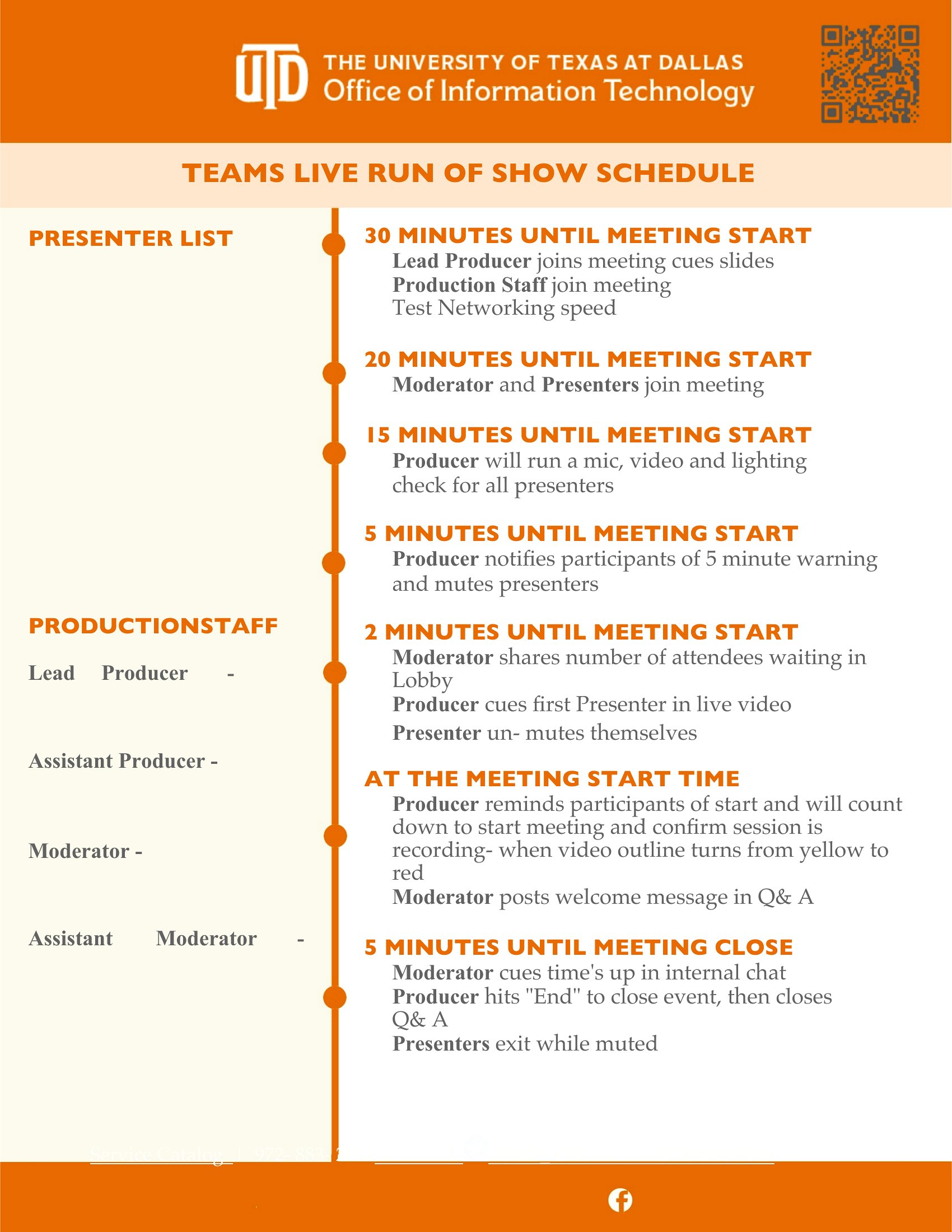
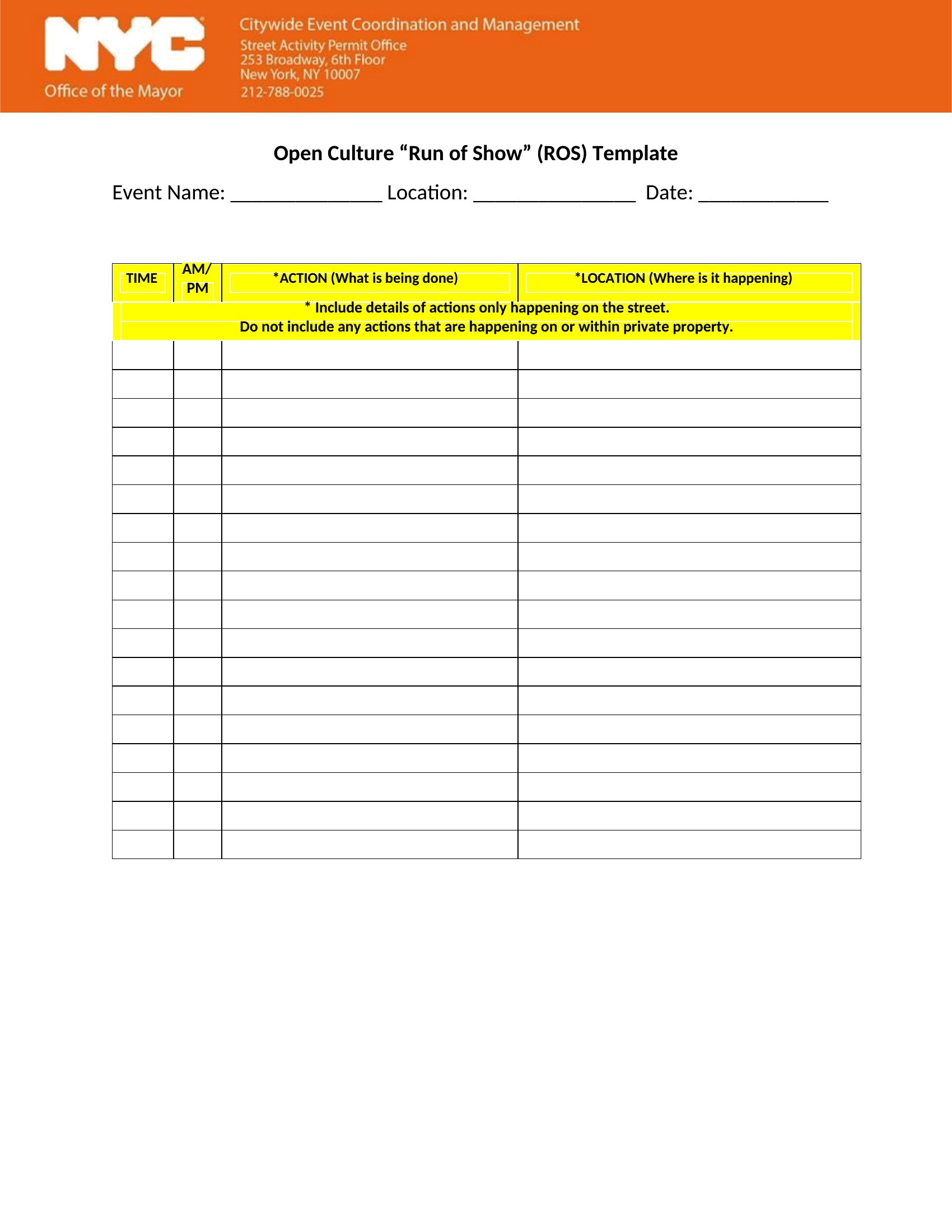
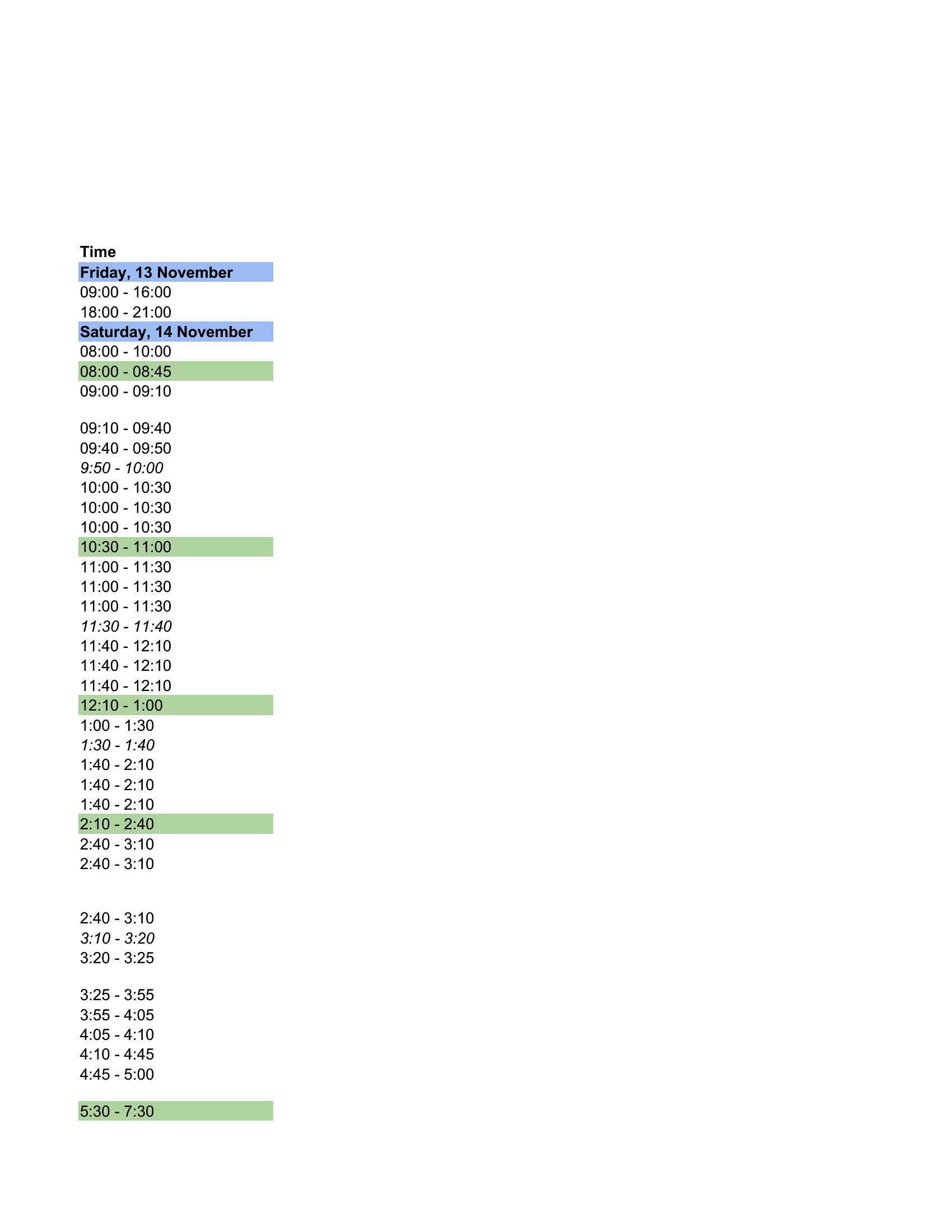
Free Run of Show Templates (Word, Excel)
Daily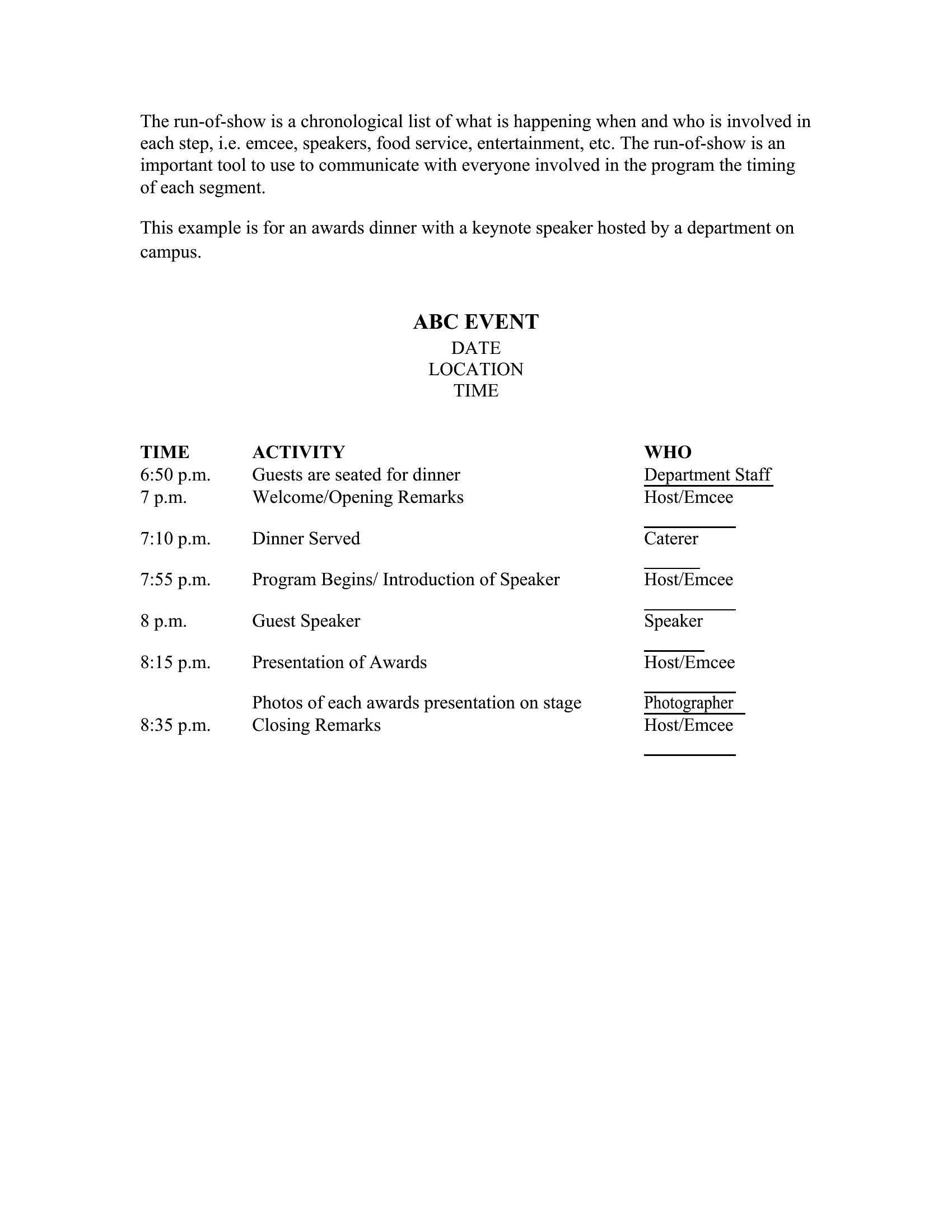
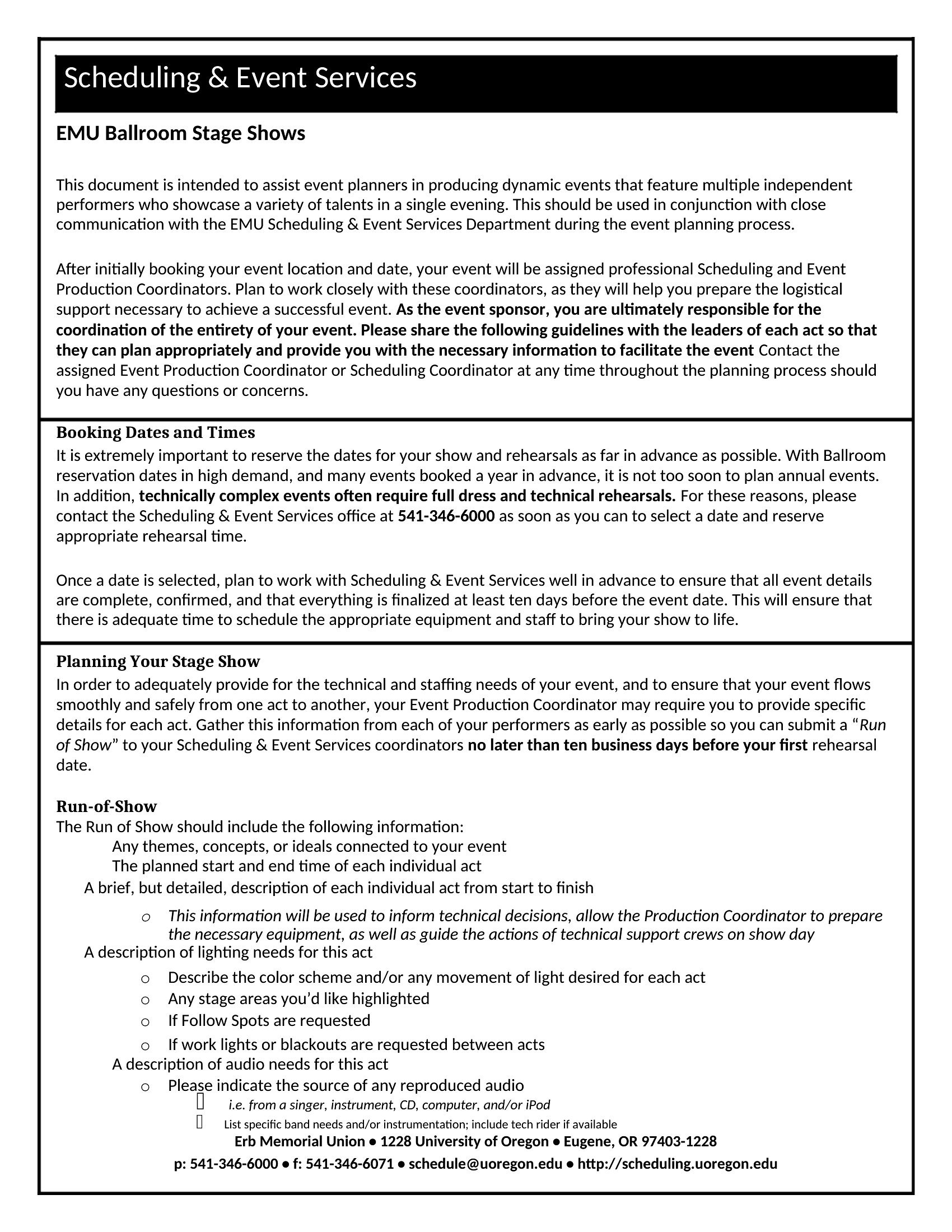
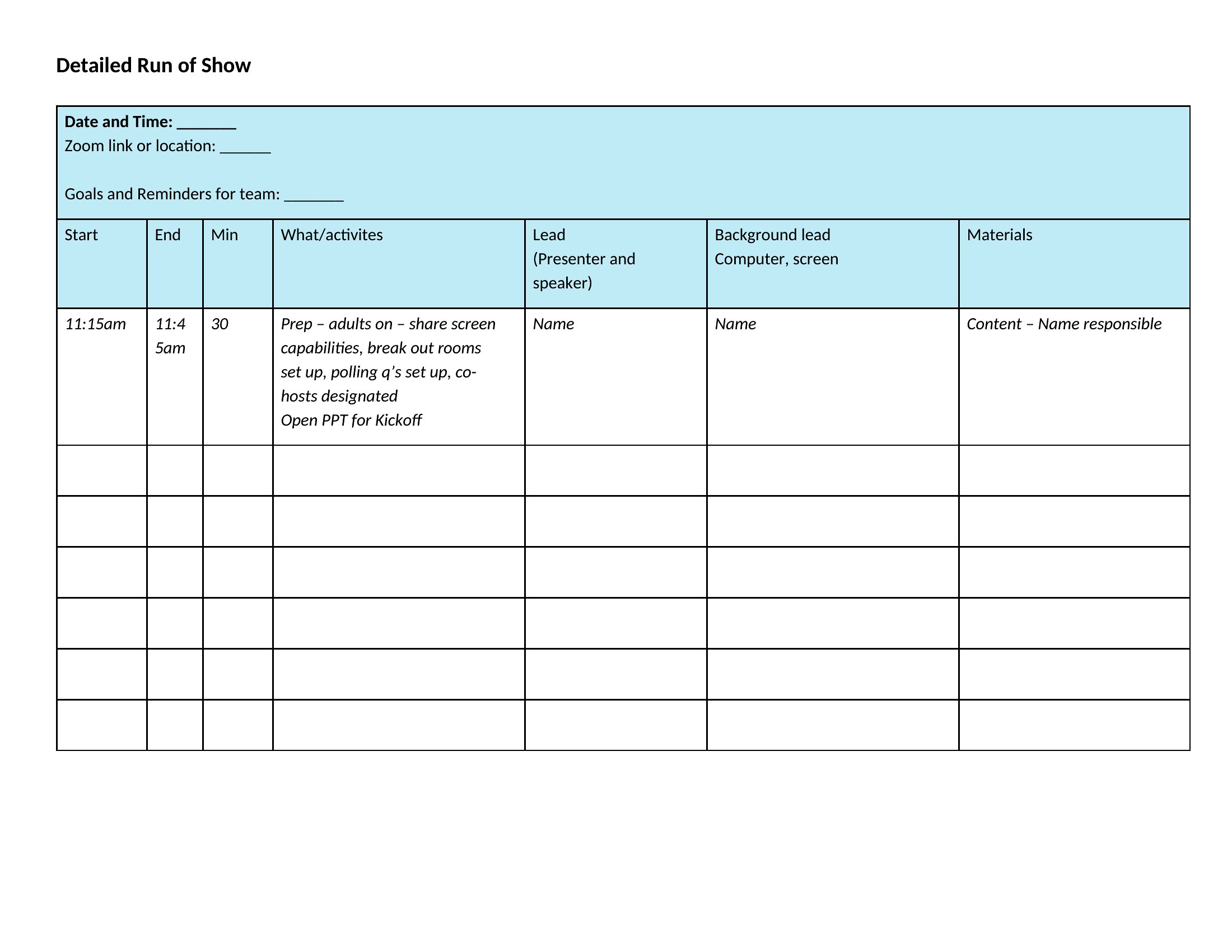
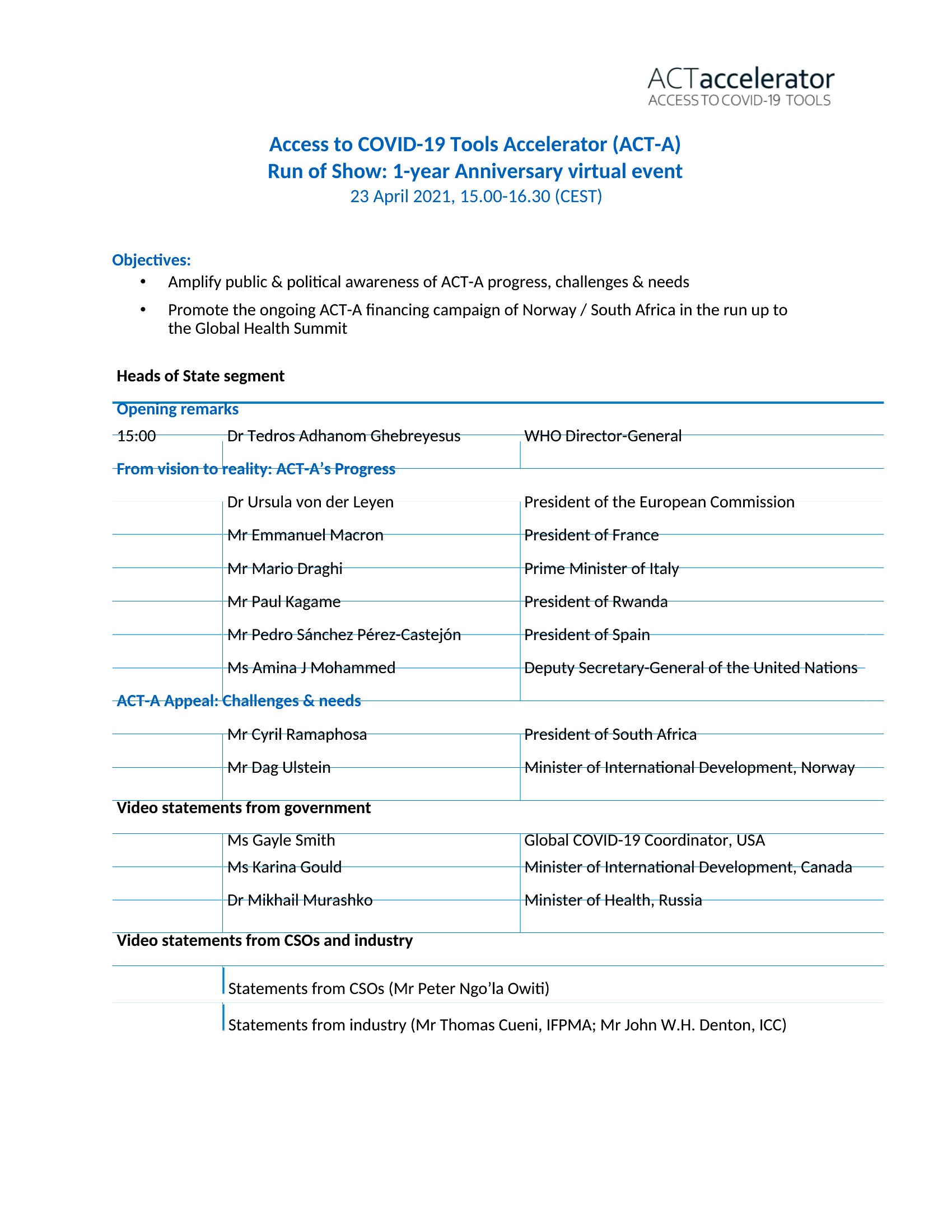



FAQ
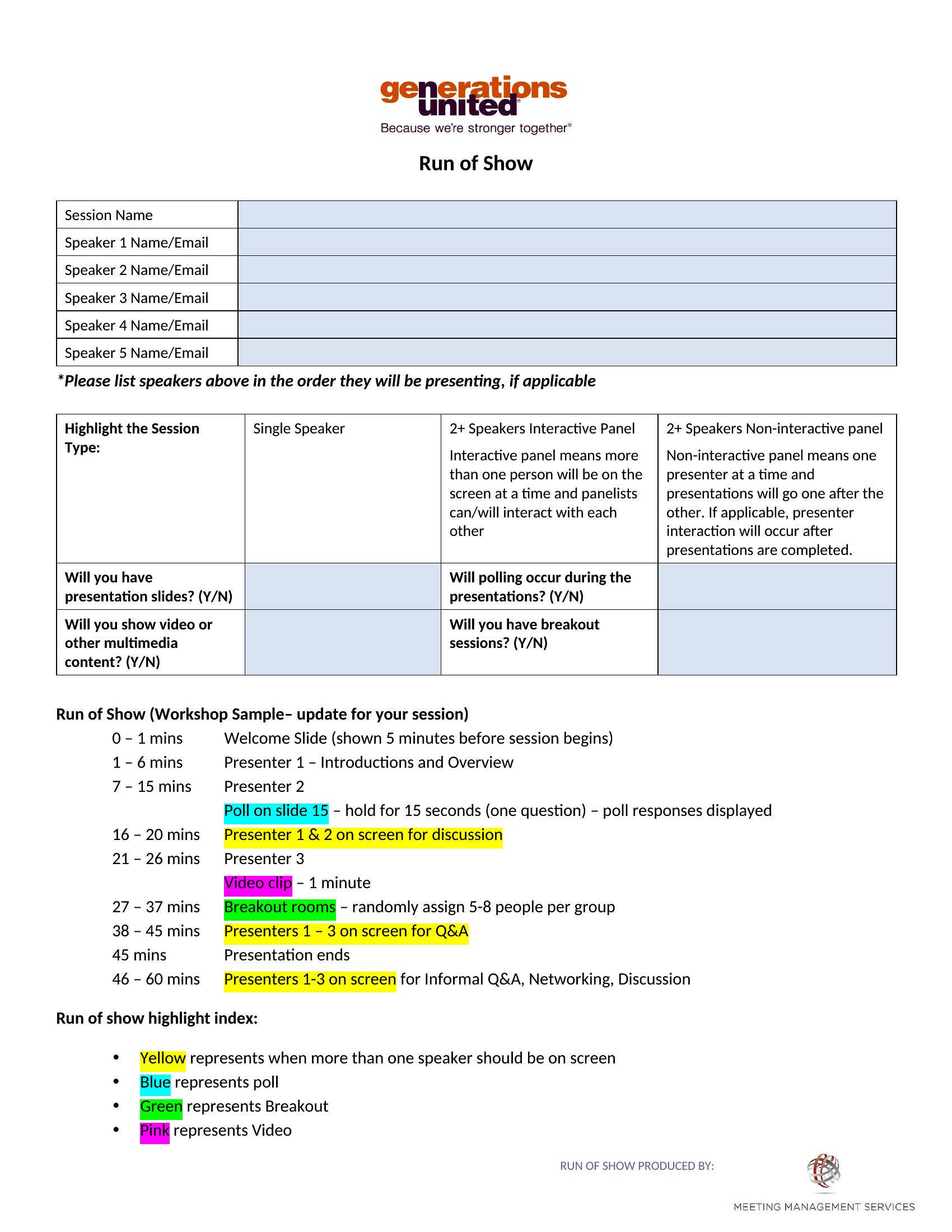
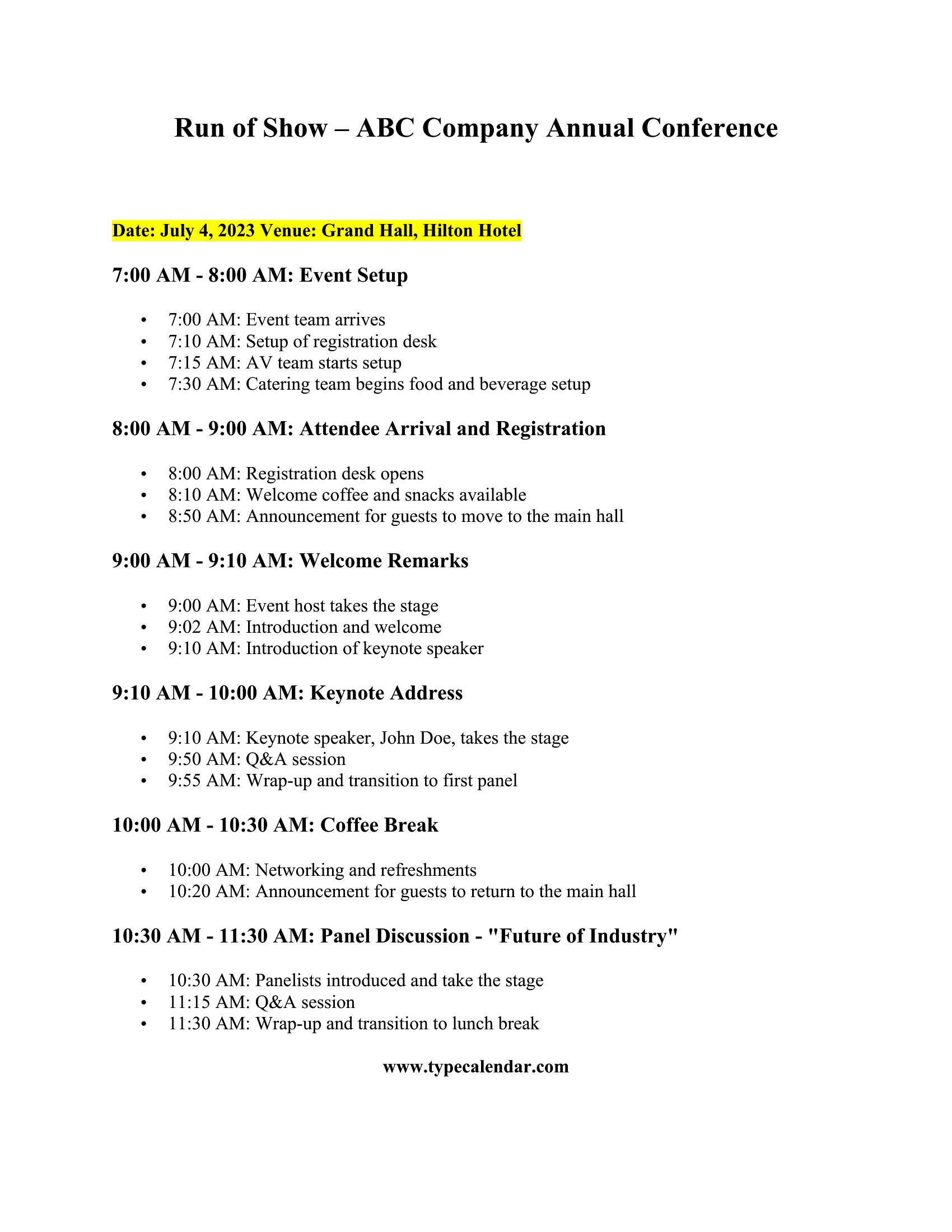
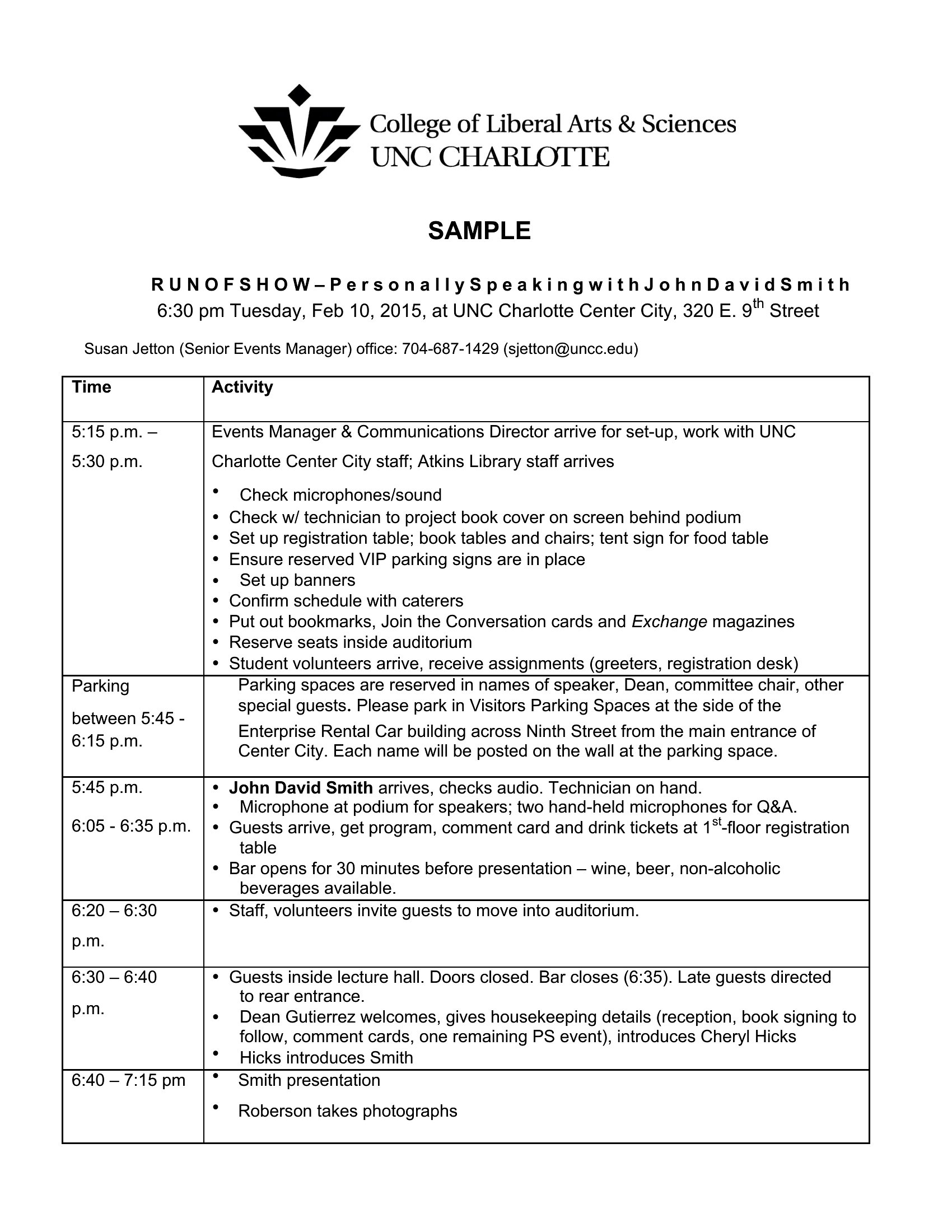
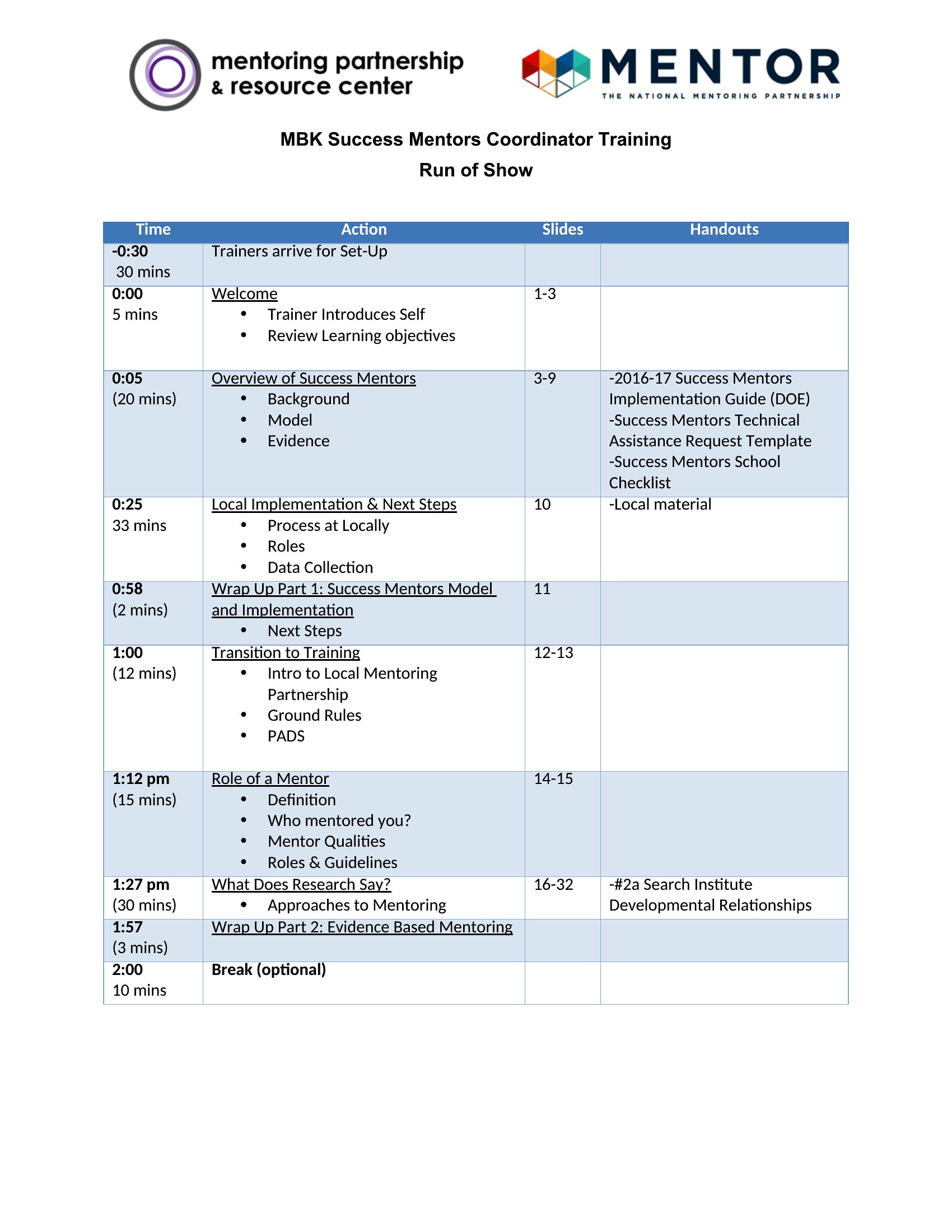
How detailed should I make the run of show if the event includes live performances or improvisation?
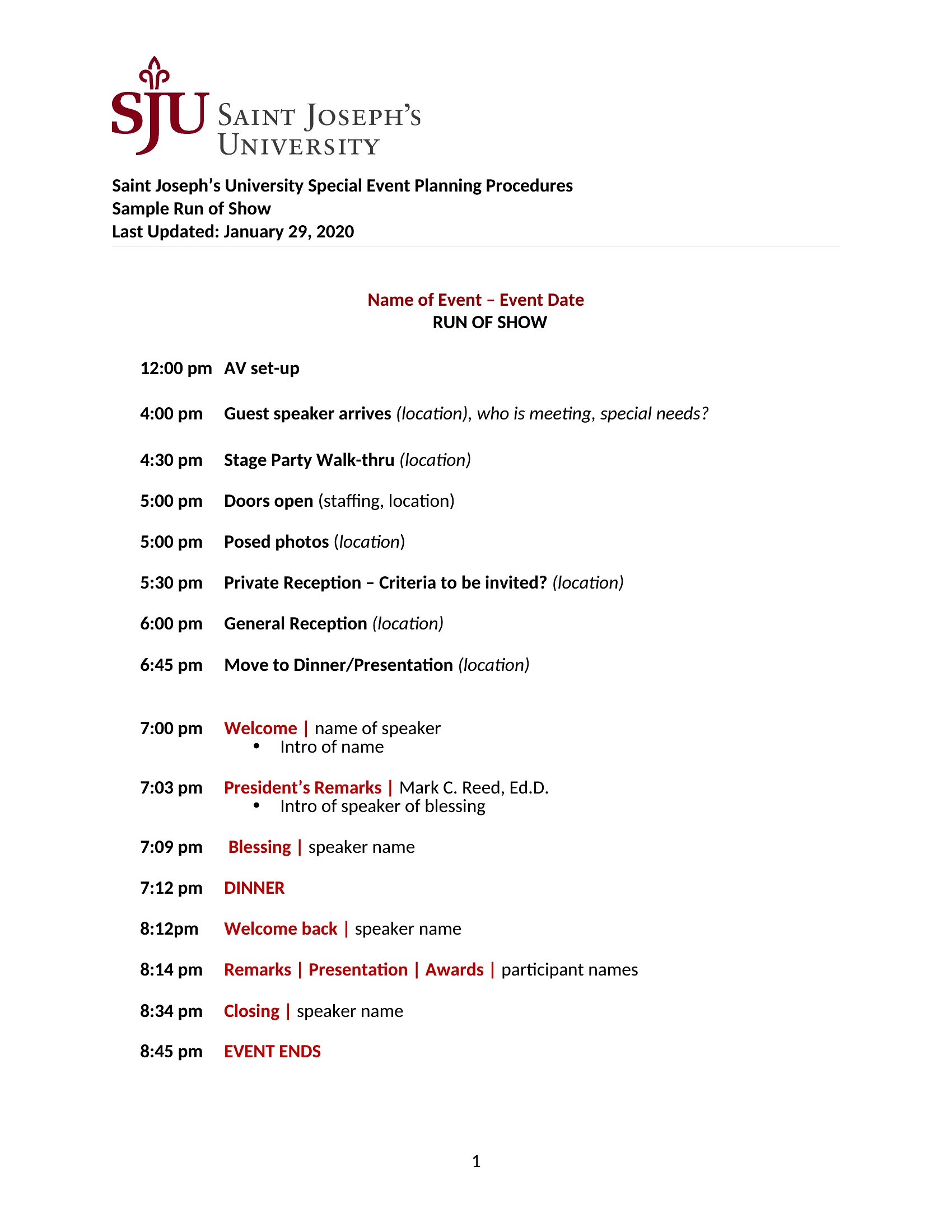
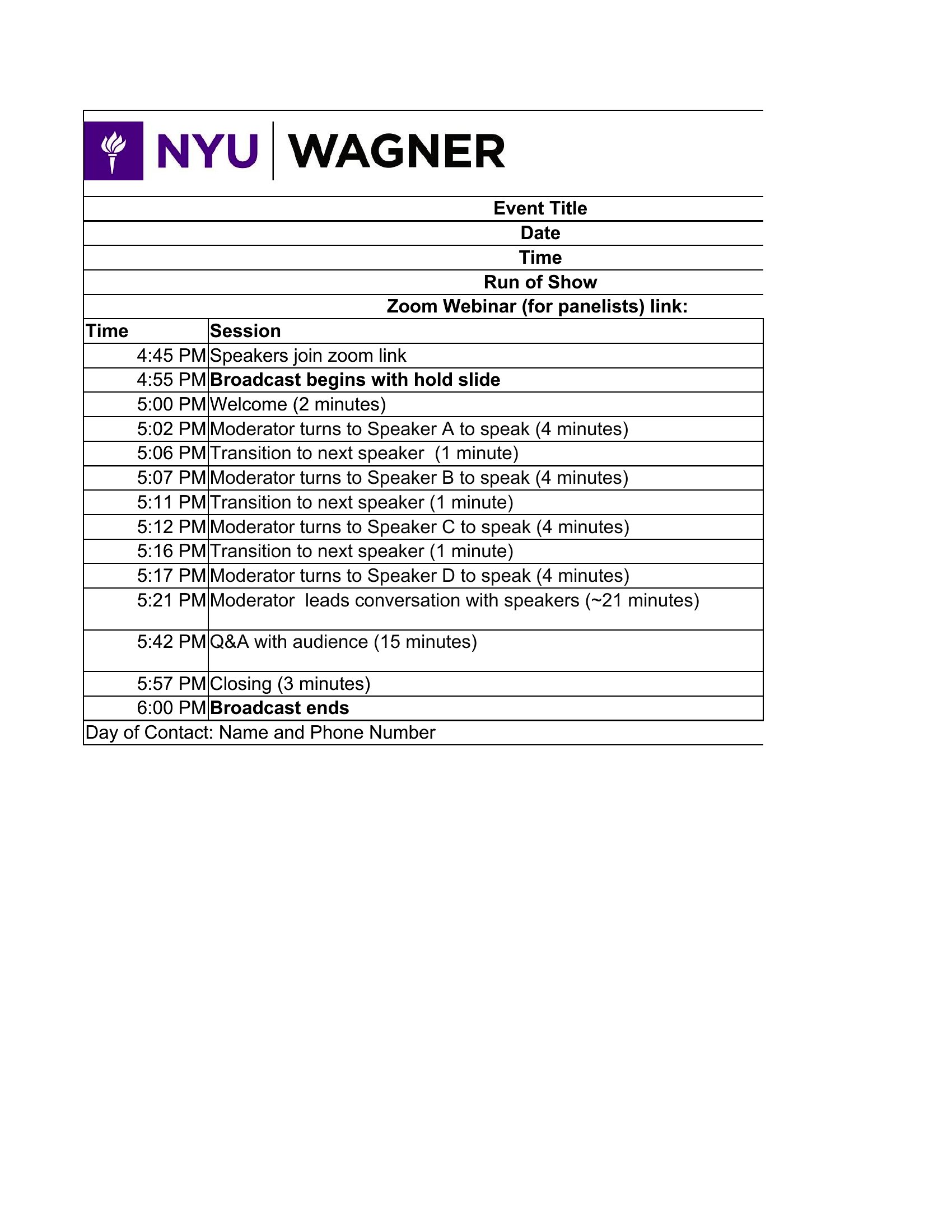
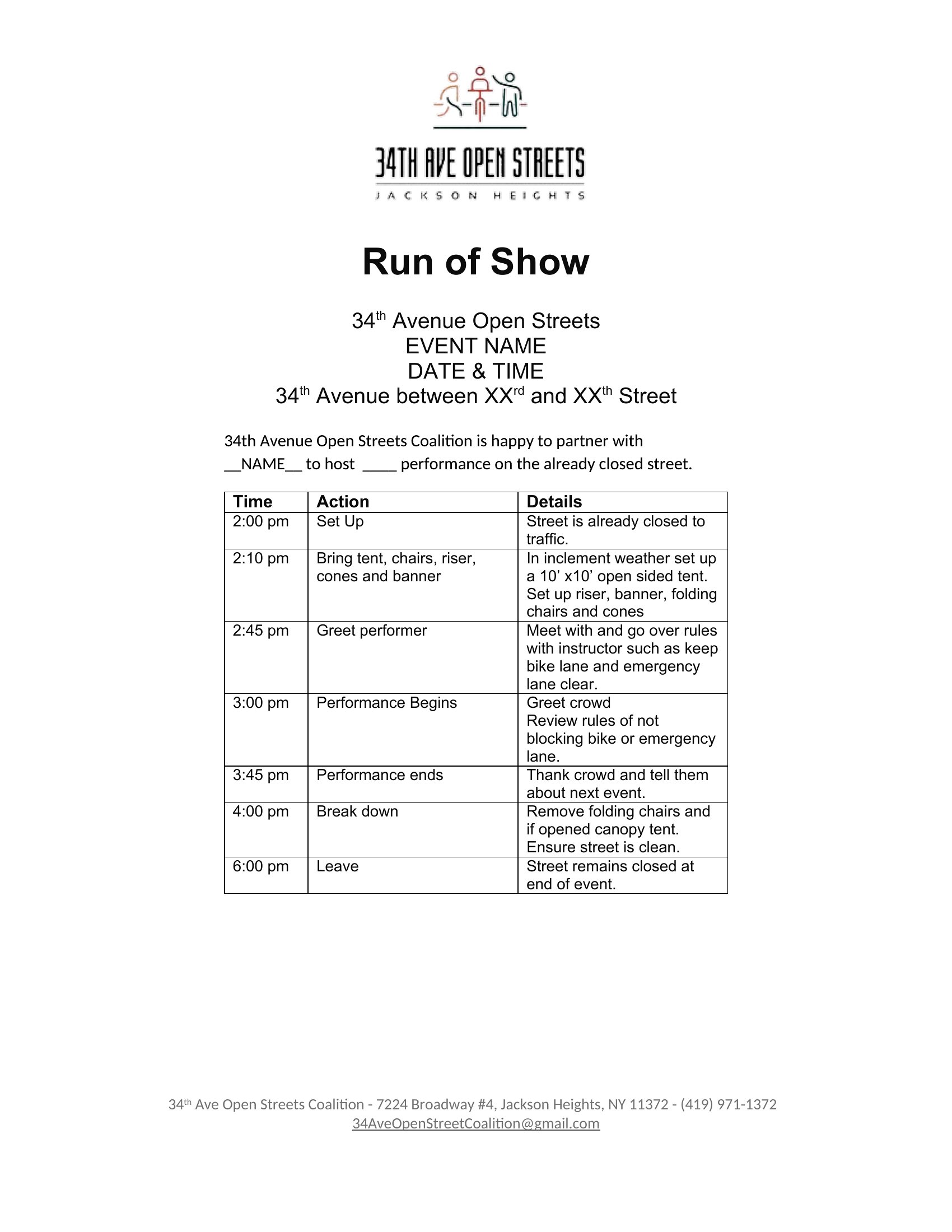
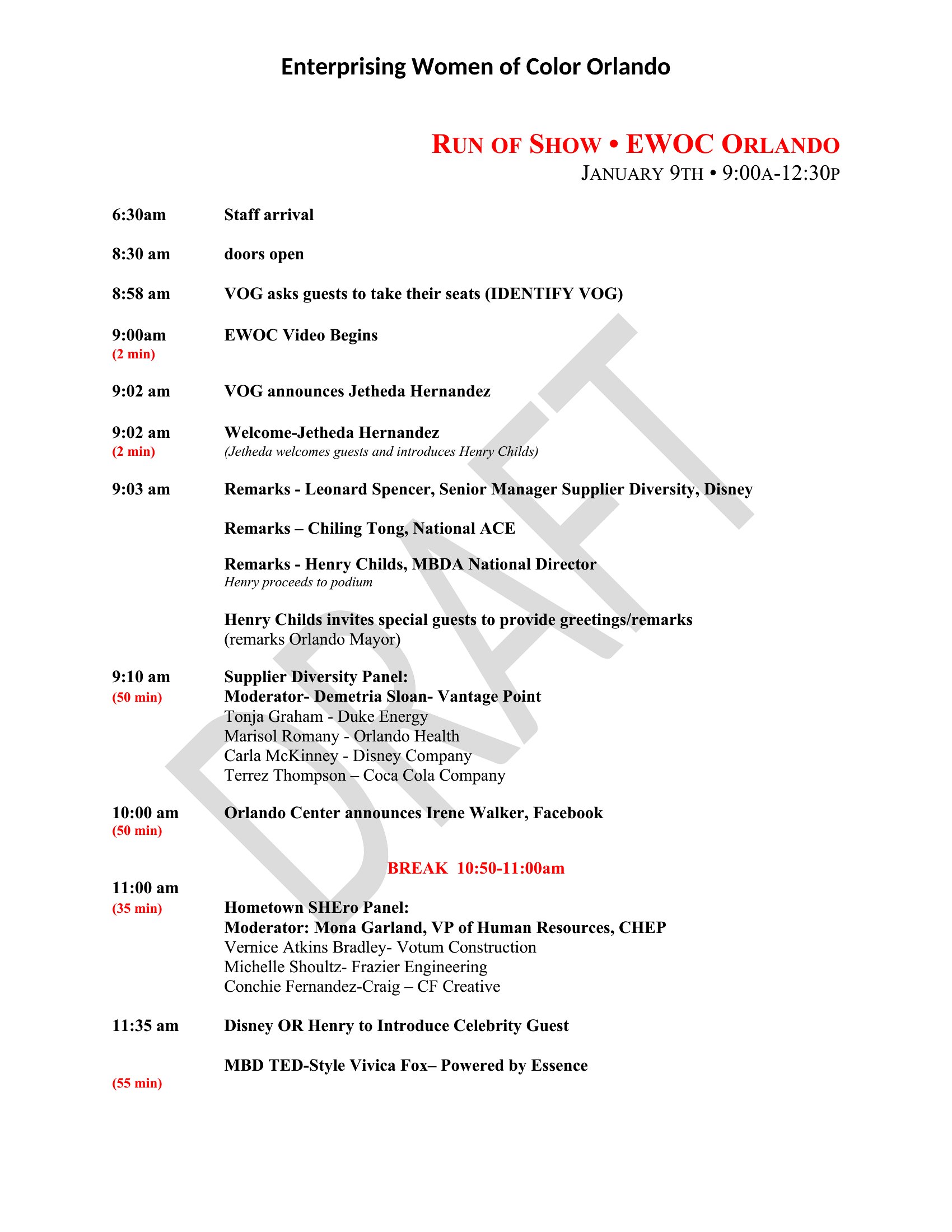
Include the planned structure and key cues (e.g., music cues, lighting changes) but leave buffer times for spontaneity. For example, note ‘Guest Speaker: 15 minutes + 5-minute buffer’ instead of rigid timing. This keeps the crew aligned while allowing room for creativity.
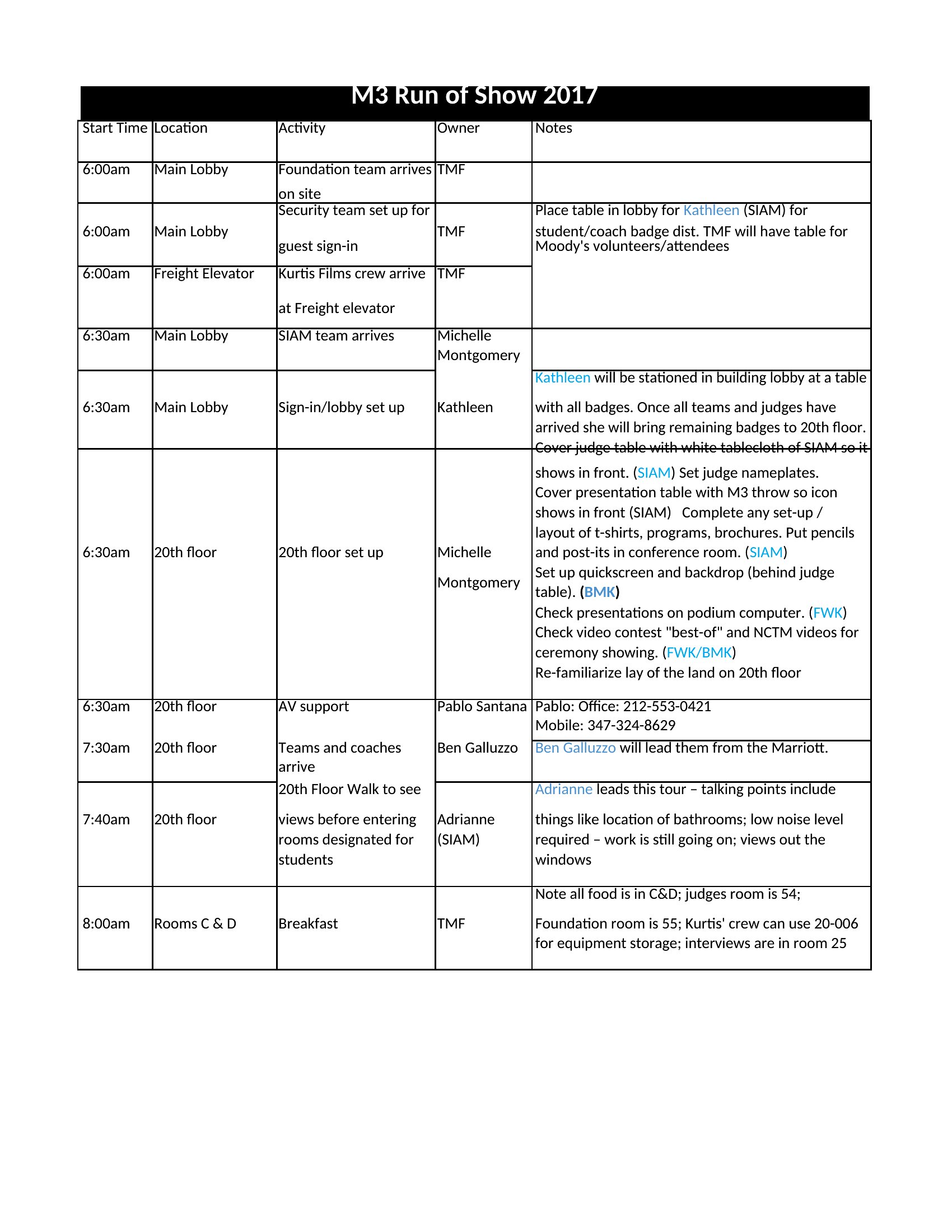
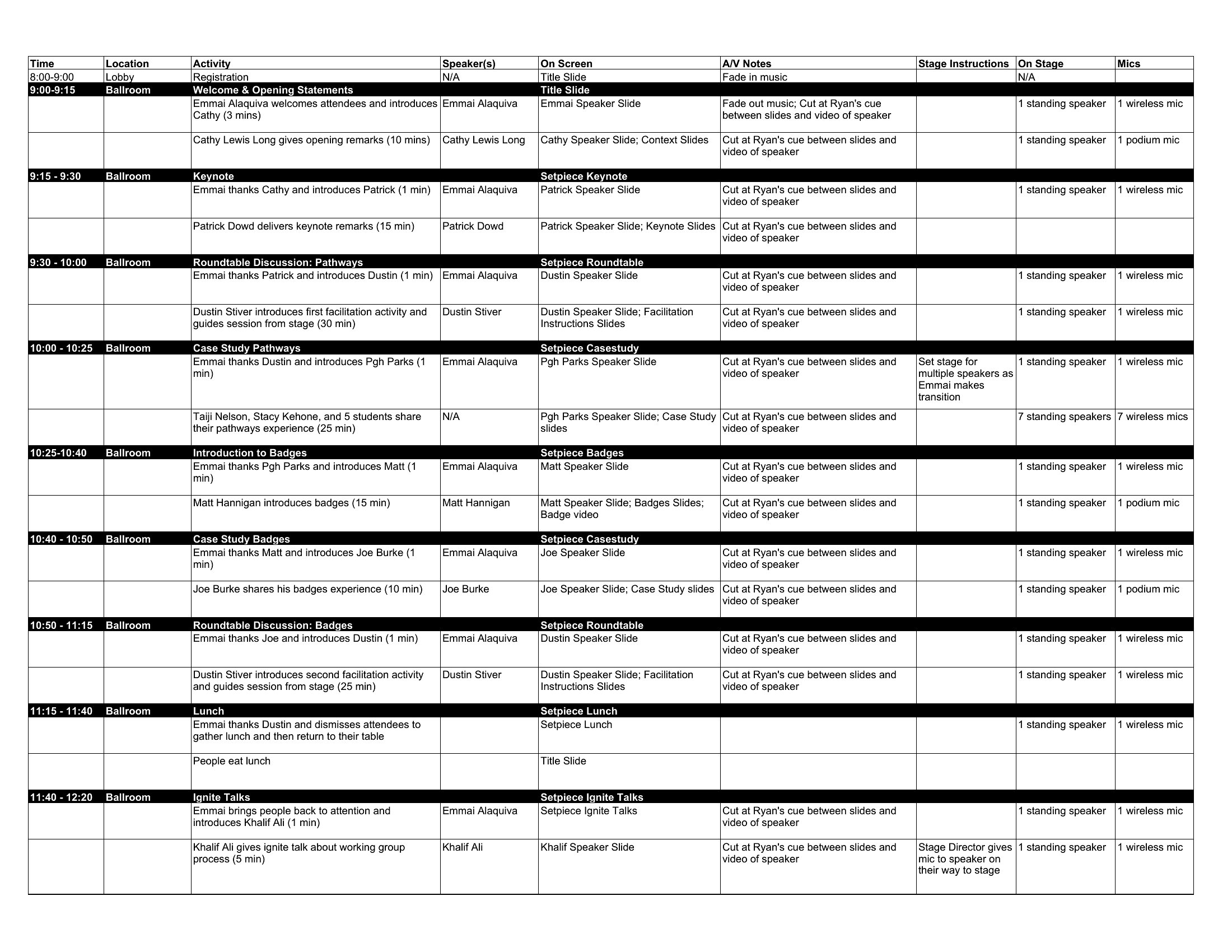
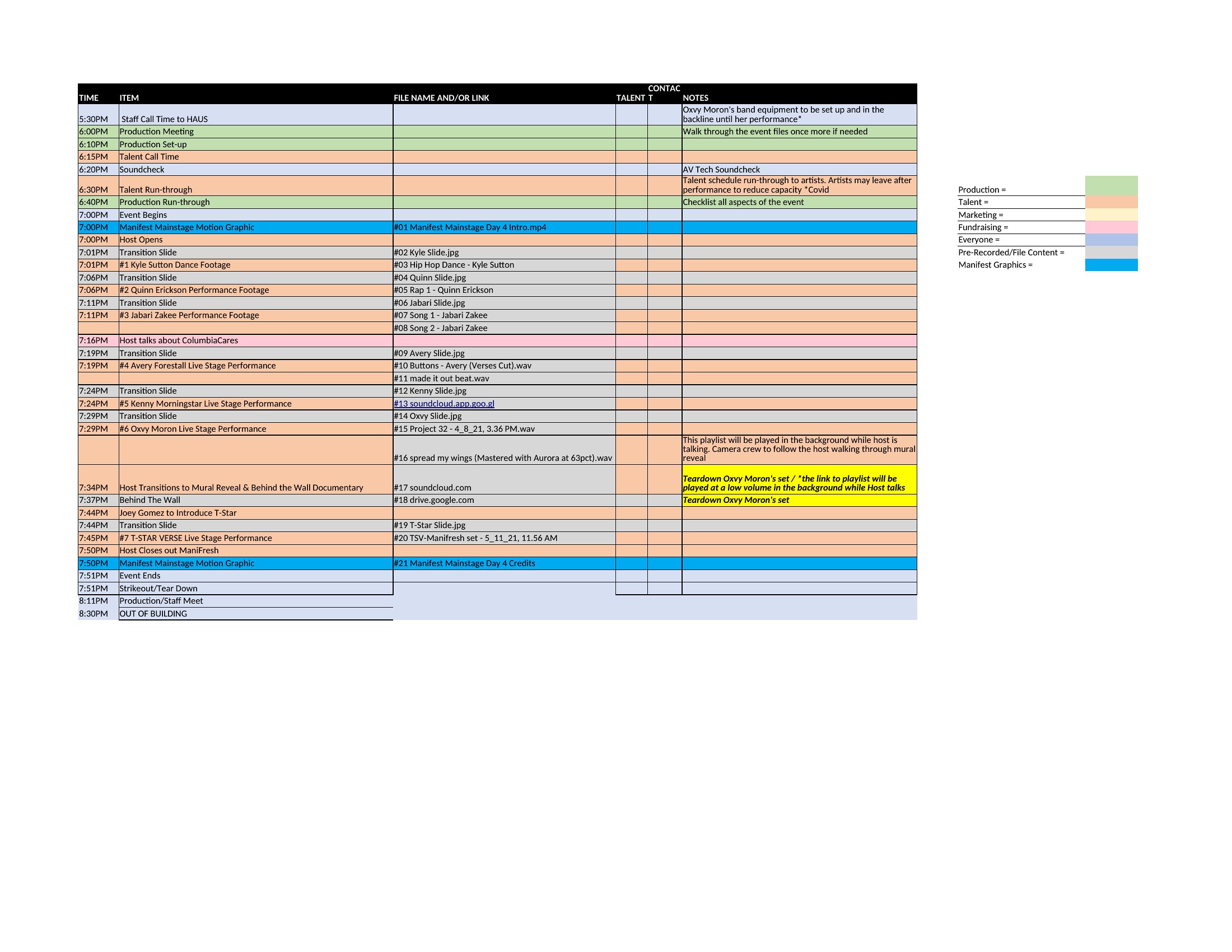
Can I use these templates to coordinate both on-stage actions and backstage prep times?
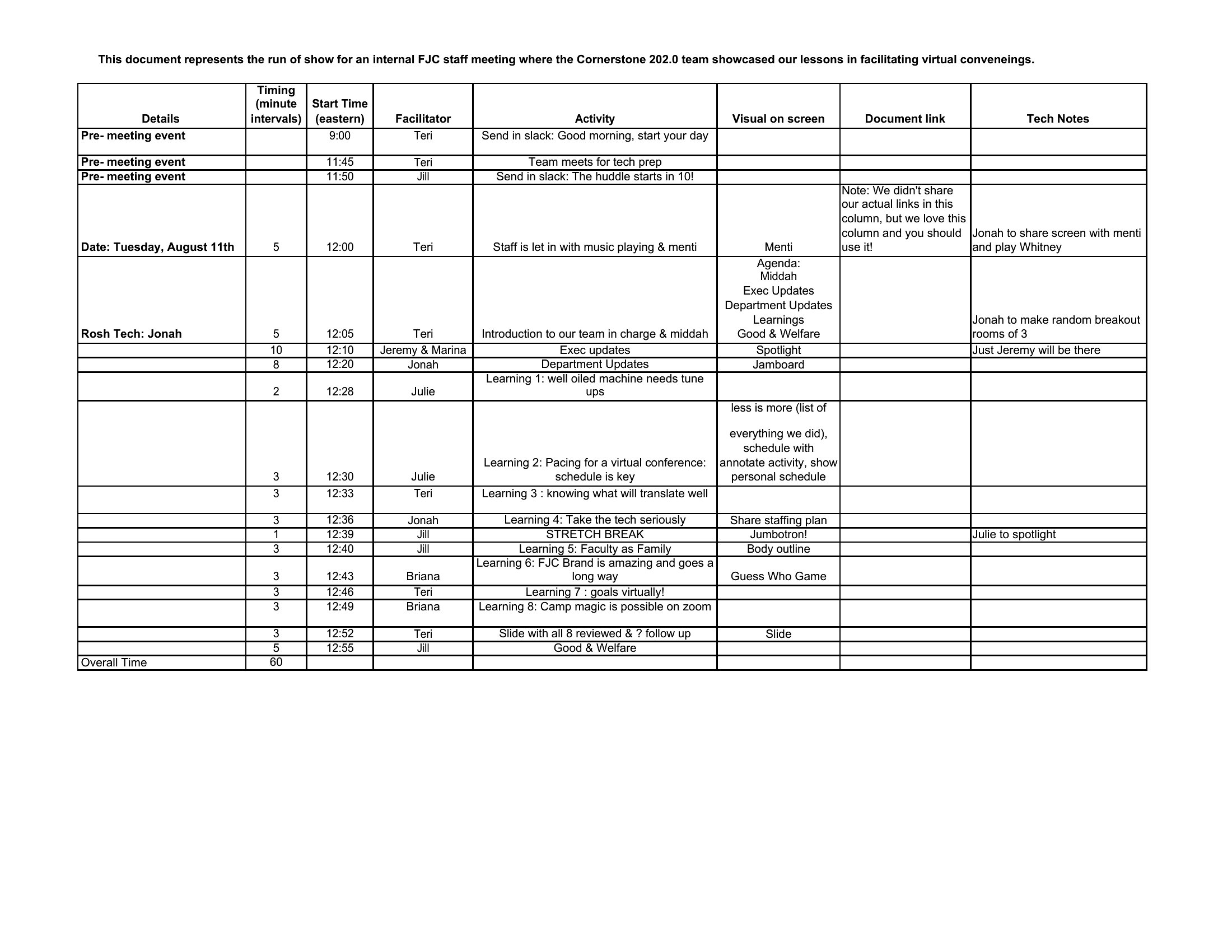
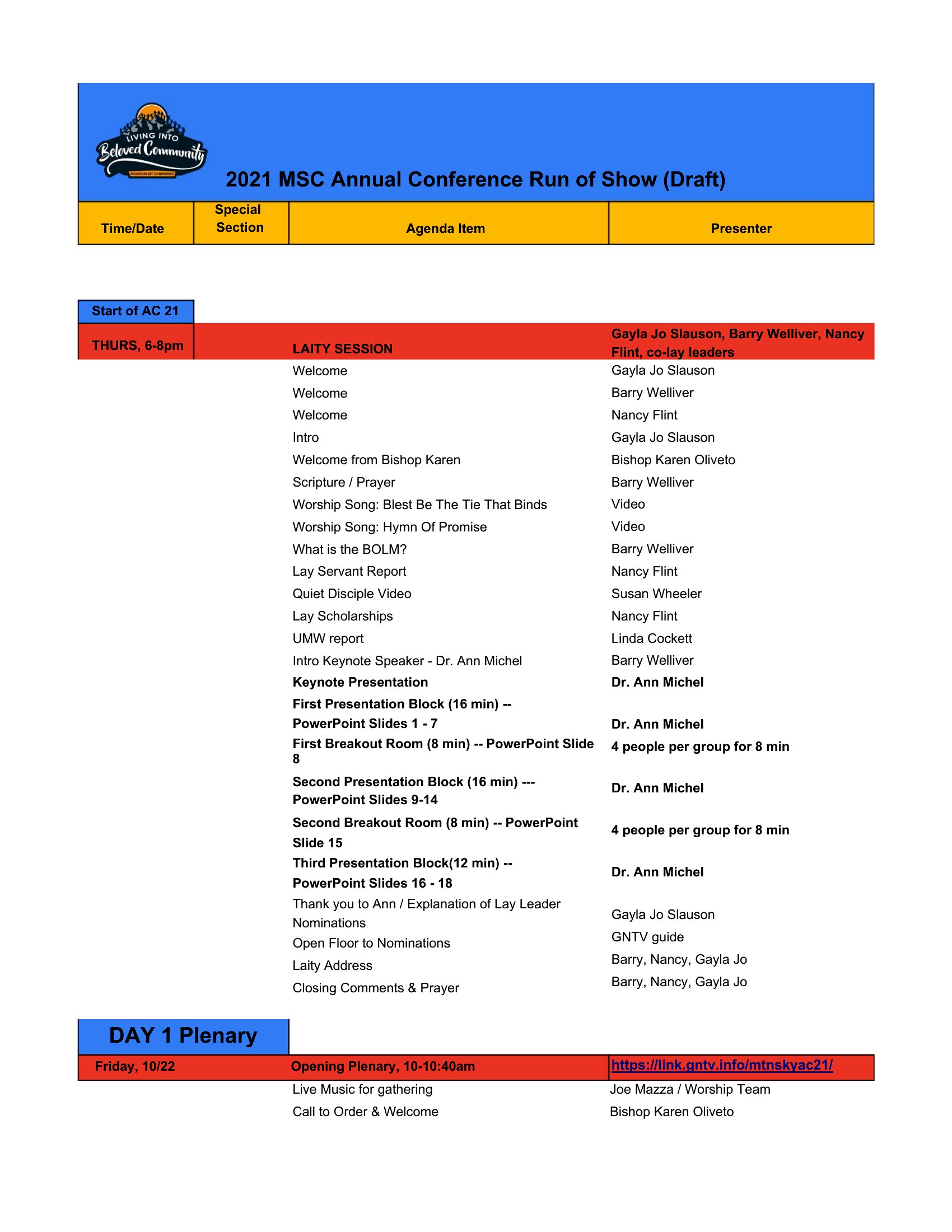
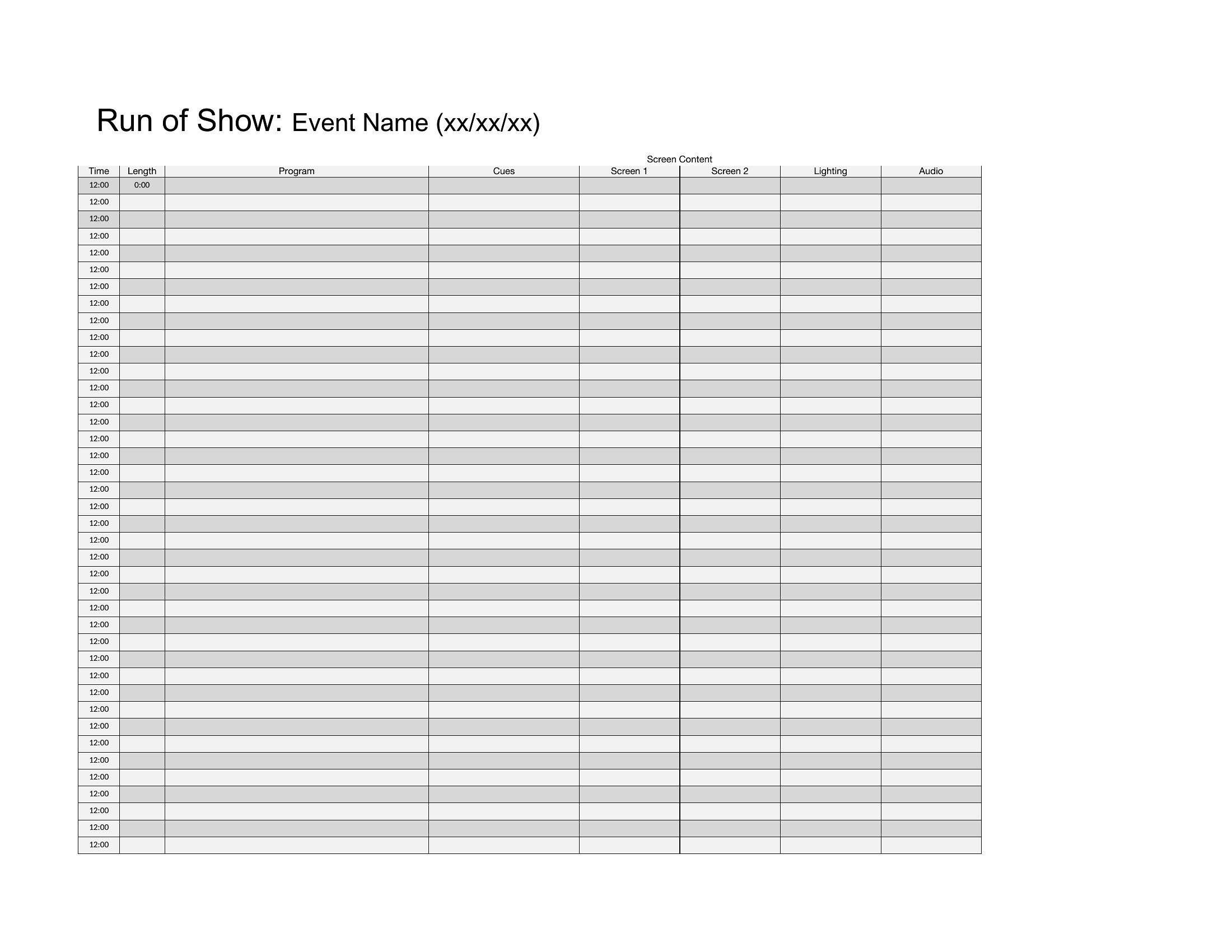
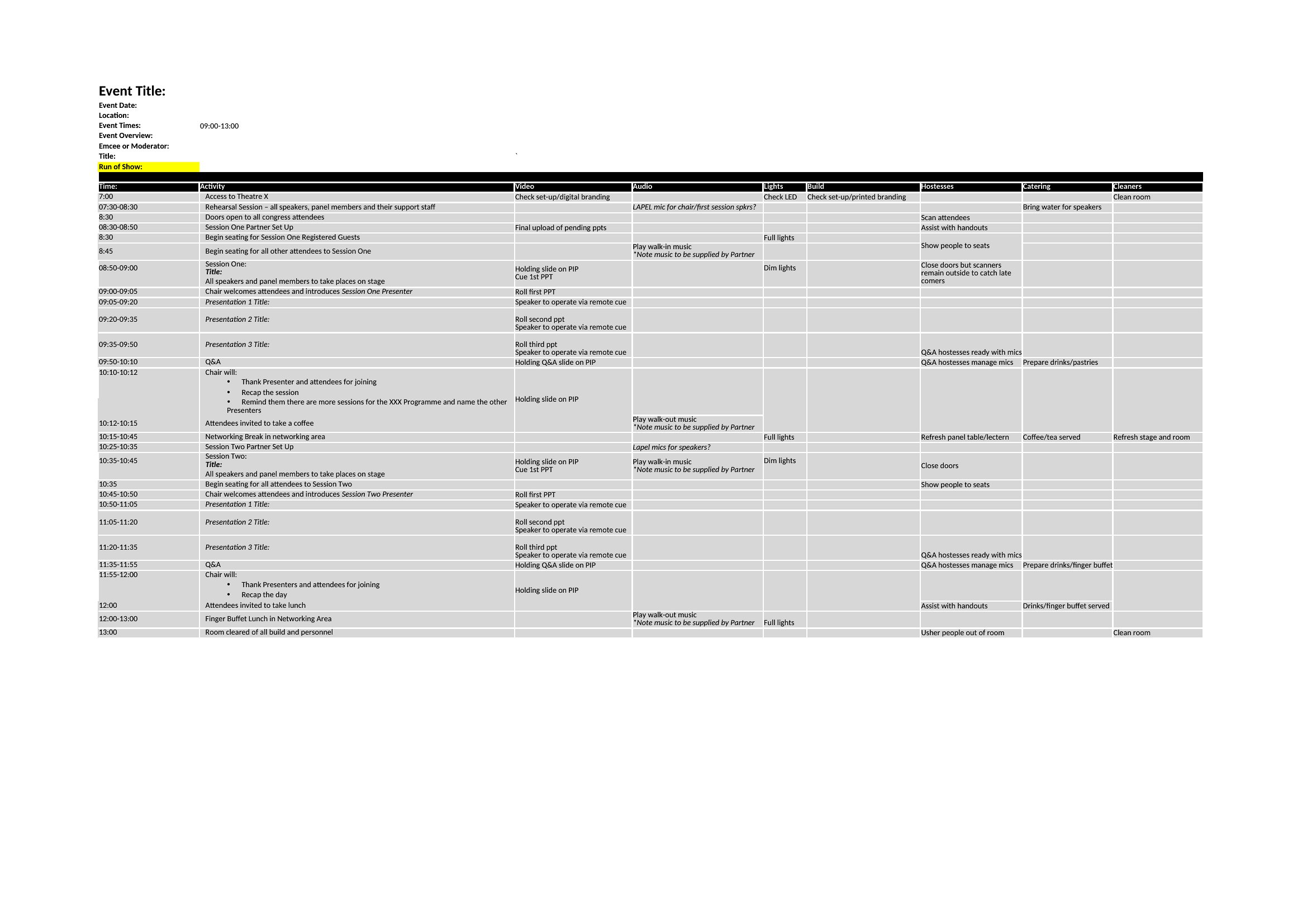
Yes. Dedicate a column in your run of show to list backstage tasks (e.g., ‘Cue 5: AV team checks microphone levels’) alongside on-stage actions. Use color-coding or icons to distinguish between the two, ensuring everyone—from performers to tech crews—knows their prep timeline.
What’s the best way to share the run of show with remote team members or vendors?
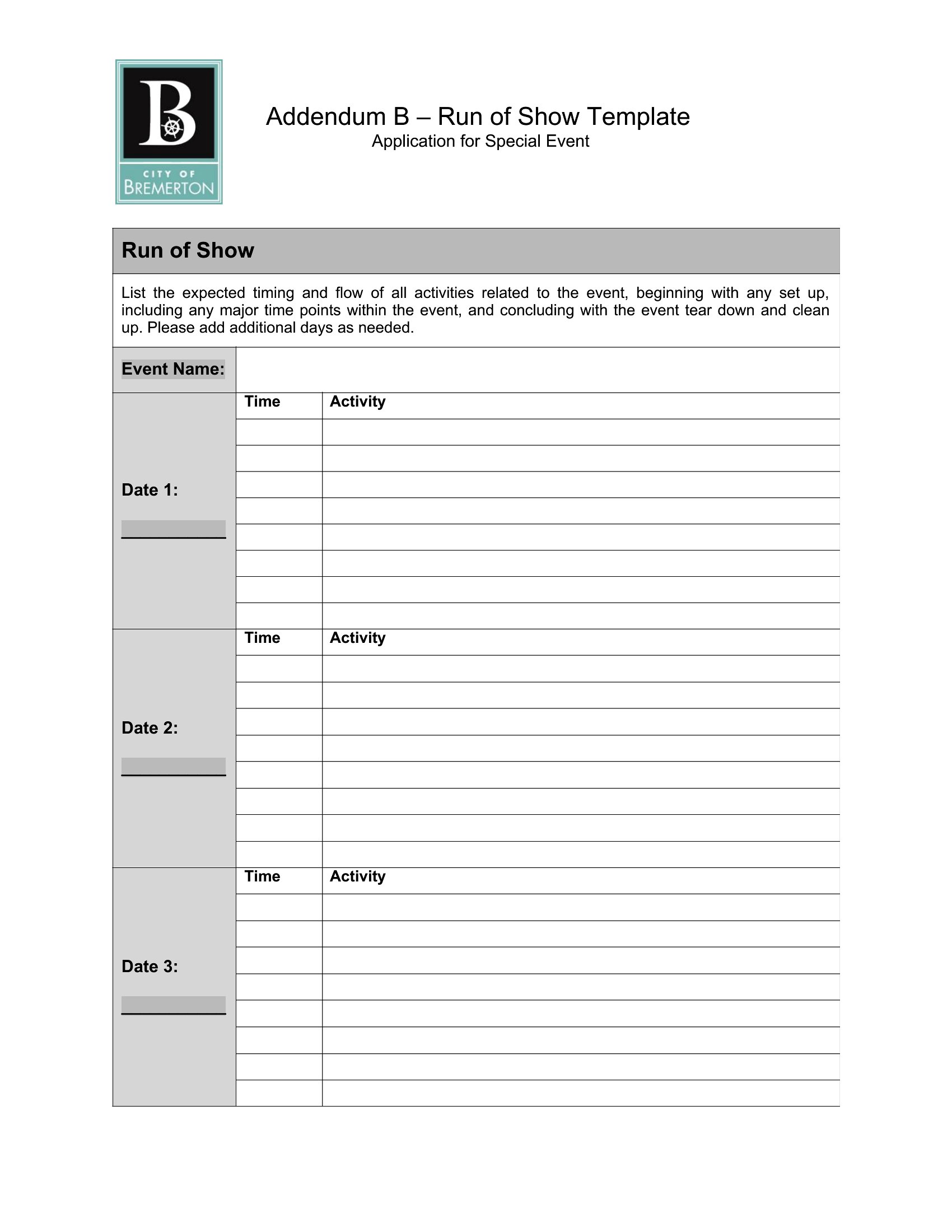
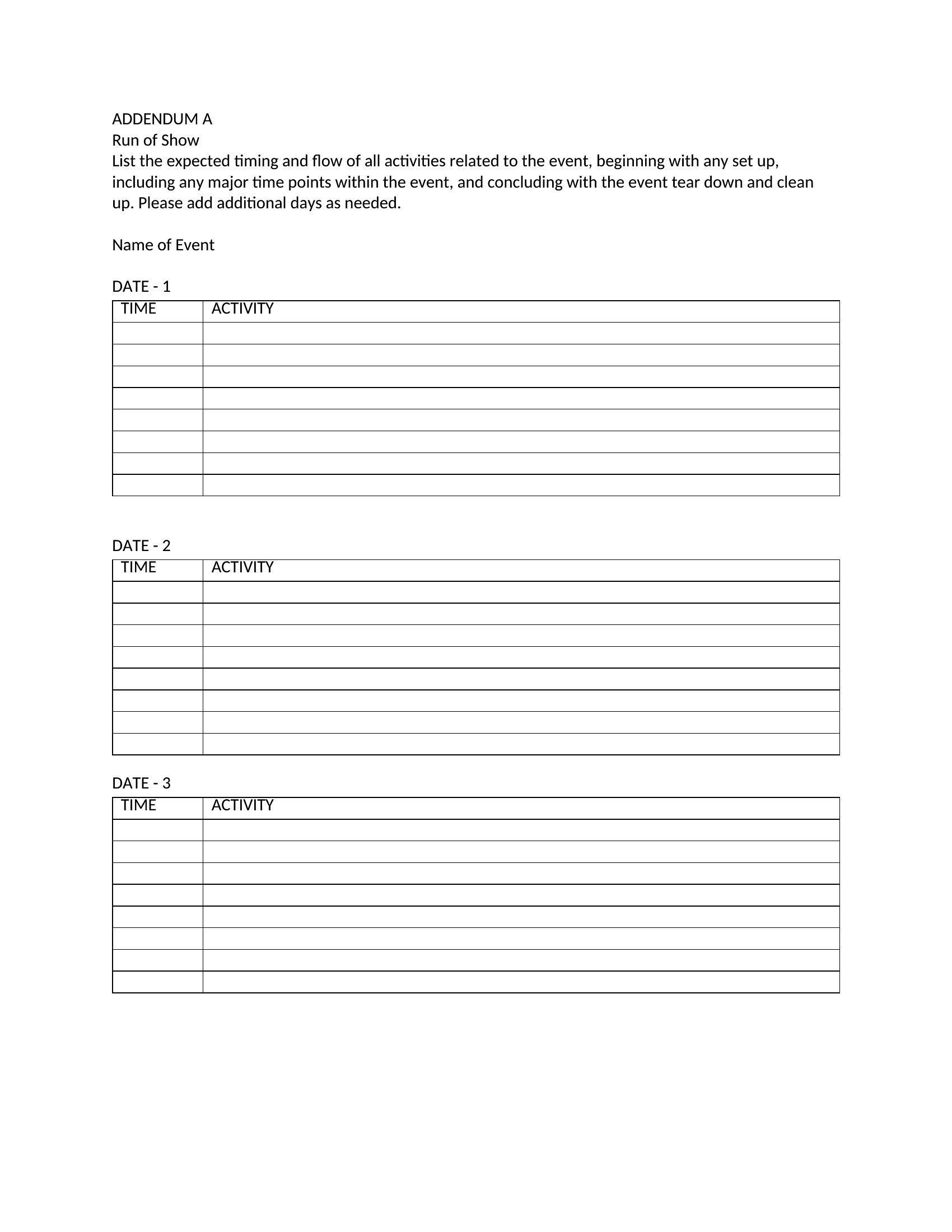
Export the Word version as a PDF for easy distribution, then use Excel’s ‘Share’ feature to collaborate in real-time if updates are needed. For remote teams, include a ‘Last Updated’ timestamp and assign a point person to field questions about the schedule.
Comments
Join the conversation
Sign in to share your thoughts and leave a comment on this resource.