Skip to content
50% off this one-time $1.99 pack with HALFOFF — or unlimited with Pro.HALFOFF
Premium

Free Run of Show Templates (Word, Excel)

Daily
aliokumus by aliokumus
Updated 0 downloads Quality-checked template

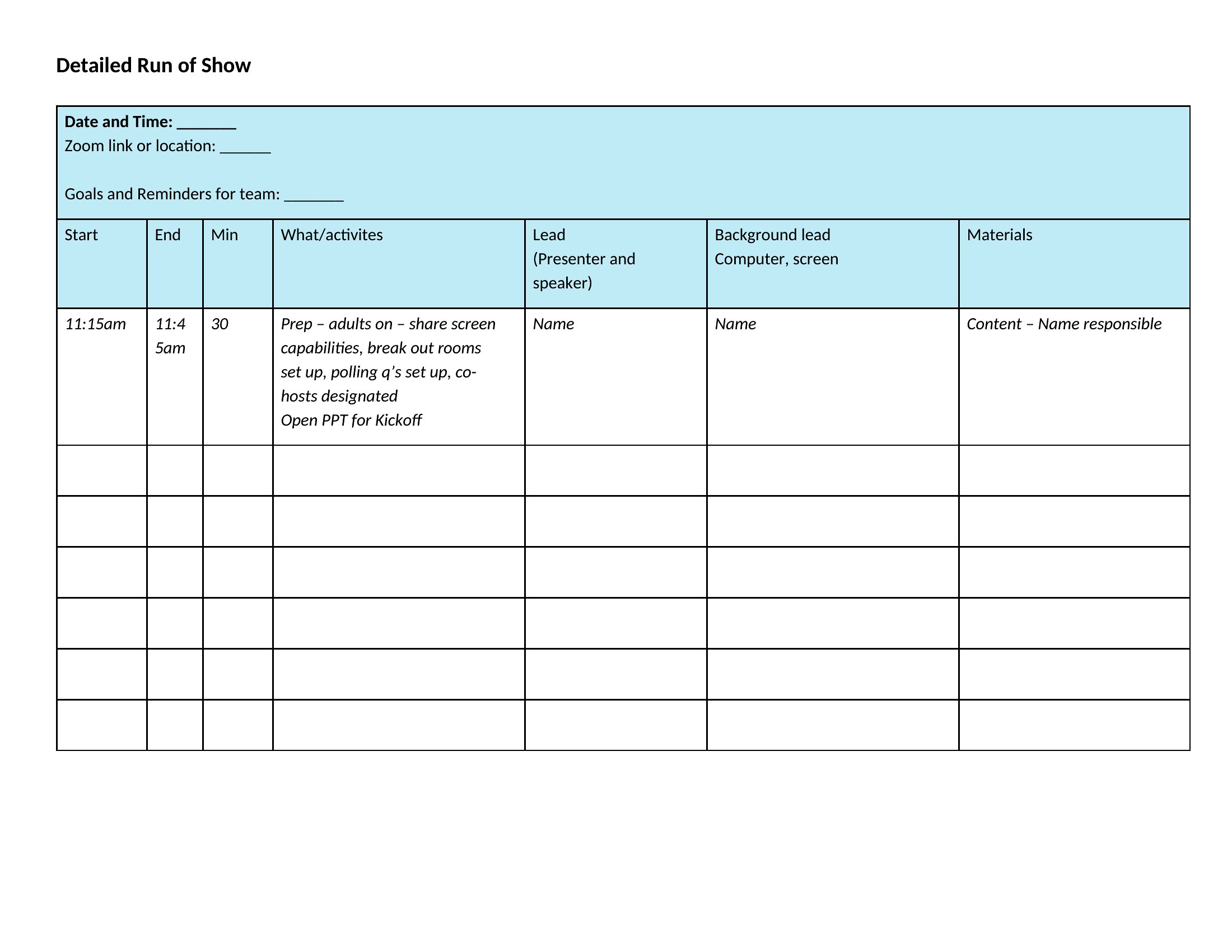
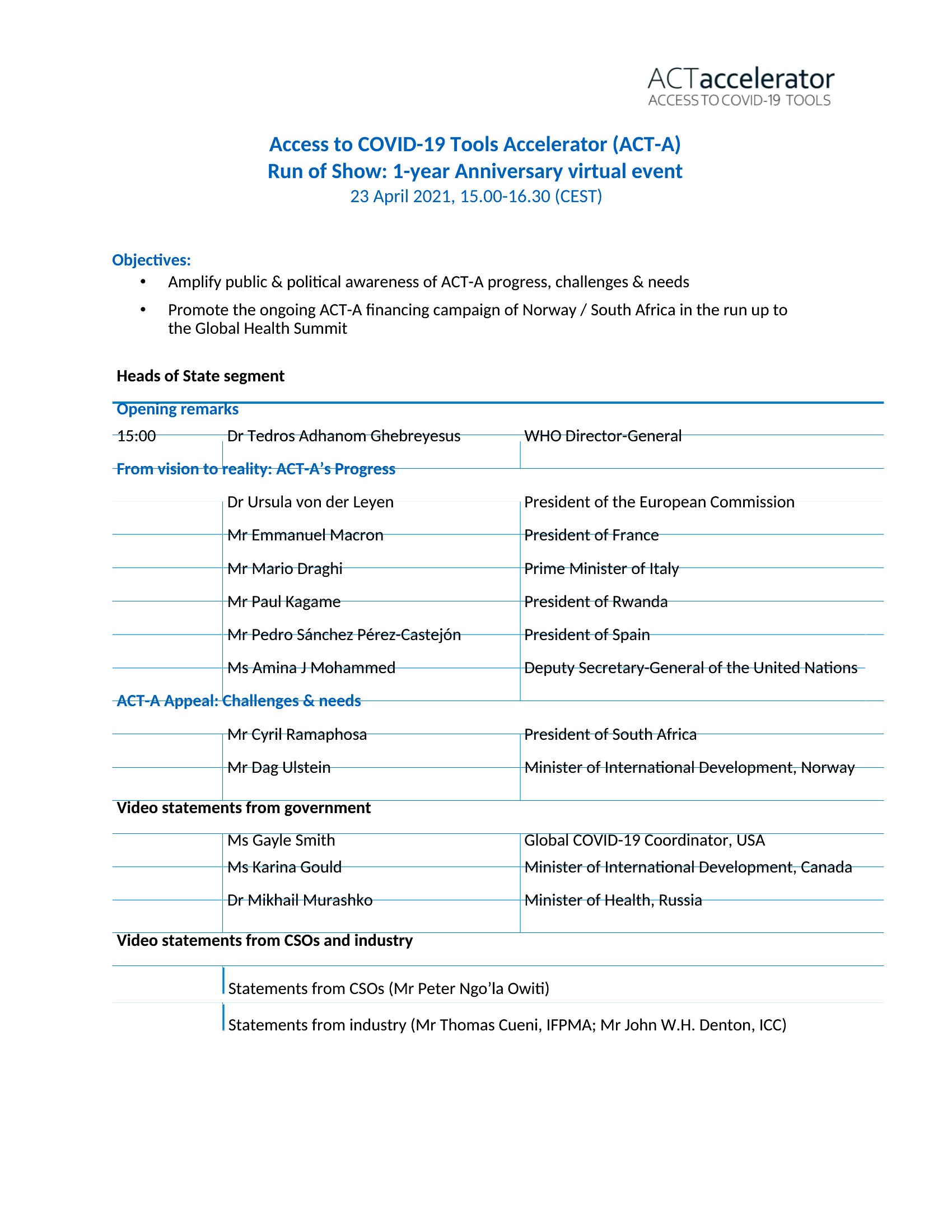
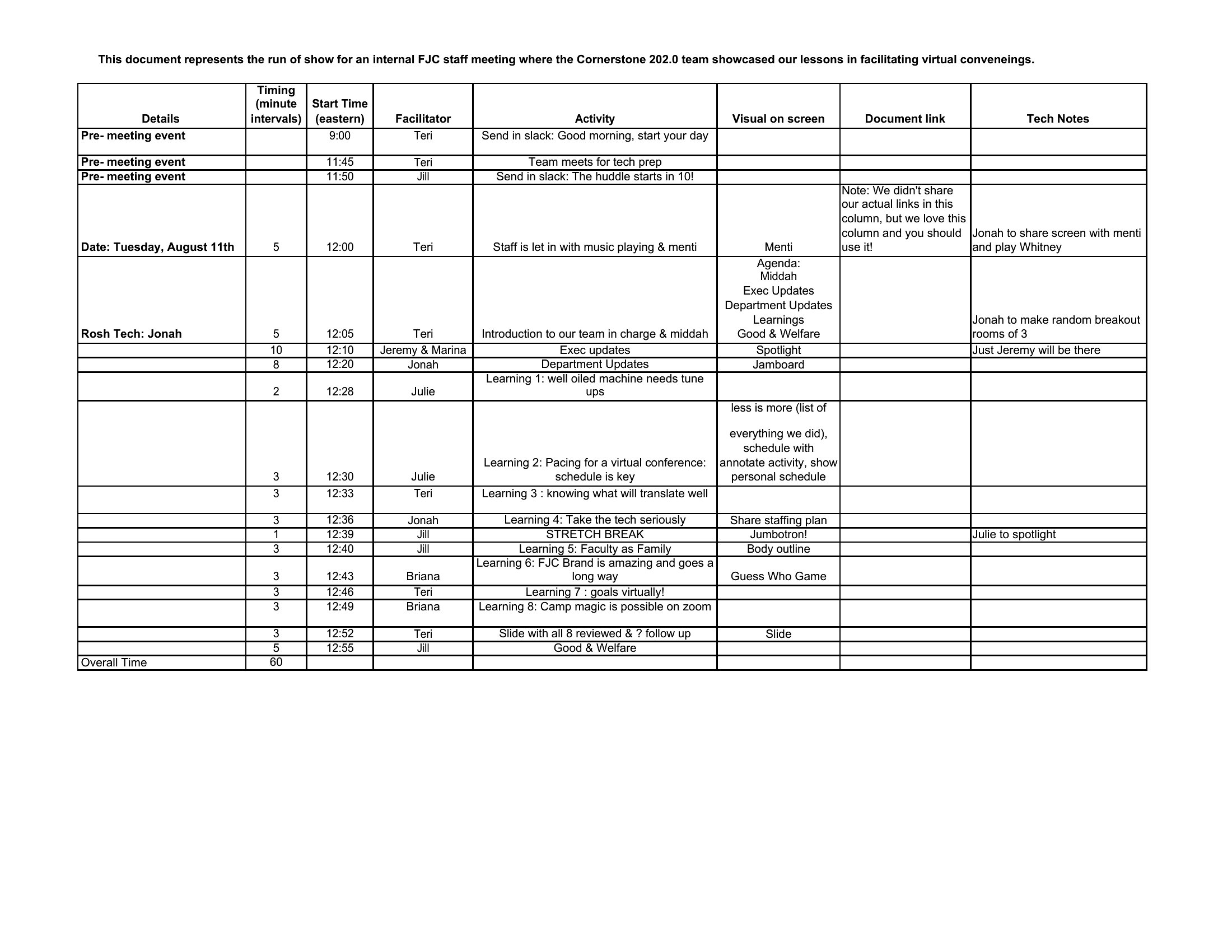
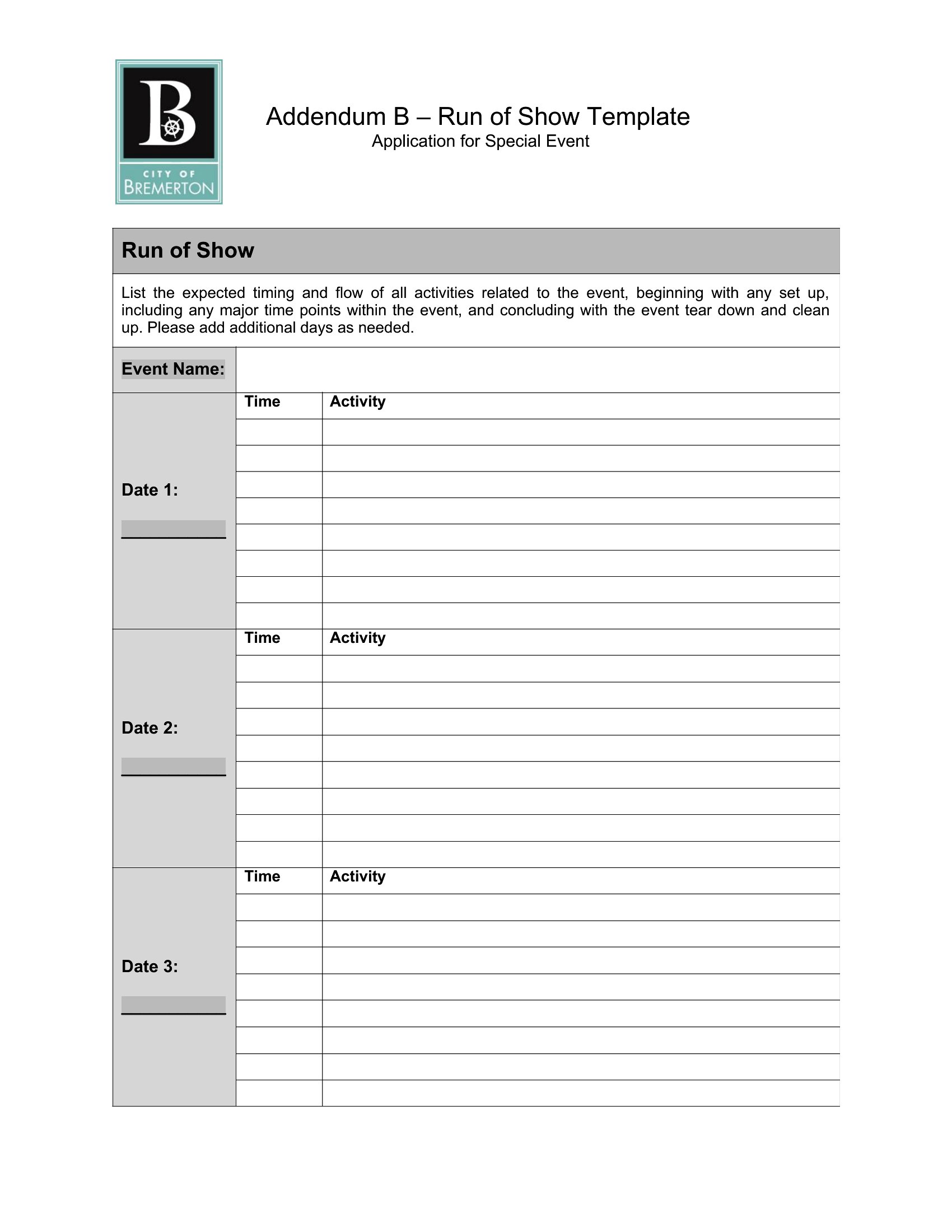
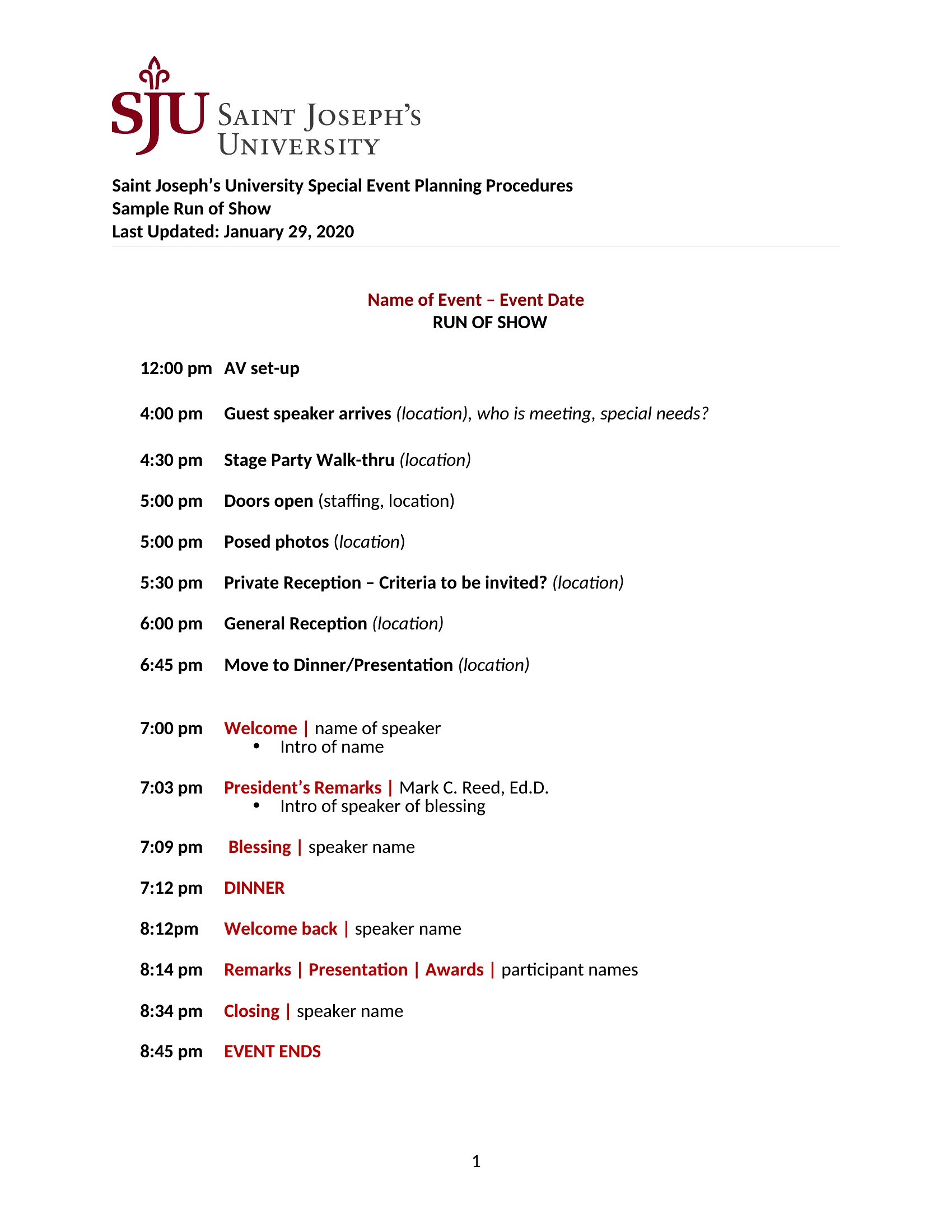
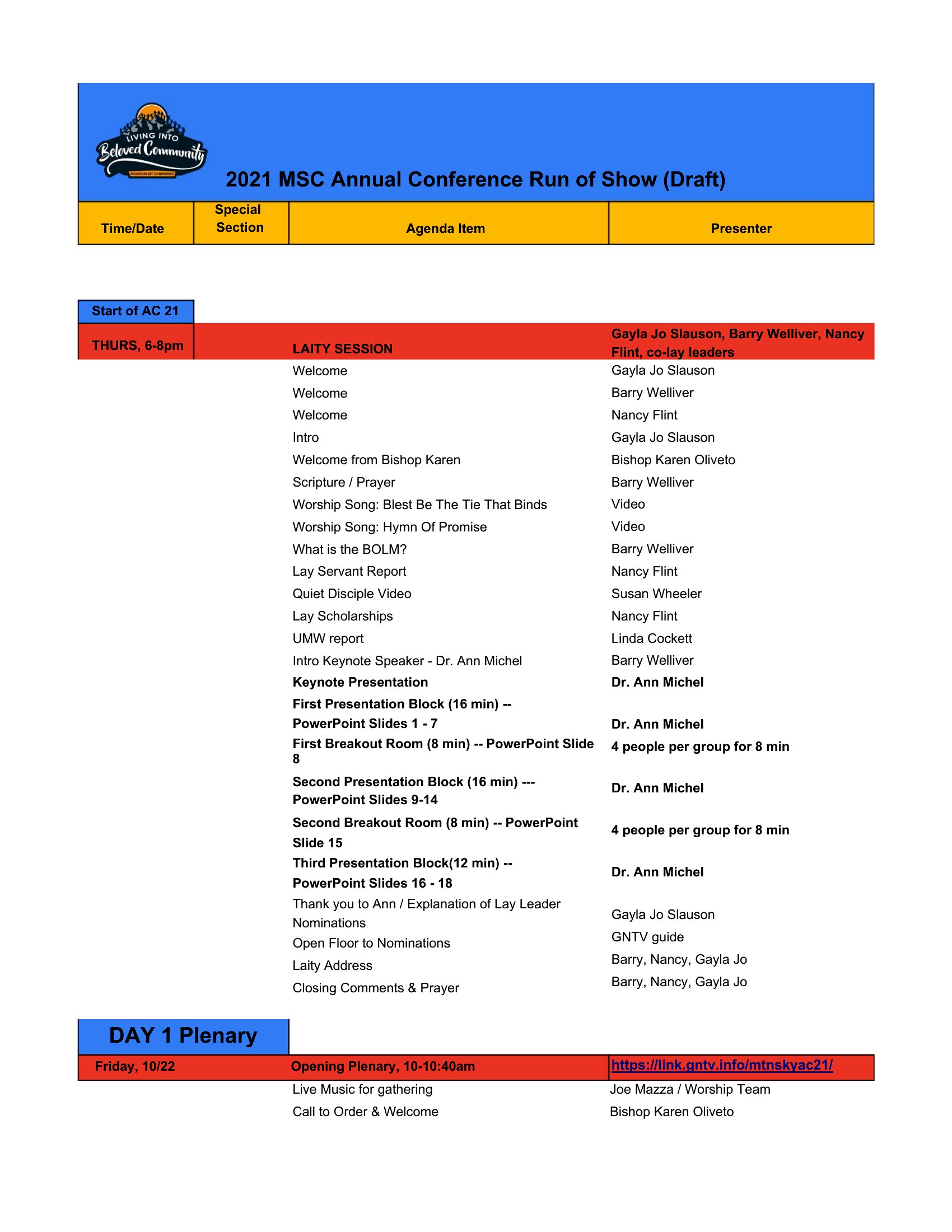
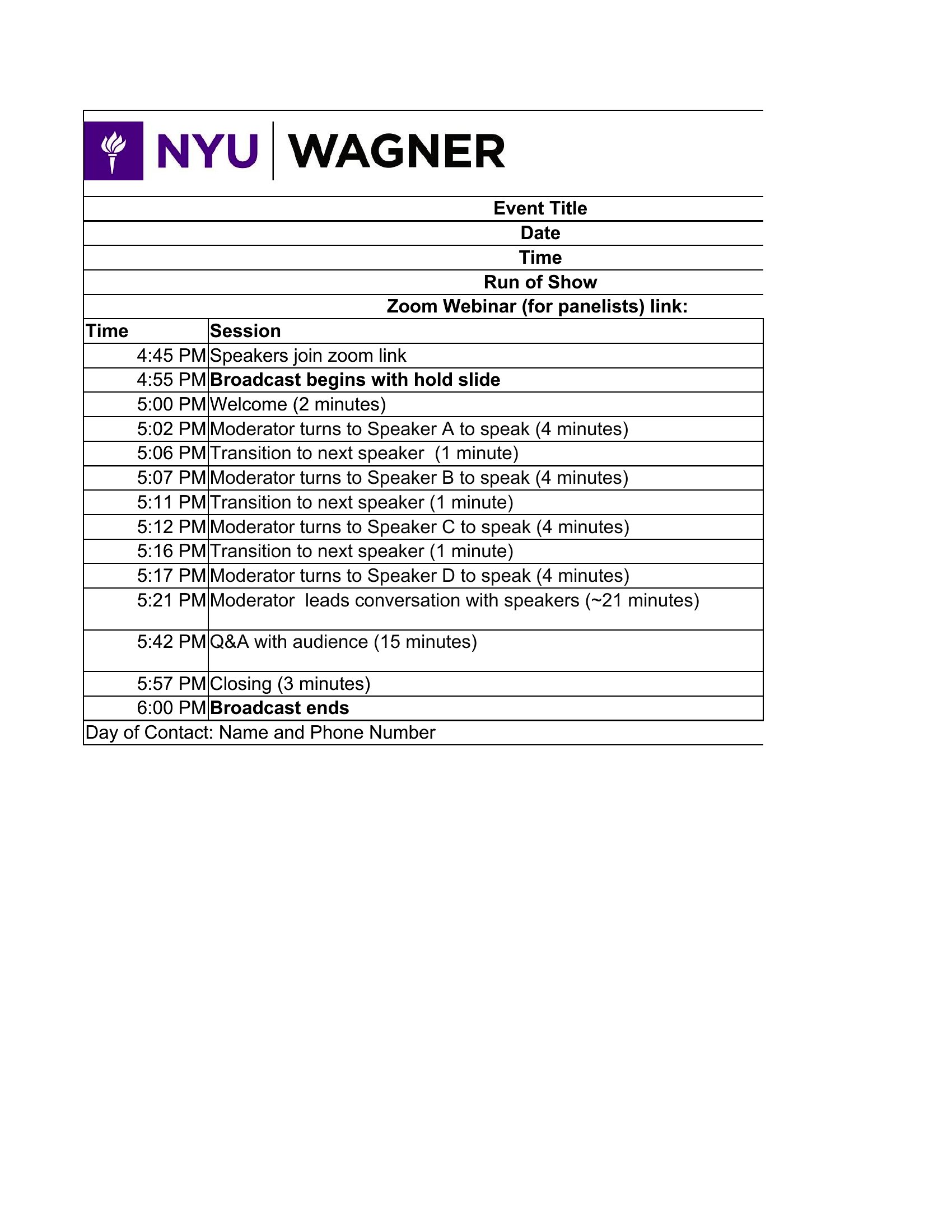
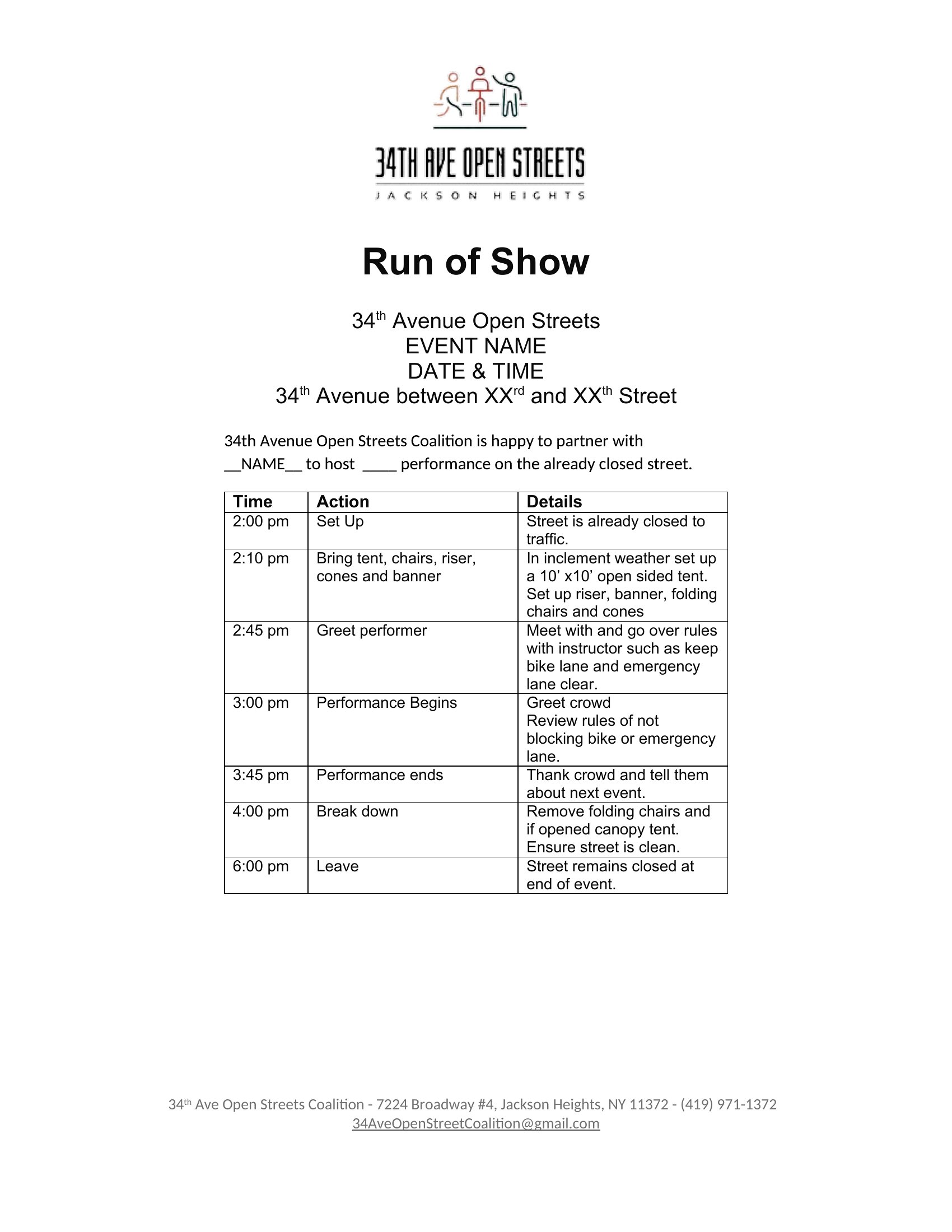
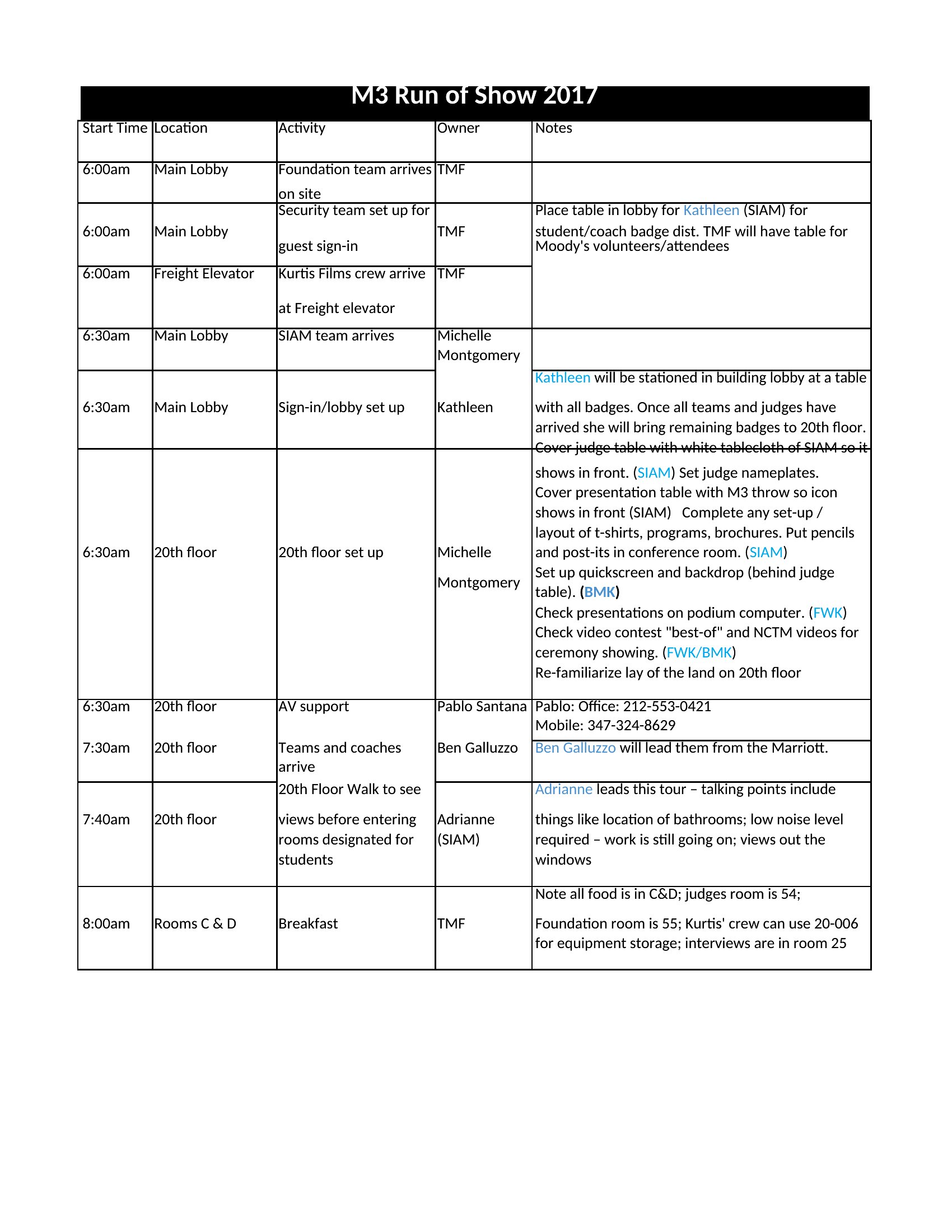
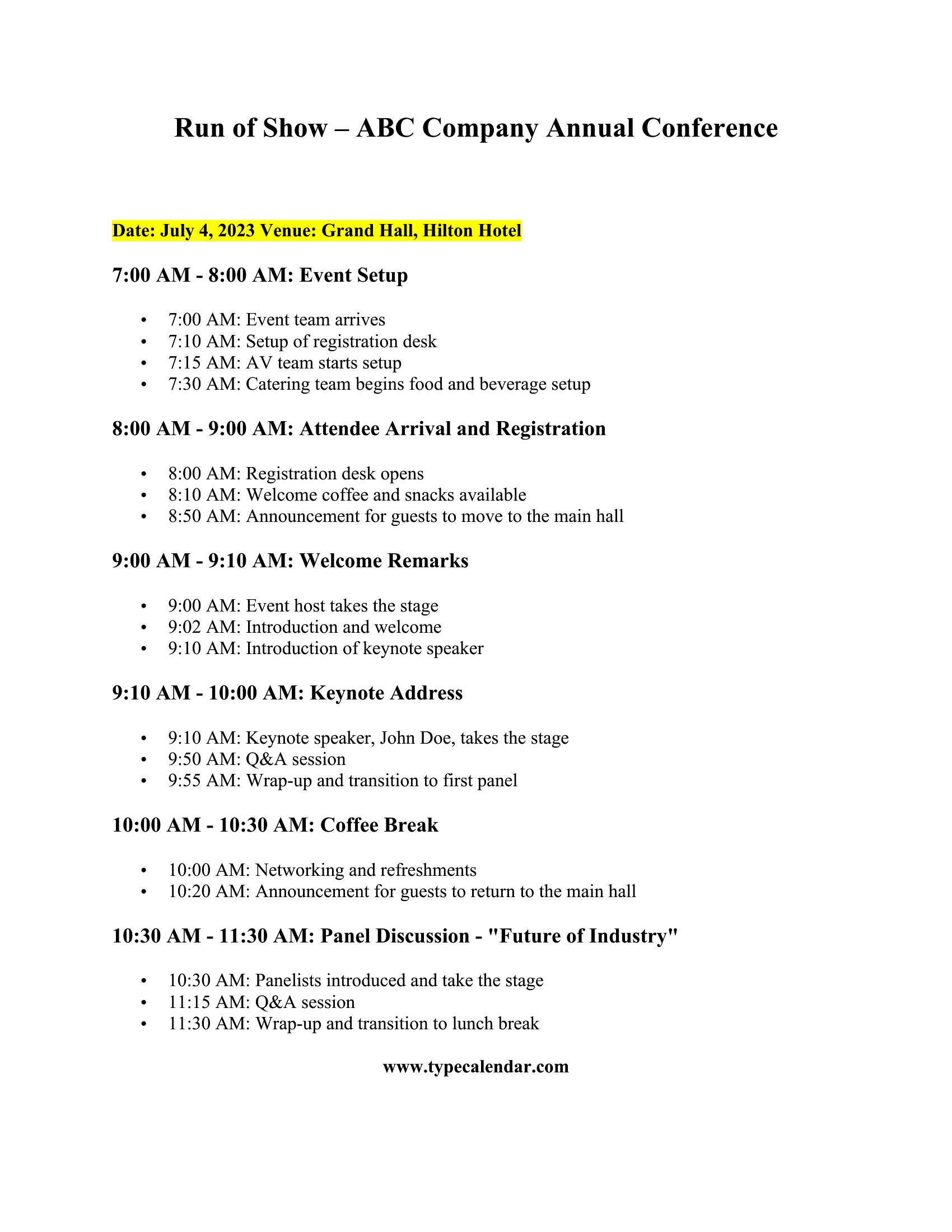
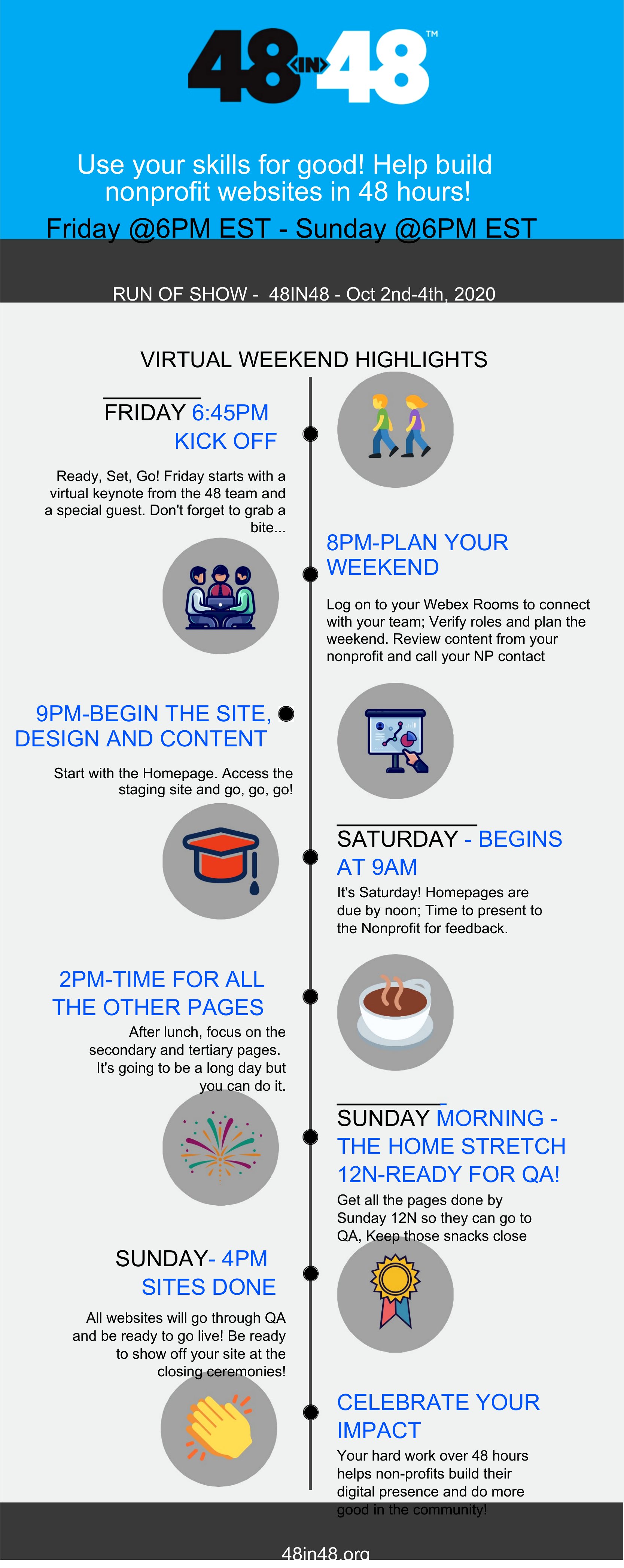
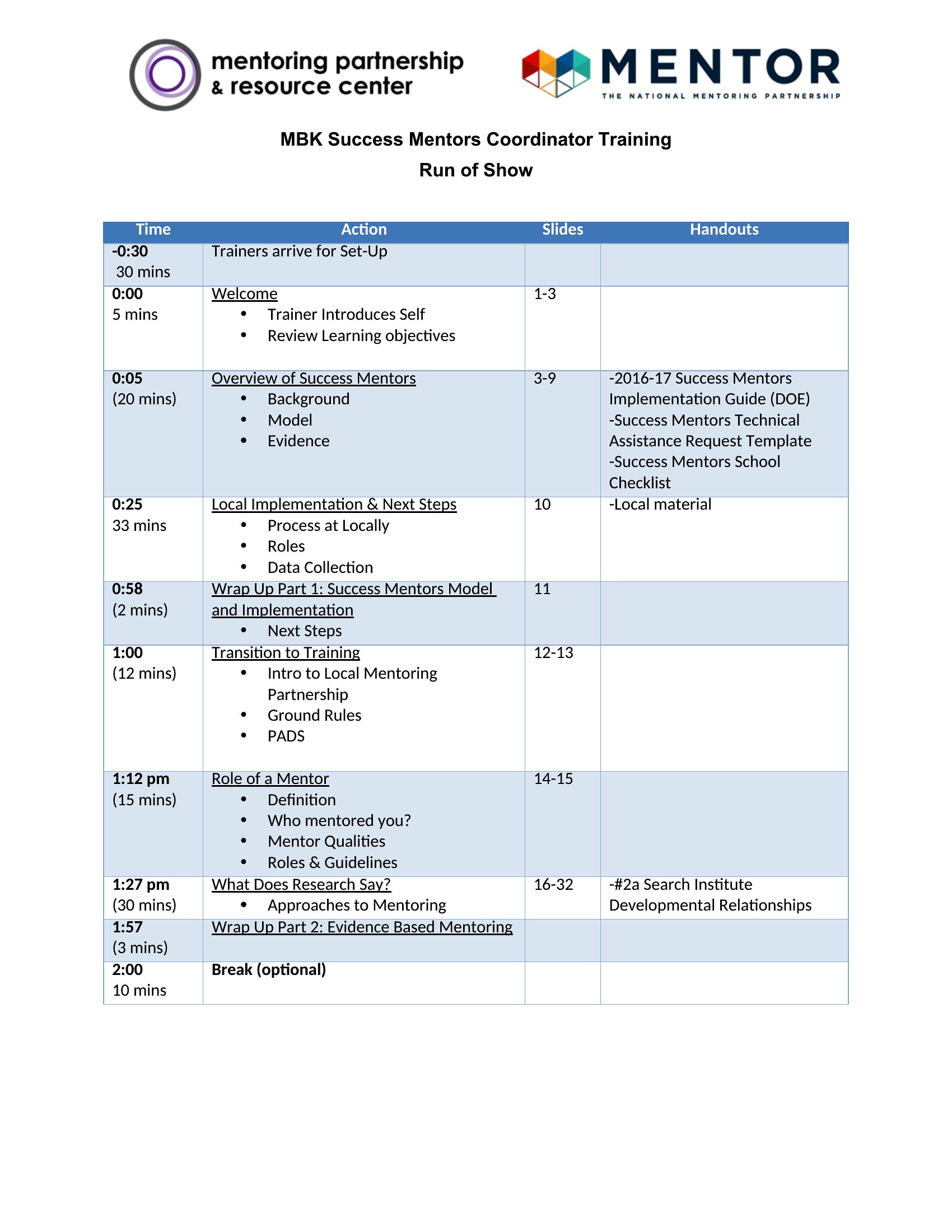
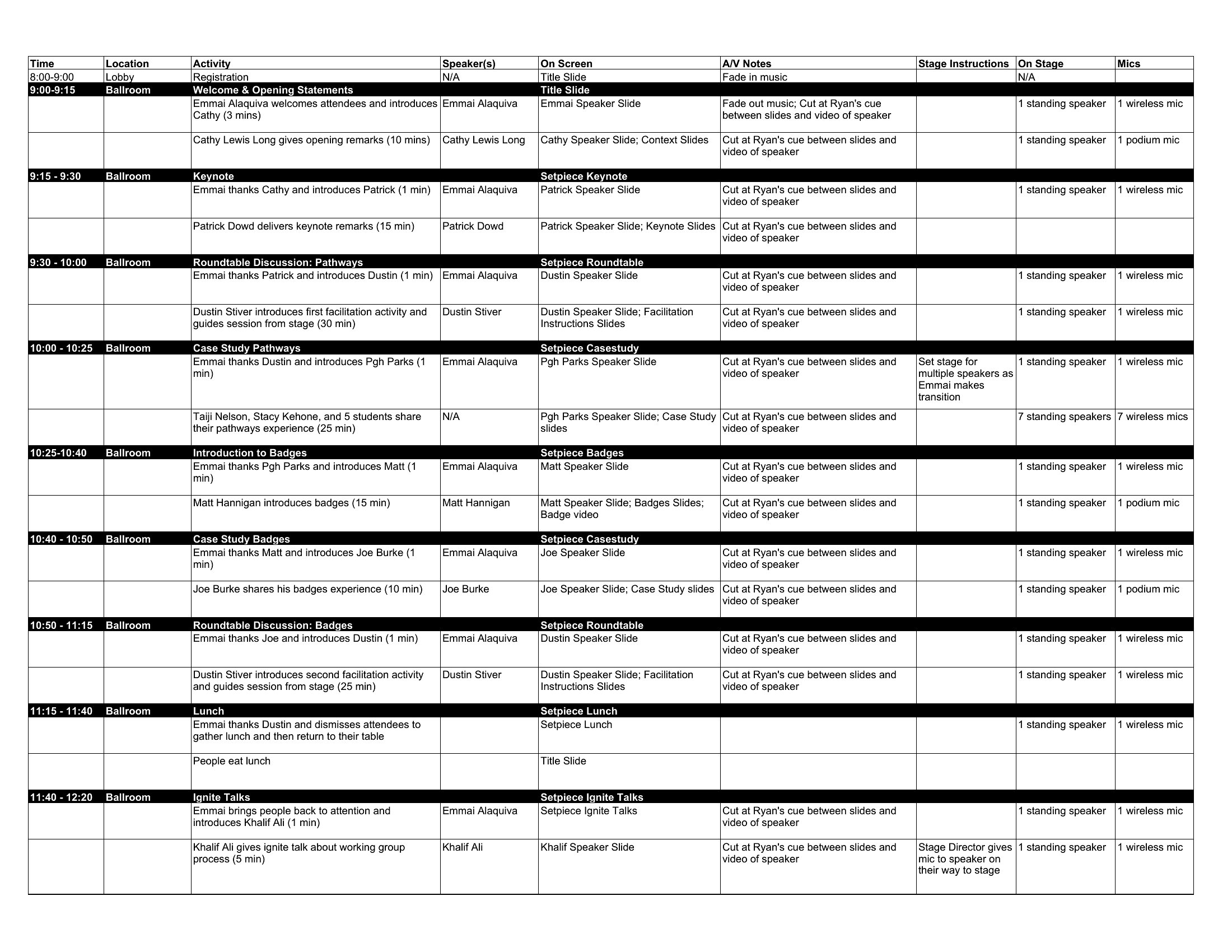
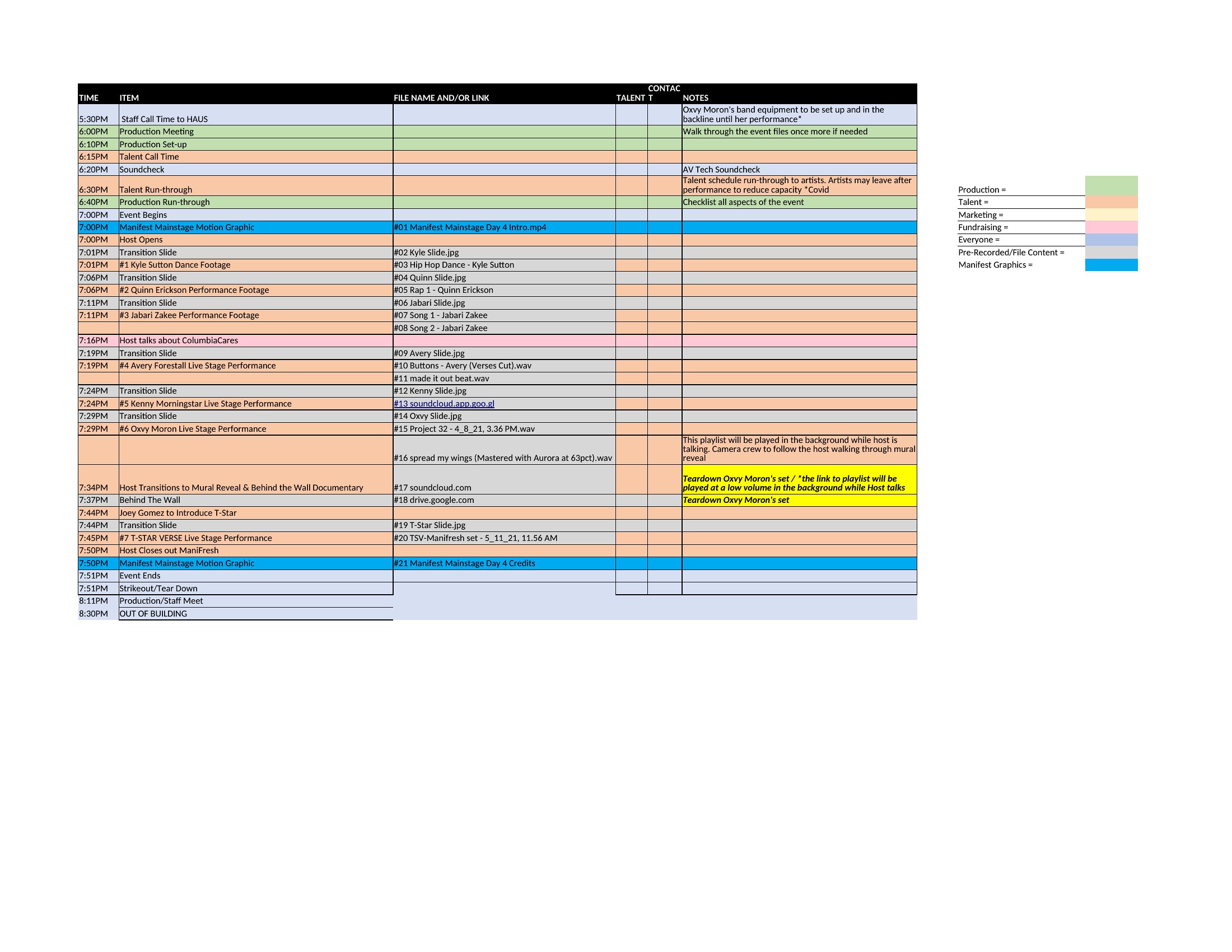
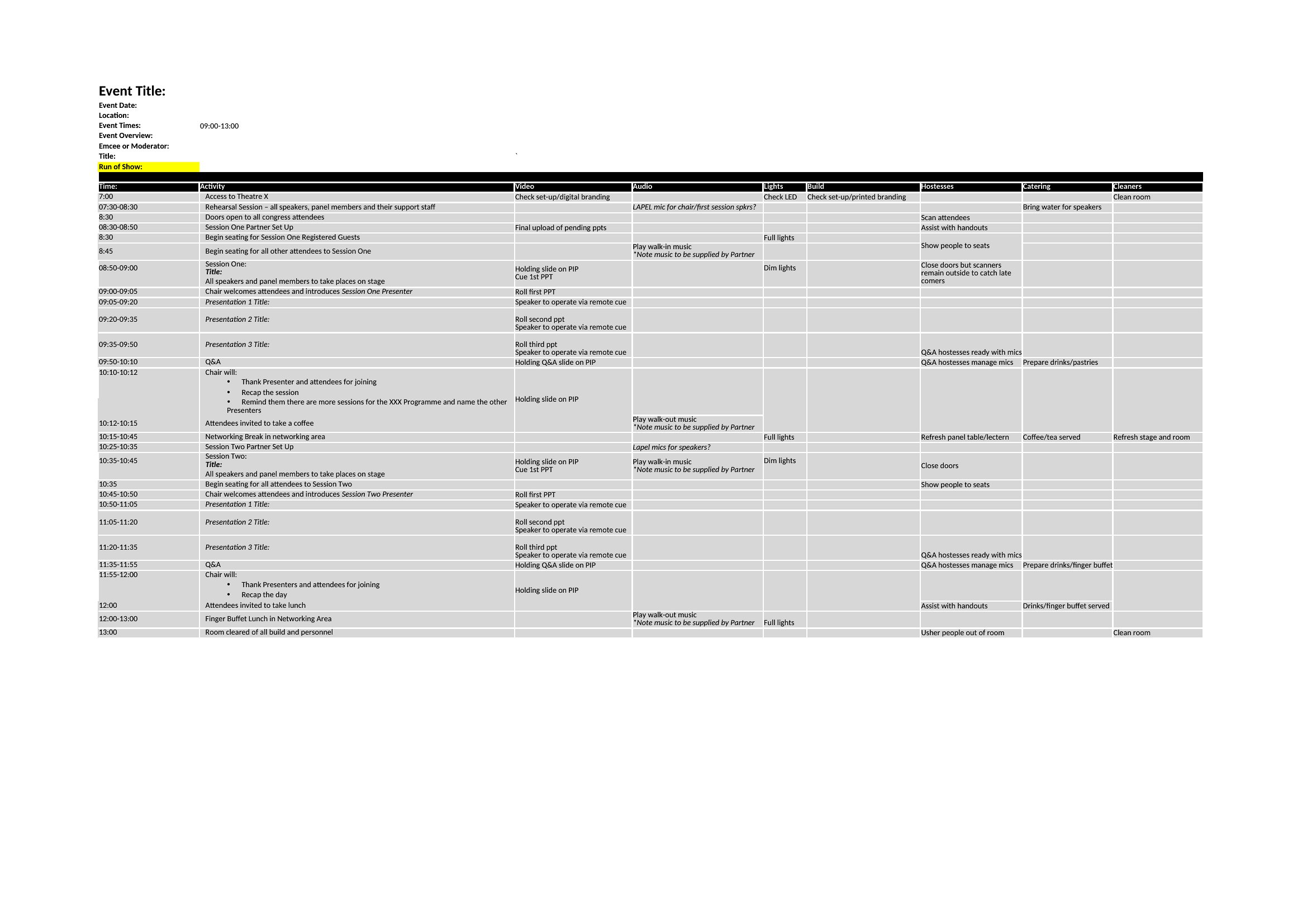
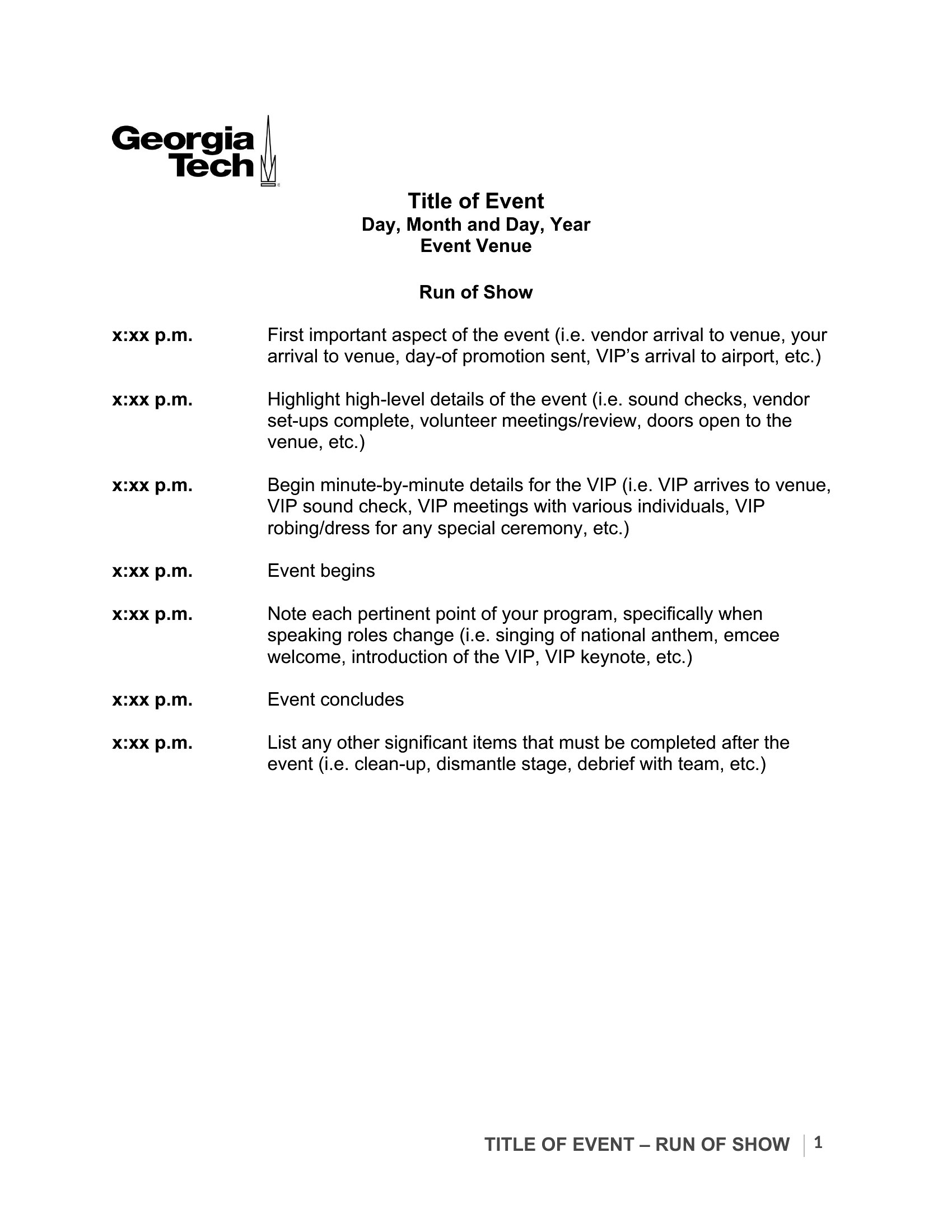
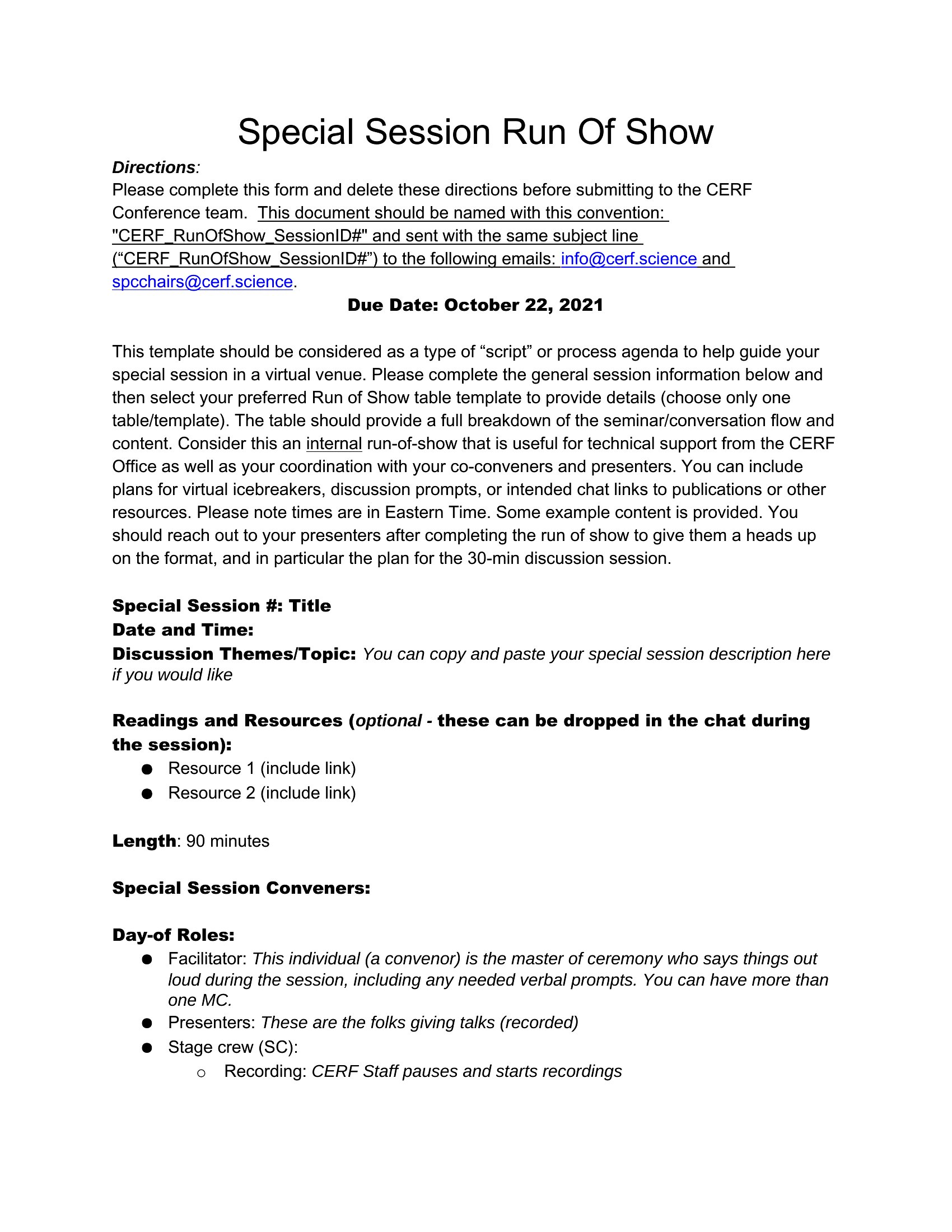
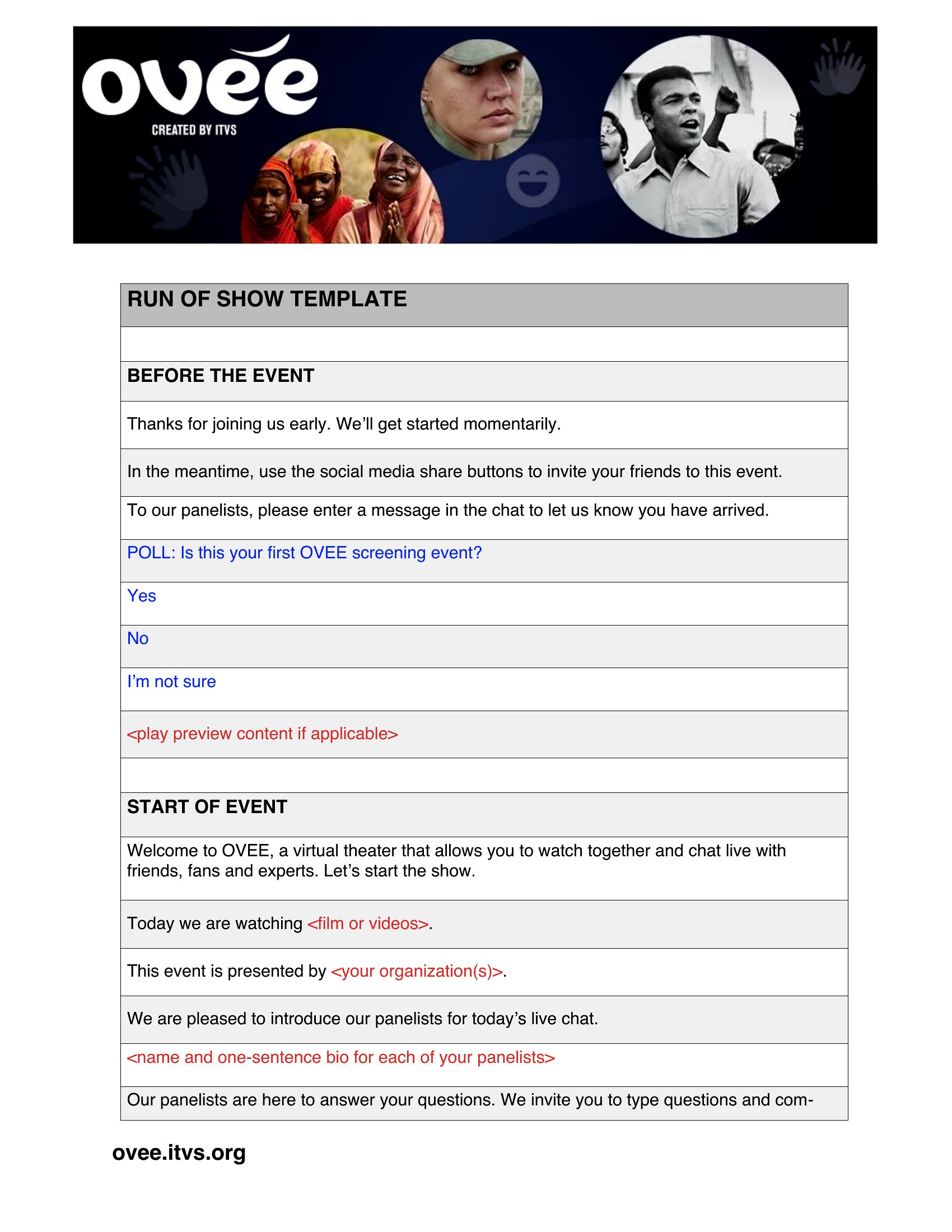
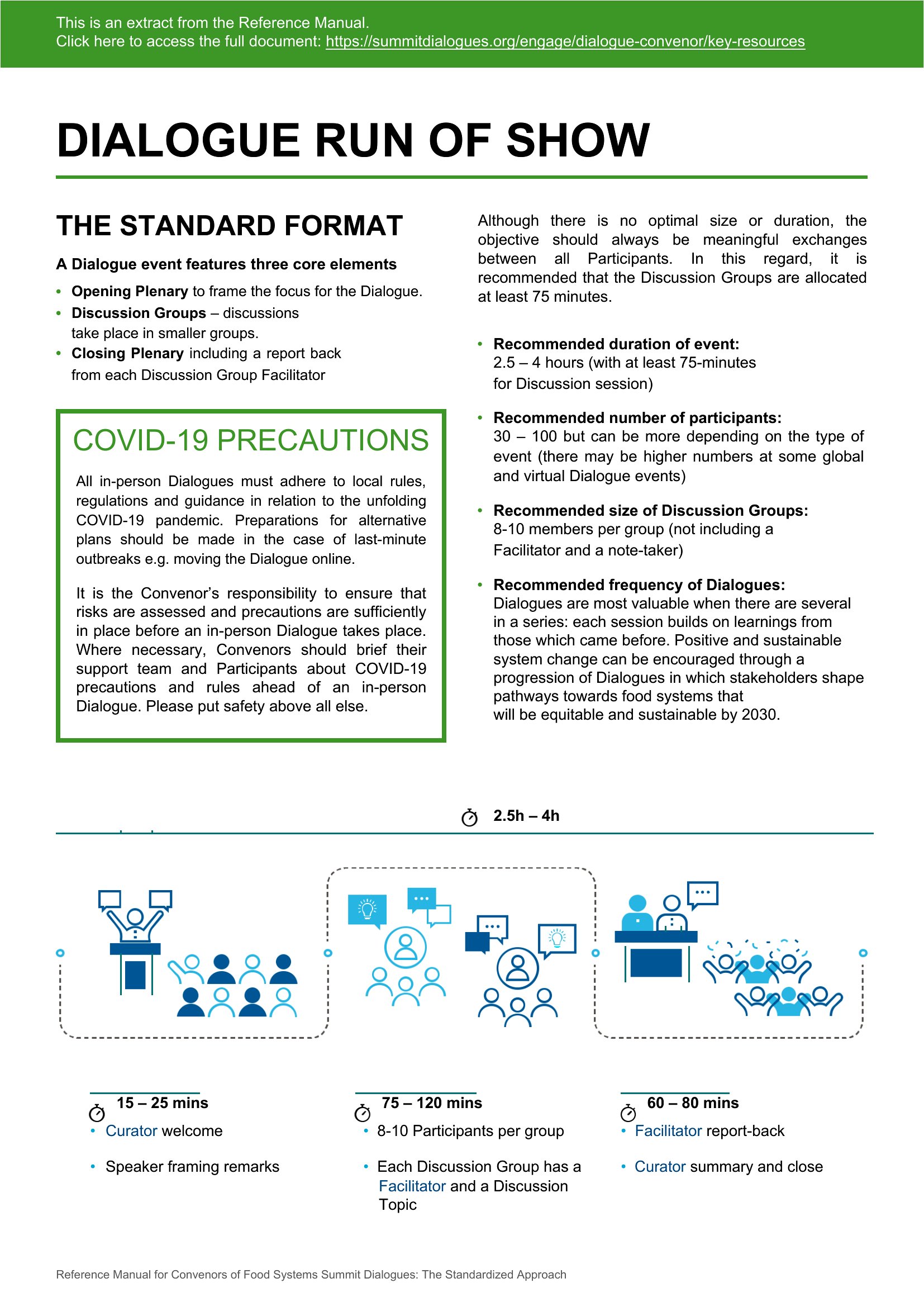
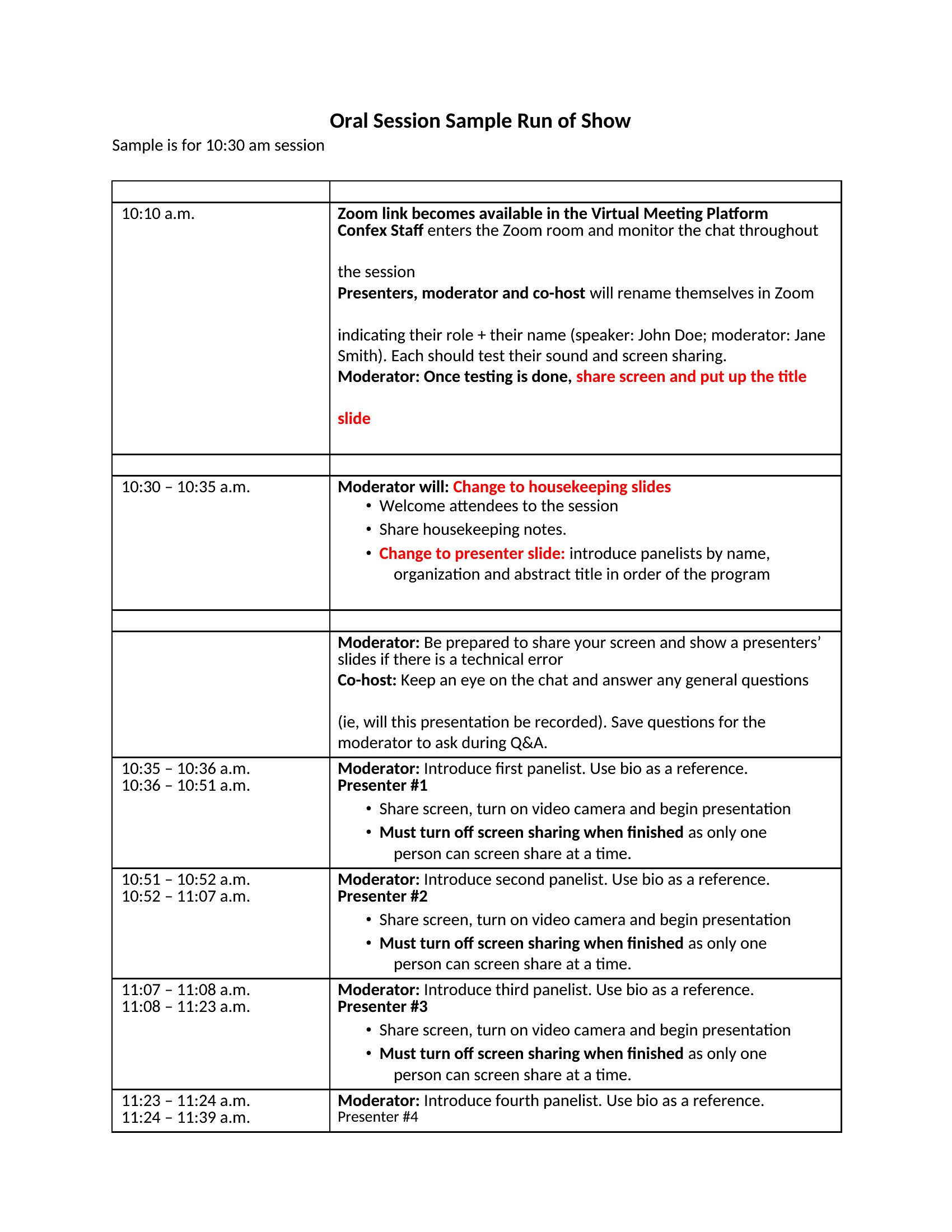
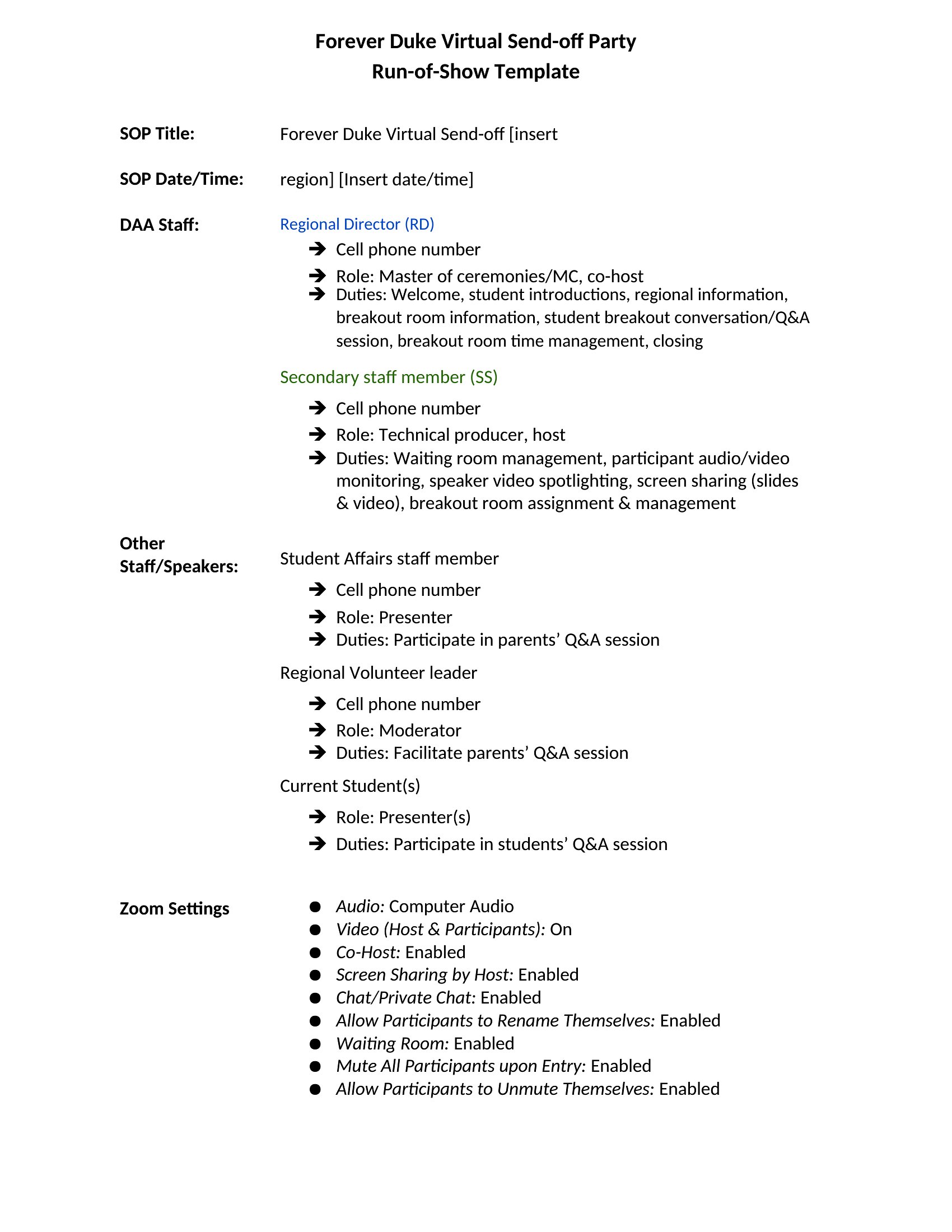
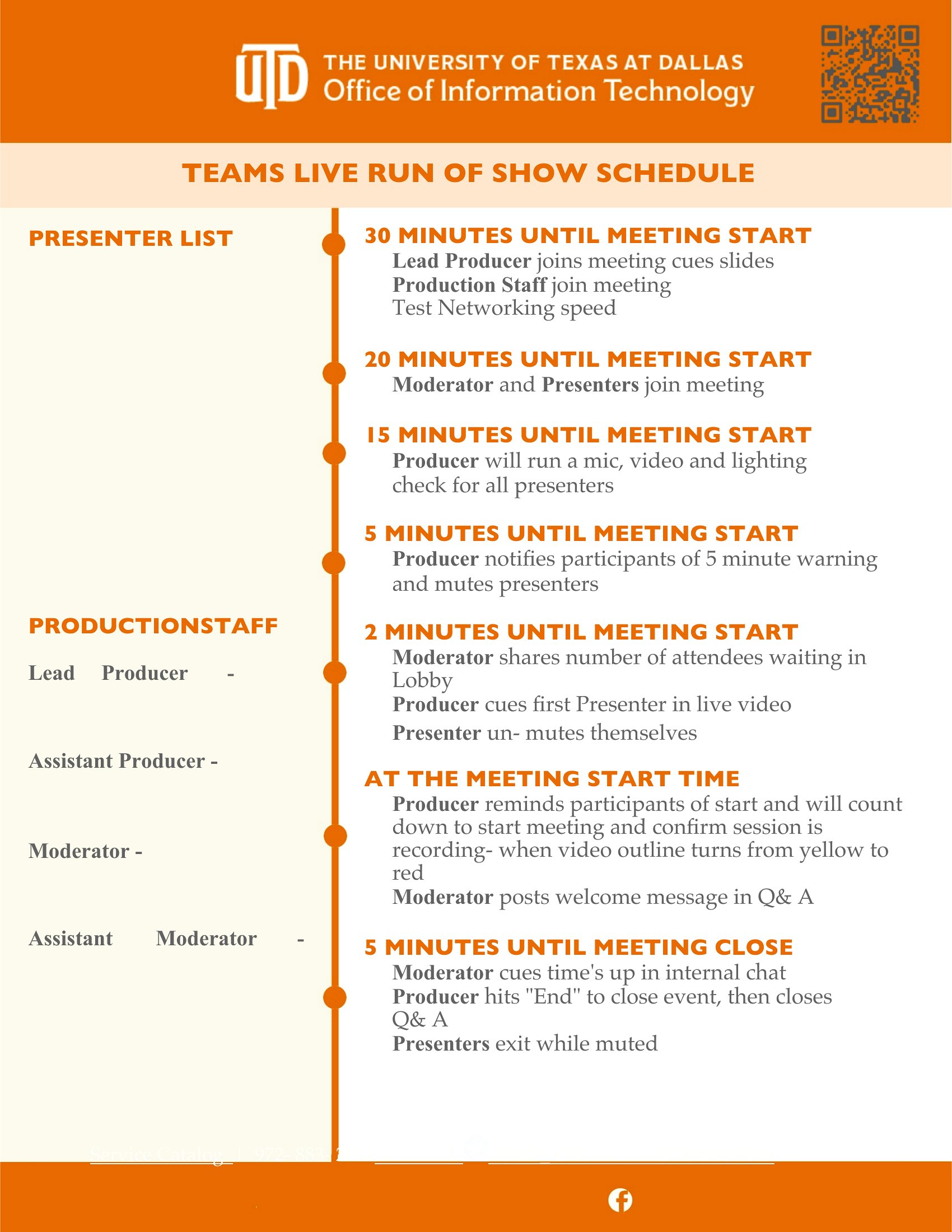
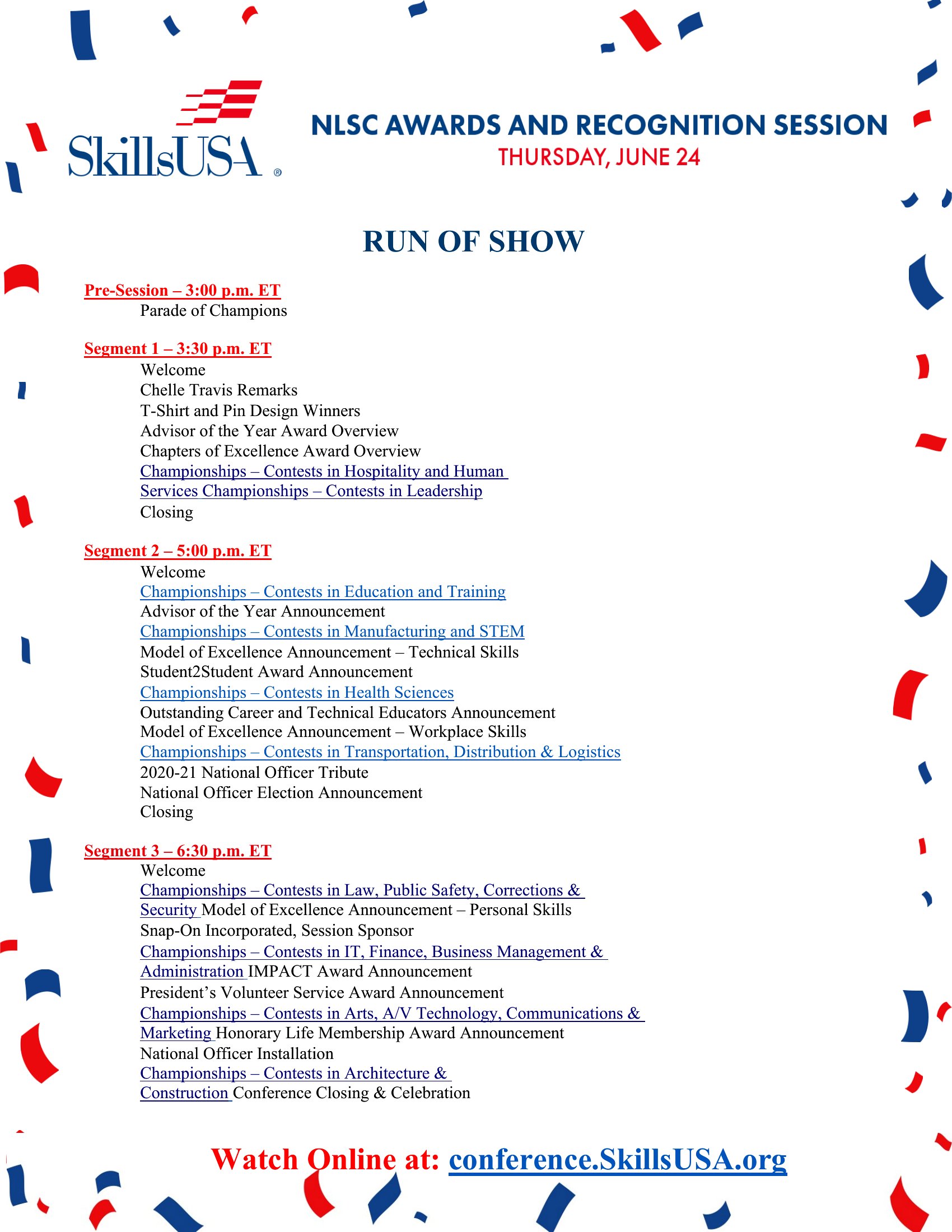
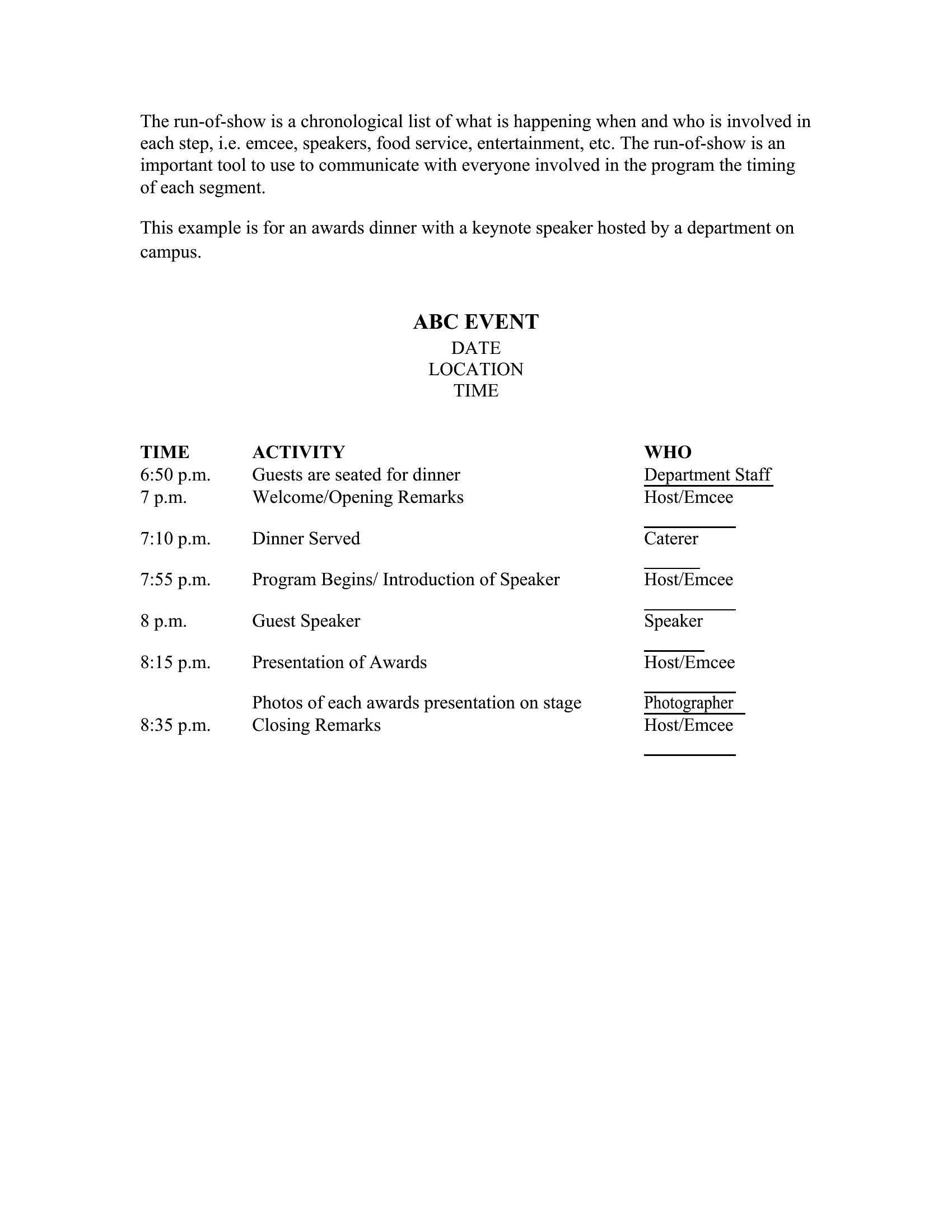
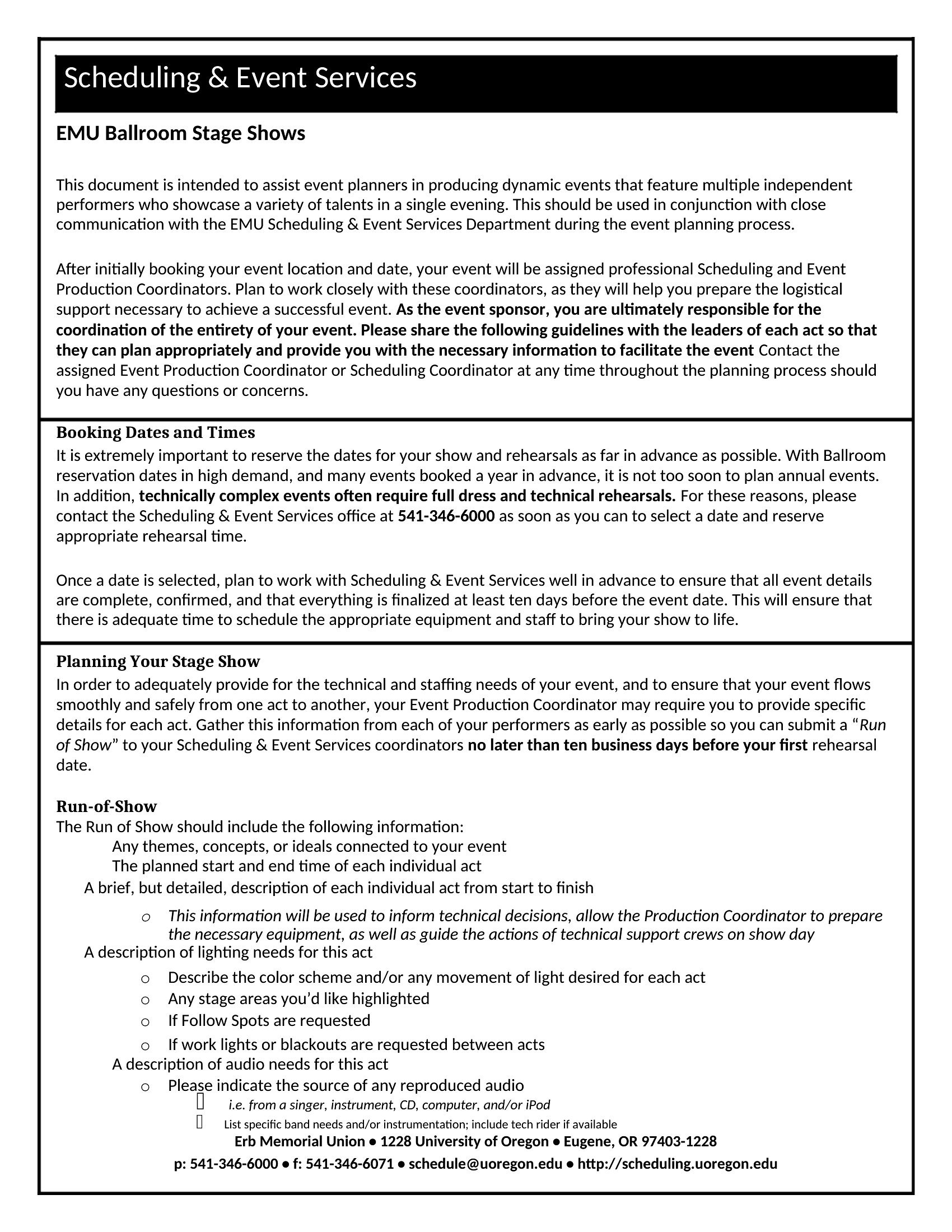
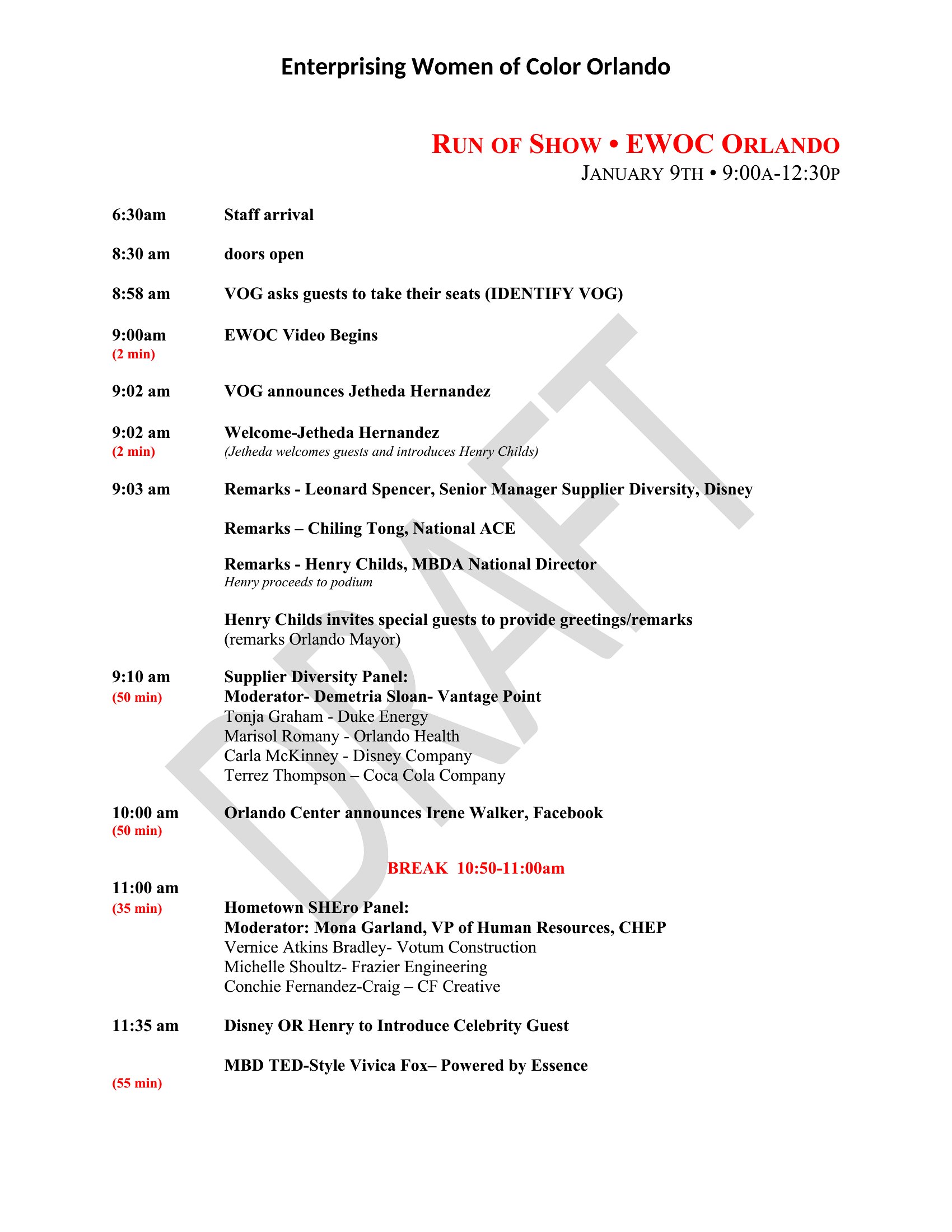
A run of show keeps an event on track minute by minute, listing every cue, speaker, and transition so nobody is left guessing what comes next. This set of 40 templates works for weddings, conferences, broadcasts, and corporate meetings, giving planners, producers, and stage managers a clear timeline to share with the whole crew. Map out the schedule once and everyone from the AV team to the host stays in sync.

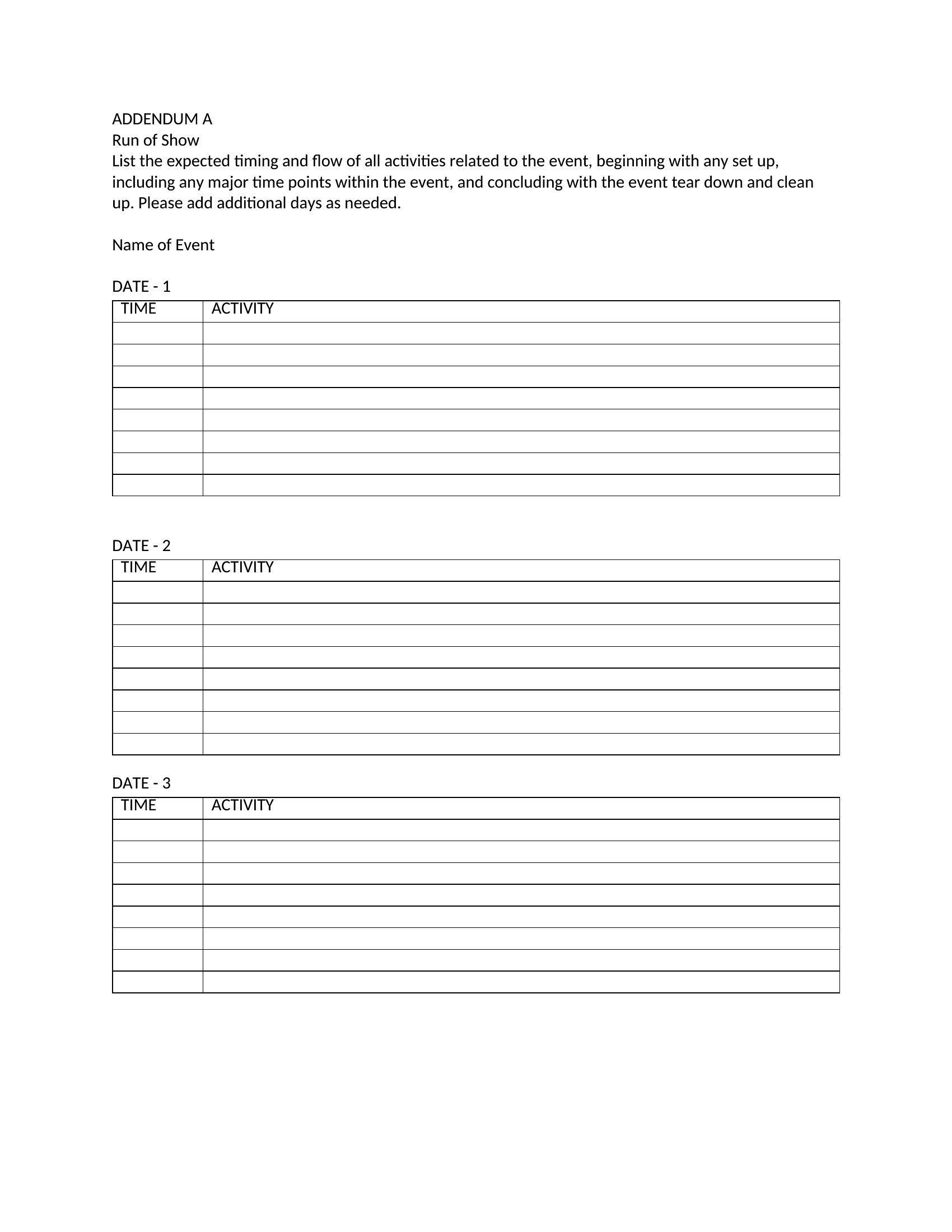
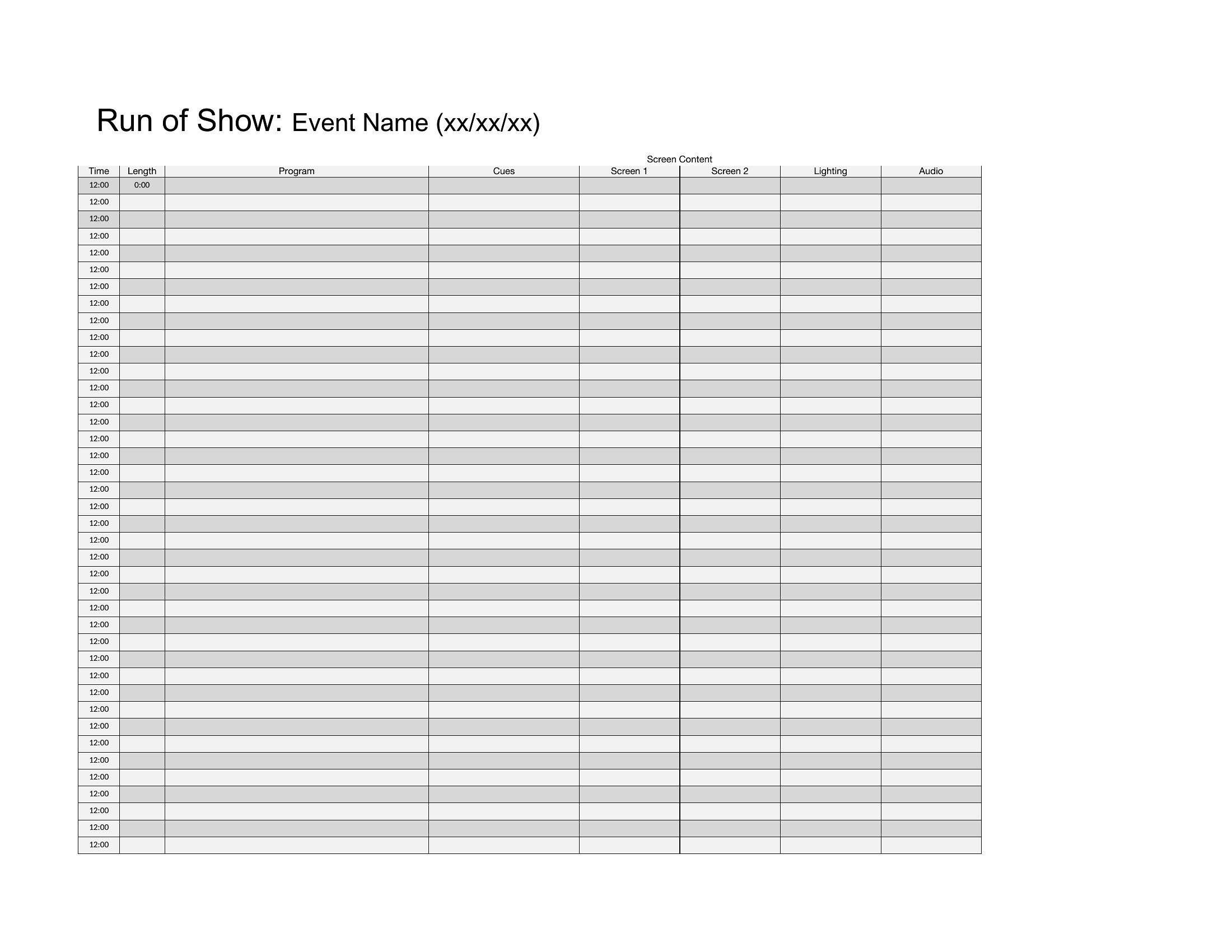
You'll find Word versions for clean, shareable rundowns and Excel sheets that make it easy to adjust times and reorder segments on the fly. Fill in your cues, assign owners, and print copies for the green room. Download the format that fits your event and run the day without surprises.

When to use this Run of Show template

  • A wedding planner organizing the ceremony timeline for the bride, groom, officiant, DJ, and photographers to ensure smooth transitions between vows, first dance, and cake cutting without last-minute confusion.
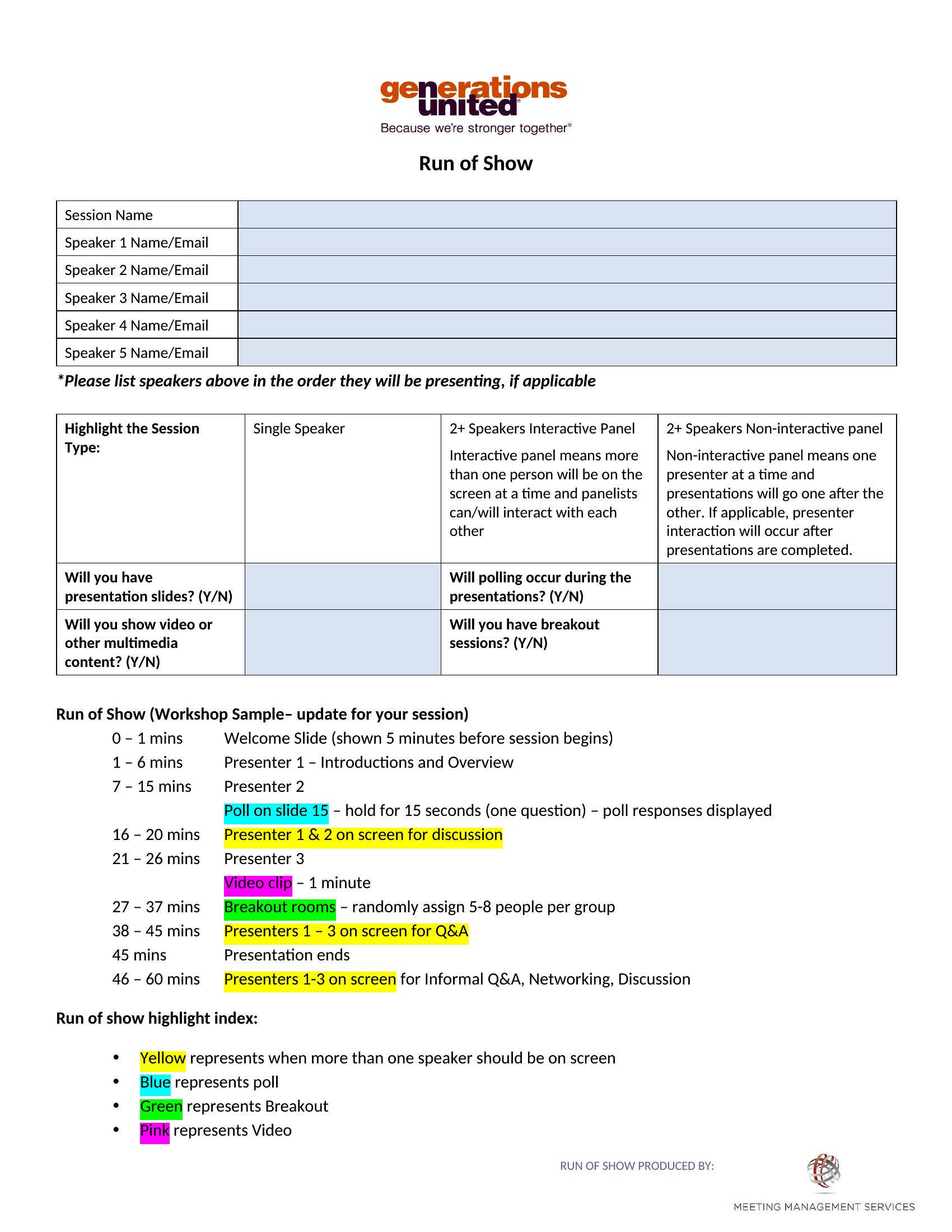
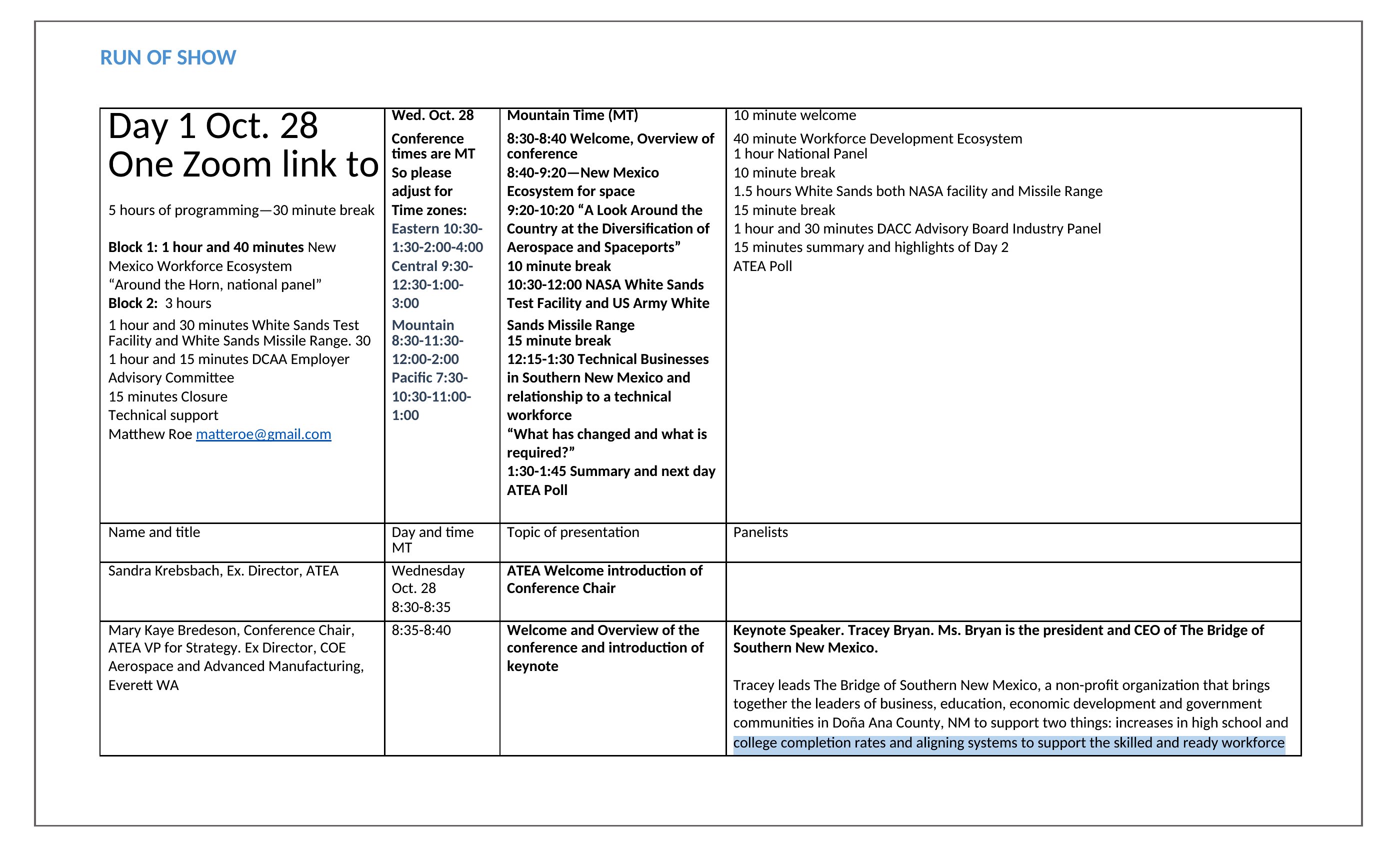
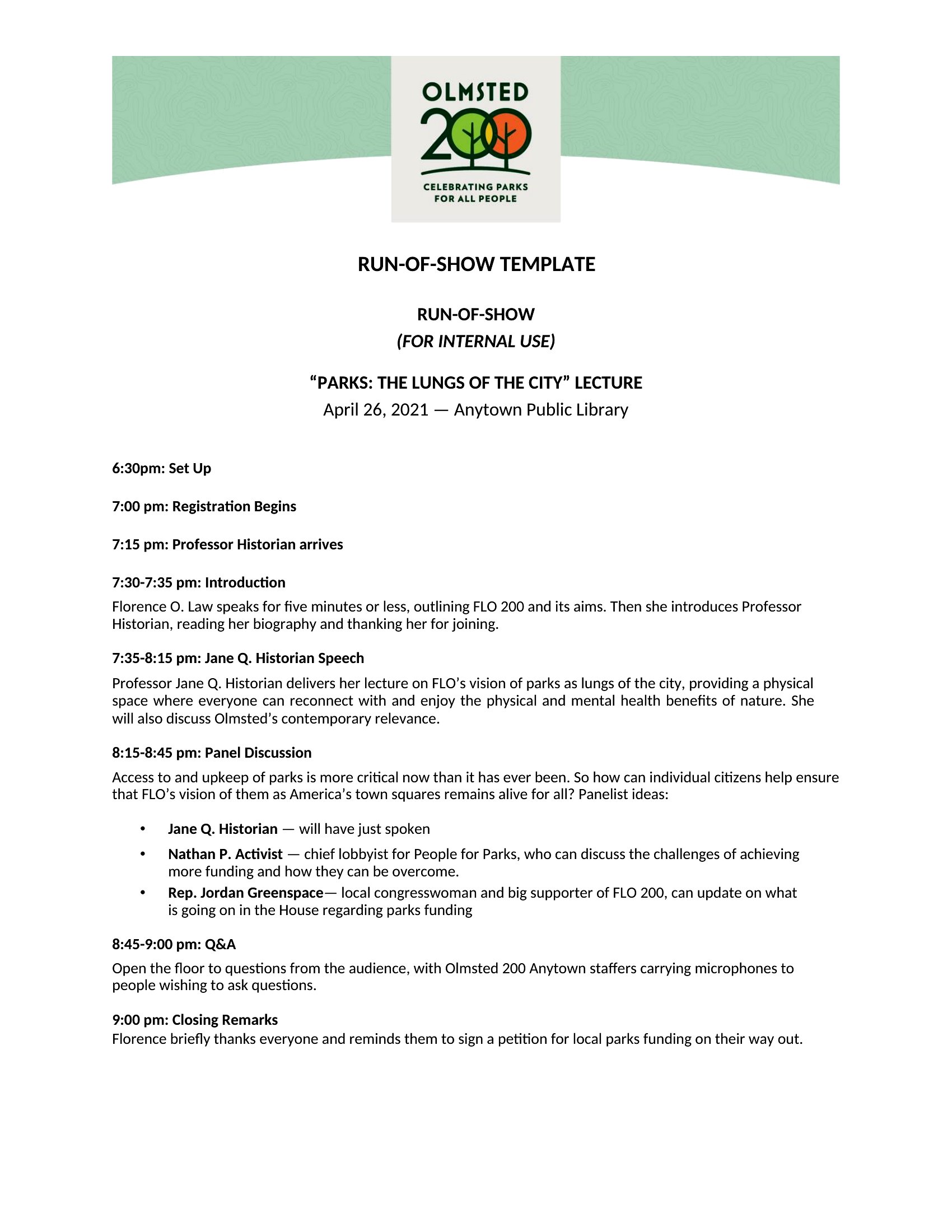
  • A conference producer coordinating multiple speakers, AV technicians, and live poll integrations to keep the audience engaged and on schedule across keynotes, panel discussions, and Q&A sessions.
  • A broadcast director scripting the exact order of video cuts, host prompts, and guest segments for a live show to maintain pacing and allow the director to focus on execution rather than improvising timelines.
  • A corporate event manager aligning the agenda for a product launch with sales teams, executives, and catering staff to ensure demos, speeches, and networking breaks follow the planned flow without overlapping or gaps.

Which format should I download?

WordExcel

Choose Word if you need to embed detailed notes, speaker bios, or custom branding into the timeline for easy sharing with teams who work primarily with documents. Word’s flexibility is ideal for weddings or corporate events where multiple stakeholders review and annotate the schedule before the event. Opt for Excel if your workflow relies on tracking exact timestamps, color-coding cues, or linking to external tools like spreadsheets for AV equipment or guest lists. Excel is best for broadcasts or large conferences where precision and data integration matter most.
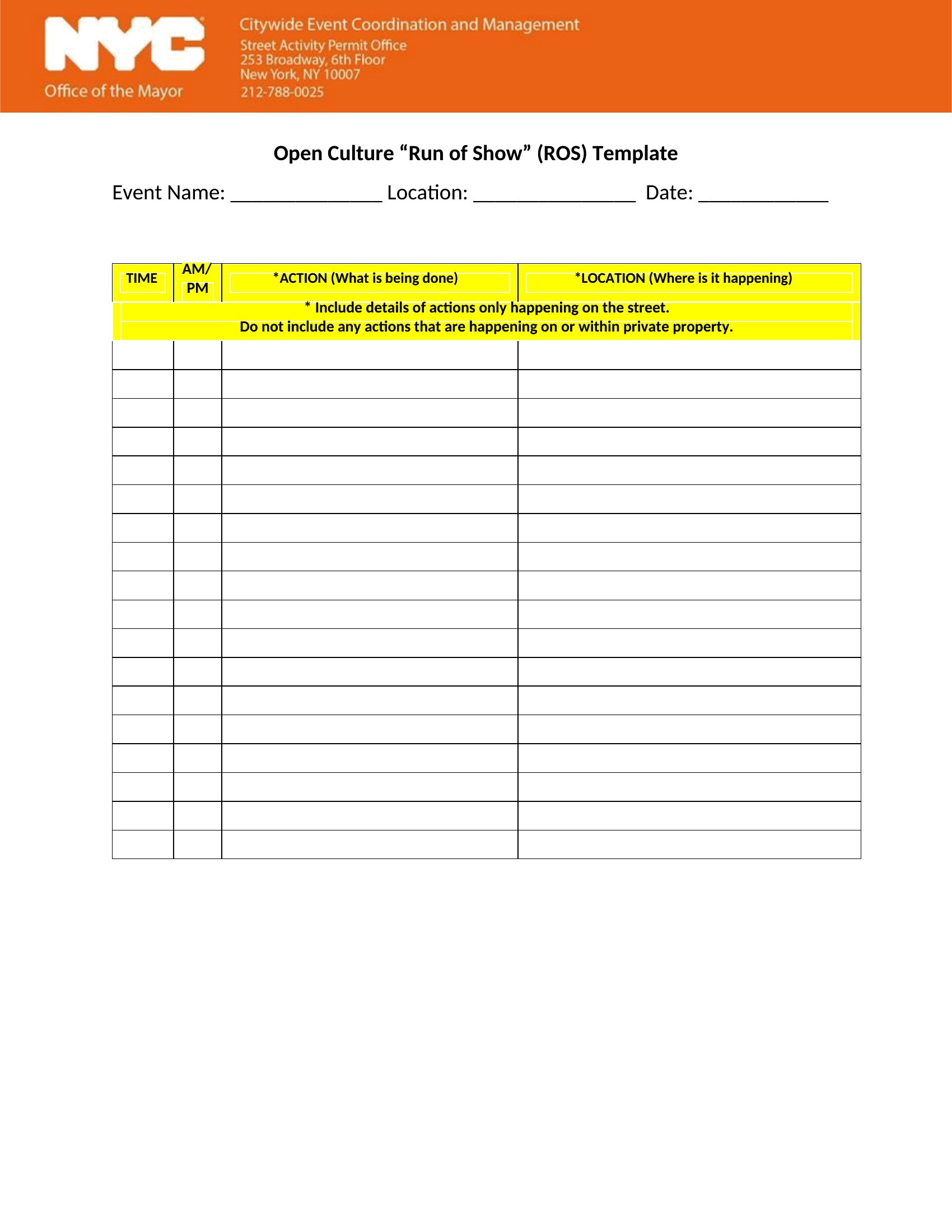
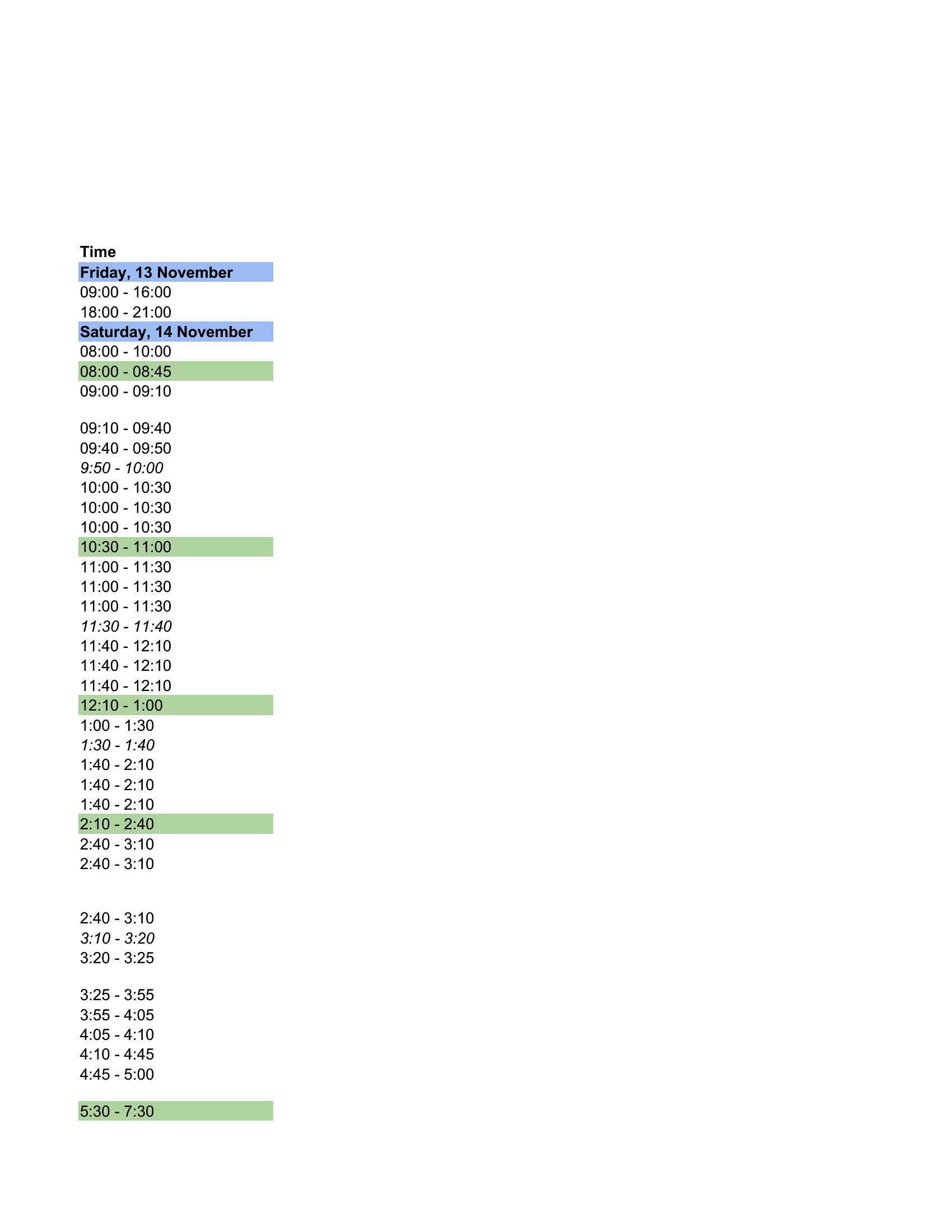
Choose from 40 Run of Show Templates

How to use this Run of Show template

How detailed should I make the run of show if the event includes live performances or improvisation?

Include the planned structure and key cues (e.g., music cues, lighting changes) but leave buffer times for spontaneity. For example, note ‘Guest Speaker: 15 minutes + 5-minute buffer’ instead of rigid timing. This keeps the crew aligned while allowing room for creativity.

Can I use these templates to coordinate both on-stage actions and backstage prep times?

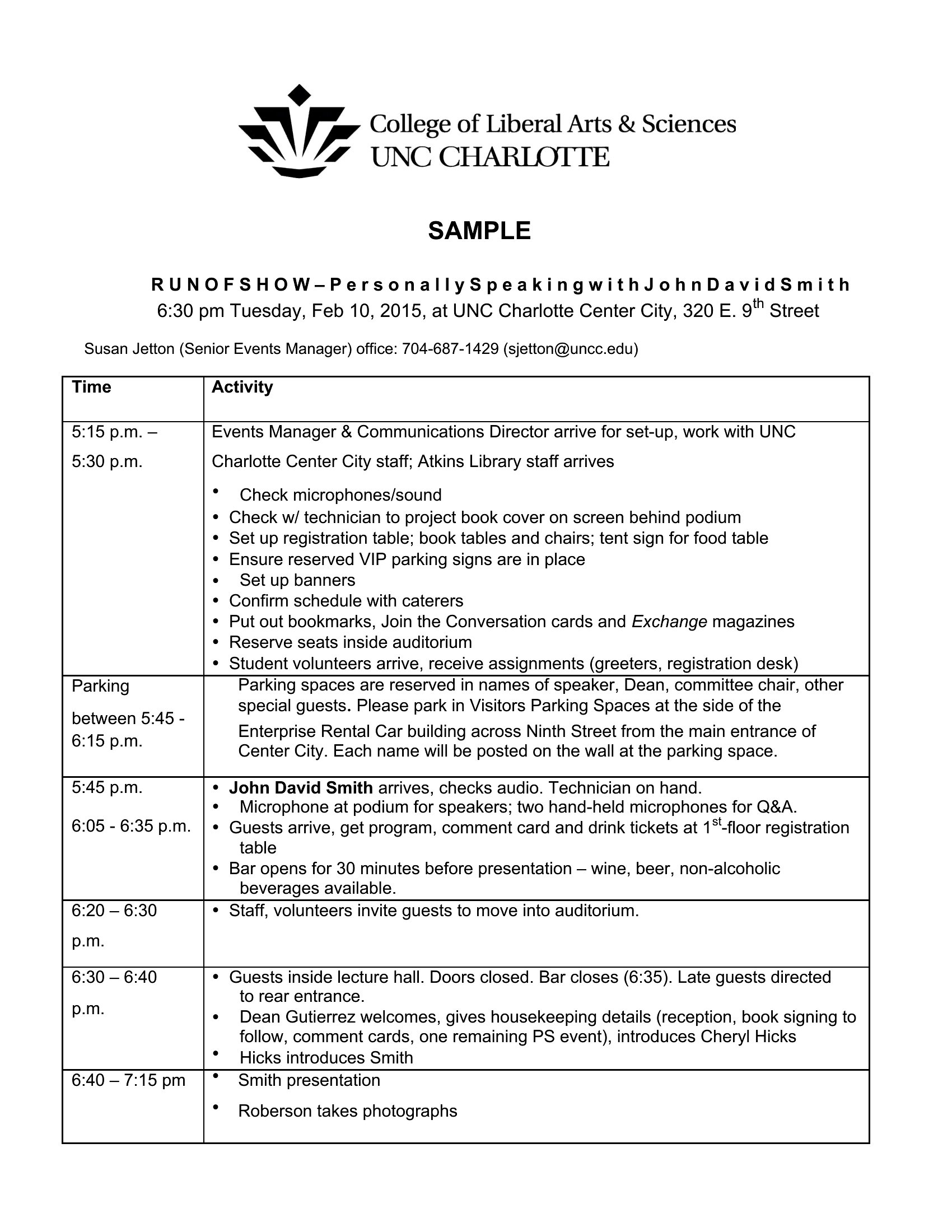
Yes. Dedicate a column in your run of show to list backstage tasks (e.g., ‘Cue 5: AV team checks microphone levels’) alongside on-stage actions. Use color-coding or icons to distinguish between the two, ensuring everyone—from performers to tech crews—knows their prep timeline.

What’s the best way to share the run of show with remote team members or vendors?

Export the Word version as a PDF for easy distribution, then use Excel’s ‘Share’ feature to collaborate in real-time if updates are needed. For remote teams, include a ‘Last Updated’ timestamp and assign a point person to field questions about the schedule.

Comments

Join the conversation

Sign in to share your thoughts and leave a comment on this resource.

Newsletter

Get Weekly Design Updates
Join our community to receive curated resources and inspiration.
Weekly Tips Resources Early Access

We respect your privacy. Confirmation email required. Privacy Policy