Skip to content
50% off this one-time $1.99 pack with HALFOFF — or unlimited with Pro.HALFOFF
Premium

Free Vertical Timeline Templates (Word)

Diagrams
ivoroger by ivoroger
Updated 0 downloads 1 community comment

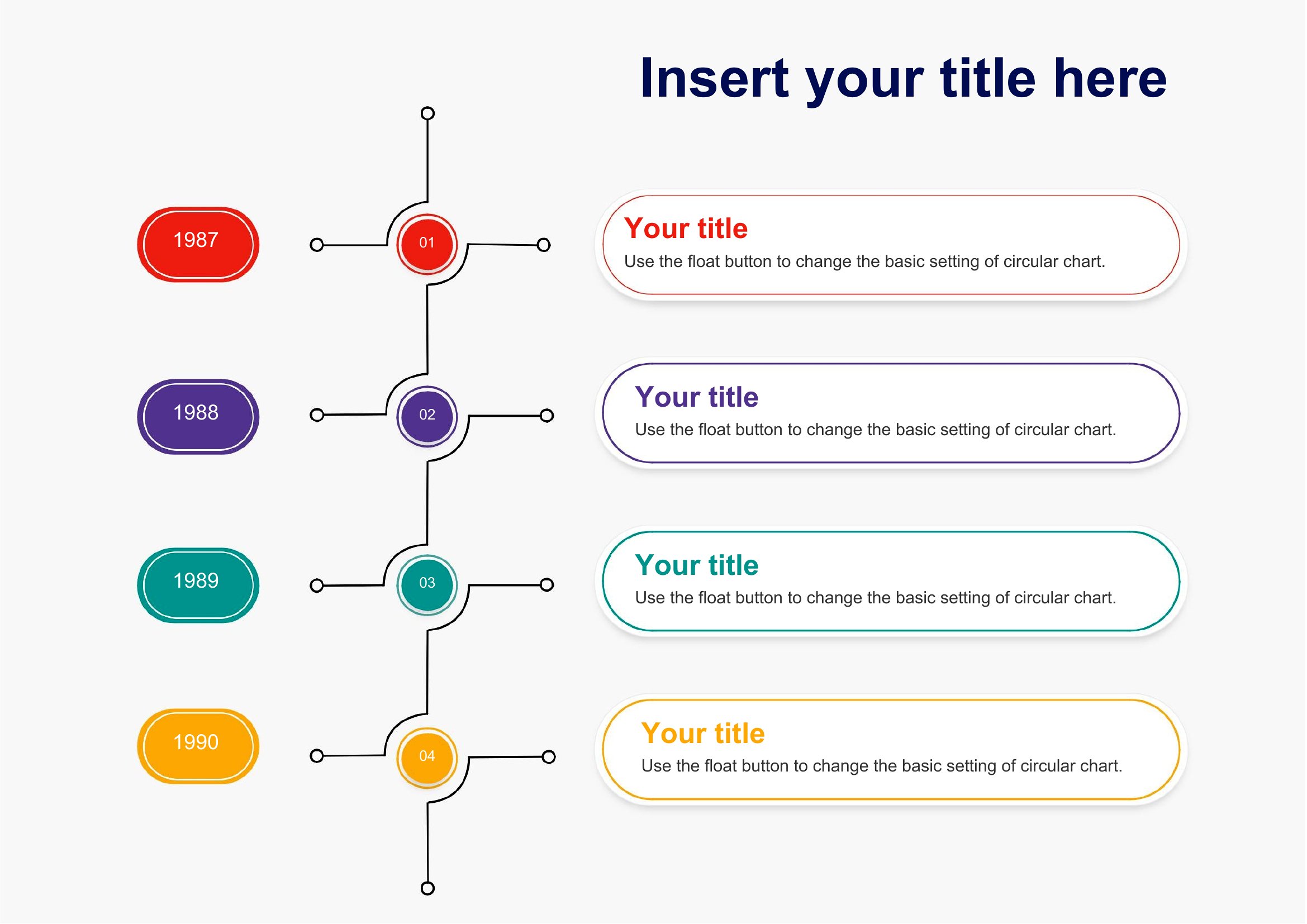
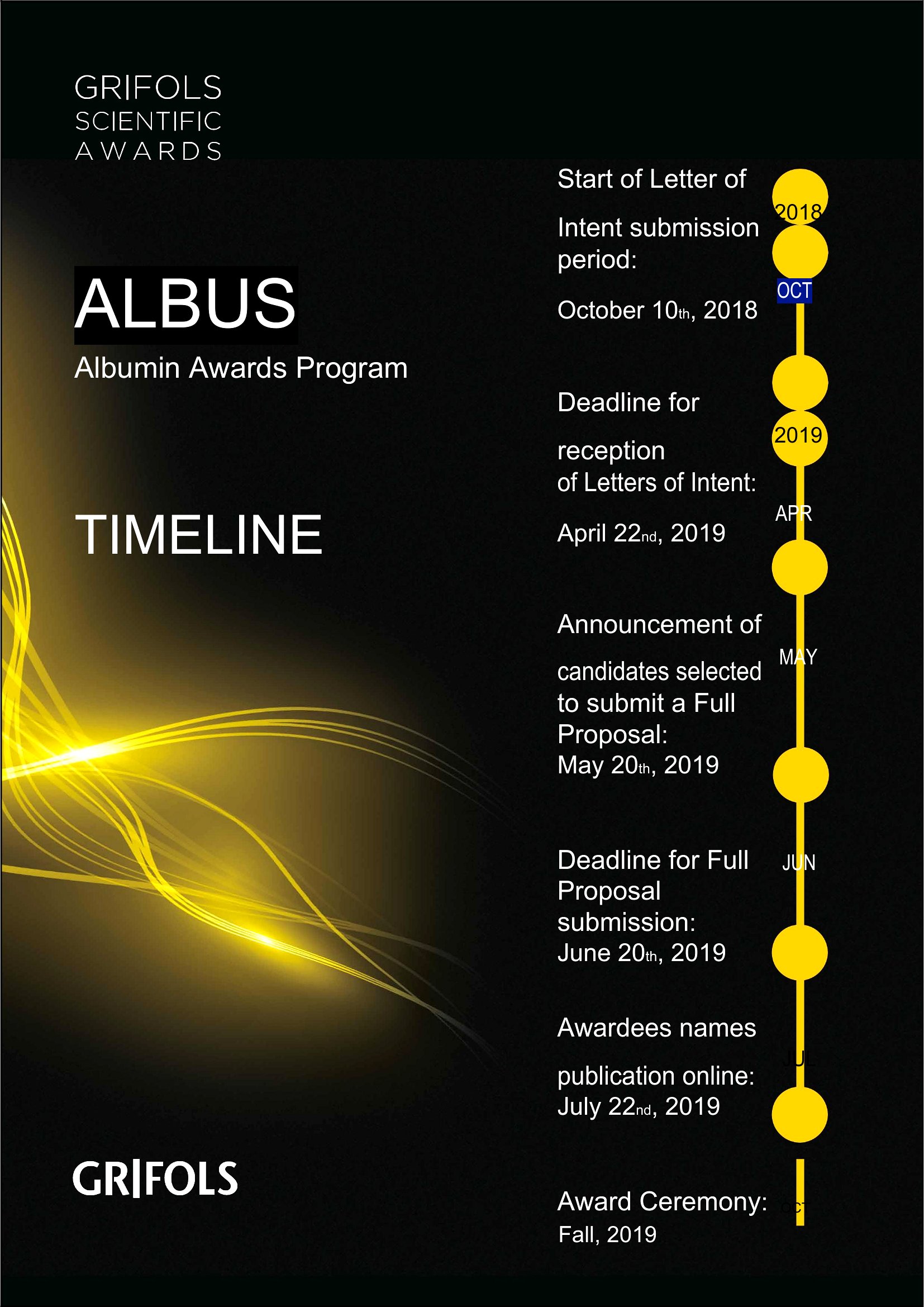
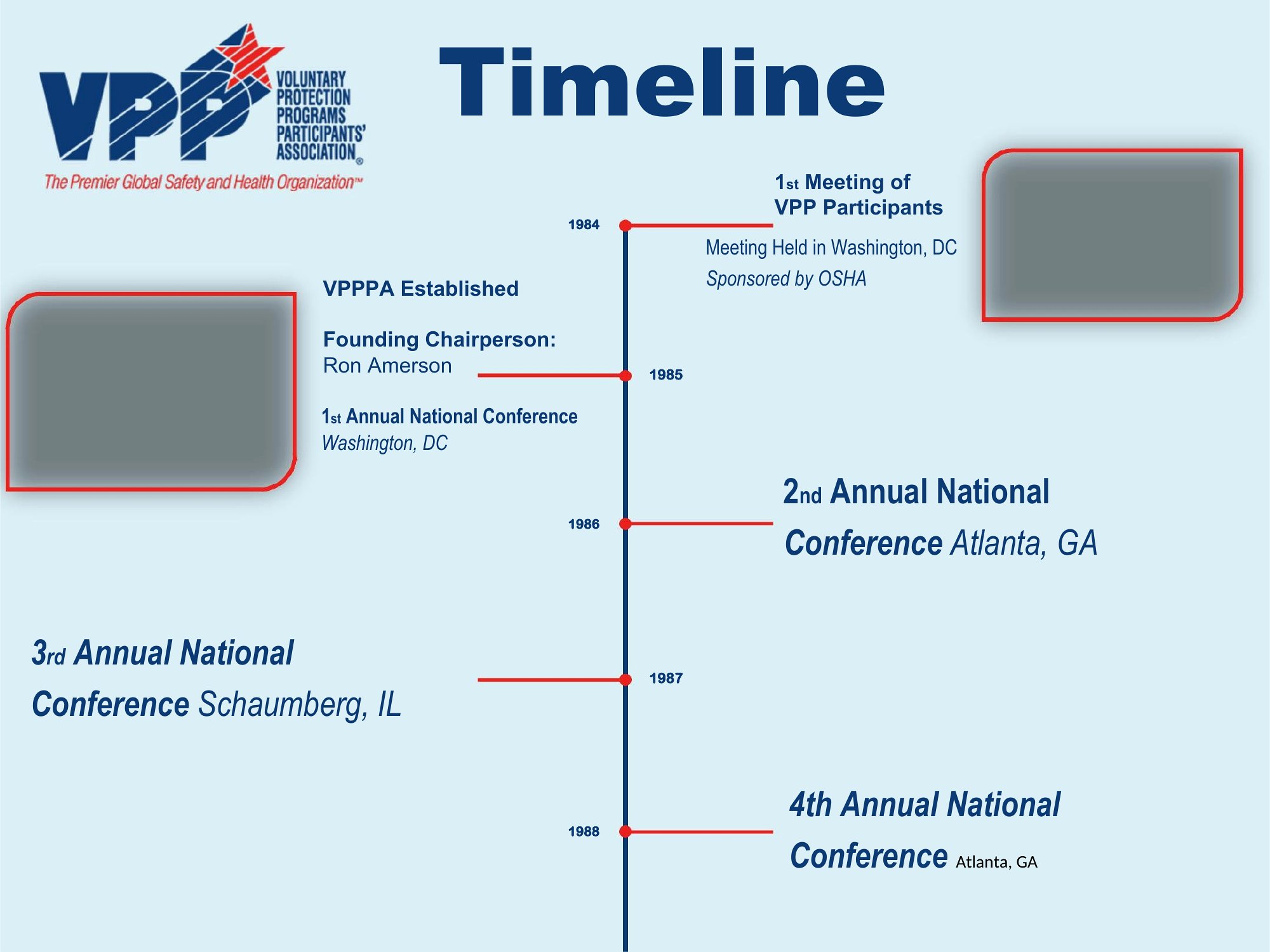
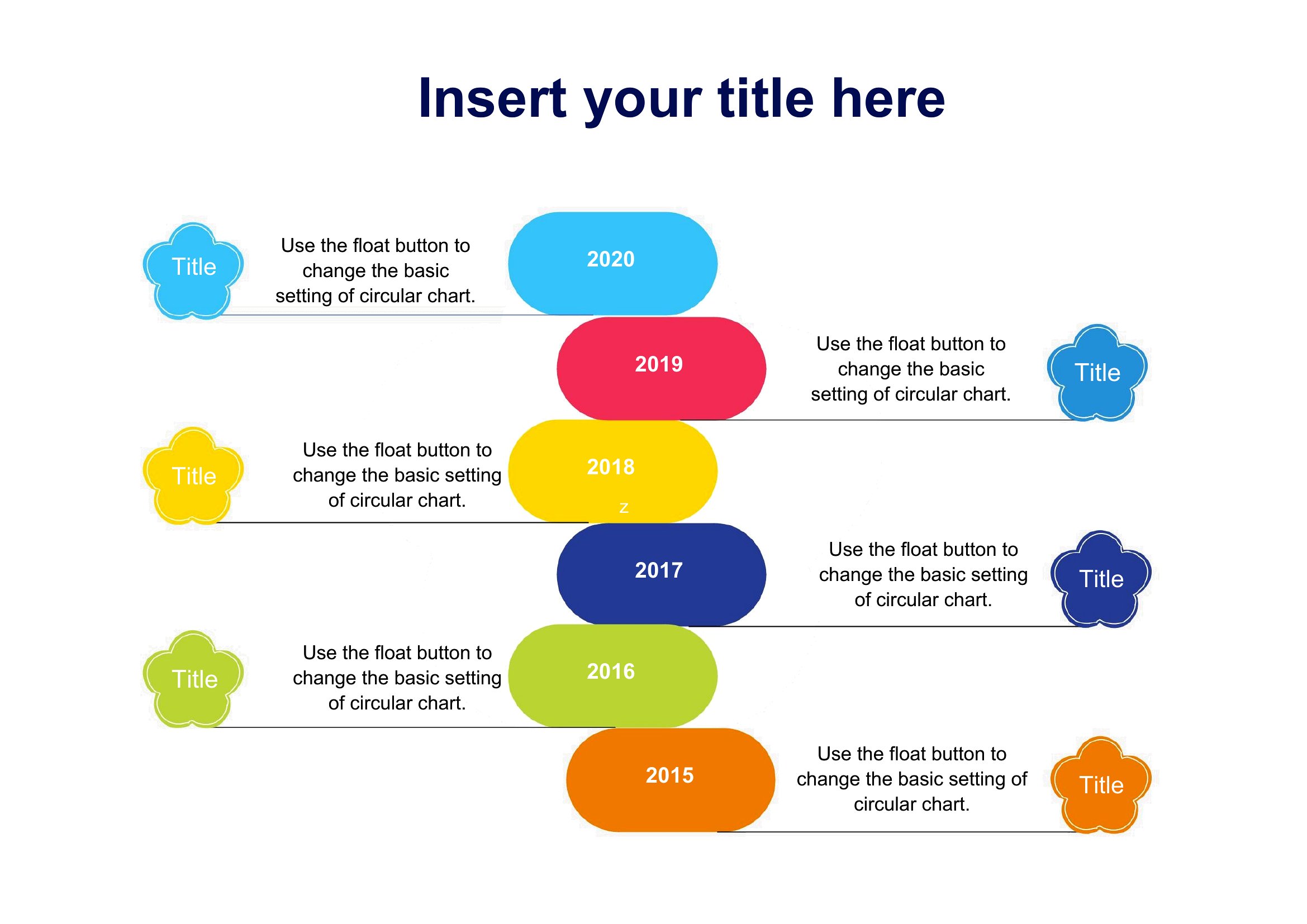
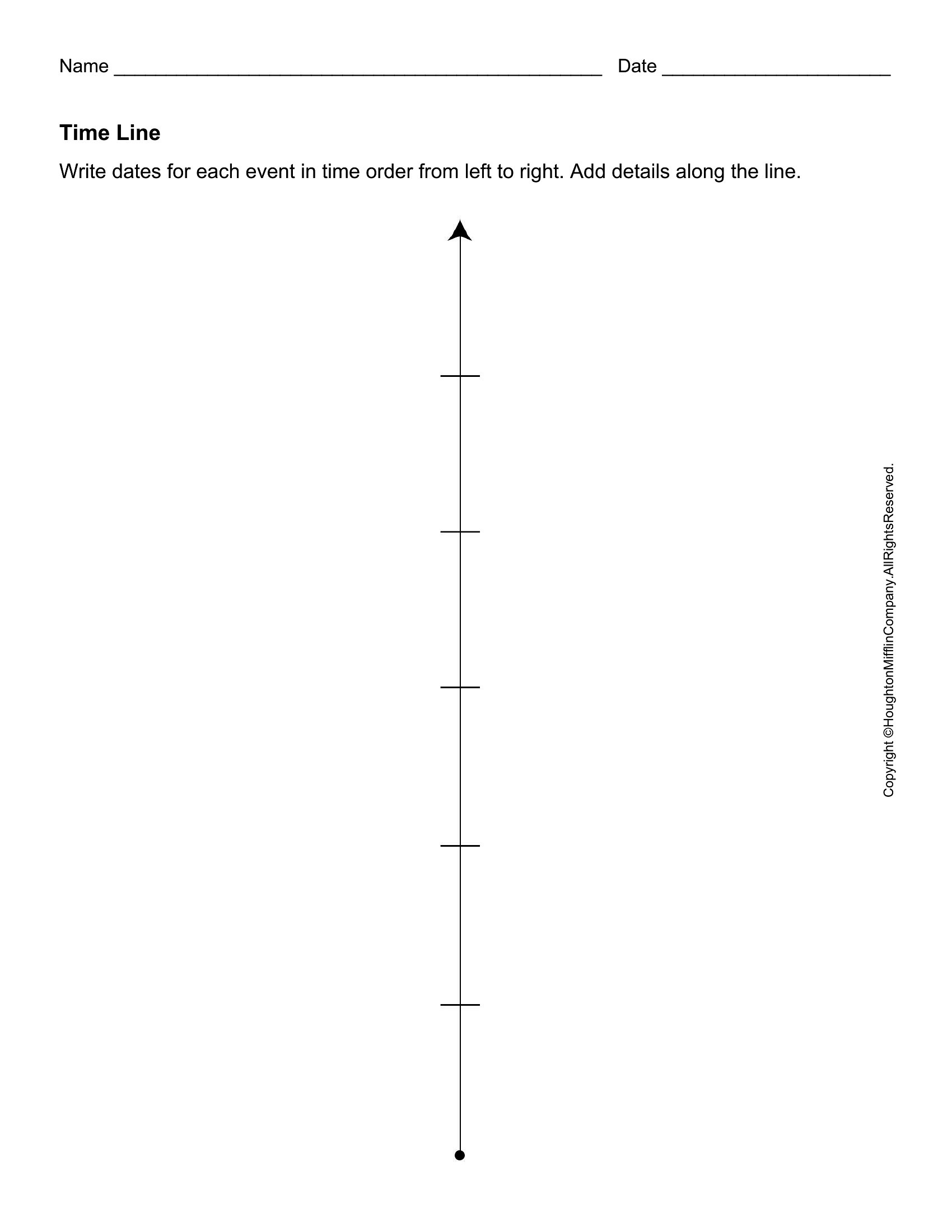
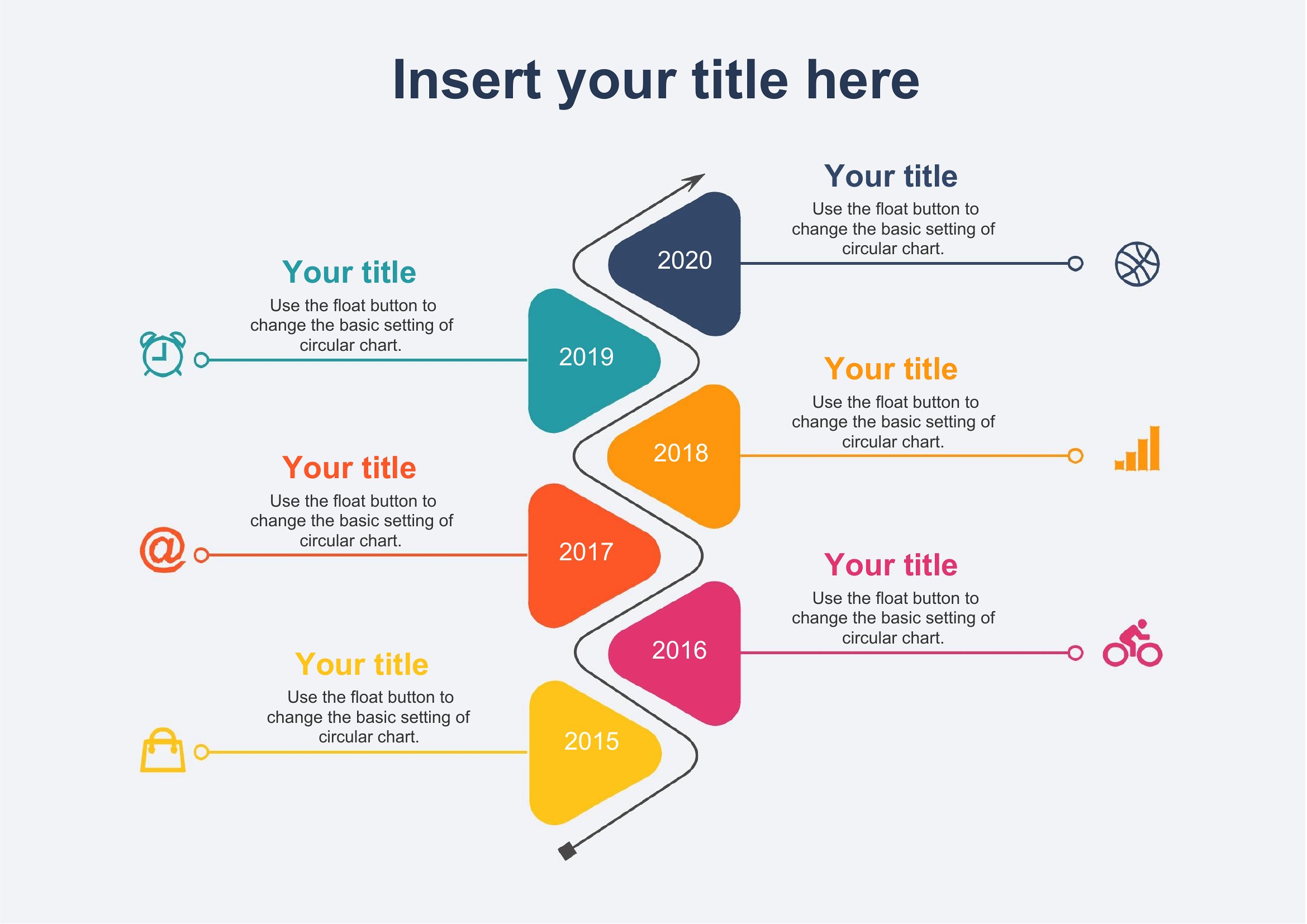
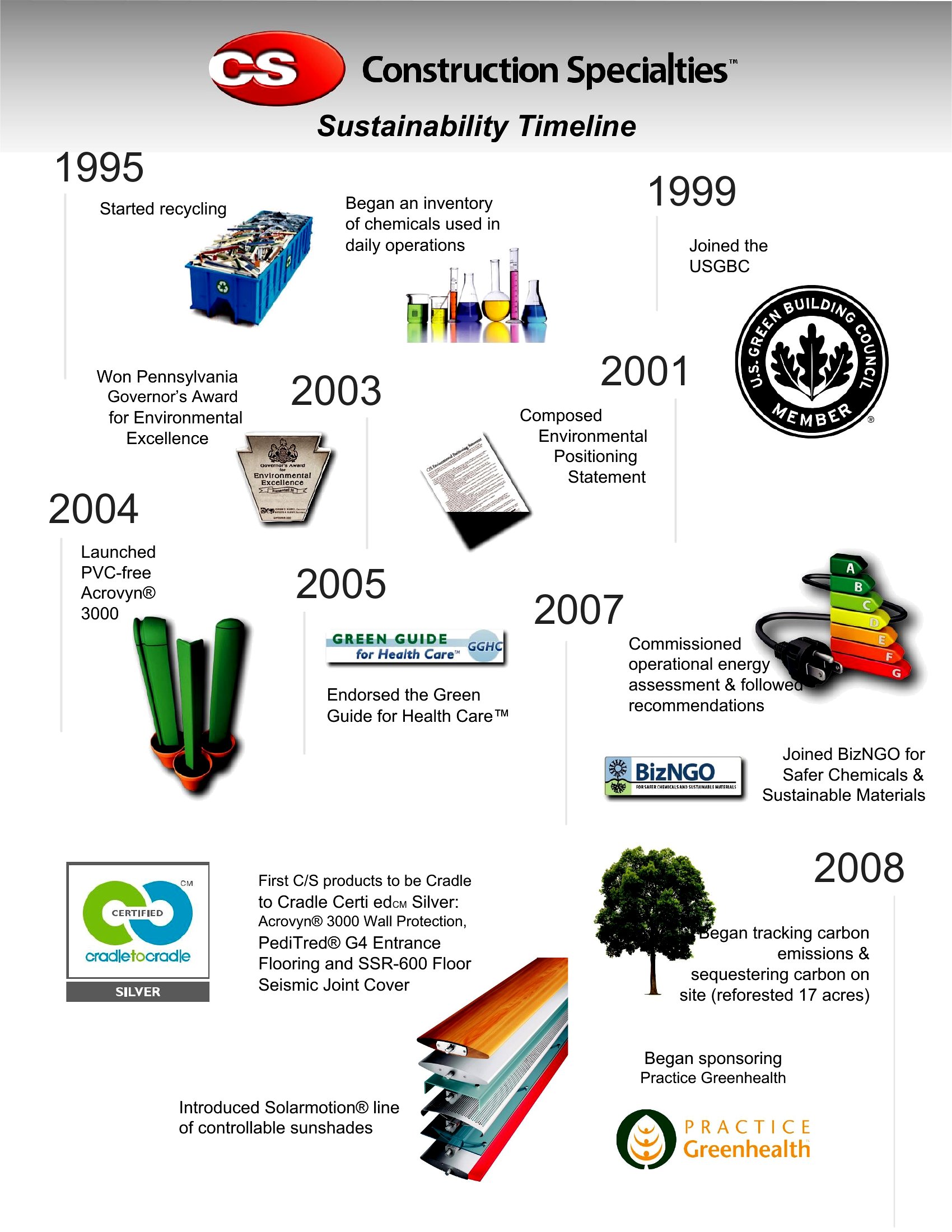
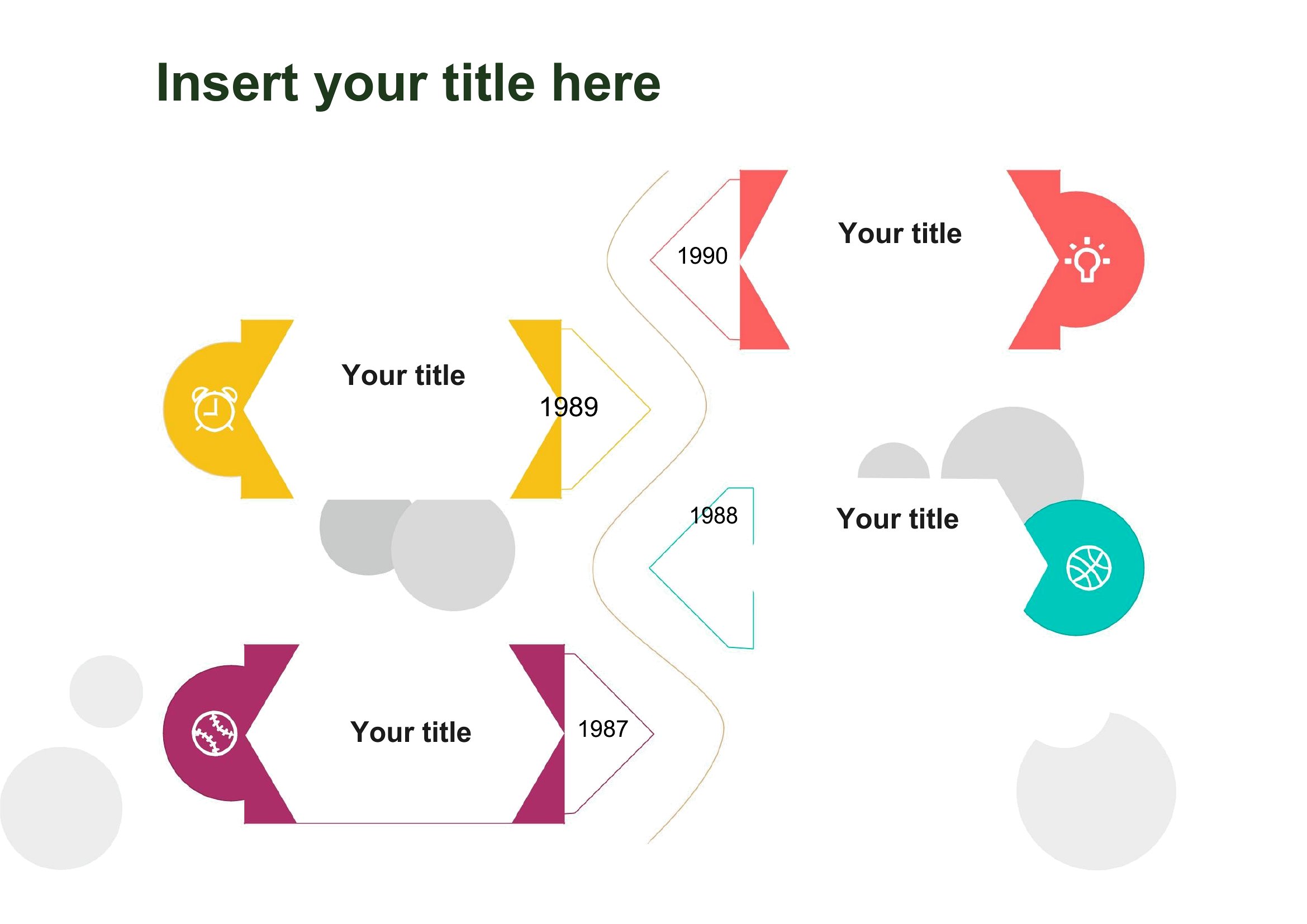
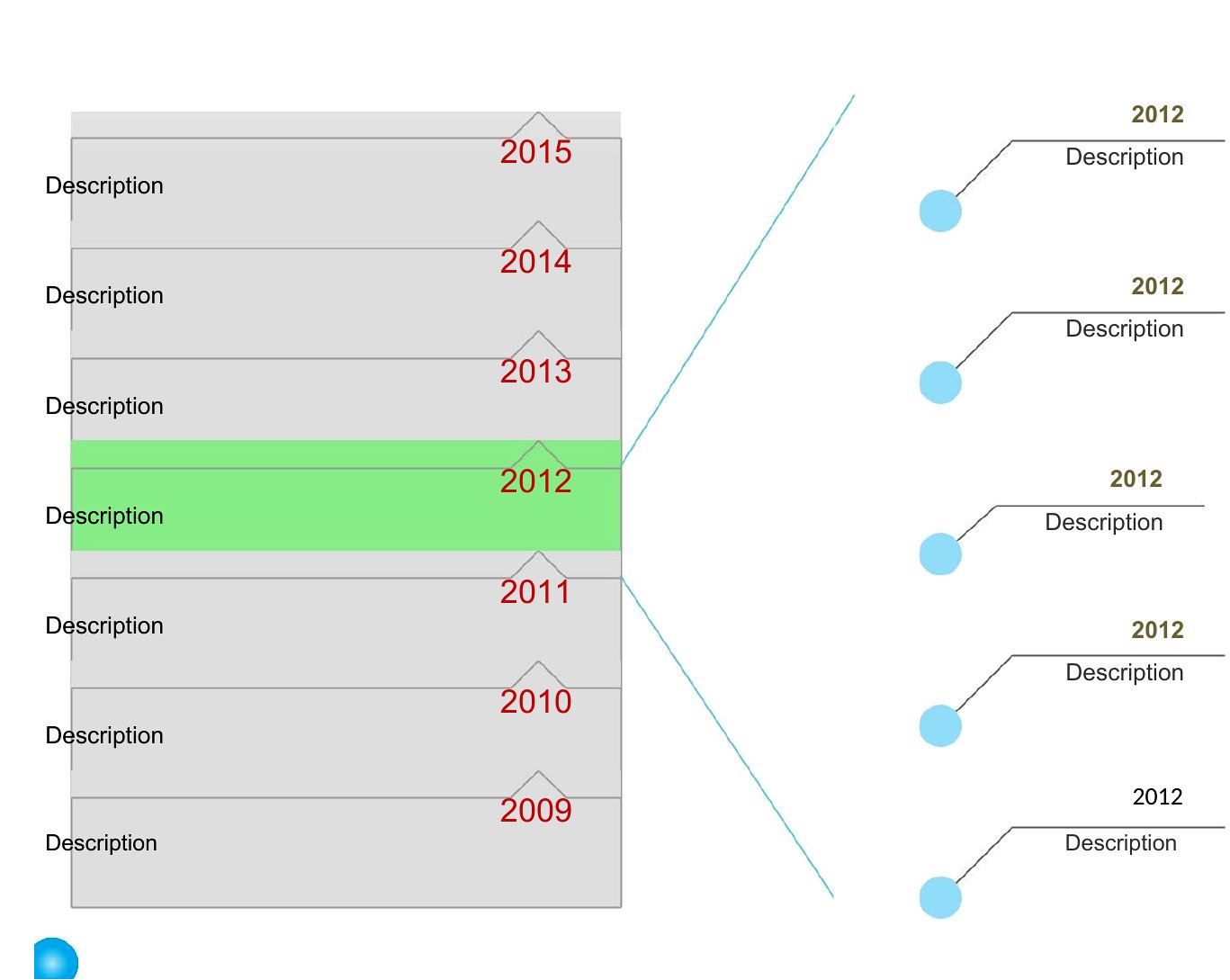
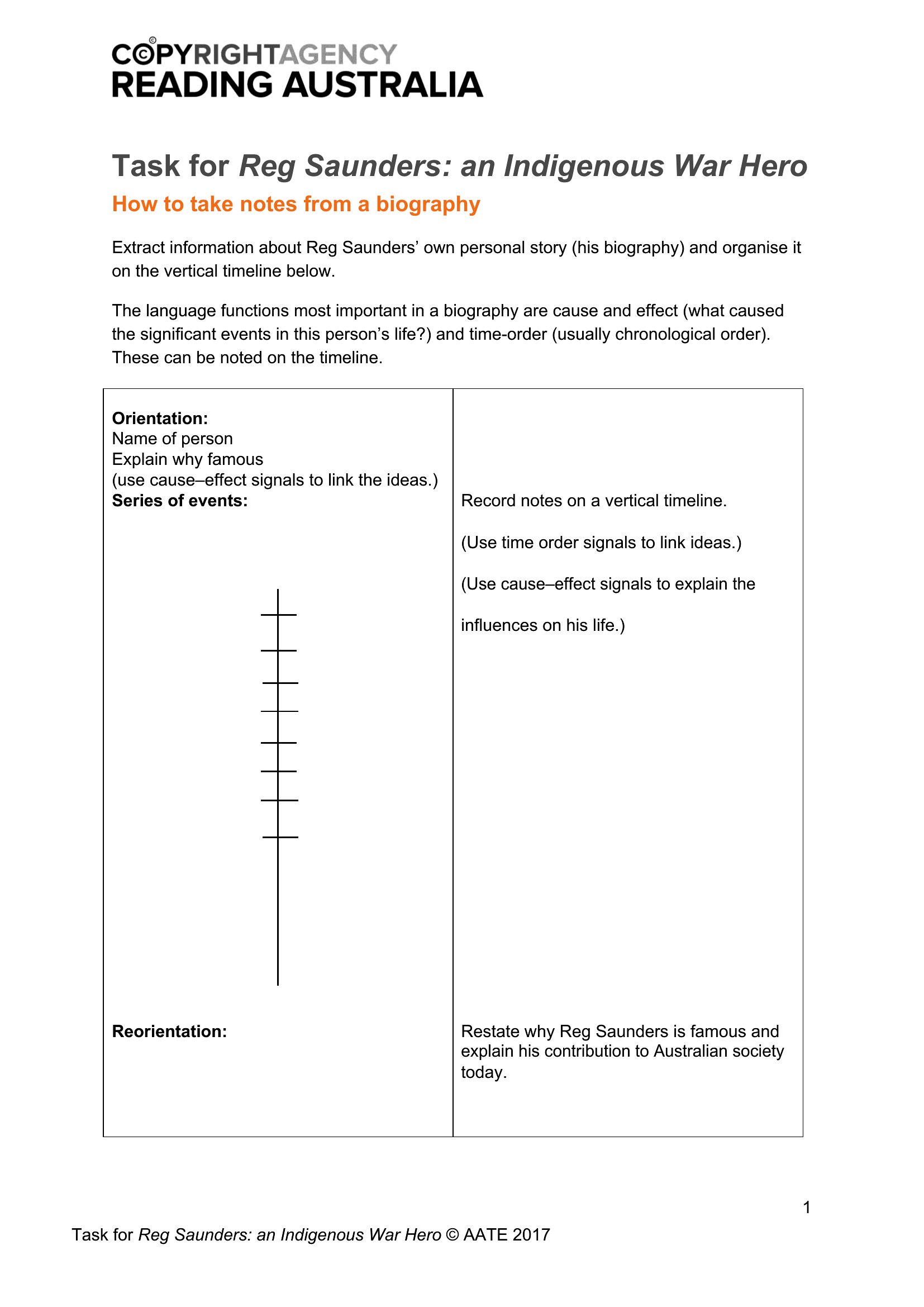
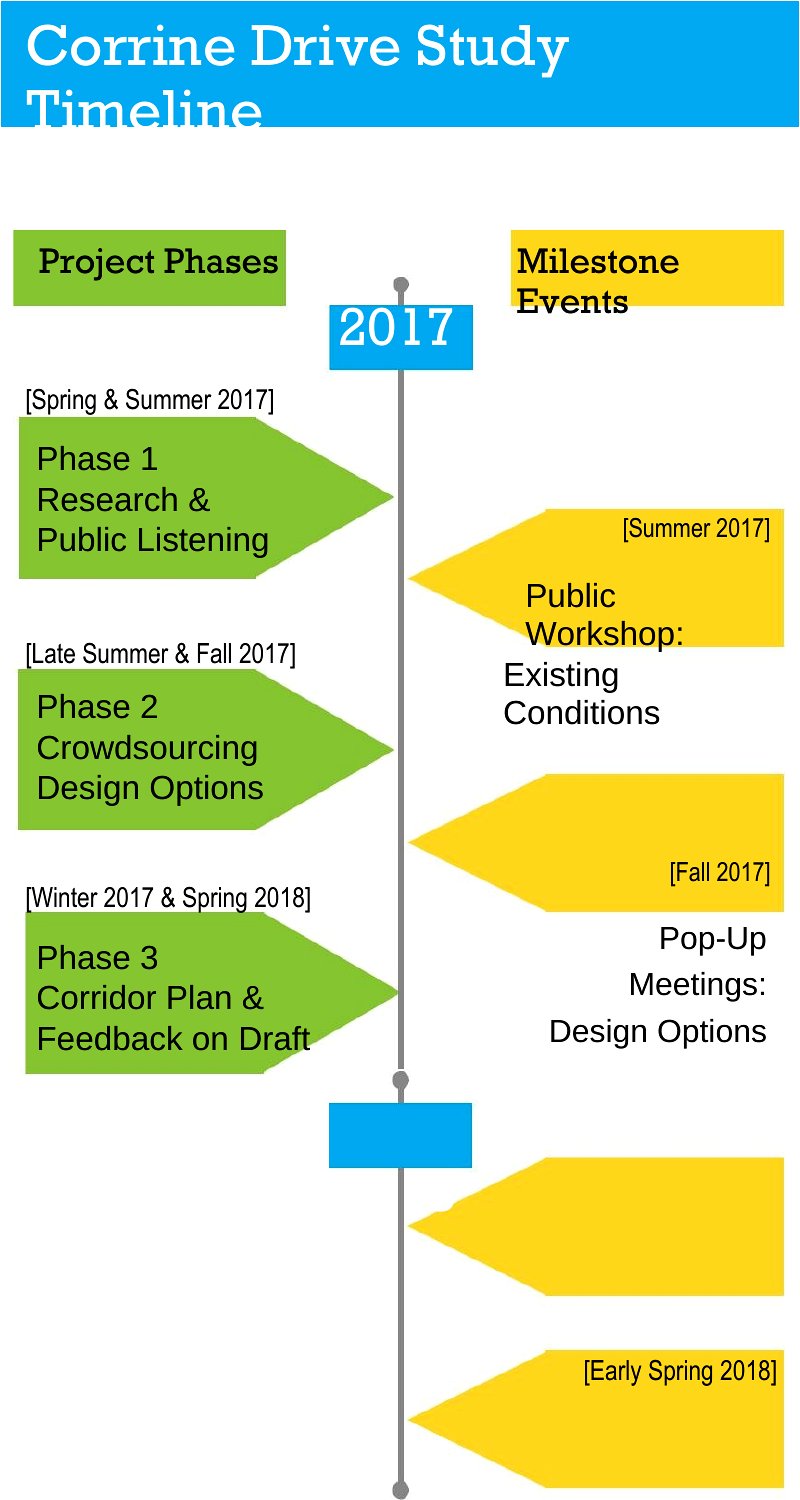
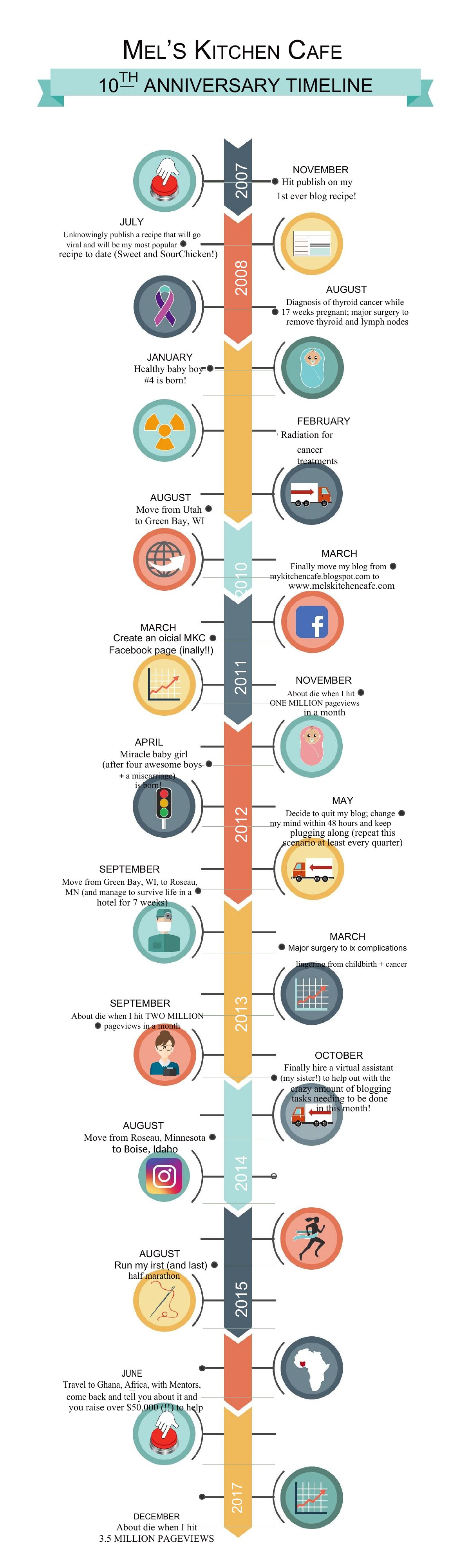
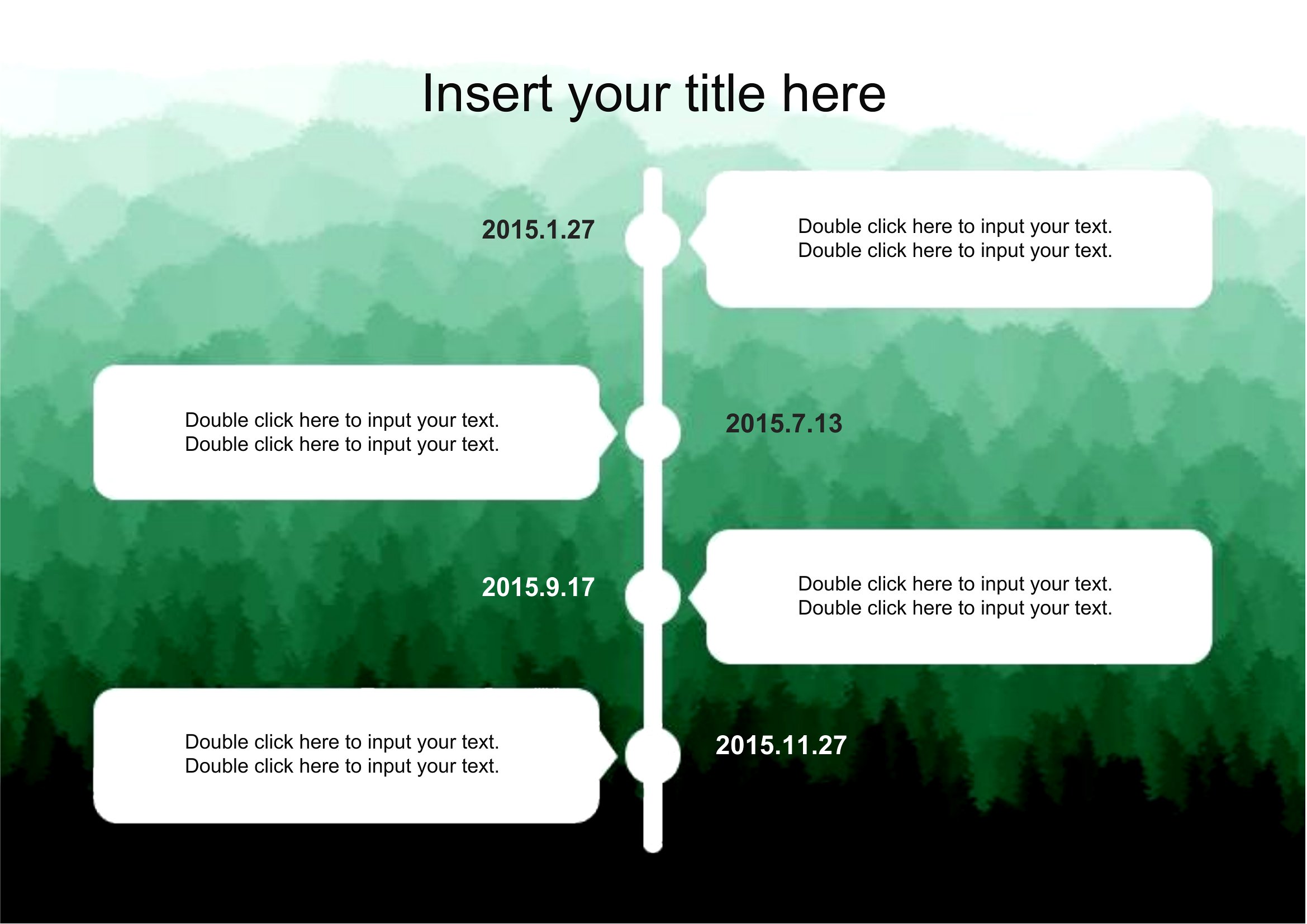
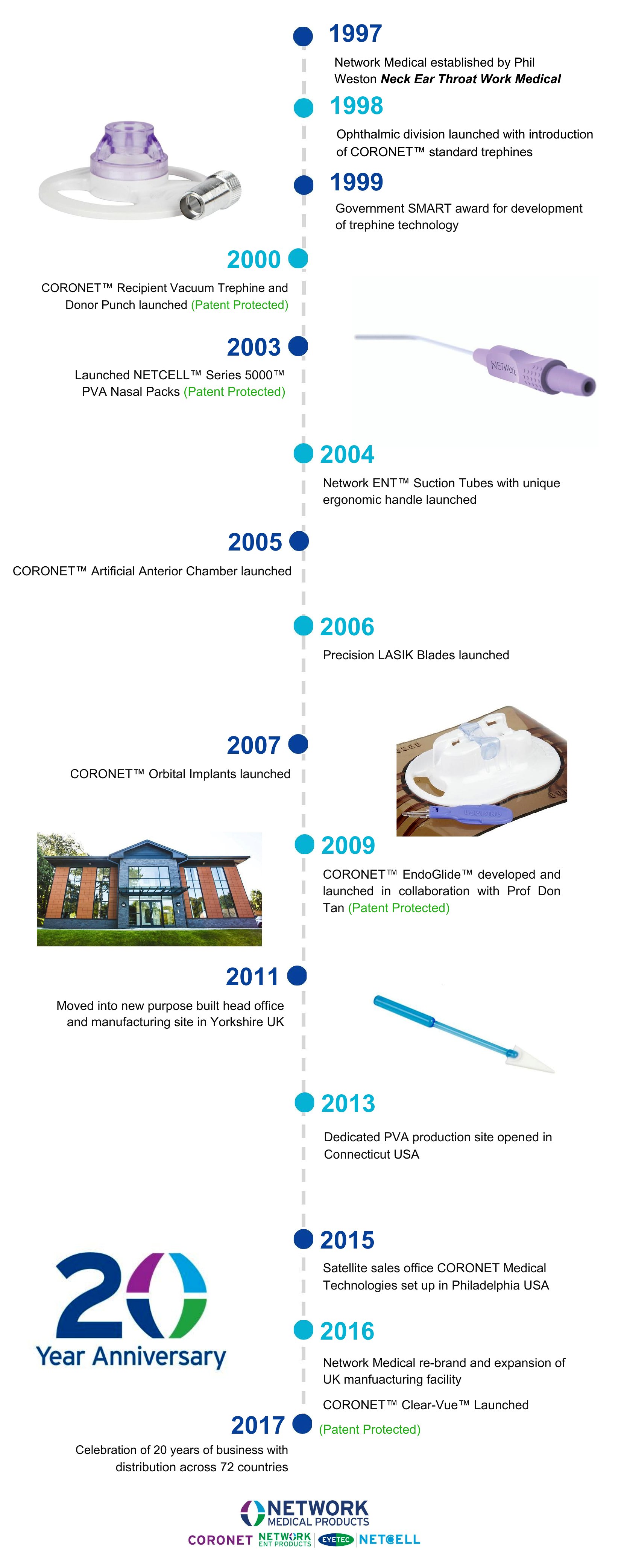
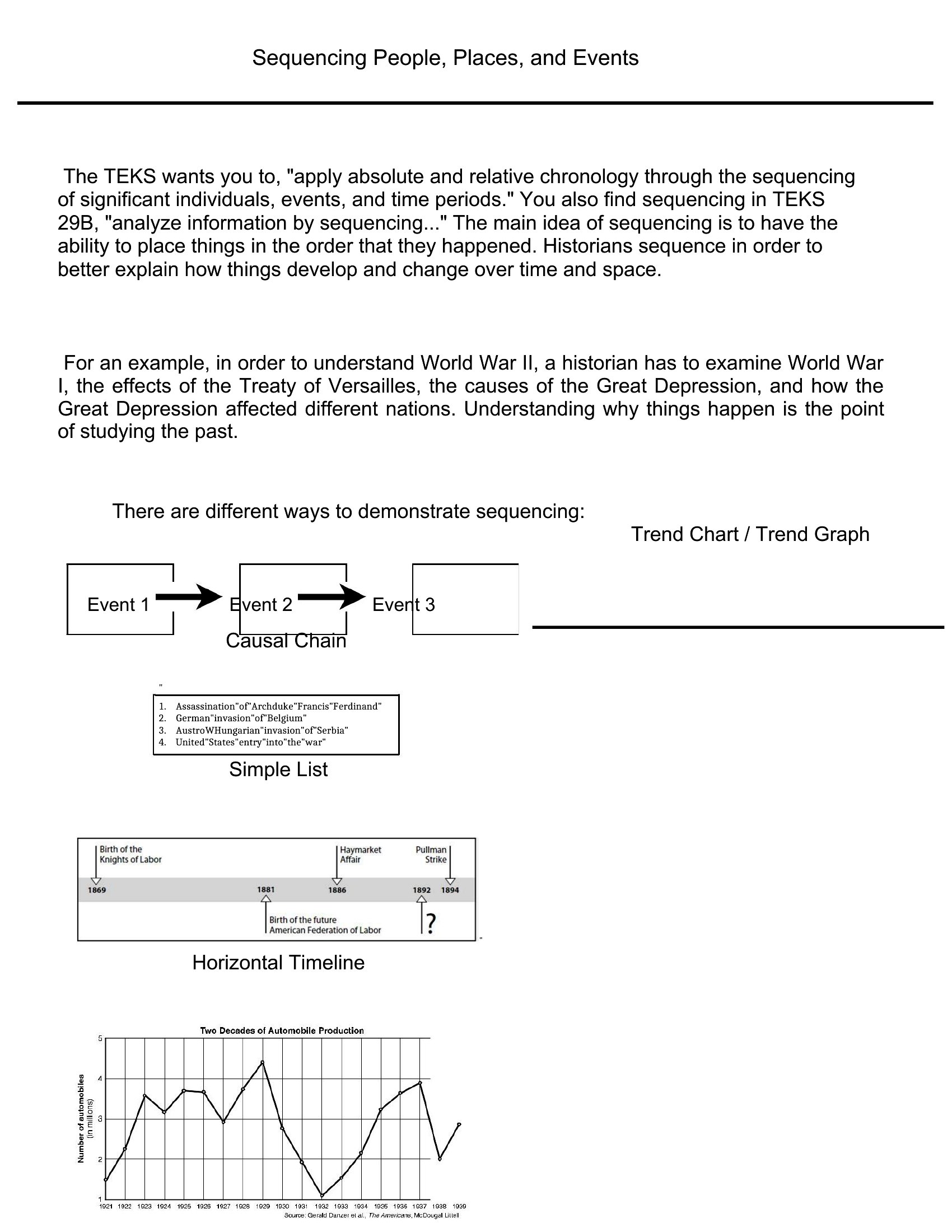
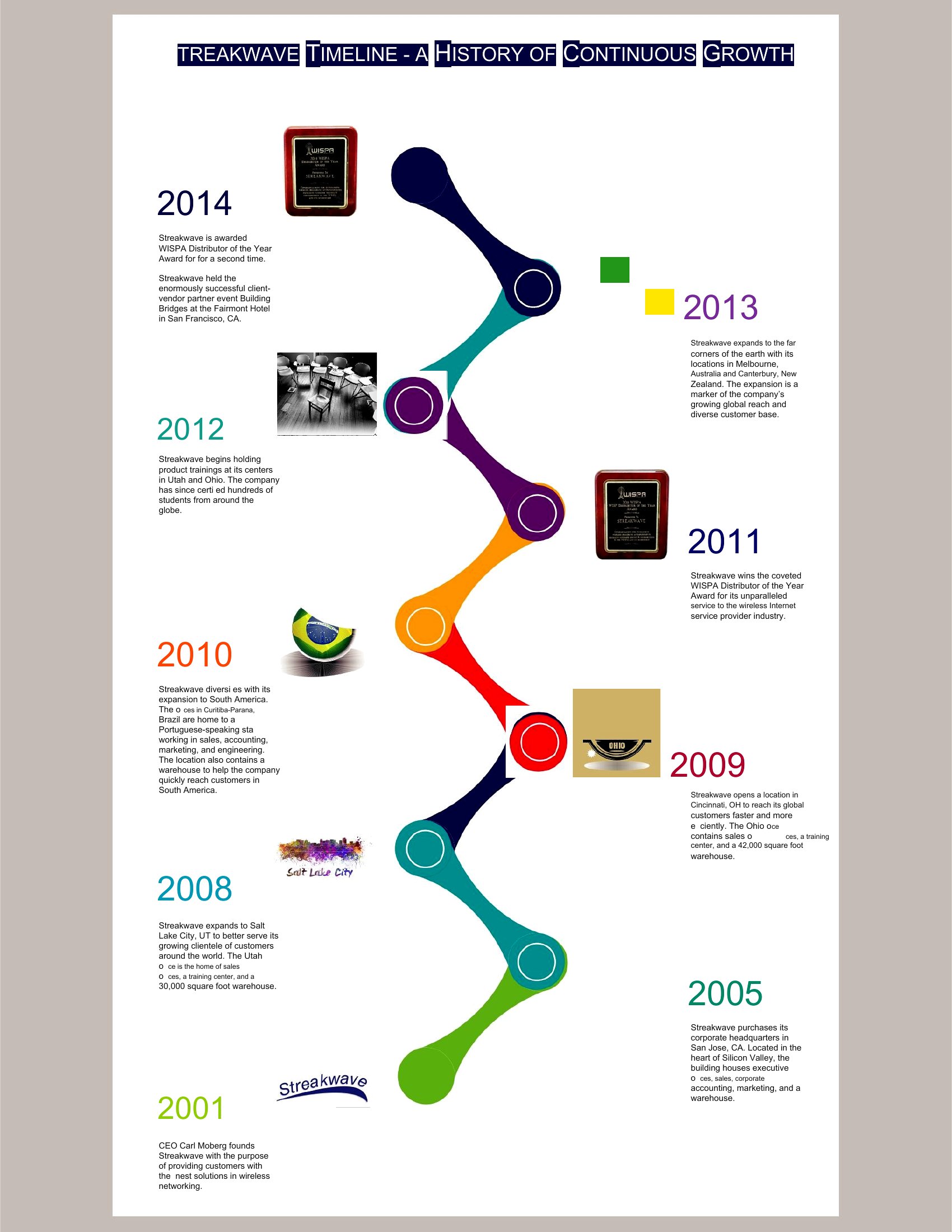
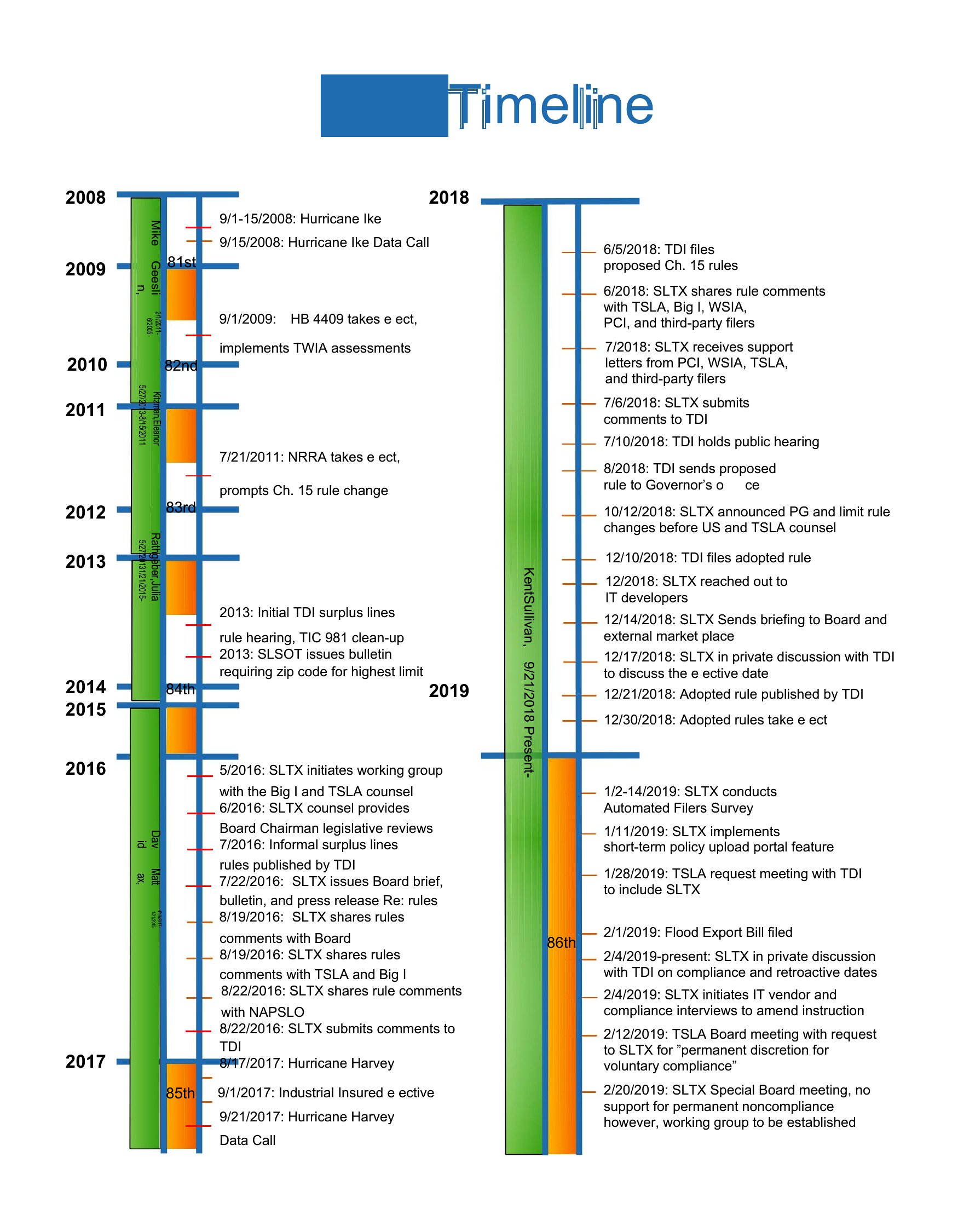
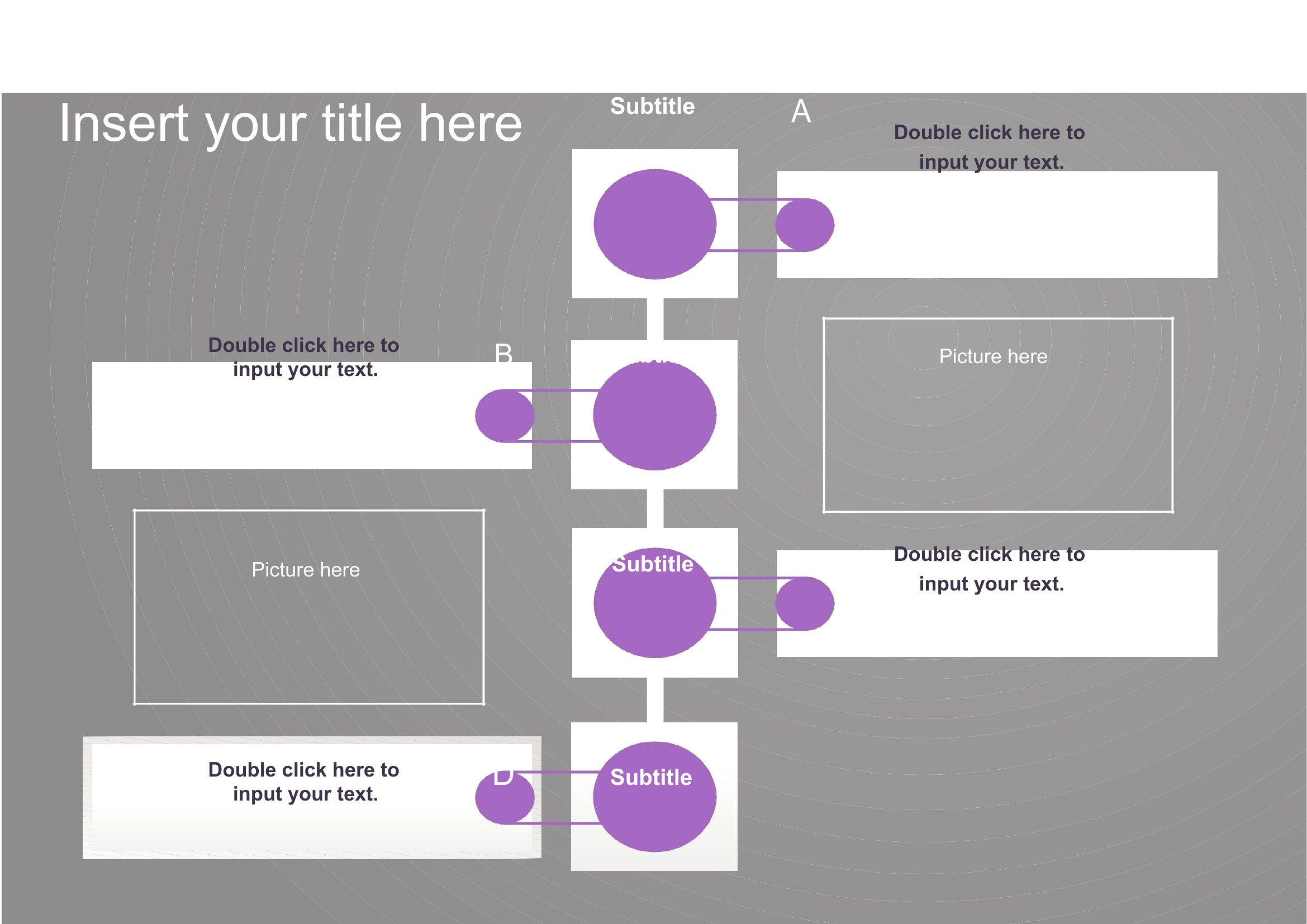
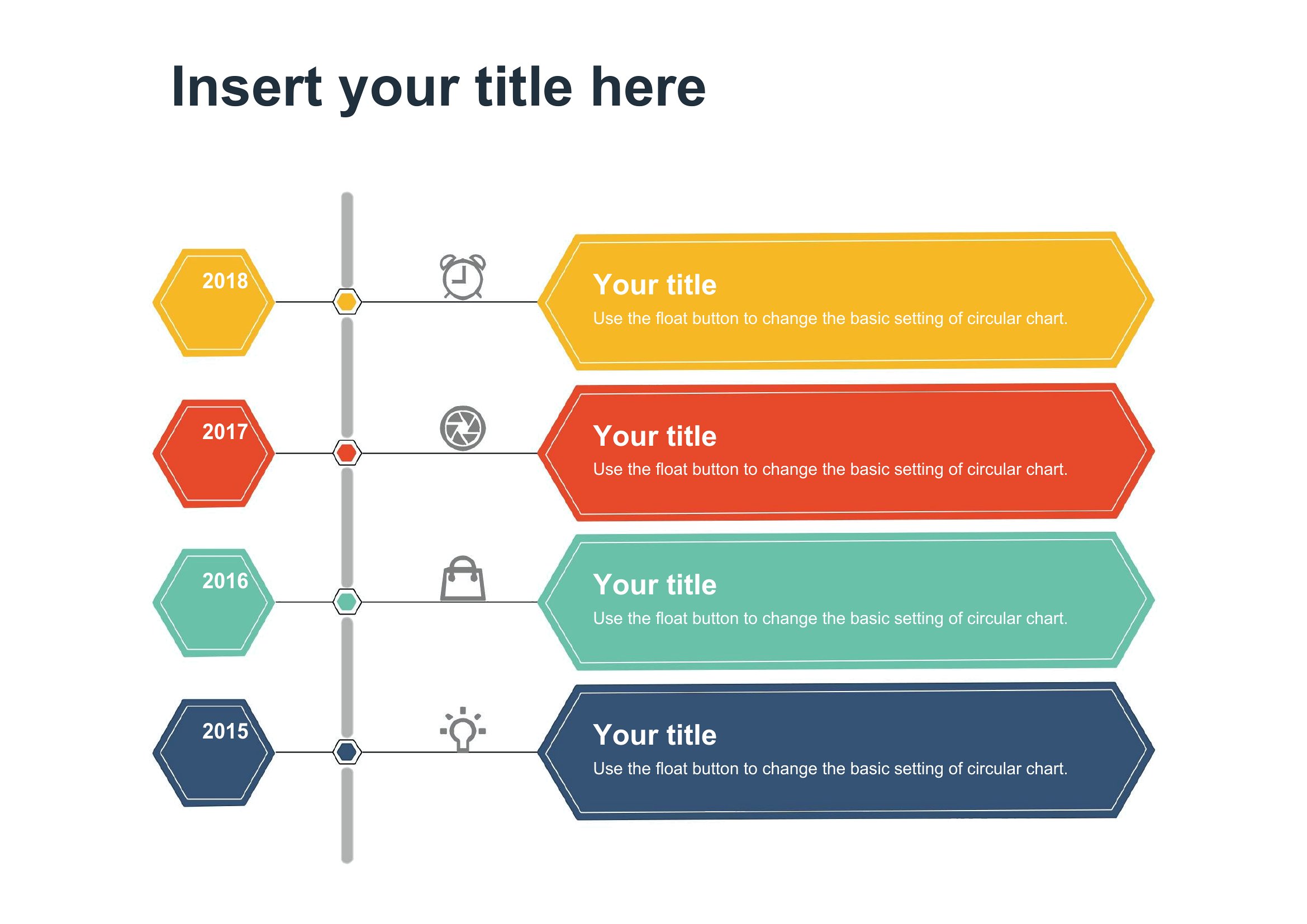
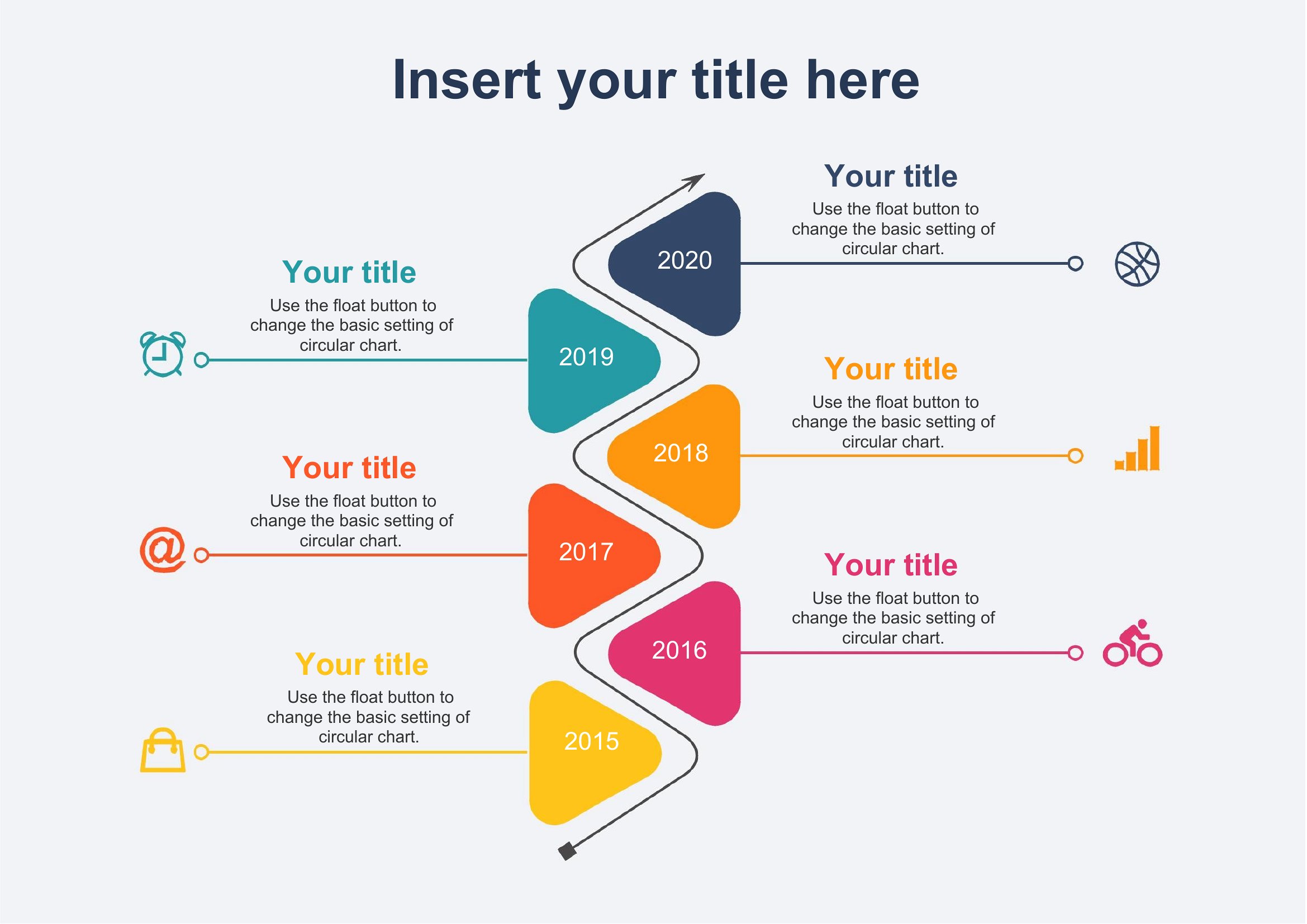
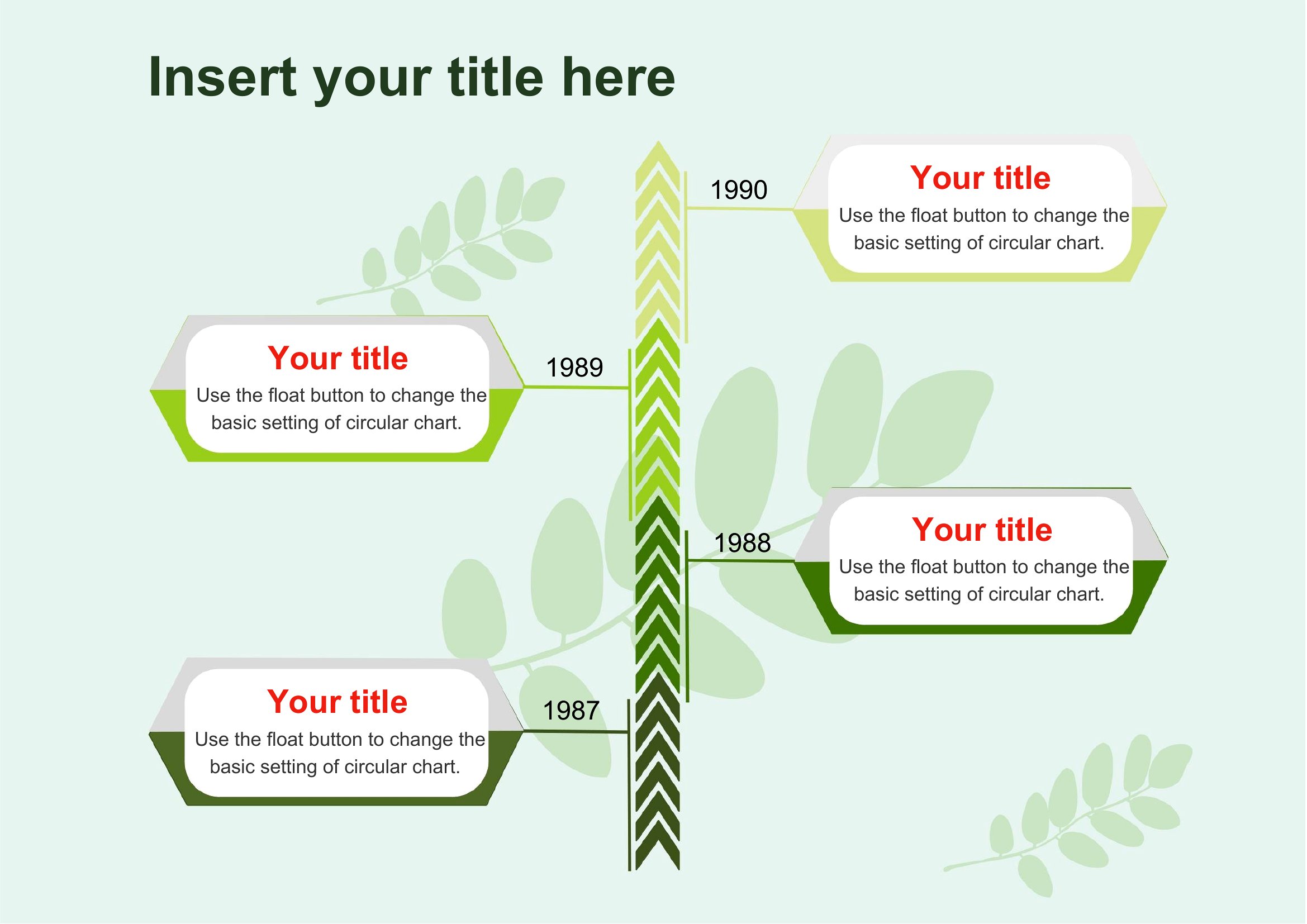
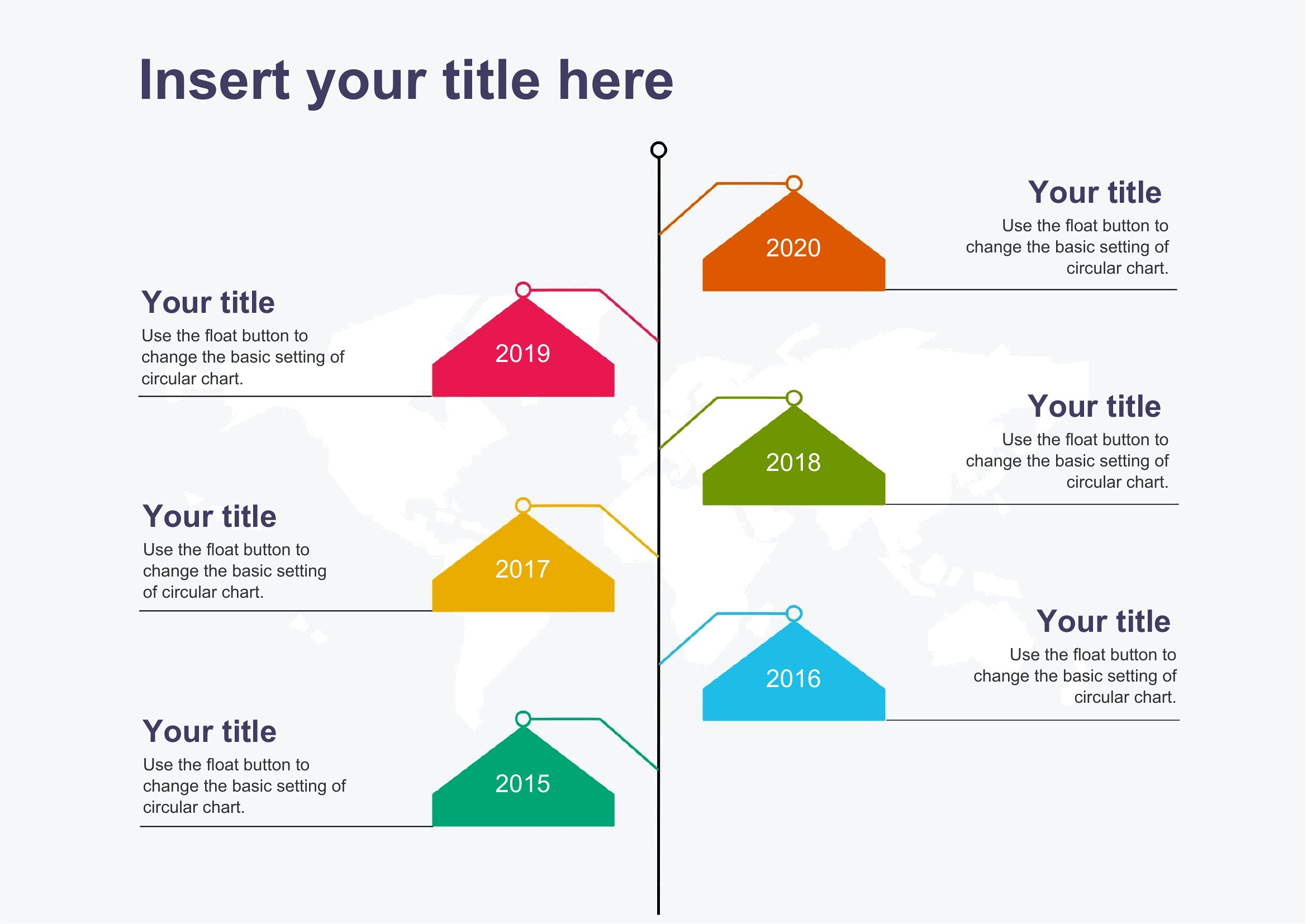
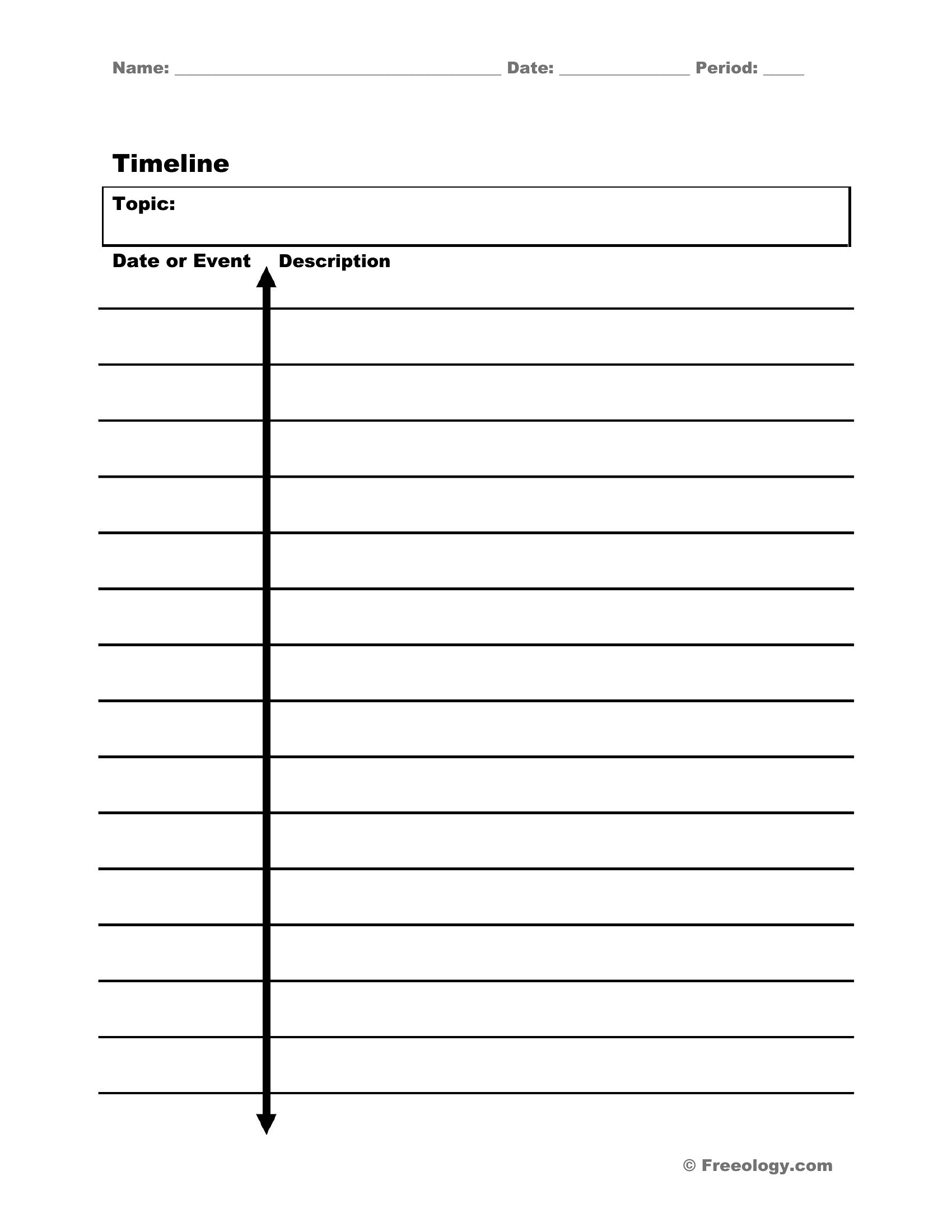
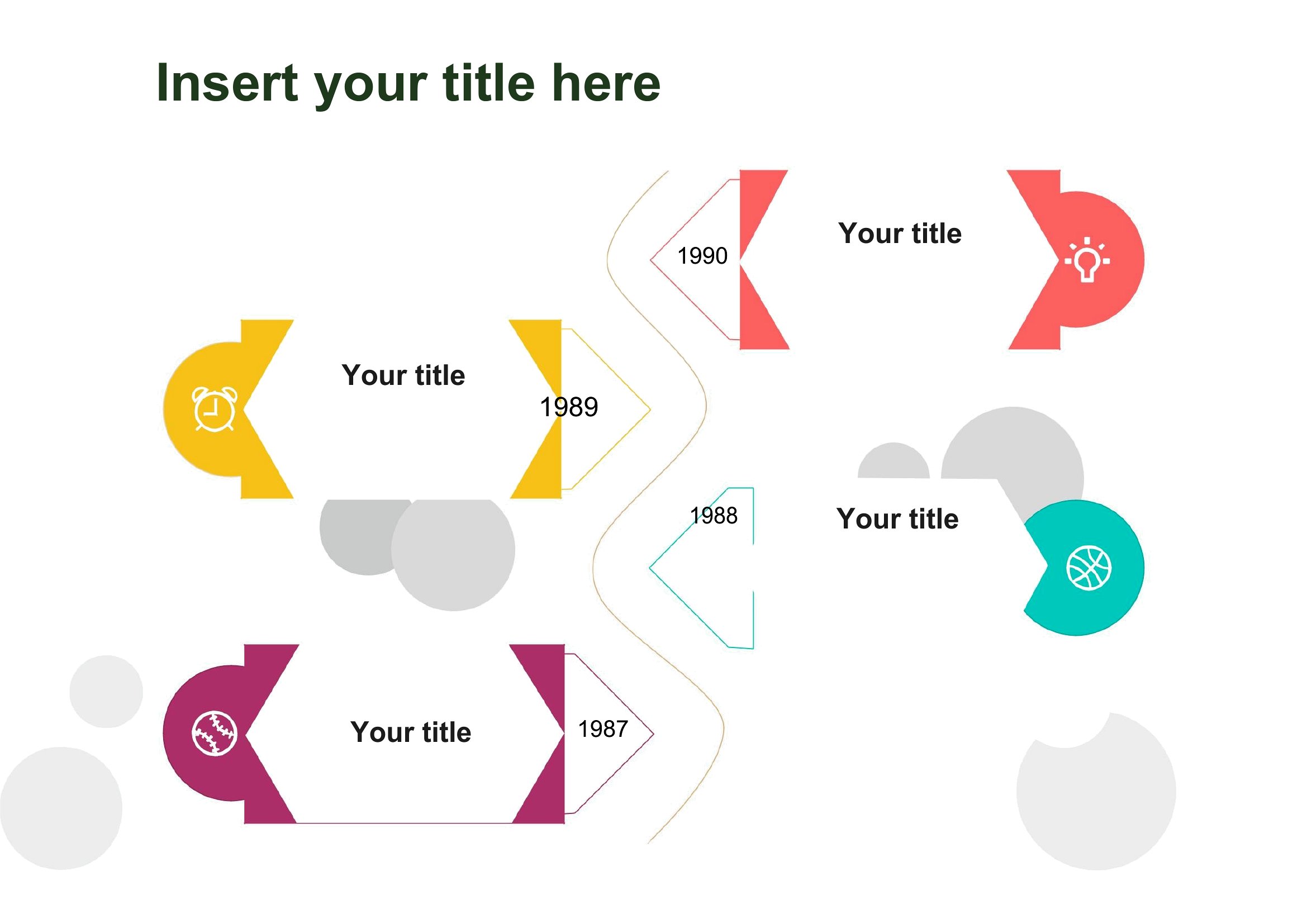
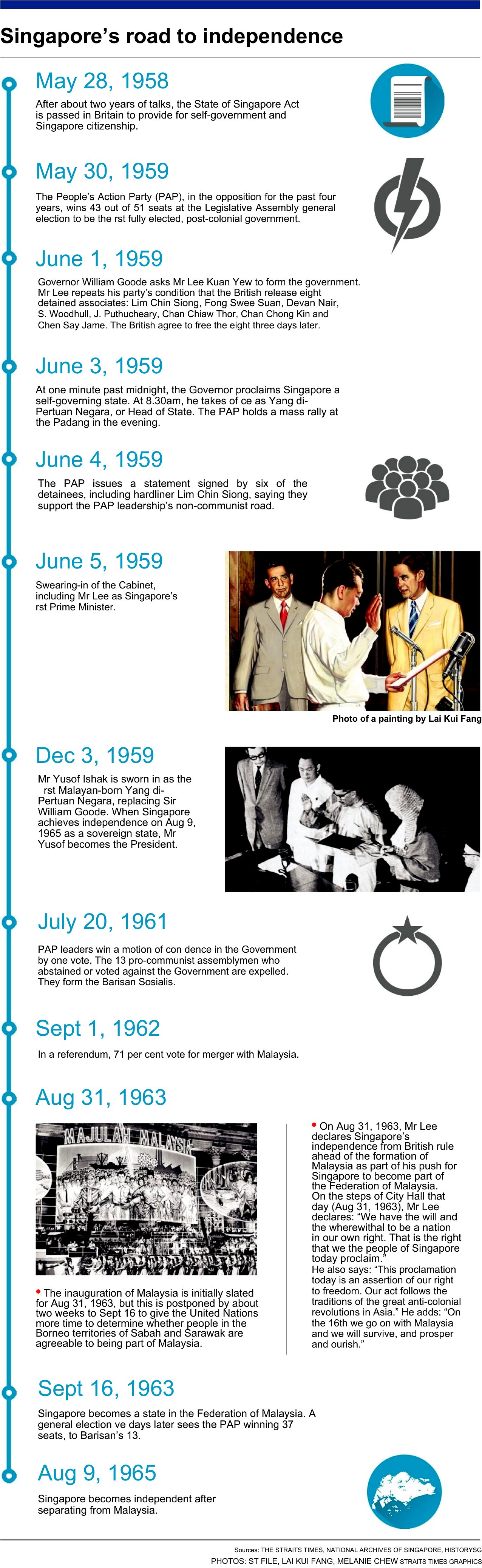
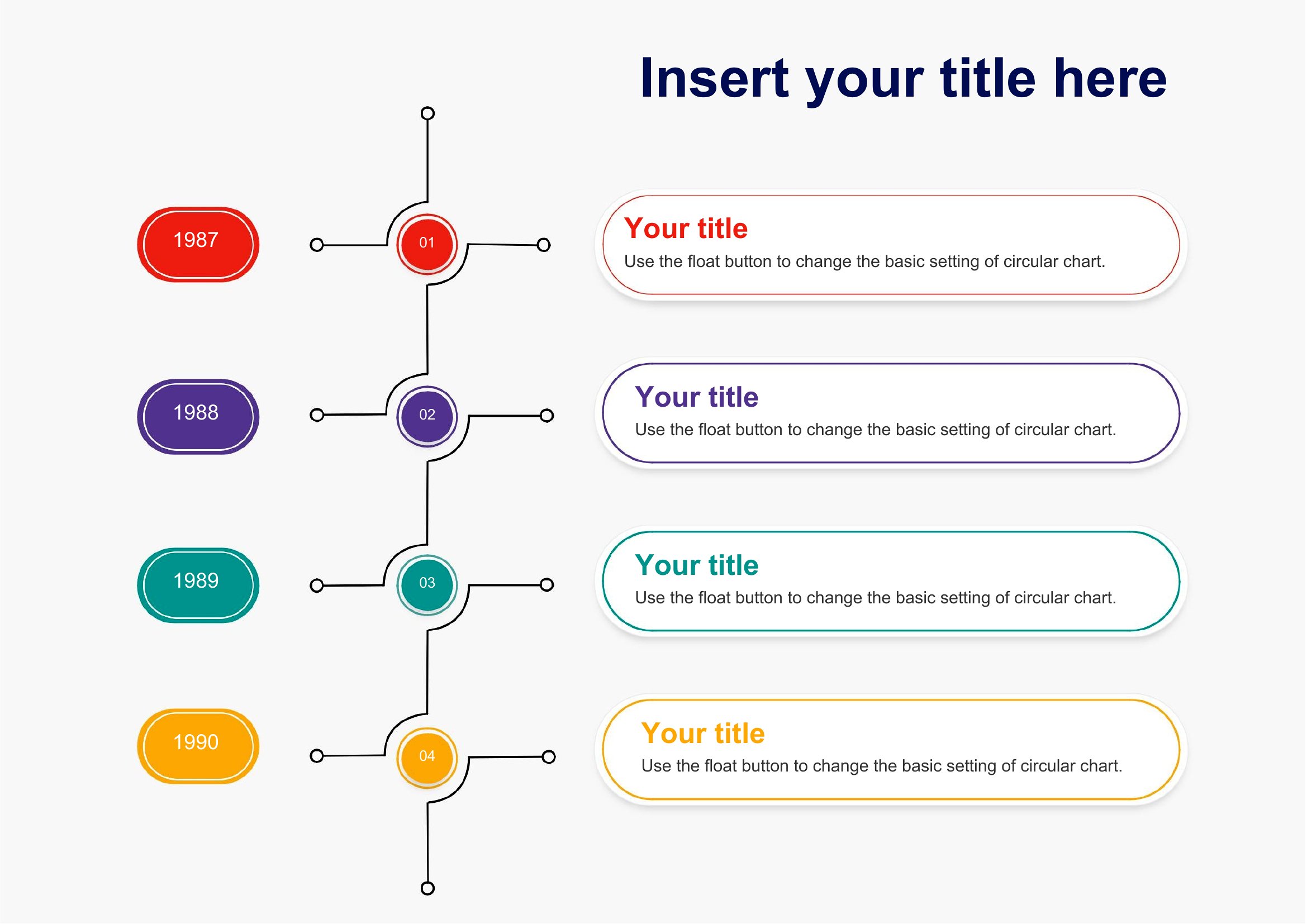
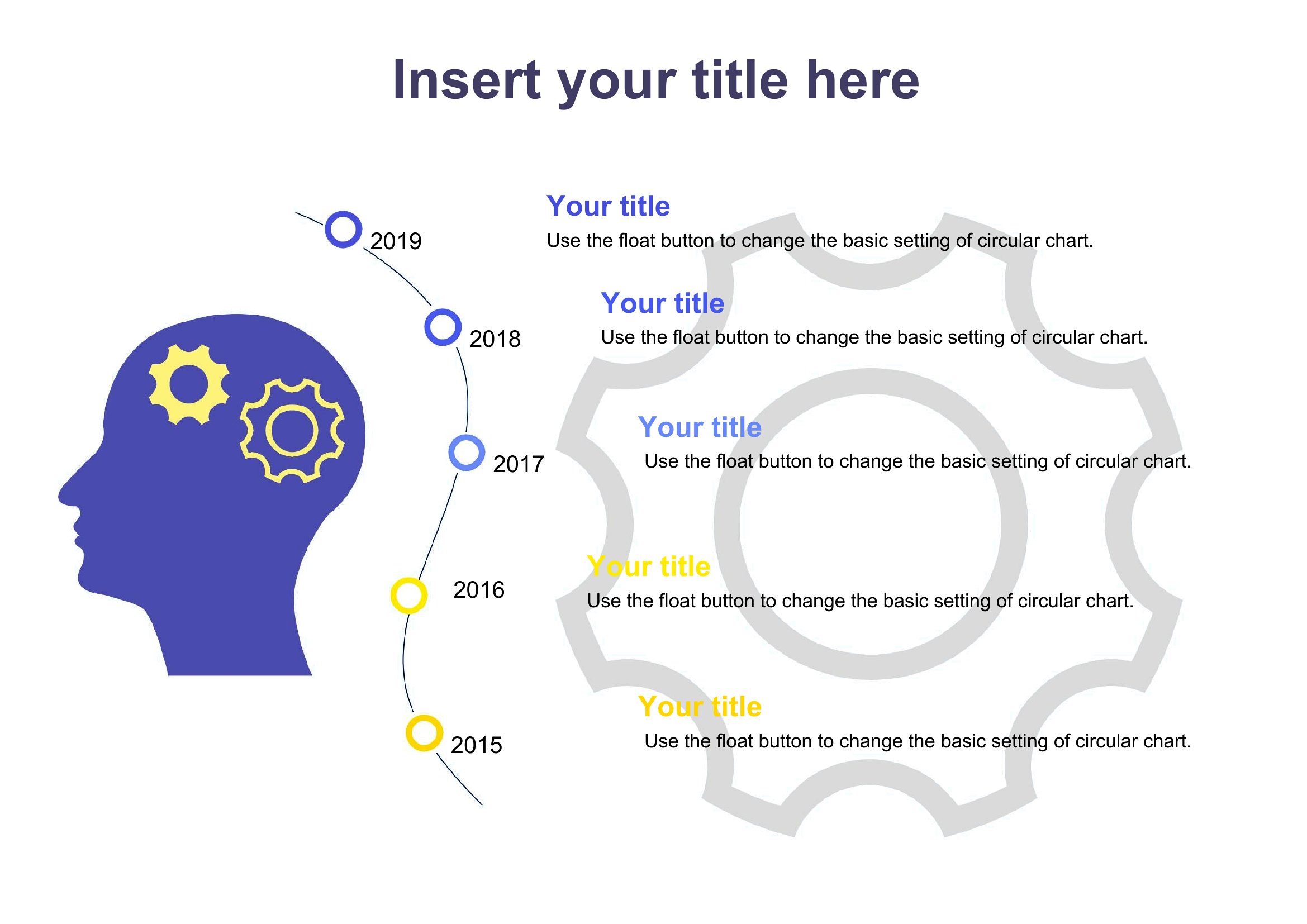
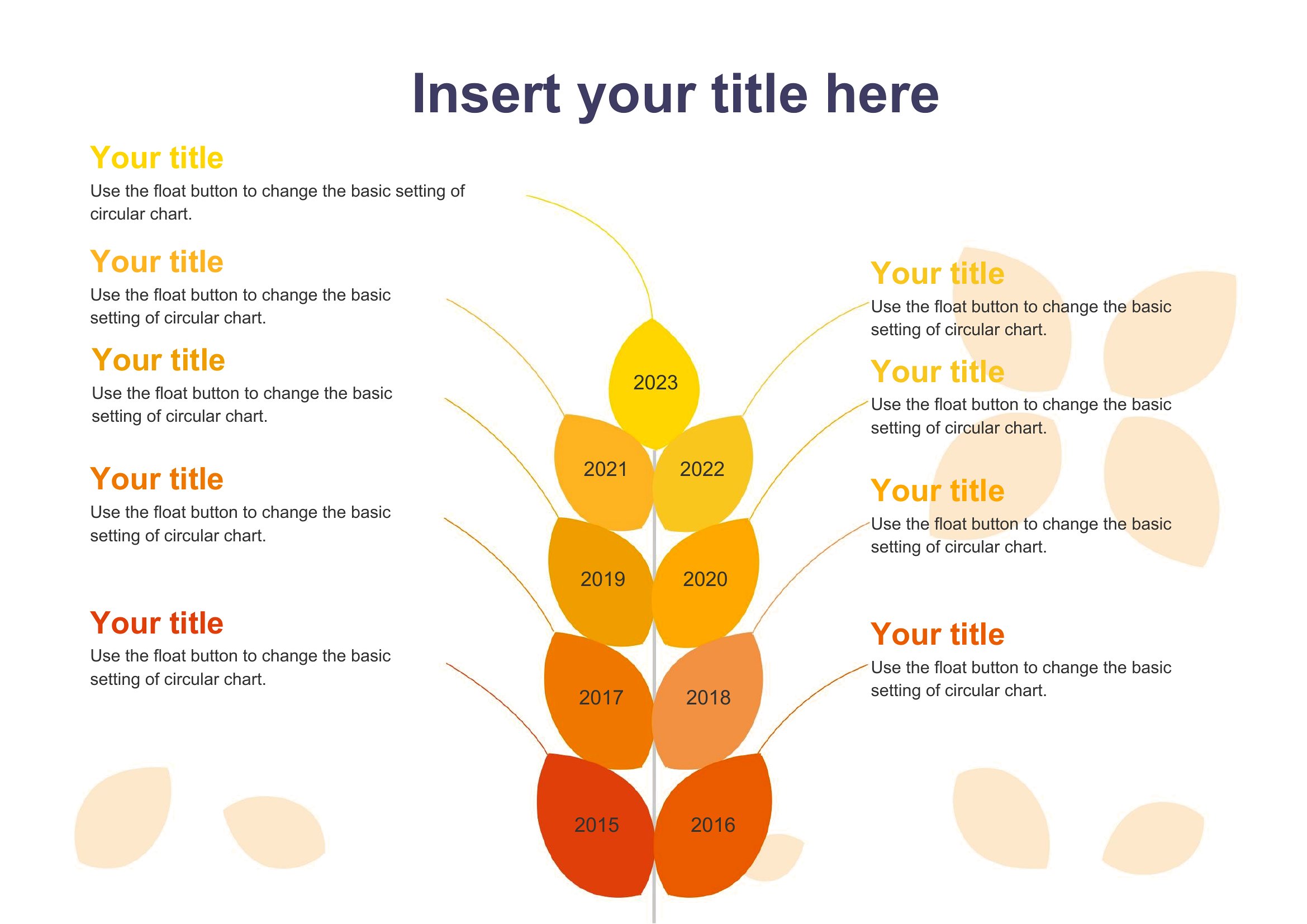
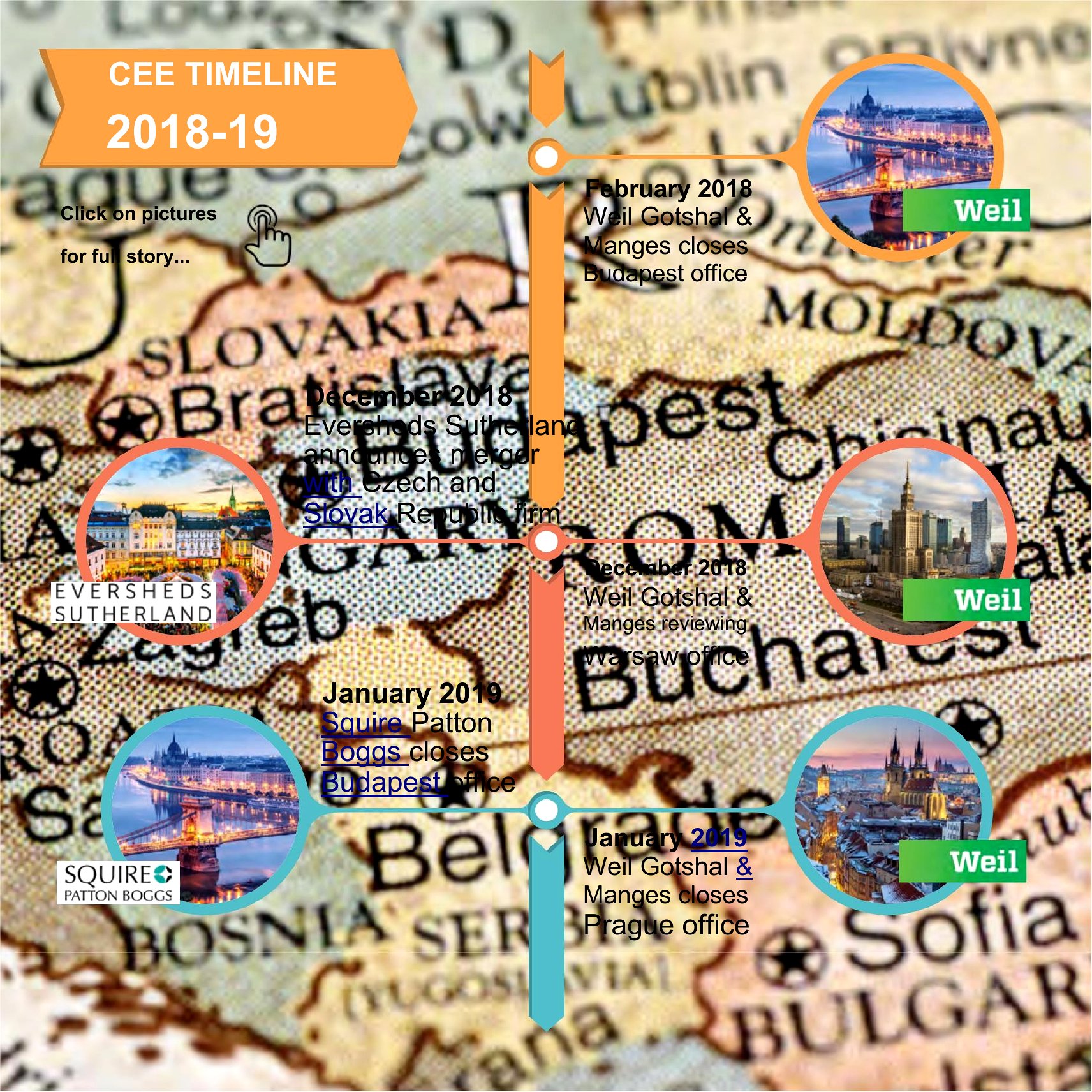
A vertical timeline lays out events in a clean top-to-bottom flow that's easy to follow on a slide or a page. This collection of 33 vertical timeline templates helps students, project managers, and presenters show milestones, history, or a roadmap without wrestling with shapes and lines. The layouts give you balanced markers and space for dates and short descriptions.

The Word files are simple to edit, so you can swap in your own dates, recolor the markers, and adjust the spacing to fit your content. Type your milestones, drop in a few notes, and the timeline comes together quickly. Download the design that suits your topic and have a polished timeline ready for your next report.

When to use this Vertical Timeline template

  • College professors need to visually explain historical events in chronological order for lecture slides, ensuring clarity for large classes without overwhelming text.
  • Project managers track key deliverables for client presentations by aligning timeline markers with deadlines, making progress transparent and easy to digest.
  • Marketing teams outline campaign phases for internal planning sessions, ensuring everyone aligns on launch dates and milestones without complex diagrams.
  • Nonprofit board members review program milestones in reports to donors, using a clean vertical layout to highlight impact over time without confusing details.

Which format should I download?

Word

The Word format is ideal here because it’s best suited for customization and collaboration—edit dates, descriptions, and spacing directly in a document you can share with teams. Use the blank templates when you need full control over content and formatting, while the sample templates provide structure and design inspiration to save time. Since these are for slides or single-page layouts, Word’s simplicity avoids the clutter of advanced tools while keeping your timeline professional and polished.

Choose from 33 Vertical Timeline Templates

How to use this Vertical Timeline template

How do I adjust the spacing between events in a Word vertical timeline?

In Word, select the timeline shape or text box and use the ‘Format Shape’ option to resize it. For even spacing, group related elements and drag the entire cluster, then duplicate and adjust as needed. Avoid manual line-drawing—Word’s built-in guides keep alignment consistent.

Can I add images or icons to represent events in the timeline?

Yes, insert images next to each event by placing them in separate text boxes or shapes aligned vertically. Keep them small (e.g., 100x100 pixels) to avoid overwhelming the layout. For icons, use Word’s built-in shapes or embed simple graphics from online sources.

What’s the best way to include long descriptions without breaking the timeline’s flow?

Use Word’s ‘Text Box’ tool to create a side panel or footnote for extended details, linking it to the event with a subtle line or arrow. For slides, limit descriptions to 1–2 lines in the timeline itself and expand verbally—these templates prioritize visual scannability over dense text.

Comments

Join the conversation

Sign in to share your thoughts and leave a comment on this resource.

Newsletter

Get Weekly Design Updates

Join our community to receive curated resources and inspiration.

Weekly Tips Resources Early Access

We respect your privacy. Confirmation email required. Privacy Policy