Free Household Budget Templates (Word, Excel, PDF)
StatementsTemplates
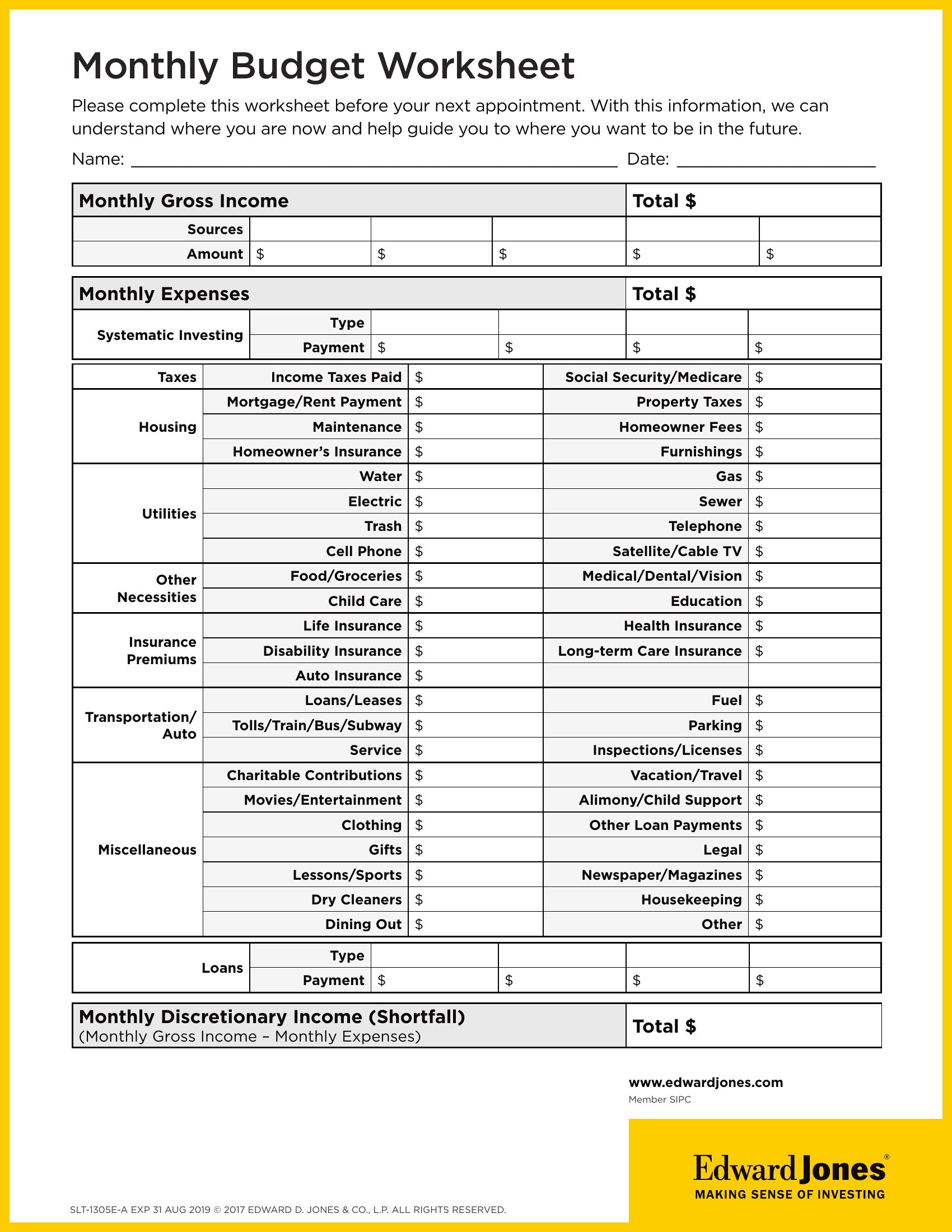
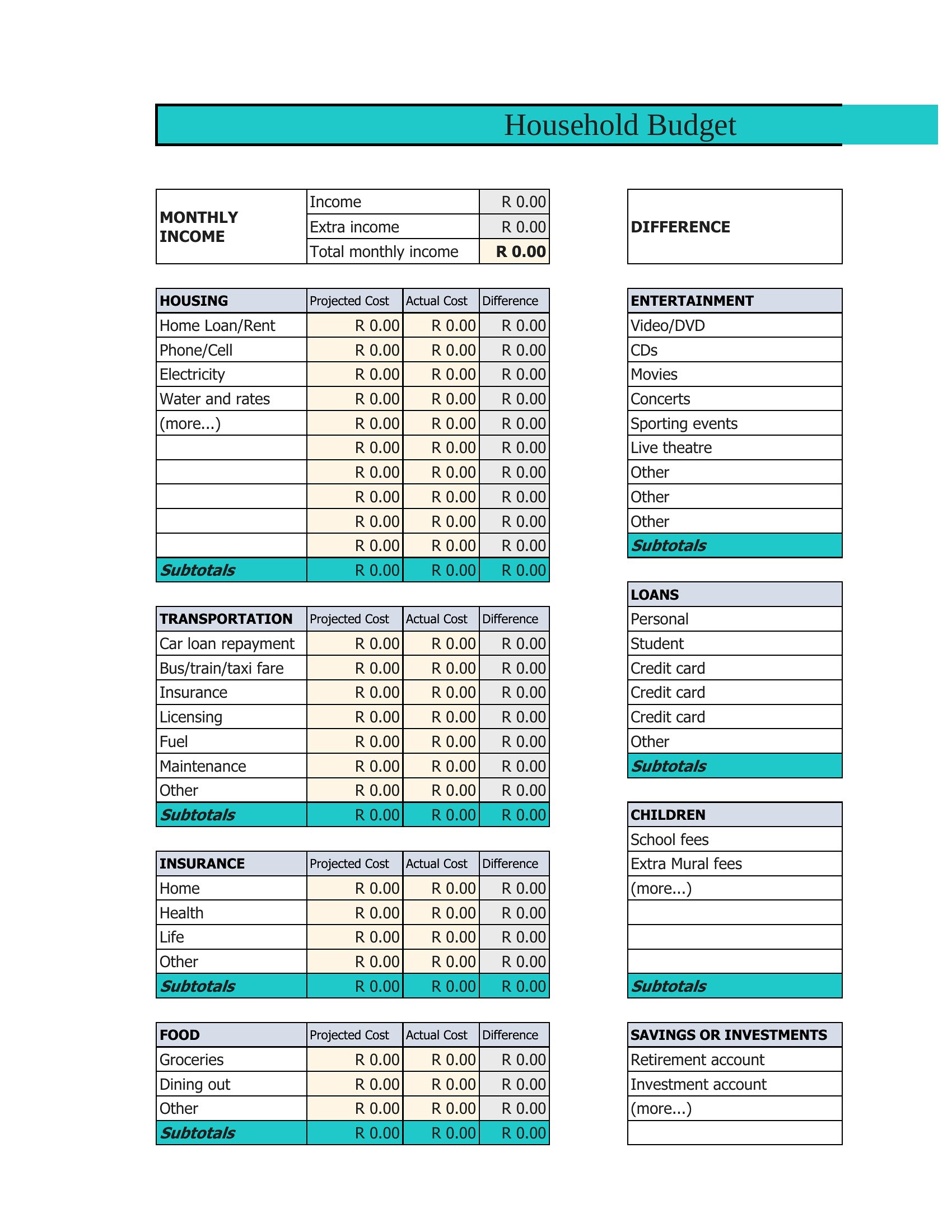
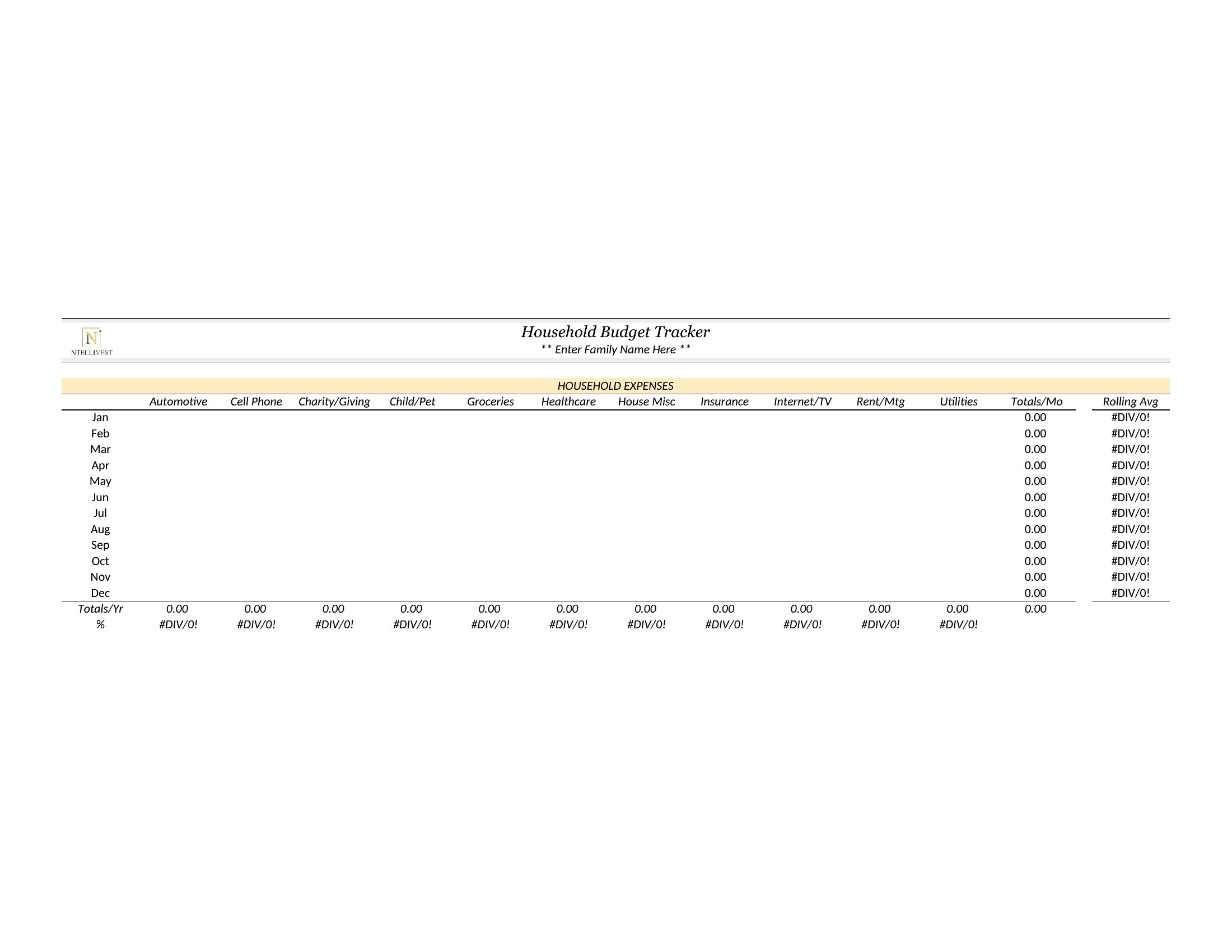
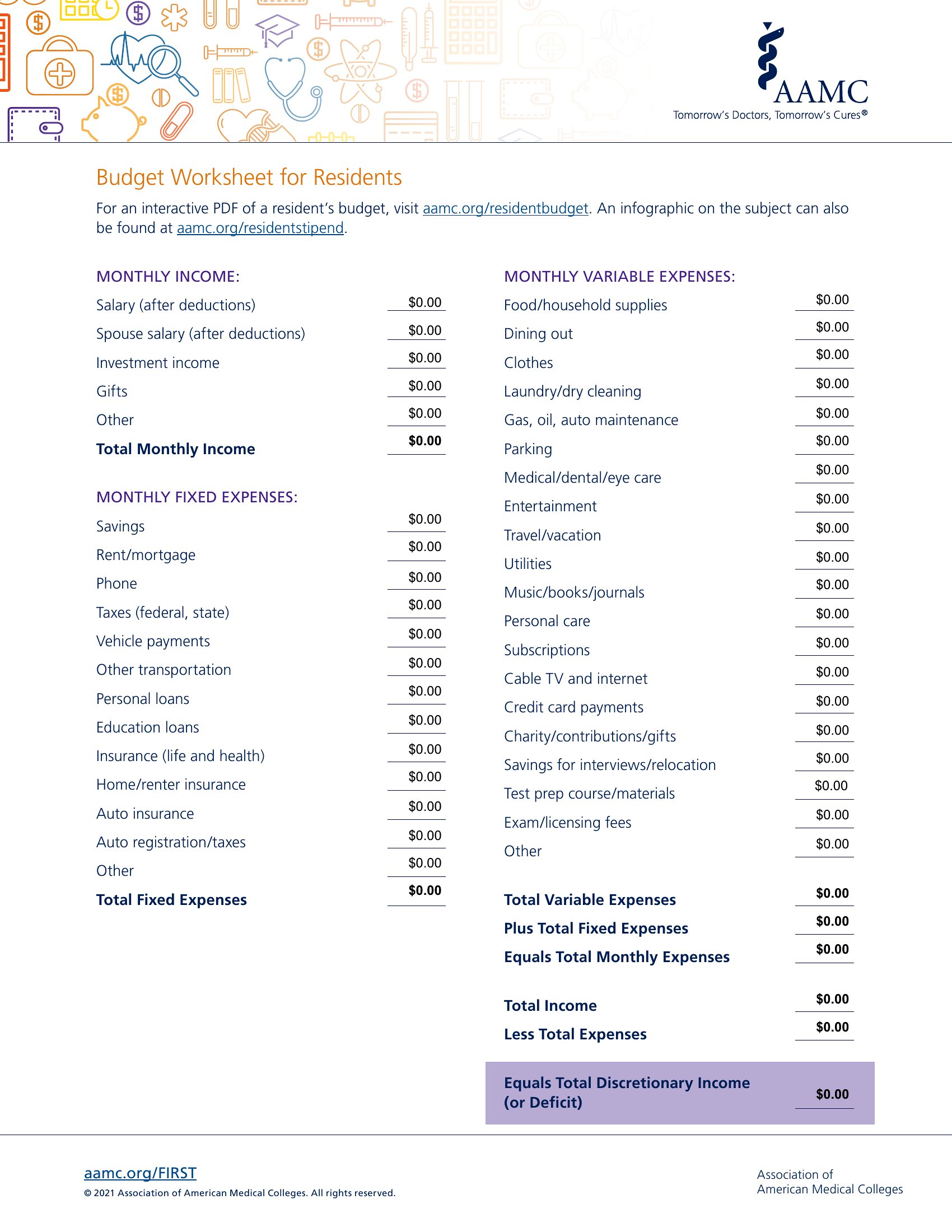
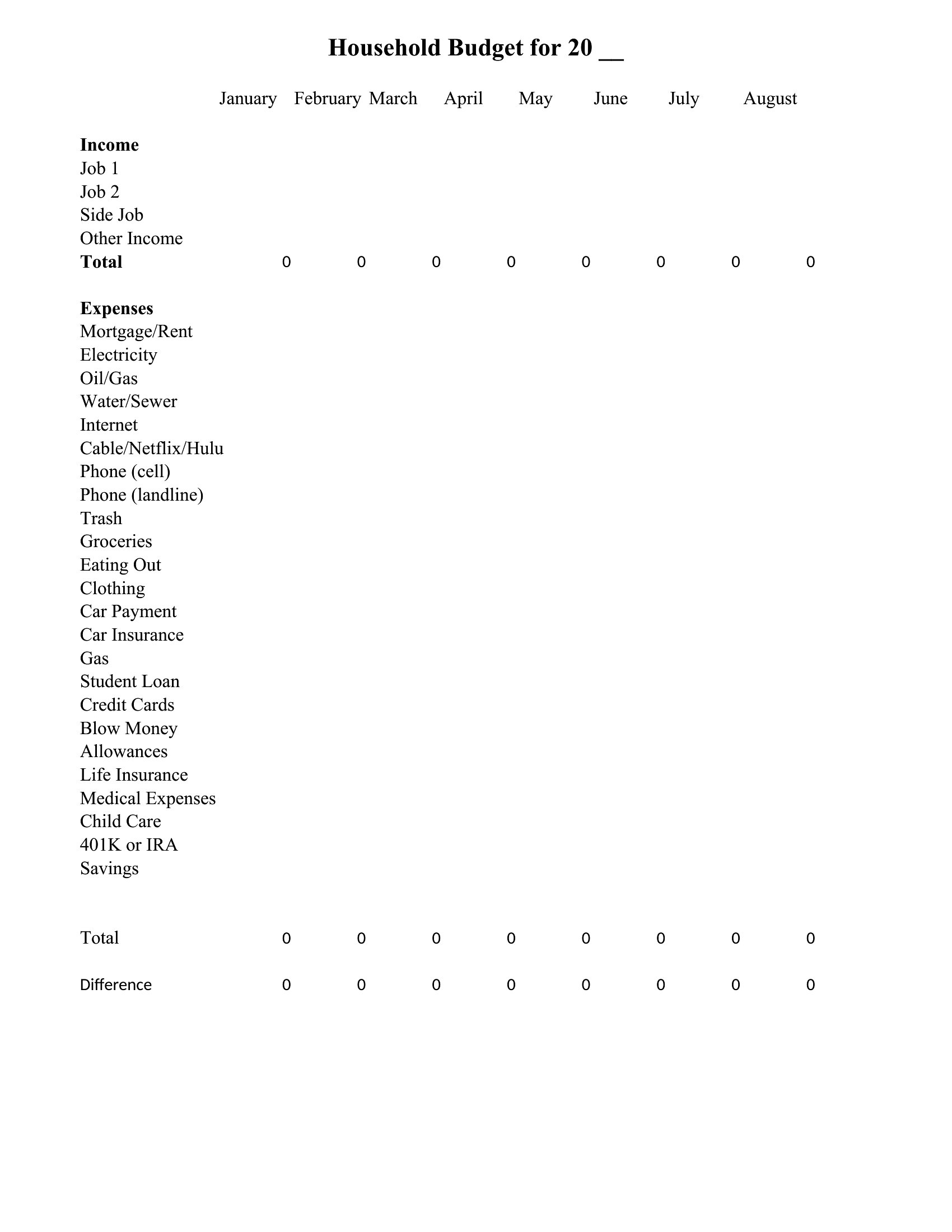
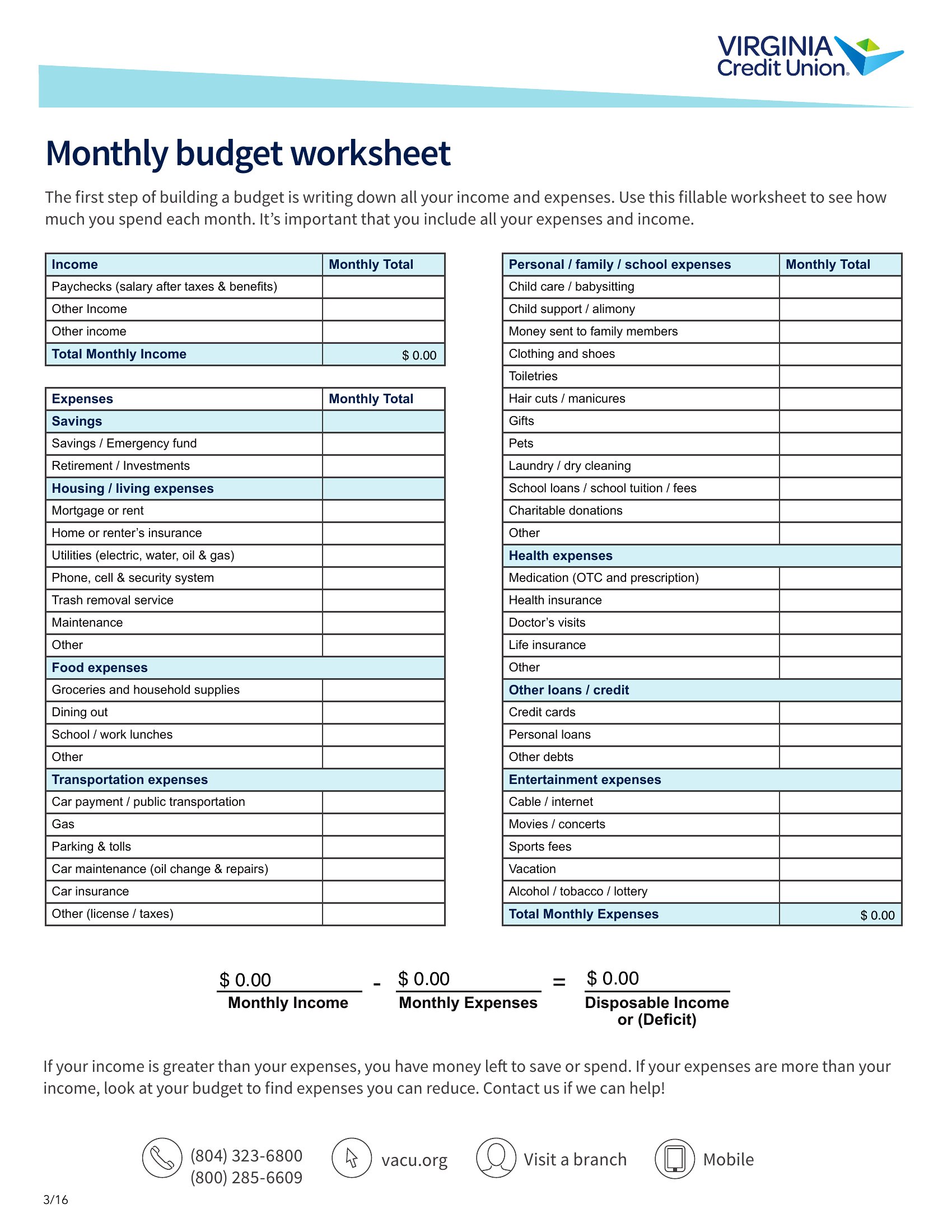
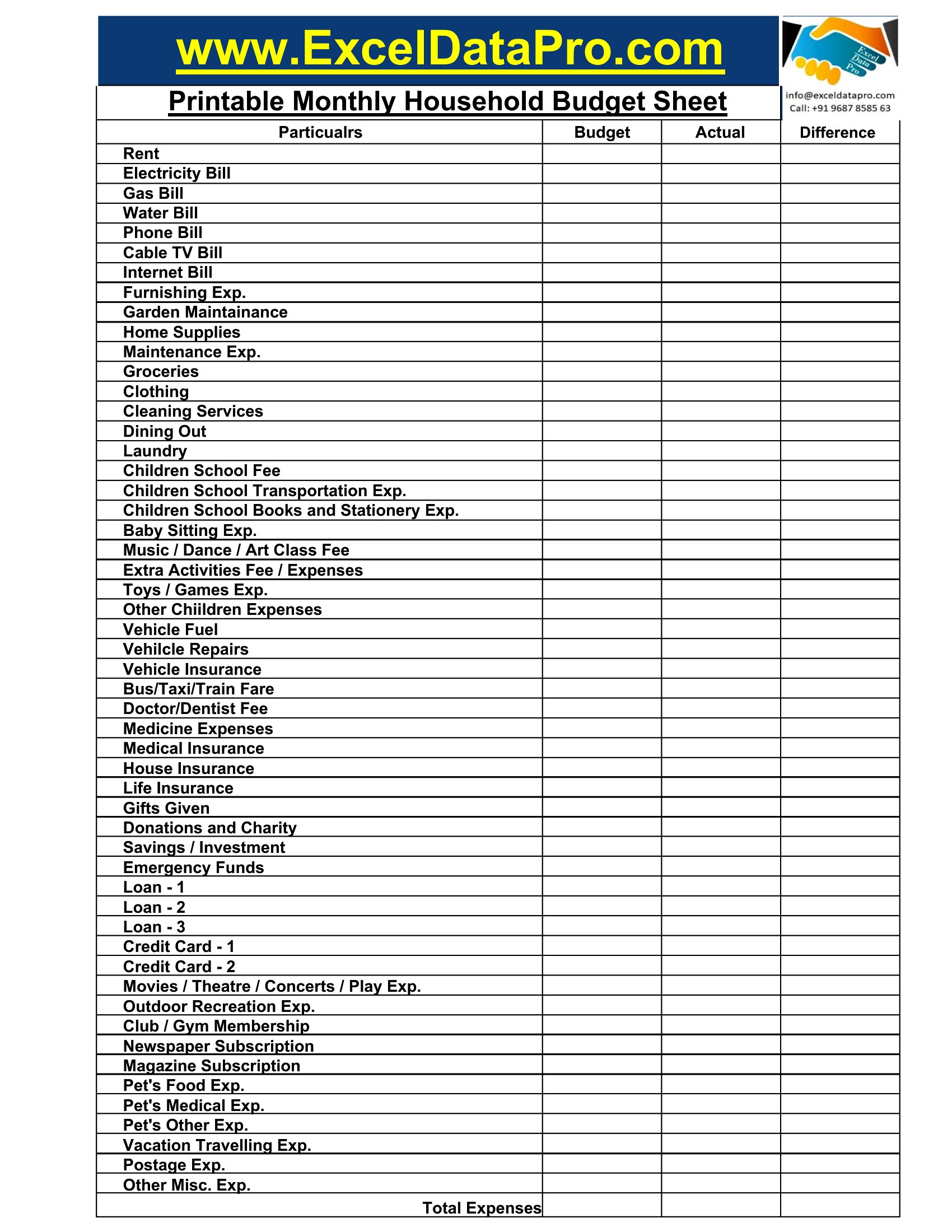
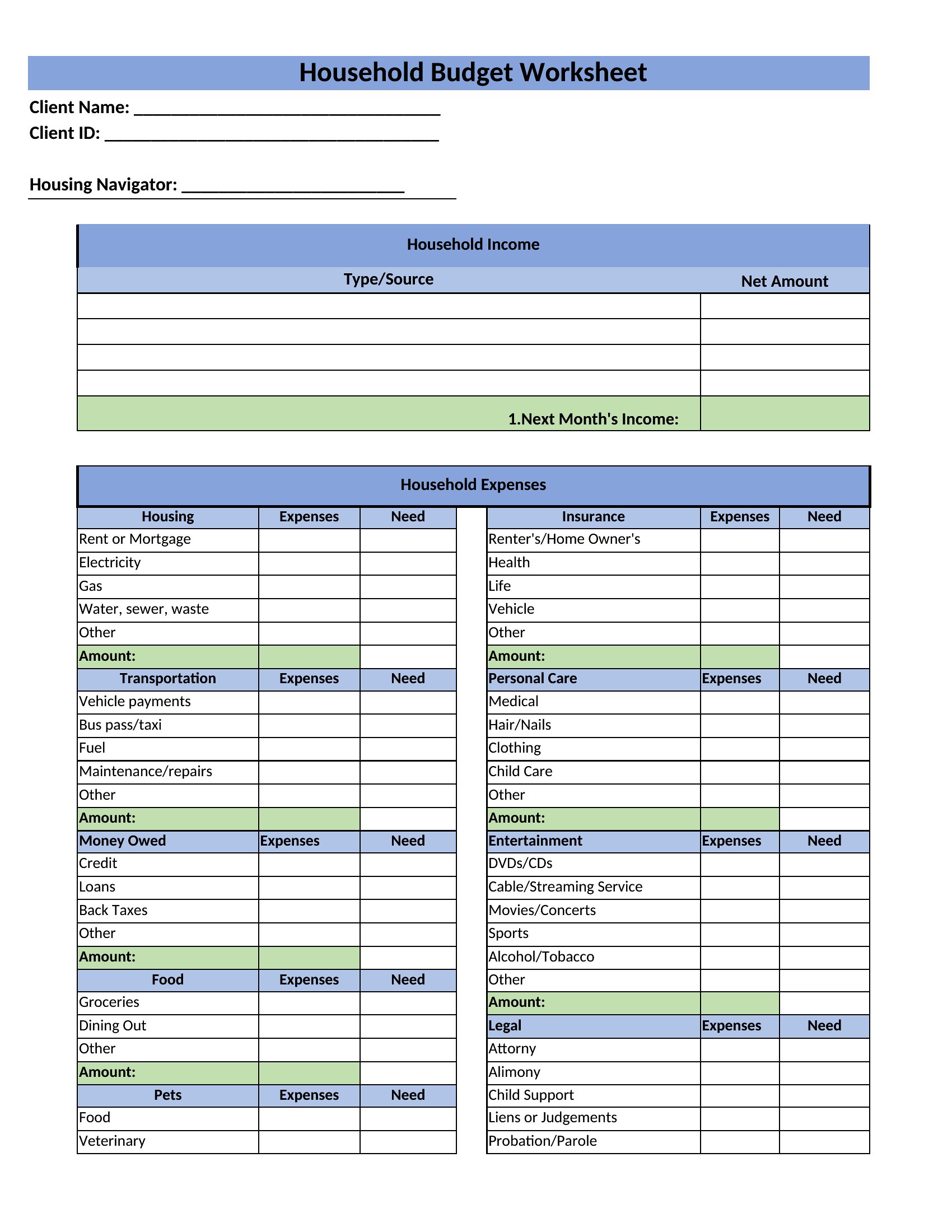
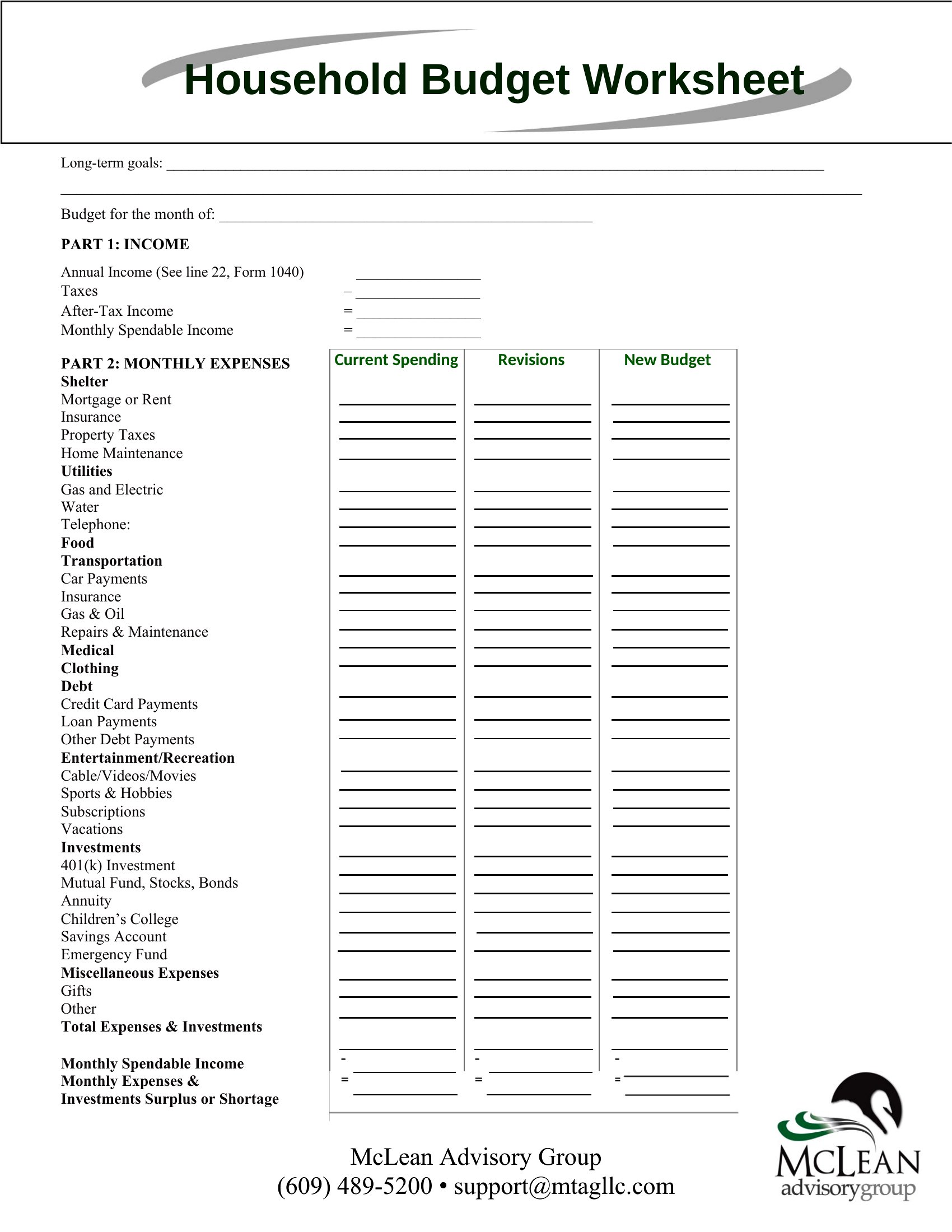
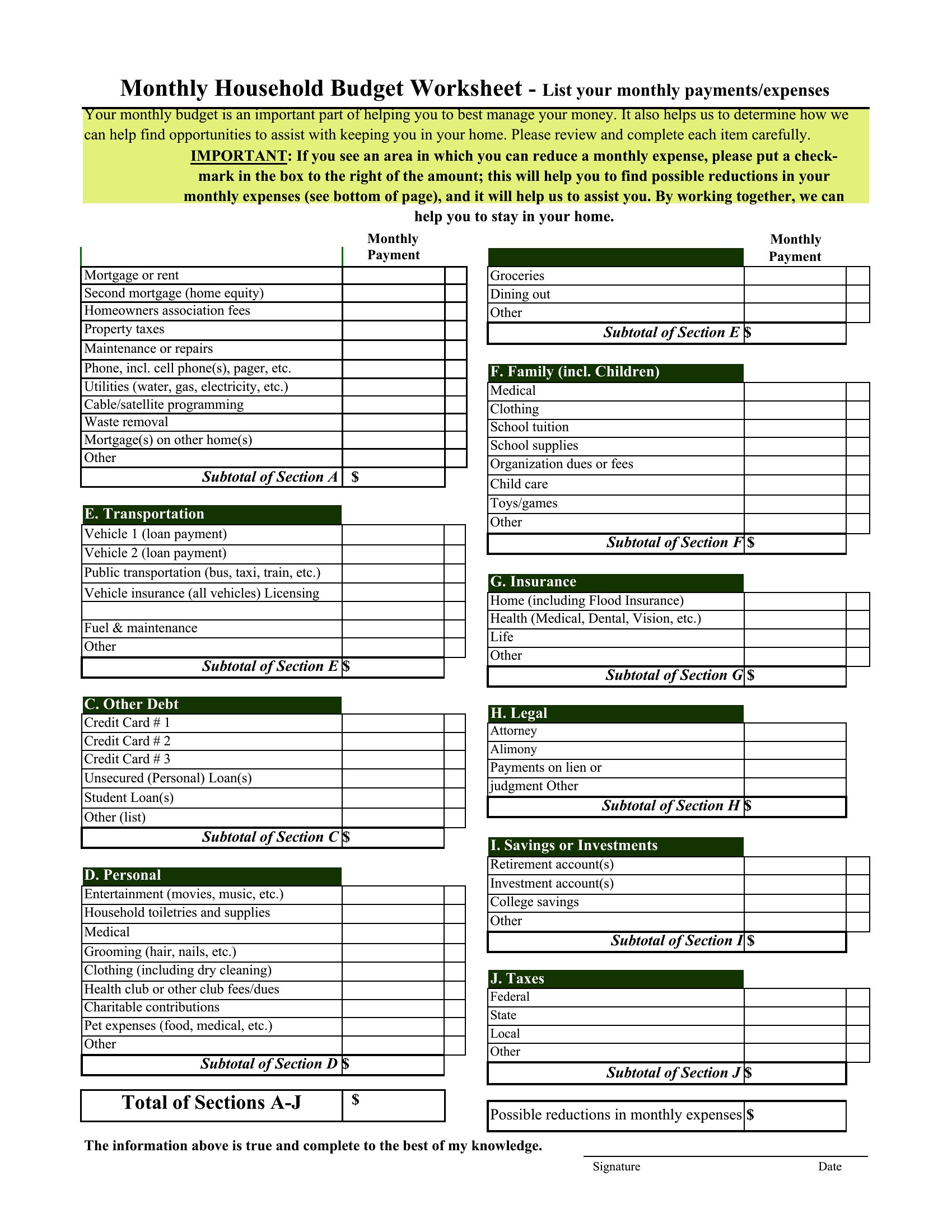
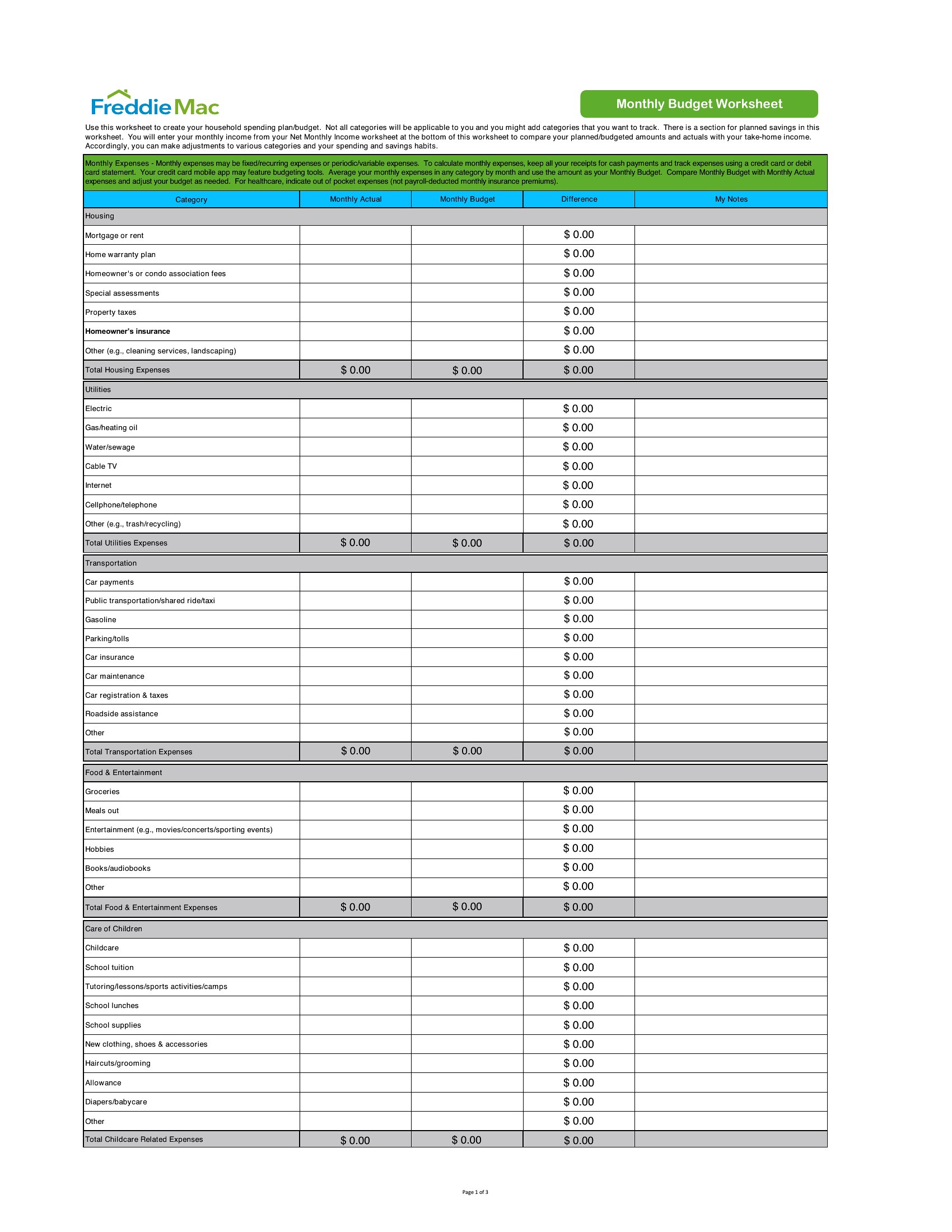
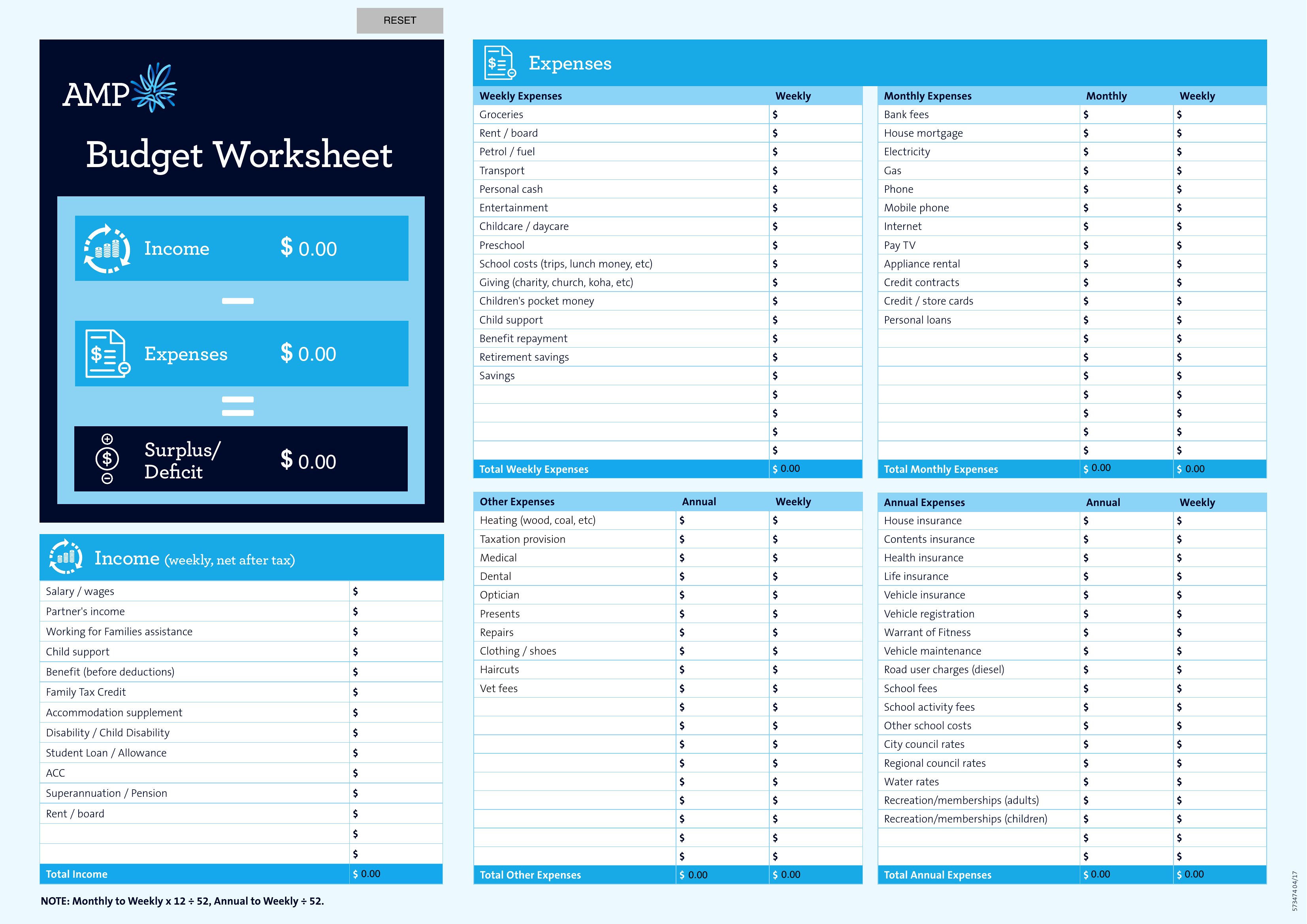
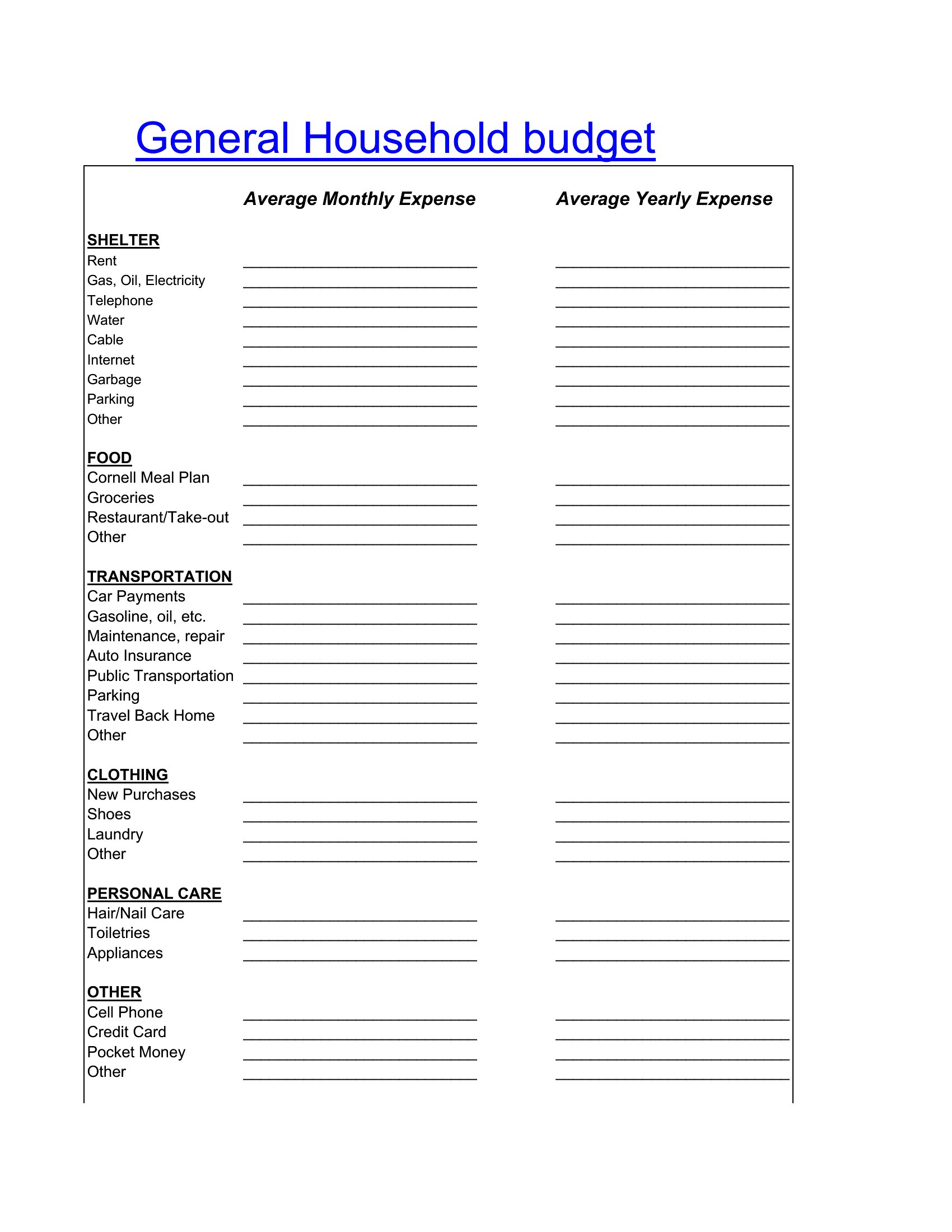
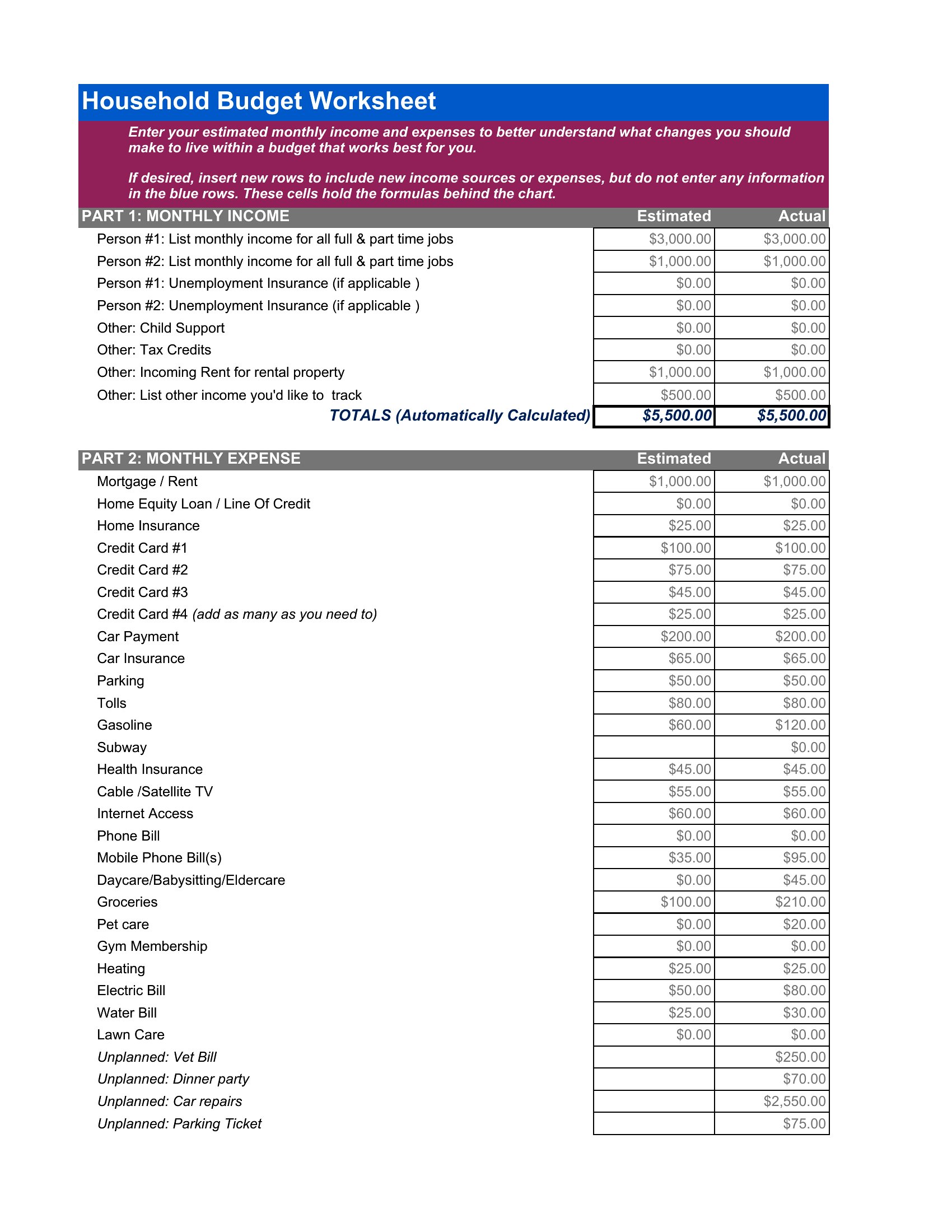

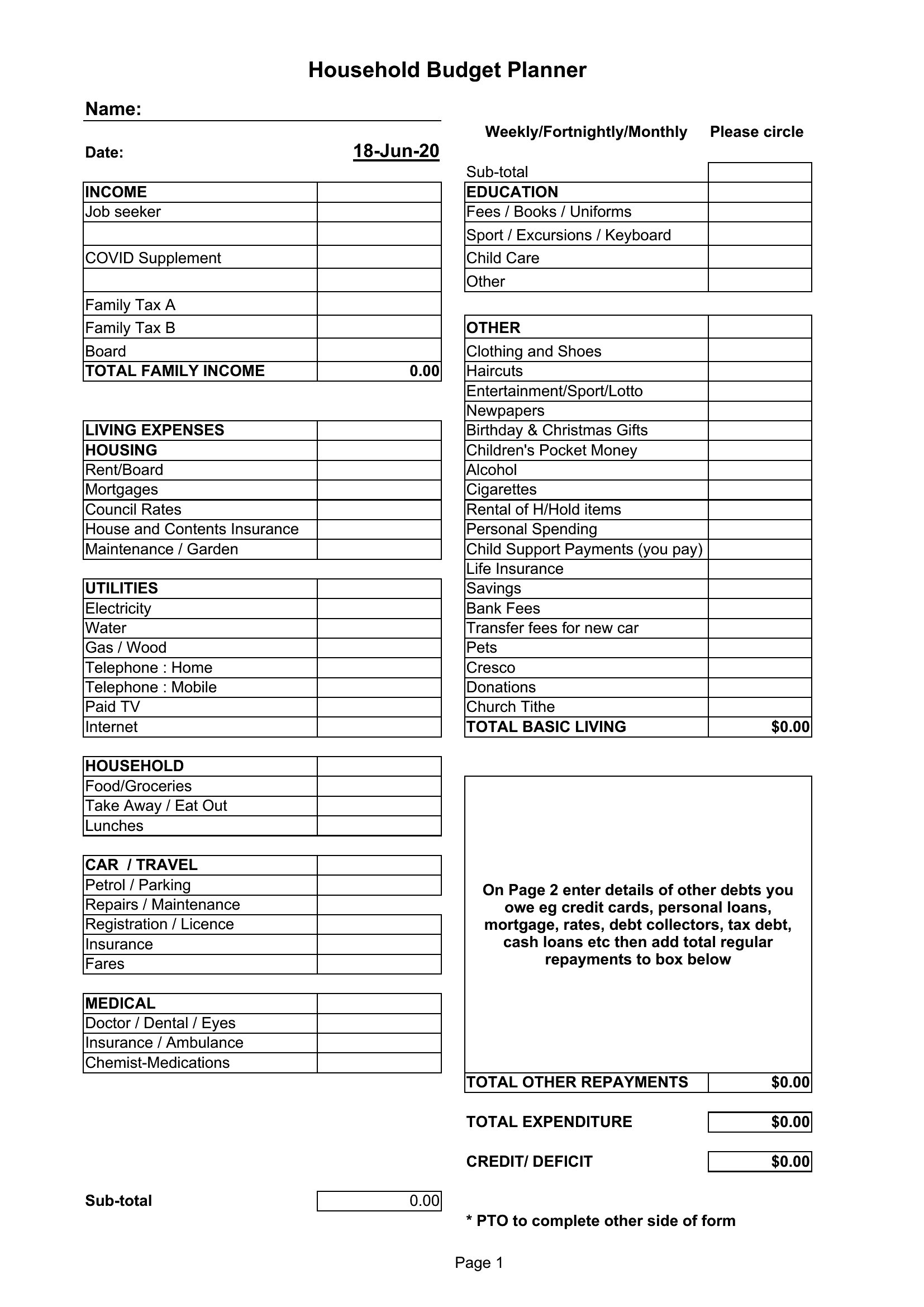
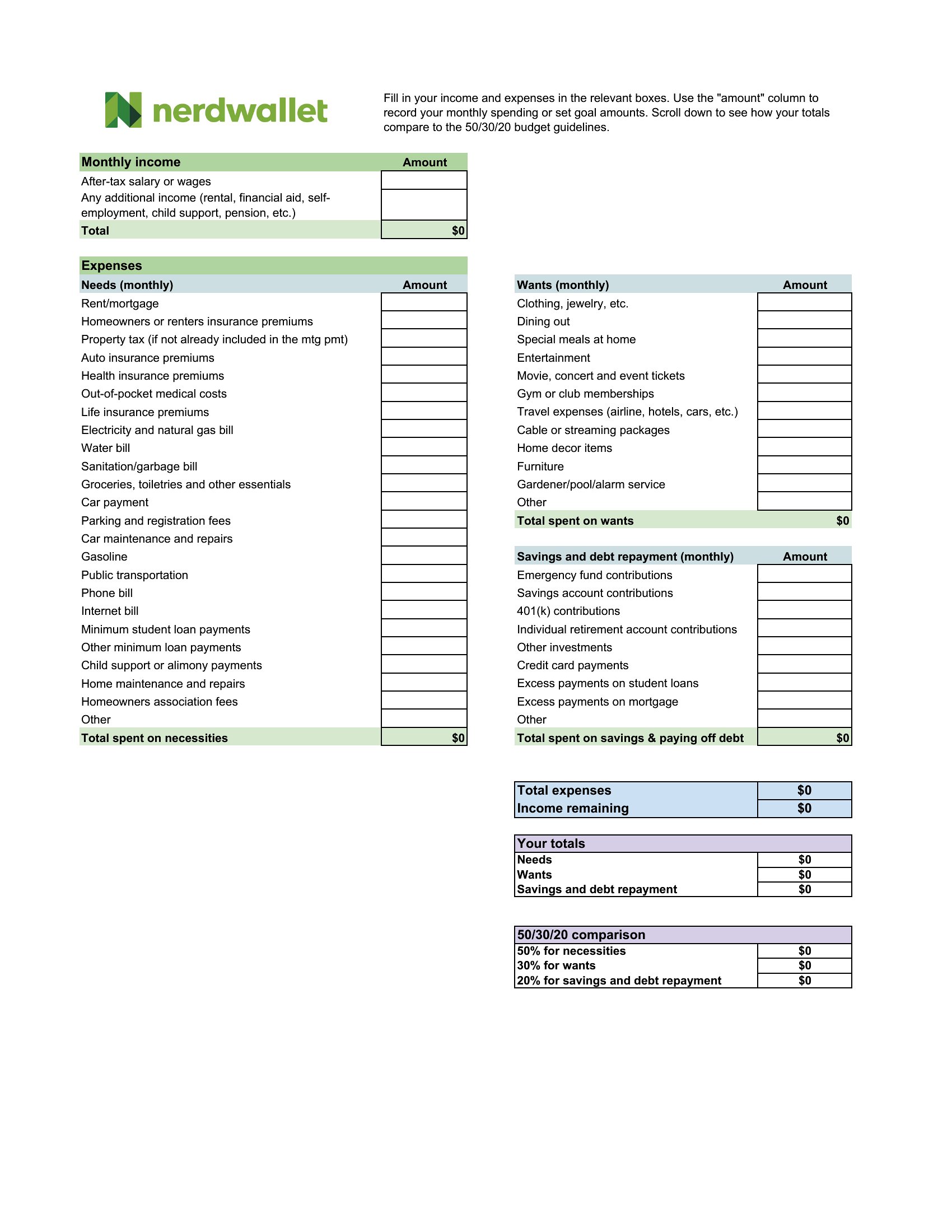
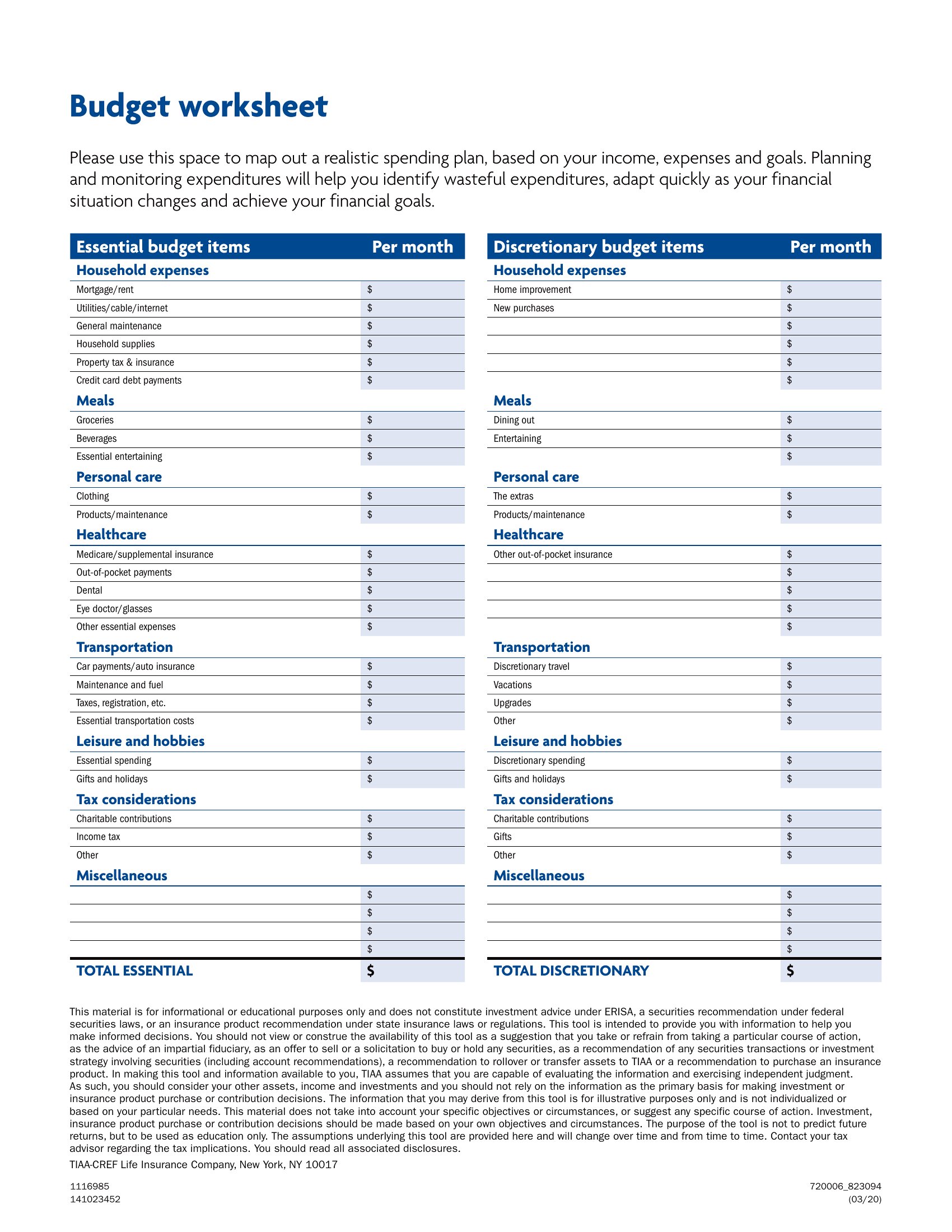
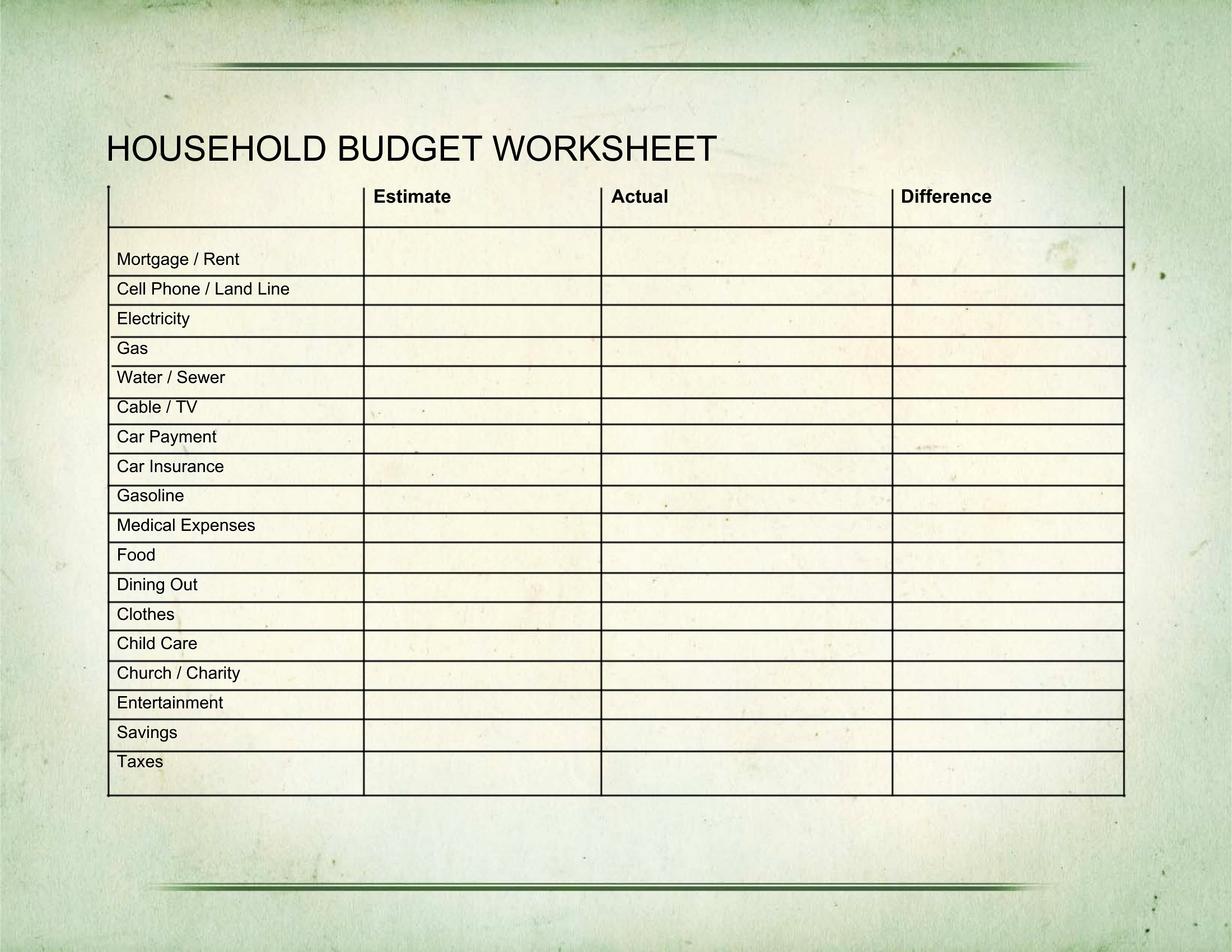
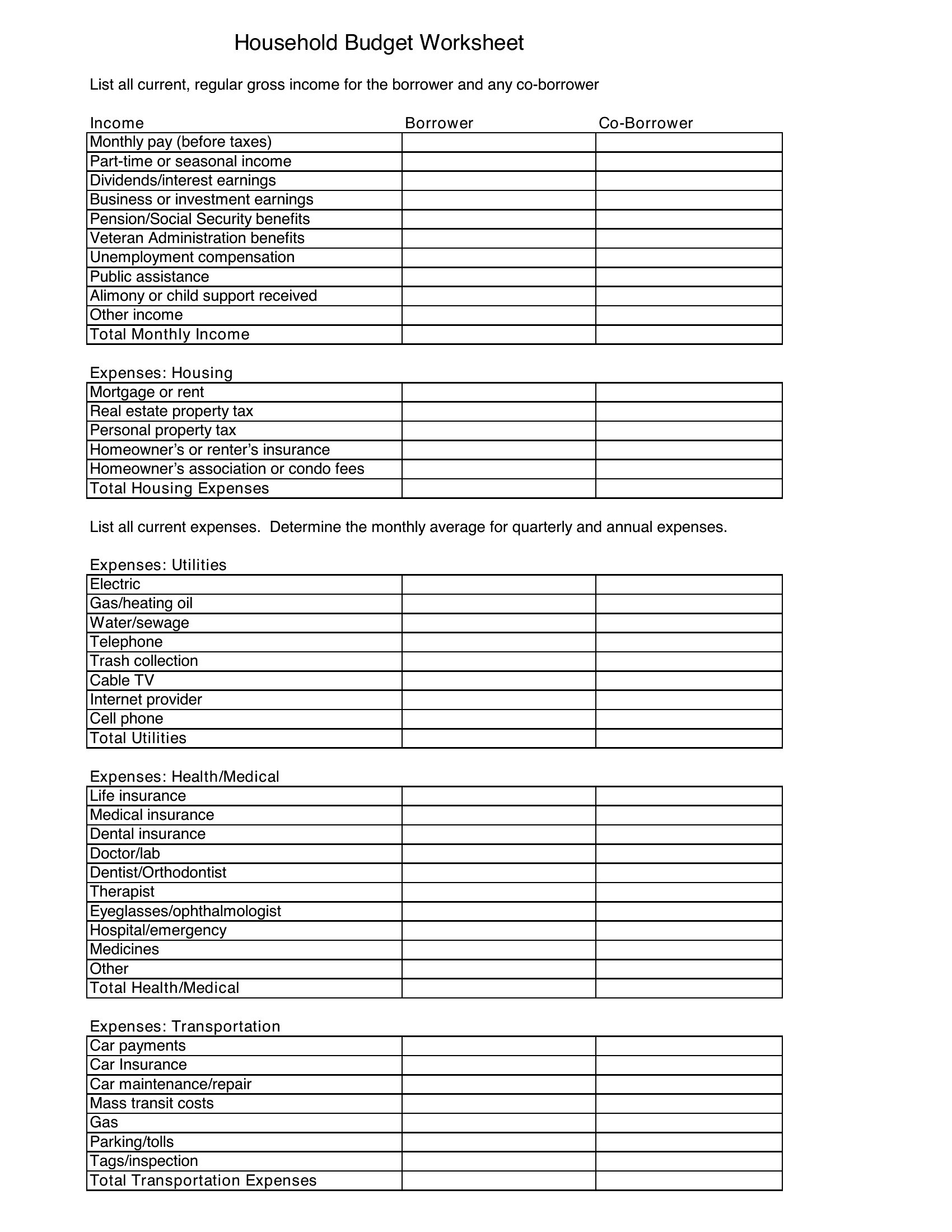
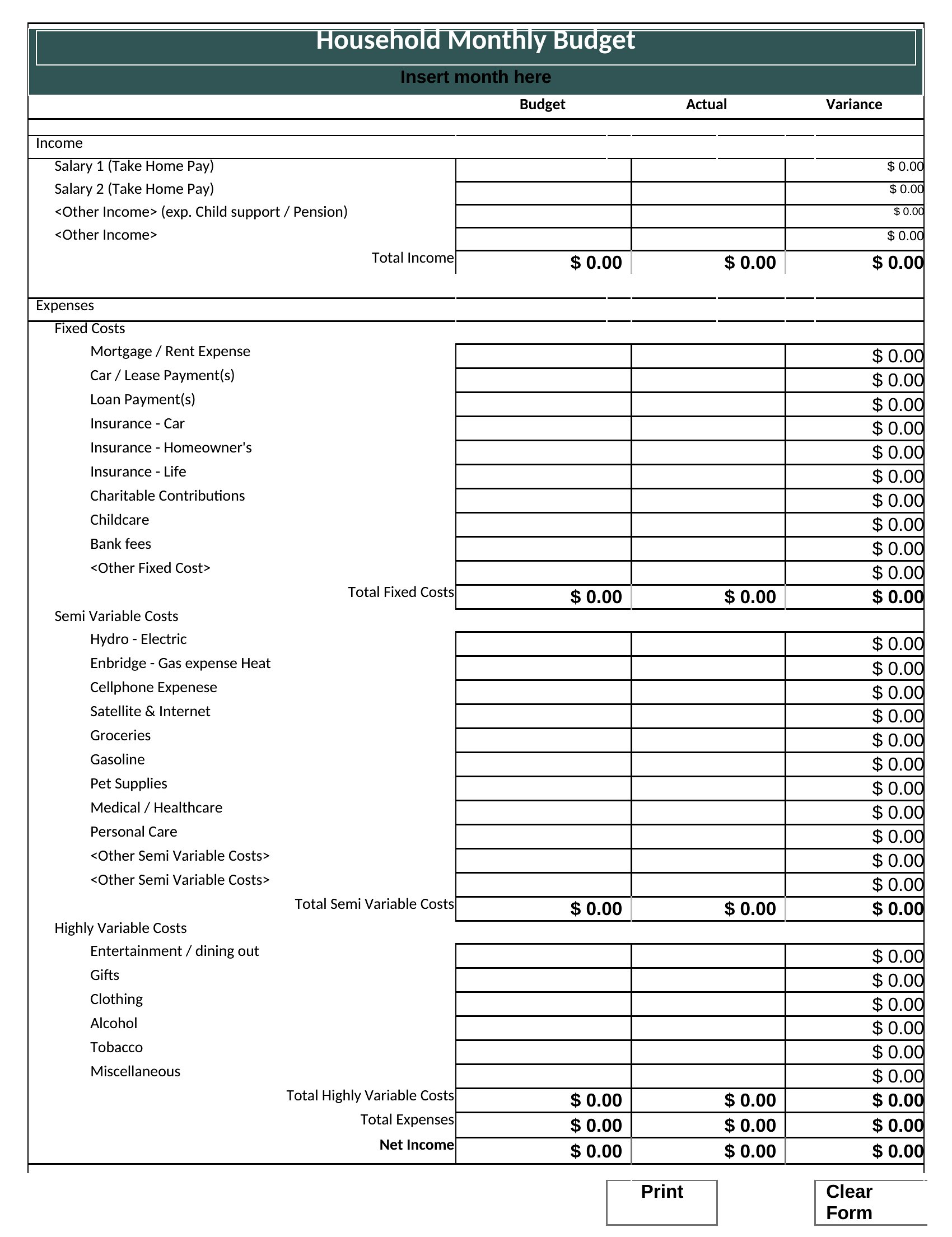
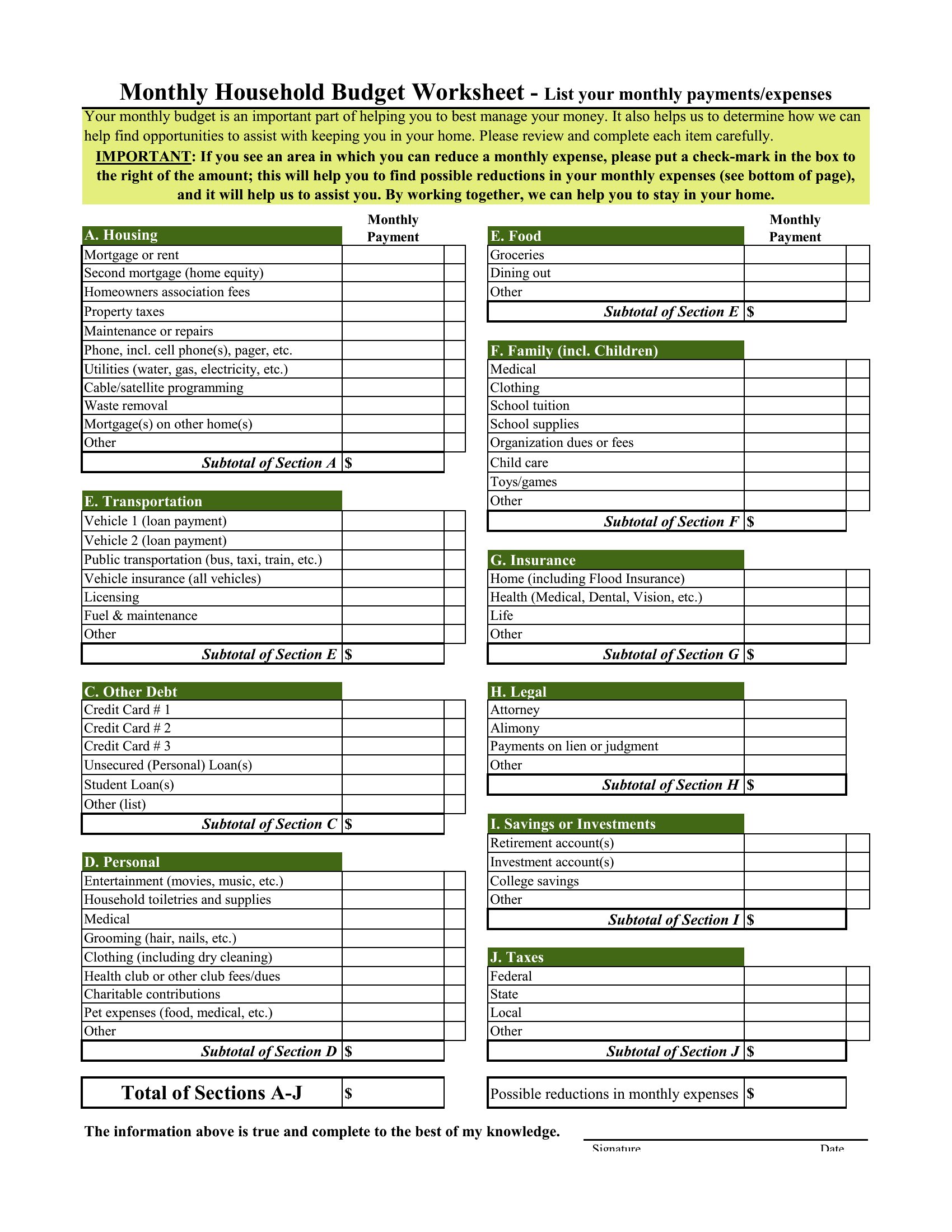
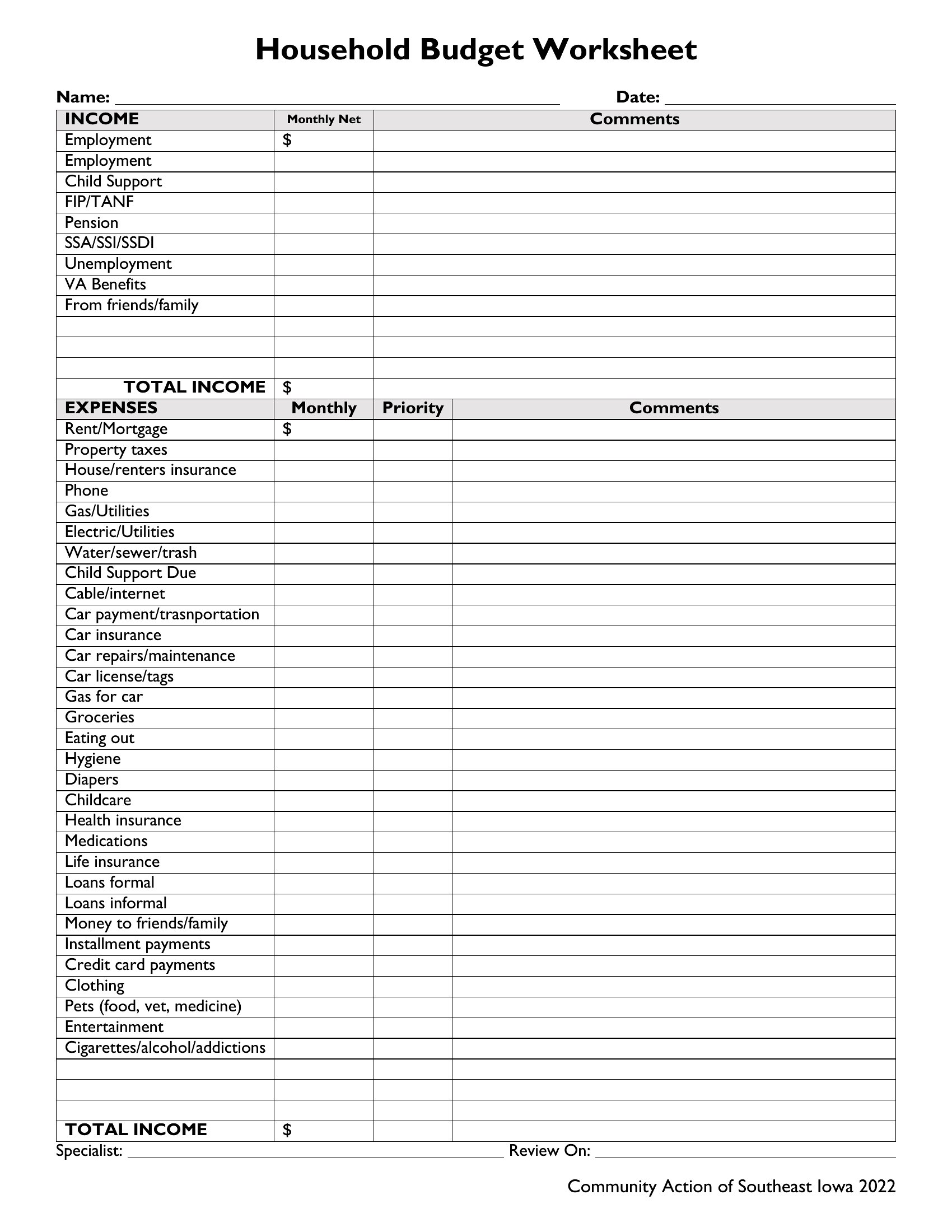
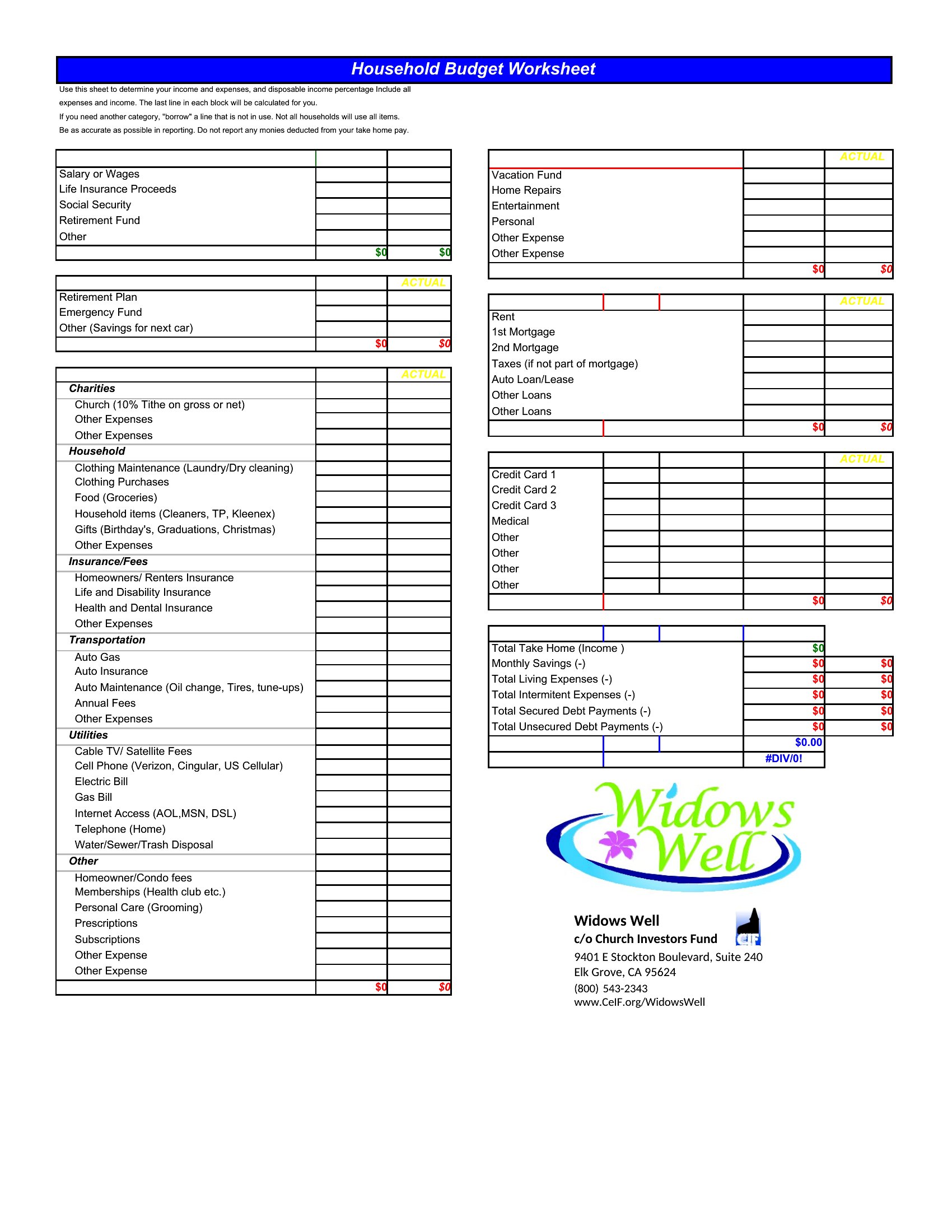
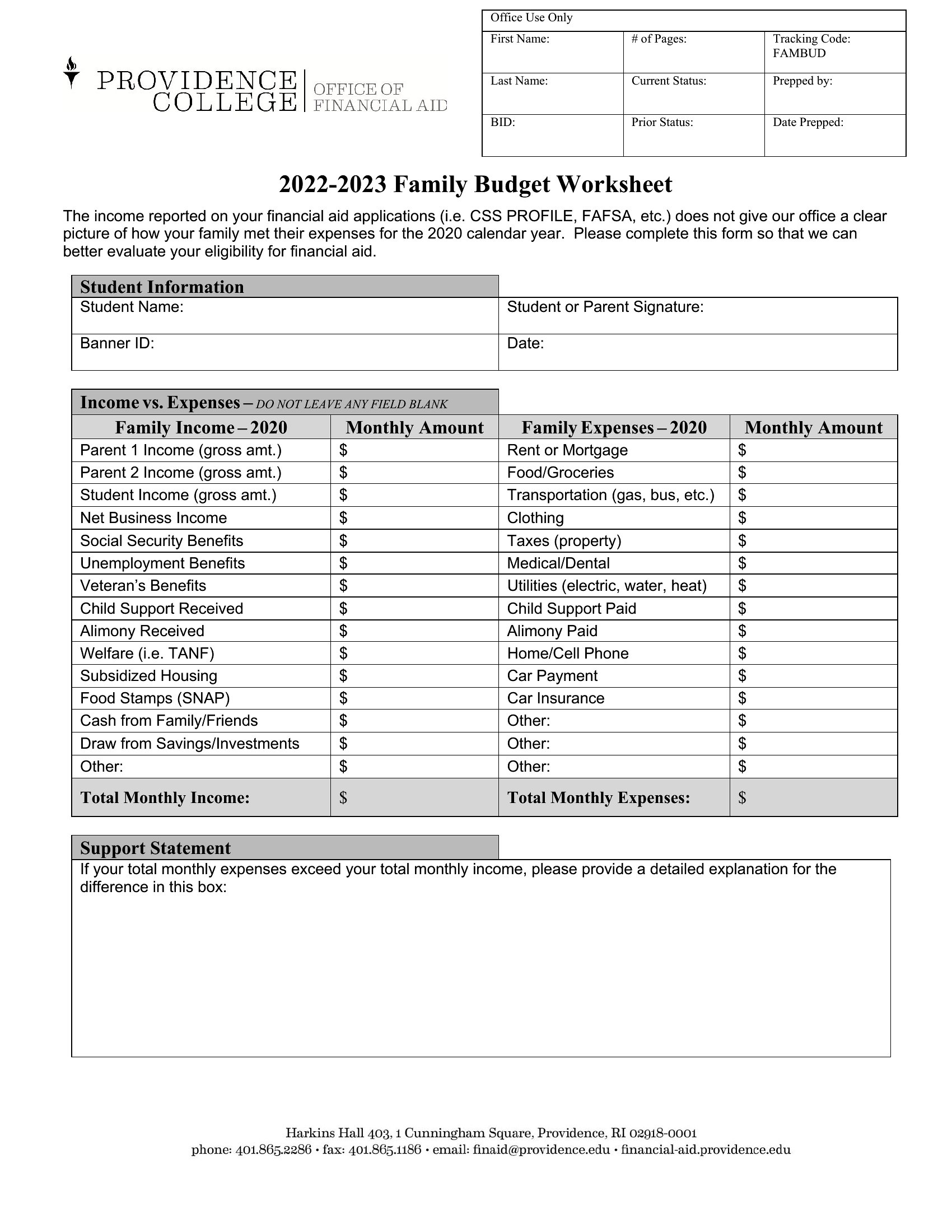
FAQ
How do I decide which budget categories to include if my expenses don’t fit the standard ones?
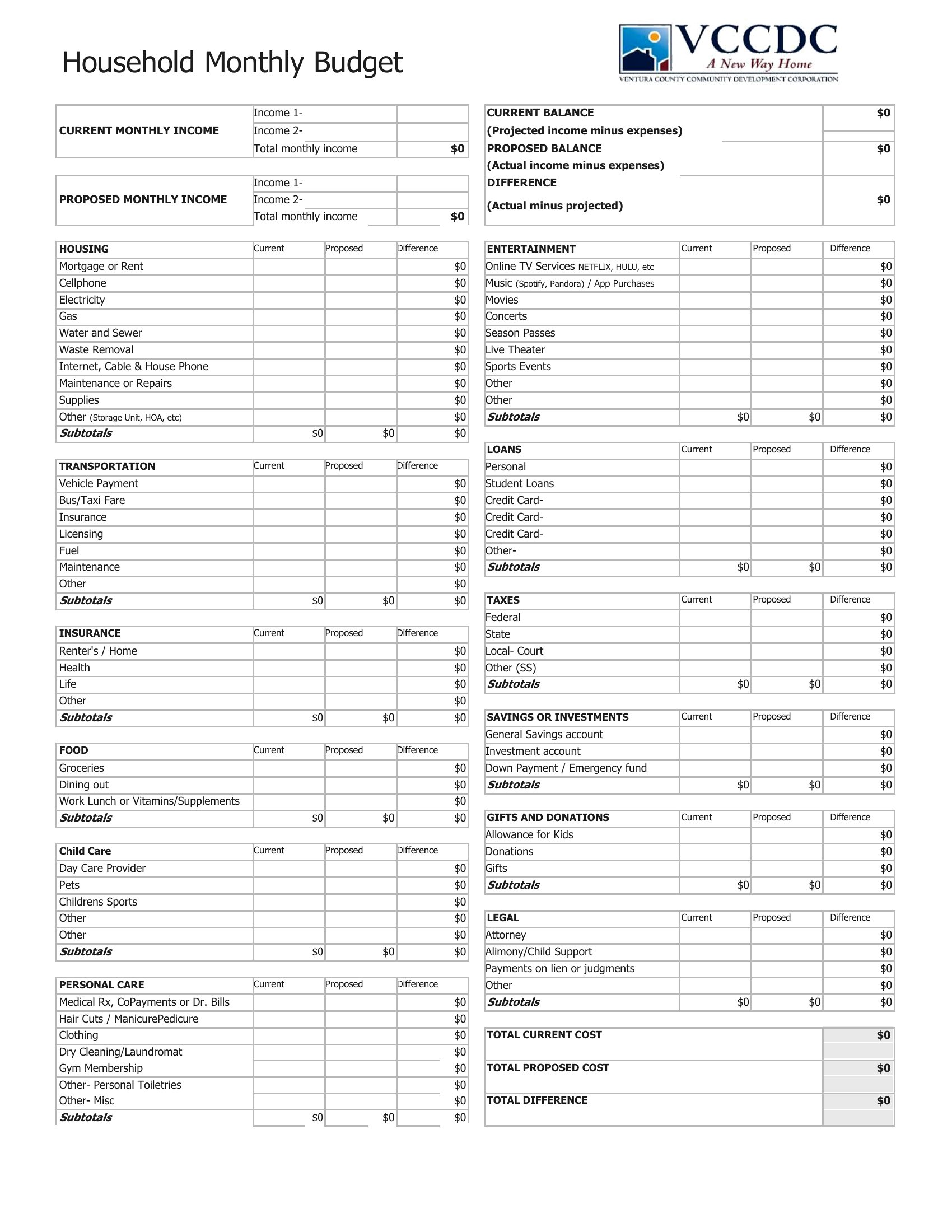
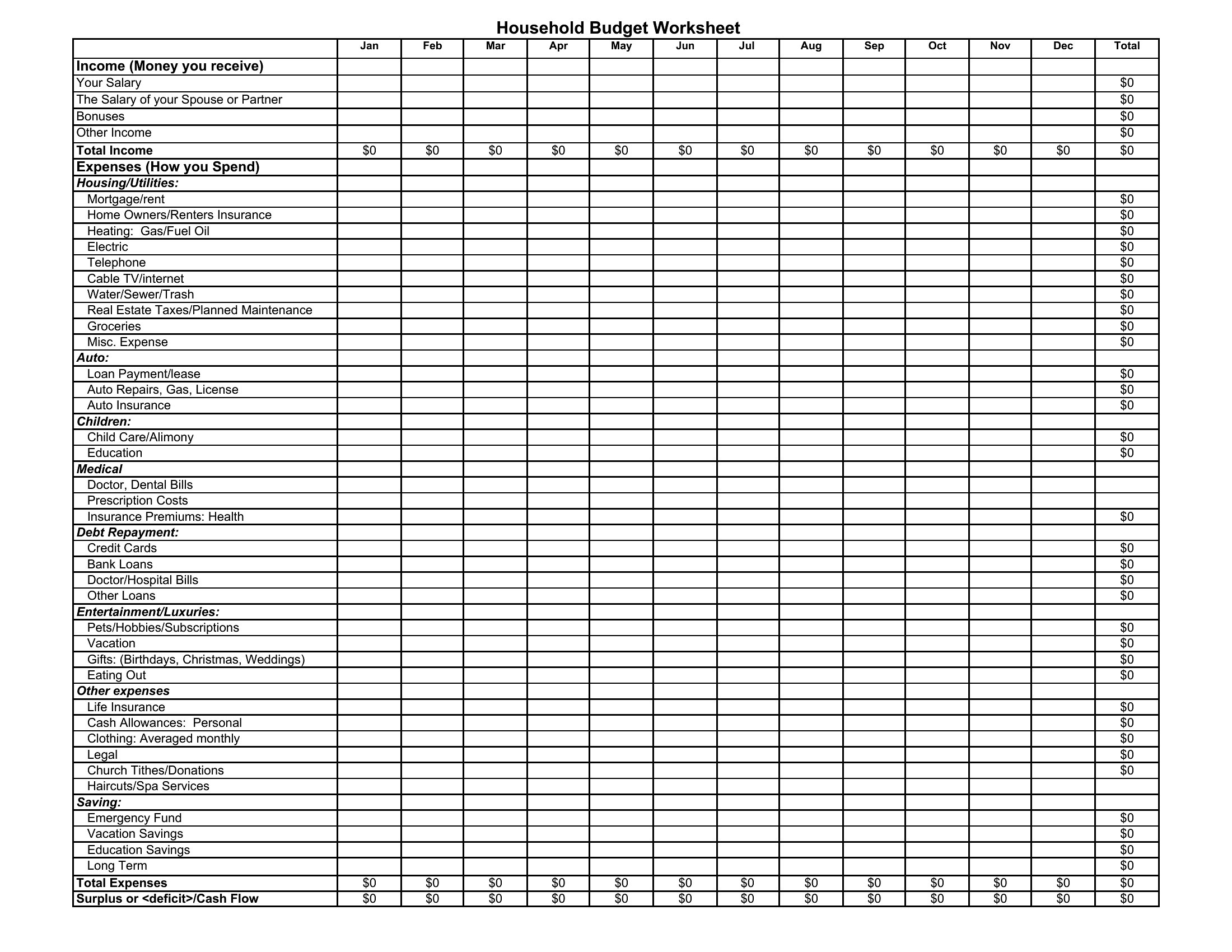
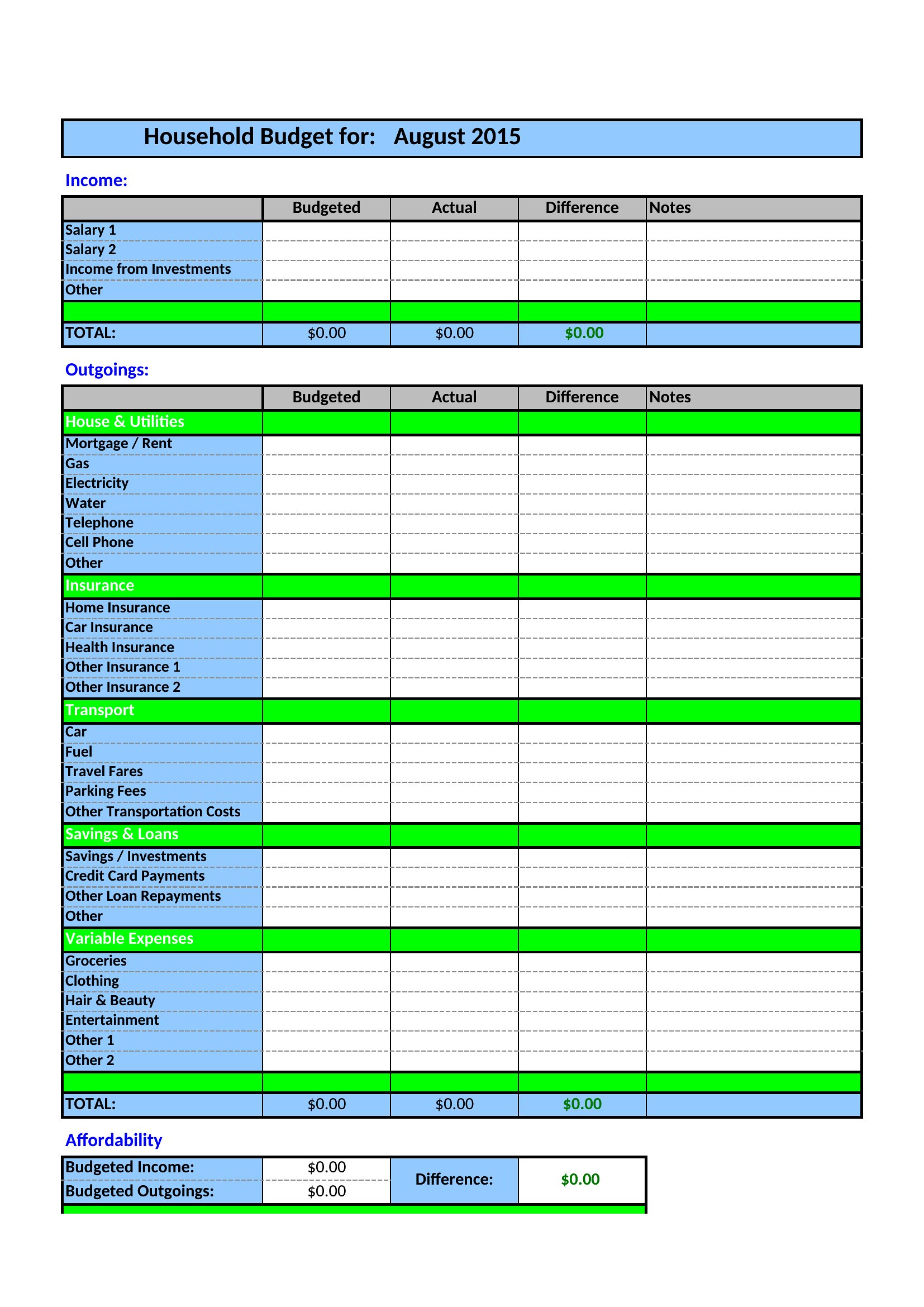
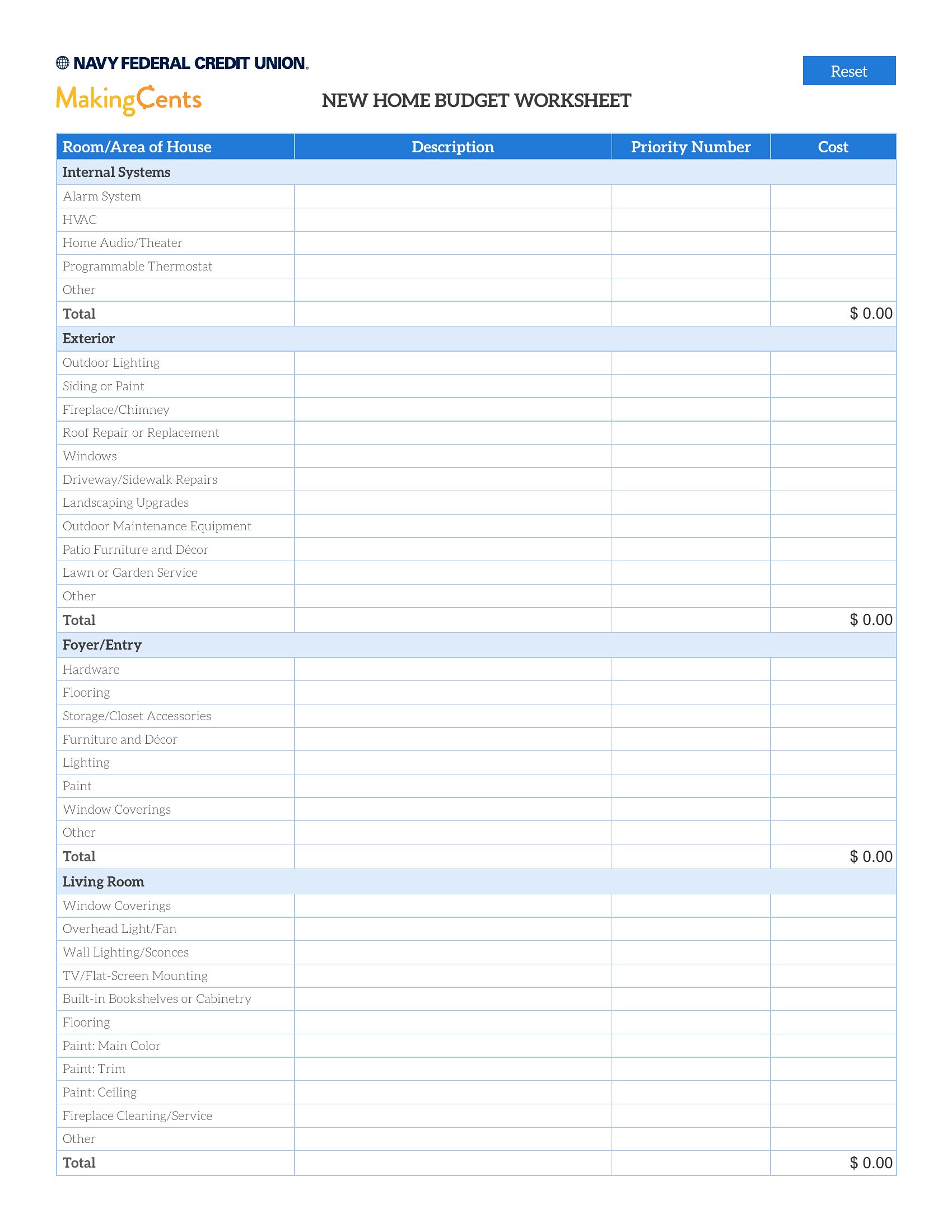
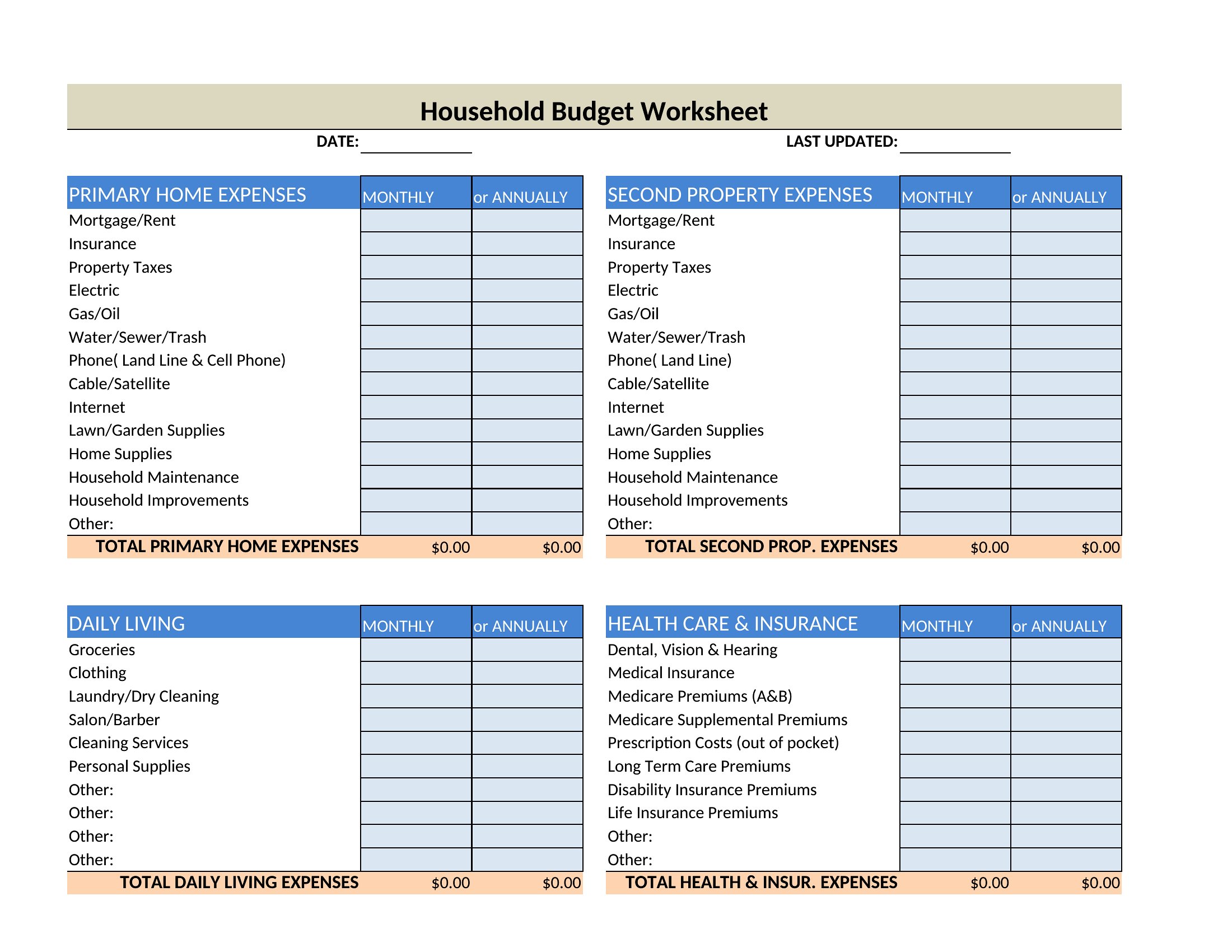
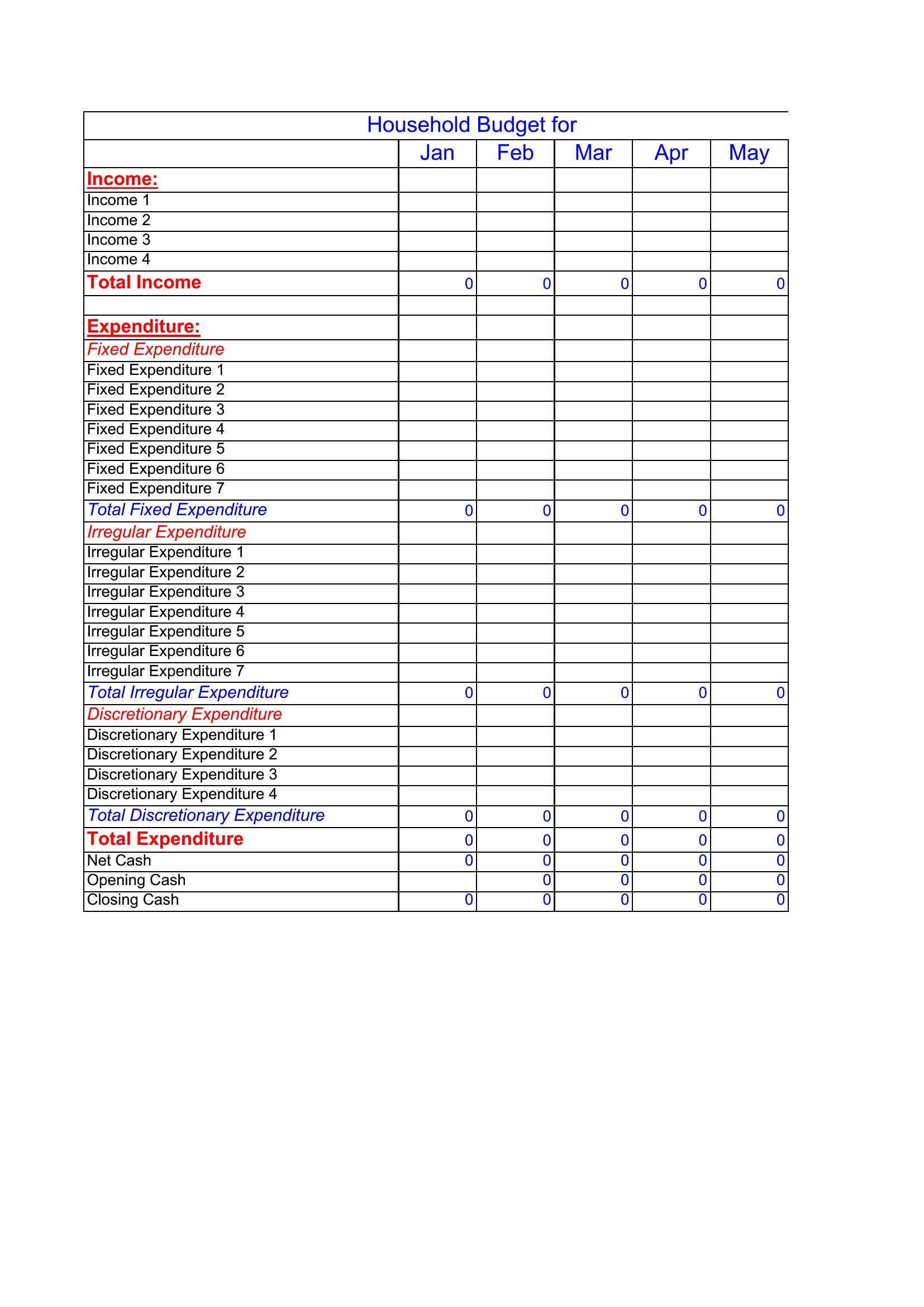
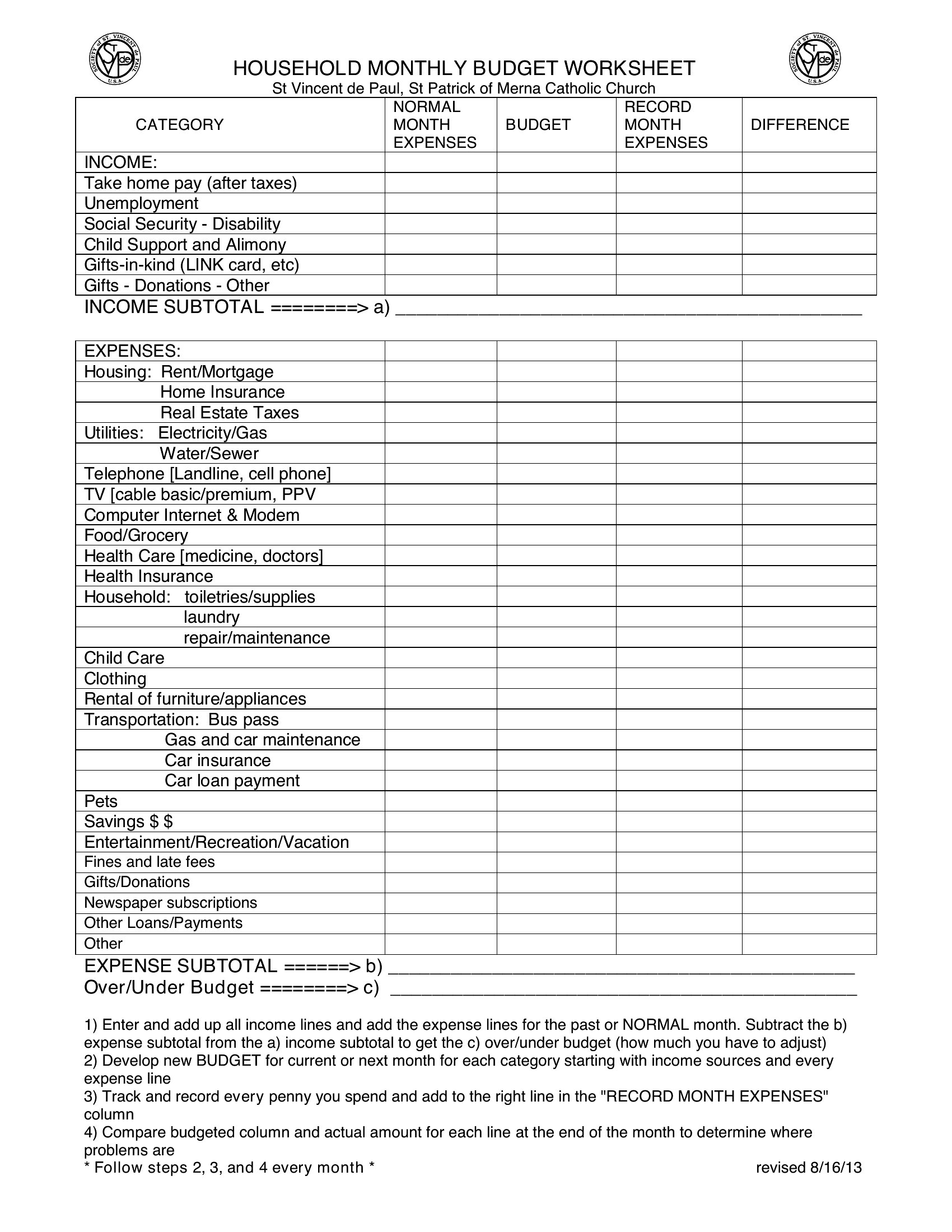
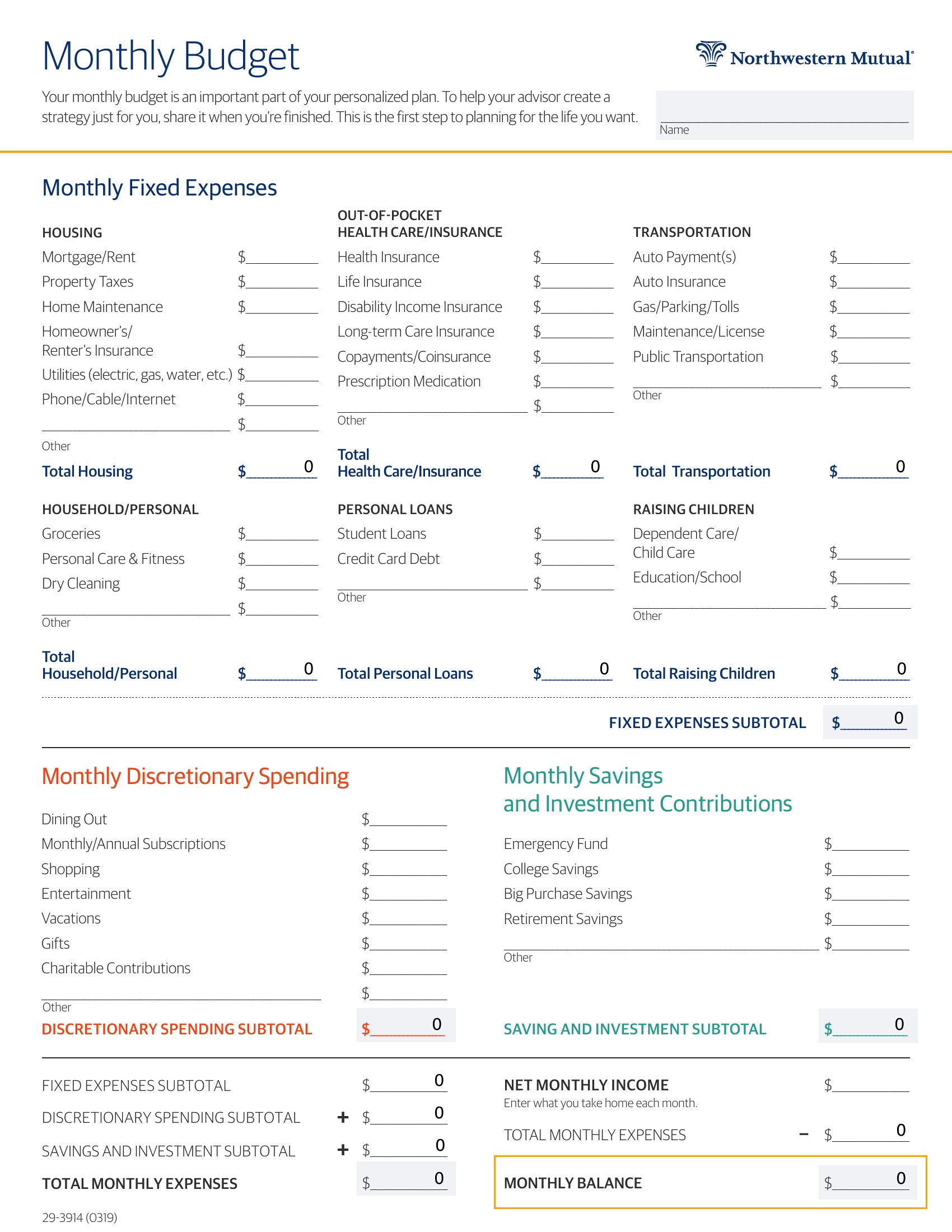
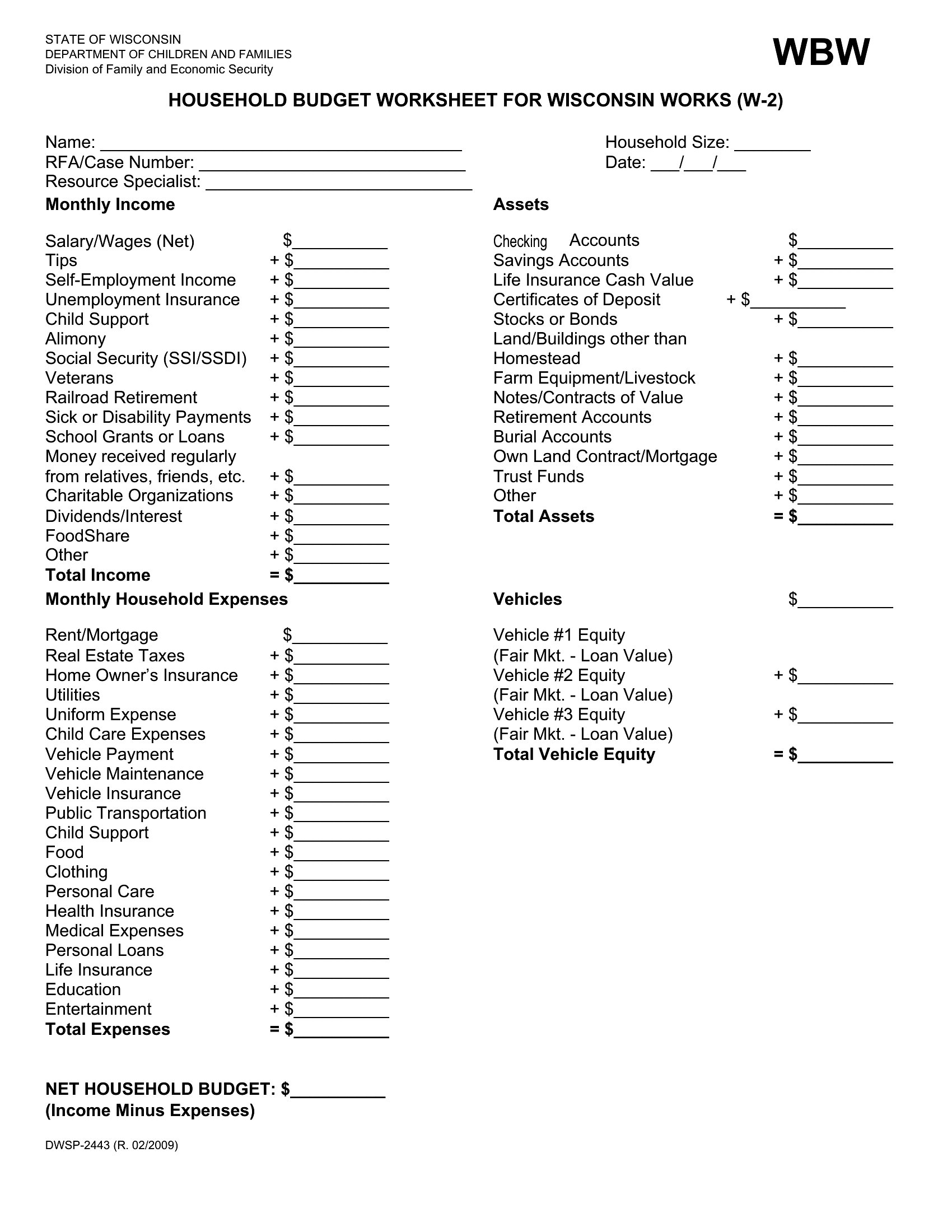
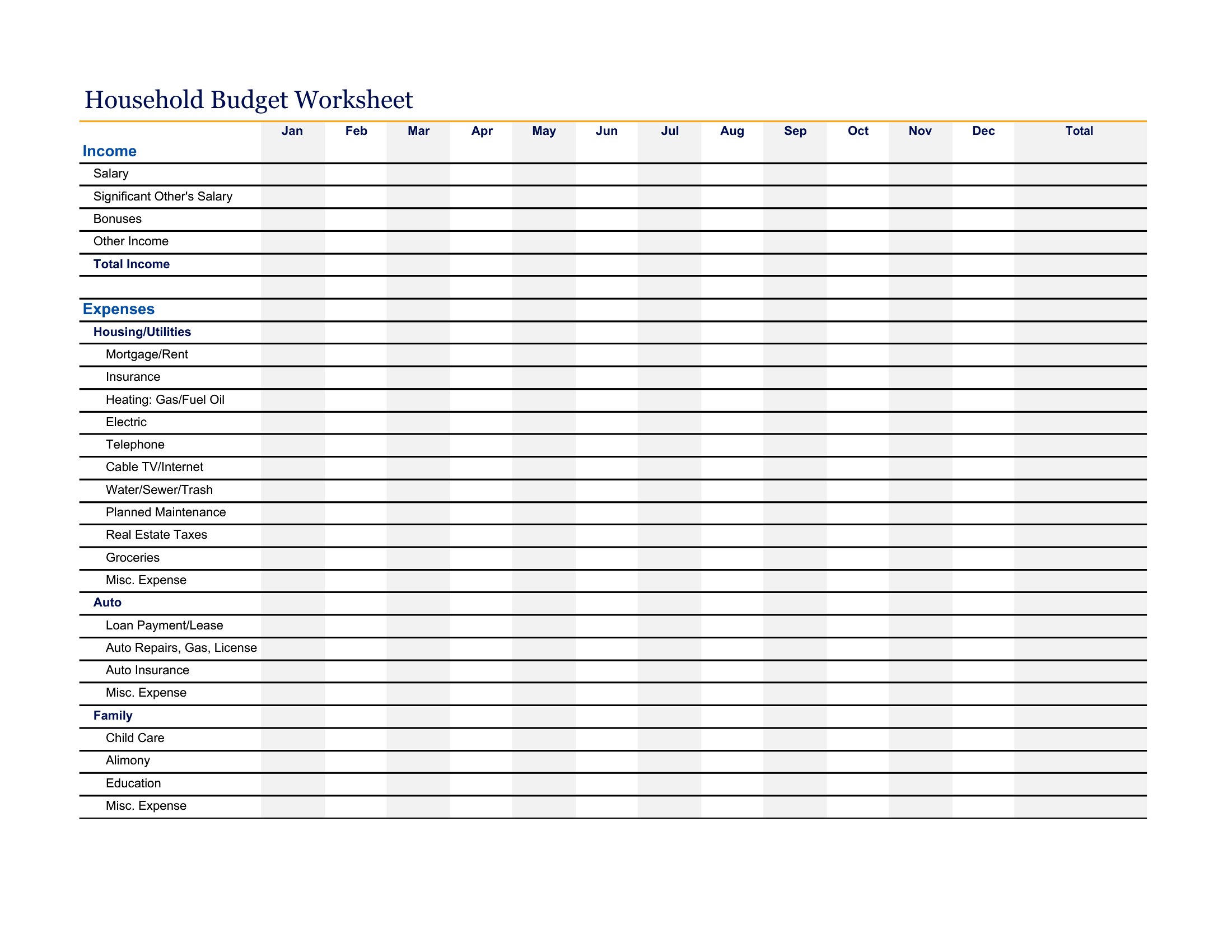
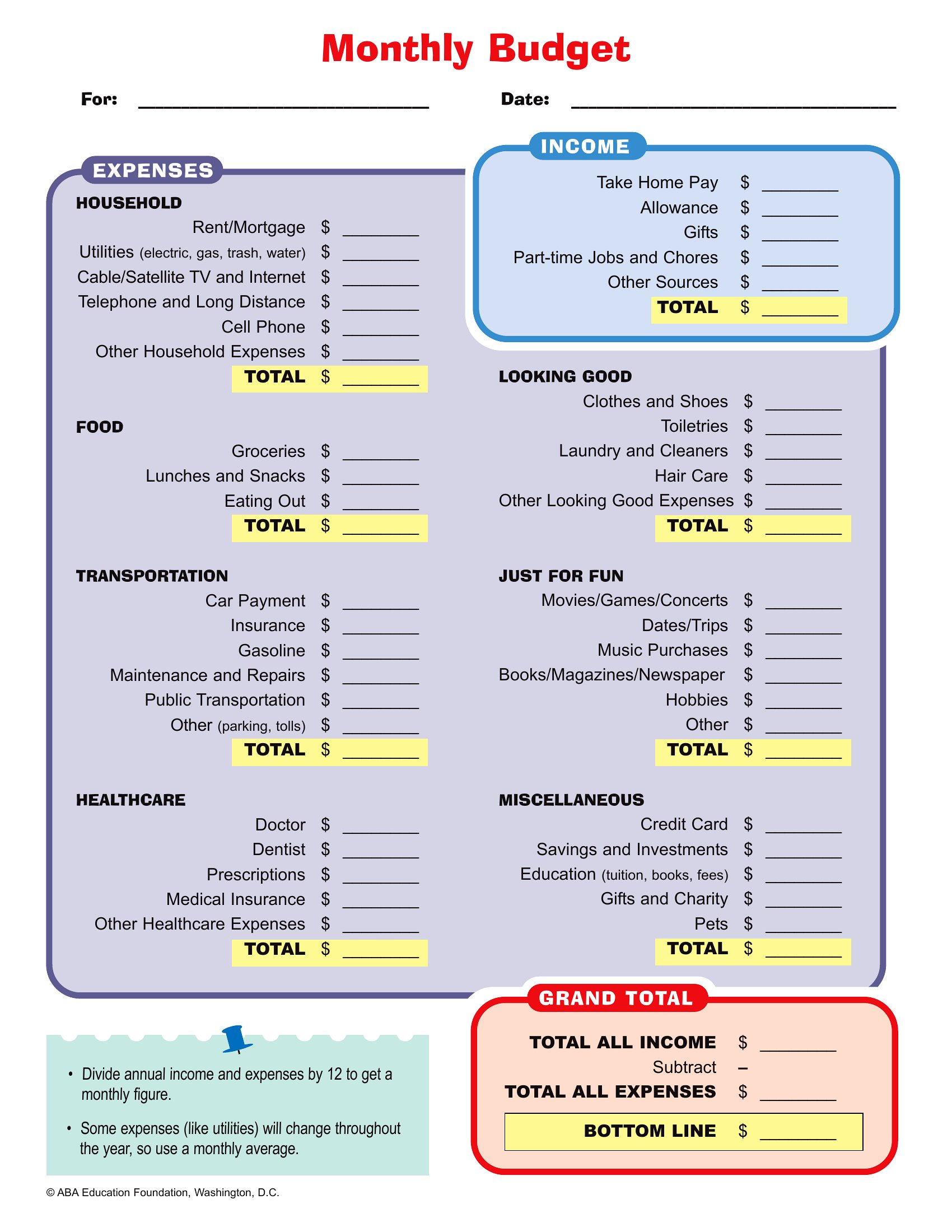
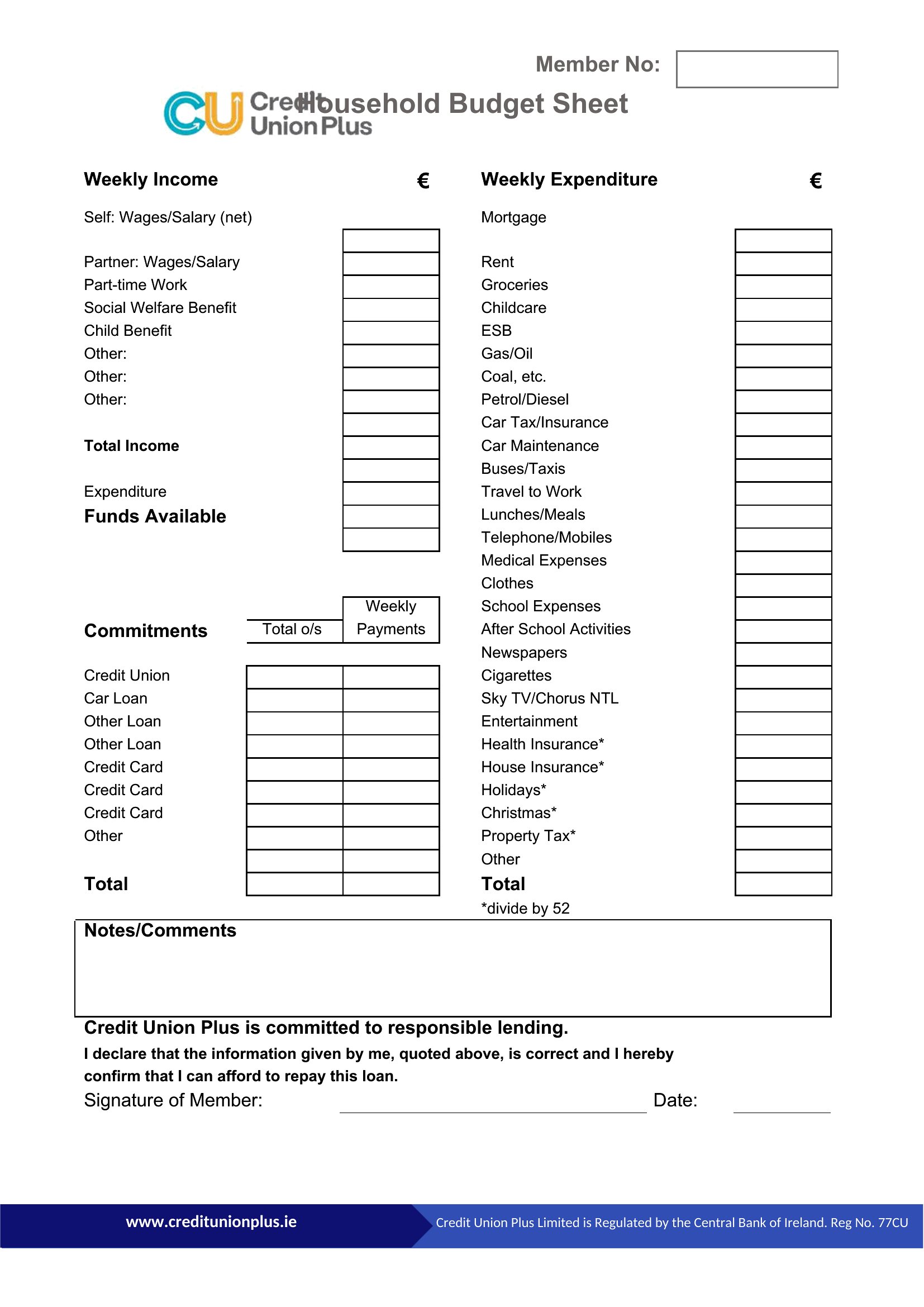
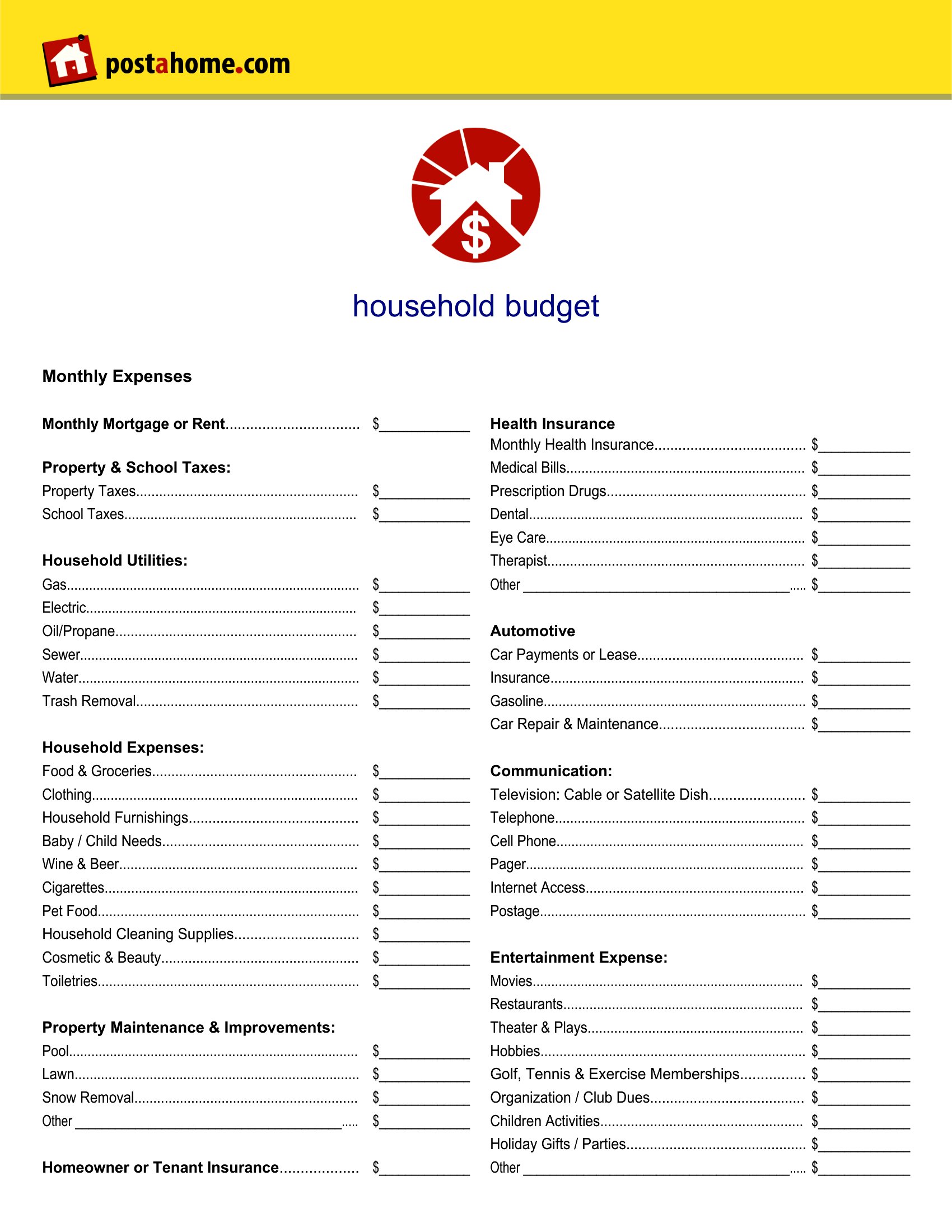
Start with the templates that offer customizable rows or columns, like the Excel versions. Add your unique expenses—such as pet grooming, hobby supplies, or commuting costs—under a ‘Miscellaneous’ section, then review monthly to see if any warrant their own category. The Word templates let you insert new lines easily for one-off items like holiday gifts or car repairs.
Can I use these templates to track shared budgets for roommates or blended families?
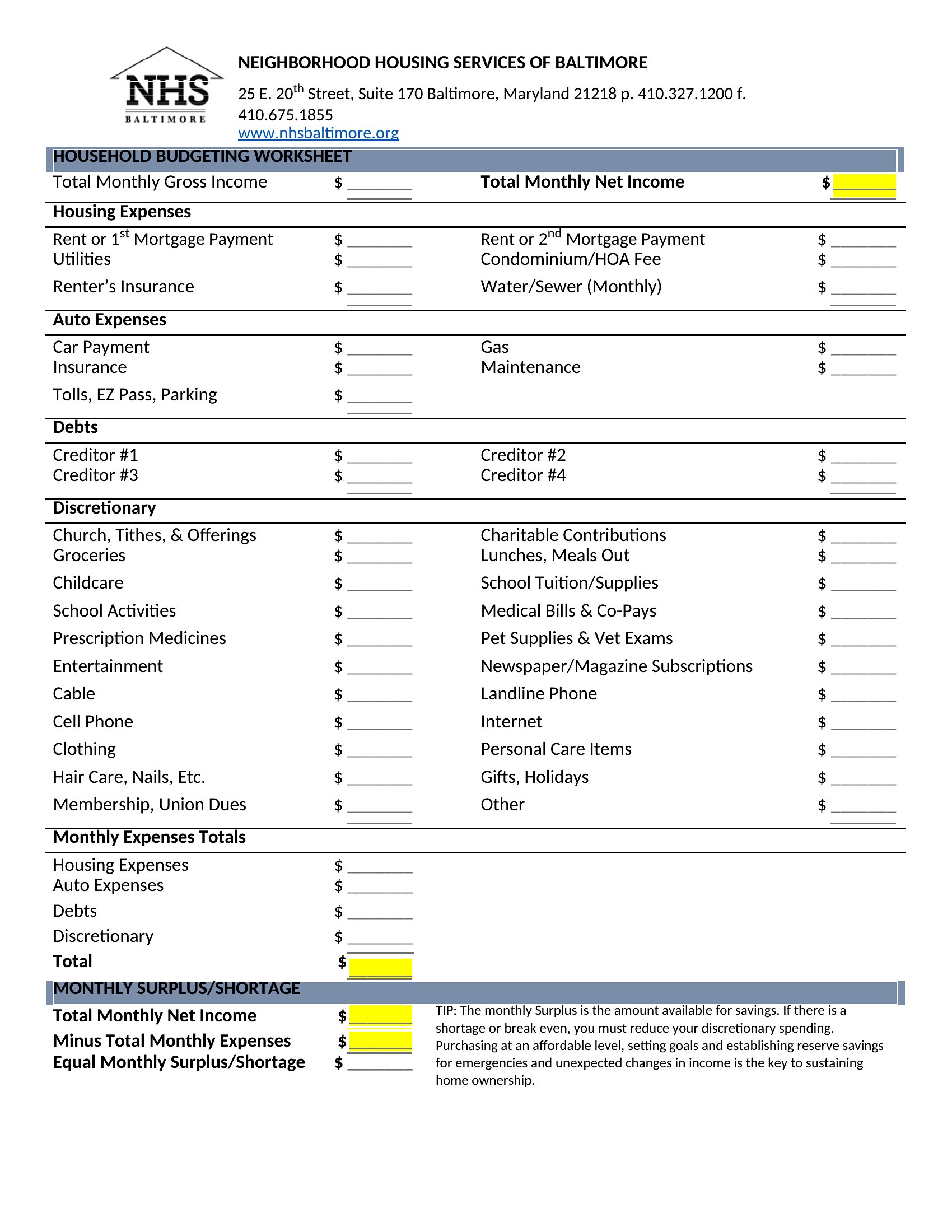
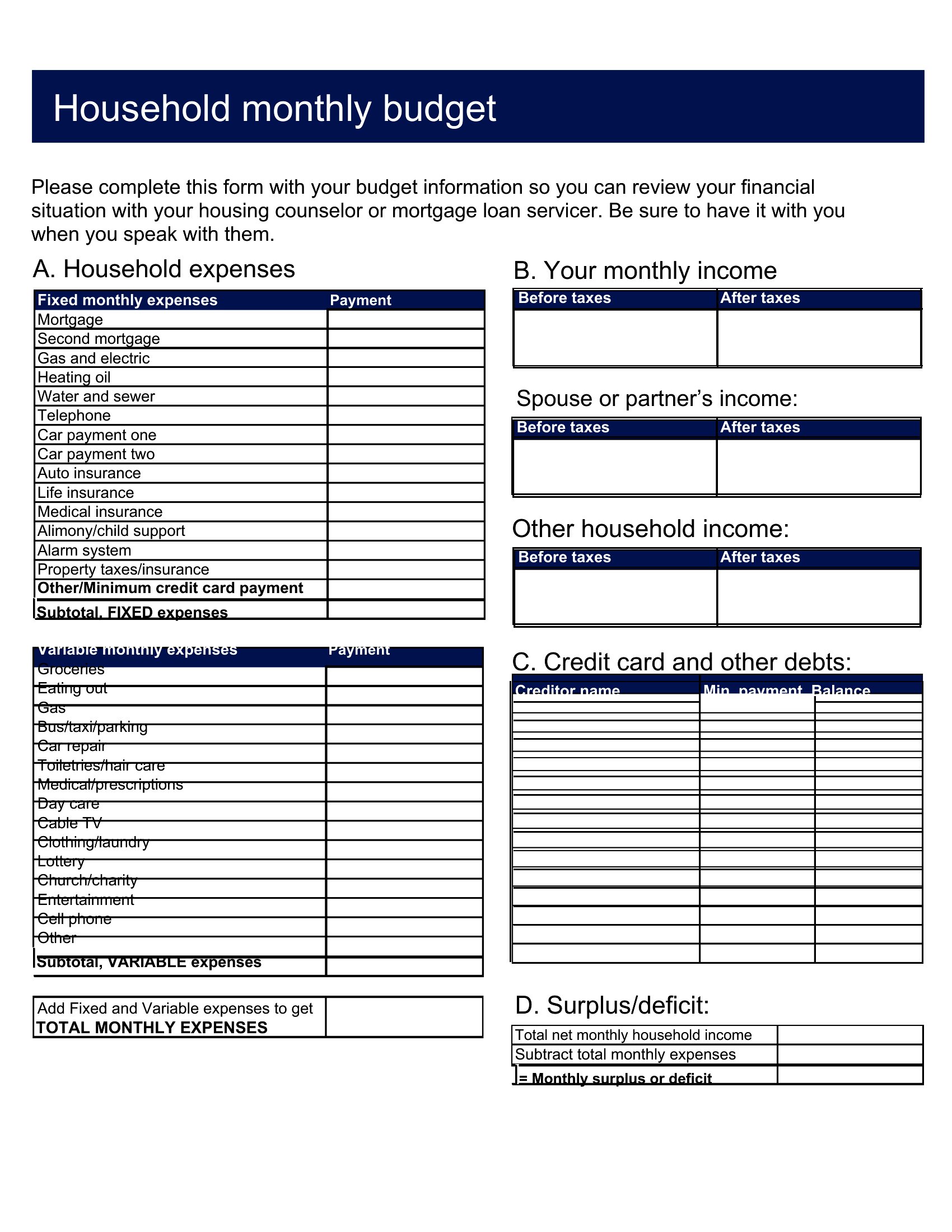
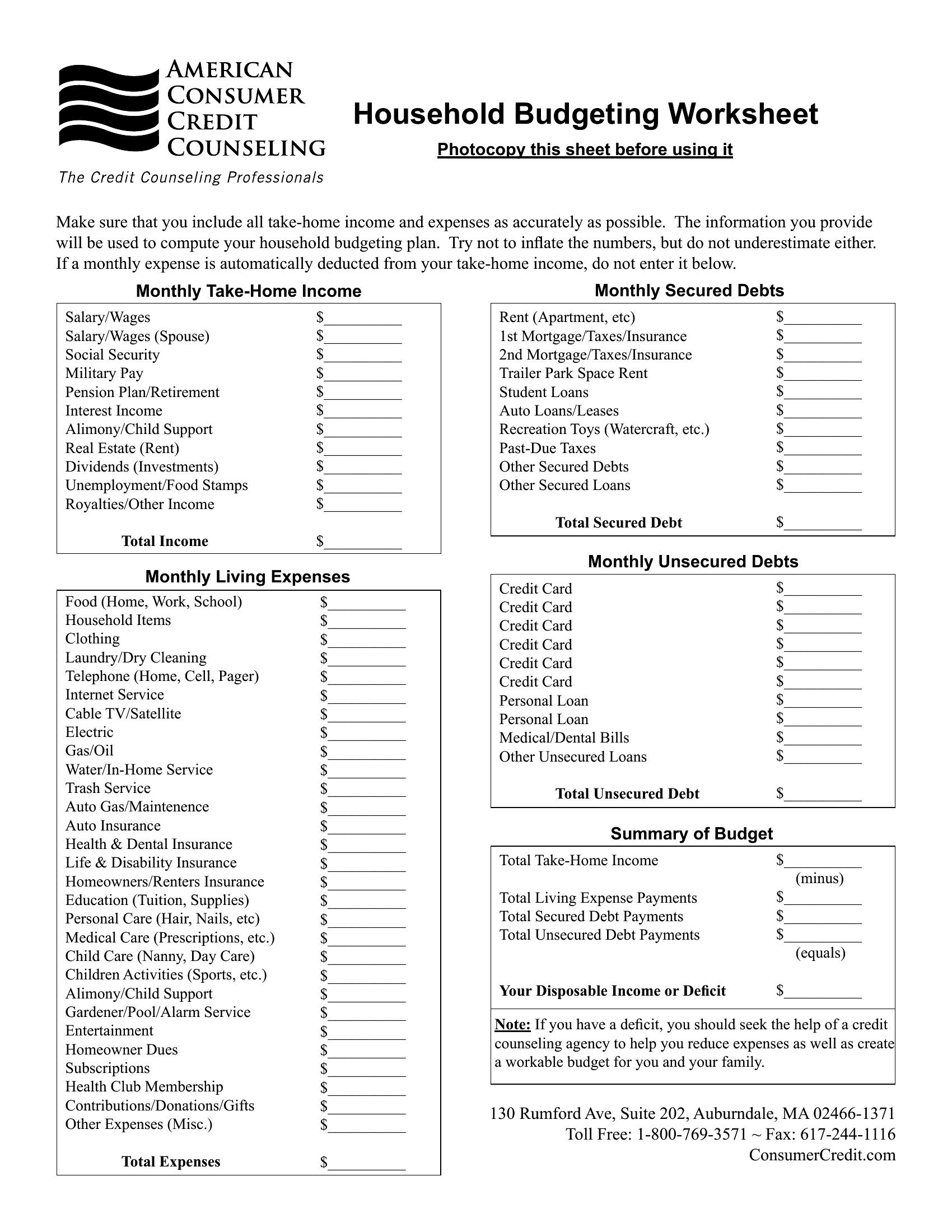
Yes, but clarify responsibilities upfront. Use the Excel templates to split fixed costs (rent, internet) among contributors, then track individual variable spending separately. The PDF examples show how to label columns by person, while Word lets you add a ‘Notes’ section to outline who’s responsible for which shared expense. Just avoid mixing personal and shared funds in the same category to prevent confusion.
What’s the best way to adjust the template if my income changes monthly, like with freelance work or seasonal jobs?
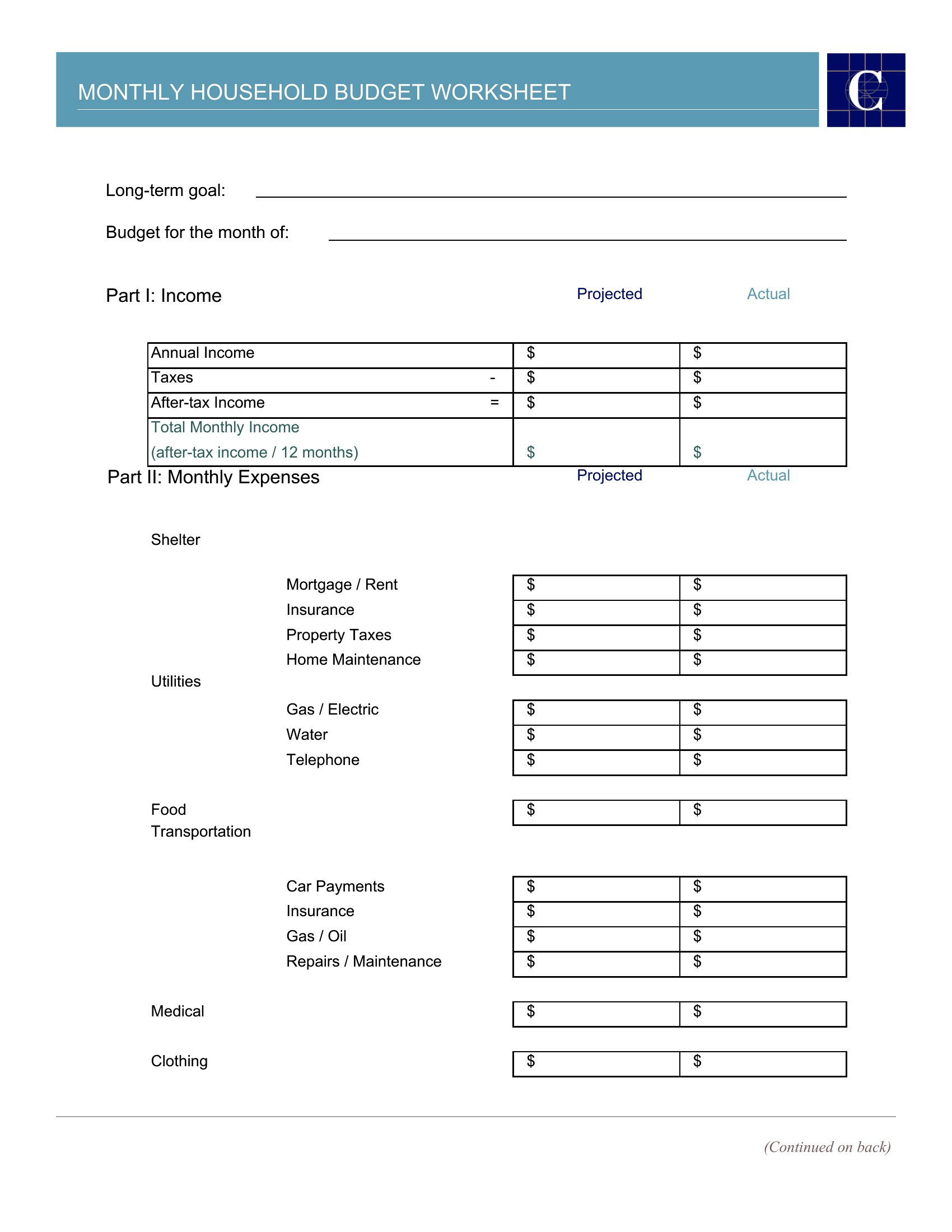
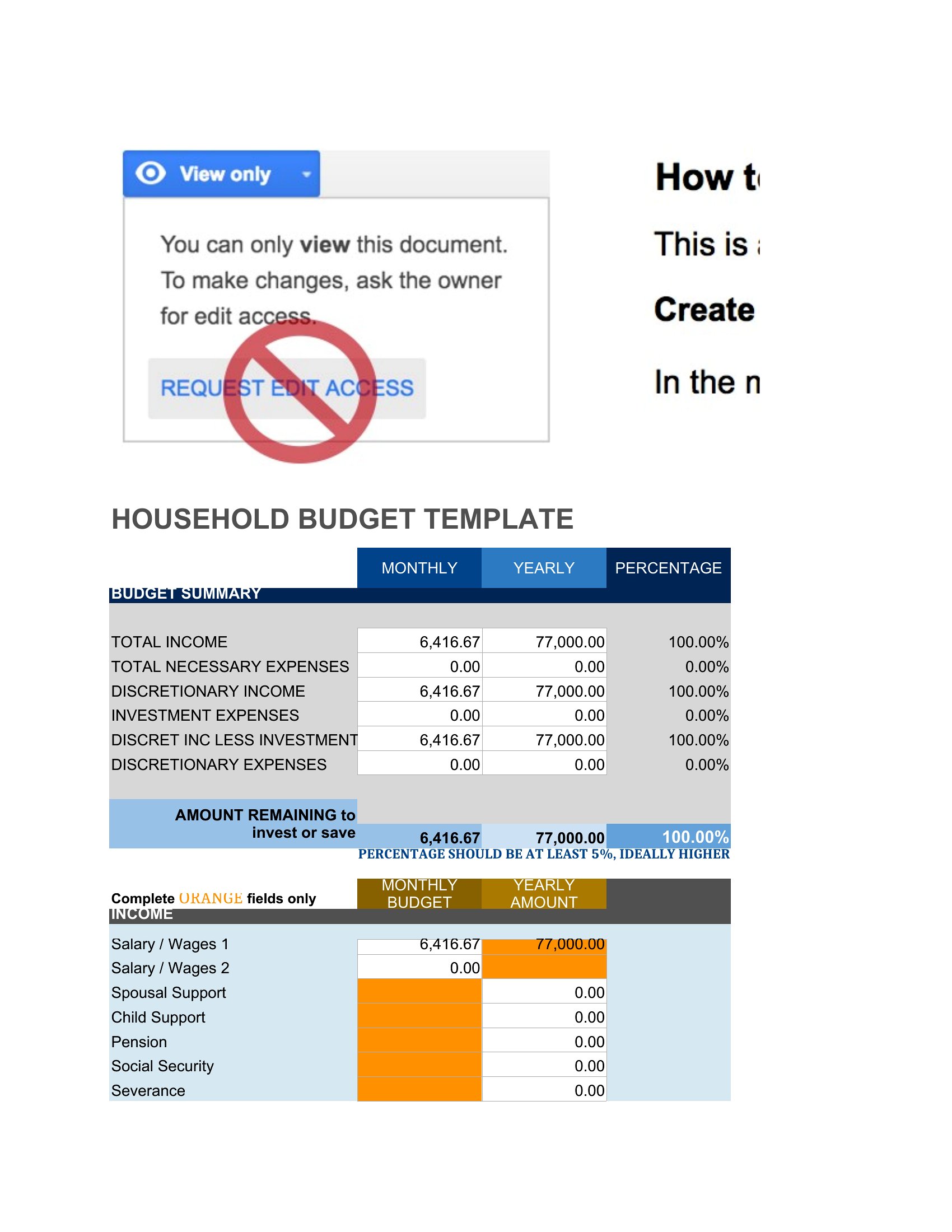
Excel templates are designed for this—use the ‘Income’ row to input actual earnings each month and let the auto-sum feature recalculate totals. For irregular incomes, add a ‘Projection’ column to estimate low/high scenarios. If using Word or PDF, manually update the figures and note the variance in the comments section to compare against your original budget. The ‘Blank Household Budget’ Excel template is especially flexible for unpredictable earnings.
Comments
Join the conversation
Sign in to share your thoughts and leave a comment on this resource.