Skip to content
50% off this one-time $1.99 pack with HALFOFF — or unlimited with Pro.HALFOFF
Premium

Free Money Management Worksheets (Word, Excel, PDF)

Worksheets
teresaduran by teresaduran
Updated 0 downloads 1 community comment

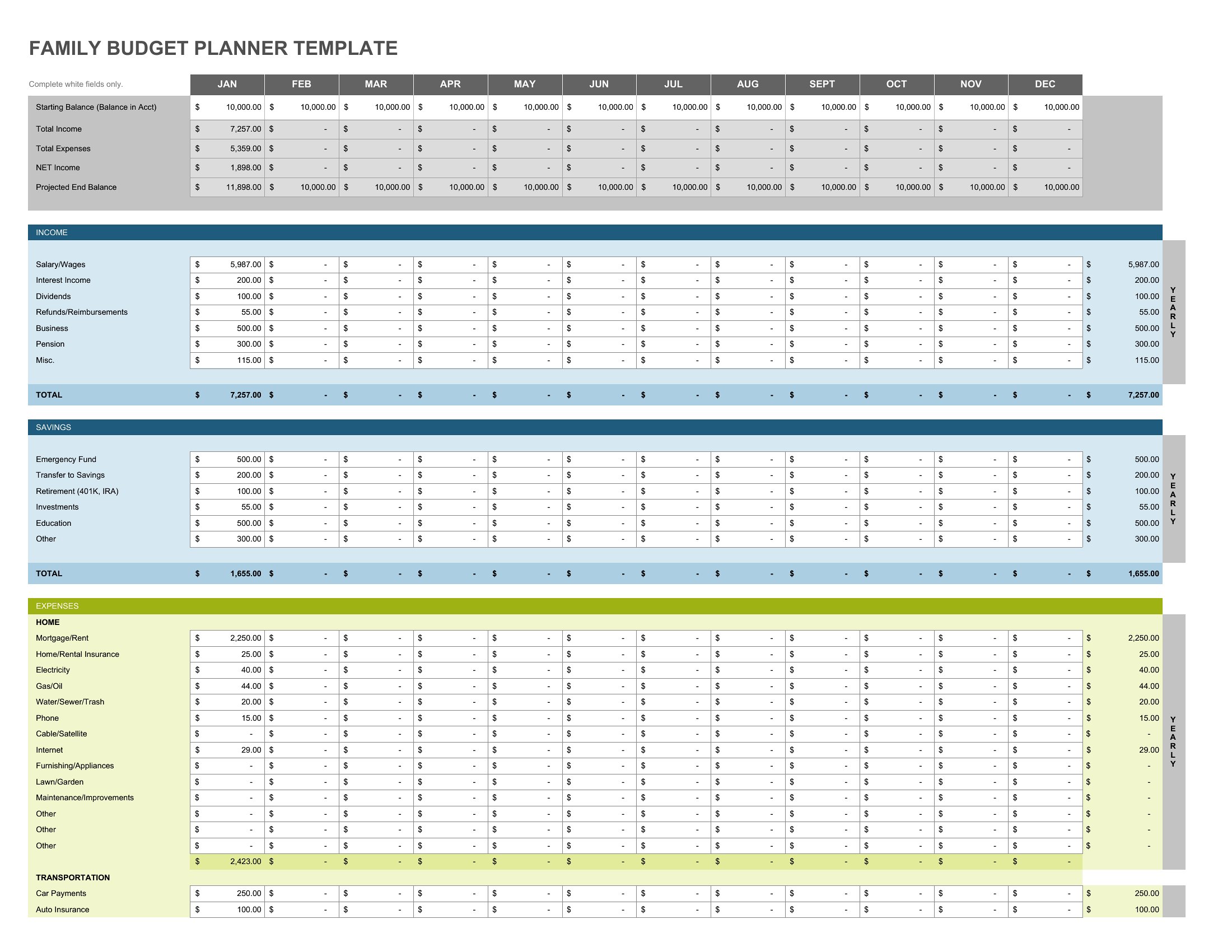
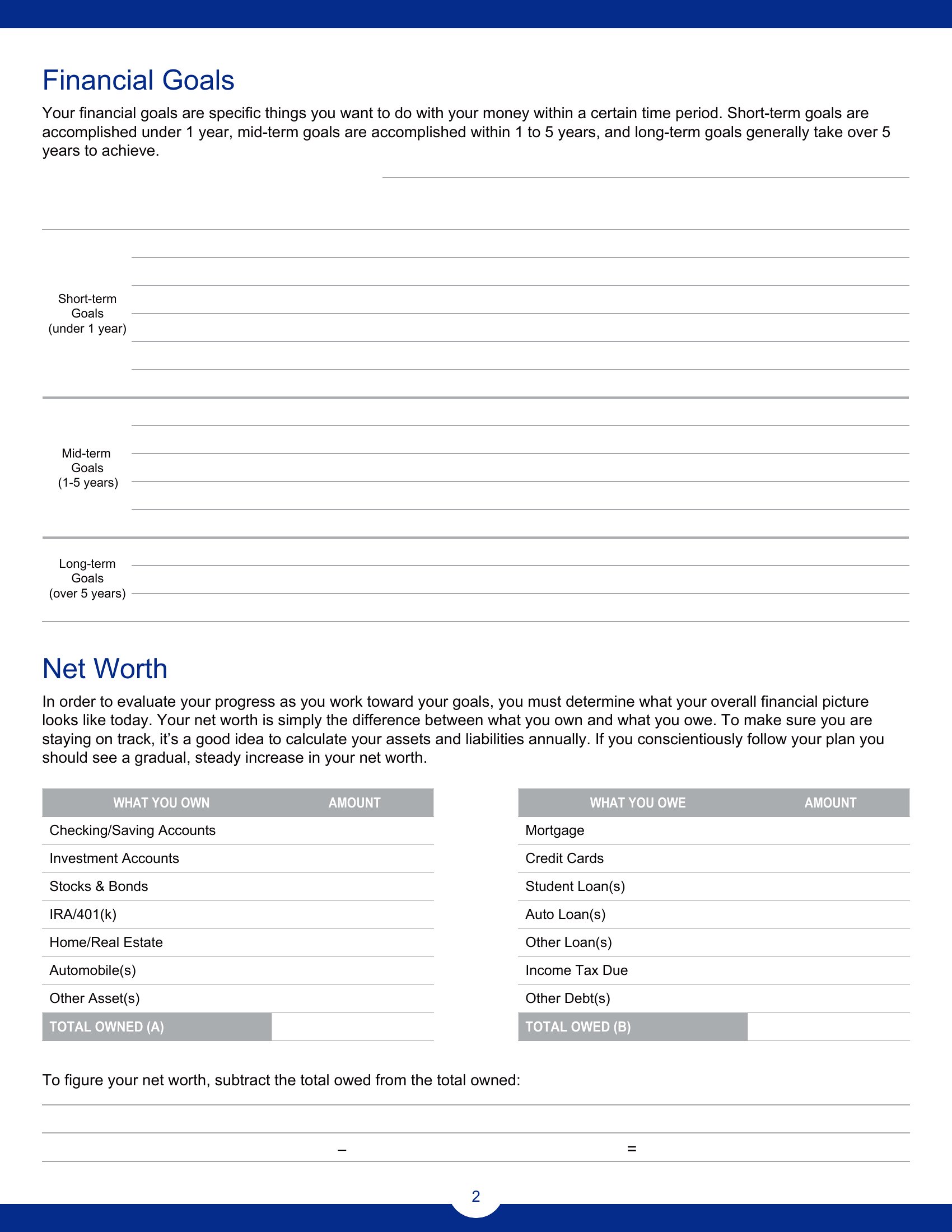
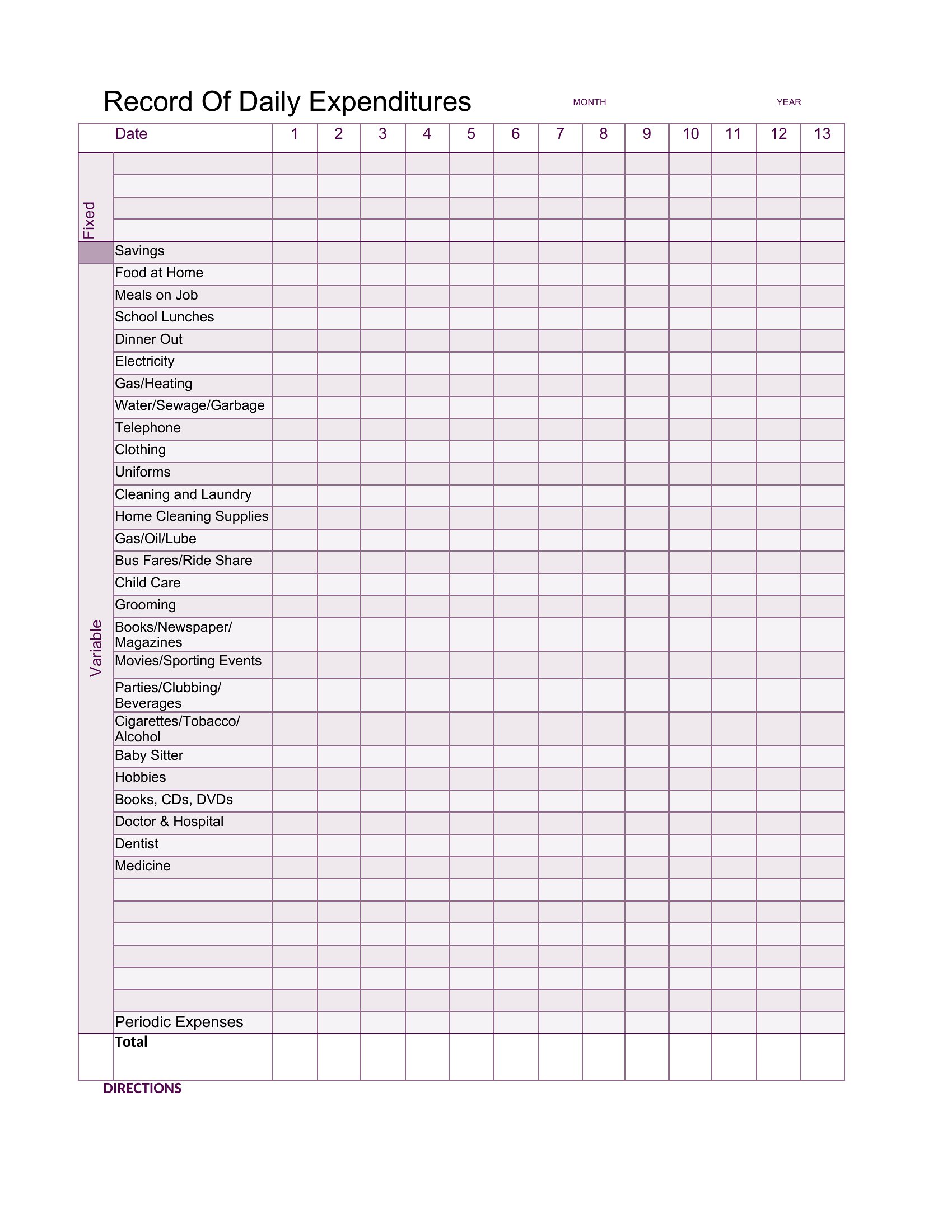
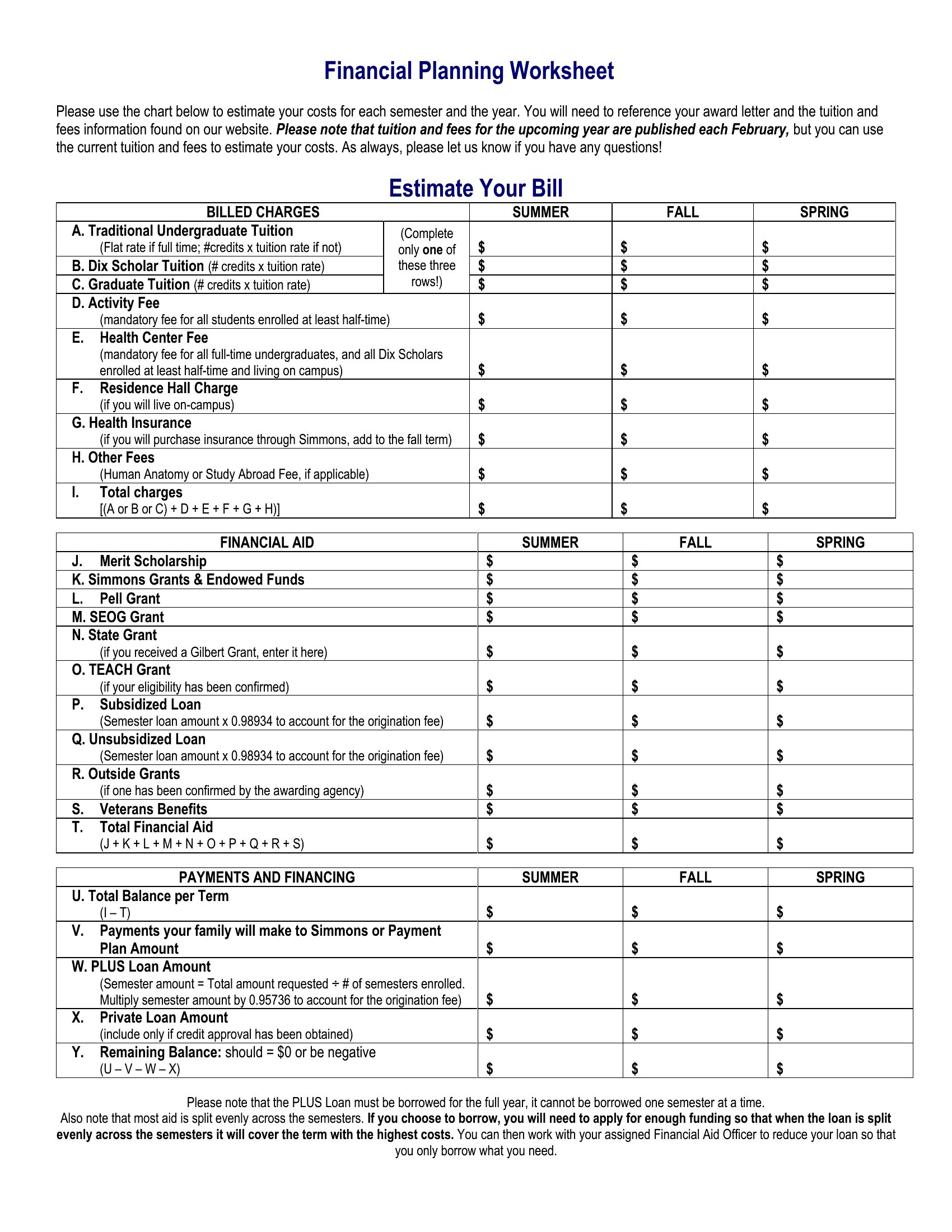
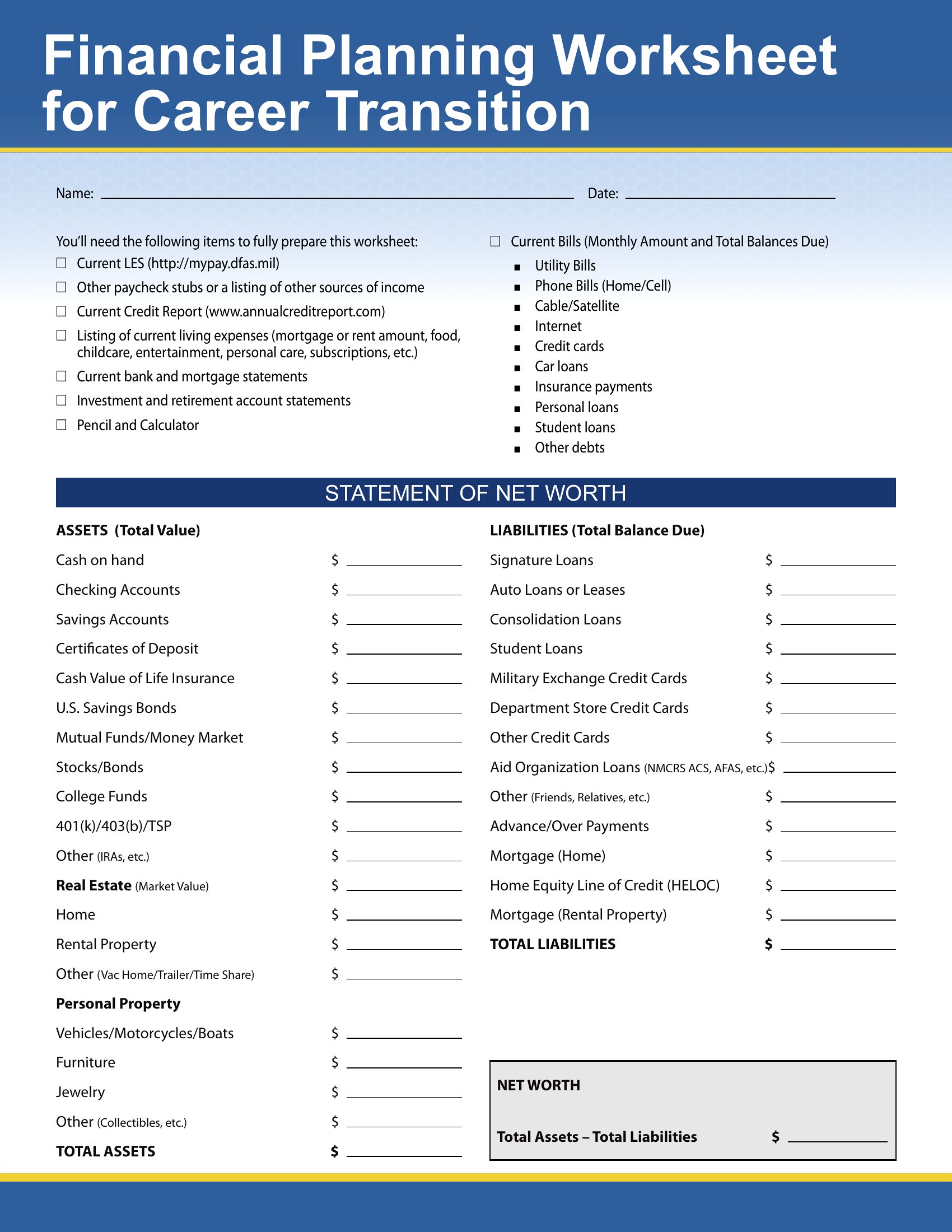
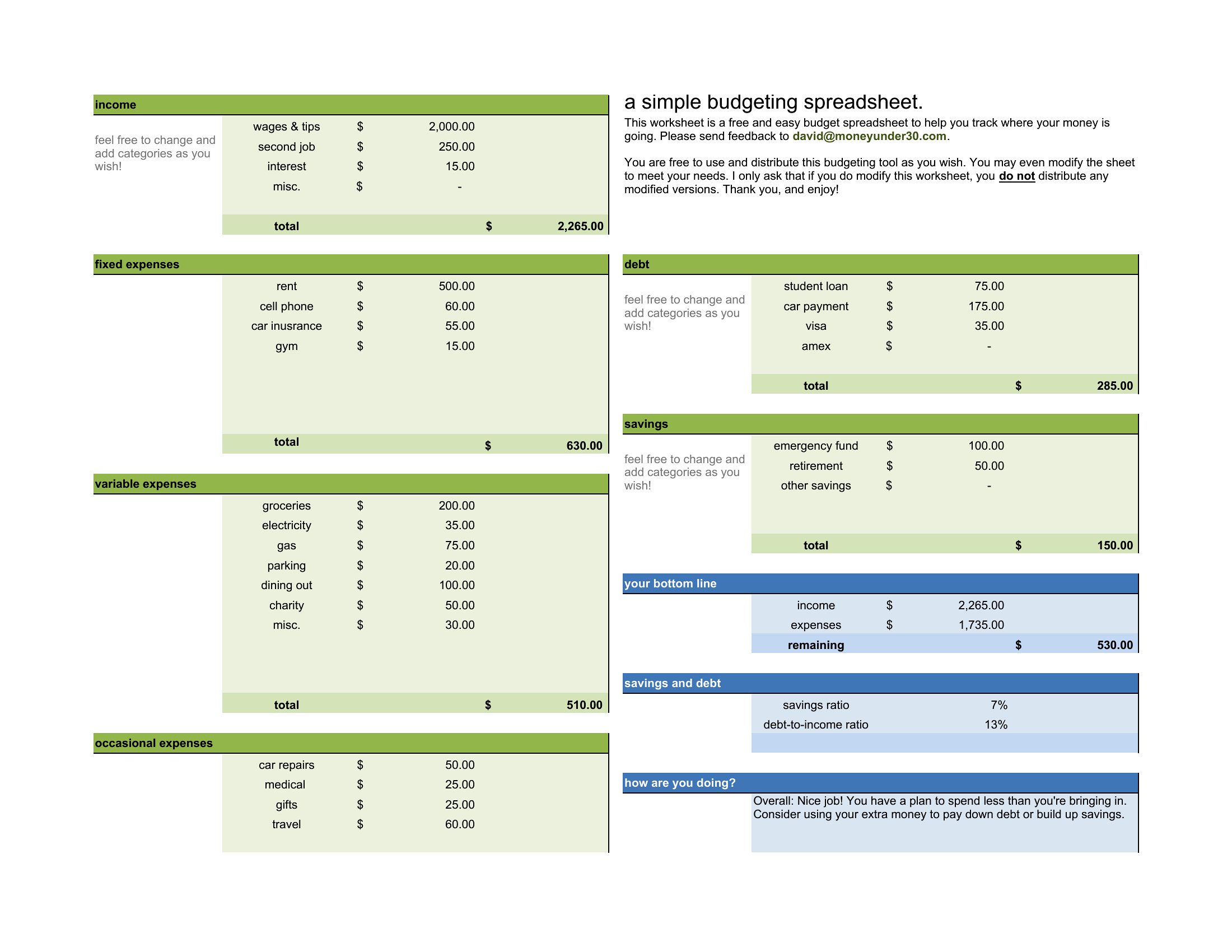
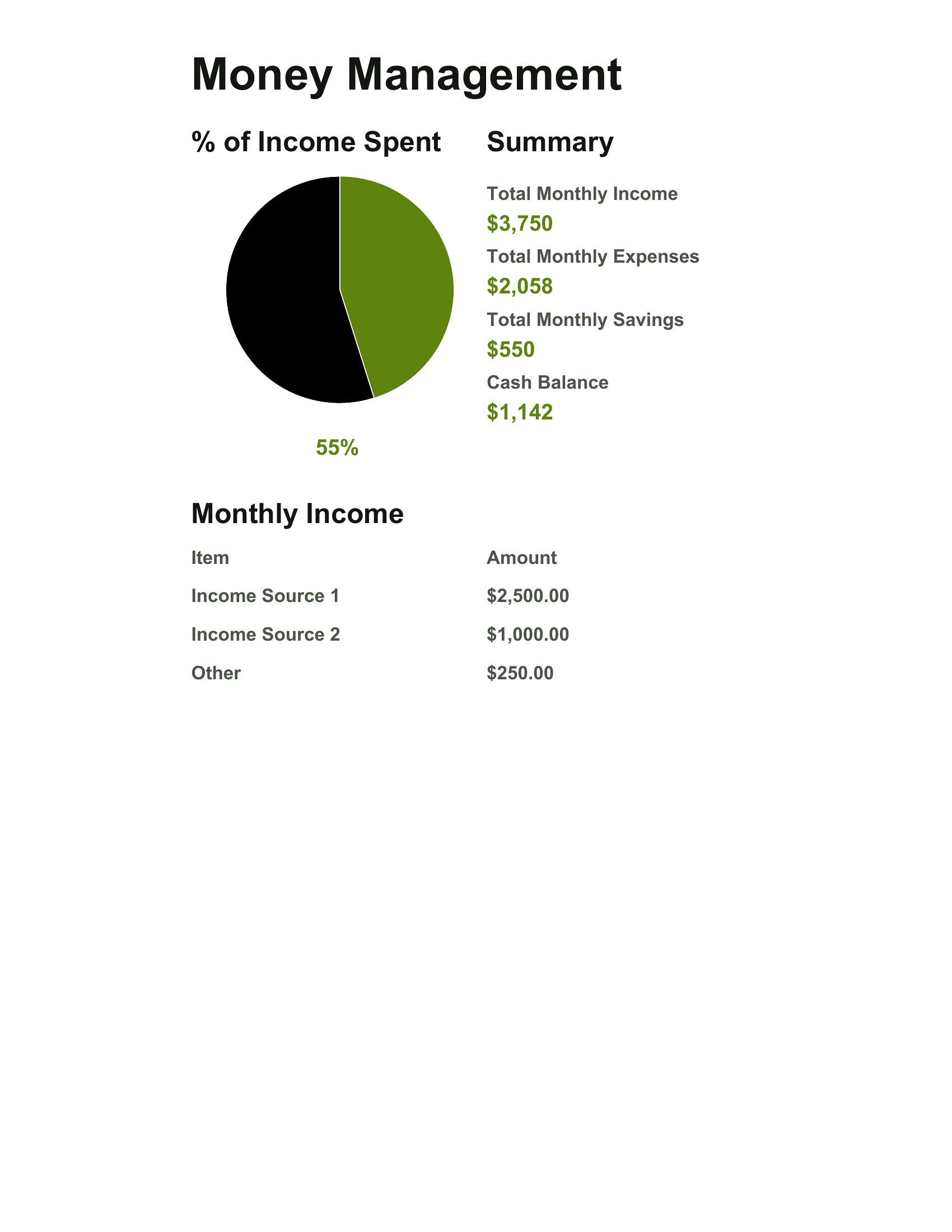
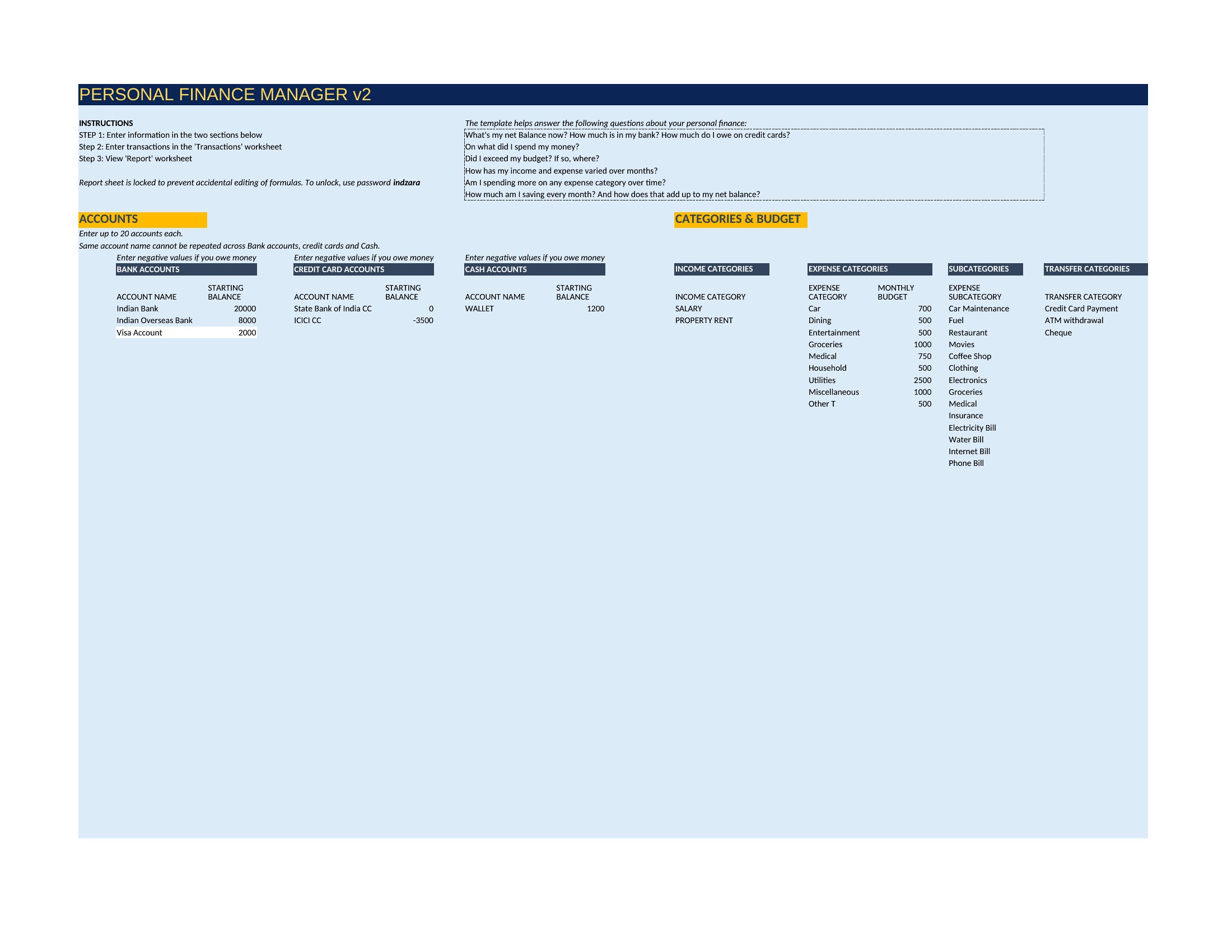
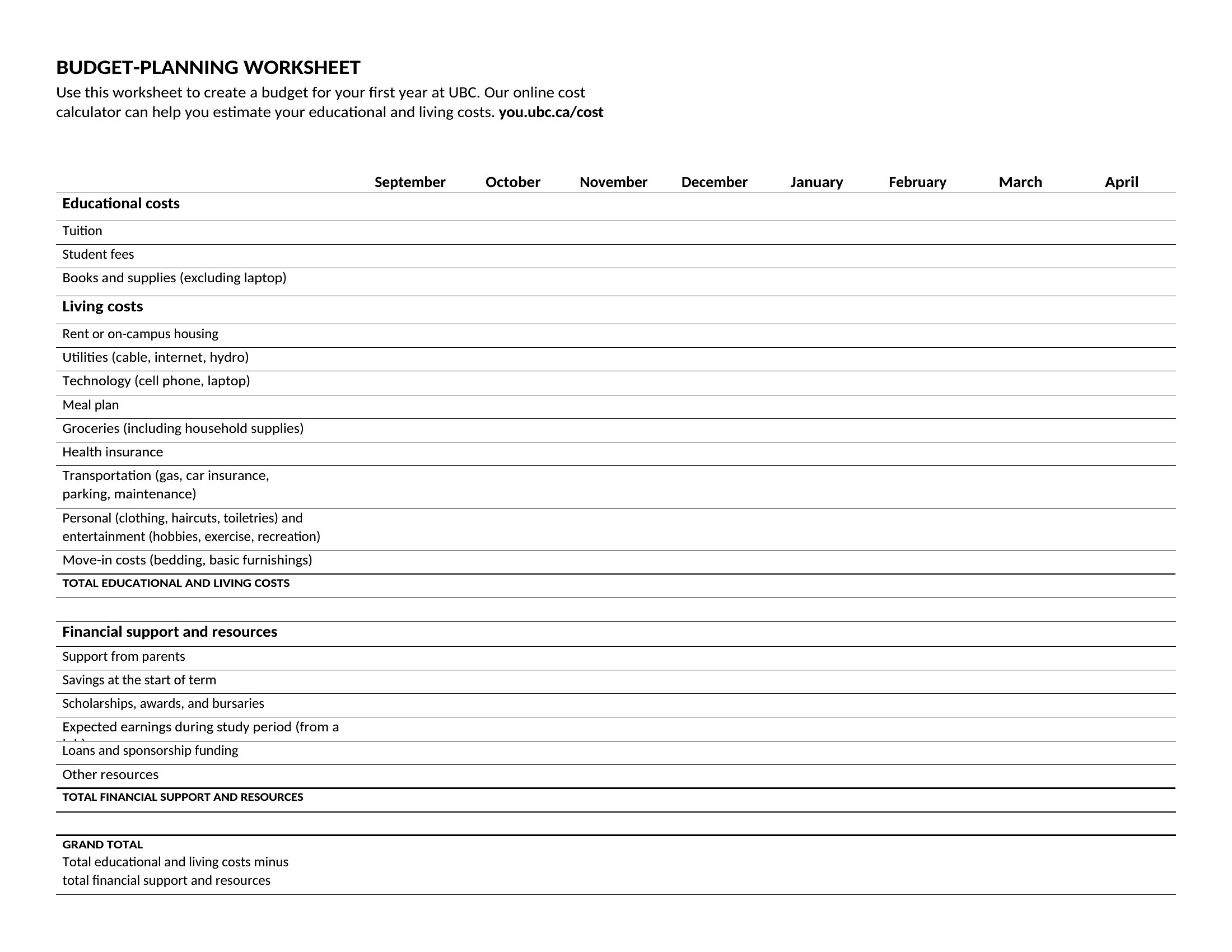
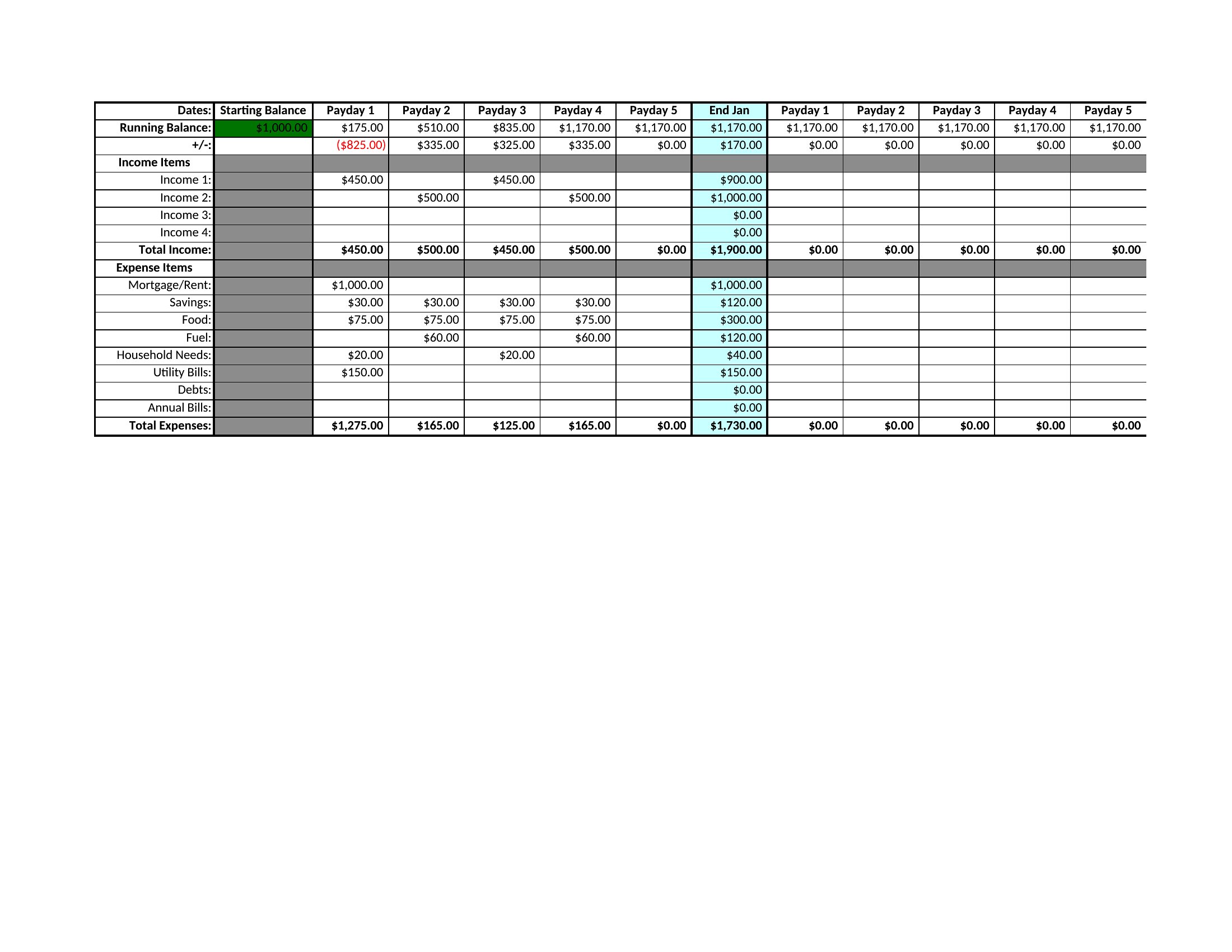
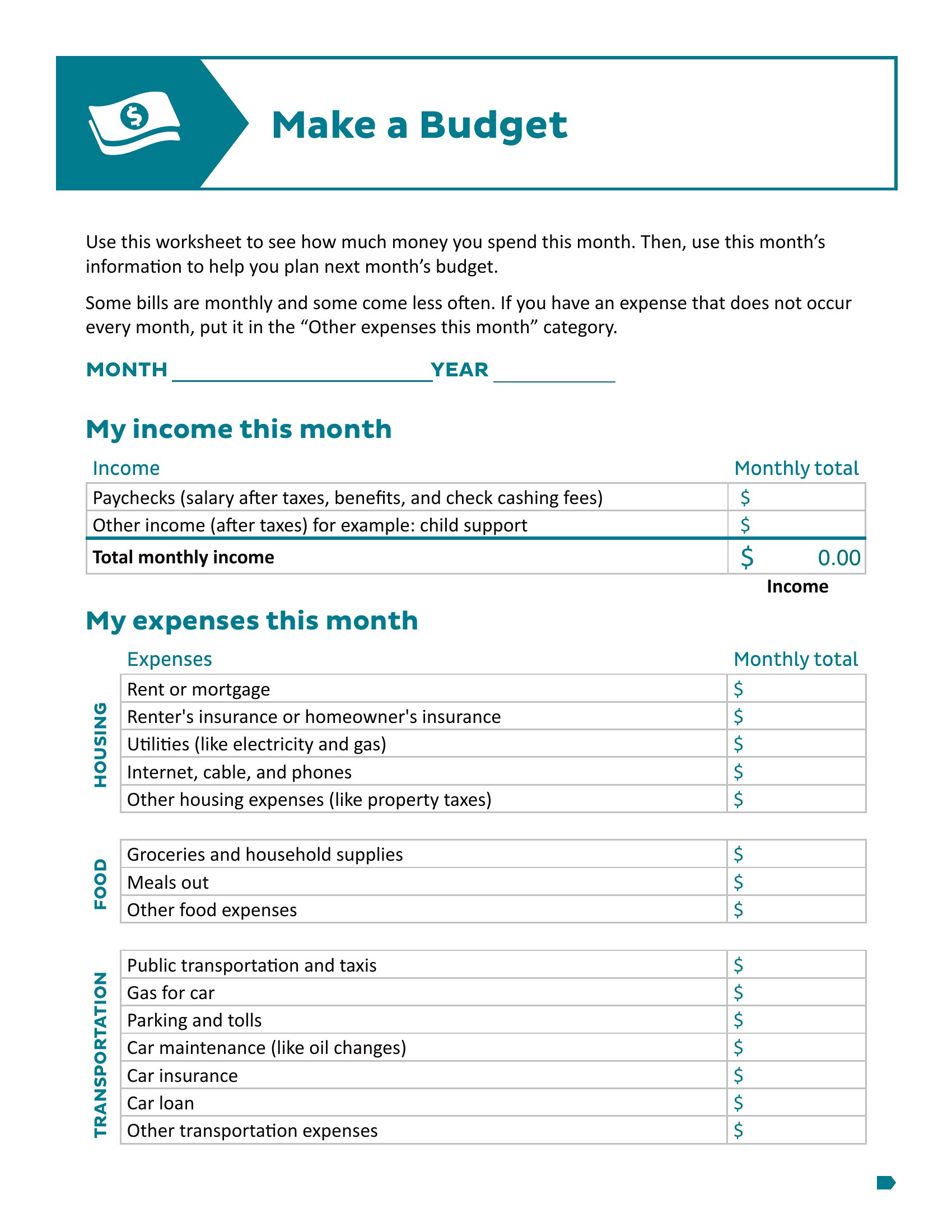
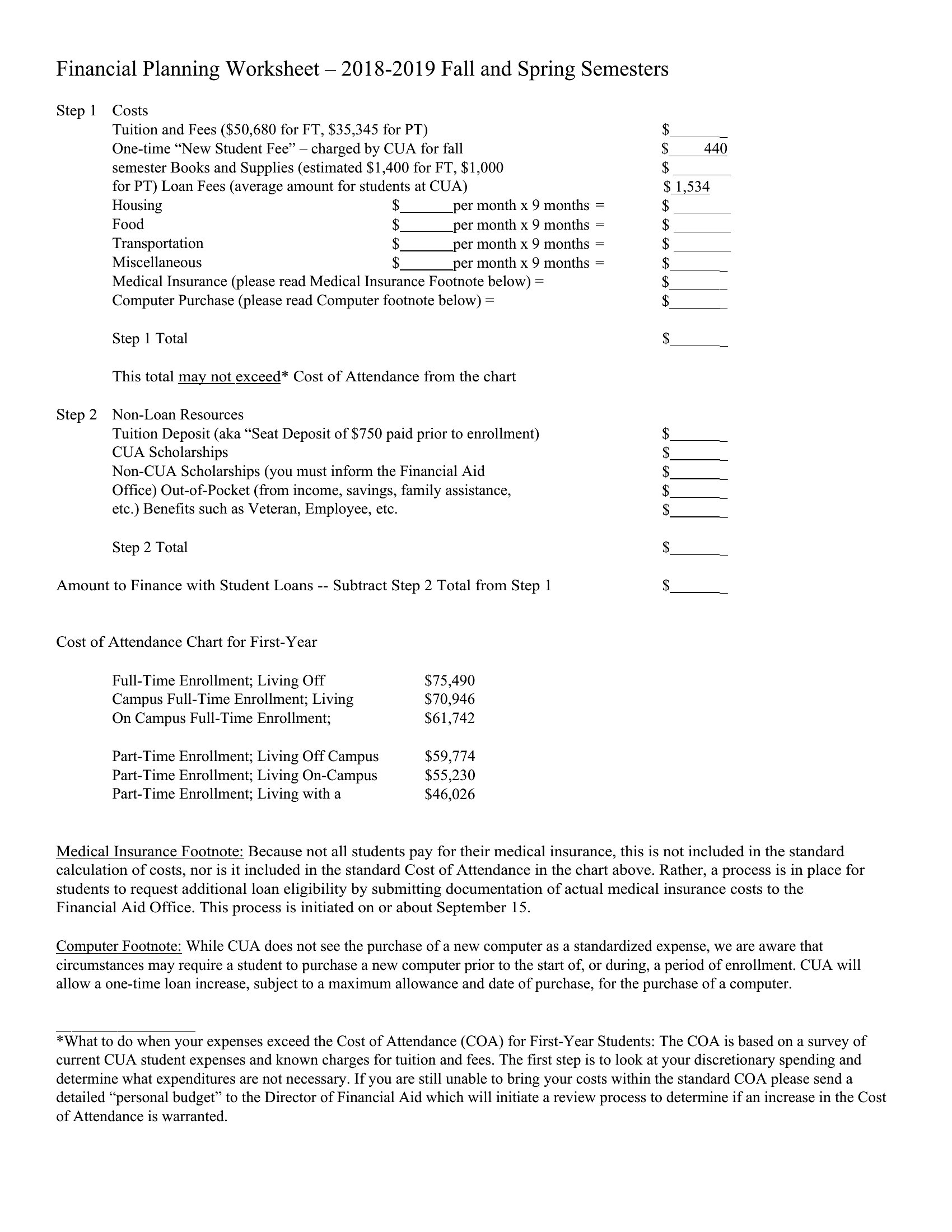
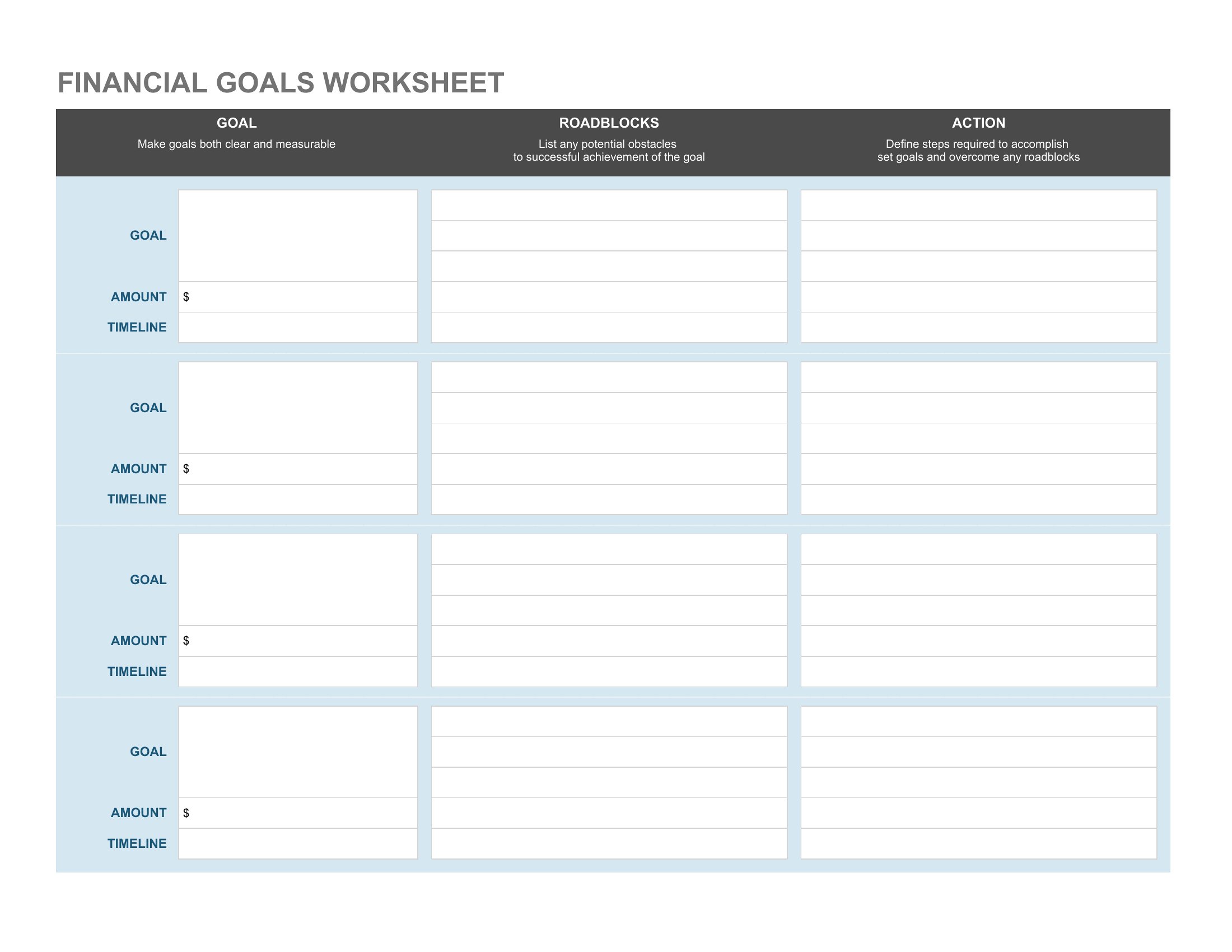
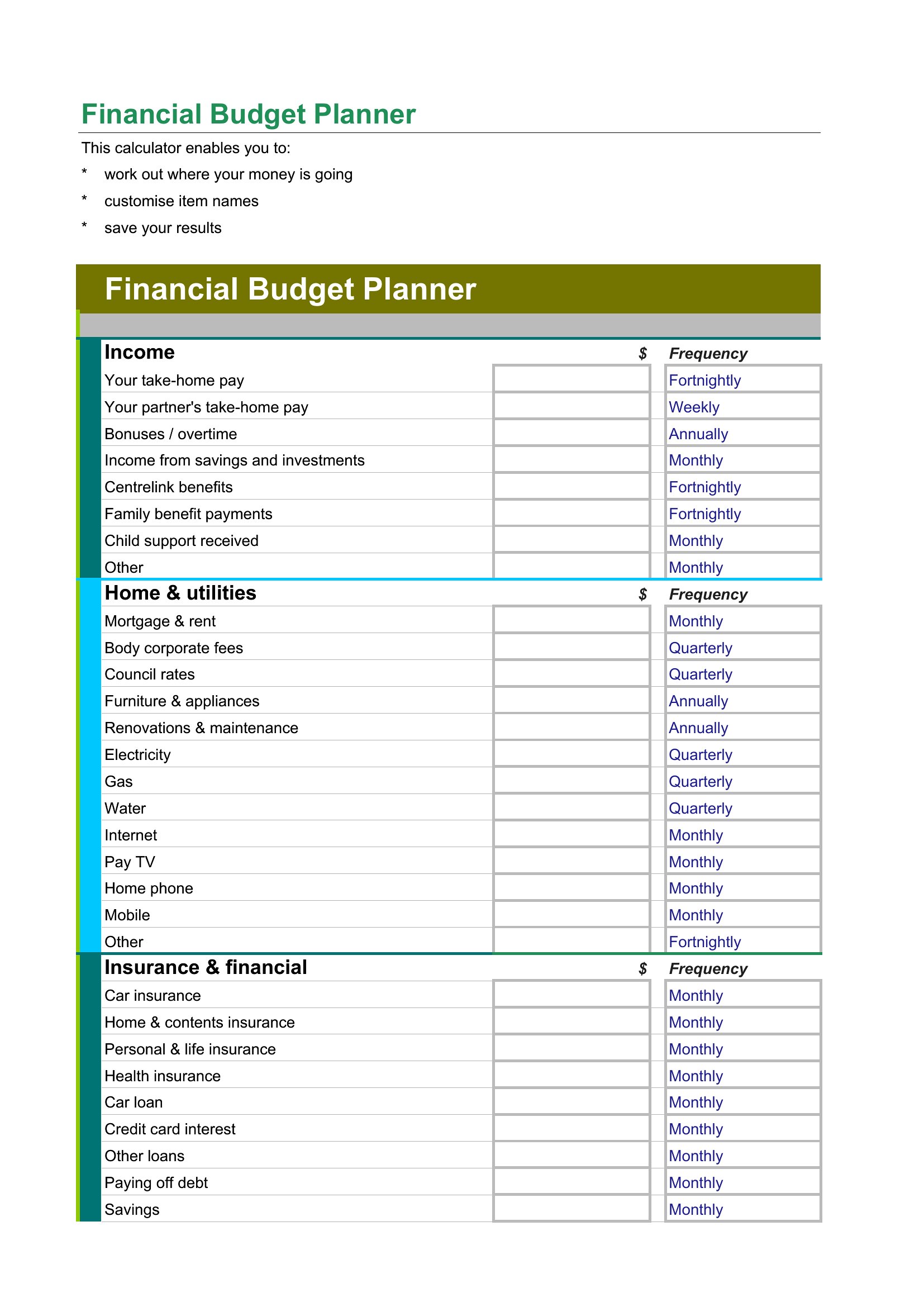
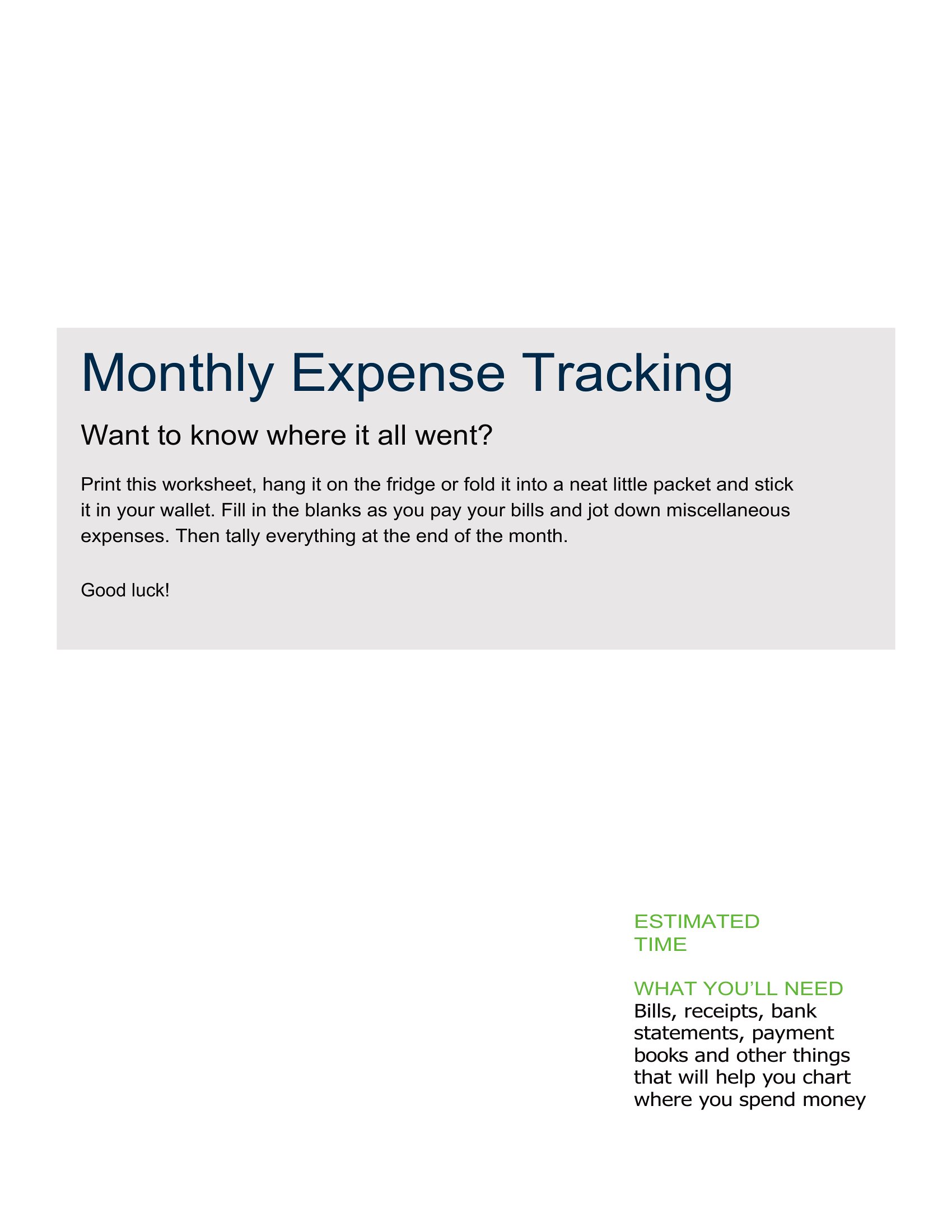
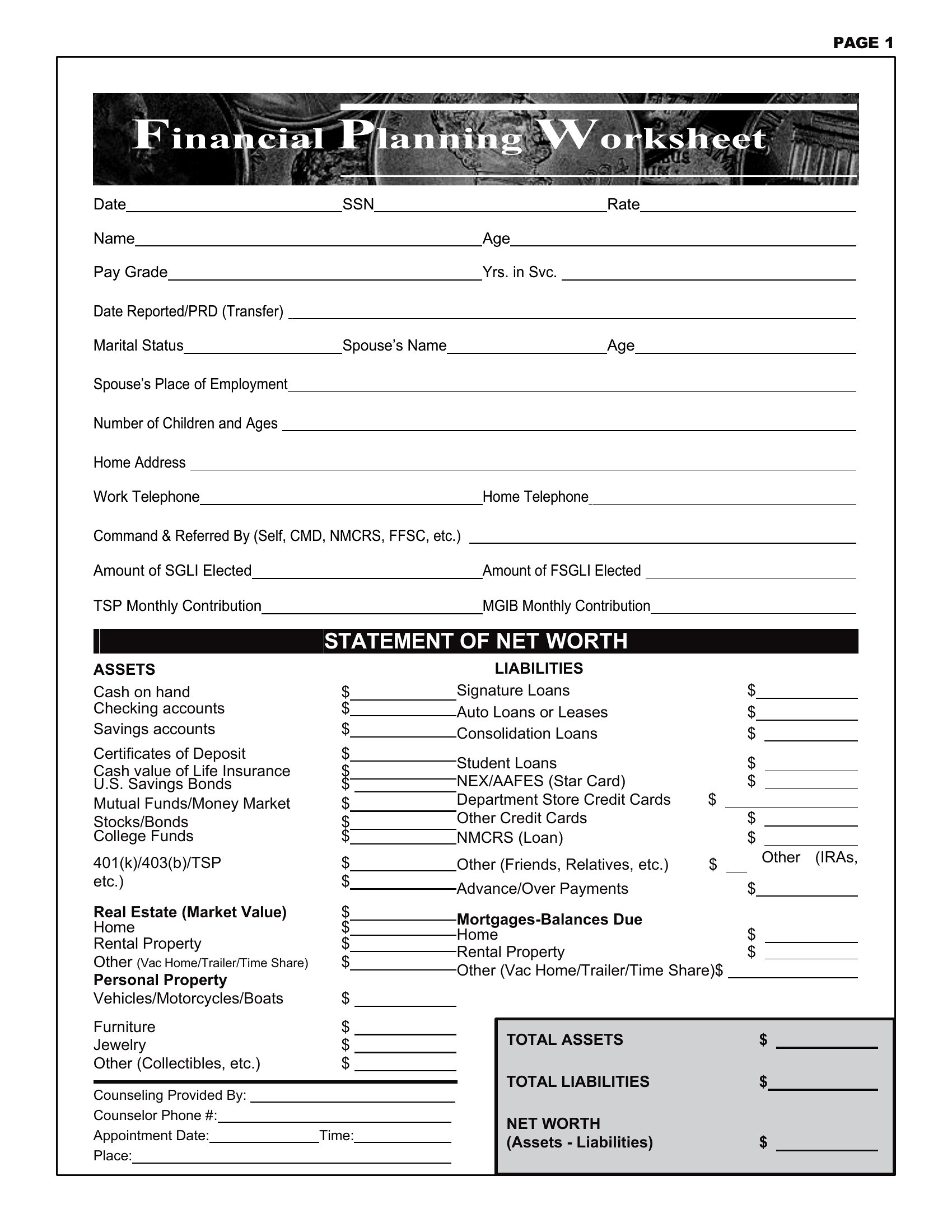
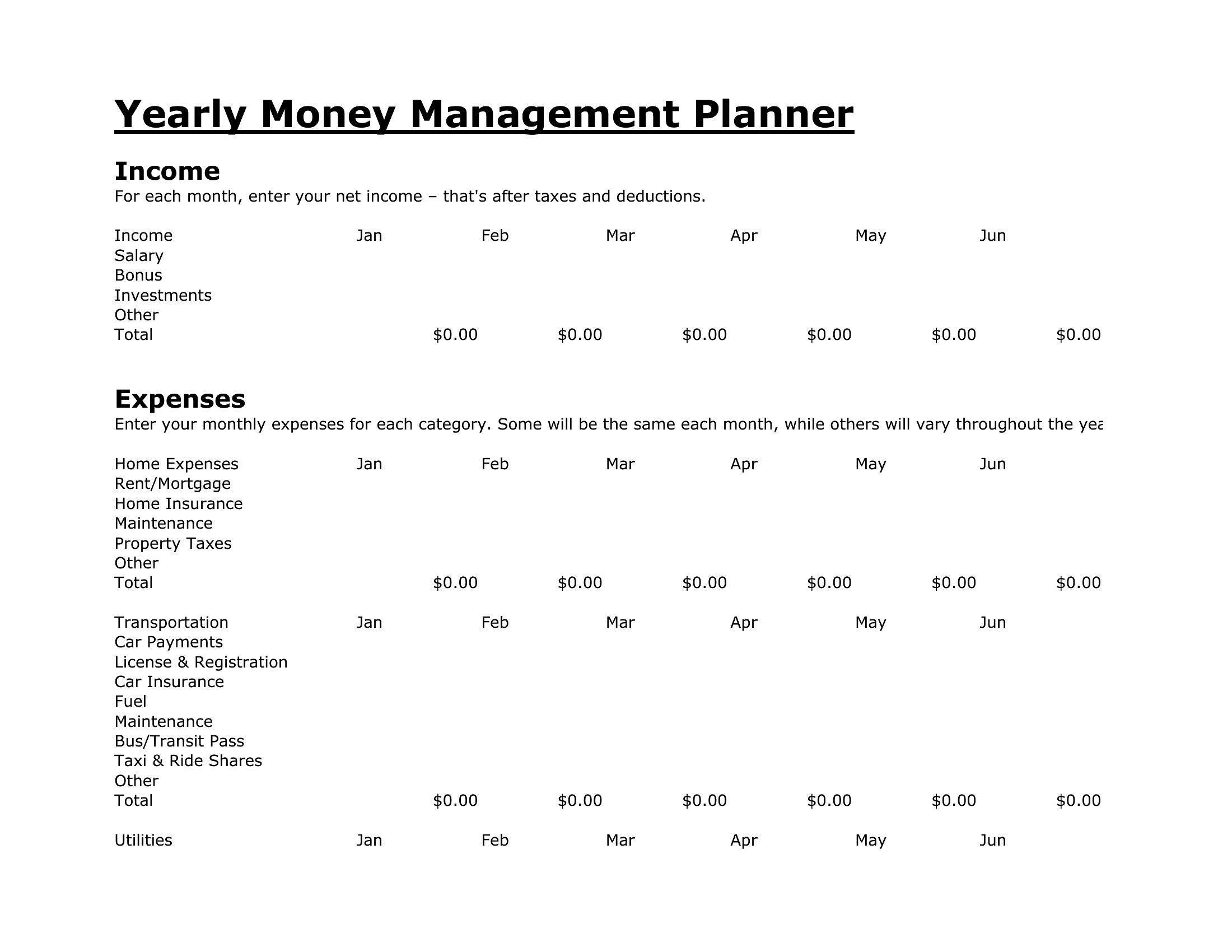
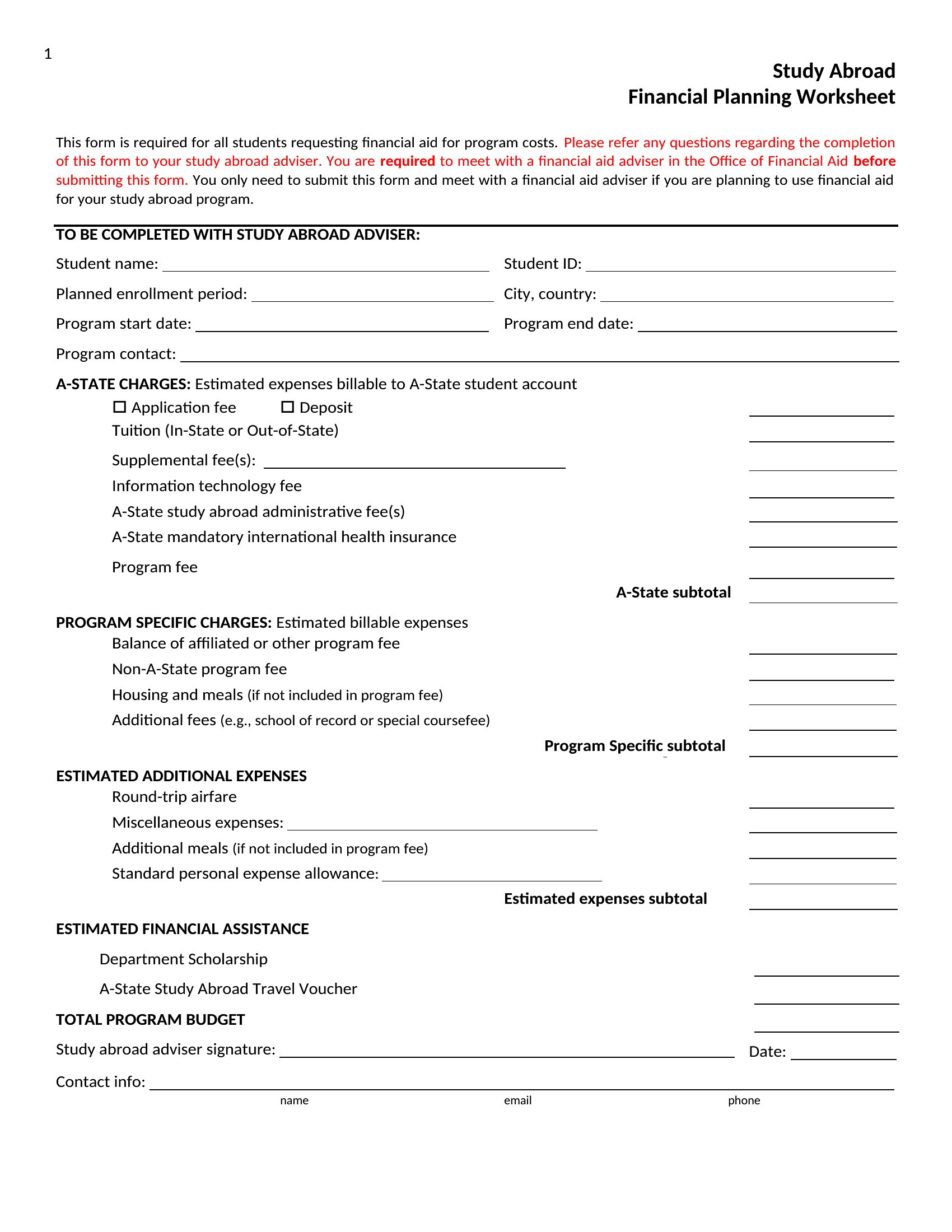
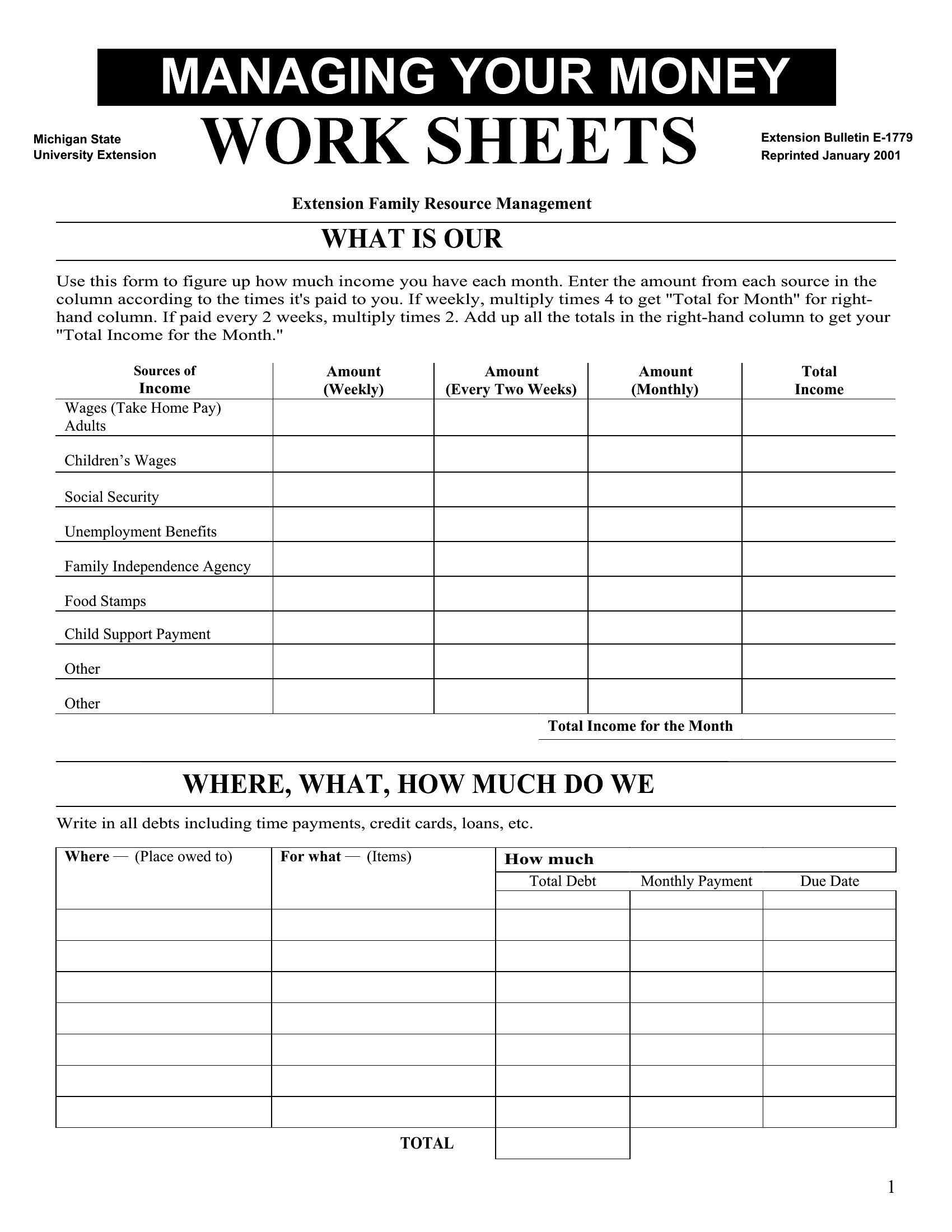
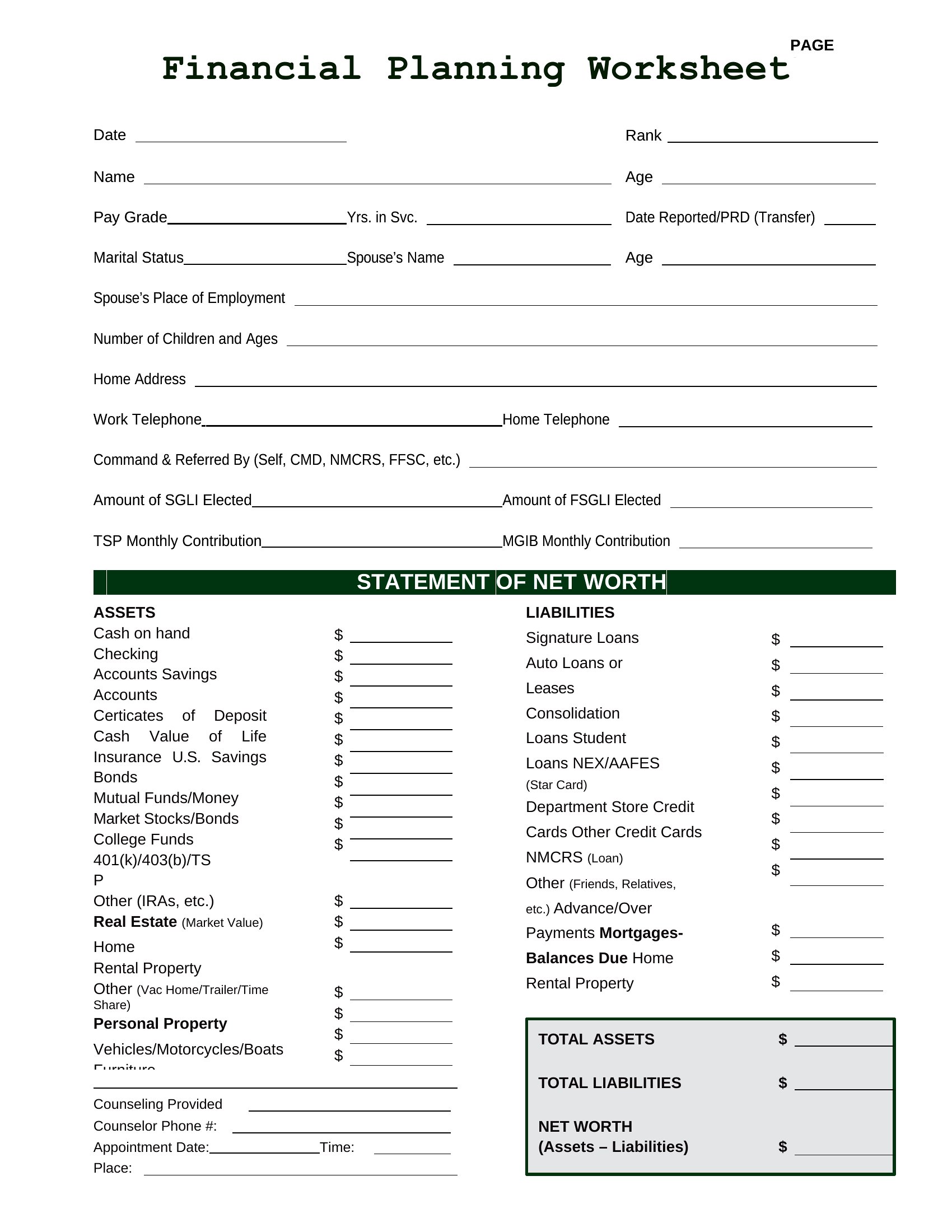
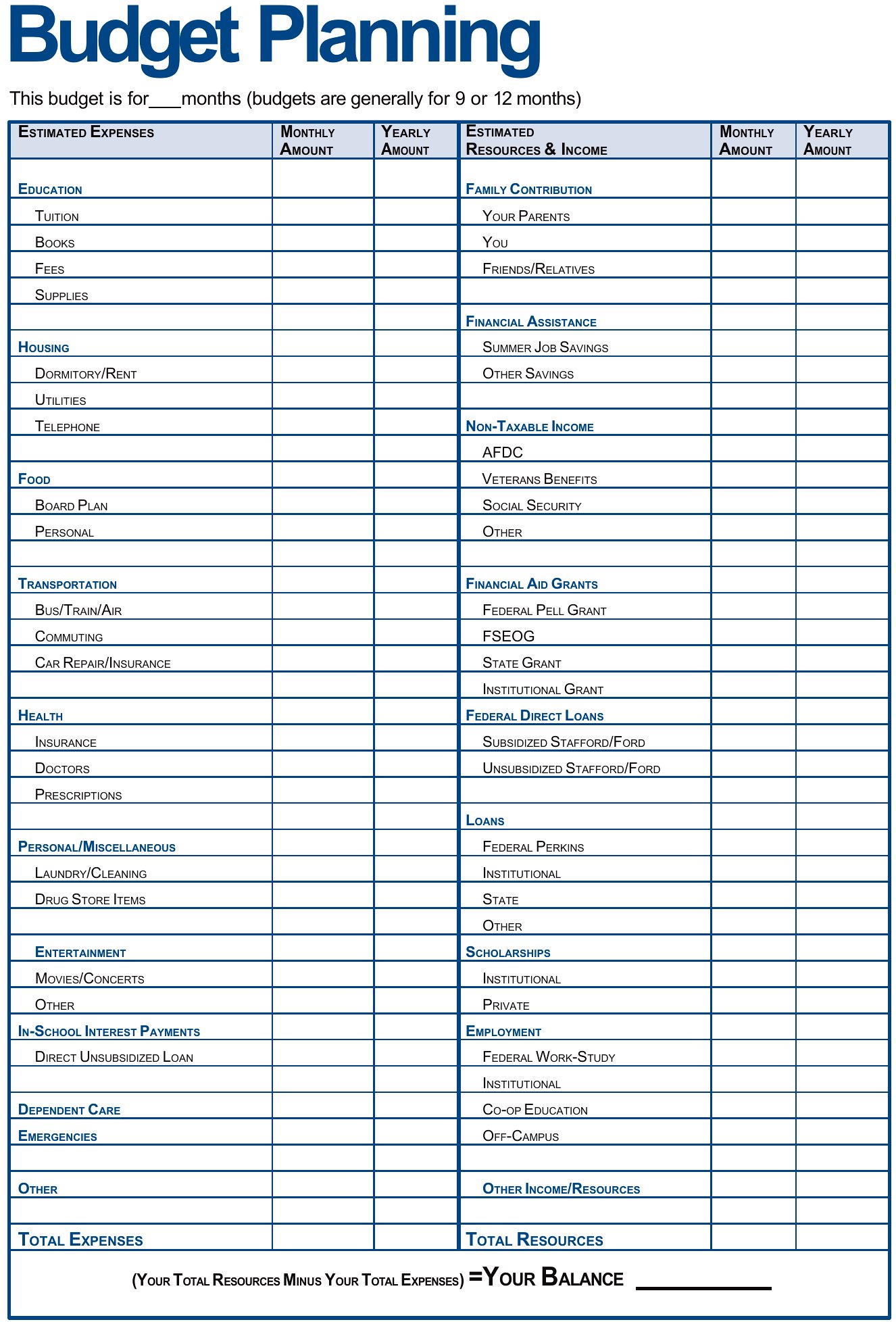
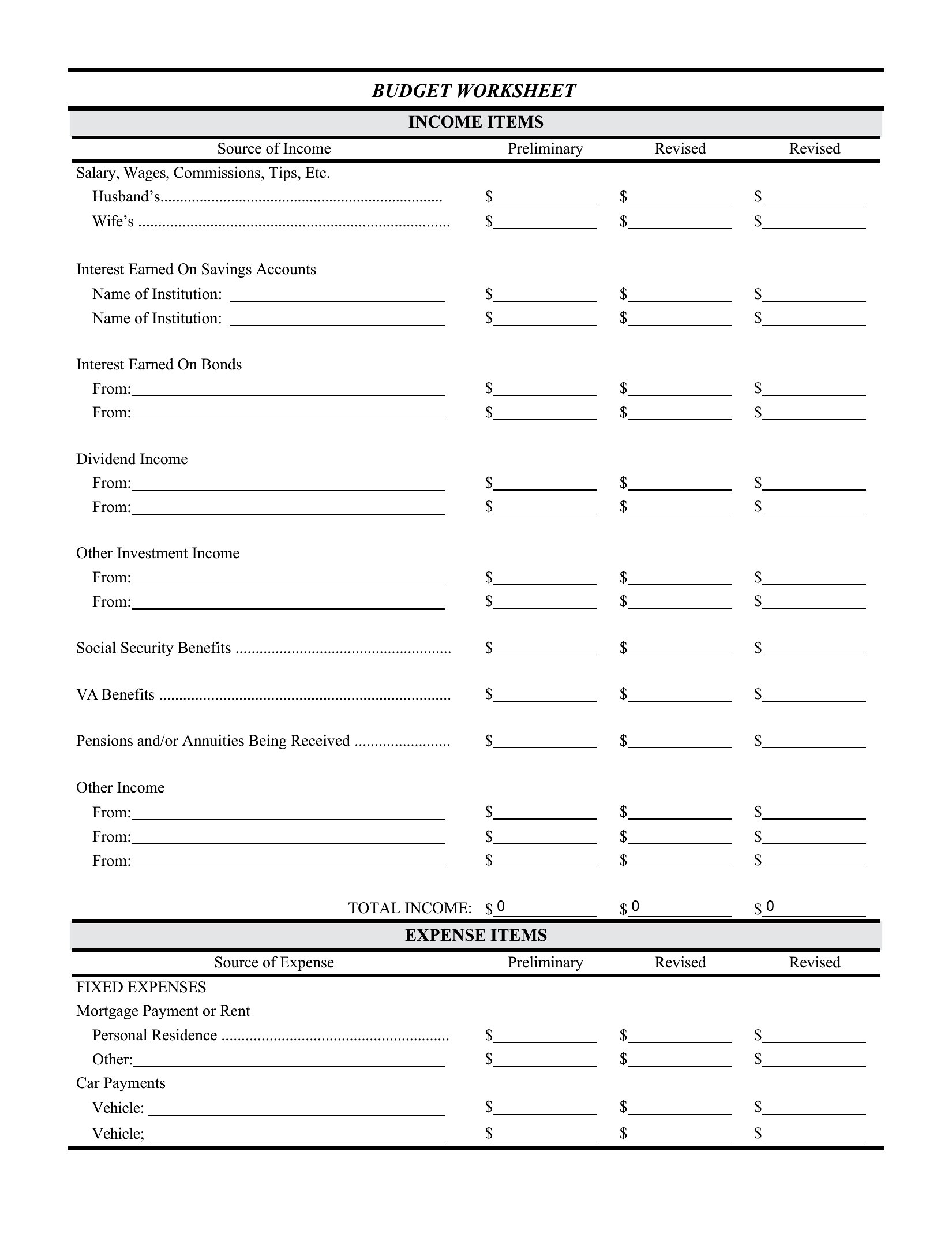
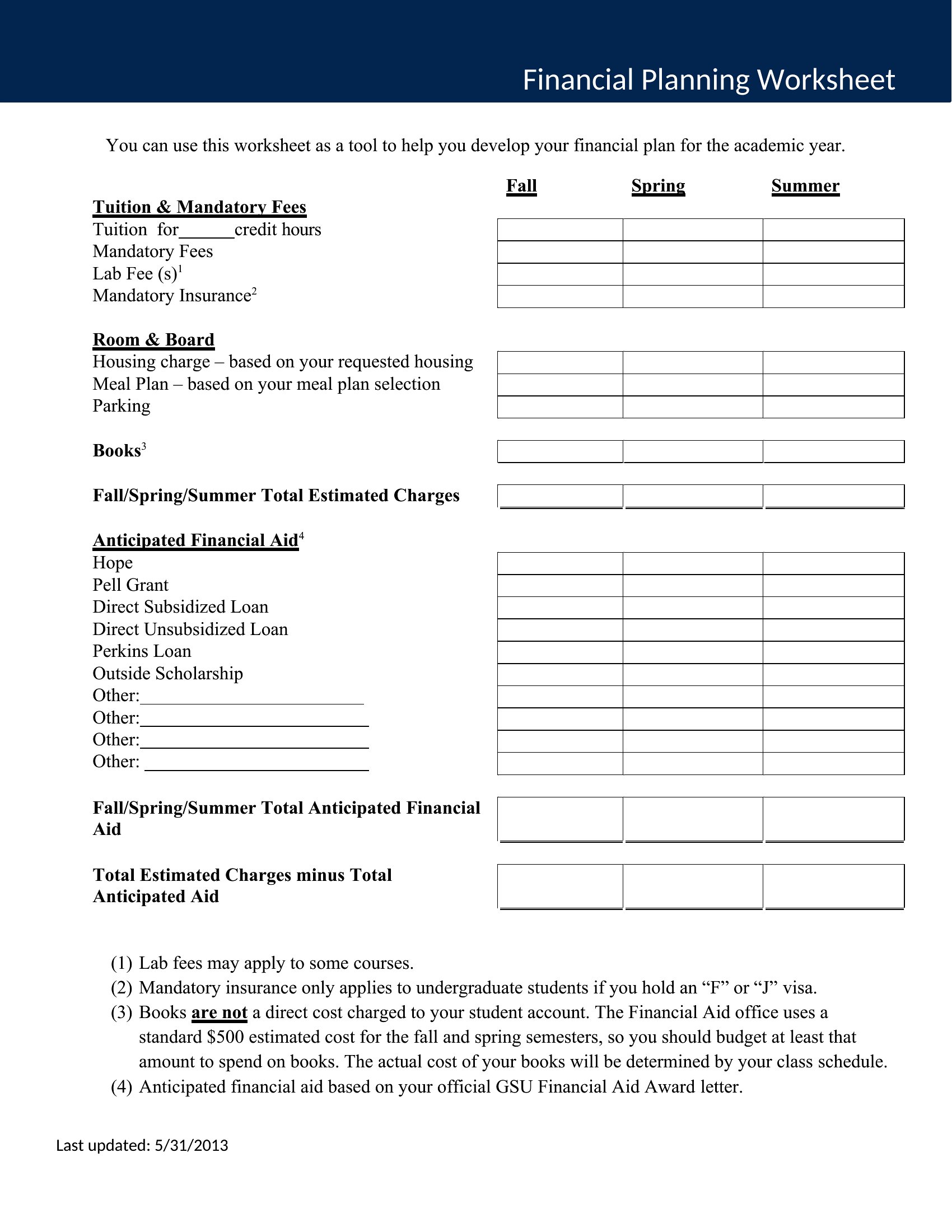
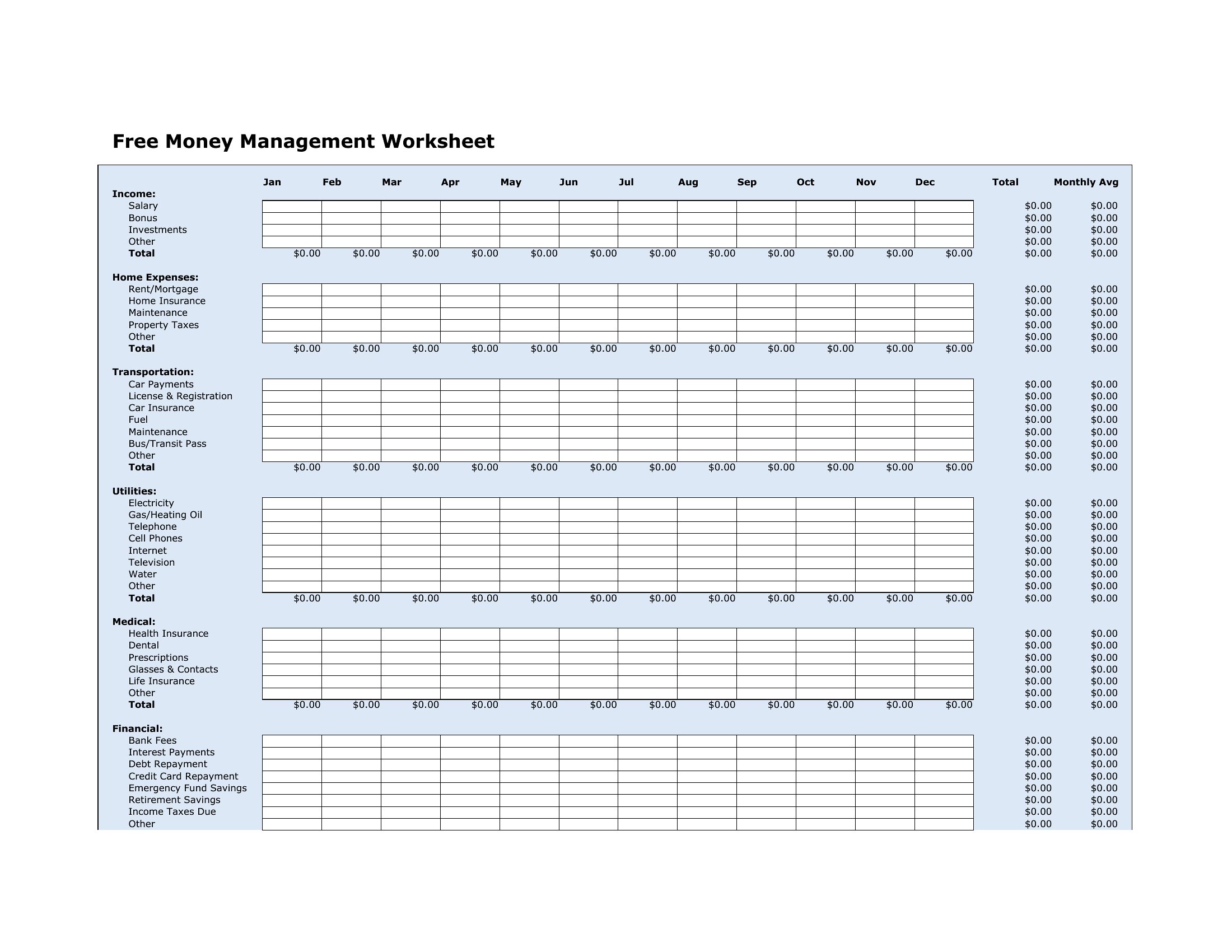
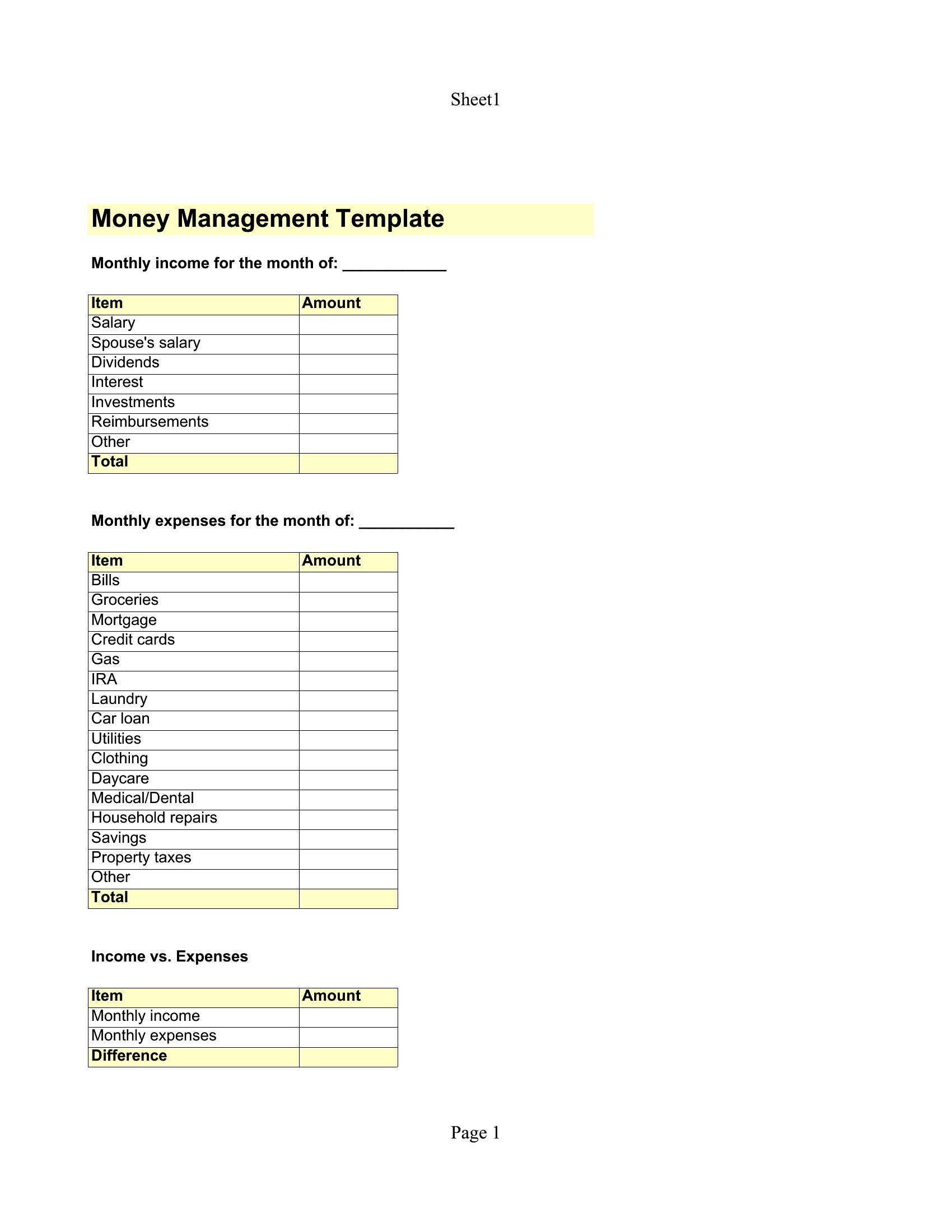
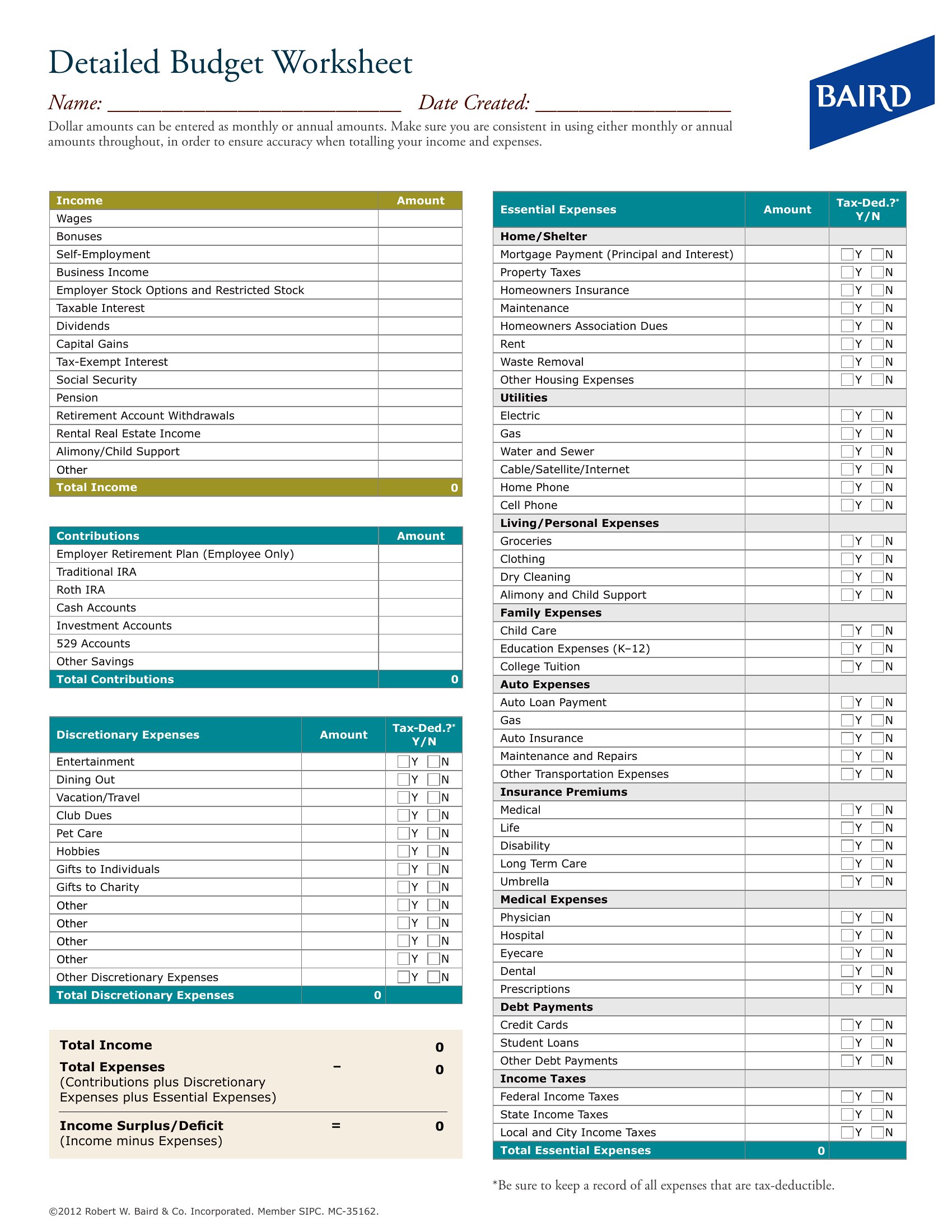
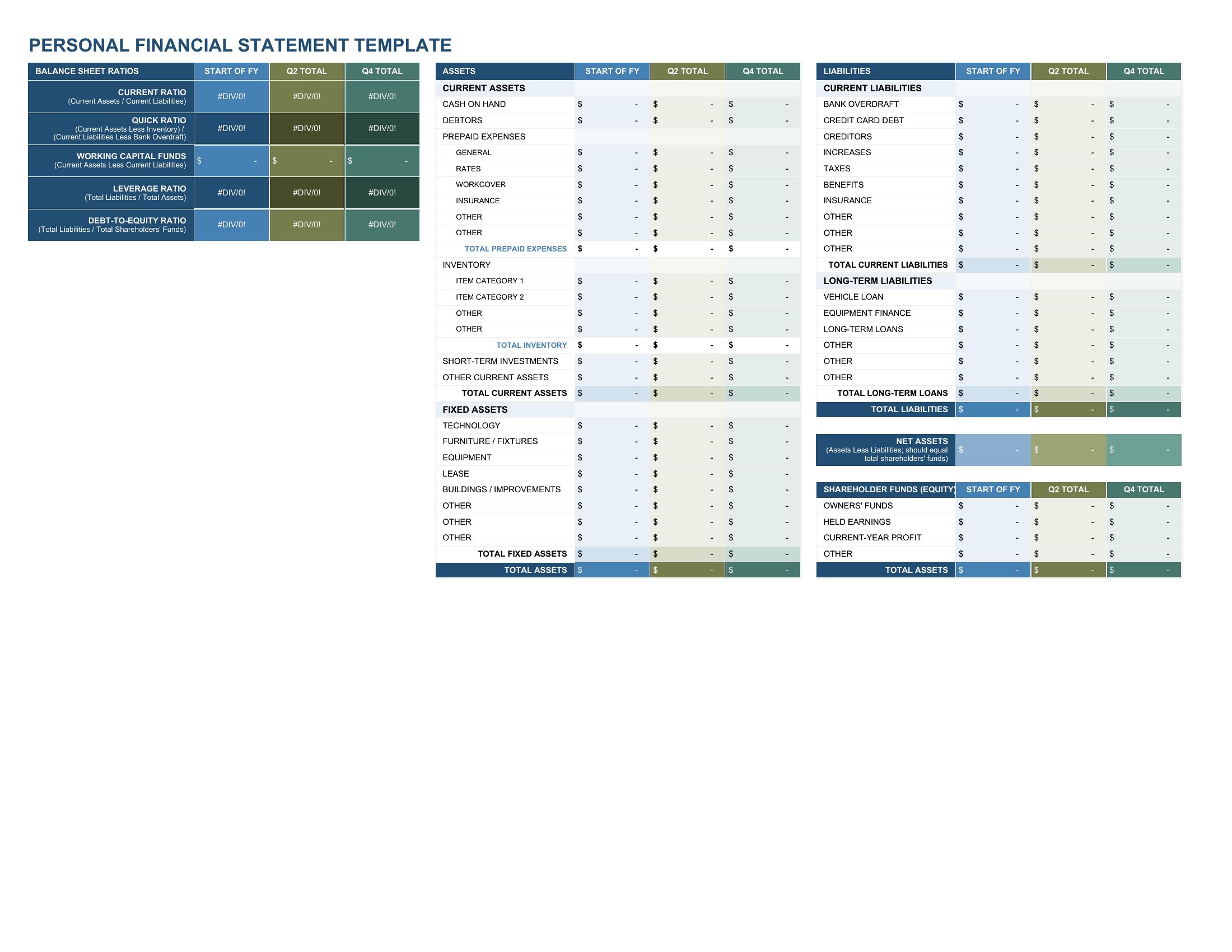
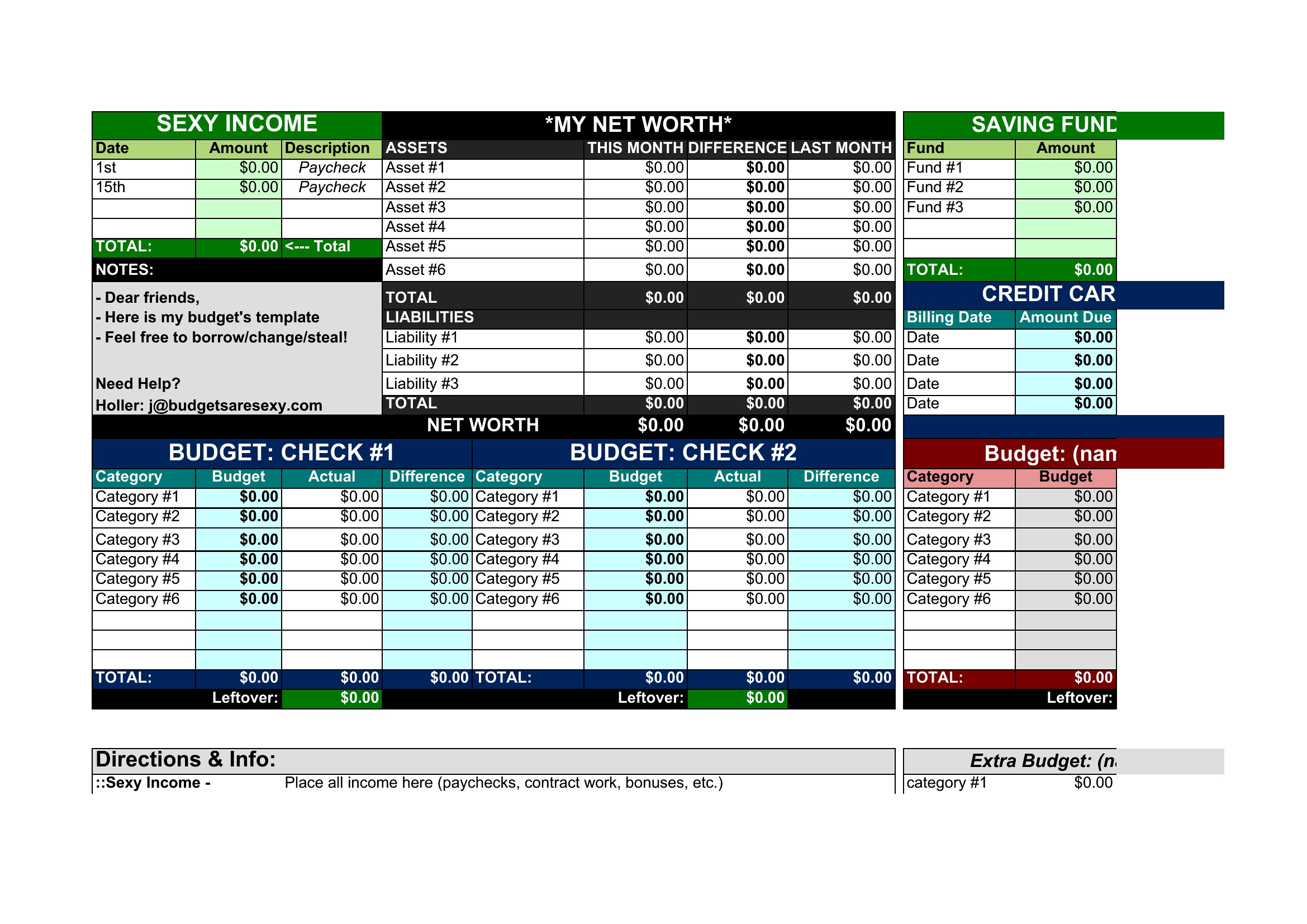
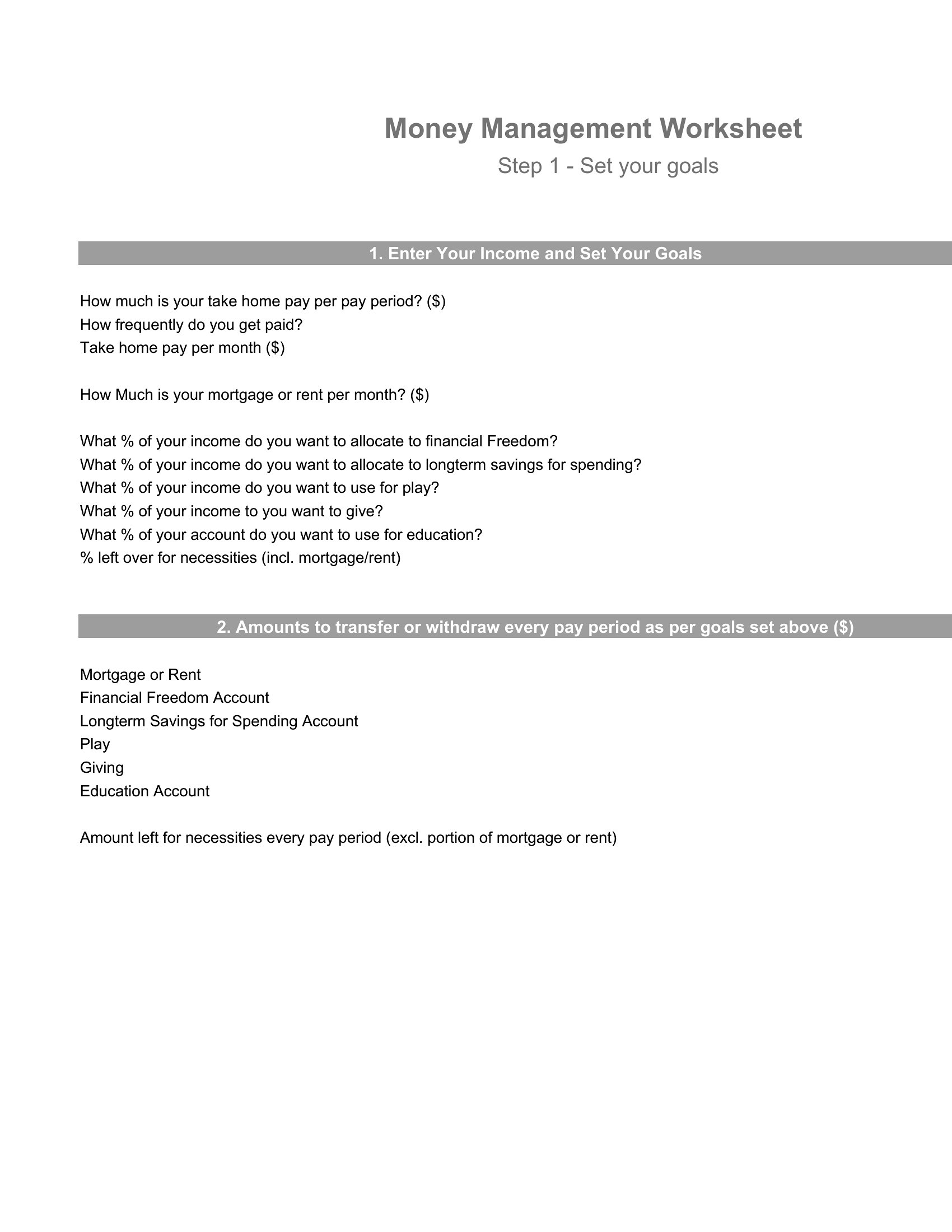
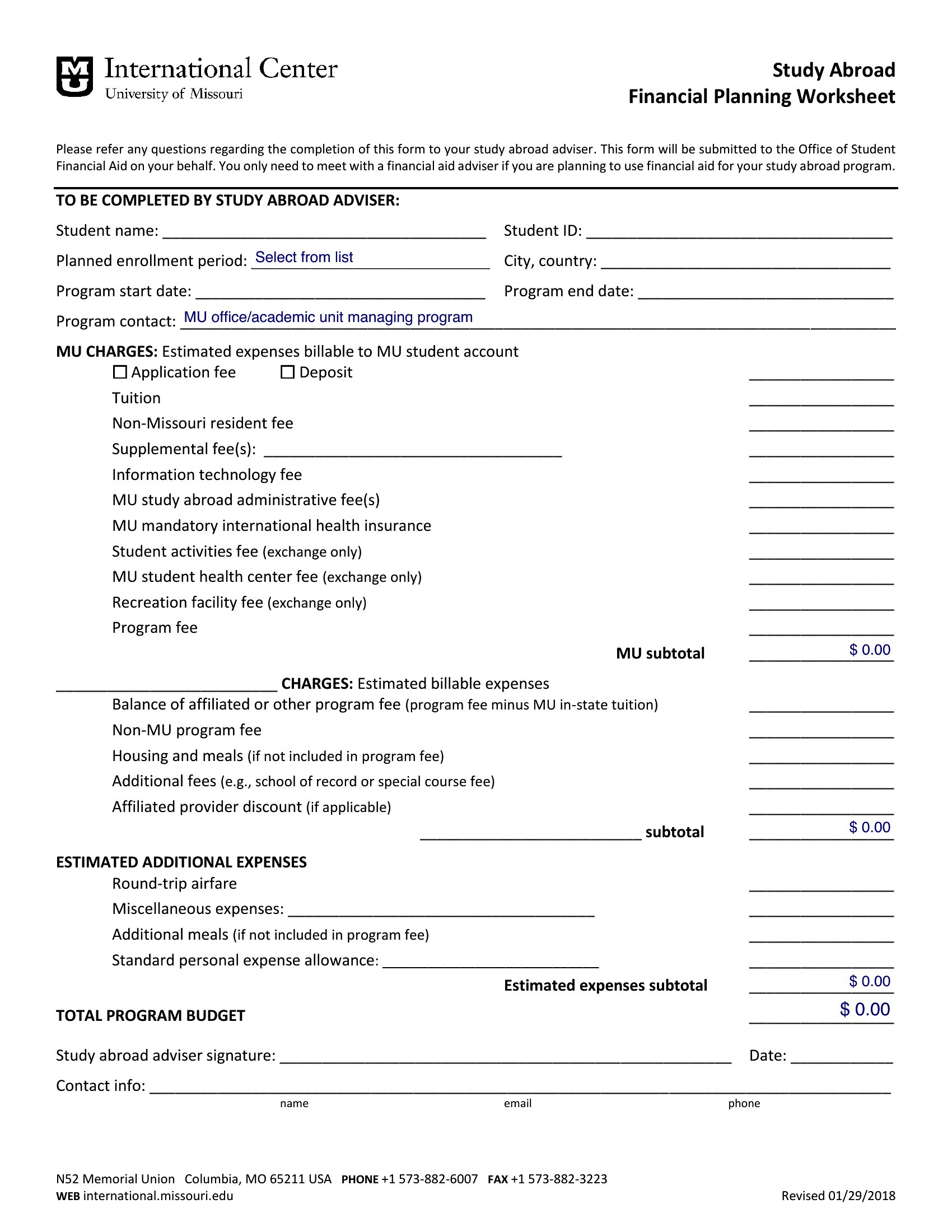
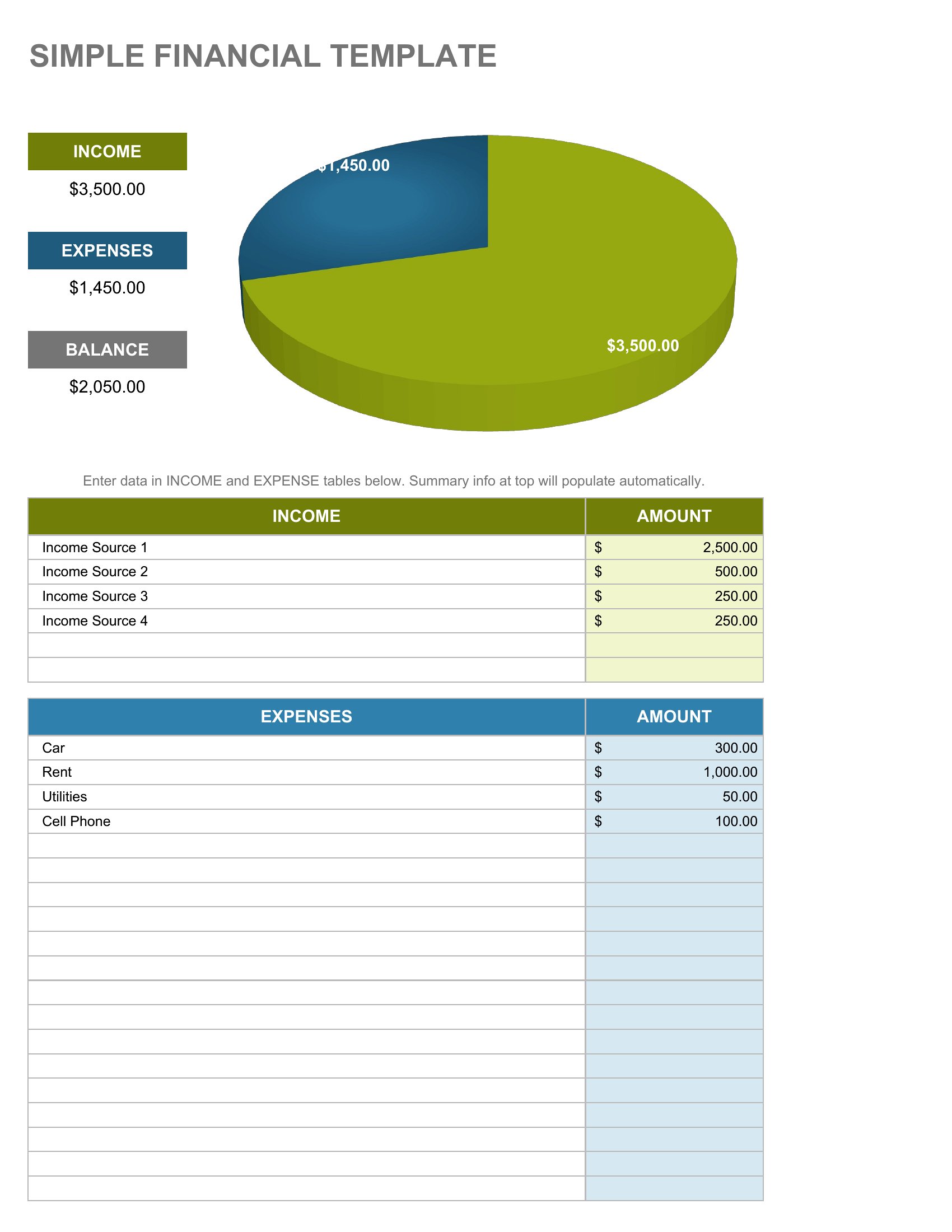
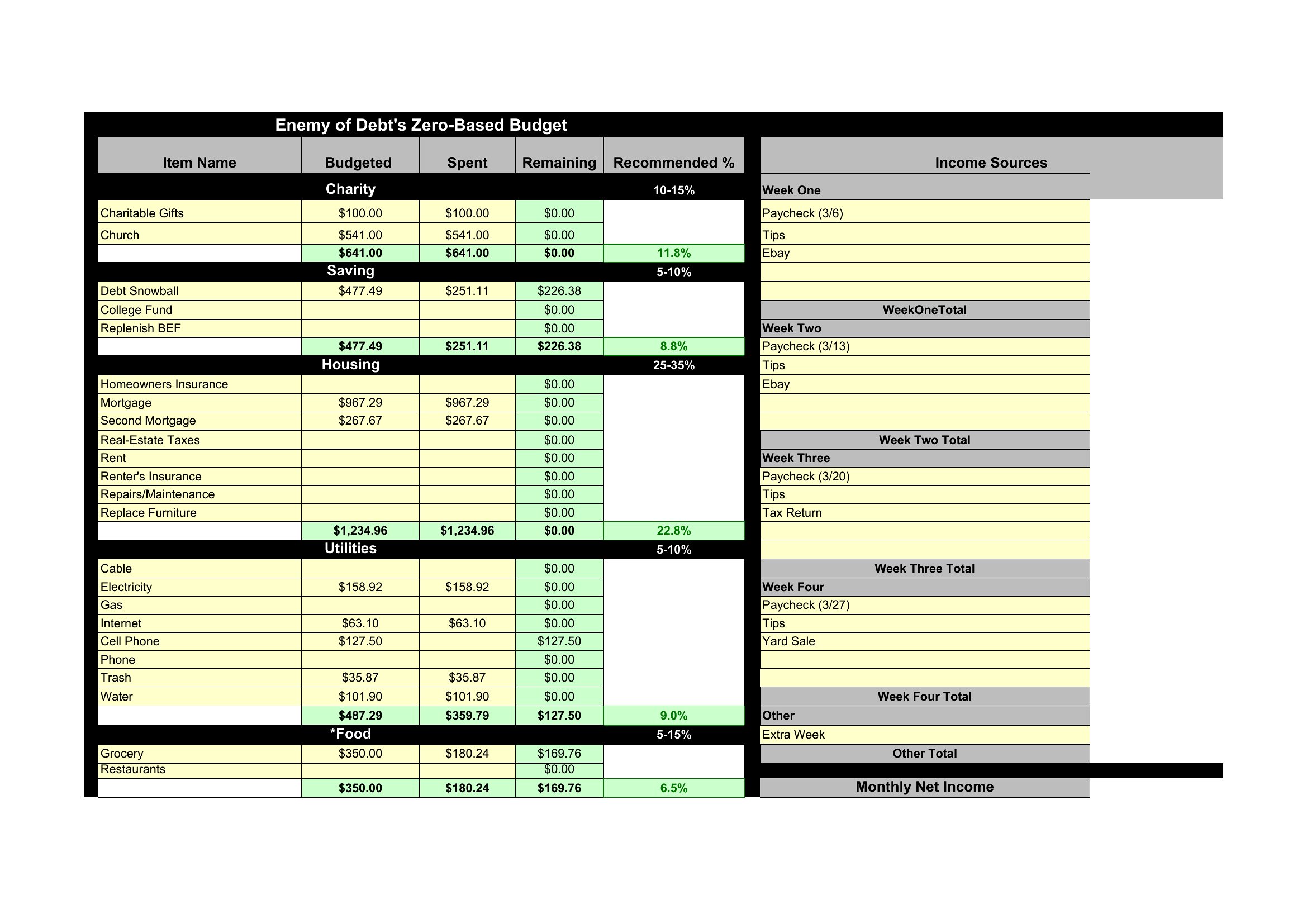
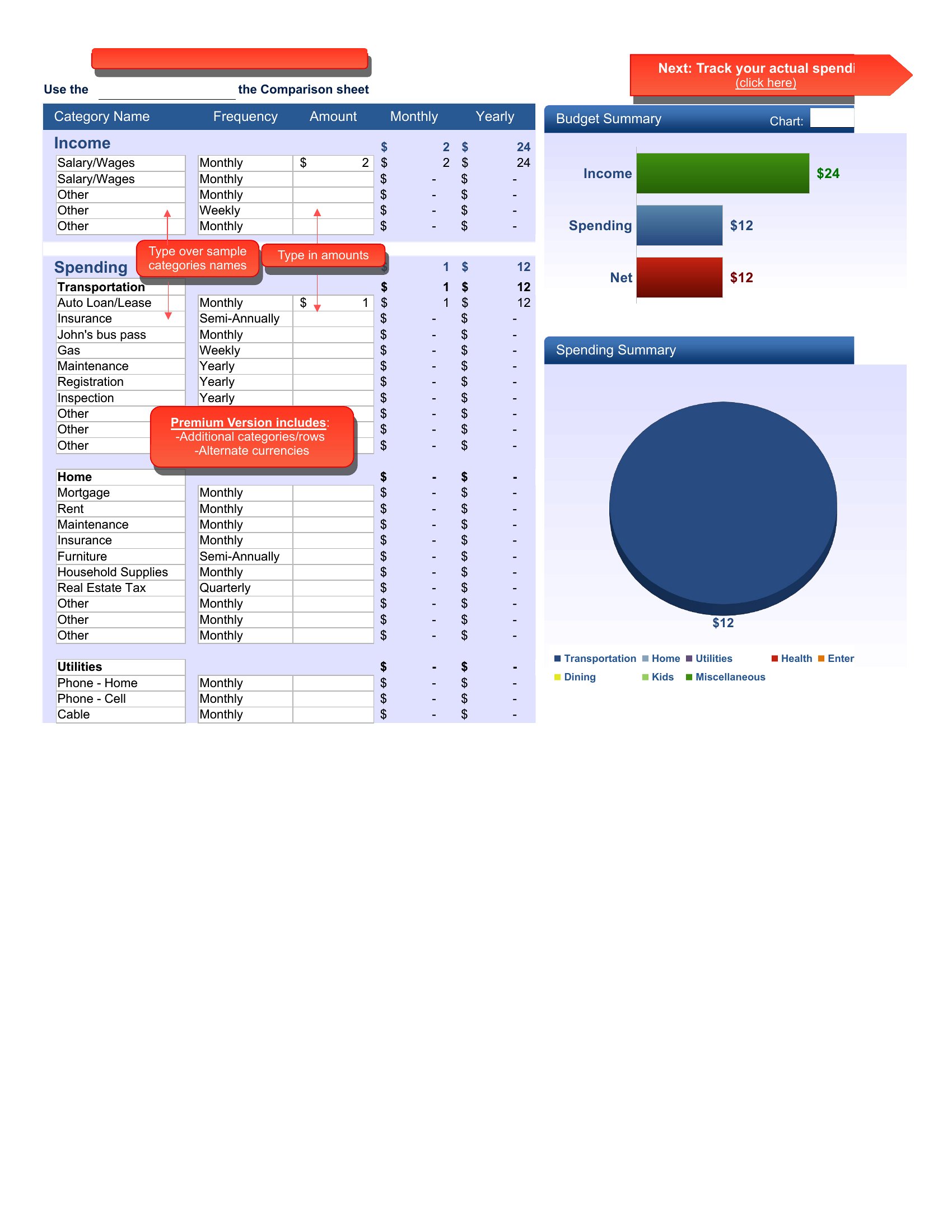
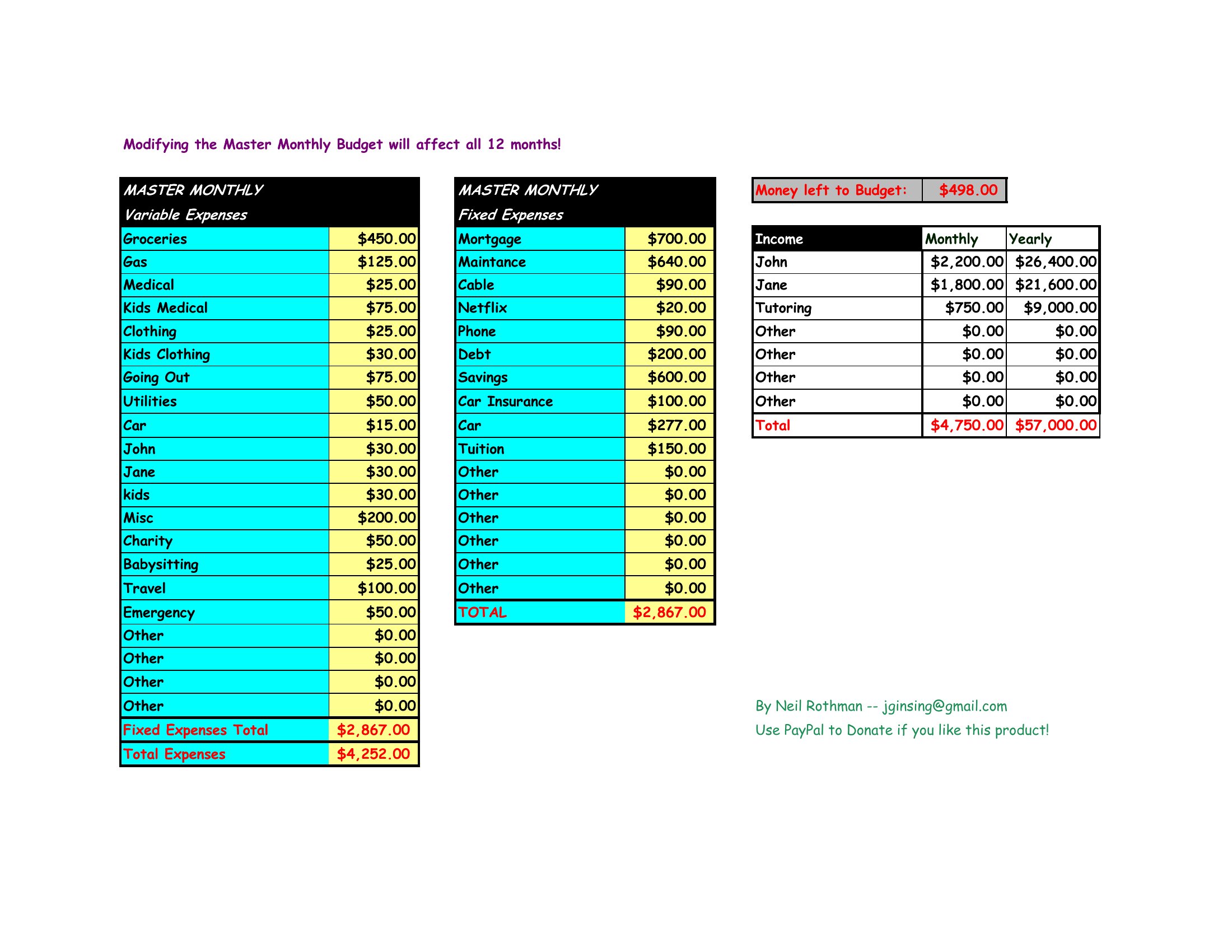
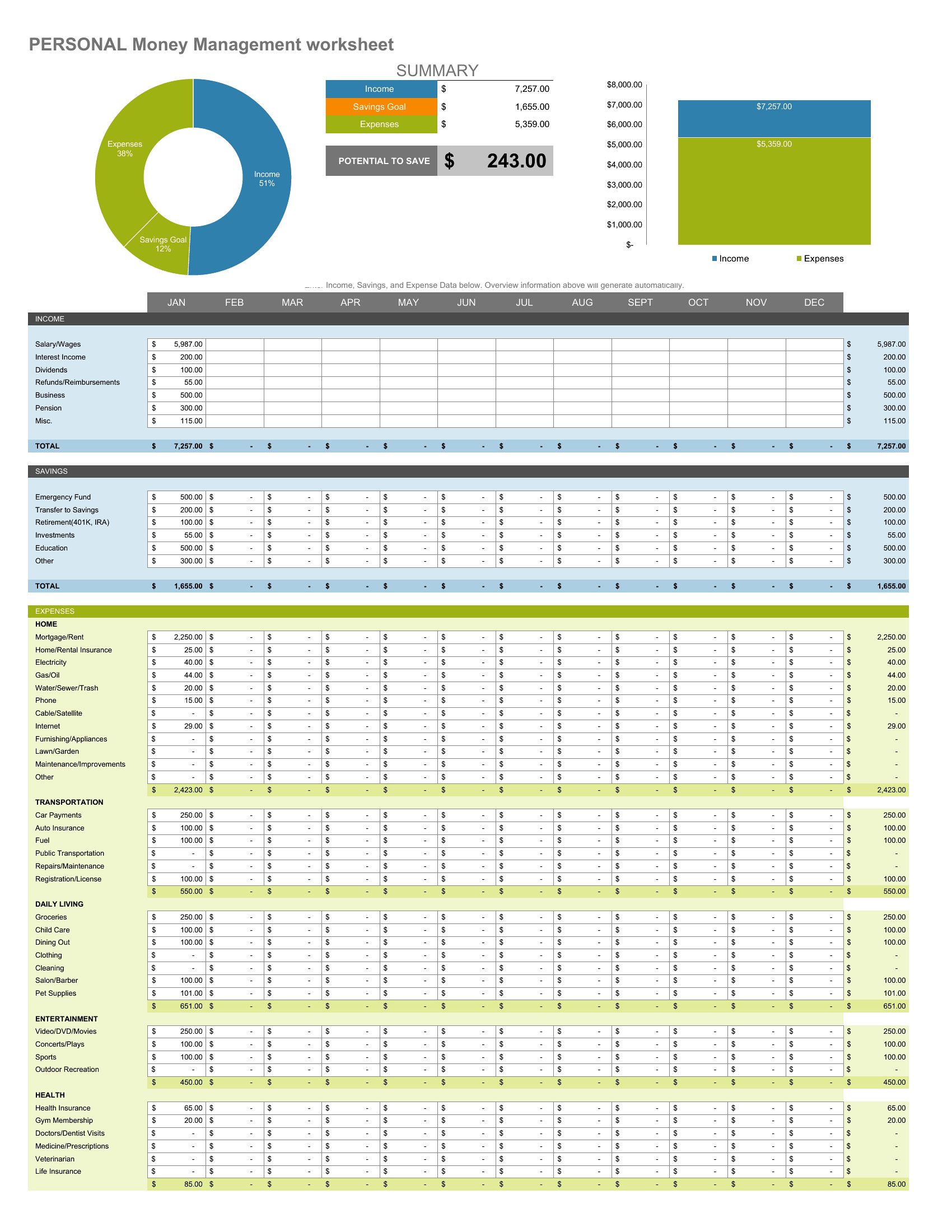
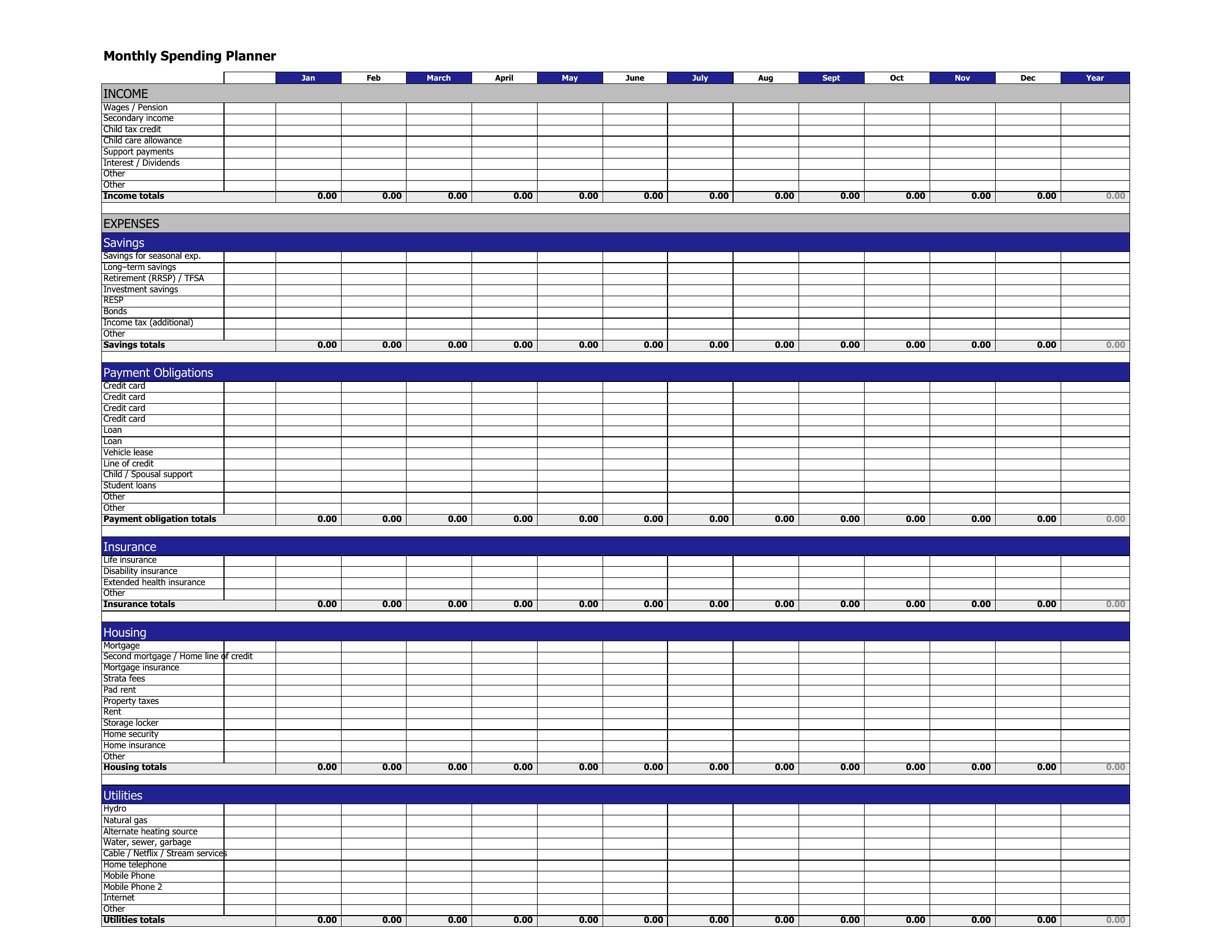
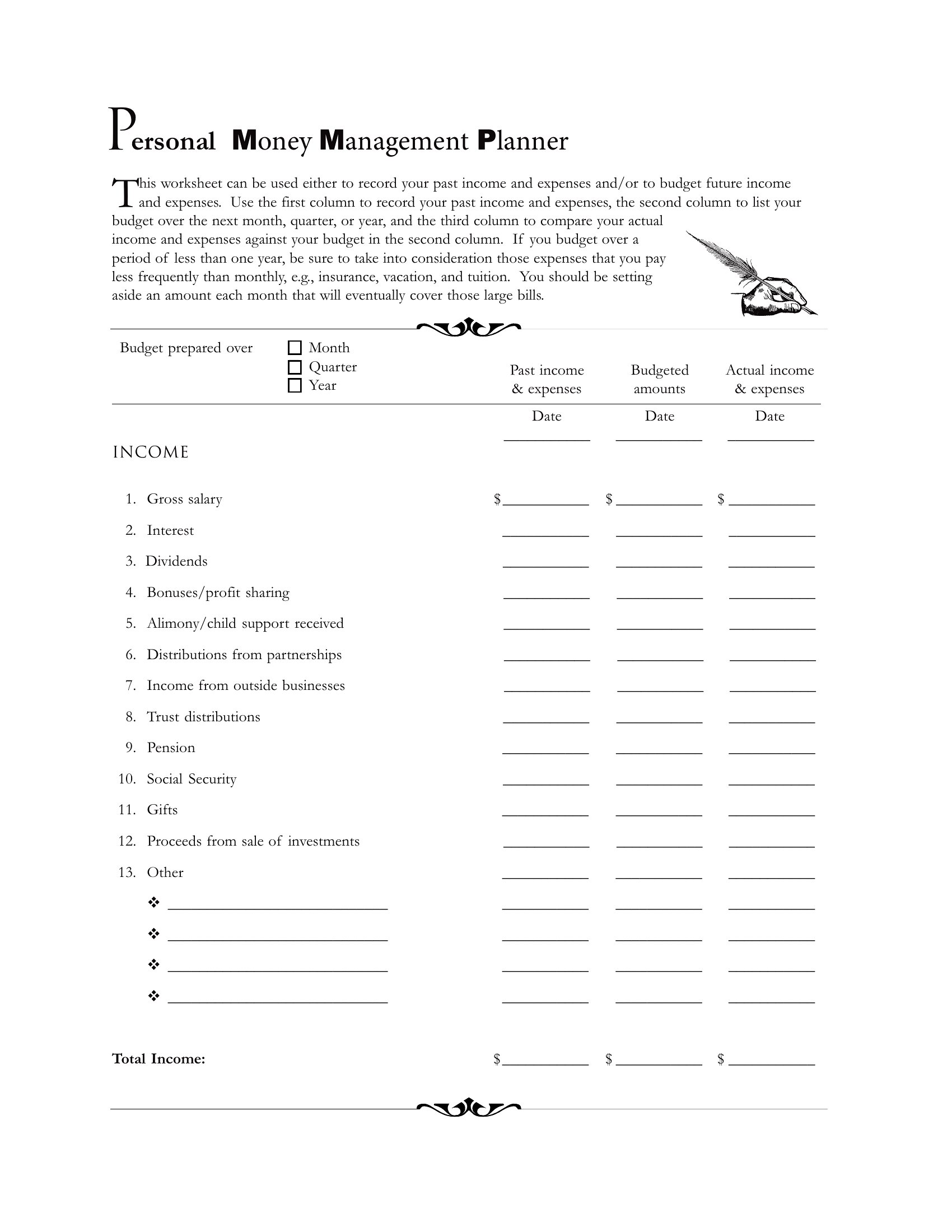
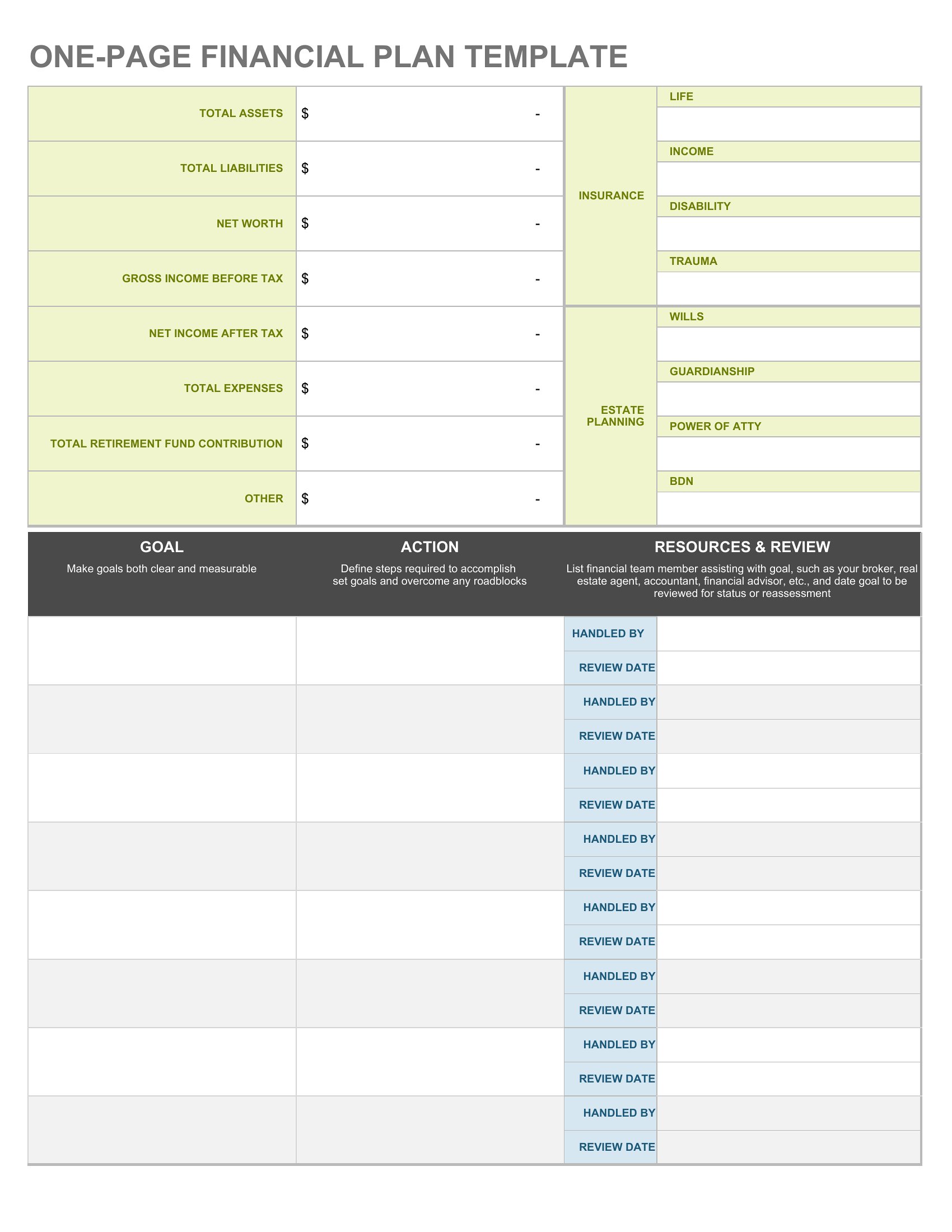
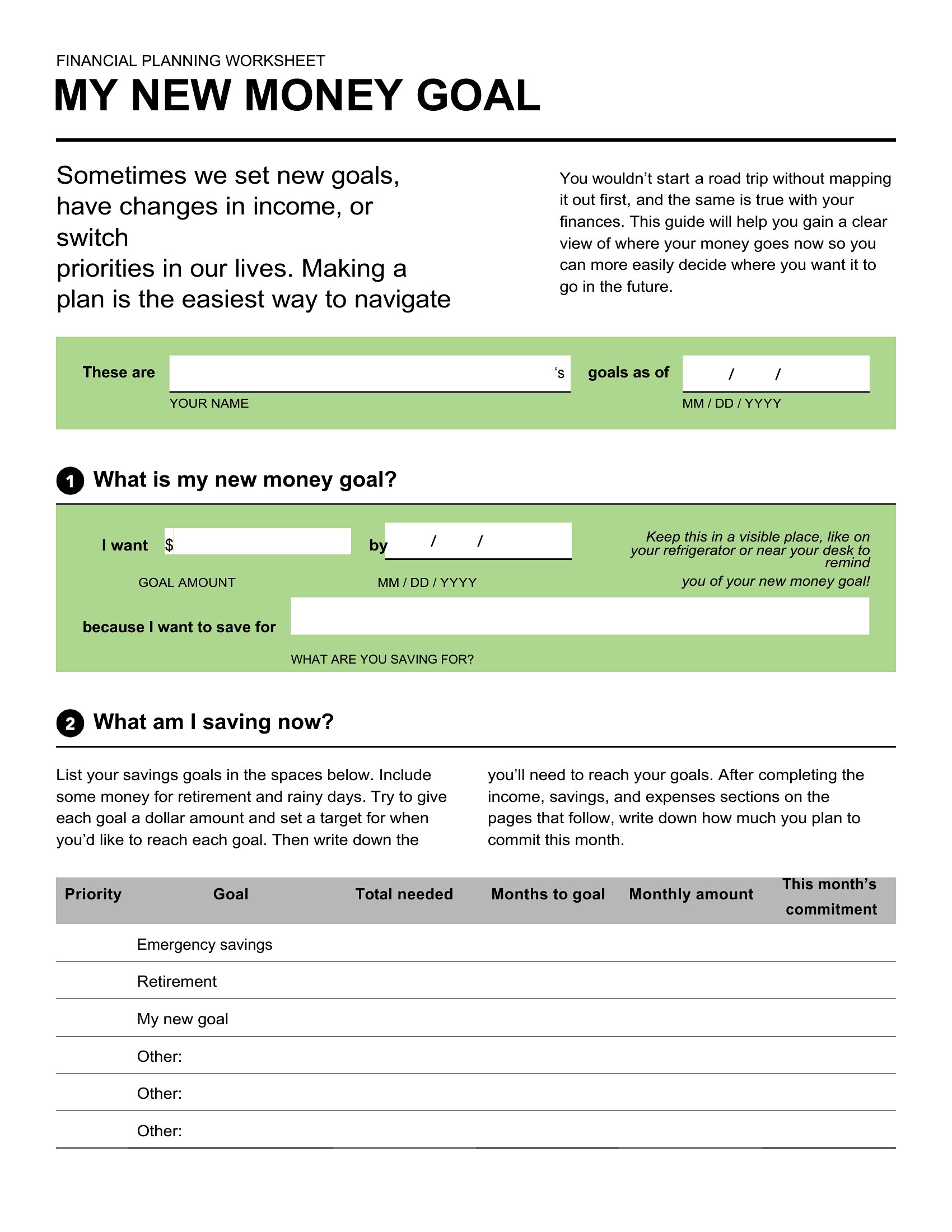
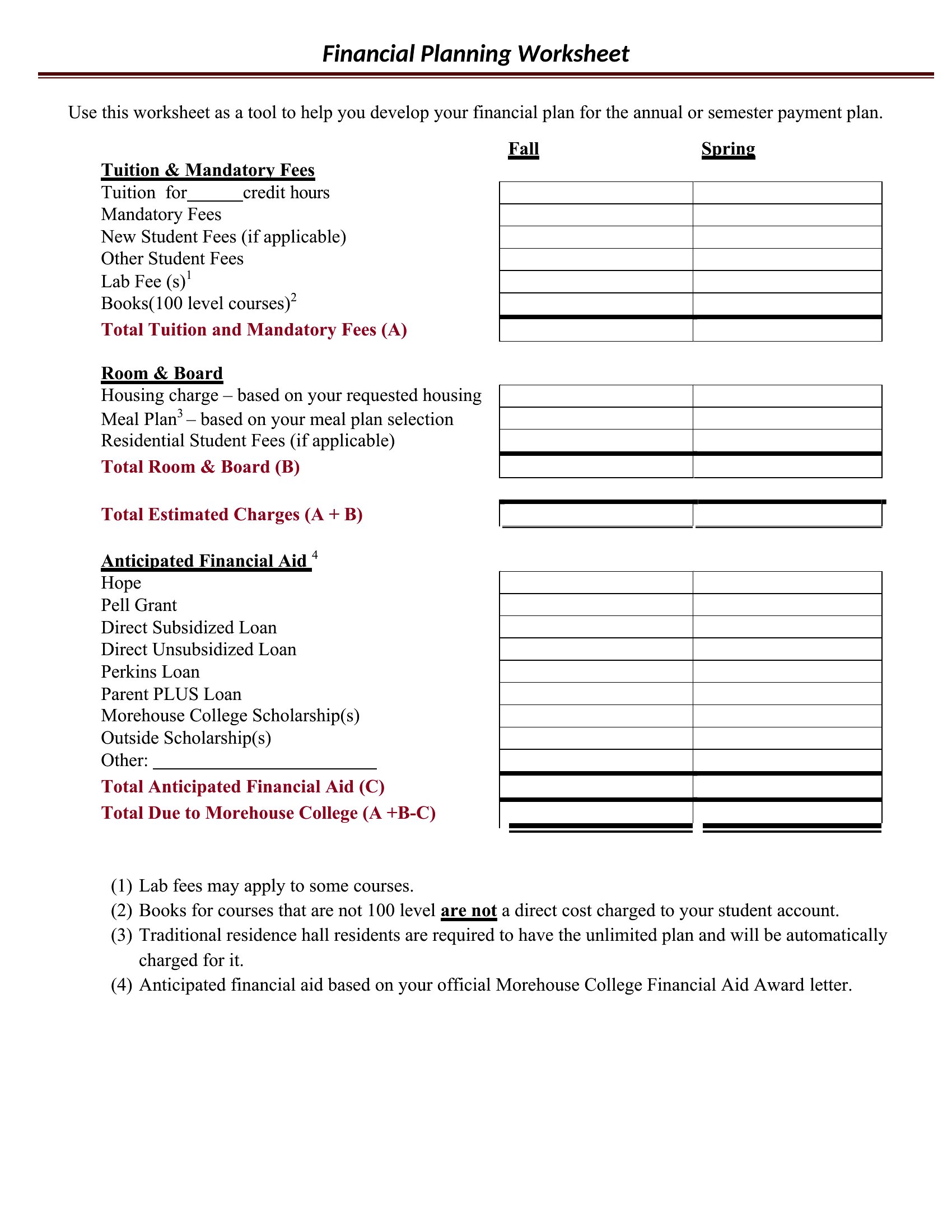
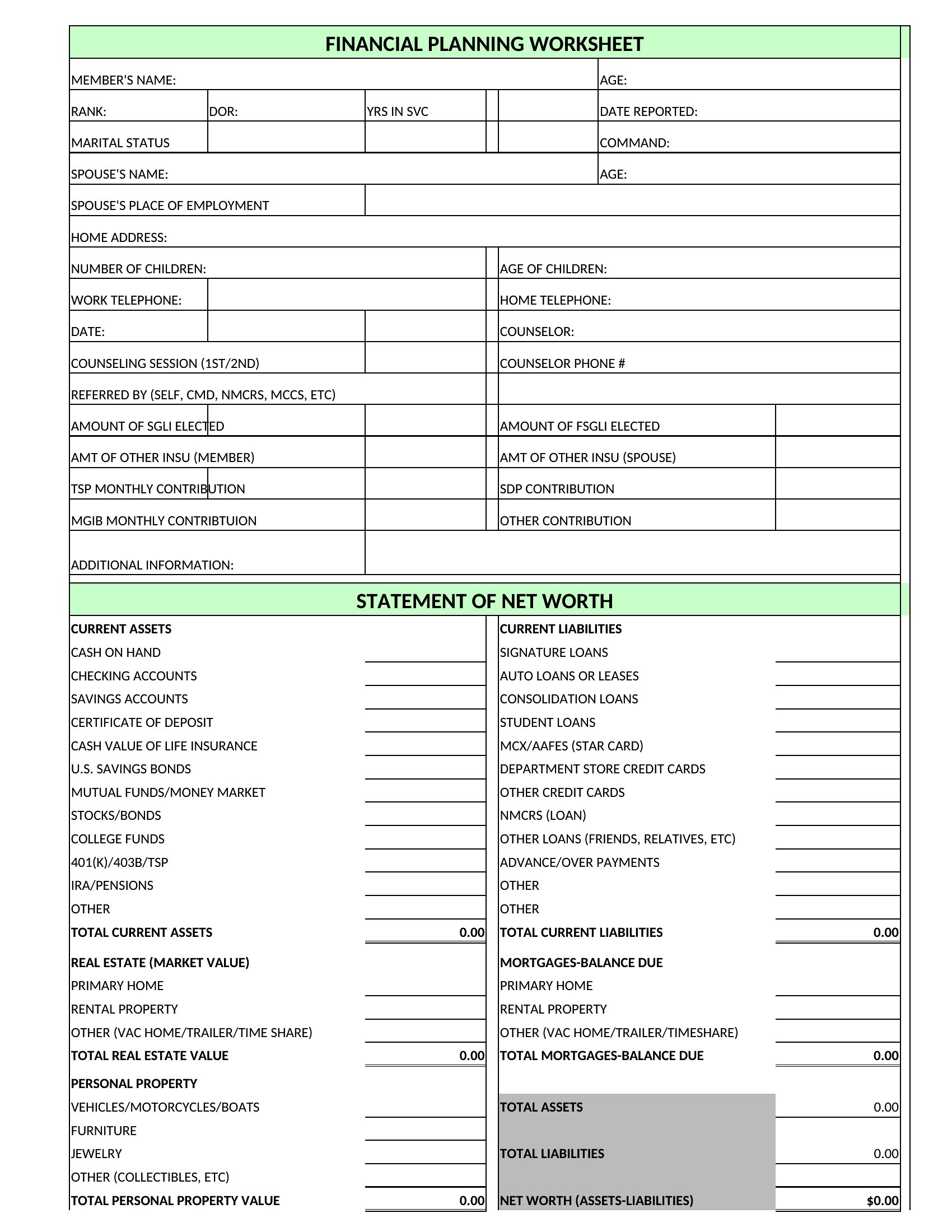
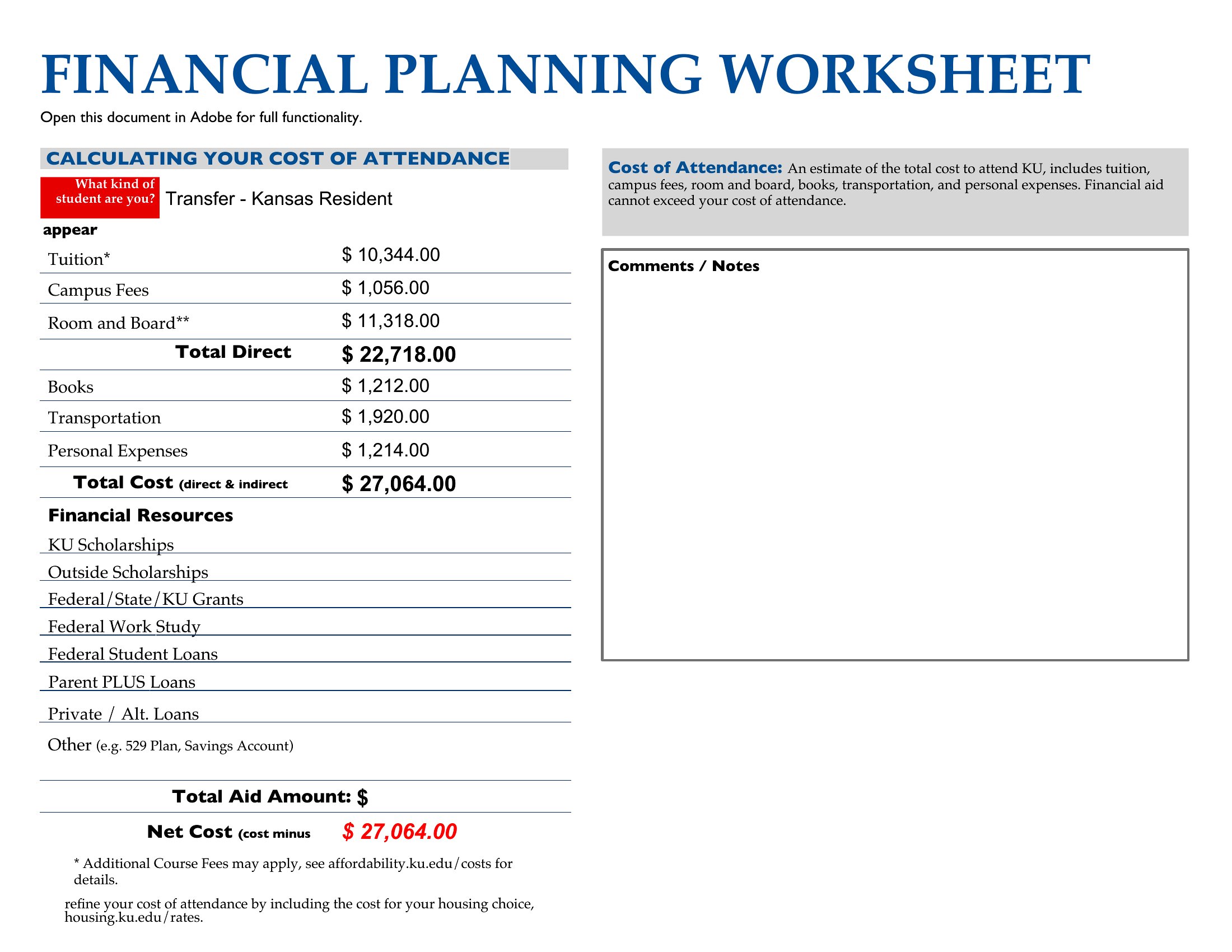
Getting a handle on your money starts with seeing where it actually goes, and a worksheet makes that picture clear. This collection of 47 money management worksheets helps students, families, and anyone paying down debt organize income, expenses, and savings goals. The layouts range from a basic monthly tracker to more detailed planners that break spending into categories you can adjust.

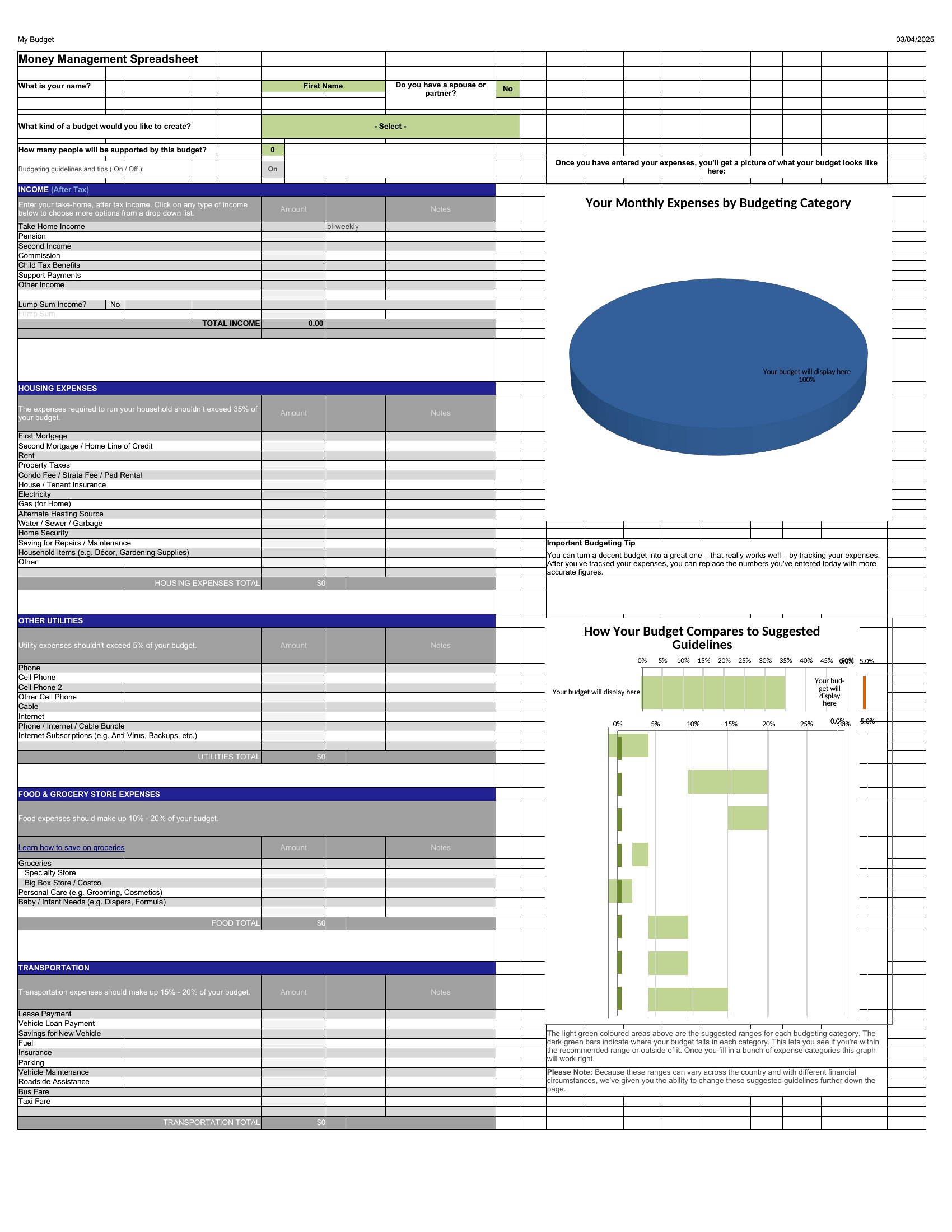
Excel versions total your numbers and flag the gap between what comes in and what goes out, while Word and PDF files print for a budget binder. Fill in your own figures and treat the results as a personal planning tool rather than financial advice. Download the worksheet that fits your goals and map out your next month of spending.

When to use this Money Management Worksheet template

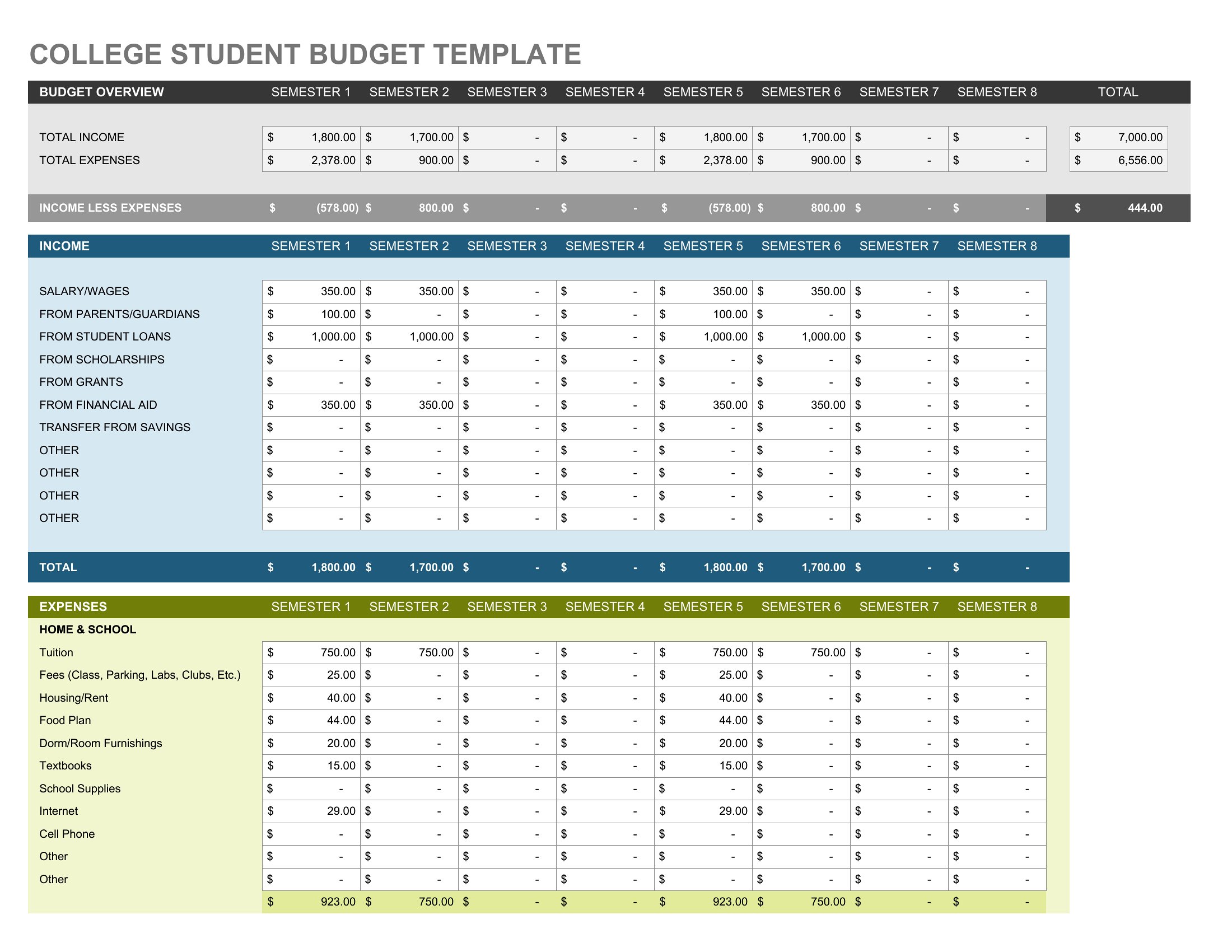
  • A college student on a tight budget tracking grocery, rent, and textbook costs to avoid overdrafts each semester.
  • New parents dividing household expenses, childcare costs, and emergency savings to plan for irregular income months.
  • A couple repaying credit card debt who need to categorize spending (dining, subscriptions) to allocate extra payments efficiently.
  • A freelancer with fluctuating income using a worksheet to reconcile irregular paychecks and seasonal business expenses.

Which format should I download?

WordExcelPDF

Choose Word for editable tracking when you need to adjust categories or add notes—ideal for ongoing personal budgeting. Excel works best for data-heavy analysis, like forecasting savings growth or comparing spending trends over months. PDF is perfect for sharing a finalized plan with a partner or advisor without risking edits. Avoid Excel if you prefer simplicity; Word is more intuitive for non-technical users.

How to use this Money Management Worksheet template

Can these worksheets help if I earn irregular income, like tips or commissions?

Yes, many include sections for variable income tracking. Look for templates with weekly or biweekly columns alongside monthly totals. Adjust categories like 'irregular earnings' or 'side income' to fit your cash flow. Pair with a savings buffer category to handle paycheck gaps.

How do I decide which categories to use if my spending doesn’t match the default ones?

Start with broad categories (housing, transport, utilities) from any template, then customize by adding rows for unique expenses like 'car maintenance' or 'pet care.' Excel lets you merge or split categories easily. Word allows manual entry—simply add blank rows and label them. Keep it to 10–15 categories to avoid overwhelm.

Are there templates that help with debt repayment strategies beyond just listing debts?

Yes, several include debt snowball or avalanche calculators with columns for interest rates, minimum payments, and extra payment allocations. Look for worksheets labeled 'debt payoff' or 'credit card tracker.' These guide you through prioritizing debts while tracking progress month by month. Use the PDF format to print and post near your workspace.

Comments

Join the conversation

Sign in to share your thoughts and leave a comment on this resource.

Newsletter

Get Weekly Design Updates

Join our community to receive curated resources and inspiration.

Weekly Tips Resources Early Access

We respect your privacy. Confirmation email required. Privacy Policy